KitGuru KitGuru.net – Tech News | Hardware News | Hardware Reviews | IOS | Mobile | Gaming | Graphics Cards


Speaking of the OSD, this is split into a few different areas, with the main settings options, but OLED Care and Game Assist in separate tabs:
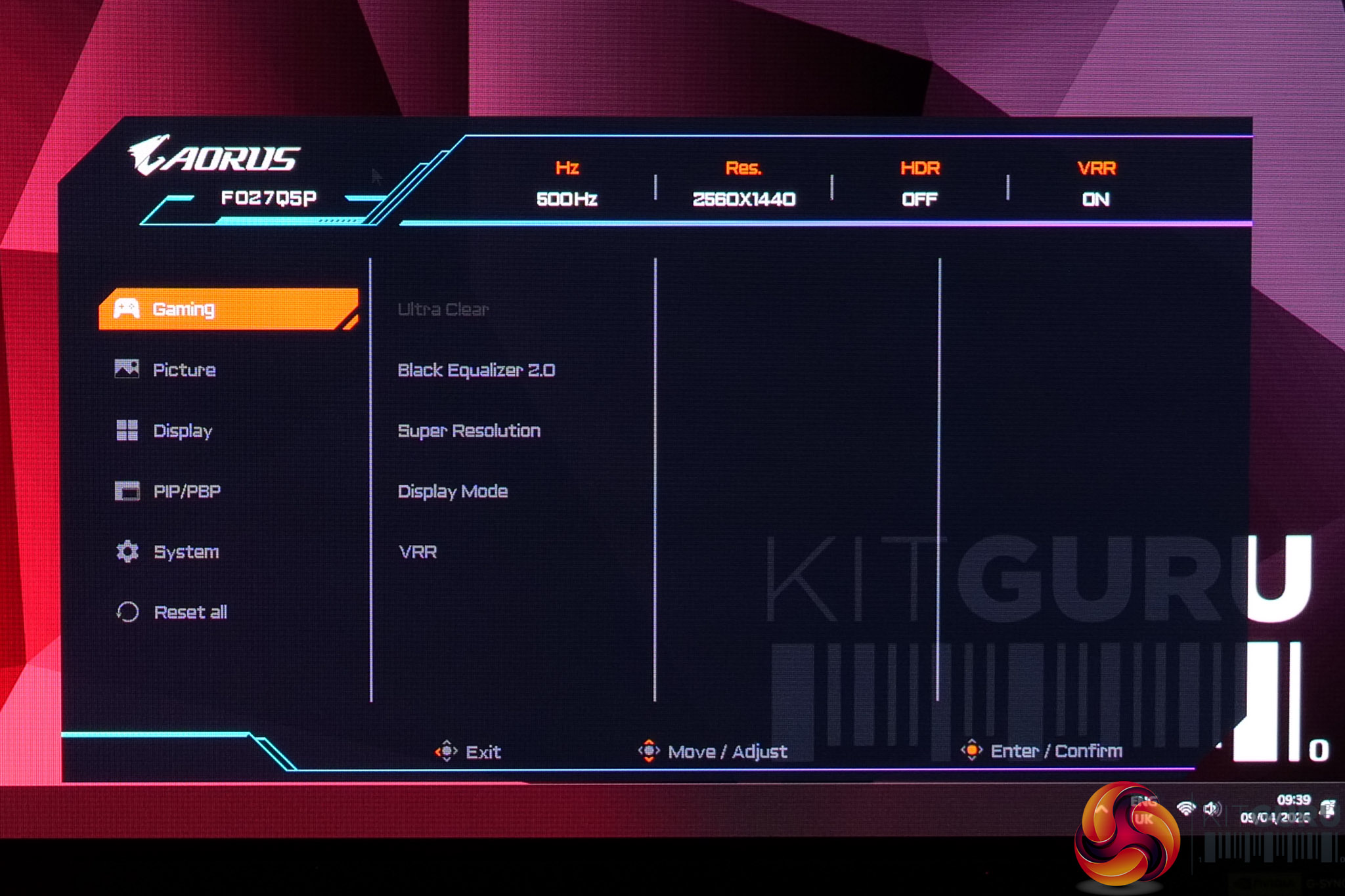
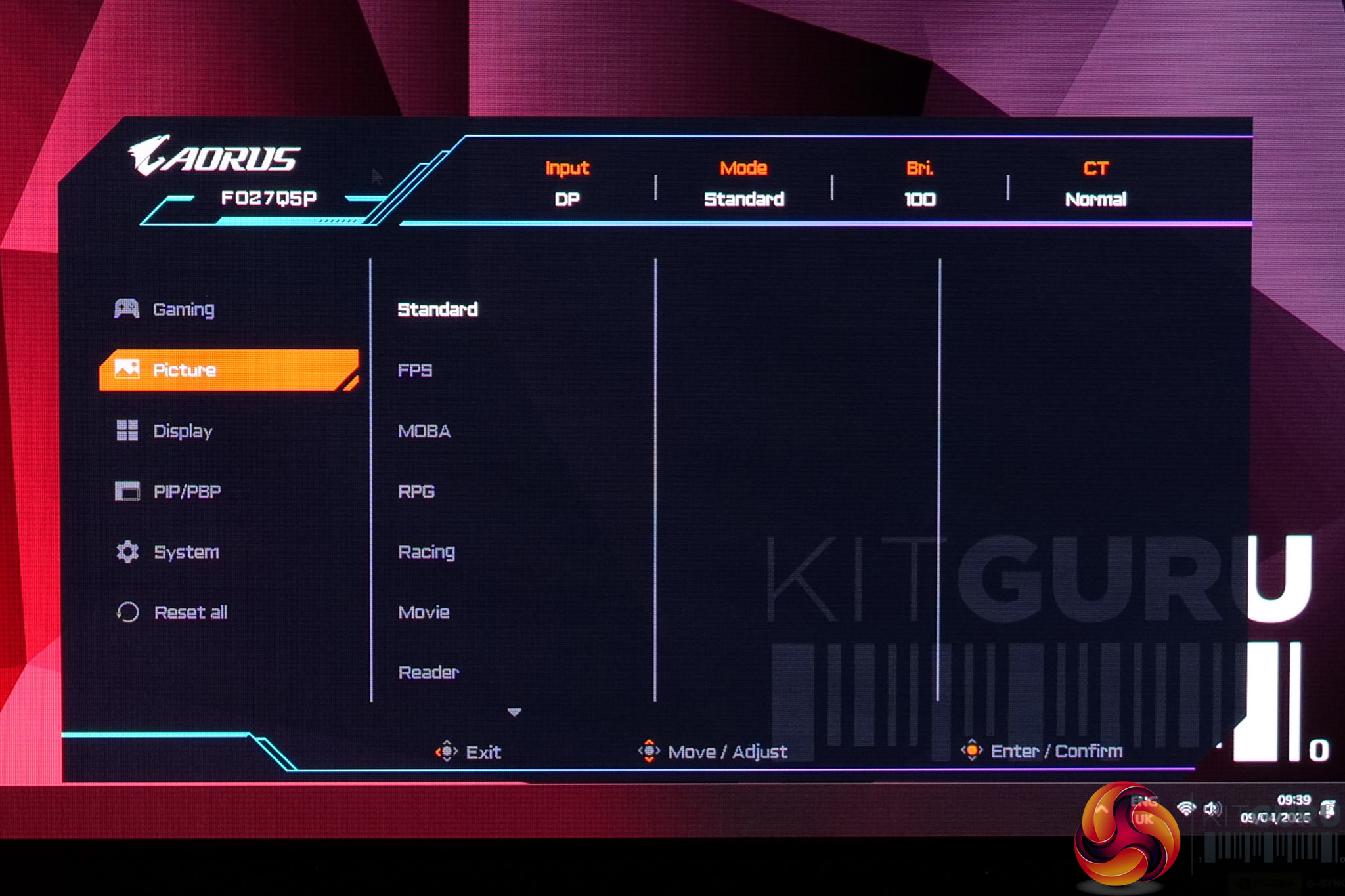
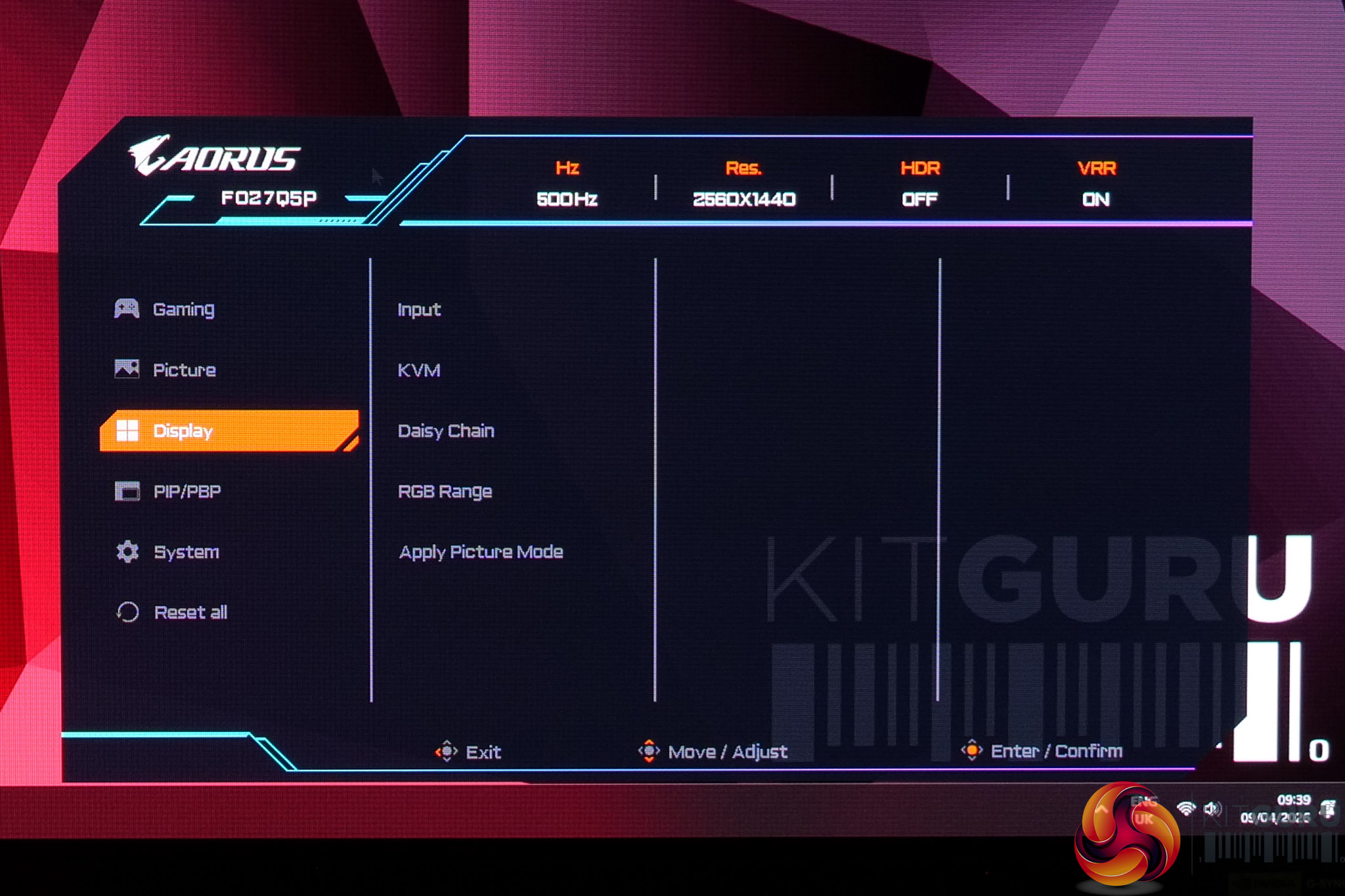
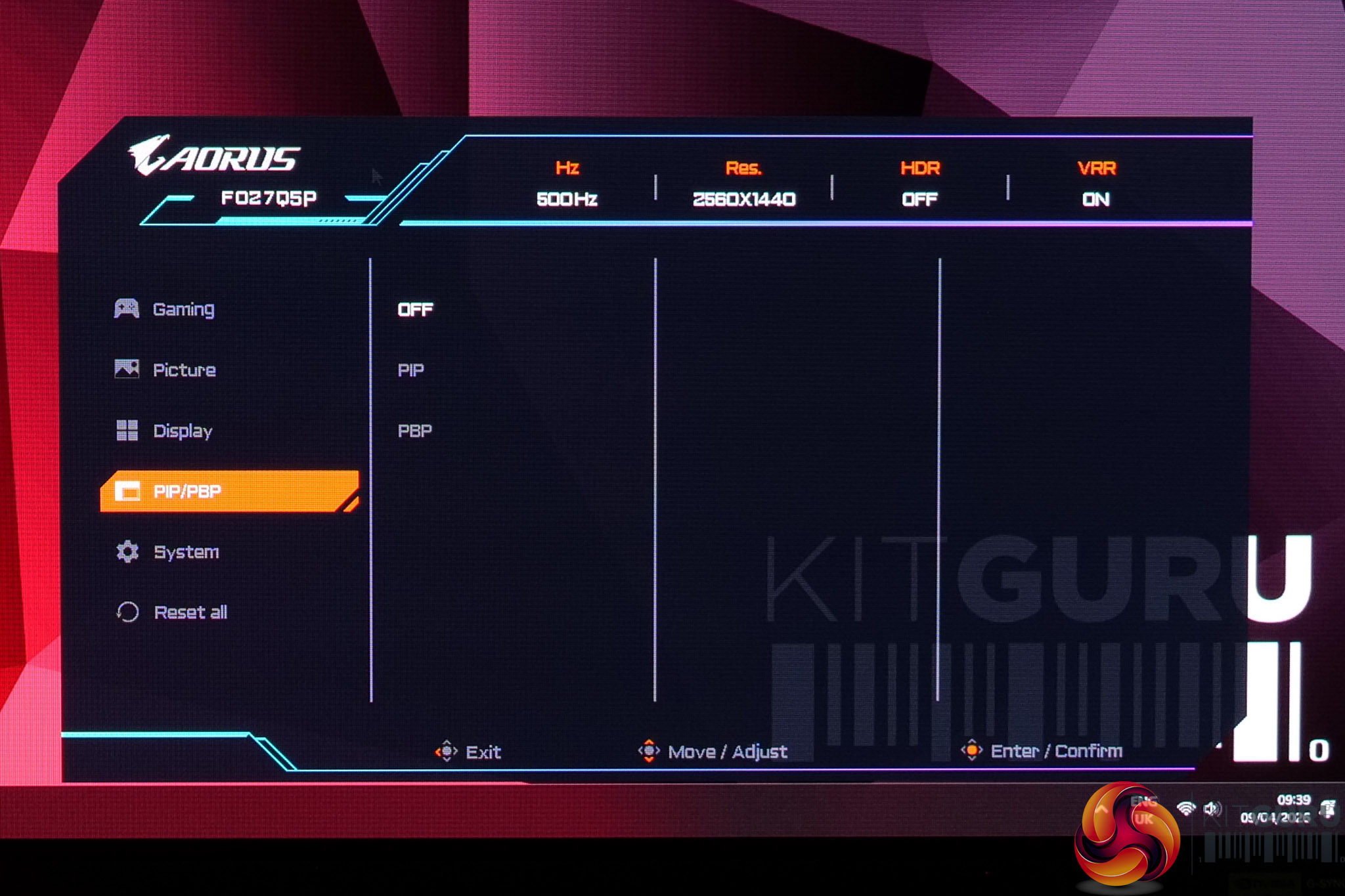
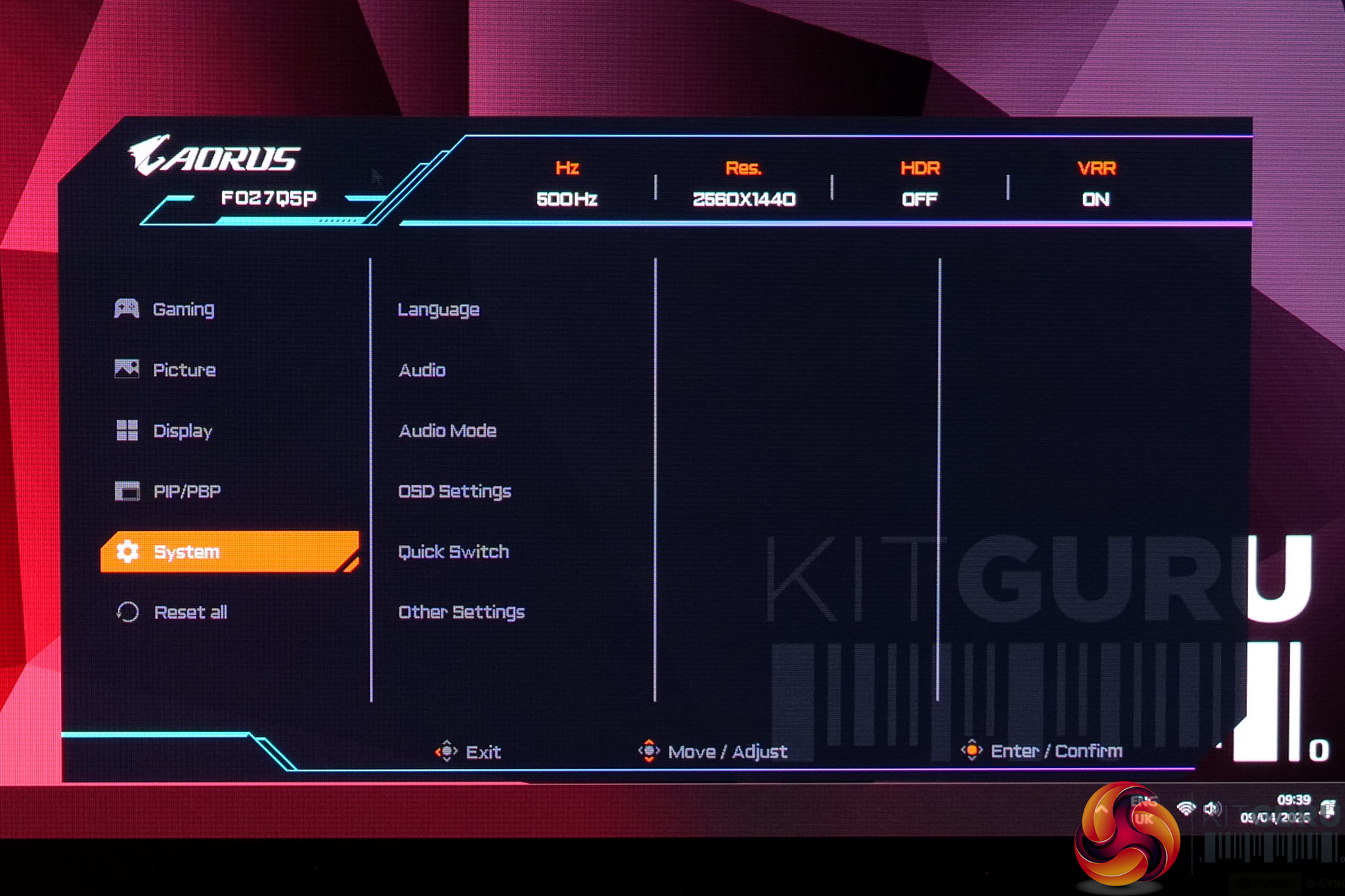
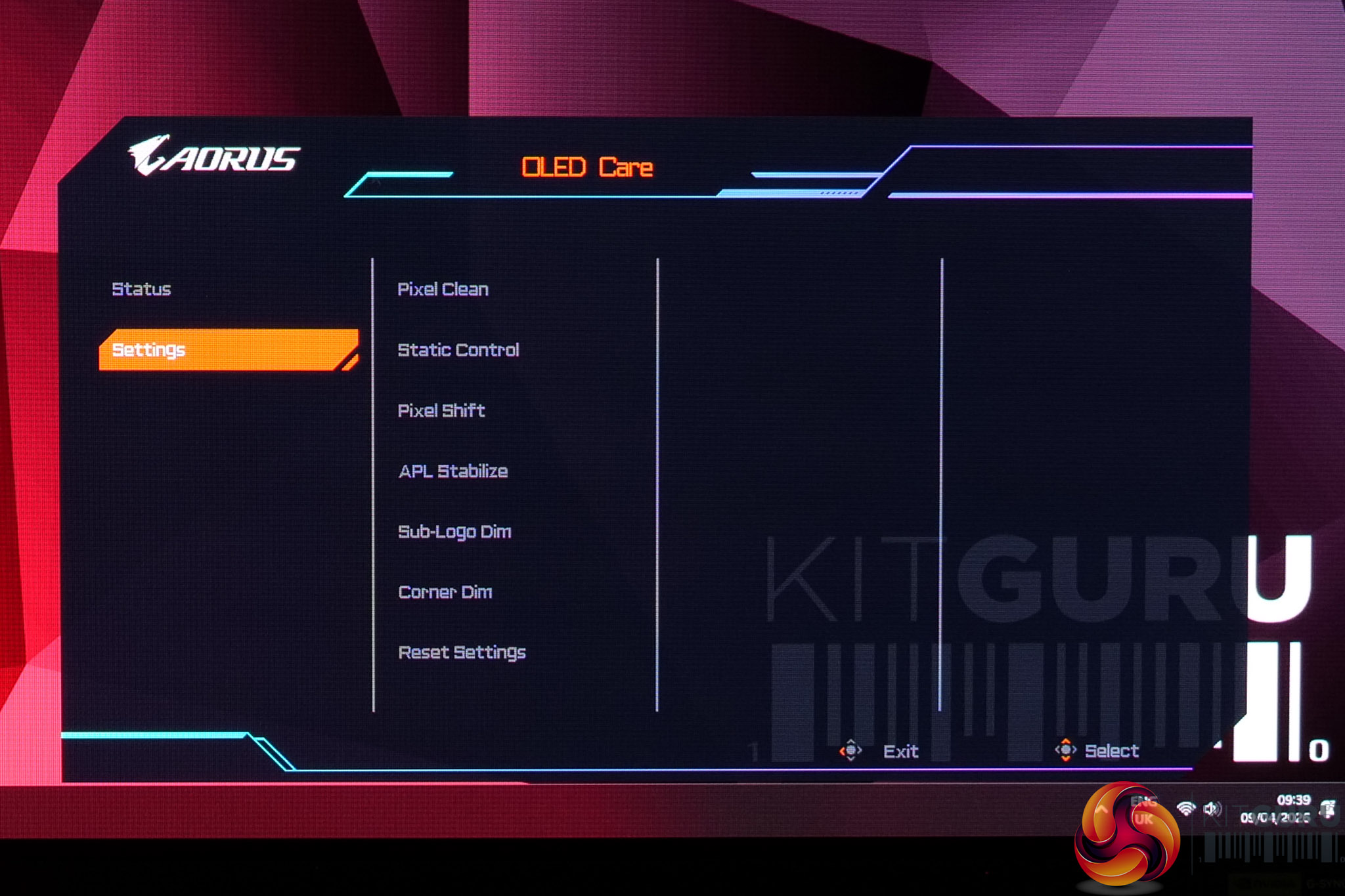
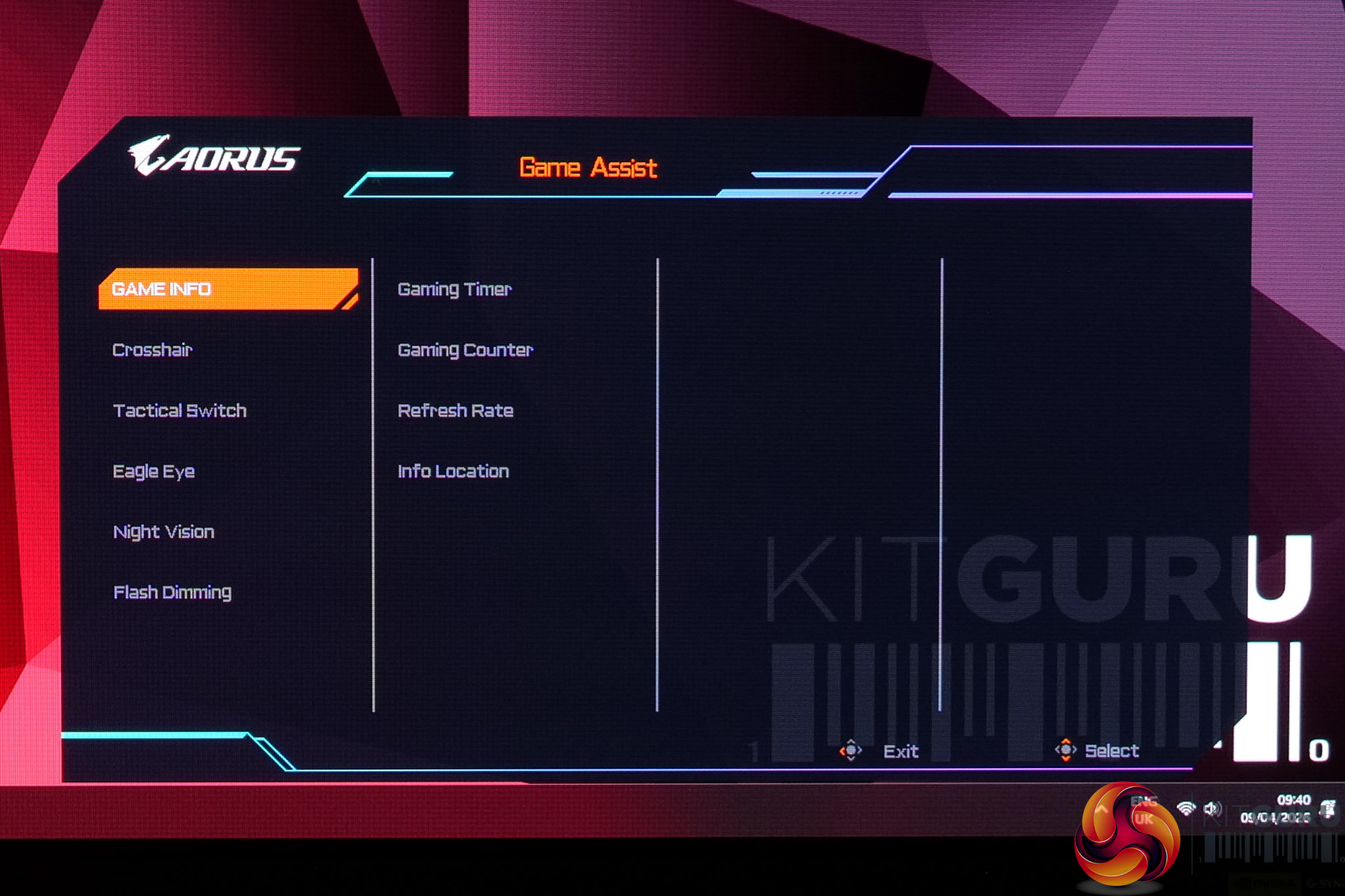
The OSD itself appears unchanged since we reviewed the FO27Q3. That's no bad thing, though, as it's clearly laid-out and easy to navigate with the joystick, plus it's very well featured. The OLED Care and Game Assist settings are housed in separate menus, which is just something to be aware of, but it's a very well-featured selection so I have no complaints.
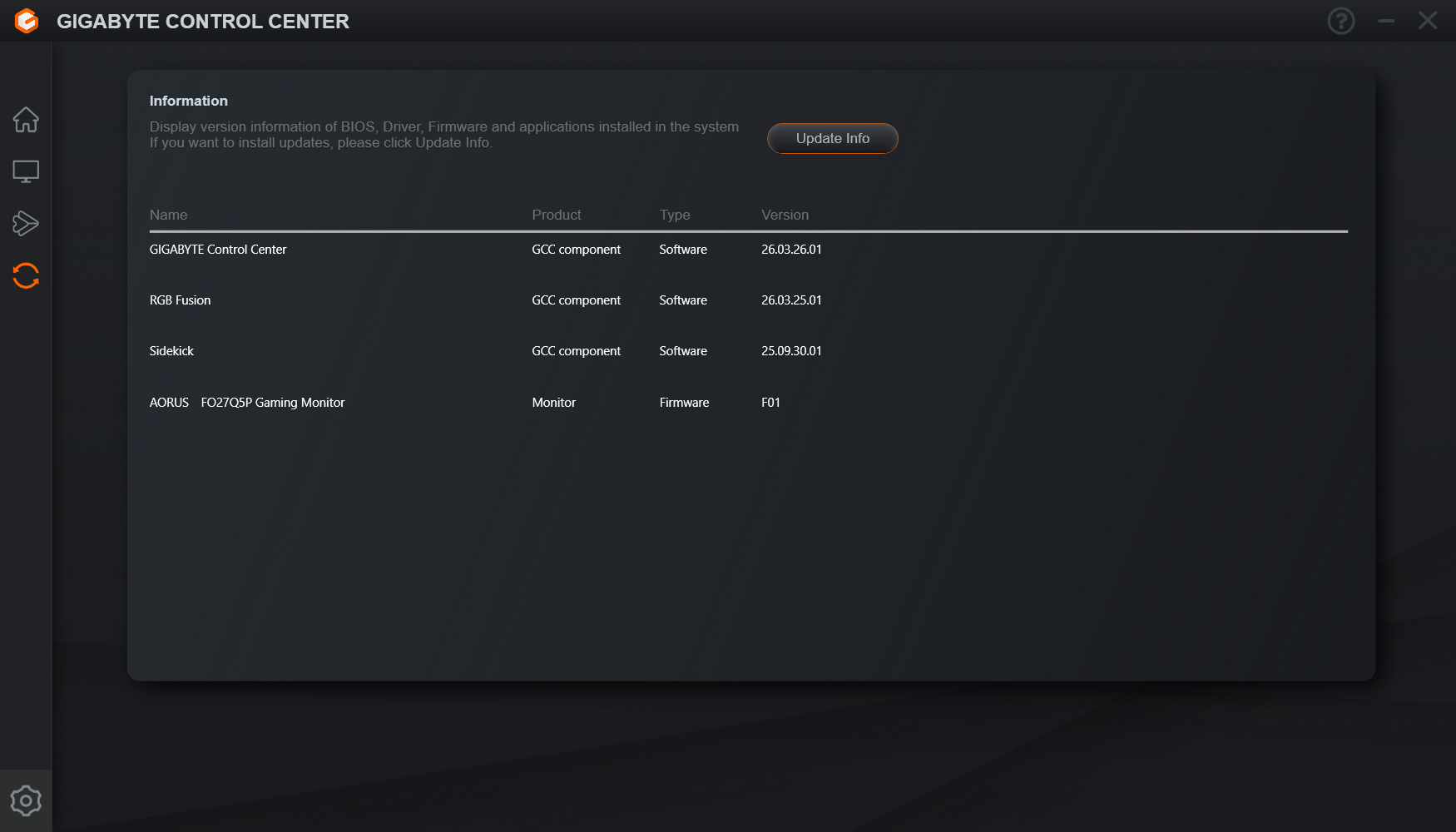
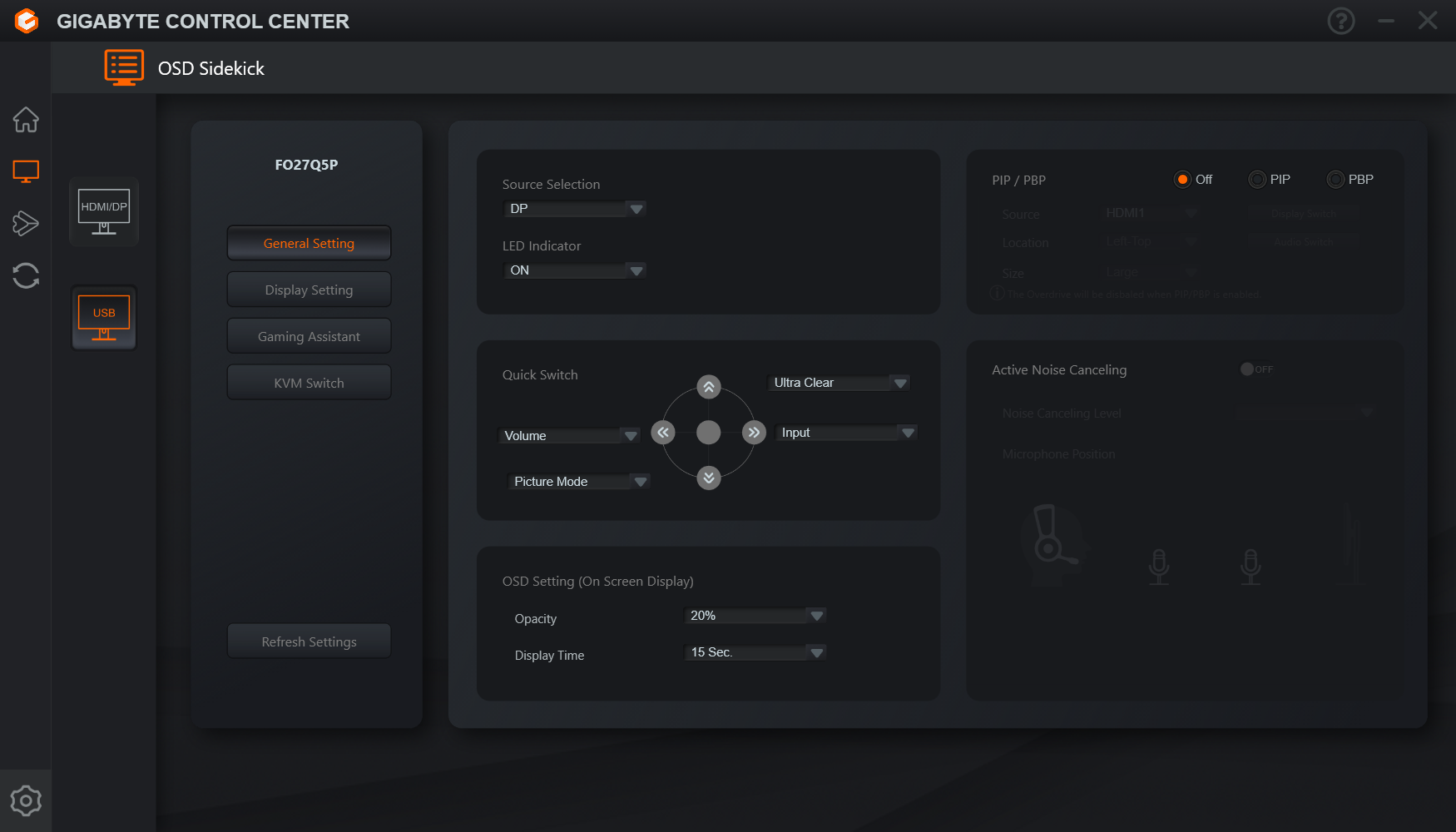
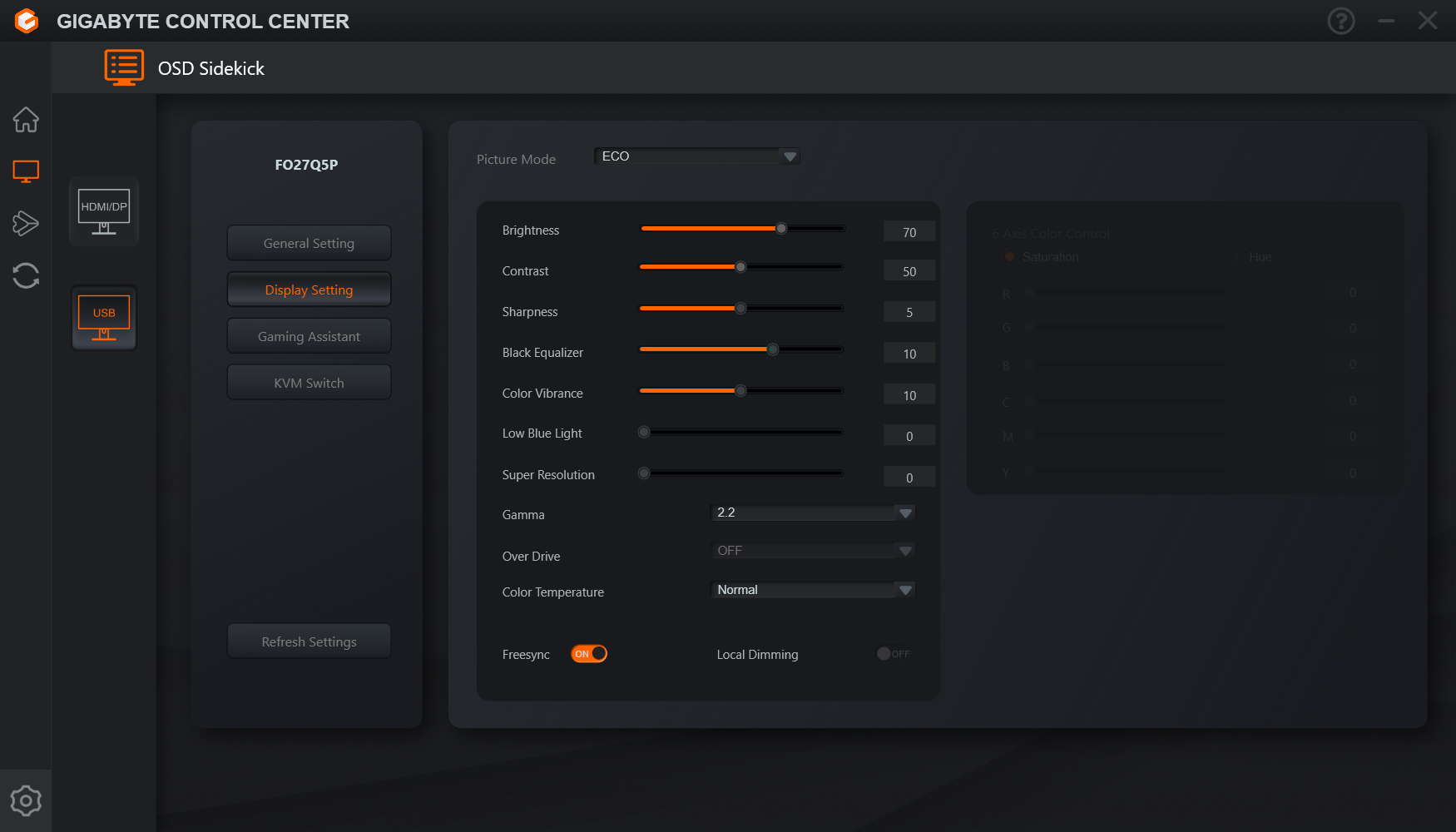
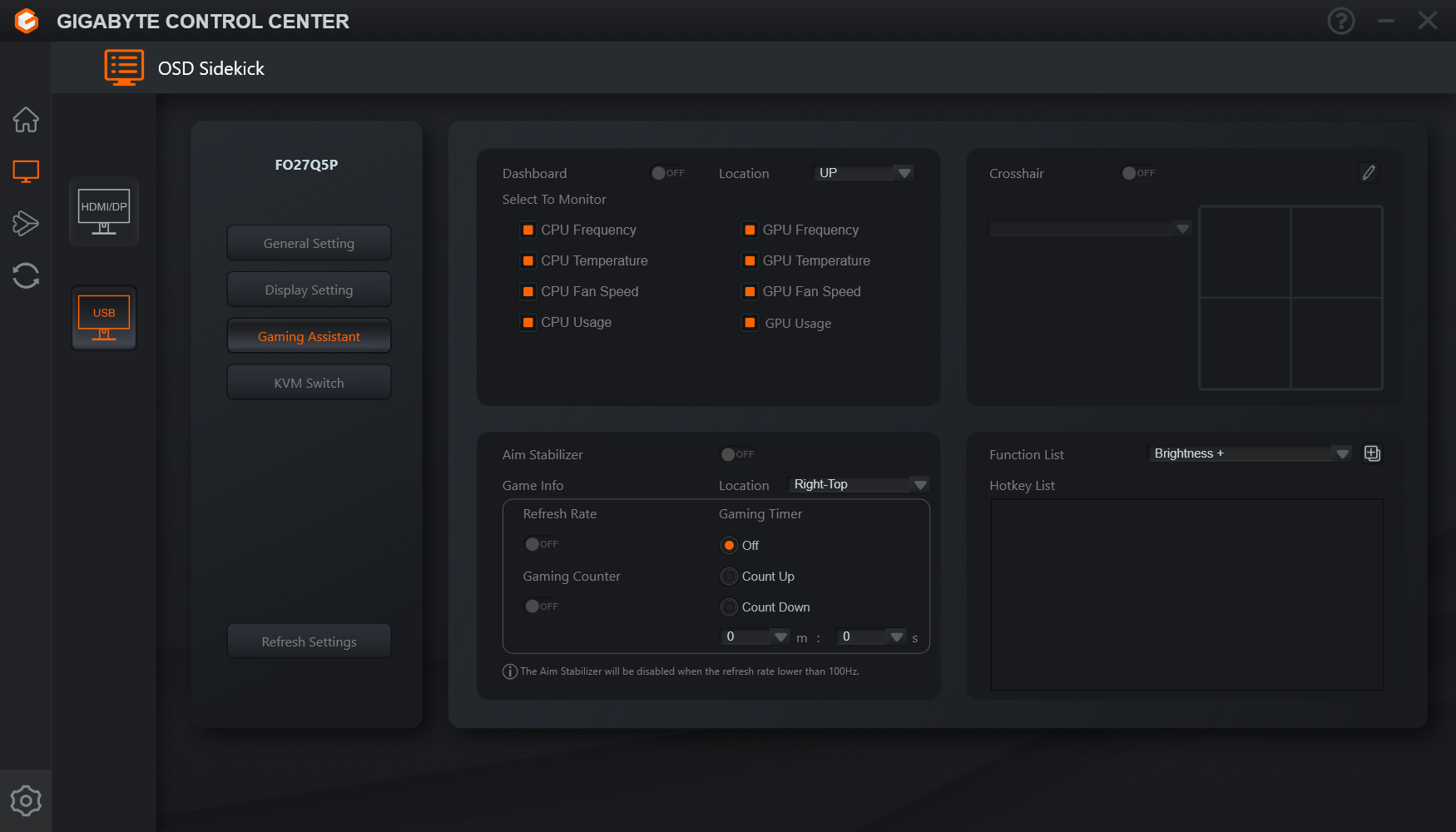
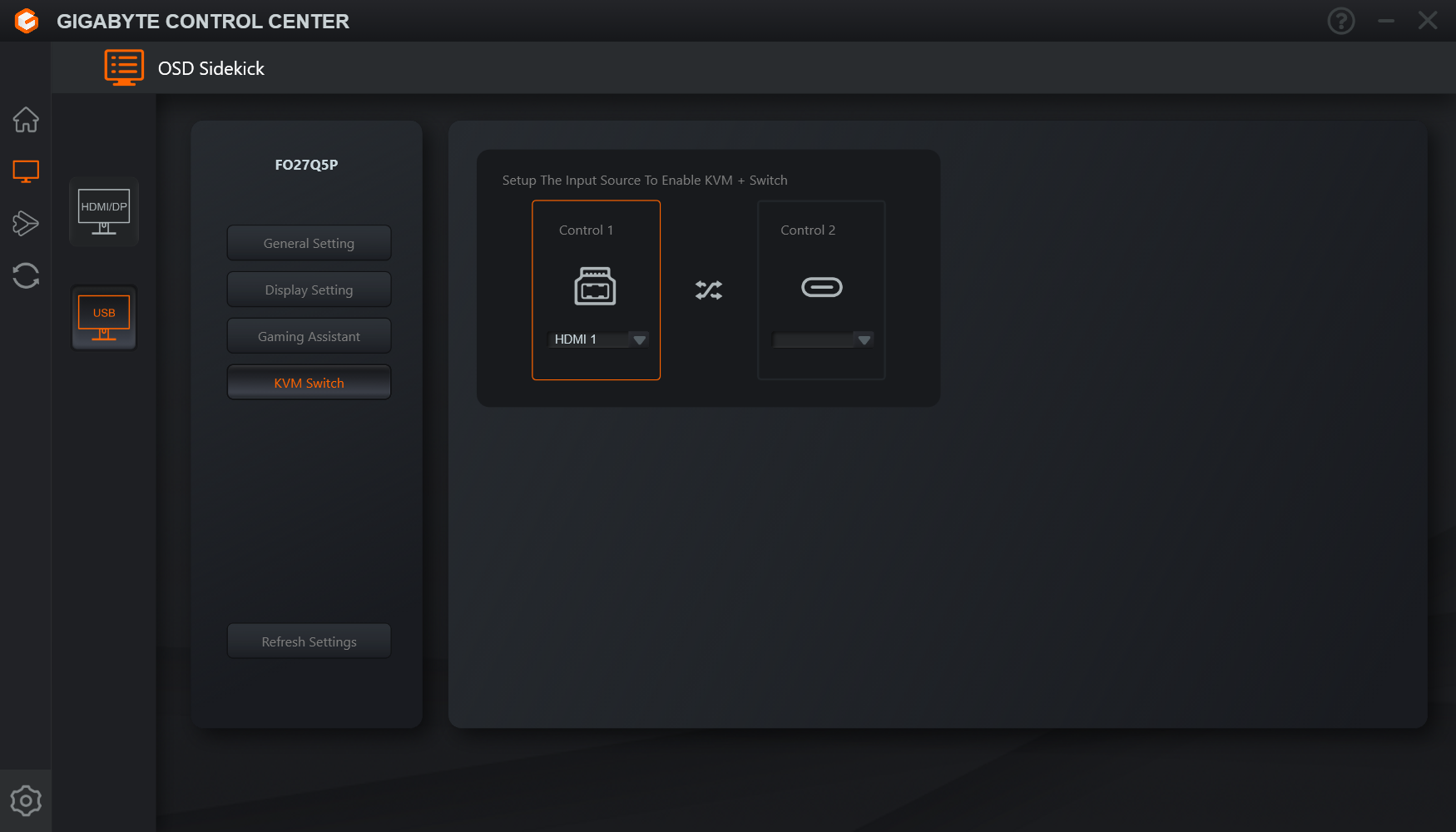
Users can also try Gigabyte's Control Center app, which offers most of the same settings but in software form. It's a little on the slow side, but it does at least provide information about monitor firmware, which is always useful.