 KitGuru KitGuru.net – Tech News | Hardware News | Hardware Reviews | IOS | Mobile | Gaming | Graphics Cards


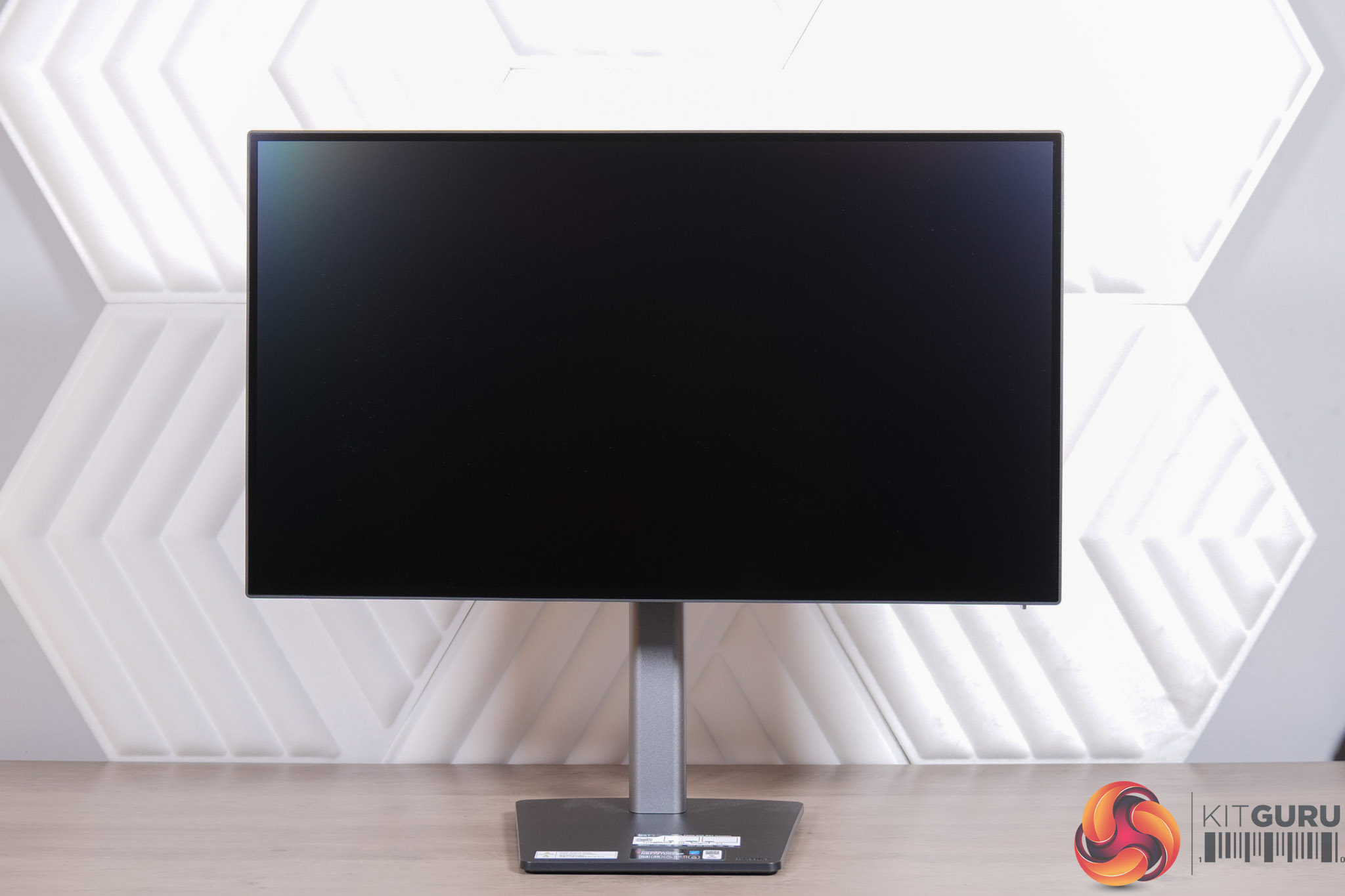
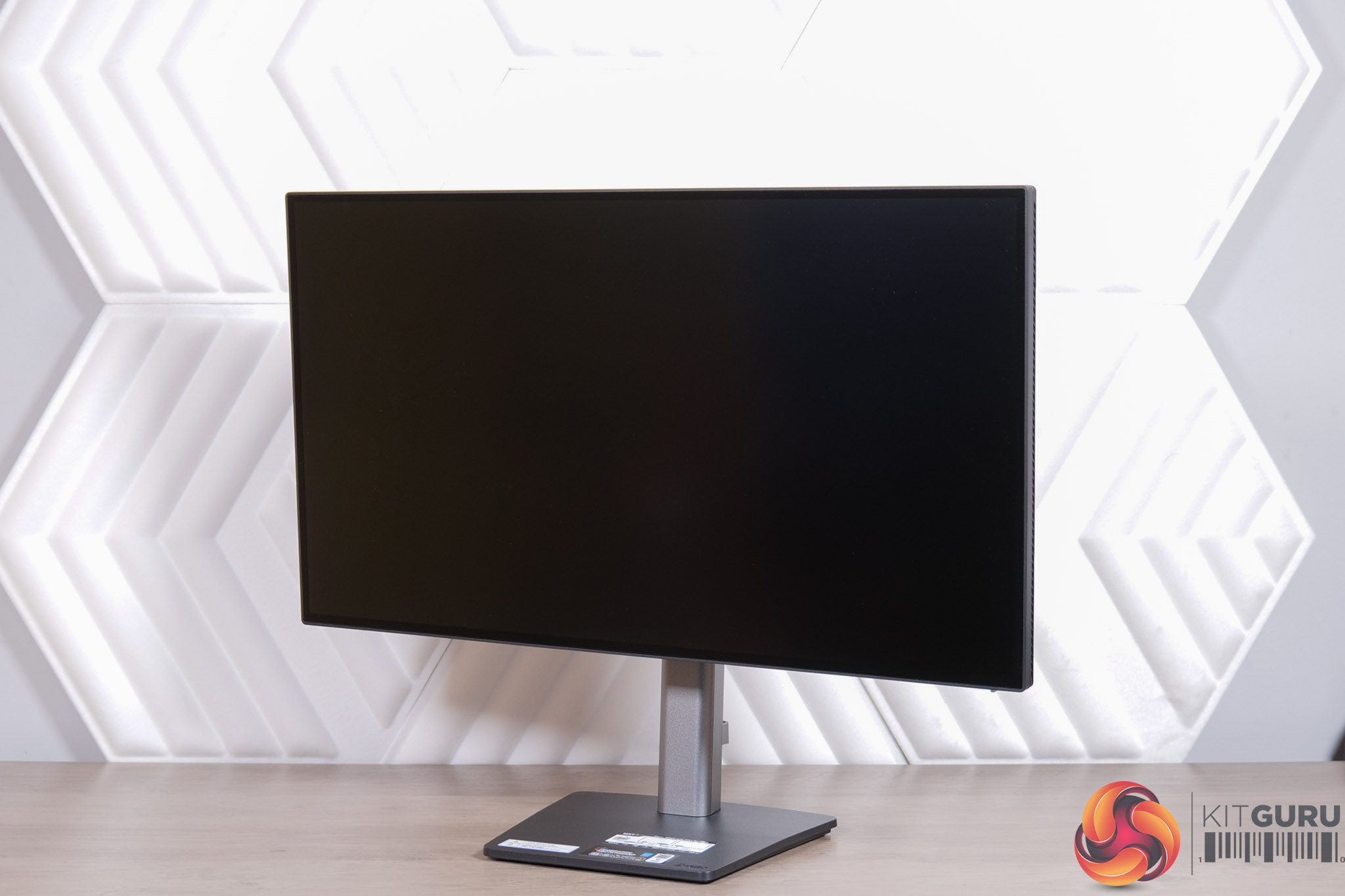
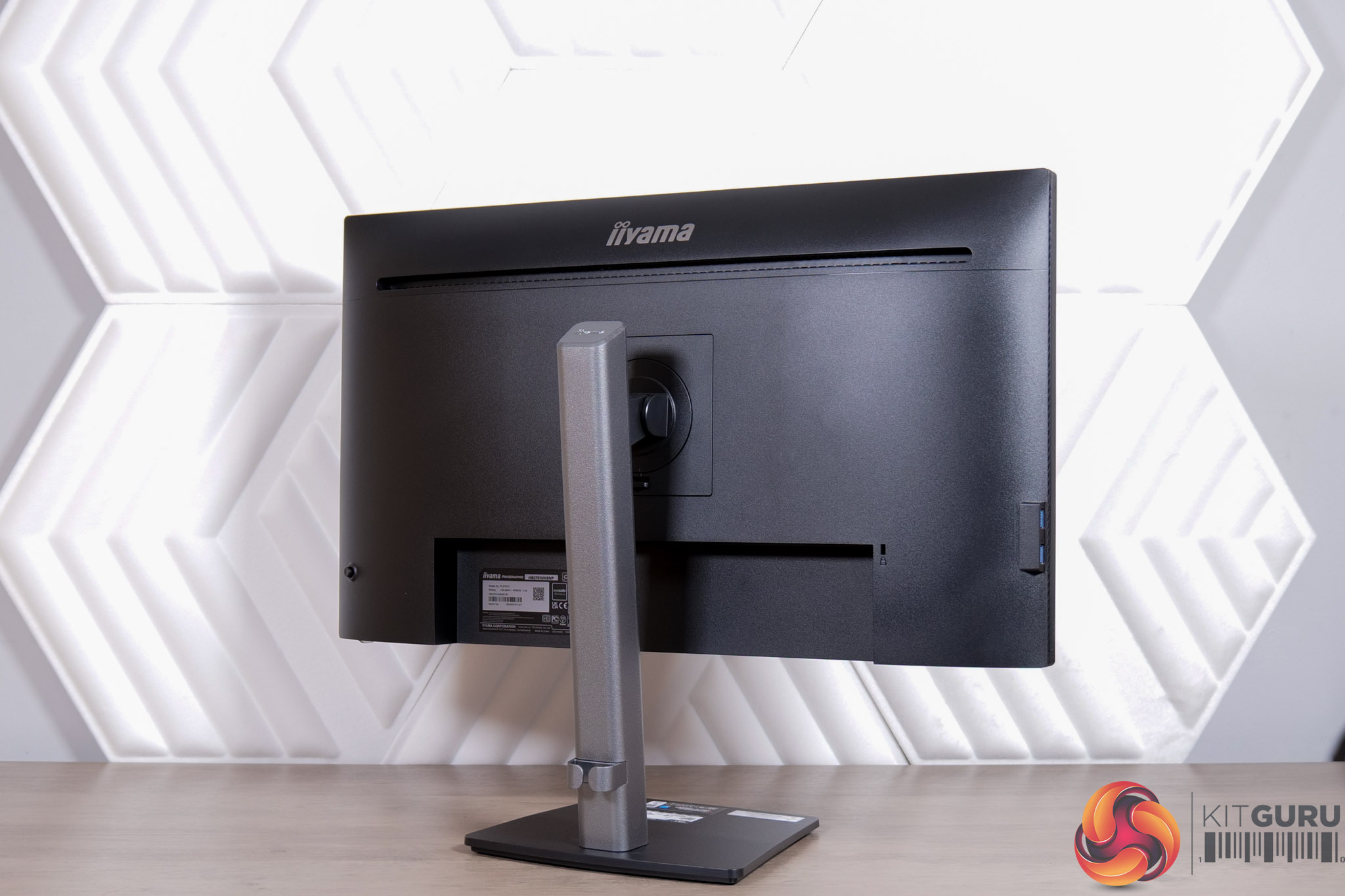
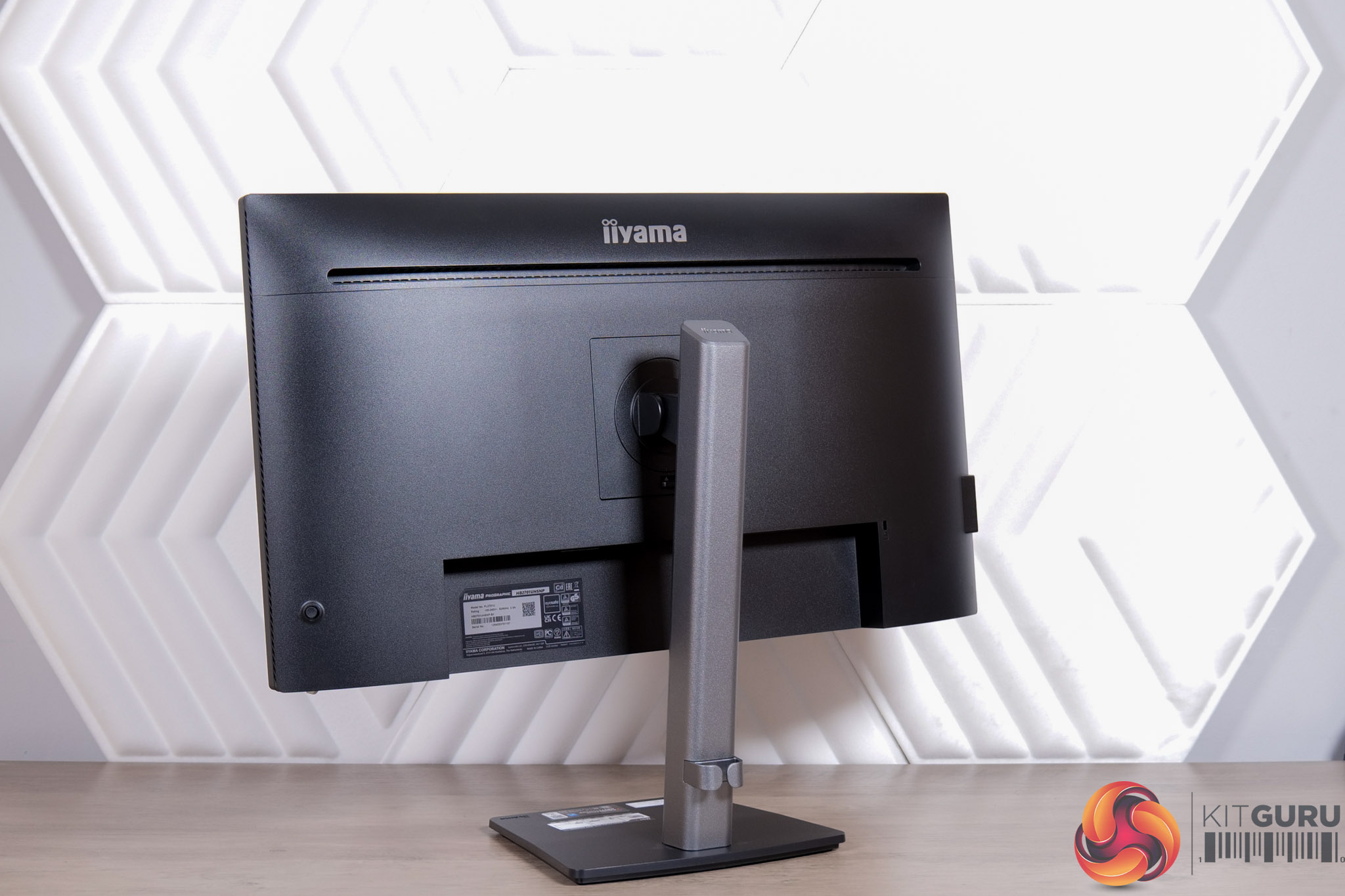
In terms of design of the HB2701UHSNP, it's a clean and understated monitor. It's worlds apart from iiyama's gaming monitors, but the contrast of the grey stand and black frame means it isn't totally boring either, while the four-sided frameless design round the front looks very stealthy.
I like to see a compact, square foot to avoid taking up unnecessary room on your desk, while there's little obvious branding, too.
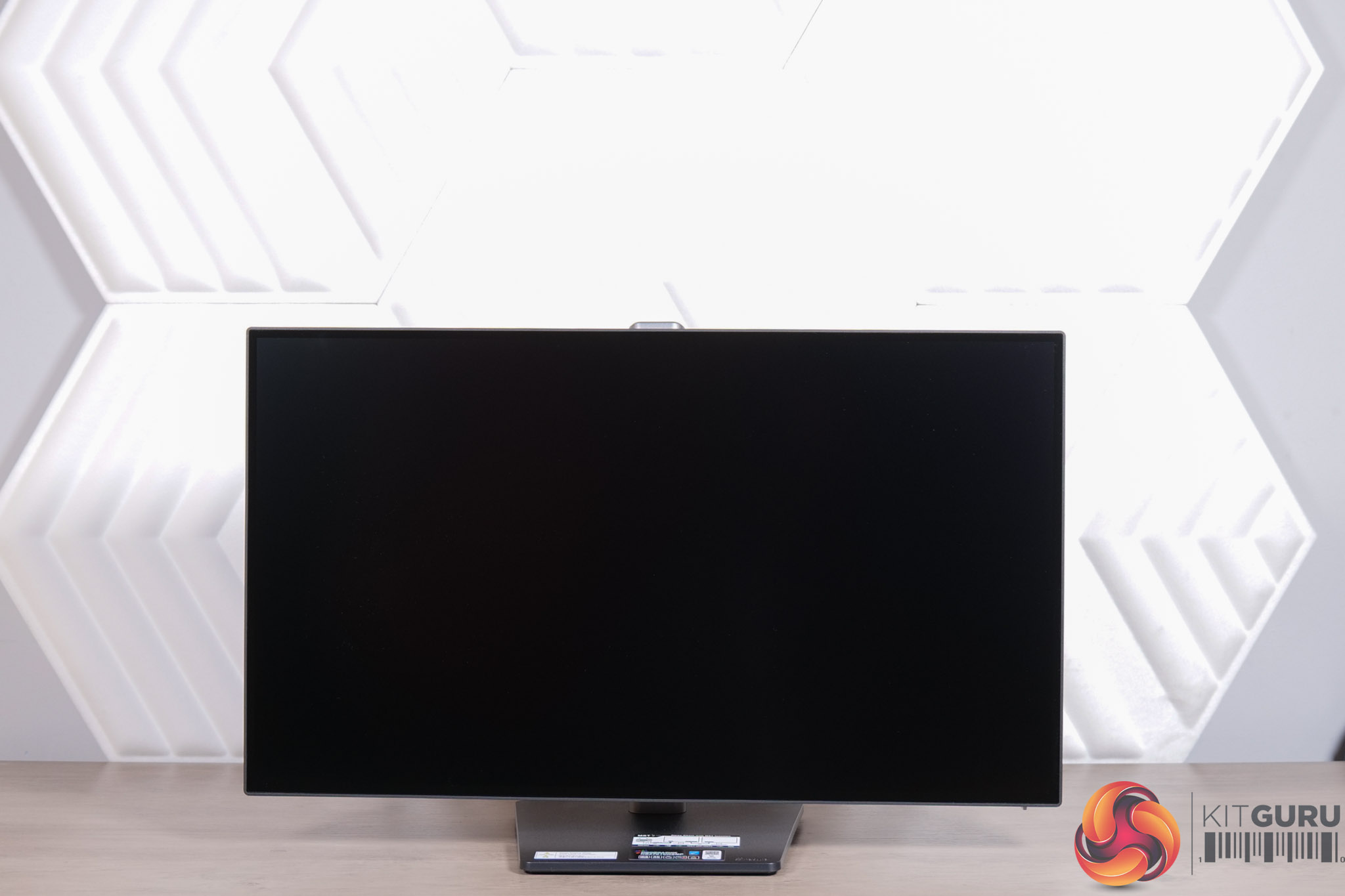
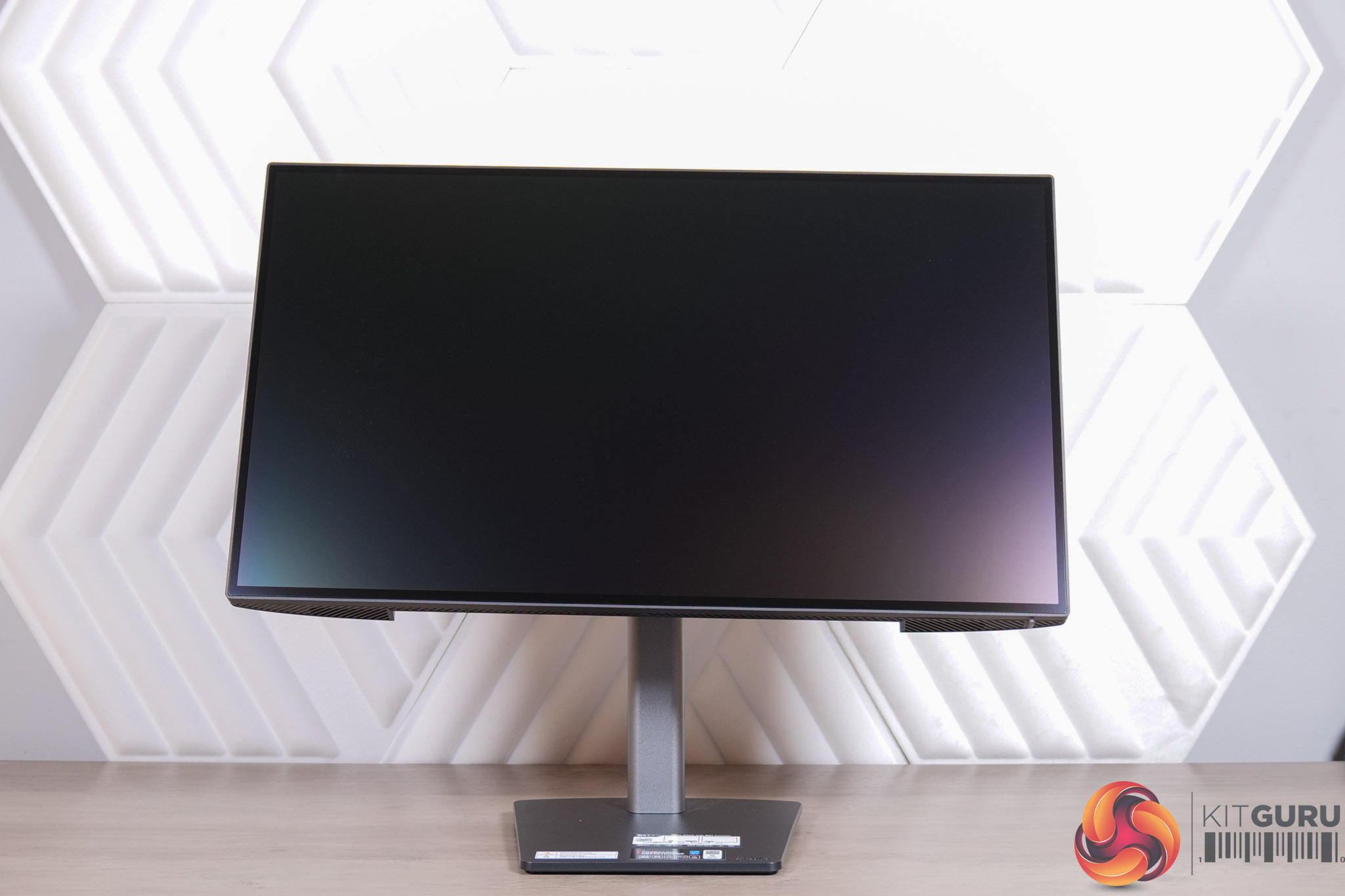
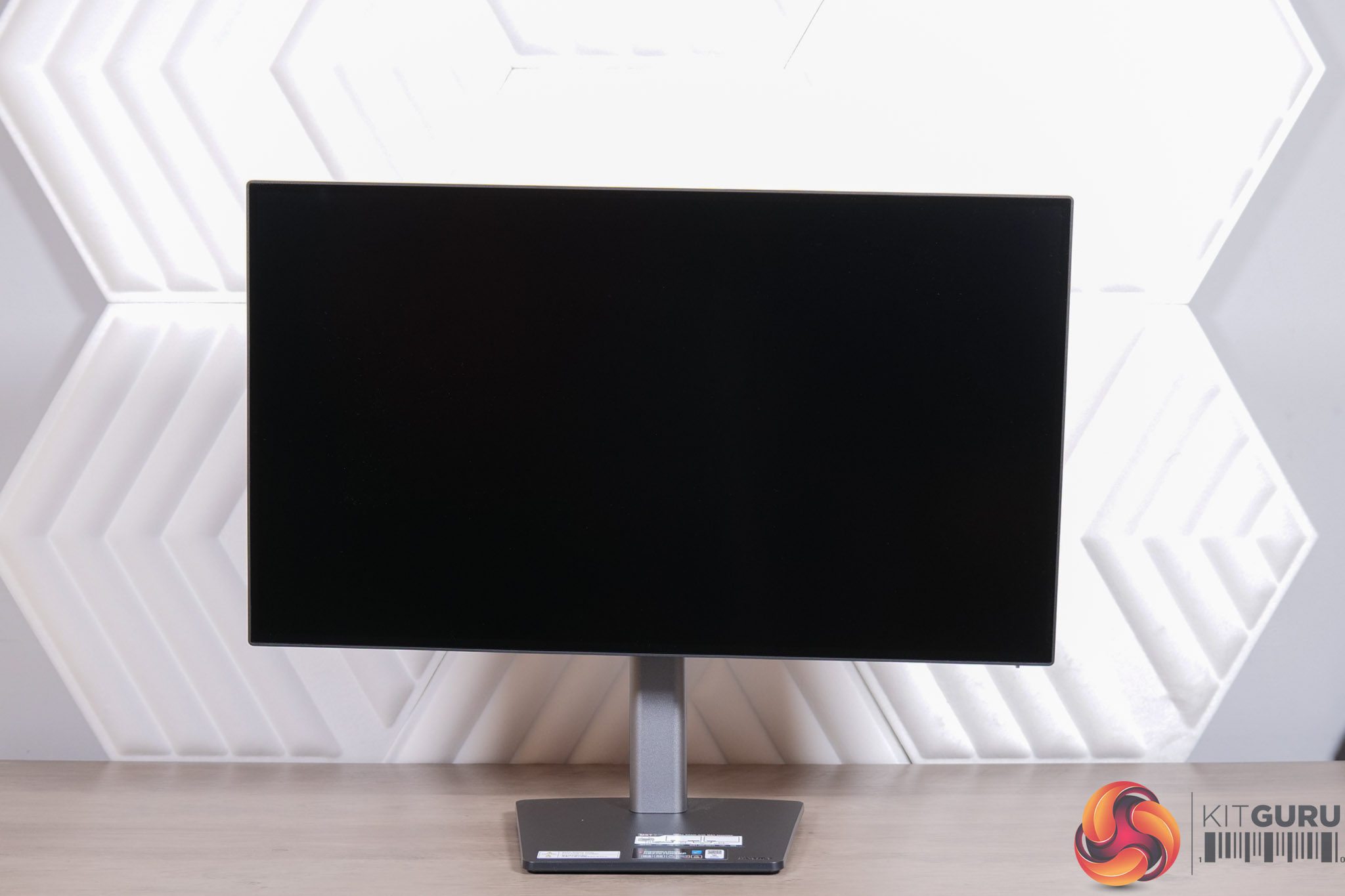
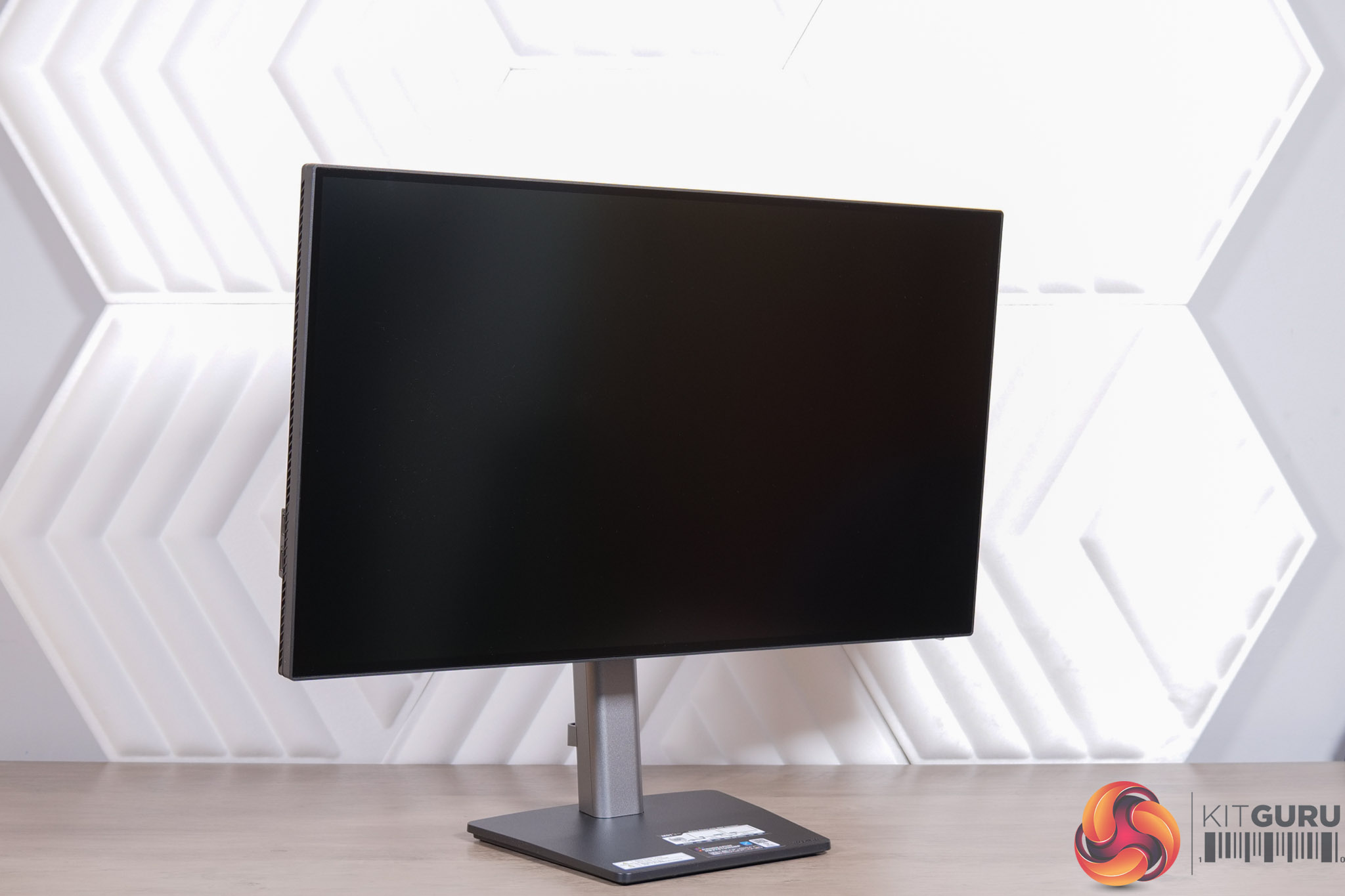
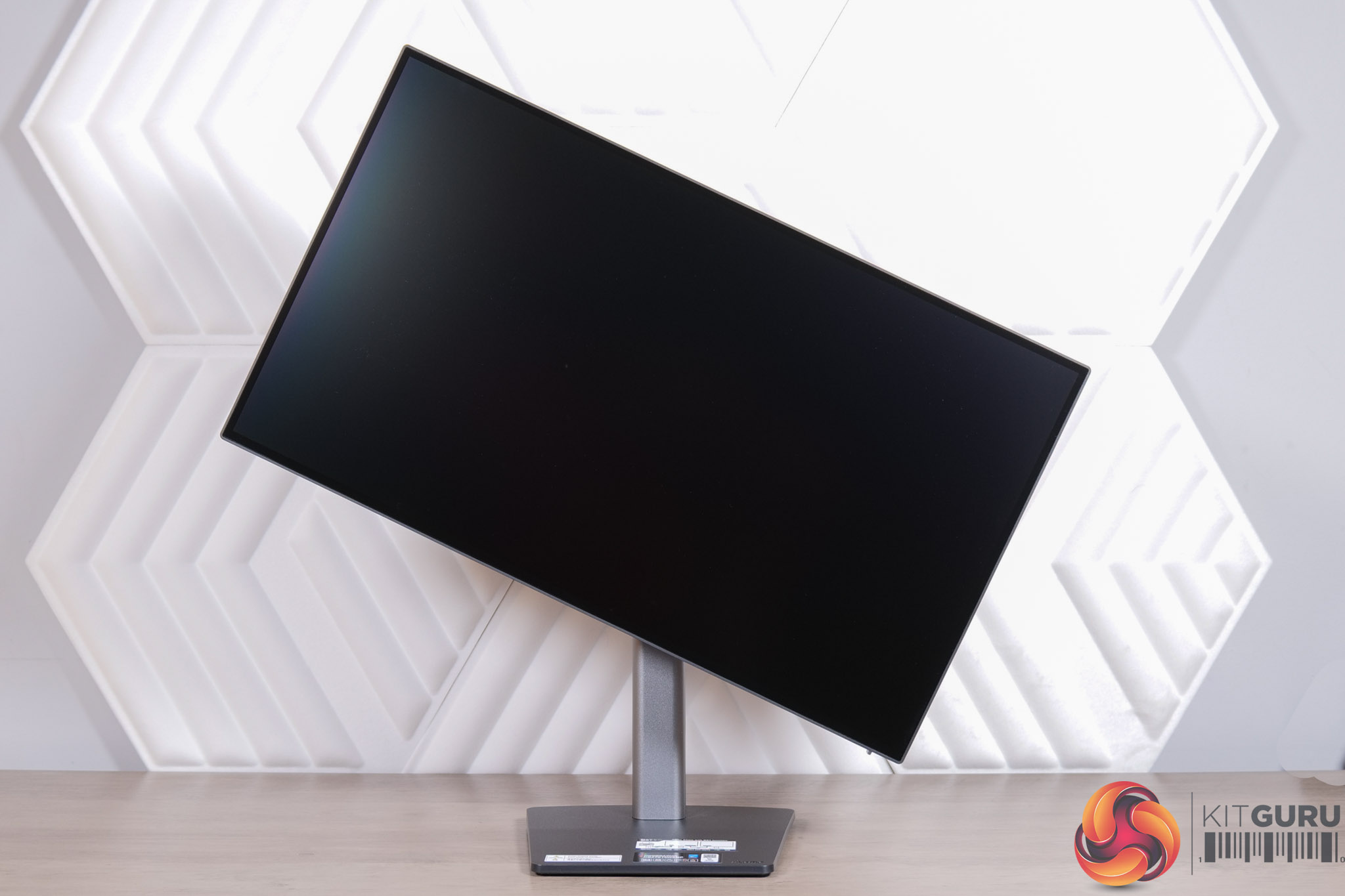
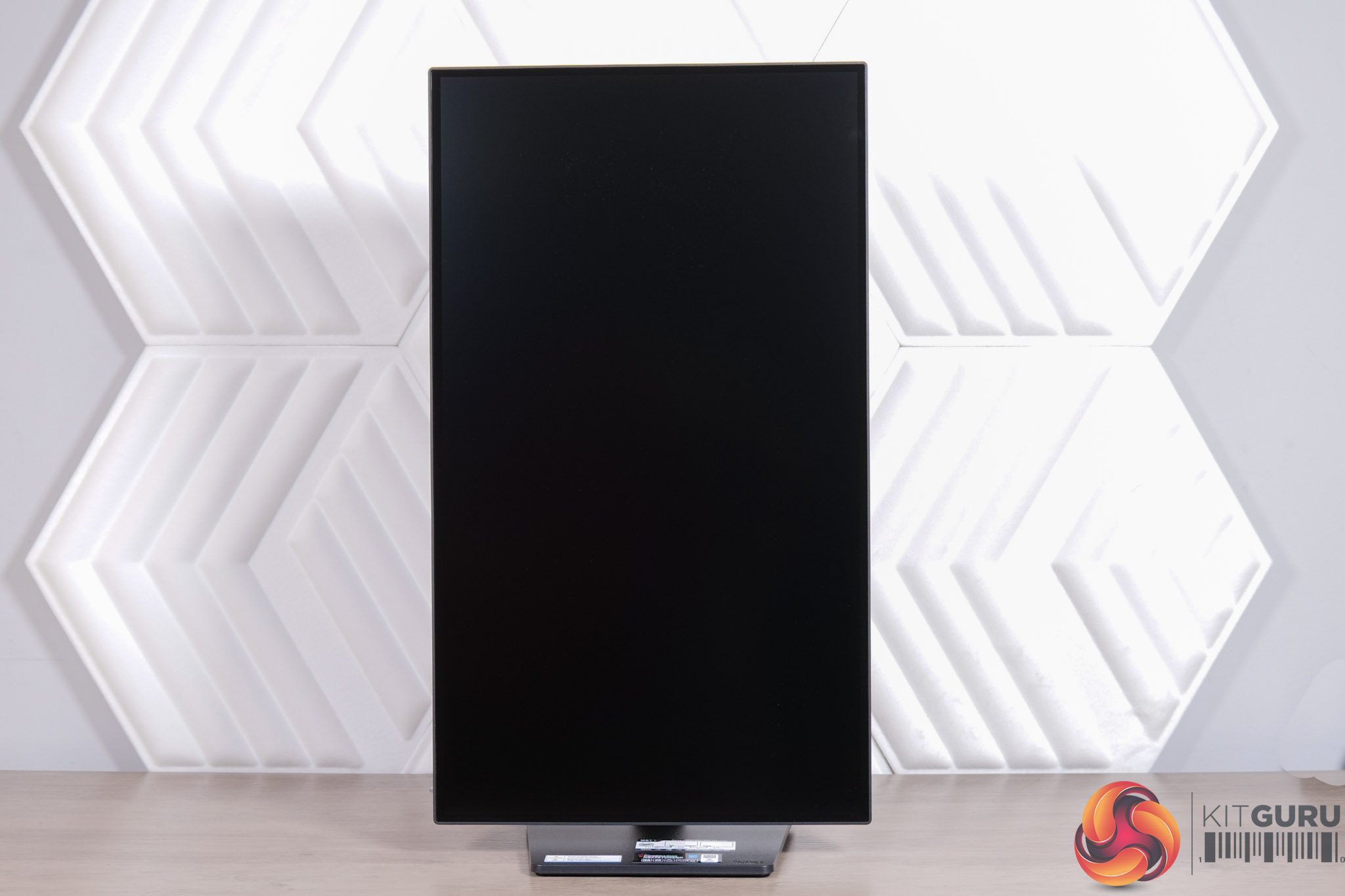
The stand packs in a great variety of ergonomic adjustments. We find up to 150mm height adjustment, tilt from -5 to +23 degrees, 90 degree pivot functionality, as well as 360-degree swivel – though do note this is achieved via a rotating disc in the base of the stand, so the whole thing moves on its axis, rather than just the panel itself swivelling left or right.
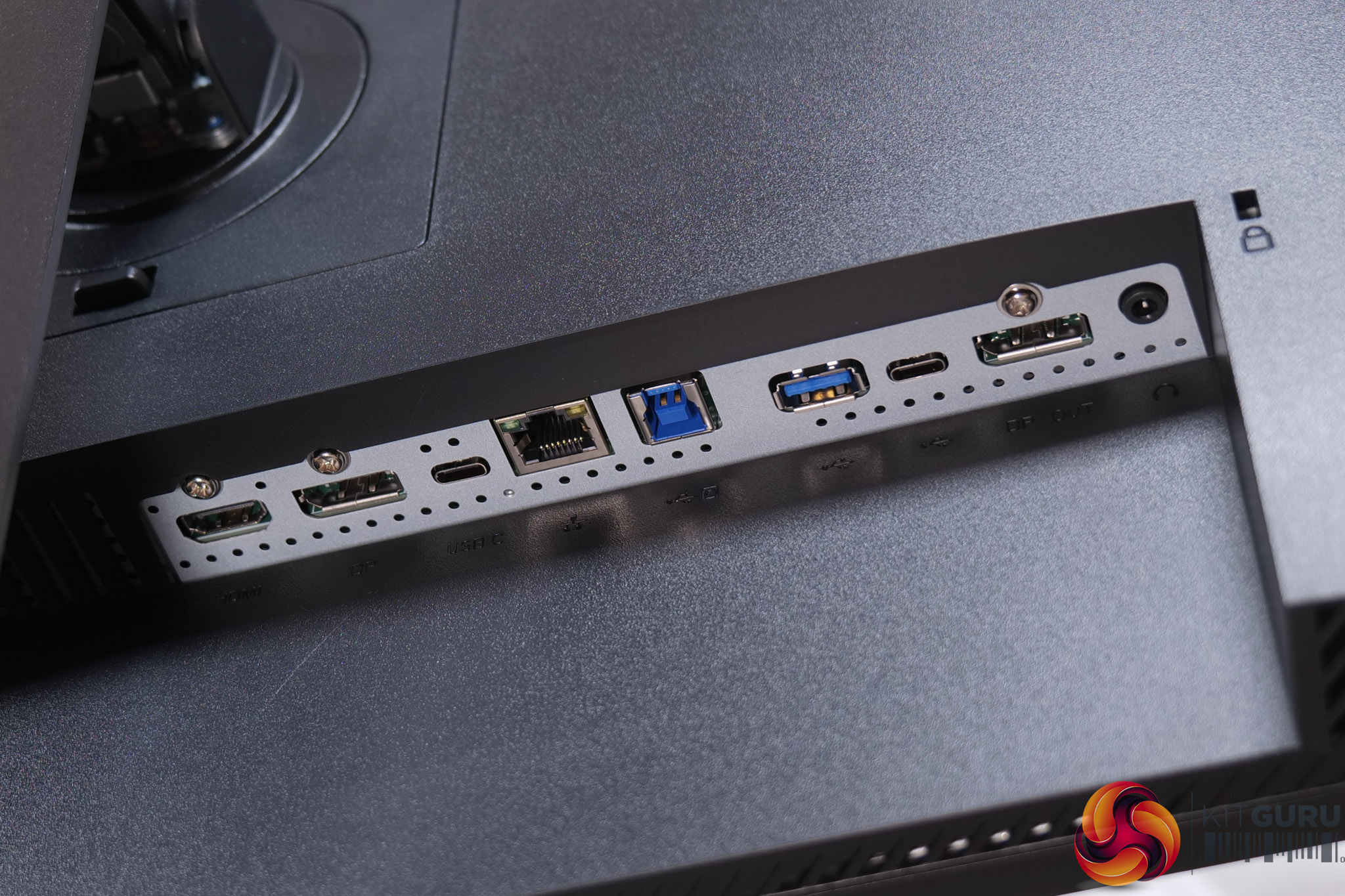
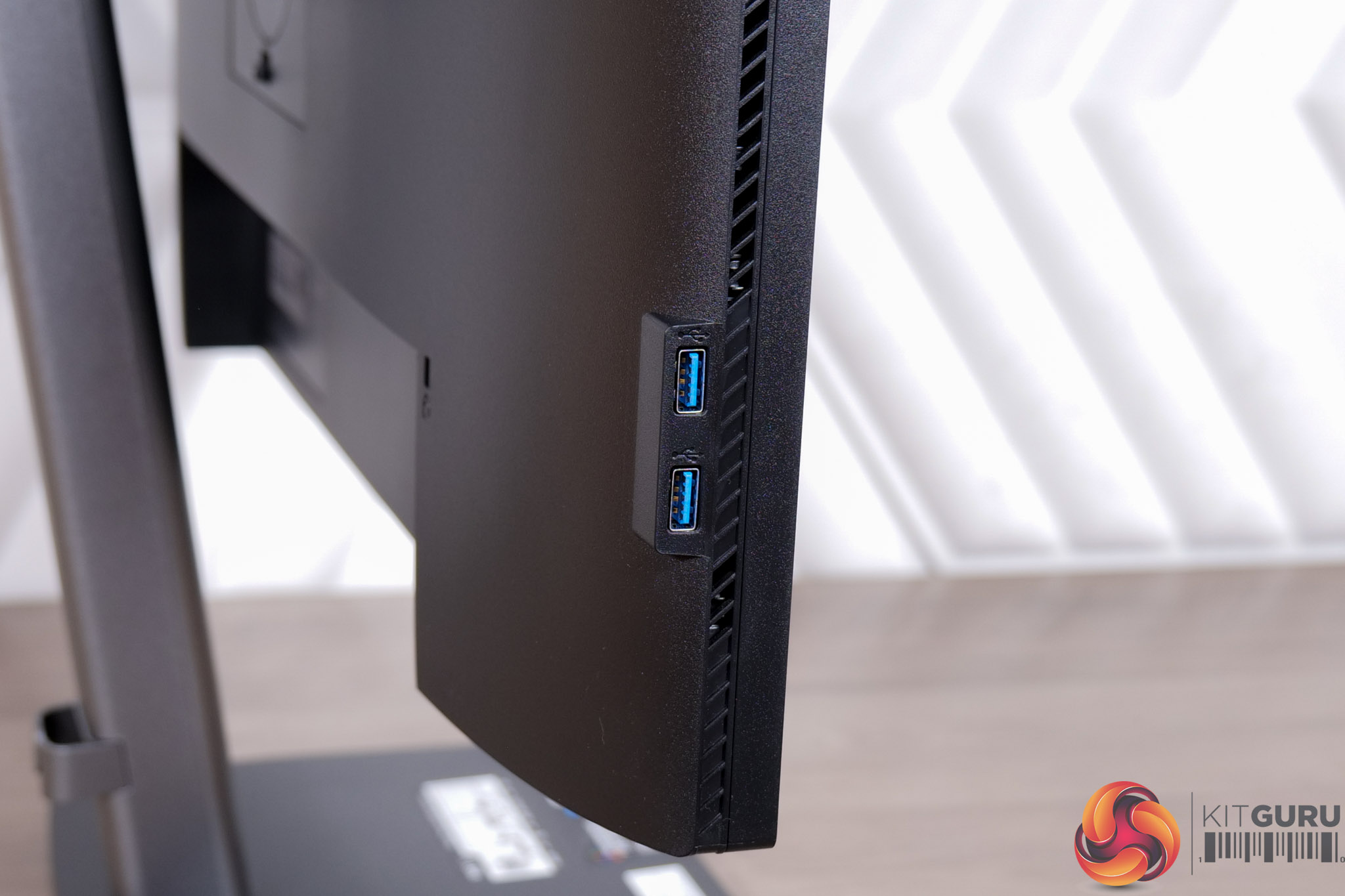
There's a healthy selection of ports, too. Video inputs consist of 1x HDMI 2.0 and 1x DisplayPort 1.2 – not the newest standards, but both deliver enough bandwidth for 4K at 60Hz. Then there's a USB-C that also supports DP-Alt mode, along with 96W power delivery.
That USB-C port also acts as a USB dock, providing both Ethernet and a DP out connection, while there's a total of four USB downstream ports across the monitor – one Type-A and one Type-C (15W capable) on the rear, with another two Type-A on the left-hand edge.
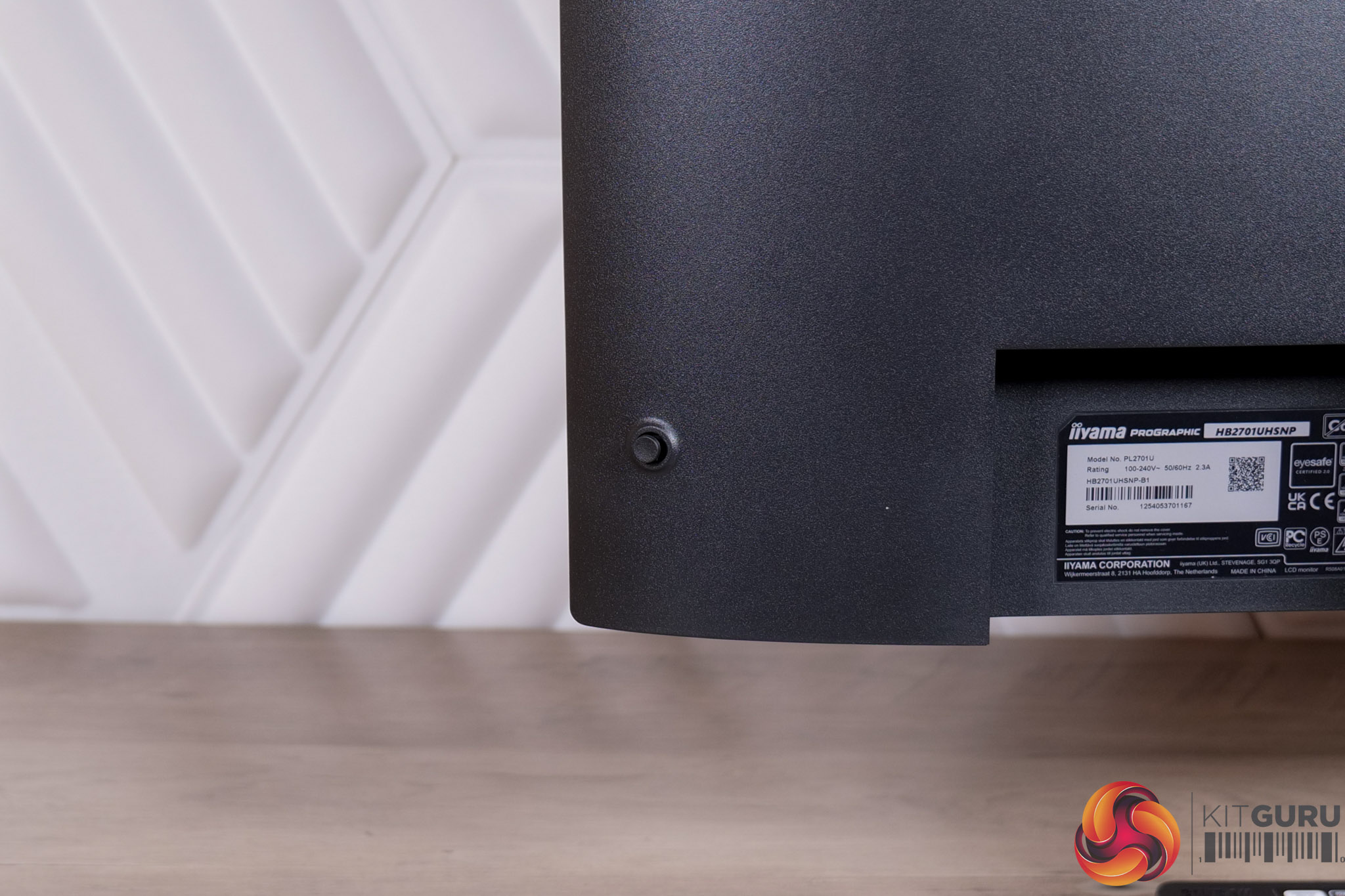
Meanwhile, a small joystick is the only way to control the monitor, and this is positioned in the right-hand corner.
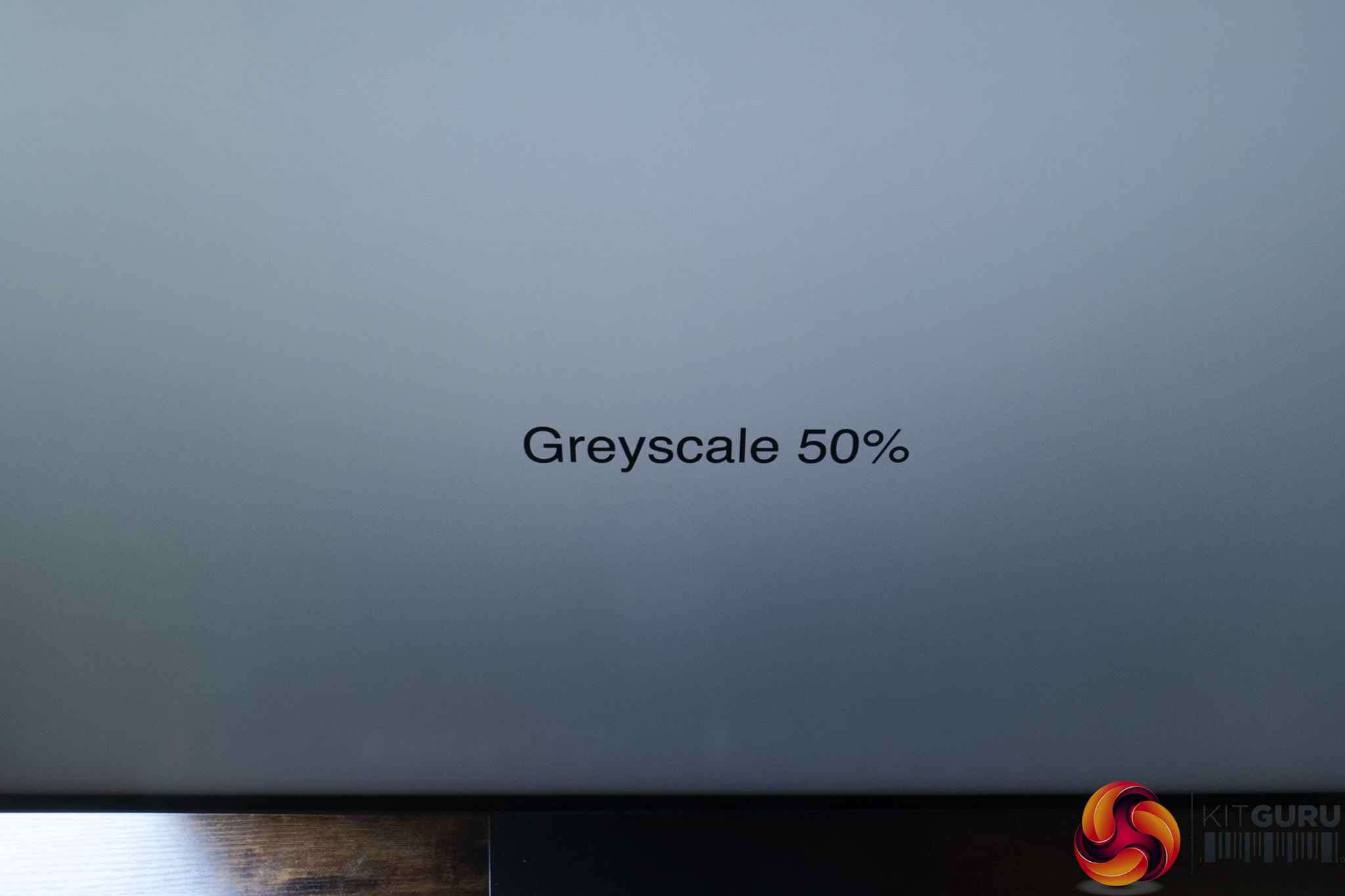
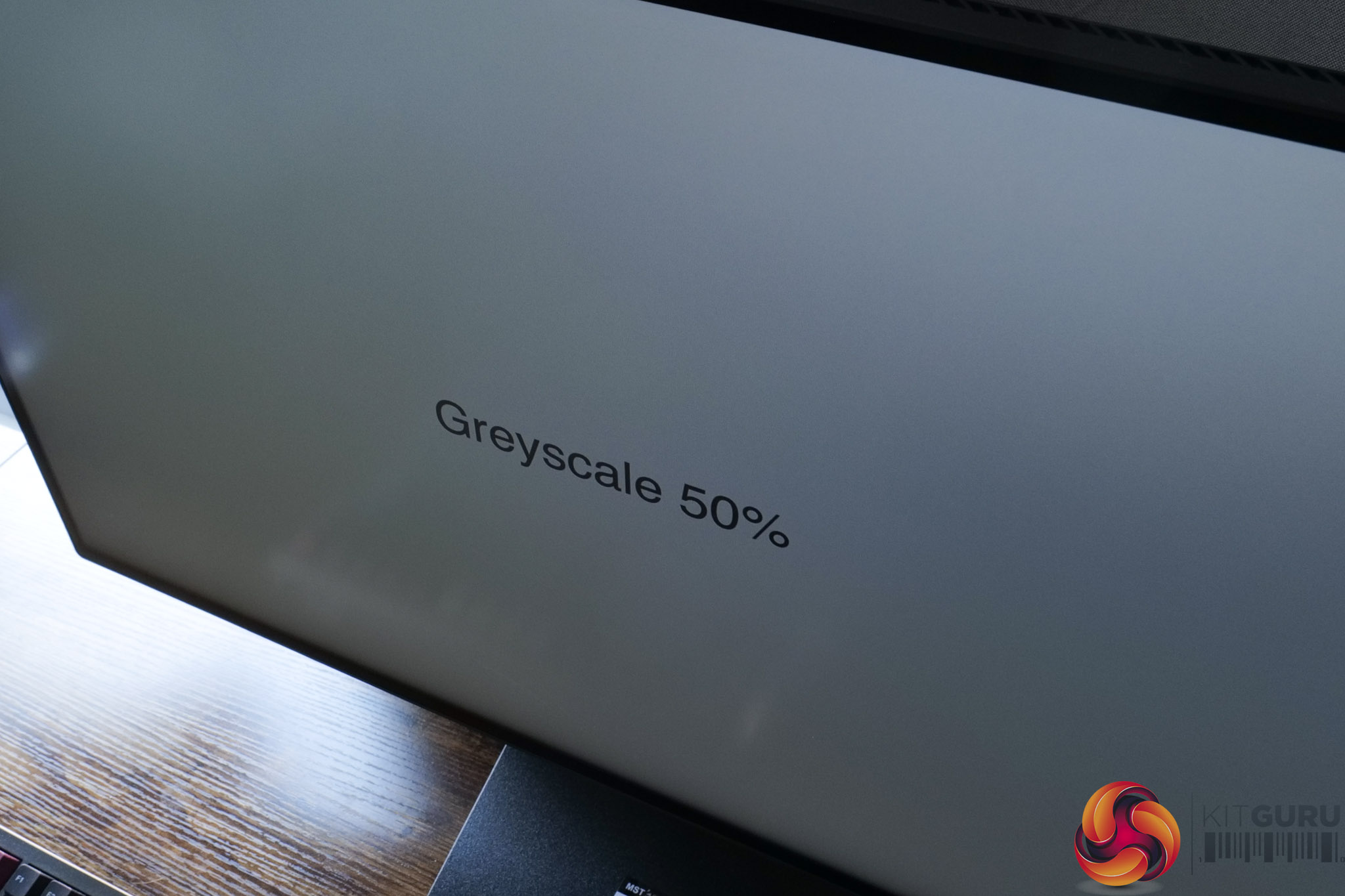
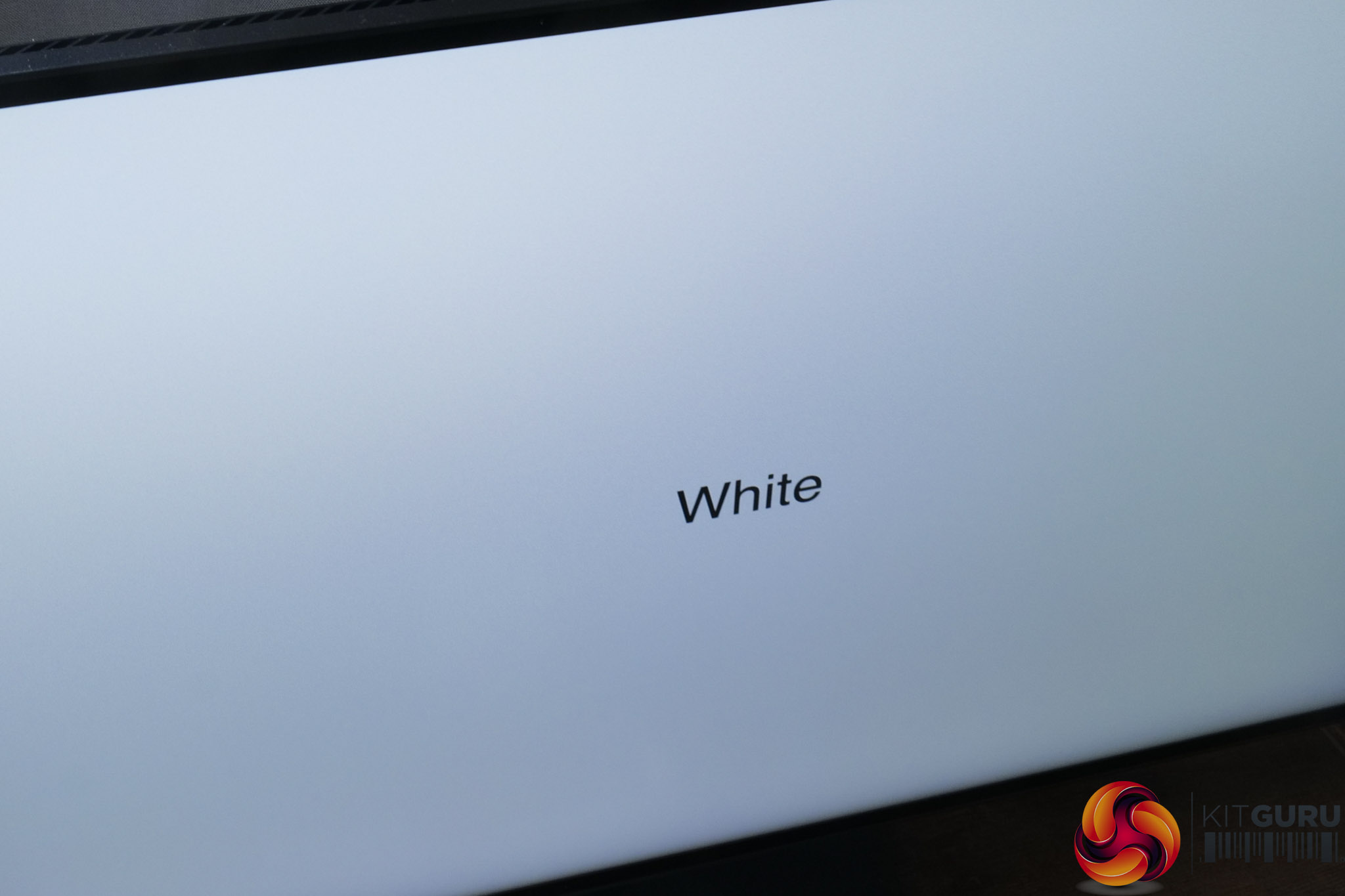
Just before moving on, it is worth highlighting the anti-glare coating used. It's what I'd call a fairly typical matte coating, in that it does add some coating grain which I have tried to show in the images above. It's not nearly so noticeable as the ASUS ProArt PA27JCV, but it's not grain-free either.
