 KitGuru KitGuru.net – Tech News | Hardware News | Hardware Reviews | IOS | Mobile | Gaming | Graphics Cards


If you are building a new system for 2015 then the latest breed of ‘UltraWide' monitors might already be on your radar. With this in mind today we look at the AOC U3477PQU UltraWide WQHD which features a 3440×1440 resolution. This is an IPS panel with a 5ms GTG refresh and D-SUB, DVI-D, HDMI and Displayport connectivity. Should this be making your shortlist?
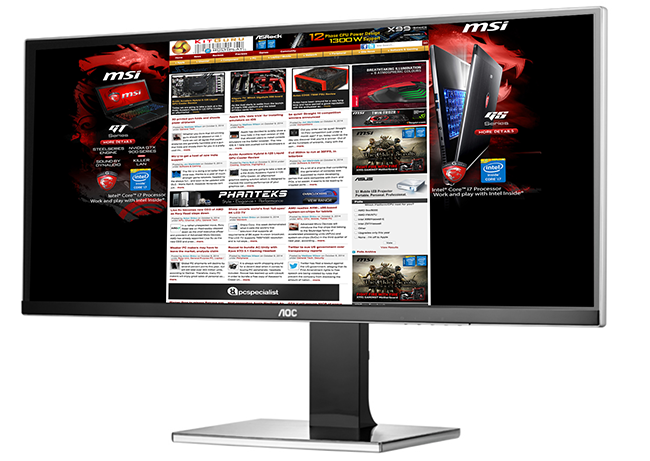
There is no doubt that the AOC U3477PQU is a formidable looking monitor. The 21:9 UltraWide aspect ratio will certainly take some getting used to although those currently using a 2560×1440 panel will find the initial adjustment less of a problem. The AOC U3477PQU uses a 60hz AH-IPS (Advanced High Performance In-Plane Switching) panel. It has 10 bit colour reproduction – 8 bit native plus 2 bit FRC dithering. In theory it should offer good coverage of the sRGB colour space without being a ‘wide gamut' model.
The WLED backlight is rated at 320 cd/m2 with a 5ms grey to grey response time. There is adjustable pixel overdrive in the panel for those who like to fine tune the response.
Product Details
- Inputs: D-SUB, DVI-D, HDMI
- 3440 x 1440 maximum resolution
- Special Features: -5/24 Tilt,130 mm Height Adjustment,Audio out,Display Port Input,Eco Mode,e-Saver,i-Menu,Kensington Security Lock,MHL,screen+,USB 2x 2.0, 2x 3.0,VESA 100 mm
- 300 cd/m²
- 5 ms GTG
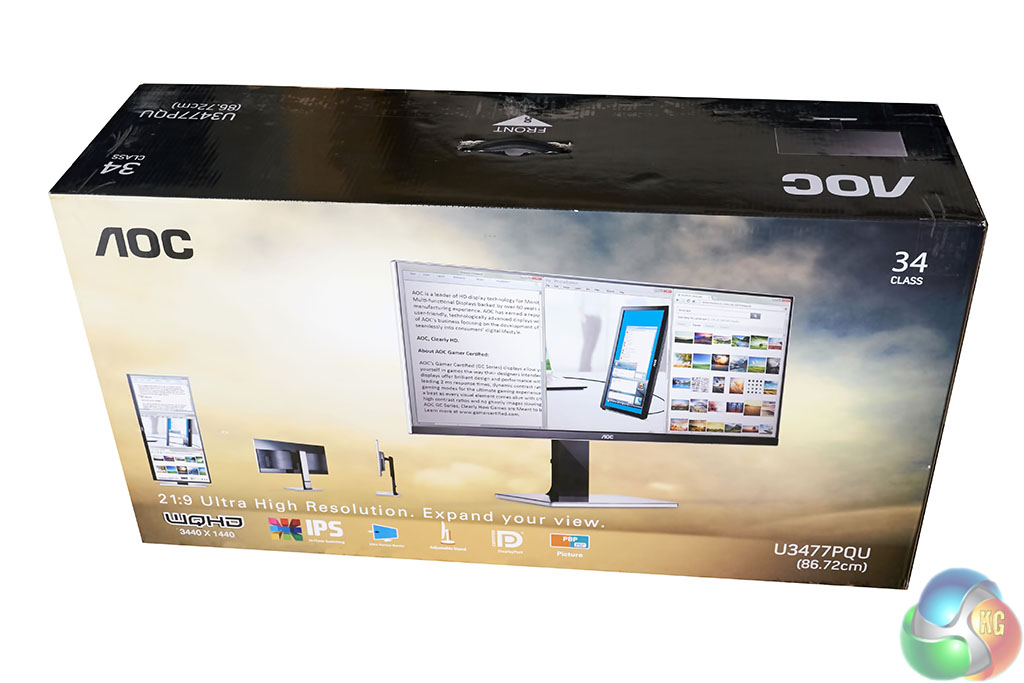
The AOC U3477PQU arrives in a very large, heavy full colour box. The box measures 953 x 517 x 280mm (WxHxD) and weighs close to 14kg (according to our scales).
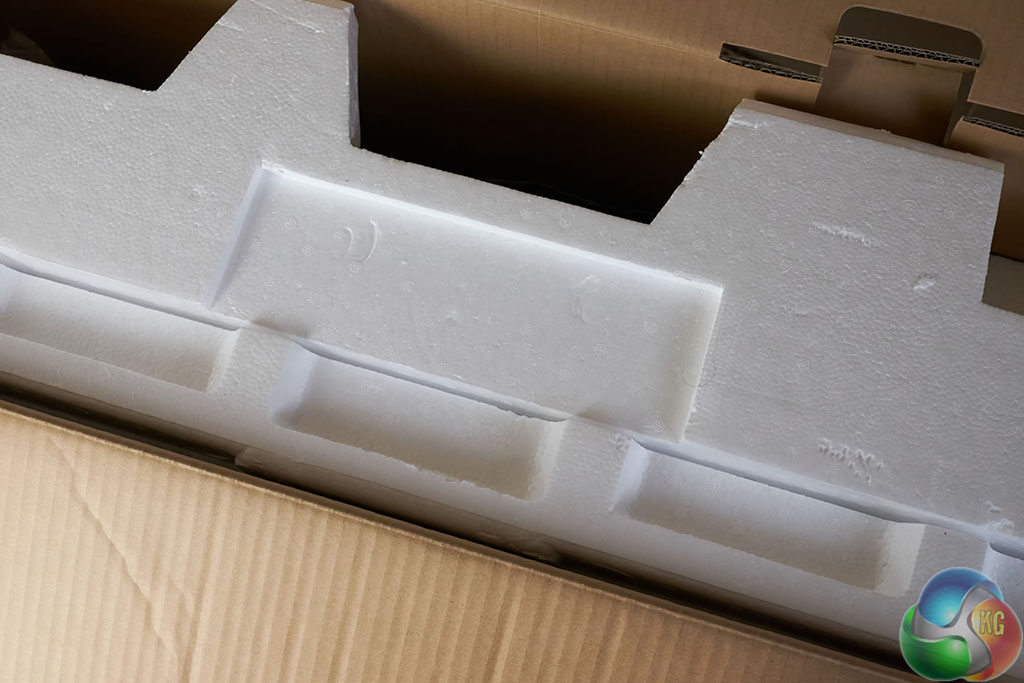
A little caution is required when getting the screen out of the box, as the heavy base is stored flat, at the end of a thin layer of Styrofoam. If you lift up vertically by yourself it is likely to fall out backwards.
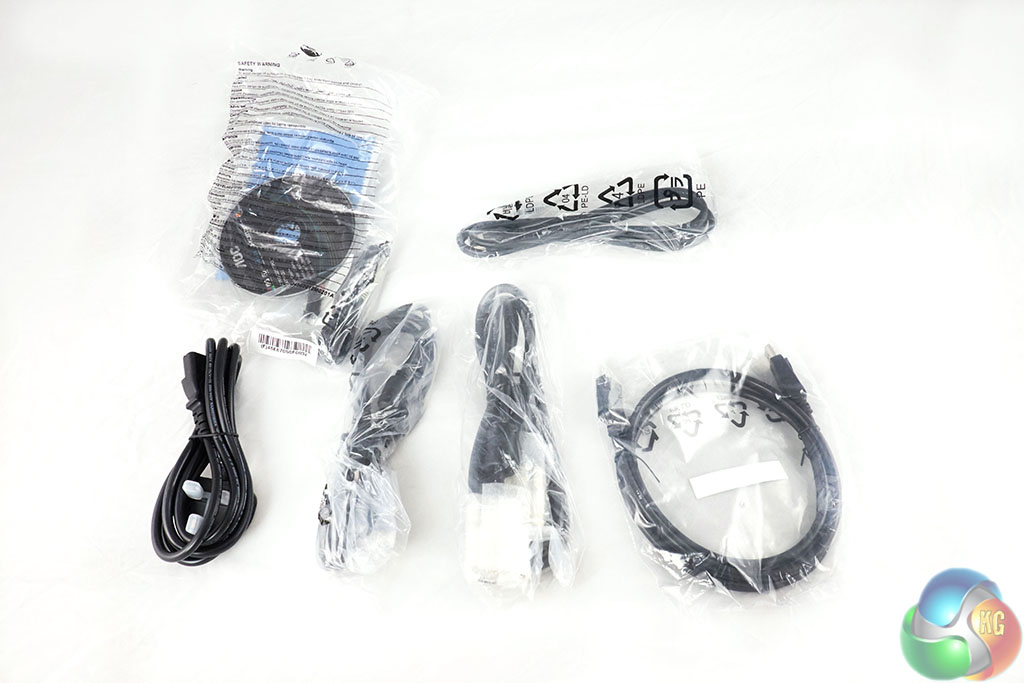
In the box are all the cables you need, including DisplayPort, HDMI, DVI, power cables and a USB cable. They include a software disc too and mounting screws to attach the stand to the panel directly.
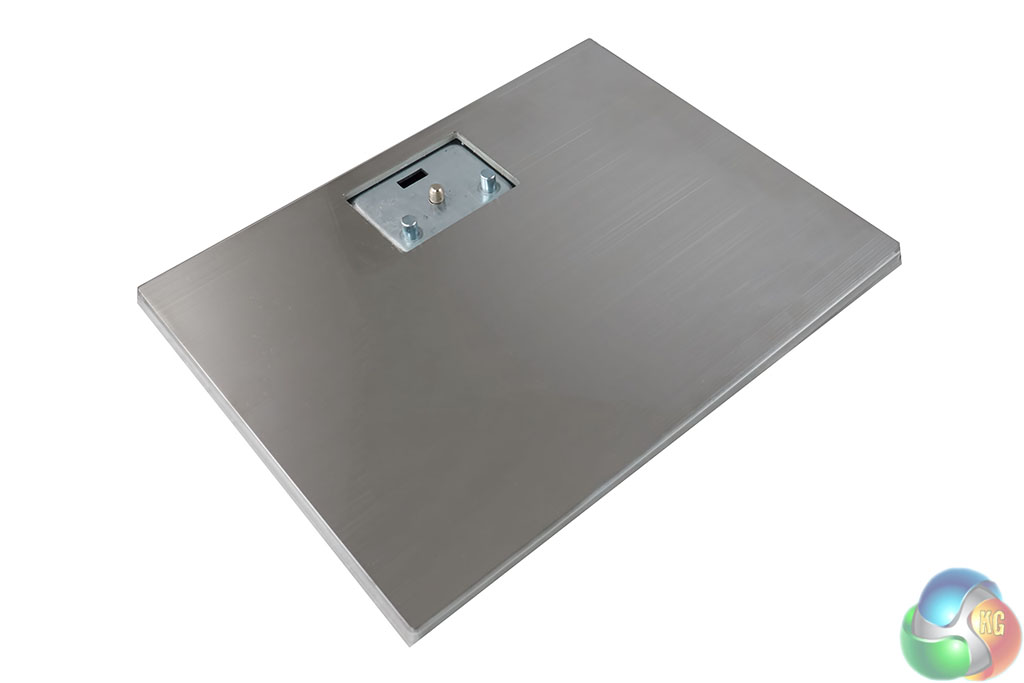
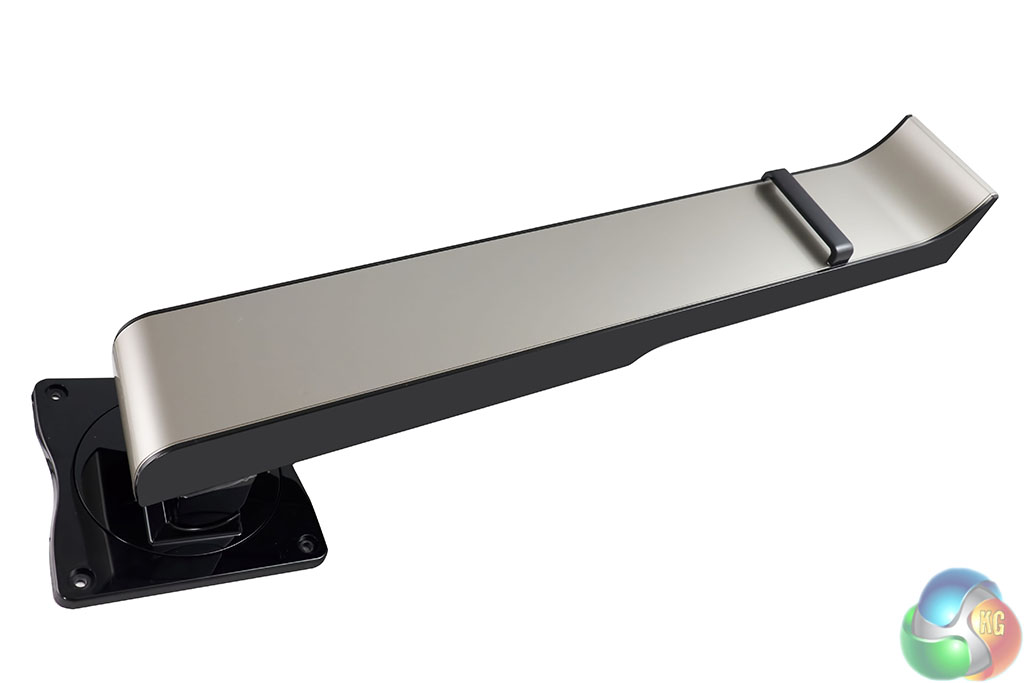
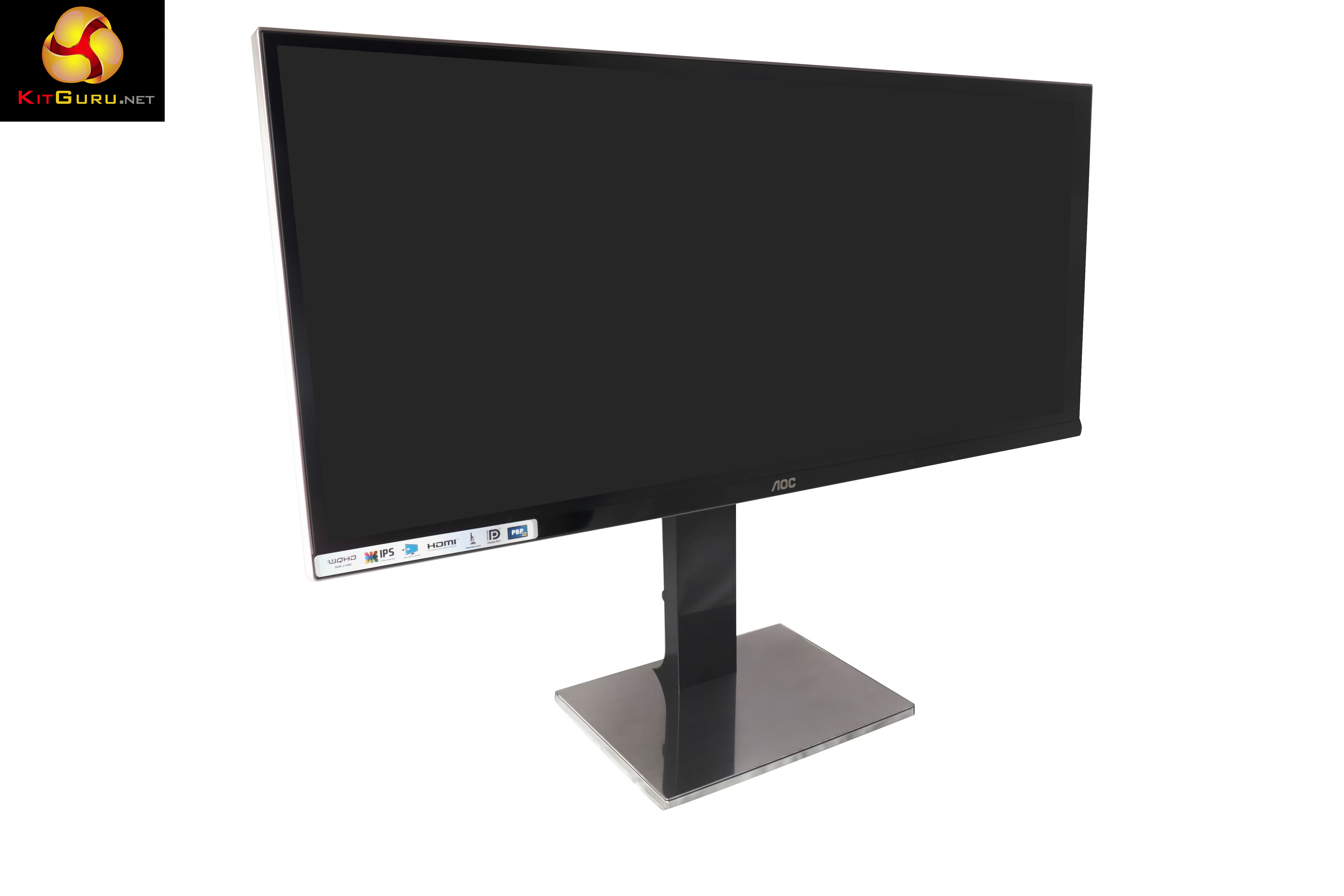
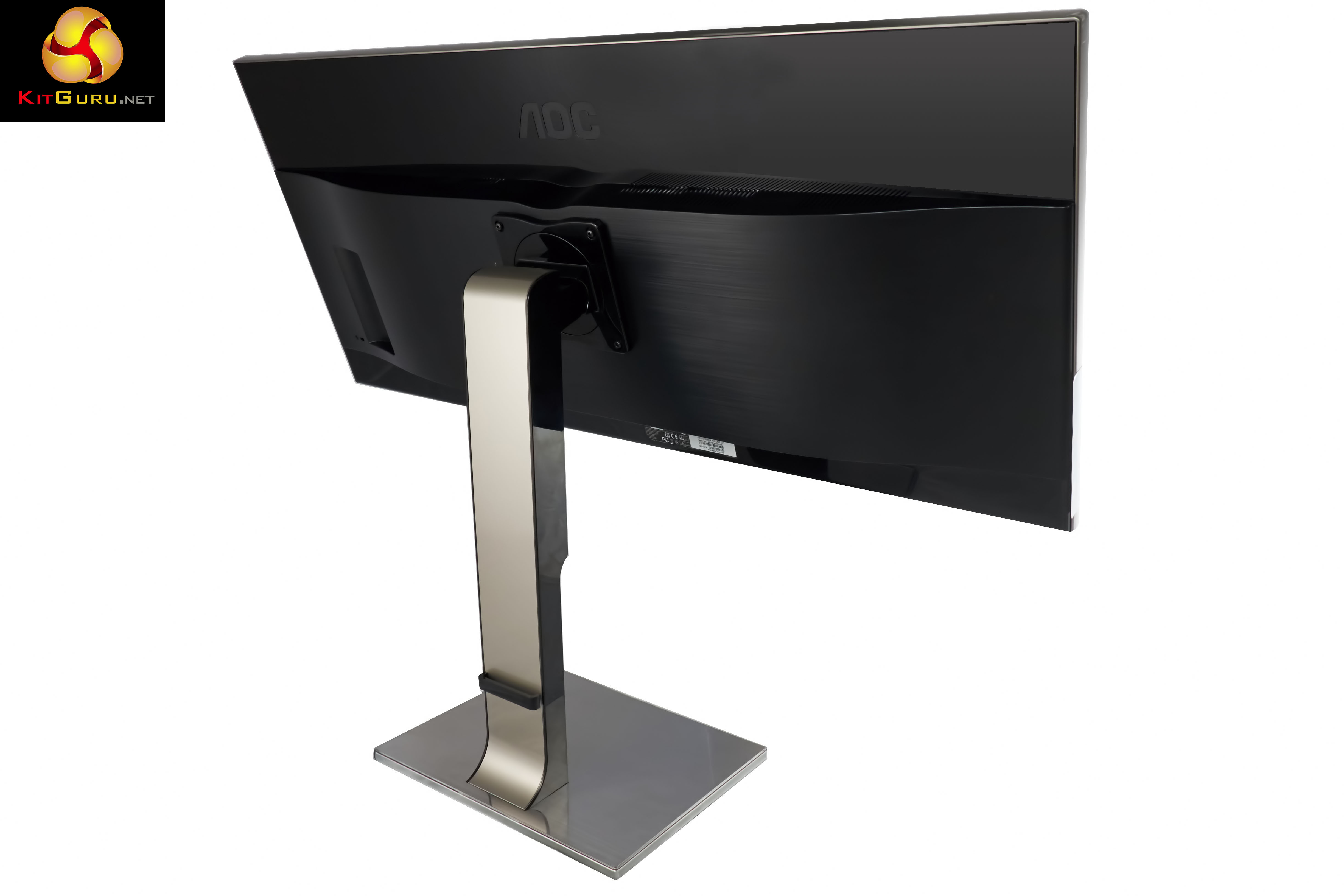
The stand and the base look fantastic, but they are easily covered in fingerprints. Before taking the photographs we had to clean both even though we had only just taken them out of the plastic shipping bags!
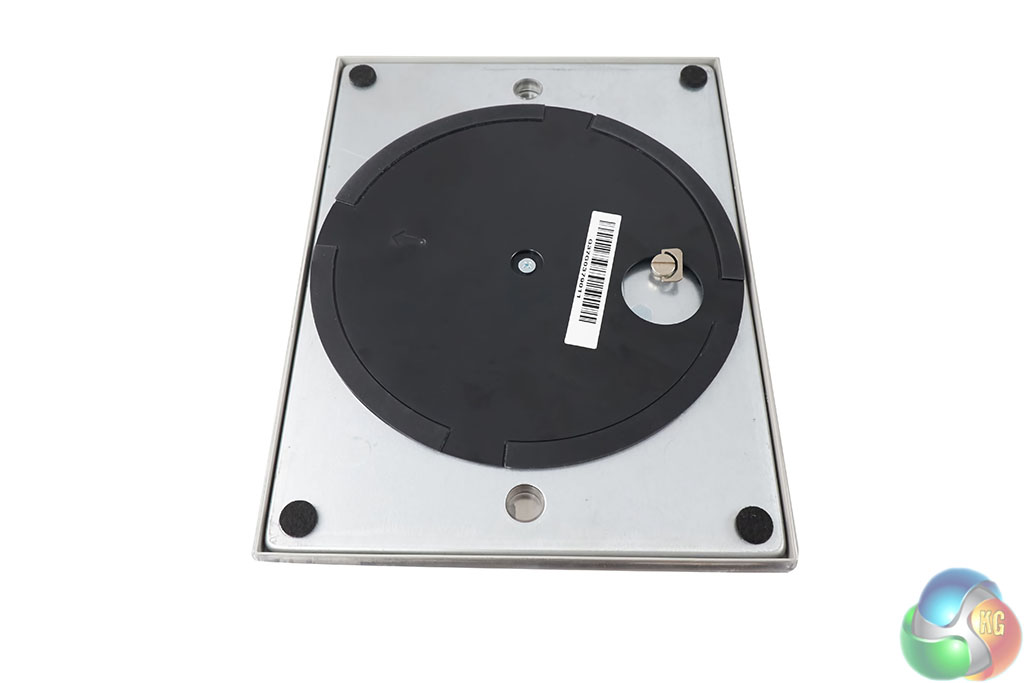
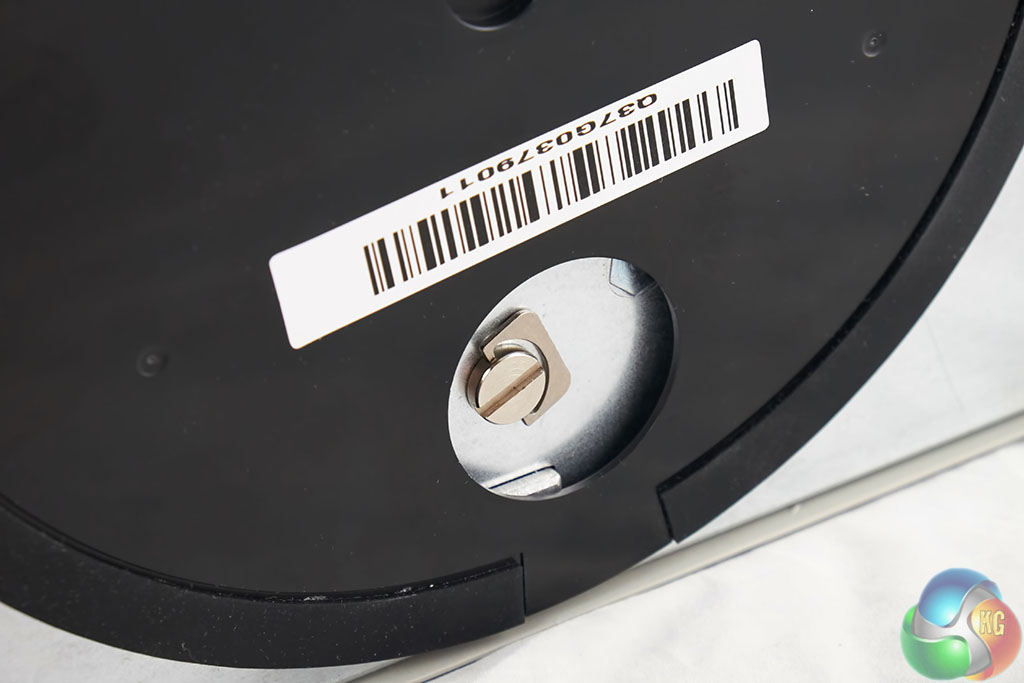
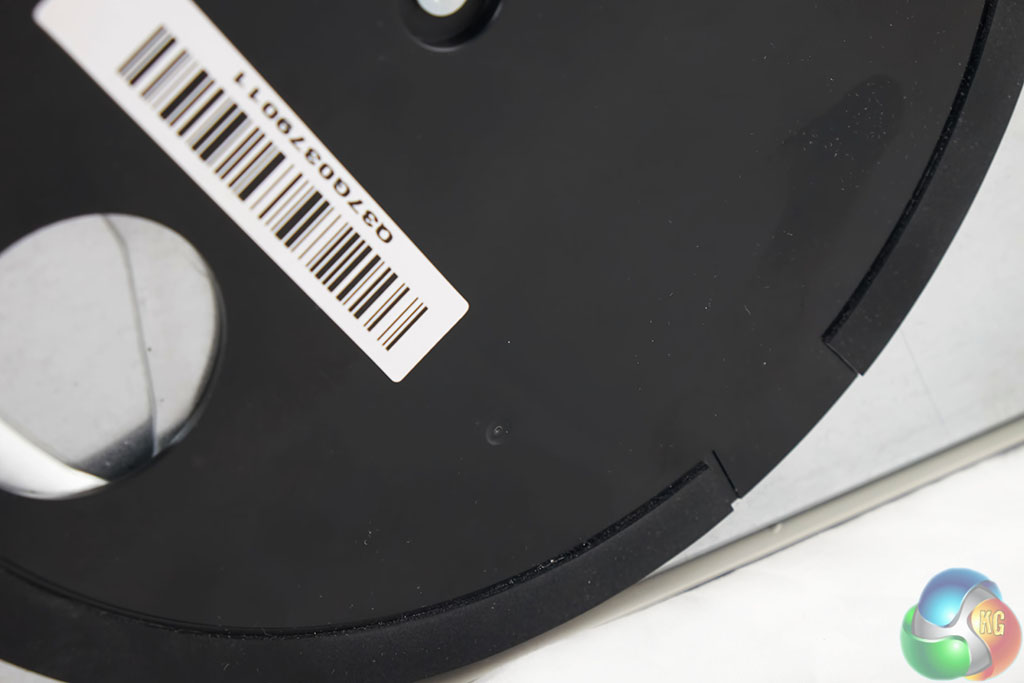
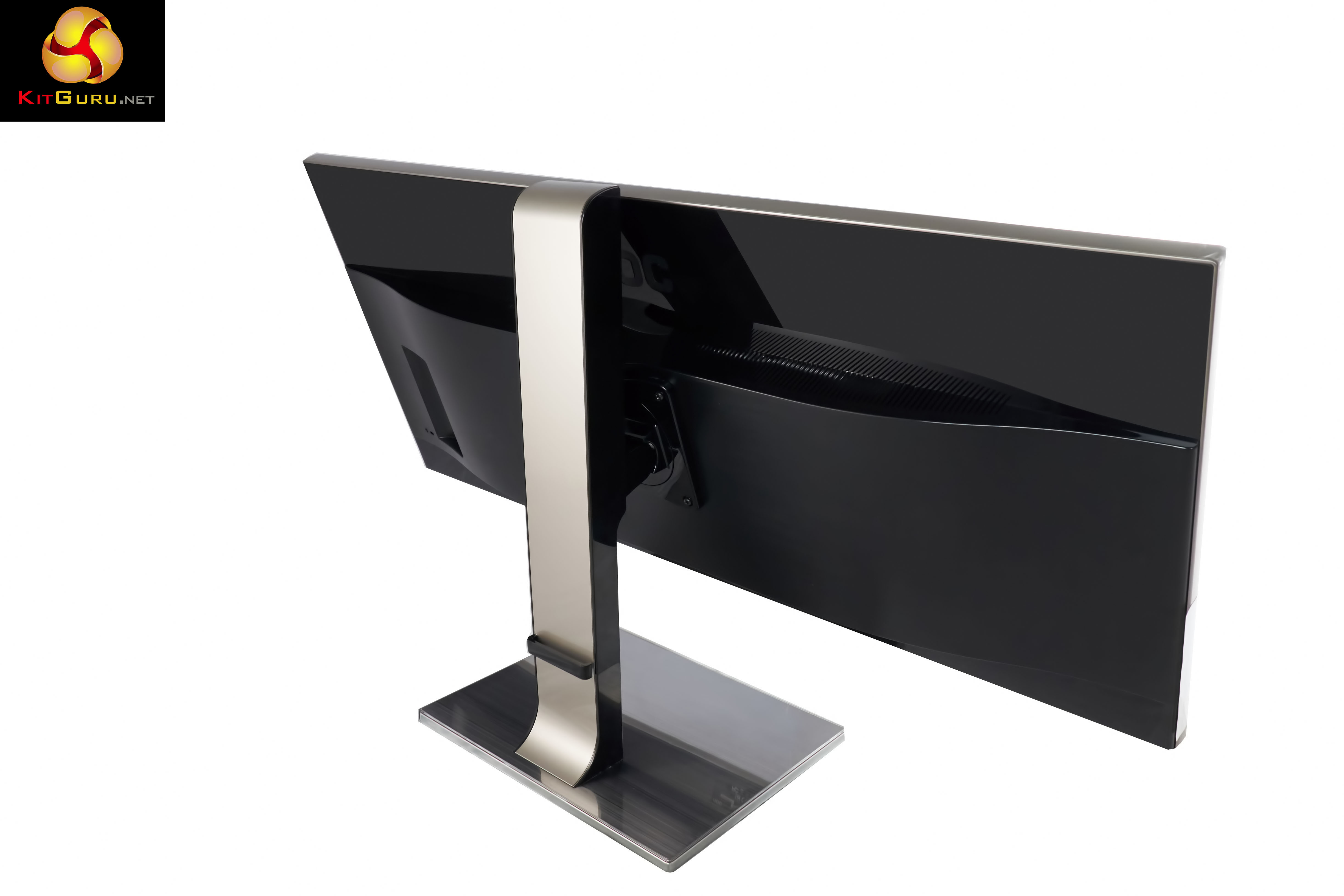
The bottom of the stand clips into the base. A thumbscrew ensures the stand won't detach. Simple, and tool less.
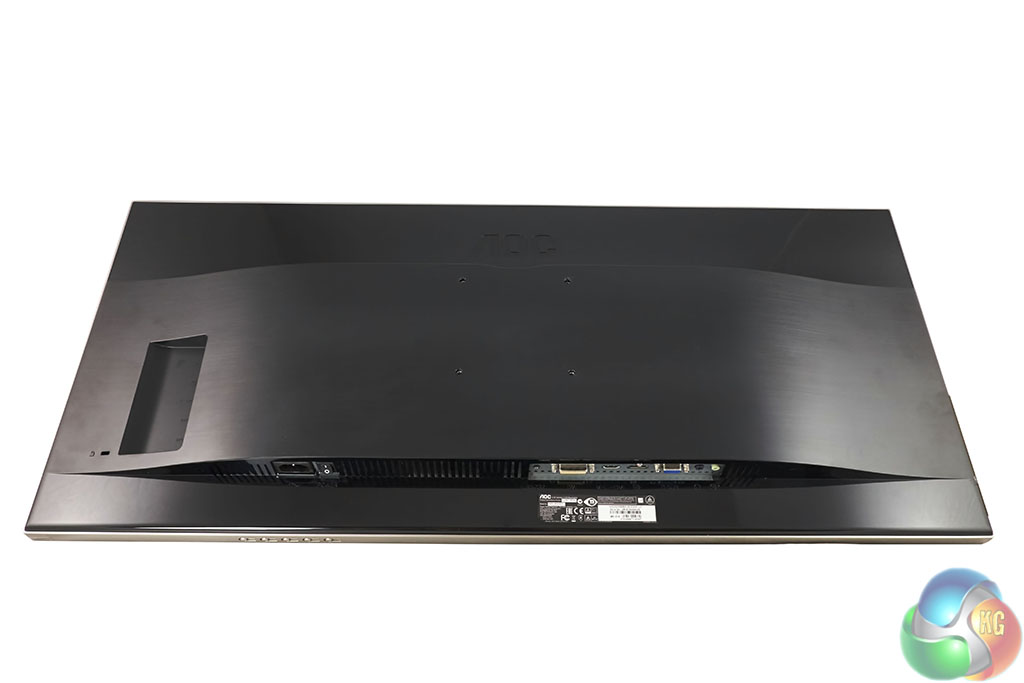
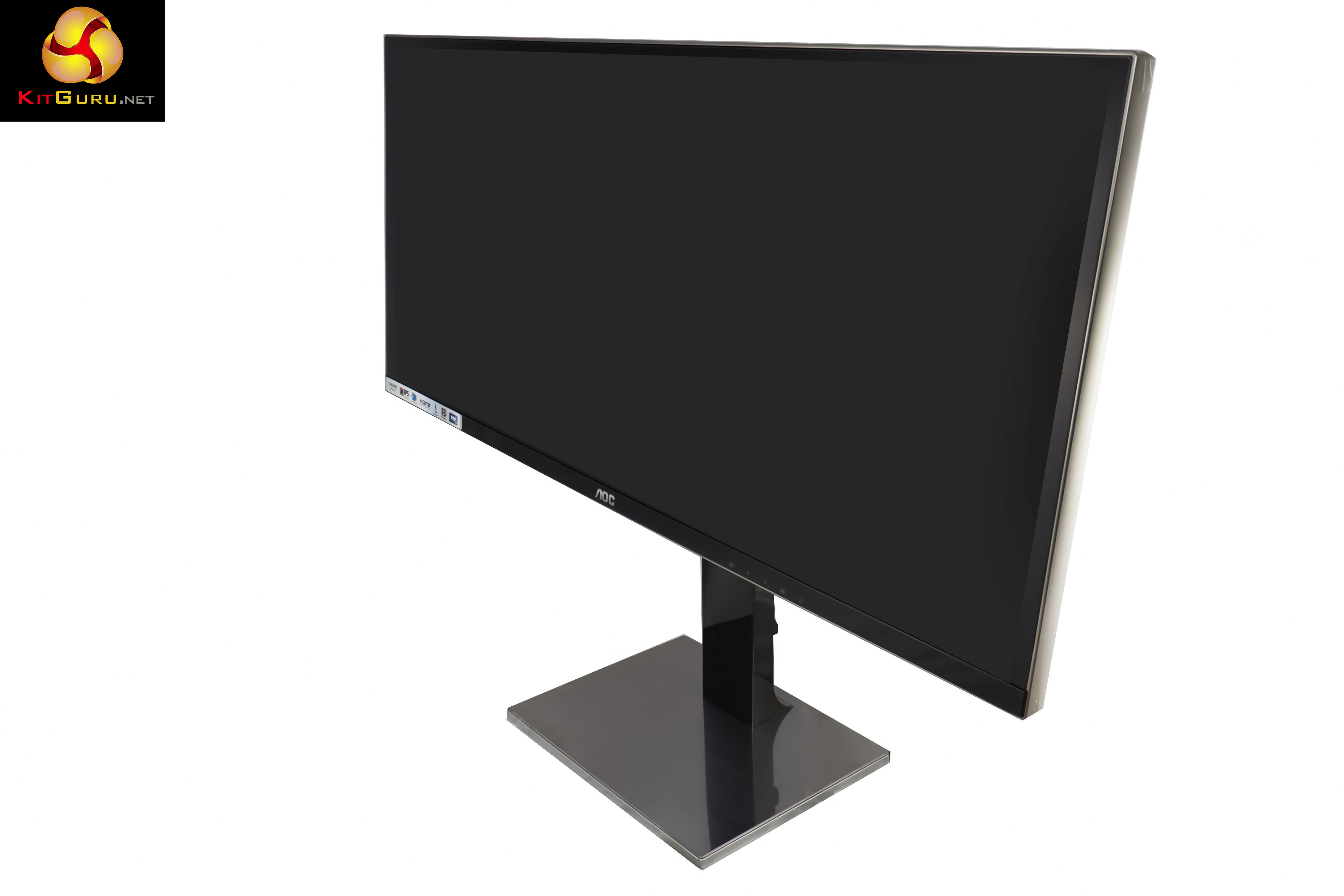
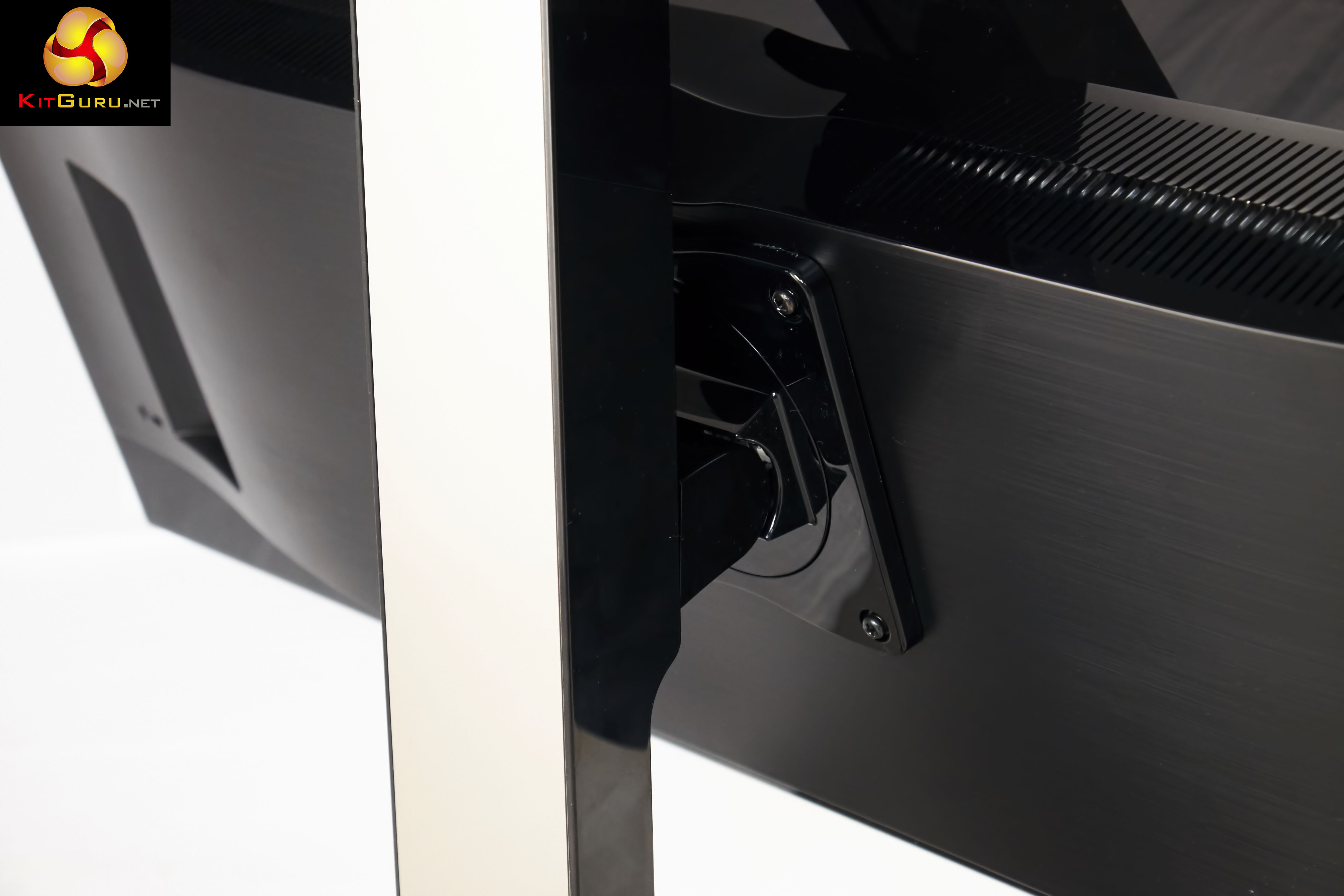
100mm x 100mm VESA holes for wall mounting. Attaching the stand to the panel isn't tool less however. You need a Philips head screwdriver for this part. Simply bolt the stand to the panel and you are ready to rock. This is a very high gloss style surround, which proved rather difficult to photograph – even in our professional studio environment.
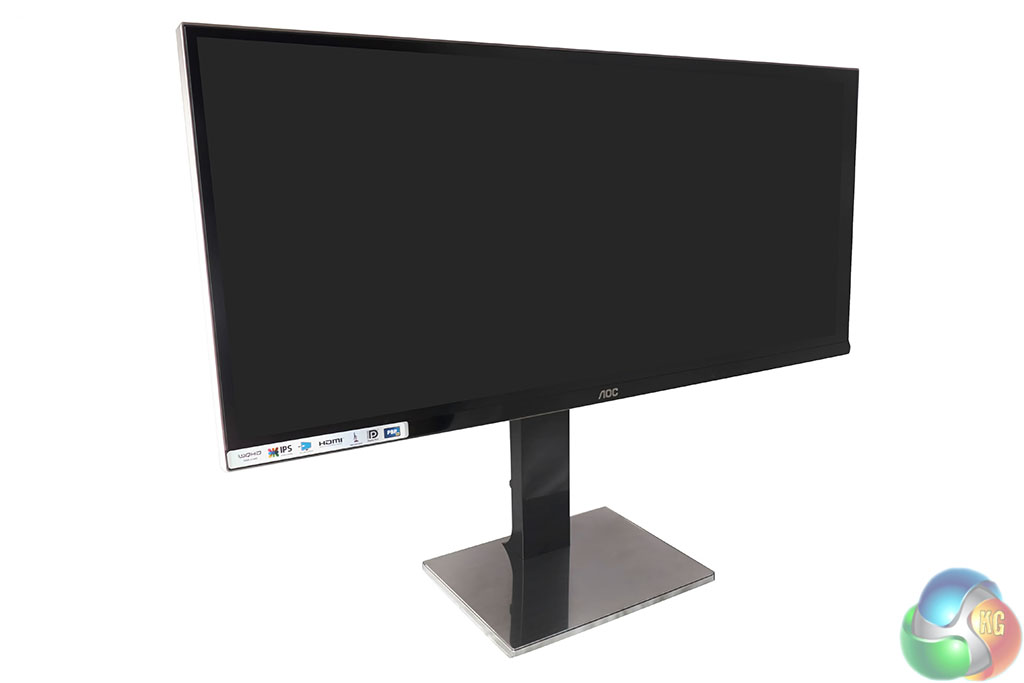
The AOC U3477PQU is certainly an attractive looking screen however being used to a standard 4K 3,840x 2,160 screen, it certainly took me some time to adapt to the super wide ‘length'. All in all it weighs around 10kg. The screen has an ‘Ultra Narrow Border'.
The U3477PQU has built in speakers, rated at 3W. As you might expect they lack any kind of volume, bass impact or presence. They are only really useful in an office environment for basic alerts.
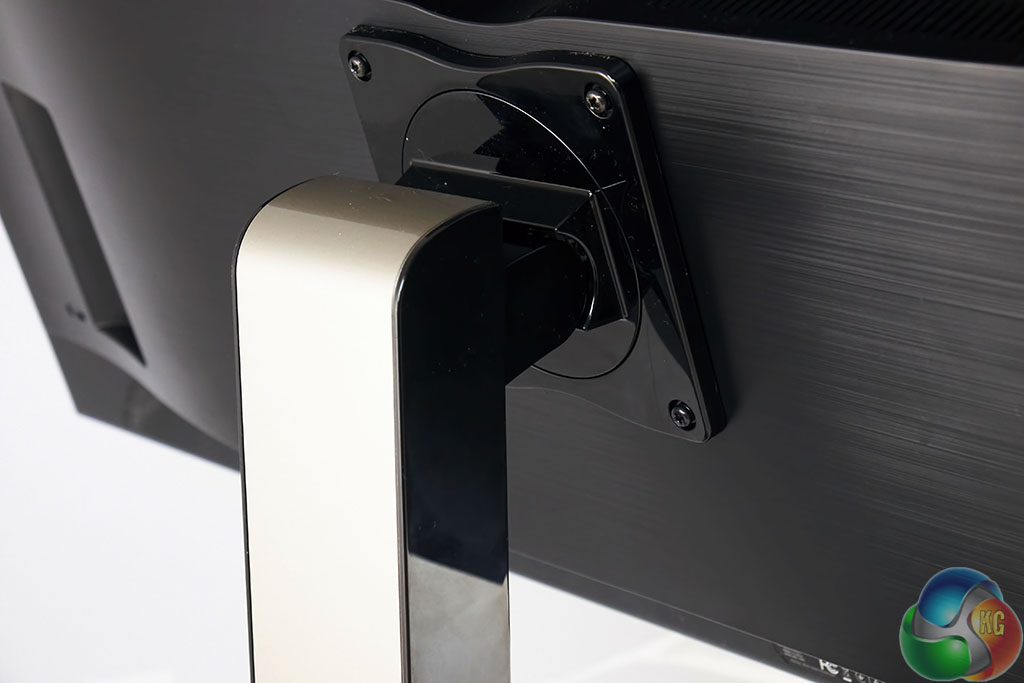
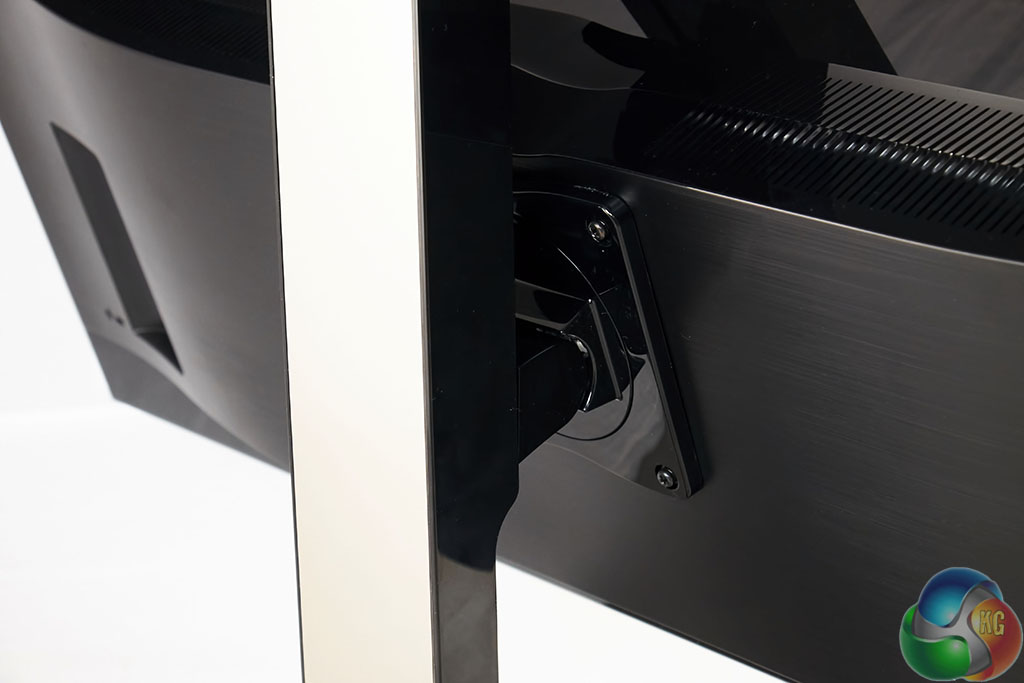
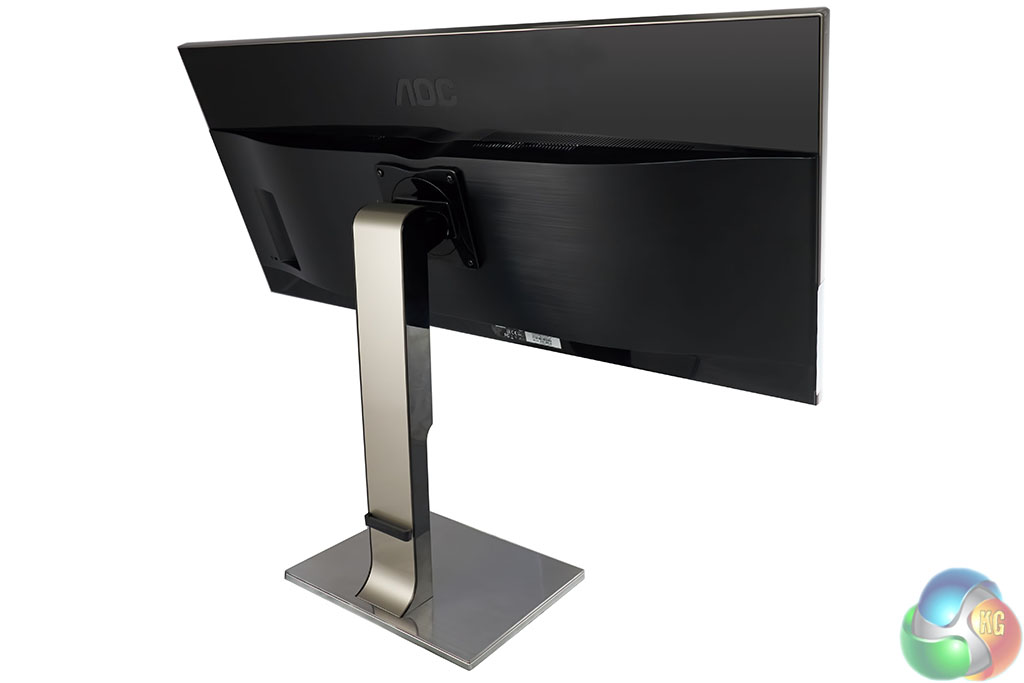
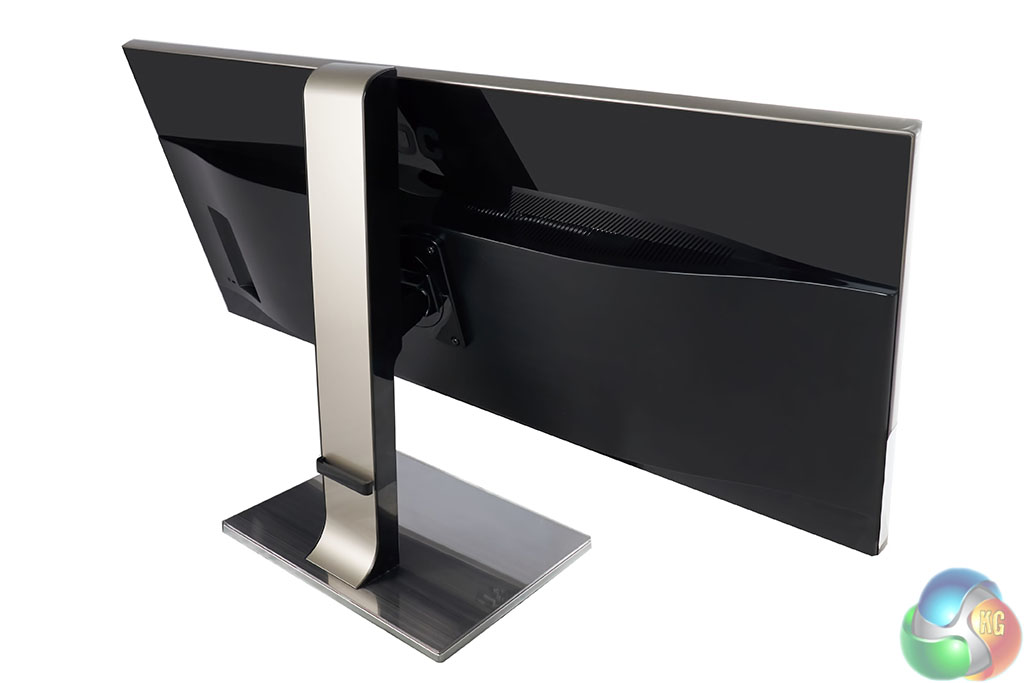
There is plenty of height adjustment on the stand. We measured 180mm of movement. The screen can be pivoted into portrait mode without the need for tools. Just make sure you have the panel high enough on the stand before attempting it. The stand also offers Tilt adjustments between 5°~24°.
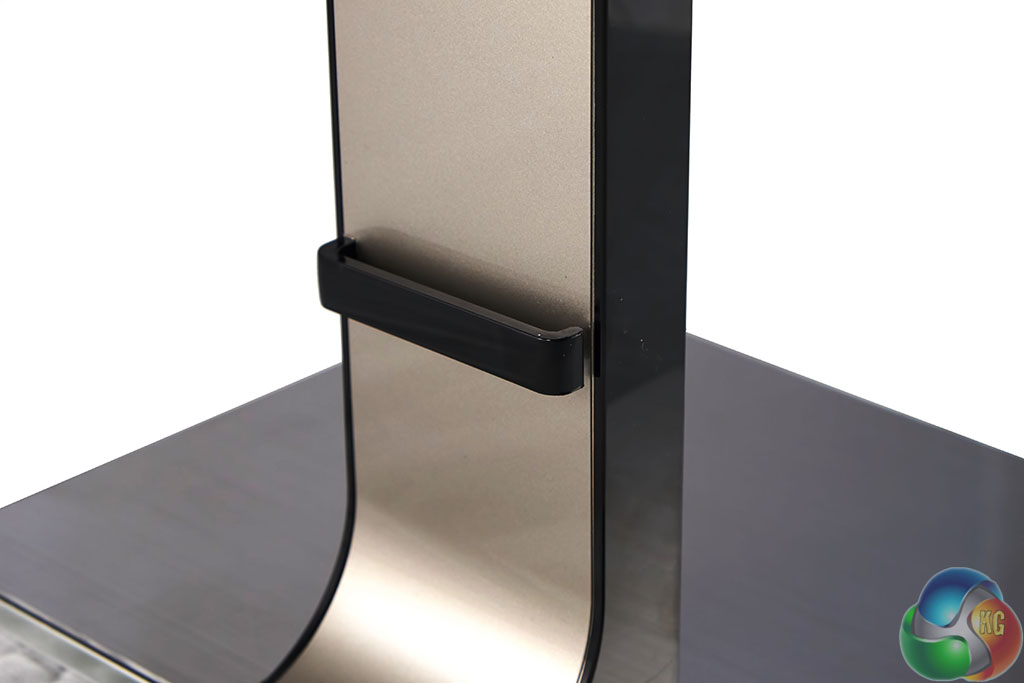
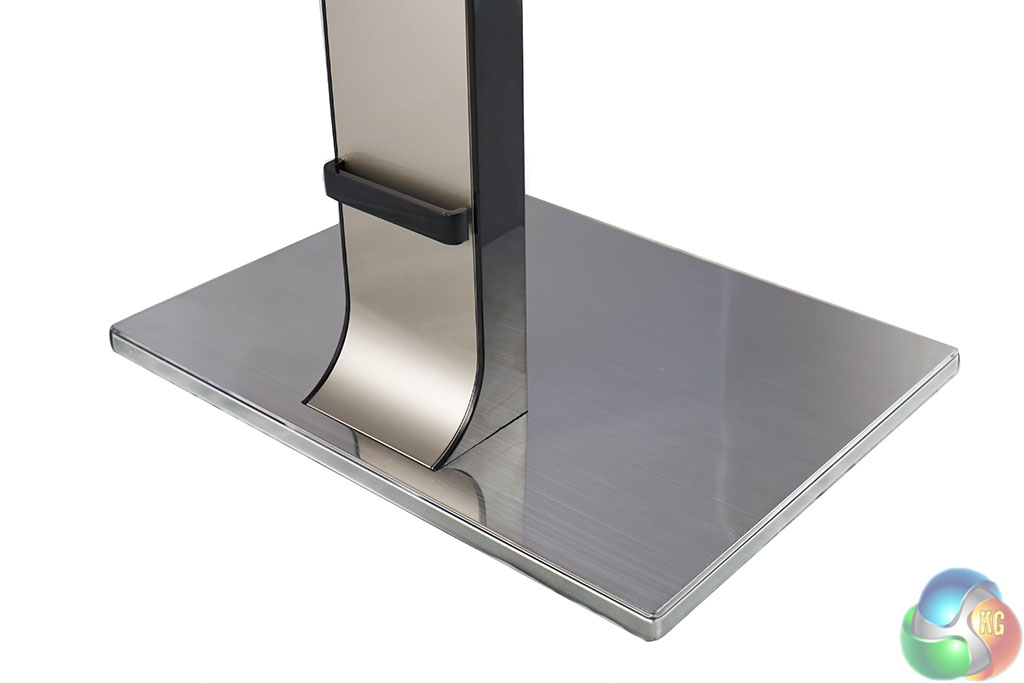
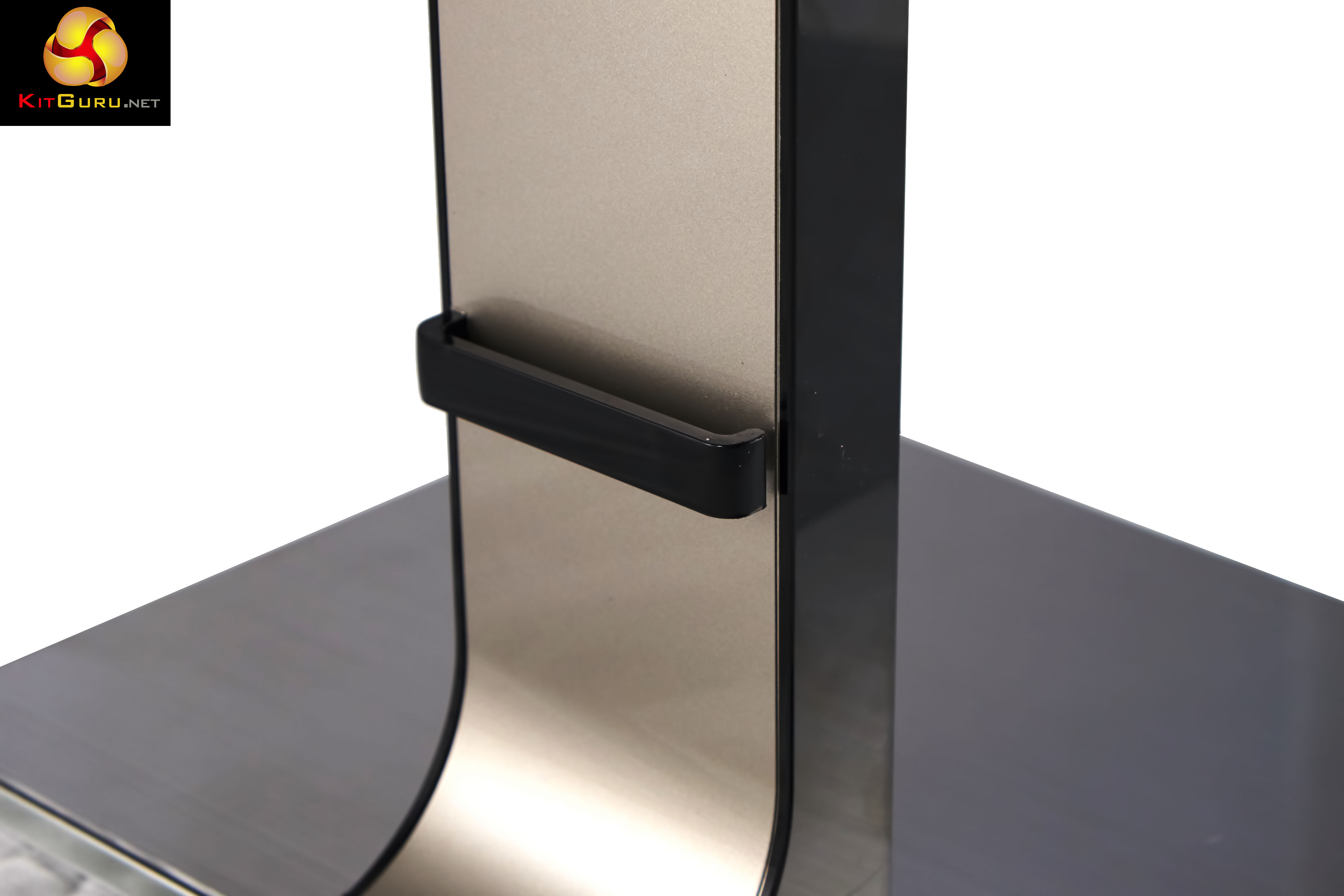
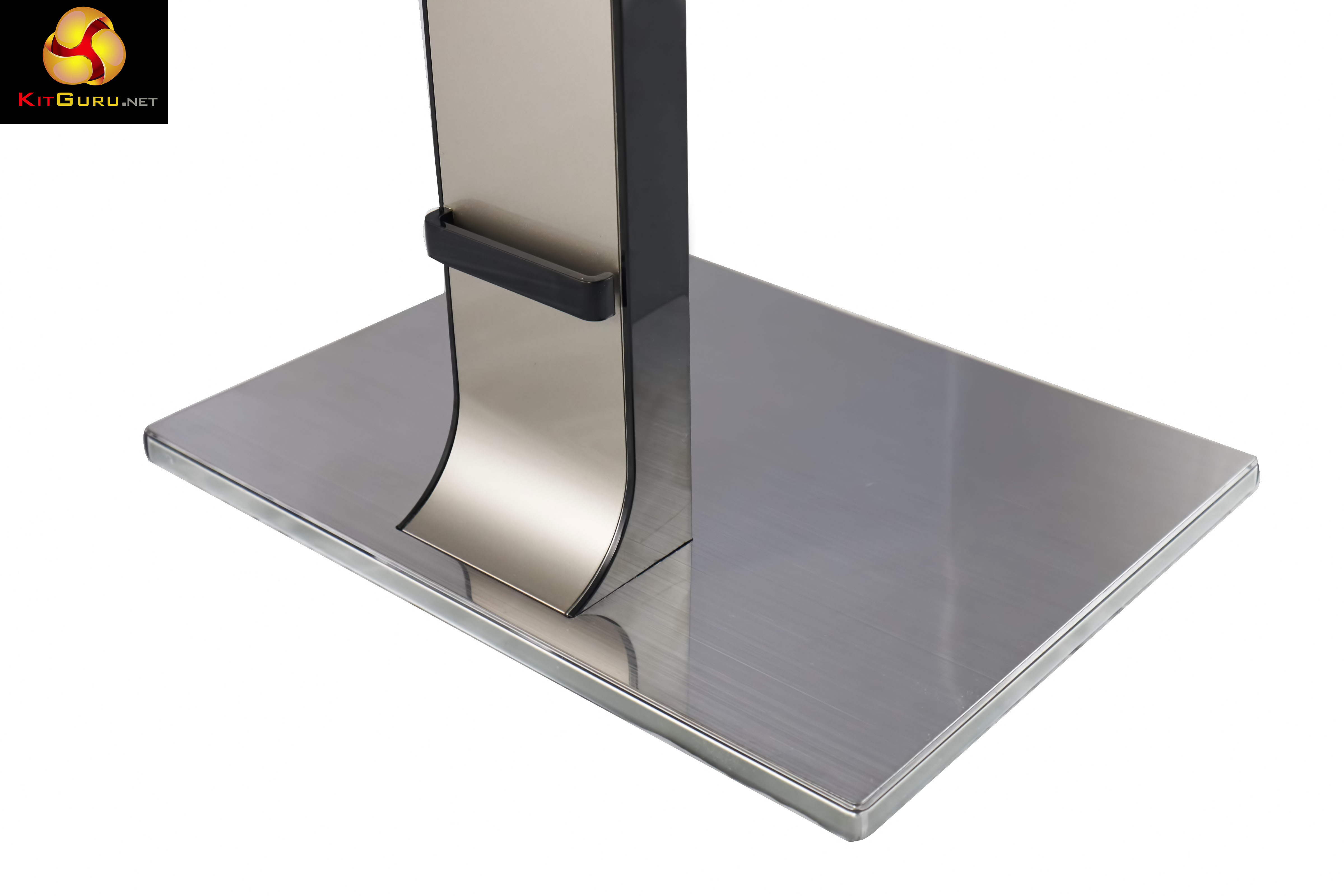
If Apple made a monitor stand this is pretty much how I imagine it to look. A neat little cable holder rests at the bottom of the stand. The base is almost ‘glass' like depending on the light in the vicinity – just keep a cleaning cloth handy. On a positive note the large base feels very secure when placed on a flat, level surface.
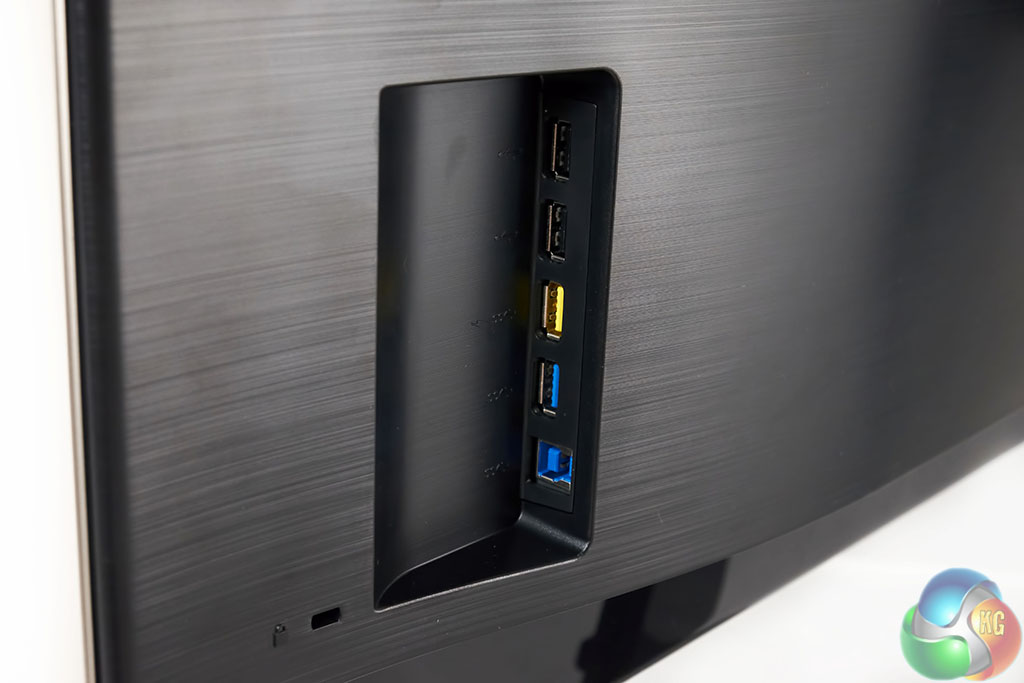
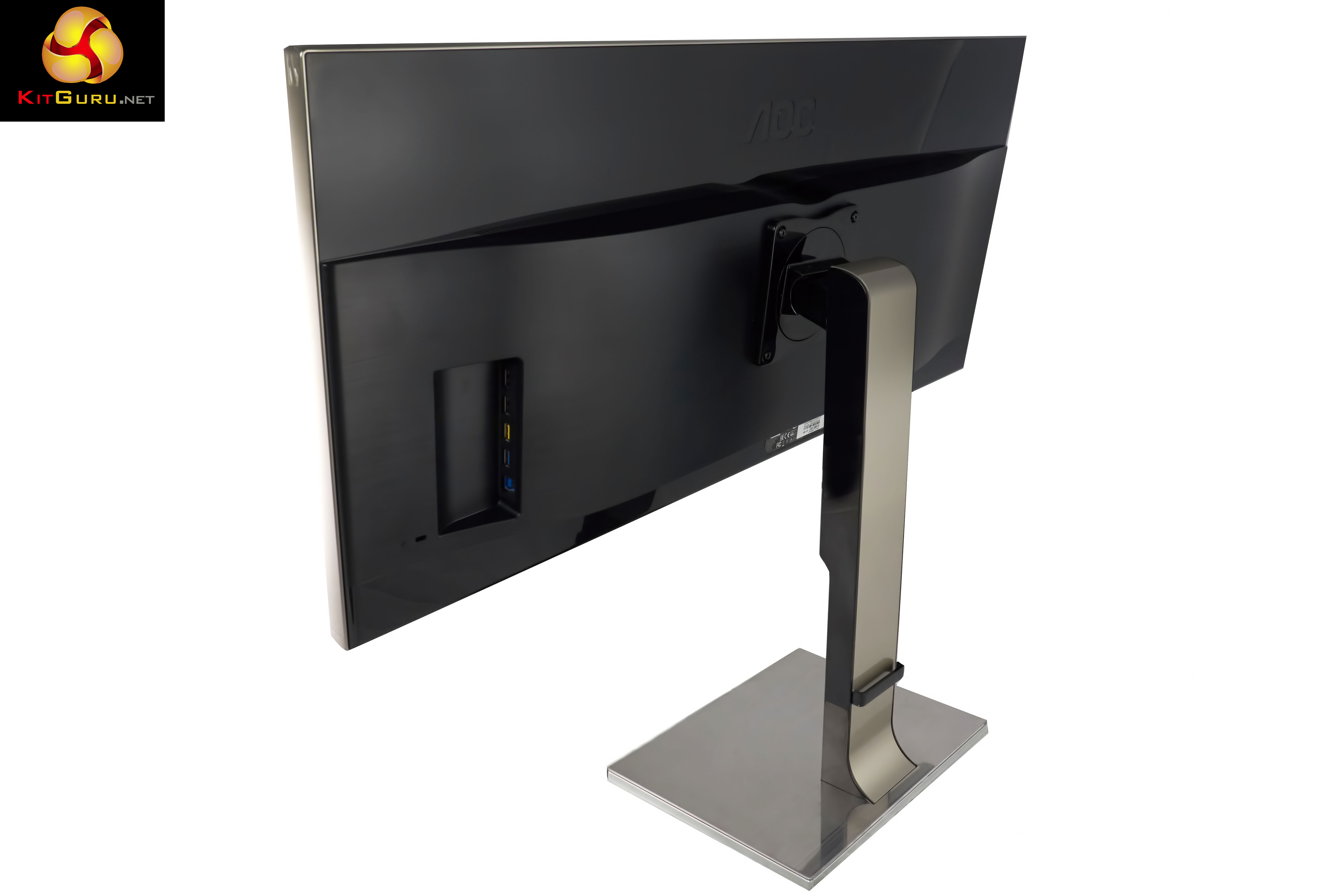
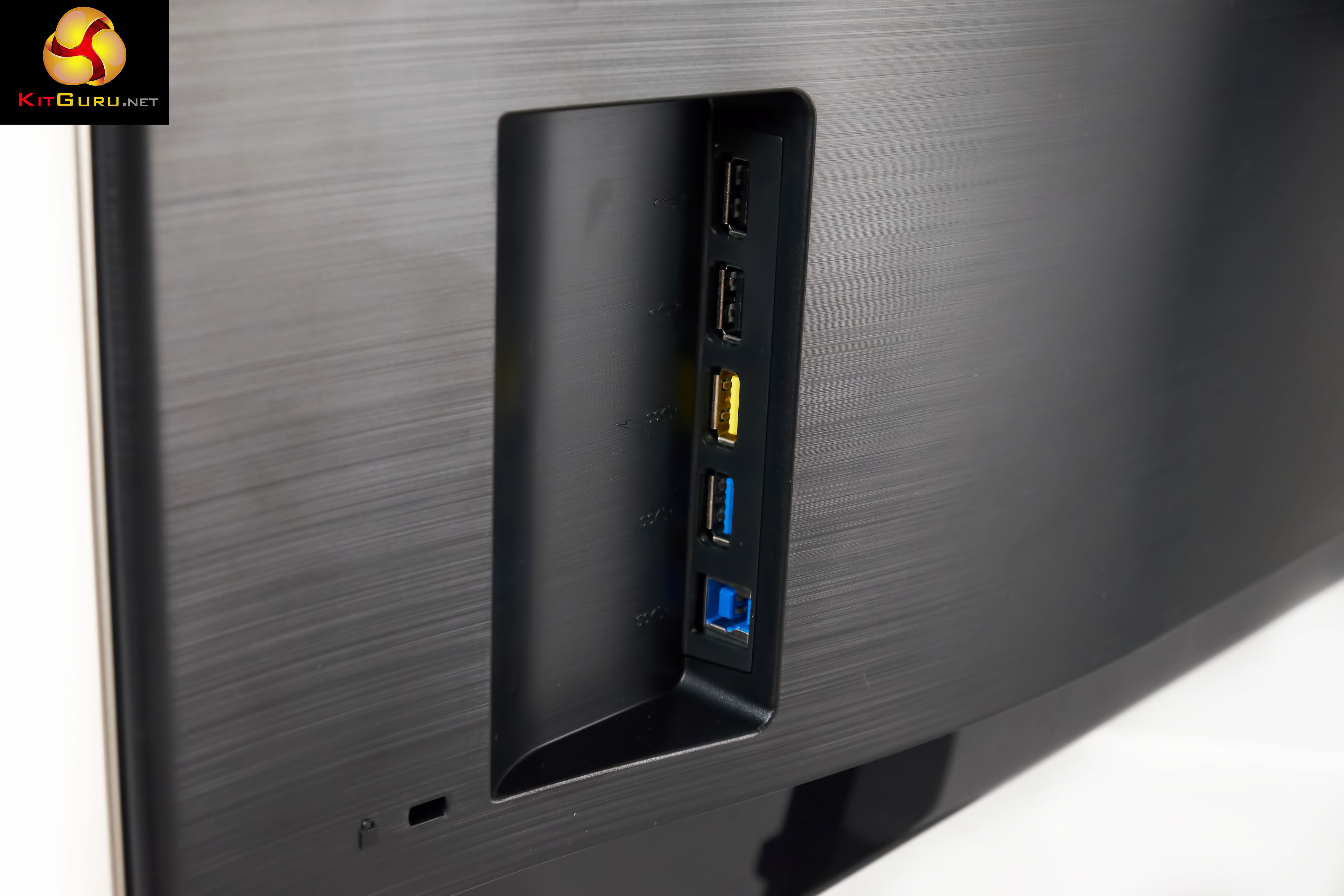
A little section on the rear of the screen is home to the USB panel. There are two USB 2.0 ports here, alongside a high charge USB 3.0 port (yellow) and standard USB 3.0 port (blue).
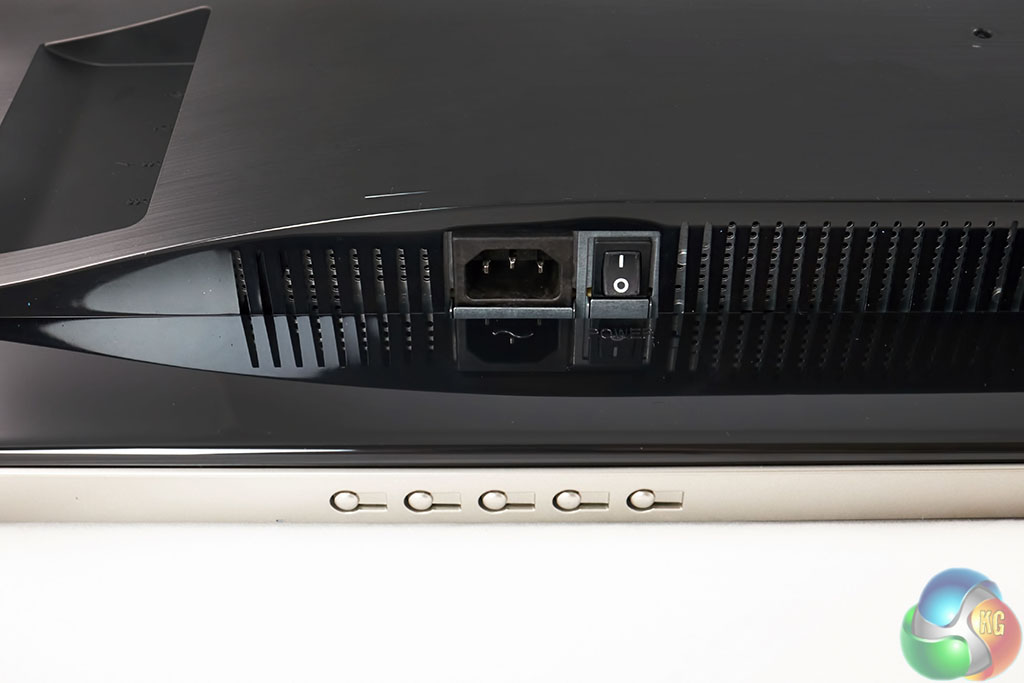
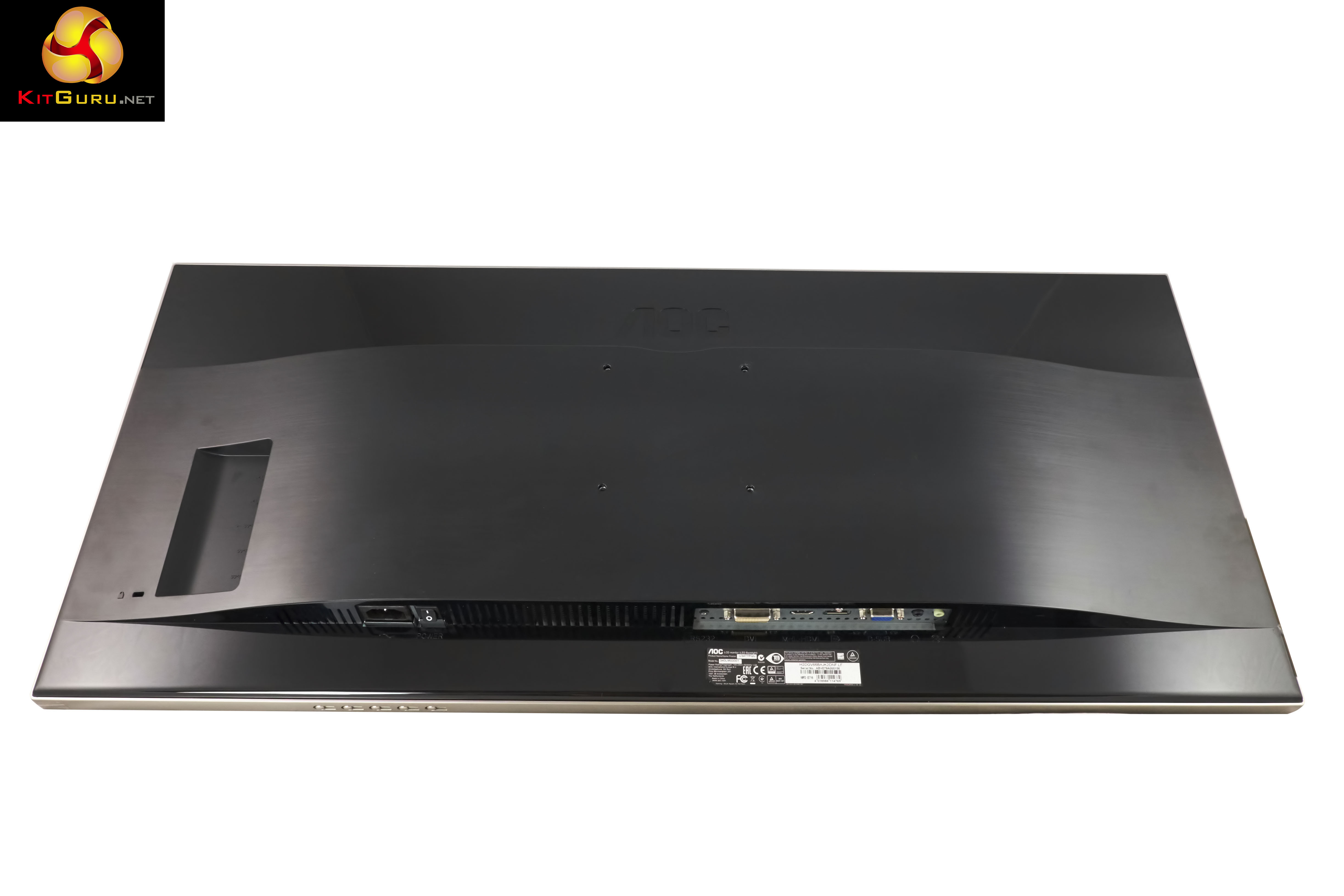
Along the bottom of the screen, from the rear. A standard power switch and connector.
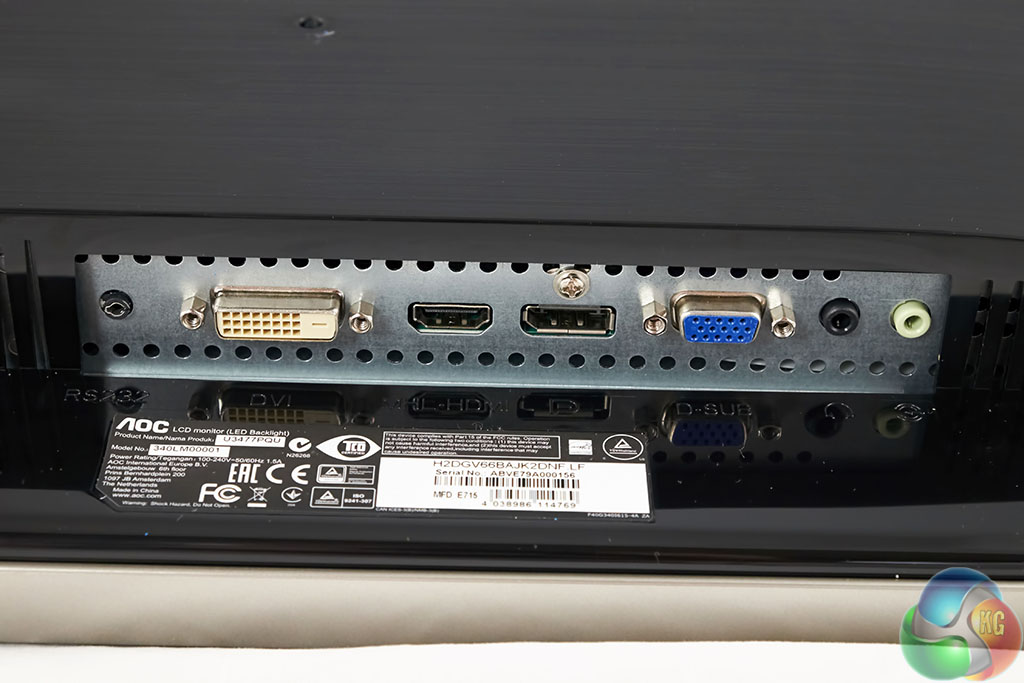
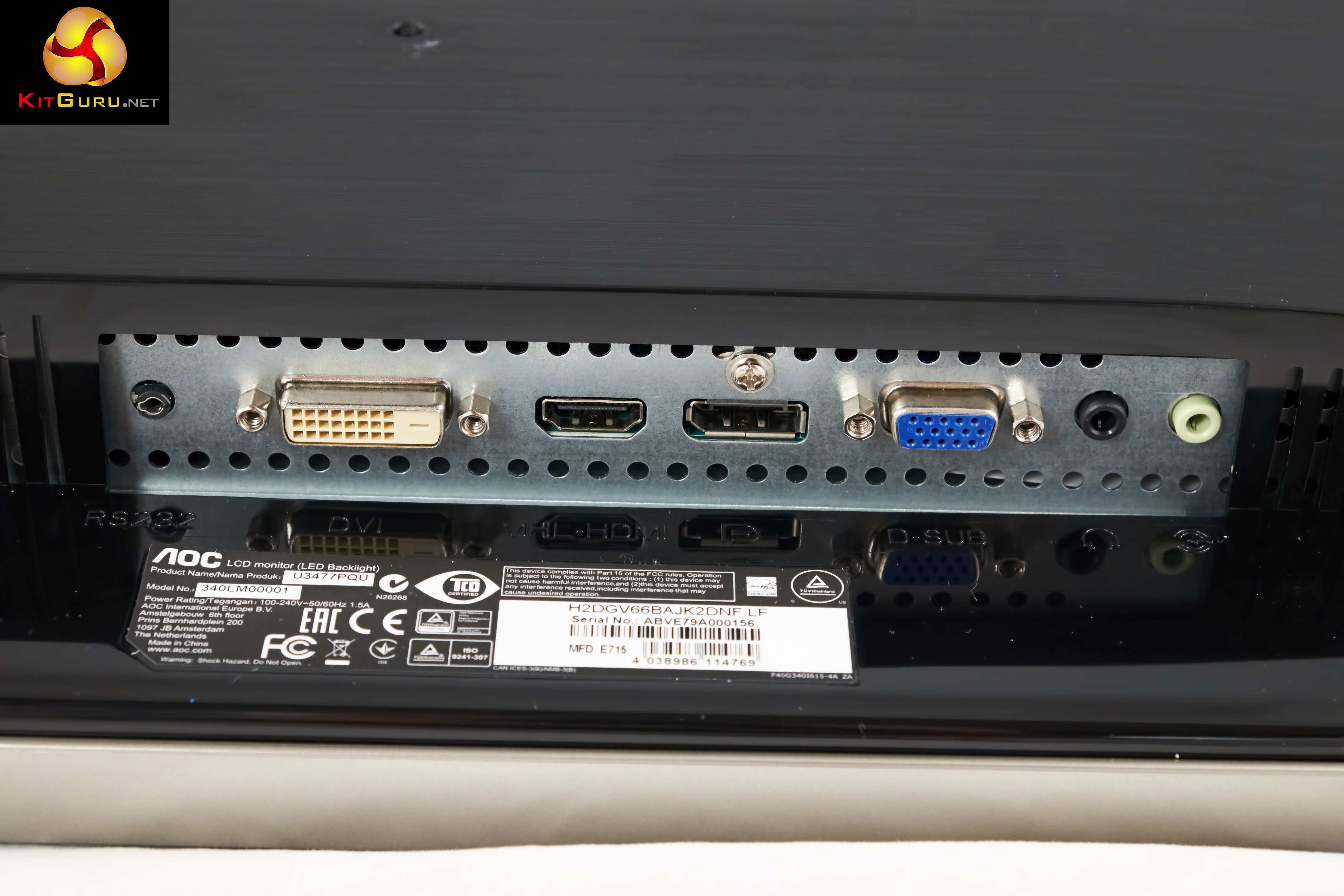
The I/O panel. The Dual Link DVI and HDMI (MHL) ports are only capable of 30hz @ 3440×1440. VGA has a limit of 2560×1080 @ 60hz. DisplayPort is the connector you will want to use to get the most from the AOC U3477PQU as it delivers the maximum 3440×1440 @ 60hz.
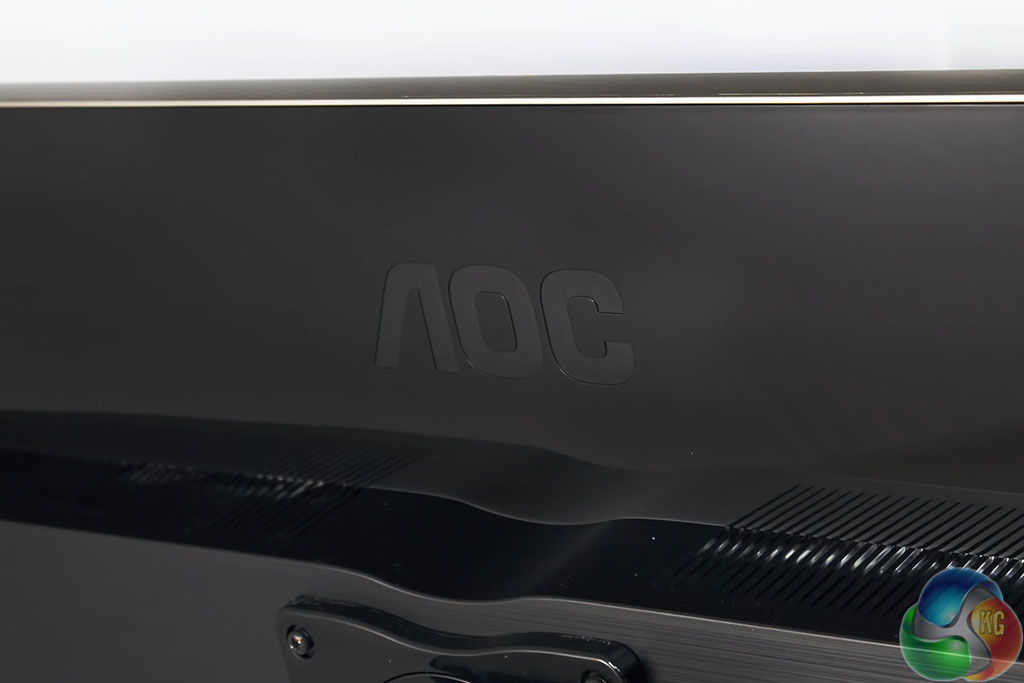
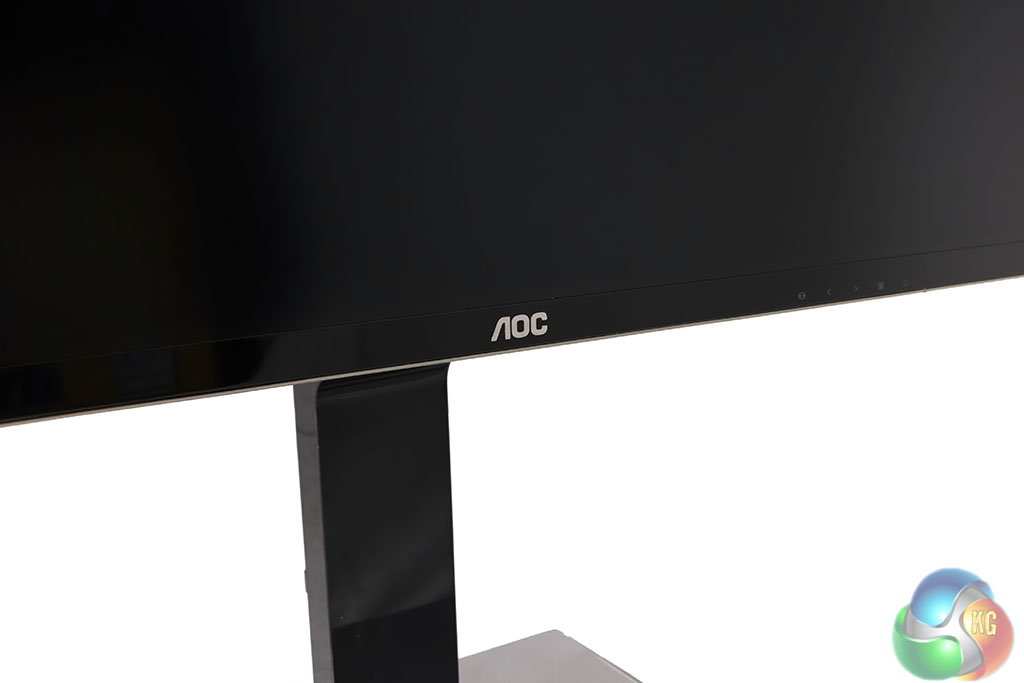
Not a lot of branding on the U3477PQU, just an AOC in small print along the bottom section of the screen, and ‘AOC' embossed into the rear panel.
On this page we present some high resolution images of the product taken with a Fuji XT1. These will take much longer to open due to the dimensions, especially on slower connections. If you use these pictures on another site or publication, please credit Kitguru.net as the owner/source.
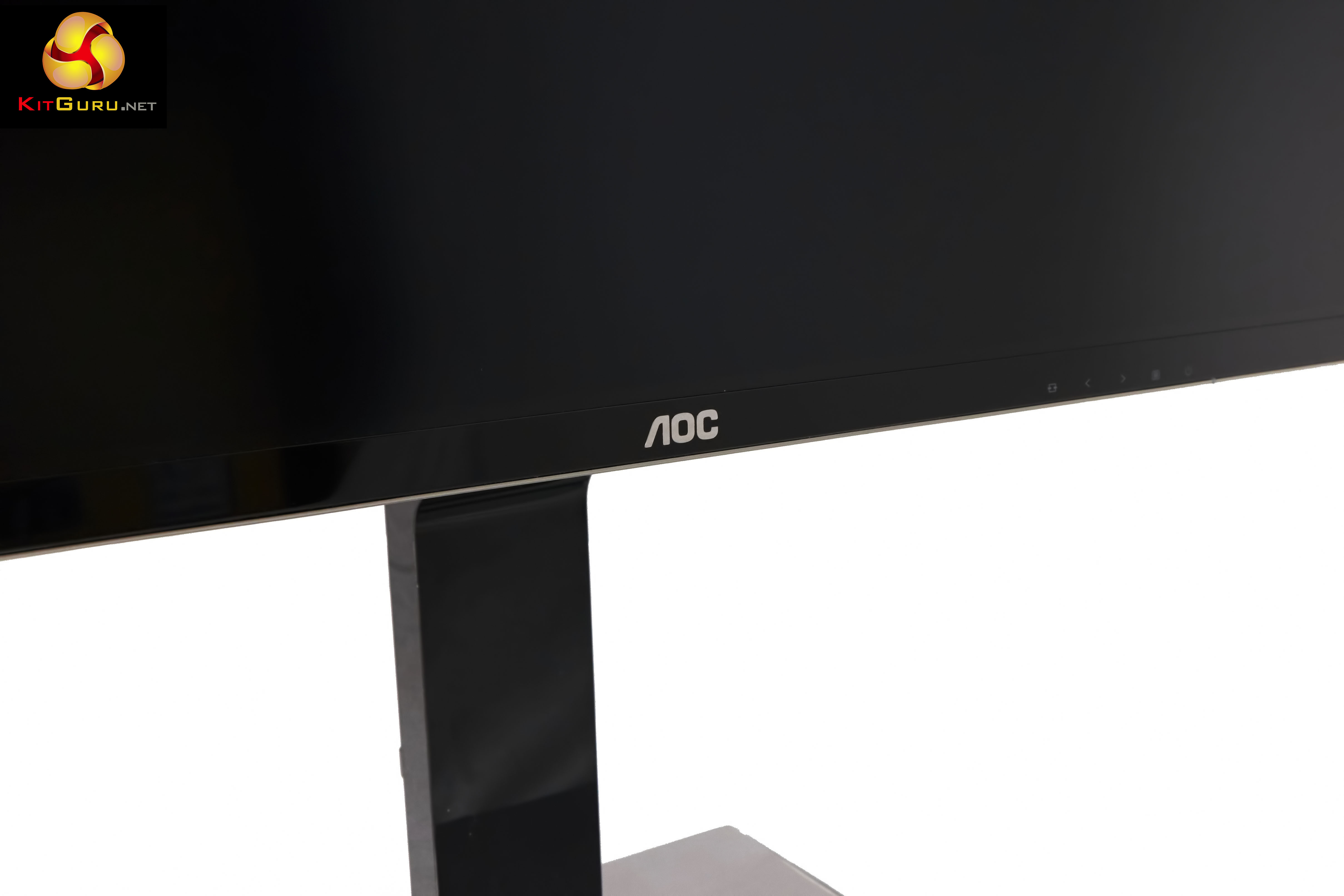
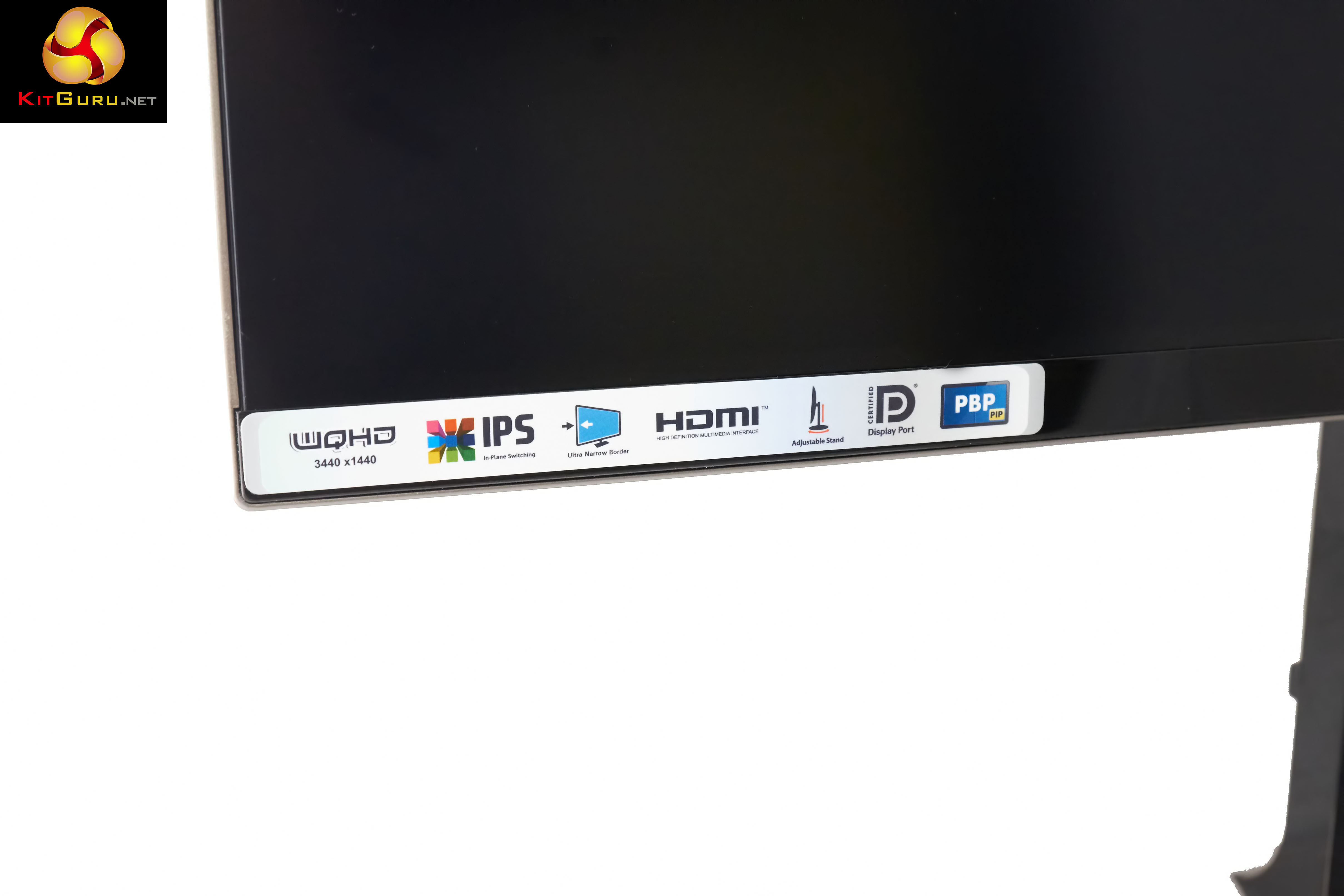
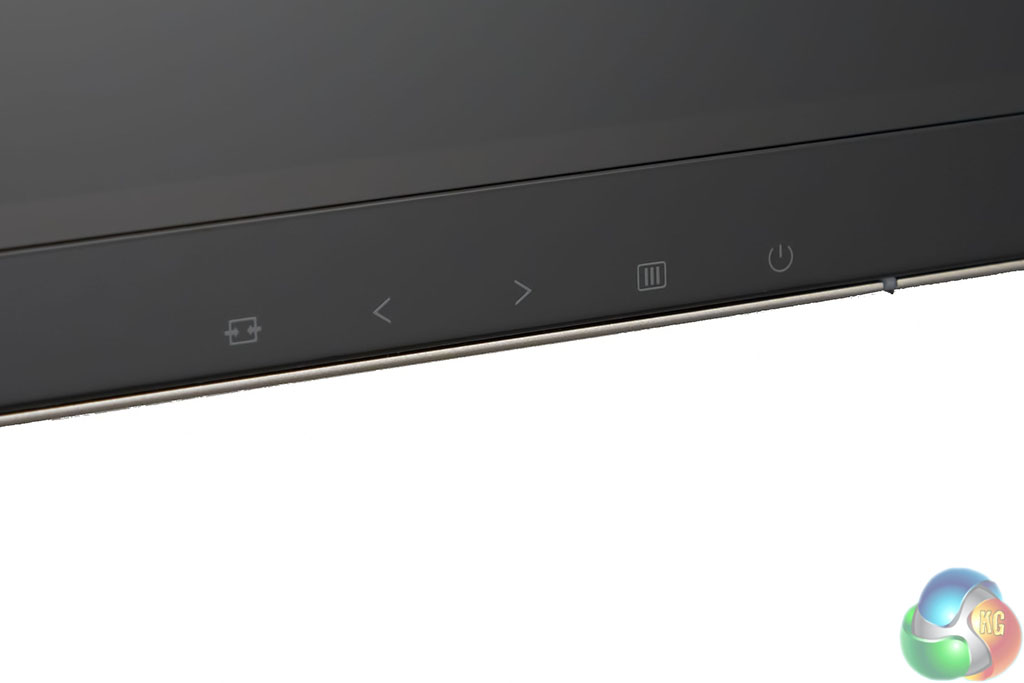
It is easy to miss, but along the bottom of the screen, on the right hand side is a list of icons, these are related to the onscreen menu system. These are not touch sensitive buttons incidentally….
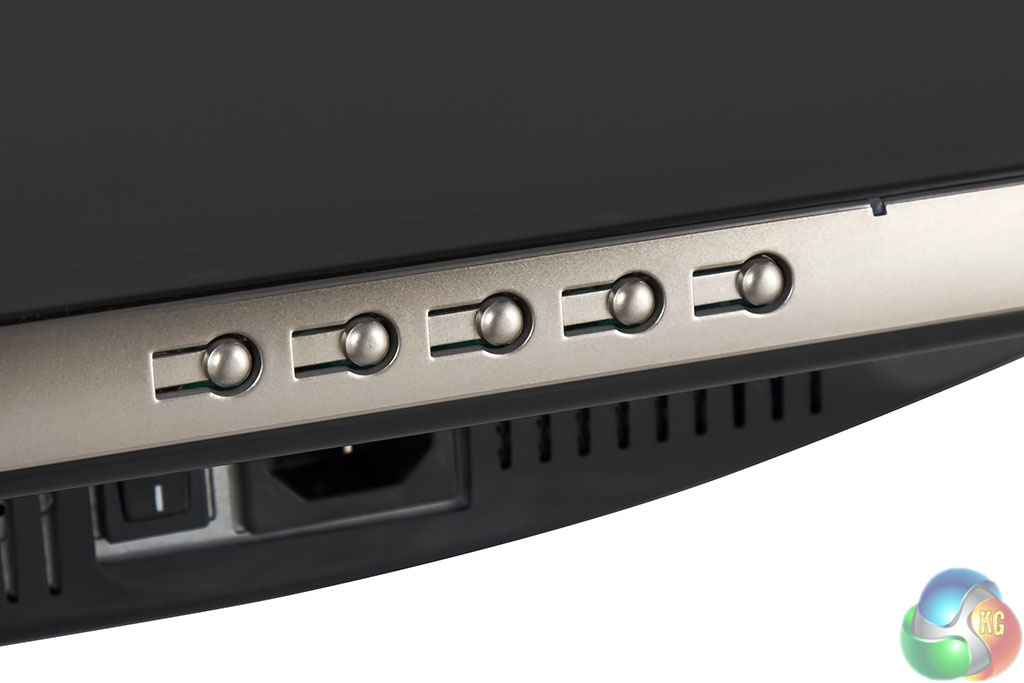
… the picture above was taken with the screen laying on its back. These are the physical buttons which operate the onscreen menu system. From left to right: Switch input, move left, move right, menu on/off/accept, power off/on.
The physical buttons are really very intuitive to use. Unfortunately like many screens we have looked at lately the power button is not separated from the other buttons. It is rather easy in operation to accidentally press the on/off button instead of closing or enabling the on screen menu – they are right beside each other in the row.
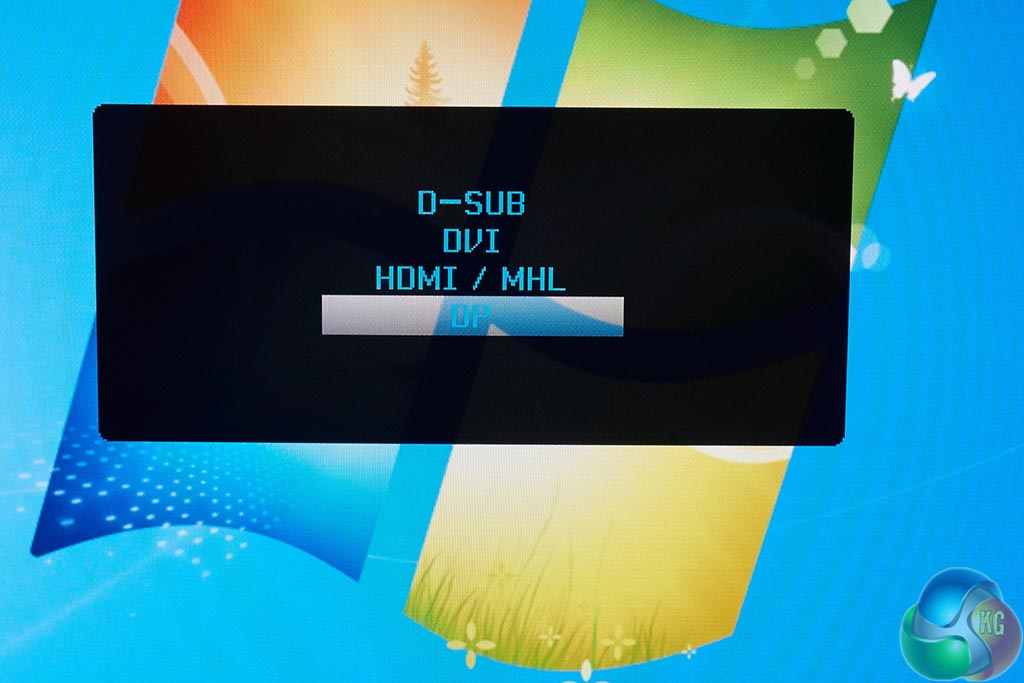
The input button calls up a simple menu to toggle between the four input connectors. We are using DisplayPort for all our testing today.
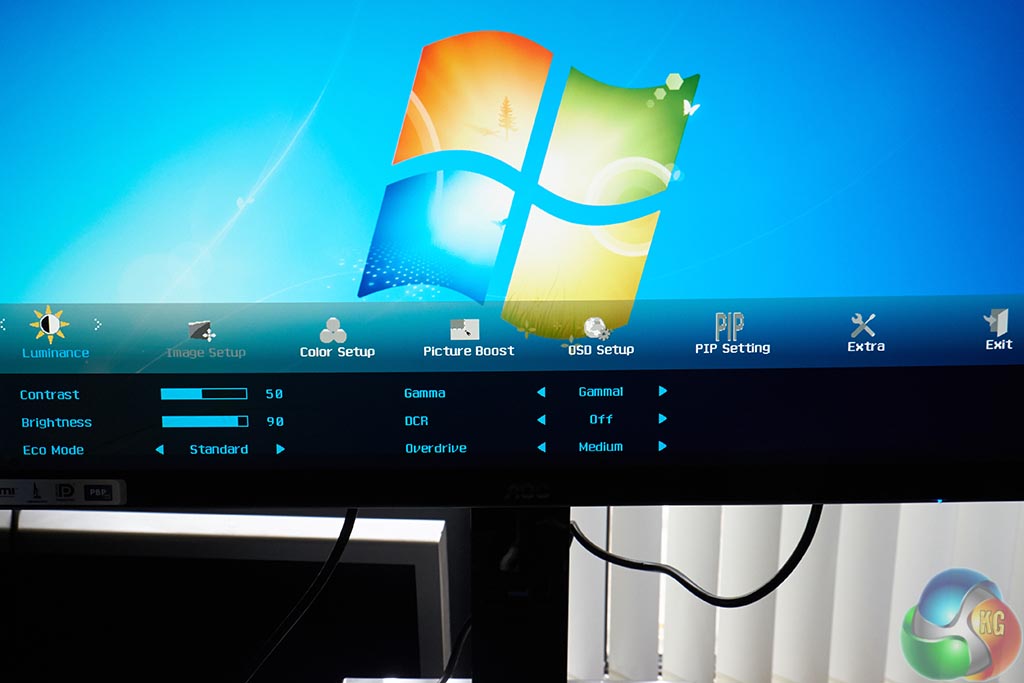
The luminance menu offers control over contrast, brightness, game, and pixel overdrive. ECO mode lets the user cater to power saving modes.
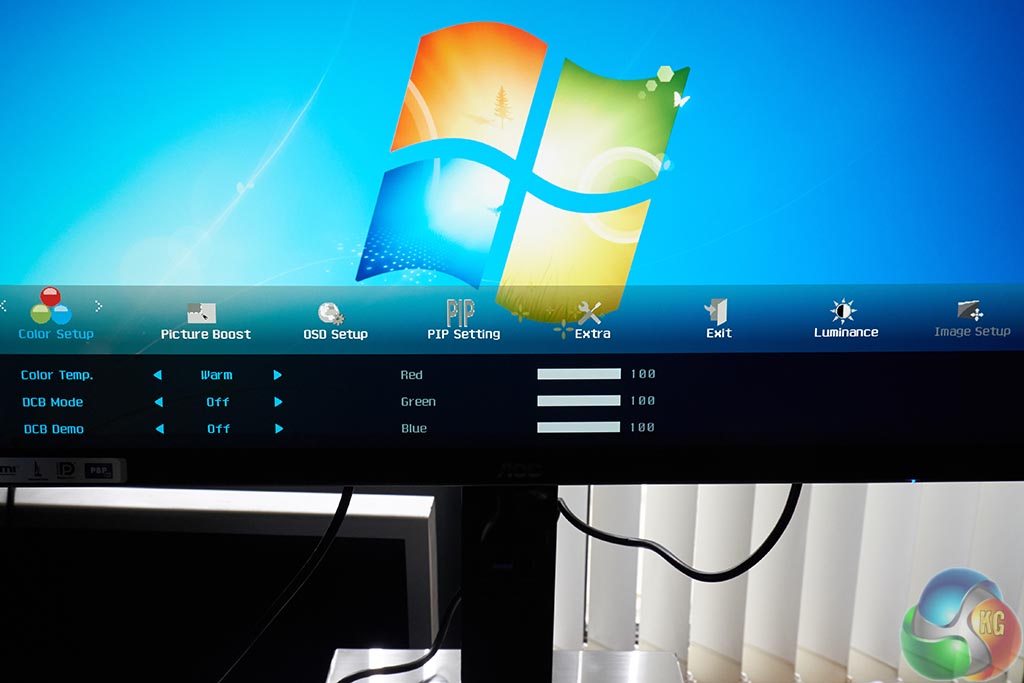
The Color Setup panel allows for adjustments over the colour balance. The default Colour Temp is set to ‘Warm'. We look at this in more detail when we analyse performance.
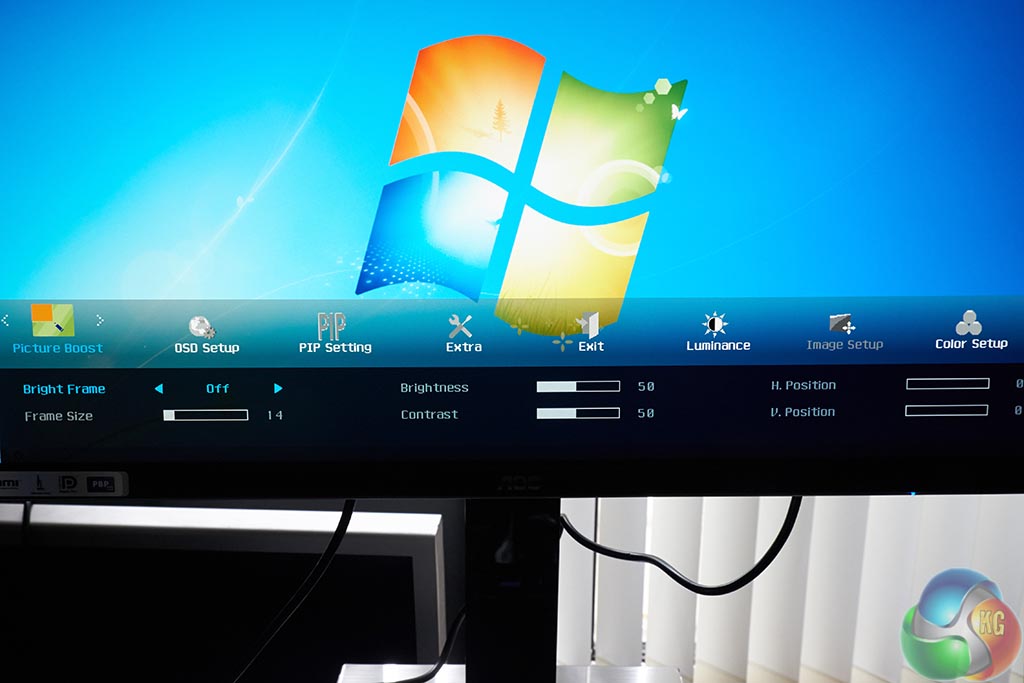
The Picture Boost panel does pretty much what it says. It allows the image to be boosted, along with controls for H.Position, V.Position.
To test today we are using a LaCie calibration gun, along with specific software to accurately measure the readings.
These are the supported panel resolutions:
640×480 @60/67/72/75Hz:
800×600 @56/60/72/75Hz;
1024×768 @60/70/75Hz; 1280×1024@60/75
1680×1050@60HZ
1440×900 @60/75Hz;
1920×1080 @60Hz;
1280×960@60Hz; 1280×720@60Hz
2560×1440@60Hz
3440×1440@30/60Hz
The Dual Link DVI and HDMI (MHL) ports are only capable of 30hz @ 3440×1440. VGA has a limit of 2560×1080 @ 60hz. DisplayPort is the connector you will want to use to get the most from the AOC U3477PQU as it delivers the maximum 3440×1440 @ 60hz. We test with DisplayPort today.
We measured Gamut out of the box and the U3477PQU returned a reading of 2.19 which is excellent. We manually adjusted Gamma to 1.8 and the panel returned a 1.81 result which is close to perfect.
The U3477PQU is a 10 bit panel – 8 bit native plus 2 bit FRC dithering. The AH-IPS (Advanced High Performance In-Plane Switching) panel is coated in a light, smooth anti glare finish which offers excellent clarity and colour vibrancy. We measured viewing angles at close to 180 degrees on both horizontal and vertical planes.
The DisplayMate 64 step Grayscale test returned a very good result, with only one missing step.
The U3477PQU ships in a surprisingly decent state from the factory, although you will likely want to tweak contrast and brightness a little. Those of you who like a ‘cooler' image will want to visit the Color Setup submenu. The U3477PQU arrives with a preset set to ‘Warm'. We wouldn't say the image is biased excessively to display warmer colours, but some adjustment may be needed, depending on your personal taste. Thankfully AOC do include Red/Green/Blue sliders for fine adjustment.
High resolution (4K) images displayed on the AOC U3477PQU look fantastic – colour saturation is actually slightly muted rather than overblown – and this tends to make everything look slightly more realistic. You can of course adjust this in the menu system, but we are discussing the default out of box settings.
Panel Linearity rates as good, with some minor deviation at the edges closer to the bezel. This isn't an issue, and is commonplace with any mainstream consumer screen. Gradients are reproduced smoothly, with minor banding evident.
The panel is rated at 5ms Grey to Grey refresh, but it is an IPS screen, so there are certain limitations inherent with the technology. The hardcore gaming audience may find the refresh to be unacceptable. I have to admit, I don't tend to notice artifacting with a faster IPS screen such as this, and the AOC U3477PQU performed extremely well for me in all the games I tested – such as FarCry 3, Tomb Raider, Wolfenstein and Middle Earth: Shadow Of Mordor.
I asked three members of a local gaming clan (who predominately play Battlefield) to spend a day with the U3477PQU. Two said that they didn't notice any ghosting, or smearing, although the third said he preferred his Asus ROG Swift PG278Q and could notice refresh ghosting with a panel measuring worse than 1ms GTG.
This is going to be very much down to the individual. It is still an area where a TN panel has the edge.
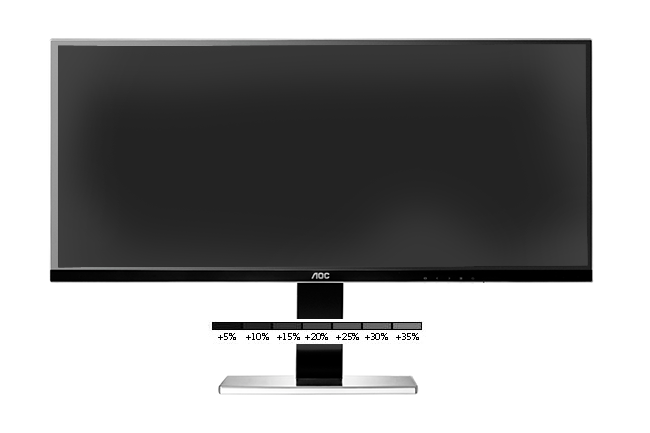
Black Definition rates as above average, with recorded light leakage across the full width of the panel, with higher variance on the corners and edges. The central area of the panel rated as excellent, with only a +10% variance. Outer most edges rated around +18%. Under real world conditions this was not that noticeable, although a hyper critical eye may be drawn to it. If you increase the brightness above the default setting this will become more apparent.
Contrast levels are very good, rated at a maximum of 1000:1. A minor increase over the ‘out of the box' setting may be welcomed for users watching a lot of high definition media.
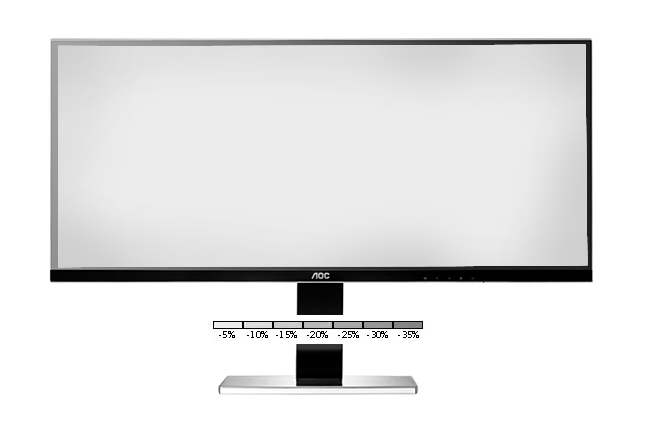
White purity is excellent, with the screen showing a reading around -15% at the edges. Central areas indicated around -10% variance. We found images displayed on this screen to look pure, clean and sharp – and without noticeable colour bias.
This screen rates as very good for a user wanting to edit photographs from a camera, or for Adobe Photoshop work. It hasn't been accurately set up in the factory, but a little time tweaking settings in the on screen menus can yield much better results.
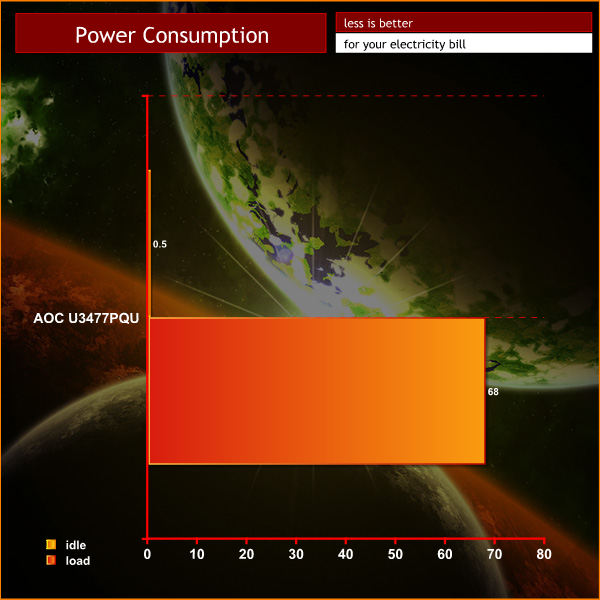
The screen consumes around 0.5 watts under standby. This rises to 68 watts after our calibration.
The AOC U3477PQU will certainly appeal to the enthusiast audience who yearn for a big, cinematic screen to enjoy high definition movies and the latest PC games.
The Ultra Wide 3,440 x 1,440 resolution will take some time to adapt to, especially if you are used to a more traditional shape, like myself. My home office system utilises two Asus PQ321Q 4K monitors running at 3,840 x 2,160 (7,680 x 2,160 total). I am a big believer in high pixel desktop resolutions because it is conducive for a productive multi tasking environment.
The U3477PQU AH-IPS panel is capable of accurately reproducing a wide gamut, and it does so in a realistic way without bombarding the senses with oversaturated colours, or blowing out finer detail. Panel linearity is commendable, and both black definition and white purity help produce an overall image that is contrast rich with clean, pure whites.
While the U3477PQU ships with a wealth of connectors, you will need to use DisplayPort to get the full 60hz at the native 3,440×1440 resolution. The Dual Link DVI and HDMI (MHL) ports are only capable of 30hz @ 3440×1440. VGA has a limit of 2560×1080 @ 60hz. If the partnering graphics card doesn't have a DisplayPort connector then you will either be stuck with 30hz, or a much lower resolution.
Hard core gamers may need to be wary of the IPS panel response time limitation of 5ms GTG. I didn't notice any smearing myself, but one out of three clan gamers who spent some time with the panel said he could, preferring the faster 1ms GTG of his own Asus ROG Swift PG278Q.
Recently we have reviewed several low cost Ultra HD 4k 60hz screens from ASUS and AOC – but they have all been TN based. The AOC U3477PQU ships with a superior IPS panel, and the retail price is said to be between £549 and £599 inc vat – making for a very compelling purchase. The U3477PQU should be available in the UK later this month.
Discuss on our Facebook page, over HERE.
Pros:
- IPS panel.
- HDMI, DVI and Displayport out.
- realistic colour reproduction.
- superior image quality.
- Price point is very competitive.
- built in speakers and USB 3.0 hub.
Cons:
- Displayport input is the only one to support 60hz 3,440 x 1,440.
- 5ms may not be fast enough for some gamers.
Kitguru says: The IPS based AOC U3477PQU has many strong attributes. We think for the price, it is difficult to beat.


Looks like an awesome screen, now only if it was curved too 😉 but that’ll propably cost you a 100 or 2 more..
Was really holding out for some reviews of this monitor, since the LG 34 21:9 had such a lackluster stand. Looks promising!
$699 USD
Now i’m confused with these two 21:9 monitor : LG 34UM95 and AOC U3477PQU.
Excellent review Mr. Zardon.
What would you recommend for my new gaming PC? 120hz 4K ? Please advise
And if thats not bad enough the backlight bleeding issues on LG monitors was a complete disaster.
Bought one and returned on the same day. Now i do hope this one have better quality in that regards
I’d heard about that issue! It seemed to be partially related to the design of the bottom bezel/trim? But either way, it really put me off of the LG model, even allowing some forgiveness for IPS glow… I do have to wonder who makes this panel for AOC and hope it’s not as problematic.
Curvey is coming 😉 http://www.mwave.com.au/product/lg-34uc97-34-ips-curved-ultrawide-monitor-ab57217?utm_source=Mwave+Subscribers&utm_campaign=c3c2922b53-Mwave_18_10_201410_17_2014&utm_medium=email&utm_term=0_989df0945a-c3c2922b53-13914945
I’m waiting for KitGuru review for this baby
LG 34UC97 34″ IPS Curved UltraWide Monitor
I think its somewhat related to the screen technology being used. But LG’s screens seems to be among the worst from what i’ve seen from various forums. I can live with glows but when black becomes clear yellow its unforgivable.
From the little time i had with the screen its pretty wide and the viewing angle can become quite un-uniform due to reflections and limited viewing angles. So if you are looking for this type of monitor i’d definitely recommend to wait for Dells or Samsungs soon to be released curved ultrawide monitors.
“….LG’s screens seems to be among the worst…..” Really?
27 Inch 5K Retina iMac Display manufactured by LG that means LG’s quality is Top Notch. http://wccftech.com/27-inch-retina-imac-lies-hood/
Displayport input is the only one to support 60hz 3,440 x 1,440.
You can’t really mark the monitor down for this as the limiting factor is HDMI, it’s not the monitors fault HDMI can only do that res @30hz
No it means Apple’s quality control is top notch.
LG .. not so much
https://www.google.se/search?q=lg+34um95+backlight+bleed&es_sm=119&source=lnms&tbm=isch&sa=X&ei=vw9IVNzQNKrgywO264CICg&ved=0CAgQ_AUoAQ&biw=1440&bih=779
Thanks for the link 😉
What’s your source?
Does anyone have any news on the Curved version of this display?
Any word on this hitting streets in the states?
Nothing. As there are no monitors or GPUs that could play most of current gen games in 4K/120hz at the moment…
would it work on mac mini late 2012 using intel 4000 running at 2560×1440 @60Hz using DisplayPort?
Any word on overclocking this thing?
What is the better calibration for this monitor? For a lot of media consumption and some casual gaming, Thanks