 KitGuru KitGuru.net – Tech News | Hardware News | Hardware Reviews | IOS | Mobile | Gaming | Graphics Cards


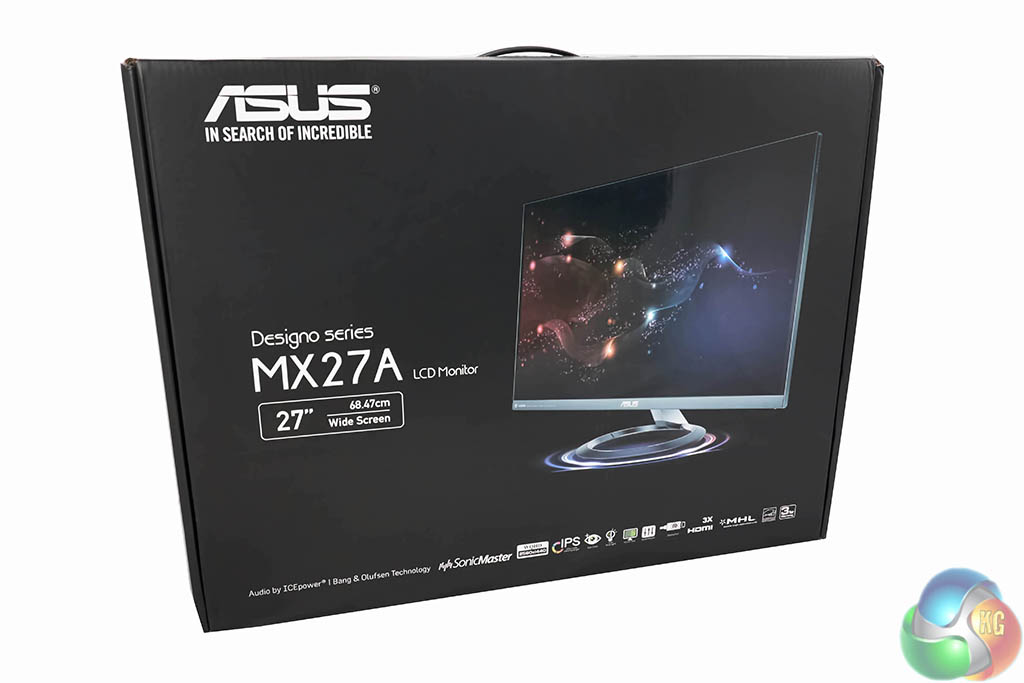
The ASUS Designo MX27AQ ships in a full colour box. Some specifications, along with a high resolution image of the monitor are visible. The box weighs around 8.5kg.
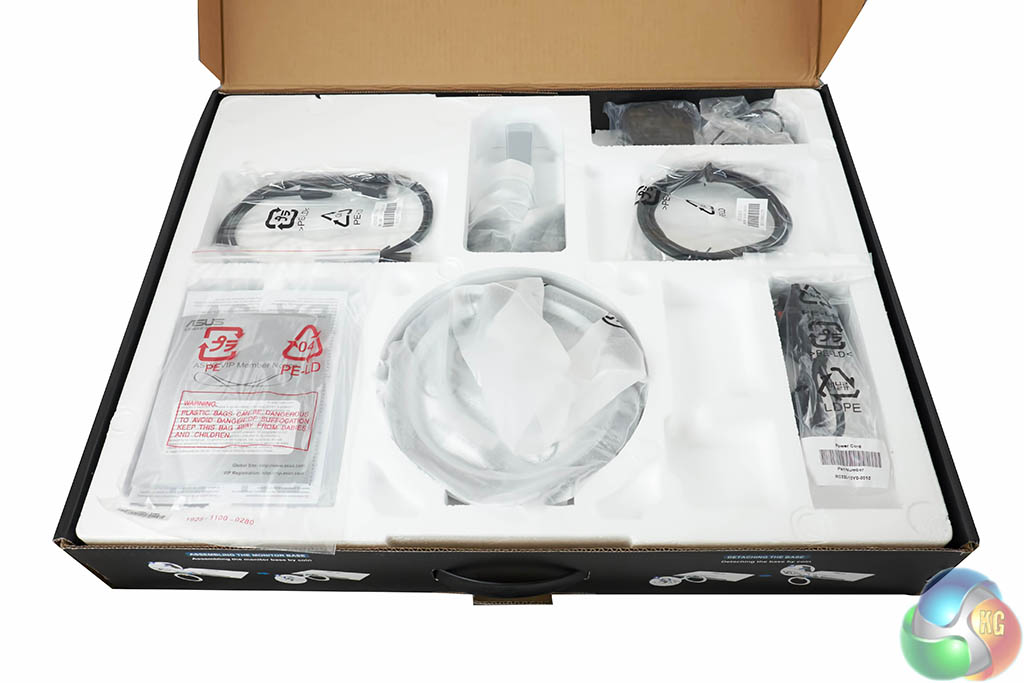
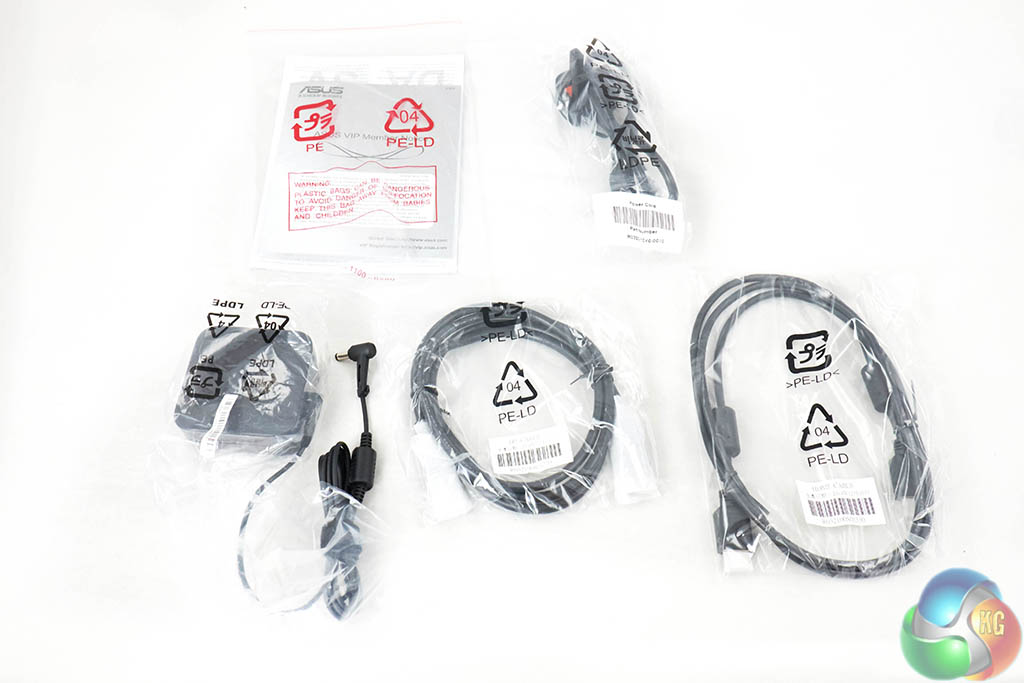
Inside is the stand, literature on the product, a small power brick, and an HDMI and DisplayPort cable.
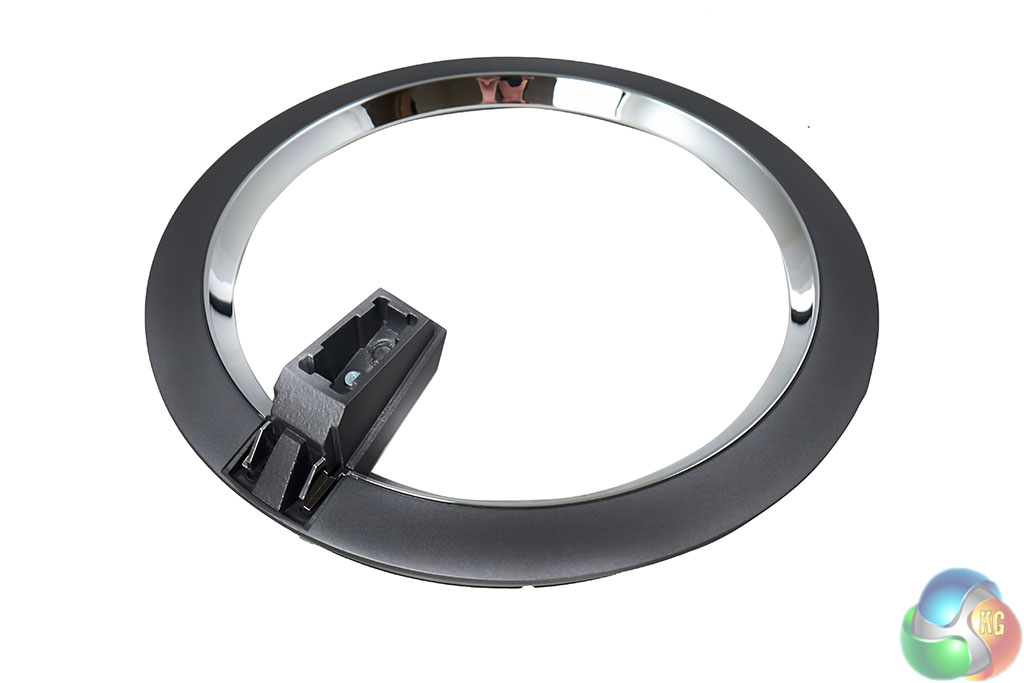
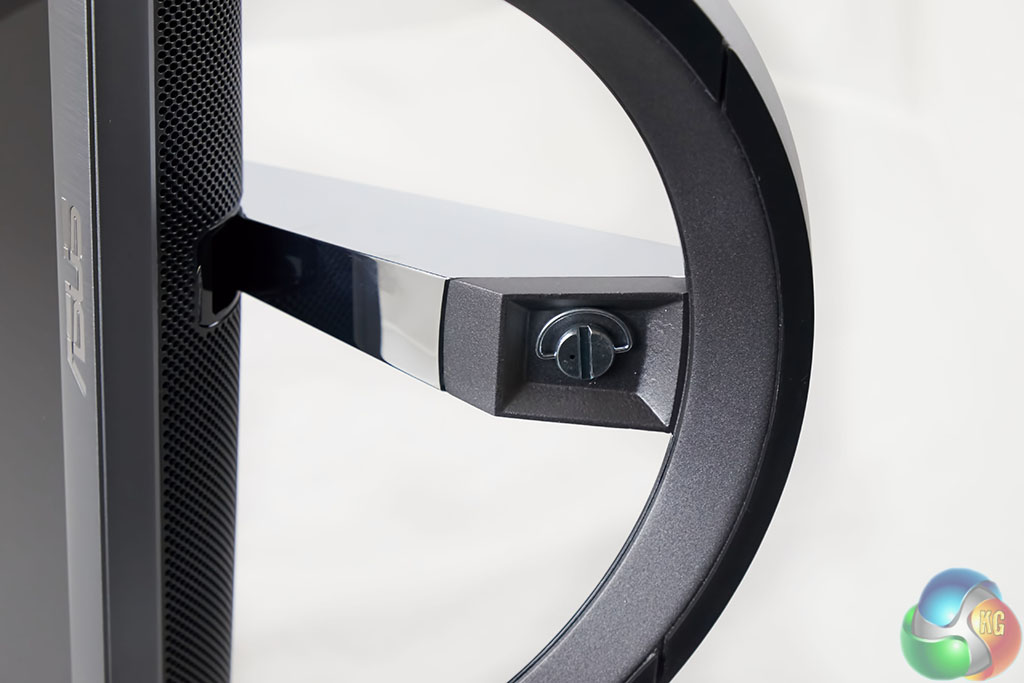
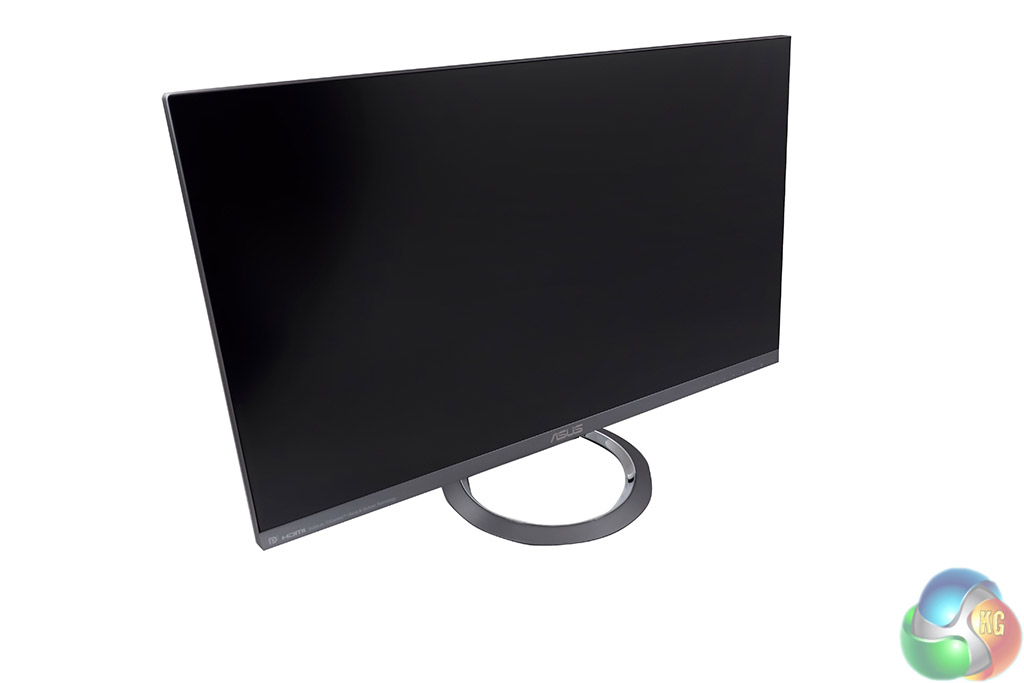
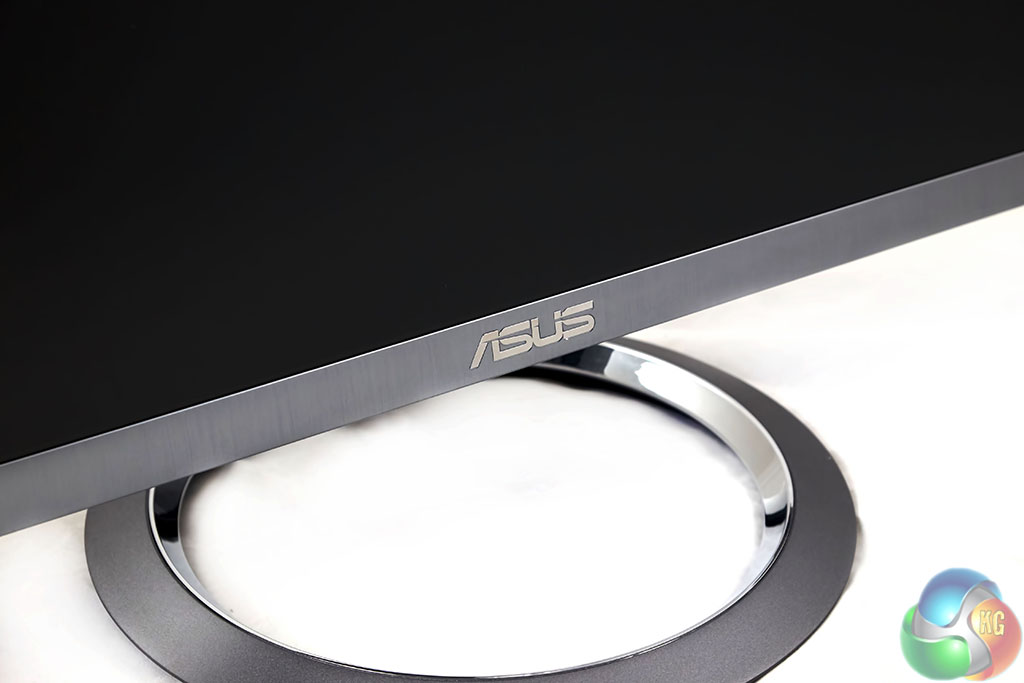
The (aluminum alloy) sundial style base is easily attached to the stand, by a single thumbscrew. We always like to see a tool less design as no one wants to go hunting for a screwdriver before using their shiny new monitor. The stand looks great when in place and when assembled, the Designo MX27AQ weighs 5.5kg.
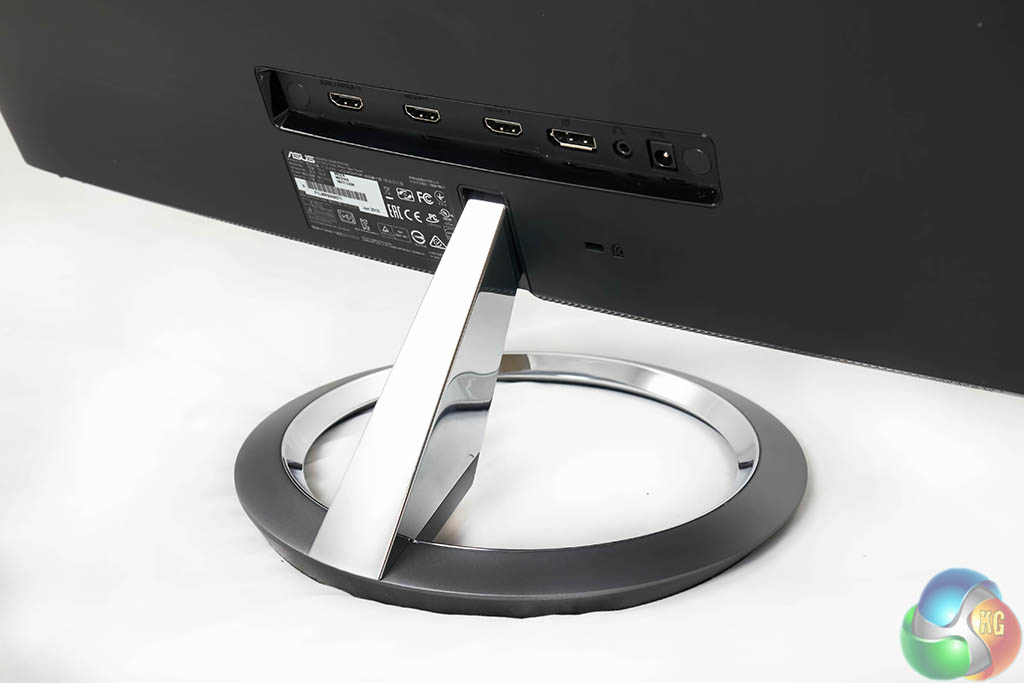

On the rear of the panel there are three HDMI ports (one is MHL2.0 capable), a DisplayPort 1.2 connector, Earphone jack and power connector.
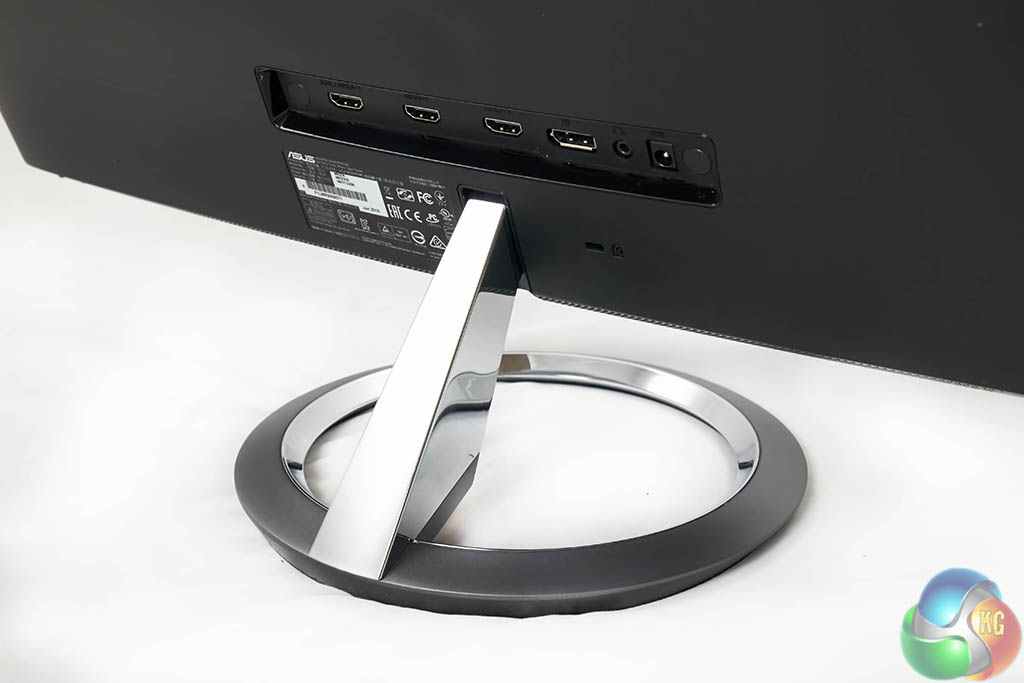
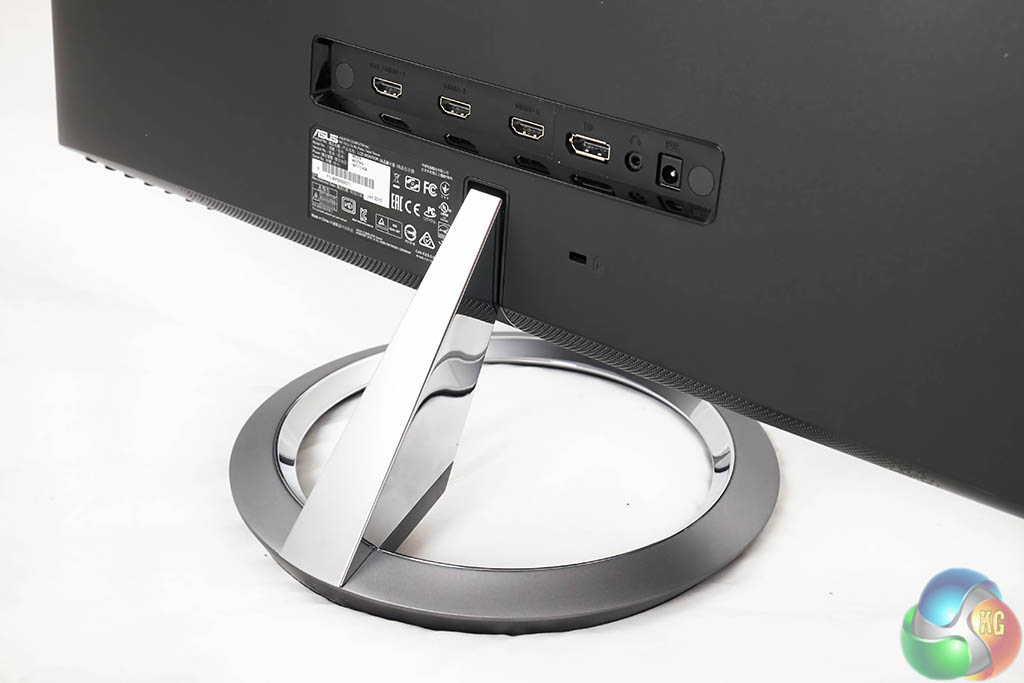
The attractive stand might not offer height adjustable options, but you can tilt it back and forward to suit a variety of situations. The supported range is between +20°~ -5°.
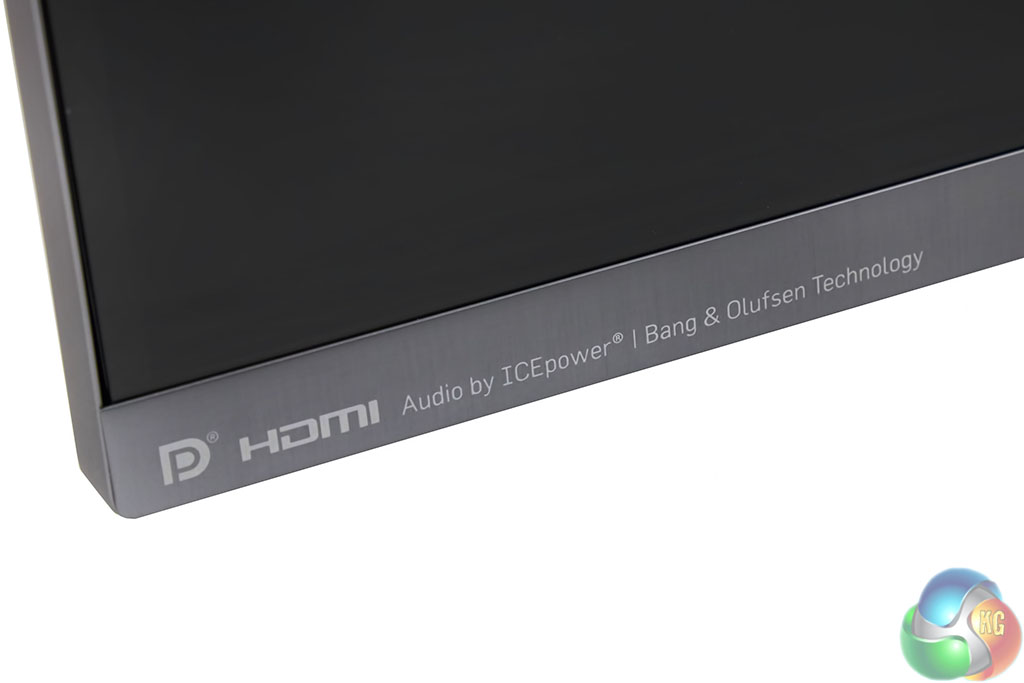
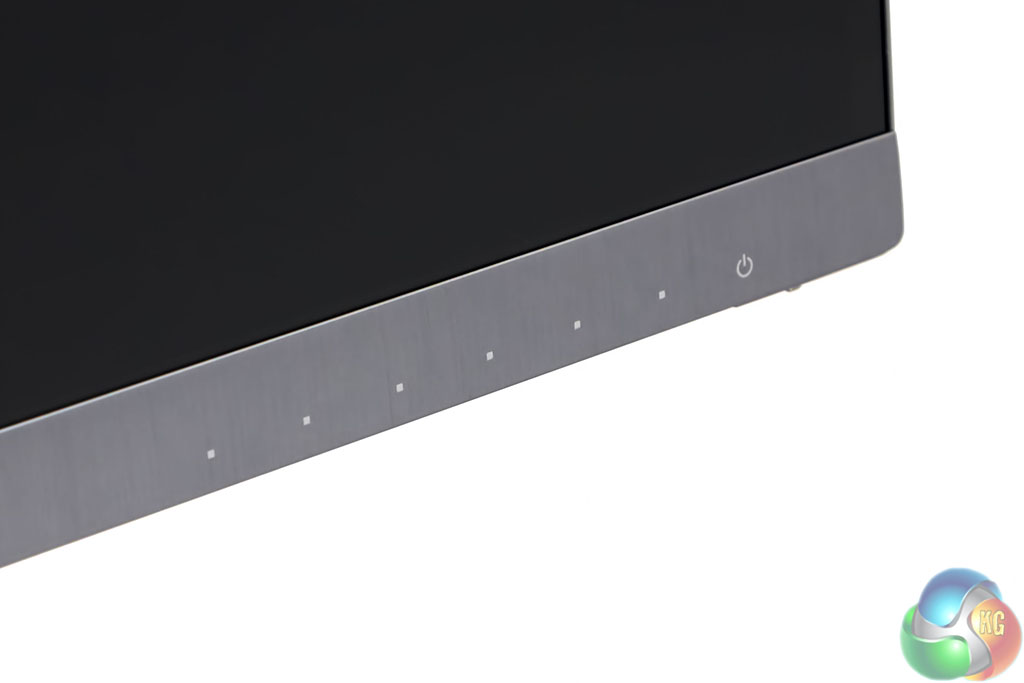
Not so sure I like all the writing bottom left of the screen, but ASUS are keen to point out that they are working with Bang and Olufsen. The right side of the screen is the user interface panel.
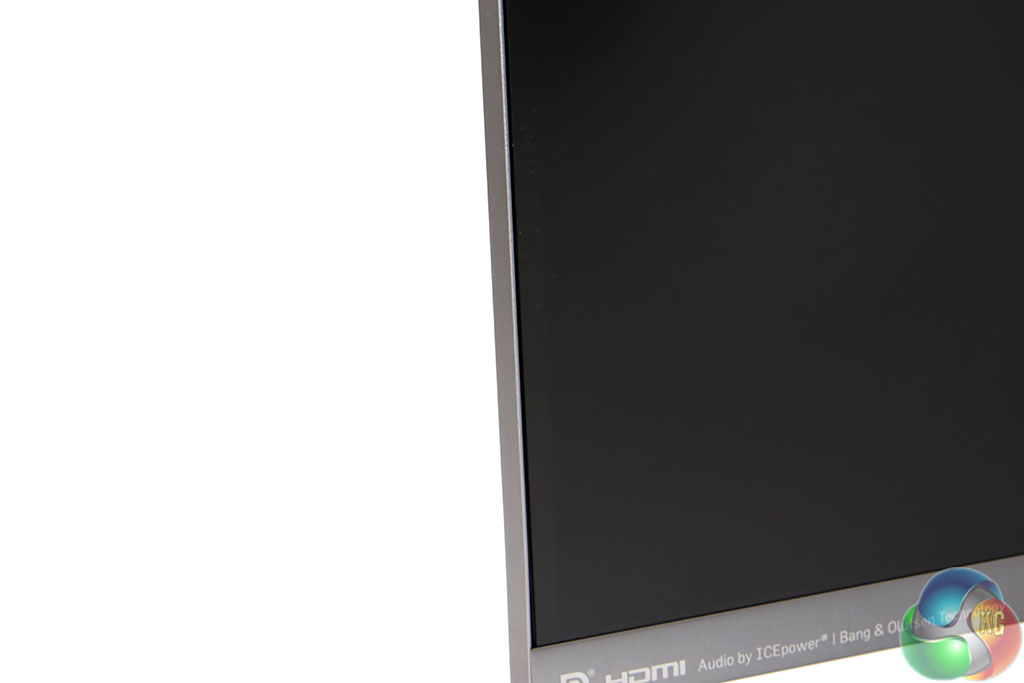
The Designo MX27AQ has a very narrow 0.1cm bezel in place which enhances the appearance of the monitor.
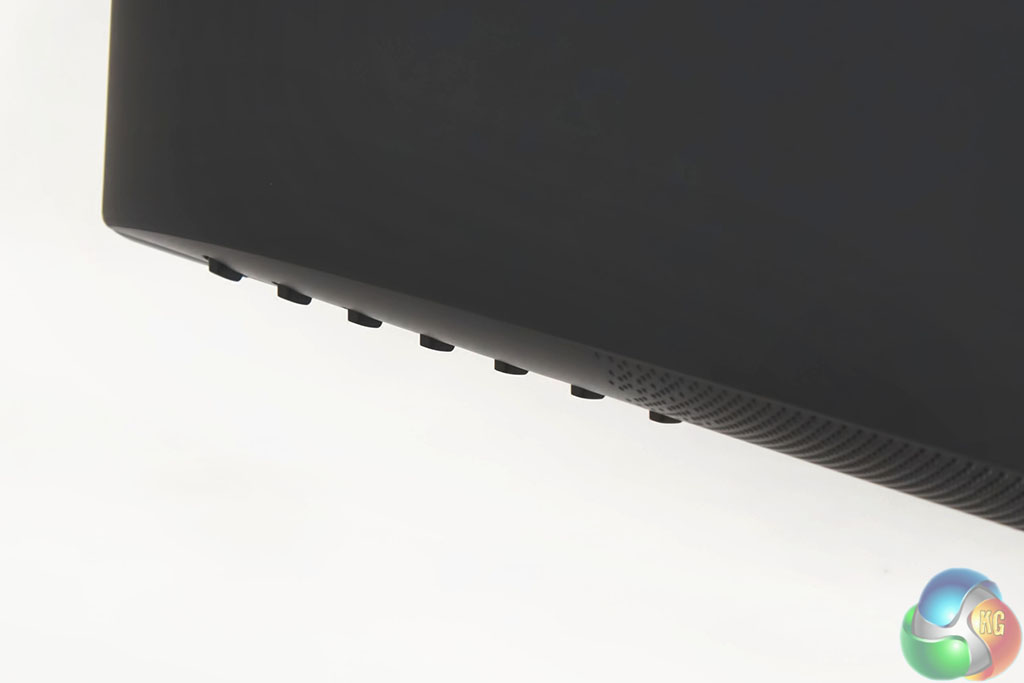
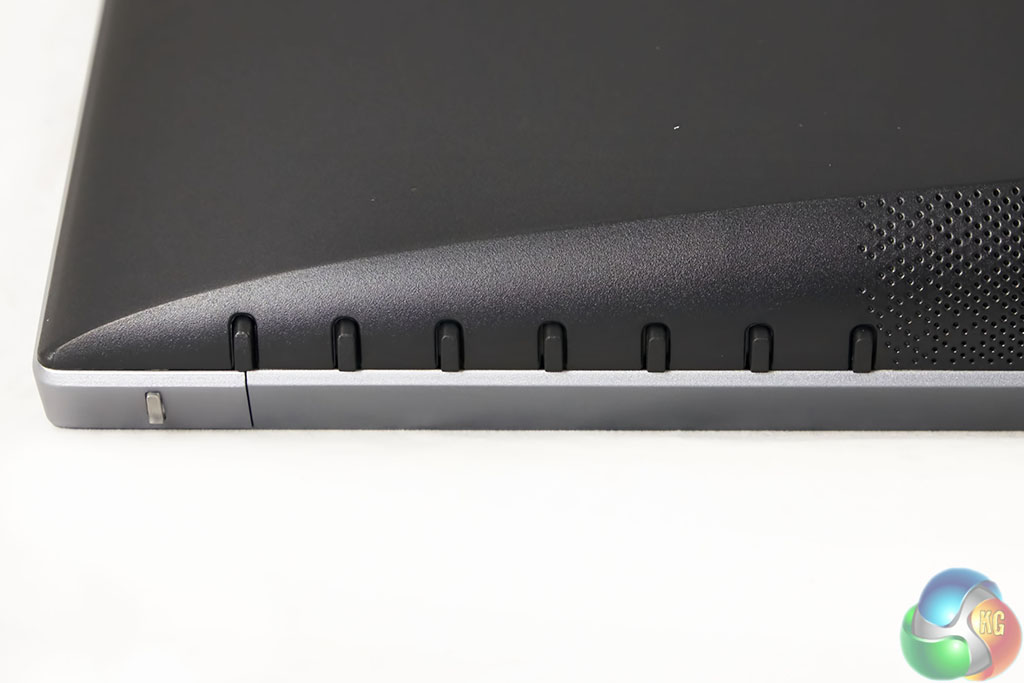
Asus have equipped the Designo MX27AQ panel with physical interface buttons, running along the rear of the screen. They are pleasant enough to use.
There is a little clear light at the very corner which indicates the activity state (orange for standby, blue for on). Sadly it is rather easy to accidentally hit the power button when using the panel and we really wish these companies would move the power button to a slightly different location.
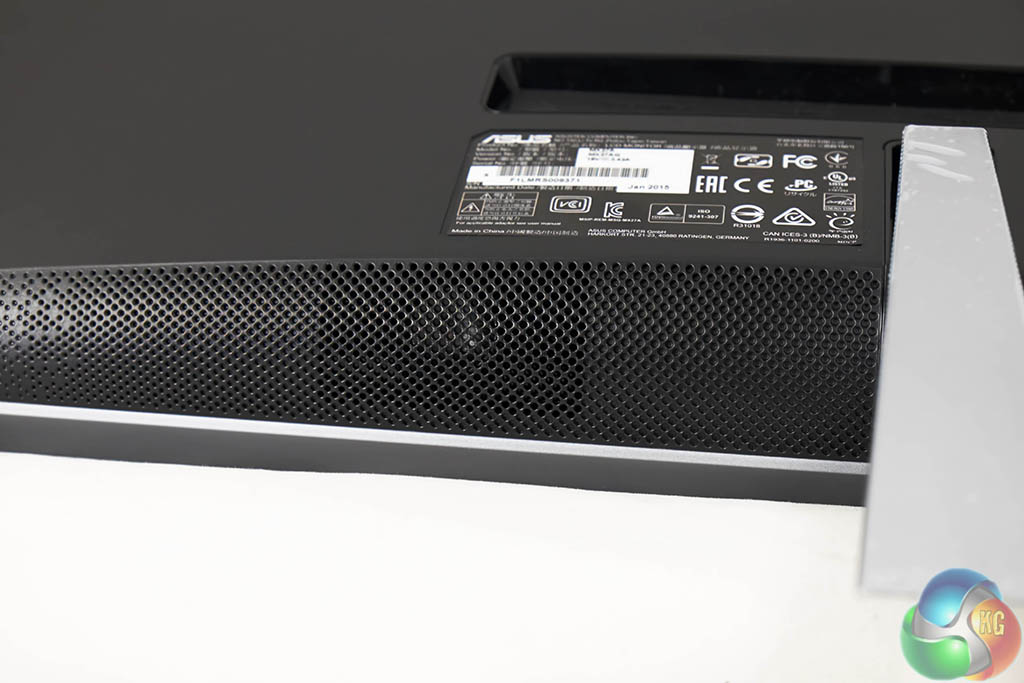
The Designo MX27AQ has two built in 3W speakers. No, they are not going to replace a dedicated pair of speakers, however they are a step above any built in speakers we have heard. While the sound output is rather limited (3 watts isn't going to fill even a small room), there is little distortion – even when the audio level is pushed to 100 percent.
Another point worth mentioning is the power consumption of this audio. Asus say ‘The Bang & Olufsen ICEpower technology on the MX27AQ has been developed specifically for compact media products to create excellent sound even in confined spaces. The superior sound quality is a result of innovative technology, ample power delivery, and months of optimizing and fine-tuning by audio engineers. Typically, powerful sound equals high energy consumption, but that’s not the case with the MX27AQ. The screen’s embedded Class D MobileSound 3 technology is highly energy efficient, converting up to 92 % of power input to useful audio output.
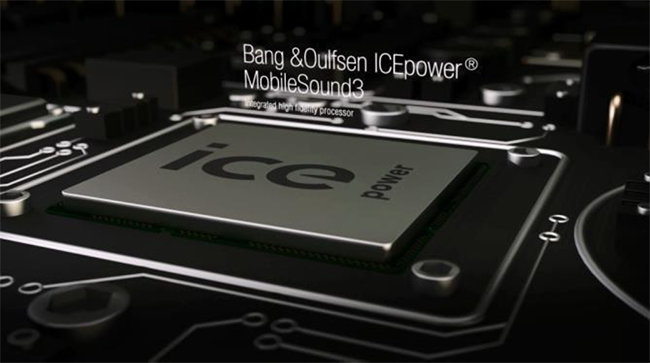
Even with its dynamic and powerful sound performance, ICEpower technology is impressively compact. This means that the display offers an attractive ultra-slim form factor that’s a perfect fit in every home or office.'

any word on active sync
The lack of VESA mount and a stand that doesnt allow you adjust height is a real shame and, in my opinion, a huge oversight. Deal breaker for me when it comes to monitors.
It’s really aimed at designers not gamers this monitor. So doubt it will have active sync.
If it had height adjustment and g sync i’d be sold
Or even a VESA mount…
That would be good too, but not for me. Unfortuately I have a really tiny room, so its very crammed as it is and the way the light comes in etc a vesa mount just isn’t ideal for my setup. Just need a good old height adjustable stand.
Wouldn’t a VESA mount clear the area under the monitor, freeing up more space?
Under the monitor is not an issue, I have a weird setup as my room is smaller than a 1 block tokyo flat.
this combined with an inwin 901 would make a very appealing desktop combo, though the lack of height adjustment is an oversight.
Why is it so much trouble to add heigh adjustment. It’s why I went with Dell last time; good quality monitor with plenty of options for height adjustment. Sure, it’s not 100% stable, but you only notice that when you type a lot. And that’s what I don’t use it for.
I guess I don’t understand why with all of the fancy enhancements this monitor has, why can’t they add 144Hz refresh rate?
This is a mid priced general purpose monitor, so it won’t have the features that gamers want.
For gaming specific purposes Asus has several 4K panels with VESA mount, active syncs, 1ms response, 144hz. Of course they’ll cost you.
My Dell P2714H is pretty solid and adjustable.