 KitGuru KitGuru.net – Tech News | Hardware News | Hardware Reviews | IOS | Mobile | Gaming | Graphics Cards


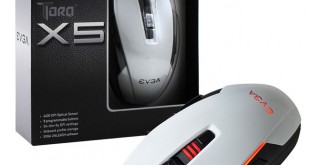
Today we look at the new eVGA Torq X5 gaming mouse built around the high grade Pixart 3988 optical sensor. It has 8 programmable buttons built in and a max reporting rate of 1000hz. It is attractively designed in white, with an ambidextrous design and some tasteful lighting. Is it worth the £35 asking price?
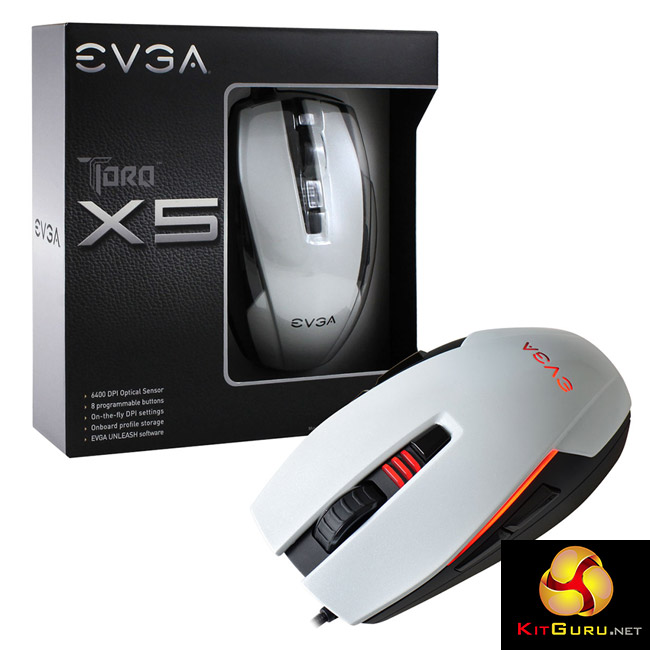
- Max DPI: 6400.
- Sensor Type: Optical (Pixart 3988).
- Main Switch Type: Omron – 20 Million Click Lifecycle.
- Programmable Buttons: 8.
- Weight: 85g (without cable).
- Max Polling/Report Rate: 1000Hz.
- LED Color: Red, Green, Blue, Yellow, Orange, Pink, Purple.
- Feet Type: Low Friction PTFE.
- Max Number of Profiles: 5 (512K Onboard).
- Height: 1.53in – 38.86mm.
- Length: 4.64in – 117.86mm.
- Width: 2.55in – 64.77mm.
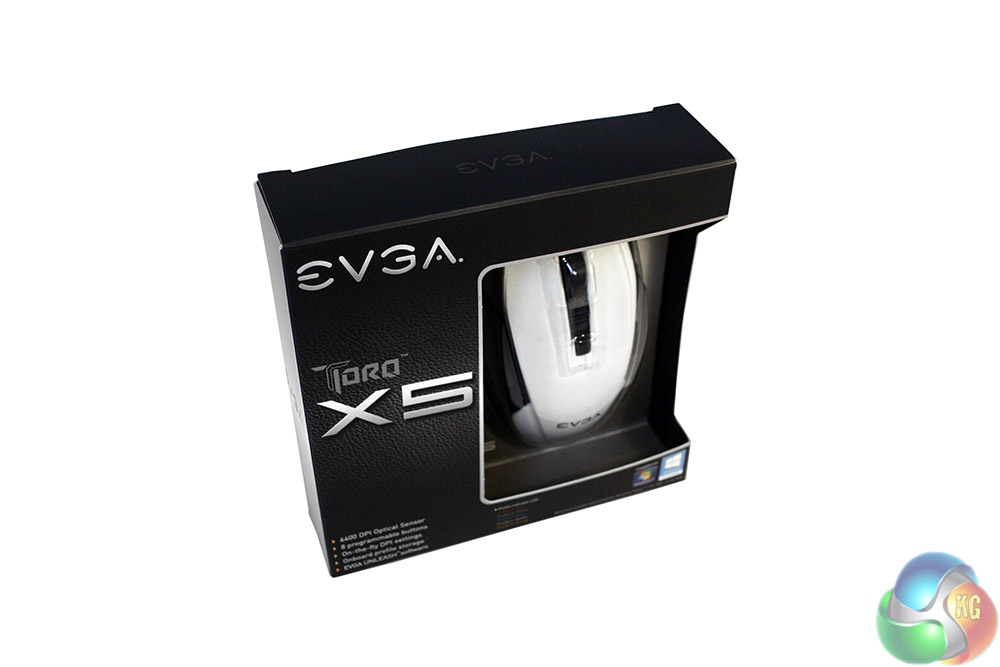
The packaging for the EVGA Torq X5 is compact and simple. It ditches product photography for a big, clear plastic section which lets you see the mouse itself.
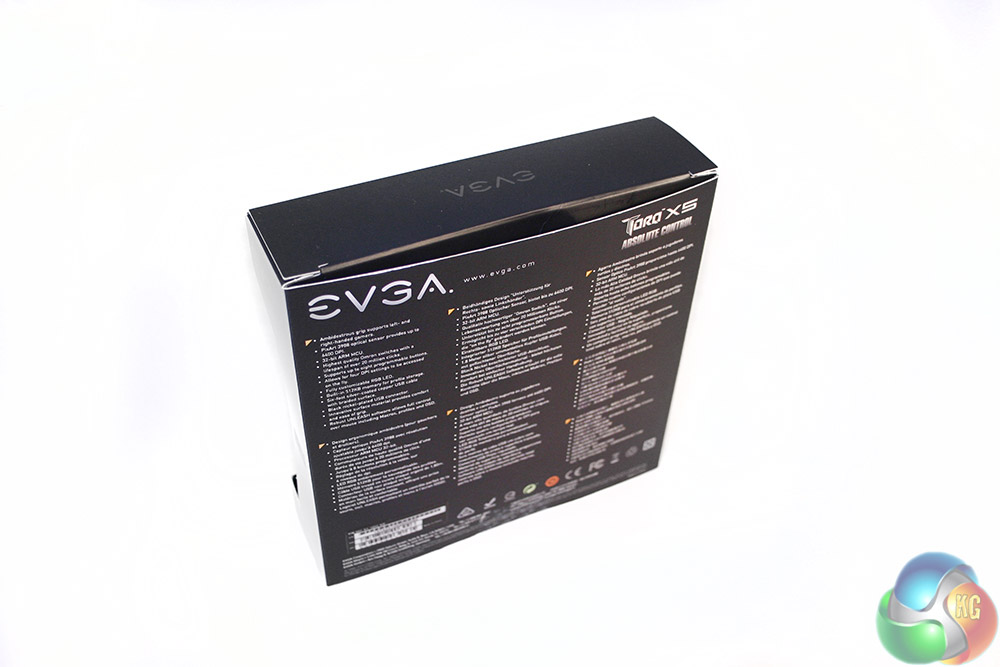
The back simply has a few feature lists in various languages.
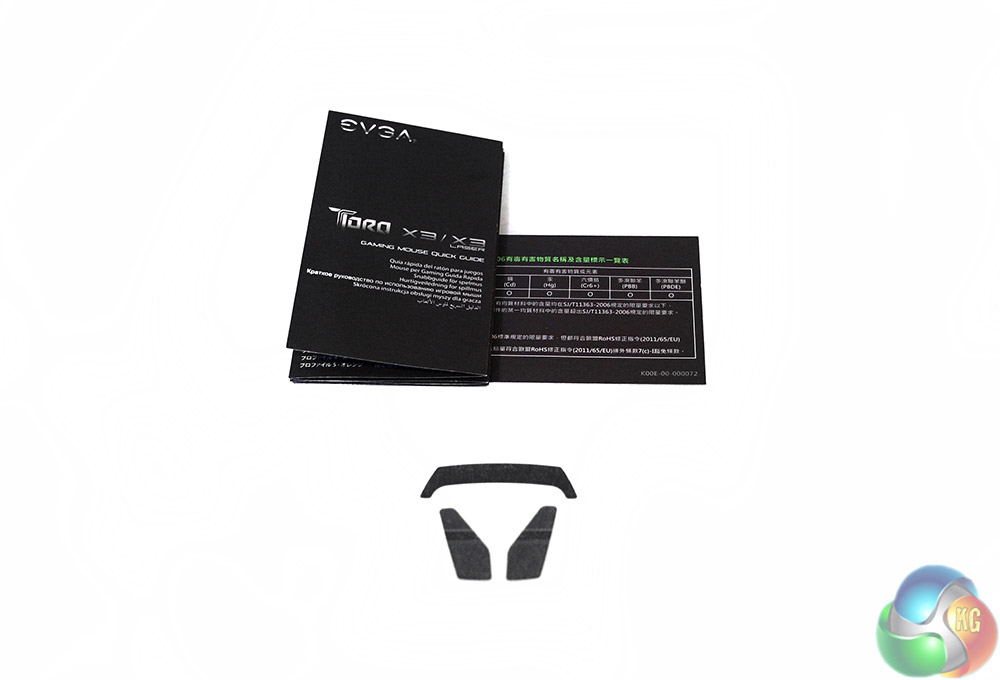
Inside the box, you get the mouse itself, as well as a small set up manual, warranty sheet and a set of replacement polytetrafluoroethylene feet.

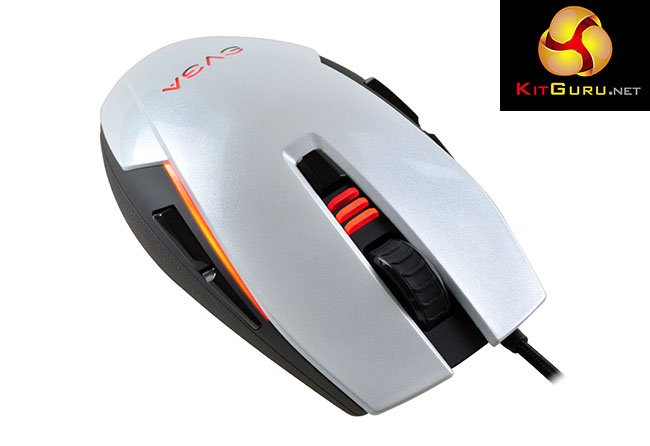
The EVGA Torq X5 is quite an eye-catching mouse, if for no other reason than it has a bright white paint job. It features a sparkly pearlescent white top coat. This contrasts with the matt black sides and glossy black buttons used throughout the design.
Styling points include the see through EVGA logo at the rear, which lights up with LED lighting when powered on. There are twin strips down the sides, which also have a glow around them when the mouse is plugged in. There is another lighting strip located at the rear.
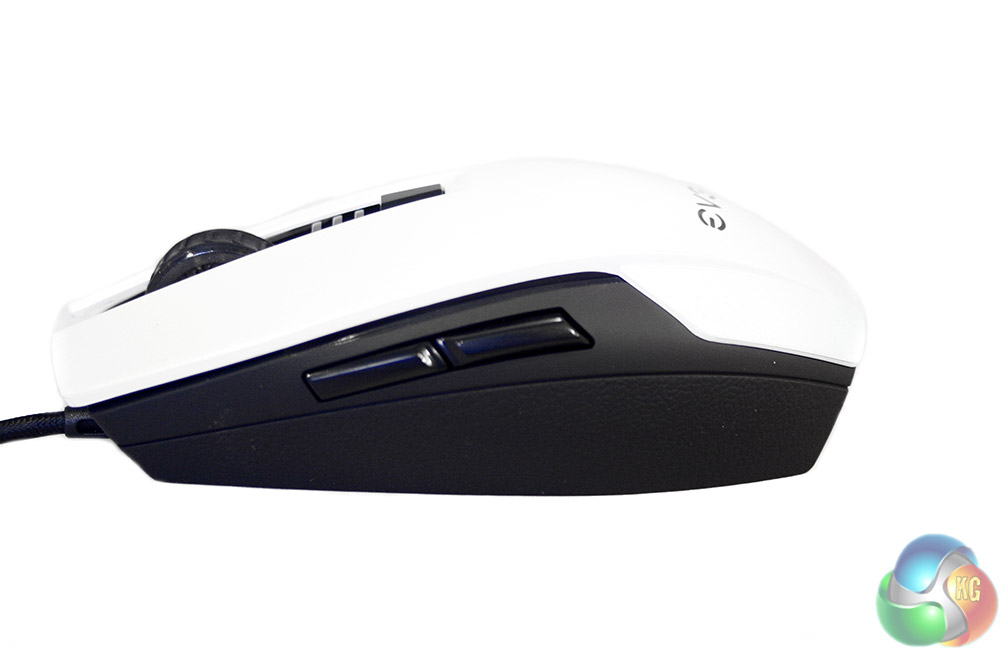
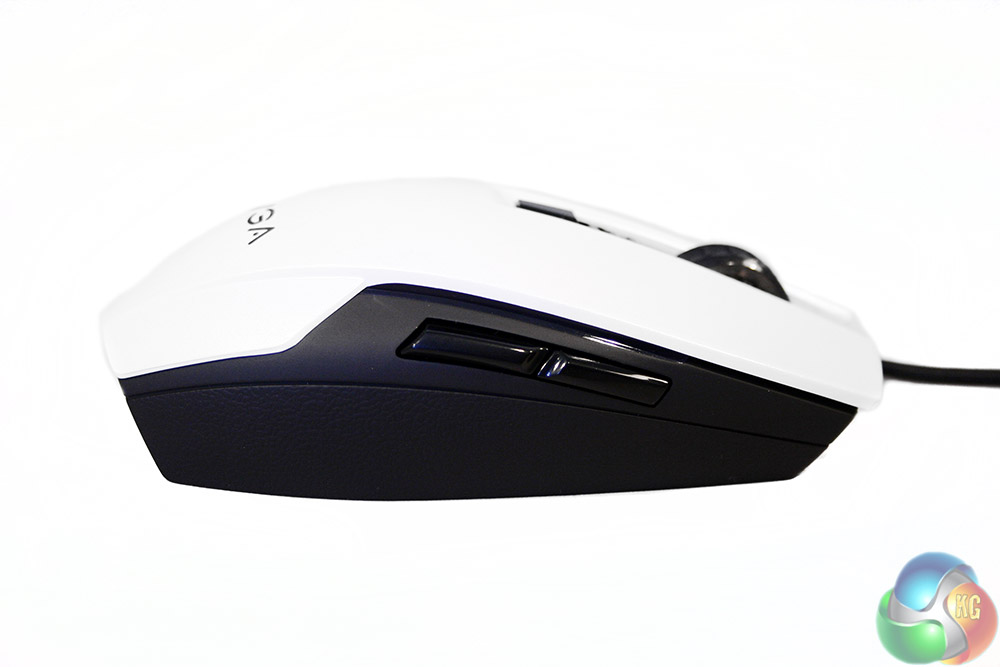
The sides of this ambidextrous mouse are identical, with the same reptile skin plastic grips and twin buttons for added function. They are however in a press, rather than a rock position, so you will need to lift off your thumb or forefinger to press them.
The dual sided nature of the EVGA Torq X5 does mean that it will work just as well for left and right-handed gamers, as long as you do not mind doing a bit of remapping.
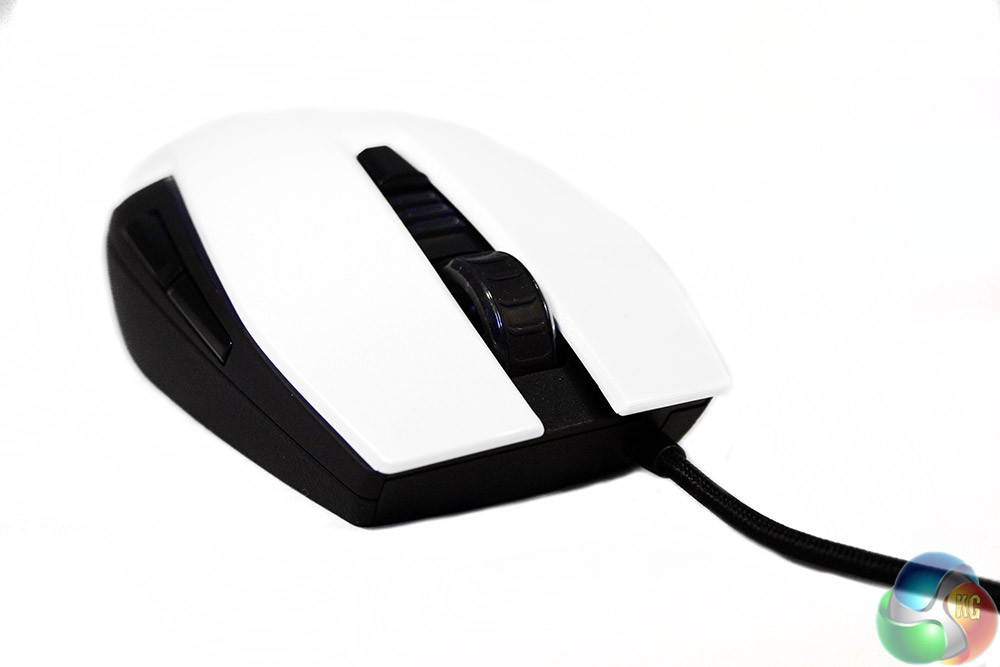
The front is notable for the fact that the developers chose to make the mouse cable not branch off from the centre of the mouse and instead, it does so from the left hand side. Also at this end of the rodent are the twin left and right-click buttons, which are built into the main body of the mouse.
Nestled between them is the ridged scroll wheel, behind which is a single DPI switch, which can cycle through various sensitivities. Each level is displayed on a small LED indicator in-front of it.
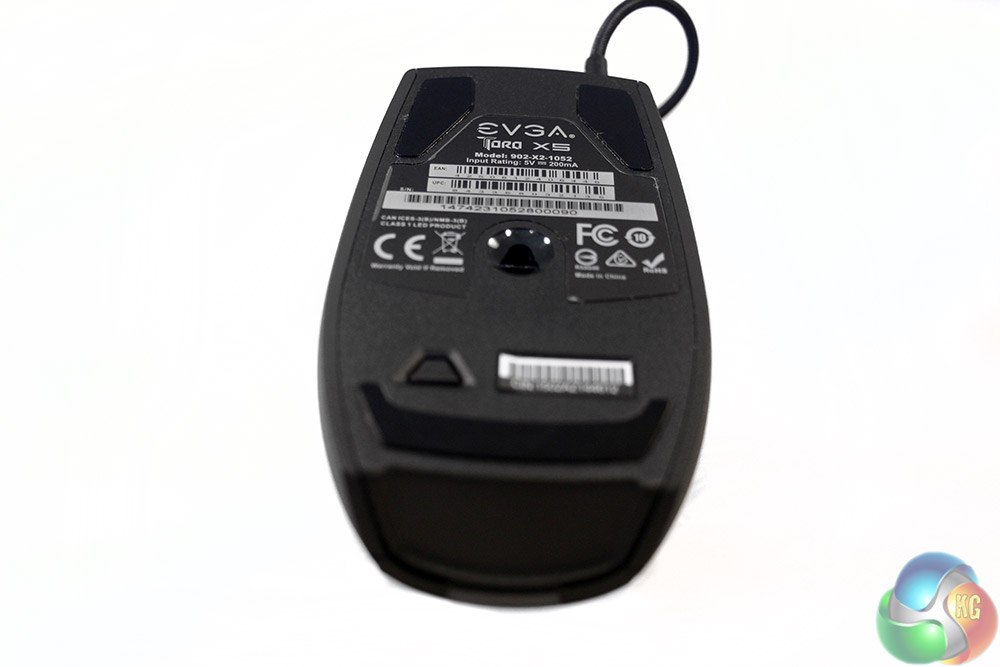
On the underside we get out first look at the Pixart 3988 optical sensor, which is located in the centre. There are mouse feet at the front and back, with a small switch located near the latter which alters the LED lighting with each press, cycling through several colour options.
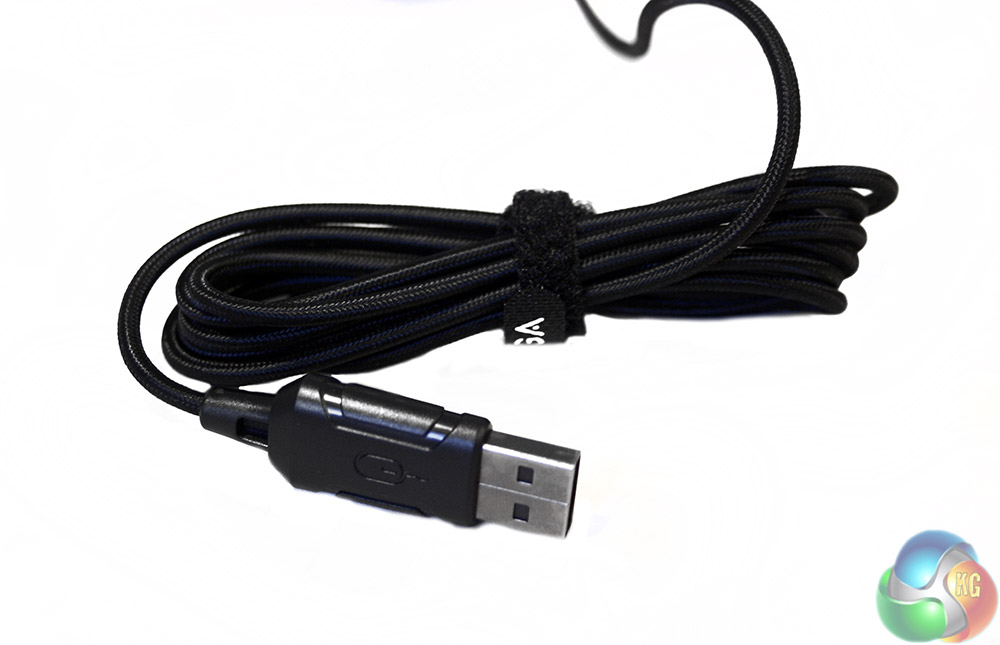
The cable is braided to a high standard and has a customised USB header, though the connector itself is standard nickel.
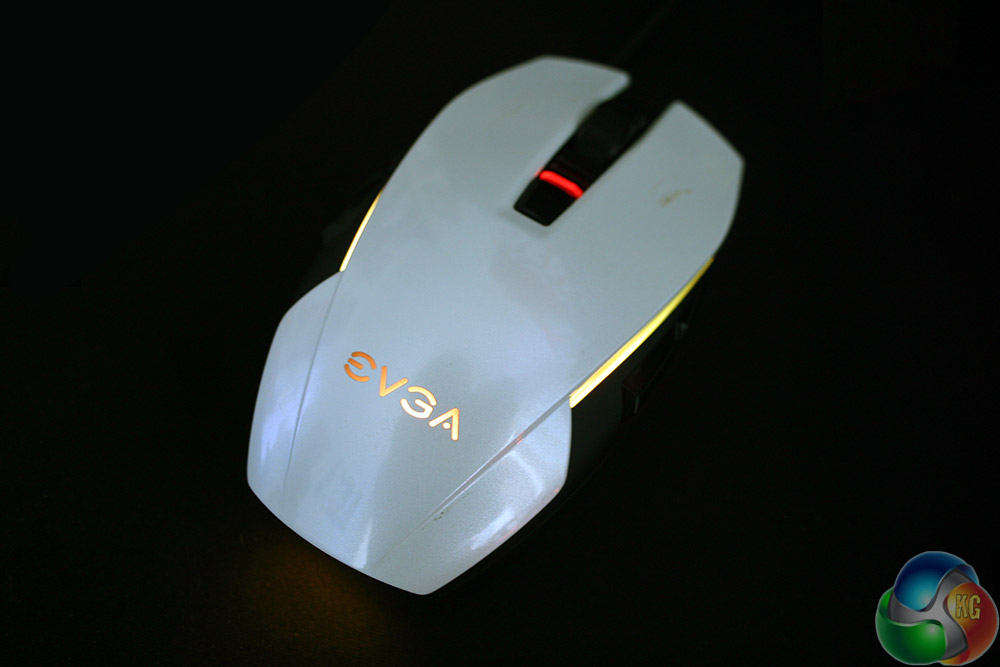
The Torq X5 is an attractive mouse when lit up.
We like to test peripherals in real world usage scenarios. With a gaming mouse, that means using it for just over a week as our main gaming partner, as well as for more general office tasks like web browsing and photo editing. Throughout that time we evaluate it on its gaming ability and comfort over long periods, as well as its ability to switch into other duties.
Considering it was built as a gaming mouse, it was good to note that the EVGA Torq X5 performs exceptionally well. It is light and accurate making it great for low sensitivity gamers who like to whip their arm across a giant pad in first person shooter games. The buttons have a light feel to them, which makes them easy to press at the right moment, but they are not so sensitive that you will find yourself accidentally pressing them when you don't want to.
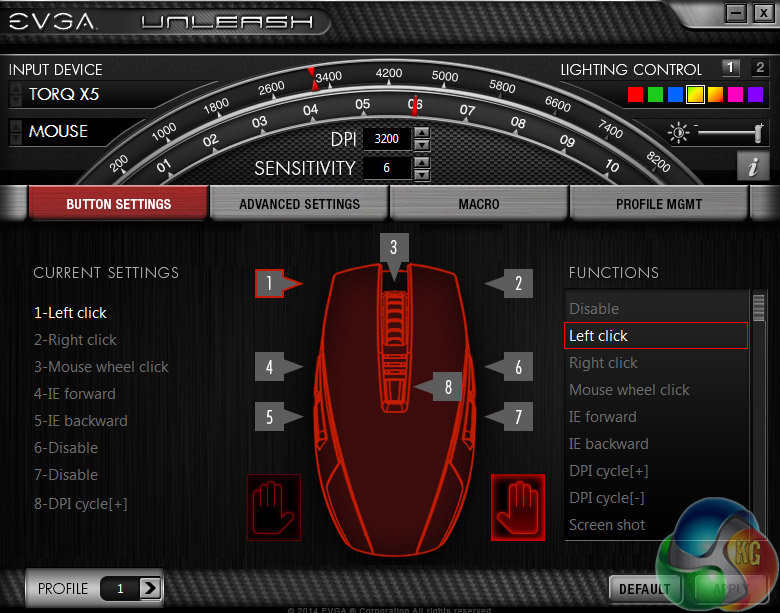
The software is quite in-depth, offering detailed button remapping and a quick switch from right to left handed
For gamers who prefer more relaxed movements at higher sensitivities, this mouse has three steps for DPI settings. It goes all the way up to 6,400 DPI which will appeal to twitch gamers. That is too much for me – I found around 2,500 DPI to be the sweet spot for my particular gaming demands.
Whatever the genre or play style however, I felt comfortable using this mouse in every game I threw at it. On top of that, it works well with both a claw and finger grip. While it is possible to palm grip this one, it is not really designed for it and lacks that larger rear section for resting comfortably in your palm.
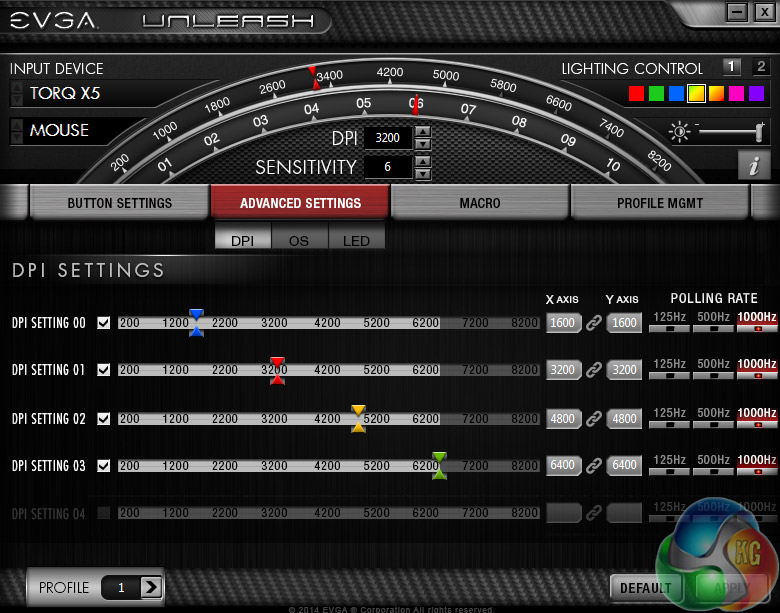
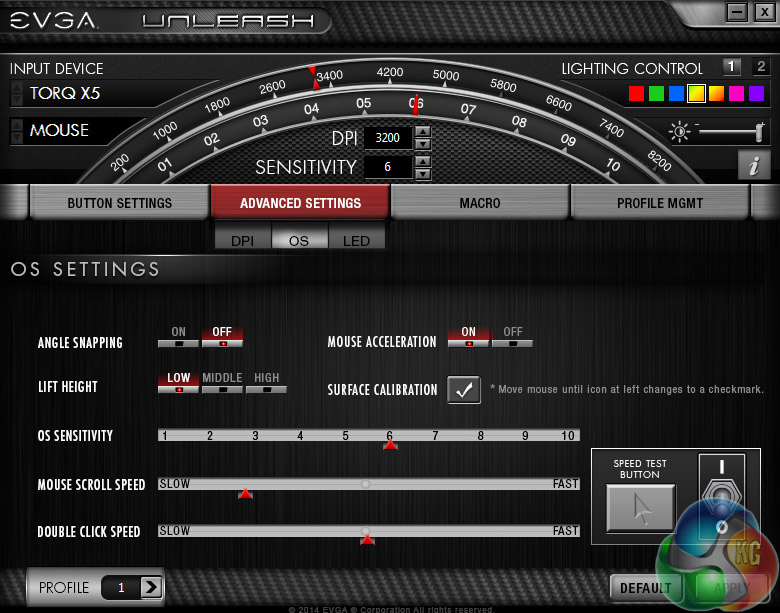
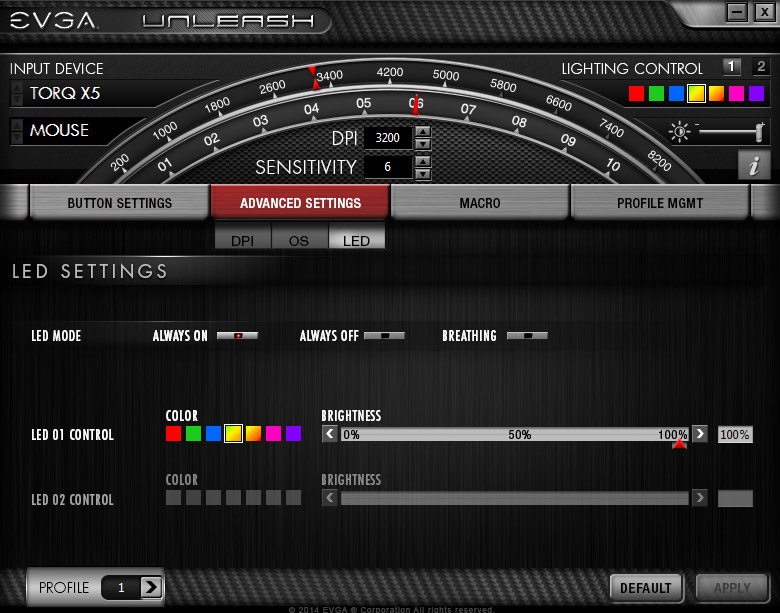
Advanced settings let you adjust DPI steps, angle snapping, acceleration, lighting options and more
It performed similarly well in non-gaming tasks, though during photo editing I did find myself wishing for a DPI-step-down button rather than a single one that cycles between sensitivities.
Comfort wise EVGA did an excellent job, as over many hours of heavy usage I ran into no issues in that respect. No rubbed skin, no excess perspiration and no sharp edges.
Due to the white colouring this mouse will show up sweat and grime very easily. Your experience may vary, as you may not perspire quite like I do, but it is worth noting that in a similar fashion to white clothes and white cars, white mice show up dirt and grime very easily.
Lighting wise this is not a mouse that is going to redefine the marketplace, but having a simple button to change between several different colours gives people some hard-options without the need to resort to the software. That is a major selling point of this mouse, is that it works brilliantly right out of the box. The software is useful and augments what it can already achieve – it is good from the get go.
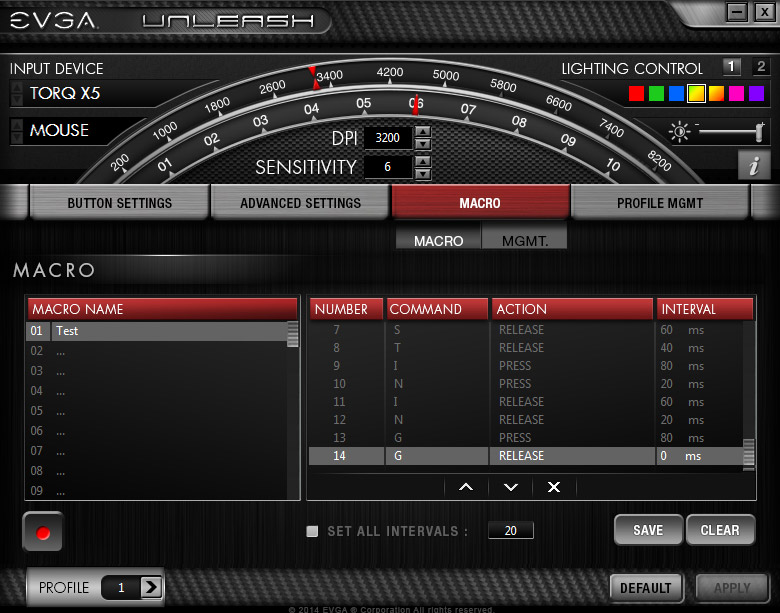
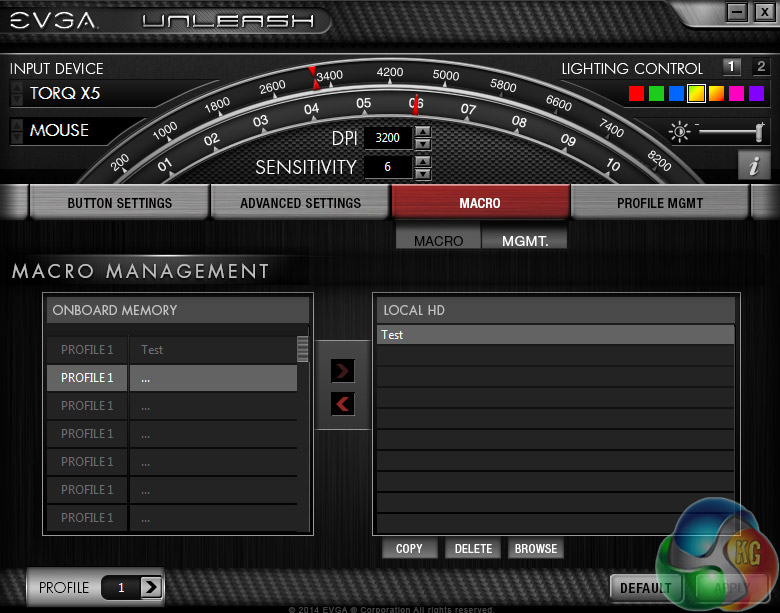
Macros can be recorded, with intervals adjusted and they can be stored on the mouse or on a local drive
The software that EVGA offers with the Torq X5 is in-depth, giving options for button remapping, tweaks for lift-off, acceleration, double-click speed and there is even a surface calibration tool to let it figure things out for you automatically. Lighting options are a little on the light side, but the Torq X5 is not designed to target high cost competitor products.
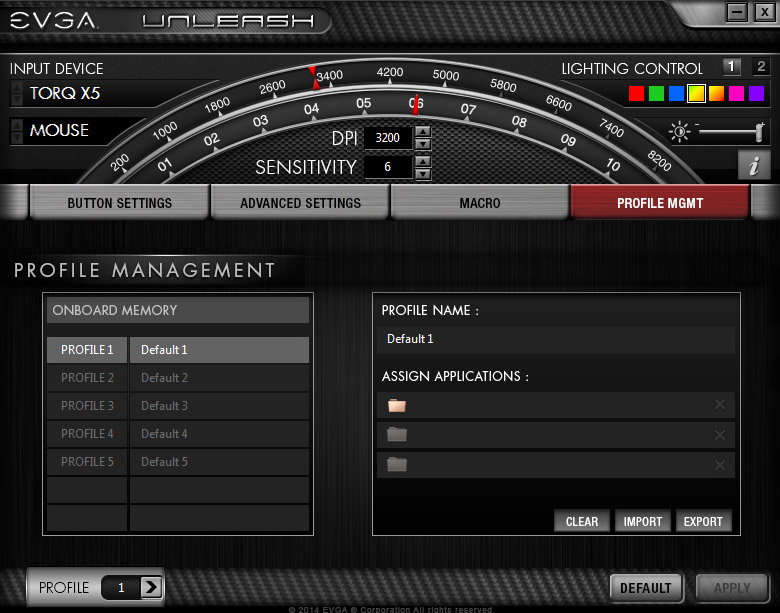
I did really like that along with the button remap options, there was a quick switch selector for left and right-handed use. That shows real care for the subsection of left-handed gamers who do not get much of a look in with a lot of manufacturers.
Overall I found the EVGA Torq X5 to be a fantastic gaming mouse, with plenty of welcome features and little to complain about. It is fast and accurate – with a variety of DPI and polling options, meaning it will work exceptionally well for high-speed first person gamers.
It is also viable for a variety of grip styles. While its ambidextrous nature does point to a preference for claw and finger grips, palm gripping is also possible, though not as comfortable. Whichever you opt for though, whether left or right-handed, you will have easy access to the front buttons which can be pressed almost half way down the body of the mouse. There are side buttons on both left and right, so no one gets left out.
The thumb grips on the side are not intrusive but they give enough texture so that your hand never slips from the position. That said, the side buttons do require pressing, rather than rocking, so their use needs to be deliberate – which may not be to everyone's taste.
The build quality of the EVGA Torq X5 is excellent, and despite the modest price point there is no evident creaking from the frame, under pressure. It also ships with very capable, stable back-end software, including lighting options, DPI step sensitivity adjustments and a number of advanced features such as lift off distance control and acceleration calibration.
EVGA has created a high performing optical mouse and at a price that everyone can afford. I am not a huge fan of the white colour scheme as it does highlight dirt and grime quickly, but at this price point I would struggle to recommend a competitor product above the EVGA Torq X5.
EVGA's Torq X5 gaming mouse can be purchased from DABS for £32.
Discuss on our Facebook page, over HERE.
Pros
- High speed, light and accurate when gaming.
- Ambidextrous and offers easy right/left software switching.
- In-depth back-end software.
- Simple lighting options.
- High quality Pixart 3988 sensor.
- Very affordable.
Cons
- White plastic does show up grime very easily.
- DPI cycle switch rather than up/down option.
- Lacks some customisation options: weights, switches.
KitGuru Says: EVGA's latest mouse is one of the best mice we have reviewed this year and it is one of the cheapest too. A must have for gamers on a budget.


Prediction/Anglesnapping?
✬✬✬▆✈▆▆✈▆▆✈▆▆Take advice with kitguru < I didn't believe …that…my brother woz like truly making money part time at their computer. . there aunt had bean doing this 4 only seventeen months and resantly paid the dept on there apartment and bourt themselves a Lotus Elise .
see this her ►►►►► ===—->-> SEE MORE DETAIL
☞☞☞ $73.. per-hr @mi14//
➨➨➨https://aWorldStarHipHopOrdinary.com/Goldfish/longlife…