KitGuru KitGuru.net – Tech News | Hardware News | Hardware Reviews | IOS | Mobile | Gaming | Graphics Cards


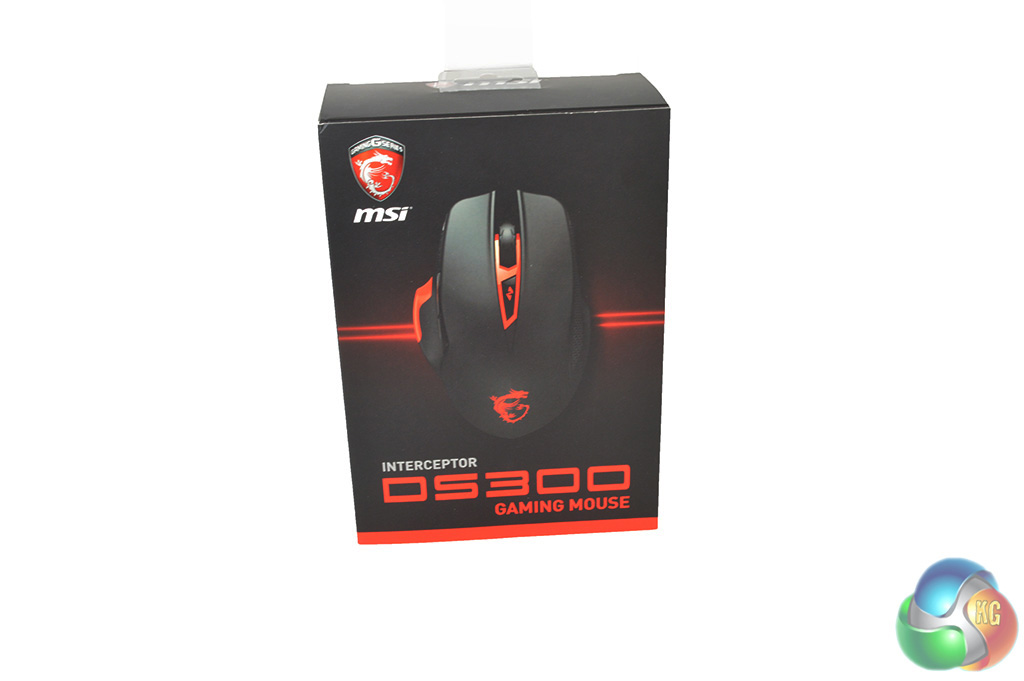
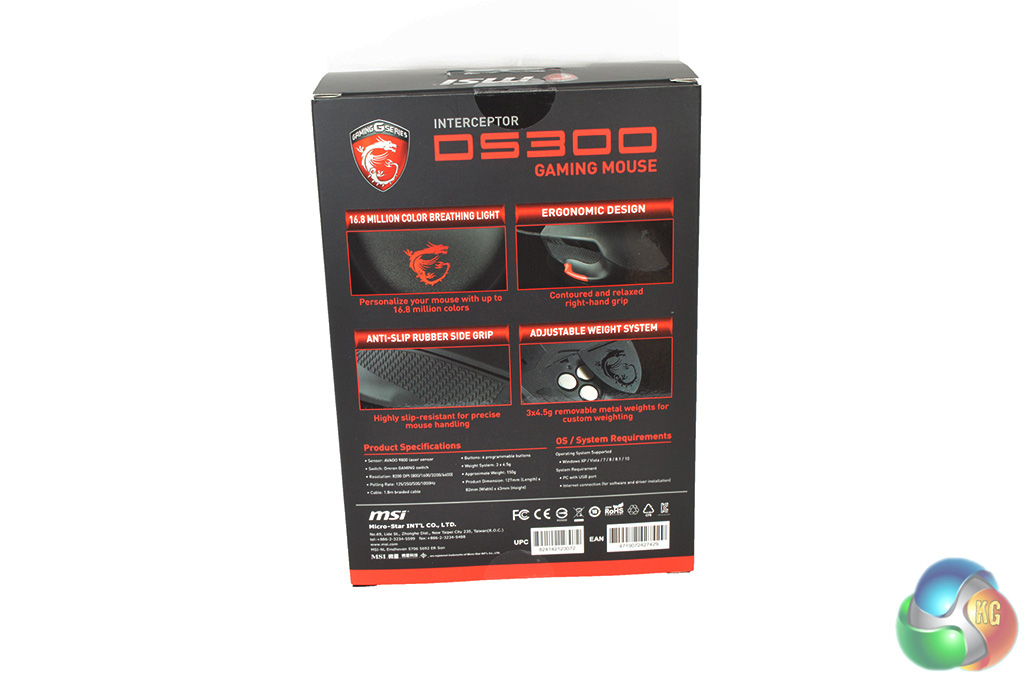
MSI's new gaming mouse comes in standard packaging. You can open up a flap at the front to get a look at it before opening up the box while the back lists off some key features like additional buttons and a weight adjustment system.
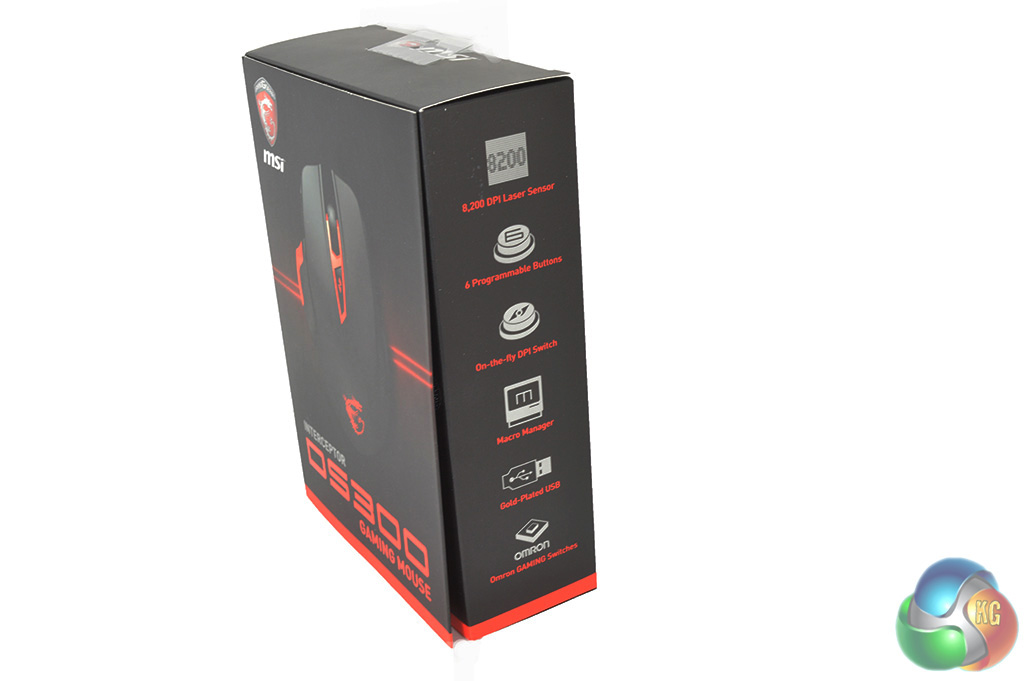
The side of the box also gives a run down of some specifications, such as OS compatibility and maximum DPI. There is also a user guide packed inside of the box.
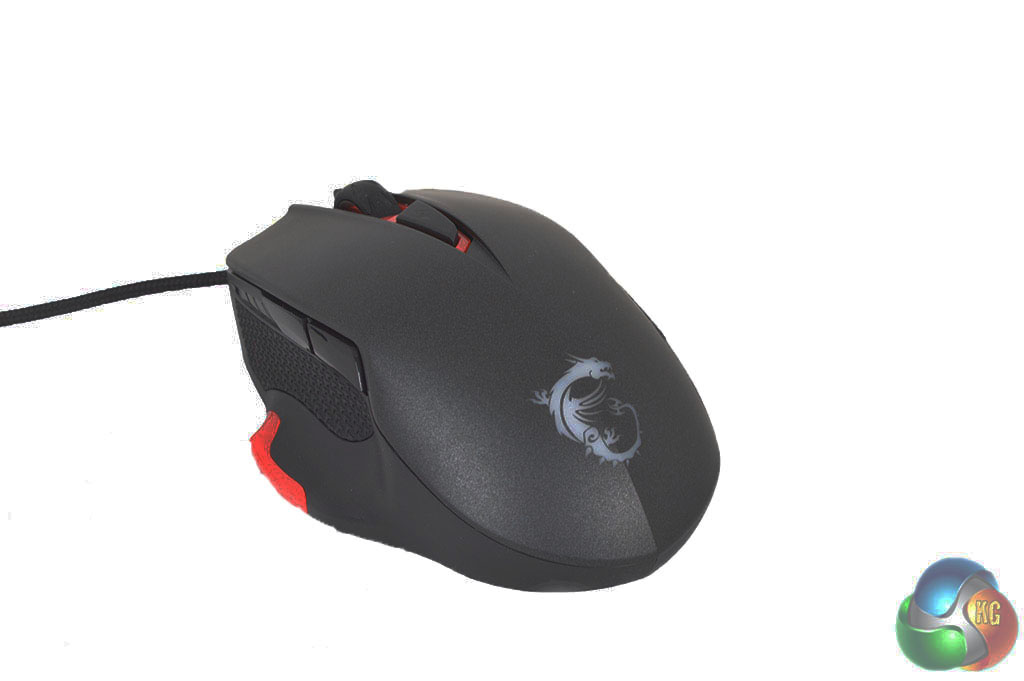
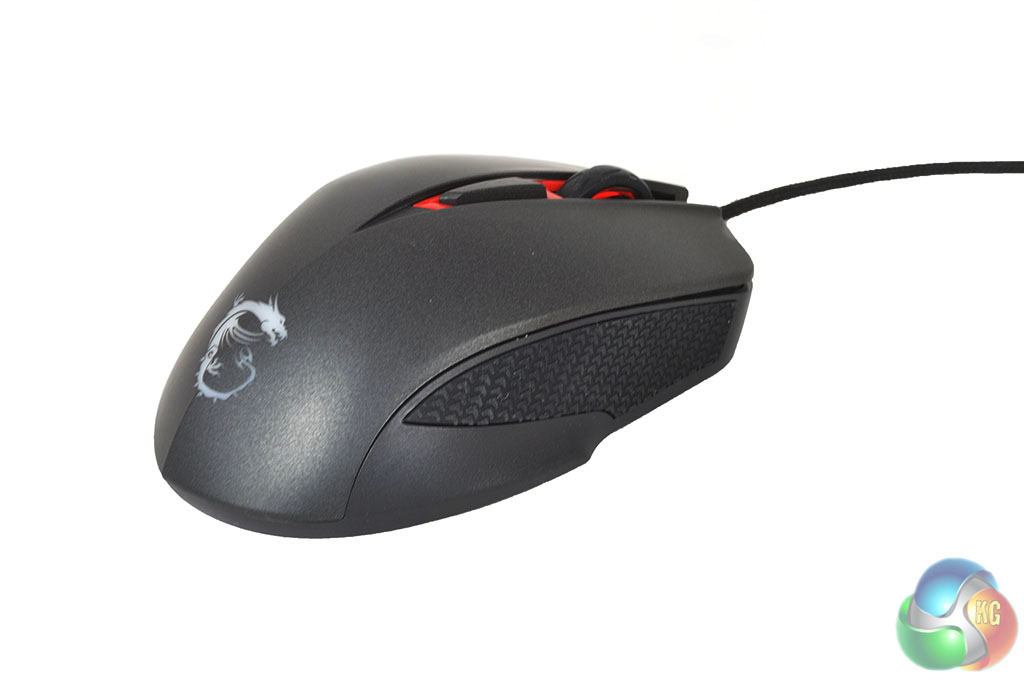
The MSI DS300 mouse features an ergonomic design intended mainly for palm-grip users. There are rubber grips on either side of the mouse along with two additional buttons that you can reprogram from within the software.
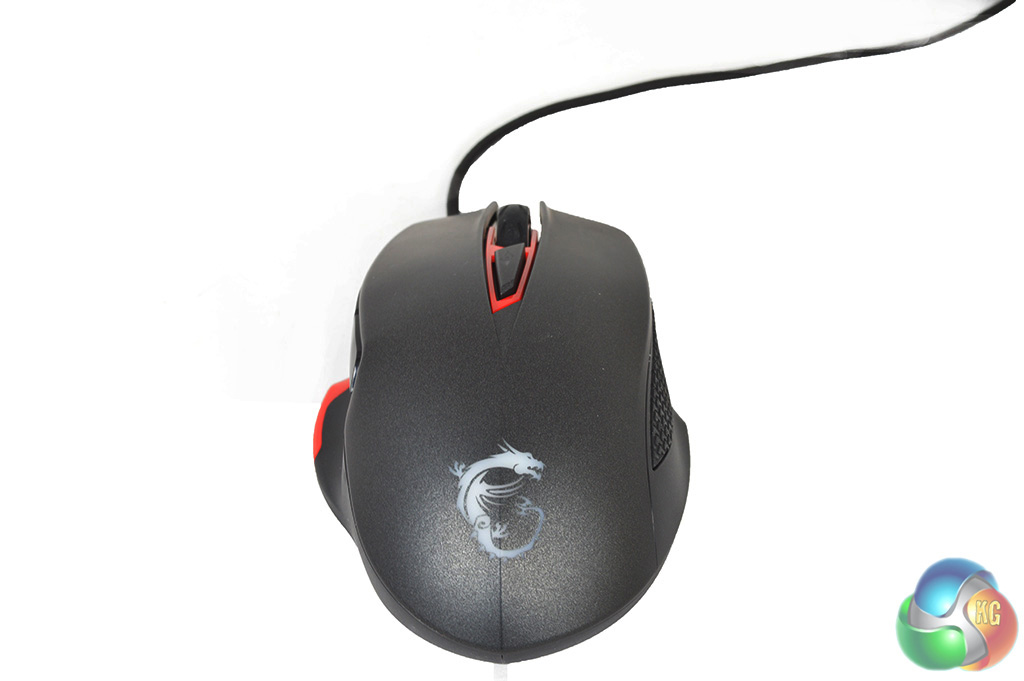
On top of the mouse, there is a DPI toggle button. MSI's dragon logo also has an RGB LED behind it so you can customize its colour. However, the light underneath the scroll wheel is permanently set to red to fit in with the rest of the mouse.
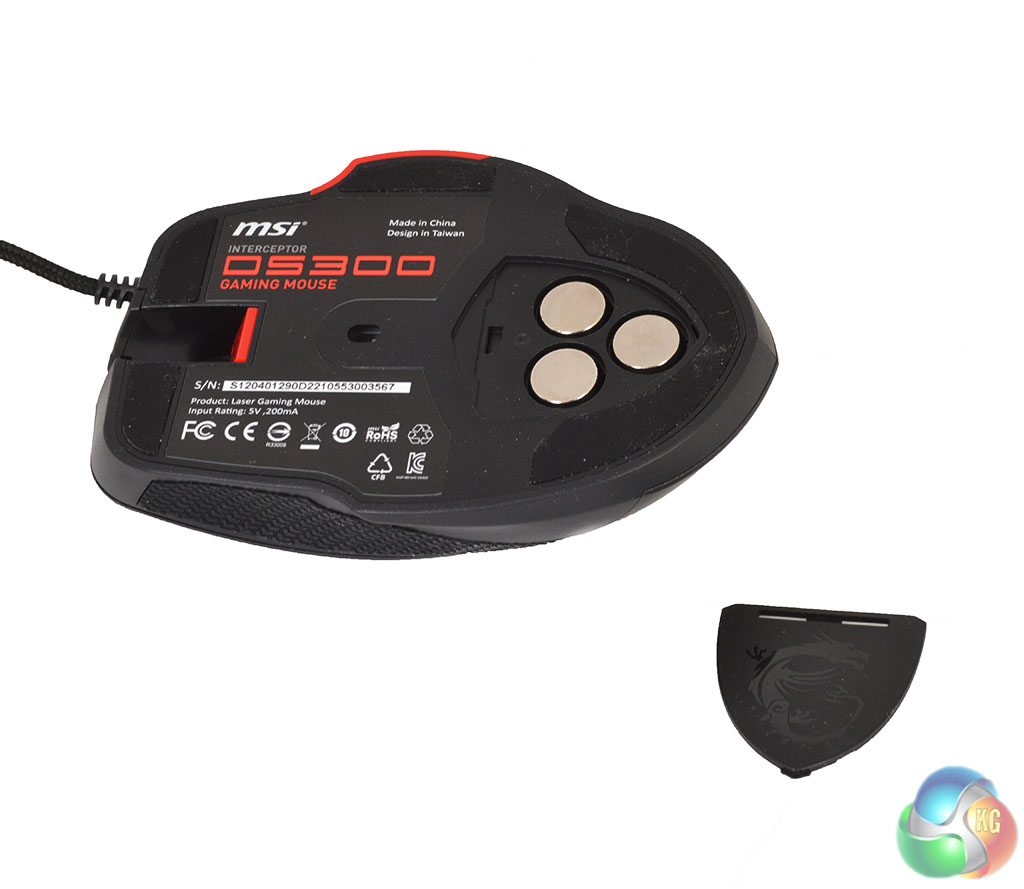
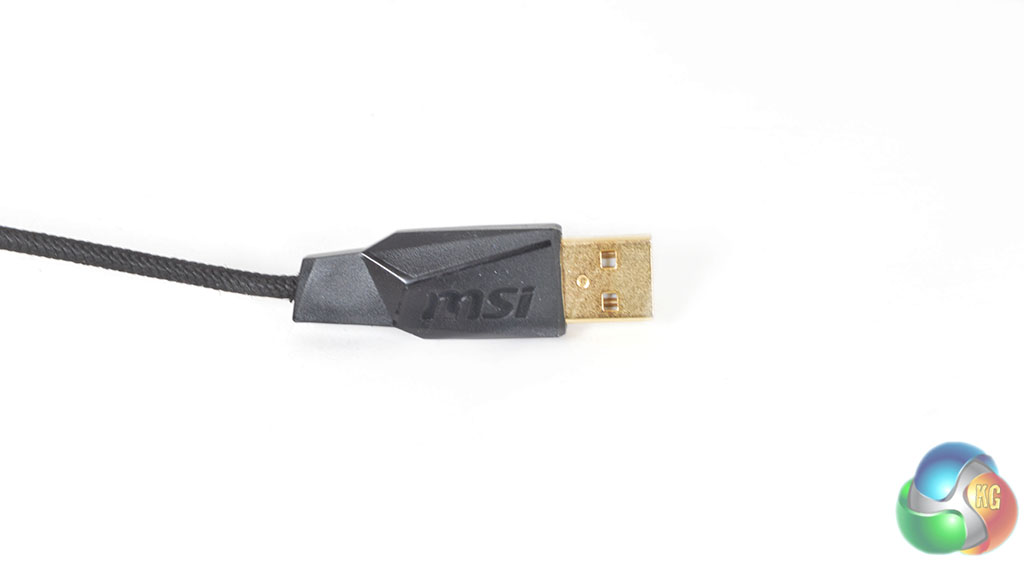
On the underside of the mouse, you will find a plastic cover for the weight adjustment system. There are three tiny 4.5g weights that you can take out or leave in, whichever you prefer and as always, this level of customization is highly appreciated. Finally, the DS300 also comes with a braided, gold plated USB cable.For