 KitGuru KitGuru.net – Tech News | Hardware News | Hardware Reviews | IOS | Mobile | Gaming | Graphics Cards


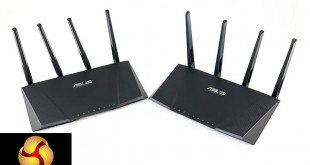
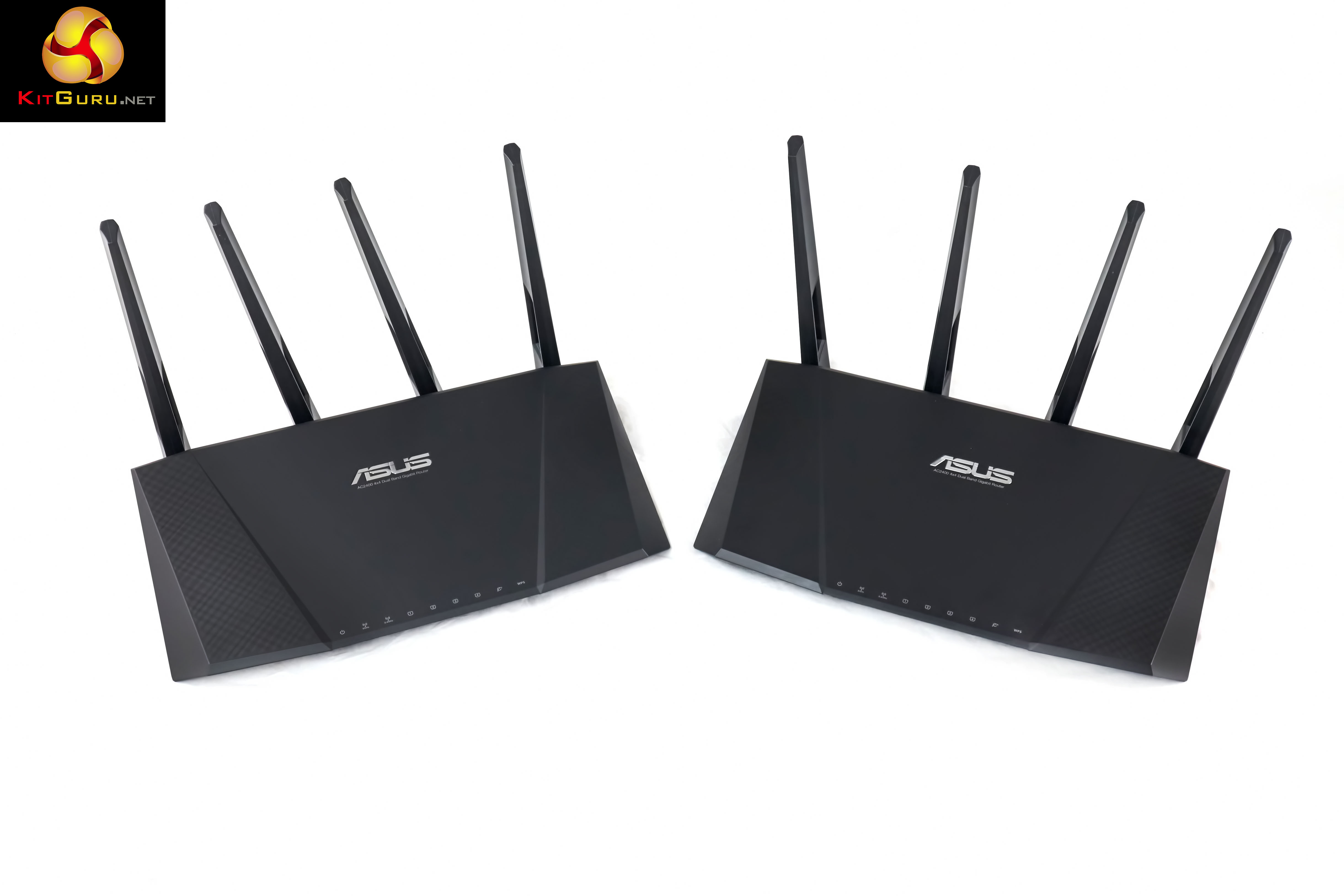
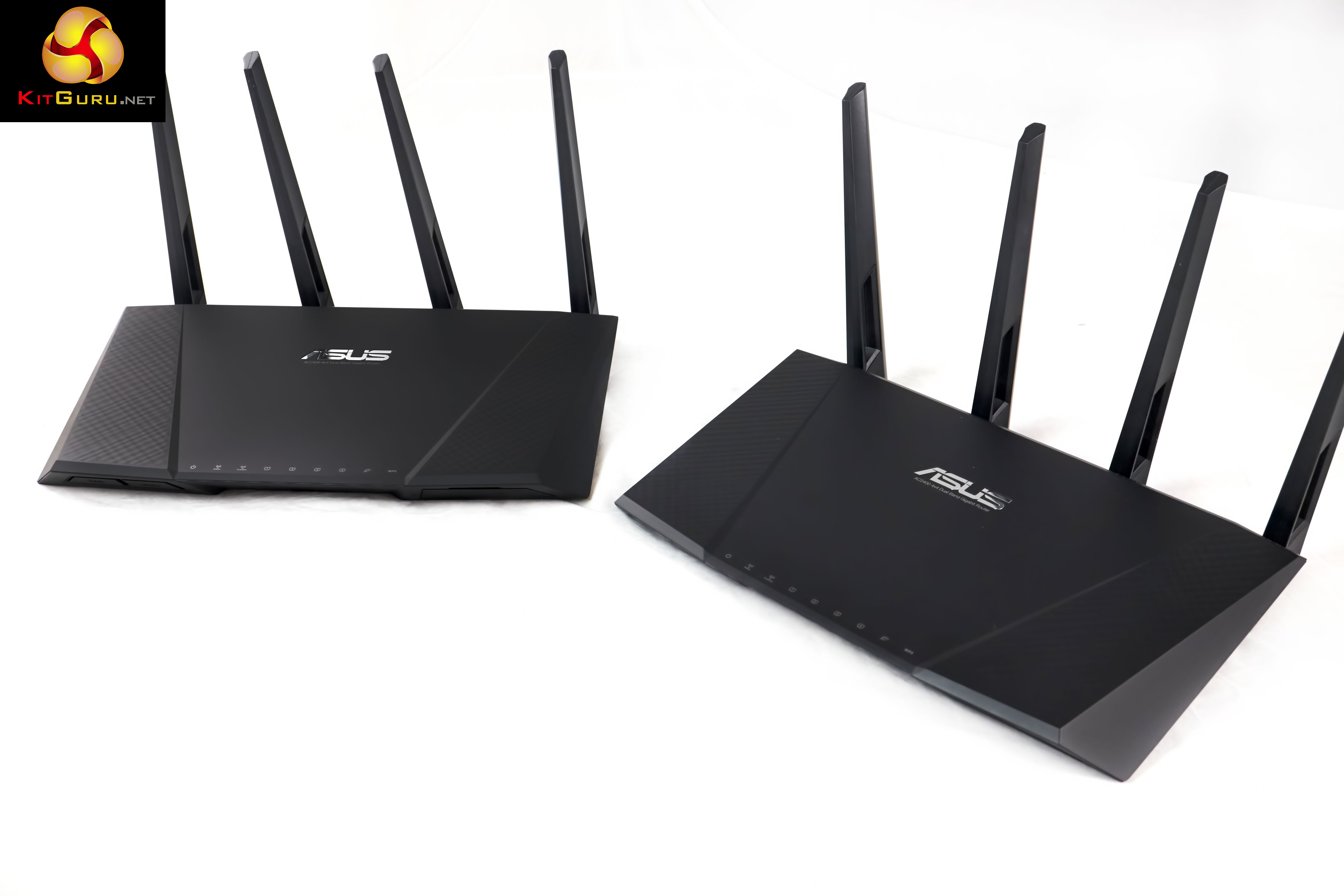
We have reviewed many of the latest high performance 802.11AC capable routers in recent months. ASUS recently sent us not one, but two of their RT-AC87U routers to test performance in single and bridge mode. Bridge Mode allows a second RT AC87U to be utilised as a ‘receiver' – theoretically holding onto maximum performance, especially as we are currently experiencing a shortage of high grade 4×4 receivers.
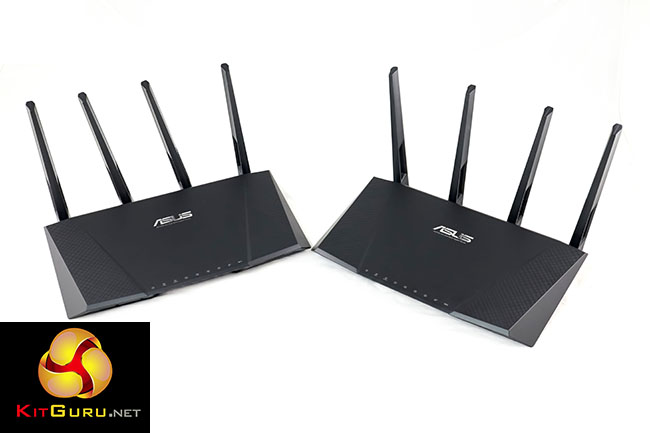
The Asus RT-AC87U is the latest in a line up of new wave high performance 802.11AC Wireless routers. At home I use the excellent NetGear R7000 NightHawk AC1900 – however in the continued hunt for even faster speeds the company have already replaced this with the, as yet, untested Netgear R7500 Nighthawk. This features a 1.4ghz dual core processor.
The Asus RT-AC87U is a new 4×4 MU-MIMO device, offering four streams for up to 1,734Mbps on the 11ac band, with 600Mbps available concurrently on 2.4ghz 11N using TurboQAM technology. This delivers a total of 2,400Mbps over both bands. This maximum speed is unlikely to be achieved in the real world as it is very dependent on the client adapters. Asus supplement the hardware with Trend Net AI Protection offering built in malware protection and parental controls.
Inside is a 1GHZ dual core processor, however there is a separate dual core processor which is dedicated solely to 5G Hz 4×4 Wi-Fi related tasks. Asus claim the design has been inspired by the gamer centric ASUS Republic Of Gamers G Series notebook range.
Specifications:
- Processor: Broadcom BCM4709 (1ghz, 2 core) and Quantenna QT3840BC (500mhz, 2 cores)
- Interface Type: 1x RJ45 for 10/100/1000 Gigabits BaseT for WAN
4x RJ45 for 10/100/1000 Gigabits BaseT for LAN
1x USB 3.0, 1x USB 2.0 for 3G/4G sharing, AiCloud, Media Server, HDD sharing, SAMBA, FTP server and printer server. - Antenna: 4 x External detachable antennas
- Memory: 128MB Flash/256MB DDR3 Memory
- Operating Frequency: 2.4GHZ, 5GHZ
- Data Rate: 802.11AC: up to 1,734 Mbps
802.11n: 2.4GHZ: up to 600Mbps: Up to 600Mbps
802.11a/g: Up to 54Mbps
802.11b: Up to 11Mbps - Output Power (max): 2.4GHZ – b mode: 25 dBm for each antenna
g mode: 23 dBm for each antenna
n mode: 23 dBa (BW 20mhz) or 18dBm (BW 40mhz) for each antenna - 802.11ac Specification: MIMO: 2.4GHZ 3×3, 5GHZ 4×4
Multi User MIMO (MU-MIMO)
Beamforming: standard based and universal
256QAM high data rate
20/40/80 MHZ bandwidth - Buttons: WPS Button, LED on/off button, Wi-Fi on/off button, power button, reset button.
- Encryption: 64/128 bit WEP, WPA/WPA-2-TKIP/AES-PSK
WPA/WPA2-Enterprise - Mode: Router, AP, media bridge
- Physical Dimensions: 290x166x50mm
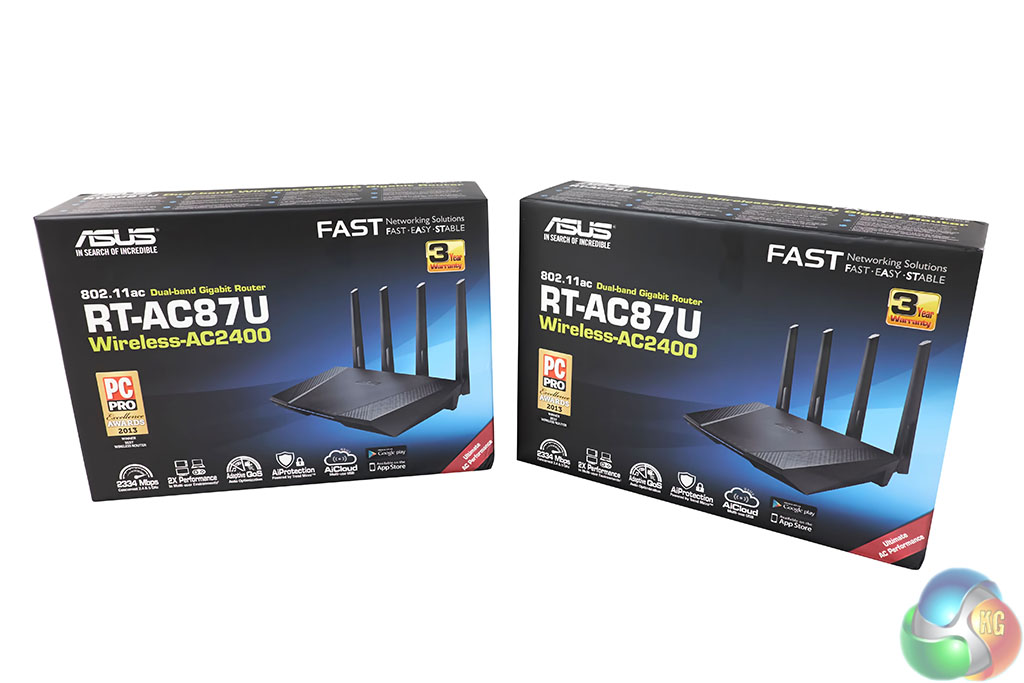
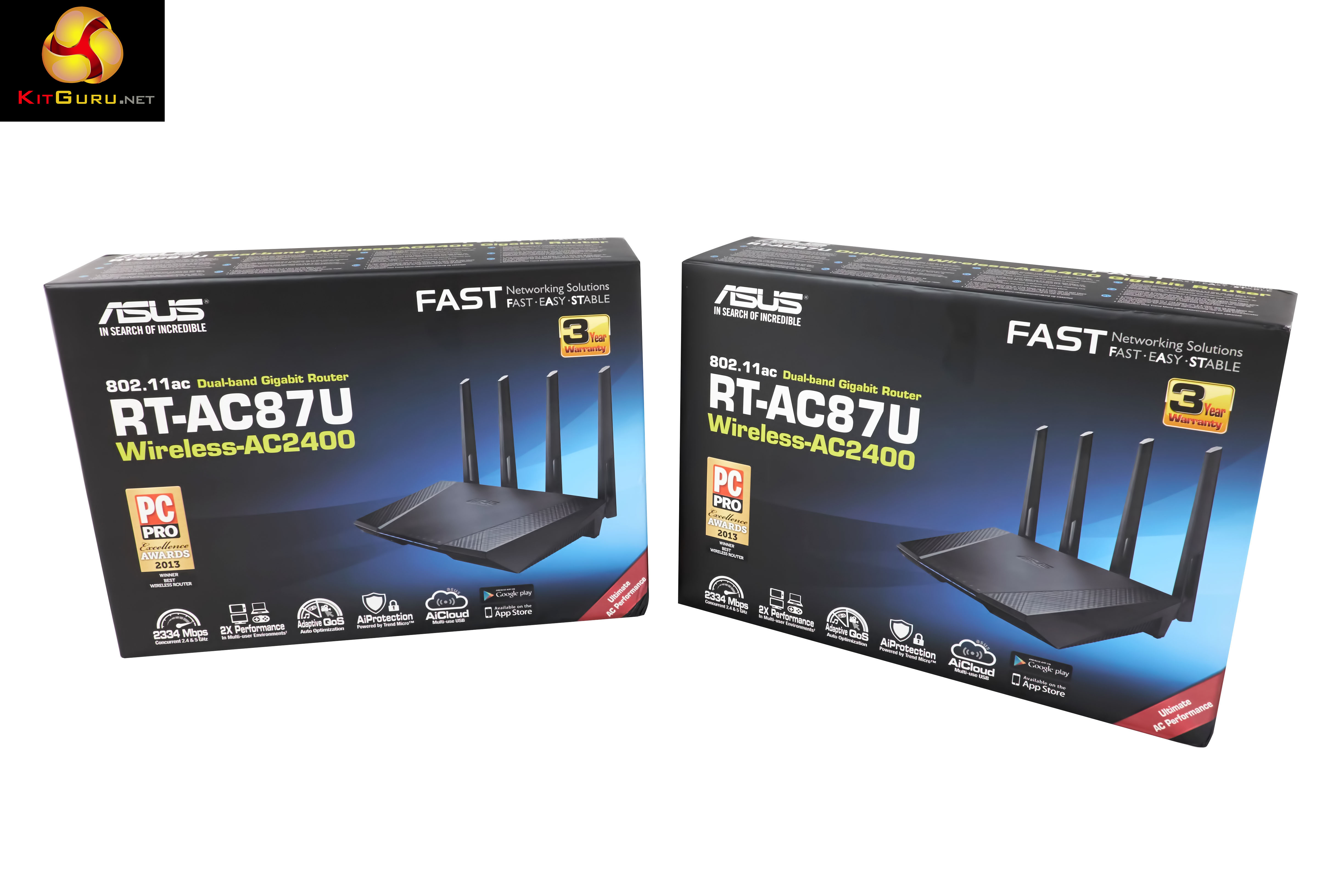
The Asus RT-AC87U arrive in colourful boxes, with high resolution pictures of the product on the front.

Inside the box, we are greeted with the slogan ‘incredible starts here'. Certainly an eye catcher!
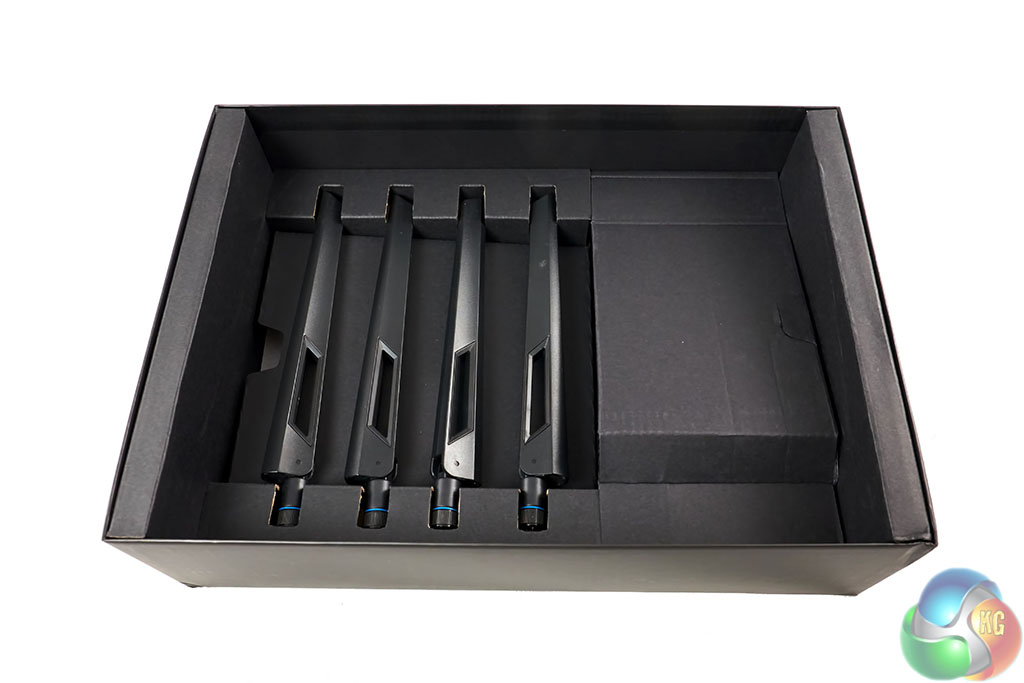
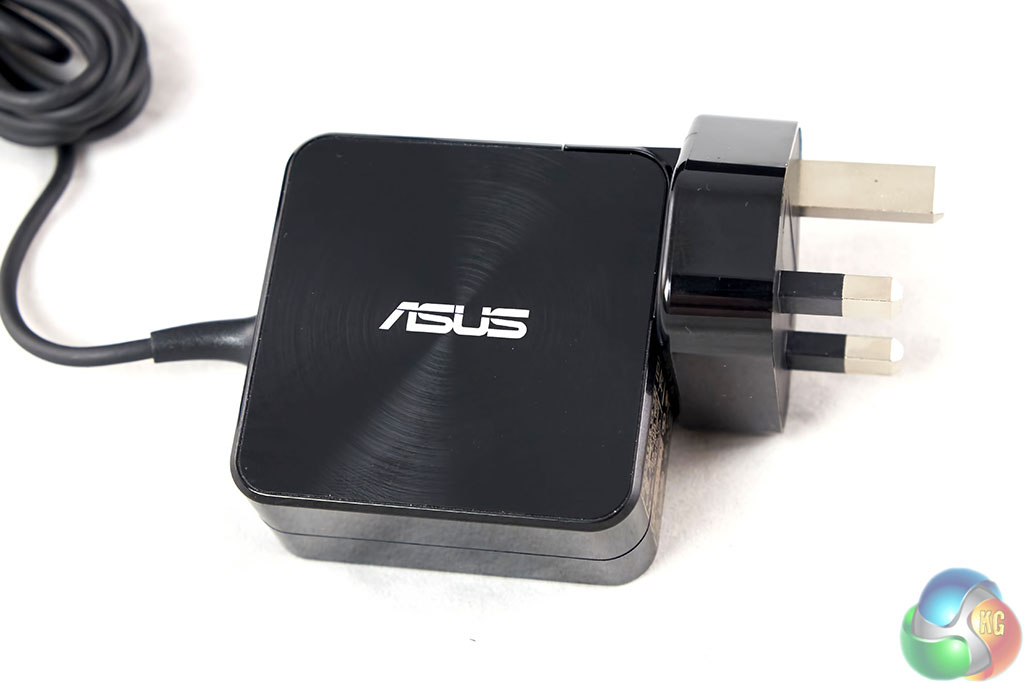
Four removable antenna are included in the box, along with multi region power plugs and a power adapter.
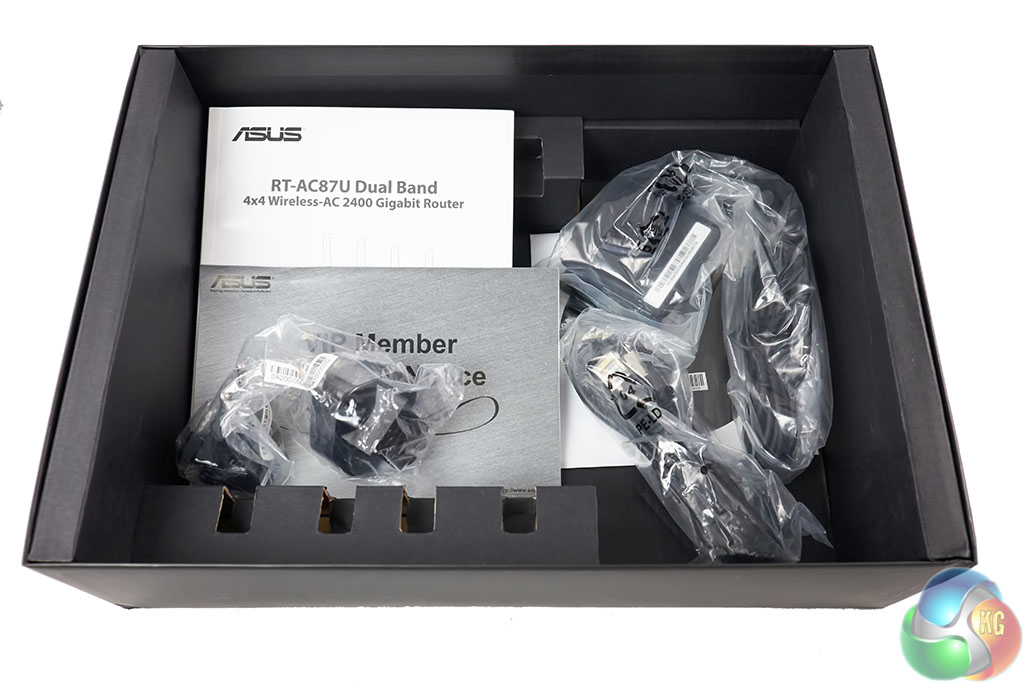
A quick start guide is included, alongside a disc with the full user manual.
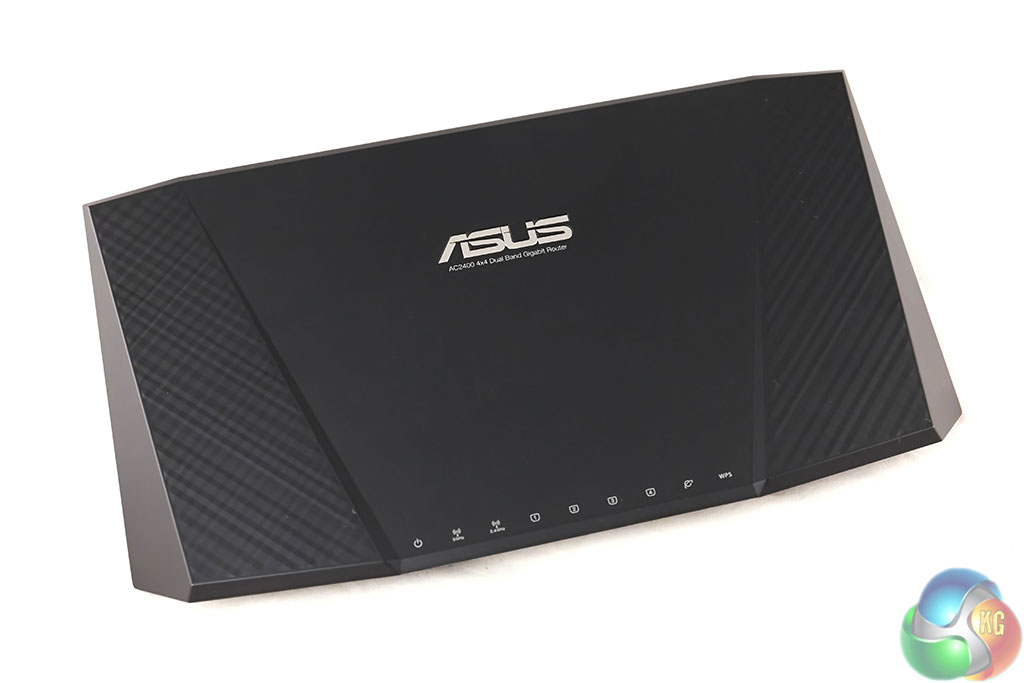
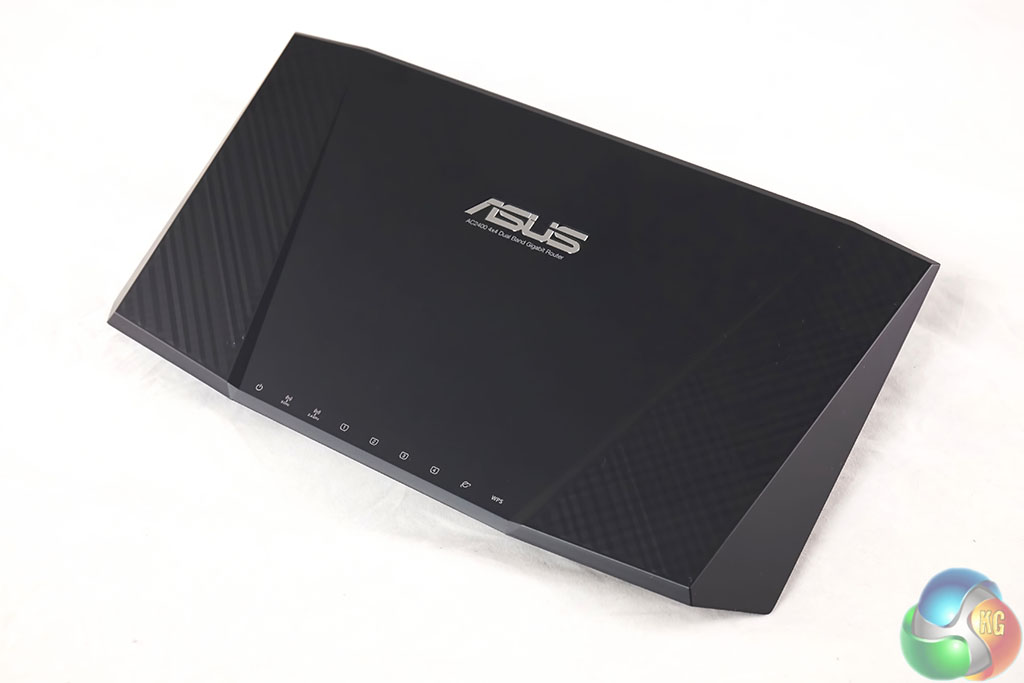
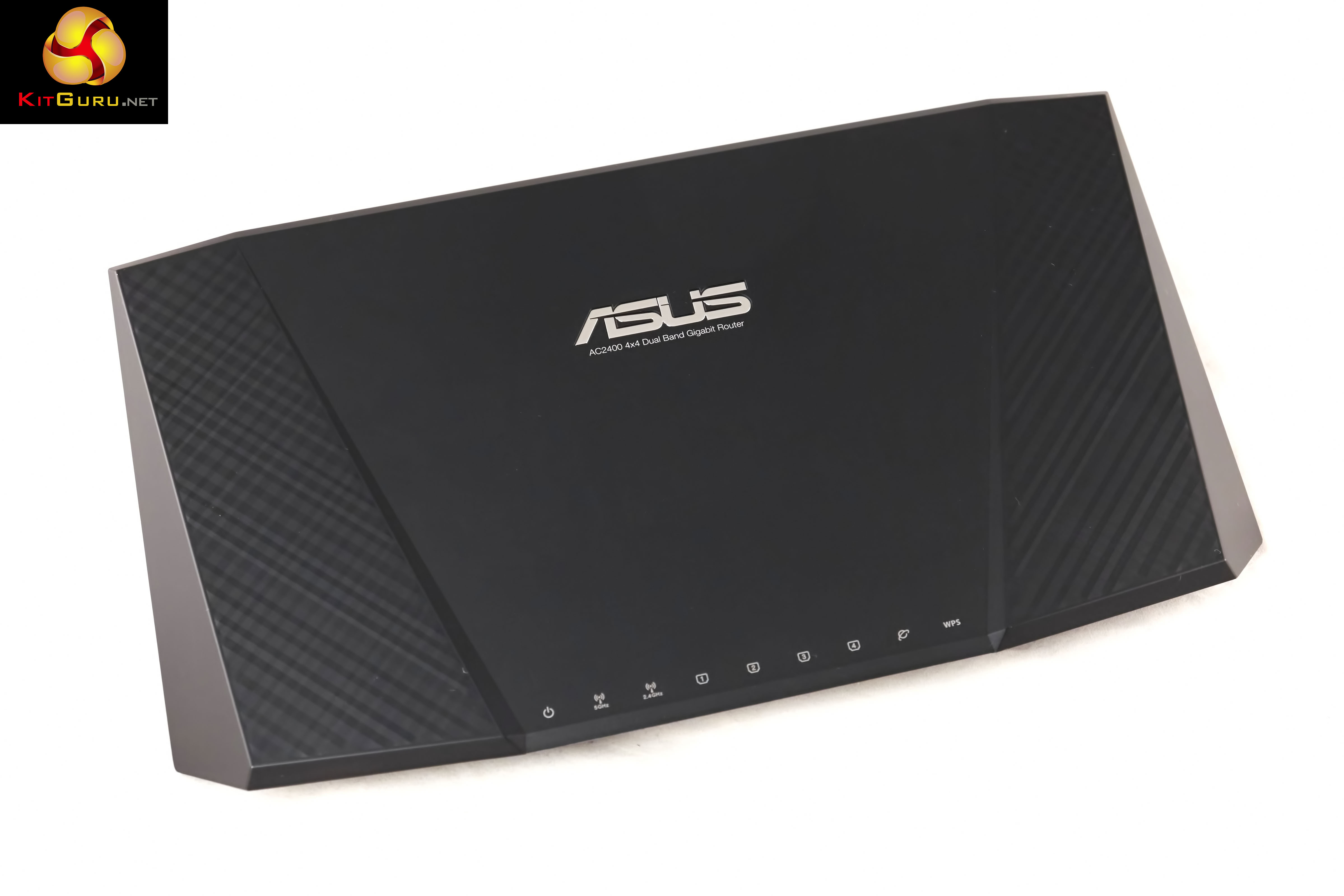
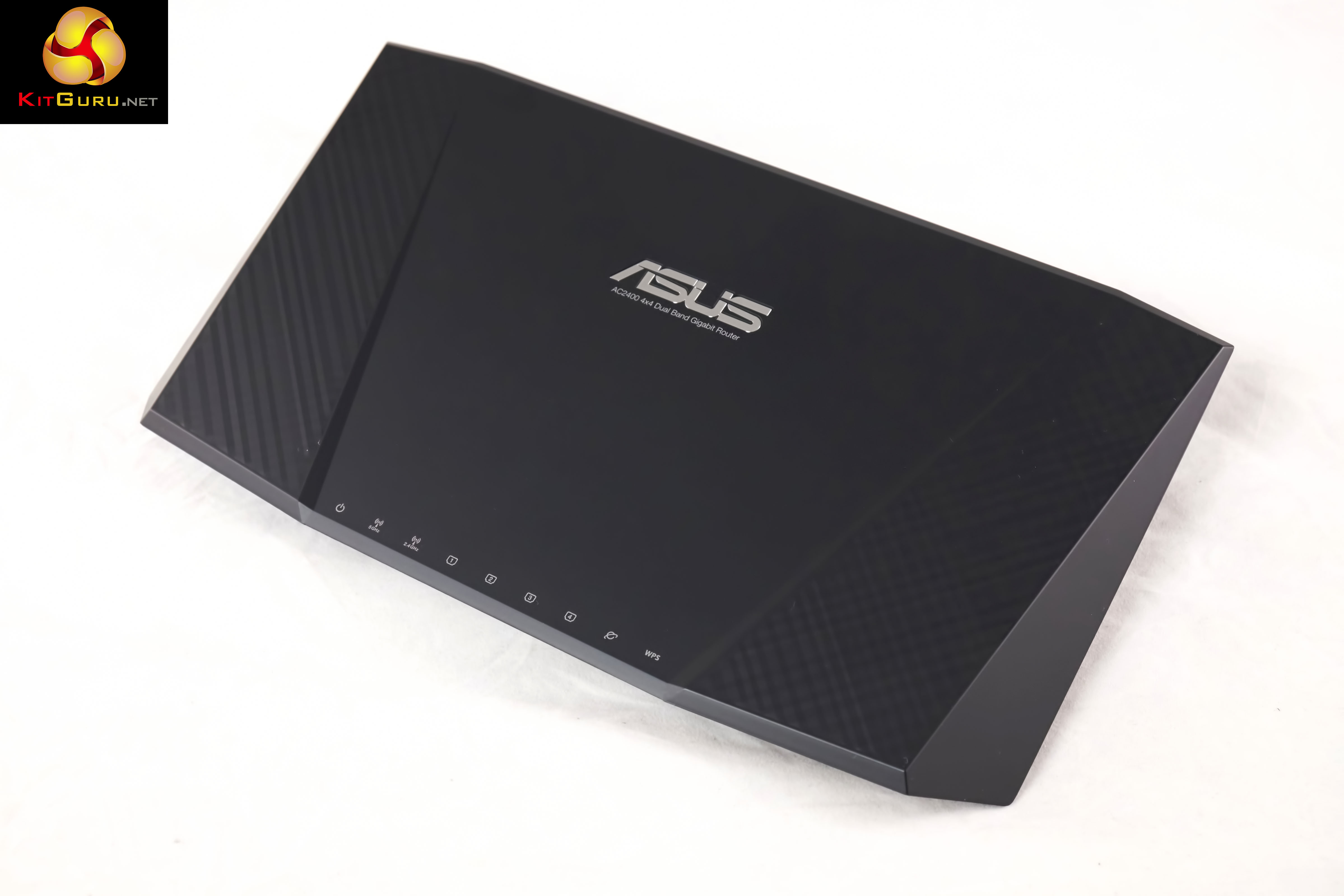
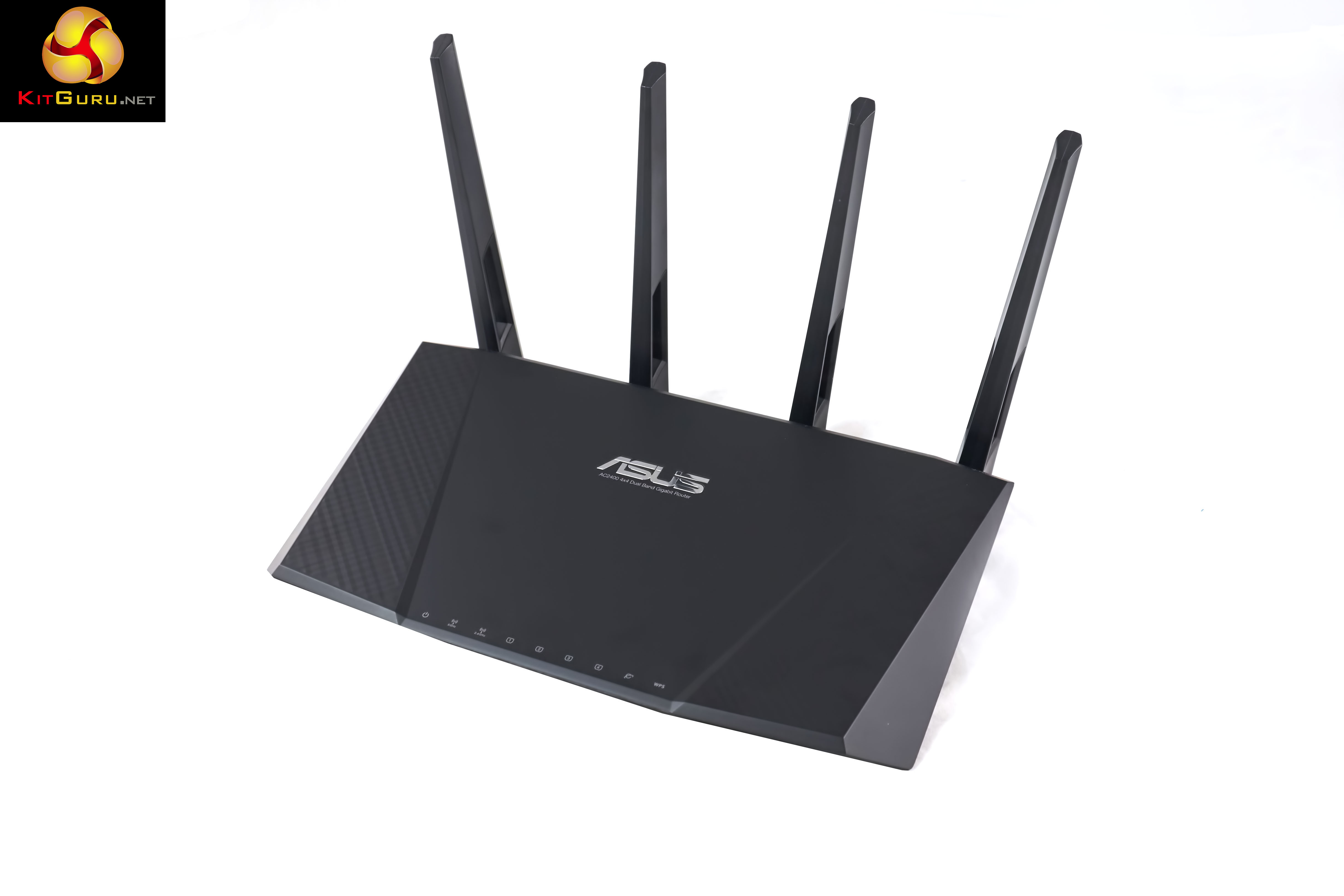
The router itself is very attractively designed, and it reminded me of the NightHawk R7000 – but looks even more futuristic. It is extremely well built, and the matt finish resists fingerprints (for the most part).
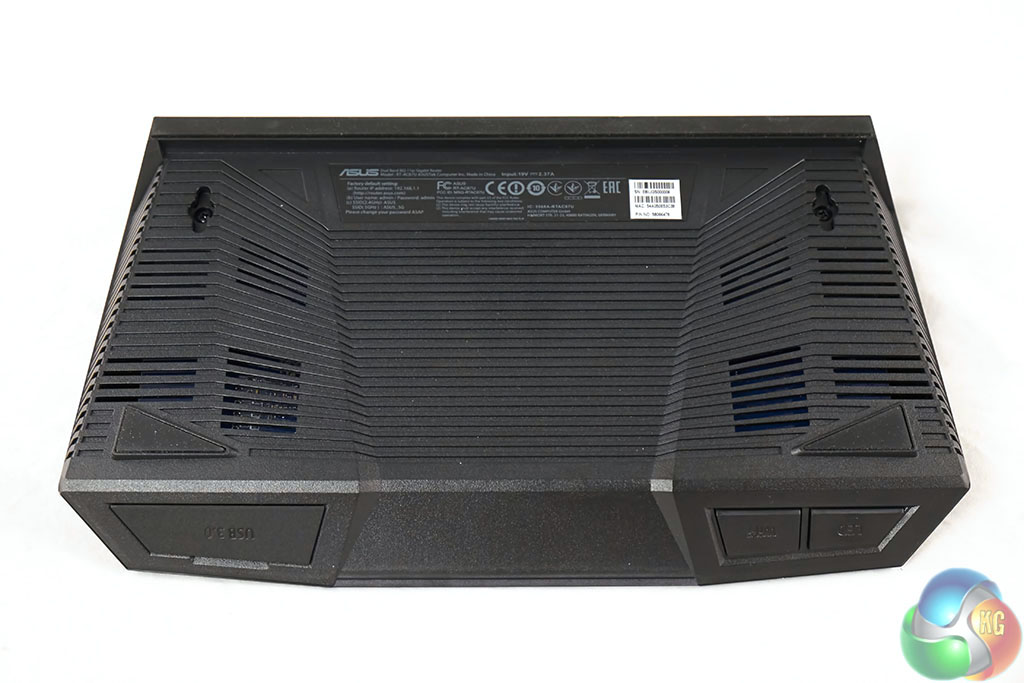
Ventilation holes are visible along the bottom of the chassis, shown above.
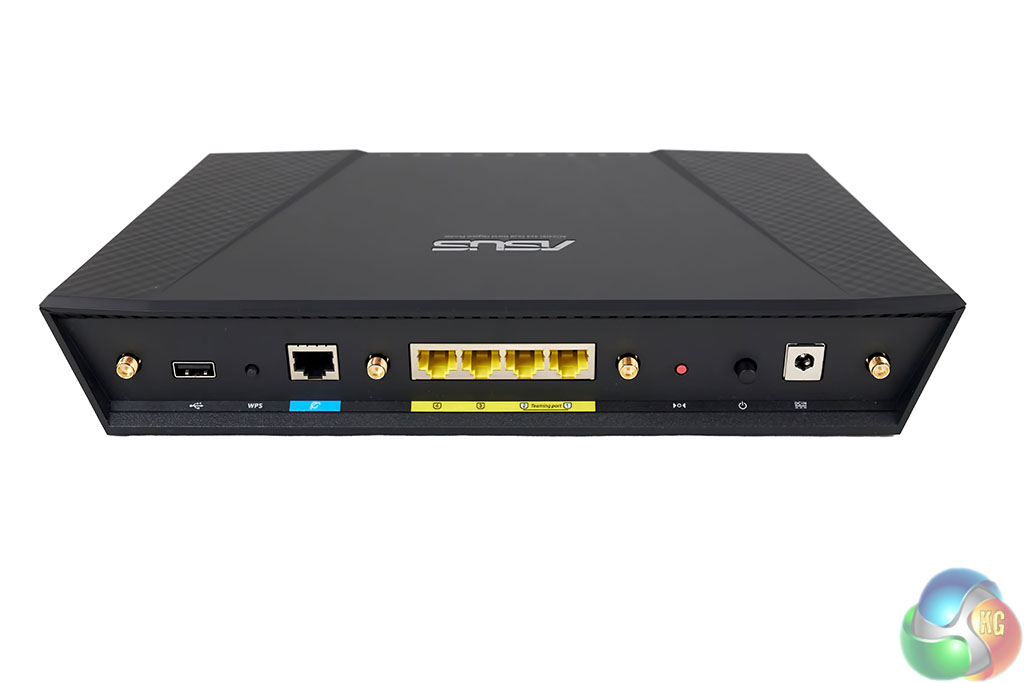
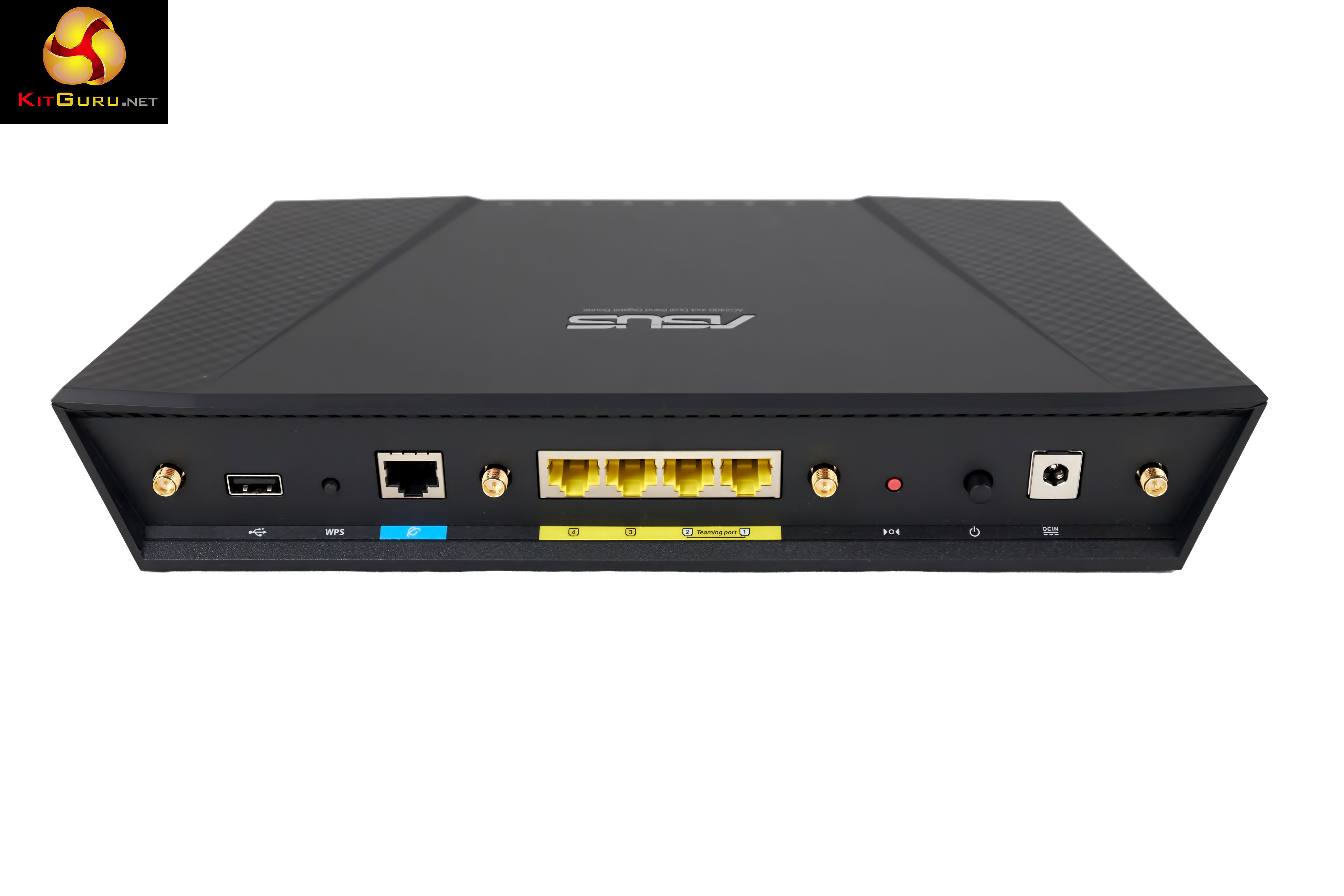
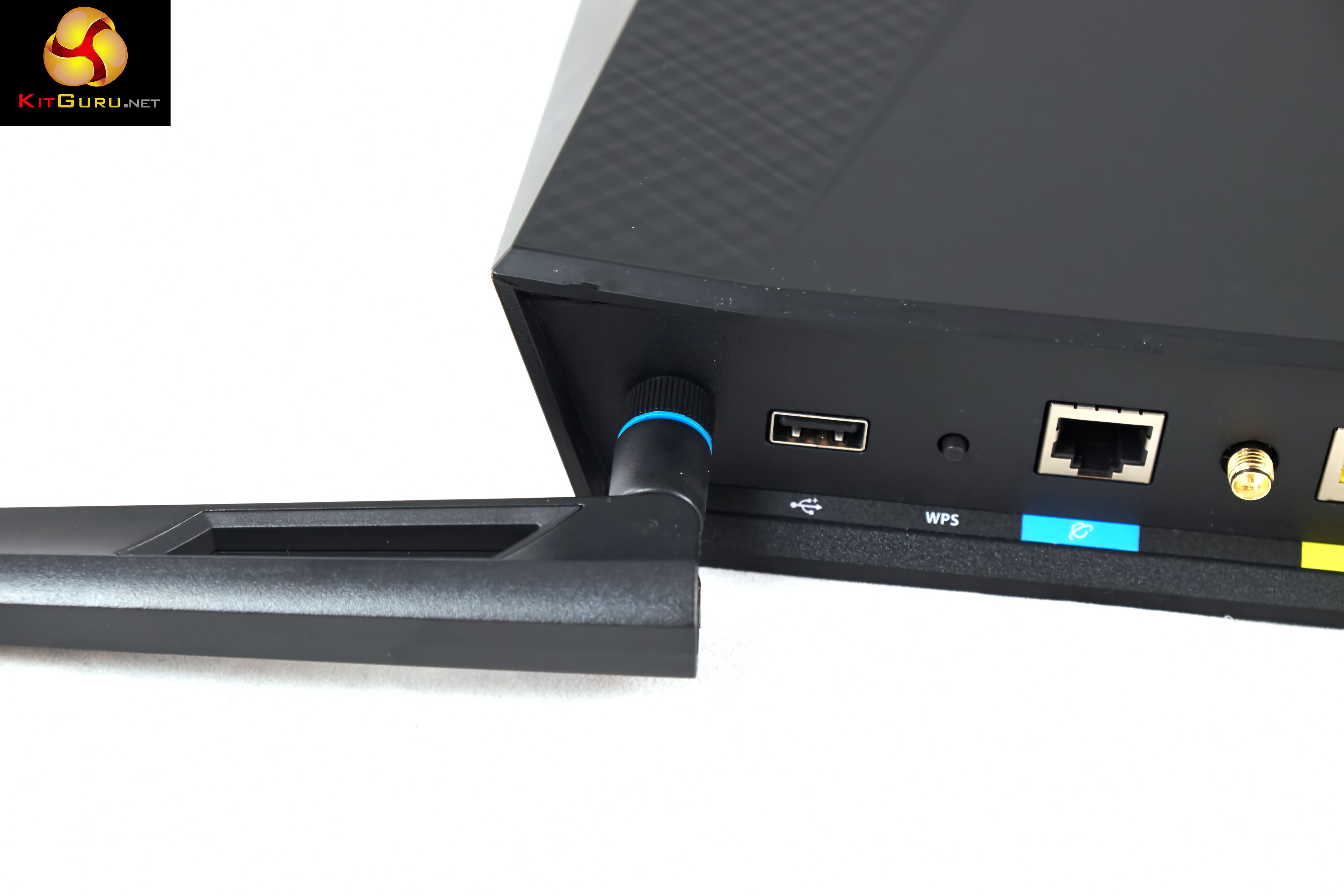
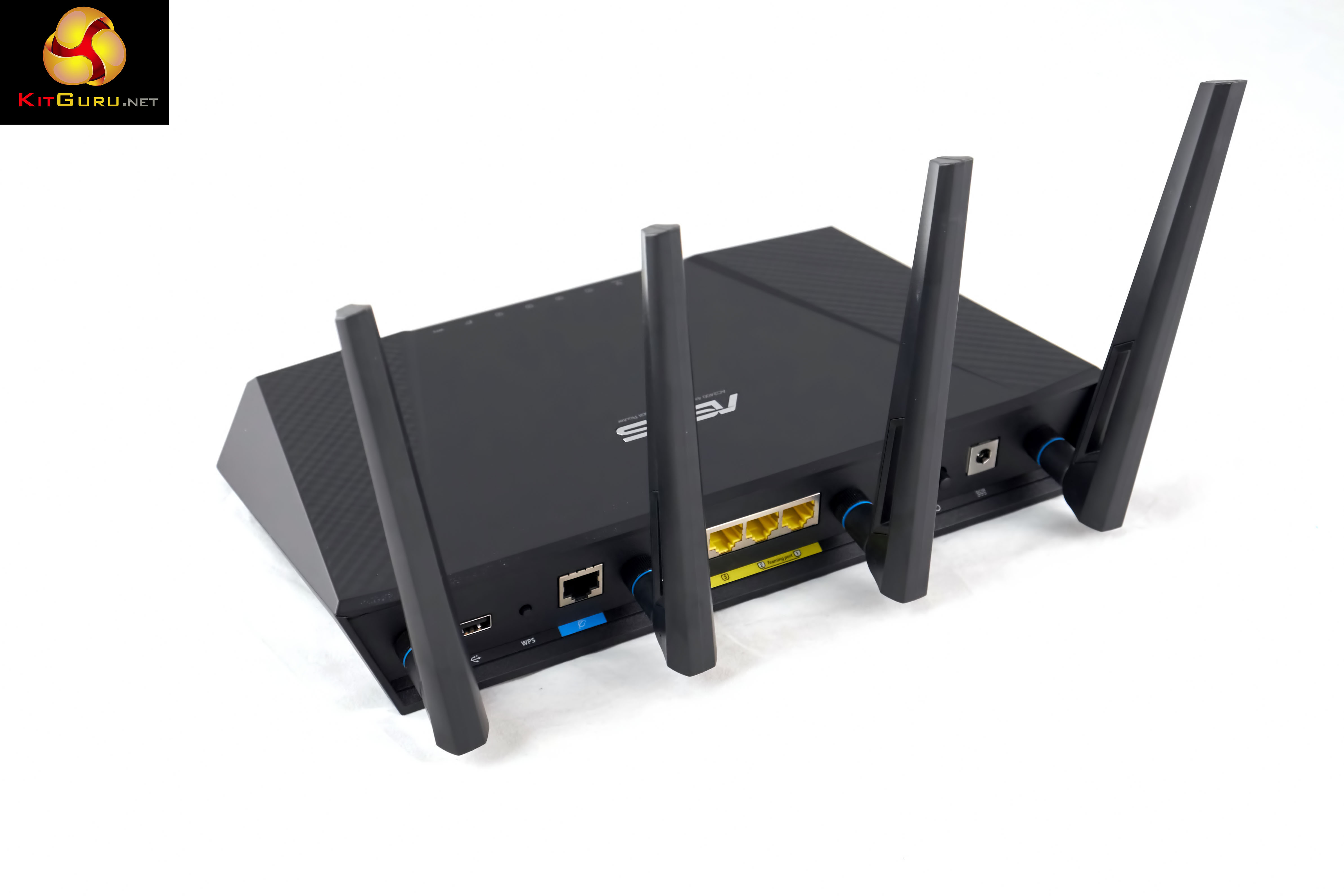
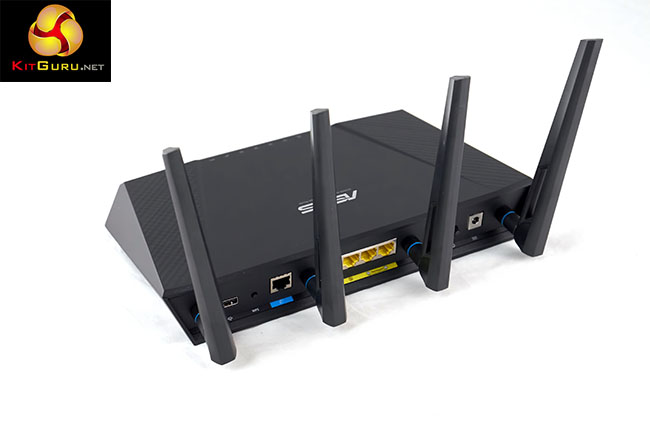
At the rear of the RT-AC87U is a power connector, power button, reset button, four GB LAN ports, GB WAN port (for modem), USB 2.0 port and WPS (Wi-Fi protected button). The LAN ports support Link Aggregation, which is a pretty cool feature to include.
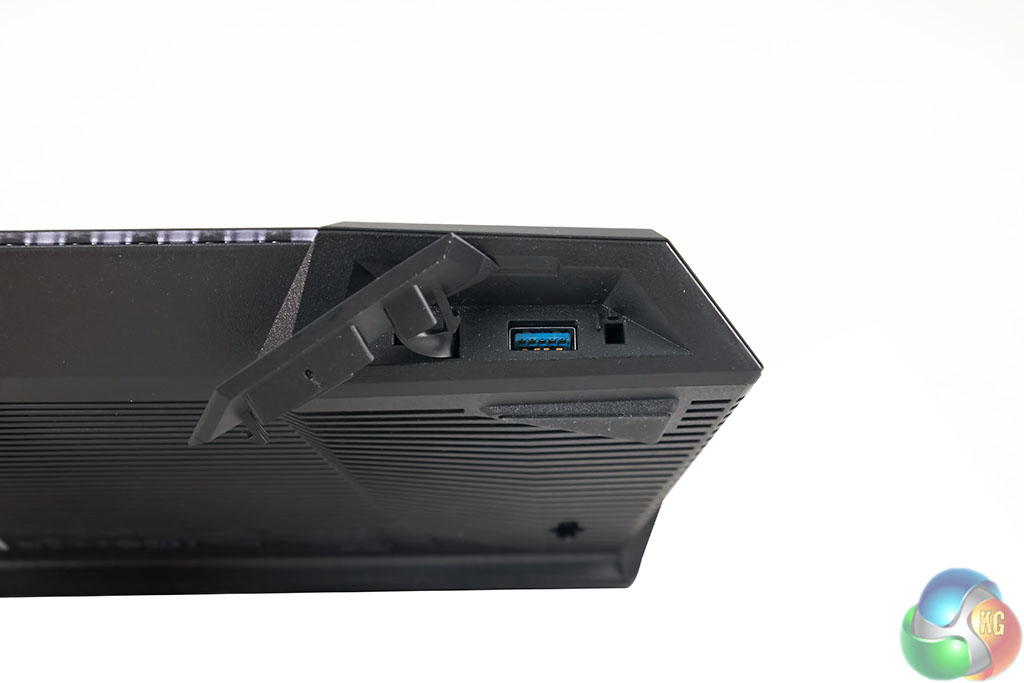
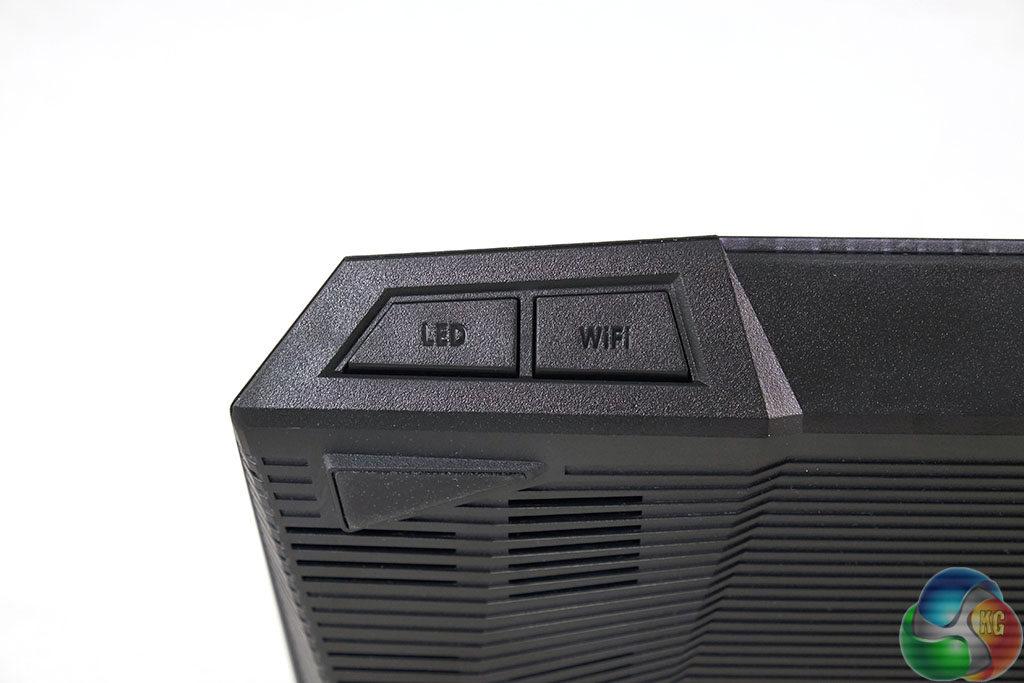
At the front is a ‘hidden' USB 3.0 port, and an LED and WiFI button. These let you toggle the indicator LED's and the Wi-Fi on and off. Turning off the LED indicators is very useful, especially if you don't want to deal with bright lights in the room. The USB ports can be used to share a printer and a NAS storage device simultaneously or you can even use a 3G/4G dongle to share a mobile broadband connection if desired.
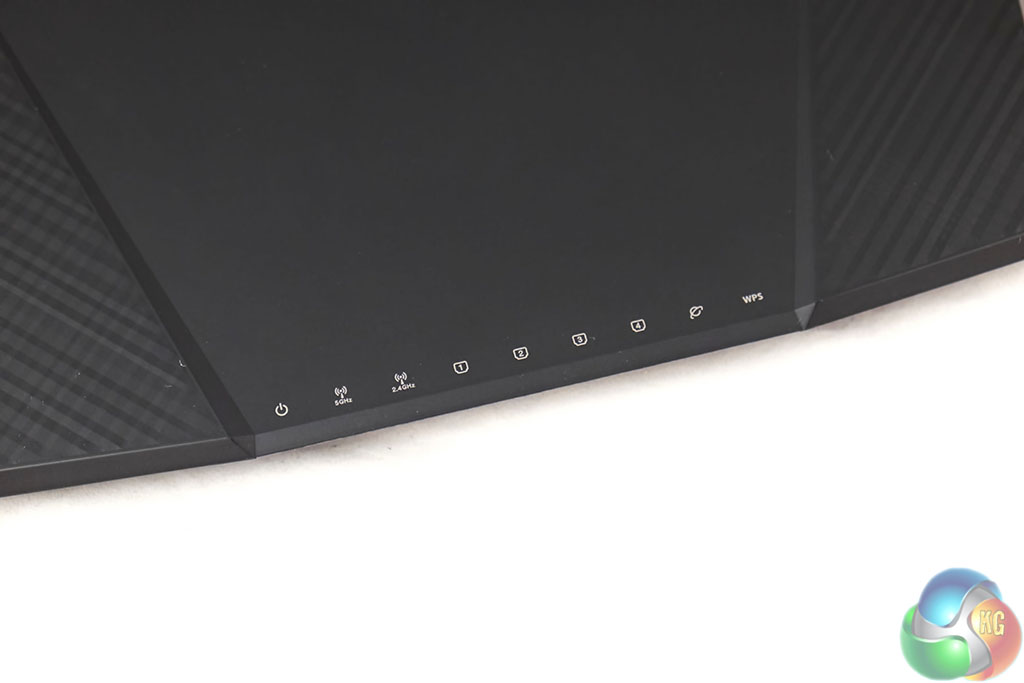
LED's on the front relate to power status, 2.4GHZ and 5GHZ radio transmission, ethernet ports, Internet connection and WPS.
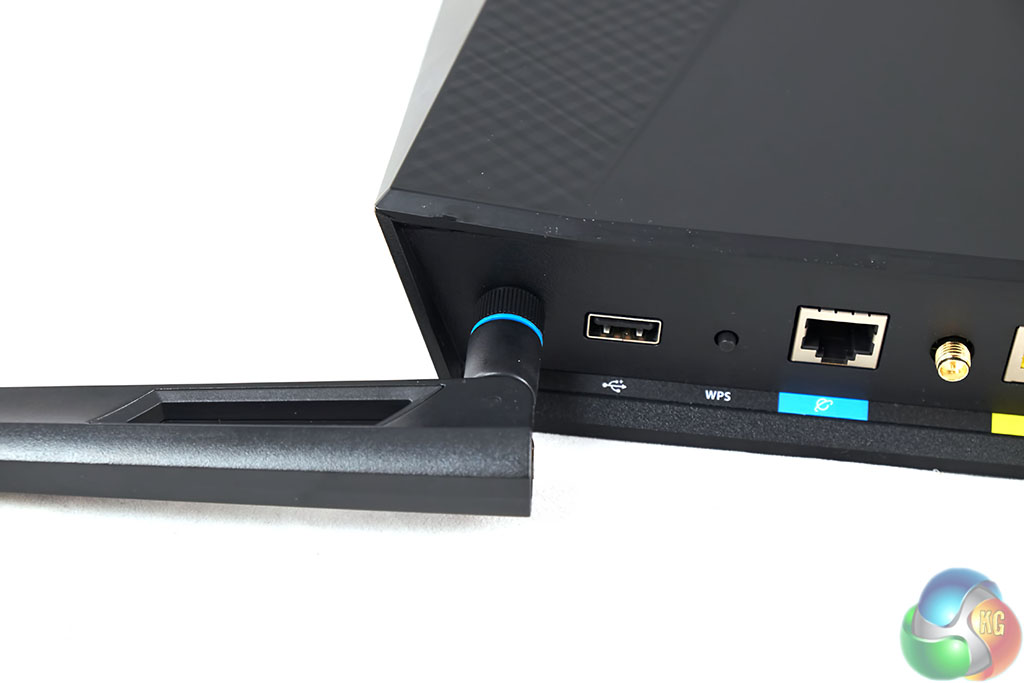
Attaching each of the four antenna is straightforward and takes only a minute or two.
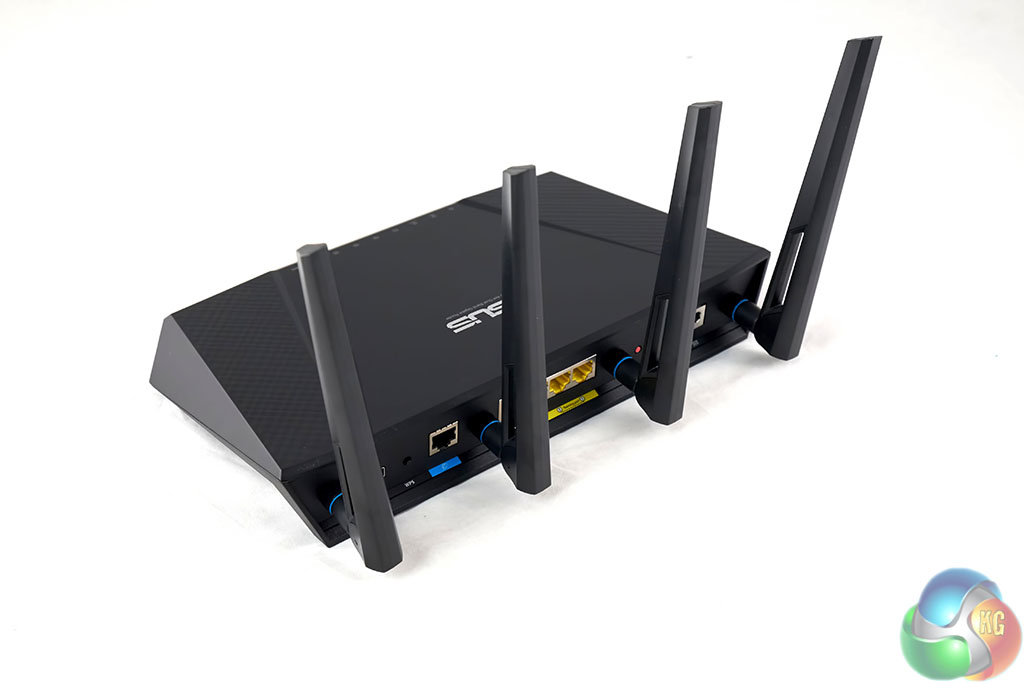
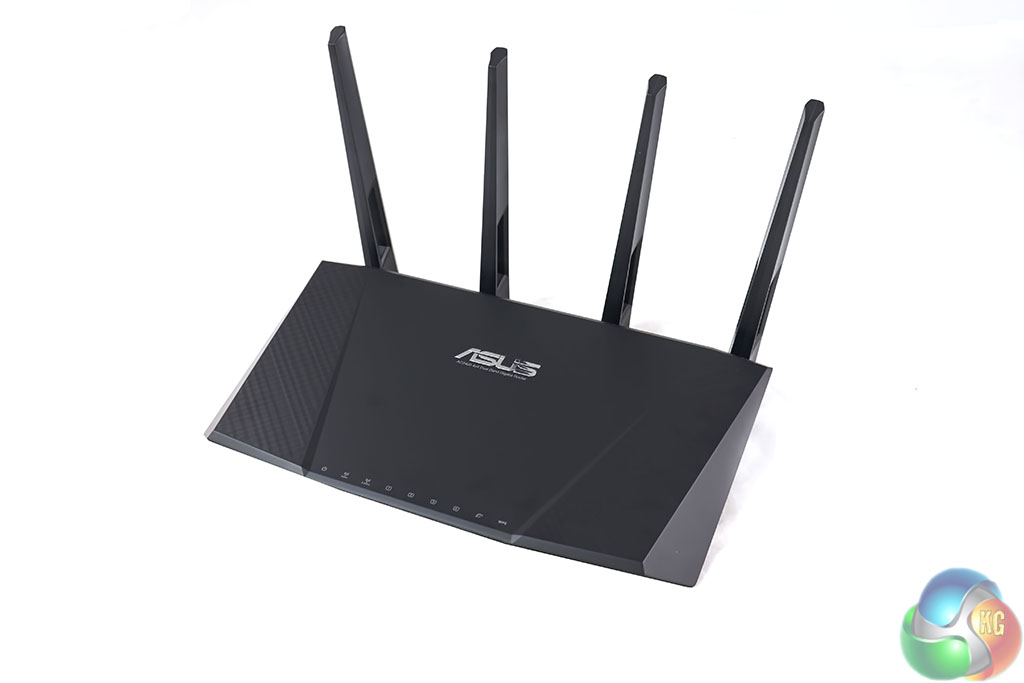
It is important to mention that the number of antenna doesn't relate directly to speed. We reviewed the Linksys WRT1900AC router some time ago however only three of the four antenna are used for streaming at any given time. The Netgear Nighthawk X6 ships with 6 antenna but it can operate two 5GHZ networks simultaneously (2×3).
As we mentioned earlier, the RT-AC87U is equipped with two processors. The Quantenna QSR1000 chipset has a physical limitation of 80MHz of bandwidth on the 5GHZ band. The secondary Broadcom BMC4709 handles the USB ports and the 2.4GHZ network.
On this page we present some high resolution images of the product taken with a Fuji XT1 camera. These will take much longer to open due to the dimensions, especially on slower connections. If you use these pictures on another site or publication, please credit Kitguru.net as the owner/source.
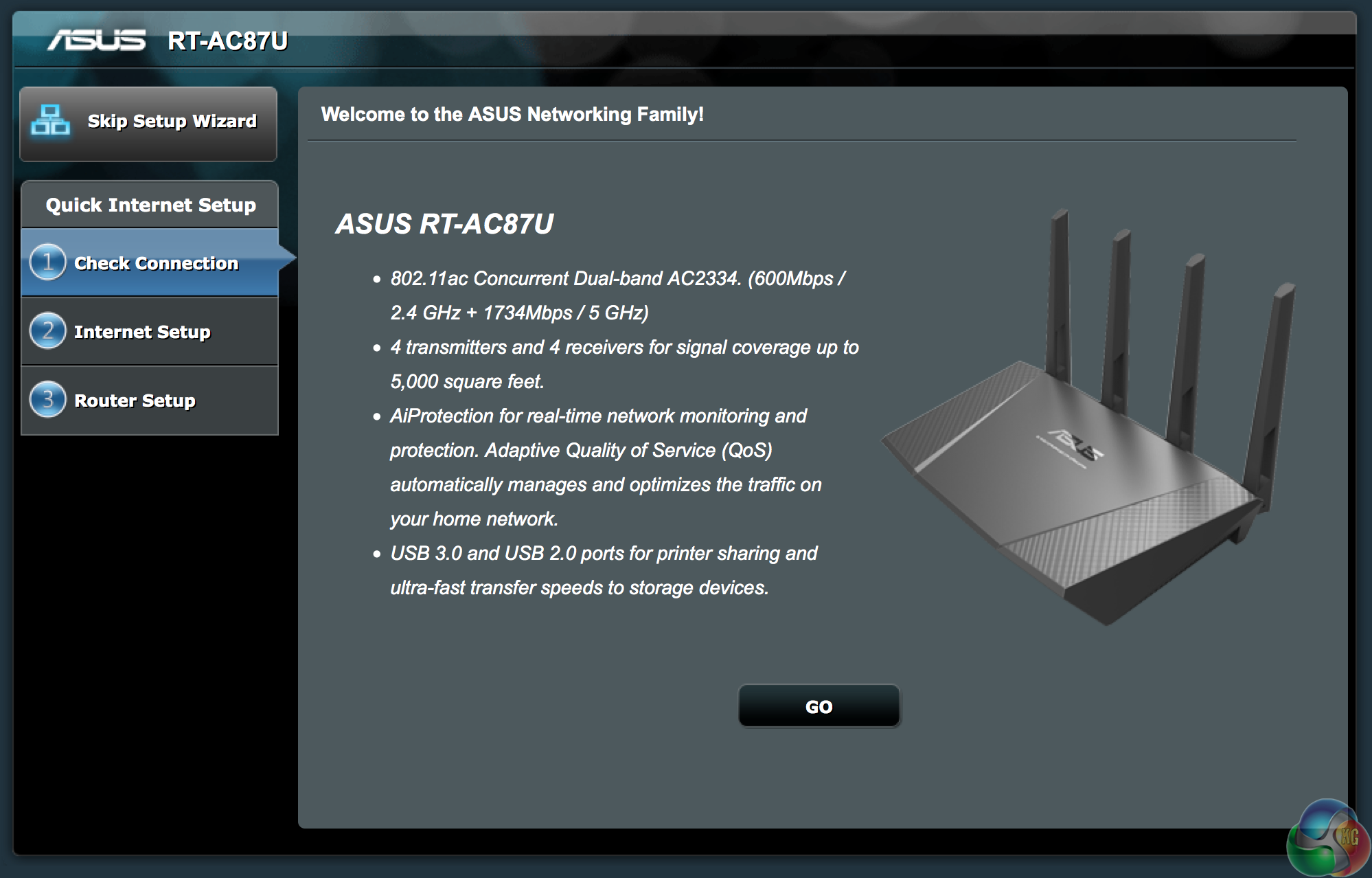
Setting up the ASUS RT-AC87U is pretty straightforward, thanks in part to the excellent, responsive software. A setup wizard will appear first time which takes the user through the process.
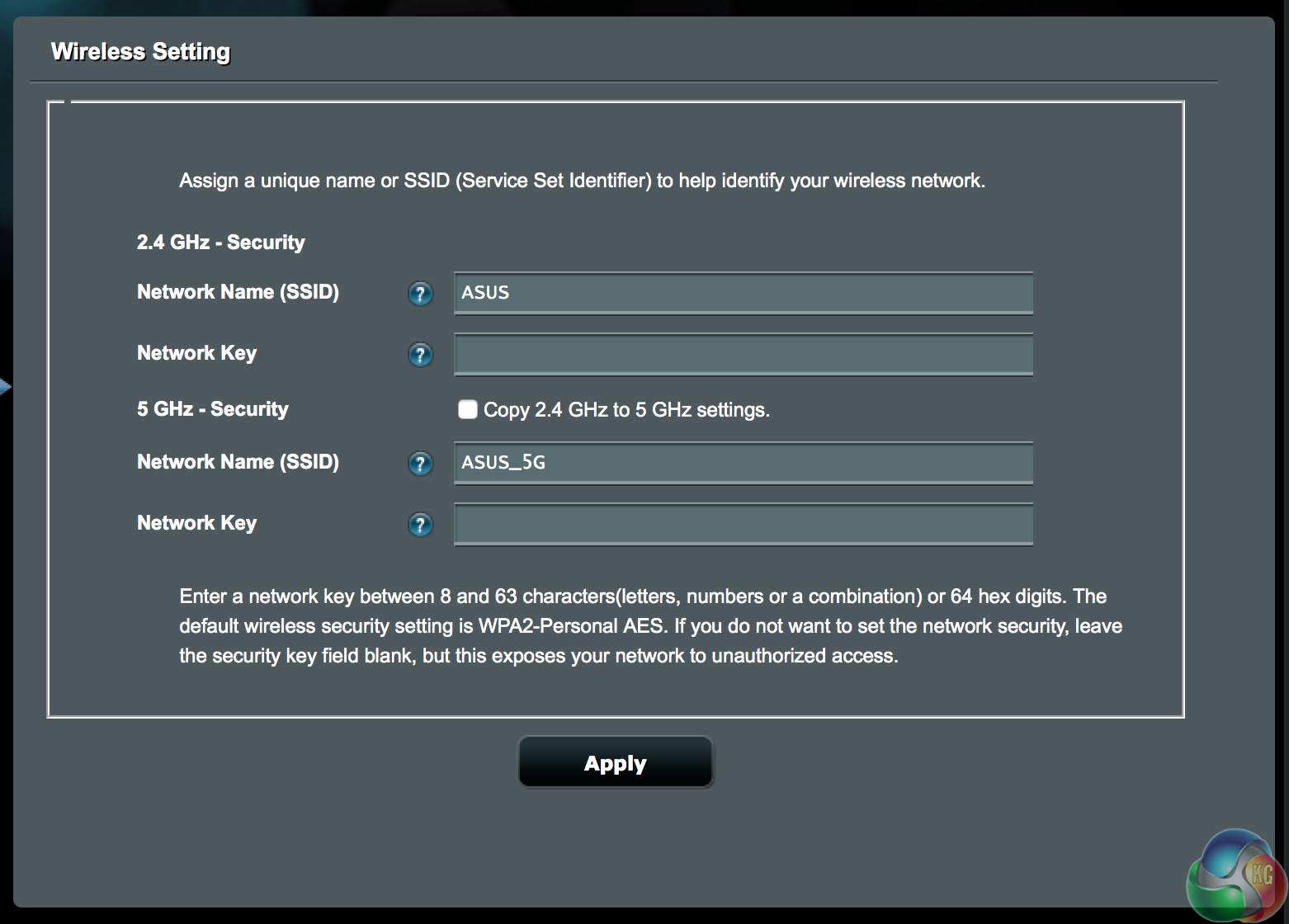
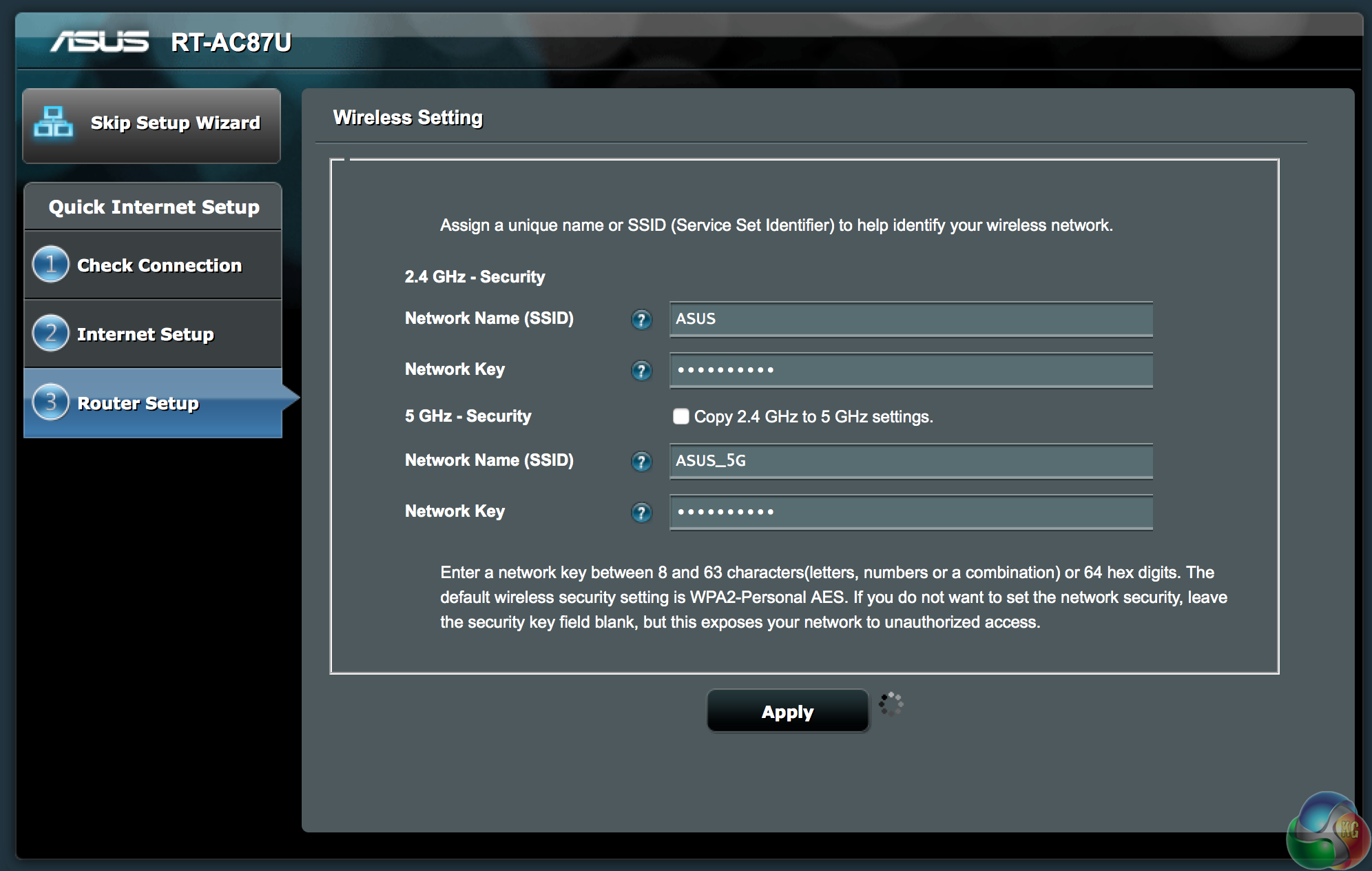
We set up a password on both 2.4GHZ and 5GHZ networks – appending _5G onto the network name.
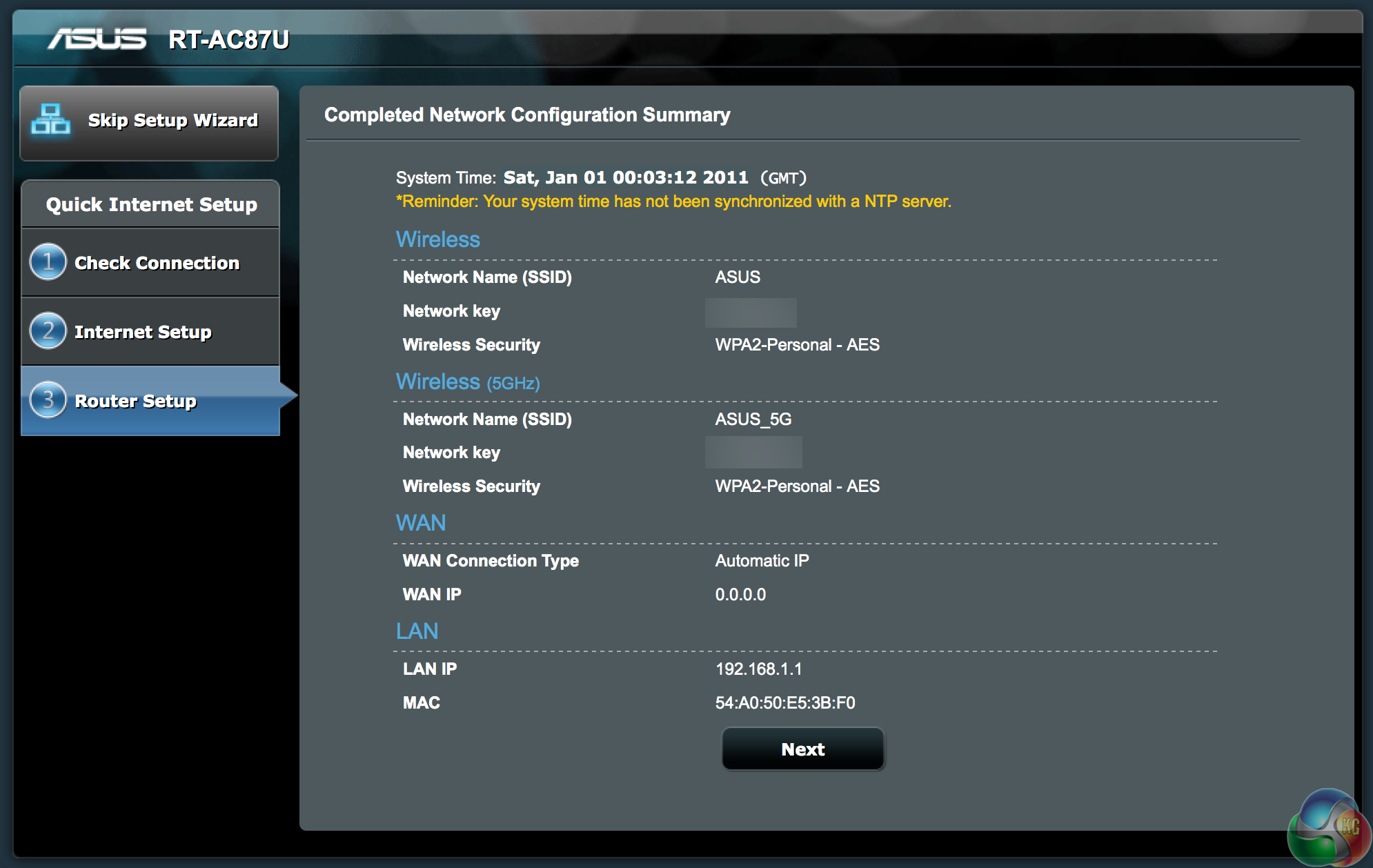
Once the networks are configured you can get accessed to the plethora of other settings available in the menu system.
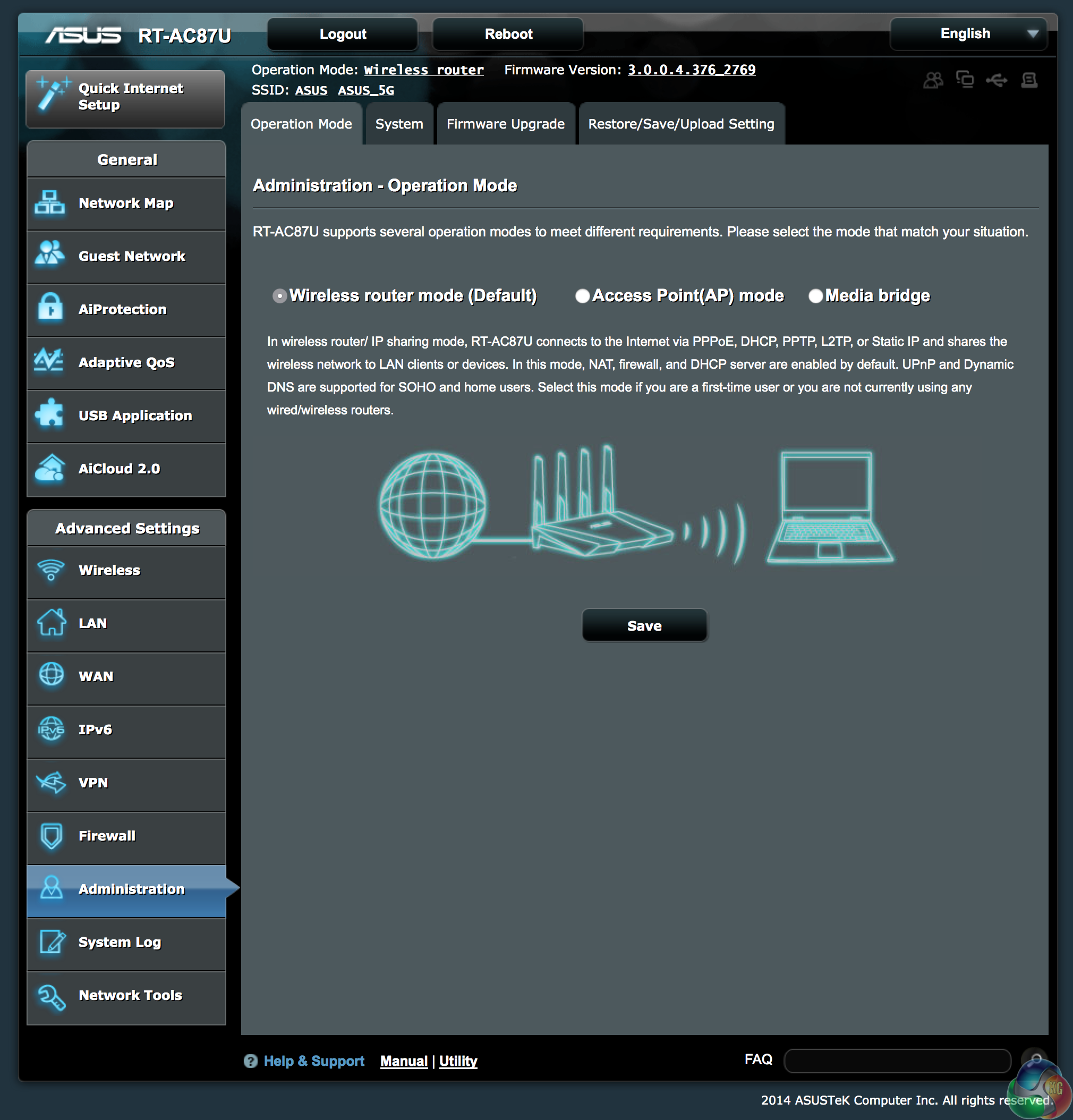
ASUS sent us two RT-AC87U routers today so we want to configure one of them as a ‘Media Bridge'. The default setting for the router is plain wireless. You can also configure it as an access point.
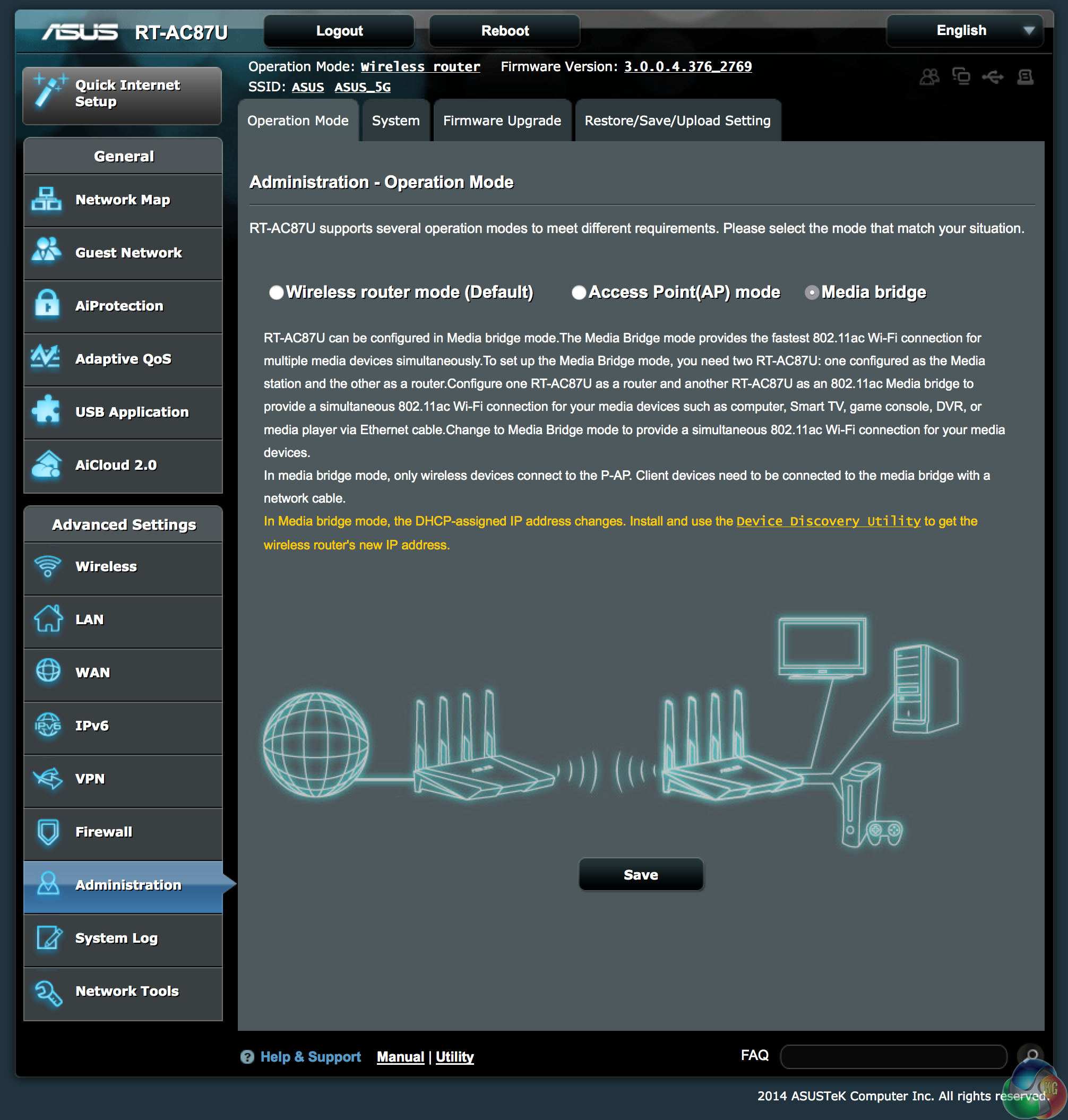
The secondary router will therefore be set up as the ‘Media bridge' – basically we will use the second unit as a ‘receiver', wired into the computer.
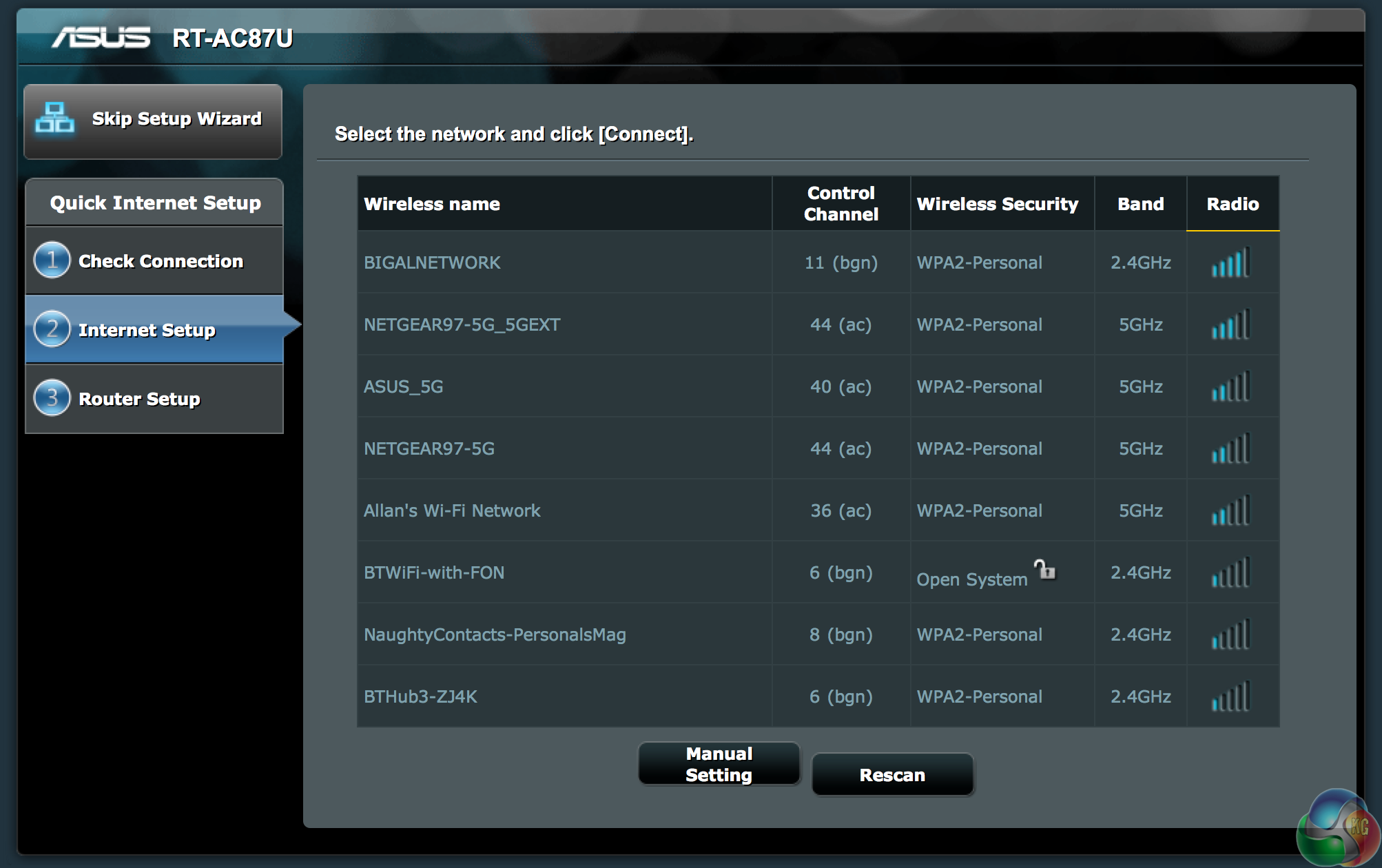
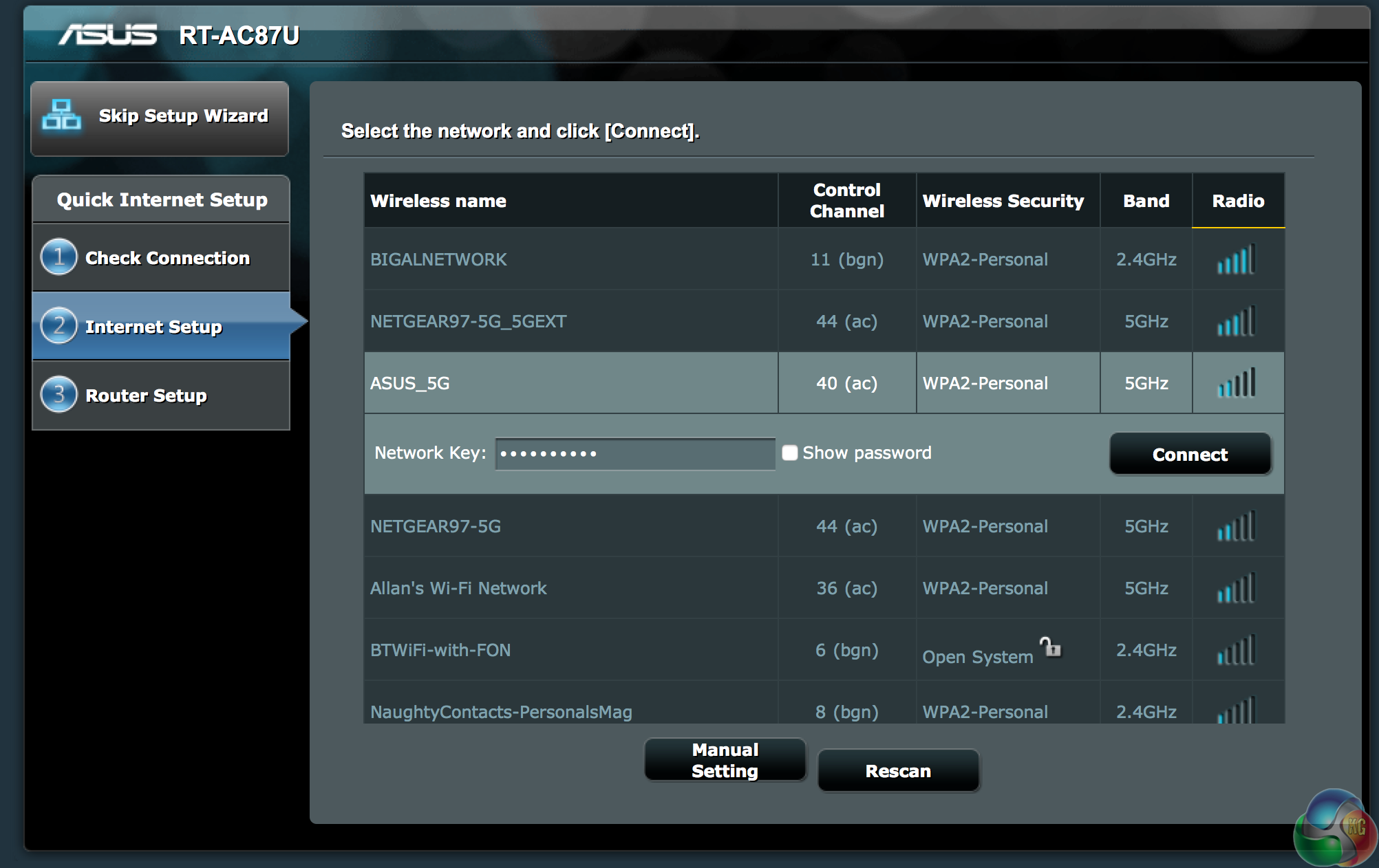
Connecting to the Wi-FI network is really straightforward – we want the secondary Media Bridge RT-AC87U to connect to the 5G broadcast of the source wireless router. There are a lot of networks in our vicinity, including a ‘NaughtyContacts_PersonalsMag' broadcast which sounds quite interesting. We also have a single ‘open system' as well, which just goes to show that many people still don't realise that they need to lock out their router!
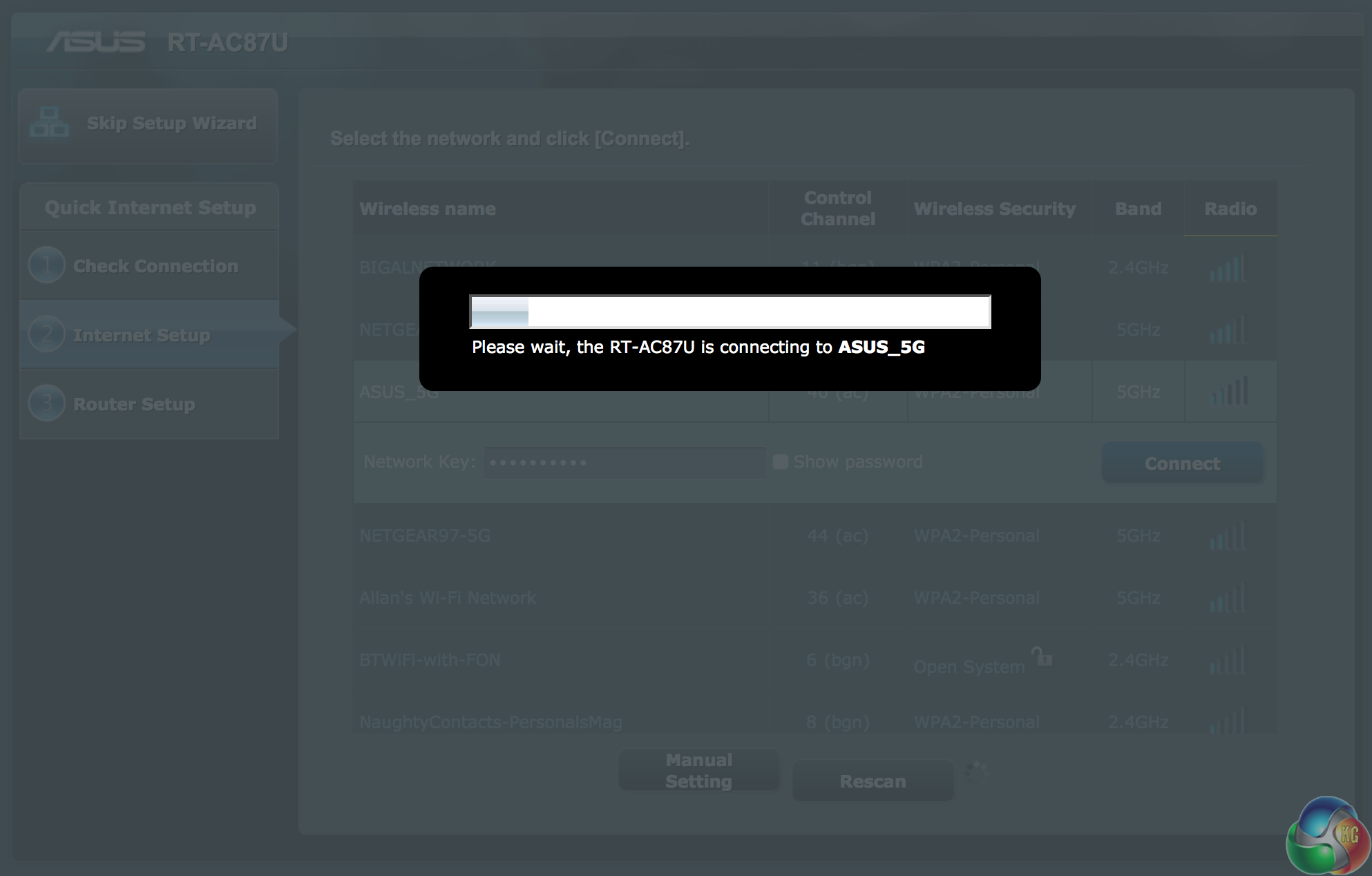
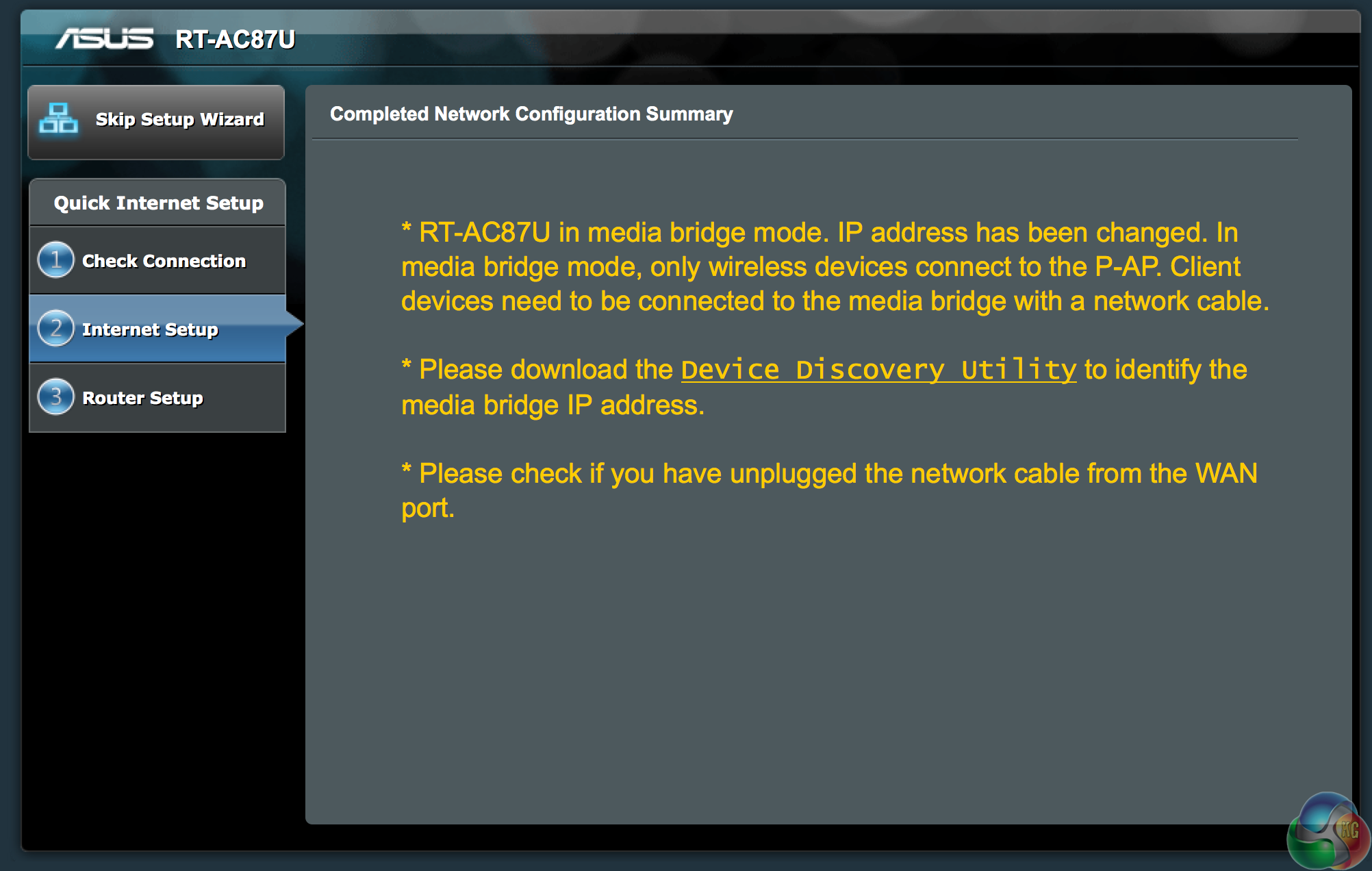
We configure the second RT-AC87U to connect to the RT-AC87U which is broadcasting the source signal. This takes around 2 minutes and then a message with bright yellow text appears explaining that the IP address will have changed.
It was an extremely easy process to accomplish and when finished, it is simply a case of using the supplied cable to connect the computer to the ‘Media Bridge' RT-AC87U router.
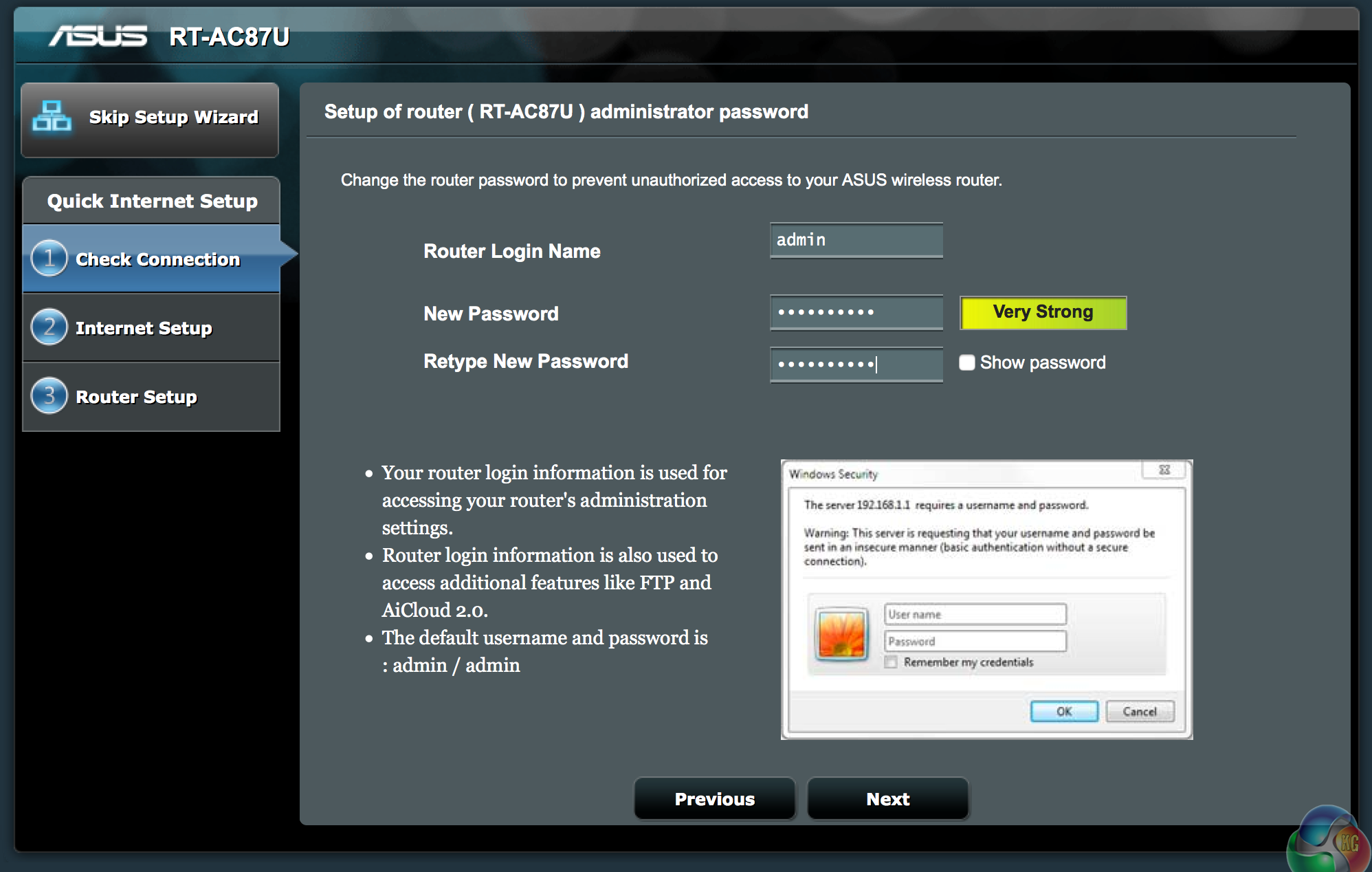
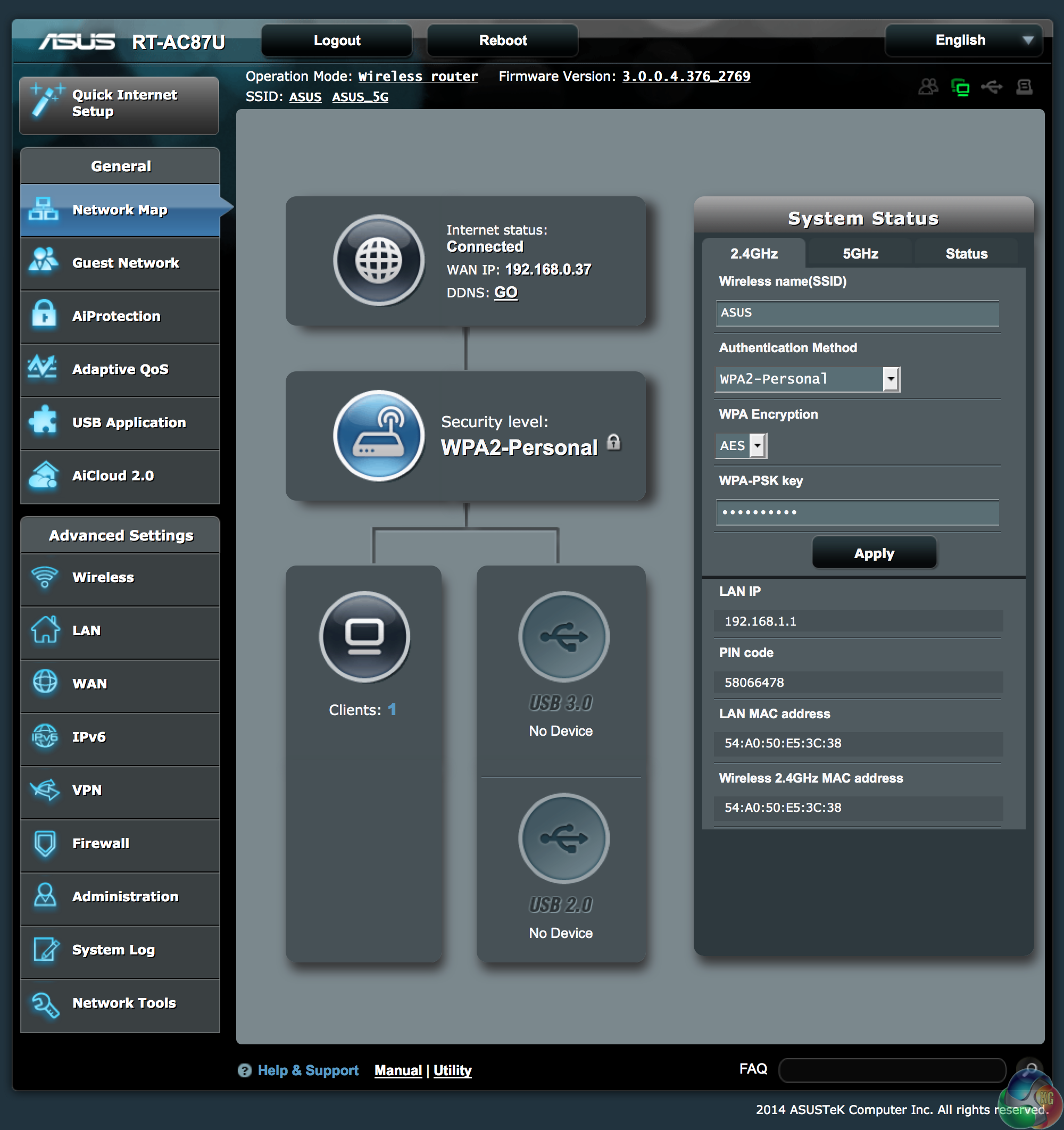
A quick recap over other functionality. It is always worth changing the password from the default ‘admin' and ‘admin' – anyone closeby with any inch of tech savvy will be able to get onto your network without much effort.
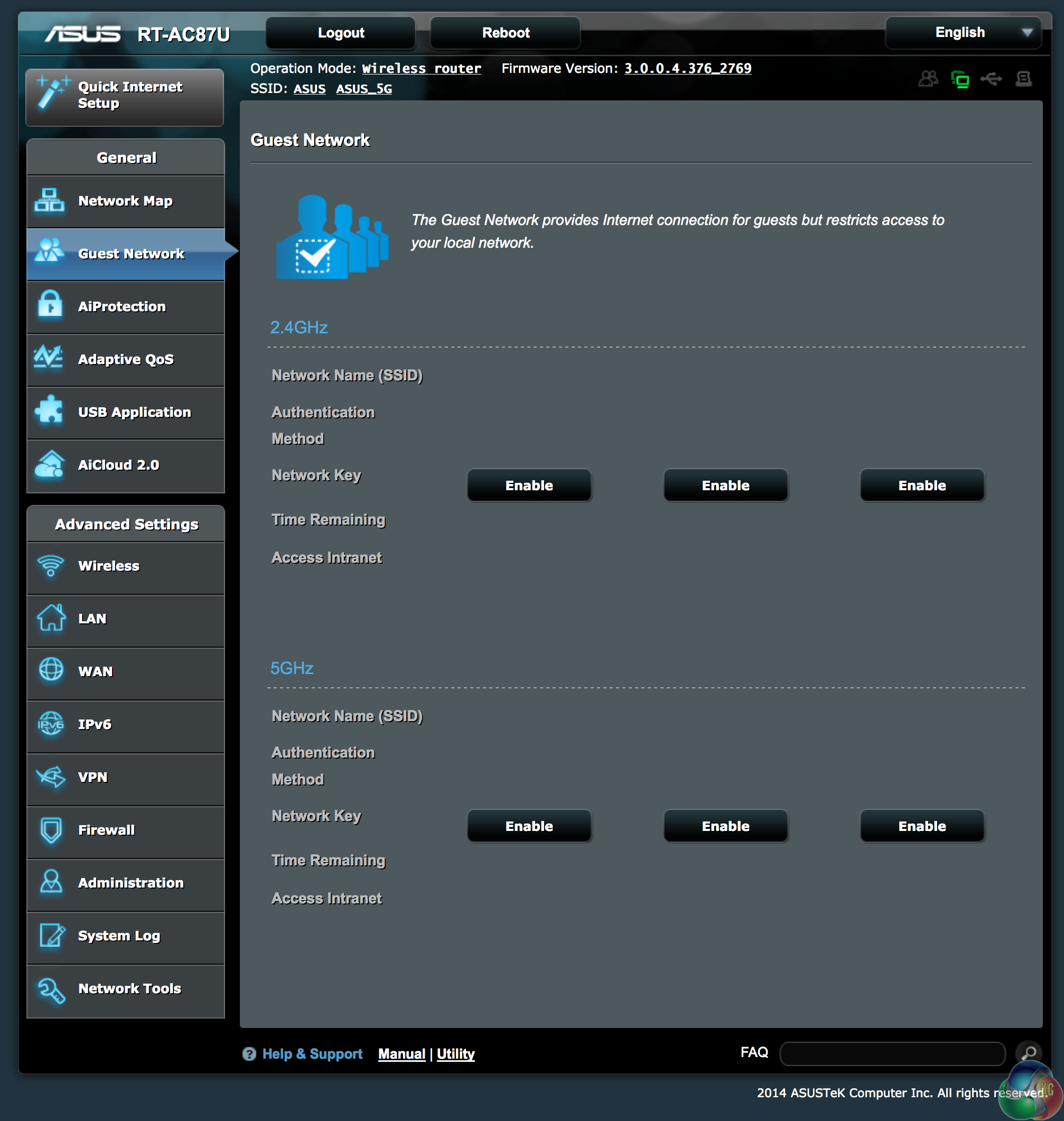
If you are feeling hospitable, you can set up a guest network with restrictions. We can't imagine too many people at home will be touching this panel and we would recommend you ensure this is not accidentally enabled.
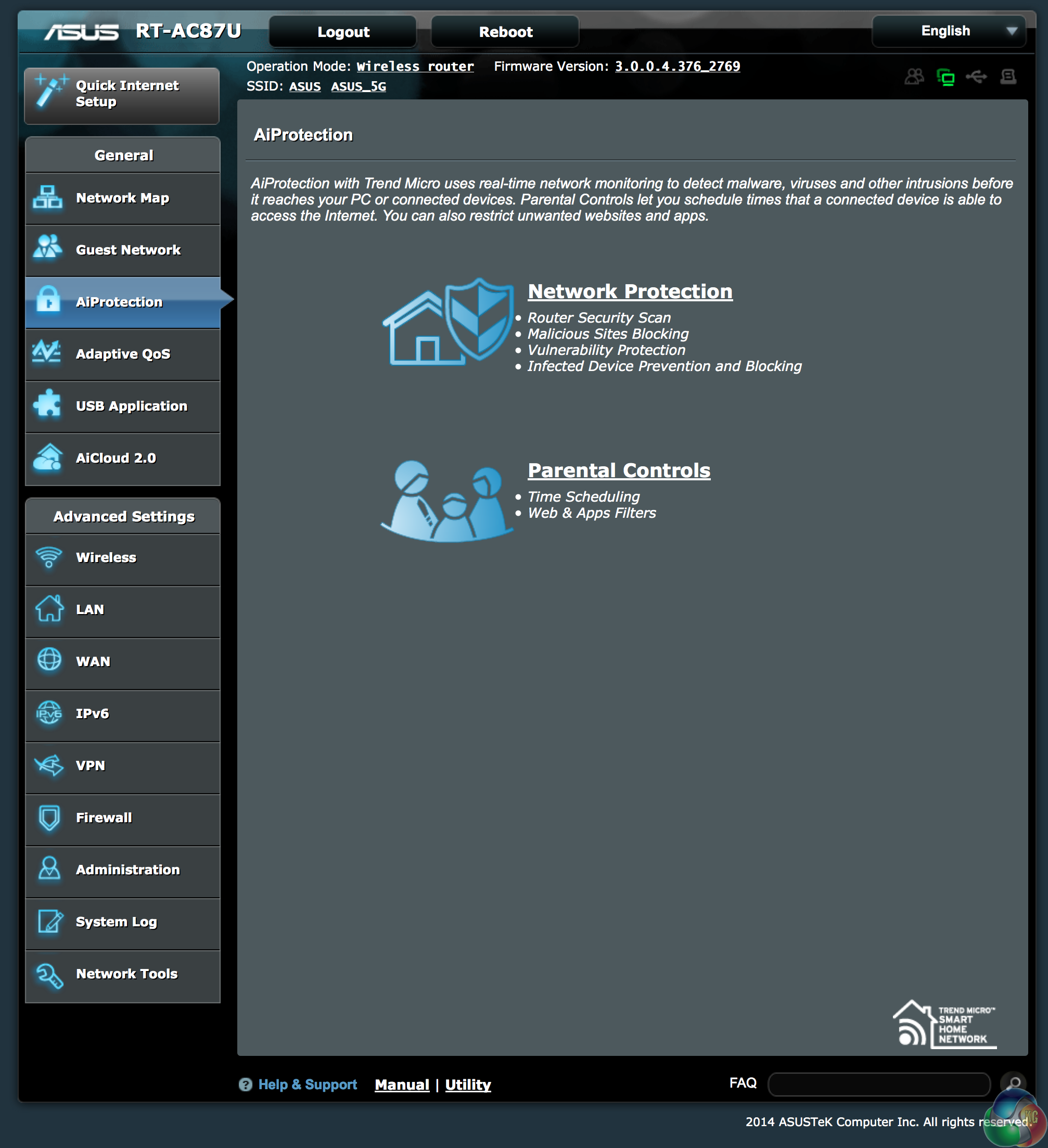
Asus include AiProtection – a partnership with Trend Micro to provide real time monitoring to detect malware, viruses and other intrusions. This should stop problems before they even get to the connected devices. Parental controls let you schedule access to the internet, while blocking out selected websites and port access.
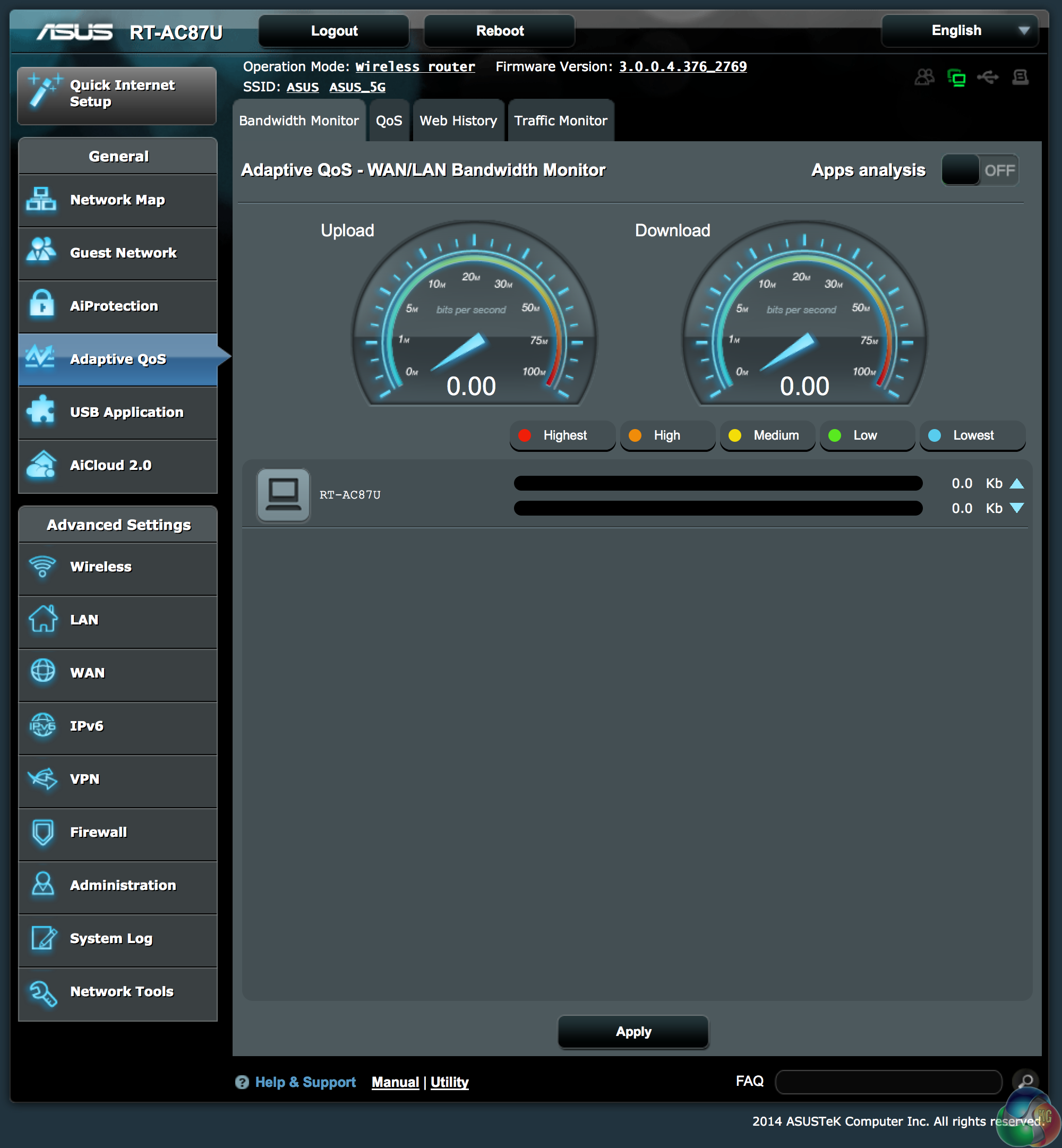
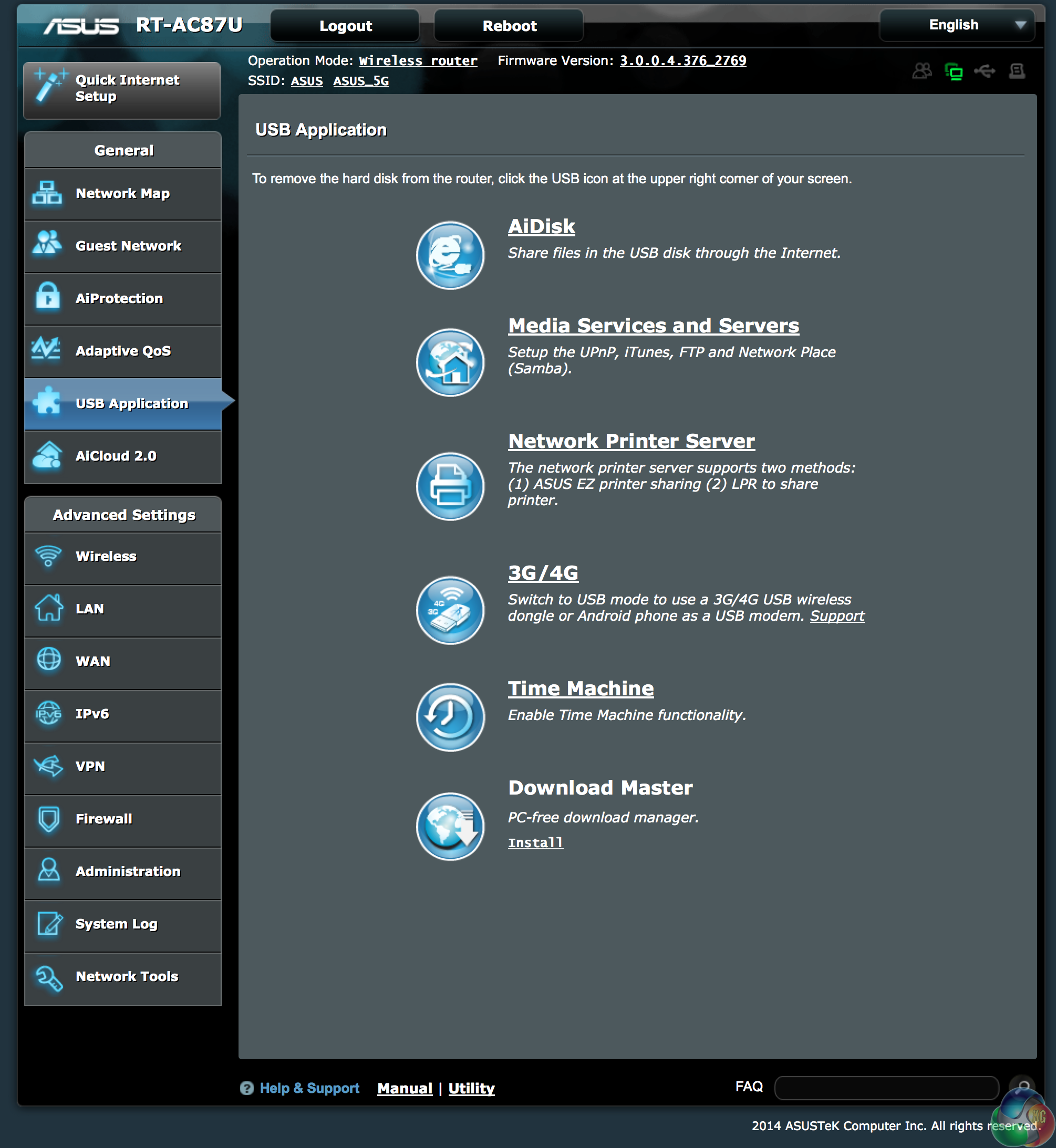
The router has an Adaptive QoS – WAN/LAN Bandwidth Monitor, useful for monitoring performance. The USB application panel gives access to a variety of functionality.
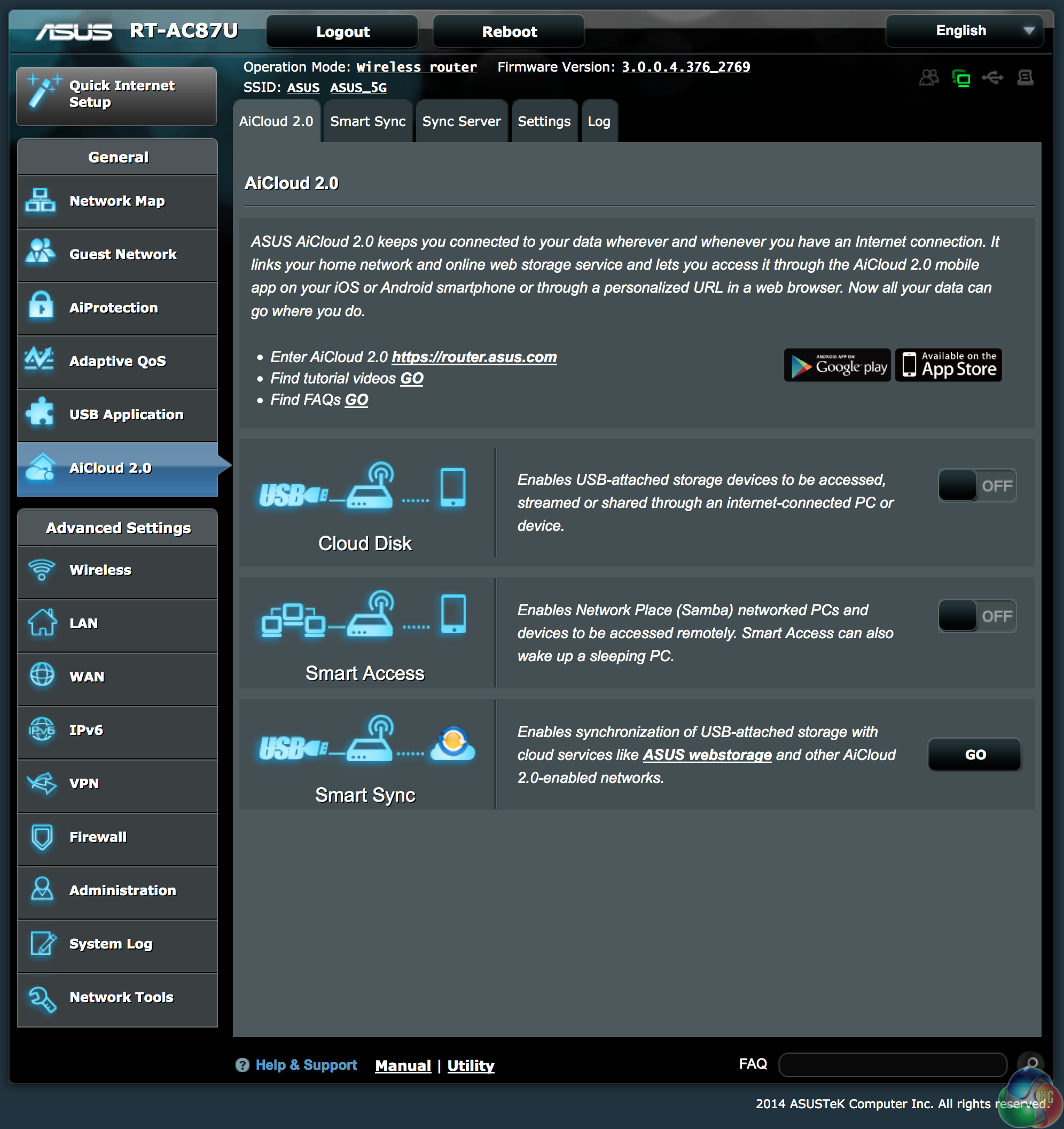
The AICloud 2.0 panel is a handy interface to manage online backups and storage. You can also download an application for an iOS or Android smartphone for access via a URL in a web browser.
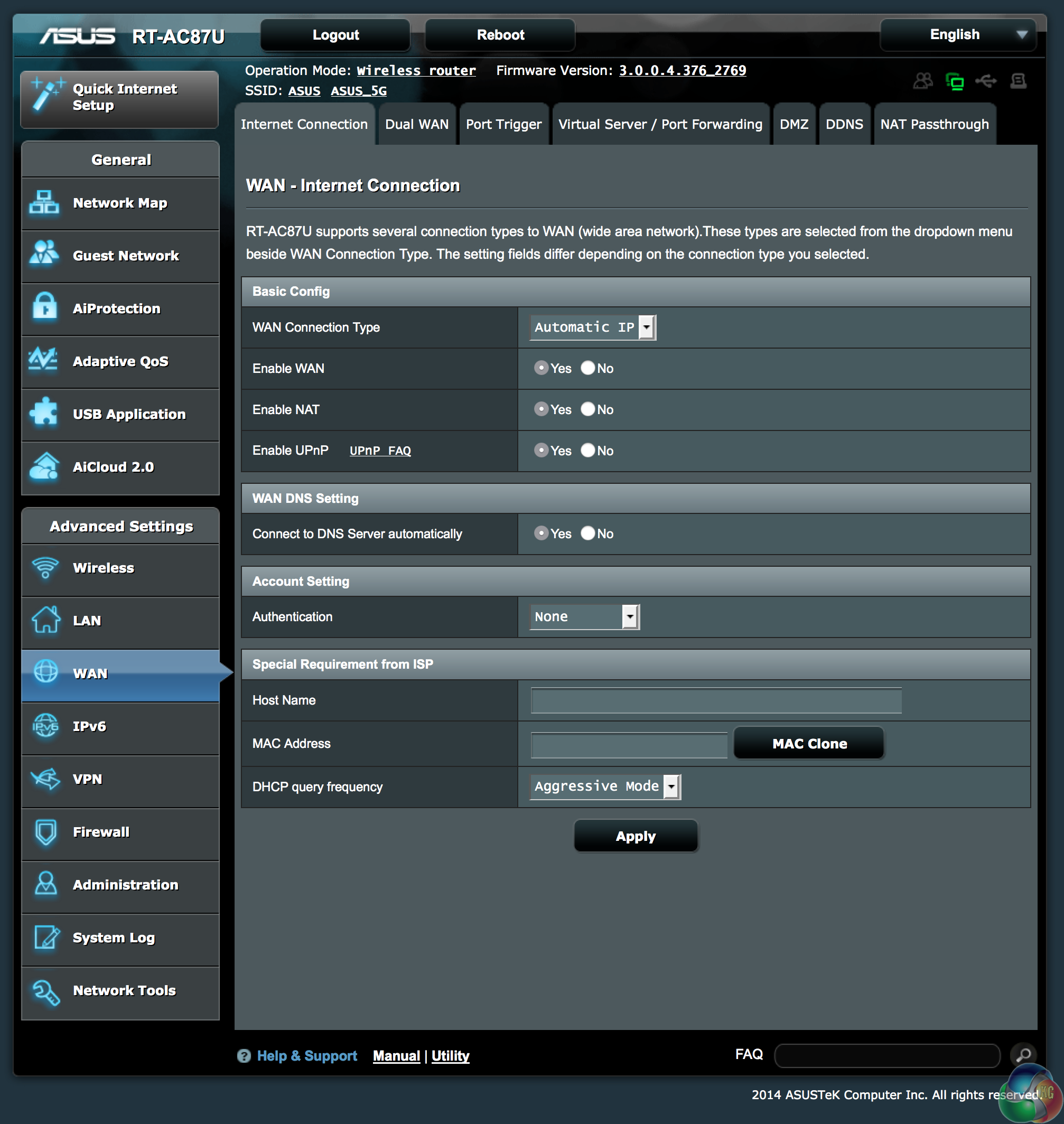
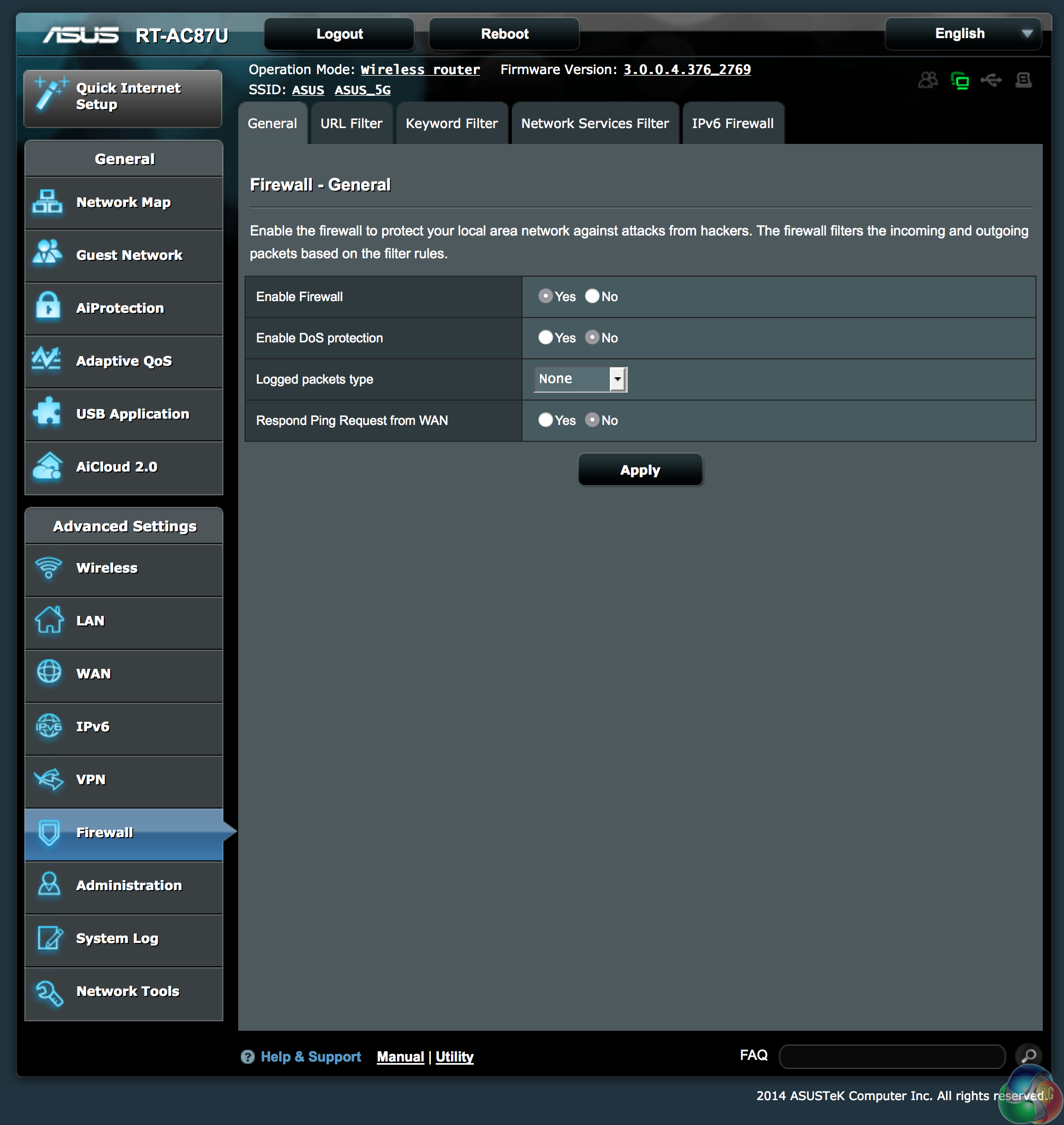
WAN configuration is fully covered in a dedicated panel, and Firewall/Denial Of Service protection is supported as well.
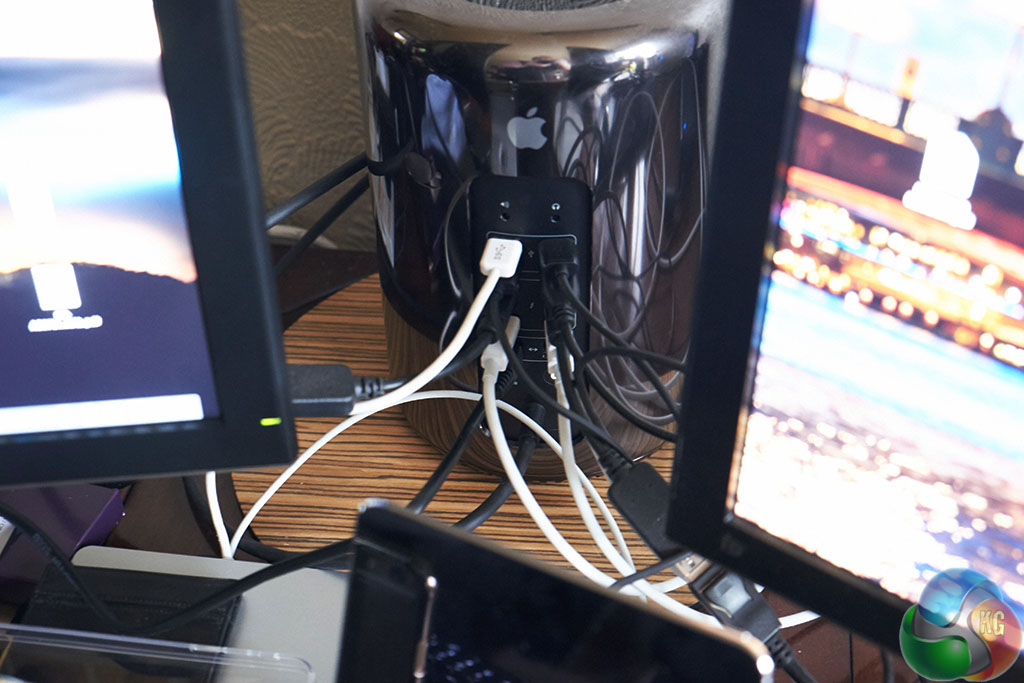
For testing,we use a late Mac Pro 2013 machine with the following specification:

Processor: Intel Xeon 2697 V2 12/24 core
Memory: 64GB 1866mhz DDR3
Storage: 1TB SSD
Graphics: AMD FirePro D500 x2
Monitors: Asus PQ321Q 4K Panel x 2
Storage: LaCie 5Big 25TB
To test the routers, we copy files across Wi-Fi to/from a Synology DS1815+ NAS which is connected to a LAN port on each of the configurations. We use Link Aggregation when possible.
The Synology DS1815+ NAS features a full population of 2TB Western Digital HDDs in RAID and is loaded with a library of music and movies. The router and NAS are located in a home office which is in an extension on the side of the house.
For our short range test, the laptop will be positioned around 3 meters away from the router in the same room. This represents a typical usage scenario where the routers are required to provide a wireless signal in the same room without any obstructions.
For medium range testing, our Mac Pro 2013/secondary router was positioned around 6 meters from the transmitting router on the same floor. This means the signal has to travel through one brick wall on the diagonal, which is an effective obstacle of one metre.
In our long-range test the Mac Pro 2013/secondary router is positioned around 10 meters from the transmitting router, only this time the signal has to travel through two brick walls, making this procedure the most demanding. Each wall offers an obstacle of about one metre as the signal is traveling through the brick at an angle.
This represents a typical usage scenario in which the router is required to provide a wireless signal to devices located in the far reaches of a house.
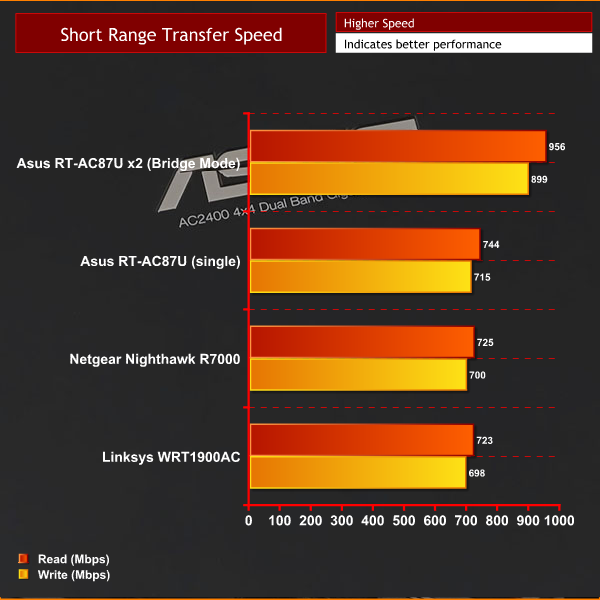
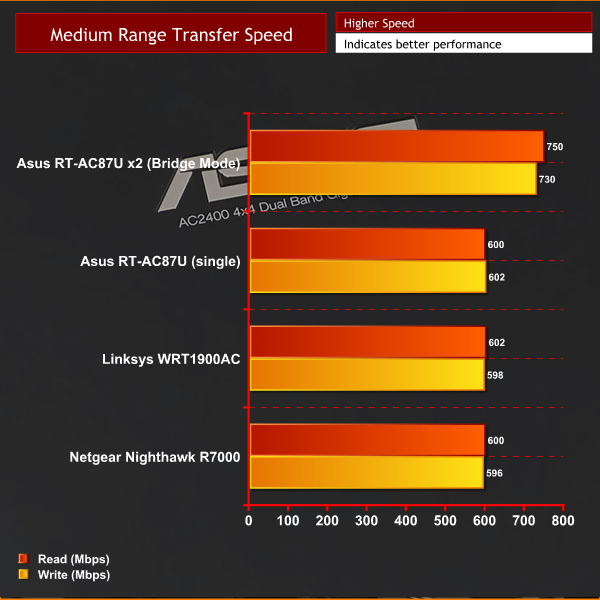
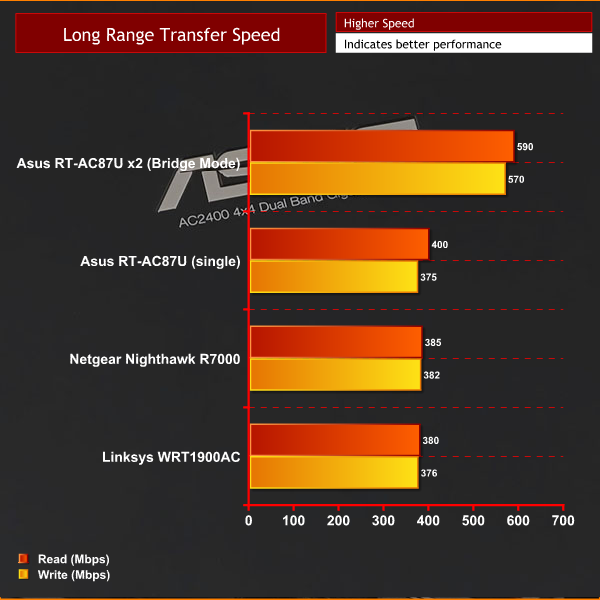
We are clearly limited by the onboard 802.11AC wireless capabilities of the Mac Pro 2013, hitting its peak around 740Mbps. At short range, performance is nothing short of spectacular. There is going to be a problem if you want to use the ASUS RT-AC87U to the best of its abilities – getting a receiver capable of handling the data stream. In single configuration we didn't notice huge performance gains over routers such as the Linksys WRT1900AC and Netgear Nighthawk R7000. This is clearly because the 802.11AC performance of the computer is at the limit.
Results in Bridge mode with 2x RT-AC87U are remarkably impressive.
There is no doubt that the Asus RT-AC87U is a phenomenal router that breaks ground in regards to ultimate 802.11ac performance.
The biggest concern we have is that you will really need two of them to get the maximum throughput to the computer. It is very demanding of the receiver and unless you have a high grade 4×4 receiver the performance will drop noticeably.
Asus have the new PCI-E AC87 card but we couldn't get a sample in time for the review today. Our testing is a clear indication that the partnering equipment will likely be the limit of the 5GHZ 802.11AC performance.
In single router mode we were limited by the receiver in our Mac Pro 2013- and there is little performance improvement in this situation over leading routers such as the Linksys WRT1900AC and Netgear Nighthawk R7000.
The Asus RT-AC87U really comes into its own when you have two, with one set into ‘Media Bridge' mode. With both routers talking to each other, performance is staggering, and we hit a peak of 956Mbps.
If you can't afford two RT-AC87U routers to run in bridged mode, then you can rest assured that you will be futureproofed for many years when the next generation 4×4 Wi-Fi receivers are more widely available.

You can pick up the ASUS RT-AC87U directly from Overclockers UK for £219.98 inc vat each. Is a dual configuration worth £440? Only you can answer that question.
Discuss on our Facebook page, over HERE.
Pros:
- Astonishing levels of performance in bridged mode.
- Stylish looking design.
- years of futureproofing.
- Dual CPU system.
Cons:
- To get the best performance, you need two of them.
- High grade 4×4 Wireless receivers are thin on the ground.
Kitguru says: If you have the money to spare, and want the ultimate 802.11AC WiFi performance then two Asus RT-AC87U in bridged mode are going to be tough to beat.


I was really interested until I saw that price. Nope.
Whoa!! 4×4 MIMO 256QAM @ 80mhz?
That’s some serious kit
Anyone connect @ 2.4 & 5?
Port forwarding doesn’t work for me…woulda been nice to see that things were tested more thoroughly.
I have 2 RT-AC87U routers and i hope to install them into Bridge Mode today i just dont know what one goes out to the devices to do the connections i have 2 computers a ipad 4 generation and apple tv4 runing kodi 17