KitGuru KitGuru.net – Tech News | Hardware News | Hardware Reviews | IOS | Mobile | Gaming | Graphics Cards


We replicated the testing from our Ultimate Mesh WiFi Router Shootout and our more recent WiFi 6 Mesh Router Group Test as closely as possible with the MSI Roamii BE Pro mesh system. However, we no longer had the Apple MacBook Pro in our possession, so had to leave this set of tests out.
We repeated the positions from the Ultimate Mesh WiFi Router Shootout, with eight different locations for our test notebooks. The clients used were an Acer Swift 14 AI notebook (for WiFi 7), then a Dell XPS 17 notebook (for WiFi 6), an MSI WS63 7RK notebook with 2×2 802.11ac WiFi, and an older HP Folio 13, which maxes out at 3×3 802.11n WiFi. Throughput was assessed between these and an Armari 32-core Ryzen Threadripper workstation. The Acer and Dell notebooks and Armari workstation were running Windows 11 but the other two notebooks were Windows 10-powered.
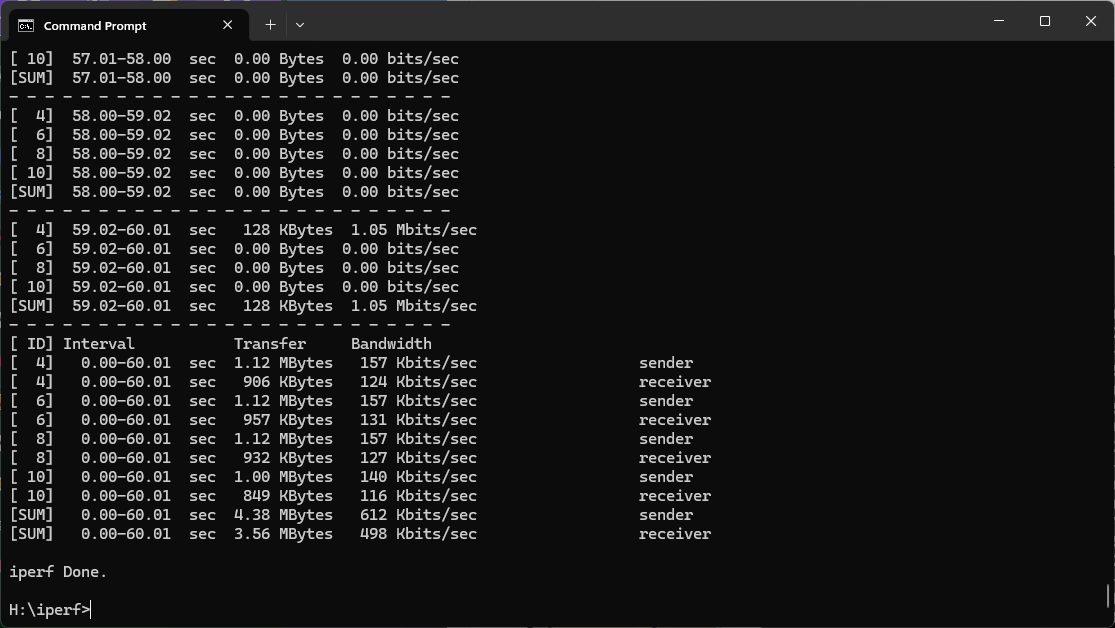
In each case, we used the freely available iPerf 3.1.3 software, which stresses a network by sending packets of random data and measures the throughput. One system acts as a server, and the other as a client, as data is sent between them. In all cases, we used the Armari workstation connected to the primary Orbi unit via 2.5 Gigabit Ethernet as the server, so that the WiFi was always the slowest connection.
These are the iPerf commands we used:
For the server: iperf3 –s –i 1
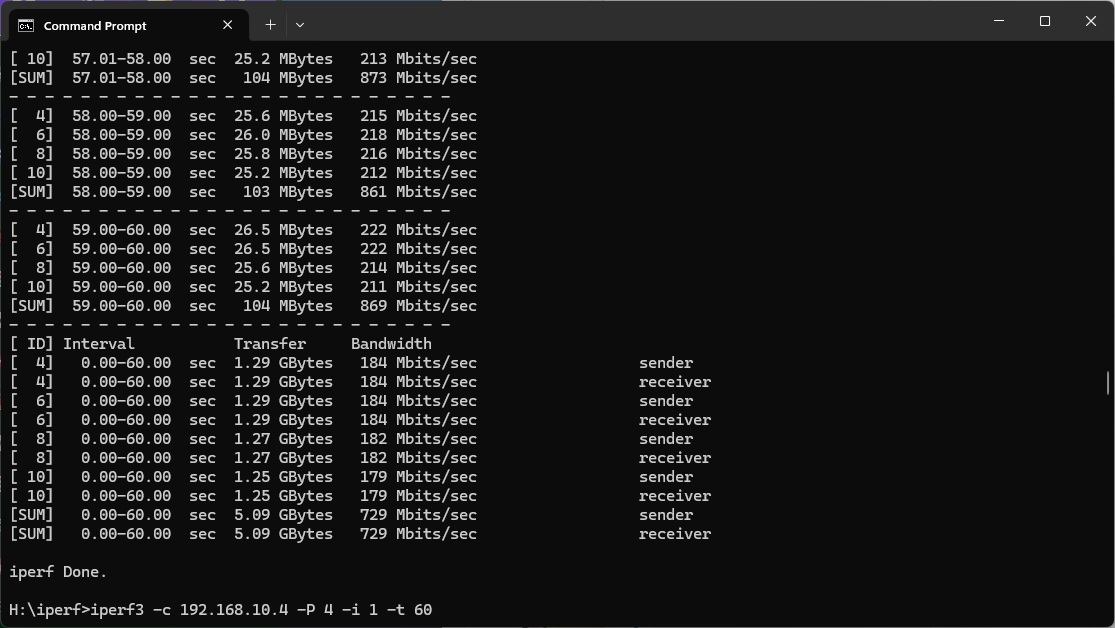
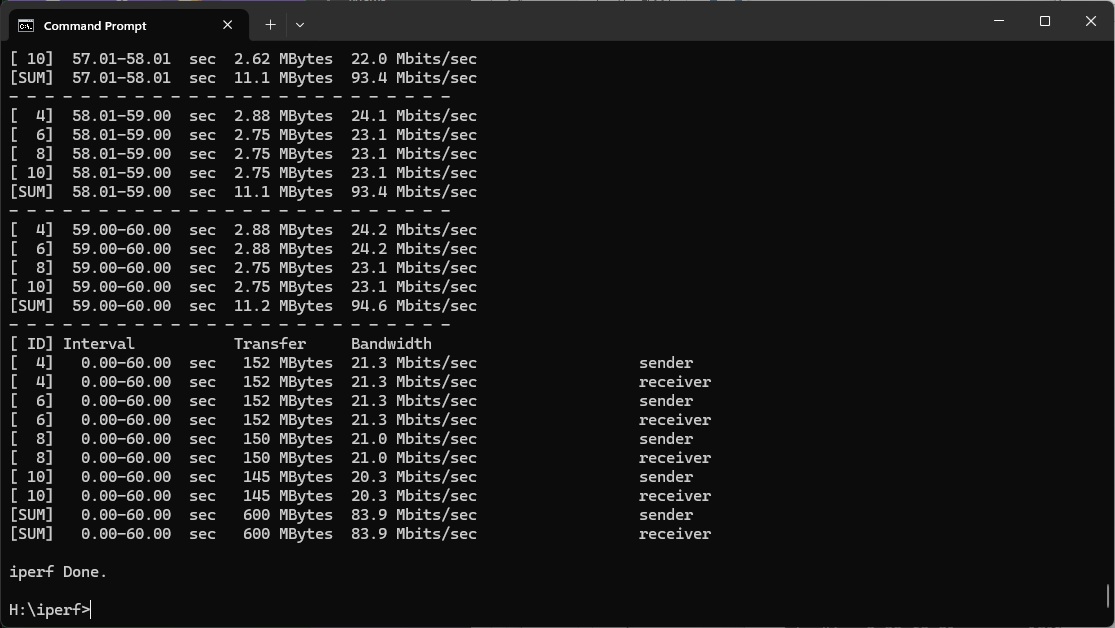
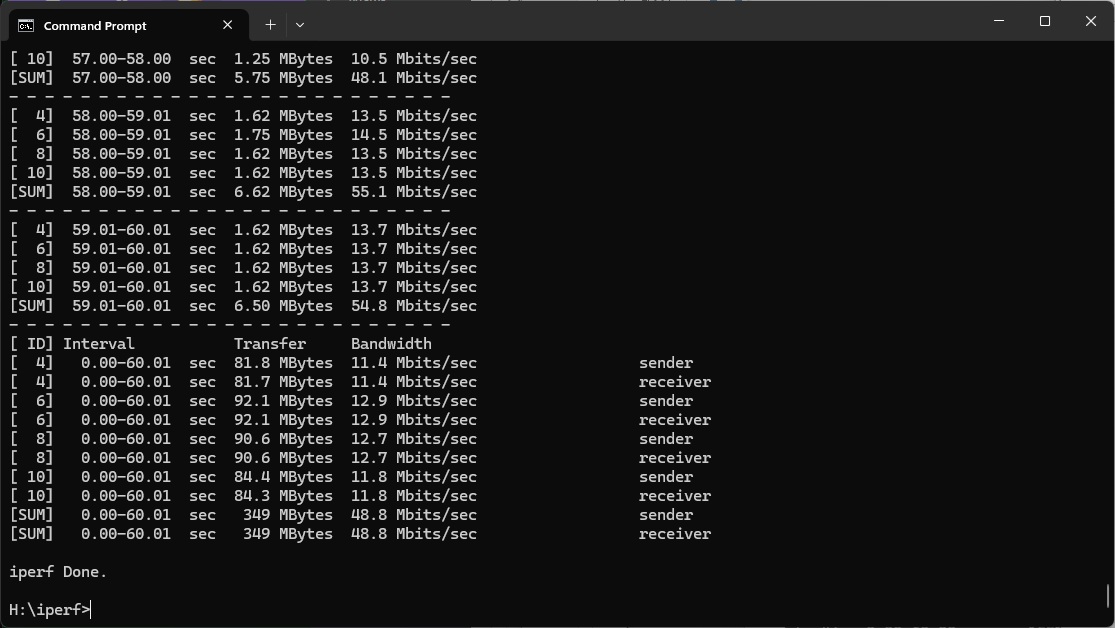
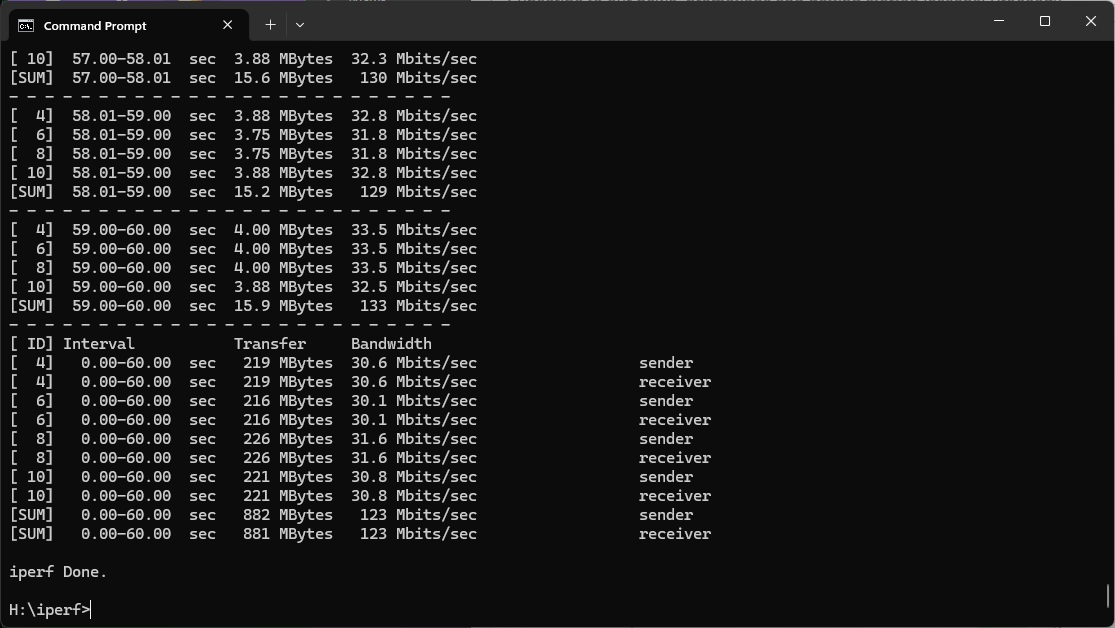
For the client: iperf3 –c <IP Address> –P 4 –i 1 –t 60
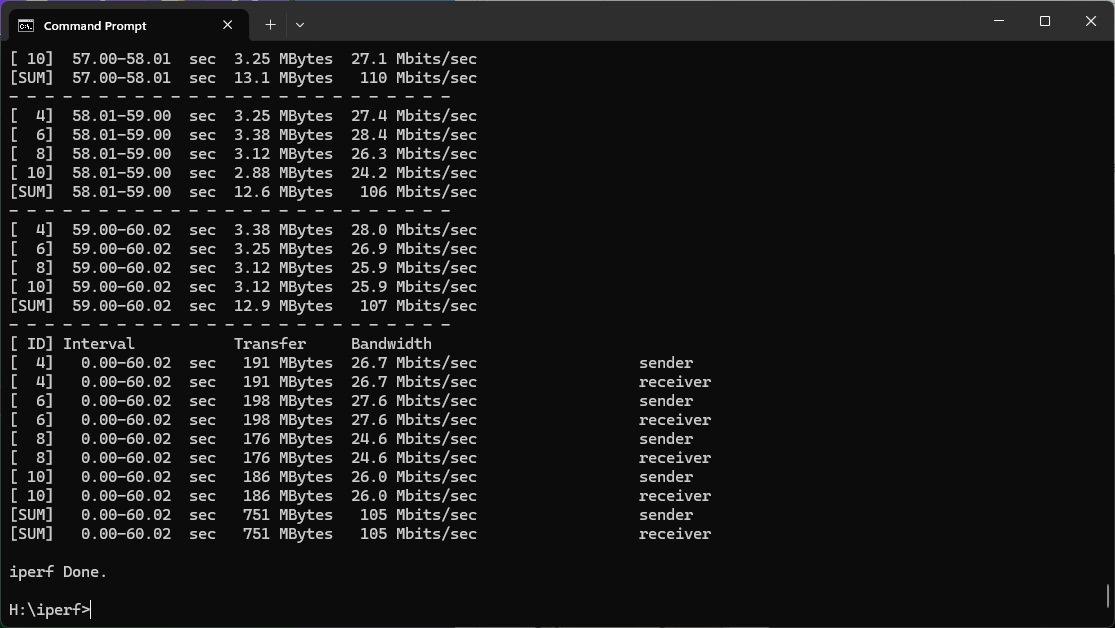
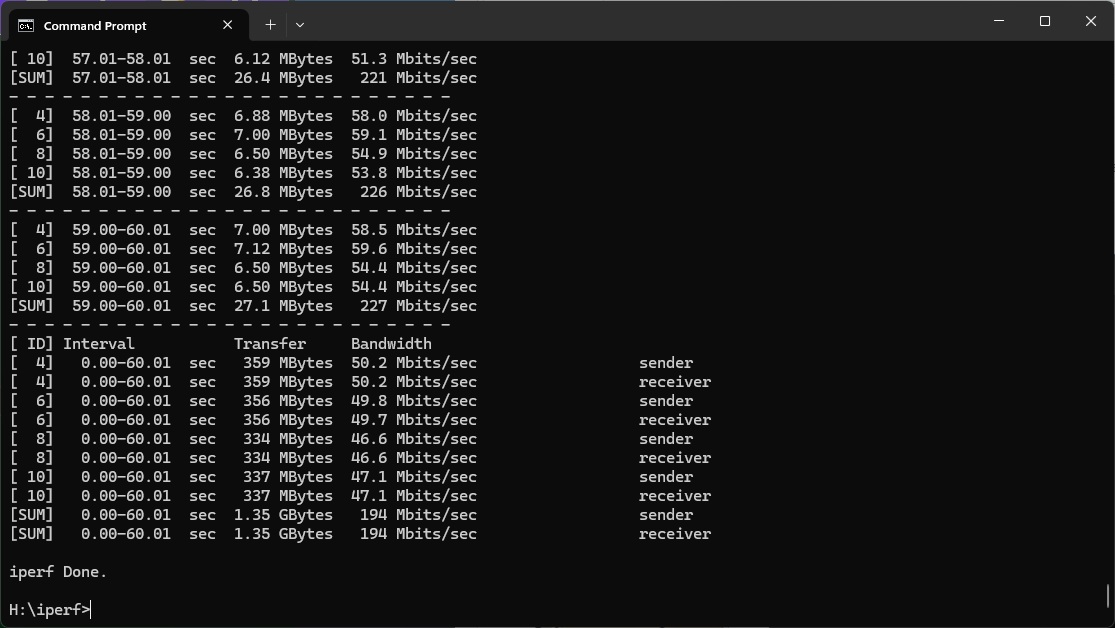
Note that the client command sends four streams of data simultaneously, simulating a multi-client connection as closely as possible with just one client. It takes 60 throughput readings at one second intervals and then averages the result.
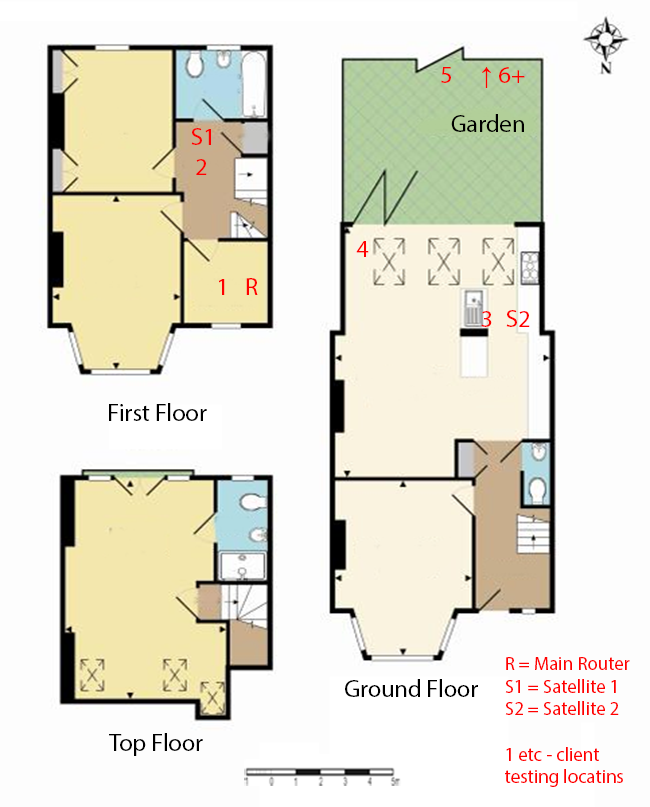
The above diagram shows the layout of the house we used for testing. Note that we didn't test on the top floor of the house because this was directly above the first floor and wouldn't have provided much of a range test. Instead, we used two locations on the same floor as the router (the first floor), then more distant locations on the ground floor extending out the back of the house into the garden.
Each test location, numbered in the diagram above, was approximately 5m away from the last one.
With the mesh networking and standalone router products used for comparison, location 1 was very near to the router, around 1m away. The next location – 2 – was around 5m away, with a wall in the way, but on the same floor. Location 3 was on the floor below, so had walls and a floor in between, but was a further 5m away. Location 4 was the last one actually inside the house. Locations 5 to 7 were then 5m further down the garden. Location 8 was only 2m further down, as this was the end of the garden, but also behind a shed, so posed a significant challenge that only a few mesh WiFi systems can cope with.
We should also say a few words about the location of the satellites. The routers or primary unit in a mesh were always placed in the same location, in the first floor study next to the broadband. A first mesh satellite was placed in S1, and then a second one in S2 if there were three units. In the case of three-unit mesh systems such as the NETGEAR Orbi 770 Series Mesh WiFi 7 System (RBE773), the second and third satellites were placed at S1 and S2. The MSI Roami BE Pro's satellite was placed at S1.
We have also included the non-mesh WiFi 7 systems we have reviewed recently for comparison, so you can see the benefits of a Mesh. These include the NETGEAR Orbi 770 Series, NETGEAR Nighthawk RS300, Acer Predator Connect X7 5G CPE, and AVM FRITZ!Box 7690.
802.11be (WiFi 7)
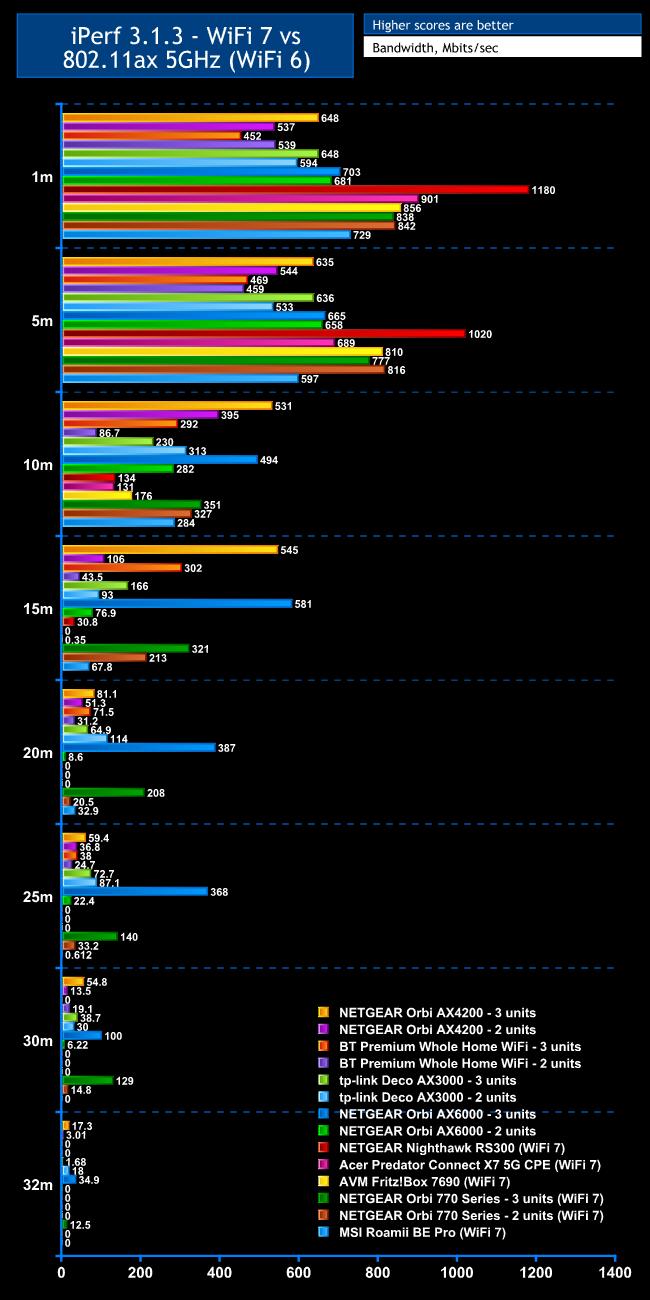
WiFi 7 is still at a premium and that's why you would buy the MSI Roamii BE Pro, so that was the first wireless standard we tested.
Within 1m, the Roamii is faster with WiFi 7 than any of the WiFi 6 units we have tested in the past. But only just, and it's slower than every WiFi 7 router, standalone or Mesh, delivering 729Mbits/sec.
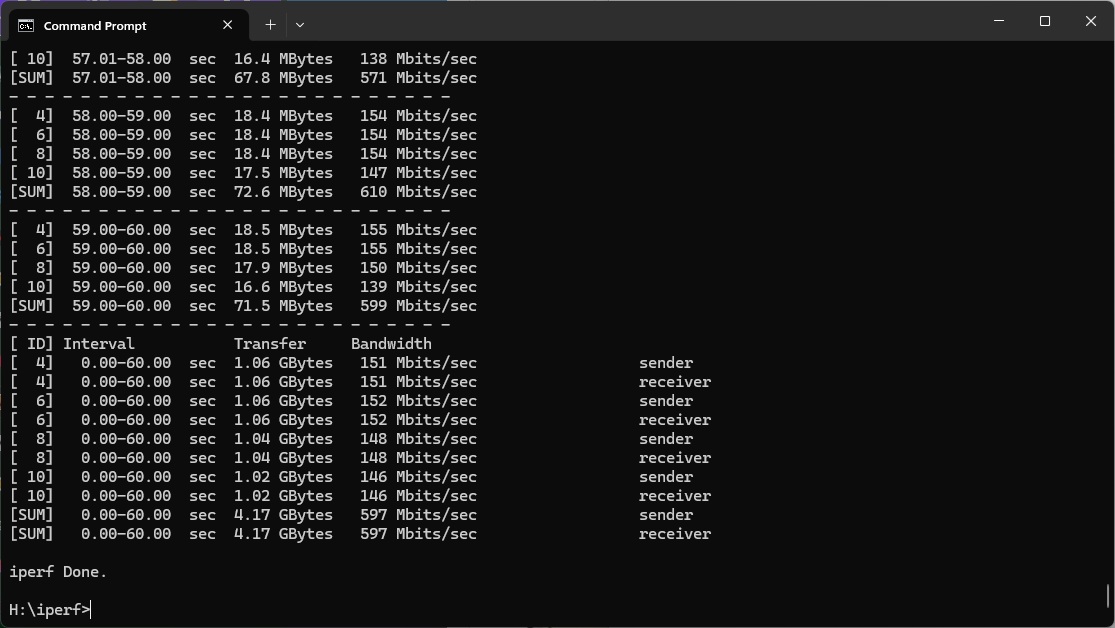
The story is even less impressive at 5m. The Roami only manages 597Mbits/sec, which is again fast by WiFi 6 router standards but even some of these are quicker, and every single WiFi 7 system we have tested beats it too.
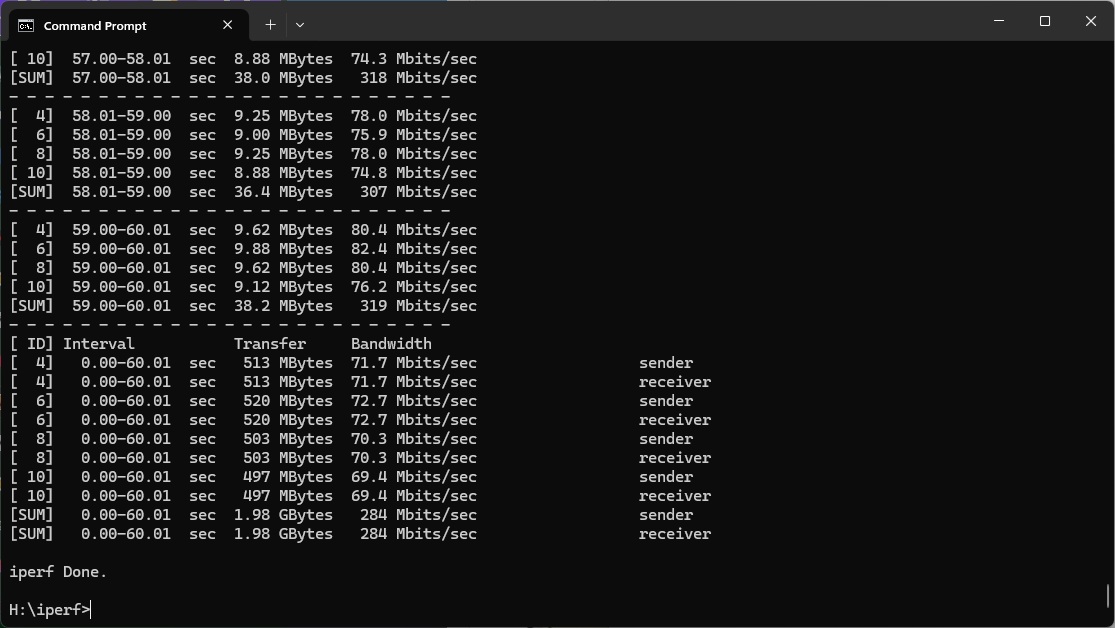
Performance at 10m is more respectable, hitting 284Mbits/sec. This beats some of the WiFi 7 routers we have tested, although the NETGEAR Orbi 770 Series mesh system is still ahead.
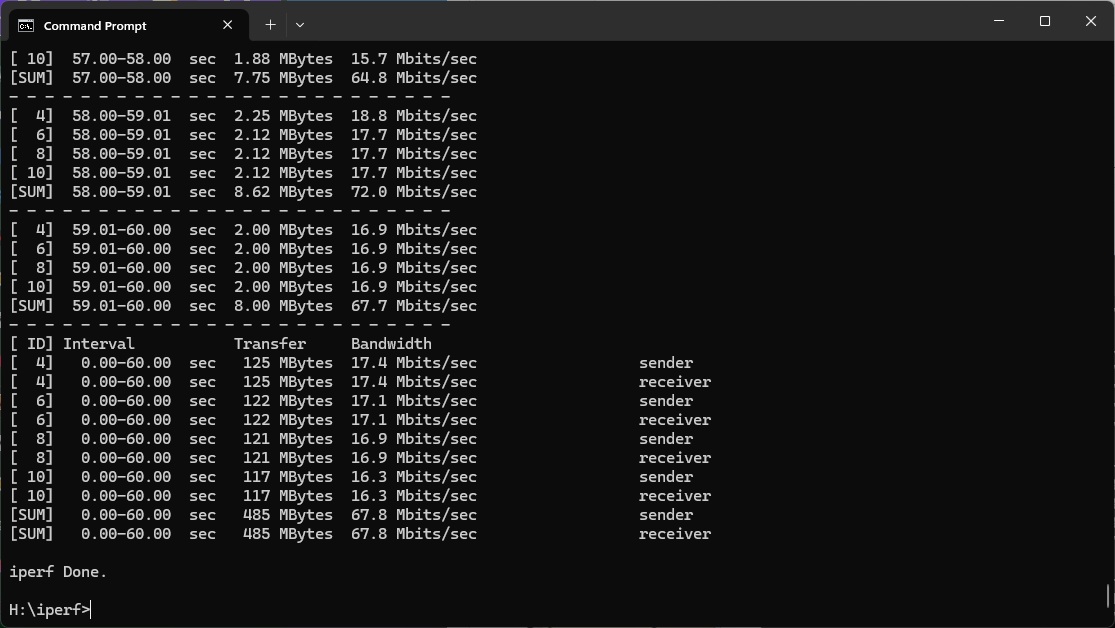
Similarly, while the Roamii beats standalone WiFi 7 routers at 15m, with a throughput of 67.8Mbits/sec, the NETGEAR Orbi 770 Series is notably ahead.
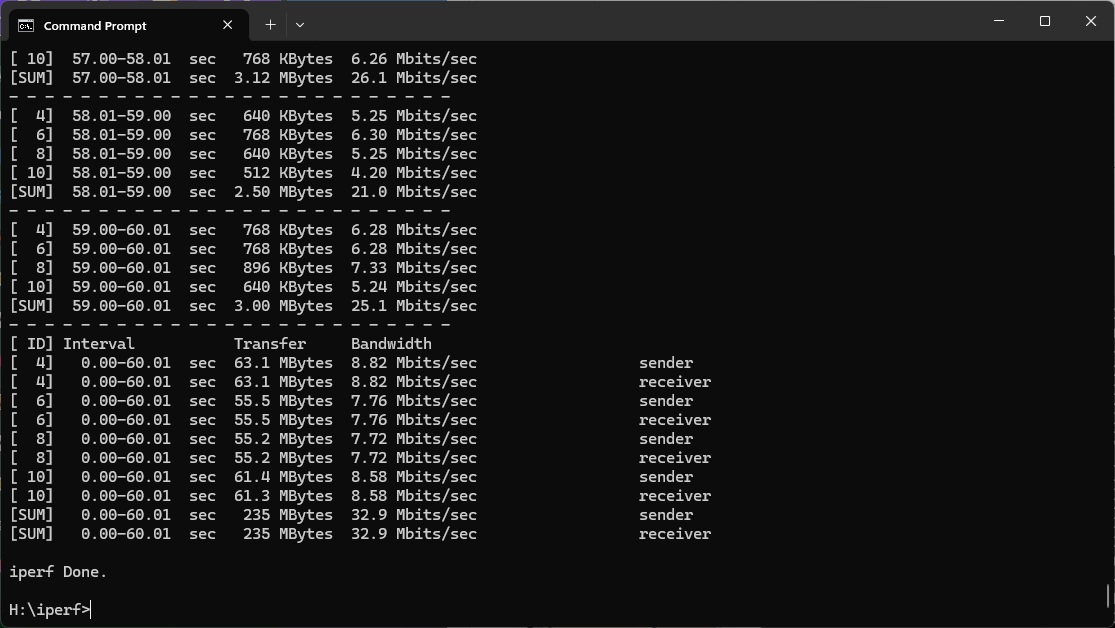
Moving out to 20m, the Roamii manages a still very usable 32.9Mbits/sec, while standalone routers can't reach this far. The three-unit NETGEAR Orbi 770 Series is way ahead.
Beyond this, the signal from the Roamii drops off and isn't usable at 25m or further.
Overall, you get respectable WiFi 7 coverage with the MSI Roamii BE Pro, but throughput is generally mediocre and not delivering the full potential of the new wireless networking standard.
802.11ax 5GHz (WiFi 6)
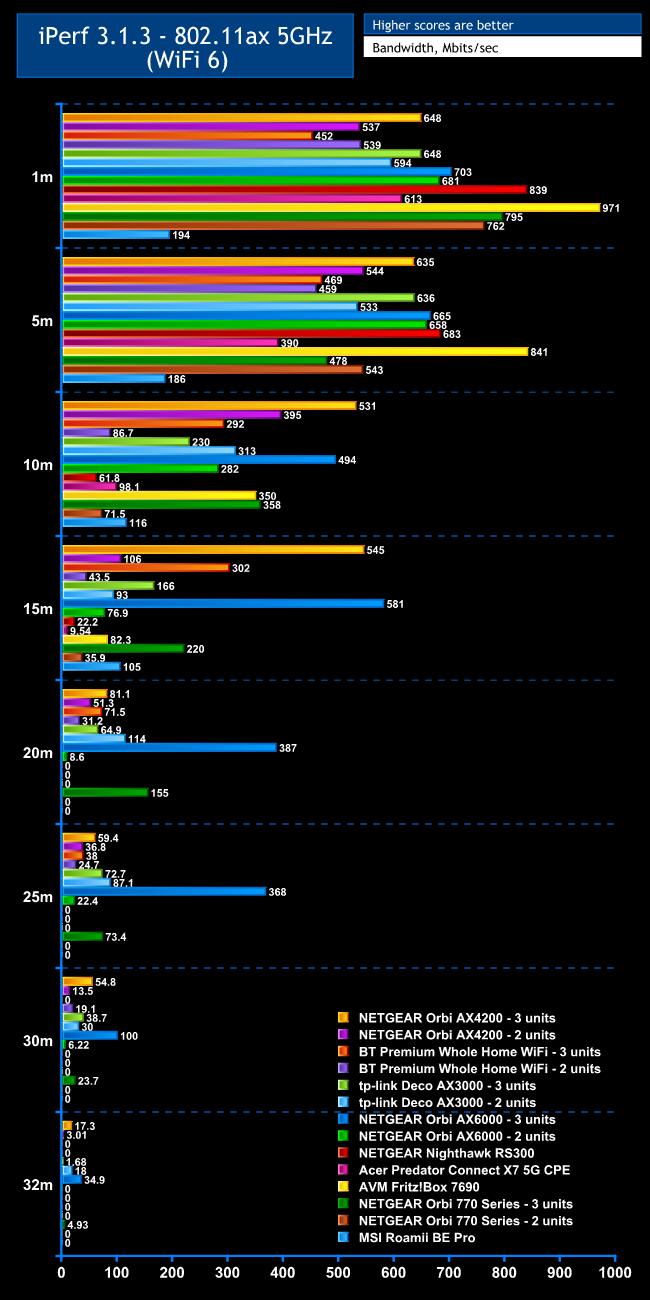
Most of your devices are still likely to be WiFi 6 only, so good performance with this standard remains essential, even if WiFi 7 is the headline act.
With WiFi 6, the MSI Roamii BE Pro's performance can only be described as odd.
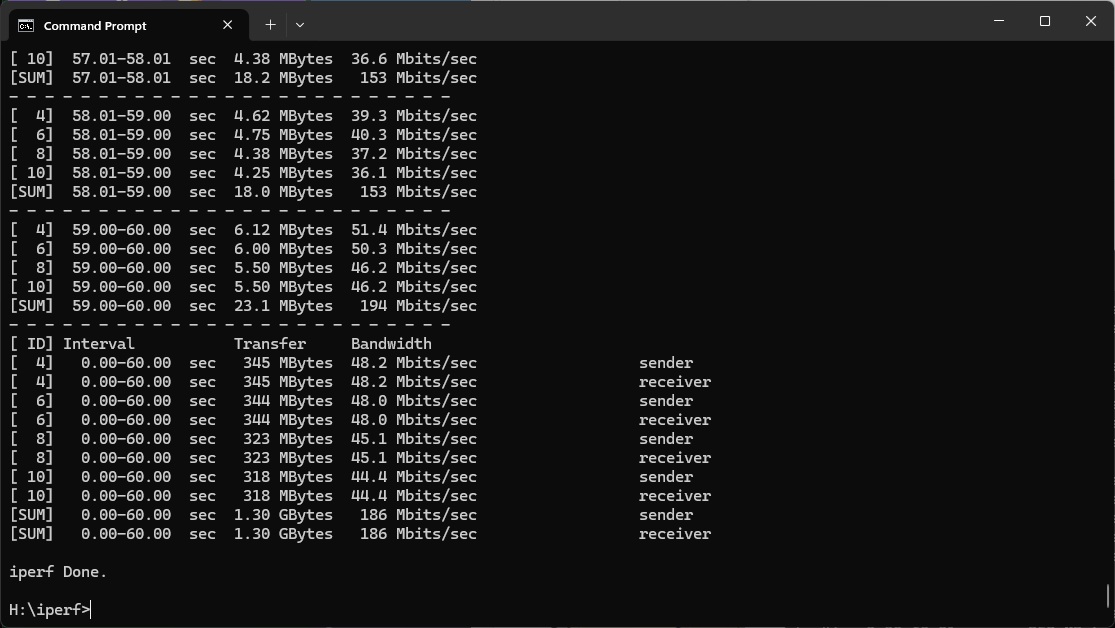
At 1m, it only managed 194Mbits/sec, which is behind every other router we've tested. We ran this over and over again and this is the best result we achieved, too.
That said, performance doesn't drop that much at 5m, hitting 186Mbits/sec.
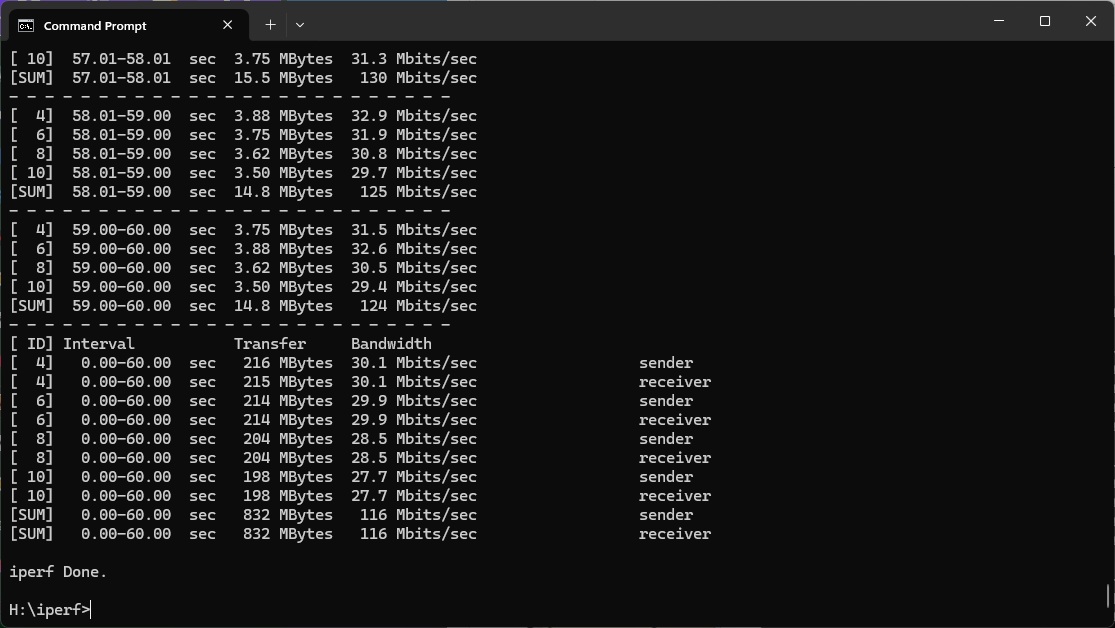
Further out at 10m the 116Mbits/sec throughput is more competitive and starting to pull ahead of standalone routers.
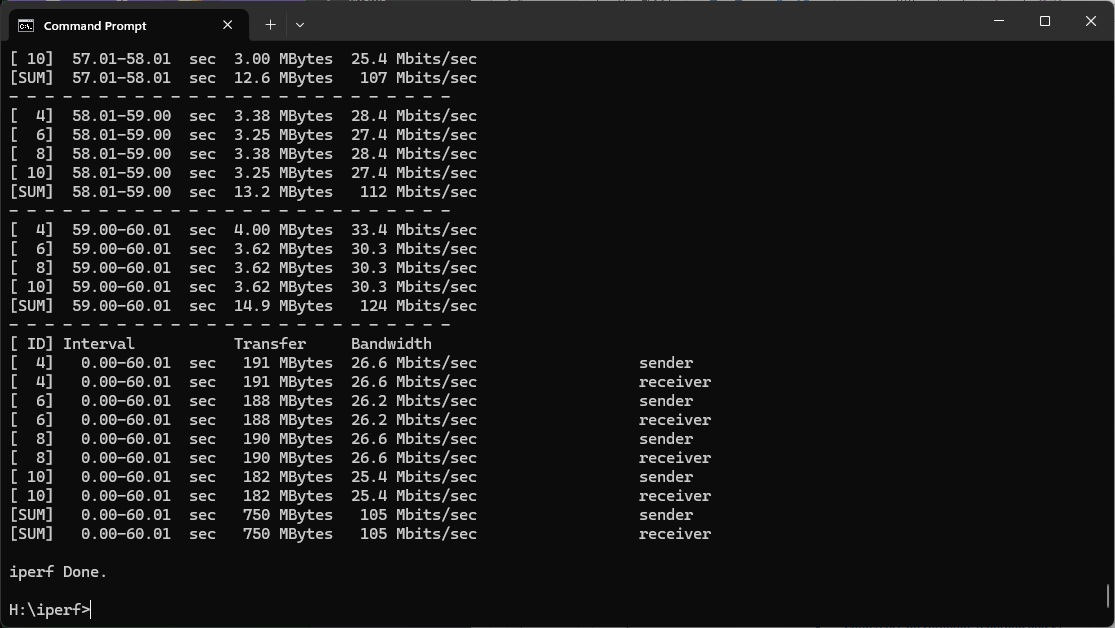
This only drops to 105Mbits/sec at 15m, which is mostly only beaten by three-unit mesh systems.
However, when the range gets to 20m, the Roamii has dropped off completely.
Overall, WiFi 6 performance for the MSI Roamii BE Pro offers reasonable coverage but poor maximum bandwidth. Enough for gaming or streaming video, but less optimal if multiple people want to stream high quality video at once.
802.11ac 5GHz (WiFi 5)
WiFi 5 arrived over a decade ago, but you could still have plenty of devices that use this standard, so decent performance is important.
Sadly, as with WiFi 6, the MSI Roamii BE Pro doesn't provide this.
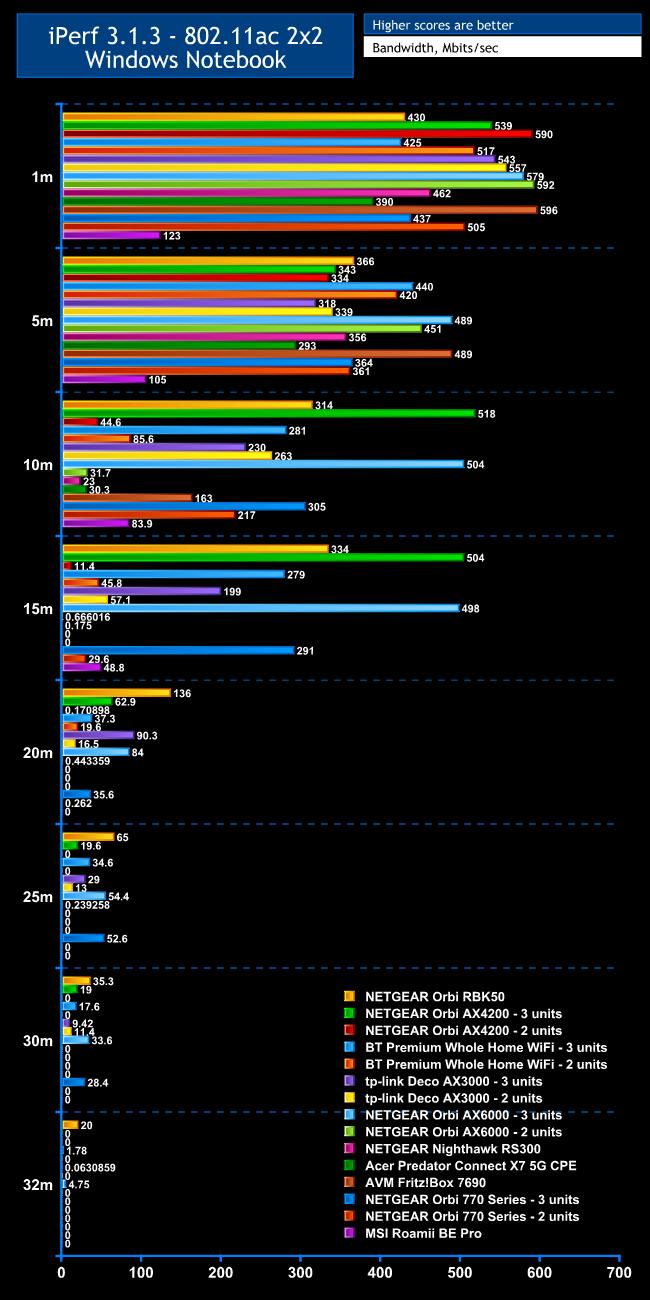
Within 1m, the bandwidth is only 123Mbits/sec. Again, we tested this many times to be sure and this was our best result. Every other router or mesh we have tested is much faster.
At 5m, the WiFi 5 throughput only dropped to 105Mbits/sec, but other options were still way out in front.
Moving out to 10m, the throughput of 83.9Mbits/sec is a bit more respectable, but there are still plenty of faster options, particularly if you opt for a three-unit system.
All the standalone routers have fallen away at 15m, but the Roamii is still managing 48.8Mbits/sec.
However, at 20m, and beyond, the signal has fallen away, while three-unit mesh systems are still going strong.
Overall, the conclusion with WiFi 5 is similar to WiFi 6 – reasonable coverage but disappointing bandwidth.
802.11n 2.4GHz – Legacy
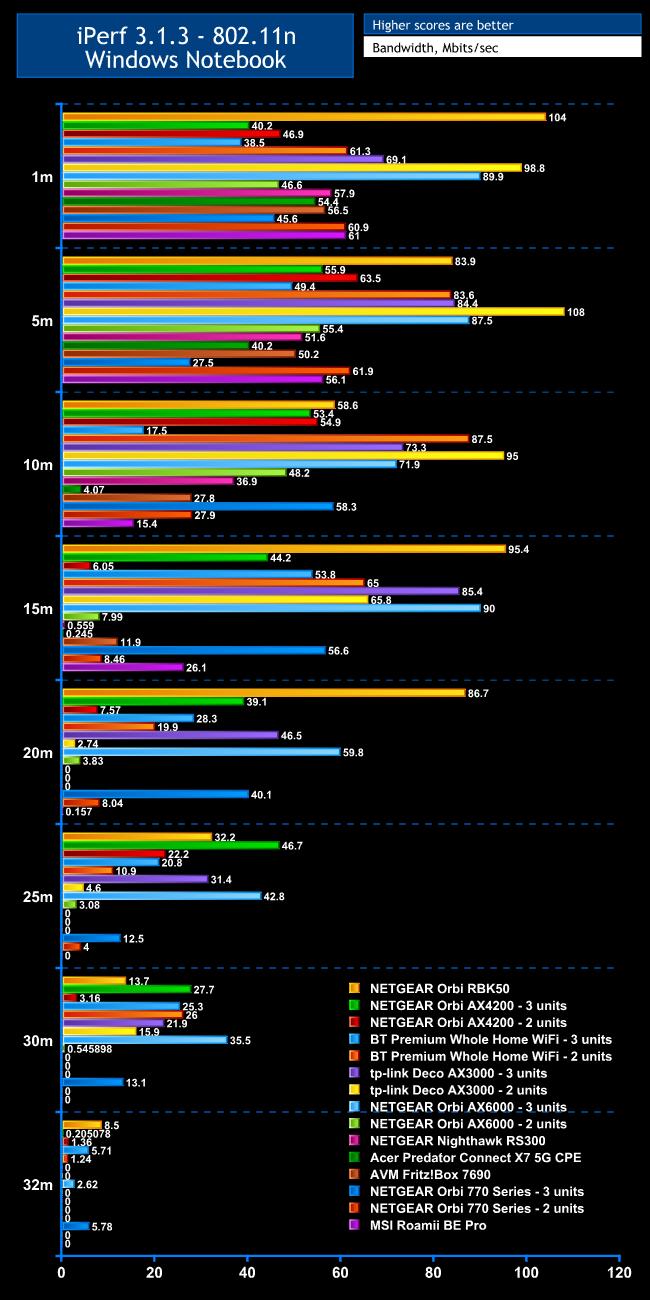
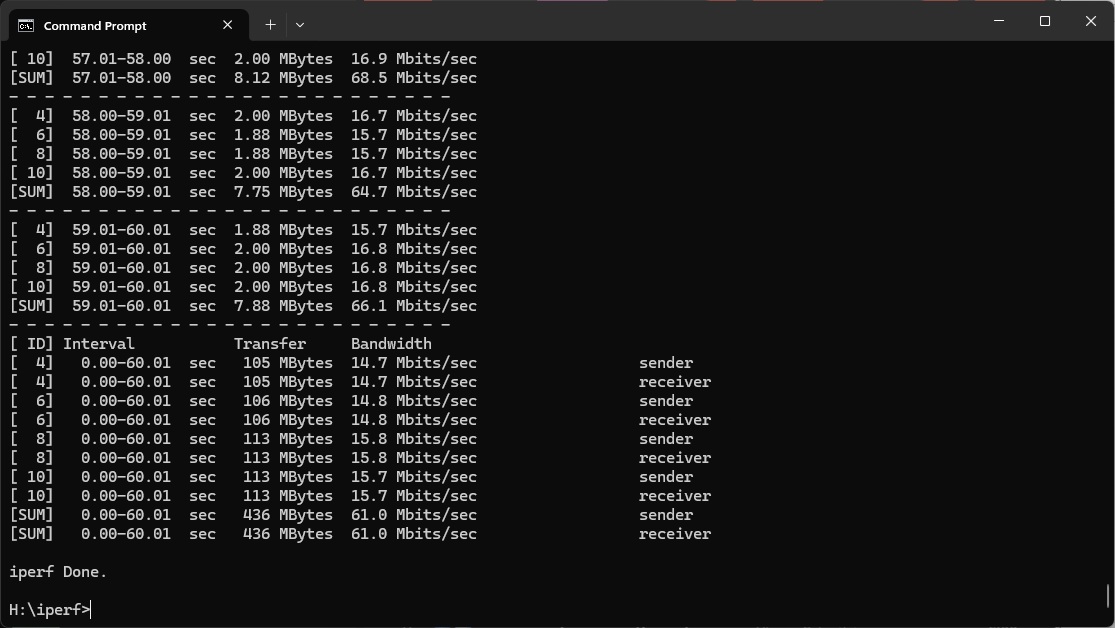
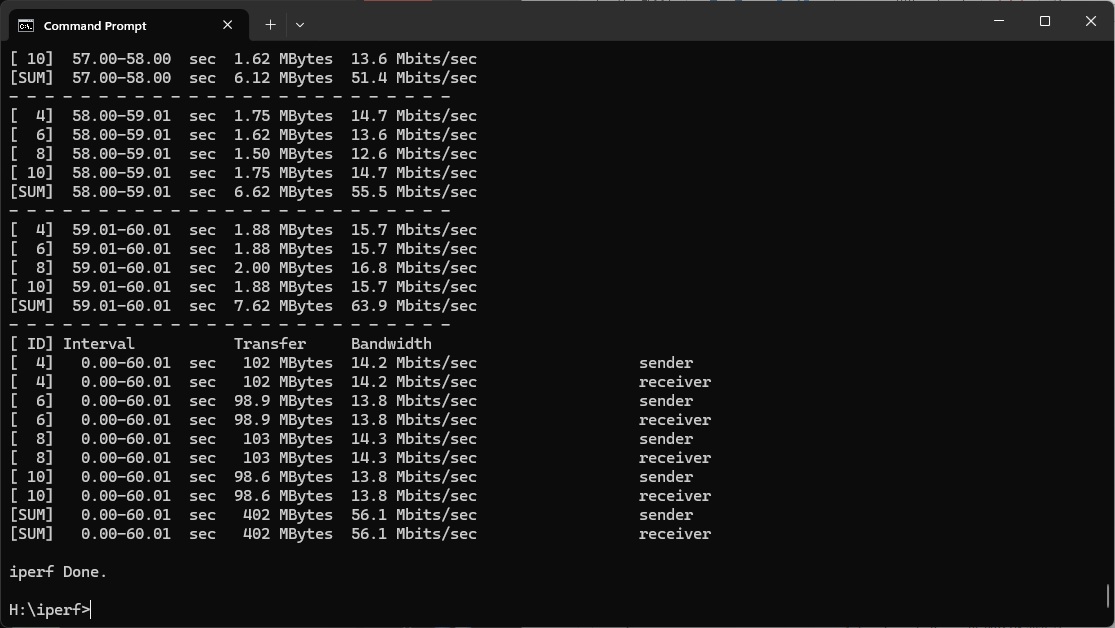
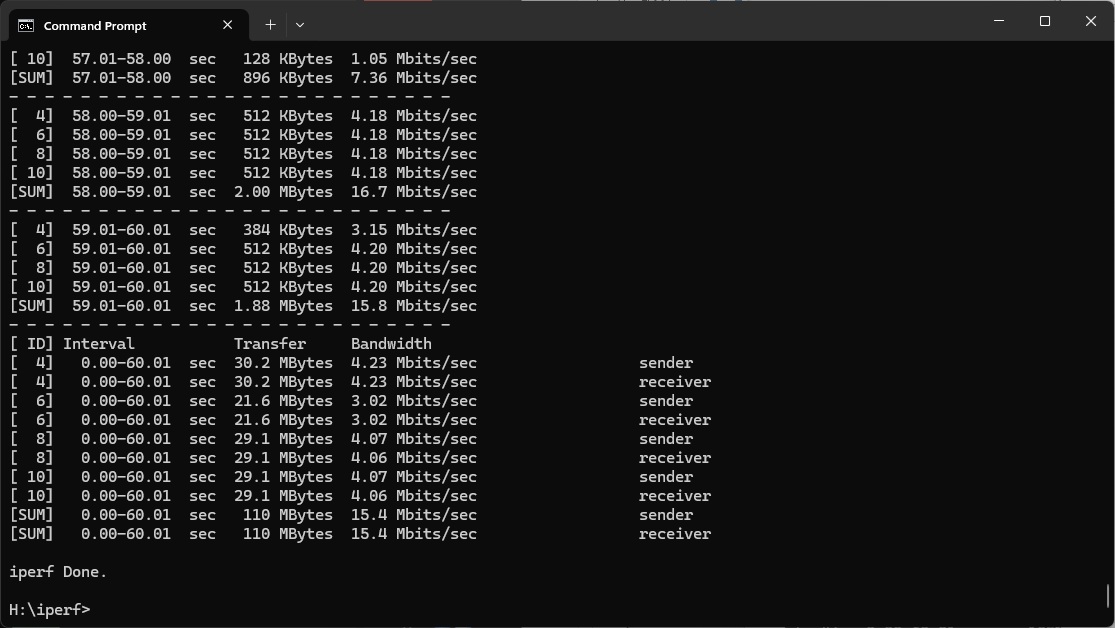
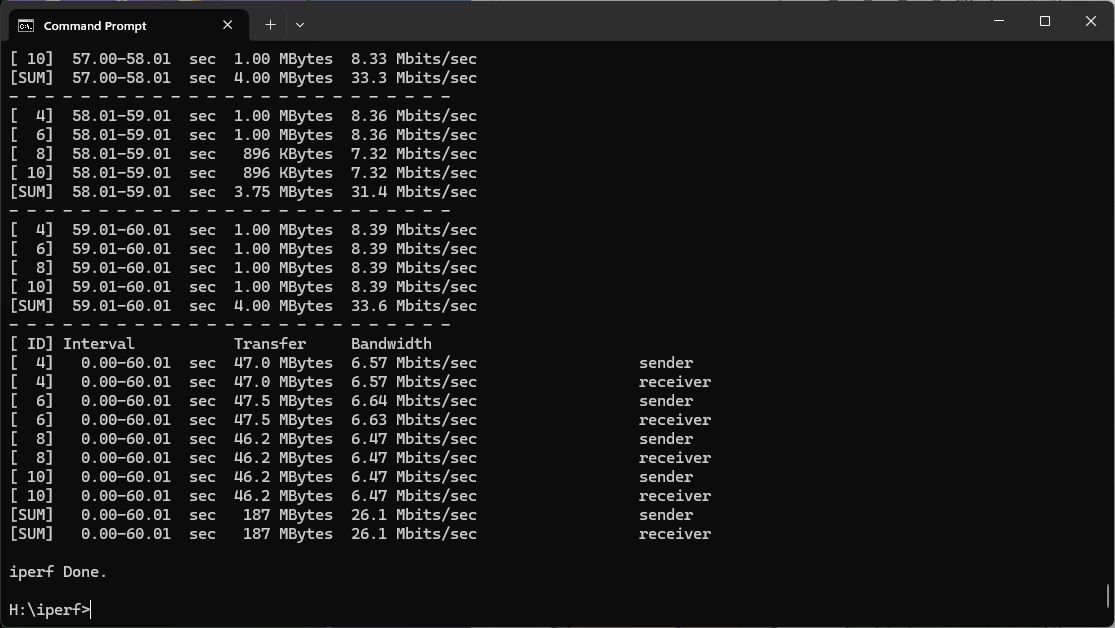
The 2.4GHz 802.11n standard is rather antiquated now, but some IoT devices still use it. The MSI Roamii BE Pro is a bit more respectable relative to other options up close with this wireless networking. At 1m, you get 61Mbits/sec, which only a few alternatives beat. Performance only drops a little to 56.1Mbits/sec at 5m, although at 10m, this has fallen back to 15.4Mbit/sec. At 15m, it looks likely that the laptop had switched to the satellite, because throughput actually went up again to 26.1Mbits/sec. However, the signal is unusable at 20m, and falls away entirely beyond that.
Overall, as before, there is decent coverage, and in this case decent throughput as well.