KitGuru KitGuru.net – Tech News | Hardware News | Hardware Reviews | IOS | Mobile | Gaming | Graphics Cards


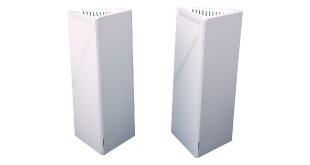
WiFi 7 is finally starting to gain traction, although we're still waiting for more client devices to arrive. If you're looking to upgrade your wireless network, it would now be a false economy not to future-proof yourself with the latest standard. Joining the WiFi 7 fray is MSI with its Roamii BE mesh system. It comes in two forms – Lite and Pro. The former offers just two radio frequencies, while the Pro we tested adds 6GHz, promising monster wireless network bandwidth. We put the Roamii BE Pro through our comprehensive WiFi mesh test suite to find out if the practice matched the theory.
The Roamii BE Pro is a BE11000 system, meaning it combines 5,764Mbits/sec at 6GHz, with 4,323Mbits/sec at 5GHz, and 688Mbits/sec at 2.4GHz, although MSI only promises a maximum combined throughput of 9.4Gbits/sec. The benefit of WiFi 7 (and WiFi 6 BE) is that 6GHz and 5GHz can be combined (with a compatible client) for maximum throughput. The Lite version loses the 6GHz, so offers just BE5000 performance.
You get 6x internal antennae (so two per waveband) with the Roamii BE Pro, plus additional router software and hardware features. The system can allegedly cover a 6,000 square feet area, although of course this will depend on obstructions. That's likely to be more than enough for a three story house, such as the one we use for testing.
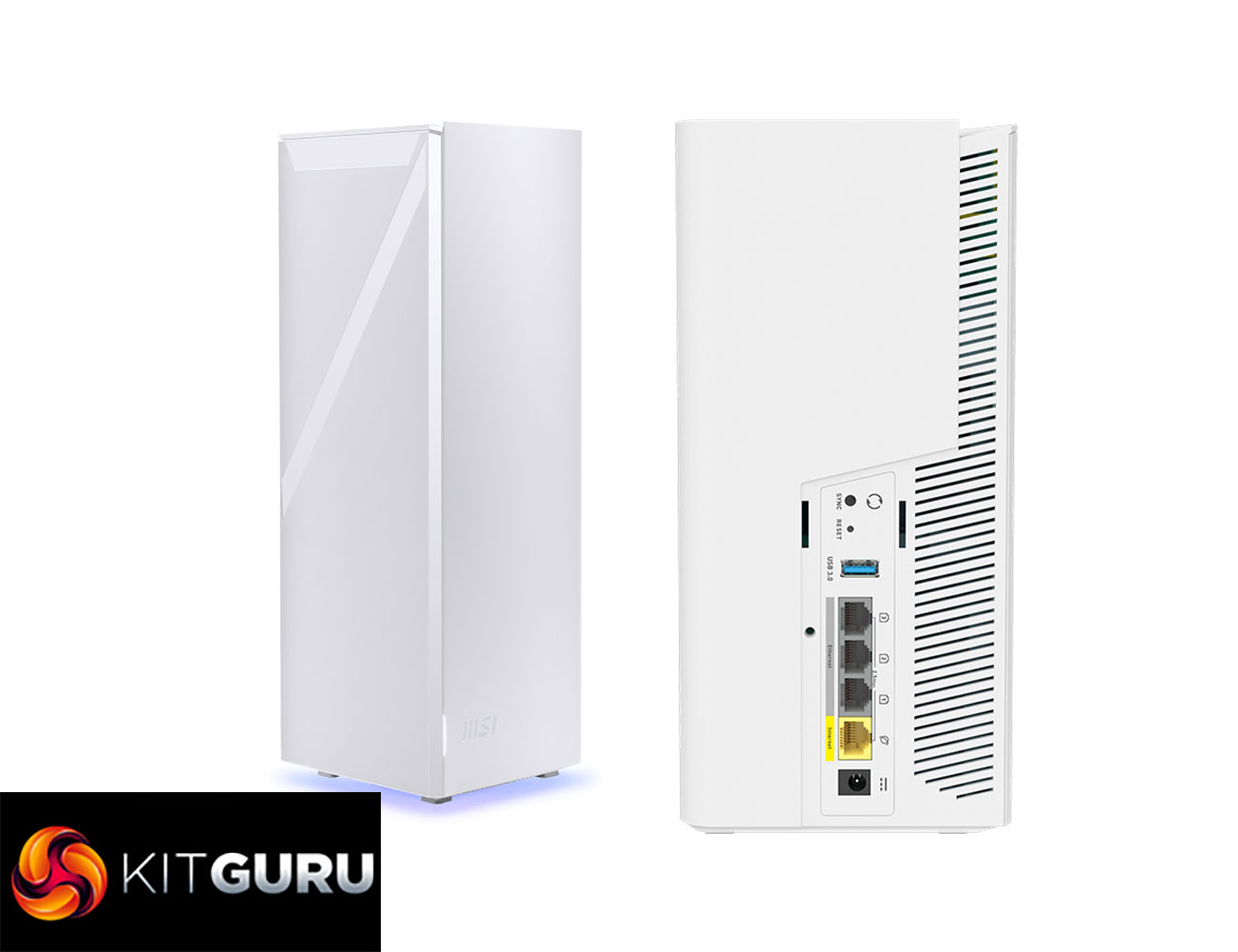
The Roamii BE Pro has a solid wired networking specification too, with four 2.5Gbit Ethernet ports, one of which would be used for WAN duties on the router, while remaining available for wired devices on the satellite. There is a USB port on both units too, ready for network storage sharing.
Coming in at under £300, the Roamii BE Pro looks like good value too, giving you mesh WiFi for the price of a midrange standalone router. Read on to find out if the performance and capabilities make this a bit of a bargain.
Price: £279.99
Specification:
- Wireless protocols: MU-MIMO with 802.11b/g/n/ax/be 2.4GHz, 802.11a/n/ac/ax/be 5GHz/6GHz
- Performance: AX11000 (5,760 + 4,320 + 688 Mbits/sec)
- Antenna Configuration: 2×2 internal antennas for 2.4GHz; 2×2 for 5GHz; 2×2 for 6GHz
- Ports: 4 x 2.5 Gigabit Ethernet WAN, USB 3.0
- Modem Support: VDSL/ADSL 2+ or cable
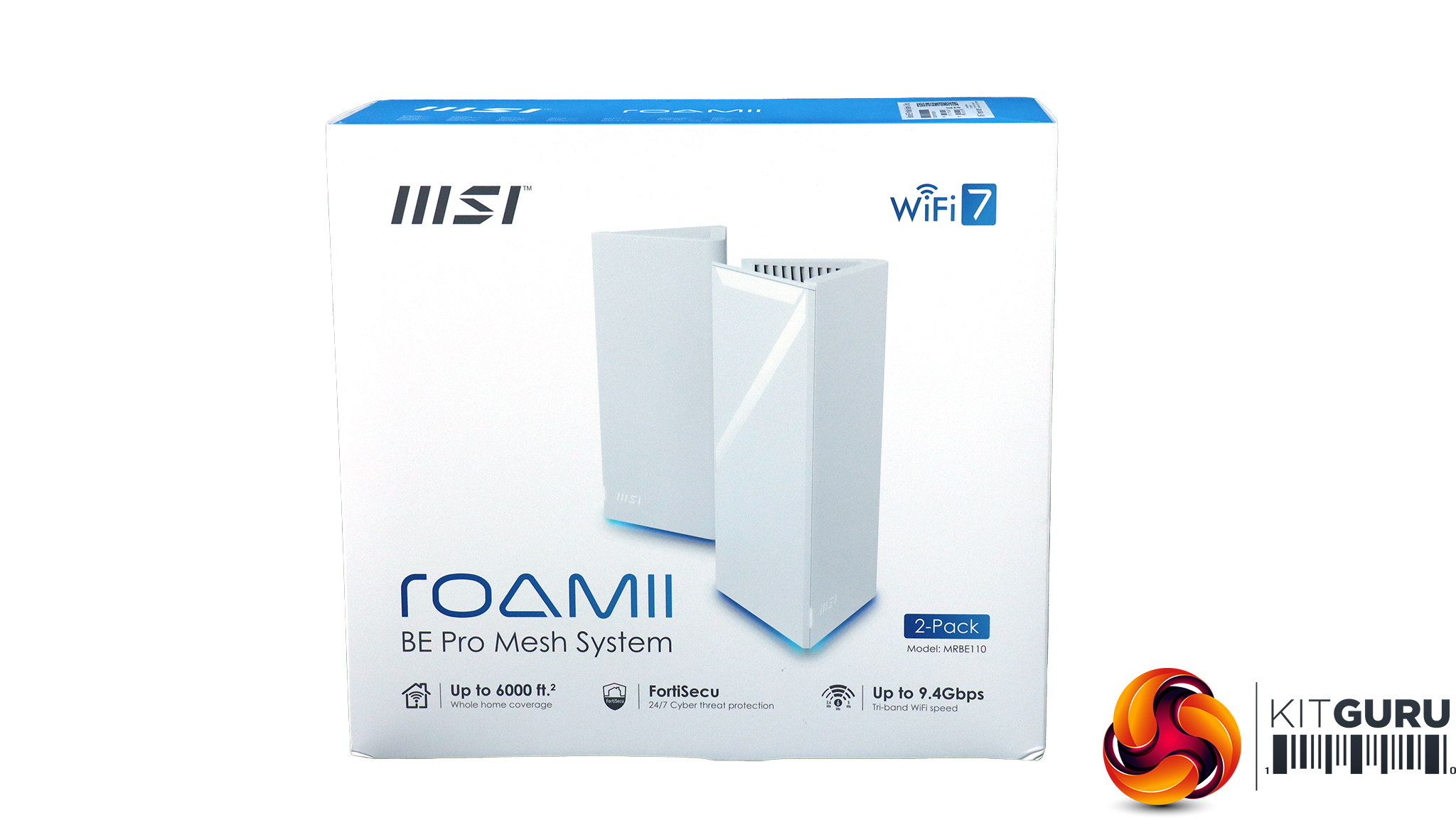
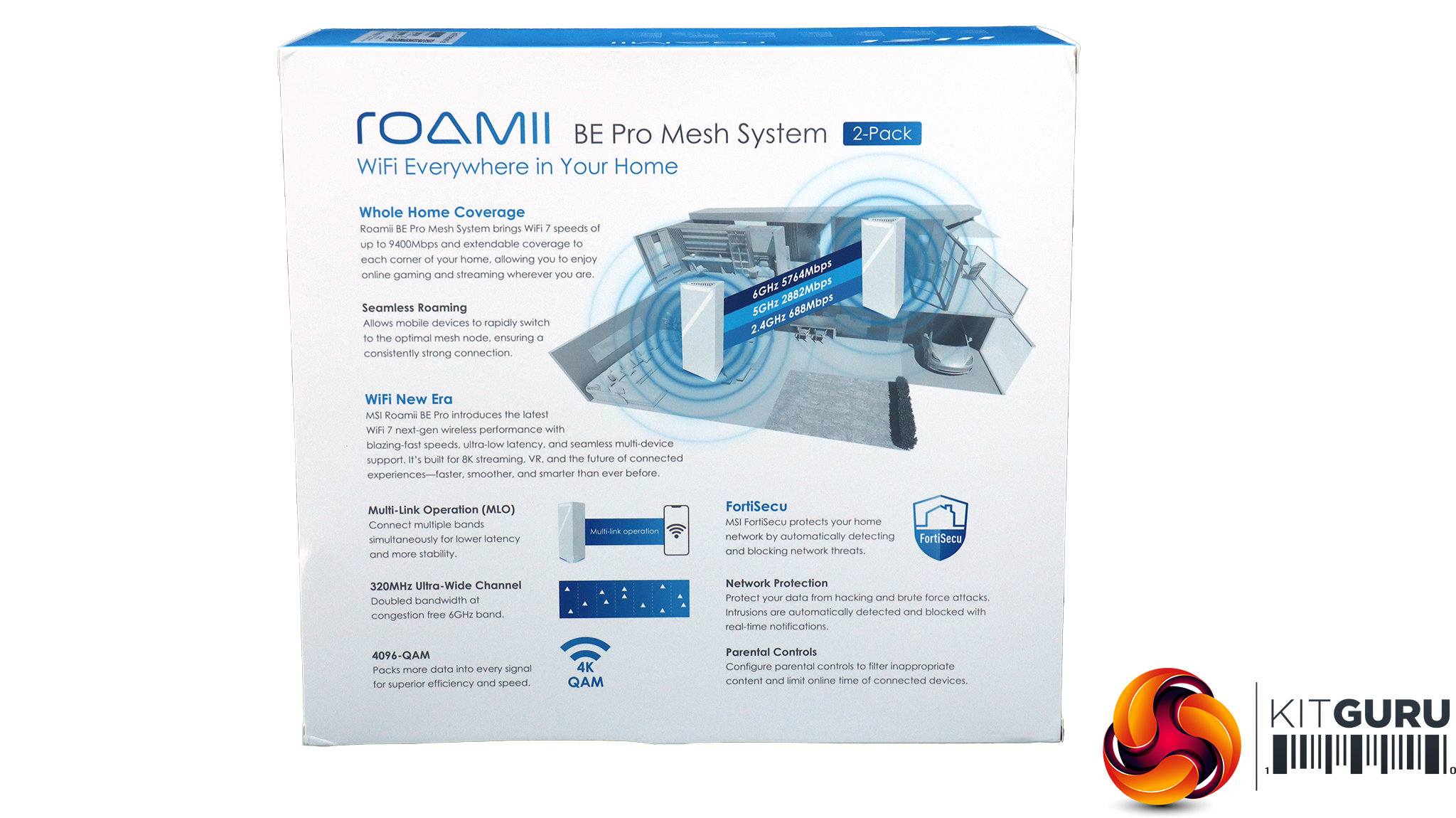
The Roamii has a typical mesh WiFi box with a diagram on the back explaining some of the benefits of a mesh system – if you didn't know already.
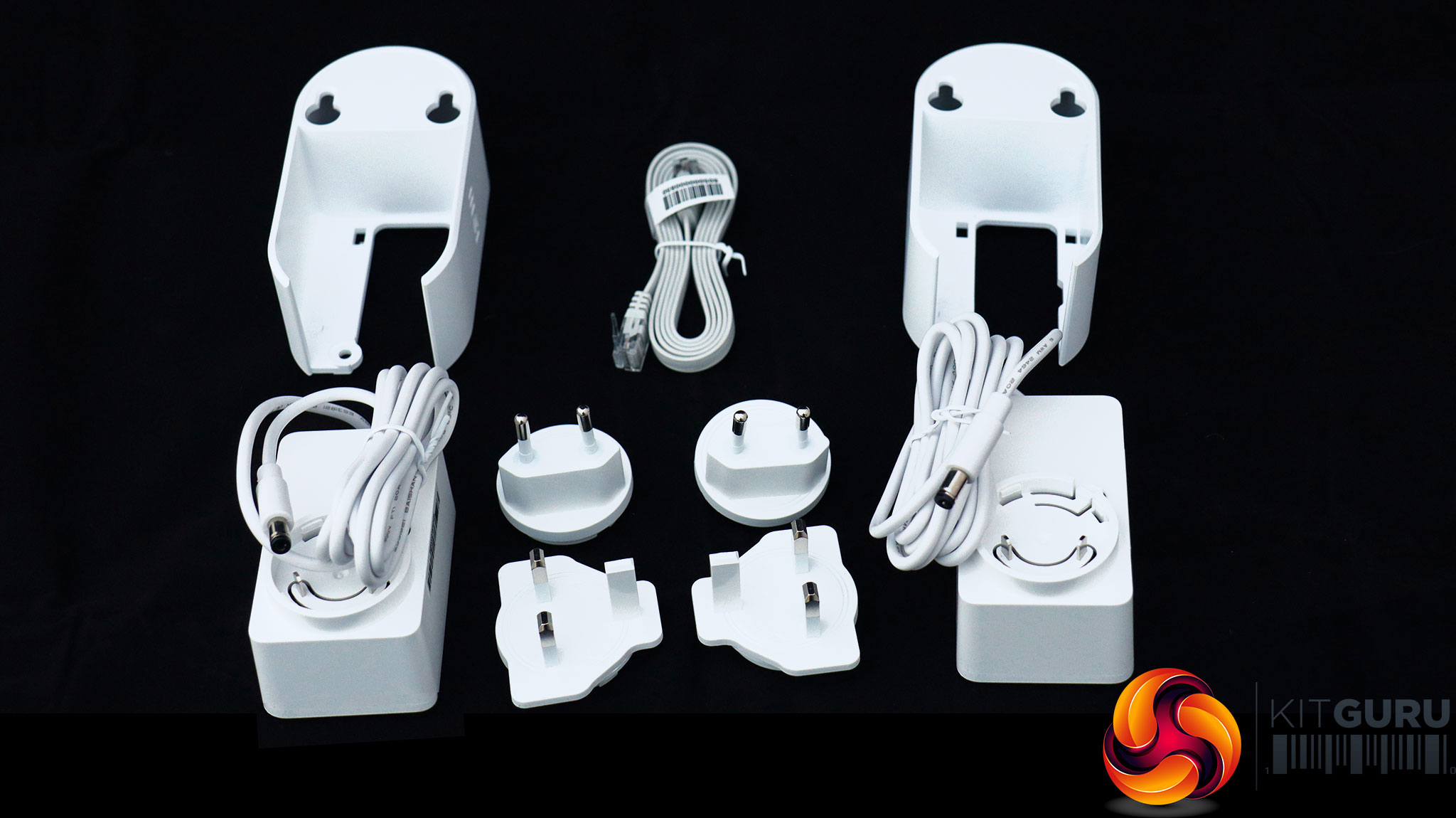
Aside from the two power supplies for the two units (with EU and British plug choices) plus a ribbon Ethernet cable, the two plastic mouldings at the back of this picture enable wall mounting. The screws and rawlplugs are provided to attach the mouldings to the wall, and then the units simply slot in. There is clearance for Ethernet cables to stick out the back and bend downwards.
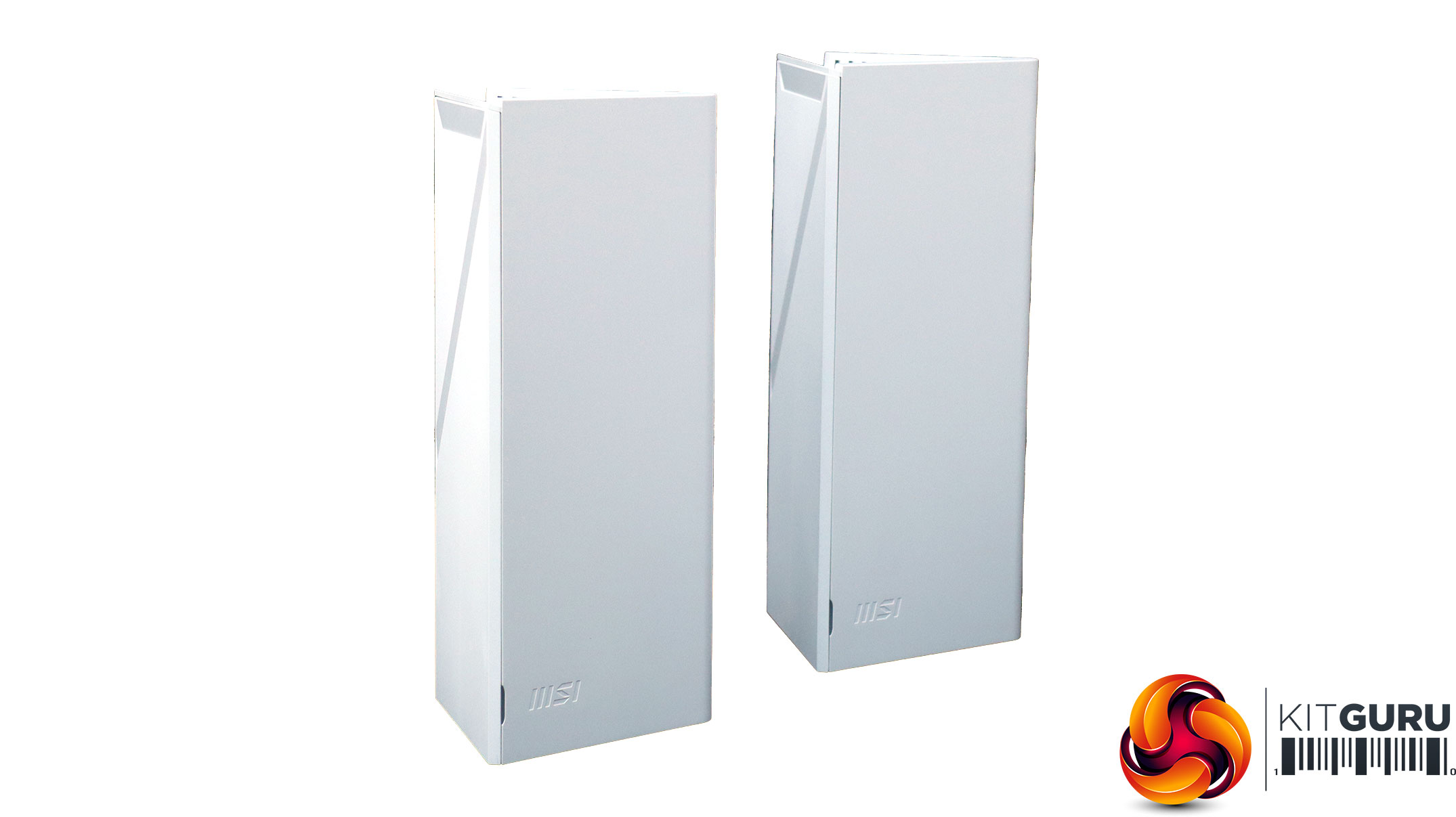
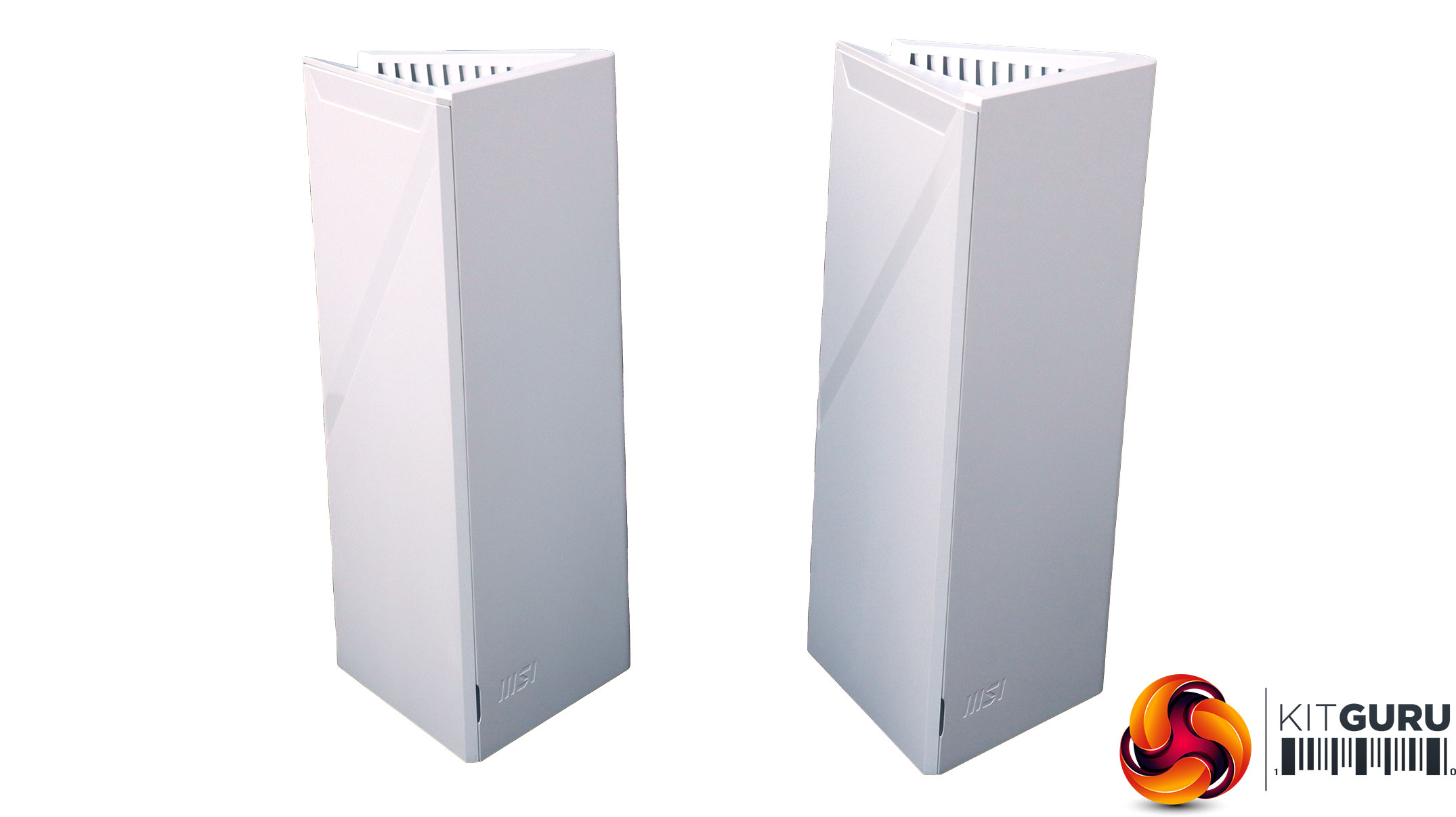
The two Roamii BE Pro units are identical, and triangular like large creamy-white Toblerones. They are sturdy and look pleasing. They won't insult most people's aesthetic sense if visible around the house. You can't see in these photos because the power isn't on, but the devices have quite funky lighting coming out the bottom that slowly graduates between blue and purple.
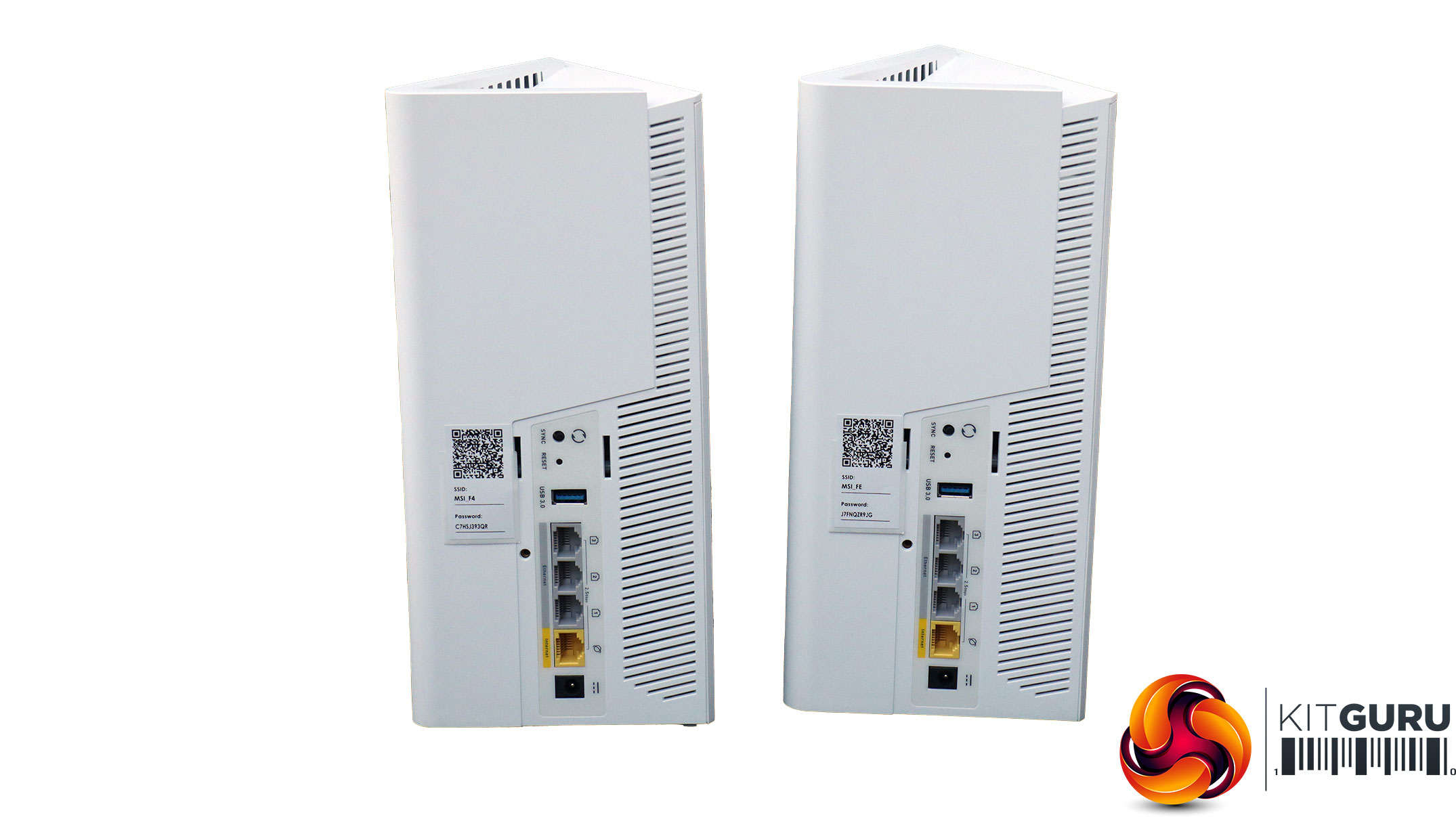
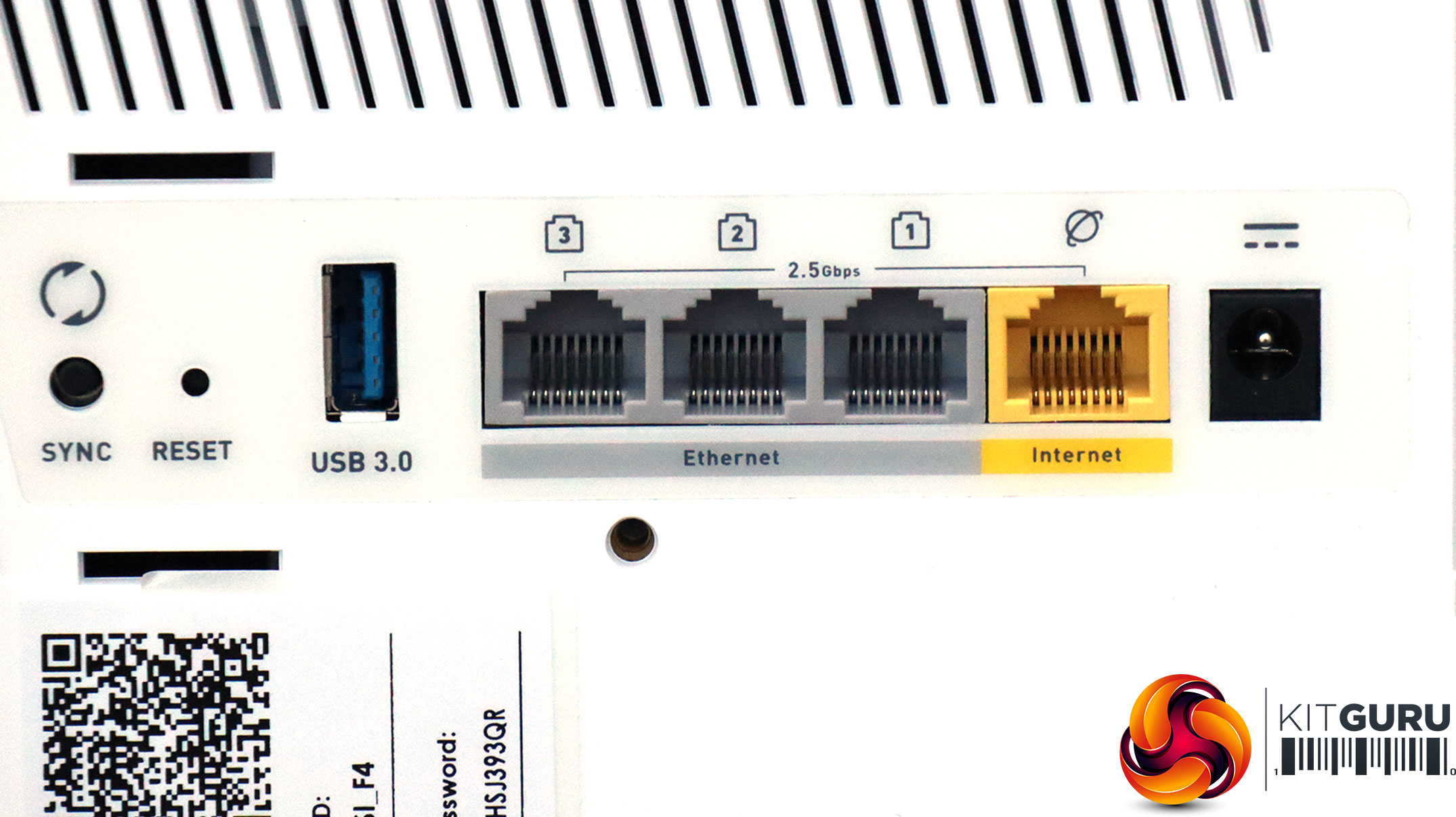
The two units are indistinguishable from the rear (if a triangle can have such a thing). Both units have a quartet of 2.5Gbit Ethernet ports, with one in yellow earmarked for the broadband WAN connection. There's a port for the external power supply, USB 3.0 for storage sharing, a recessed reset button and sync switch.
This is a decent connectivity selection. It's great having so many Ethernet ports on both units, so you can have two sets of Wired Ethernet devices, one near the device acting as the router and one where the satellite resides.
Acer Swift 14 AI WiFi 7 Laptop
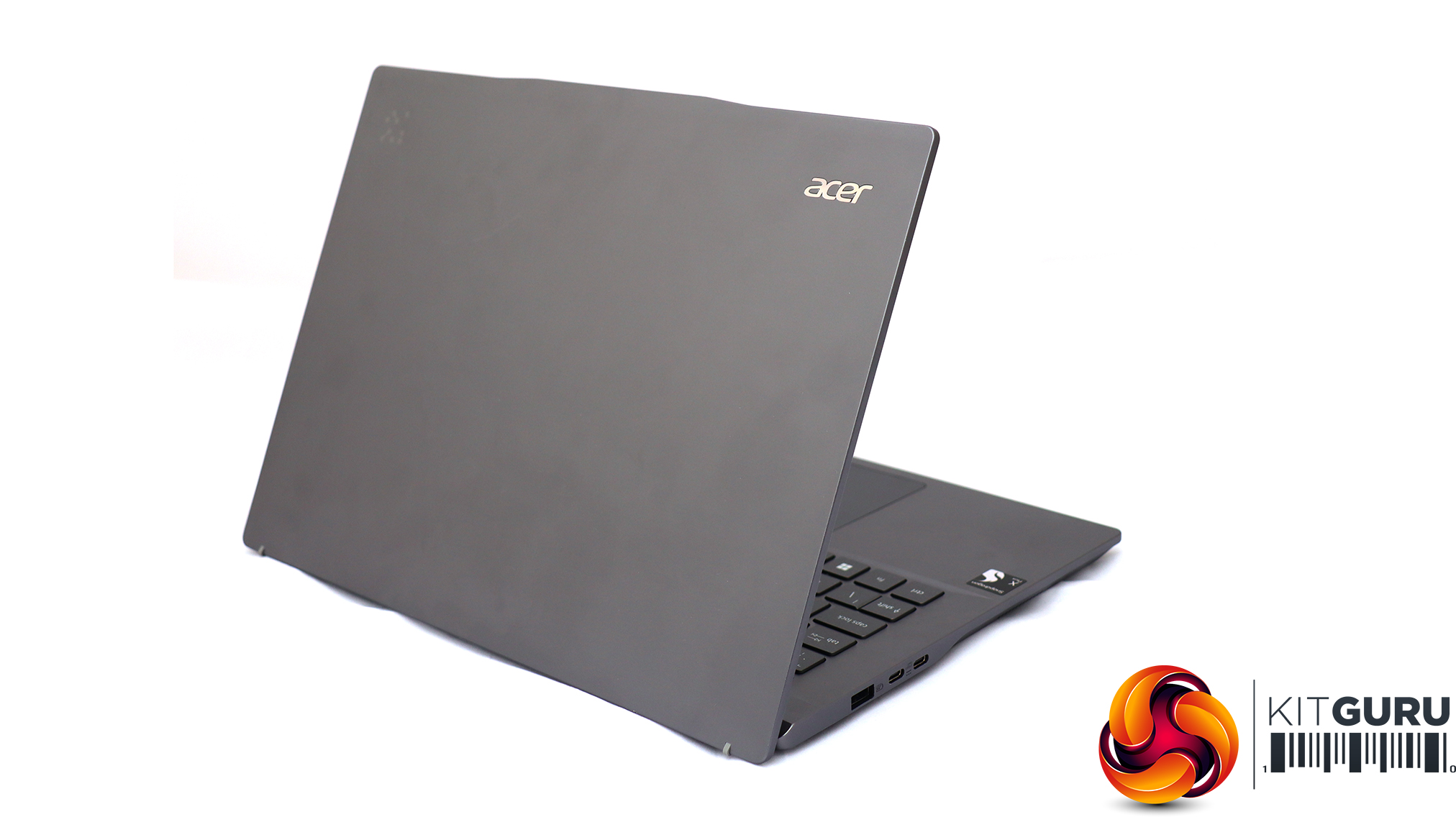
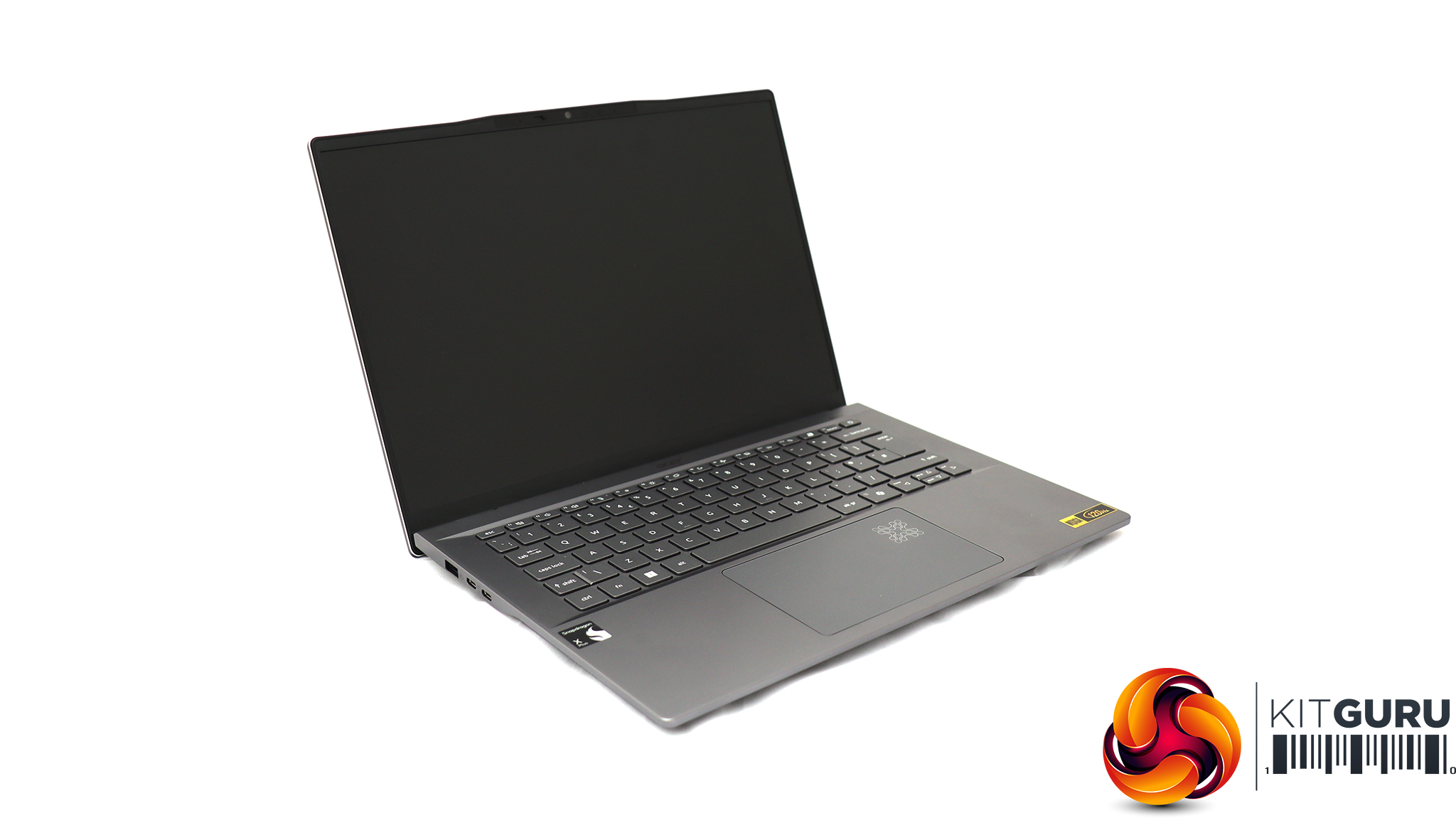
For testing the latest WiFi 7 wireless networking, Acer sent us its Swift 14 AI notebook, based around a Qualcomm Snapdragon X Plus Oryon X1P-64-100 CPU. This is a ten-core processor running at up to 3.4GHz across all cores, although without a single-core boost frequency (you need the X1P-66-100 for that). Our sample was supplied with 16GB of LPDDR5x memory and a 1TB SSD. Although this is an ARM-based laptop, it can still run Windows 11 and our standard WiFi testing software, iPerf3. It's a solid choice for road warriors who need to spend days away from a reliable power source, thanks to a 26-hour battery life.
Like many router manufacturers, MSI expects you to use its smartphone app for initial configuration. There is a QR code on the quick start leaflet that will guide you to downloading and installing that for your phone OS (Apple or Android).
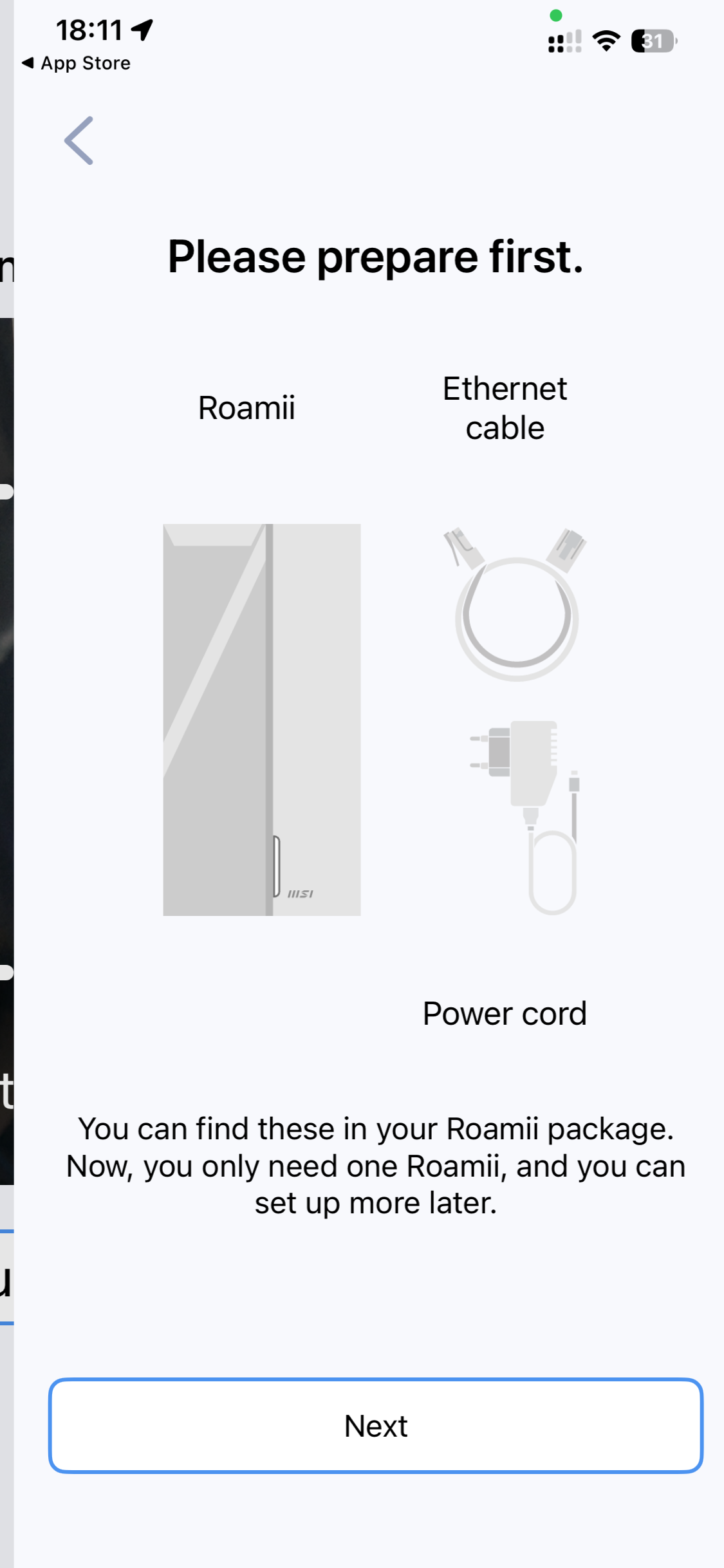
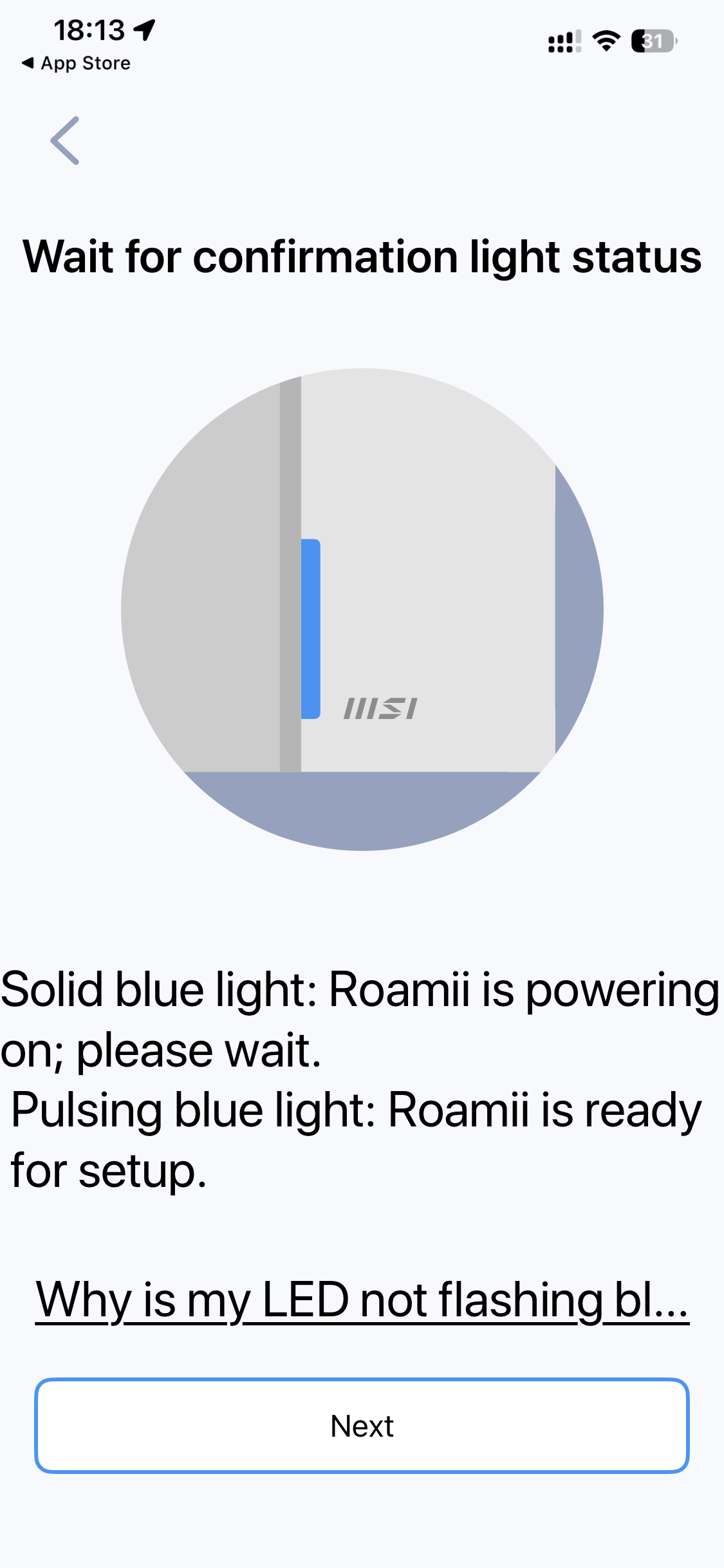
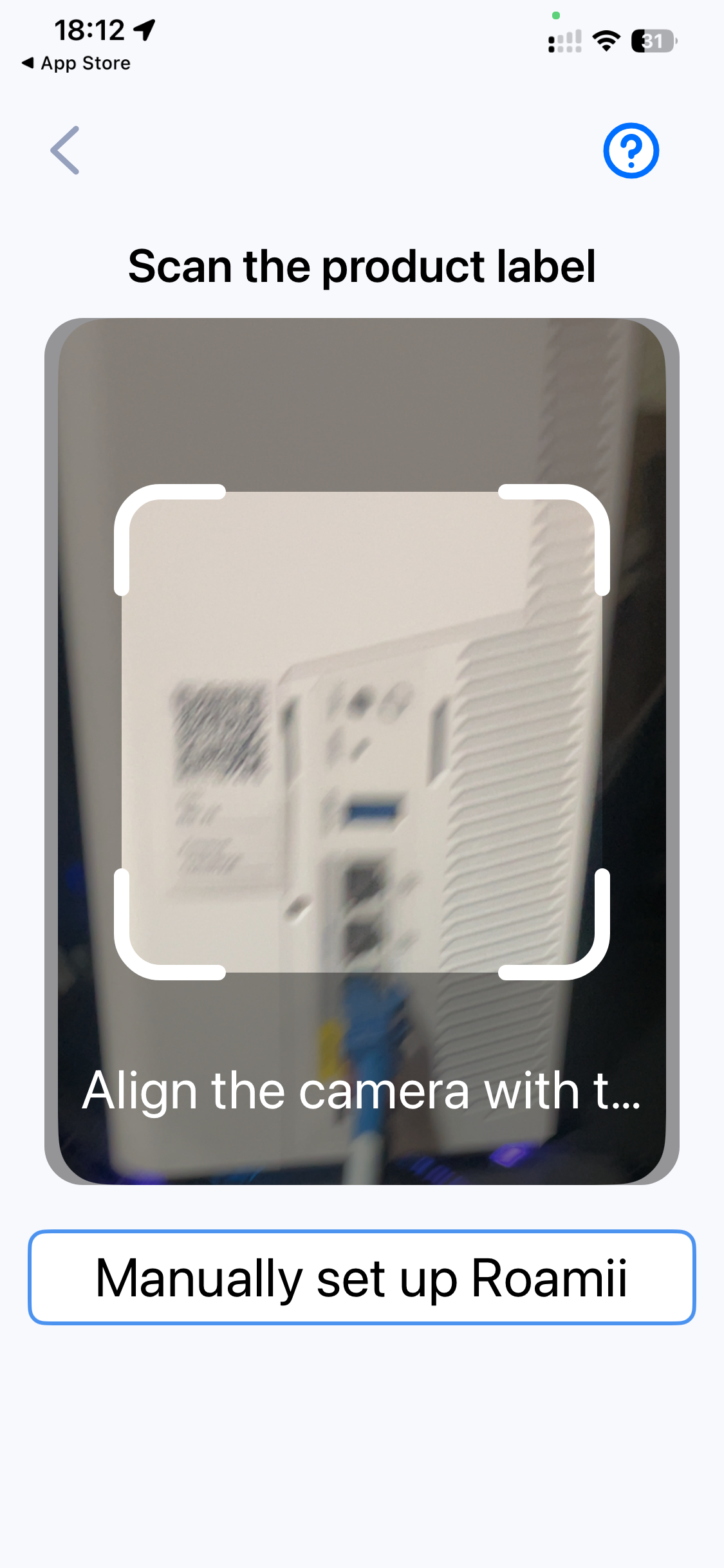
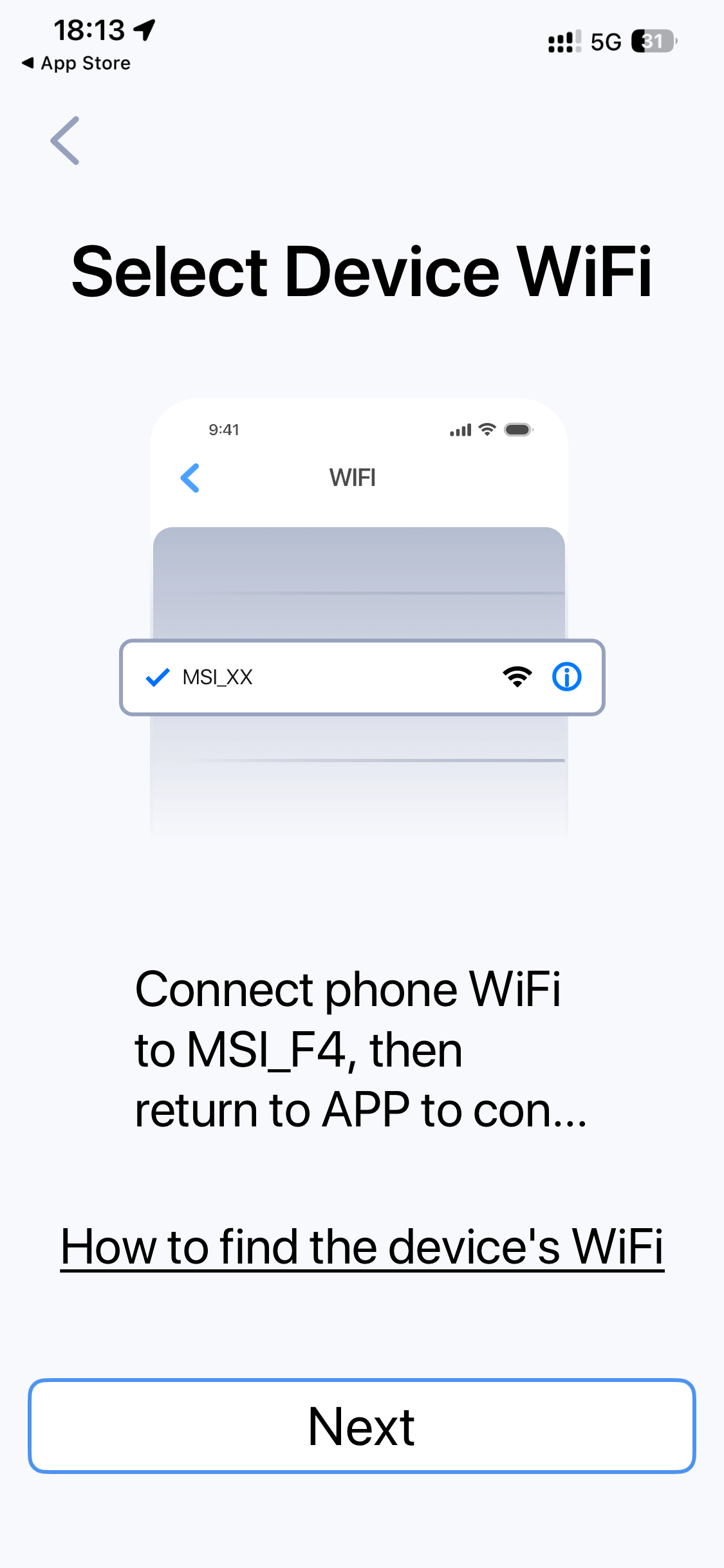
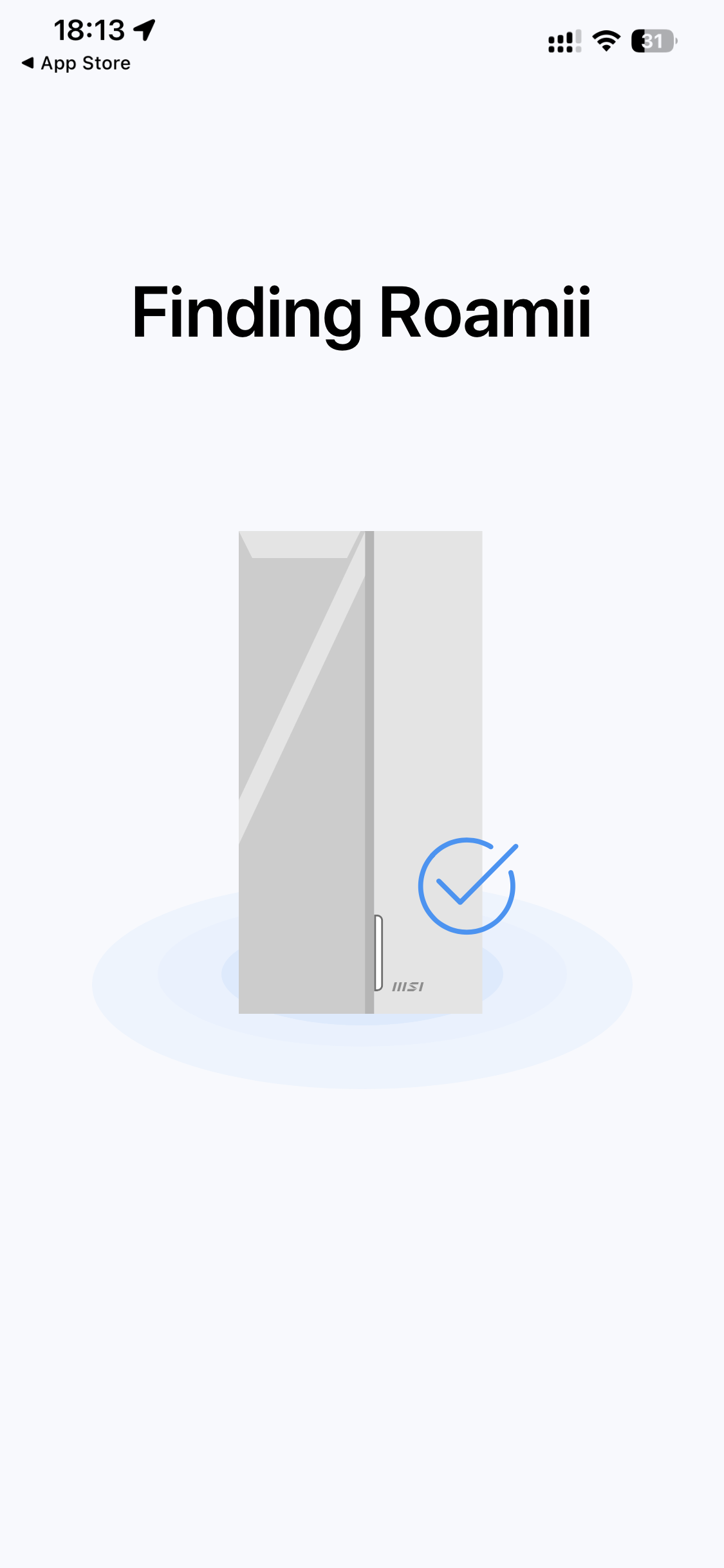
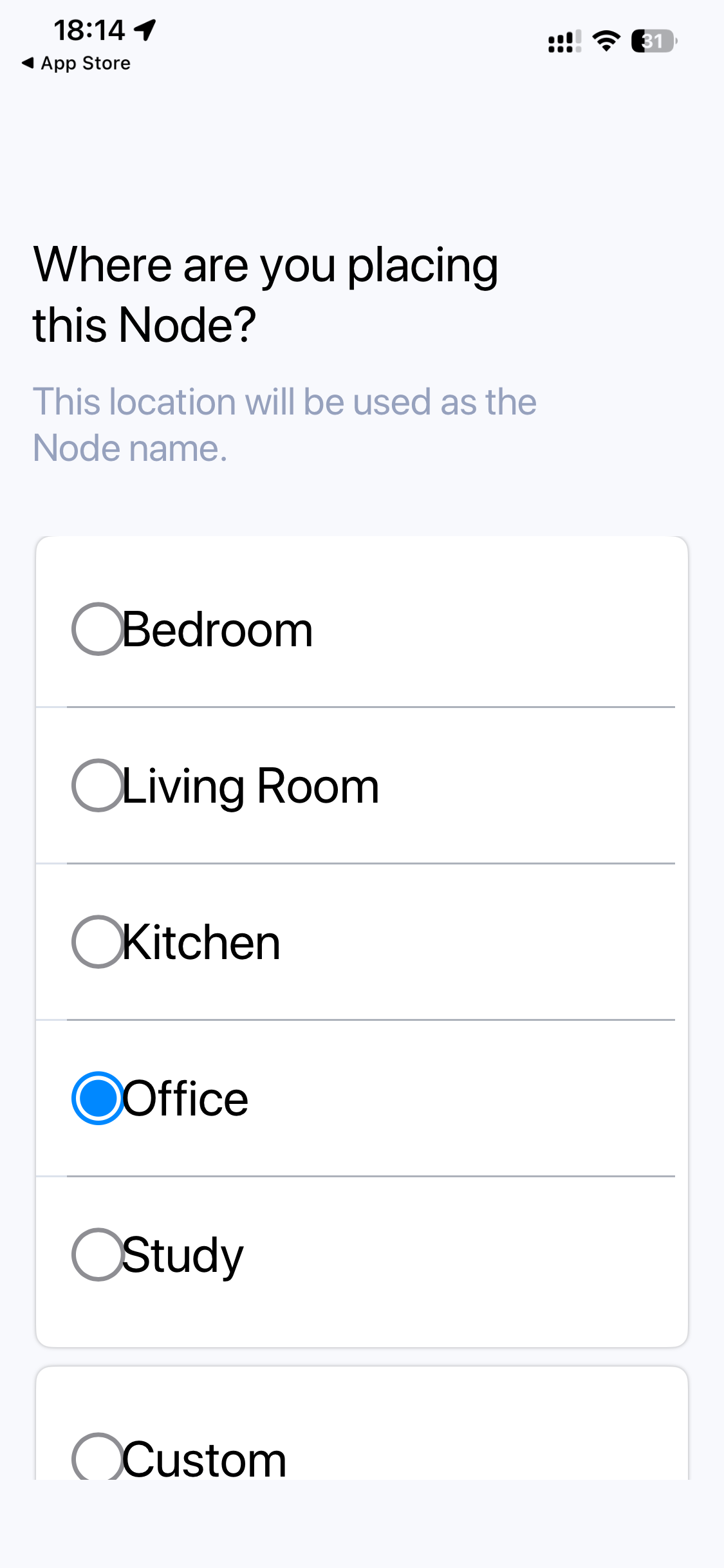
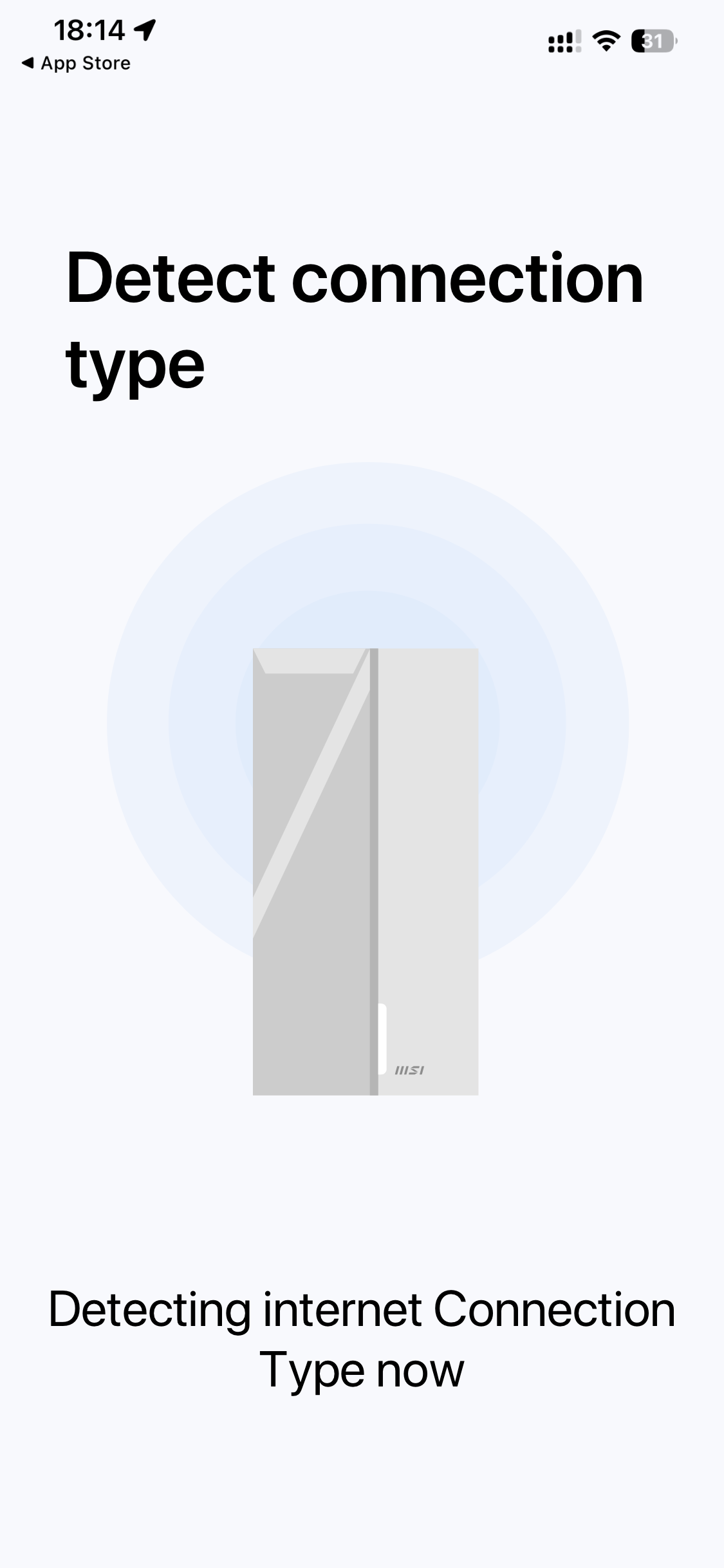
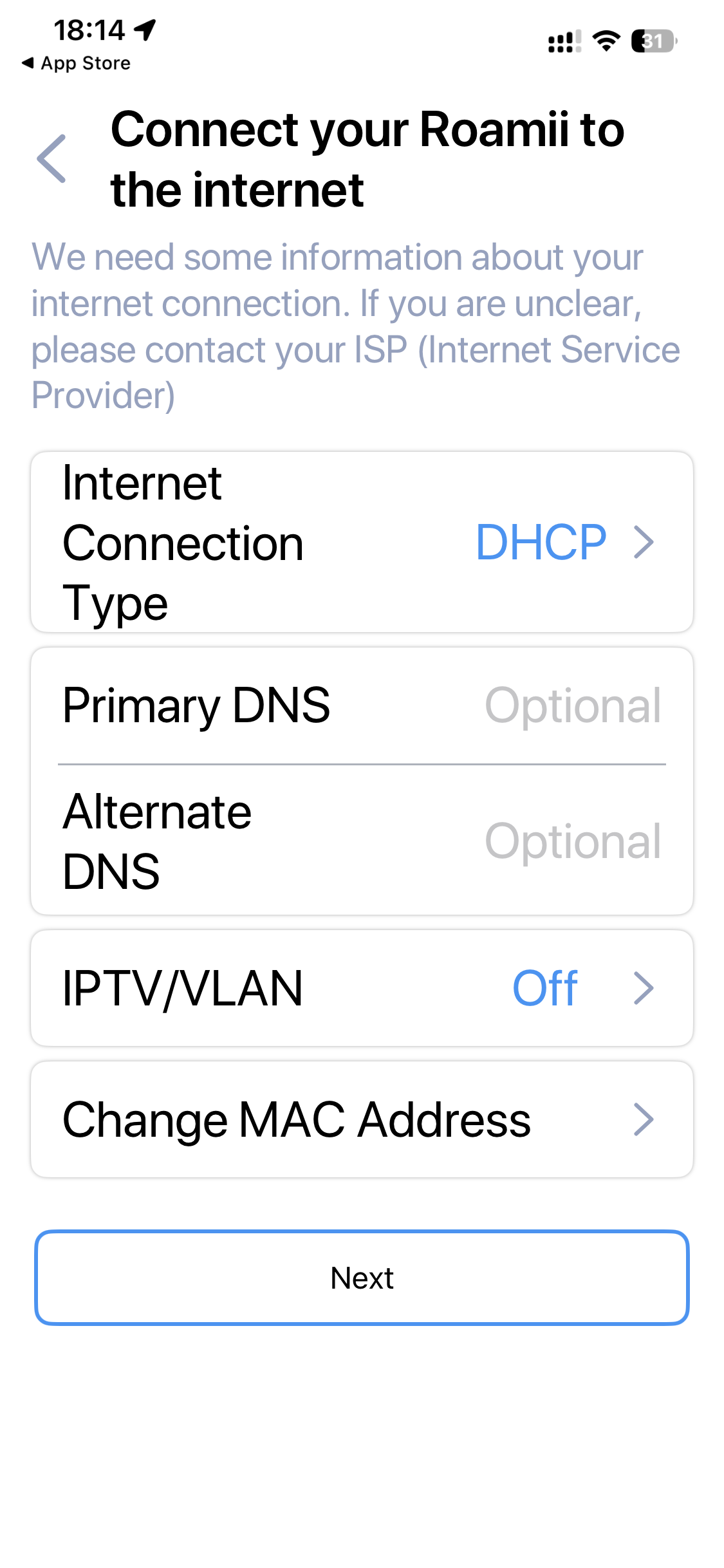
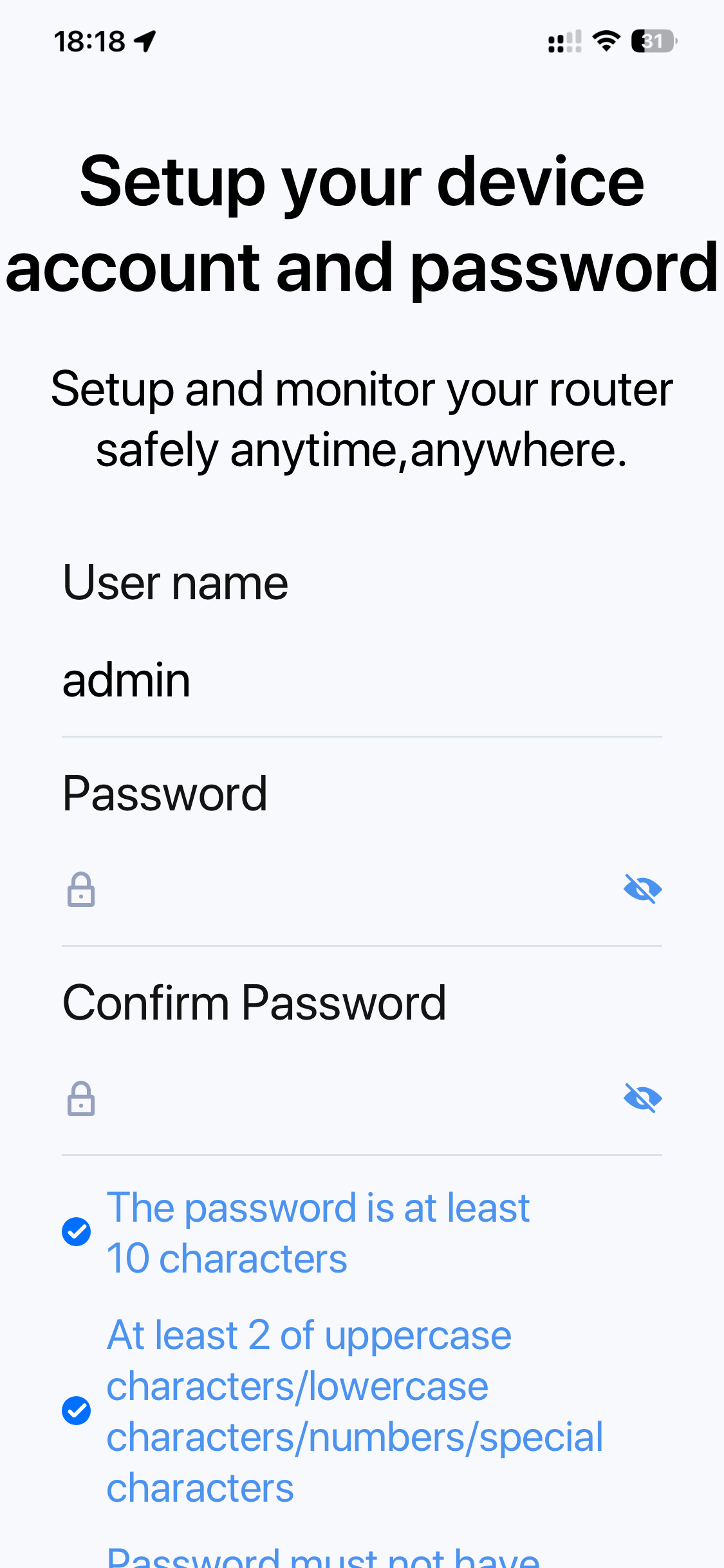
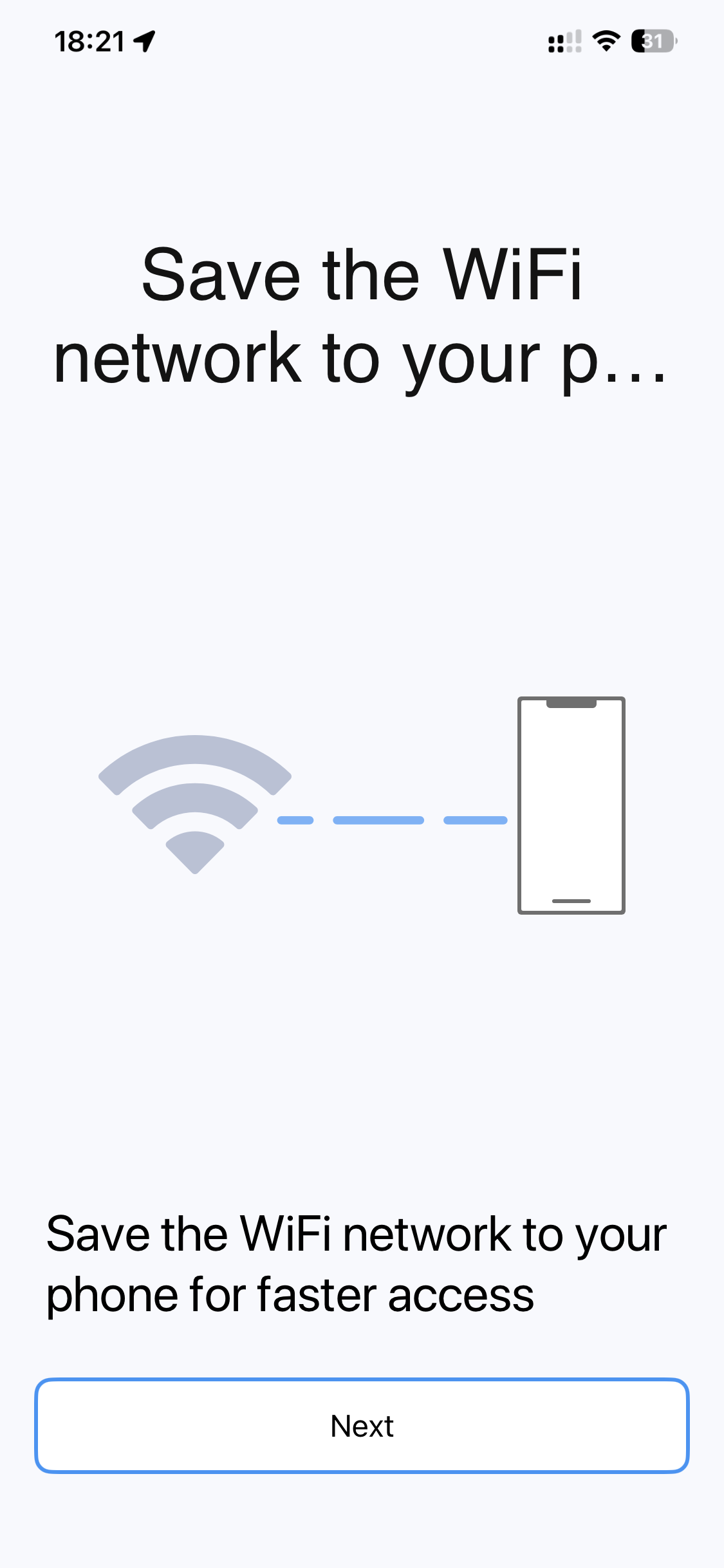
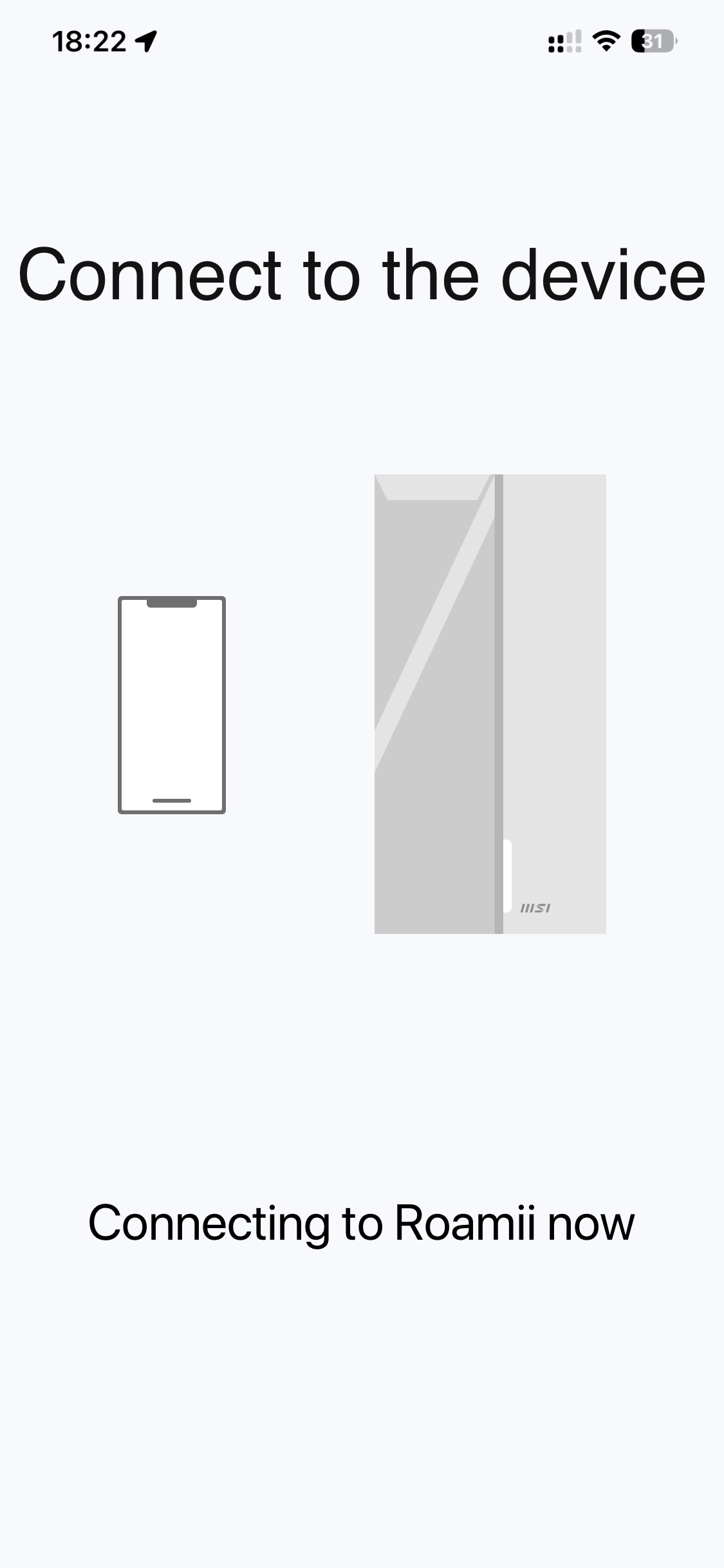
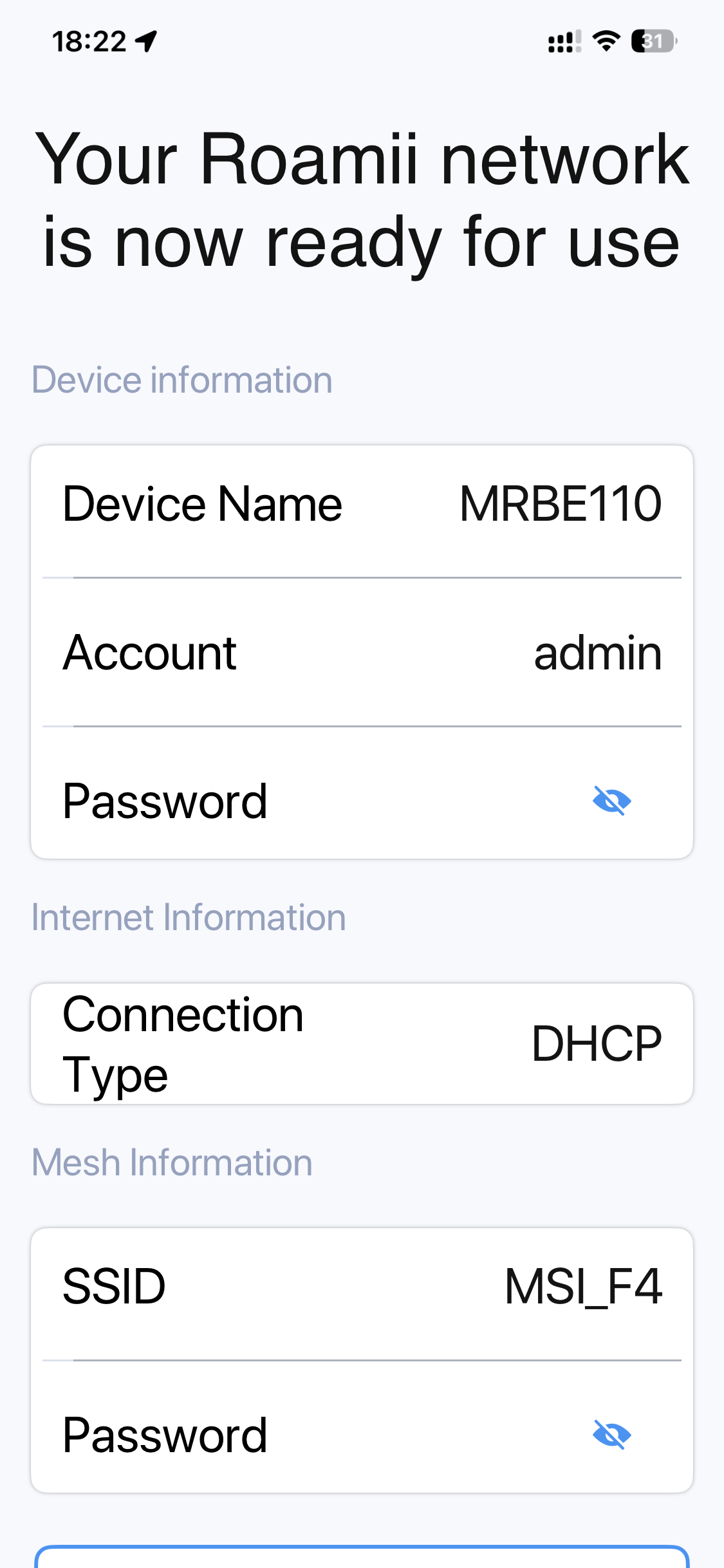
The smartphone app wizard is relatively painless. Once everything is plugged in (power, broadband) and you have a pulsing blue light, you are led towards the QR code on the back of the unit that you will be using as the router. This will connect you to the WiFi and then the smartphone app will guide you through logging into the unit for administration, setting up the broadband connection, configuring the admin password, and finally the WiFi SSID and password.
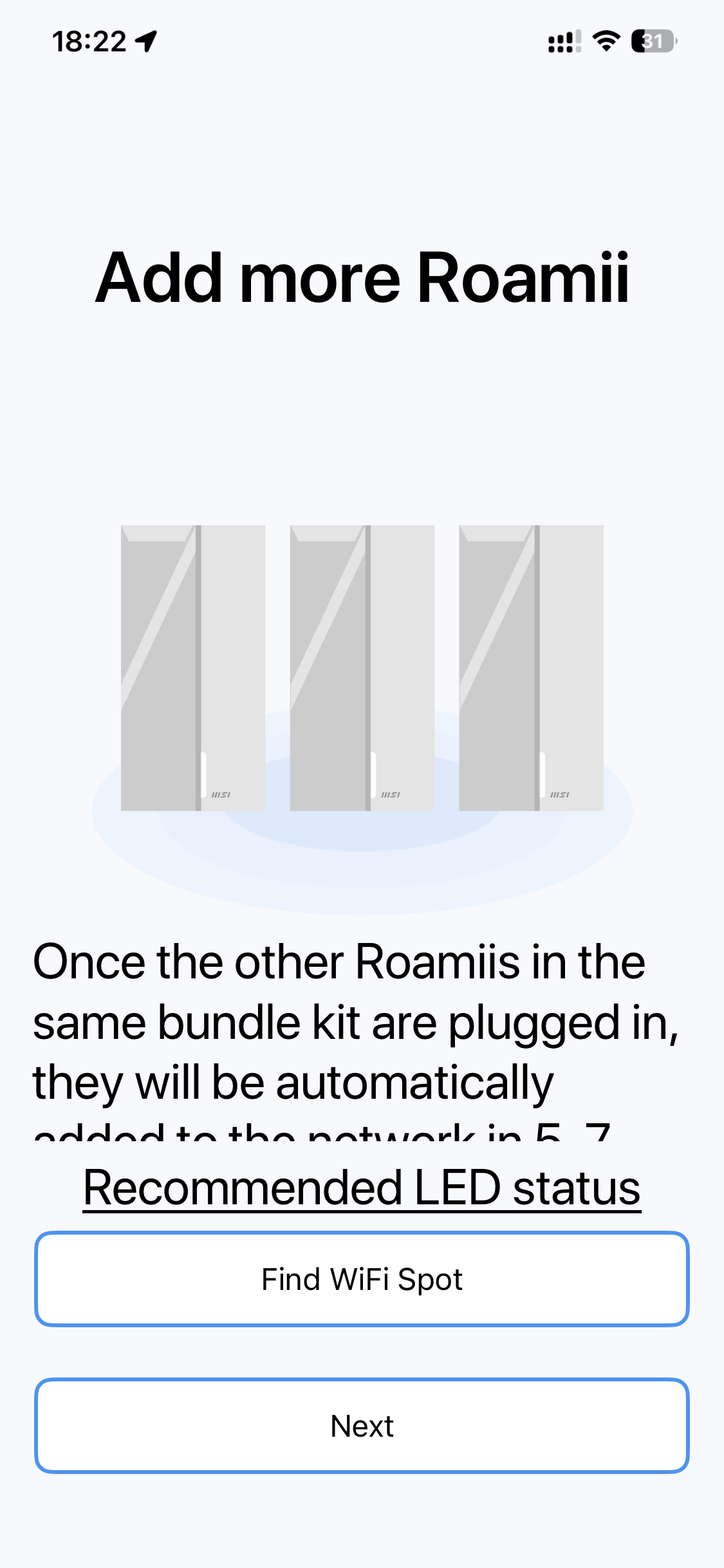
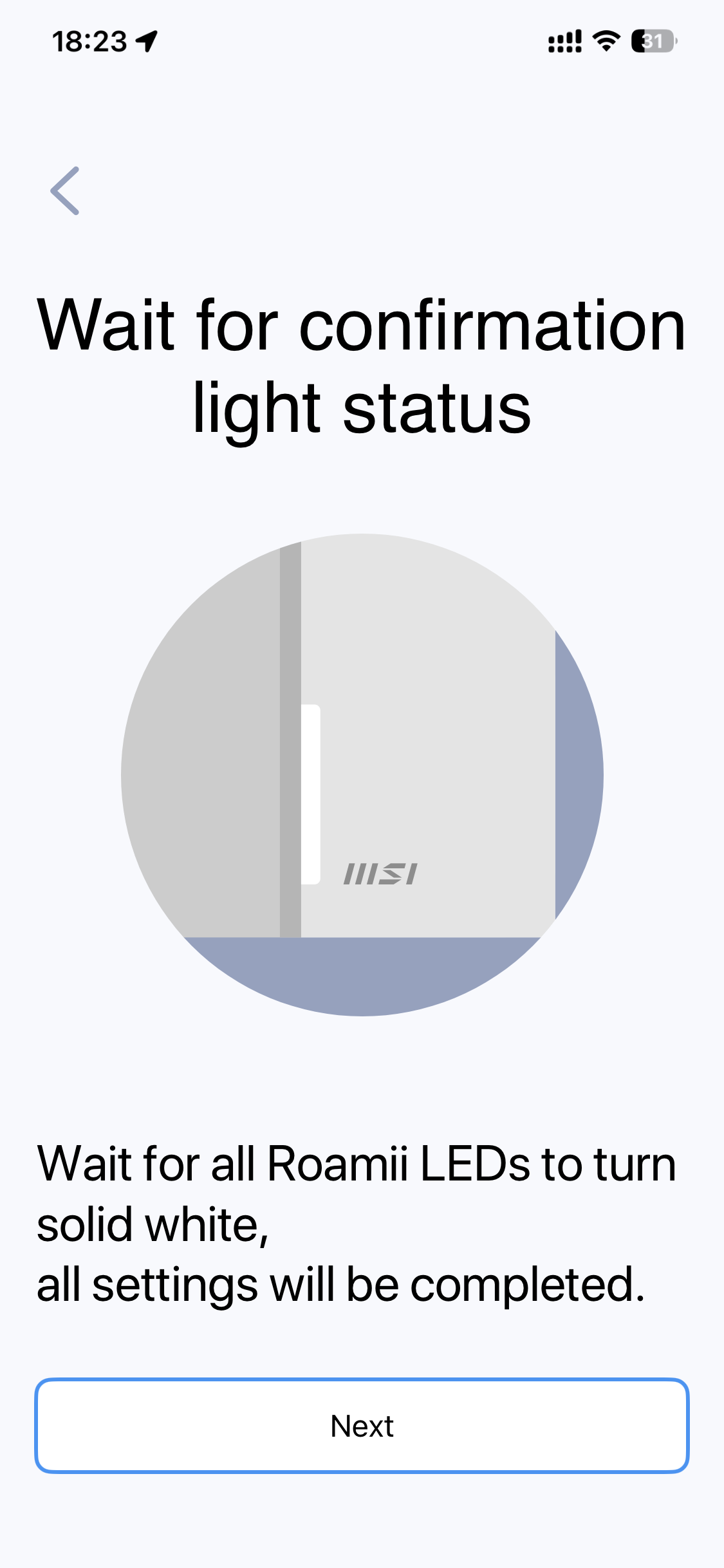
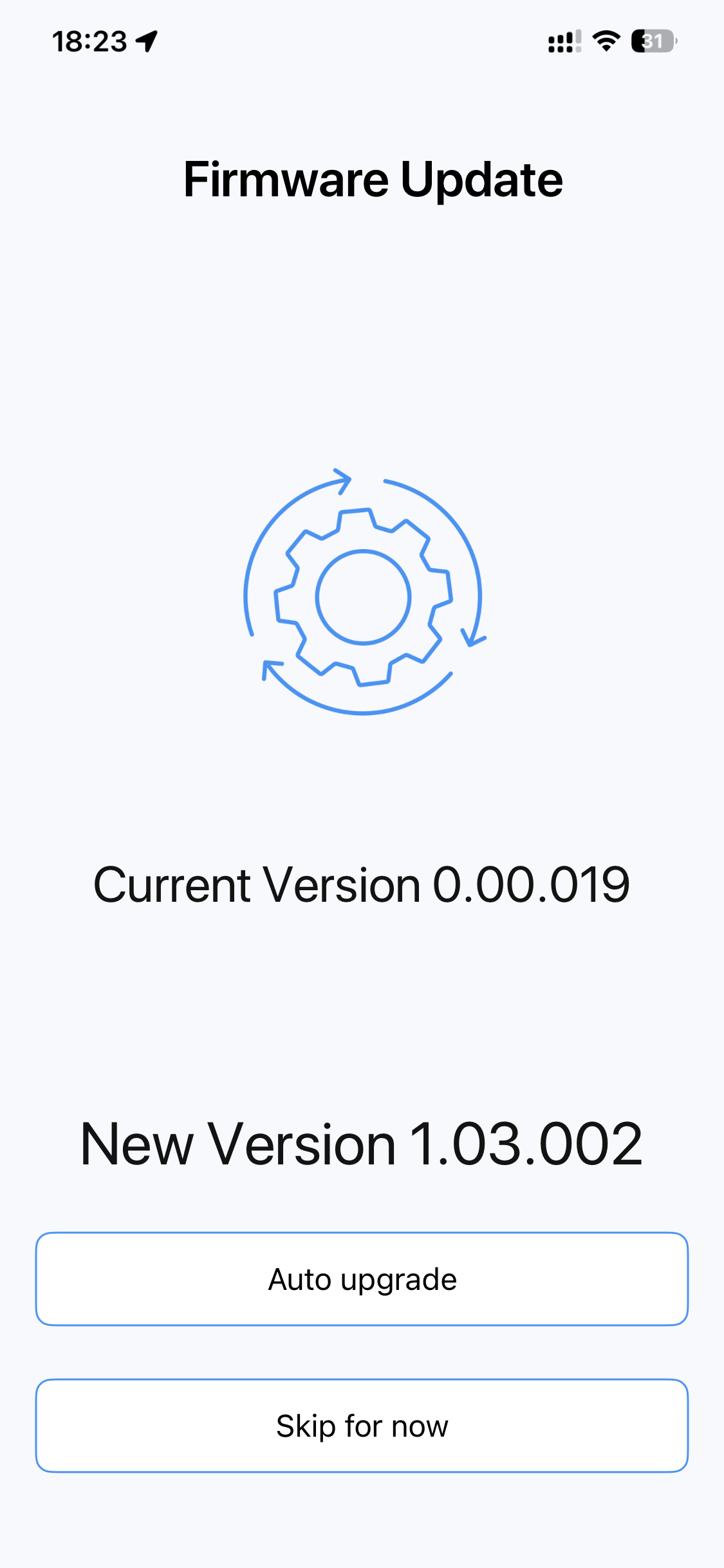
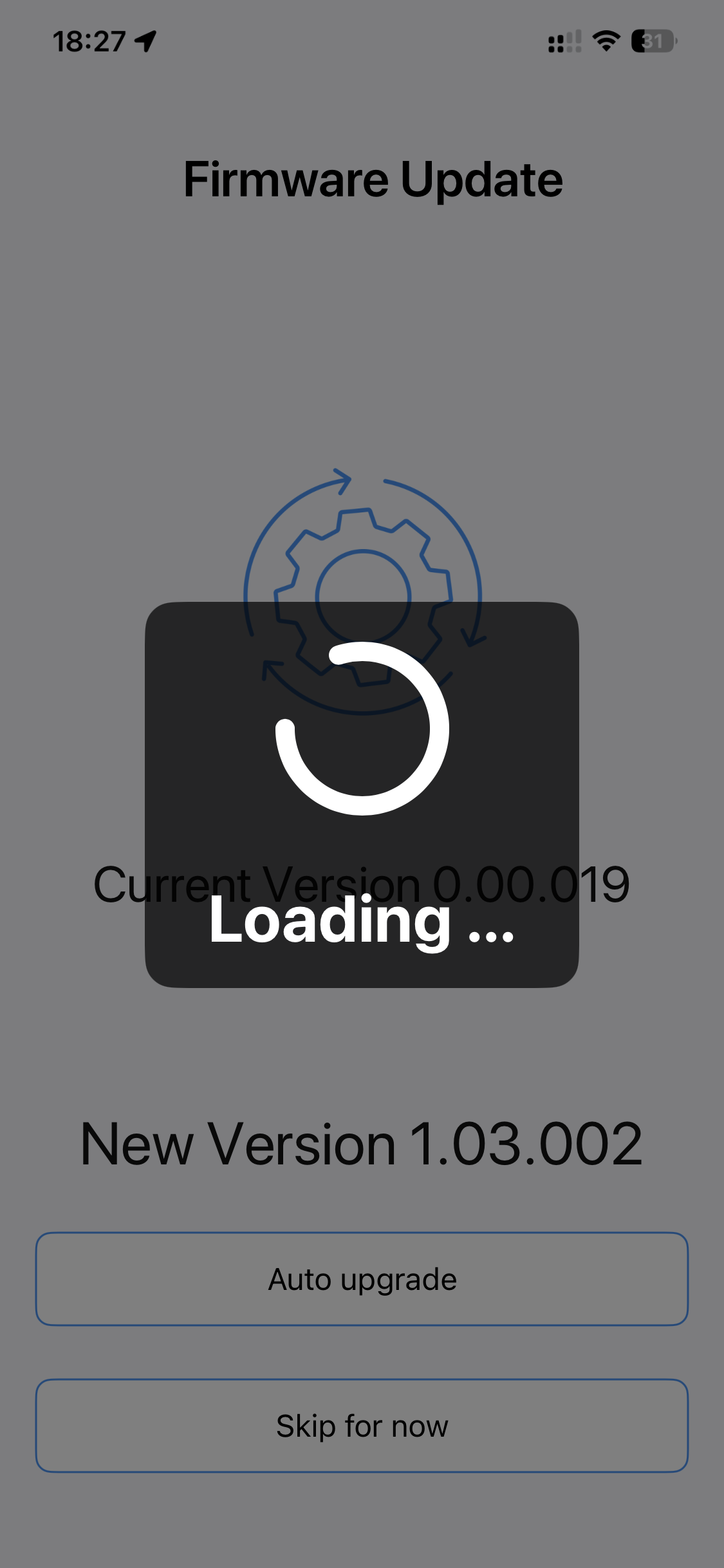
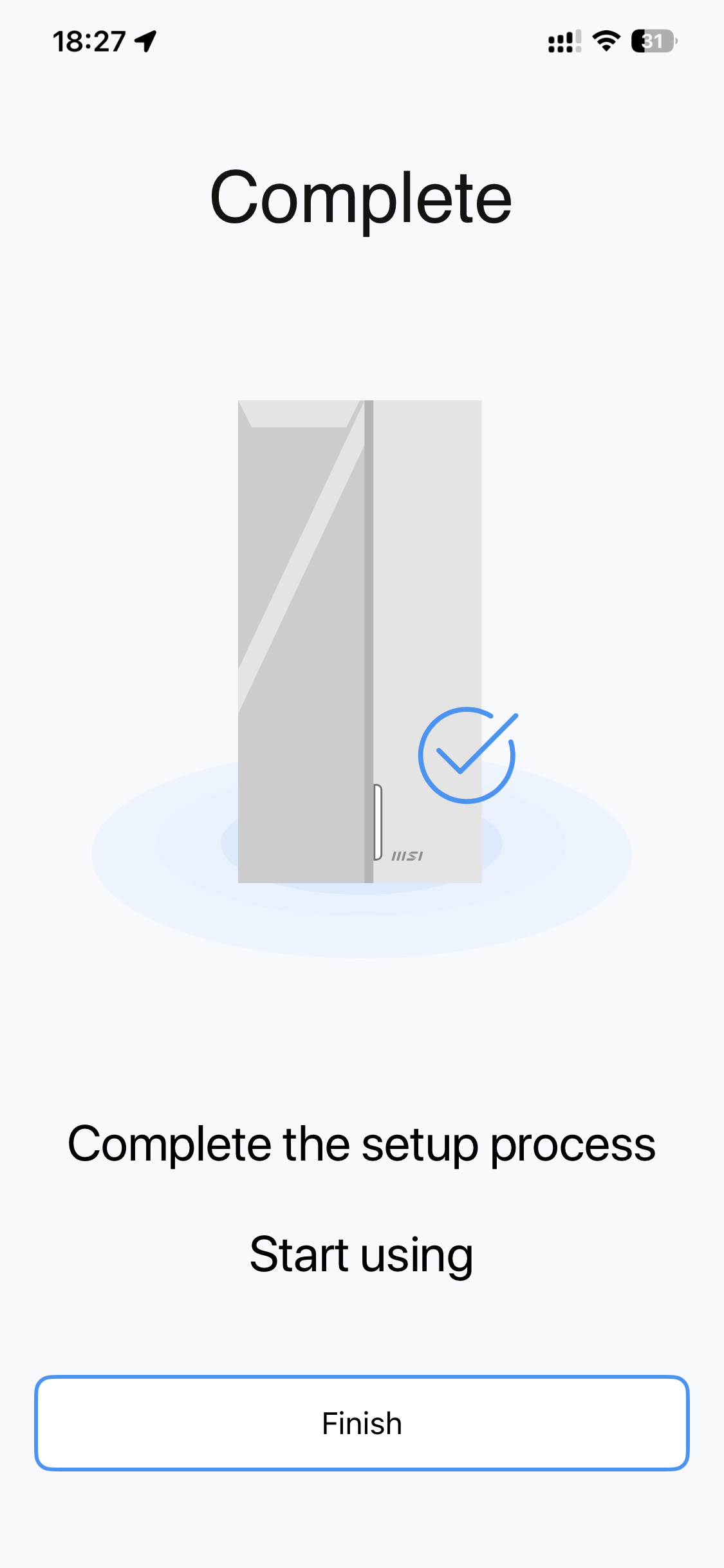
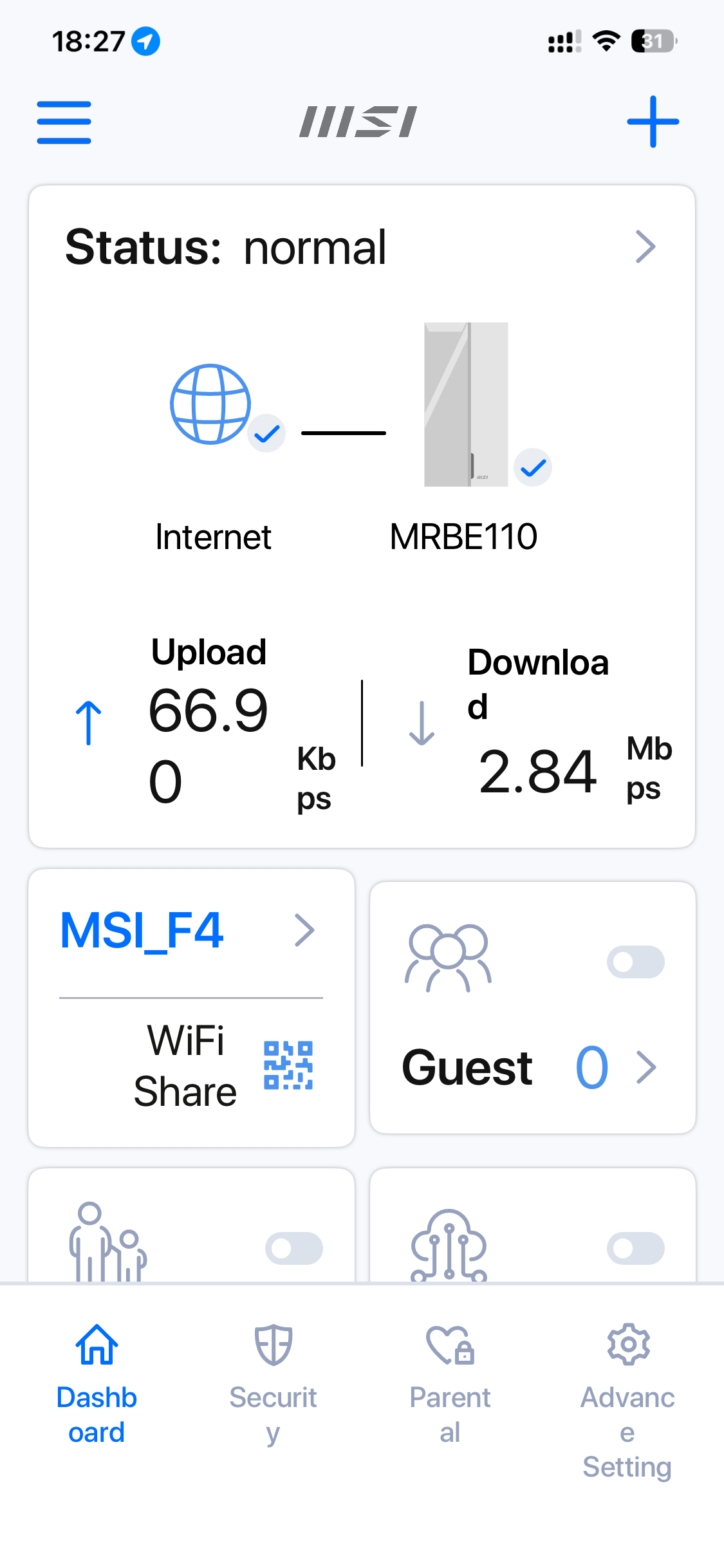
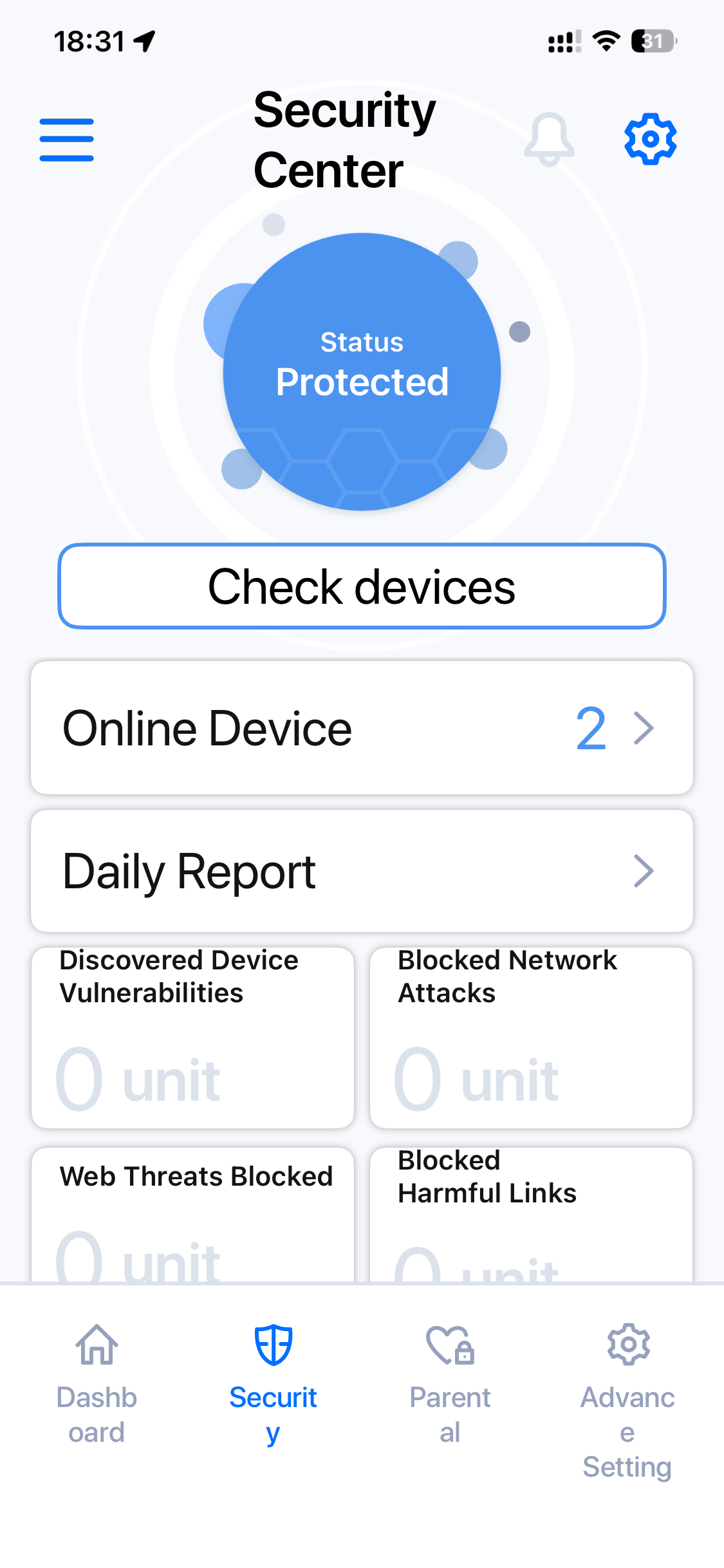
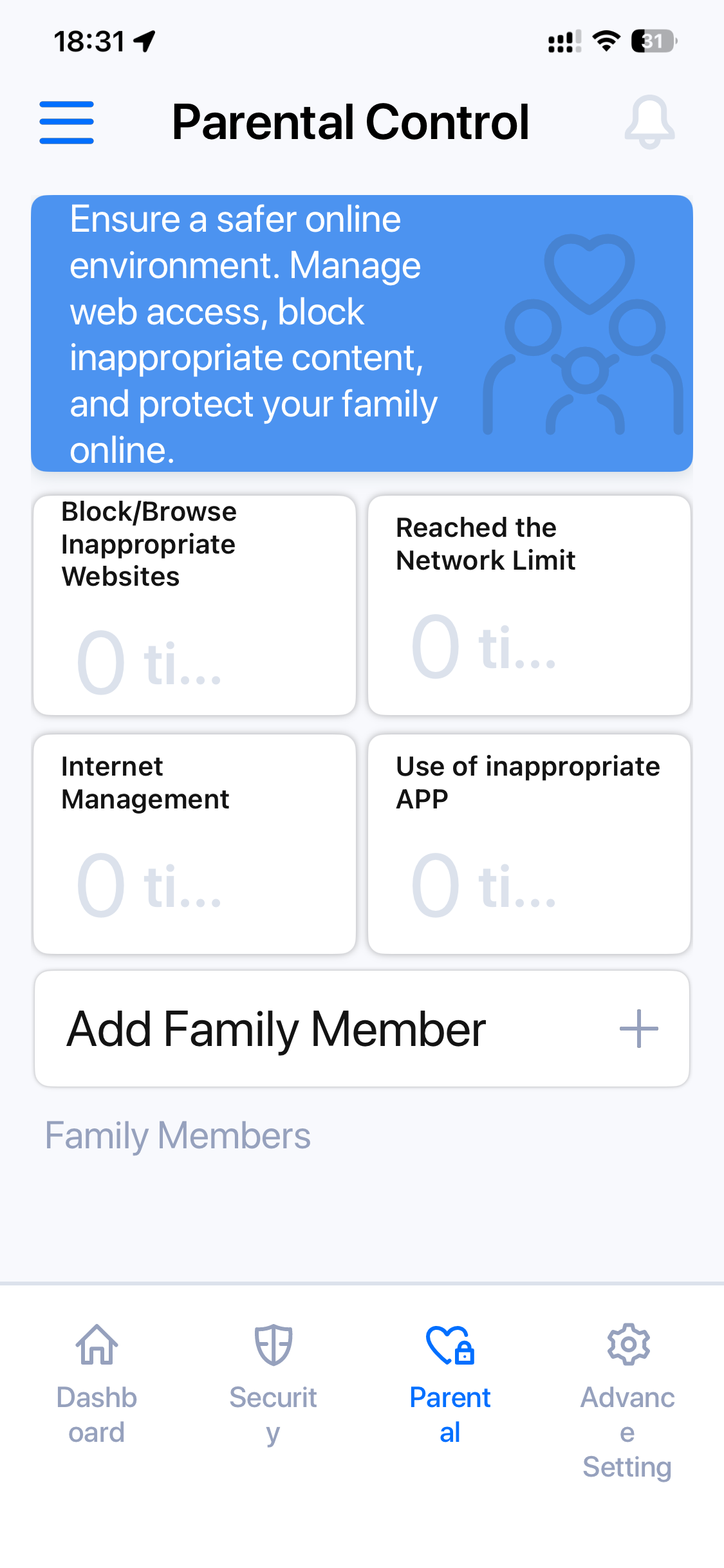
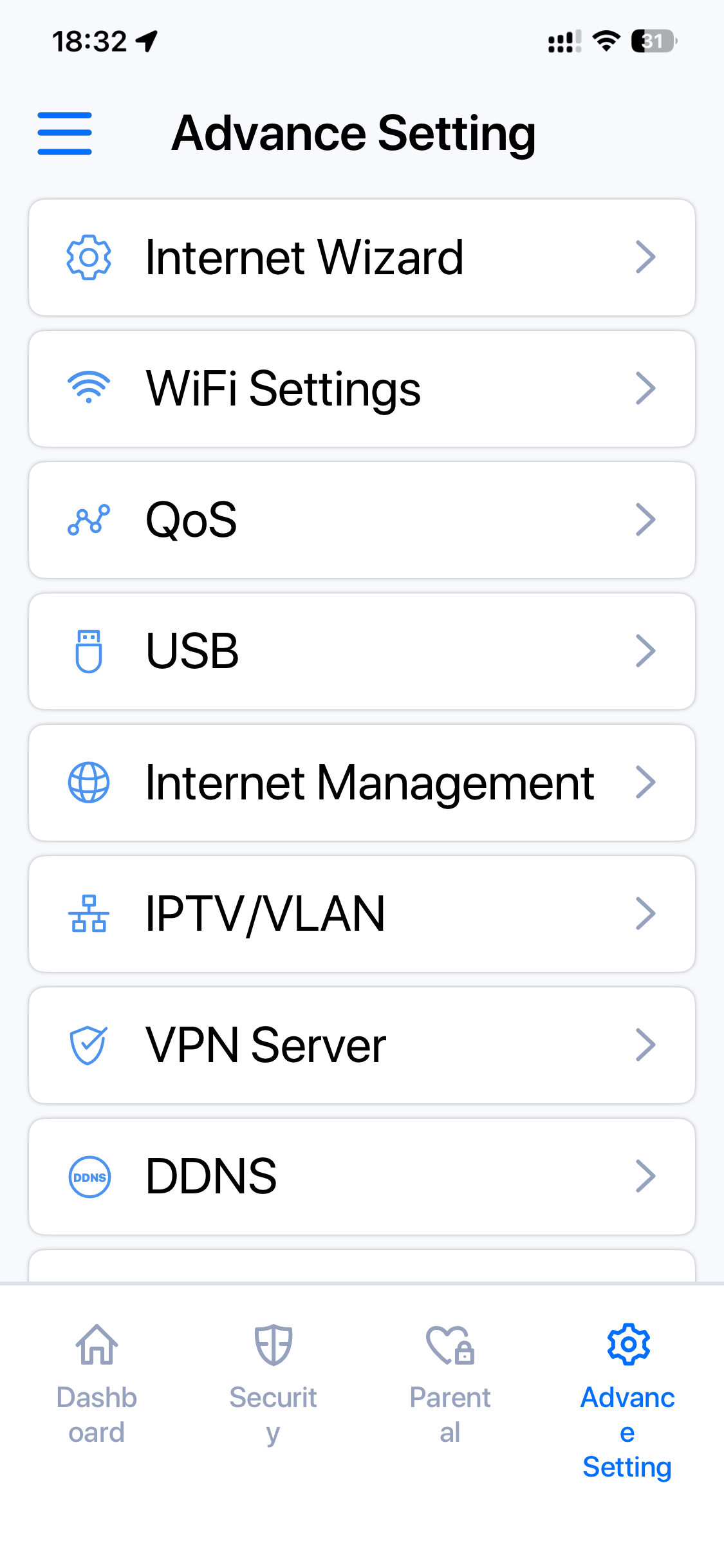
The smartphone wizard is then supposed to add the next Roamii units in the box automatically, but we didn't find this actually worked. The firmware update after this process was seamless, however, and then you can log into the admin interface. This is surprisingly fully featured. Alongside the Security Center (which requires a lengthy download the first time you access it) there are parental controls. The “Advance Setting” section has most of the abilities you would expect from a full Web interface, which is impressive. It's great that you can set up QoS, DDNS and a VPN server using just the smartphone app.
Less impressive is connecting the satellite unit. Since the supposedly automated process hadn't worked, we had to do this manually, which you can perform either with the smartphone app or the full web interface. This took a very long time to complete successfully. After a number of aborted attempts following the wizard process, which seemed to hang, we left the unit with its green “sync” light. After about 25 minutes and a few reboots, the satellite miraculously displayed a white front light indicating all was up and running. This was the longest mesh satellite connectivity process we've ever experienced, but at least it completed in the end.
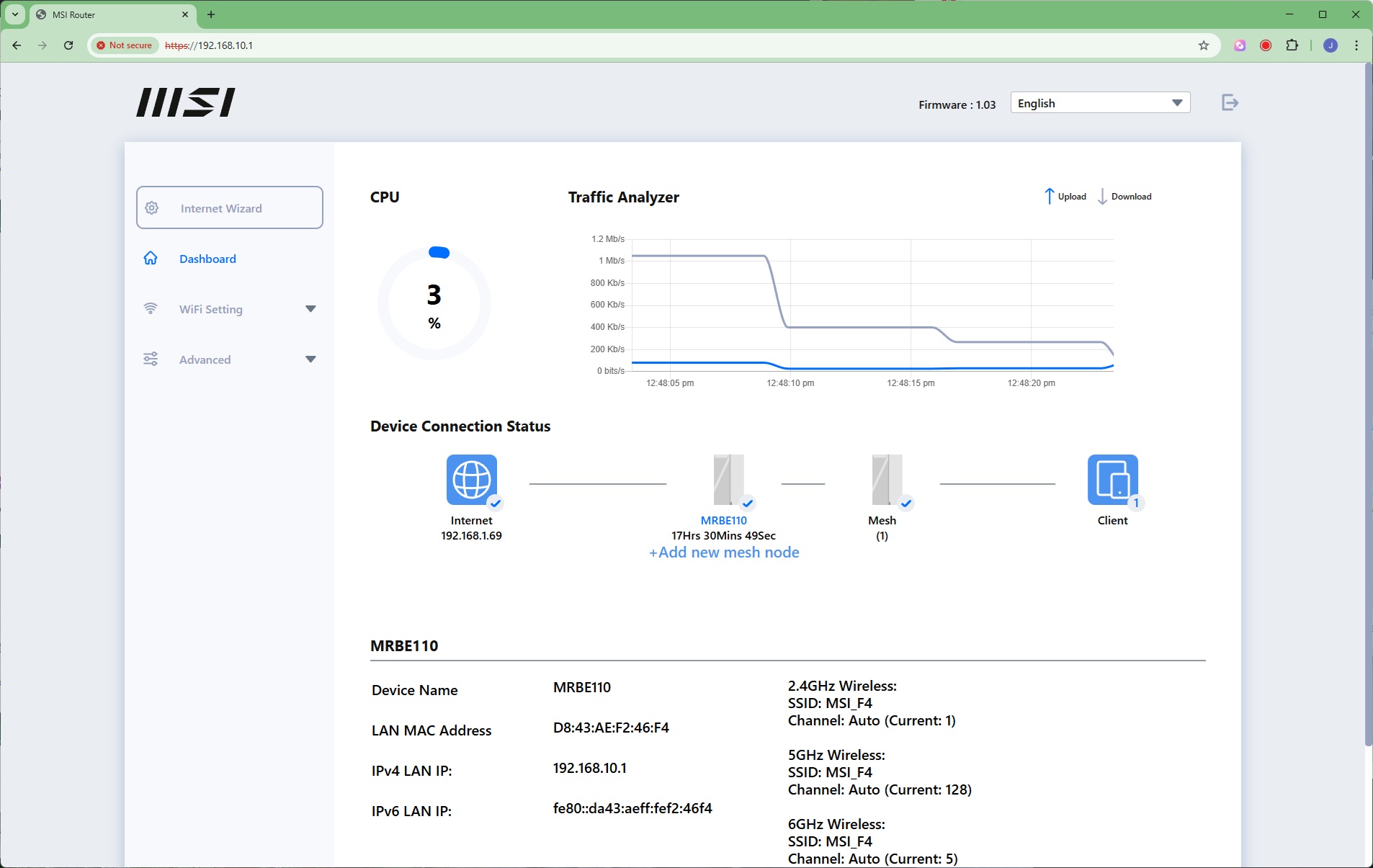
The Web admin Dashboard provides a limited view of the mesh and live throughput. But there is a huge amount of information and settings to be had in the rest of the interface.
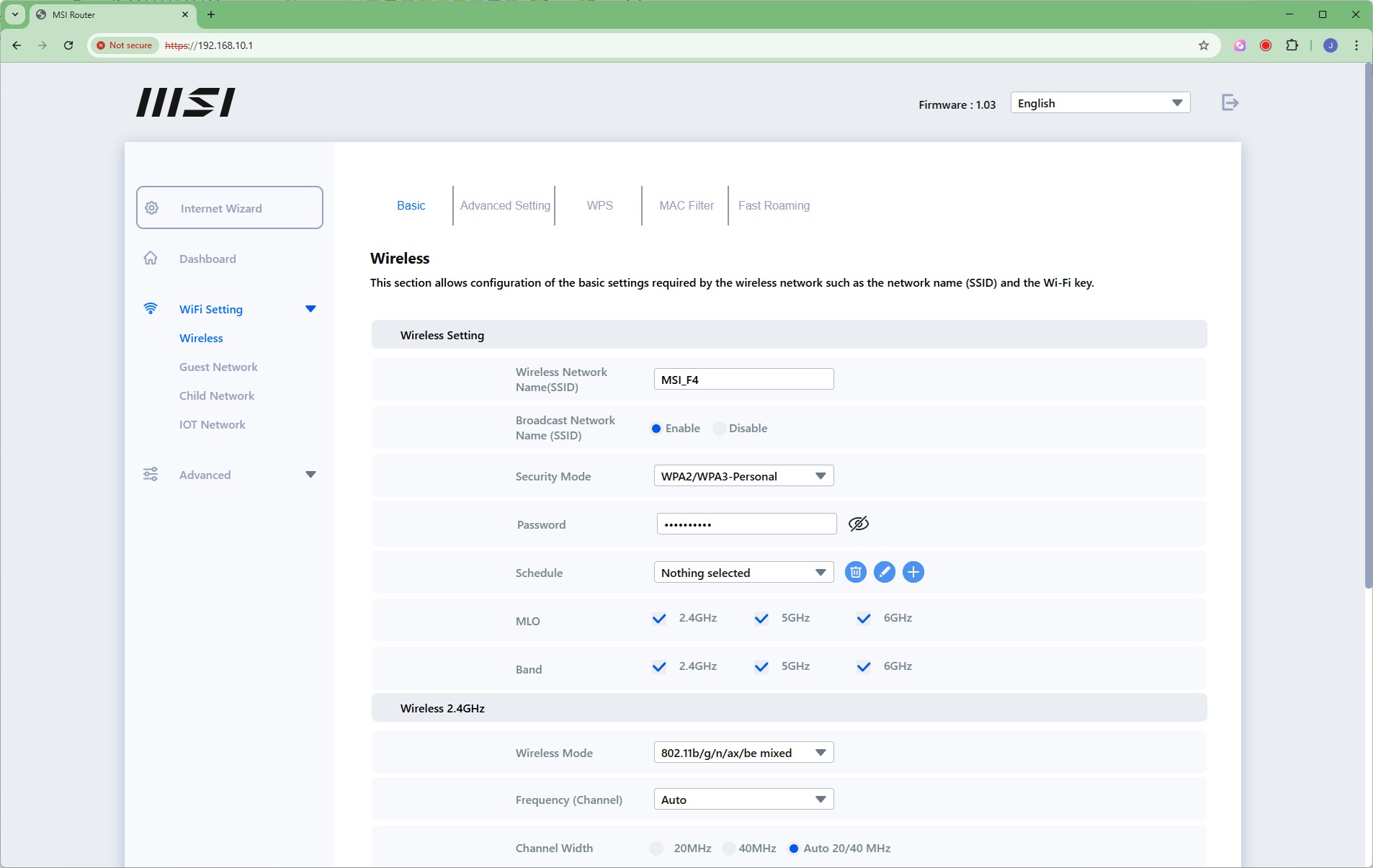
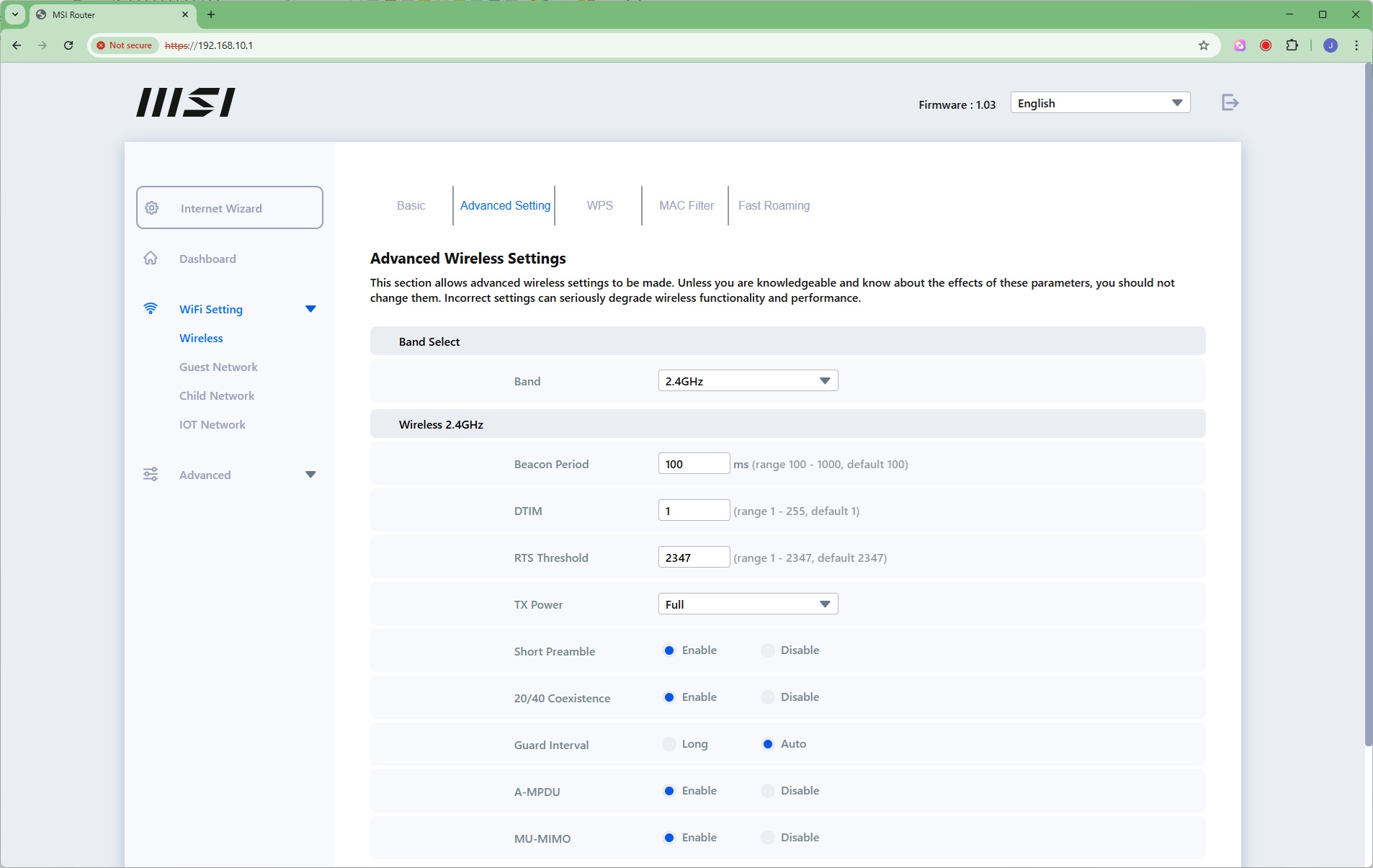
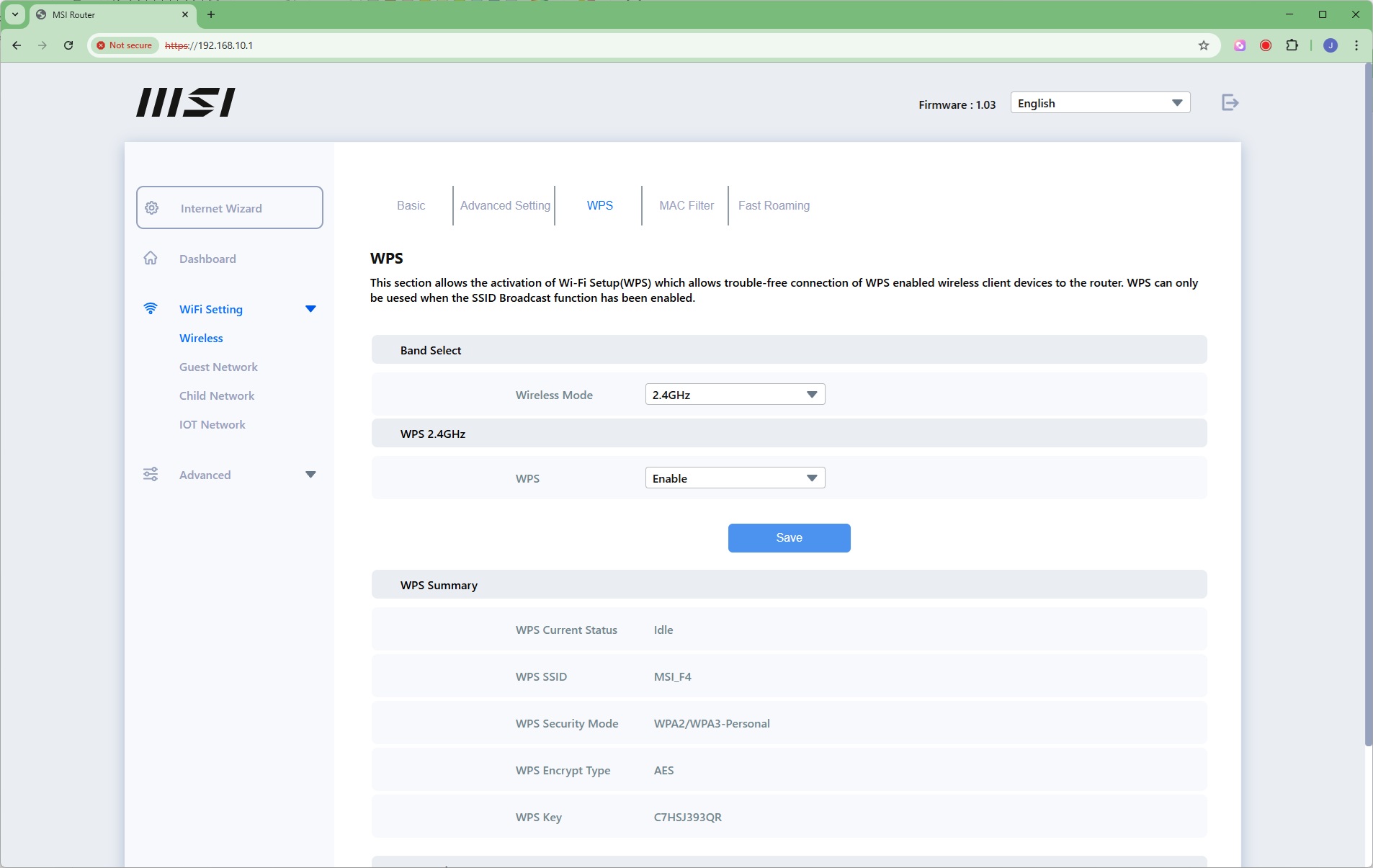
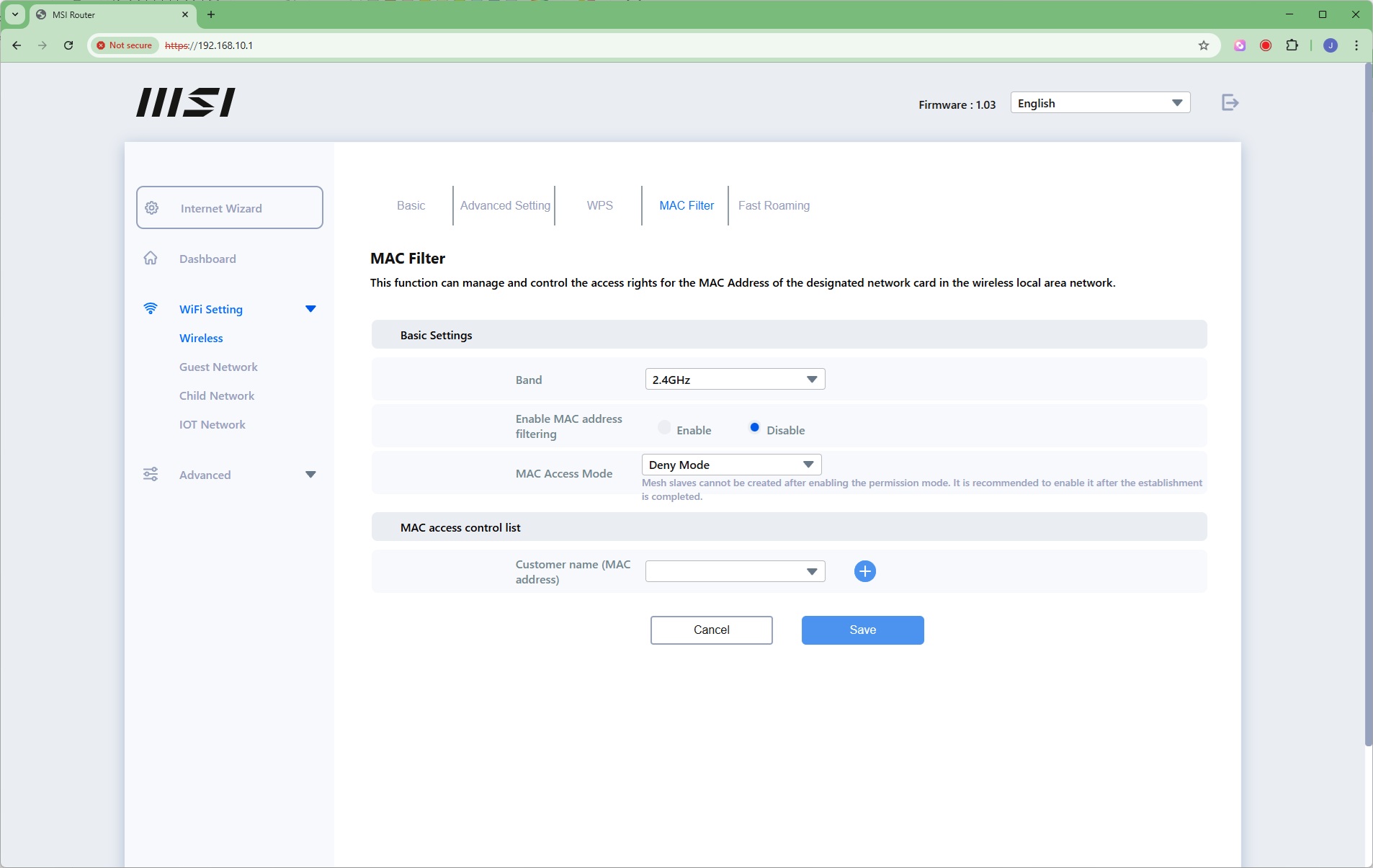
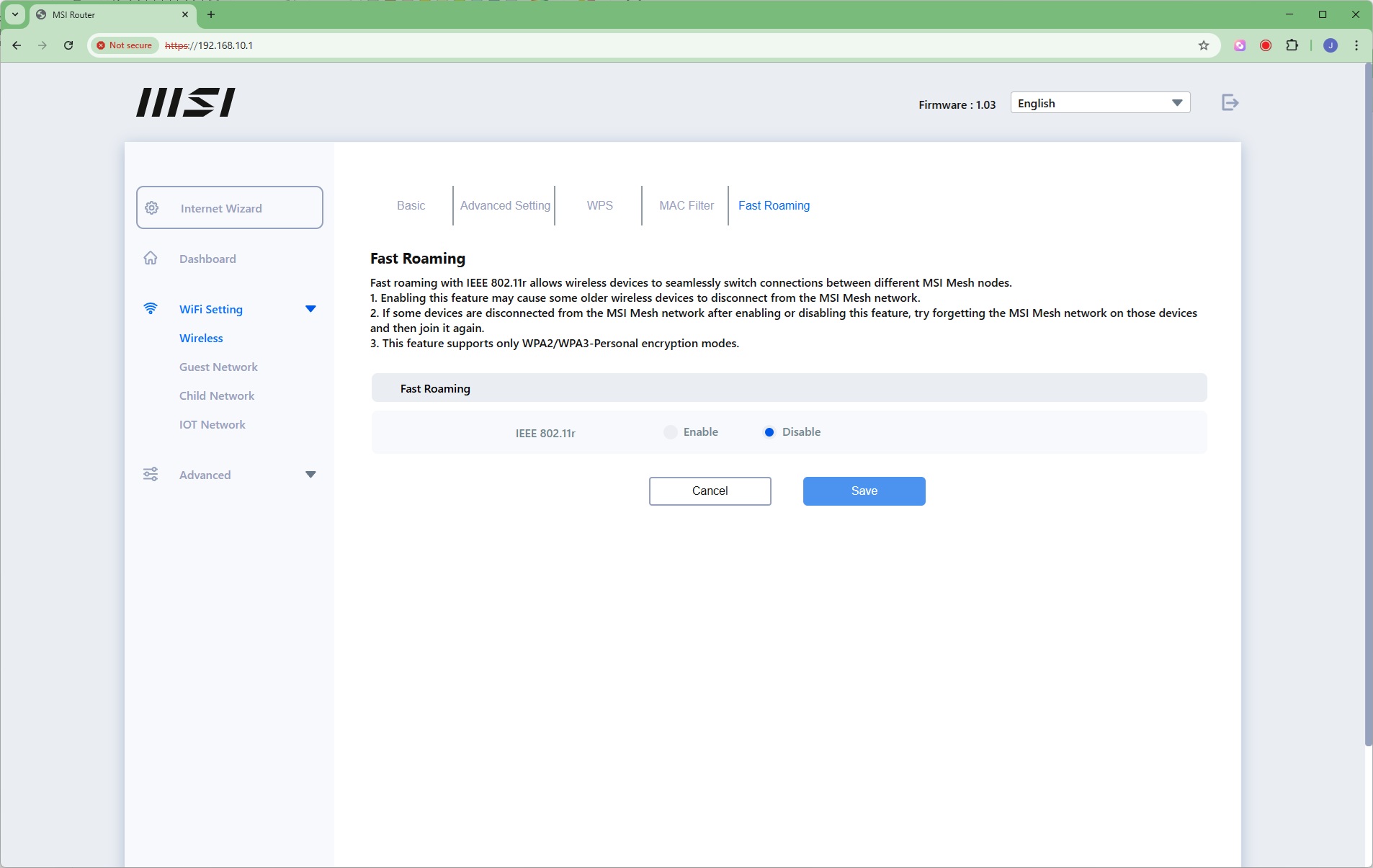
Under Wireless you can change the SSID of the WiFi and the behaviour of each waveband. You can drill down to extremely granular settings for each of the three frequencies. You can configure WPS for each waveband too, apply MAC address control, and enable Fast Roaming. This 802.11r standard can cause older devices to disconnect, however, so it's off by default.
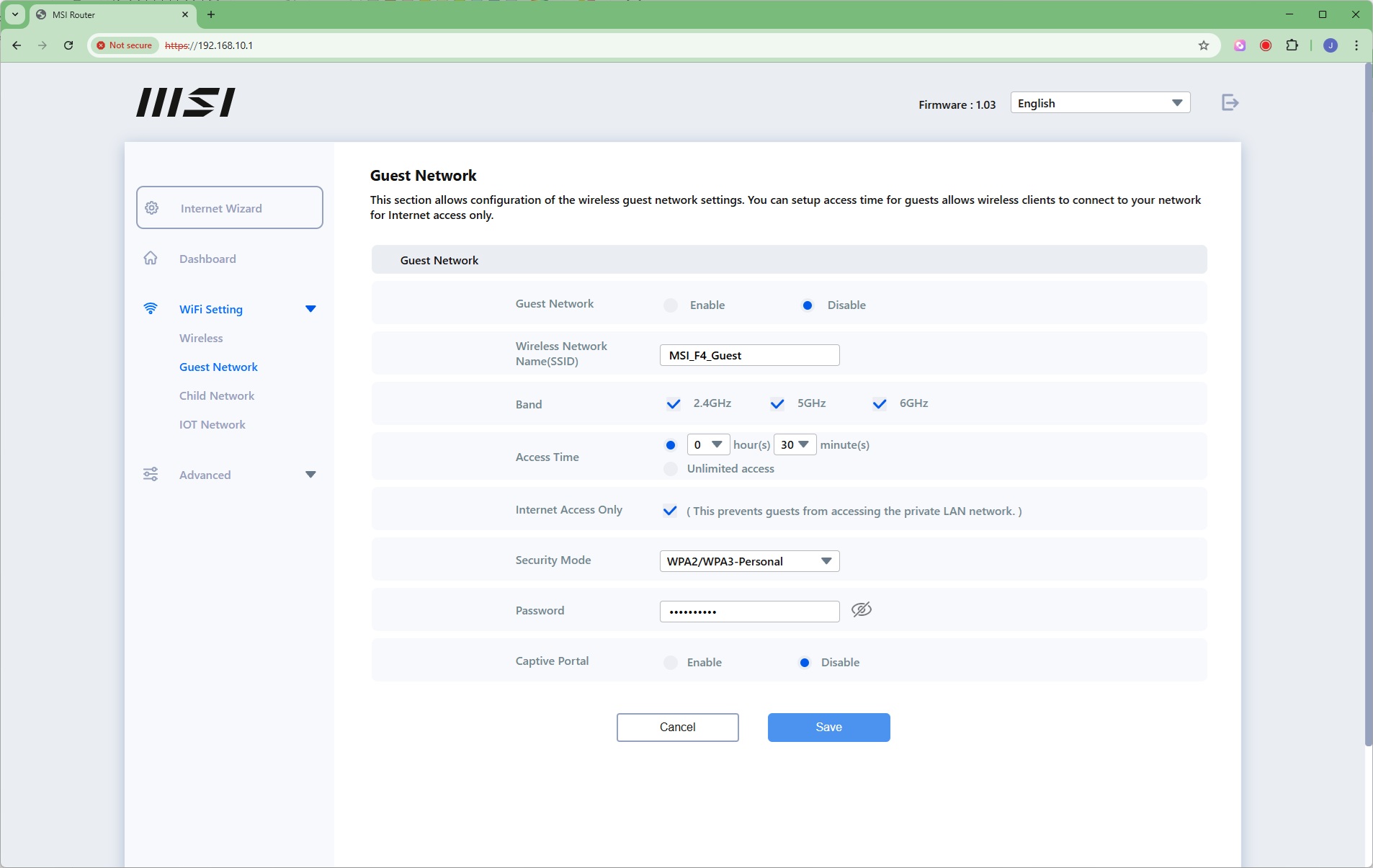
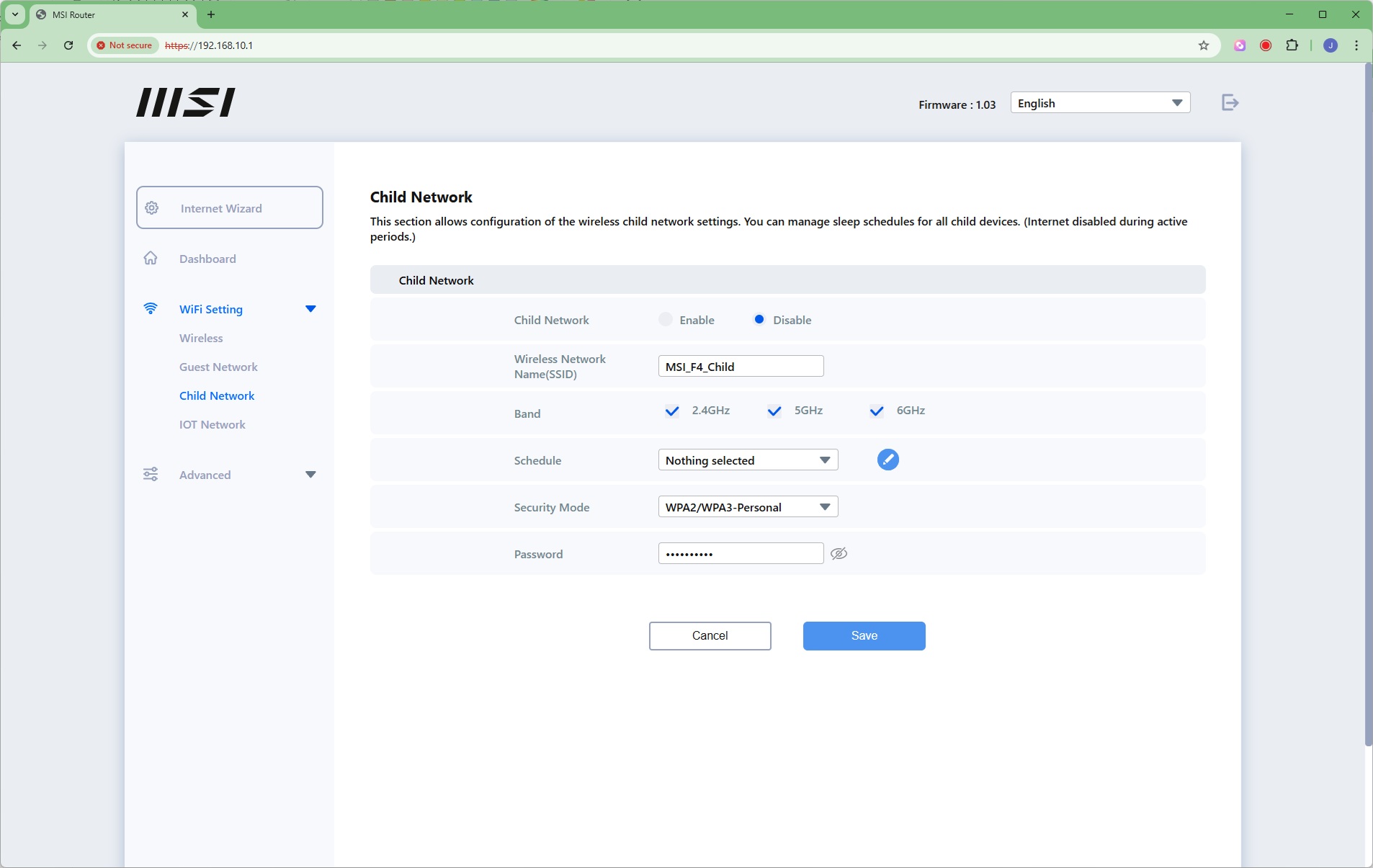
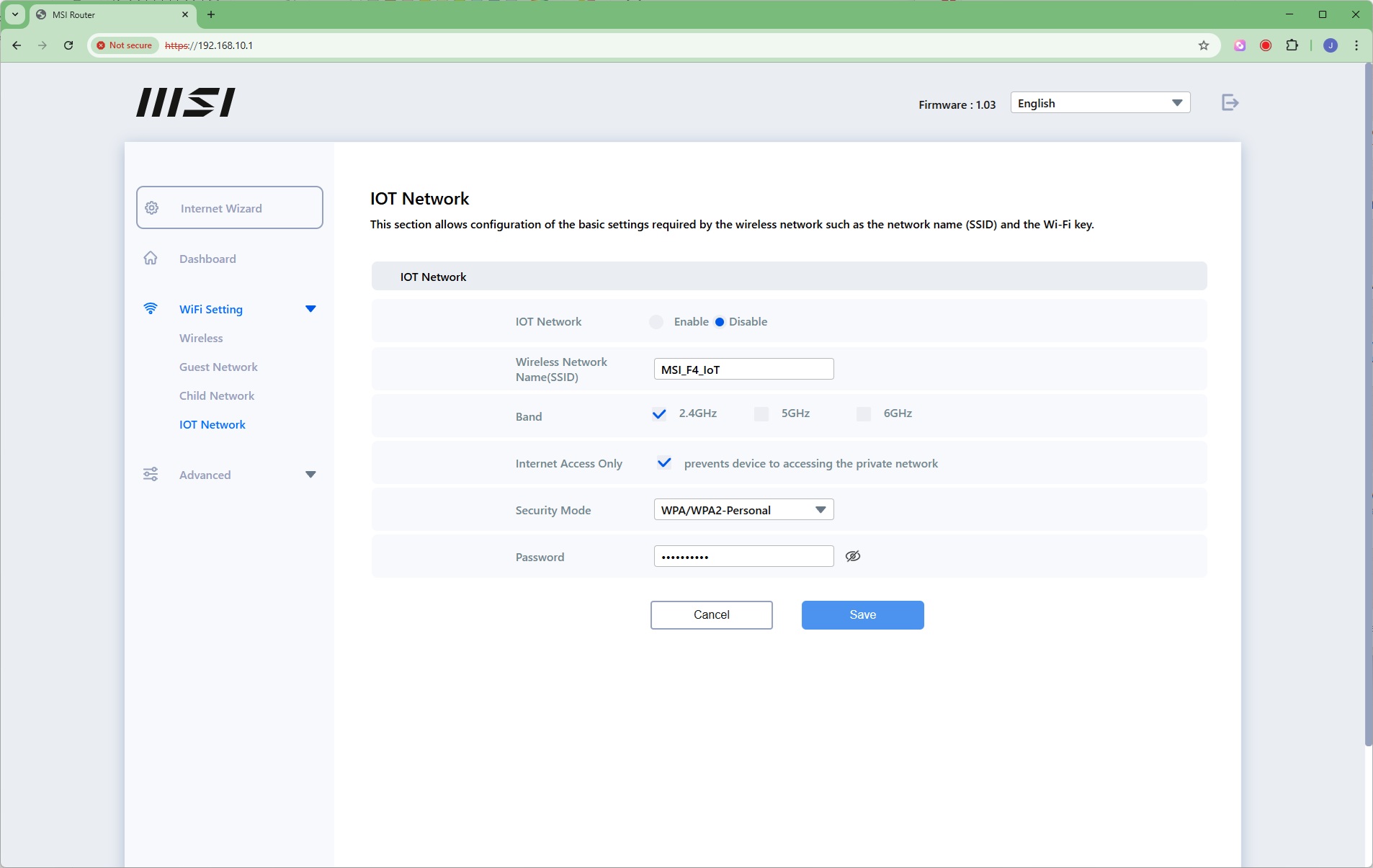
Three separate additional SSIDs can be configured. There's the traditional Guest option, but you can also set one up for your children that is only operational during certain hours of the day – so you can block their Internet when they should be asleep, for example. Then there's an IoT option that can keep your IoT devices separate from the local network, giving them Internet access only.
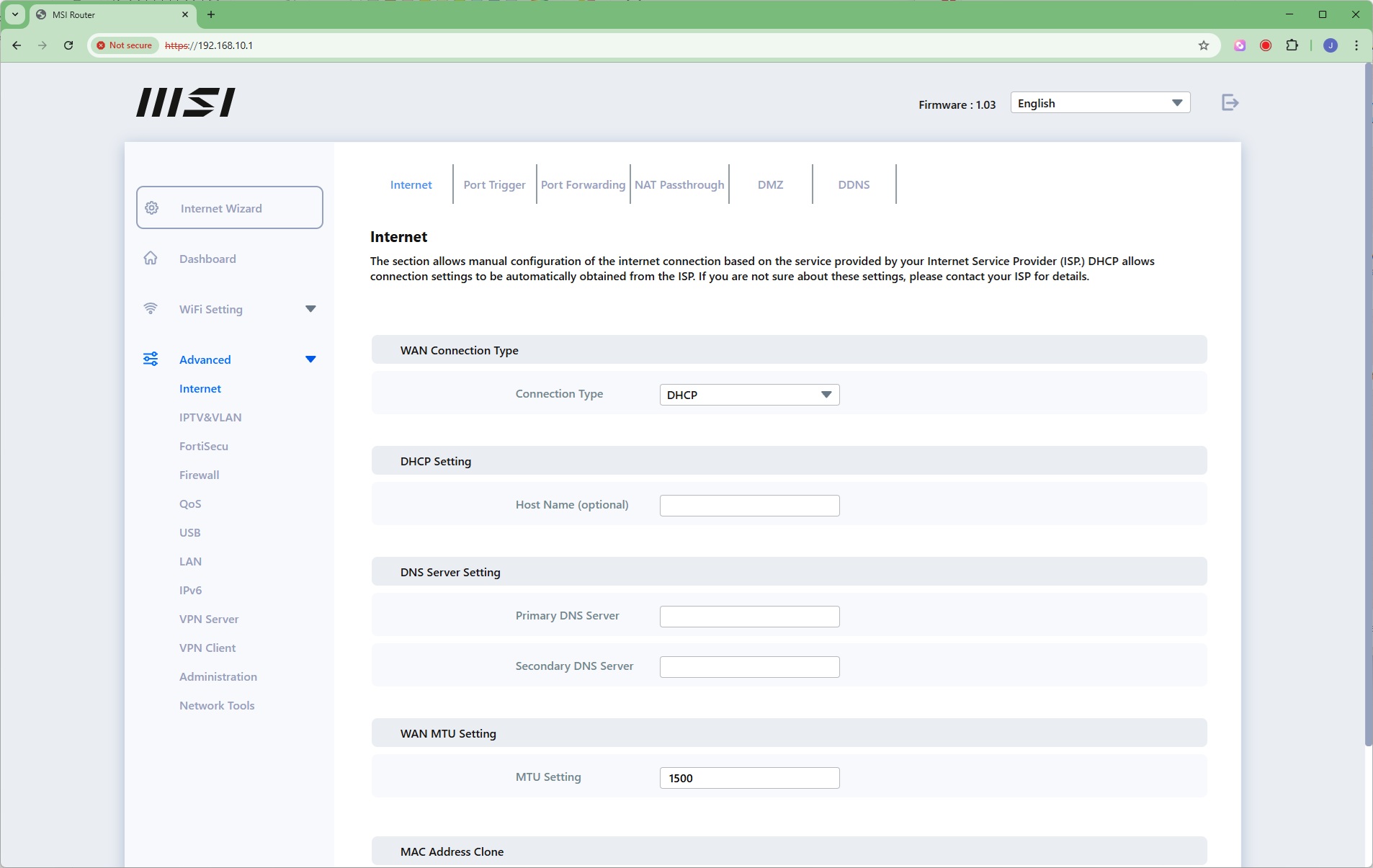
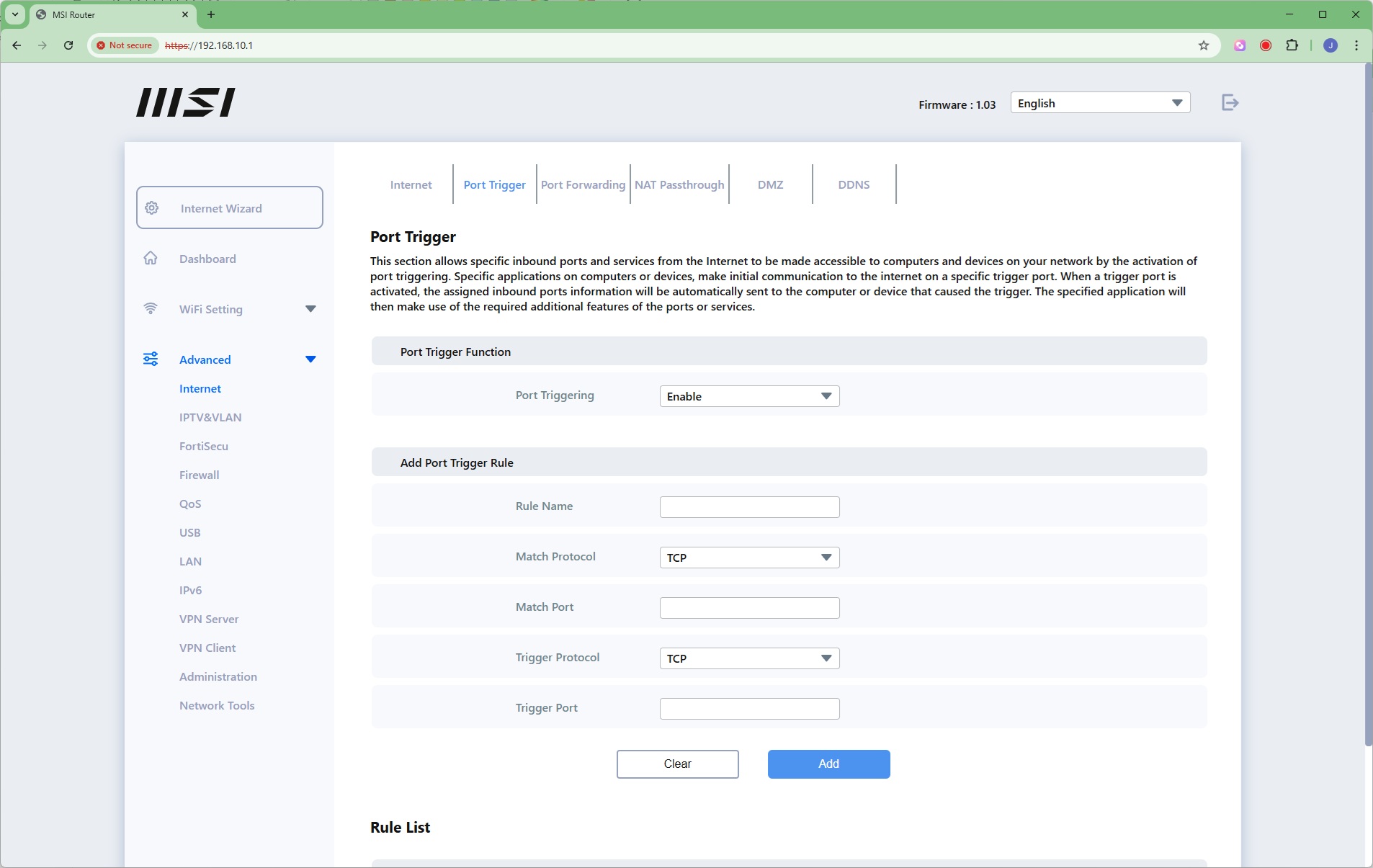
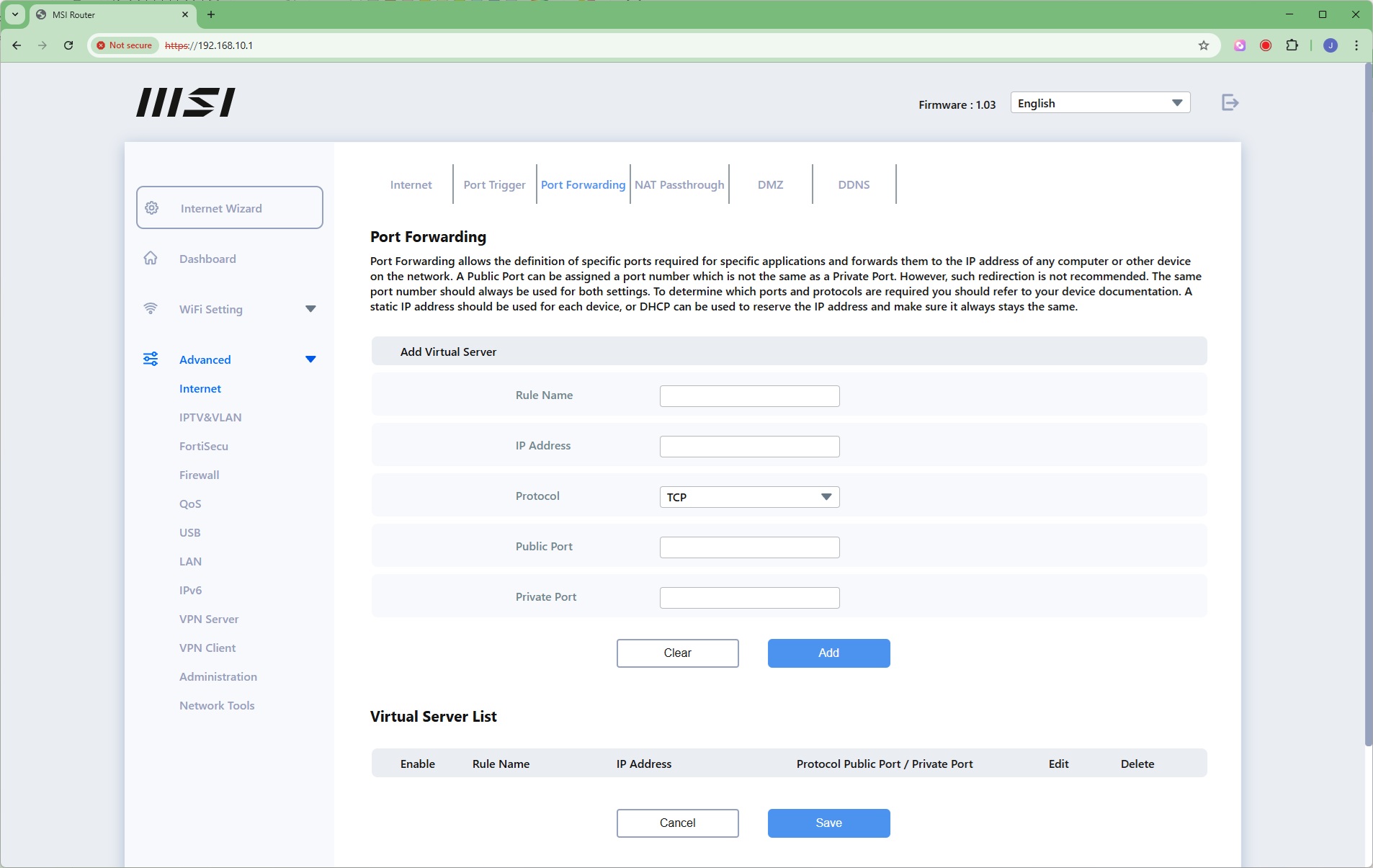
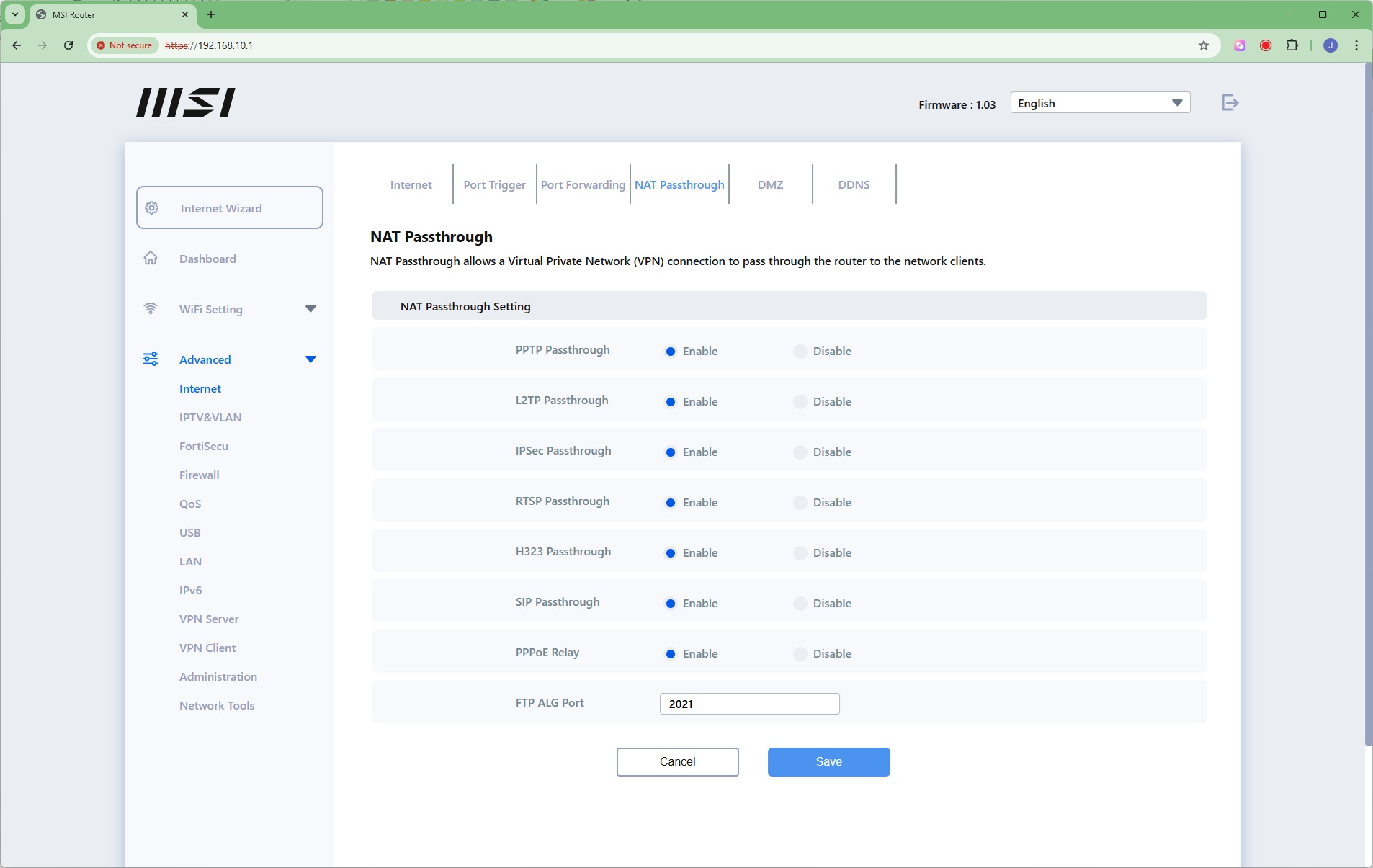
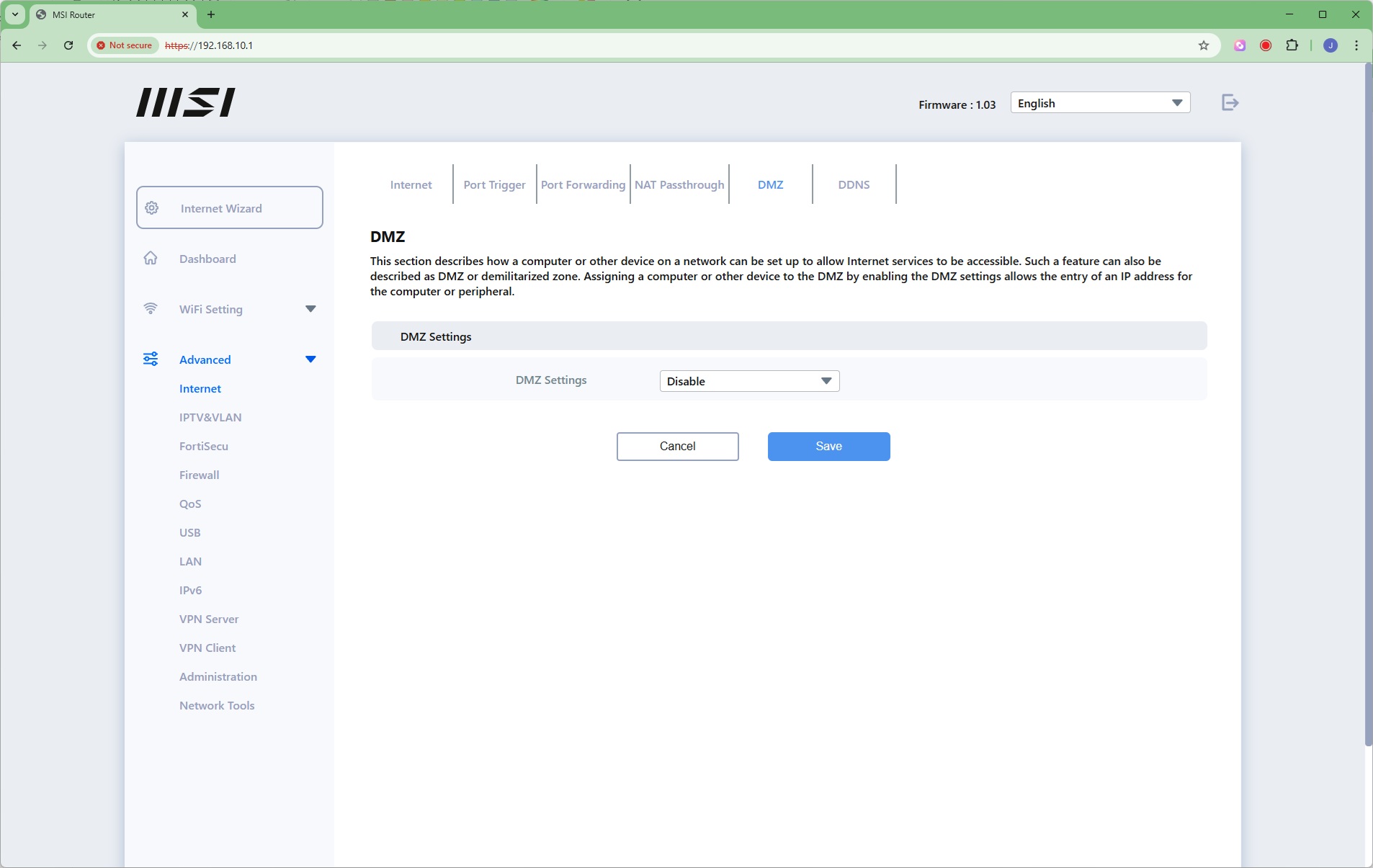
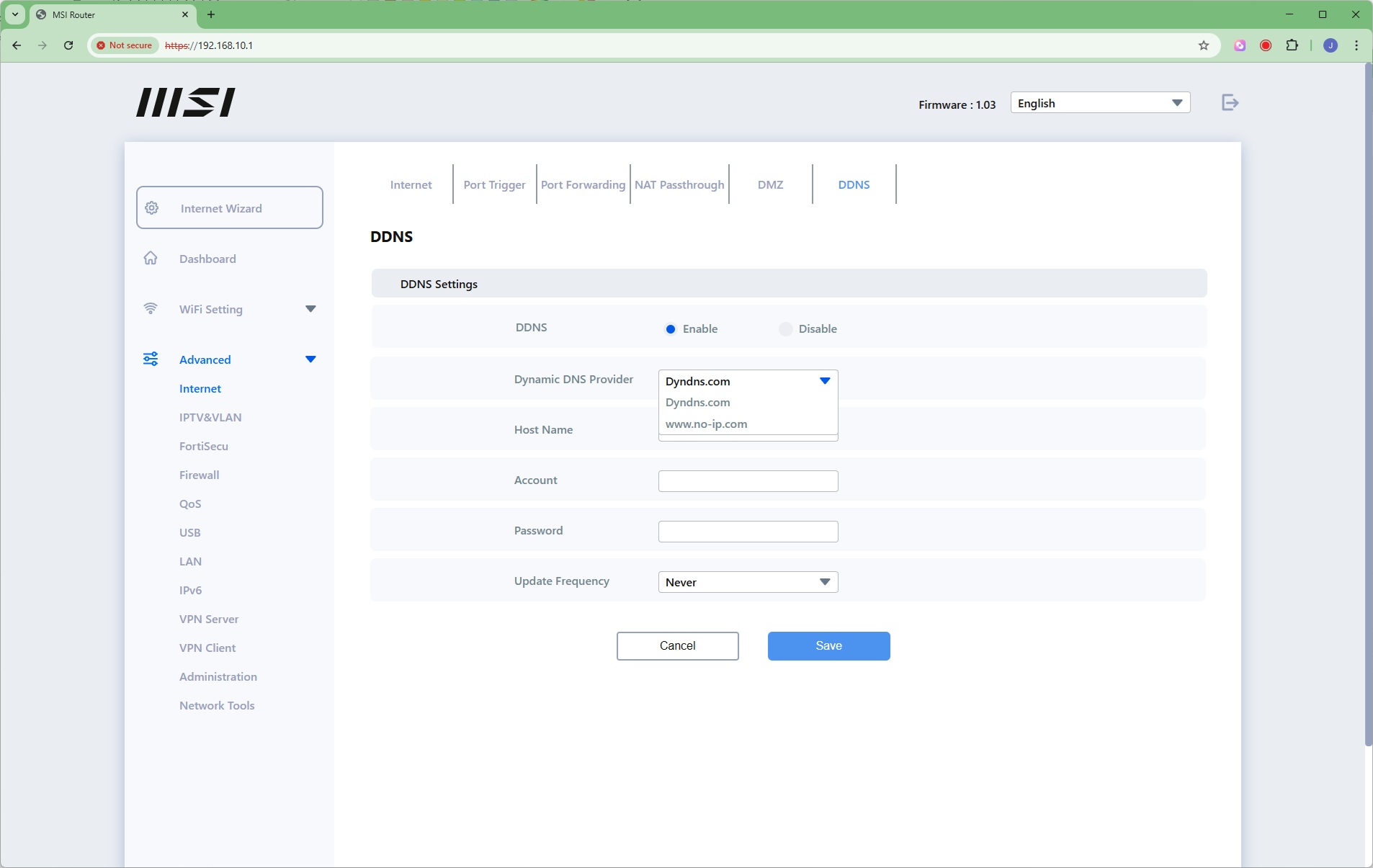
Now we get to the Advanced section, where the Internet subsection provides a very comprehensive set of controls over WAN connection, DHCP, and even MAC address cloning. There's port triggering and forwarding, enabling you to make some services on systems inside your home network visible externally. There's NAT Passthrough for a host of services such as PPTP and SIP (for telephony). You can set up a DMZ to make one computer entirely visible from the Internet, and configure dynamic DNS via the Dyndns or No-IP online services.
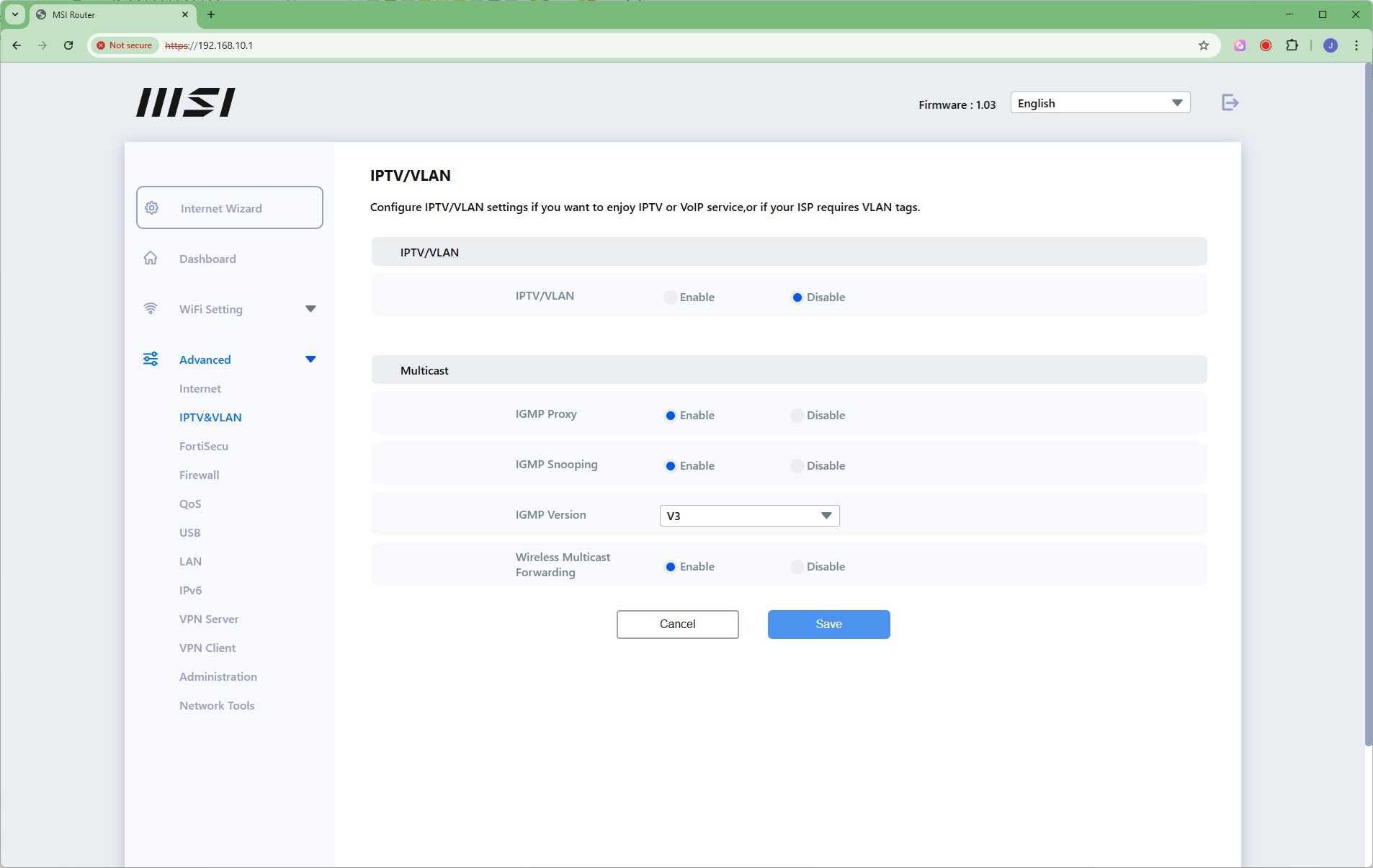
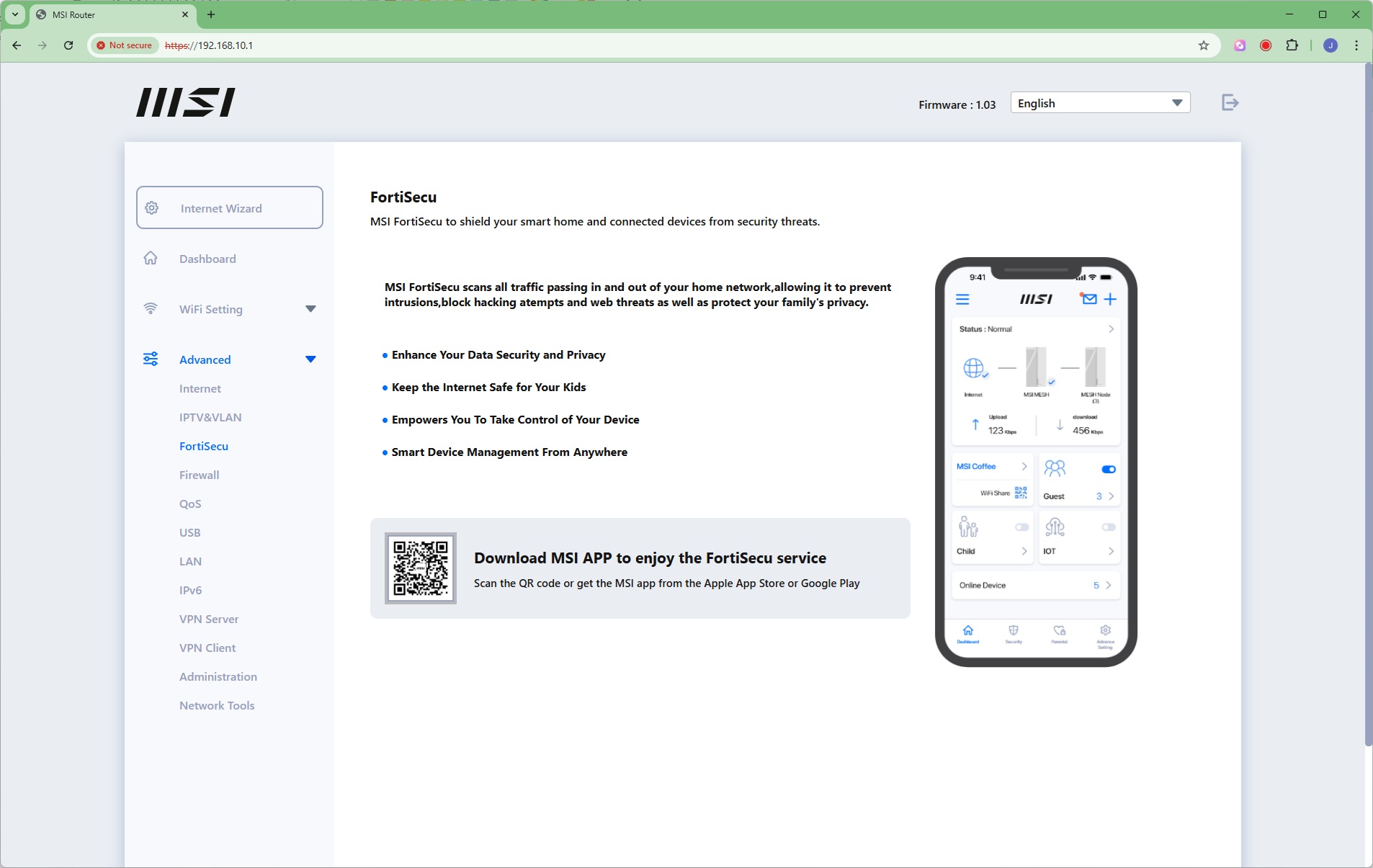
You can set up VLANs and Multicasting, while the FortiSecu section merely directs you towards the Security section on the smartphone app.
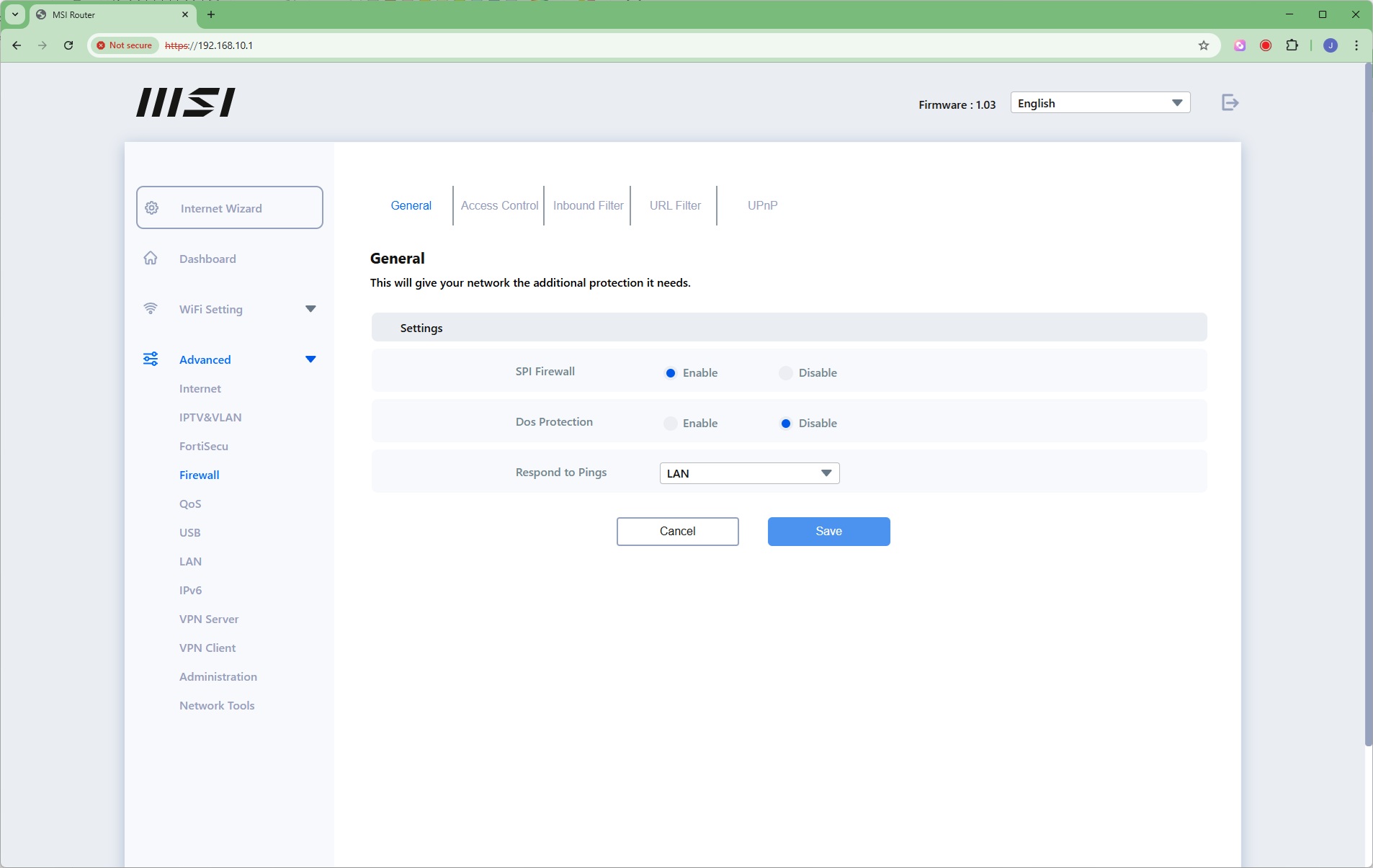
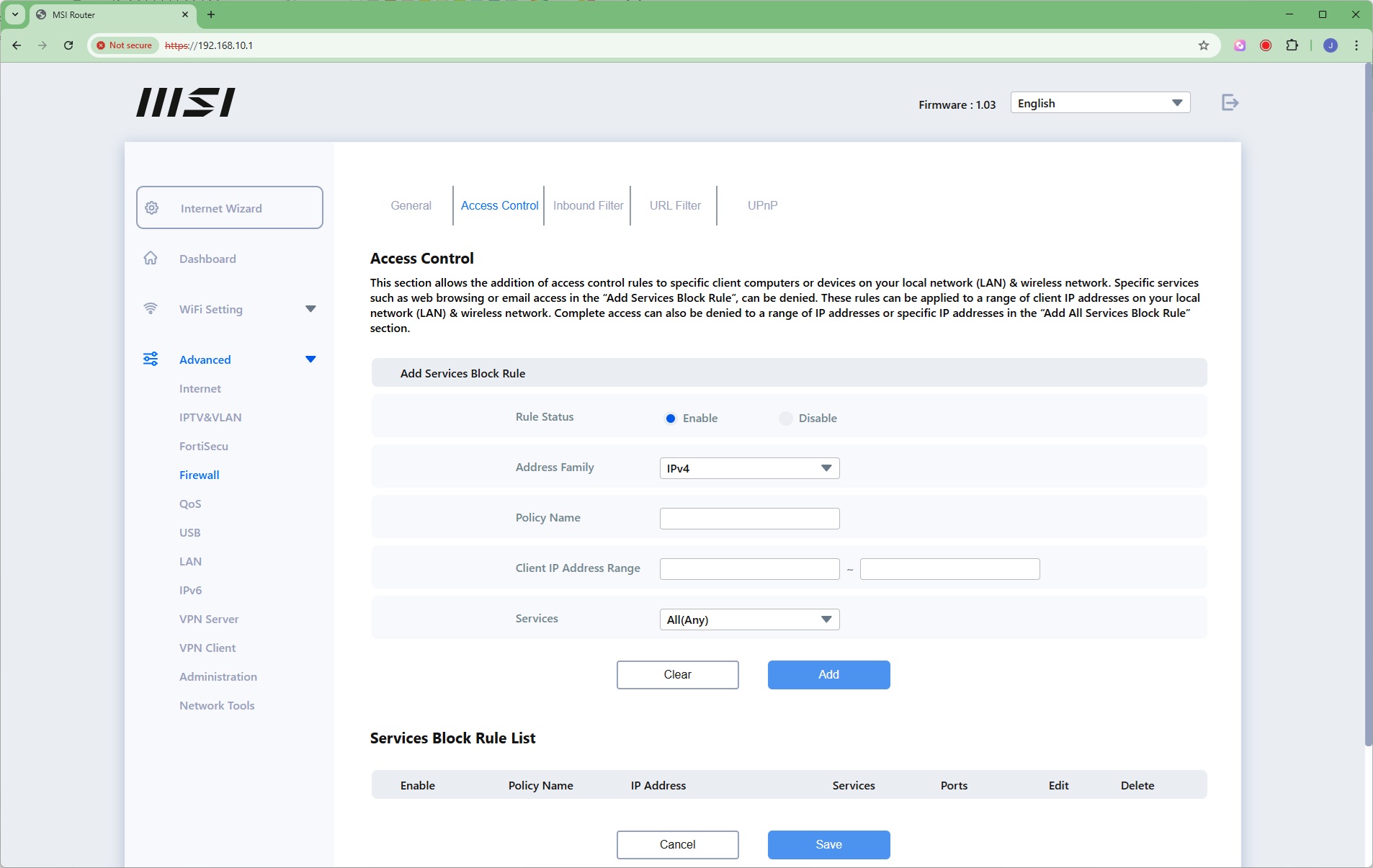
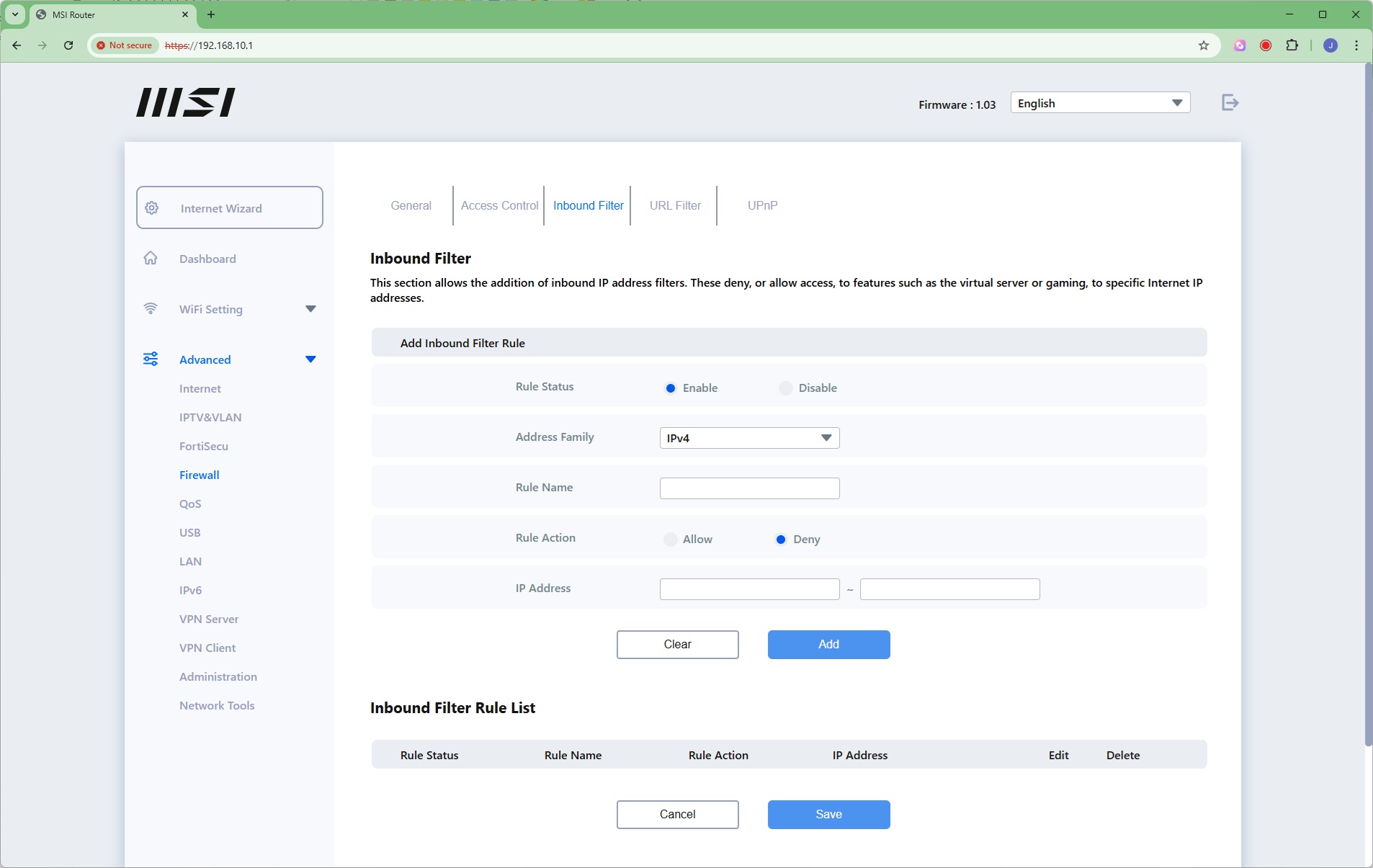
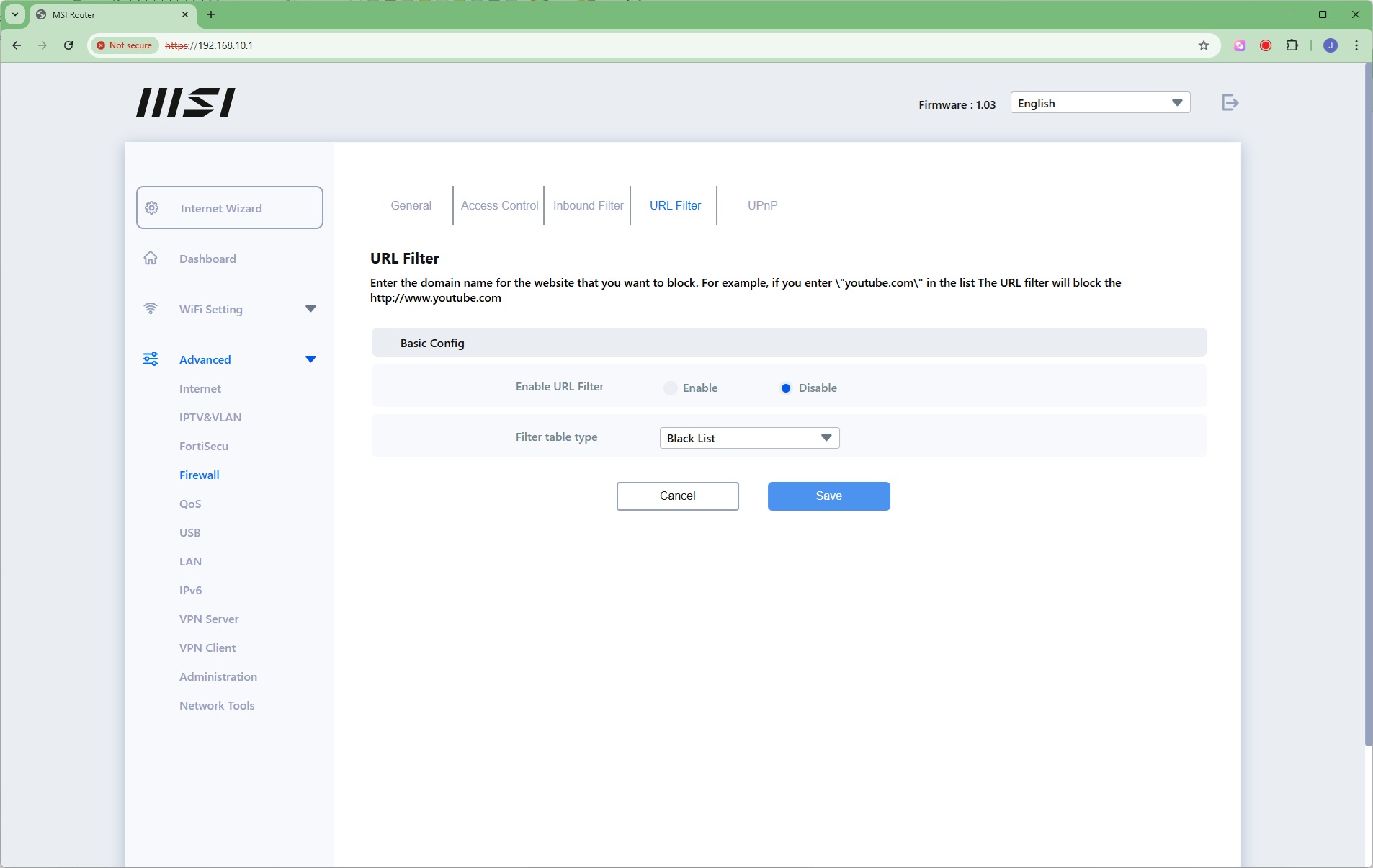
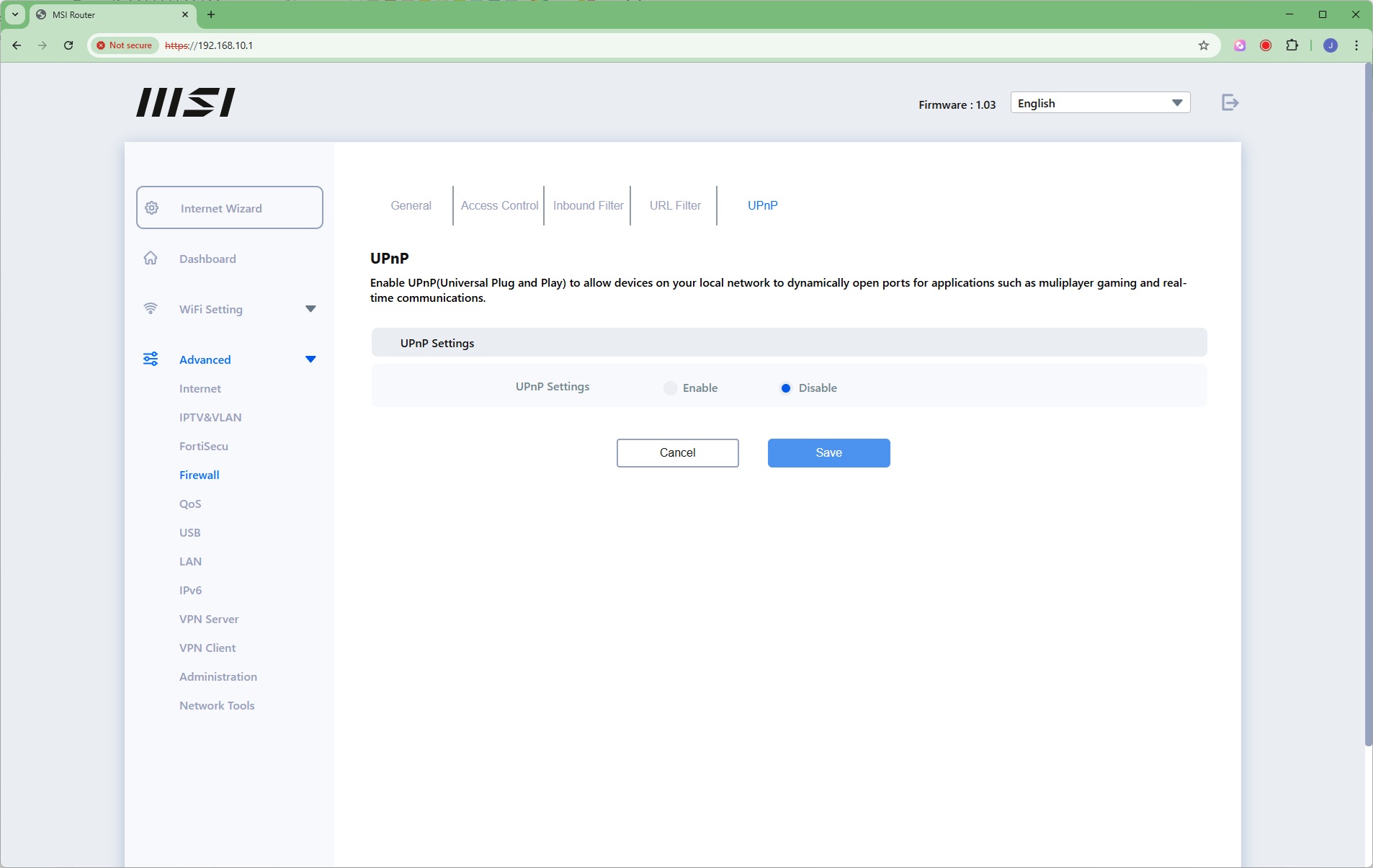
The MSI Roamii BE Pro has an extensive firewall built in, with denial of service protection. You can block services, create rules, restrict URLs by keyword, and enable UPnP.
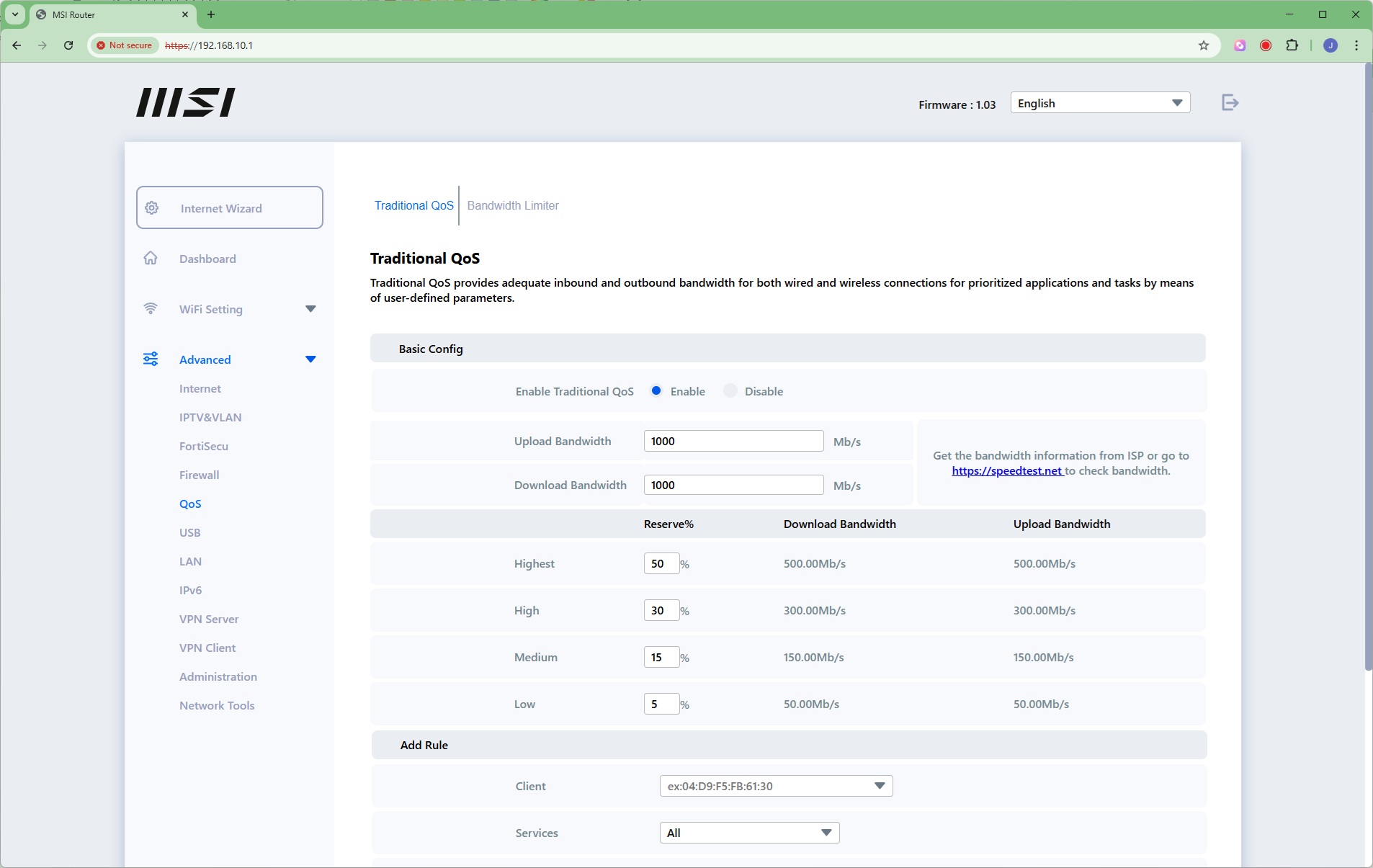
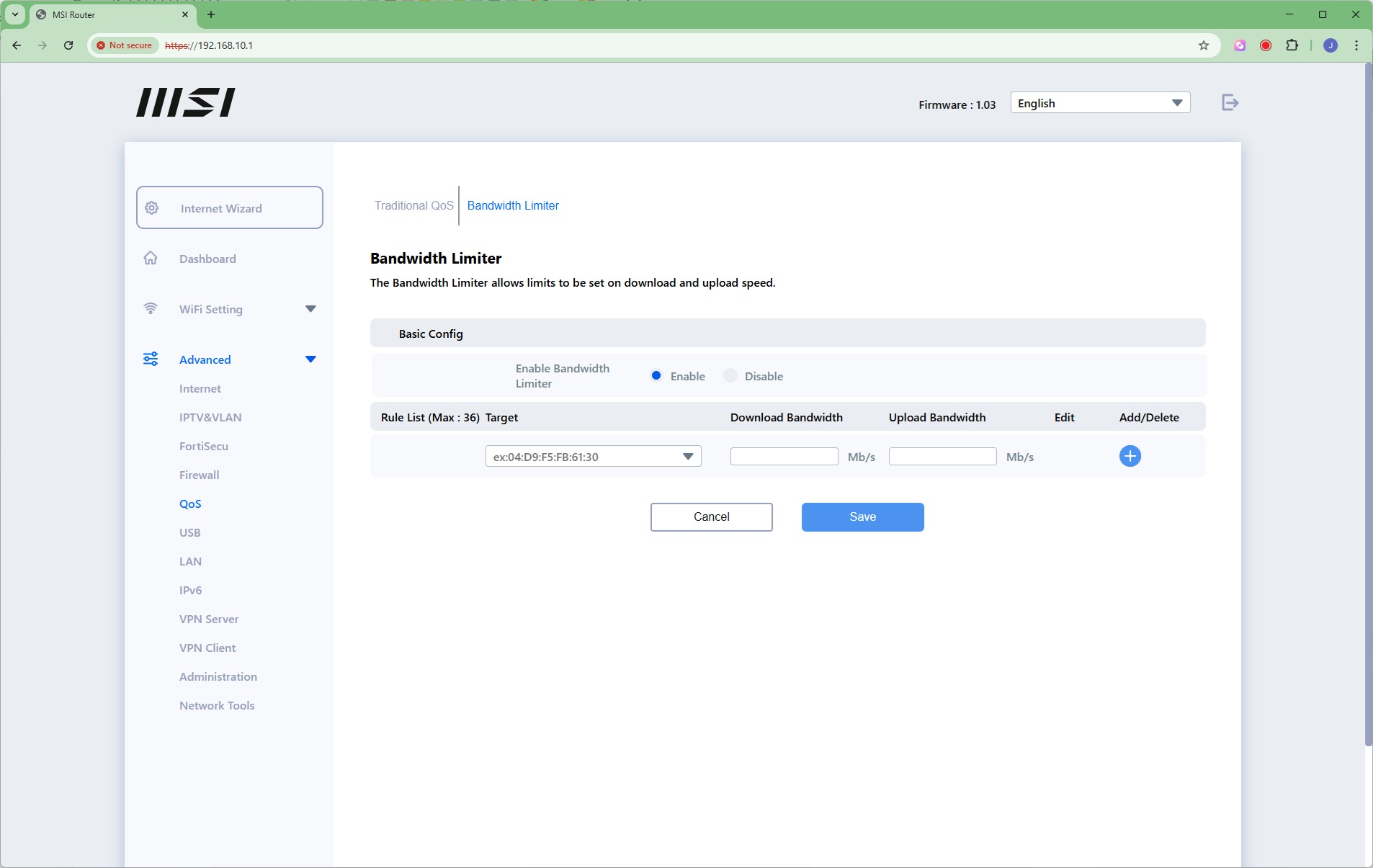
Detailed quality of service settings are available, and can be applied to specific client systems on the network by MAC address or system name. There's also a simple bandwidth limiter that can also be applied by MAC address or system name.
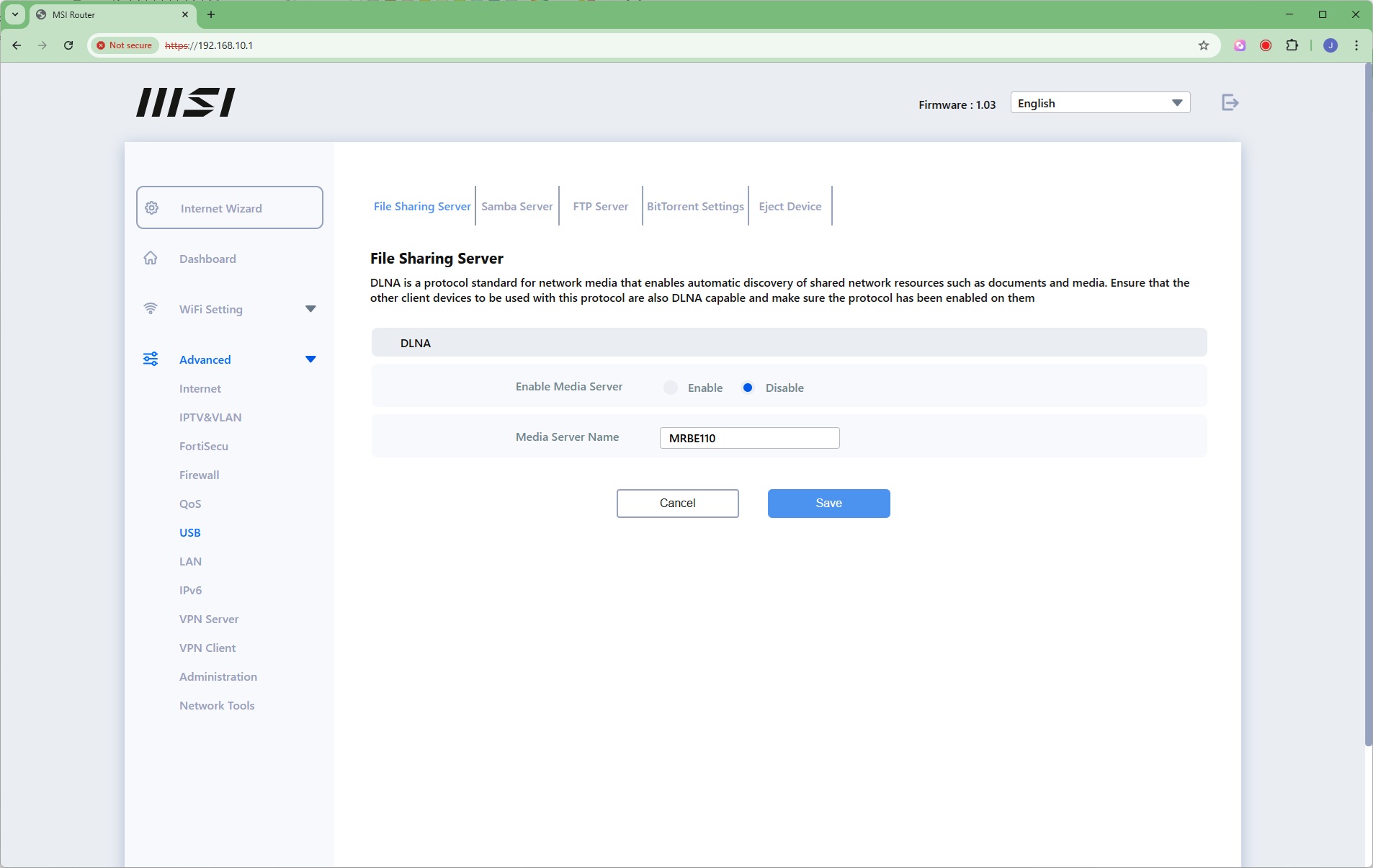
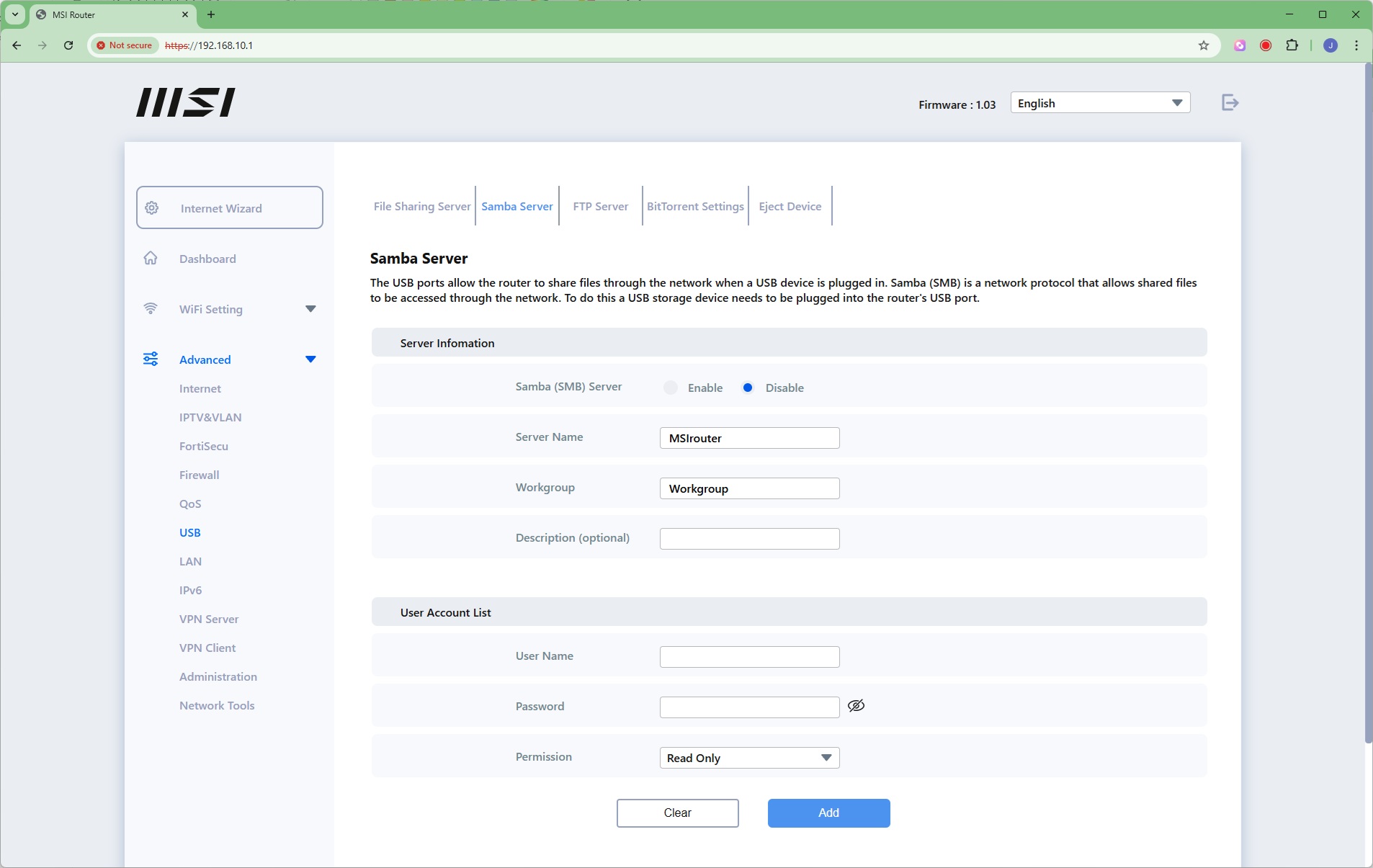
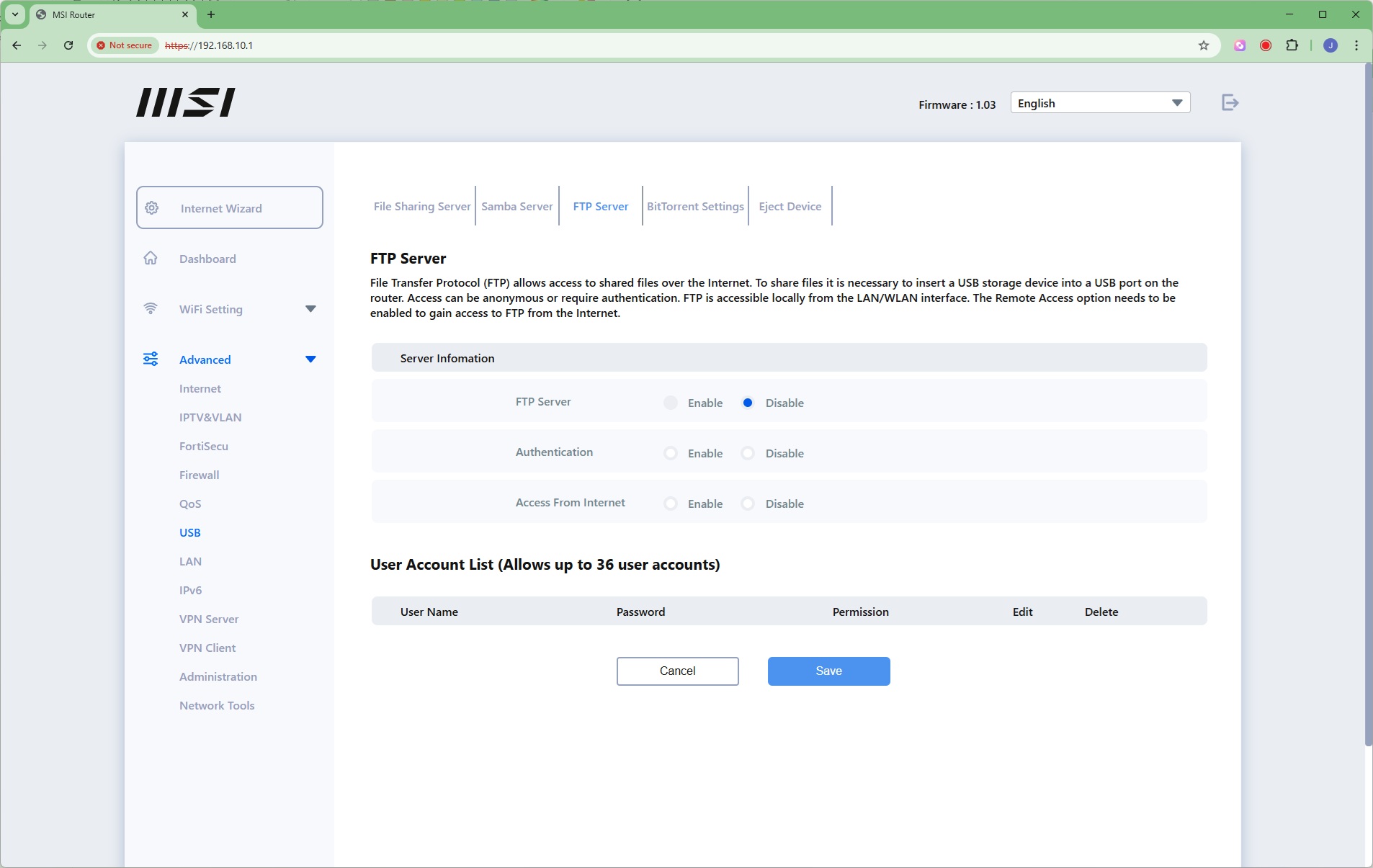
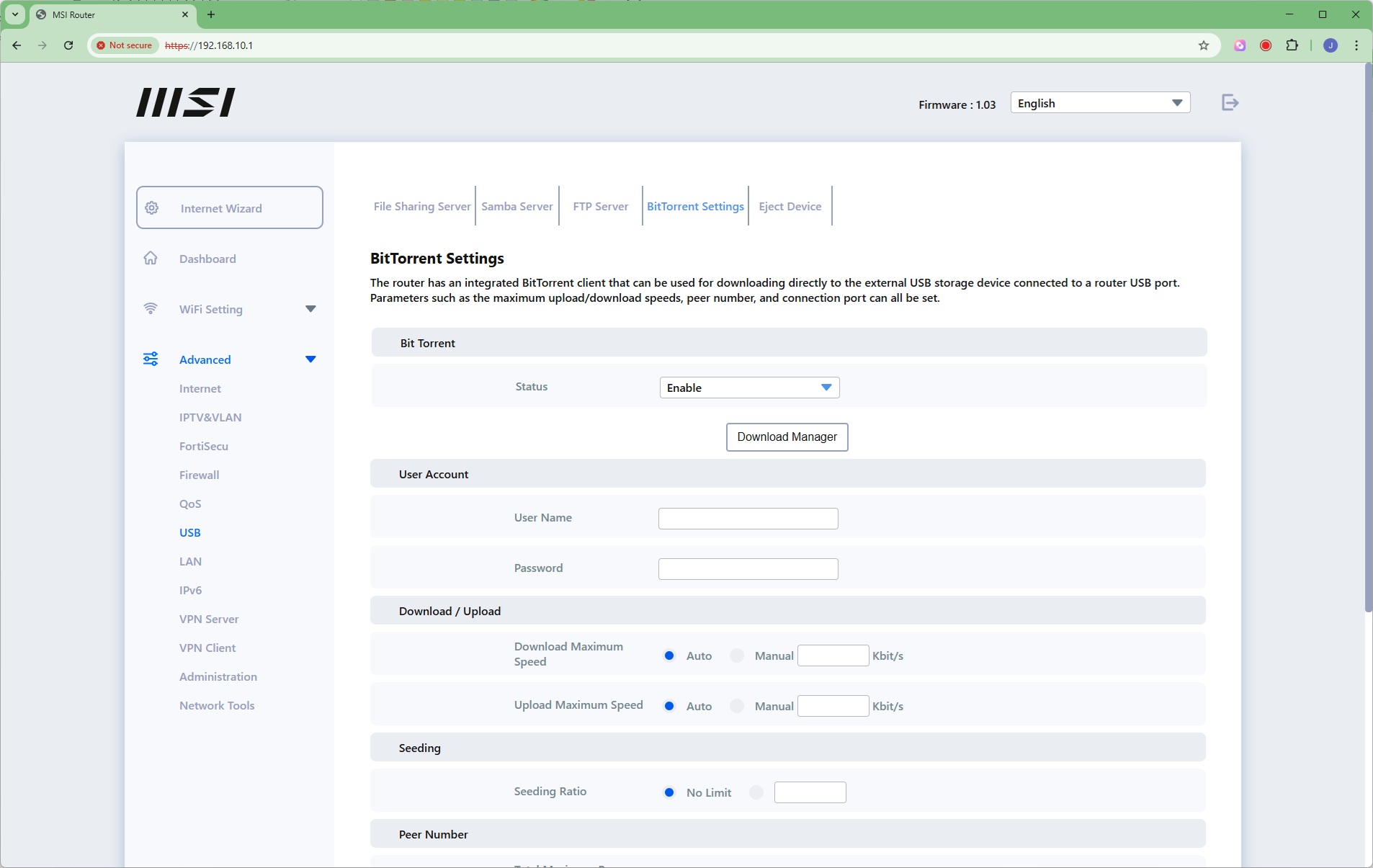
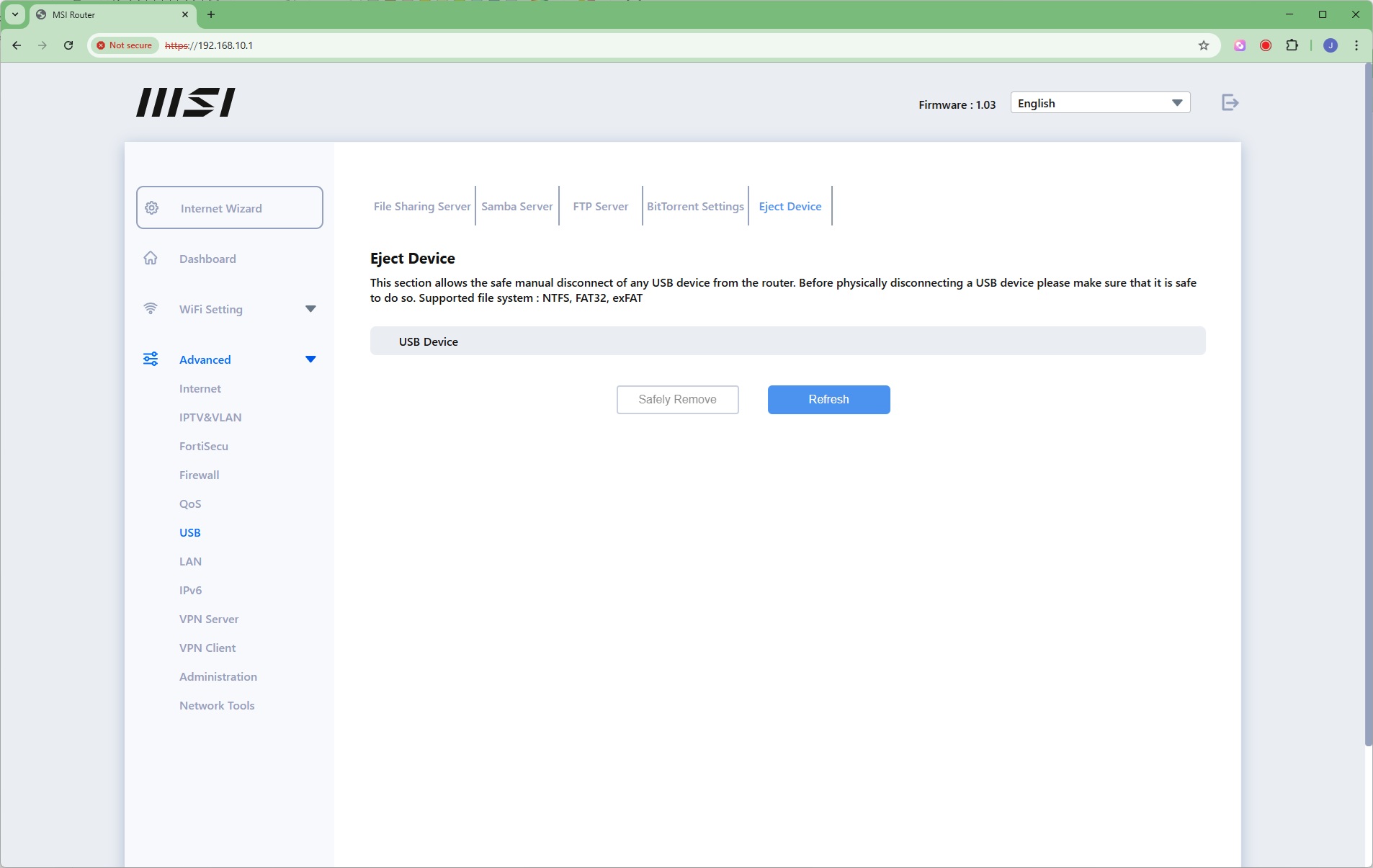
The USB port on the router can be shared using DLNA, Samba (for Windows systems), FTP, and as a BitTorrent peer.
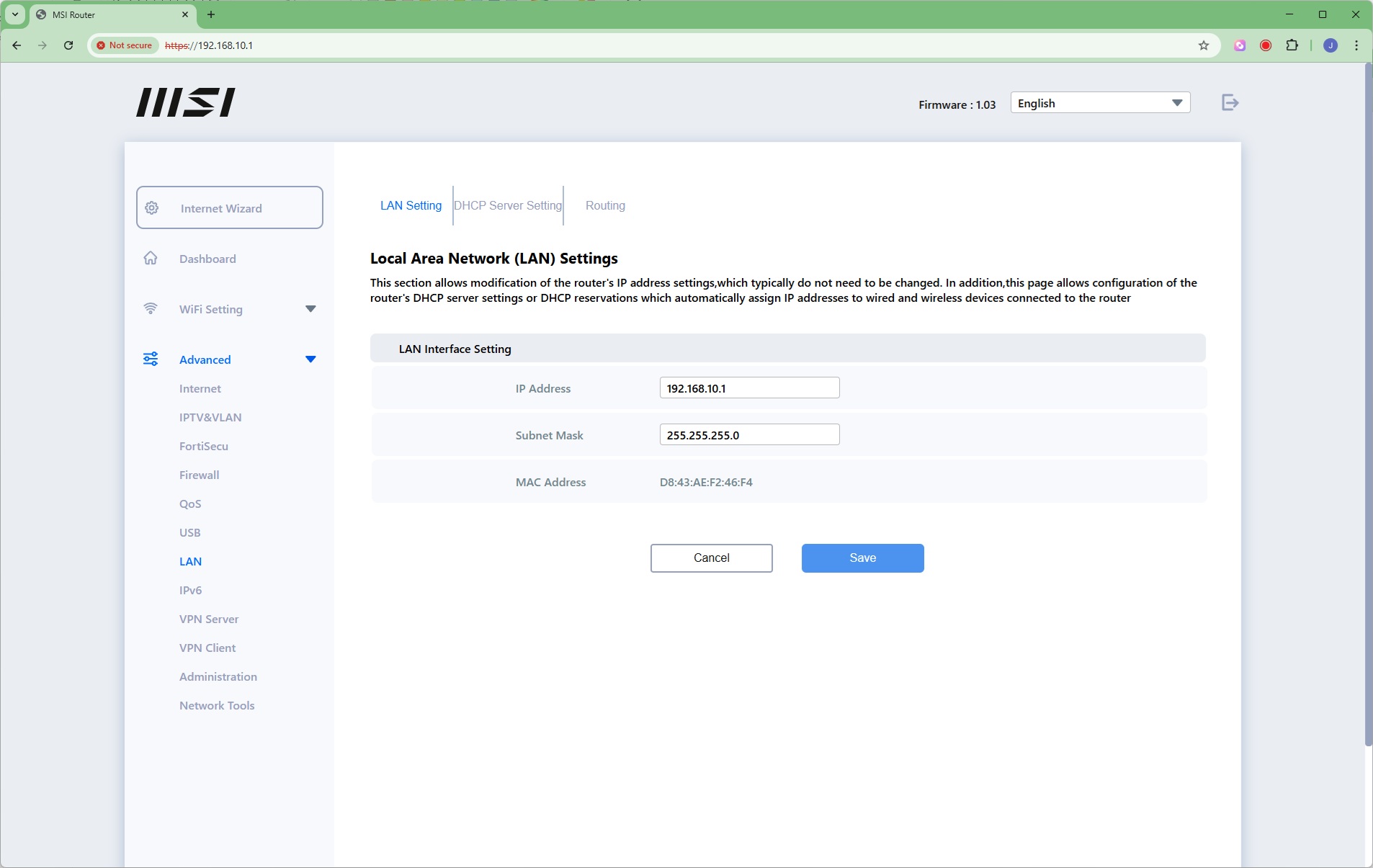
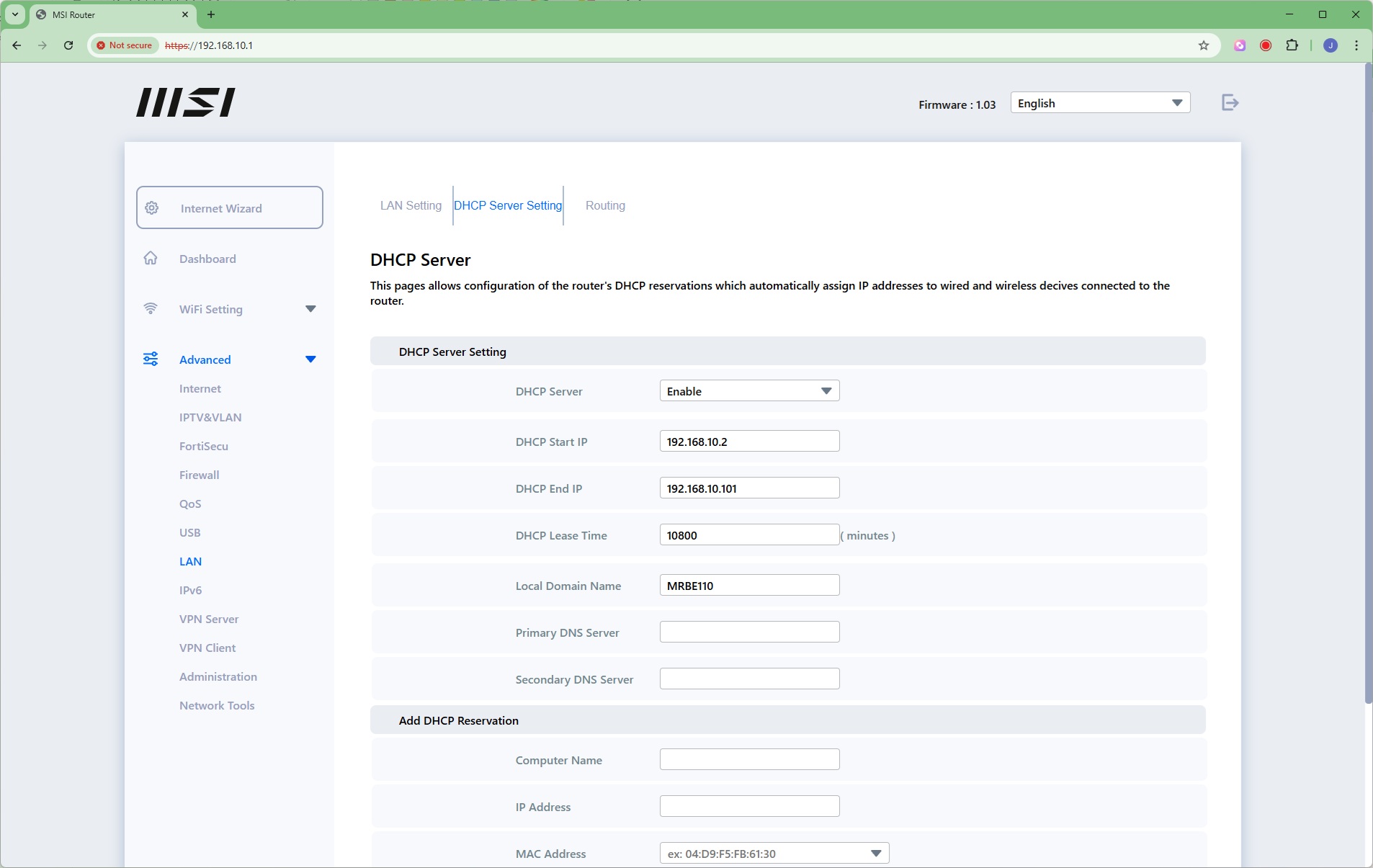
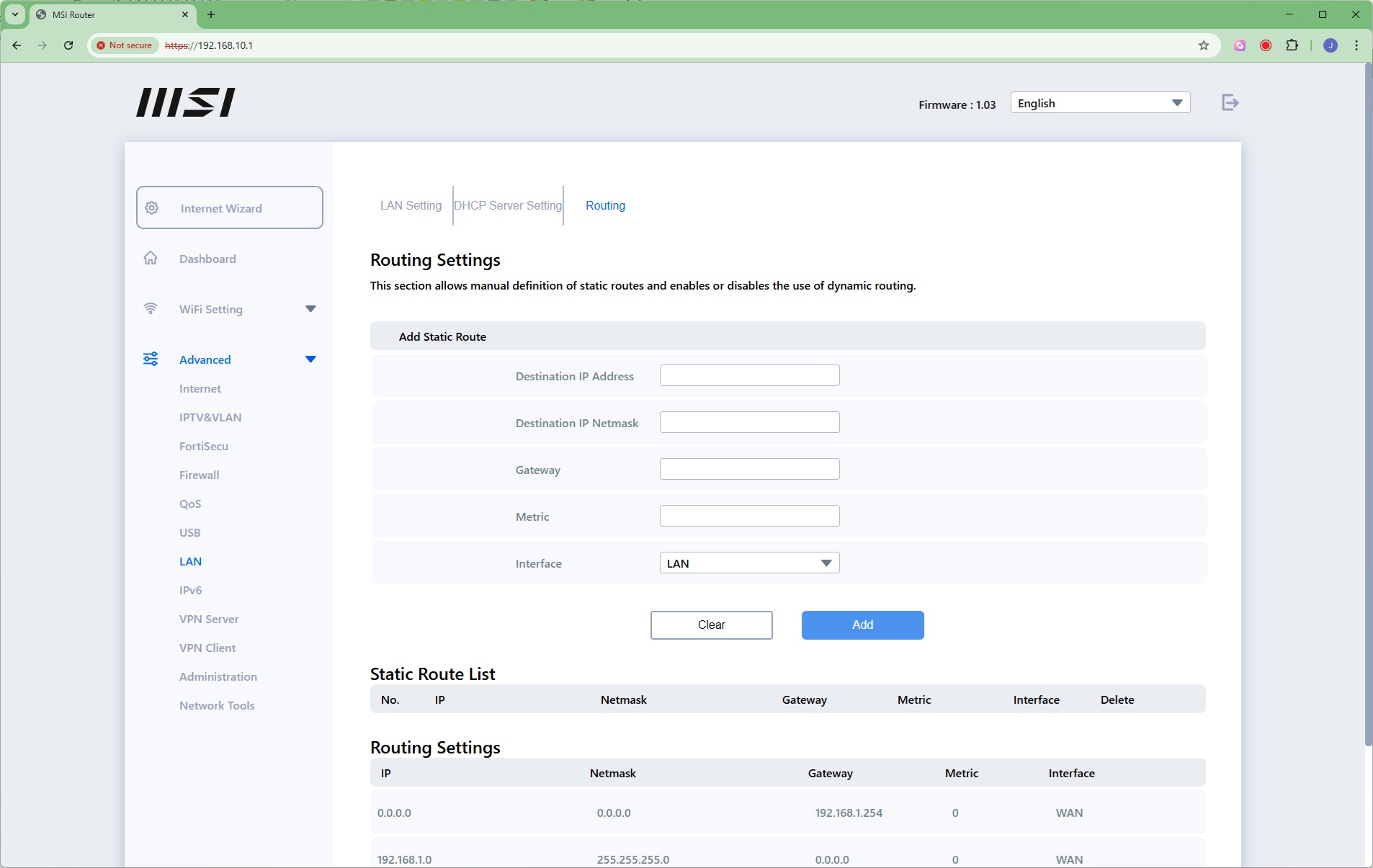
The LAN section lets you change the IP address and subnet for the LAN interface, which range of IP addresses the DHCP server uses (or you can disable it entirely), and define static routes.
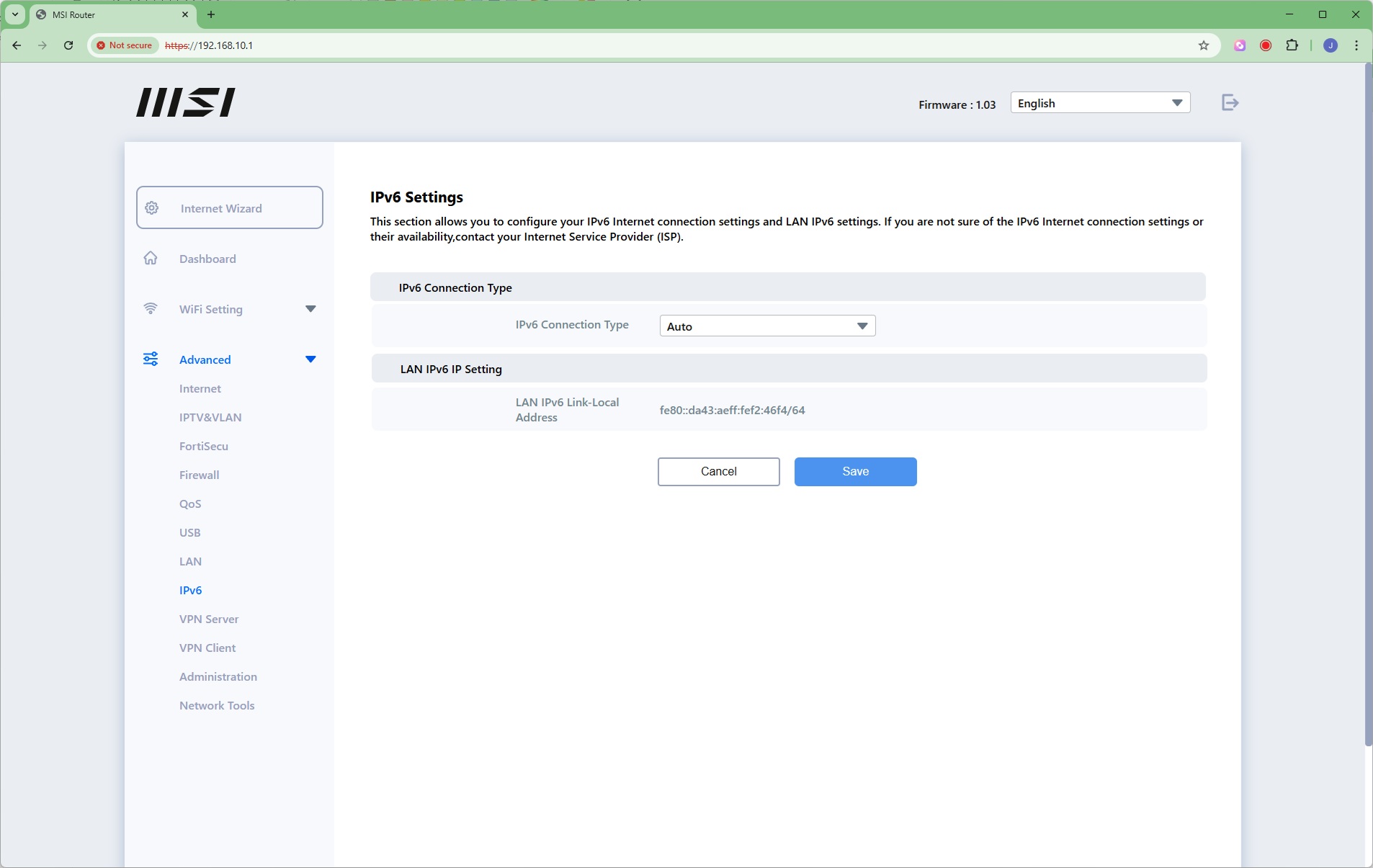
IPv6 settings are available.
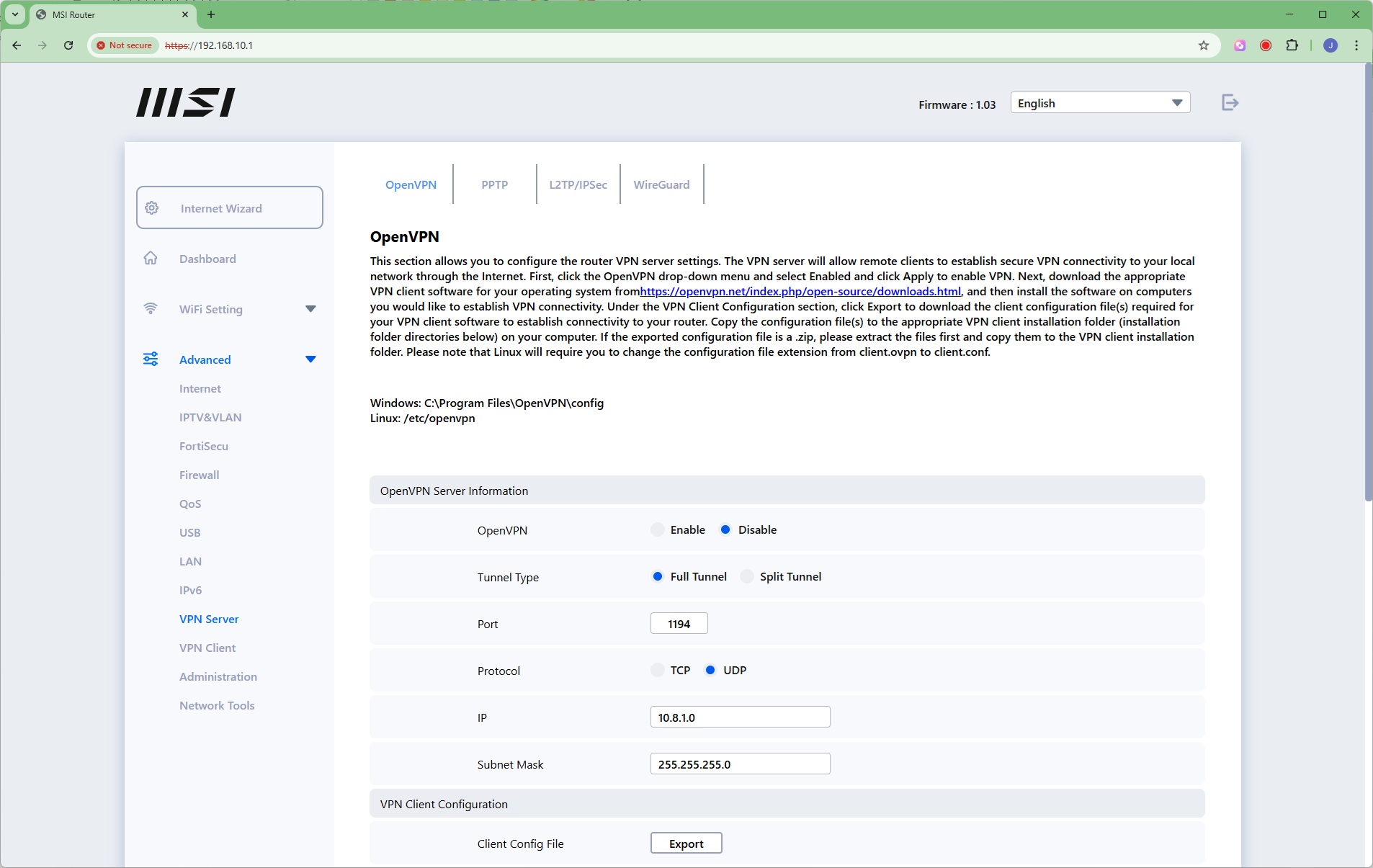
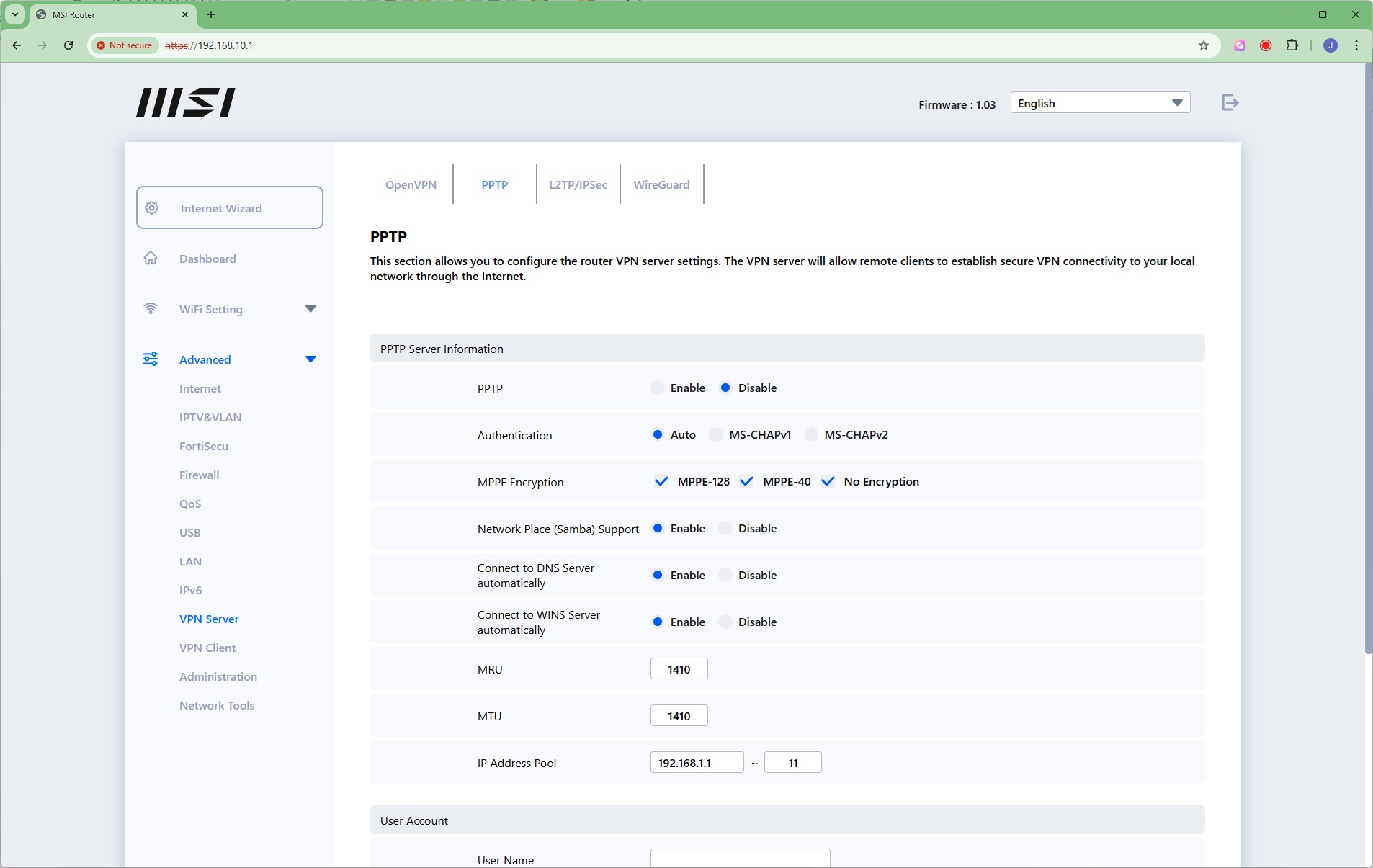
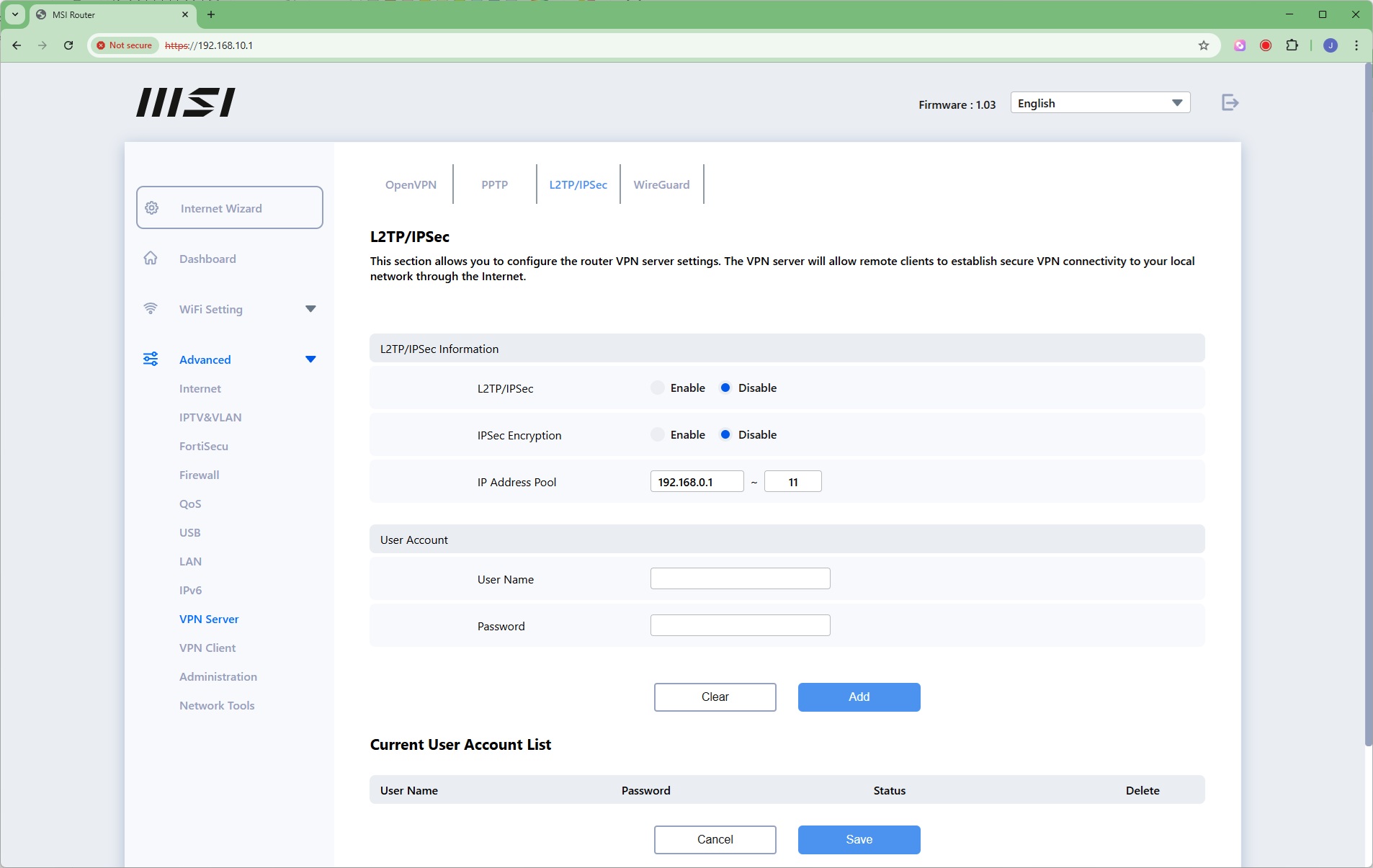
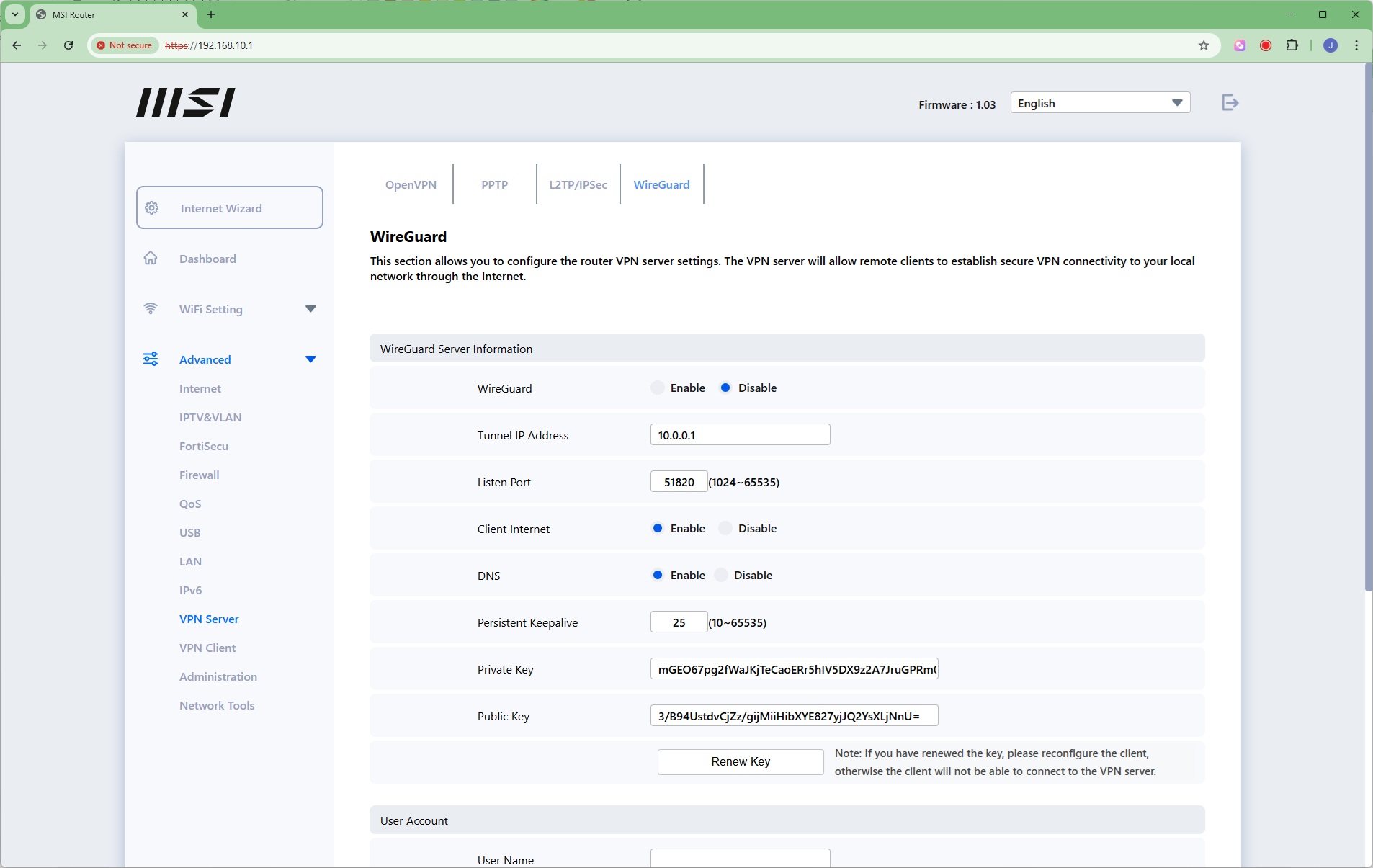
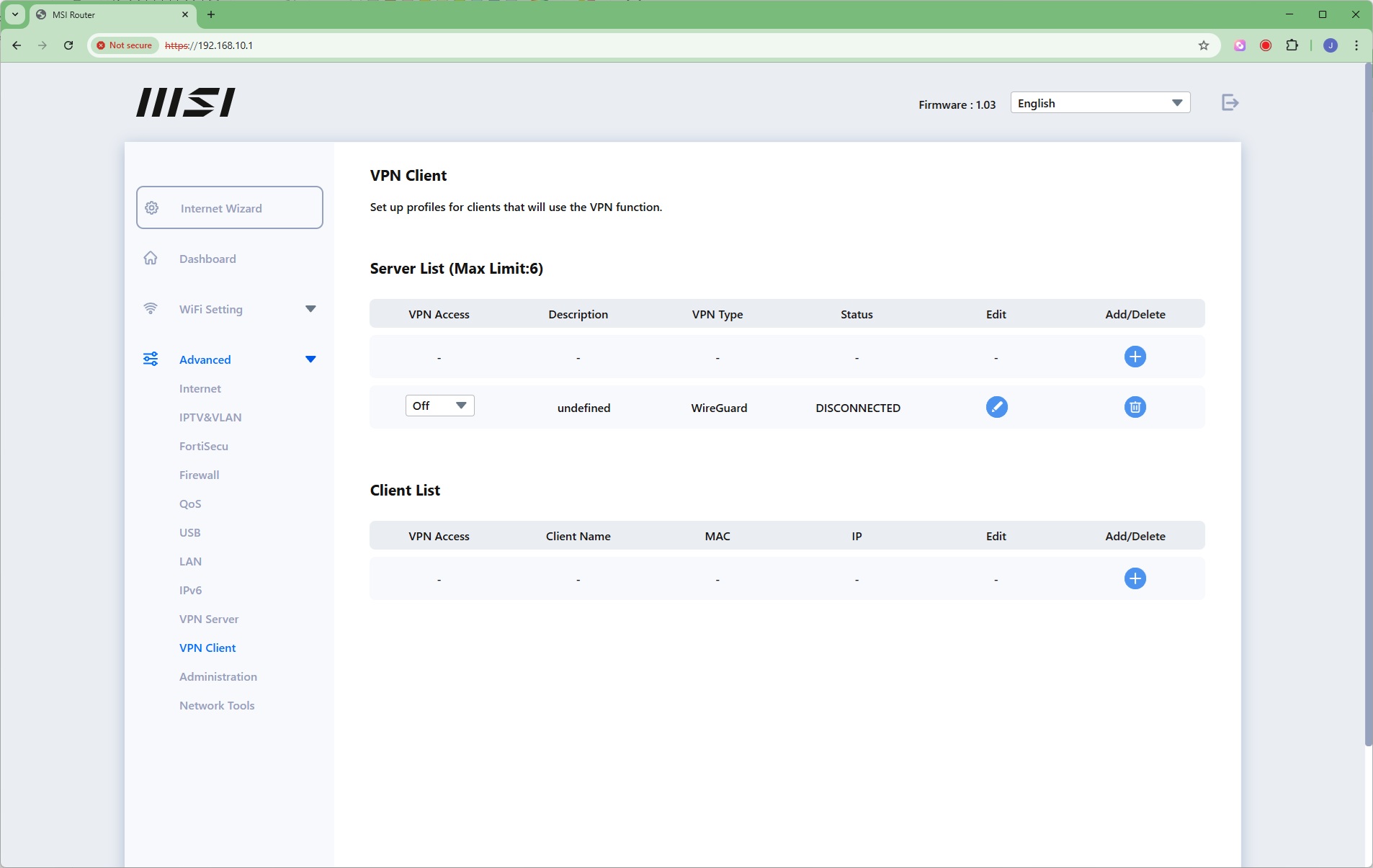
The MSI Roamii BE Pro can act as a VPN server, using OpenVPN, PPTP, L2TP/IPSec or WireGuard. That's a pretty comprehensive level of VPN support, when most routers will only offer a couple of these options. You can also set up profiles for clients of the VPN server.
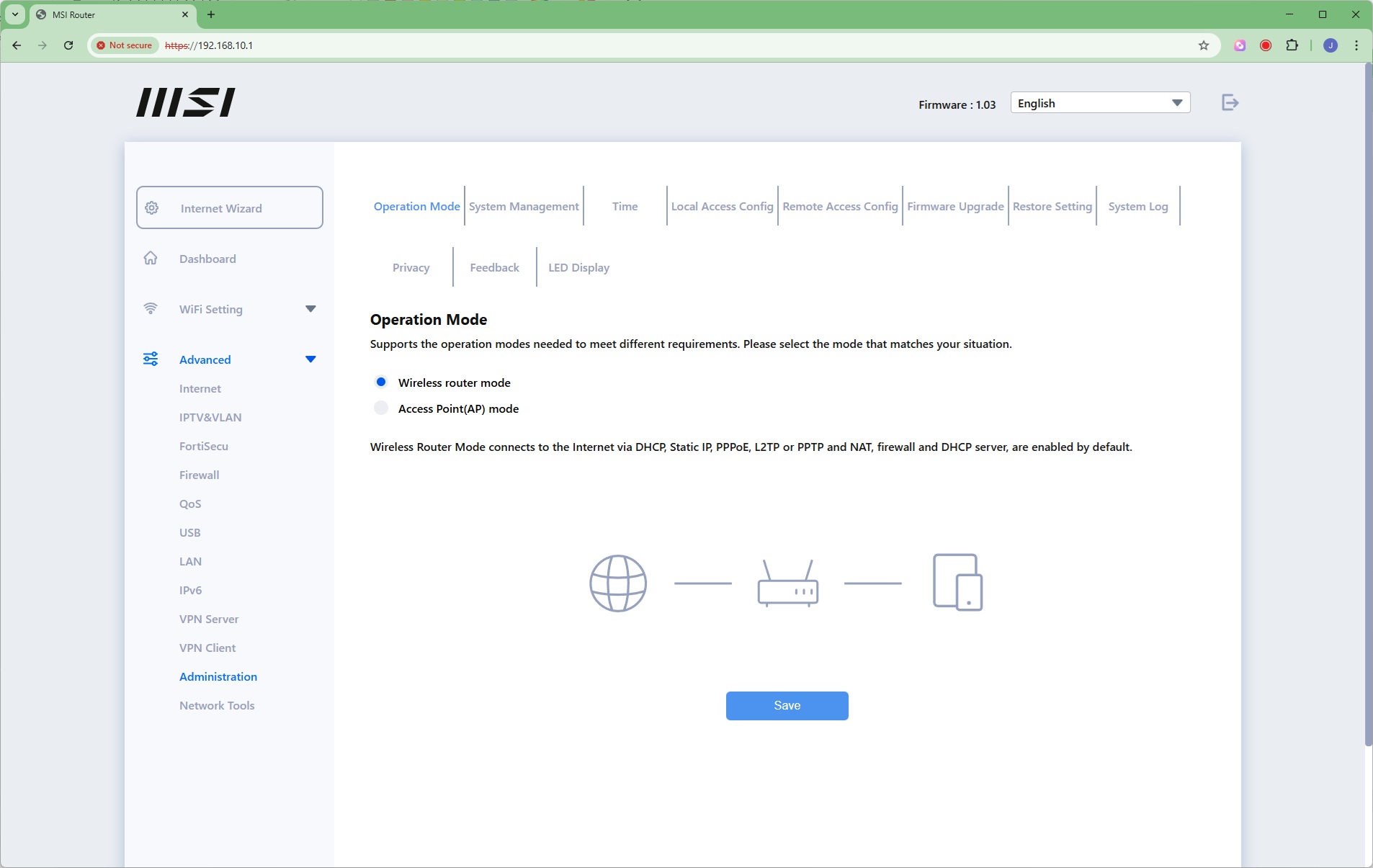
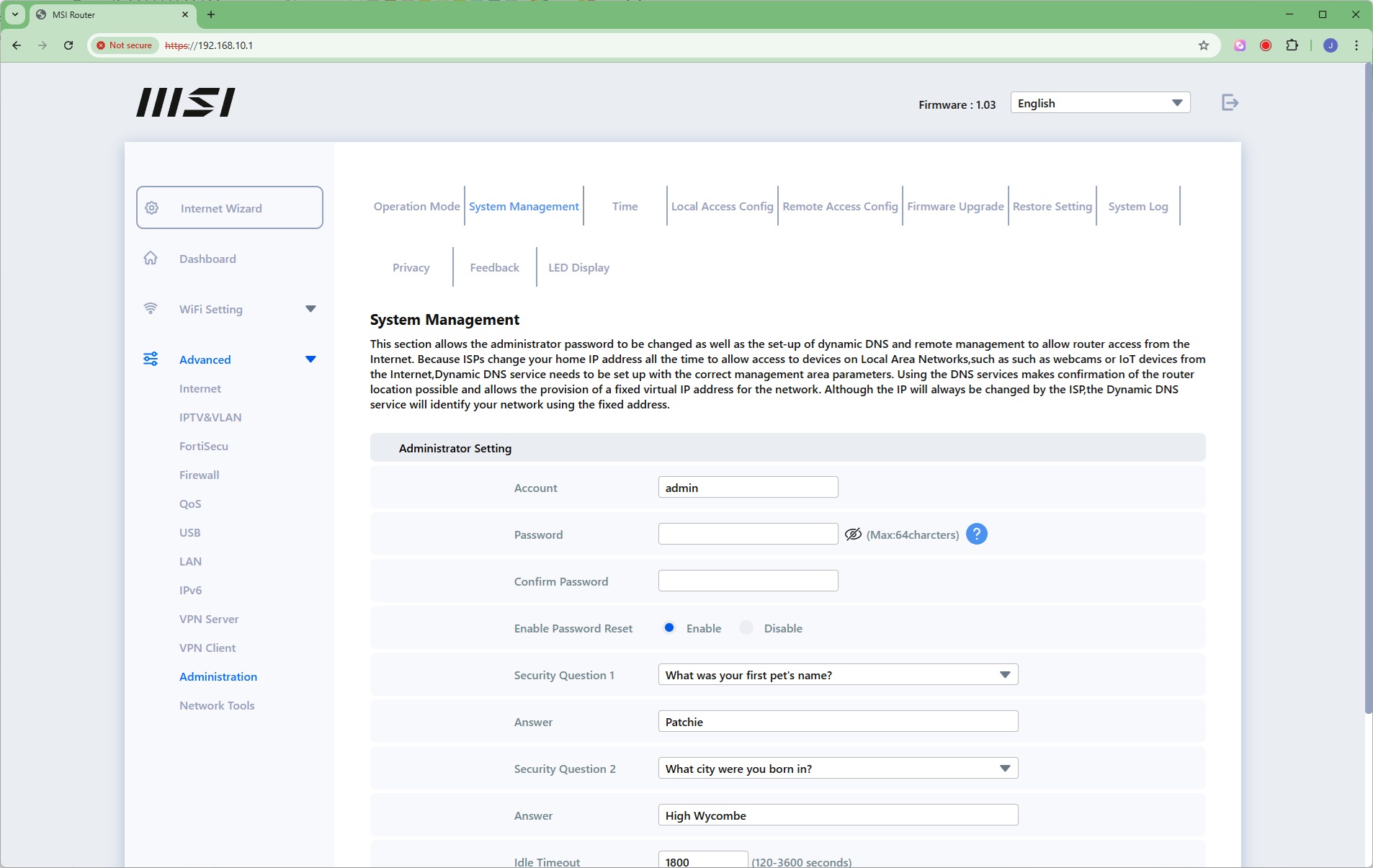
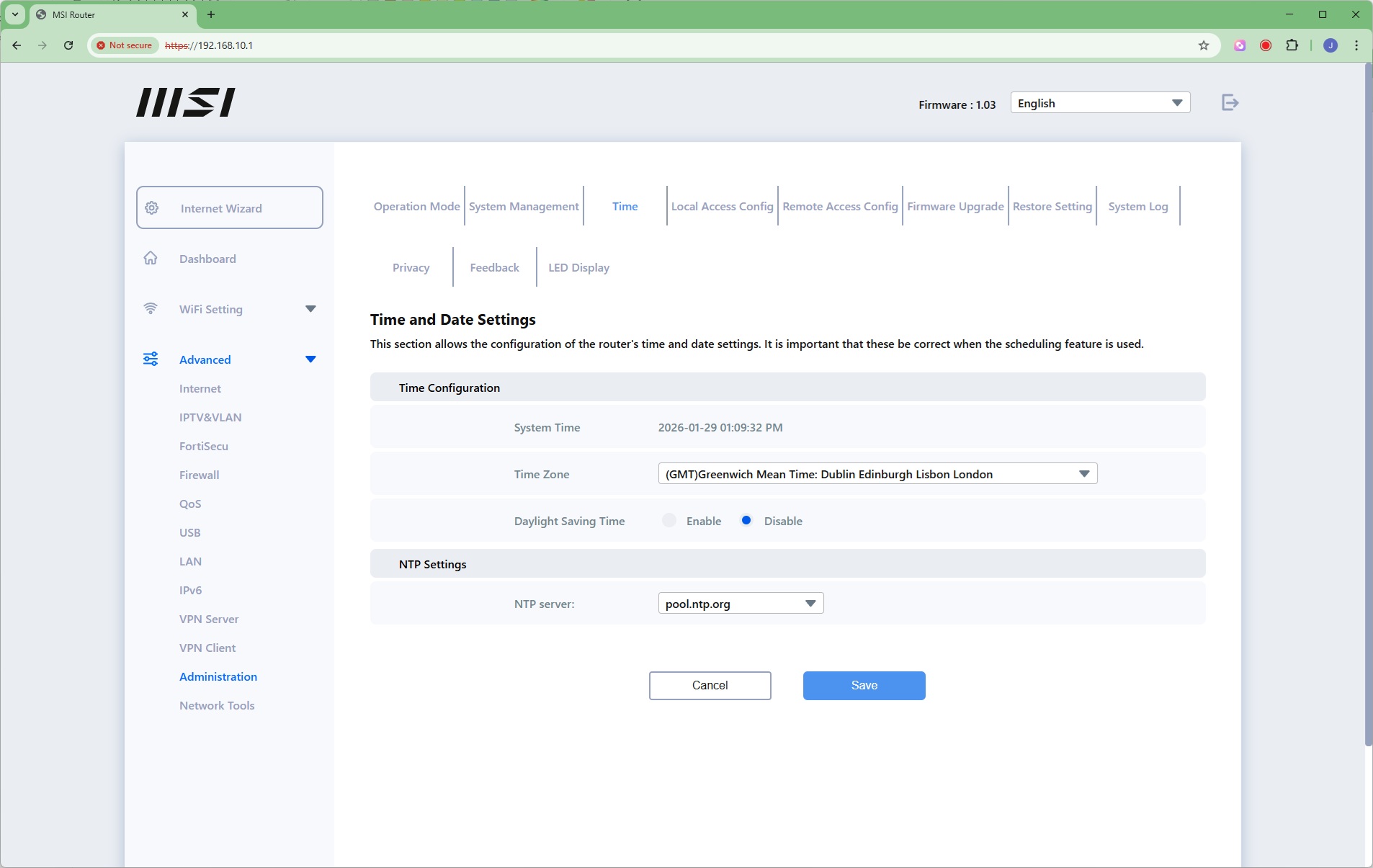
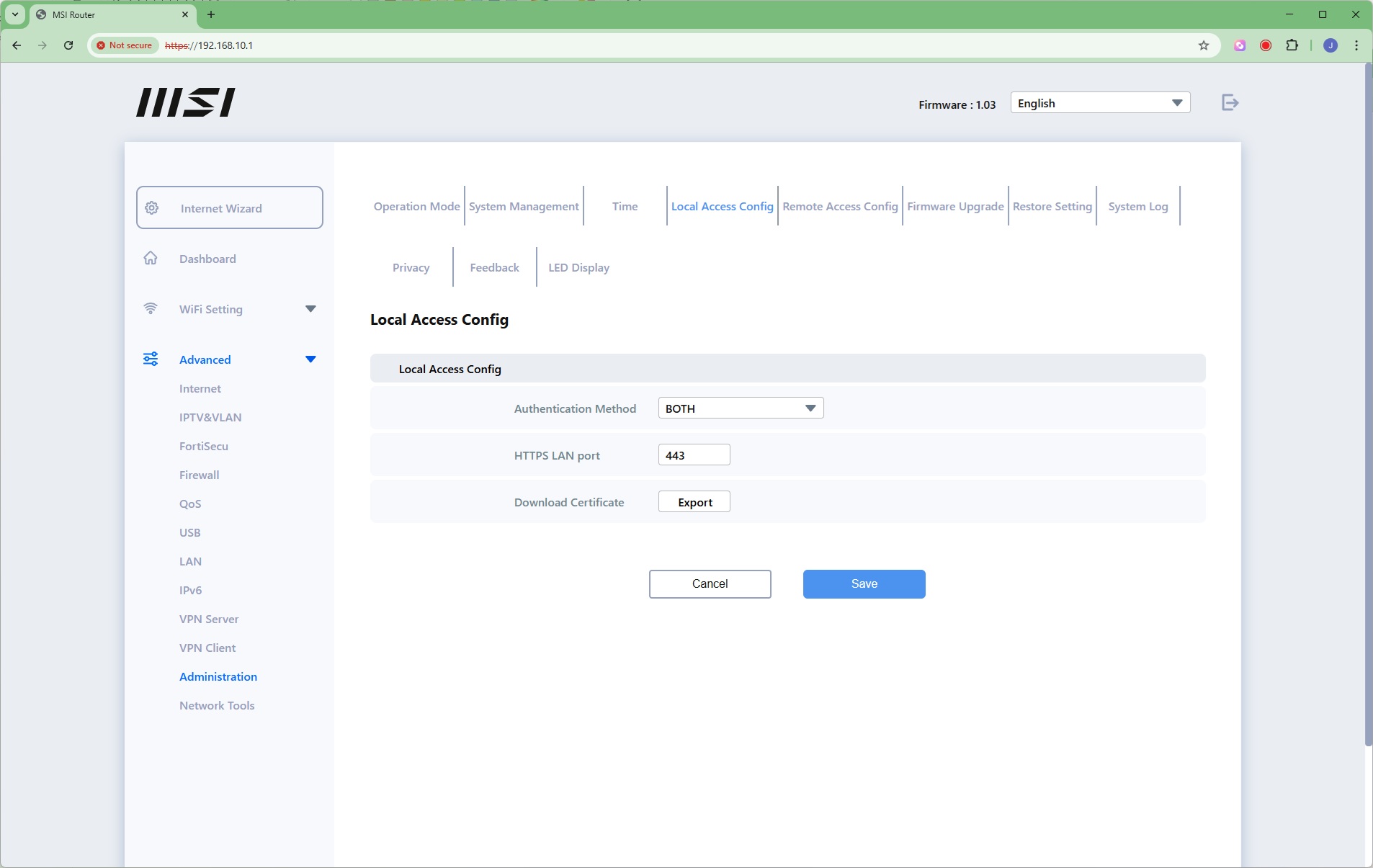
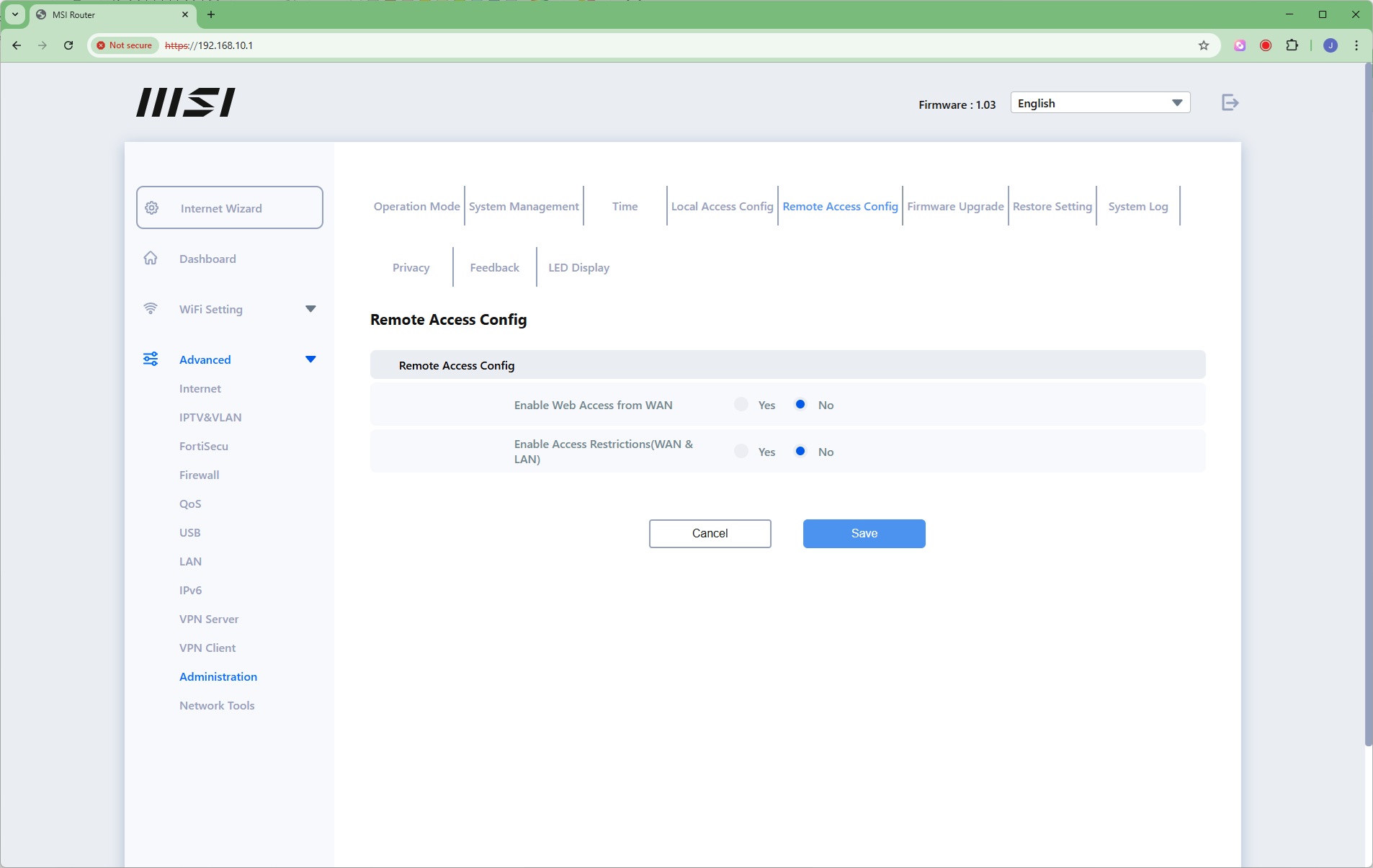
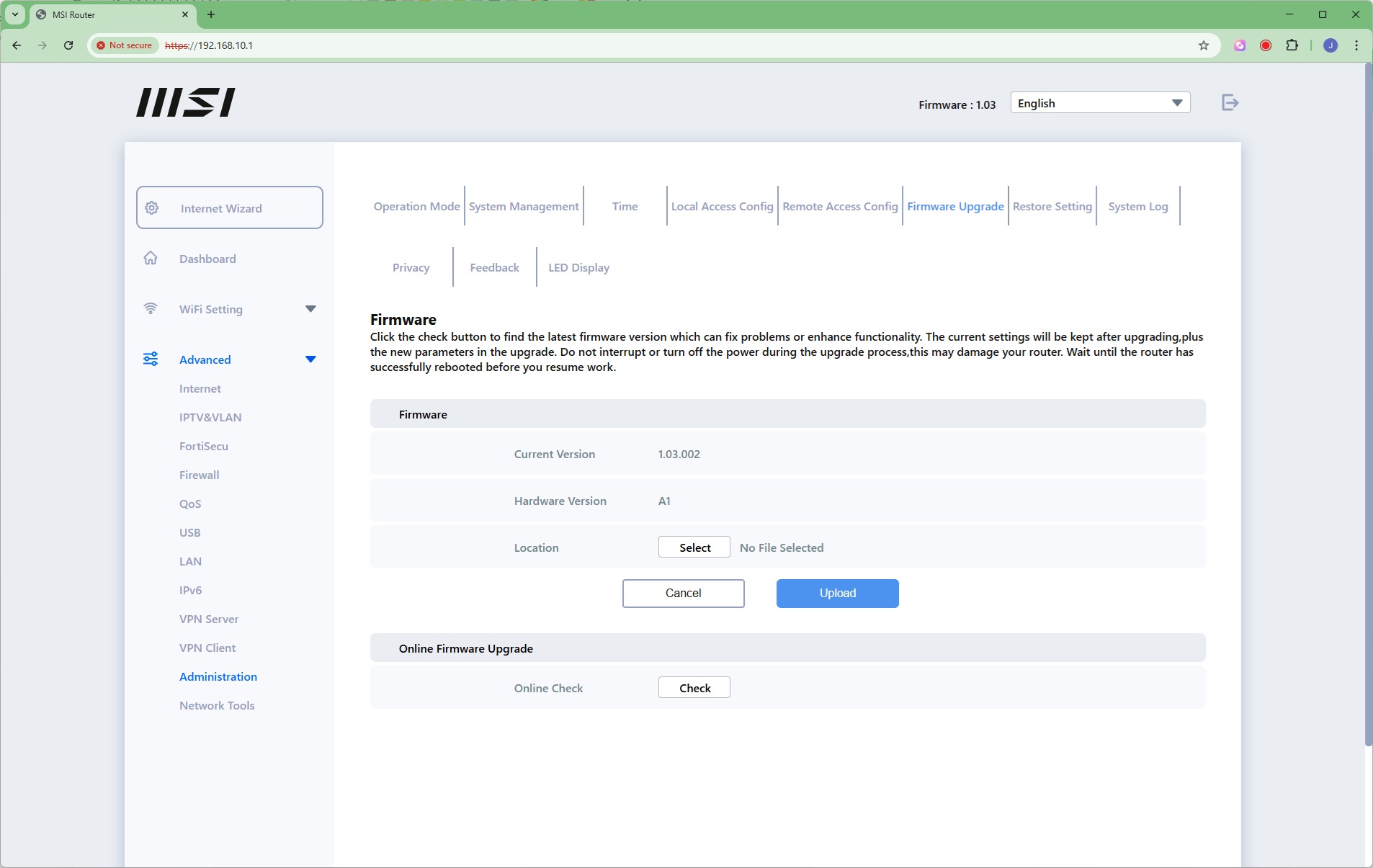
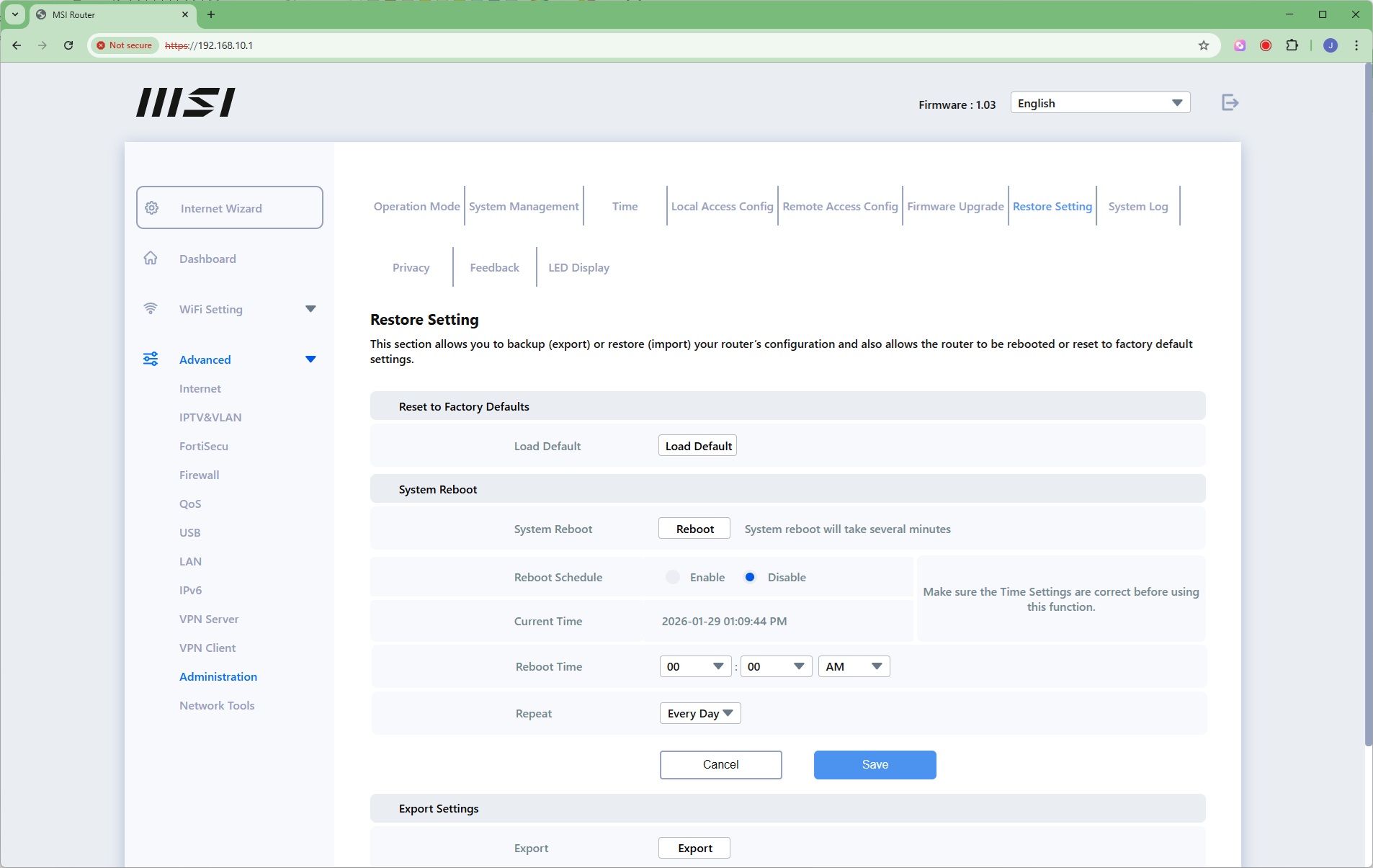
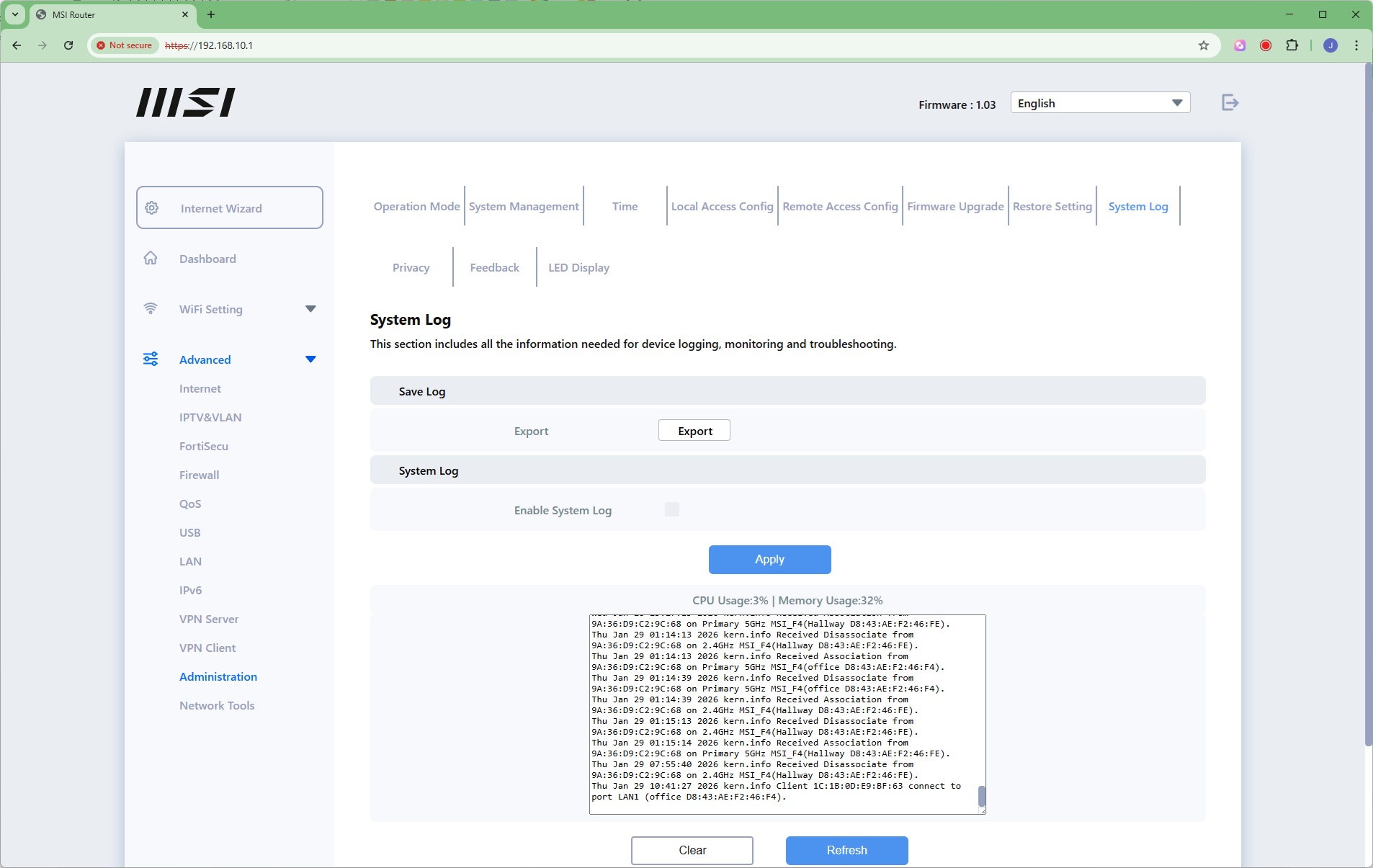
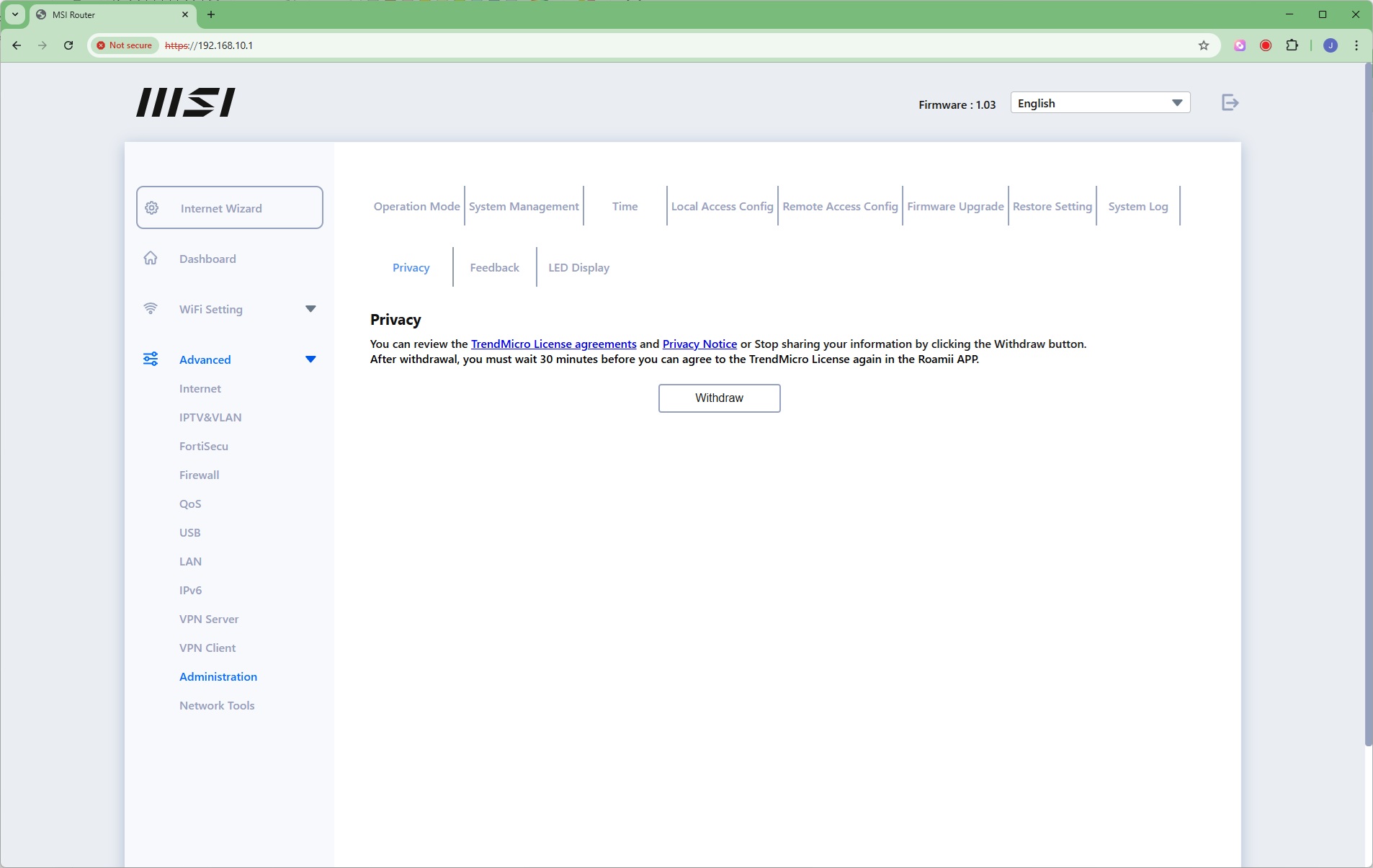
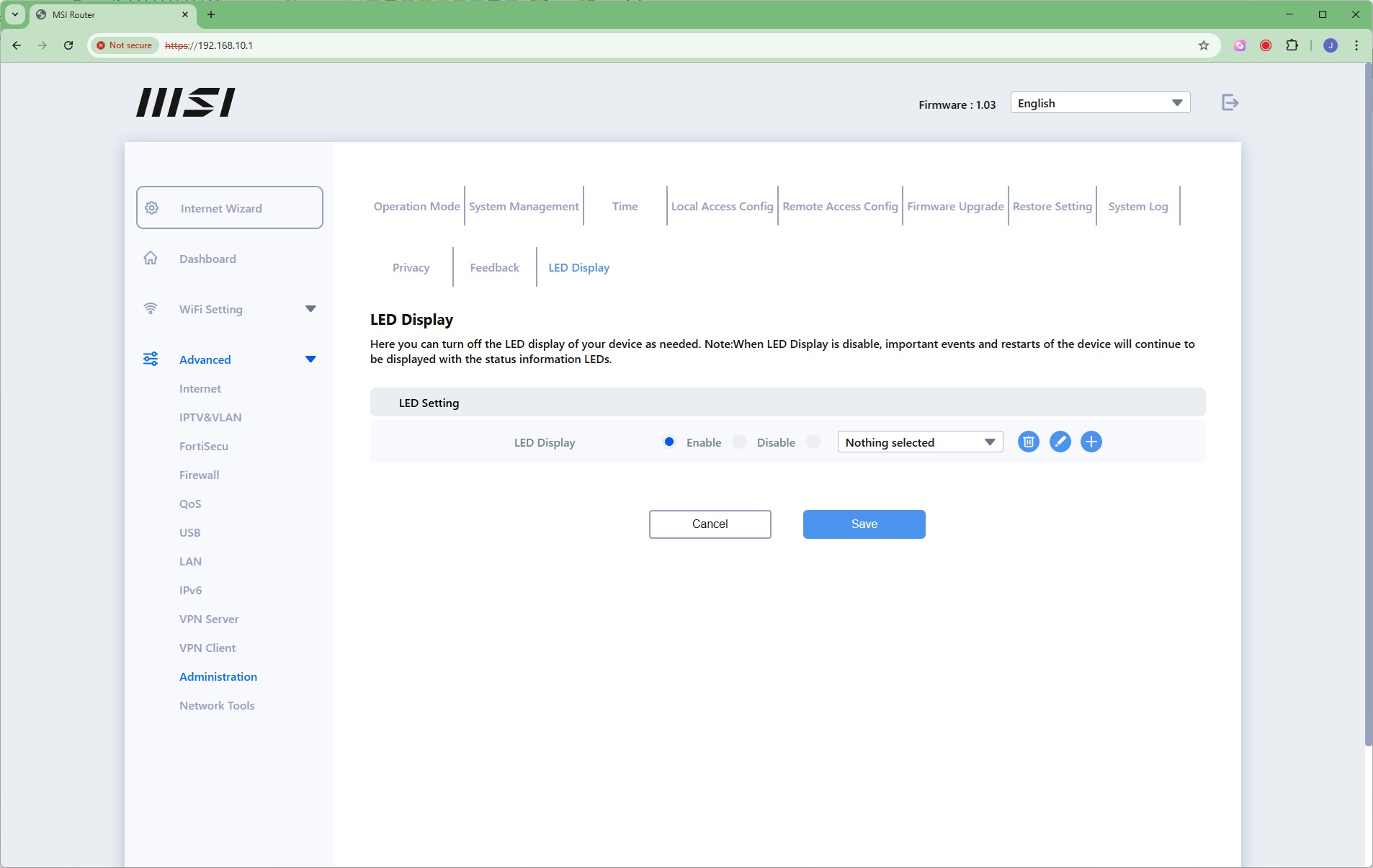
The Administration section is absolutely huge. You can choose between router and access point modes for the primary Roamii. You can configure the admin security credentials, choose an NTP server for time synchronisation, as well as how the admin interface is accessed (HTTP and HTTPS or just the latter). You can turn on external Internet admin access, upgrade the firmware, and restore settings. One thing that would have been good to see is that you can upgrade the firmware across all units. It's not obvious from the interface whether satellites are being upgraded, or just the router. It would appear to be only the latter.
There's an extensive system log you can export as a text file. You can choose whether or not to share information with TrendMicro, which supplies some of the security capabilities. The Feedback option takes you to an external website where you can log in and share your thoughts. Finally, you can configure the LED display – which you might want to, as the lights on the bottom are quite bright.
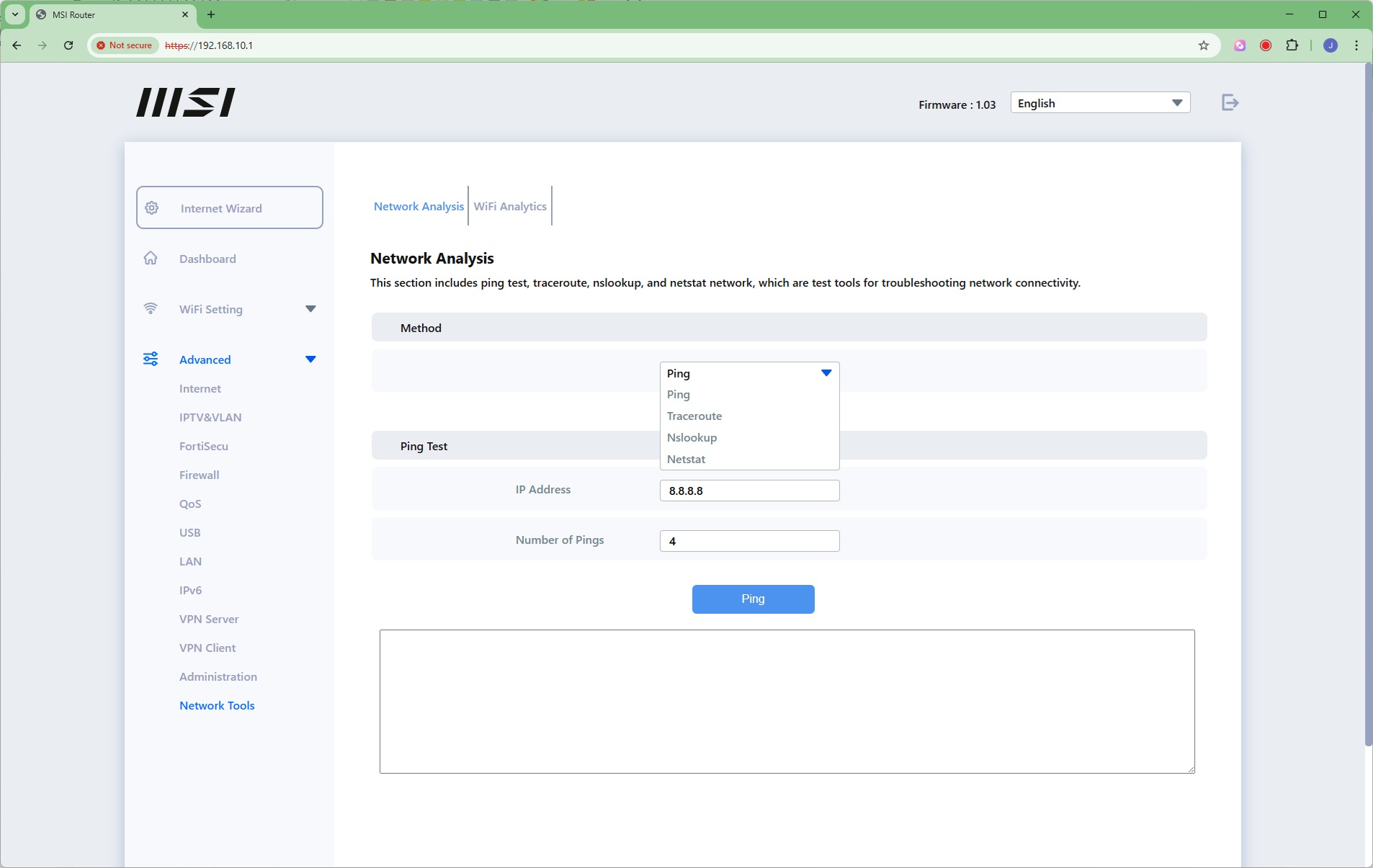
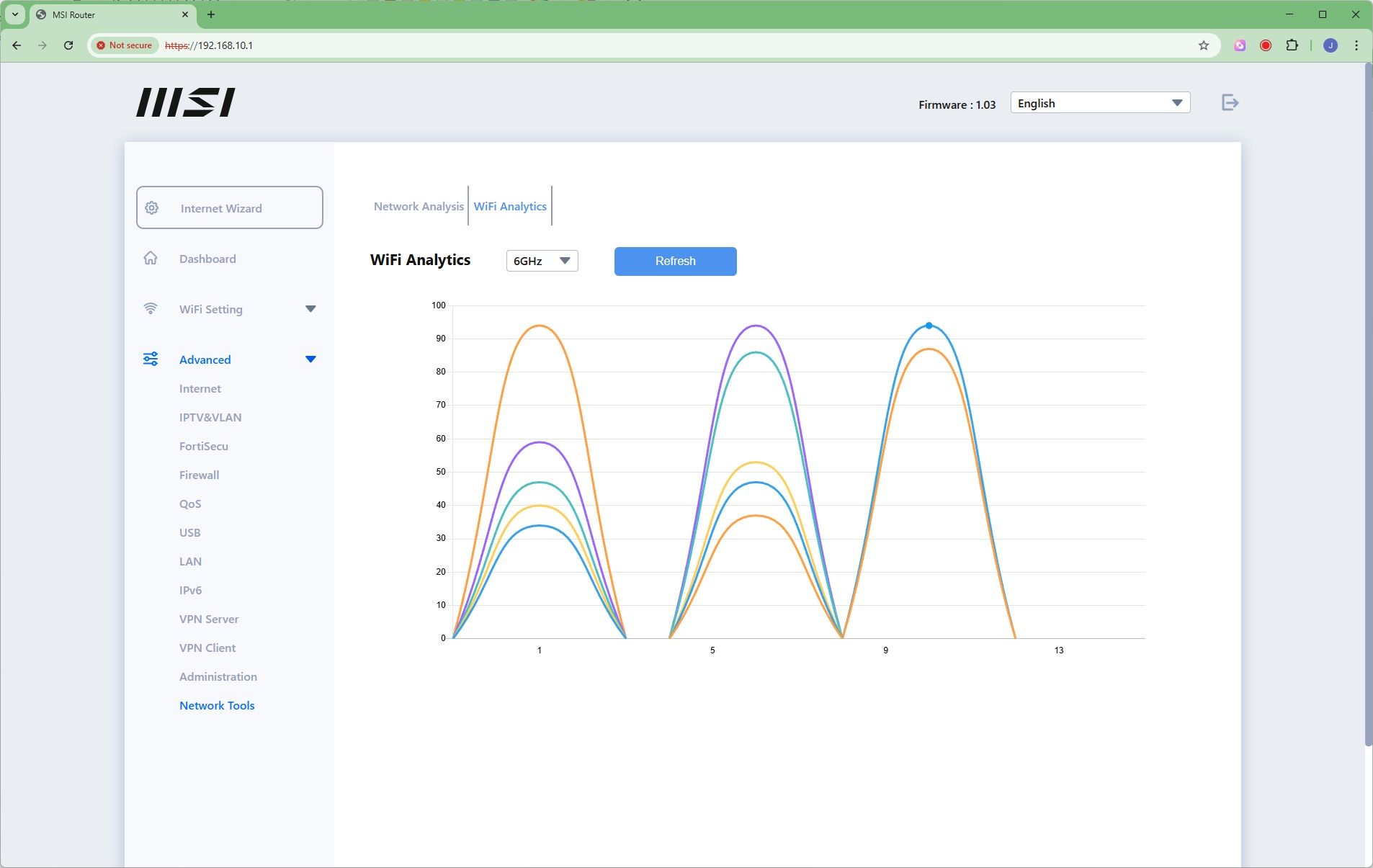
The last Network Tools section offers Ping, Traceroute, Nslookup and Netstat to analyse your network. You can also view how the wireless wavebands in your area are occupied by other WiFi systems, making it possible to avoid contention (although that's getting increasingly hard to do as everyone gets more powerful whole home WiFi systems).
Overall, this is a very comprehensive administration interface, and it's great to see that the most important features can be controlled from the smartphone app alone. Many people may never need to access the Web interface, but if you do, there's pretty much everything you could ever want there. We particularly like the ability to set up a separate WiFi SSID for your kids to control their access. Top marks to MSI for administration, apart from the lengthy satellite mesh pairing process.
We replicated the testing from our Ultimate Mesh WiFi Router Shootout and our more recent WiFi 6 Mesh Router Group Test as closely as possible with the MSI Roamii BE Pro mesh system. However, we no longer had the Apple MacBook Pro in our possession, so had to leave this set of tests out.
We repeated the positions from the Ultimate Mesh WiFi Router Shootout, with eight different locations for our test notebooks. The clients used were an Acer Swift 14 AI notebook (for WiFi 7), then a Dell XPS 17 notebook (for WiFi 6), an MSI WS63 7RK notebook with 2×2 802.11ac WiFi, and an older HP Folio 13, which maxes out at 3×3 802.11n WiFi. Throughput was assessed between these and an Armari 32-core Ryzen Threadripper workstation. The Acer and Dell notebooks and Armari workstation were running Windows 11 but the other two notebooks were Windows 10-powered.
In each case, we used the freely available iPerf 3.1.3 software, which stresses a network by sending packets of random data and measures the throughput. One system acts as a server, and the other as a client, as data is sent between them. In all cases, we used the Armari workstation connected to the primary Orbi unit via 2.5 Gigabit Ethernet as the server, so that the WiFi was always the slowest connection.
These are the iPerf commands we used:
For the server: iperf3 –s –i 1
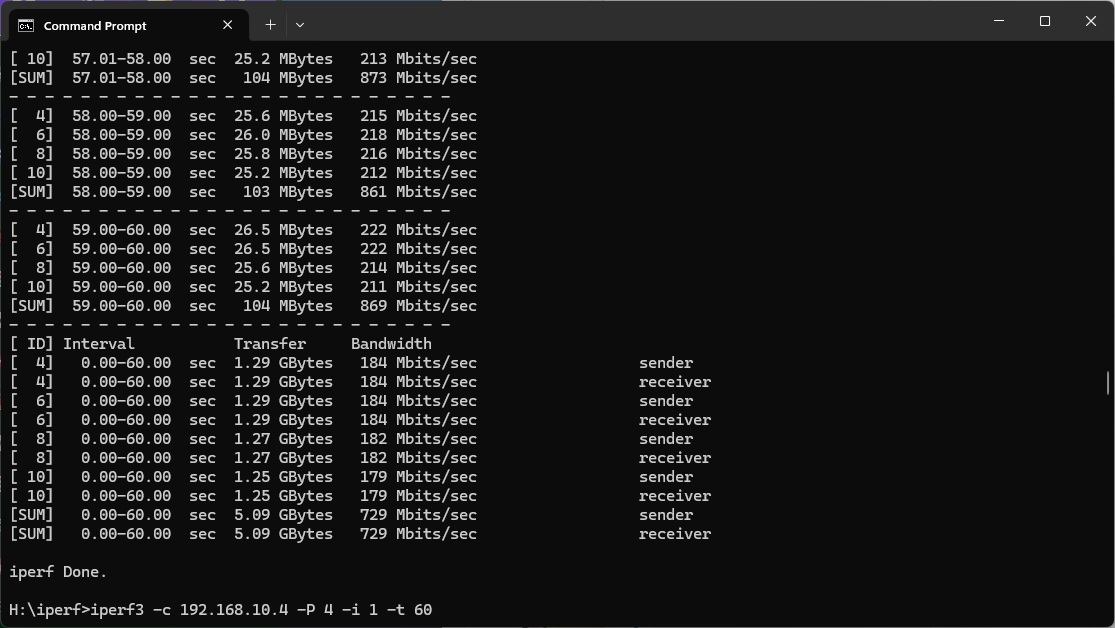
For the client: iperf3 –c <IP Address> –P 4 –i 1 –t 60
Note that the client command sends four streams of data simultaneously, simulating a multi-client connection as closely as possible with just one client. It takes 60 throughput readings at one second intervals and then averages the result.
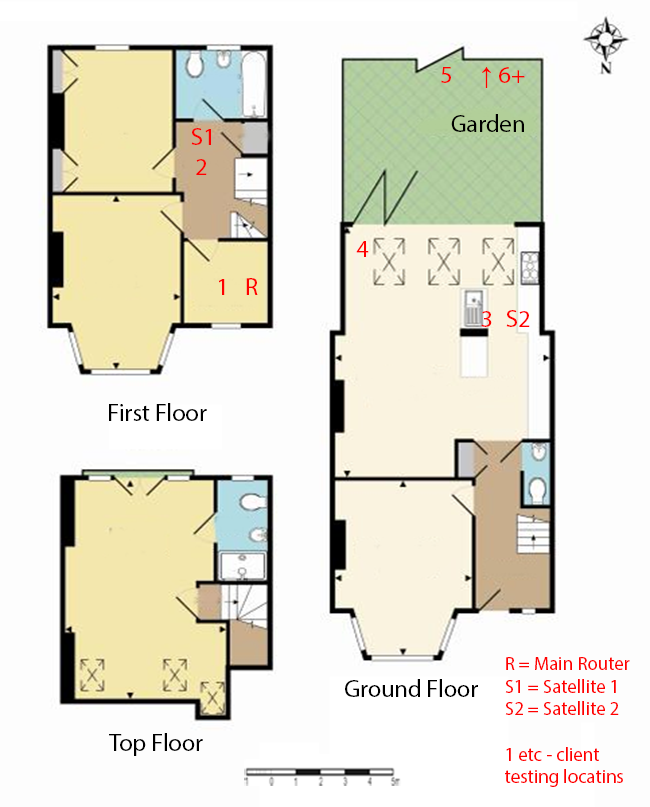
The above diagram shows the layout of the house we used for testing. Note that we didn't test on the top floor of the house because this was directly above the first floor and wouldn't have provided much of a range test. Instead, we used two locations on the same floor as the router (the first floor), then more distant locations on the ground floor extending out the back of the house into the garden.
Each test location, numbered in the diagram above, was approximately 5m away from the last one.
With the mesh networking and standalone router products used for comparison, location 1 was very near to the router, around 1m away. The next location – 2 – was around 5m away, with a wall in the way, but on the same floor. Location 3 was on the floor below, so had walls and a floor in between, but was a further 5m away. Location 4 was the last one actually inside the house. Locations 5 to 7 were then 5m further down the garden. Location 8 was only 2m further down, as this was the end of the garden, but also behind a shed, so posed a significant challenge that only a few mesh WiFi systems can cope with.
We should also say a few words about the location of the satellites. The routers or primary unit in a mesh were always placed in the same location, in the first floor study next to the broadband. A first mesh satellite was placed in S1, and then a second one in S2 if there were three units. In the case of three-unit mesh systems such as the NETGEAR Orbi 770 Series Mesh WiFi 7 System (RBE773), the second and third satellites were placed at S1 and S2. The MSI Roami BE Pro's satellite was placed at S1.
We have also included the non-mesh WiFi 7 systems we have reviewed recently for comparison, so you can see the benefits of a Mesh. These include the NETGEAR Orbi 770 Series, NETGEAR Nighthawk RS300, Acer Predator Connect X7 5G CPE, and AVM FRITZ!Box 7690.
802.11be (WiFi 7)
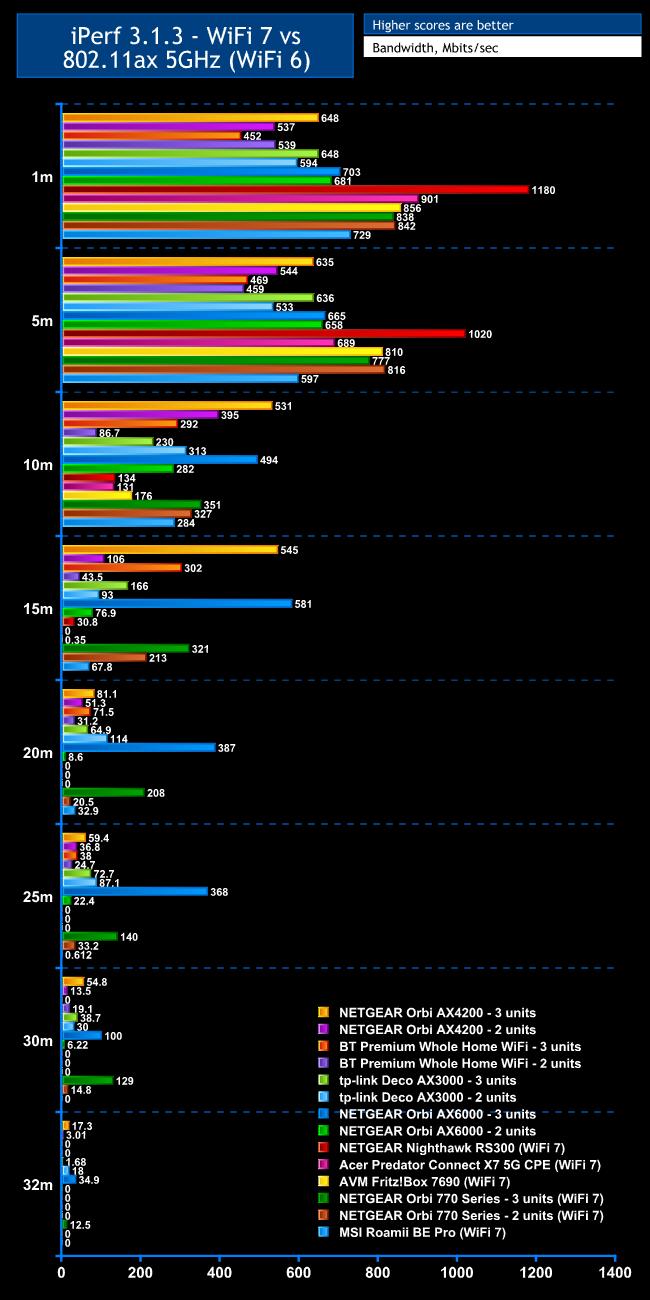
WiFi 7 is still at a premium and that's why you would buy the MSI Roamii BE Pro, so that was the first wireless standard we tested.
Within 1m, the Roamii is faster with WiFi 7 than any of the WiFi 6 units we have tested in the past. But only just, and it's slower than every WiFi 7 router, standalone or Mesh, delivering 729Mbits/sec.
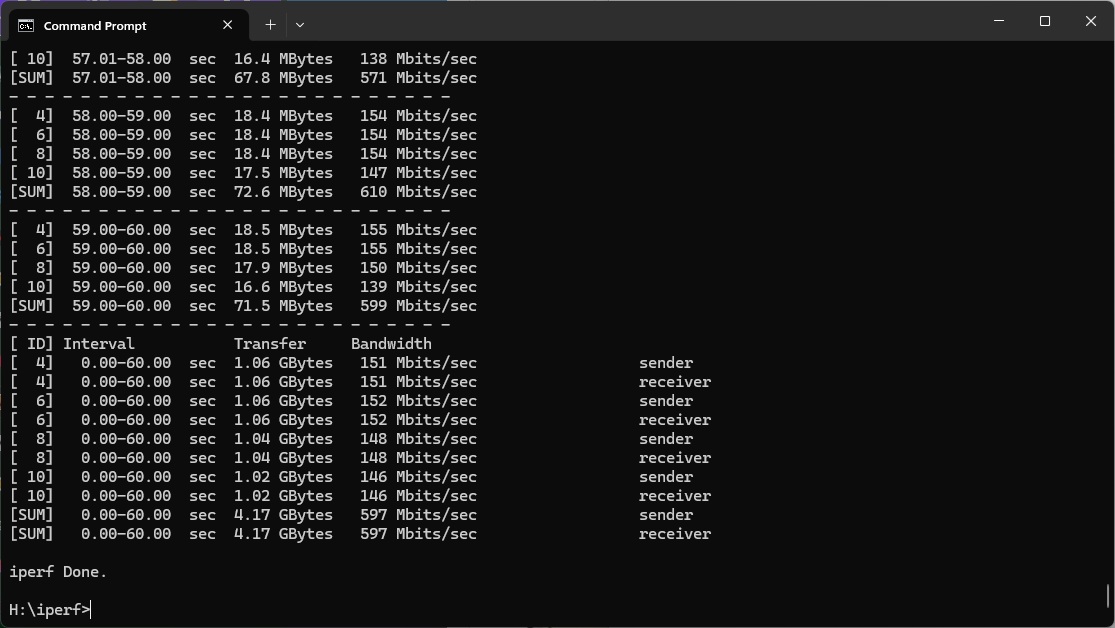
The story is even less impressive at 5m. The Roami only manages 597Mbits/sec, which is again fast by WiFi 6 router standards but even some of these are quicker, and every single WiFi 7 system we have tested beats it too.
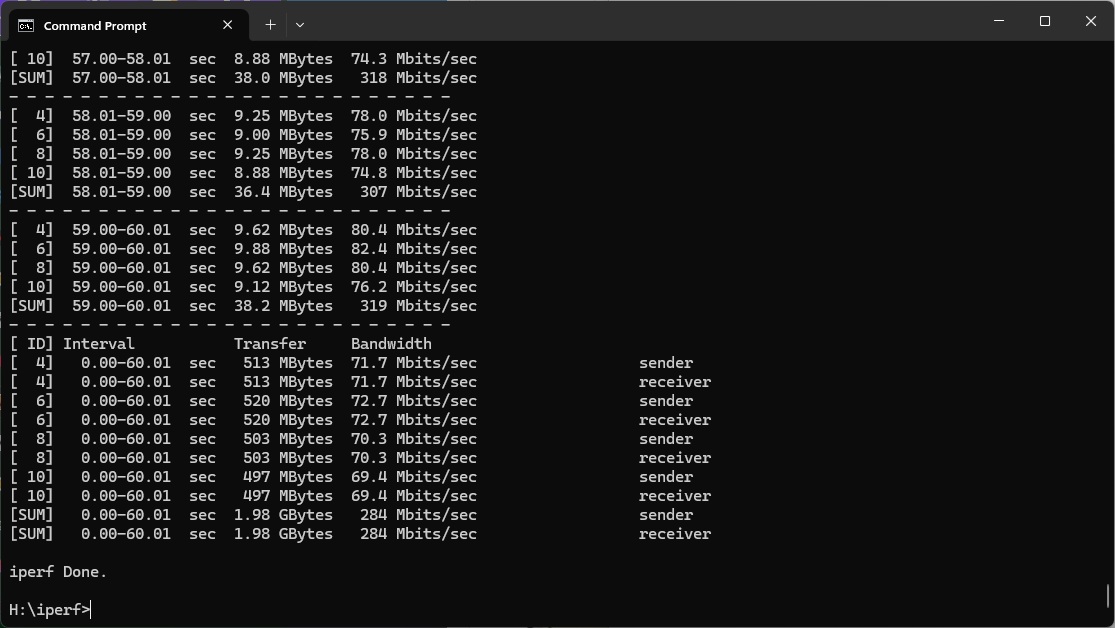
Performance at 10m is more respectable, hitting 284Mbits/sec. This beats some of the WiFi 7 routers we have tested, although the NETGEAR Orbi 770 Series mesh system is still ahead.
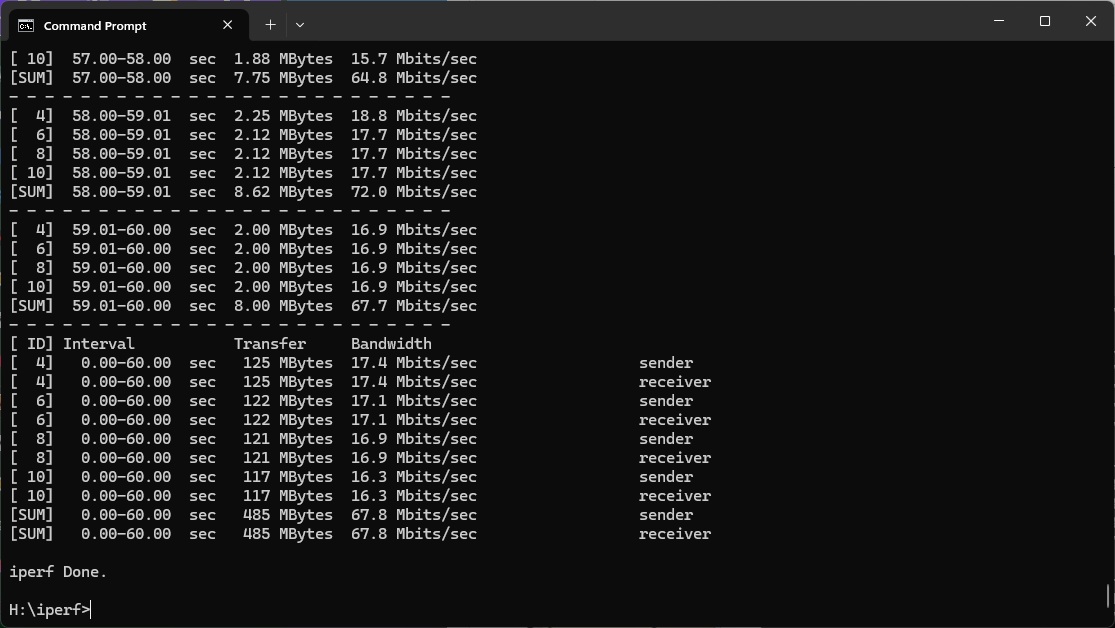
Similarly, while the Roamii beats standalone WiFi 7 routers at 15m, with a throughput of 67.8Mbits/sec, the NETGEAR Orbi 770 Series is notably ahead.
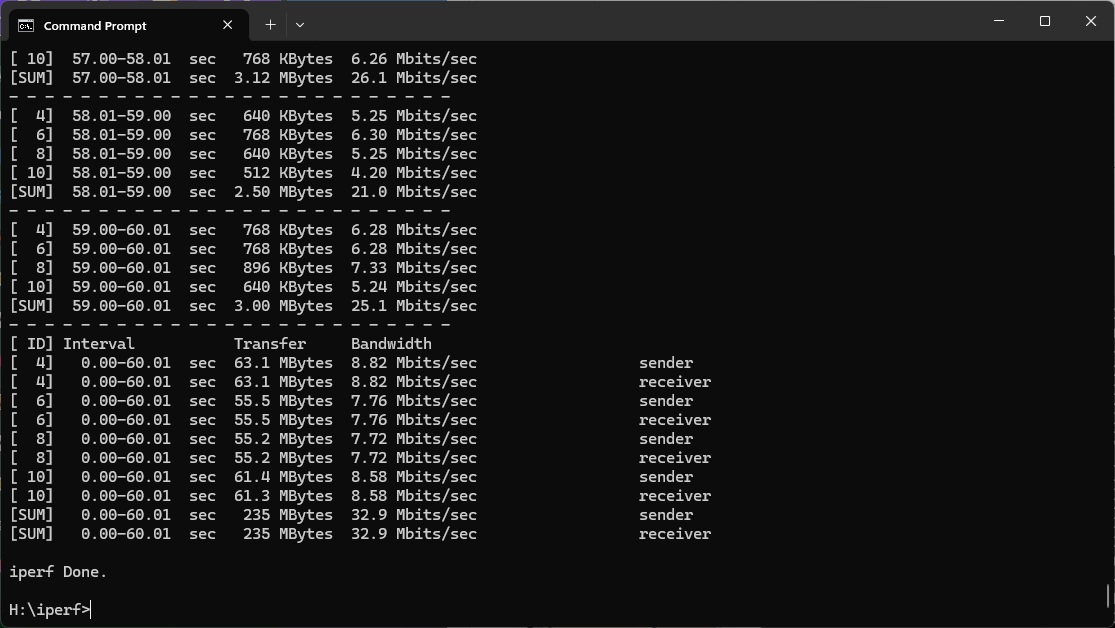
Moving out to 20m, the Roamii manages a still very usable 32.9Mbits/sec, while standalone routers can't reach this far. The three-unit NETGEAR Orbi 770 Series is way ahead.
Beyond this, the signal from the Roamii drops off and isn't usable at 25m or further.
Overall, you get respectable WiFi 7 coverage with the MSI Roamii BE Pro, but throughput is generally mediocre and not delivering the full potential of the new wireless networking standard.
802.11ax 5GHz (WiFi 6)
Most of your devices are still likely to be WiFi 6 only, so good performance with this standard remains essential, even if WiFi 7 is the headline act.
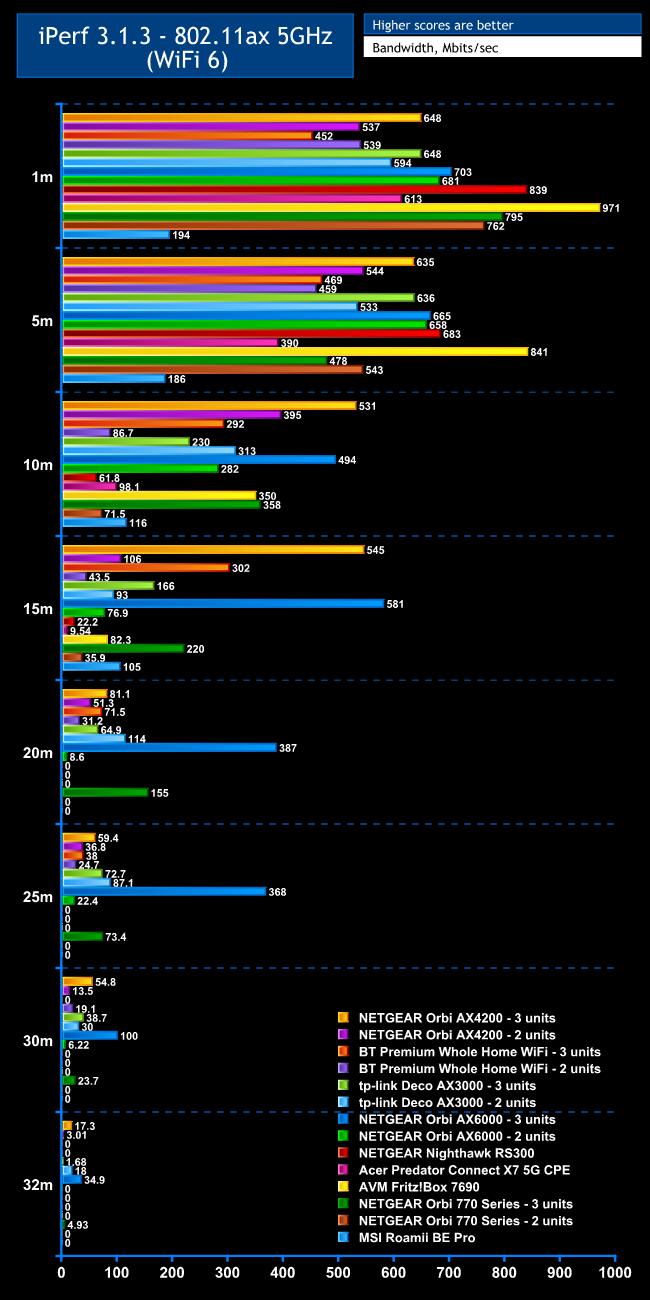
With WiFi 6, the MSI Roamii BE Pro's performance can only be described as odd.
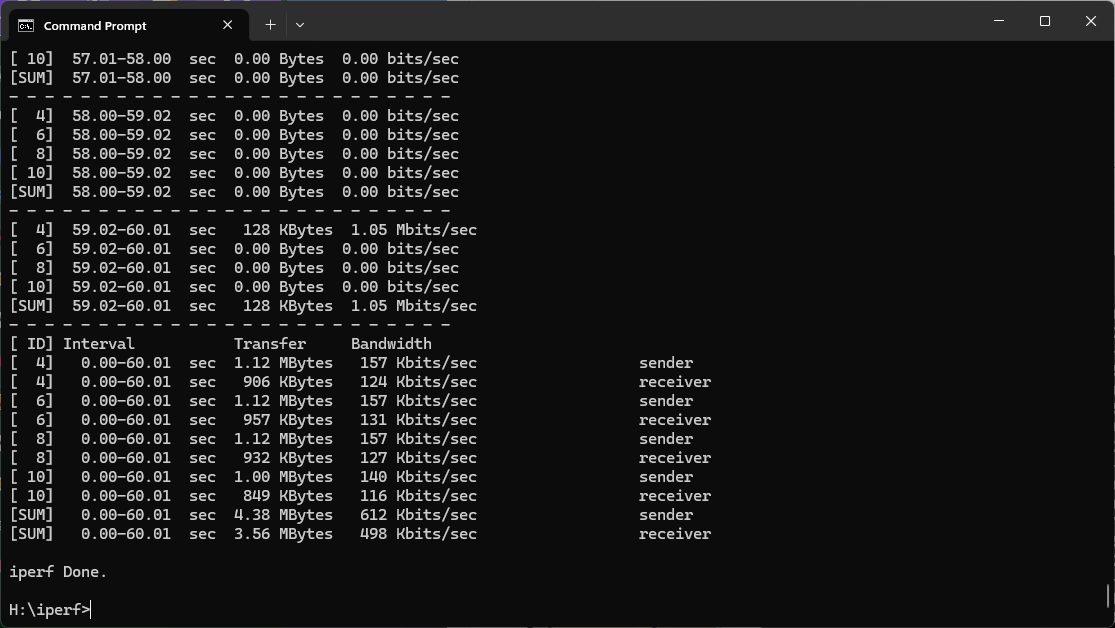
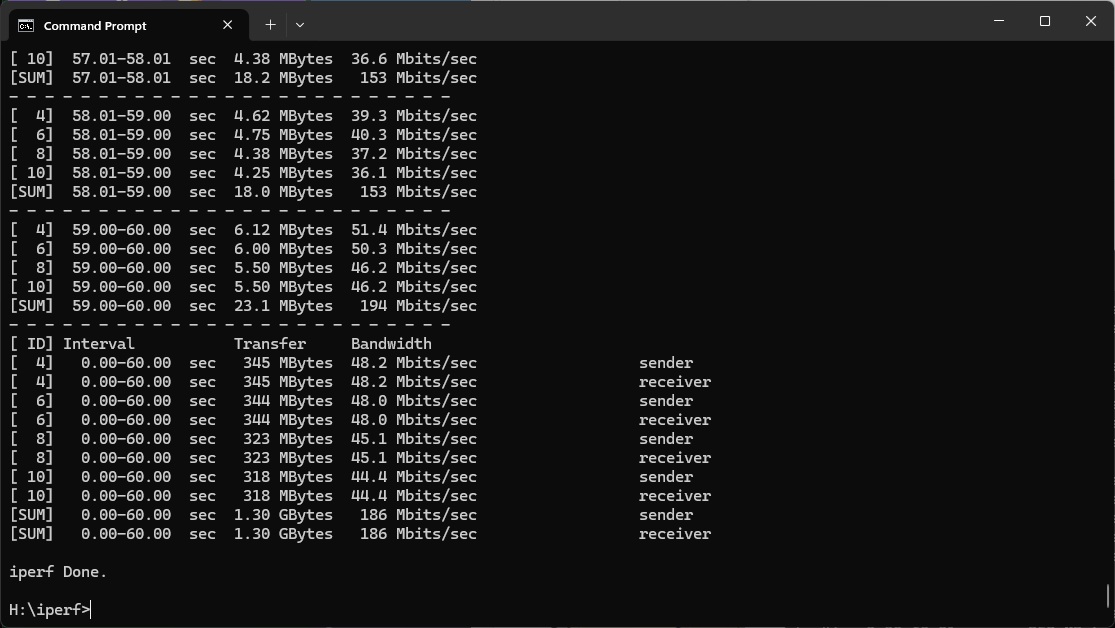
At 1m, it only managed 194Mbits/sec, which is behind every other router we've tested. We ran this over and over again and this is the best result we achieved, too.
That said, performance doesn't drop that much at 5m, hitting 186Mbits/sec.
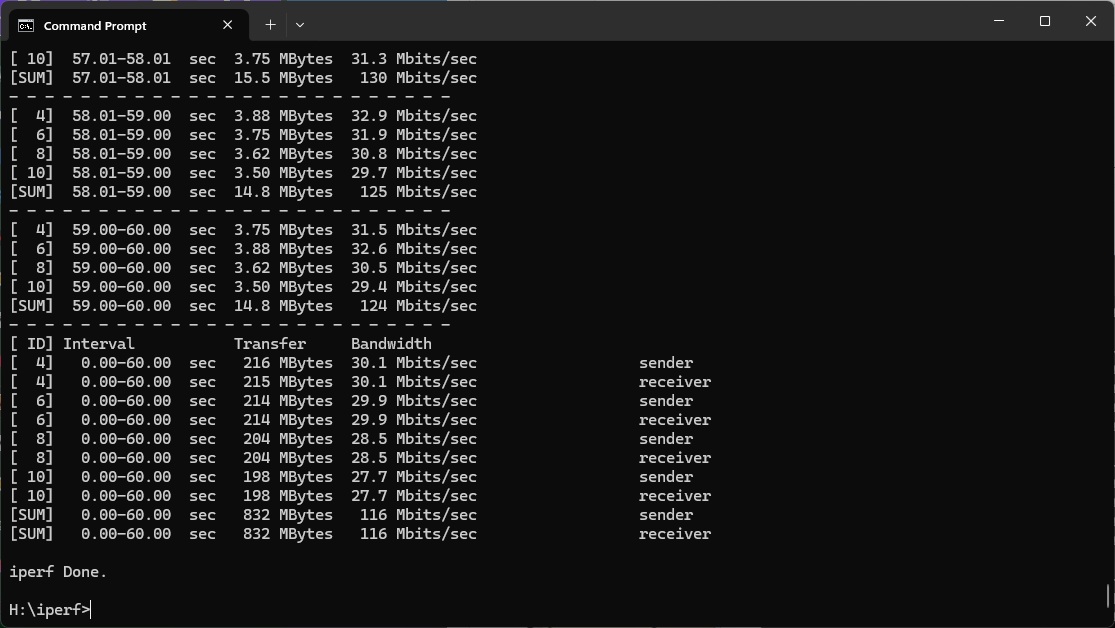
Further out at 10m the 116Mbits/sec throughput is more competitive and starting to pull ahead of standalone routers.
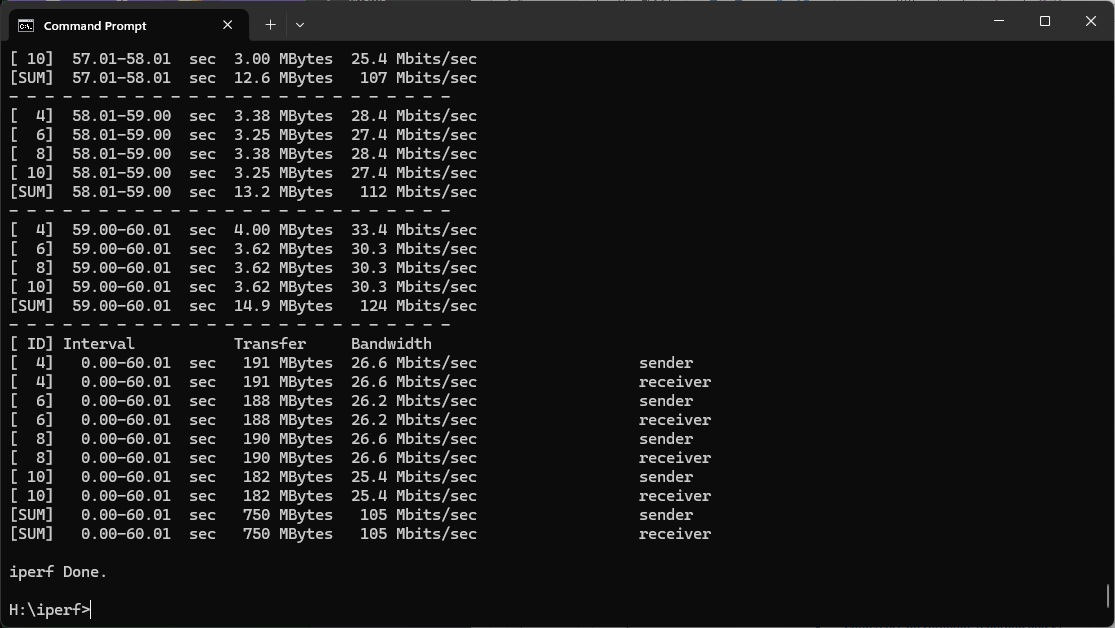
This only drops to 105Mbits/sec at 15m, which is mostly only beaten by three-unit mesh systems.
However, when the range gets to 20m, the Roamii has dropped off completely.
Overall, WiFi 6 performance for the MSI Roamii BE Pro offers reasonable coverage but poor maximum bandwidth. Enough for gaming or streaming video, but less optimal if multiple people want to stream high quality video at once.
802.11ac 5GHz (WiFi 5)
WiFi 5 arrived over a decade ago, but you could still have plenty of devices that use this standard, so decent performance is important.
Sadly, as with WiFi 6, the MSI Roamii BE Pro doesn't provide this.
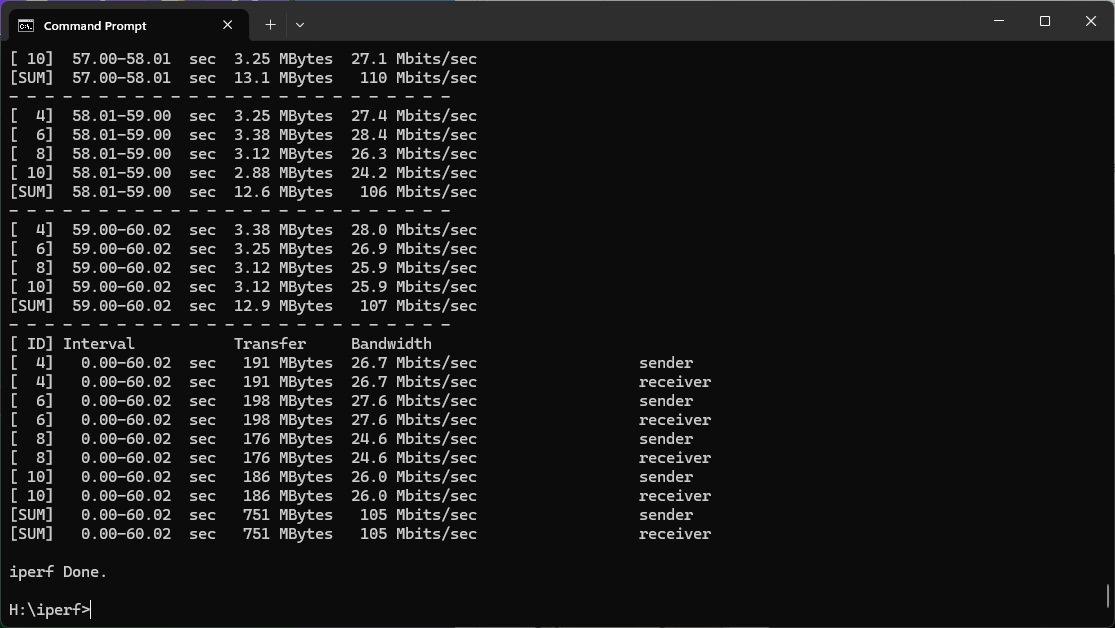
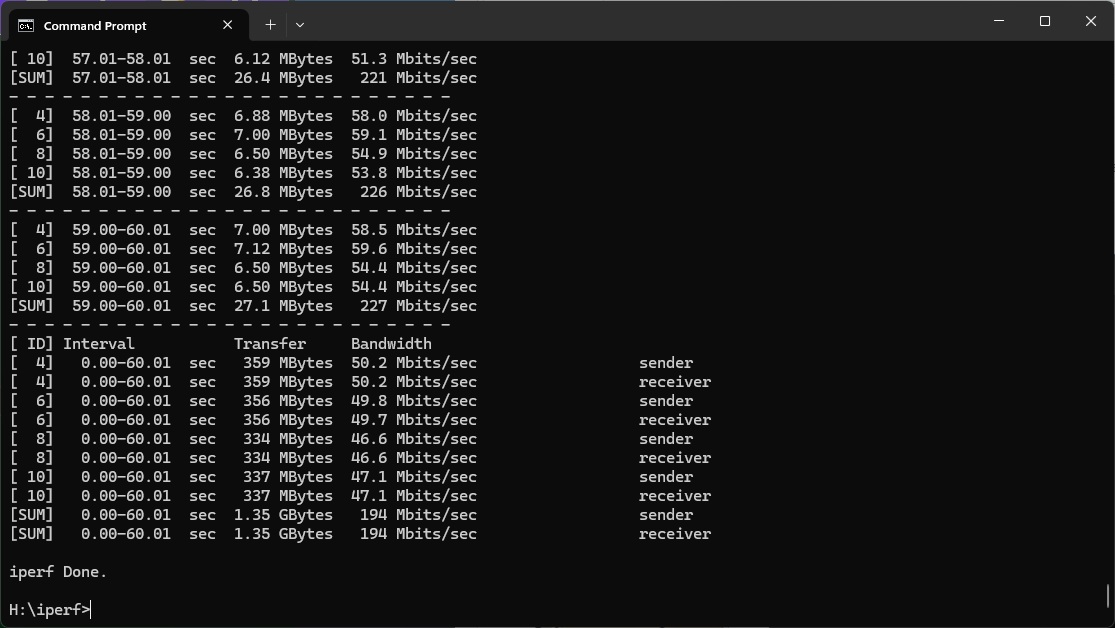
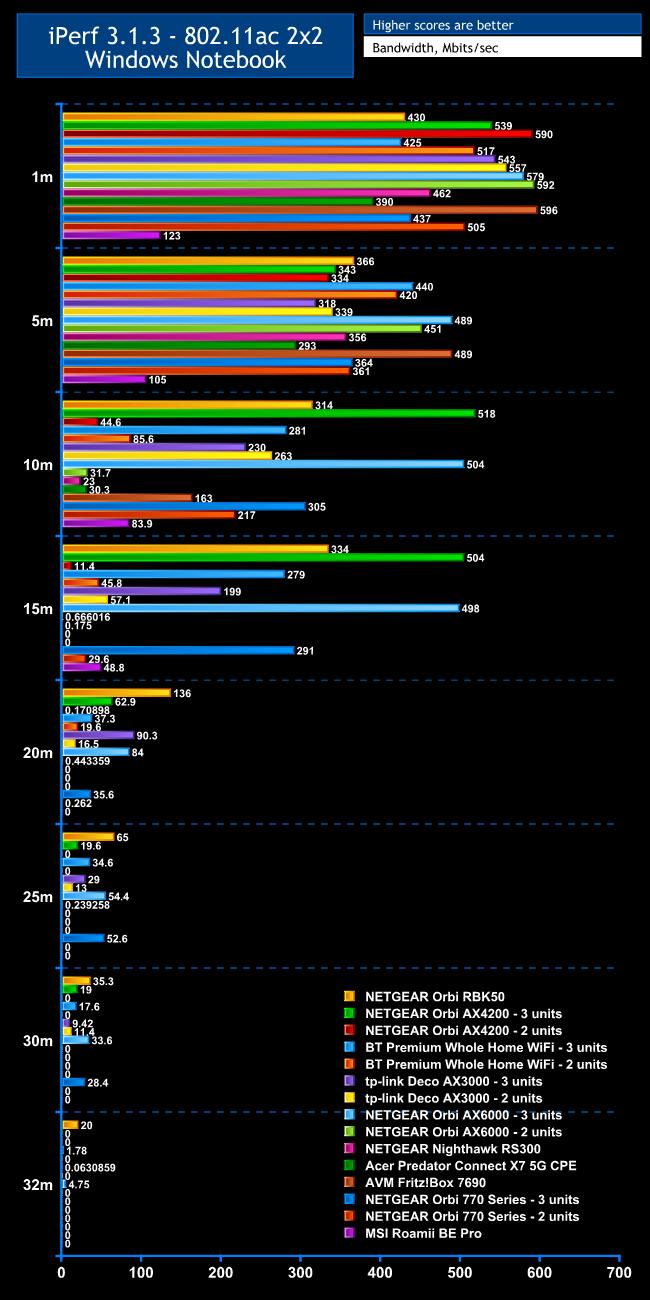
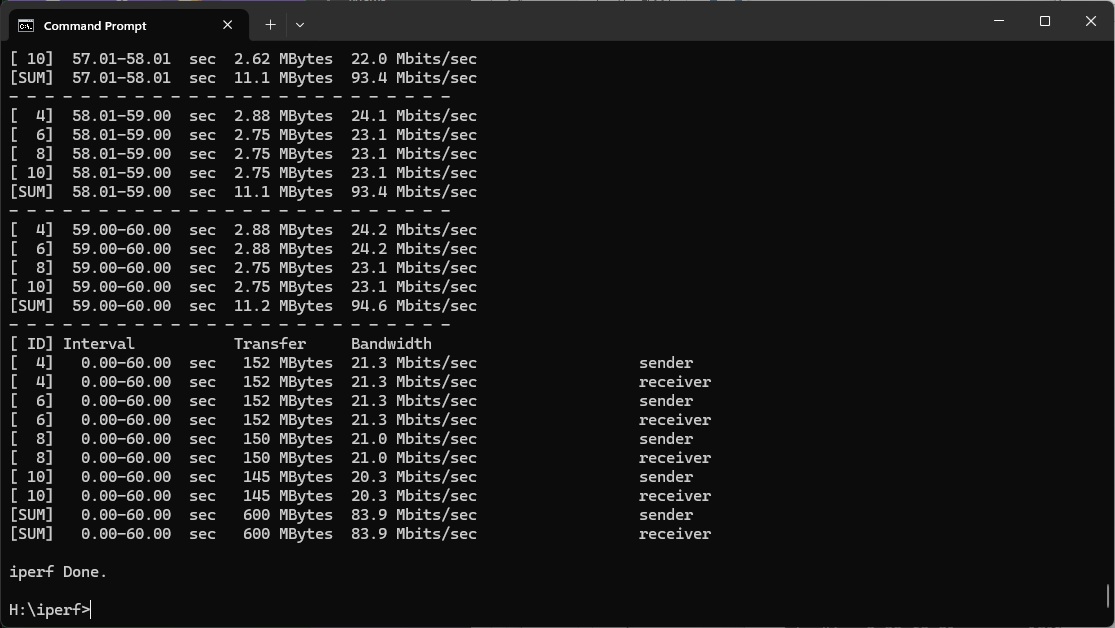
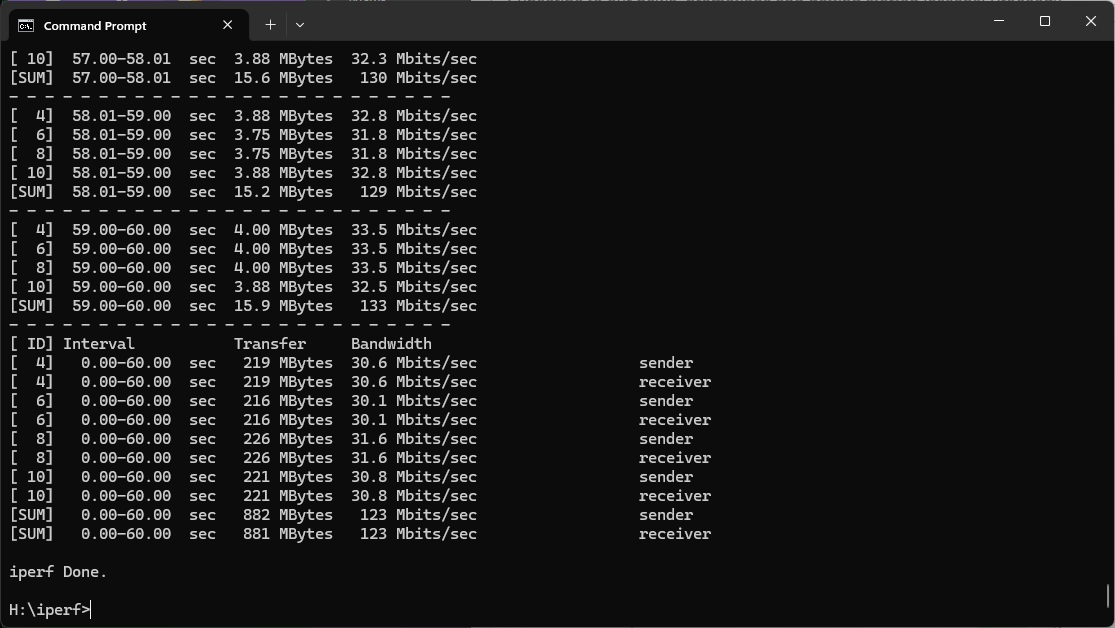
Within 1m, the bandwidth is only 123Mbits/sec. Again, we tested this many times to be sure and this was our best result. Every other router or mesh we have tested is much faster.
At 5m, the WiFi 5 throughput only dropped to 105Mbits/sec, but other options were still way out in front.
Moving out to 10m, the throughput of 83.9Mbits/sec is a bit more respectable, but there are still plenty of faster options, particularly if you opt for a three-unit system.
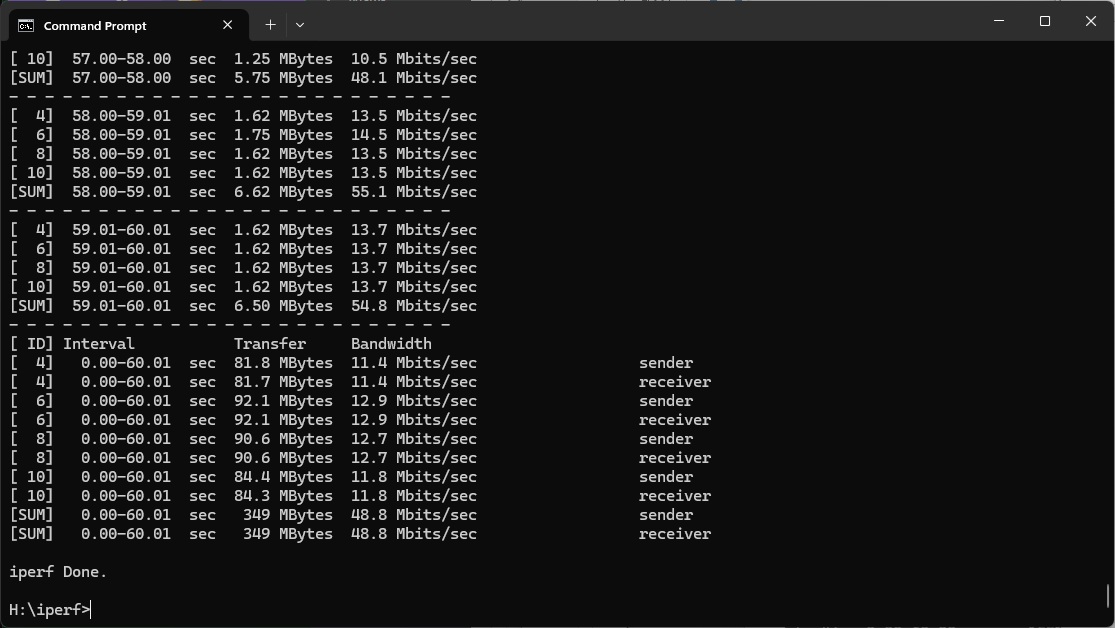
All the standalone routers have fallen away at 15m, but the Roamii is still managing 48.8Mbits/sec.
However, at 20m, and beyond, the signal has fallen away, while three-unit mesh systems are still going strong.
Overall, the conclusion with WiFi 5 is similar to WiFi 6 – reasonable coverage but disappointing bandwidth.
802.11n 2.4GHz – Legacy
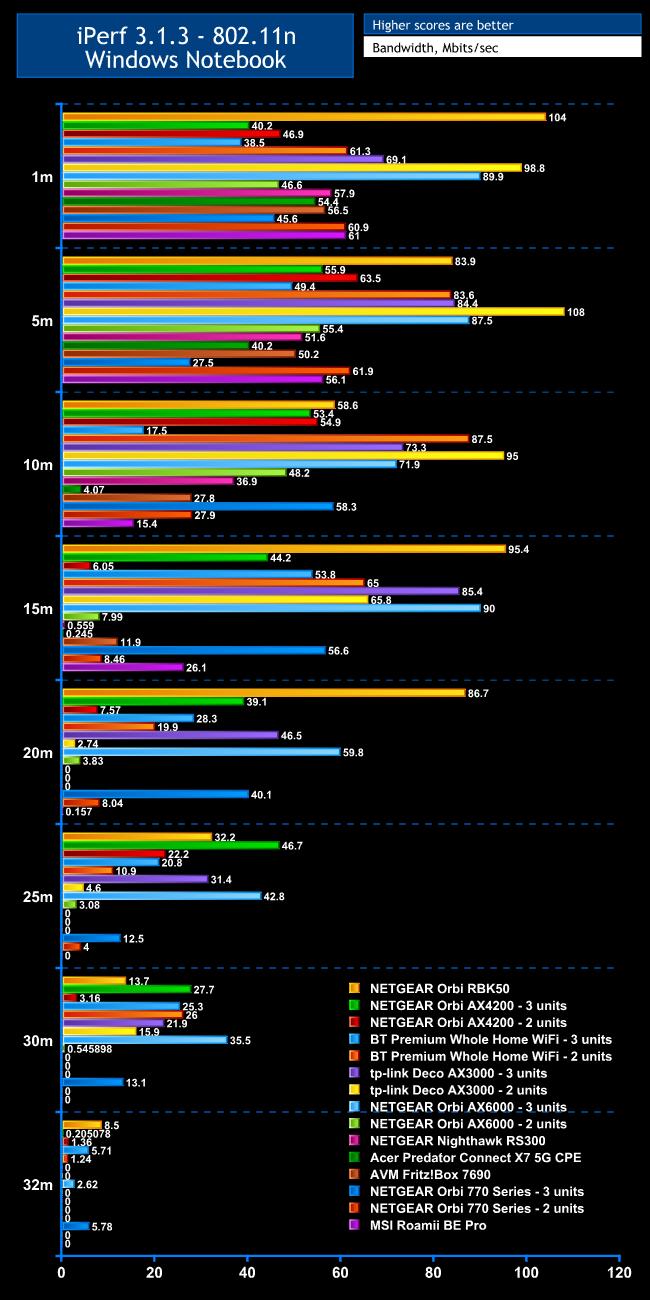
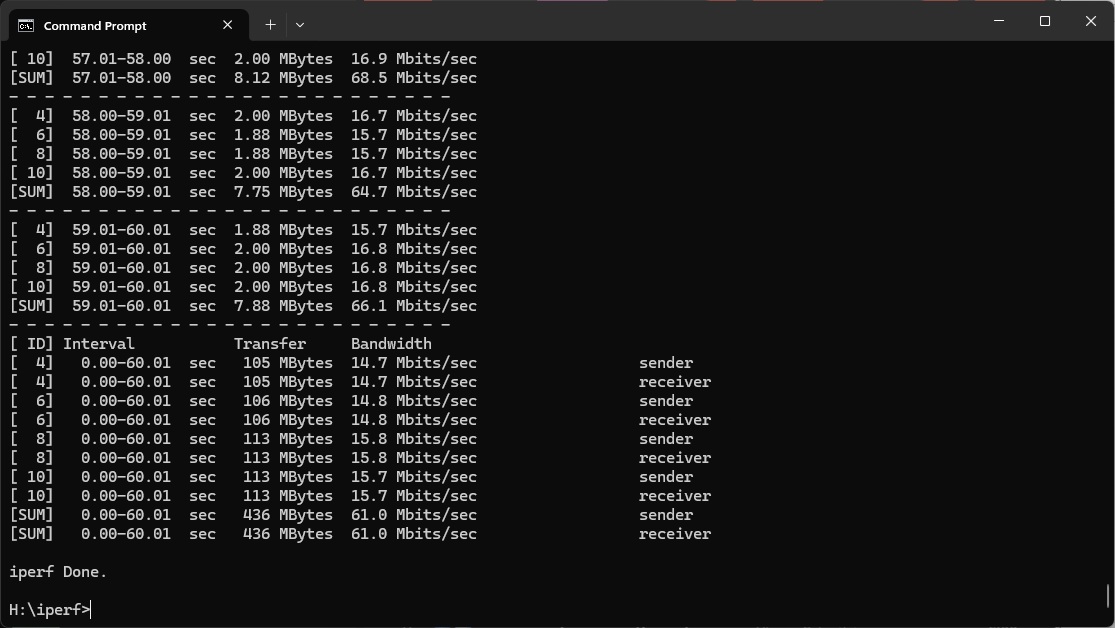
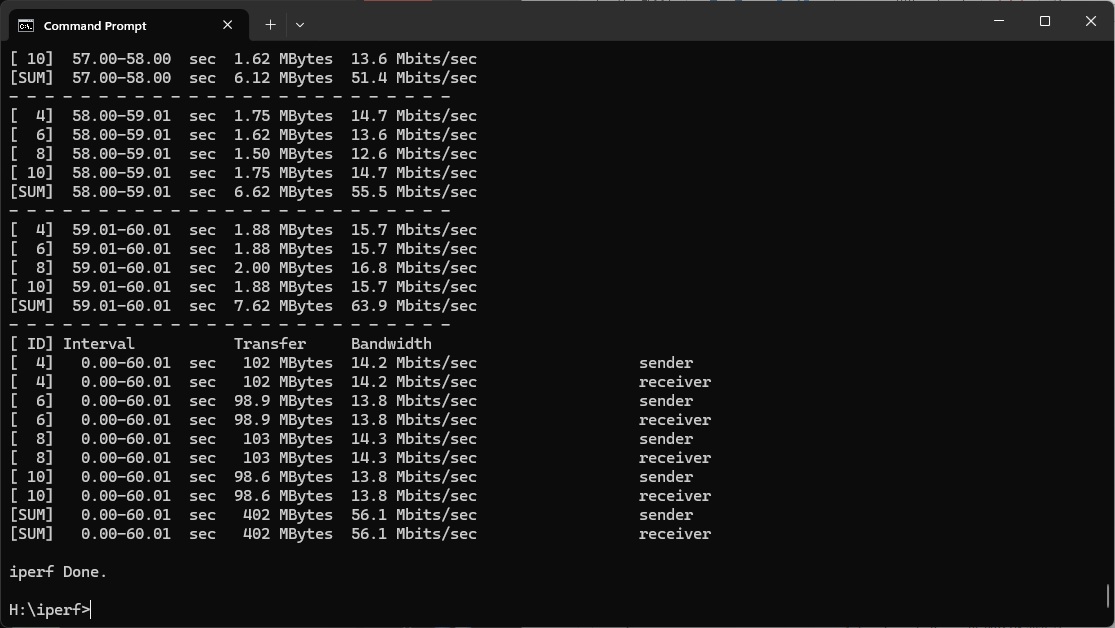
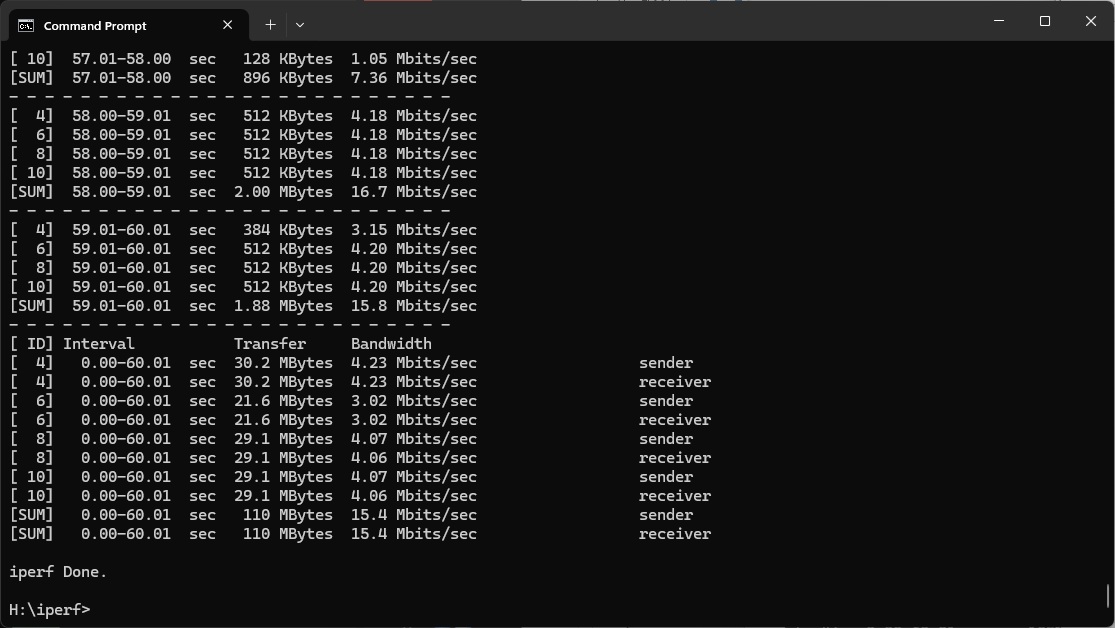
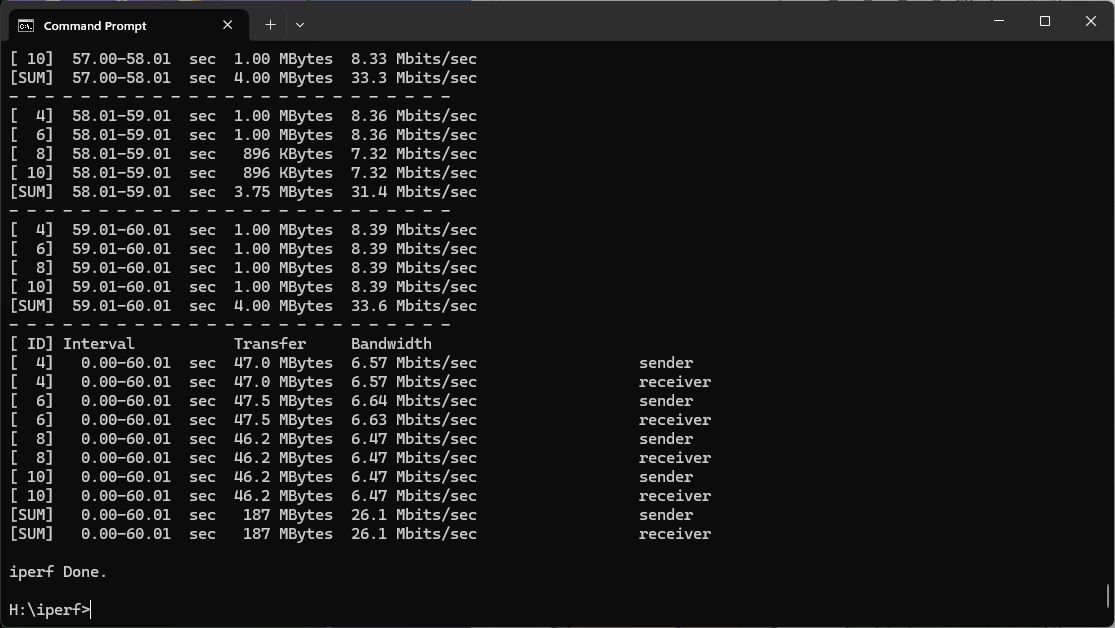
The 2.4GHz 802.11n standard is rather antiquated now, but some IoT devices still use it. The MSI Roamii BE Pro is a bit more respectable relative to other options up close with this wireless networking. At 1m, you get 61Mbits/sec, which only a few alternatives beat. Performance only drops a little to 56.1Mbits/sec at 5m, although at 10m, this has fallen back to 15.4Mbit/sec. At 15m, it looks likely that the laptop had switched to the satellite, because throughput actually went up again to 26.1Mbits/sec. However, the signal is unusable at 20m, and falls away entirely beyond that.
Overall, as before, there is decent coverage, and in this case decent throughput as well.
The MSI Roamii BE Pro has a few strong points. The Web administration interface is comprehensive, and it's great to see a key subset of power features also available in the smartphone app. We also appreciate the quartet of 2.5Gbit ports on both router and satellite, plus USB 3.0 for storage sharing. Being able to use the latter for BitTorrent and having detailed QoS options to manage network bandwidth usage fine-tune the capabilities. We particularly like how you can set up separate SSIDs for your kids and IoT devices, to control the Internet usage of both. The aesthetic design of the Roamii is also excellent.
However, while the WiFi 7 performance is beyond WiFi 6, it's not stunning and drops off at range. Conversely, the WiFi 6 and 5 bandwidth is surprisingly low up close, although spatial coverage of both is more commendable.
That said, the MSI Roamii BE Pro isn't particularly expensive. Its sub-£300 price undercuts a two-unit NETGEAR Orbi 770 Series kit by over £100, and the three-unit version by over £300. So what you lose on brute performance you do gain on value, and the software features are excellent. That means while the Roamii is no speed demon, it's not a choice we would rule out if you're on a budget.
The MSI Roamii BE Pro is available from Amazon UK for £279.99.
Pros:
- Acceptable WiFi 7 performance with clients close to router.
- Decent spatial WiFi 5 and 6 coverage.
- Fully featured Web interface.
- Some power features still included in smartphone app.
- Four 2.5Gbit Ethernet ports on router and satellite.
- USB 3.0 for storage sharing.
- Attractive physical design.
Cons:
- Mediocre WiFi 7 spatial coverage.
- Disappointing WiFi 5 and 6 performance with clients close to the router.
- Lengthy process to sync satellite to mesh.
KitGuru says: The MSI Roamii BE Pro doesn't stand out for performance, but the units look good, have plenty of fast wired Ethernet ports plus USB 3.0, and the software features are excellent.