KitGuru KitGuru.net – Tech News | Hardware News | Hardware Reviews | IOS | Mobile | Gaming | Graphics Cards



In the early days of WiFi, routers often came with their own adapters to take maximum advantage of proprietary performance or security enhancements. But for at least a decade, since Intel's Centrino campaign, we have made do with whatever WiFi came in our notebooks, which is often of variable specification. Rivet Networks' Killer range, however, has forged a niche for itself where gamers can obtain better performance from products incorporating its networking technology. Latest in this line is the Wireless-AC 1550.
The key attraction of the Wireless-AC 1550 is that it uses its Intel WiFi chipset to provide support for 2 x 2 antennas and 160MHz-wide channels. This means it can theoretically offer the full 1,733Mbits/sec afforded by a 2 x 2 antenna configuration and 5GHz 802.11ac, which is more than wired Gigabit Ethernet. Killer claims that real-world throughput of 1.3Gbits/sec is attainable.
Of course, this relies on your WiFi router also offering 160MHz channels and a 2 x 2 antenna configuration, but a number of high-end options do.
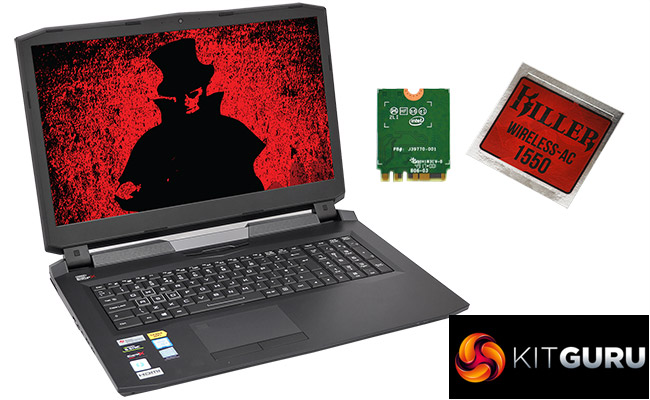
It's not all about the hardware, either. Killer enhances its networking adapters with Control Center software that allows you to prioritise some types of traffic over others. It also provides WiFi analysis tools, as well as other settings for tweaking performance and behaviour.
We looked at the Wireless-AC 1550 pre-installed in a monster Octane V notebook from PC Specialist, but you can also purchase an adapter in M.2 format for about £40 if you want to upgrade an existing laptop. We used a Linksys WRT 32x Gaming Router for feature testing, but also tried out a NETGEAR router that offers the requisite 160MHz channel support for performance assessment. So let's find out if the Rivet Networks Killer Wireless-AC 1550 gets away with murdering alternative WiFi systems.
Price: £38.67
Specification:
- Wireless protocols: 802.11b/g/n 2.4GHz, 802.11a/n/ac 5GHz with MU-MIMO
- Performance: 160MHz channels in 5GHz waveband; 40MHz channels in 2.4GHz waveband; 1,733Mbits/sec throughput
- Antenna Configuration: 2×2 Internal Antennas for 2.4/5GHz
- Bluetooth: 5.0
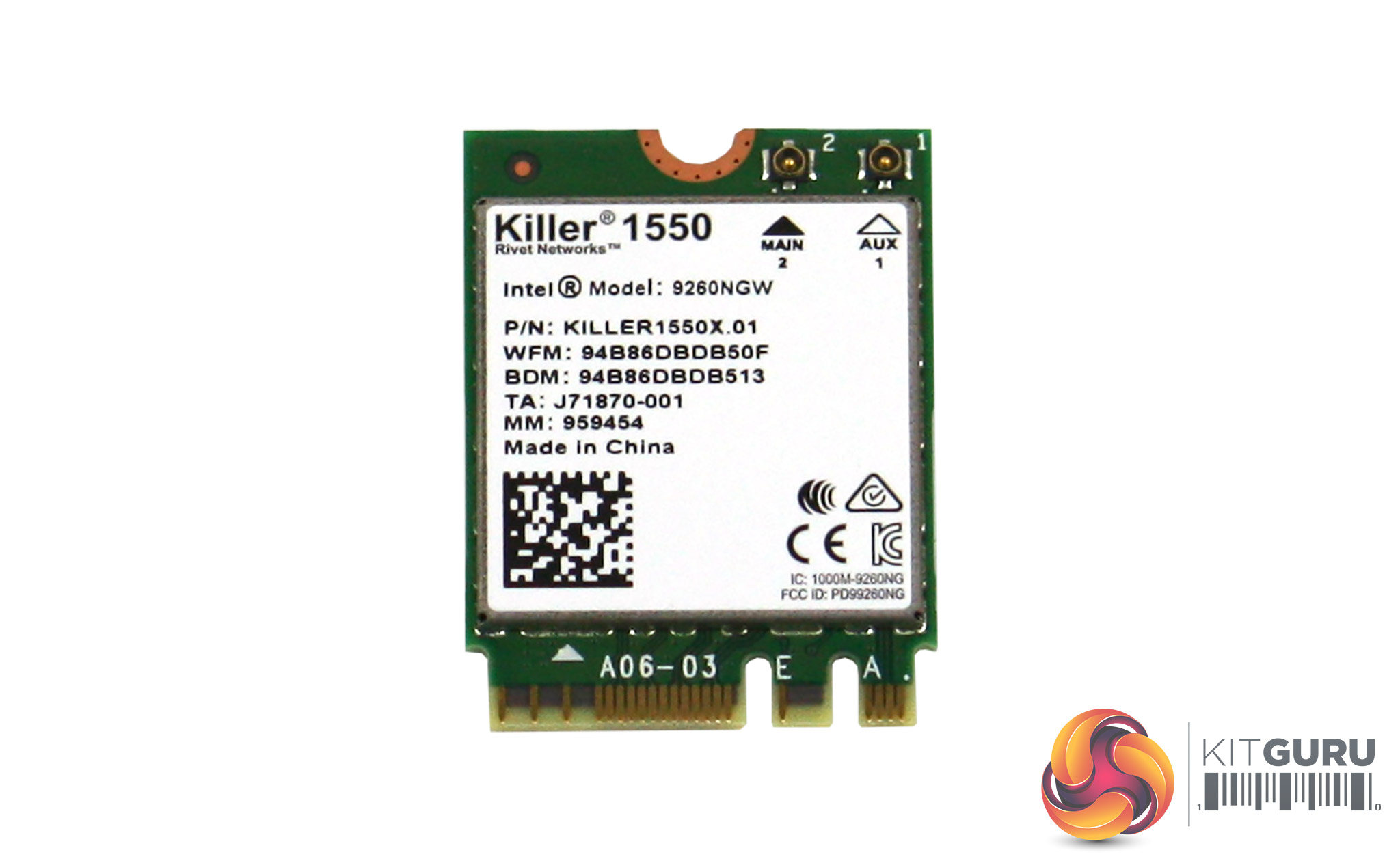
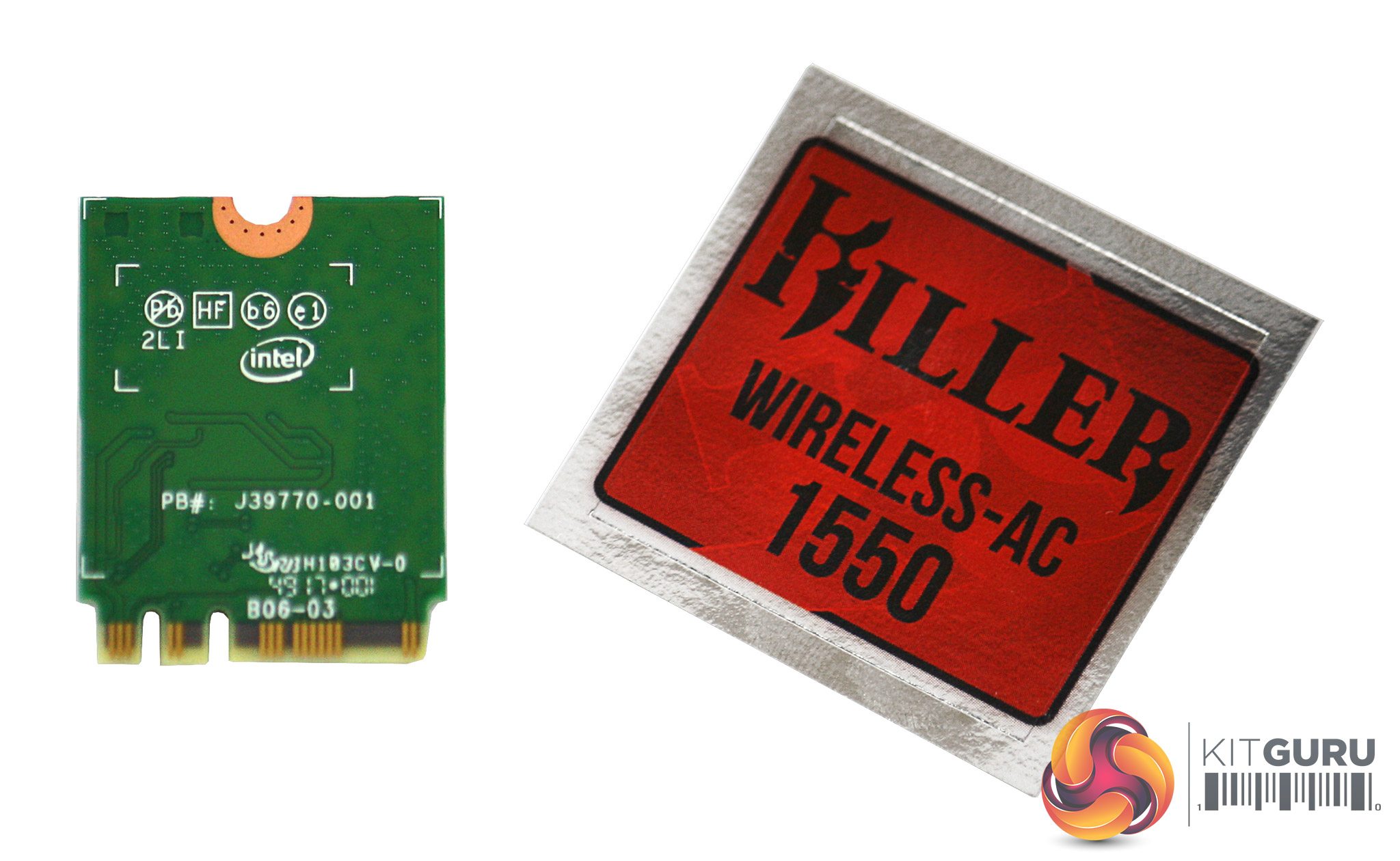
The Killer Wireless-AC 1550 hardware is a fairly innocuous M.2 2230 card, which is compatible with both PCI Express and USB M.2 slots. It's based around Intel's Wireless-AC 9260 chipset, which is what provides the 160MHz 802.11ac channel width, 2×2 antennas, MU-MIMO support and Bluetooth 5.0.
The 160MHz channel width is the key feature of interest here, rather than the 2×2 antennas, both of which are independently influential on throughput. The normal maximum channel width is 80MHz for 5GHz 802.11ac, although 20MHz and 40MHz channels can also be used. With a single antenna, 80Hz gives you a theoretical maximum bandwidth of 433 Mbits/sec. For every extra antenna, you add a further 433 Mbits/sec. But with 160MHz instead of 80MHz channels, you double the throughput per antenna to 866 Mbits/sec.
So the Killer Wireless-AC 1550's 2×2 antennas and 160MHz channel therefore provide a theoretical maximum of 1,733 Mbits/sec, which is about the most you will see from standard consumer-grade hardware right now. To realise this, you also need the router or access point the WiFi adapter connects to offer 160MHz channels and at least 2×2 antennas, although it could have more of the latter.
Although the Killer Wireless-AC 1550 is essentially an Intel chipset, Rivet Networks adds value by providing its own firmware and software you can use to tweak how your WiFi connection behaves in great detail.
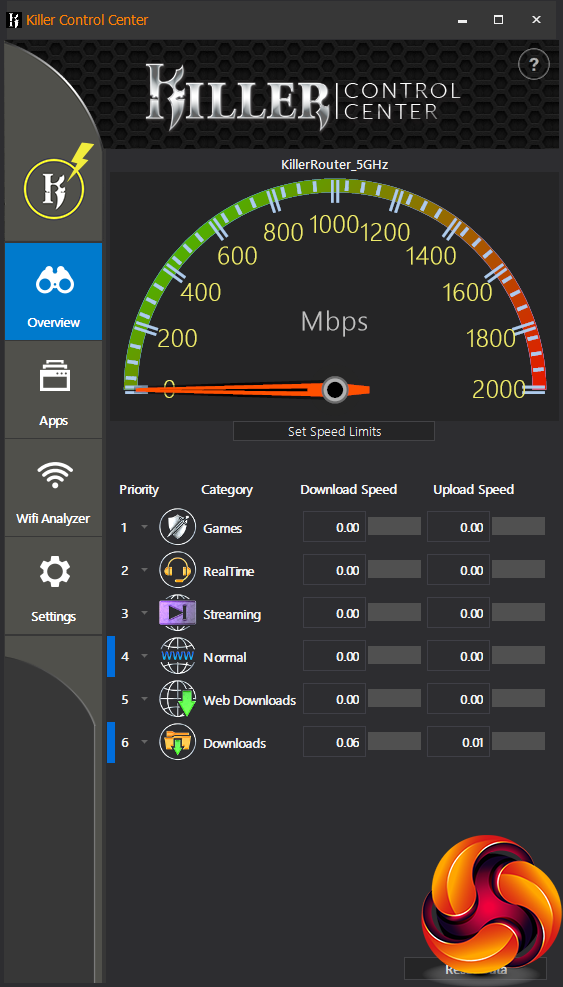
When you first connect to WiFi (or Ethernet) using the Killer adapter, the Overview page of the Killer Control Center will become available.
This tells you what total bandwidth you're currently using and also which categories of application are using how much of that total. You can change the priority of the categories but the default one seems quite sensible already.
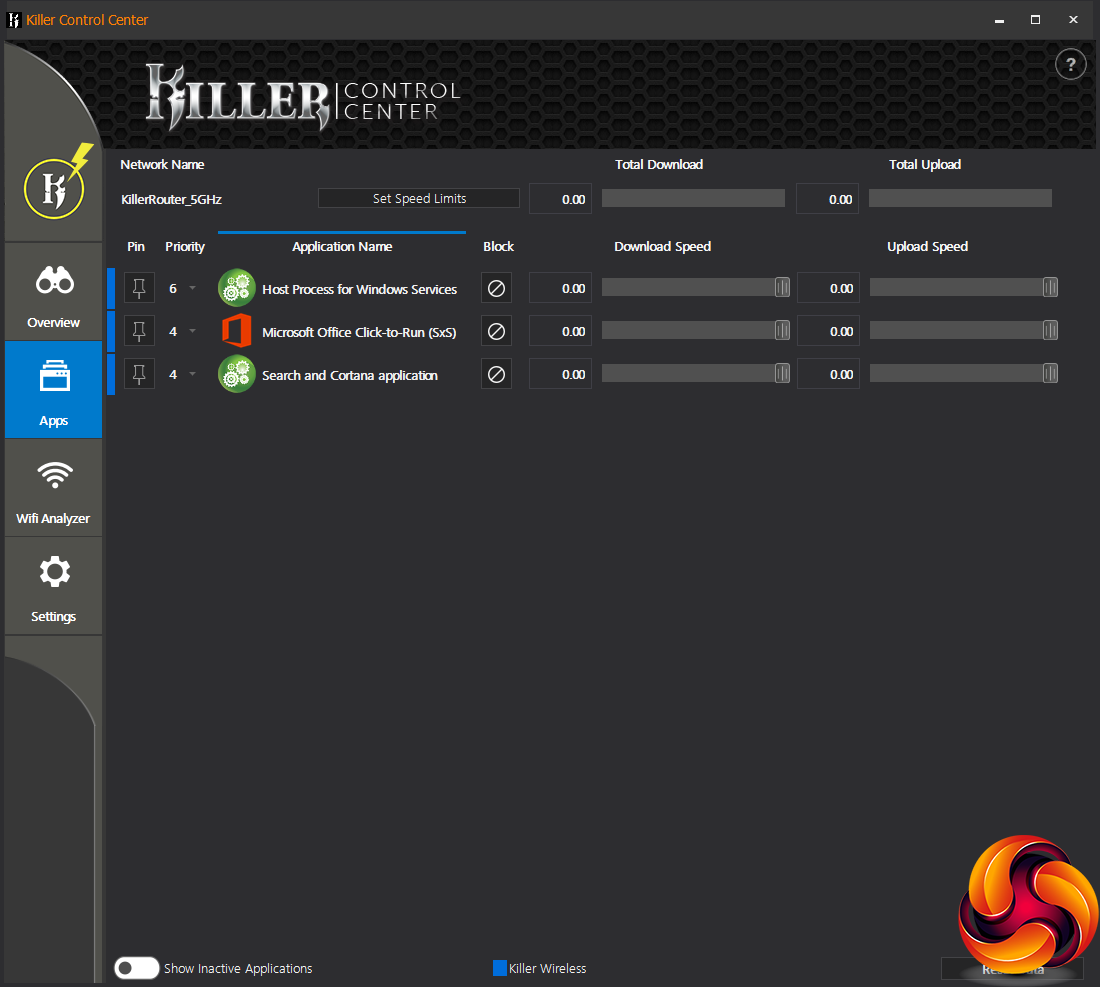
The Apps section lets you drill down further to see a list of software that is currently using the network. You can then change the priority for these applications individually and set limits for download and upload bandwidth.
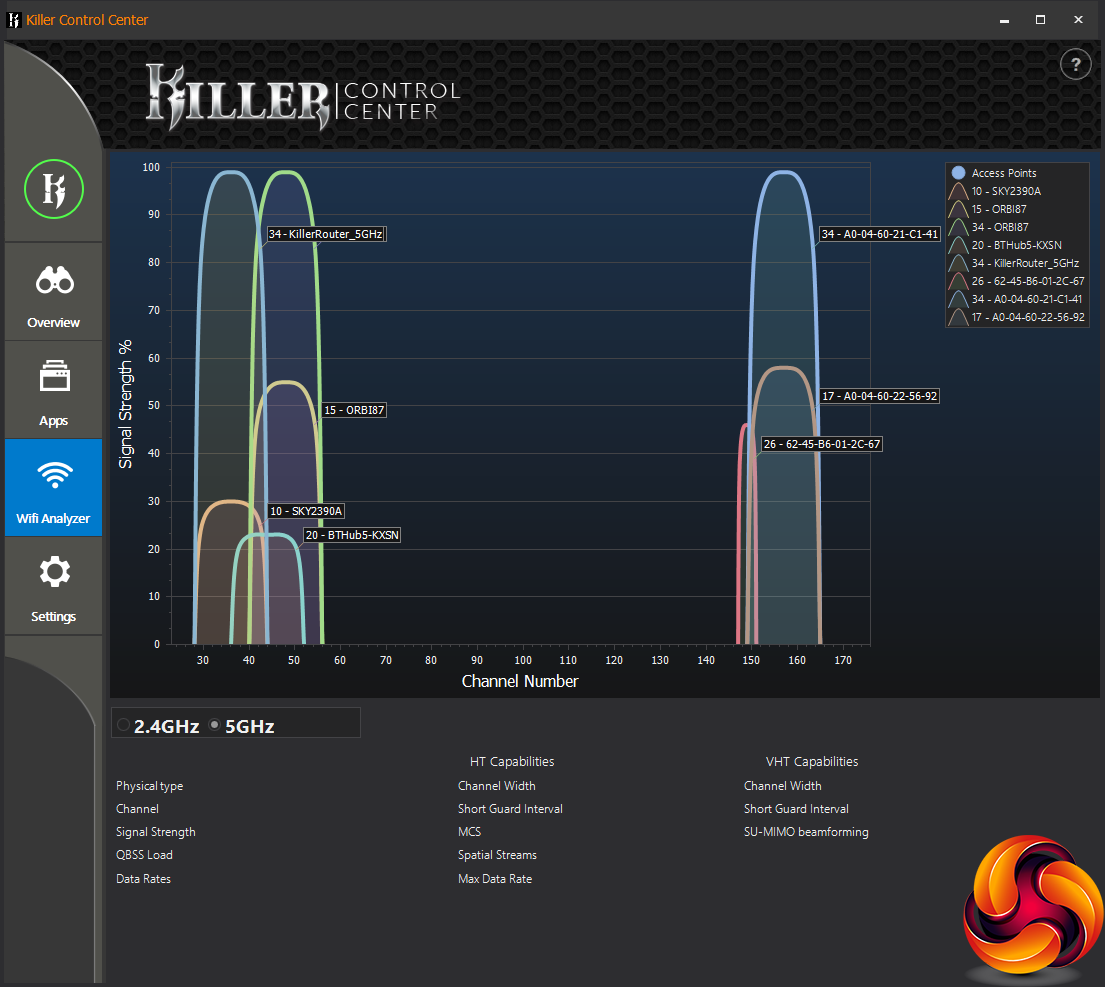
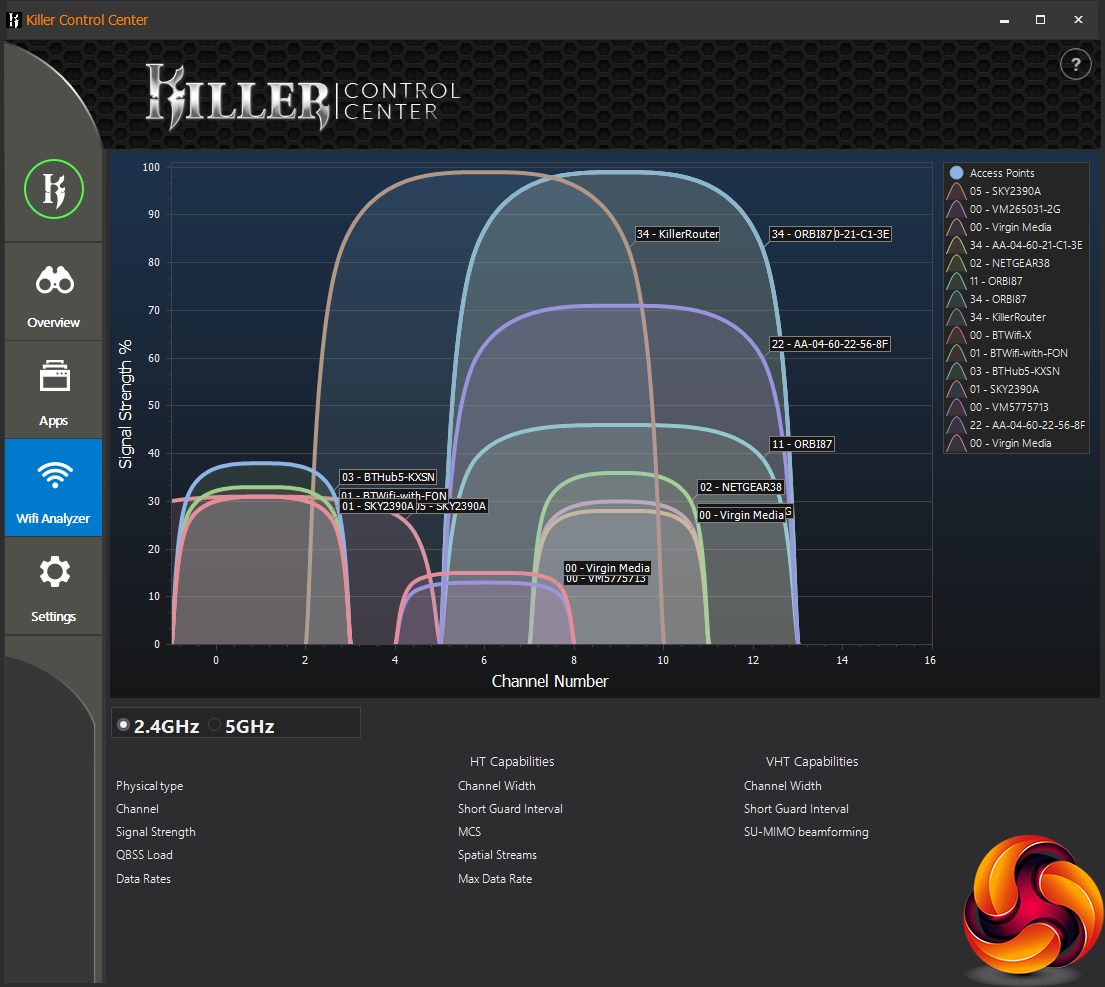
The WiFi analyser isn't unique, but the Killer implementation is very nicely designed. You can see all the channels in usage in your local area, with the width of the shapes showing how many channels each signal uses, and the height showing the signal strength.
It's pretty useful for steering your router towards a channel range that's clear, although in practice (as you can see from the shots above), the standard channels are likely to be occupied by your neighbours' WiFi routers. If you click on one of the signal graphics you can get a readout below showing which features that WiFi service supports and is currently using.
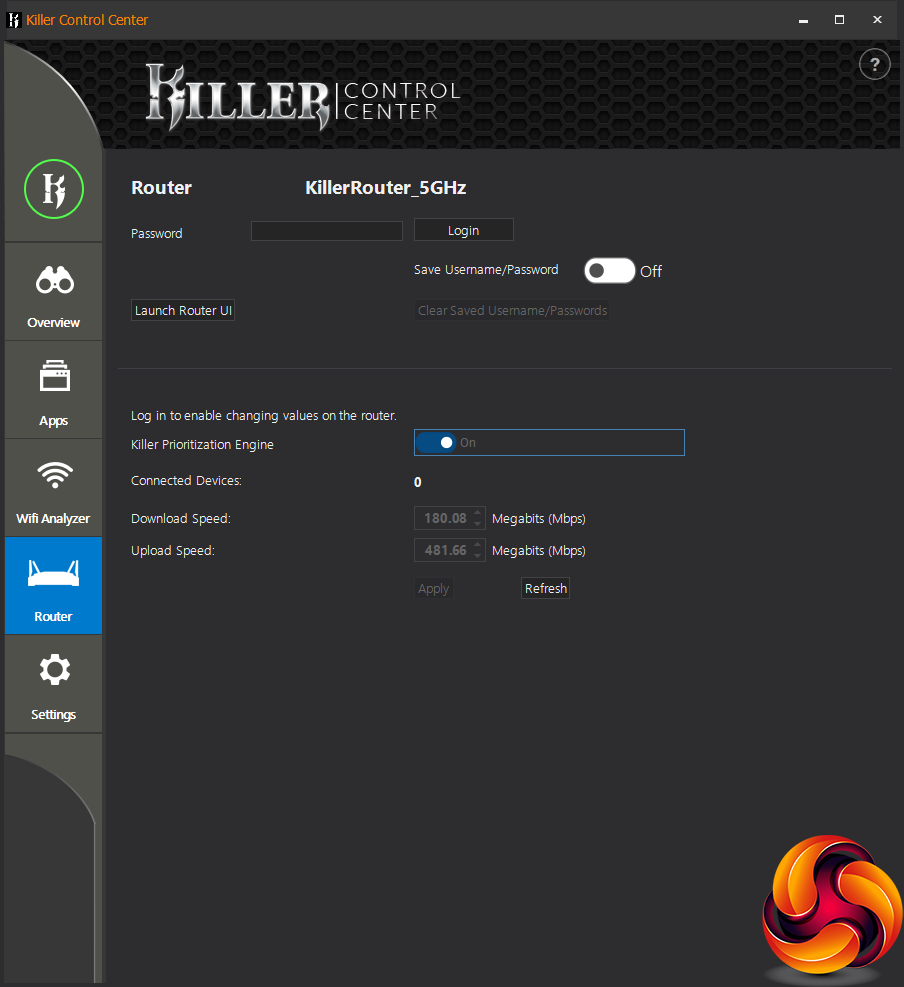
If the Killer Control Center detects a router with the Killer Prioritization Engine built in like the Linksys WRT 32x we were using, the Router tab will appear. This allows you to log into the router and configure whether the Killer Prioritization Engine is enabled, as well as setting the limits on download and upload speeds.
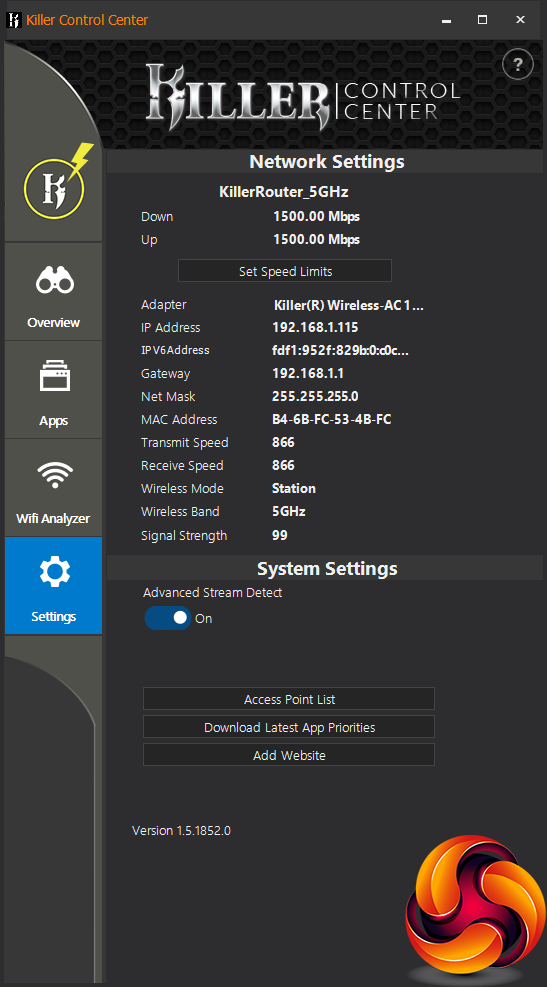
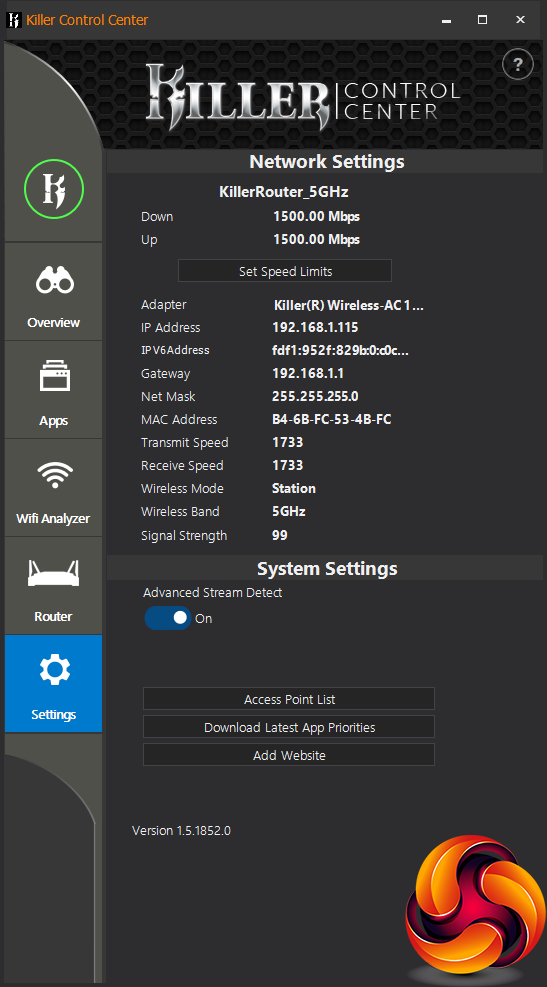
If your connection isn't using the full capabilities of the Killer Wireless-AC 1550 hardware, a yellow lightning bolt will appear on the K logo, and you can see what bandwidth you're getting. Once a full-speed connection has been made, it will go green and you can see the Transmit and Receive speeds have hit 1,733Mbits/sec, as they should.
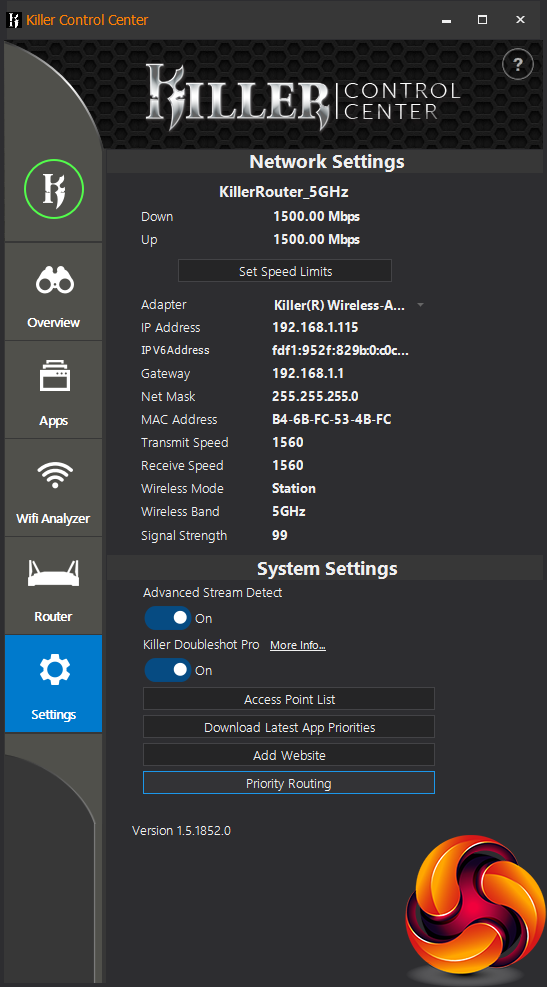
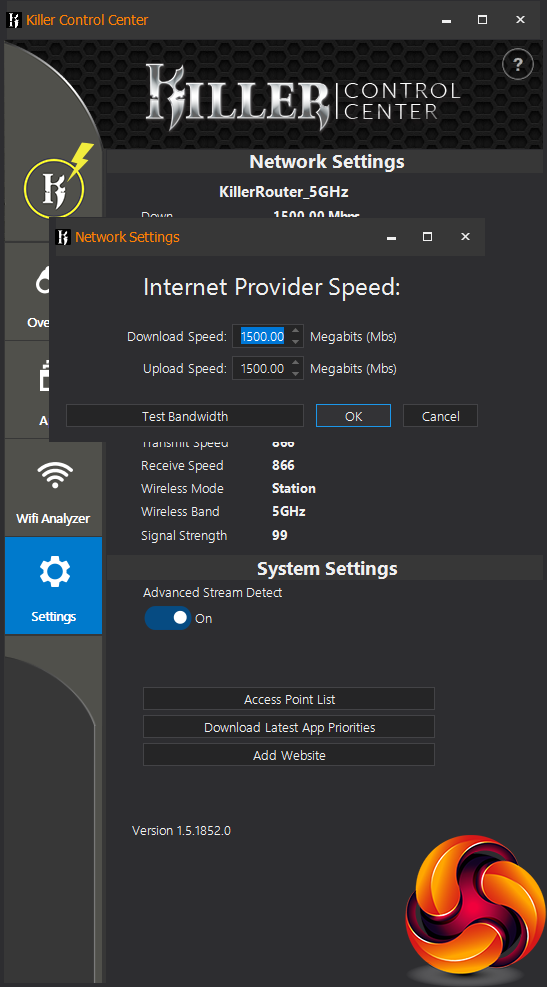
If you have both wired and wireless network connections available, the Killer Control Center can load balance between them via the Doubleshot Pro feature. You can also route different types of traffic over wired or wireless, so they are kept completely separate. This uses the Priority Routing button at the bottom.
You may also have noticed that there's a Set Speed Limits button on many of these sections of the Control Center. You can use this to create a global limit over the amount of Internet bandwidth that is available.
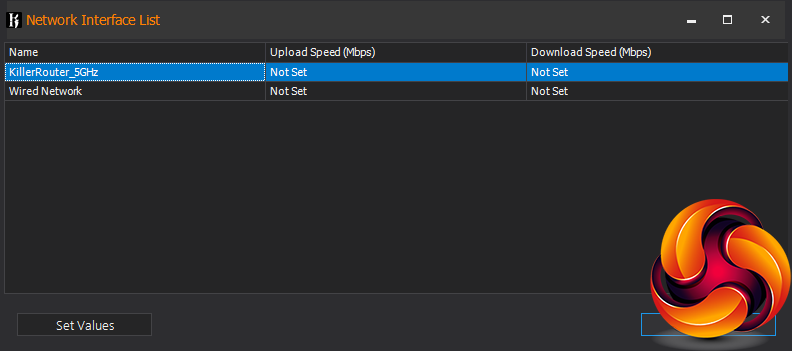
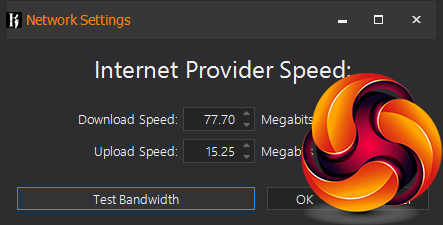
The Set Speed Limits button includes a Test Bandwidth facility that will measure the performance of your broadband so you can use this to set the throughput limits. When both wired and wireless networks are connected, you can set how much each uses, both up and downstream.
Overall, there are many more features available here than your average WiFi interface provides. The most significant of these is the ability to prioritise categories of activity over others, and then drill down to particular apps. This allows you to prevent anything you have running in the background from interfering with your gaming or video watching, thereby reducing lag or dropped frames.
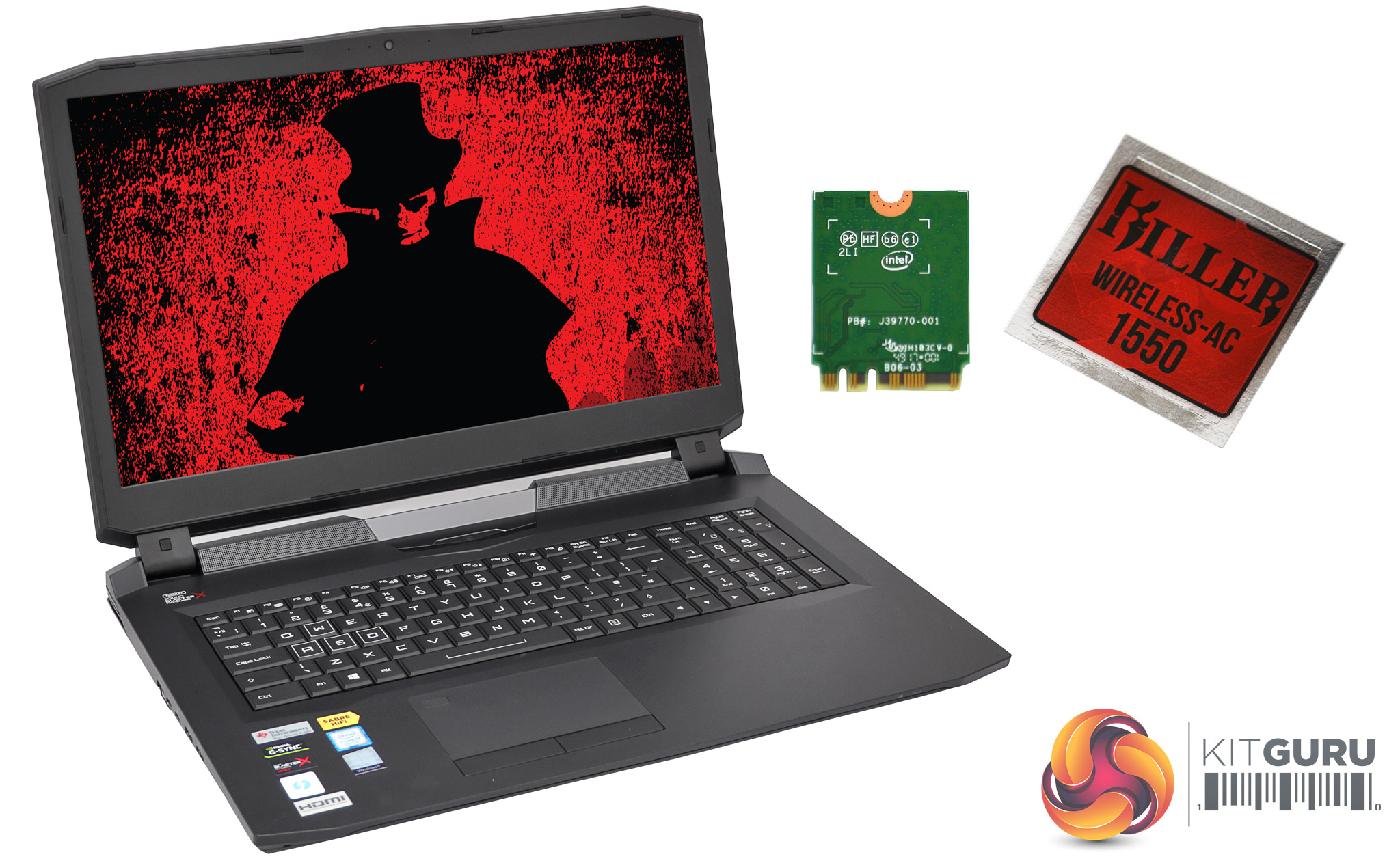
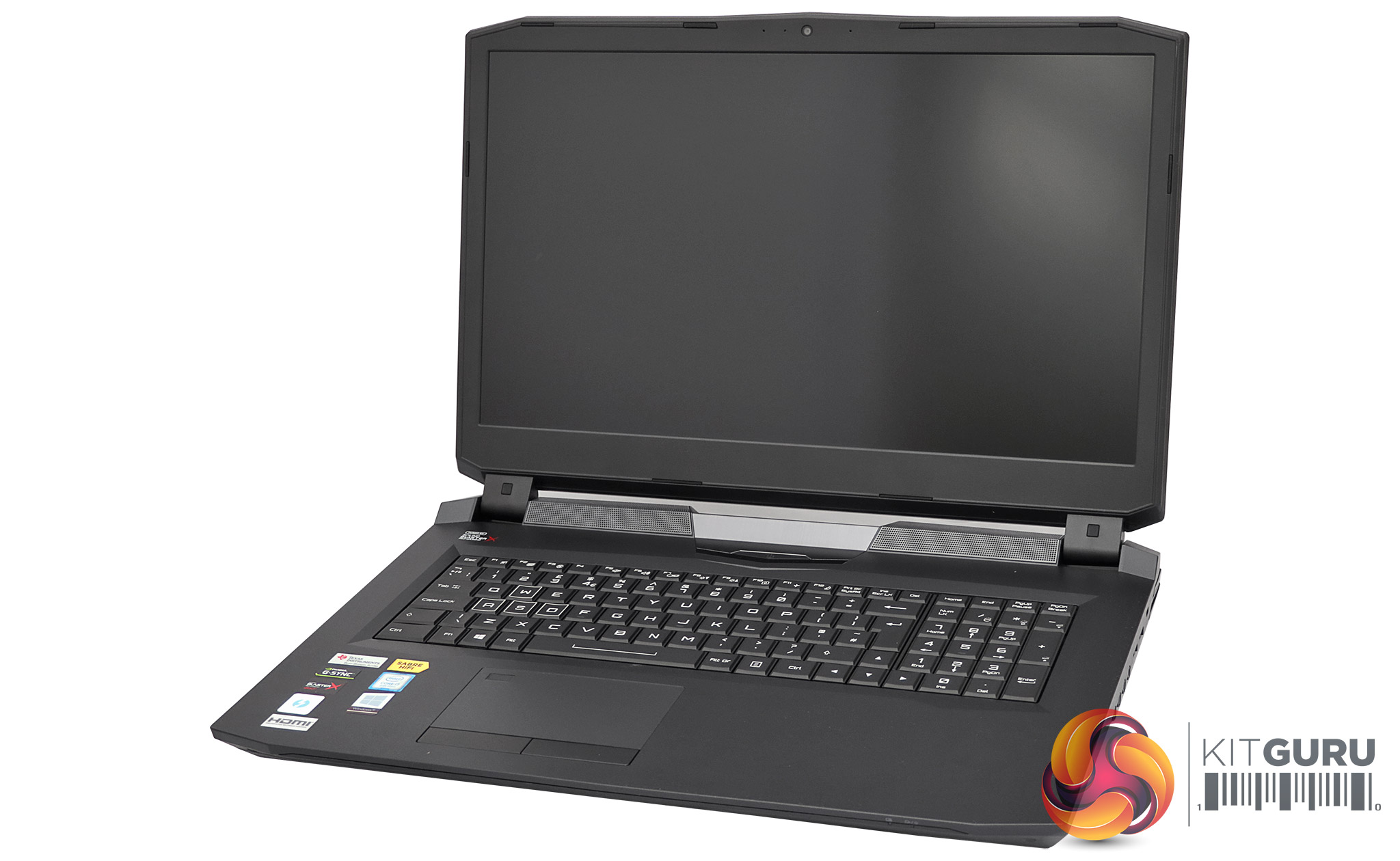
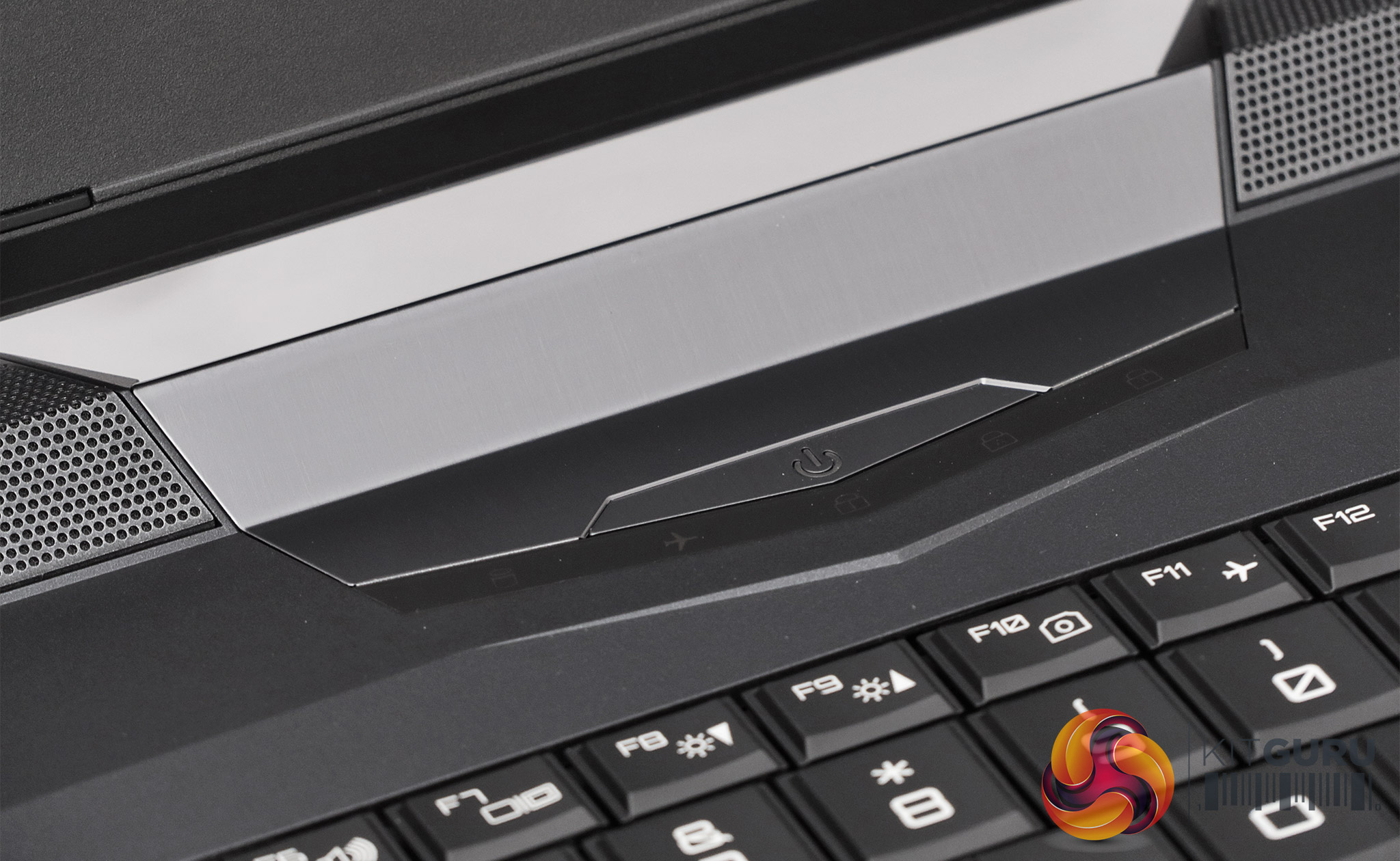
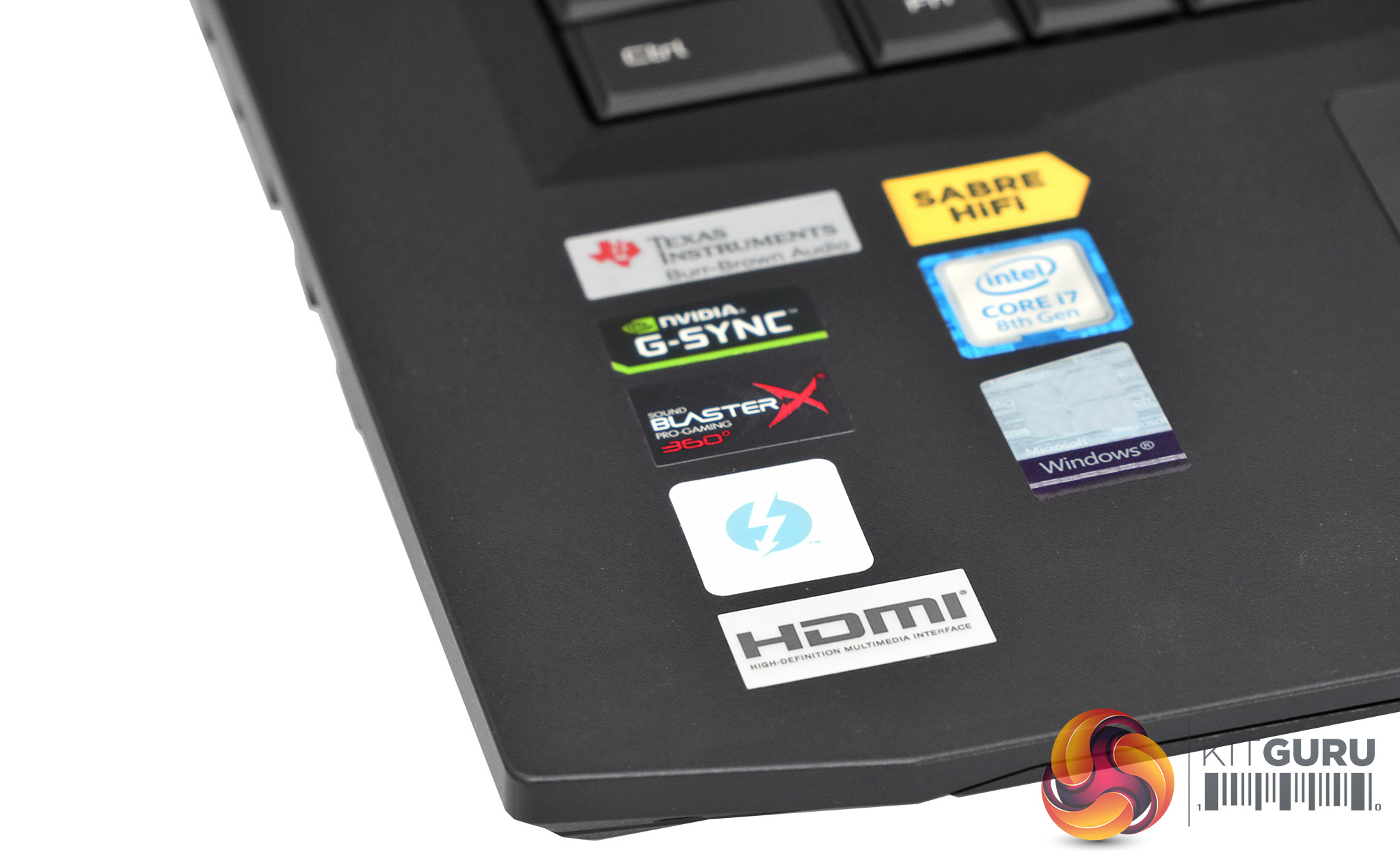
Although you can purchase the Killer Wireless-AC 1550 as a standalone device and install it in your own laptop, the more realistic scenario is to purchase a notebook that has Killer Wireless-AC 1550 built in from the outset. We were sent one such beast in the shape of the PC Specialist Octane V. This monster 17.3in gaming notebook incorporates a 3.7GHz Intel Core i7 8700K six-core CPU, 16GB of 2,666MHz DDR4 SDRAM, and NVIDIA GeForce GTX 1060 graphics, although you can specify up to 64GB of RAM and up to GTX 1080 graphics.
A 4K screen is also available, but our system came with the Full HD alternative that supports up to 144Hz refresh and has G-Sync adaptive synchronisation to go with the NVIDIA graphics. There's a 512GB Intel 760p M.2 NVMe SSD as well as a 1TB Seagate Barracuda Pro 7,200rpm 2.5in hard disk for all your storage needs.
The Killer Wireless-AC 1550 is not the default option with the Octane V, but it only costs £12.50 plus VAT to specify this instead of the vanilla Intel 9260 WiFi chipset without the special Killer sauce.
The above specification will set you back a fairly reasonable £1,789 inc VAT.
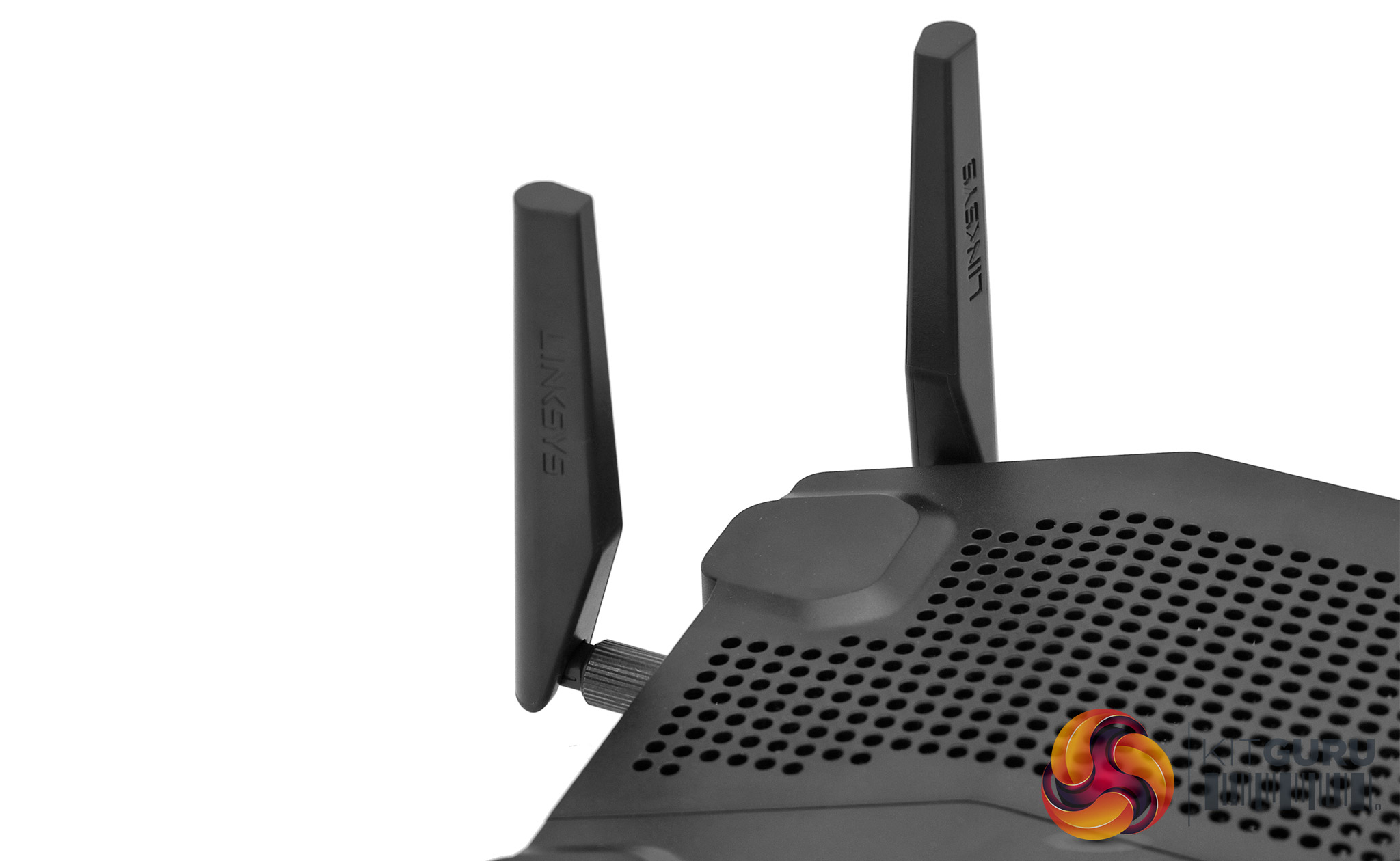
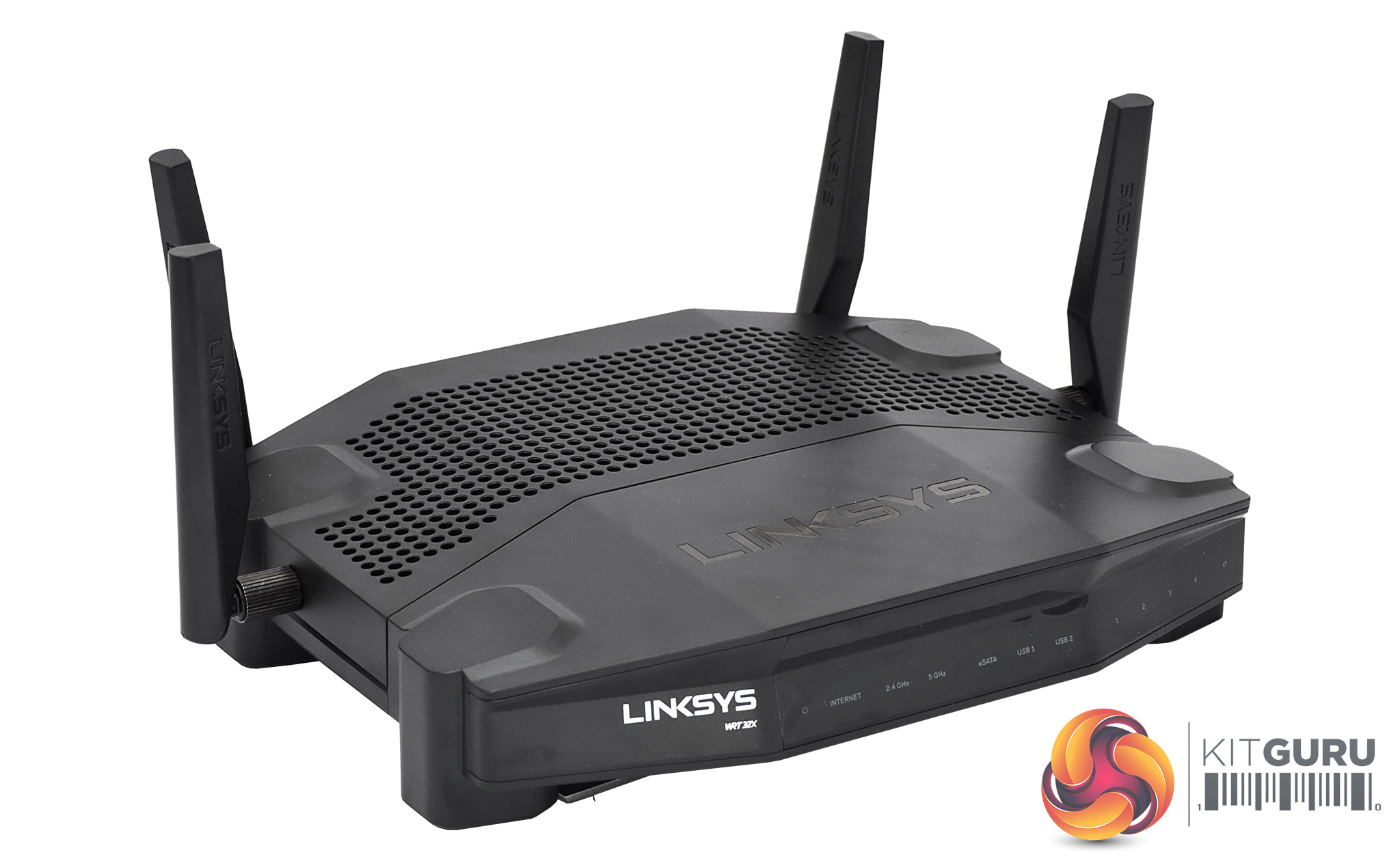
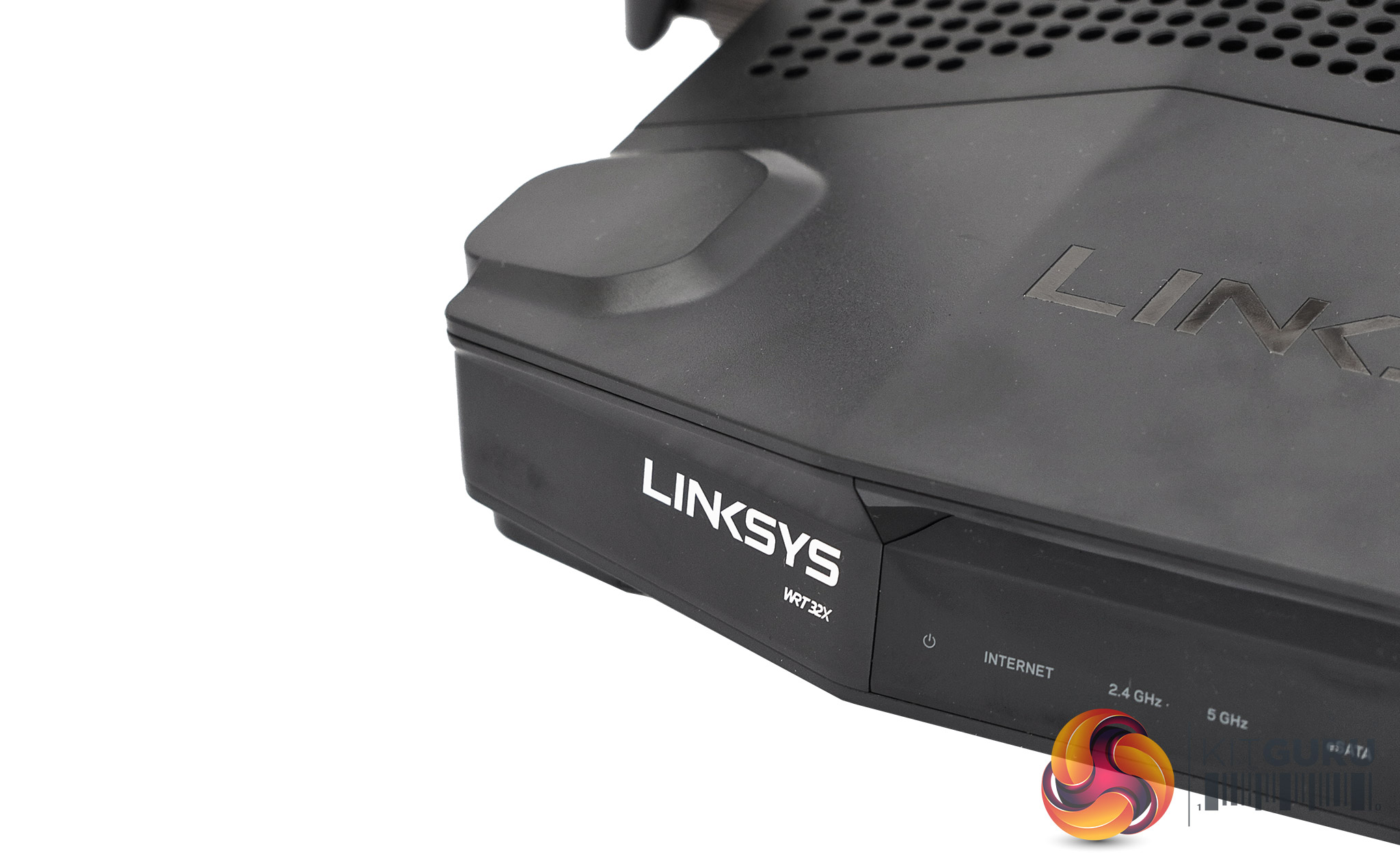
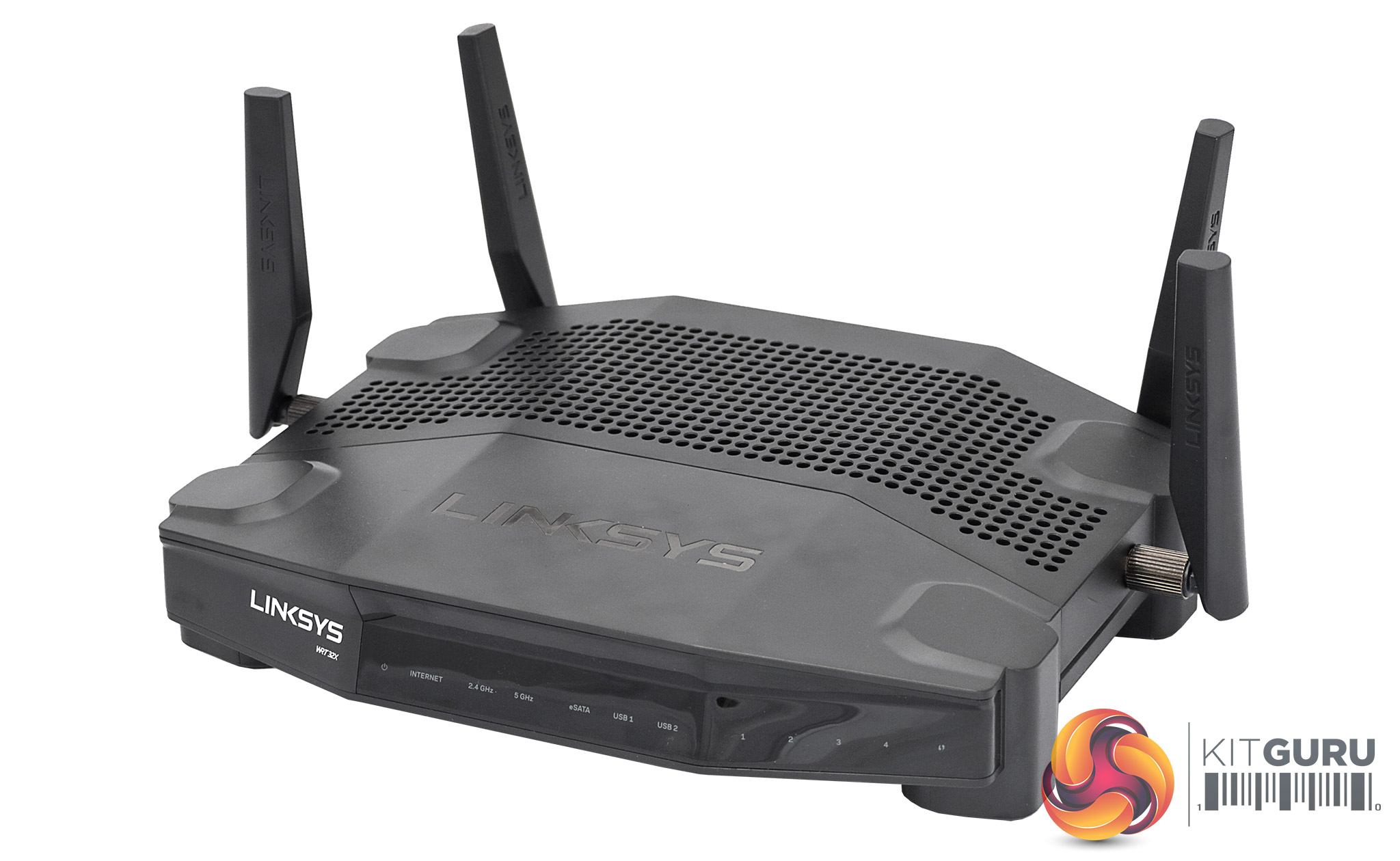
As we have emphasised in this review already, you need a router than can take advantage of what the Killer Wireless-AC 1550 has to offer before you feel the benefit. This includes at least 2×2 antennas (which pretty much all routers will have), and support for 160MHz channels of 5GHz 802.11ac WiFi.
The Linksys WRT 32x that Rivet Networks sent us to help with testing has these features. This is an AC3200 router, and specifically includes the Killer Prioritisation Engine built in. It has a 4×4 antenna configuration and MU-MIMO support.
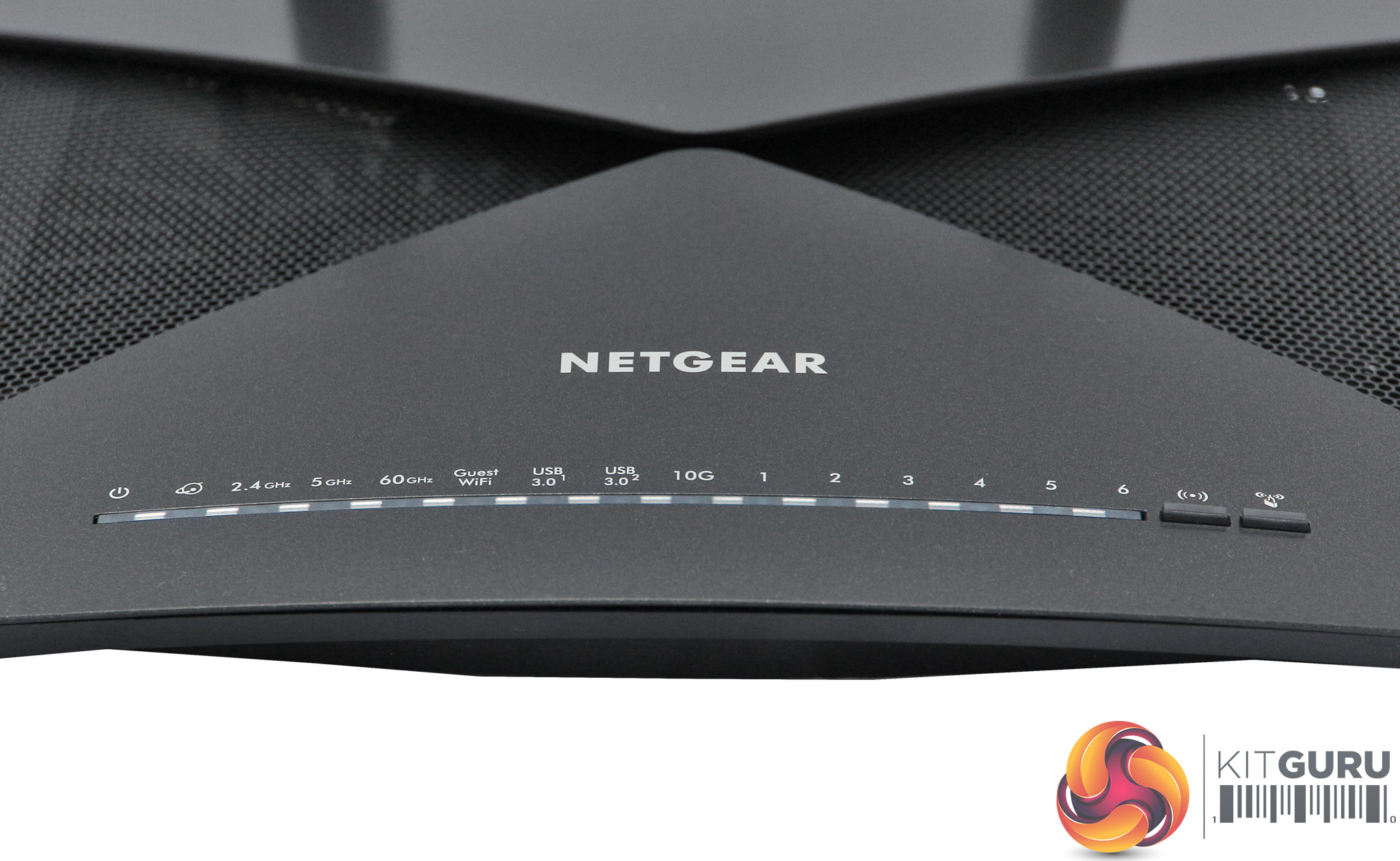
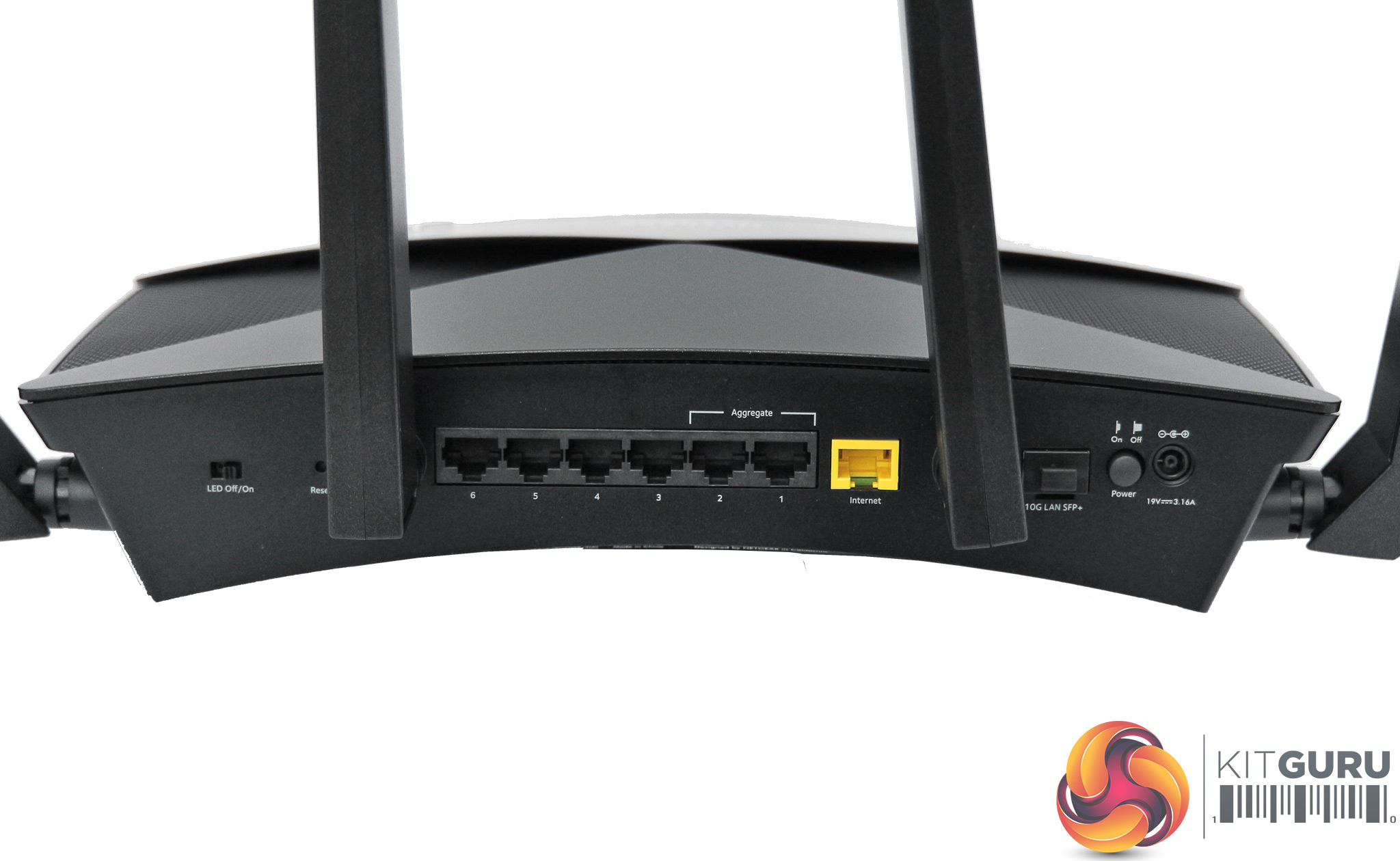
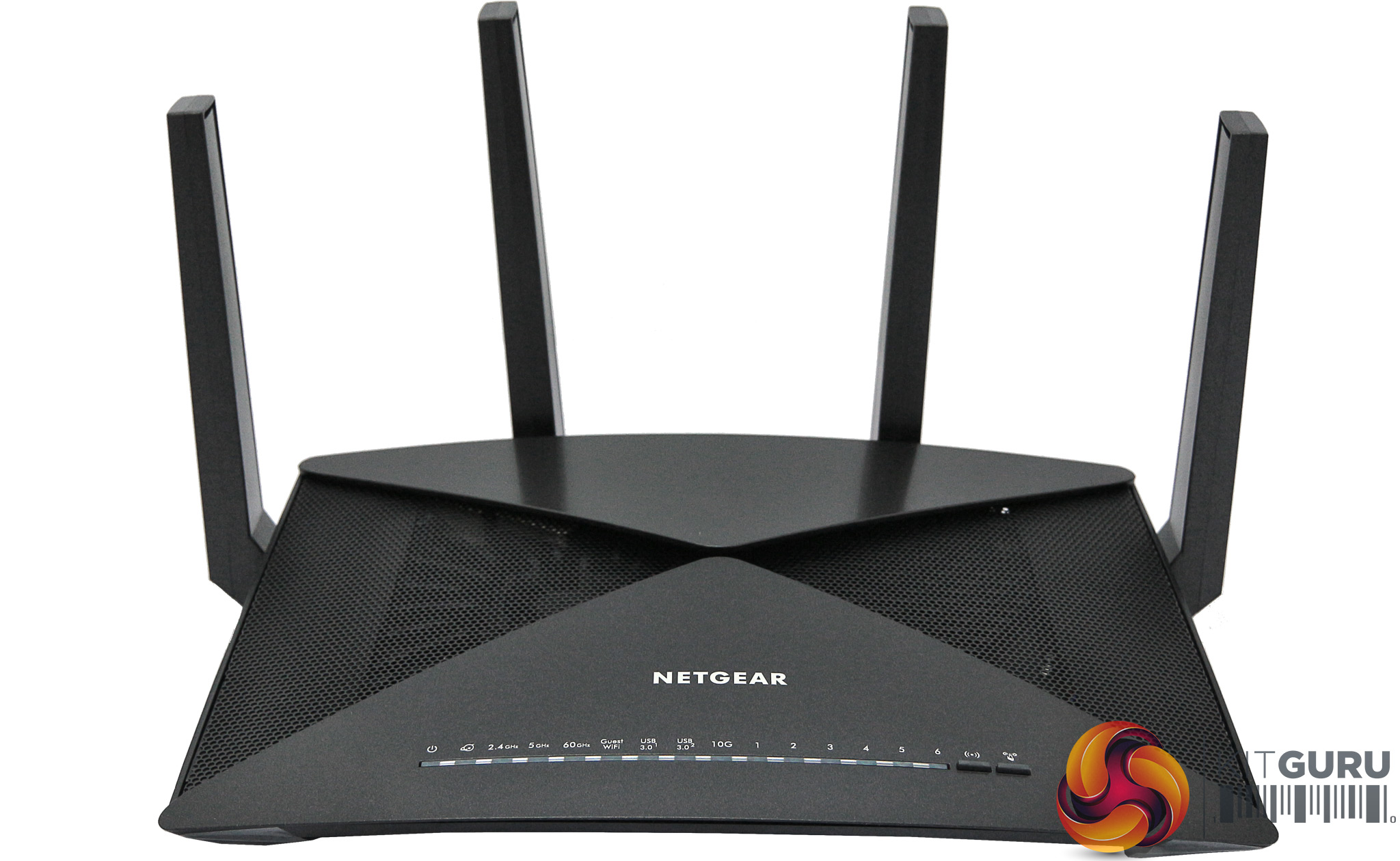
We also wanted to see what kind of performance you could get from a router that offers 160MHz 802.11ac but without the Killer Prioritisation Engine, so we scoured our shelves and found that the NETGEAR Nighthawk X10 R9000 we tested a while ago offers these features. This also offers 4×4 antenna configuration, and 60GHz 802.11ad WiFi that we won't be calling upon at all in this context. We did all our performance testing with this router, because the Linksys router encountered performance issues during the testing process.
We have also called upon some past router results to use as comparison, but will mention those in the next section.
We tested the performance of Rivet Networks Killer Wireless-AC 1550 exclusively with 802.11ac, because there wasn't much point assessing 802.11n when the key feature was how fast it could operate at 5GHz.
For the throughput test we used the open-source iPerf 3.1.3 software. Three Windows systems were called upon, including the PC Specialist Octane V. An Armari AMD Threadripper workstation running Windows 10 was employed as the iPerf server and an HP Spectre 13 X2 provided a baseline comparision, as this also has a 2×2 antenna configuration but using a non-Killer WiFi chipset and without 160MHz support. The HP notebook was also used for all the comparative tests with other routers.
For all tests, the workstation was connected to one of the router's Gigabit Ethernet ports, and the notebooks via WiFi connections. The notebooks were then placed in four different locations – within 1m of the router, approximately 5m away with a wall in between, 10m away and on a lower floor (with multiple walls and a floor in between), and then 15m away on a lower floor.
With each distance, we took 60 readings of throughput at one second intervals and calculated the average (iPerf does this automatically). For these tests, we are also comparing the Killer’s performance with past results from the Linksys WRT 3200 ACM, Synology RT2600ac, and ASUS Blue Cave AC2600.
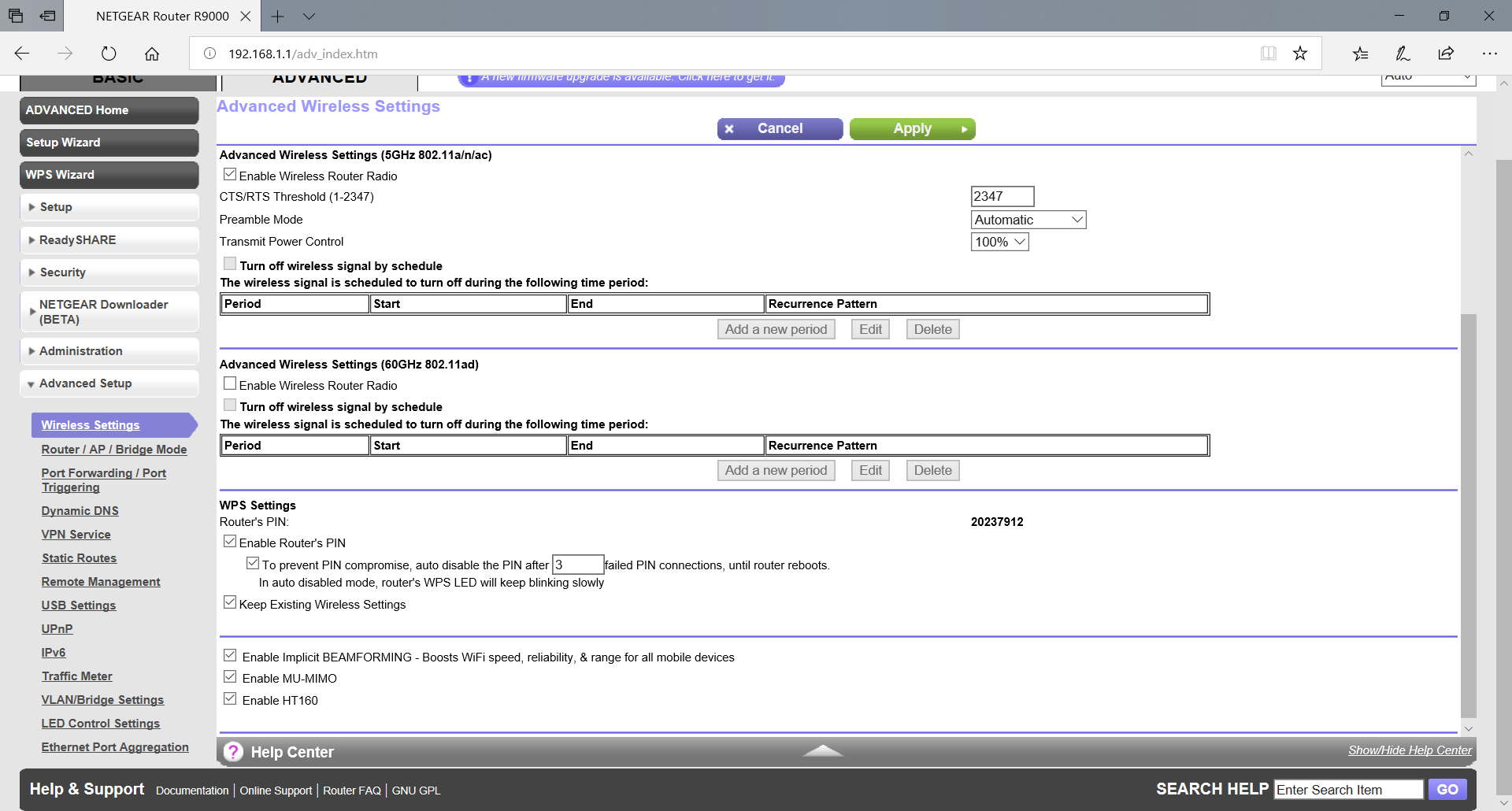
We configured the NETGEAR Nighthawk X10 R9000 with HT160 enabled as shown above, which turns on the potential for 160MHz channels. But we then disabled this to test the Killer 1550 again, and also when testing the HP Spectre 13 X2 notebook.
802.11ac 5GHz
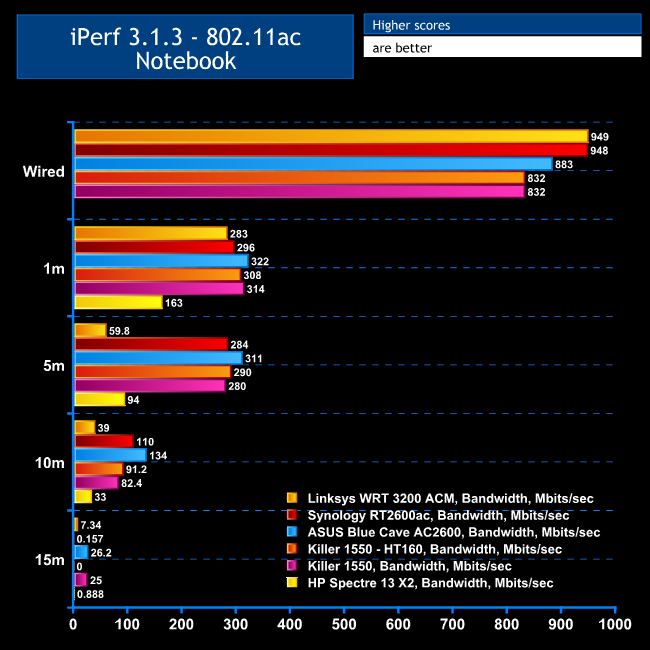
It's fairly clear from these results that you aren't getting any noticeable benefit from 160MHz channels. The performance at 1m, 5m and 10m are all virtually the same with or without HT160, and range is actually better without HT160 as the throughput remains a respectable 25Mbits/sec at 15m with HT160 turned off.
The Killer 1550 is clearly an excellent WiFi client chipset, however, as the HP notebook wasn't coming close to the same throughput.
It's also worth noting that our tests with other routers elicited some better results, with the Synology RT2600ac providing slightly increased range, and the ASUS Blue Cave AC2600 was much faster up to and including the 10m range.
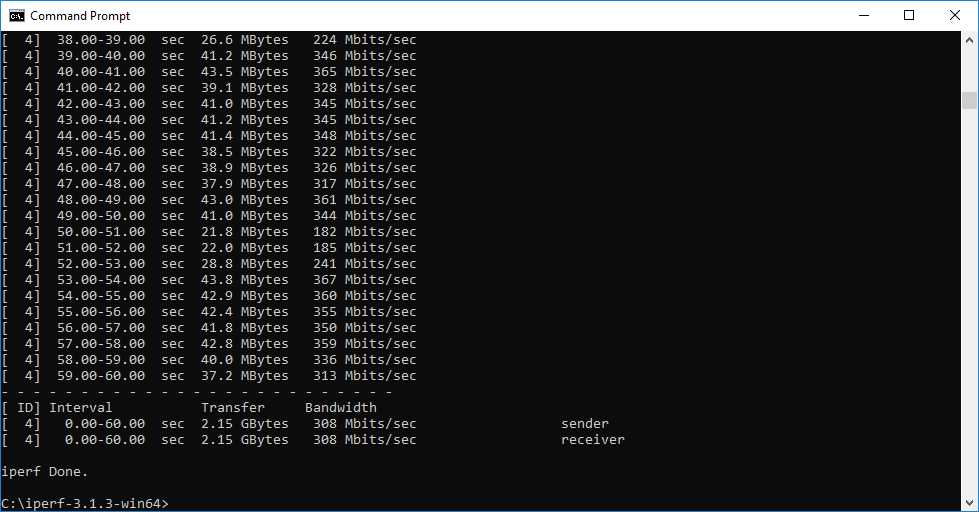
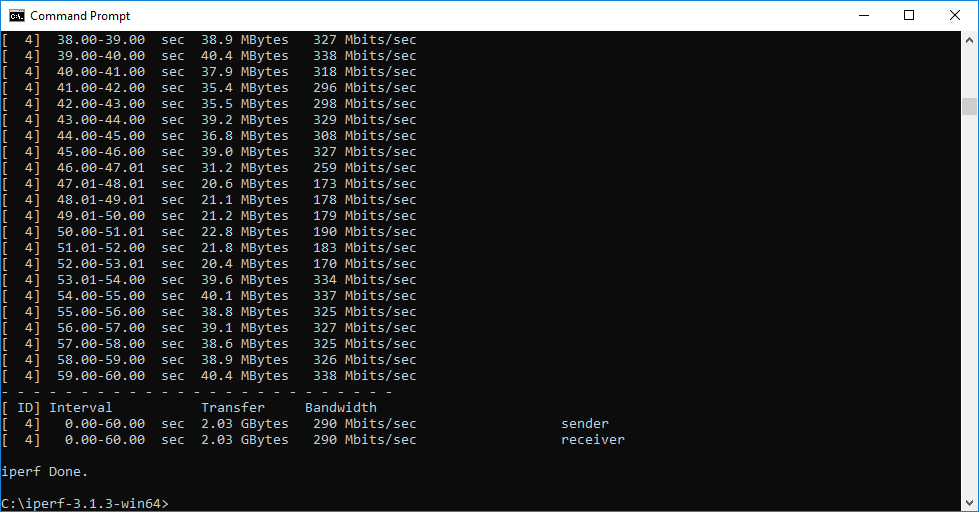

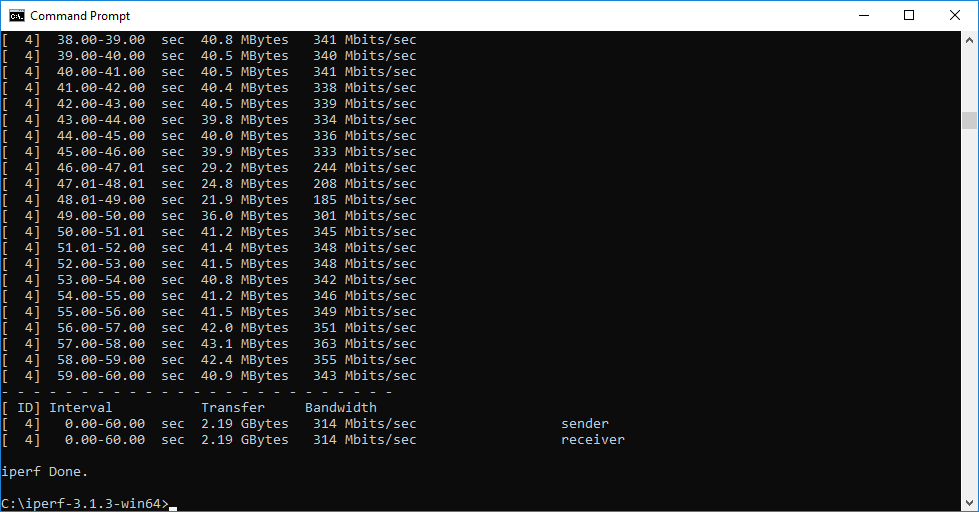
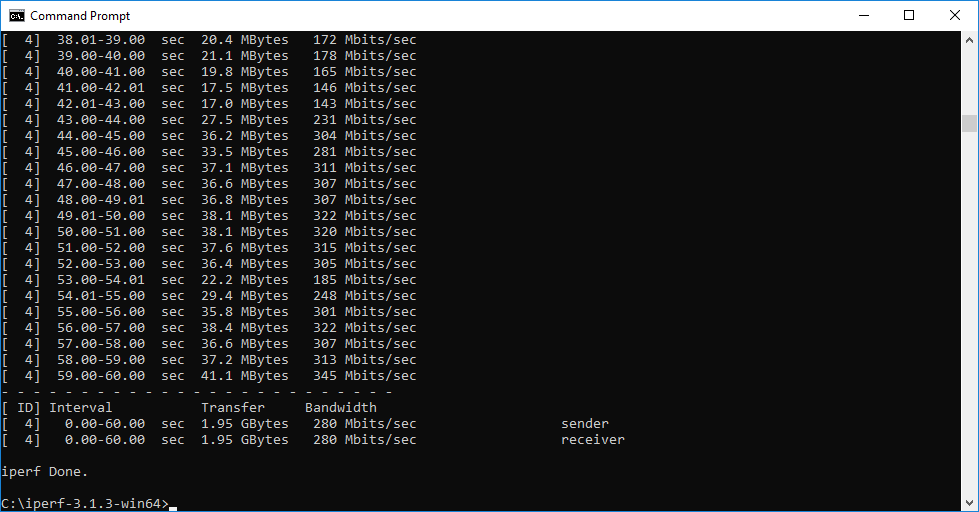

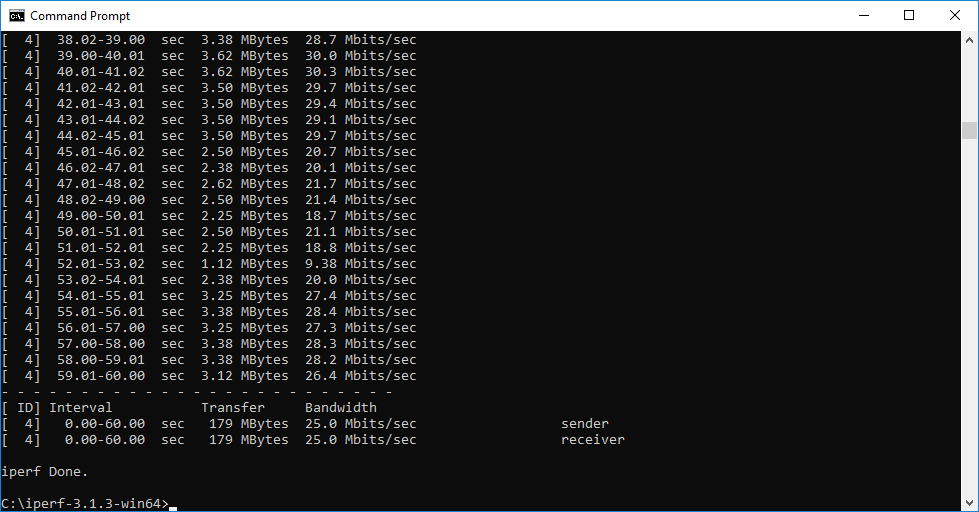
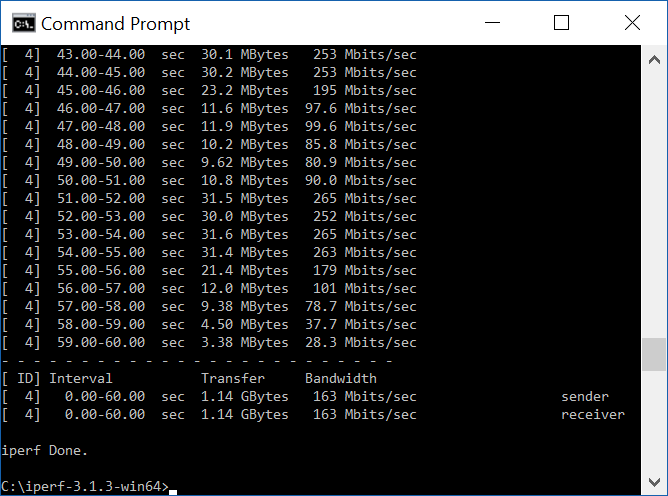
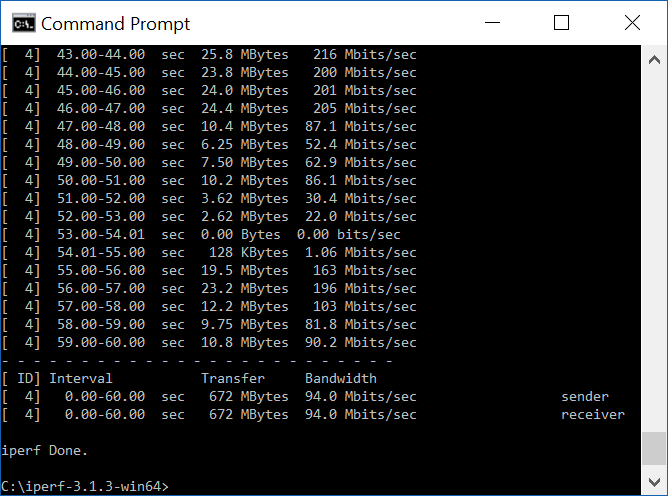
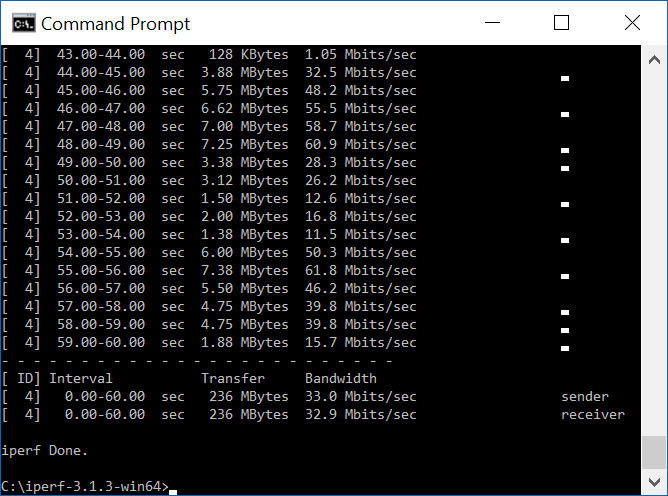
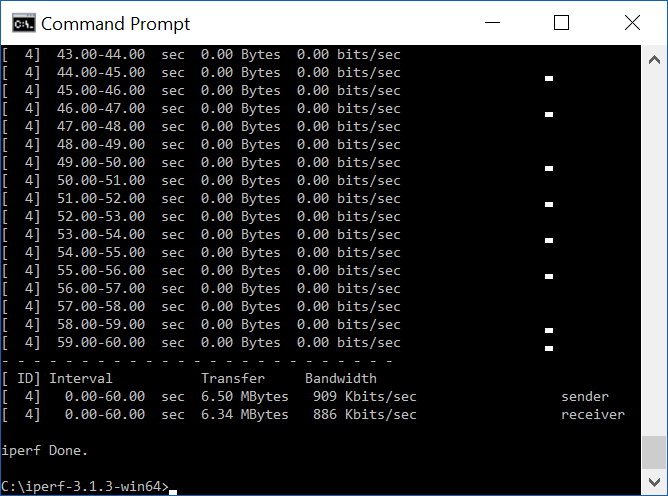
Overall, this wasn't such a positive result as we were expecting by a long shot, particularly as we have seen similar performance elsewhere. However, if you take a look at the Killer software's WiFi analyser screenshot on a previous page, you will see quite a lot of other WiFi signals sharing the same channel space. Routers do tend to detect competition and “play nice” by limiting the number of channels they use, which is probably what is happening here. Although HT160 was on, the NETGEAR router was almost certainly dropping back to 80MHz so as not to hog the airwaves.
Unfortunately, this is a very real-world scenario if you live in a city or closely-knit suburban community. It may well be necessary to be in a location far from other WiFi to get the most out of 160MHz channels.
The Rivet Networks Killer Wireless-AC 1550 may not have lived up to its performance expectations, but that doesn't mean you shouldn't bother specifying it on your gaming notebook if you have the option. It's clearly a very good chipset for general performance, even without the 160MHz channel width.
The software features and prioritisation are also in a different league to other WiFi chipsets. Although you can get WiFi analysers elsewhere, the one included with the Killer software is very nicely designed and can help you configure your router to avoid as much contention as possible.
Overall, then, if you're looking for a new gaming laptop, having the Killer 1550 WiFi chipset as an option should be one of your criteria, and a box you tick in the specification. With just £12.50 plus VAT extra to pay, it's a no-brainer.
You can buy the PC Specialist Octane V gaming notebook specification we used for testing for £1,789 HERE.
Pros:
- Excellent 802.11ac performance.
- Feature-rich driver software.
- WiFi analyser built into software.
- Application prioritization options.
- Direct control over routers with Killer Prioritization Engine built in.
- Small upgrade price over standard Intel chipset.
Cons:
- A WiFi interference-free location may be required for 160MHz operation.
KitGuru says: The Rivet Networks Killer Wireless-AC 1550 is packed with features and provides great performance, but the much-vaunted 160MHz channels will prove elusive if other WiFi signals are interfering.