 KitGuru KitGuru.net – Tech News | Hardware News | Hardware Reviews | IOS | Mobile | Gaming | Graphics Cards


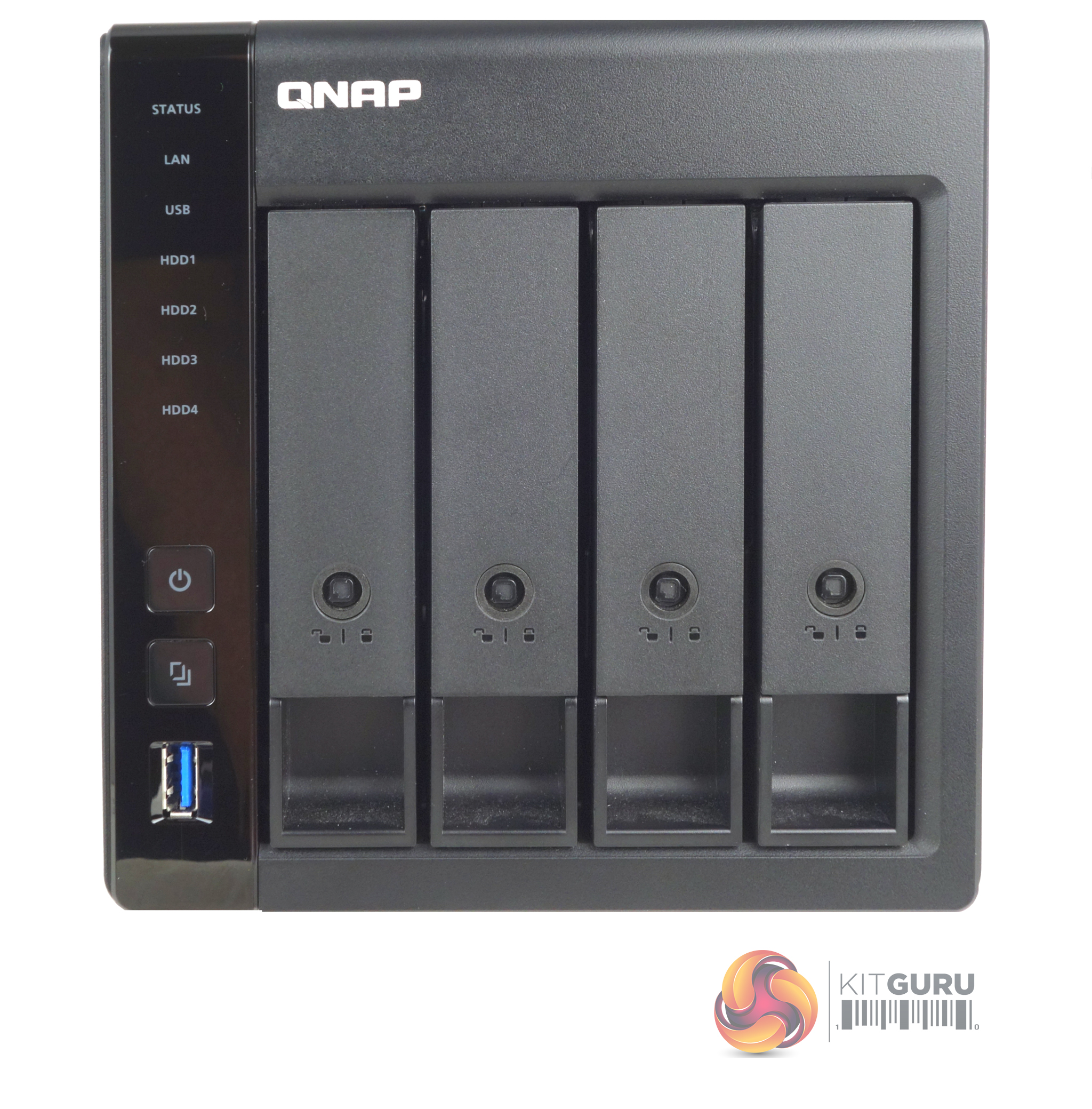
The TS-451D2 is a compact tower NAS with a metal chassis supporting four vertically mounted drive bays. To the left of the drive bays are all the indicator LEDs (Status, LAN, USB, and four drive activity) as well as the power button, the one-touch copy button, and its associated USB 3.1 Gen 2 Type-A port. How this button handles data from an external drive can be configured in the QTS OS.
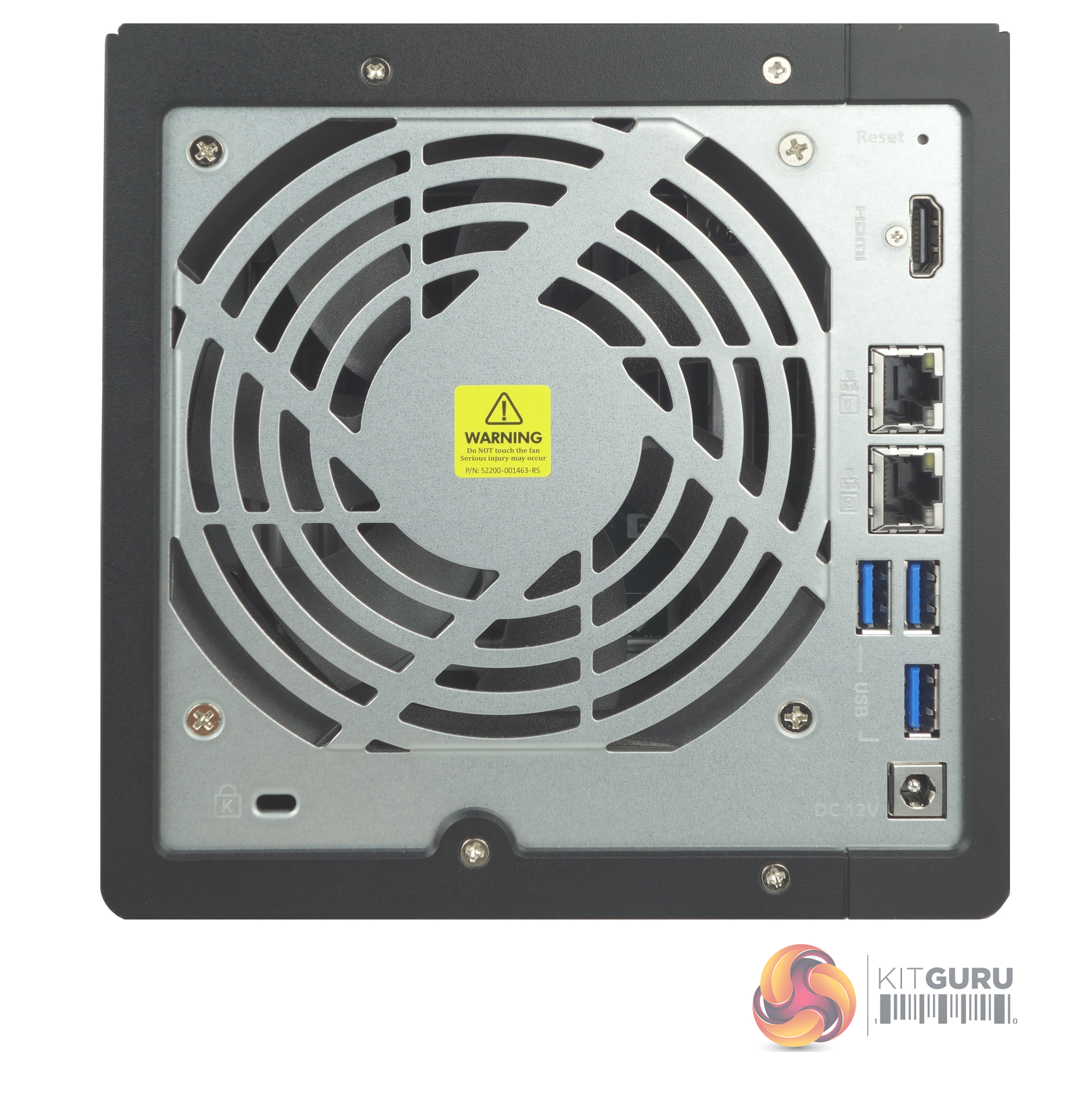
Dominating the rear panel of the TS-451D2 is the grill for the 120mm system cooling fan. To the right of the fans are the ports. First up is an HDMI 2.0 port (supporting up to 4K (4,096 x 2,160) @60Hz, under which sits two Gigabit Ethernet ports and then there are a group of three USB 3.1 Gen 2 Type-A ports.
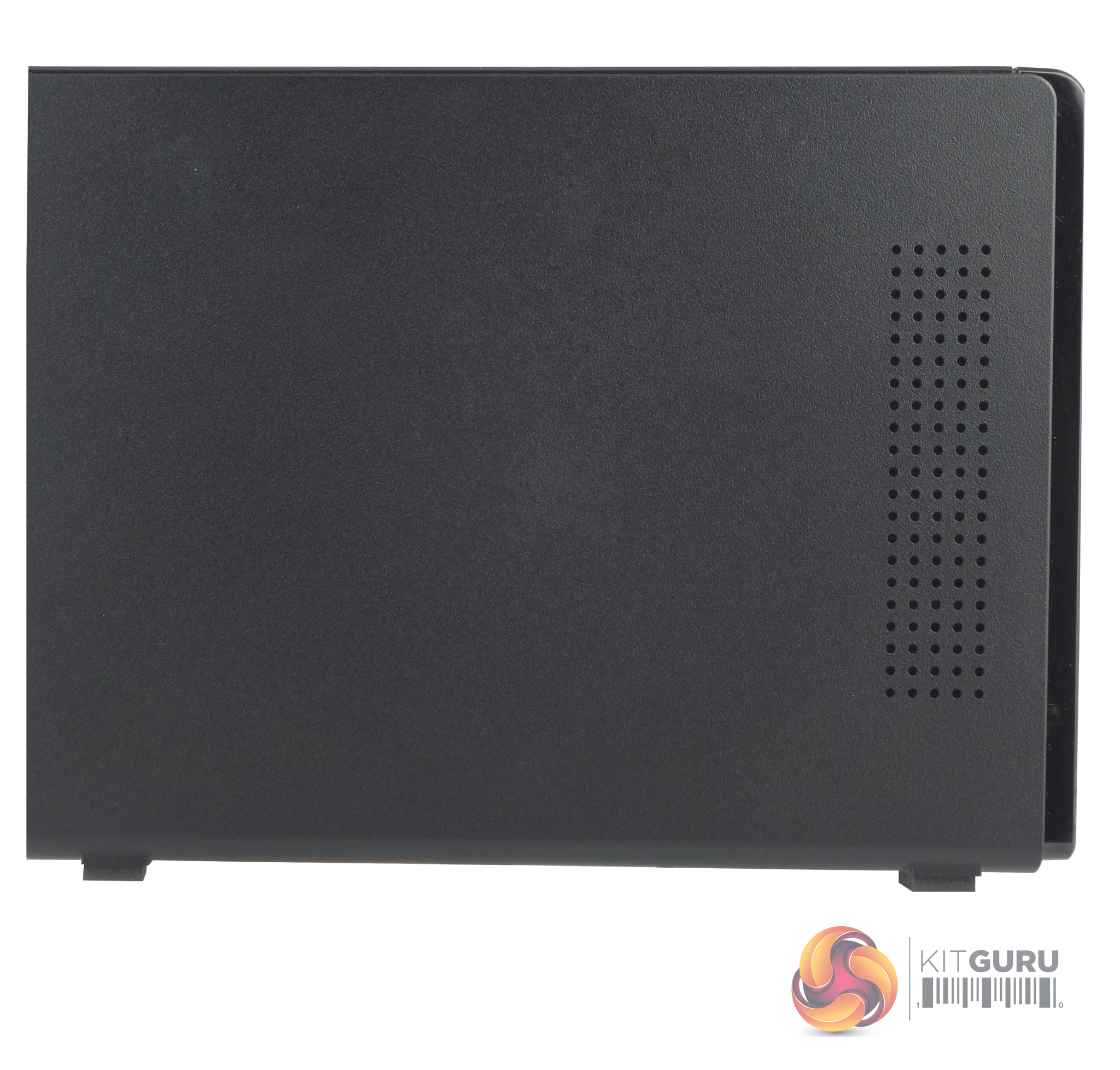
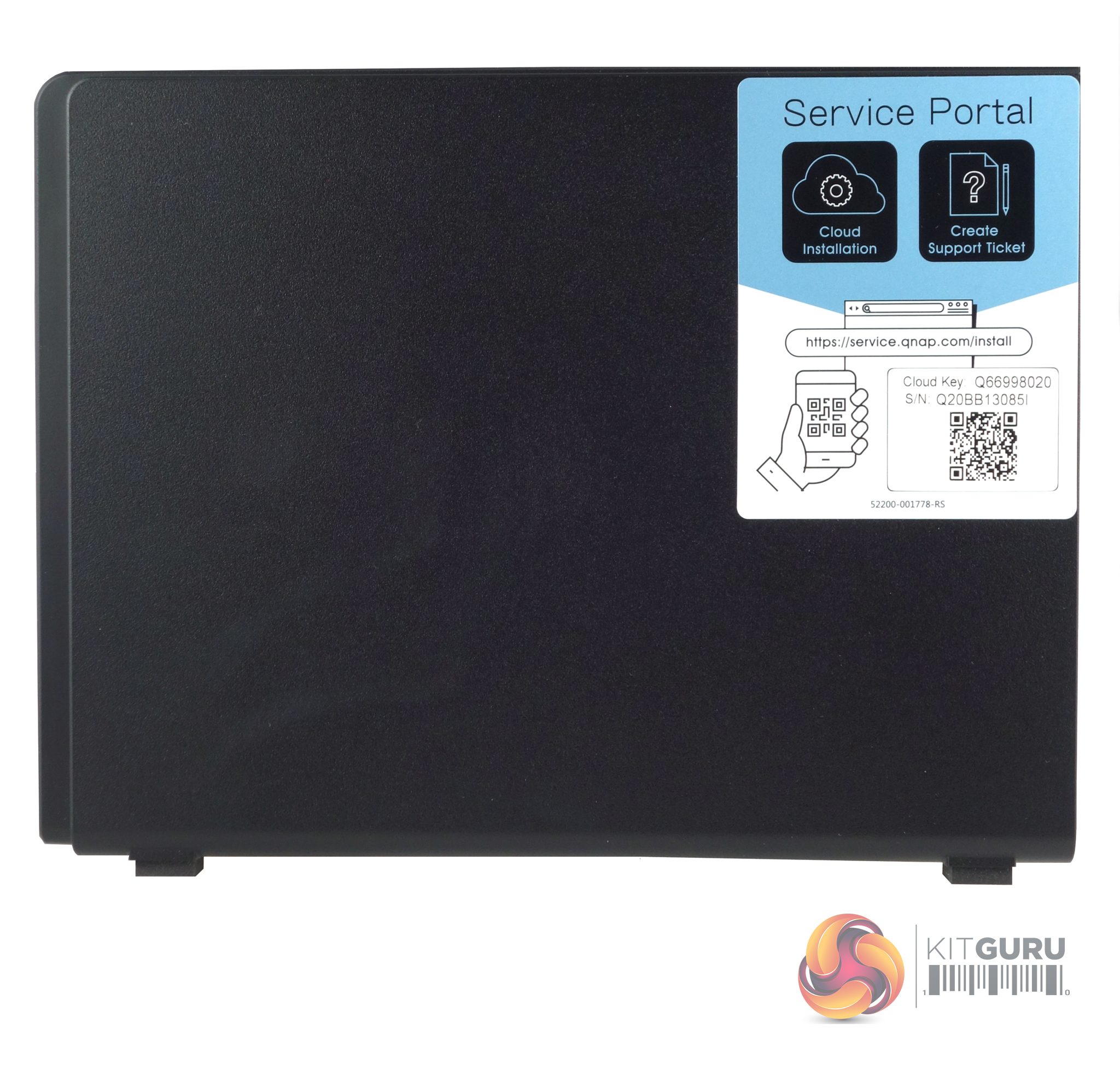
One side panel of the NAS has a series of holes drilled in it to help with keeping the unit cool while the other side panel has a sticker with the Cloud key details to help set the NAS up.
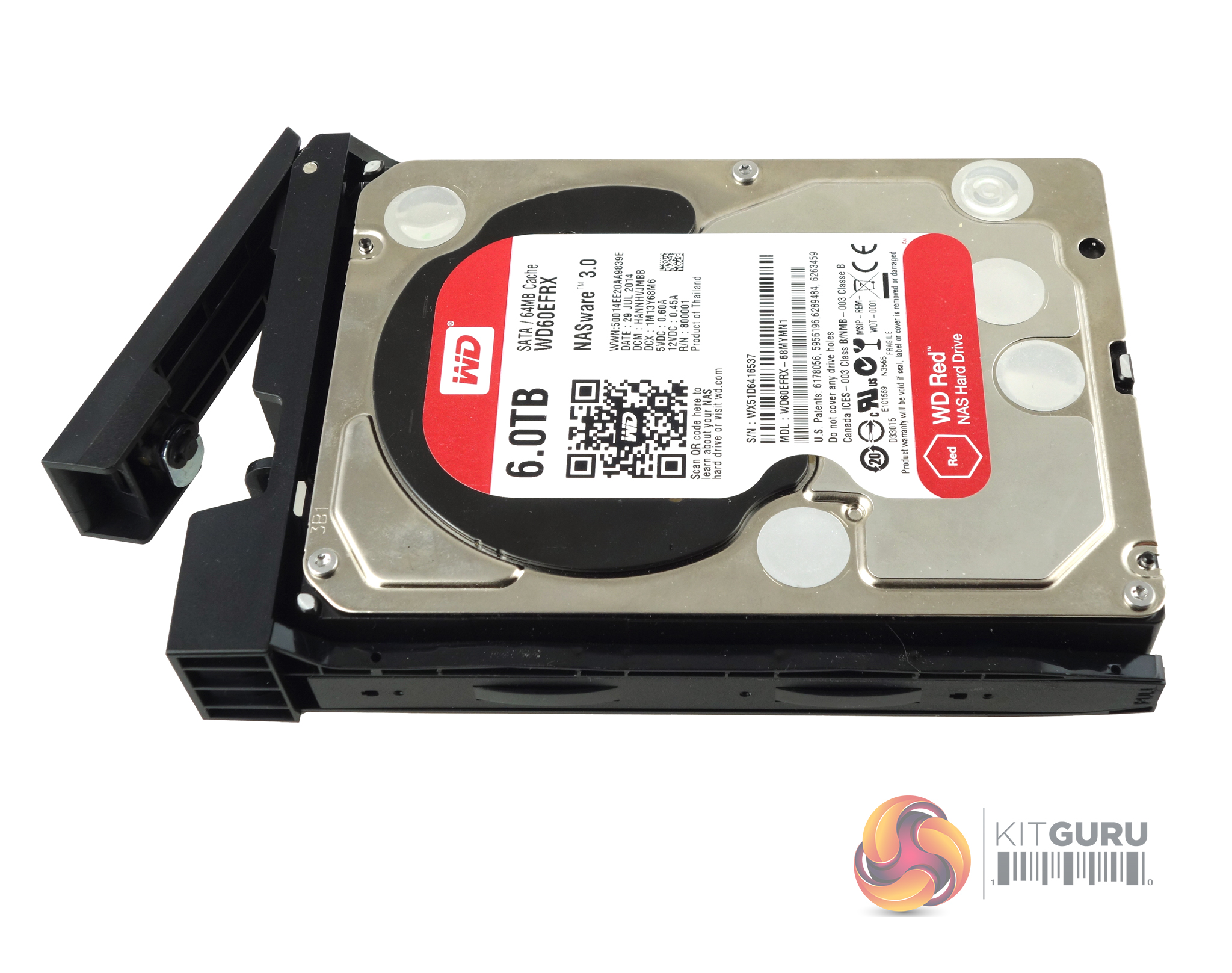
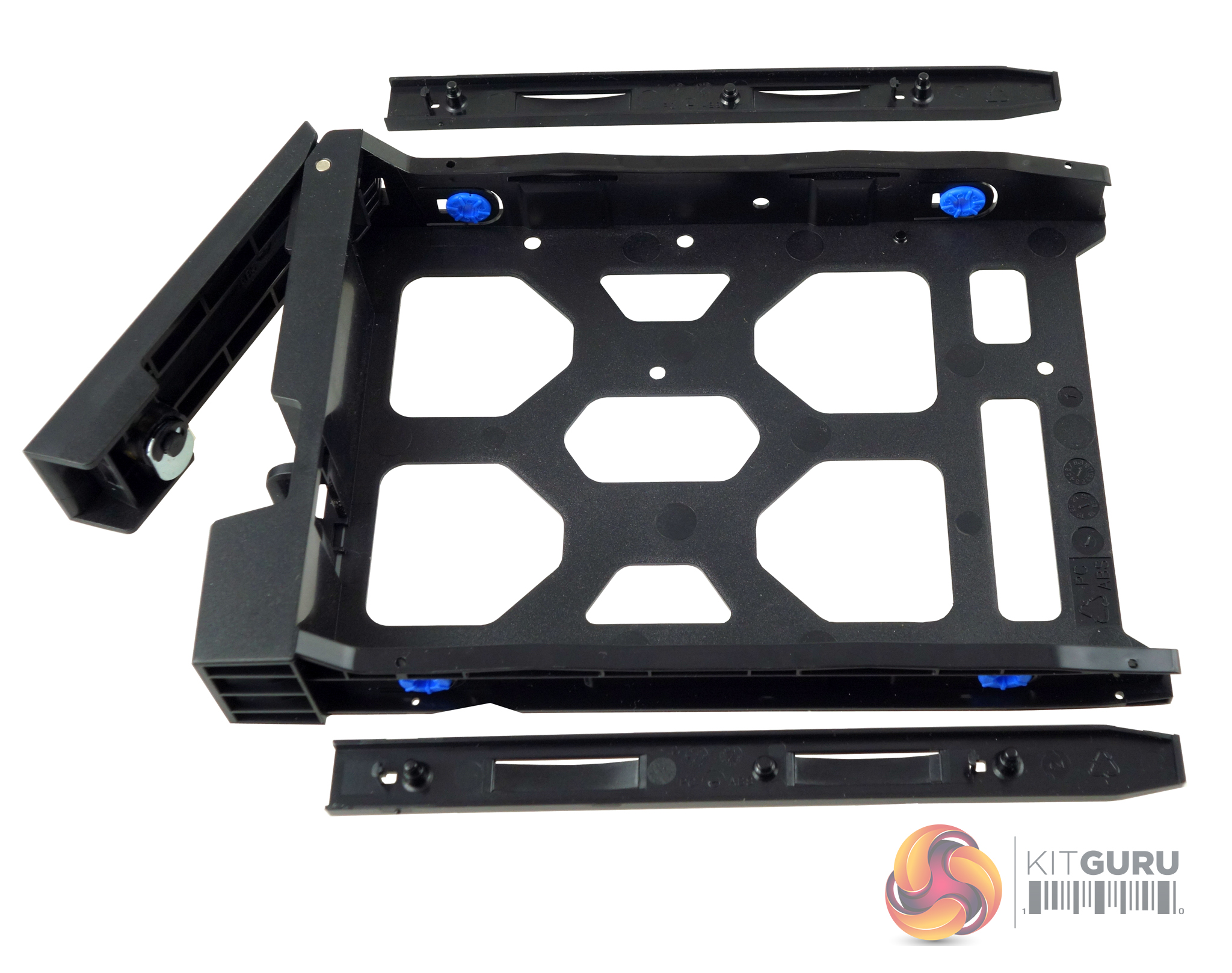
The 3.5in drive trays are tool-free. A plastic strip fits into the side rails with a pin at either end that goes through the corresponding holes in the rail sides. The holes in the tray sides have rubber vibration-reducing grommets fitted. The rail pins then lock into the mounting holes on the drive's side – simple but effective.
If you don't trust these rails to keep the drive secure QNAP has supplied enough screws (3 per drive) to fix them in place. The trays support 2.5in drives and the only way to fix them is to use the bundled screws to go through the bottom of the tray into the drive. The bay doors have locks built into them and QNAP supply a pair of keys for them.
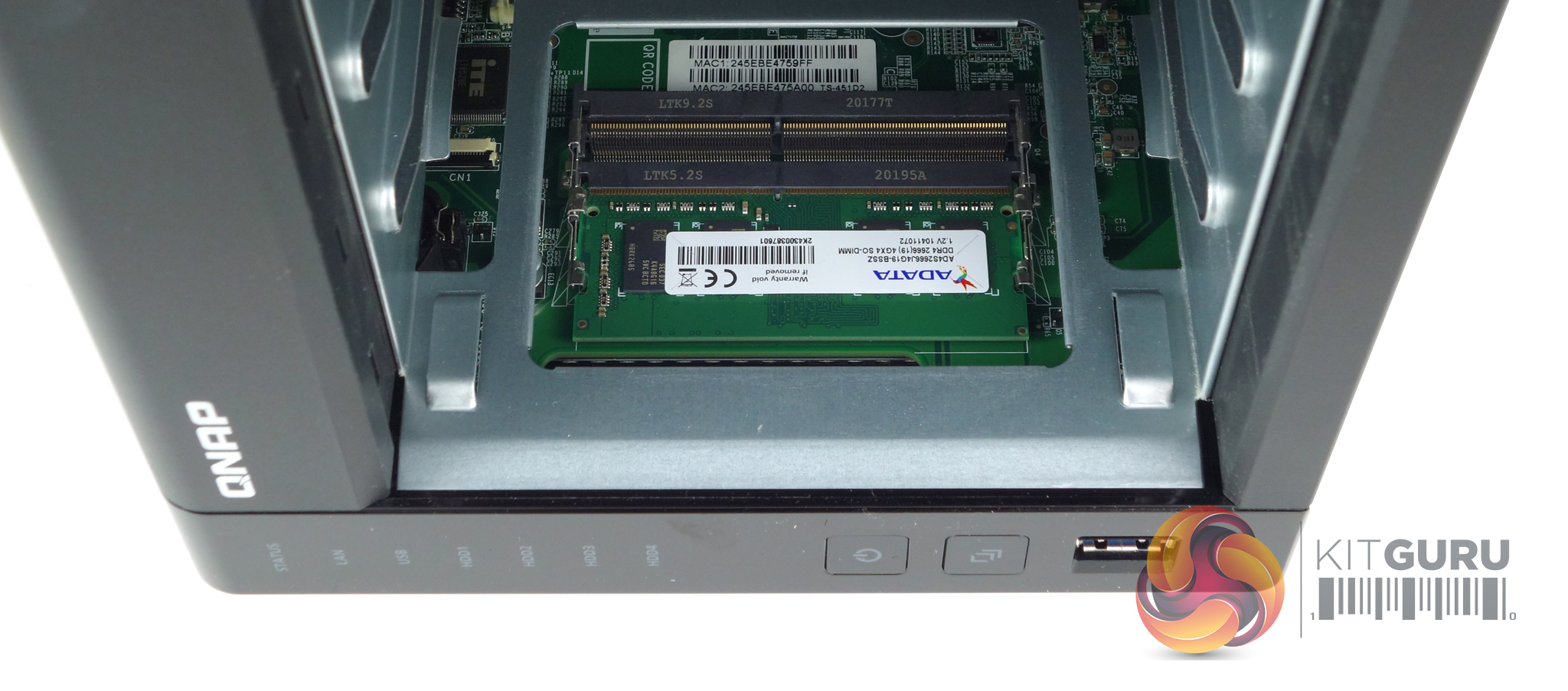
The mainboard of the TS-451D2 supports up to 8GB of DDR4-2400 via two SO-DIMM slots. To access these slots you first have to remove the drive trays as the slots are situated in the front left side of the drive bay space.
