 KitGuru KitGuru.net – Tech News | Hardware News | Hardware Reviews | IOS | Mobile | Gaming | Graphics Cards


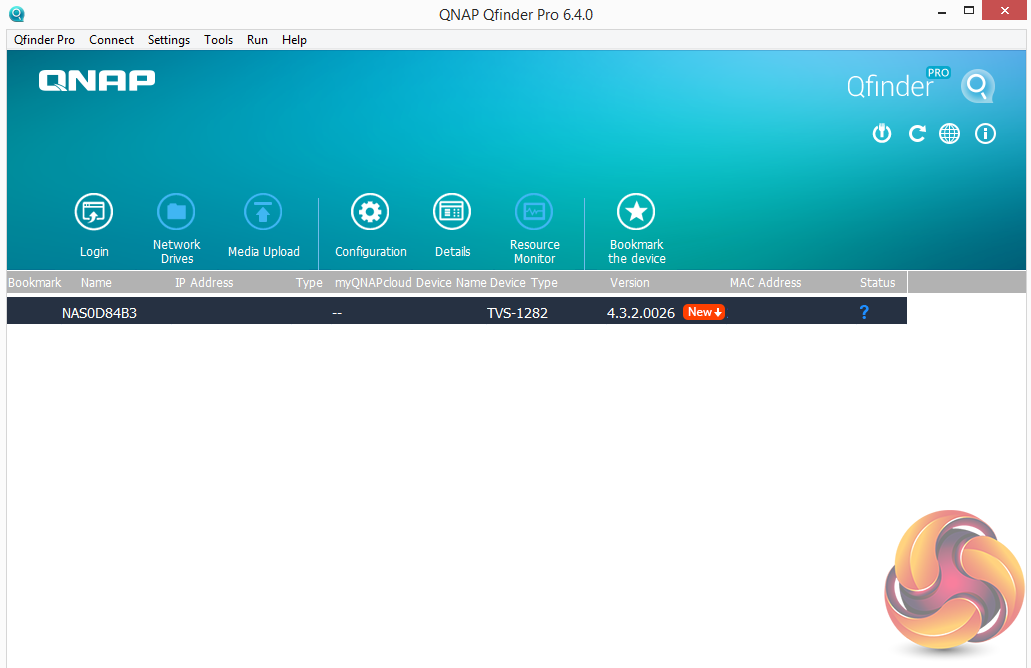
There are two ways of setting up the TVS-1282 – either online by entering the Cloud key which is a sticker on the top of the unit, or by using QNAP’s Qfinder Pro utility which can be downloaded from the QNAP website. Qfinder Pro searches for QNAP devices on the network.
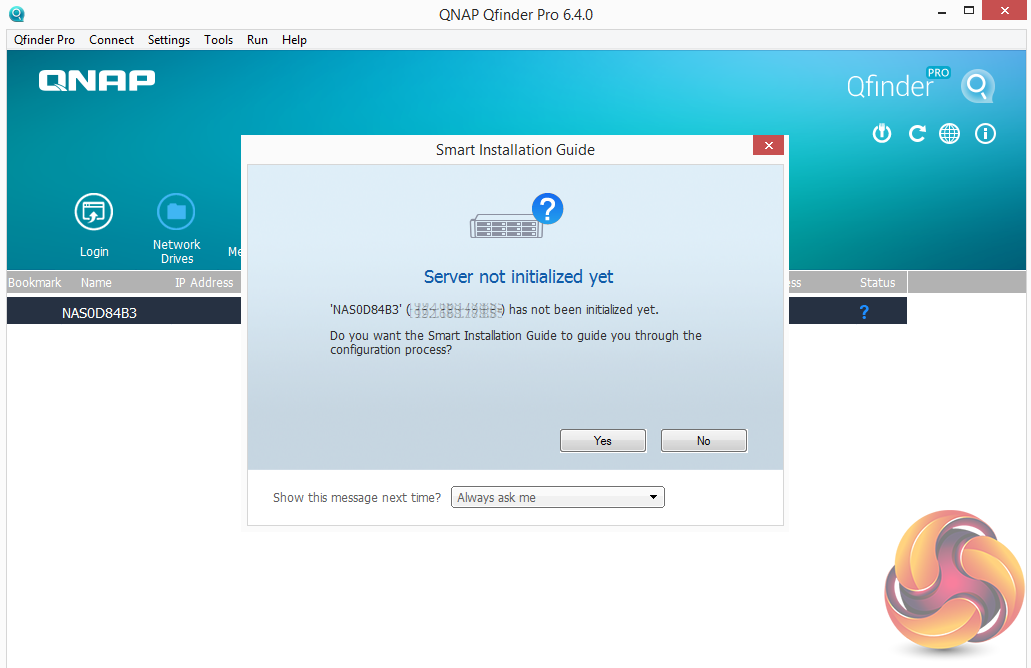
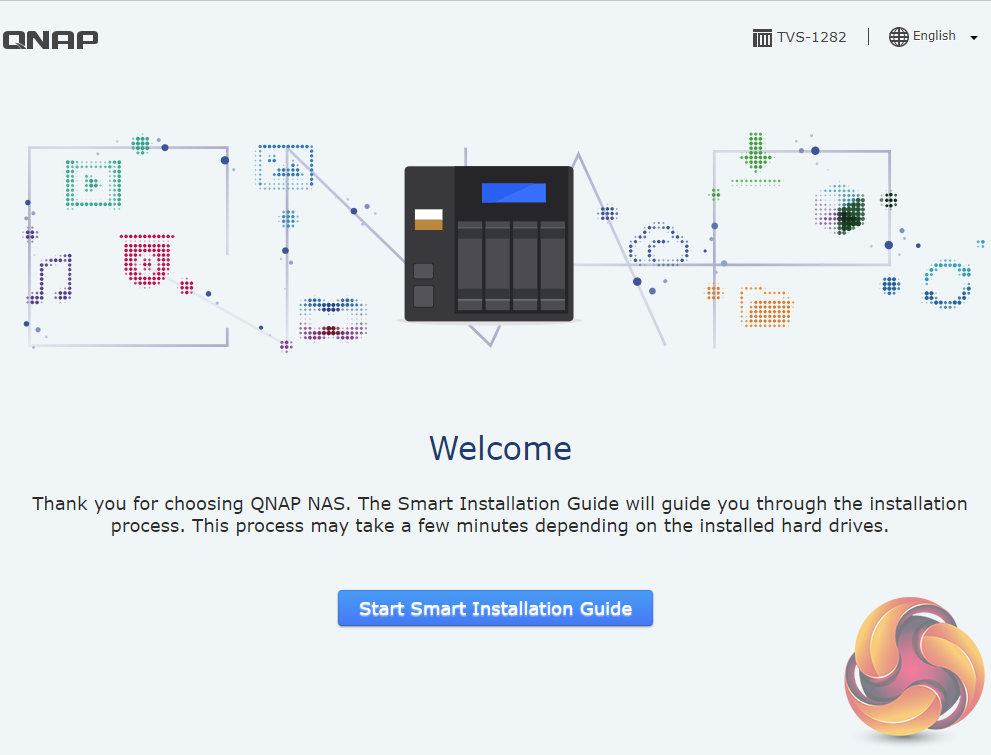
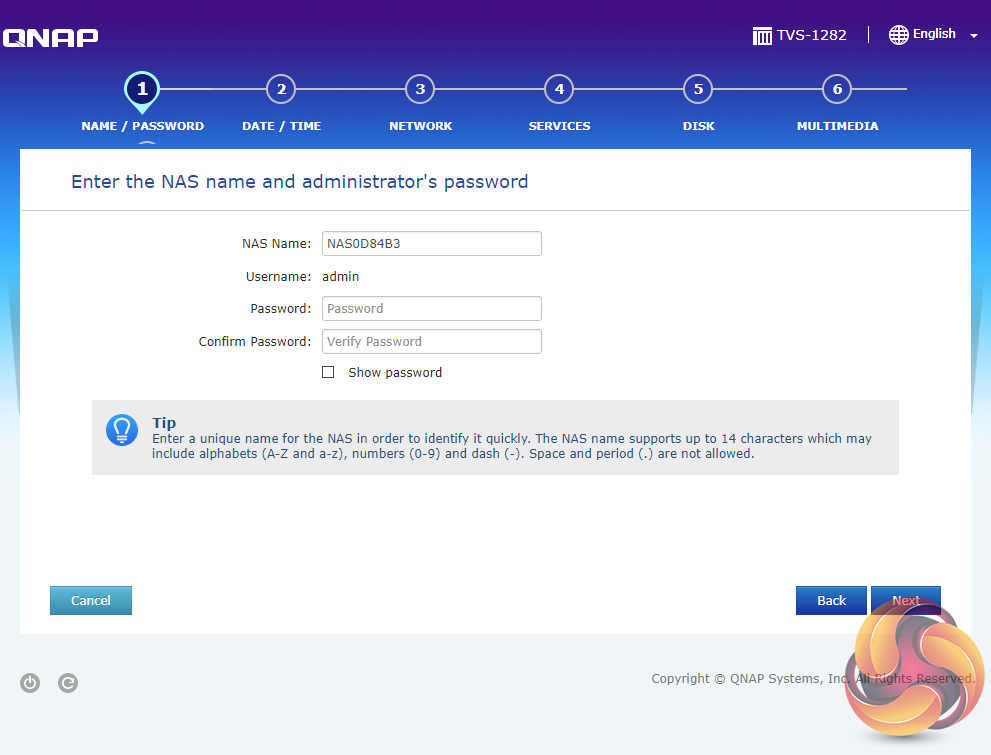
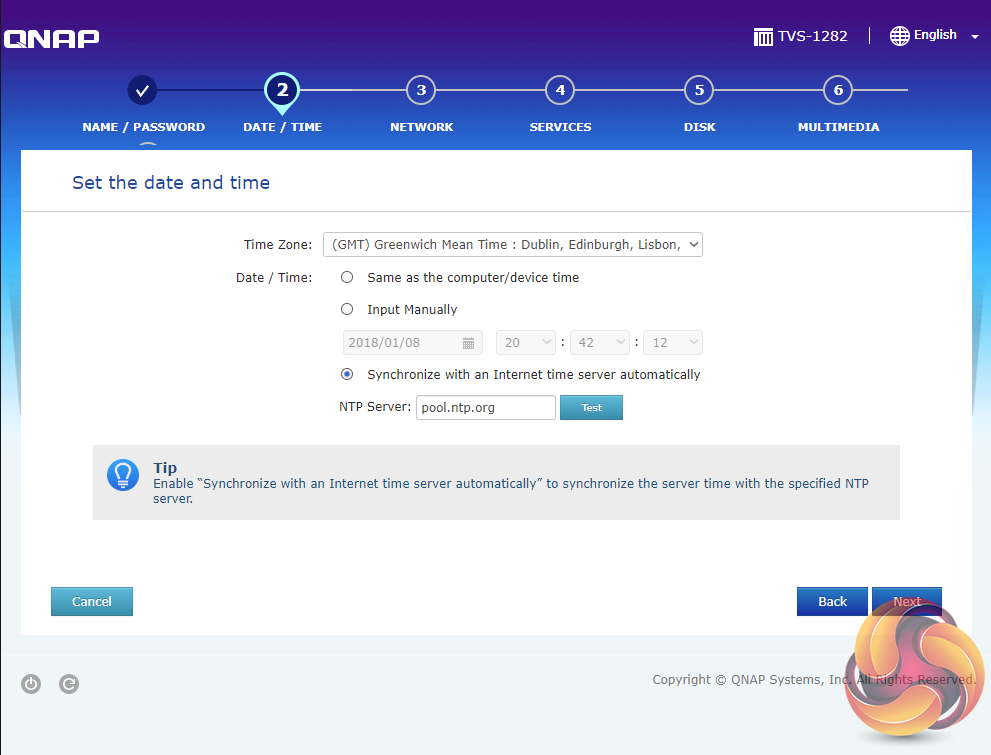
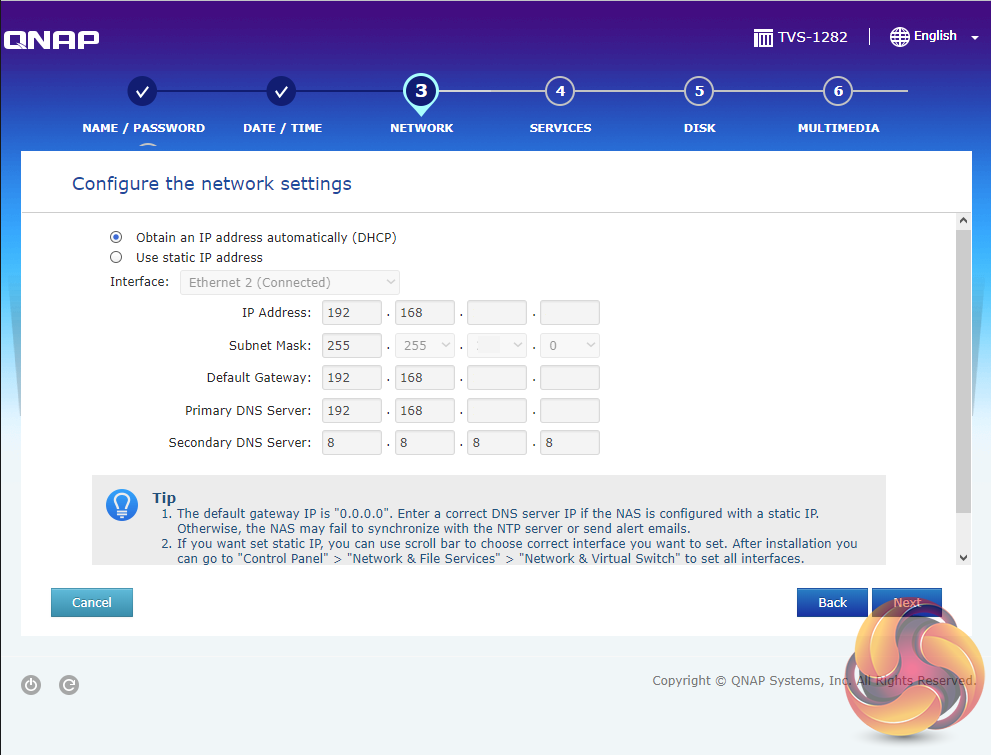

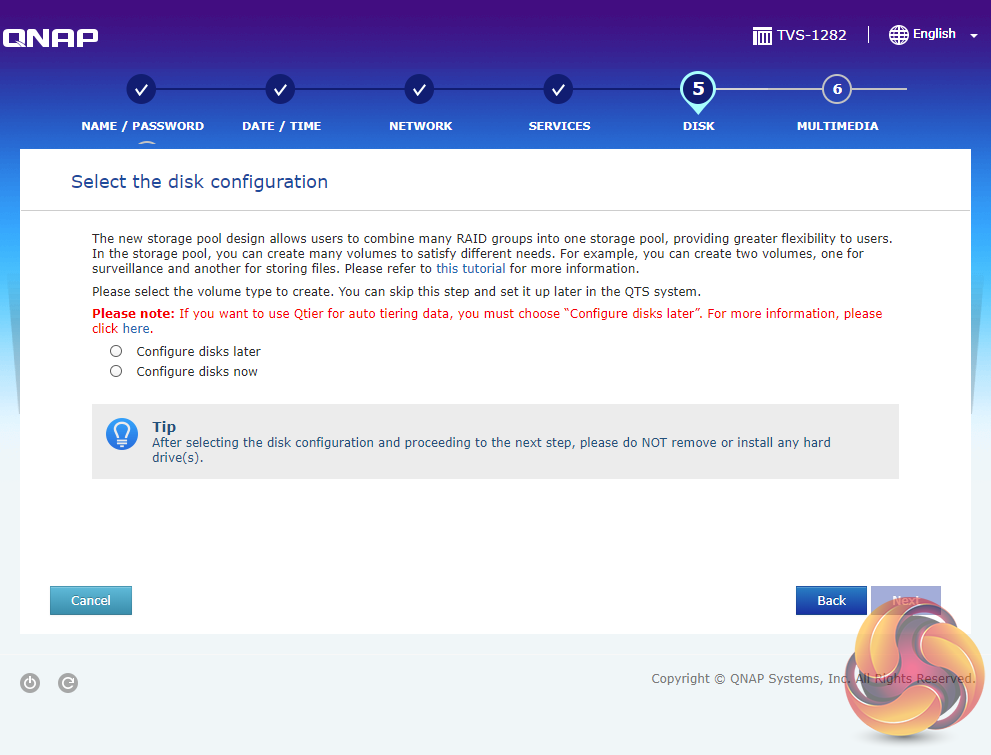

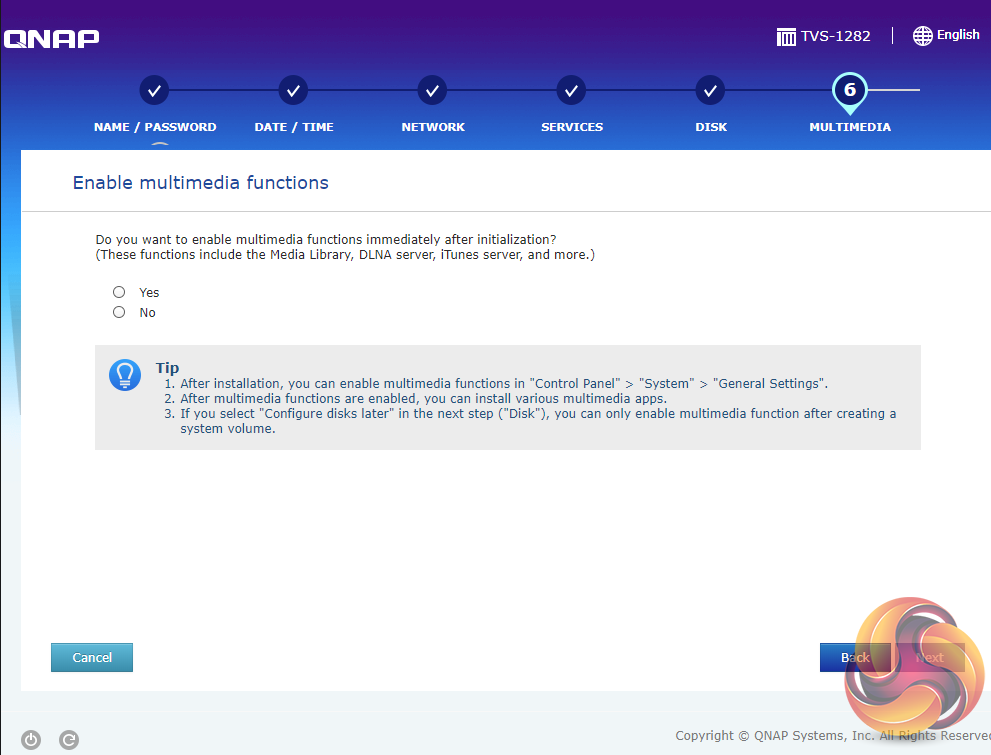
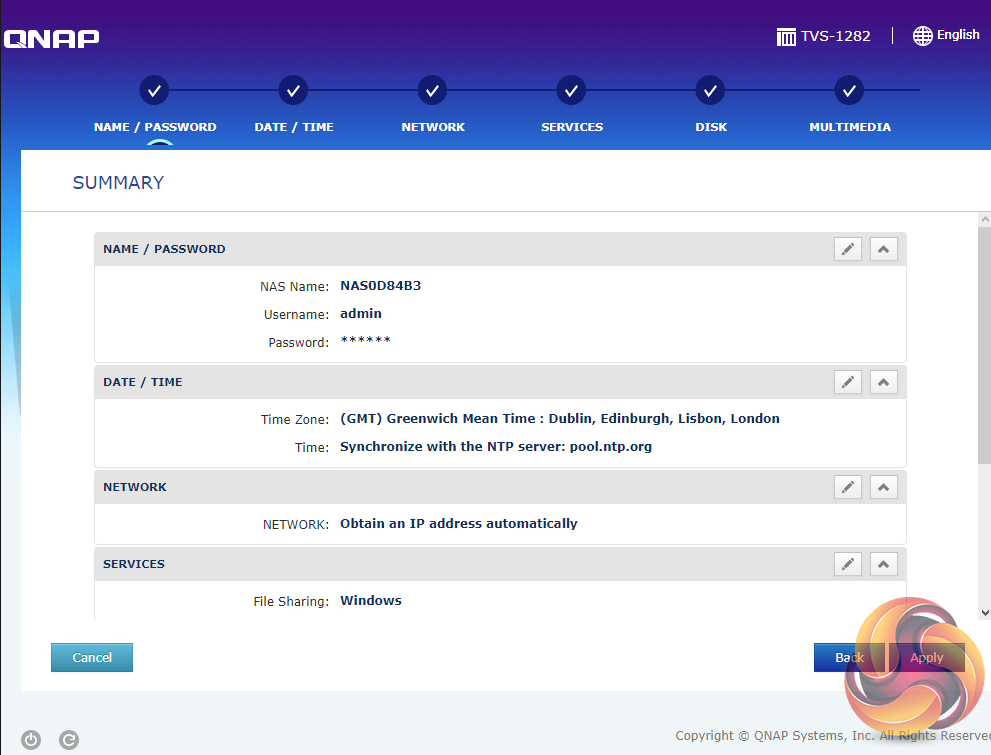
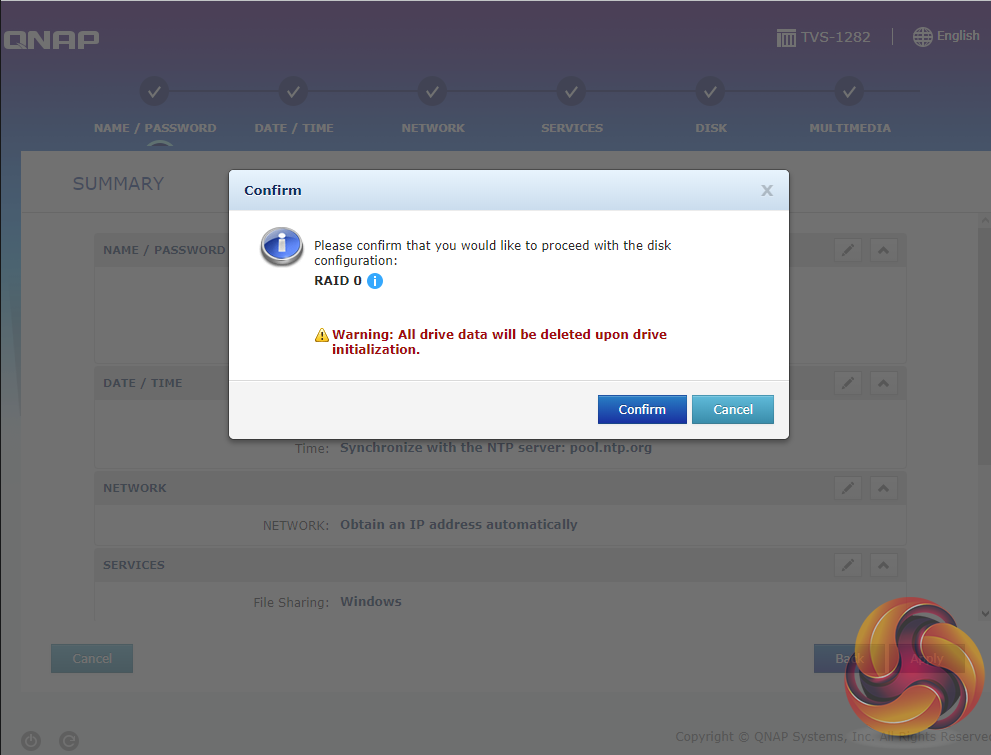
Whichever way you choose to start, it’s just a simple matter of following the installation wizard. During the setup you can enable which OS cross-platform file management service you require; Windows (SMB/CIFS, File Station, FTP), Mac (SMB/CIFS, File Station, FTP) and Linux (NFS, SMB/CIFS, File Station, FTP). At this stage you can also load a few basic apps; Photo Station, Music Station, iTunes Server, DLNA Media Server and Download Station.
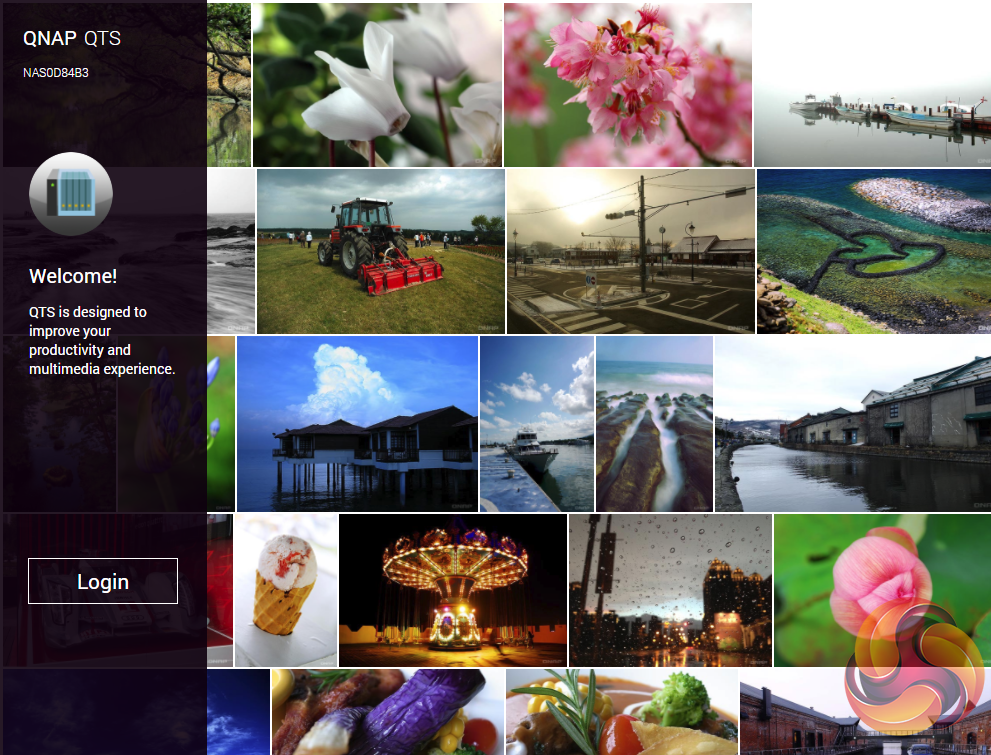
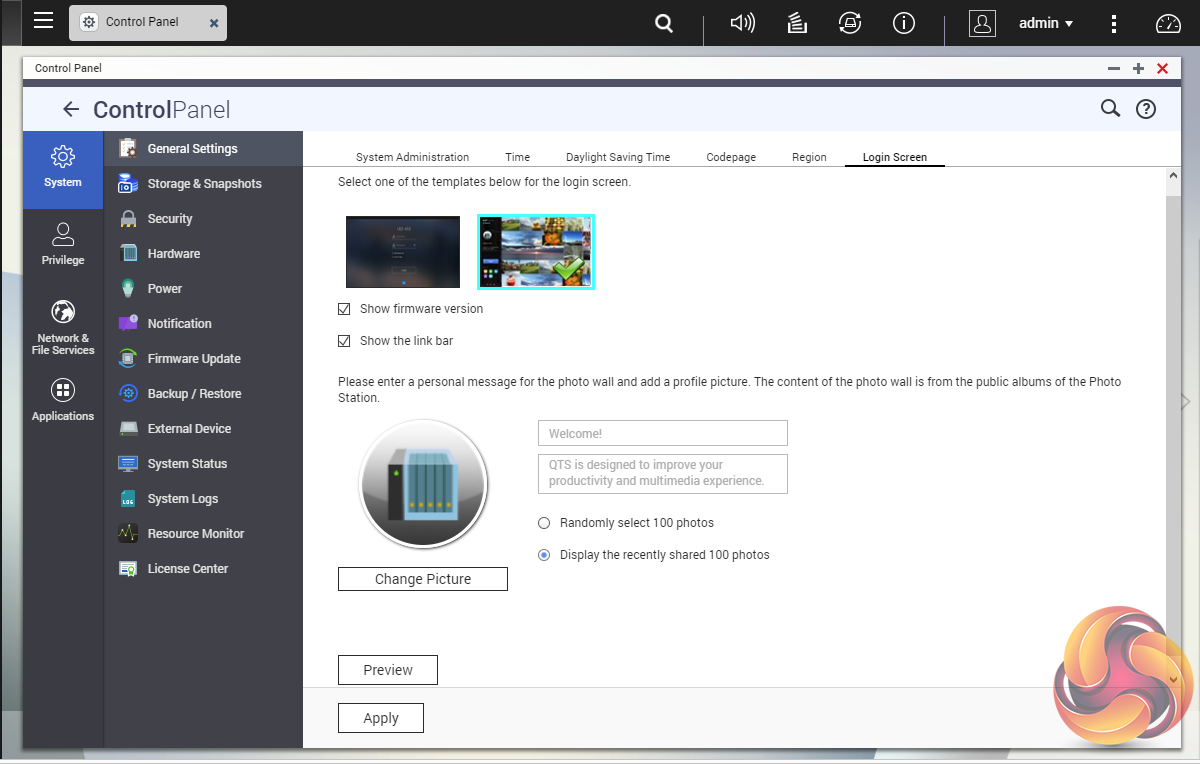
Once the TVS-1282 has finished setting up, you can then get access to the log in screen. The login page can be customised to add your own photographs or corporate logo to the photo wall and messages can be added to the page as well.
