KitGuru KitGuru.net – Tech News | Hardware News | Hardware Reviews | IOS | Mobile | Gaming | Graphics Cards


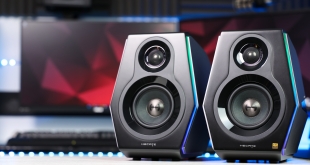
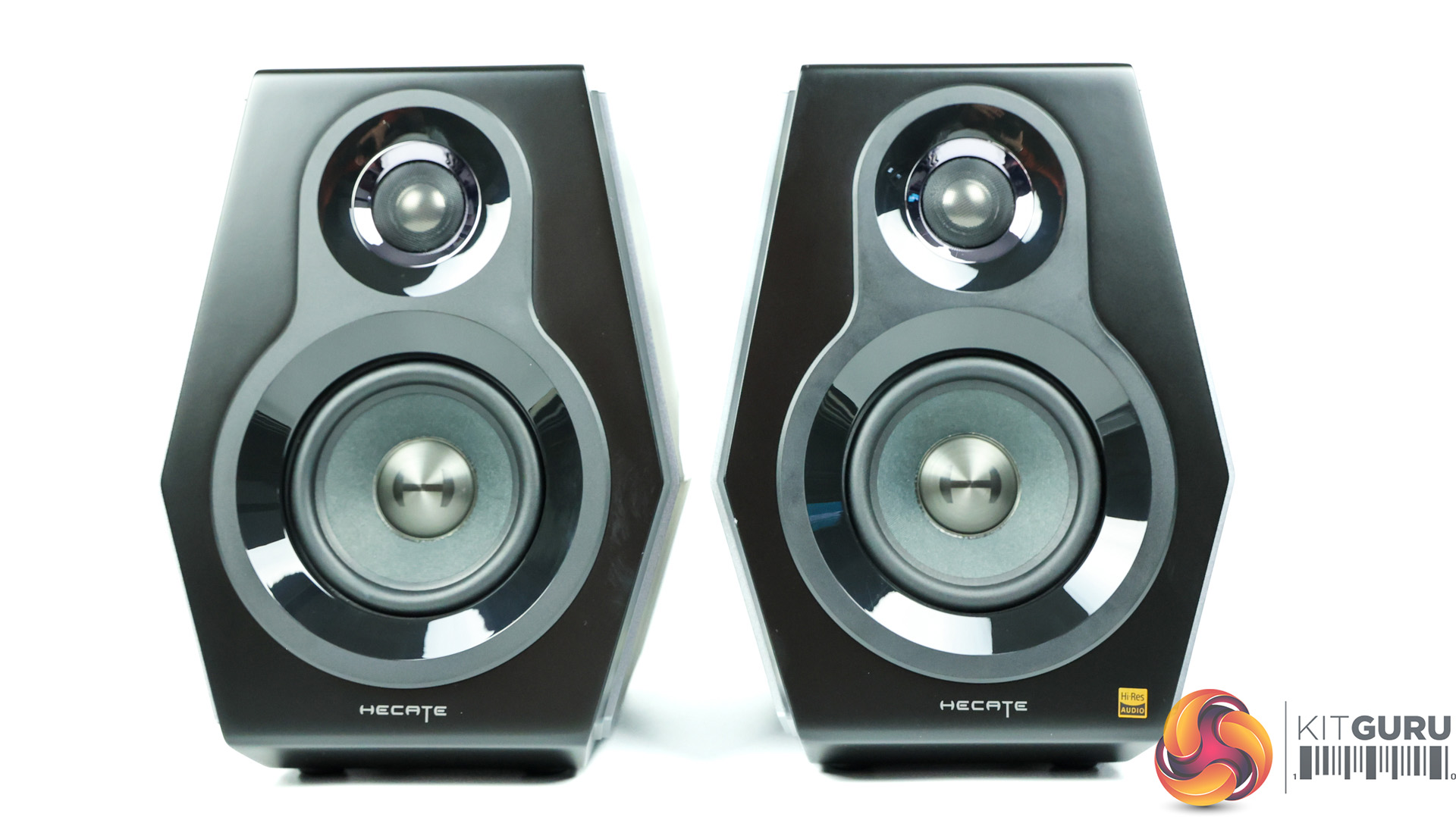
As much as we enjoy gaming with headsets, we know that some of you prefer gaming with quality speakers instead. Edifier makes all kinds of high-quality audio solutions and today we’re checking out their G5000 gaming speakers, with RGB LEDs, loads of connectivity options including Bluetooth 5.0, and a price-point of £349.99.
Timestamps
00:00 Start
00:15 Introduction / pricing
00:50 Whats included?
02:05 Speaker quality and design
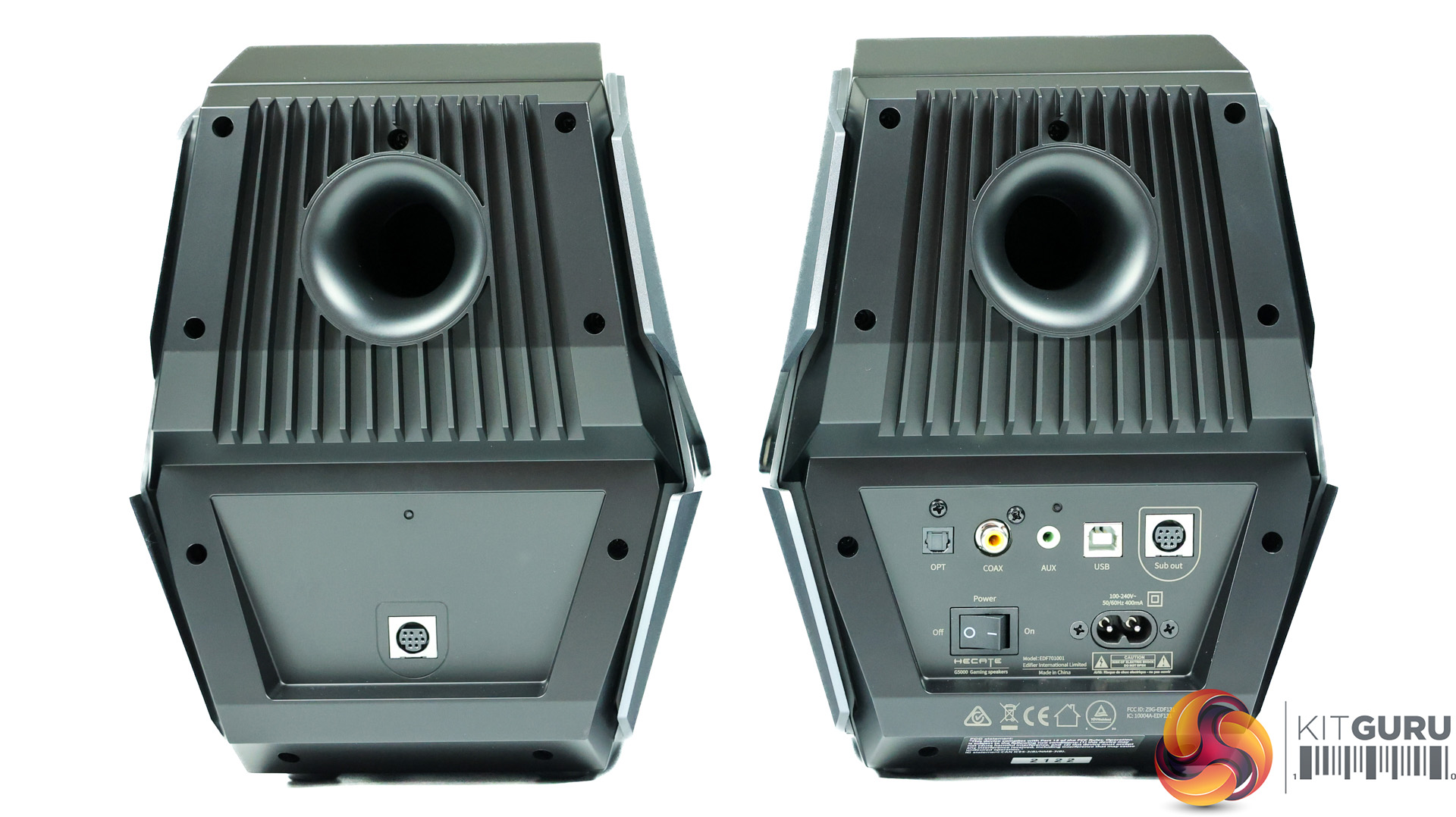
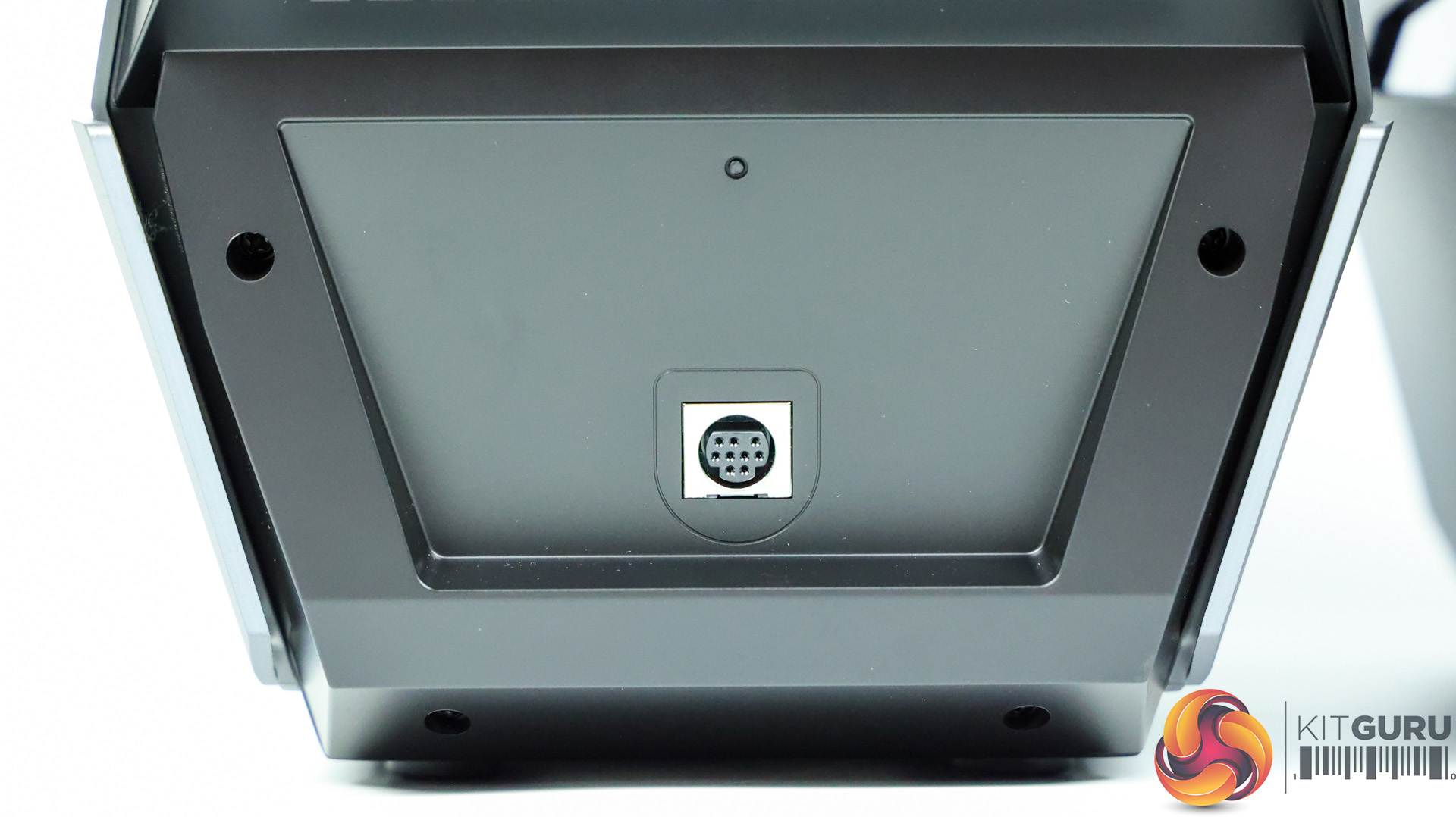
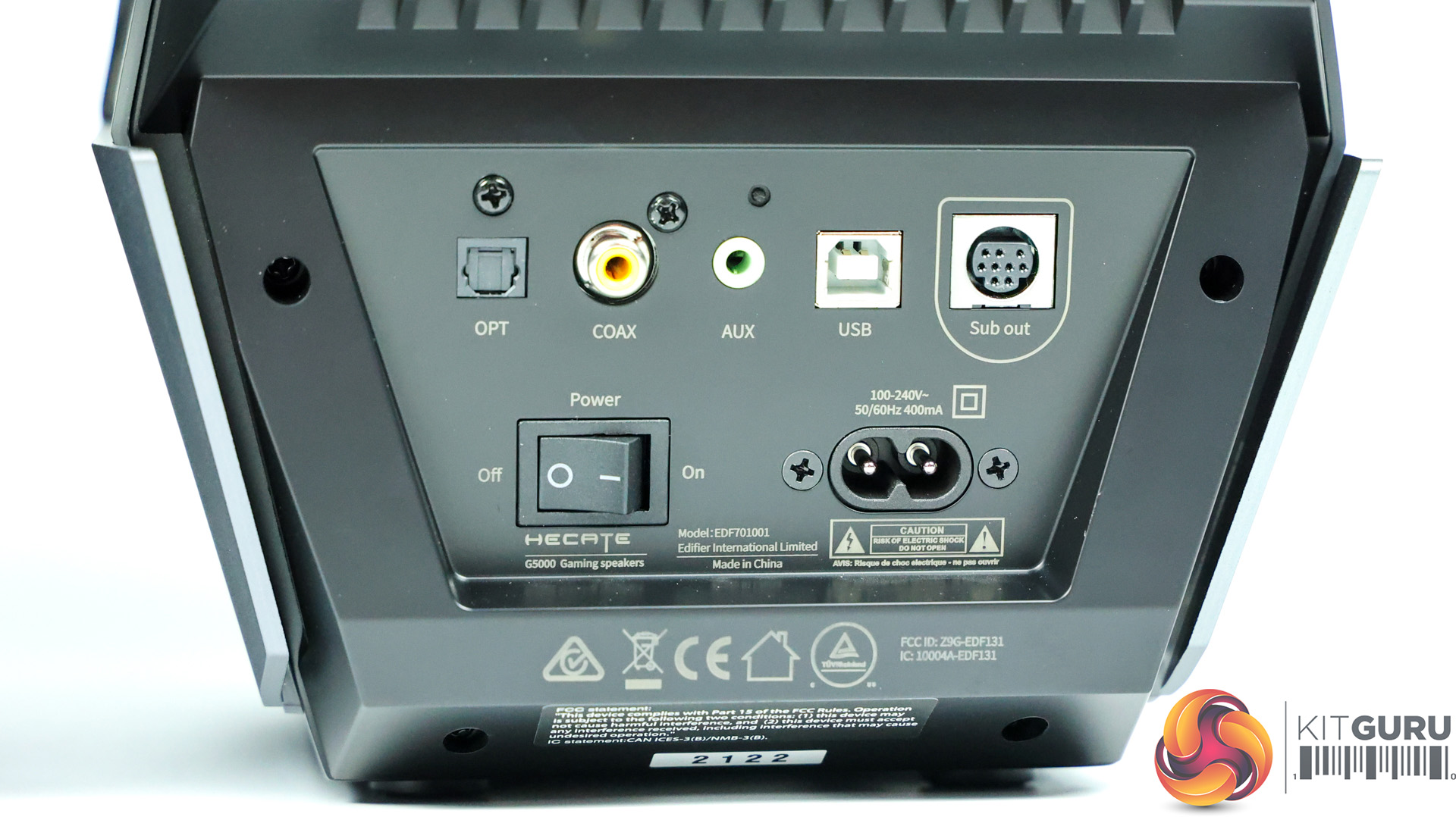
03:18 Back of the master speaker – connections
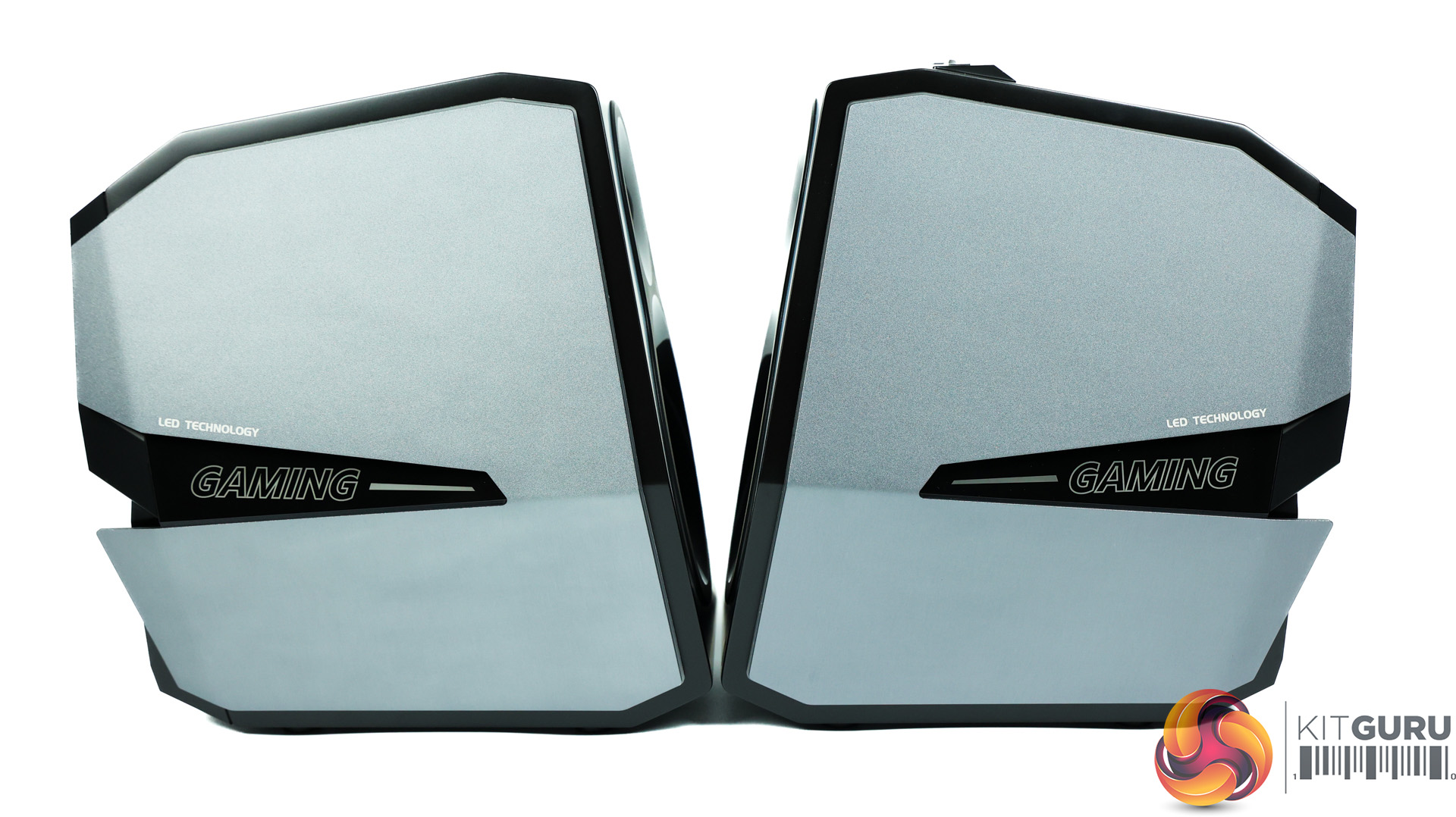
04:29 RGB LED implementation
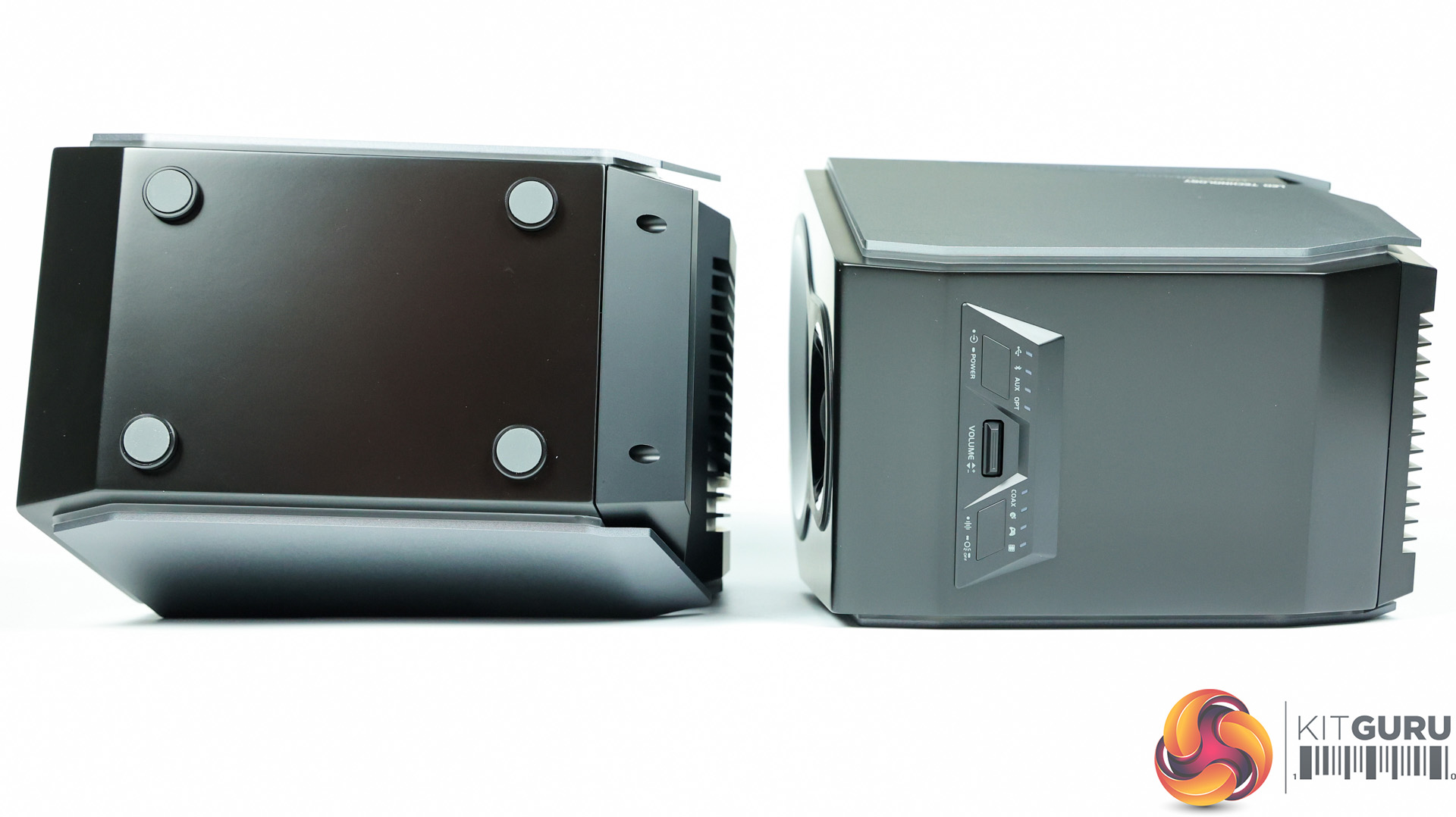
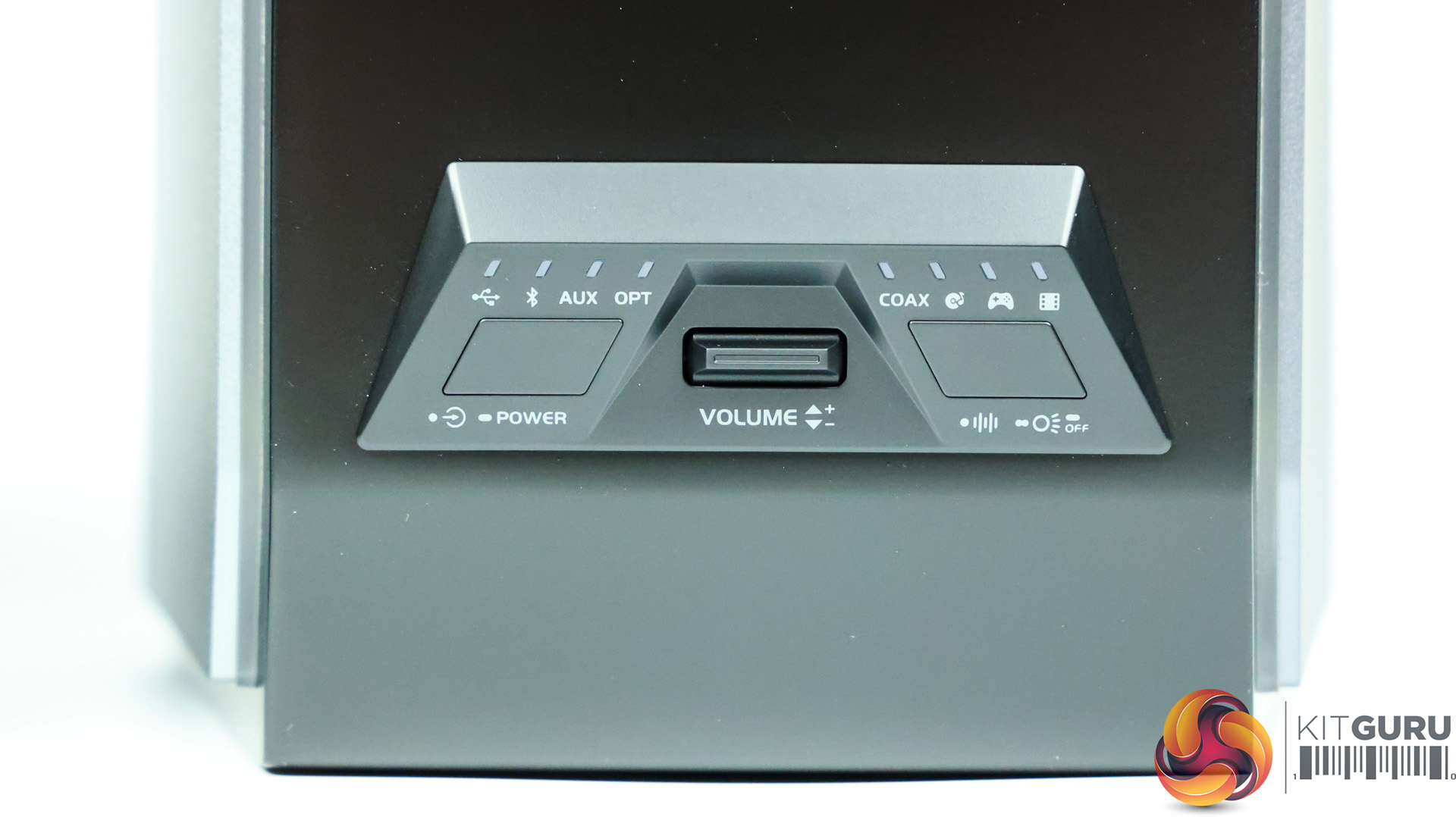
06:31 Buttons and Interface feedback sounds
09:36 Some discussion on the hardware/drivers
10:07 Sound test samples
12:02 Andrew's views on audio quality
13:00 Gaming experience
15:17 Closing Thoughts
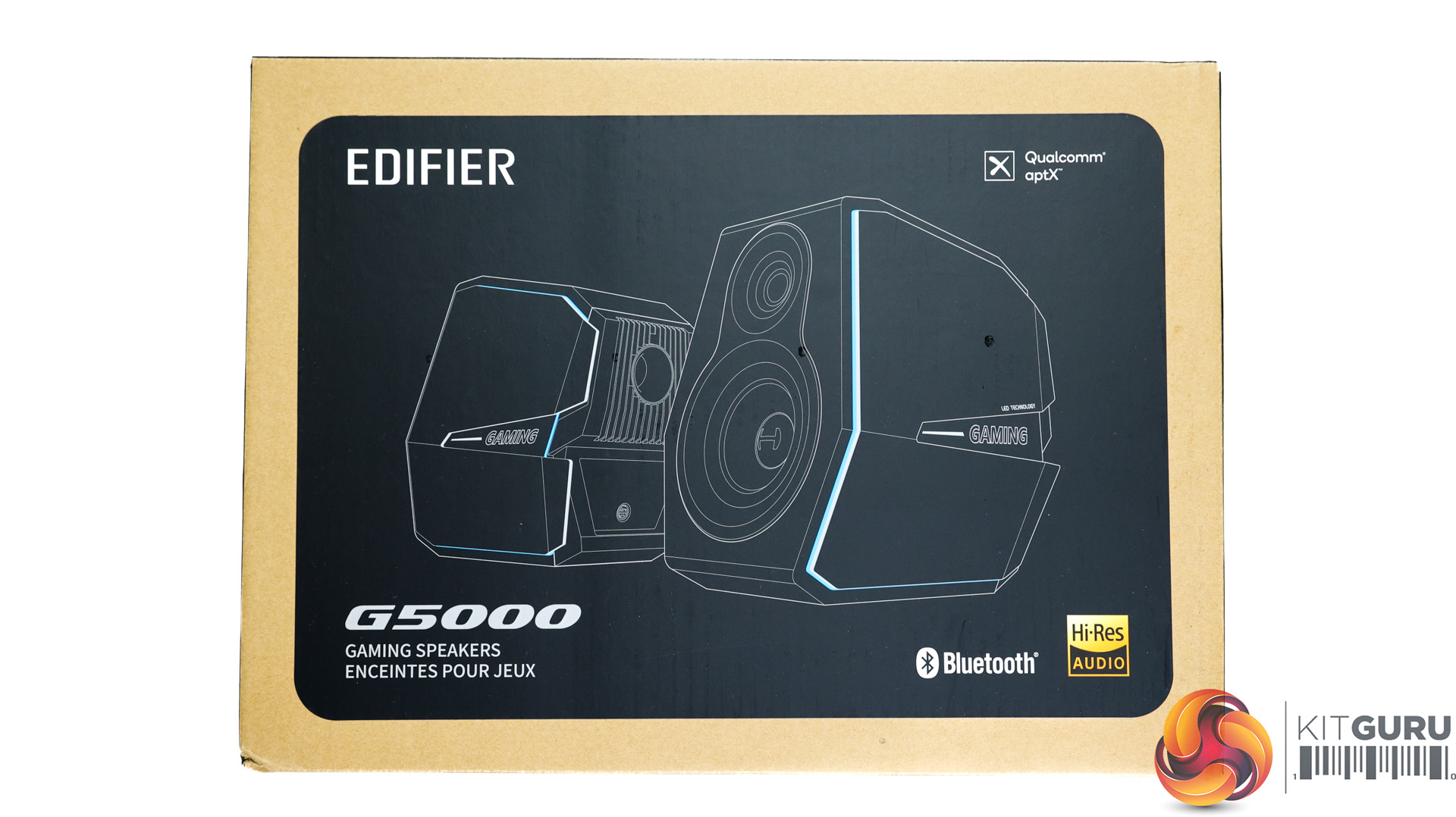
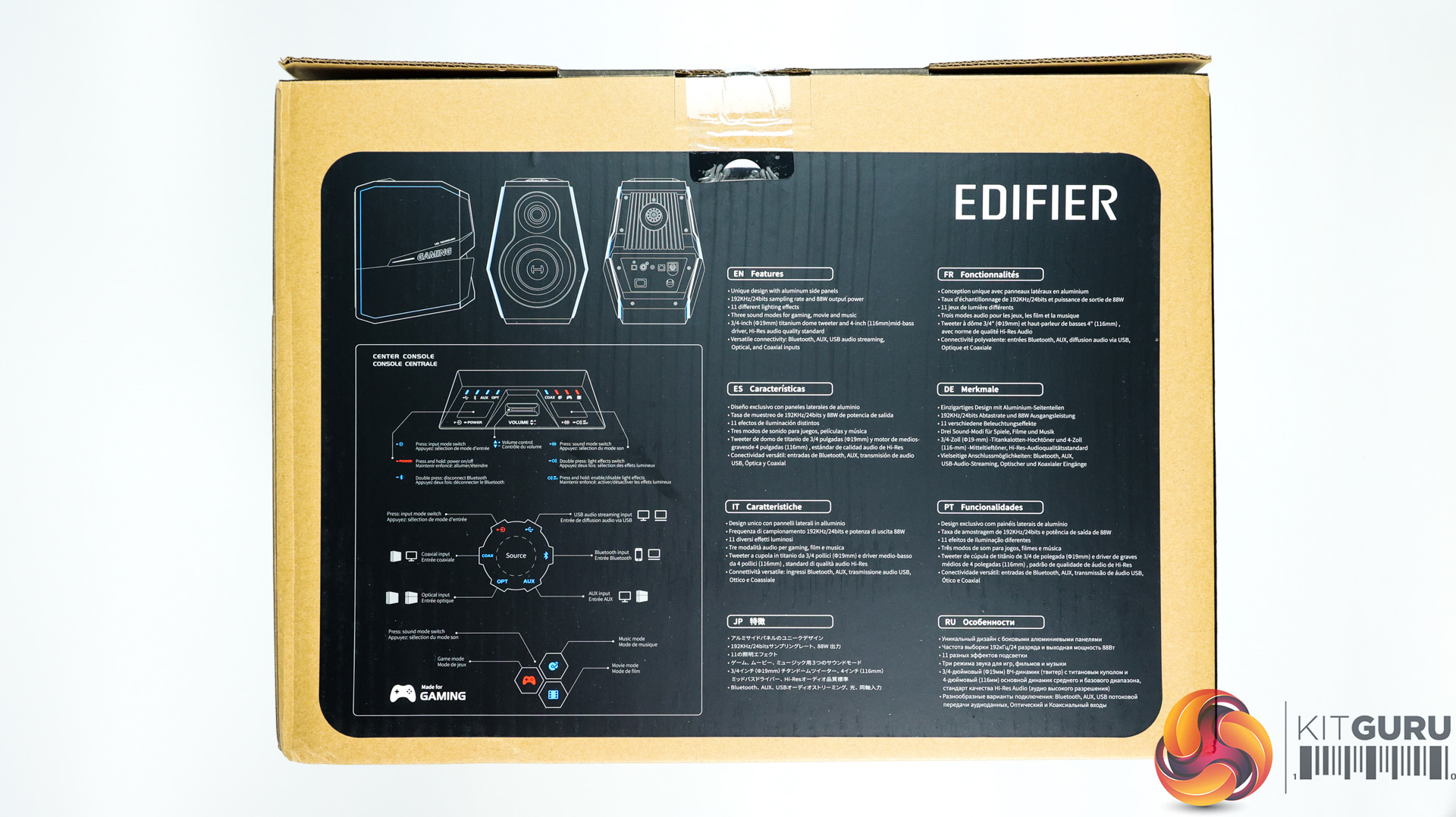
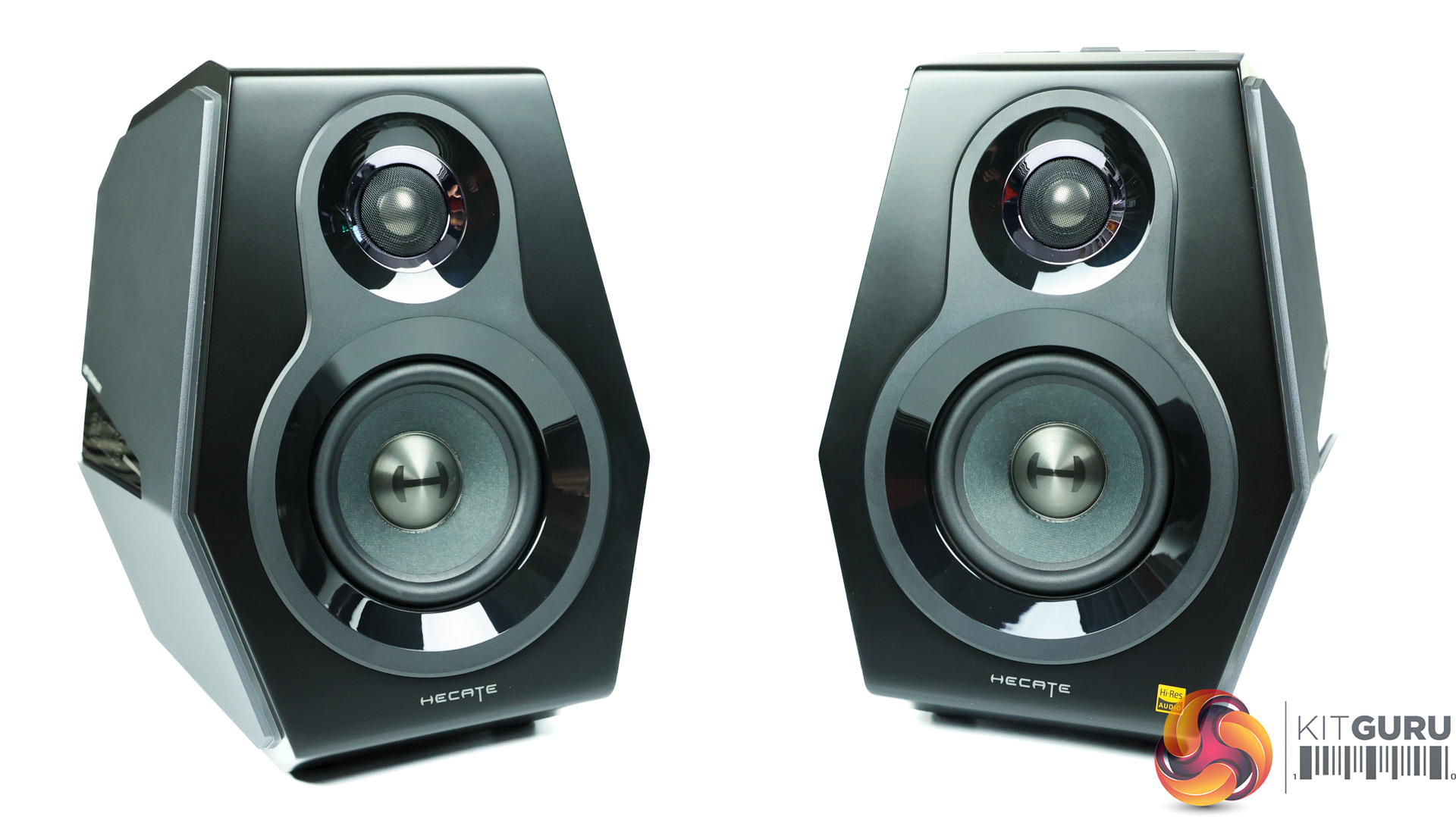
Specifications:
- Bluetooth 5.0
- Audio inputs: Bluetooth, AUX, USB, Optical & Coaxial inputs
- Input sensitivity:
- AUX: 600±50mV
- Optical/Coaxial: 350±50mFFs
- Bluetooth/USB: 450±50mFFs
- RMS: R/L 2*12W+2*32W
- Audio decoding: APTX HD, APTX, SBC
- Noise level: ≤25dB(A)
- Signal-noise ratio: ≥85dB(A)
- Frequency response: 70Hz-40kHz
You can purchase the Edifier G5000 speakers for £349.99 from Tech4 HERE.
Discuss on our Facebook page HERE.
Pros:
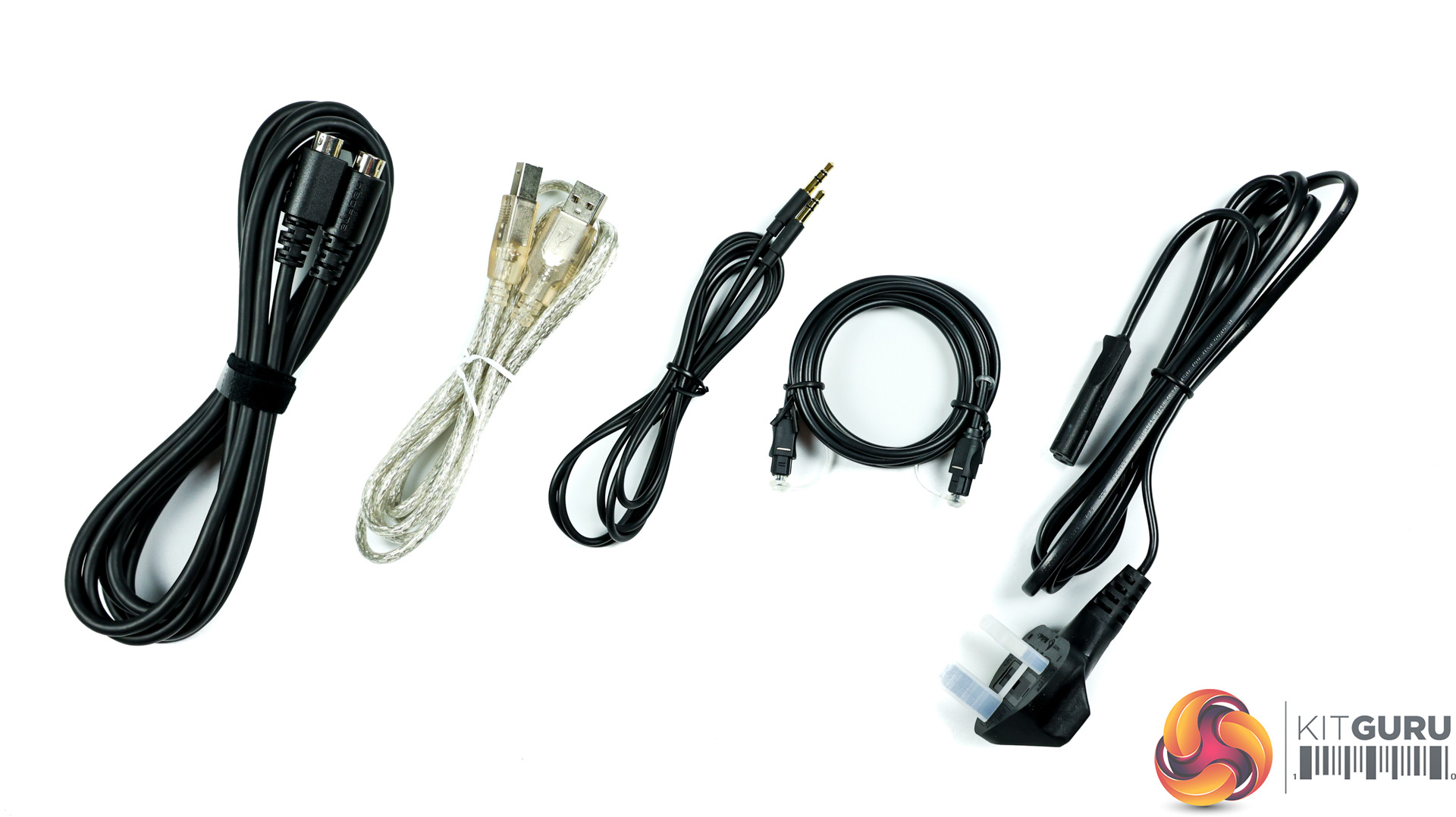
- All cables are detachable.
- Lots of connectivity options.
- Handmade speaker cabinets.
- Excellent build quality and design.
- Very good audio quality on all 3 EQ presets.
Cons:
- “GAMING” logo on the side is tacky.
- Cannot turn off audio prompts.
- Audio prompts aren’t especially clear.
- Bass slightly lacking.
KitGuru says: The build quality and design are top notch but we can’t help but find the RGB LED “GAMING” text on the sides slightly tacky. The audio prompts are frustrating as you cannot turn them off but if you can look past this then the audio quality is impressive. For general consumption of music, movies and gaming these are very good PC desktop speakers.