 KitGuru KitGuru.net – Tech News | Hardware News | Hardware Reviews | IOS | Mobile | Gaming | Graphics Cards


Today we review the latest in a series of peripherals to be released under the ‘Corsair Gaming' brand. The H1500 USB headset offers a pair of 50mm drivers, 7.1 virtual surround sound and a high level of comfort thanks to the memory foam padding and large ear cups.
Corsair have a diverse range of peripherals available to the enthusiast gamer and the Gaming H1500 is set to target those wanting for a headset with performance ahead of entry level products. At £75 inc vat, should these be top of your shortlist for an upcoming upgrade?
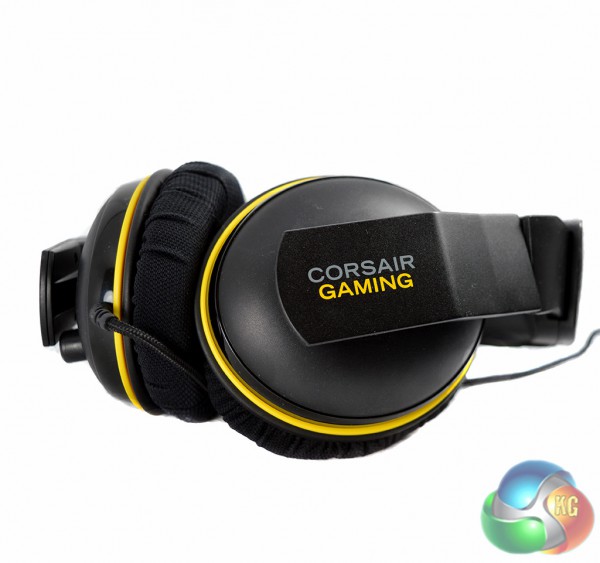
Specifications:
- 50mm neodymium drivers.
- Dolby 7.1 virtual surround sound.
- Memory foam ear cups and padding.
- 20Hz to 20Khz frequency response.
- Unidirectional noise-canceling microphone.
- 3M cable length.
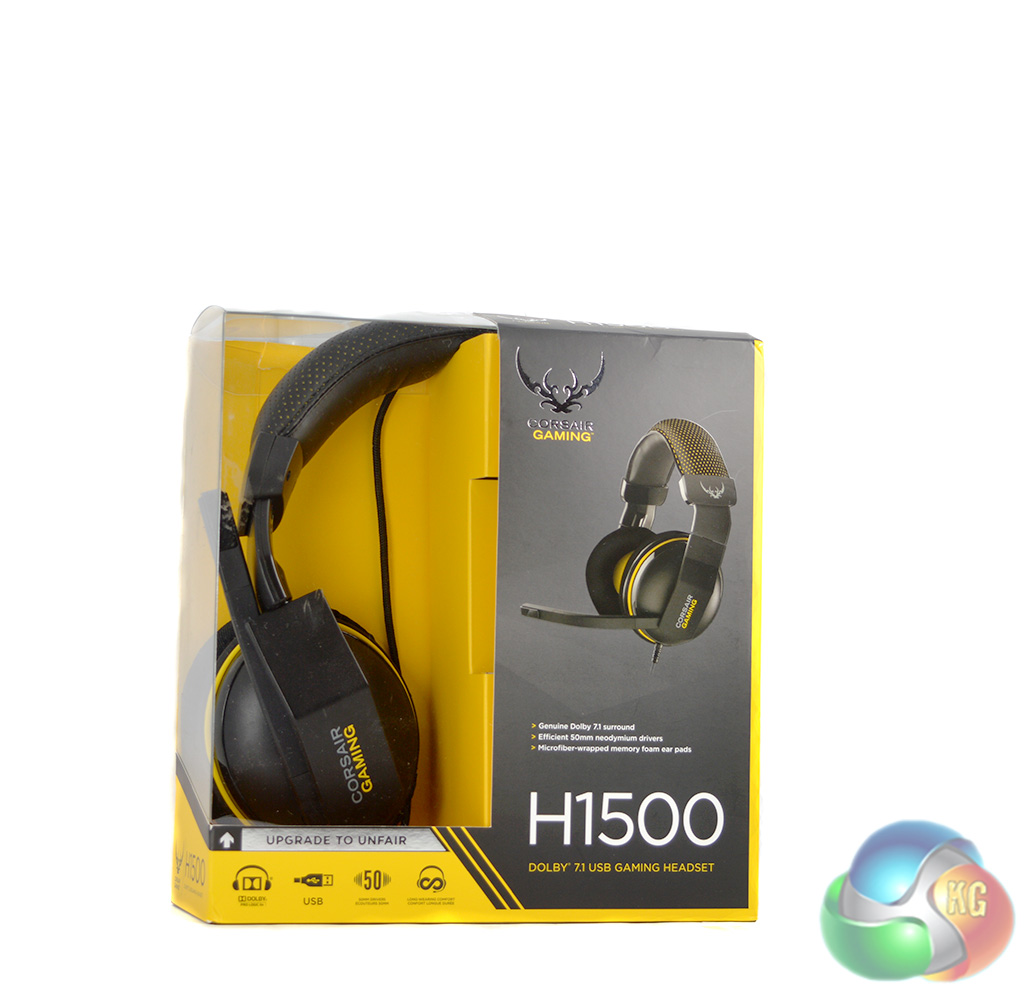
The front of the Corsair Gaming H1500 headset box lists several key features including Dolby 7.1 virtual surround sound, 50mm neodymium drivers and memory foam ear pads for comfort.
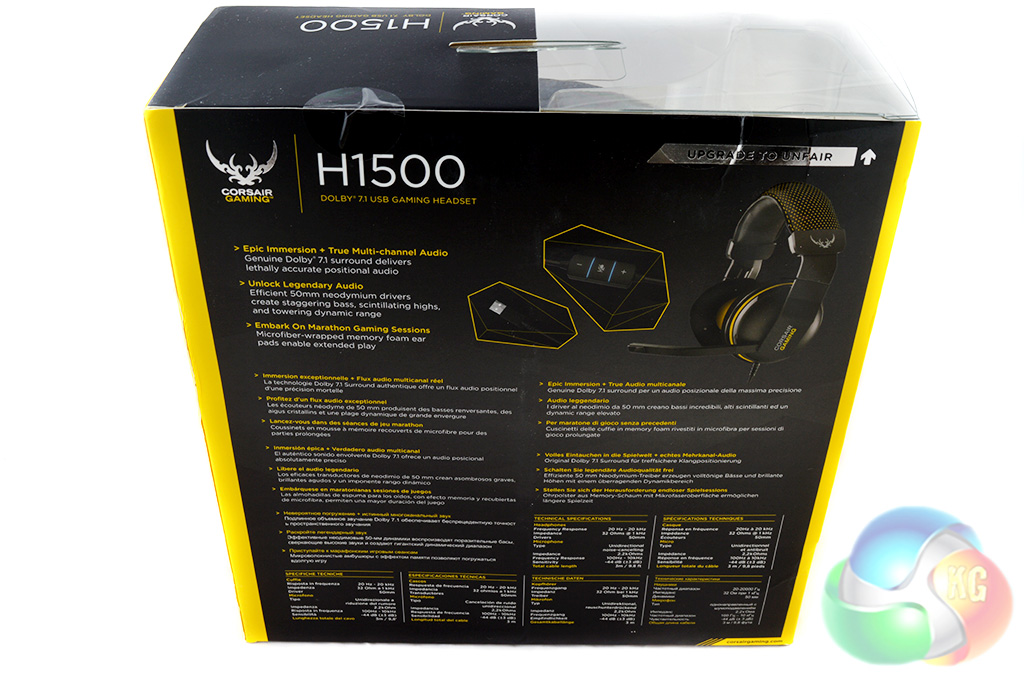
The back of the box elaborates on the same features, stating that the Dolby surround solution will deliver “lethally accurate positional audio”. The 50mm drivers promise to deliver “towering dynamic range” and the memory foam ear pads should allow users to to wear the headset for extended periods.
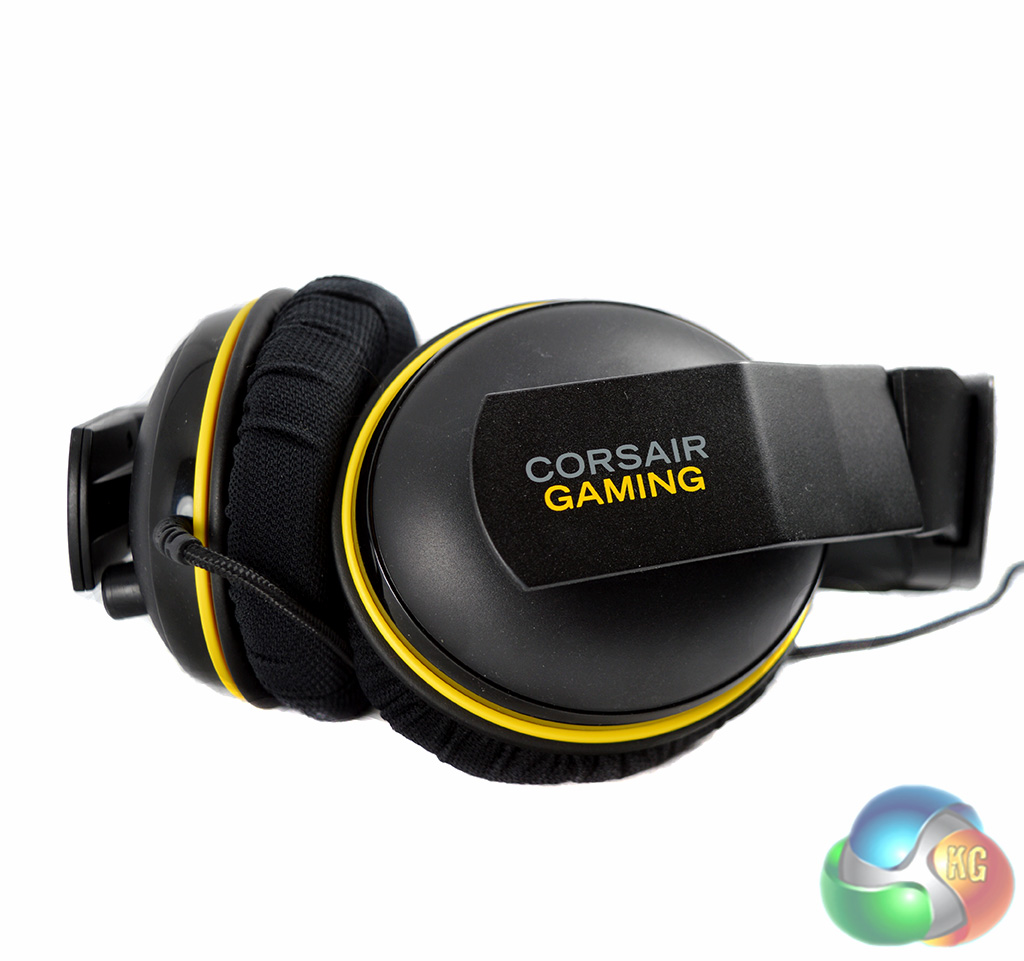
The Corsair Gaming H1500 headset comes in black with yellow accents, differentiating itself from past models, which were released under the Corsair Vengeance brand with blue accents.
The long 3 meter cable is fully braided, which is always nice to see and the length will come in handy for those who keep their PC under their desk and route cables to the top. The cable is not removable- it is permanently attached to the left ear cup.
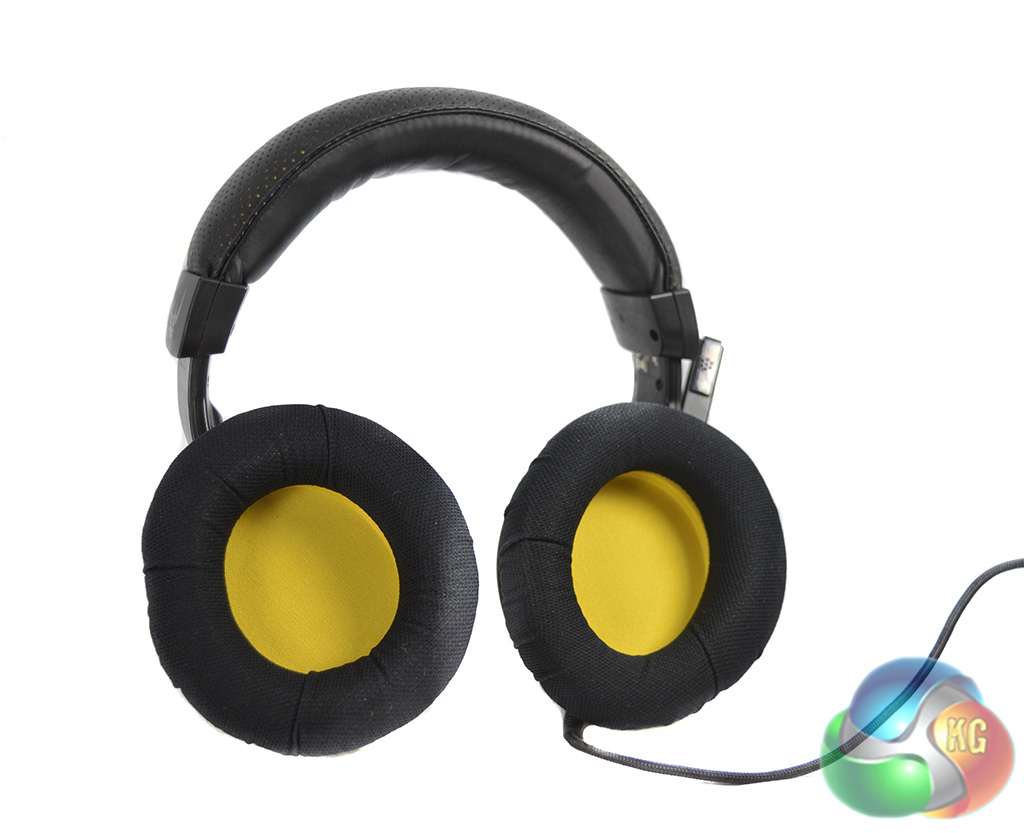
The memory foam ear pads are wrapped in micro fiber and are very comfortable indeed. the ear cups are large enough to form a decent seal around the ear.
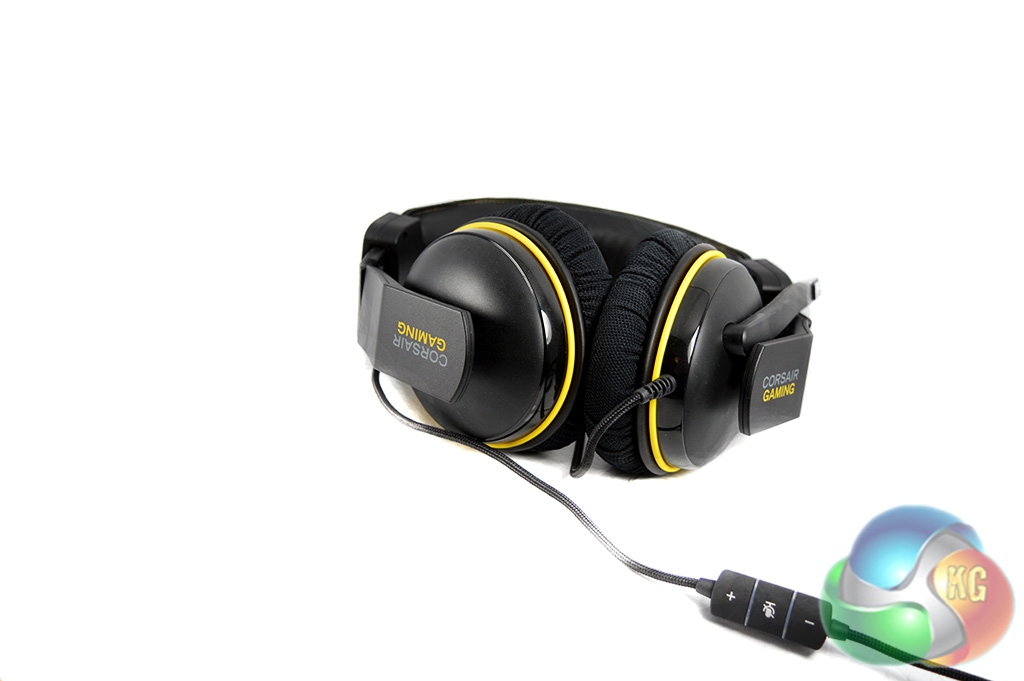
The inline controls allow you to set the volume and mute the microphone. If the microphone is muted, the LED will flash blue and red, you can't customize the lighting unfortunately, which is a shame as I would have rather used a solid red light upon muting the microphone as the flash can be a bit distracting at night.
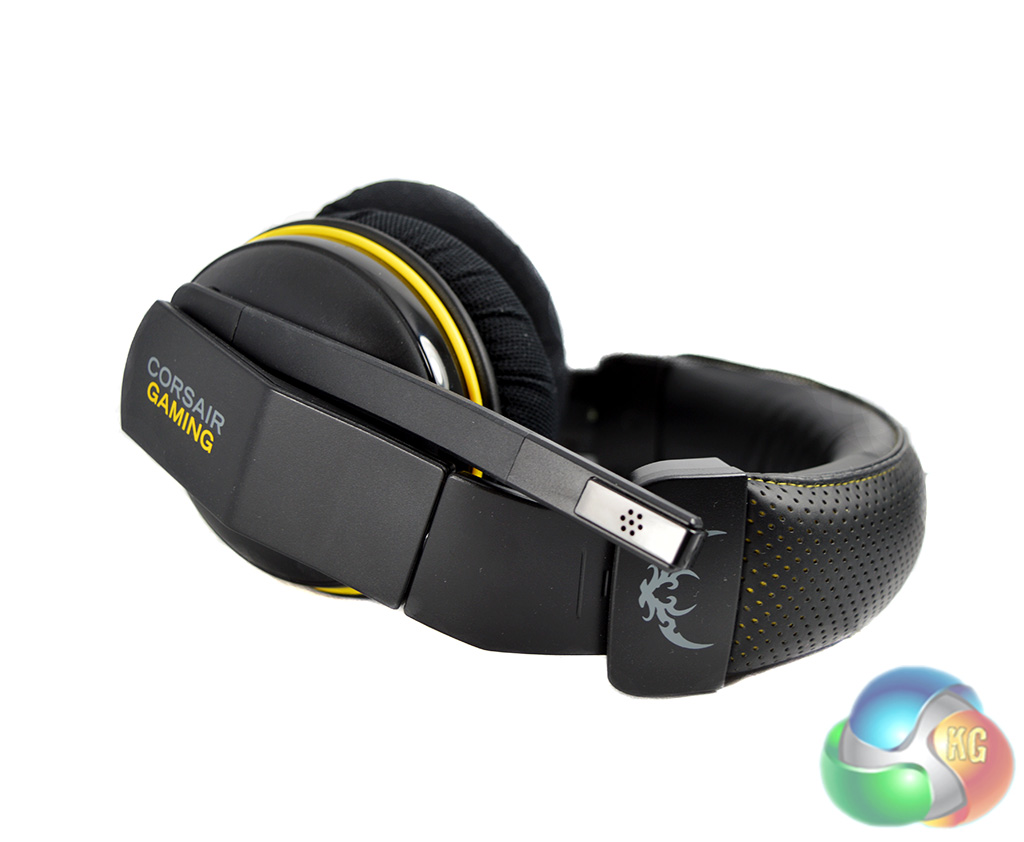
The microphone is of decent length and can be positioned directly in front of your mouth. You can push it up and out of the way when you aren't using it, some headsets will automatically mute the microphone when it is positioned upright, the Corsair Gaming H1500 does not have this feature.
Often when it comes to peripherals, user reviews are very important, which is why we always perform real world user testing with our peripherals. I have been using the Corsair Gaming H1500 headset as my main pair of headphones for gaming and general media consumption for a little while now, so I've gotten to know it fairly well.
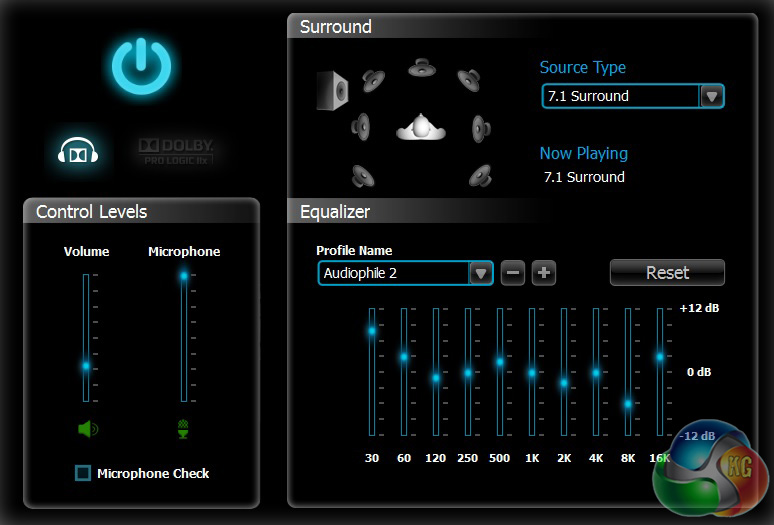
Lets start off with software. EQ and virtual surround settings are controlled via the ‘Corsair Gaming Headset Control Panel‘. It's a simple design, containing just one window.
On the left you will find control levels and a microphone check button while on the right are the EQ settings along with your virtual surround selection, allowing users to pick between 2.0, 5.1 and 7.1 audio.
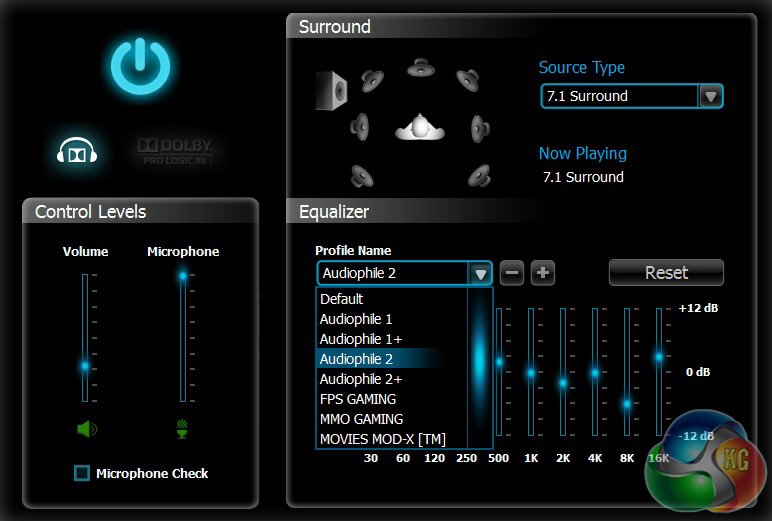
The different EQ presets and surround settings can greatly affect your listening experience. There are nine different EQ profiles in total, although you can customize each of them as much as you want. There are two separate gaming profiles for MMO and FPS titles, there's a profile specifically for movies and then there is even a reference EQ for those like to listen to tracks the way the artist intended.
I didn't really care for the ‘default' setting so I played around with a few of the EQ profiles to find which one worked for me best. Personally, I preferred ‘Audiophile 2' over the others although, FPS gaming, Reference EQ and Movie Mod-X are also good options – providing clear high frequencies and decent enough bass response for most.
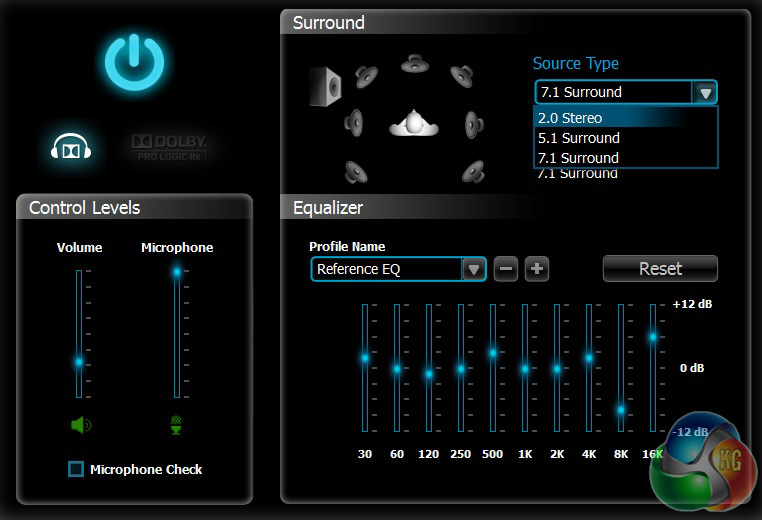
For virtual surround settings you can choose between stereo, 5.1 and 7.1. For FPS games, using the 7.1 option will help you pin-point enemy positions slightly better, the software definitely does a good job of re-creating a surround environment. However, not everybody likes these software solutions so your mileage may vary – you always have the option to turn it off.
Corsair's software is good, it is all contained neatly inside one window and everything is responsive.
Now let's talk a little bit about comfort as I feel this is where the H1500 really shines. The padding on the headband and the memory foam inside the ear cups provide a supreme amount of comfort, I find it hard to imagine that anyone would get tired of wearing these.
The only downside is that the headset can slip off the head fairly easily at times. It isn't going to stay on the head if you look down to check a phone on your desk every few minutes. However, I feel that overall comfort may have taken a hit if Corsair tightened up the clamping pressure so it's a fair trade-off.
We have established that the software is up to scratch and the headset is a joy to wear for the most part but none of that really matters if the sound and microphone quality isn't there.
Fortunately, the Corsair Gaming H1500 sounds great, although it takes some tweaking. For a start, you absolutely have to download the software utility because failing to do so will result in pretty poor sound quality.
Once that is out of the way we would recommend playing around with the EQ settings, the default profile is okay but it comes across a bit flat. For me, the Audiophile 2 profile provided clearer overall audio and a slightly stronger bass response.
The FPS profile will enhance footsteps, that coupled with 7.1 surround for enhanced positional audio and you should find yourself with the advantage in competitive shooting matches. I found this particularly useful for Counter Strike.
I always say that sound quality is just half the battle with headsets though as a bad microphone can be pretty damaging to the overall experience. Corsair has provided an average quality microphone, it cancels out background noise pretty well and it can capture vocals fairly clearly.
Sadly, I found that in order to come across loud enough over Skype and TeamSpeak, I would have to boost the microphone sensitivity by around 10dB, which can increase feedback during calls. This can get a little annoying to listen to after a while, but overall, it is fairly easy to ignore in most situations and won't always be noticeable.
The 50mm drivers found in this headset provide plenty of volume, when watching movies or videos I would usually keep my system volume below 20 percent and in some cases I would have to dial it down even further to under 10 percent. This isn't really a negative or a positive, if you like things to be fairly loud then the option is there. The same goes for those who like to listen to sound at a more sensible level.
Overall we are impressed with the Corsair Gaming H1500 headset. The Dolby virtual surround sound features work very well, sound quality is on par with more expensive headset offerings with a little tweaking and while the microphone isn't perfect, it is good enough for daily use.
Corsair's software utility is simple, tidy and responsive. There are EQ profiles to suit most tastes and use cases. If you get really competitive when it comes to shooters then the FPS EQ profile in conjunction with the 7.1 surround feature should provide you with a slight edge.
Microphone responsiveness could be improved and it would be nice to see the feedback I experienced eliminated in future product iterations. My only other complaint is that you can't change the lights on the in-line controls, I didn't care for the red and blue flashing that occurs upon muting the microphone as it can be particularly distracting at night. I would much rather have had the option to switch to a solid red light.
Despite those two complaints, I have no problem recommending the Corsair Gaming H1500 headset to KitGuru readers. It's extremely comfortable to wear and you won't be tired of it following long gaming sessions. I would go as far as to say that this headset could replace desktop speakers for many users.
In the past, I have had a tendency to use headsets as little as possible as I prefer to just have sound blasted at me via a pair of speakers but this has changed since using the H1500 due to the enhanced sound quality and comfort.
Discuss on our Facebook page, over HERE.

You can buy the Corsair Gaming H1500 headset from Overclockers UK for £74.99, it's a little on the pricey side but this is still a pretty compelling option and should compete well with other headsets in the same price range.
Pros:
- Extremely comfortable.
- Decent sound quality.
- Virtual Surround works well.
Cons:
- Microphone could be improved.
KitGuru Says: I have no problem recommending the Corsair Gaming H1500 headset, it performs well and is very comfortable to wear.

Which one is better? This one (corsair 1500 gaming) or the asus vulcan pro?
There’s only one way to find out…
FIGHT!!!