KitGuru KitGuru.net – Tech News | Hardware News | Hardware Reviews | IOS | Mobile | Gaming | Graphics Cards


1MORE is not best known for its gaming headsets, but the Chinese audio specialist isn't afraid to try. The Spearheard VRX costs £150 here in the UK, and its highlight feature is the use of Waves Nx 3D head tracking technology. With 50mm synchronised vibrating drivers, ENC microphone and a unique LED tube – is this worth the money?
Having been impressed with both 1MORE‘s headphones and earphones over the past few months, it will be interesting to see how the Spearhead VRX stacks up as a dedicated gaming headset. A big part of its appeal (and high price tag) is thanks to its use of Waves Nx 3D audio technology, so we will break that down fully later in the review.
Specification
- Type: Over-Ear
- Weight: 304 g
- USB Cable Length: 2 m
- 3.5 mm Audio Cable Length: 1.3 m
- Plug: 3.5 mm (Audio Cable)
- Type A – Micro USB (USB Cable)
- Wire Material: Enameled Copper Wire
- Frequency Range: 20-20,000 Hz
- Impedance: 32 Ω
- Max Power: 20 mW
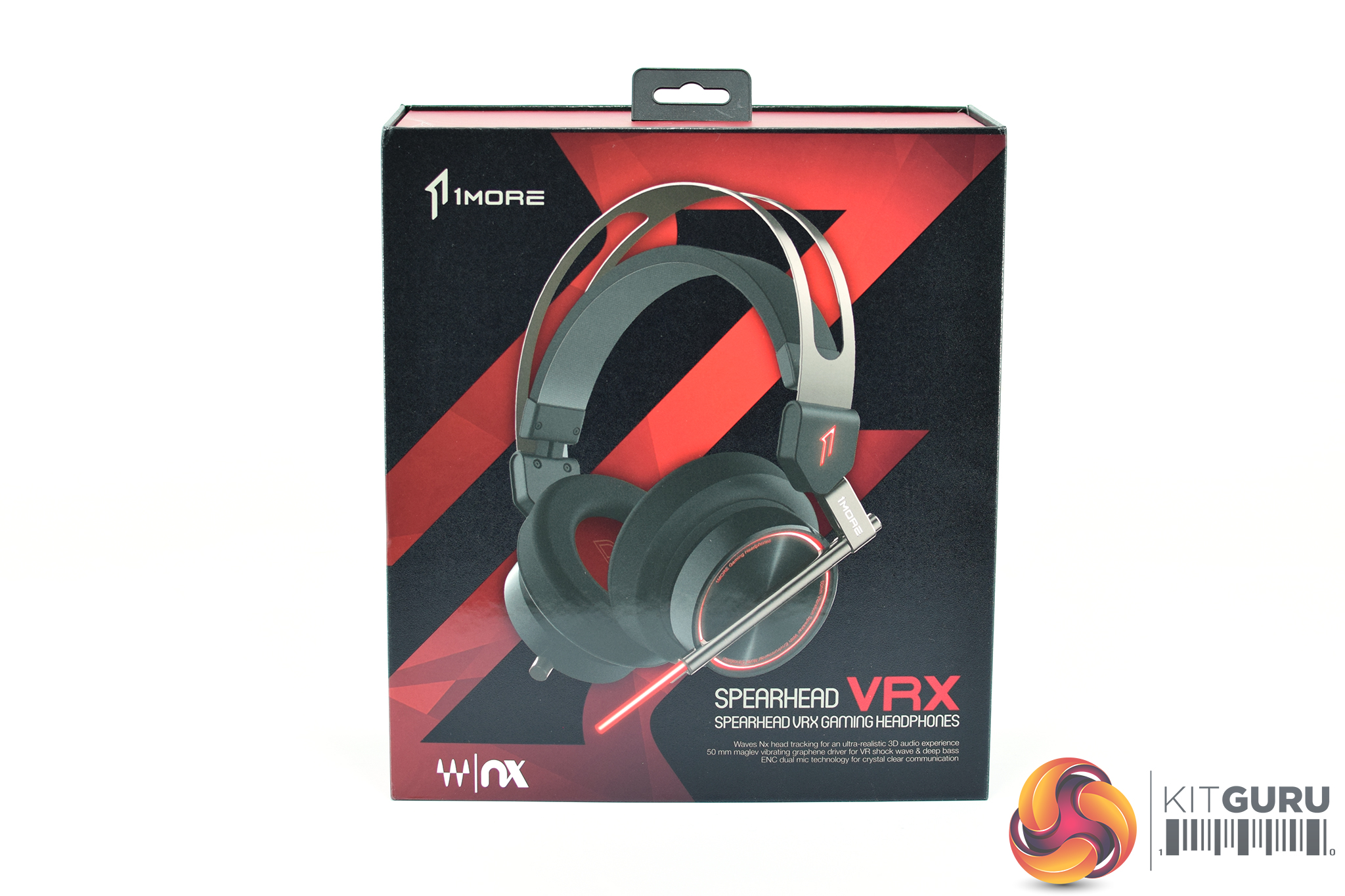
The 1MORE Spearhead VRX ships in a black and red box – a classic ‘gamer' colour combination.
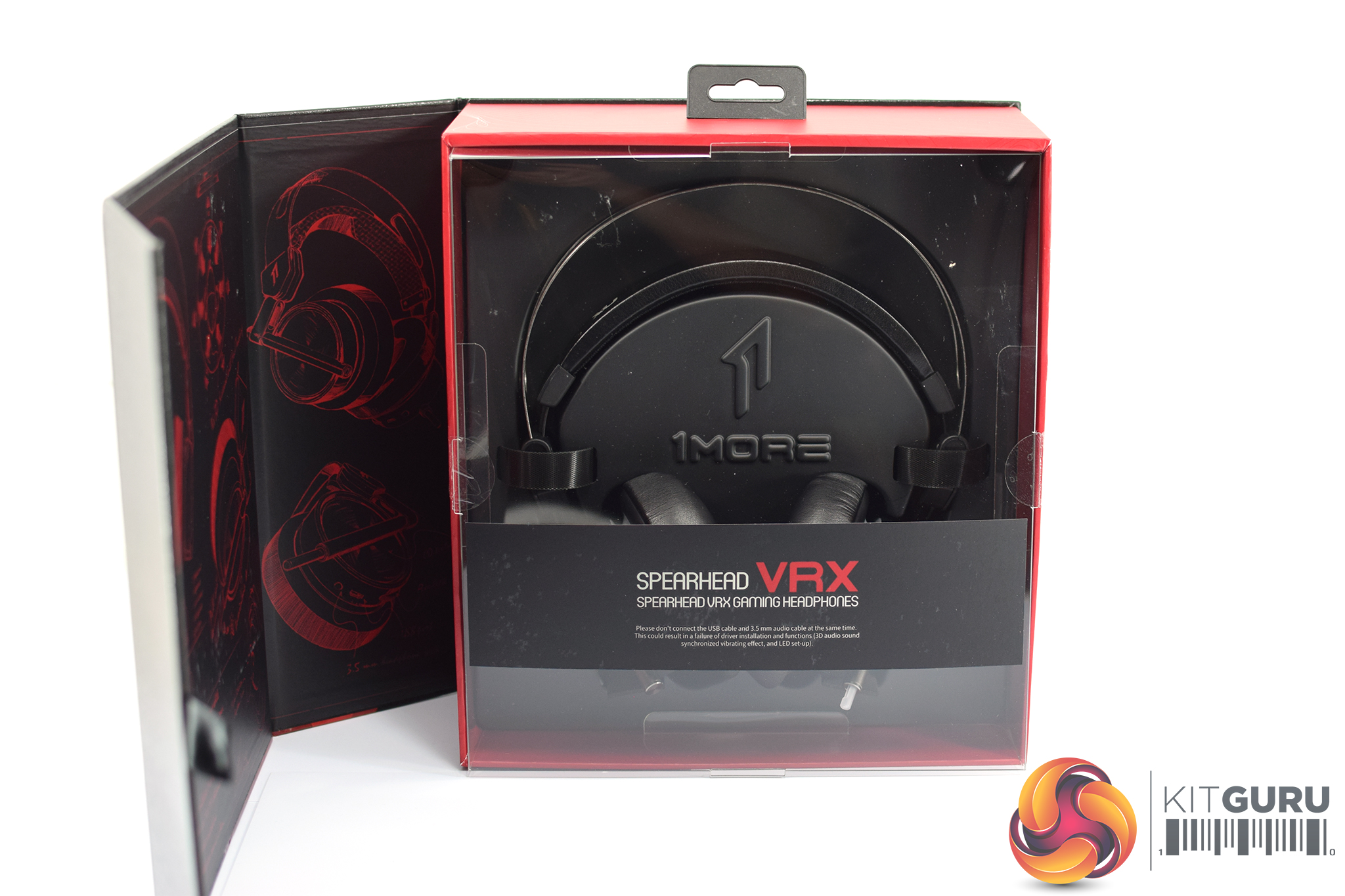
The lid of the box lifts off to reveal the headset sat below a plastic protective screen.
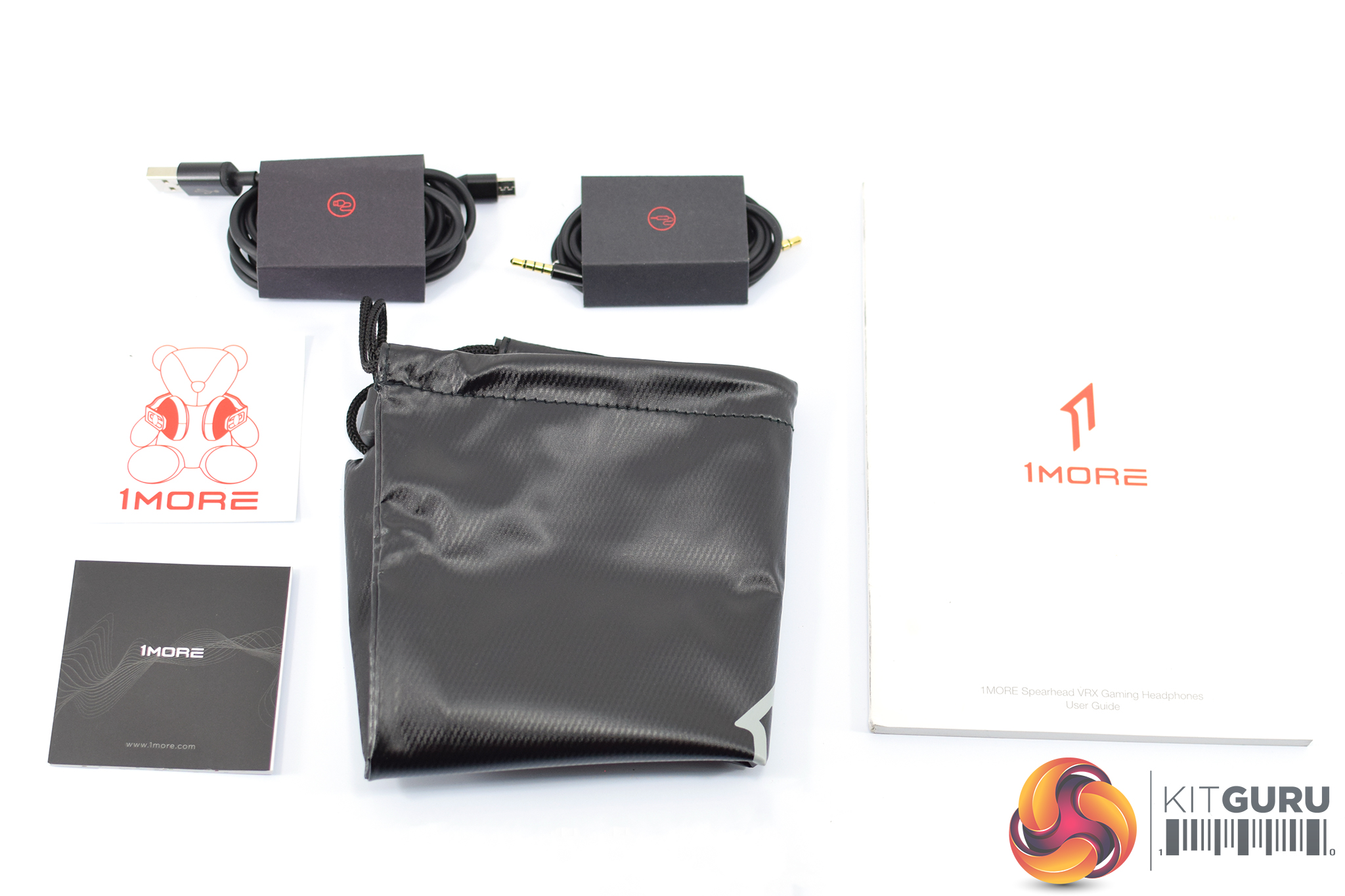
There's a bunch of accessories included, with a couple of leaflets and a stick being the least interesting. A soft carry bag is also included which is a nice touch, while users will also find 1x USB cable and 1x 3.5mm cable. This is because the Spearhead VRX can be used on both desktop (via USB) and console (via 3.5mm jack).
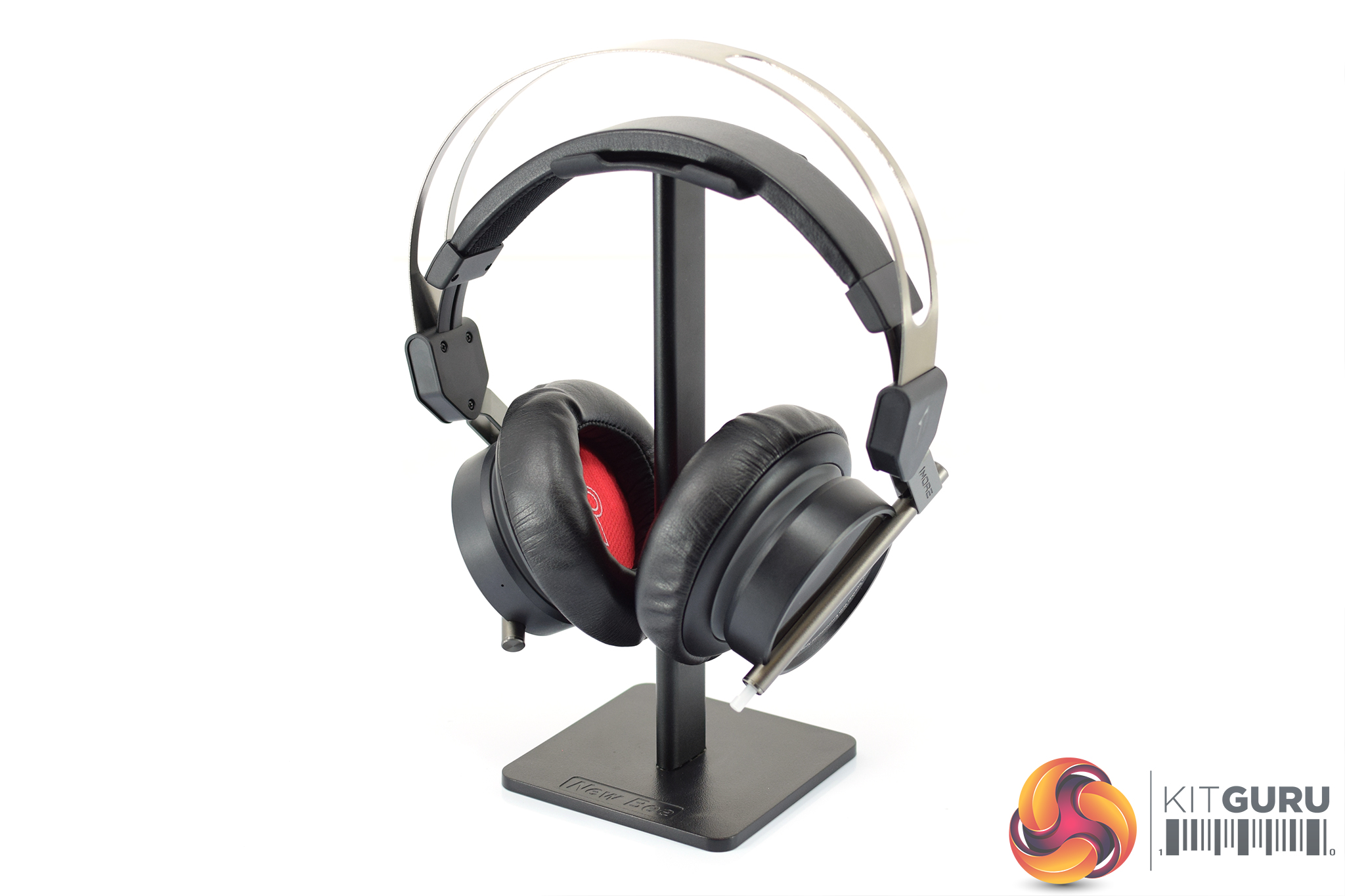
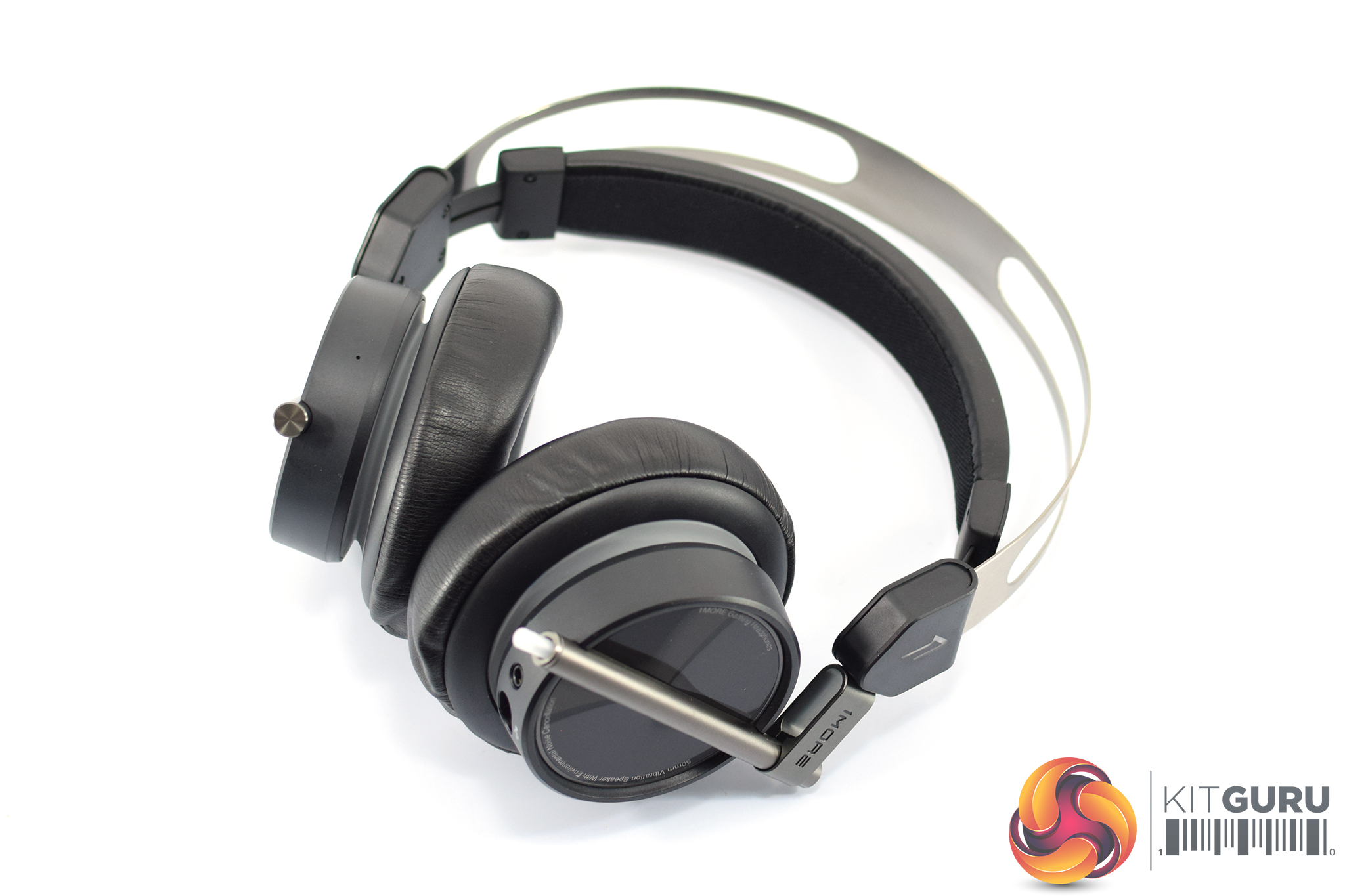
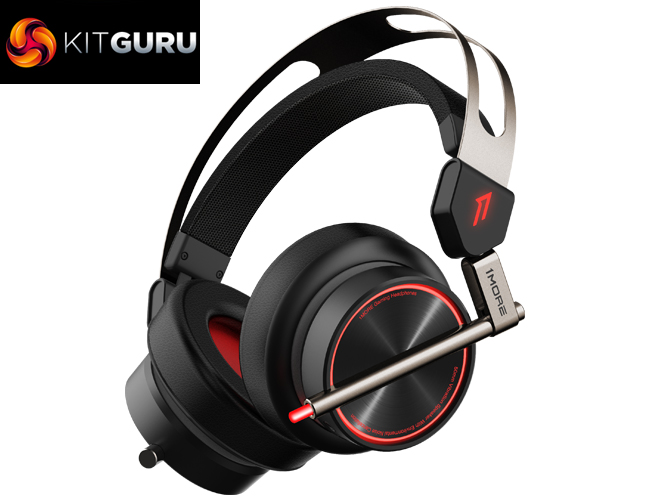
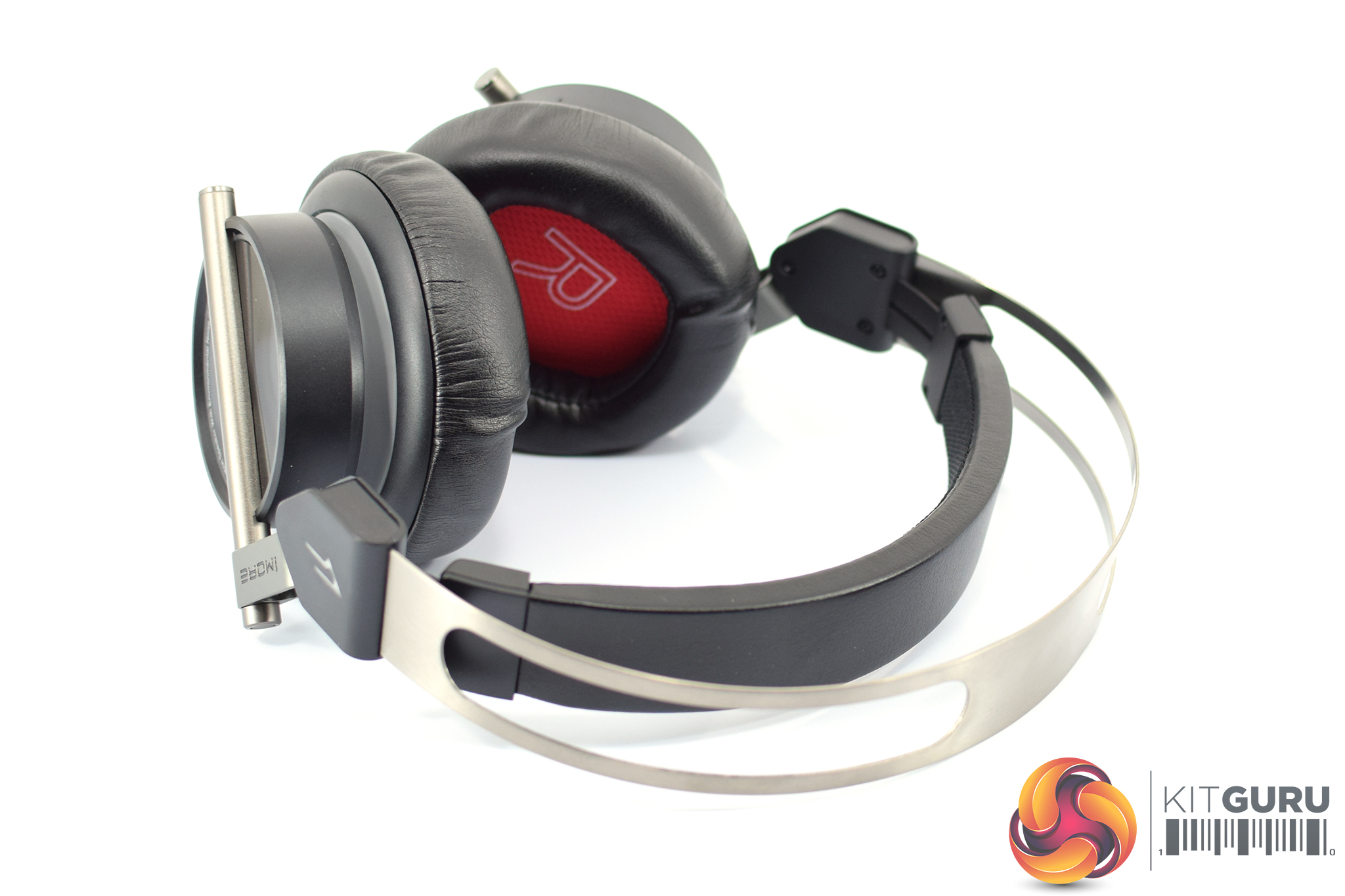
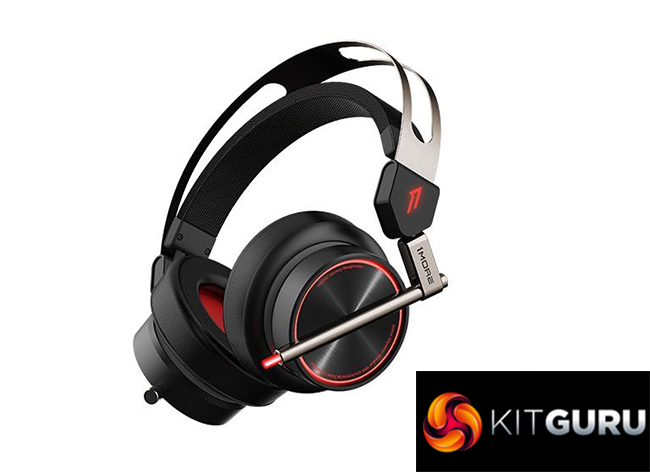
Moving to the headset itself, on first impressions it looks pretty conventional. It's all black, apart from the metal headband at the top and some more metal yokes on the side of the earcups.
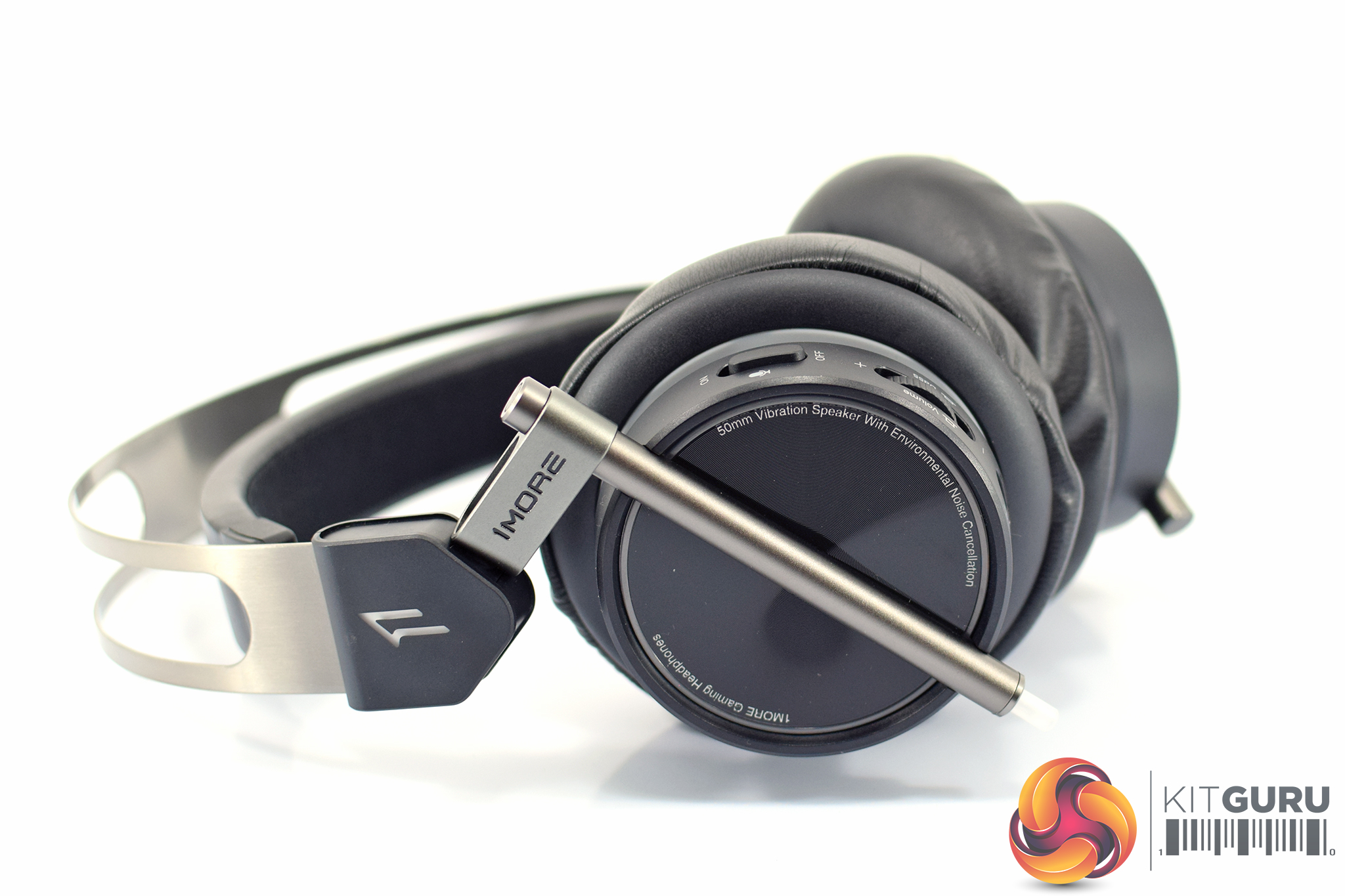
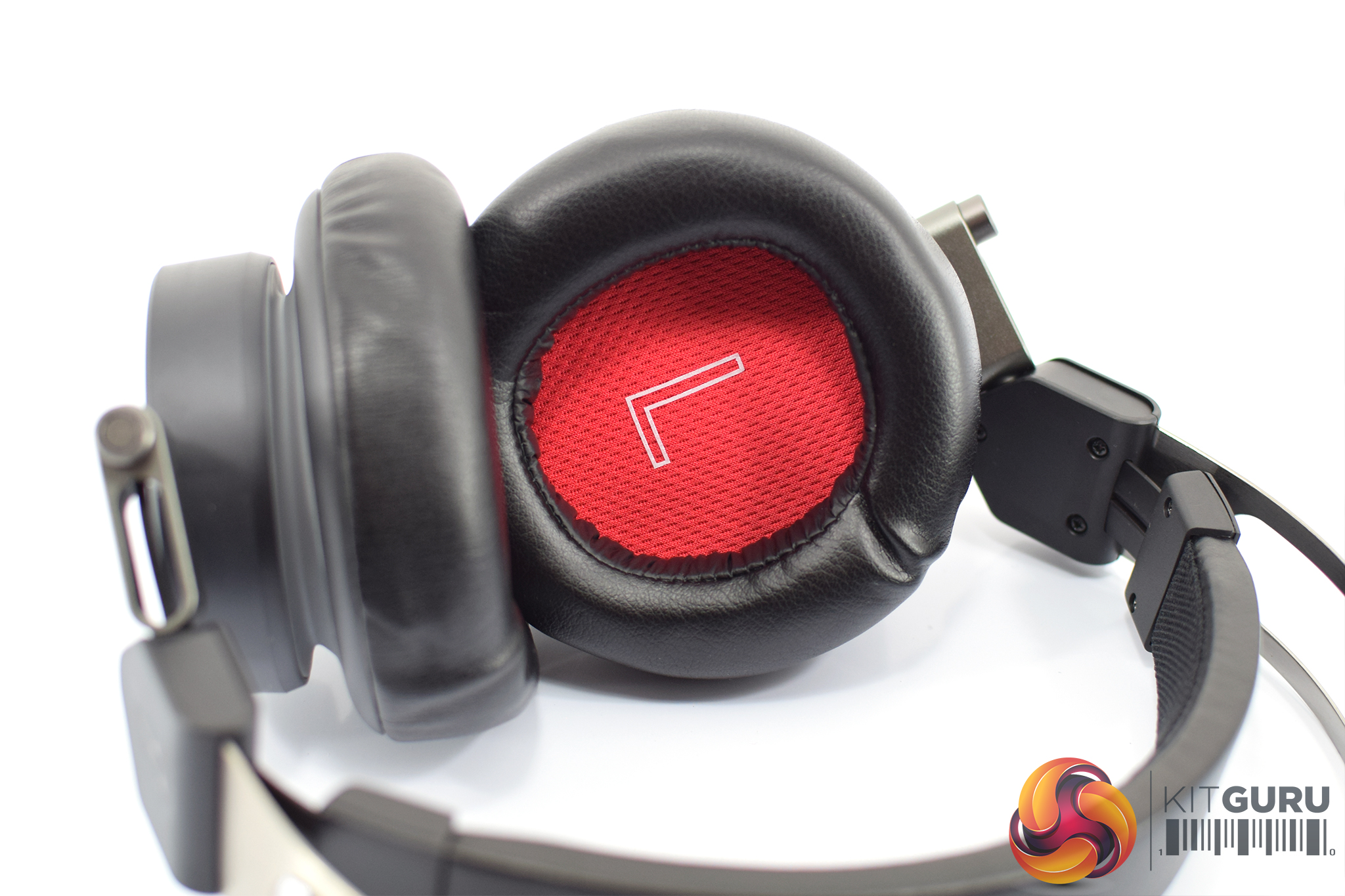
Looking in closer at said earcups, the backs of the cups are made from plastic, but the cups attach to the headband thanks to metal yokes which feel nice and solid.
On the inside, 1MORE has opted for faux-leather ear cushions which are removable. The fabric cover over the driver is bright red and has a large ‘L' or ‘R' printed in the middle so you know which cup is which.
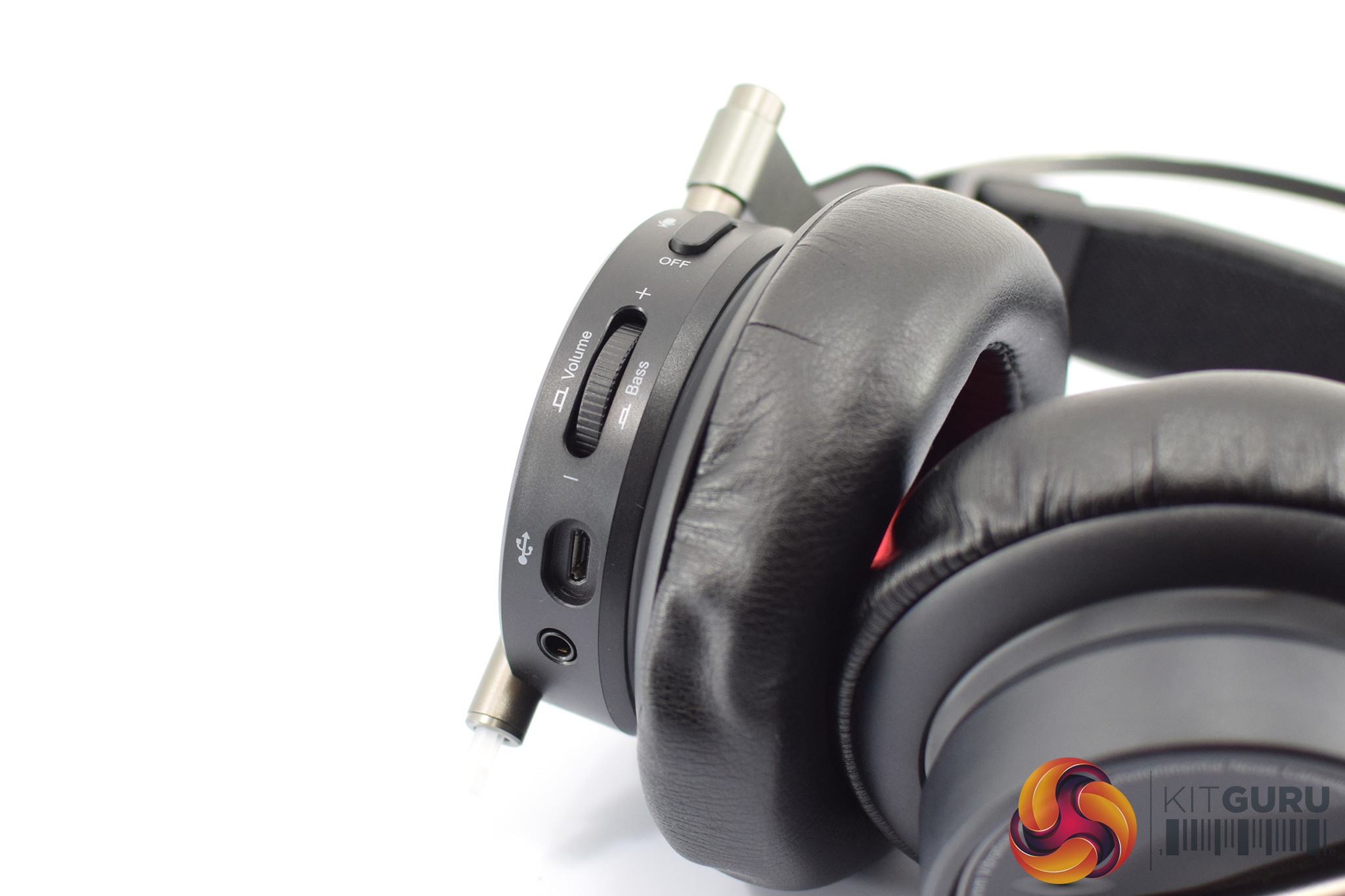
The left earcup is also home to a variety of connectors and controls. Here, we find the 3.5mm and microUSB connectors for using the headset, while there is also a volume wheel and mic mute switch.
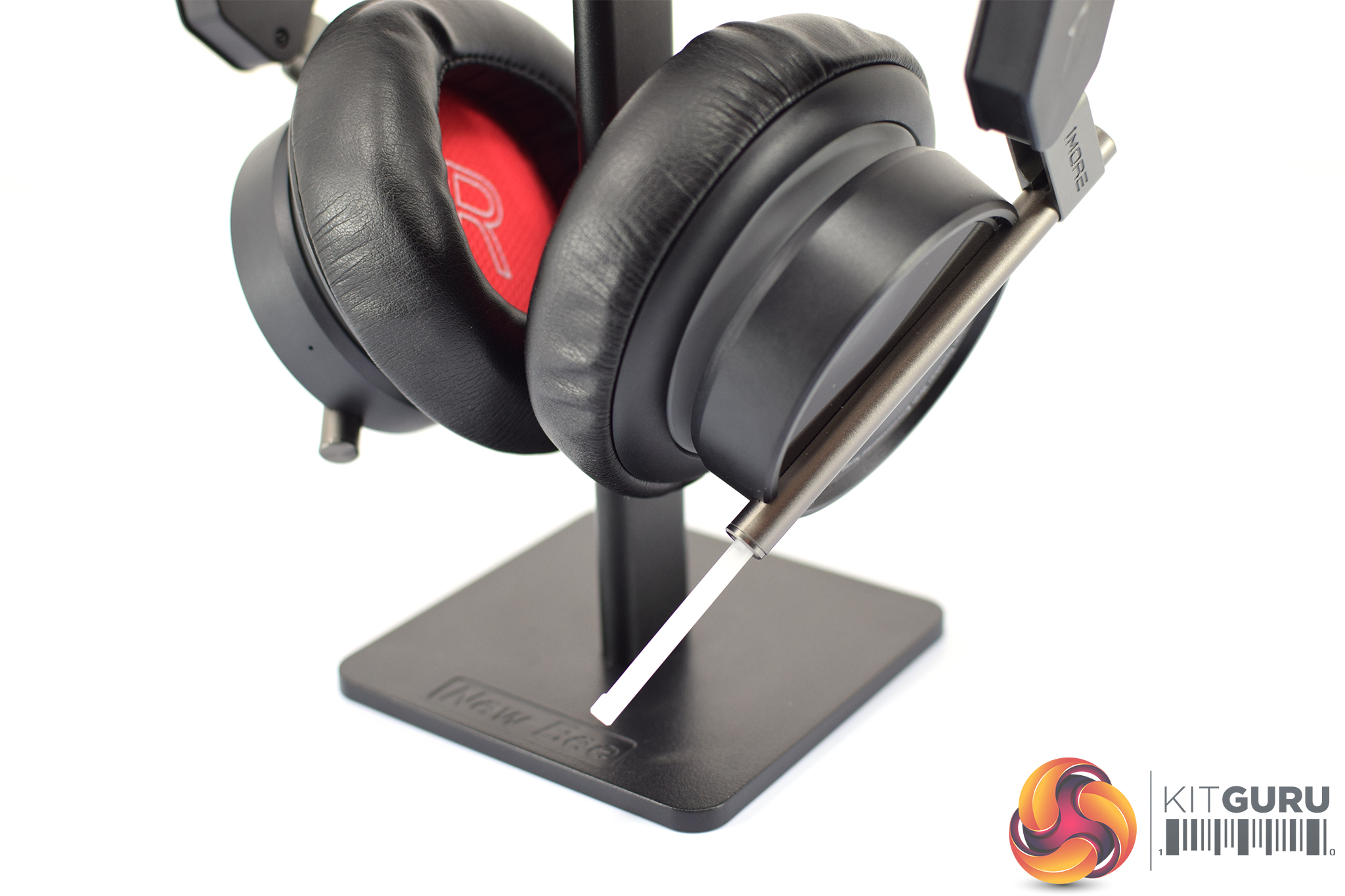
Just below the earcup we find the so-called ‘LED tube' which extends out about 3cm from the headset. When powered on, this is used to disperse the headset's RGB lighting – something we look at on the next page.
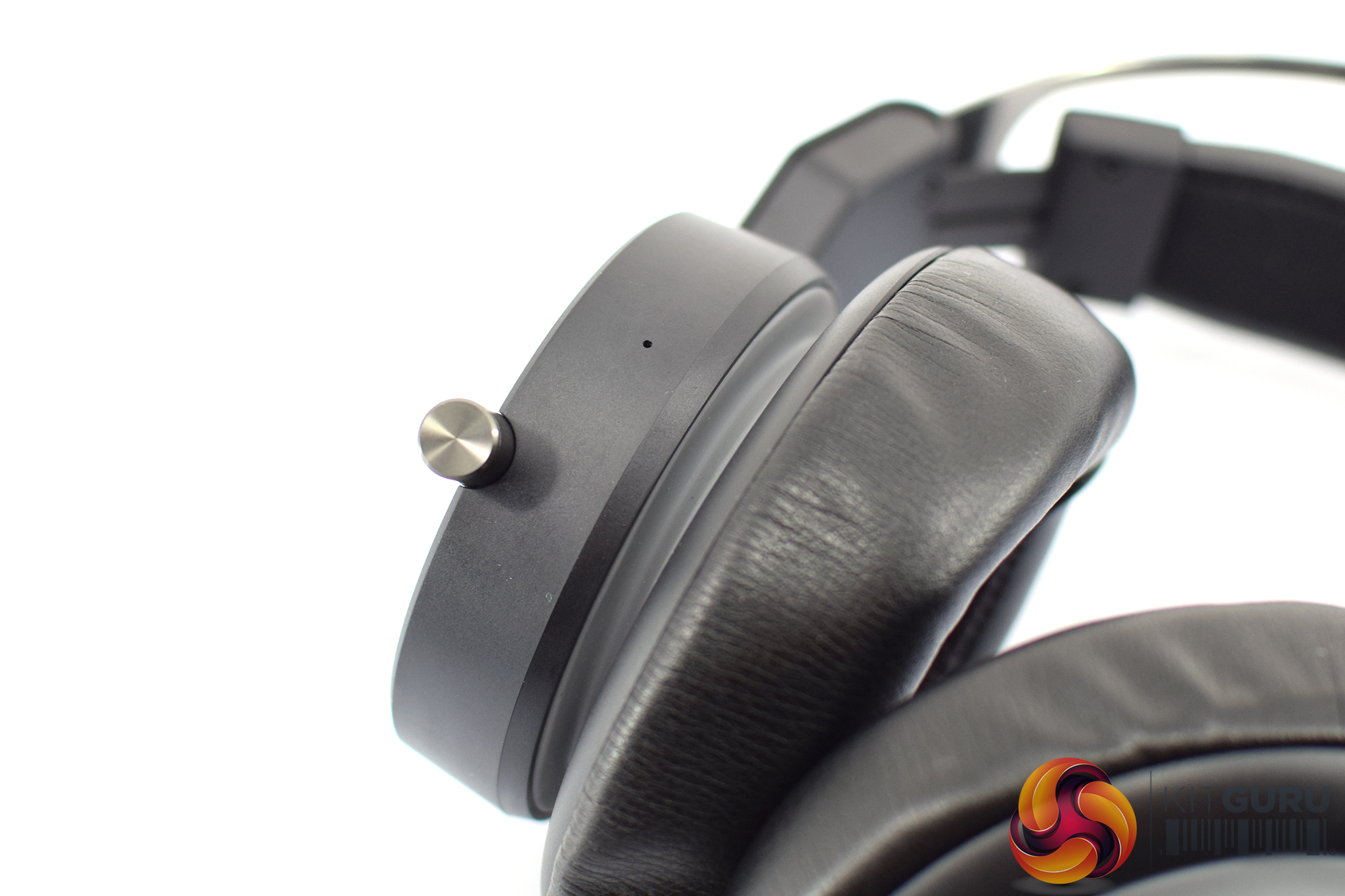
The last thing to note is that the microphone – rather than being a boom mic, the type we see on basically every other gaming headset – is actually integrated within the right earcup. There is also a rear mic used for the environmental noise cancellation (ENC) feature that the headset supports. We of course test this on the next page.
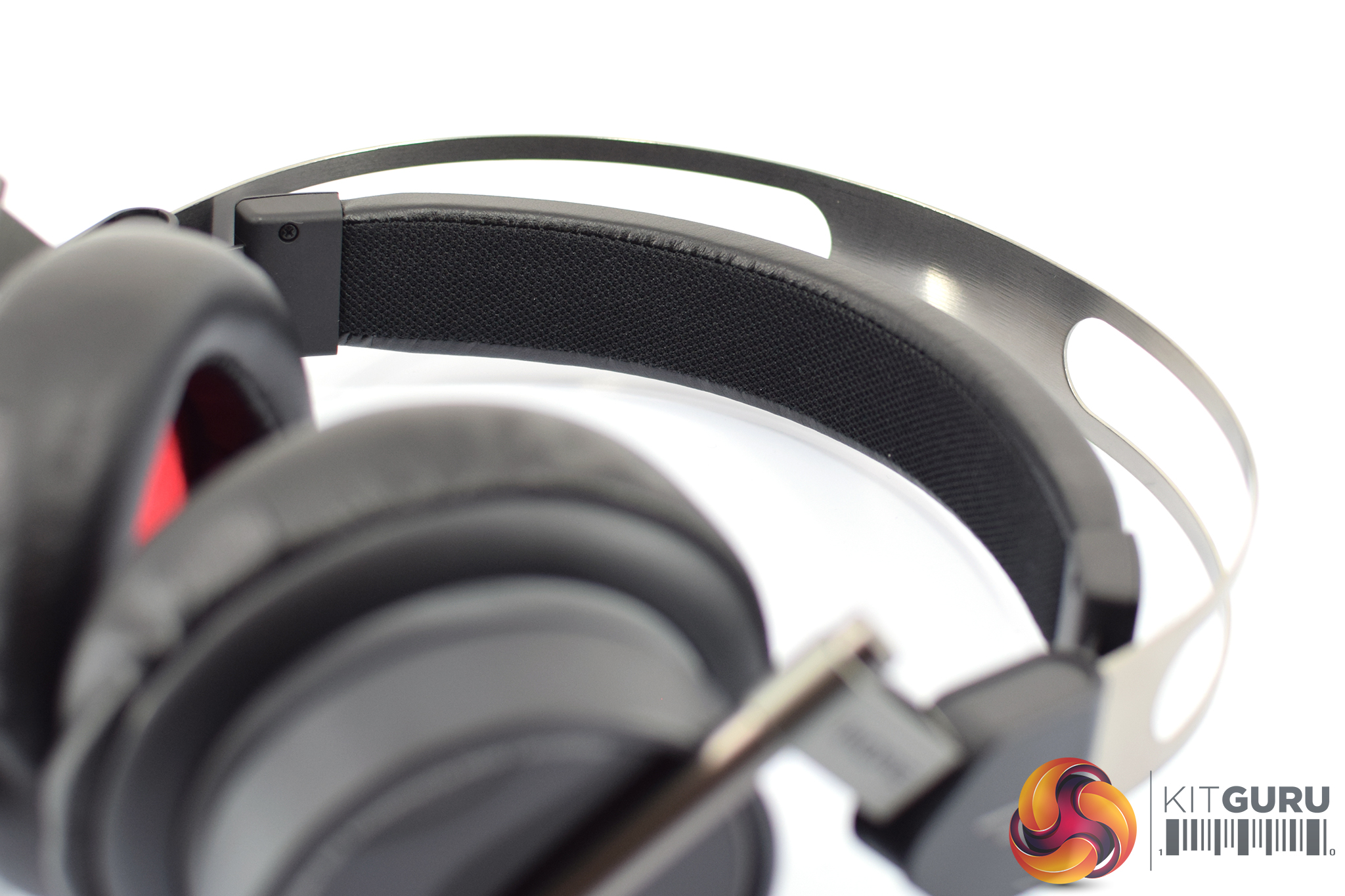
Moving onto the headband, the Spearhead VRX uses the ‘floating' headband style – so there is a stainless steel frame which provides some rigidity, while the fabric-lined headband itself stretches to fit as you put it on.To test the Spearhead VRX, I used it as my main source of audio for one full week, putting it through its paces in games, in addition to watching videos. Our testing section is broken into four main areas: software, lighting, build quality, sound and comfort.
Software:
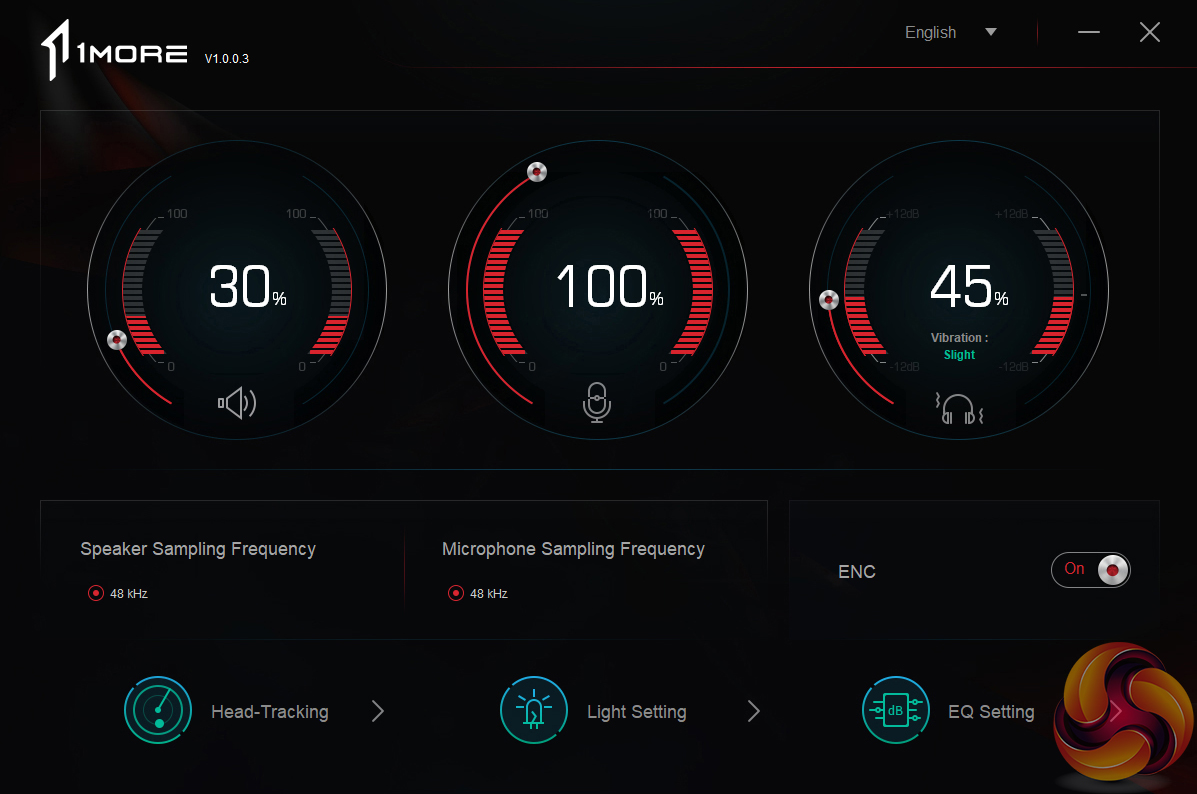
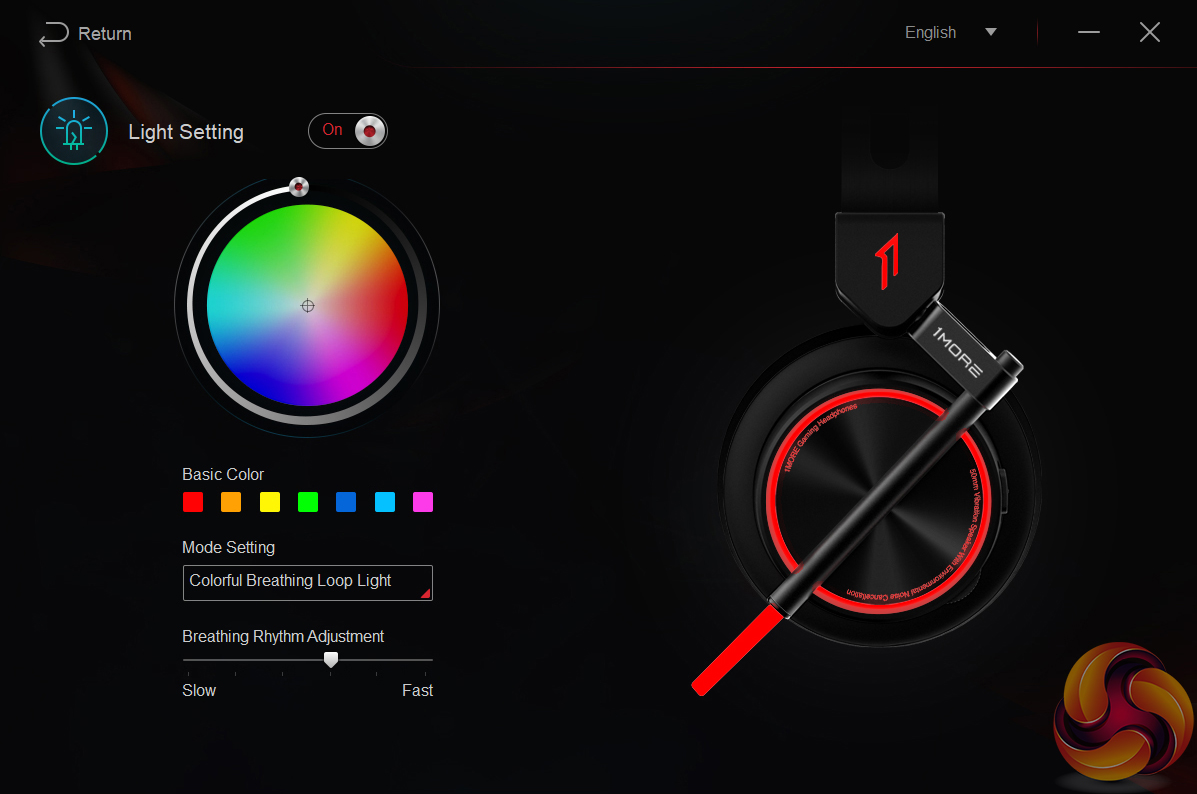
The software that comes with the Spearhead VRX is pretty basic, but it gets the job done. The first home page is essentially an overview of everything that's going on – so you have volume and microphone levels, as well as the ‘vibration' feature – which essentially acts as a bass adjustment.
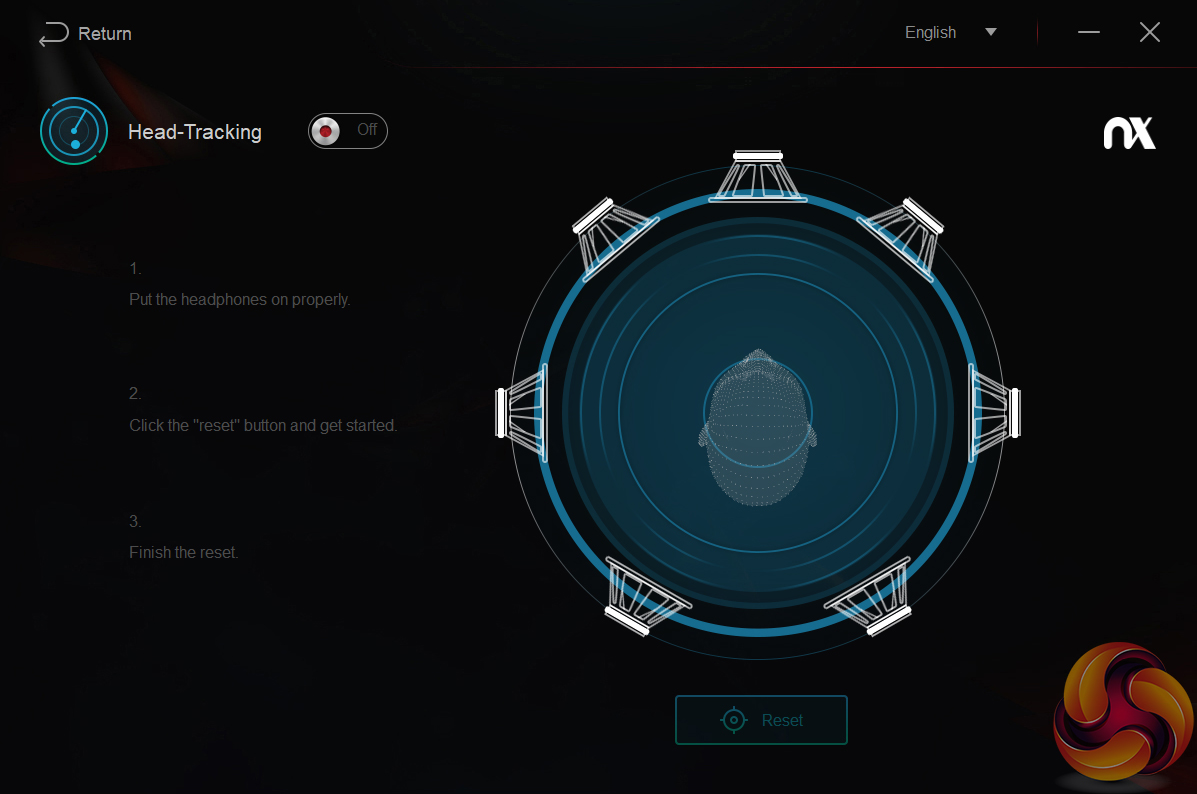
The head tracking tab allows you to toggle this on or off (and we discuss this below), while there is also a lighting tab to choose what colour(s) you want for the on-ear lighting. There are a few effects to choose between, and you can always turn the lighting off.
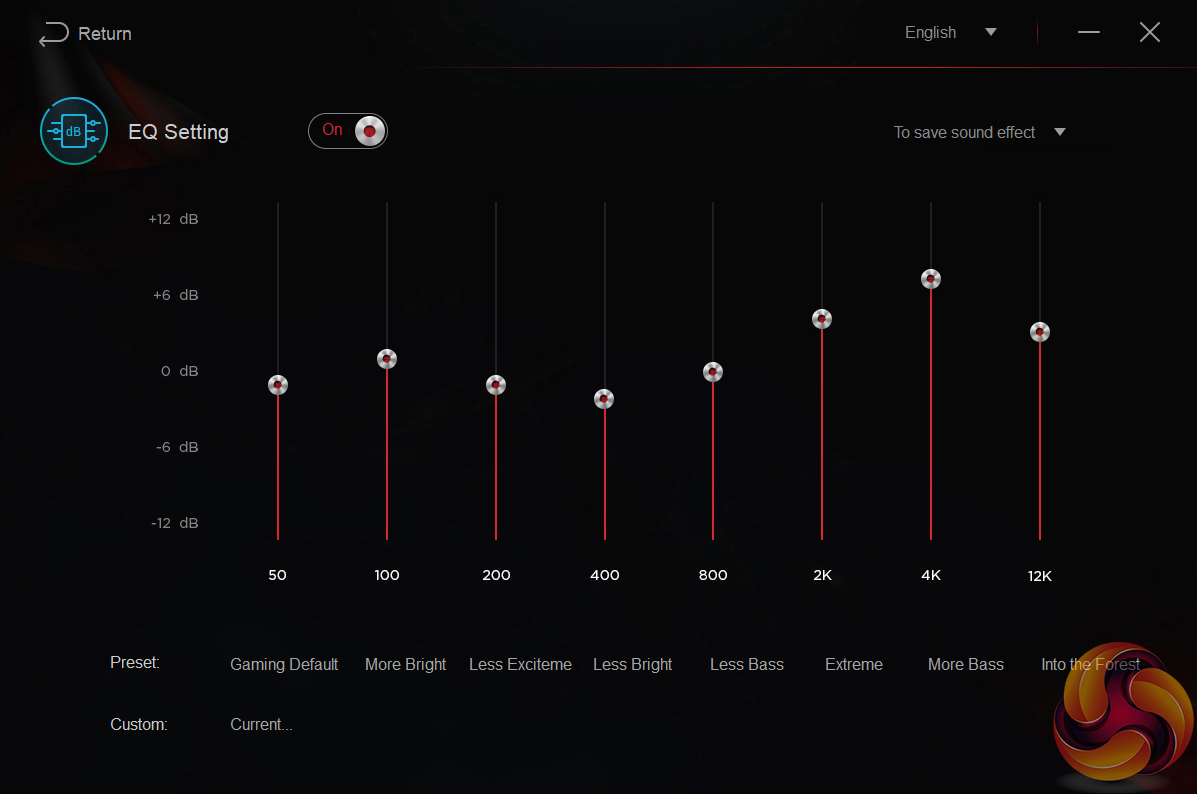
Lastly, there is also an EQ page which lets you choose between a number of EQ presets or create your own custom EQ with control over 8 frequency bands.
Overall, the software isn't anything special – but it lets you enable the head tracking technology which is the main thing here.
Lighting:
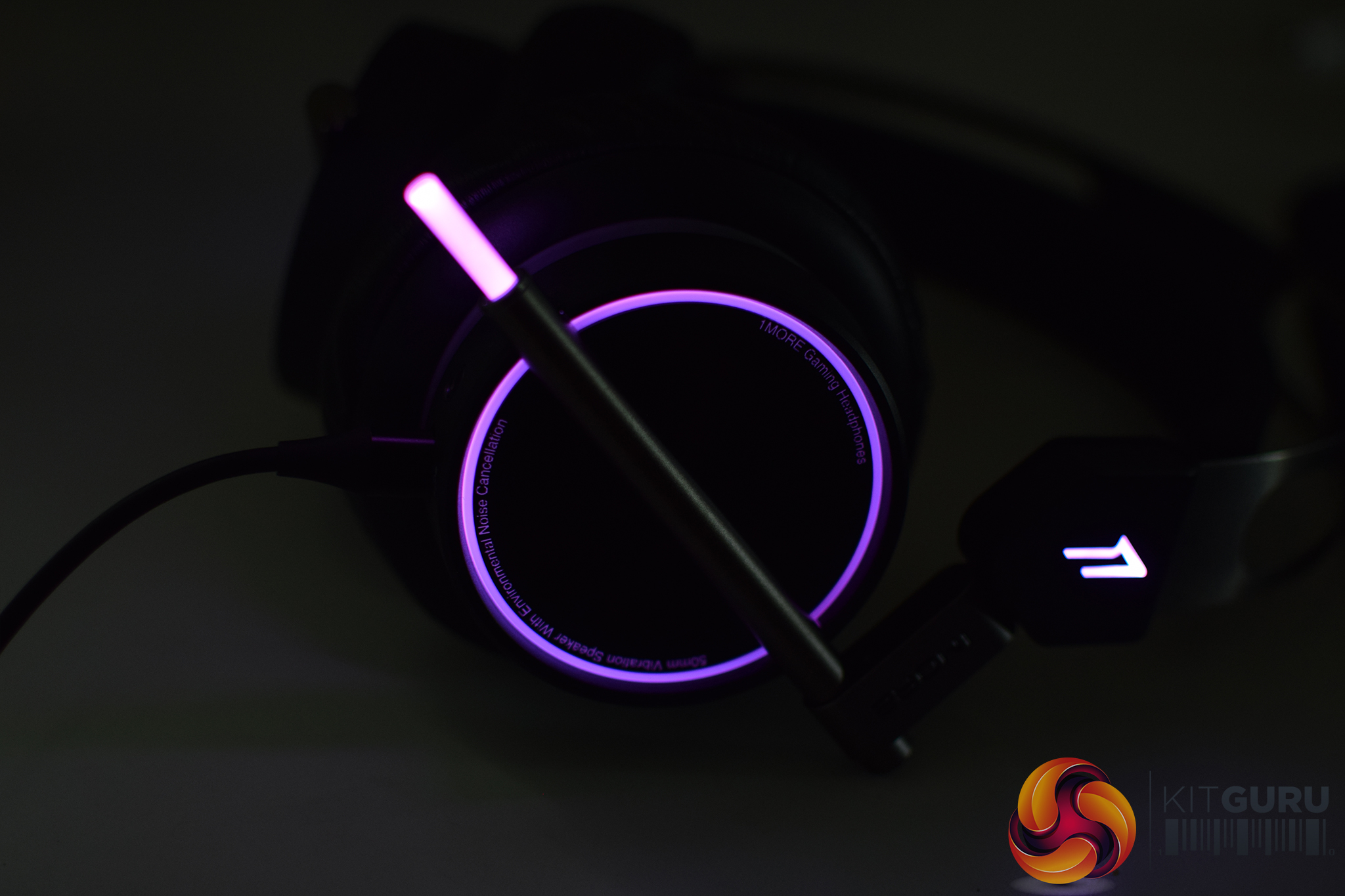
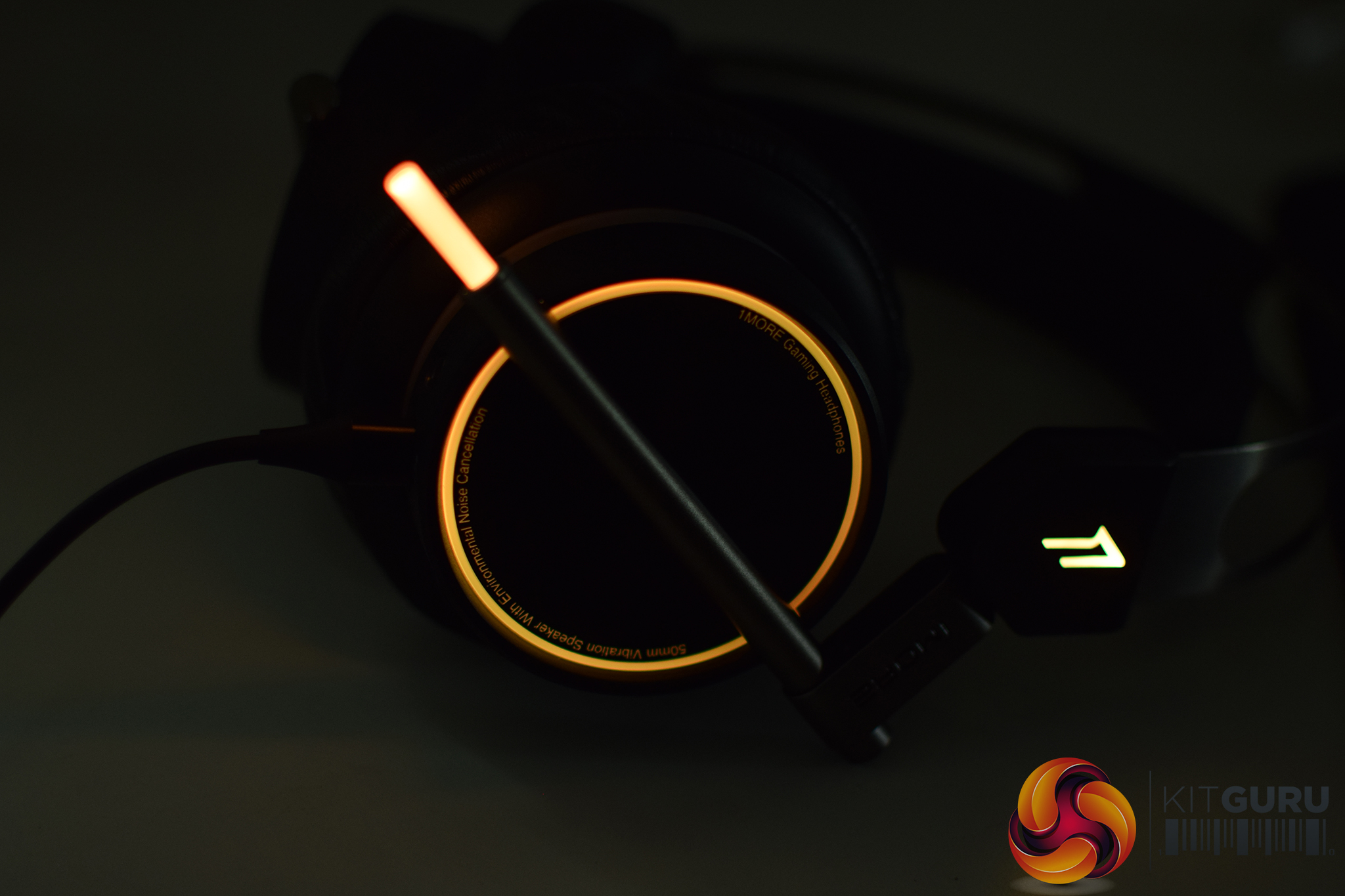
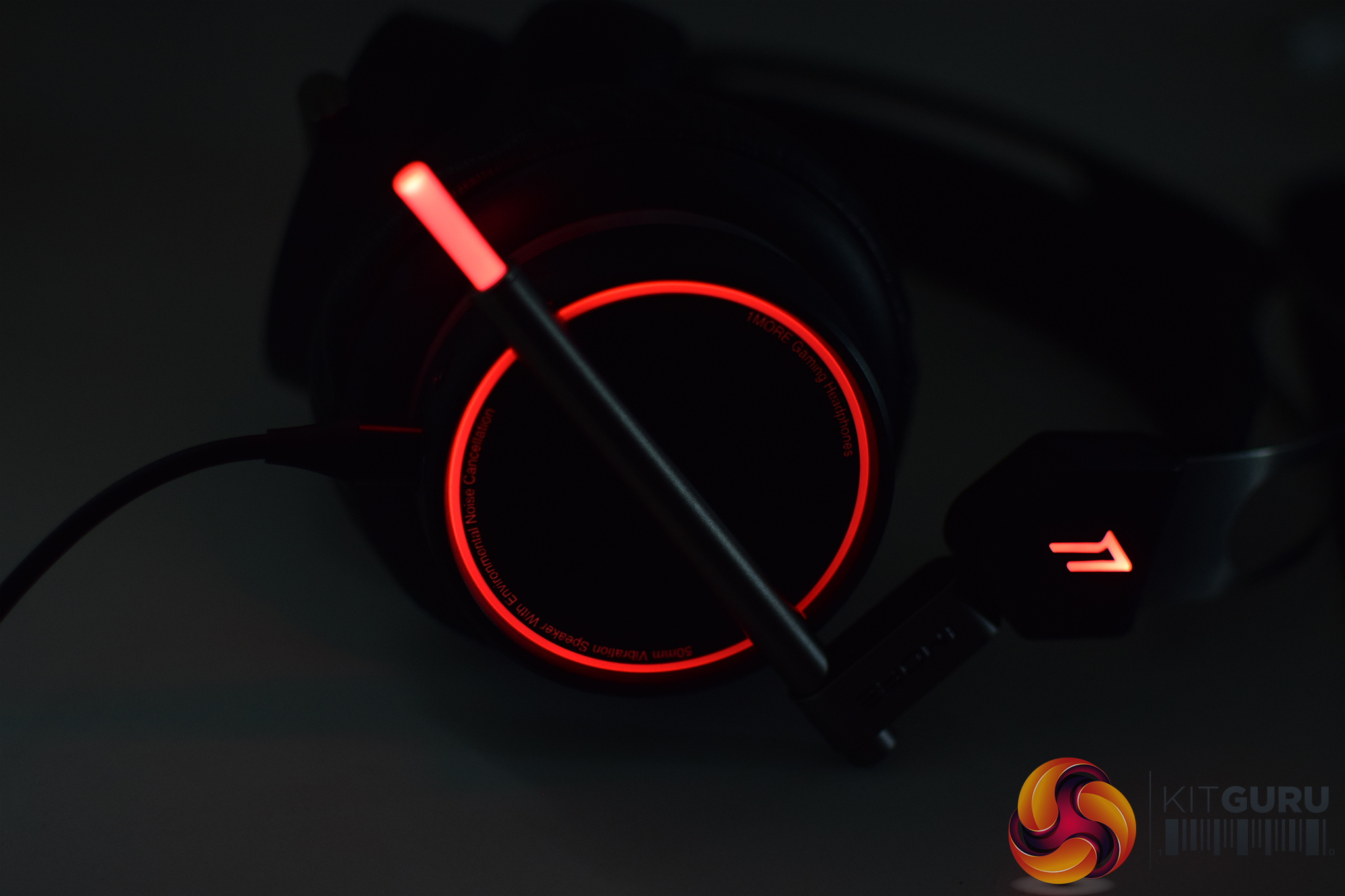
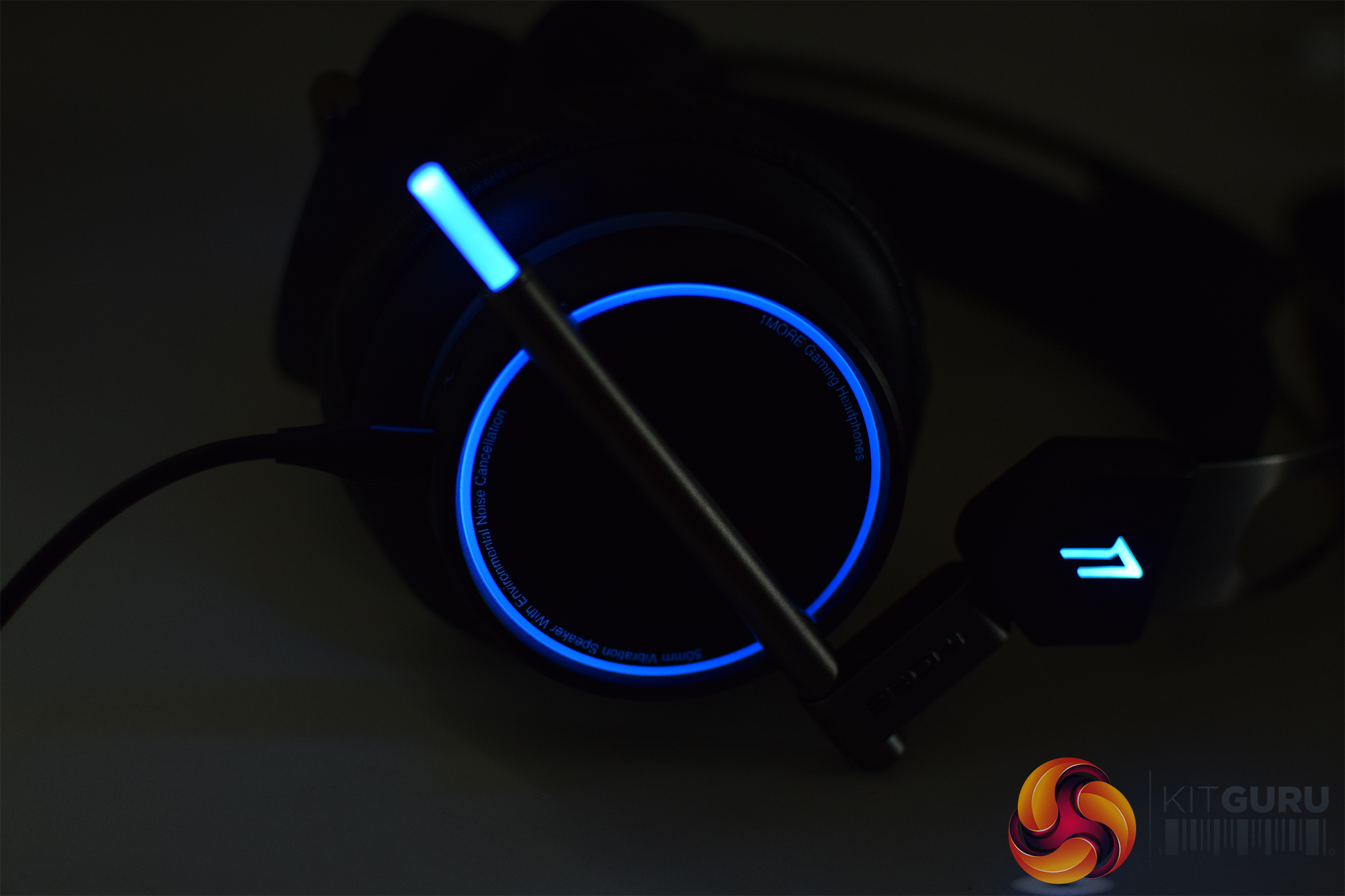
As far as RGB headsets go, this is one of the nicest we've come across. That tube-shaped LED at the end that looks like a microphone is actually a voice indication tool. There is a microphone embedded into the ear cup, so the LED is mainly there to hang just barely within field of view. It will pulse when it is picking up your voice, giving you visual indication that your microphone is active.
As with most RGB peripherals, there is a colour wheel allowing you to pick a specific colour. You can choose from several effects, including colour cycle, breathing, heartbeat, or just on/off. The effects all work well, but I ended up sticking with a solid purple light throughout my usage.
Sound and Build Quality:
First impressions are always important and I'm pleased to say that 1MORE scores good points here. The Spearhead VRX headset is solidly built, the metal headband doesn't feel flimsy and the ‘floating' design means there is no need to adjust ear cups for different head sizes. The ear cups are plastic but they don't creak when you turn your head, and the leather ear cushions are well padded. Overall, I am happy with the design and build.
With that out of the way, it is time to turn our attention to the fun stuff. These aren't normal gaming headphones, in fact they have a very unique selling point – head tracking.
At first, you might baulk at the idea of head tracking in a headset and write it off as an overly expensive gimmick. However, throughout my testing, this feature completely changed the way I feel about ‘gaming' headphones.
A lot of high-end gaming headsets come with virtual 7.1 surround sound support- but it never works as well as one would hope. It is rare for 7.1 virtual surround sound to give you that true sense of spatial separation. That is not the case with these headphones, the head tracking causes audio to pan according to your head movements and creates a truer sense of surround sound.
This is a feature that makes the most sense in virtual reality, where you are naturally moving your head regularly as you roam around virtual space. However, I also thoroughly enjoyed the feature while gaming on a standard monitor.
I'd like to tell you a quick story about a recent CS:GO round I played. I'm a lone counter-terrorist operative keeping watch over bomb point B on Dust 2. My teammates have fallen, there are three enemies coming to hunt me down. There are three points of entry, I have no idea which direction I'm about to be attacked from.
With the head tracking active on these headphones, audio shifts and boosts according to the direction your head is tilting. I found some good cover, tilted my head to the right and the audio boosts on the right side, making it easier for me to hear sounds coming from that direction. I heard one enemy coming through the hallway from T spawn, giving me ample time to peek out and take down the target.
I then shifted my head towards the left to check if I was being flanked. Sure enough, I could hear two more coming for me. Due to how spatial the audio here is, I was able to pick up on the fact that they were separating, one enemy towards the doorway into B and another going up towards the wall.
The head tracking boosts audio in accordance to where your head is positioned. If you are dead centred, you will get wide separation and a truer sense of surround audio compared to most other headsets I have used. If you choose to tilt your head, you'll have the audio shift towards the ear you are turning. It changes how I feel about virtual surround sound and turns it into a much more valuable feature in my opinion.
As you would expect, the feature is most practical in virtual reality, where you are turning your head naturally as you play. Not everyone is going to want to be shifting their head while looking at a 2D monitor- especially if they are using a smaller screen.
It is not all positive news though, the Spearhead VRX headphones do come with a few quirks. For starters, you will want to switch off head tracking whenever you are listening to music or watching videos as the effect does not translate well into other forms of media.
Secondly, these headphones need to be set up in a specific way to get the best sound quality out of them. If you like to turn master volume in apps like iTunes all the way up to 100% and lower the volume on the headphones themselves, the audio processing doesn't do a great job and you lose a lot of audio detail.
However, if you turn the headphone volume all the way up and the master volume in different apps down, then you get a much better listening experience. It is honestly a huge difference. When I first set these up, I had the volume set to around 20% within Windows and boosted audio on YouTube and iTunes. This left the sound severely lacking in certain frequencies. Turning the headphones all the way up and lowering the master audio in specific apps changed this, delivering a well balanced sound and the level of quality you would expect from a decent pair of headphones.
I did play around with the EQ settings a bit to get a better overall sound. You can see my settings below here:
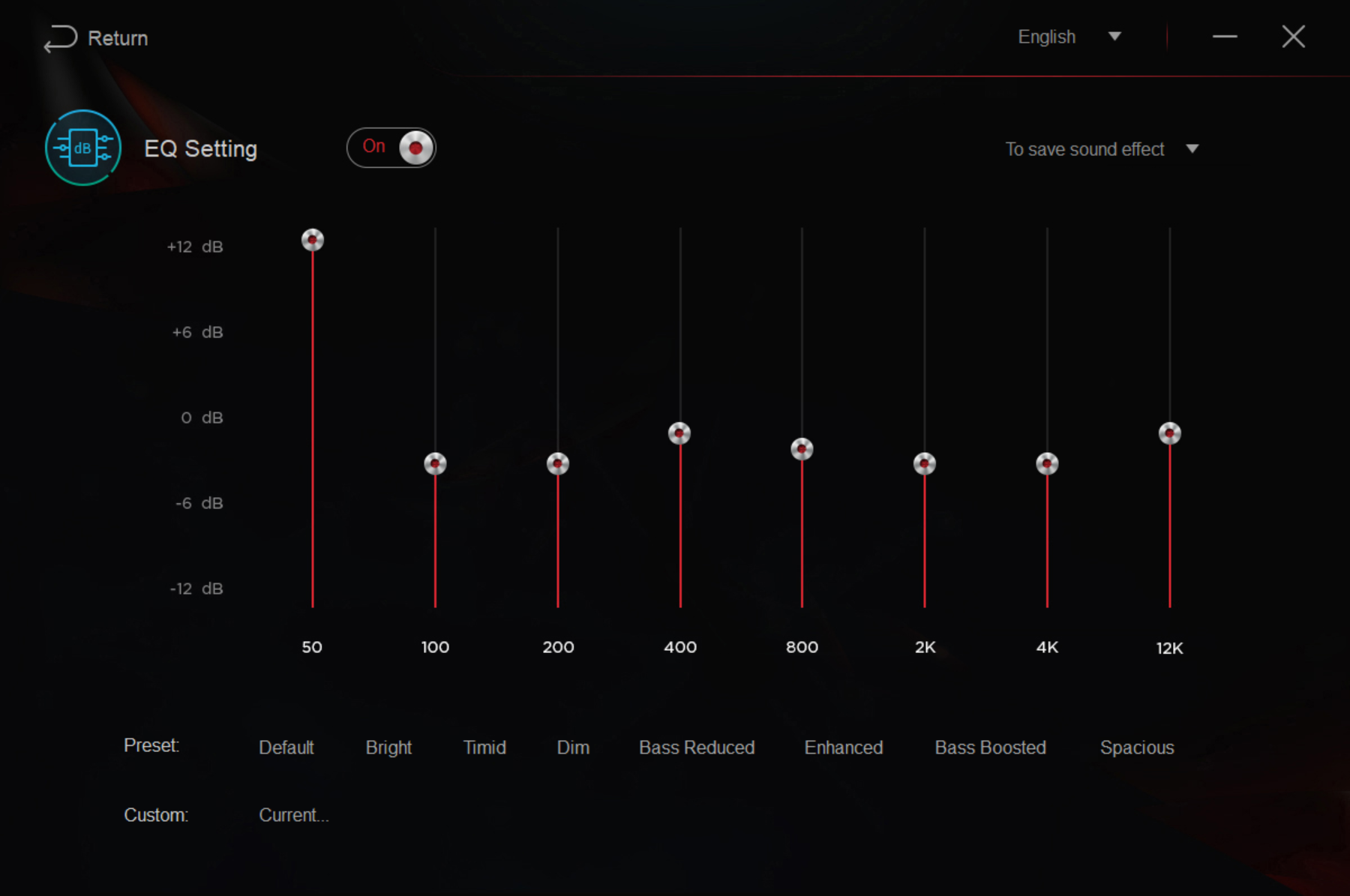
Using these settings, the bass comes through and provides a satisfying rumble. Meanwhile, all of the other frequencies are adjusted slightly so as not to bleed into each other. These settings provide a more ‘ballsy' sound, which is much improved over my previous full-time gaming headset- the Kingston HyperX Cloud II.
The final point worth touching on is the microphone. I recorded a short audio clip so that you can all hear what it sounds like directly:
The microphone is serviceable and falls in line with what I would expect from a gaming headset. Voices come across loud enough and additional noise from keyboard tapping isn't too distracting. Apps like Discord and Skype come with a noise gate option, so if the extra room noise from keyboard or mouse clicks becomes an issue, you will be able to reduce it a little bit.
Comfort:
We have already touched on the fact that these headphones are built with a floating headband design. This is ideal as you don't have to adjust each ear cup individually, it also keeps a lot of the weight off of your head. The leather cushion ear cups provide a good level of noise isolation and they are large enough to cover my full ear without any issues.
Unfortunately, there are some draw backs. The left ear cup houses most of the tech inside of these headphones, including the volume/bass controls, microphone functions and the head tracking system. This causes the left ear cup to get quite warm over time, which becomes particularly noticeable after a couple of hours worth of play time.
It isn't enough to become uncomfortable, especially during the British winter. However, it is an unfortunate side effect that is worth keeping in mind. I do wonder if this will become more of an issue later in the year as the average temperature gets warmer.
All in all, the 1MORE Spearhead VRX headset ranks amongst the best gaming headsets I have ever used. It sounds great, albeit with a little tweaking, and the head tracking turns 7.1 virtual surround sound into a much more valuable feature.
Design-wise, I have been very impressed. These headphones are built well, are comfortable to wear and the ear cups provide great noise isolation. Getting these headphones sounding their best takes some tweaking but once you make that effort, you get a good amount of detail and decent representation across frequencies- making these headphones great for music and videos in addition to gaming.
The head tracking feature works well and while some might write it off as a gimmick, I believe that it adds a lot to the experience. You get an extra layer of immersion for VR titles like Elite Dangerous, and thanks to how well the virtual surround sound is implemented, it also adds to the experience in normal games, like CS:GO, Resident Evil, Fallout etc.
However, as much as I like these headphones, they aren't perfect. As noted in the testing page, there are several quirks. The left ear cup gets quite warm, some extra fiddling is required to really get the best sound out of them and you will need to visit the software regularly to toggle head tracking on or off depending on whether you are playing games or enjoying something else.
I don't think these cons are significant enough to outweigh the pros, though. In my mind, the 1MORE Spearhead VRX is up there amongst the best gaming headsets available today. Ultimately, for many potential customers, it will all come down to cost. This headset slots firmly in to the ‘high-end' category. At launch, these headphones cost £190 but over the last few months, that price has fallen to £150 on Amazon UK.
Would I recommend spending £150 on this headset? If you were in the market for a high-end gaming headset, then yes. I don't see why something like this shouldn't be on your shortlist. You'll get a really cool feature in the form of head tracking and they double as a decent pair of headphones for other uses.
If you are the sort of person that wouldn't want to spend much on a gaming headset, then you might be better off looking at cheaper alternatives. Currently, the 1MORE Spearhead VR sells for less than £90 and removes the head tracking component. That might be a good place to start.
Pros:
- Head tracking adds another layer to immersion.
- The best virtual surround sound I've used to date.
- Comfortable and well built.
Cons:
- Left ear cup does get warm.
- Some tweaks required for best sound.
KitGuru Says: The 1MORE Spearhead VRX headset performs well and is undoubtedly a contender as one of the best gaming headsets currently available. It isn't necessarily budget friendly, but if you are shopping for something high-end, then this deserves a look.