 KitGuru KitGuru.net – Tech News | Hardware News | Hardware Reviews | IOS | Mobile | Gaming | Graphics Cards


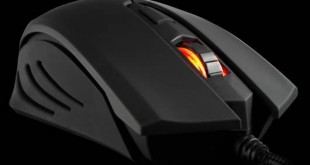
In the quest to develop a gaming mouse that is that much better than the last, peripheral makers the world over often add features that many would consider unnecessary. Sure, customisable lighting is nice and an advanced, gaming grade laser sensor with adjustable weights and palm rests are great, but what if you don't want to pay for all that? What if all you want is a reasonably sensitive, durable gaming rodent to improve your laptop's input? What if you want a gaming peripheral, without the gamer price tag?
That is the sort of customer that Cougar is looking for with its 200M gaming mouse. It has an optical sensor, features high-end OMRON switches and a modest sensitivity of 2,000 DPI. Is it worth its equally humble price tag? Let us see if we can find out.
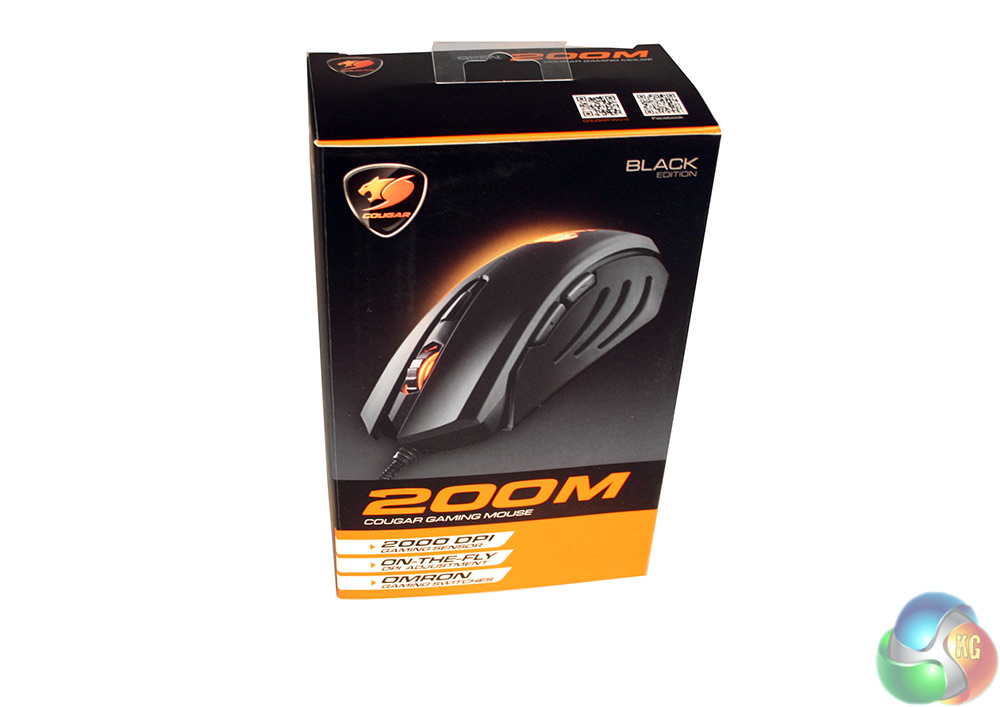
- 2000DPI precision gaming sensor: High performance optical sensor for accurate cursor control.
- On-the-fly DPI adjustment: Quickly switch between different DPI settings on the go.
- Two additional side buttons: To quickly and conveniently access forward/back commands.
- OMRON gaming switches: Guaranteed 5 million clicks for the longest gaming life.
- Rubber coating anti-slip design: To improve the grip and prevent your fingers from sliding and slipping.
- Gaming grade mouse feet: Best gliding performance and precise tracking.
- Braided cable: Sturdy and durable solutions for gaming.
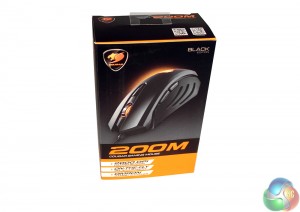
Even though this is a product that barely costs £20 with postage, the packaging for it is premium. It has glossy and matt coverings, a flip top cover with feature listings and high quality photography. If Cougar is saving money anywhere, it is not on the packaging.
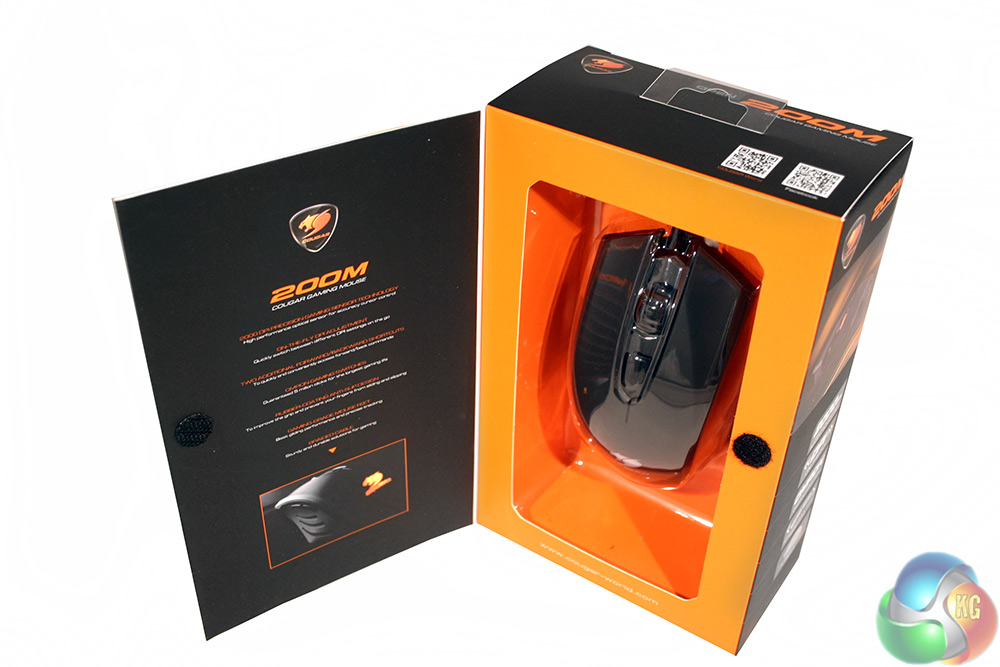
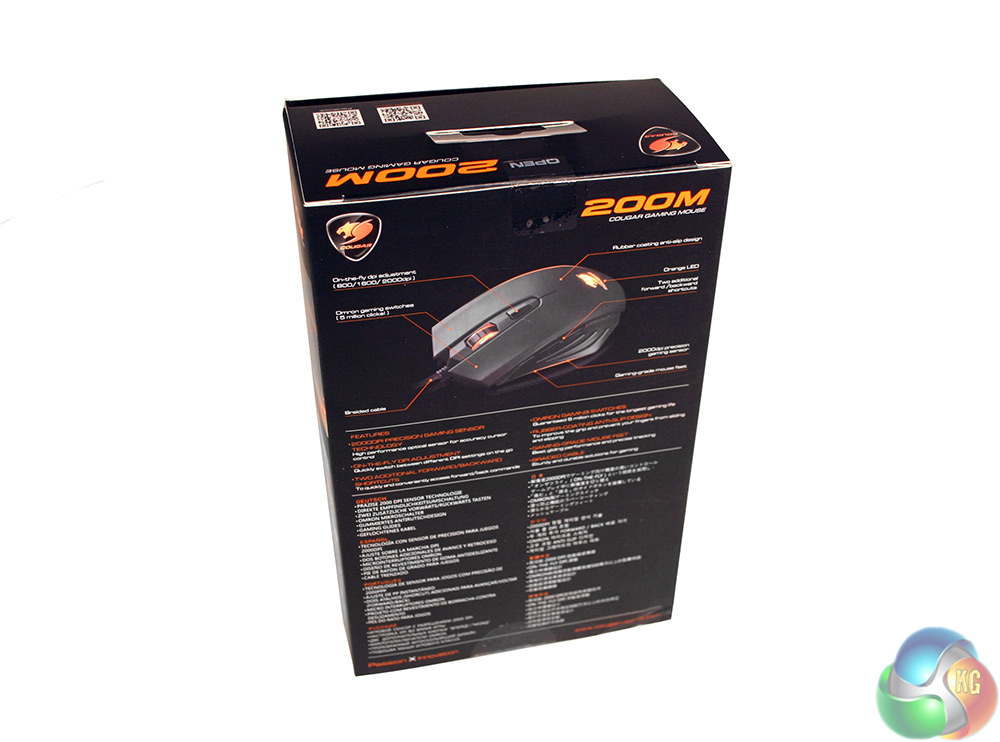
While I do not think many people are buying peripherals like this in a real shop, if you were, you can at least open the box up at the front to see what it is you are buying. The back has plenty of features listed too, for those that are curious.
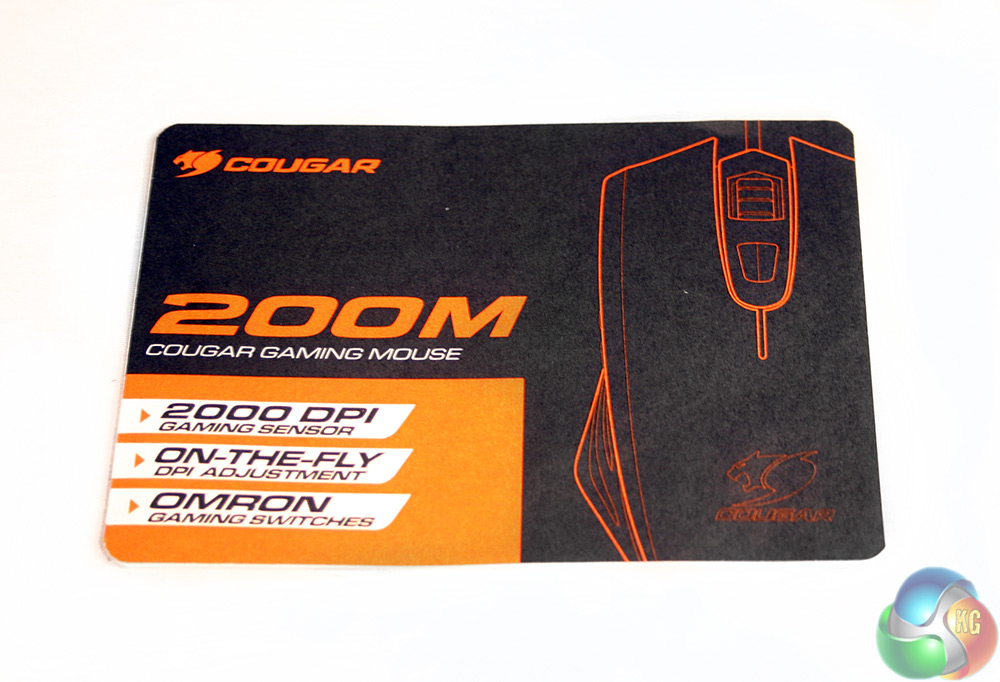
The only accessory that comes with the 200M is this small instruction leaflet which gives you a quick feature break down and warranty information. For reference, it lasts two years.
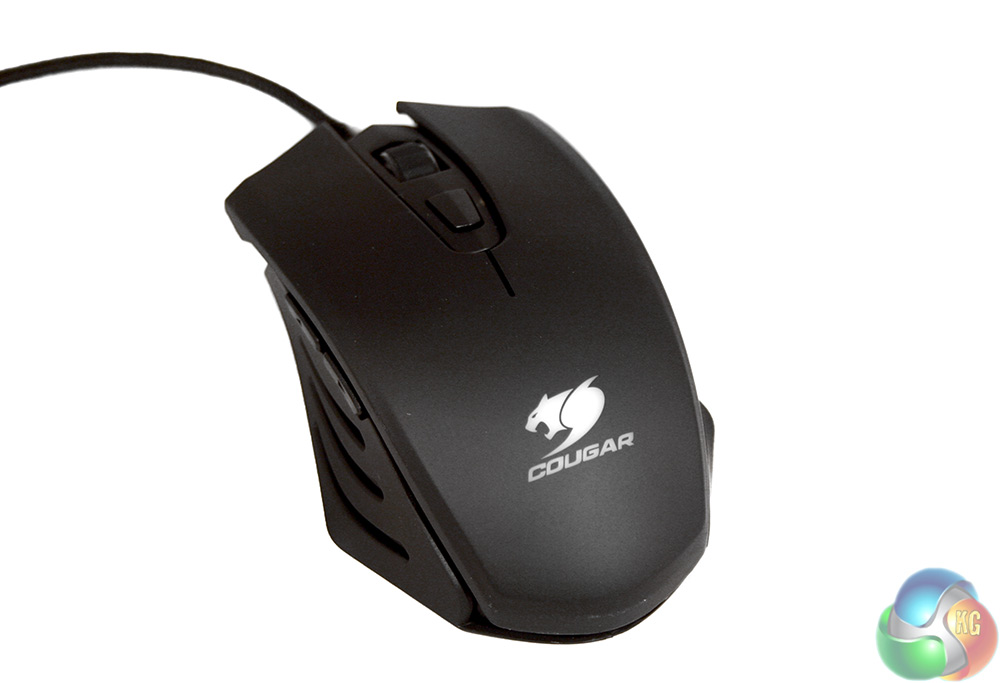
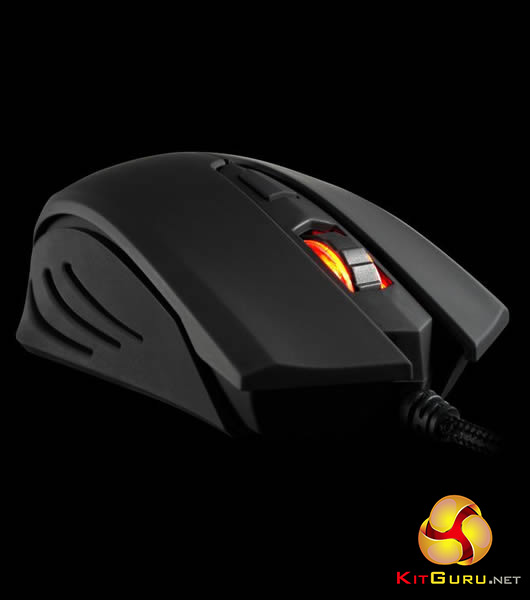
The Cougar 200M is a rather standard looking gaming mouse. It has a matt black, plastic shell with a thin rubber coating to aid grip. The main body is one singular piece, giving it a sturdy feel, while the sides have their own vented grips. The only stand out styling is the Cougar logo mounted on the palm rest and a clear plastic scroll wheel for lighting purposes.
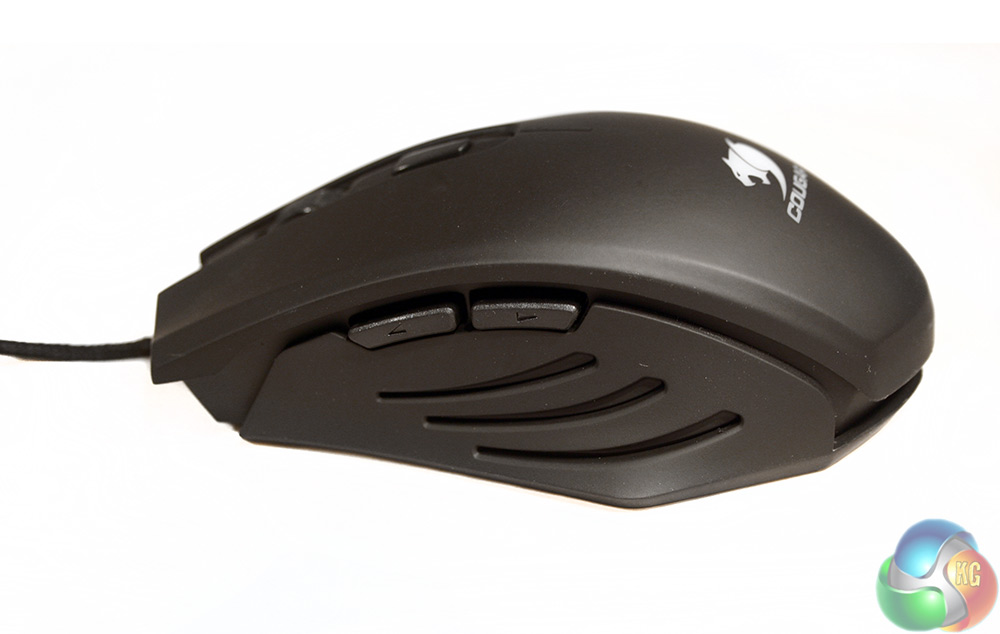
The left and right hand sides are almost identical, both featuring the same vented grips that appear as if clipped on to the main body of the mouse. The only real difference is that the left hand side features the classic forward/back buttons. With no back-end software to speak of, there is no option to remap them.
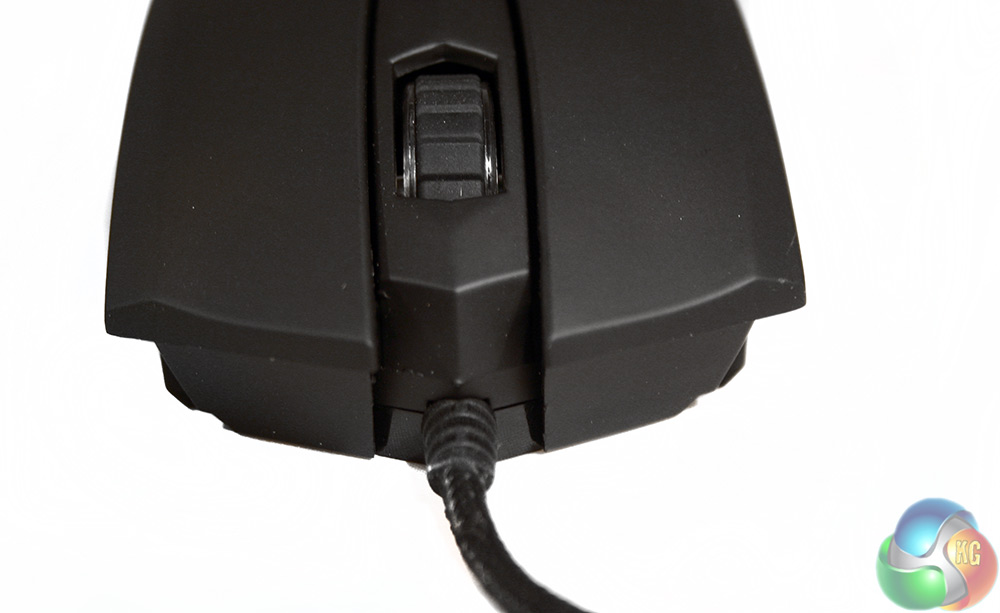
At the front end, you have your typical left and right mouse click buttons, along with a central, clickable scroll wheel and DPI switch. The sensitivity adjustment is cyclical, so rather than giving you up and down options, it instead just runs through the different options until you have your chosen preference. The steps are: 800, 1,600 and 2,000 DPI.
The cable extends from the very center of the mouse and is braided to a high standard.
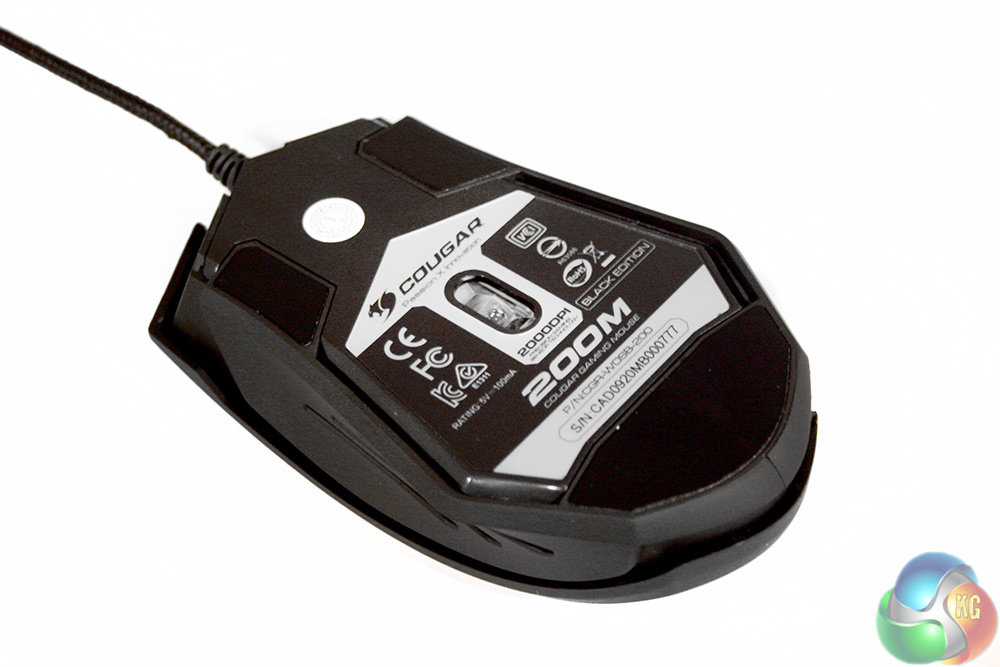
The underside of the Cougar 200M features unbranded Teflon feet at the front and rear, with a centrally located optical sensor. We did question Cougar as to the brand and model of the sensor used, but it wouldn't confirm for us, so unfortunately we don't know where this one came from.
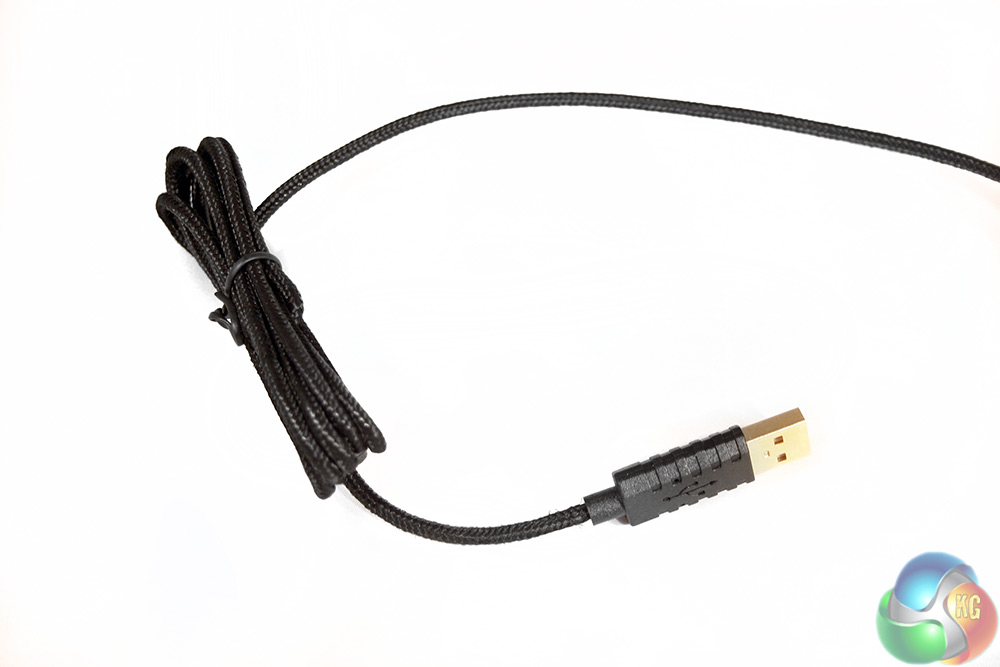
As well as being braided, the cable has a gold plated USB connector. This can help improve long term durability.
To test this gaming mouse, I put it through its paces in a number of different games and with more general office based tasks such as photo editing and web browsing. During testing I took into consideration aspects such as accuracy, additional features and comfort to come up with a well-rounded opinion of how it performs and whether it is worth the money.
When it comes to gaming, the Cougar 200M is a perfectly capable peripheral. Its tracking across a cloth mat is smooth and controlled and it is accurate too. I found it just as viable in fast paced shooters, as I did in slower paced puzzlers and turn based strategy titles. While not entirely ambidextrous (due to the forward back buttons), its near symmetrical body makes it comfortable to hold in a claw, palm or finger grip orientation, so all gamer types are catered for and if you do not mind playing without the side buttons, you could probably use this rodent in a left-handed configuration too.
It does lack some of the advanced features of other gaming mice, like the ability to remap buttons or create macros, so this is not going to be the mouse of choice for a serious MMO player – but for an affordable upgrade to a stock optical mouse or a laptop touchpad, it works wonderfully well.
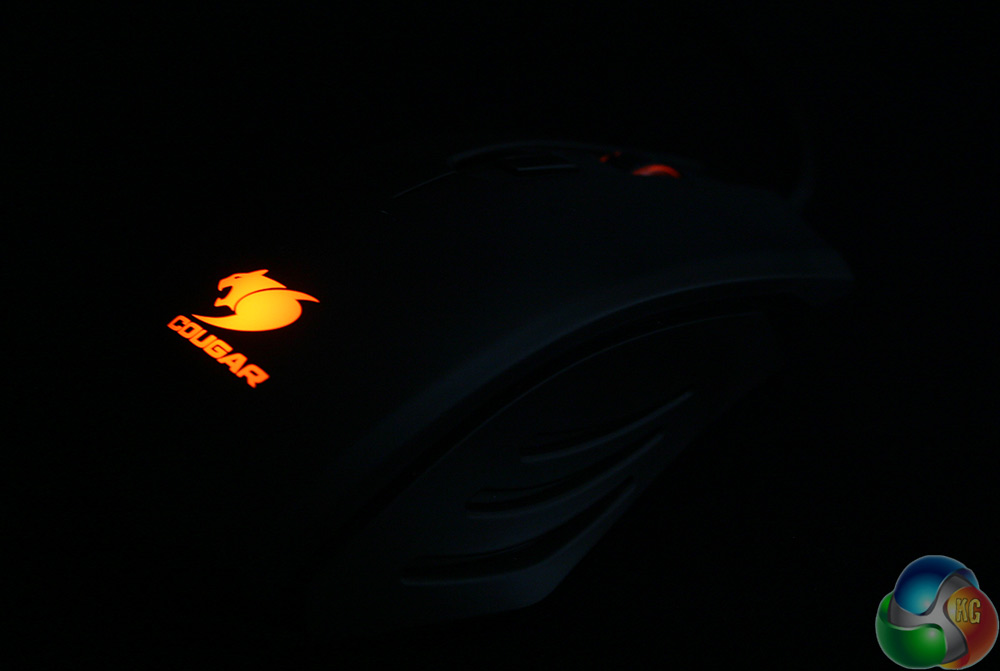
Lighting is very orange in the dark, but with bright light on it, it tends to come through more red
Also, something that gamers may not like to hear is that the polling rate for this mouse is set to an unadjustable 125Hz, which means that the sensor is only ‘polled' by your PC every eight milliseconds. In practice, this is not noticeable if you are an average gamer like myself. If you are a professional, then chances are you will want something better, but if you are taking your gaming that seriously, you are going to be spending more than £20 anyway.
While it is always nicer to see mice supporting 500 and 1,000 Hz … as they tend to make mouse movements that bit smoother, for basic gaming needs, 125Hz is more than enough.
Likewise, in general office related tasks, the Cougar 200M was perfectly capable and with the ability to switch the DPI on the fly, it makes it much easier to perform finer corrections in programs like Photoshop by lowering the sensitivity. Personally I would prefer an up/down selector, rather than a single cycle button as it can take a few clicks just to figure out which DPI setting you are actually on.
I would also like to see the DPI switch be more solidly mounted, as at the moment it springs and rattles slightly every time you lift your finger off of it. It is a minor point, but one that is noticeable if you end up taking your hand off the mouse regularly for typing.
Comfort wise, the rubber coating over the mouse's entire body does a great job of cushioning the hand, whilst also providing enough grip that you never slip off when you lift off or during play. The side-mounted forward/back keys also work nicely and can even be pressed with a ‘rocking' of your thumb, rather than a lift off and press, which makes them much easier to use on the go.
The whole mouse feels pretty durable as well, with a solid construction and apart from the vibrations from the DPI switch, nothing creaks or groans when you grip it. On top of that, the left and right mouse buttons use OMRON switches, so should be good for a few million clicks a piece.
With all the testing complete, I was impressed with the spirited little Cougar 200M. It is not going to blow anyone away with its feature list or abilities, but for £20, it is a fantastic budget offering. We would go as far to say that all but the most demanding of gamers should be satisfied with the performance. This really is quite remarkable considering the modest asking price.
The Cougar 200M does feel a little limited compared to some of the slightly more expensive mice as personally I prefer to game at a little higher DPI than 2,000 – but it is something you get used to over time. I like the weight and comfort and never had any problems with grip or perspiration build up – although as with all matt black gaming mice, dirt, fingerprints and grease will be very noticeable.
It also comes with relatively premium features like a braided cable and (unbranded) Teflon mouse feet.
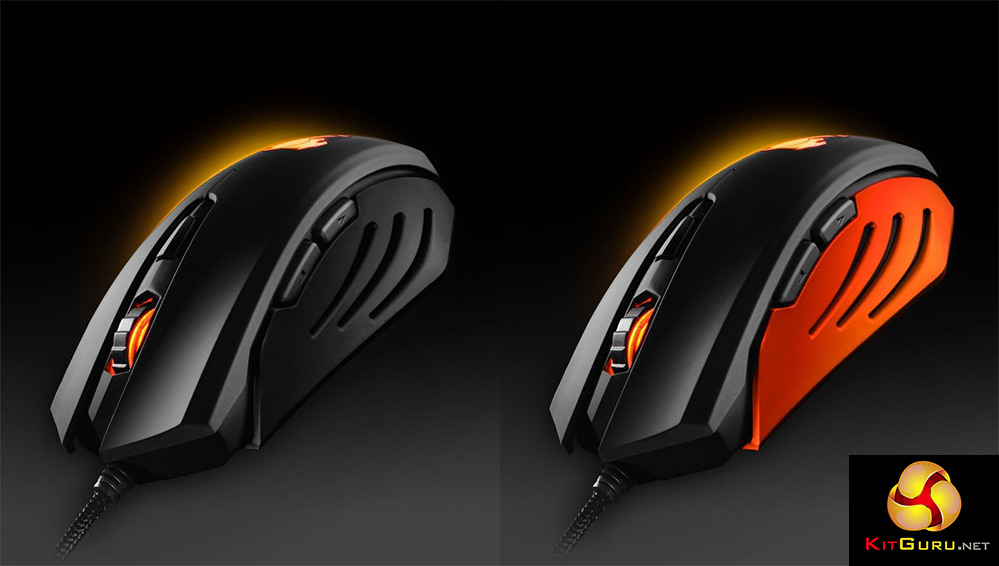
The Cougar 200M is available in two different colour variants
Really though, the big difference between this mouse and a lot of others is its lack of customisation and that is not necessarily a bad thing. Many of us do not play with lighting everyday and most people do not feel the need to adjust the weight either, so with the Cougar 200M, you do not find yourself paying for extras you do not really need.
Some gamers may bemoan the relatively low response rate but in reality this is a fast, smoothly operating mouse with good build quality, OMRON switches and a quality feel that outstrips its low price tag.
The Cougar 200M is available for just under £20 at CCL Computers, here.
KitGuru Says: It is not going to replace your £70 high-end gaming mouse any time soon, but the Cougar 200M is a benchmark for budget gaming mice that will be hard to beat.
Pros
- Solid build quality
- Very low price
- Good optical gaming sensor
- Comfortable over long periods
- Basic lighting and added buttons
Cons
- Feels bland compared to much more expensive options
- DPI selector is a bit ‘loose'
- Low polling rate

I have a mouse similar to that one and it has been a reall asset, but this product seems that much better.
datehero.com
Online Dating For Gamers