KitGuru KitGuru.net – Tech News | Hardware News | Hardware Reviews | IOS | Mobile | Gaming | Graphics Cards


Today, Nvidia is launching DLSS 4.5 Ray Reconstruction, an update to the original Ray Reconstruction model that arrived nearly three years ago. We first got wind of this at Computex 2026 and DLSS 4.5 Ray Reconstruction is available now in certain games, though just like with DLSS Super Resolution, it does require use of the Override function within the Nvidia App. We went hands-on with early access to the technology, so join us as we take a first look at what it can do…
Timestamps
00:00 Intro
00:46 Video outline
01:47 Test setup
03:03 Image quality – overall detail improvements
04:07 Fine object handling – ghosting/shimmering
05:39 Reflection detail
06:10 Resident Evil Requiem motion examples
06:38 Light changes in Cyberpunk
07:27 Performance data
08:30 Closing thoughts
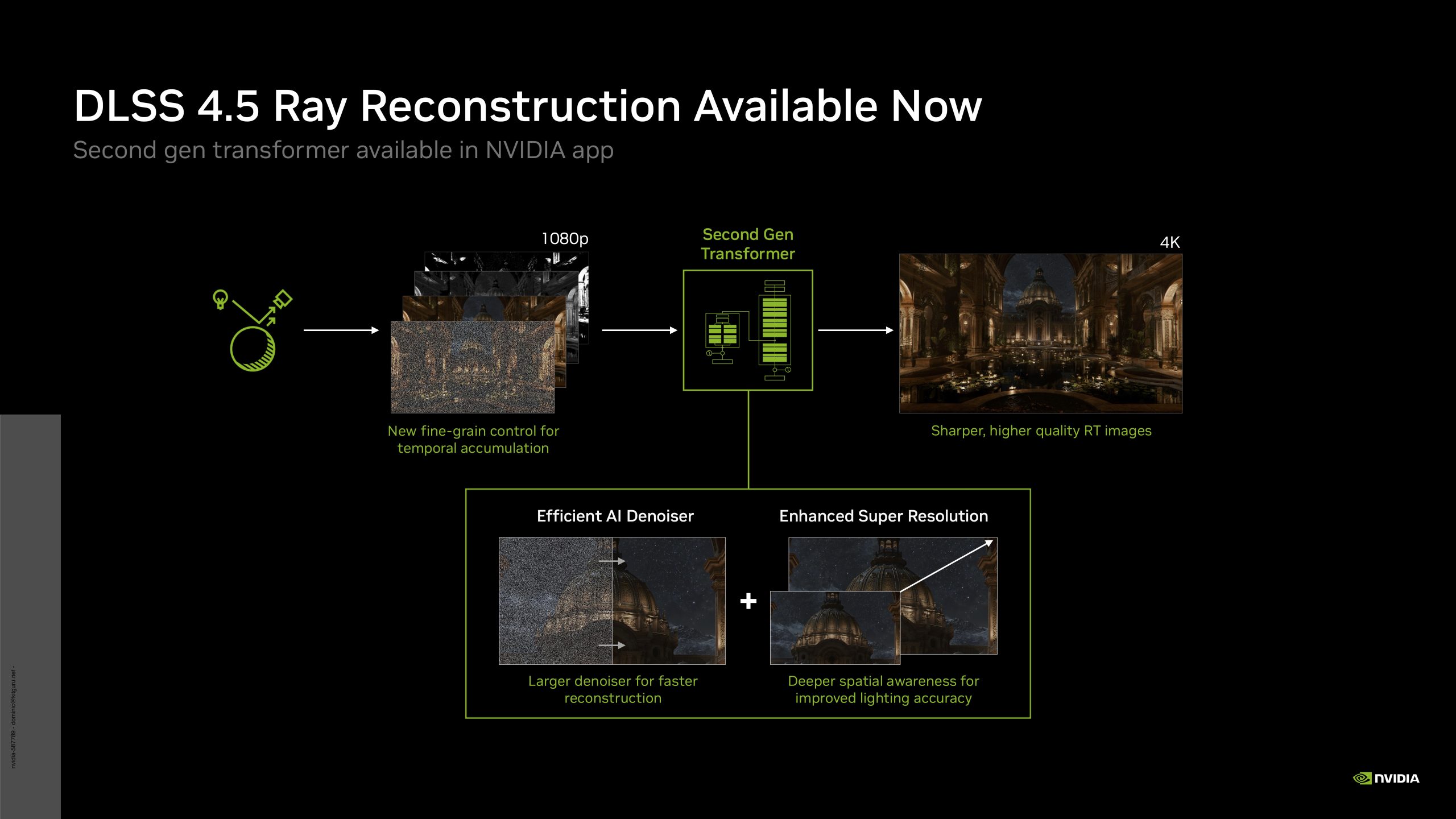
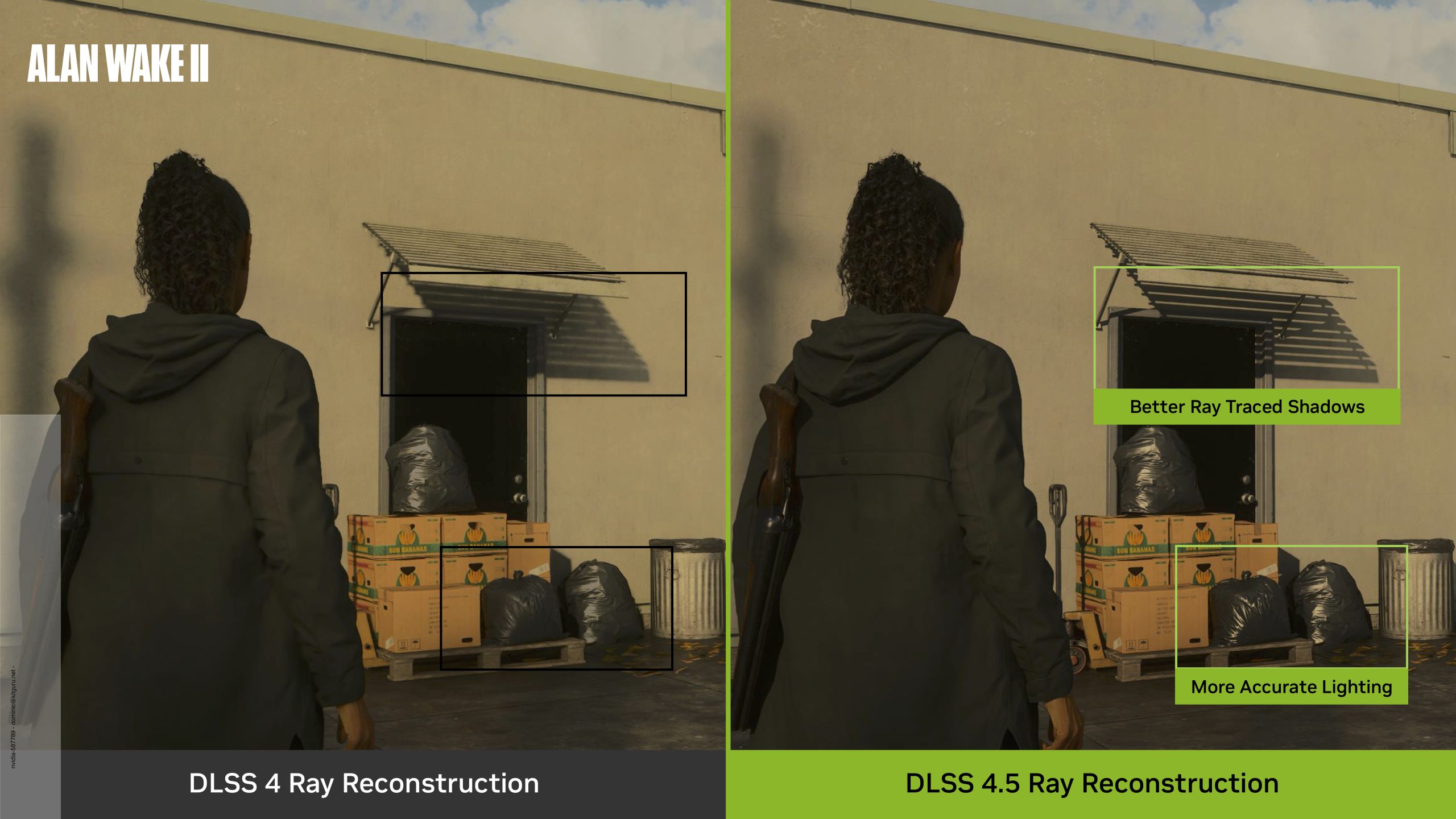
First things first, if you want to catch up on what exactly Ray Reconstruction is and how it works, do check out our original analysis from 2023 as it is still very relevant today. What we're focusing on here, however, is what difference the DLSS 4.5 update makes compared to the prior DLSS 4.0 Ray Reconstruction model. Nvidia claims that ‘DLSS 4.5 Ray Reconstruction introduces a second-generation transformer model with 35% more compute capability and 20% more parameters while maintaining similar performance to the previous model', which certainly sounds good on paper – we're here to see exactly what that means for image quality in games.
Test System:
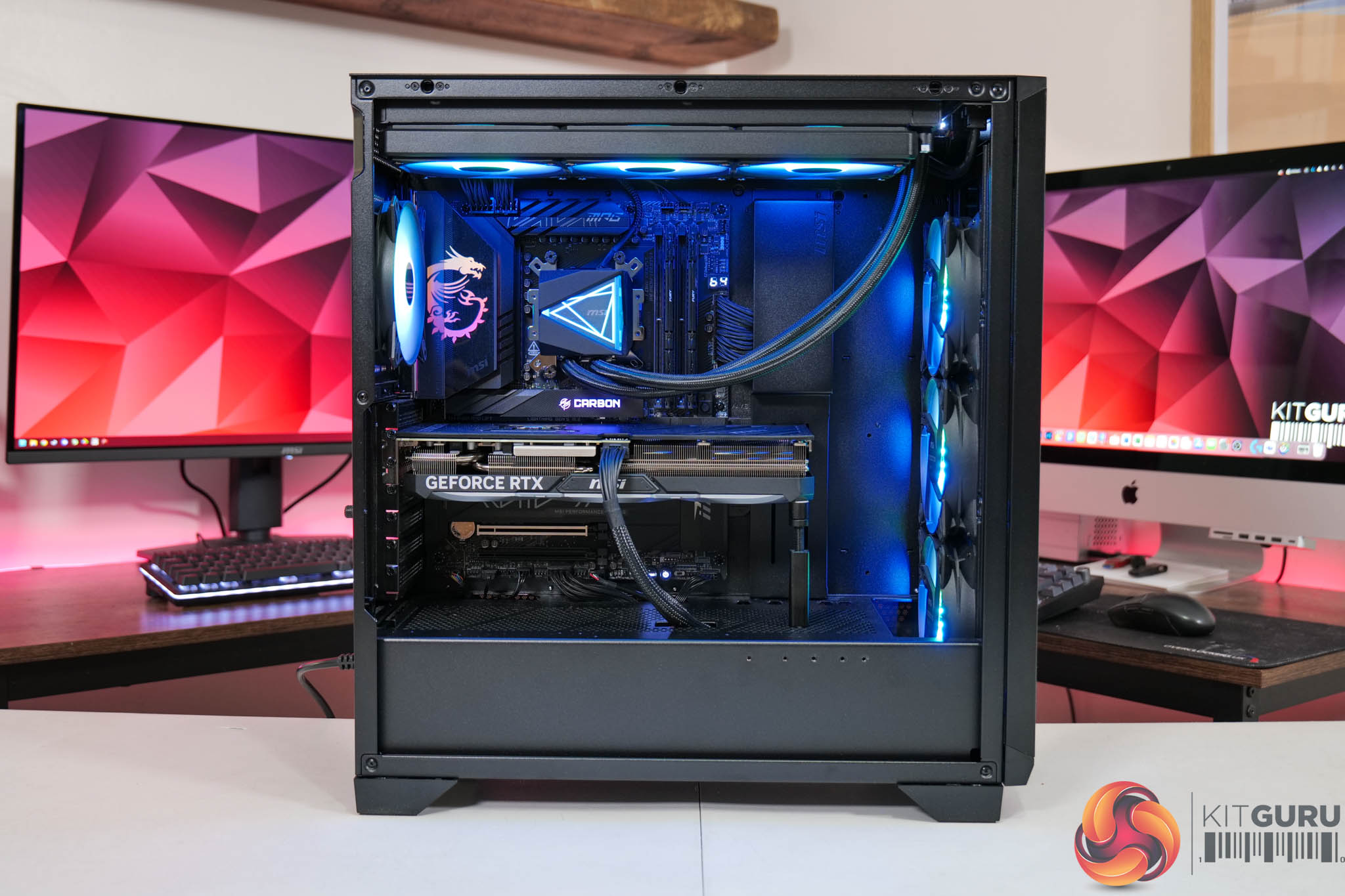
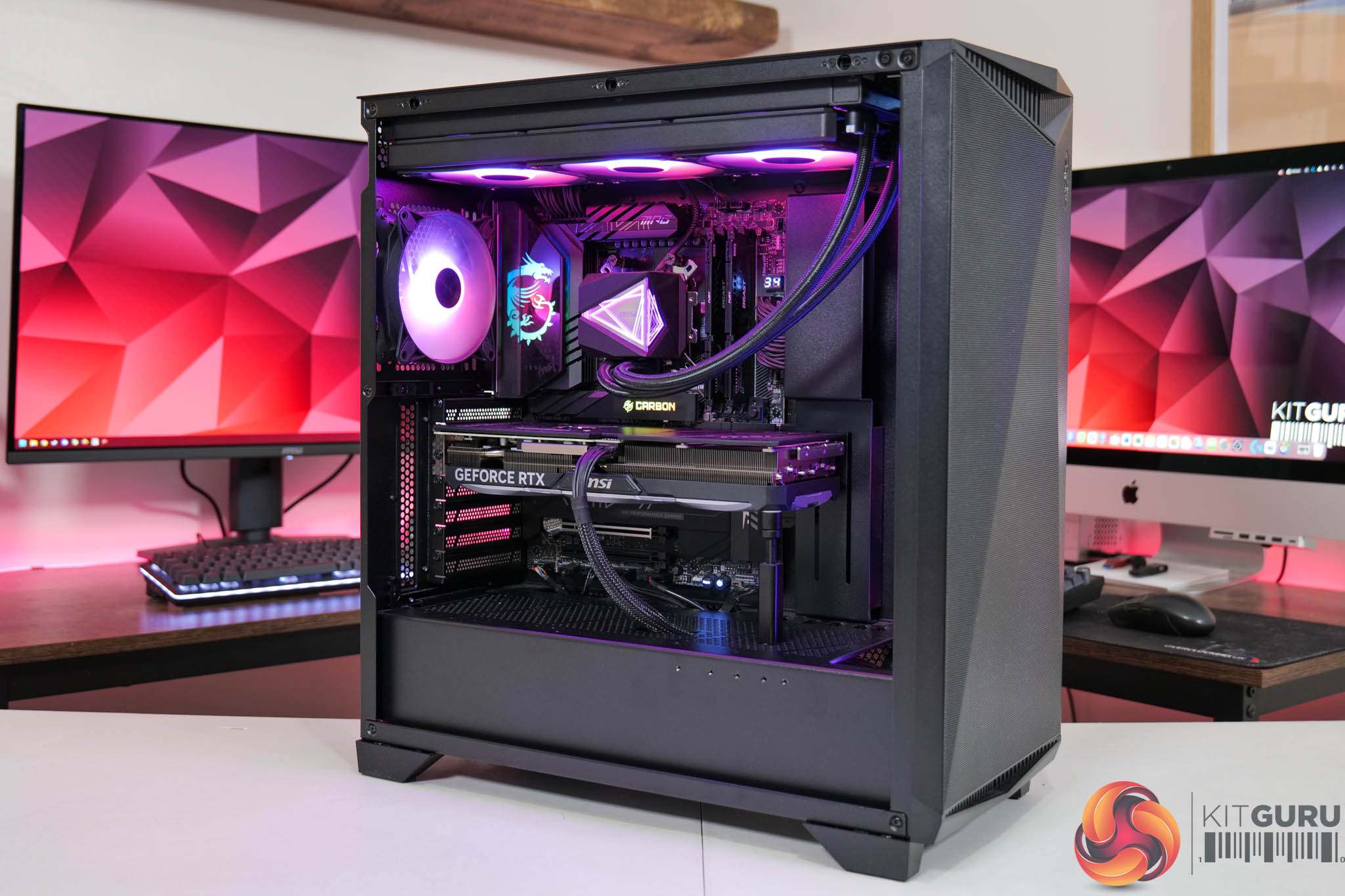
We test using a custom built system powered by MSI, based on AMD's Zen 5 platform. You can view the Powered by MSI store on AWD-IT's website HERE.
| CPU |
AMD Ryzen 7 9800X3D
|
| Motherboard |
MSI MPG X870E Carbon WiFi
|
| Memory |
64GB (2x32GB) Kingston Fury Beast DDR5 6000MT/s CL30
|
| Graphics Card |
Varies
|
| SSD |
4TB Kingston NV3 Gen 4 PCIe NVMe
|
| Chassis | MSI MPG Gungnir 300R Airflow |
| CPU Cooler |
MSI MAG CoreLiquid i360
|
| Power Supply |
MSI MPG Ai1600TS
|
| Operating System |
Windows 11 25H2
|
| Monitor |
MSI MPG 321URX QD-OLED
|
| Resizable BAR |
Enabled for all supported GPUs
|
Driver Notes
- RTX 5090 was used for all gameplay footage capture using the latest 610.88 driver.
Image Quality Examples
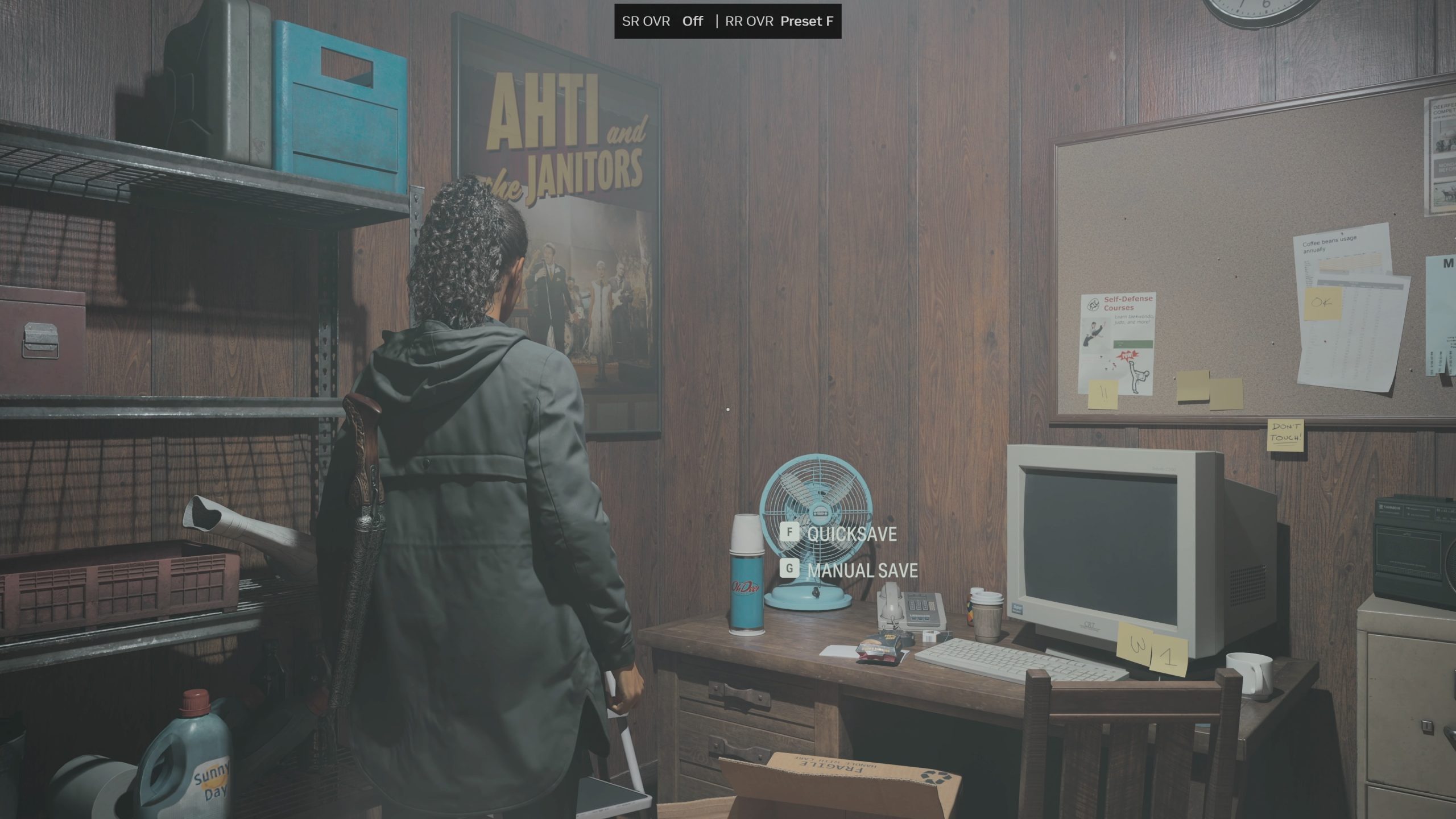
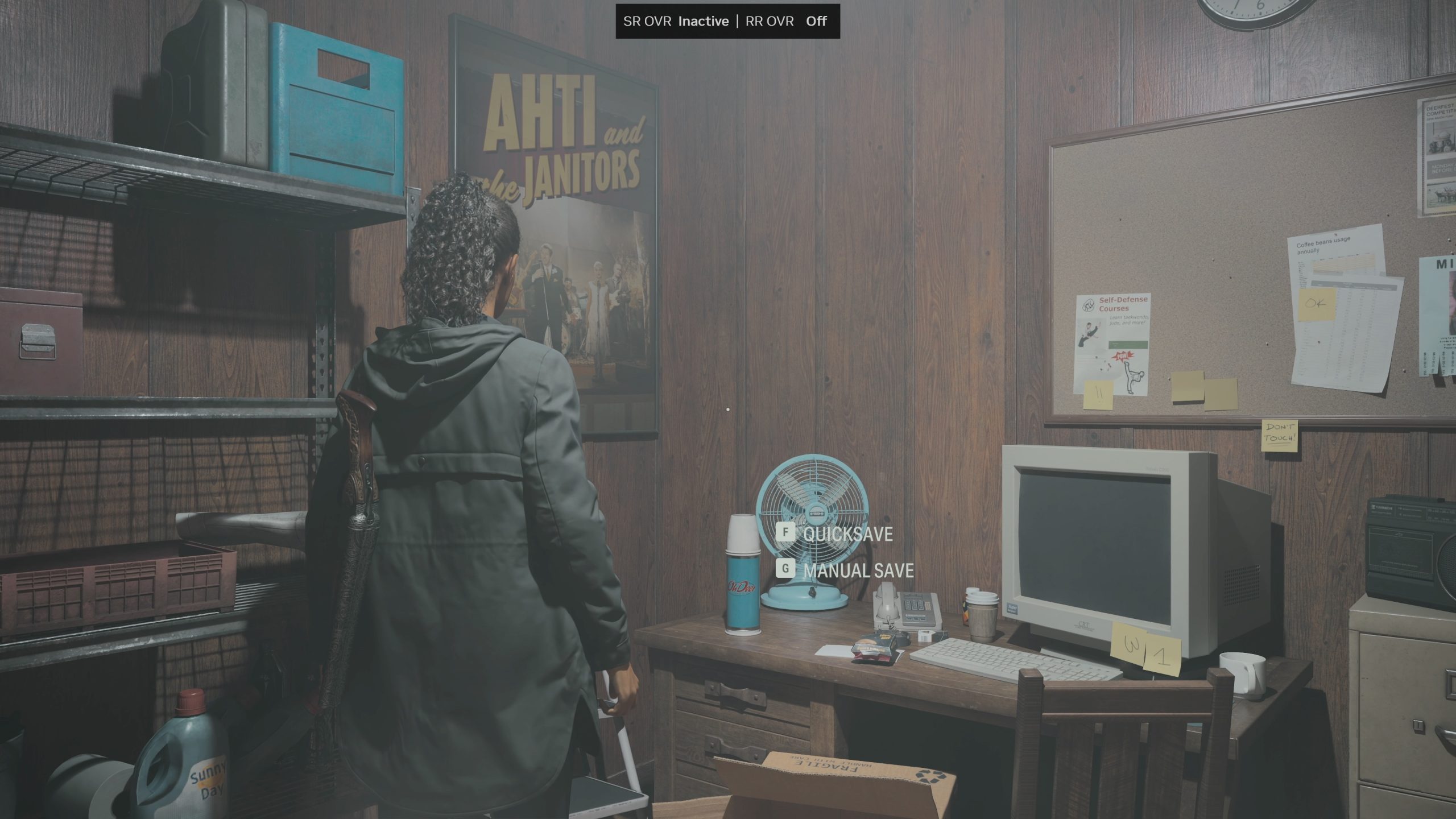
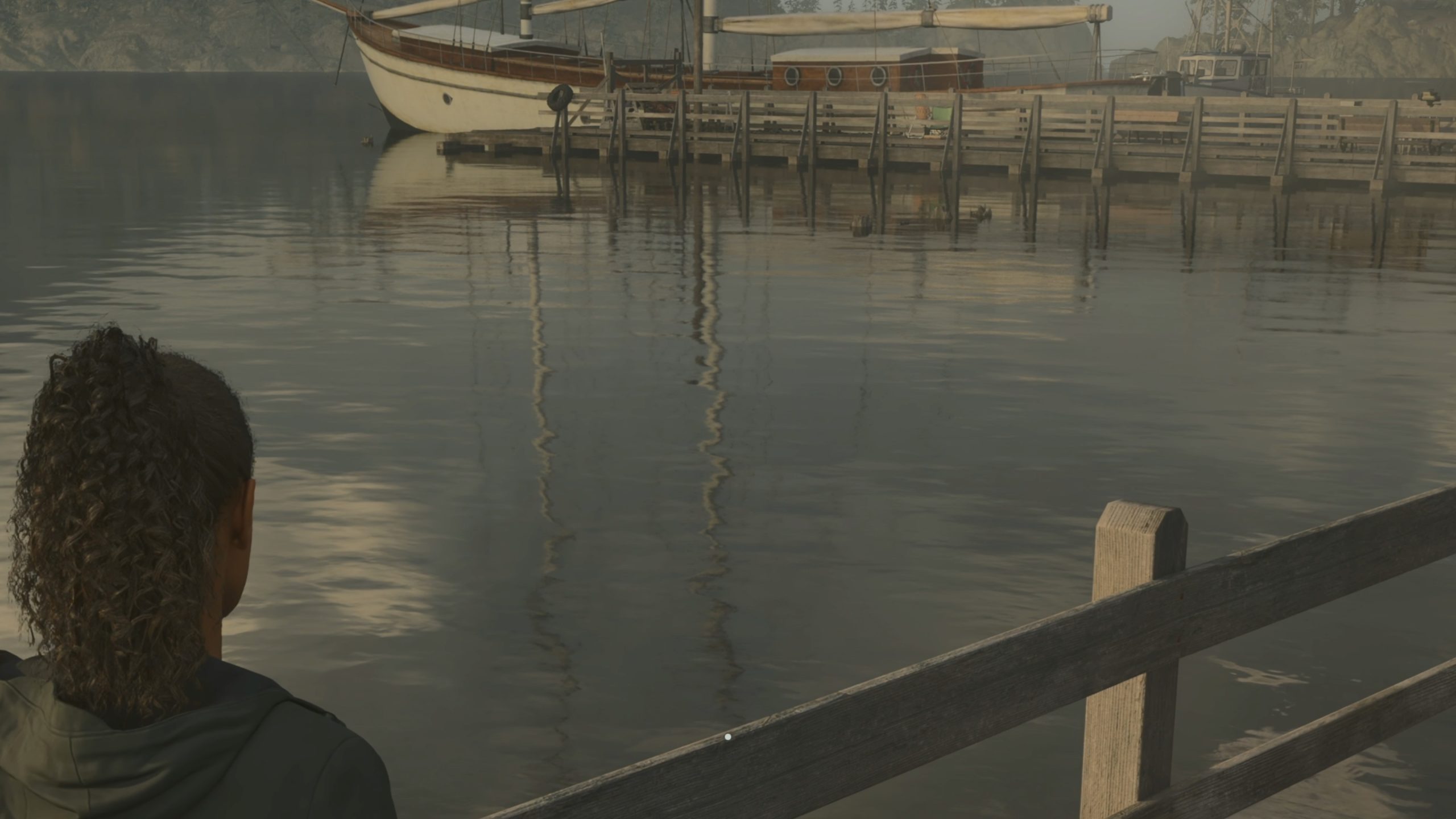
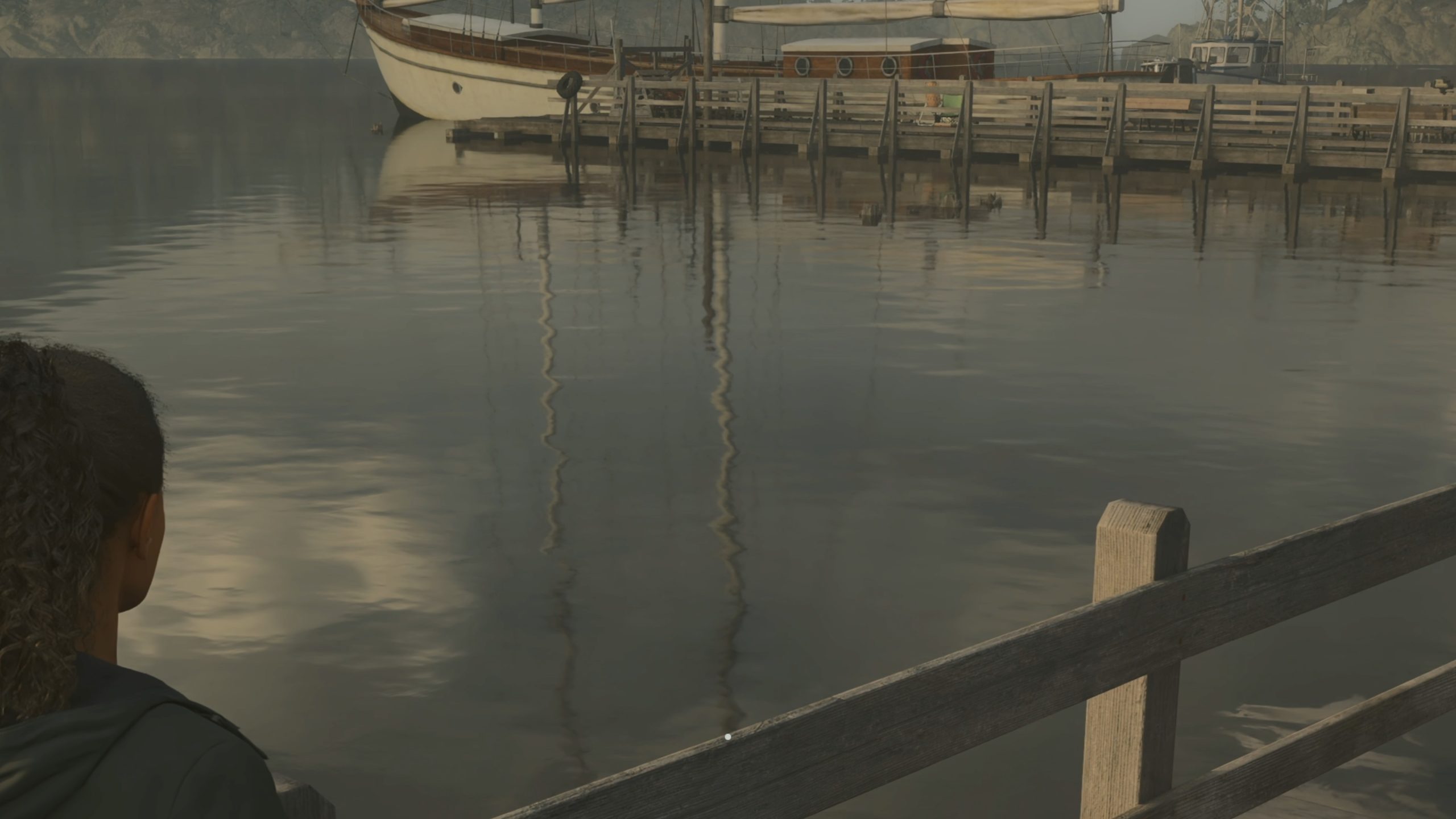
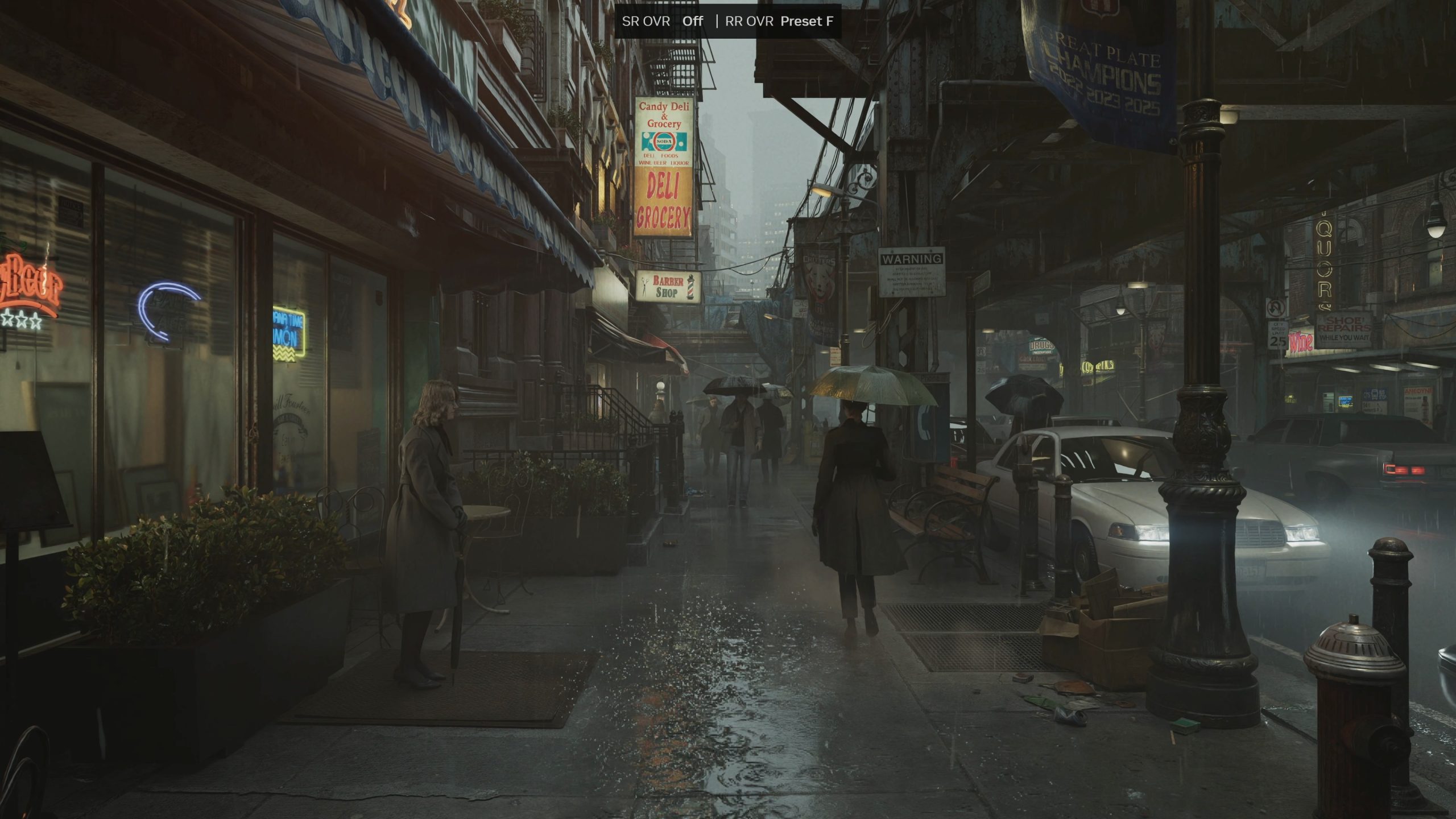
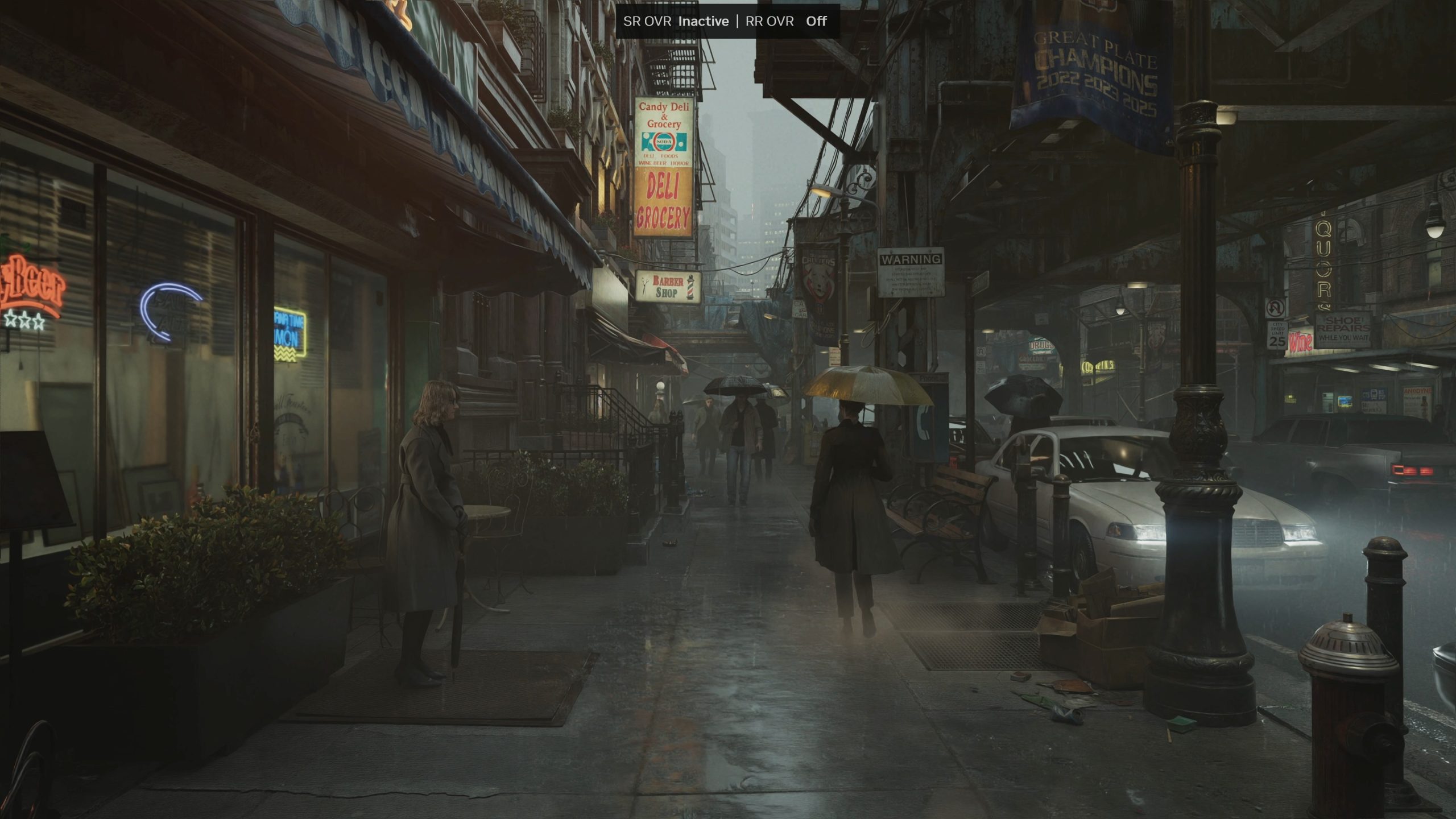
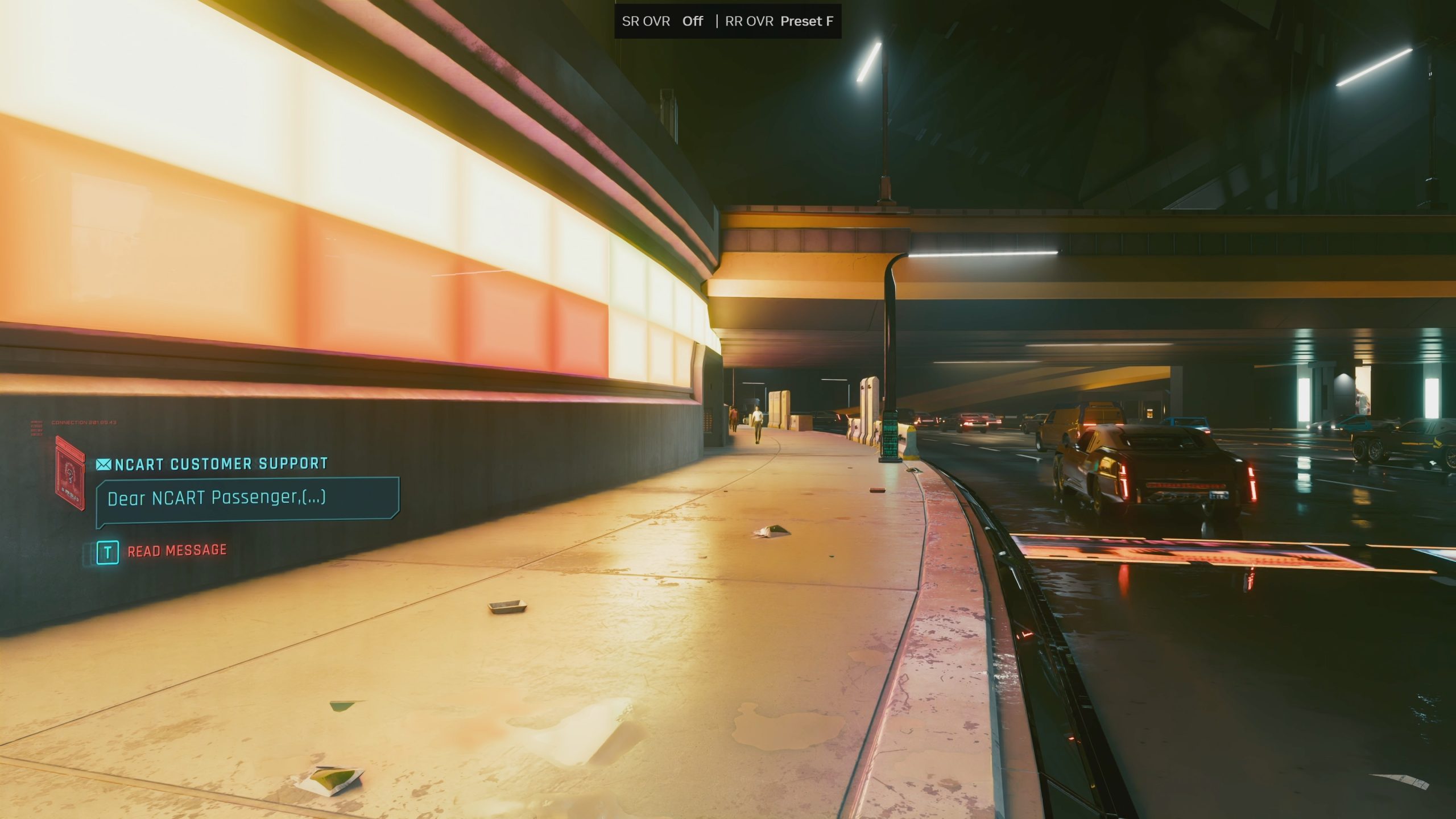
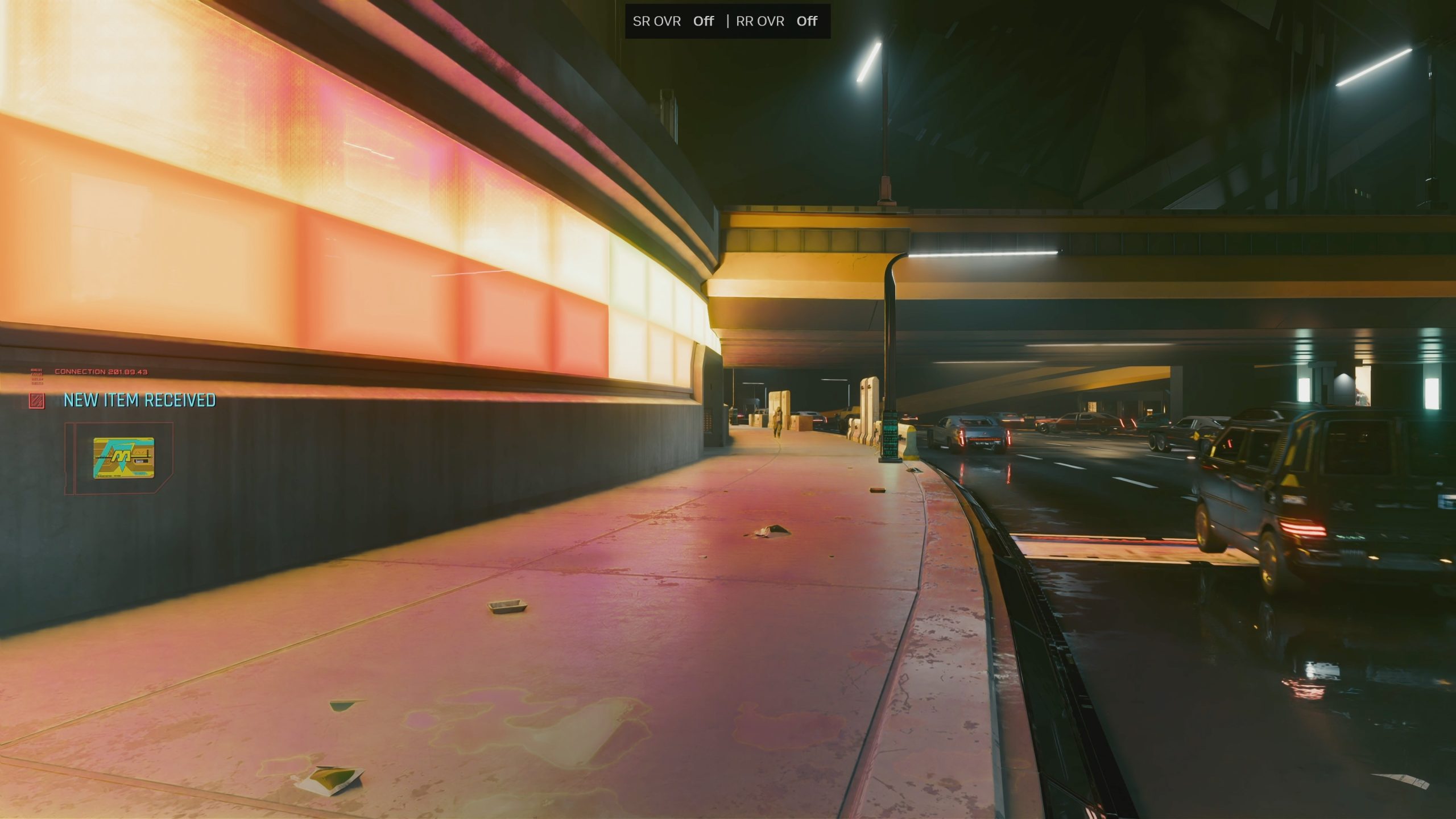
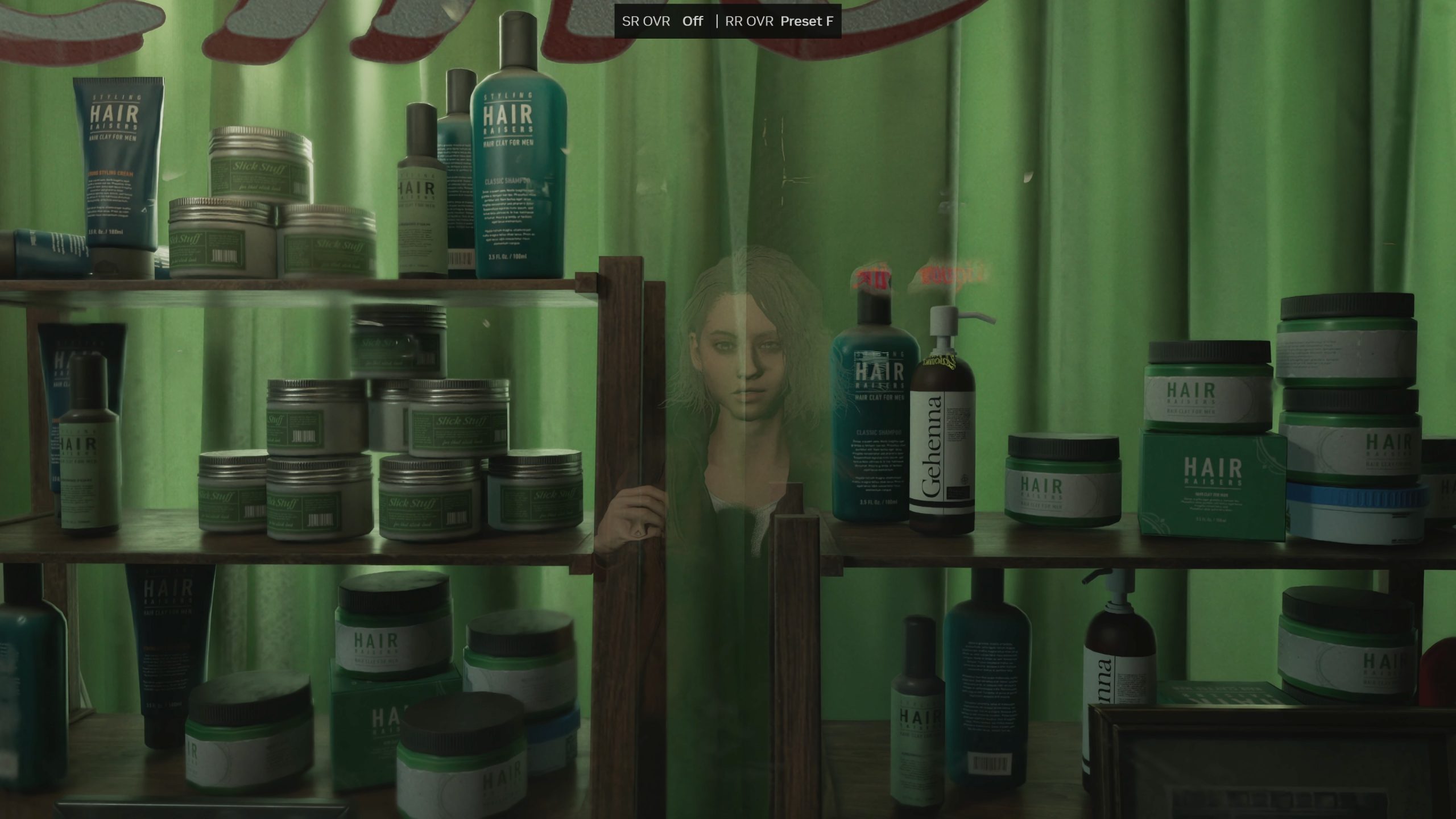
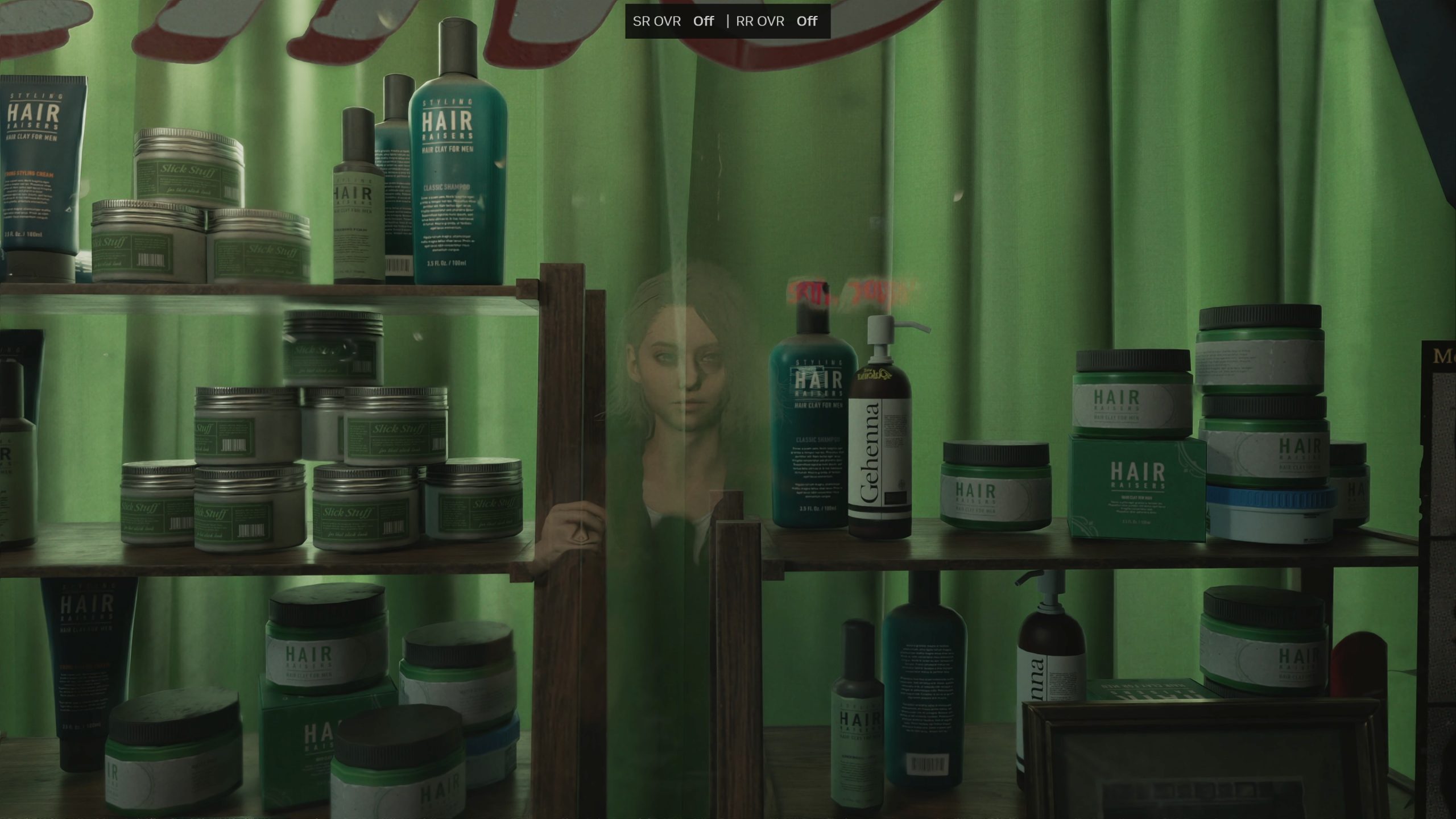
For a full look at image quality, be sure to watch the video at the top of this page, both to see more examples but also to see how Ray Reconstruction handles motion. Note: The below are 4K screenshots. Please zoom in using your browser if you want to enlarge the image.
Performance
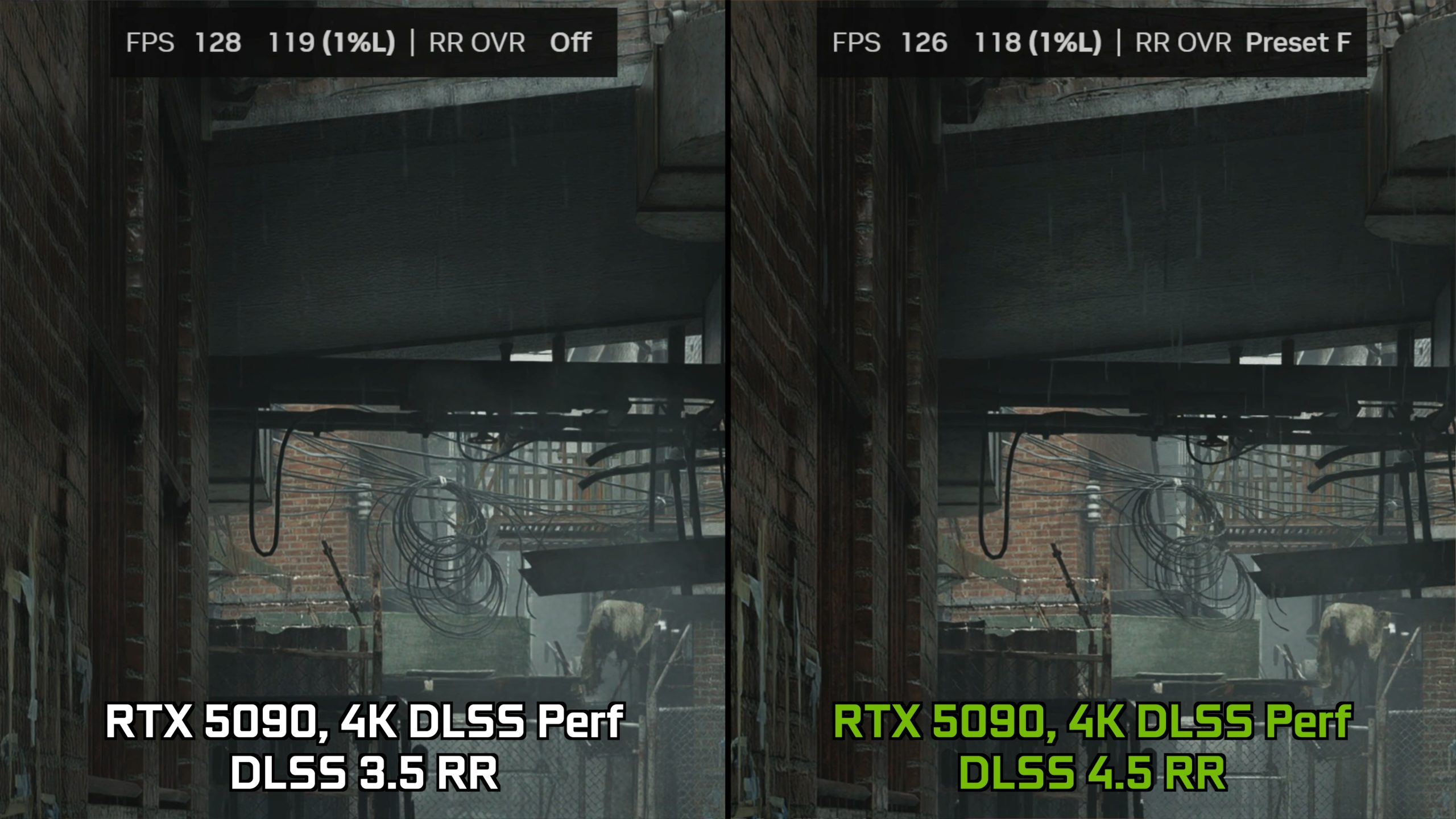
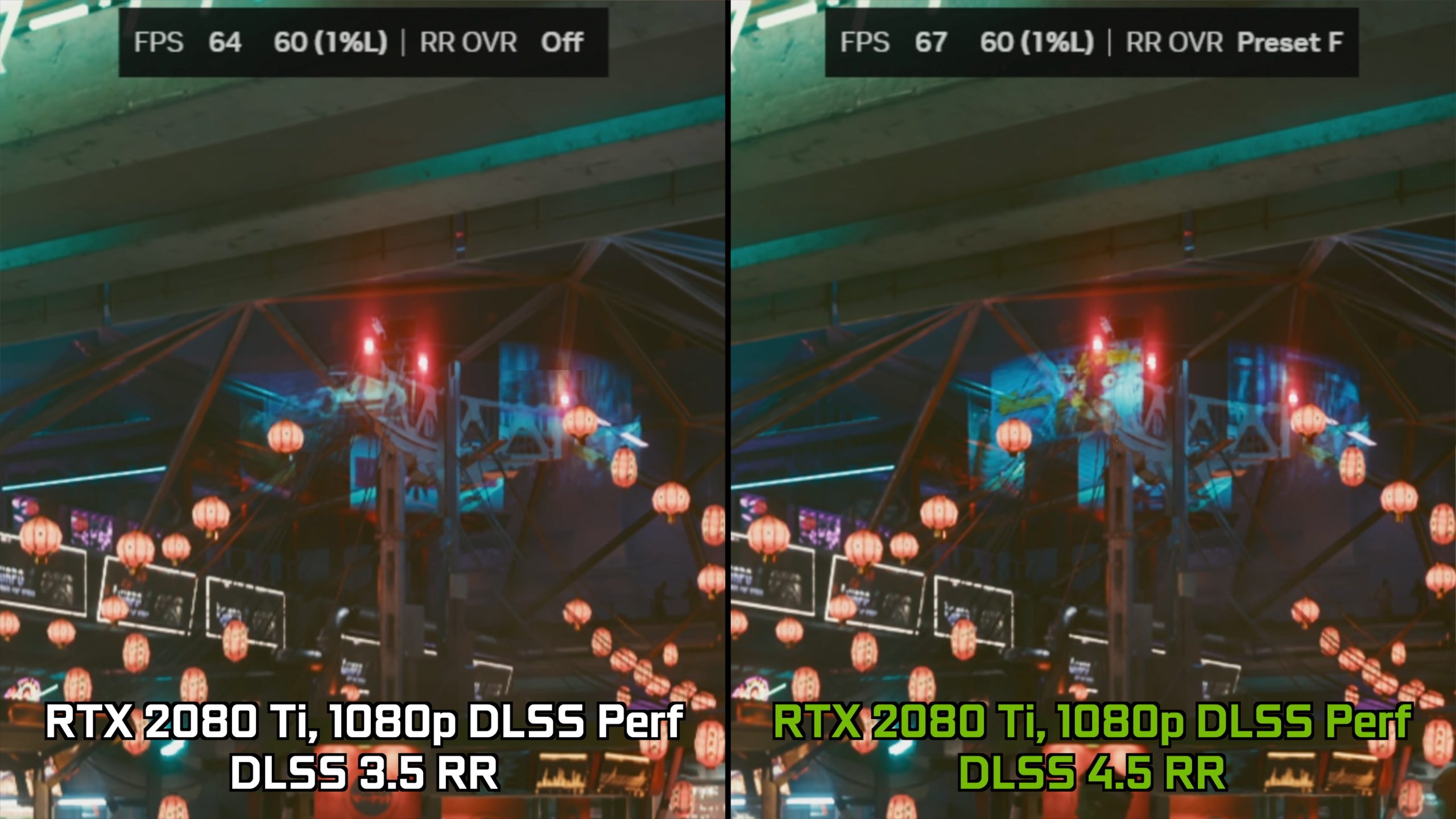
As shown in the video, we observed only a negligible performance cost when using DLSS 4.5 Ray Reconstruction with both an RTX 5090 and RTX 4090 at 4K resolution. However, what is odd is that, despite Nvidia suggesting we should see more of a performance hit on 20 and 30-series hardware, we actually saw a small performance improvement on both the RTX 3090 and RTX 2080 Ti in their respective tests. I'm not sure if this is a quirk of my testing or if others will find the same thing, but it was repeatable so I have included it here.
Closing Thoughts
After this admittedly relatively brief look at DLSS 4.5 Ray Reconstruction, I have to say I am pretty impressed by what I’ve seen. I wouldn't say that I've been blown away from the improvements made with the new model – certainly not in the same way as I was comparing RR off to RR on when the technology first launched, but I suppose that is to be expected.
Instead, what we’ve seen is more like going from DLSS 3 Super Resolution, to DLSS 4 – meaning the improvements may not be revolutionary, but they are still very welcome and do improve certain image quality characteristics that can be associated with DLSS technologies – including temporal instability, ghosting or shimmering, as well as general sharpness and detail.
With that in mind then, it’s really hard not to be impressed by the new DLSS 4.5 Ray Reconstruction update. As shown in the video, there are still some issues present, but by and large we have seen a number of improvements across the board, all without any real performance cost, too. In my view, that is an absolute win for the end user, and shows us the best of Nvidia – supporting GPUs all the way back to the RTX 20-series with new updates, completely free, that have basically no downside. Let’s hope that doesn’t stop any time soon.
KitGuru says: Let us know if you will be trying the new update!