 KitGuru KitGuru.net – Tech News | Hardware News | Hardware Reviews | IOS | Mobile | Gaming | Graphics Cards


Korean action cam company iSAW has come up with a neat idea. The EXtreme action cam offers a fascinating proposition. The package includes a fully featured 1080p 60fps action cam with 802.11n Wi-Fi, a 2-inch LCD and a stack of accessories for an SRP of £249.99. That's everything you need to make high quality movies without spending another penny on accessories. Admittedly you'll need to buy a MicroSD card, however that is a minor expense.
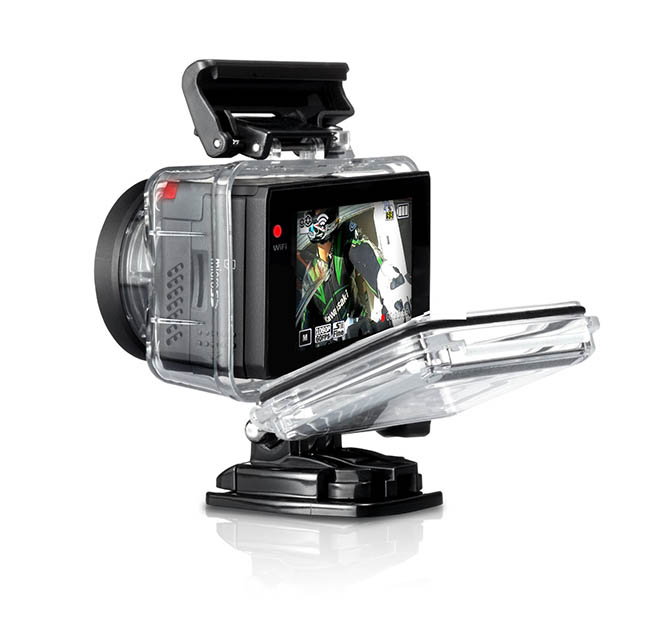
Highlighted features
- Full HD 1080p at 60fps or 30fps
- 1600×1200 at 60fps or 30fps
- HD 720p at 120fps, 60fps or 30fps
- WVGA 480p at 240fps
- Camera options 8.5MP 3:2, 12MP 4:3, 7.2MP 16:9
- 2-inch LCD screen 360×240 dots
- 12MP Sony Exmor sensor
- 8 elements glass lens with F/2.4 aperture with 152 degree wide angle FOV
- 802.11b/g/n Wi-Fi
- Micro HMI output
- iSAW Viewer app for Android and iOS
- Time lapse and aqua modes
- 4x digital zoom
- Micro SD slot up to 64GB SDXC
- Li-ion 1200mA battery with claimed life approx. 150mins continuous 1080p recording at 30fps
- Bare camera measures 61x43x42mm and weighs 112g
- Camera in waterproof housing 72x77x51mm and weighs 190g
- Waterproof housing works to 60 metres
There's no avoiding the name of this camera so let's get that out of the way first. No doubt someone, somewhere feels that iSAW is a terrific name.
‘It's a camera that shoots what I saw', here in the UK the words sounds like ‘eyesore‘. Specifically, an eyesore is a thing or a building that is deeply unattractive. This is a terrible name for a product that actually looks rather good and that sells for a significant amount of money. ‘Hey, I spent £250 on an eyesore.'
OK let's move on and never mention the name ever again.
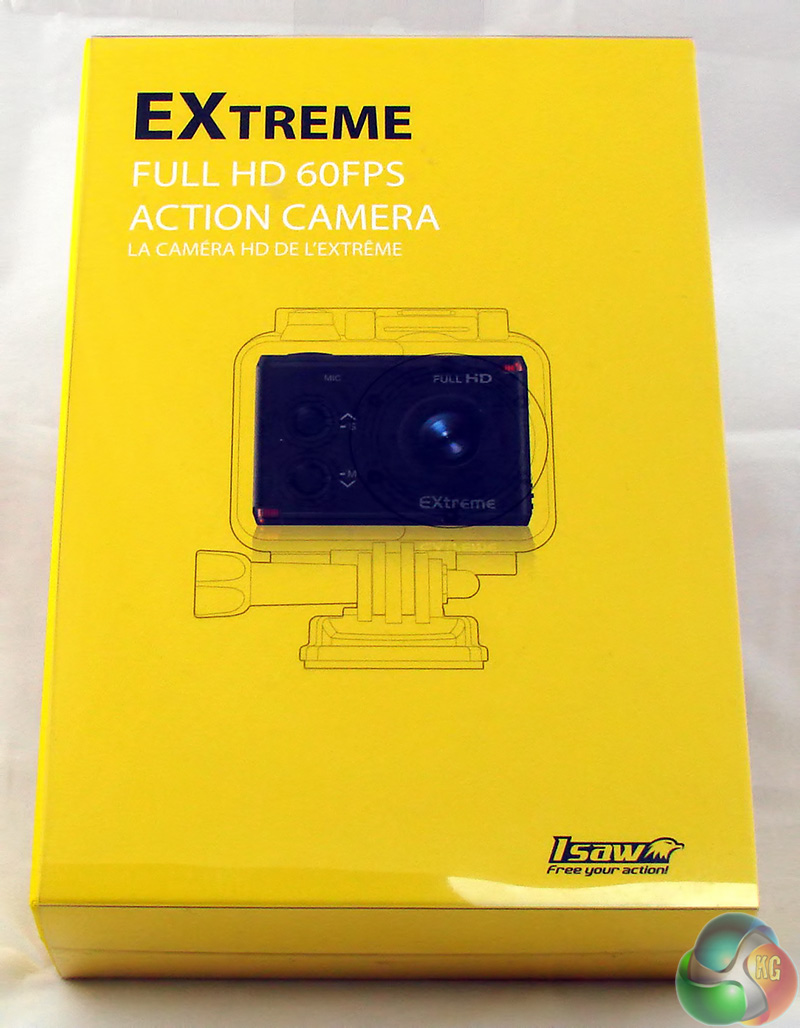
I like the thought that has been invested in the packaging. The bright yellow cardboard box is held together by a transparent protective sleeve that wraps around and is secured by a simple piece of plastic origami.
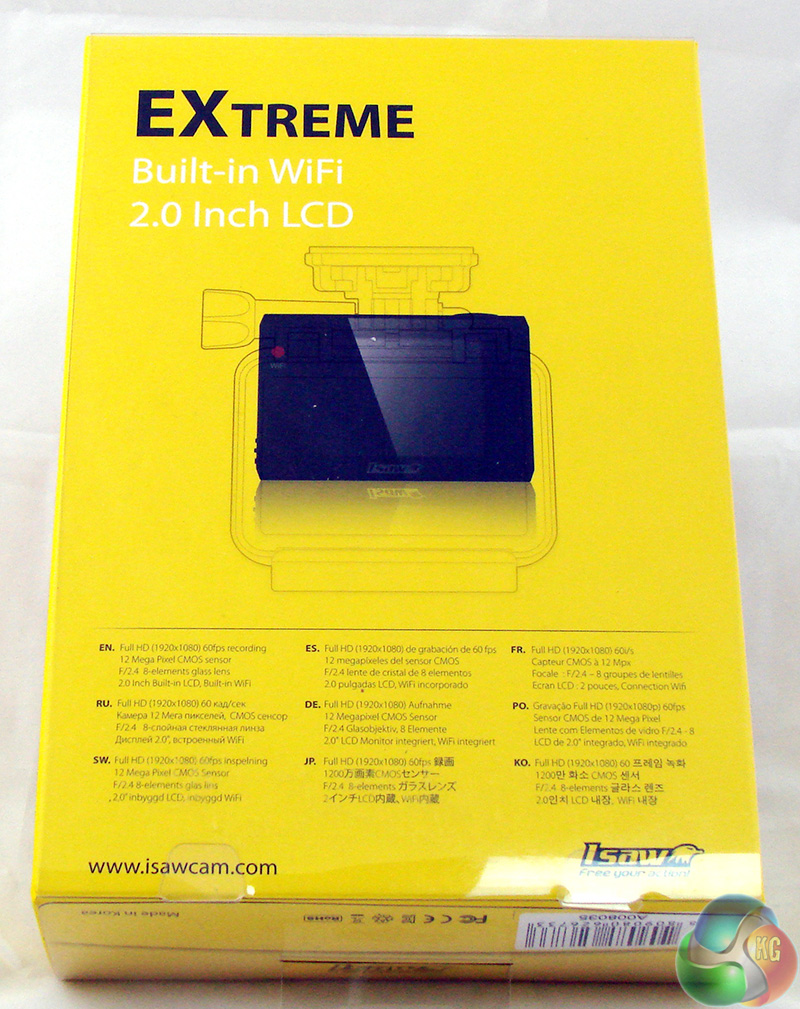
On the front of the box there is a larger than life photo of the EXtreme action cam and on the back of the box you can see the 2-inch LCD screen on the other side of the cam. Along one side of the box you'll find pictures of of the accessories that you get inside.
This is significant as the Extreme cam is a complete kit that is ready for action, and not just a bare camera with a handful of bits and pieces.
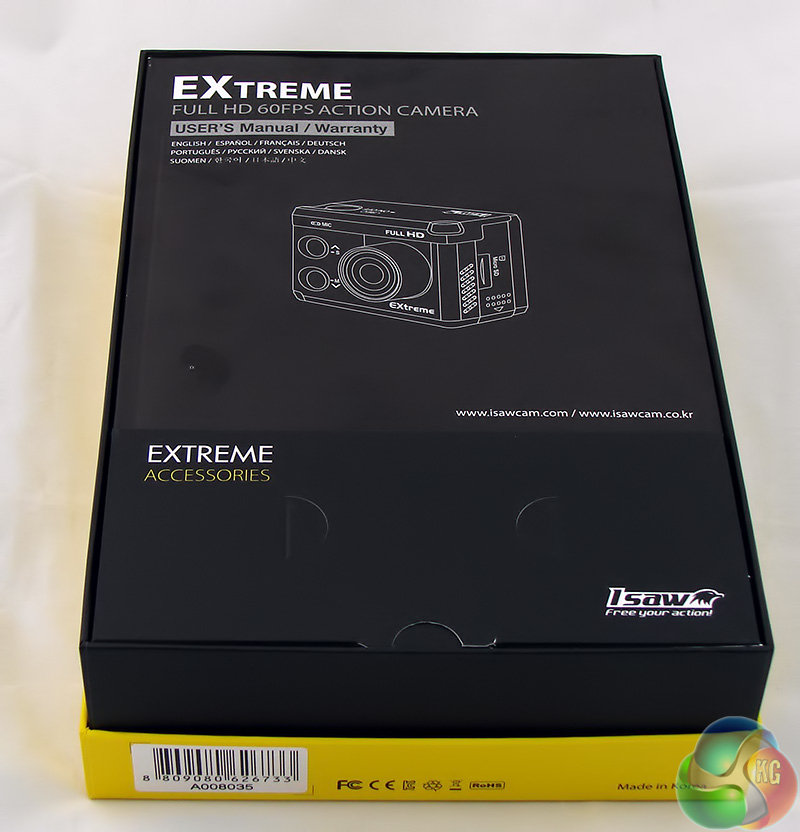
You don't have to slide the box out of the plastic sleeve or fight to get it free but instead you release a single plastic tab and the whole thing opens up. Pop off the top cover, a bit like a box of chocolates, and you'll find the printed manual and box of accessories underneath.
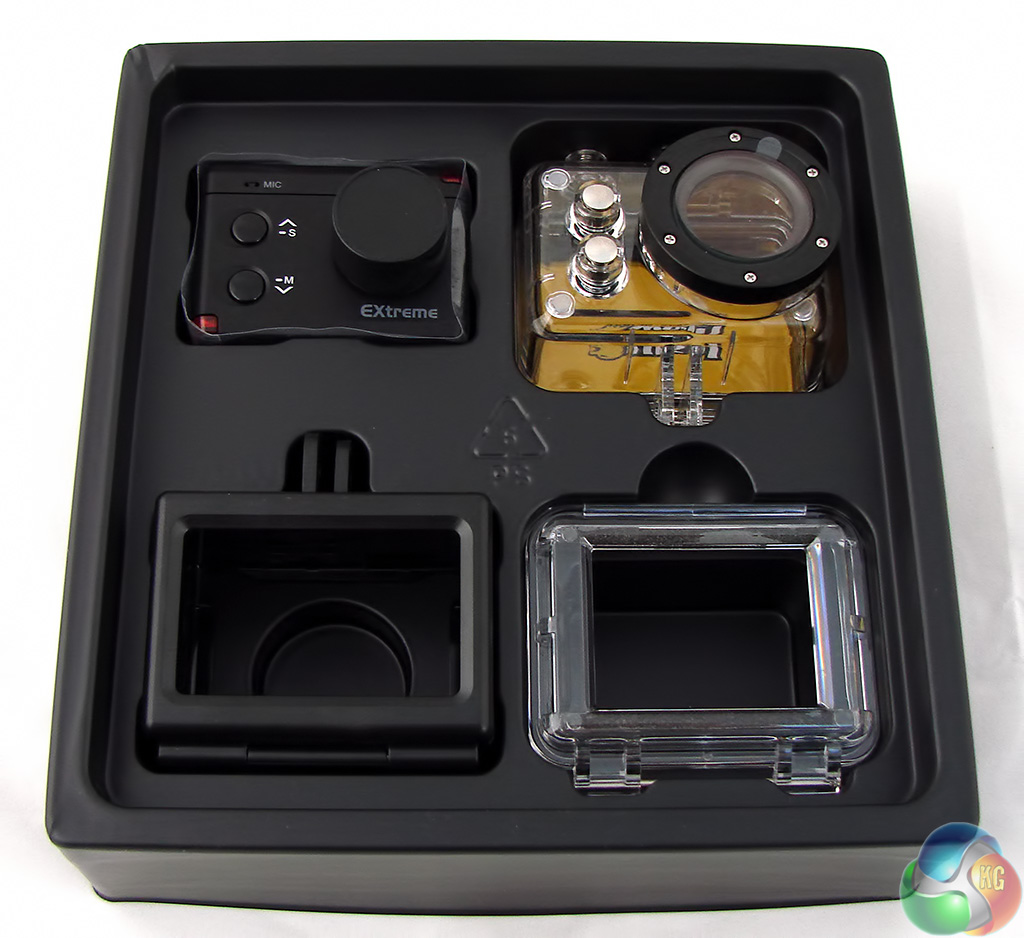
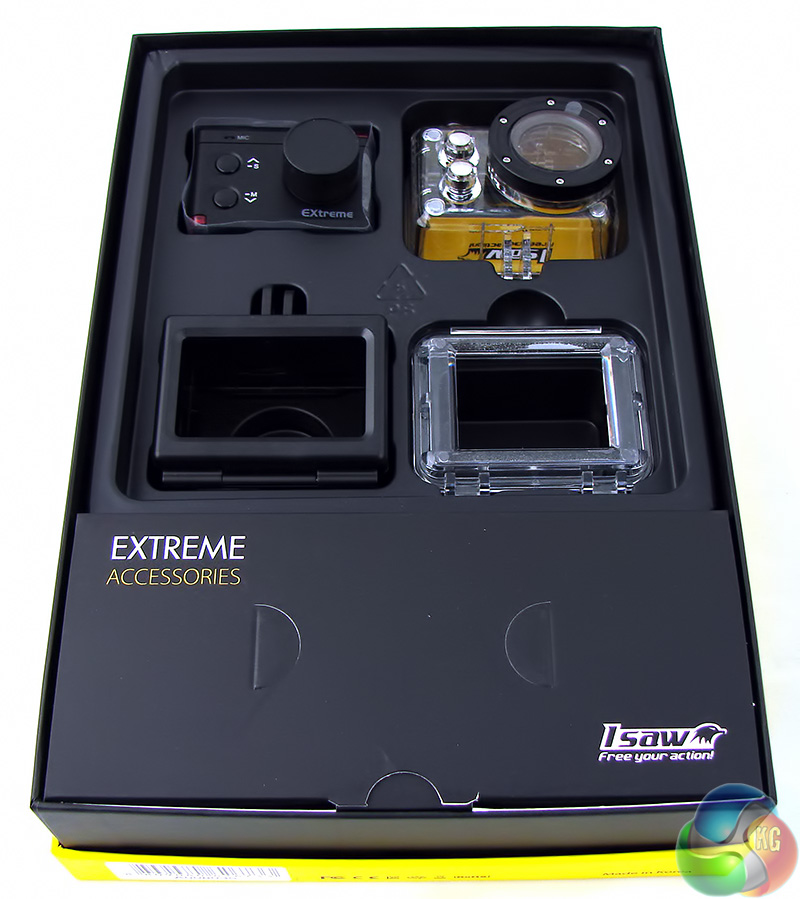
Lift out the manual and you'll reveal the Extreme cam, the black open frame you'll use most of the time, the waterproof housing and the alternate open back for the waterproof housing for those occasions when you need weather protection but won't actually be submerging the thing.
Over the years I have unboxed a great many new IT products. Some I like and some I don't like but generally speaking my overriding impressions have been of loads of pieces of plastic that have to be removed. I especially dislike unboxing printers but always look forward to a new Asus Republic Of Gamers motherboard.
There have been precisely three occasions when I felt an actual frisson of excitement when I opened a package. The first was when I received a 15GB 2nd Gen Apple iPod that I bought for an extortionate amount of money. The second time was an Apple iPad that had been sent to me in error so I was expecting something entirely different. They grabbed it back from me the following day, in case you were wondering.
Opening the EXtreme action cam package was the third occasion I have said ‘Wow' out loud and could hardly wait to get my hands on the contents. I cannot be certain what prompted this child-like response but I think it was the transparent waterproof housing with its three shiny chrome buttons that won me over.
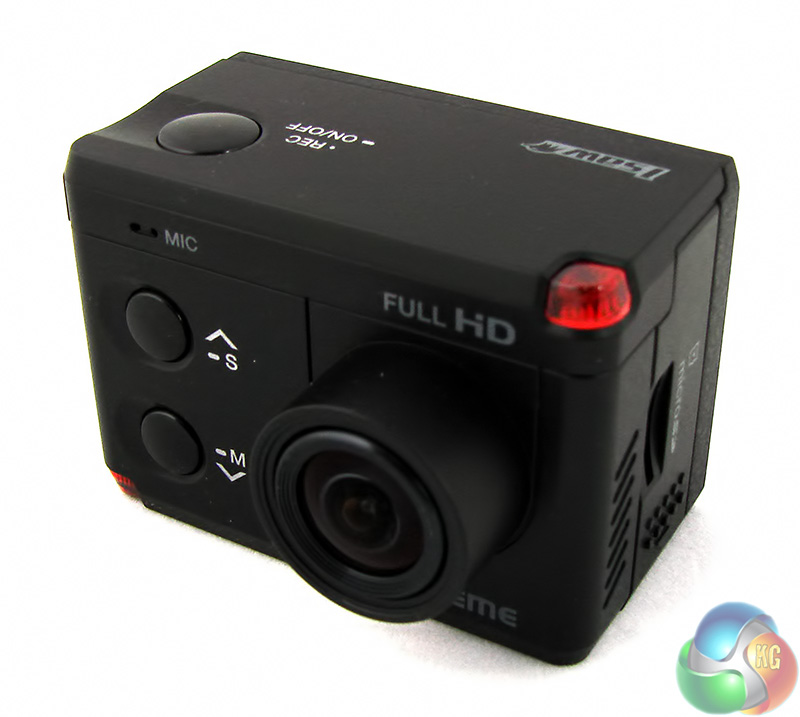
The main piece of hardware is, of course, the iSAW Extreme action cam, however you cannot do much with it on its own.
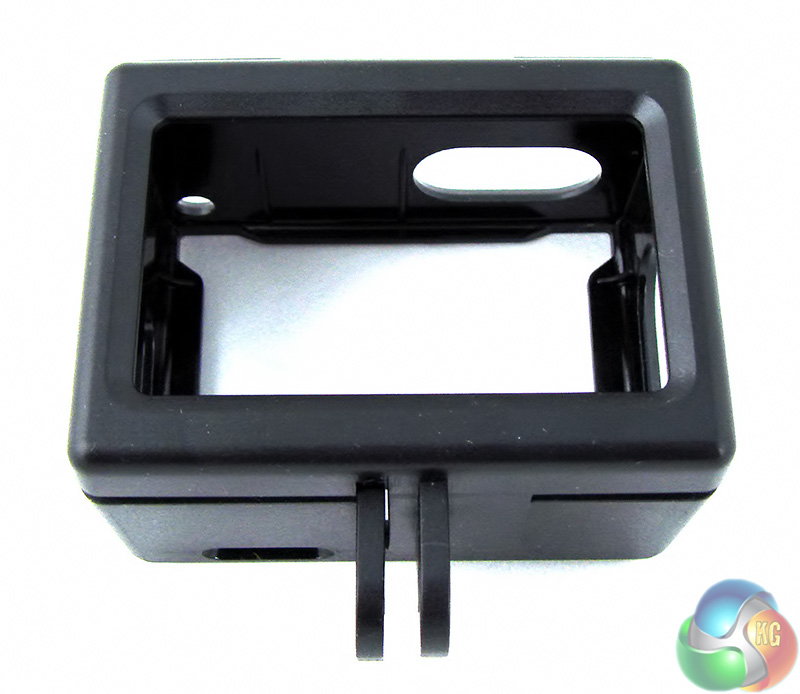
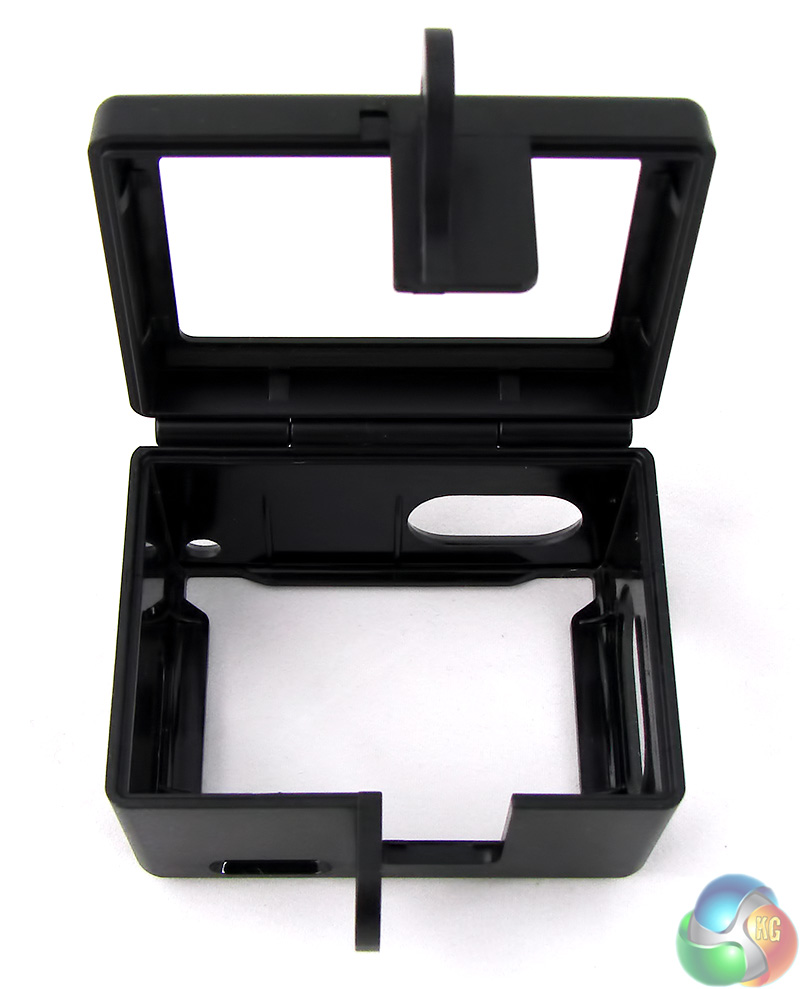
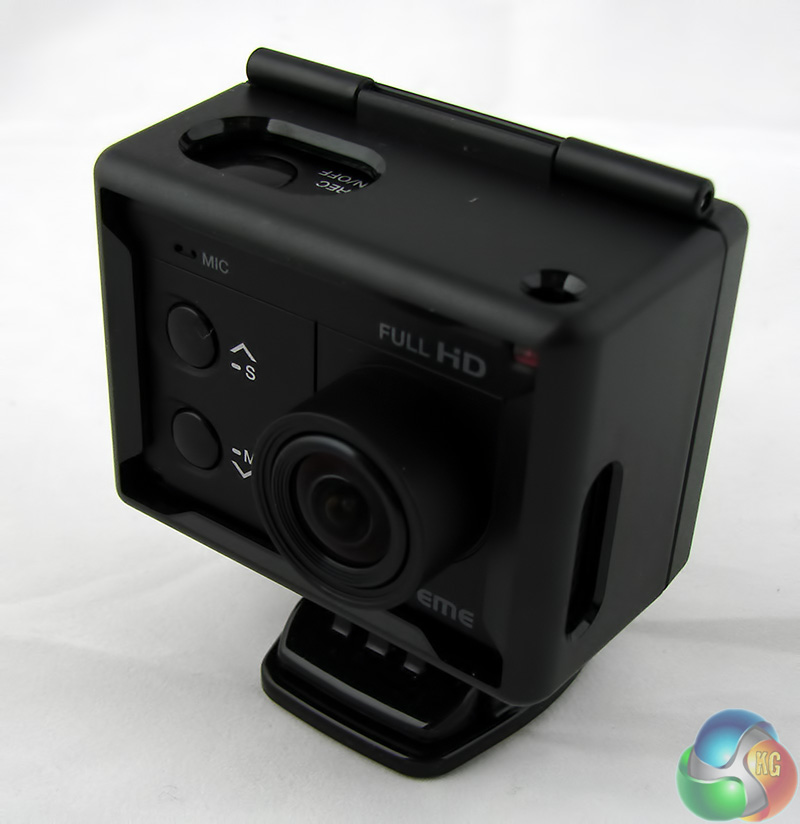
Most of the time you'll mount the camera using the open frame. This is a black plastic skeleton that hinges open, then you slip the camera into place and close it up.
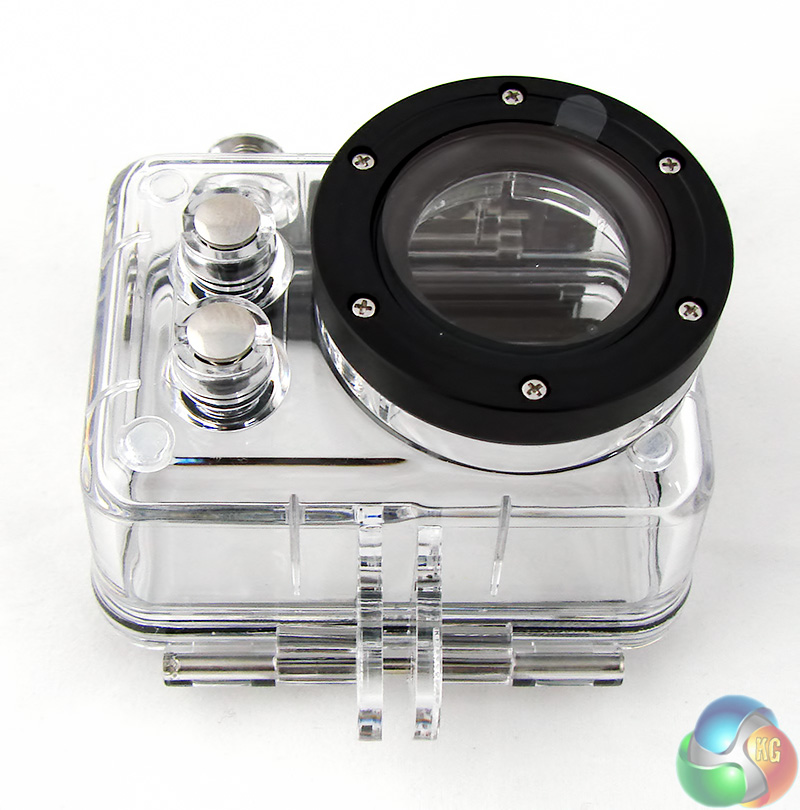
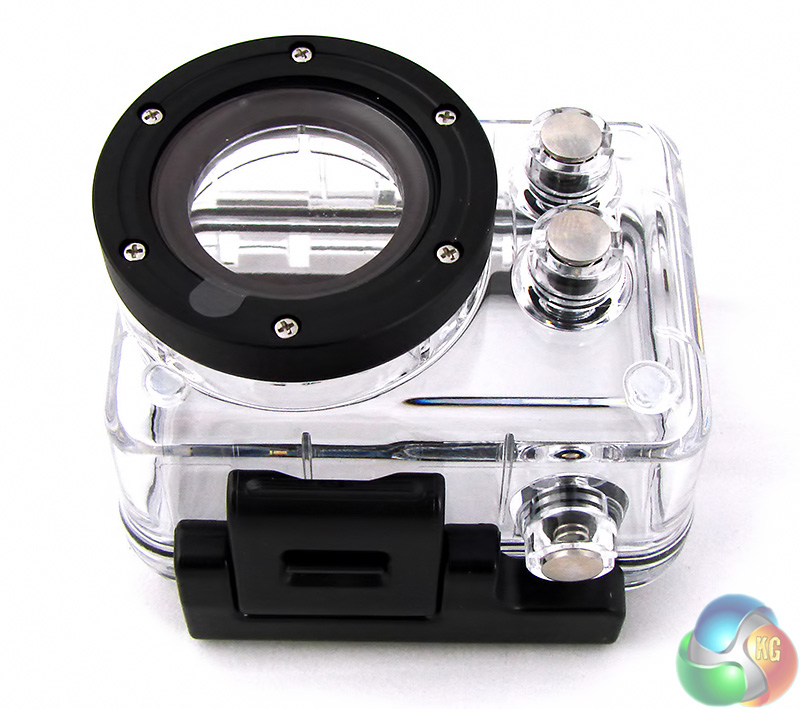
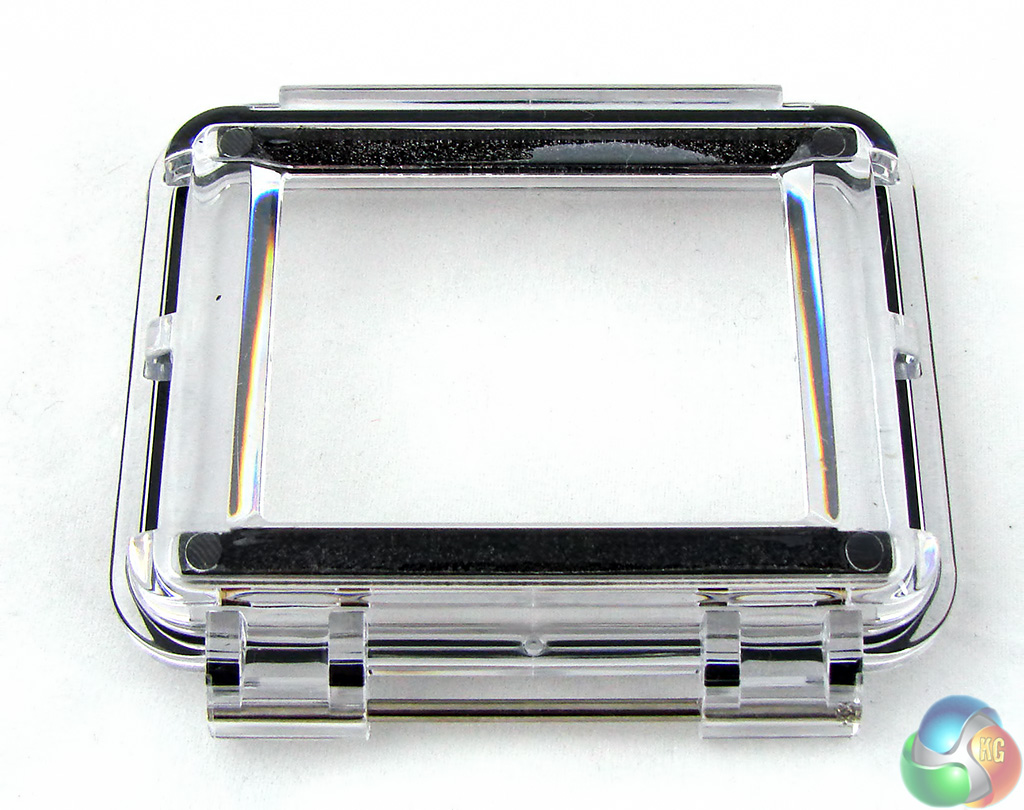
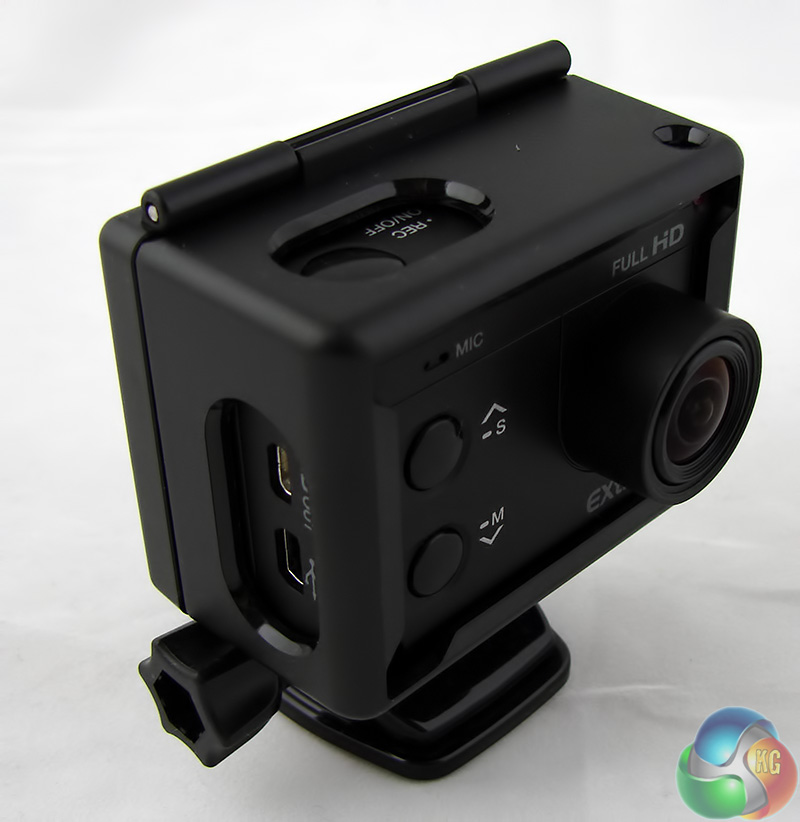
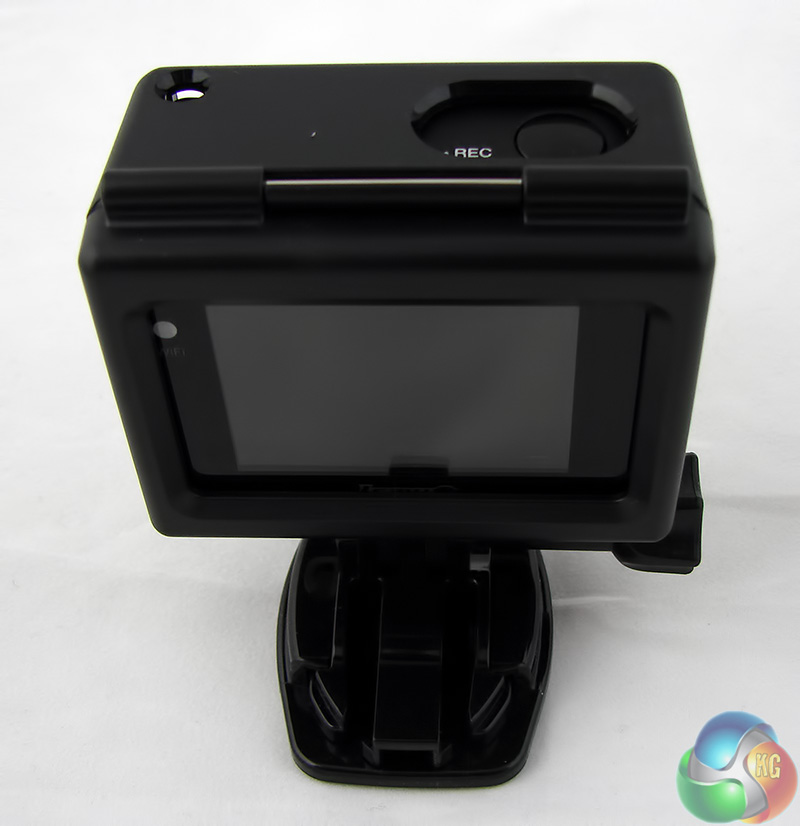
Alternatively you might use the waterproof housing which protects the EXtreme to a depth of 60 metres. There is a middle ground here as iSAW includes an alternate open back for the waterproof case that obviously means the camera is no longer waterproof but still has a decent amount of weather protection. The advantage of the open back is that you can see the 2-inch LCD screen directly without peering through the plastic of the case and it also reduces the build up of condensation.
With the camera installed in one of its mounts you cannot remove the Micro SD card without first removing the camera. That's a pain but at least the card won't pop out and get lost.
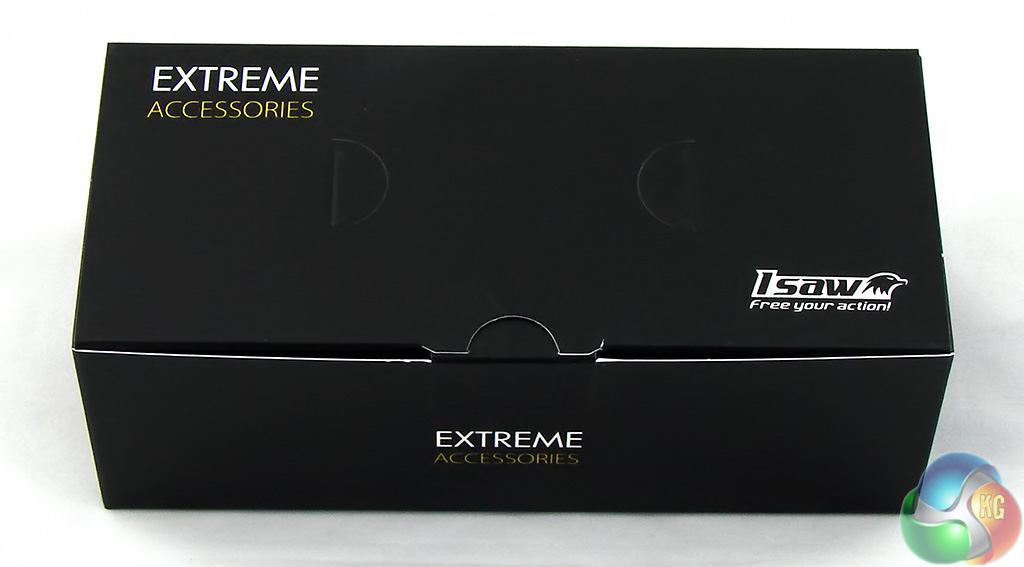
With the EXtreme mounted in either the frame or casing, the next step is to attach it to your helmet, car, boat, motorcycle or surfboard. Or you might use your action cam to film part of ‘Breaking Bad'
Anyway, you need to attach the EXtreme to something and that's where the black box labelled Extreme Accessories comes to the fore.

First we have a selection of bases. There's a round base with a female thread that mounts on a camera tripod. Then we have four self adhesive bases, one large for surfboard, two small for general duties and another small base with a curved surface to stick to a crash helmet. Sorry, safety helmet.

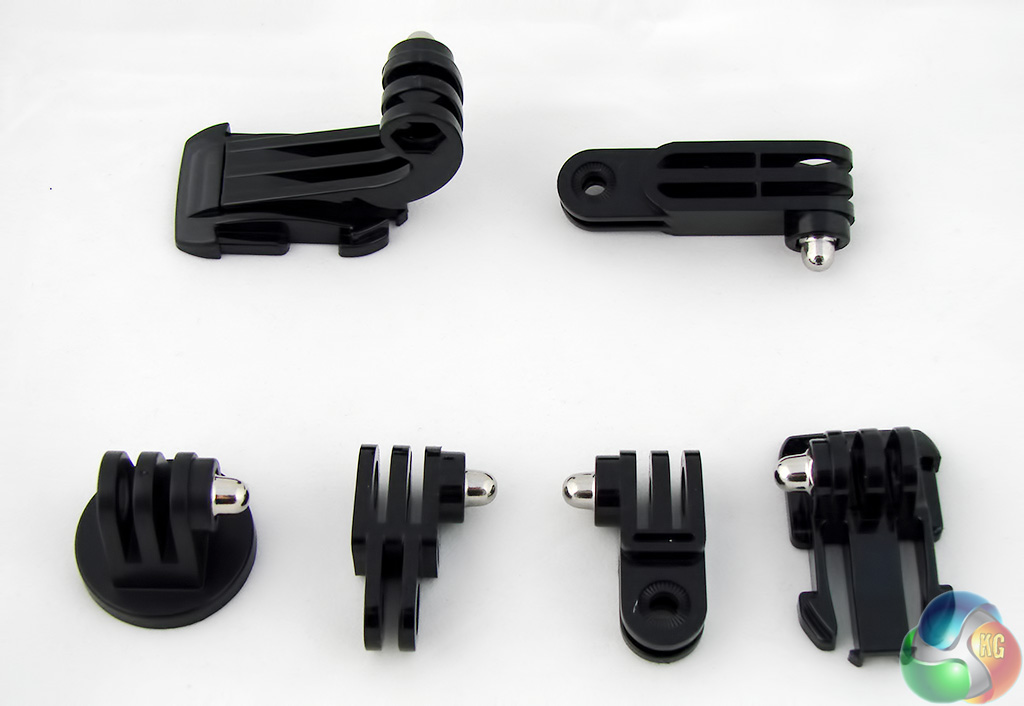
The final step is to connect the EXtreme cam in the open frame or waterproof case with one of the bases. You might need to use one or two of the supplied brackets or in simple cases you could use a securing screw to lock the whole thing in place.
When you use one of the self adhesive bases the camera snaps home with a quick release fastener so you can remove it in a split second but it won't come loose by accident.
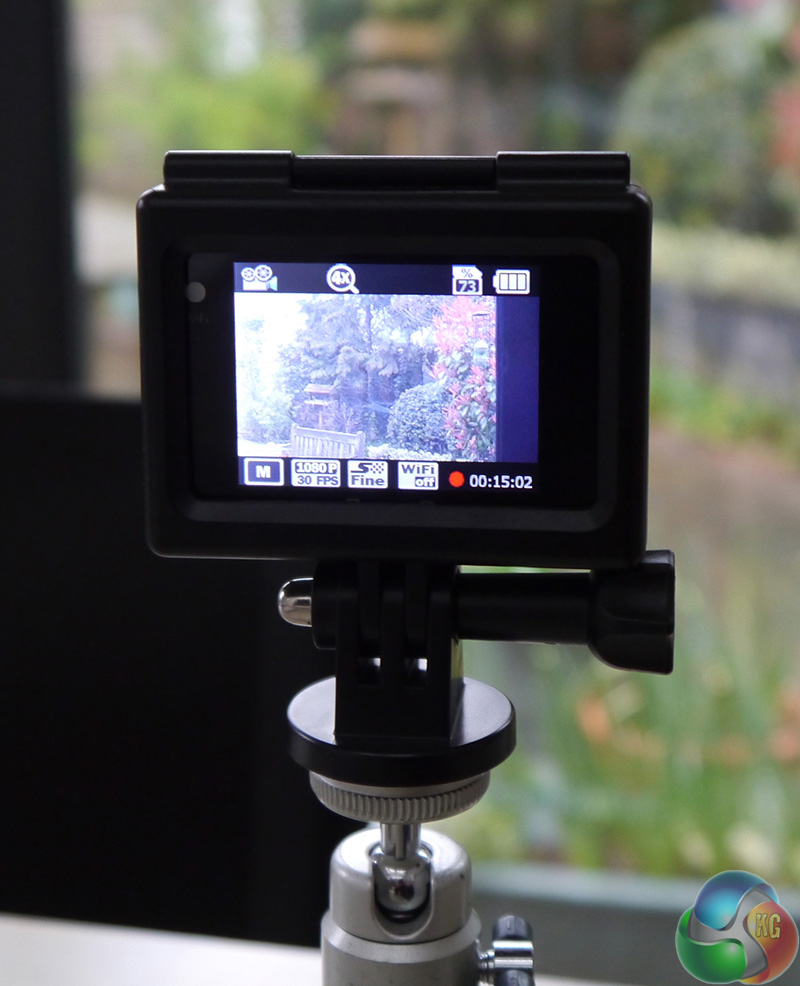
Here's the EXtreme sat on a camera tripod.
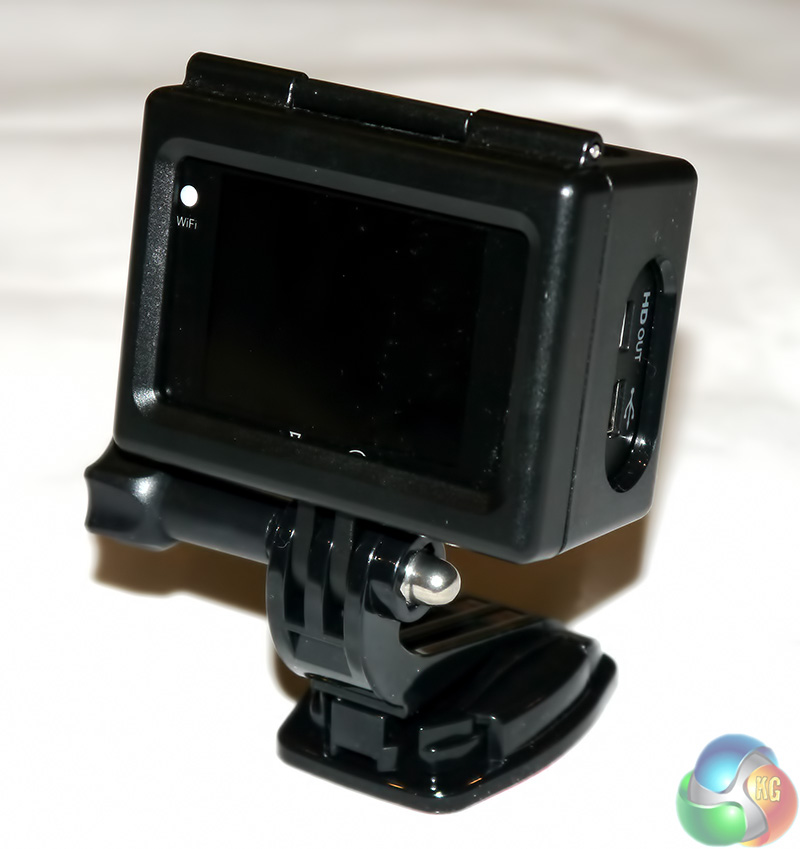
And here it is connected to one of the adhesive bases.
There are other mounts in the iSAW accessory listing (link), including a chest strap, a head strap and a suction mount to secure the EXtreme for motorsport however most of the hardware comes in the package and those optional extras are for specialist applications. Take a look through the Go Pro product catalogue and while you have to admire their inventiveness it looks like a damn fine way to spend money in lumps of £20, £40 and £50.
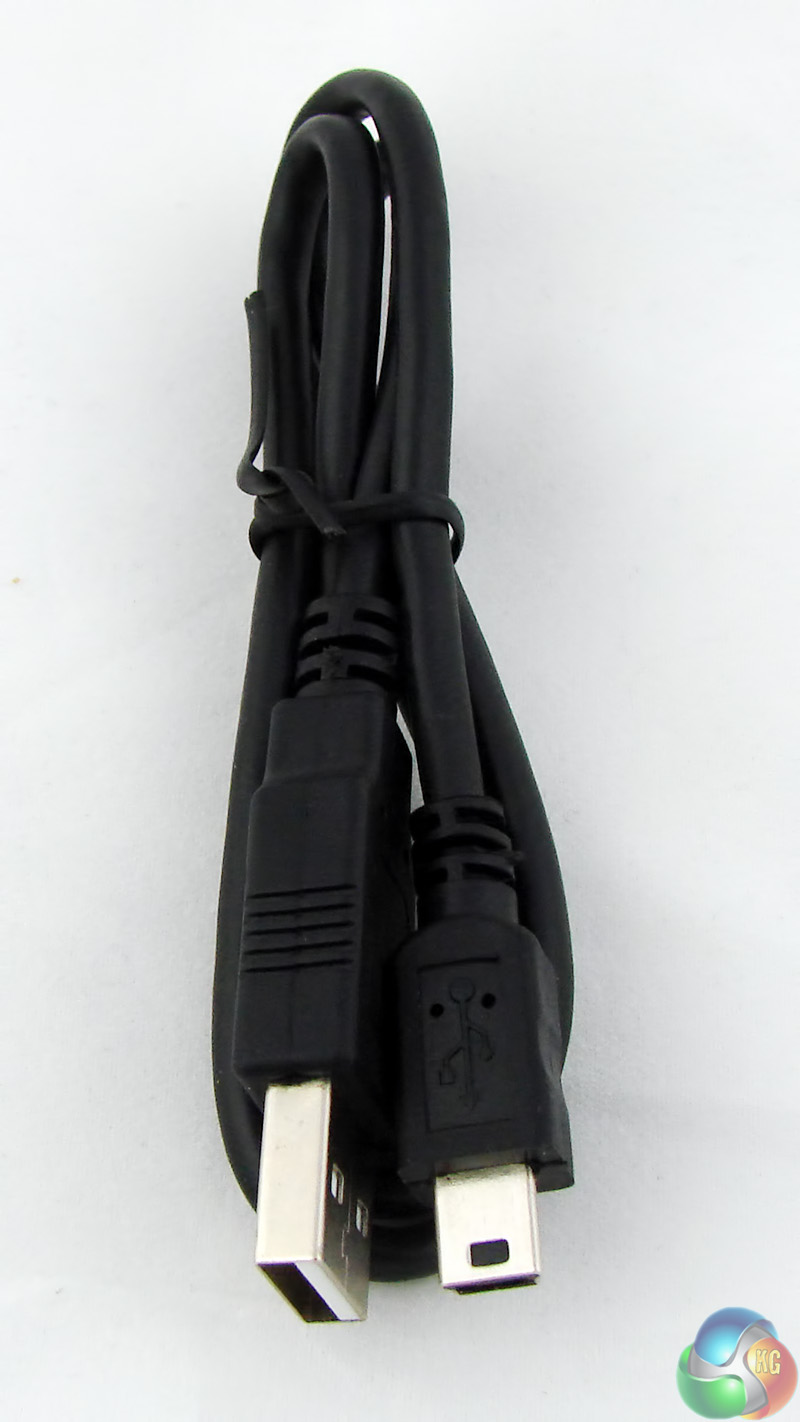
The package includes a USB cable which might come in handy however I used a card reader to transfer photos and movies from the MicroSD card to my PC and I used one of my old phone chargers to connect the EXtreme to a wall socket.
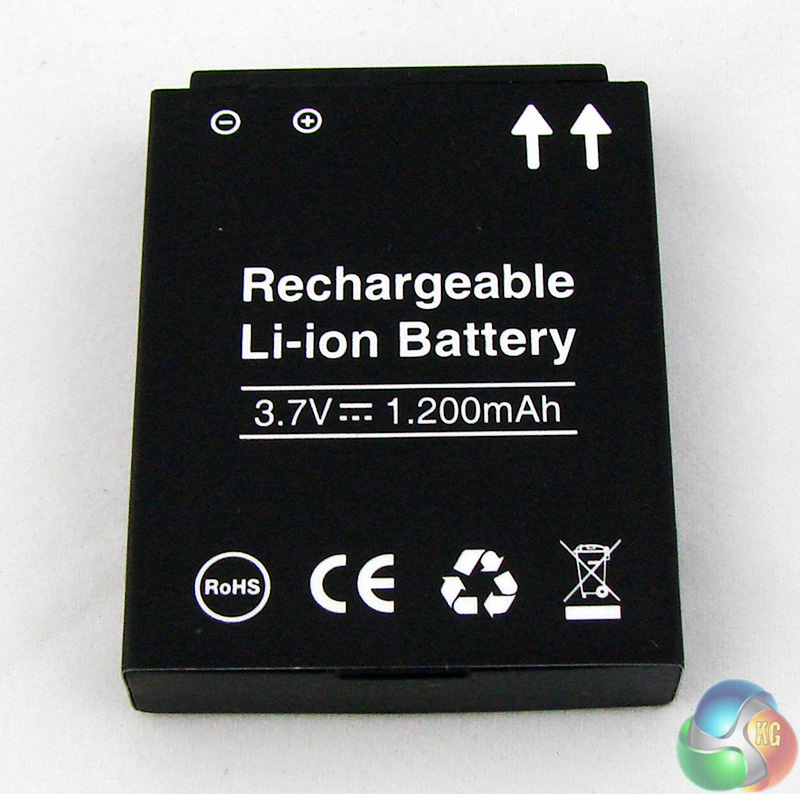
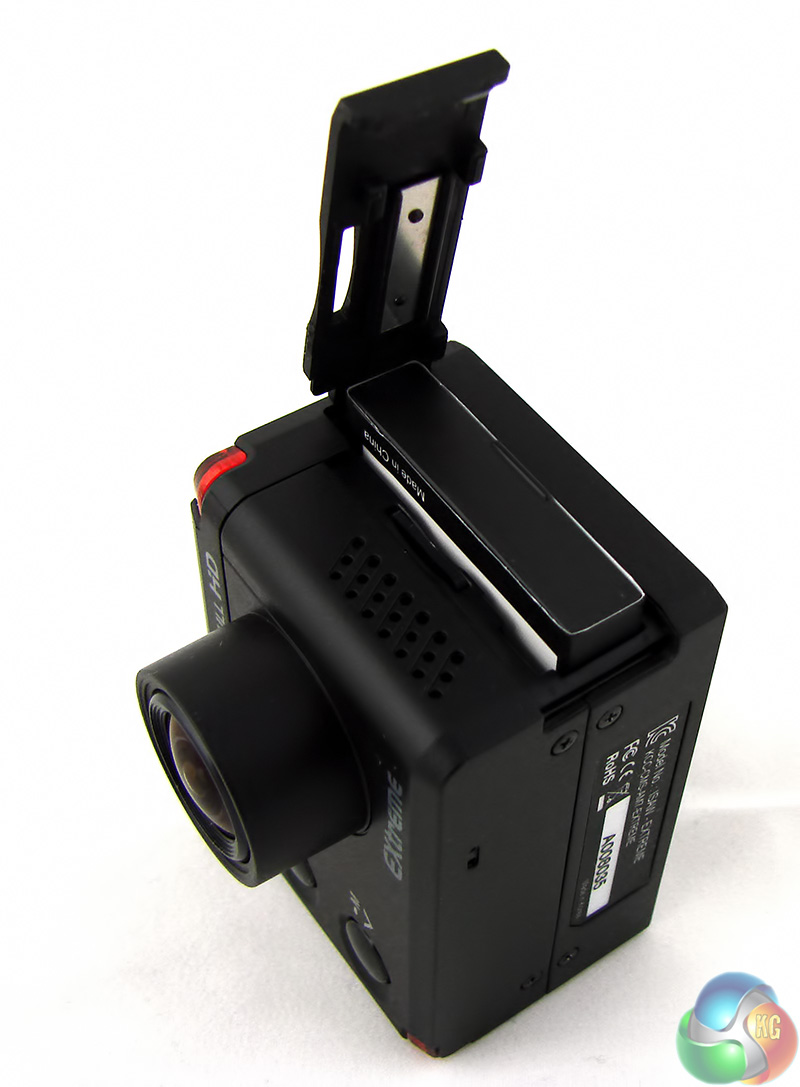
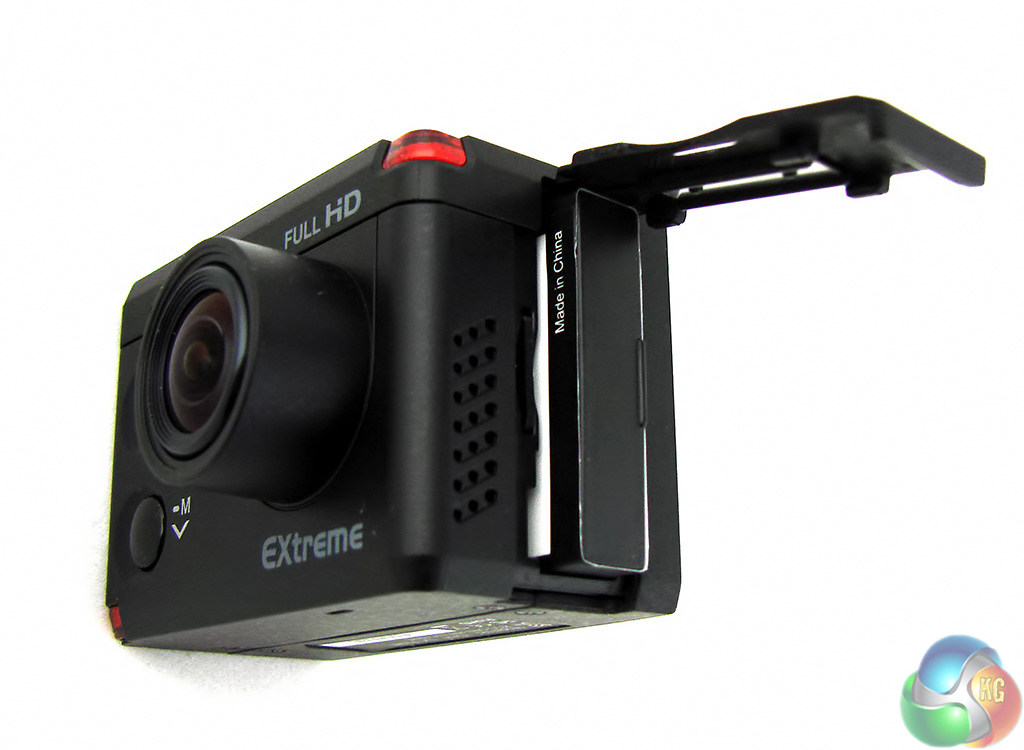
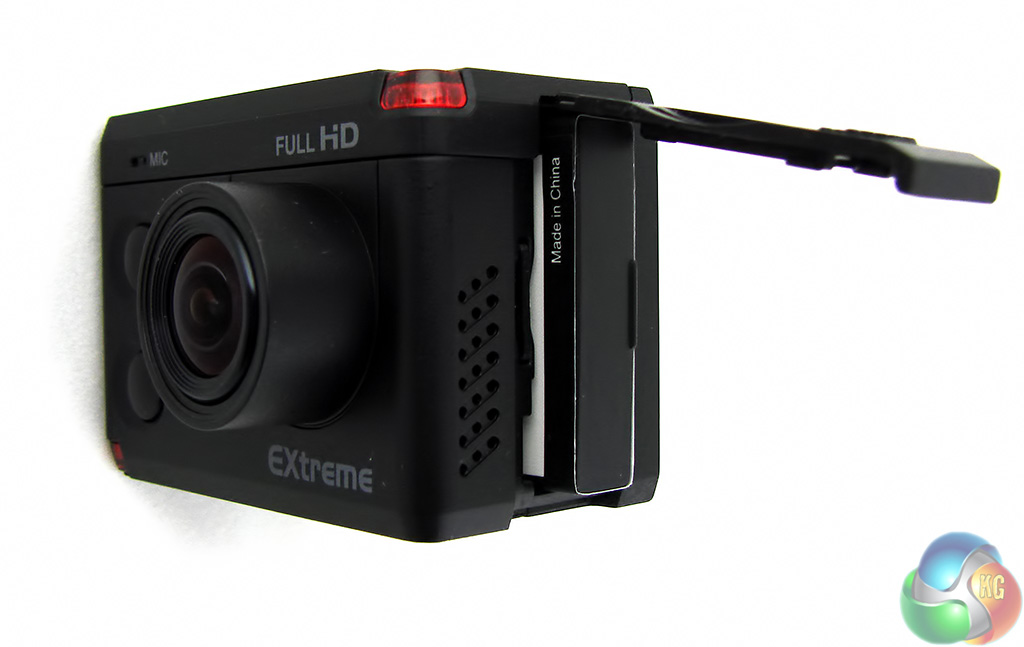
The Li-Ion battery is a 1,200mAh unit. The label actually says 1.200mAh however that is wrong and it should be a comma rather than a full stop.
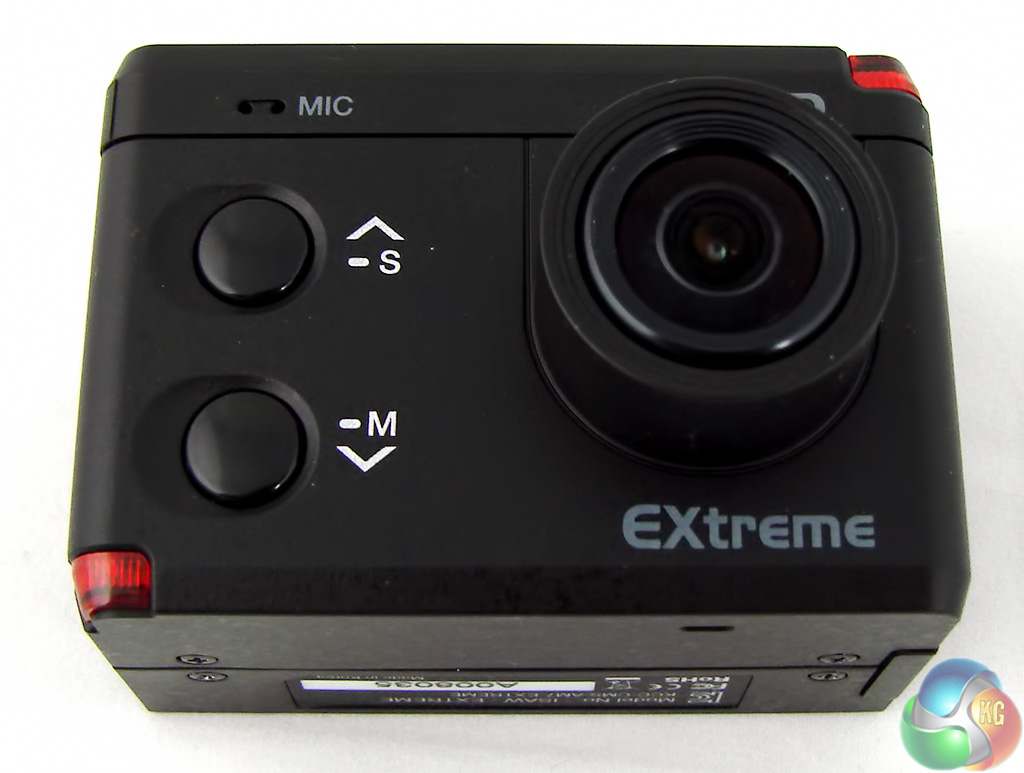
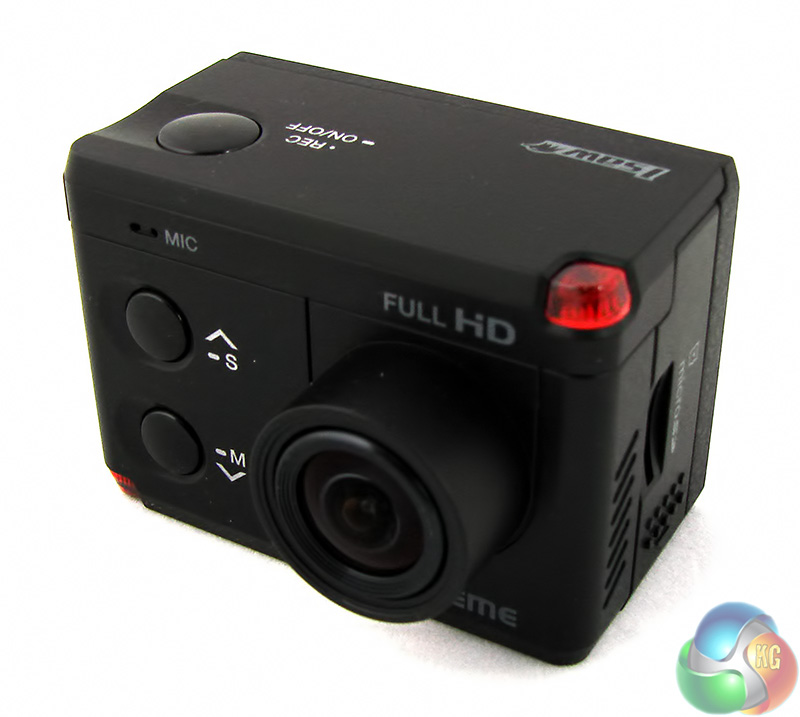
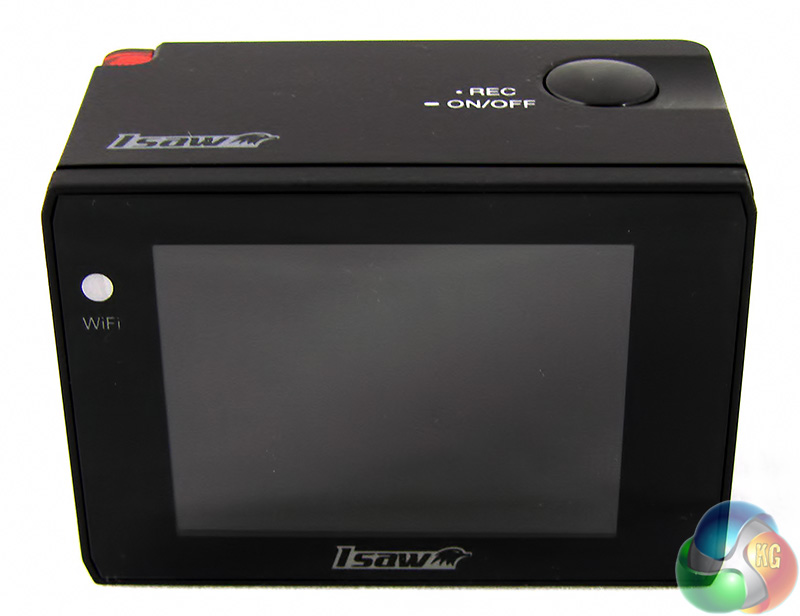
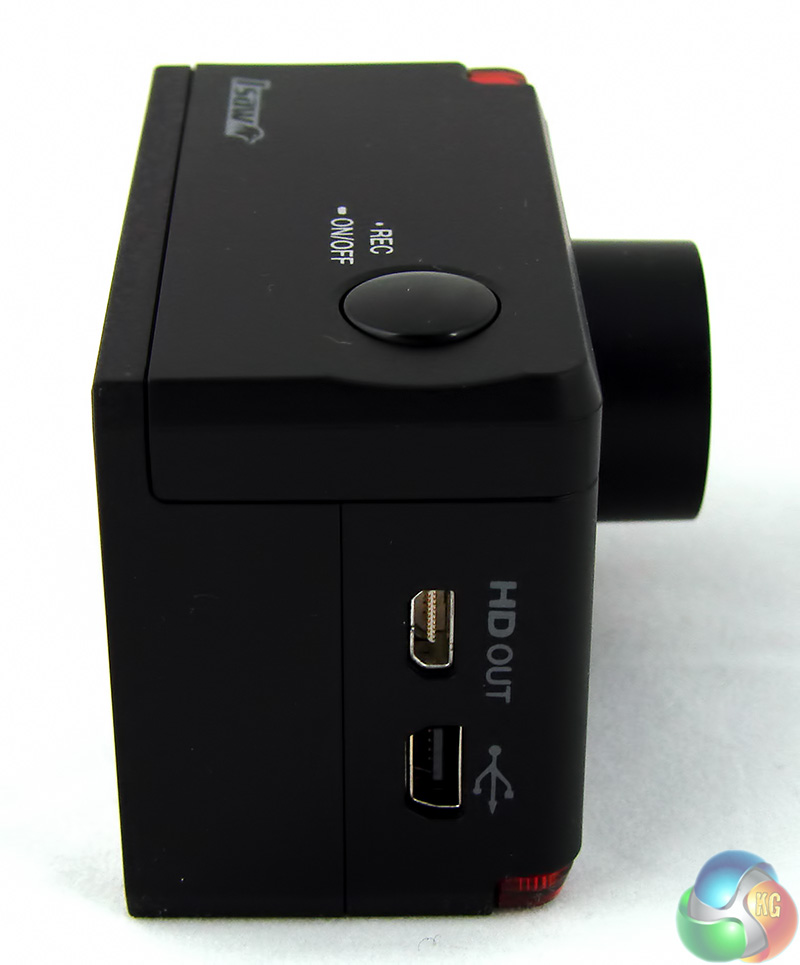
The bare camera measures 61mm x 43mm x 42mm and weighs 112g and as you look at the photos it is worth reminding yourself that the 2-inch LCD screen pretty much fills the back of the EXtreme. It is a tiny piece of hardware.
There are two buttons on the front that you use to adjust digital zoom and also to navigate your way around the set-up menu. The button on top is used to turn the camera on and off and also acts as a shutter control for taking photos and movies. When you're in the set-up menu this is the button you use to select an option. It can get a bit fiddly but the three buttons are really all you need.
Although the Extreme has a Micro HDMI port next to the USB port you do not get the necessary cable in the package.
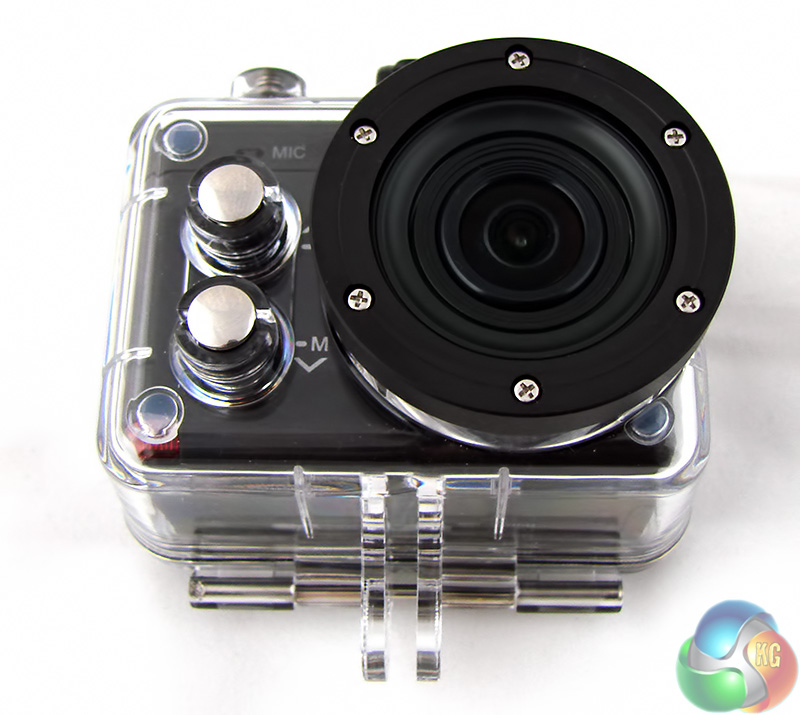
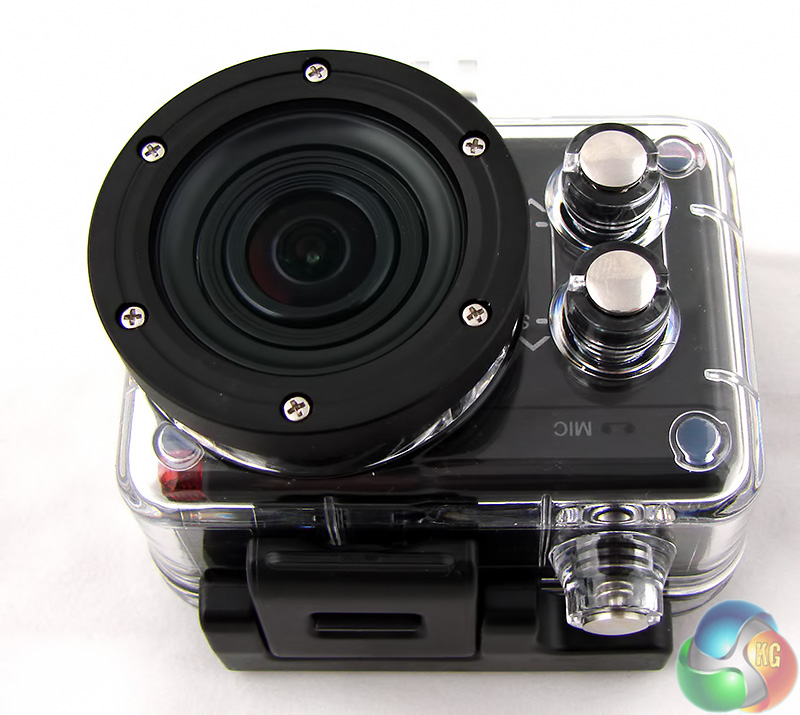
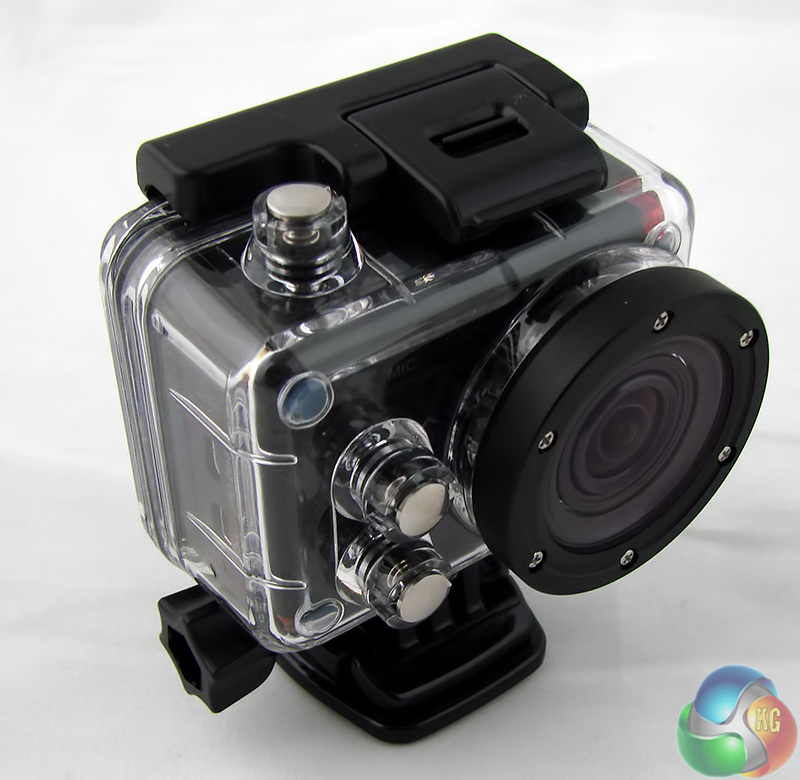
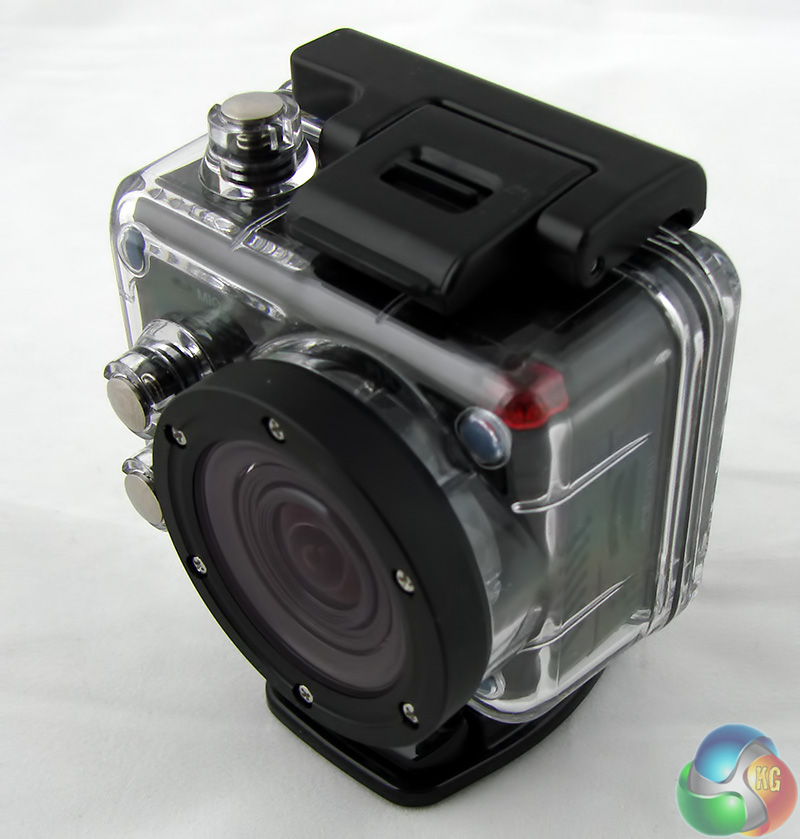
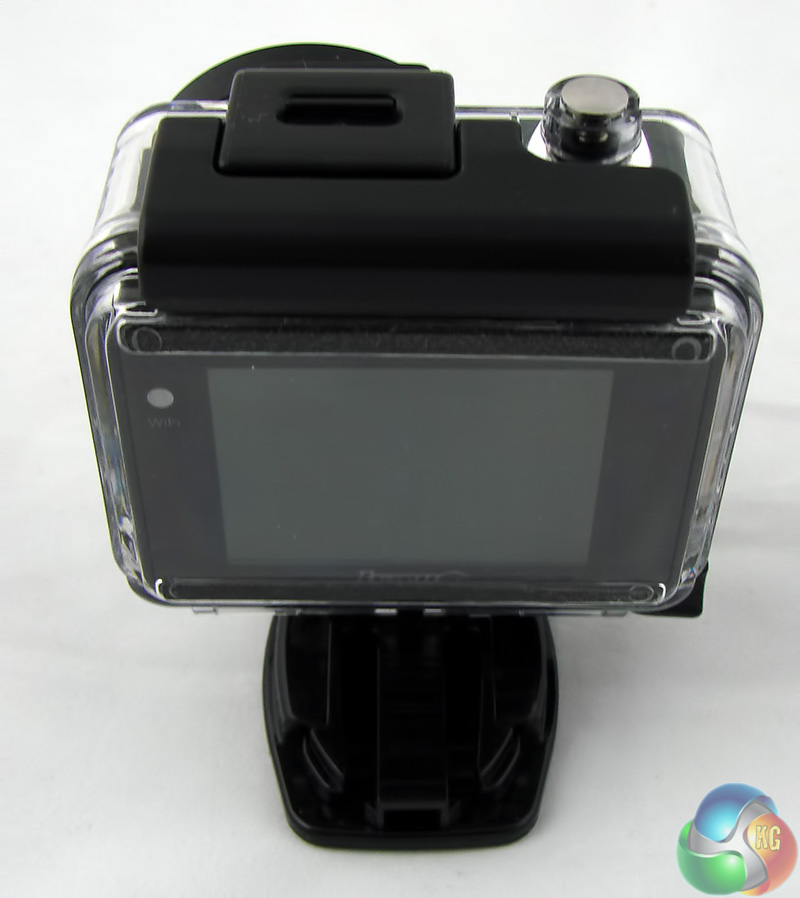
It might seem that life would be a little easier with a jog pad but this would be a nightmare to use with the waterproof casing and in my view iSAW has struck the correct balance here.
When I received the Xxtreme it came with firmware v1.1.7 however the iSAW website listed an update to v2.0.4although the link turned out to be broken. This led to a frustrating week of emails and delays that ended when I was sent a zipped file containing firmware version v2.0.9b. I transferred the file to the SD card, booted the camera, waited a short time and the update was complete.
The iSAW website has been updated to include firmware v2.0.4 (not yet v2.0.9b) and the link works. The release notes spell out that the changes in the software are only relevant if you are using the Wi-Fi remote control or iOS/Android control software.
While I was waiting for the firmware update I took a look at some of the other iSAW national websites to see whether I might track down the elusive v2.0 firmware outside the UK. I failed in that effort but while I was looking around I noted that each of the sites looked different to each other. In the course of my travels I came across a piece of software called iSaw Manager v1.3 on an iSaw site in the Far East.
The utility wasn't listed on the UK site at that time but has now made an appearance here. iSAW Manager allows you to browse the media files on the camera, play them back, mark beginning and end points and then cut the section you mark from the video as a copied file.
My concern here is that iSAW's support behind the scenes feels a bit patchy, as though the resources are stretched rather thin.
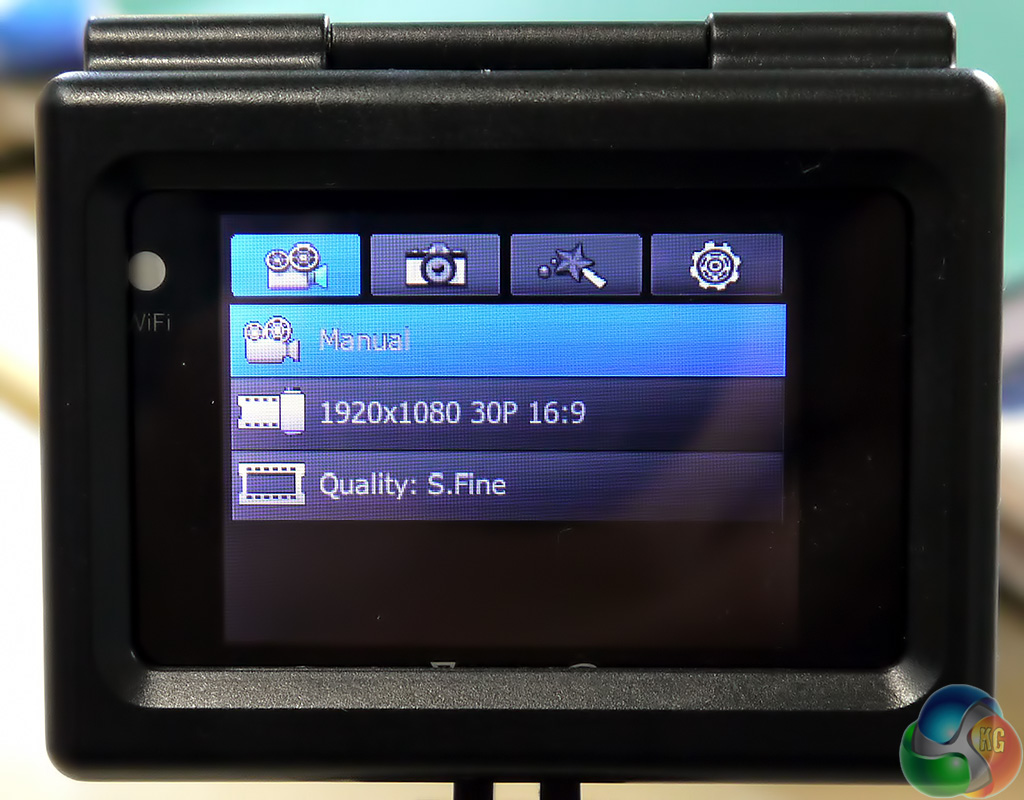
The first tab on the set-up men is video options. This is straightforward enough and allows you to choose between Full HD 1080p at 60fps or 30fps, 1600×1200 at 60fps or 30fps, HD 720p at 120fps, 60fps or 30fps and WVGA 480p at 240fps.
Recording at 480P and 240fps or 720P and 120fps gives slow motion playback however the audio is disabled.
During my testing I found that recording 720P at 30fps chewed up Micro SD storage at a rate of 1.2MB per second which meant an 8GB card lasted nearly two hours.
Increasing image quality to 1080p at 60fps increased the rate to 2.2MB per second and demolished an 8GB card in one hour.

Still photos settings give three options for the resolution of photos based on their aspect ratio. You can choose between 8.5MP and 3:2, 12MP and 4:3 and 7.2MP at 16:9.



Above JPEG images from the camera – 12MP (top left), 8.5MP (top right) and 7.2 MP (lower left).
There is a noticeable difference between the three settings and while I was expecting the camera to be a bit of a joke I was actually rather impressed by the photos that it took.
The photos modes are very interesting. You can elect to use manual to simply point and click or you can set the timer to either 5s or 10s. I enjoyed the time lapse mode where the camera takes a series of photos every 0.5, 1, 3, 5,10, 30 or 60 seconds until you tell it to stop, or the SD card is full or the battery is flat.
The final mode is burst which didn't do anything interesting for me.
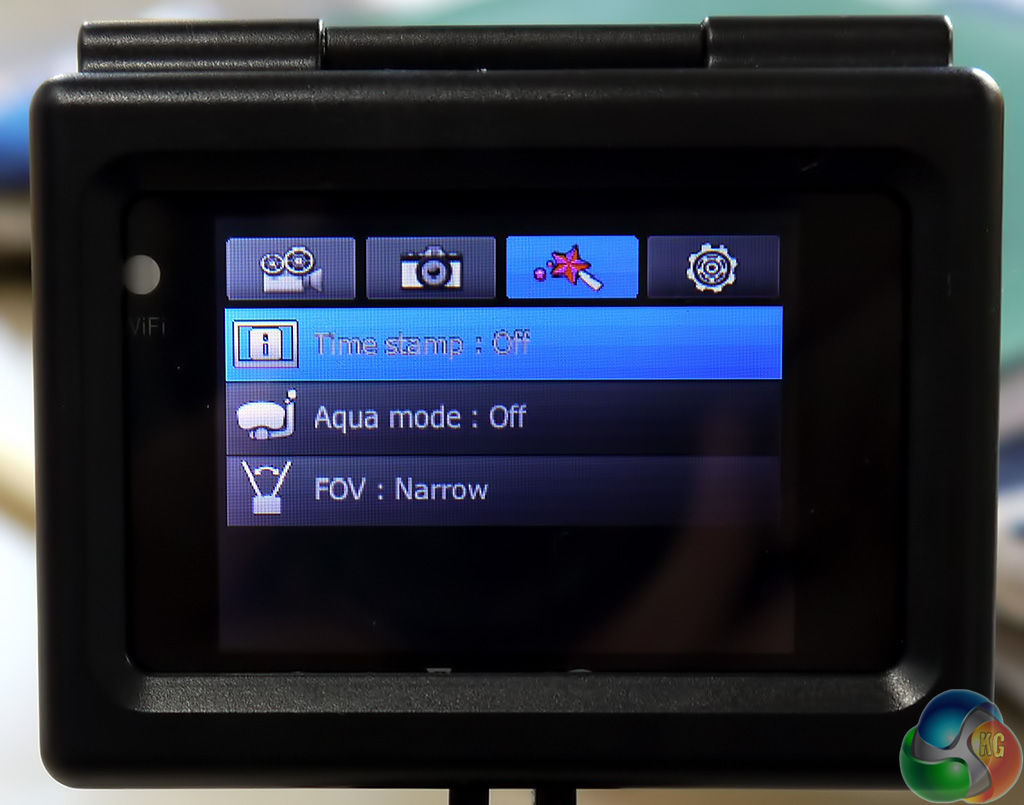
The third menu option covers the exotic stuff. Aqua mode is used for underwater footage to make the colours more vivid and intense. I don't dive but happily iSAW has used YouTube to demonstrate the point here.
[yframe url='http://www.youtube.com/watch?v=ZRFgStR_1AE']
[yframe url='http://www.youtube.com/watch?v=dm7q7B0Yivk']
FOV (Field of View) is set by default to wide and you can also choose medium or narrow. Here are three video clips to show the dramatic differences between these modes. [yframe url='http://www.youtube.com/watch?v=qX6Nh1QNh1I'] [yframe url='http://www.youtube.com/watch?v=HSskWYc3LV4′] [yframe url='http://www.youtube.com/watch?v=_7EpRRMM3Ks']
The two high speed recording modes that I previously mentioned at 720p and 480p set the FOV to wide as well as disabling audio. The native viewing angle is 152 degrees so presumably the camera uses software to adjust to medium and narrow and cannot manage this task at 100fps and 200fps.
The resulting video looks good but the fish eye makes it appear a little strange
[yframe url='http://www.youtube.com/watch?v=hFvHEUAPTWM']
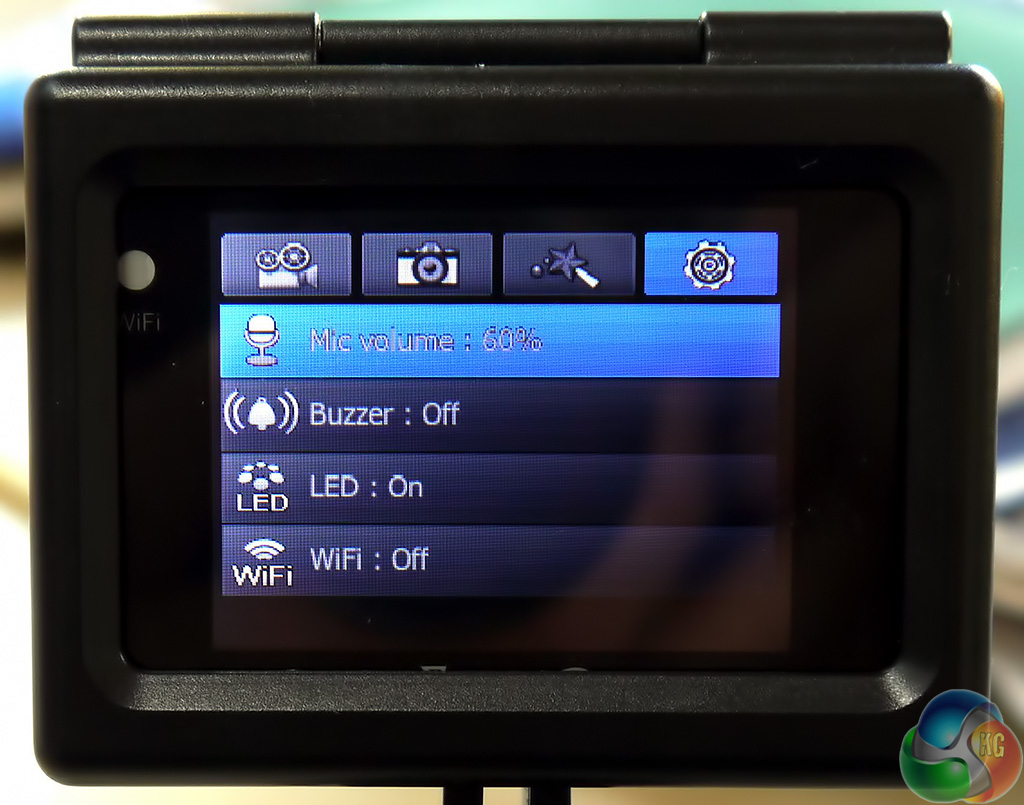
The fourth column of menu settings contains an array of odds and ends and I hate to think how much hassle it would be navigating the changes without the use of the 2-inch LCD screen. The first option is microphone volume and the settings here are Off, 30 percent, 60 percent and 100 percent with a default of 60 percent.
Audio quality is generally quite reasonable however it is the weakest part of the EXtreme's performance. When you're moving outside the microphone picks up a load of wind noise.
These clips of piano show that audio quality indoors is borderline acceptable at 60 percent and horribly distorted at 100 percent. [yframe url='http://www.youtube.com/watch?v=cDZCPLWFiWw'] [yframe url='http://www.youtube.com/watch?v=lHmgE3Sy0Xc']
As you will hear in the biking video when you are outdoors the microphone picks up a good deal of wind noise.
My instinct was to disable the buzzer setting as the beep that you get with every button press is bloody annoying. I quickly discovered that you need the buzzer to keep tabs on where you are in the settings so here's hoping that iSAW adds a volume option so you can reduce the level.
The Wi-Fi settings in the revised firmware are Off, APP for the iSAW Viewer app and RC to connect to a dedicated iSAW Remote Control accessory (price unknown) but you don't need this extra piece of hardware.
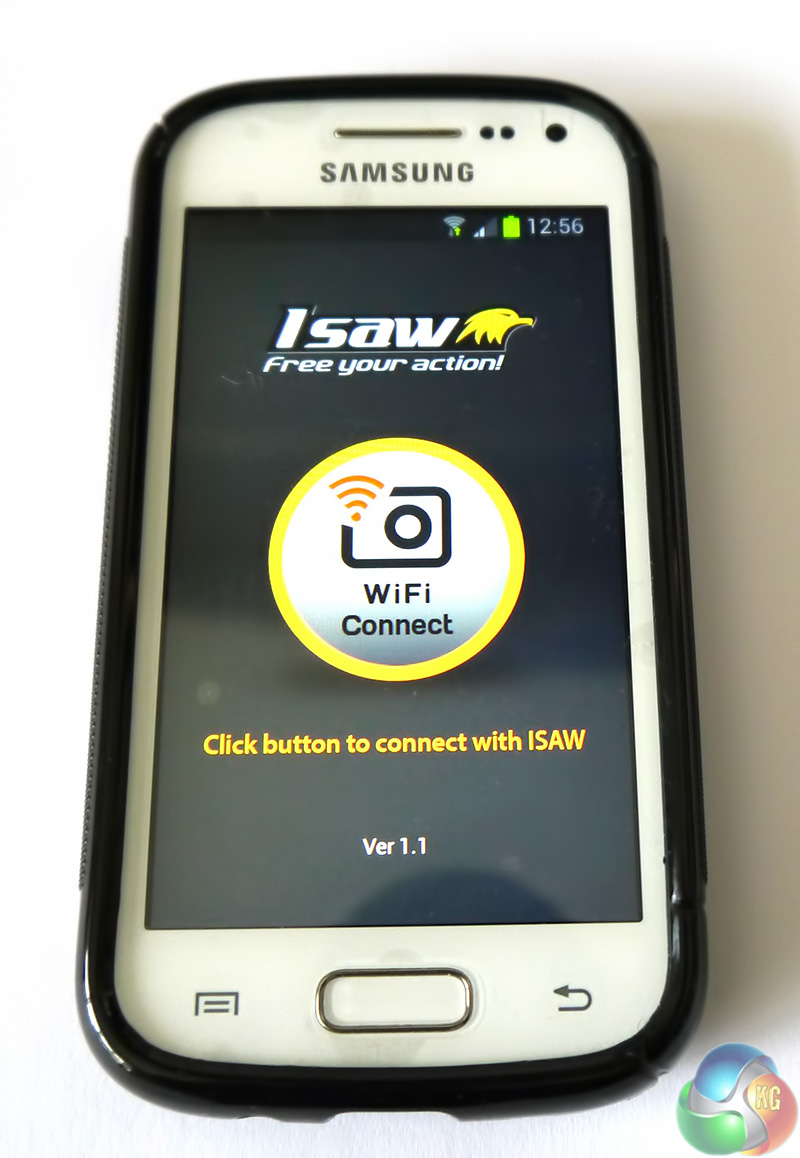
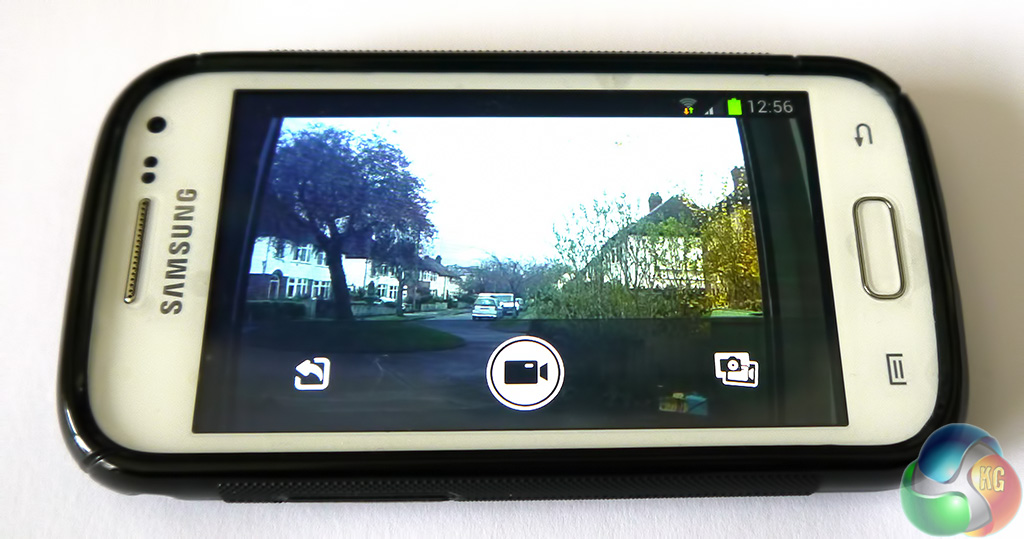
Instead you install the free iSAW Viewer app on your Android phone or iPhone. The next step is to enable Wi-Fi in both your phone and camera, then connect your phone to the iSAW in the phone's Wi-Fi settings using the default WPA2 security code of 12345678.
When you click the ‘connect' button in the iSAW Viewer the camera button controls are locked and control is passed to your phone. Your phone or tablet acts as a remote screen so you can see what the camera sees and can you choose to start and stop recording whenever you like, provided the camera is in range.
If you want to make any changes, such as the shooting mode, you need to make them in the camera before you pass control to the remote screen. At any rate that is the case for Android users who get the remote screen and Record/Stop buttons. The Apple iOS app appears to allow you to change settings from your phone.
Using the iSAW Viewer app can be very good indeed. Let's say you are the co-driver in a car with the EXtreme mounted on the dashboard, in which case you are able to start and stop the camera from your phone without any trouble as you will always be within Wi-Fi range. But what if you are a mechanic in the pit lane for a bike or car, or your mate is about to go up in a helicopter or plane?
You can check the camera is on and pointing in the correct direction and then start recording but as soon as the distance between Extreme cam and phone hits about 100 metres (I got 120 metres with direct line of sight) the Wi-Fi link will break.
The camera will continue recording but the app will do the spinning hourglass thing and when the camera returns within range the link will remain broken so you'll need to stop the camera manually.
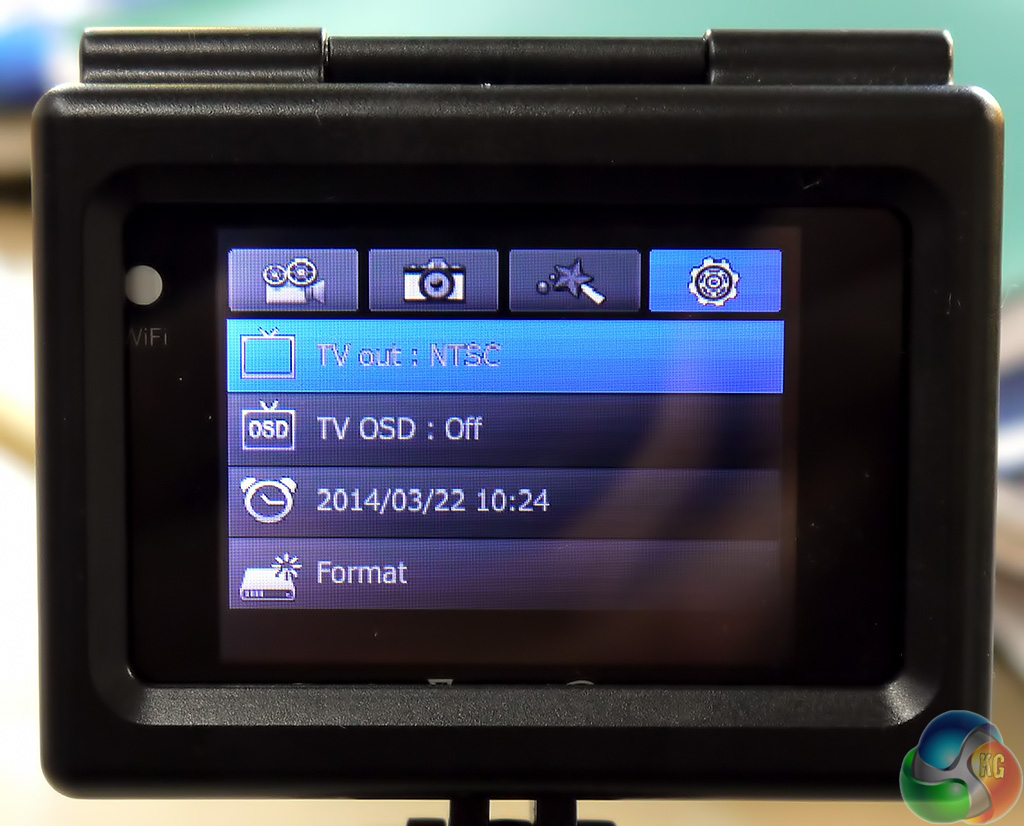
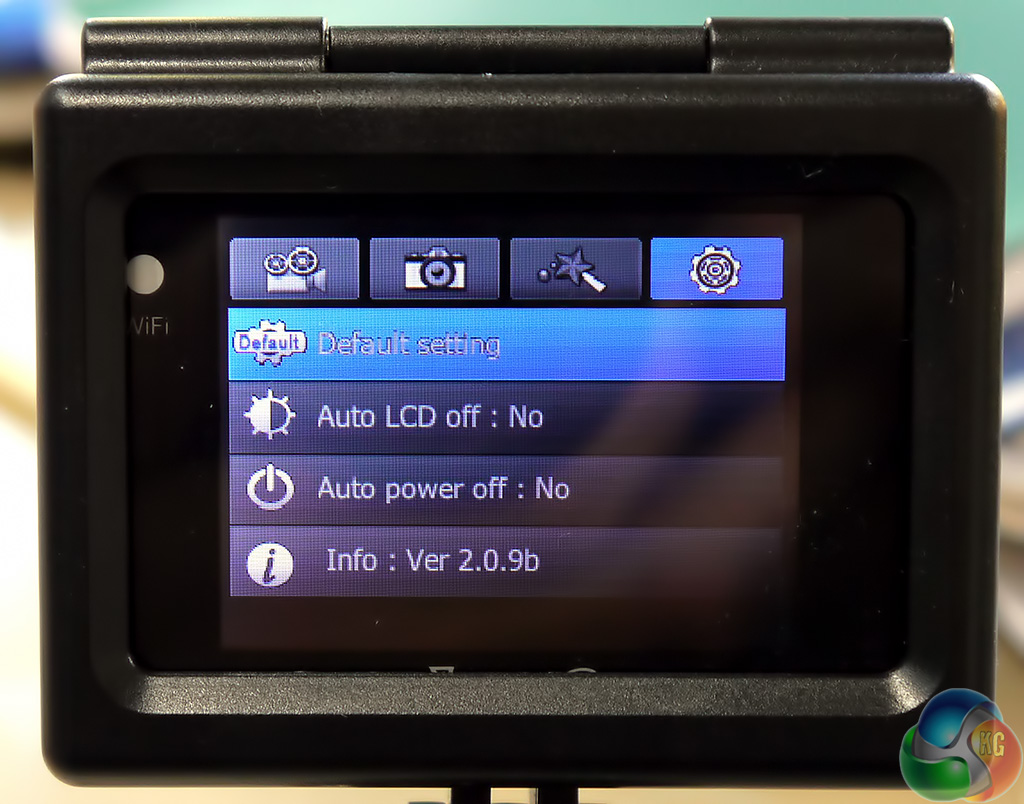
The remaining settings cover mundane stuff such as NTSC/PAL and auto power off.
[yframe url='http://www.youtube.com/watch?v=-moR38ADShQ']
The two buttons on the front of the camera adjust digital zoom. Click the bottom button to open zoom mode then use the two buttons to step between x1, x2, x3 and maximum x4.
[yframe url='http://www.youtube.com/watch?v=EwEBnPbqIiA']
To test the EXtreme in action I sent the lad out on his bike and the results were better than I expected. The quality of the video doesn't match a dedicated camcorder such as my Sony HDR-TG3E but that would be a ridiculous expectation for a device the size of an over-grown sugar cube.
The picture is sharp and clear and there was no visible motion blur. Colours look accurate and the wide angle lens does a decent job although there is a certain amount of fish eye distortion.
The claimed battery life recording at 1080p at 30fps is ‘up to 150 minutes.' I got nothing like that sort of battery life and hit 99 minutes with the Wi-Fi disabled.
Turning the Wi-Fi on dropped the battery life to a mere 46 minutes which is a massive difference. Both of those figures were achieved with the 2-inch LCD screen enabled. I was surprised to see that disabling the LCD didn't have any benefit for the battery life.
Although the battery life was lower than I hoped you'll still get through the best part of 16GB of storage on a single charge.
If you were choosing an action cam based purely on the specification then you might not see much difference between the iSAW EXtreme and, say, one of the GoPro Hero3+ range. The hardware inside the cameras is very similar and the leading contenders all shoot 1080p video using a Sony sensor and store the movie on Micro SD media.
The fundamental difference is that iSAW offers a single package that does pretty much everything you need and the price is very reasonable.
Inside the stunningly attractive package you get the camera, two mounting frames and a handful of mounting hardware that will suit pretty much every customer. As part of the deal you get the 2-inch LCD screen and built-in Wi-Fi which means you have no need to splash out extra cash on a remote control as you can simply use your iPhone or Android phone.
I was impressed by the quality of the video and photos produced by the EXtreme and the only significant gripe (apart from marginal battery life) is that the microphone could do with some work to improve the audio.
You can buy the iSAW EXtreme Action Camera from Amazon for around £225 inc vat.
Discuss on our Facebook page, over HERE.
Pros
- Excellent video quality at 1080p and 720p
- Good selection of photo modes
- Built-in Wi-Fi works very effectively with the iSAW app
- The 2-inch LCD screen makes set-up very easy
- Loads of accessories to give you plenty of mounting options
- The price is pleasingly low
Cons
- The iSAW name is terrible.
- Audio quality is no better than passable
- Battery life could be improved
- The iSAW website and support could do with some work.
- The pop-off lens cap is rudimentary
KitGuru says: Impressive performance and you get plenty of accessories for the price


good review and very detailed. I think I might order it.
I always wonder, how much more expensive would a camera like this have to be to offer 1080p support at 120 frames per second. I would imagine the buffer and processing would have to be at least 4 times faster to cope?
Great review!
After reading it I got an extreme from a swedish retailer for 180$. A nice price 🙂
Just wondering if you could share the v.2.0.9 – ISAW doesnt answer mail well…
/Johan
Nice review! CDON in Sweden sells these again for 1245 SEK, about $180 as per the above comment or about £115, http://cdon.se/hemelektronik/isaw-extreme-action-camera-p26839795
Got one today & I’m eager to test it out, also interested in the FW v.2.0.9.
Edit: Just found it here: http://www.recordnow.nl/downloads/isaw/ISAW%20EXTREME_firmware_V2.0.9.zip
I think that it is good camera but isaw has not any accessories on ebay. Do You Know any good places Where I can buy accessories?
http://www.ebay.com/itm/181370309419?redirect=mobile
Has Somebody tested adapter? Is There any Other way to use external microphone?
the latch of underwater housing breaks easily. My first casing broke on the same day of purchase while fiddling with it. The second one has crack on exactly the same spot after just one diving trip. The manufacturer ought to take note of this design flaw and do something about it.
do you know where i can buy the underwater housing?