KitGuru KitGuru.net – Tech News | Hardware News | Hardware Reviews | IOS | Mobile | Gaming | Graphics Cards


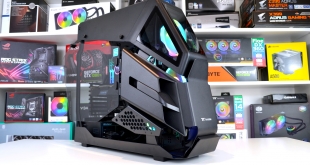
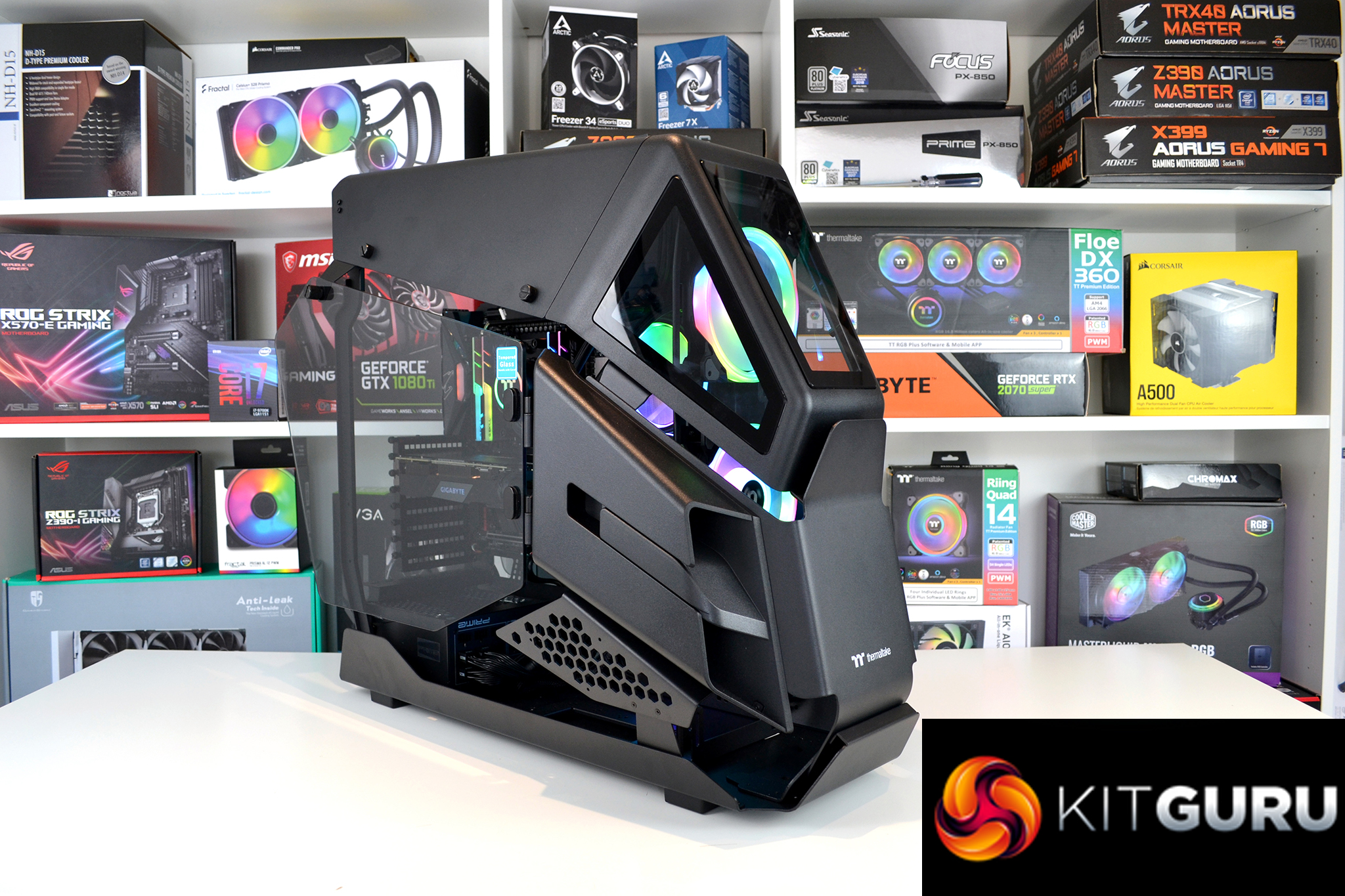
We got our very first glimpse of the Thermaltake AH T600 chassis at CES 2020 earlier in the year and have been looking forward to getting the opportunity to take a closer look at it ever since. According to Thermaltake, the AH T600 is styled around an attack helicopter and is aimed towards those who really want to show off their system with its rather unique appearance. But the real question is, what is it like to build a system inside? Let’s find out.
Thermaltake has a history of producing cases that its extensive modding community has adapted into some very interesting creations. In 2016, Thermaltake launched the Core X9 chassis that was later modded to look like a tank and both the Core P3 and P90 have been crafted into some weird and wonderful creations in the past too.
Then in 2019, Thermaltake equipped its production lines with the tooling to make its own unique and outlandish looking cases in-house. The AH T600 attack helicopter themed chassis is the first case to be created from this new production model and is available for enthusiast PC builders to purchase now.
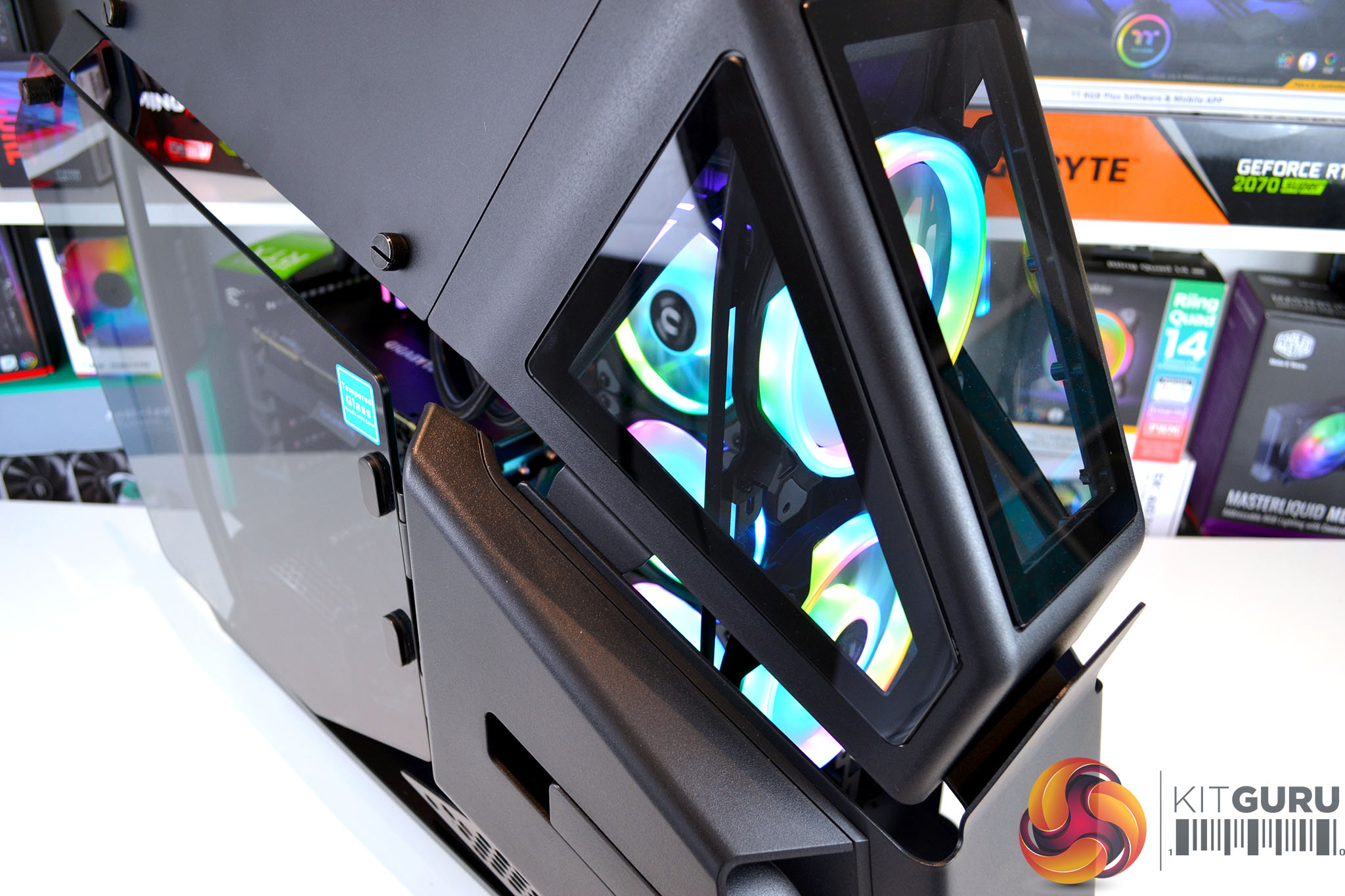
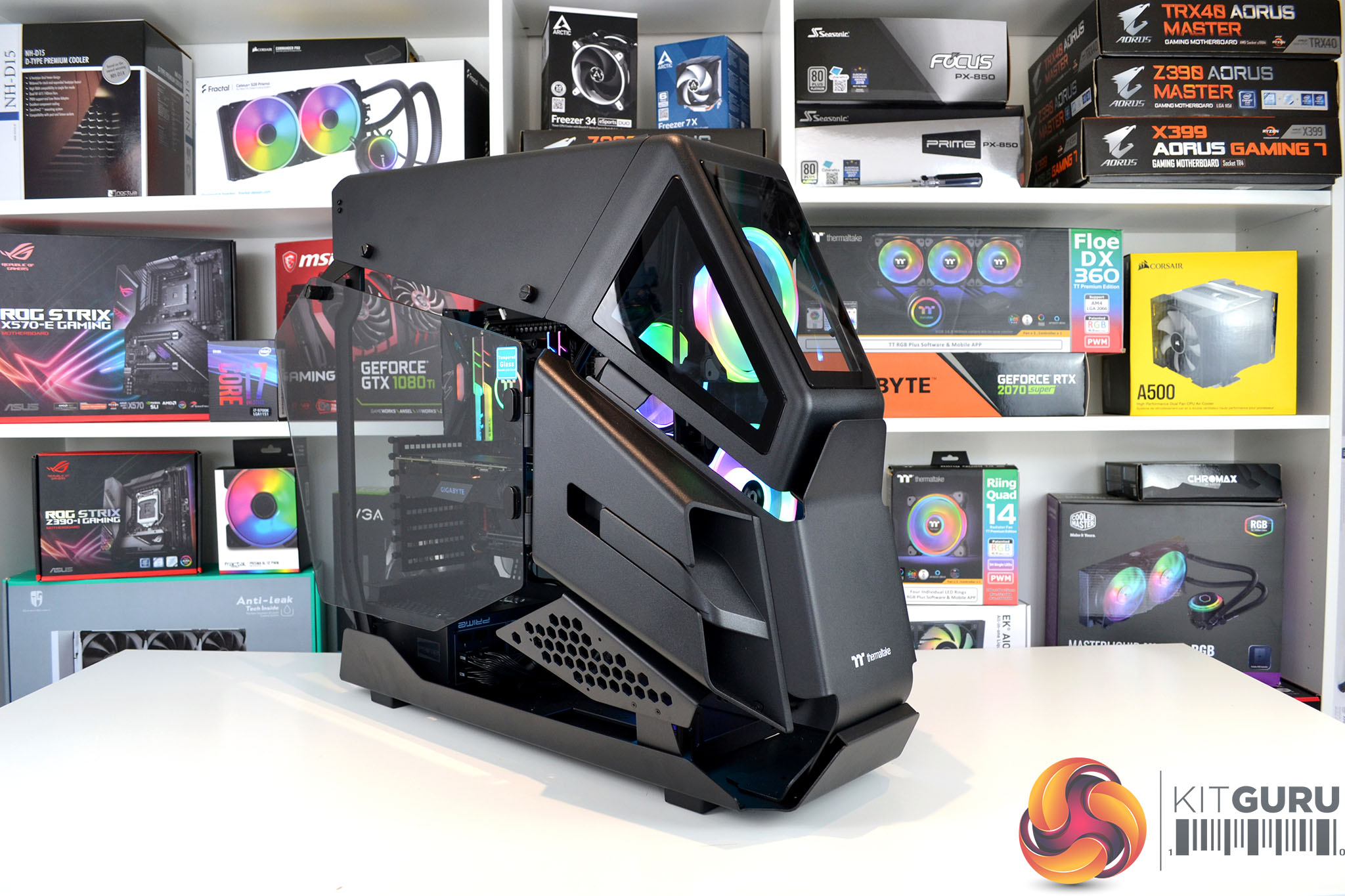
AH T600 is technically an open frame full ATX tower chassis and is intended to be used for showcasing unique builds in the best possible way. It is equipped with five tempered glass panels, three at the front which sort of resemble an attack helicopter cockpit, as well as two glass side windows that are mounted on hinges with thumbscrew fasteners for easy access to the interior. There are also a generous amount of panel gaps around the chassis, so airflow shouldn’t be restricted.
The structure of the chassis frame is constructed from steel and the outer shell is manufactured from a combination of steel and plastic panels. Compared with the average mid-tower desktop cases, the AH T600 is a bit of beast. With all the panels installed it measures 750mm from front to back, it stands approximately 620mm tall and weighs in at over 20kg empty.
In terms of hardware component support, the AH T600 can house up to EATX form factor motherboards, CPU coolers up to 195mm tall, power supplies with a maximum length of 200mm and graphics cards up to 440mm long. The rear panel allows for vertical or horizontal PCIe add-in card installation and there is space for up to two 3.5-inch HDDs or a total of three 2.5-inch SSDs or HDDs.
AH T600 is Tt LCS-Liquid Cooling support certified which means it is perfect for hardcore enthusiasts to build complex and extreme custom liquid cooling solutions inside. Generous radiator mounting options are available, with support for up to 480/420mm radiators or 4 x 120mm/3 x 140mm fans in the front, up to 360mm radiators or 3 x 120mm/2 x 140mm fans in the roof and there is space for up to 360mm radiators or 3 x 120mm/2 x 140mm fans to the right of the motherboard tray.
Pre-installed to the floor of the AH T600 chassis is a removable bracket for installing compatible water pumps or pump/res combos and the front panel I/O consists of power and reset buttons, power and HDD activity LEDs, two USB 3.0 Type-A ports, a single USB 2.0 Type-A, one USB Type-C port and 3.5mm HD audio jacks for headphones and a microphone.
The Thermaltake AH T600 is available in either black or white colour schemes and is available to purchase now. The Black version is priced at around £250 and the Snow white version is a little more expensive at around £265 in the UK, which I suppose doesn’t seem too expensive considering the unique design and sheer size of the case, if you are into this kind of thing of course.
Key features
- Distinctive attack helicopter design
- Support for extreme water cooling setups
- Tempered glass front and side panels
- Ideal for showcasing unique builds
Specifications
| Case type | Full tower |
| Dimensions (H X W X D) | 628.3 x 337 x 763 mm |
| Net Weight | 20.64 kg |
| Side panel | 5mm Tempered Glass x 2 |
| Colour | Black |
| Material | SPCC |
| Drive bays | 2 x 3.5″ or 3 x 2.5” |
| I/O Panel | Type-C x 1, USB 3.0 x 2, USB 2.0 x 1, HD Audio x 1 |
| Expansion Slots | 8 |
| Fan support | Front: 4 x 120mm or 3 x 120mm or 2 x 120mm or 1 x 120mm /3 x 140mm or 2 x 140mm or 1 x 140mm
Top: 3 x 120mm or 2 x 120mm or 1 x 120mm / 2 x 140mm or 1 x 140mm Right: 3 x 120mm or 2 x 120mm or 1 x 120mm / 2 x 140mm or 1 x 140mm |
| Radiator support | Front: 1 x 480mm or 1 x 360mm or 1 x 240mm or 1 x 120mm / 1 x 420mm or 1 x 280mm or 1 x 140mm
Top: 1 x 360mm or 1 x 240mm or 1 x 120mm / 1 x 280mm or 1 x 140mm Right: 1 x 360mm or 1 x 240mm or 1 x 120mm / 1 x 280mm or 1 x 140mm |
| Maximum CPU cooler height | 195mm |
| Maximum VGA length | 300mm (With Water Pump) 440mm (Without Water Pump) |
| Maximum power supply length | 200mm |
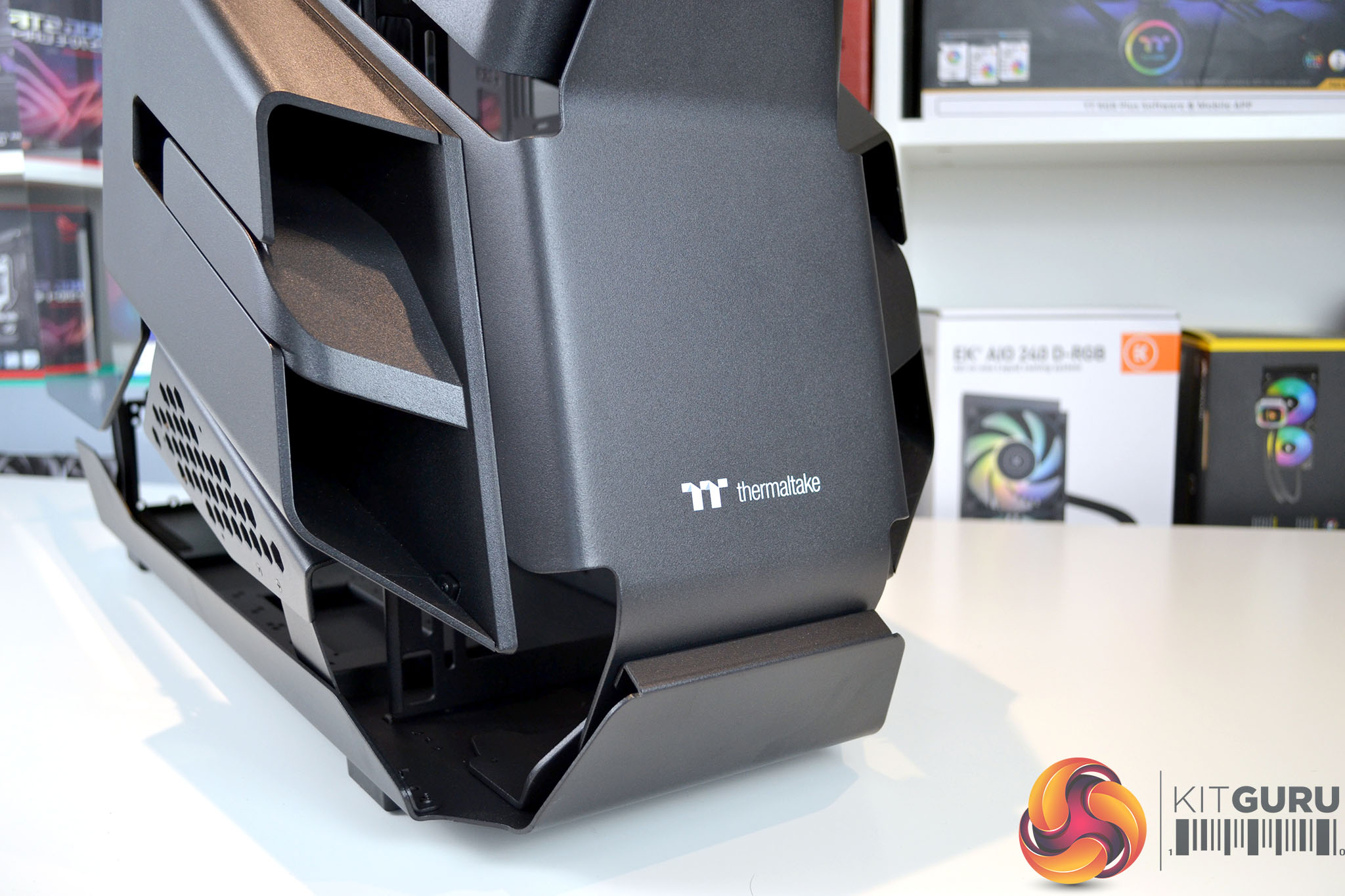
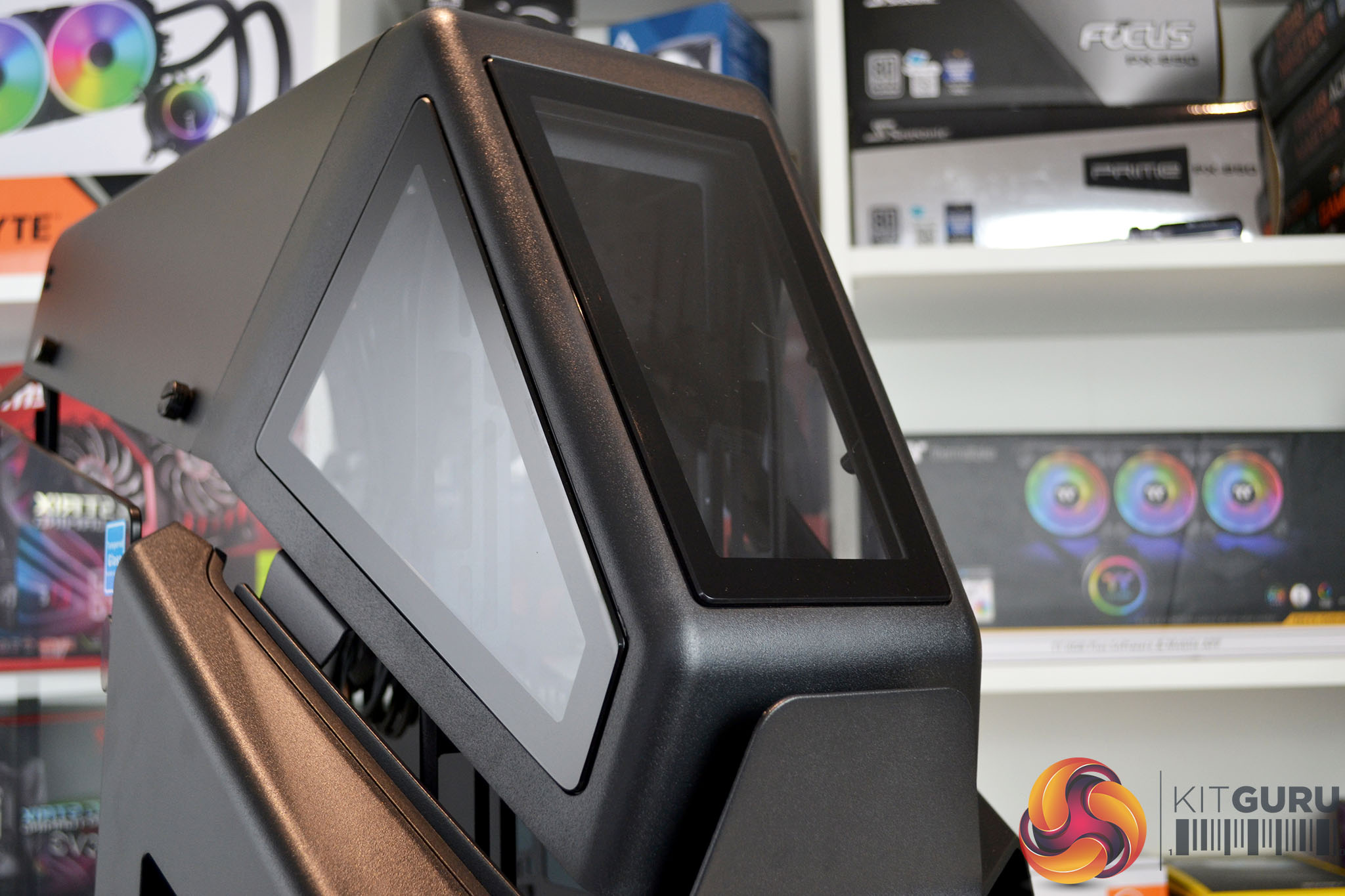
The front panel of the AH T600 is made up of two sections, the lower half is constructed from a thick steel with a Thermaltake logo printed in white and the upper half is made of a combination of black plastic and three tempered glass panels. There are various air gaps around the bottom and at the side of the front panel for airflow.
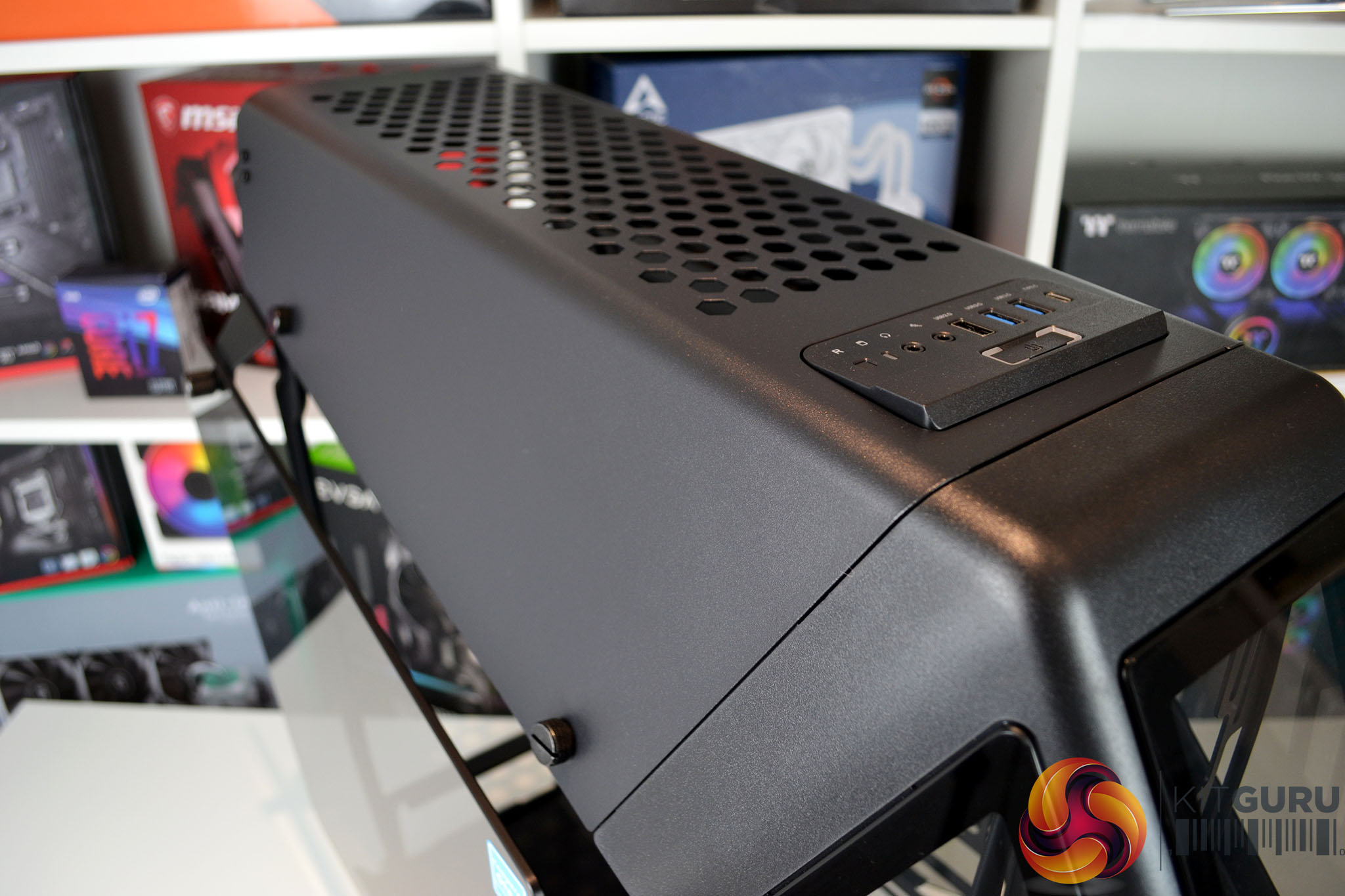
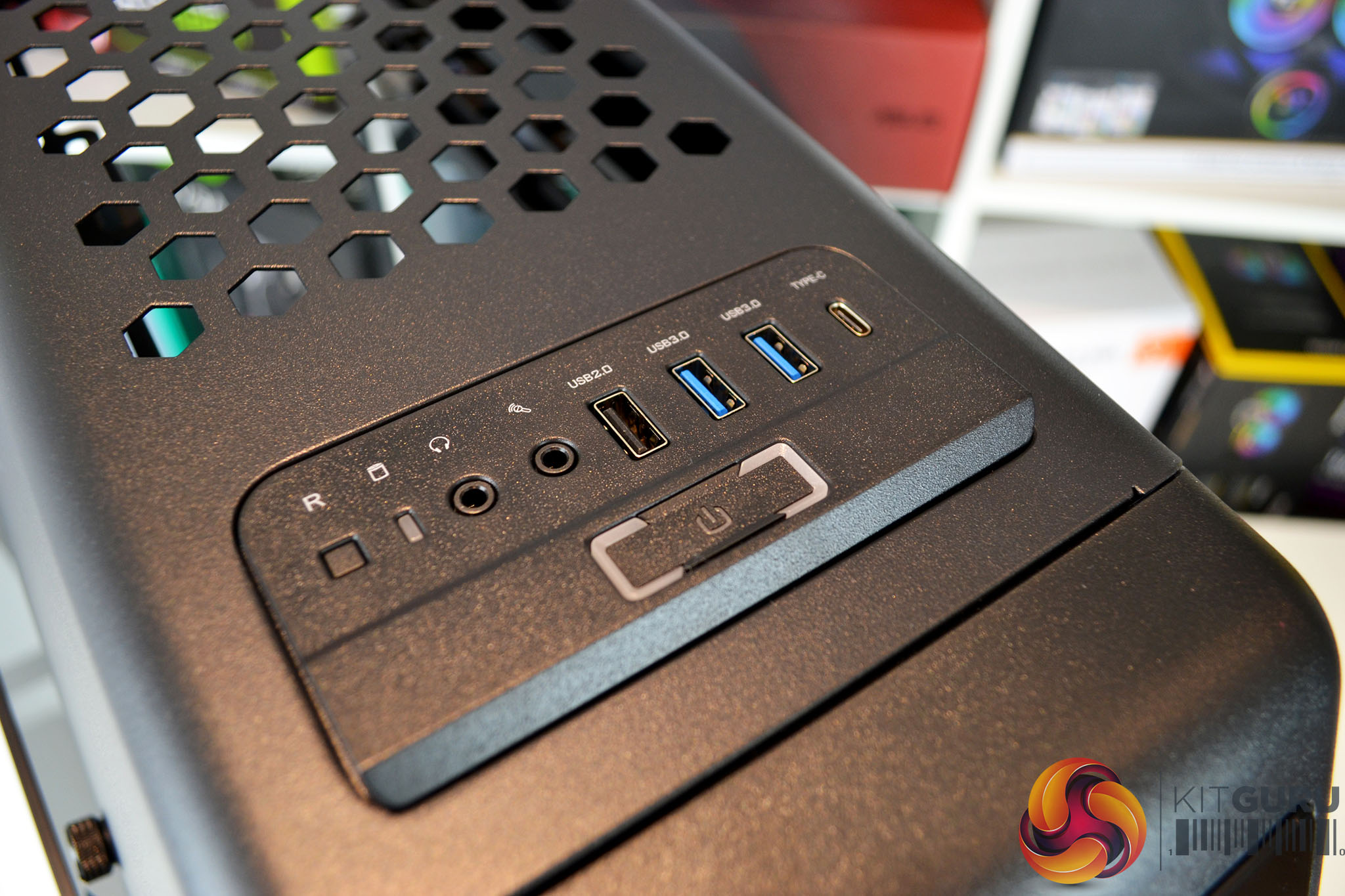
A steel top panel featuring a large vent with wide hexagonal holes can be removed for installation of fans and top-mounted radiators. Towards the front of the top panel is the front I/O that includes power/reset buttons and LEDs, as well as various Type-A/Type-C USB ports and 3.5mm audio jacks.
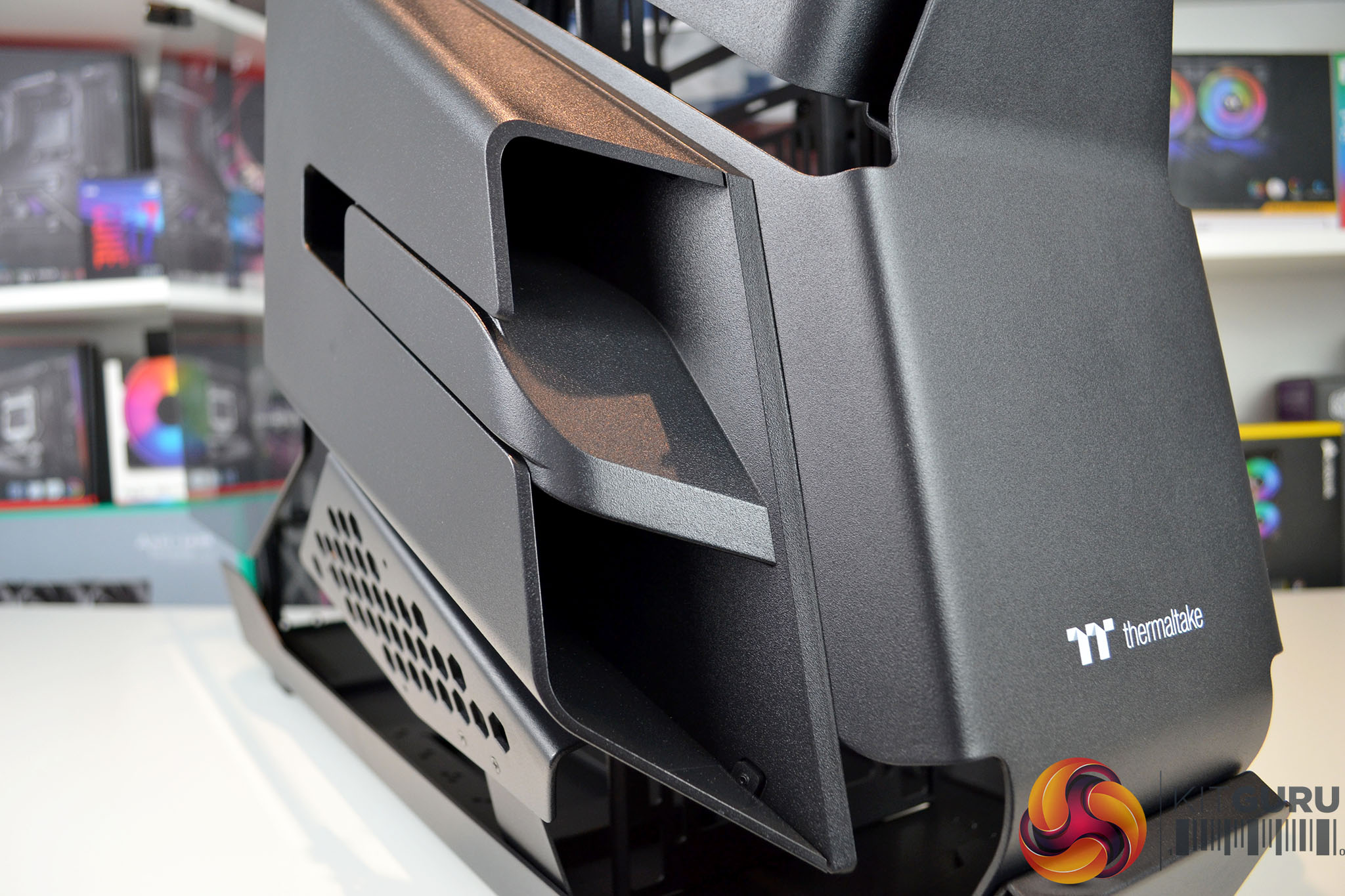
Both sides of the case have a symmetrical design with lower air intakes or “engines” made from plastic, there for aesthetic reasons only and serve no purpose for airflow or anything of the kind. Below is an additional perforated metal vented section which is again here just to enhance the appearance.
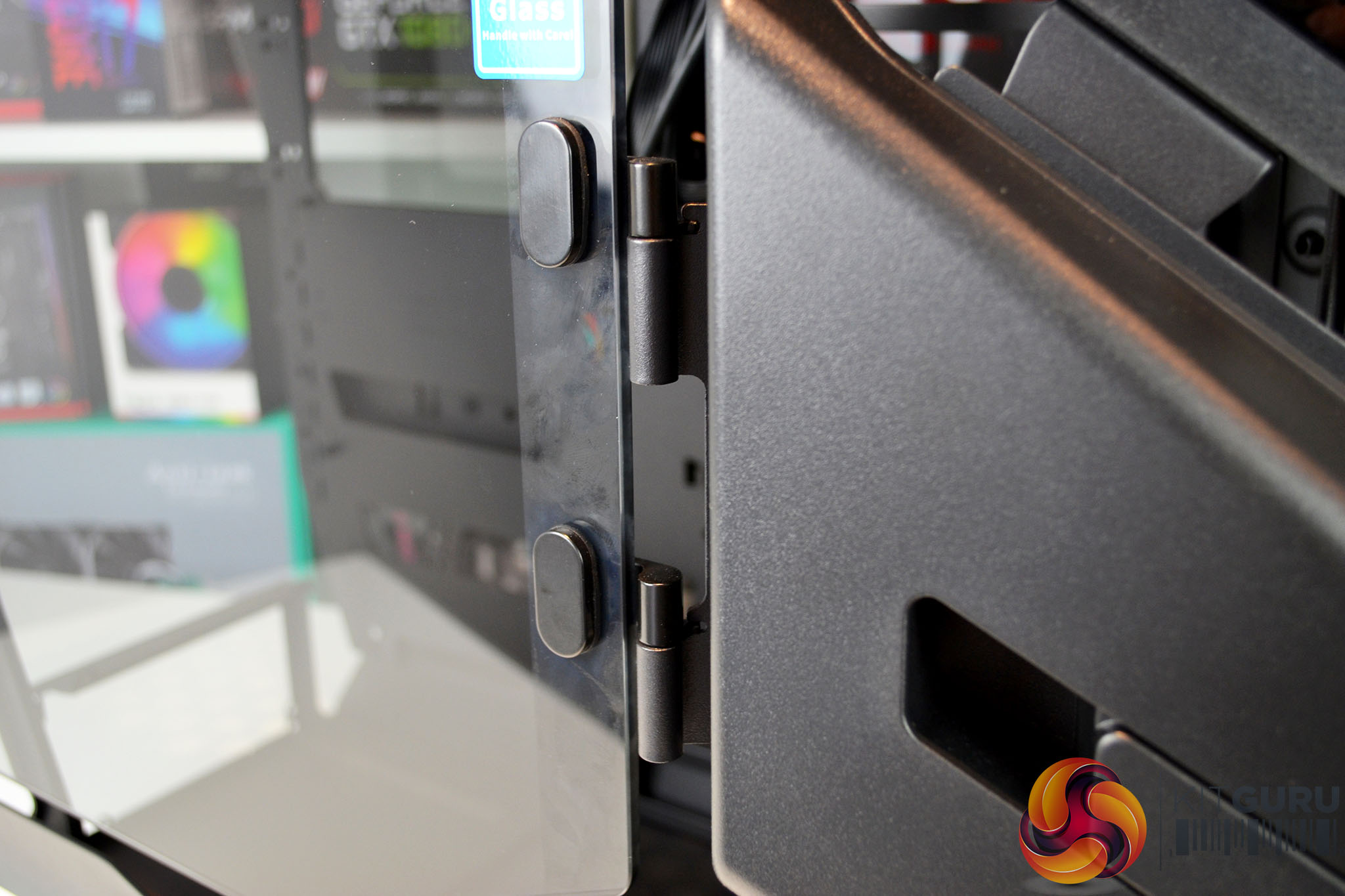
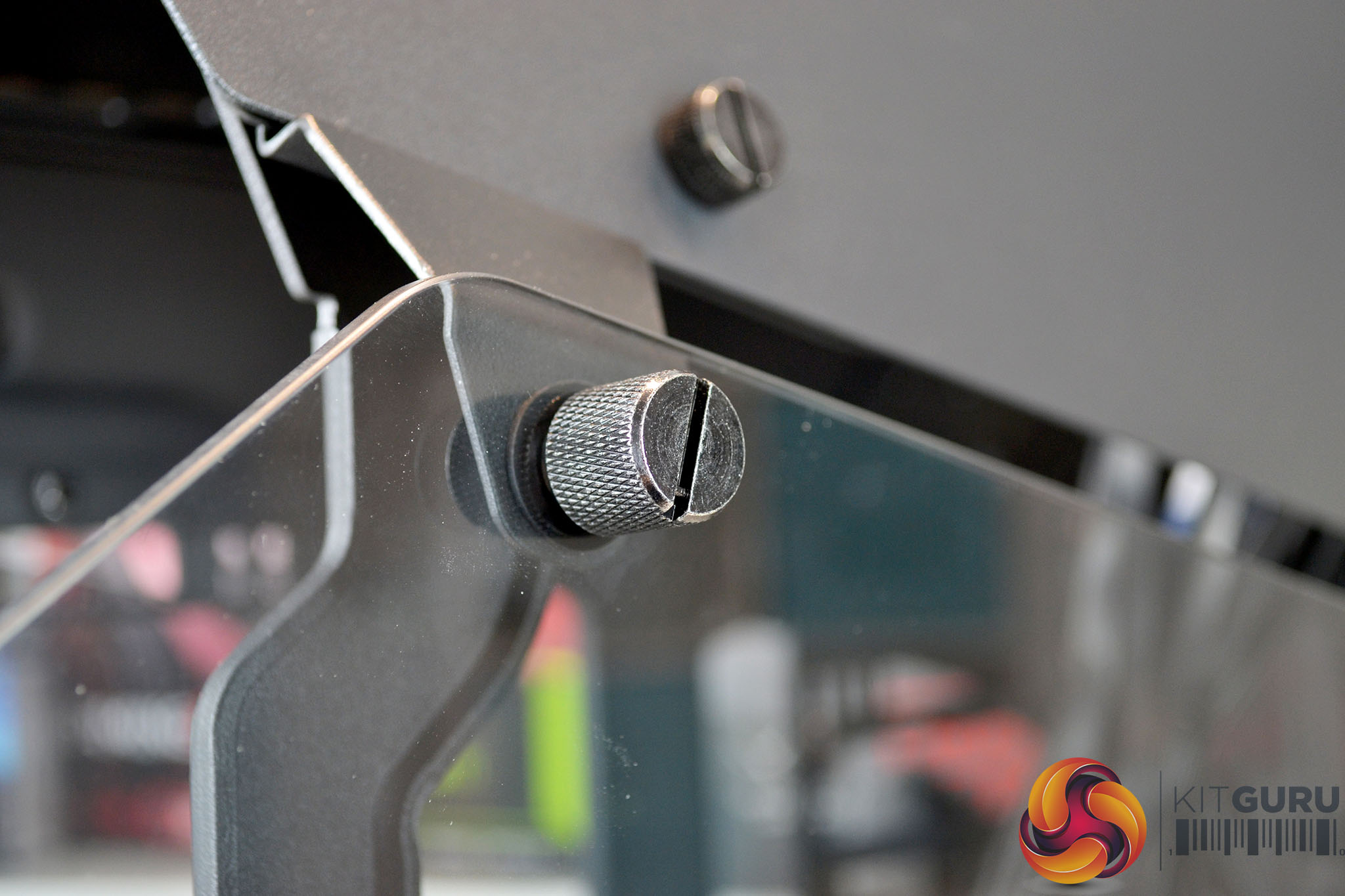
Further back are 5mm tempered glass side panels mounted on hinges, with a single thumbscrew at the top to hold them closed, which makes easy access to the interior tool-free. All around the tempered glass side panels are large airflow gaps so heat build up inside the case should be kept to a minimum.
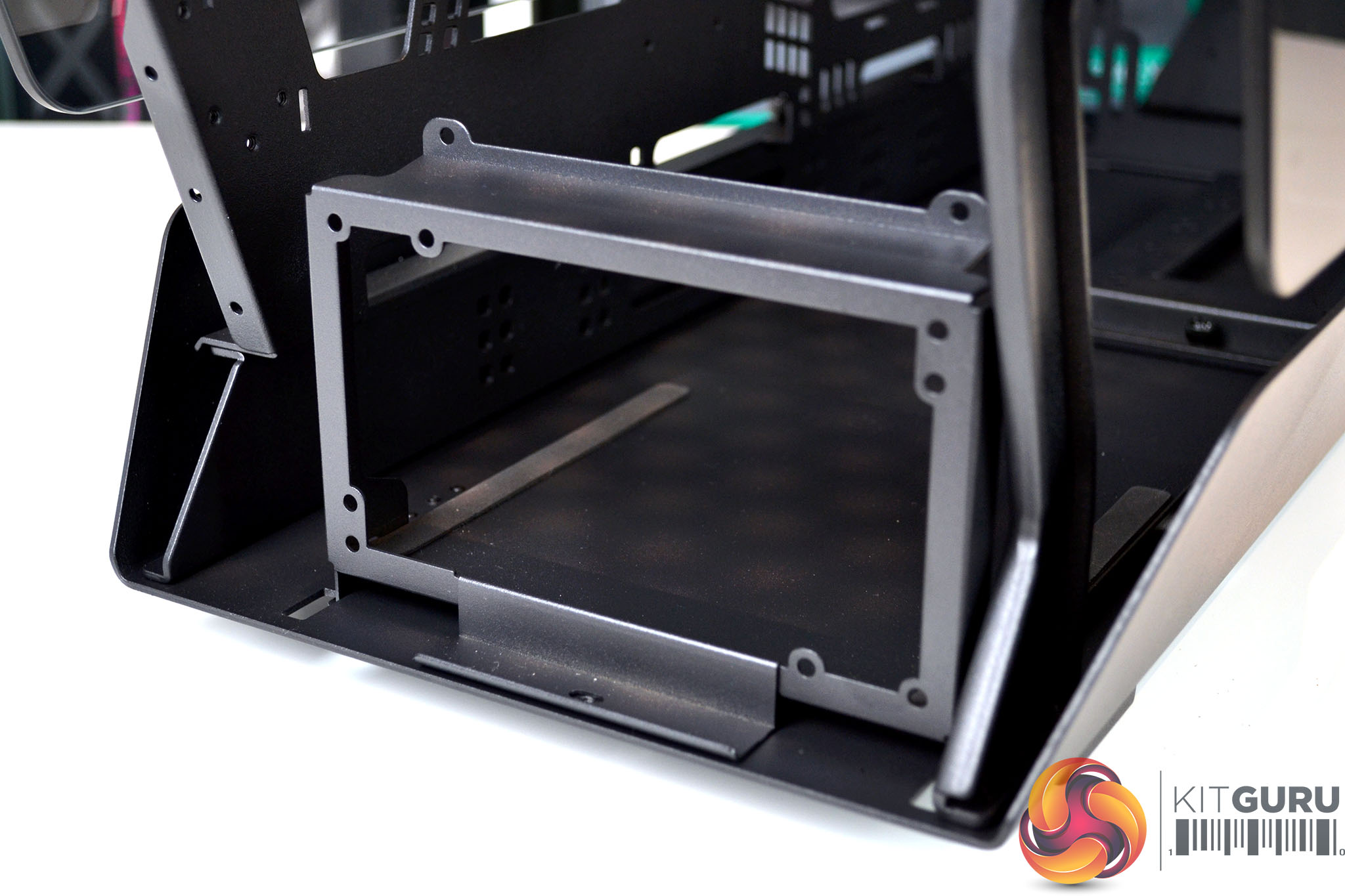
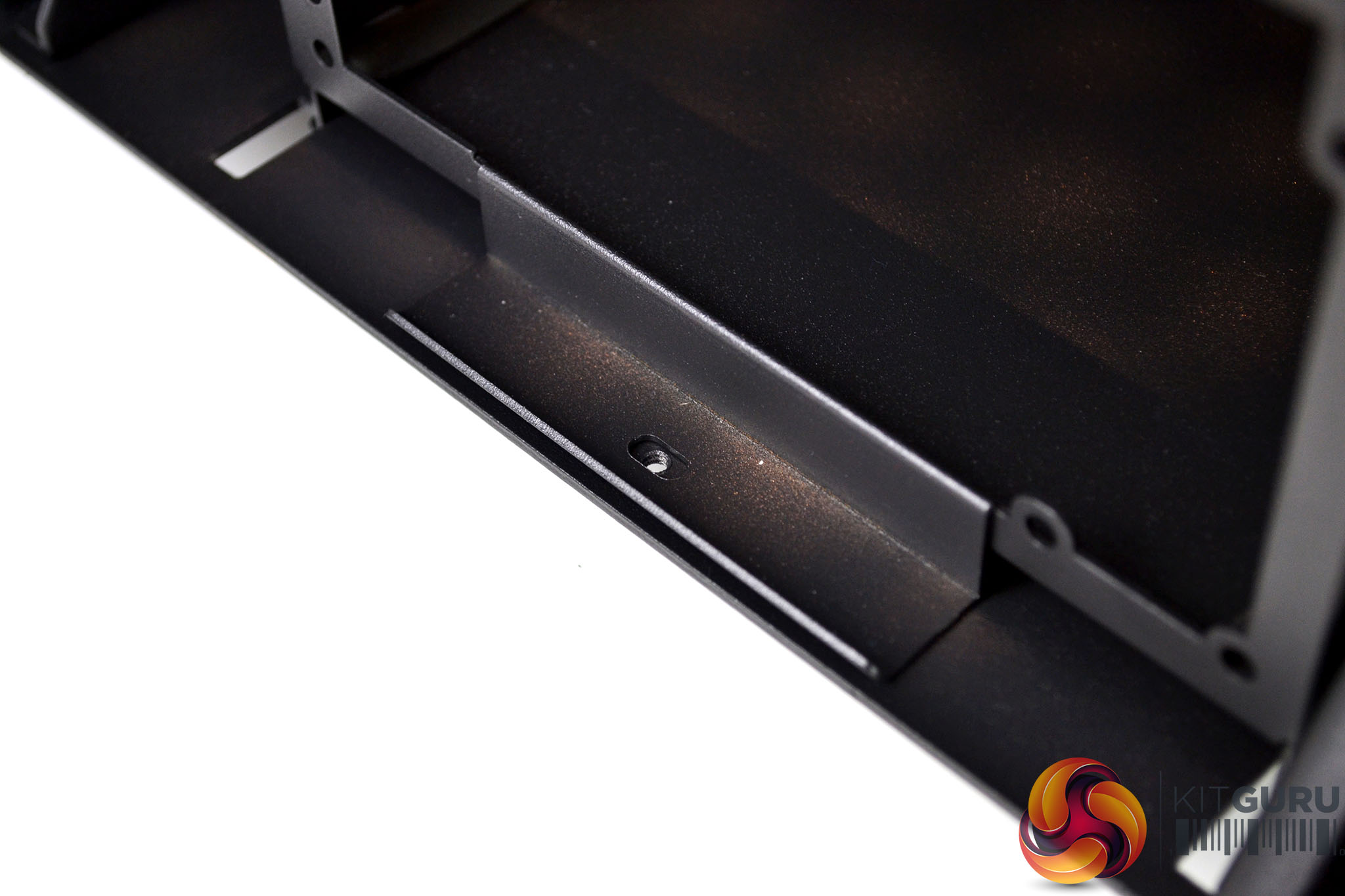
At the rear of the chassis, there is a power supply mounting bracket that can be removed to install the power supply to, before fixing it in position inside and securing with a single thumbscrew.
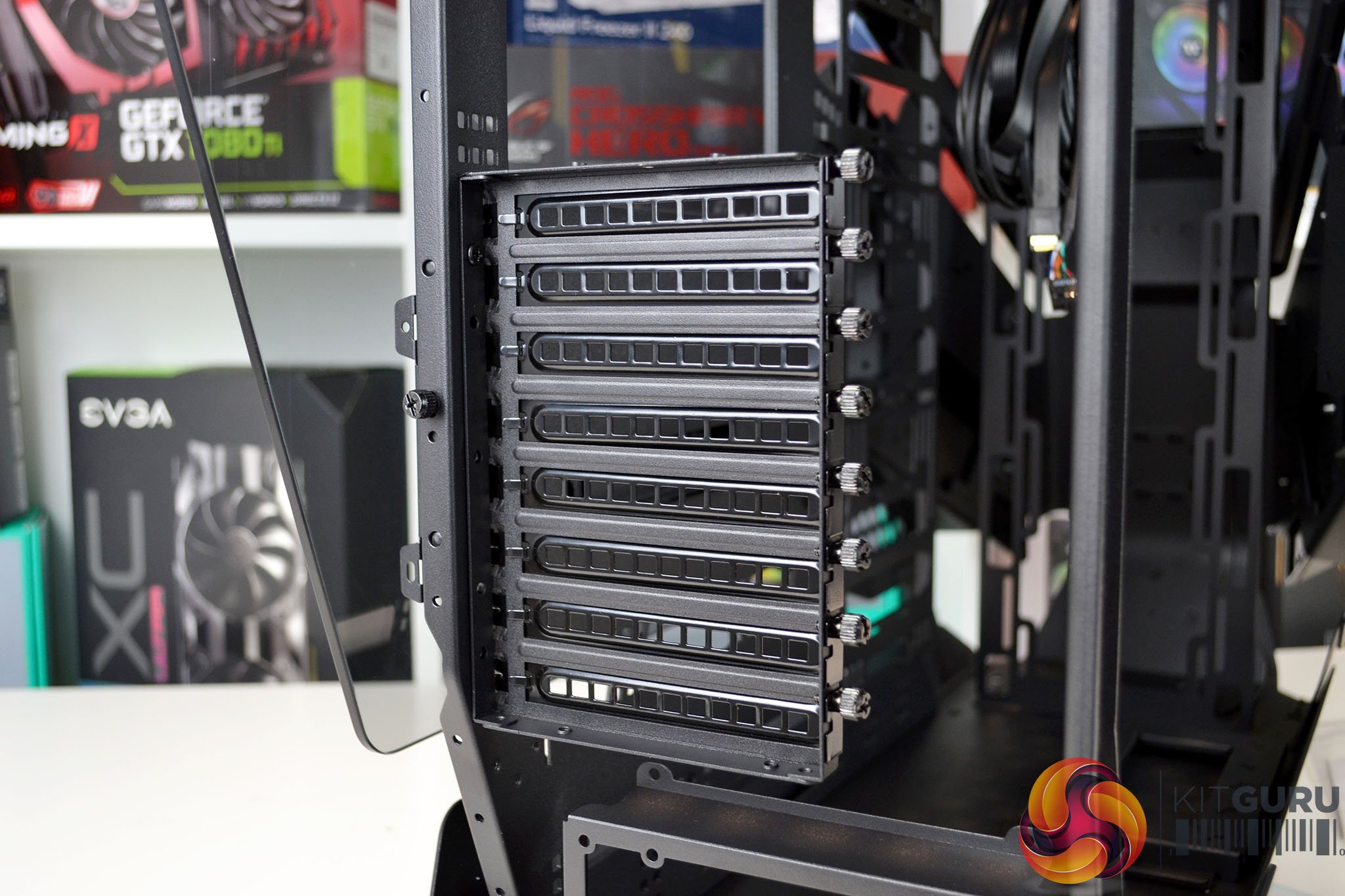
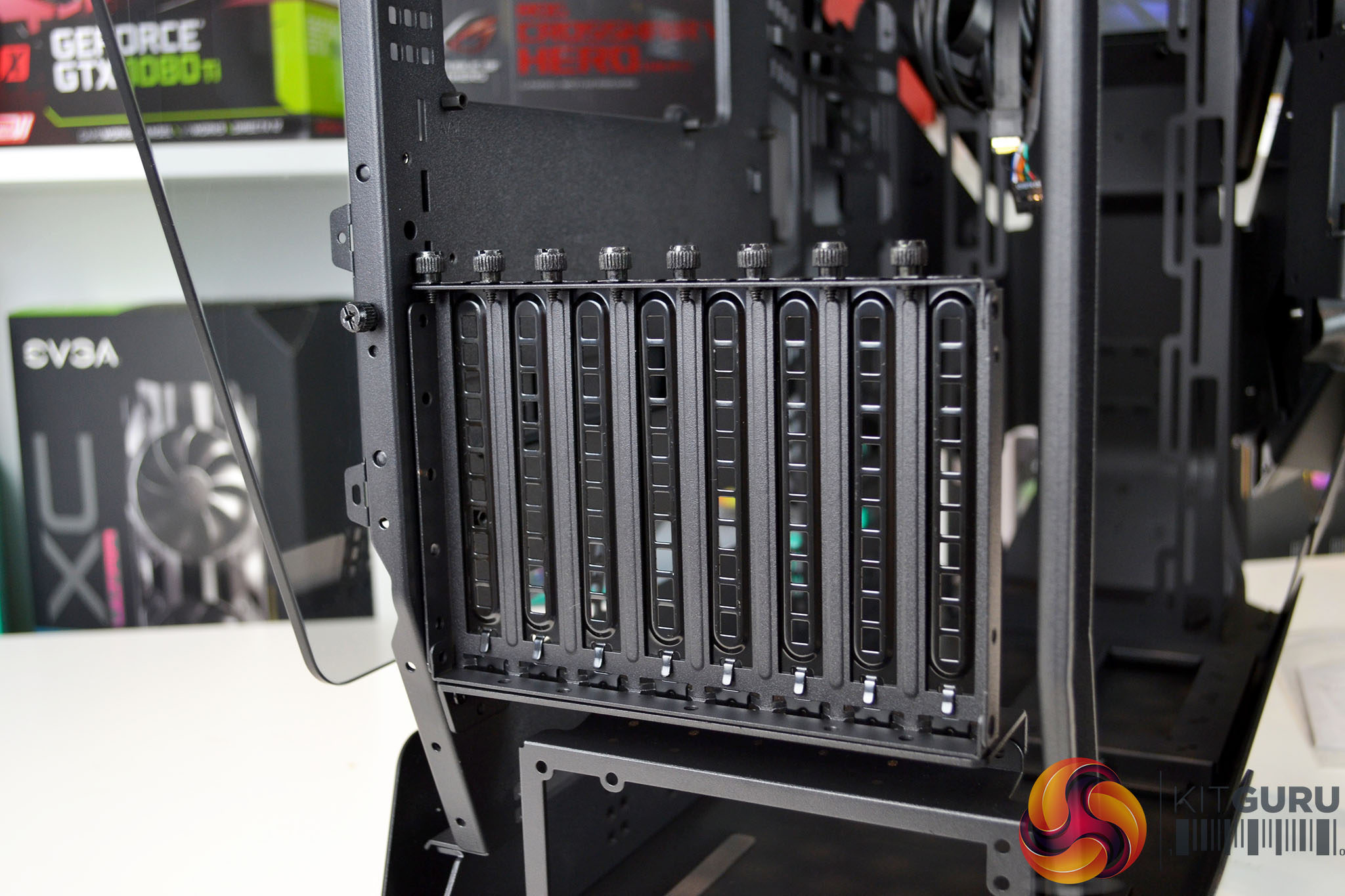
Above that are the PCIe slots, which can be installed so that expansion cards such graphics cards can be mounted in an either horizontal or vertical orientation by rotating the PCIe backplate and brackets. Above this is a large gaping hole that will be filled to a certain extent by the hardware installed inside the chassis.
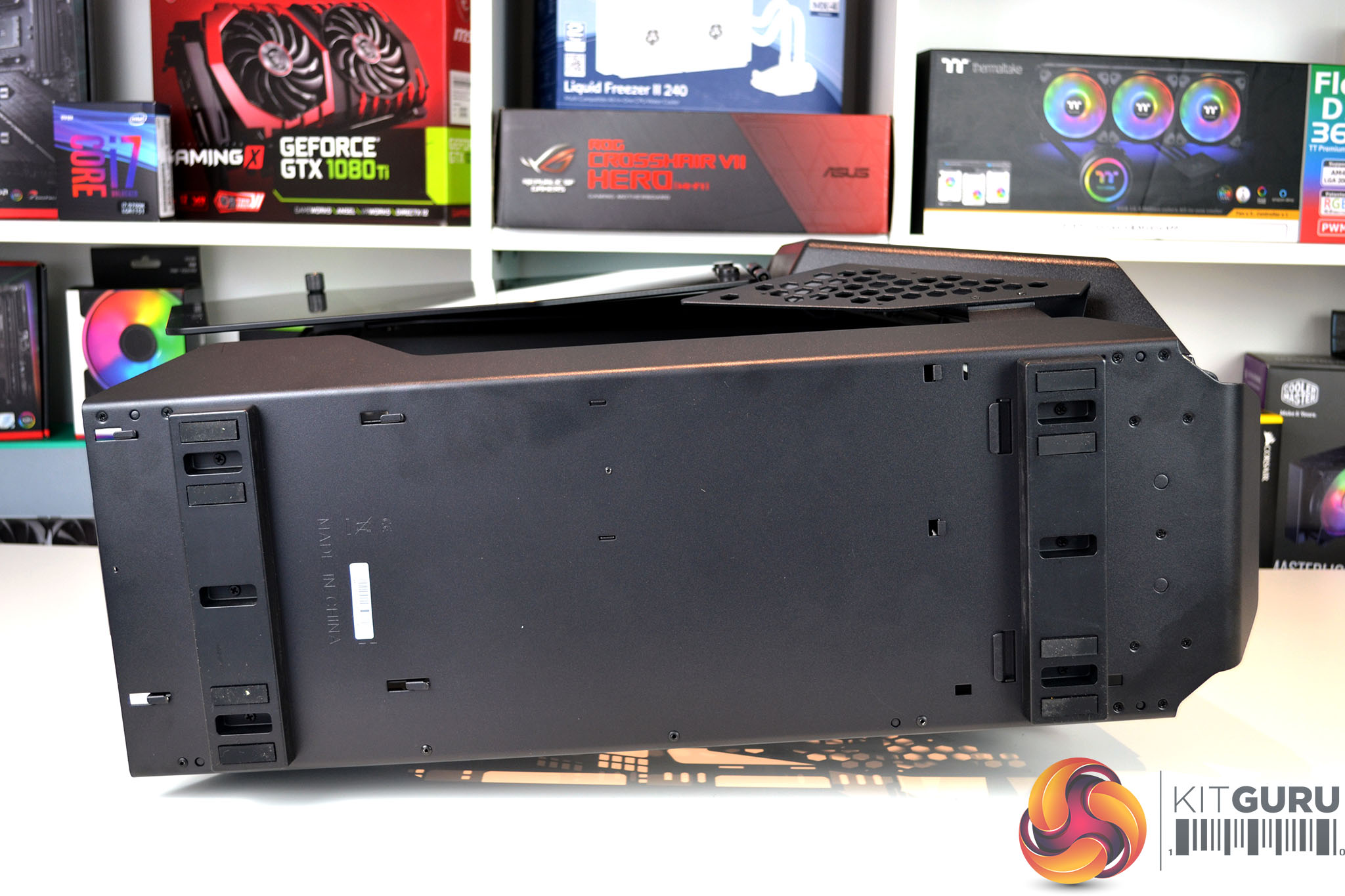
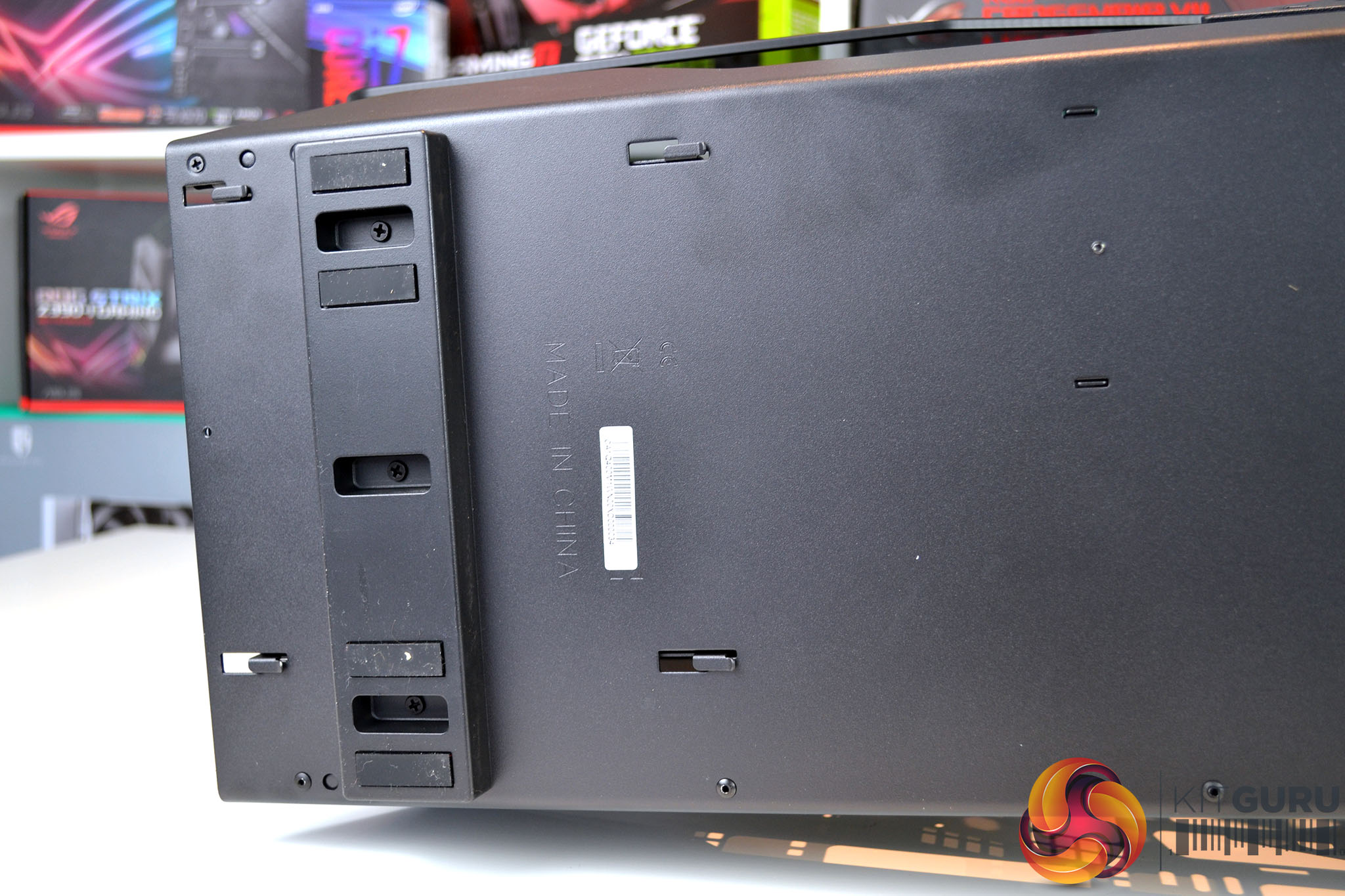
On the base of the chassis are two large feet with four antivibration rubbers on each foot and there is no sign of a vent for the power supply fan. So looking at the layout of the chassis floor, it means that the power supply is designed to be installed with the fan facing upwards.
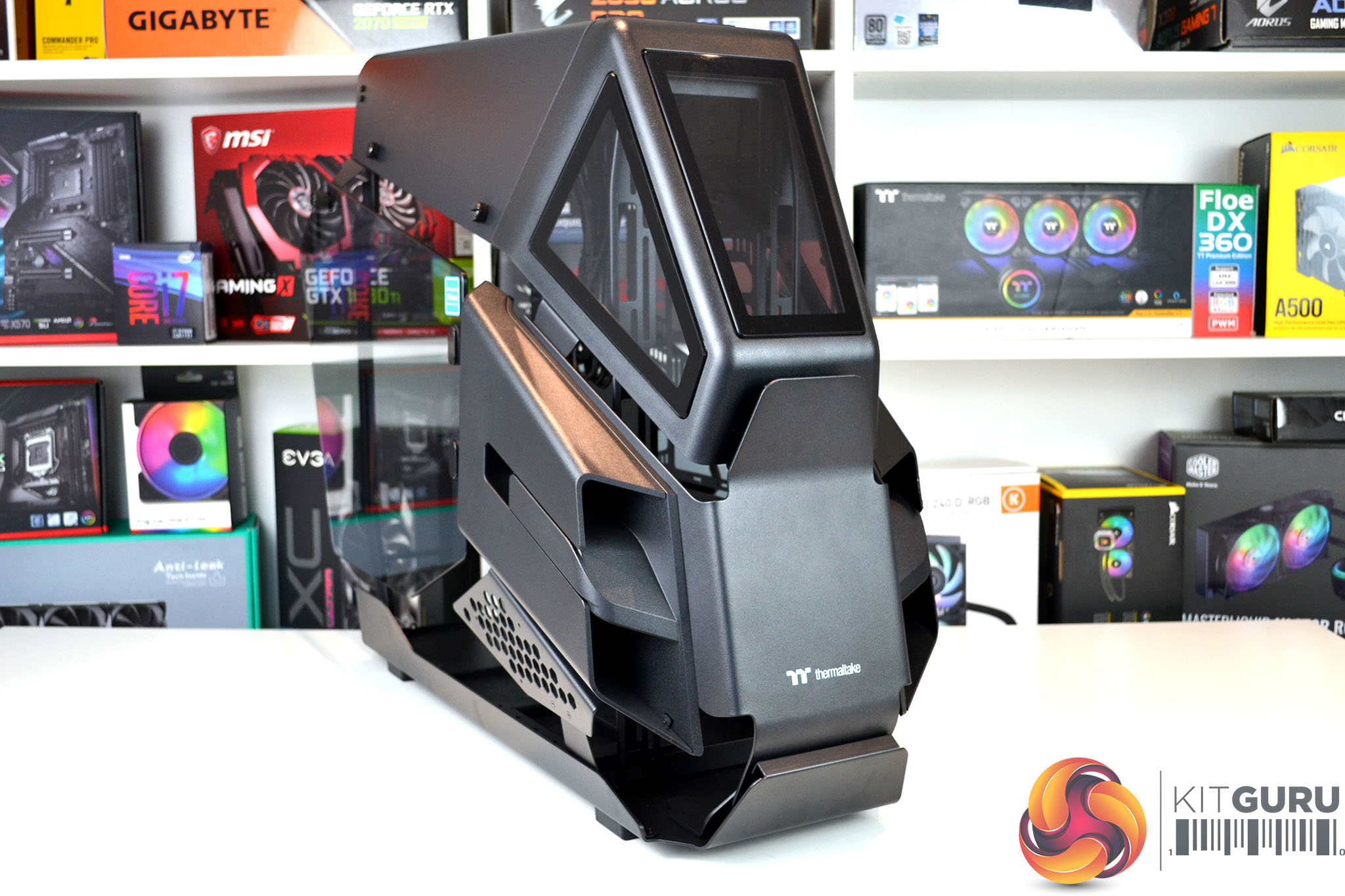
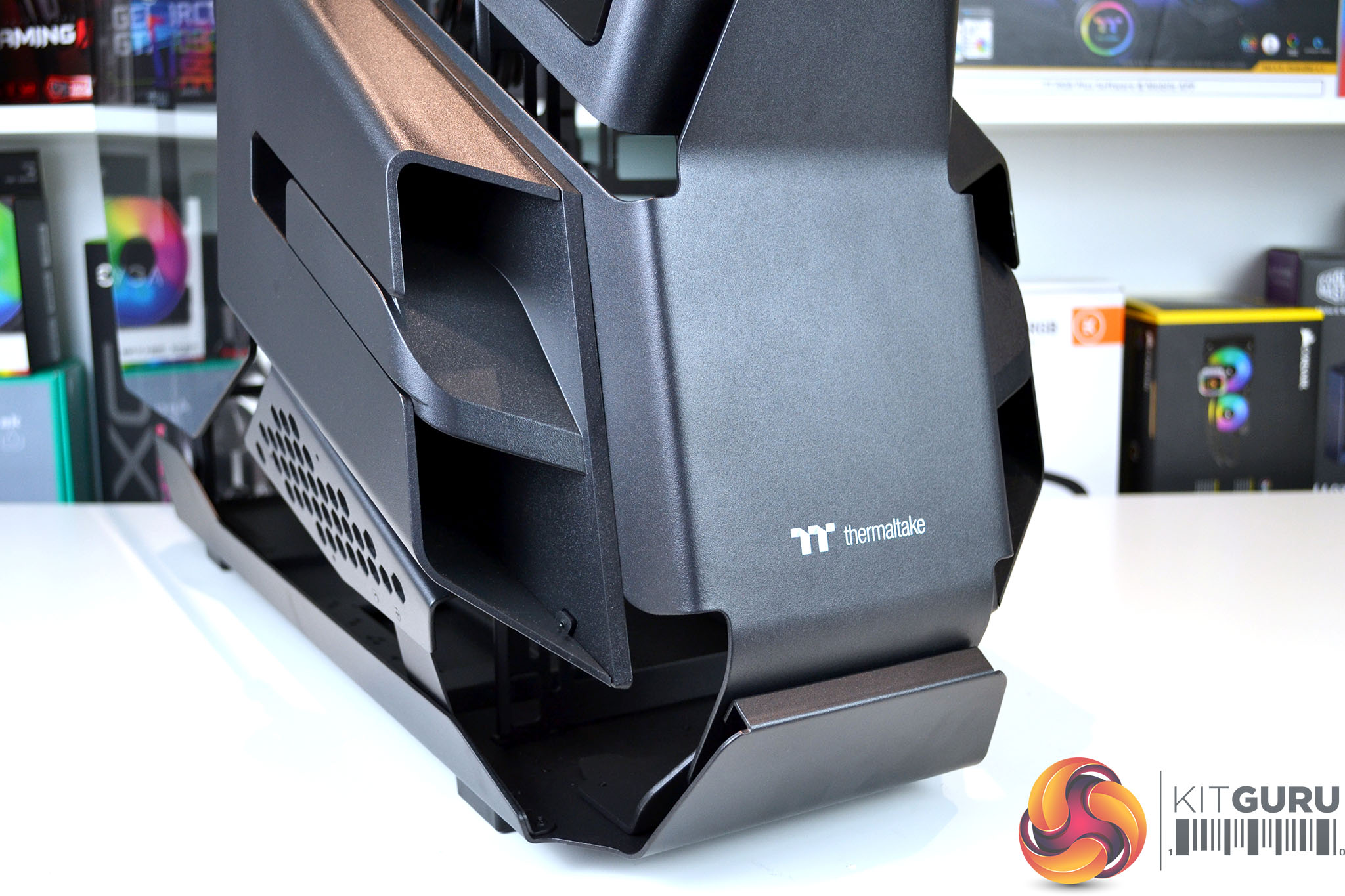
The case arrives in a partially disassembled state so there is a certain amount of assembly required, although it isn’t too difficult to complete. Overall the quality looks good, both the outer metal and plastic panels seem to be manufactured from high-quality materials, however, there is some noticeable flex in the chassis frame, this may be stiffened up later once the internal components are installed.
Installing fans or radiators at the front and top of the chassis requires the removal of exterior panels. To gain access to the front radiator/fan mounting bracket, we first need to remove the front tempered glass and plastic outer panel.
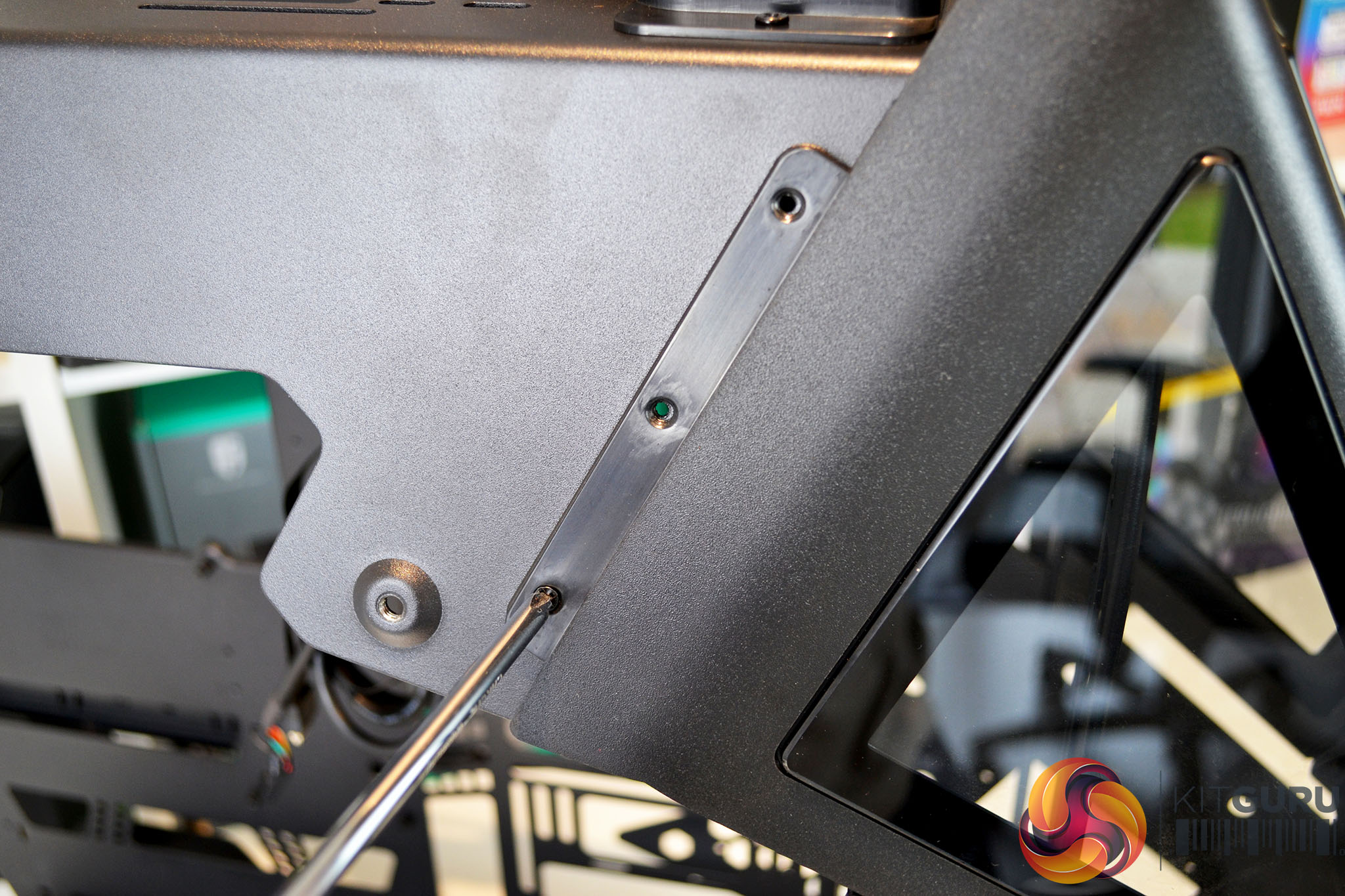
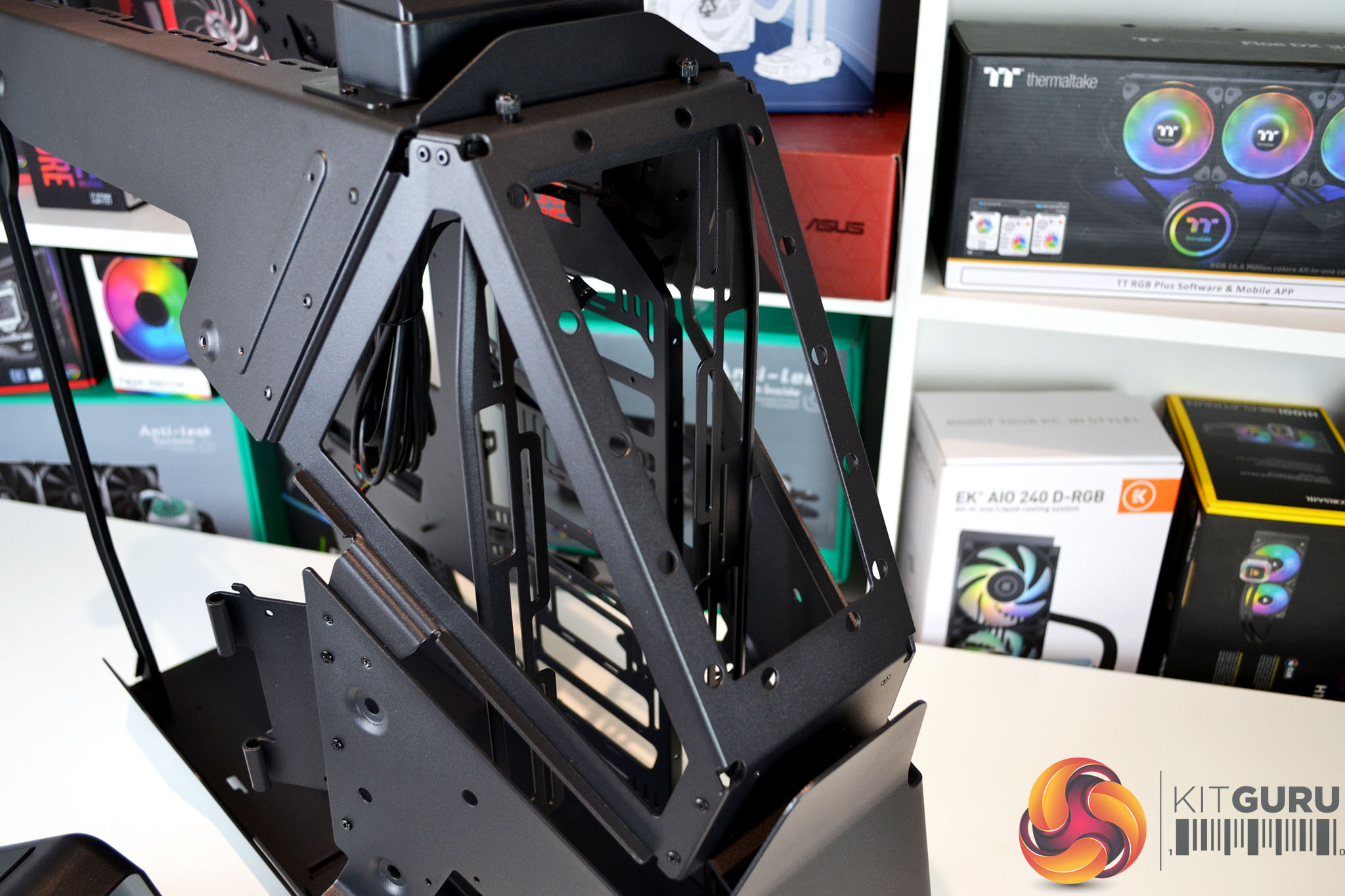
To do this, remove the six screws on each side of the panel. The panel is held to the chassis via plastic clips, just pull the panel away from the chassis to release it and gain access to the thumbscrews that hold the radiator bracket in position.
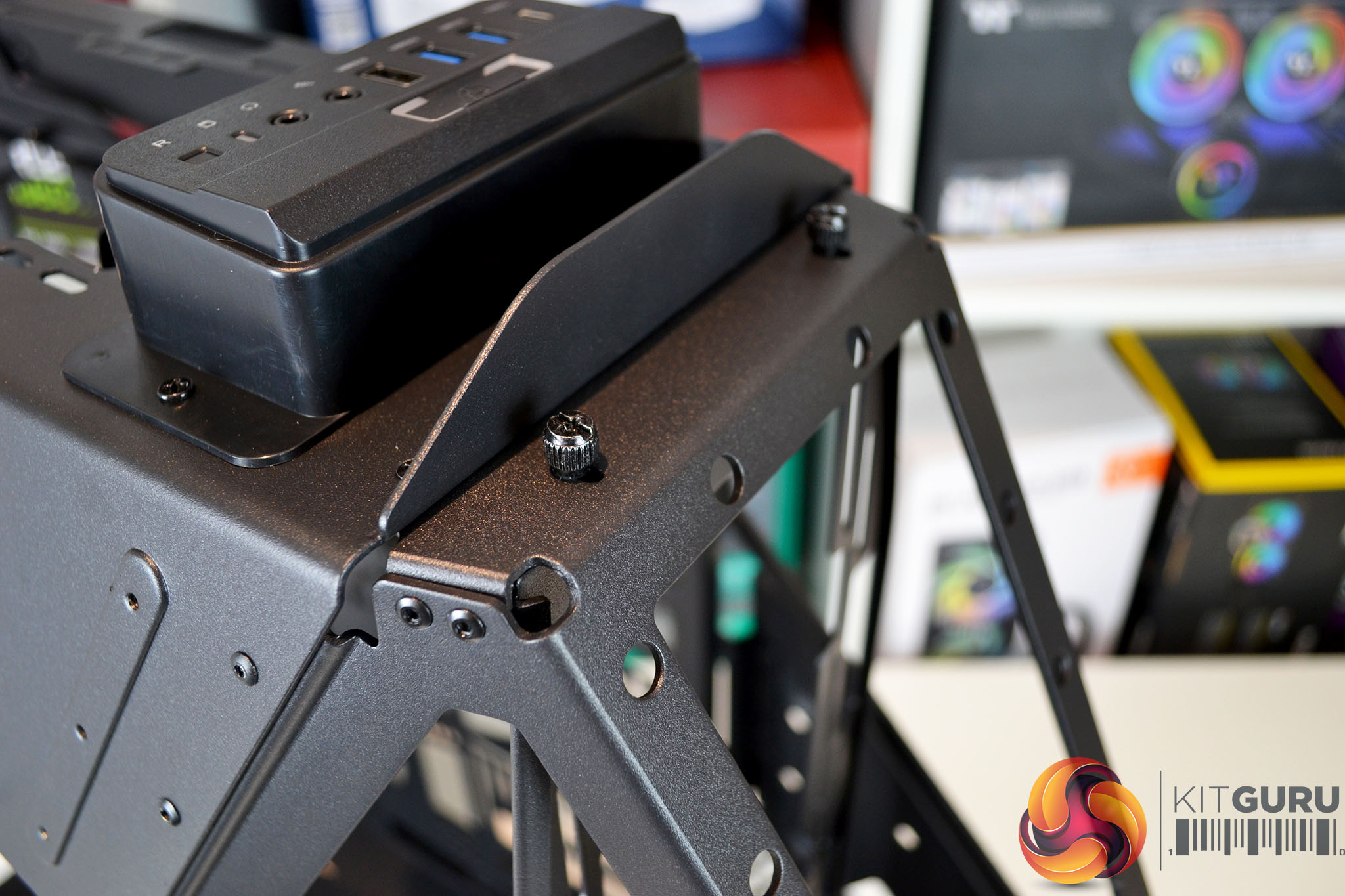
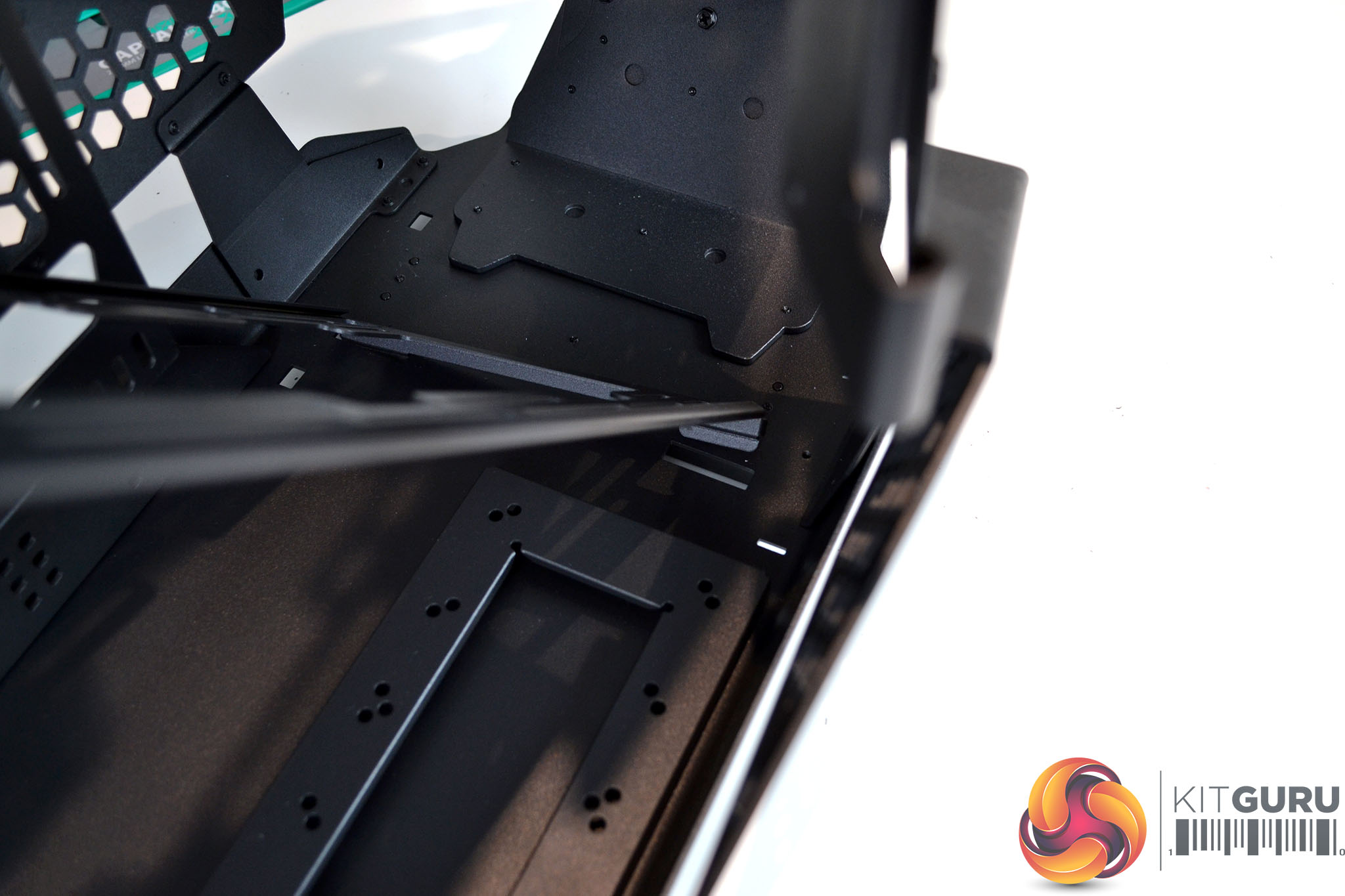
Once the outer panel is removed, simply unscrew the two thumbscrews at the top of the chassis and with your hand inside the chassis, tilt the bracket towards the rear and release it from the slots in the chassis floor to remove.
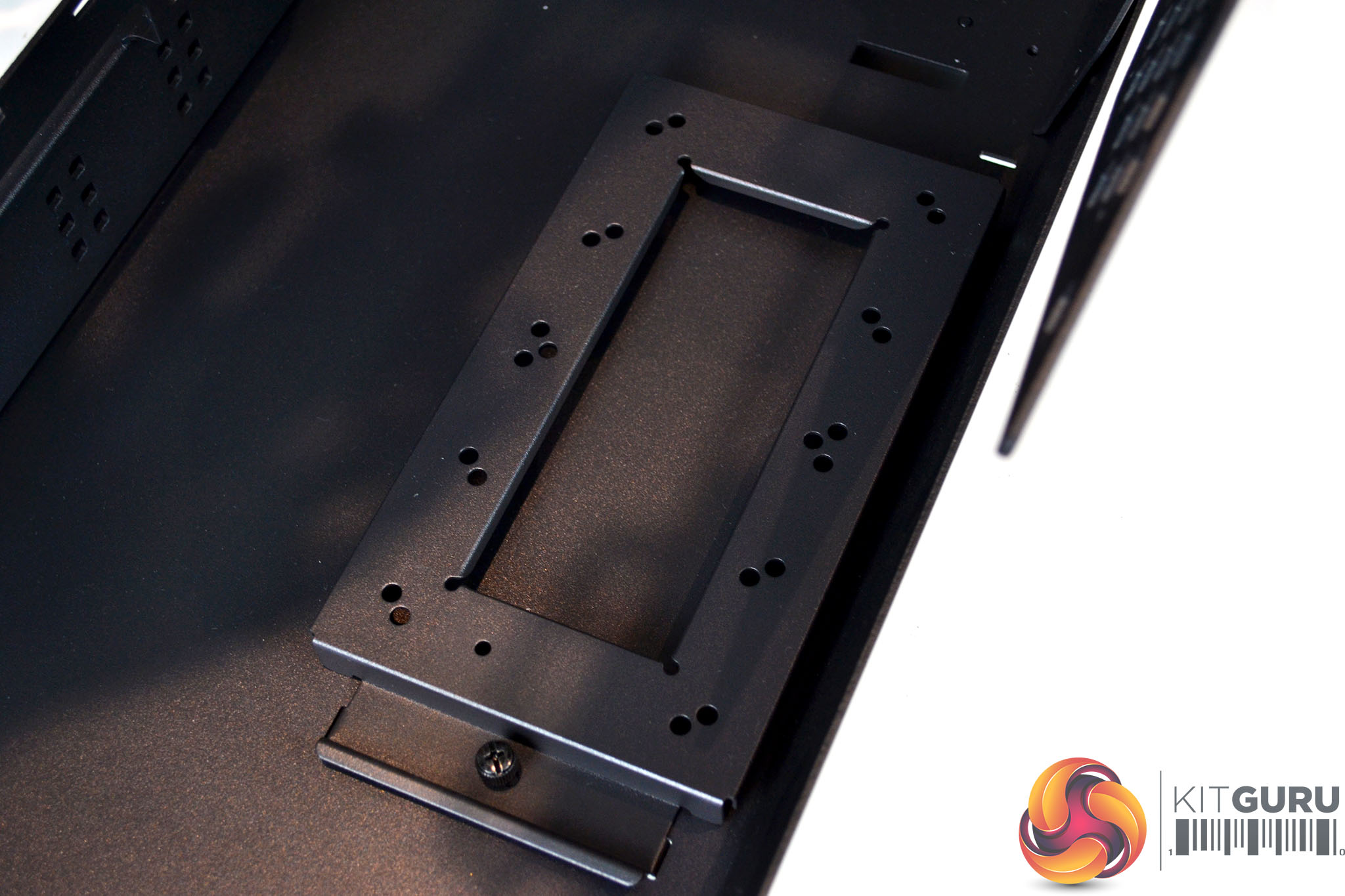
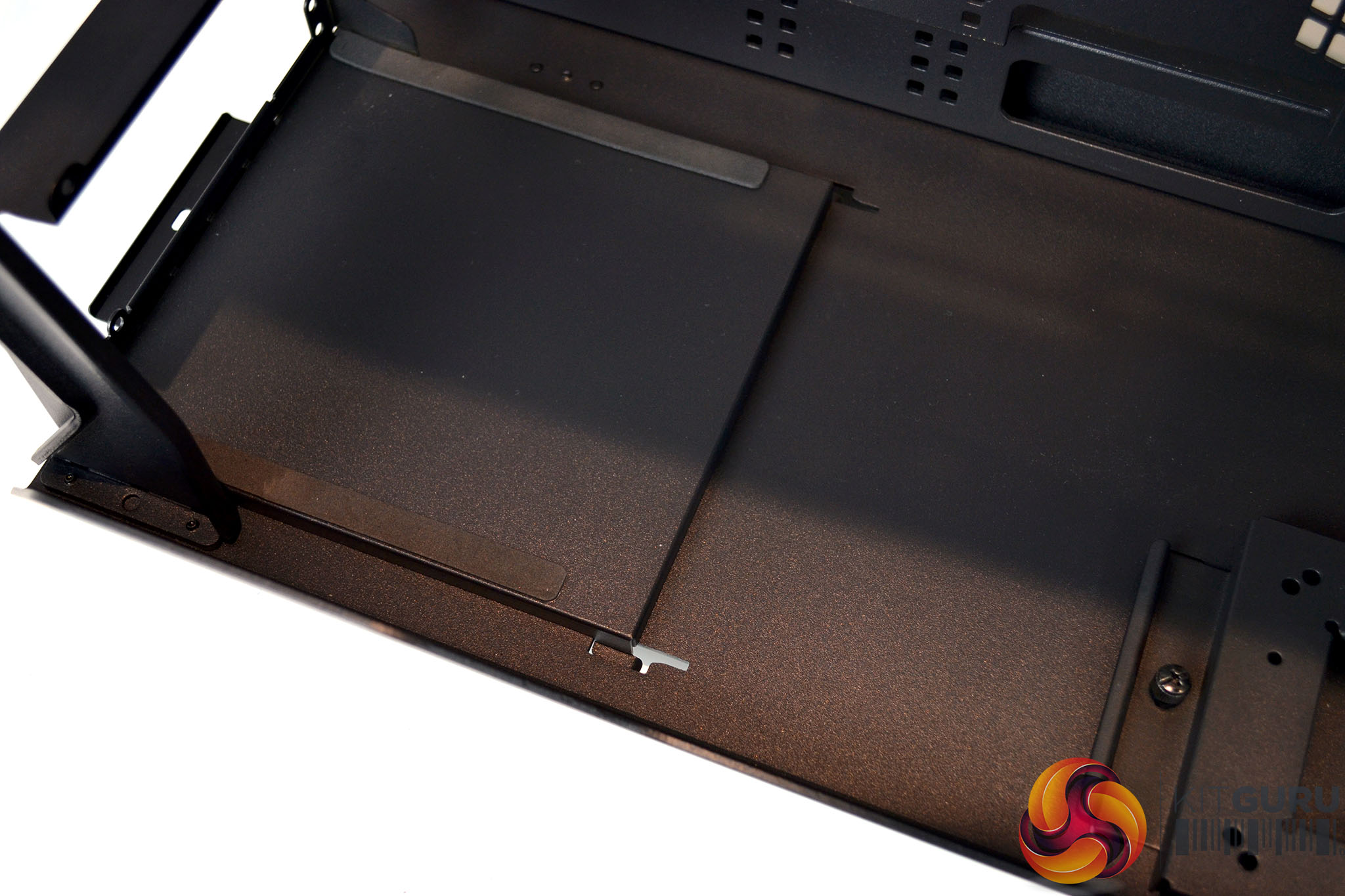
On the floor, towards the front of the chassis is a mounting plate for water cooling pumps or combo units, this can be removed if not needed, and towards the rear are slots for the power supply bracket to locate on.
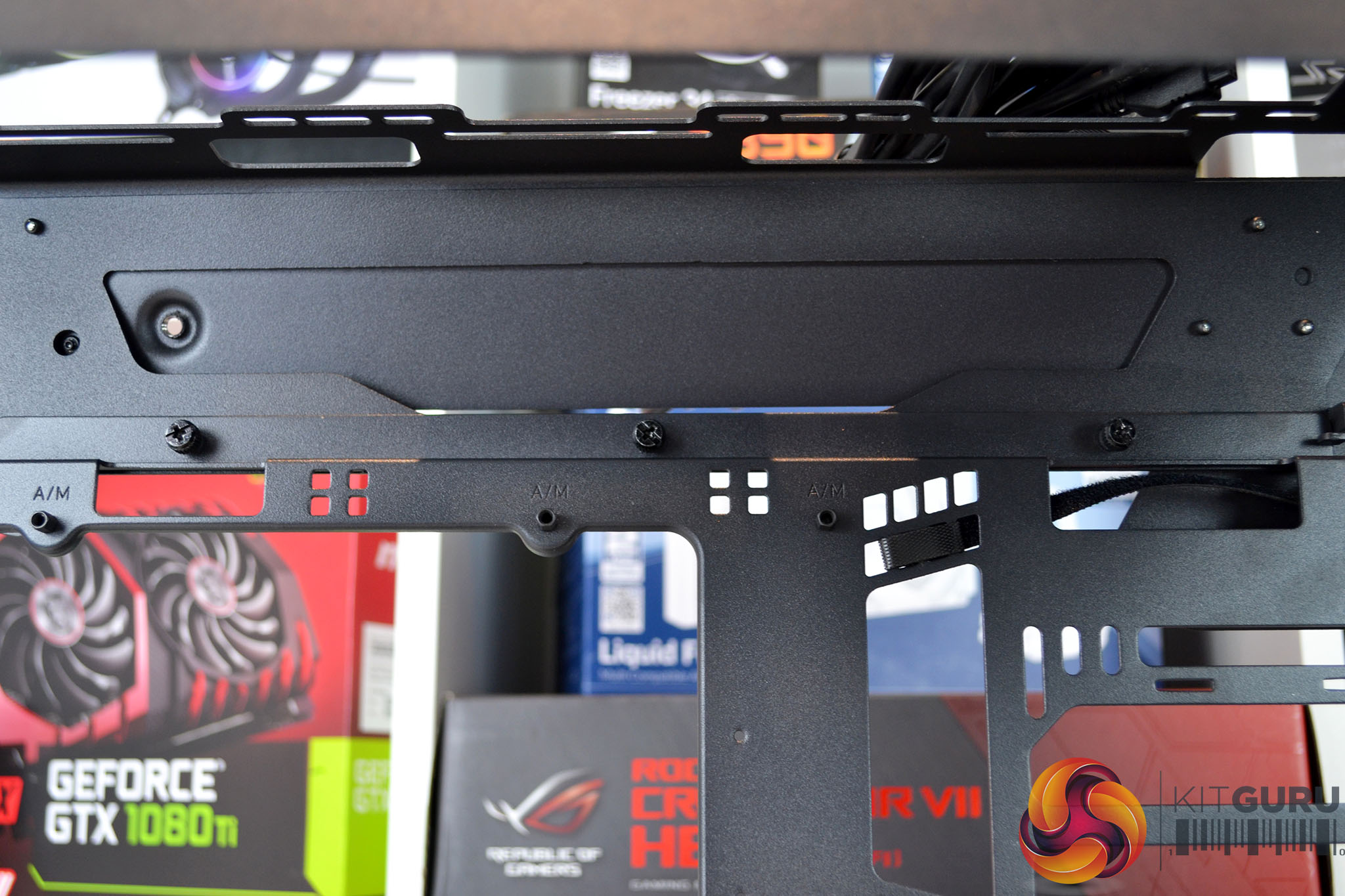
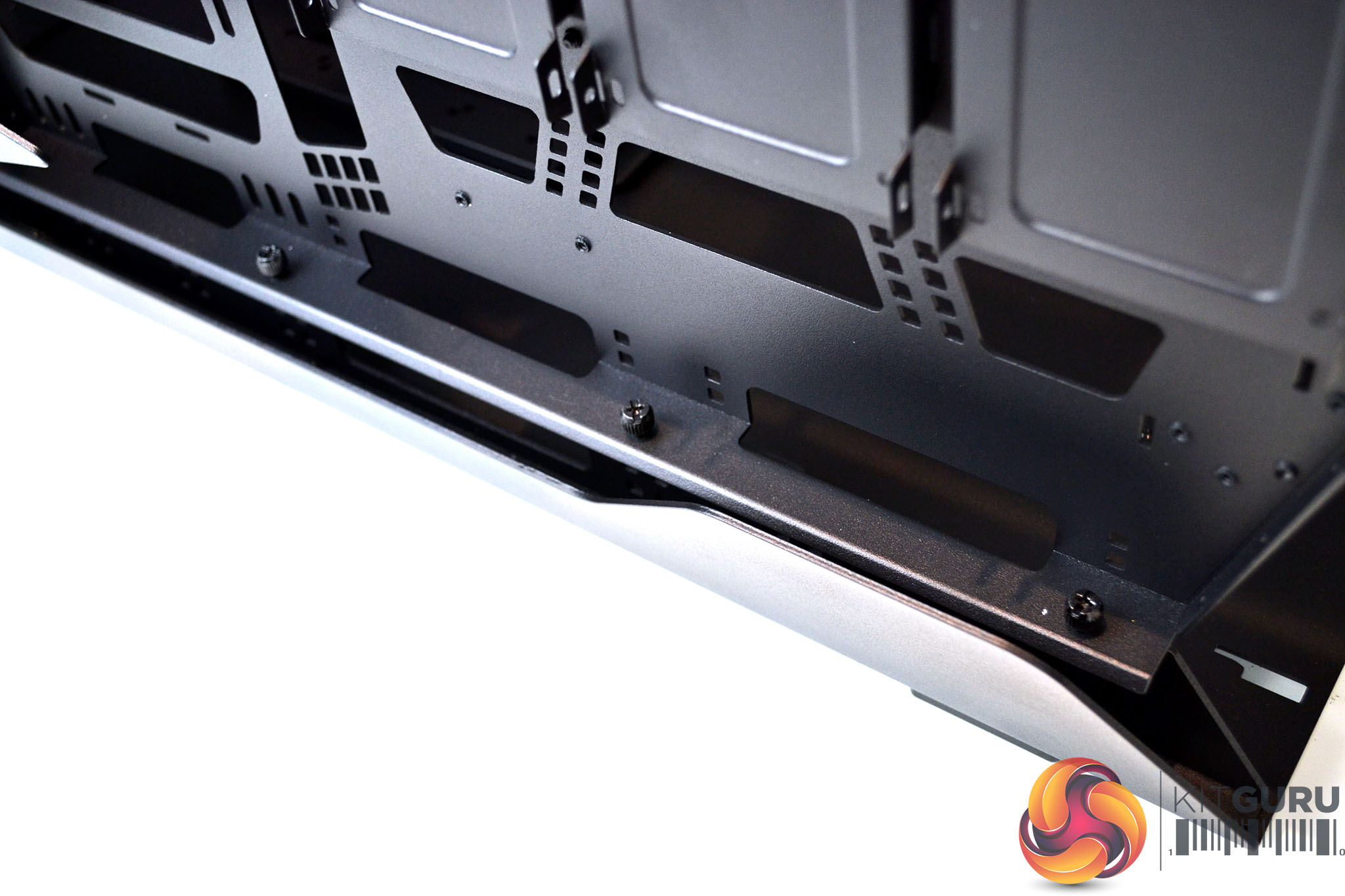
The motherboard tray is also removable to make installing parts onto it more accessible. To detach the tray from the chassis requires removing three thumbscrews from inside the chassis at the top and three more at the bottom on the outside.
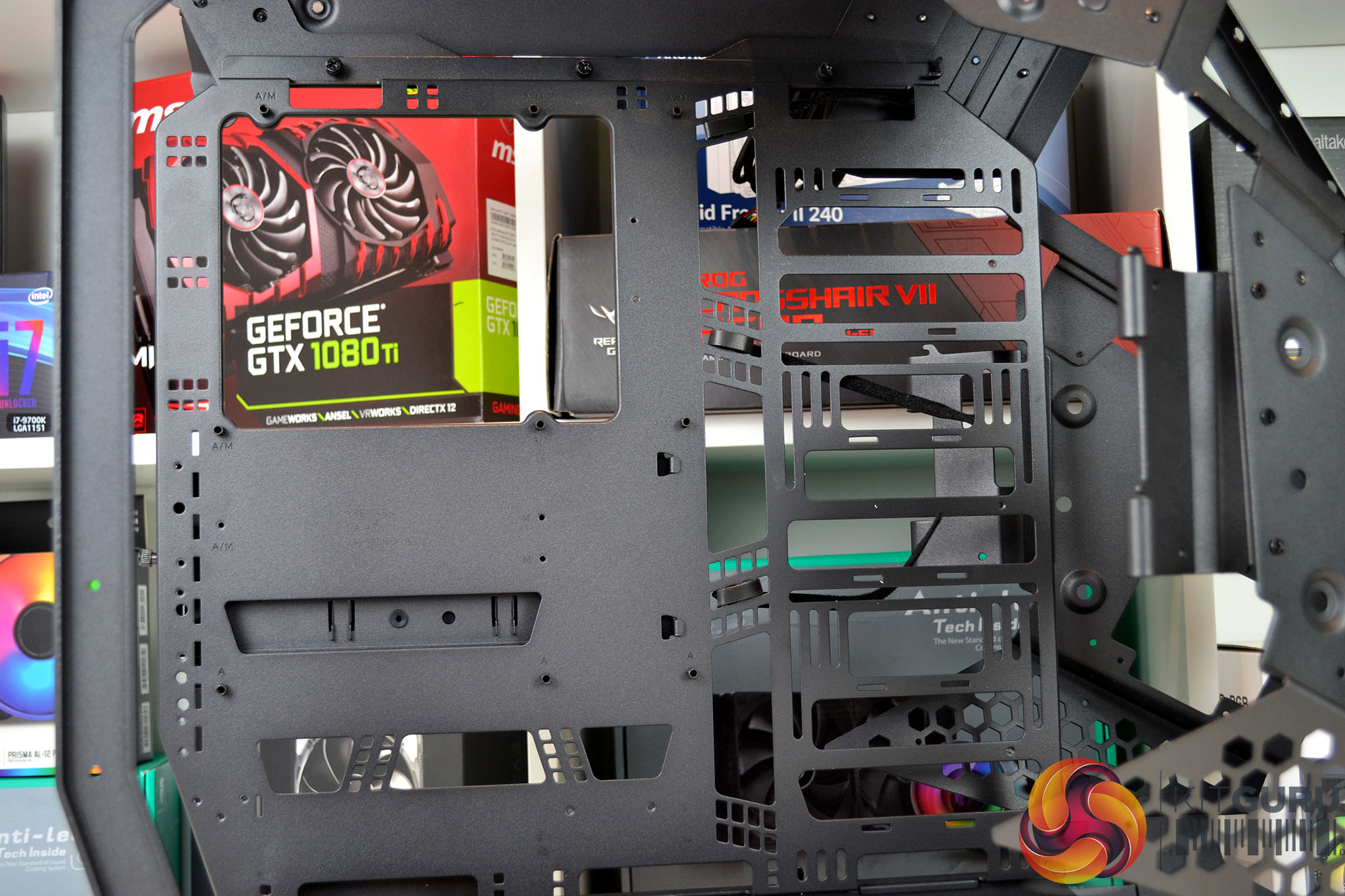
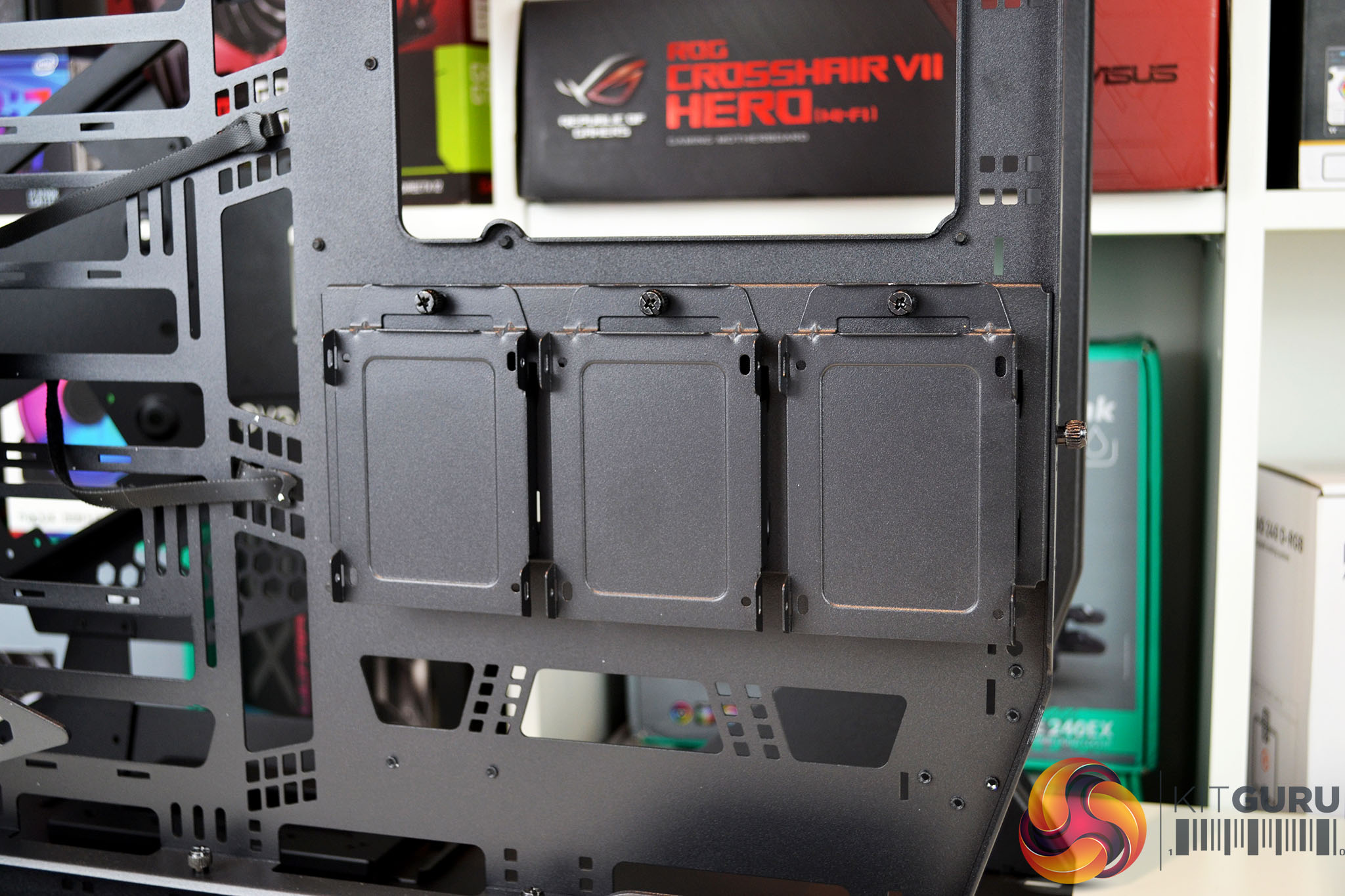
At the right-hand side of the motherboard tray is space to install up to a 360mm radiator or three 120mm fans, alternatively, the HDD bracket can be located here. Along the bottom, the top and right-hand sides are cable management cutouts and on the rear of the motherboard tray is the default location for the 2.5-inch HDD cages.
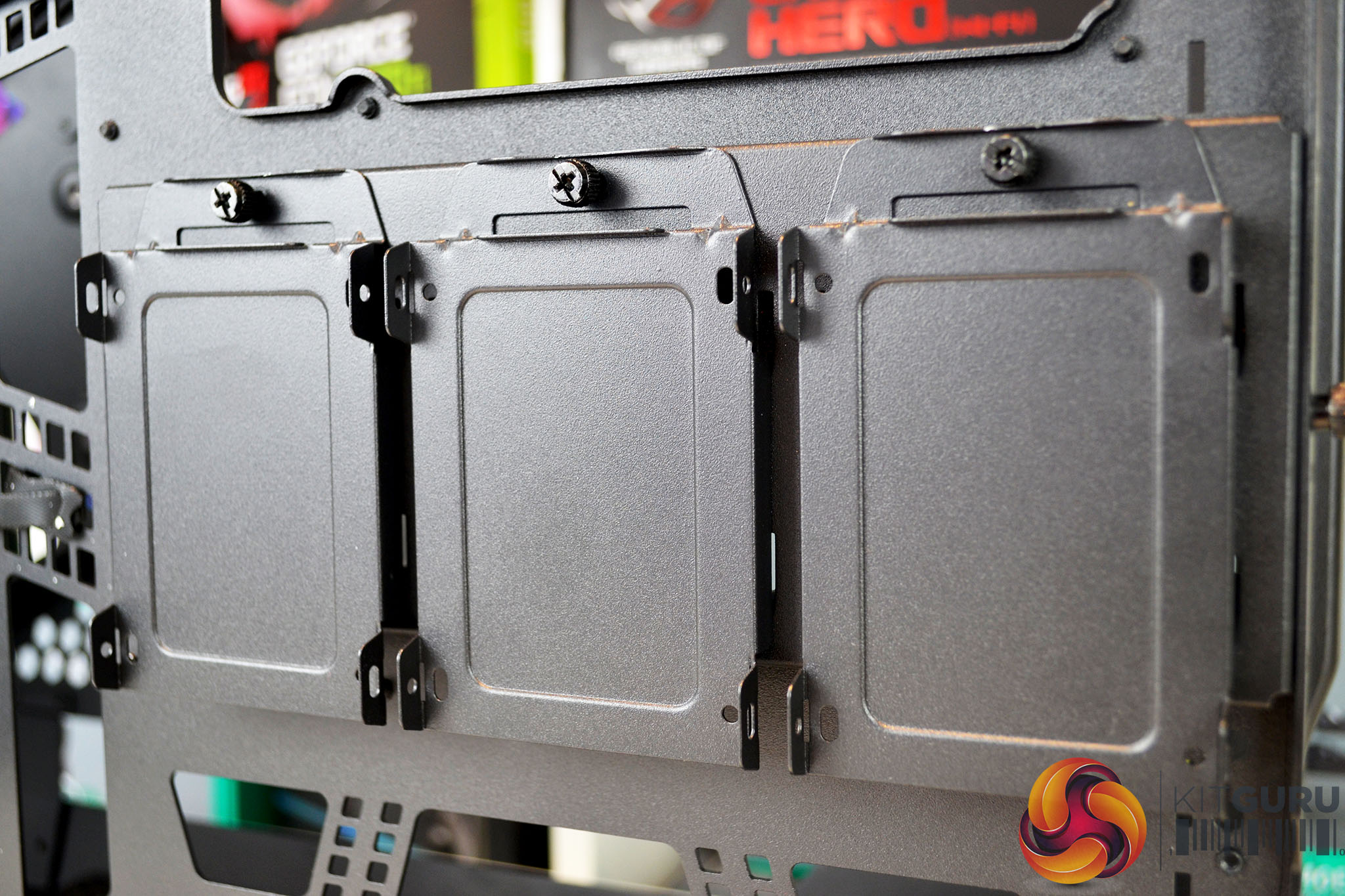
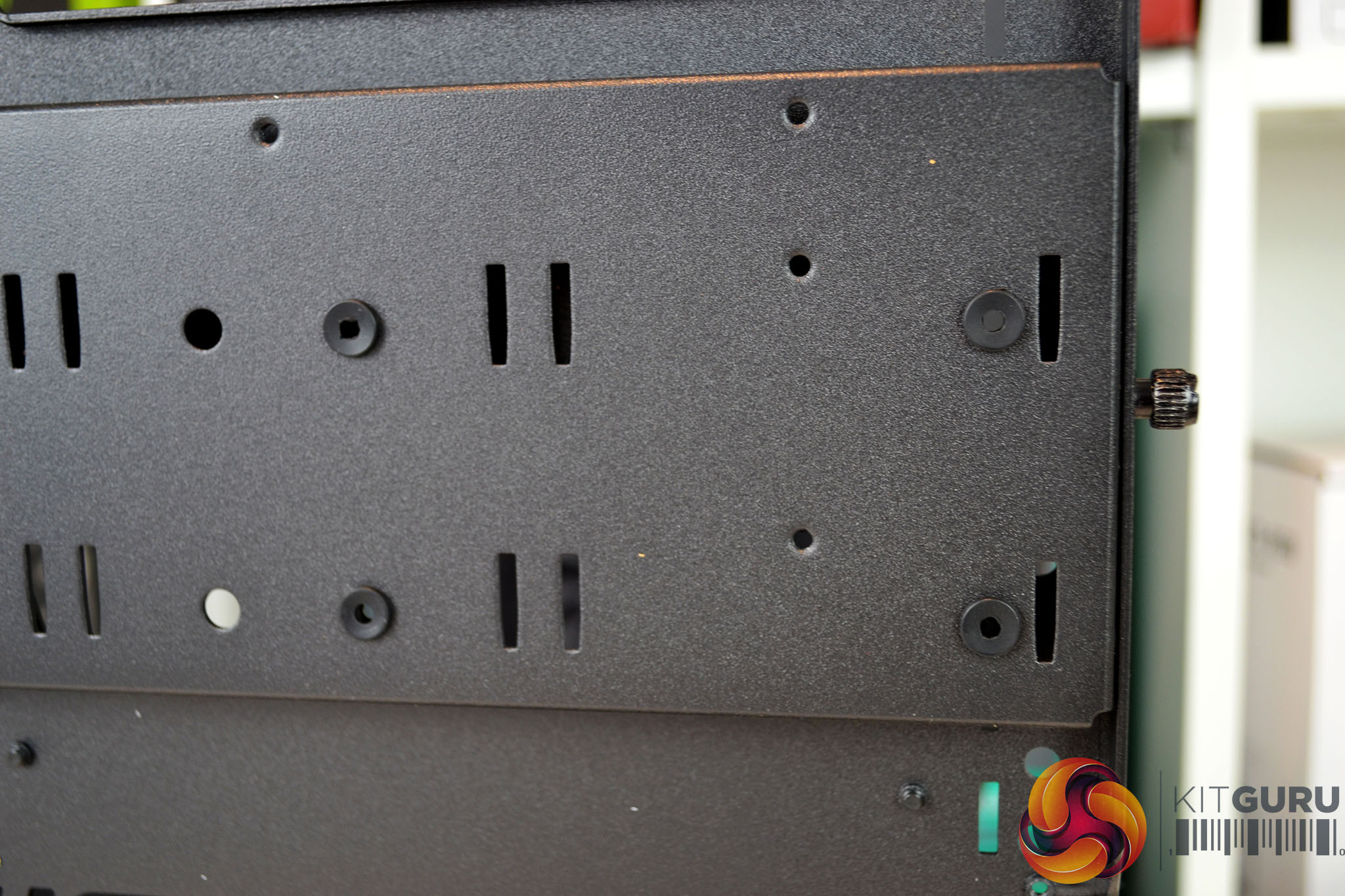
The HDD bracket has three removable 2.5-inch bays attached with thumbscrews, to install 3.5-inch drives the smaller bays need to be removed and the 3.5-inch HDDs are installed directly using anti-vibration rubber mountings.
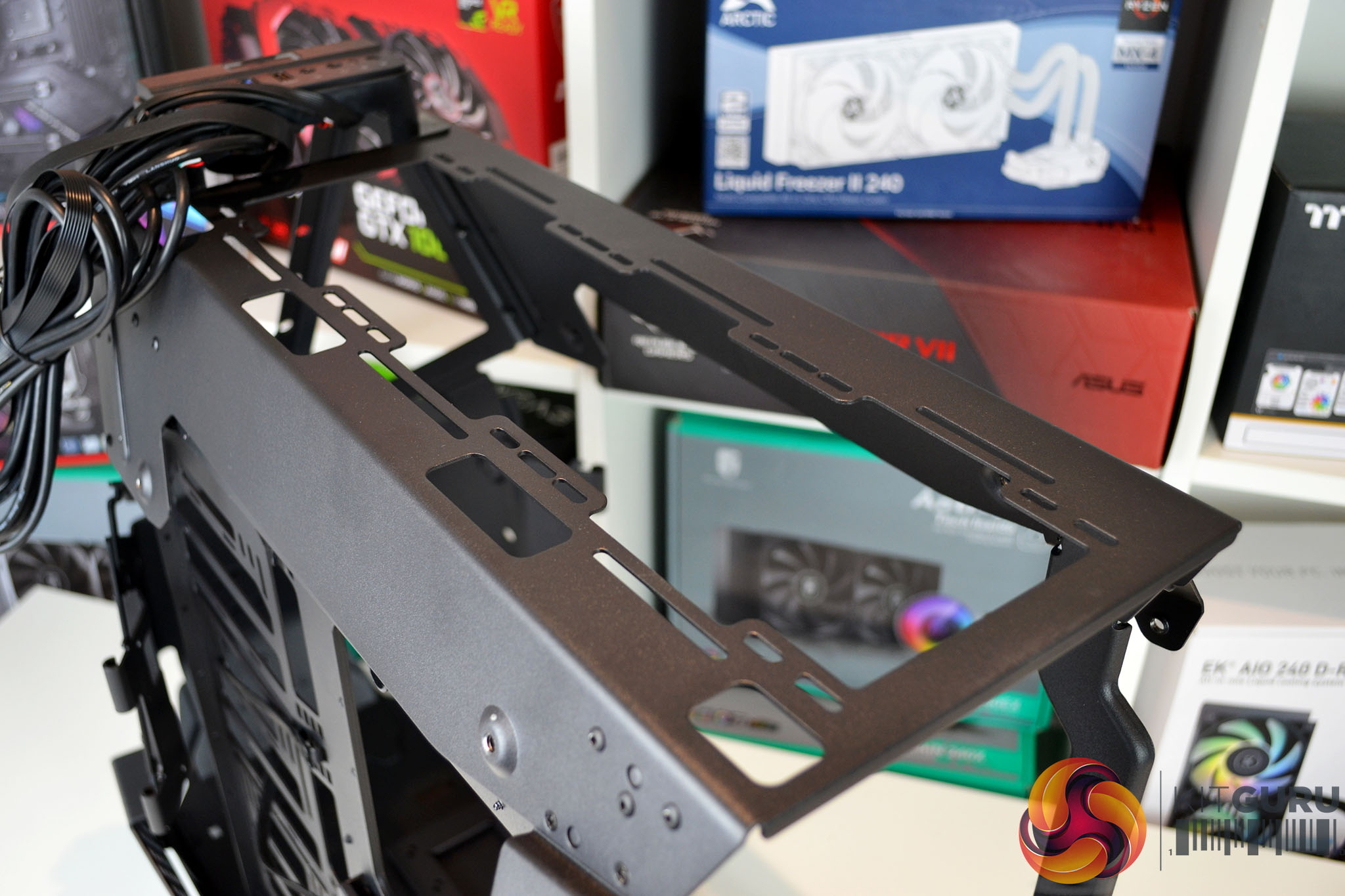
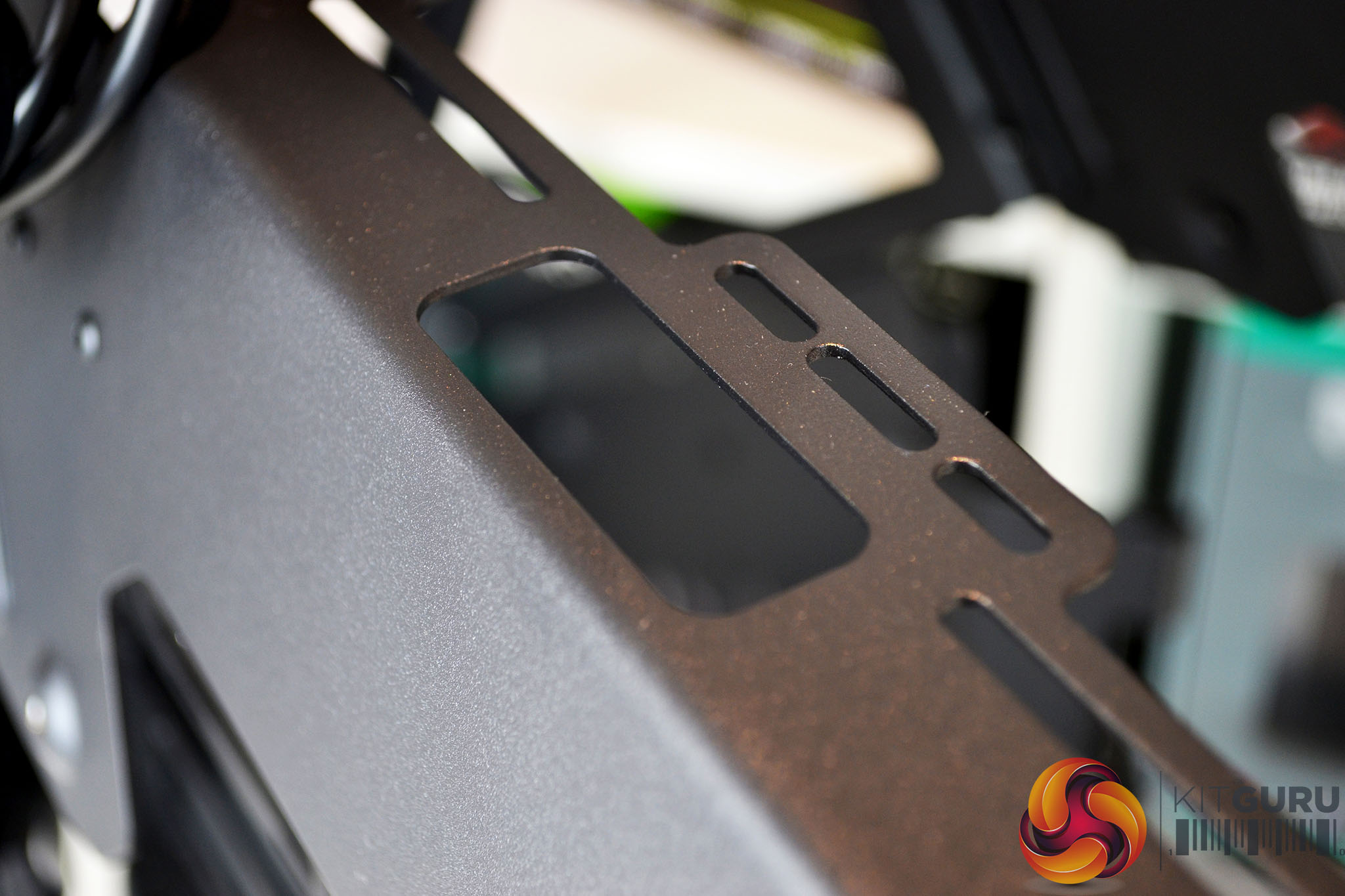
At the top of the chassis is another area where up to 360mm radiators or three 120mm/ two 140mm fans can be installed, access to the bracket requires the outer panel to be removed. There are also cable cut out on the top radiator/fan bracket to allows fan cables to pass through.
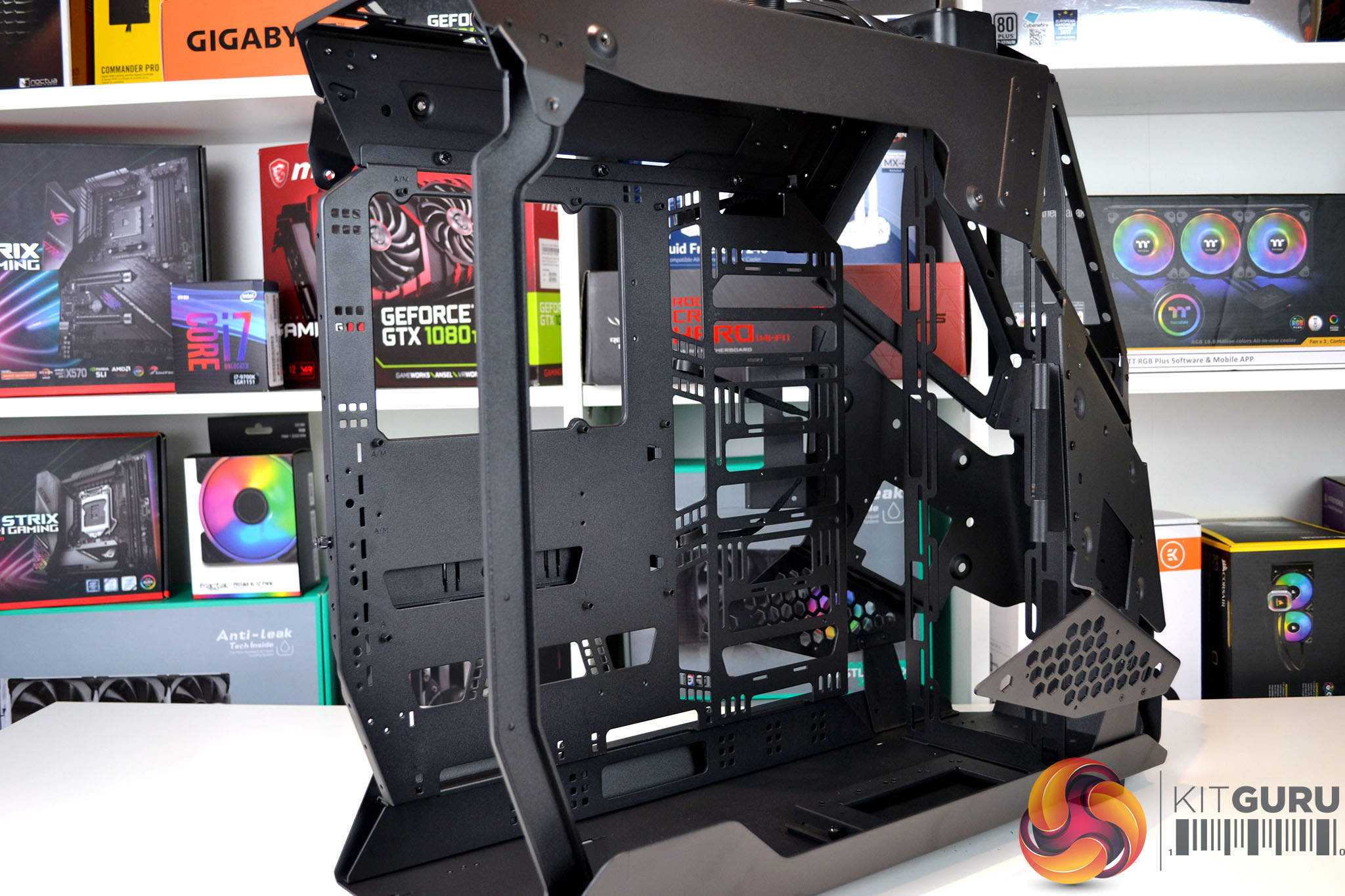
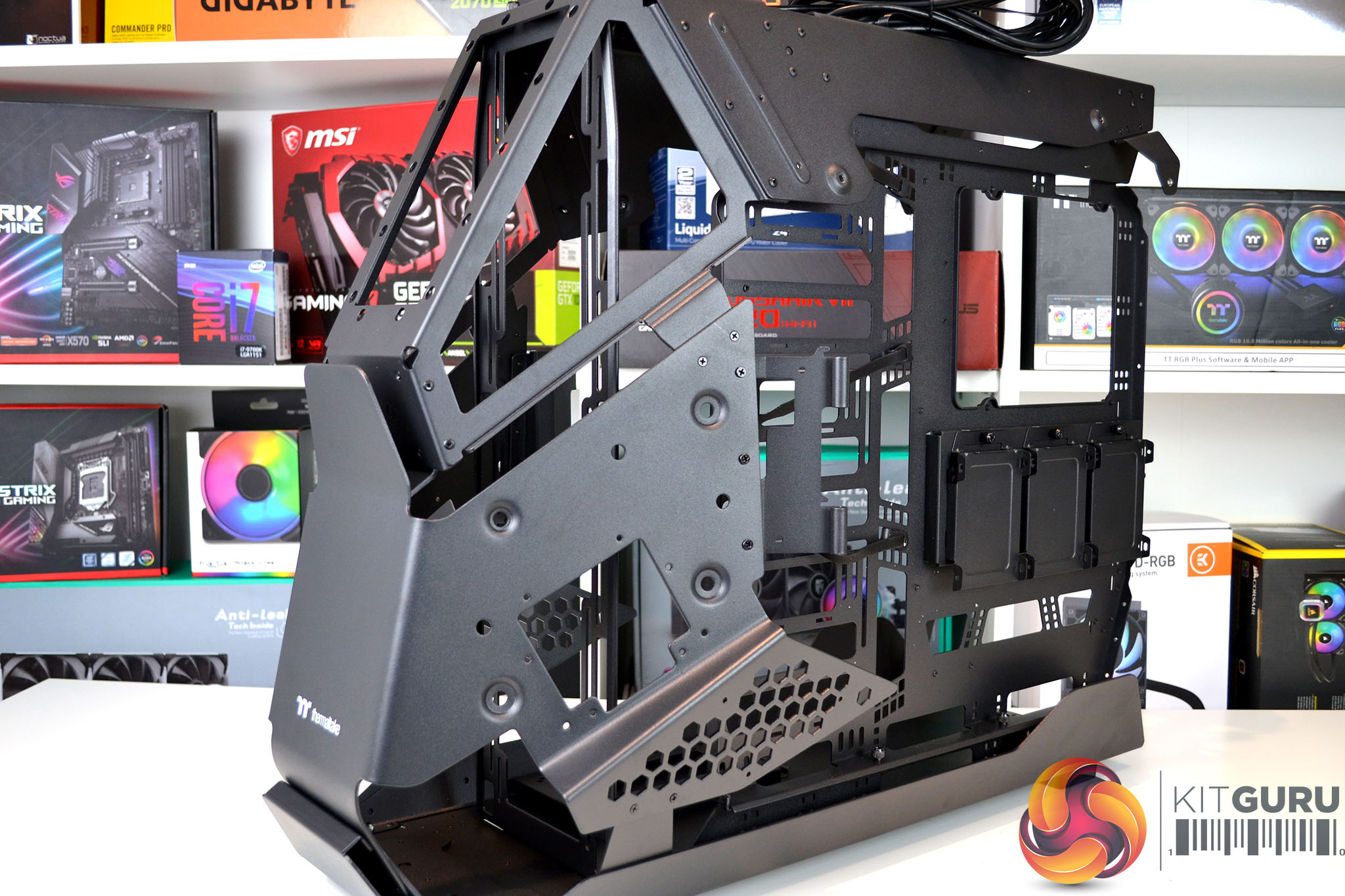
The modular design of the chassis is both necessary and beneficial when it comes to planning the installation of components. There are plenty of options inside the chassis to accept complex water cooling systems as well as abundant space for large high-end components. The case will no doubt be a great place for installing custom water cooling and high-end desktop platforms.
Ideally, the Thermaltake AH T600 is best suited to builds containing extreme and unique custom water cooling. However, there is no reason why a more traditional and simple system cannot be built inside, and this is what we will be doing today with a high-end desktop platform from AMD based around the Ryzen Threadripper 3970X CPU.
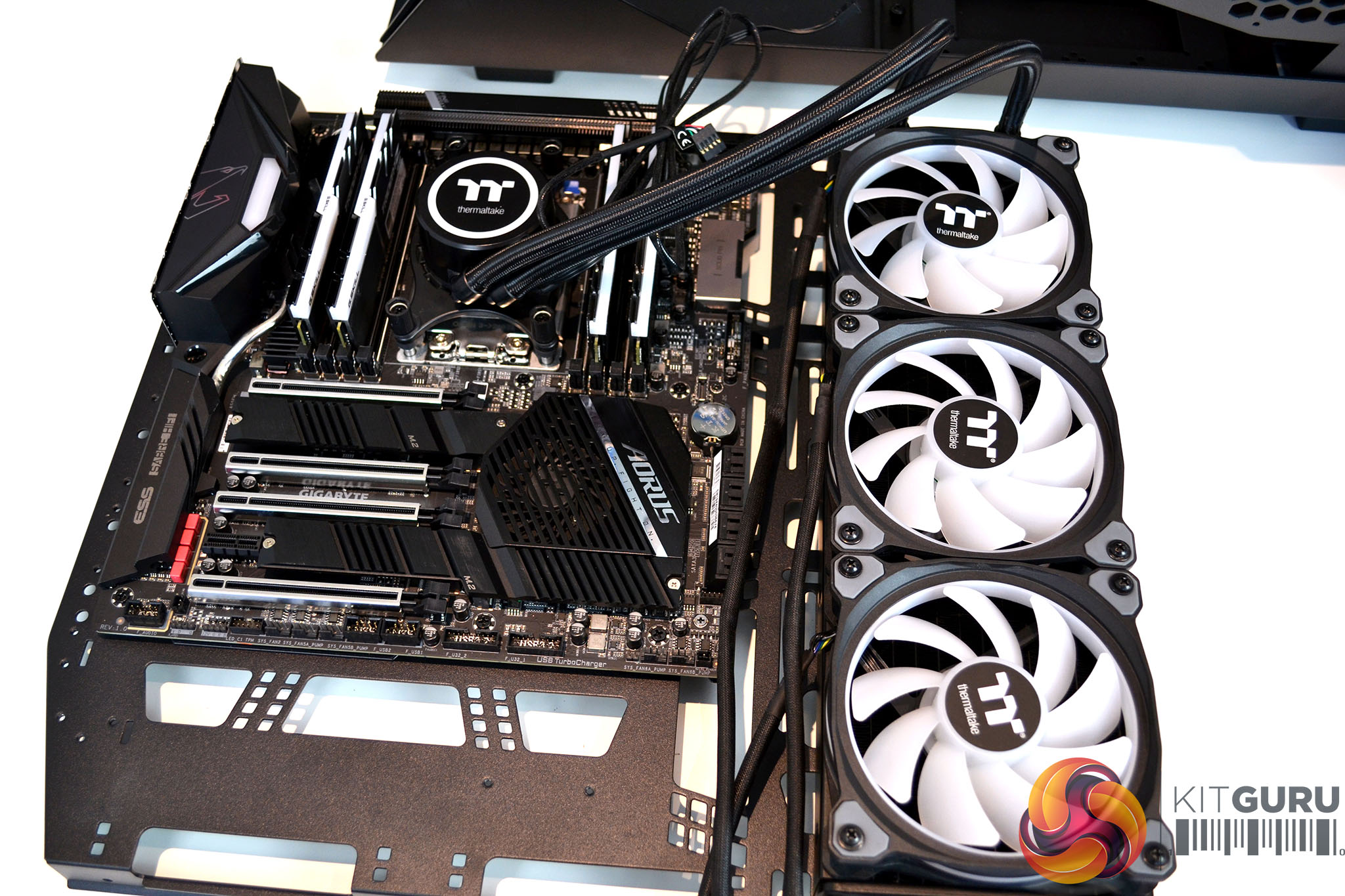
A handy feature of the AH T600 is its removable motherboard tray, which makes installing components onto the tray less awkward. With the tray on our bench, we managed to install the motherboard, CPU, RAM, M.2 SSD and even the 360mm AIO CPU cooler.
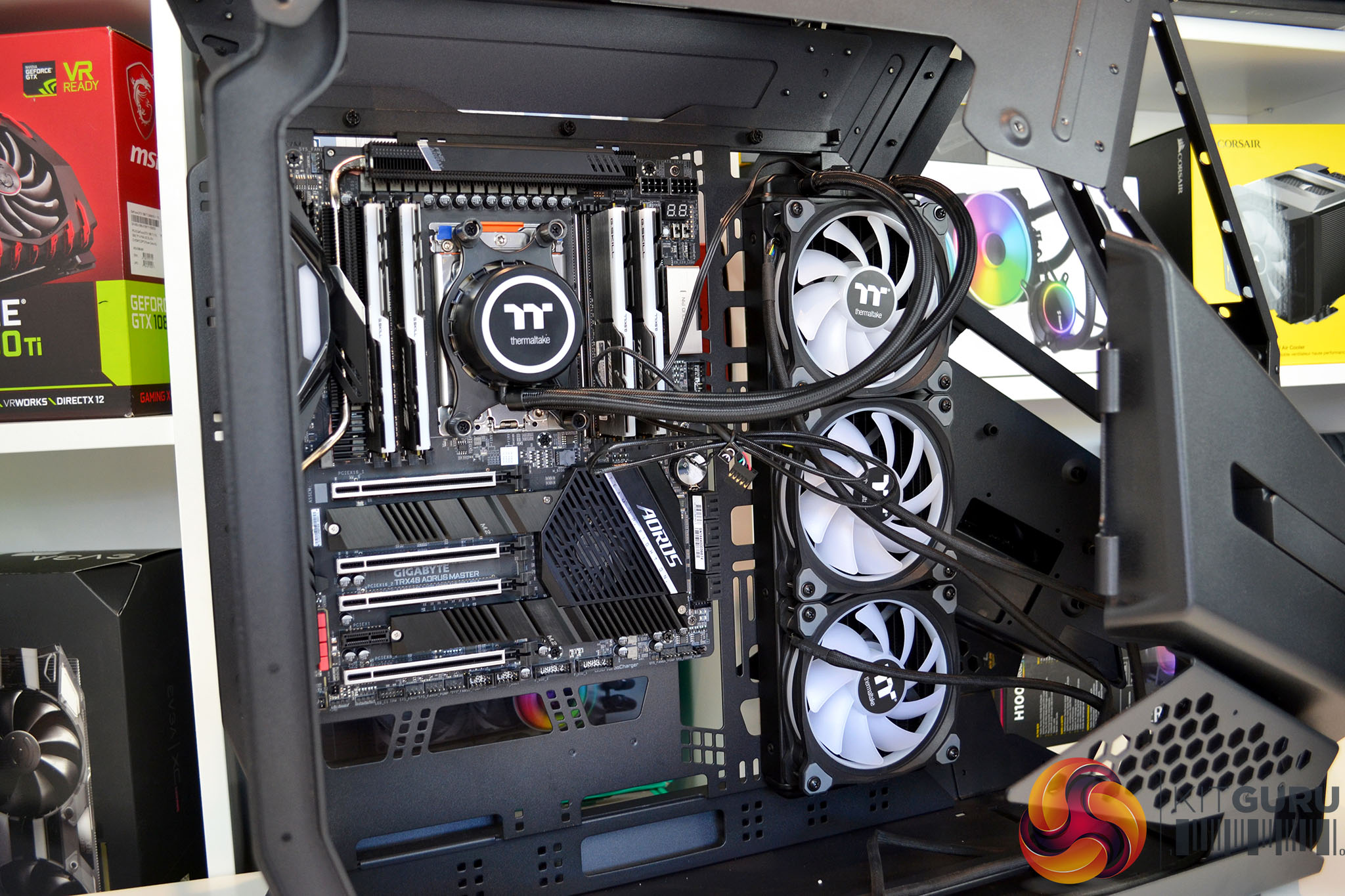
Once everything is installed to the motherboard tray, we simply slotted it back into position inside the chassis and secured it in position using the six thumbscrews. Even with all this hardware installed to the tray, it was very easy to get it back in position, lined up and secured.
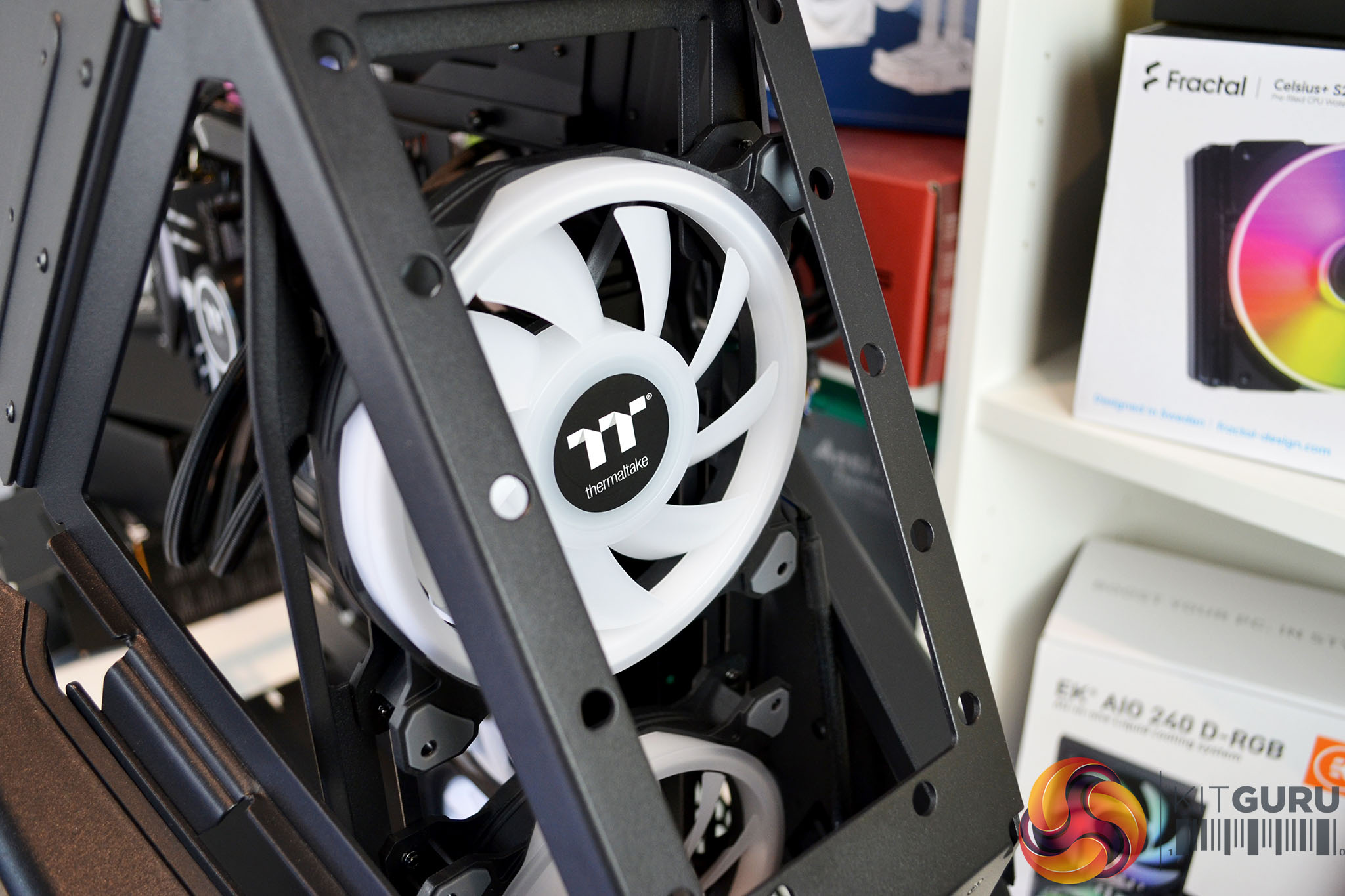
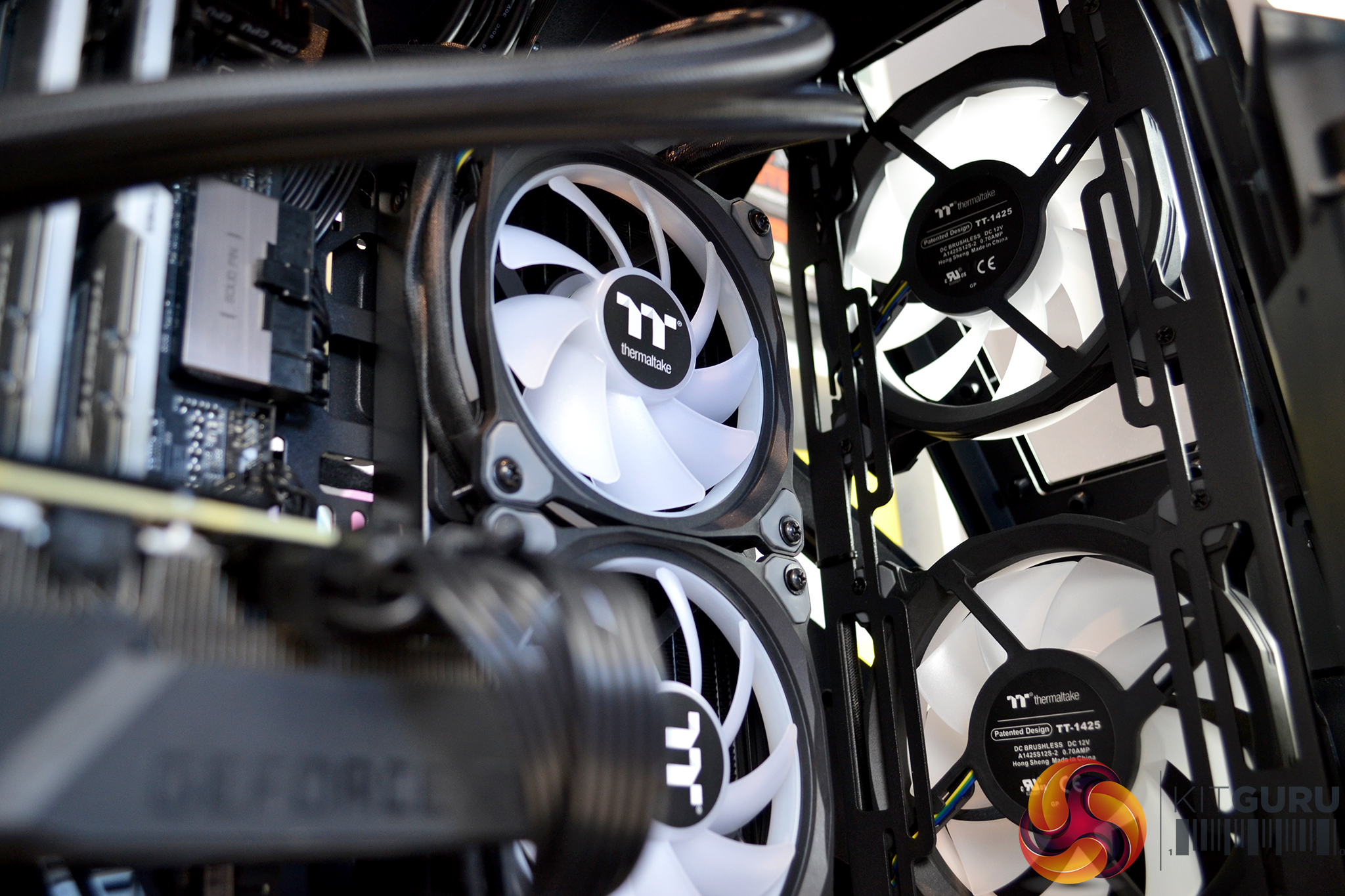
Another feature of the case that we found useful during installation was the removable front fan mounting bracket. Again, this improved access for installing front fans, we installed two 140mm Thermaltake Riing Quad 14 fans to the front bracket and then fixed it back in position inside the chassis.
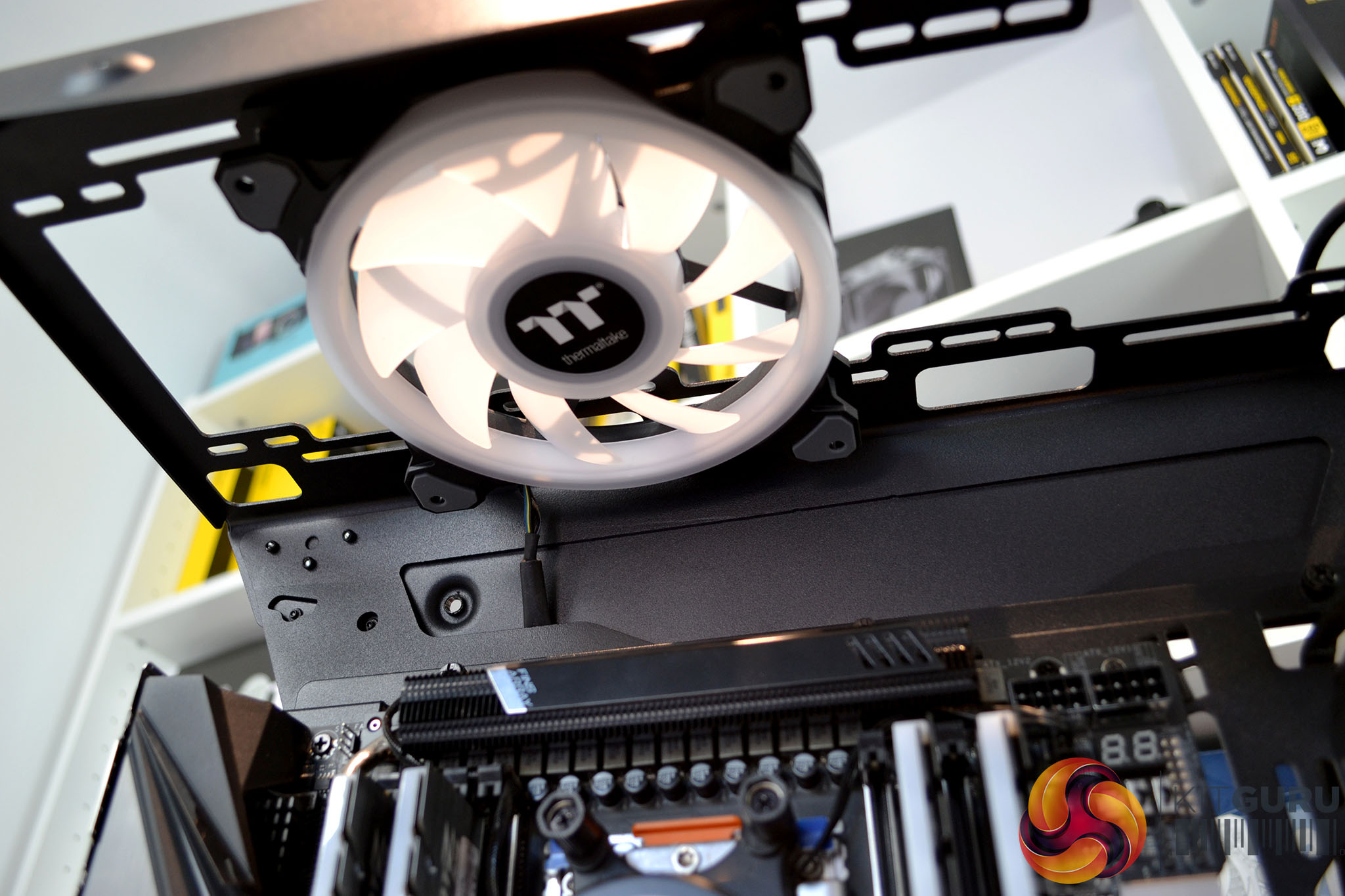
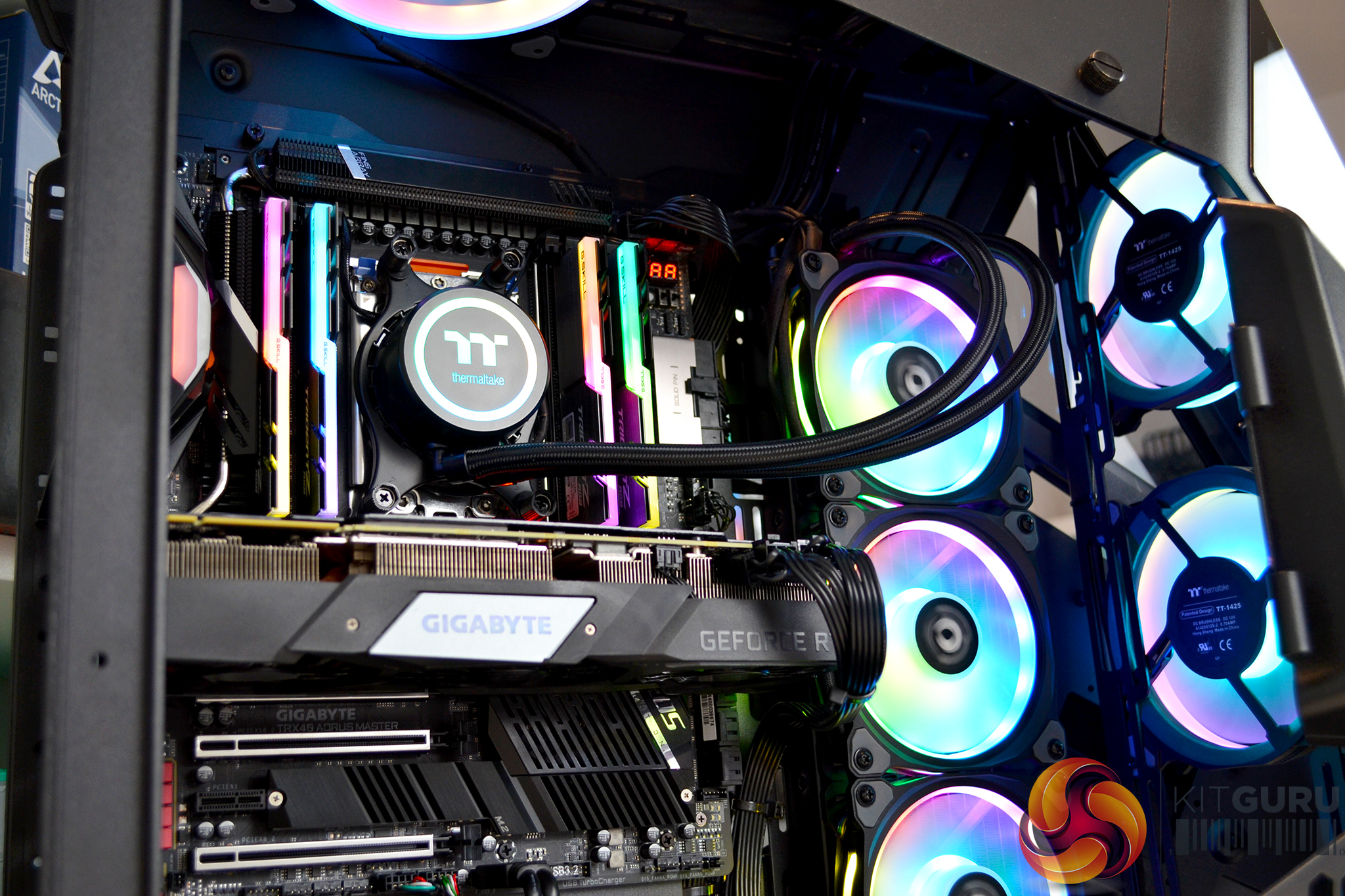
It is a good idea to do this before installing the motherboard tray as space is a little restricted with and AIO installed to the right-hand side of the tray. Access to the roof of the chassis is generous from above or below the top panel and there is ample space up there for installing fans or even think radiators.
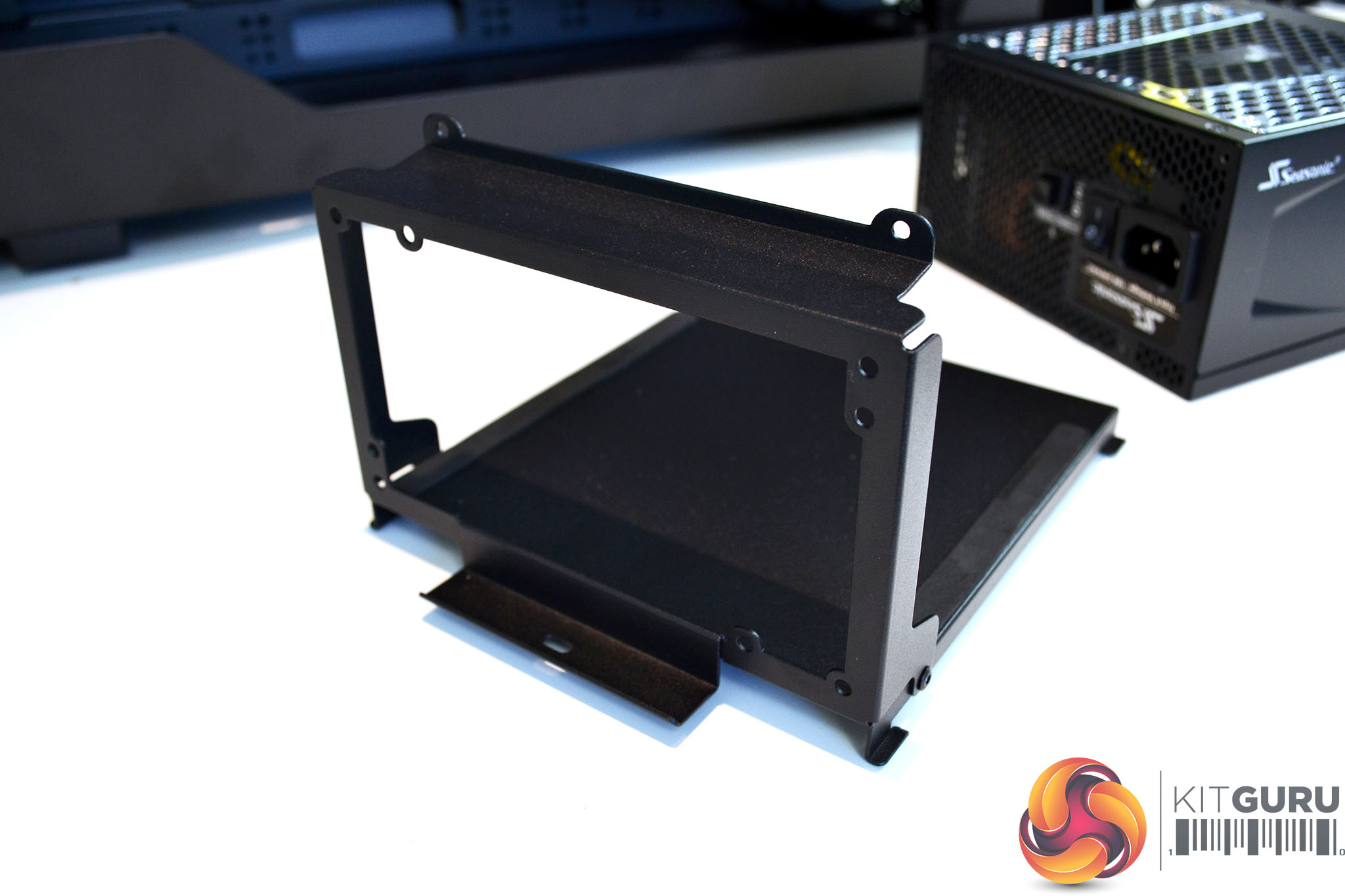
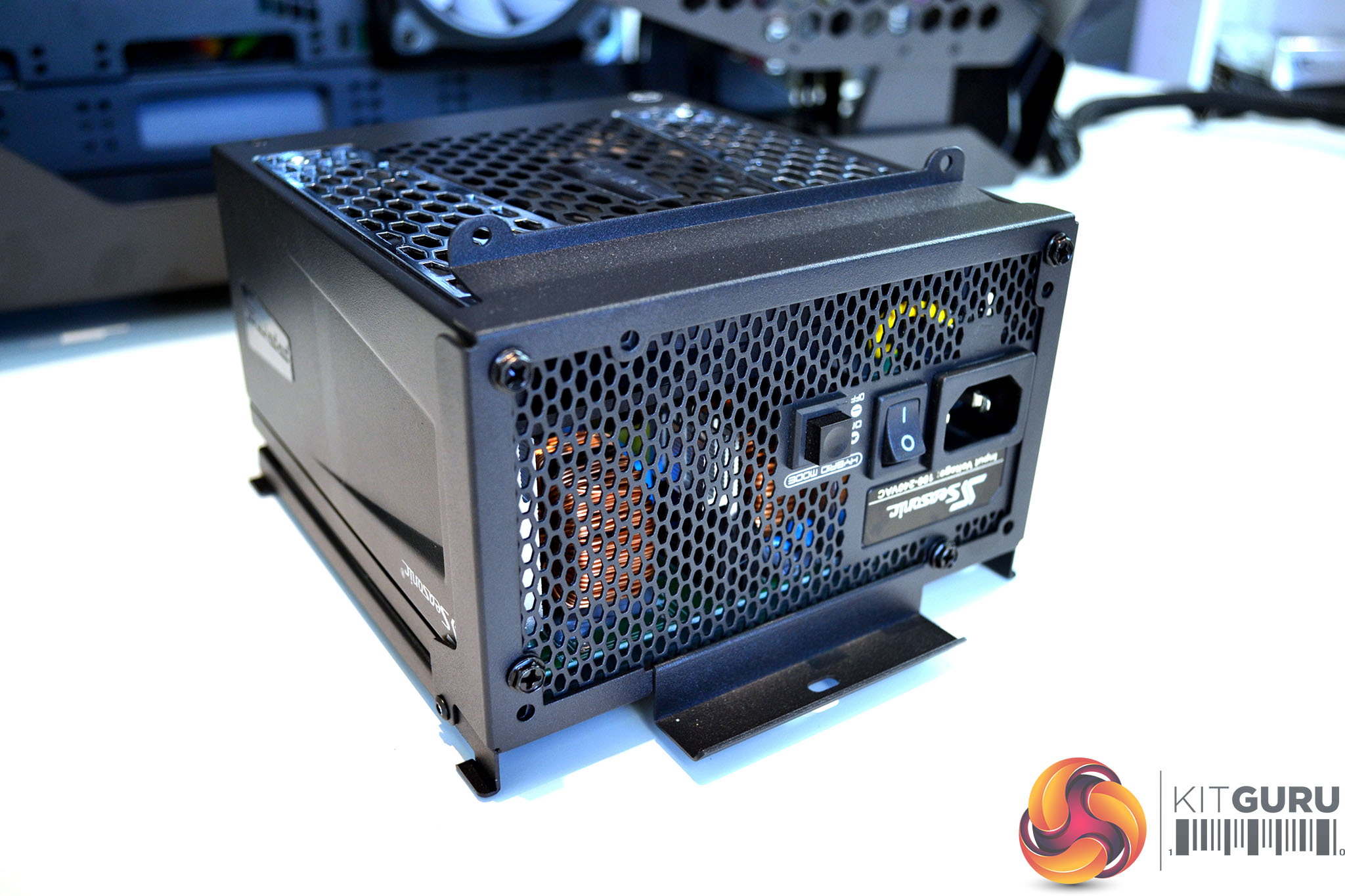
Power supply installation is also very straightforward as there is so much space to manoeuvre it into position. Simply screw the PSU to the bracket, slide it into the slots on the chassis floor and then fix it in position using a single thumbscrew.
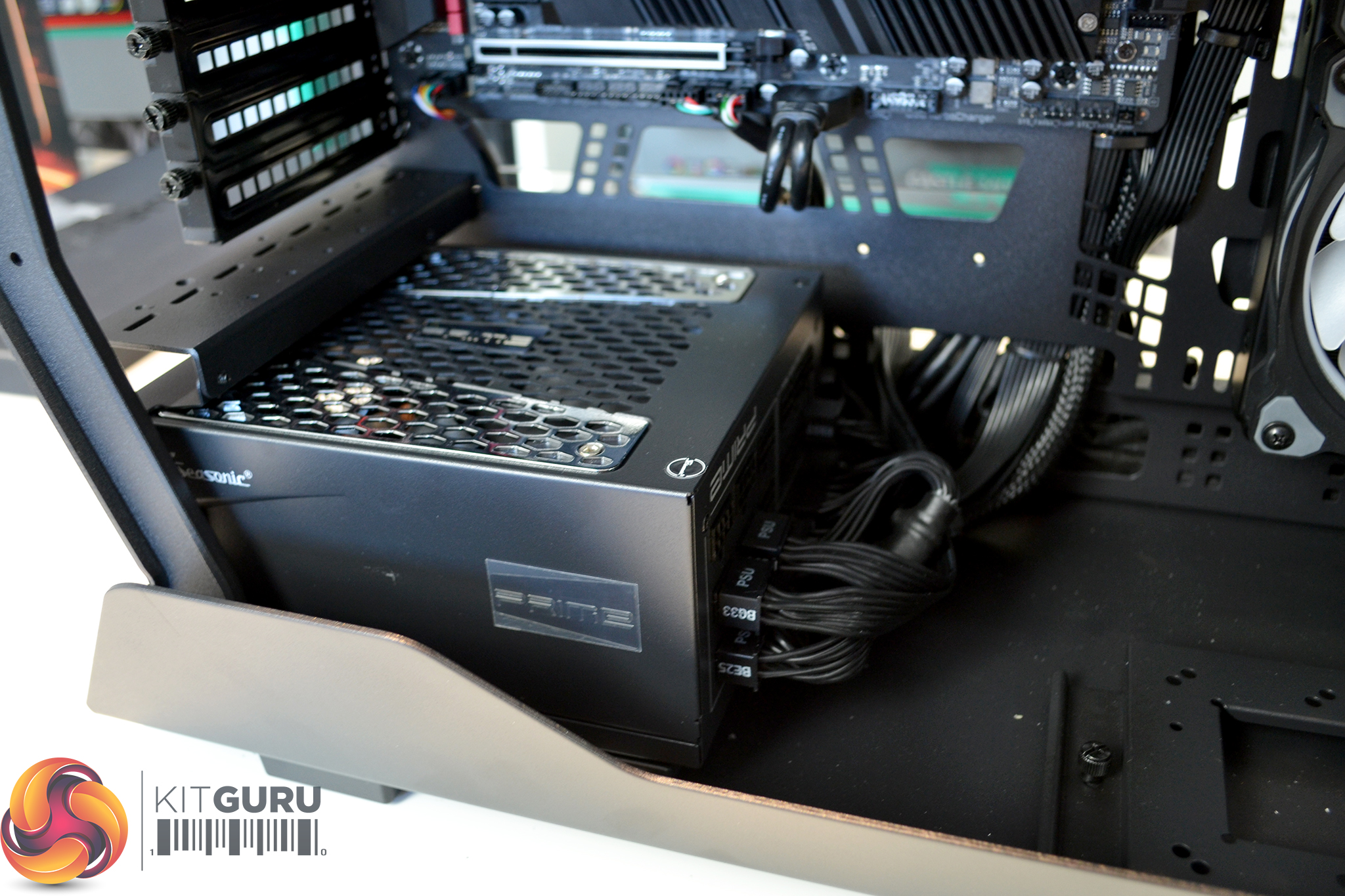
There is no shroud covering the power supply, so while this could be a little unsightly with messy cables, it does allow for good access to a modular power supply if the user wants to add extra cables in future. However, we would have liked some kind of removable shroud with a case at this price point.
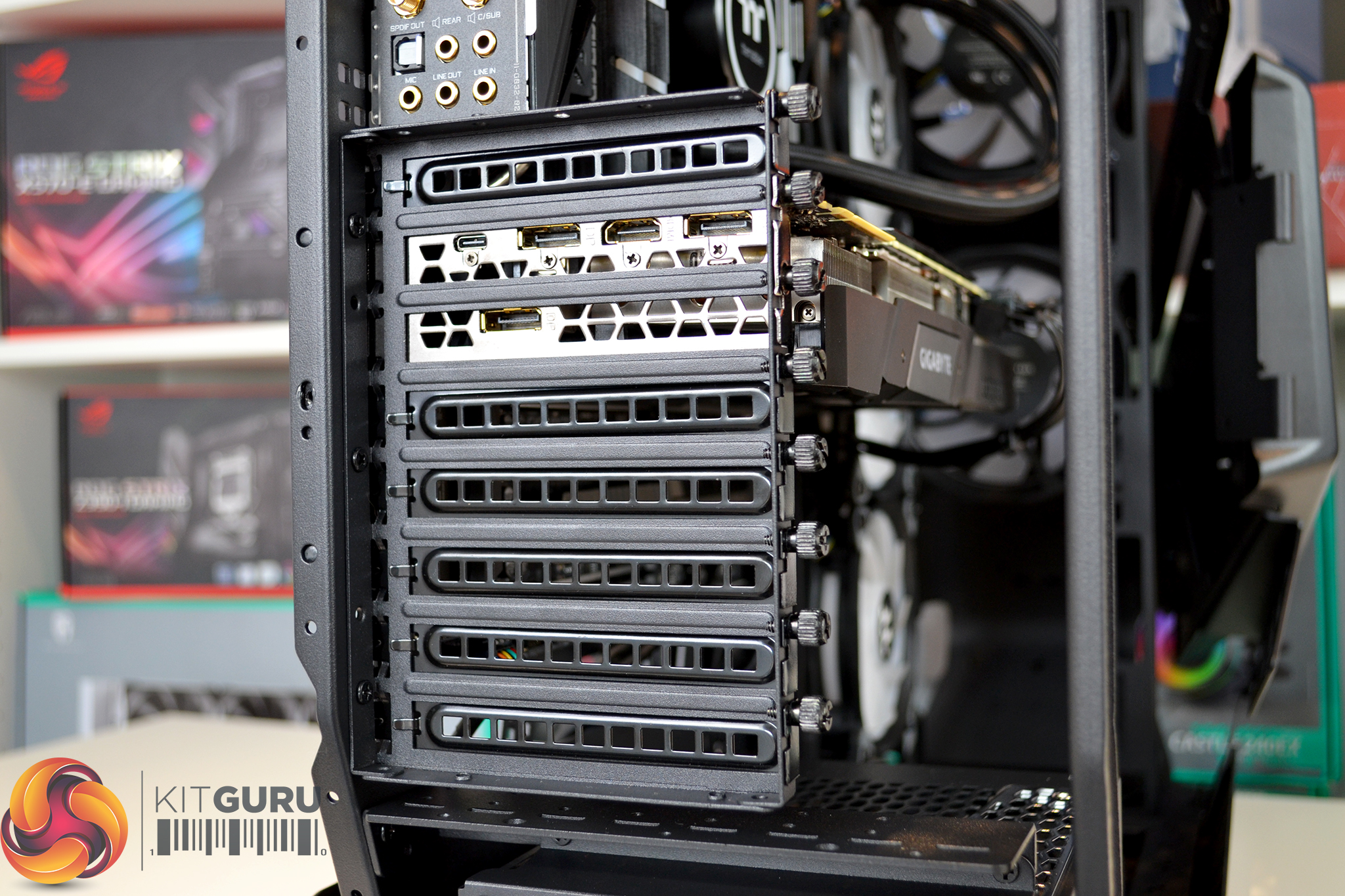
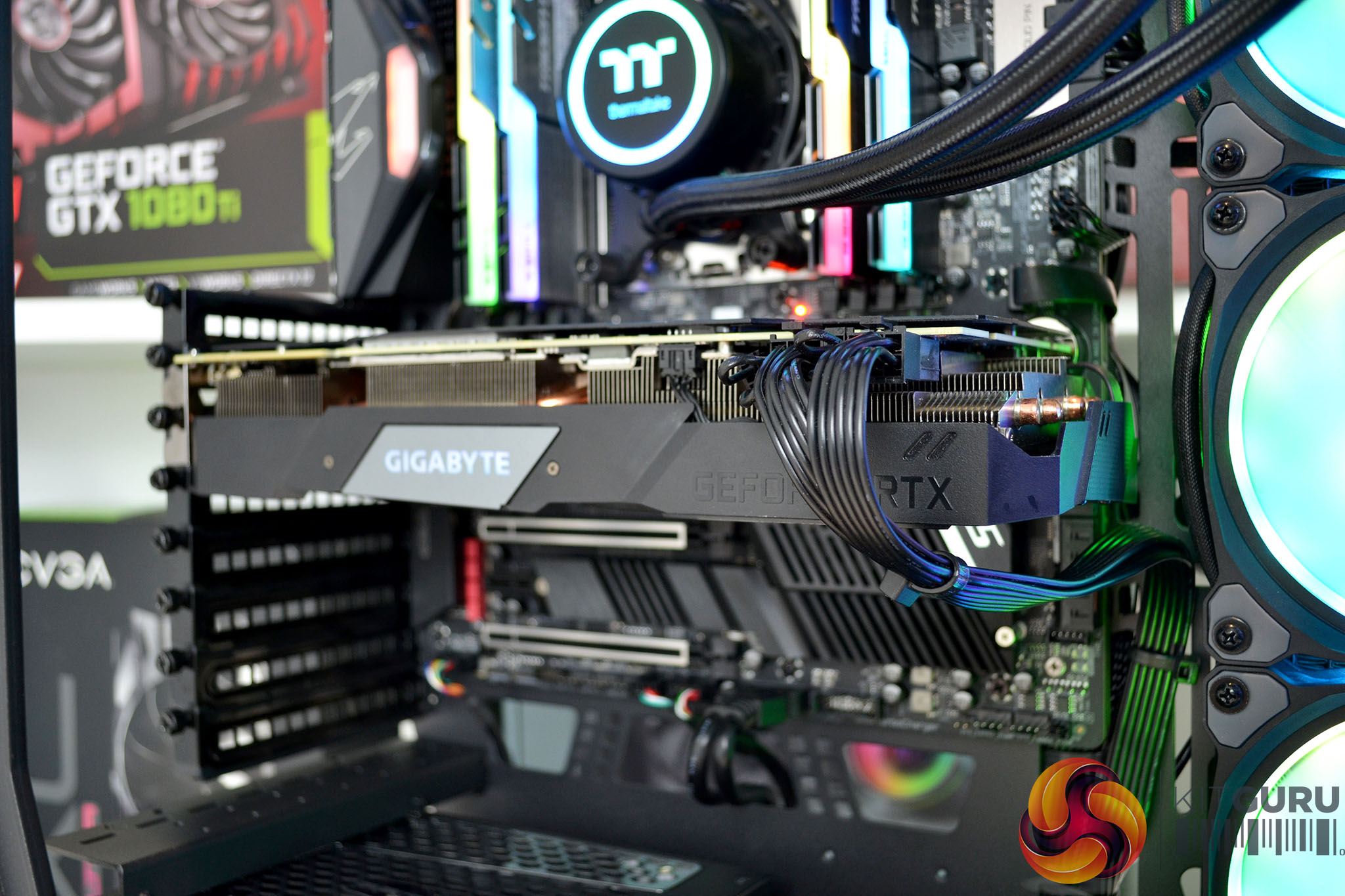
With so much space inside the chassis, installing graphics cards is a breeze. Simply fit the PCIe bracket to the chassis in the orientation to suit your graphics card position and then install the graphics card as normal.
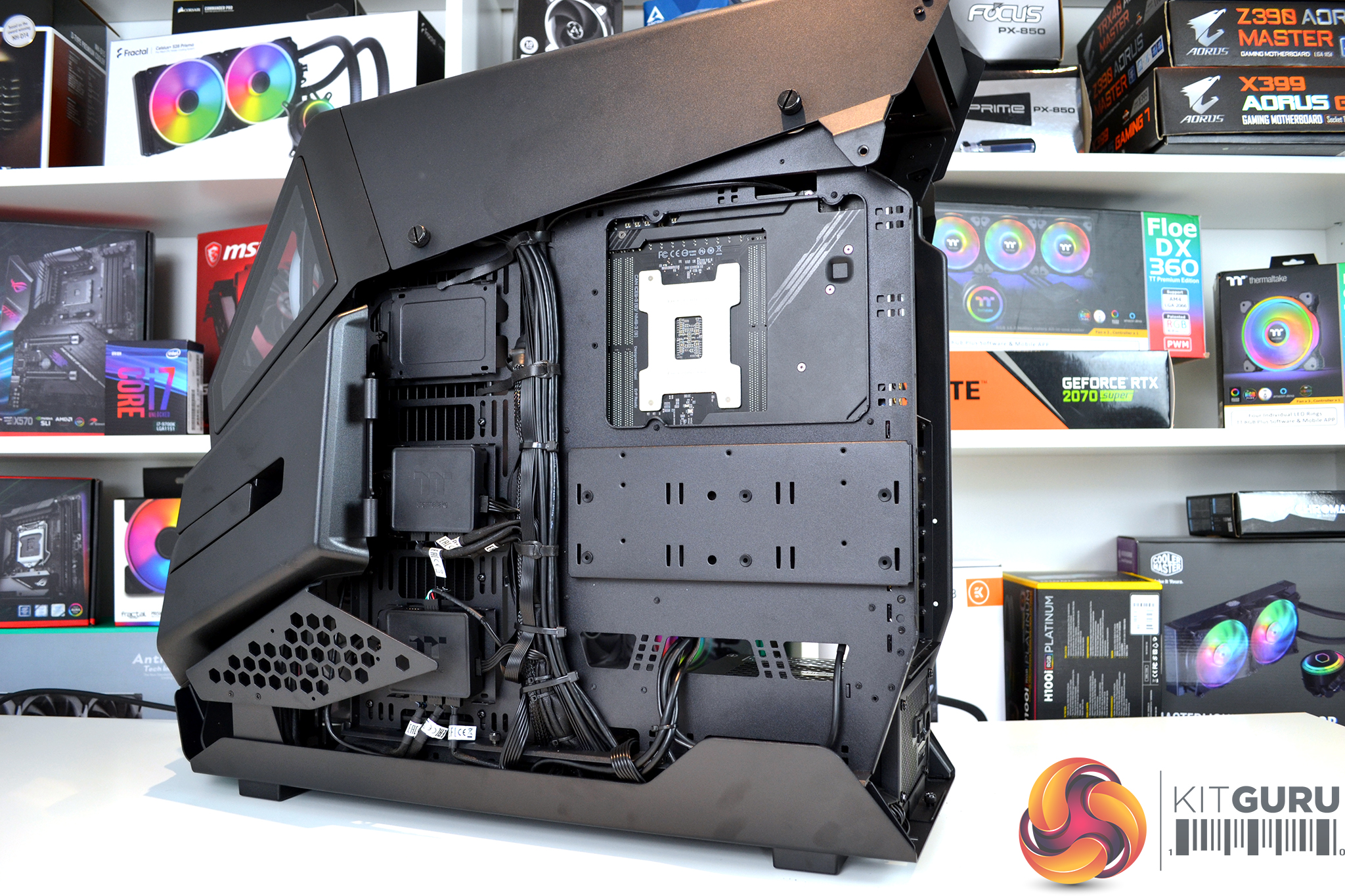
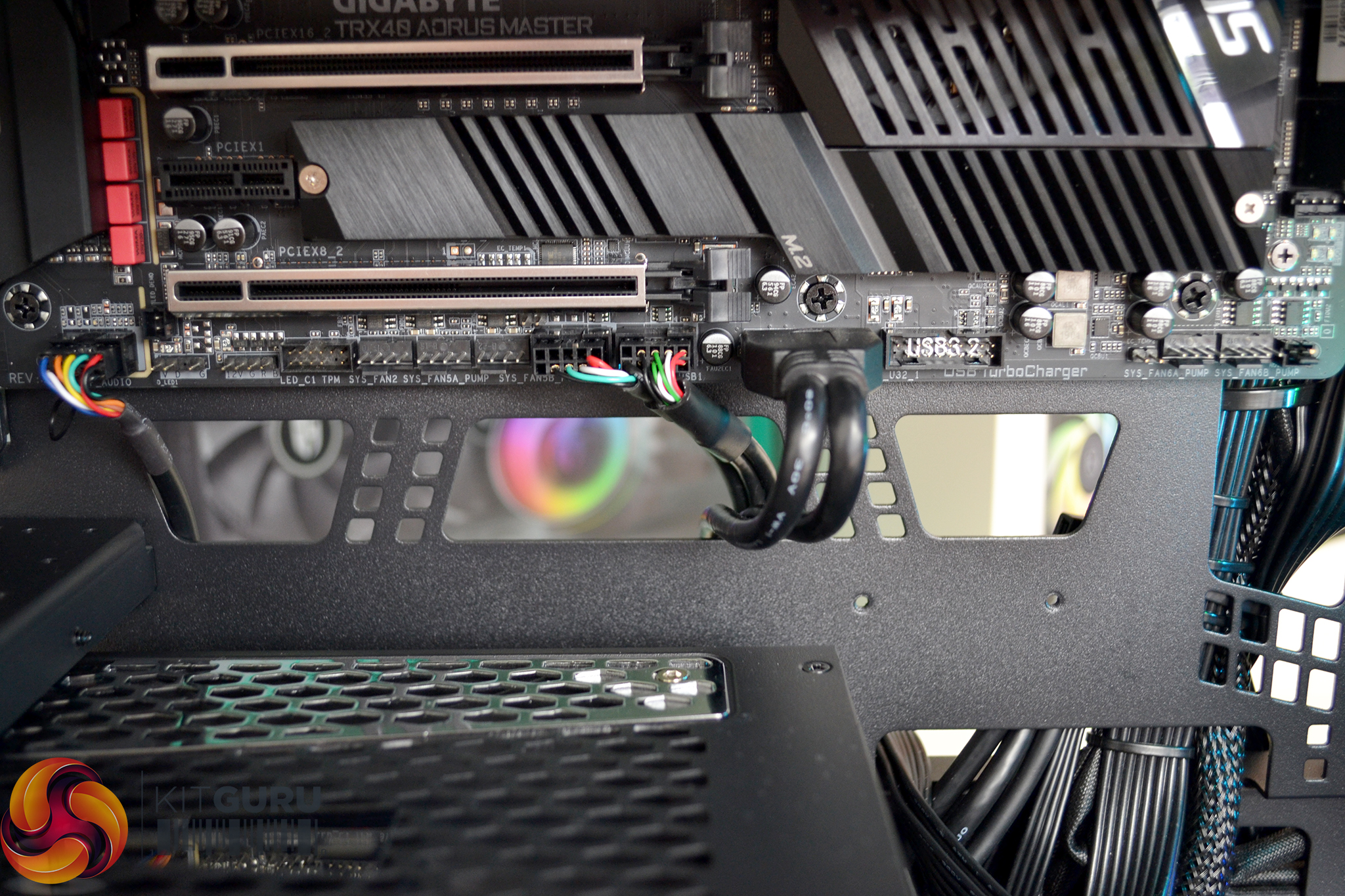
During the system installation, we spent hours hiding the cables since there is nothing built into the case to assist with this. There are a healthy amount of cable cut-outs, however, none of them have rubber grommets fitted.
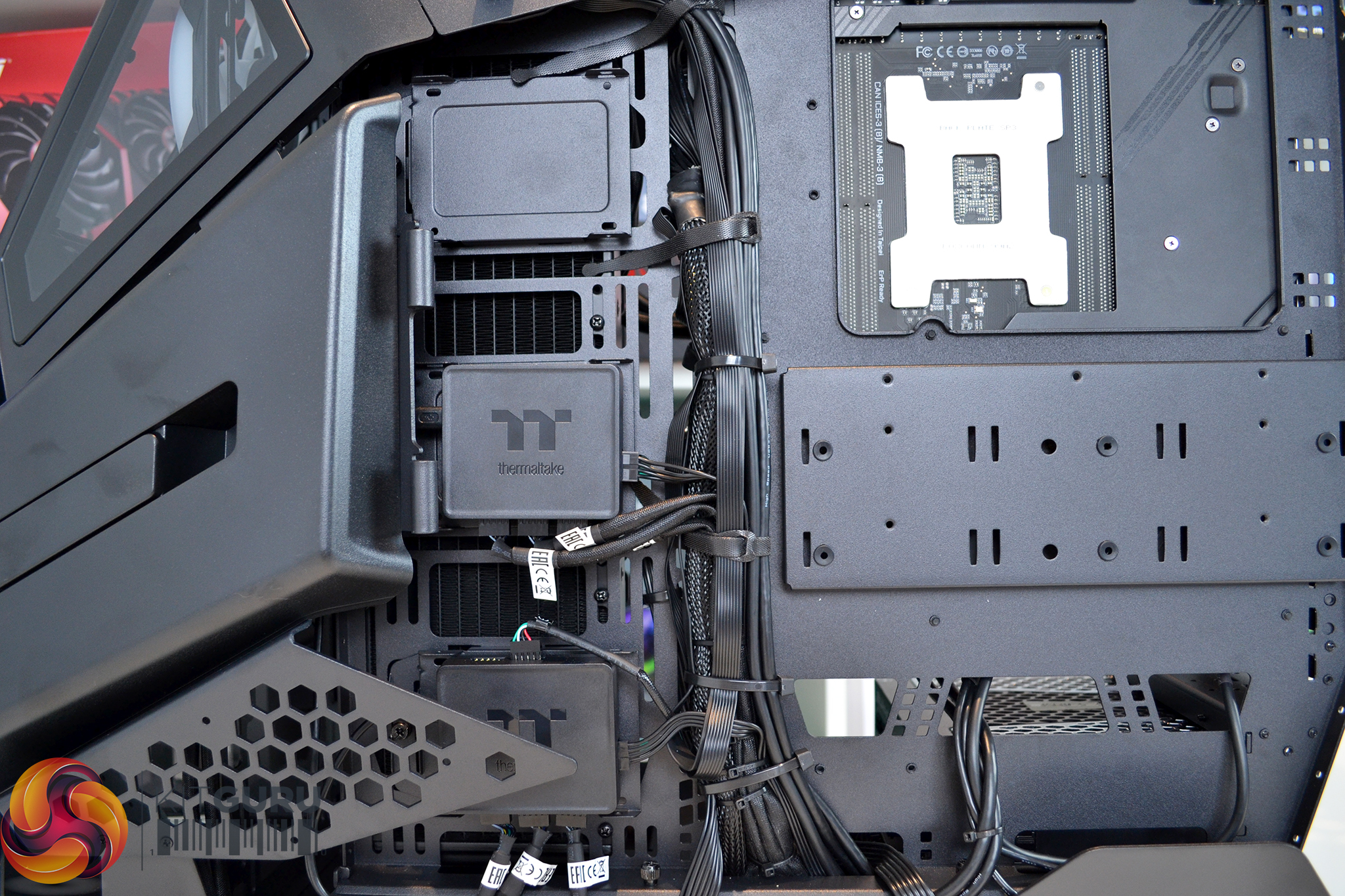
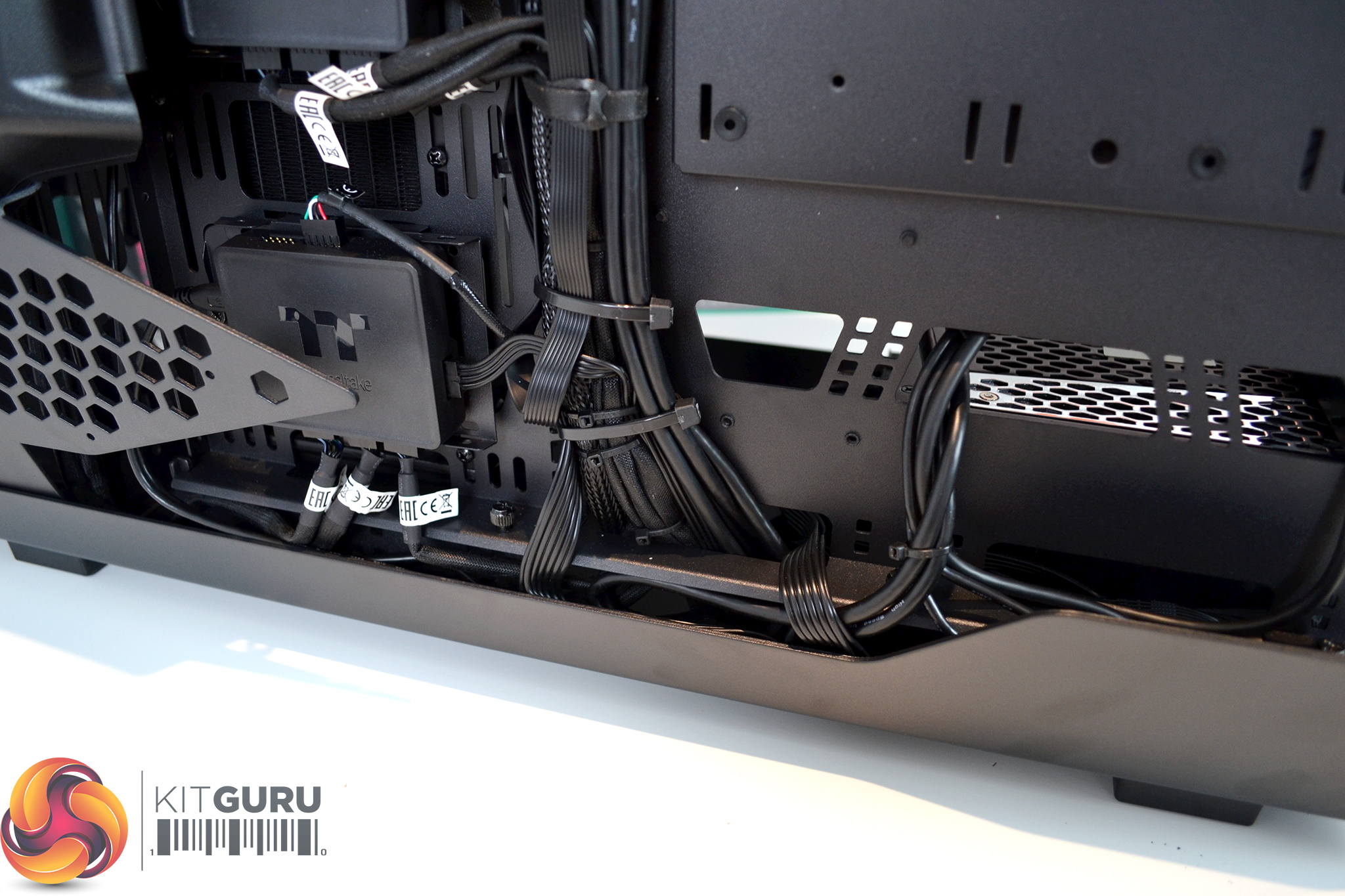
The main cable channel down the rear of the motherboard tray does have a few Velcro cable ties pre-installed which we did utilise. As well as a lack of cable cutout grommets, we were also quite disappointed that there is no cover to hide away cables. The addition of this would have made the build look much tidier and is something we expect of a case in this price range.
Build Gallery
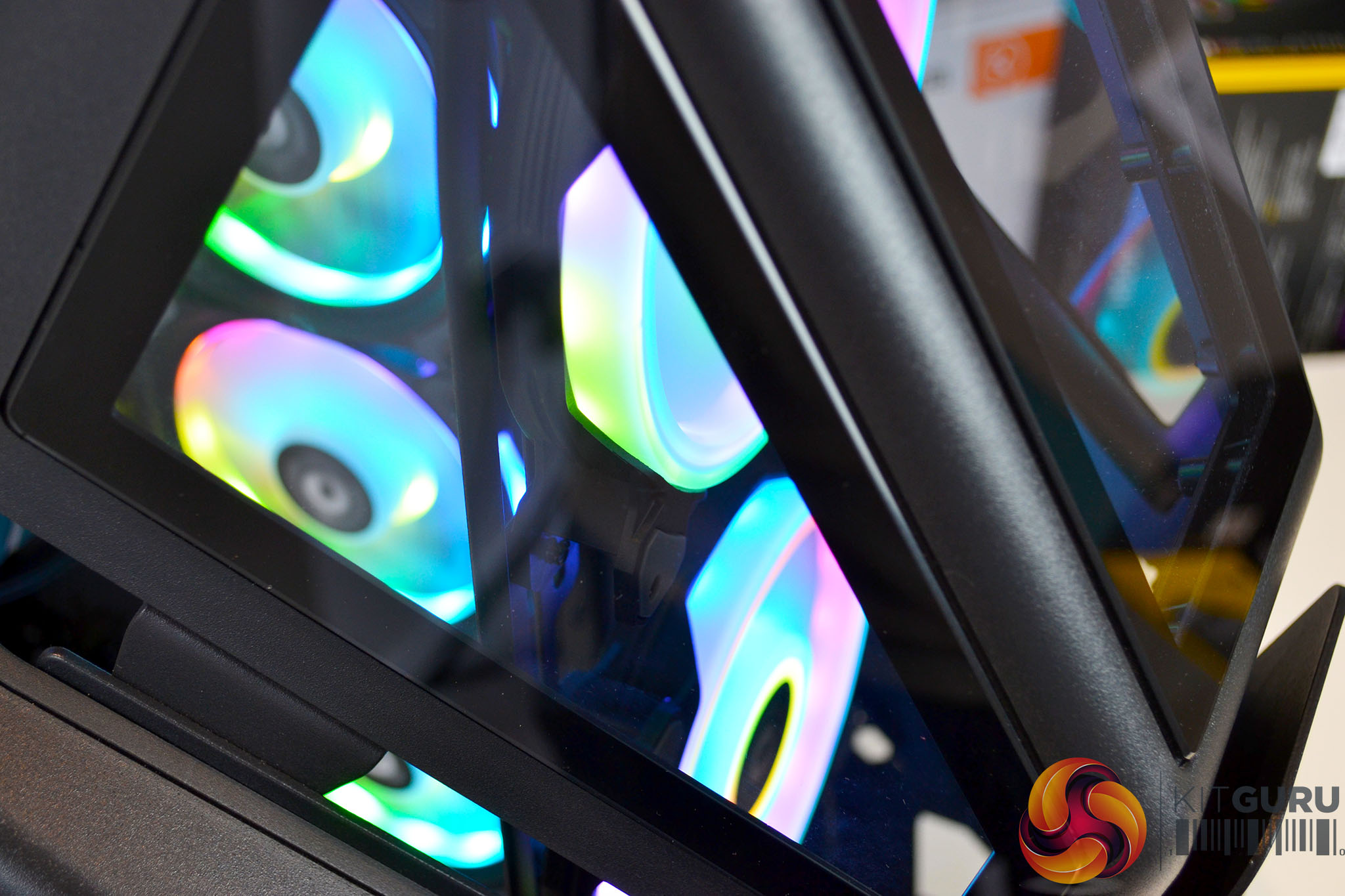
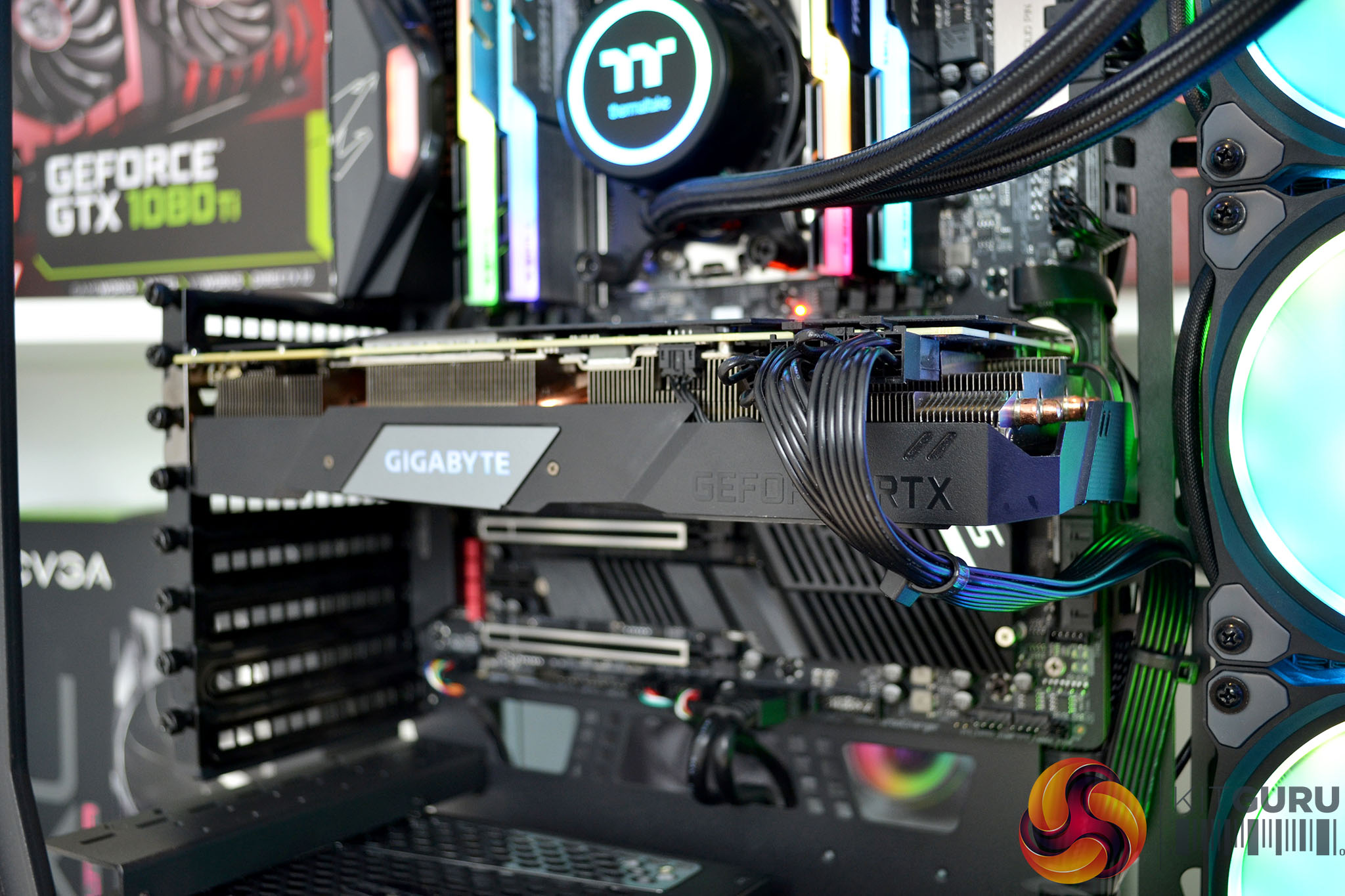
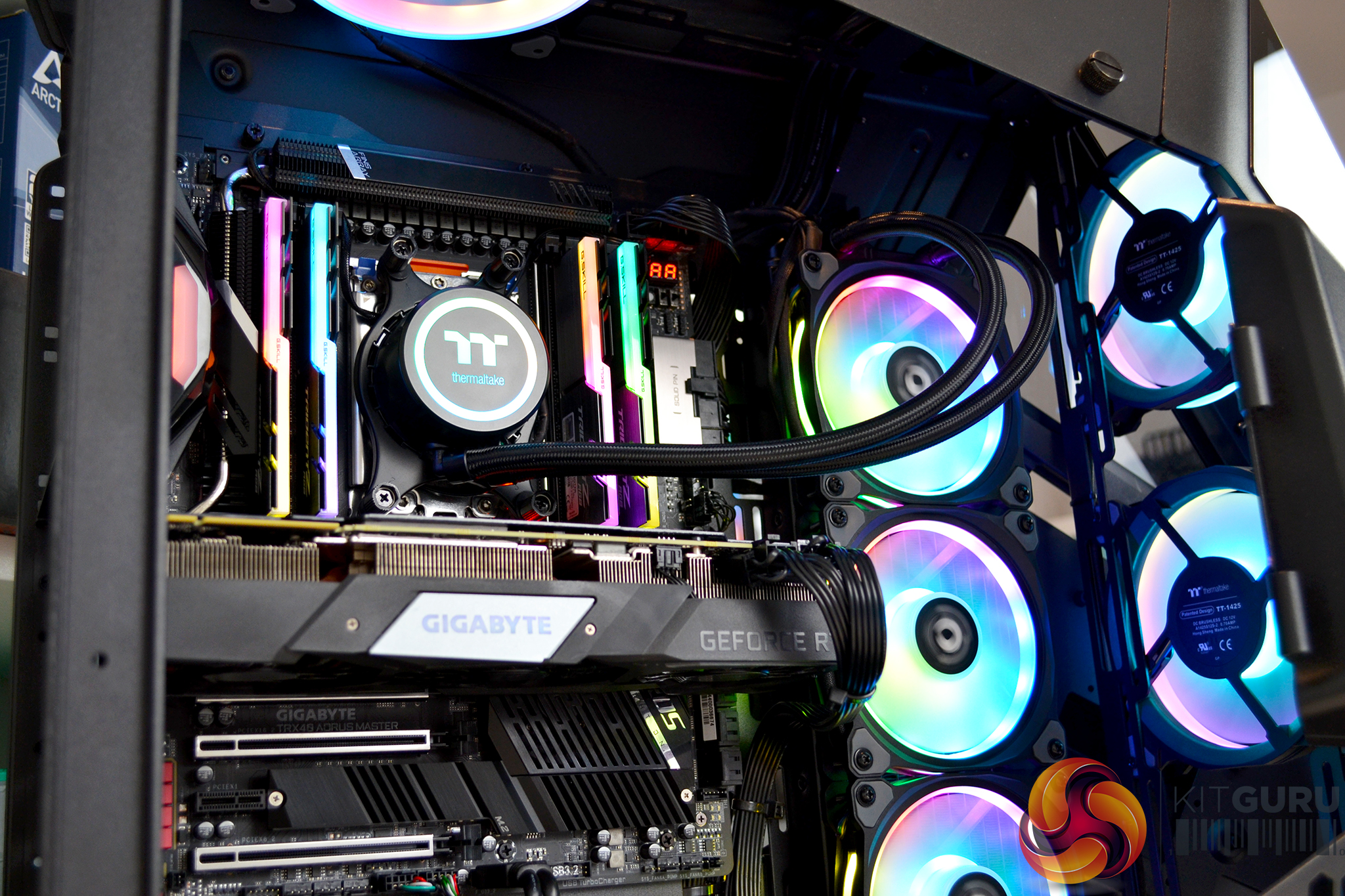
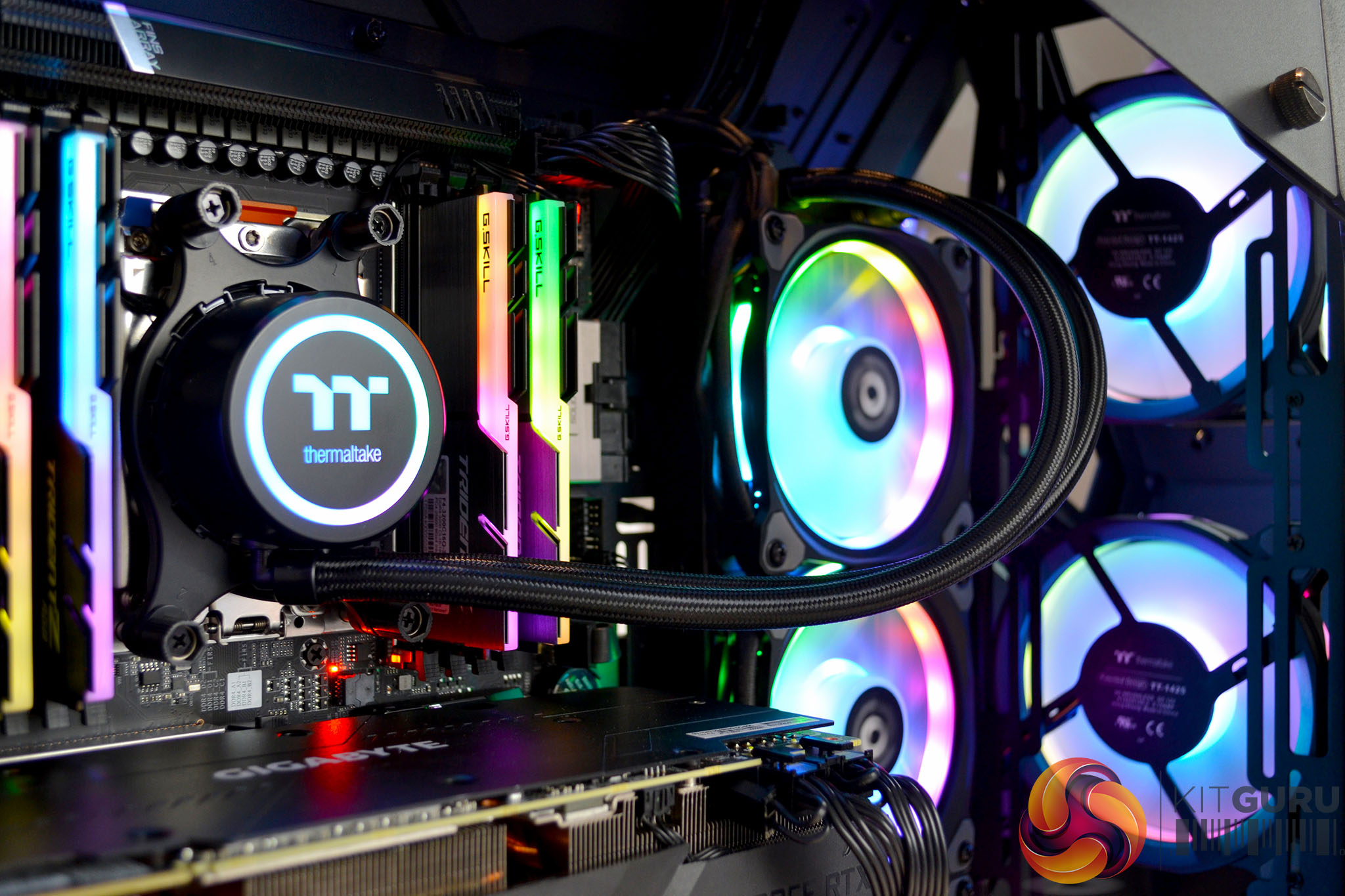
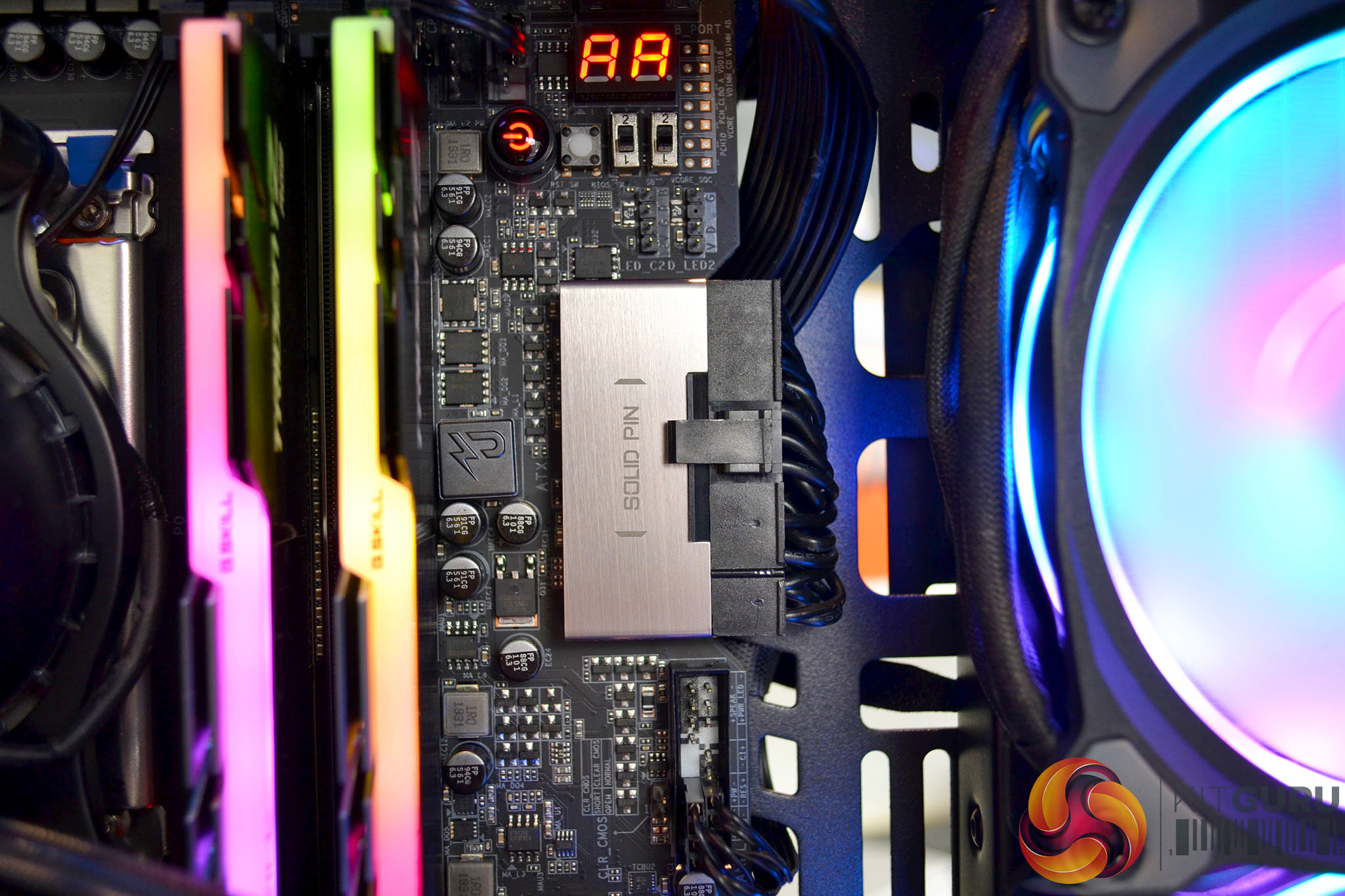
Since the Thermaltake AH T600 is technically an open frame test bench like chassis, we ran a series of simple tests to measure both thermal performance and noise levels at idle and under AIDA64 load stressing CPU, FPU, cache and GPU.
Unlike our usual thermal performance and noise levels test for PC cases, we have omitted results with the case in different configurations as this had virtually no effect on thermal performance or noise levels due to the open frame design of this chassis.
Test System
Processor: AMD Ryzen Threadripper 3970X
Motherboard: Gigabyte TRX40 Aorus Master
Memory: 32GB G.Skill TridentZ RGB DDR4-3200MHz
Graphics card: Gigabyte RTX 2070 Super Gaming OC
Power supply: Seasonic Prime PX-850 850W
Storage drive: 500 GB Corsair Force series MP600 PCIe Gen 3.0 M.2 SSD
CPU cooler: Thermaltake Floe DX360 TT Premium Edition 360mm AIO
Case: Thermaltake AH T600 Black
System fans: 3 x Thermaltake Riing Quad 14, 2 x front and 1 x roof
OS: Windows 10 1909
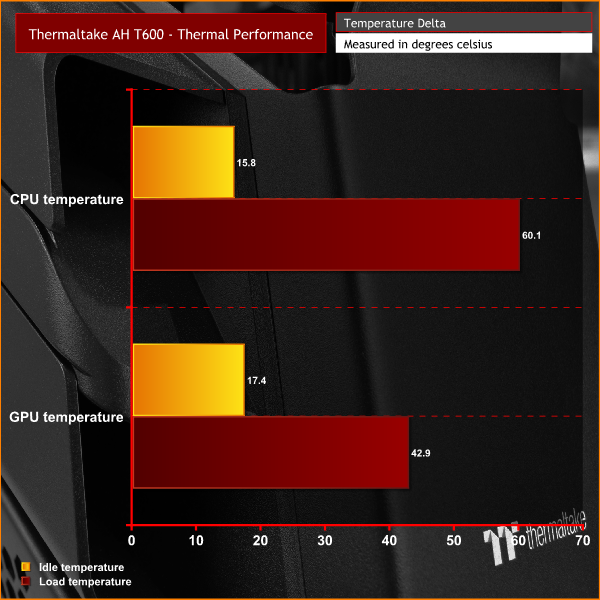
To measure thermal performance at idle, we used HWINFO to record average Tctl/Tdie temperature of the AMD Ryzen Threadripper 3970X CPU with the system idle in the Windows desktop for 10 minutes. Load temperatures were measured using the same recording method with the system running an AIDA64 stress test (CPU, FPU, cache and GPU) for 15 minutes. The results are recorded in the charts below.
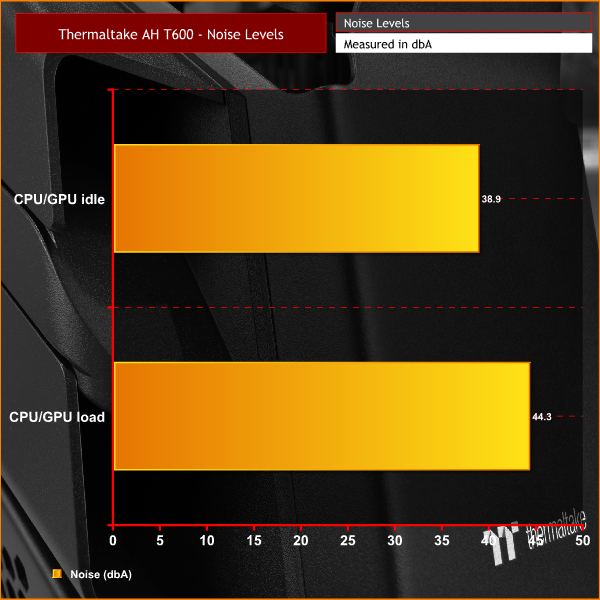
For noise level testing, the AIO pump speed is set to 100% and all fans inside the system are set to the PWM performance mode in the Thermaltake TT RGB Plus software. Noise levels are recorded from a distance of 1m from the front of the chassis with the system idle and after 15 minutes of AIDA64 load.
Thermal Performance Overview
With a generous amount of air gaps around the AH T600 chassis, this certainly helps with thermal performance. Even though the 360mm Thermaltake Floe DX AIO CPU block base plate doesn’t fully cover the AMD Threadripper heat spreader, the thermal performance was well within safe limits.
Noise Levels Overview
Again, because the AH T600 is an open frame chassis, the level of noise being emitted from the system all depends on the choice of fans. Our system was certainly audible under load and you are obviously going to hear high RPM fans. However, tuning the fan curve to your noise level preference is really what is required with the AH T600.
Building a system inside the Thermaltake AH T600 is quite a task. There are some elements of the design that work well, such as the removable motherboard tray that allows the system builder to install components on the bench, which is very handy. The front fan bracket, which is also removable, aids installation of front fans which would otherwise be tricky or would need a full strip-down of the front panel.
However, I would not recommend this case to a novice system builder or someone taking it on for their first-ever PC build. This is mainly due to the cable management built into the chassis, or ‘lack thereof' which better describes the cable management! During the system build, I spent more time trying to hide and route cables than anything else, and feel there are certain areas where there AH T600 could be improved to produce a better looking final appearance.
The first area of cable management that is a little disappointing is the lack of rubber grommets around the cable cutouts. Granted, it would be tricky to apply cable grommets to certain cutouts, such as those at the top of the chassis that are somewhat hidden away. I would have expected the main cable cutouts to have grommets applied, however, so that is certainly disappointing from a case in this price range.
Another feature that could have been added to the case to help the overall finished aesthetic, would be some sort of cover to the back of the motherboard tray. This would hide most of the unsightly cables and give a cleaner look to this inside of the system. We have seen this on other cases with right-hand side glass panels and again, this is something we would expect at this price point.
One other minor point worth mentioning is that the case doesn’t come with any pre-installed fans, this may not be an issue for those building a unique custom water cooling setup inside. However, for some users, the cost of purchasing extra fans may come into consideration when looking to purchase a PC case, so the addition of at least a couple of pre-installed RGB fans wouldn’t go amiss.
In terms of thermal performance, the AH T600 excels in this department. This is mainly due to that fact that it is technically an open-air chassis, even though it has glass side panels and a closed looking front panel, there are various large air gaps all around and the rear of the chassis is completely open which obviously assists airflow and system temperatures.
One slight downside to this open-frame design is noise levels. With high RPM fans installed inside the AH T600, you are obviously going to hear them. So to achieve a happy balance between noise and thermal performance, some configuration of fan curves will be needed. The Thermaltake fans we used in the build were audible under load, however at 44.3 dbA, the noise wasn’t too distracting.
Another downside to the open frame design is the effect it has on the chassis' strength. When I first began to inspect the chassis, I noticed there was excessive flex towards the rear of the frame. Initially, I thought this might stiffen up once all the components were fitted, but this simply didn’t happen. Additional strengthening seems like it would be necessary here, it's almost as though the rear panel was an afterthought and gives the chassis a less-than premium feel at the rear end.
It's not all doom and gloom though, the interior of the AH T660 is extremely spacious and if we are being honest, the system we built inside didn’t really do it justice. With some kind of unique or extreme custom water cooling system installed, the AH T600 would certainly have an appearance that is impossible to accomplish with traditional PC cases.
If you want to make a statement with your PC, and ‘big, shouty' builds are your thing, then the AH T600 certainly fits the bill. The sheer size and weight of it is like no other case I’ve come across, and without a doubt, it has its own unique style. Just bear in mind its dimensions and sheer heft if you are thinking of buying one, as it weighs over 20kg empty, so you might want to add some additional support to that Ikea desk if you plan to sit the AH T600 next to your monitor.

You can pre-order the Thermaltake AH T600 from Overclockers UK HERE. The Snow white version is priced at £264.95 and the black variant is £249.95.
Discuss on our Facebook page HERE.
Pros
- Unique appearance.
- Modular design.
- Supports high-end components.
- Great for showcasing extreme water-cooling builds.
Cons
- Very large and heavy.
- Disappointing cable management options.
- No pre-installed fans.
- The rear panel has excessive flex.
KitGuru says: The Thermaltake AH T600 is certainly a unique PC chassis that would look great as a centrepiece in a themed gaming room or such like. However, a combination of areas with slightly poor build quality, as well as woeful cable management options, let down something that otherwise could have been quite special.