 KitGuru KitGuru.net – Tech News | Hardware News | Hardware Reviews | IOS | Mobile | Gaming | Graphics Cards


The software MSI supplies is the same across its Gaming series motherboards, feature dependent. As such, our analysis is the same, and the images are taken from our review of MSI's Z97 Gaming 5.
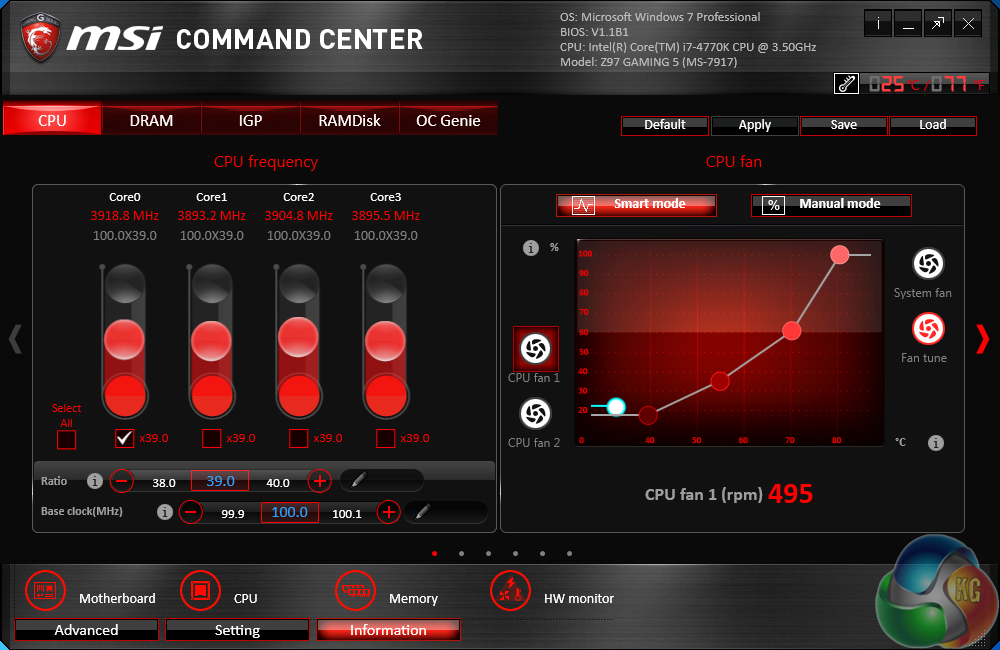
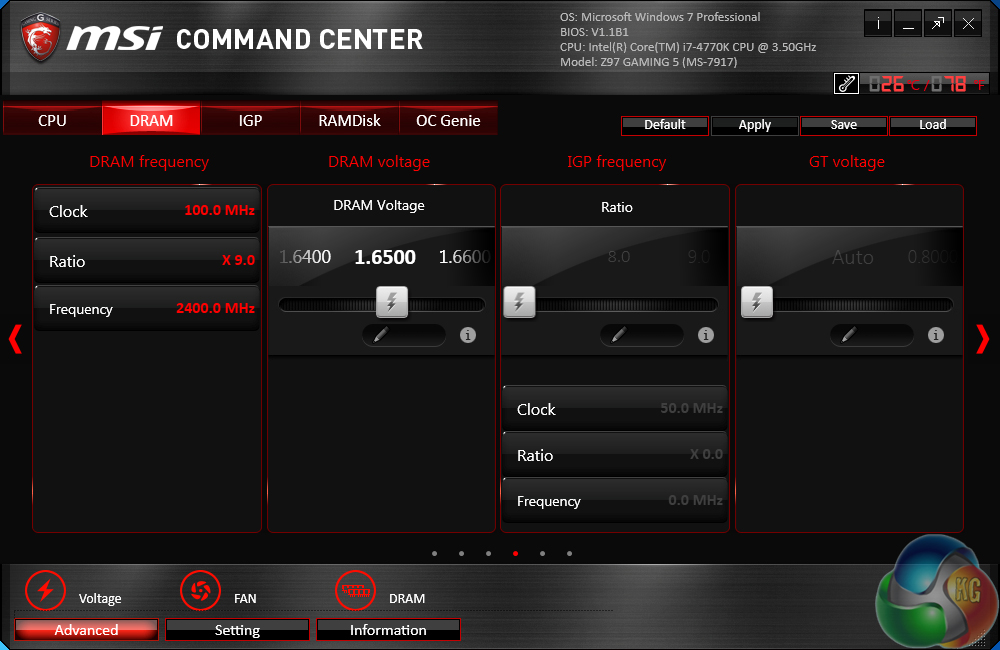
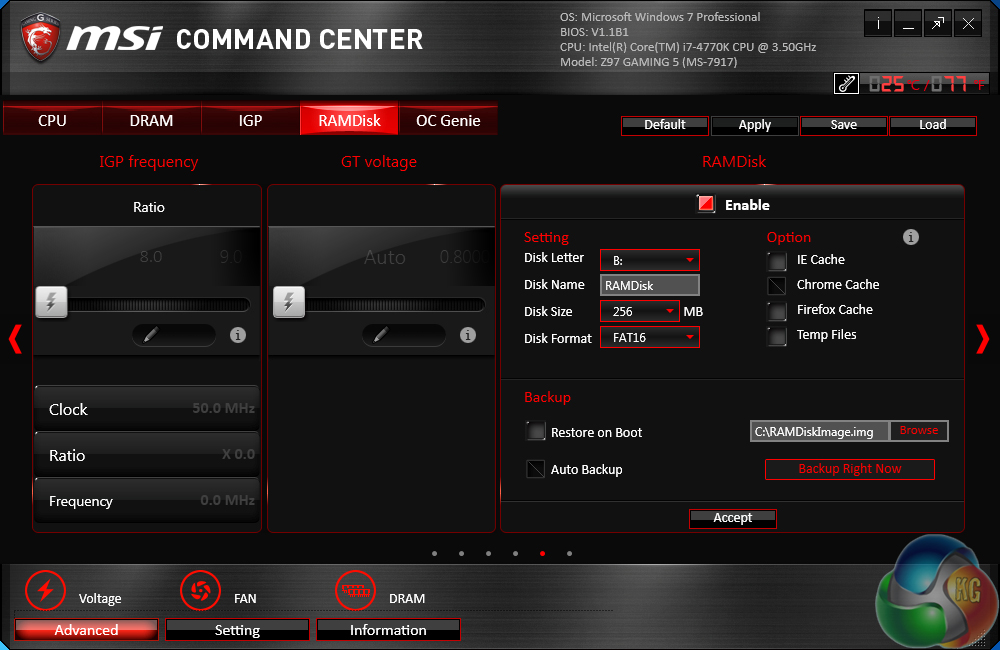
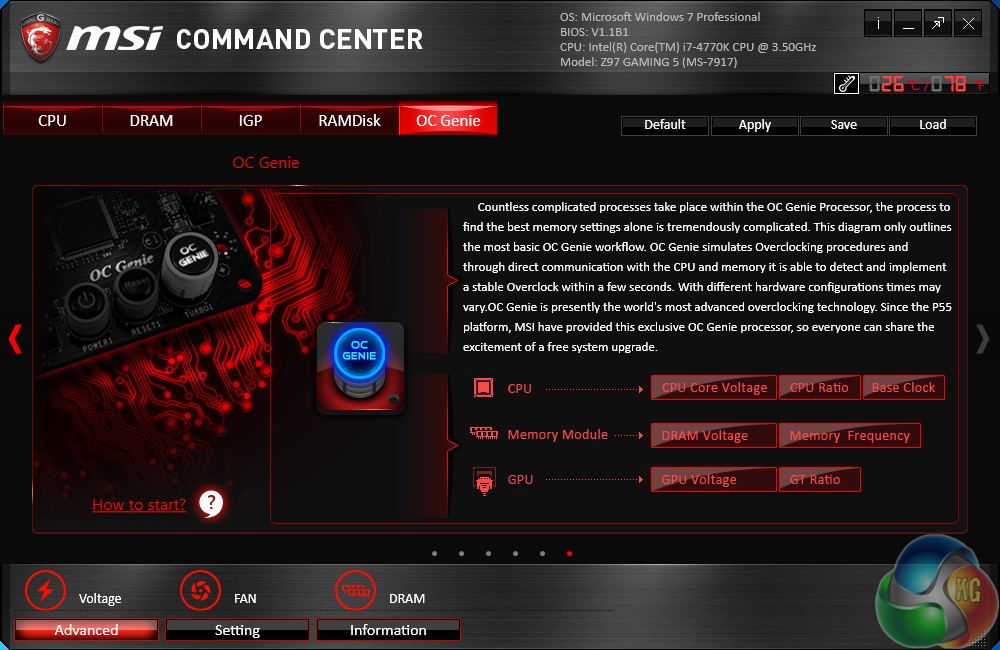
MSI's Command Center software is a comprehensive tool that can be used for a surprisingly diverse range of tasks. General overclocking and frequency-related duties can be handled via the software suite, and a RAM disk can also be created.
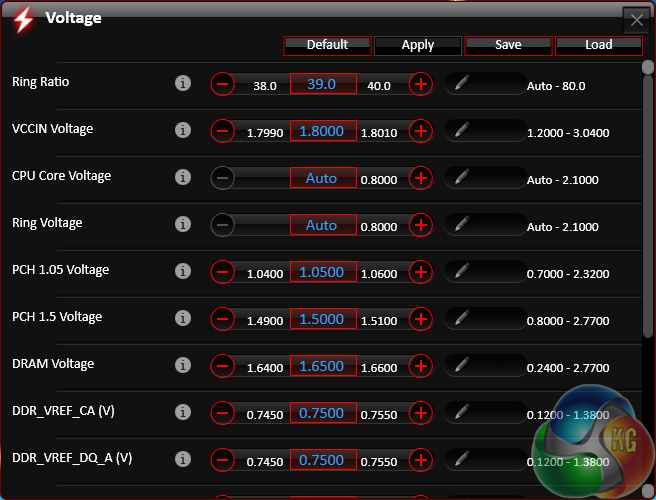
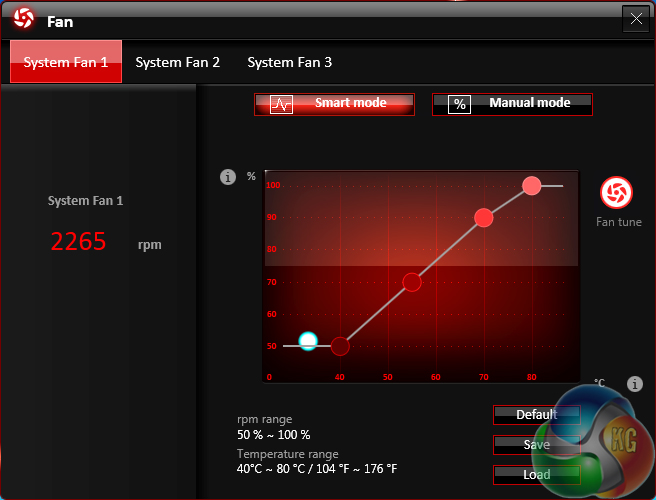
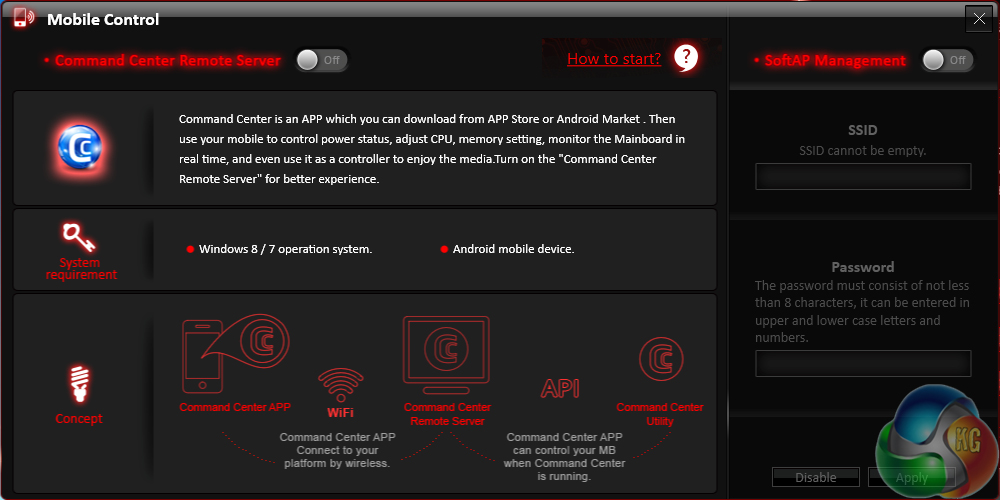
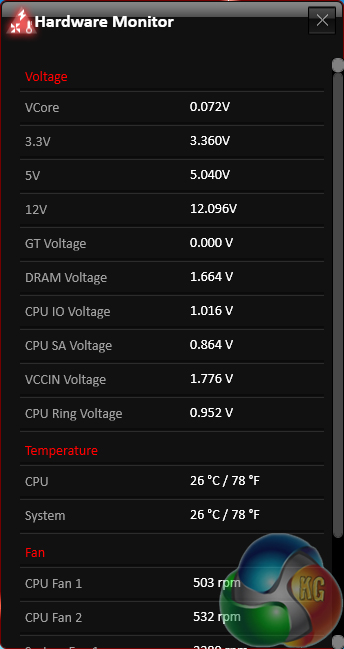
Additional sections at the bottom of each main page allow users to launch specific subsections. Some of the main subsections include windows for adjusting system voltages and fan speeds, as well as a segment dedicated to configuring one's computer as a media streamer.
We would recommend using MSI's Command Center software for voltage readings. Third party software (such as CPU-Z) can struggle to display real time readings on MSI's and other vendors' Z97 motherboards.
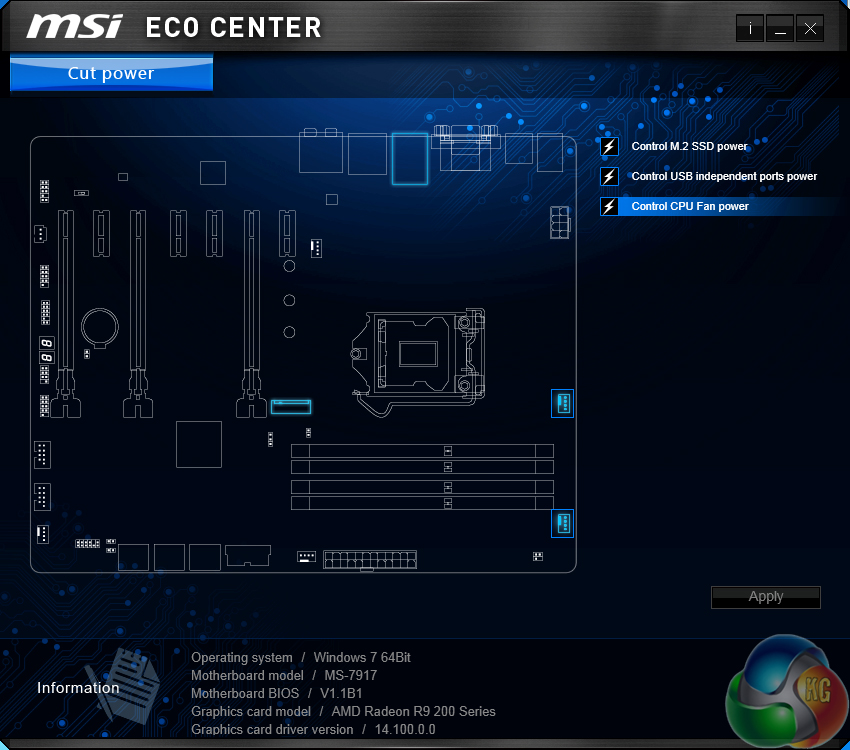
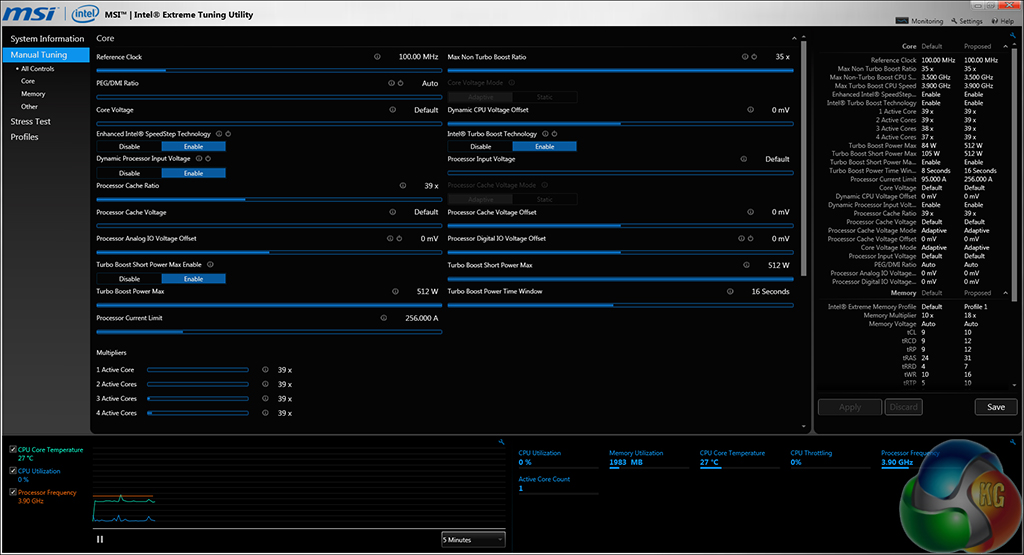
Eco Center allows users to switch off specific components to cut power usage. Intel's Extreme Tuning Utility gives a more in-depth set of voltage and power parameters than MSI's Command Center suite.
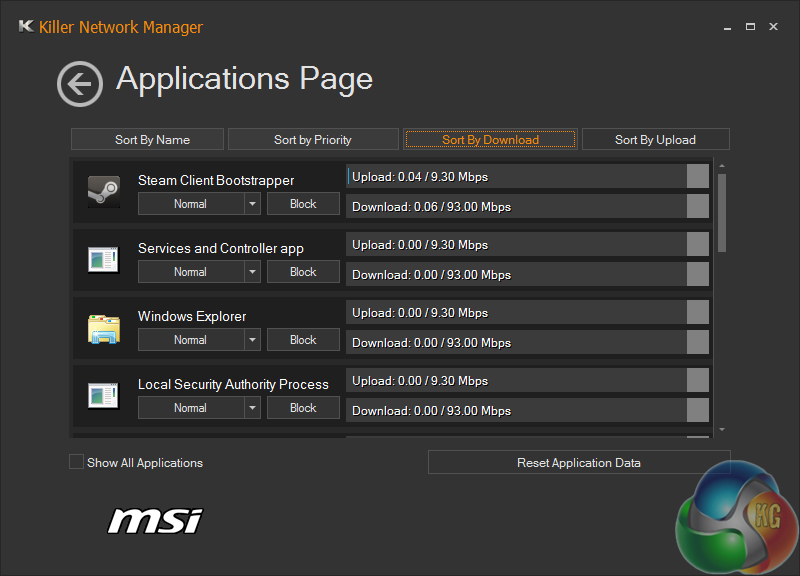
Killer Network manager is one of the key reasons that Killer's NICs are popular choices for gaming motherboards. The software allows users to control their system's network operations so that gaming, or other tasks, can be given priority. This can help to ensure that a sufficient level of network bandwidth is delivered where it is required.
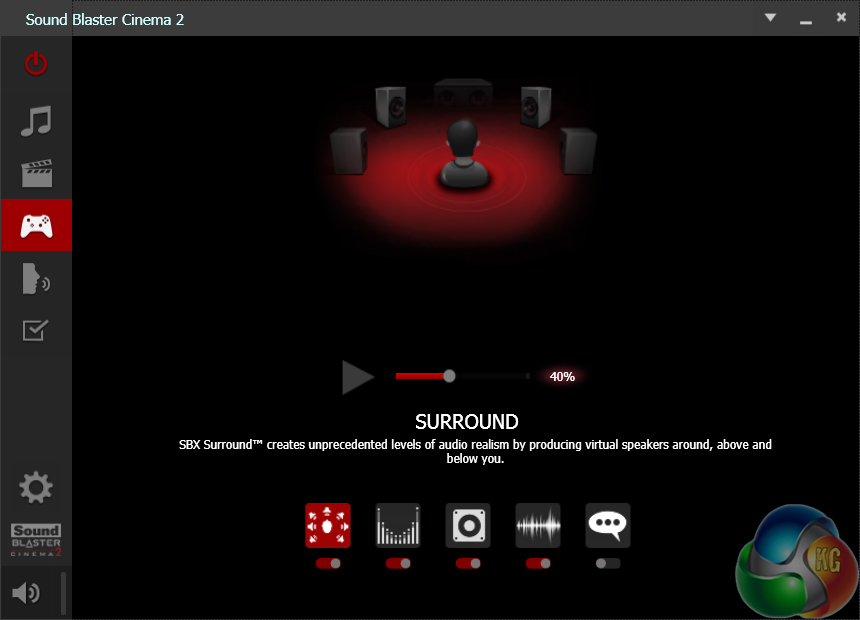
Creative's Sound Blaster Cinema 2 software features a number of audio presets which allow users to quickly optimise their sound system's operation to the relevant task. Settings such as the virtual surround implementation can be adjusted.

More fun with this site kitguru … Keep Reading
< ??????.+ zeldadungeon+ *********….. < Now Go Read More
0
Your first choice kitguru Find Here
All time hit the kitguru Find Here
I saw the bank draft saying $5356 @mk7
.
http://www.GlobalNetMoneyCrowd/lifetime/work...
Only 4 regular USB outputs on the back I/O panel is just too low.
MSI Gaming 5 vs Asrock fatal1ty z97 killer?