KitGuru KitGuru.net – Tech News | Hardware News | Hardware Reviews | IOS | Mobile | Gaming | Graphics Cards


The OSD for the AW3423DW is very straightforward and easy to use thanks to the joystick. There's actually no physical buttons on the monitor at all, aside from the power button.
The menu system is broken down into eight tabs, as seen below. These are: Game, Brightness/Contrast, Input Source, AlienFX Lighting, Audio, Menu, Personalize, Others.
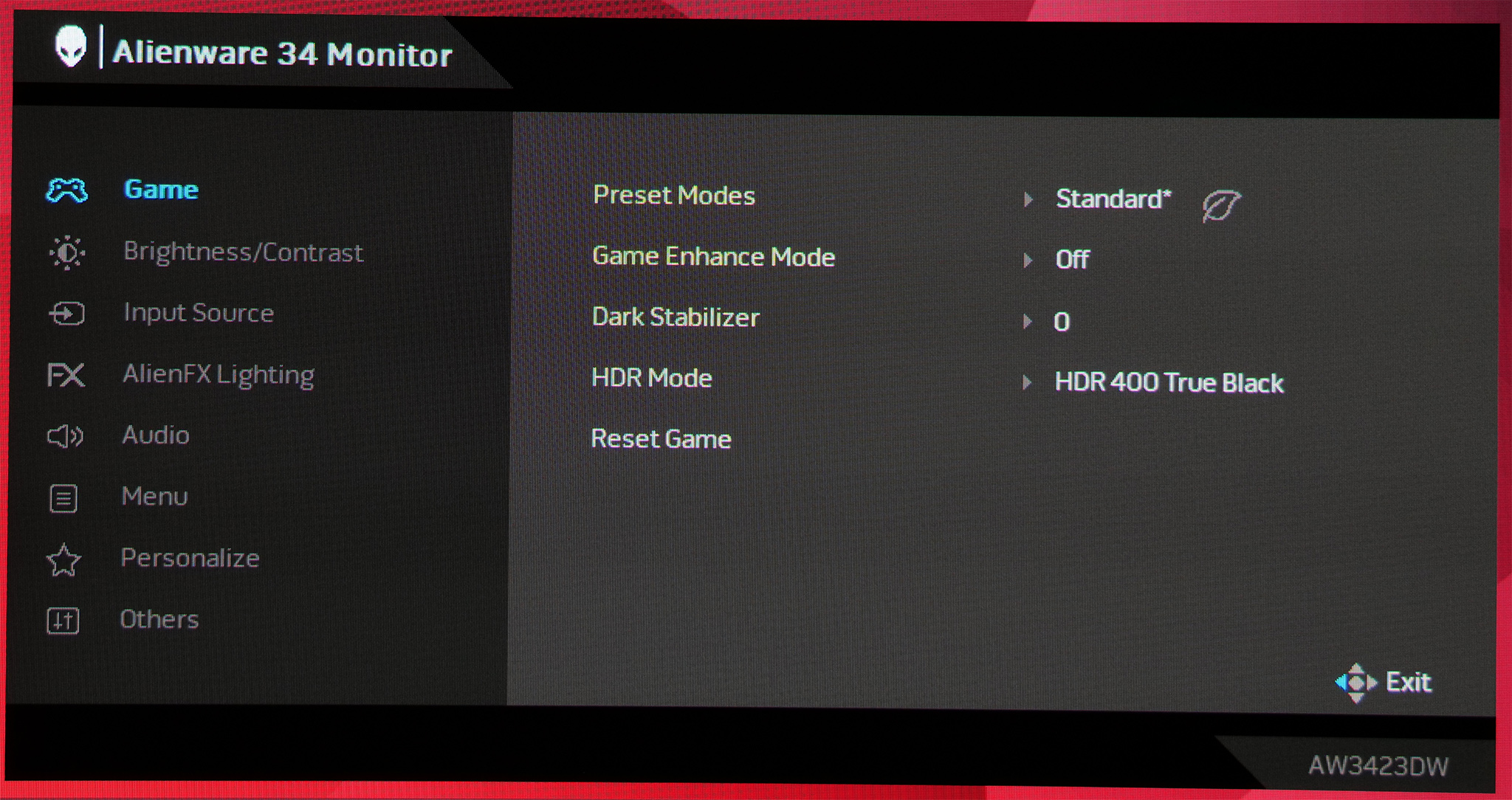
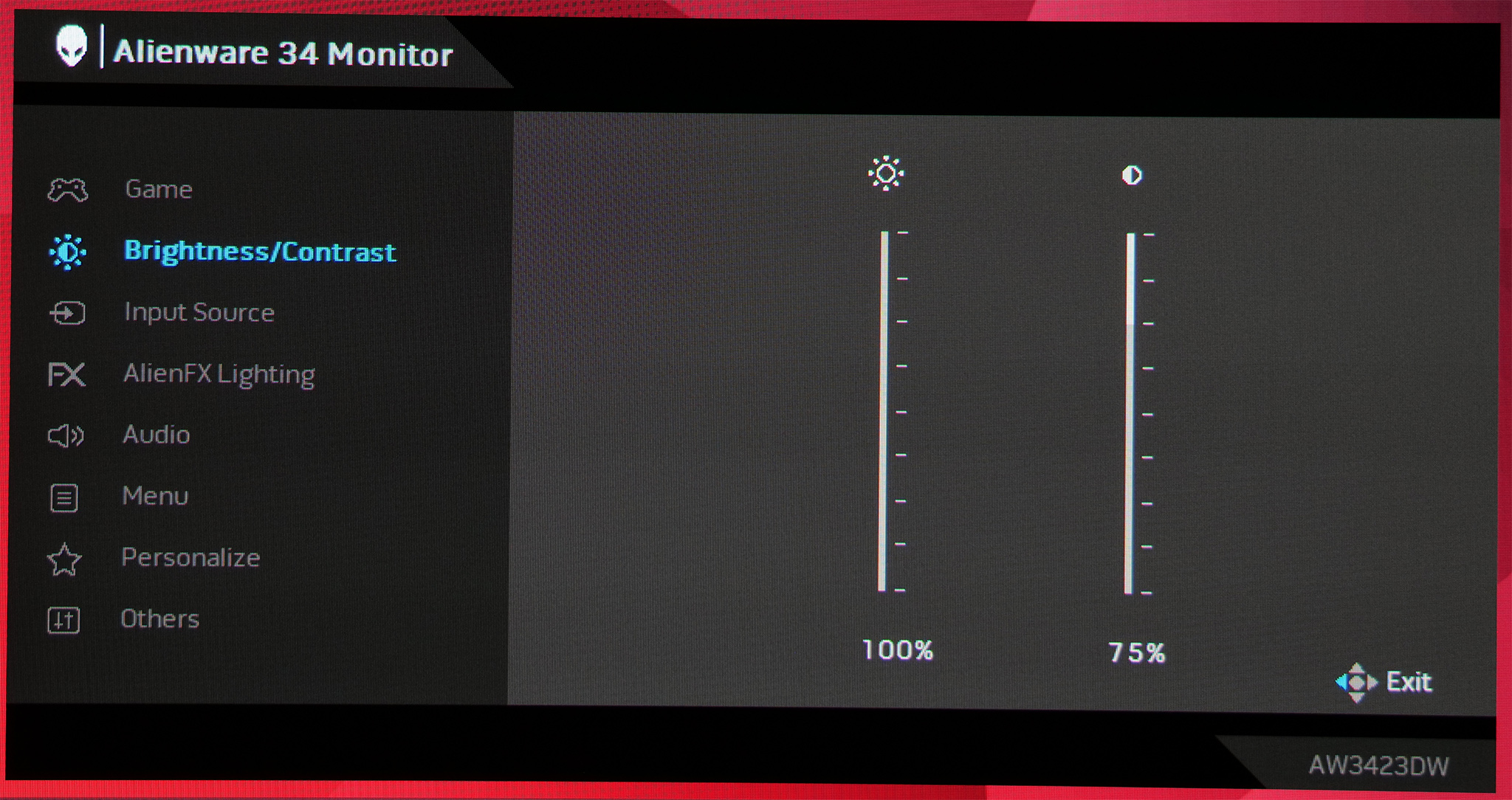
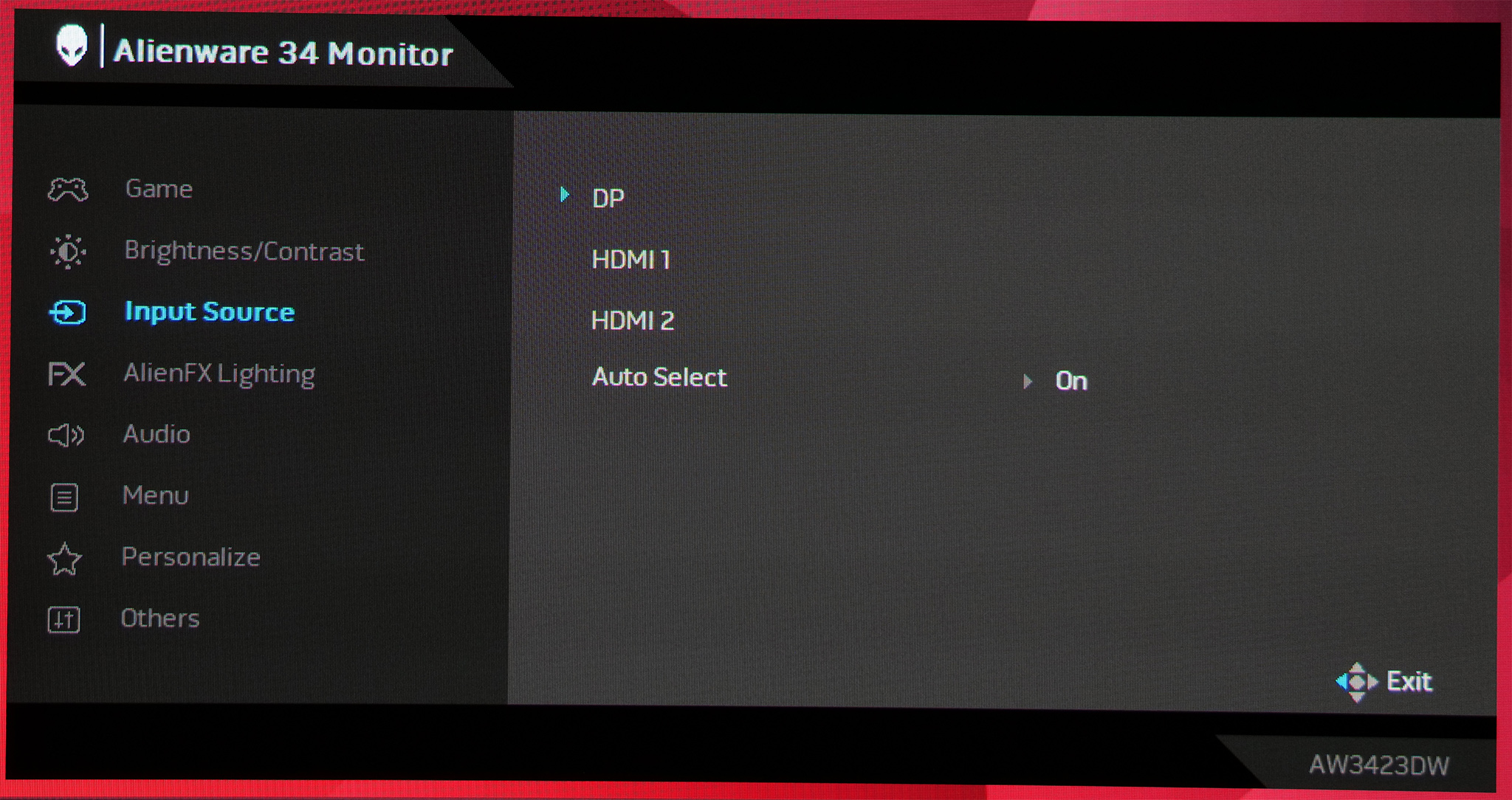
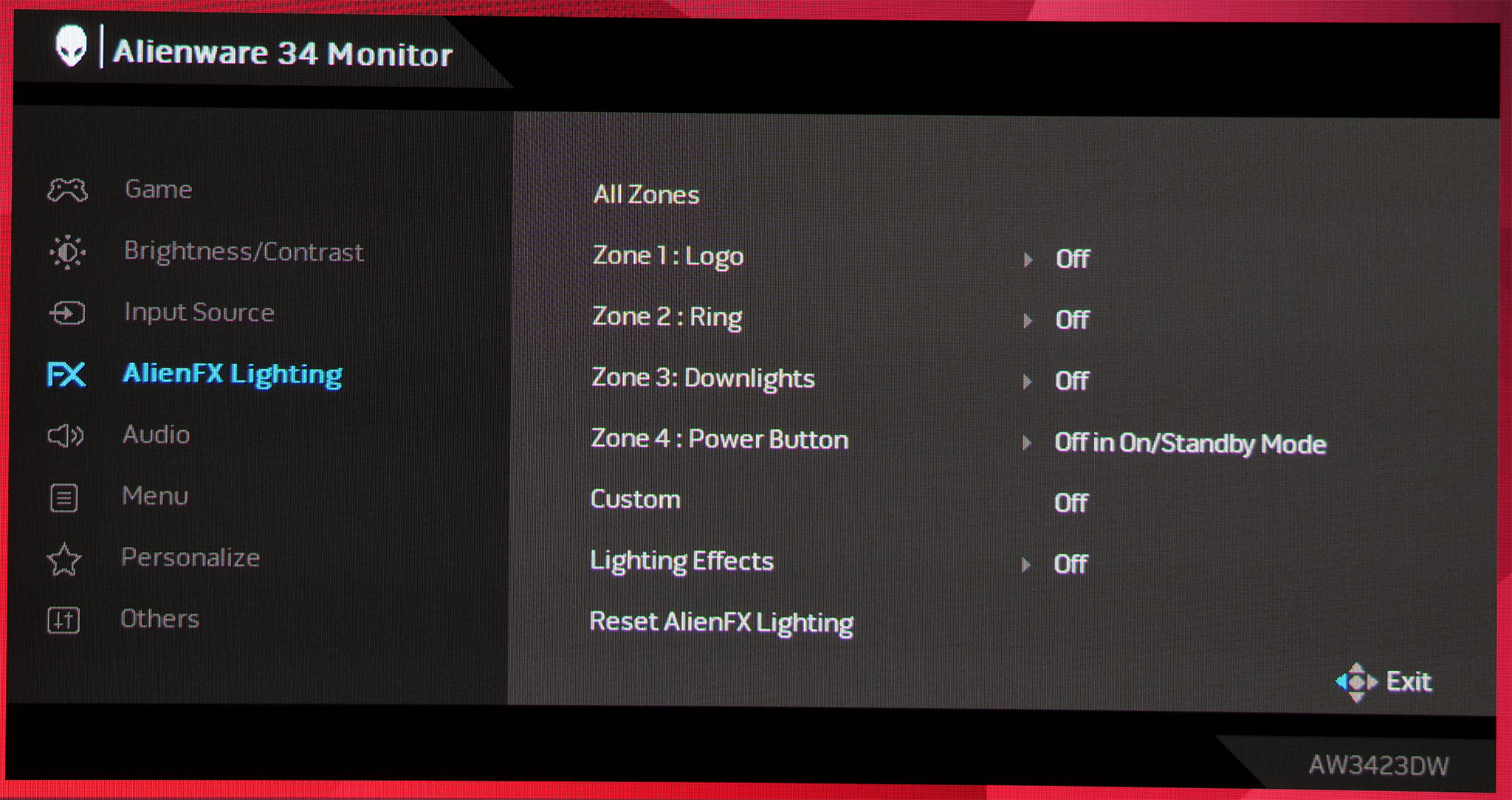
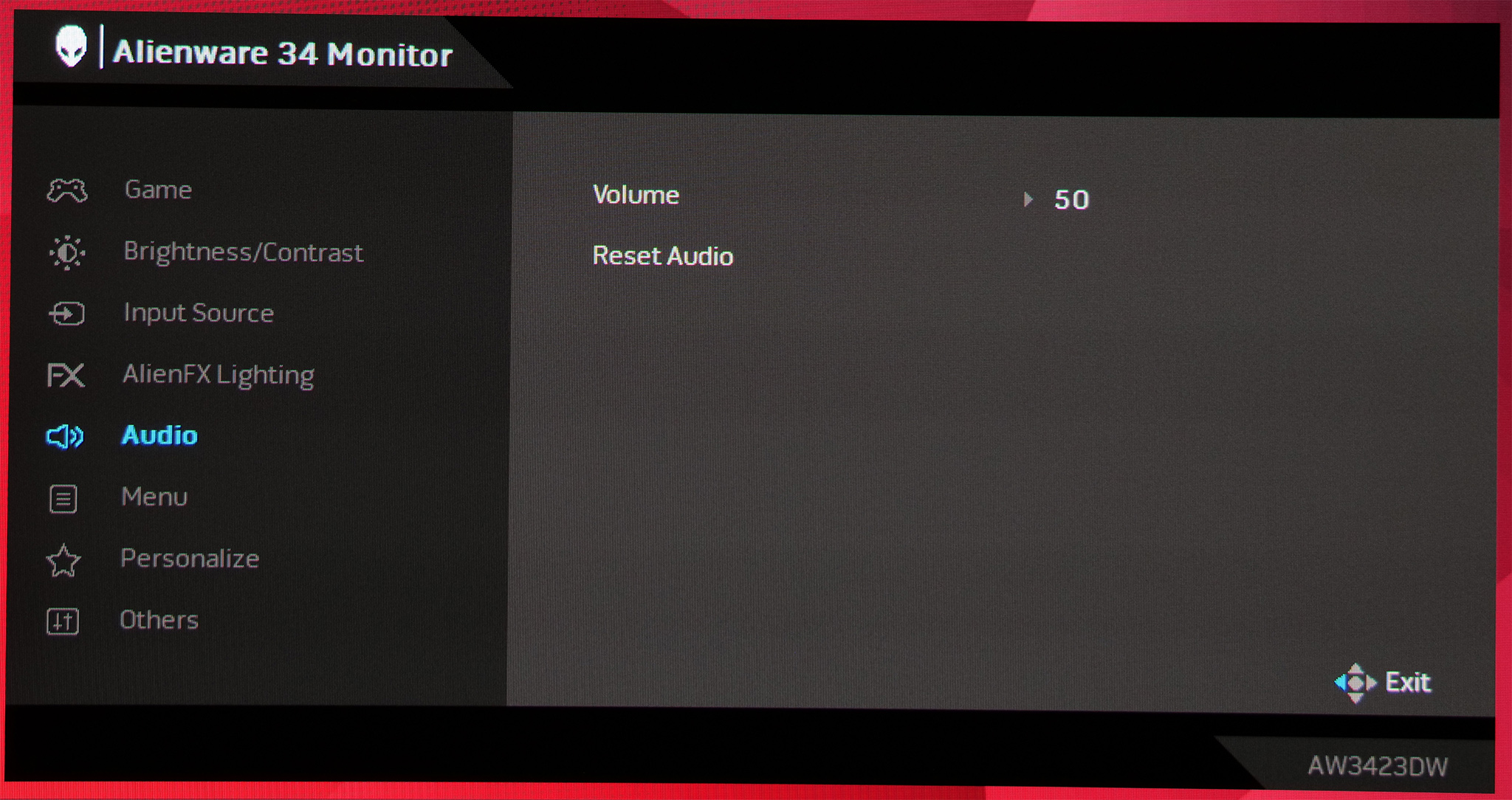
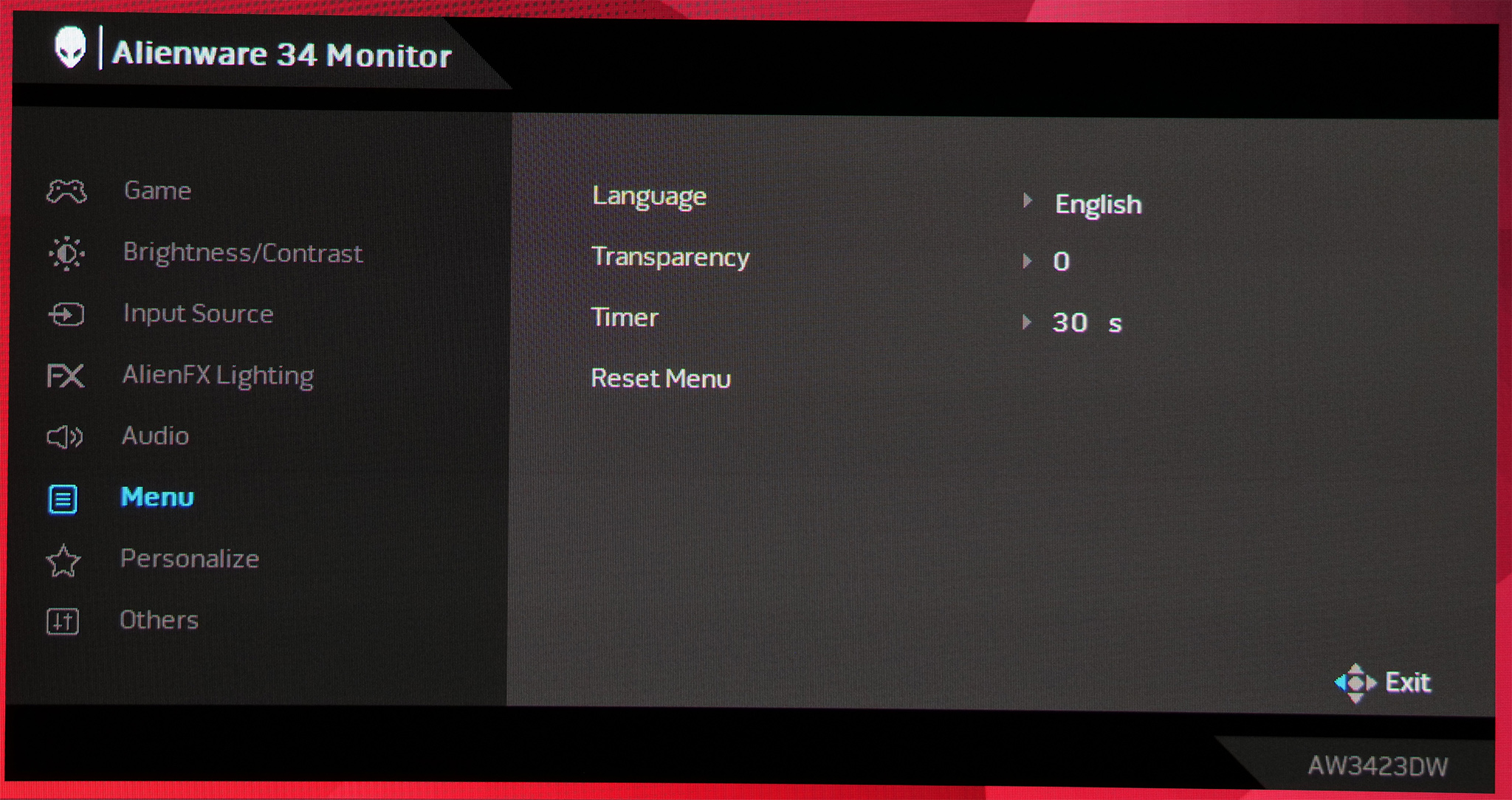
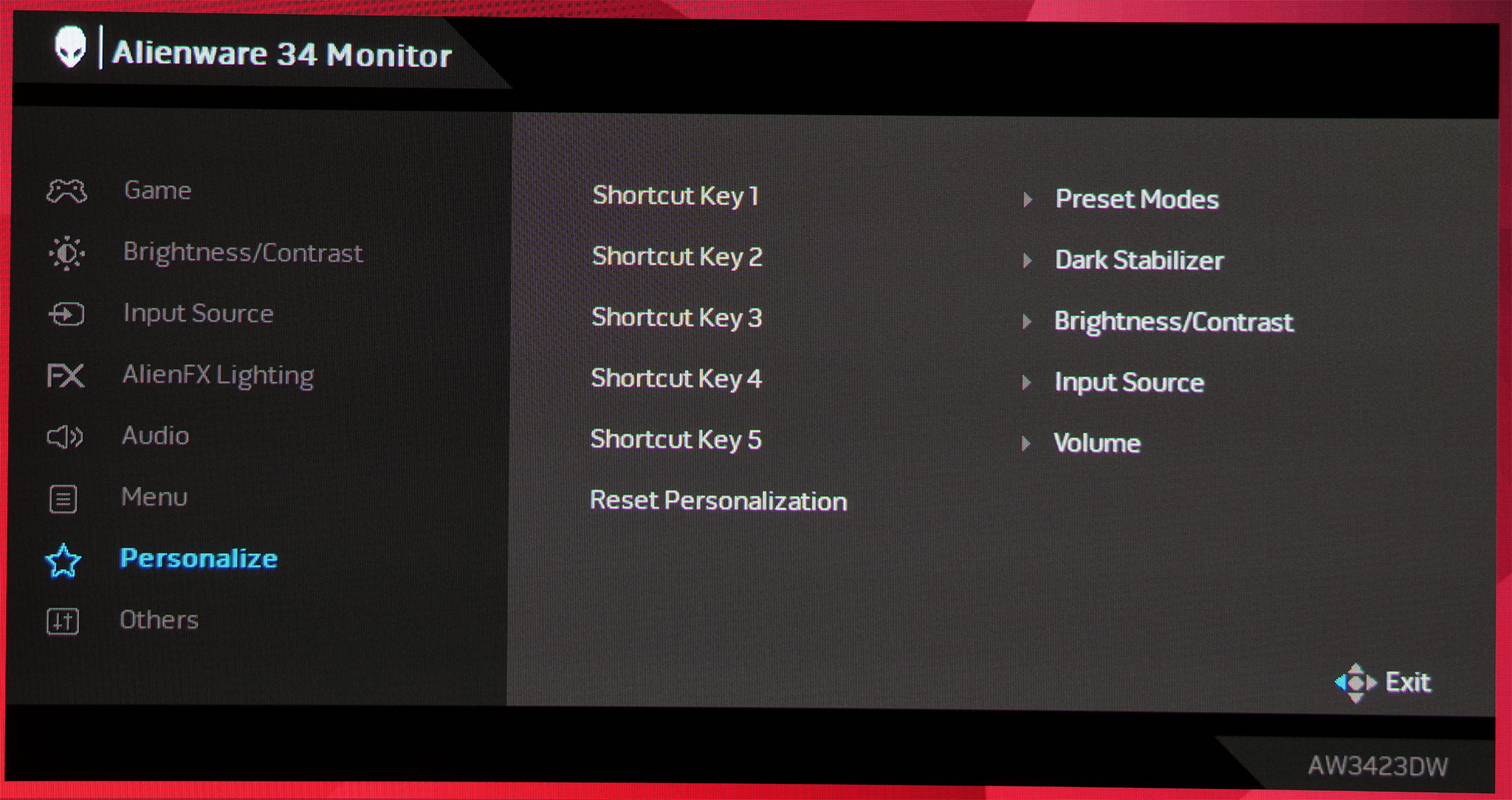
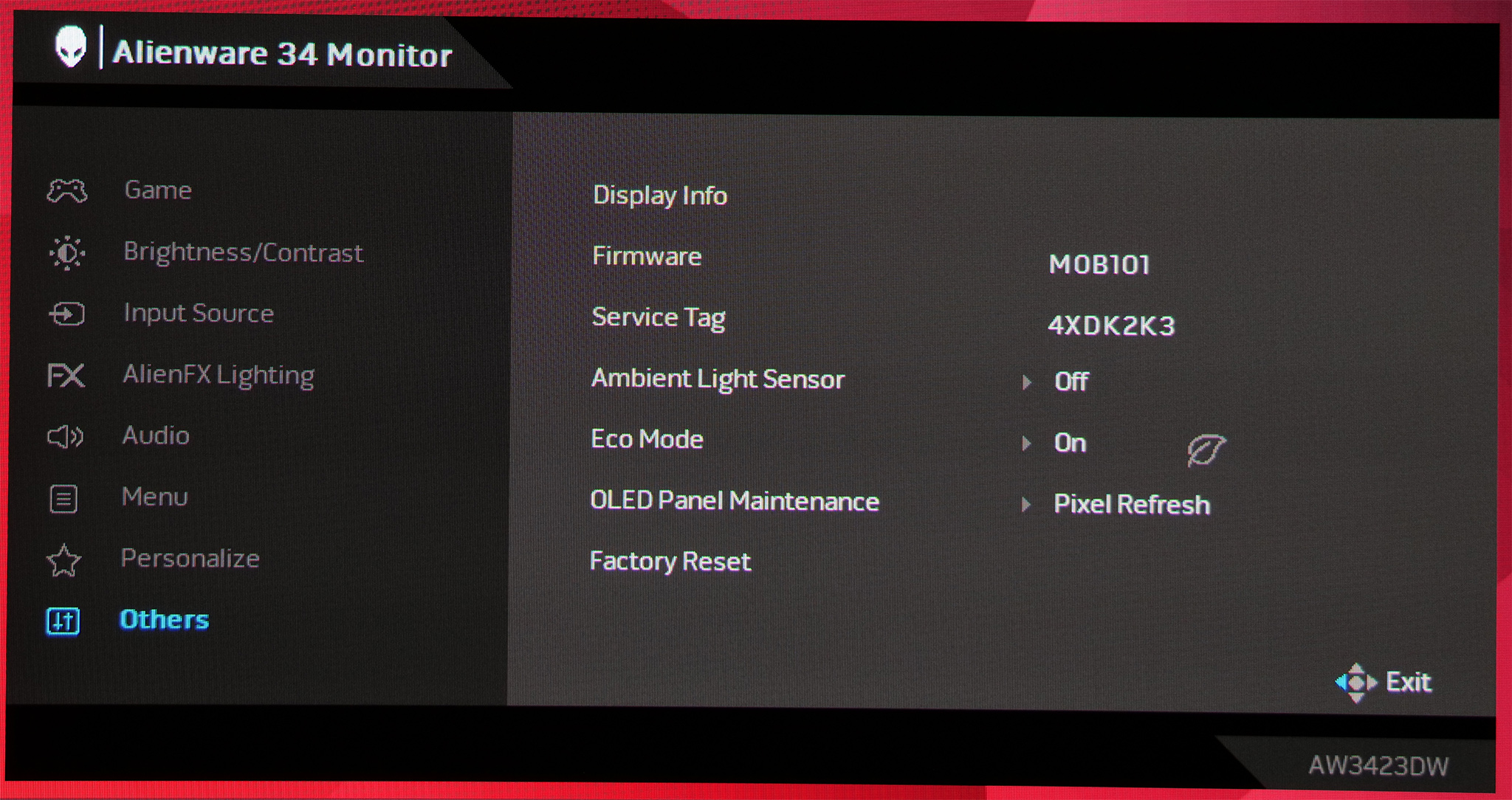
I can't fault the OSD used here. It's very easy to navigate through, you can customise different shortcuts accessible via the joystick and it has all the usual image adjustment settings we'd expect. You may be wondering about the lack of overdrive, but as this is an OLED panel with native near-instant response times, this is not needed.