KitGuru KitGuru.net – Tech News | Hardware News | Hardware Reviews | IOS | Mobile | Gaming | Graphics Cards


When it comes to gaming mice, products usually fall into either one of two camps: the all-singing, all-dancing mice packed with dazzling lights and numerous features, or the simple ‘no-frills' mice which ‘just work'. The Dream Machines DM1 Pro S definitely belongs to the latter group, with a focus on its high-end PixArt sensor, the comfortable symmetrical body and Omron switches. Could this be your next mouse?
Having previously reviewed the Dream Machines DM1 Pro, we now have its successor – the DM1 Pro S. Sporting an upgraded PMW 3360 sensor, genuine Omron switches and a lower weight of just 85g, the DM1 Pro S looks like a great option for competitive gamers.
Priced at £46, it is also quite affordable. Could Dream Machines have a winner on its hands? Let's find out.
Specification
| Max speed | 7.0 M/s |
| Polling Rate | 1000 Hz |
| Control | 6 buttons + Scroll |
| Sensor | Optical PMW3360 |
| USB | Gold plated |
| DPI | 400, 800, 1600, 2400, 4800, 12000 |
| LOD (LIFT-OF-DISTANCE) | ~1.8-2.0 mm |
| Left switch | Omron 20.000.000 clicks |
| Right switch | Omron 20.000.000 clicks |
| Scroll | TTC 20.000.000 clicks |
| Size | 126 x 68 x 39 mm |
| Weight | 85 g (without cable) |
| Cable | Braided cable (1.8 m) |
| Backlight | DM logo |
| Surface | Matte / Glossy |
| Content | Mouse, instructions, additional sliders |
| Warranty | 2 years |
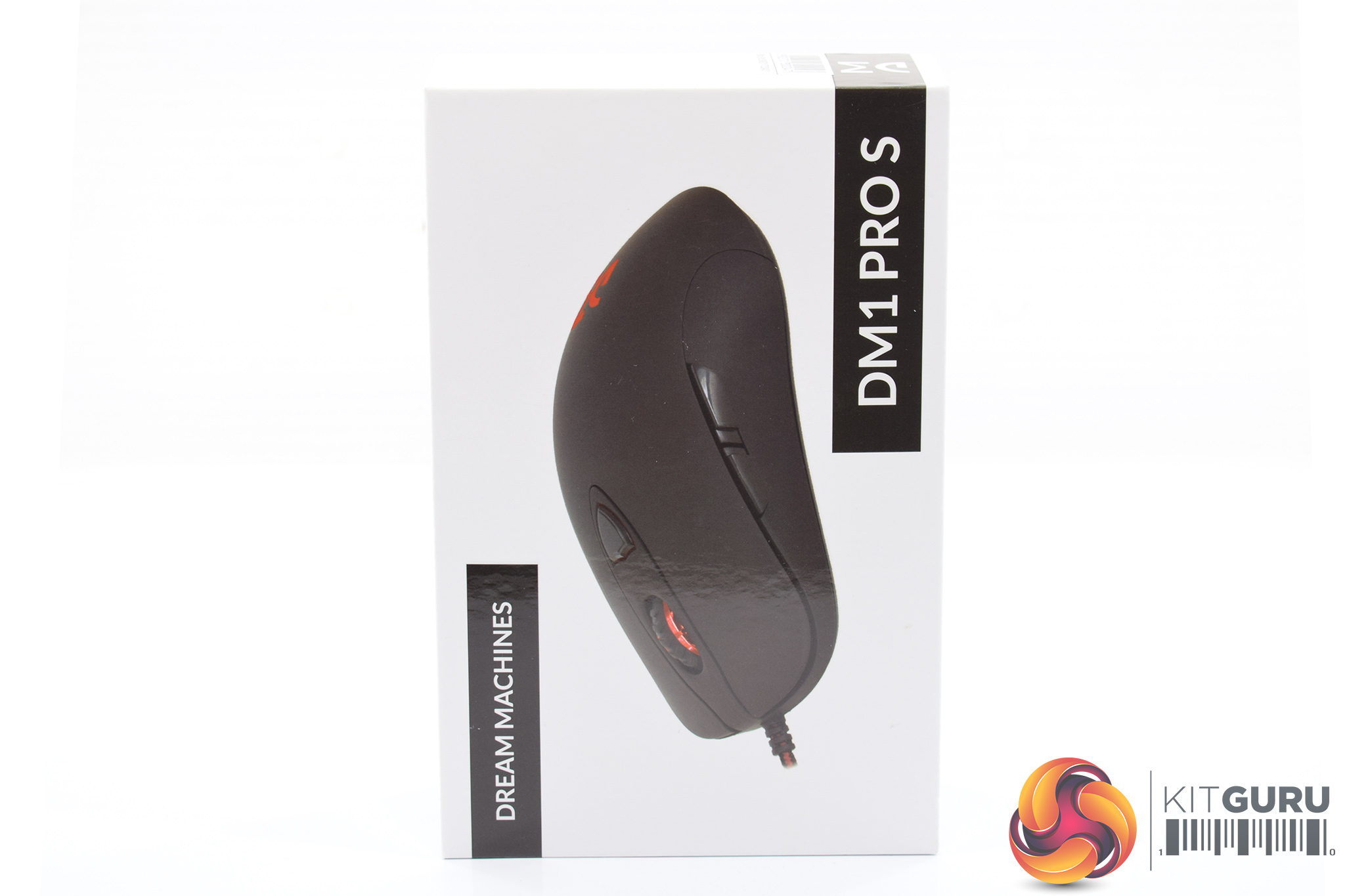
Packaging for the Dream Machines DM1 Pro S is pretty ‘bare-bones', shall we say, with just a photo of the mouse on the front of the box along with the product branding.
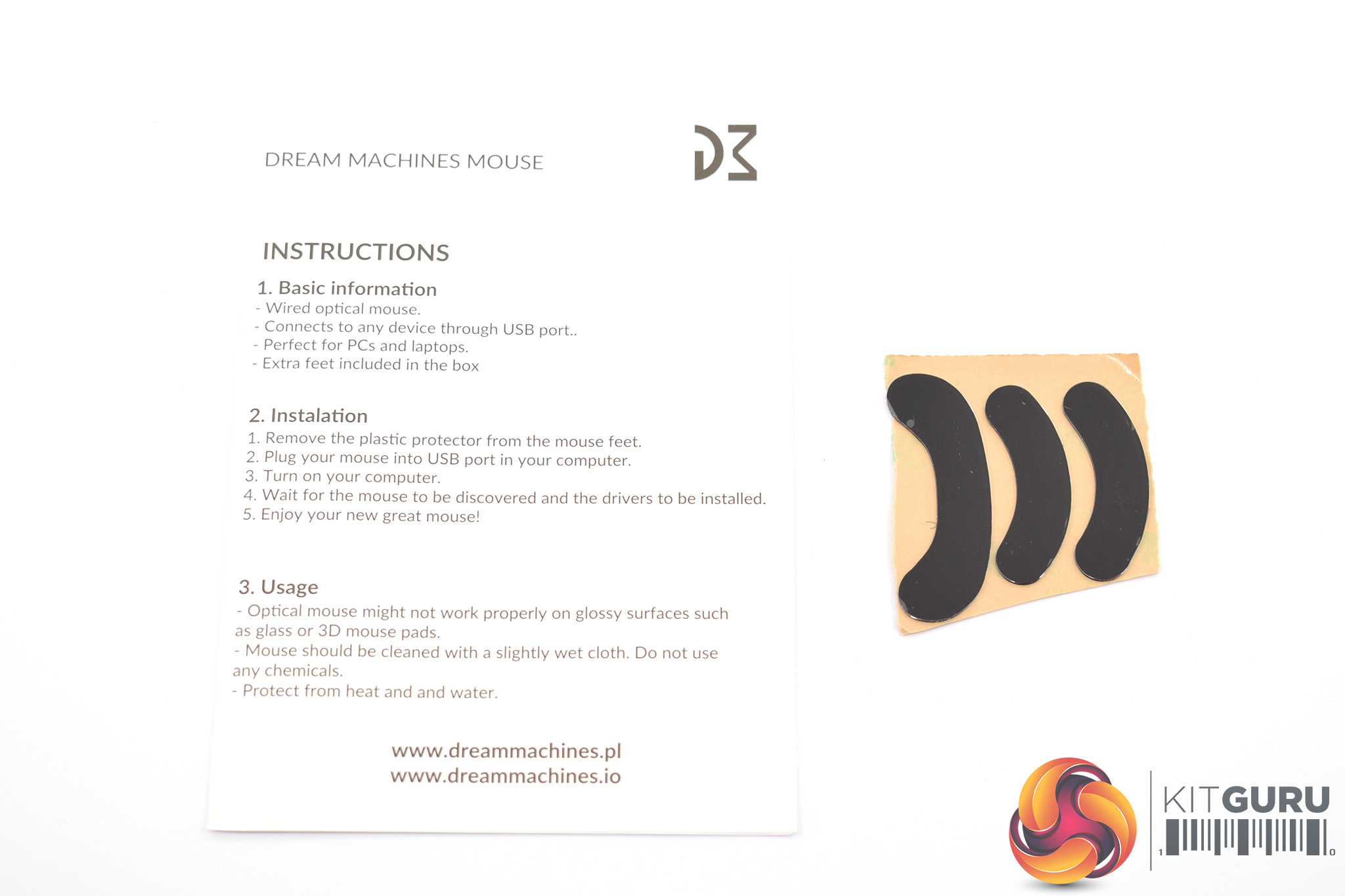
There isn't much in the way of accessories, either, though we do find a small quick-start guide and three replacement mouse feet – always a welcome inclusion.
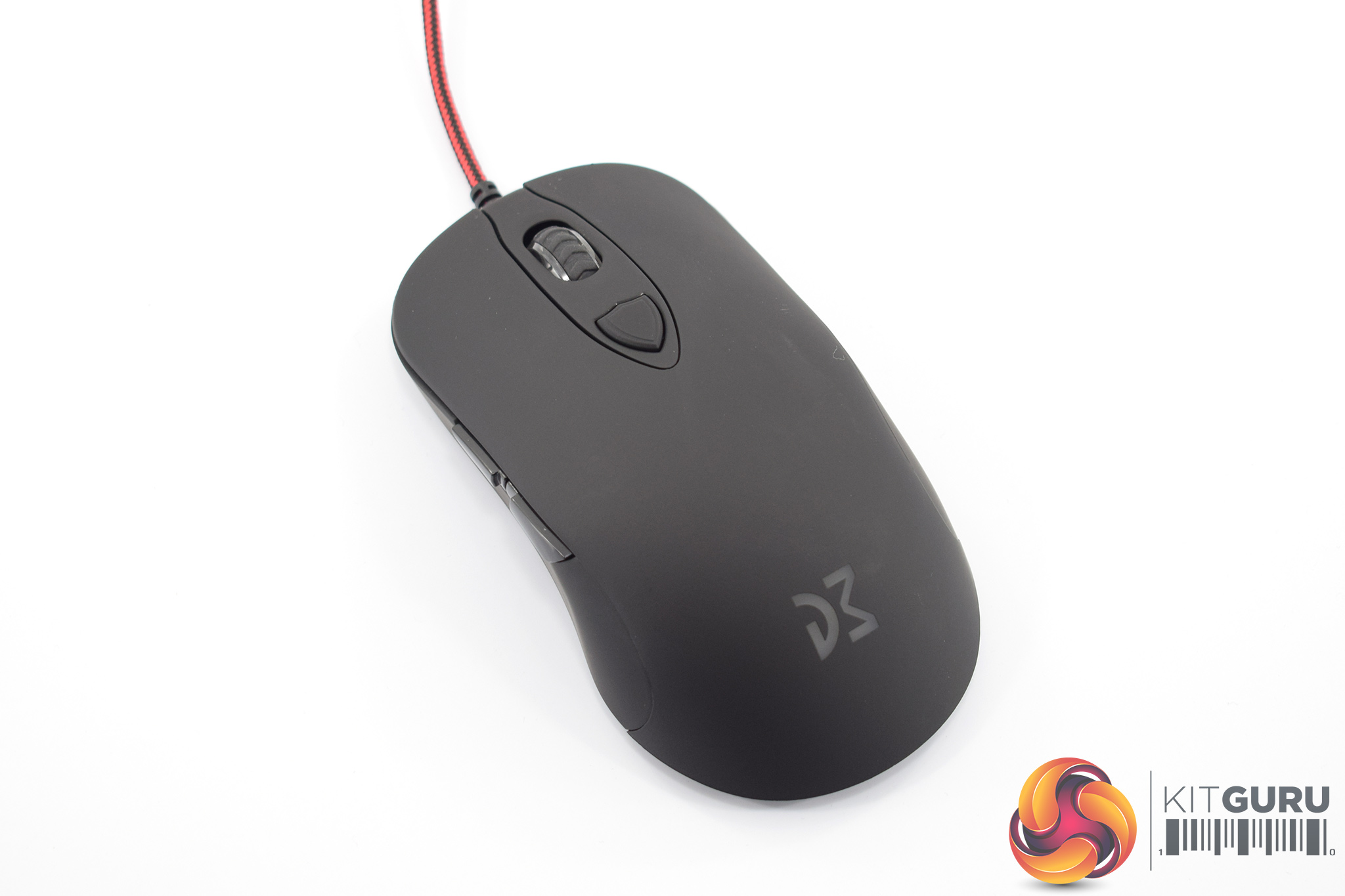
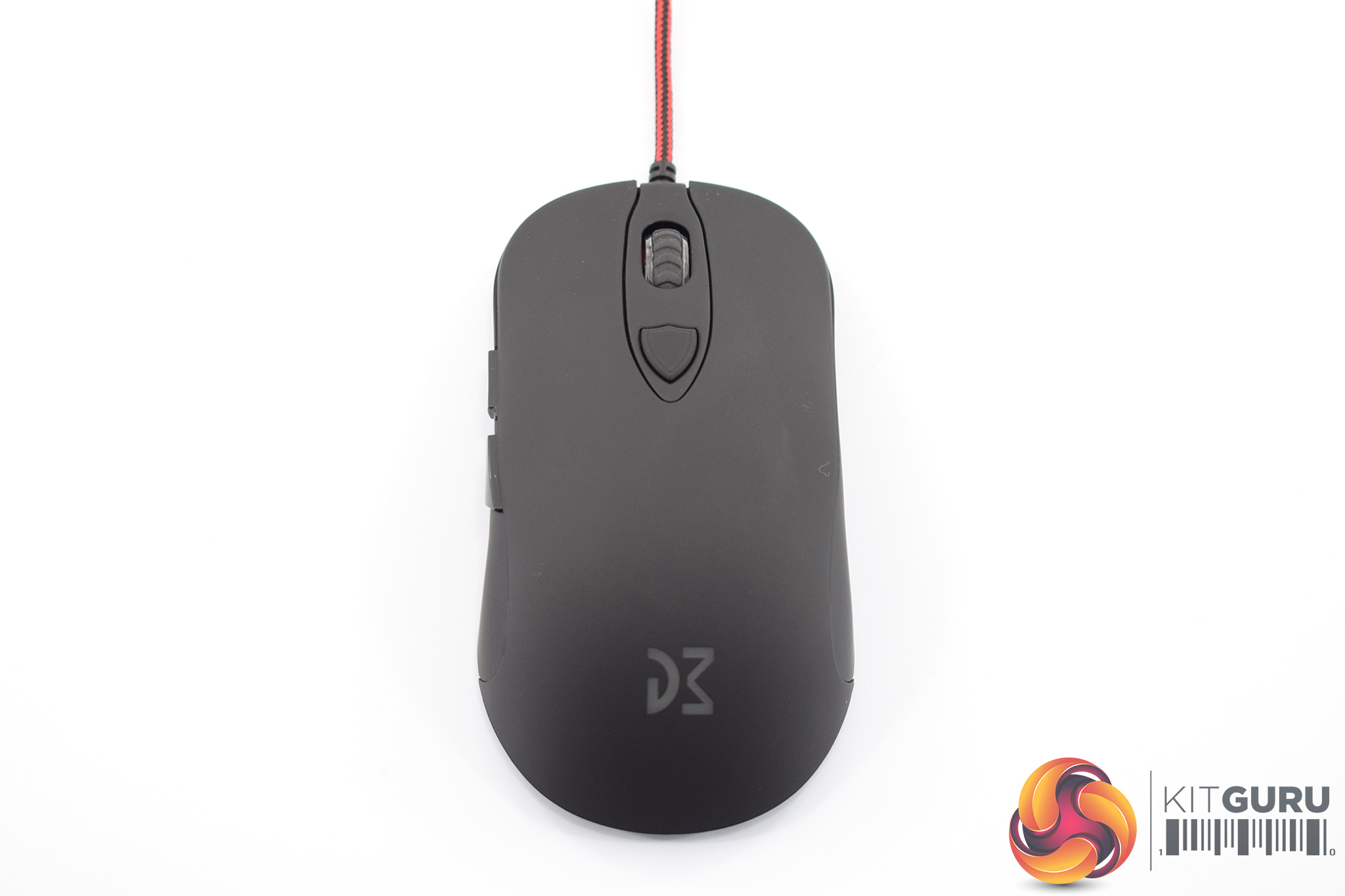
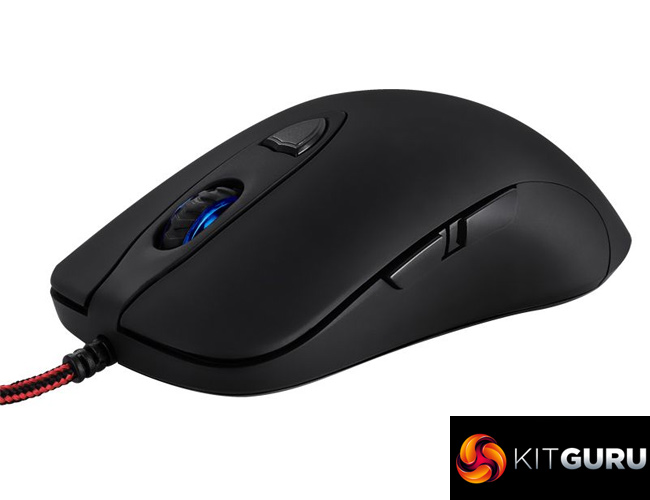
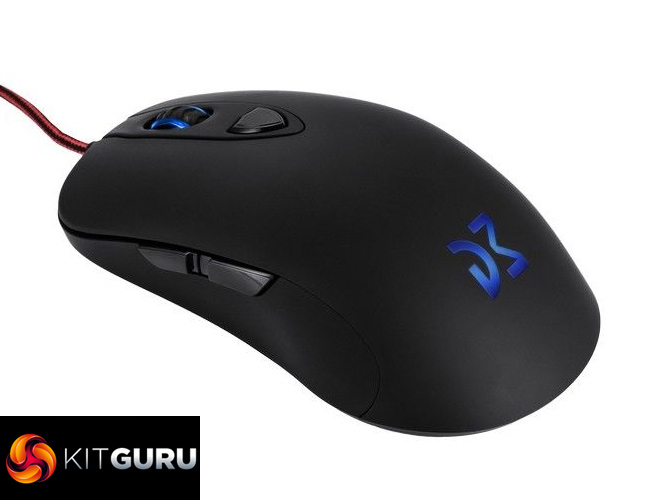
Getting to the mouse itself, the first thing to note is that the DM1 Pro S is available with a choice of finishes – glossy or matte. I was sent the matte model and I must admit that is my preference.
In terms of actual design, the DM1 Pro S sports the same symmetrical body as its successor, the DM1 Pro. In short, it is clearly inspired by the SteelSeries Sensei design, though that is no bad thing as it is a very popular shape.
For those interested, the official dimensions are as follows: 126 mm x 39 mm x 68 mm (L x H x W). The official weight is 85g (without cable), and that is 4g less than the DM1 Pro S' predecessor. Dream Machines says it has managed to shave off that 4g without changing the main body of the mouse by completely re-designing the internal PCB.
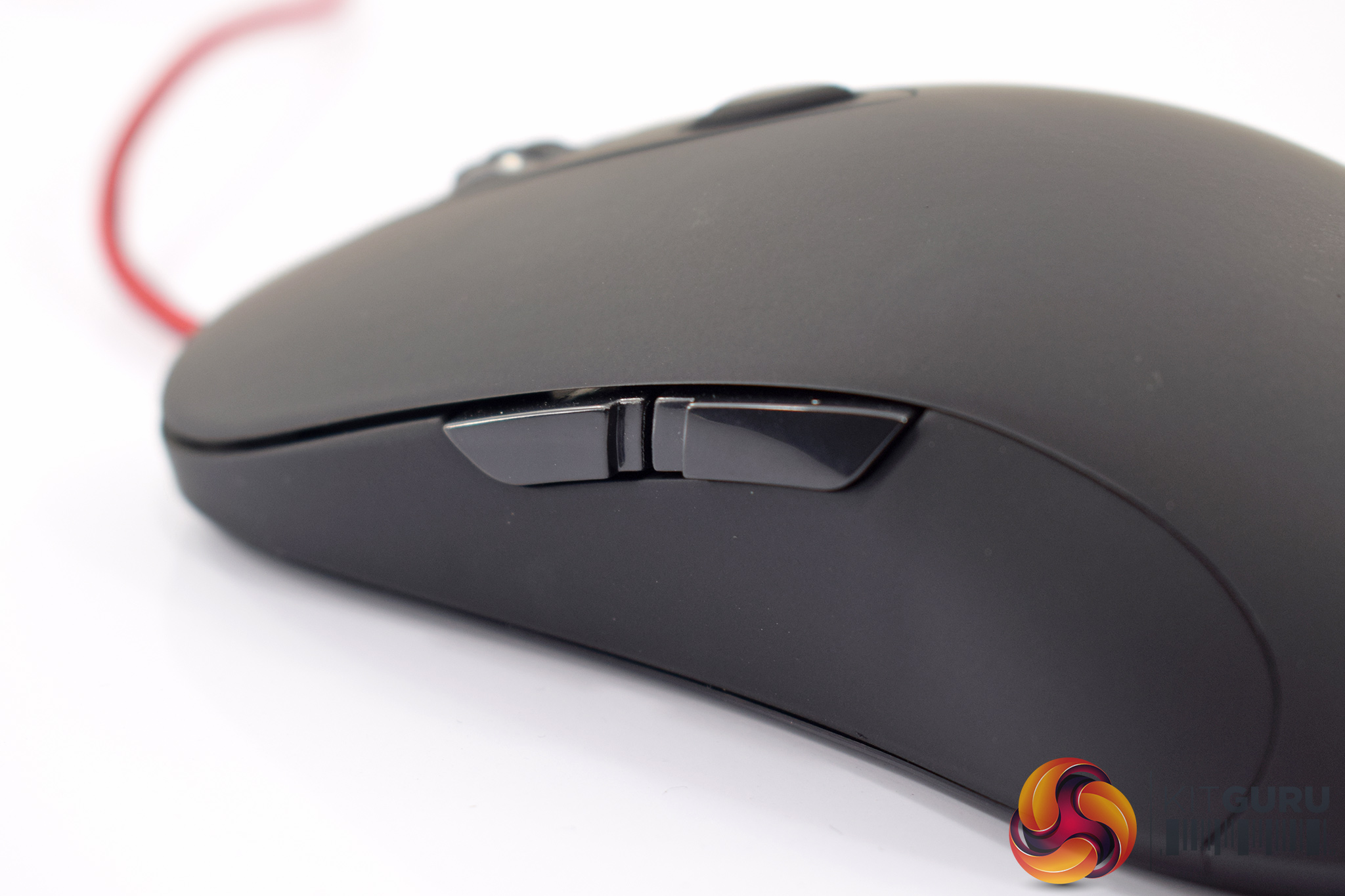
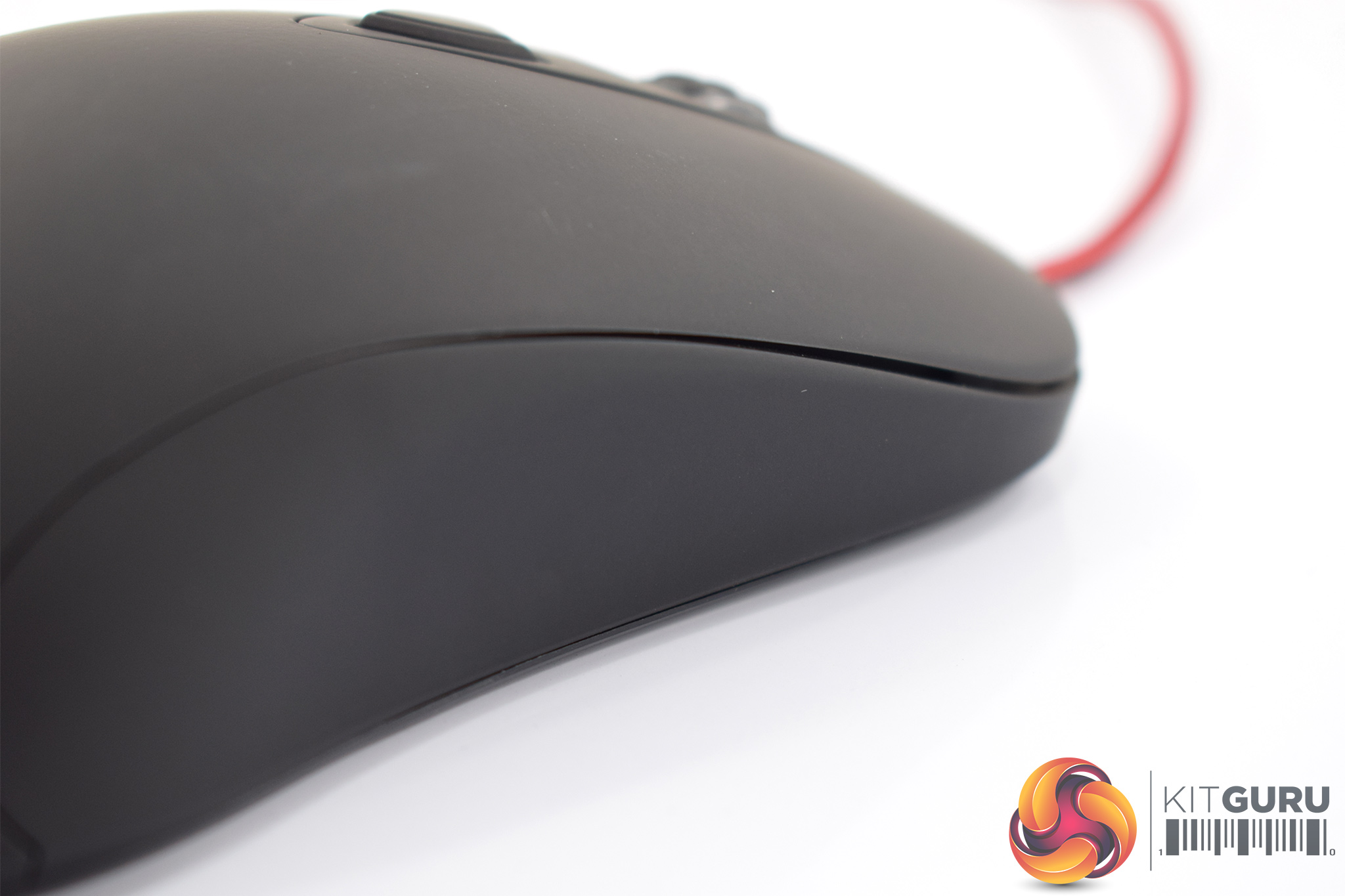
The left-hand side of the mouse sports two side buttons, though the right-hand side has been left bare – so left-handers may not find this to their liking.
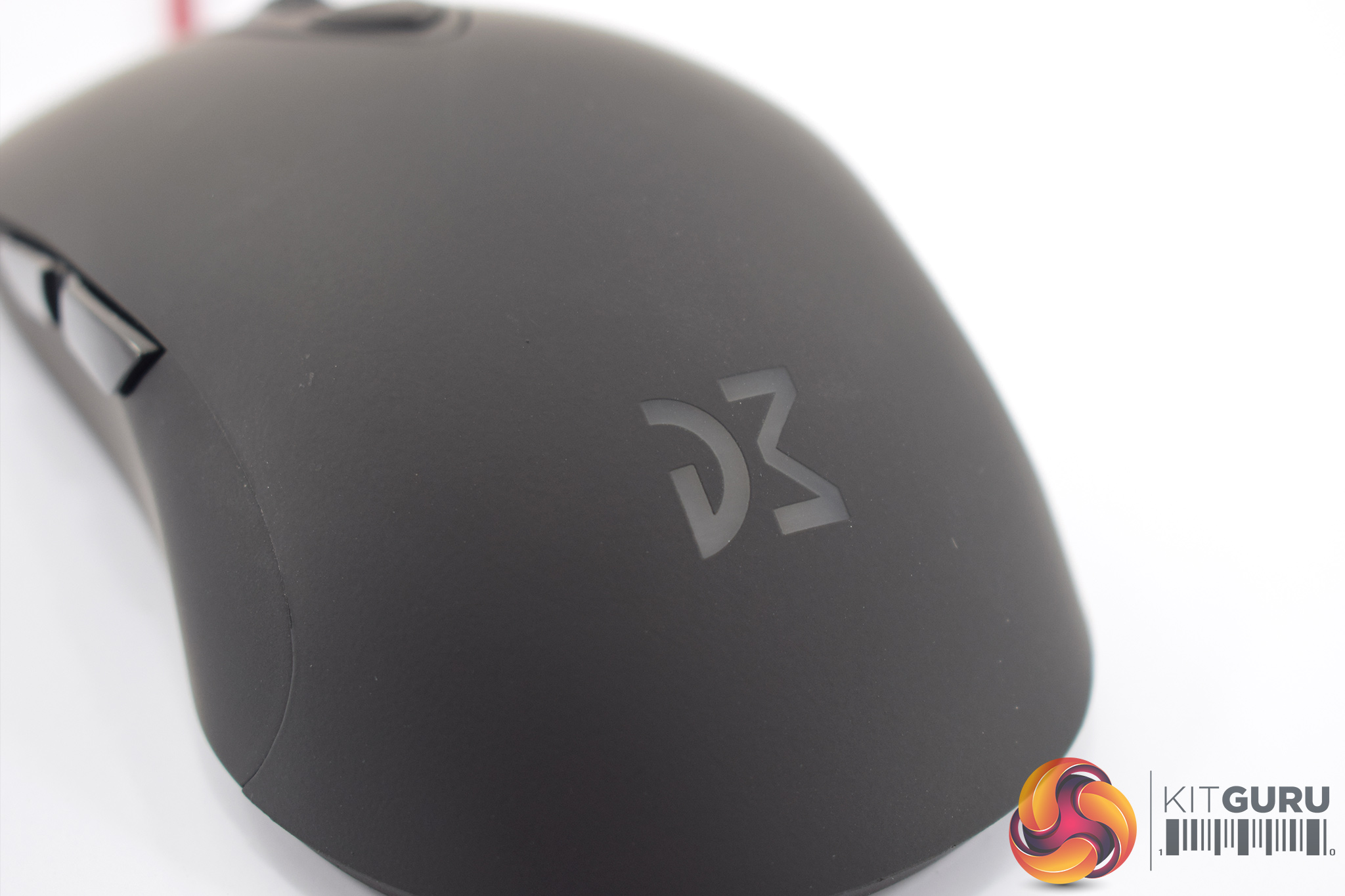
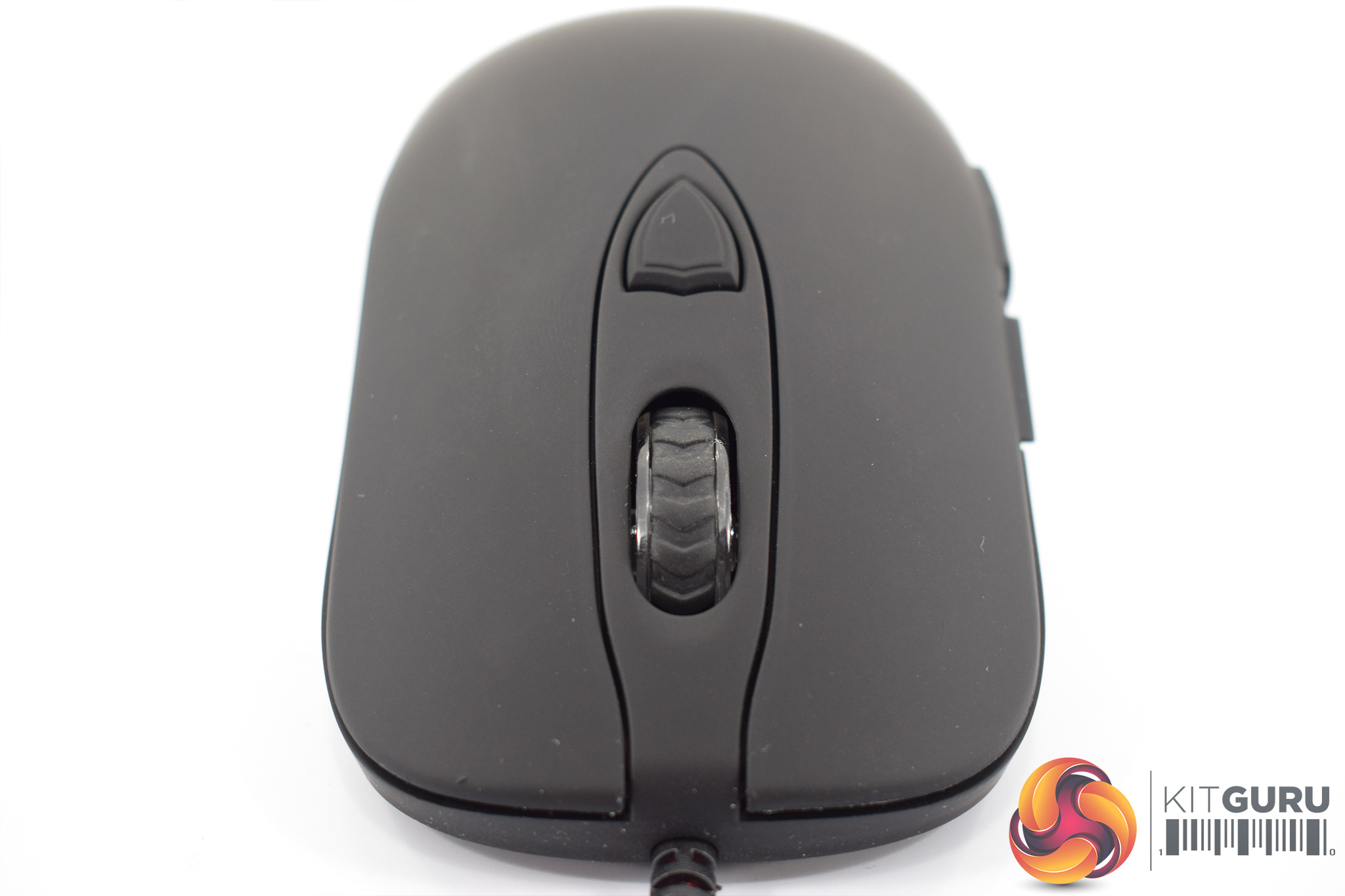
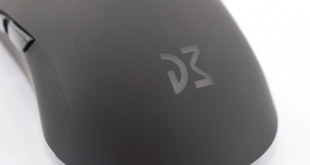
At the bottom of the mouse, the Dream Machines logo acts as one of the lighting zones.
The scroll wheel is the second lighting zone, and just behind that we find a single DPI adjustment button. Either side of the scroll wheel are the two primary buttons – these use Omron switches rated at 20m clicks.
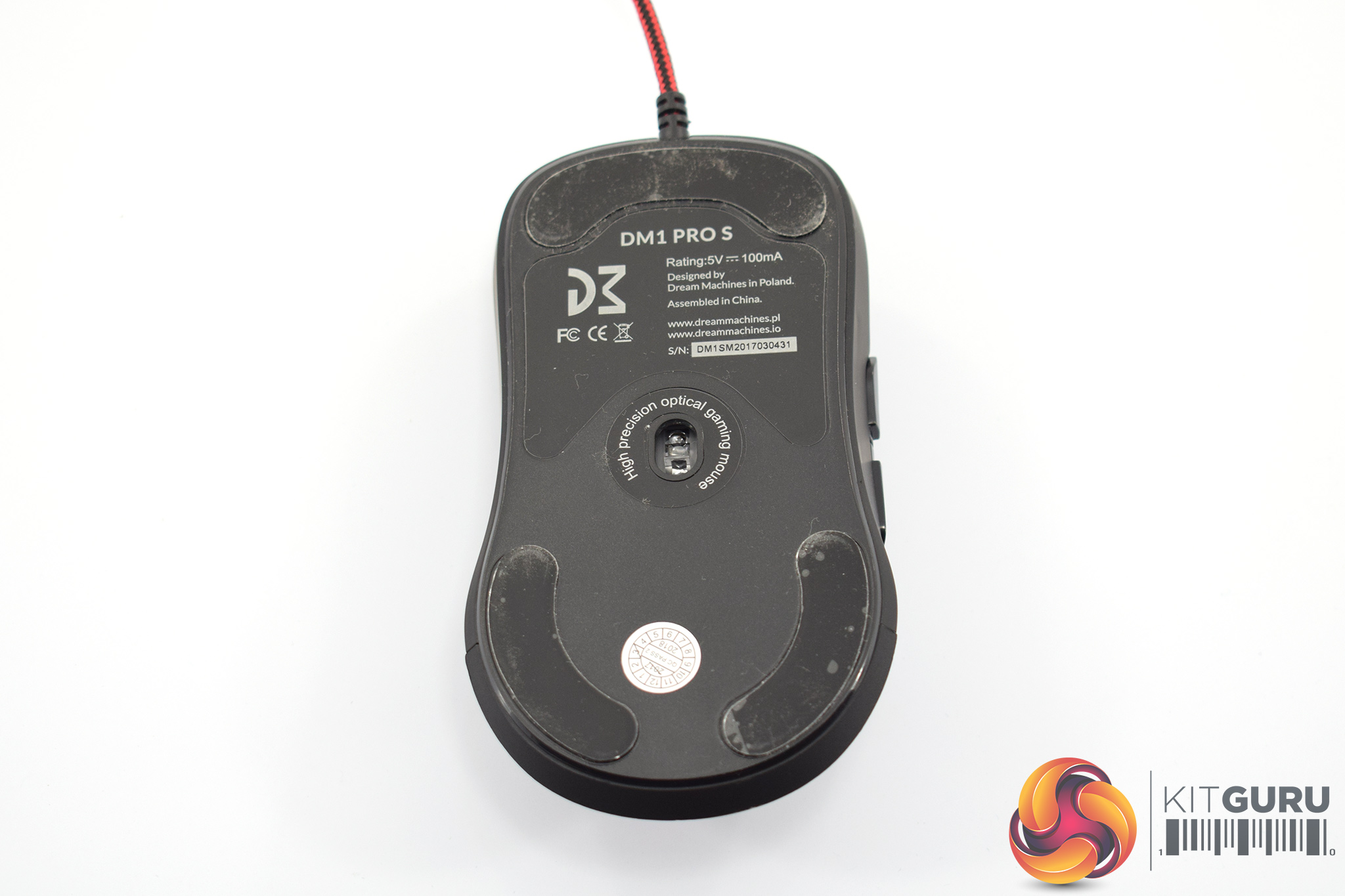
Turning the mouse over, the PMW 3360 sensor takes pride of place in the middle of the mouse. With support for up to 12,000 DPI, the PMW 3360 is a class-leading sensor so it is good to see it included here. The DM1 Pro comes equipped with the PMW 3310, so the 3360 is a definite upgrade for the DM1 Pro S.
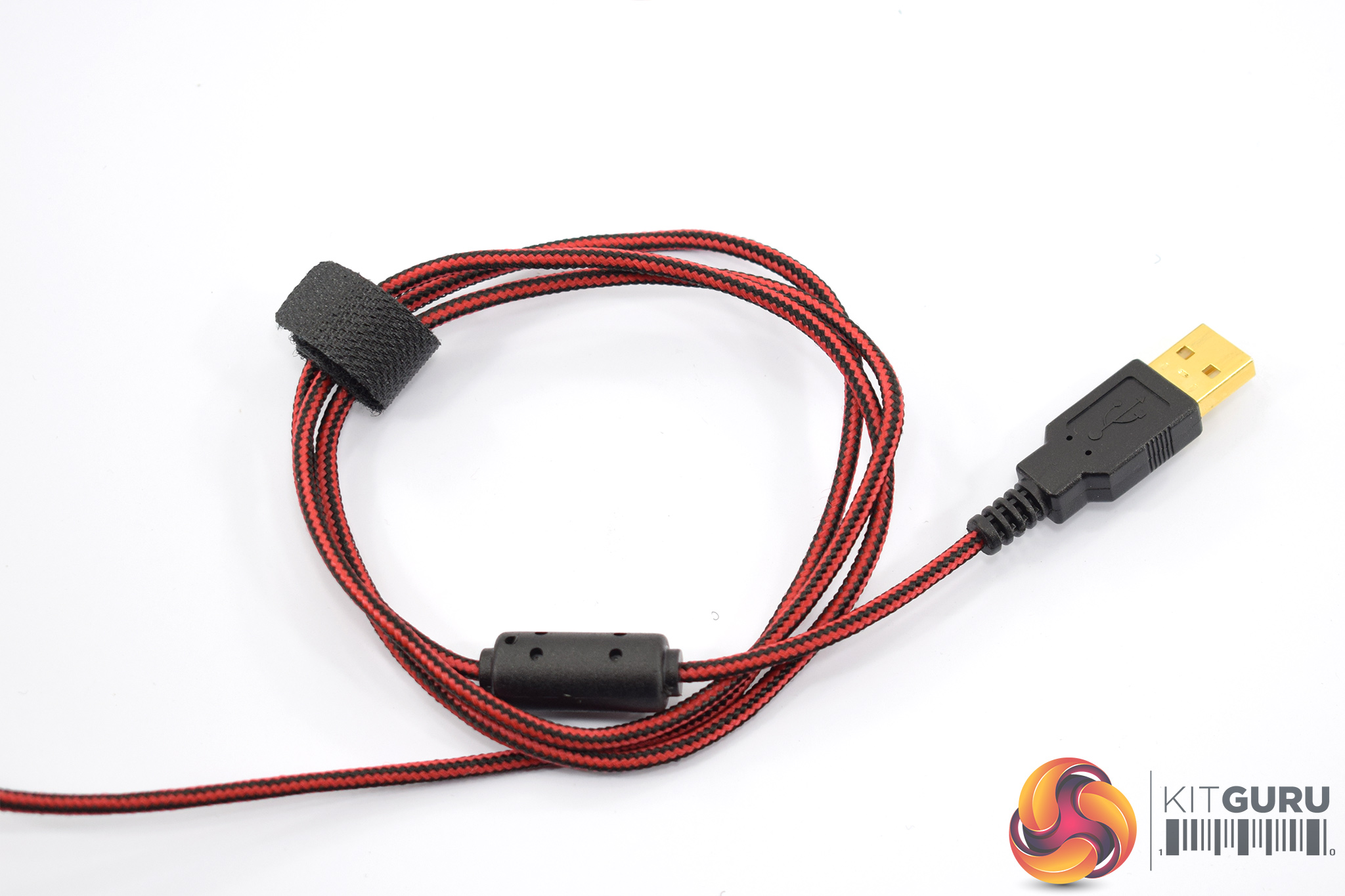
Lastly, the cable. It measures 1.8m long and terminates to a gold-plated USB connector. The cable itself is braided red and black.To test the DM1 Pro S, I used the mouse as my daily driver for one week. During this time I used it for playing games, editing photos and general office tasks.
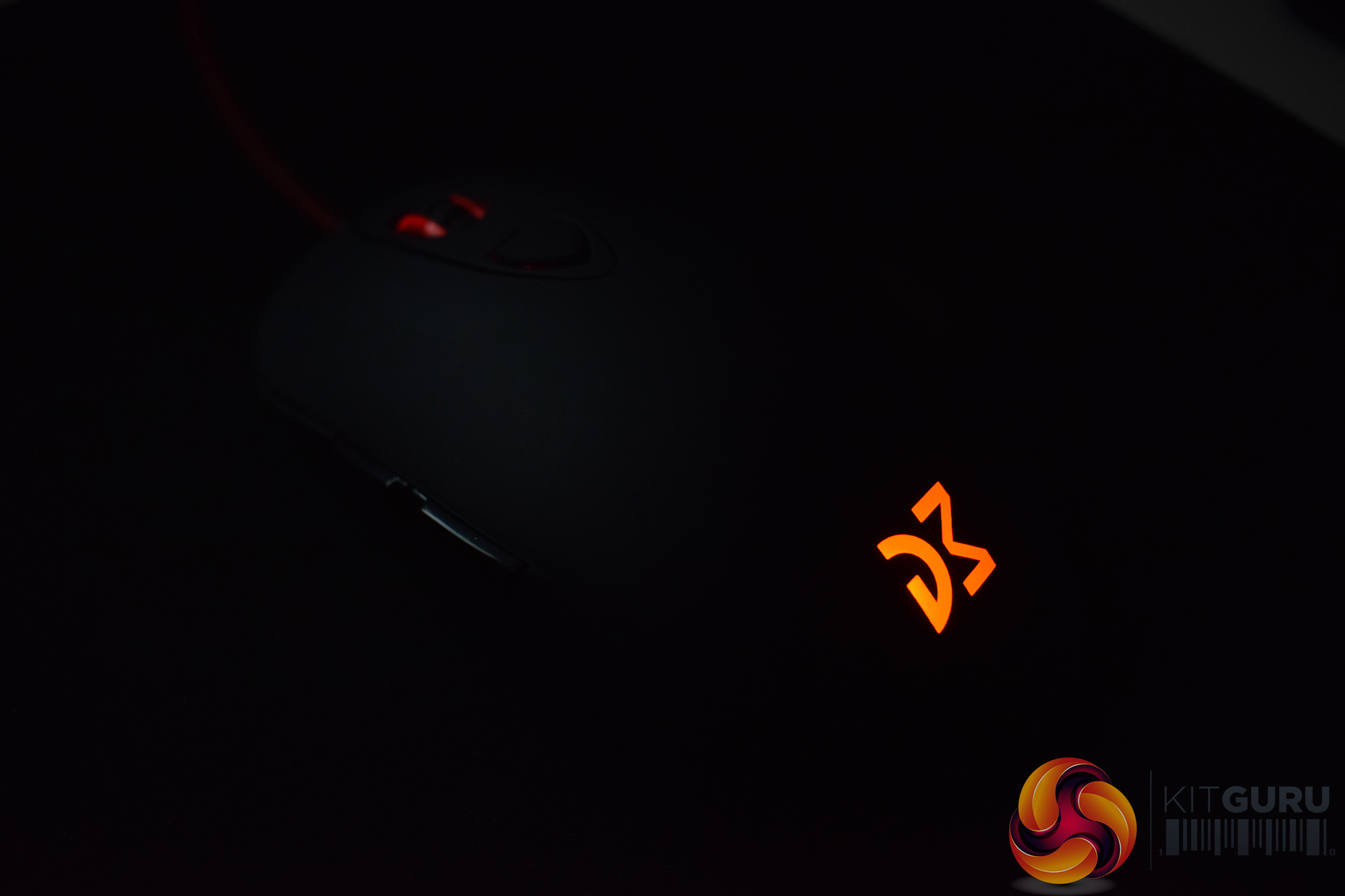
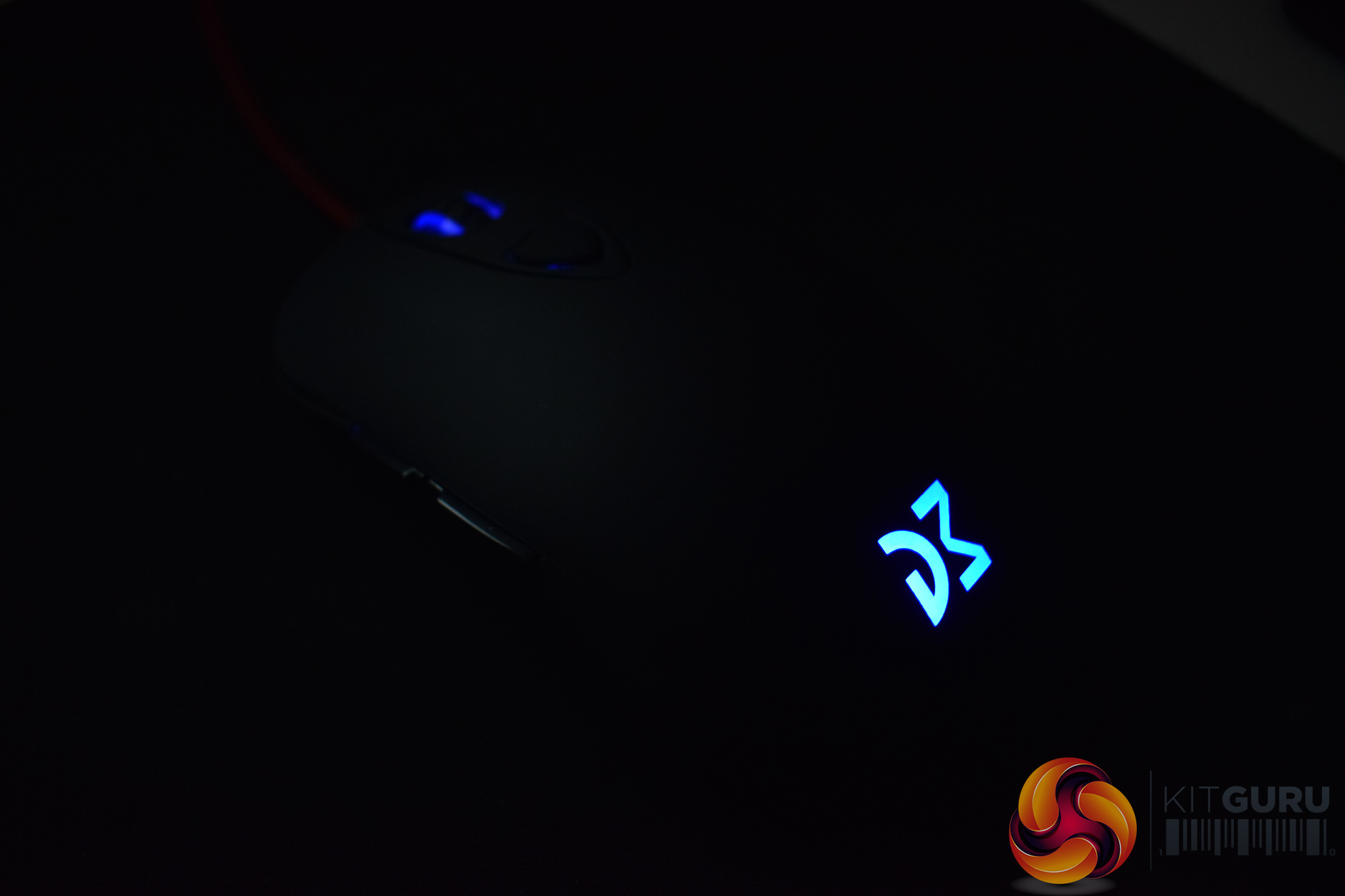
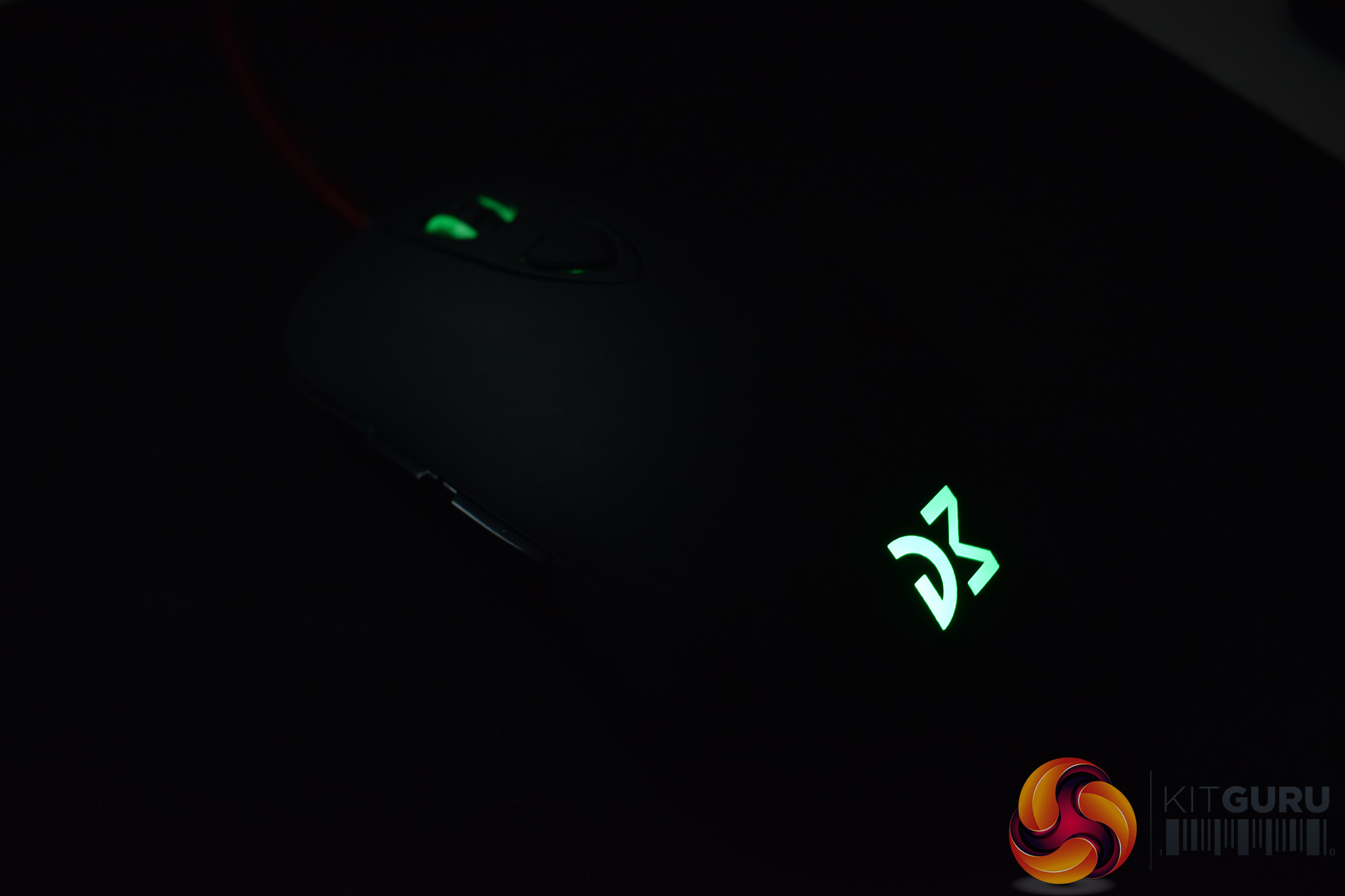
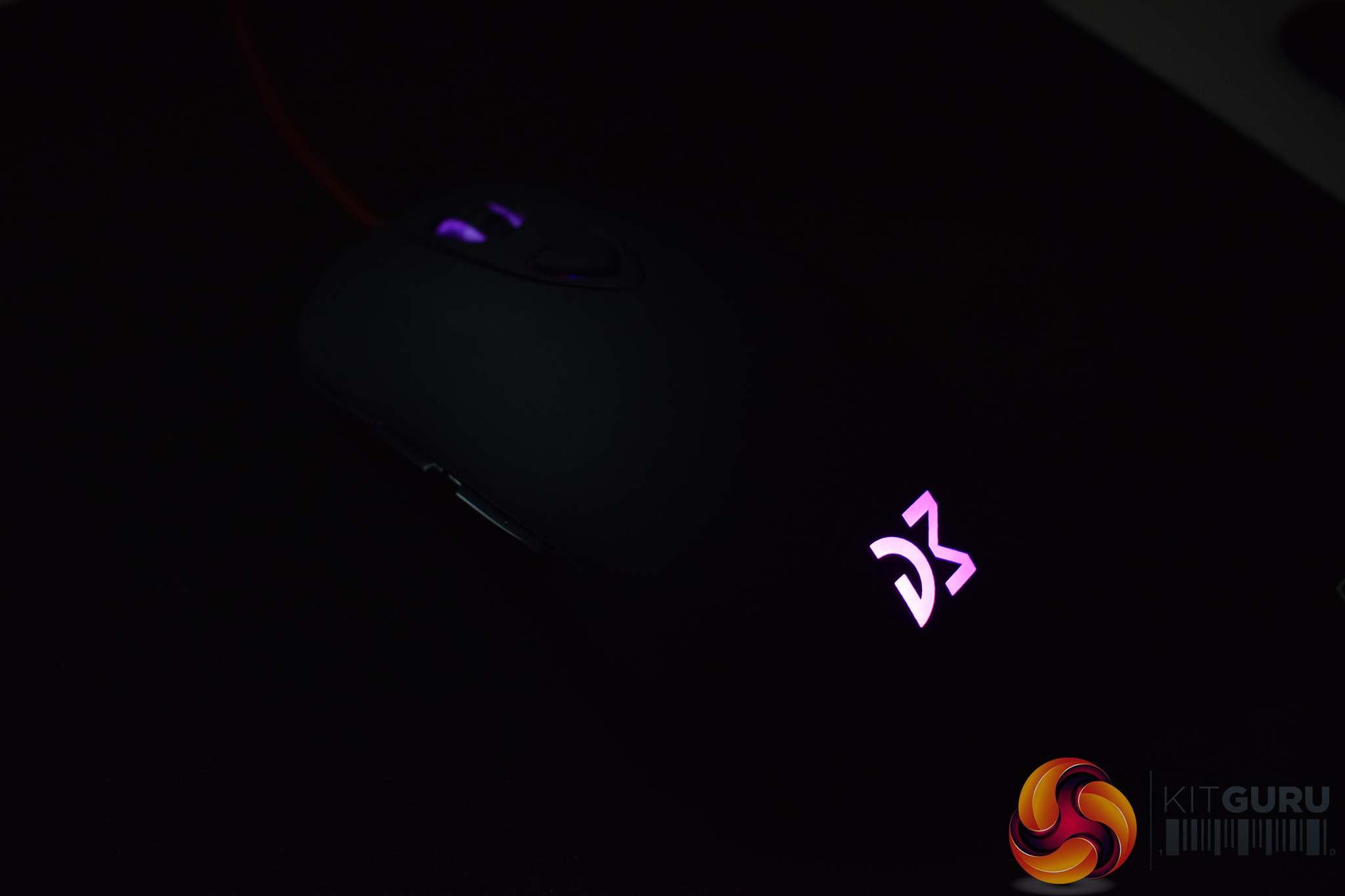
Instead, the only aspect of the mouse that can be tinkered with is DPI. The mouse has 6 different stages users can choose from – the default values are 400, 800, 1600, 2400, 4800, 12000. As you switch between the stages, the mouse's LED lighting changes to reflect what stage you are currently using – for example, 400 DPI is red, 800 DPI is blue, 1600 is green. These settings can be adjusted using software, it is just not very clear that the DM1 Pro S actually supports any software from a look at the product page.
In any case, the mouse works fine right out of the box – you'll just want the software if you want a bit more control over the DPI stages and lighting.
The first of those strengths is the shape and general build. If you've not used a Sensei-style mouse before, it quickly becomes apparent that there is a reason why this design is so popular – it is just very comfortable. The bulbous bottom end fills up my palm nicely, while the symmetrical inward curve keeps my thumb and fourth-finger positioned on the mouse's sides at all times. It is very easy to use palm, claw or fingertip grips as well, whatever your preference.
For a mouse weighing just 85g, too, the DM1 Pro S feels robust enough that it could withstand a few knocks. It's all plastic, so I wouldn't go crazy, but it doesn't feel flimsy. My sample also exhibited no noticeable rattling, either, be it from the scroll wheel or elsewhere.
I'm not too sure about the soft-touch finish to the mouse, though. While it feels lovely to the touch, I could easily understand if some users found it to be a bit slippery as the finish is very smooth. Personally I had no issues gripping the mouse, so I can't complain there, but it is worth mentioning.
Another big selling point for the DM1 Pro S is the PMW 3360 sensor. This is considering the best sensor around (not including the various modified 3360s that the likes of Razer and Logitech use) and it shows – tracking pixel by pixel was handled without a hitch, and I did not spot any unwanted acceleration or smoothing while gaming or editing my review photos.
In terms of lift-off distance (LOD), Dream Machines quotes LOD to be 1.8-2.0 mm, and I'd say that's perhaps a slight underestimate but not wildly wrong. In my testing, using my cloth mousepad, the DM1 Pro S stopped tracking once I'd placed two DVDs underneath it, and that's quite standard for a gaming mouse.
Coming to the buttons, all three of the LMB, RMB and scroll wheel use Omron switches rated for 20 million clicks and that's good to see. Both primary buttons feel snappy and fairly tight with no pre-travel before each click – they're not the fastest I've ever used, but they are nice and tactile and of overall good quality.
The scroll wheel is more of a disappointment, however, with very soft steps which makes scrolling feel quite mushy. Clicking down on the wheel, too, doesn't give a give satisfactory felling – it is again quite loose and soft.
Unfortunately, more of the same can be said for the side buttons. Unlike the primary mouse buttons, these side buttons are not very tight or snappy. Instead, they feel loose and mushy, with no real tactility or ‘punchiness' to each click. On top of that, I found the buttons themselves would wobble slightly if I made a few, quick presses in a row and that was quite distracting.
Lastly, the braided cable. Sadly, it is also quite poor as it is just incredibly stiff and inflexible, causing it to frequently drag across my mousepad. Dream Machines says it made the decision to braid the cable for the sake of durability, and that's fair enough, but the implementation has got to be better. Razer includes braided cables for the vast majority of its mice and they are excellent – thin, light and very flexible. Dream Machines has to learn from that, as the DM1 Pro S' cable really mars the overall experience of using the mouse.For a relatively unknown company, Dream Machines has created a product with real potential in its DM1 Pro S.
One of several mice on the market that use the classic SteelSeries Sensei design, the DM1 Pro S is comfortable to use with a variety of grips. It is also very light at just 85g – 4g lighter than its predecessor, something Dream Machines achieved by re-designing the internal PCB.
Boasting the class-leading PMW 3360, performance is excellent with no discernible acceleration or smoothing. Pixel by pixel tracking was handled without a hitch.
With those core areas (comfort and performance) executed very well, it is unfortunate that the DM1 Pro S falls down due to a few more minor issues.
For one, the braided cable really hampers the overall usability of the mouse as it is just too thick and stiff. The side buttons are quite mushy and have a propensity to wobble, while the scroll wheel's steps are also quite soft and indistinct.
For just £46, the DM1 Pro S gets a lot right, with a focus on comfort and excellent performance. If Dream Machines could work on the smaller issues holding the mouse back, then I am confident we will see a near-perfect successor to the DM1 Pro S.
You can buy one for £46 from Kustom PCs HERE.
Discuss on our Facebook page HERE.
Pros
- Lovely, comfortable shape.
- PMW 3360 sensor.
- Crisp primary buttons.
- Affordable.
Cons
- Stiff braided cable.
- Mushy side buttons.
- Soft scroll wheel.
KitGuru says: The DM1 Pro S is a very enticing mouse based on the Sensei shape. It does require some more work to improve the cable and side buttons, but the shape and performance are excellent.