KitGuru KitGuru.net – Tech News | Hardware News | Hardware Reviews | IOS | Mobile | Gaming | Graphics Cards


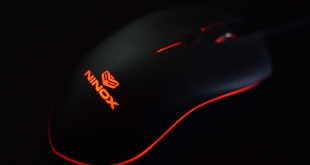
Unless you are a very keen mouse enthusiast, it is unlikely you would have heard of Ninox. The British-based manufacturer has built a strong reputation within enthusiast circles, though, with its Aurora and Venator models. It is the latter mouse we are looking at today, which includes a PMW 3360 sensor for just £39.99. Could it be the best mouse you've never heard of?
Other than the PMW 3360, the Ninox Venator is quite light in terms of features. It deliberately does not come with any software, weighs a mere 78g and has 6 buttons. Clearly, it is designed to be a no-frills mouse which offers top performance, so let's put it through its paces and see how the mouse fares.
SENSOR / FIRMWARE
- Sensor model: Pixart® PMW-3360
- Max tracking speed: 250+ IPS
- Max acceleration: 50G
- Max FPS: 12,000
- Max DPI: 12,000
- LOD: ~2mm
- Angle snapping: None
- Added smoothing: None
- Built in acceleration: None
- USB polling rate: 1000hz (1ms)
- Very low latency tracking and button response
- Synchronized mouse movement data with USB polling rate
FEATURES
- All settings adjustable on mouse
- Editable Profiles: 3
- Selectable DPI Steps Per Profile: •400 •800 •1000** •1200 •1400** •1600 •1800** •2000 •4000 •6000** •8000 •12000
- Selectable LED Colours Per Profile: White, Red, Pink, Magenta, Violet, Blue, Sky Blue, Cyan, Green, Toxic Green, Yellow, Orange
- Selectable LED Brightness Per Profile: 0% (off), 25%, 50%, 75%, 100%
- Selectable Lift Off Distance (LOD)**: Low, High
- Selectable USB Polling Rate**: 500hz, 1000hz
- Factory Set Profiles:
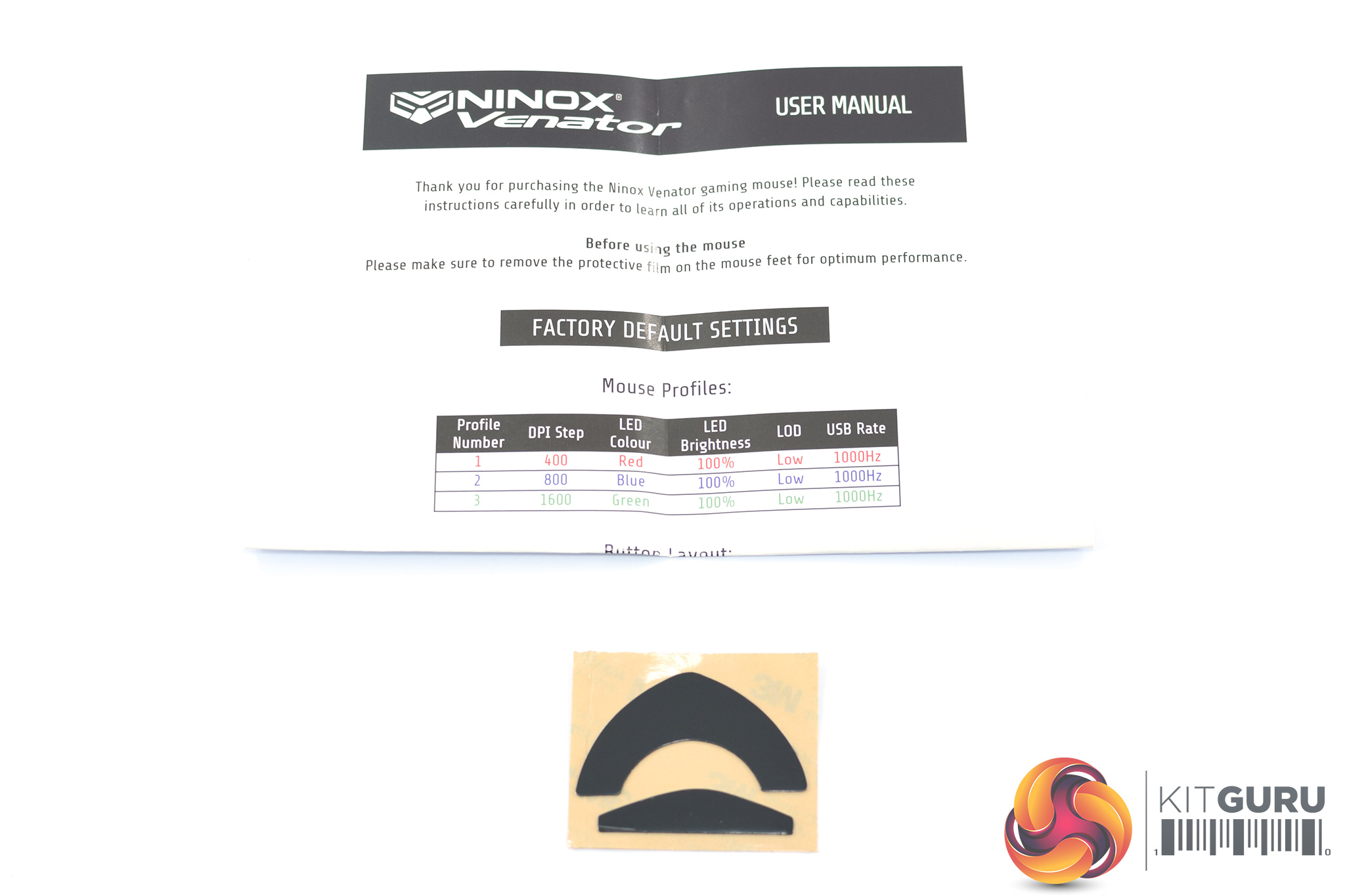
- Profile 1: 400 DPI / Red LED / 100% Brightness
- Profile 2: 800 DPI / Blue LED / 100% Brightness
- Profile 3: 1600 DPI / Green LED / 100% Brightness
- Weight: ~78 grams (without cord)
- Dimensions: 122(L) x 62(W) x 40(H) mm
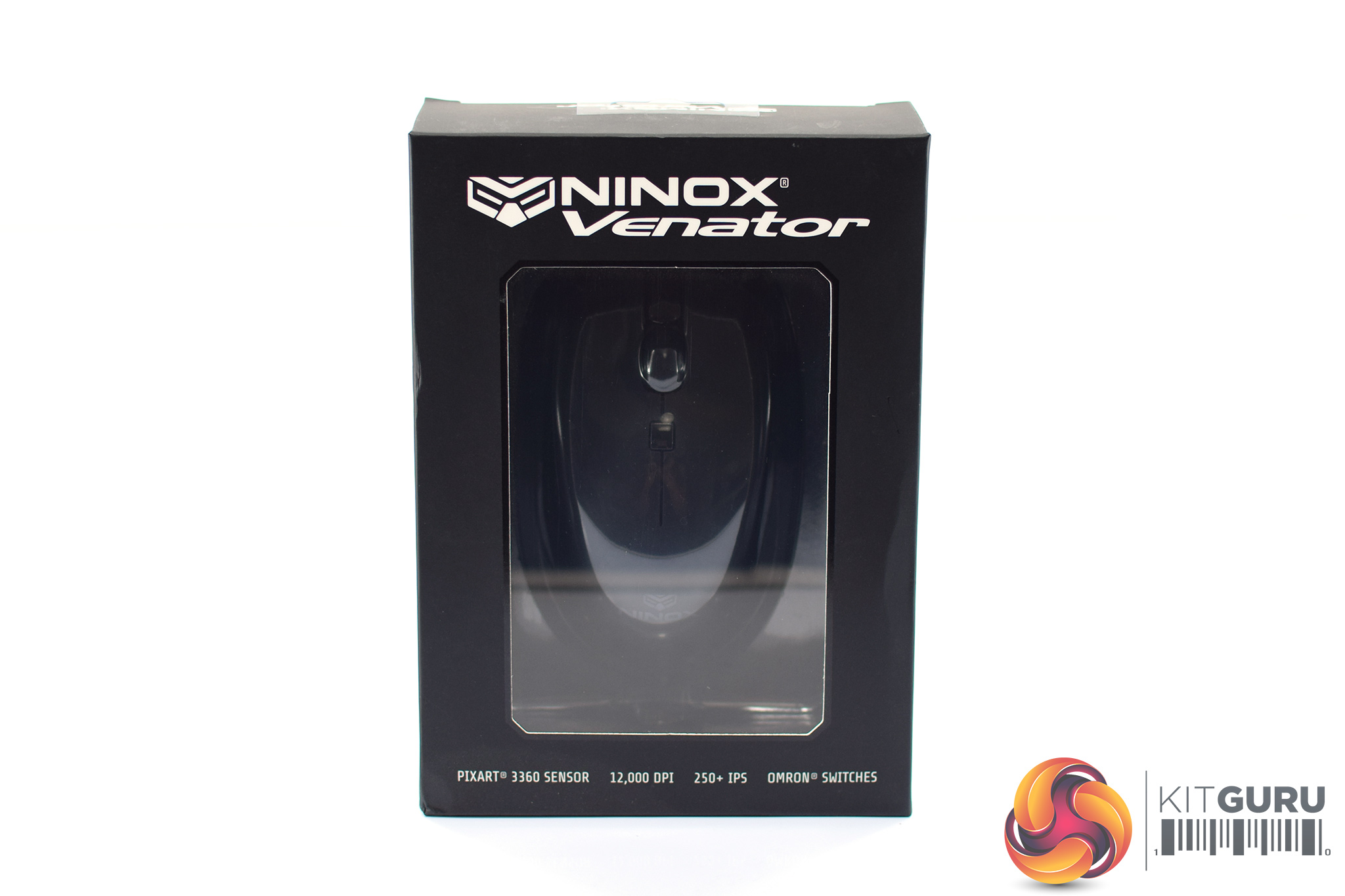
The Ninox Venator ships in a simple box made of thin cardboard. The mouse is visible through a plastic window on the front of the box.
Inside, included accessories are thin on the ground – we get an A4 user guide as well as two spare mouse feet.
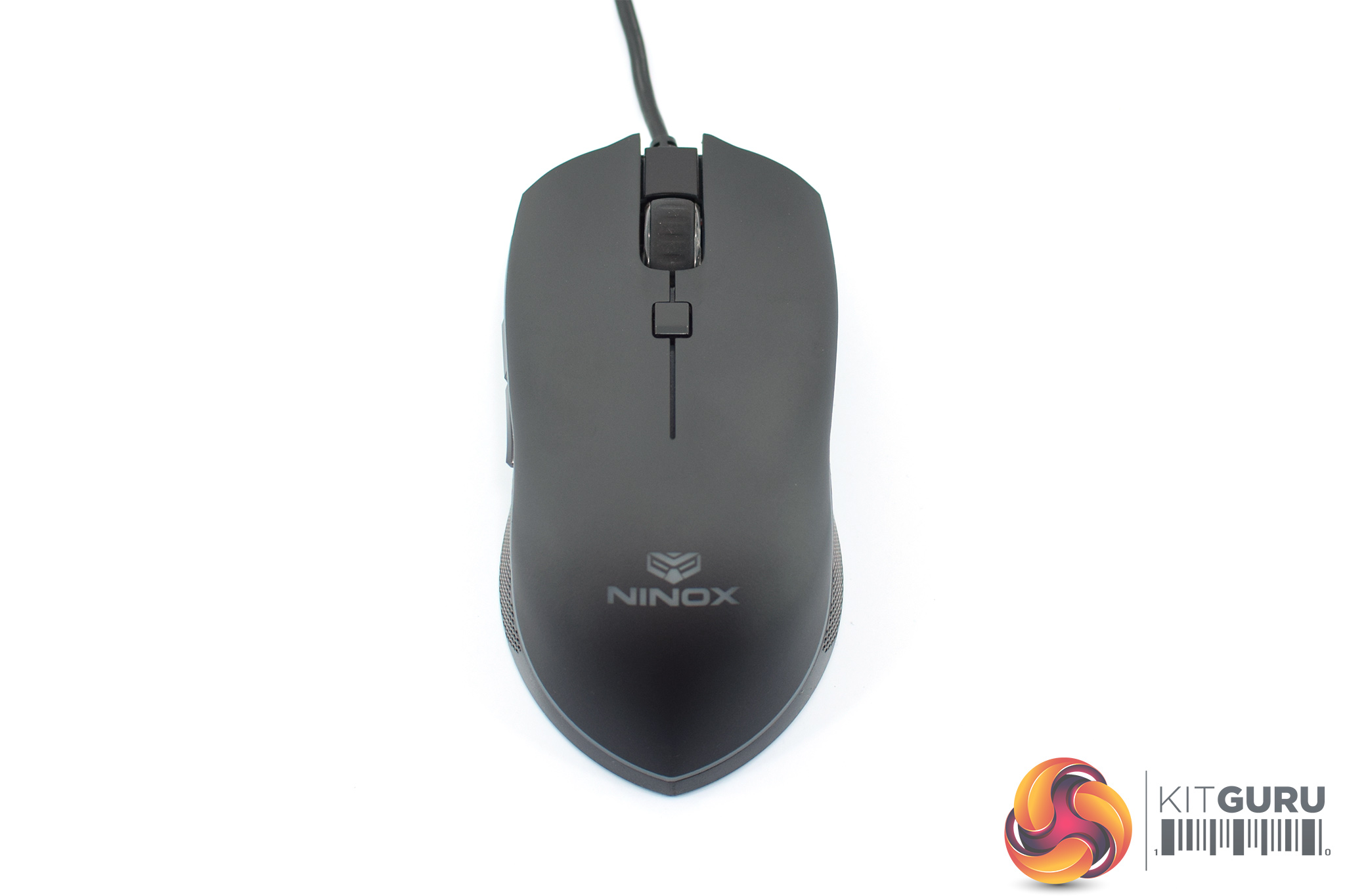
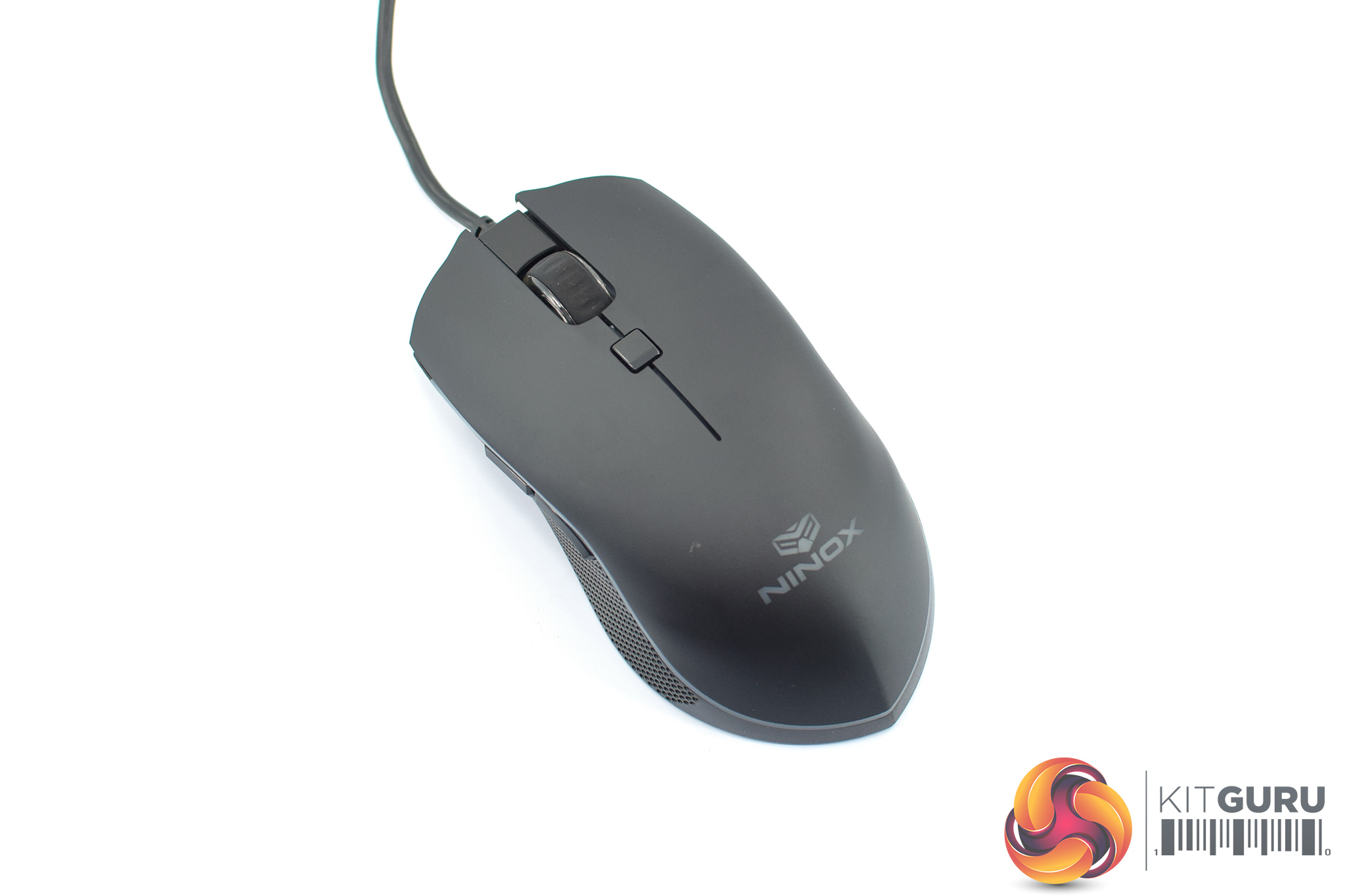
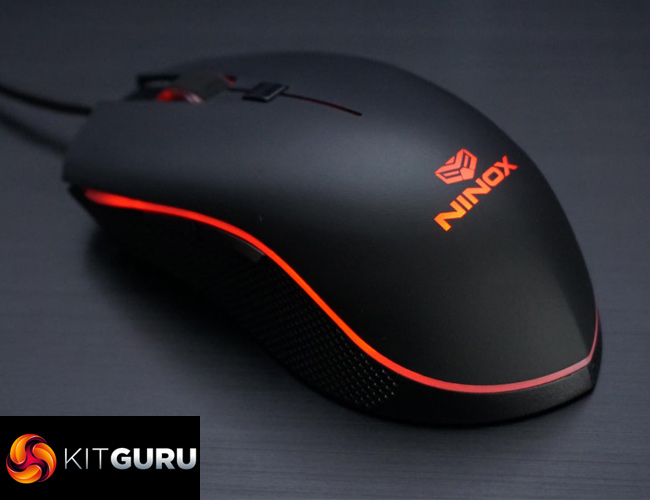
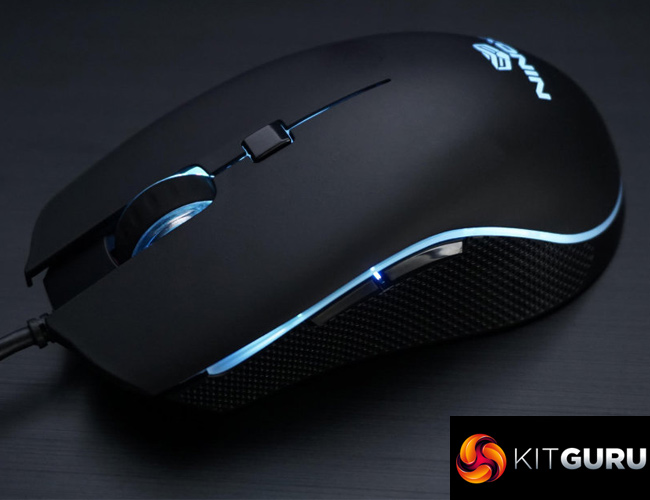
The focus is very much on the mouse itself, and the Venator certainly sports quite a unique design. It is ambidextrous, but there are only side buttons on the left-hand side.
It's definitely a smaller mouse, too, measuring 122(L) x 62(W) x 40(H) mm. At just 78g as well, the Venator won't suit those who like big and heavy mice. If you're after a small and lightweight gaming rodent, however, it could be perfect.
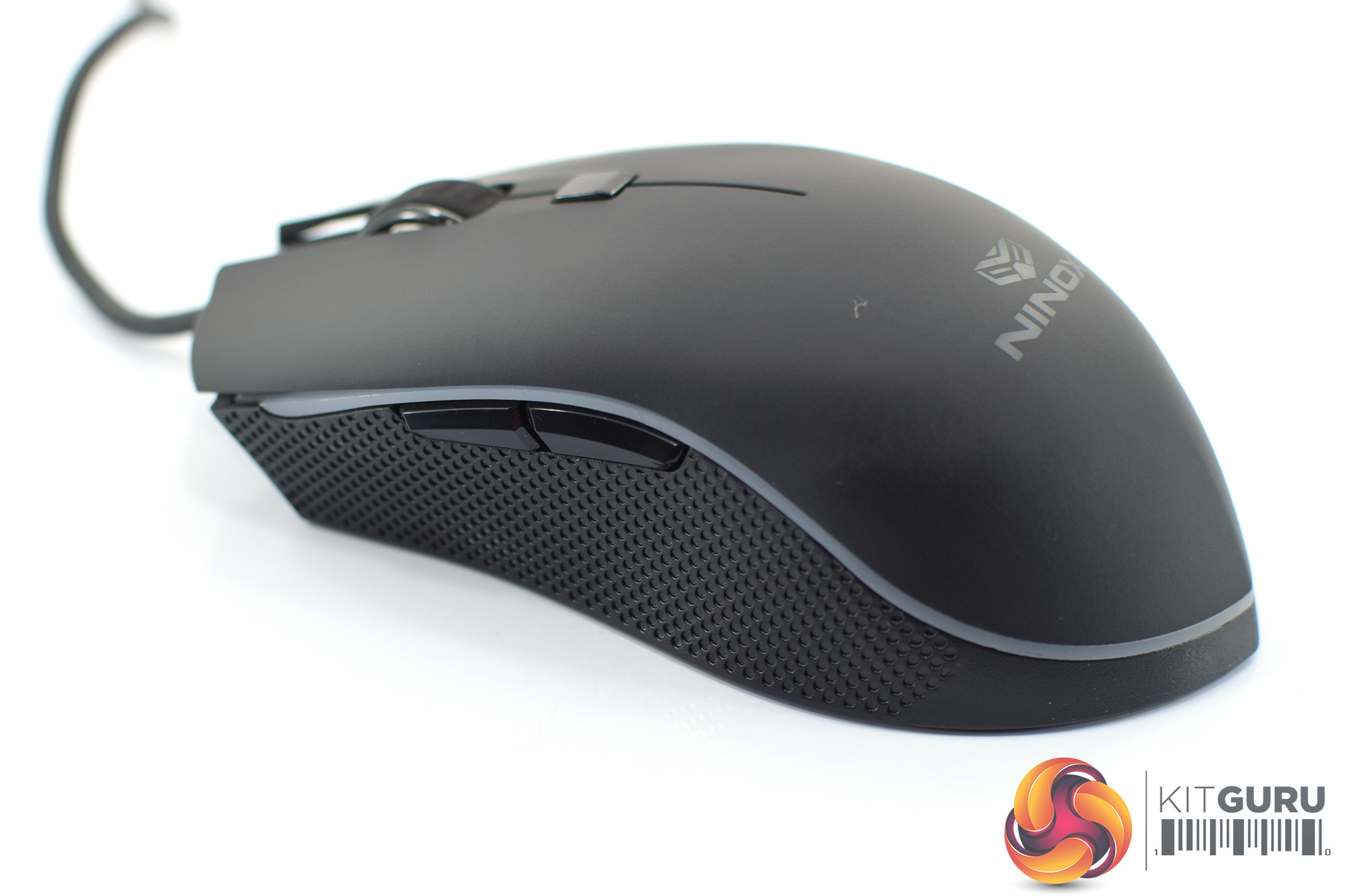
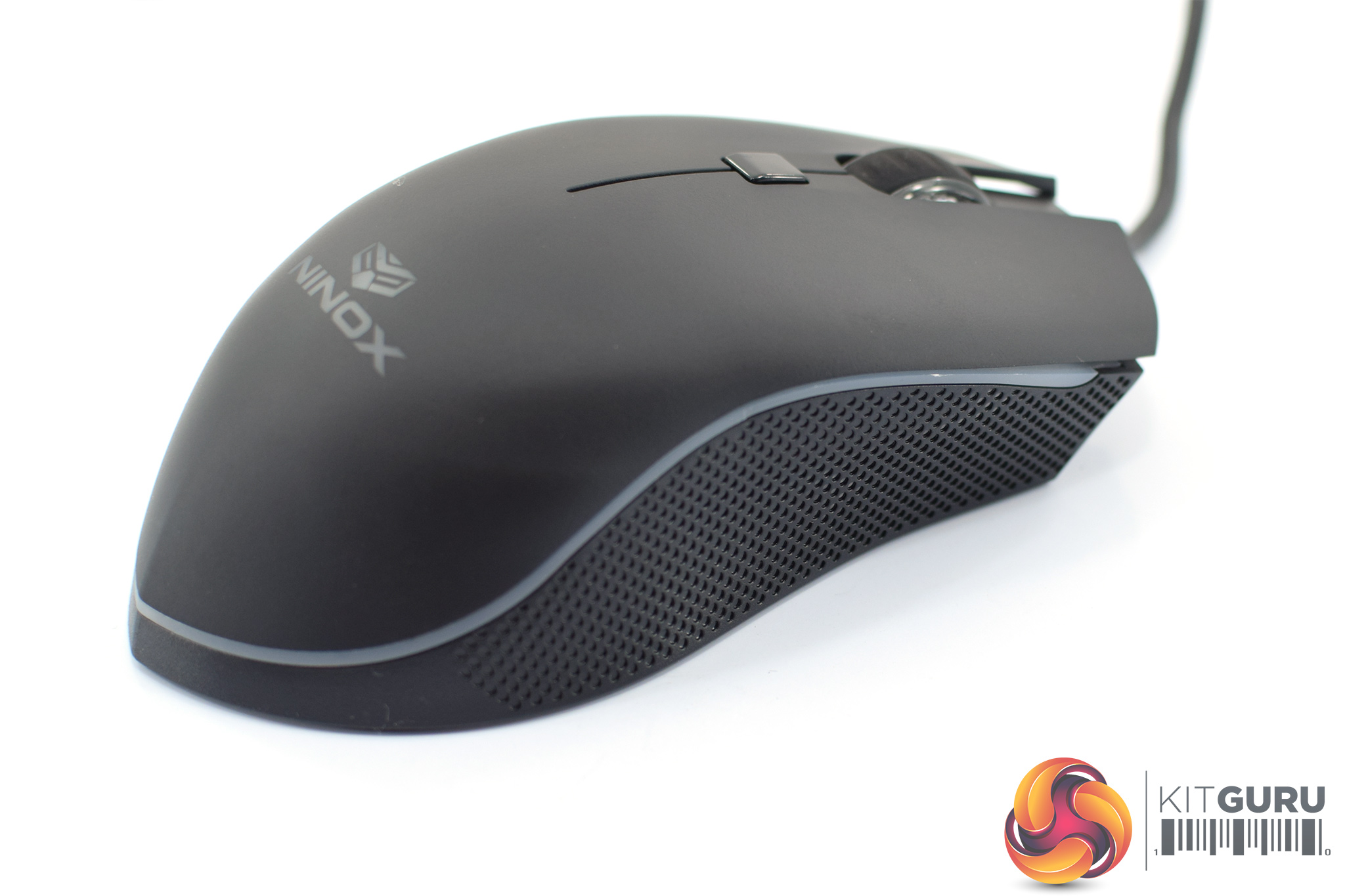
As we mentioned, the left hand side sports two side buttons as well some textured plastic to help grip. The right hand side is bare, apart from more textured plastic.
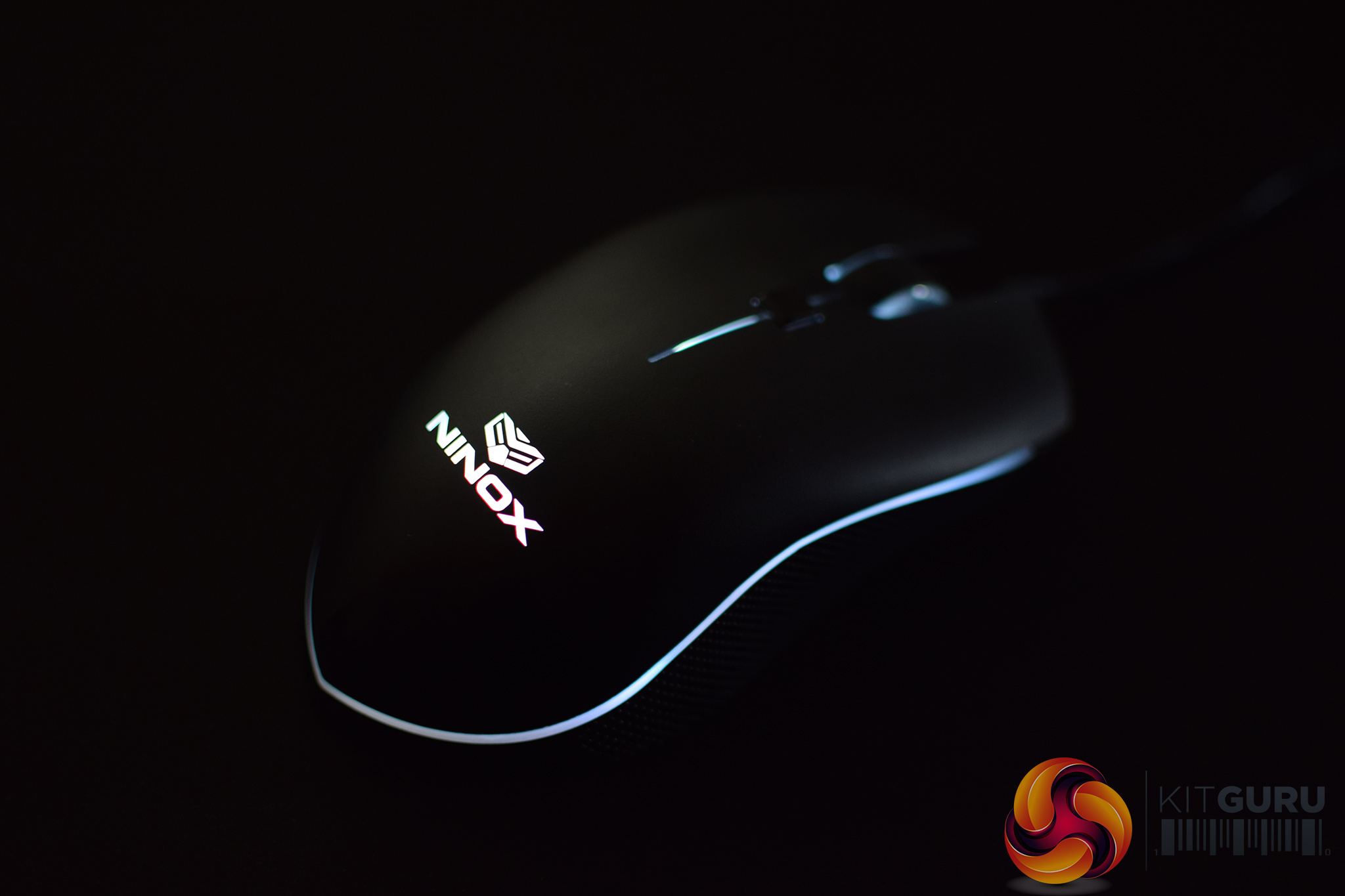
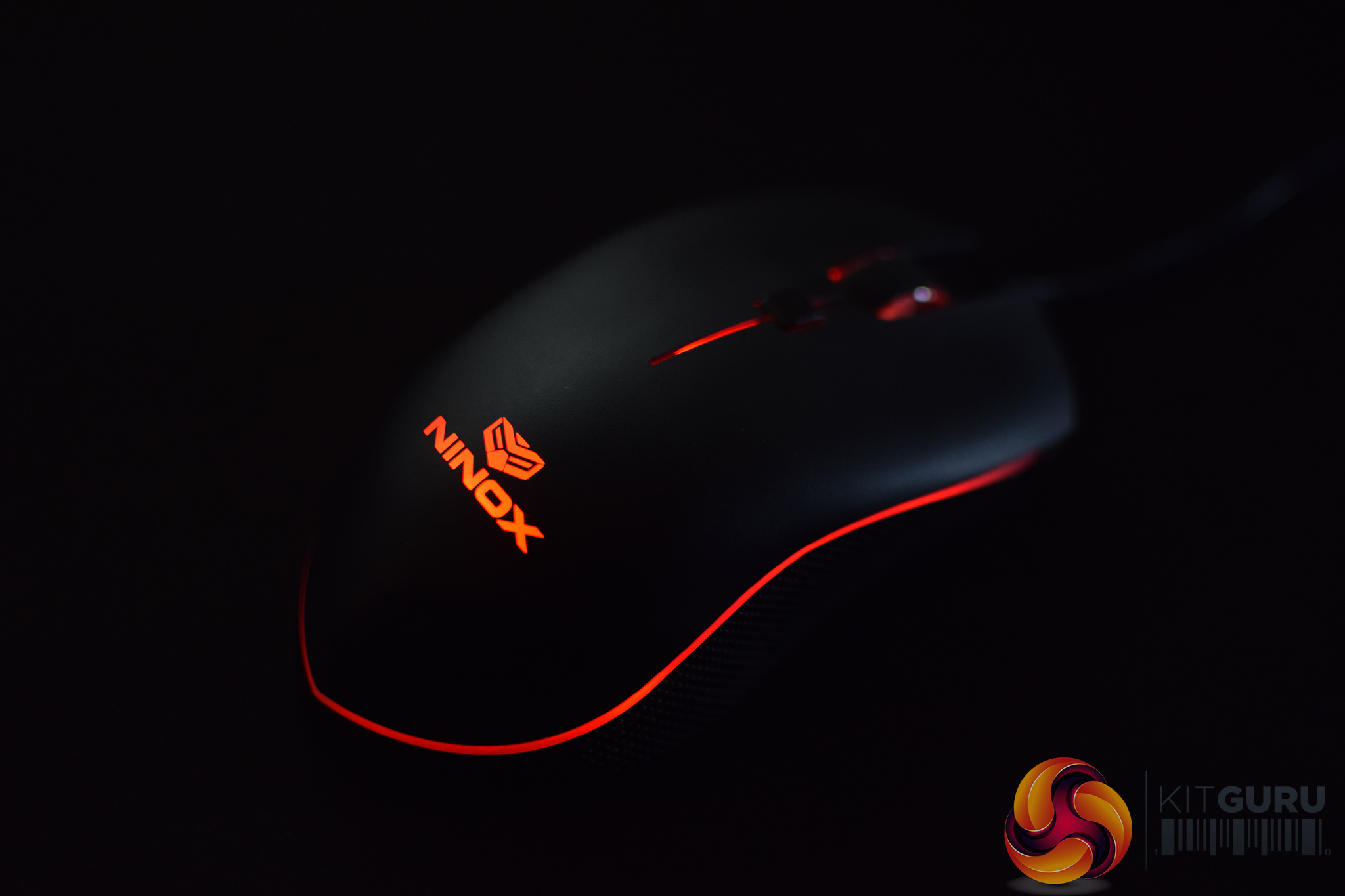
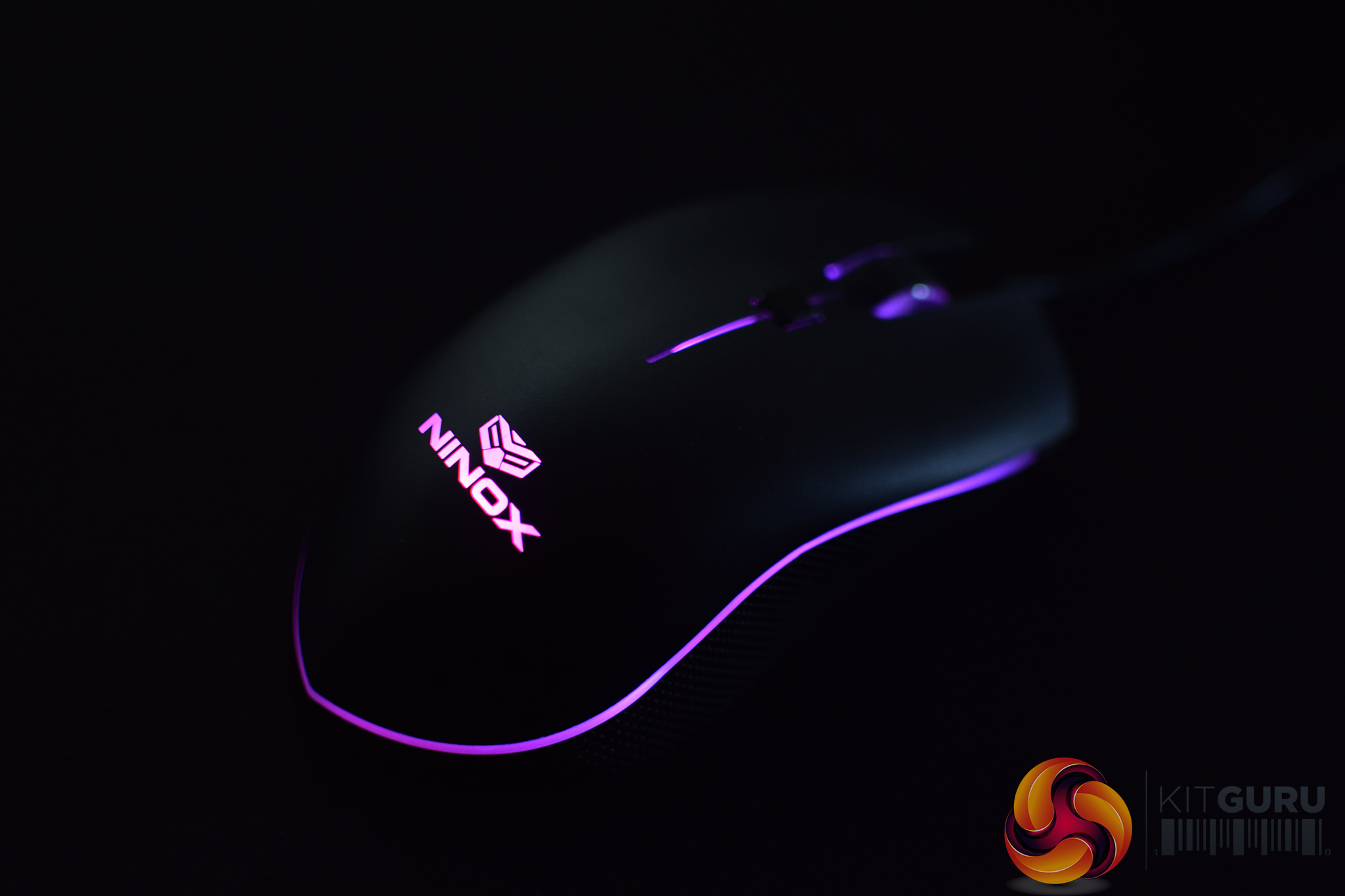
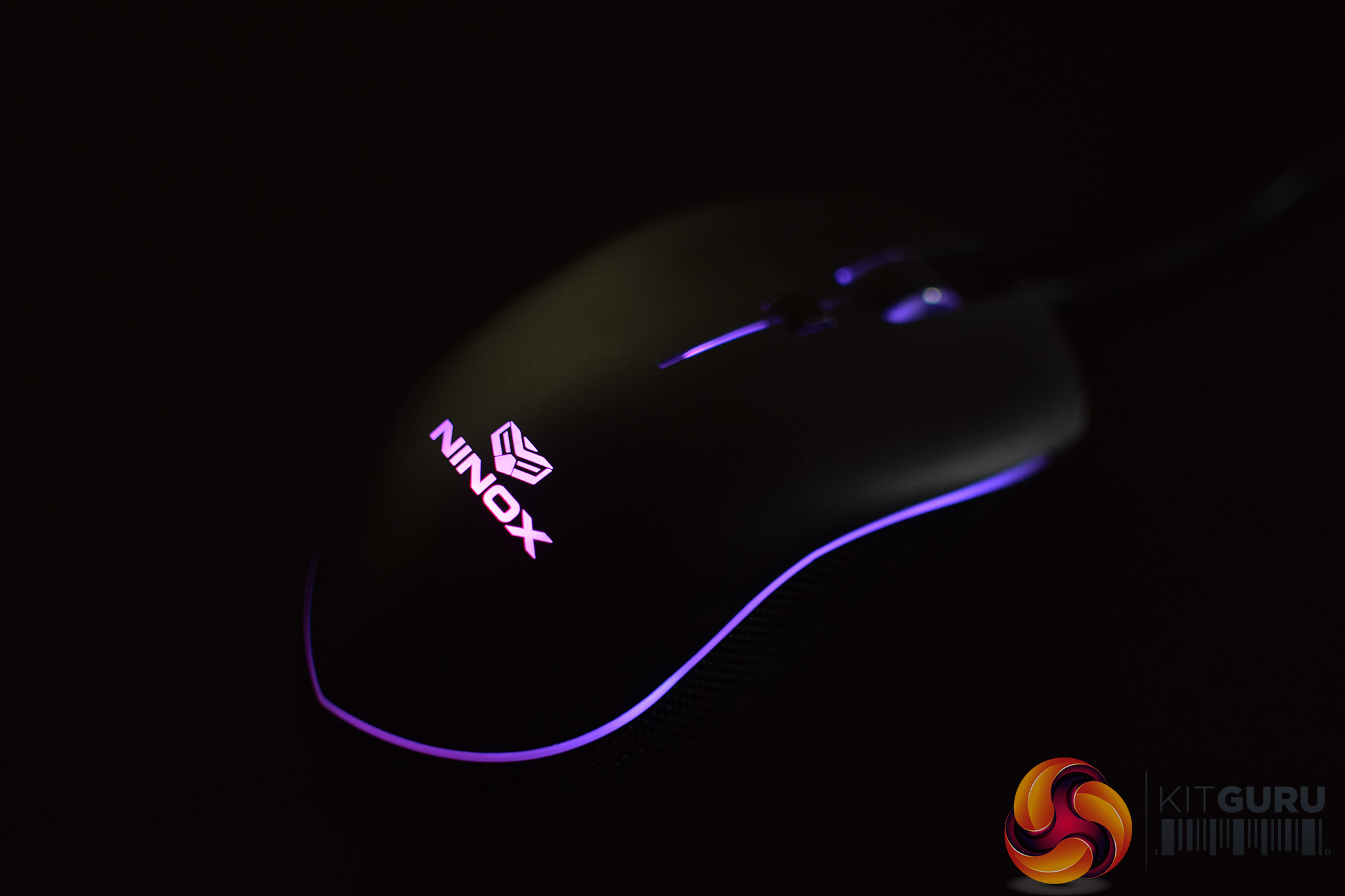
In the above images, you can also see the large LED strip which almost completely surrounds the mouse. This strip, along with the Ninox logo and scroll wheel, provide the Venator's LED lighting – something we look at on the next page.
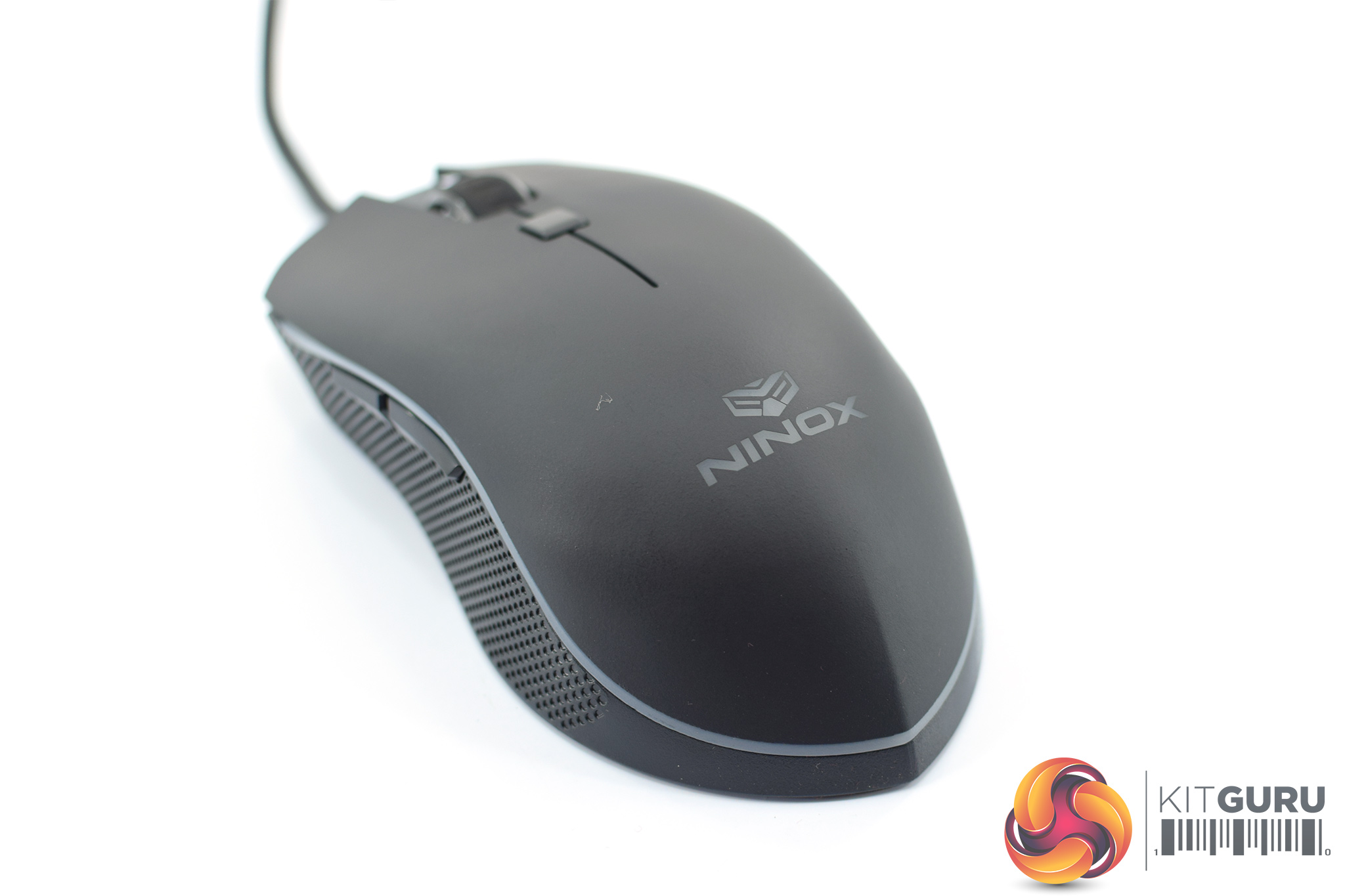
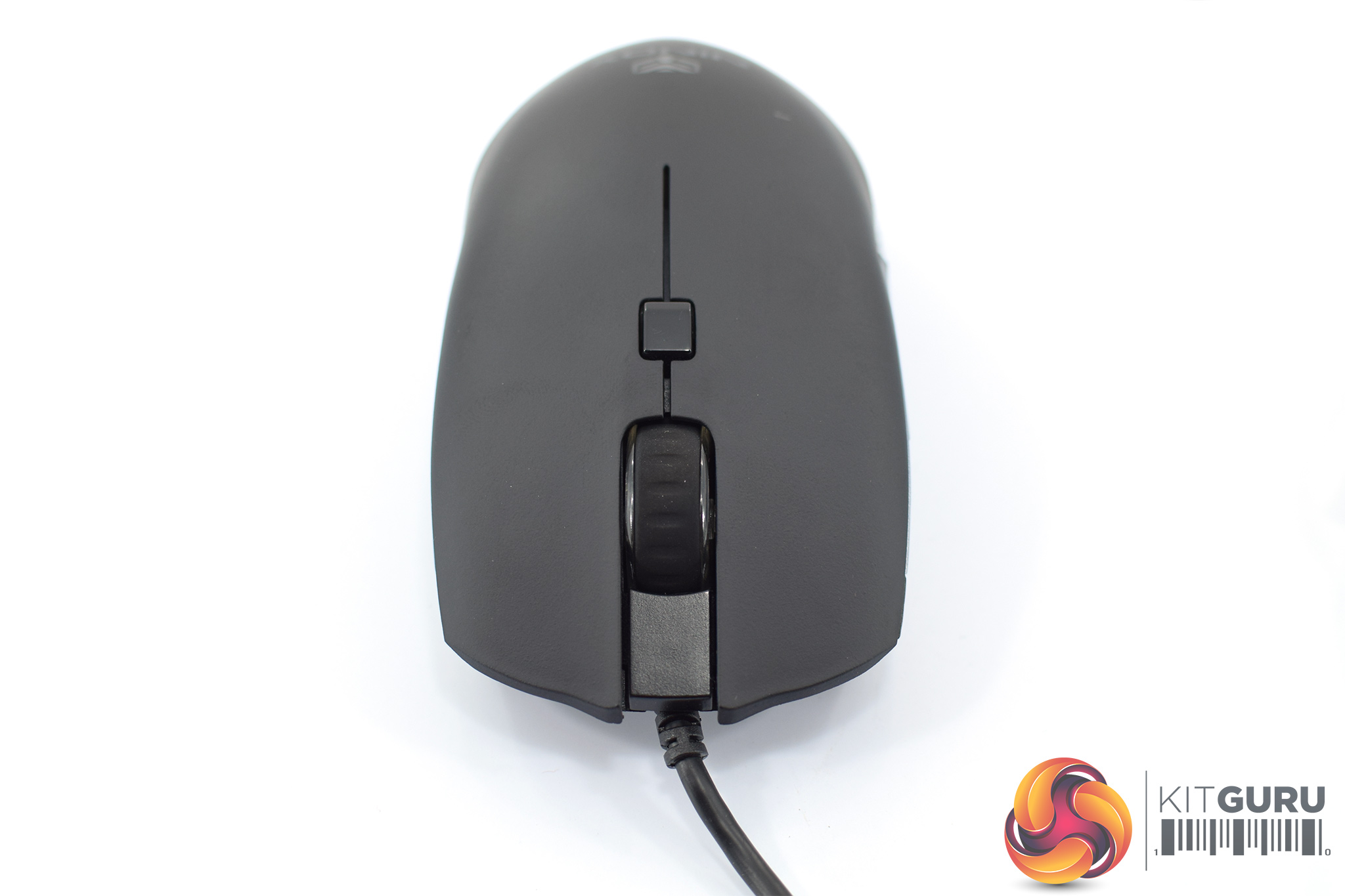
You will have noticed by now that the Venator is quite unusual in that its bottom end tapers to a point – giving it quite a sharp appearance. In practice, the ‘point' didn't cause me any discomfort at all, but it is worth pointing out.
Over at the top of the mouse, we find a large scroll wheel, a single button for switching profiles, as well as the primary buttons. For those interested, the primary buttons use Omron D2FC-F-K(50M) switches, rated for 50m clicks.
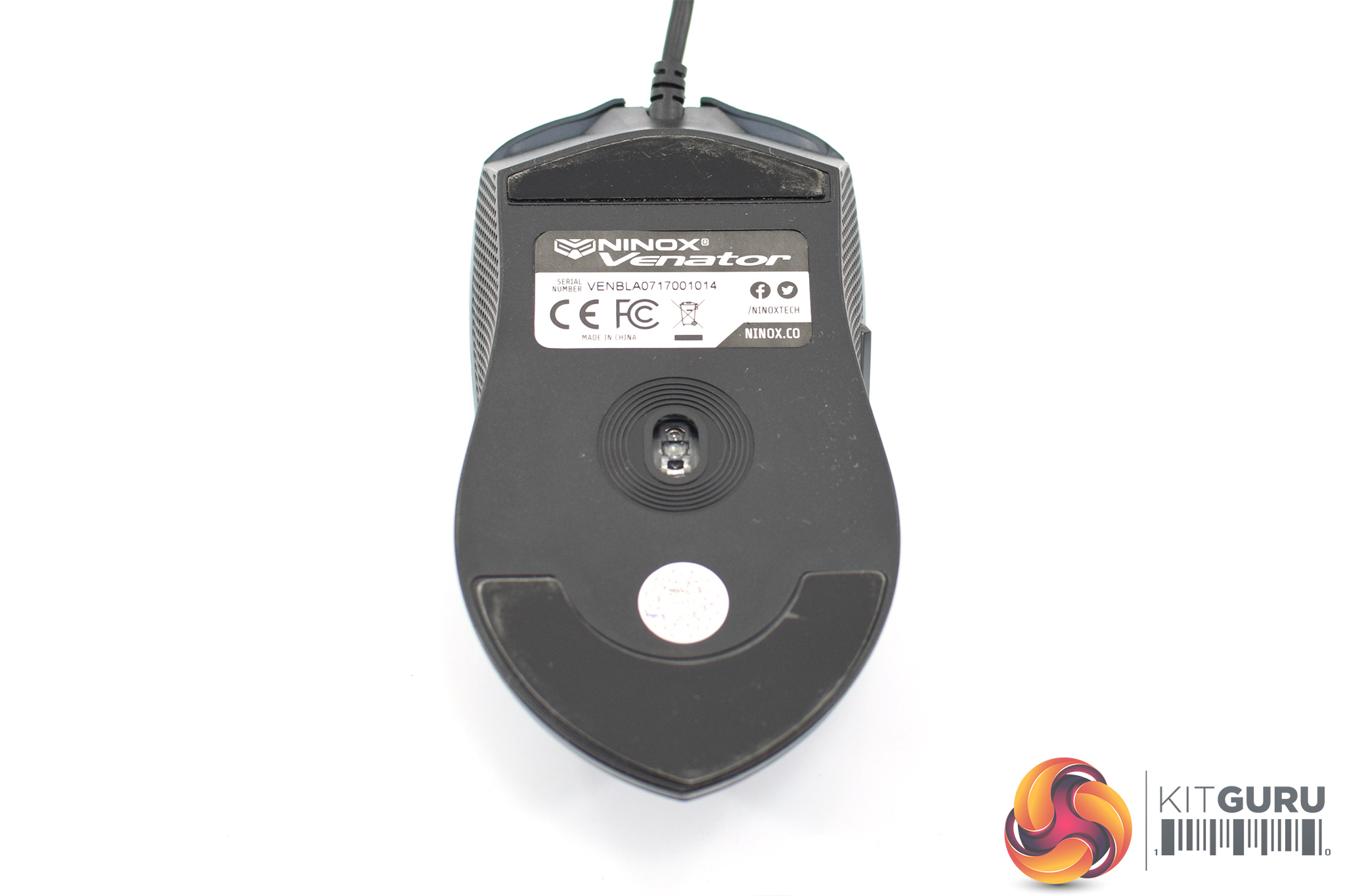
Turning the mouse over reveals the two PTFE mouse feet, as well as the PMW 3360 sensor.
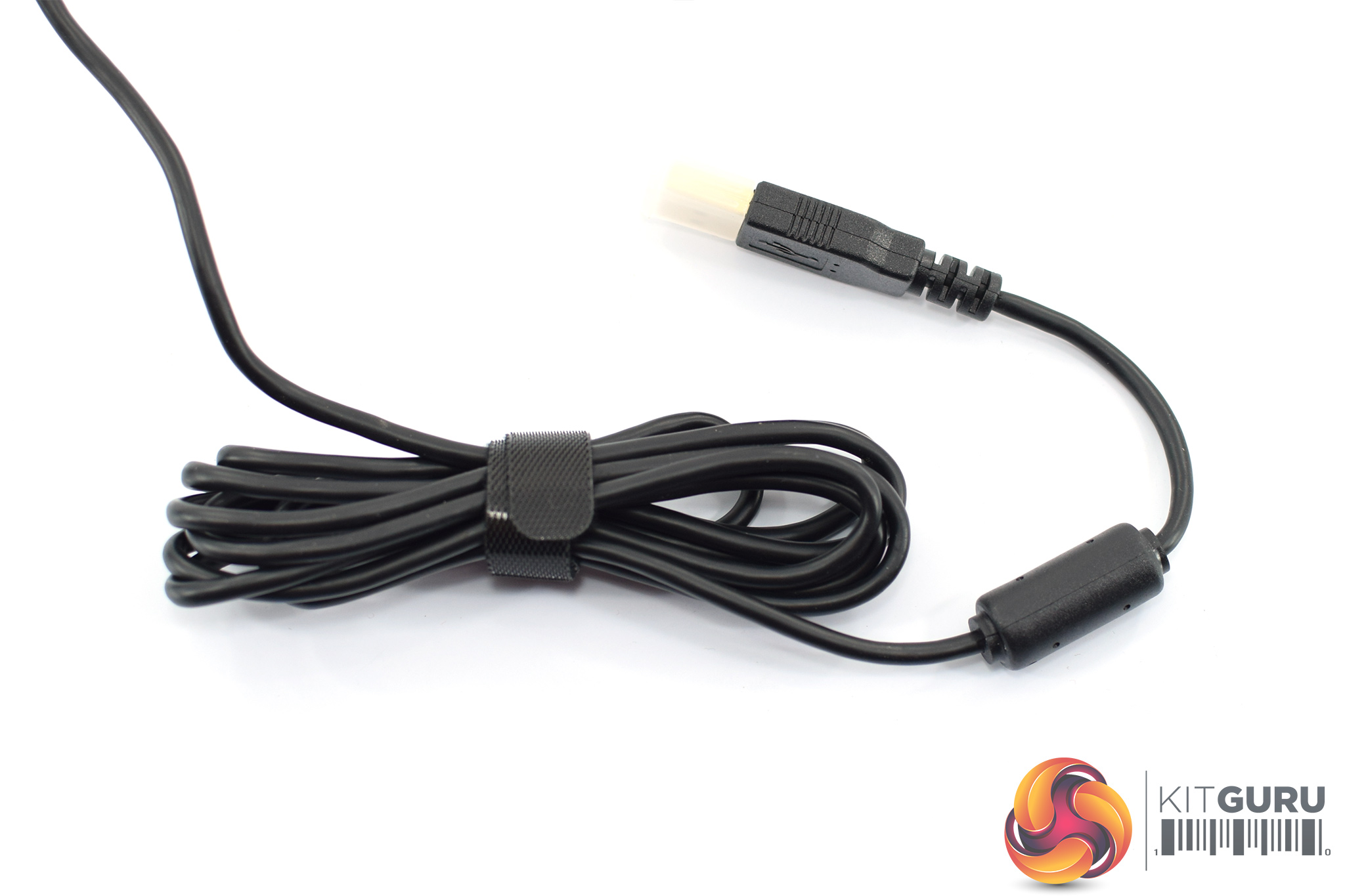
Lastly, the Venator's cable is made of fairly thick rubber, and it measures just shy of 2m long.
To test the Venator, I used it as my daily driver for one week. This included using it while gaming, editing photos and for general office use.
Adjusting mouse options
As I mentioned on the first page, the Venator does not come with any software. However, that does not mean you can't change things like DPI stages, lighting options or lift-off distance. Instead, Ninox has designed a system where you can adjust these settings from the mouse itself.
In essence, it is quite simple – press and hold the profile button for 5 seconds, the LEDs will flash three times, and you can begin to adjust the settings. Each of the Venator's buttons lets you change something different – for instance, pressing the scroll wheel lets you change the LED brightness, while pressing the side buttons will change the DPI sensitivity.
You do need to consult the manual for a full overview of what does what – going in and trying to figure it out will get you nowhere – but you can see a full list of instructions here.
Lighting
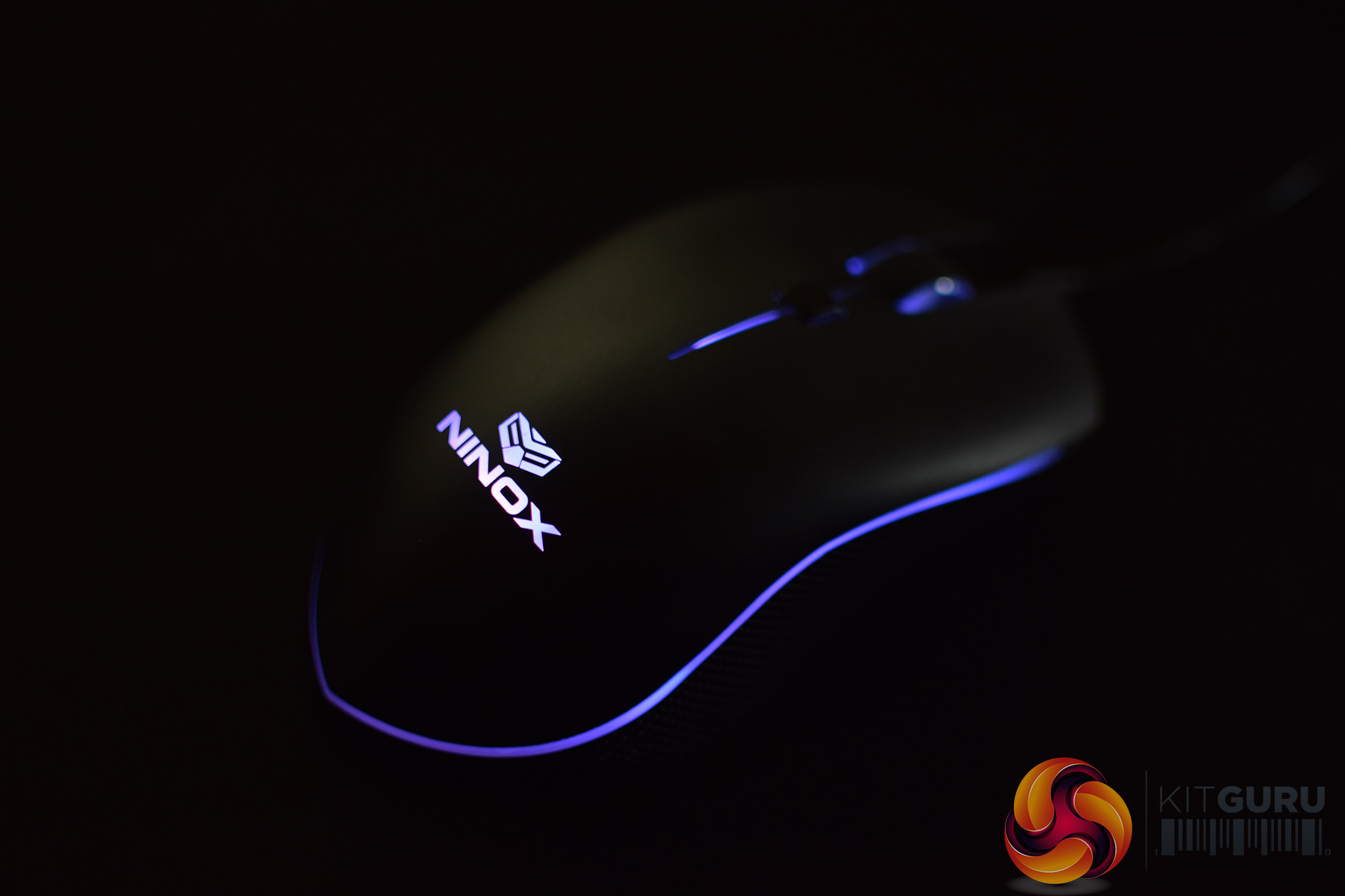
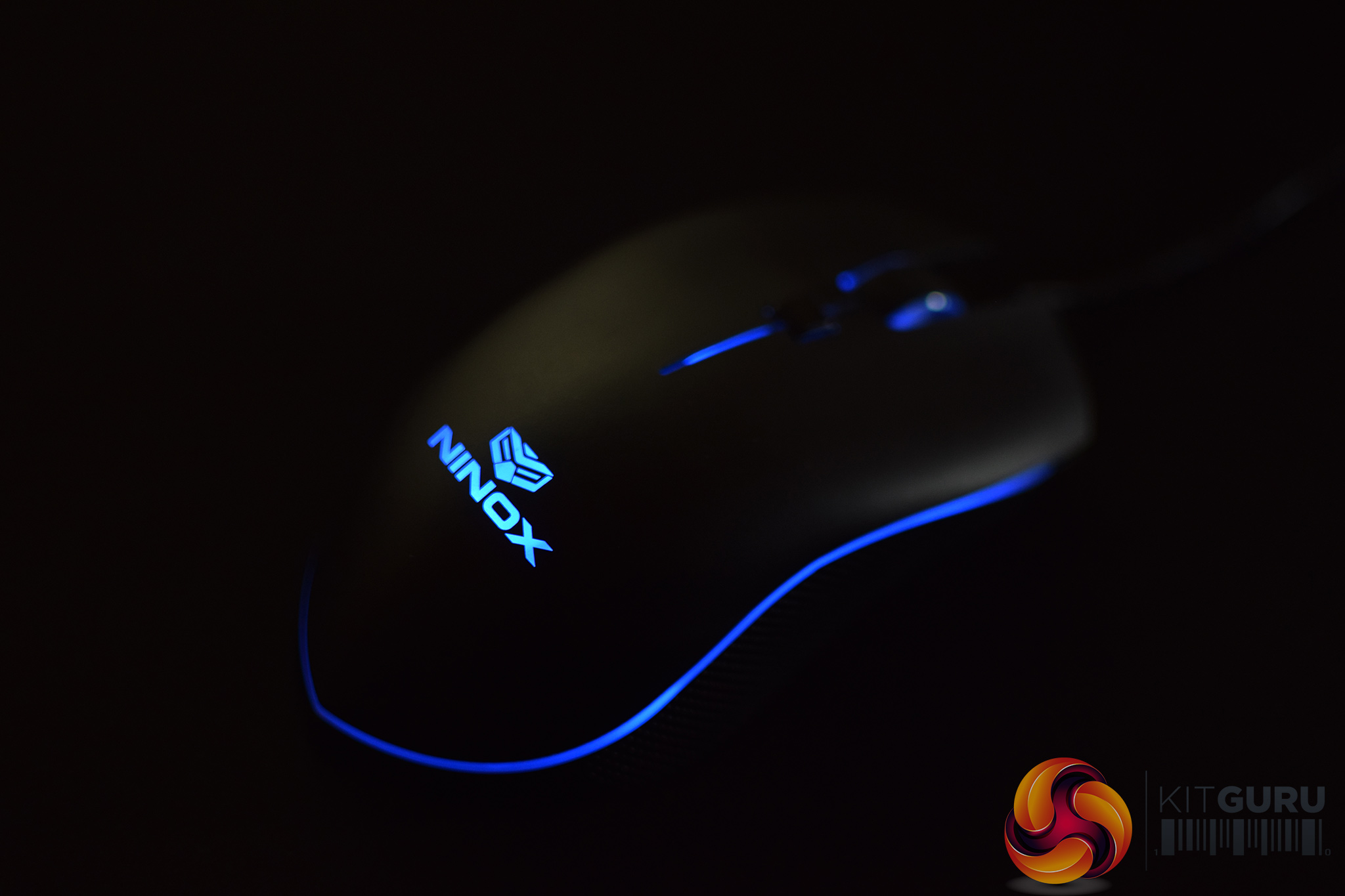
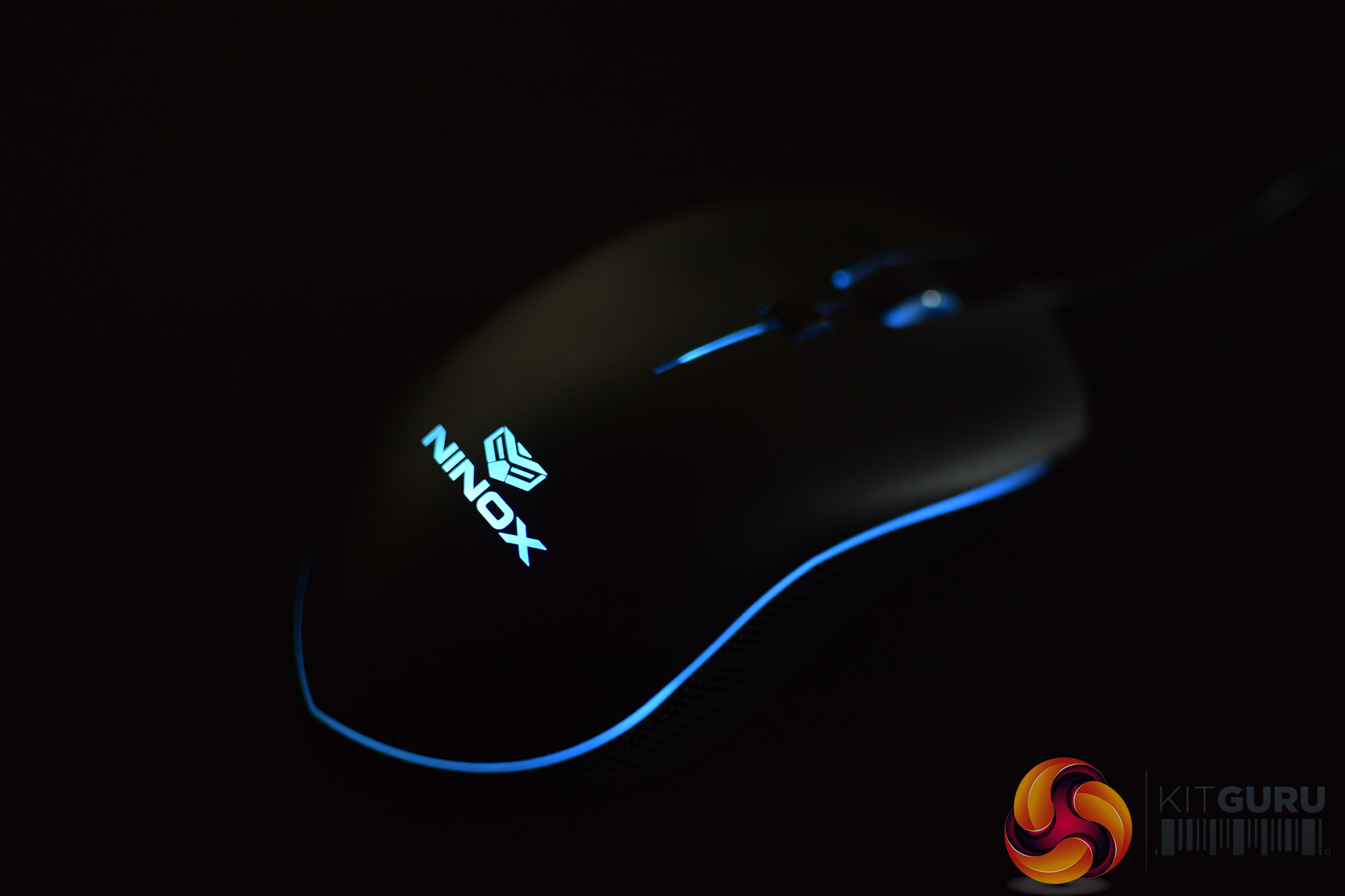
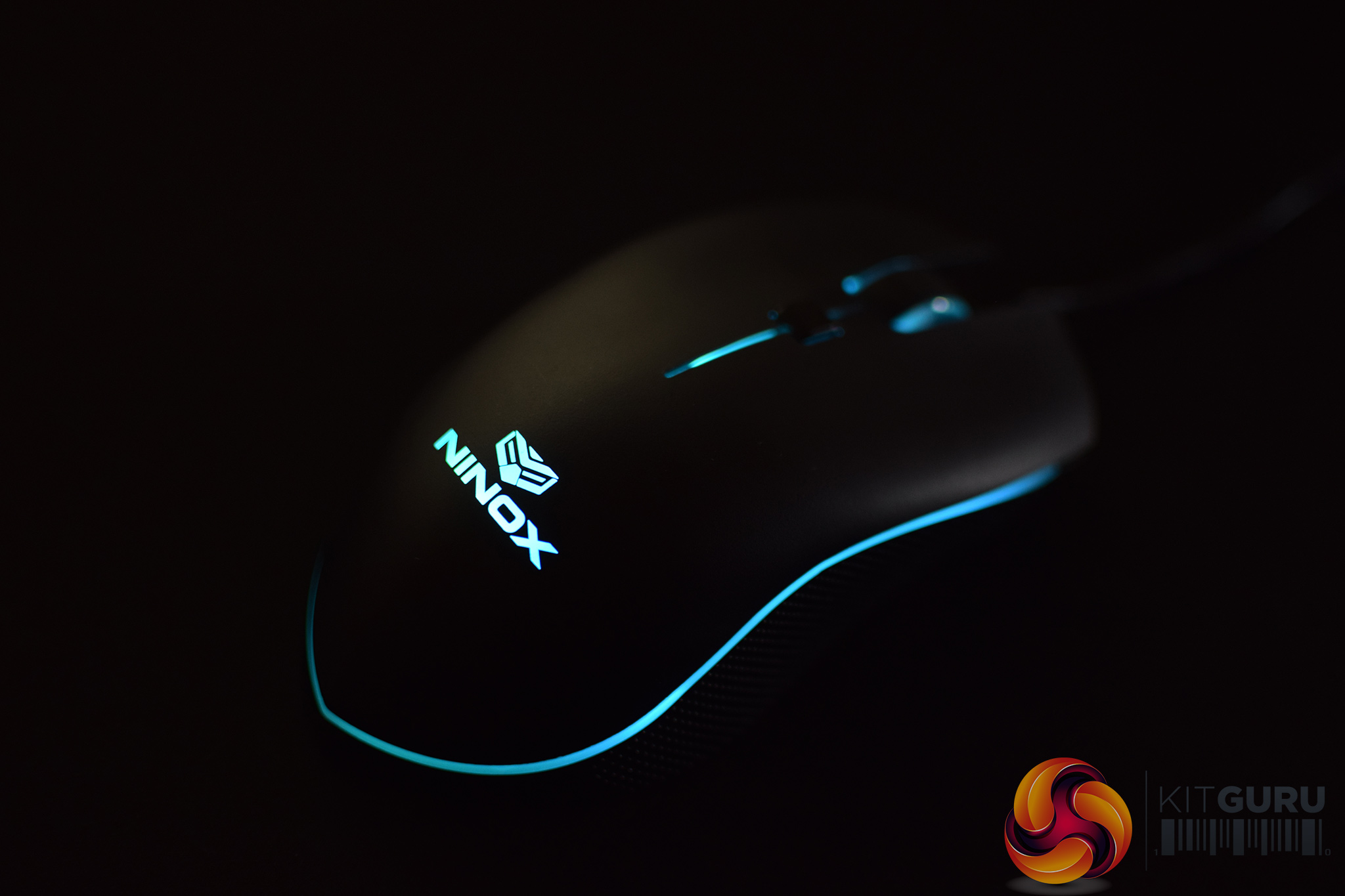
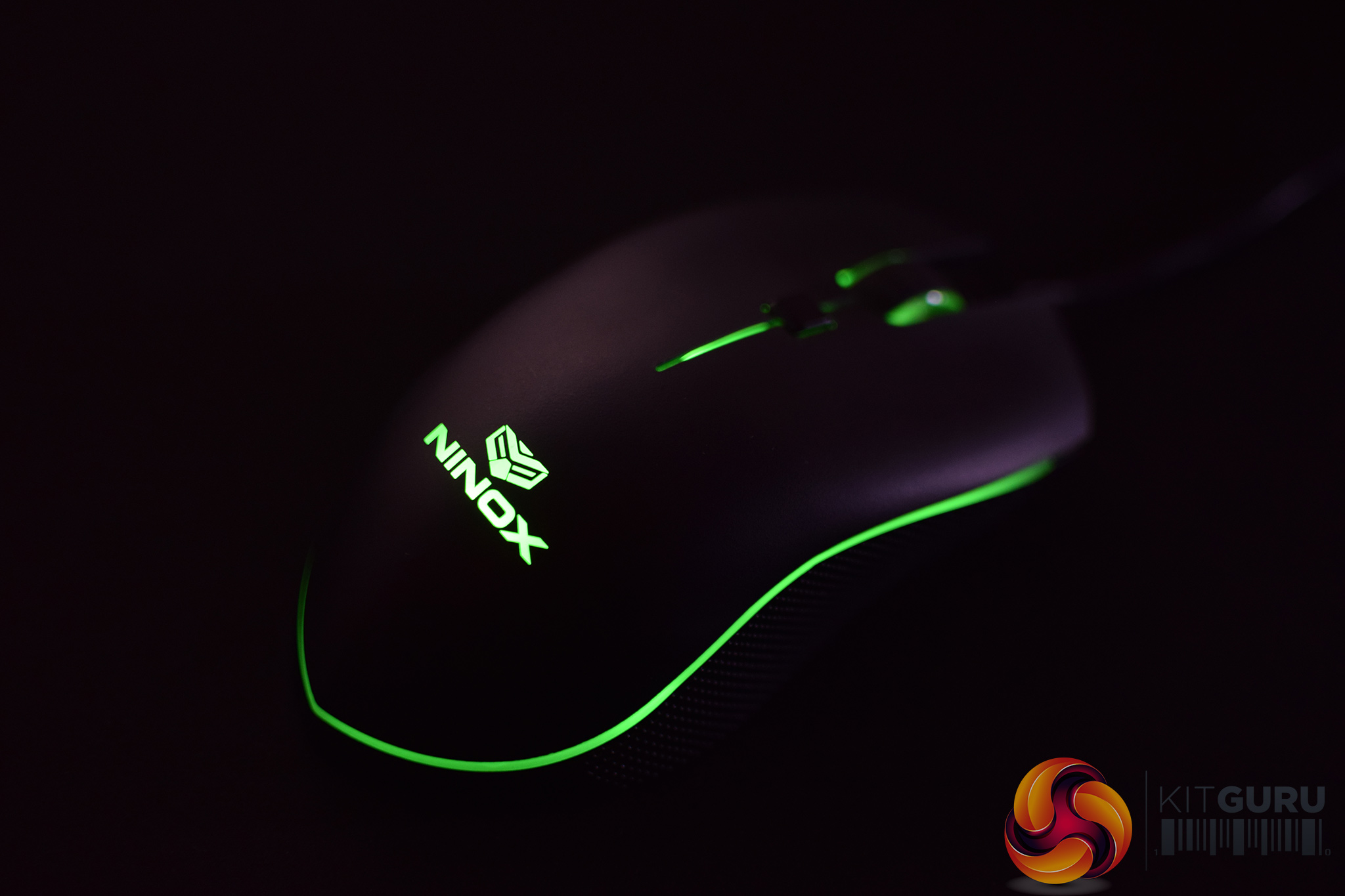
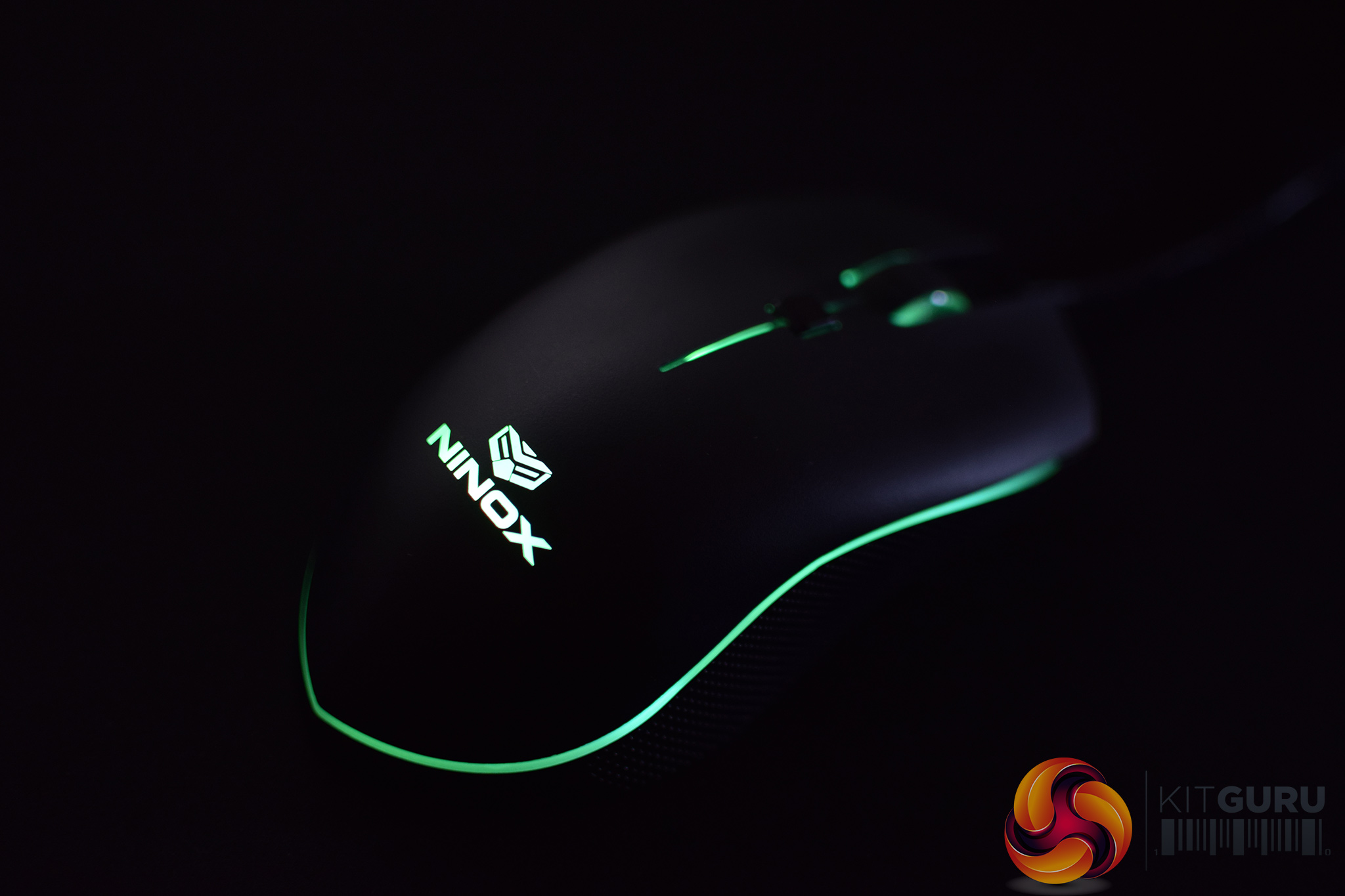
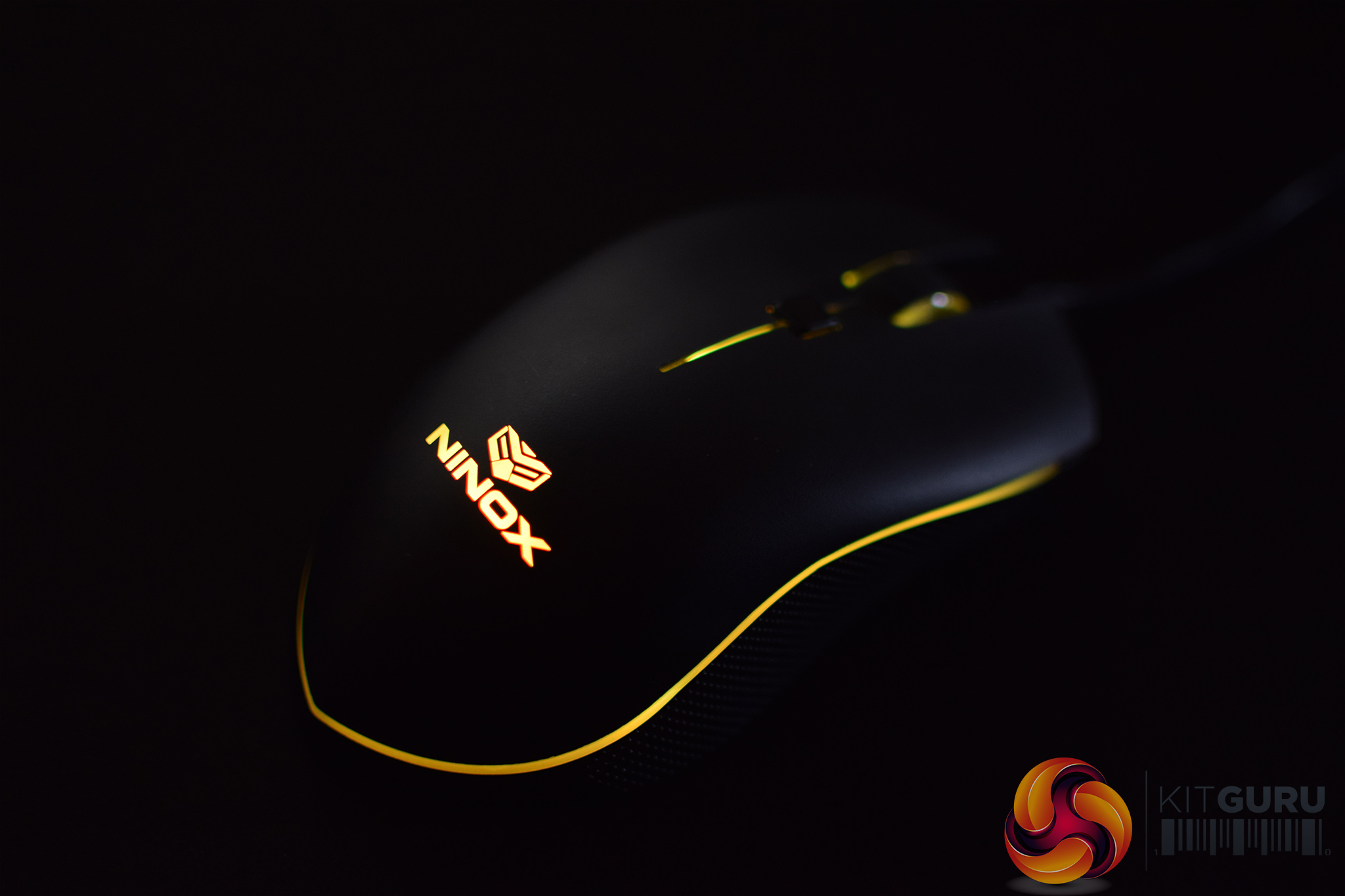
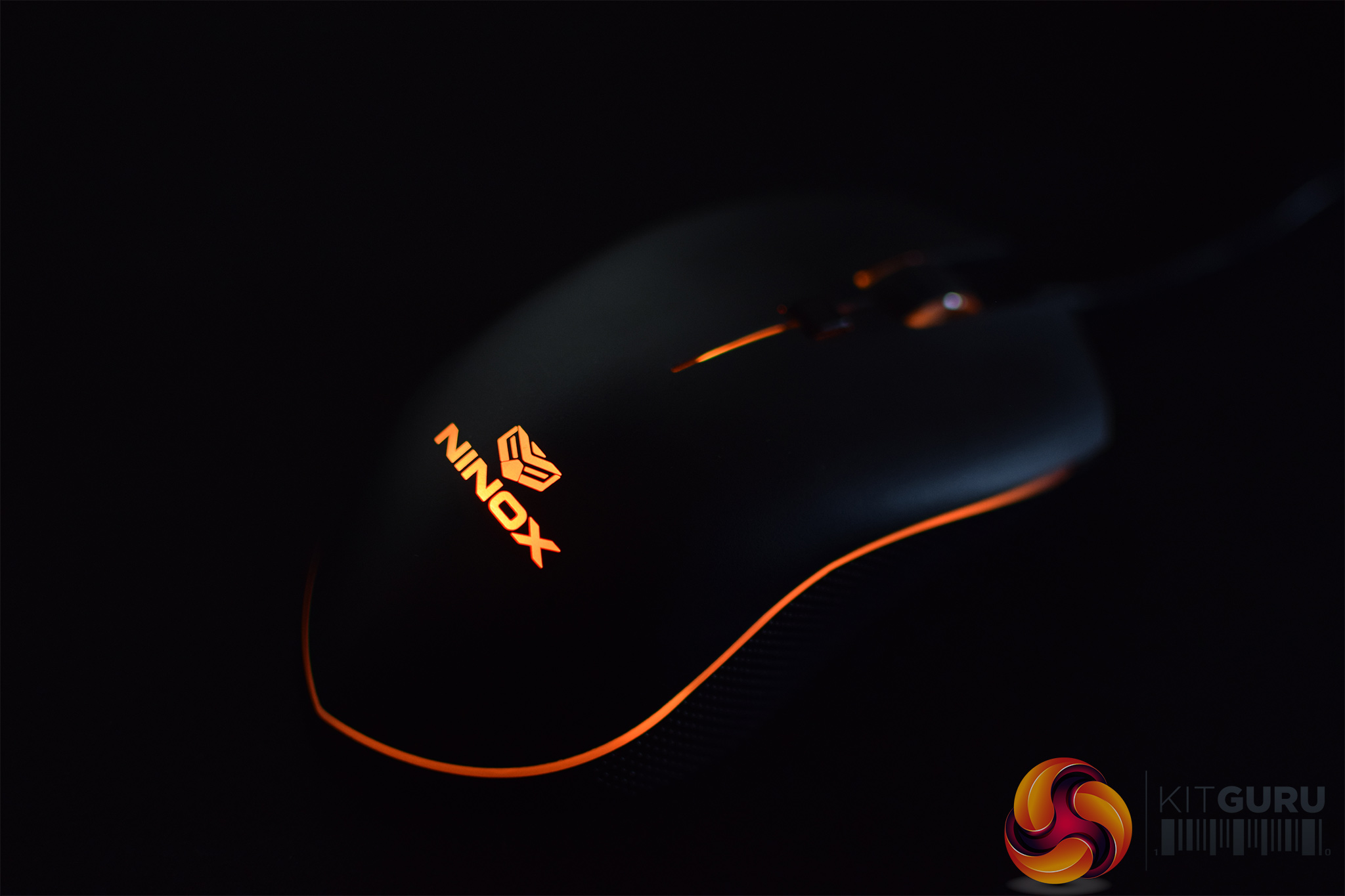
Note: if the above images are not displaying properly, you may need to disable Ad Block as it is known to interfere with our display code.
Coming to lighting, it is important to note that the Venator displays only one colour per profile, and the mouse holds a total of three different profiles which you can customise using the instructions above.
This does mean you can only pick a single, static colour at any given time – there are no rainbow or cycling effects available here. Out of the box, the colours are set to red, blue and green, but there are a total of 12 different colours to choose from by going into the mouse ‘settings mode' as detailed above.
You can see all 12 options above – they are as follows: White, Red, Pink, Magenta, Violet, Blue, Sky Blue, Cyan, Green, Toxic Green, Yellow, Orange.
Overall, the lighting is nothing special – you pick what colour you want and it'll stay there. In that regard, it is obviously not as sophisticated as something from Razer or Corsair, but considering the Venator is just trying to keep things simple, I am actually surprised there are this many LED options in the first place. No, it won't please the RGB fanatics out there, but you can pick your preferred colour so I can't knock Ninox for giving it a go.
Build quality
Moving onto build quality, this is where I encountered my main issue with the Venator. Simply put, the Venator is made from plastic and it uses very few screws, so I encountered quite a bit of creaking from my sample where the plastic sections of the mouse would rub together. This would happen during normal use – without me squeezing the sides any harder than I would do from simply gripping the mouse.
We got in touch with Ninox about this and were told that it is a known issue among a ‘small percentage' of Venators. However, ‘there isn't any risk of damage' as ‘it's just some plastic rubbing against itself' – so it's more of an annoyance due to the noise, rather than an indicator that something is about to break.
Ninox kindly provided another sample for me to test, and I found that second sample exhibited no creaking whatsoever – side by side with my first sample, the difference is quite remarkable.
Ninox also confirmed to us should a customer get a ‘creaky' sample, it is covered by the warranty and a replacement will be issued.
Comfort
Comfort is obviously highly subjective when it comes to mice, but it is worth saying I found the Venator to be very comfortable indeed. It is quite small, with its hump quite far to the back of its body, but I found that to be perfect for my preferred claw grip, though I could easily palm grip the mouse as well.
Both sides are also sloped which I like, and my thumb slotted neatly into place on the left hand side of the mouse.
I'm not too keen on the textured plastic side grips, though, as I found them to be a little bit slippery. The main body of the mouse uses UV coated plastic which was fine to grip, but the side grips didn't feel that good to me.
Performance
In terms of performance, I cannot fault the Venator. Starting with the PMW 3360 sensor, it is widely considered the best optical sensor out there and it shows – I detected no unwanted acceleration, angle snapping or jitter, while general tracking and pixel-by-pixel adjustments were handled without a hitch.
Lift-off distance is also worth mentioning, and with LOD set to ‘low', the mouse would stop tracking with 1 DVD wedged underneath, while setting the LOD to ‘high' required a second DVD to stop it tracking. This is about normal and you can obviously choose which setting you prefer.
It is also good to see Ninox using quality buttons across the mouse, too. The primary buttons use Omron switches and they feel very uniform and crisp. They're probably among the faster switches out there, making the Venator great for firing off semi-automatic weapons in PUBG, for instance.
The side buttons are similarly tight, while the scroll wheel is actually very easy to click in as well. I wasn't as taken with the general scrolling experience – it was a bit too fast for me, with the steps not being as distinct as I would like – but it is not bad.
Lastly, the cable is worth touching on. It is made of rubber – it's not braided – and is slightly thicker than normal, however it is still quite flexible – I just had trouble getting it to fit in my mouse bungee. The cable didn't cause me any grief, though, so it is another area where I cannot complain.The Ninox Venator is an affordable mouse that boasts a PMW 3360 sensor, Omron switches and a lightweight design.
I got on very well with its smaller shape, and it suited my claw grip perfectly. if you're used to bigger and heavier mice, the Venator probably won't be for you – at the very least, it will take some adjusting to – but if you like small, fast mice it could be perfect.
The main issue I had with the mouse was to do with build quality – my sample creaked quite a lot when I gripped the sides of the mouse. Ninox told us this issue does affect a small number of samples, but it is covered by the warranty so is nothing to worry about.
The Venator is a top performer, though, with perfect tracking and precision. The buttons have a fast, crisp action as well which is really satisfying.
I did find the side grips to be a little on the slippery side, however, but the main shell feels really good under your palm.
All in all, the Ninox Venator is a solid gaming mouse at a good price. It offers top performance in a small and lightweight body which will appeal to those looking for a competitive edge. It's not perfect – as demonstrated by the creaking issue and slippery side grips – but for the money, it is well worth buying.
You can get one for £39.99 from Amazon UK HERE.
Pros
- Top performance.
- Affordable.
- Comfortable.
- Snappy buttons.
- No software.
Cons
- Can creak.
- Side grips were a little slippery.
KitGuru says: The Ninox Venator offers excellent performance and a lightweight body at an affordable price.