KitGuru KitGuru.net – Tech News | Hardware News | Hardware Reviews | IOS | Mobile | Gaming | Graphics Cards


Acer is better known for its laptops and monitors, but the company began selling WiFi routers in the first half of 2024 as well. Now Acer is jumping quickly onto the latest wireless networking technology with the Predator Connect X7 5G CPE, which supports the emerging WiFi 7 standard. But the Predator Connect is much more than just a me-too WiFi router. It has some unique features aimed specifically at gaming. So we put it through its paces to see how it stacks up against the more veneral wireless router brands.
The Acer Predator Connect X7 5G CPE is sold as a standalone WiFi router, but you can also buy multiple devices and set them up as a mesh. On its own, the router is specified as BE11000, which means it can transfer 11,000Mbits/sec across all wavebands. This is more meaningful than some other WiFi bandwidth ratings because WiFi 7 can aggregate 160MHz and 80MGHz channels to make 320MHz or 240MHz bands with improved performance. Individually, BE11000 can deliver 5,760Mbits/sec at 6GHz, 4,320Mbits/sec at 5GHz, and 574Mbits/sec at 2.4GHz.
The Predator Connect has another trick up its sleeve – built in 5G. In fact, Acer markets the router as 5G first, with the wired broadband there as a backup. We suspect most UK buyers will use it the other way round, but having a 5G fallback will theoretically mean you never lose Internet connectivity, unless there is a total power outage. It could also be useful for setting up temporary broadband for a gaming LAN. The much lower latency of WiFi 7 also makes it much better suited to local network gaming than previous WiFi standards.
The wireless-first focus of the Predator Connect is further underlined by the fact that it only has three Ethernet ports on the back. The WAN port operates at 2.5Gbits/sec, ready to support the latest high-speed cable or fibre broadband, and there are two 1Gbit/sec Ethernet LAN ports for local wired devices. There's also a USB C port, although the specifications say it only operates at USB 2.0 speeds, which feels like a wasted opportunity.
However, the Acer Predator Connect X7 5G CPE does not come cheap, priced at a penny under £380 when WiFi 7 routers are already available for under £300. So read on to find out if it deserves its premium.
The Acer Predator Connect X7 5G CPE is available from Amazon UK for £379.99 inc VAT.
Specification:
- Wireless protocols: MU-MIMO with 802.11b/g/n/be 2.4GHz, 802.11a/n/ac/ax/be 5GHz/6GHz
- Performance: BE11000 (5,760 + 4,320 + 576 Mbits/sec)
- Antenna Configuration: 2x2x2 internal antennas
- Ports: 2 x Gigabit Ethernet, 1 x 2.5Gigabit Ethernet WAN, 1 x USB 2.0 C
- Modem Support: VDSL/ADSL 2+ or cable, 5G data
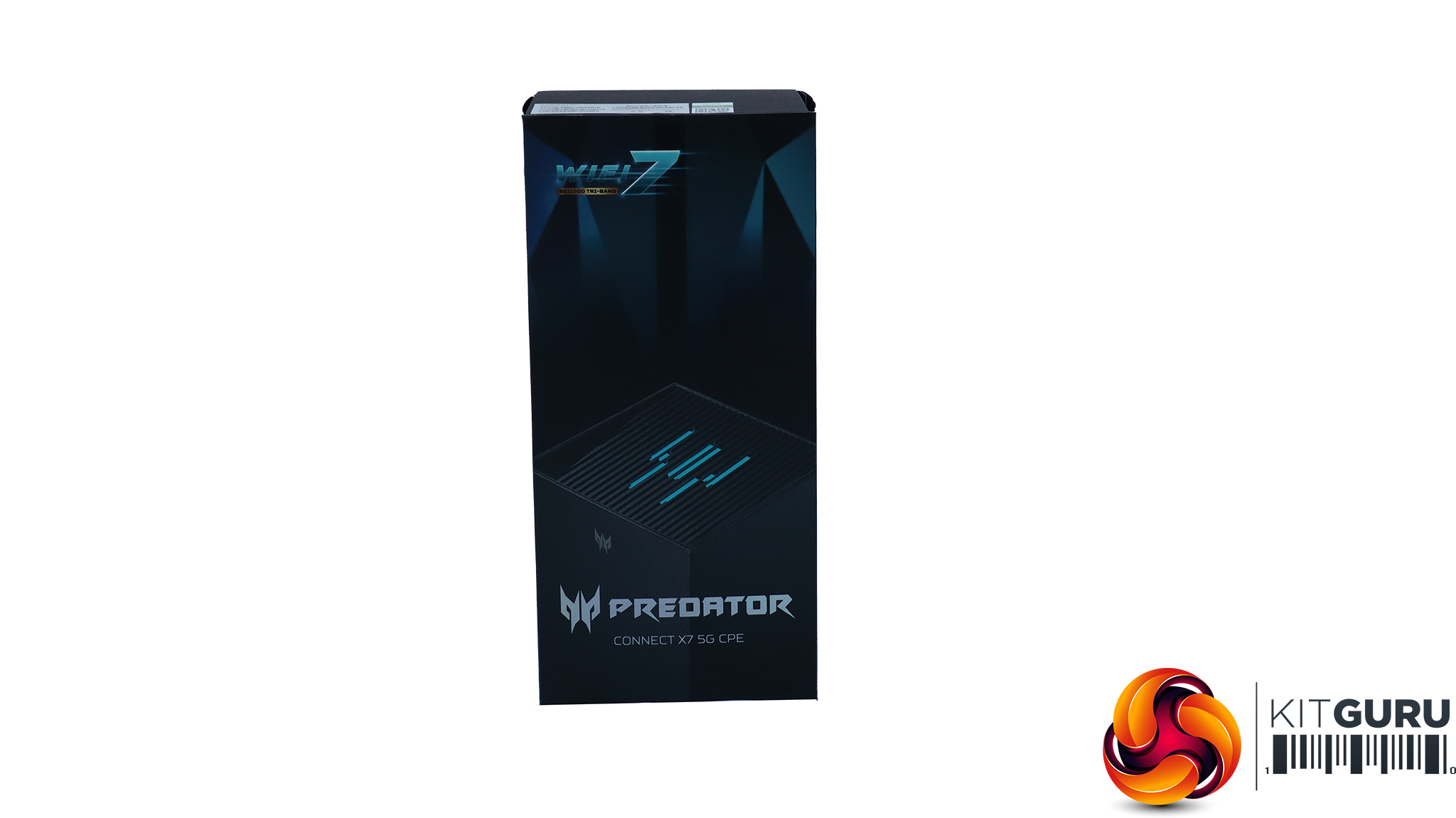
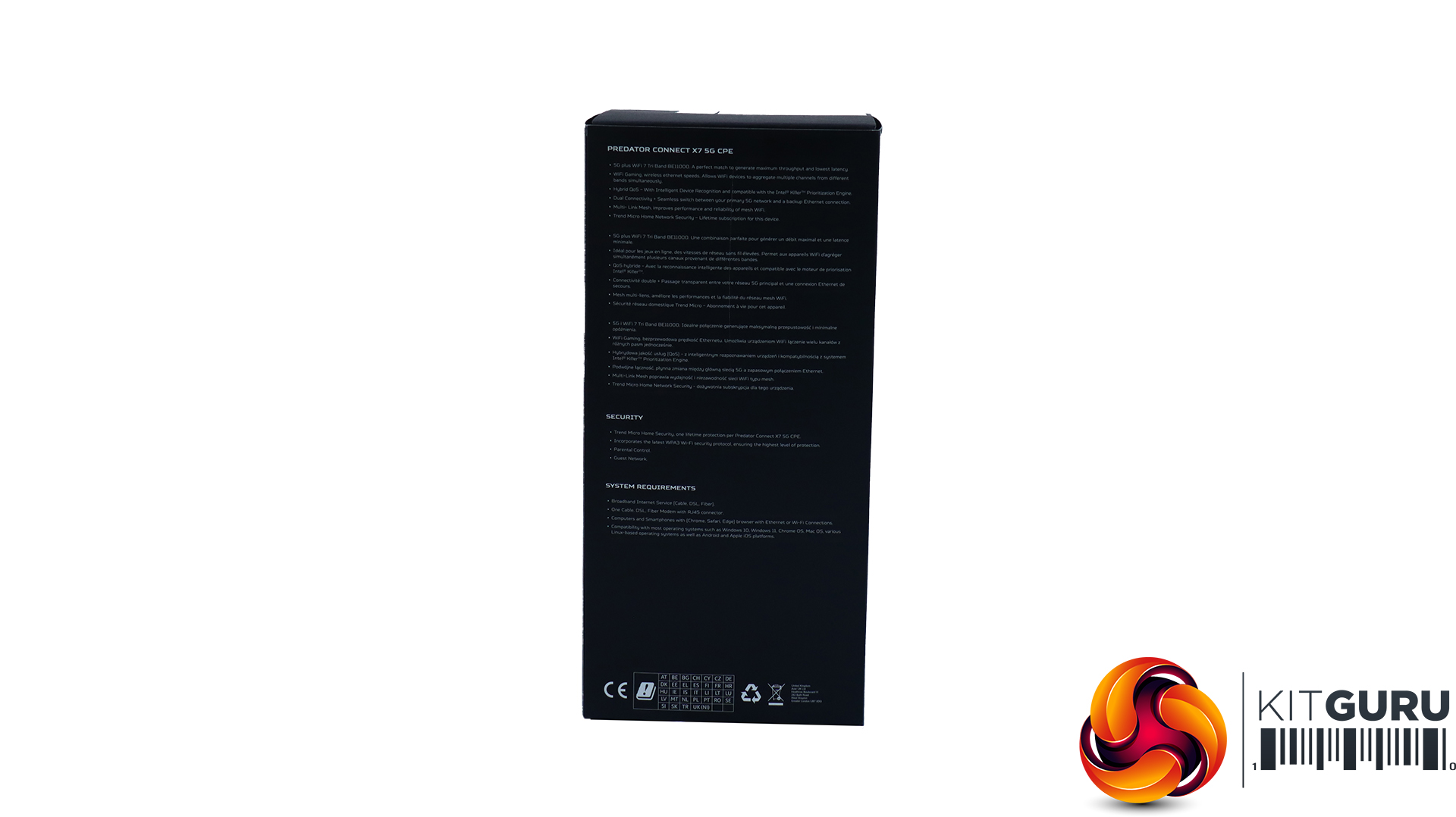
With a name like “Predator”, the Acer router is unsurprisingly dark and serious from the box onwards.
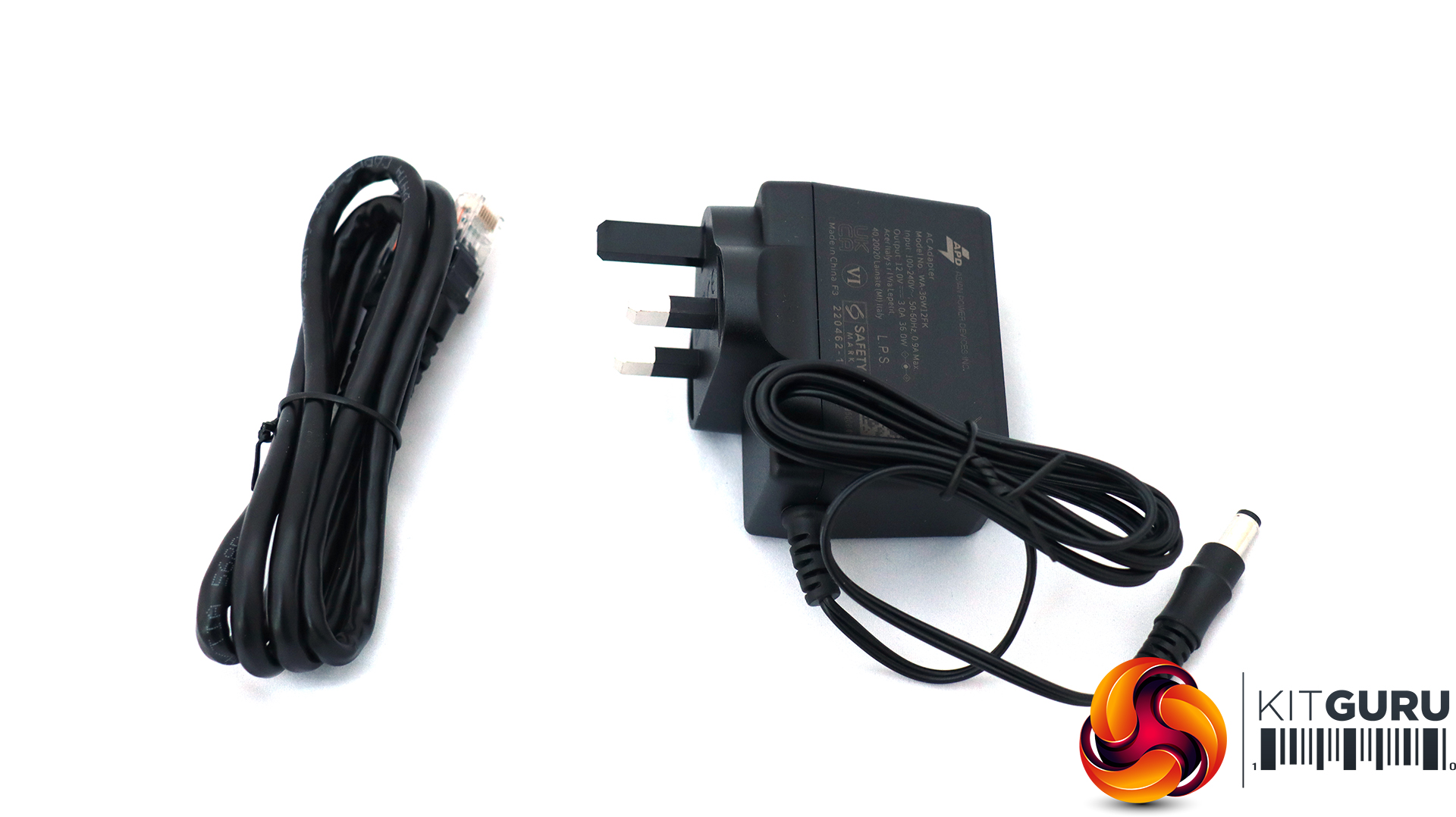
You only get a UK power supply (or the appropriate plug for your region) and an Ethernet cable in the box, other than the router itself of course.
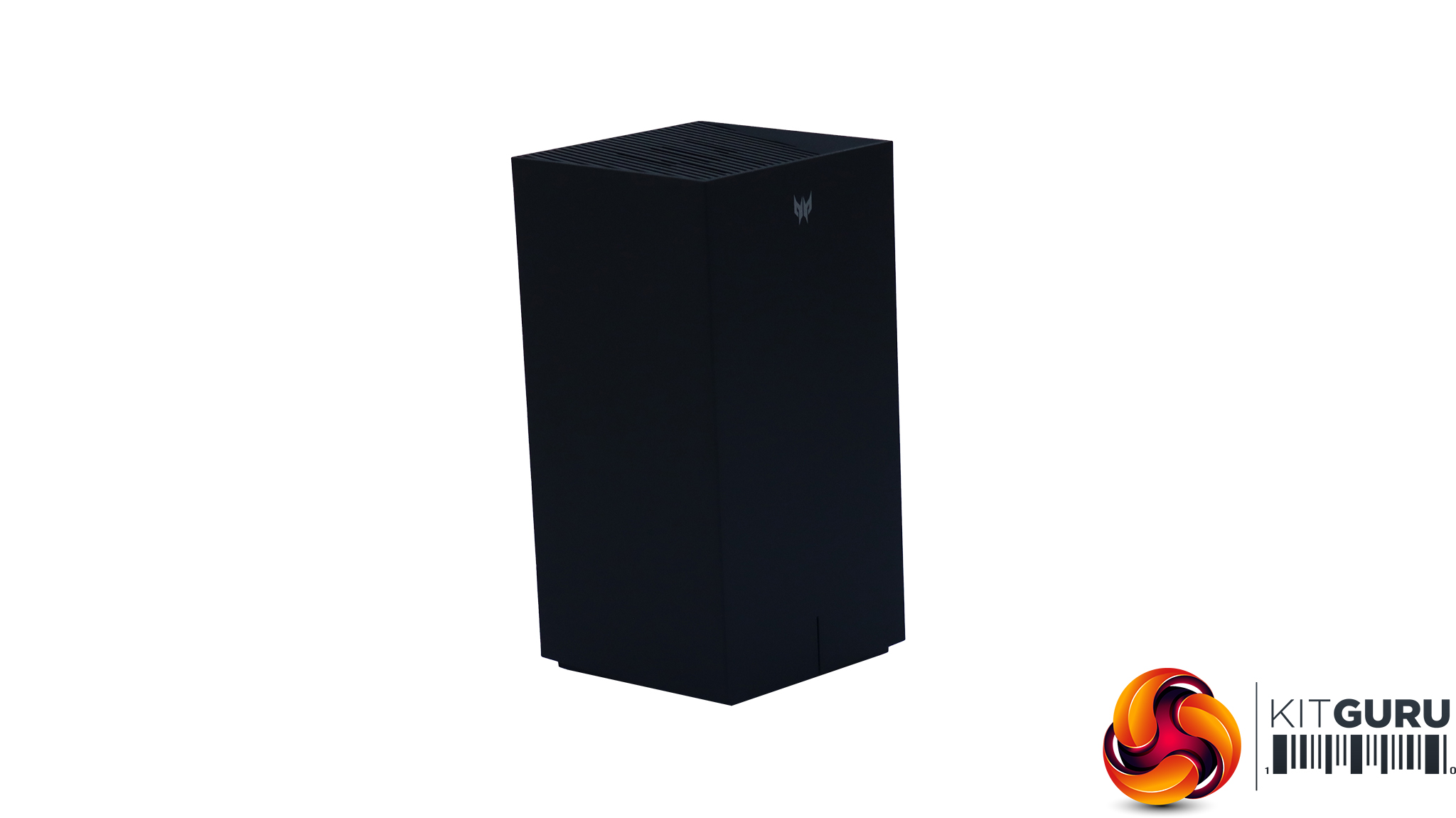
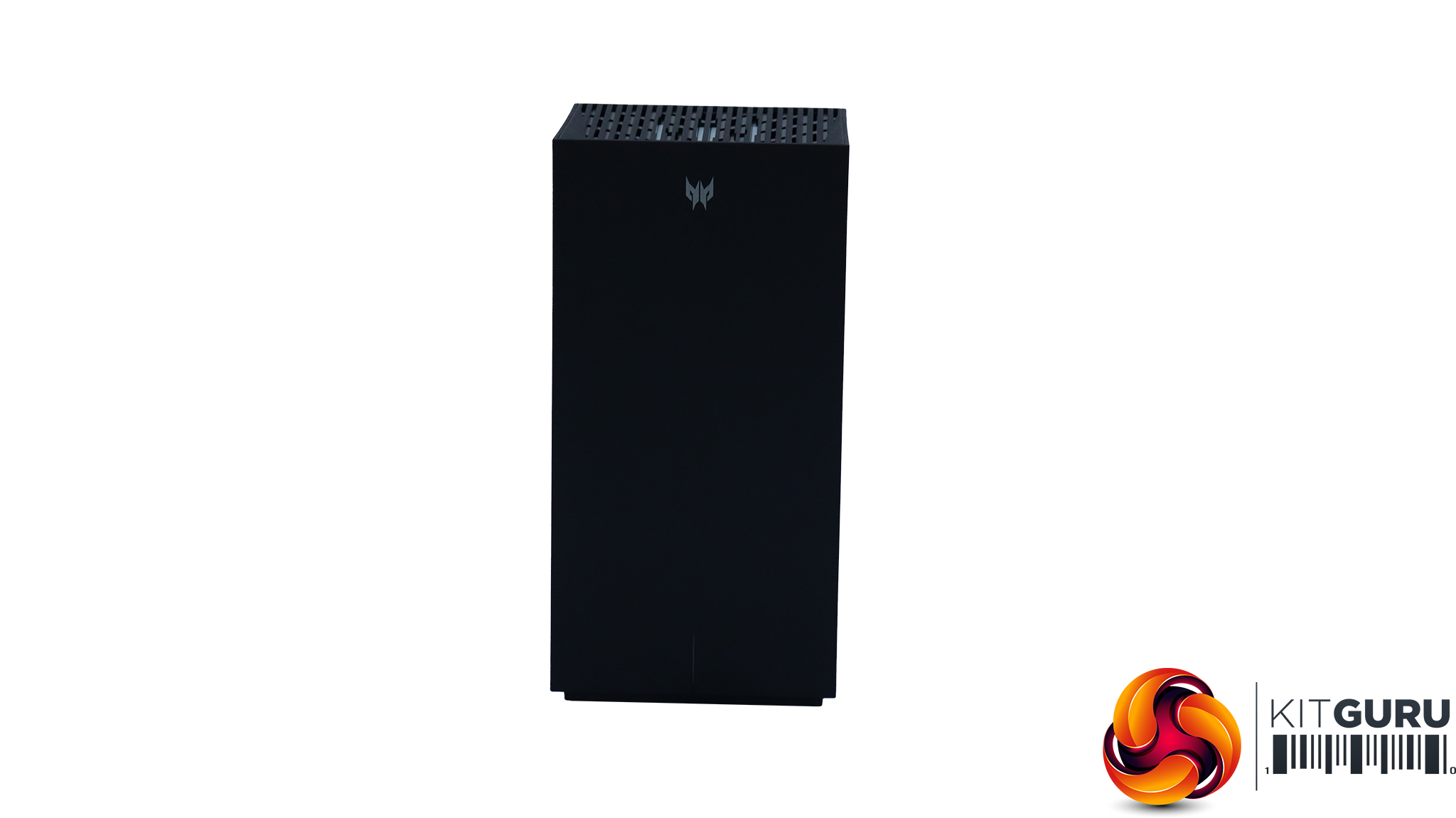
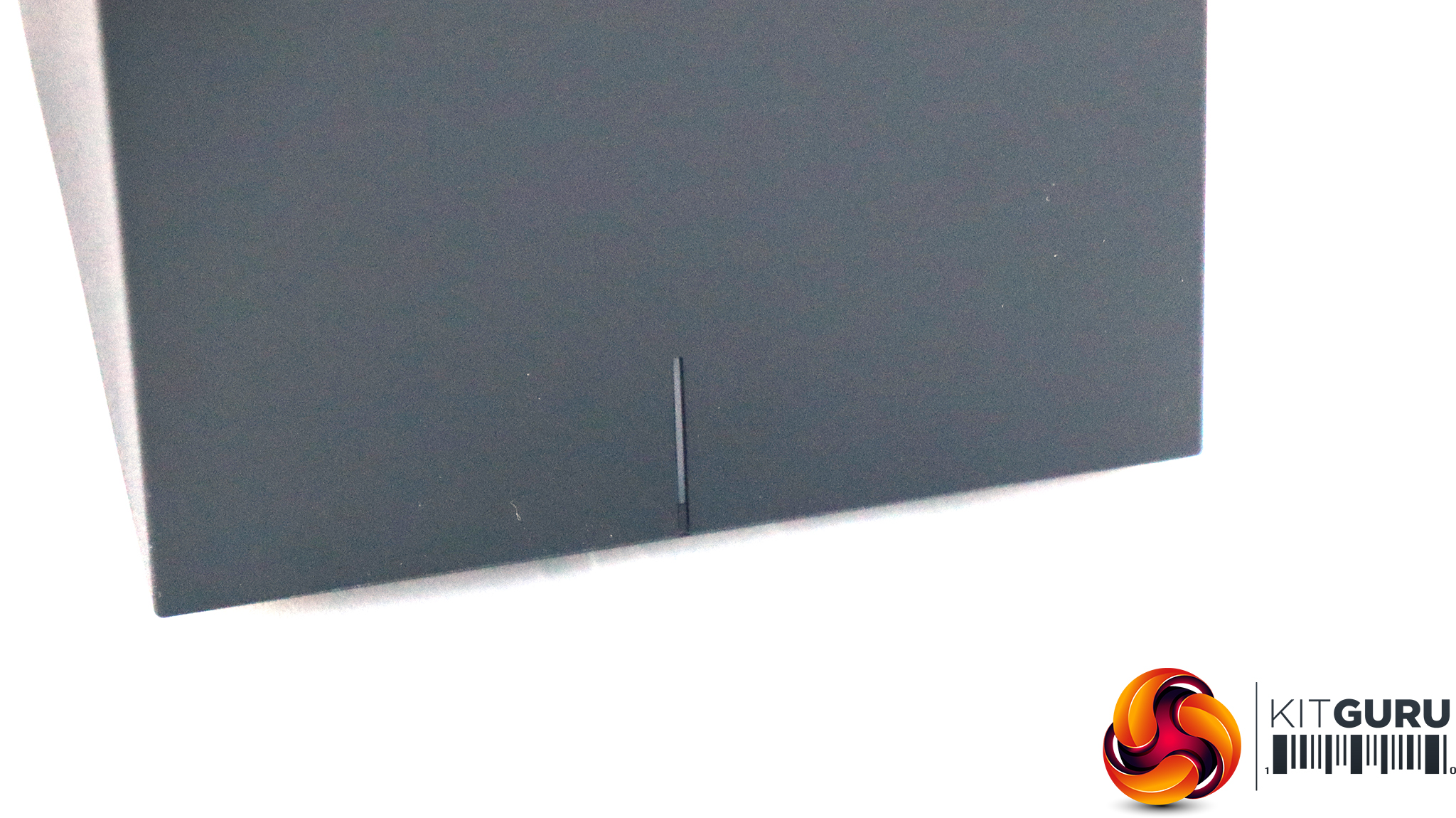
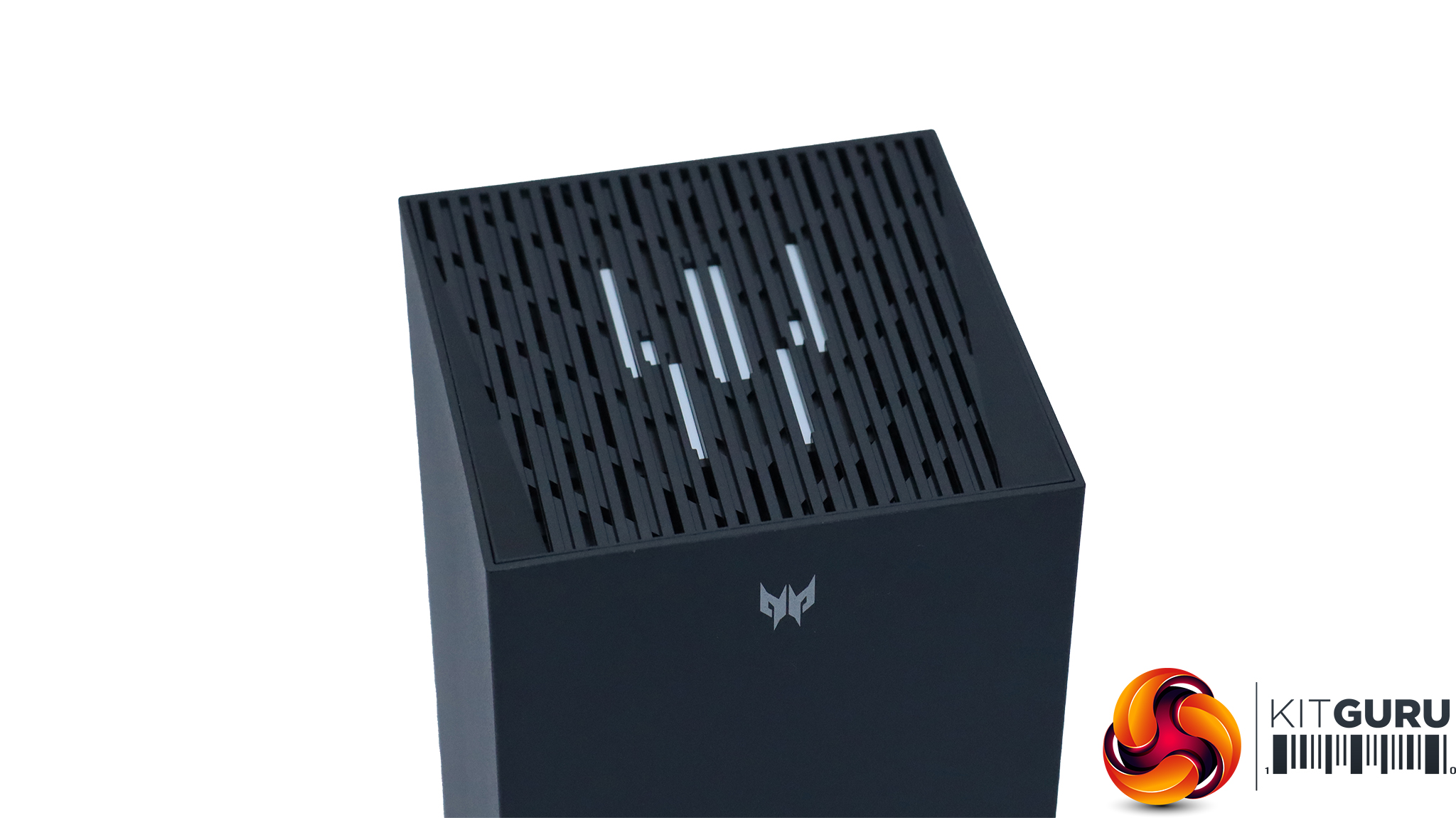
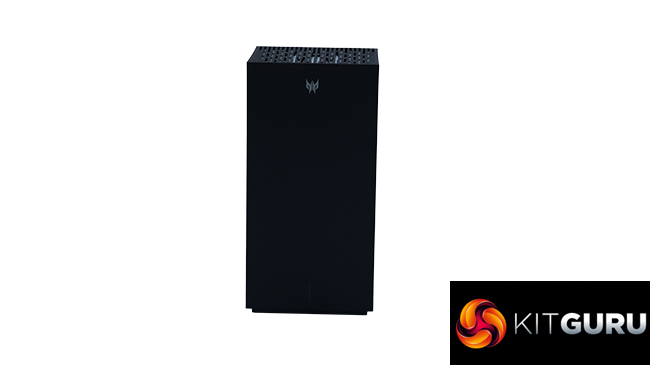
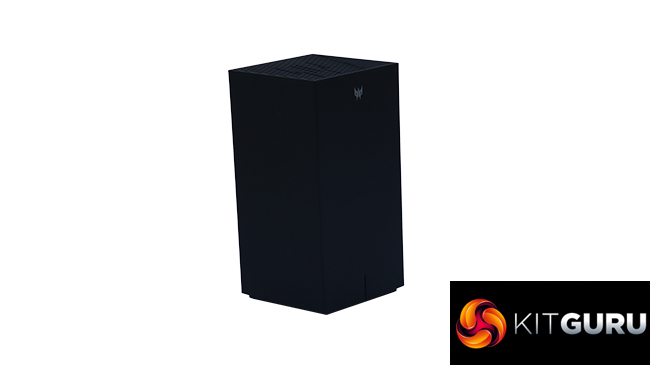
Fans of the film “2001: A Space Odyssey” will enjoy the design of the Acer Predator Connect X7 5G CPE. From most angles, it's a sober black obelisk. There is a status light on the front at the bottom and some decorative lighting on the top. But otherwise this is a mean-looking black tower block of a router.
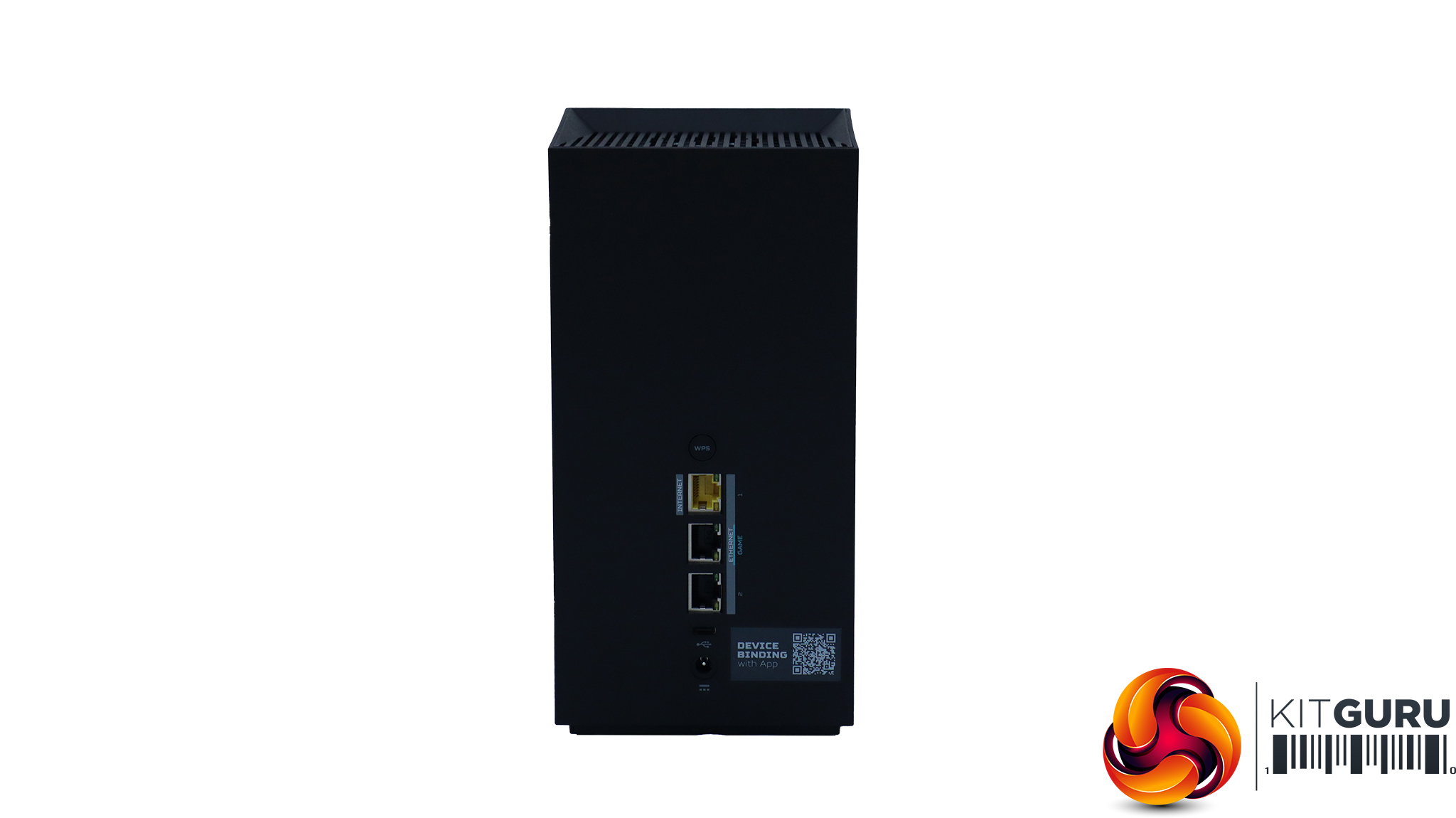
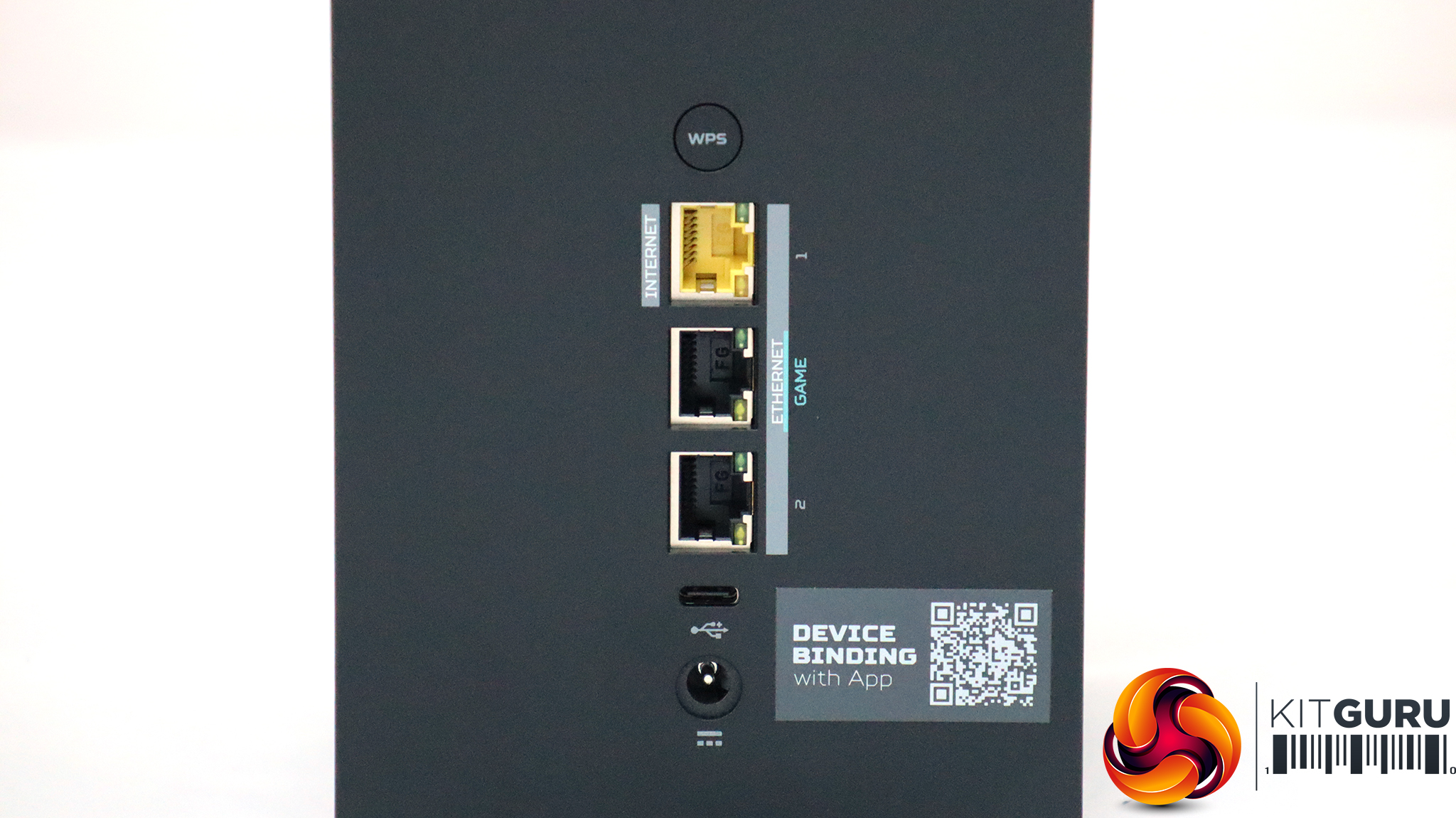
The rear of the router is not exactly awash with wired ports either. The yellow Ethernet connection is for your broadband router, which is 2.5Gbit speed, then there's another Ethernet port labelled “GAME” and another numbered 2, but in truth both are 1Gbit Ethernet LAN ports. We would have preferred a few more Ethernet ports, and some running at 2.5Gbit/sec for clients. This router is clearly aimed more at WiFi than wired devices. The USB C is unusual, and actually the first we've seen in this format on a router. But according to the manual, it only operates at USB 2 speeds, which is disappointing.
Hidden on the bottom is a small power switch and a port for a 5G SIM card, of which more later.
Acer Swift 14 AI WiFi 7 Laptop
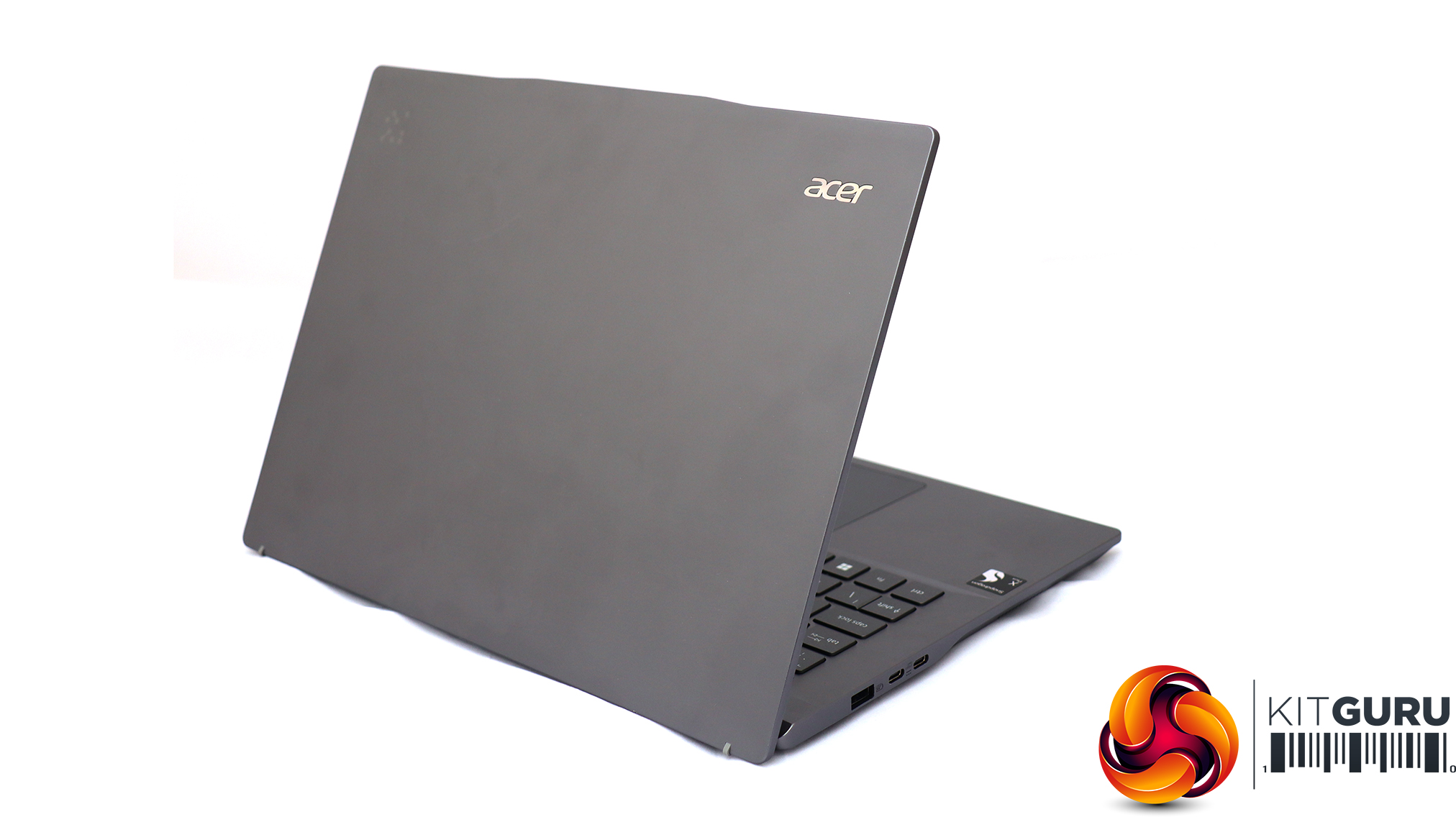
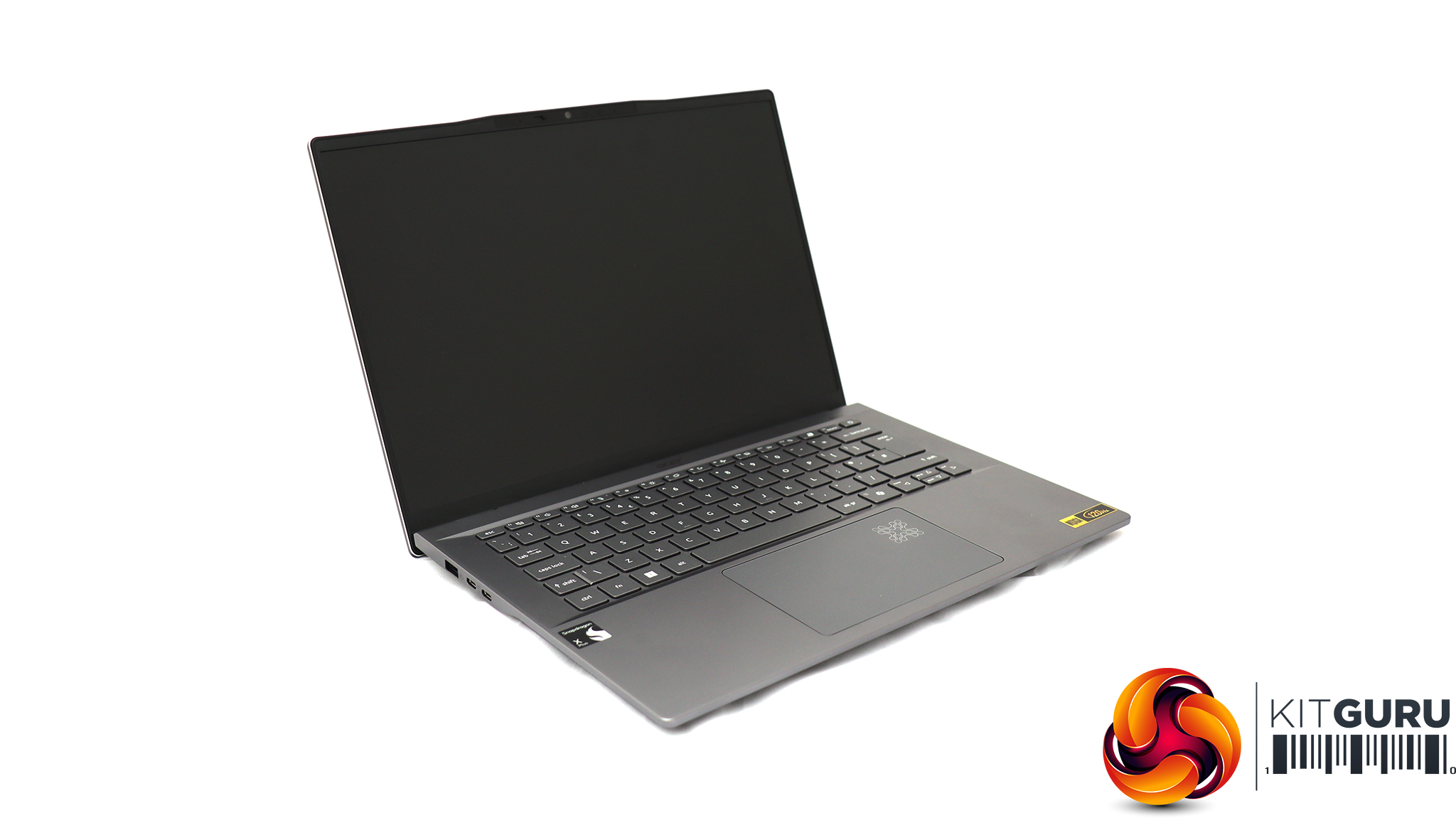
For testing the latest WiFi 7 wireless networking, Acer sent us its Swift 14 AI notebook, based around a Qualcomm Snapdragon X Plus Oryon X1P-64-100 CPU. This is a ten-core processor running at up to 3.4GHz across all cores, although without a single-core boost frequency (you need the X1P-66-100 for that). Our sample was supplied with 16GB of LPDDR5x memory and a 1TB SSD. Although this is an ARM-based laptop, it can still run Windows 11 and our standard WiFi testing software, iPerf3. It's a solid choice for road warriors who need to spend days away from a reliable power source, thanks to a 26-hour battery life.
The Acer Predator Connect X7 5G CPE can be set up via the Predator Connect smartphone app or a Web browser. We decided to start off with the smartphone app, as this might be the preferred option for many users these days.
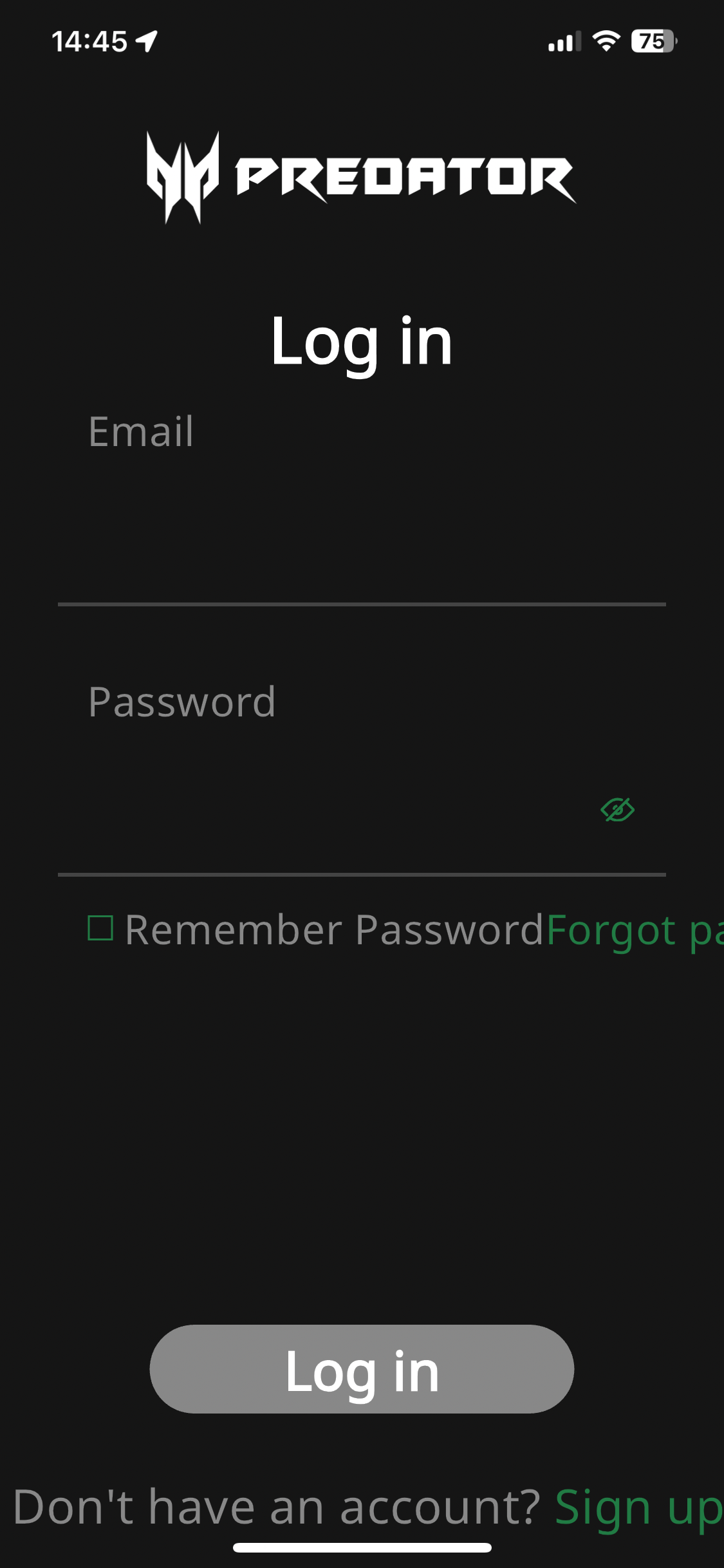


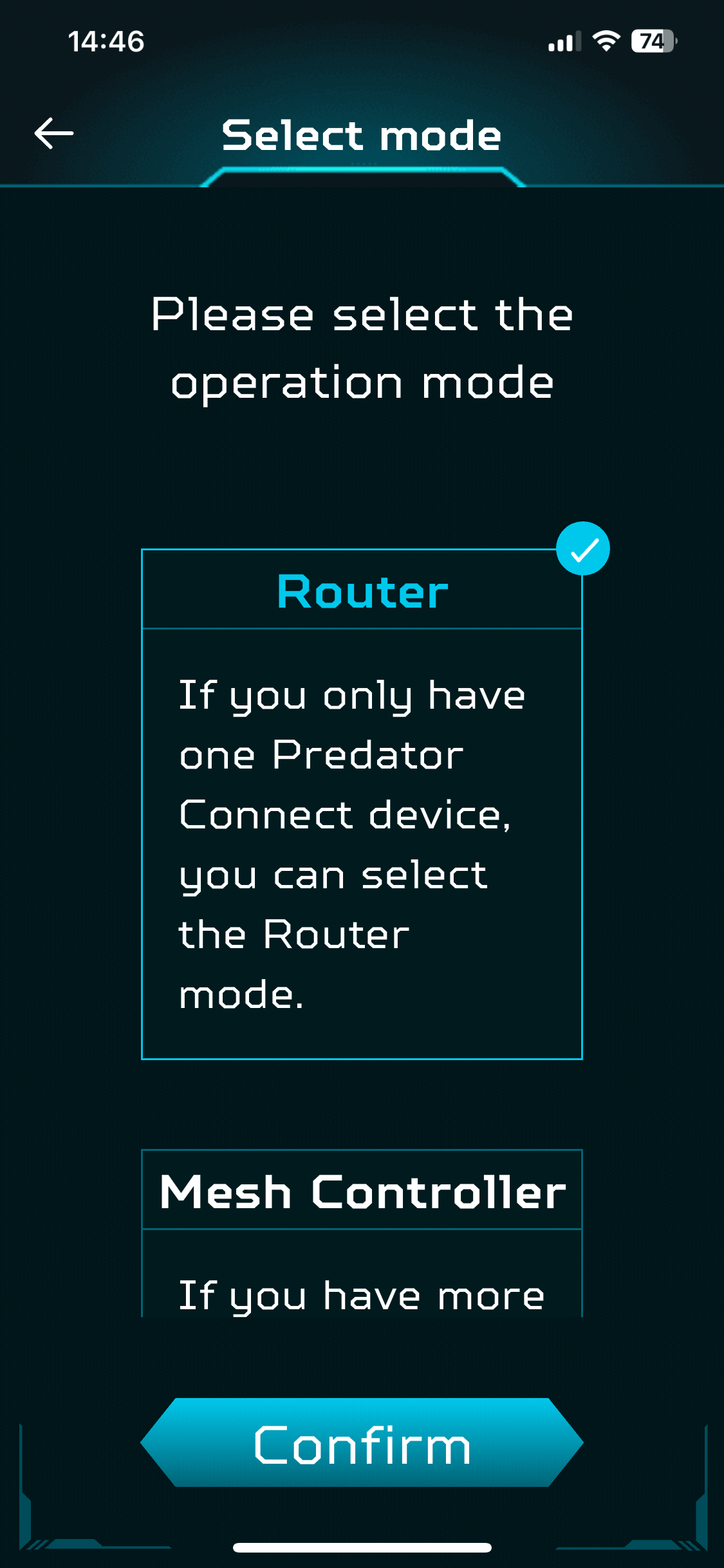
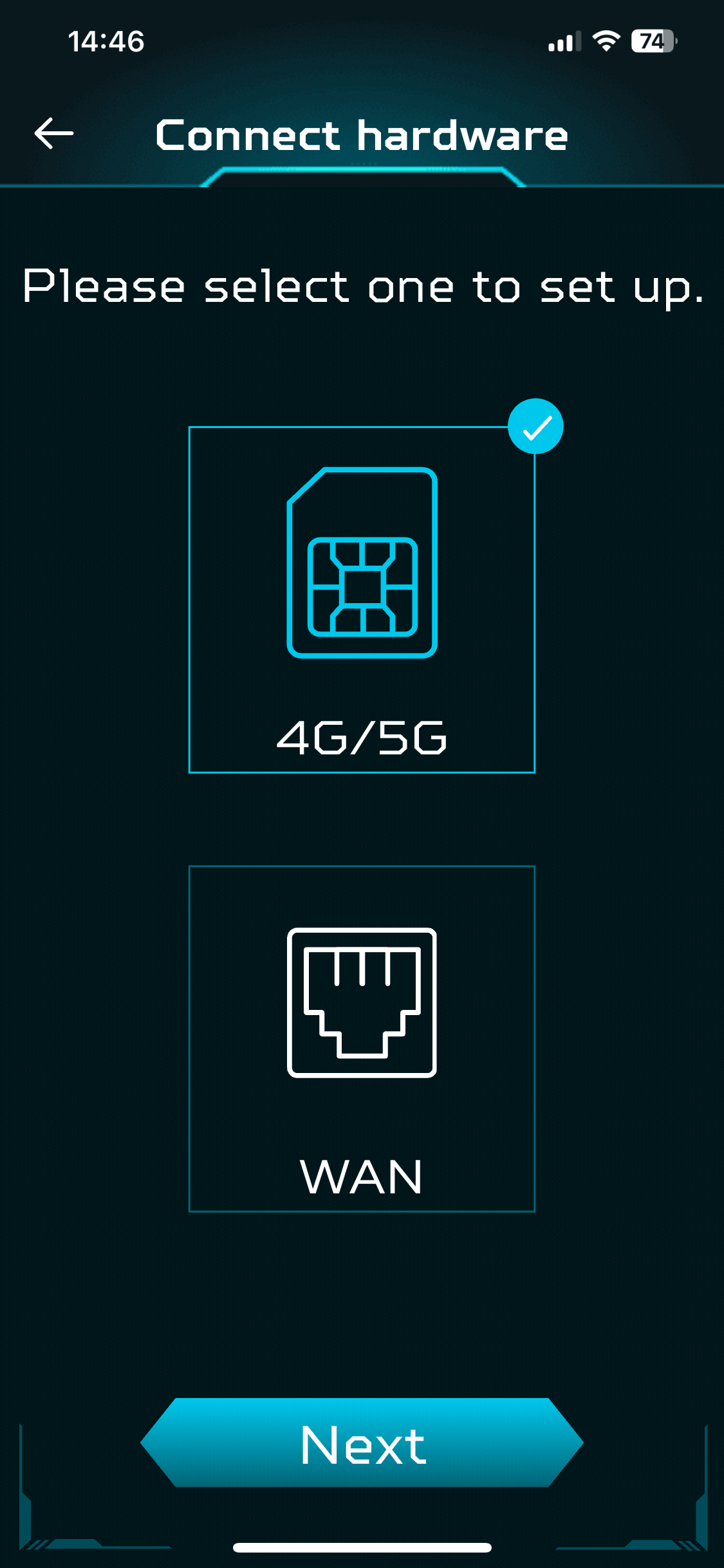
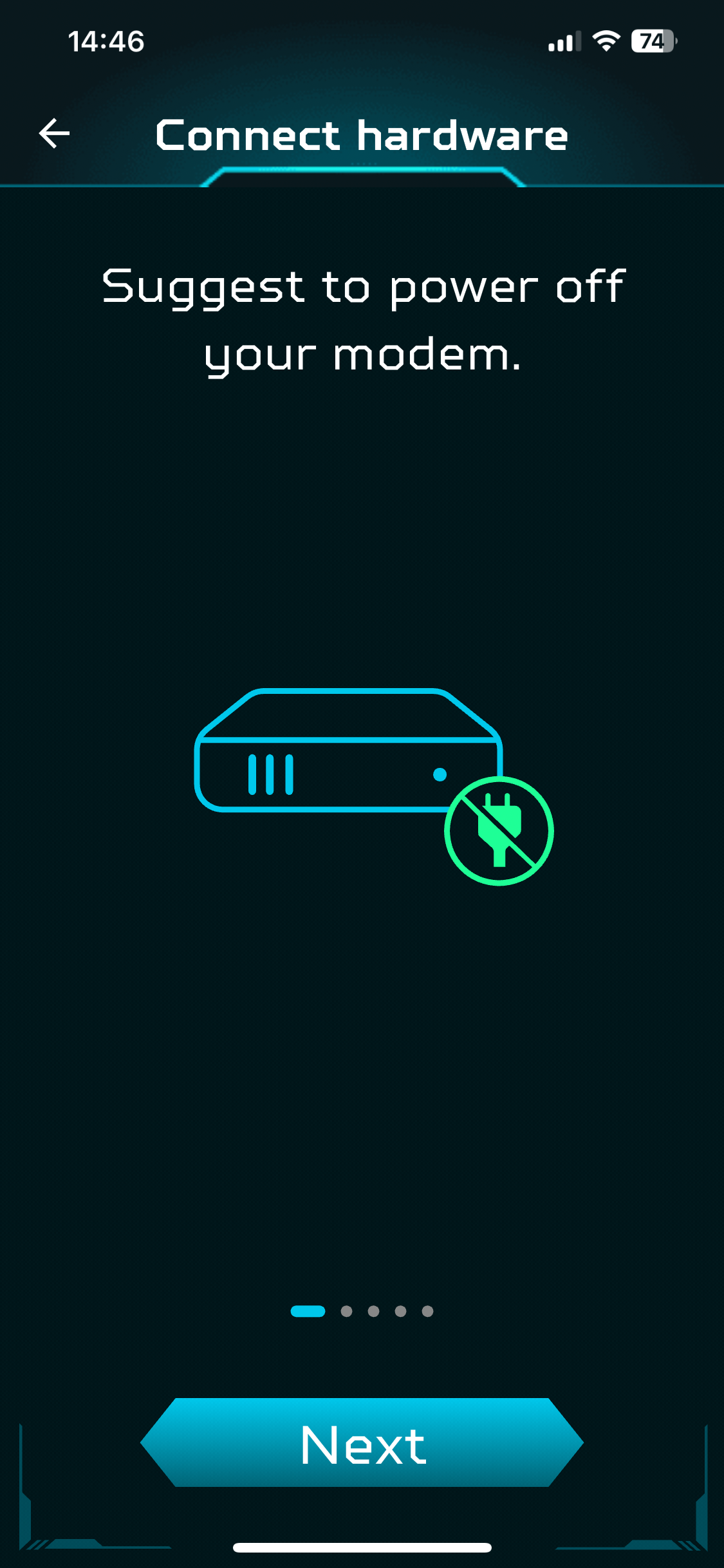

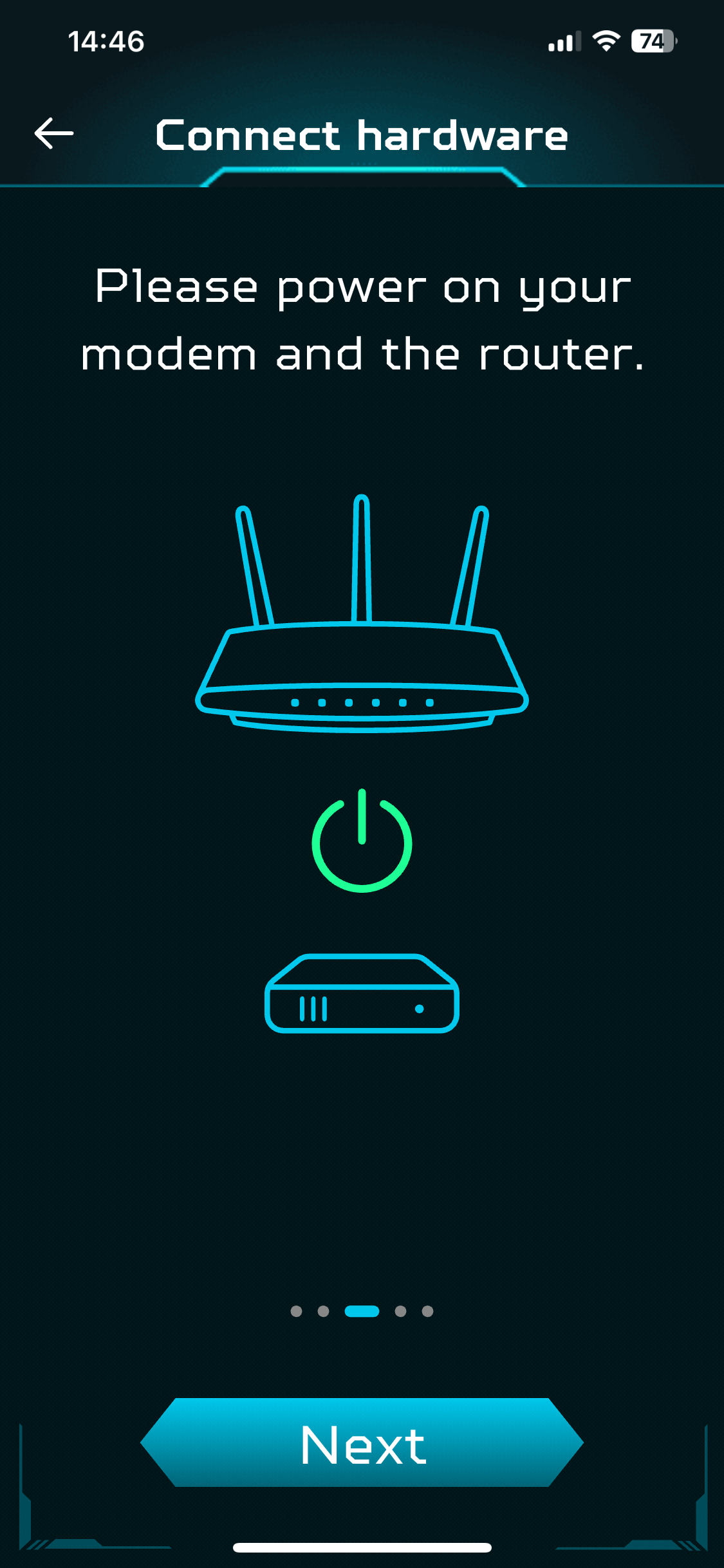


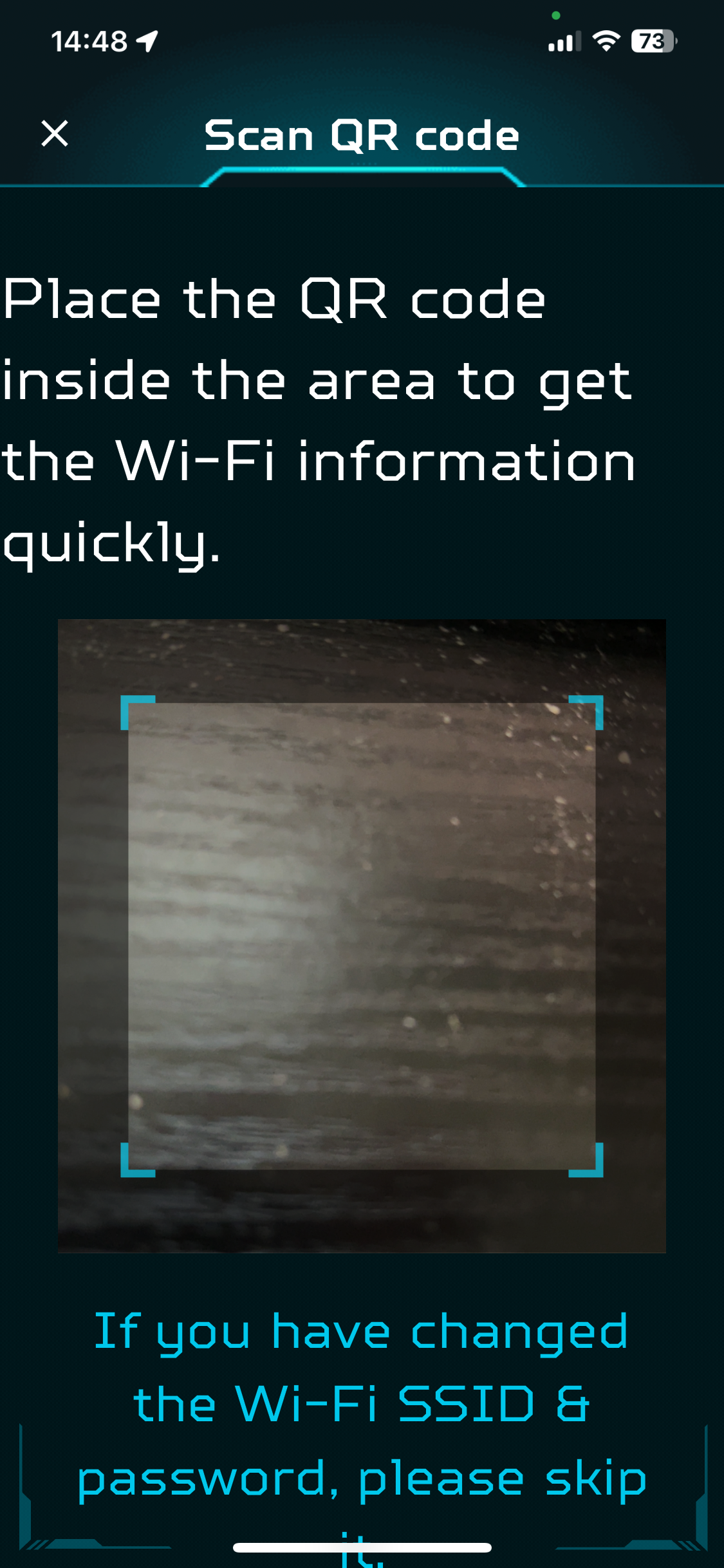

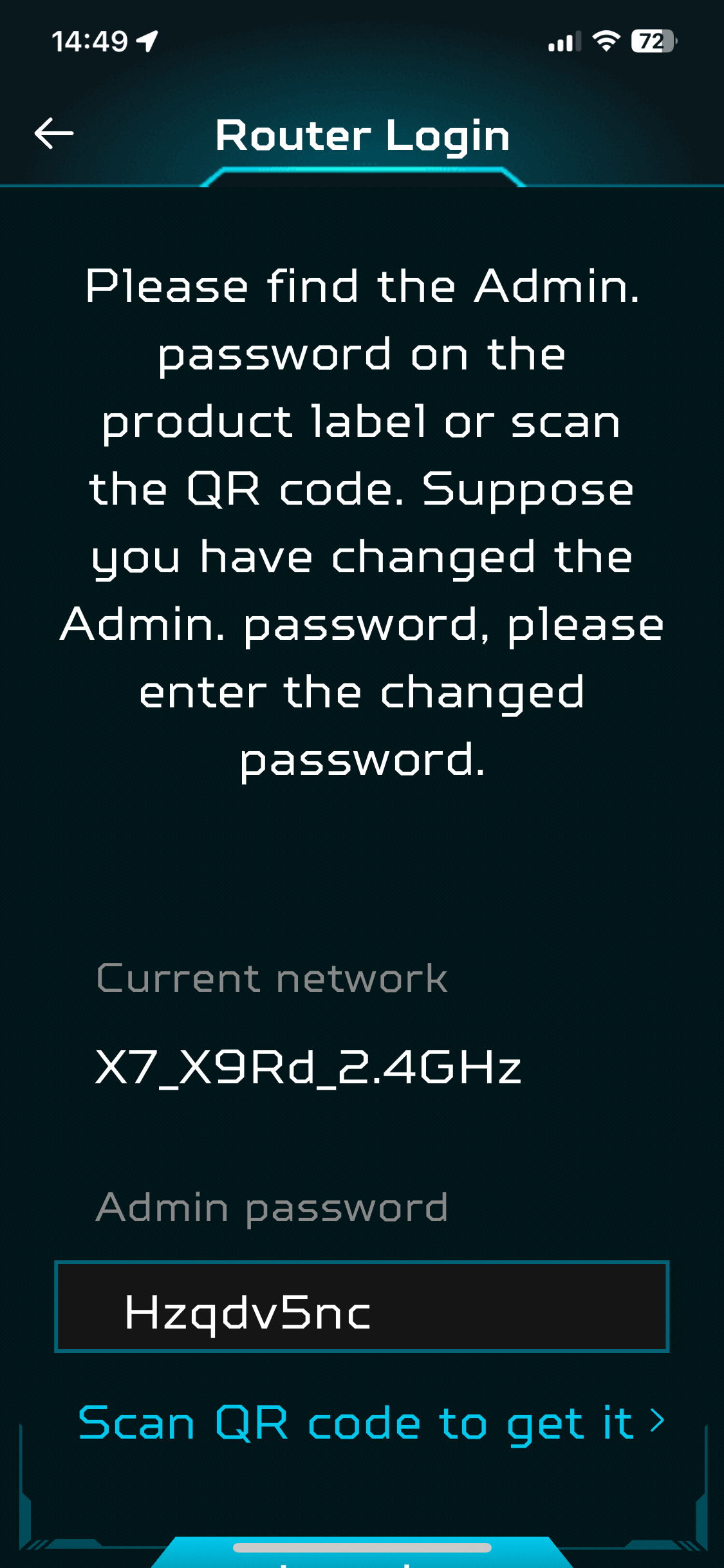

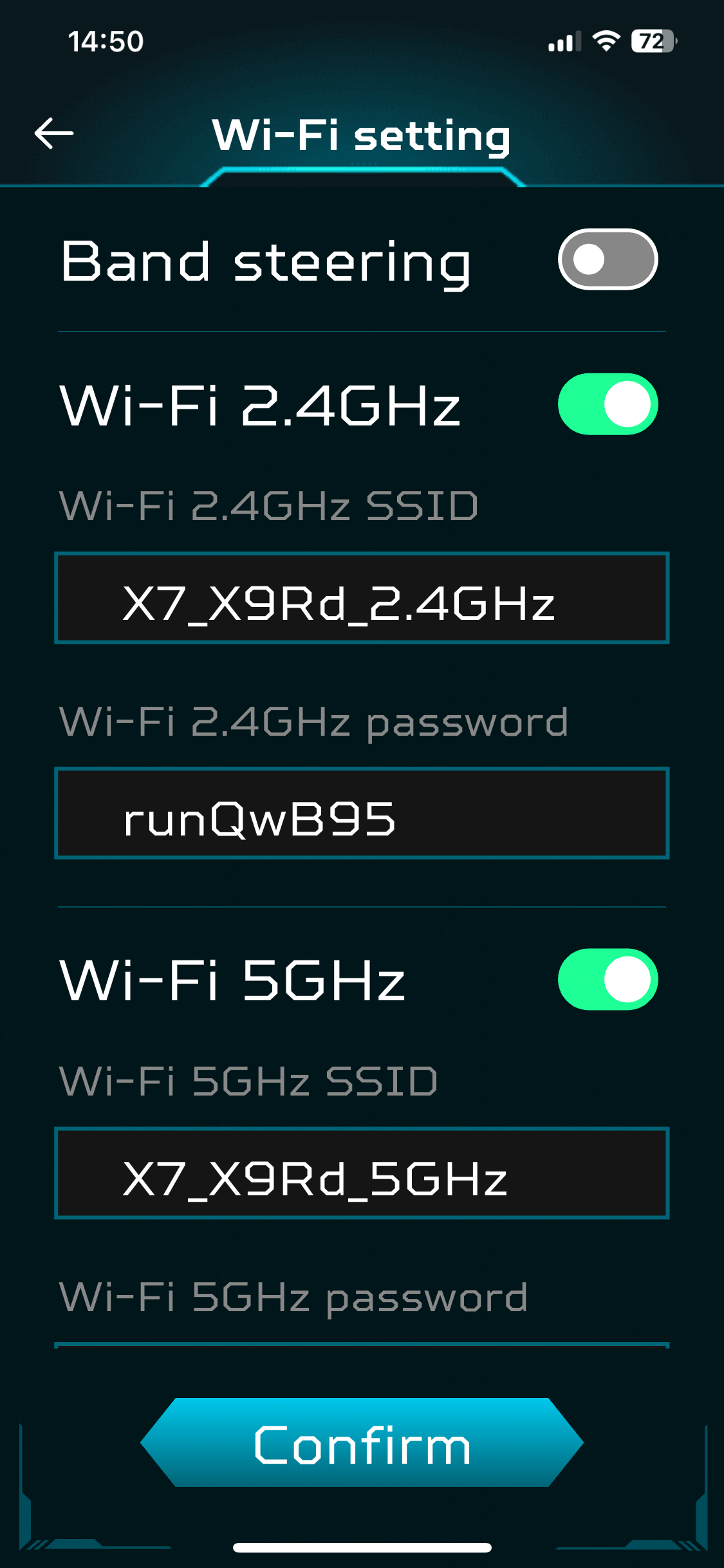


The smartphone app leads you through a simple wizard-based process. This includes setting up an Acer account, plugging in your device, and then connecting your smartphone to the router's wifi. This is facilitated by scanning a QR code on the back of the router itself, which provides the SSID and passcode for you to copy, so you can log into it. Then you can connect to the router and finish off the final settings, which conclude with choosing your router's admin password.
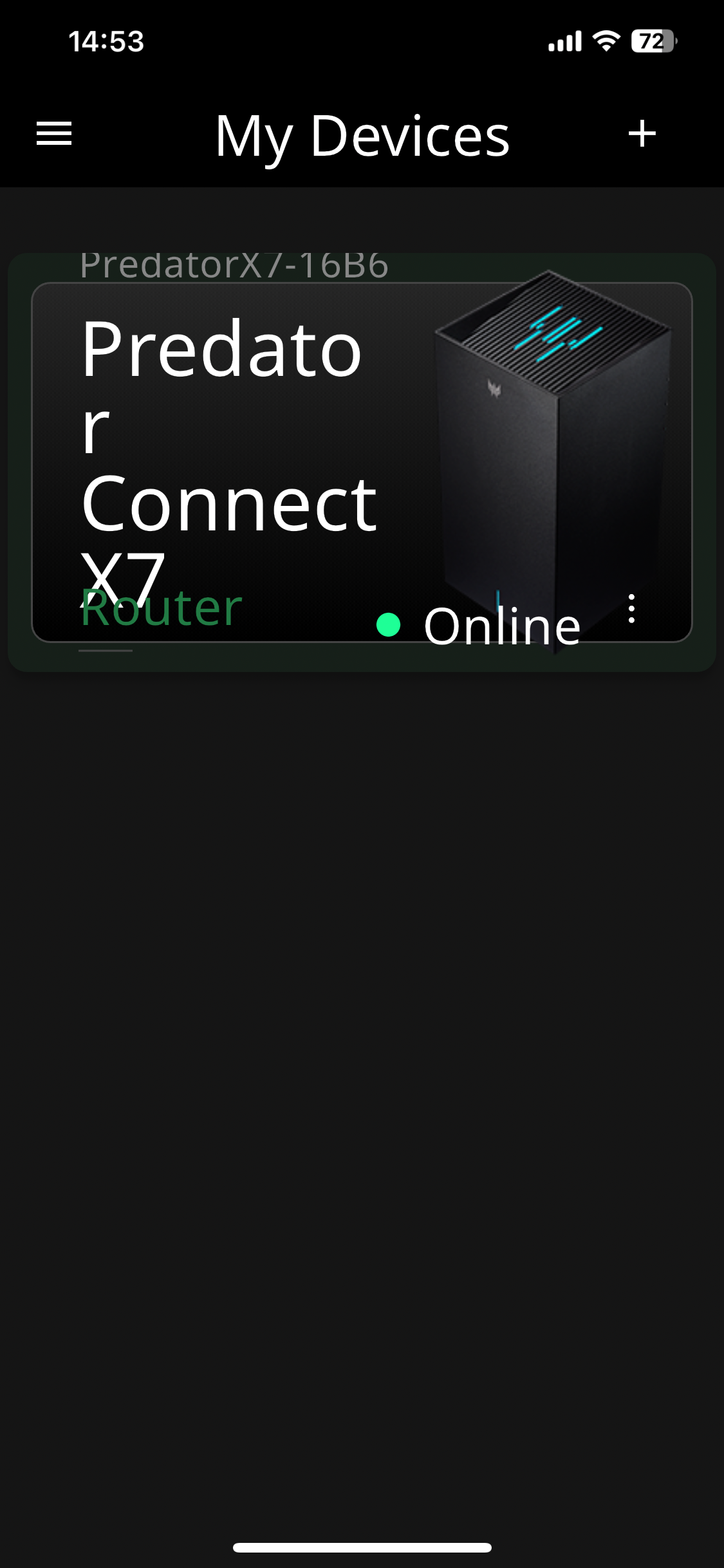
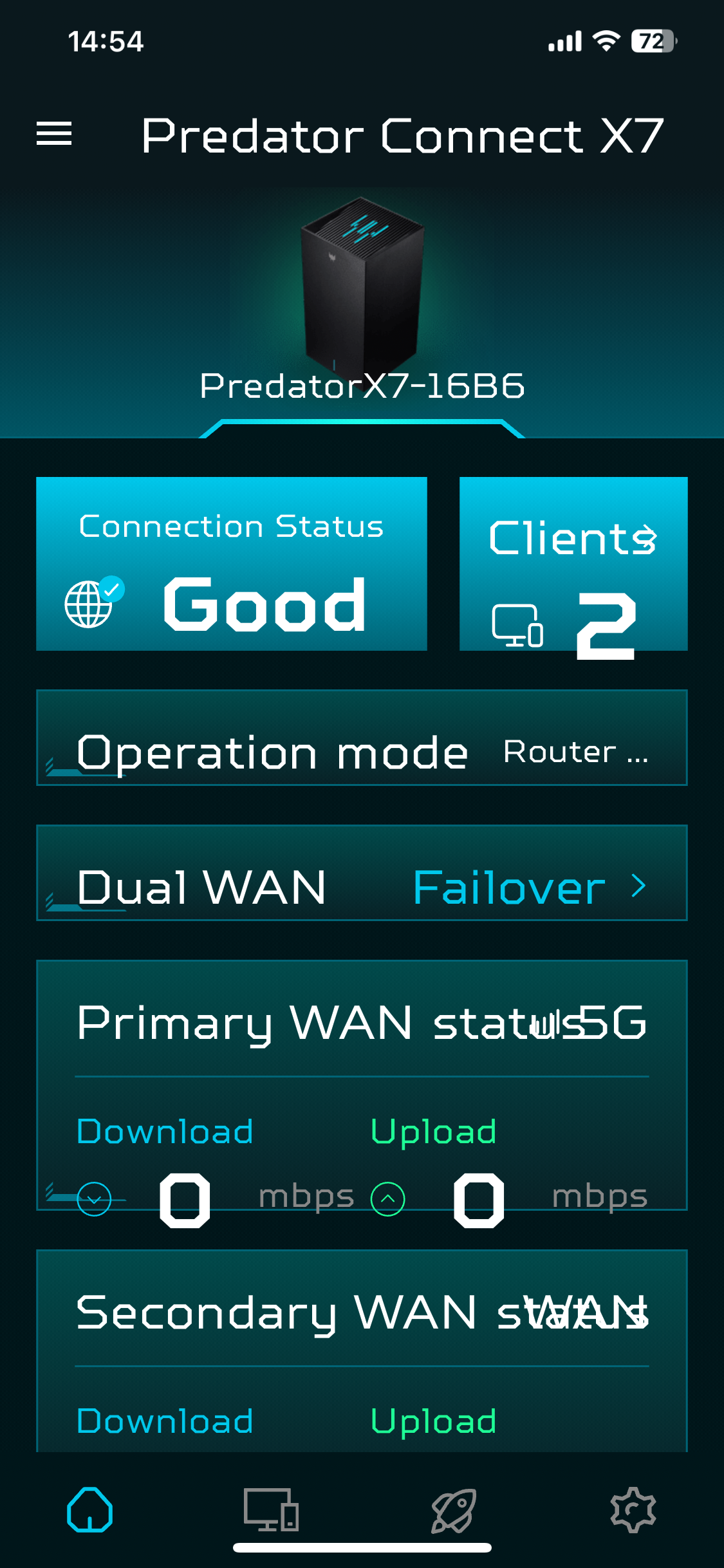

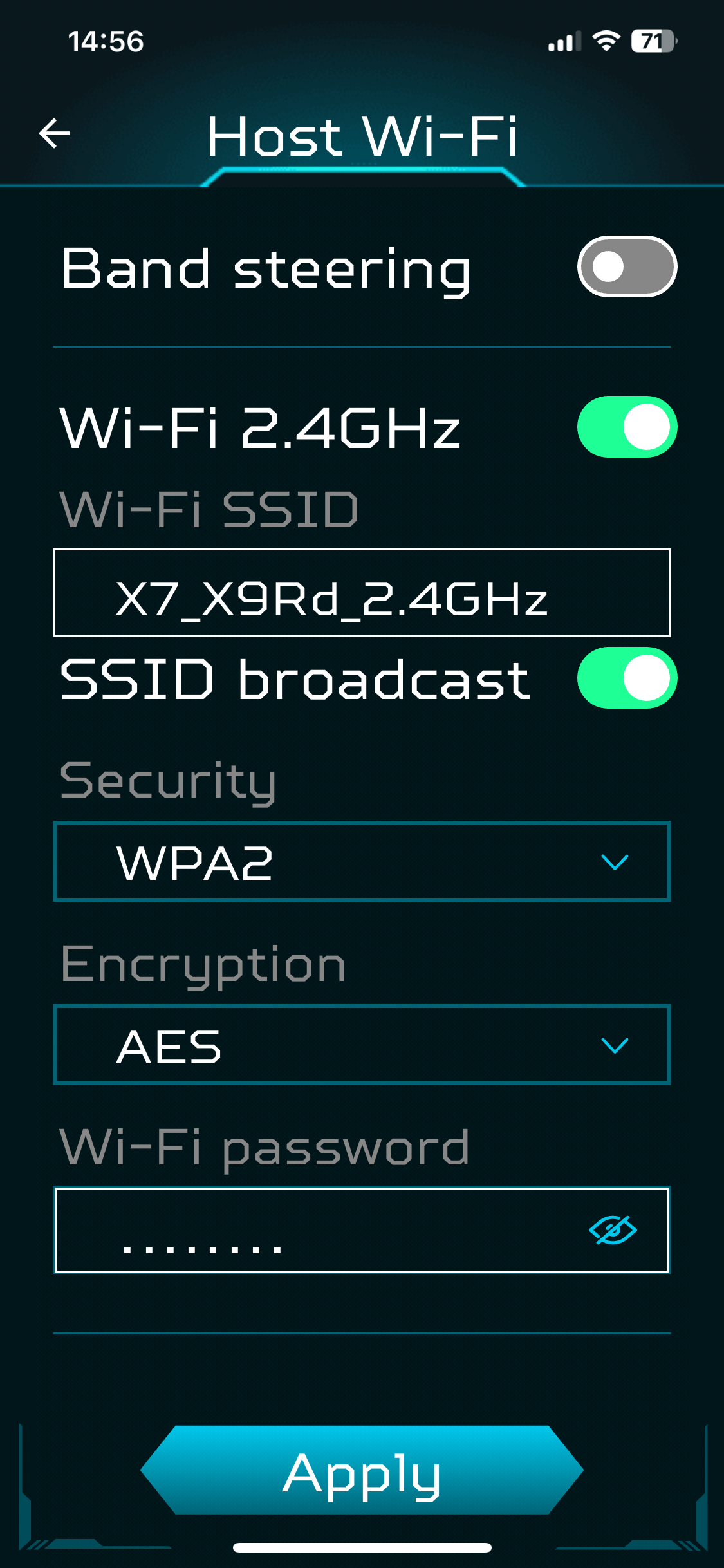
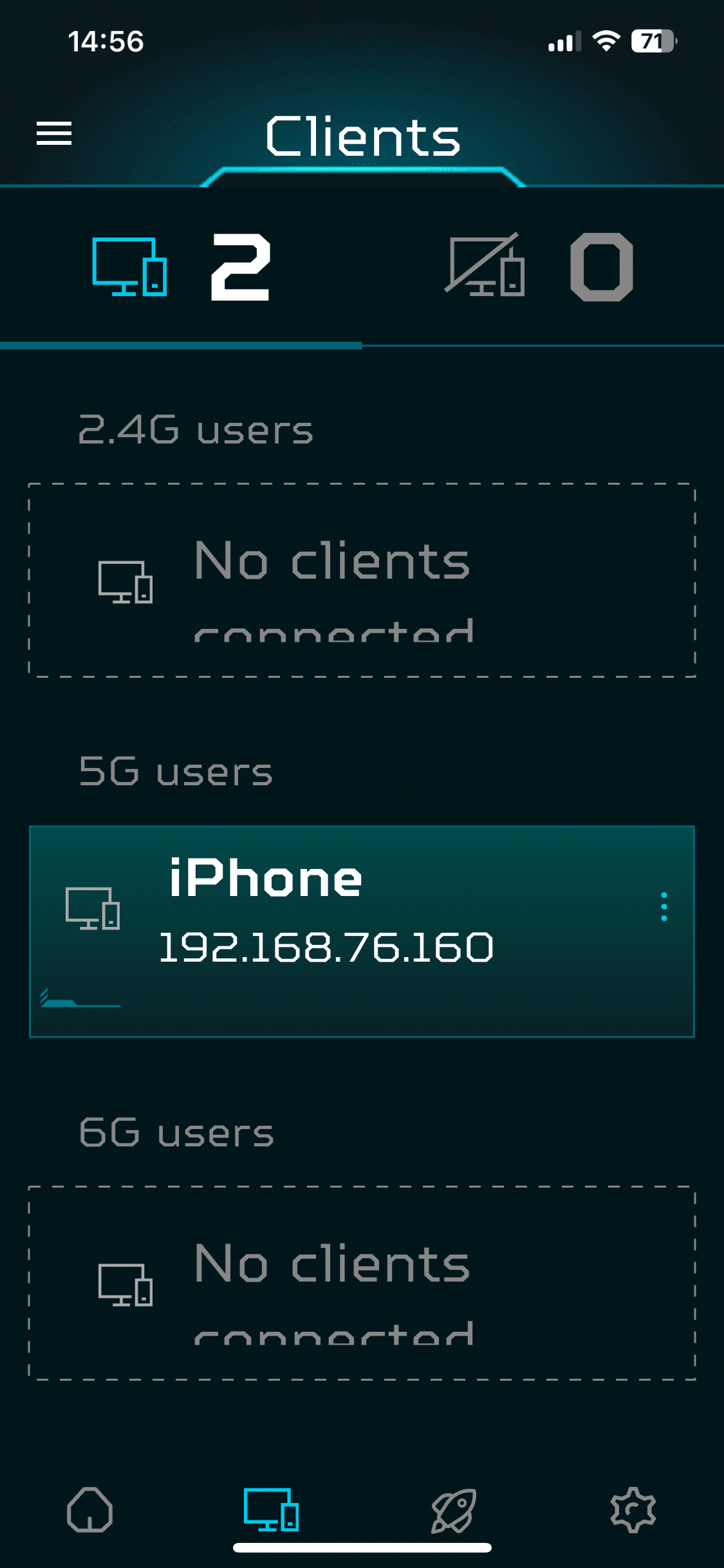
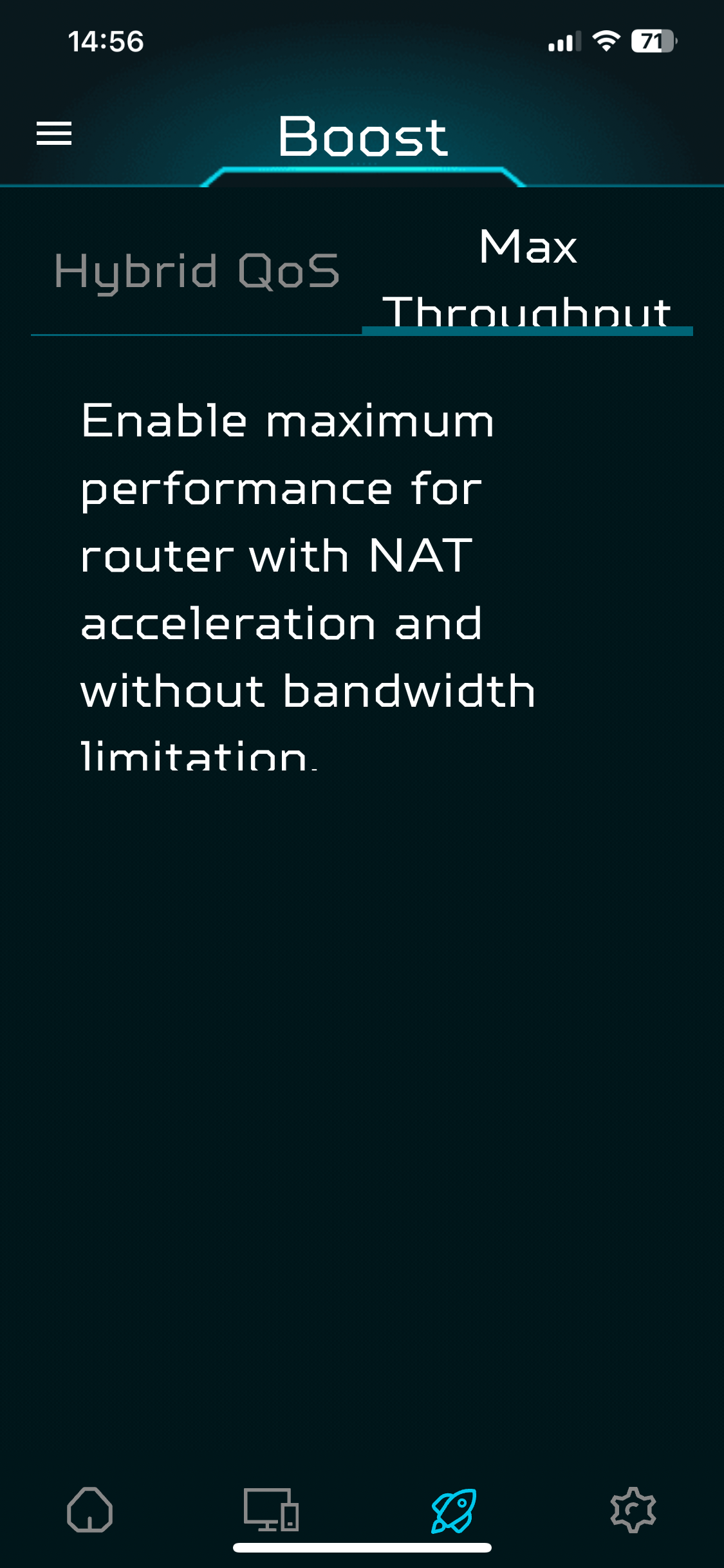
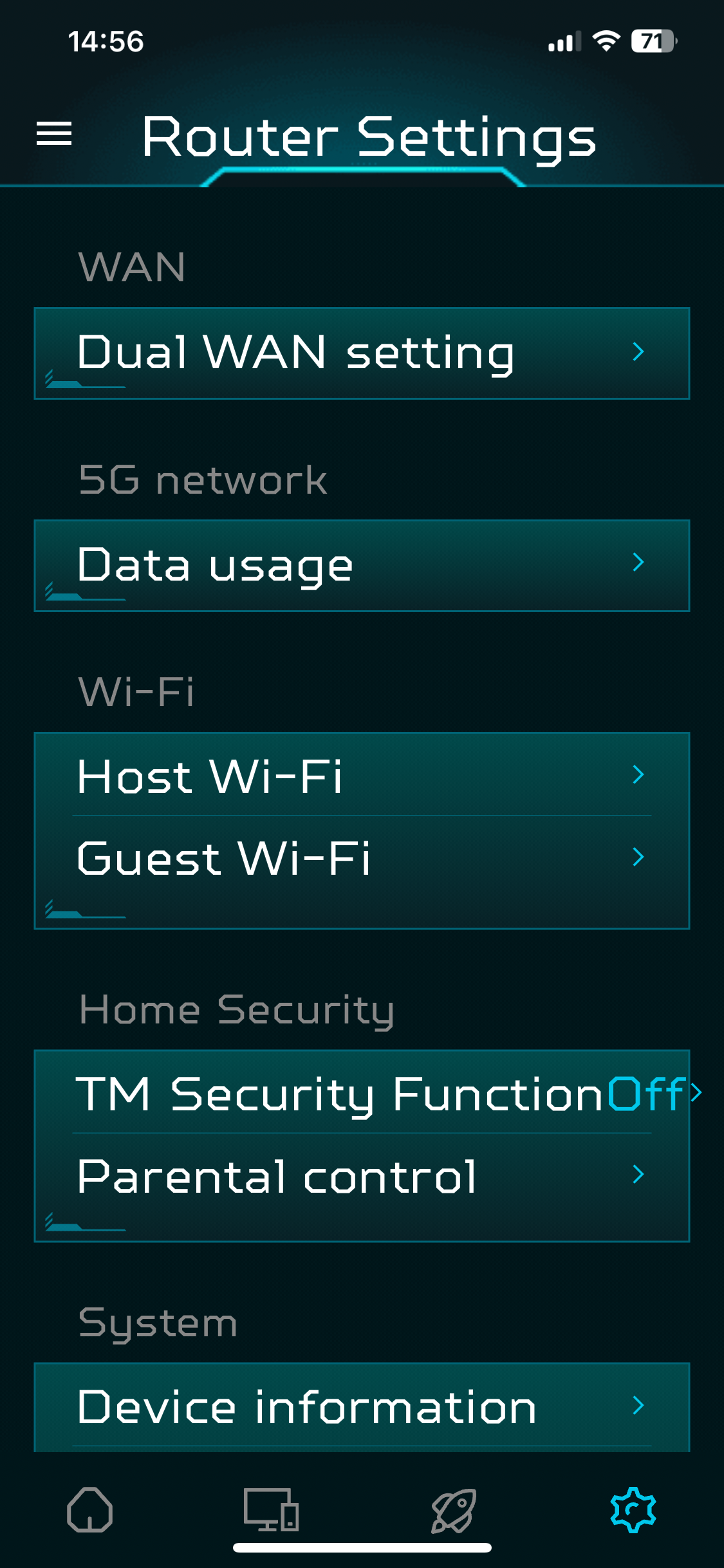

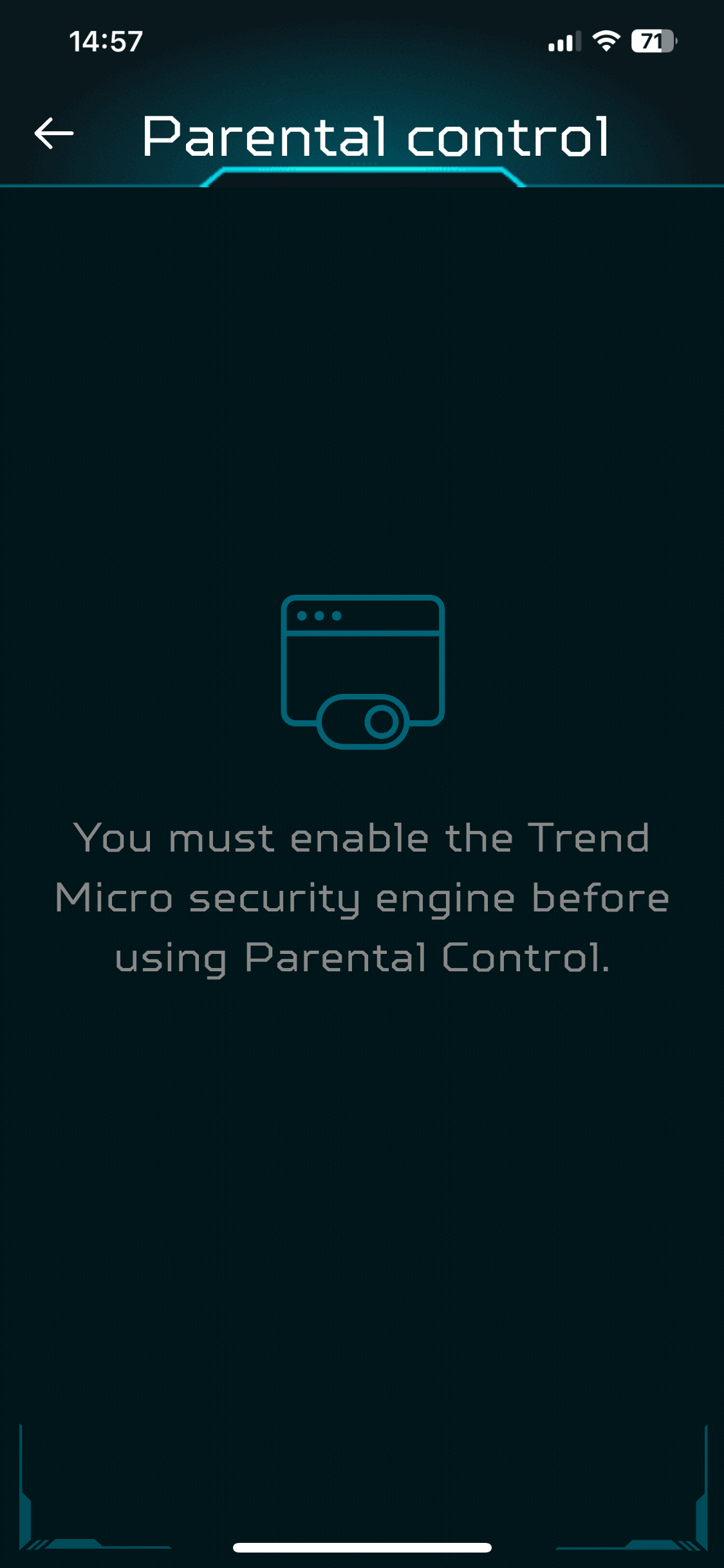
Once you're in the smartphone app, the range of options isn't that extensive. You can configure the way the Internet connection works, and turn on “band steering” for your wifi. This enables devices to hop wavebands to get the best connection. You can configure the QoS system used (of which more later). You can also turn on the Trend Micro security engine, then configure parental control. Again, more on this shortly.
There is a fully fledged Web interface available. Simply log in with the admin password.
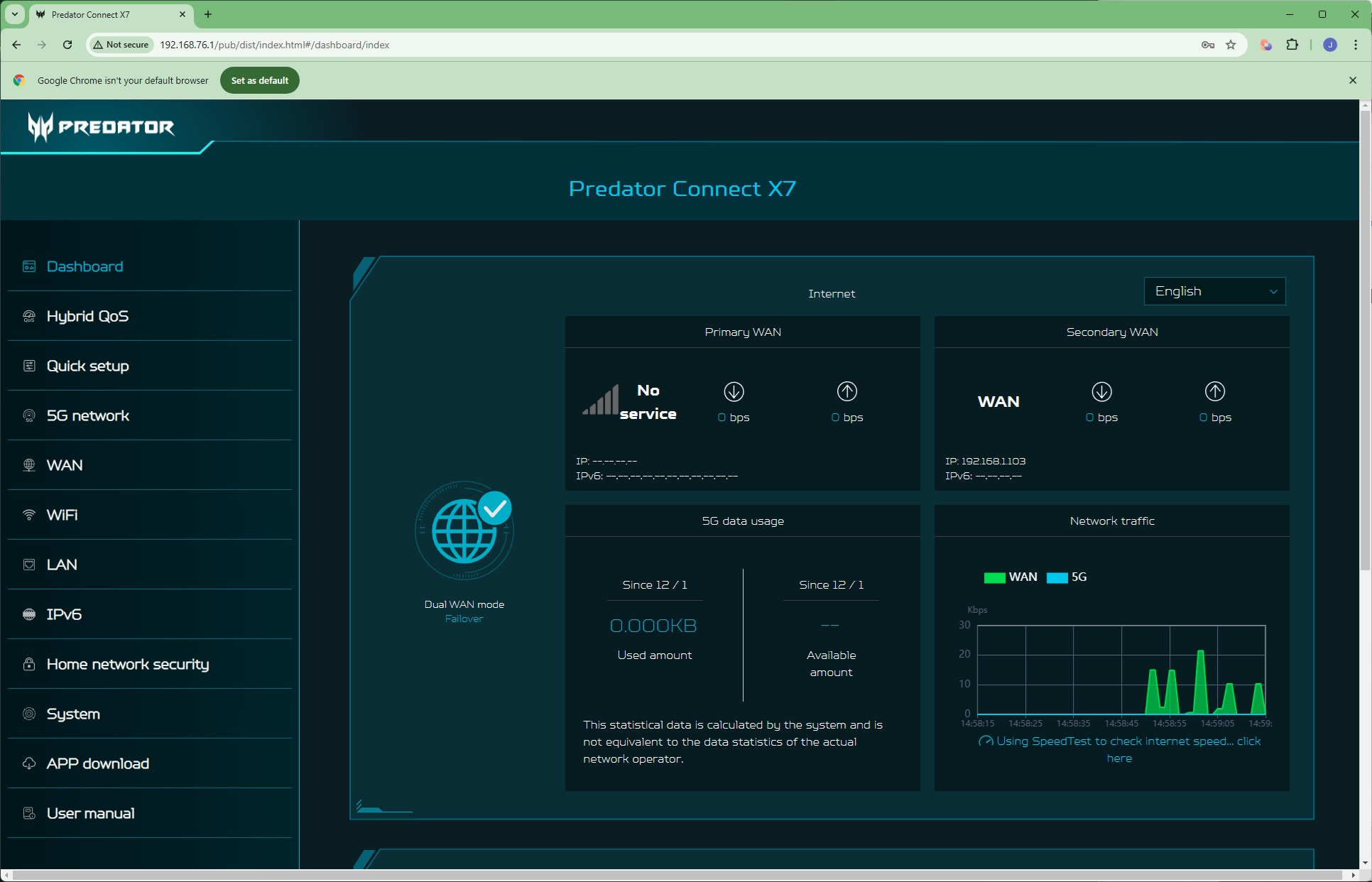
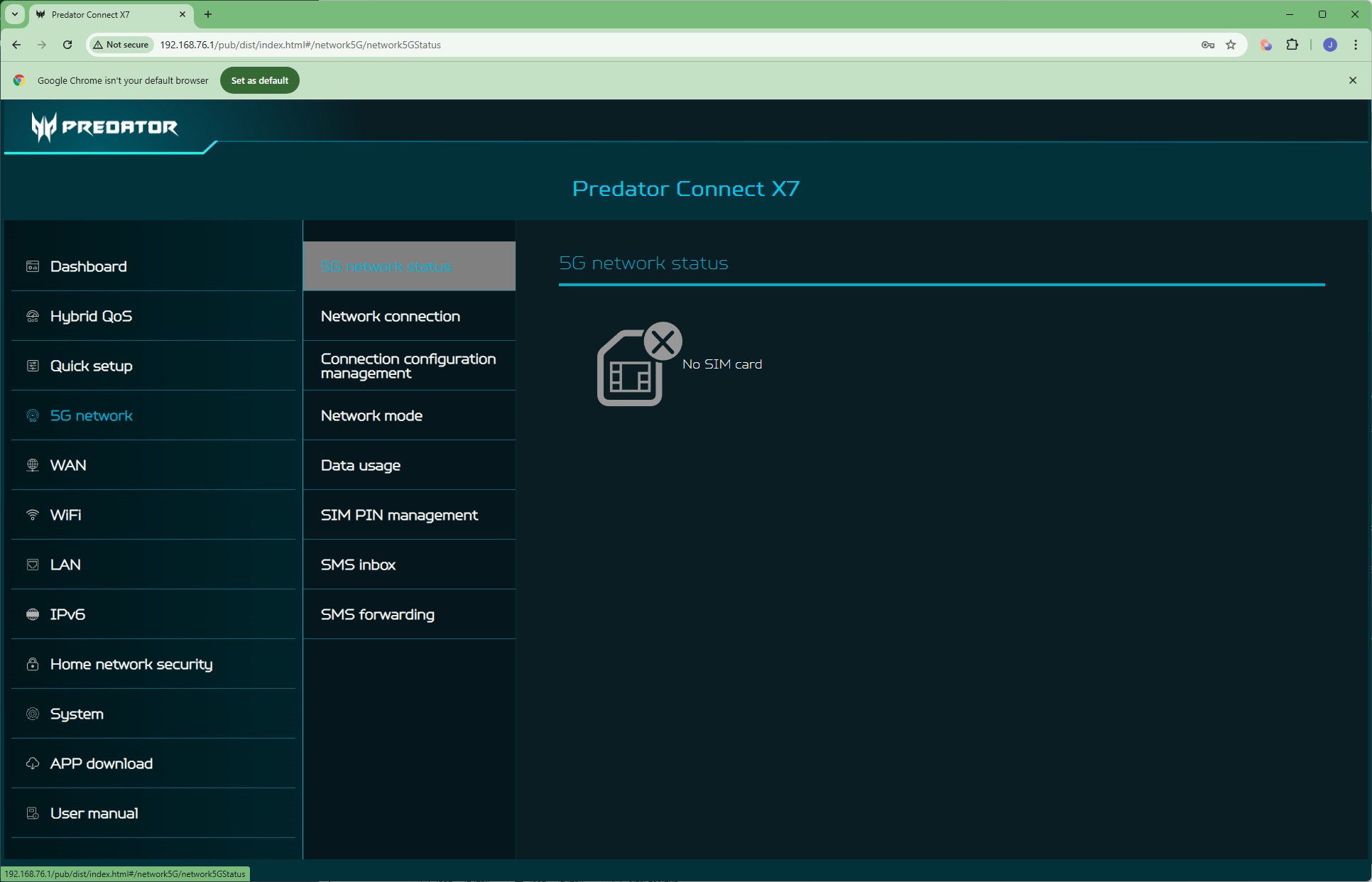
The primary dashboard provides top line information about your broadband connections. We didn't have a 5G SIM installed so the information for this connection was empty.
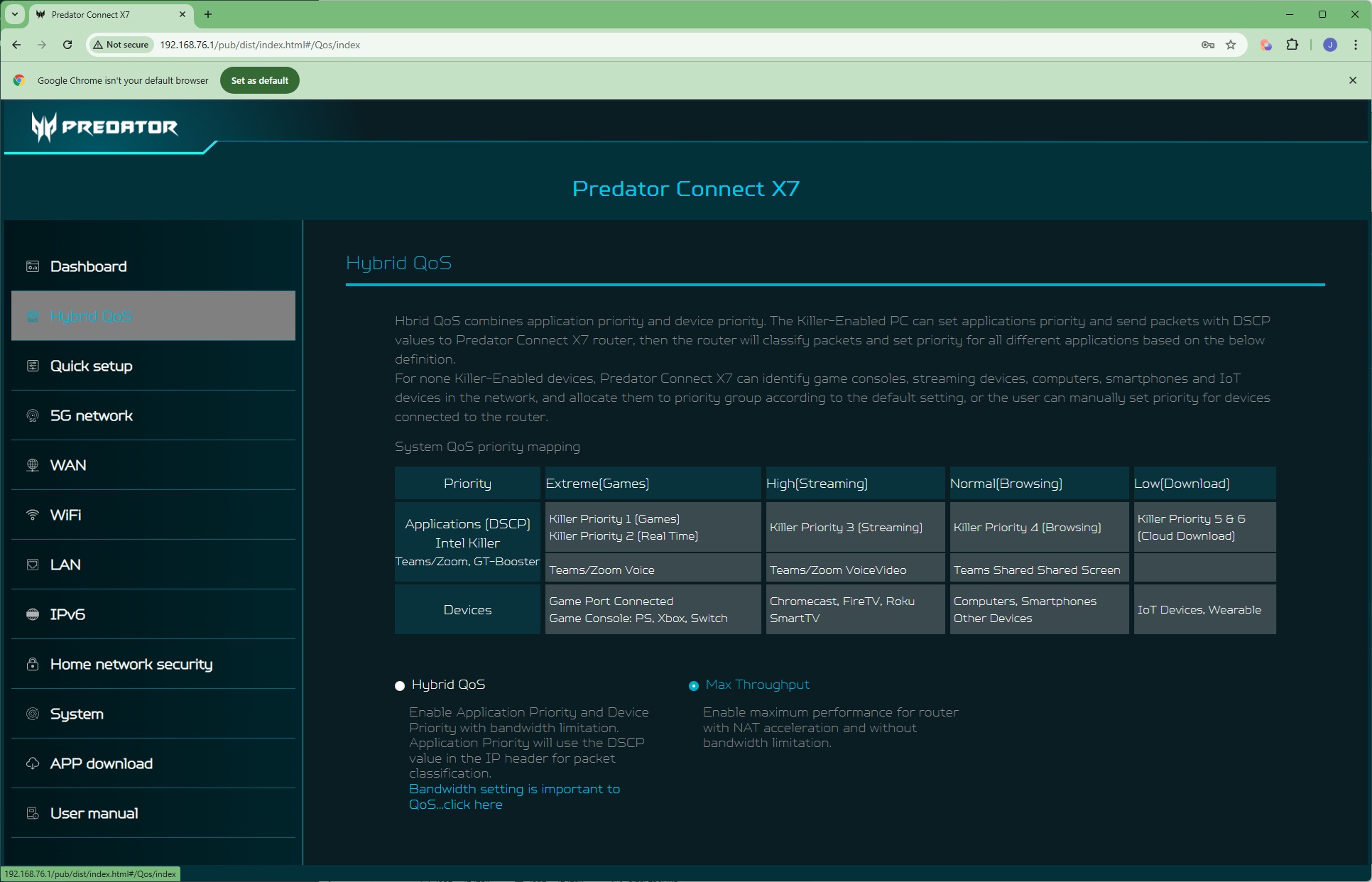
In the Hybrid QoS section you can choose between the default “Max Throughput” option and one that works in tandem with Intel's Killer system. You can see from the table that this also prioritises certain types of stream apps and a console connected to the GAME Ethernet port.
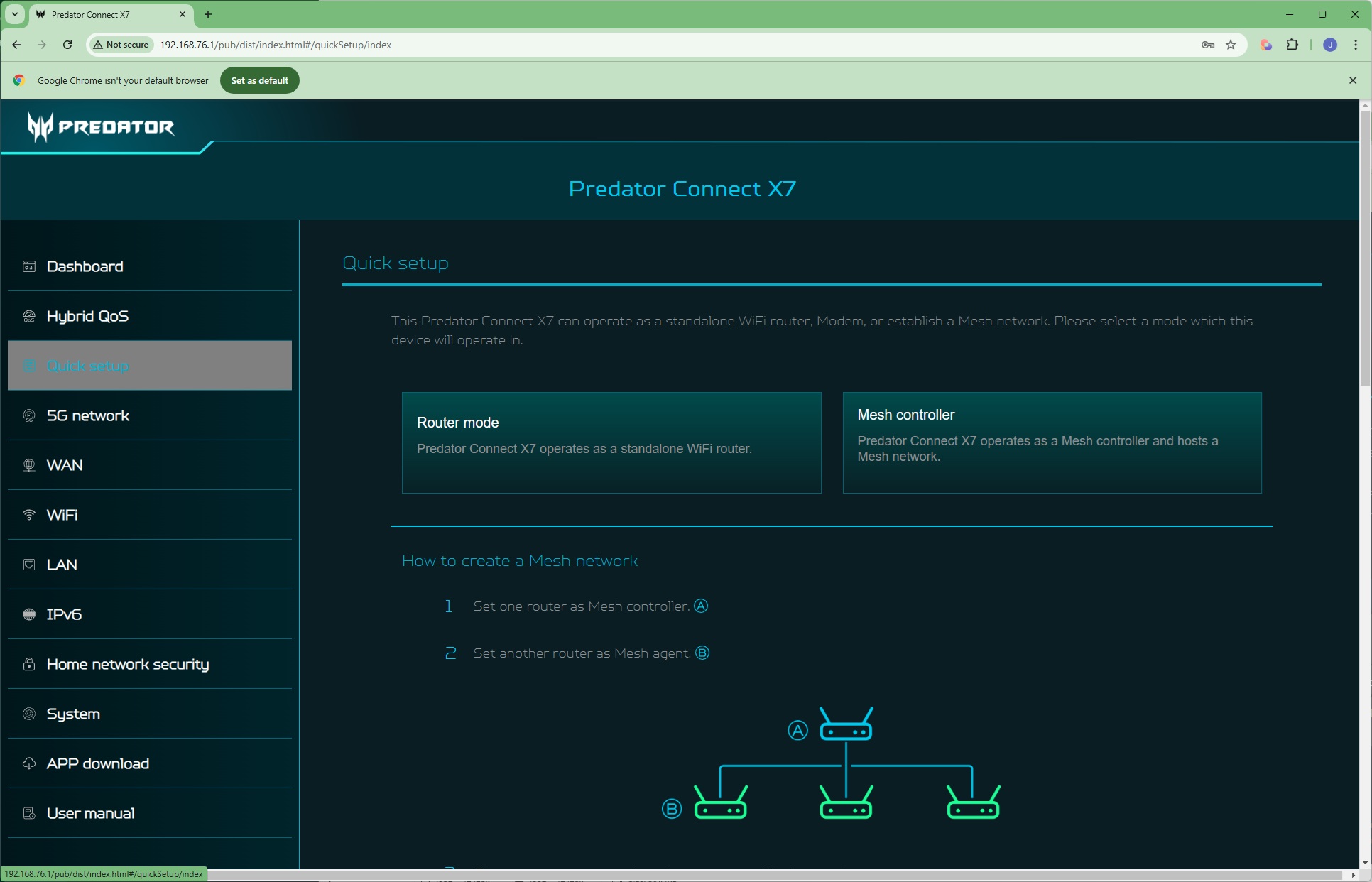
Quick setup takes you through the same options as the smartphone wizard. Note that if you have multiple X7 units you can set them up as a Mesh WiFi network.
If you have a 5G SIM module installed you can configure its behaviour in the 5G network section, including monitoring data usage.
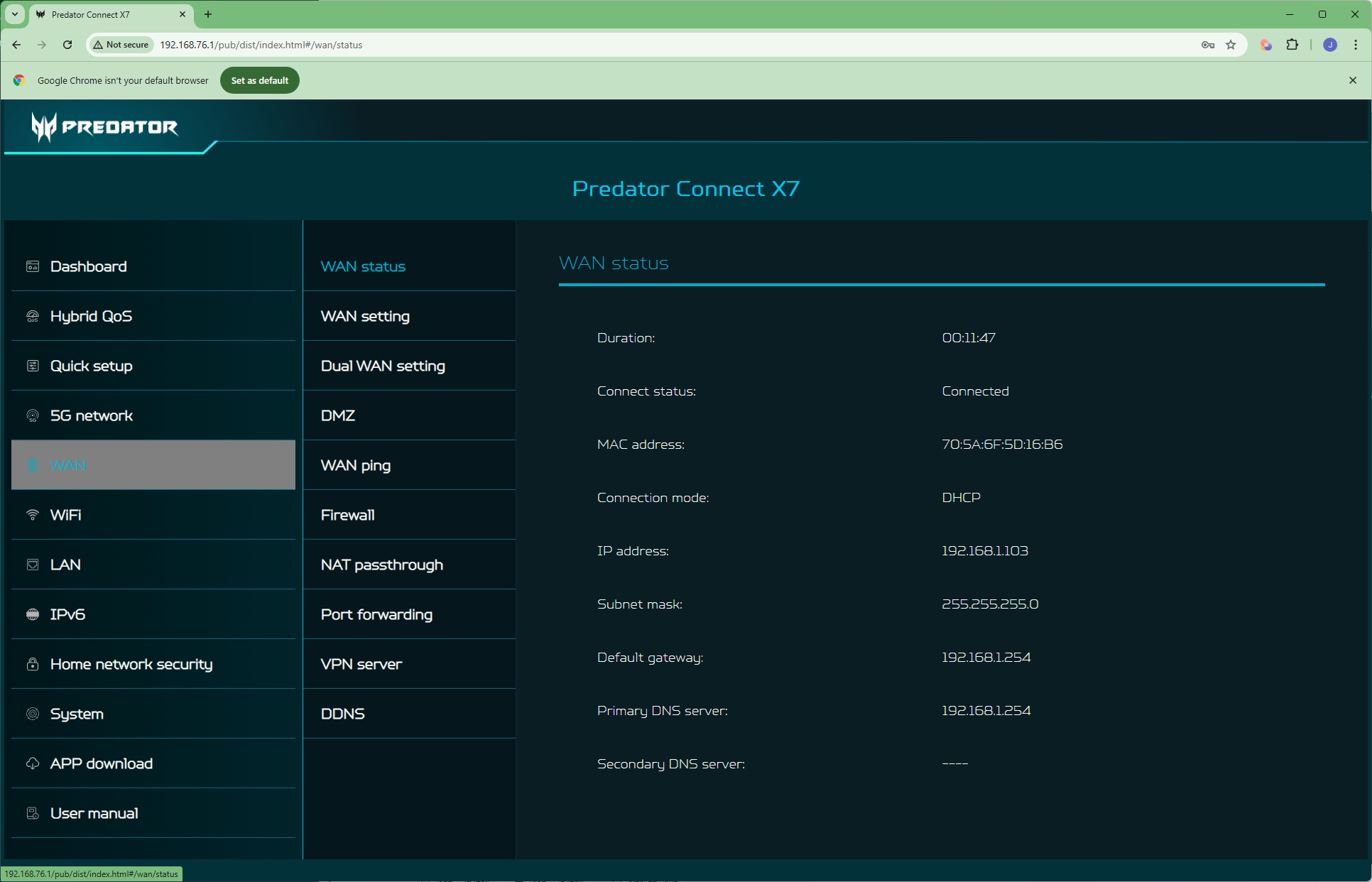
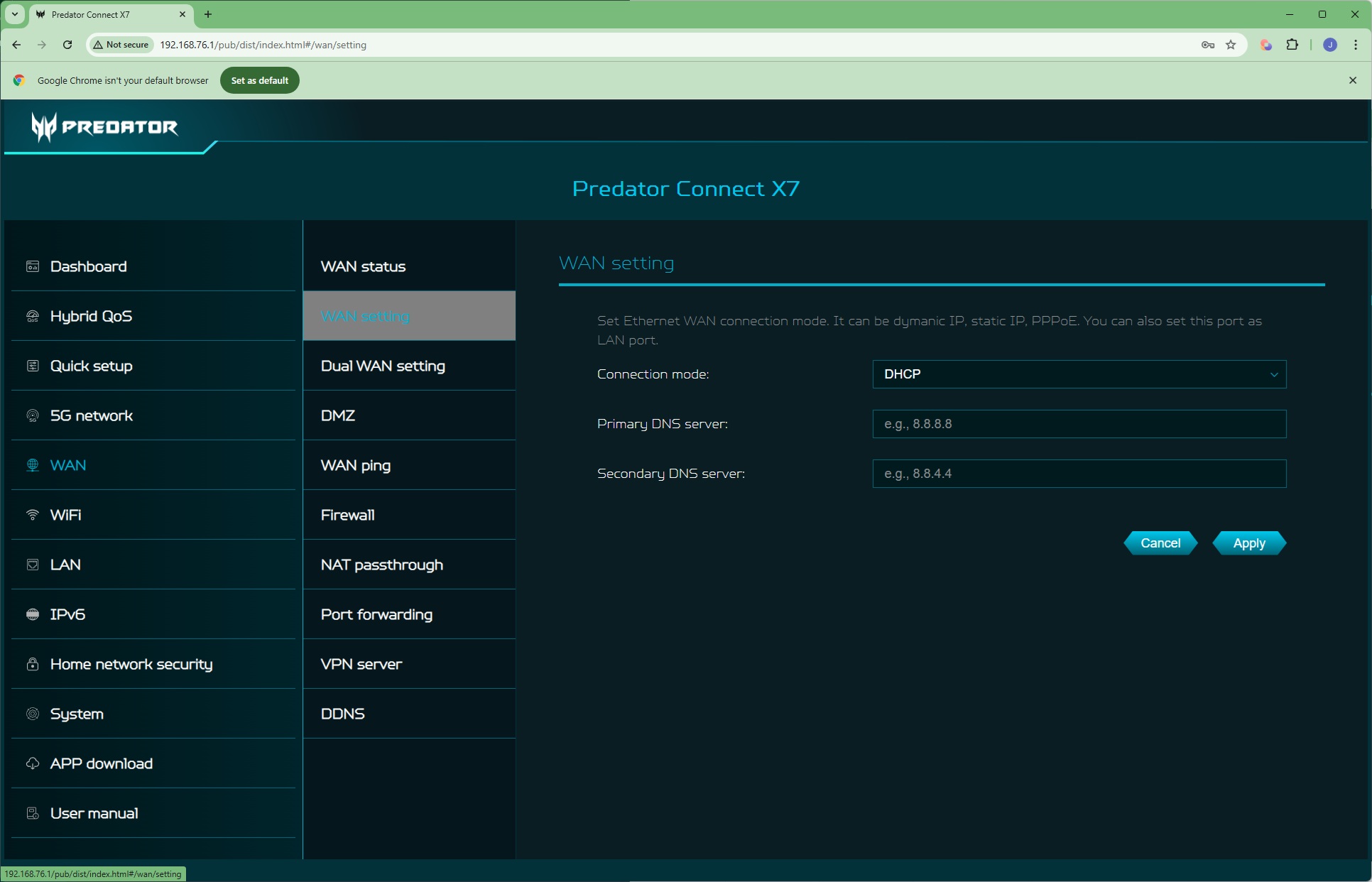
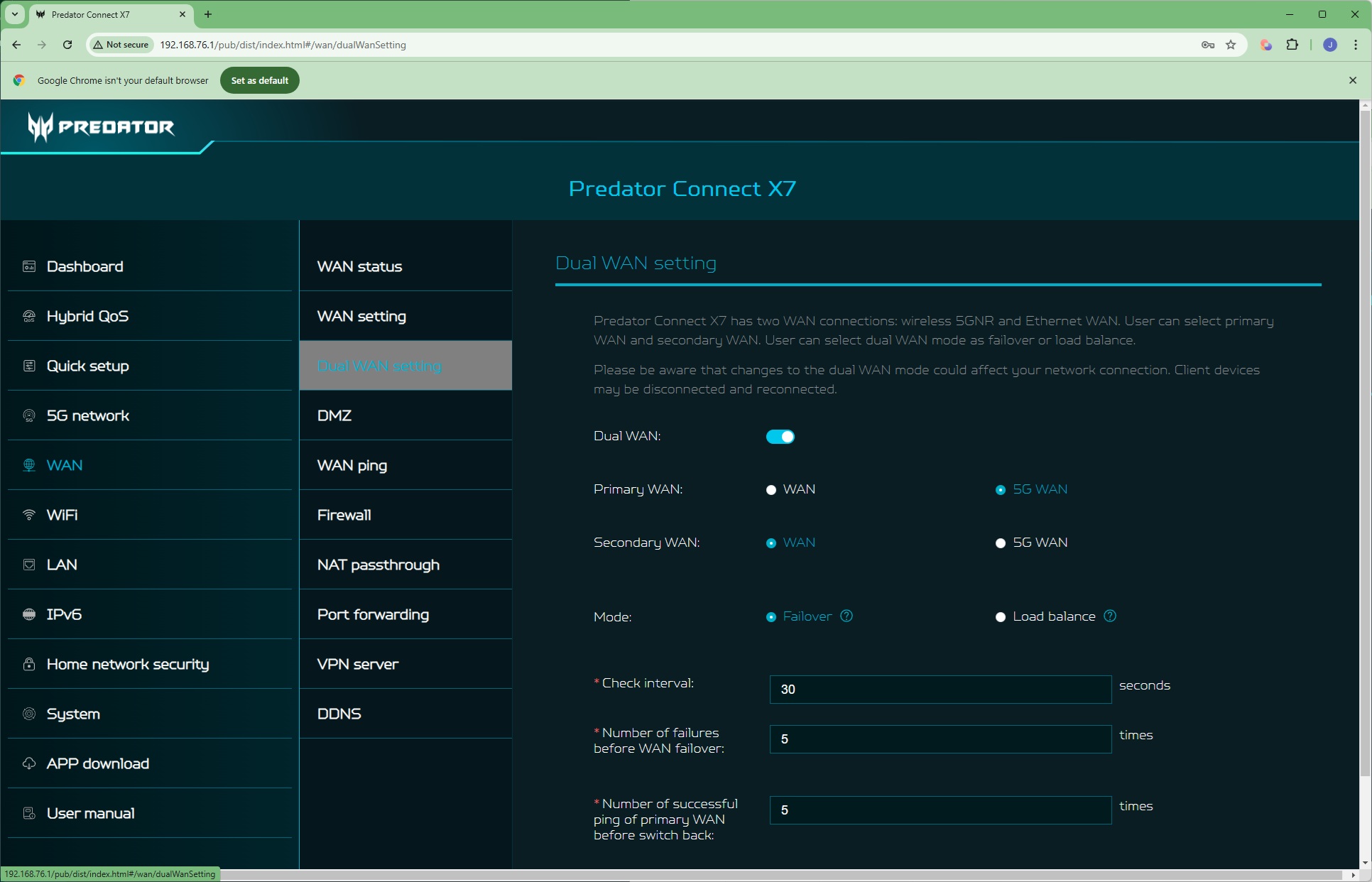
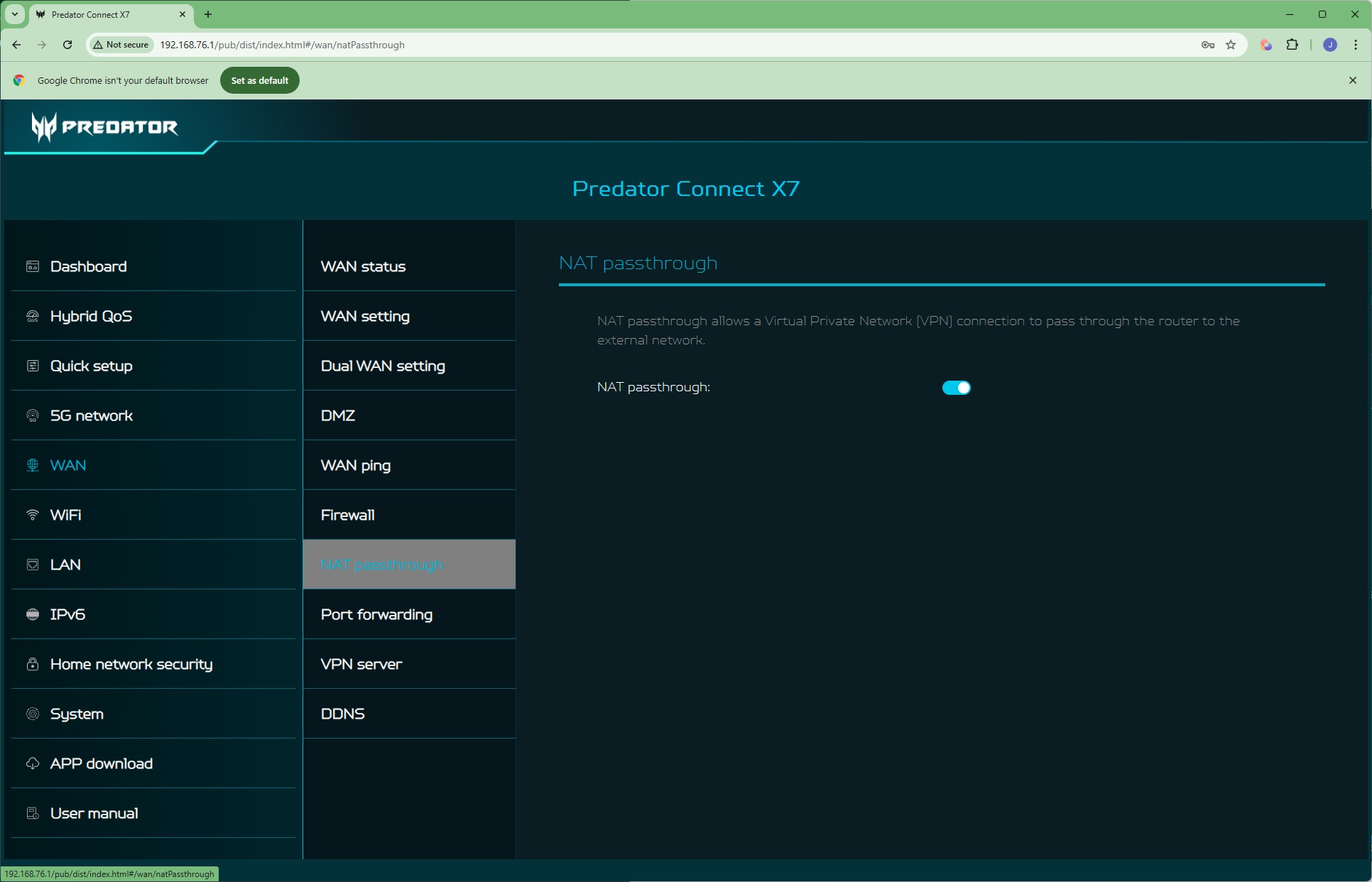
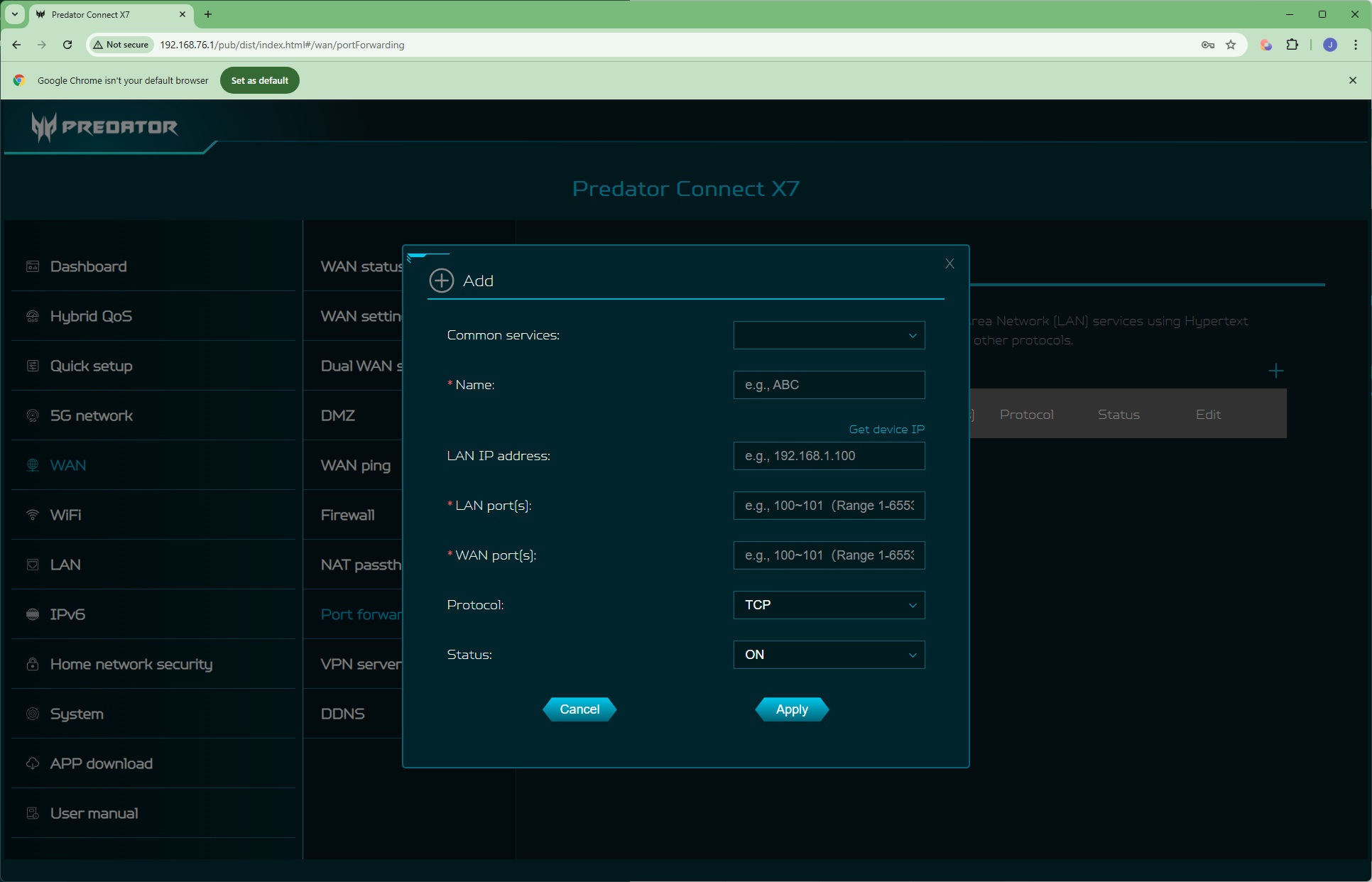
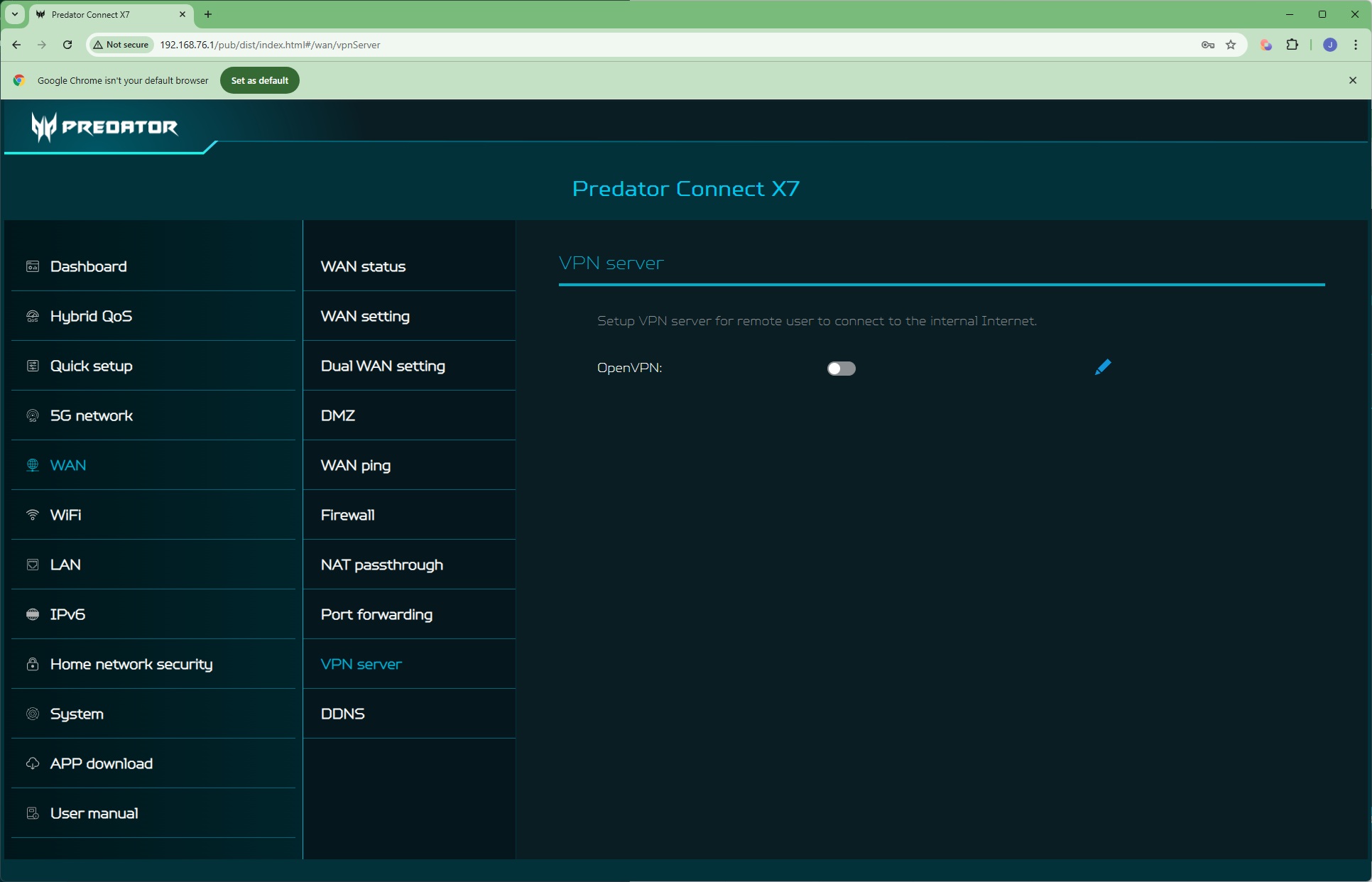
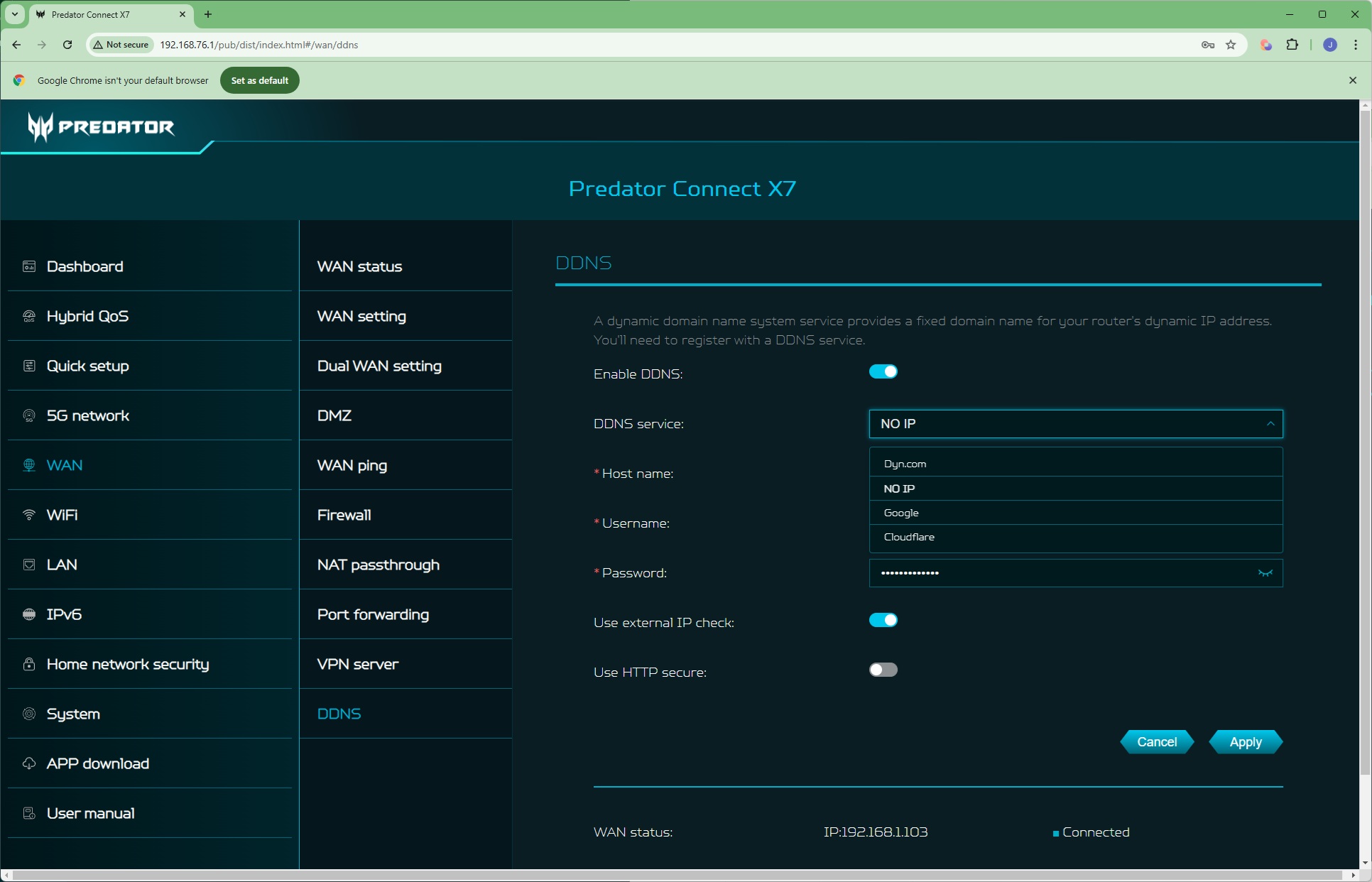
The WAN section is where you start to see some more detailed mainstream router functionality. The initial Status page just provides some basic information like WAN IP address and gateway. You can configure the connection mode and DNS servers in the WAN setting page. The Dual WAN setting page is where you can configure how the 5G and wired broadband work together. They can either operate as “Failover”, where the secondary kicks in when the primary connection fails, or “Load balancing”, where both connections work together, sharing the throughput and effectively adding the two connections together.
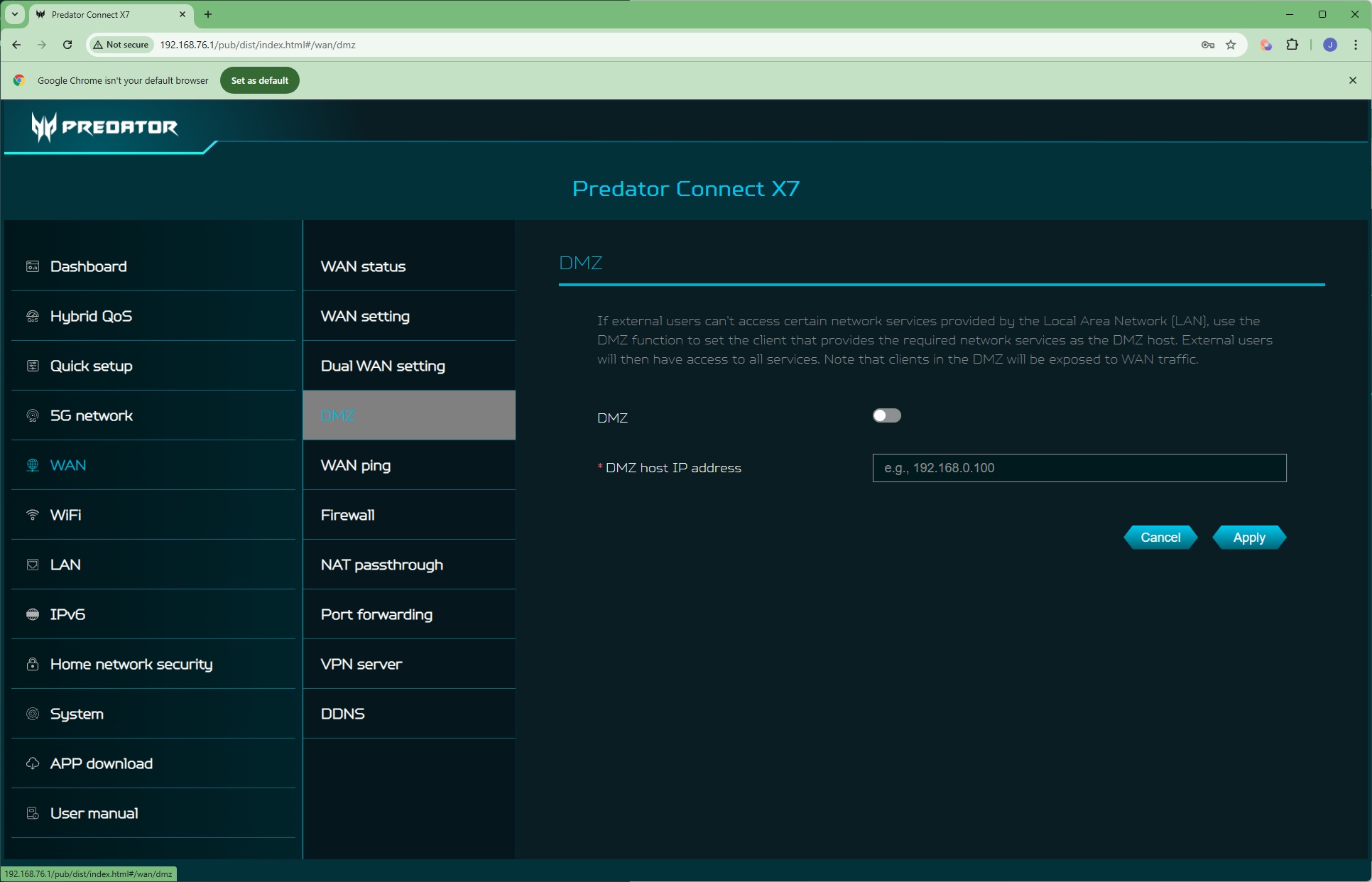
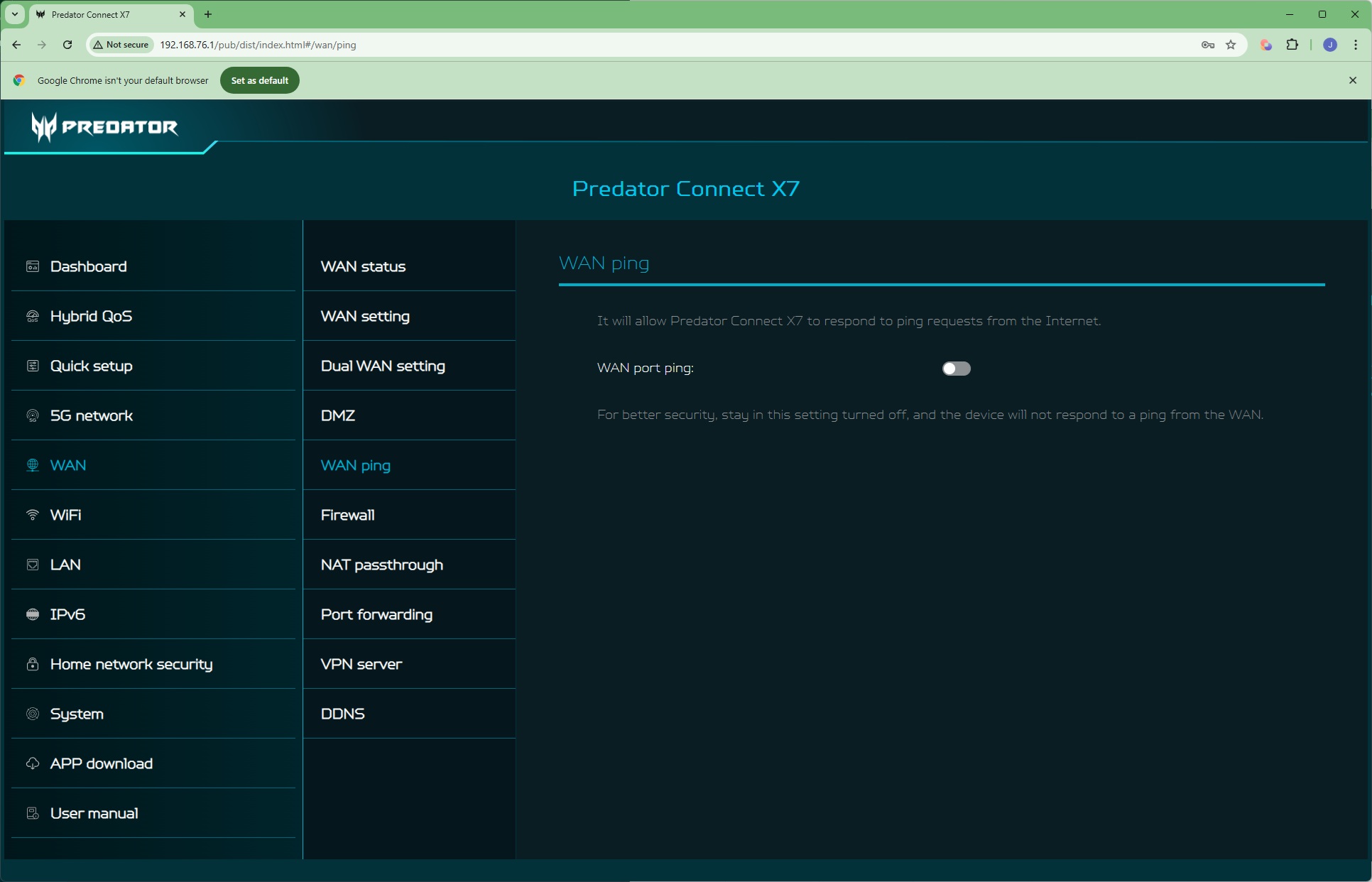
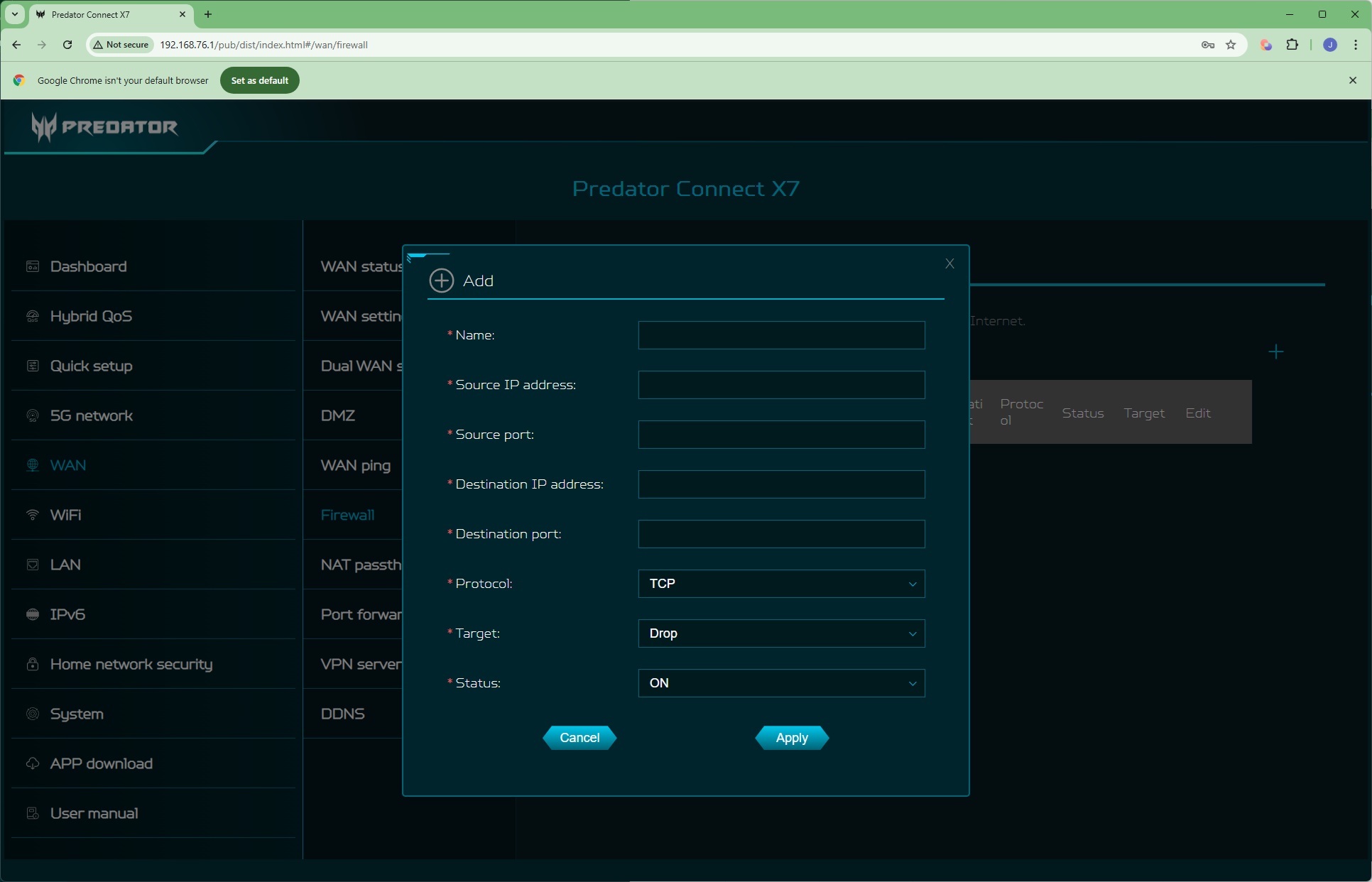
You can set up a DMZ – one client on the local network that is fully open to outside access. You can also set whether the router responds to external pings. The Firewall page is where you configure what services get through or are fully blocked from access across the network. NAT passthrough is for when you want a VPN connection to work across the router, which also has its own OpenVPN-compatible VPN server built in. You can also redirect external port calls to client systems on the local network. This works in tandem with the DDNS capability, which will provide URL-based access via services such as Dyn.com, NO IP, Google or Cloudflare.
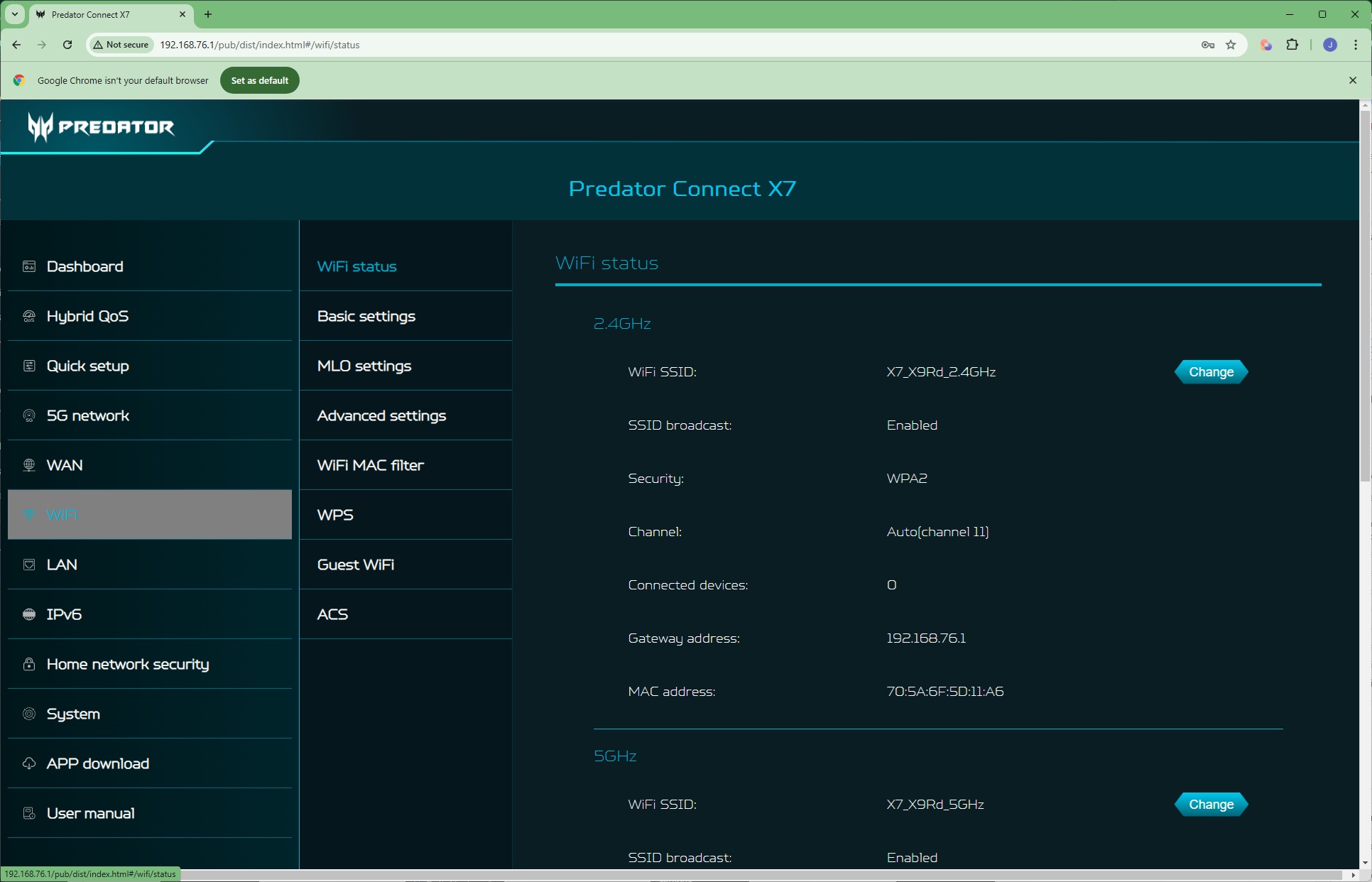
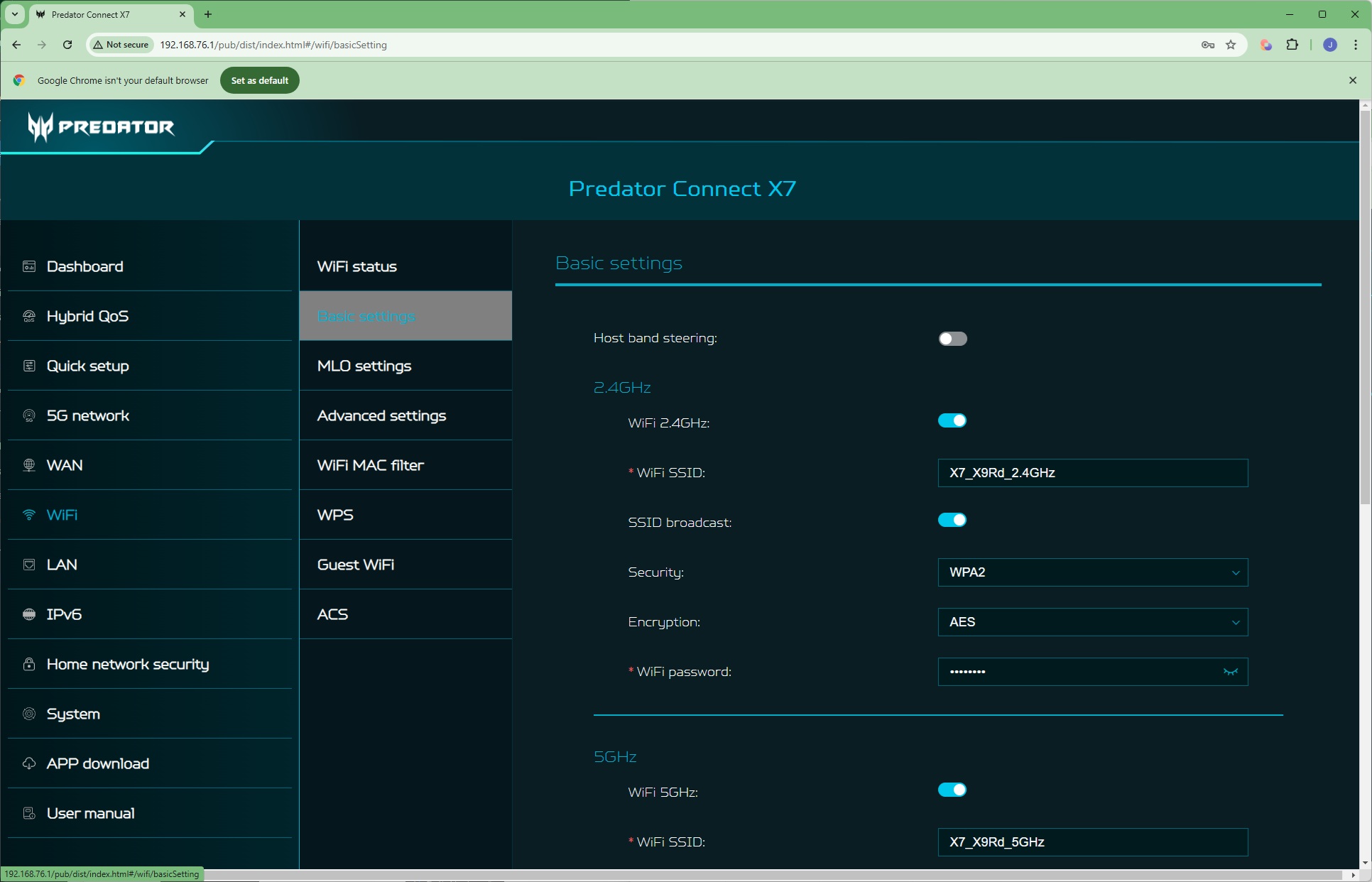
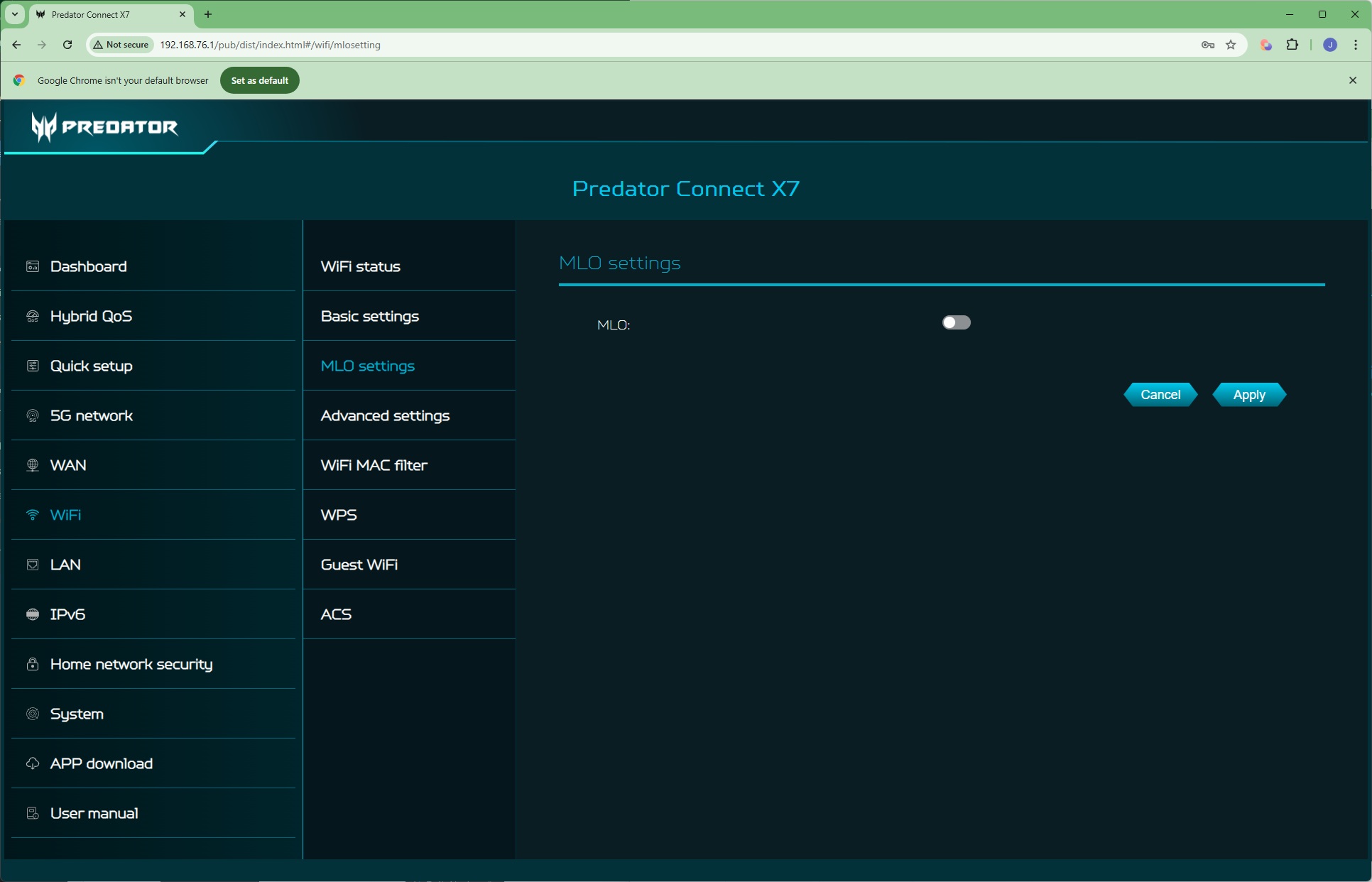
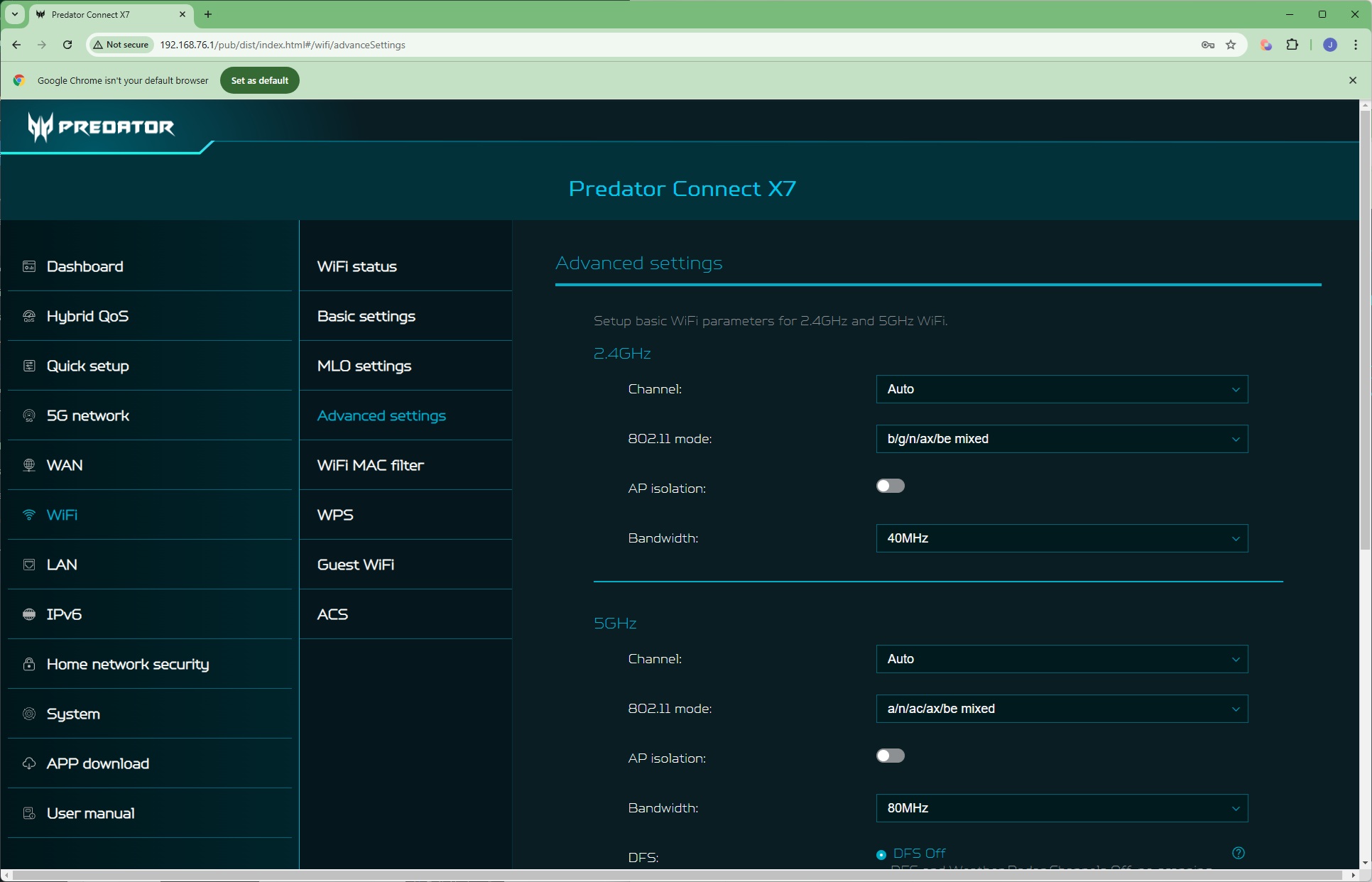
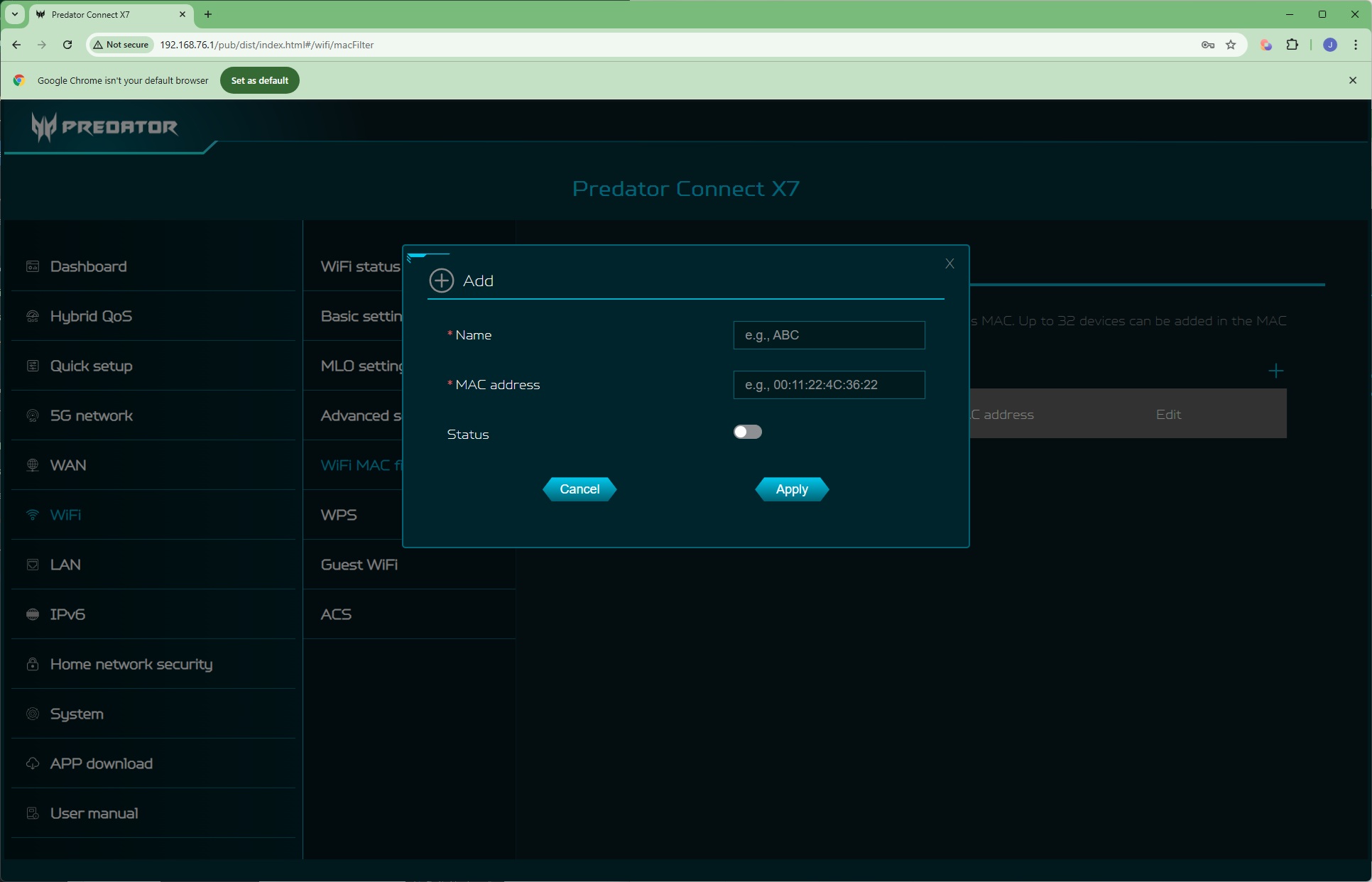
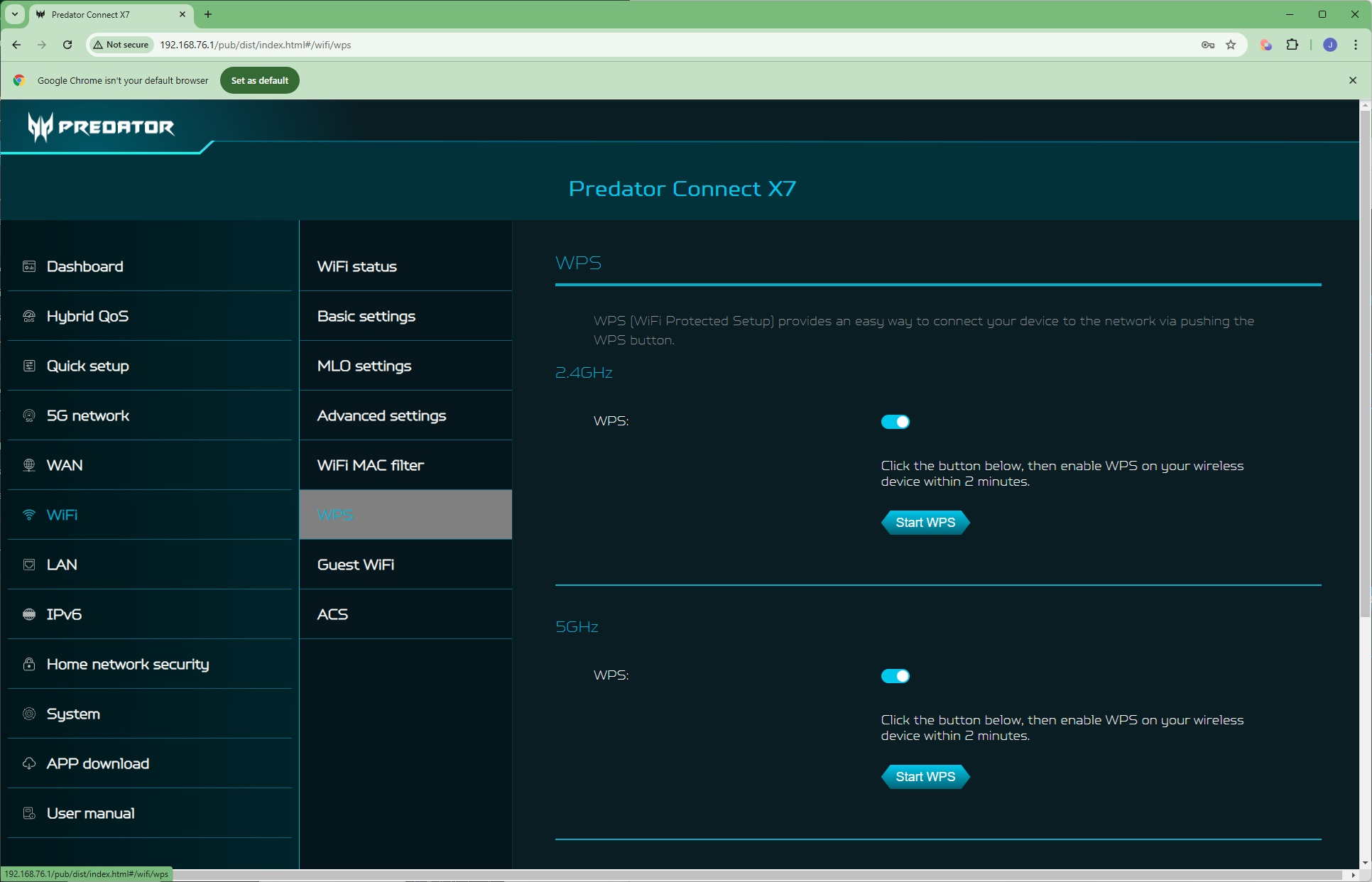
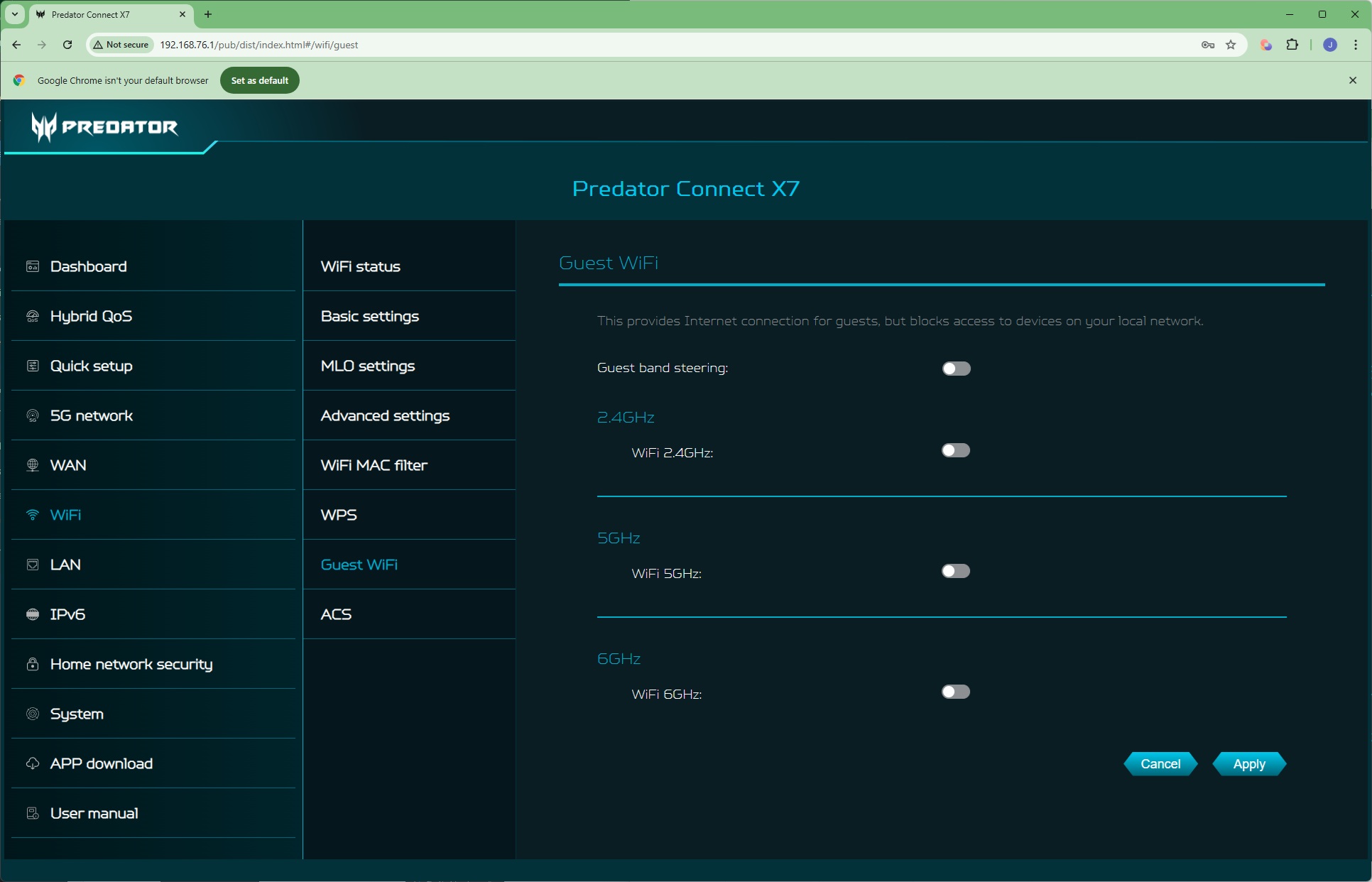
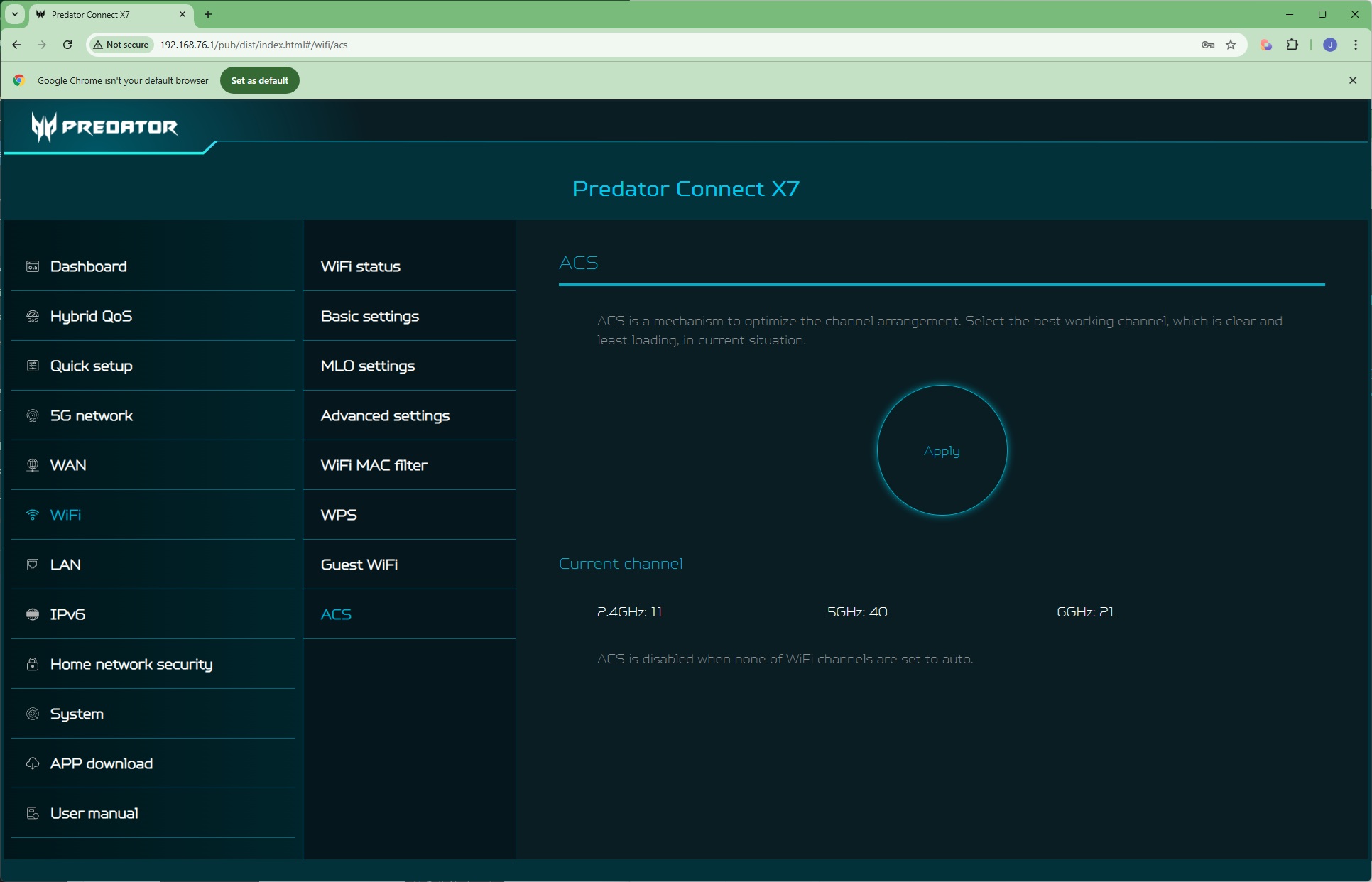
The WiFi tab is pretty standard. You get the usual options to configure the SSIDs of the 2.4, 5GHz and 6GHz wavebands. Interestingly, the MLO (Multi-Link Operation) capability is off by default. As this is a key way that WiFi 7 enhances its performance, you'd think most people would want it on. You can also dig deeper and change how each frequency band operates (although the interface warns you about this when you click on this Advanced page). There are standard MAC Address blocking facilities, WPS for easy client device configuration (with a button on the back of the router), and the option to create Guest WiFi that is kept separate from the main system. ACS optimises WiFi channel selection.
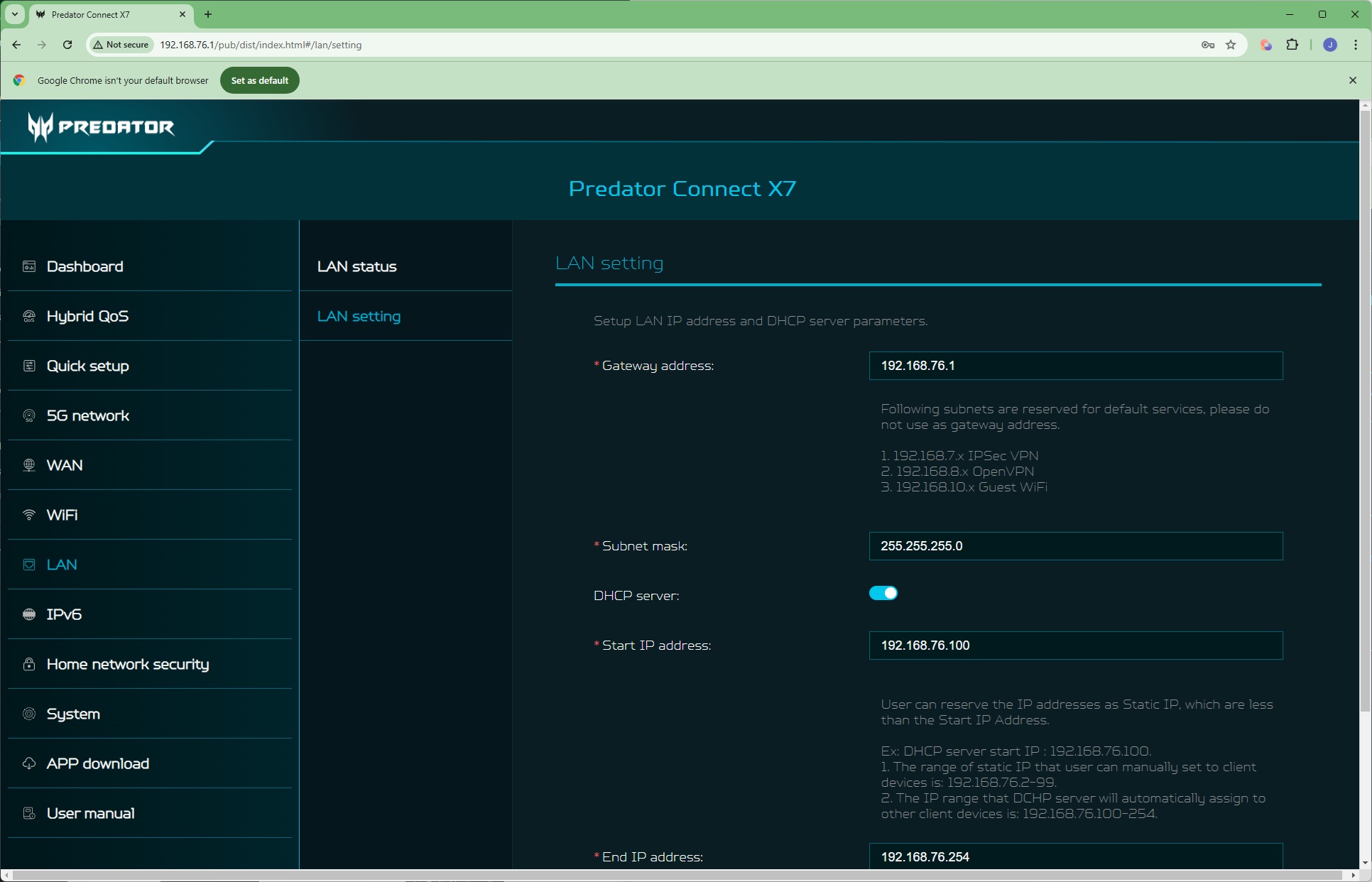
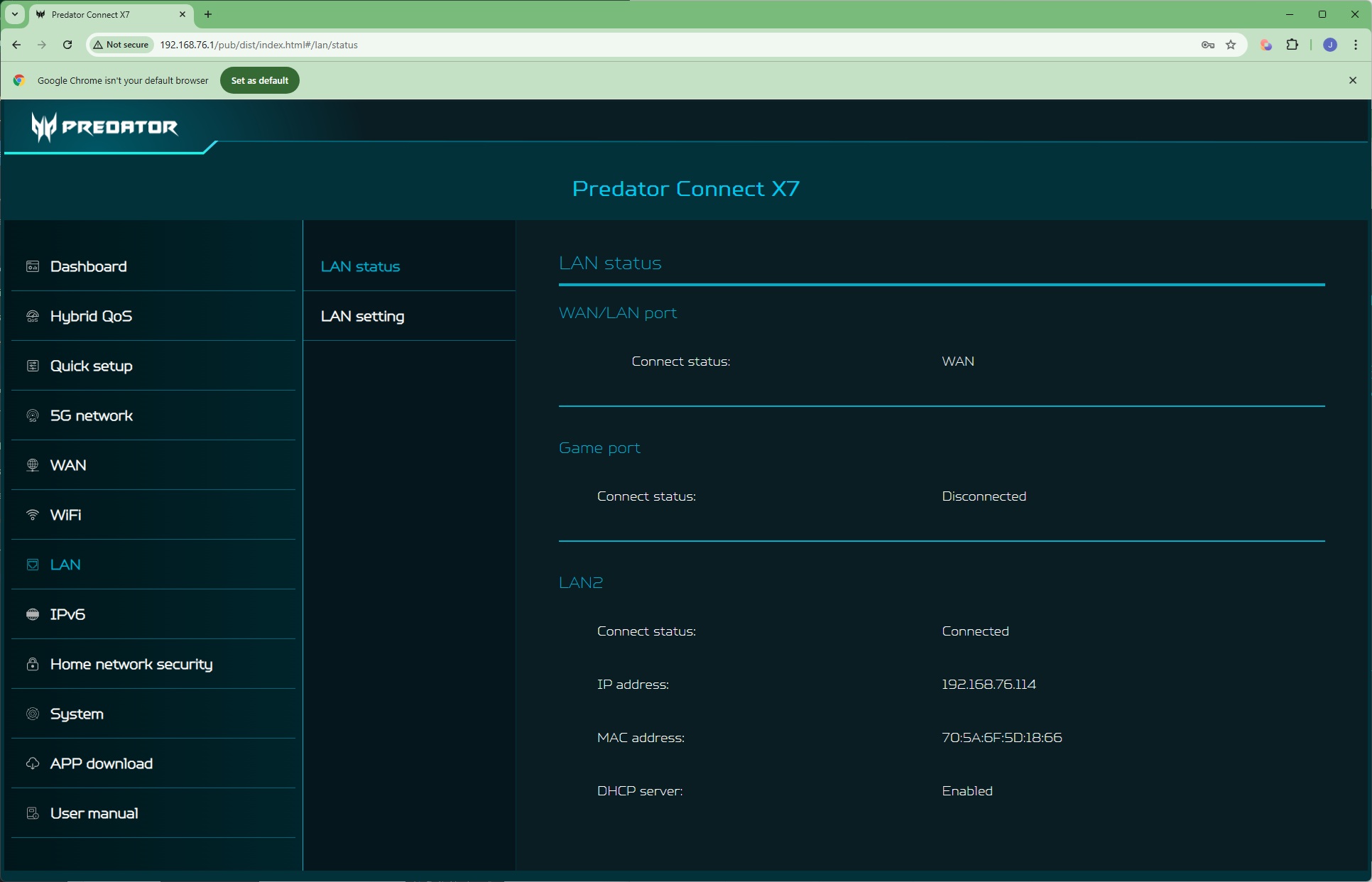
There's not a lot in the LAN section. Primarily, you can configure how the router's DHCP server doles out internal IP addresses.
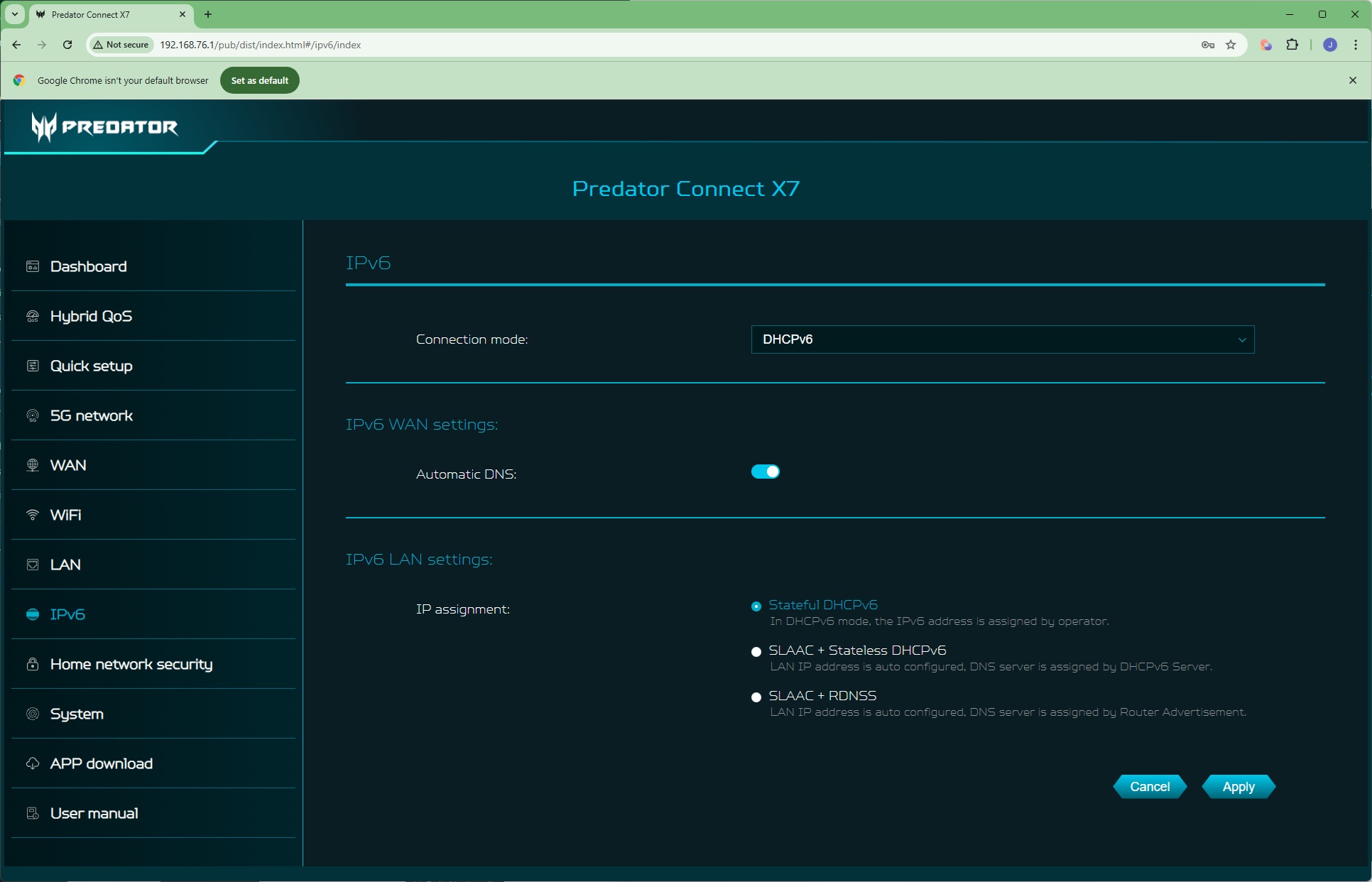
There's a standalone section for configuring how IPv6 works with the router.
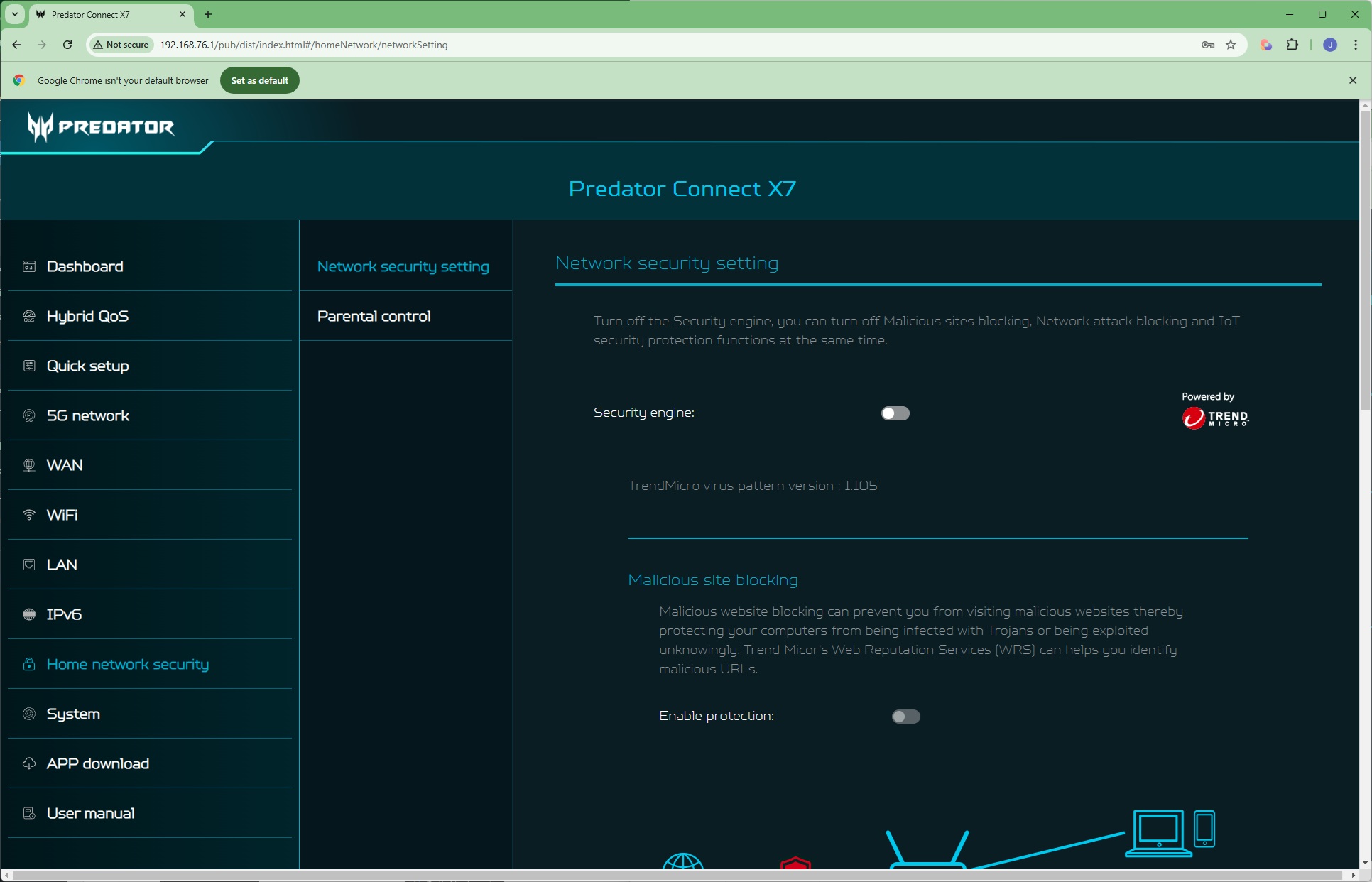
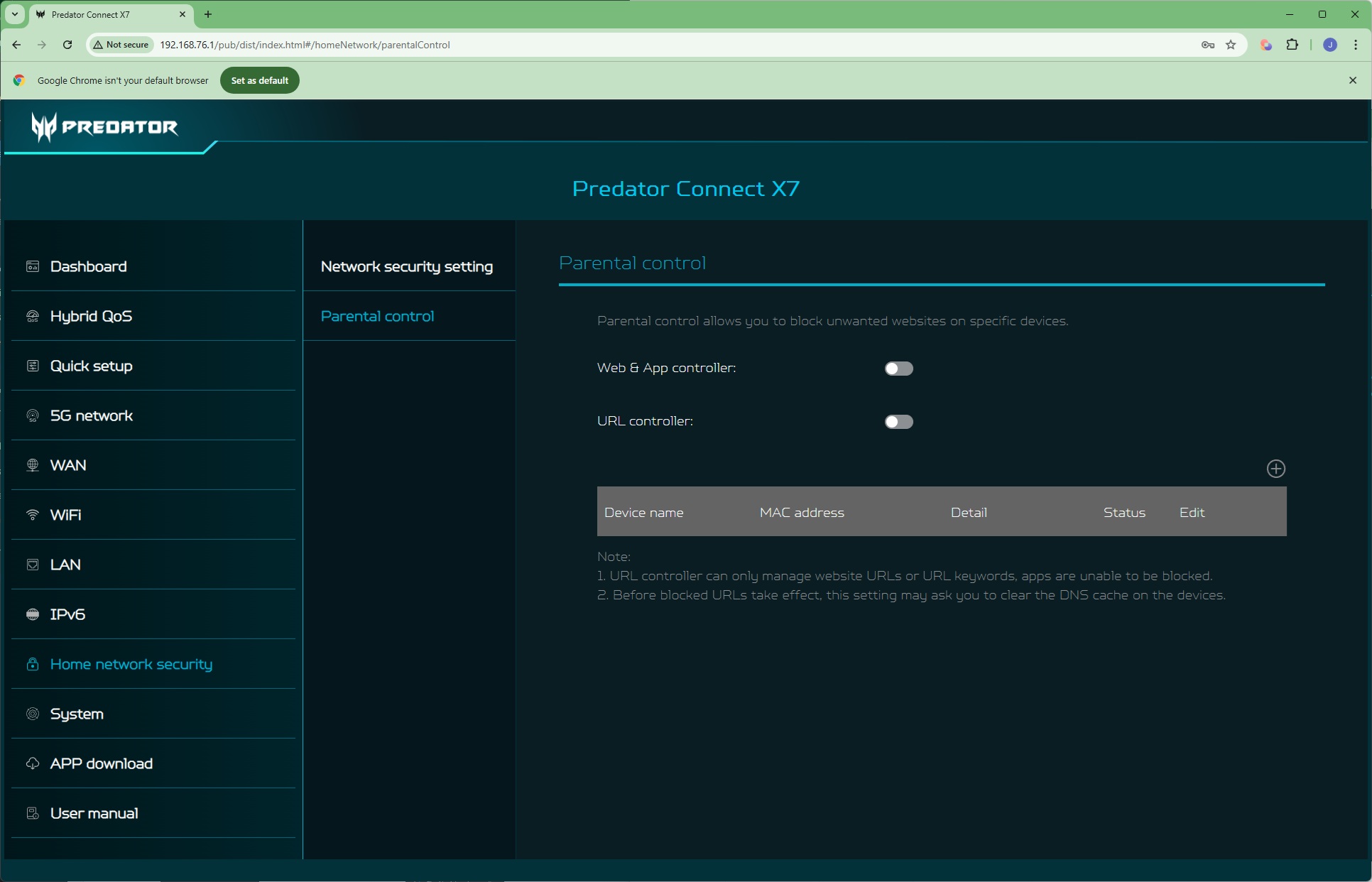
As mentioned when we discussed the smartphone interface, this router has a built-in Trend Micro security system. This includes Malicious site blocking, Network attack blocking, and IoT security protection, which can be turned off independently of the overall system. Parental controls operate via a manual system of blocking websites and apps from certain clients on your network.
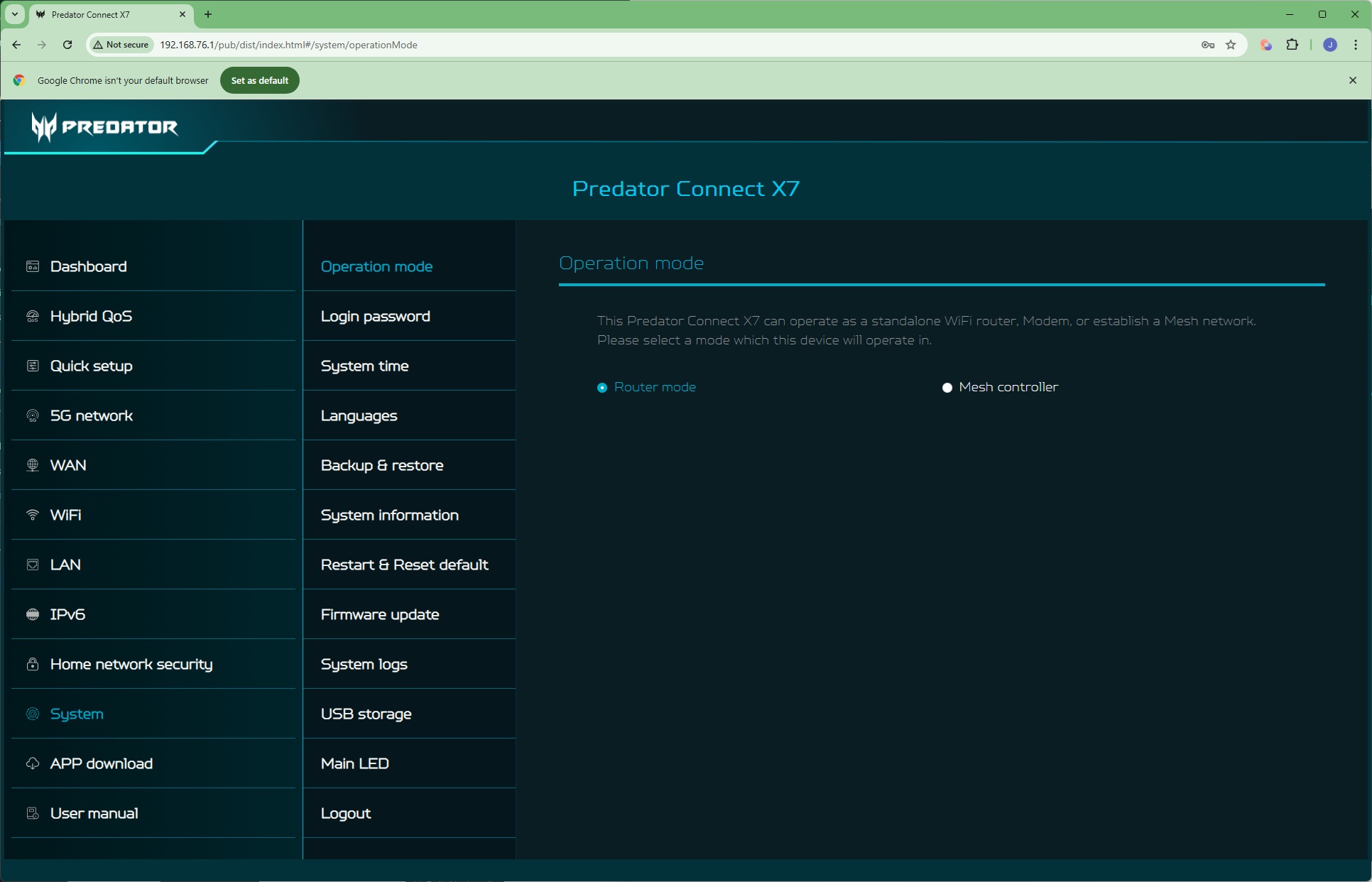
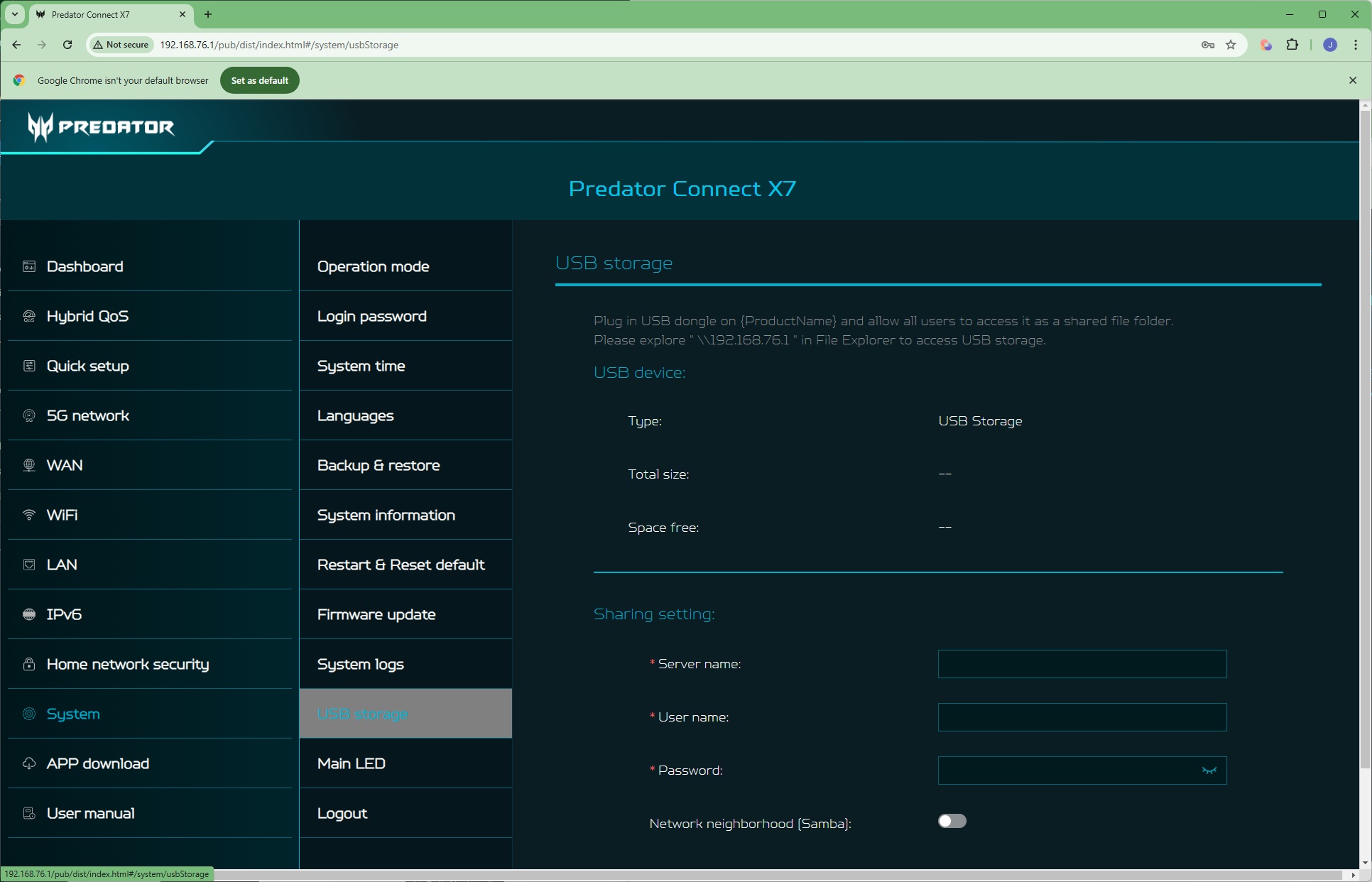
The System section is full of sundry settings, starting with whether the Predator Connect X7 is operating in router or mesh mode. You can change the admin password, set system time, change the interface language, backup and restore settings, and update firmware. Perhaps the most everyday function here is controlling the operation of the USB port, which can be used to share a storage device on the network as a Windows network file system. Strangely, this doesn't appear to include DLNA compatibility, for network media streaming.
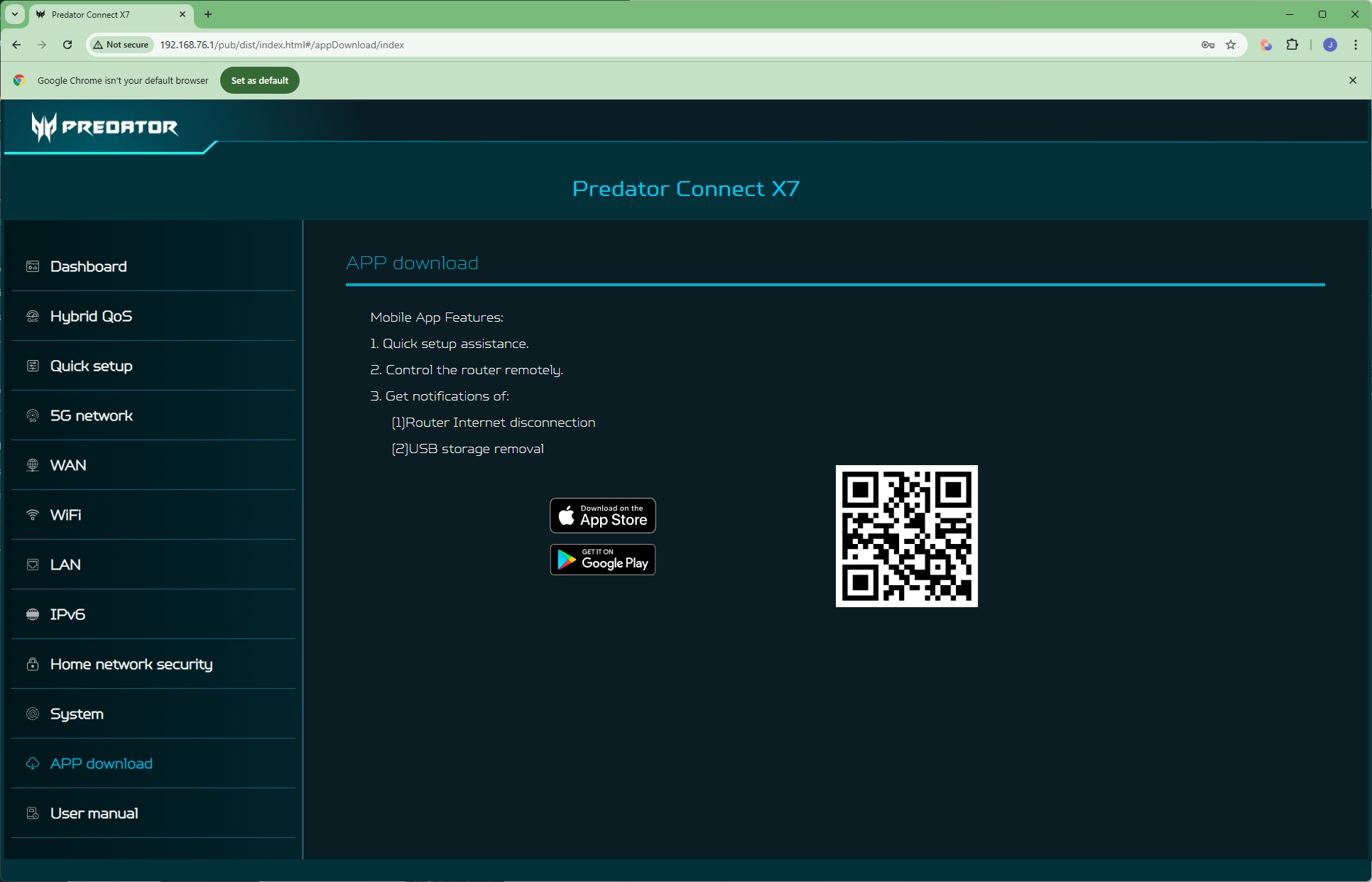
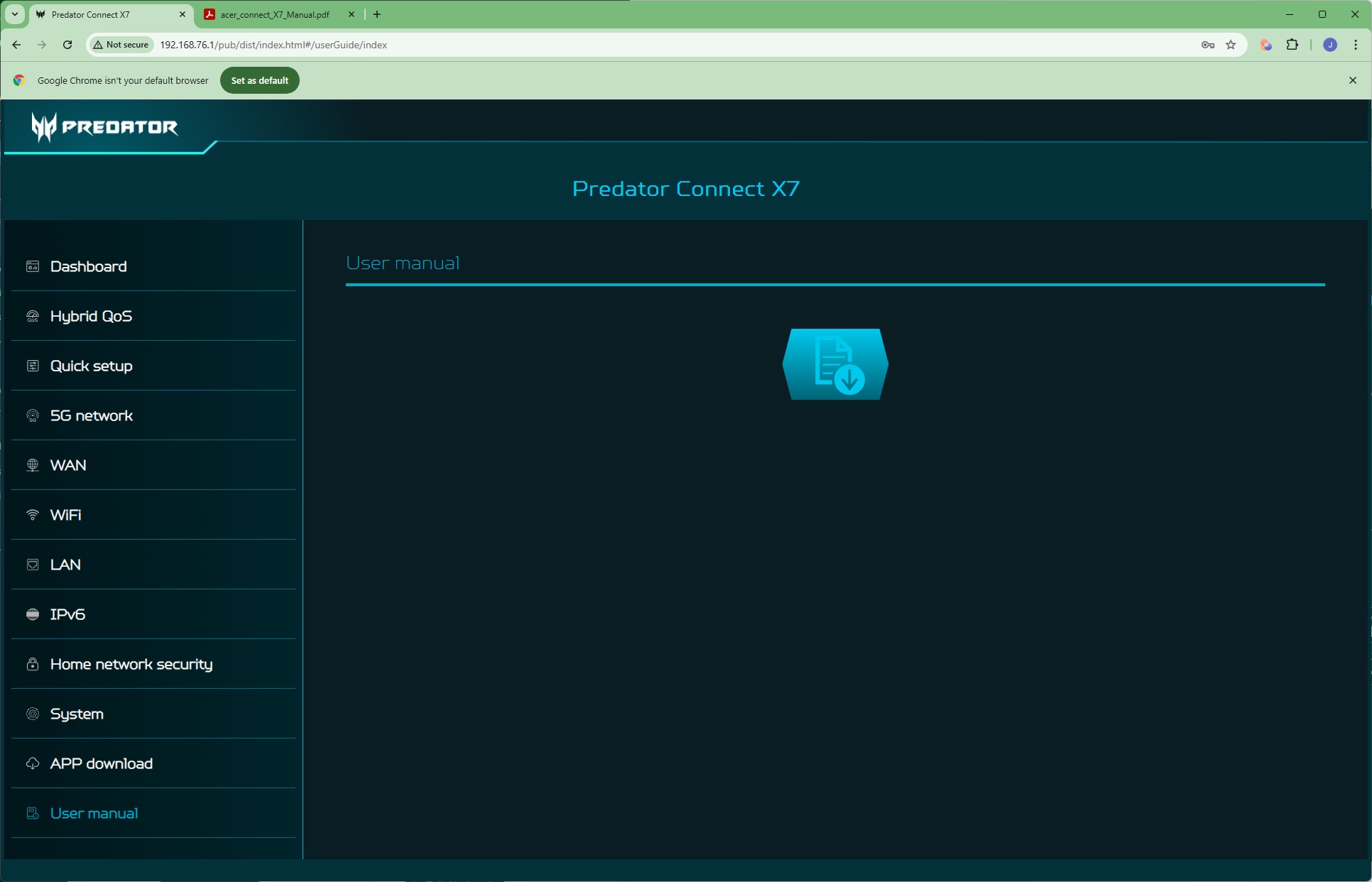
Finally, the last two tabs provide easy QR-code driven access to downloading the smartphone app, plus a link to the router's manual.
Overall, there is a decent level of depth in the Web interface. Port forwarding would be easier to configure with a list of popular apps, which the Acer router doesn't have, although these can easily get out of date. It would also have been useful to have DLNA and FTP support for the USB storage sharing. But these are minor omissions. The main capabilities are available and relatively easy to find.
We tested the raw throughput of the Acer Predator Connect X7 5G CPE across the four different WiFi standards it supports – 802.11be, 802.11ax, 802.11ac and 802.11n.
We used the open-source iPerf 3.1.3 software for testing, which can simulate multiple clients streaming at once. Five Windows systems were employed. Our desktop base was an Armari 32-core AMD Ryzen Threadripper workstation running Windows 11. For WiFi 7 testing, we used an Acer Swift 14 AI notebook, then a Dell XPS 17 notebook (for WiFi 6), a fourth was an MSI WS63-7RK (802.11ac) notebook, and finally an HP Folio 3 notebook (802.11n only – to show performance with legacy devices). The Acer and Dell notebooks and Armari workstation were running Windows 11 but the other two notebooks were Windows 10-powered.
Because 802.11be (WiFi 7) can theoretically greatly exceed the throughput of Gigabit Ethernet, we installed a 10Gbit Ethernet adapter into the Armari workstation. However, the Predator Connect X7 only offers Gigabit Ethernet ports for client devices, which we expected to cause a bottleneck when testing WiFi 7 in close proximity.
For all tests, the notebooks were tested using their various WiFi connections (802.11be / WiFi 7 for the Acer, 802.11ax for the Dell, 802.11ac for the MSI, 802.11n for the HP). The notebooks were then placed in four different locations – within 1m of the router, approximately 5m away with a wall in between, 10m away and on a lower floor (with multiple walls and a floor in between), and then 15m away on the same lower floor. We tested all four distances with the four WiFi standards.
With each WiFi standard and distance, we took 60 readings of throughput at one second intervals and calculated the average (iPerf does this automatically). We tested the RS300 against the MSI Radix AXE6600, NETGEAR Nighthawk X10 R9000, Synology RT2600ac, NETGEAR Nighthawk XR500, NETGEAR Nighthawk XR700, Synology RT6600ax, NETGEAR Nighthawk AX12, and NETGEAR Nighthawk RS300.
802.11be (WiFi 7)
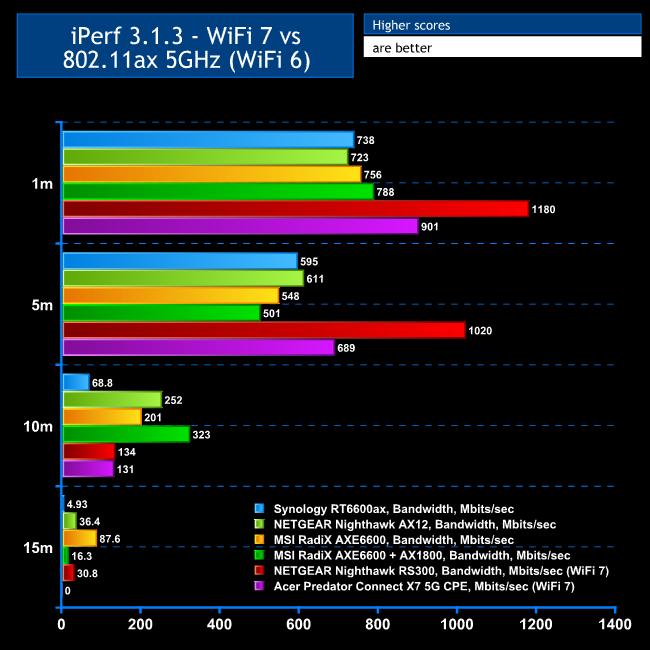
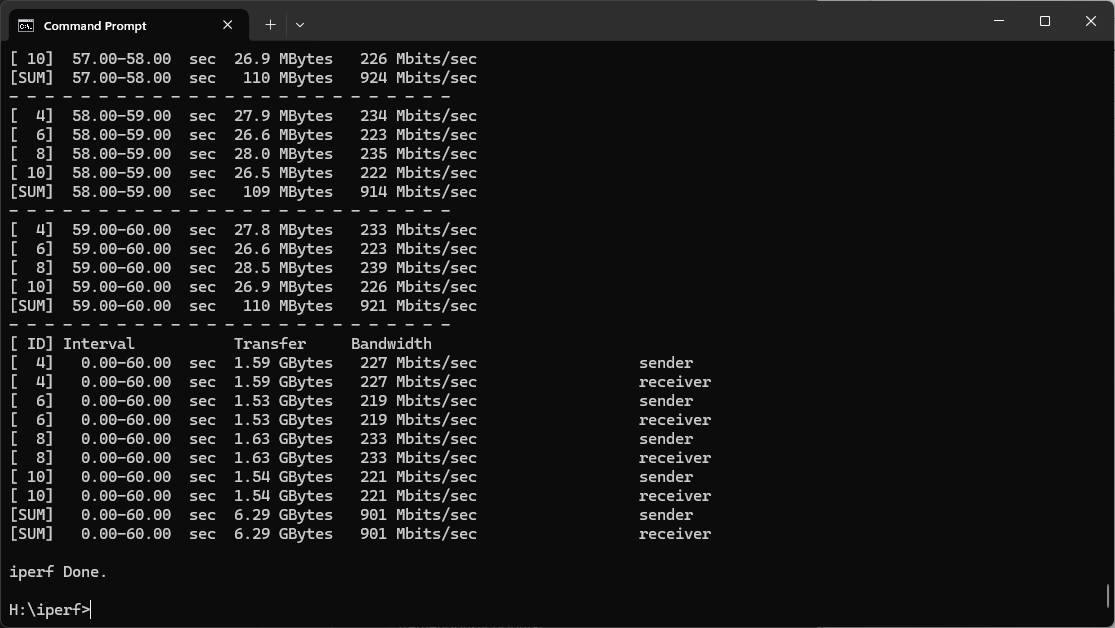
As predicted, having to use a Gigabit Ethernet port for the wired connection did appear to be causing a bandwidth bottleneck. We used the MLO option on the Acer Predator Connect X7 to gain maximum benefit from WiFi 7.
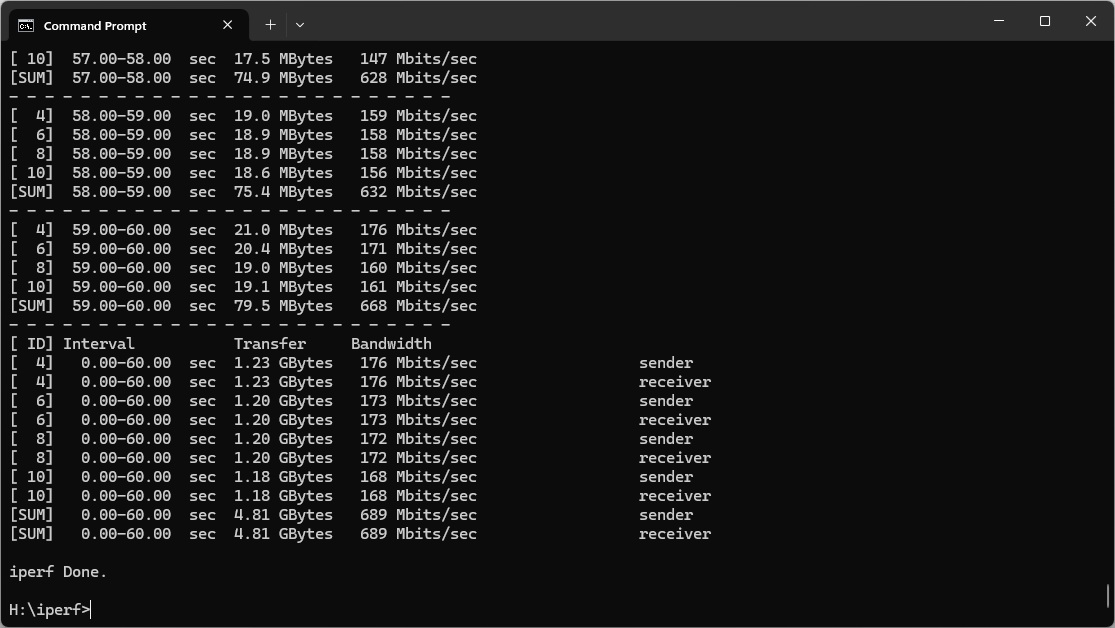
While 901Mbits/sec at 1m close proximity clearly beats every WiFi 6 router we've tested, the NETGEAR Nighthawk RS300 was 31 per cent faster thanks to its 2.5Gbit Ethernet ports. It may be possible to hit this kind of speed with the Acer router between WiFi 7 clients that are all close together, but you won't get the full benefit of WiFi 7 for wired clients.
This story continued at 5m, with a very commendable 689Mbits/sec but the NETGEAR Nighthawk RS300 was 50 per cent faster.
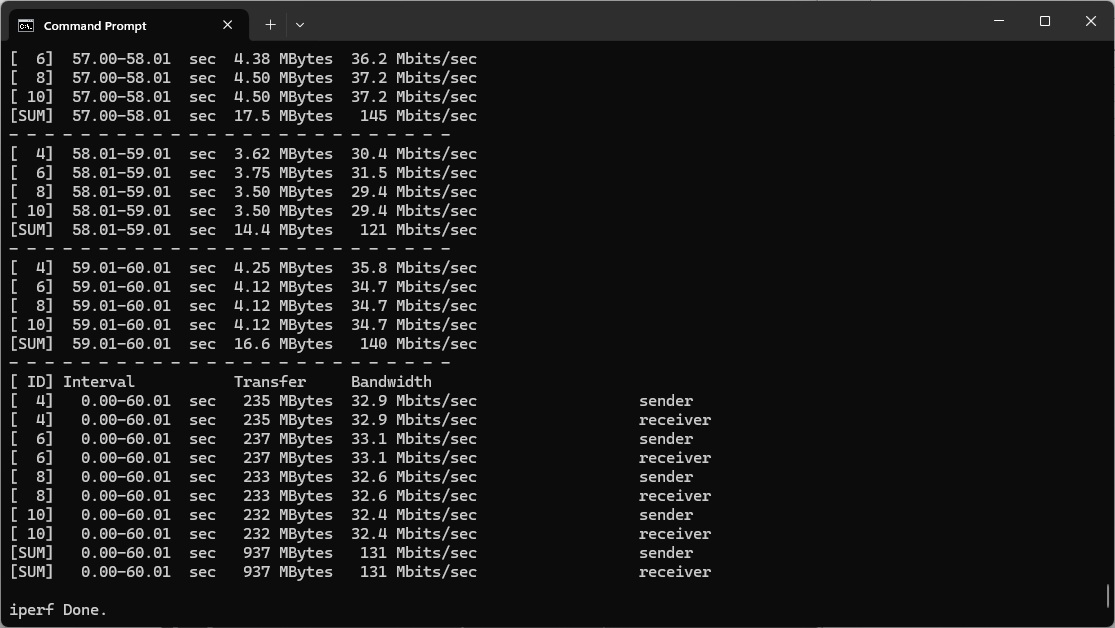
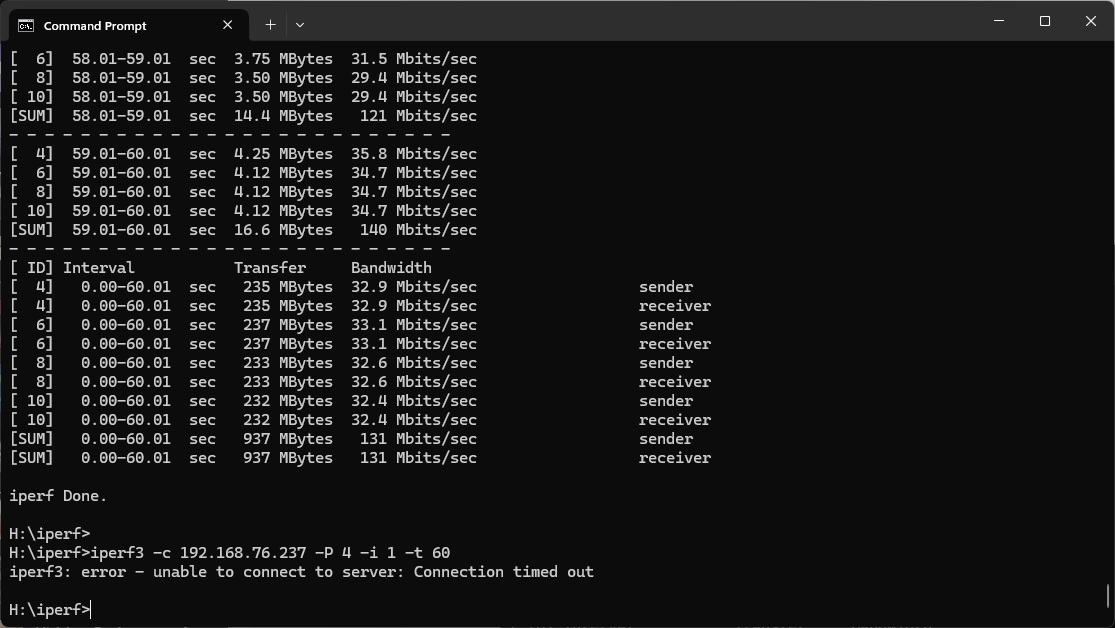
At 10m, however, performance dropped in a similar fashion to the NETGEAR router. While 131Mbits/sec isn't that bad for this distance, lots of WiFi 6 routers did better at this range.
The Acer router couldn't maintain a signal at 15m, so failed the test entirely at this distance. This is disappointing, considering all the WiFi 6 and 7 routers we've tested at least maintained some connection.
Overall, while you are getting some bandwidth advantage from WiFi 7 with a compatible client, the difference from WiFi 6 is not so pronounced as with NETGEAR's RS300.
802.11ax 5GHz (WiFi 6)
While WiFi 7 is the latest and greatest, most of your wireless clients are likely to be WiFi 6 or even WiFi 5.
Sadly, the Acer Predator Connect X7 does not acquit itself well with WiFi 6.
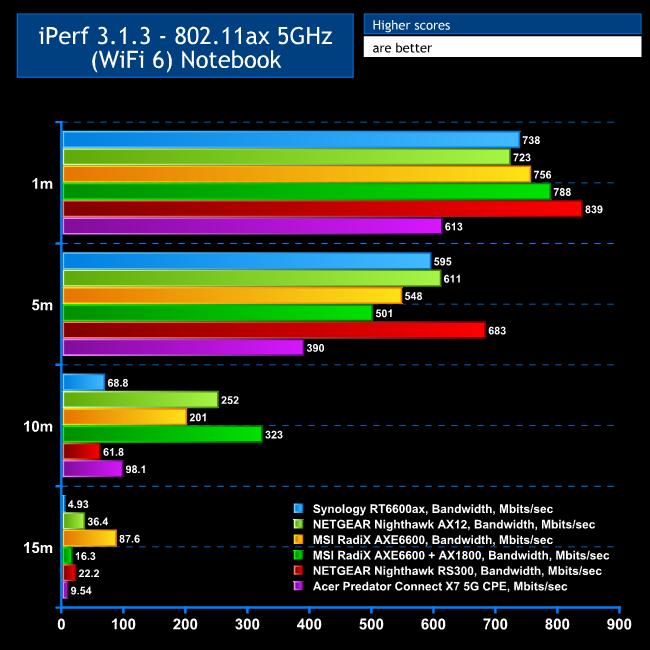
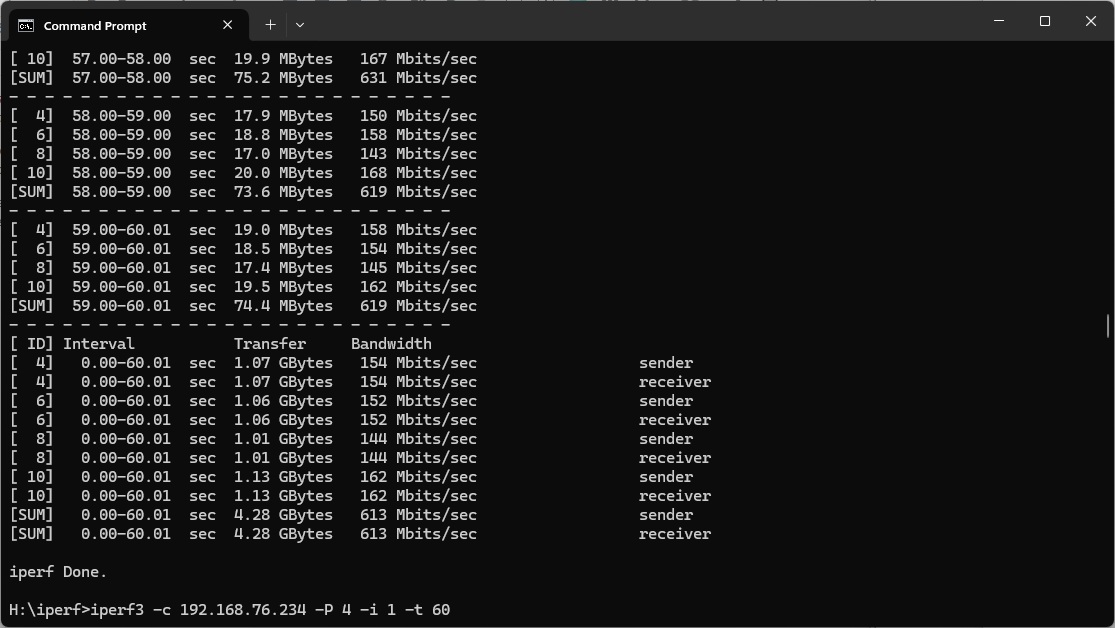
At 1m, the throughput is actually worse than any other WiFi 6 or 7 router we've tested, although 613Mbits/sec could hardly be called slow.
The performance is even less commendable at 5m, with 390Mbits/sec way behind competitors.
The 10m result is an improvement. The bandwidth of 98.1Mbits/sec was actually 59 per cent faster than the NETGEAR Nighthawk RS300, and ahead of the Synology RT6600ax. However, other routers were still way ahead.
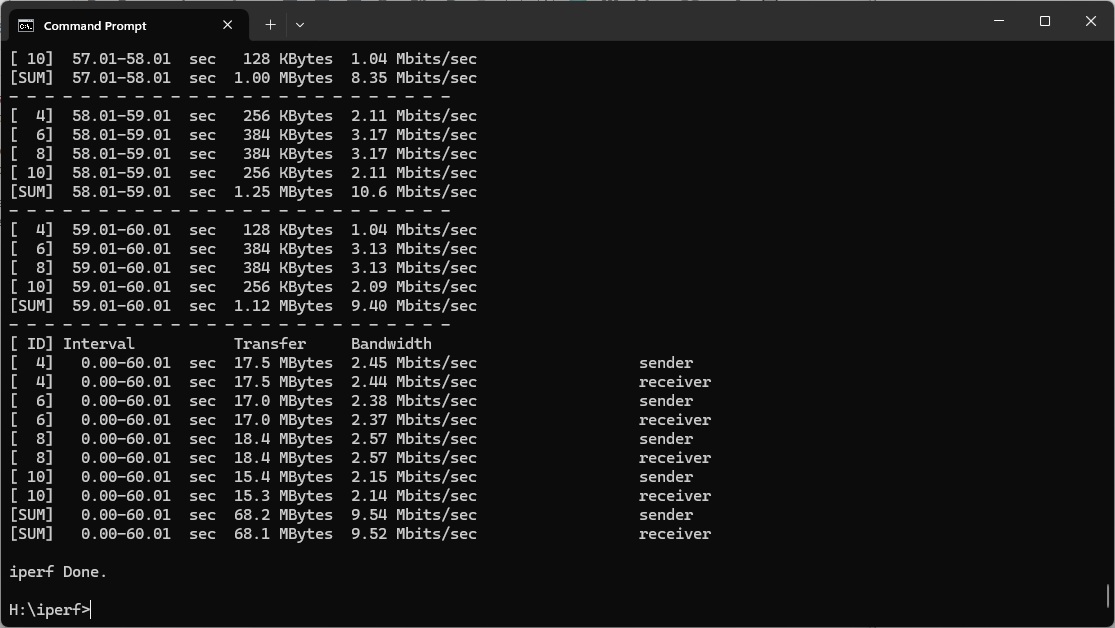
The Acer router did manage to maintain a signal at 15m with WiFi 6, and 9.54Mbits/sec is just about usable. But only the Synology RT6600ax was behind, with other routers much more usable.
While WiFi 6 will be more than adequately usable at 10m or less, we would have expected better from a premium router like this.
802.11ac 5GHz (WiFi 5)
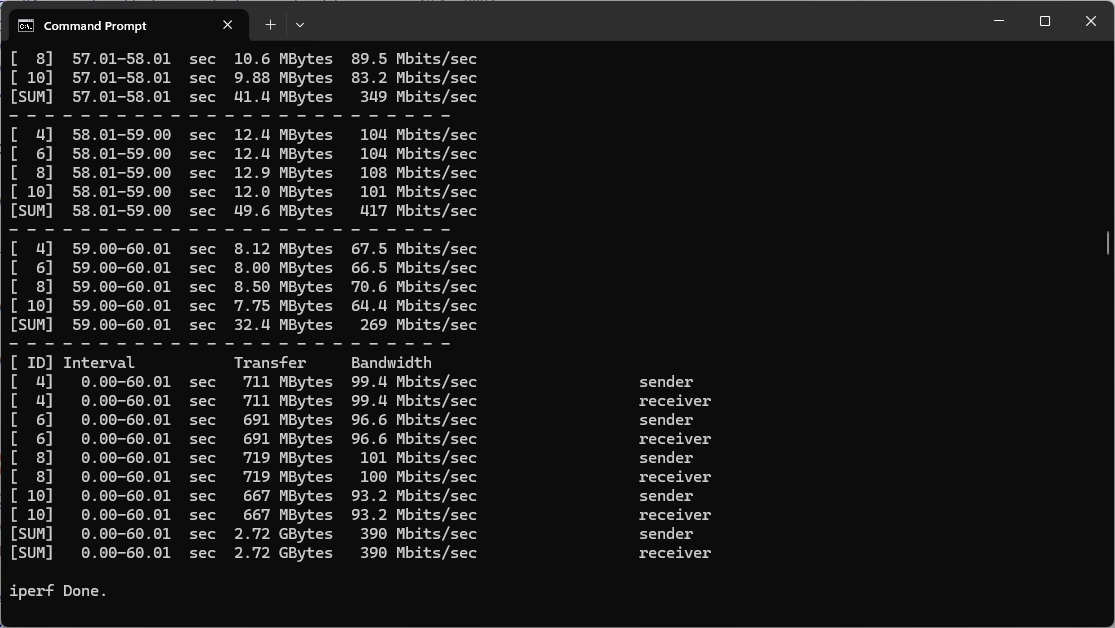
You may still have a quite a few WiFi 5 / 802.11ac devices around, and fortunately the Acer Predator Connect X7 does a bit better with this standard.
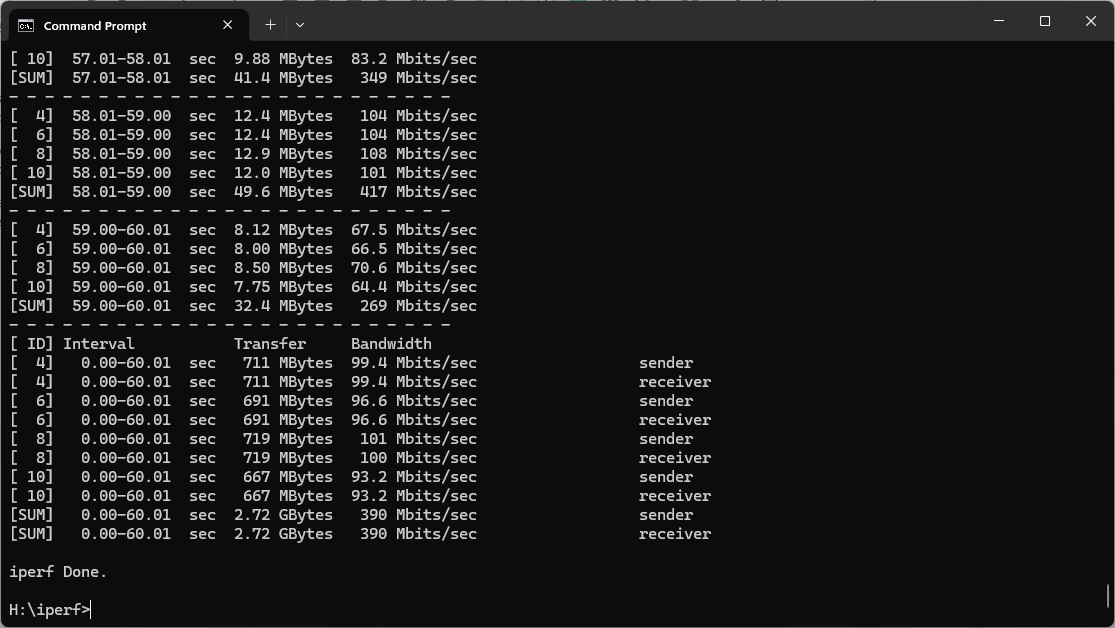
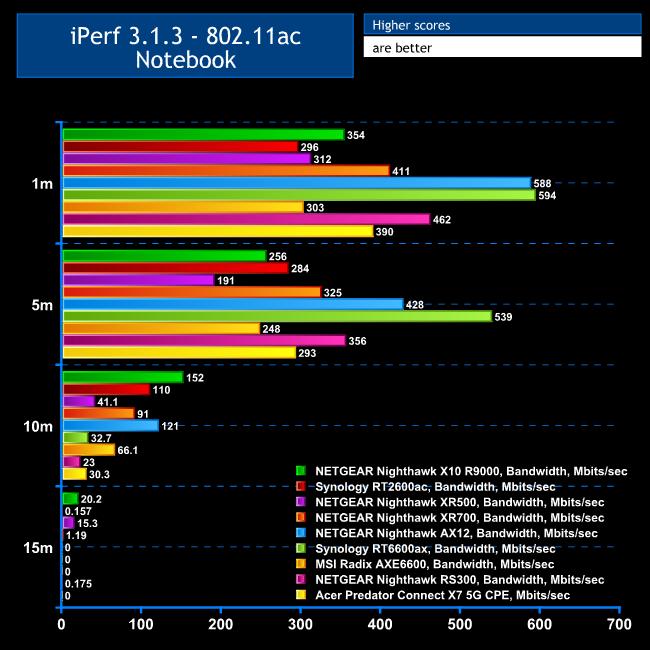
At 1m, the throughput of 390Mbits/sec is in the middle of the pack against the competition. NETGEAR's Nighthawk AX12 and Synology's RT6600ax are a lot faster, but previous-generation WiFi 5 routers are mostly behind.
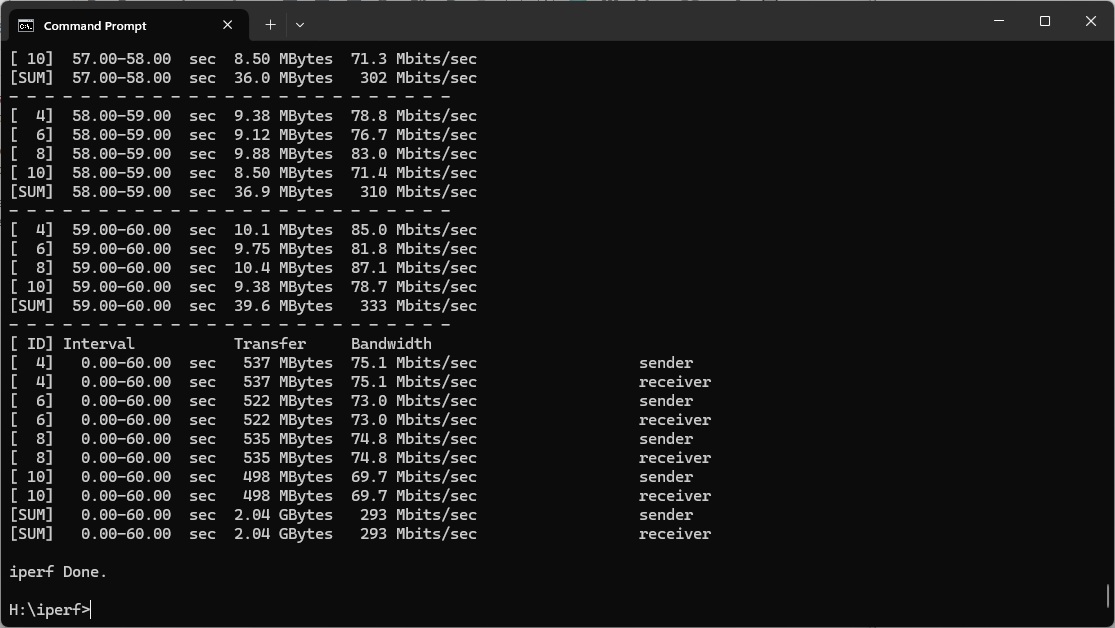
The Acer does relatively even better at 5m, with 293Mbits/sec bandwidth.
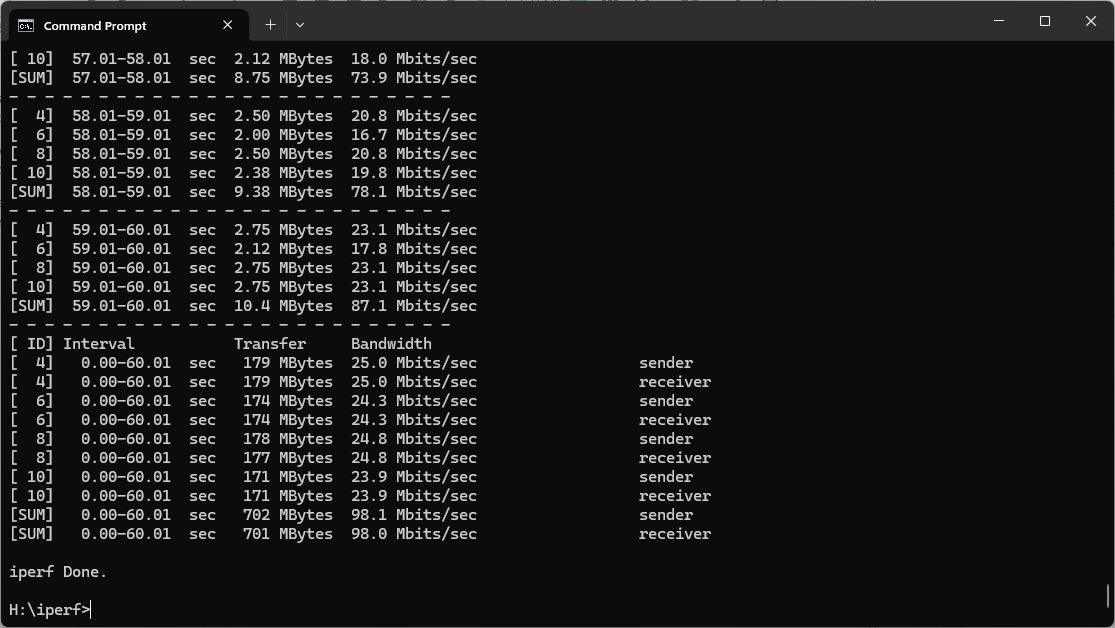
However, it falls behind most competitors at 10m, offering just 30.3Mbits/sec, and failed to pick up a signal at 15m.
In other words, you'll be fine using WiFi 5 devices that are under 10m from the router, but beyond that will be questionable.
802.11n 2.4GHz – Legacy
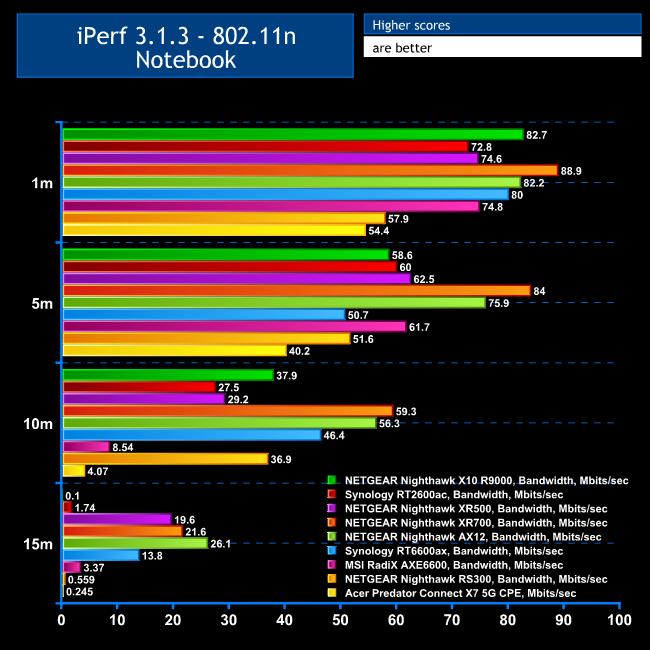
If you have any legacy 802.11n WiFi clients, the Acer Predator Connect X7 is not the router for you.
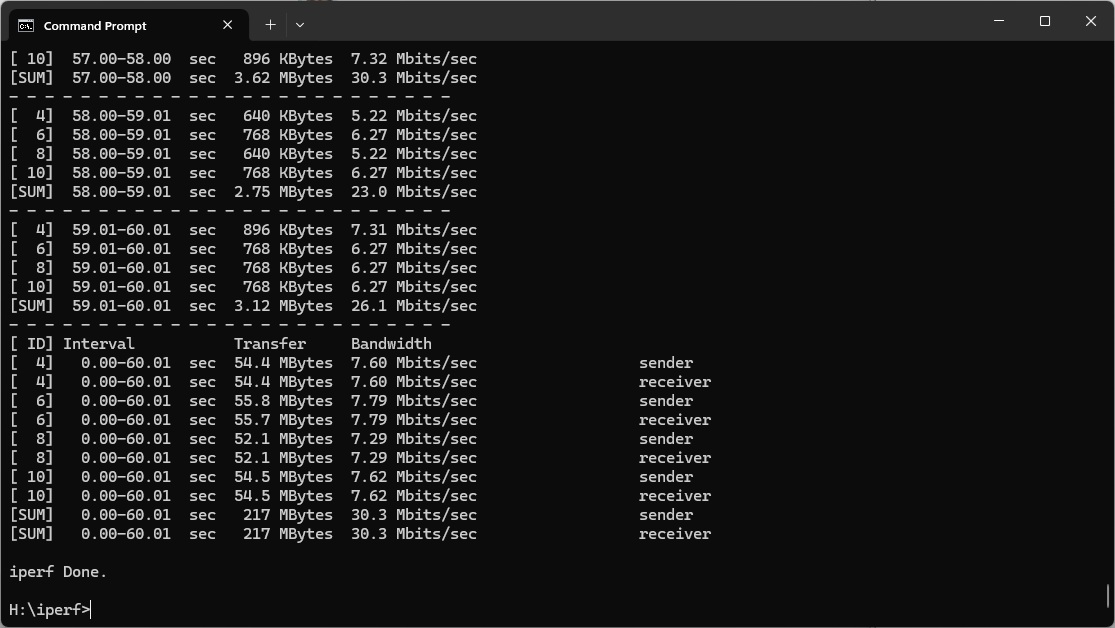
Even at 1m, its throughput of 54.4Mbits/sec is behind the competition.
This drops to a miserable 40.2Mbits/sec at 5m.
The router can barely get a signal at 10m, managing just 4.07Mbits/sec.
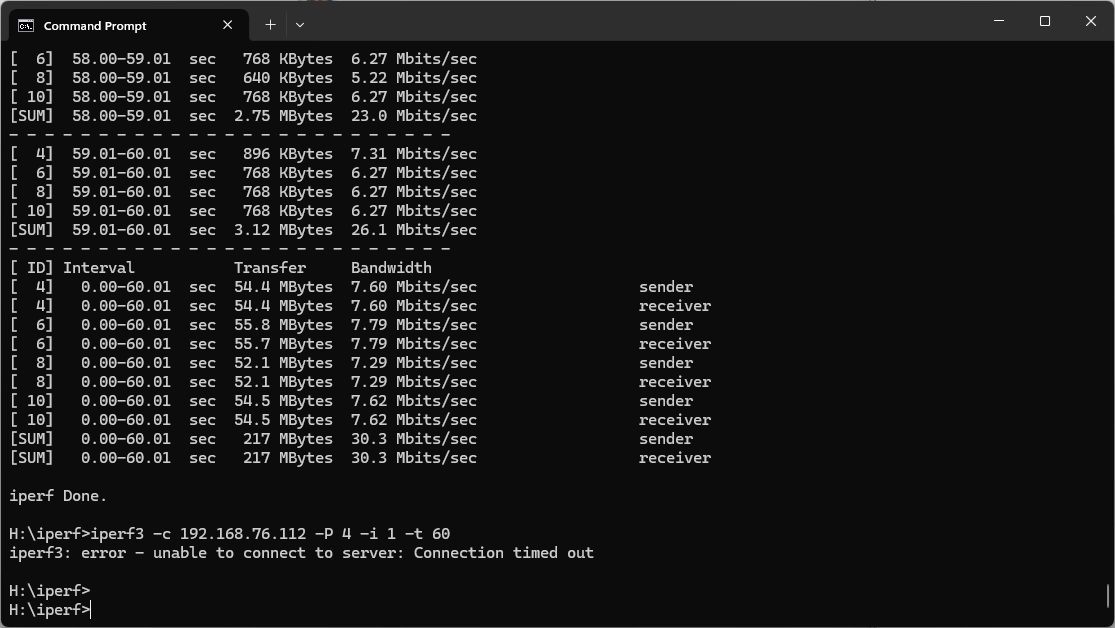
There is still some connectivity at 15m, but the throughput is 245Kbits/sec, which won't be usable.
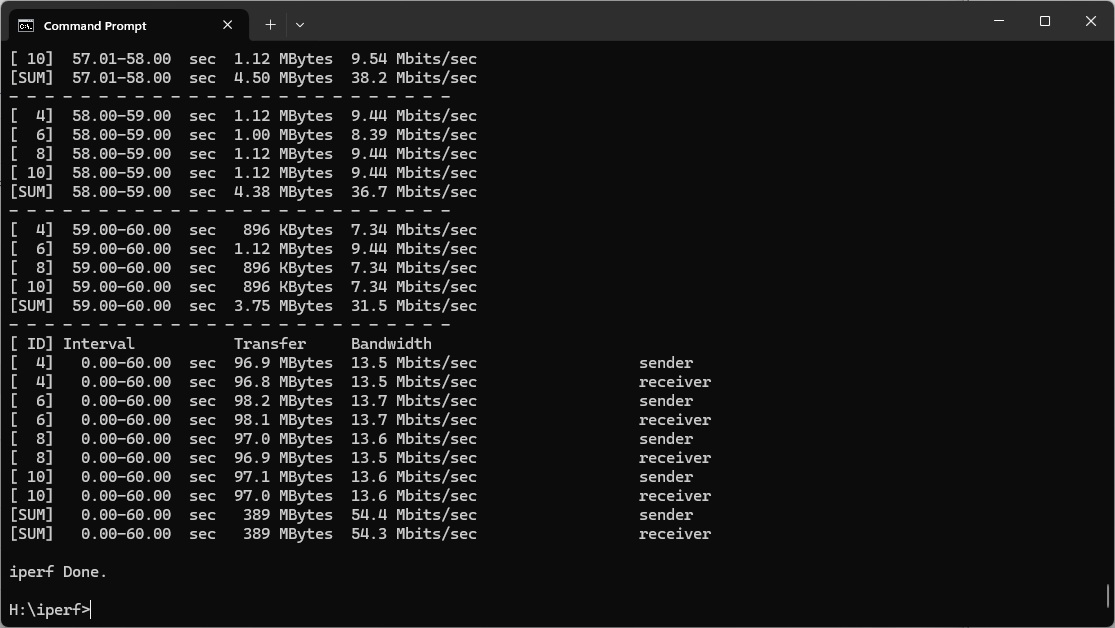

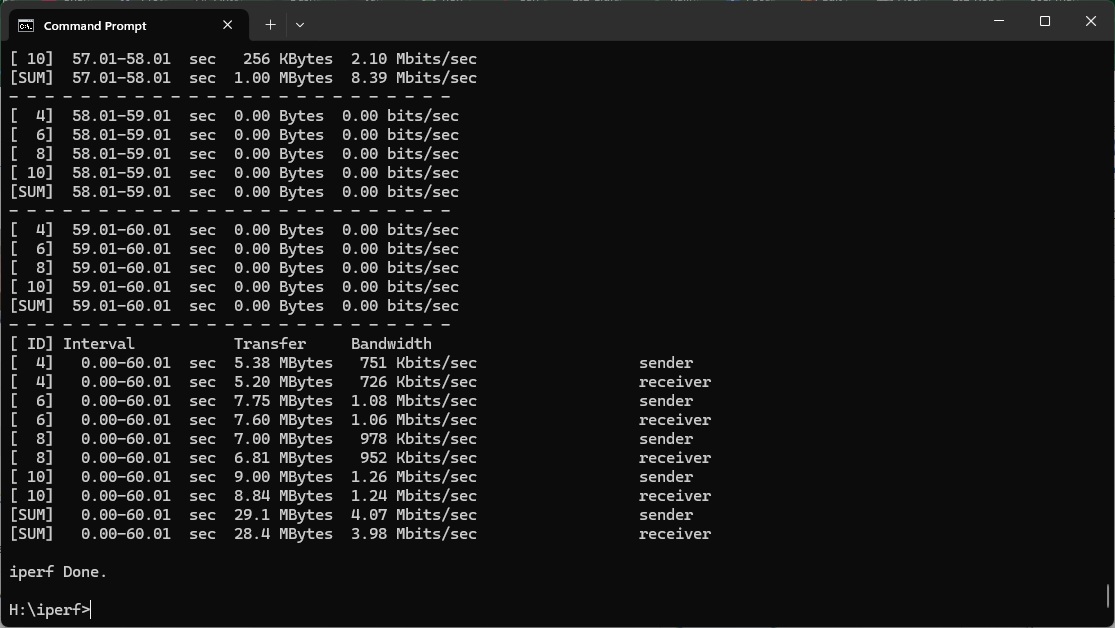
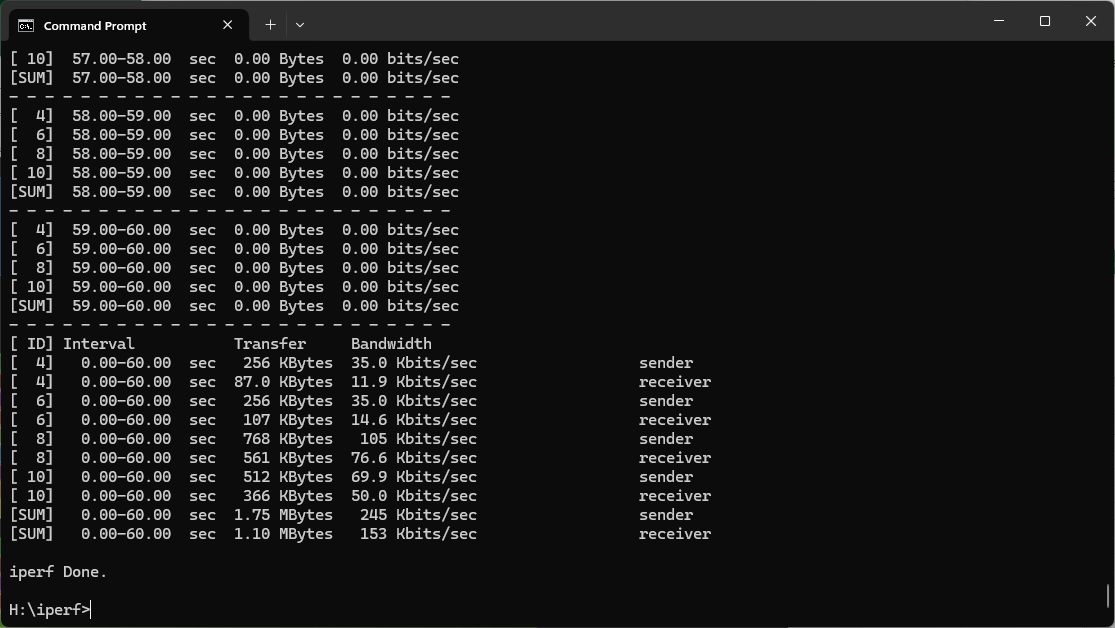
Overall, the Acer Predator Connect X7 has disappointing performance for a premium router with state-of-the-art WiFi 7 capability. It does show some benefit from the new standard, but its WiFi 6 throughput is mediocre. While it's more competitive with WiFi 5 / 802.11ac, you will not want to use this router with 802.11n legacy devices.
The Acer Predator Connect X7 5G CPE has some relatively unique features, foremost of which is its built-in 5G, so you can use it as a portable router or be assured that your Internet connection will never go down. The Web interface is relatively well endowed, and it's reassuring to have the latest WiFi 7 wireless networking on hand, ready for when your client systems also have it. With Intel Killer support, you can optimise network throughput around your most favoured applications. There's also dependable Trend Micro security built in, and the option to add units to create a Mesh WiFi system.
However, performance is not as good as you'd hope for a premium router. While you do get a speed bump up to 5m when using WiFi 7, it's not as big as with NETGEAR's Nighthawk RS300, and range isn't that impressive either. Performance with other WiFi standards is also mostly mediocre.
It was a missed opportunity only to offer a 2.5Gbit Ethernet port for the WAN connection, when broadband is unlikely to provide this level of speed. Just having two LAN ports, which are Gigabit only, means wired devices can't take advantage of the full throughput when connected to WiFi 7 clients.
This would be forgivable if this router was keenly priced, but at present it's relatively at a premium. The NETGEAR Nighthawk RS300 is £90 cheaper and offers faster throughput, 2.5Gbit Ethernet client LAN ports, and more connections for wired devices. The only thing it doesn't offer is the built-in 5G. However, that might not be enough to sway you to the Acer way.
The Acer Predator Connect X7 5G CPE is available from Amazon UK for £379.99 inc VAT.
Pros:
- WiFi 7.
- Built-in 5G data for failover or load balancing.
- 2.5Gbit Ethernet WAN.
- Intel Killer support.
- Trend Micro security built in.
- Mesh WiFi capability with additional units.
- USB C connection for storage sharing.
- Reasonable WiFi 5 / 802.11ac throughput at close range.
- Decent management interface.
- Easy-to-use smartphone app.
Cons:
- Disappointing WiFi 7 performance.
- WiFi 6 throughput is mediocre.
- WiFi 5 performance drops off after 5m.
- Poor 802.11n throughput and range.
KitGuru says: The Acer Predator Connect X7 5G CPE has the latest WiFi 7 support and built-in 5G so you can stay connected if your wired broadband goes down, but performance is middling and only two Gigabit Ethernet client ports are provided, making the price seem relatively high.