KitGuru KitGuru.net – Tech News | Hardware News | Hardware Reviews | IOS | Mobile | Gaming | Graphics Cards


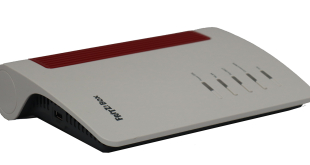
AVM is an unusual Berlin-based company that focuses on a particular niche and aims to excel at it – home and small business connectivity and communications. Its broadband routers generally offer competitive performance and features you won't find anywhere else. The AVM FRITZ!Box 7690 is a case in point. It takes the latest WiFi 7 standard and adds telephony capabilities. But that's only the headline unique feature in a router that is packed with detailed capabilities.
The AVM FRITZ!Box 7690 is barely distinguishable externally from the AVM FRITZ!Box 7590 that we reviewed nearly seven years ago to the day. But what is inside has been considerably upgraded. It can deliver WiFi 7 up to a theoretical 5,760Mbits/sec at 5GHz and 1,376Mbits/sec at 2.4GHz. You can combine multiple FRITZ!Box devices into a Mesh WiFi system. The
One novel feature, which is shared with the previous model, is support for voice calling. Now that digital-only DSL is being offered without a telephone, this could become increasingly important if you still want a land line number associated with your physical location. This comes in the form of a built-in DECT base station for up to six cordless phones and jacks for analog wired ones. But the 7690 also now supports Zigbee, a wireless standard for controlling smart home devices such as lightbulbs, roller blinds, temperature and motion sensors, smart plugs, and switches. The Matter wireless smart home standard isn't supported yet, but will be soon via a firmware update.
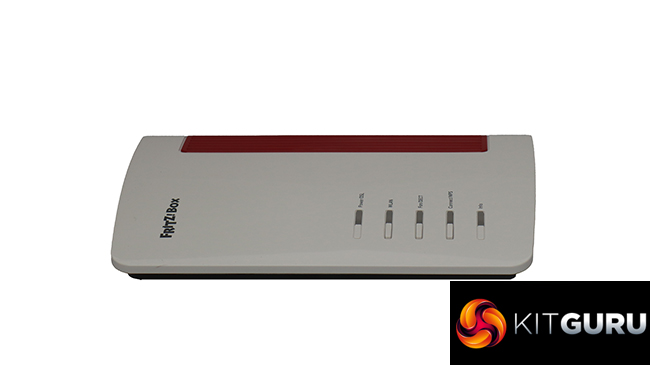
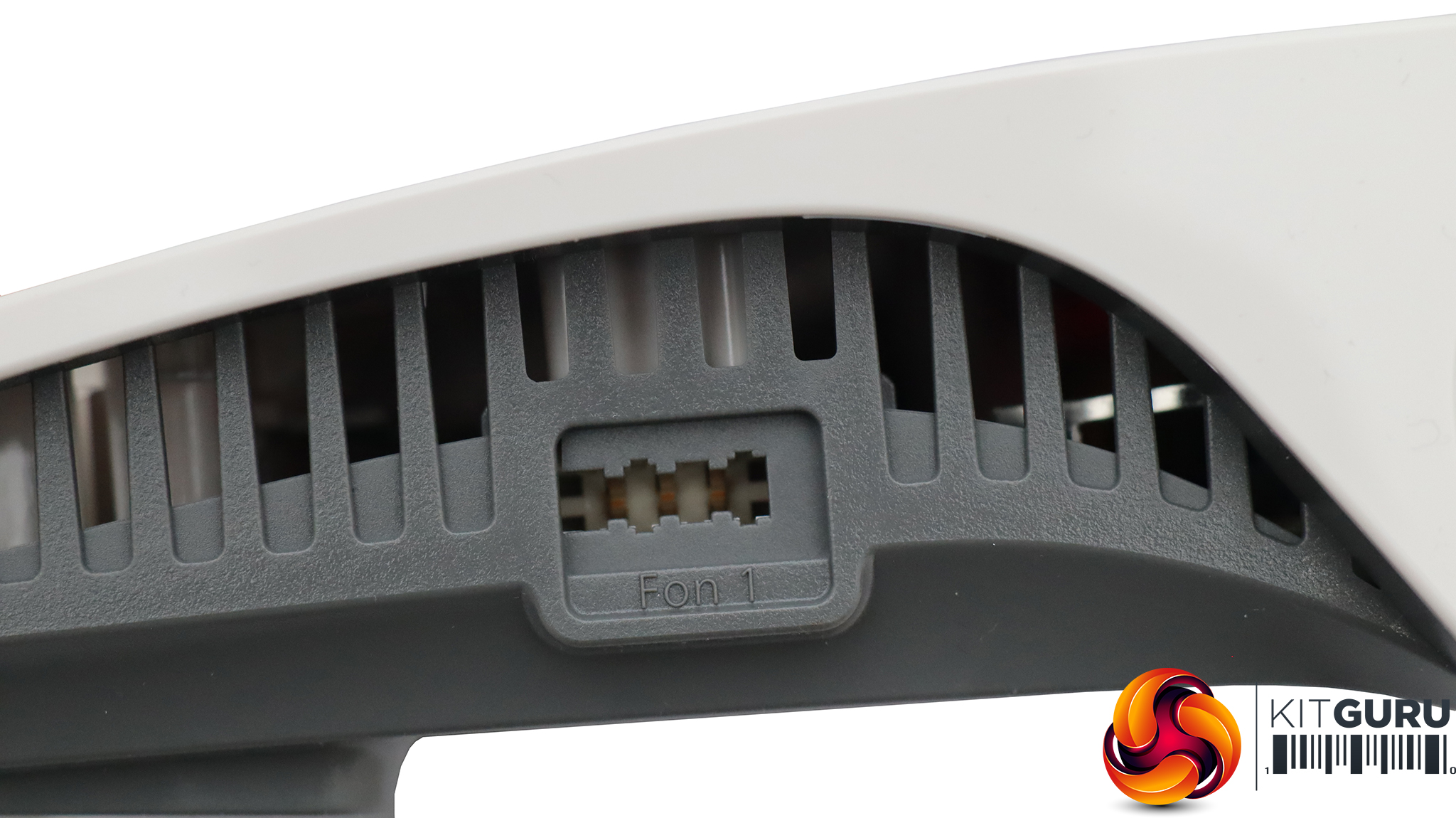
In other words, this is more than just a router – it's meant to be the hub of your smart home and domestic communications at all levels. To achieve this, it's bristling with different connections. There's an ADSL modem built in, plus a 2.5Gbit Ethernet WAN port and a three-port LAN hub with one 2.5Gbit and two 1Gbit ports. There are also two RJ11 ports for connecting analog telephones, and a German TAE phone port on the side. The other side hosts a USB 2.0 port for storage media and dongles.
Despite the plethora of features, the AVM Let's find out if this new WiFi 7 iteration lives up to AVM's reputation for solid, feature-rich connectivity devices.
The AVM is available from Amazon UK for £329.84 inc VAT.
Specification:
- Wireless protocols: MU-MIMO with 802.11b/g/n/be 2.4GHz, 802.11a/n/ac/ax/be 5GHz
- Performance: BE7100 (5,760 + 1,376 Mbits/sec)
- Antenna Configuration: 4×4 internal antennas
- Ports: 2 x Gigabit Ethernet, 1 x 2.5Gigabit Ethernet, 1 x 2.5Gigabit Ethernet WAN, 1 x ADSL, 1 x USB 2.0, 1 x TAE phone, 2 x RJ11 phone
- Modem Support: VDSL/ADSL 2+ or cable
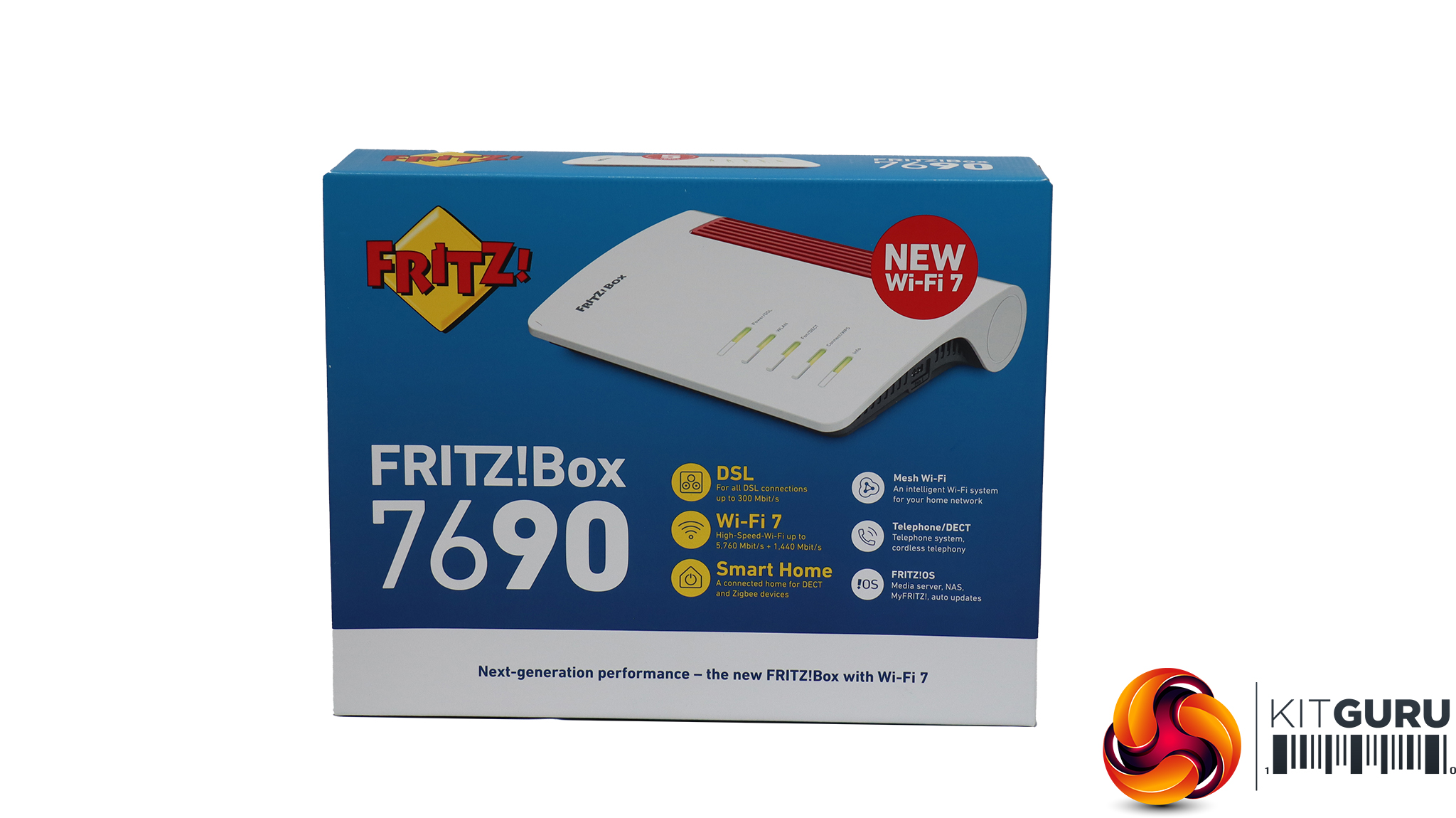
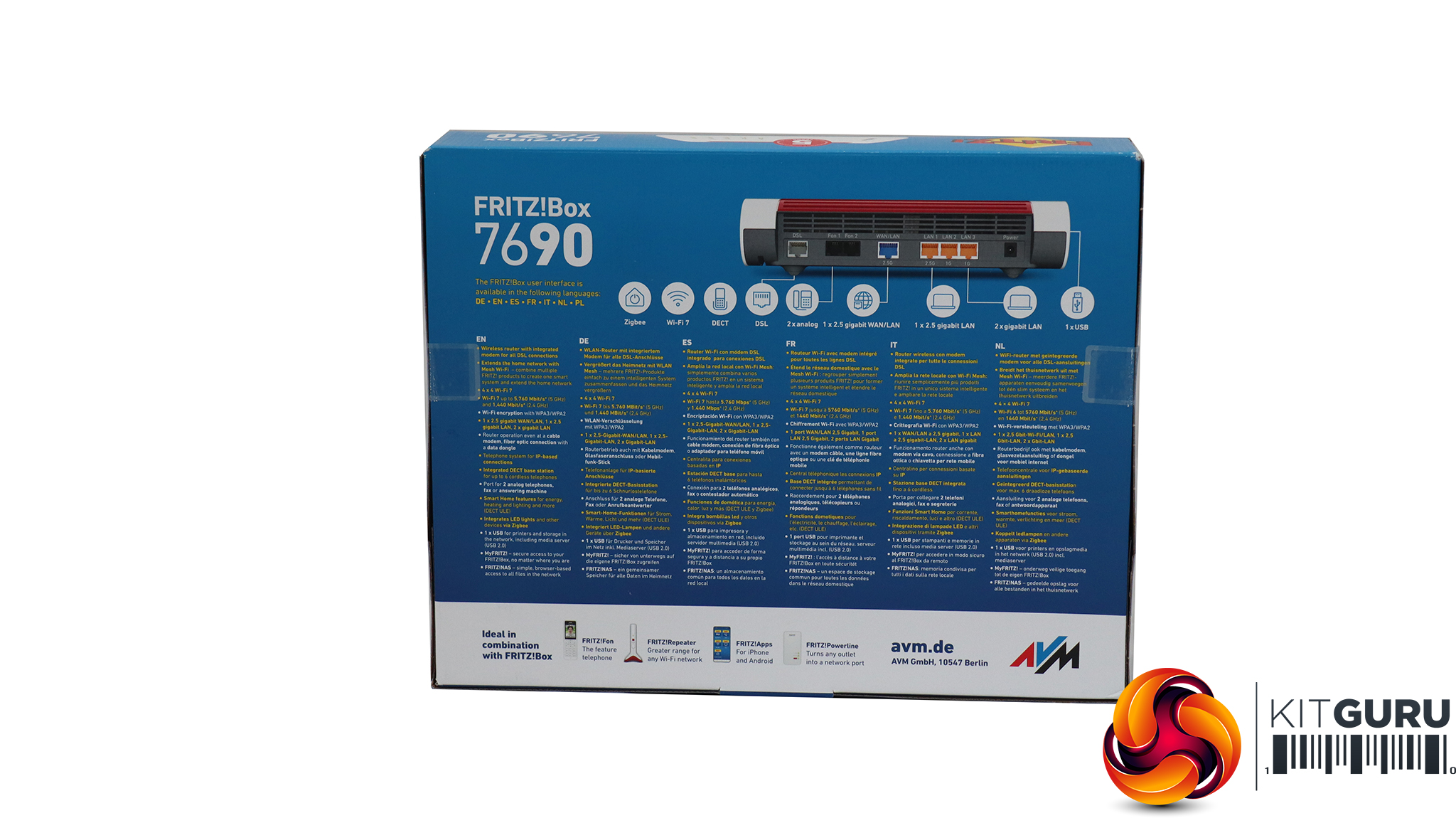
AVM's box (and branding) design hasn't changed much over the years, nor does it make much of an attempt to be stylish. But it does give you plenty of information about what to expect inside.
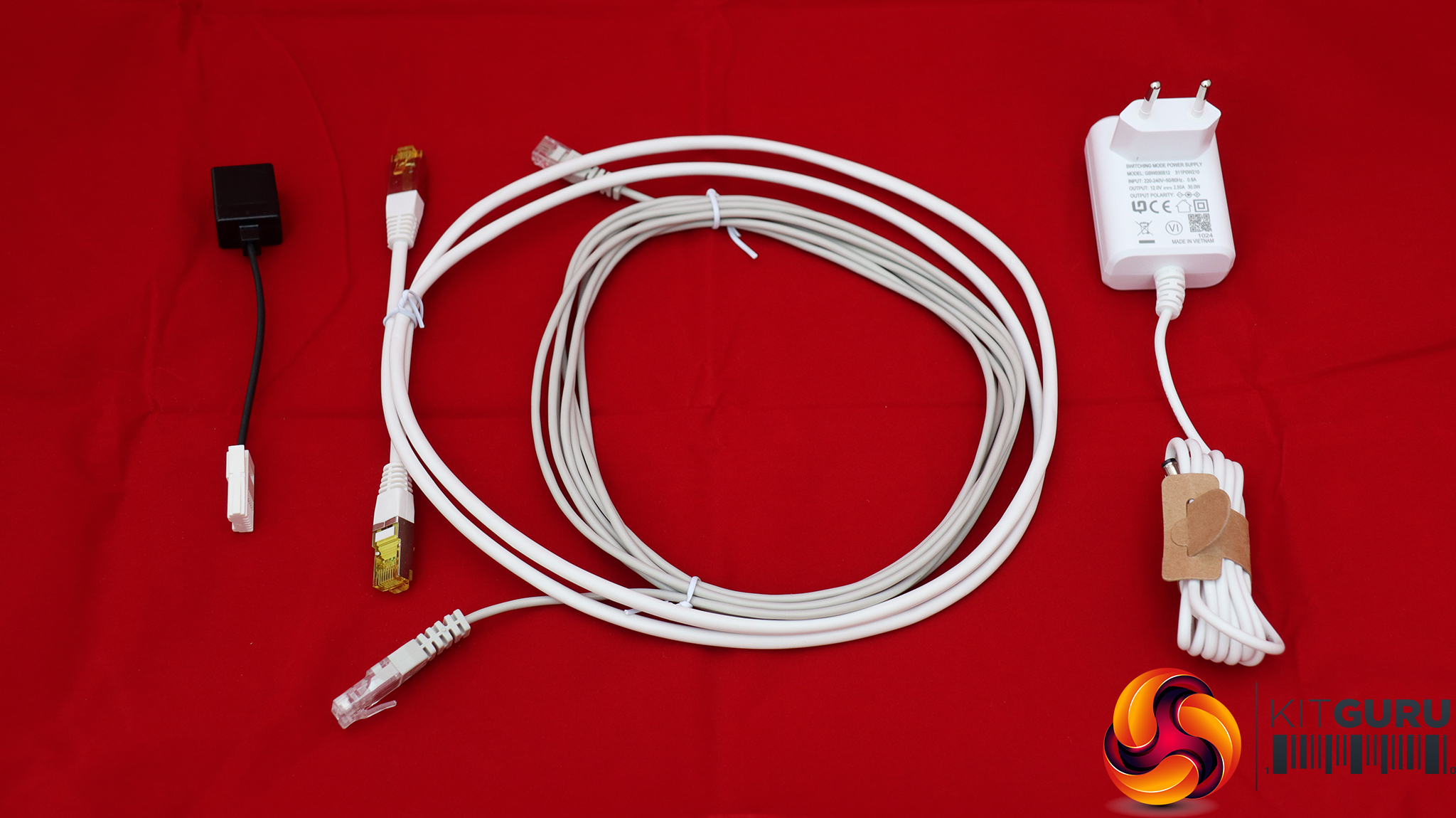
In the box is a 4m DSL cable with an adapter for a UK phone plug. There's a 1.5m LAN cable and power adapter, which curiously didn't come with an adapter for UK power (although our unit was shipped to us from Germany so units sold in the UK may have the right plug).
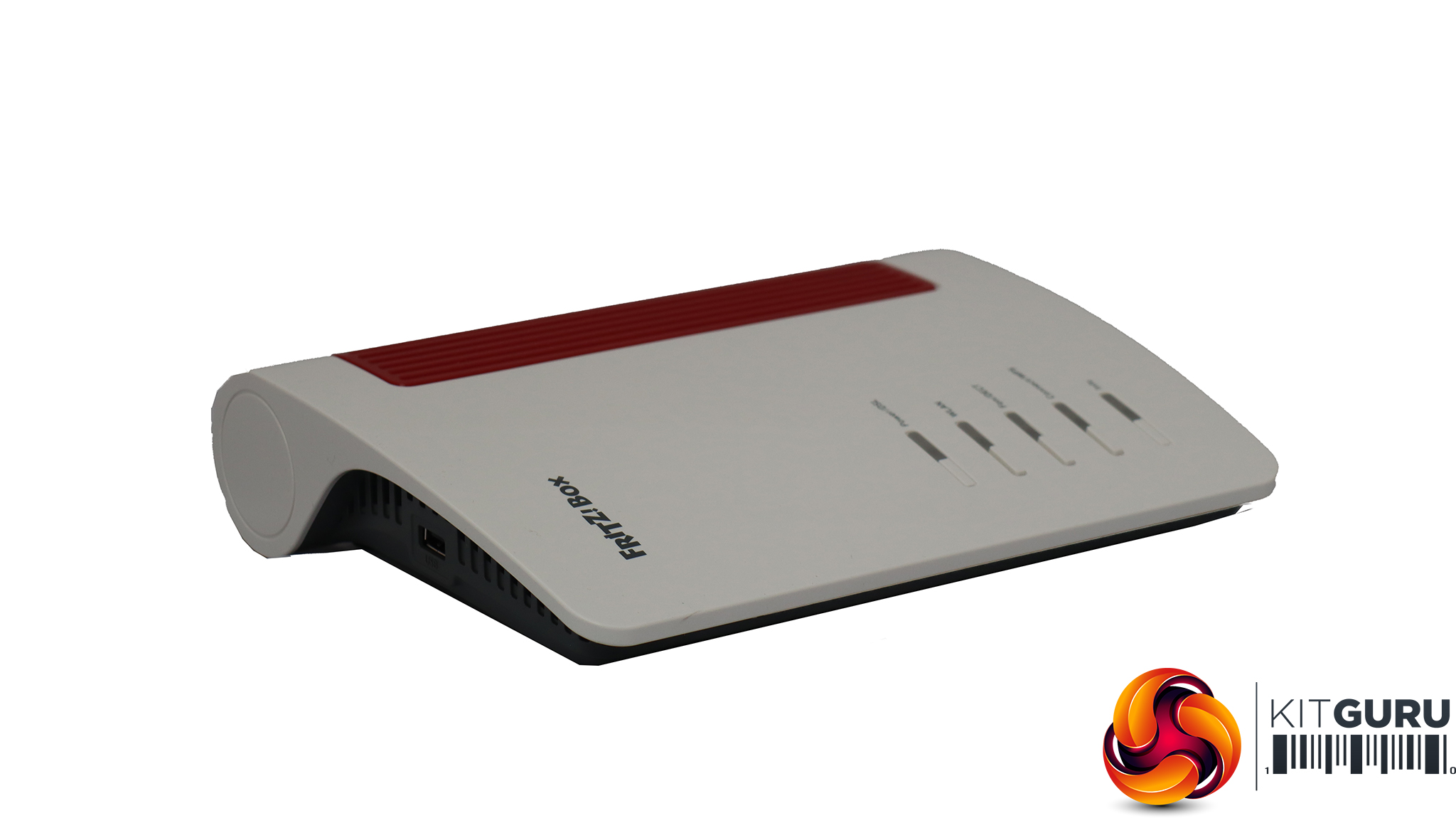
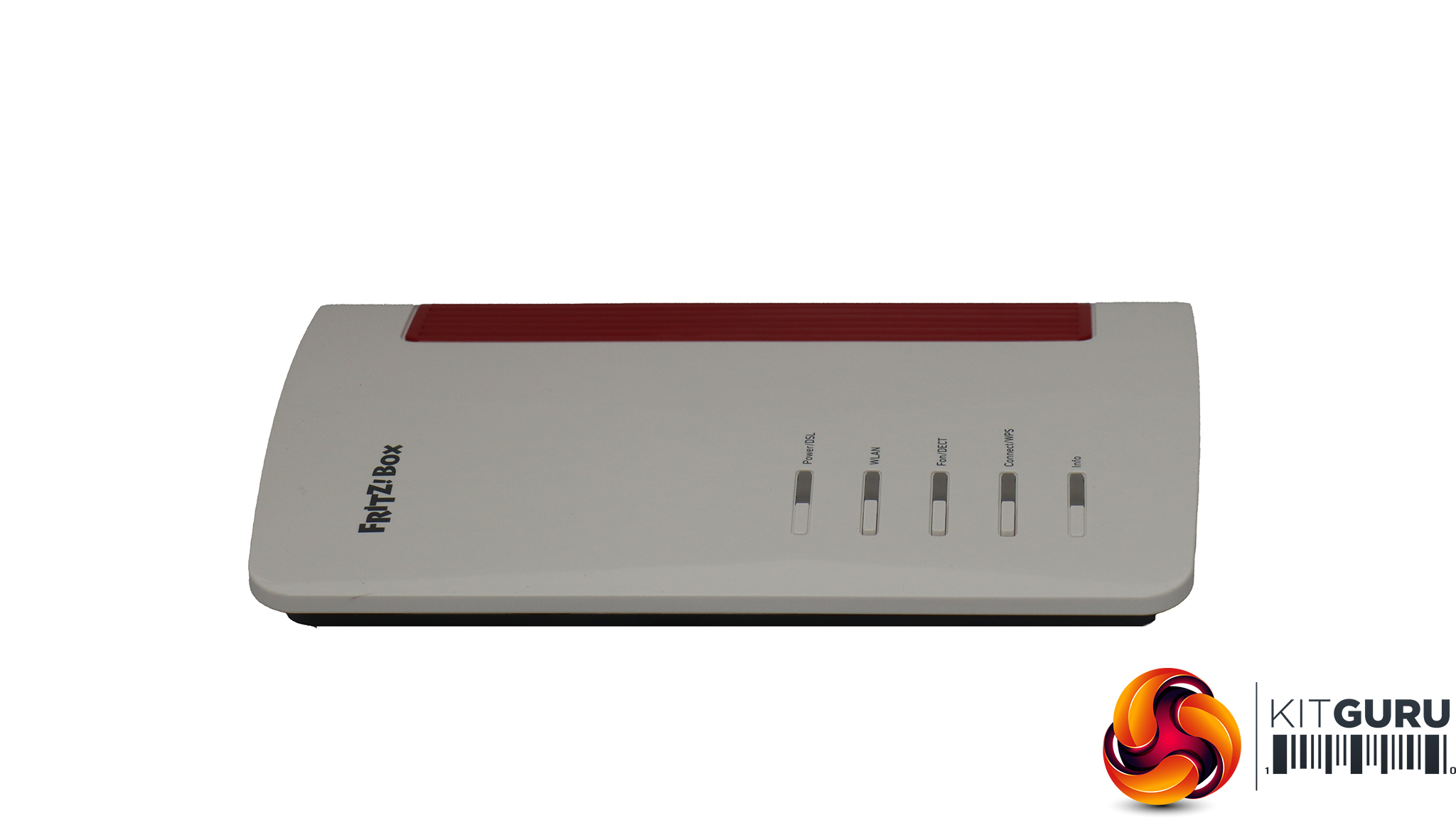
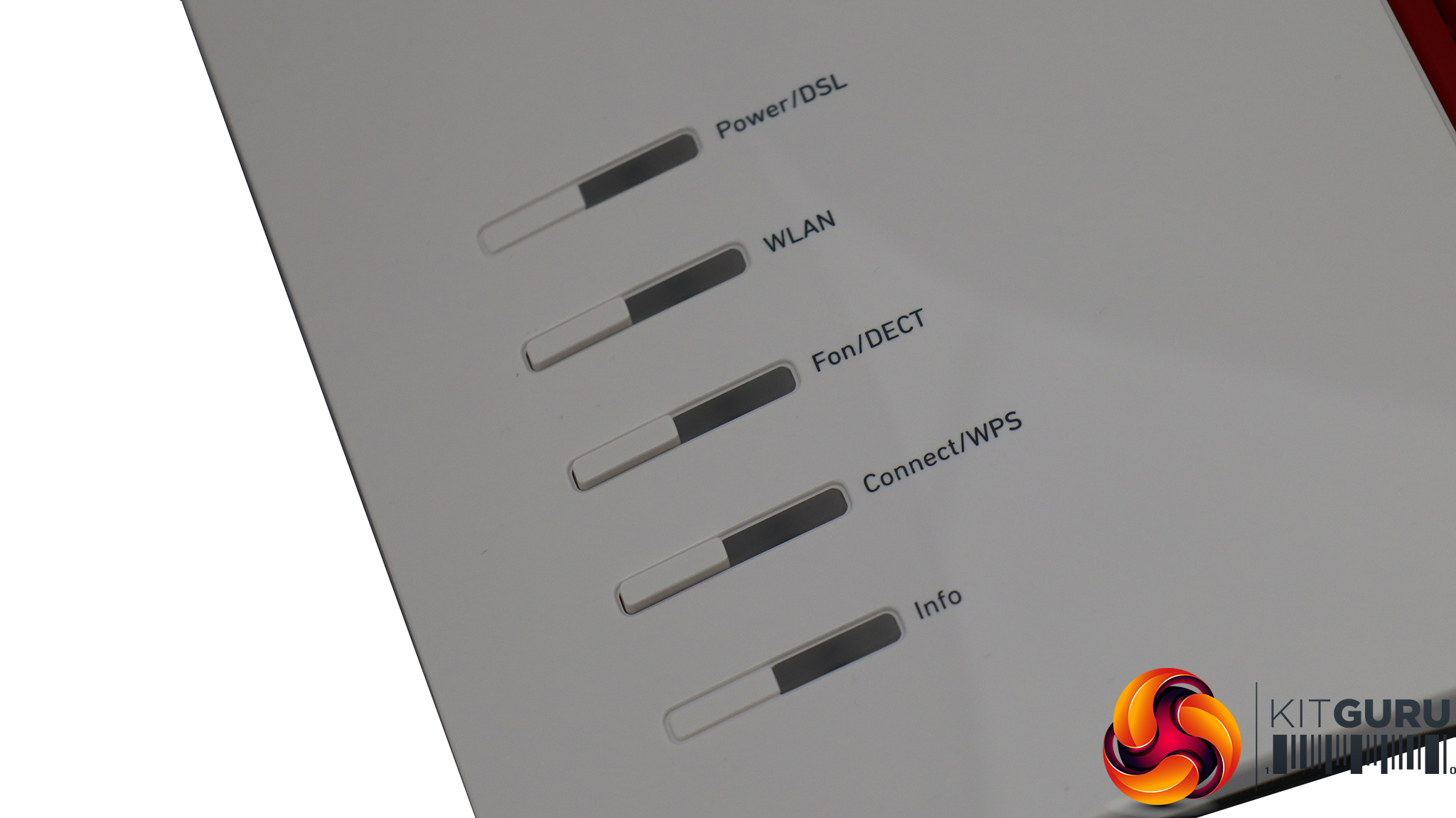
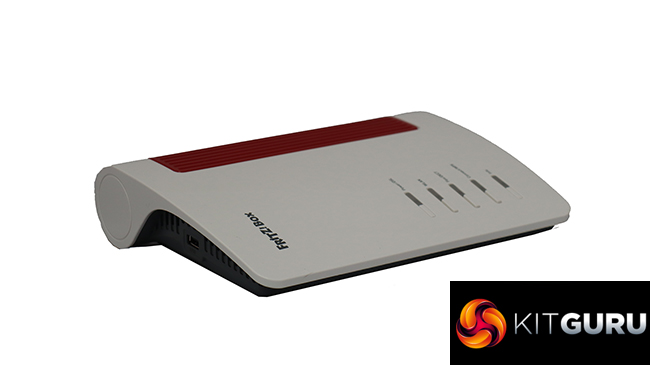
The 7690 is almost indistinguishable physically from its 7590 predecessor. The combination of cream, red and grey plastic is jauntier than most router designs these days. On the top there are lights and buttons, which enable you to turn off the WLAN and phone system, or engage the WPS automated wireless client connection system.
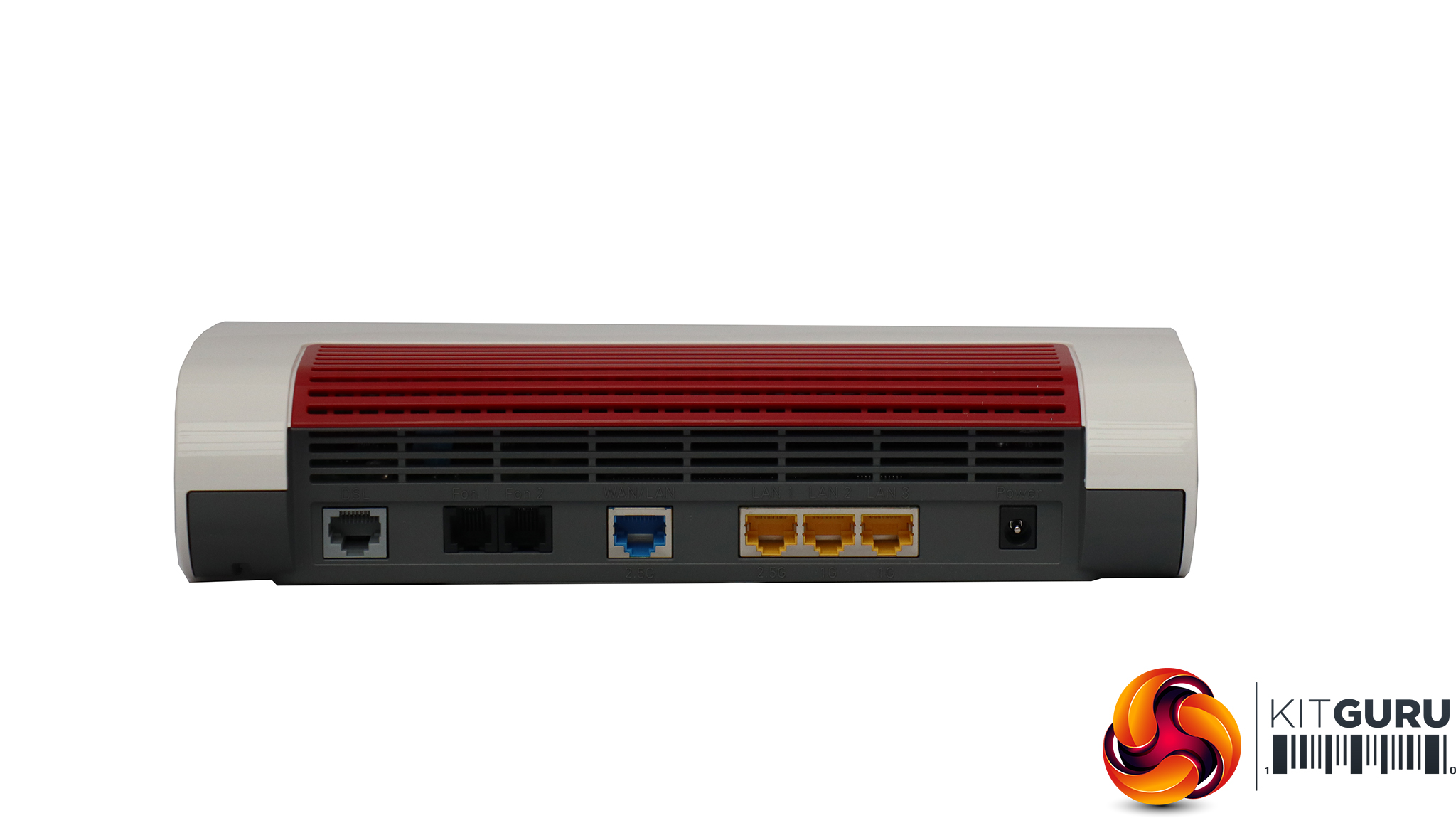
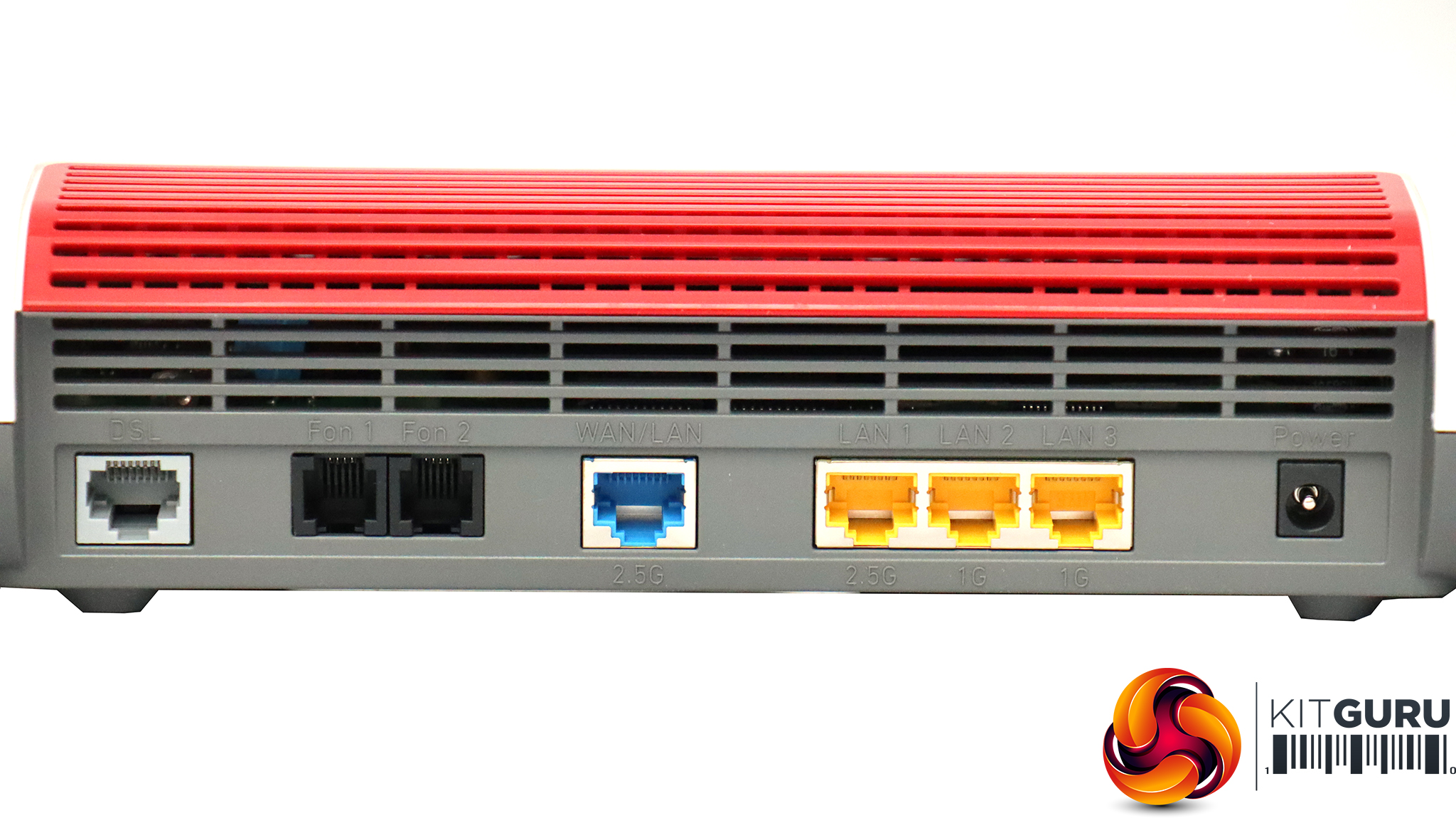
Most of the ports are on the rear, starting with the connection for ADSL (modem built in) on the left. Next along are the two RJ11 ports for analog landline phones, then the 2.5Gbit Ethernet WAN port. The LAN hub has three ports – one operates at 2.5Gbit, while the other two only 1Gbit.
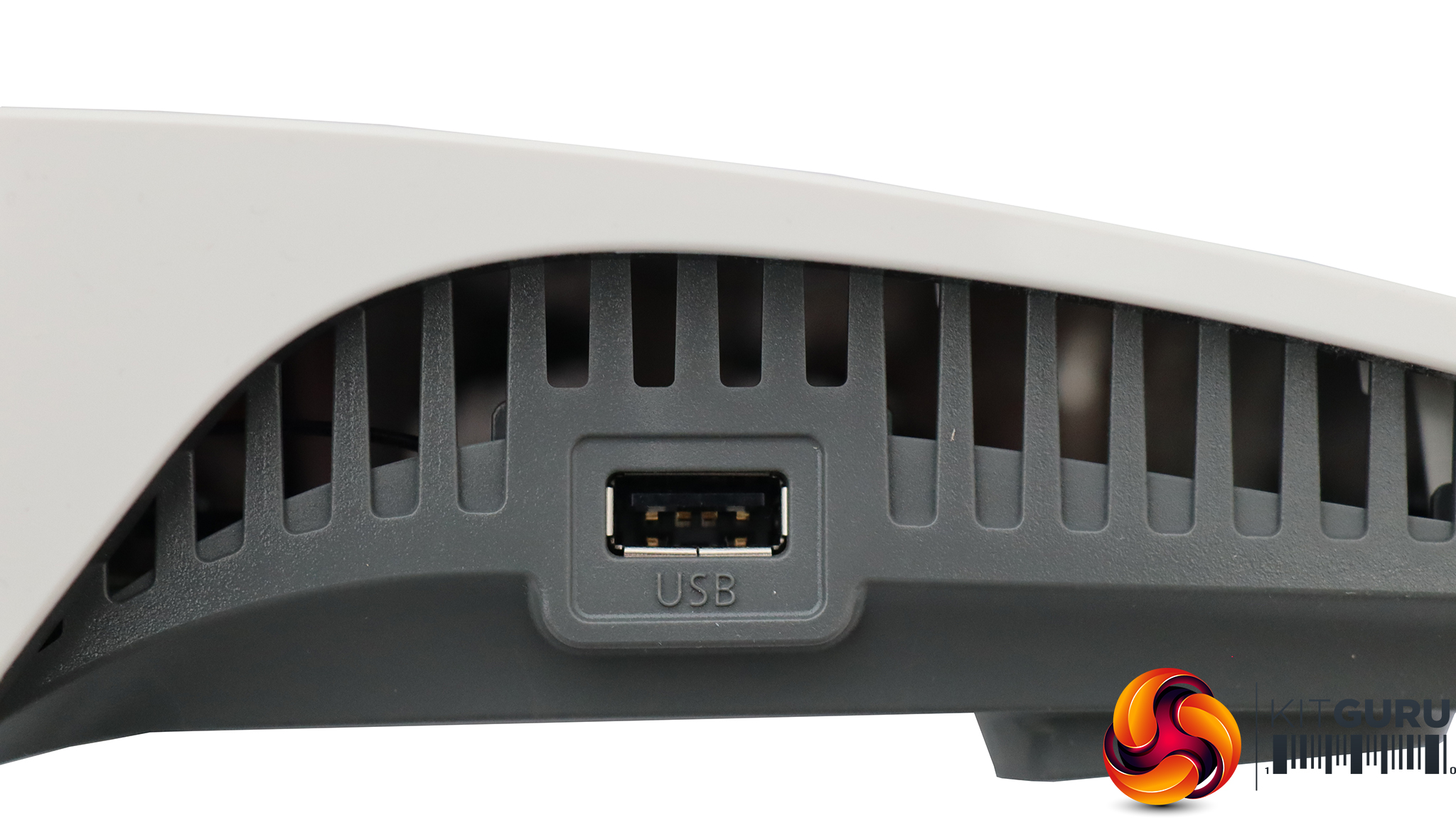
On the right-hand side from the front is the German TAE analog phone connection, which you will probably never use in the UK. On the right is a regular Type A USB 2.0 port for attaching storage and other devices (which we will discuss in the next section on the management interface).
Acer Swift 14 AI WiFi 7 Laptop
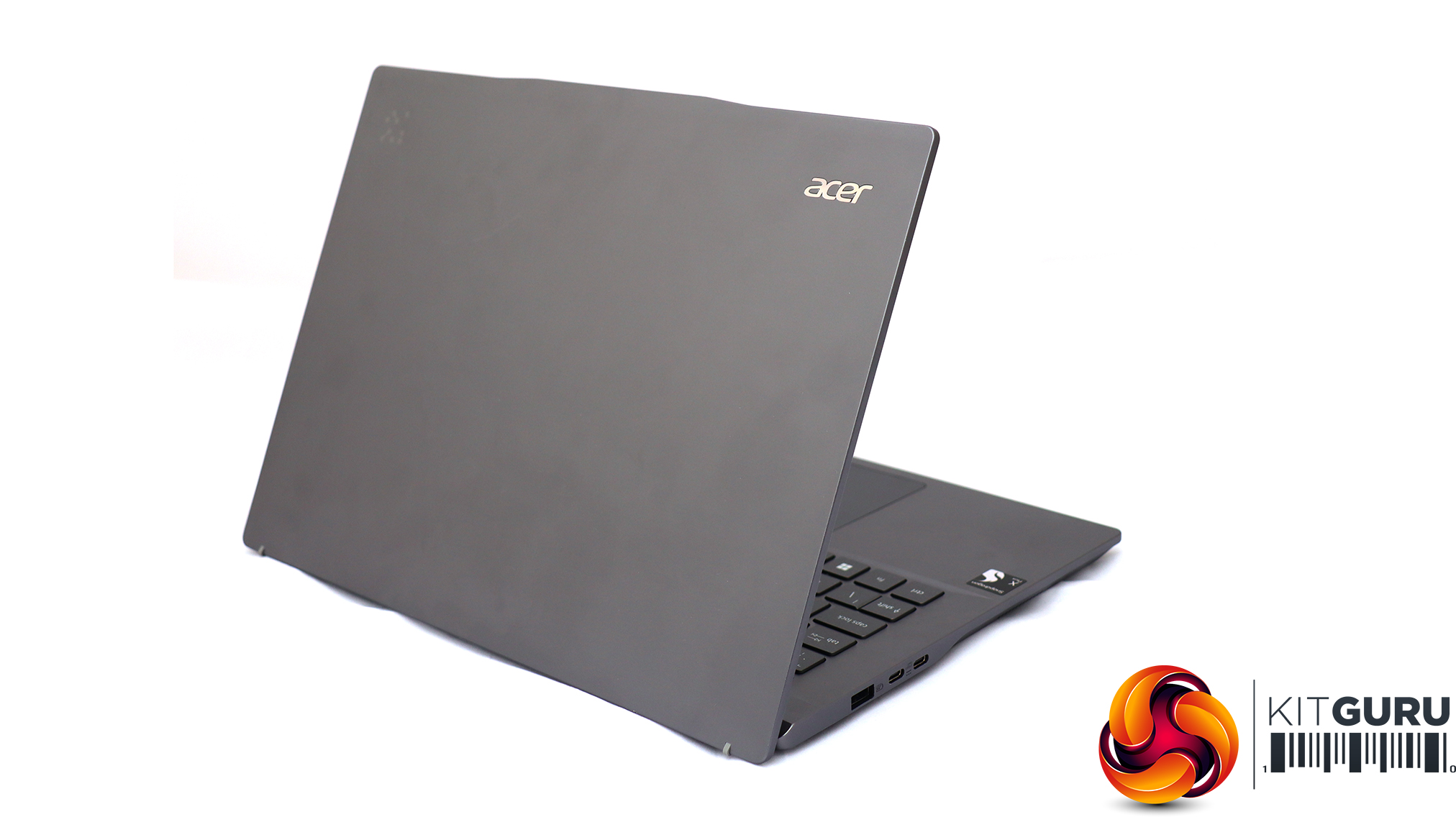
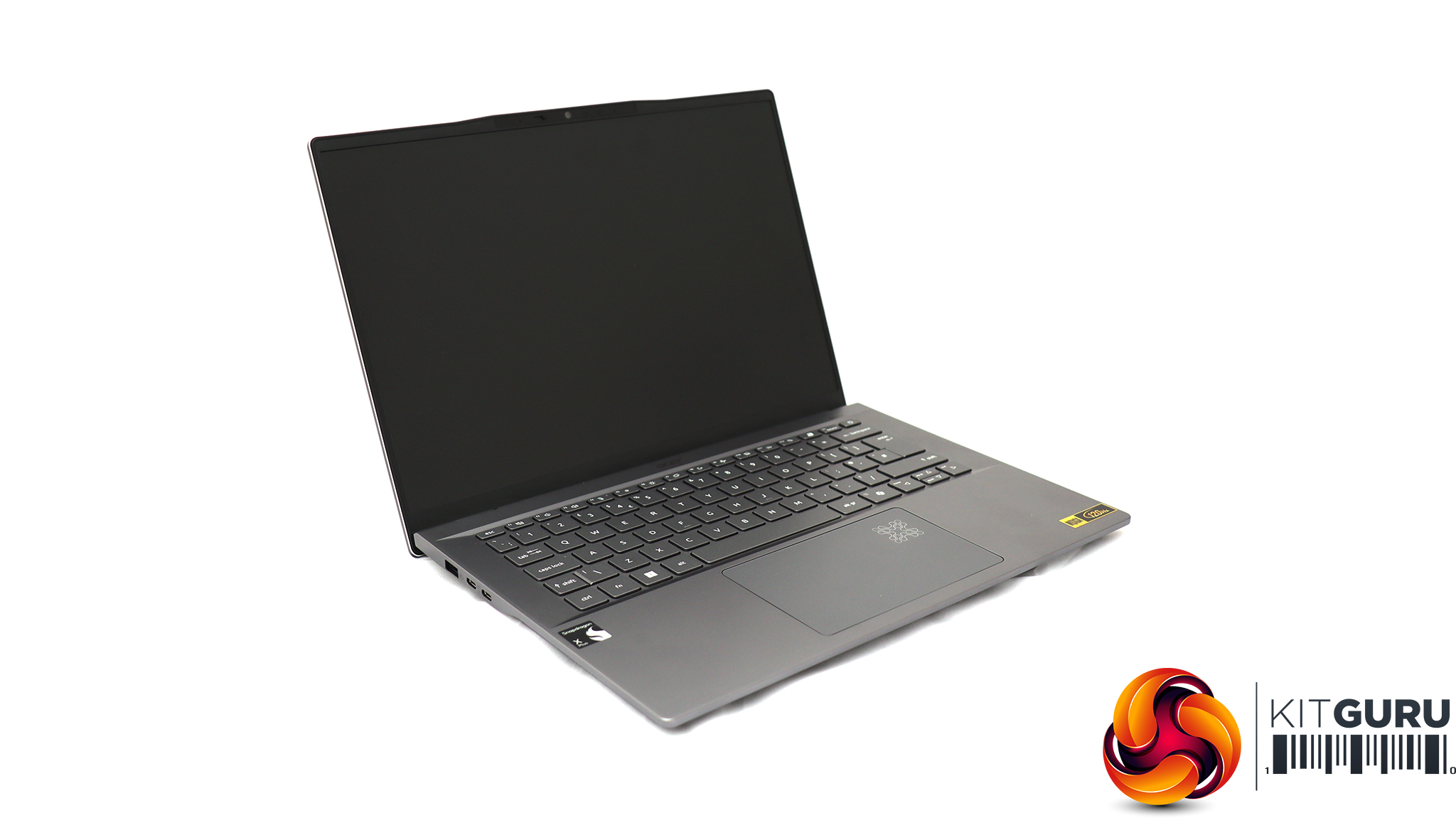
For testing the latest WiFi 7 wireless networking, Acer sent us its Swift 14 AI notebook, based around a Qualcomm Snapdragon X Plus Oryon X1P-64-100 CPU. This is a ten-core processor running at up to 3.4GHz across all cores, although without a single-core boost frequency (you need the X1P-66-100 for that). Our sample was supplied with 16GB of LPDDR5x memory and a 1TB SSD. Although this is an ARM-based laptop, it can still run Windows 11 and our standard WiFi testing software, iPerf3. It's a solid choice for road warriors who need to spend days away from a reliable power source, thanks to a 26-hour battery life.
Unlike many other routers we've tested recently, setup with the AVM FRITZ!Box 7690 is via the web interface, which pops up as soon as you've connected to an unconfigured router via a wired or wireless connection.
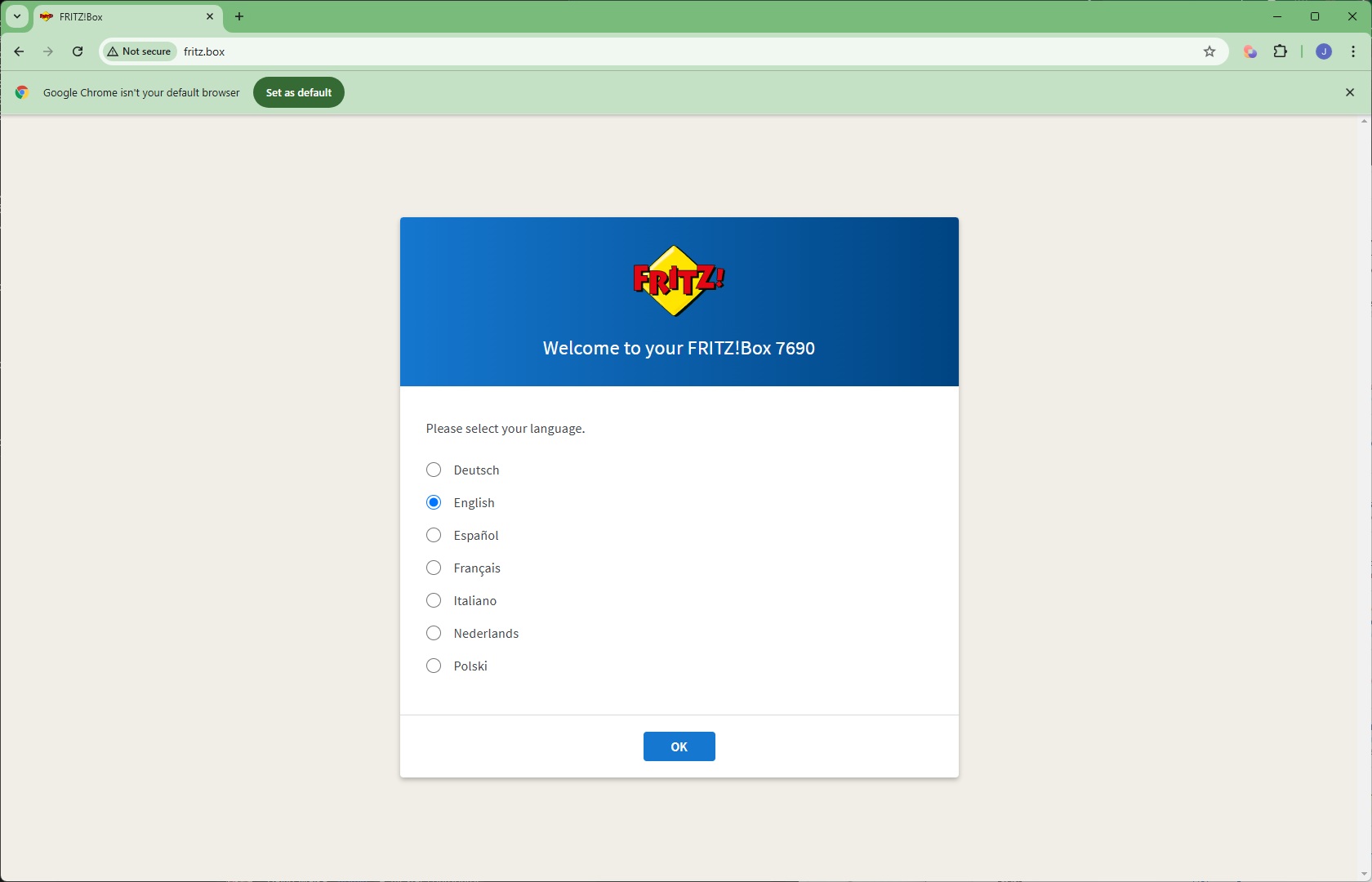
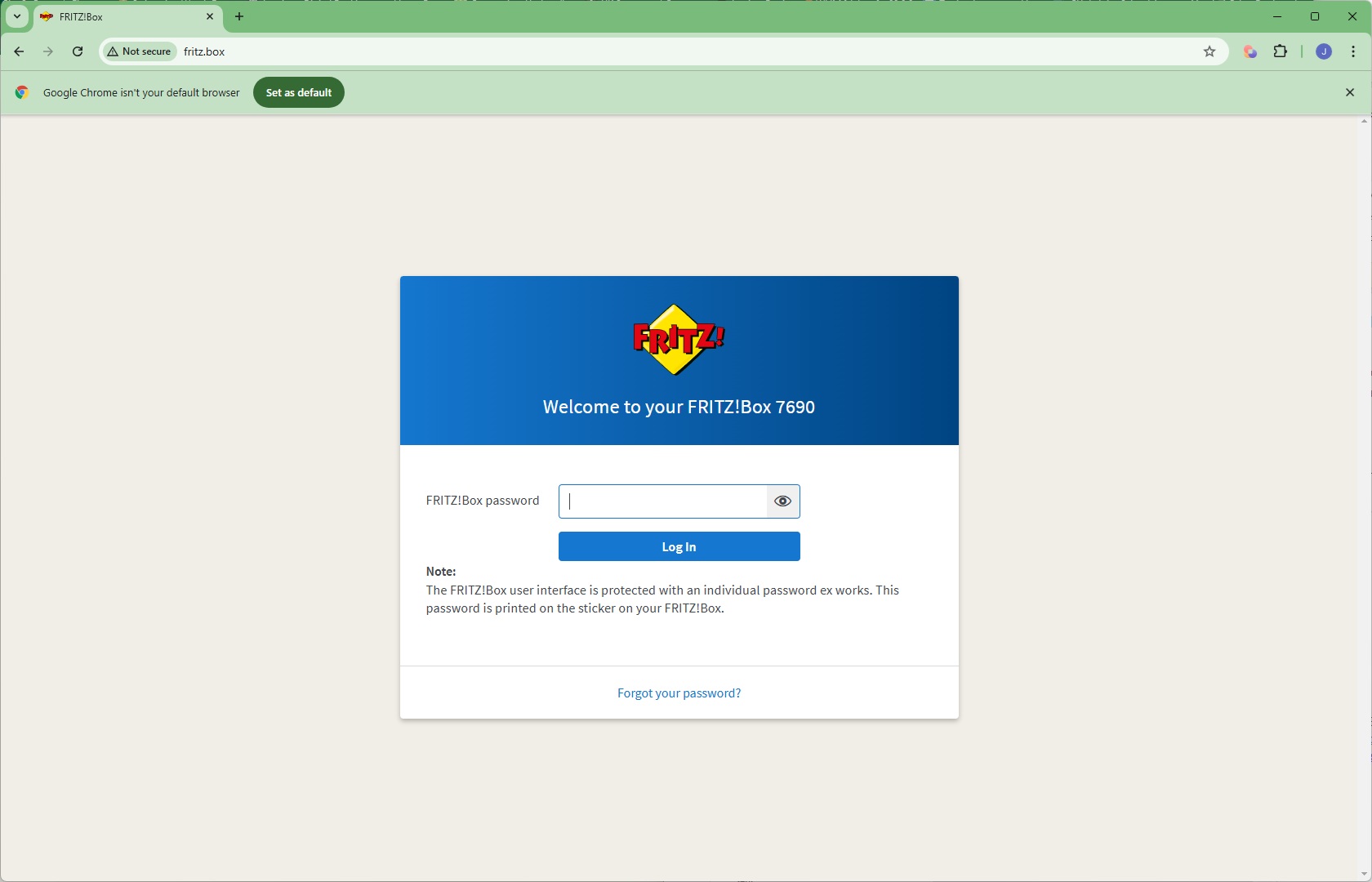
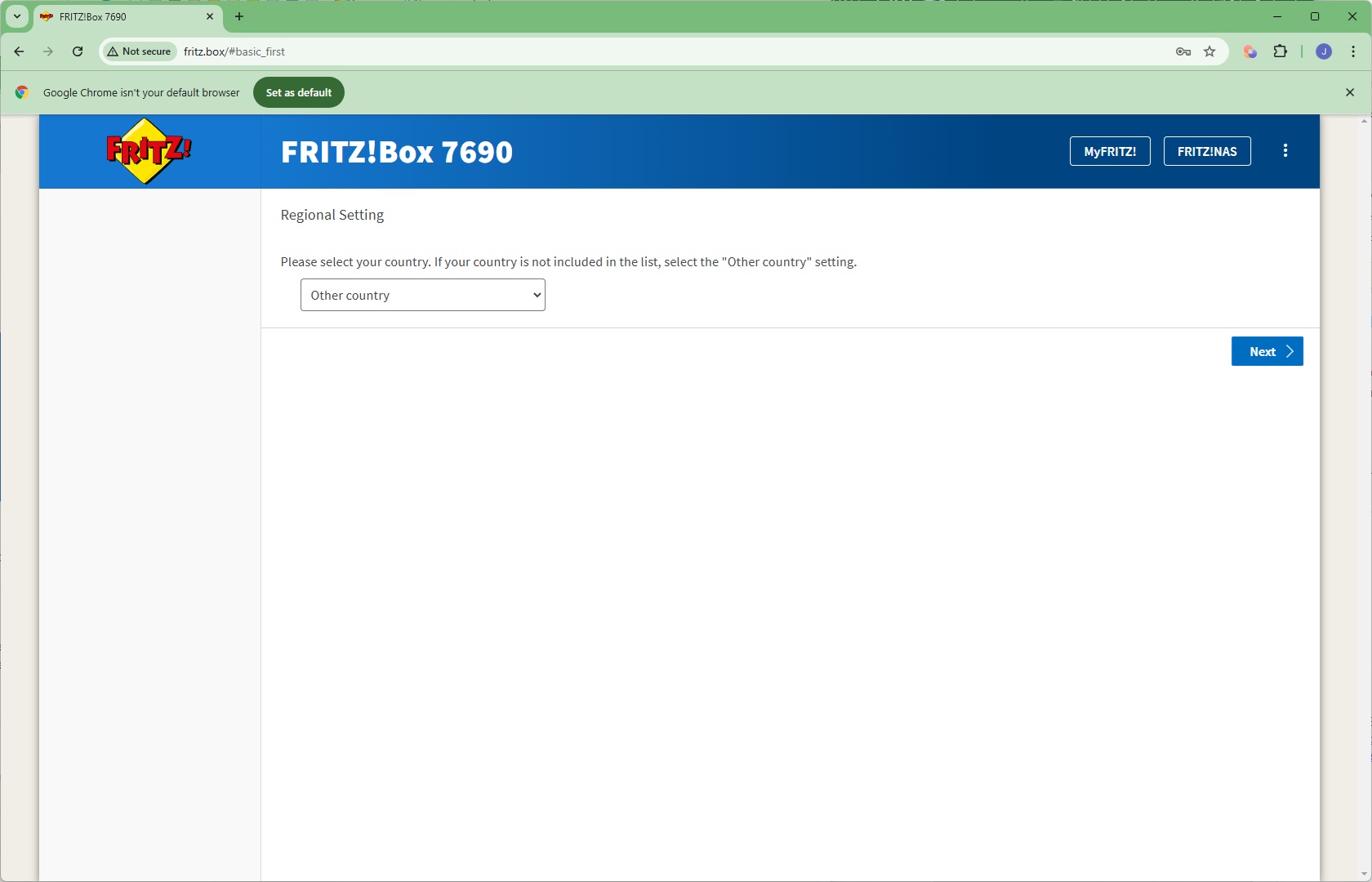
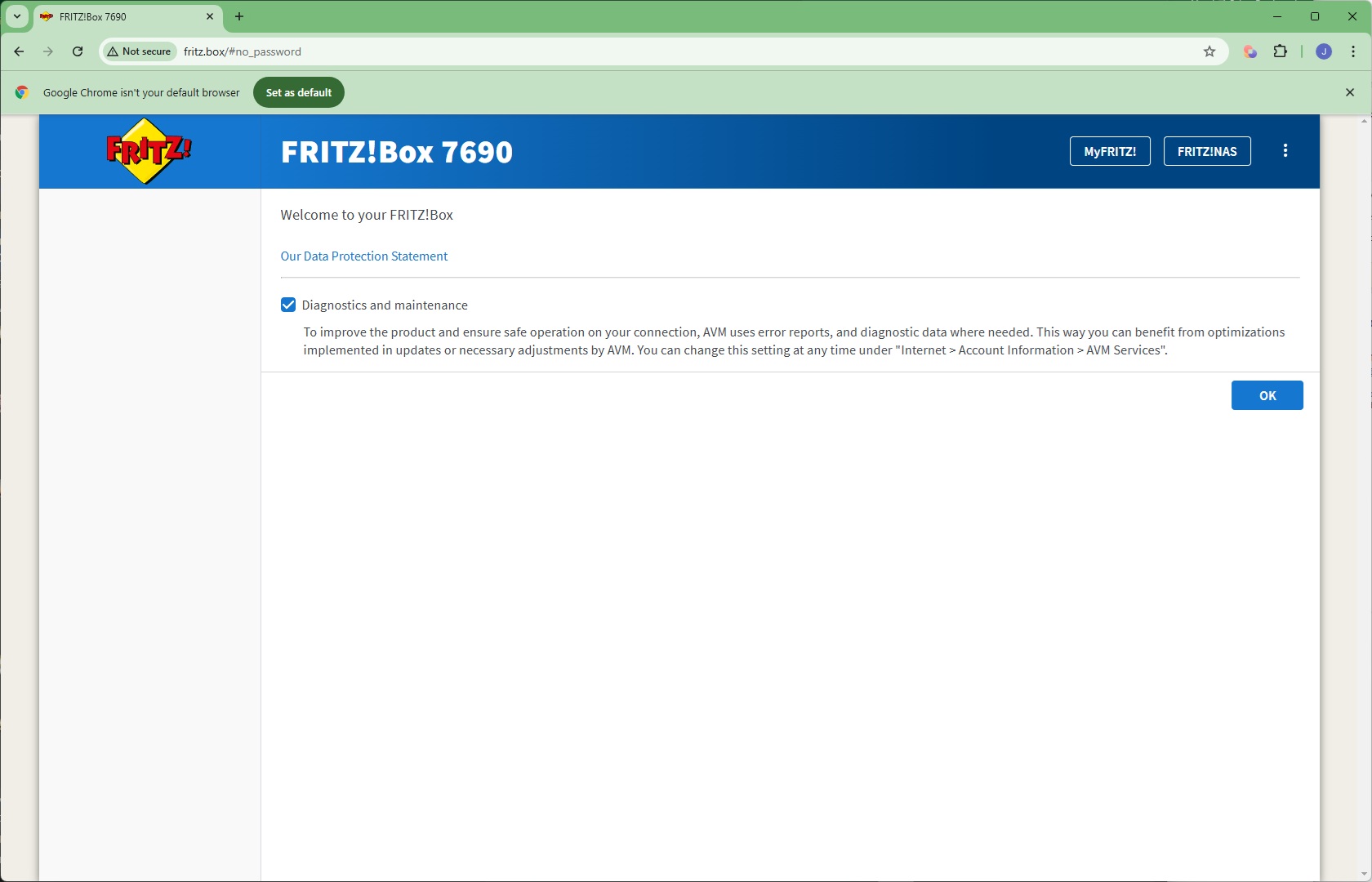
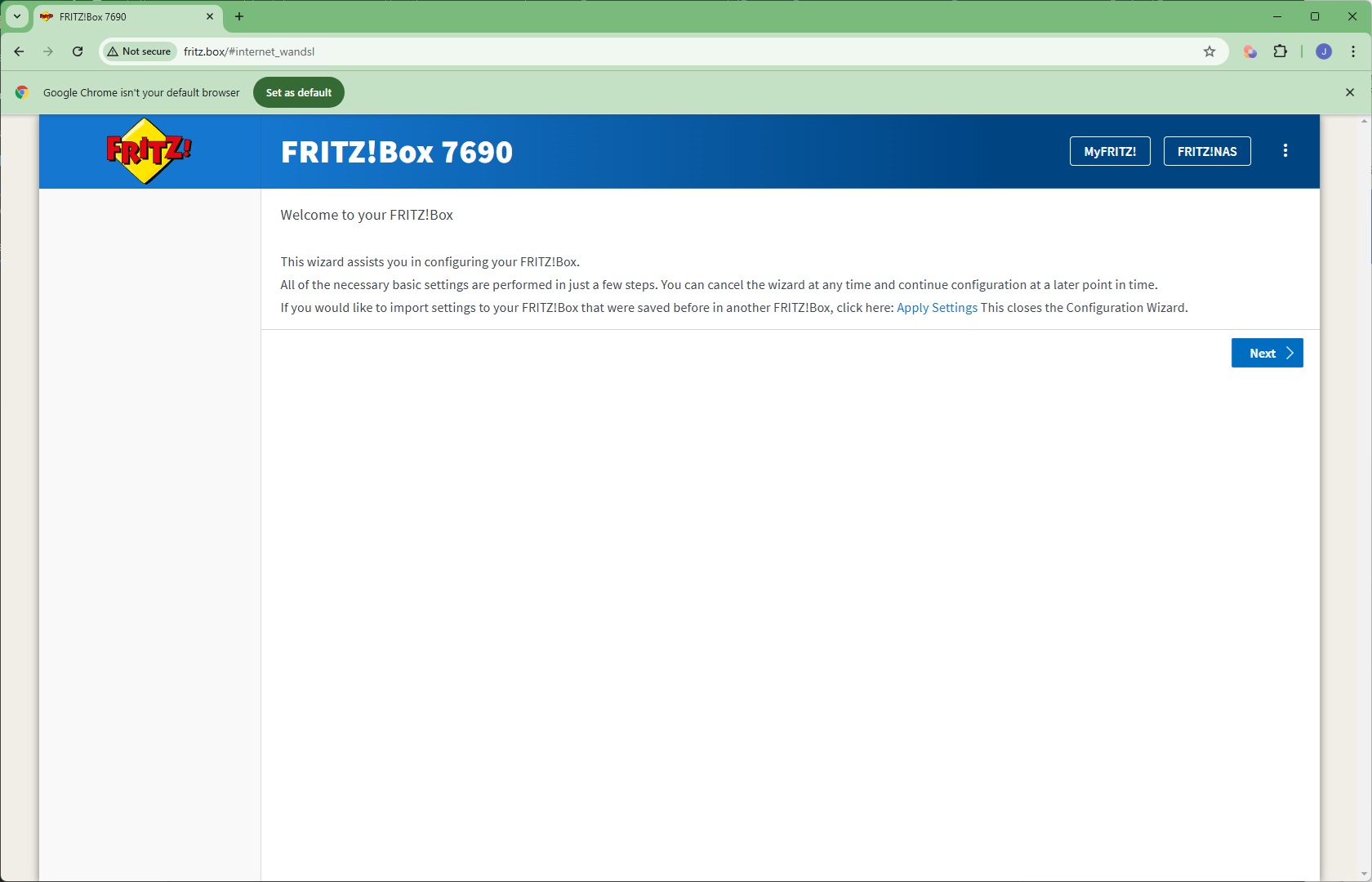
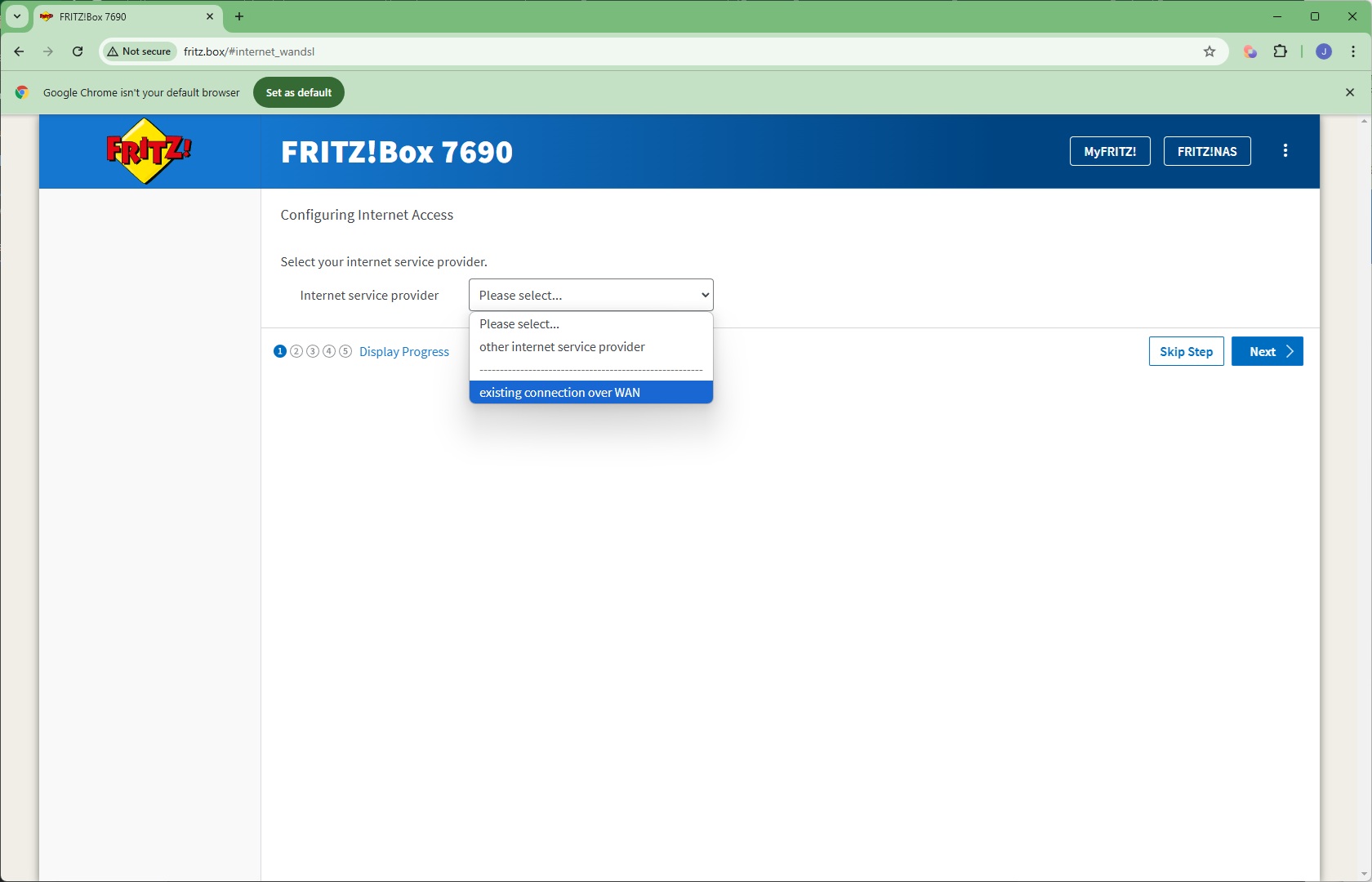
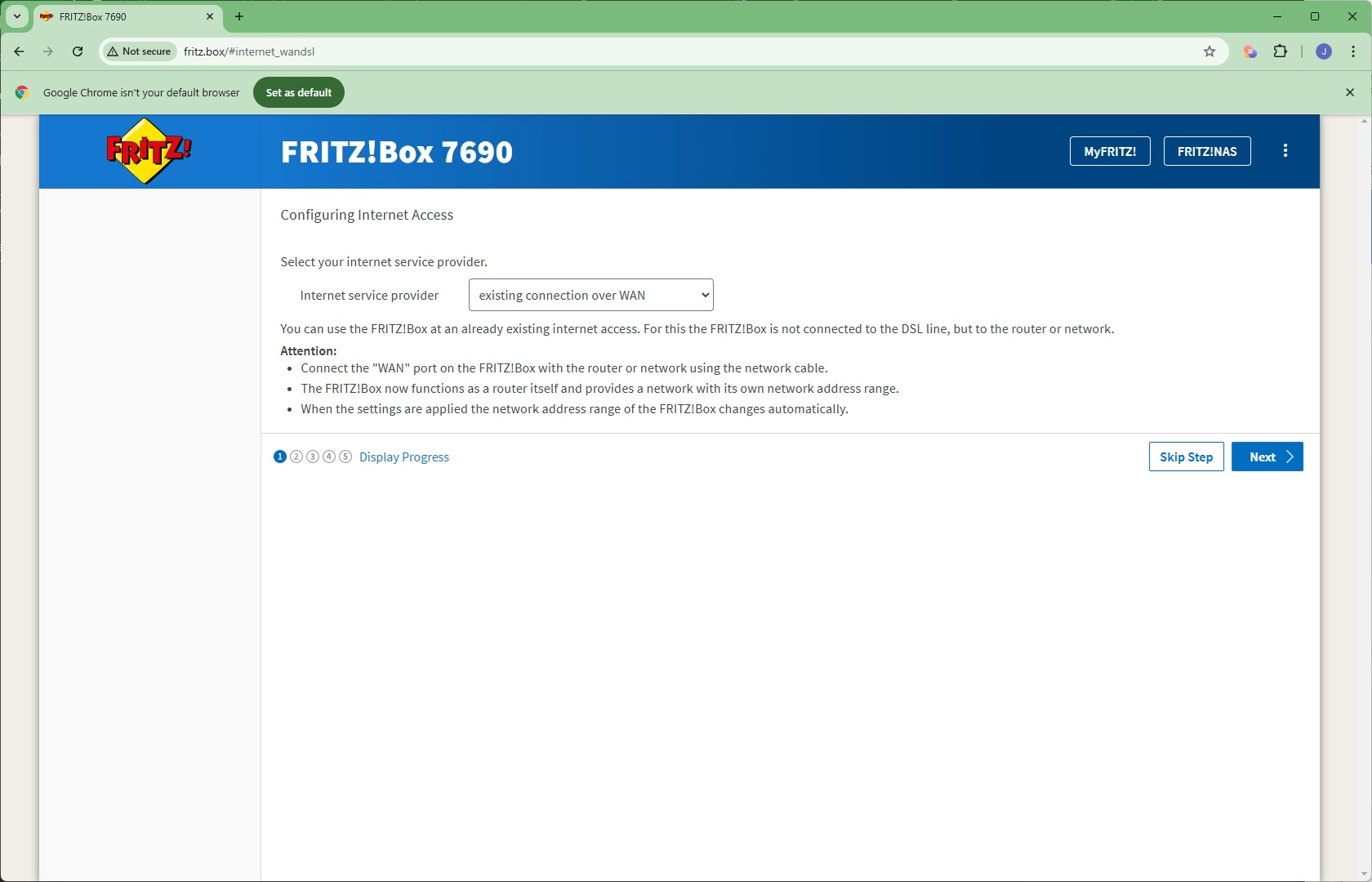
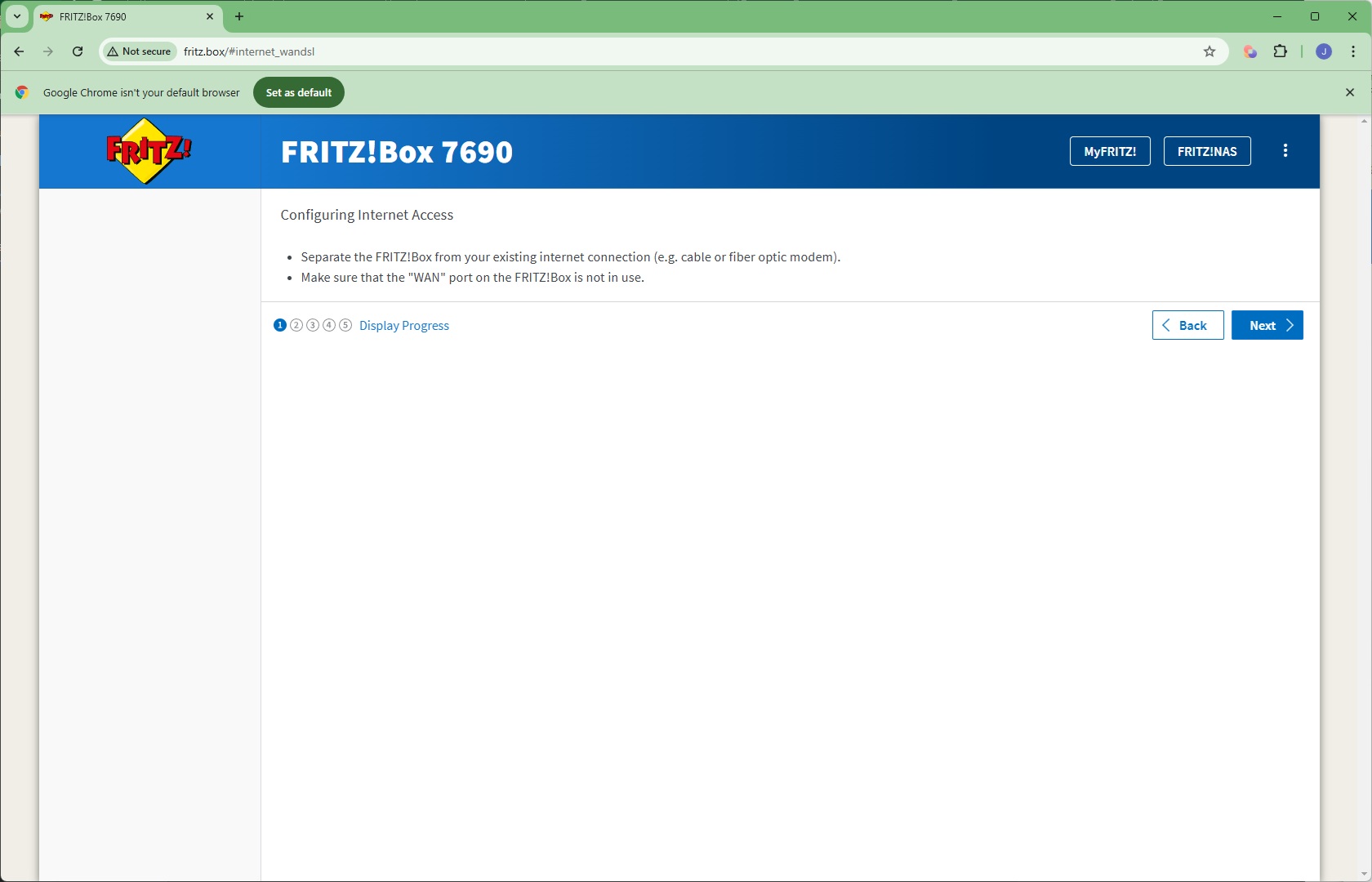
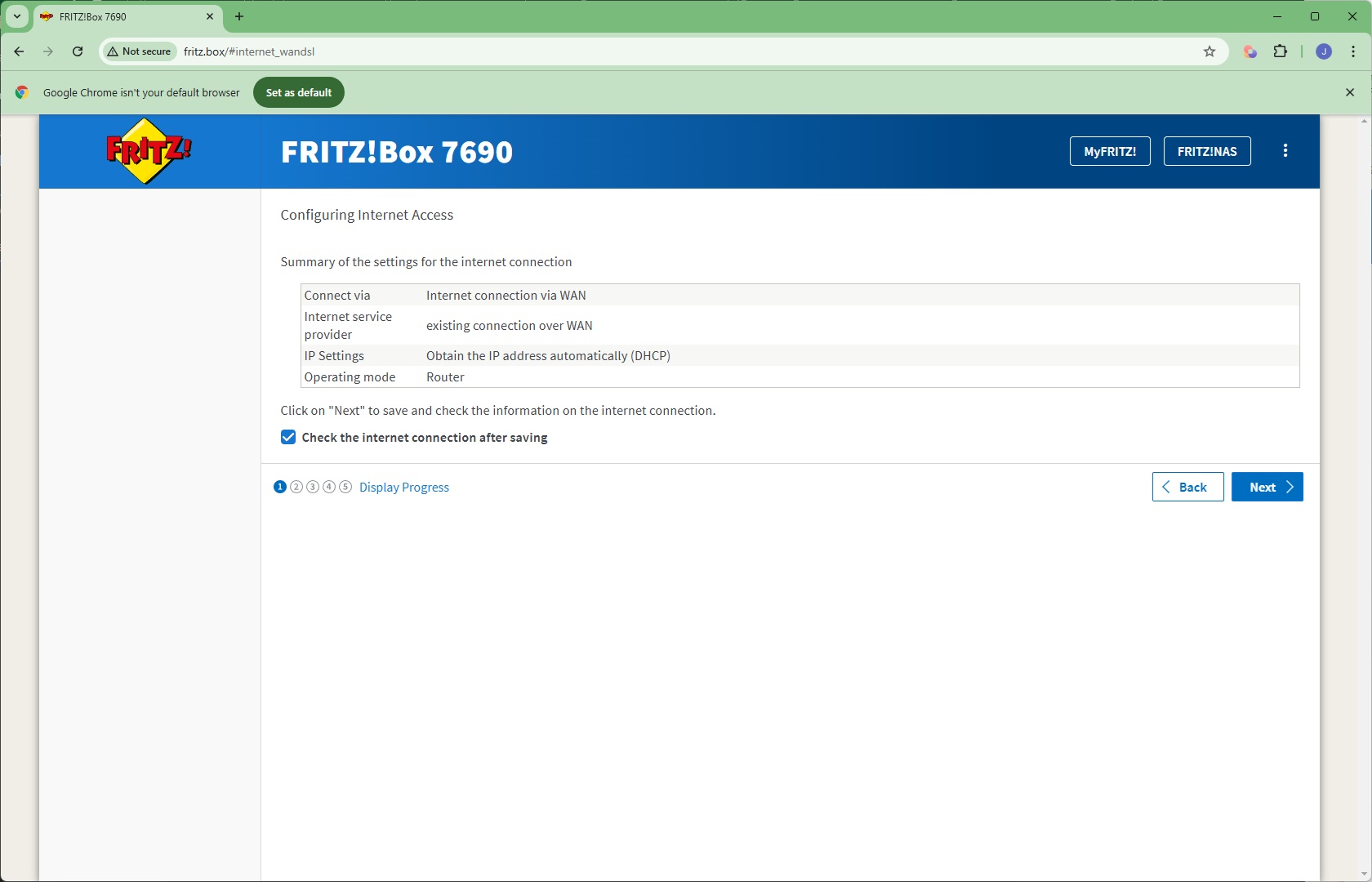
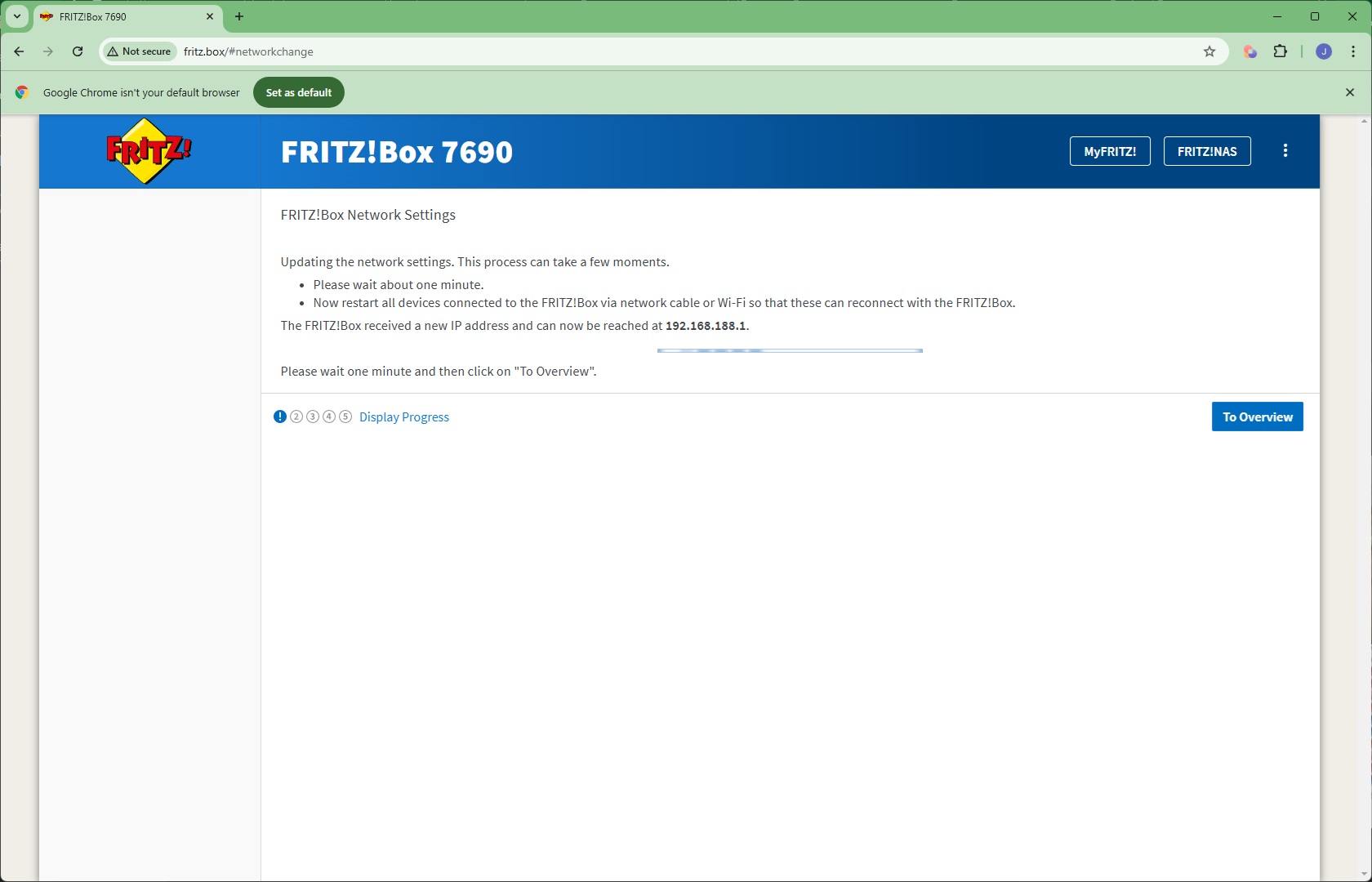
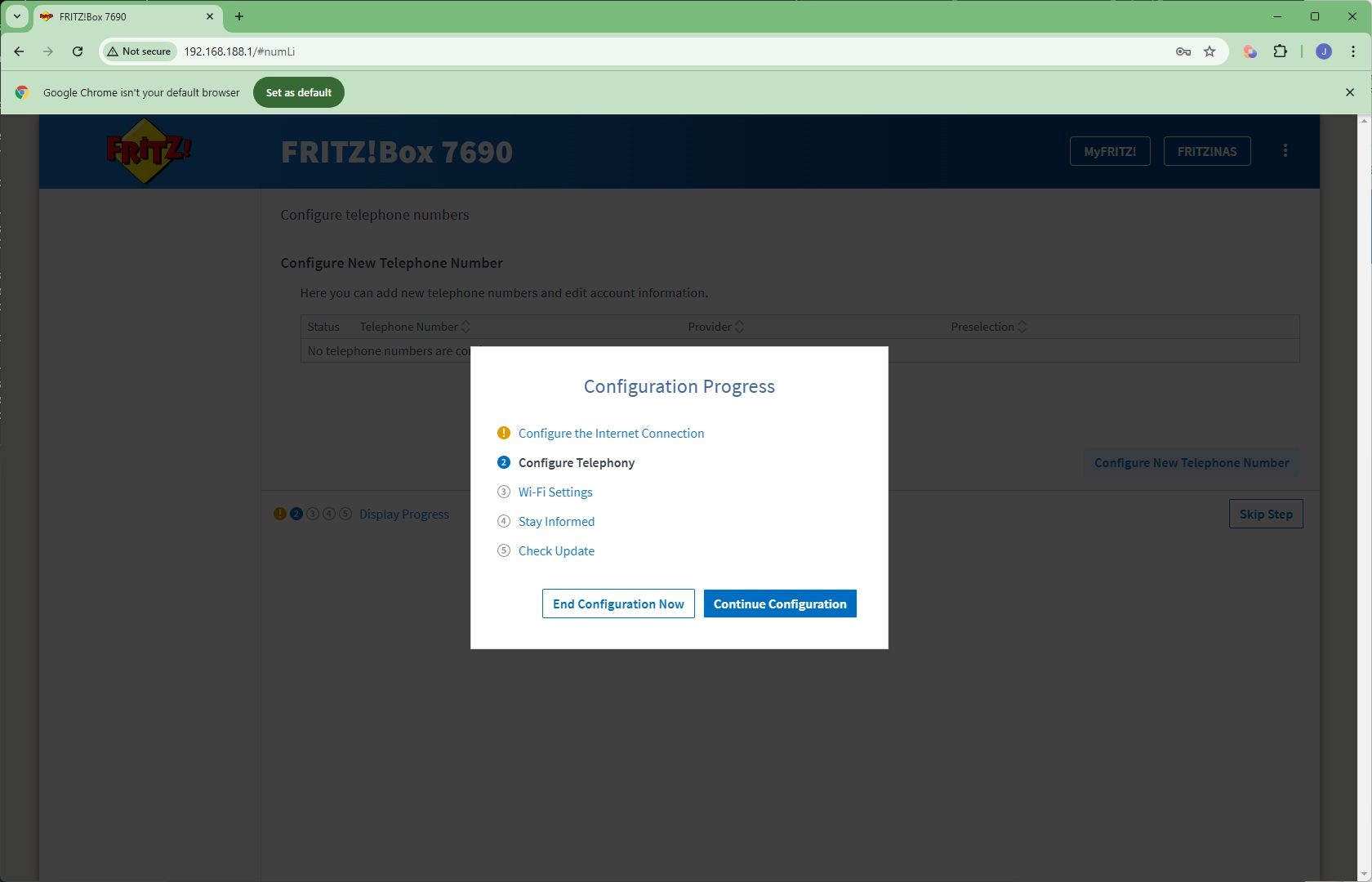
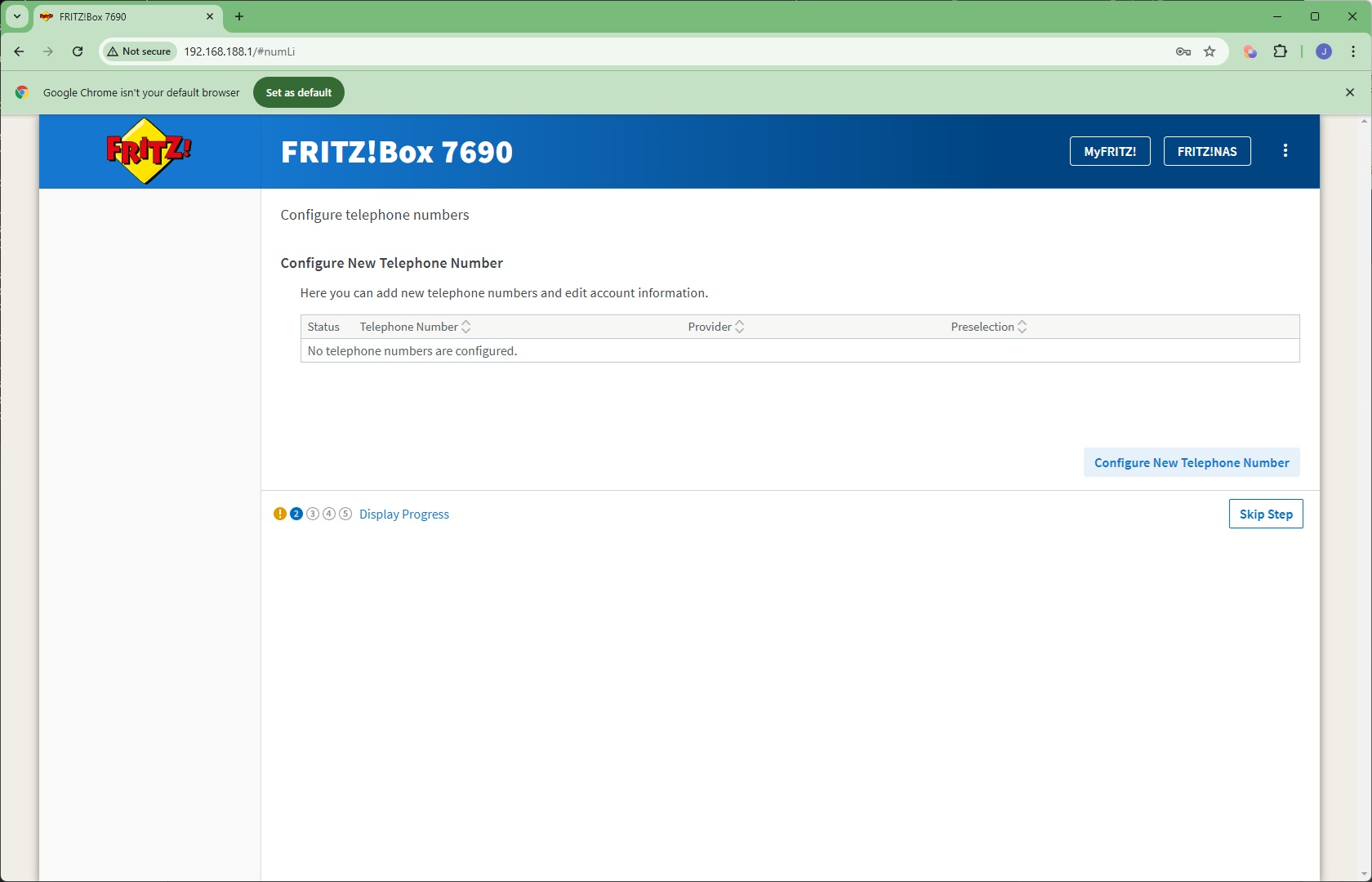
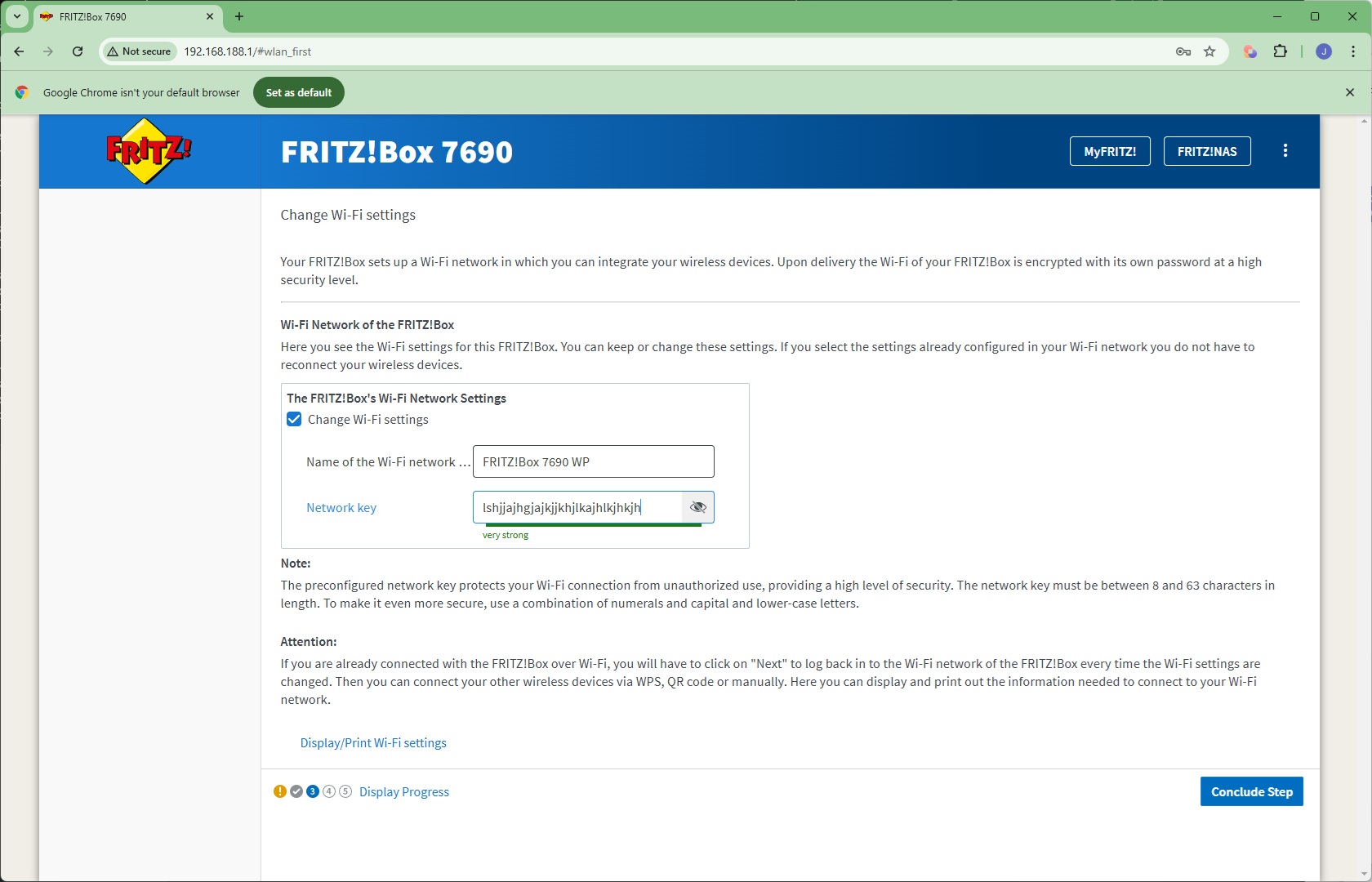
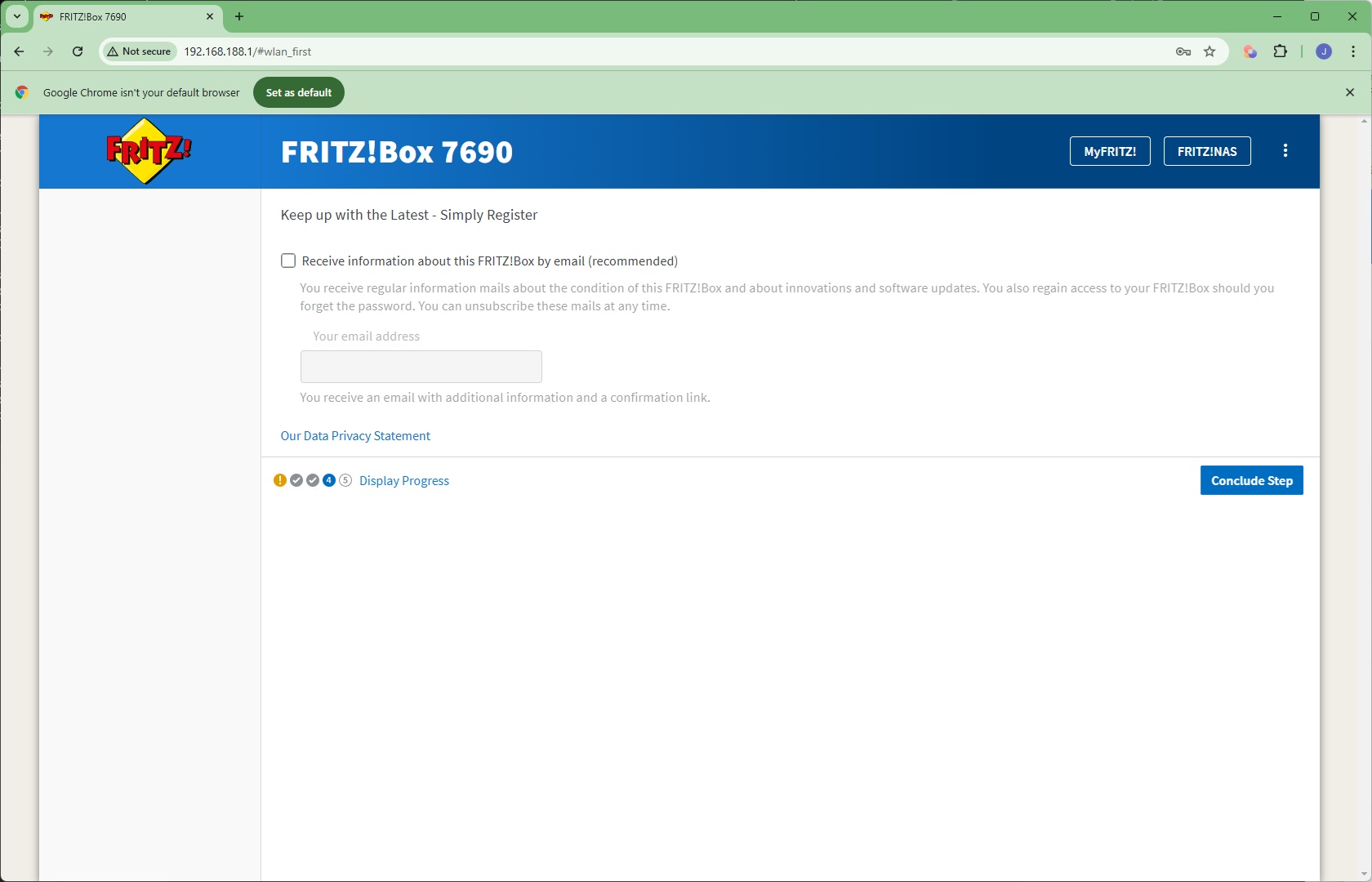
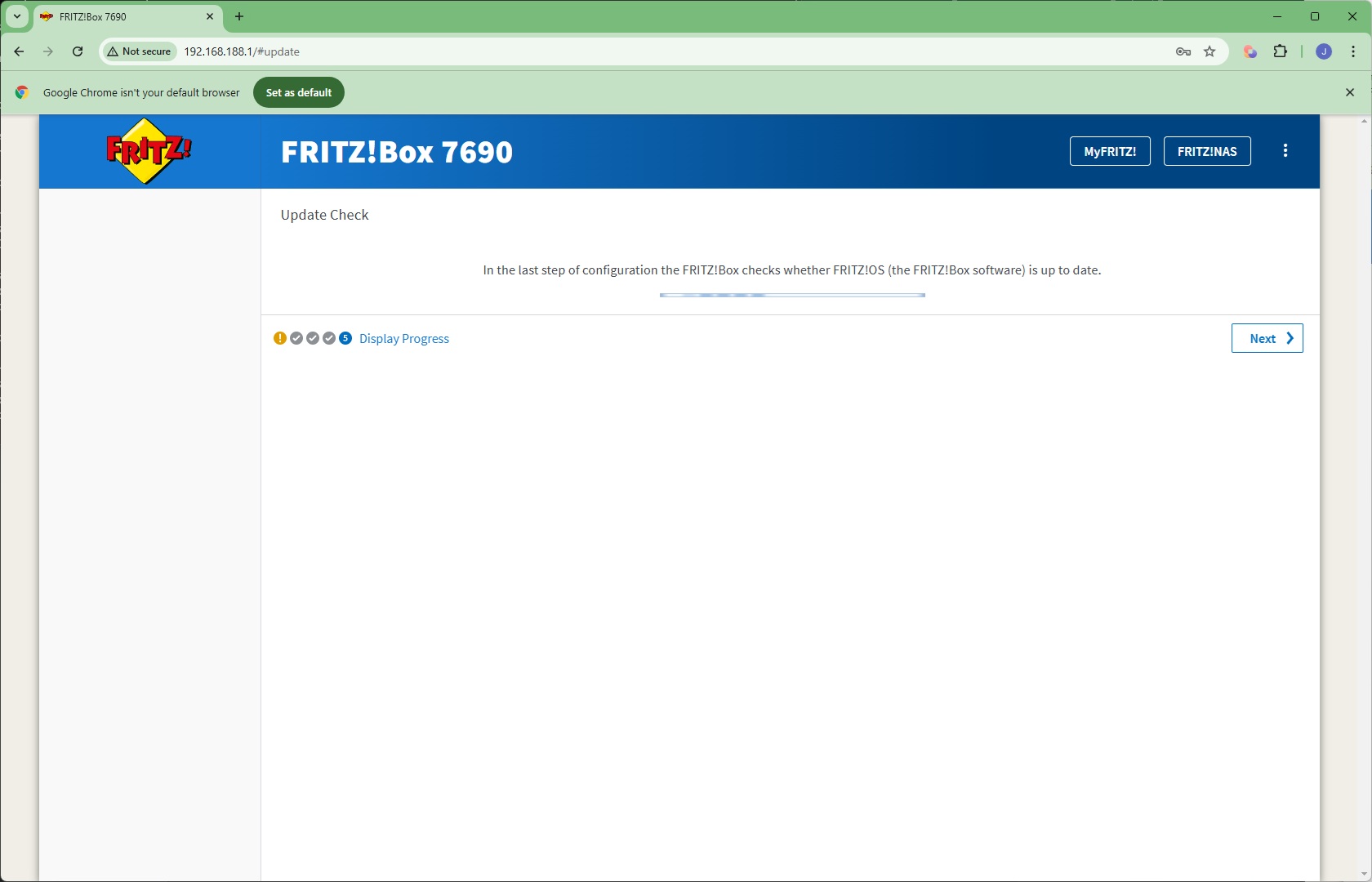
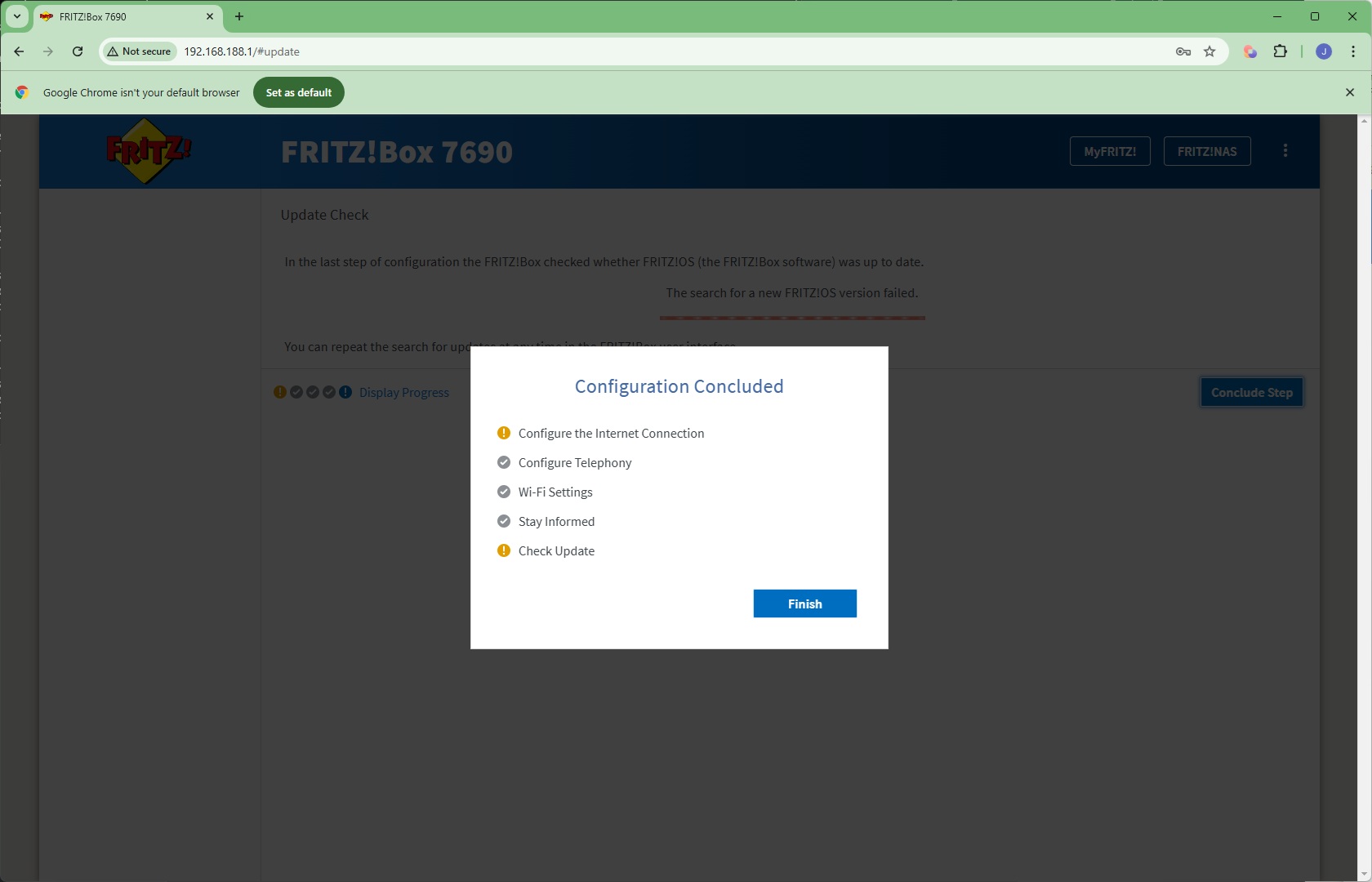
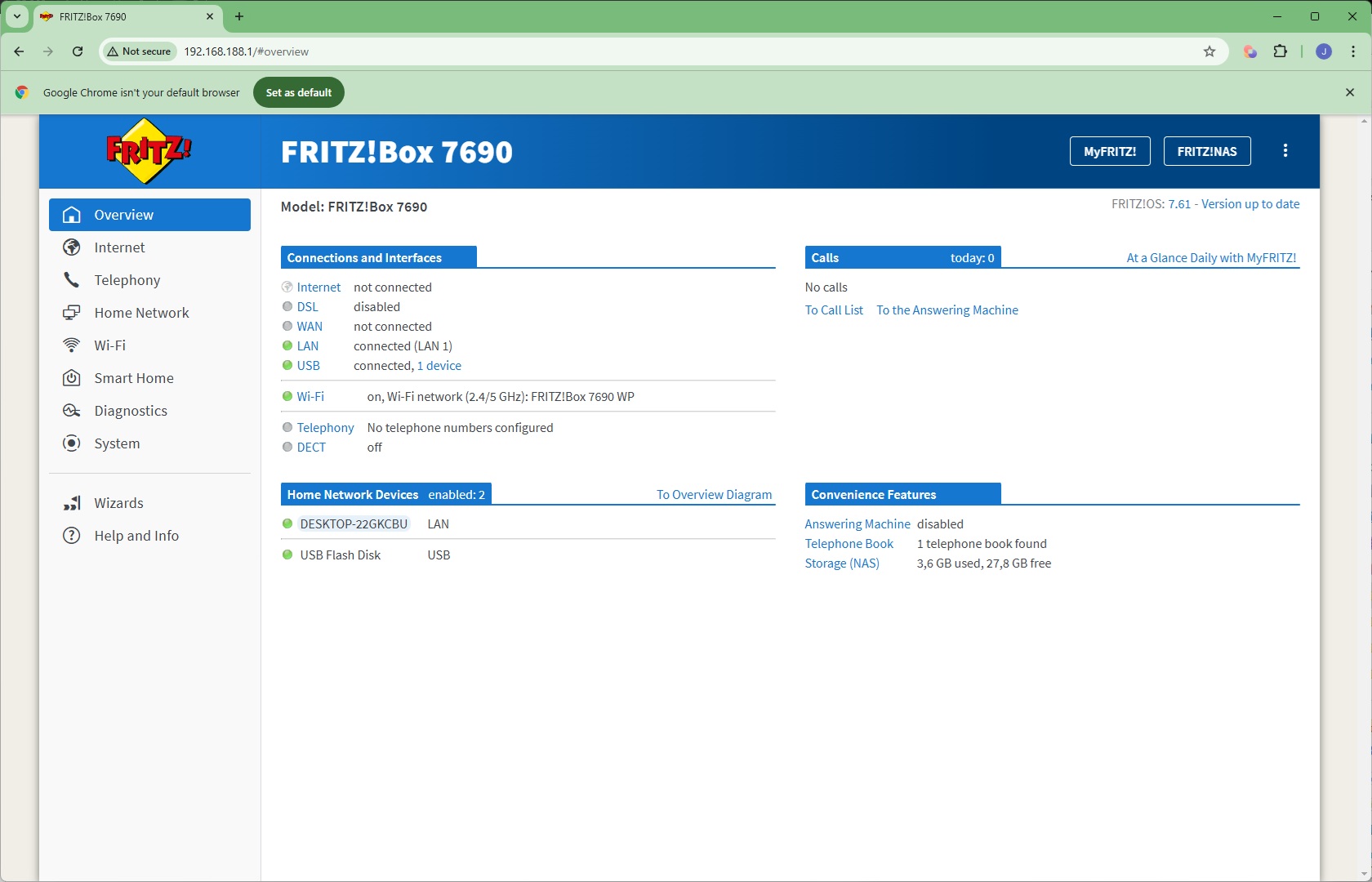
This leads you through a setup routine, starting with logging in using the password written on the bottom of the unit. The wizard guides you through configuring your broadband connection type, telephony, WiFi SSID and password, and then finally a checkup for a firmware update before you can sign into the full admin interface.
There are seven sections on the left, plus Wizards and a Help area.
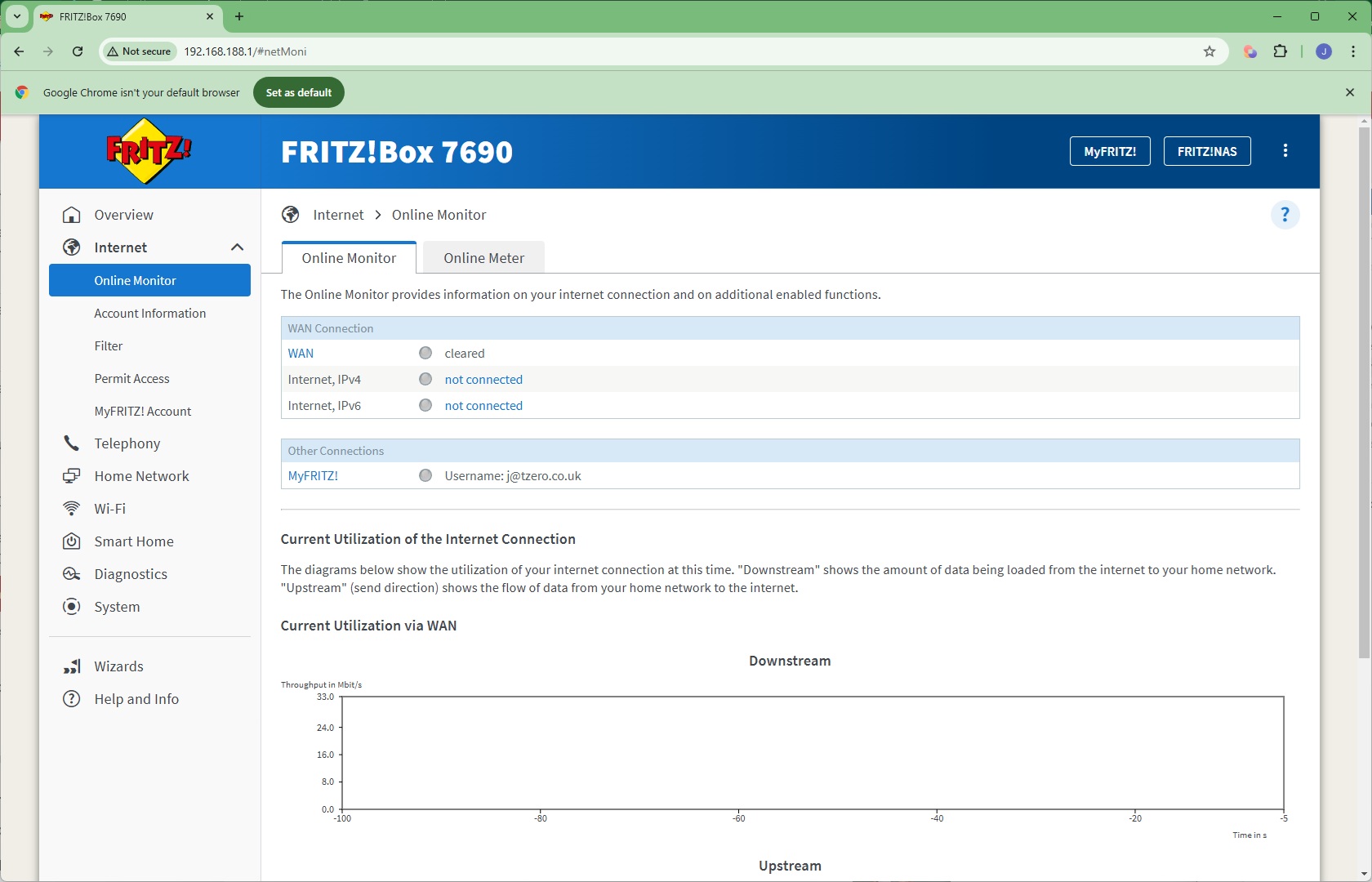
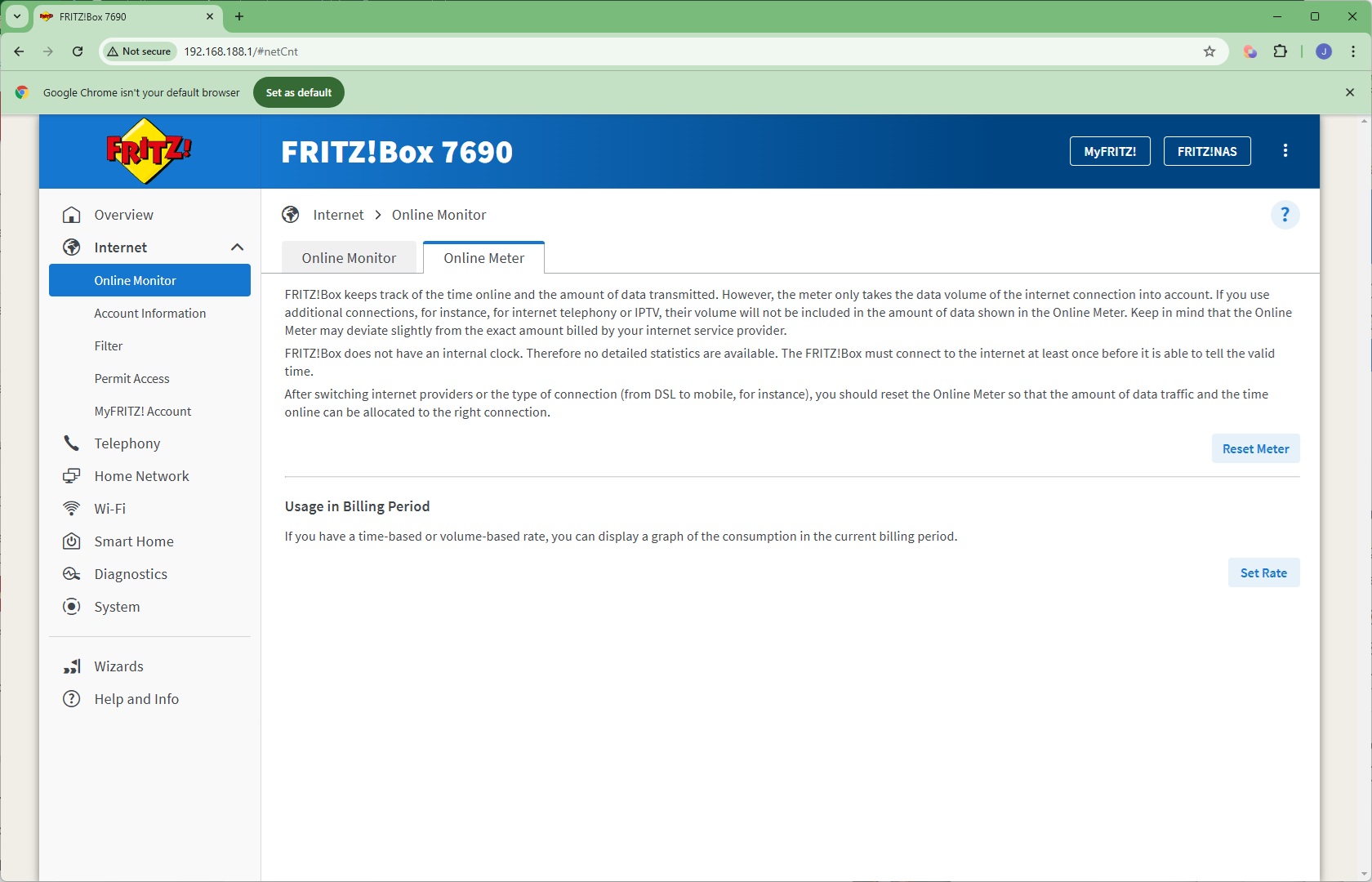
Starting with the Internet section, here you can check your broadband connection and meter bandwidth usage.
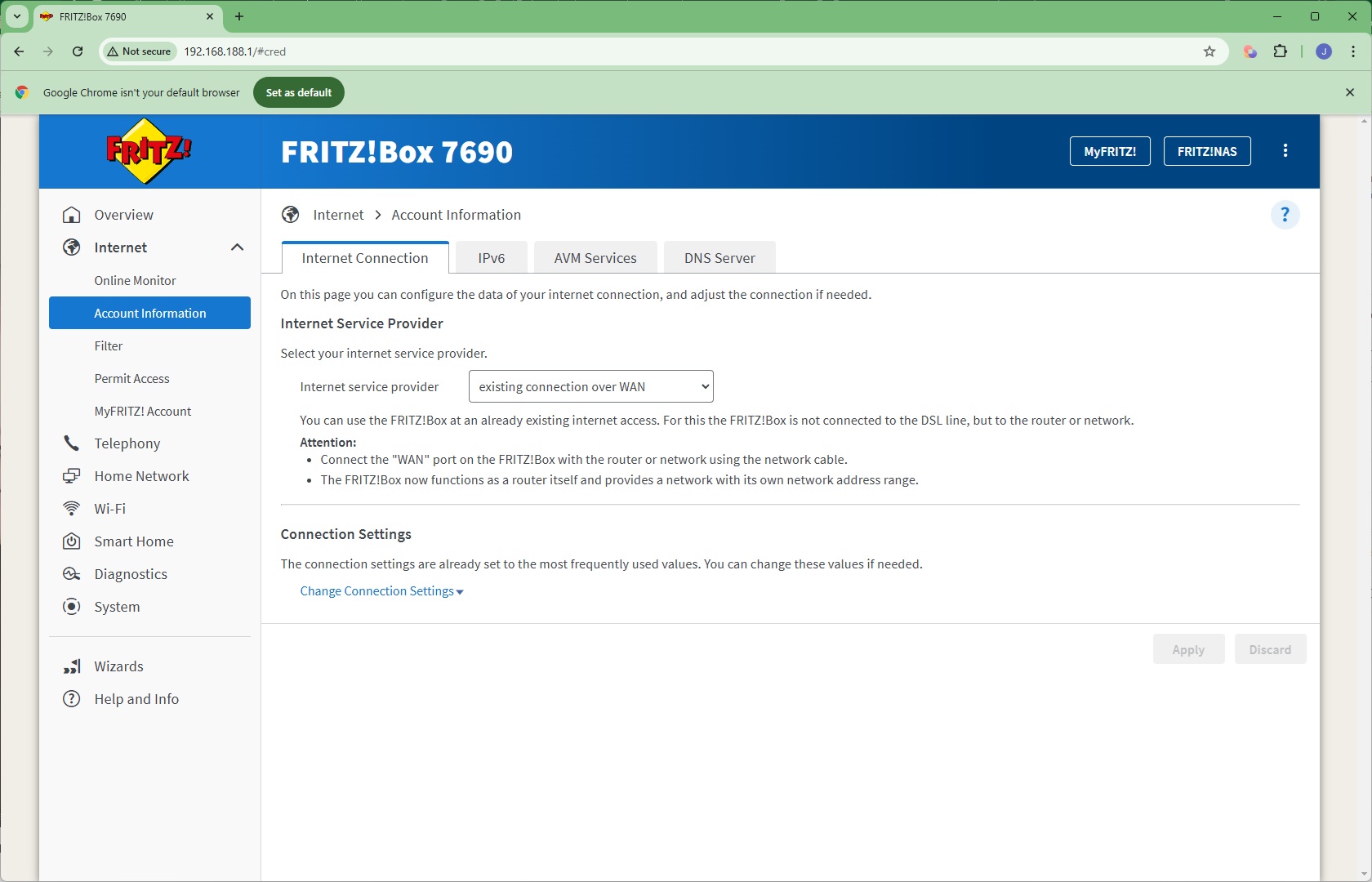
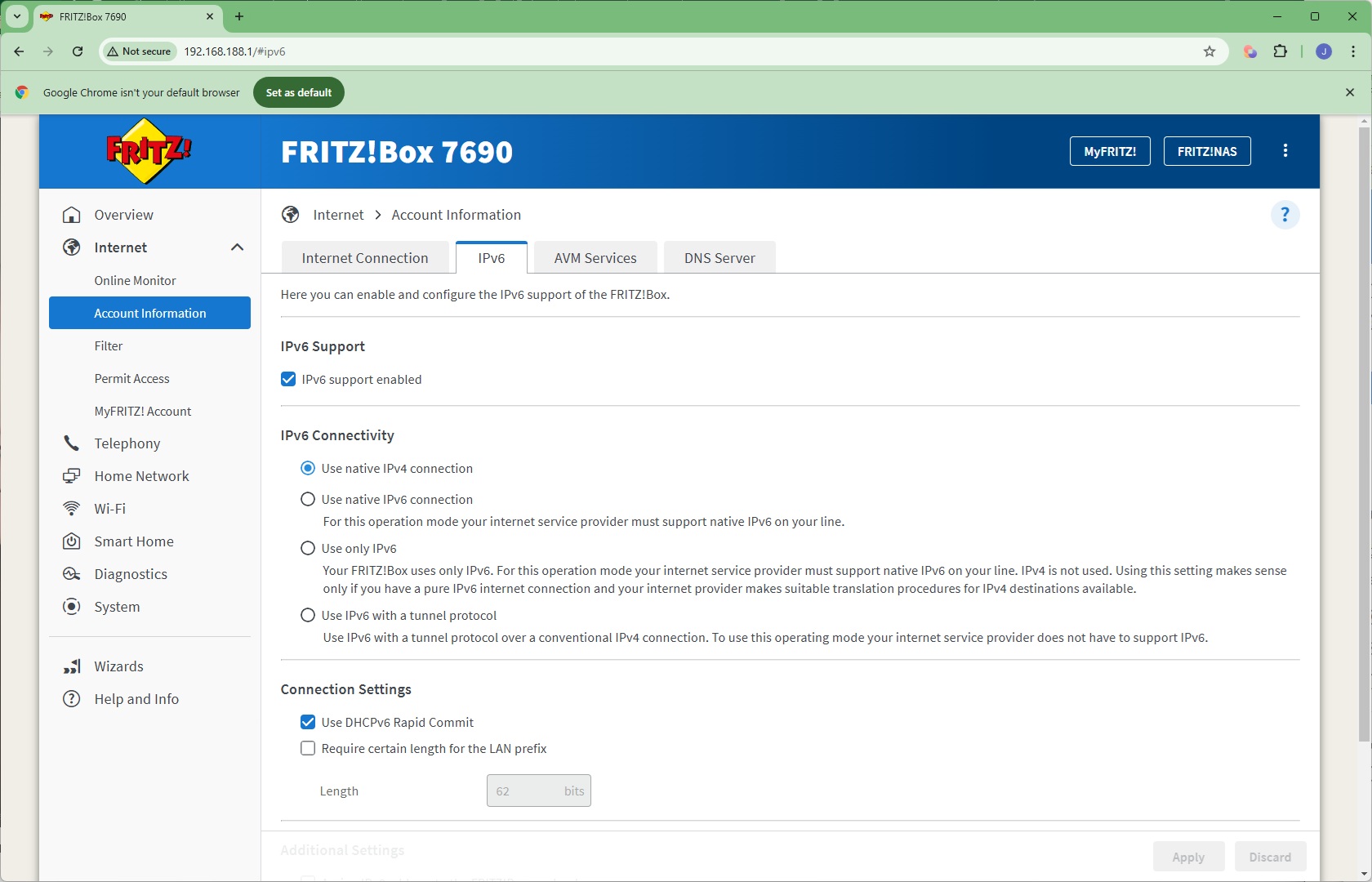
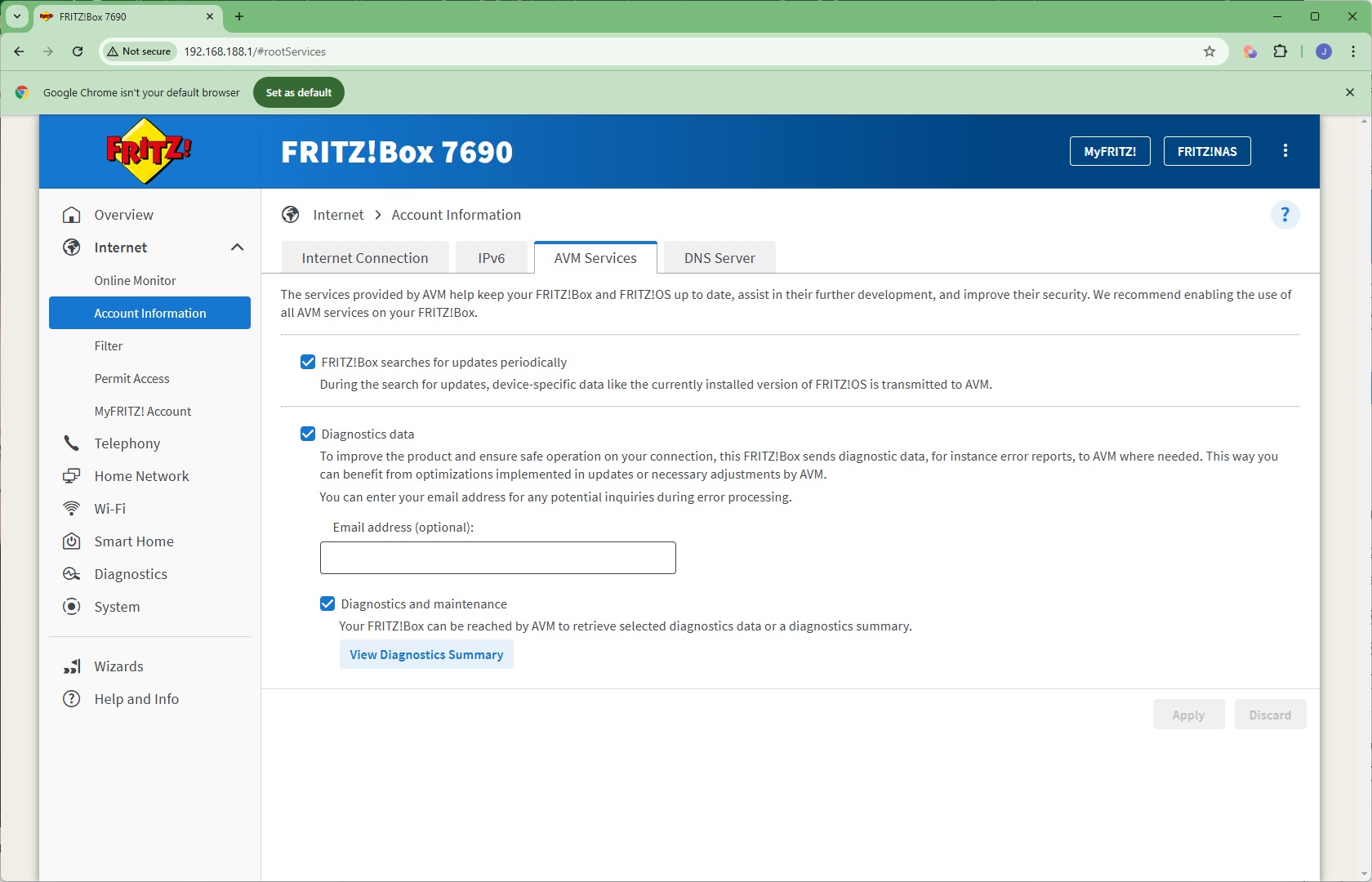
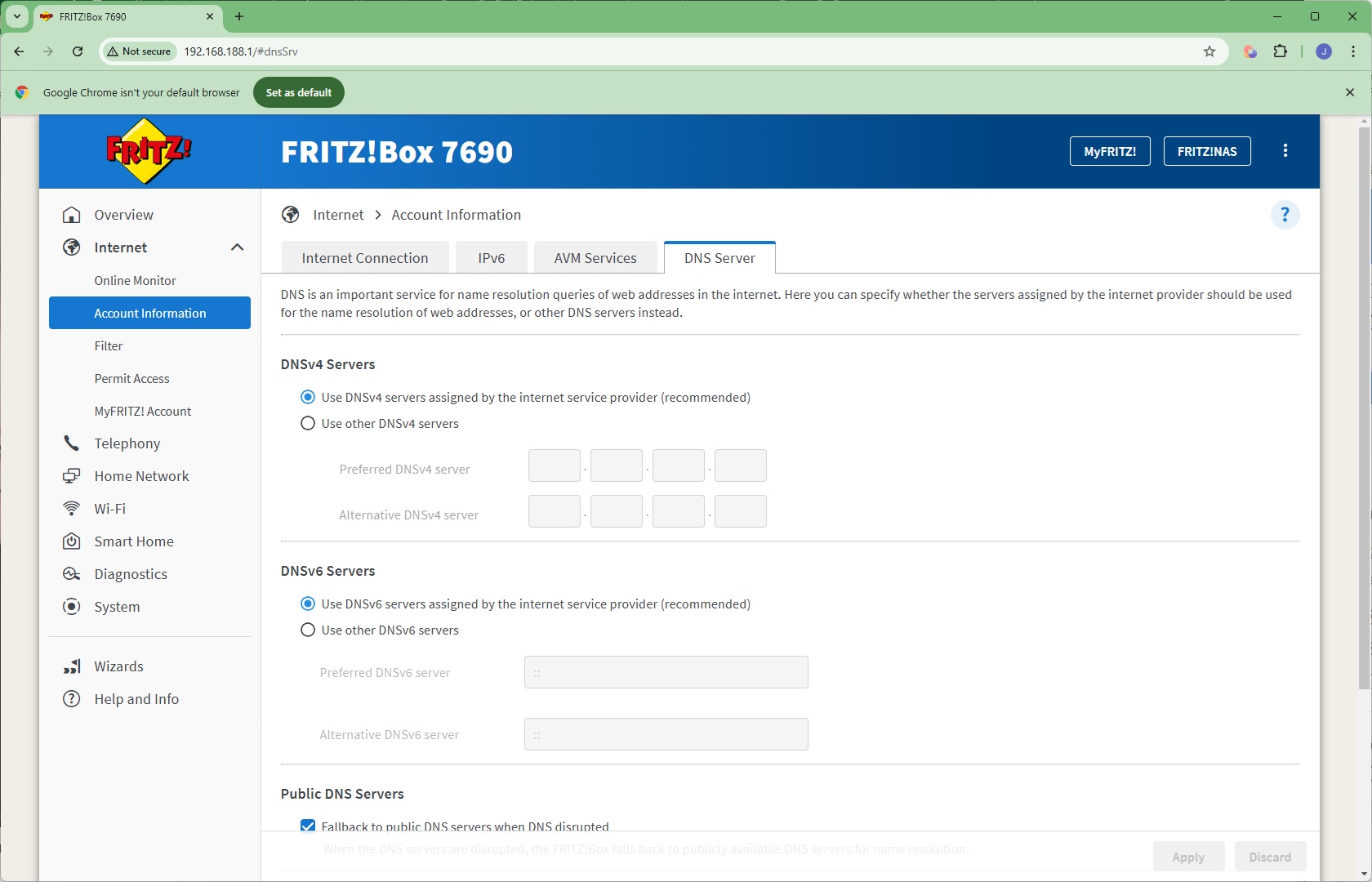
Next along is where you can reconfigure your Internet Connection, change your IPv6 support, alter whether the router checks for updates and sends diagnostics to AVM, and enter a static DNS server rather than the dynamically provided one.
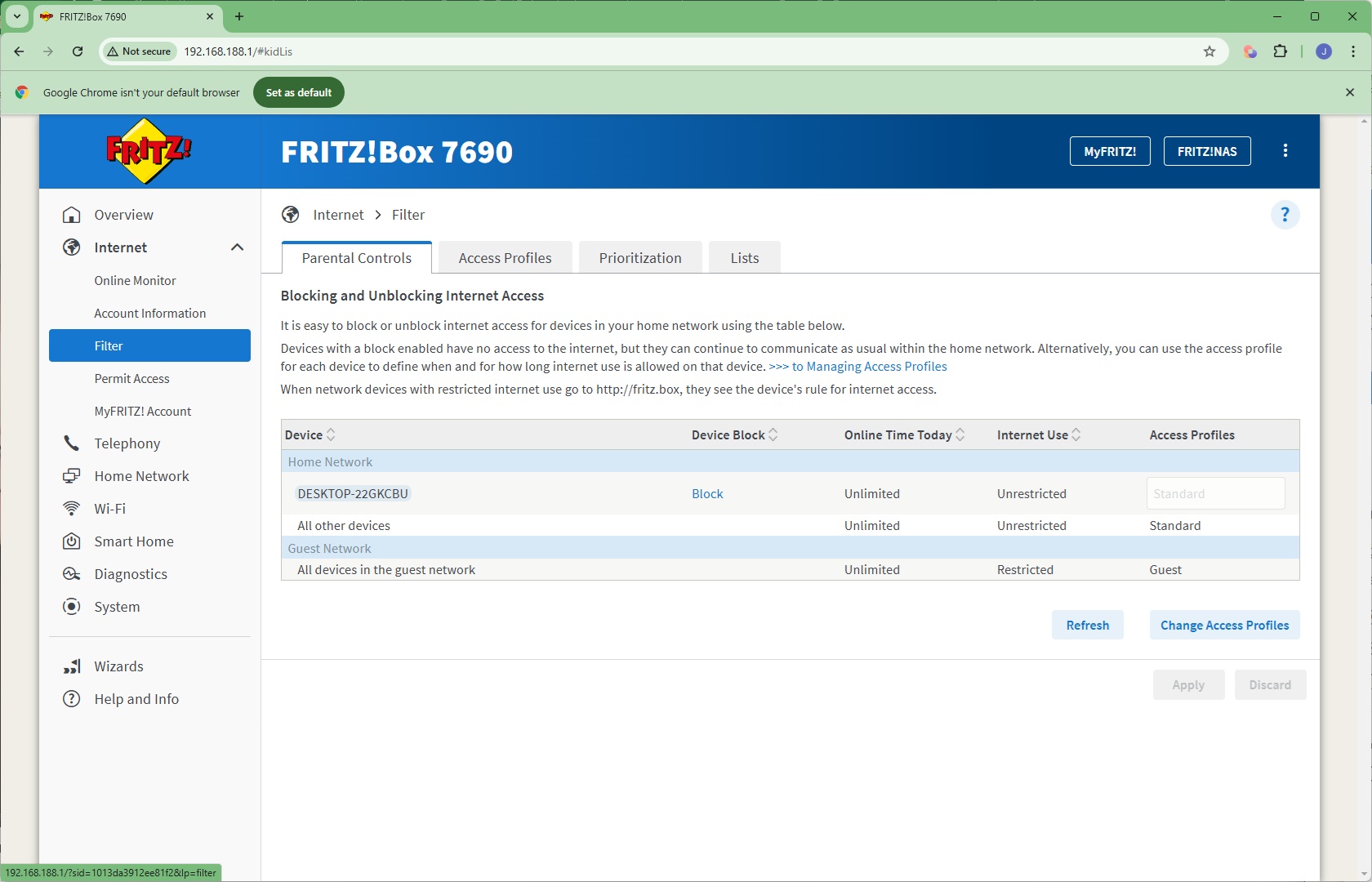
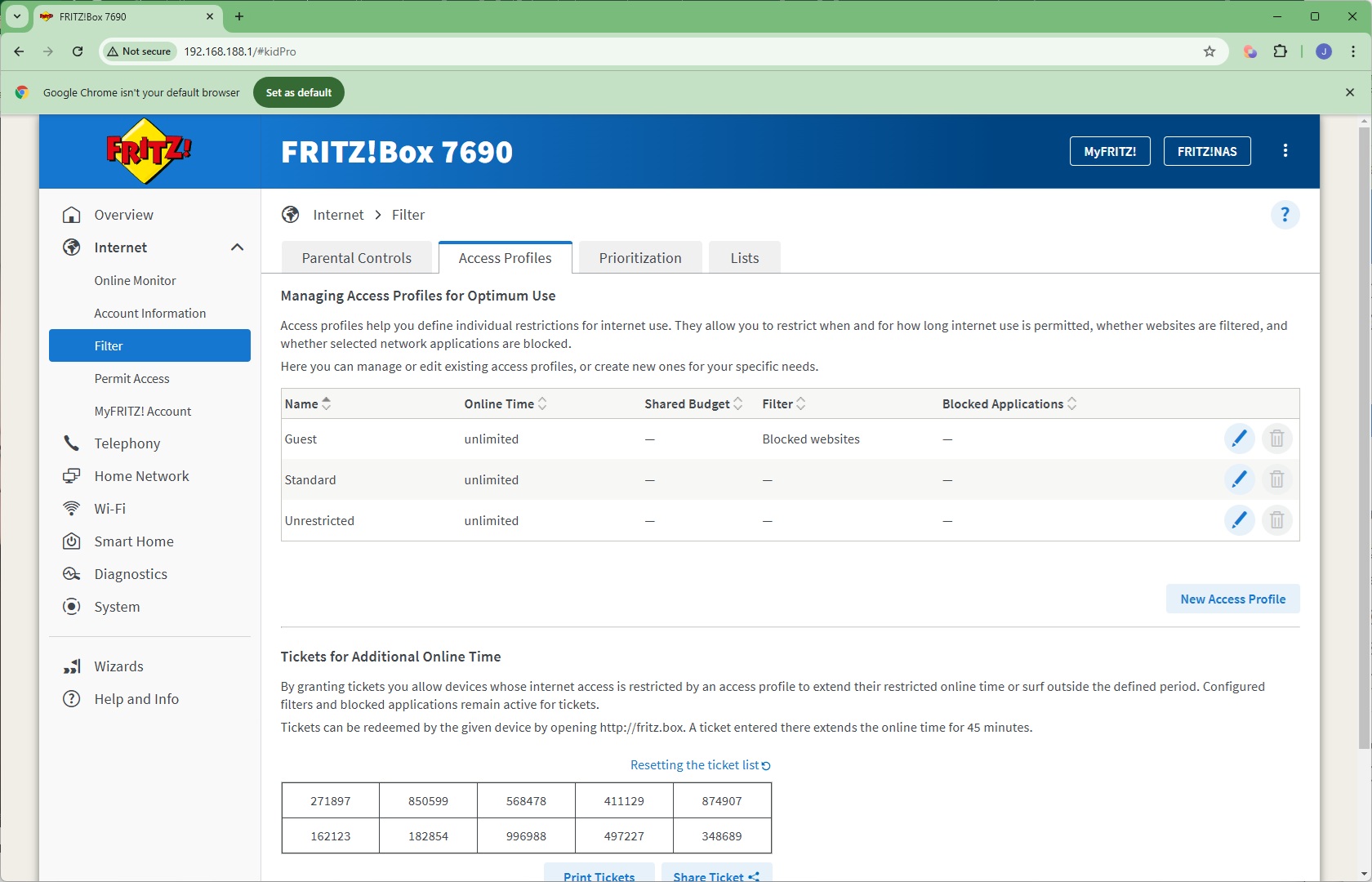
The Filter section is where you can control the behaviour of individual clients on the network, blocking them or restricting them to use at certain times. You can create general profiles for this and even give tickets for extra online time – a great way to incentivise your kids!
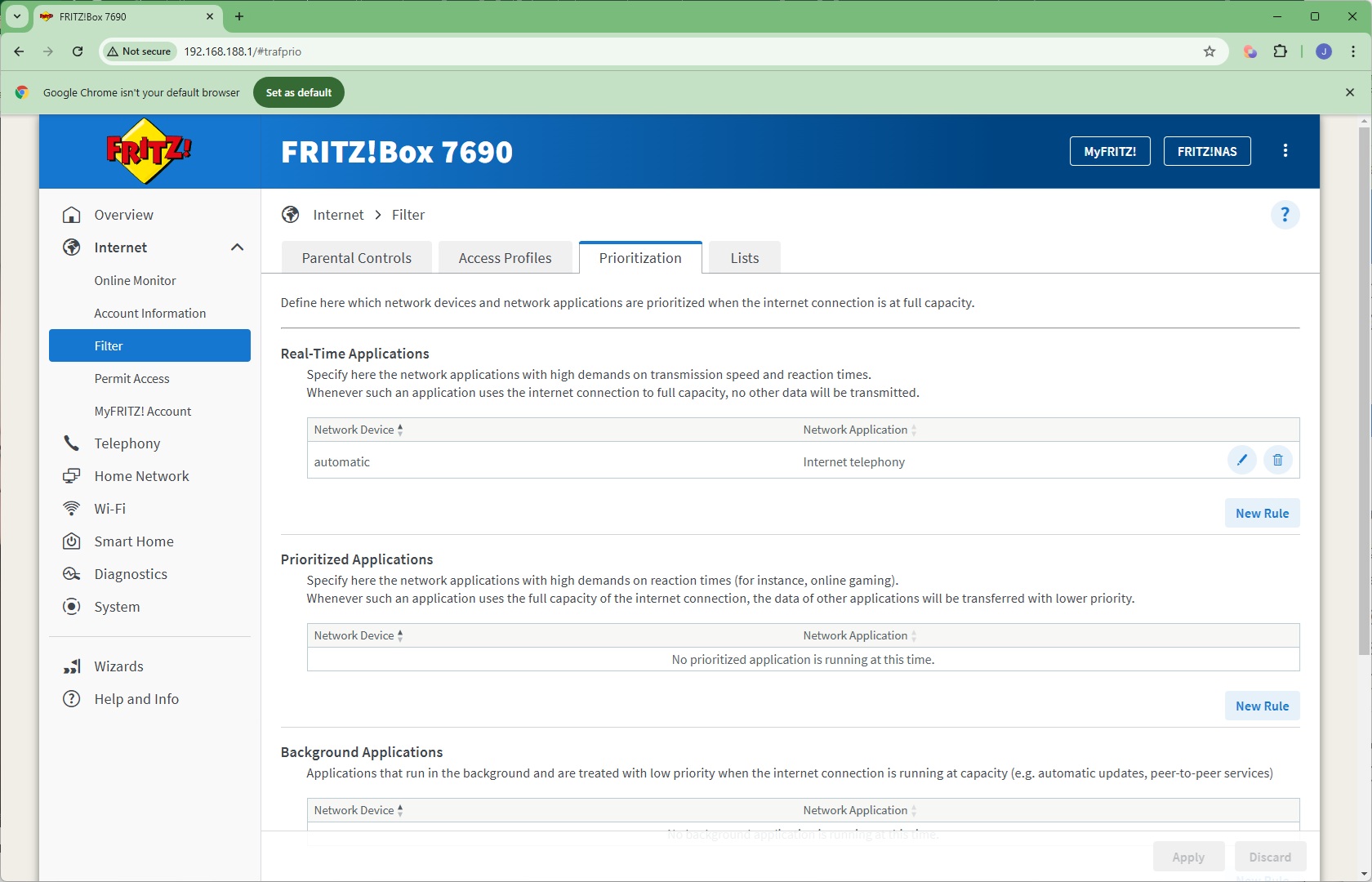
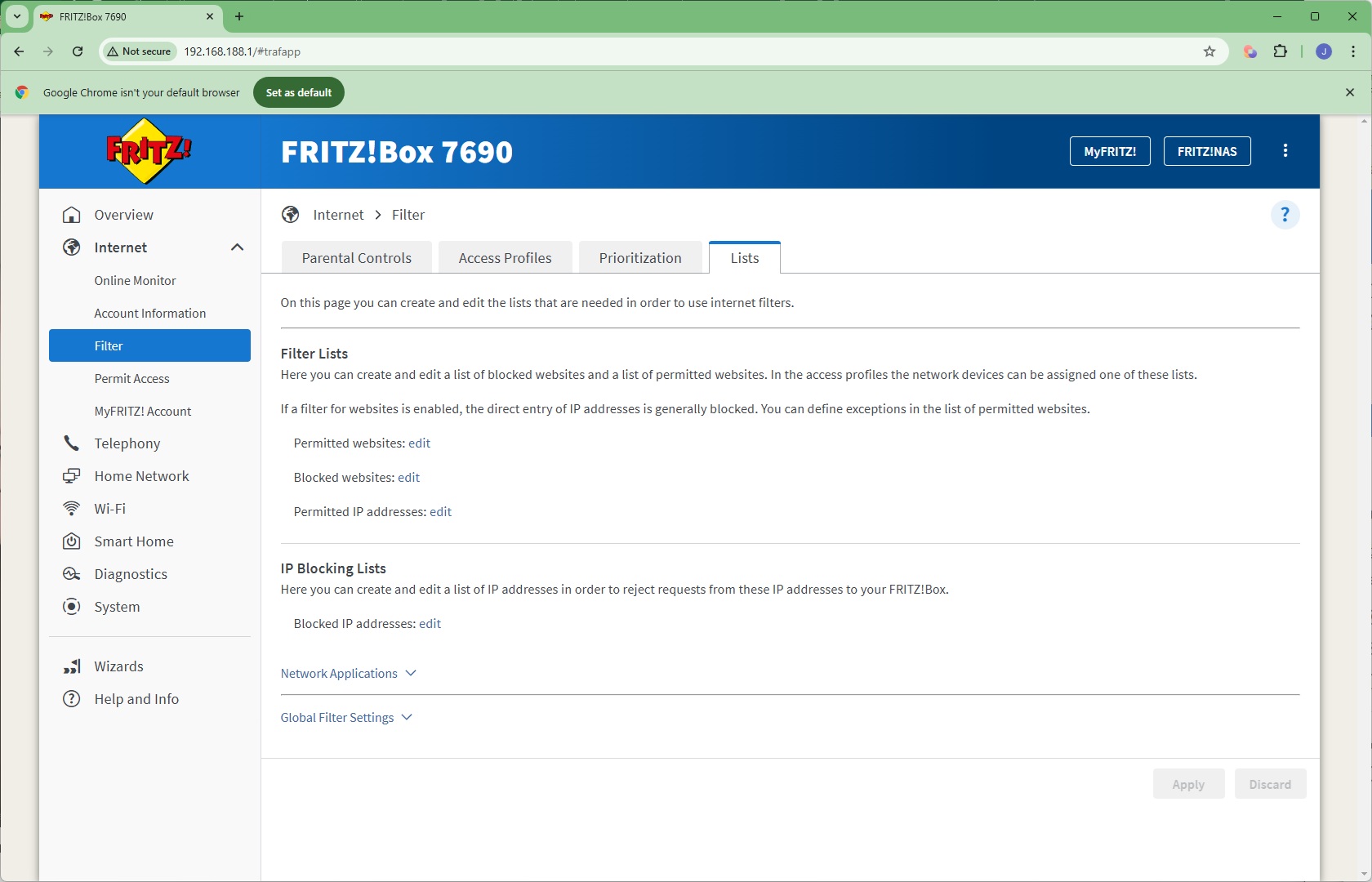
You can set up quality of service prioritisation for different applications, tagged to specific devices. You can also create lists of blocked websites and IP addresses.
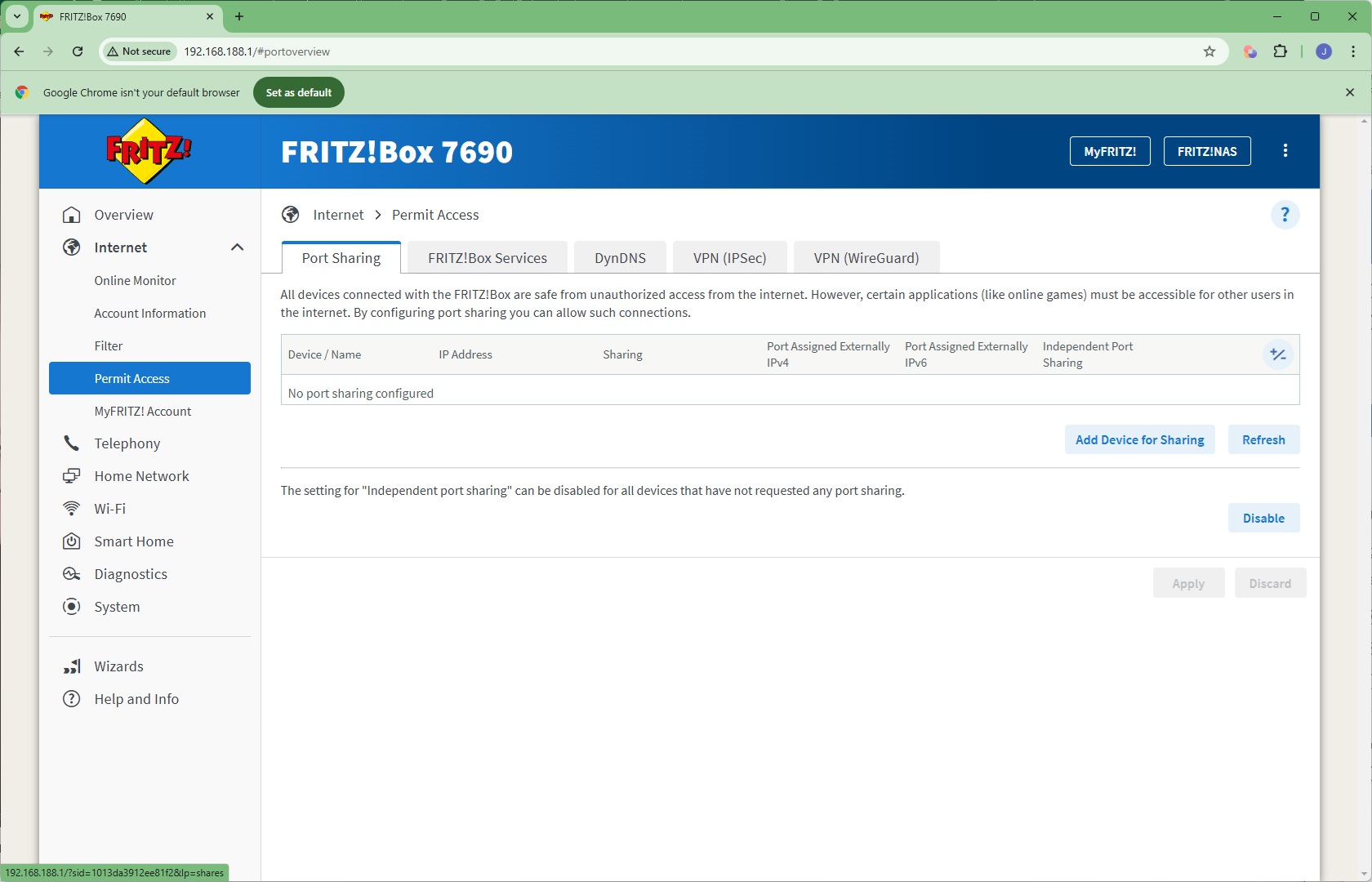
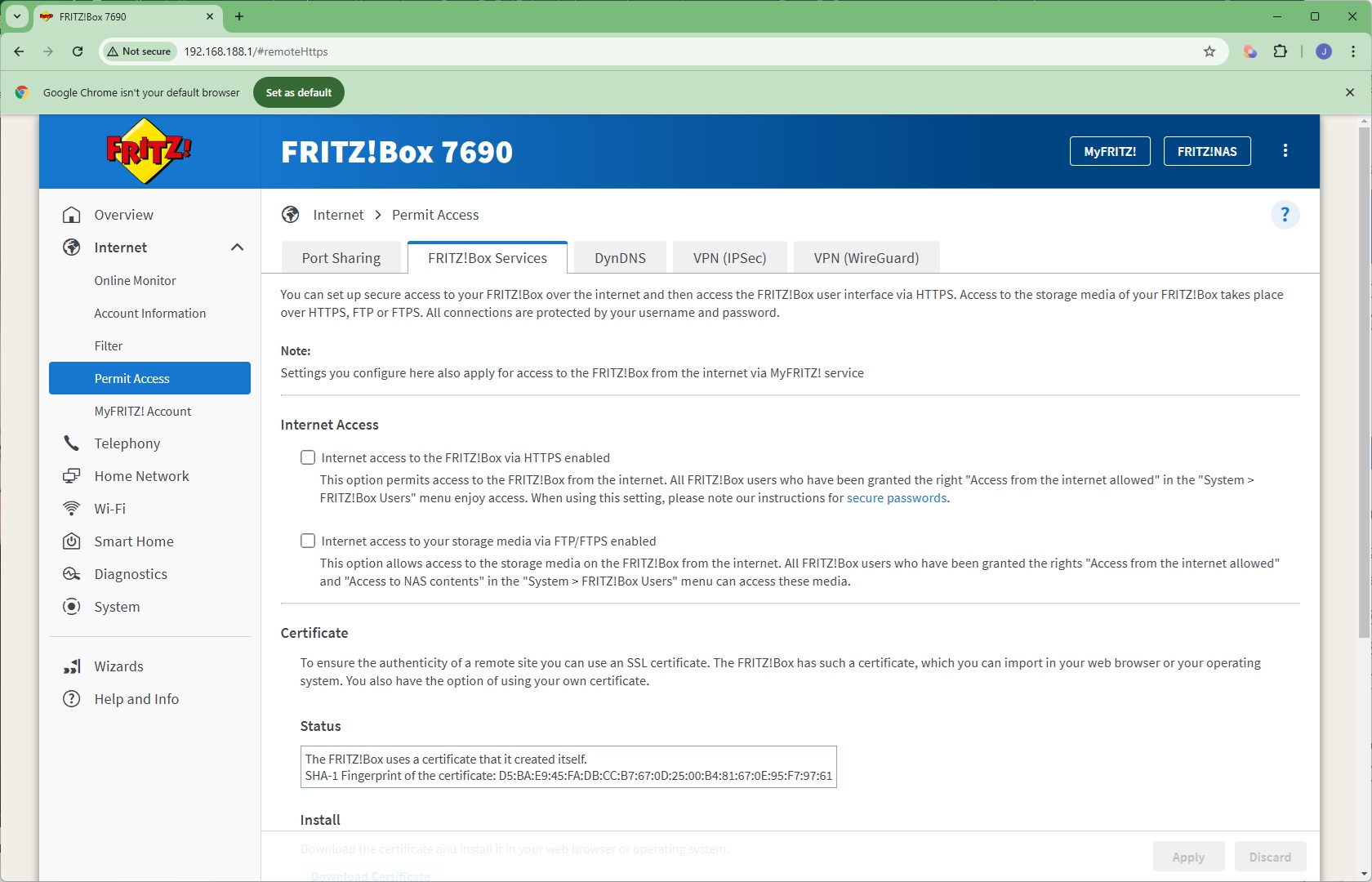
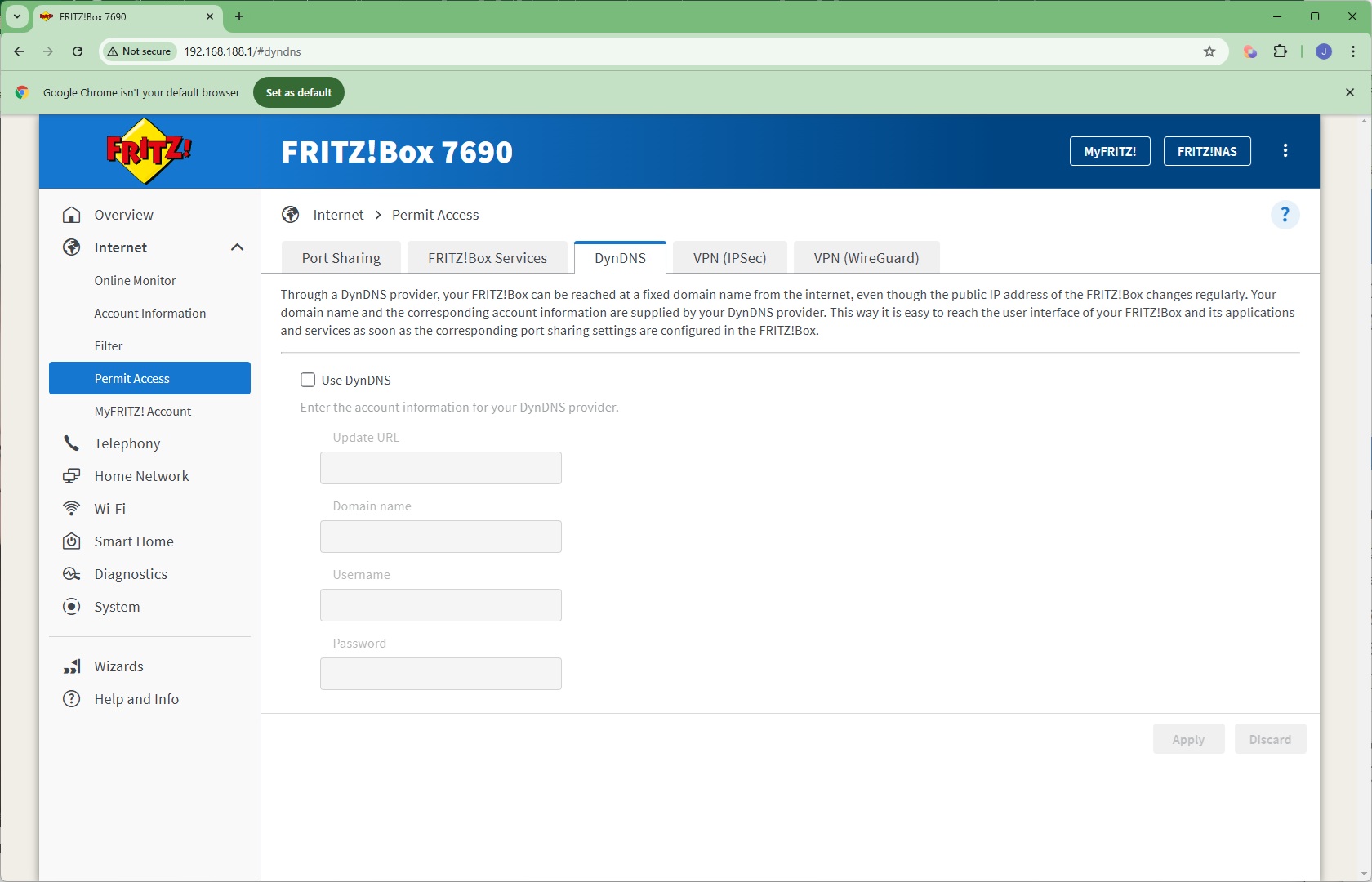
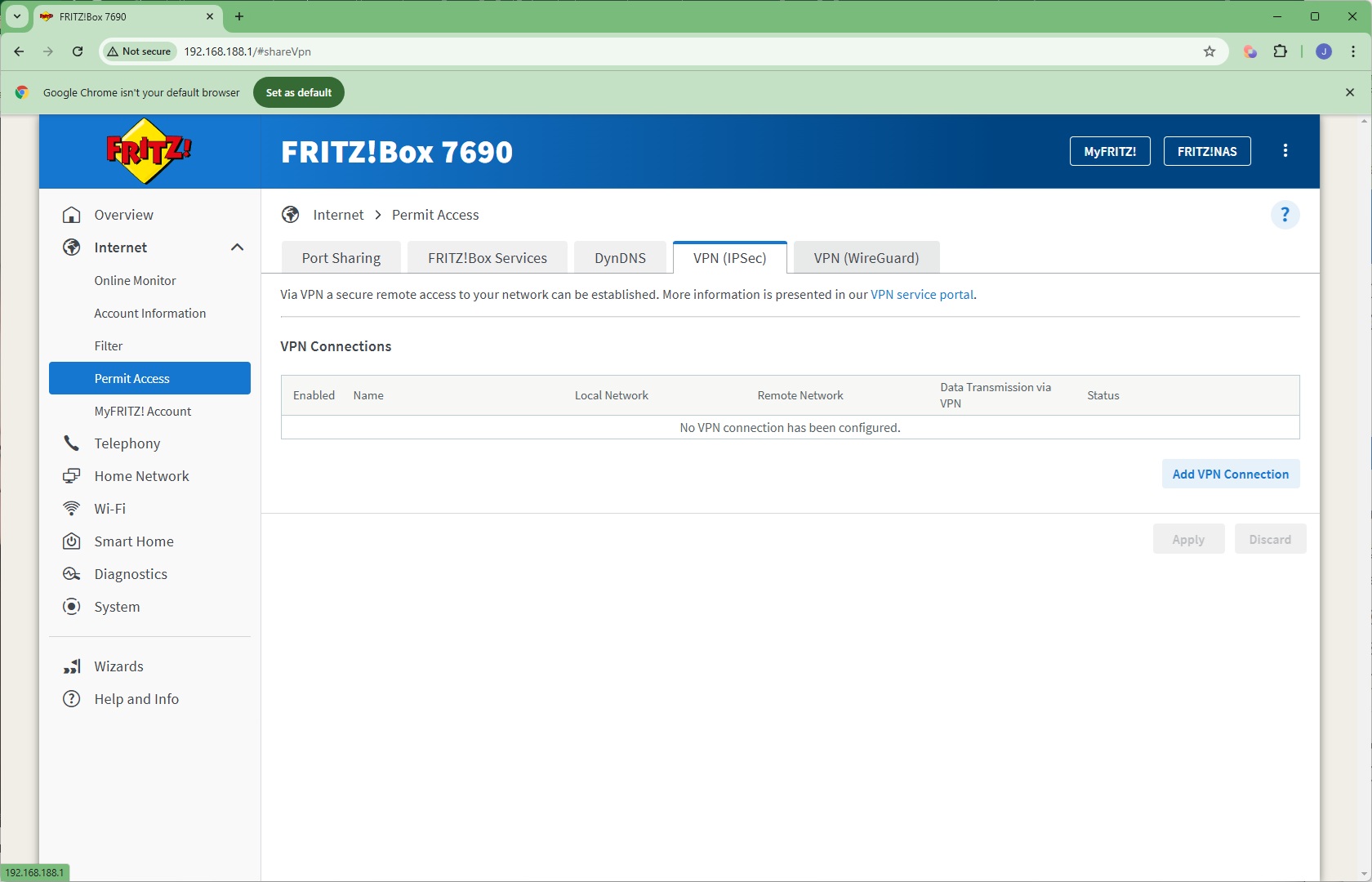
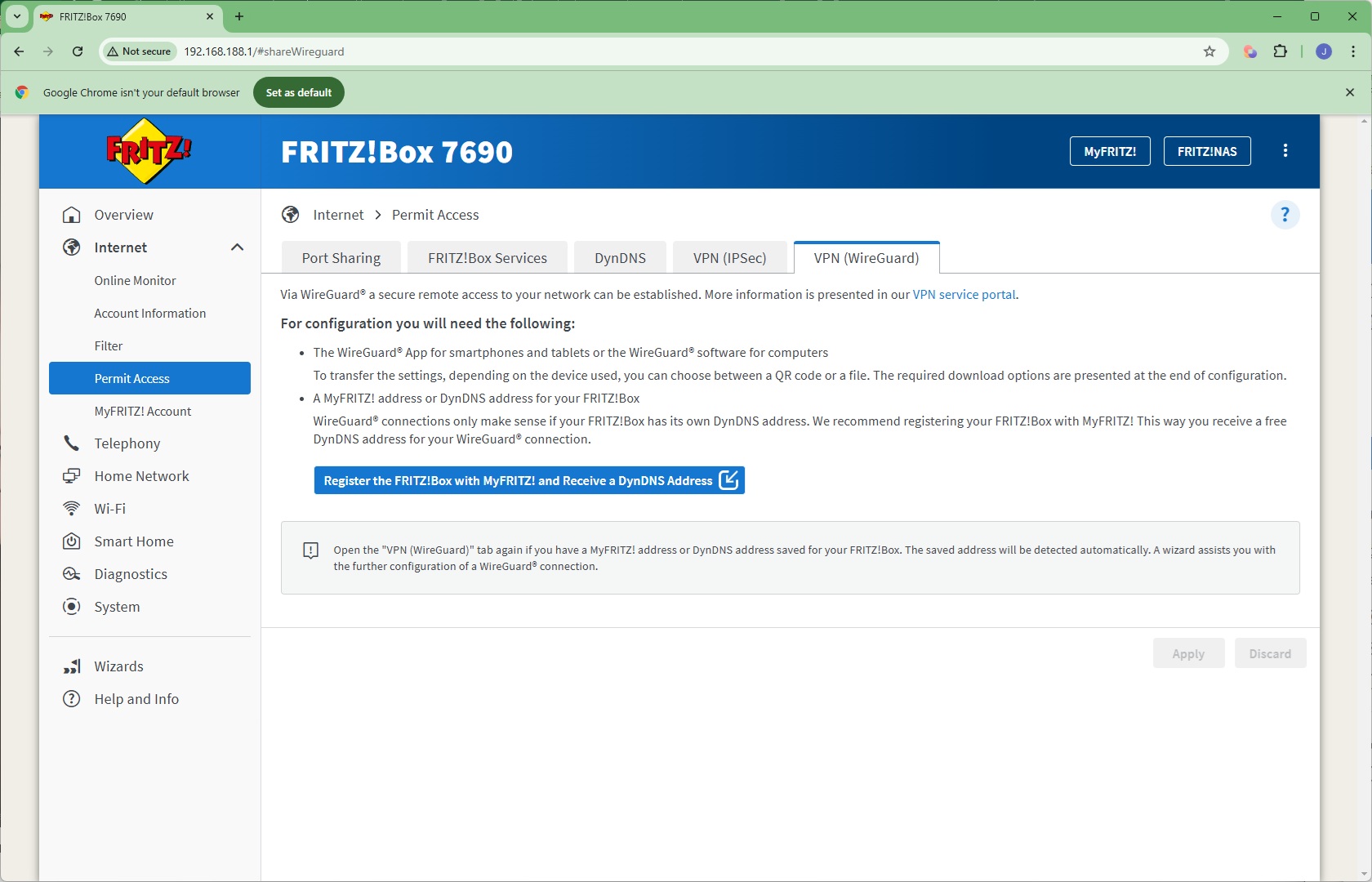
Under Permit Access, you can port share to the Internet, there's access to how the device's internal memory and an attached USB drive are shared on the network, and the ability to access the router or its storage remotely. This uses a certificate which is generated automatically and can be downloaded and installed to certify your browser or operating system. Dynamic DNS naming is available, but only via the DynDNS service. There is also support for VPN connections via IPSec or the WireGuard service (which also requires DynDNS to be set up).
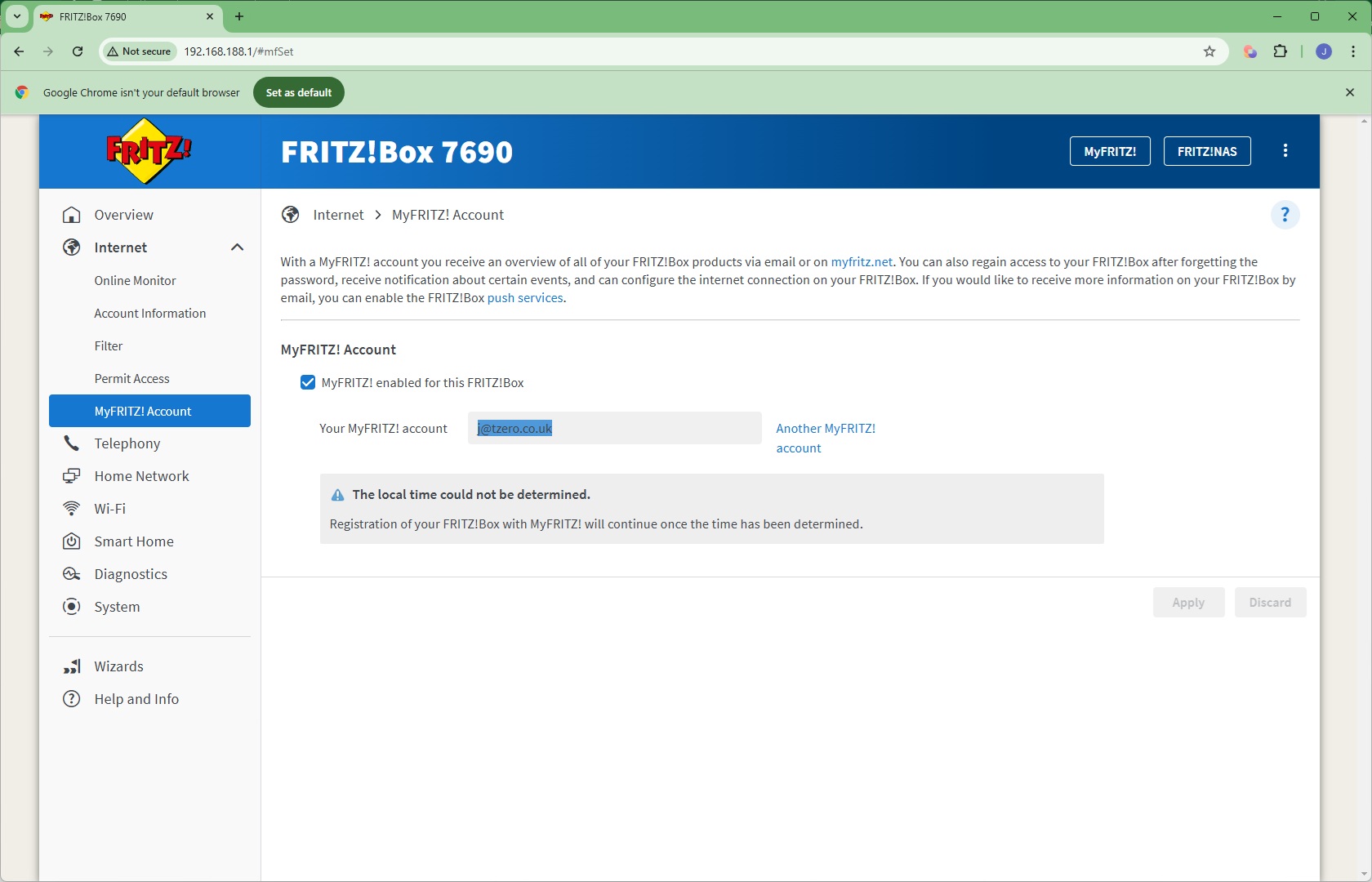
Finally, you can configure your MyFRITZ! account details, which enables you to recover access to the device if you forget the admin password, among other things.
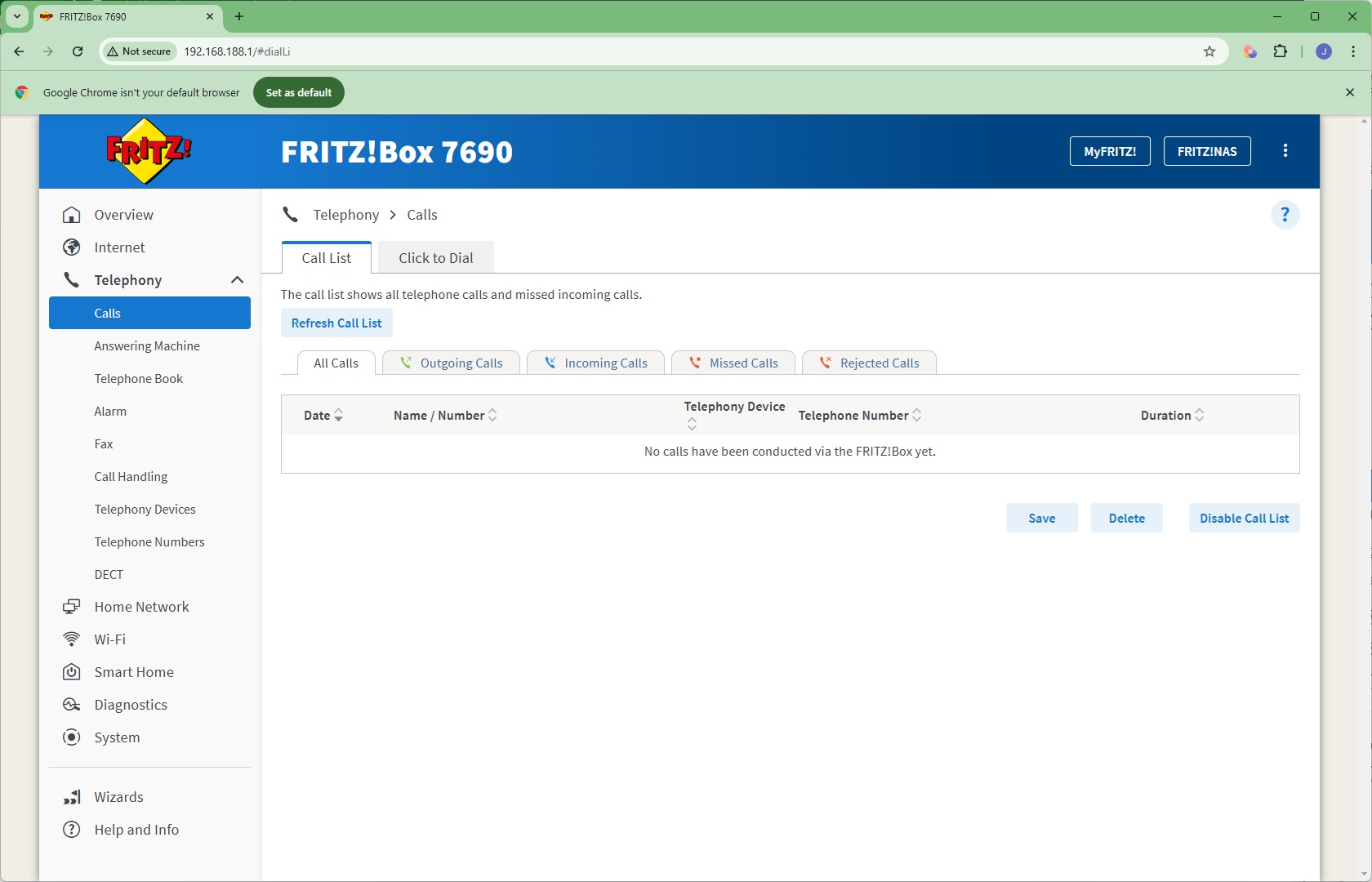
The Telephony section provides extensive options for IP-based home landline calling. You can pair up to six DECT handsets with the system, and add two analog handsets. There's a built-in answering machine, you can create a phone book, and even set up three alarms to ring specific handsets. The FRITZ!Box can receive faxes and email them automatically, as well as divert calls. You can use this router for all your home phone needs or, with DECT, as a small office switchboard.
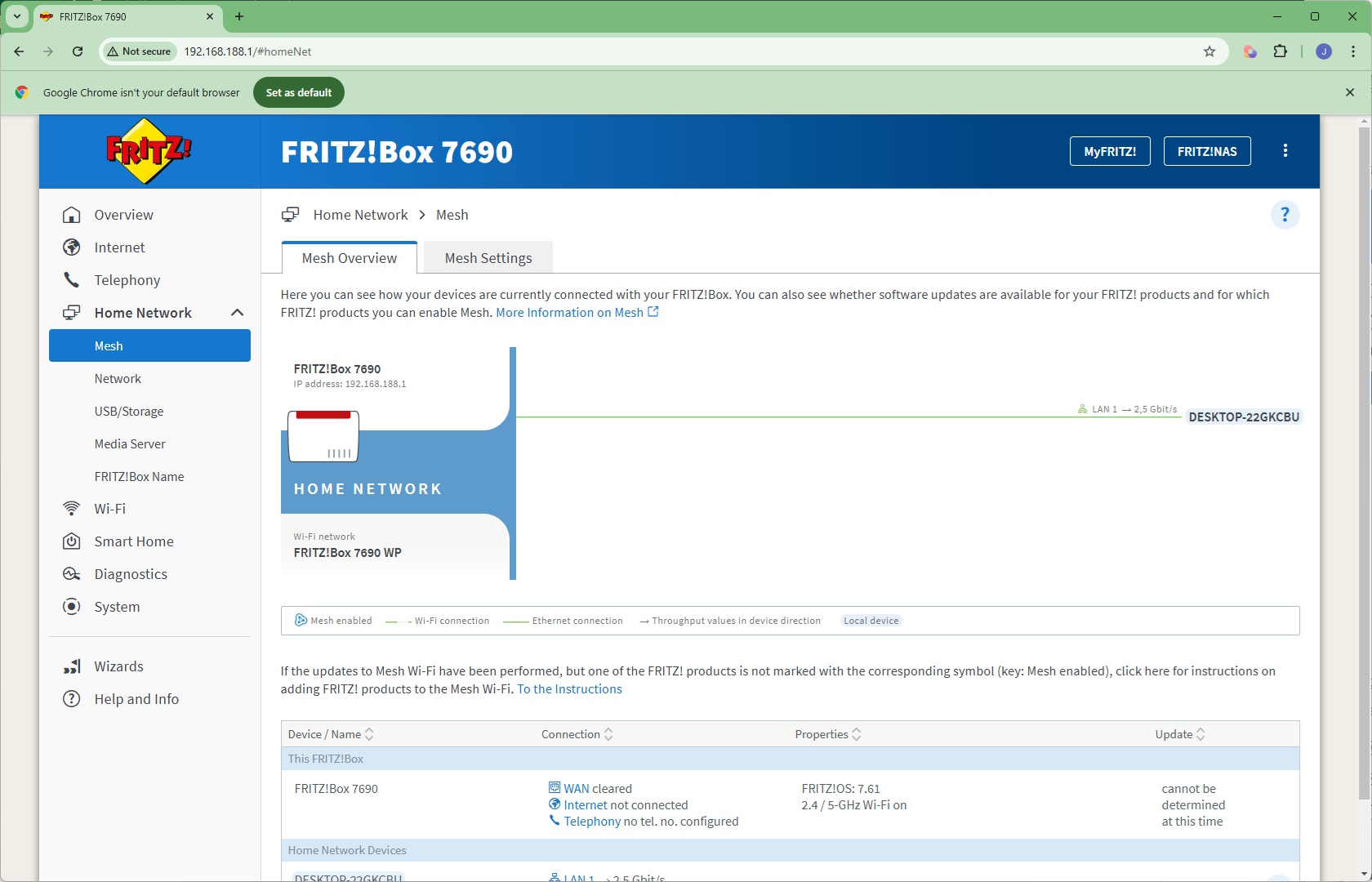
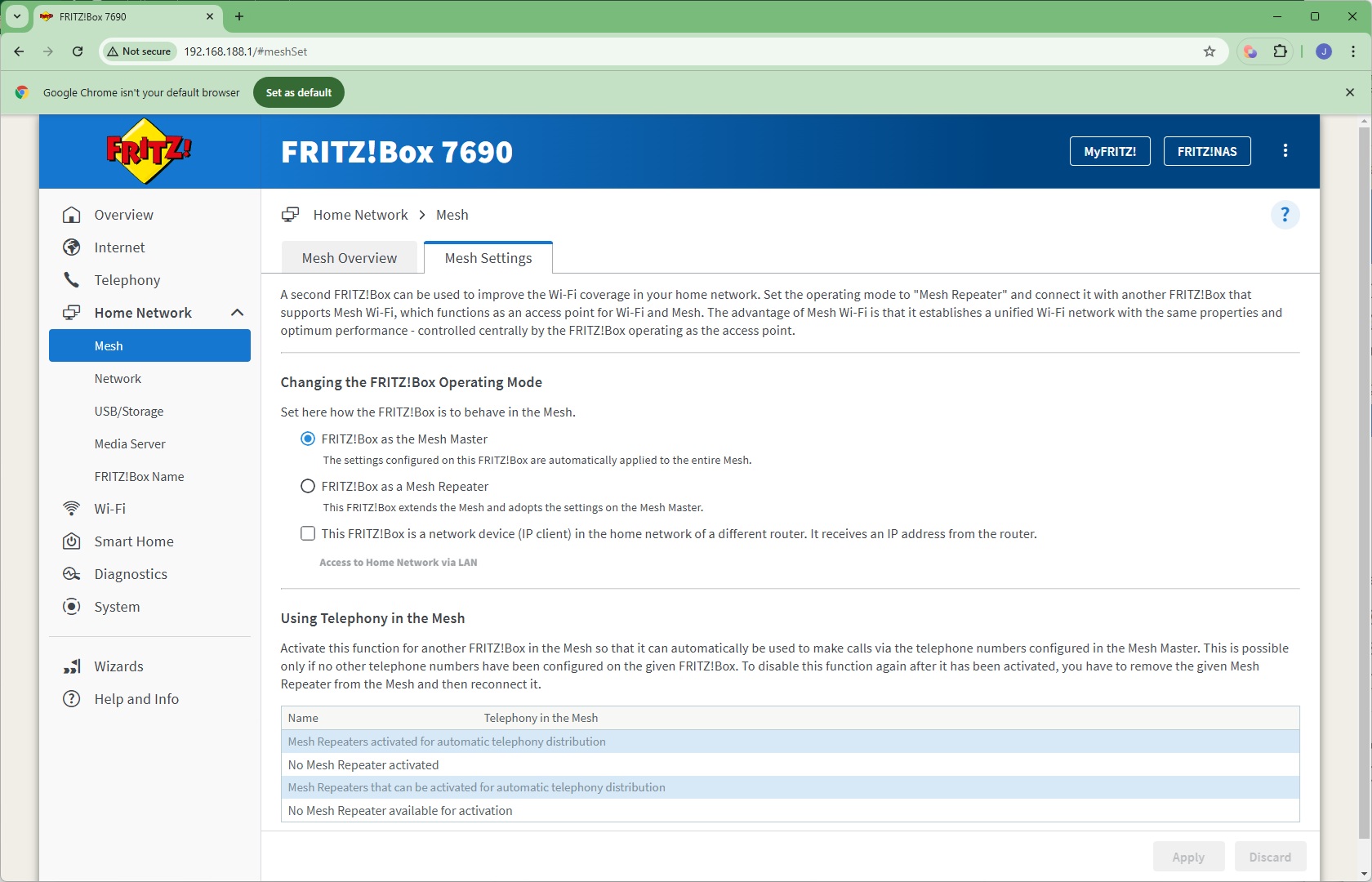
Next, we get to the Home Network section, where you can create a Mesh with multiple FRITZ! devices, connected either wirelessly as repeaters or over wired LAN (including via powerline networking).
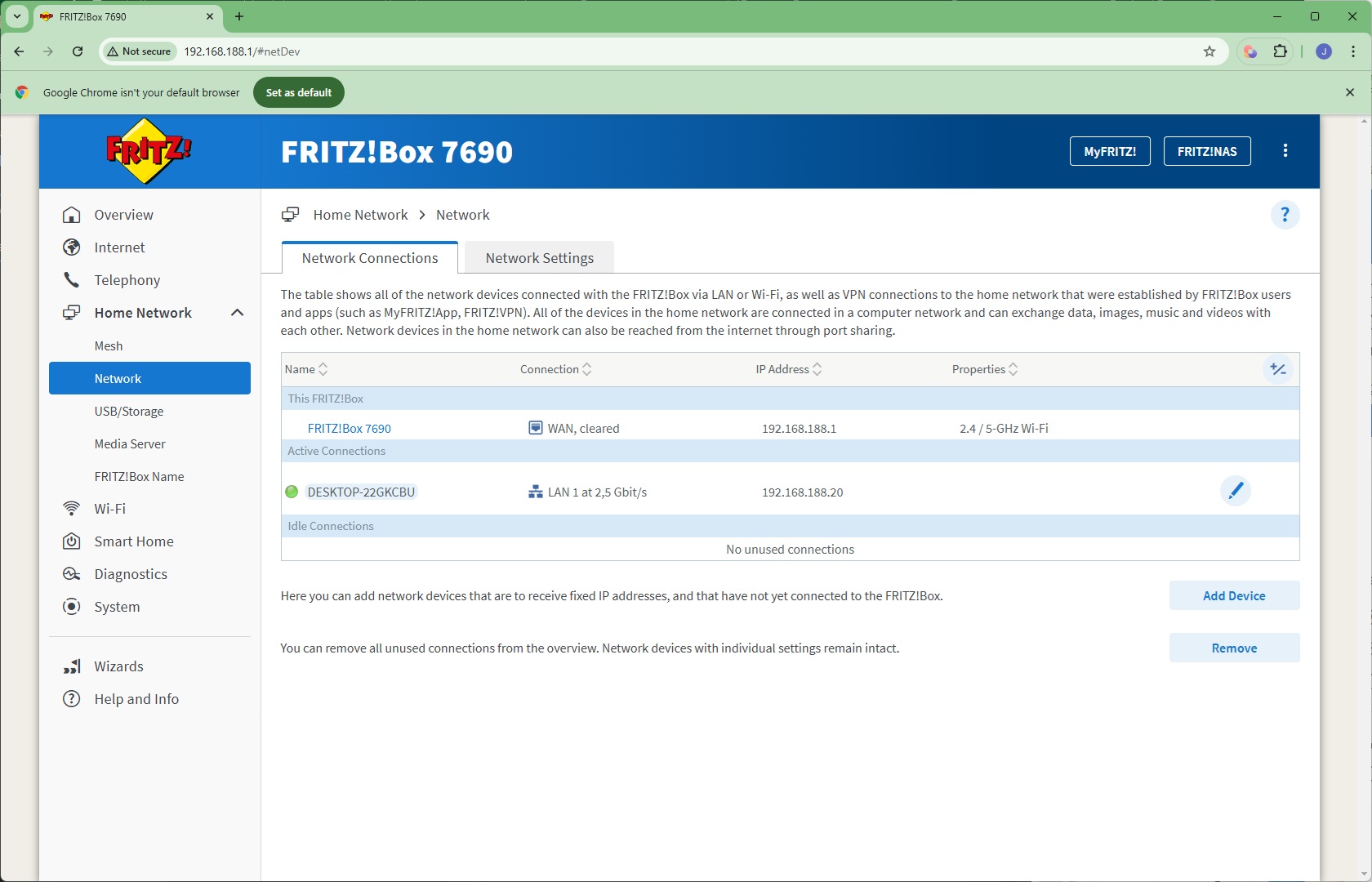
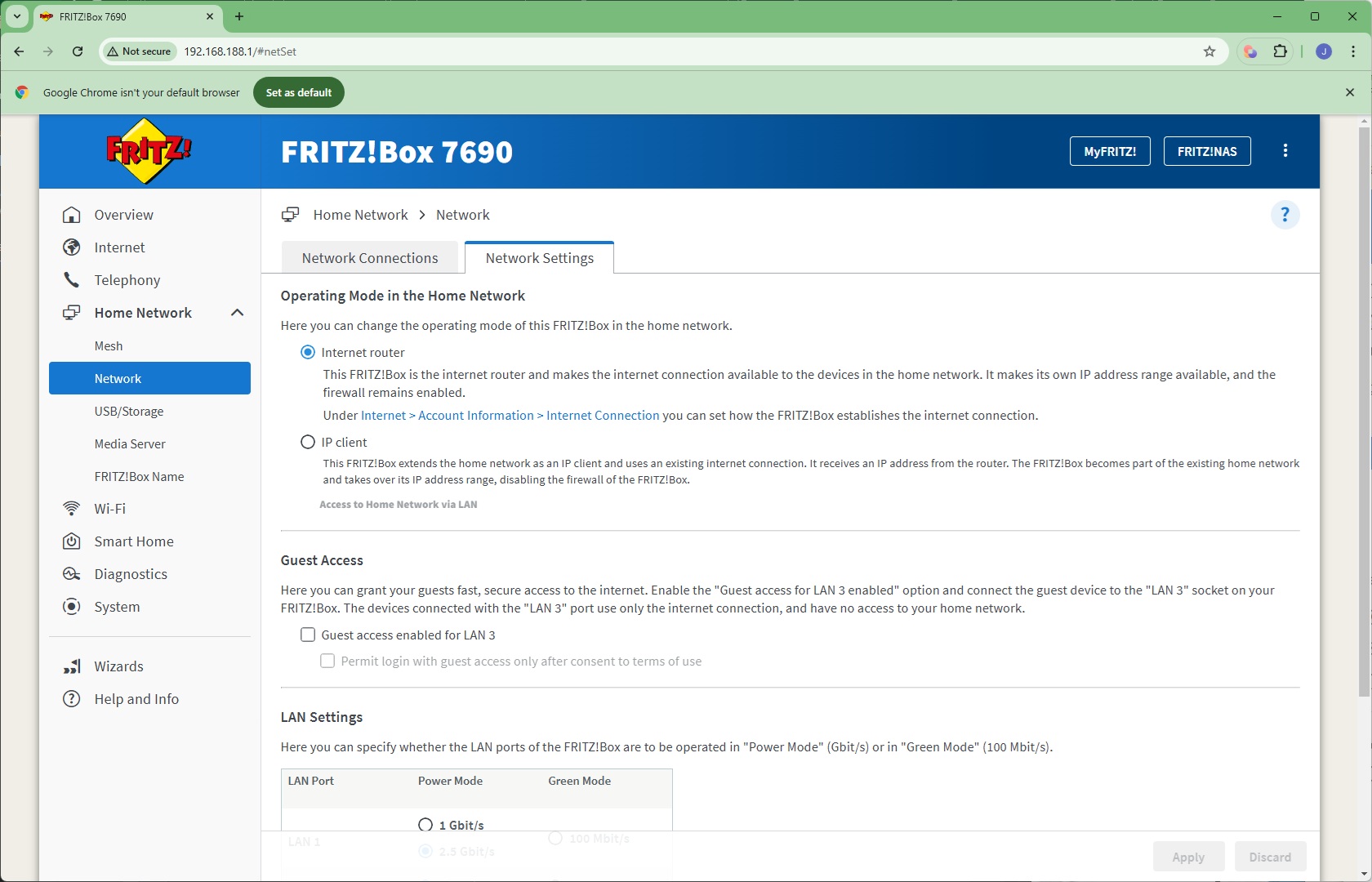
The Network section lets you browse which devices are on the network, and configure the speed of the various LAN ports.
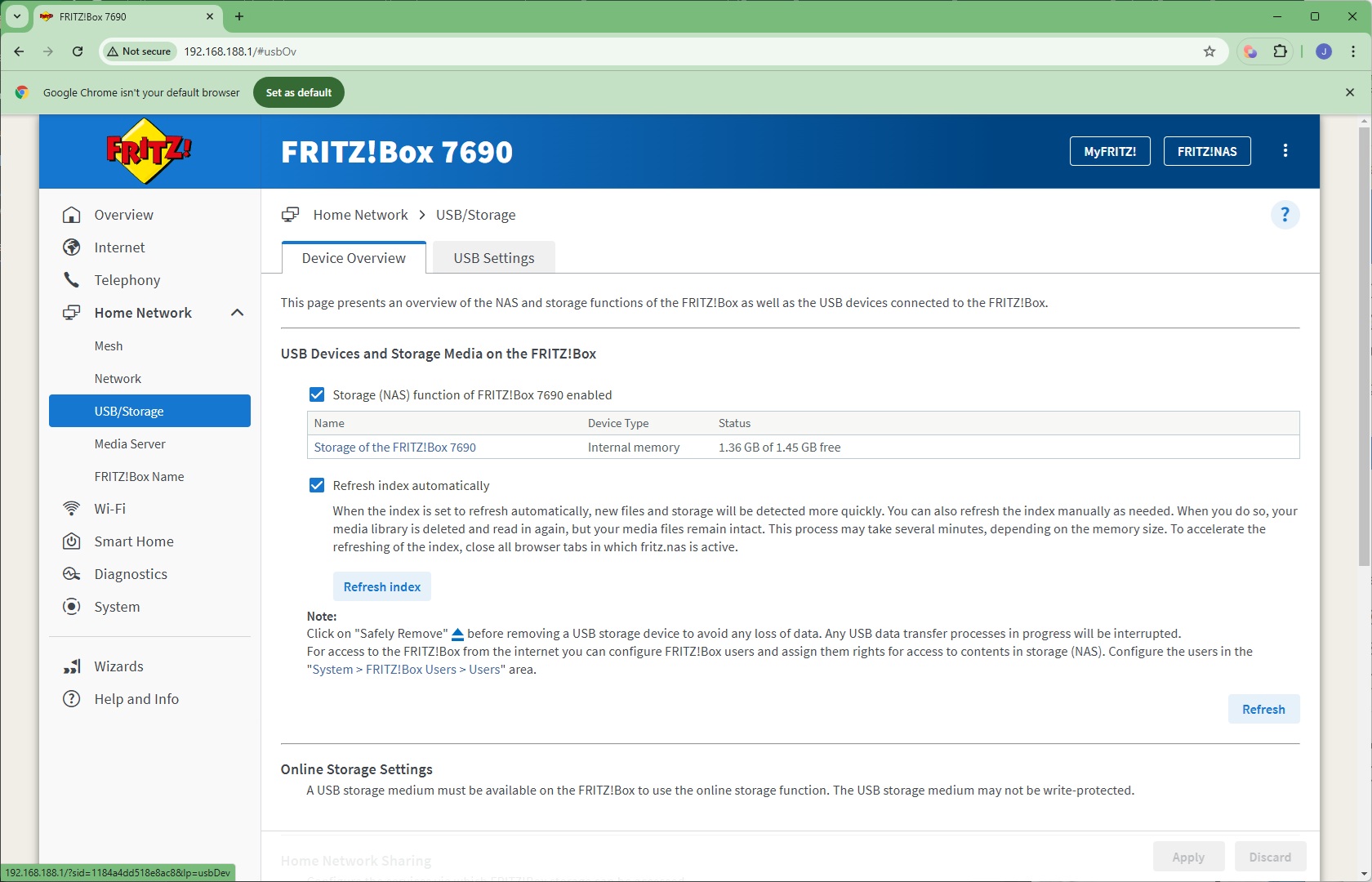
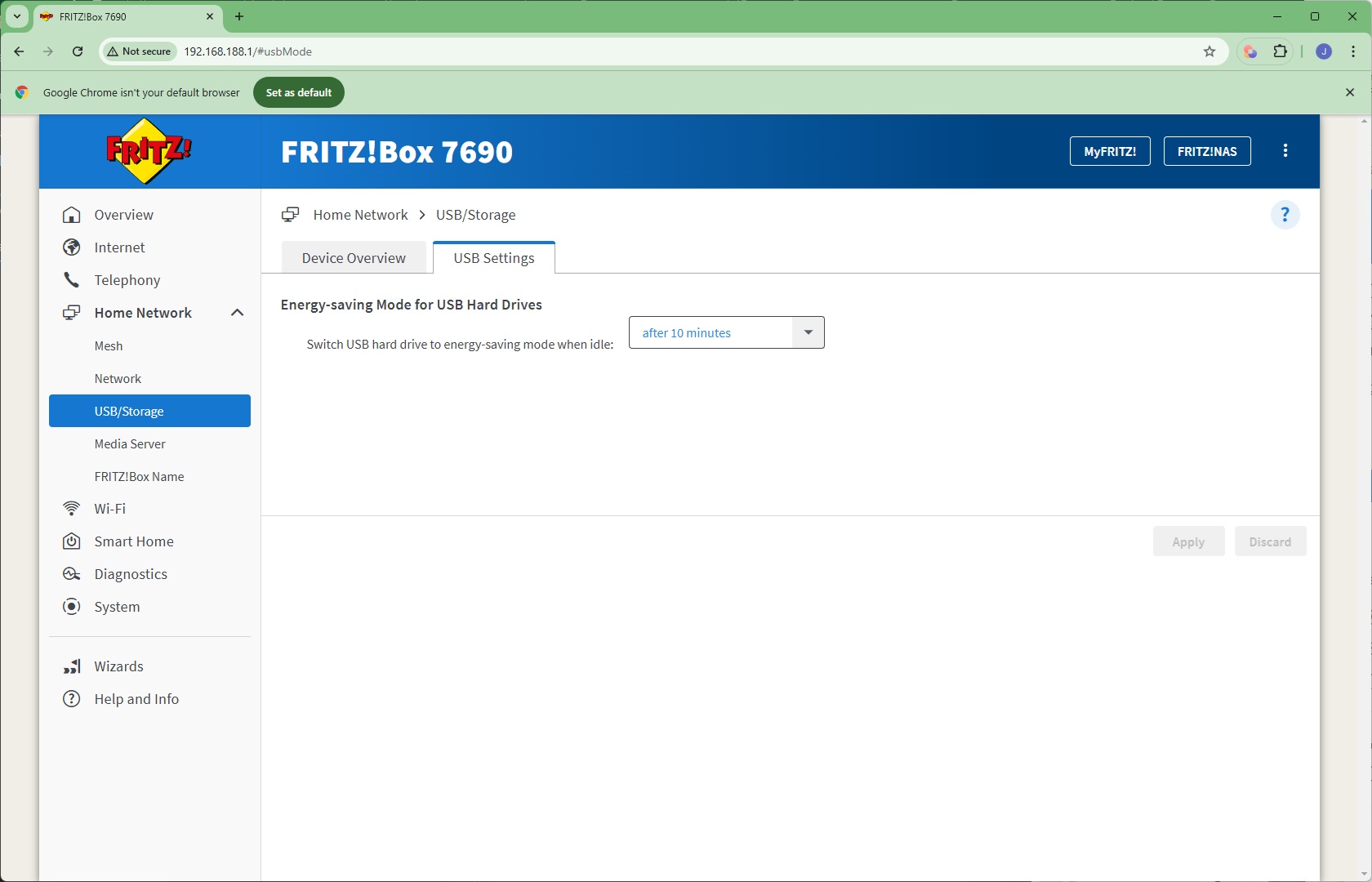
The Media section lets you configure how storage connected to the FRITZ!Box's USB port is presented to the network, plus its energy saving mode.
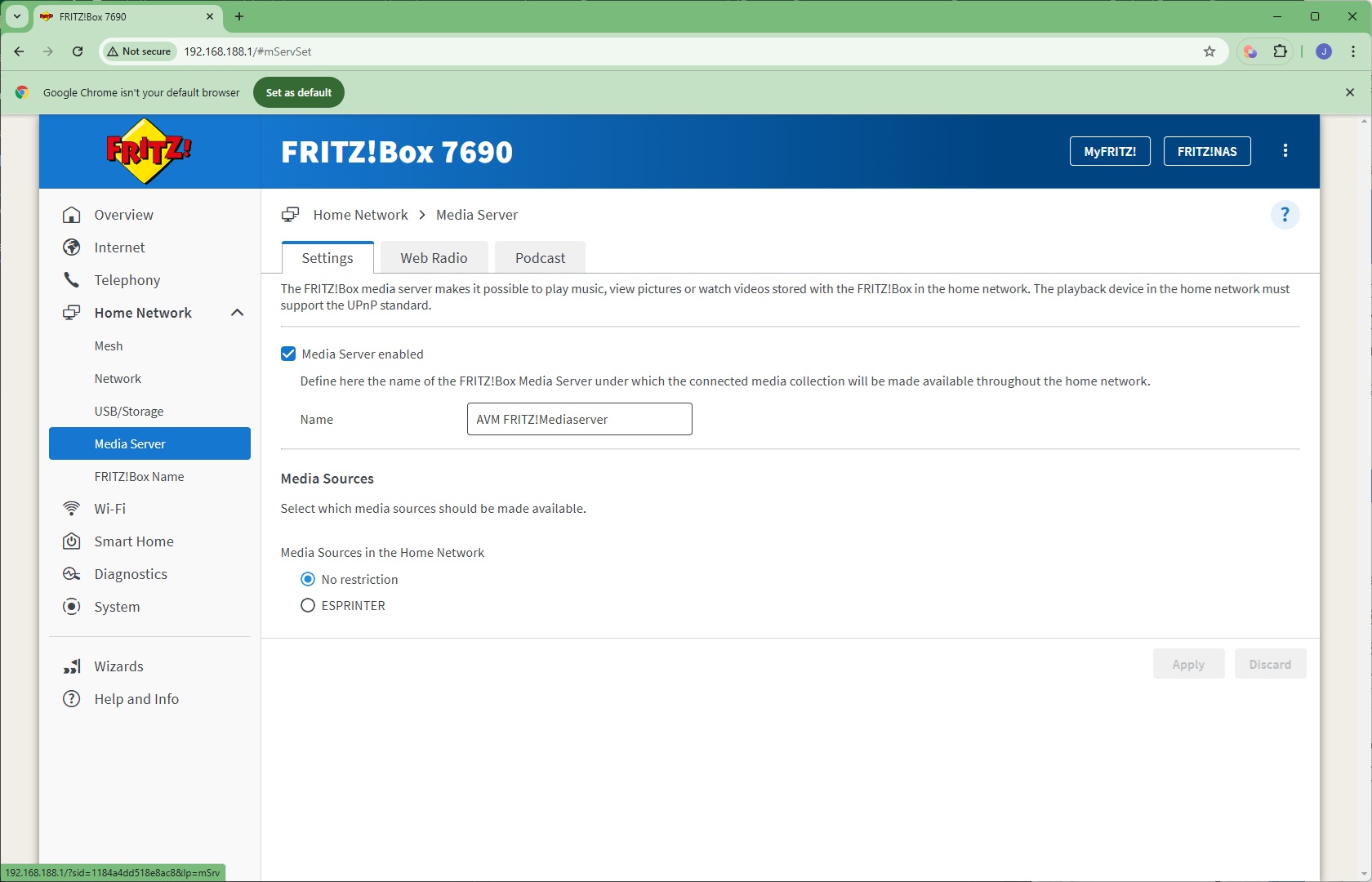
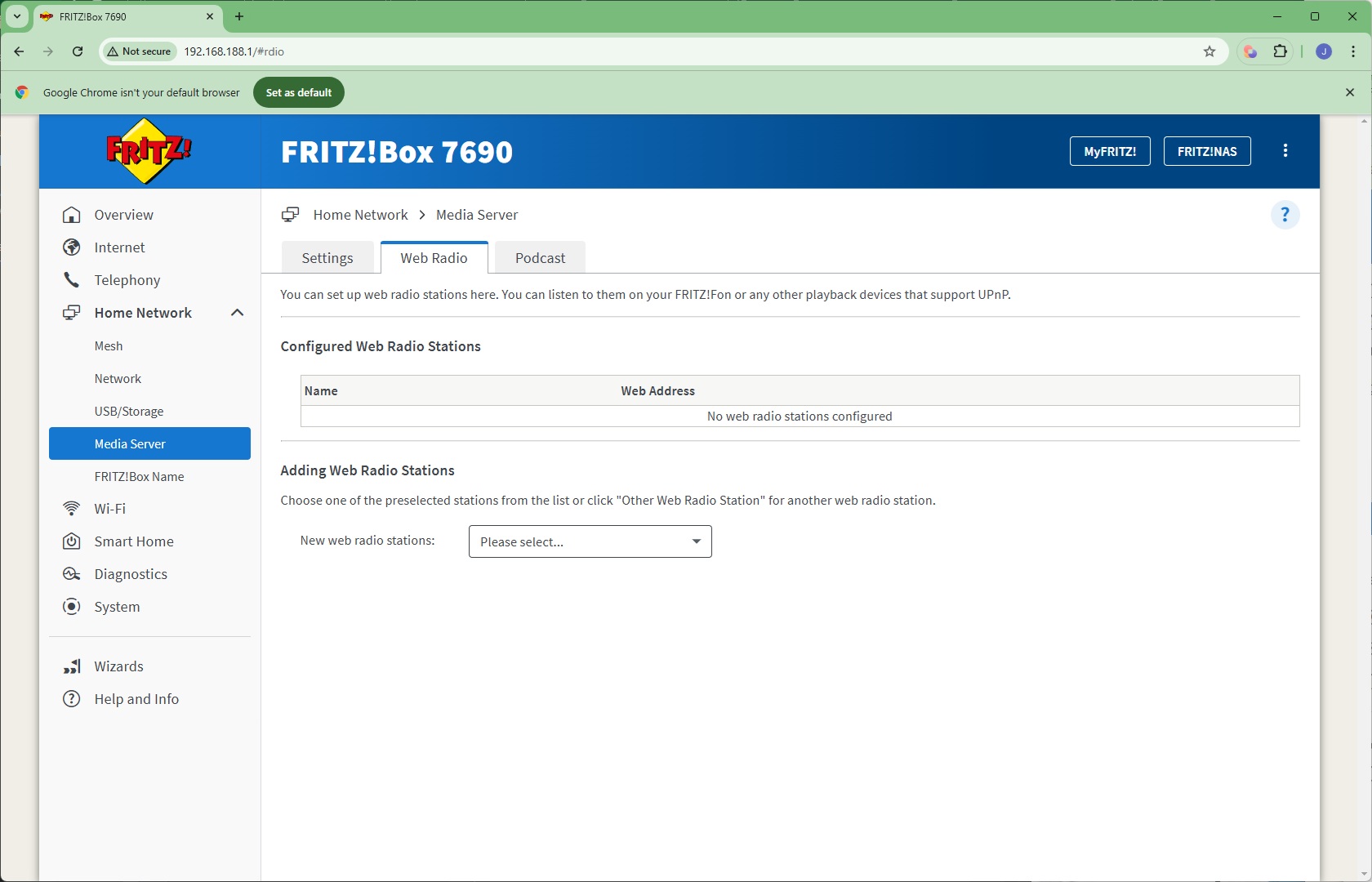
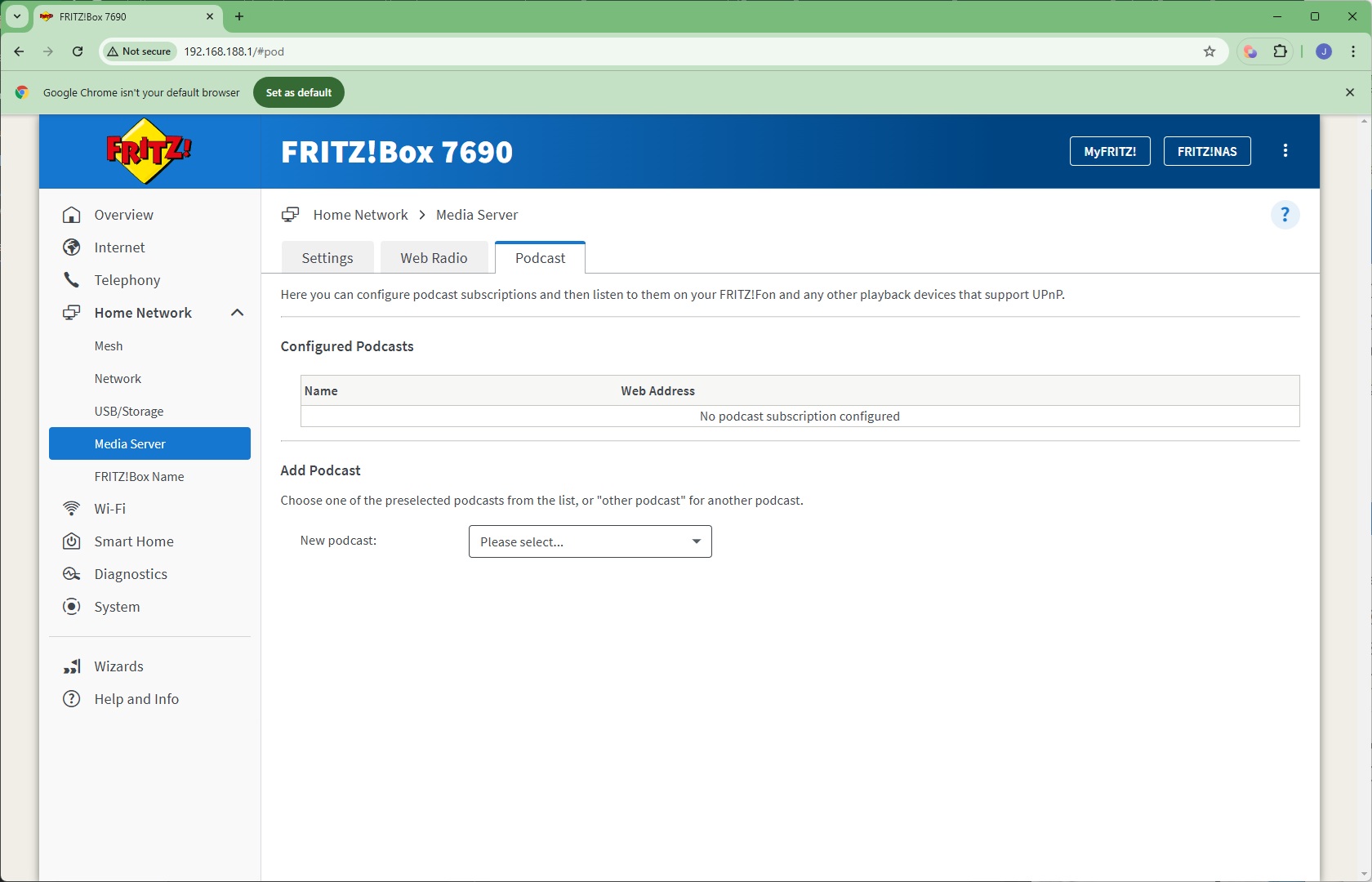
The USB storage drive can act as a media server to the network. It can also act as a hub to distribute Web Radio and Podcasts to the local network via UPnP.
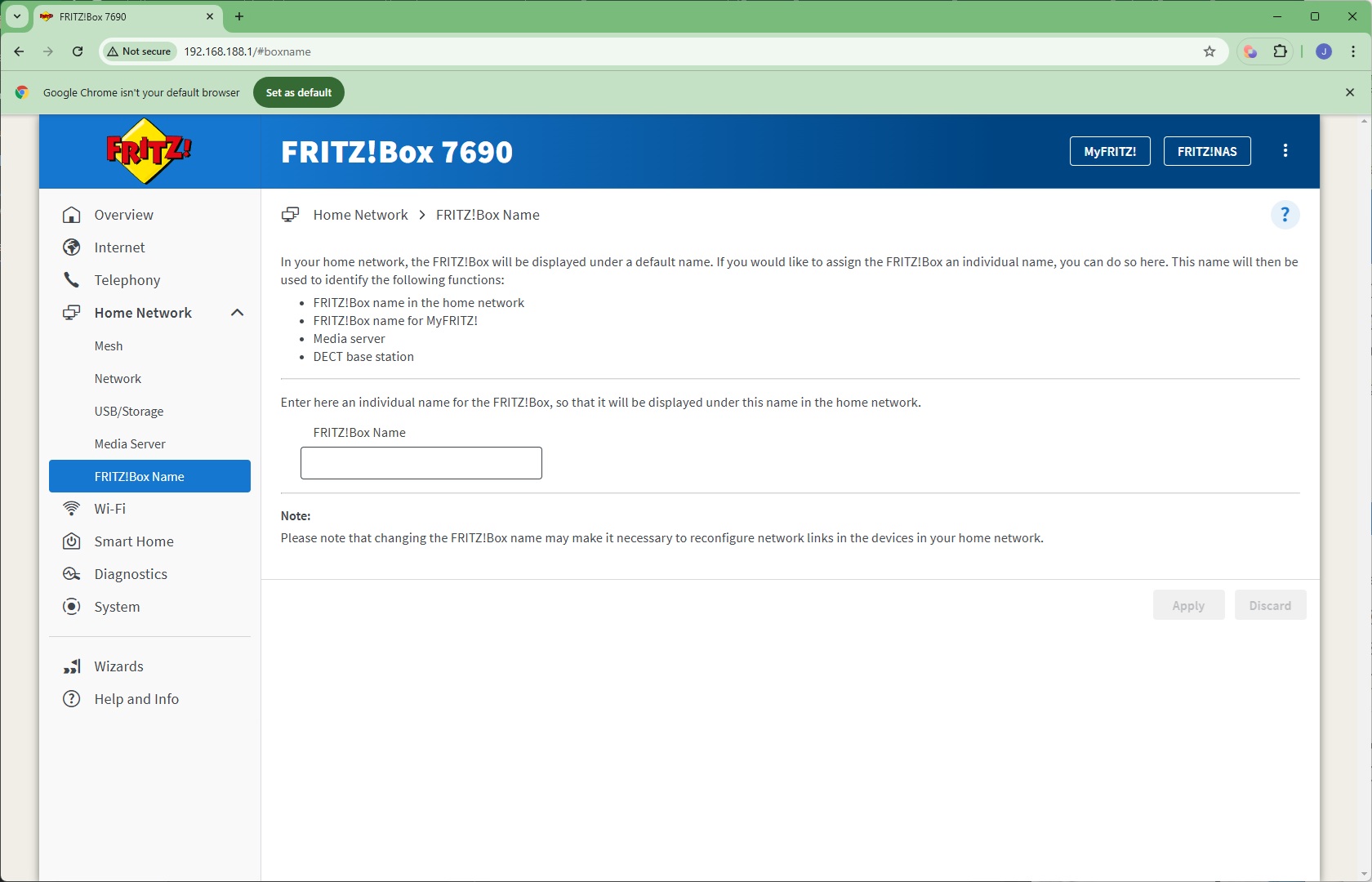
If you have multiple FRITZ!Box devices, you can give them unique names via the Name section.
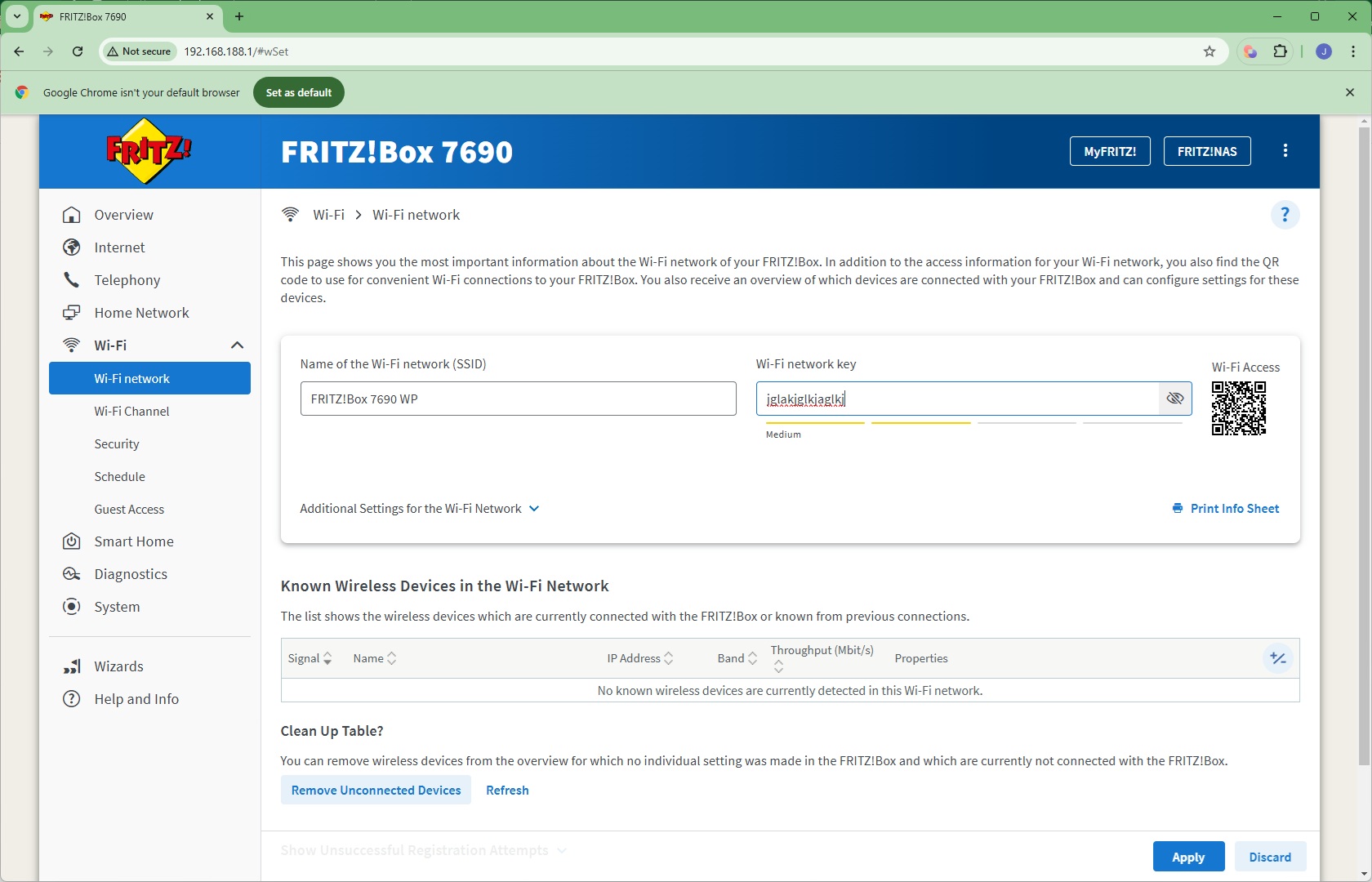
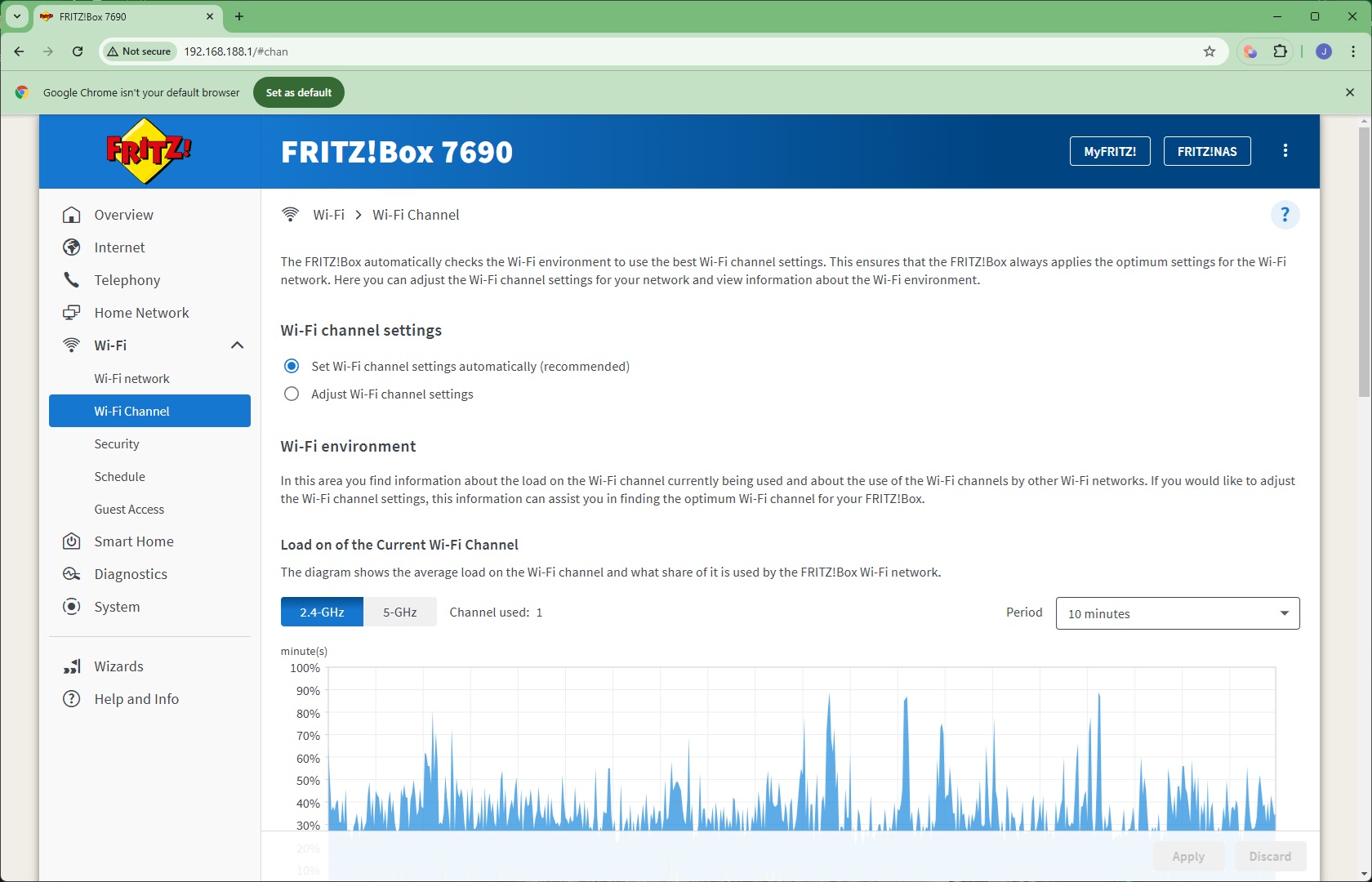
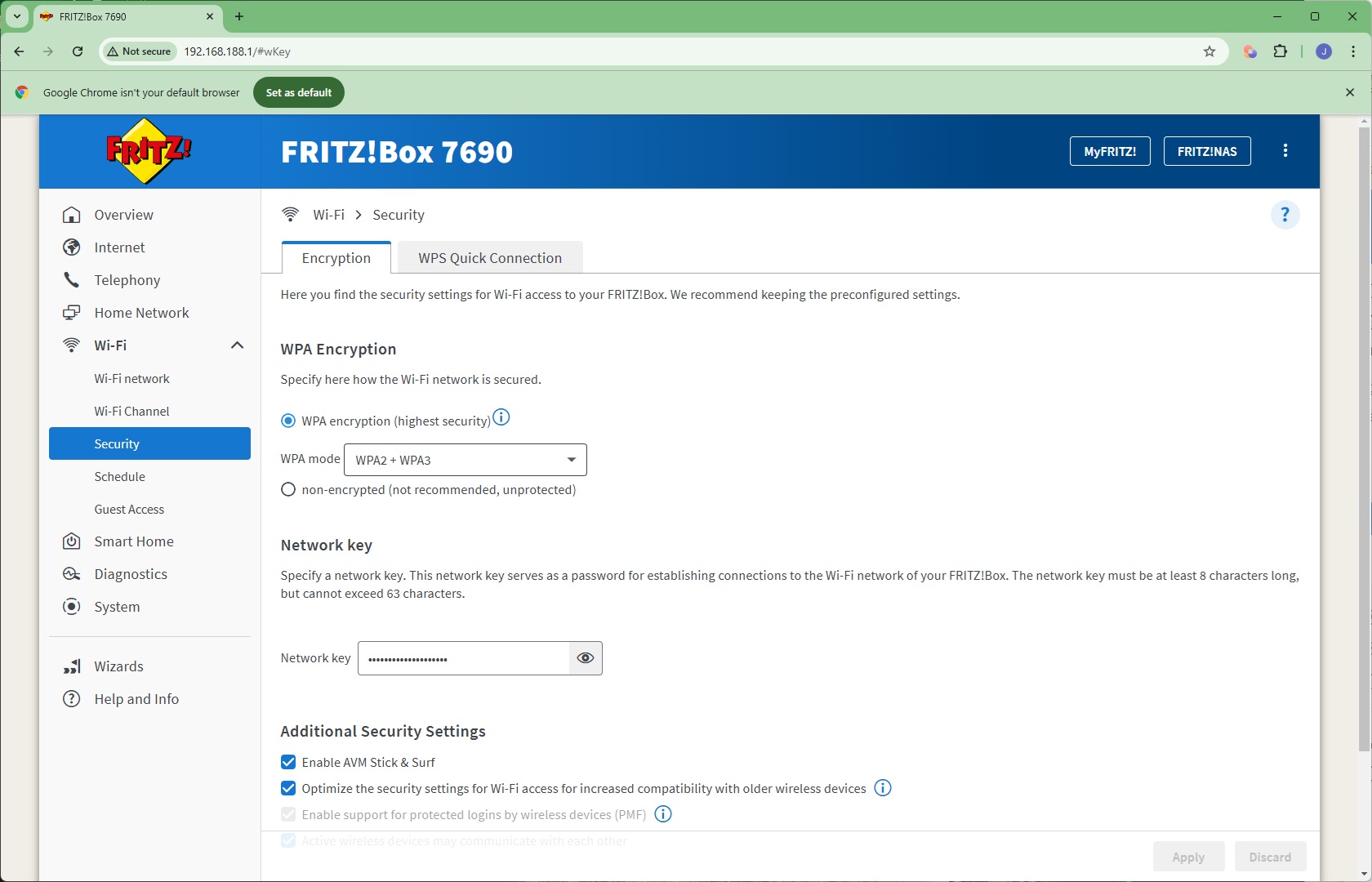
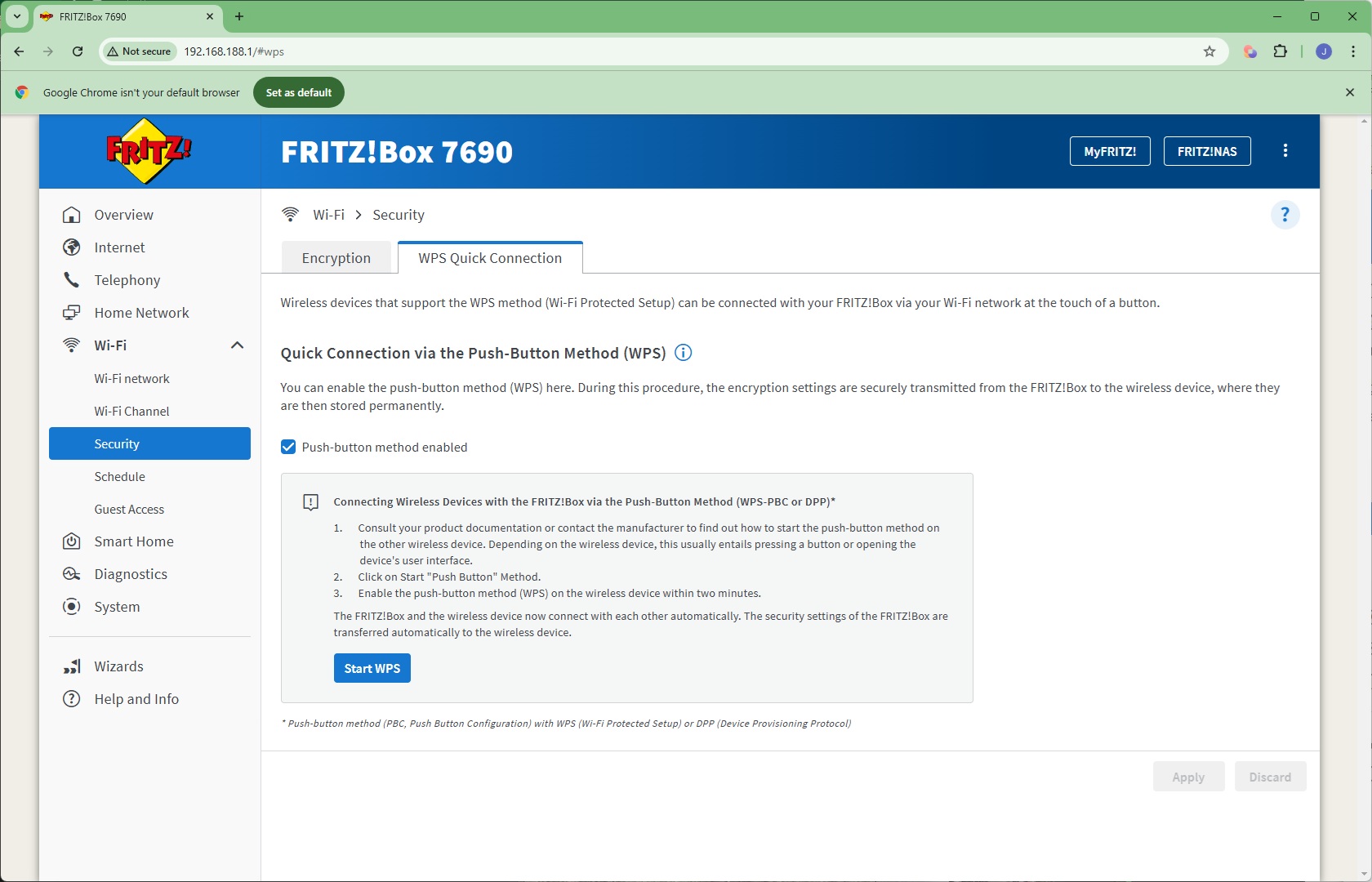
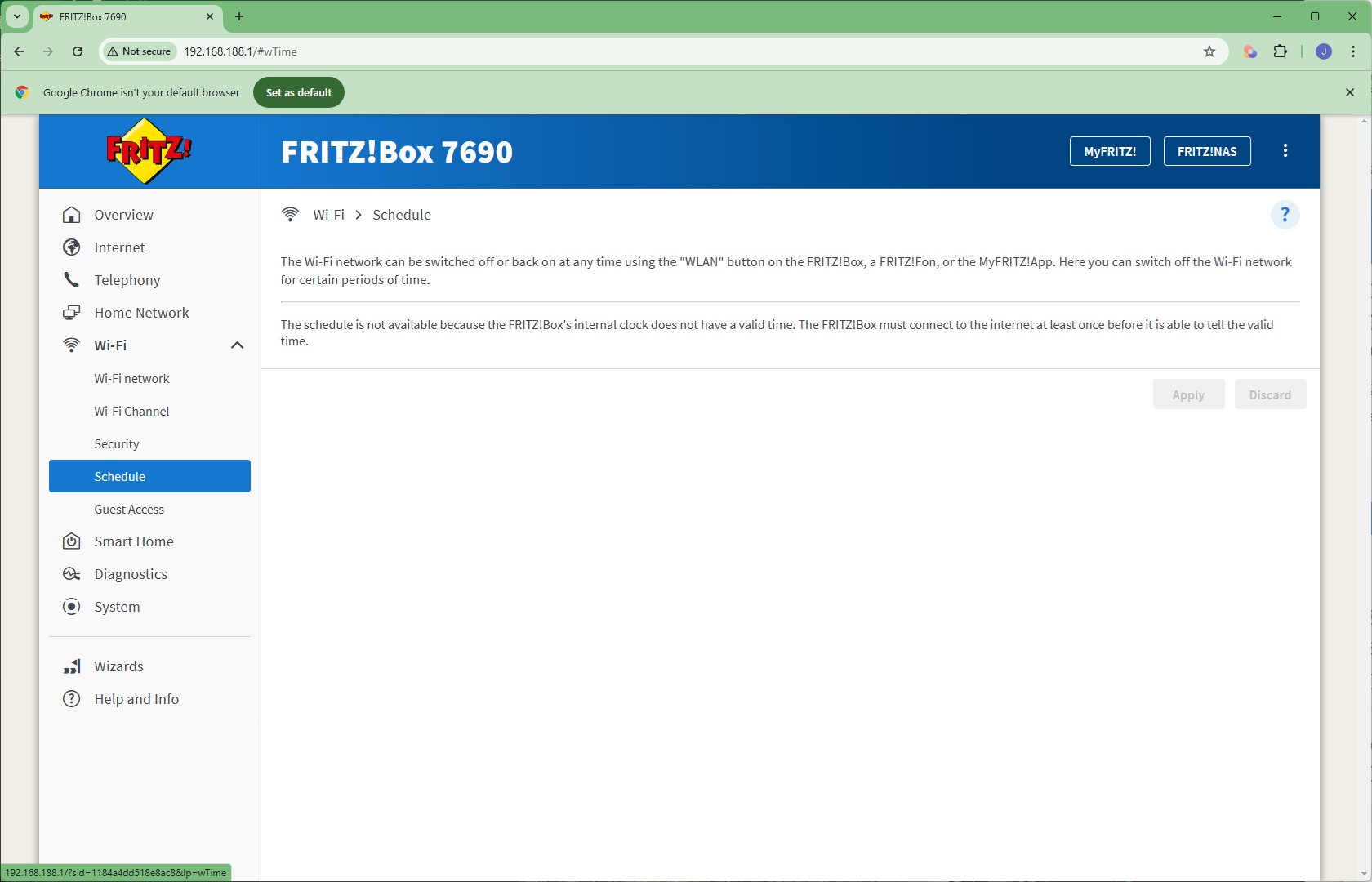
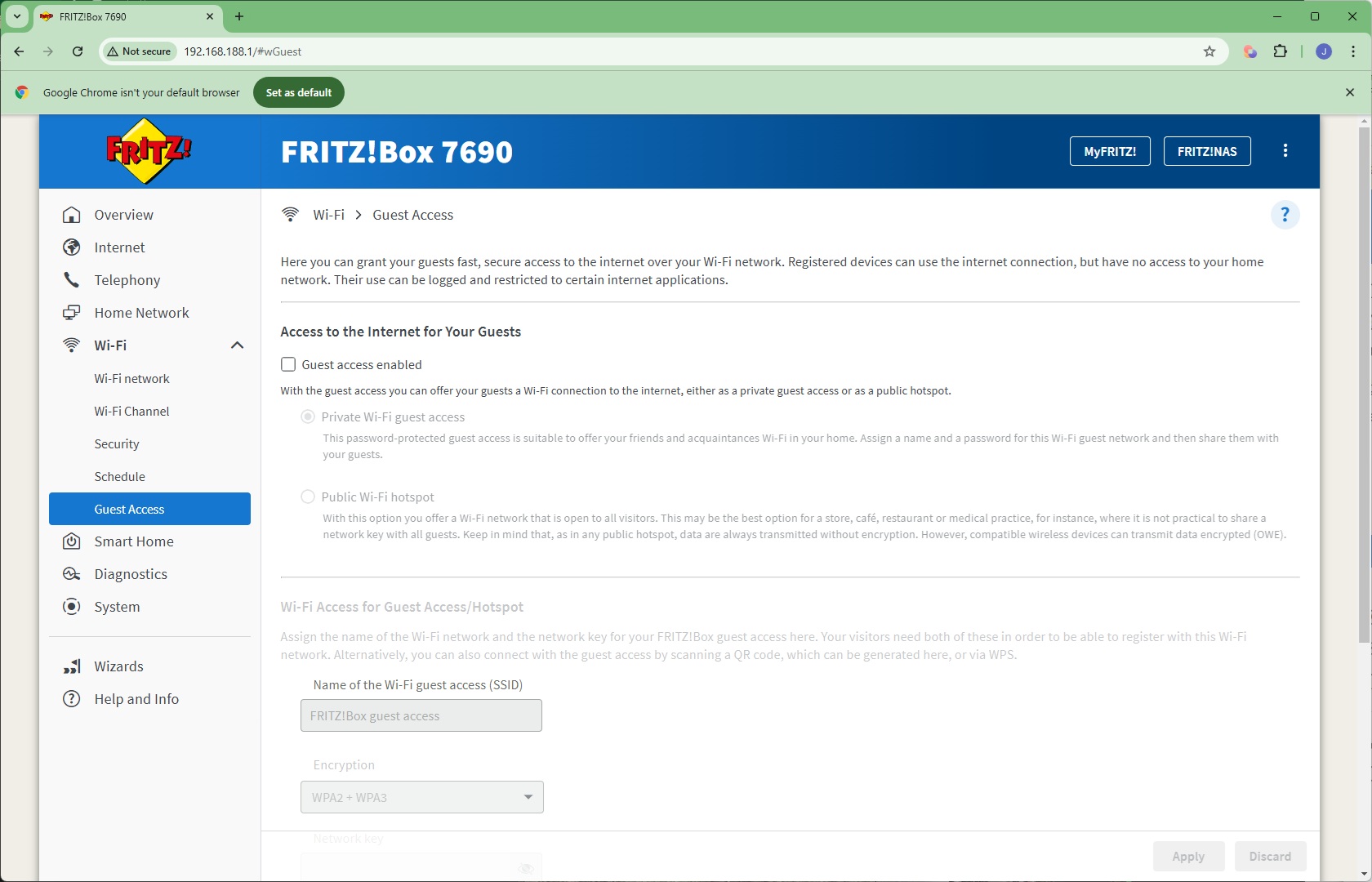
Under the WiFi section can be found sections for changing the WiFi SSID and password, waveband channel allocation at 2.4GHz and 5GHz, encryption type used, and define a schedule for turning the WiFi signal off and on. You can also create a guest WiFi network.
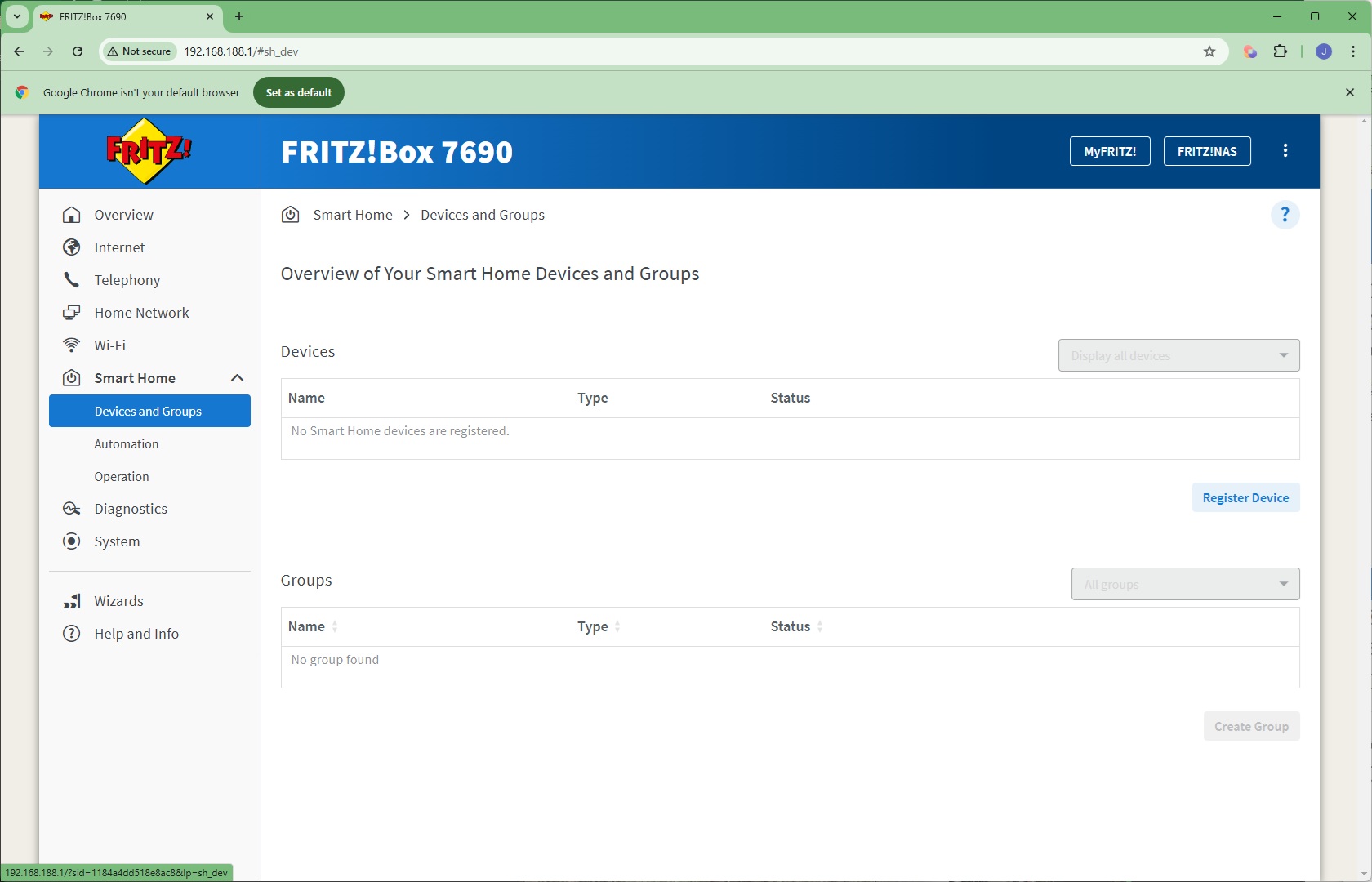
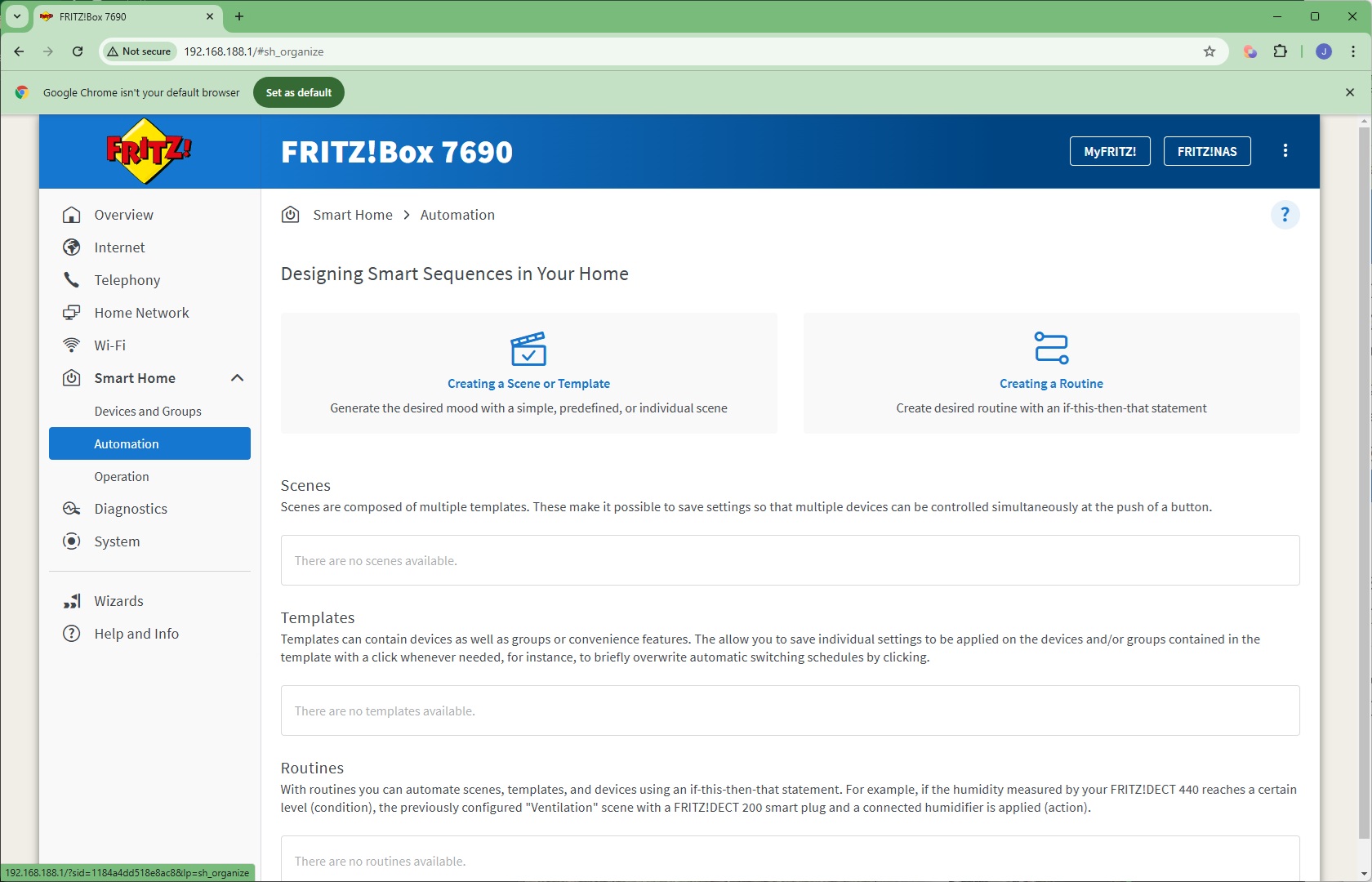
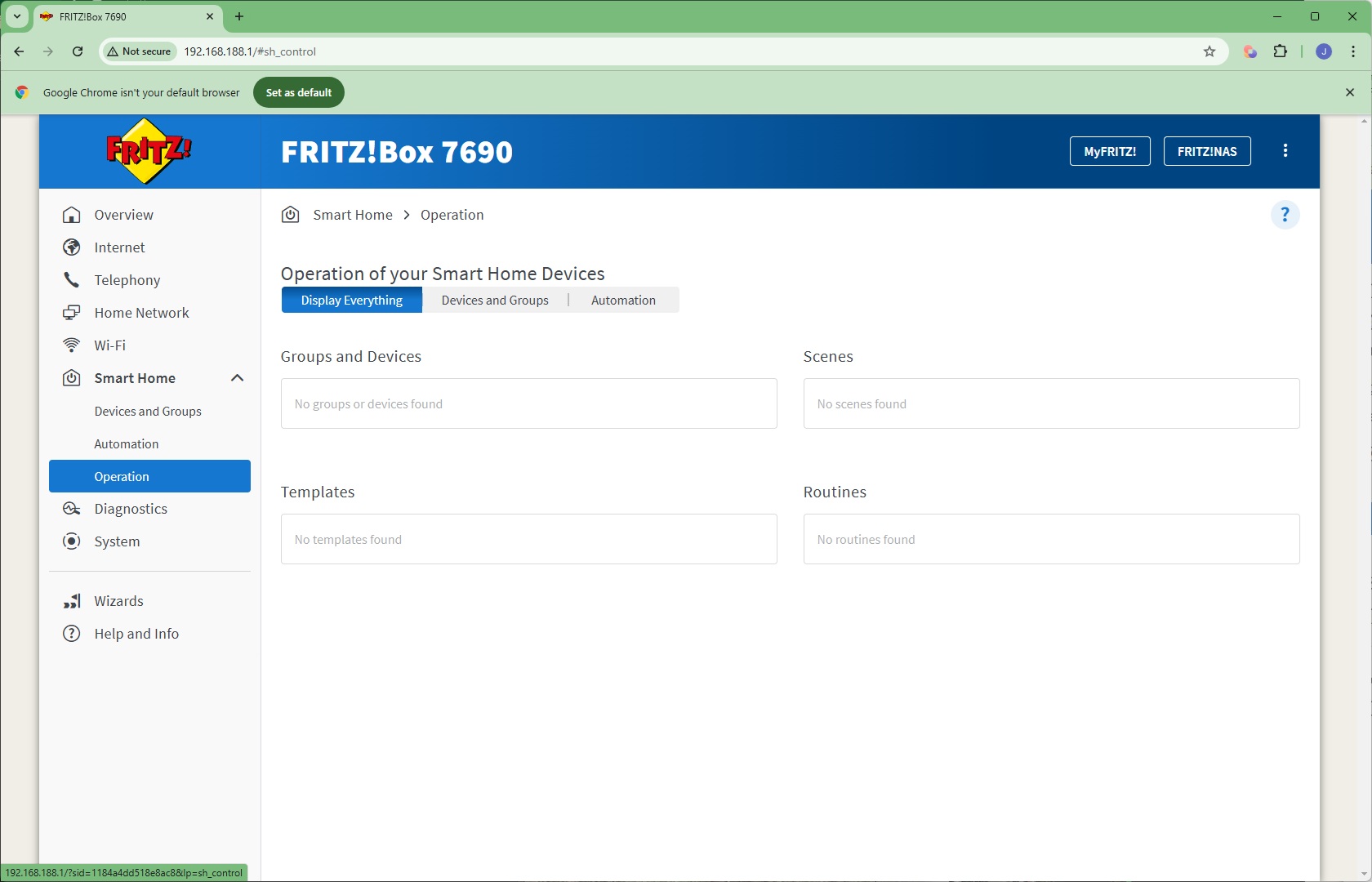
Next we come to another of the FRITZ!Box's most unique features – its support for smart home devices. You can register devices, and once they are registered, create scenes, templates and routines to automate their behaviour, such as turning a set of lights off and on at coordinated times. With a very large range of Zigbee compatible devices, there's a host of possibilities here, and Matter devices will be coming with a future firmware update.
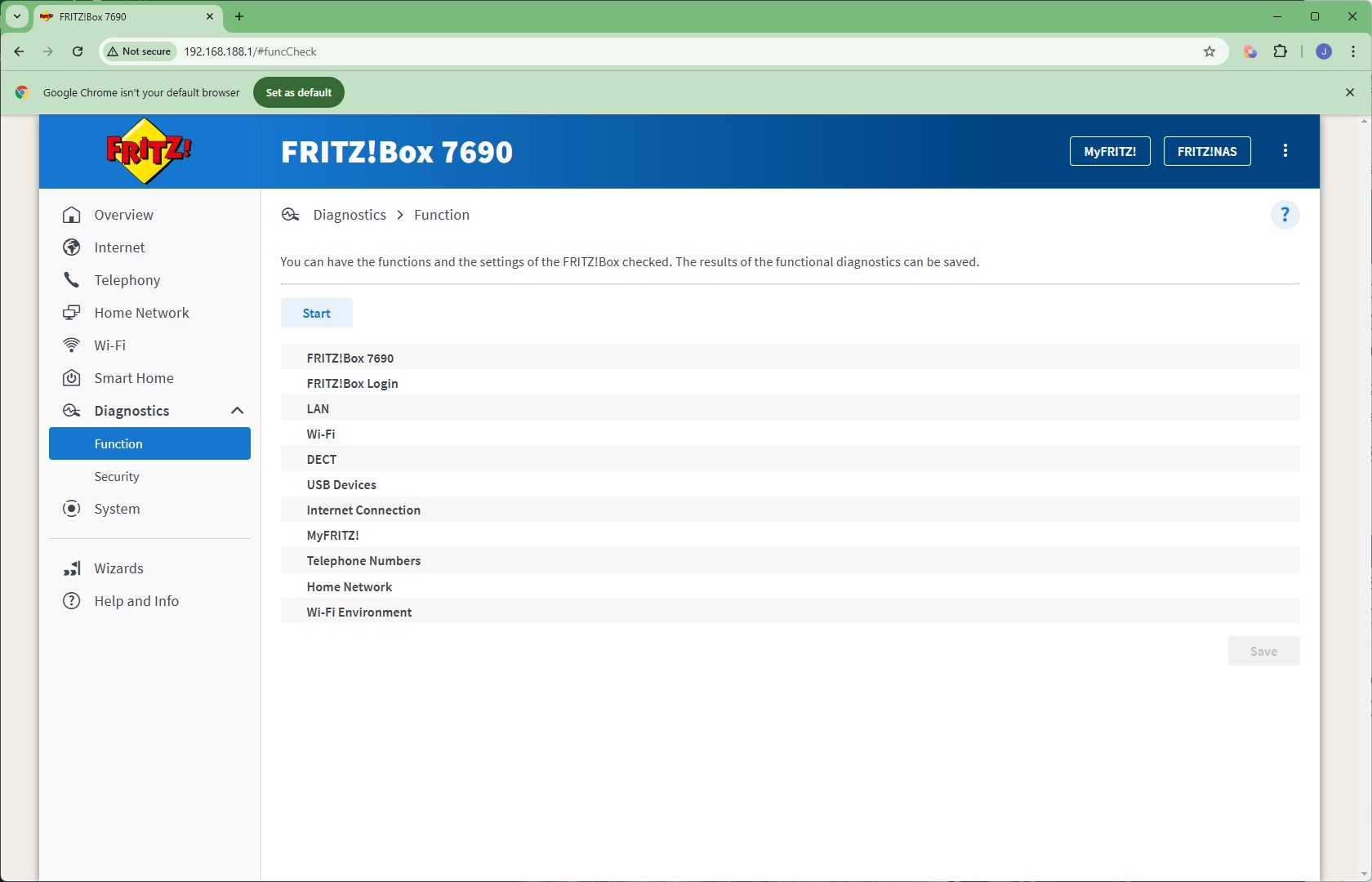
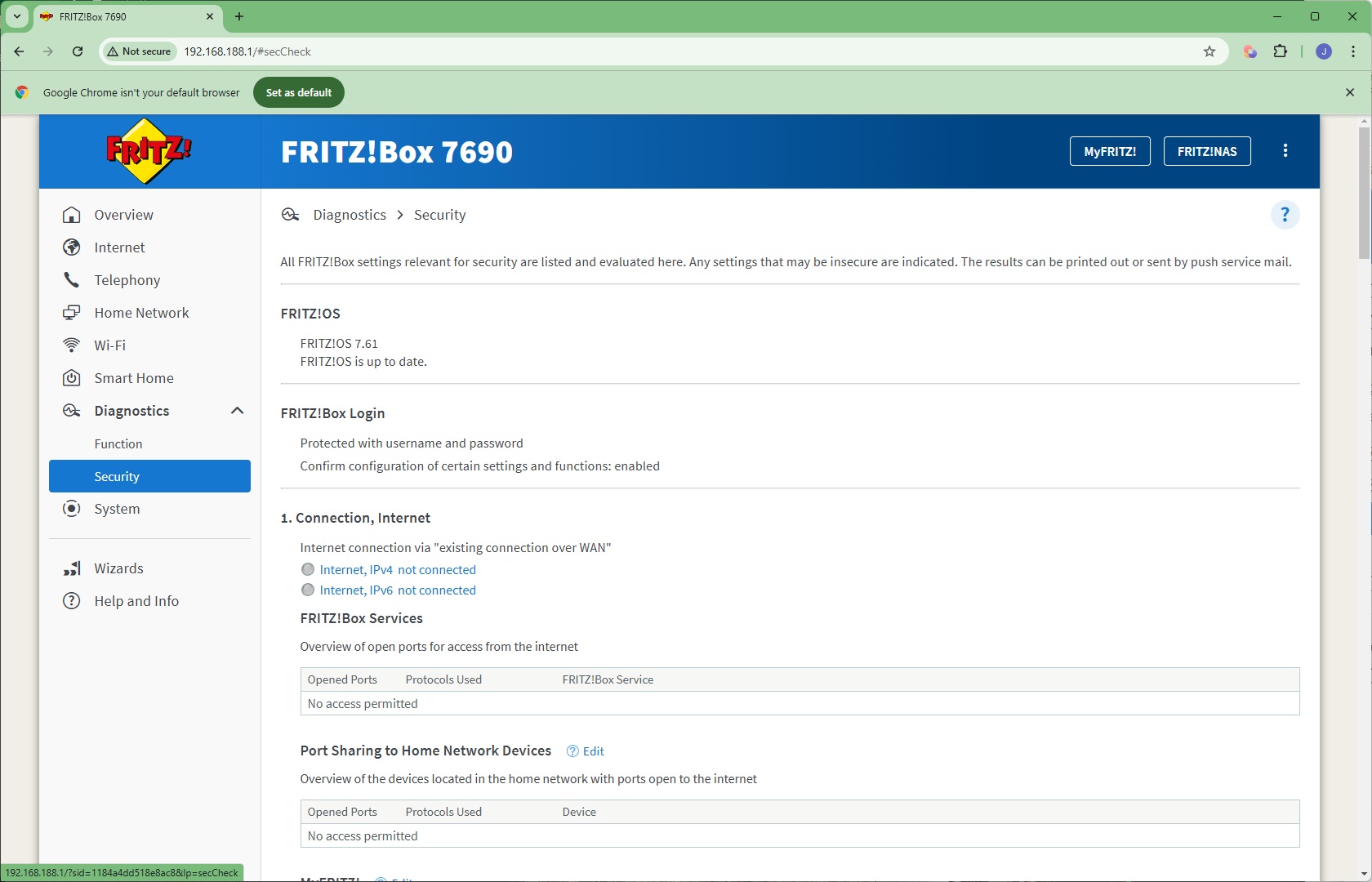
An array of diagnostic functions can be performed and security alerts perused in the Diagnostics section.
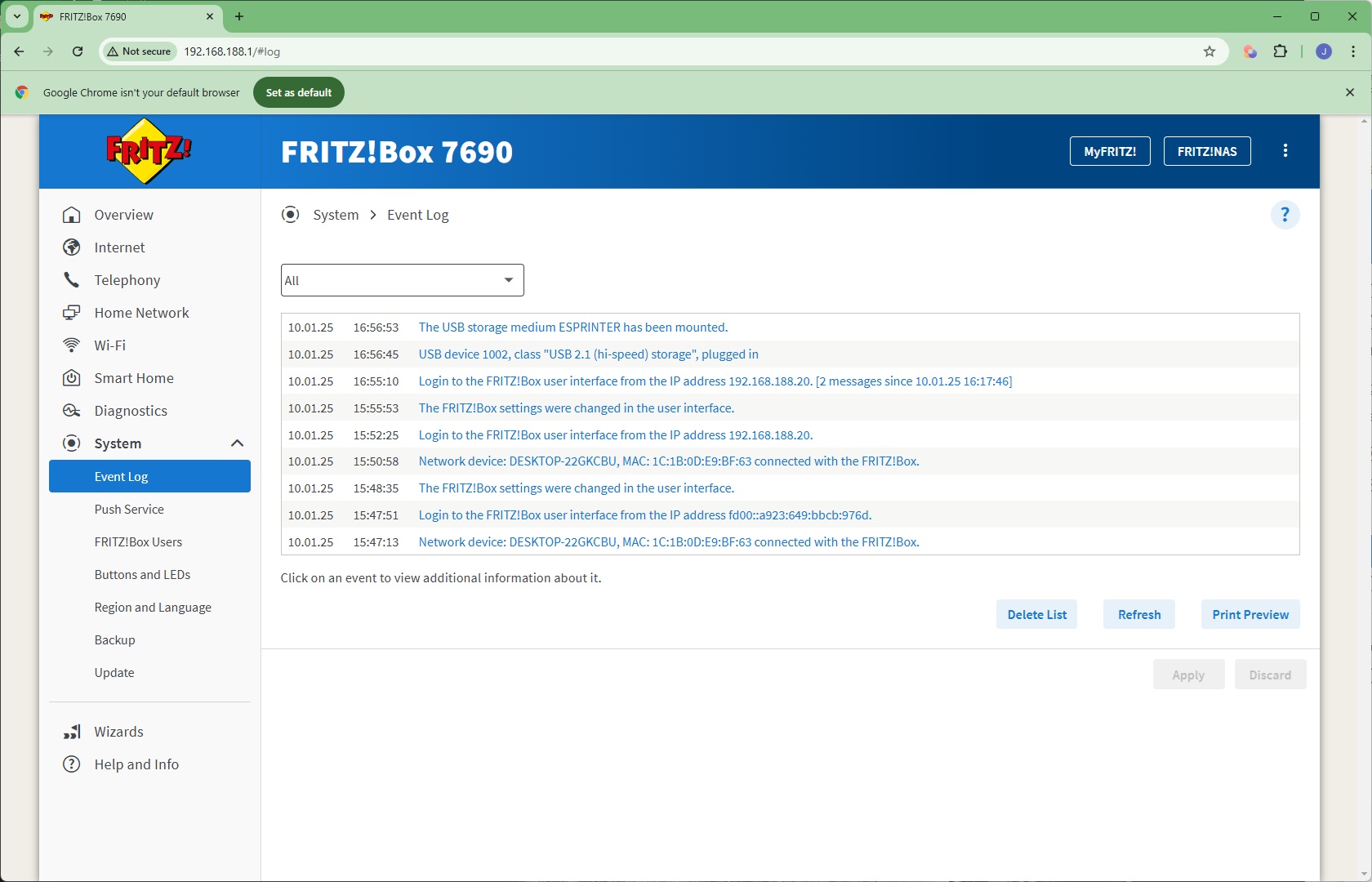
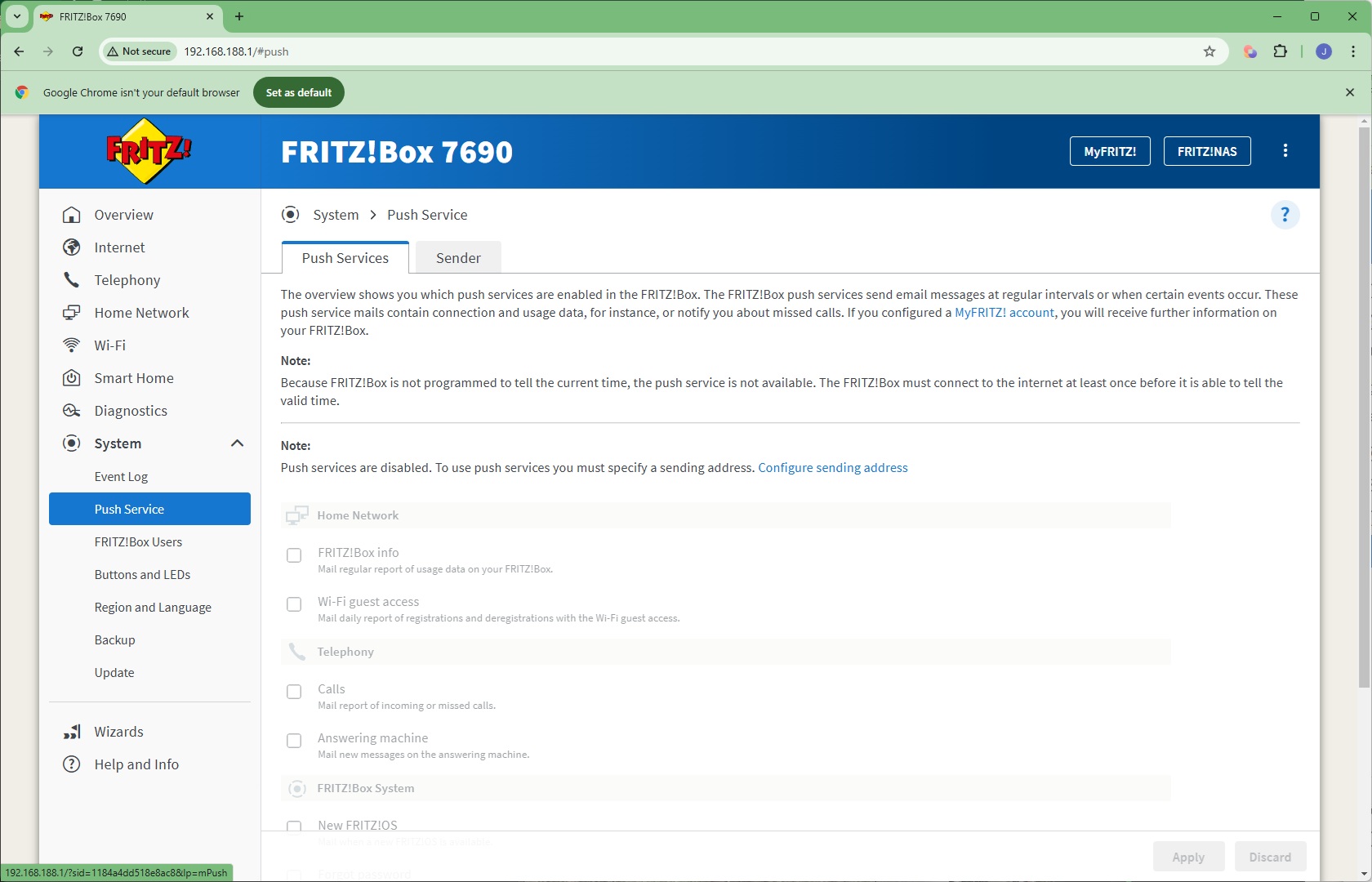
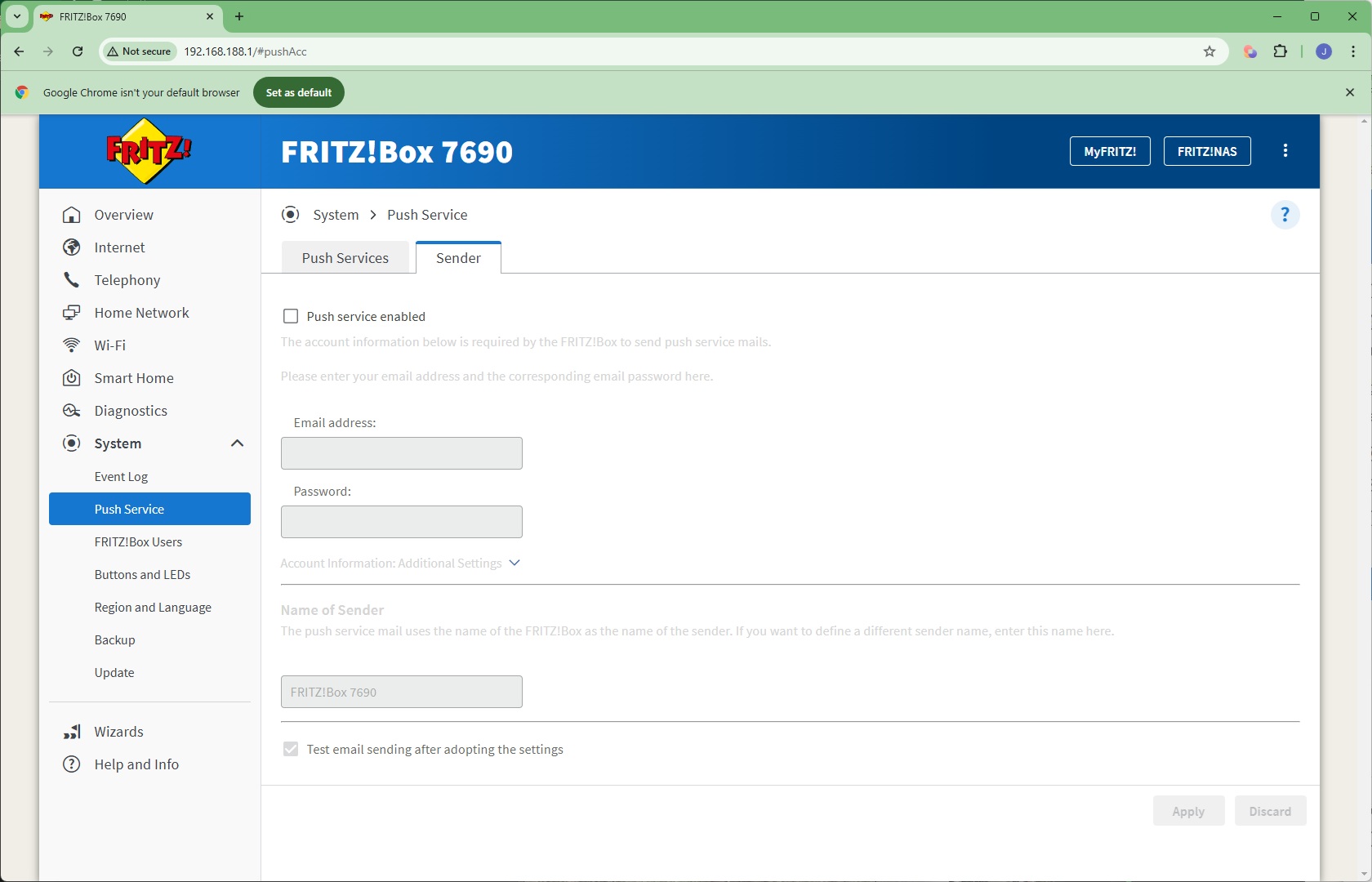
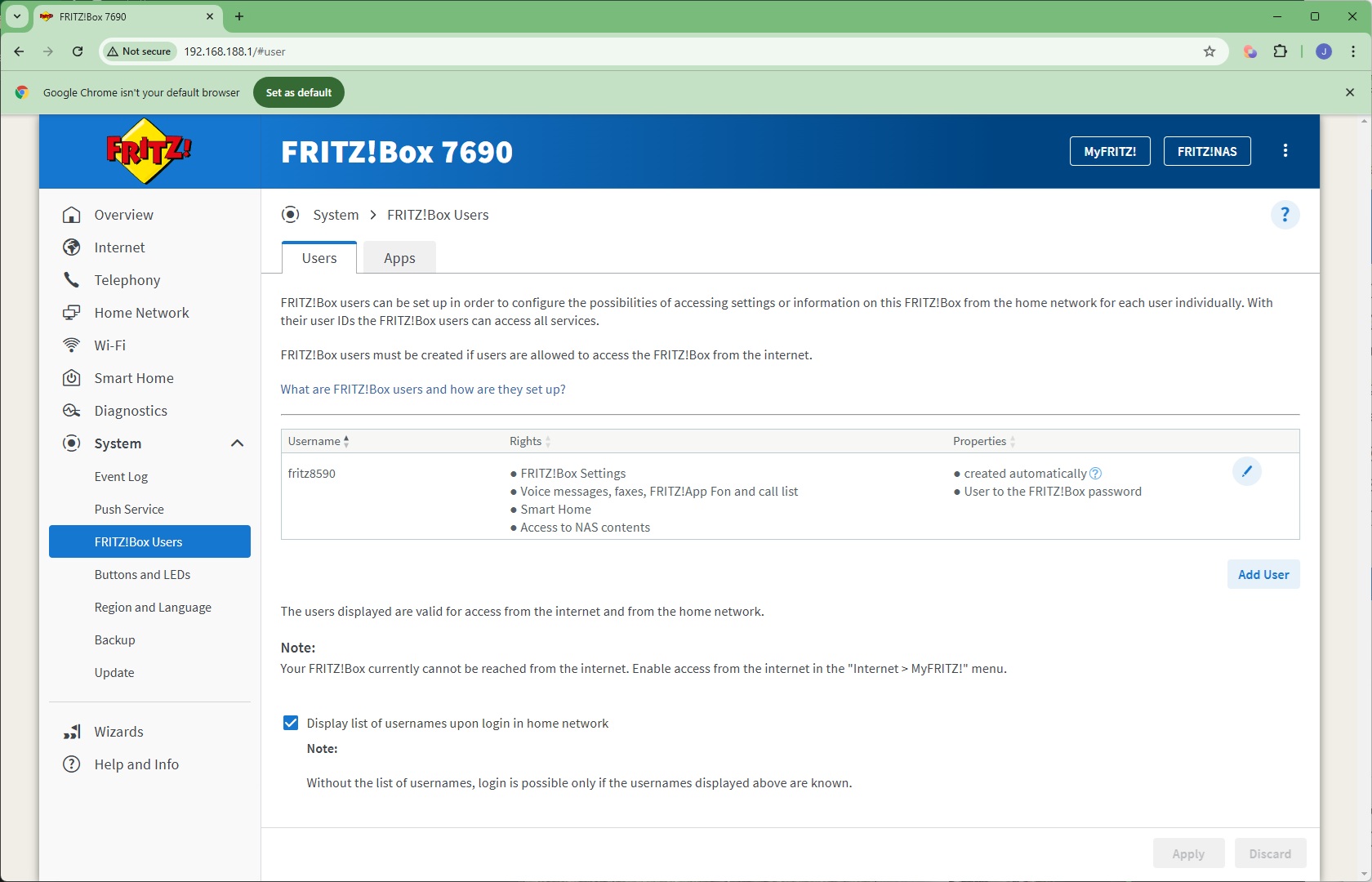
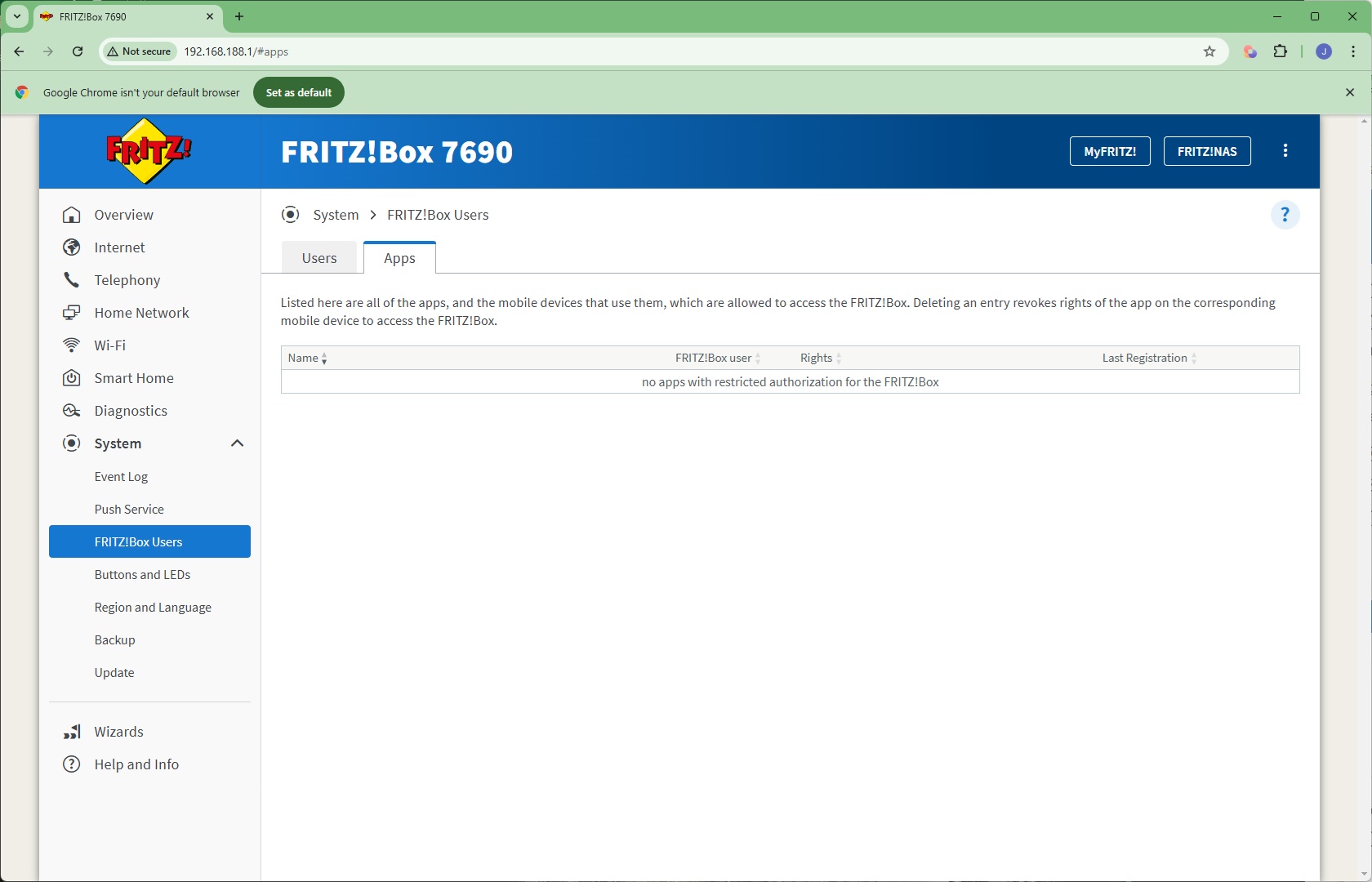
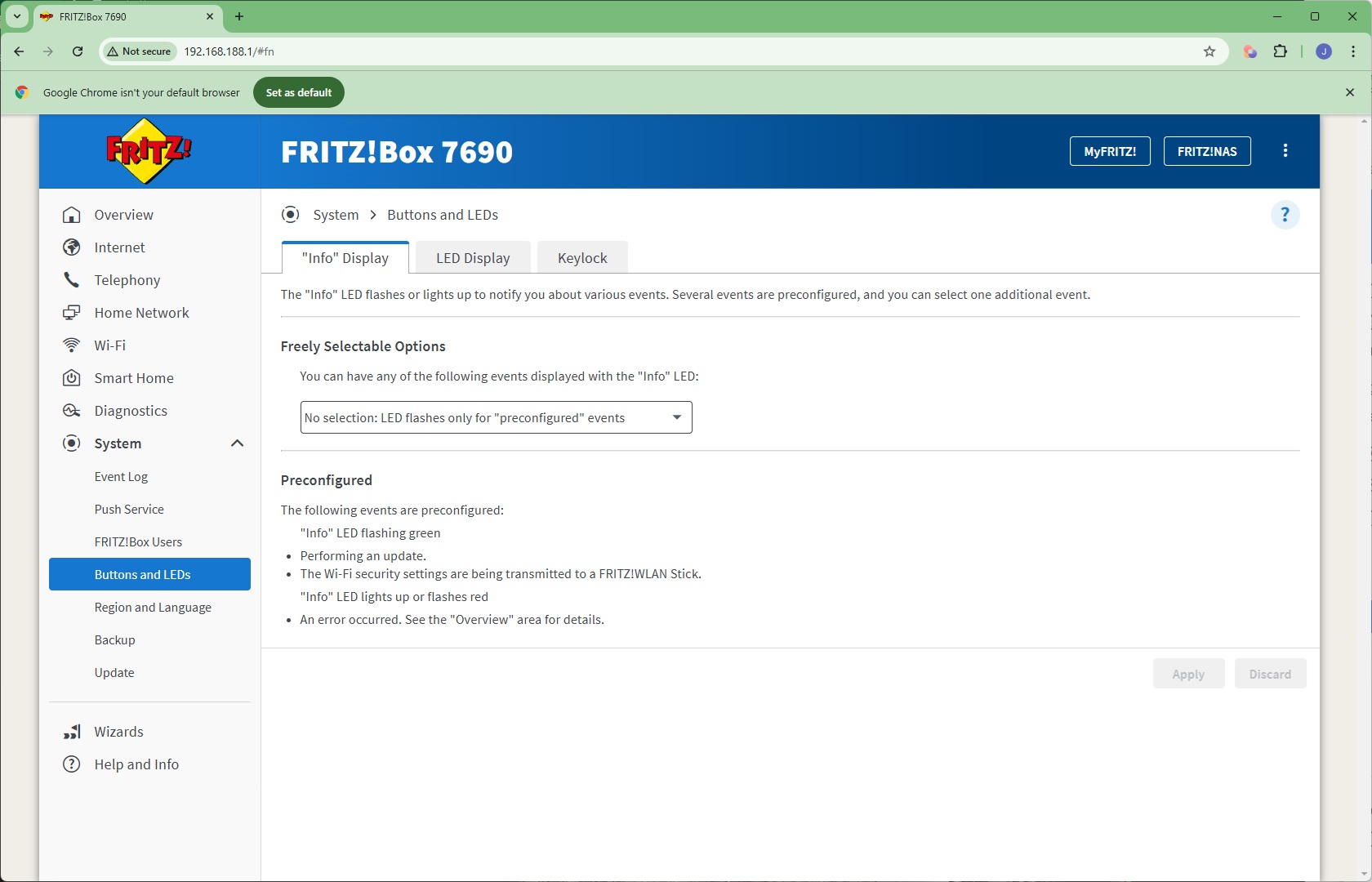
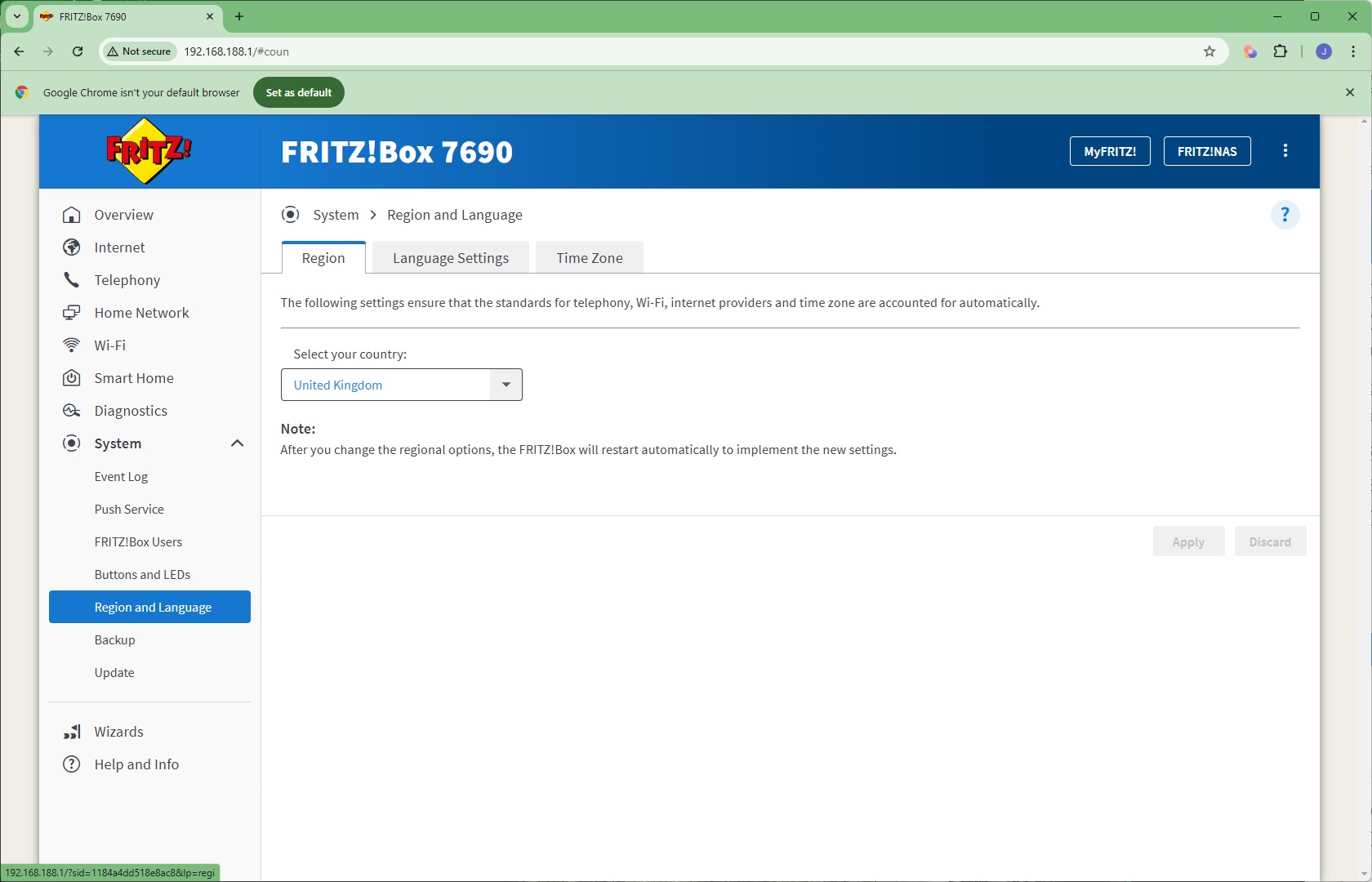
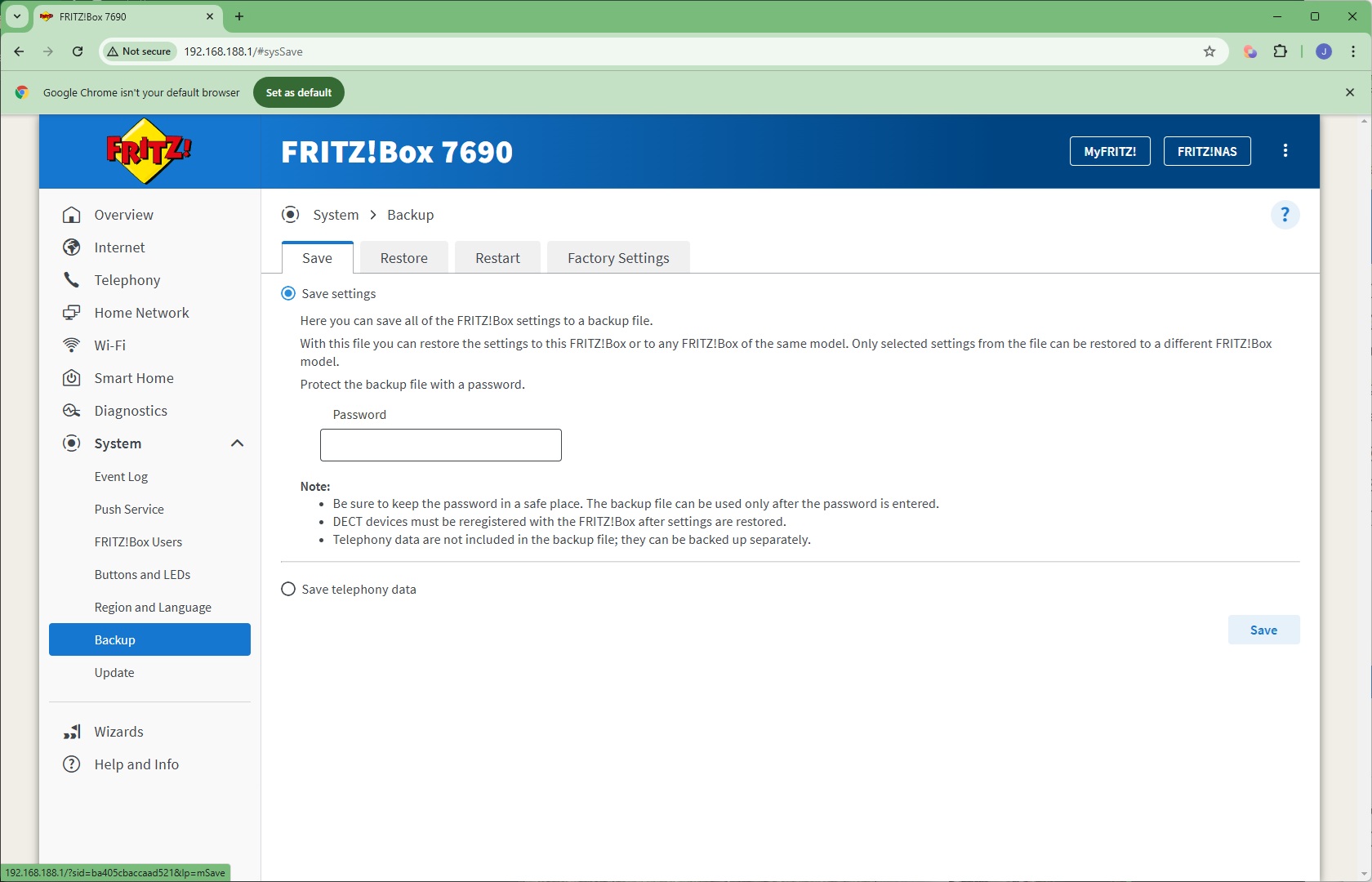
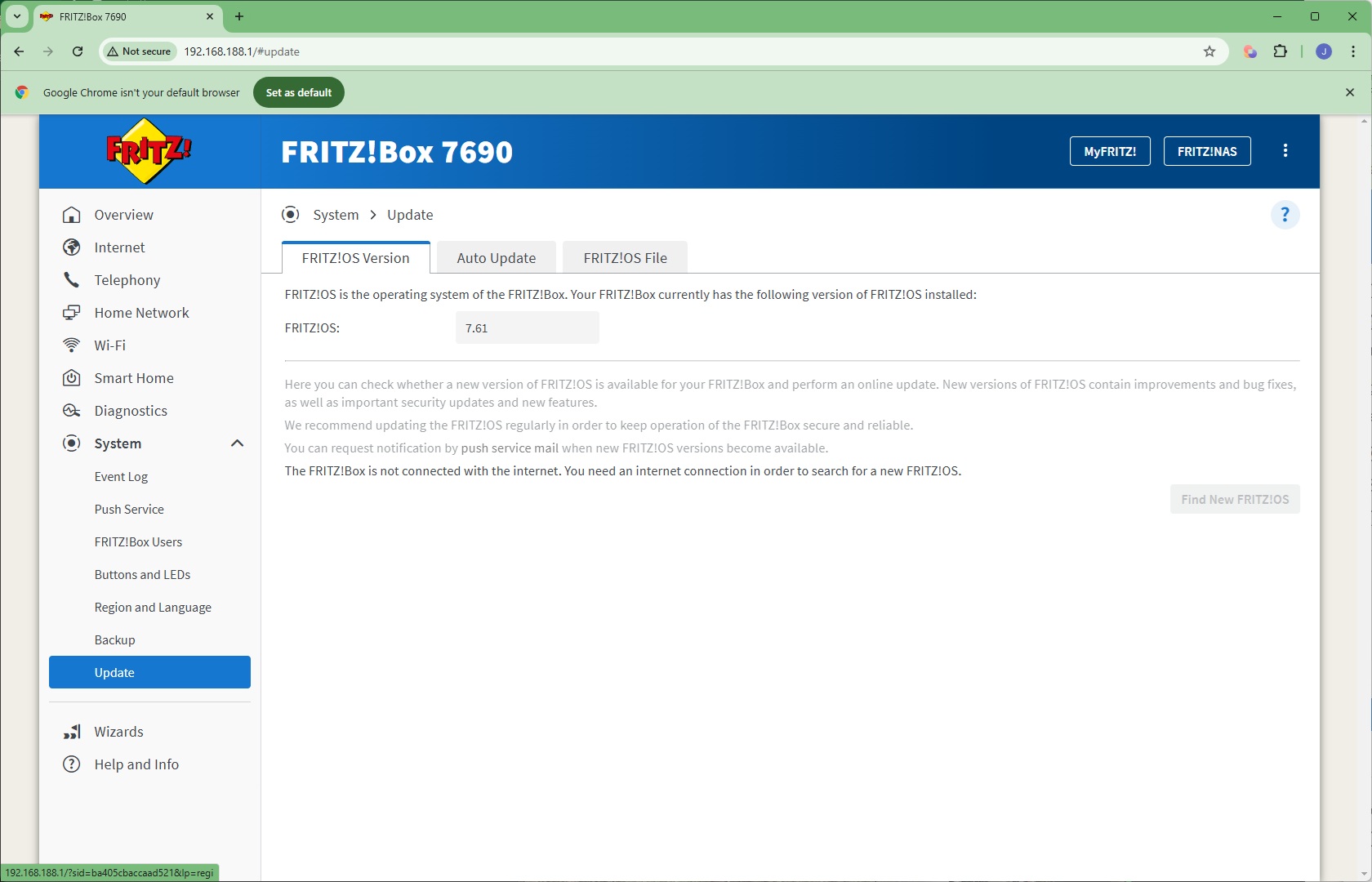
The System section is packed with sundry capabilities, including an Event Log, plus a Push Service to send email notifications about specific events. You can create multiple users, and the associated apps they use to access the FRITZ!Box. You can configure how the buttons and LEDs work, change the region and language, backup or restore settings, and return the router to default configuration. Finally, this is the area where you can automatically update the router's operating system.
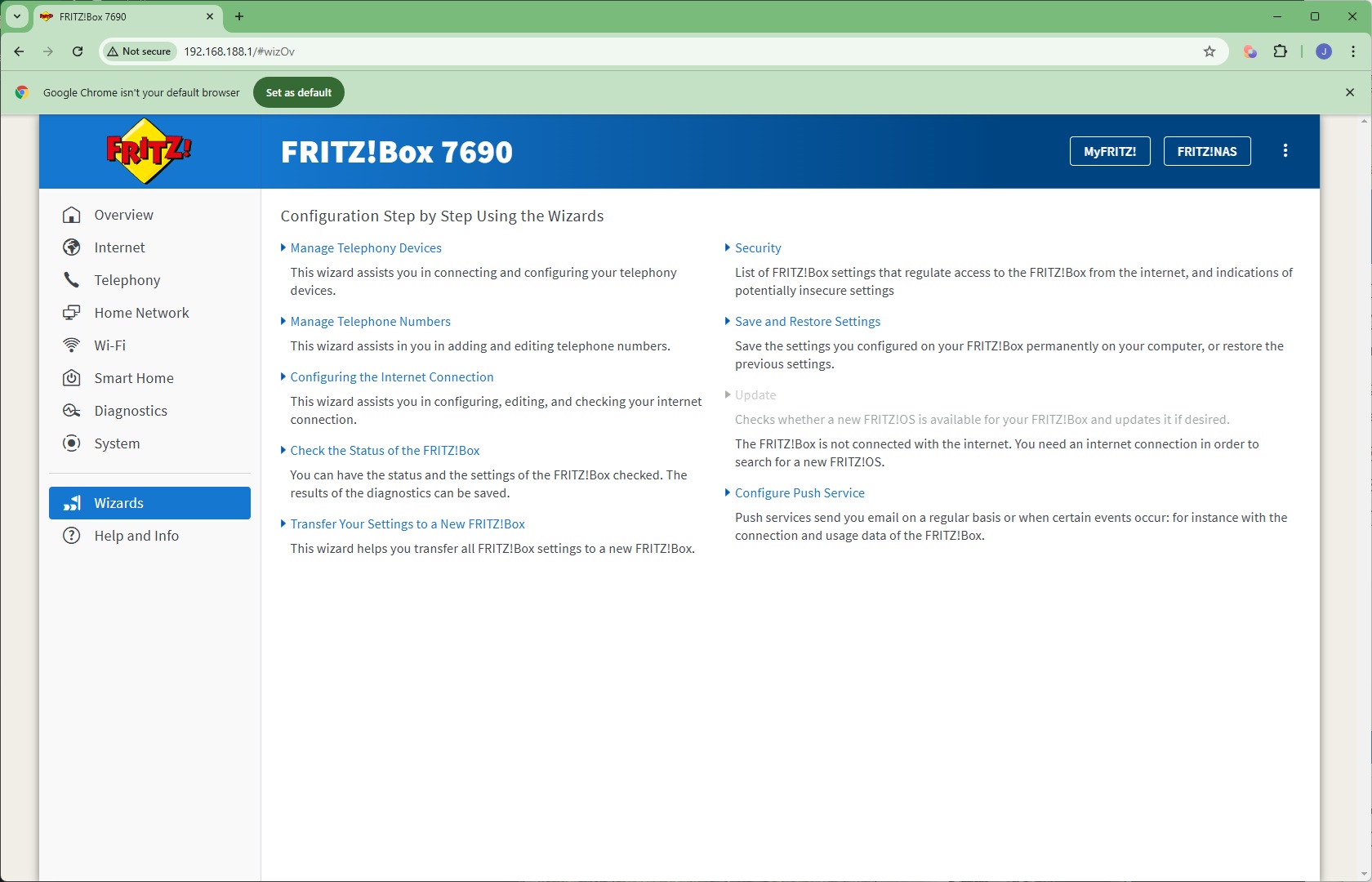
If you need help with any of the FRITZ!Box's settings, there are plenty of wizards available to assist you. There's also an online help system.
Overall, the FRITZ!Box 7690 may not have the funkiest of admin interface layouts, but it's absolutely packed with features. The telephony and smartphone features are extremely rare, and if you're after these capabilities in a router with the latest WiFi built in, these could be enough to tempt you on their own. But you still want good performance, so let's see how this router fares in that regard next.
We tested the raw throughput of the AVM FRITZ!Box 7690 across the four different WiFi standards it supports – 802.11be, 802.11ax, 802.11ac and 802.11n.
We used the open-source iPerf 3.1.3 software for testing, which can simulate multiple clients streaming at once. Five Windows systems were employed. Our desktop base was an Armari 32-core AMD Ryzen Threadripper workstation running Windows 11. For WiFi 7 testing, we used an Acer Swift 14 AI notebook, then a Dell XPS 17 notebook (for WiFi 6), a fourth was an MSI WS63-7RK (802.11ac) notebook, and finally an HP Folio 3 notebook (802.11n only – to show performance with legacy devices). The Acer and Dell notebooks and Armari workstation were running Windows 11 but the other two notebooks were Windows 10-powered.
Because 802.11be (WiFi 7) can theoretically greatly exceed the throughput of Gigabit Ethernet, we installed a 10Gbit Ethernet adapter into the Armari workstation. We then connected this using a Cat 6 cable to the 2.5Gbit-capable LAN port on the router.
For all tests, the notebooks were tested using their various WiFi connections (802.11be / WiFi 7 for the Acer, 802.11ax for the Dell, 802.11ac for the MSI, 802.11n for the HP). The notebooks were then placed in four different locations – within 1m of the router, approximately 5m away with a wall in between, 10m away and on a lower floor (with multiple walls and a floor in between), and then 15m away on the same lower floor. We tested all four distances with the four WiFi standards.
With each WiFi standard and distance, we took 60 readings of throughput at one second intervals and calculated the average (iPerf does this automatically). We tested the FRITZ!Box against the MSI Radix AXE6600, NETGEAR Nighthawk X10 R9000, Synology RT2600ac, NETGEAR Nighthawk XR500, NETGEAR Nighthawk XR700, Synology RT6600ax, NETGEAR Nighthawk AX12, NETGEAR Nighthawk RS300 and Acer Predator Connect X7 5G CPE.
802.11be (WiFi 7)
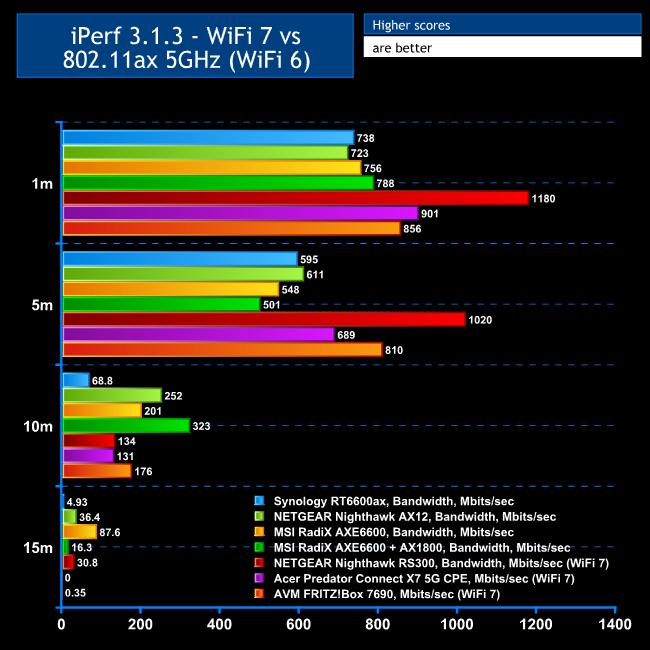
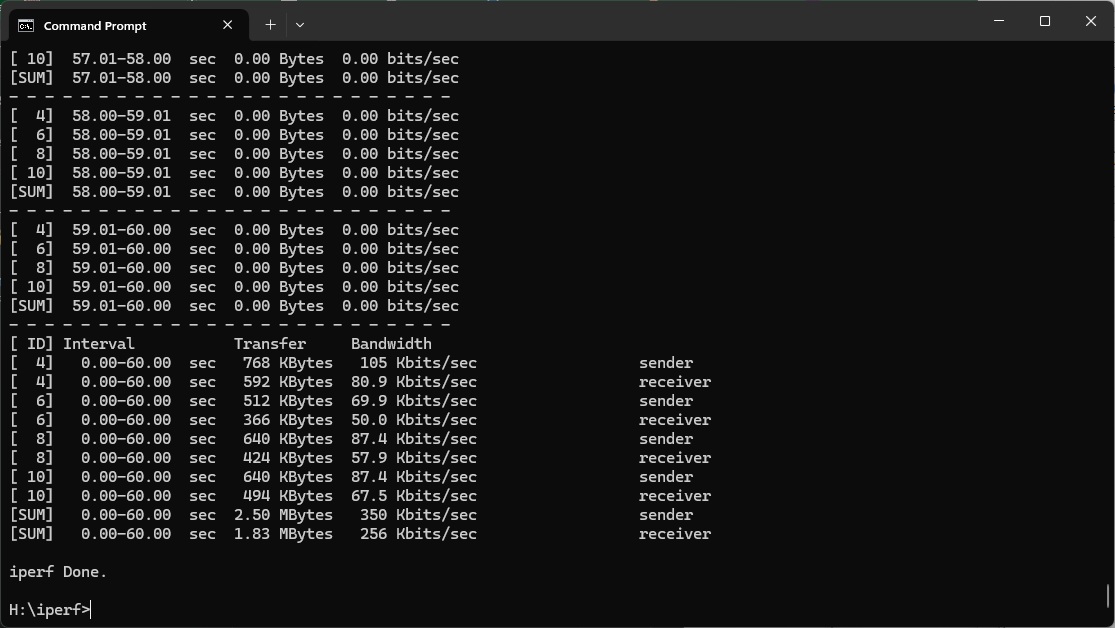
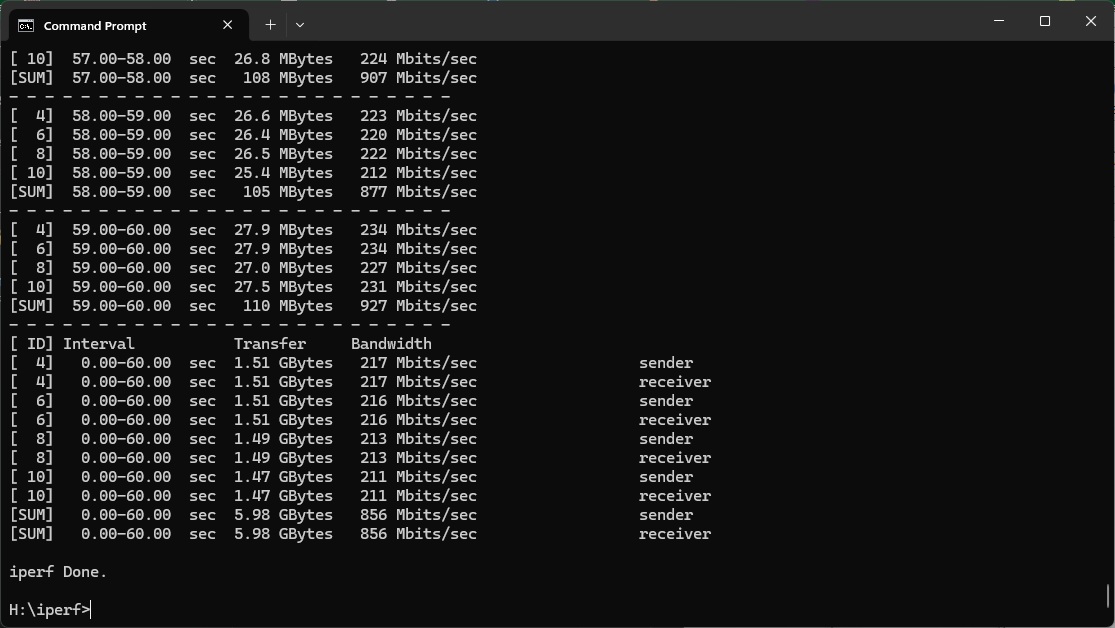
Without the aggregation of 6GHz wavebands (because this router only supports 5GHz), its maximum WiFi 7 performance isn't particularly outstanding.
While 856Mbits/sec at 1m close proximity clearly beats every WiFi 6 router we've tested, it's way behind the NETGEAR Nighthawk RS300 and a little behind the Acer Predator X7 5G CSE.
However, things improve at 5m. The FRITZ!Box's 810Mbits/sec isn't far behind its 1m performance, and it is now 18 per cent faster than the Acer Predator X7 5G CSE, although the NETGEAR Nighthawk RS300 is cruising way out in front.
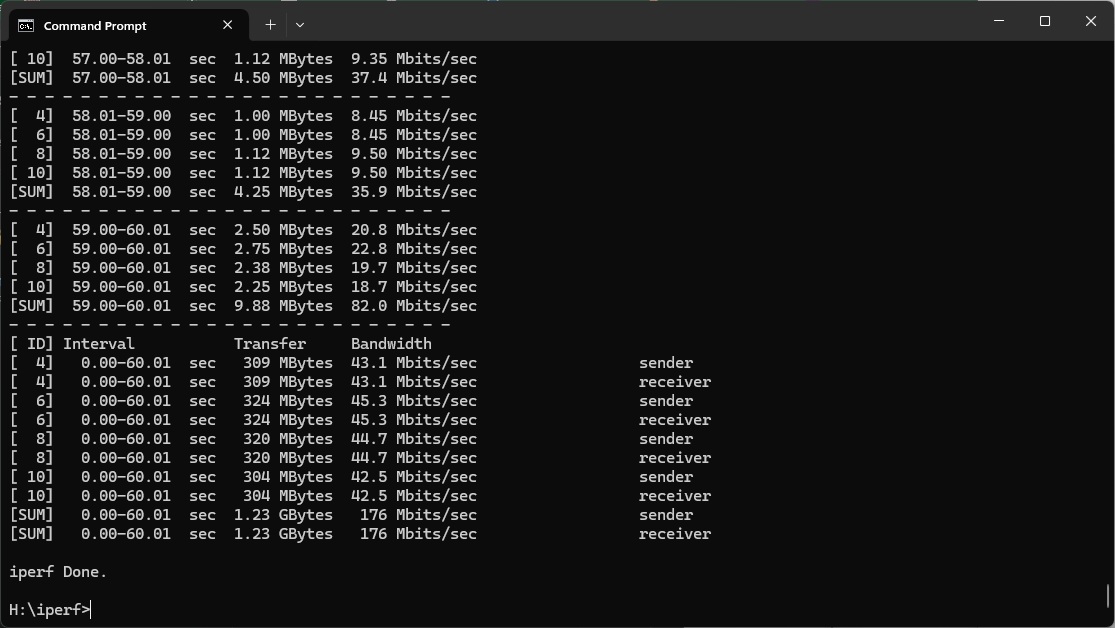
At 10m, the FRITZ!Box shows the power of its radio signal with 176Mbits/sec, which is ahead of either of the other WiFi 7 routers we've tested so far, although some WiFi 6 alternatives do better at this range, notably the MSI RadiX AXE6600 and NETGEAR Nighthawk AX12.
Sadly, at 15m, the signal drops considerably and while the FRITZ!Box doesn't completely lose touch like the Acer, the throughput isn't usable.
Overall, this is a competent WiFi 7 router up to 10m, but not blistering. You're only seeing some benefit from the new WiFi standard close up.
802.11ax 5GHz (WiFi 6)
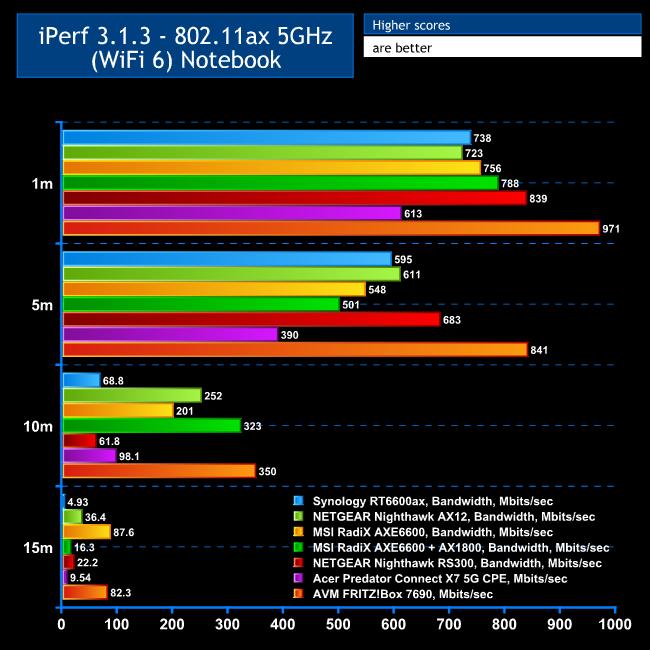
Considering how few and far between WiFi 7 clients still are, most of your devices will be using WiFi 6, so good performance here is essential.
The FRITZ!Box 7690 excels in this area.
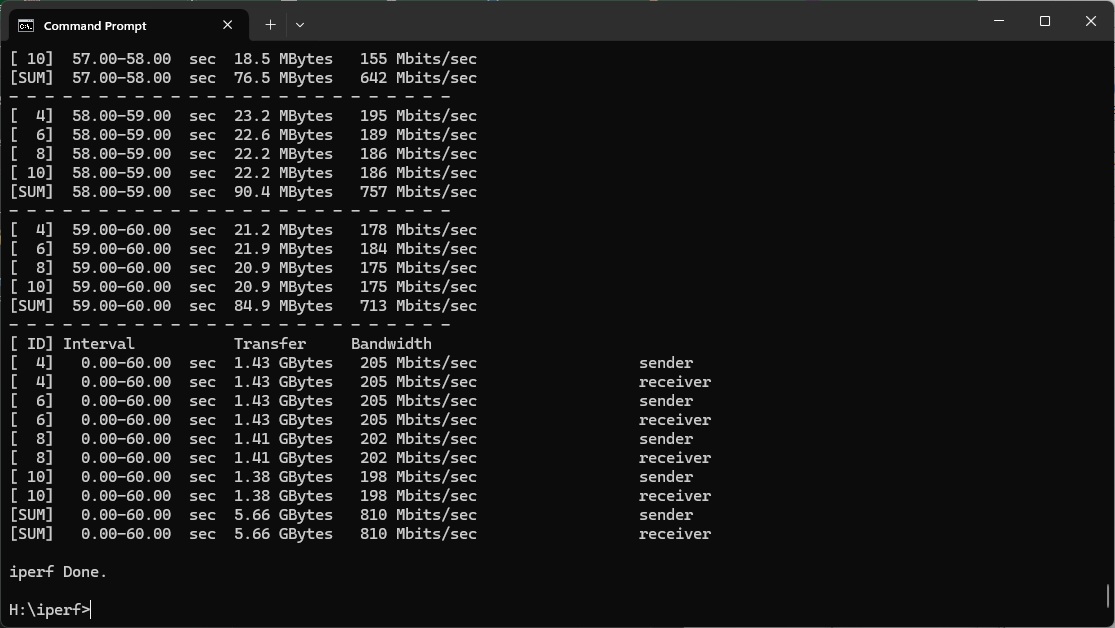
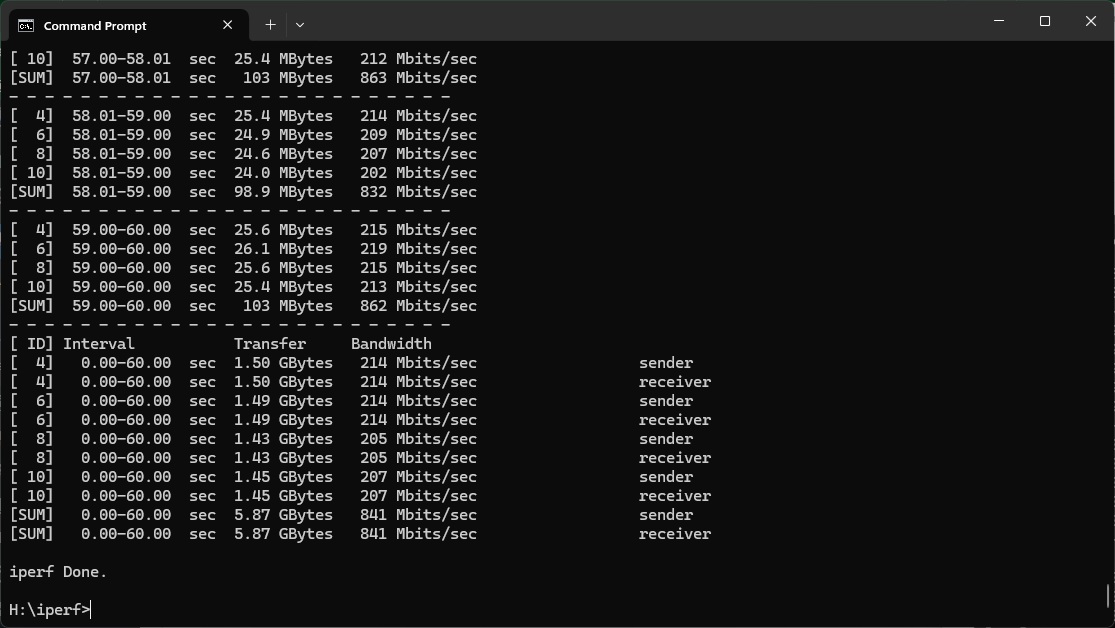
At 1m, the throughput is an incredible 971Mbits/sec – faster than it was with WiFi 7 and faster than any WiFi 6 router we've tested before.
The performance is equally incredible at 5m, hitting 841Mbits/sec and way ahead of all competitors.
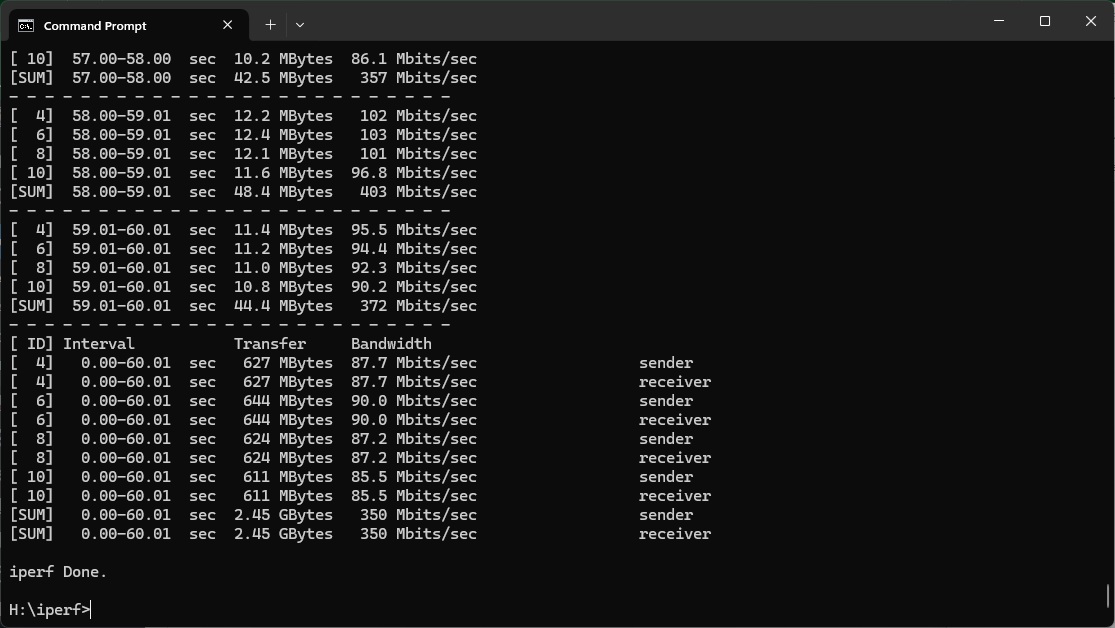
The 10m result keeps up the good work, with 350Mbits/sec still in front of everything else, although not by so much.
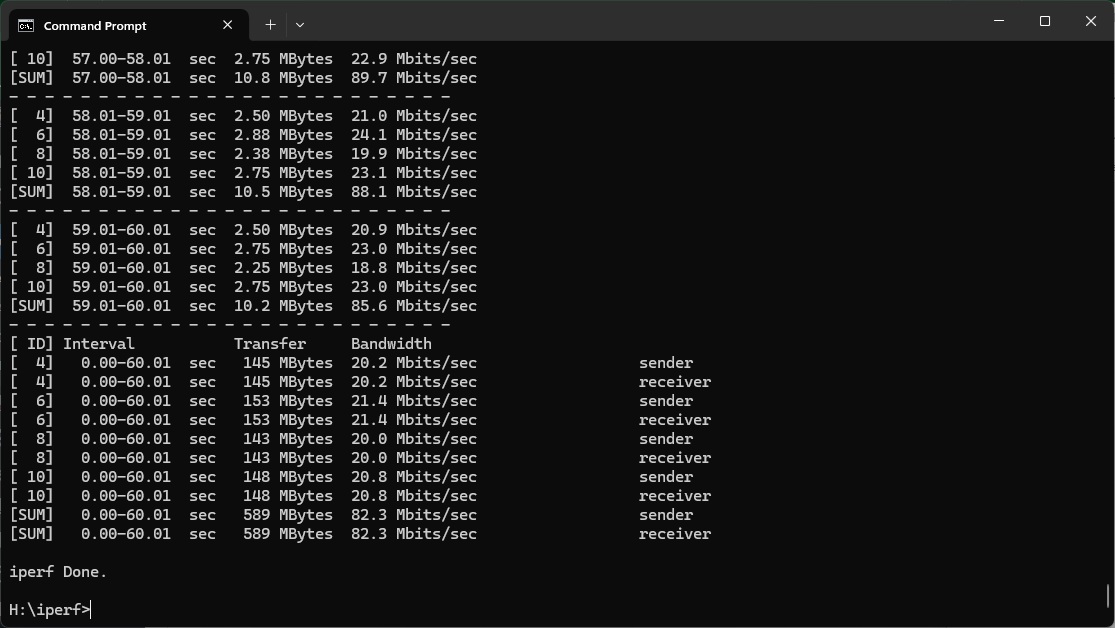
Only at 15m does the MSI RadiX AXE6600 go past the FRITZ!Box, but the 7690 is still managing a very usable 82.3Mbits/sec.
Overall, this is a brilliant router for WiFi 6 devices, where it currently really matters.
802.11ac 5GHz (WiFi 5)
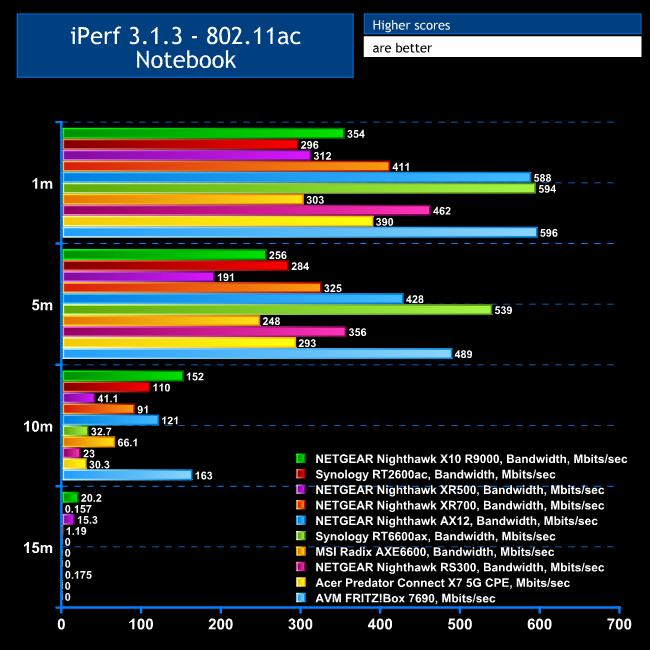
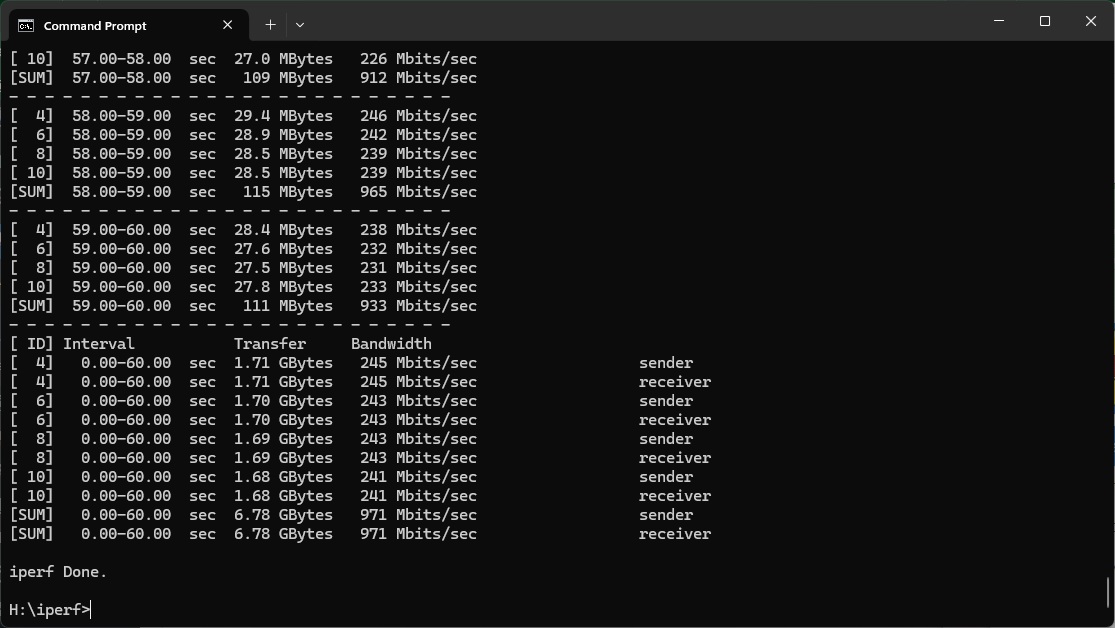
The FRITZ!Box is pretty good with WiFi 5 devices too.
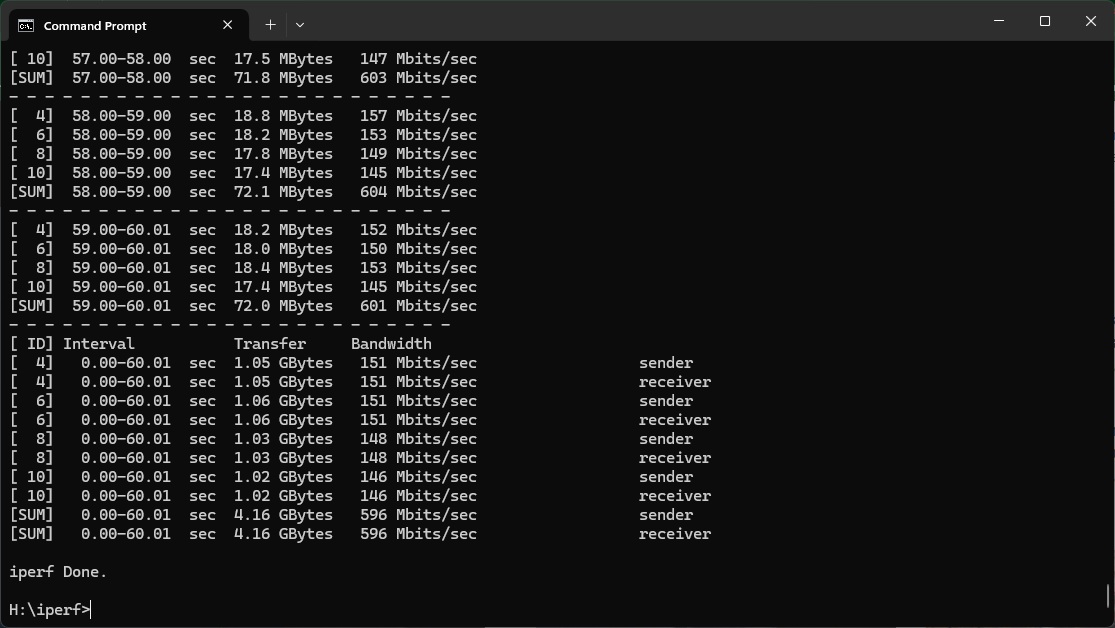
At 1m, the throughput of 596Mbits/sec is just about the fastest we've tested, by 2Mbits/sec, pipping the Synology RT6600ax.
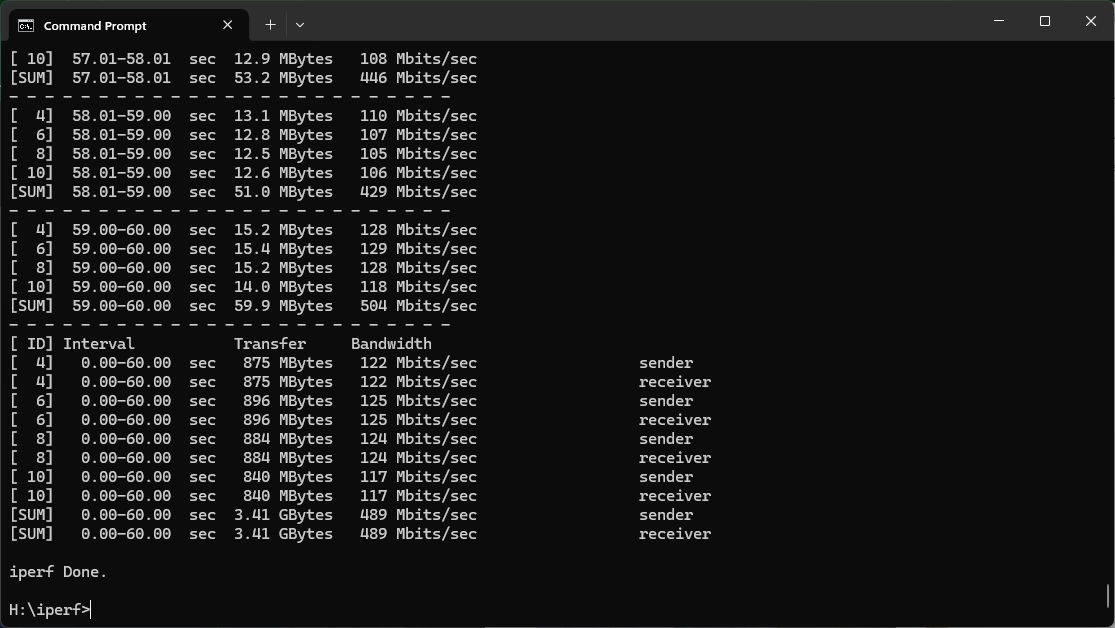
The Synology gets past at at 5m, but the 7690 is still managing an excellent 489Mbits/sec bandwidth.
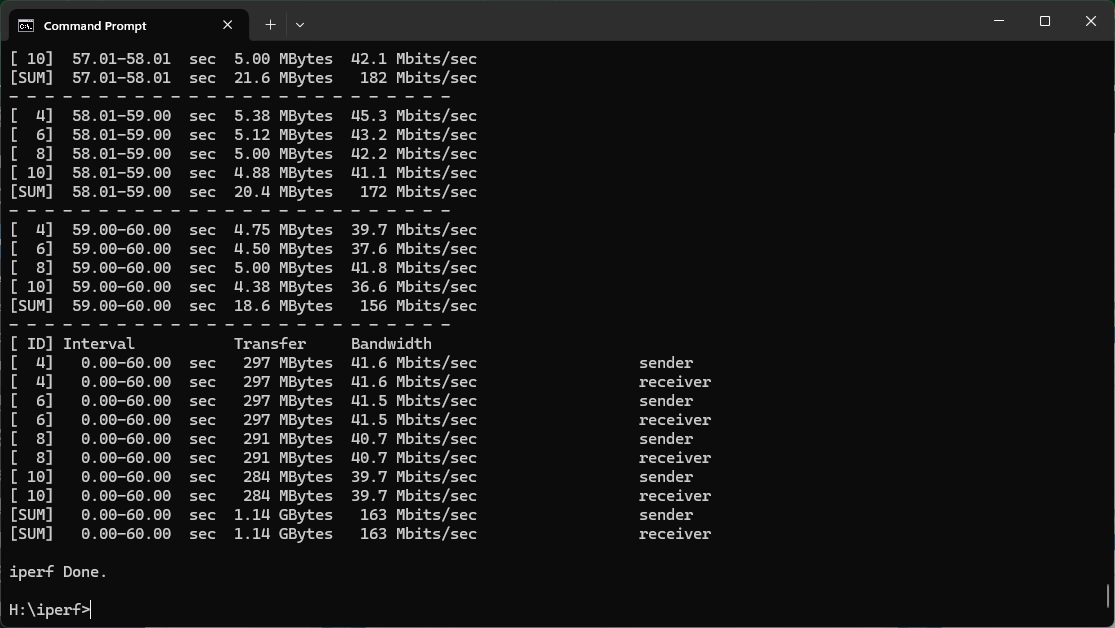
At 10m, the FRITZ!Box is still going strong with 163Mbits/sec, again leading the field, although at 15m it failed to achieve a signal.
Nevertheless, this is another strong showing, with very credible performance up to and including 10m – more than enough for a reasonably sized apartment.
802.11n 2.4GHz – Legacy
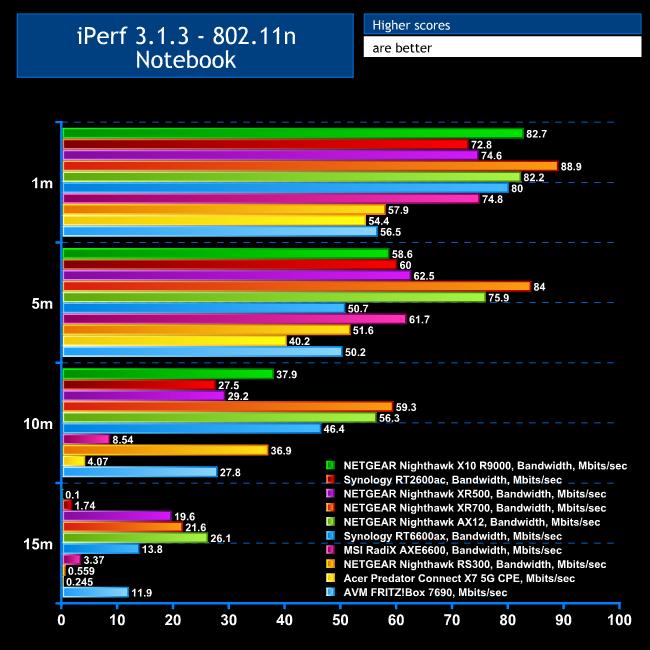
Although 802.11n clients are getting few and far between – the one we use for testing is over ten years old now – you might still have something that operates with this standard.
Even at 1m, the FRITZ!Box's throughput of 56.5Mbits/sec is rather slow.
However, 50.2Mbits/sec at 5m is a bit more competitive, as is 27.8Mbits/sec at 10m.
The performance of 11.9Mbits/sec at 15m is still quite usable. Quite a few competitors are faster, but many can't even deliver a signal to this range.
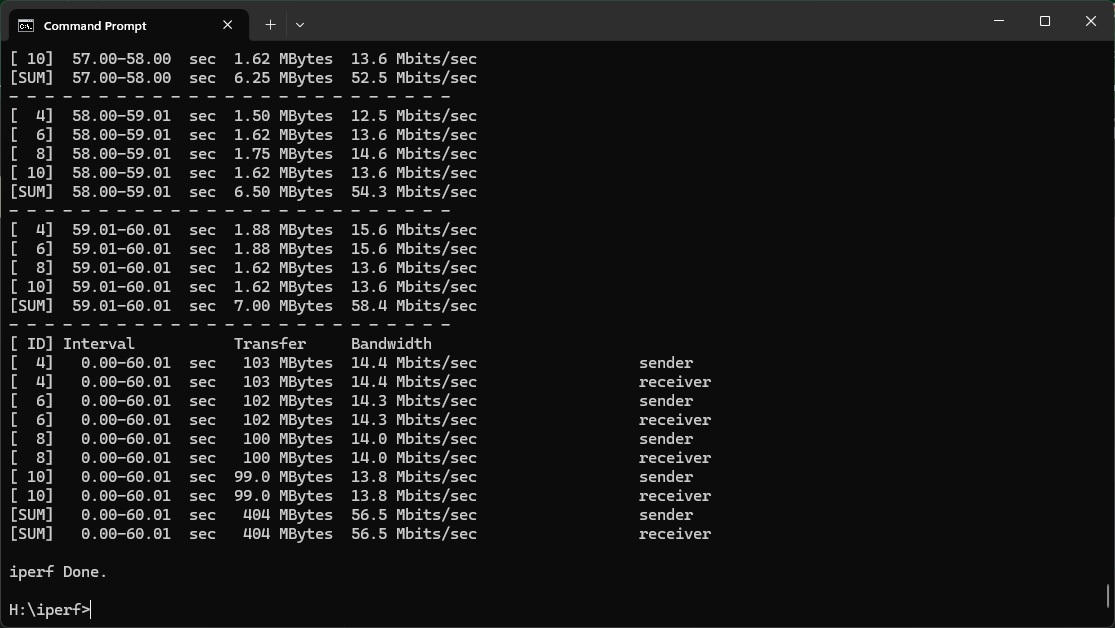
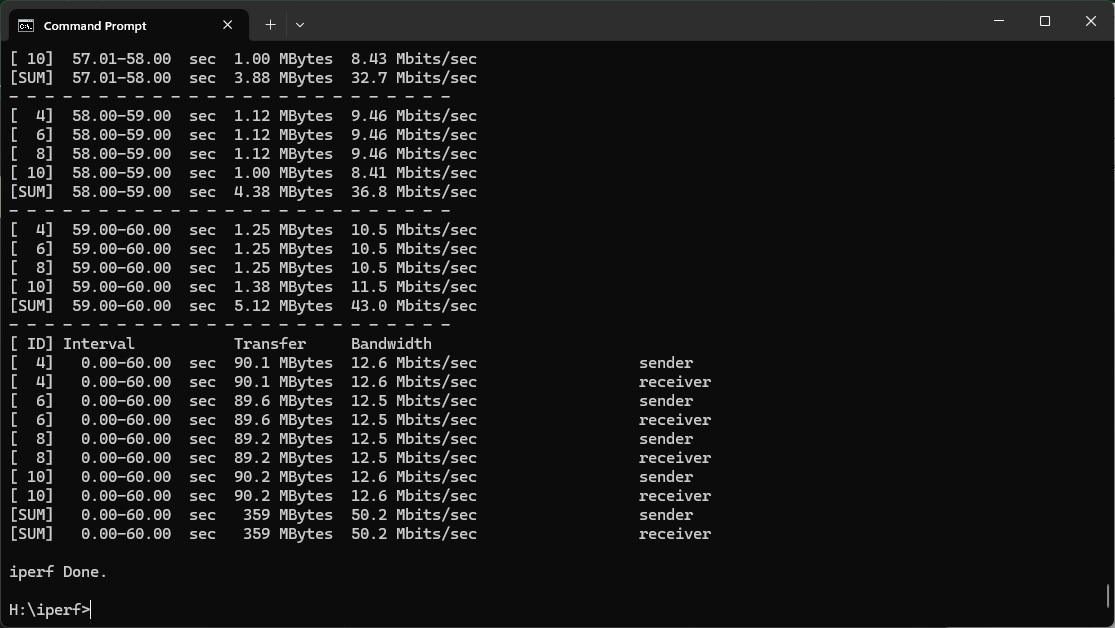
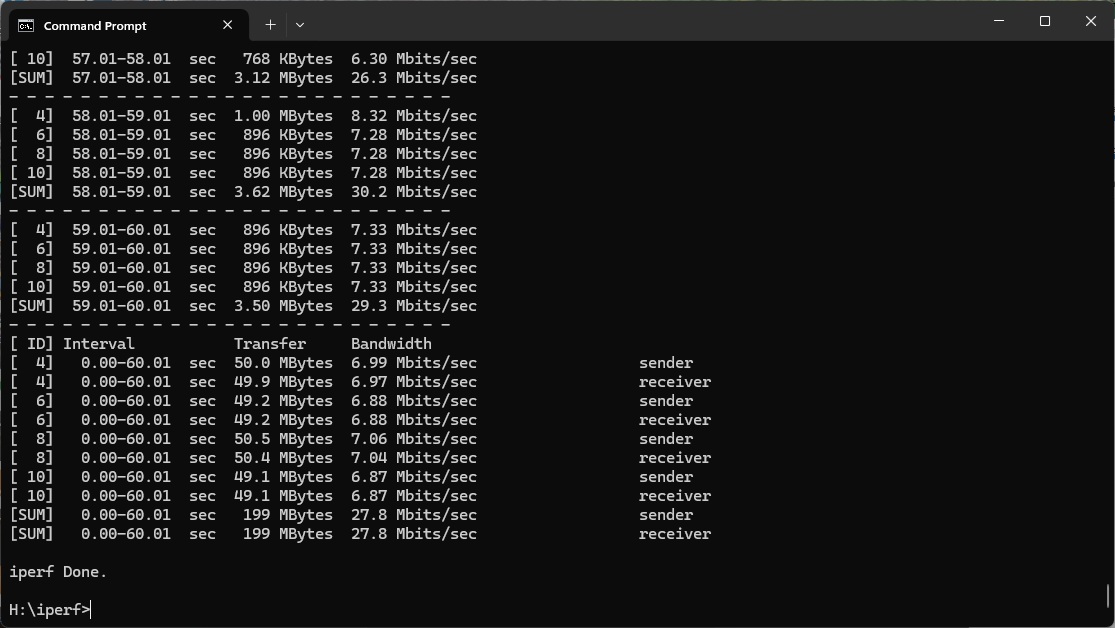
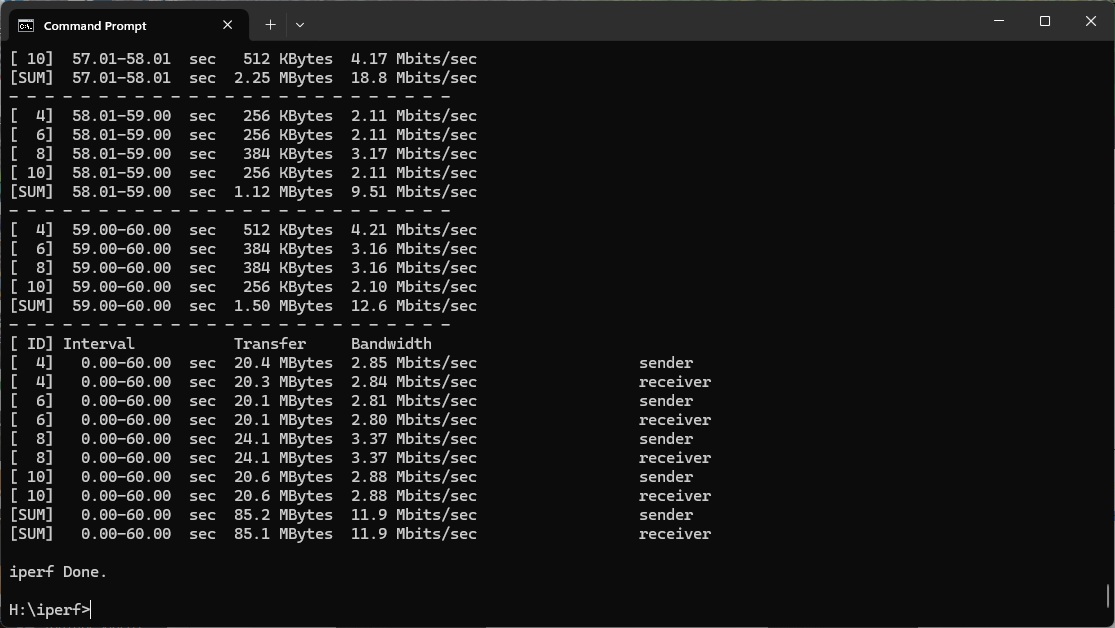
Overall, this is a very commendable set of results. While the headline WiFi 7 performance is merely good, this is an excellent WiFi 6 and 5 router. Its WiFi 4 performance isn't great but the range is still decent, too.
The AVM FRITZ!Box 7690 continues the tradition of the 7590 and previous AVM routers we've tested. It's absolutely packed with features. Not only are the mainstream router capabilities extensive, but you also get comprehensive telephony and smart home options, plus Internet radio and podcast network media sharing. If you need to extend your WiFi across a large house, there are Mesh options too.
These might not be enough to convince you if the performance was mediocre, but fortunately the 7690 delivers in this department too – mostly. It's not the fastest WiFi 7 router we've tested at close range, but it maintains performance further out than the other devices we've reviewed so far. Its performance with WiFi 6 is stunning – easily the best we've seen. WiFi 5 throughput is up with the best, too, until you get over 10m. While WiFi 4 speed is more pedestrian, range is still good with this standard.
You get a bevy of wired ports, including 2.5Gbit Ethernet WAN and LAN, plus a couple of Gigabit ports. There's even a built-in ADSL modem, so you won't need a separate one if this is your broadband flavour.
With this level of features and performance, you'd expect the AVM FRITZ!Box 7690 to cost quite a bit more than the competition. But in fact at under £330 there is only a small premium over, for example, the NETGEAR Nighthawk RS300. The latter still holds our WiFi 7 crown, but the FRITZ!Box provides much greater feature richness and all-round performance for just a little bit more. Highly recommended.
The AVM is available from Amazon UK for £329.84 inc VAT.
Pros:
- Decent WiFi 7 range.
- Built in DECT and analog telephony.
- Zigbee Smart home device support.
- 2.5Gbit Ethernet WAN.
- 2.5Gbit Ethernet LAN (one port)
- Mesh WiFi capability with additional units.
- USB connection for storage and media server sharing.
- Excellent WiFi 6 and 5 performance.
- Feature-rich management interface.
Cons:
- No 6GHz waveband.
- WiFi 7 performance at close range behind best.
- Mediocre WiFi 4 throughput (but range is good).
KitGuru says: The AVM FRITZ!Box 7690 partners excellent overall WiFi performance with WiFi 7 capabilities and a very special set of features, including telephony and smart home control. This router is the complete package for home and small office users.