KitGuru KitGuru.net – Tech News | Hardware News | Hardware Reviews | IOS | Mobile | Gaming | Graphics Cards


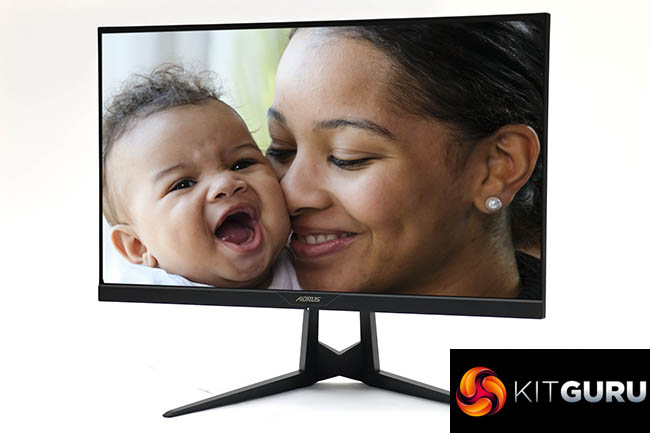
The Gigabyte AORUS AD27QD is an outstanding monitor debut from Gigabyte. It has great colour accuracy out of the box, and there are lots of high-end features, from the 144Hz refresh and FreeSync to an IPS panel.
On top of this are the unique capabilities. The OSD Sidekick Windows software is an excellent ease-of-use utility, and the USB audio with its noise cancellation adds something no other monitor currently offers in this class.
Although the crosshair plus onscreen timer and FPS options aren't so unique, they are still rare and great to have. Whilst it's a shame that the Aim Stabilizer doesn't seem to operate as advertised, and the Dashboard didn't give us all the details promised, these are niggles when the overall package is so strong.
The biggest drawback is the cost. The Gigabyte AORUS AD27QD is against some stiff competition at its price point. The excellent 32in Samsung C32HG70 is currently available for a similar price, and gives you more width as well as curves for your money, alongside the same 144Hz refresh and FreeSync. Nevertheless, this is a very accomplished first screen from Gigabyte, and well worth considering the sizeable outlay if you're very serious about your gaming. It may or may not give you the tactical edge you need, but it's a great strategic move from Gigabyte.
The Gigabyte AORUS AD27QD has a recommended price of £534.99.
Pros:
- Excellent colour accuracy.
- 144Hz refresh-rate.
- FreeSync adaptive frame rate synchronisation.
- Lots of options via well designed OSD.
- Very useful OSD Sidekick Windows software.
- Noise-cancelling USB audio.
Cons:
- Mediocre brightness and colour uniformity.
- The Aim Stabilizer and Dashboard need some work.
- Expensive.
KitGuru says: The Gigabyte AORUS AD27QD is a fantastic first screen from Gigabyte, with great image quality and huge range of useful features for the ardent gamer.