KitGuru KitGuru.net – Tech News | Hardware News | Hardware Reviews | IOS | Mobile | Gaming | Graphics Cards


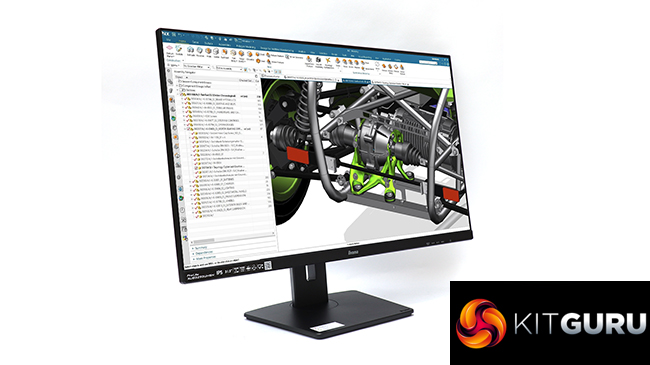
iiyama has built a decent range of gaming monitors in the last few years, but its origins are in the professional market. So it's back to basics as we have one of the company's latest business-oriented additions to its ProLite range on the testing bench. It's called the XUB3293UHSN-B5, incorporates a 31.5in panel with a 4K resolution, and includes USB C connectivity. iiyama even offers a UC CAM80UM 4K webcam add-on to complete the work-oriented configuration. Is this the perfect professional panel partner?
A monitor for serious software usage is all about quality, so iiyama has chosen an IPS display type for the XUB3293UHSN-B5. It supports resolutions up to 3,840 x 2,160 at 60Hz, which shows the lack of focus on gaming, as does the apparent absence of any adaptive framerate technology. The contrast specification of 1,000:1, brightness of 350cd/m2, and 4ms grey-to-grey pixel response are typical of IPS technology. The gamut specification is 99 per cent sRGB and 93 per cent NTSC, with no figure included for DCI-P3.
The UC CAM80UM webcam is an optional extra costing £62. Aside from matching the monitor's 4K resolution, this includes dual microphones with the ability to pick up audio up to 4m away. It connects via USB-C, but includes a Type A adapter. It's designed to sit on the top edge of your screen bezel.
There is a full complement of video inputs on the XUB3293UHSN-B5, including DisplayPort, HDMI and USB-C, but only one of each. The USB-C port can also output 65W of power so can charge a laptop. There's USB Type B input and an Ethernet port, giving this screen complete KVM functionality. Aside from stereo 3W speakers, there's a minijack for headphones. Two USB Type A ports sit on the side for attaching devices to the hub.
Ergonomic adjustment is comprehensive, including height adjustment, swiveling, tilting and pivoting into portrait orientation. However, this screen doesn't come cheap. At nearly £500, it's a premium professional display for a premium price. Read on to find out if it warrants the high cost.
Specification:
- Screen size: 31.5-inch, 16:9 aspect
- Native resolution: 3,840 x 2,160
- Curvature: No
- Refresh rate: 60Hz
- Panel type: IPS
- Contrast ratio: 1,000:1 (typical)
- Brightness: 350cd/m2
- Response time: 4ms GTG
- Display inputs: HDMI x 2, DisplayPort x 1, USB Type C
- USB hub: Yes, Type B or C input, 2 x USB 3.2 Gen 1 outputs, USB C up to 65W output
- Tilt: 5 degrees forward, 23 degrees backward
- Raise: 150mm
- Swivel: 45 degrees left or right
- Portrait: Yes
- Other: Audio output minijack, 2 x 3W speakers, LAN
Retail Price: £497.99 (inc. VAT) – panel only
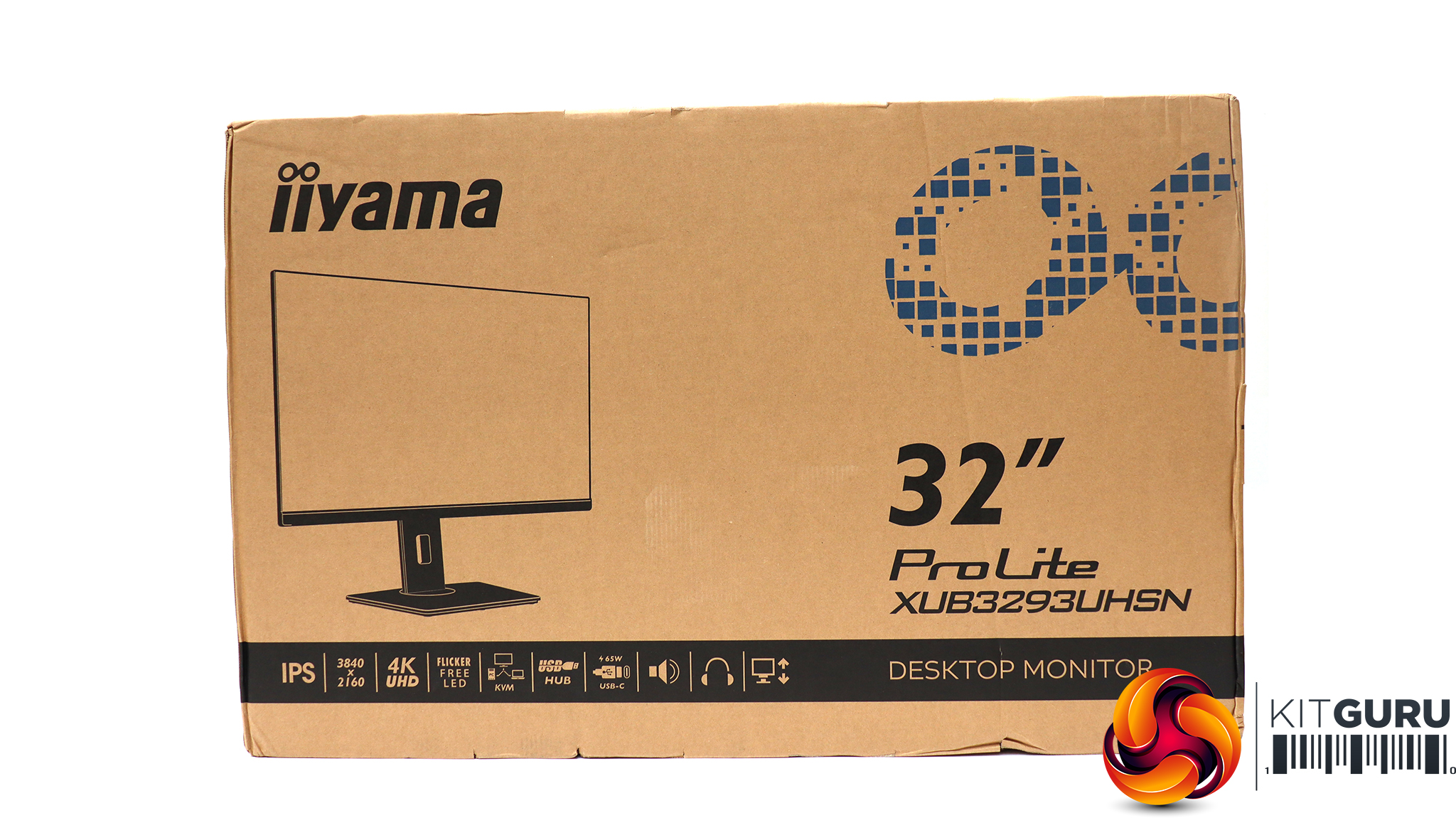
The iiyama ProLite XUB3293UHSN-B5 comes in the typical sober brown cardboard package that iiyama uses for its professionally oriented monitors.
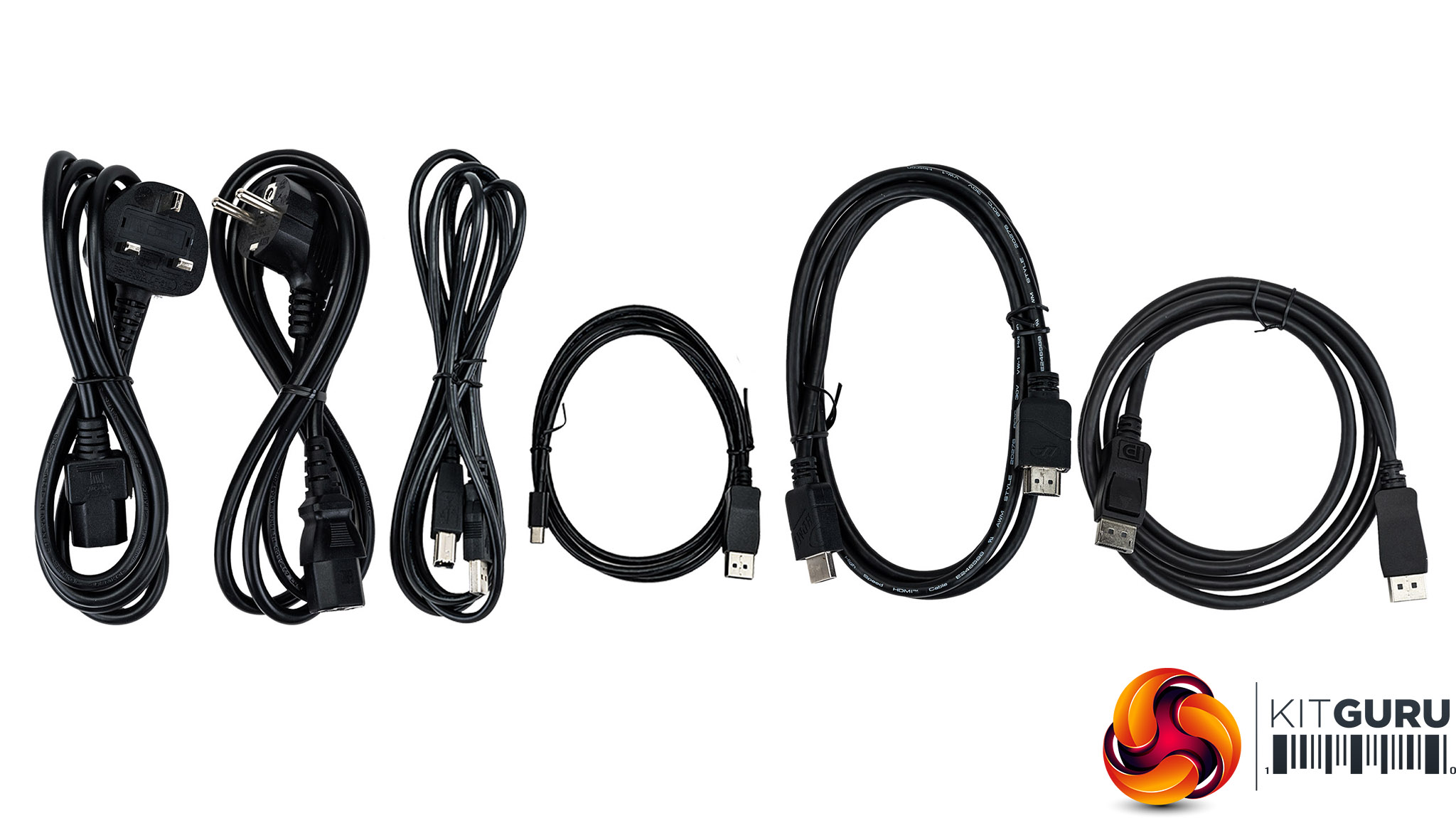
Inside, there are UK and European power cords, plus cables for HDMI, DisplayPort, and USB-C, plus an upstream USB cable.
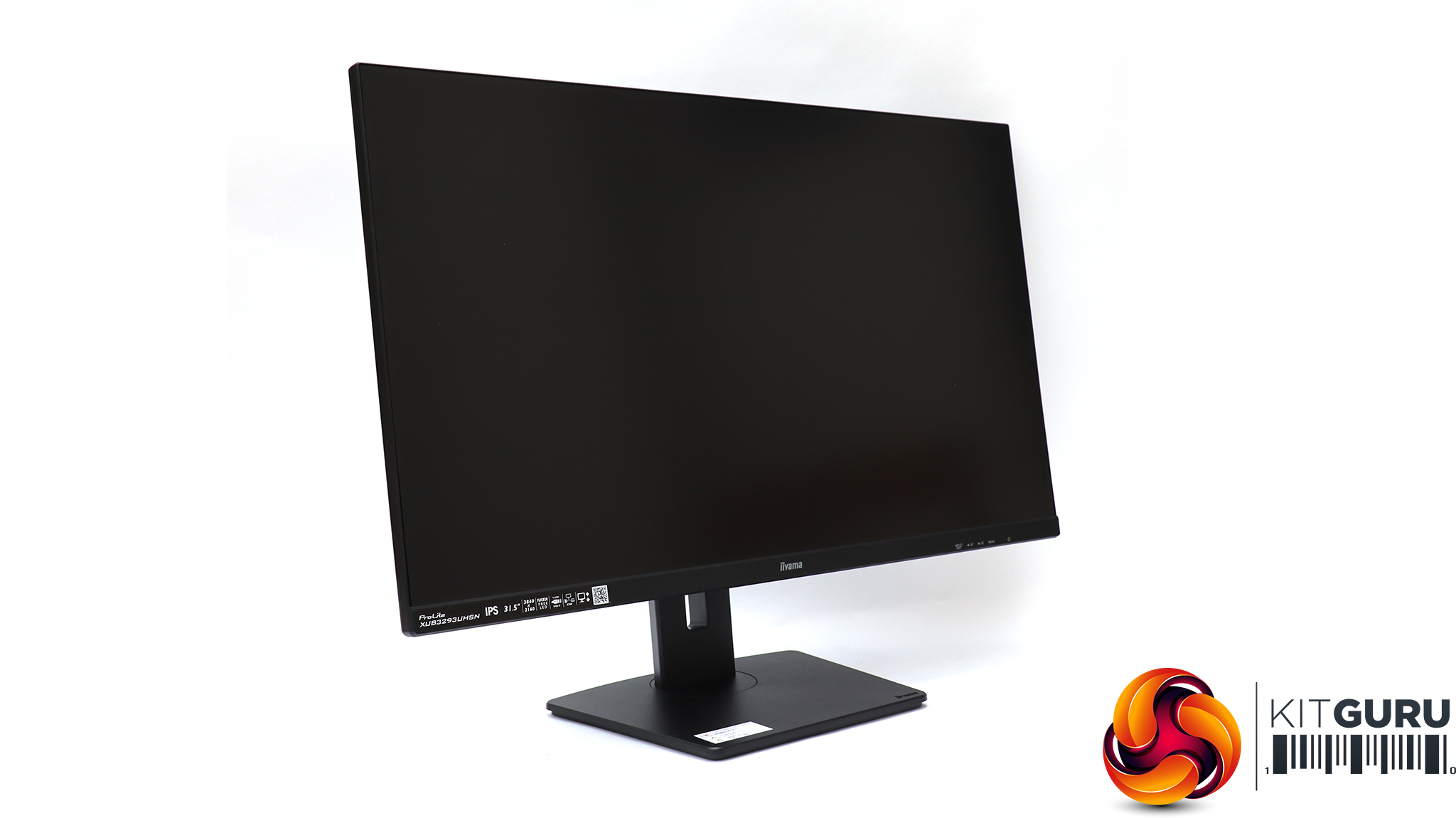
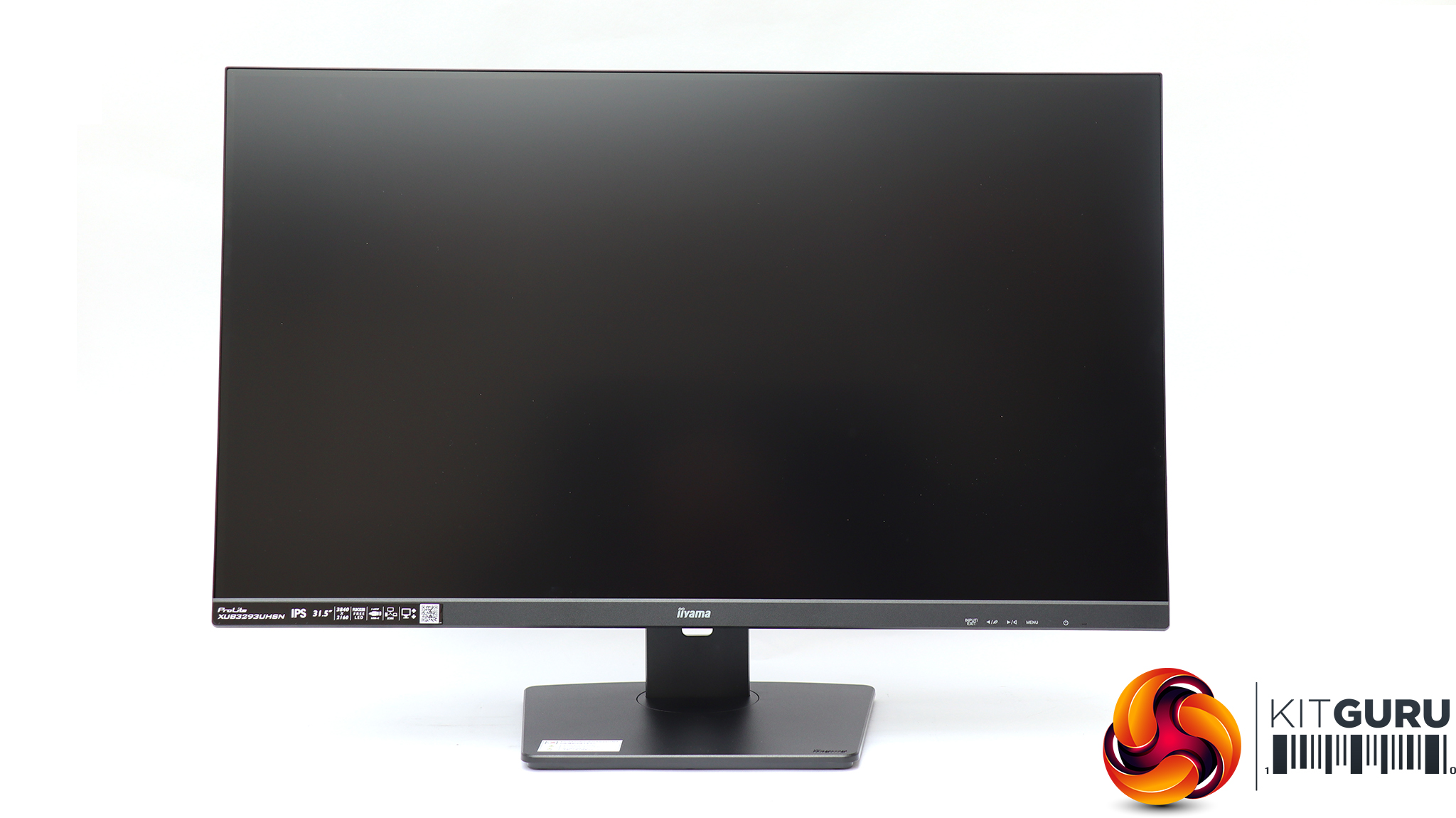
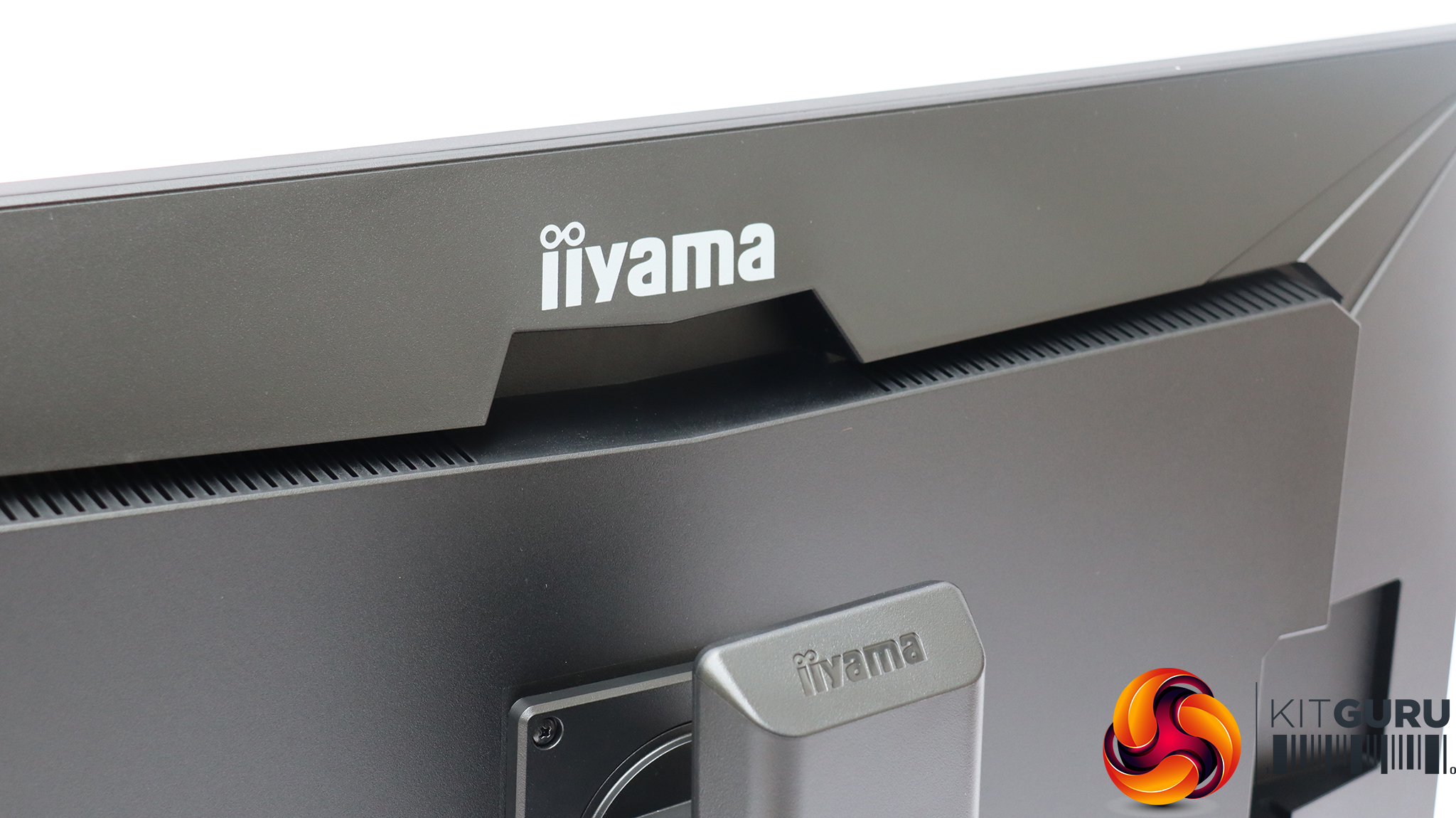
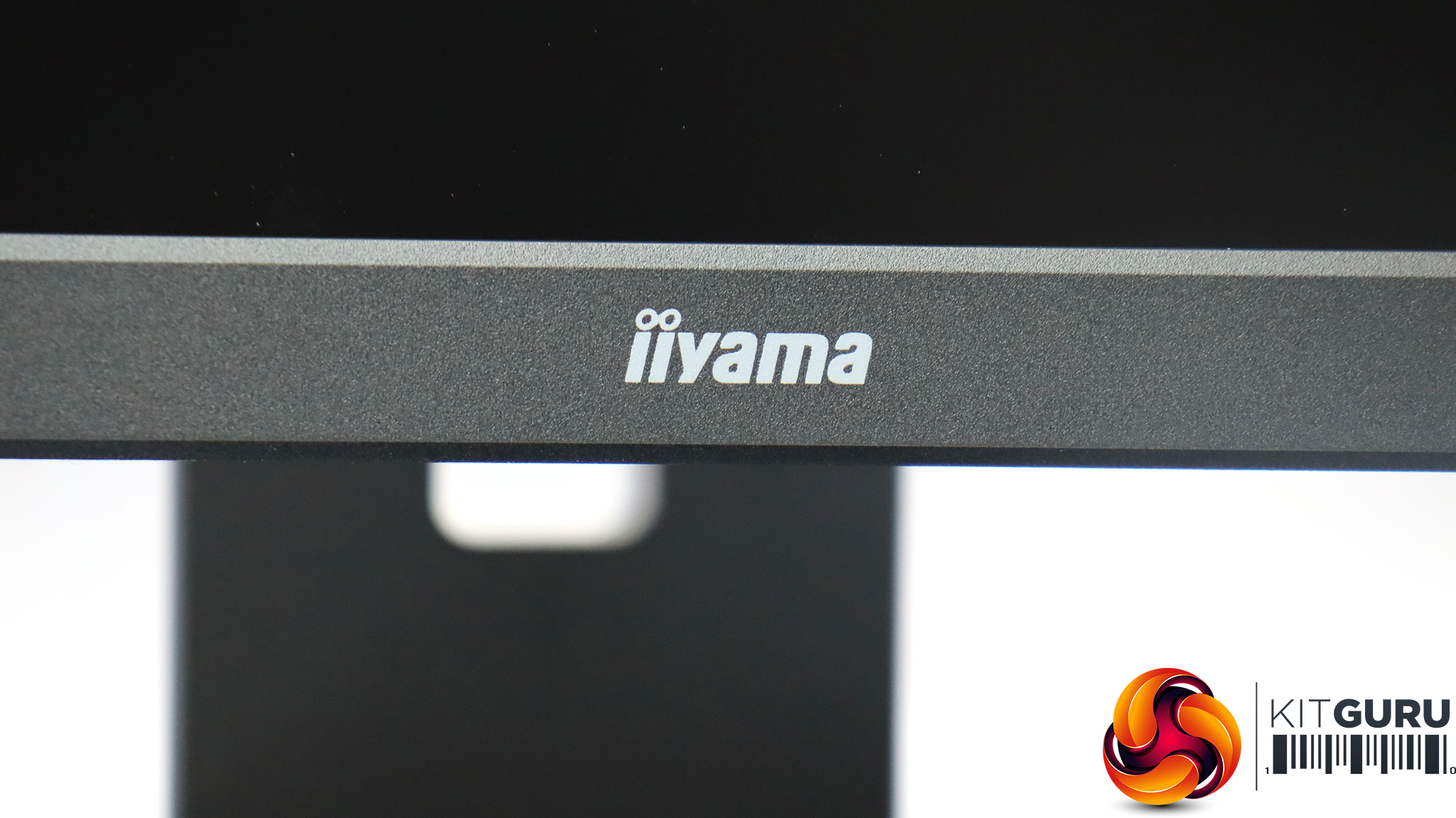
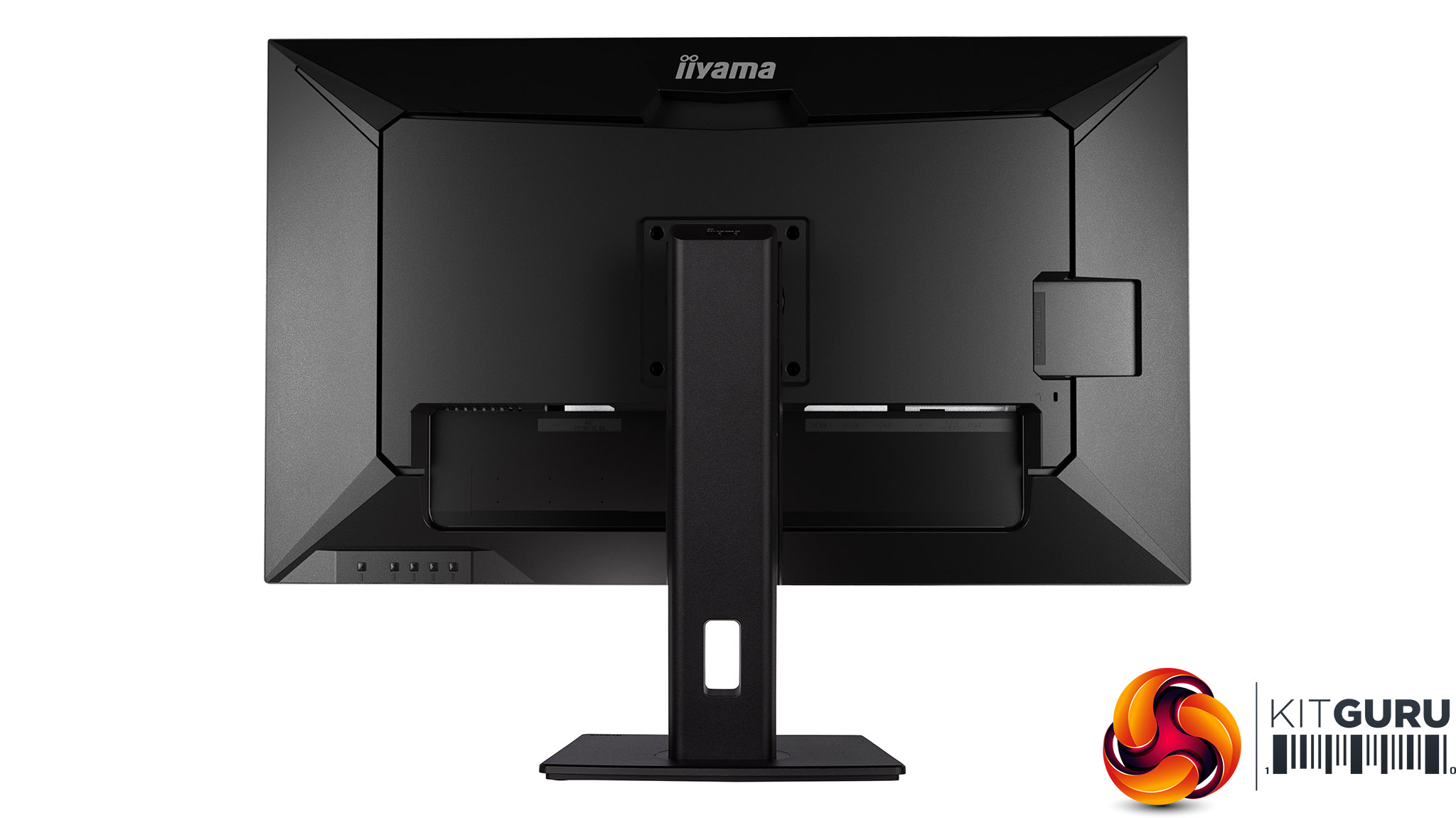
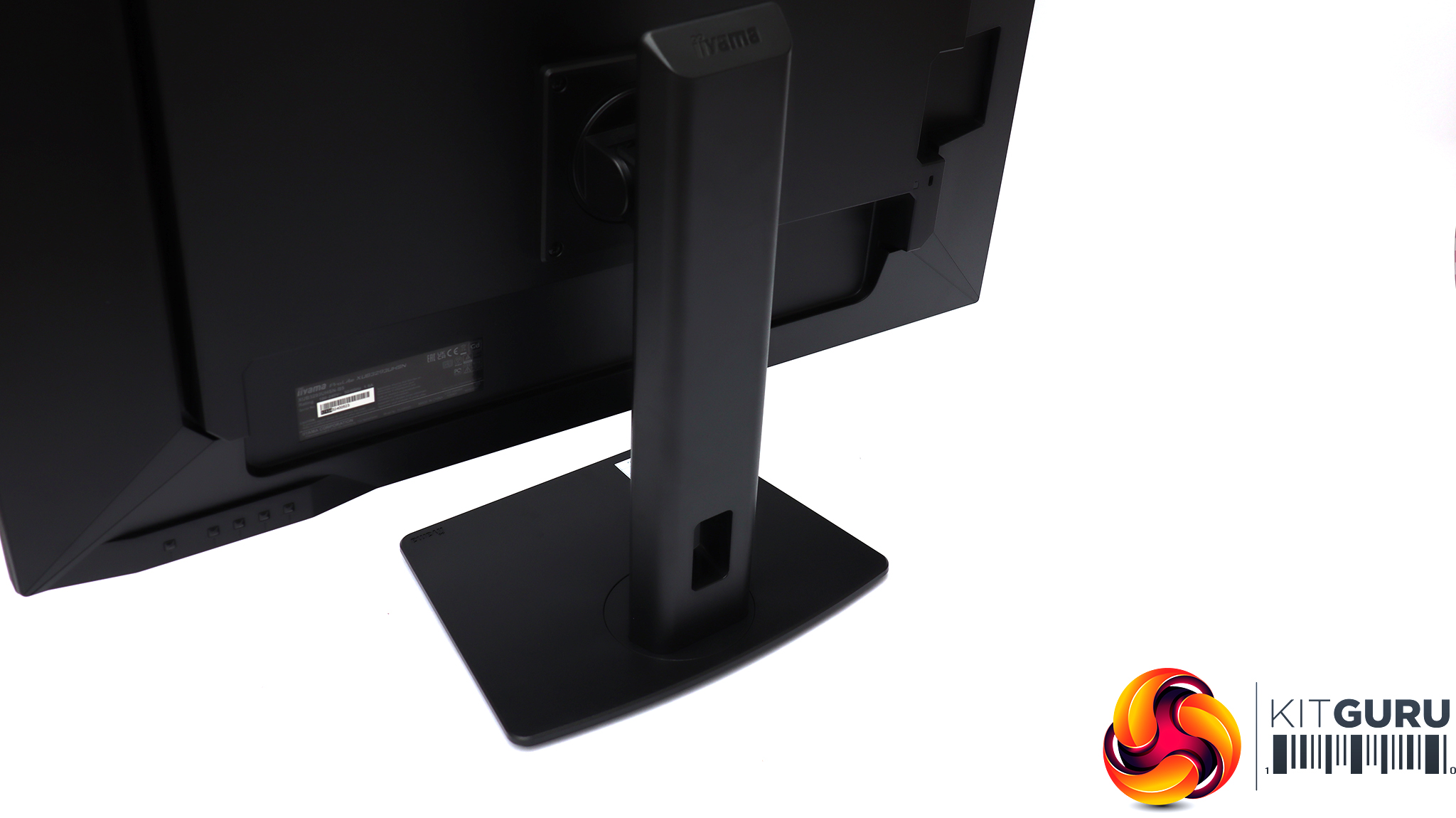
This is a business and professional monitor, so it's no surprise that the design is sober and lacking in bling. The build quality is high with a very solid, heavy stand. iiyama has always been a premium screen manufacturer and the XUB3293UHSN-B5 lives up to these expectations.
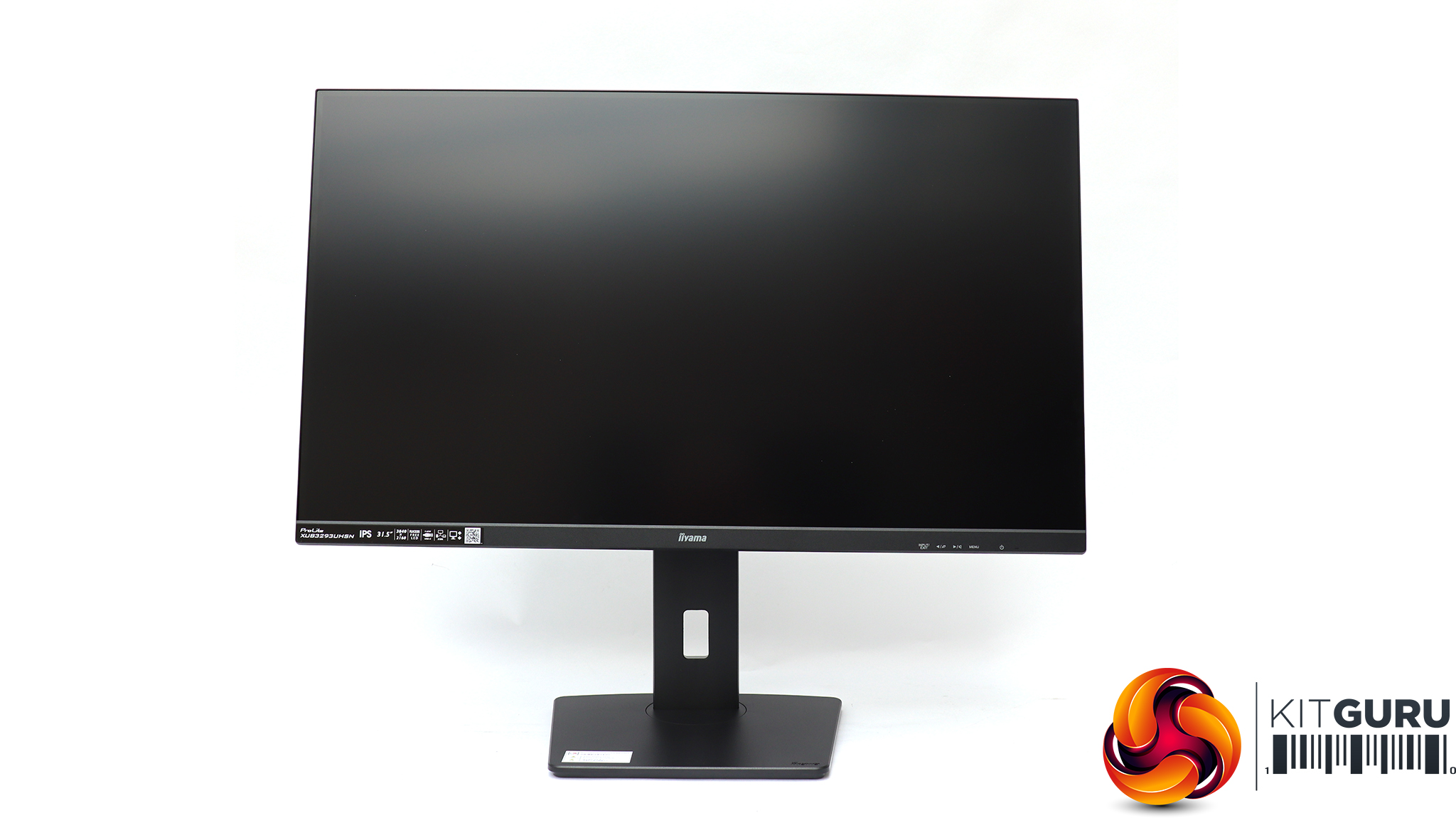
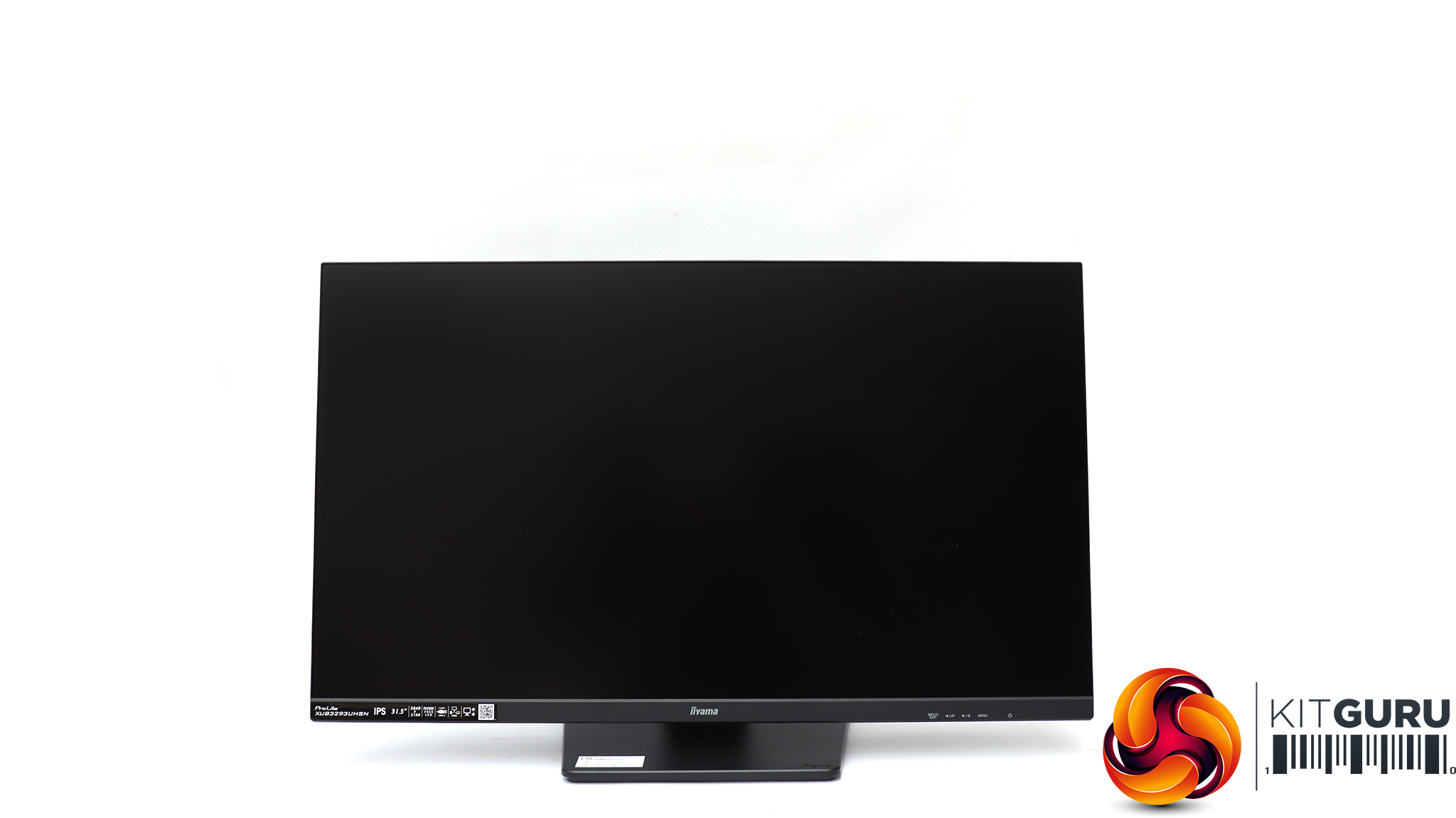
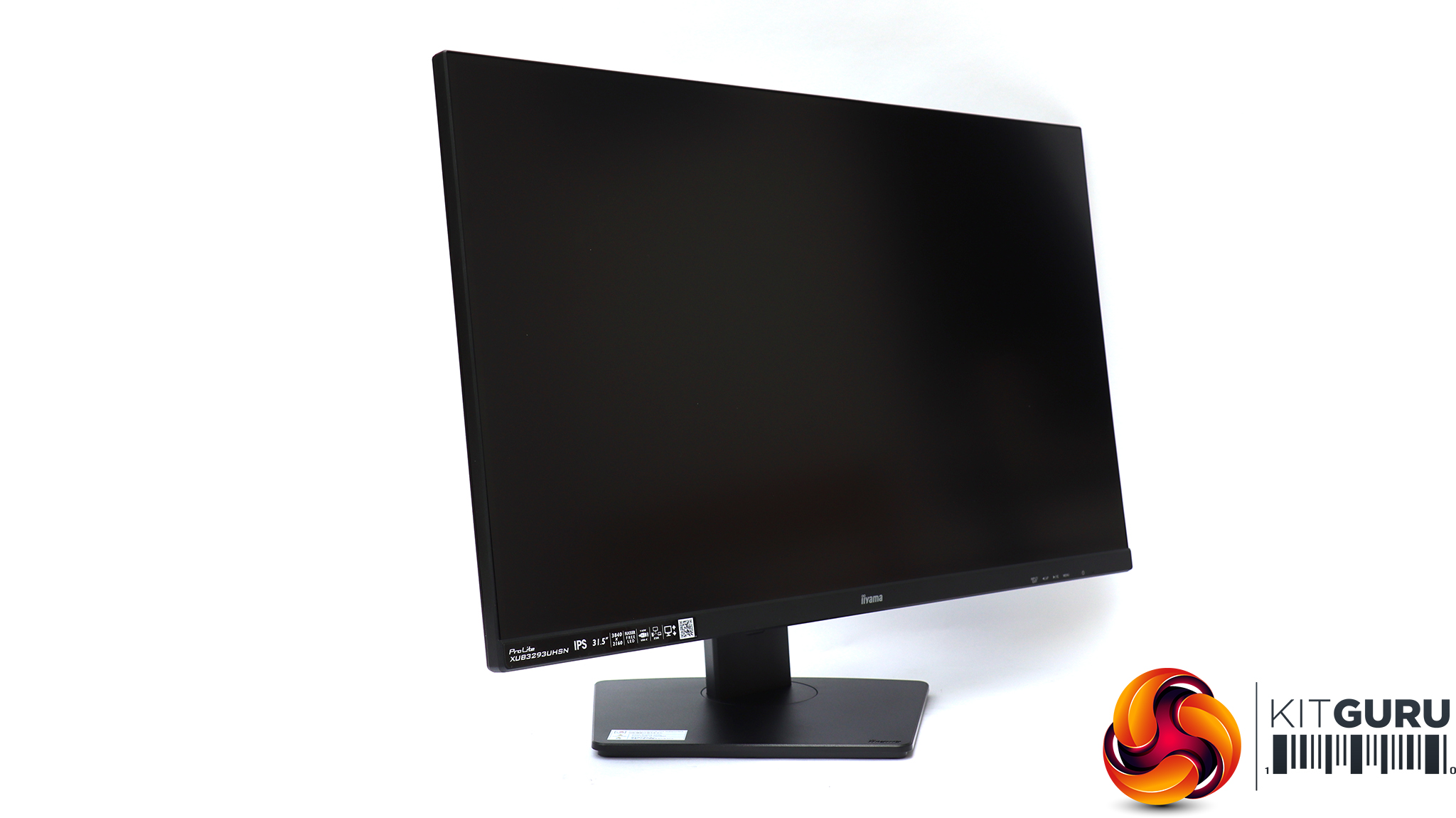
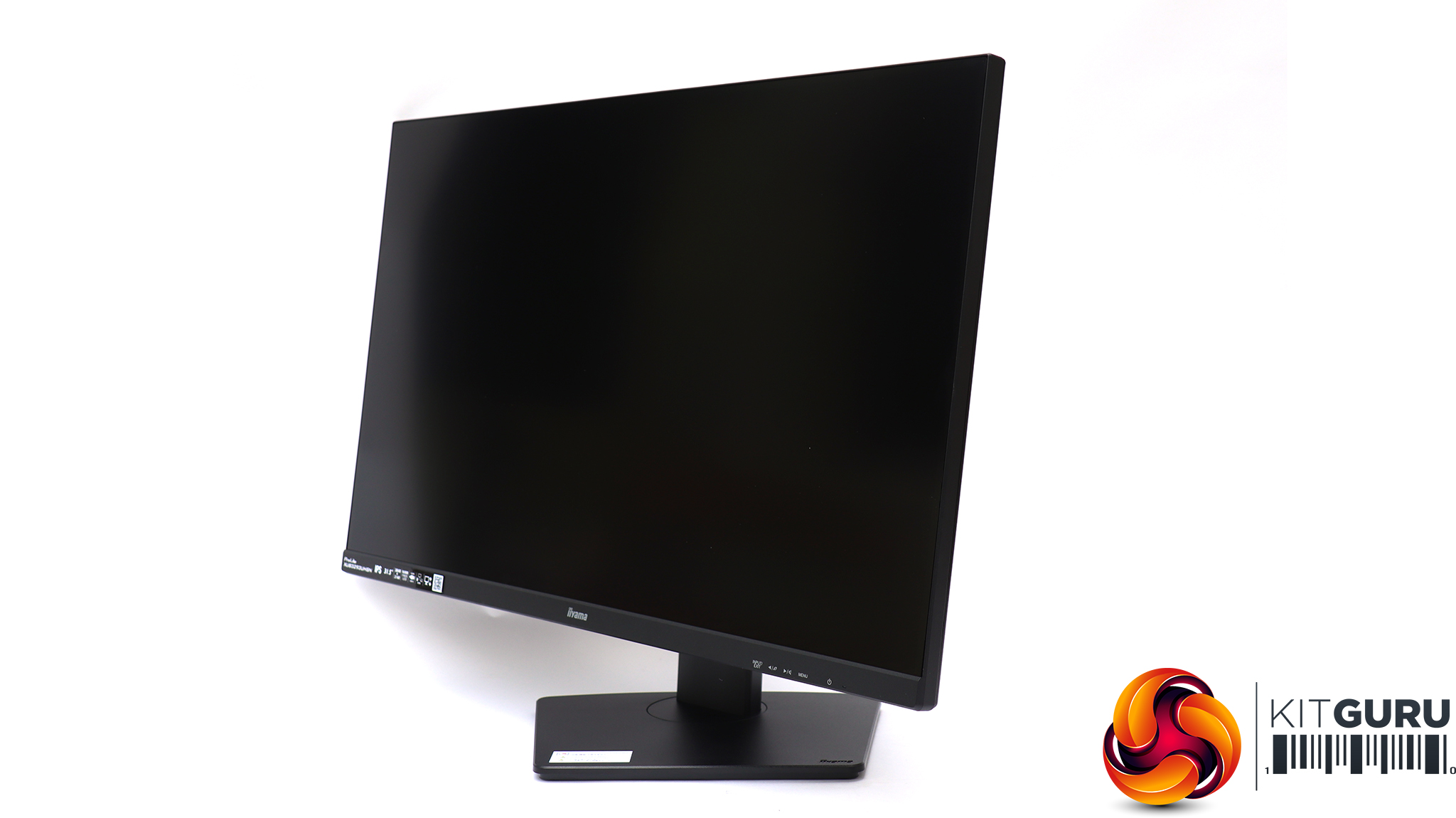
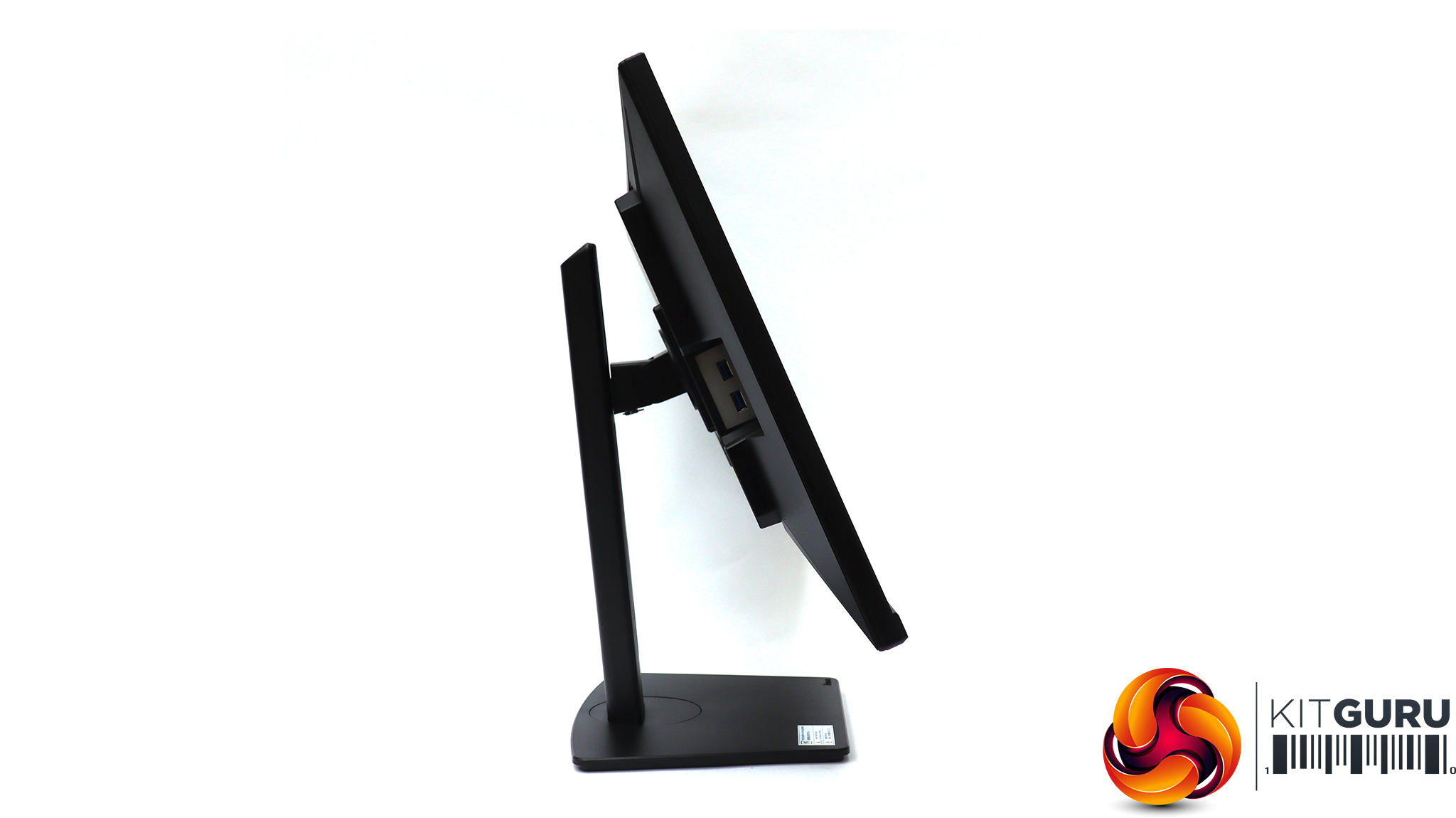
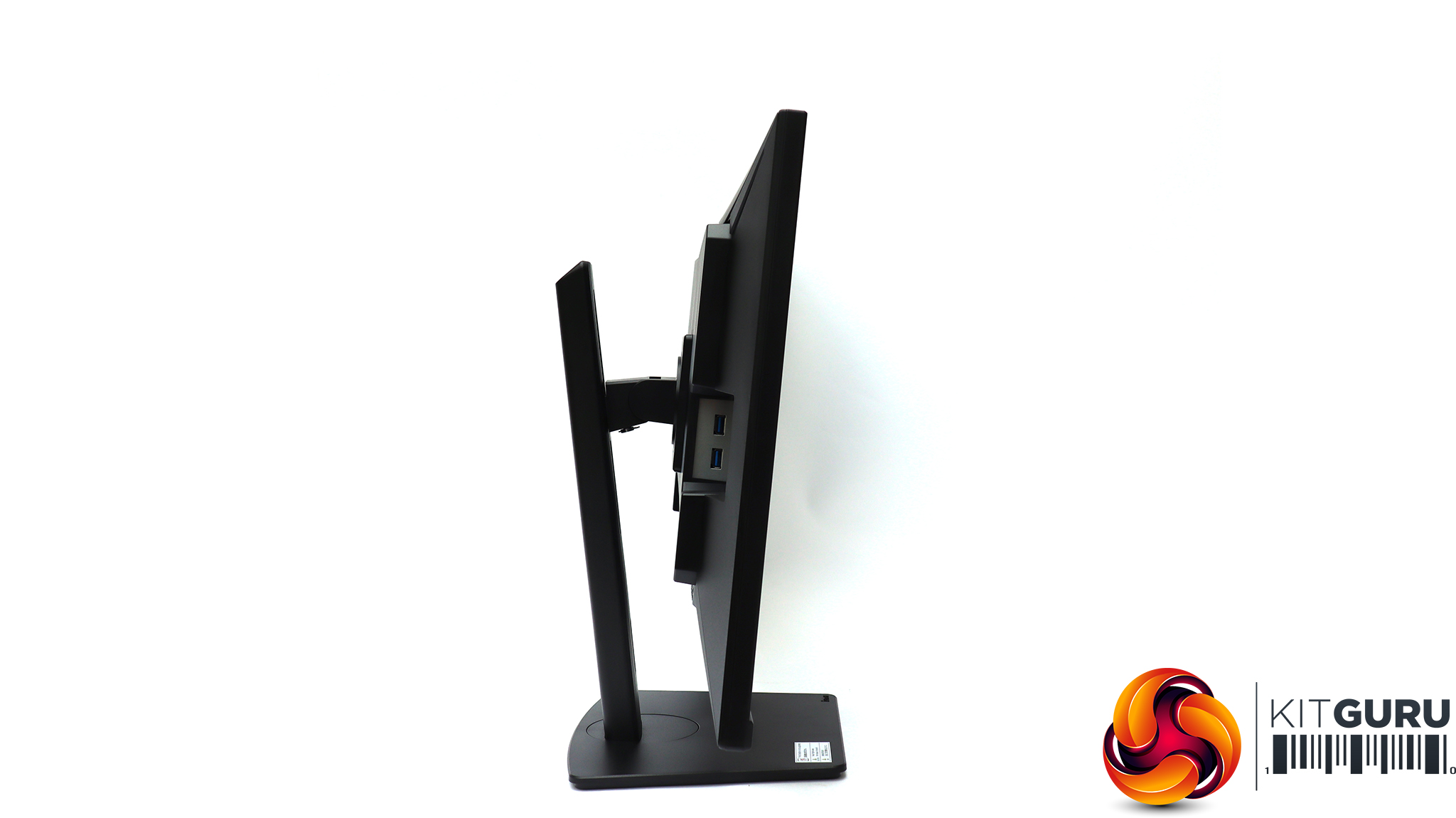
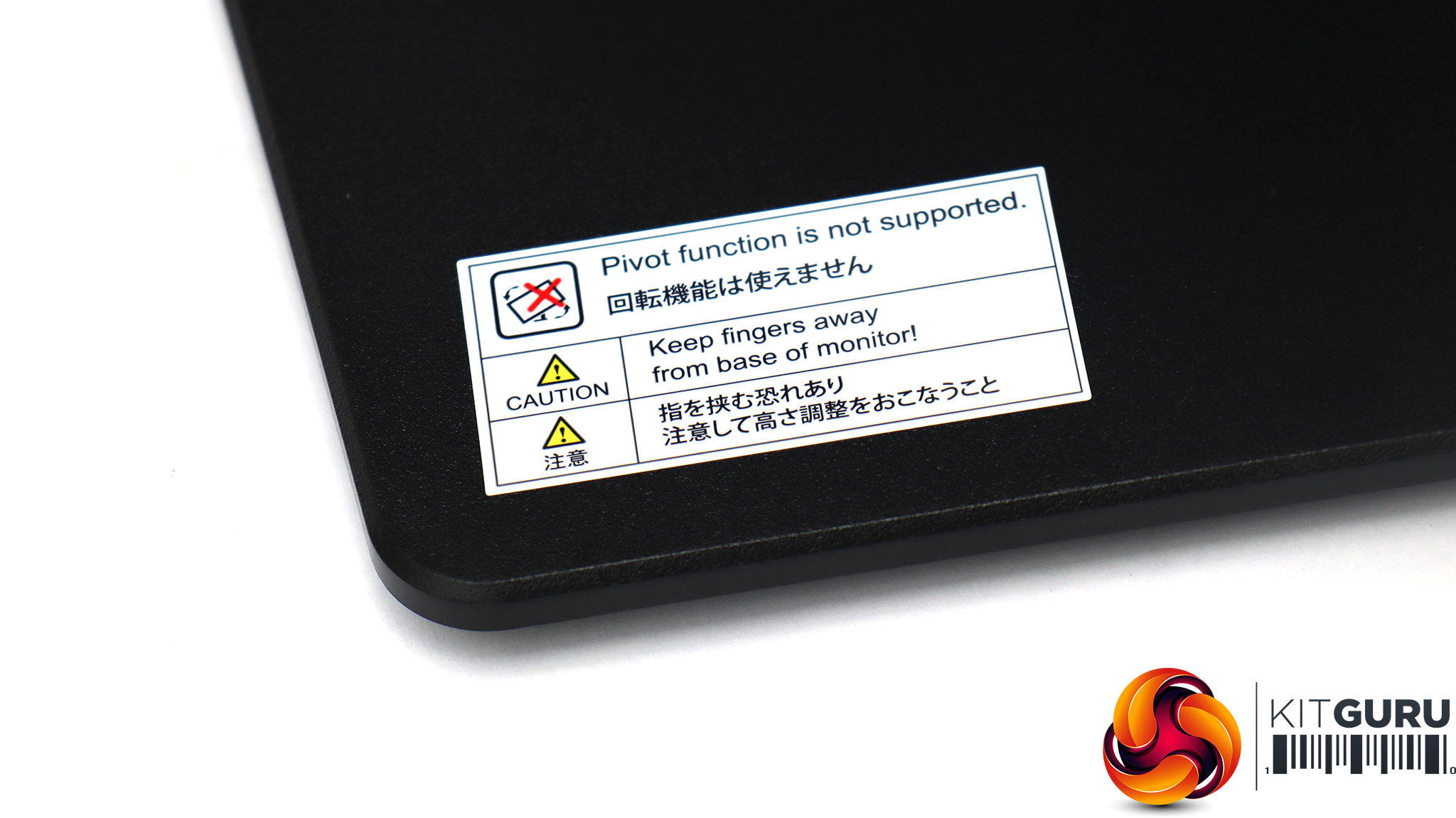
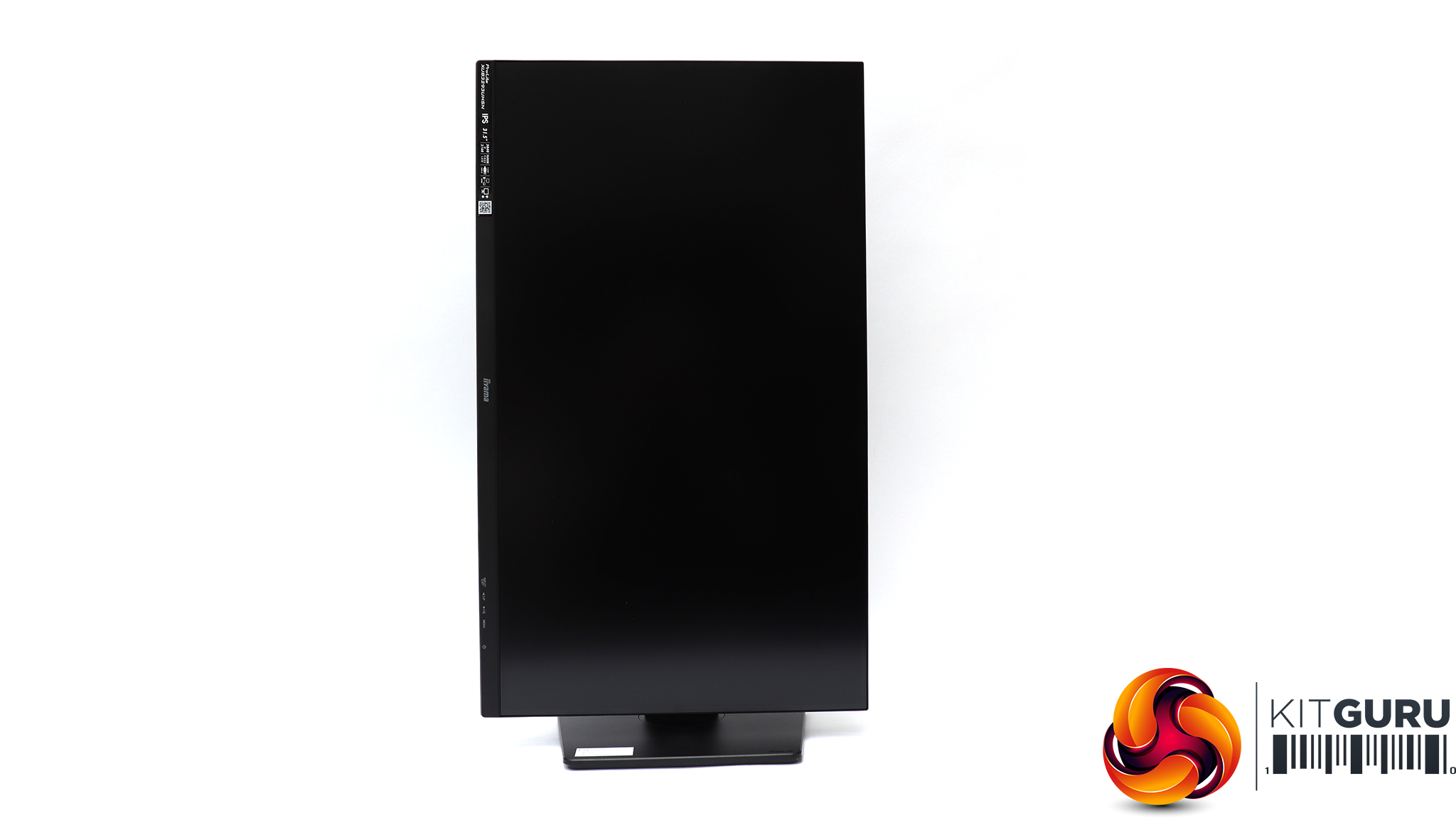
The variety of adjustments available is wide. You can raise or lower the panel on the stand through a large 150mm range. Swivelling is available 45 degrees in either direction, and you can tilt 23 degrees upwards or 5 degrees forwards. Although there was a noticeable sticker on the stand base saying the screen didn't support pivoting into portrait mode, this did in fact appear to be possible. We tried this and although the monitor didn't automatically sense it was in portrait mode, we could switch this in Windows and it worked just fine. Overall, it will be easy to arrange this screen just how you want it ergonomically.
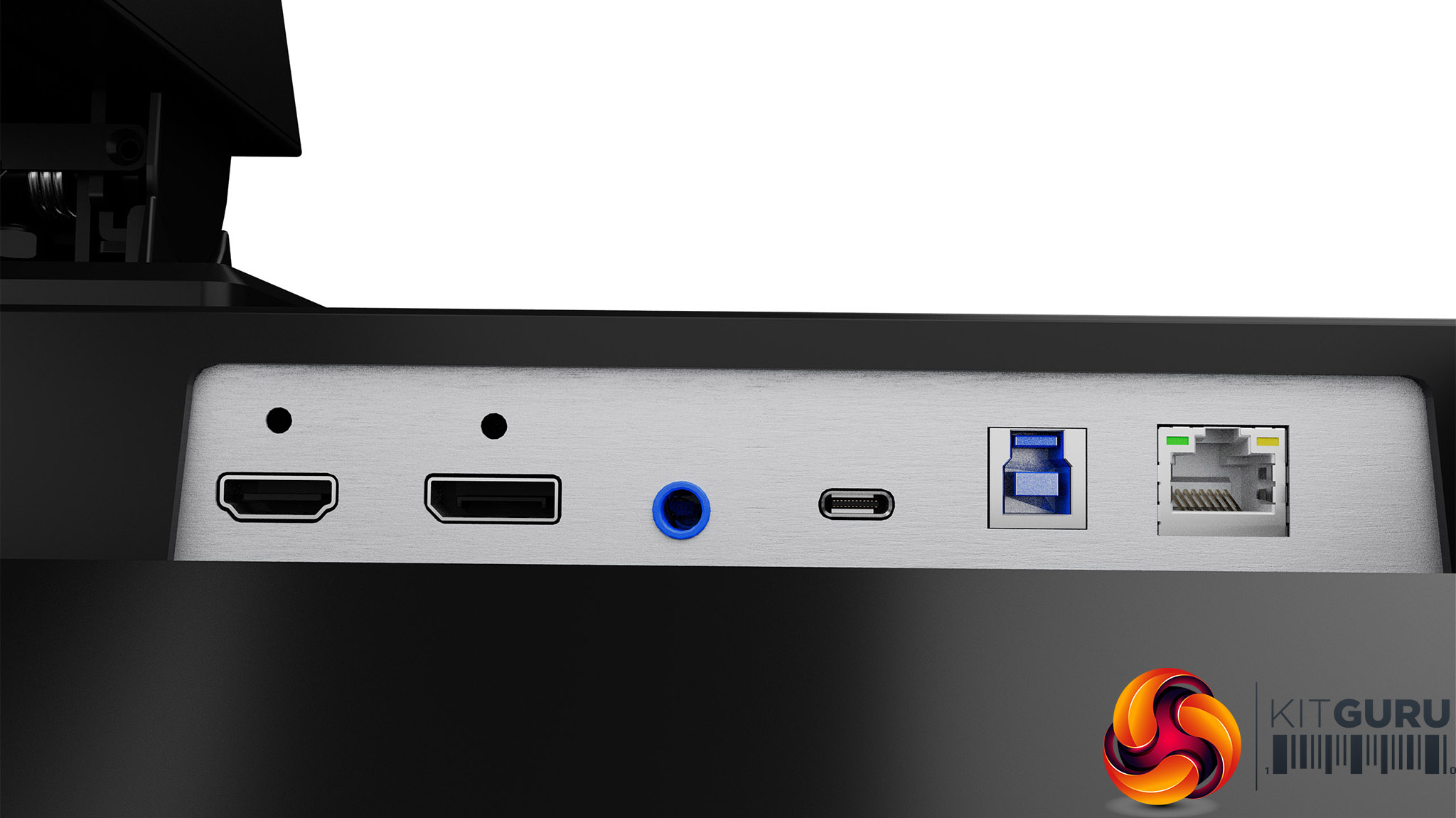
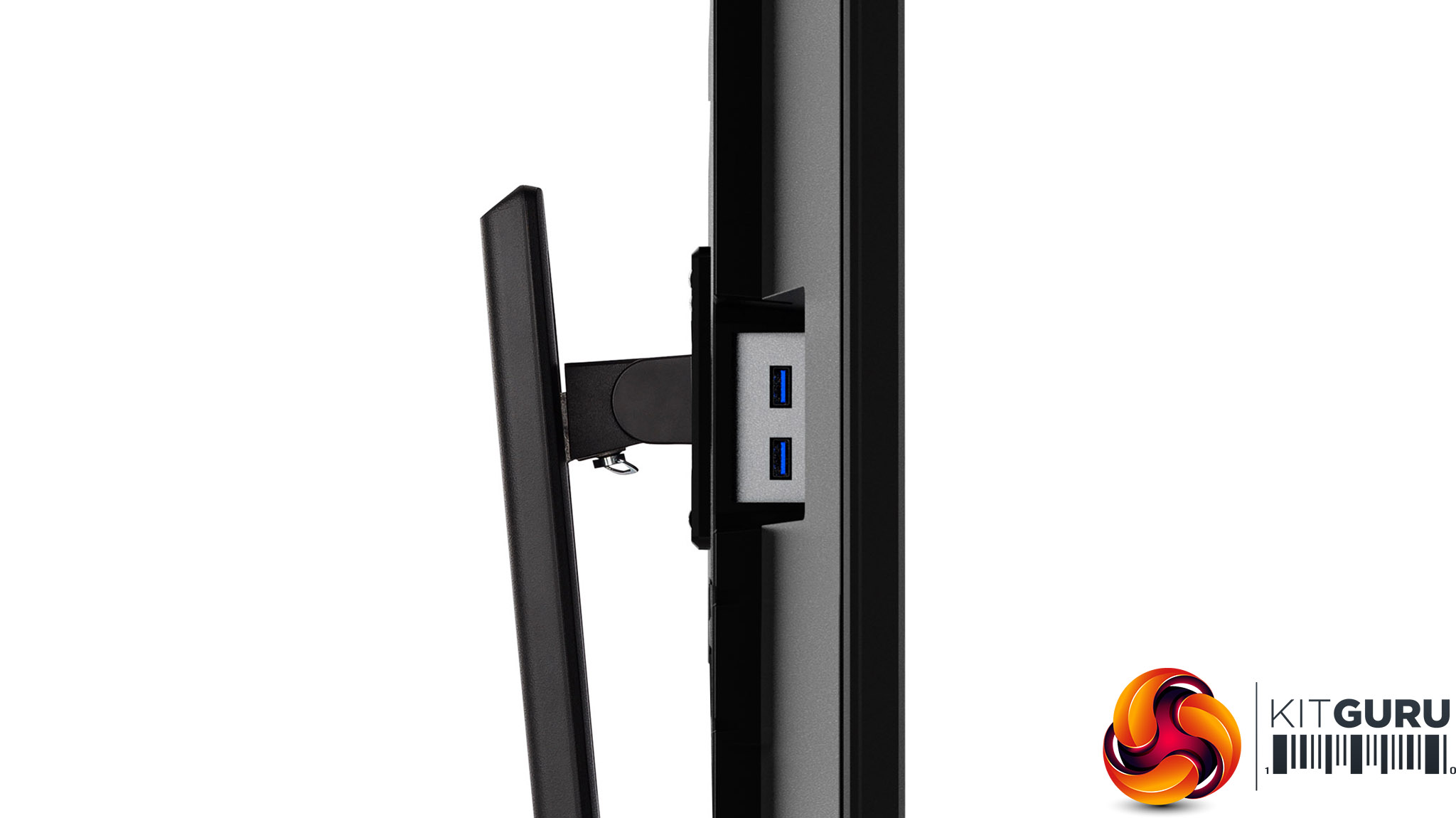
Most of the XUB3293UHSN-B5's ports are on the bottom of the screen facing downwards, to the right-hand-side (when looking from the front). There's HDMI and DipslayPort, but iiyama's documentation doesn't say which level of each standard are supported, other than that they can drive 3,840 x 2,160 at 60Hz. The USB-C port can also drive this resolution, but only when the USB hub operates in USB 2.0 mode. If you want USB 3.0, you will need to drop the 4K refresh to 30Hz. The USB-C port will also deliver 65W to an attached device. We tried this with a Dell XPS 17 laptop and found that while it would run off this and charge, it would only do so in “low power mode” due to the laptop requiring more like 130W from its own supply. A less power-hungry laptop would be fine.
Another nice touch is the Ethernet port. We tried this too, and it enabled the USB-C-attached notebook to have wired LAN connectivity as well as power, USB peripherals and the video output. There's a USB Type B port for another computer, so you can use the screen as a KVM switching between two devices. The analog minijack can output audio to headphones or external speakers, although stereo 3W speakers are built in. The two-port USB hub offers two Type A ports on the left-hand-side of the screen, for easy access.
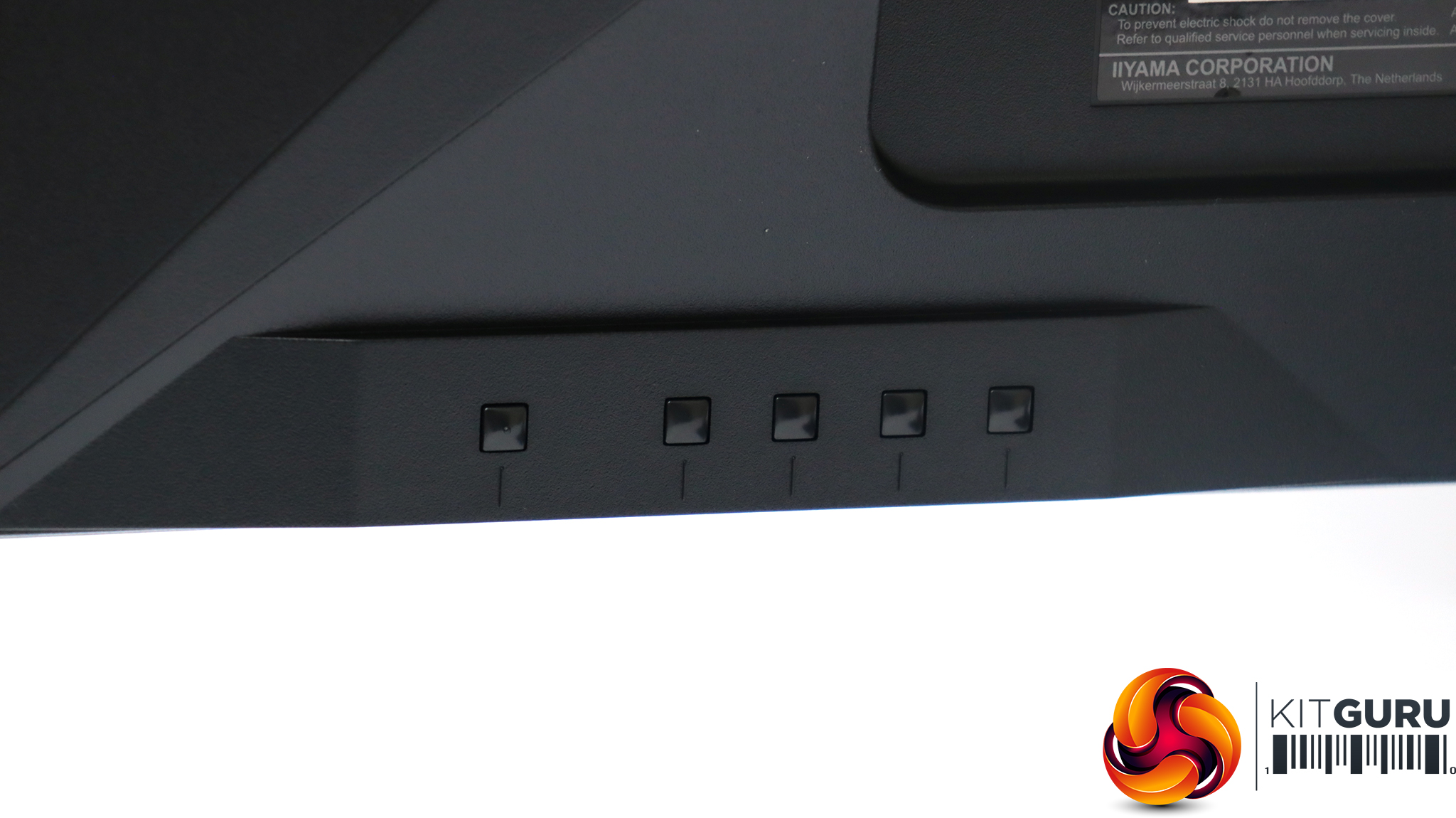
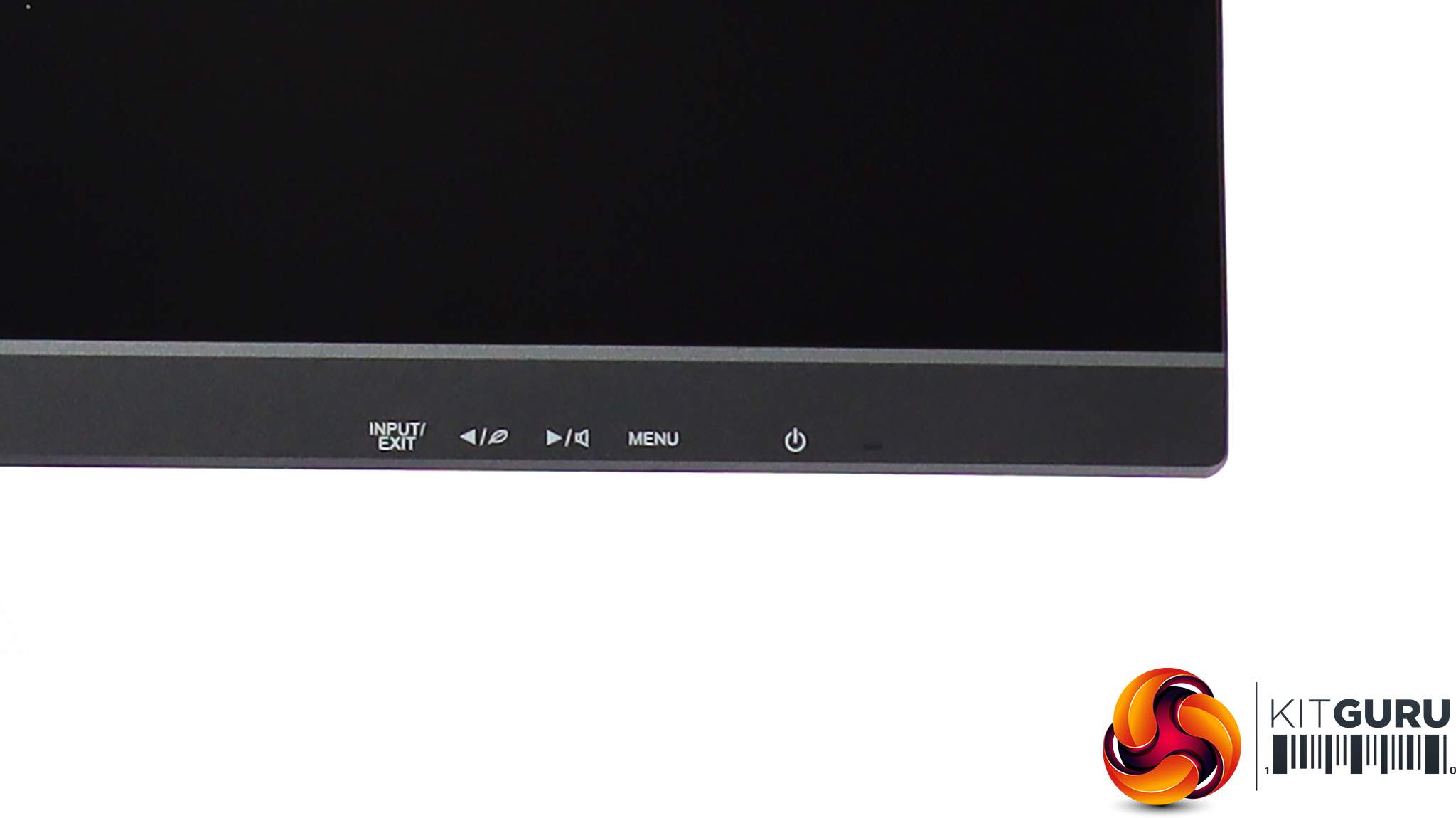
There is no fancy joystick with the XUB3293UHSN-B5, just five buttons on the rear of the screen with labels on the front so you know where they are.
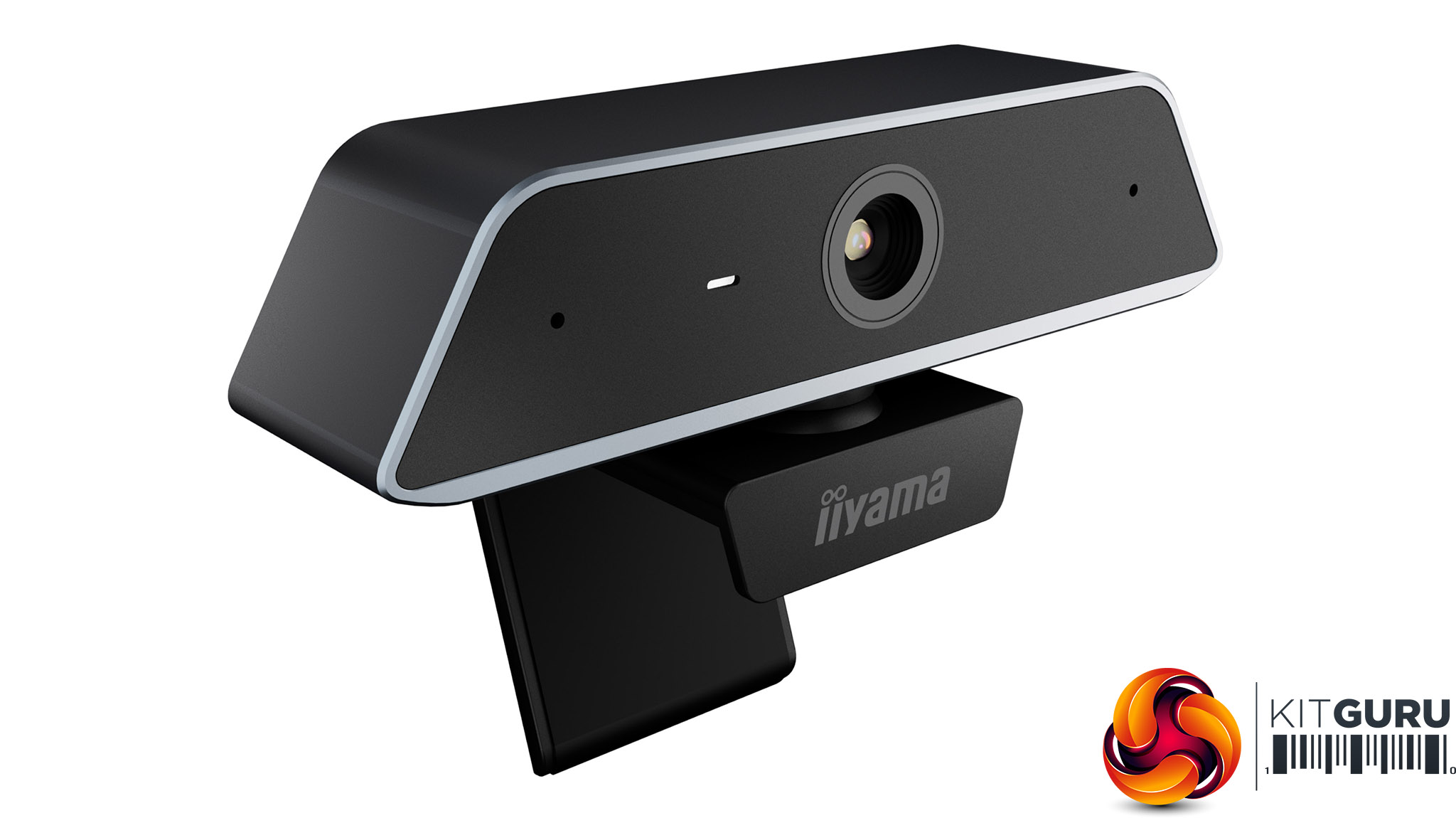
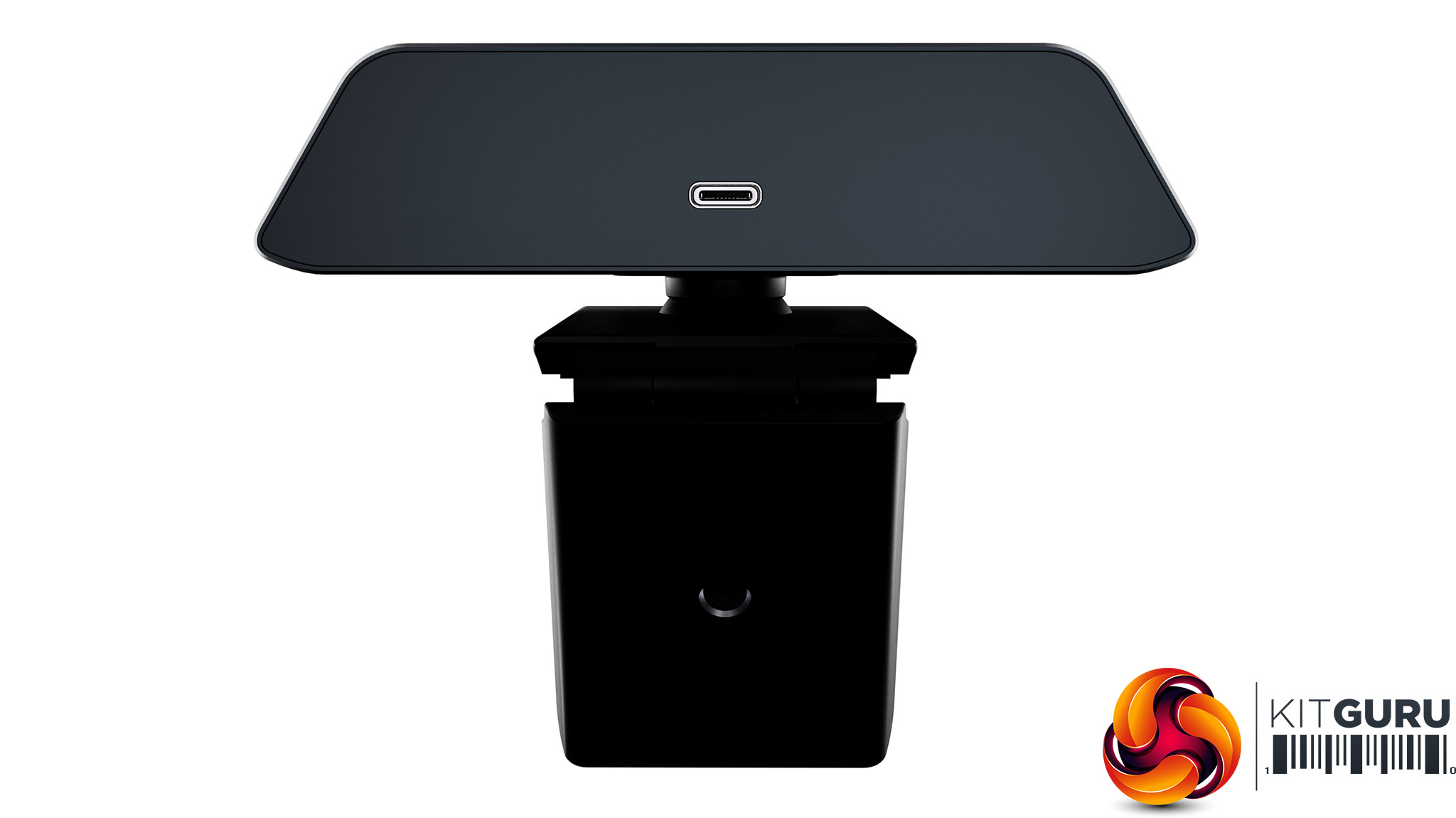
We were sent the iiyama UC CAM80UM along with the XUB3293UHSN-B5. This clips onto the top of the screen and incorporates a USB-C connection, although a Type A to Type C cable is included so you can attach it to the ports on the side of the screen if you want. This is a 4K webcam offering resolutions up to 3,840 x 2,160 at 30 frames per second. It has an 80-degree diagonal field of view, with automatic focus and an F/2.2 aperture. It also has a two-microphone array built in so can filter out background noise and distortion from speakers up to 4m away. We tried it with Zoom and it worked well. At £62 it's not hideously expensive and the design fits well with the screen.
The button on the far right (looking from the front) turns the monitor on.
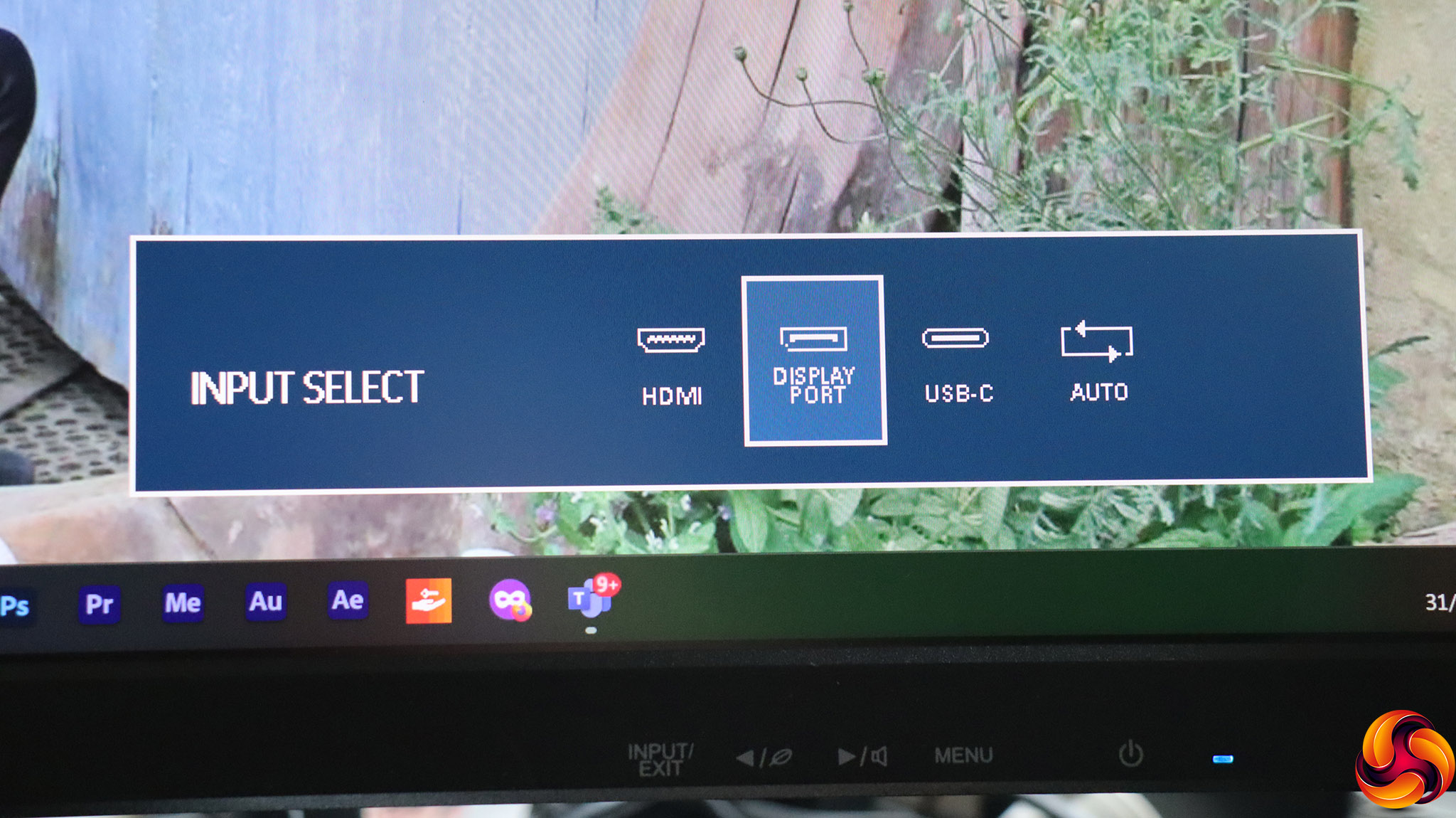
The far left button lets you choose between the three video inputs or you can let the monitor detect an input automatically.
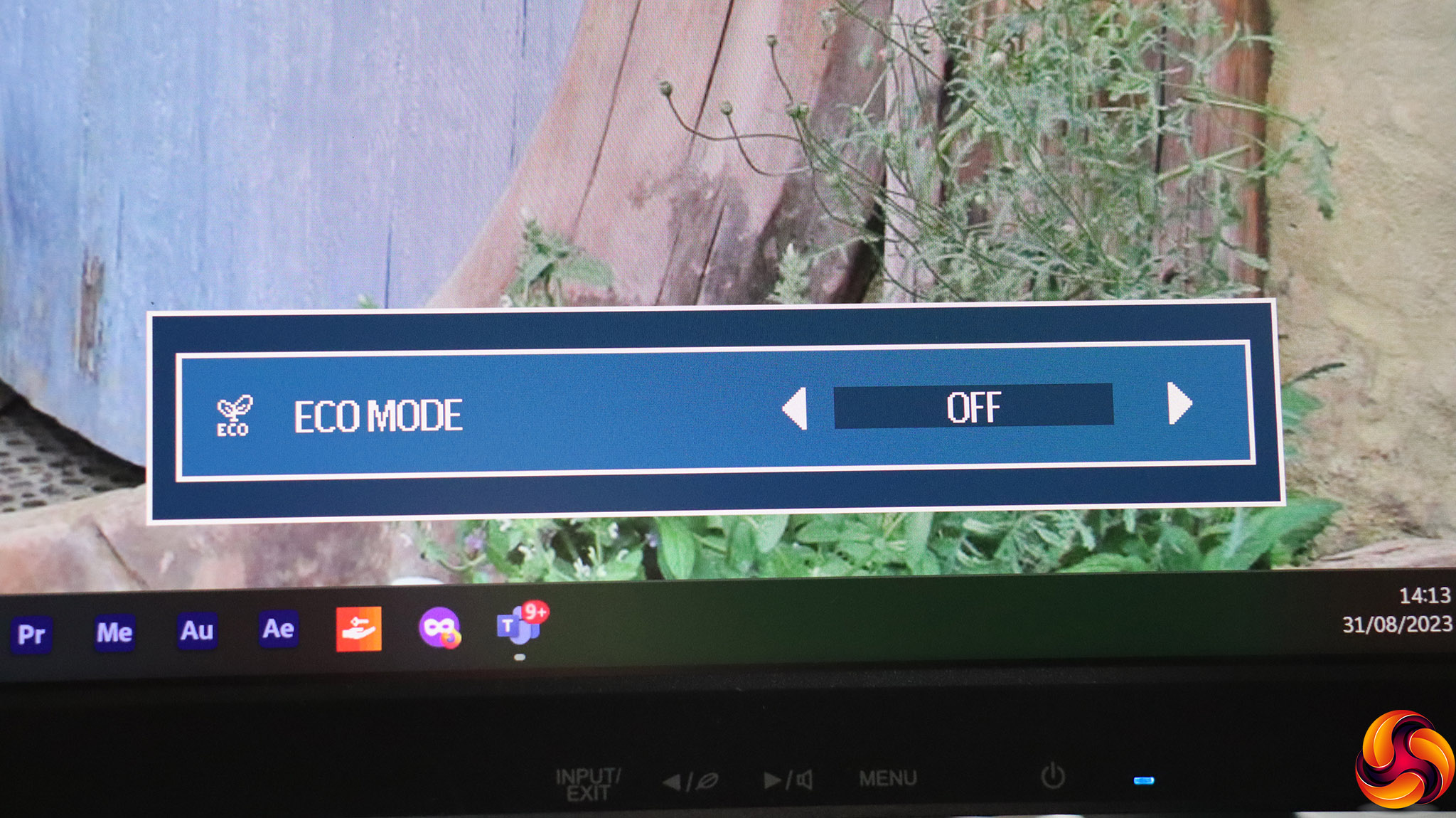
The next button along is for Eco Modes, which offer three levels of brightness and power consumption reduction.
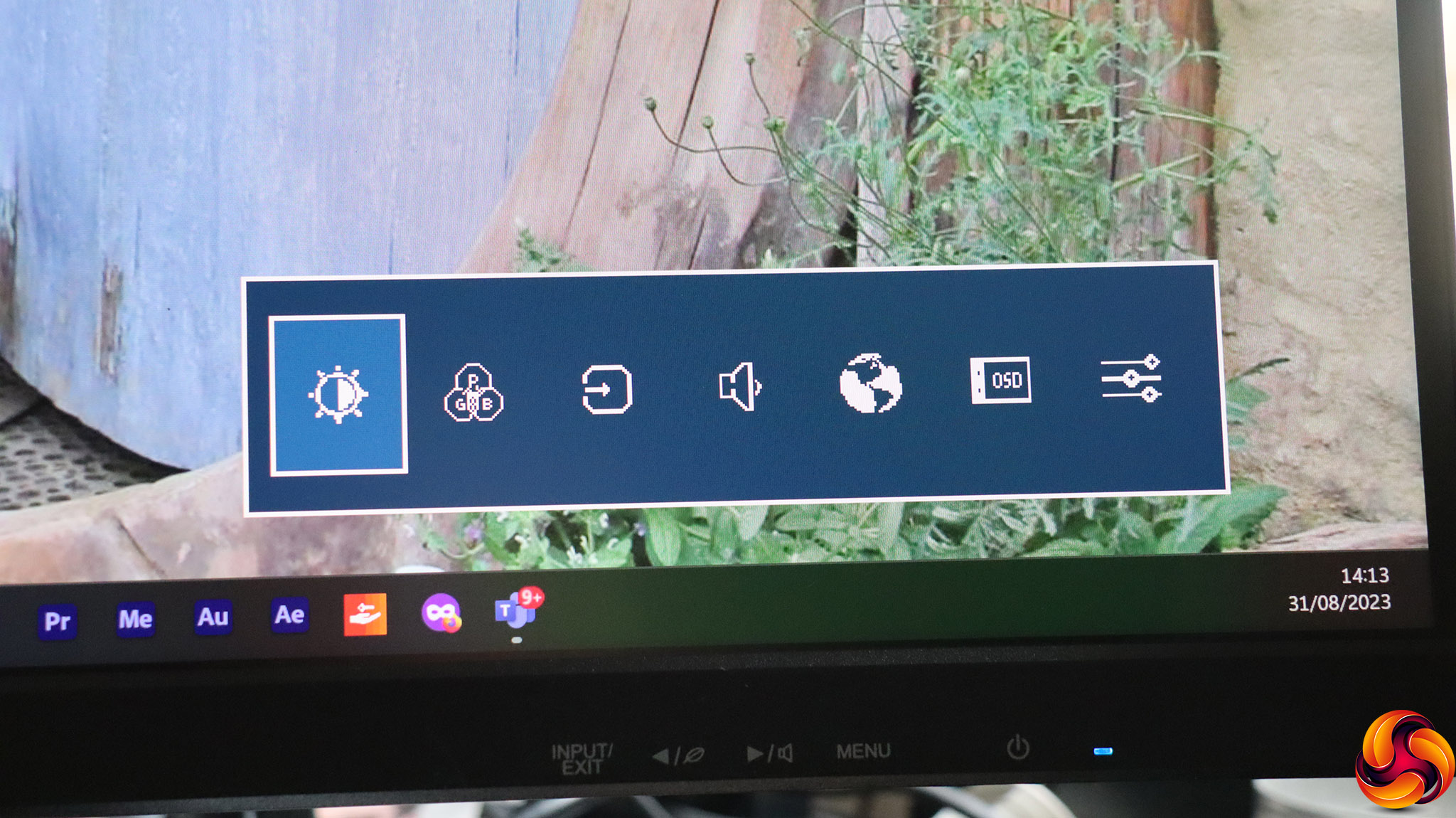
The third button from the left looks like another quick menu, but actually lets you go to the main menu by giving you the ability to choose which subsection you will will arrive at first.
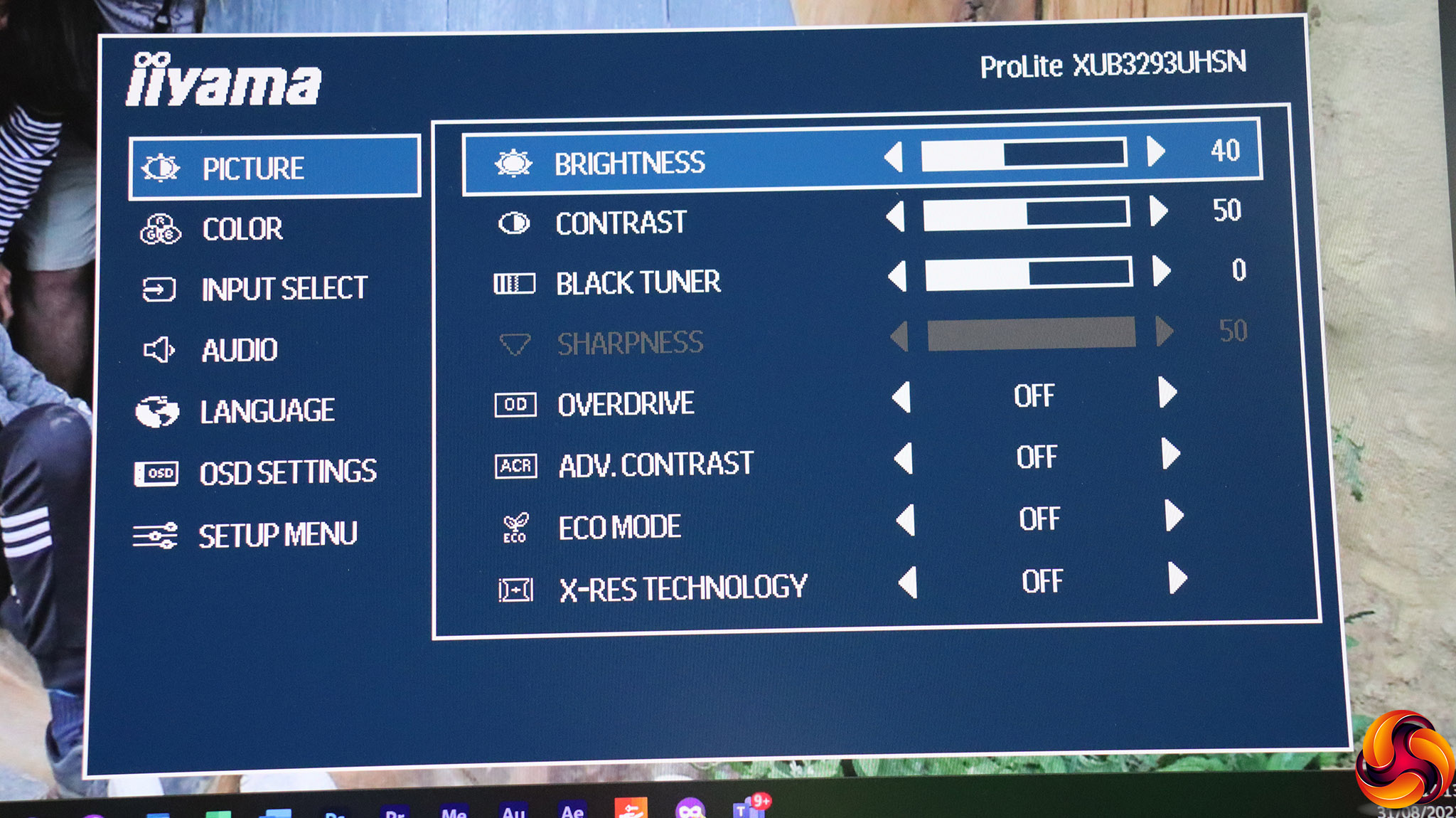
The first option is for Picture settings. These include Brightness, Contrast, and Black Tuner, which adjusts the level only of dark shades. If you are driving the monitor with a resolution lower than 3,840 x 2,160, the sharpness function becomes available to improve the perceived picture quality. Overdrive lets you improve gray level response time in five increments. Advanced Contrast is an artificial contrast-enhancement system. The Eco Mode option replicates the quick menu, giving you three levels of backlight brightness reduction. X-Res Technology is an edge enhancement technology, with three levels.
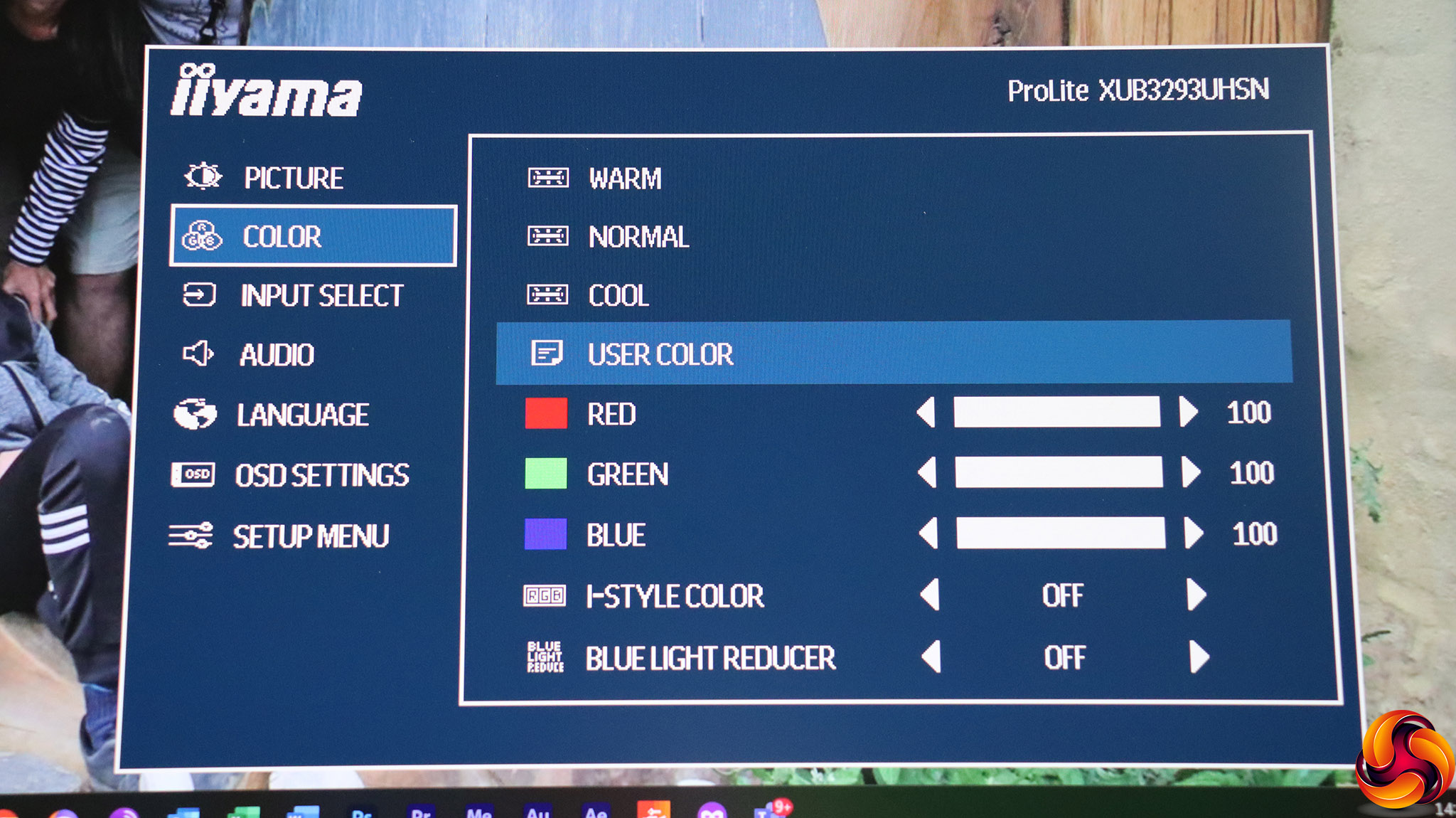
The color section offers three colour temperature levels, or a user mode where you can adjust red, green and blue individually. The i-Style Color options are preset modes, including Standard, Game, Cinema, Scenery, and Text. The Blue Light Reducer subtracts blue hues to limit eye strain during prolonged monitor usage.
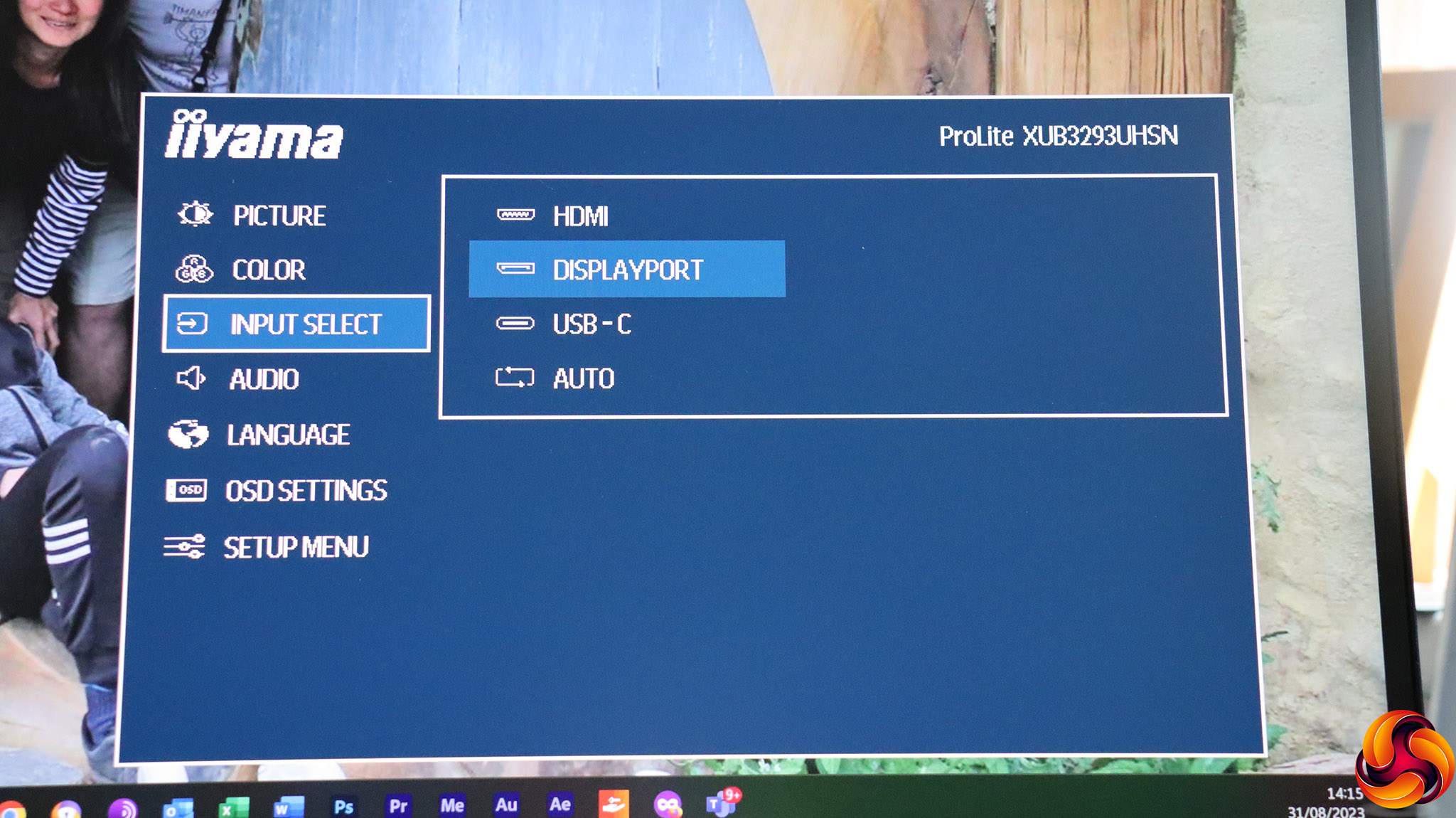
There's another route to the video input options in the main menu.
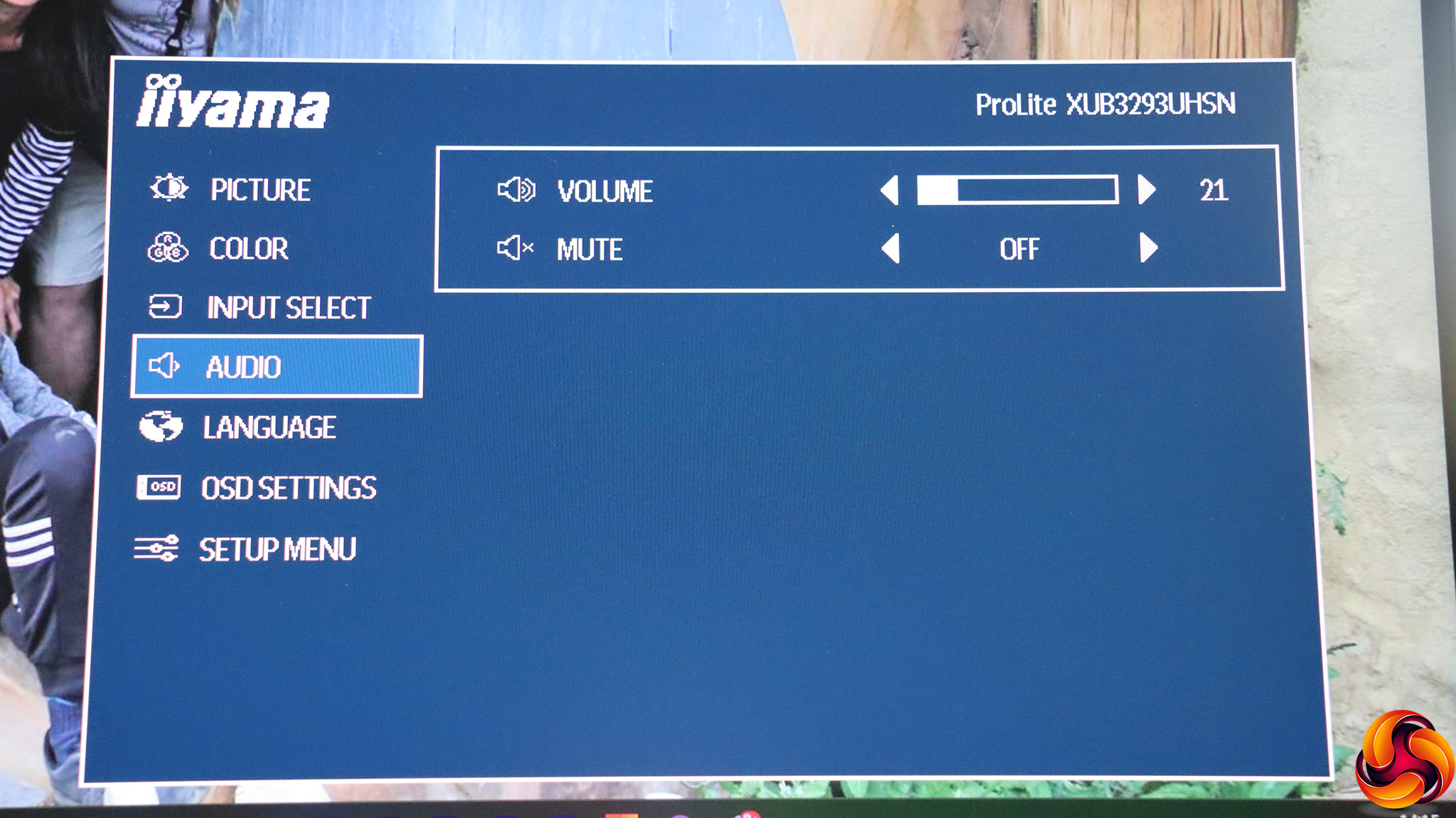
Unsurprisingly, the Audio section takes you to volume controls for the built-in speaker and minijack output, as well as providing a mute option.

There is a decent selection of alternative menu language options.
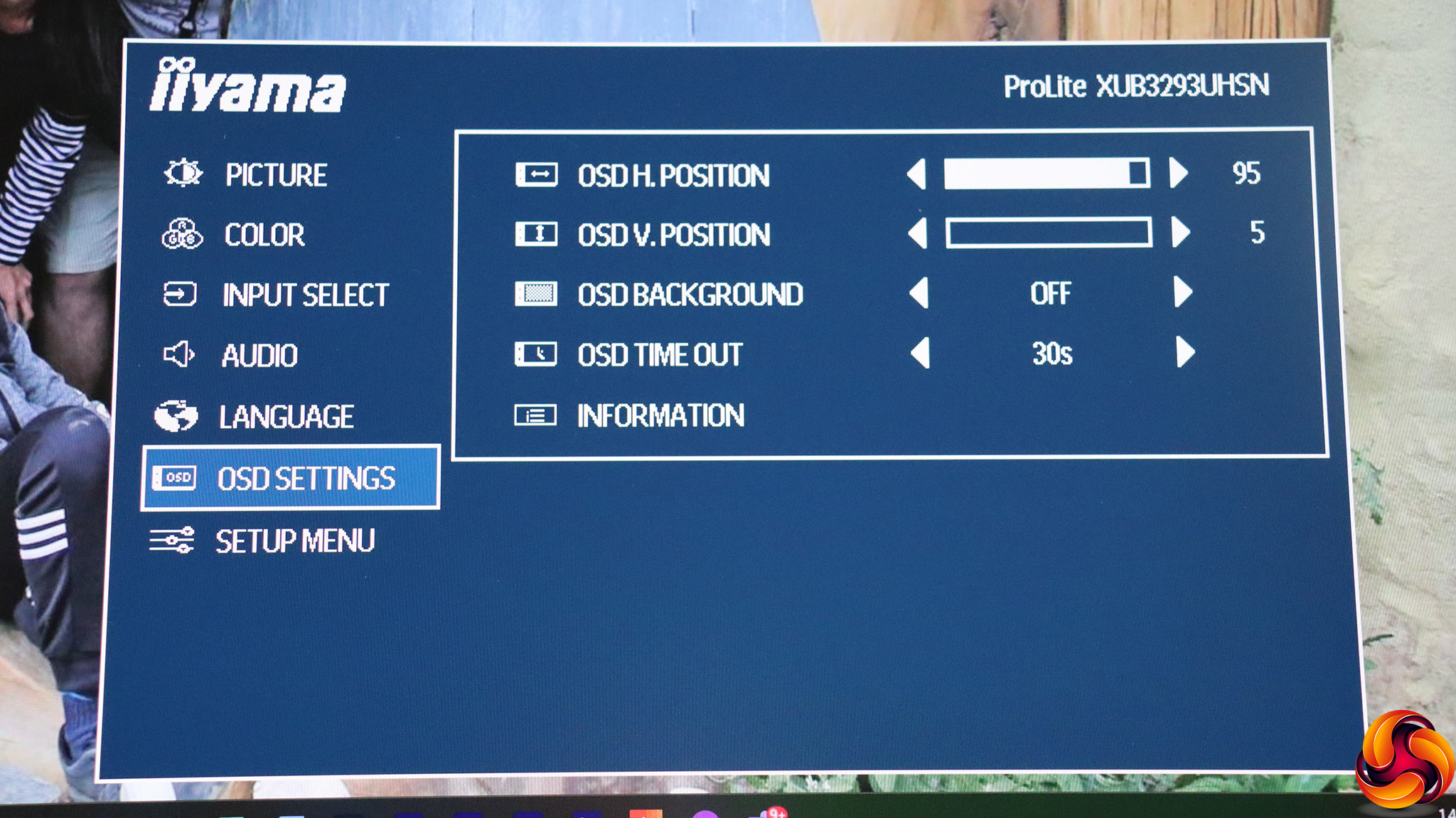
The OSD Settings provide a variety of controls over how and where the OSD menus are displayed onscreen.
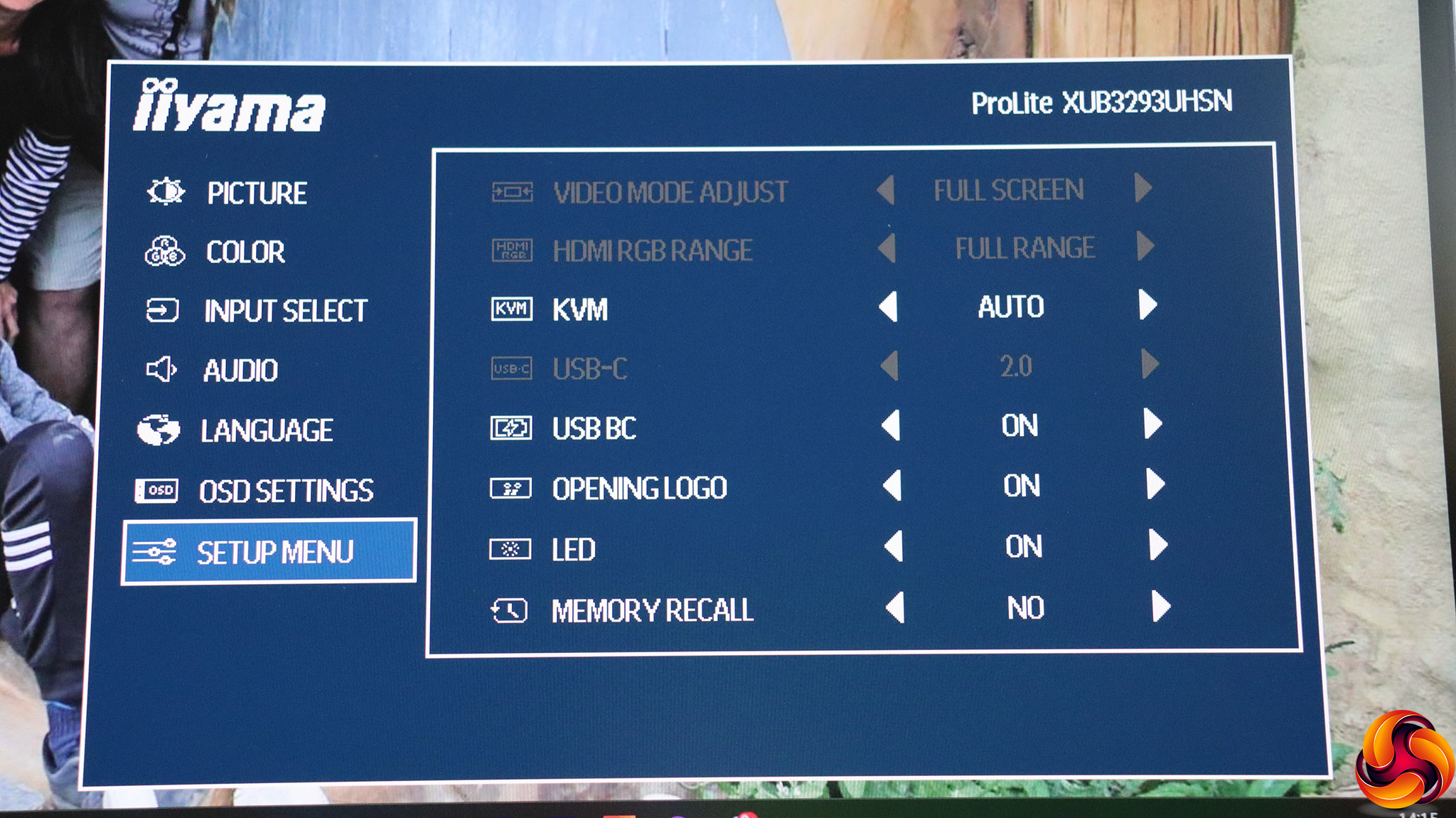
Finally, the Setup Menu lets you adjust the configuration of the screen, including how the KVM function operates, whether the USB ports provide power in standby mode (USB BC), whether the opening logo is displayed and the power LED is on. Memory recall is how you reset everything back to default.
One thing missing is the ability to redefine what the quick keys do – for example making brightness control or the audio volume more easily accessible. There are also no gamma settings. Otherwise, the range of configuration is adequate for a professionally focused monitor.
Our main test involves using a DataColor SpyderX Colorimeter to assess a display’s image quality. The device sits on top of the screen while the software generates colour tones and patterns, which it compares against predetermined values to work out how accurate the screen is.
The results show –
- A monitor’s maximum brightness in candelas or cd/m2 at various levels set in the OSD.
- A monitor’s contrast ratio at various brightness levels in the OSD.
- The brightness deviation across the panel.
- The black and white points.
- The colour accuracy, expressed as a Delta E ratio, with a result under 3 being fine for normal use, and under 2 being great for colour-accurate design work.
- The exact gamma levels, with a comparison against preset settings in the OSD.
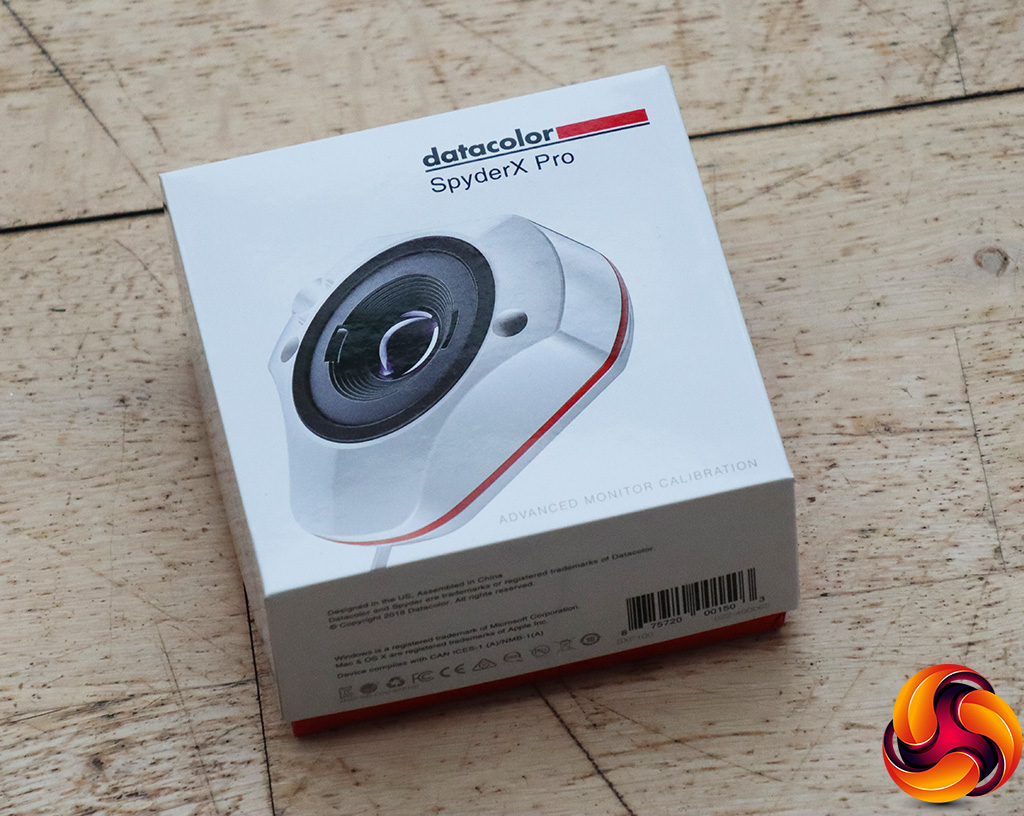
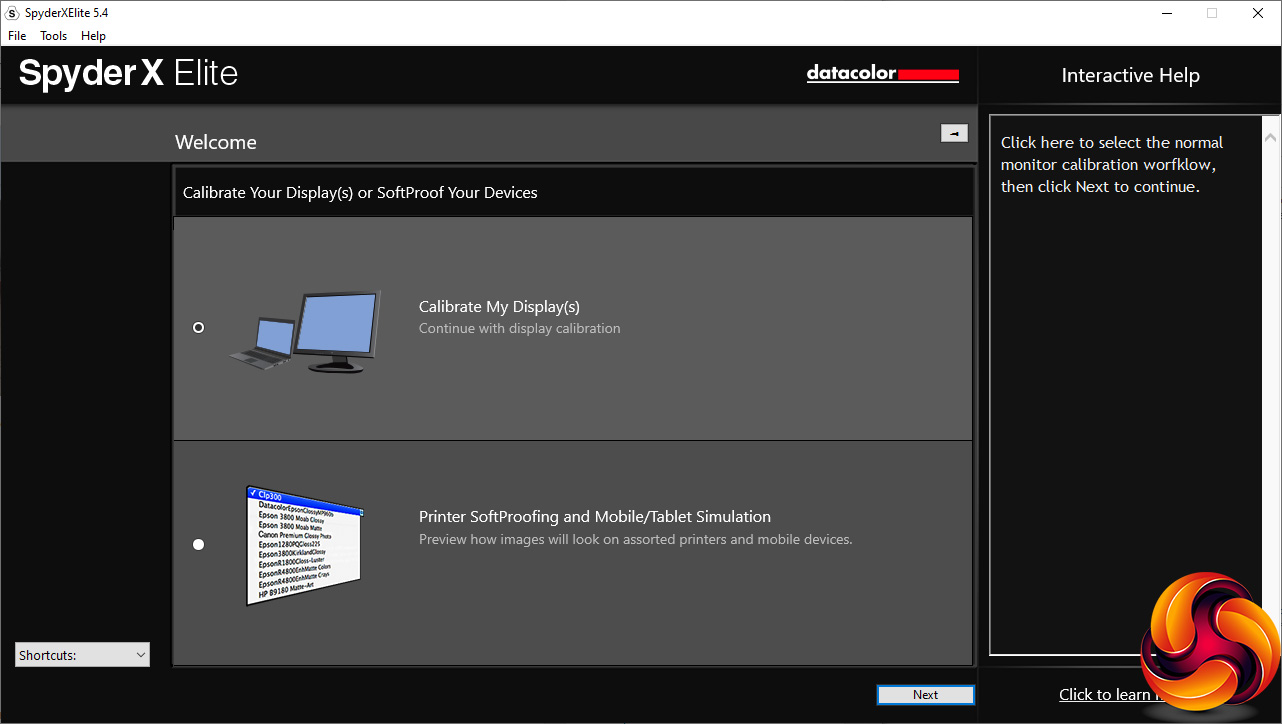
We first run this test with the display in its default, out-of-the-box state, with all settings on default. We then calibrate the screen using the Spyder software and run the test again.
We always test the display subjectively on the Windows desktop, using it for general tasks such as browsing and word processing, and with games as well, even if the display is not intended solely for that purpose.
We pay careful attention to any artefacts, ghosting or motion blur, and enable any gaming-specific features, such as adaptive-sync settings like G-Sync or FreeSync, using a compatible graphics card in our test PC.
We performed the quality tests on the iiyama ProLite XUB3293UHSN-B5 at its native 3,840 x 2,160 resolution in the default mode, after resetting the OSD. Our test system was equipped with an AMD Radeon Vega Frontier Edition graphics card, which supports FreeSync.
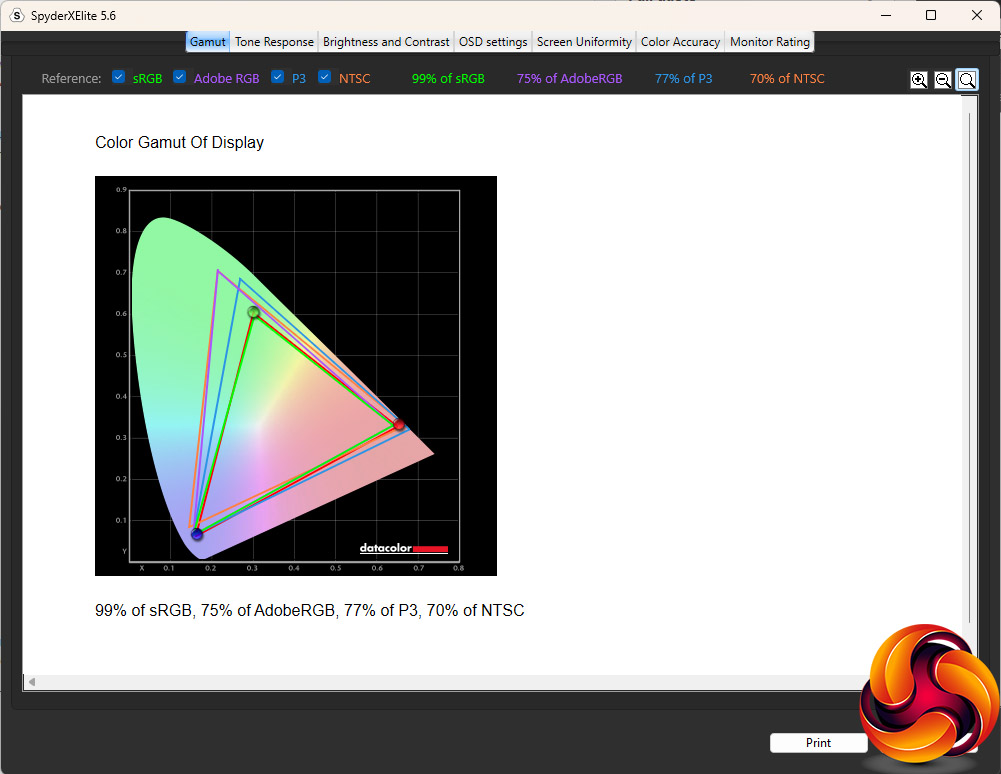
The XUB3293UHSN-B5 lived up to its sRGB gamut of 99 per cent, but only managed 70 per cent NTSC, well below the 93 per cent rating. The values of 75 per cent AdobeRGB and 77 per cent P3 are also decent but not outstanding.
 T
T
The brightness distribution also wasn't as uniform as we would have hoped.
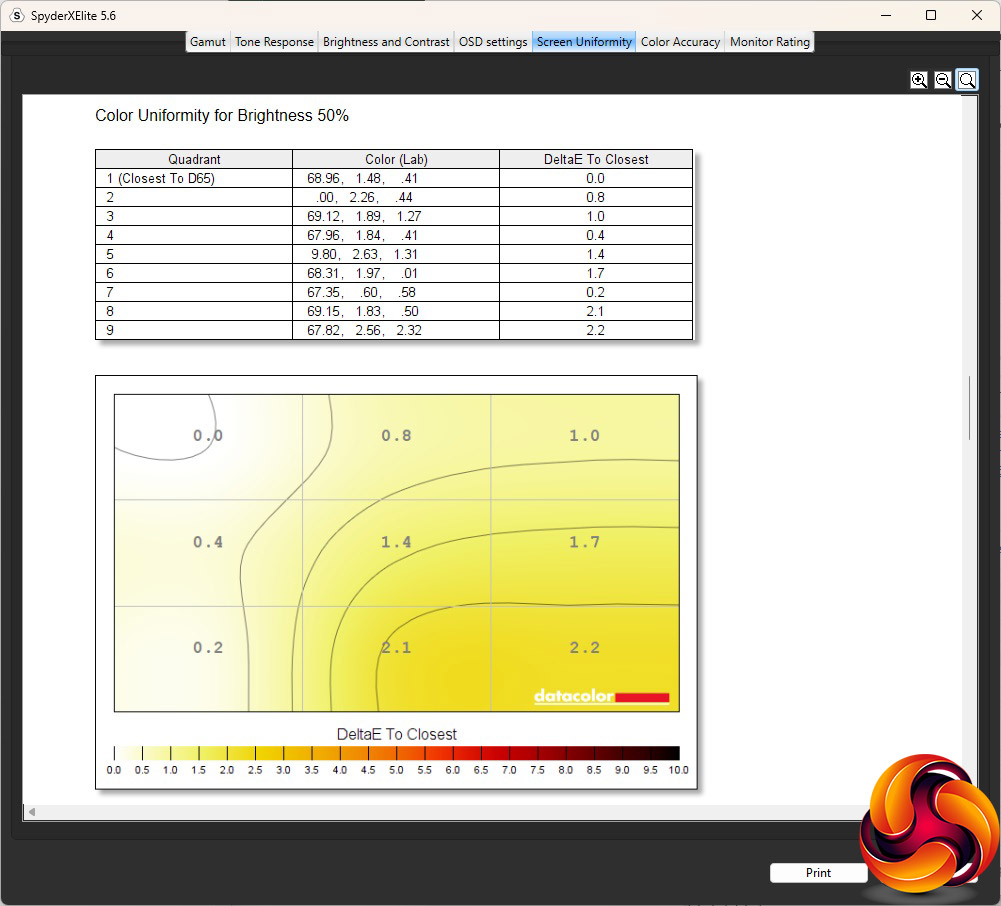
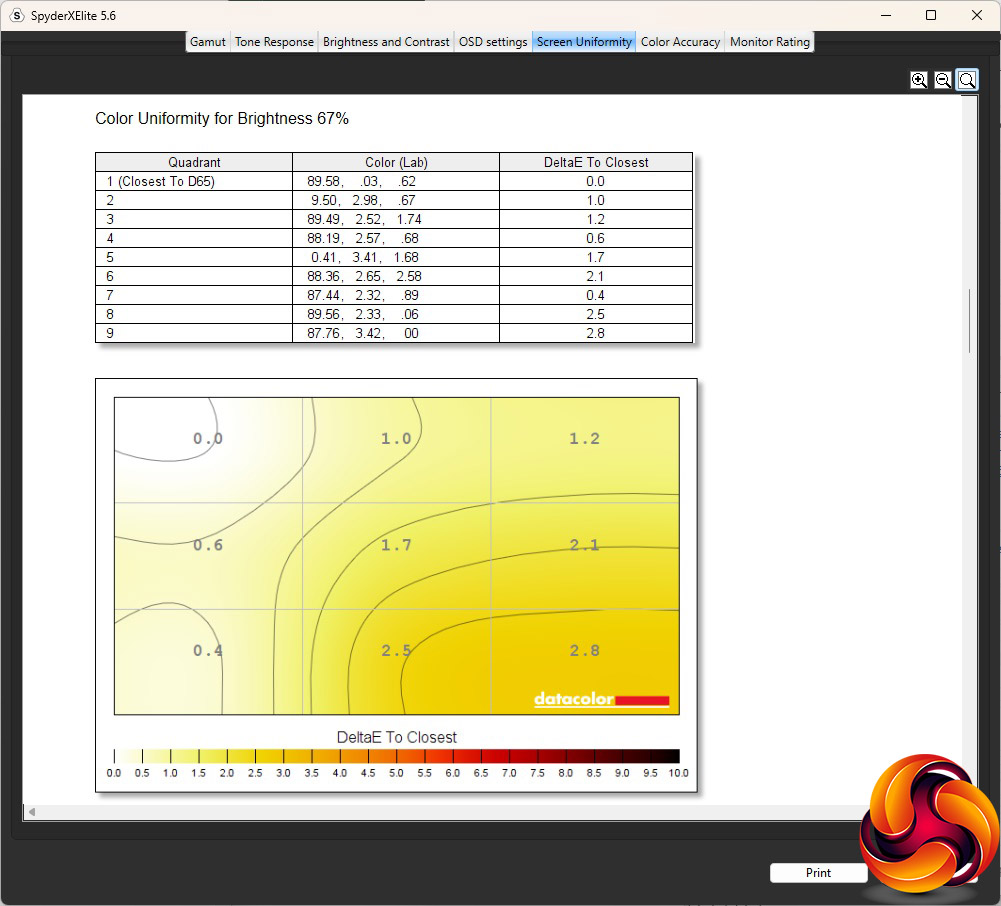
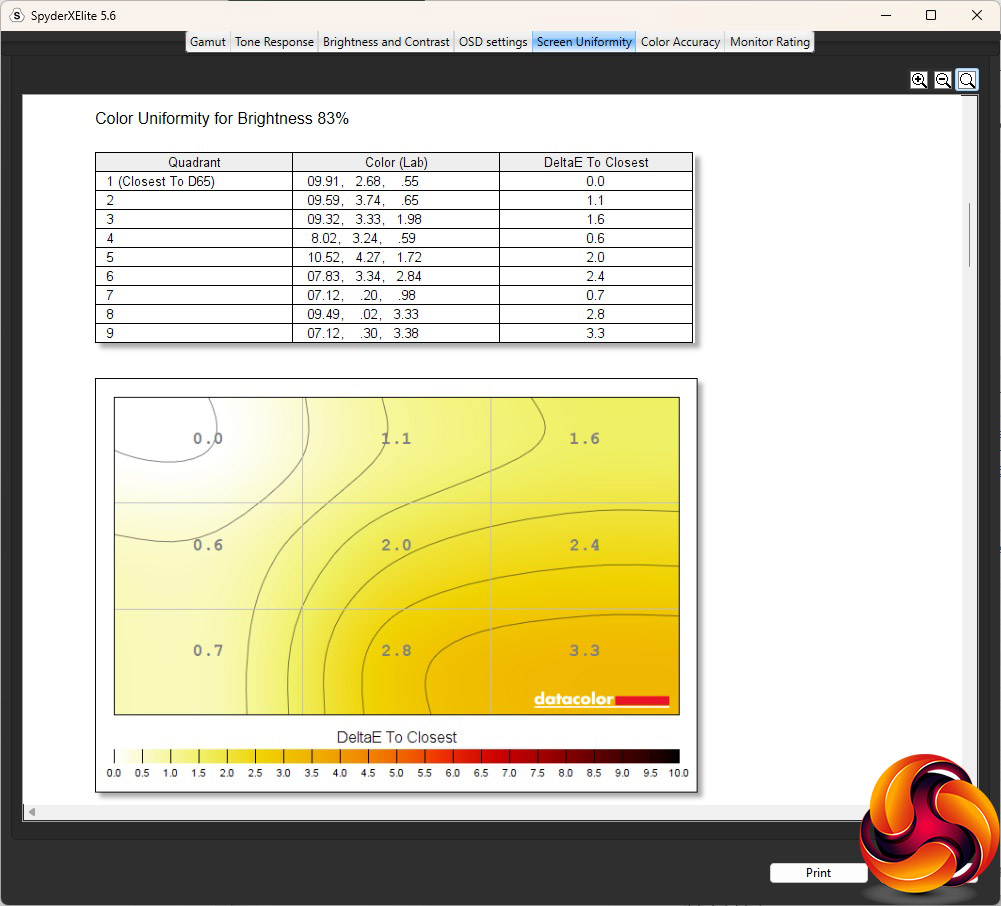
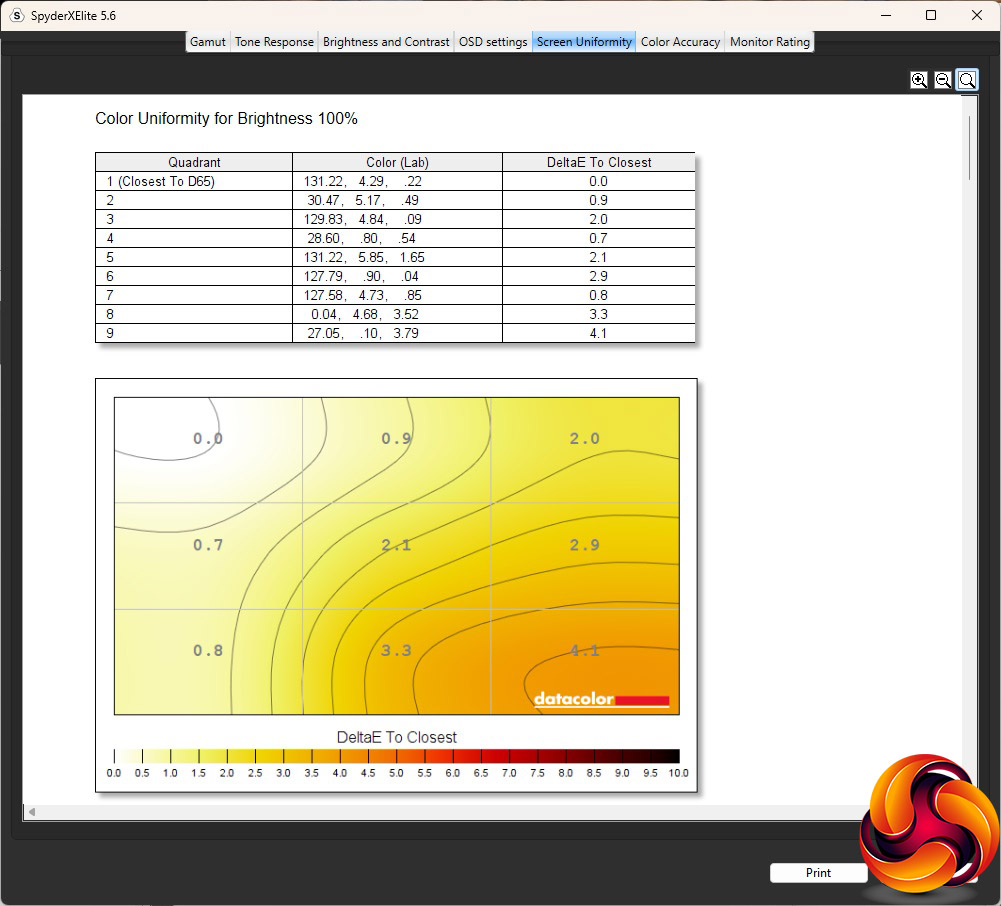
Colour uniformity was a bit better, although the bottom right corner was more divergent than the top left.
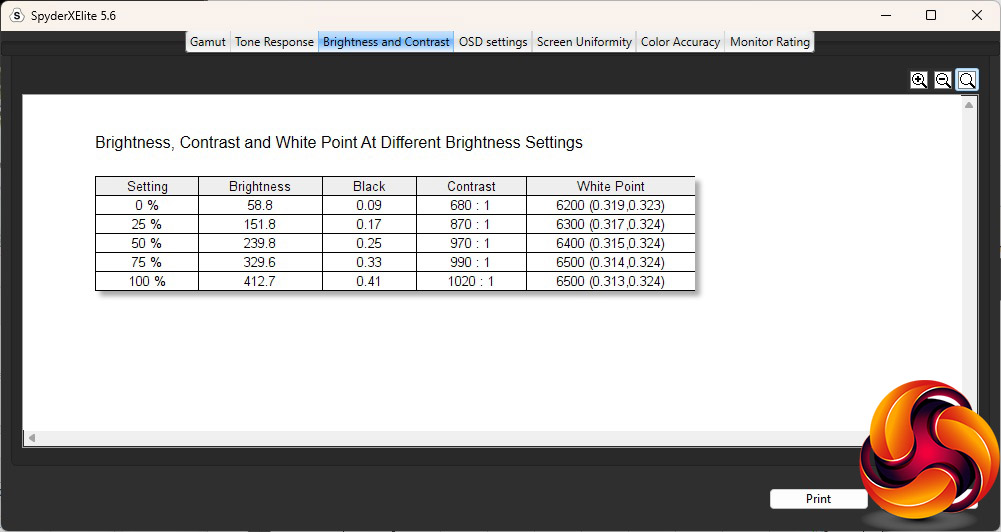
This panel beat its brightness rating by a considerable amount, reaching 412.7cd/m2 at 100 per cent. This also delivered 1,020:1 contrast, which is ahead of the rating (and this is with contrast set to 50 per cent). The white point remained relatively uniform, increasing from 6200K to 6500K as the brightness went up. The default brightness is 40 per cent.
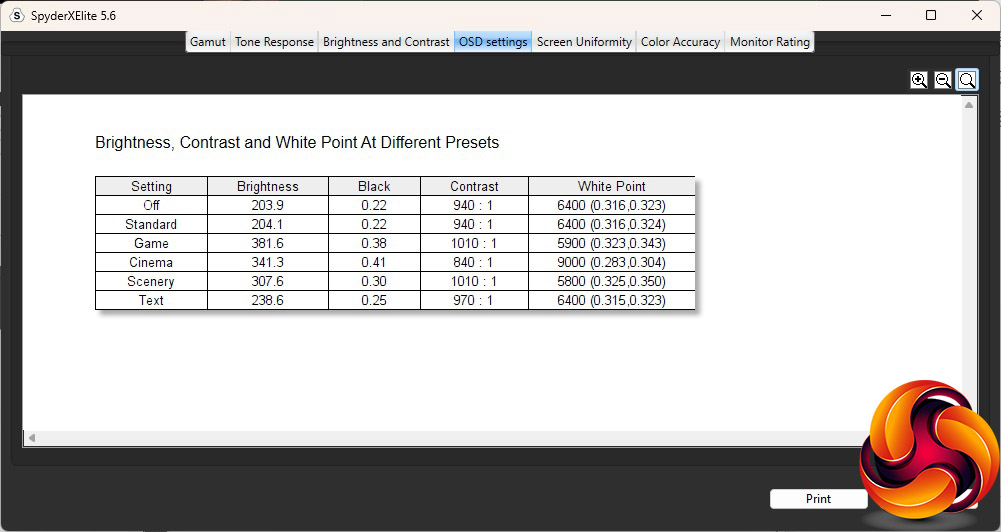
There aren't a lot of different OSD presets available with this screen. The Standard setting is the same as the default mode, delivering around 204cd/m2 brightness, 940:1 contrast and a 6400K white point. Game mode is much brighter at 381.6cd/m2, with a high 1,010:1 contrast but warmer 5900K white point. Cinema is also bright at 341.3cd/m2 with a high 840:1 contrast, but a cool 9000K white point, as we normally expect for movie-watching modes. Scenery combines the same 1,010:1 contrast as Game mode with a similar 5800K white point but a lower brightness of 307.6cd/m2. Finally, Text mode drops the brightness to 238.6cd/m2, but with a high 970:1 contrast and standard 6400K white point, where some monitor reading modes go for much warmer hues with less blue.
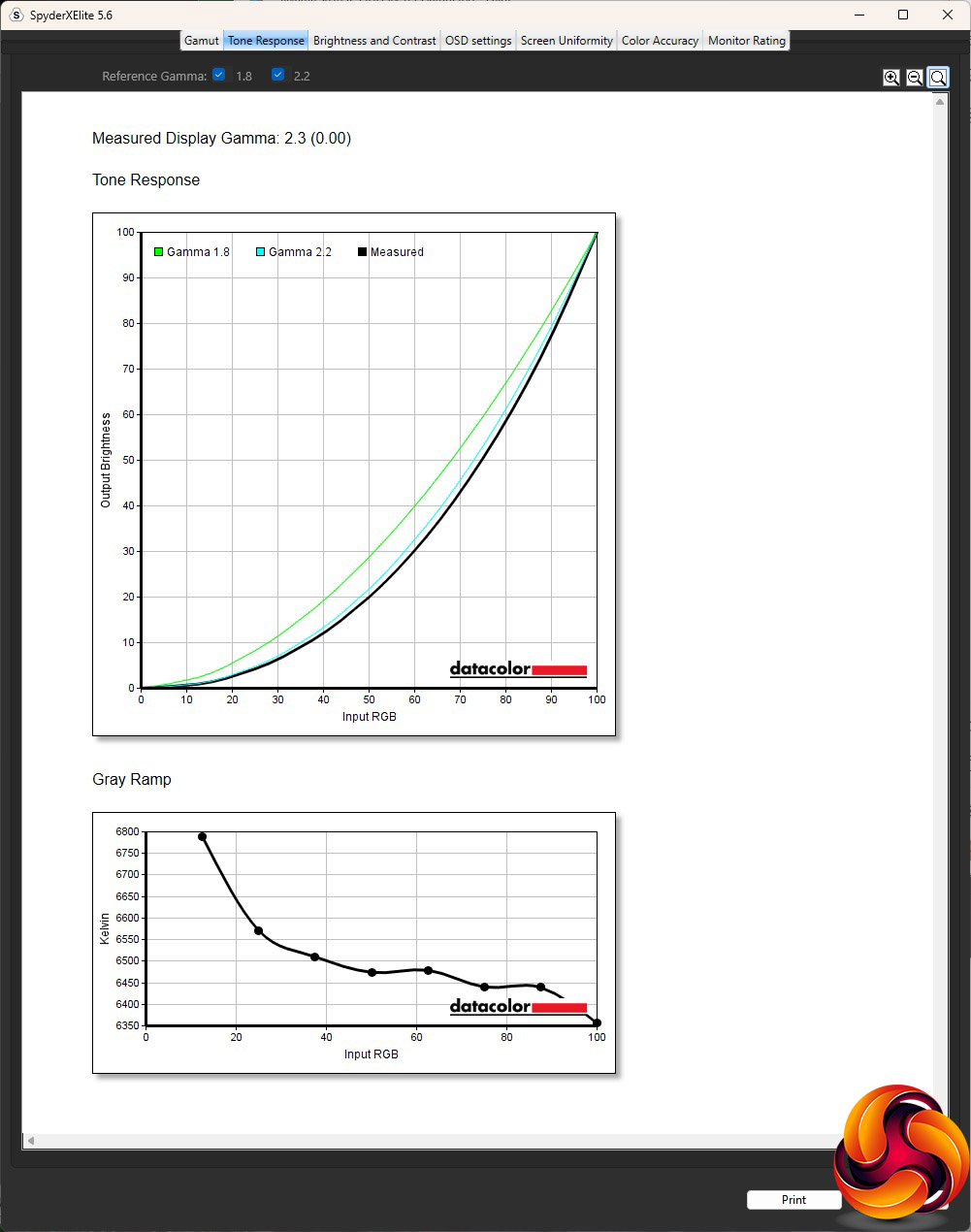
There is only one gamma option but thankfully it is about right at 2.3. We usually expect a default gamma to be 2.2, but 2.3 isn't far off.
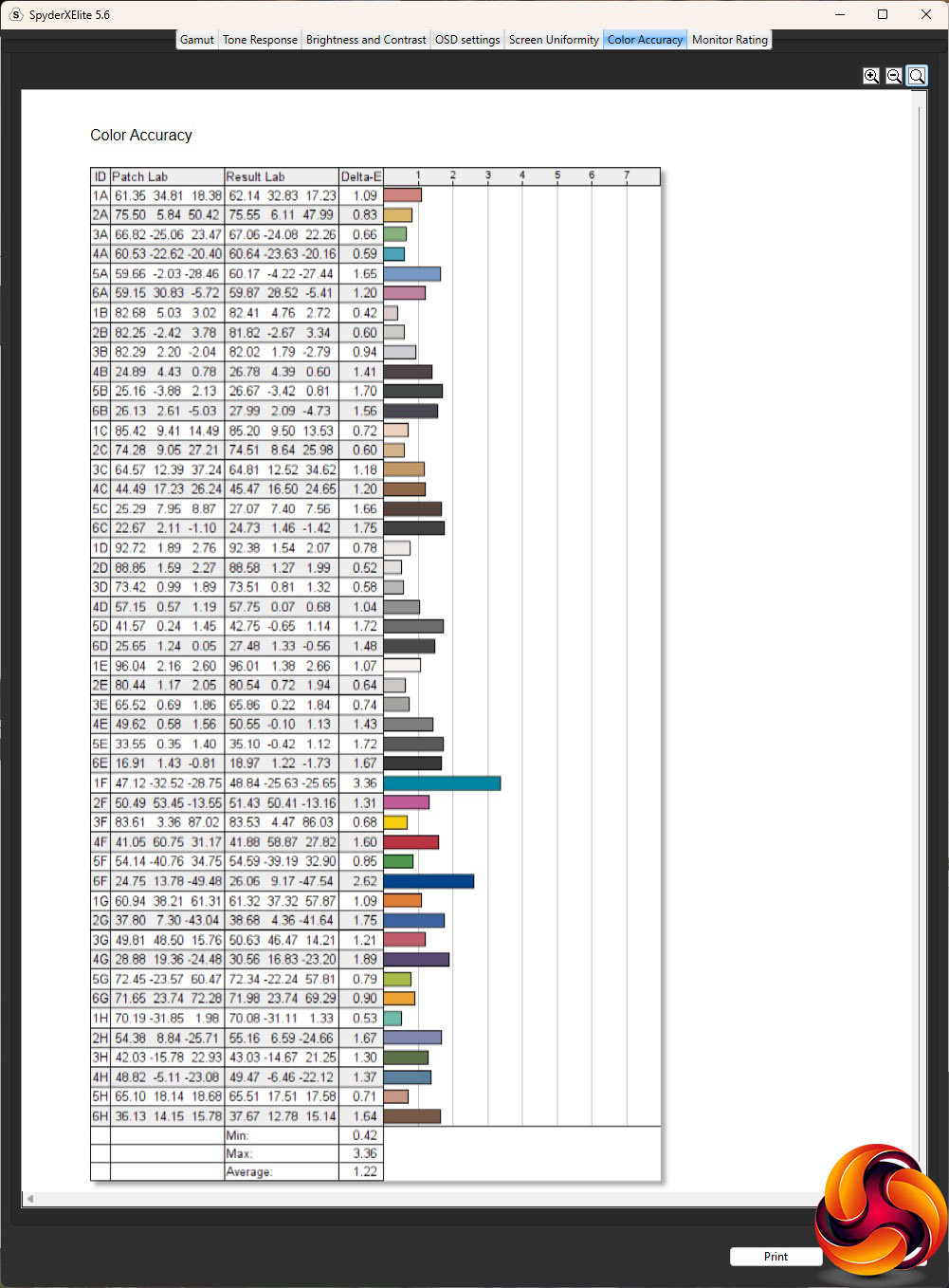
IPS panels usually deliver the best colour accuracy, and this monitor's score of 1.22 average deviation is good. But it's not class leading, so we fired up the SpyderX again to see if things could be improved. Unusually, this involved us making no settings changes to the monitor at all, just the software optimising the profile being used by the display adapter.
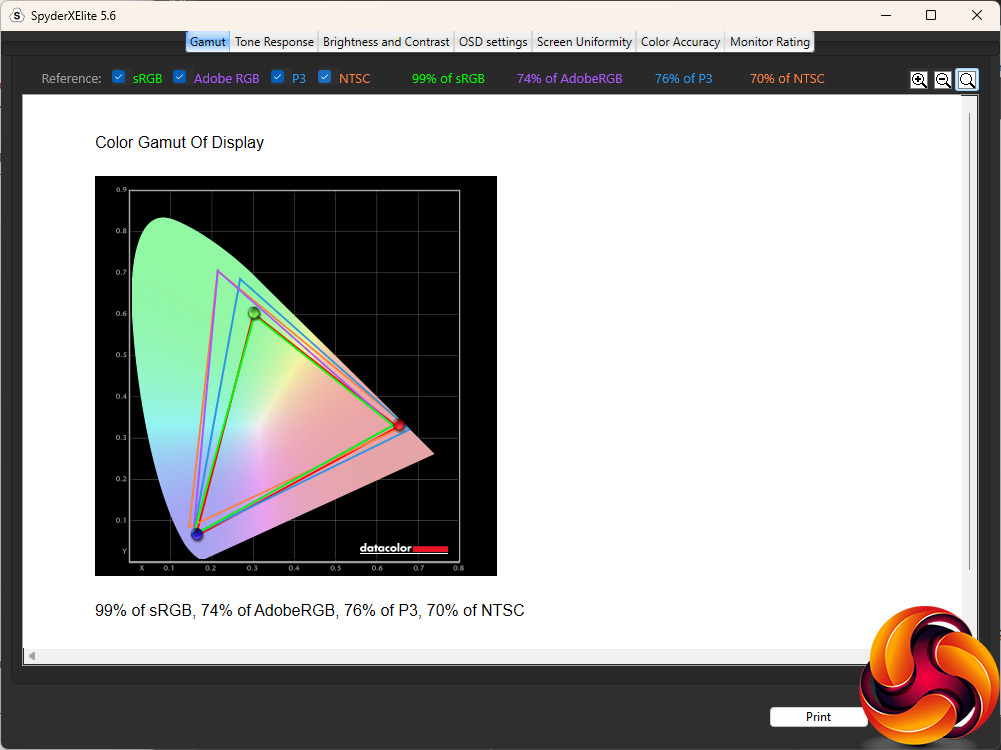
Nothing much had changed with the gamut values, as usual.
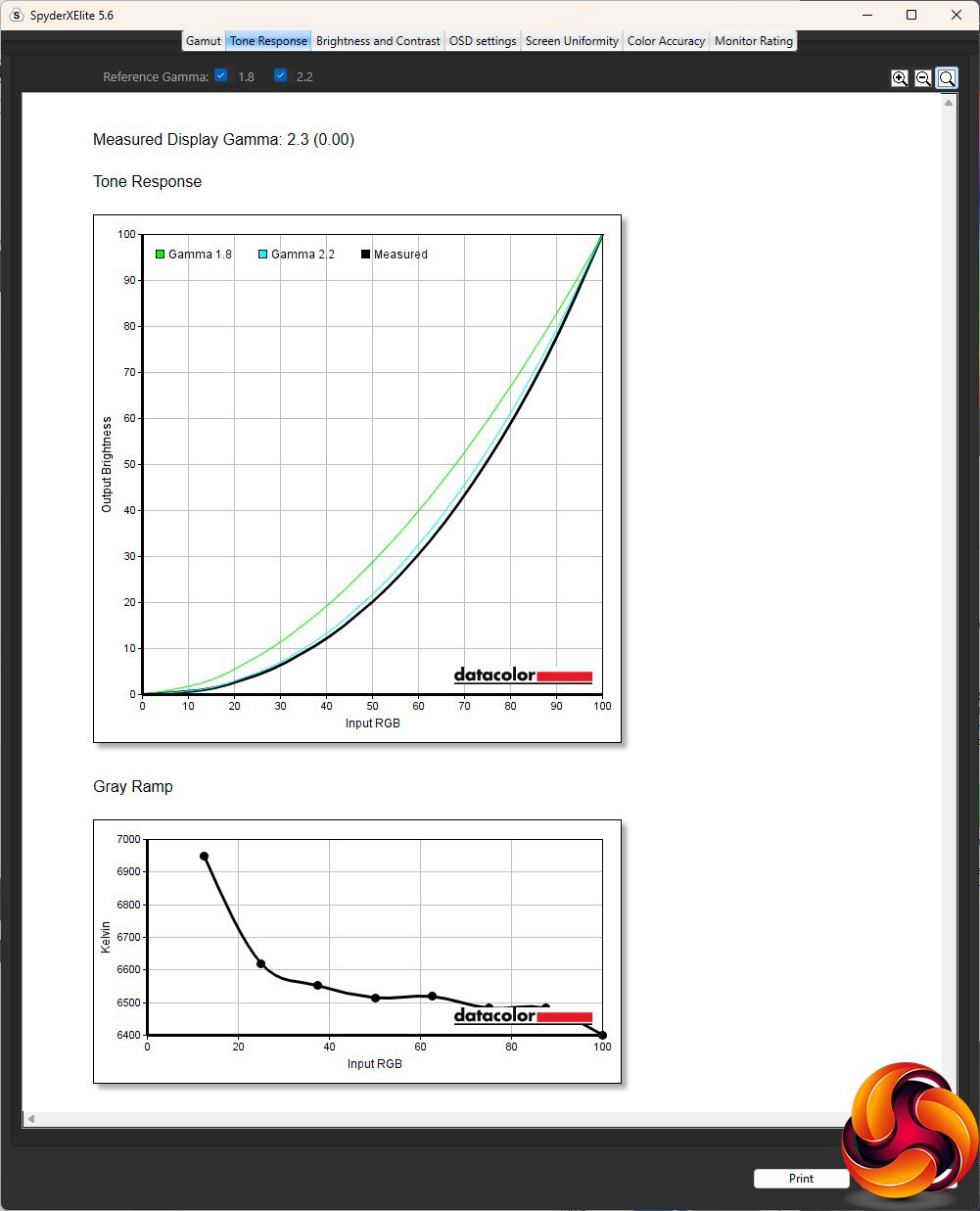
The gamma hadn't changed either. It remained at 2.3.
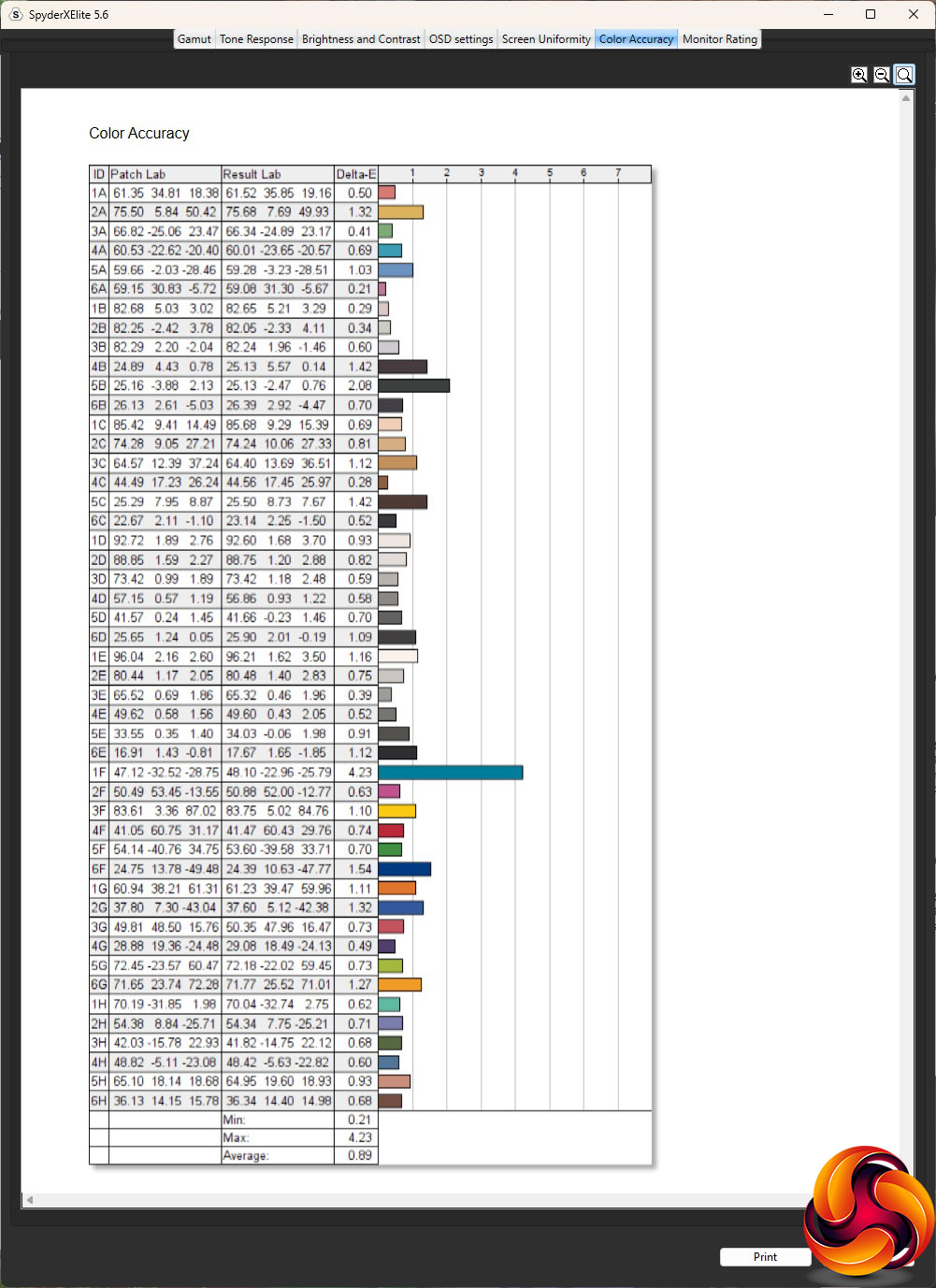
The average deviation had improved, however, hitting 0.89, which is very good if not the absolute best we have seen.
We also tried a few productivity activities with the XUB3293UHSN-B5, including editing the images for this review, some video editing, and Zoom calling. It proved to be very competent at all functions, with the 4K resolution being particularly useful when video editing.
The iiyama ProLite XUB3293UHSN-B5 is another competent professional monitor from the company. You need to calibrate it to go from good to excellent colour accuracy, the gamut isn't quite as good as we might have hoped, nor is the brightness uniformity. But it's packed with features for professionals.
The USB-C capabilities are particularly well developed. Even with our overpowered Dell laptop, it delivered a single-cable attachment for video signal, power delivery, keyboard and mouse, audio, and even networking. If you have both a desktop and a USB-C-equipped laptop you'd like to use with one big 4K screen and the greatest ease of switching between them, this monitor delivers. The 32in screen diagonal is also just right for 4K in our view.
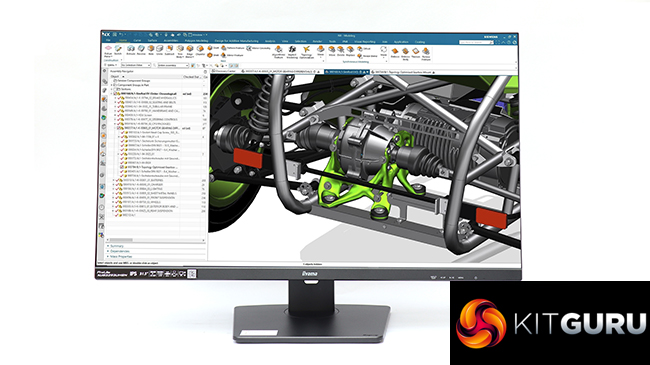
The ergonomic adjustments are comprehensive, which is useful for a screen you might be working at for hours on end. The one downside is the price. At close to £500, this is an expensive display even for 4K, although not extortionate. It might be worth getting your company to pay for it, though, because this is a capable workhorse monitor.
You can buy the iiyama ProLite XUB3293UHSN-B5 from Amazon over HERE for £497.99 inc VAT.
Pros:
- Crisp 4K resolution.
- High quality construction.
- Excellent colour accuracy (with calibration).
- USB-C video input.
- USB-C power output enables one-cable notebook attachment.
- Networking built in for USB-C.
Cons:
- Not cheap.
- Mediocre gamut.
- Average brightness uniformity.
KitGuru says: The iiyama ProLite XUB3293UHSN-B5 is a competent business and professional screen with detail-rich 4K resolution, excellent colour accuracy when calibrated, and a USB-C enabled KVM that includes power and networking.