 KitGuru KitGuru.net – Tech News | Hardware News | Hardware Reviews | IOS | Mobile | Gaming | Graphics Cards


Our first taste of Synology's small WiFi router range, the RT2600ac, showed the company's no-nonsense approach has potential for this staple of home networking. Now we take a look at the even more keenly priced RT1900ac. Even less nonsense is involved.
Although the RT1900ac is a little smaller than the RT2600ac, the main reduction in specification is in performance. There are three antennas rather than four, with a knock-on effect on the throughput available at 2.4GHz as well as 5GHz. The former maxes out at 600Mbits/sec (where the RT2600ac offered 800Mbits/sec), and the latter at 1300Mbits/sec (rather than 1,733Mbits/sec). Hence, the unit is rated as AC1900 instead of AC2600 overall, giving the RT1900ac its rather imaginative name.
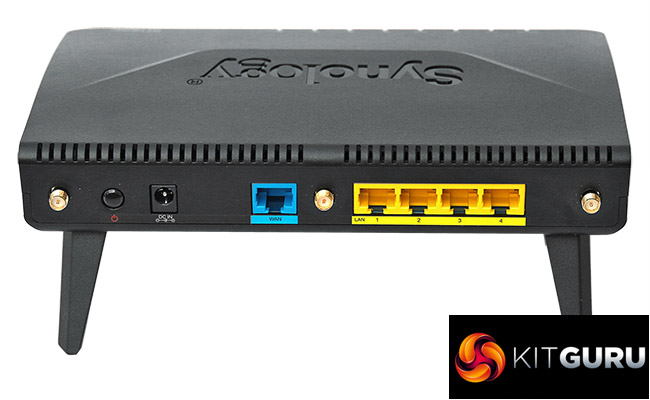
The port allocation is almost exactly the same as the RT2600ac, despite the reduced size. There's a four-port Gigabit Ethernet switch plus one more Gigabit Ethernet exclusively for the broadband WAN connection. There's even an SD card slot for sharing photos around your home network. However, you only get a single USB 3.0 connection, not an additional USB 2.0.
With the RT2600ac costing £220-£230, the RT1900ac's price of less than £130 seems like a steal. On paper, the reduction in performance will be noticeable, but if your coverage needs are modest, this could be the router bargain you're looking for. So let's find out if it is.
Price: £125.99
Specification:
Wireless protocols: MU-MIMO with 802.11b/g/n 2.4GHz, 802.11a/n/ac 5GHz
Performance: AC1900 (1300 + 600 Mbits/sec)
Antenna Configuration: 3×3 External Antennas for 2.4/5GHz
Ports: 4 x Gigabit Ethernet, 1 x Gigabit Ethernet WAN, 1 x USB 3.0, SDXC card slot
Modem Support: VDSL/ADSL 2+ or cable
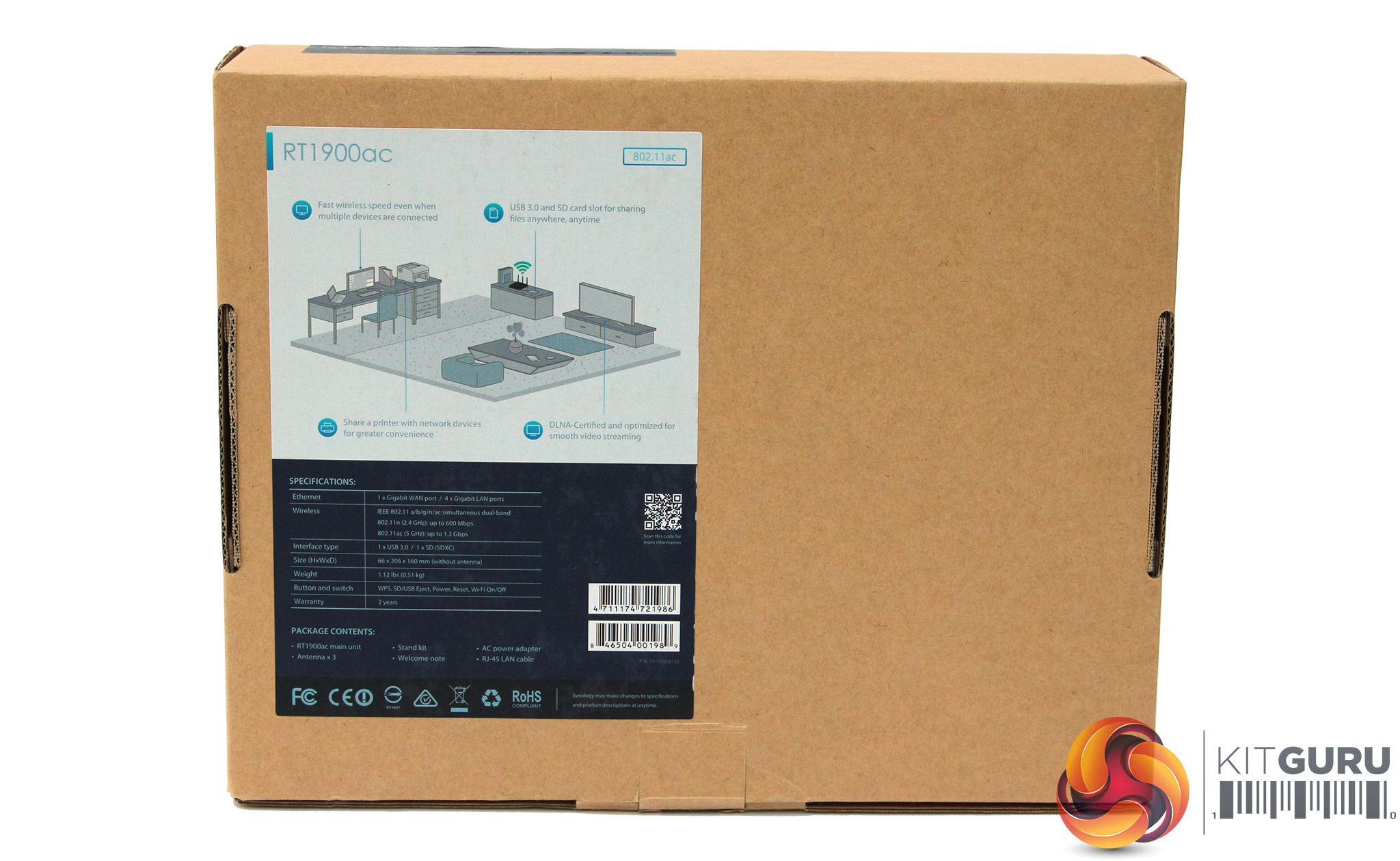
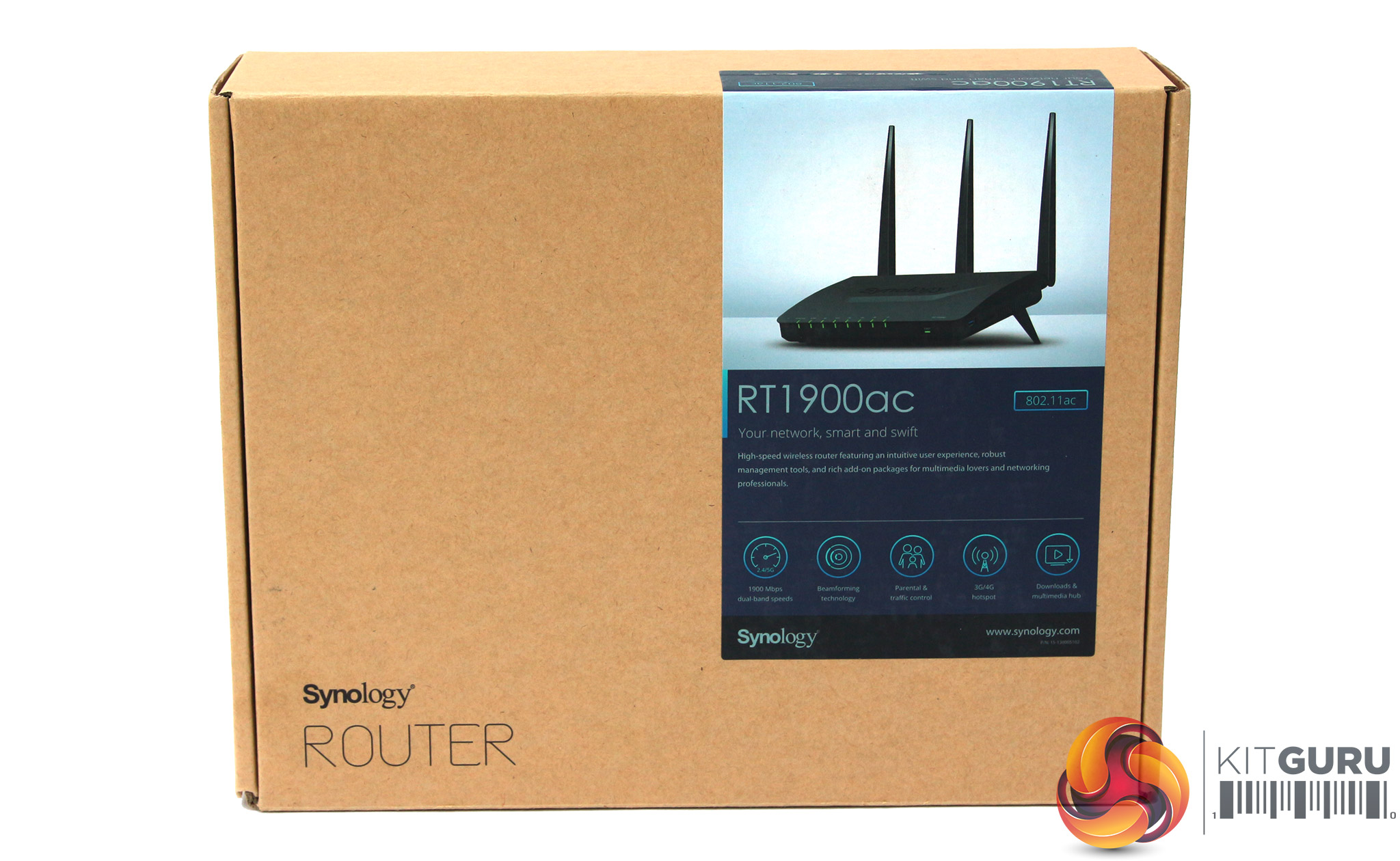
Another brown box from Synology. At least you're not paying for extravagant packaging that you're just going to throw away.
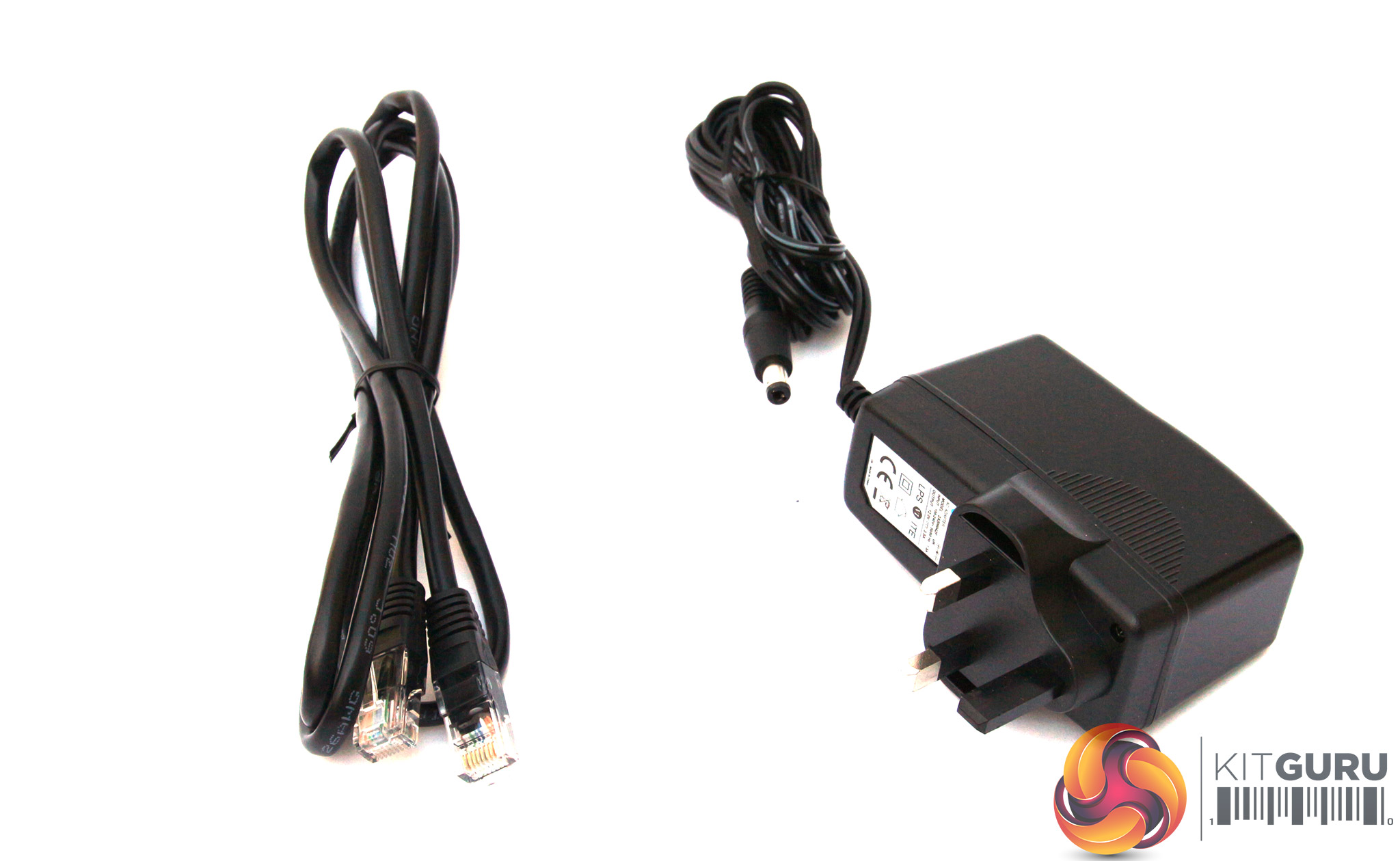

The lack of nonsense continues with the box contents, with just a power supply, Ethernet cable, and the router itself, of course.
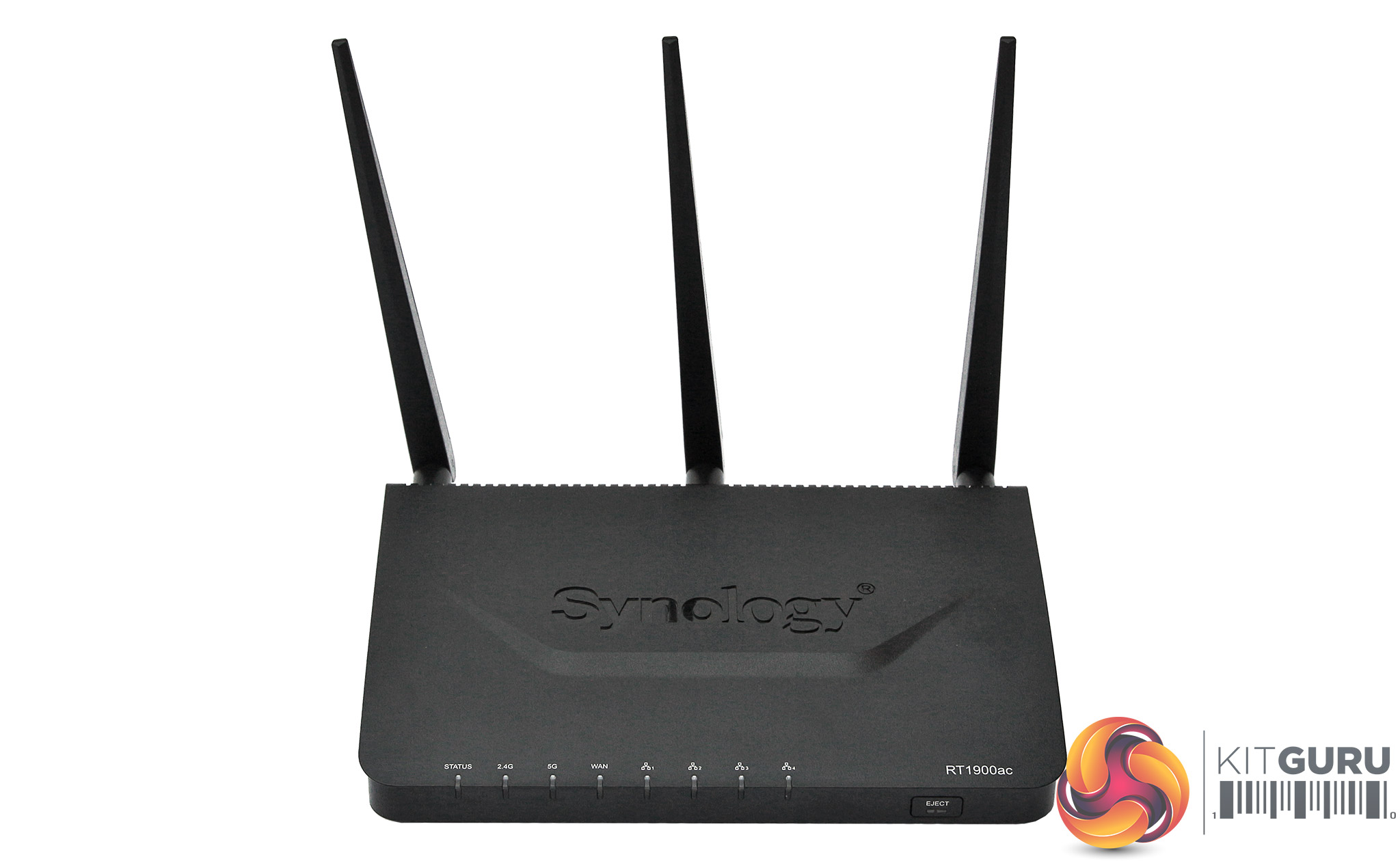
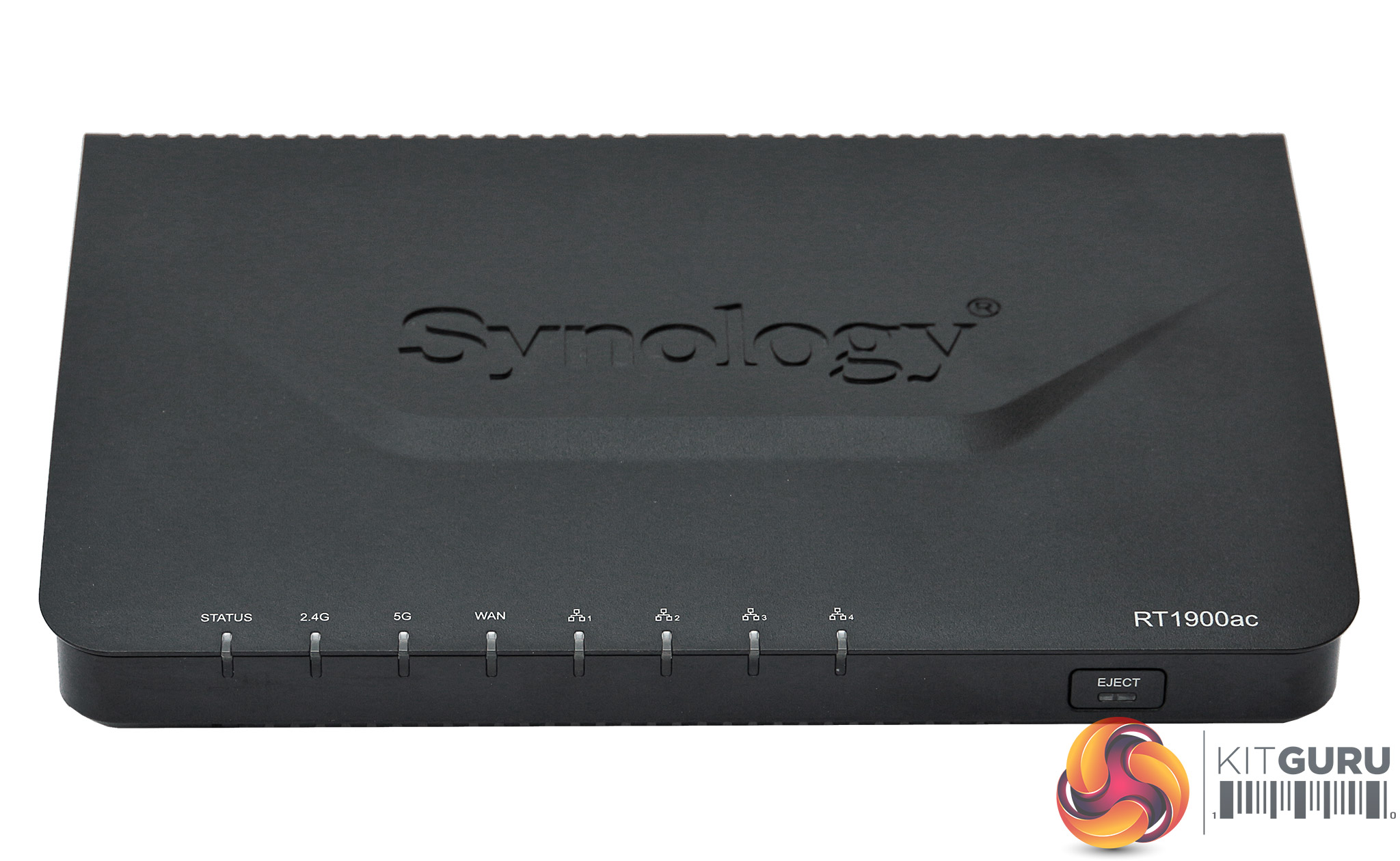
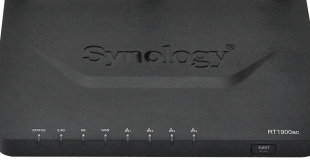
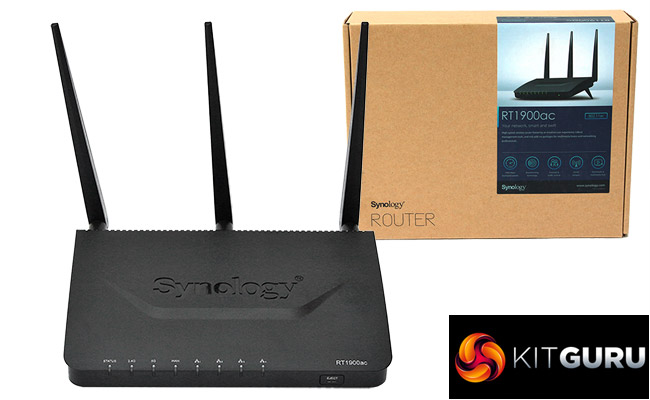
The RT1900ac is very utilitarian in design. So here again there is a distinct lack of any form of nonsense. The three external antennas screw onto the rear, and there is a row of LEDs along the front. The protruding hump with the Synology logo on it is about the only nod in any kind of design direction.
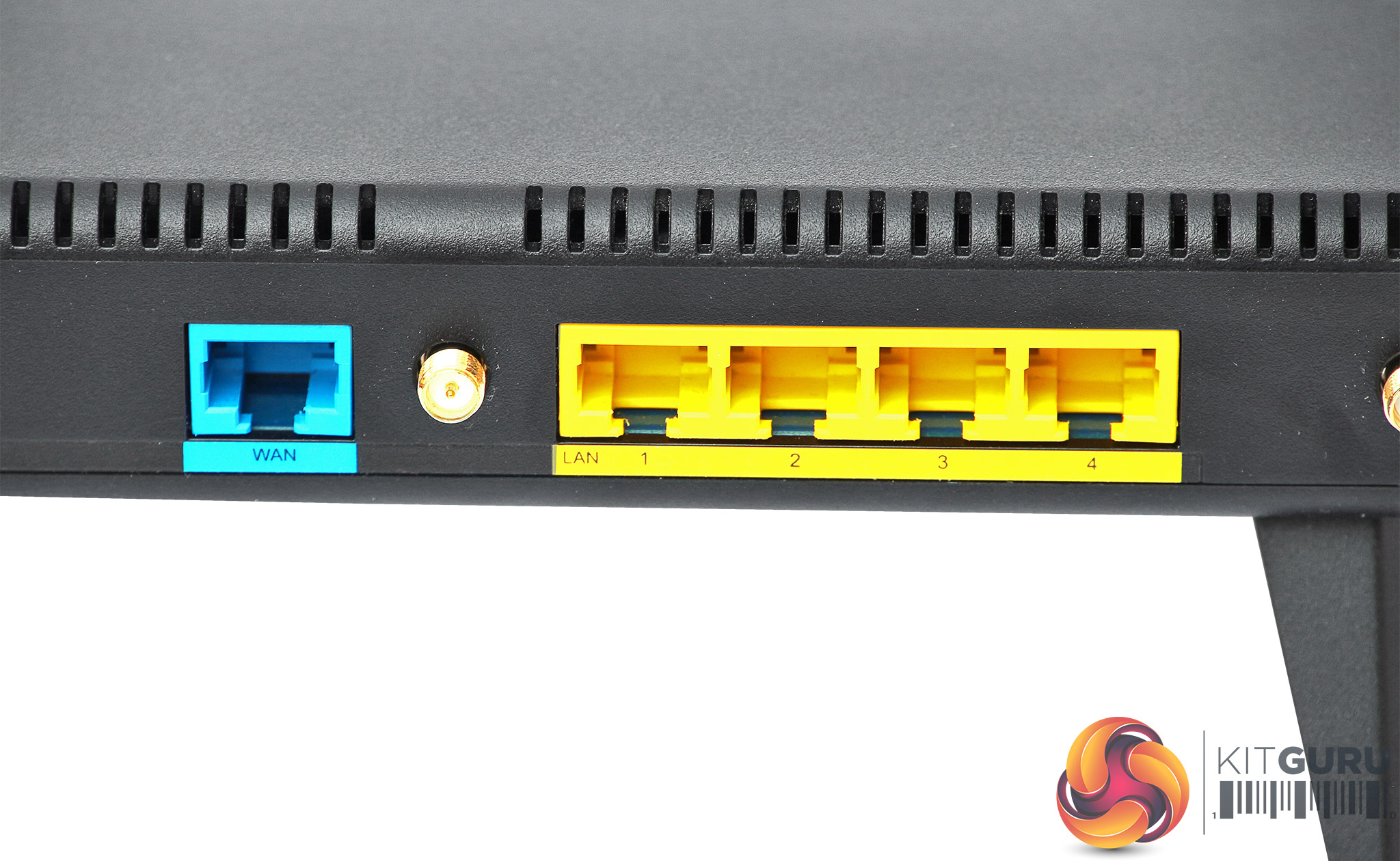
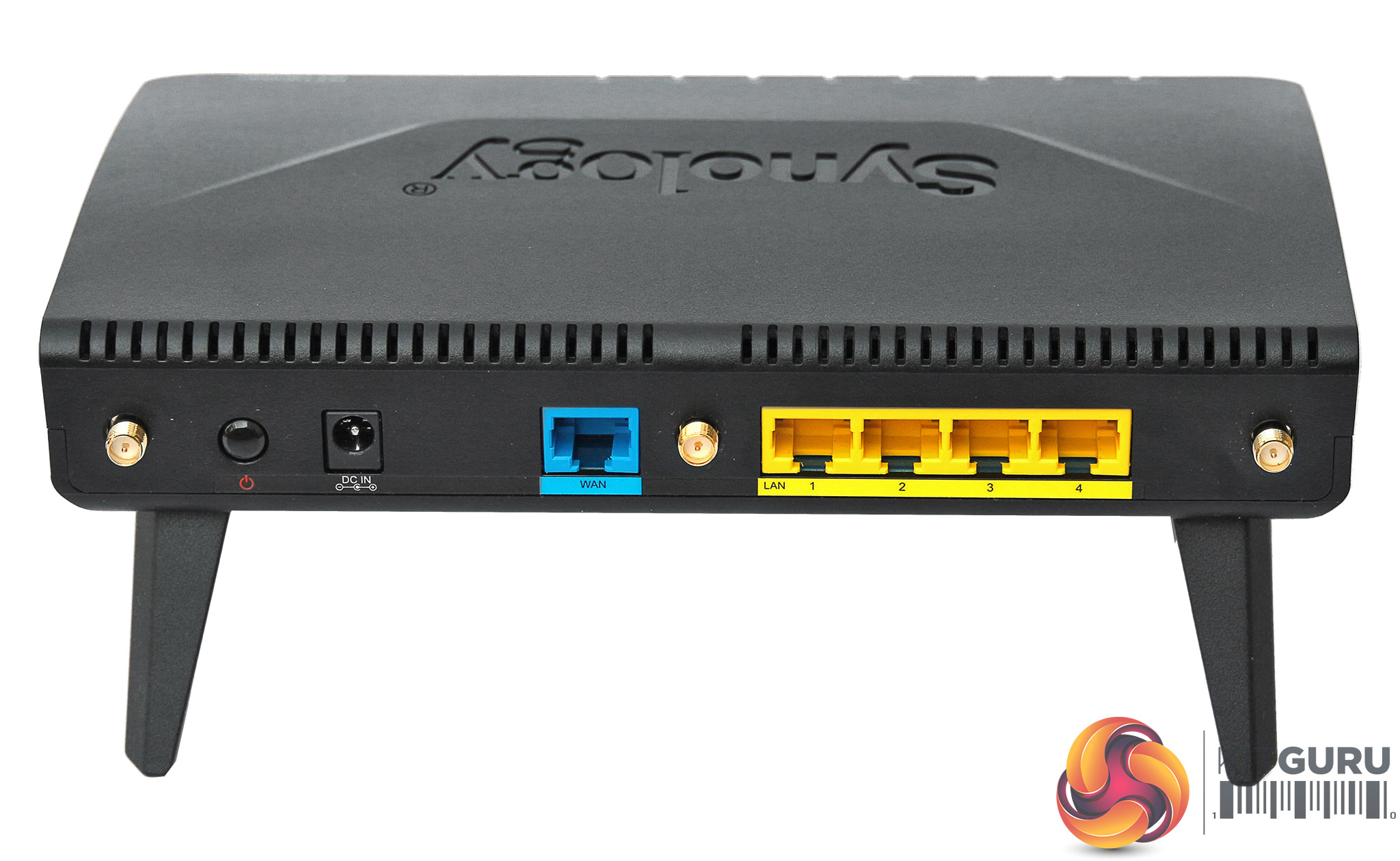
The four-port Gigabit Ethernet switch can be found on the rear alongside the WAN port. There's no visible indication of this, but you can also use the first LAN port for a secondary WAN port. This allows you to use a secondary broadband connection as a backup – a first hint at the rich features that generally hide behind the sober exteriors presented by Synology products.
The right-hand corner houses the USB 3.0 port and the SDXC memory card slot. There's a WPS button and hardware switch for turning off WiFi on the left.
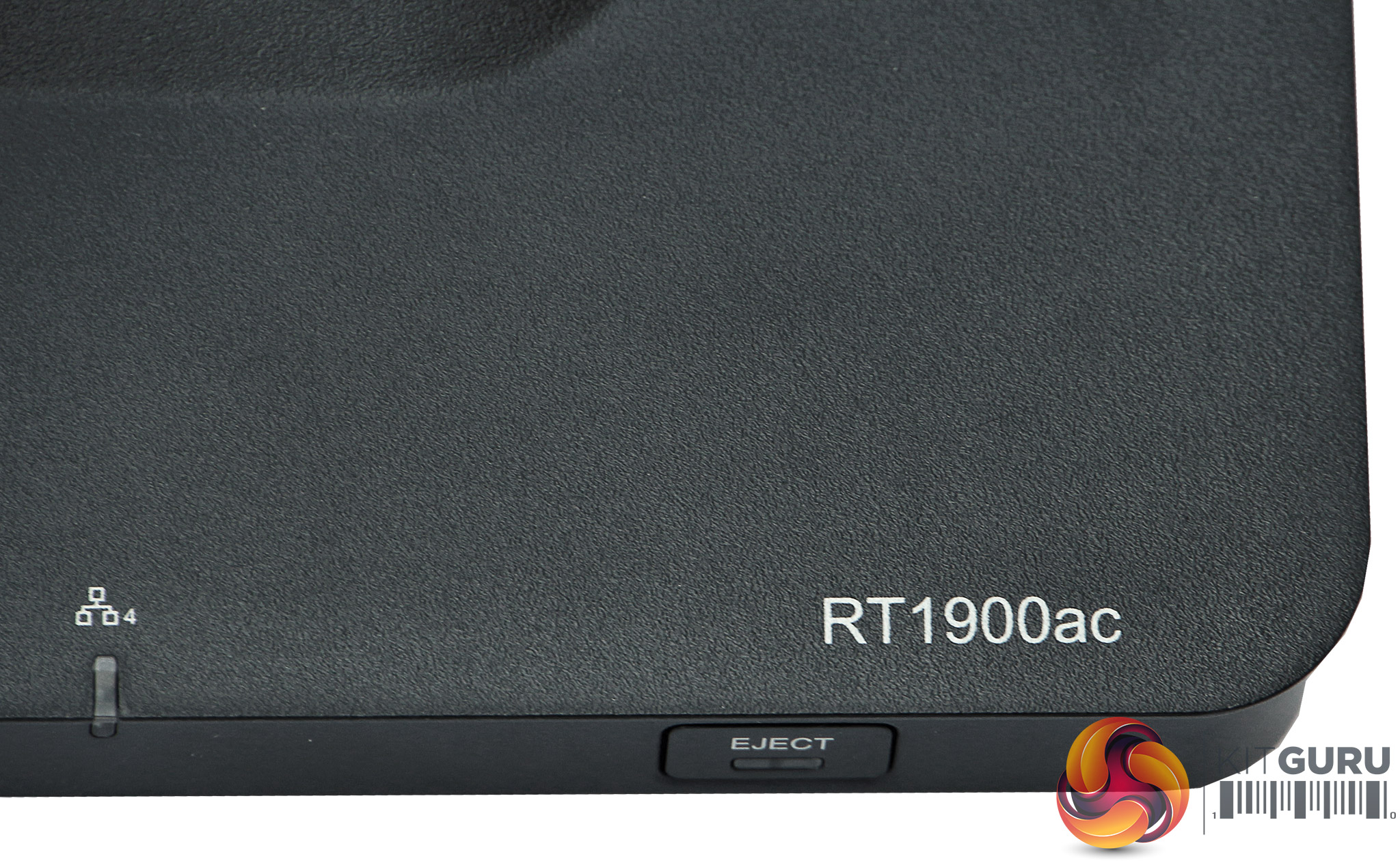
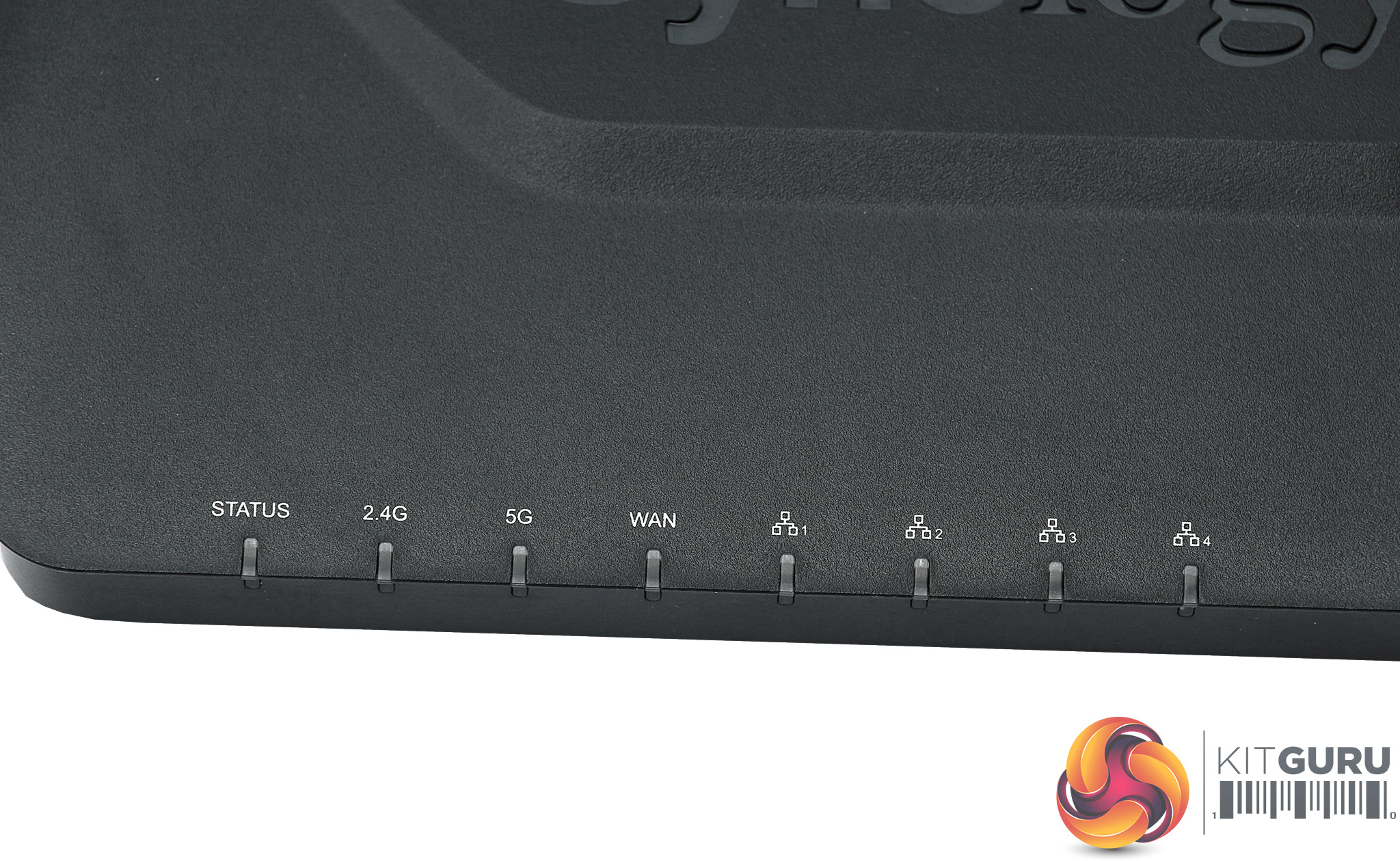
An eject button on the front is used for unmounting storage devices so they can be removed safely without you having to load up the management interface. The status LEDs along the front show you the overall router status, plus activities on the two WiFi wavebands, WAN, and four Gigabit Ethernet ports.
Overall, the hardware gives you most of what you need if not anything extra. Inside, the specification is noticeably reduced compared to the RT2600ac, with a 1GHz instead of 1.7GHz dual-core CPU, and just 256MB of DDR3 memory instead of 512MB.
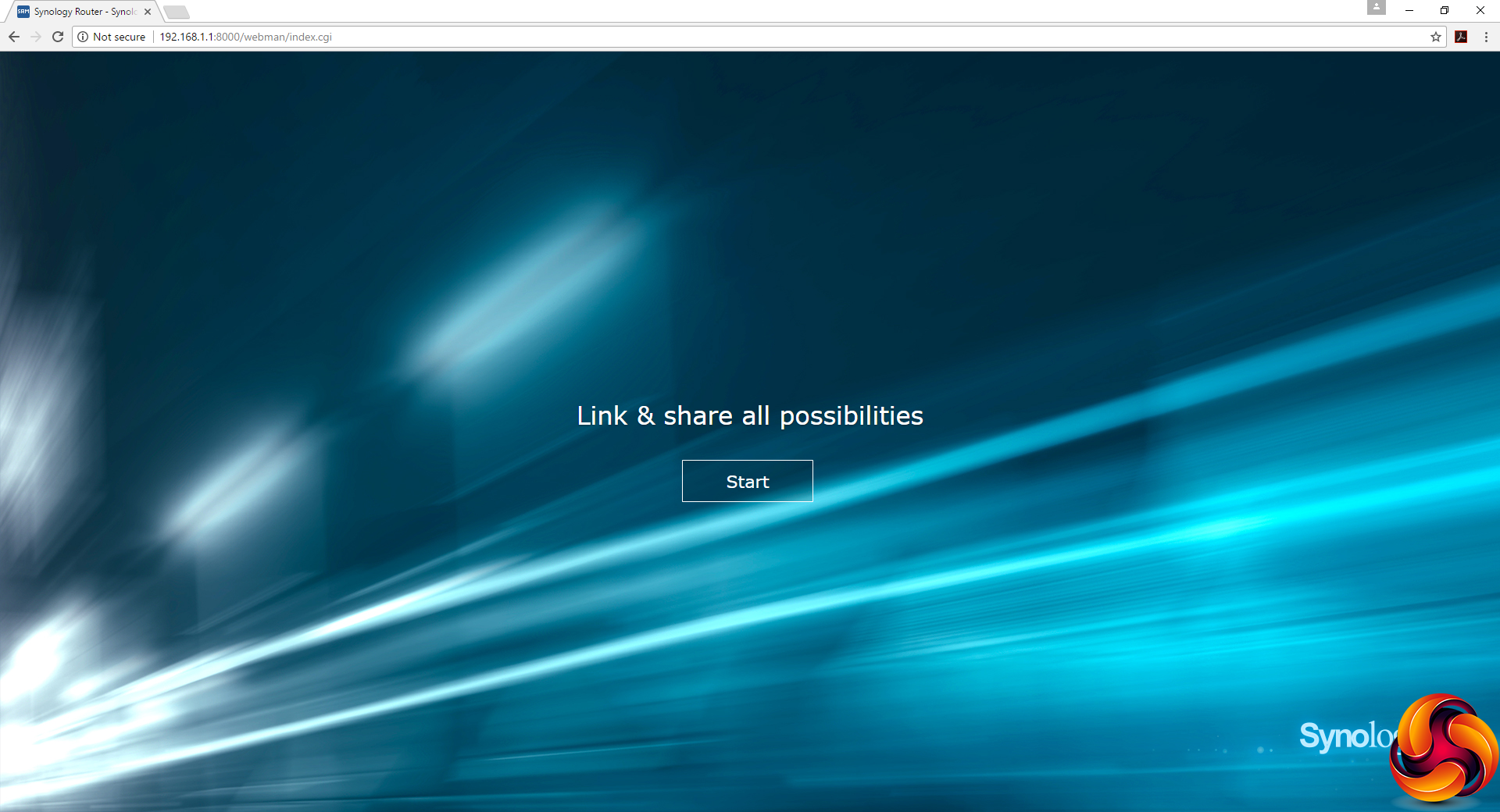
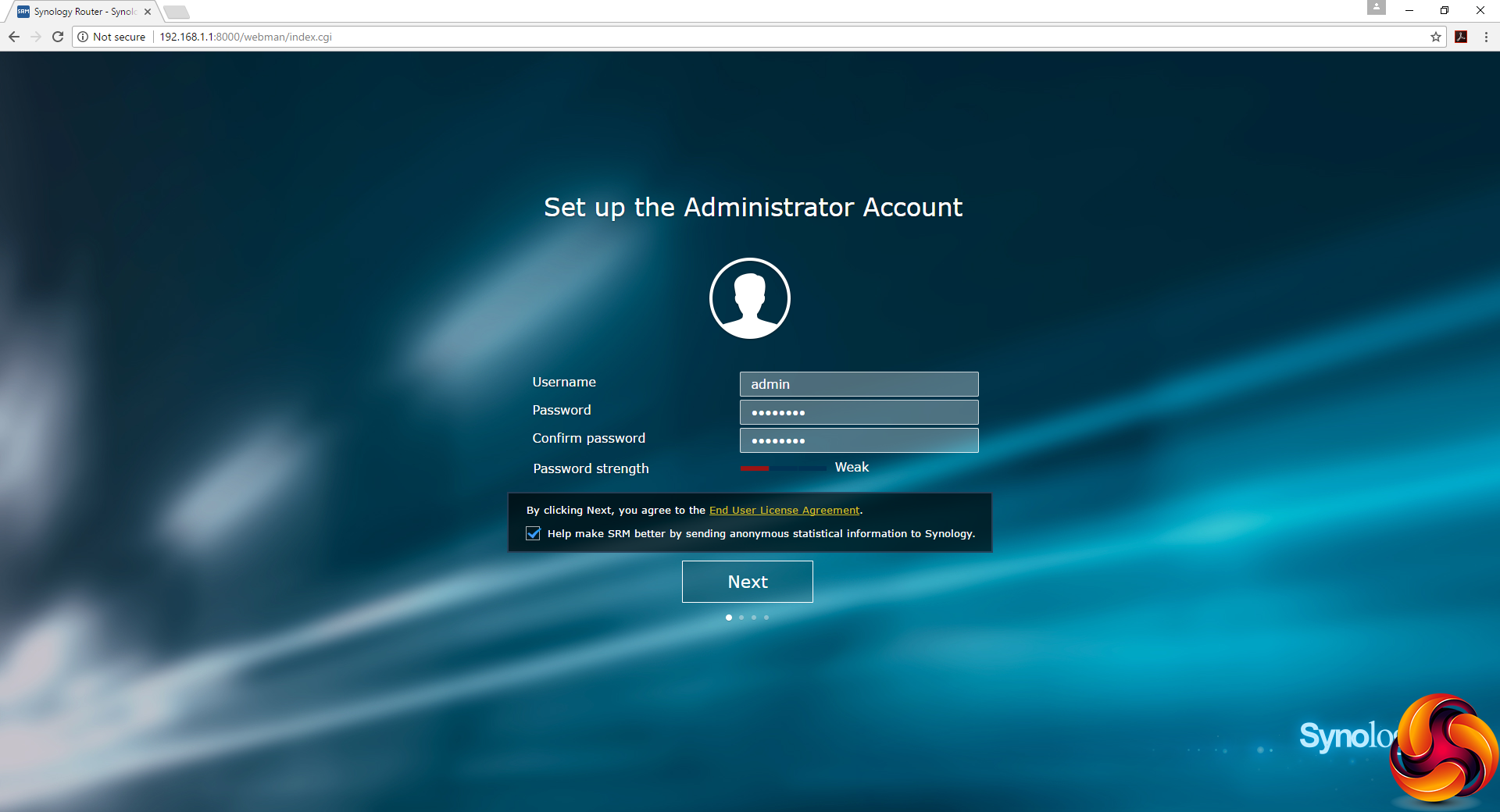
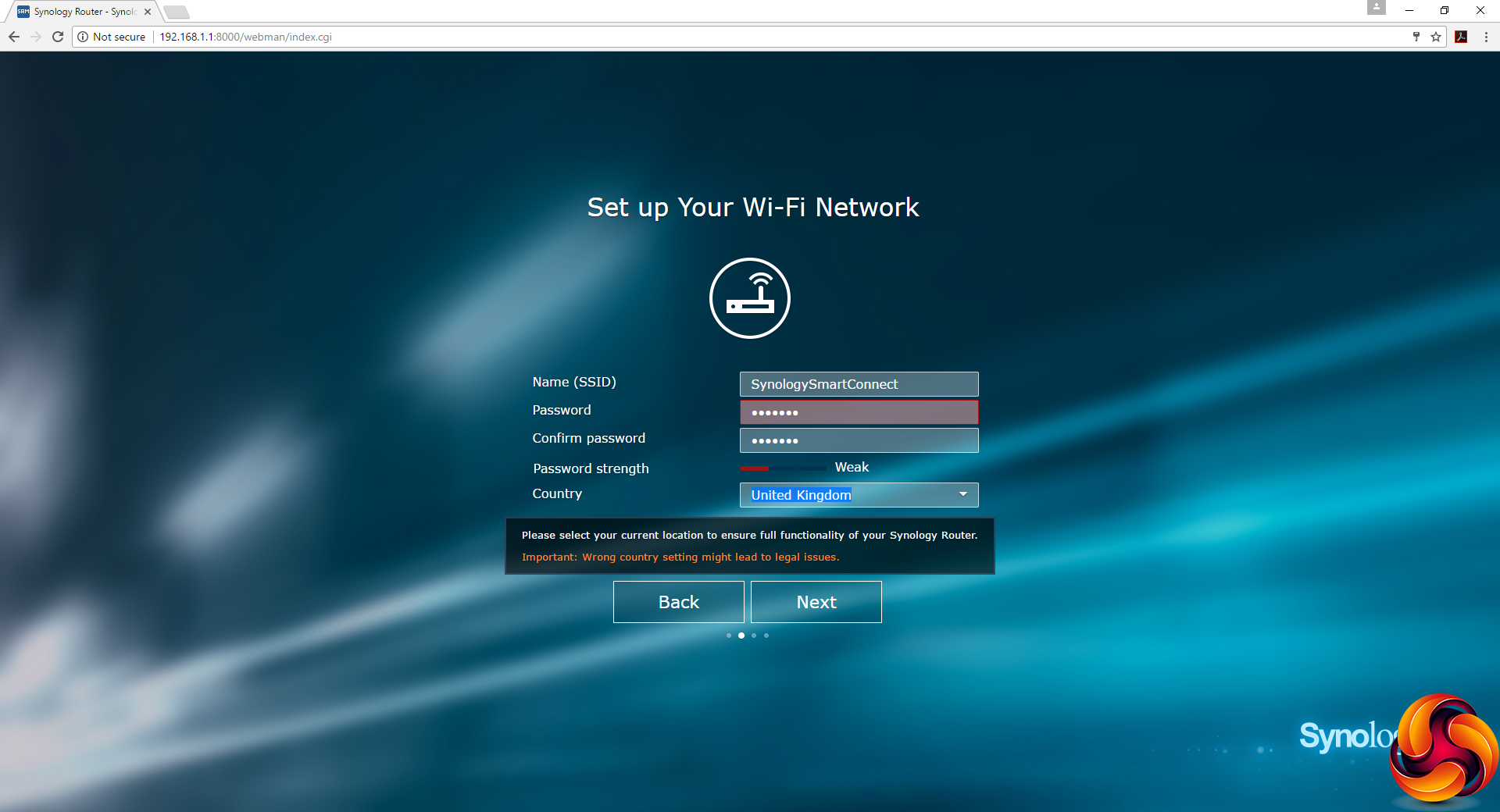
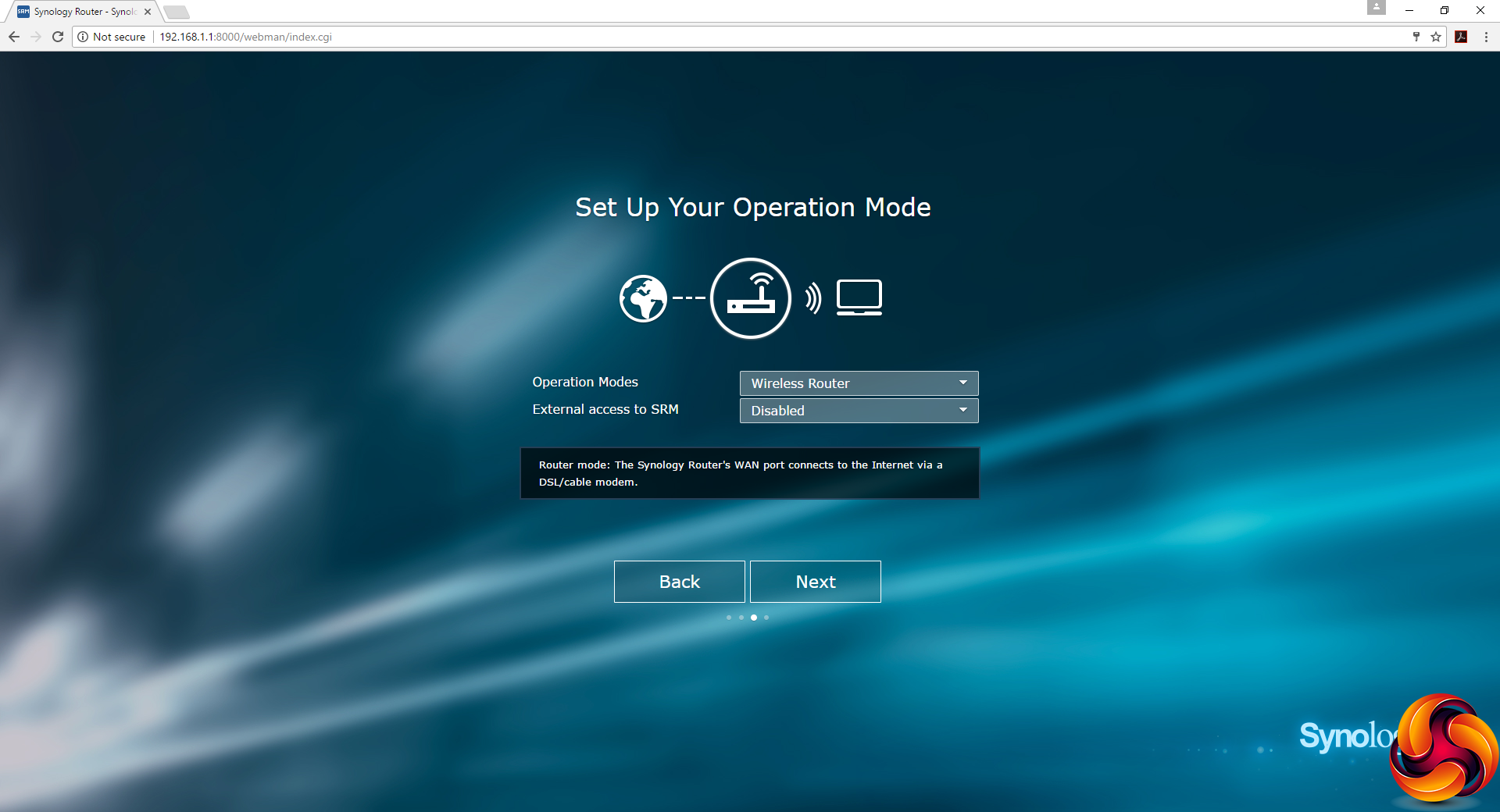
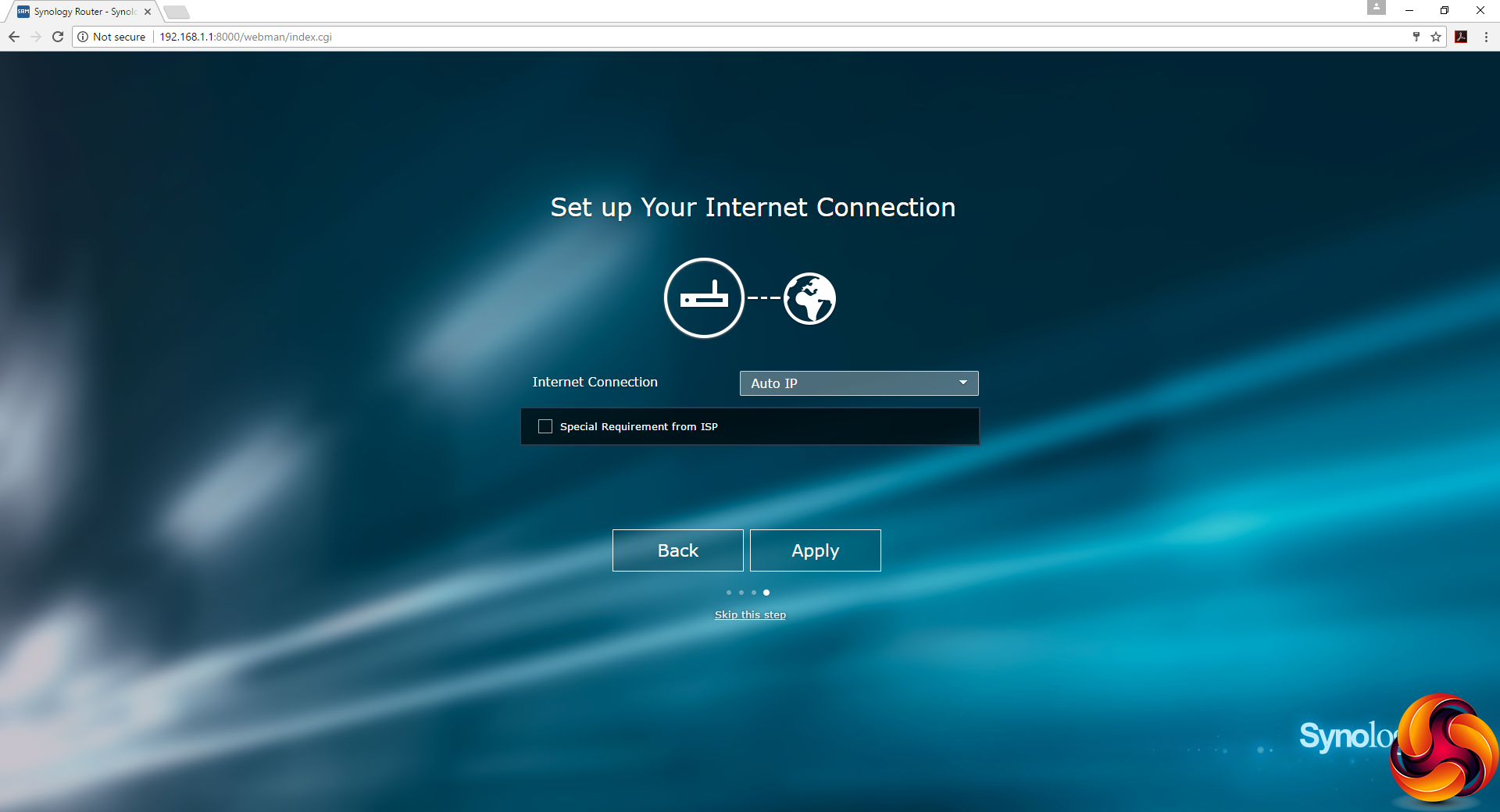
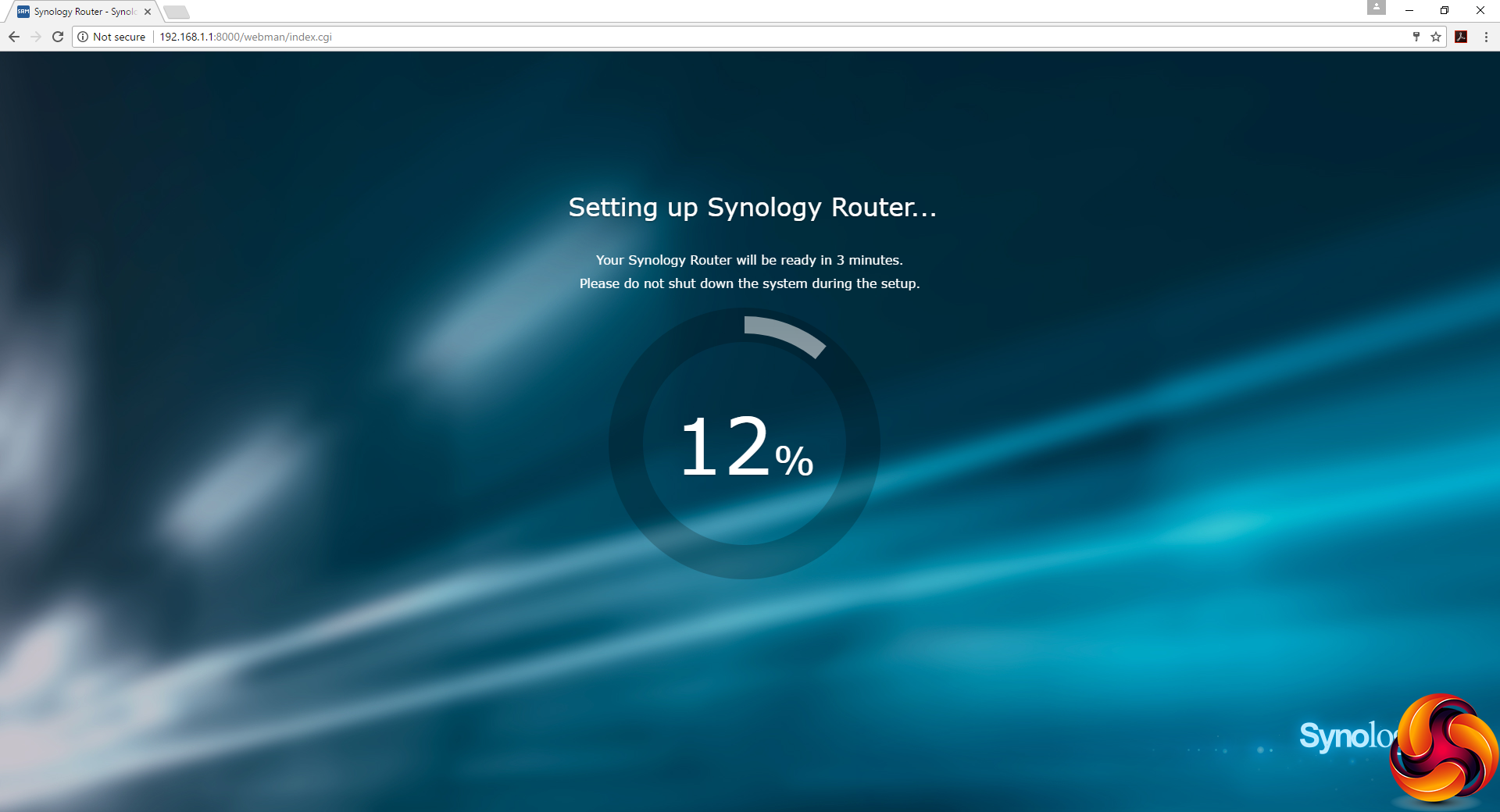
The RT1900ac's setup routine is exactly the same as the RT2600ac's. You can follow this whether you're already connected to broadband or not. The wizard guides you through setting up an admin login and password, then the WiFi SSID and password.
You can also choose some ISP-specific requirements. The router will then spend a little time saving your settings, followed by a reboot.
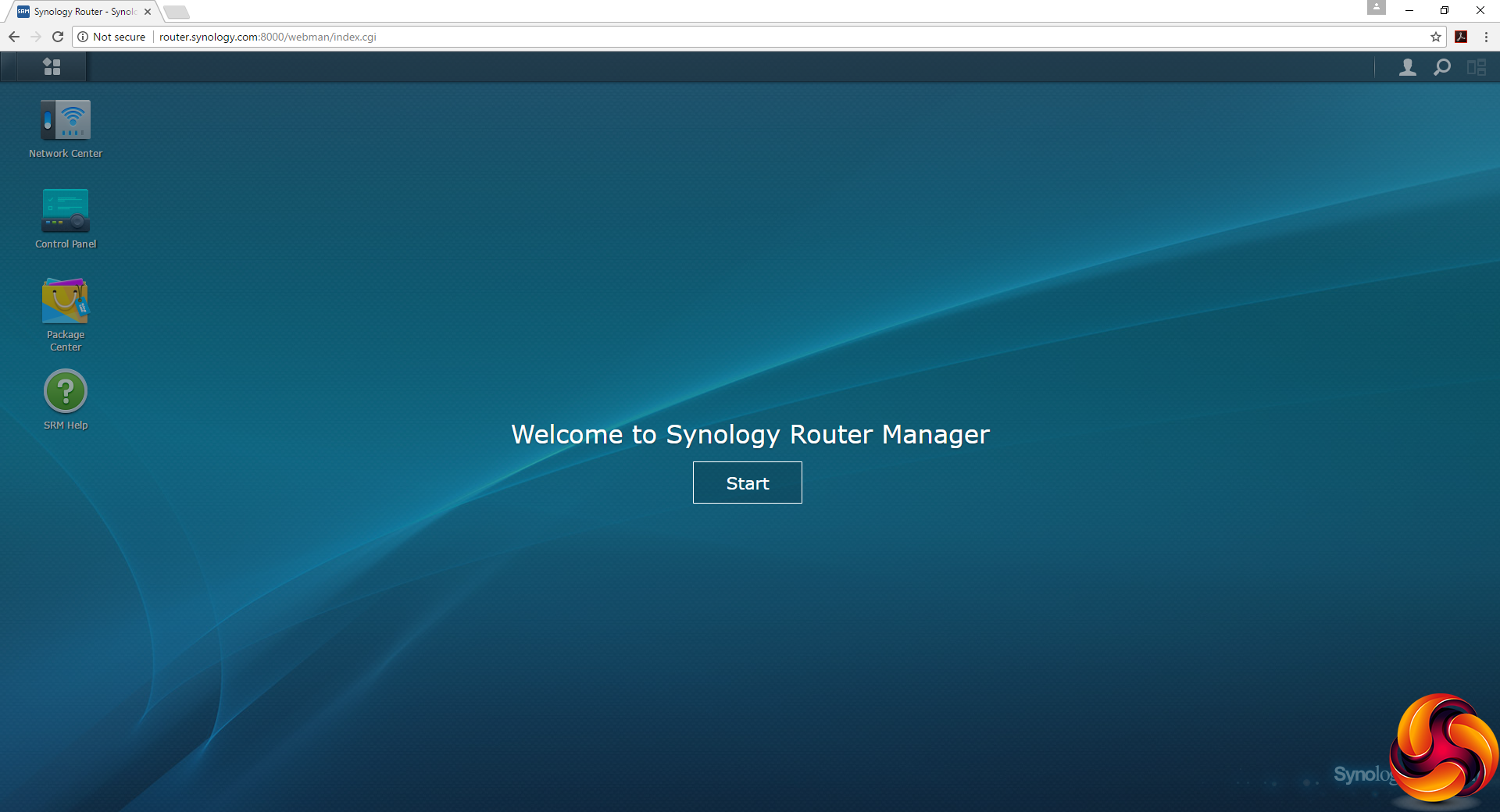
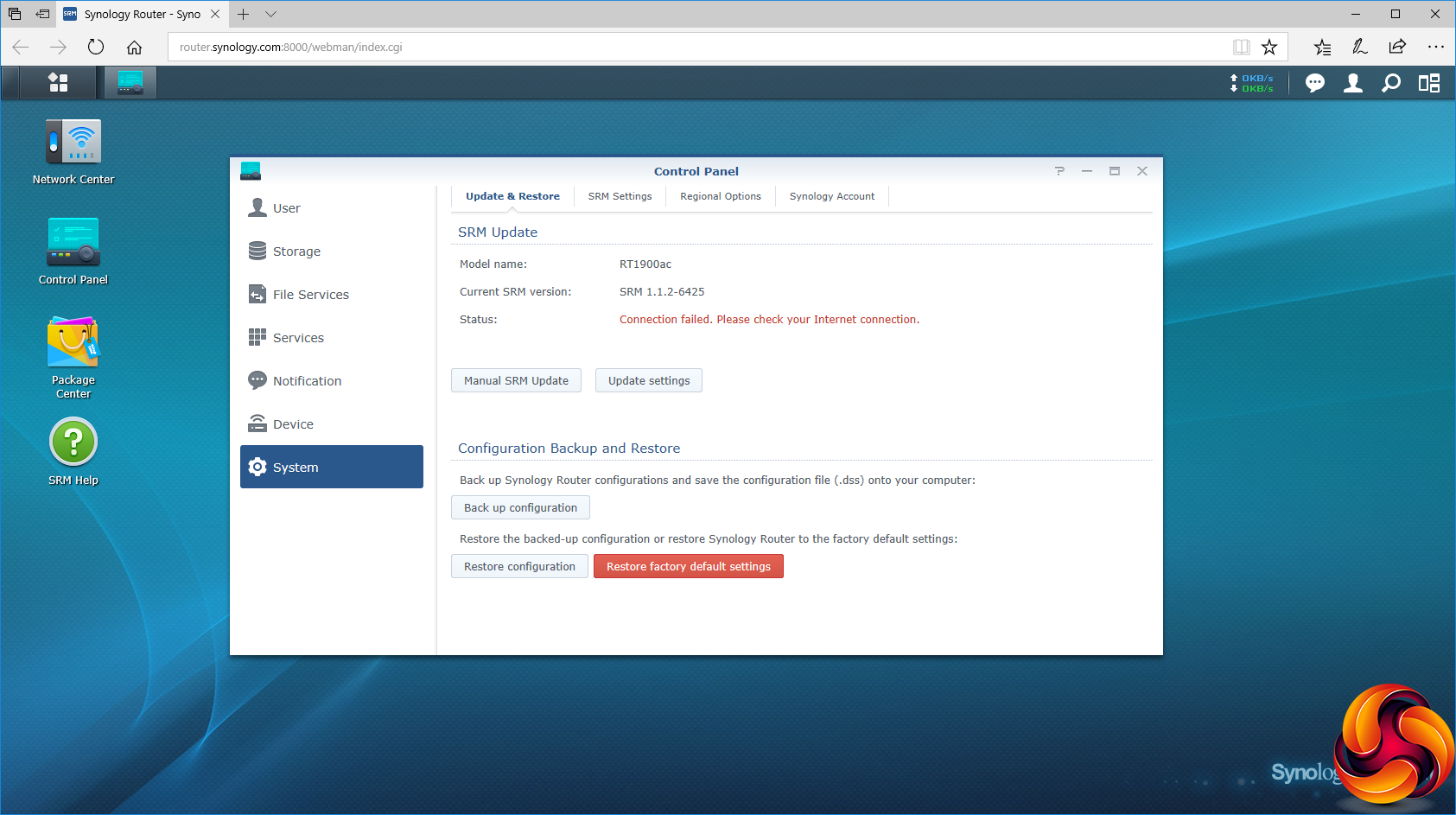
After the reboot, the familiar Synology interface appears. This looks very similar to Synology NAS devices. The first thing you should then do, assuming you are connected to your broadband already, is update your firmware.
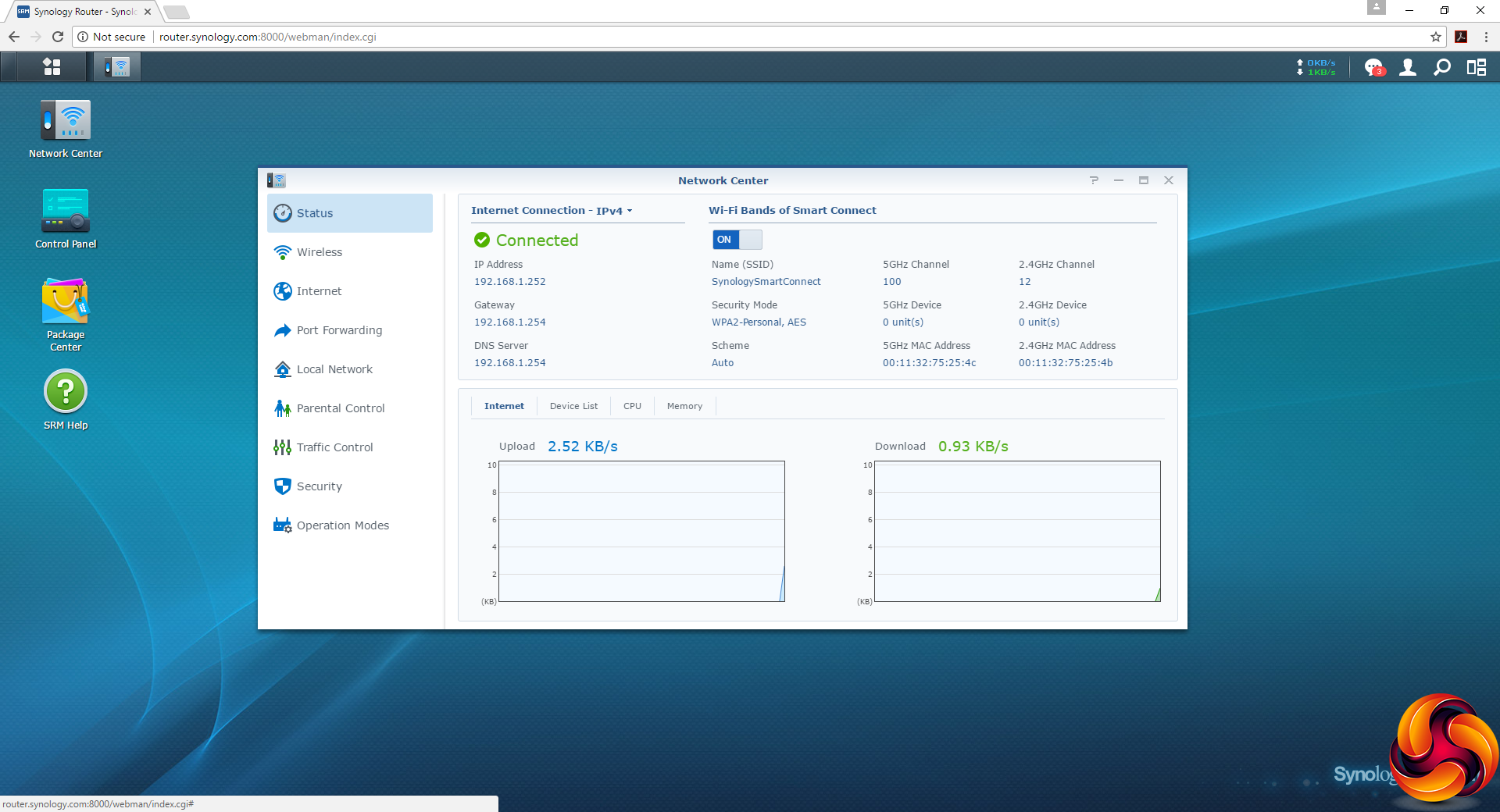
The various features are available via a Windows-like desktop with icons for the main categories. The Network Center starts off by providing a simple reading of the device status.
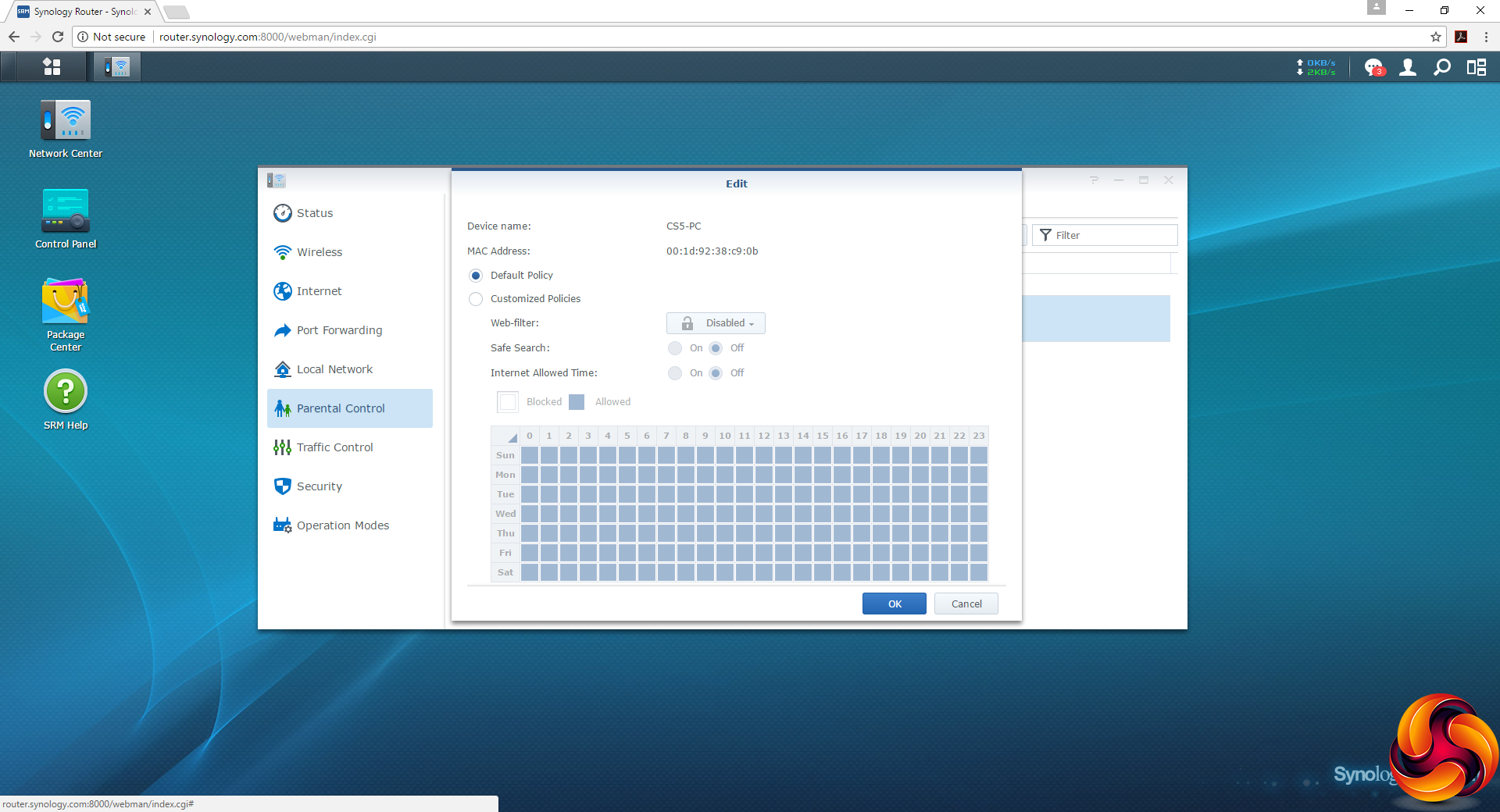
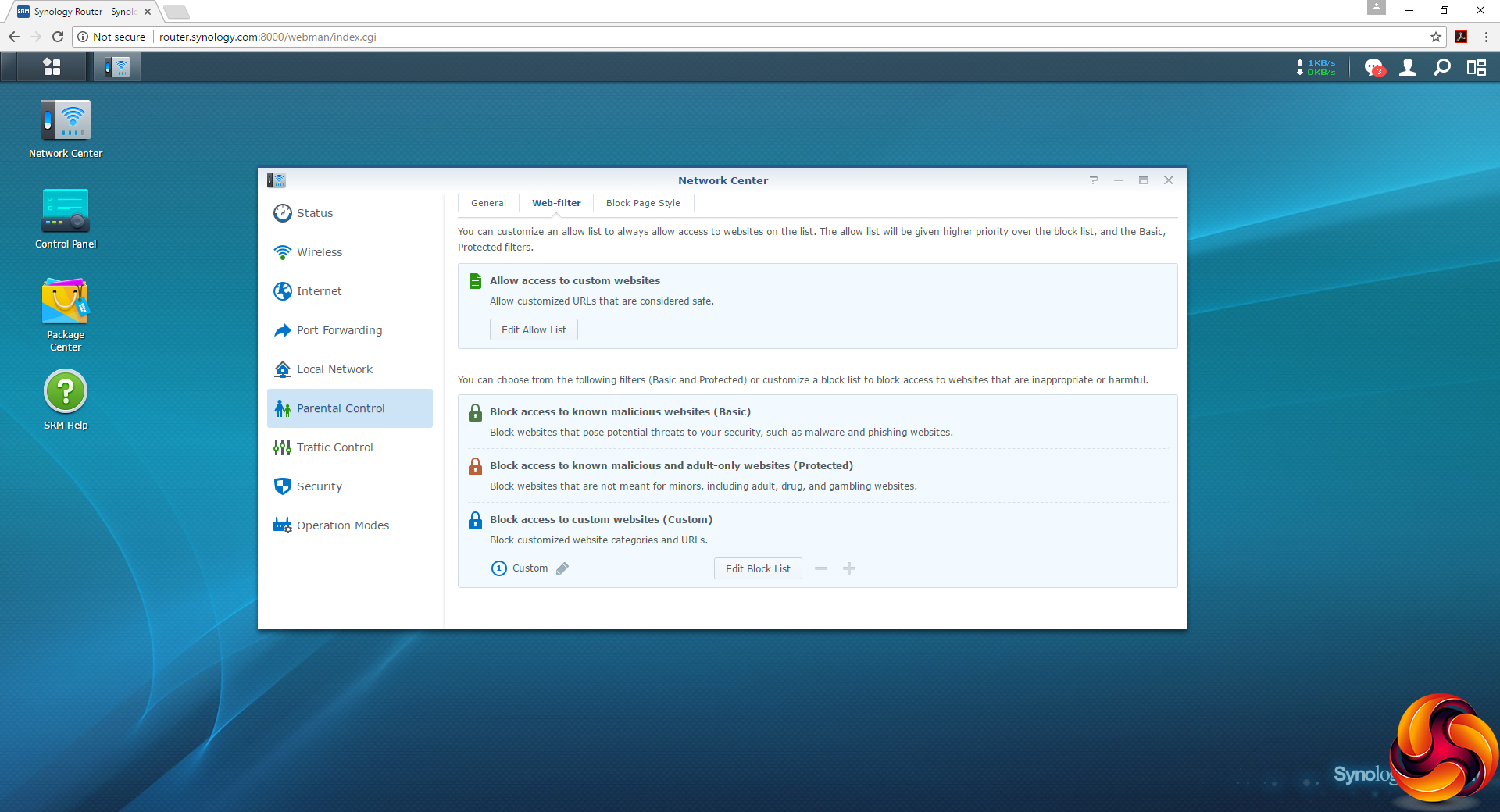
One feature we were impressed with in the RT2600ac was the Parental Control section, which allows time-and-day-based controls over each individual device, and also includes a Web filter where you can whitelist and blacklist URLs, as well as offering presets. This is very handy for keeping your kids away from RedTube.
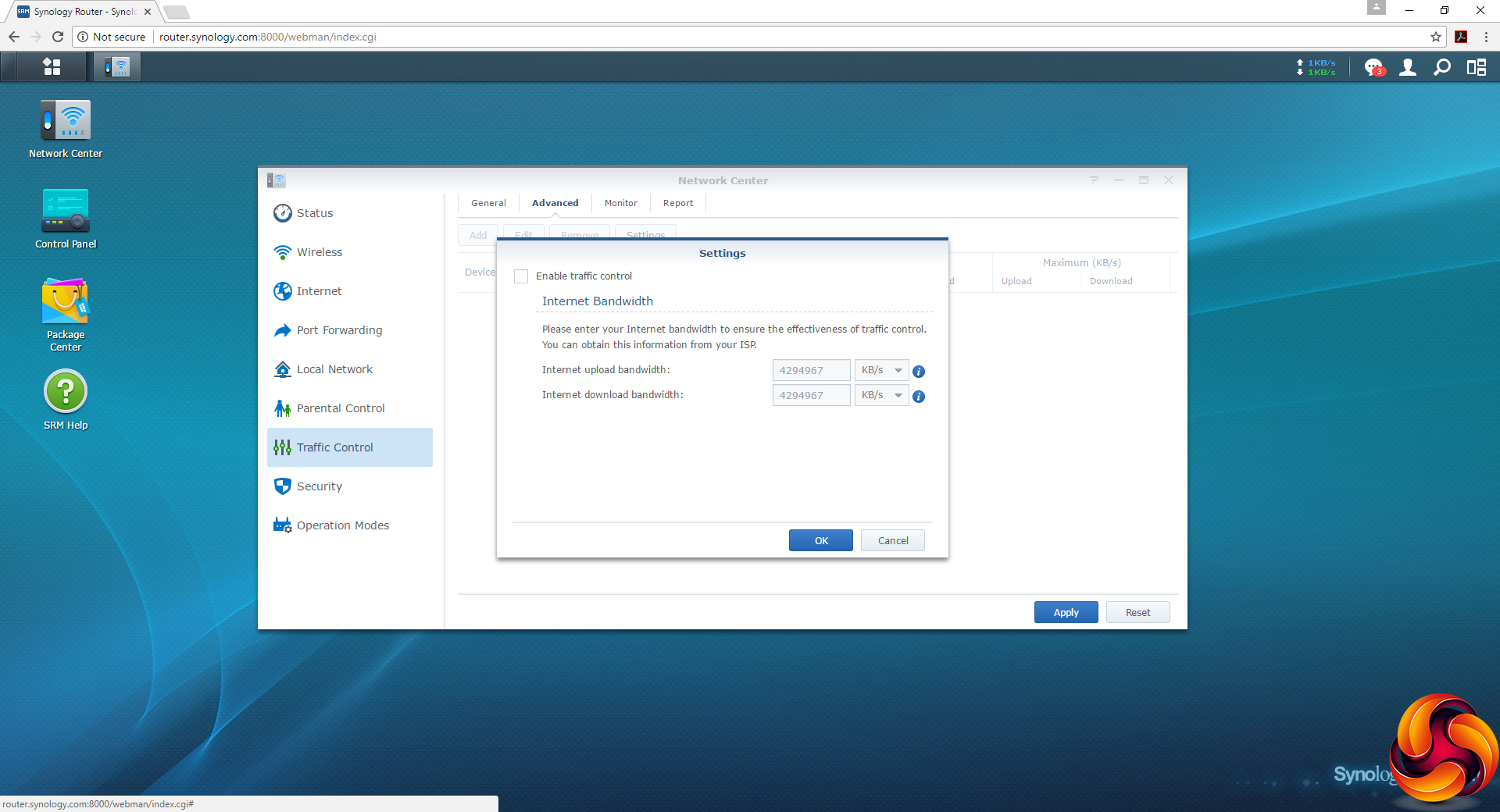
You can limit the bandwidth for each device as well, so one person's massive download doesn't cripple the network for everybody.
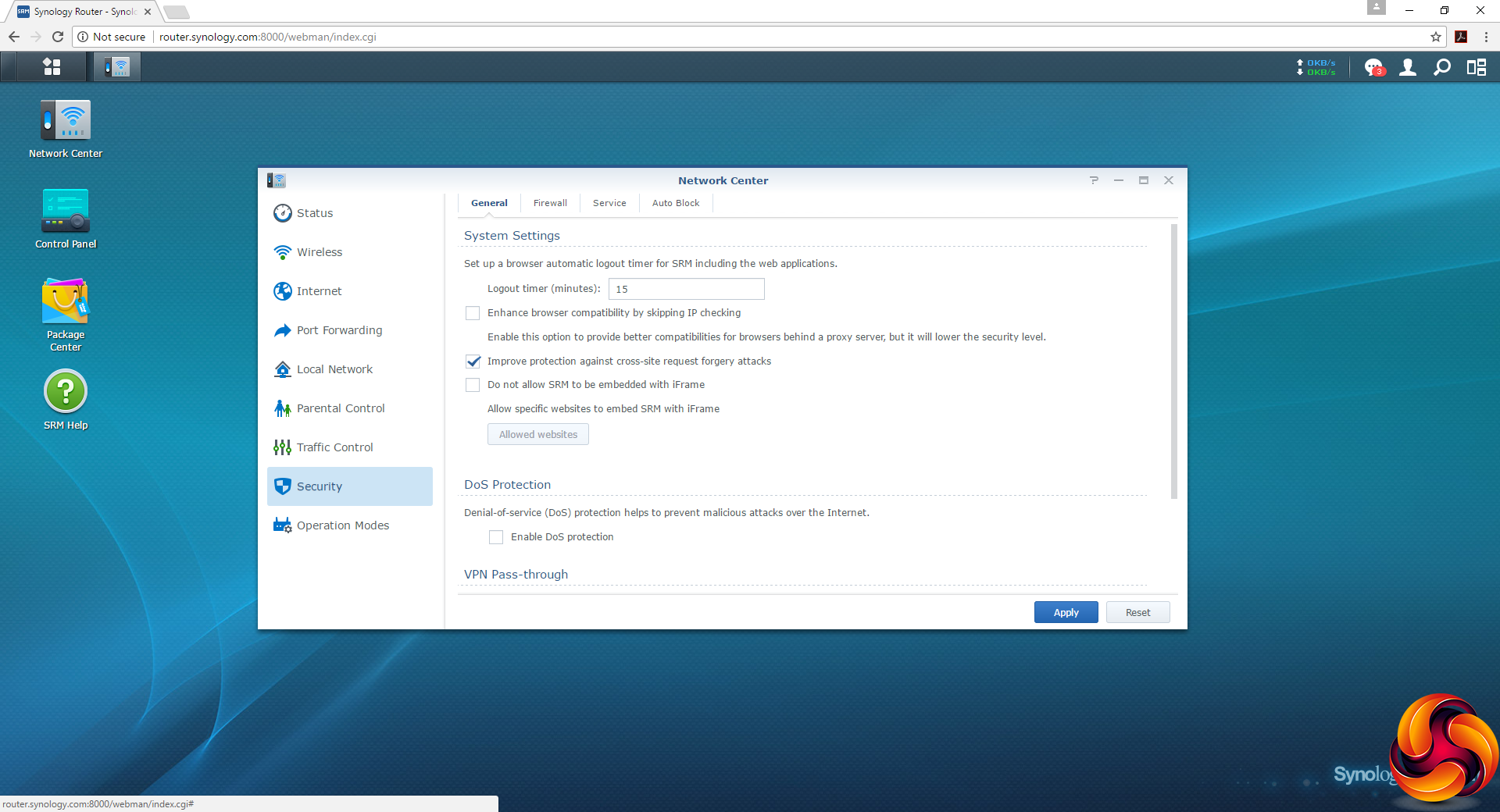
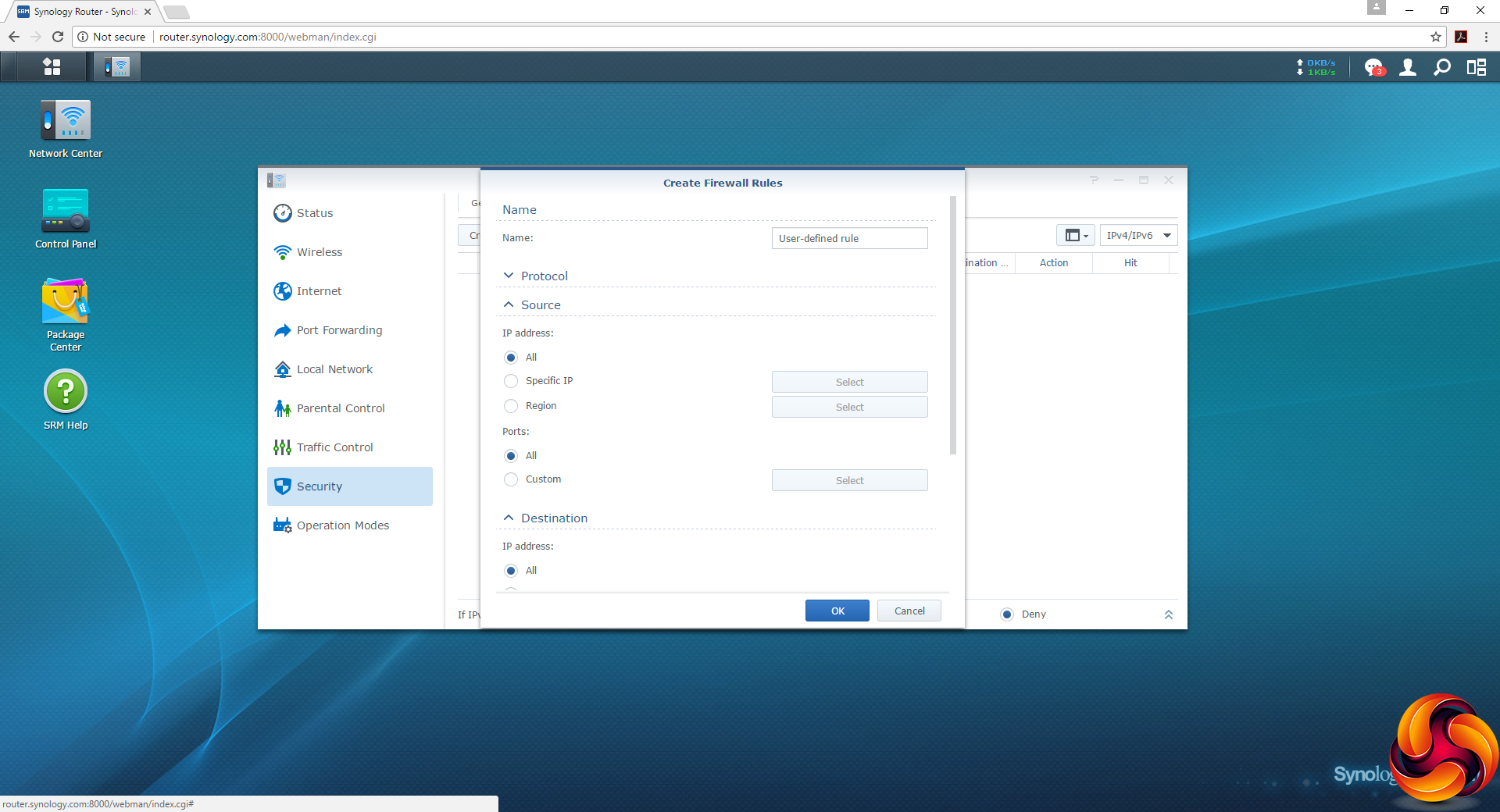
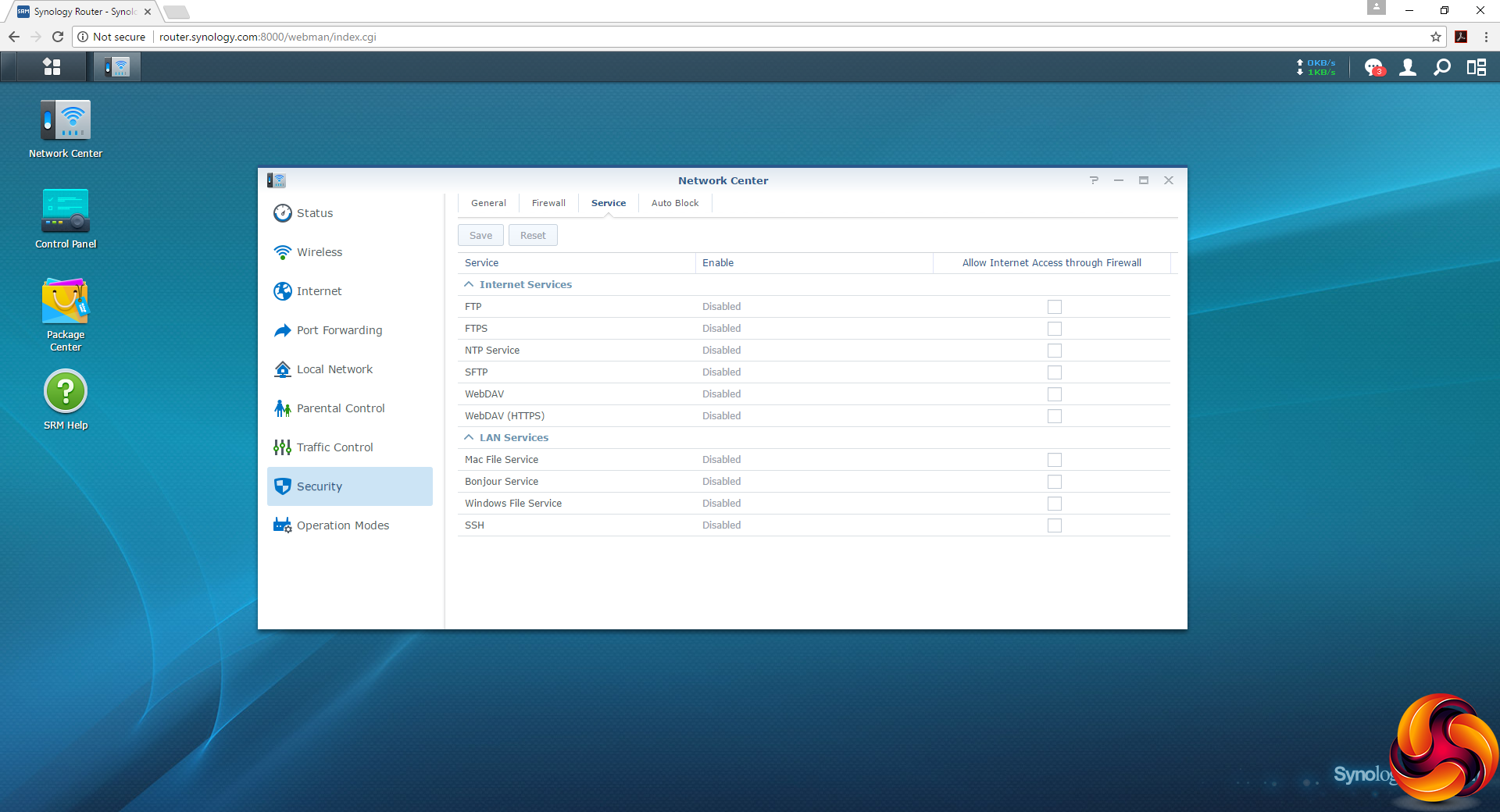
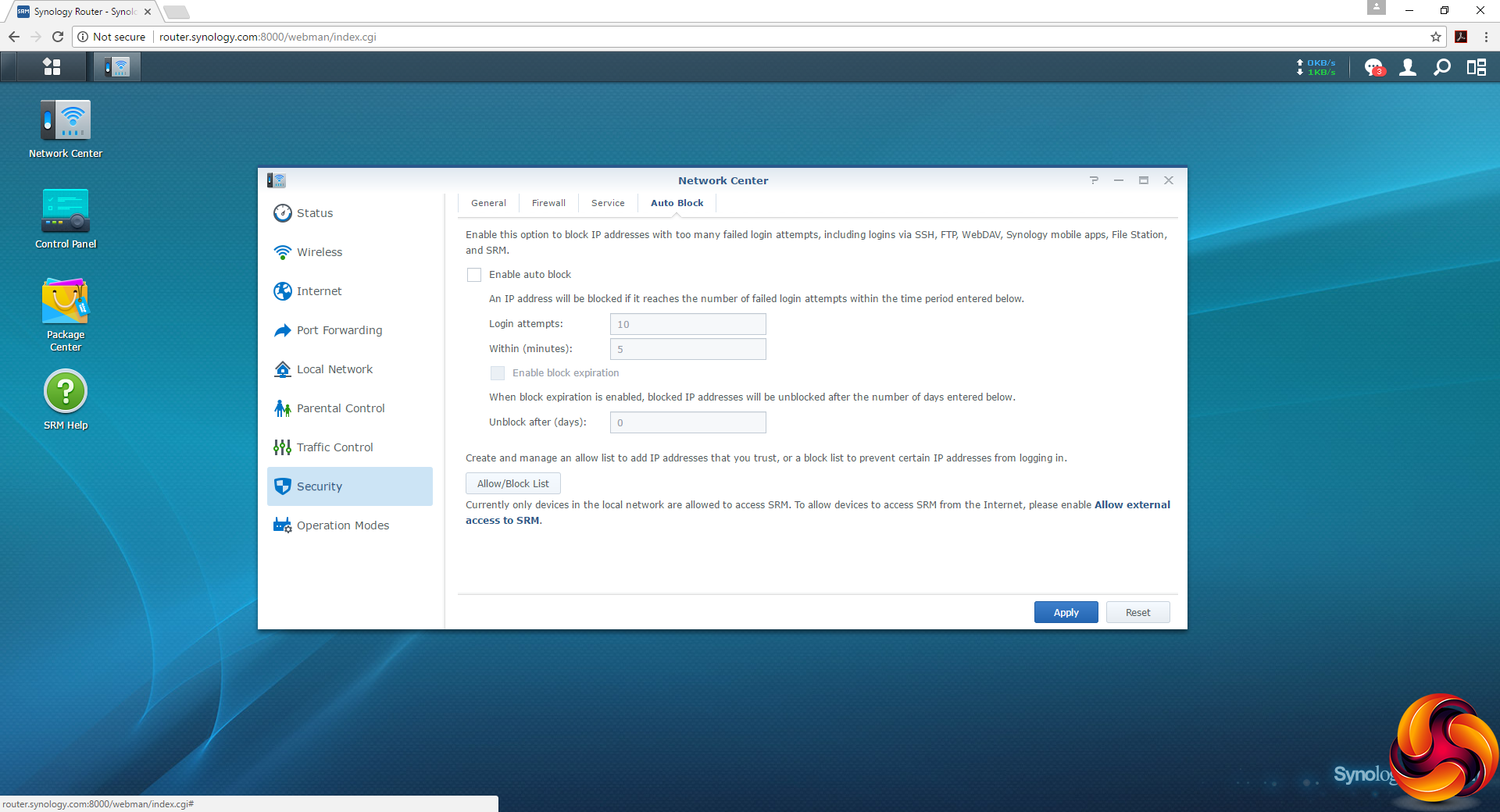
There are lots of Security options available, such as defence from cross-site request forgery attacks. You can create your own firewall rules, give various services access through the firewall (or not), and allow or block IP addresses from logging in externally.
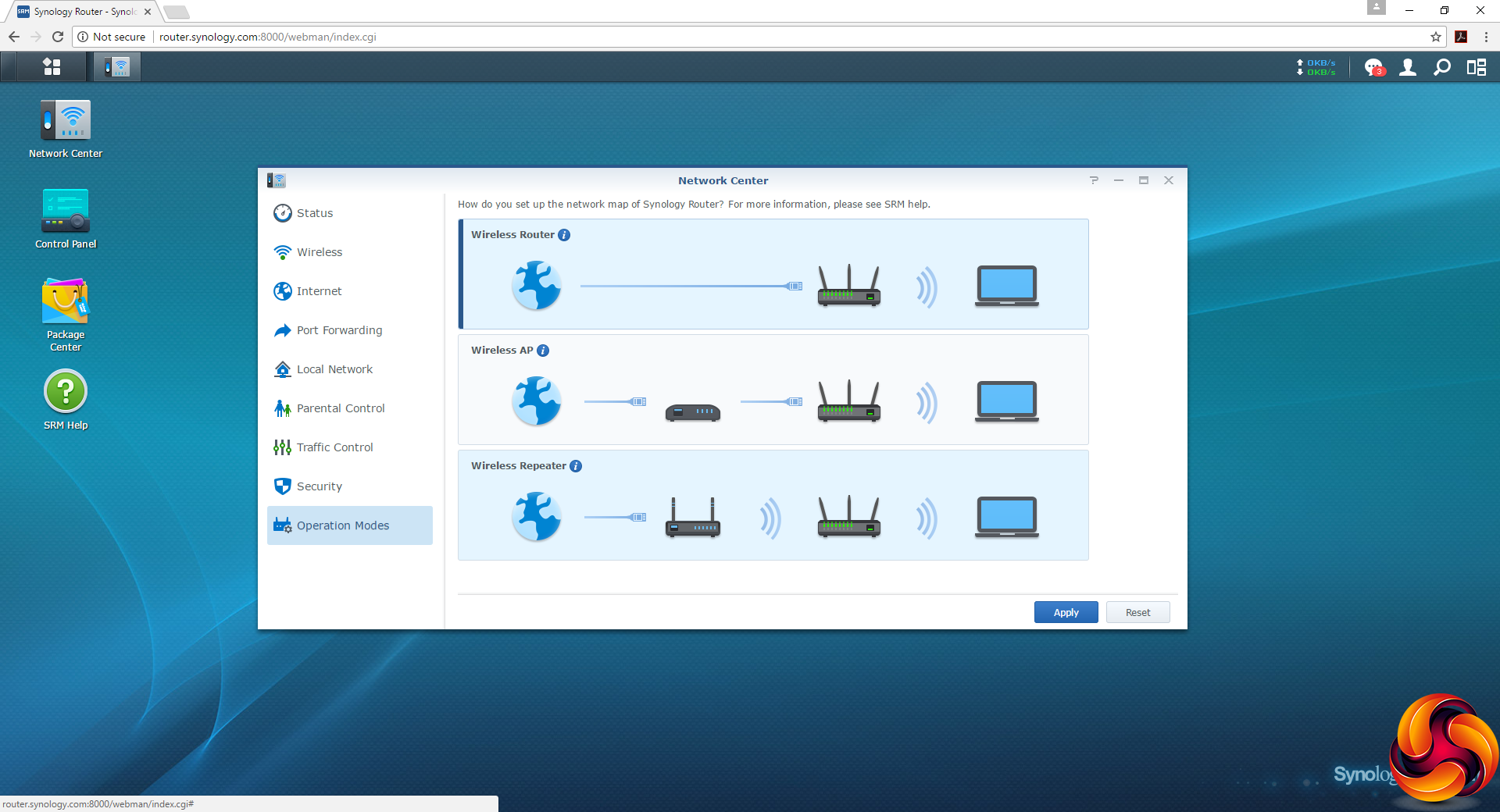
The Operation Modes section guides you through setting up the RT1900ac as Wireless AP or Repeater, instead of the default Router function.
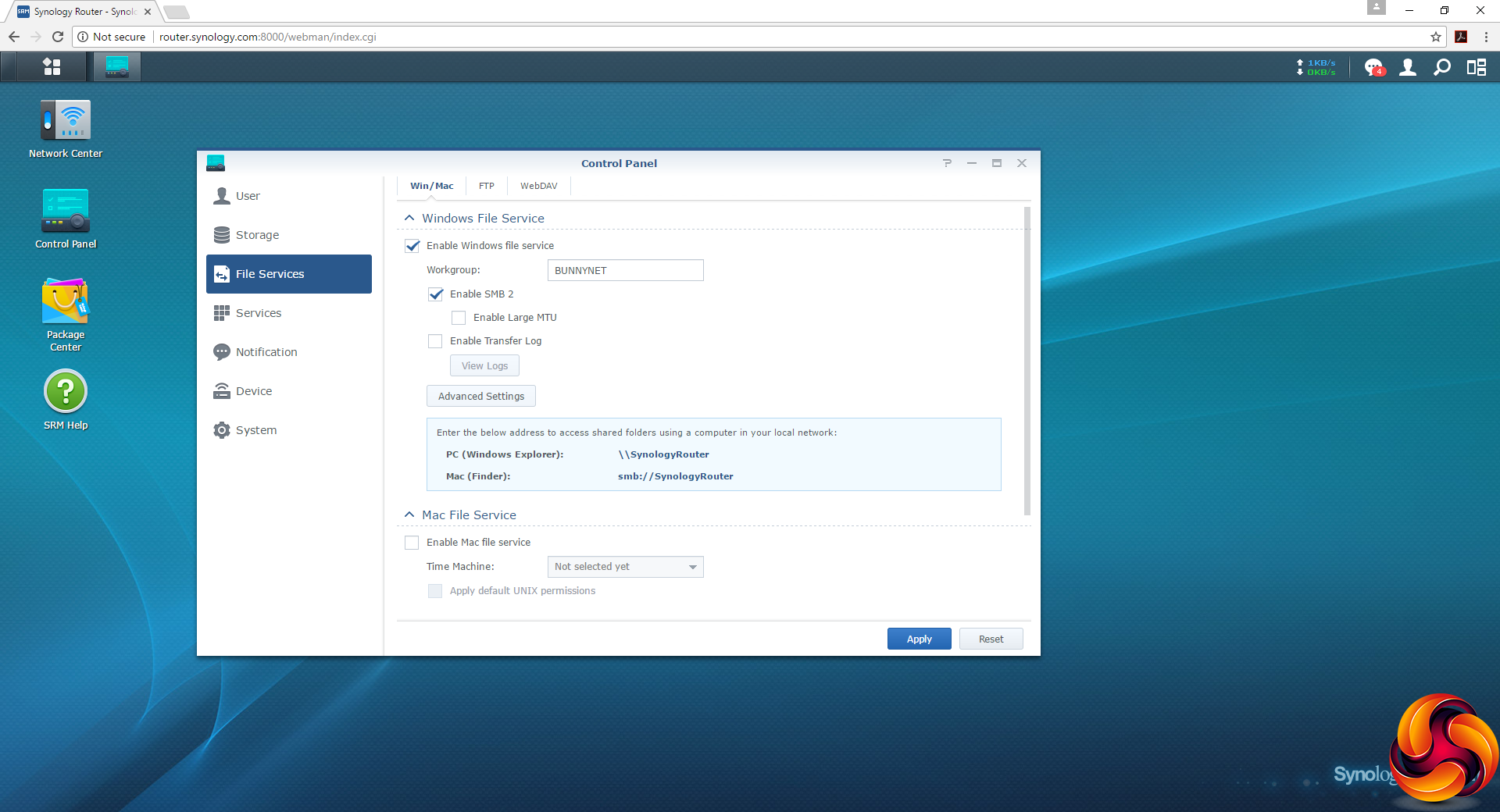
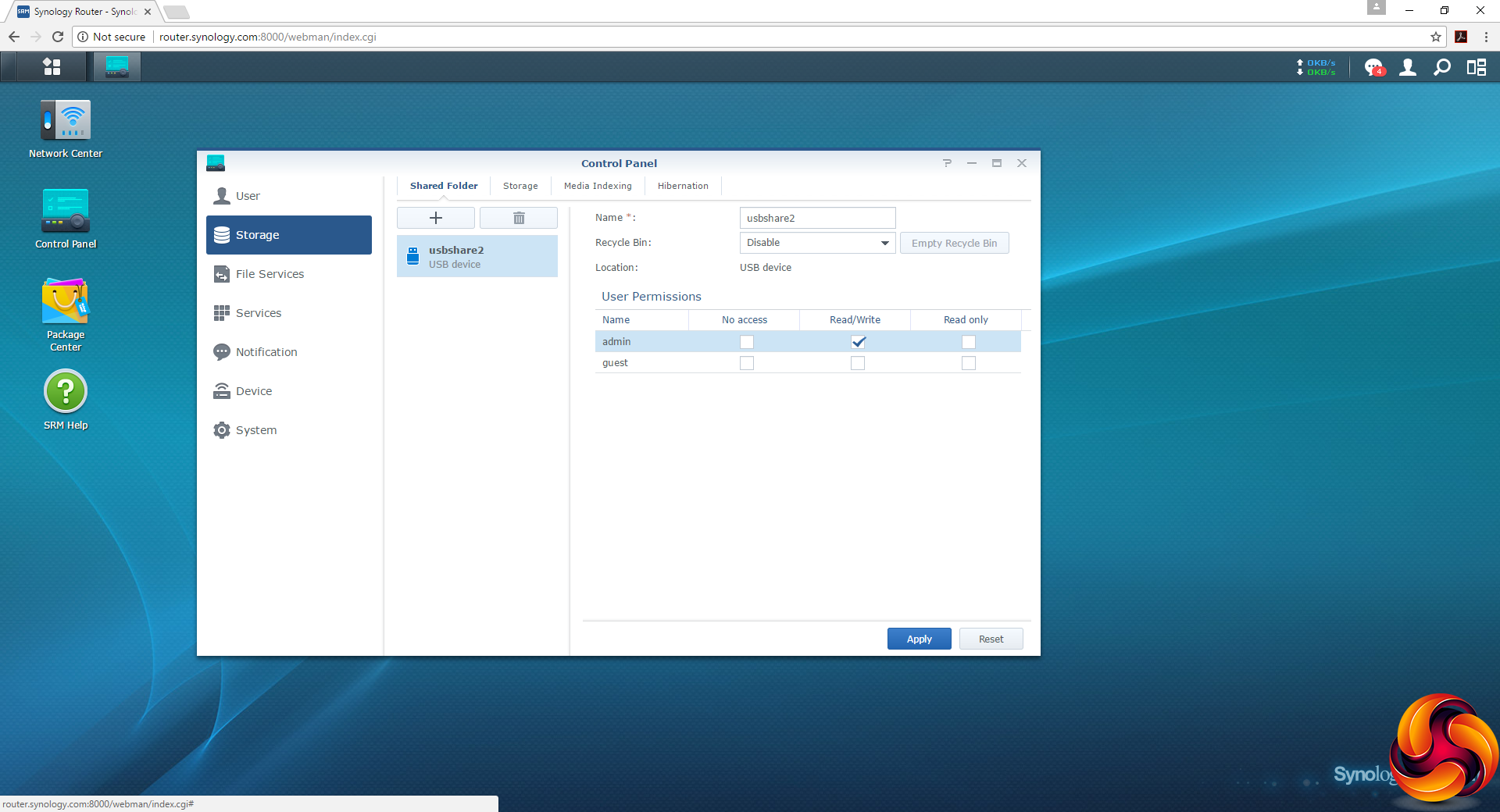
Turning to the Control Panel, the File Services section is where you configure how the storage devices you plug in via USB or SD card behave, and how they can be accessed over the network. However, we found that a USB drive is automatically configured and shared via the admin password.
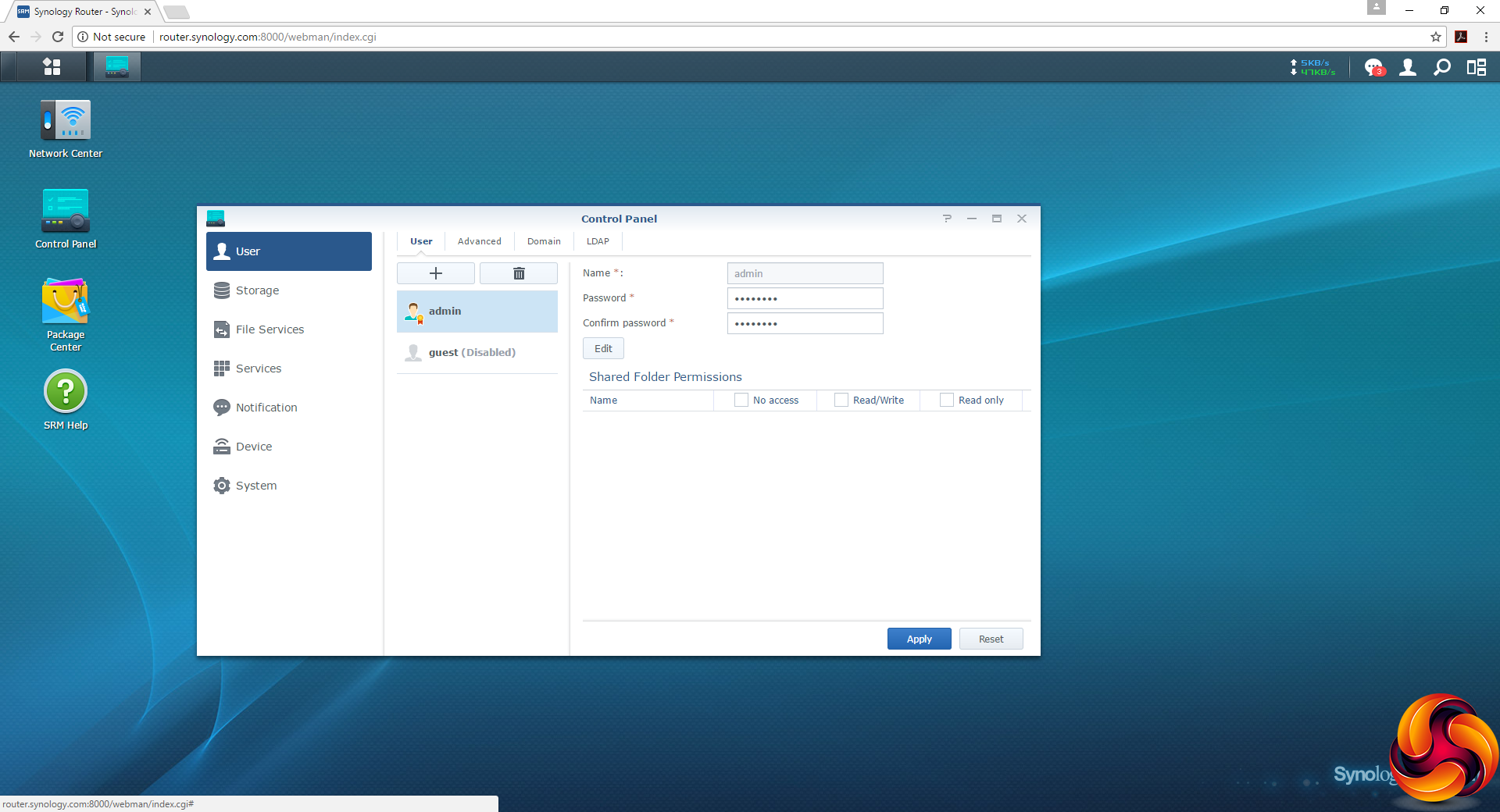
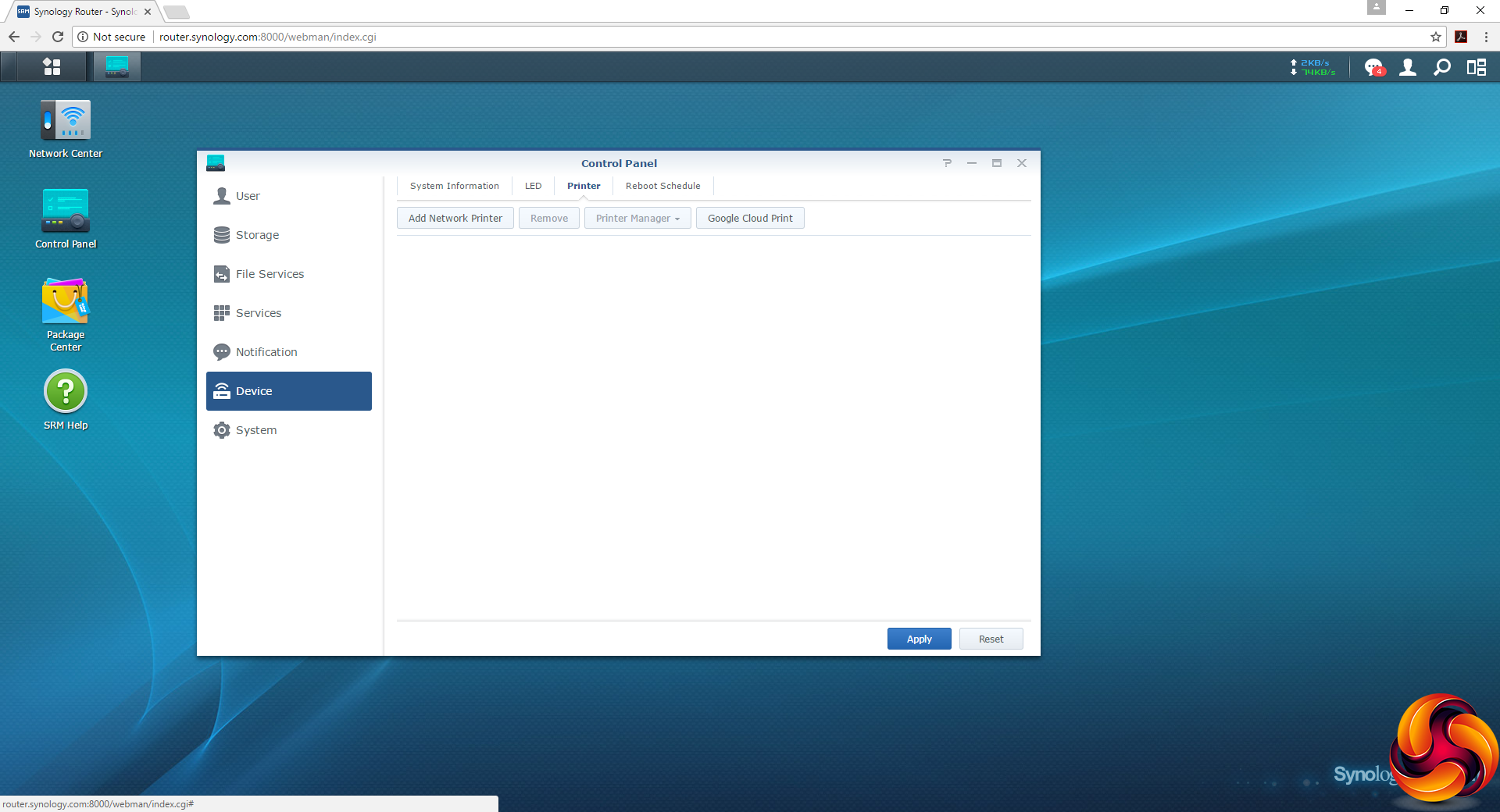
The Control Panel also provides facilities for adding user accounts and setting up a network printer share, although the latter seems to be for printers that already have network adapters, rather than printers attached to one of the USB ports.
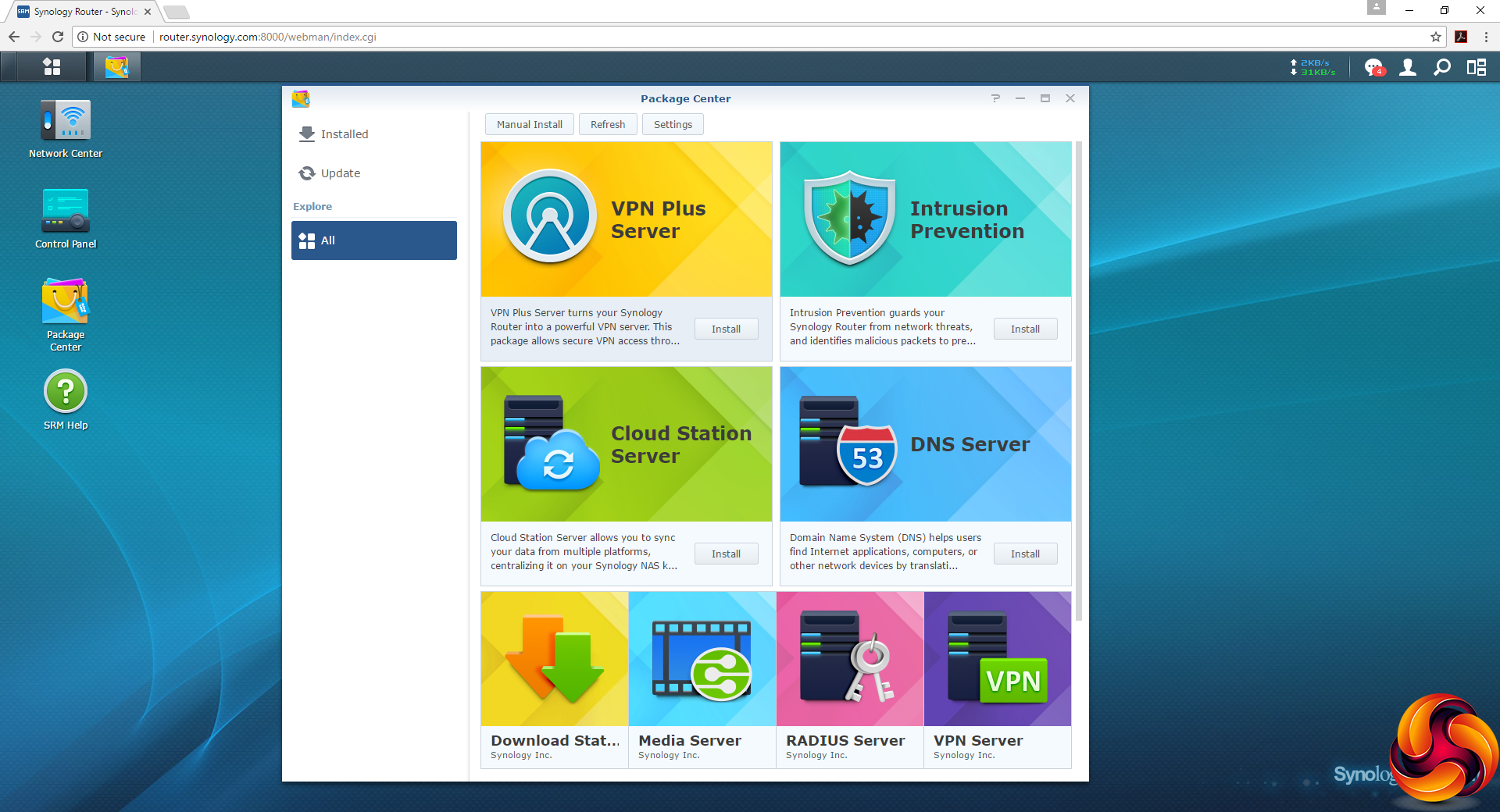
Although the RT1900ac has less powerful hardware than the RT2600ac, the same rich selection of downloadable apps are available in the Package Center. This is one of the big strengths of Synology products. The optional software available is immense, and very easily installed, so you can turn your router (or NAS) into something that suits your needs very well.
Overall, although this is a significantly cheaper model than the RT2600ac, the RT1900ac doesn't appear to have lost any of the excellent software features – it just has less potent hardware to run them on. The big difference is going to be performance, so let's have a look at that next.
We tested the Synology RT1900ac in two ways. First, we wanted to assess the raw throughput across the two different WiFi standards it supports – 802.11ac and 802.11n. We also tested the speed of the USB 3.0 port via a Gigabit Ethernet port and 802.11ac.
For the first test we used the open-source iPerf 3.1.3 software, and for the second test we used a 3.7GB file collection (actually the Windows 10 installer) on a SanDisk Ultra USB 3.0 thumb drive. Three Windows systems were used. One was an Armari AMD Threadripper workstation running Windows 10, another an Acer TravelMate P648 N15C5 notebook, and a third a HP Folio 3 notebook. The Acer was running Windows 7 and the HP Windows 10.
For all tests, the workstation was connected to one of the RT1900ac's Gigabit Ethernet ports, and the notebooks via various WiFi connections (802.11ac for the Acer, 802.11n for the HP). The notebooks were then placed in four different locations – within 1m of the router, approximately 5m away with a wall in between, 10m away and on a lower floor (with multiple walls and a floor in between), and then 15m away on the same lower floor.
We tested all four distances with the two WiFi standards. You can see the distances and placements we used in more detail in our comprehensive Ultimate Mesh WiFi Router Shootout.
With each WiFi standard and distance, we took 60 readings of throughput at one second intervals and calculated the average (iPerf does this automatically). We tested the RT1900ac against the RT2600ac, Linksys WRT3200ACM and NETGEAR's Nighthawk X10 R9000.
802.11ac 5GHz
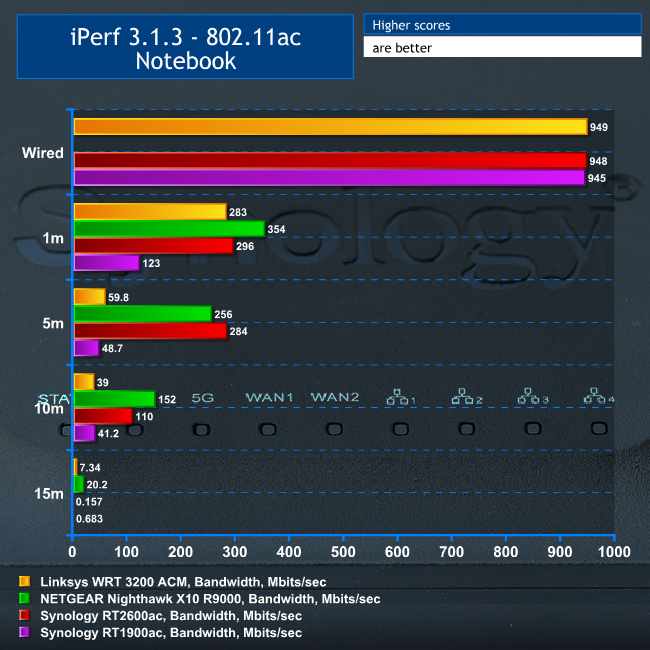
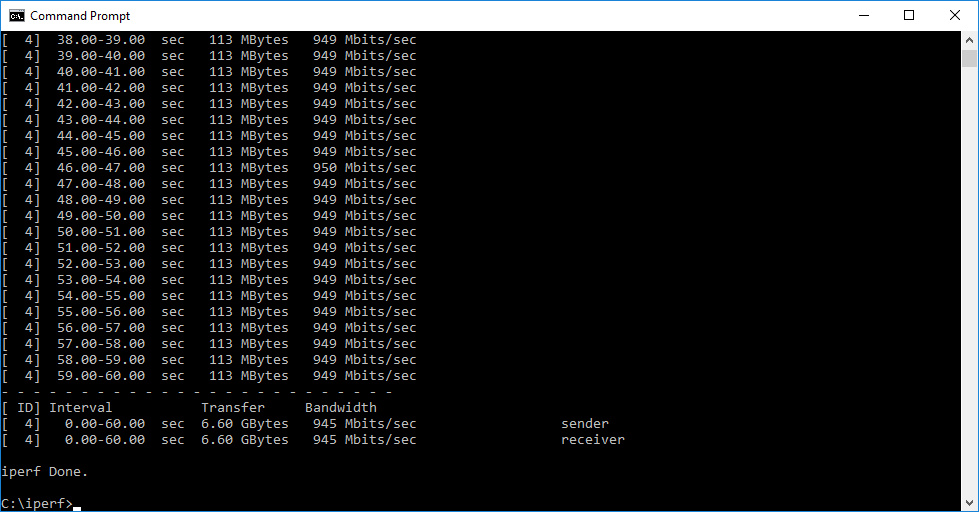
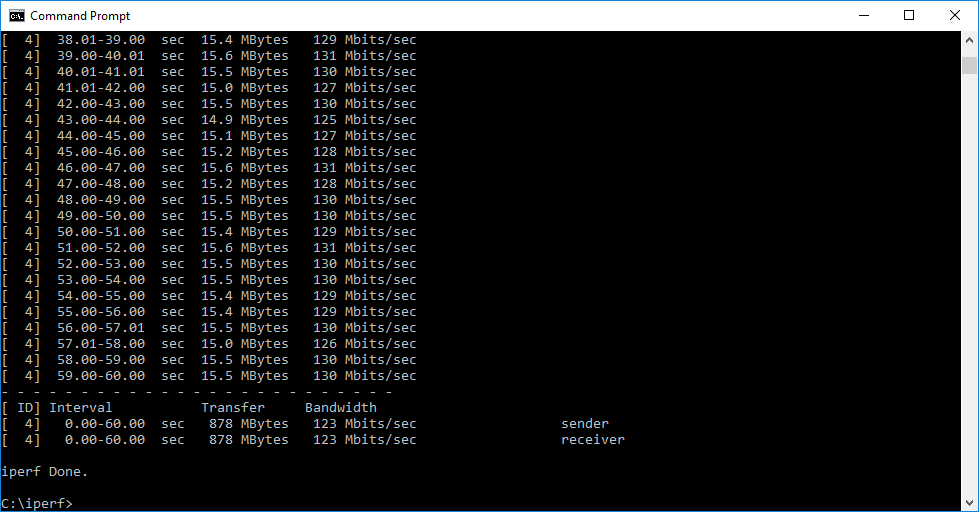
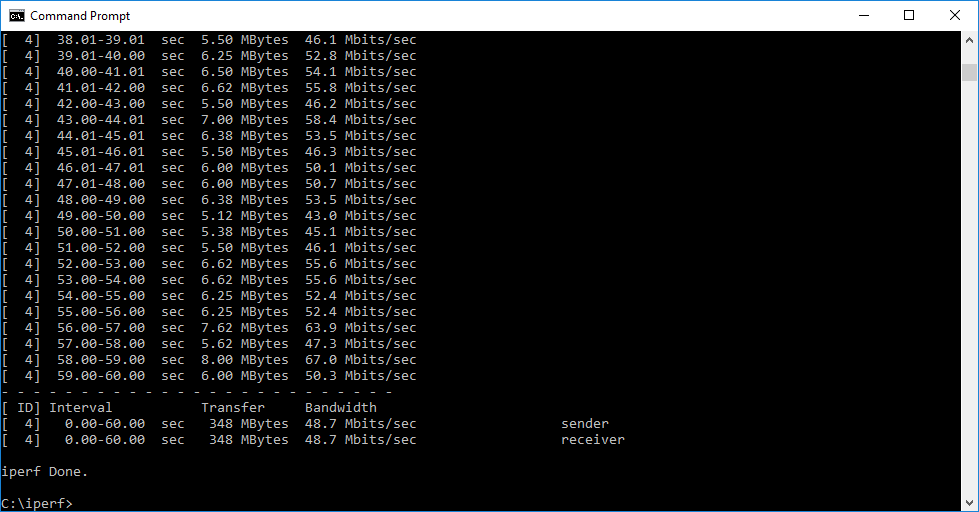
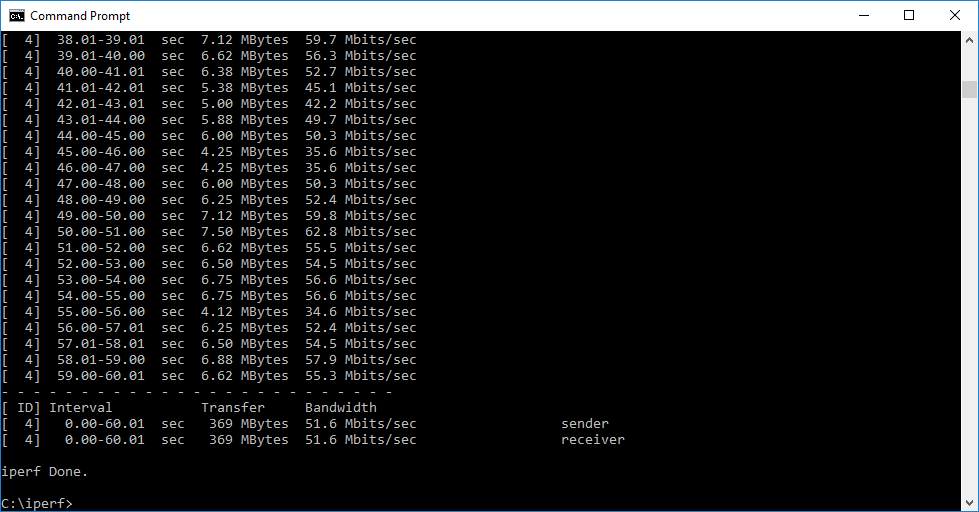
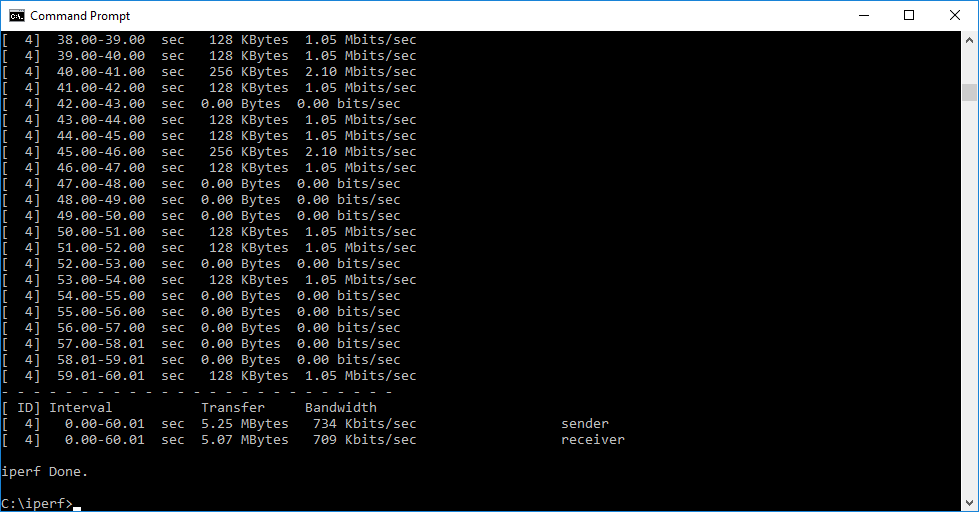
The RT1900ac did not fare anywhere near as well as its more expensive RT2600ac sibling. It was slow at 1m, 5m and 10m, with the signal dropping off almost completely at 15m.
Although performance was competitive with the Linksys WRT 3200 ACM at 5m and ahead at 10m, the RT1900ac is clearly missing its extra aerial compared to the RT2600ac, and the slower underlying hardware doesn't appear to be helping either.
802.11n 2.4GHz
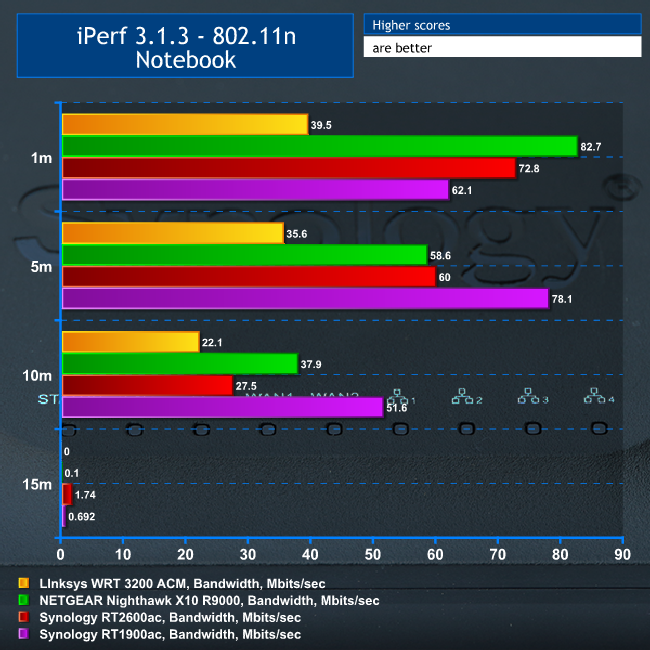
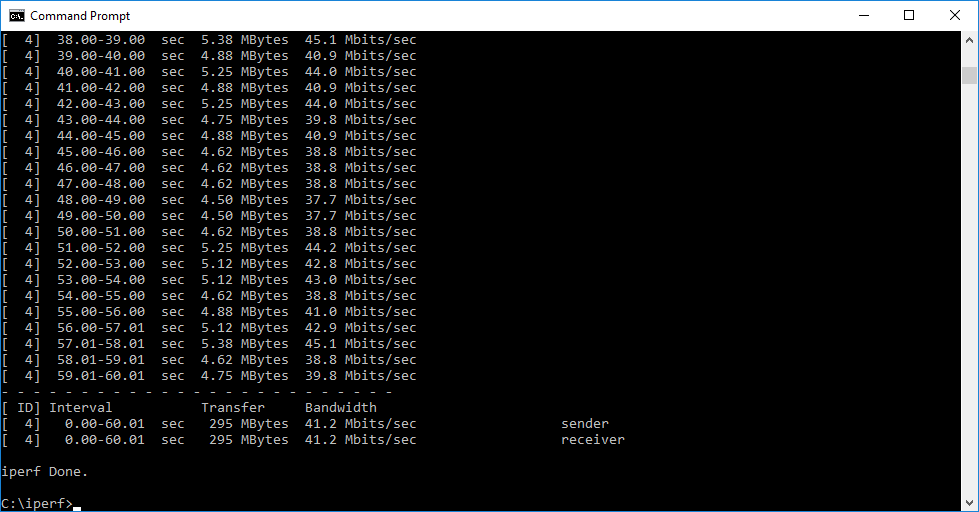
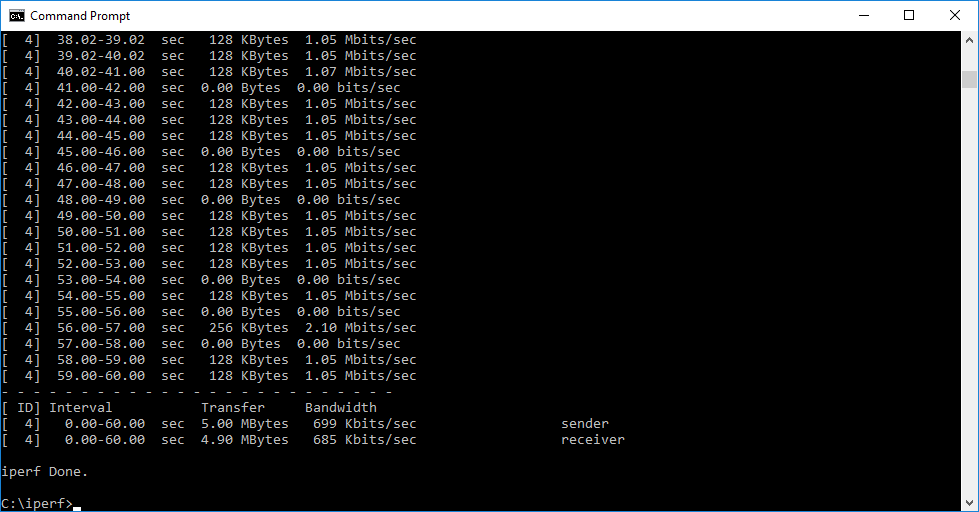
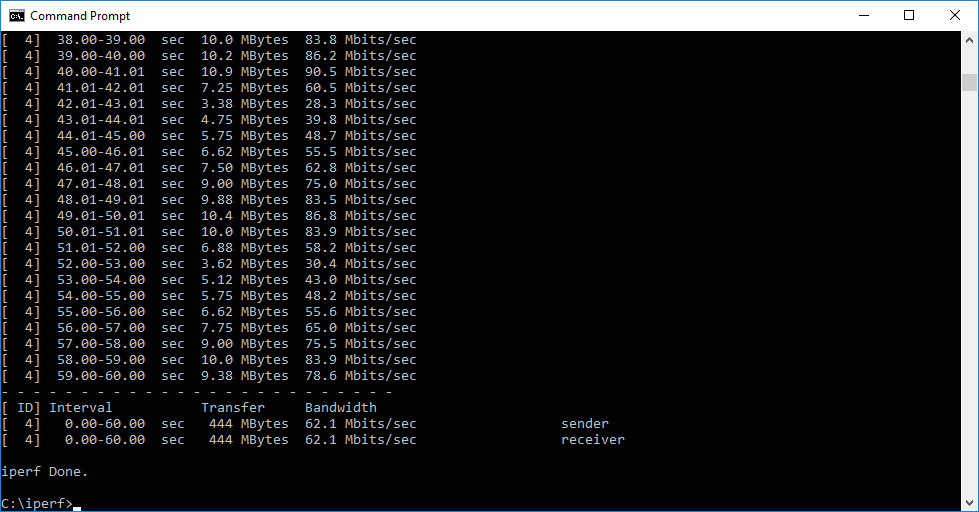
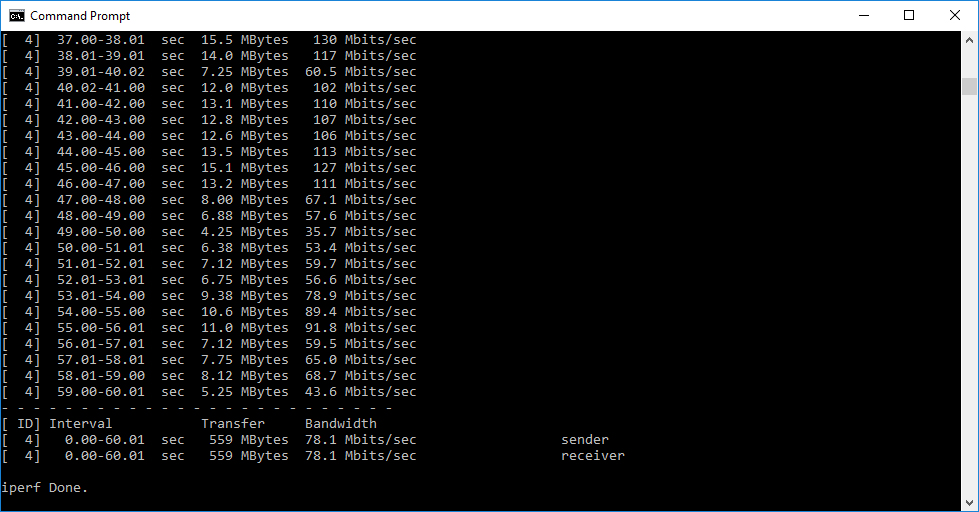
Performance with 802.11n is much more commendable, and surprisingly faster than 802.11ac at 5m and 10m. In fact, the RT1900ac is great for 802.11n up to and including 10m range, but beyond that it drops like a stone.
USB 3.0 File Copy
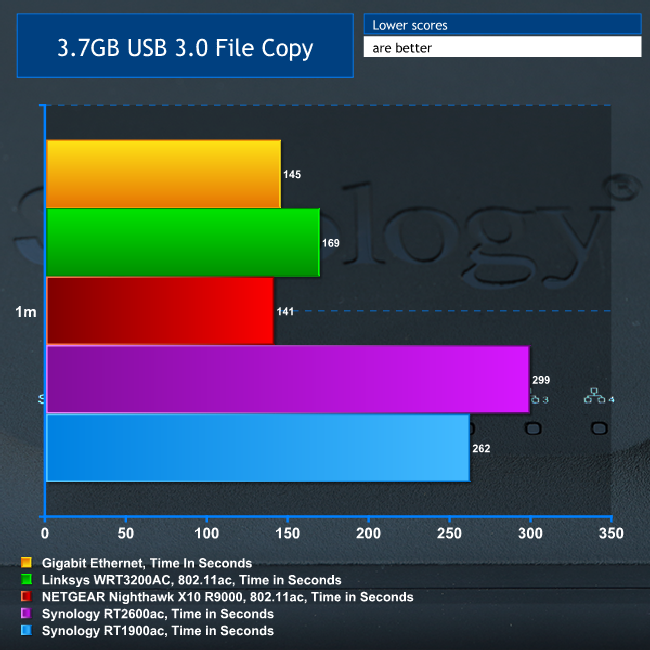
For this test, we hooked up a 32GB SanDisk Ultra USB 3.0 Flash Memory key to the RT1900ac's USB 3.0 port and configured it as network storage. We then copied the 3.7GB Windows 10 installer ISO (unpacked into individual files) to the Acer notebook via 802.11ac, with the notebook at a 1m distance.
Performance was better than the RT2600ac, surprisingly, but still not great compared to the competition.
Overall, the Synology RT1900ac is a real mixed bag, and the 802.11ac results (which we retested multiple times to be sure of) are not encouraging. It's surprisingly good at 802.11n, but with most devices now moving to 802.11ac, this router is really let down by its performance with the current WiFi standard.
The Synology RT1900ac is a much less obvious recommendation than its RT2600ac big brother. On the plus side, it offers the same great Web administration interface with tons of features and the same ability to be extended via installable packages. It also provides some great performance with legacy 802.11n devices.
But 802.11ac performance is nothing short of dire, and this has been echoed in user reviews we have read elsewhere. Unfortunately, this severely curtails the utility this router can provide.
Even though the price is keen, and the features rich, you do want at least respectable throughput with the most current WiFi standards from your router, and the Synology RT1900ac is noticeably behind the competition in this respect. We'd recommend paying £100 more for the RT2600ac if you like the look of the features on offer. It's worth the extra money.
Discuss on our Facebook page, over HERE.
You can buy from Amazon for £125.99 HERE.
Pros:
- Very keen price.
- Four-port Gigabit Ethernet switch.
- USB 3.0 and SDXC for attaching storage.
- Extensible features via package download.
- Comprehensive configuration via Web interface.
- Commendable 802.11n performance.
Cons:
- 802.11ac performance is disappointing.
- Mediocre USB 3.0 storage speed.
Kitguru Says: The Synology RT1900ac has the software features of its more expensive RT2600ac sibling, but slow 802.11ac performance lets it down, putting it out of the running for a recommendation.

The RT2600AC seems the better bet if you want good AC performance. good review thanks.