KitGuru KitGuru.net – Tech News | Hardware News | Hardware Reviews | IOS | Mobile | Gaming | Graphics Cards


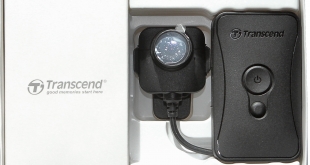
We increasingly live in a surveillance society. But whereas a few years ago this was “them” looking at “us” through fixed street cameras, nowadays everyone is looking at everyone, and the cameras are completely mobile. For the everyday consumer, this will most likely be via your smartphone. But if you're a professional who needs to keep a record of events, you might be looking to wear a camera at all times, and that's where the Transcend DrivePro Body 52 Body Camera comes in.
The Body 52 is aimed specifically at security personnel such as police or guards, but could also come in handy for sports referees who want to keep track of what happened at an event from their perspective, or anyone who wants to monitor what is going on around them at all times. With a very affordable sub-£150 price, this could be a body camera that finds favour beyond its core intended audience too.
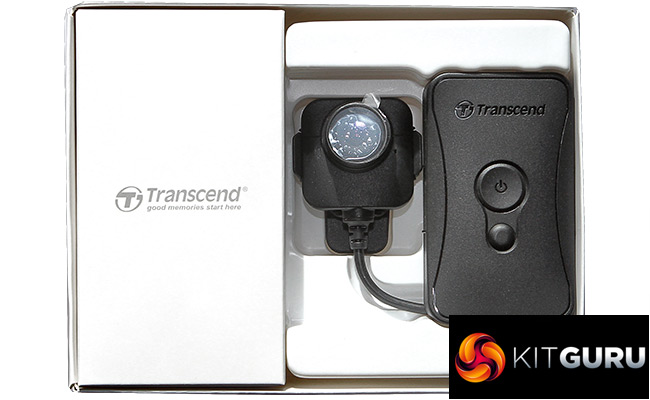
The camera comes in two parts, with a large battery pack and storage module connected via wire to a clip-on camera. It shoots Full HD and has plenty of storage built in. It's also ruggedly constructed and conforms to the IPX4 standard of robustness.
Let's find out whether the Transcend DrivePro Body 52 can satisfy our need to record our every move. And yours. And your neighbour's. For those who like to watch, read on…
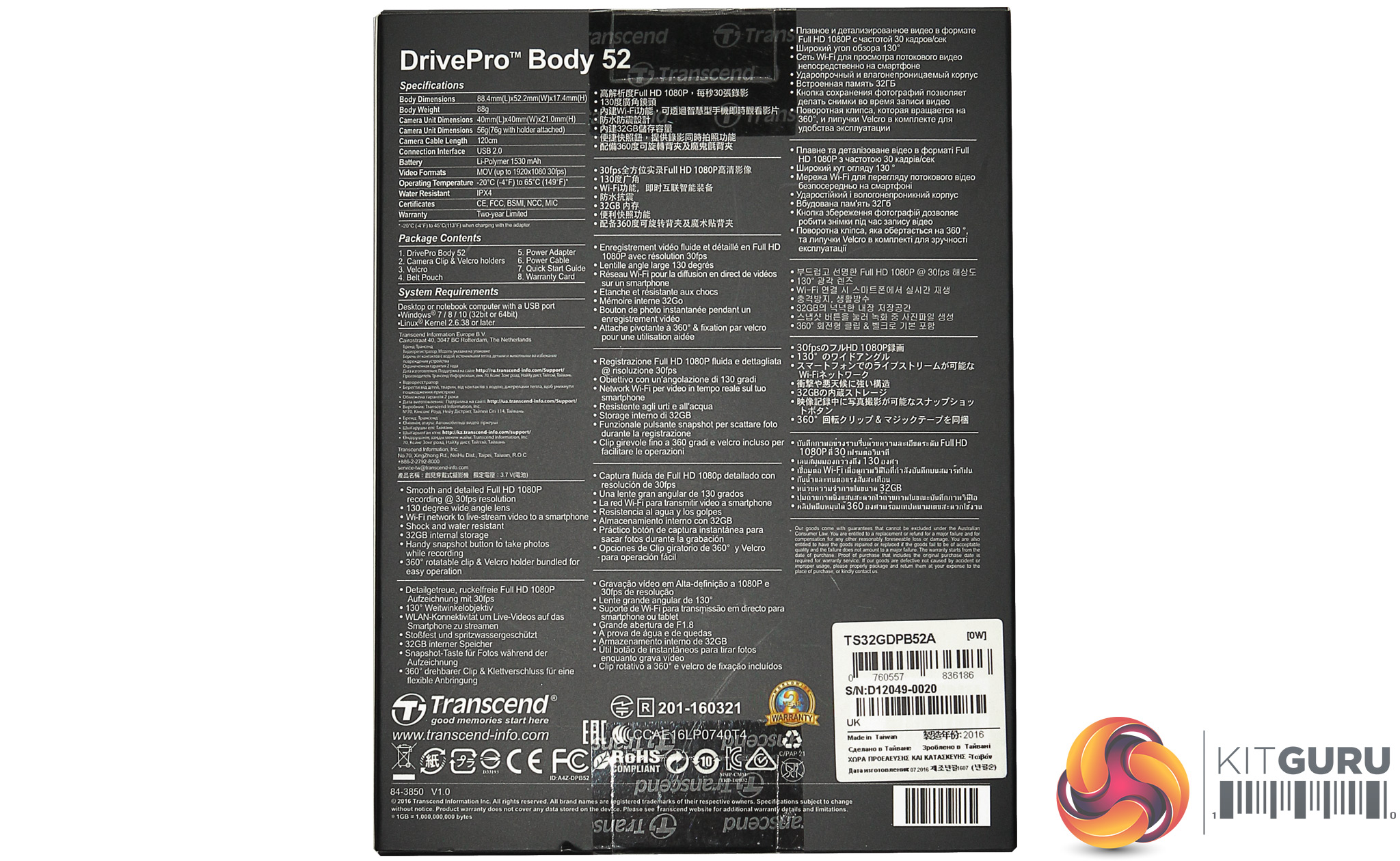
Specification:
Recording format: Full HD (1,920 x 1,080) H.264 MOV at 30 frames/sec
Storage: 32GB (built in)
Dimensions (H x W x D): Body: 88.4mm × 52.2mm × 17.4mm; Camera: 40mm × 40mm × 20.35mm
Weight: Body: 88g; Camera: 56g
Lens: F/1.8, 130° wide angle
Microphone: Built in
Connection: USB 2.0 via proprietary adapter
Battery: Li-Polymer 1530mAh
IP Rating: IPX4
Operating Temperature: -20C to +65C
Package Contents: DrivePro 52 Body, Battery and Storage Module, 3.5mm to USB cable, power adapter, 360-degree rotatable clip, velcro clip, Module belt pouch
Warranty: 2 years
Retail Price: £119.38 (inc. VAT)
The Transcend DrivePro Body 52 works as a standalone unit, rather than requiring any particular commercially installed infrastructure, so is available from regular electronics retailers.
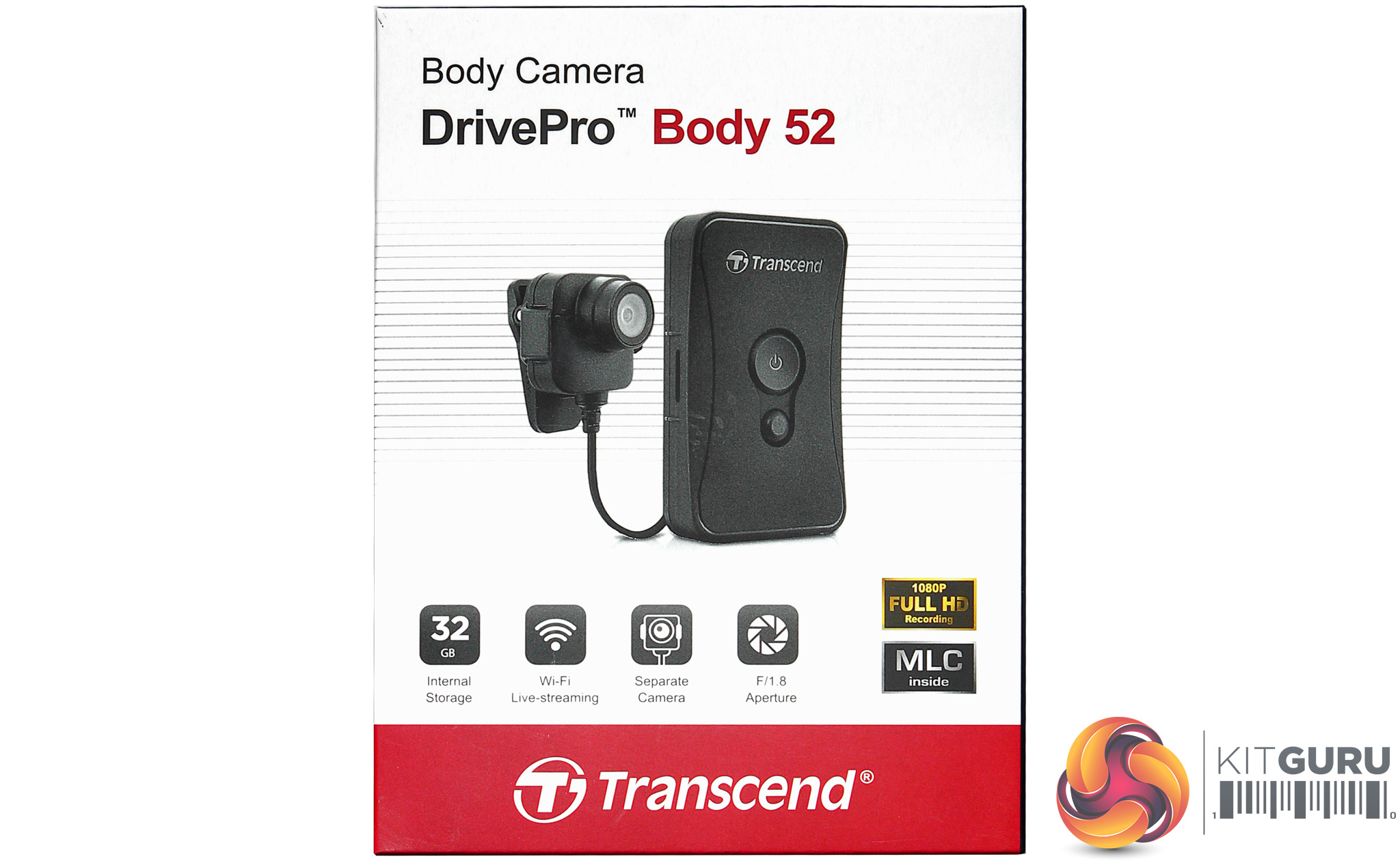
There are industrial add-ons such as a charging and data connection unit for multiple base stations, but we weren't sent that for our review.
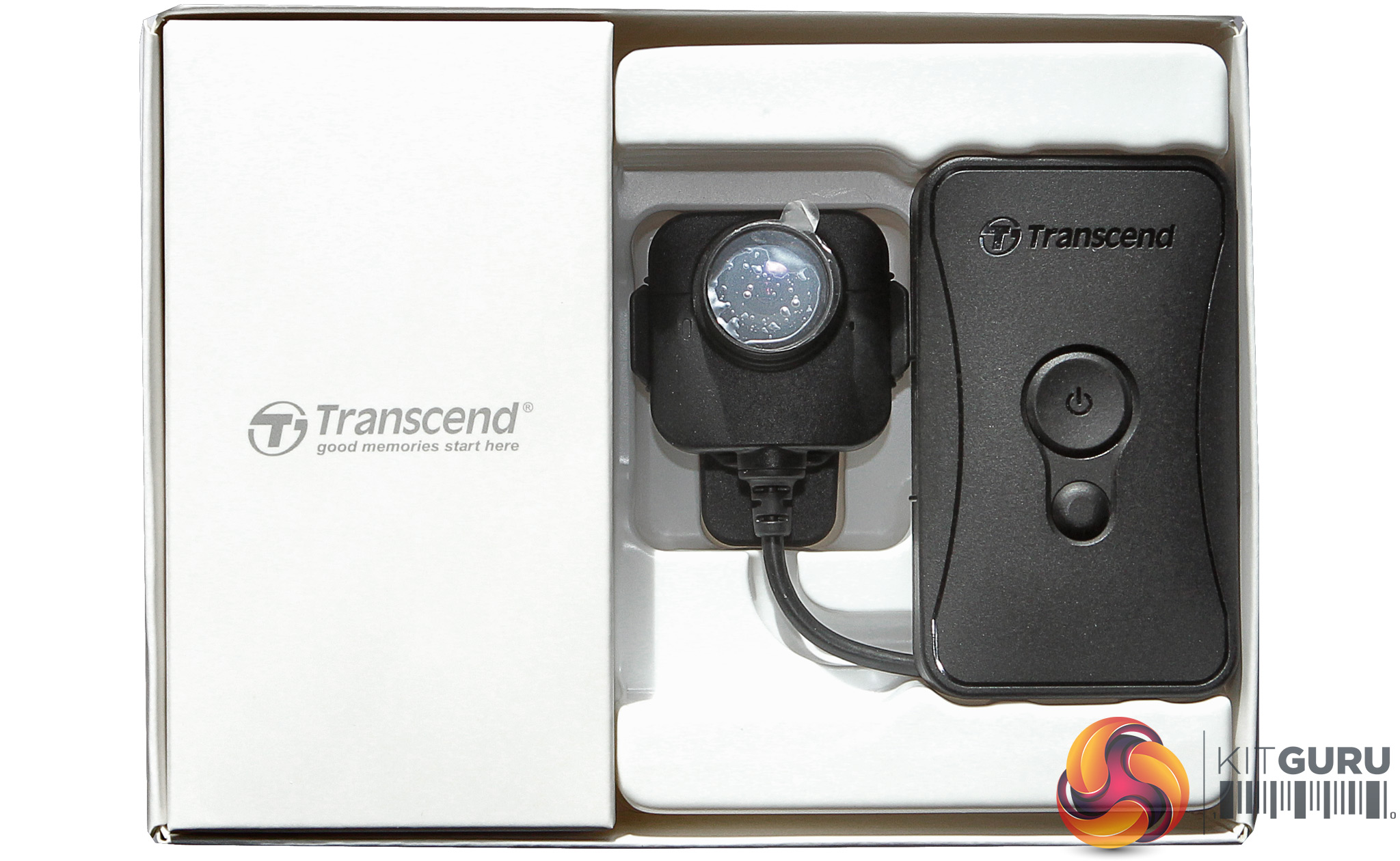
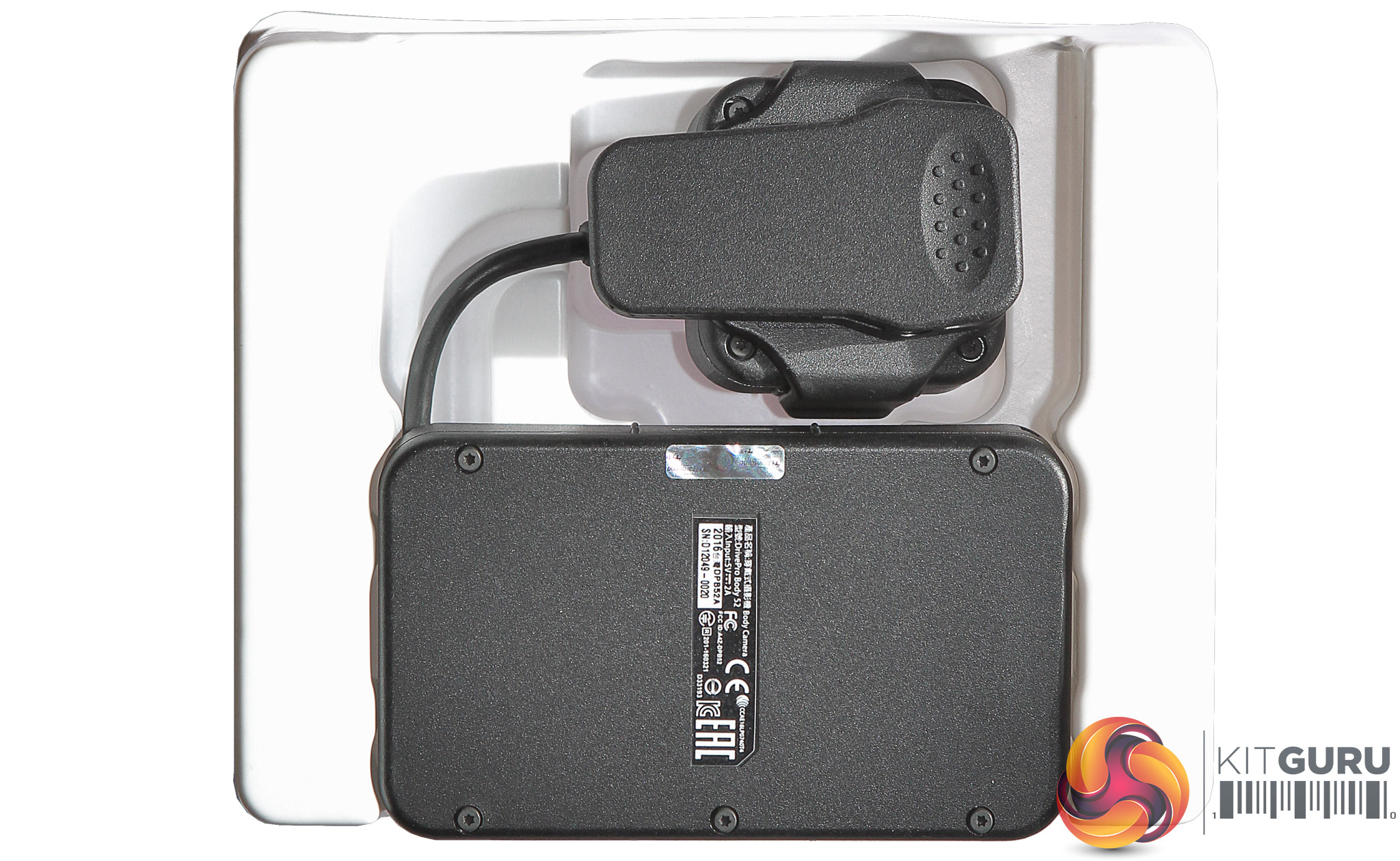
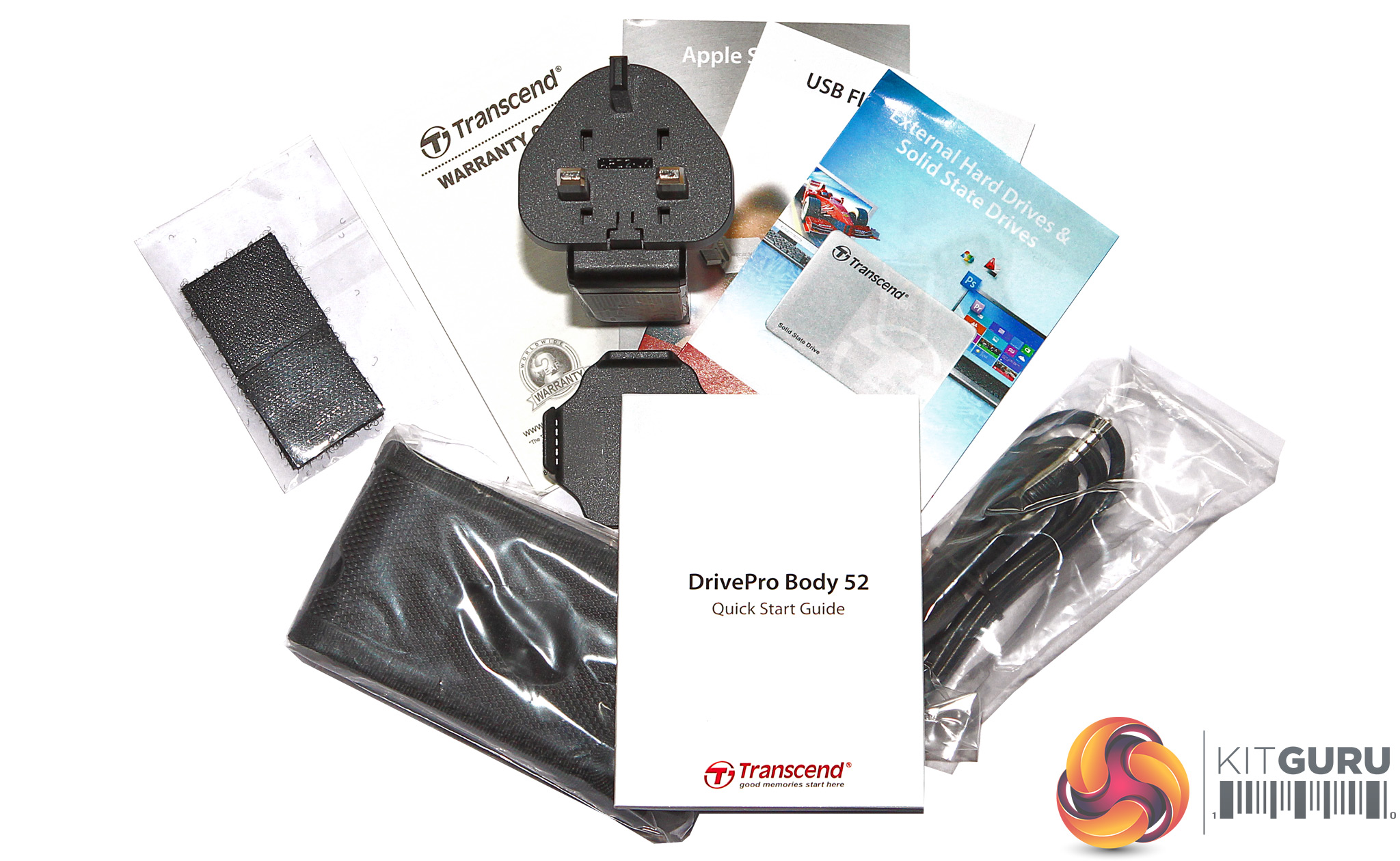
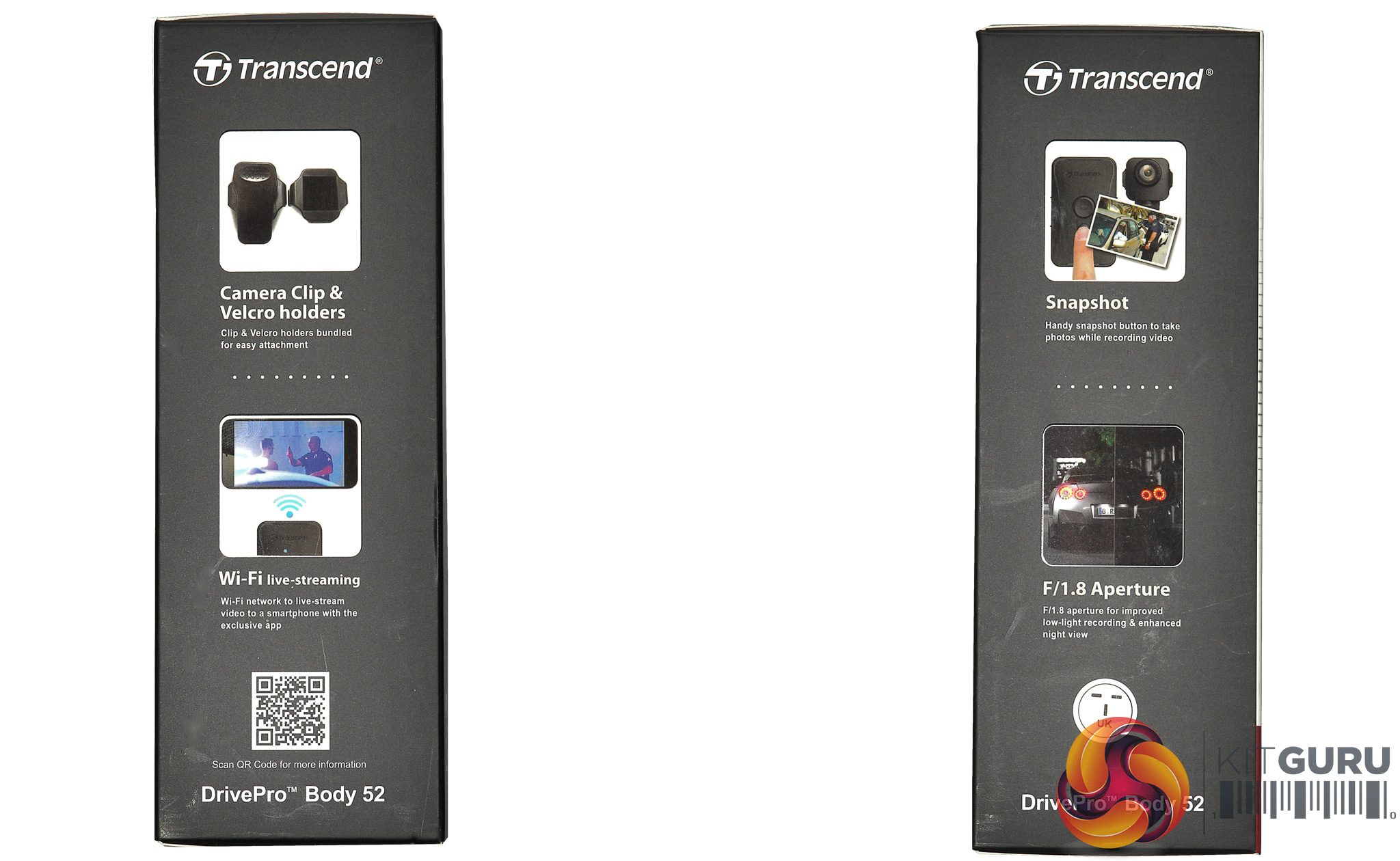
Although the unit price isn't huge, the package contents are reasonably comprehensive. Aside from the camera unit, which plugs into the base unit via a cable intended to prevent water ingress, there's a clip attachment for the camera, and a second mount for use with the two Velcro patches that are also included.
A belt pouch is supplied for the base module, and a proprietary cable that converts the base unit's minijack into USB 2 for data and charging connectivity. Finally, there's a mains adapter so you can charge the base module via its USB connection.
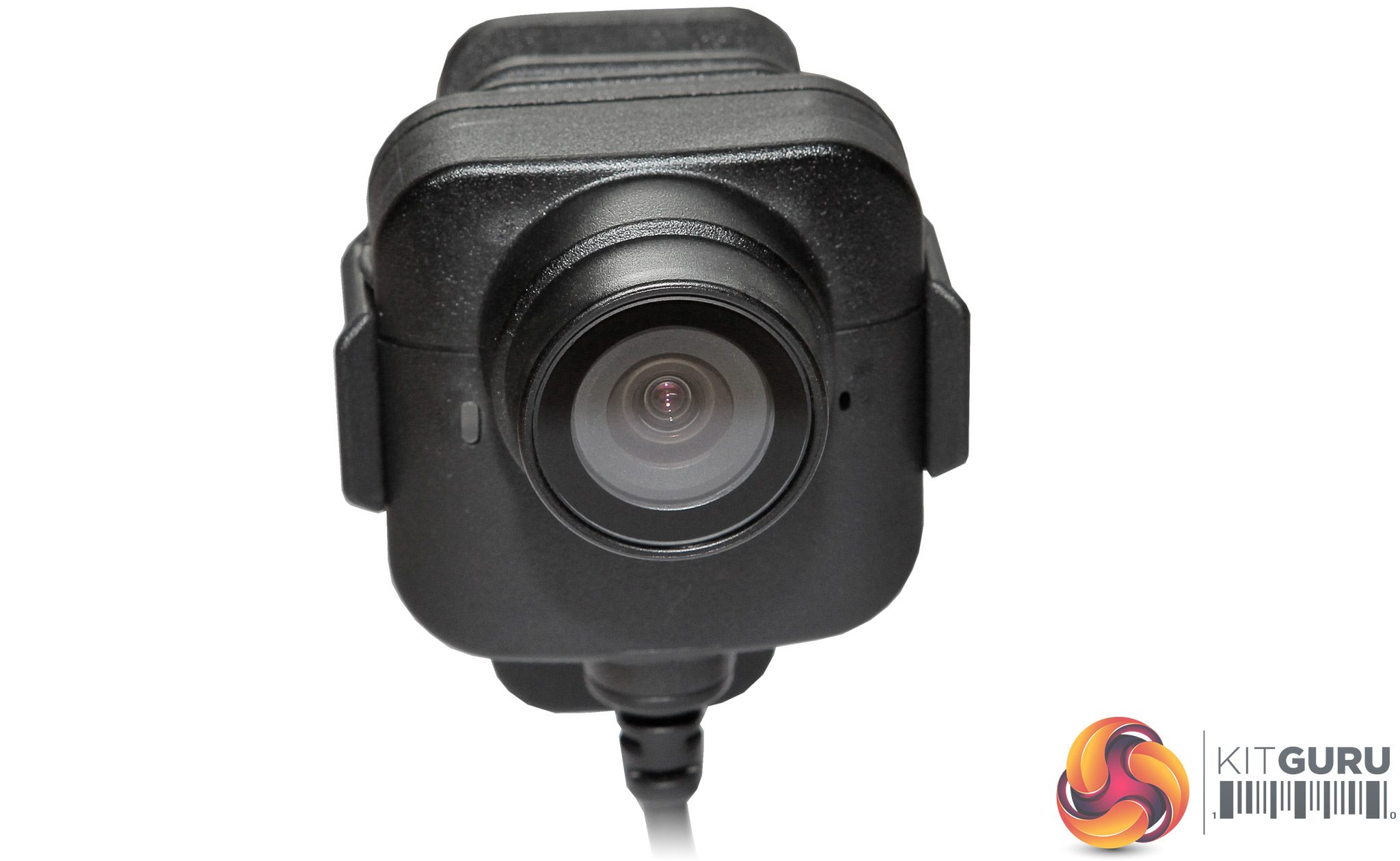

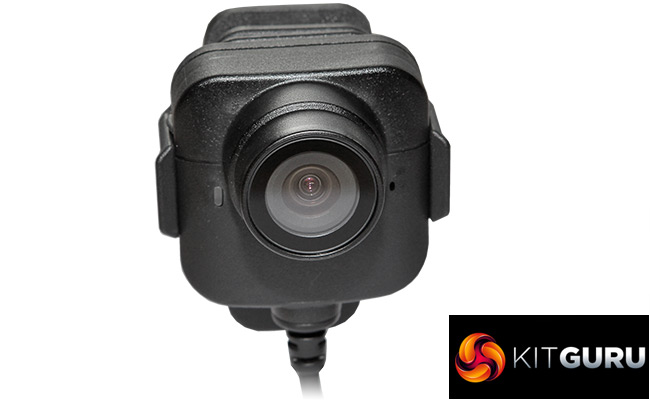
The CMOS and F1.8 lens sit in their own separate unit that is attached via a wire to the base module. Transcend doesn't divulge either the size or the pixel count of the CMOS, however. So we can't make any educated guesses about potential image quality. However, the camera is robustly constructed and the whole setup with the module below meets IPX4 standards, which means that it is resistant to being splashed with water from any direction, but isn't fully waterproof so can't be submerged. This isn't a divecam, in other words, but a bit of rain or someone throwing a drink at you won't be a problem.
There are two ways of mounting the camera on your person. There's a very solid rotating clip, or you can switch that mount for one with a smooth surface designed to receive an adhesive velcro pad, with two pads included in the box.
A red light to the left of the lens as you look at it indicates status, with a flashing light meaning that the unit is on and recording, or on and recording with WiFi enabled (of which more later). A solid light indicates that the unit is attached via USB and its contents are being browsed, or the settings have been called up.

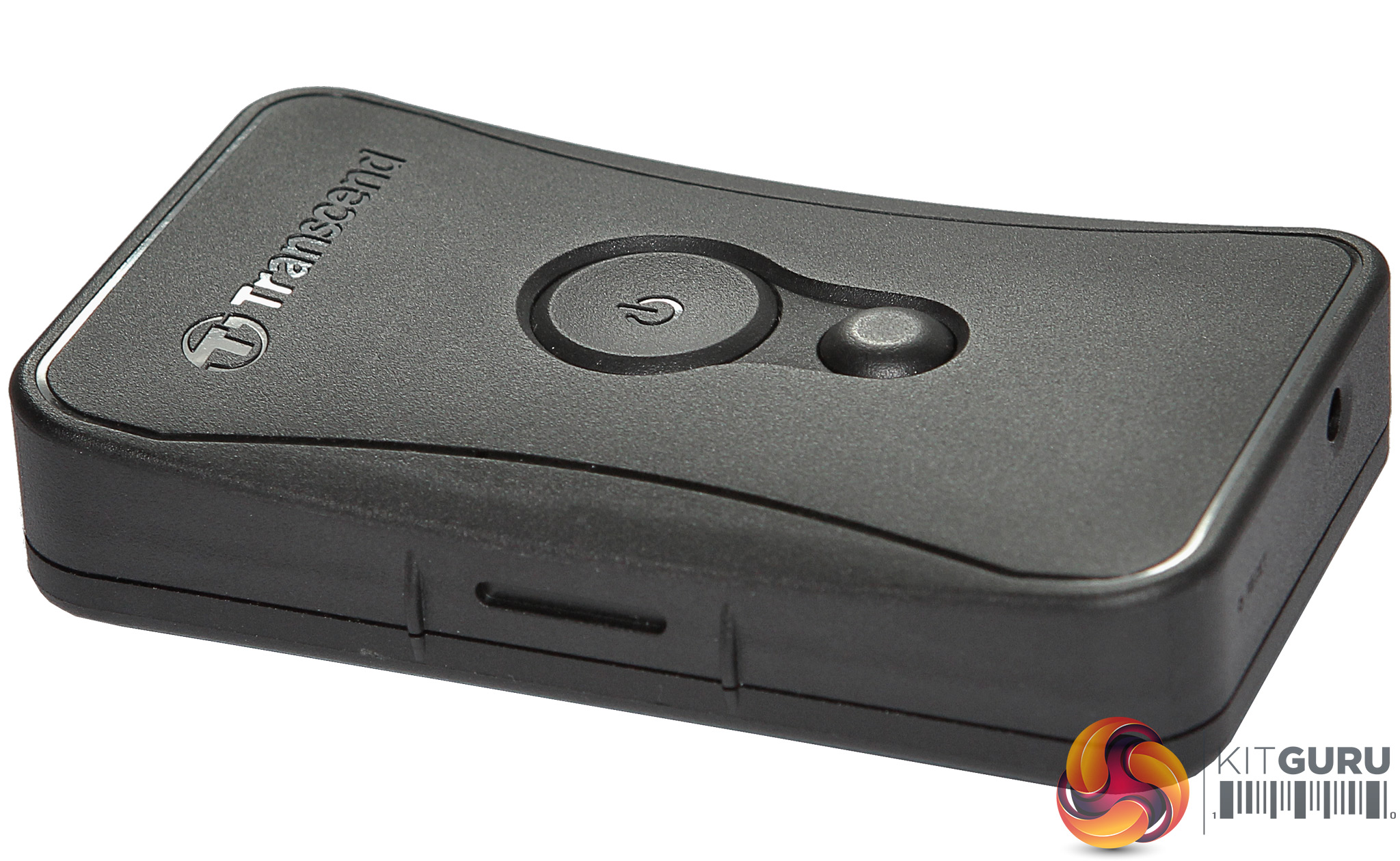
The other half of the Body 52 is a solid lozenge containing the battery, storage and a couple of control buttons. The big button turns the unit on, and this automatically enables recording. The small button turns WiFi on, which we will explain later. The storage unit has no removable option, and is hardwired with a reasonably generous 32GB of flash memory.
The Full HD footage is recorded at 14.5Mbits/sec, so the 32GB will be enough for nearly 5 hours of footage. That's not quite enough for a whole working day, but would probably suffice for the half day before or after lunch.
The 1530mAh battery is allegedly enough for 3.5 hours, so around half a day. Loop recording is now available with the latest version of the software, so you can configure the unit to overwrite the oldest files with new ones once storage is full.
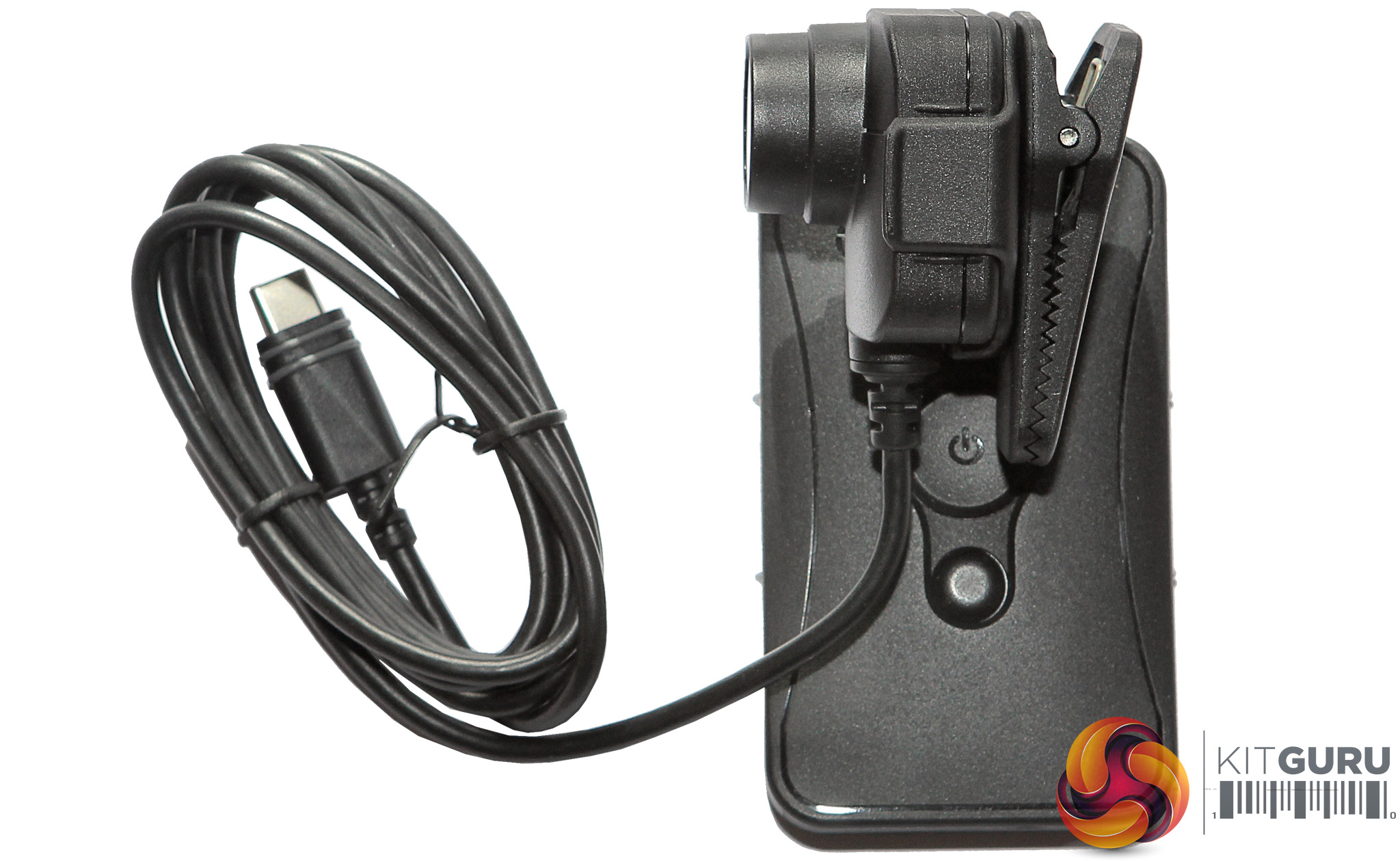
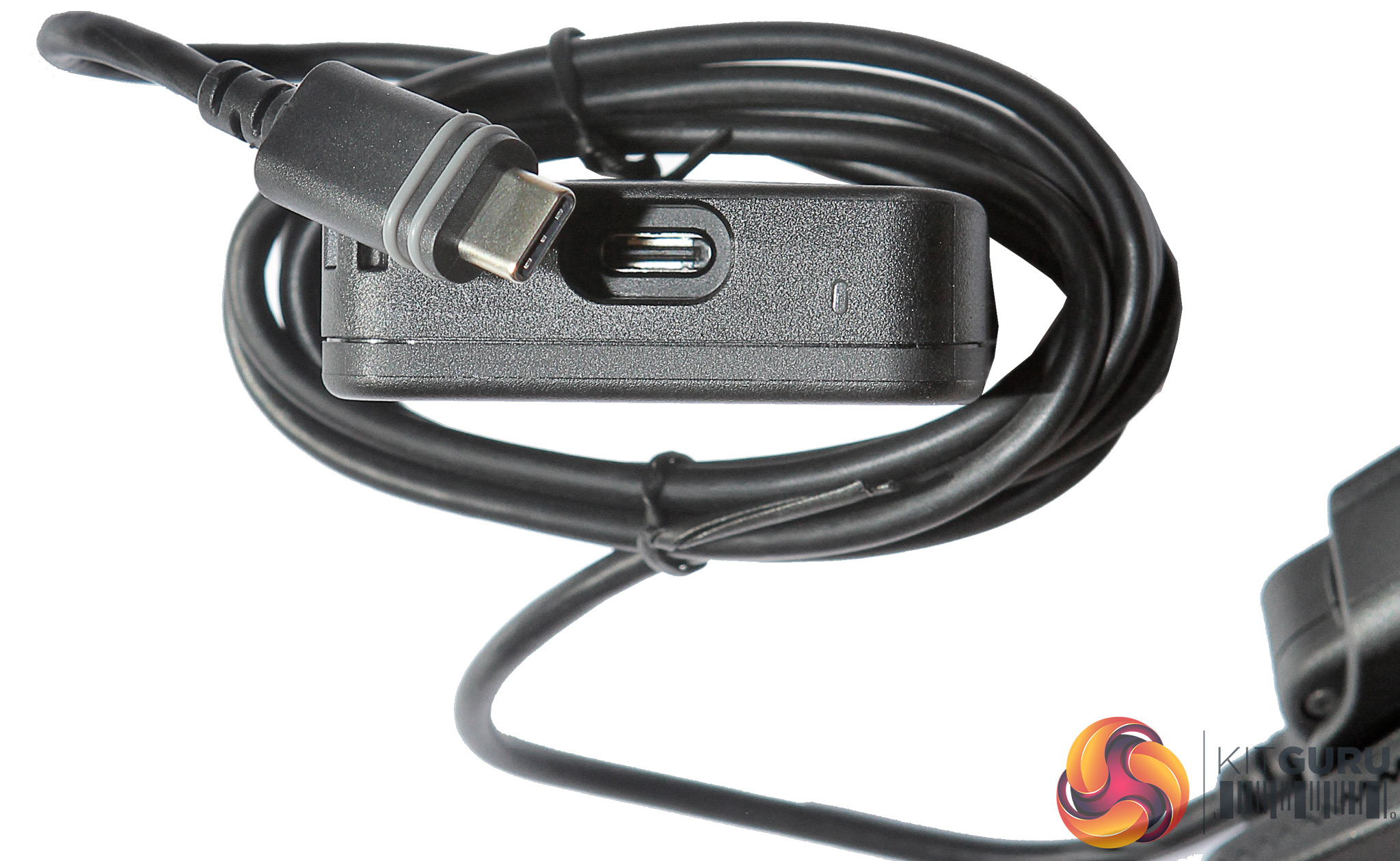
The cable on the camera attaches to the storage and battery module via a proprietary cable. The plug inserts deeply into the storage module, and has two little rubber rings built into it so that water or other fluids won't get into the electronics.
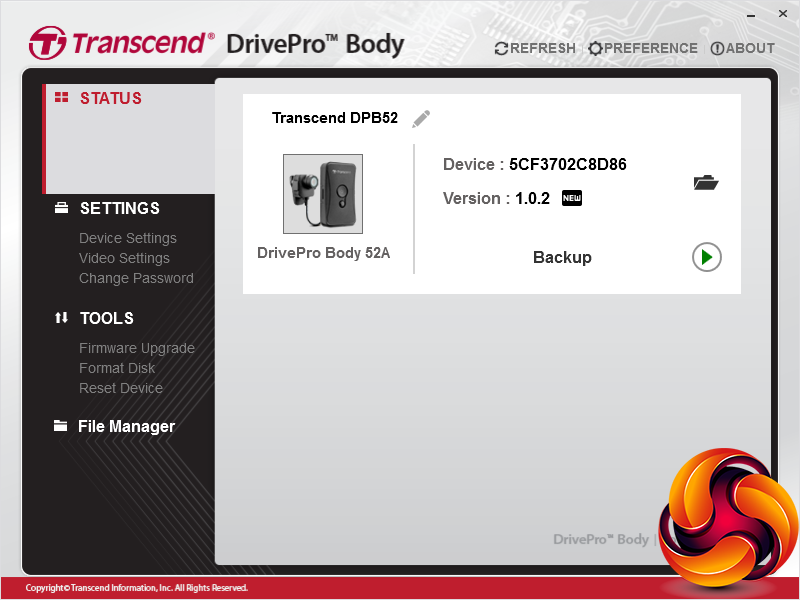
The more astute reader will have noticed that we haven't mentioned any control over settings, and with no LCD panels and just two buttons on the unit itself, there aren't any changes you can make without recourse to the Toolbox software, downloadable from Transcend's website.
Once this is installed, the initial Status screen simply tells you about your unit. However, there is no MacOS version of software – it's resolutely PC only, although there is support for Windows 7 onwards.
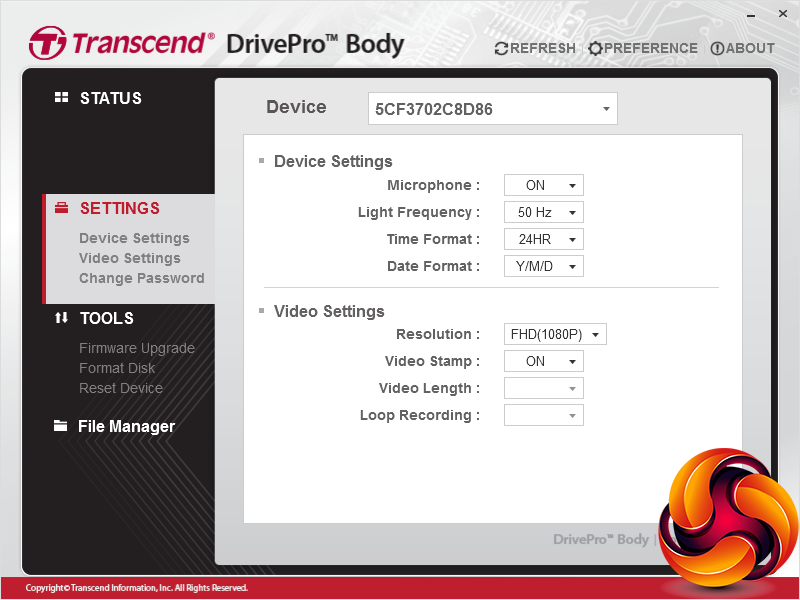
The Settings section lets you turn the built-in microphone off and on. This records at 32kHz in mono only. You can choose between 50 and 60Hz video frequencies to remove the flickering of AC-powered lighting, and adjust how the time and date are recorded. It's also possible to switch to recording 720p, which is 1,280 x 720. This will save space but obviously reduce the quality quite a bit.
You can stamp the date and time on the video, and choose the length of files that are recorded as well as enabling loop recording. These are greyed out on this screenshot because this feature wasn't available with the 1.02 firmware with which the unit was originally shipped to us, but did become an option with the 1.2 version that we subsequently installed.
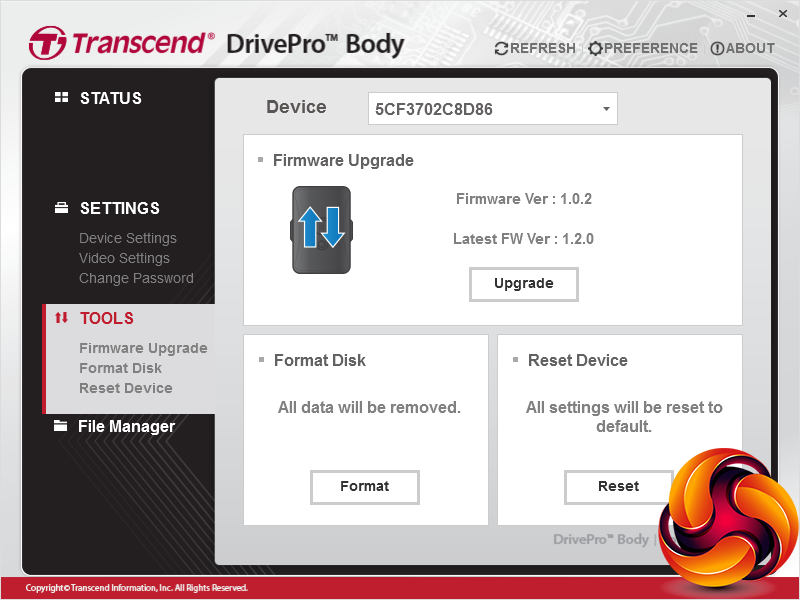
The Tools section is where firmware updates can be performed, which we found a pretty seamless affair. You can also format the built-in memory as well as reset everything to default.
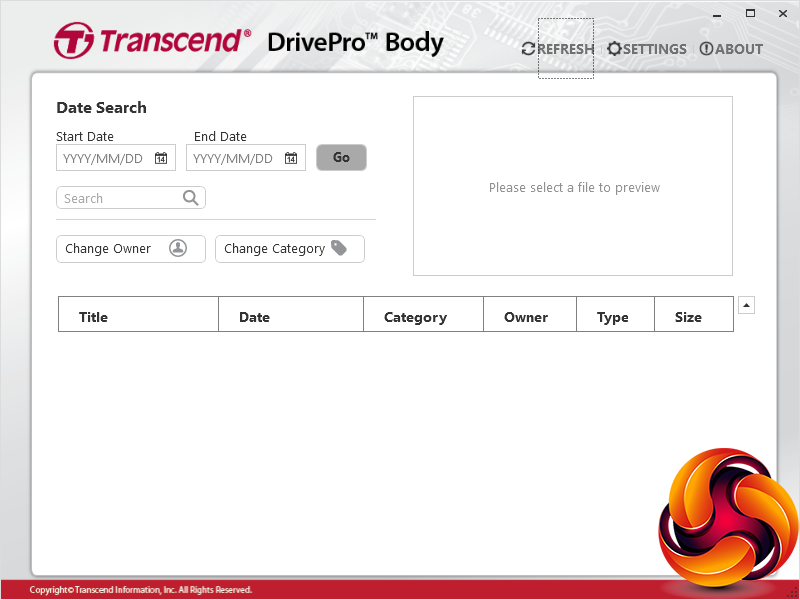
Selecting the File Manager window calls up an interface for viewing and searching the contents of the device memory. We found this didn't actually work, but fortunately the device shows up in the Windows File Manager just fine, so you can browse the contents from there.
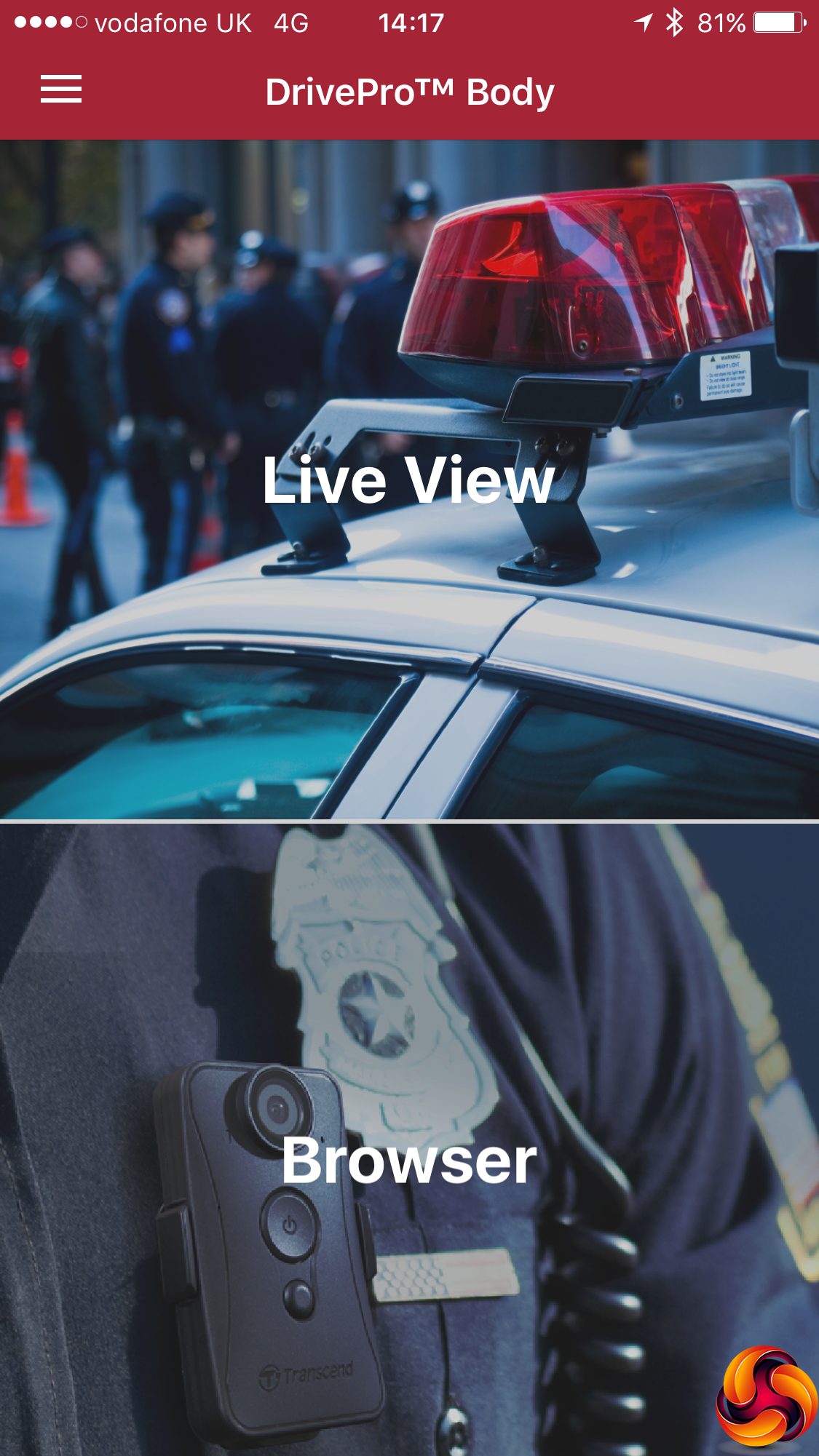
It's not terribly useful to be tied to a Windows PC if you want to change camera settings or view recordings. This is where the built-in WiFi comes in. Turn this on, and the Body 52 becomes a mini WLAN hotspot, with just itself available to access. Hold down the smaller button to enable the WiFi, and then connect your smartphone to this WiFi hotspot.
You will also need to download the DrivePro Body software for iOS or Android, depending on your phone. With the phone WiFi connected to the Body 52, the DrivePro Body app will be able to access the camera wirelessly, giving you the option to view what it's viewing, or browse the memory contents.
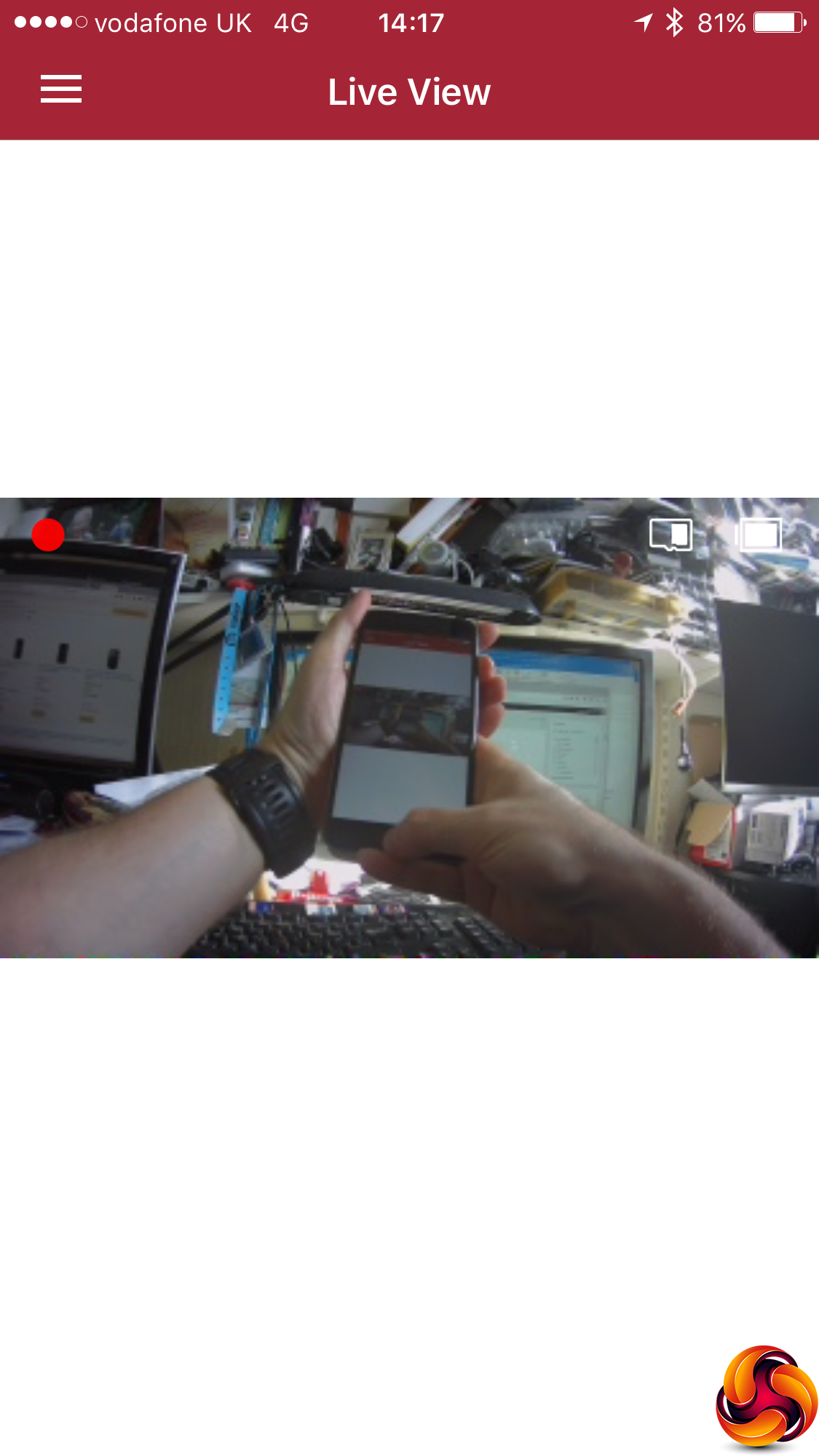
The Live View lets you see through the camera. Here you can see us viewing the Live View with the camera, which is showing us viewing the Live View with the camera, and so on.
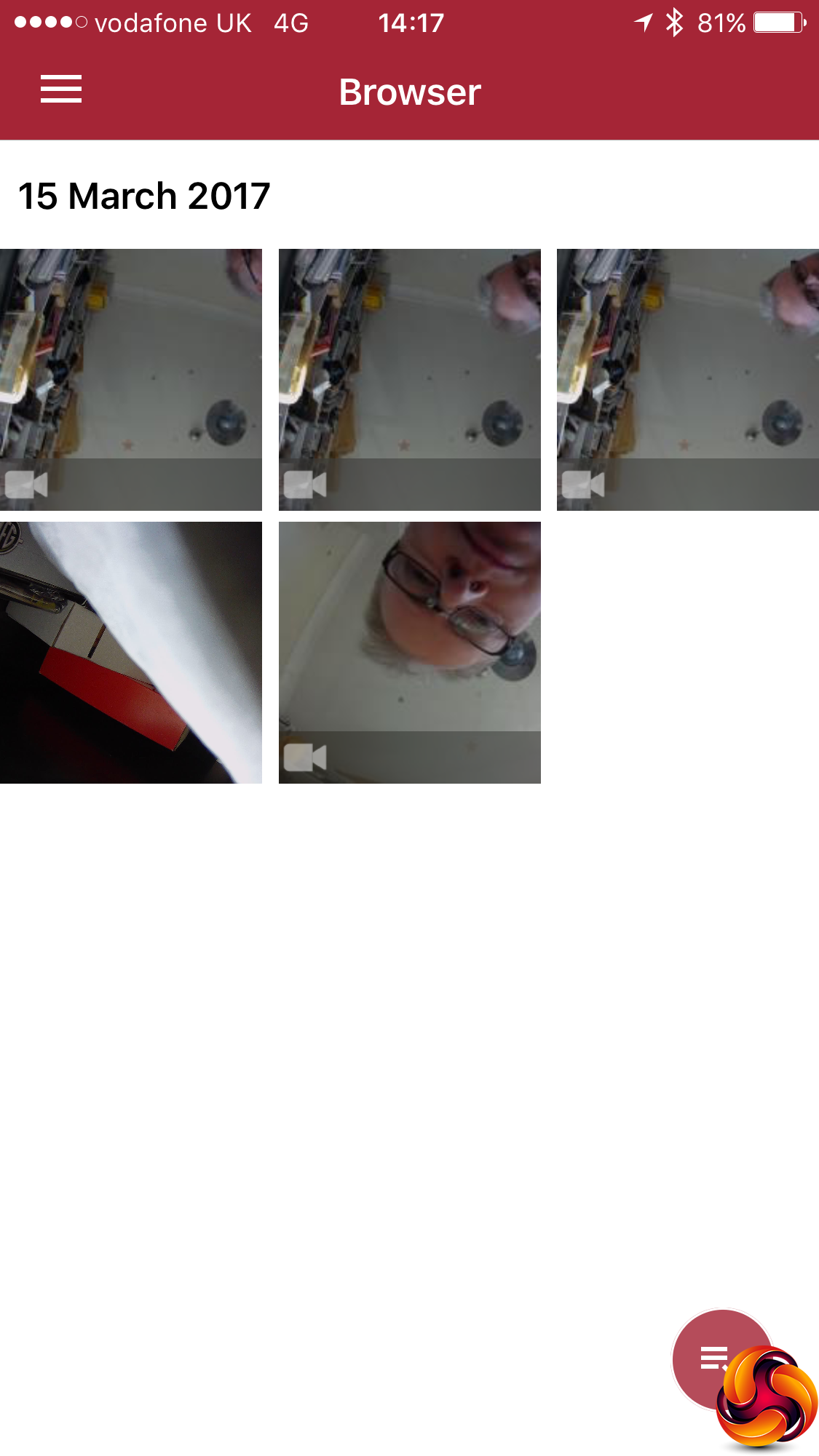
The Browser lets you see what has been recorded, both video and photos, and then play that back streamed over the wireless connection.
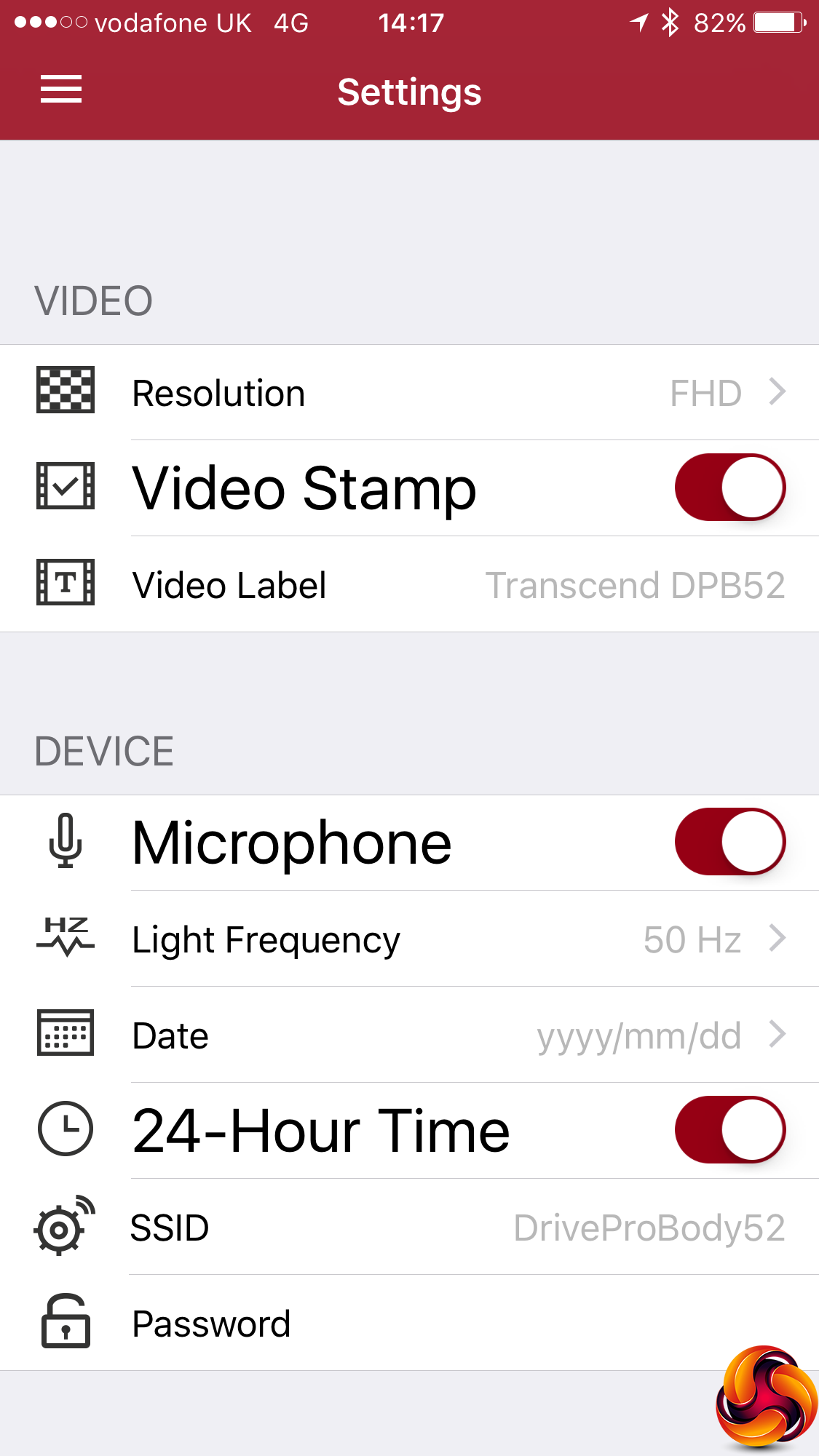
Finally, the Settings screen provides broadly the same options as the desktop software to alter the camera configuration, plus the ability to change the WiFi SSID and password (after which you will need to reconnect).
Overall, there aren't many settings available. We would have at least expected to see some kind of exposure control. Had there been more options here, the Body 52 might have had extra uses as an action camera, but the limited options means it is very much in the same area as a dashboard camera, except one for your own body.
To test the Body 52, we tried it out in a selection of lighting conditions, from bright sunlight to gloomier dusk. Here are samples of footage from the two extremes.
Video quality is reasonably impressive in daylight. There is a decent level of detail and colour fidelity isn't too bad either. The lens does have a very wide angle, which causes distortion around the edges of the frame, but that's to be expected with a wide-angle ‘fish eye' style lens.
You can also see from the footage above that the CMOS “Jellos” effect is very noticeable during motion, with the image wobbling around. Again, this is quite normal, although higher-end sensors use quicker processing to reduce this. The effect stops when the camera is more static.
We were reasonably impressed by the Body 52's performance in low light too. There's the same issue with “Jellos” as there is in daylight, but detail is reasonable and there's less noise than might have been imagined from a non-premium camera.
A little discolouration is visible, which you don't see in daylight (for example look at the fencing in the video above), but otherwise image quality under street lighting at night is commendable, implying that the Body 52's CMOS is reasonably large. This will certainly be good for security personnel working an evening or overnight shift.
Once you have attached the battery and storage pack to your belt and clipped the camera to your clothing, operation is pretty seamless and doesn't require looking at the device at all. You can easily find the large button and press it until there is a beep, which indicates that recording has commenced.
Similarly, you can press the same button again to cease recording and turn off the device, with another beep notifying this has been accomplished. We did find that the video files weren't always saved in the same folder.
Some ended up in the main DPB52 folder and others in the DPB52_EMR folder, which is presumably for files noted as being an emergency, although we couldn't work out what made the difference.
The Transcend DrivePro Body 52 is a fairly unique piece of kit. Where other manufacturers have gone after the action camera and (more recently) dashboard camera markets, Transcend has seen a vacant spot where people in security-type roles might need to keep a record of what is going on around them for legal reasons, amongst others.
The Body 52 is well constructed and functional. Its image quality, whilst not outstanding, is good for the intended application, with enough detail and fidelity to provide a useful record of events.
There aren't any products we have seen quite like the Body 52, so can only compare it to similar productions like dashboard camera and action cameras. Next to these, the Body 52 fares pretty well on price and image quality. However, action cameras in particular are available with much better resolutions up to 4K and many more configuration options, such as high-speed shooting and image adjustment.
The Body 52, in contrast, is a one-trick pony specifically aimed at personal surveillance and in particular security personnel. But this is a trade-off against simplicity of use and reliability. For its intended purpose, the Body 52 performs admirably, and is relatively inexpensive too.
The Transcend DrivePro Body 52 is available from PC Development Ltd
Discuss on our Facebook page, over HERE.
Pros:
- Robust, wearable camera format.
- IPX4 splashproof rating.
- 3.5-hour battery life.
- 32GB of storage built in.
- WiFi for smartphone control.
- Good image quality for intended purpose.
- Reasonably priced.
Cons:
- Very limited configuration options.
- Previewing recordings requires PC or smartphone
- Doesn't double as an action camera for extreme sports due to lack of configuration.
Kitguru Says: The Transcend DrivePro Body 52 may be very specifically aimed at personal surveillance and security workers, but its image quality, robustness and ease of use make it perform this function well.