 KitGuru KitGuru.net – Tech News | Hardware News | Hardware Reviews | IOS | Mobile | Gaming | Graphics Cards


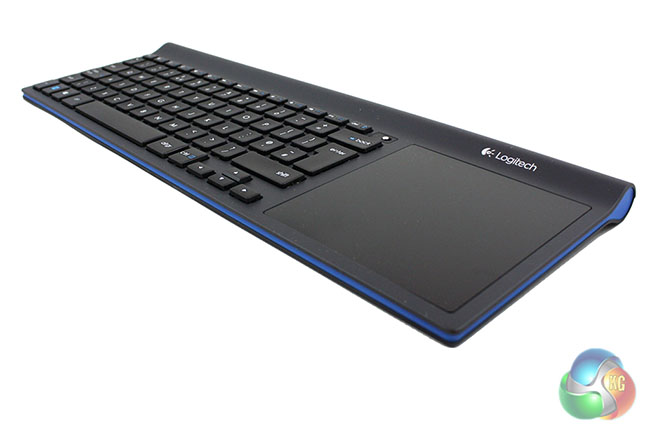
Today we are going to take a look at Logitech’s latest all-in-one wireless keyboard, the TK820. This is designed to be used in conjunction with a multimedia PC or home theatre PC, featuring a large touchpad with gesture controls. This particular feature means that you don’t need to use a mouse in conjunction with the keyboard.
Logitech are very well known for producing a wide range of gaming peripherals ranging from value products for budget-restricted users, to high-end gaming products for those who demand cutting edge performance.
The Logitech TK820 Wireless All-in-One Keyboard fits in somewhere in the middle of their range, and is designed for users who are looking for a quality multimedia keyboard.
Specification
- Keyboard layout: minimalist size with built-in touchpad
- Design: seamless integration between keyboard & touchpad, space-saving, spill-resistant
- Large touch area 106 x 106 mm (or 4.17 x 4.17 inches)
- Satin touch surface feeling
- Integrated mechanical click
- Up to 4-finger gesture support
- Key life: up to 5 million keystrokes
- Low profile Incurve keys
- PerfectStroke key system
- Length: 409.5 mm (or 16.1 inches)
- Width: 145.3 mm (or 5.7 inches)
- Height: 21.7 mm (or 0.8 inches)
- Typing noise: within 55 dBA for all keys
- Angle with tilt legs open: 3º
- Wireless range: 10 m (or 32 ft)
- Weight: 783 g (or 26.62 oz)
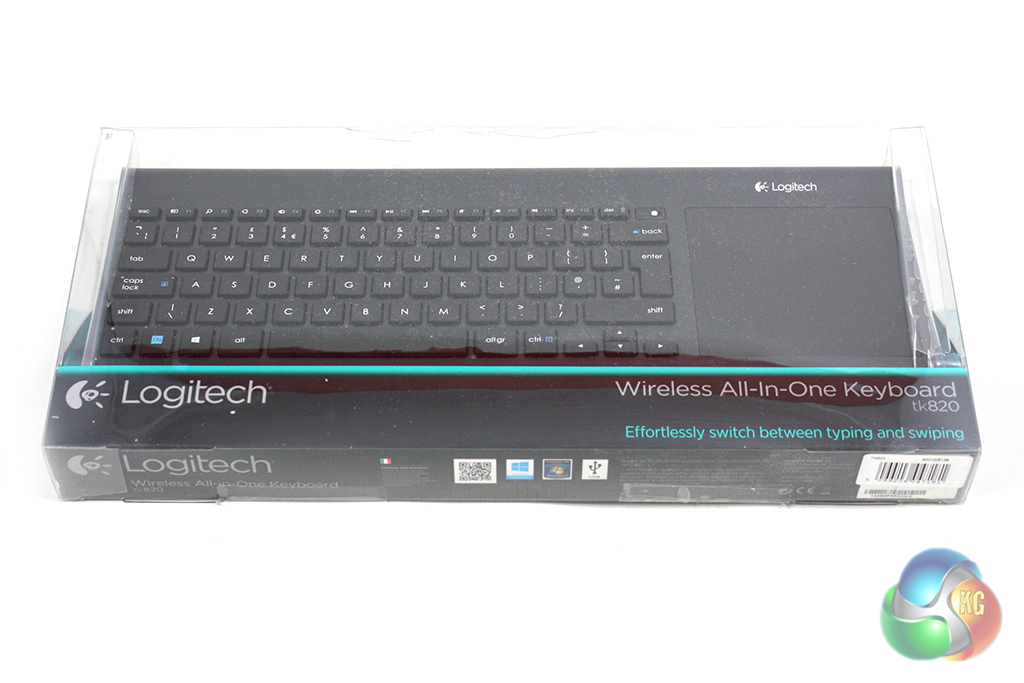
The Logitech TK820 Wireless All-in-One Keyboard is supplied in a large plastic packet which lets you see the keyboard within. This means there is no need for any images of the keyboard on the case.
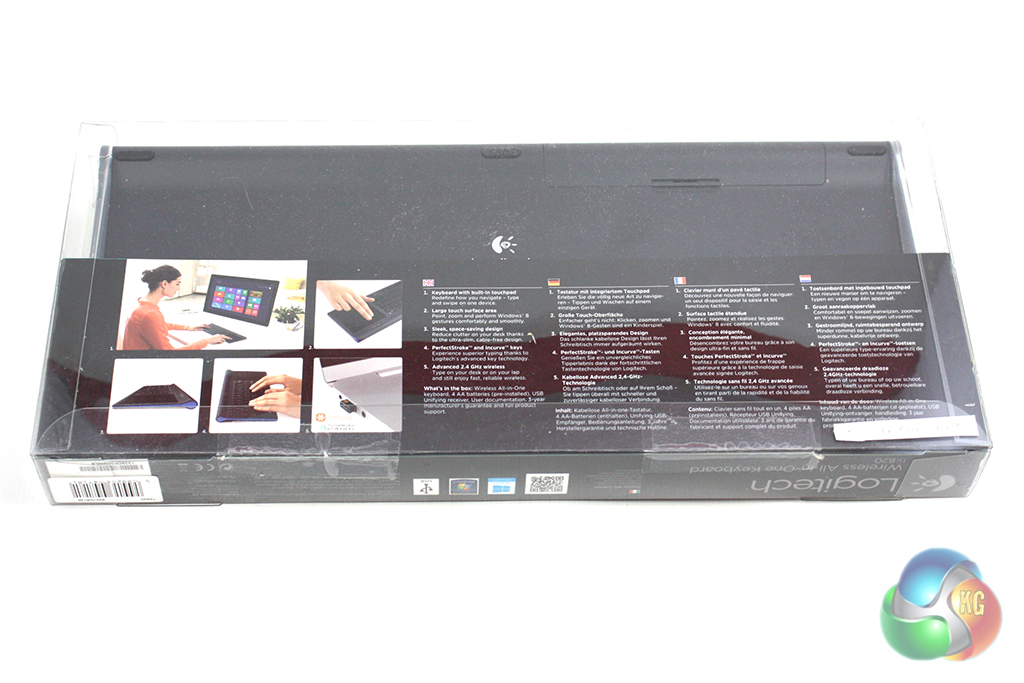
Turning the packet around reveals some basic details of the keyboard’s features alongside a few promotional images. The packet feels pretty good quality and it should provide a good level of protection for the keyboard during shipping.
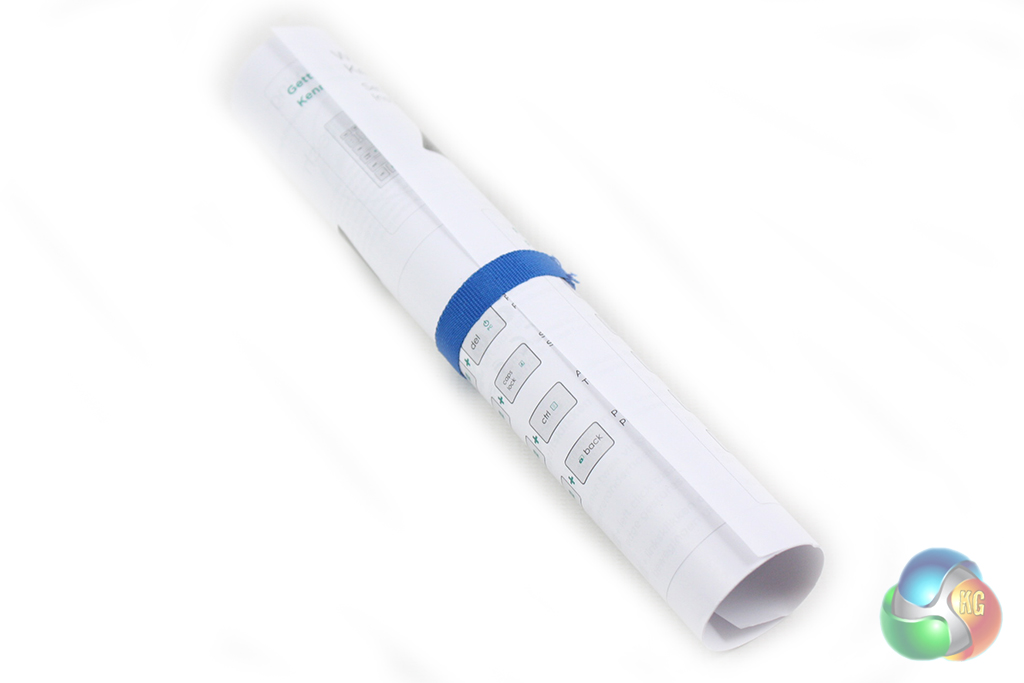
Inside the box, the only accessories we find are a set of AA batteries, a nano wireless receiver and a rolled up user guide.
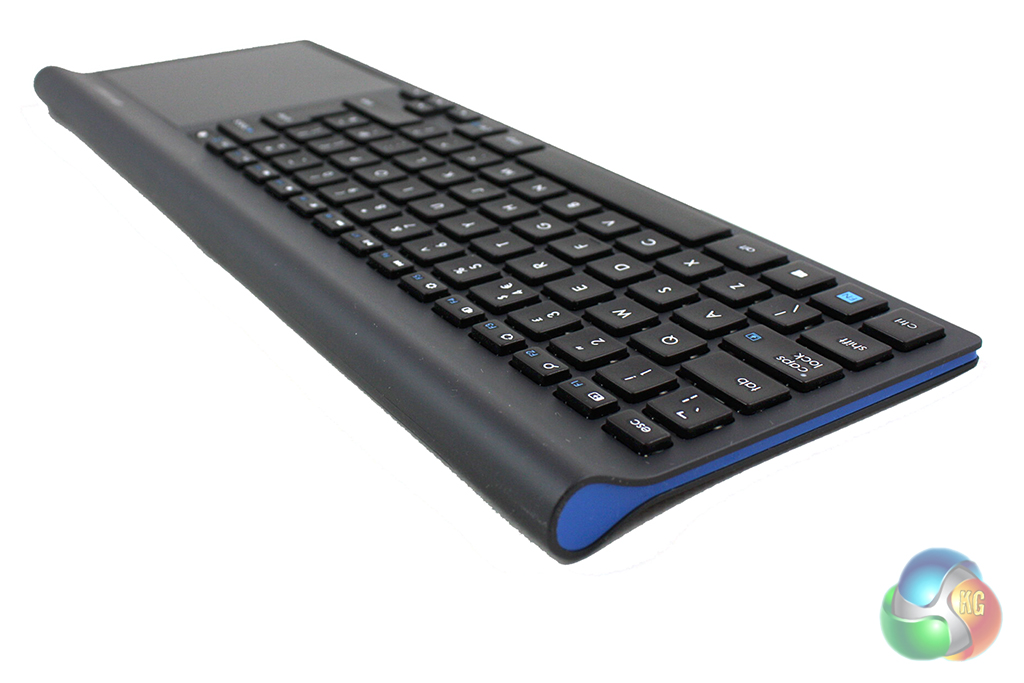
There isn’t anything particularly special about the design of the TK820, but it follows the subtly elegant design themes we’ve come to expect from Logitech. It is finished predominantly in black, with a thin blue strip spanning the front and side edges.

Logitech have chosen to finish the main body of the keyboard in rubberised matte-black paint which feels exclusive to the touch. The keys however, are finished in a more durable matte-plastic which feels slightly less exclusive but should prove harder wearing in the long term.
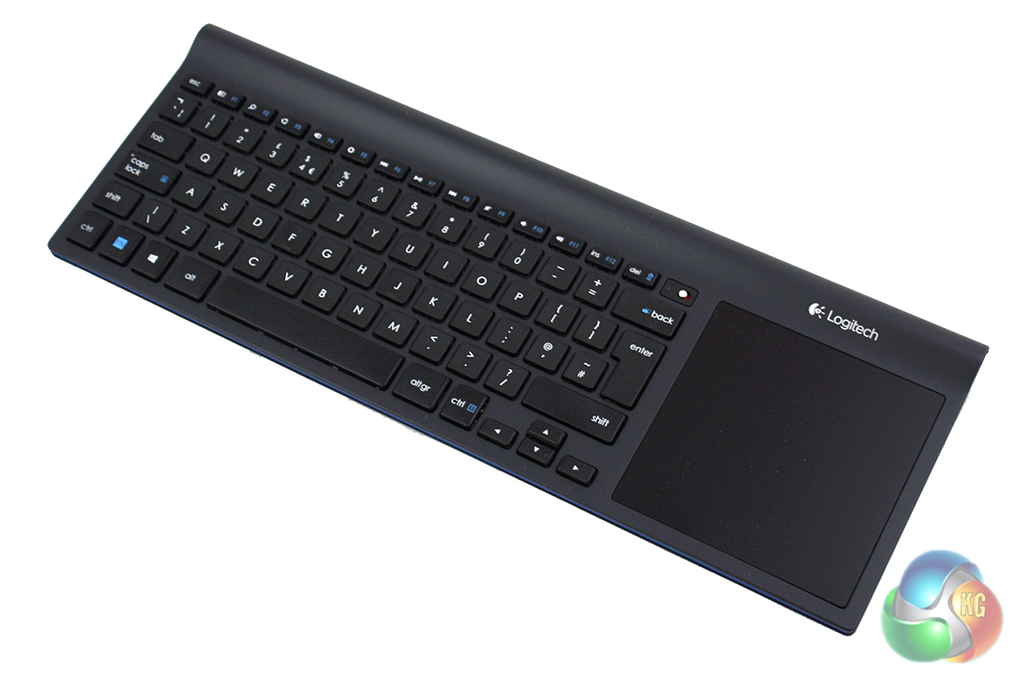
The overall construction of the keyboard is solid and it feels very well put together. The plastics used in the construction are high quality, although the weight of the unit suggests that there is some kind of metal plate integrated into the construction to improve rigidity.
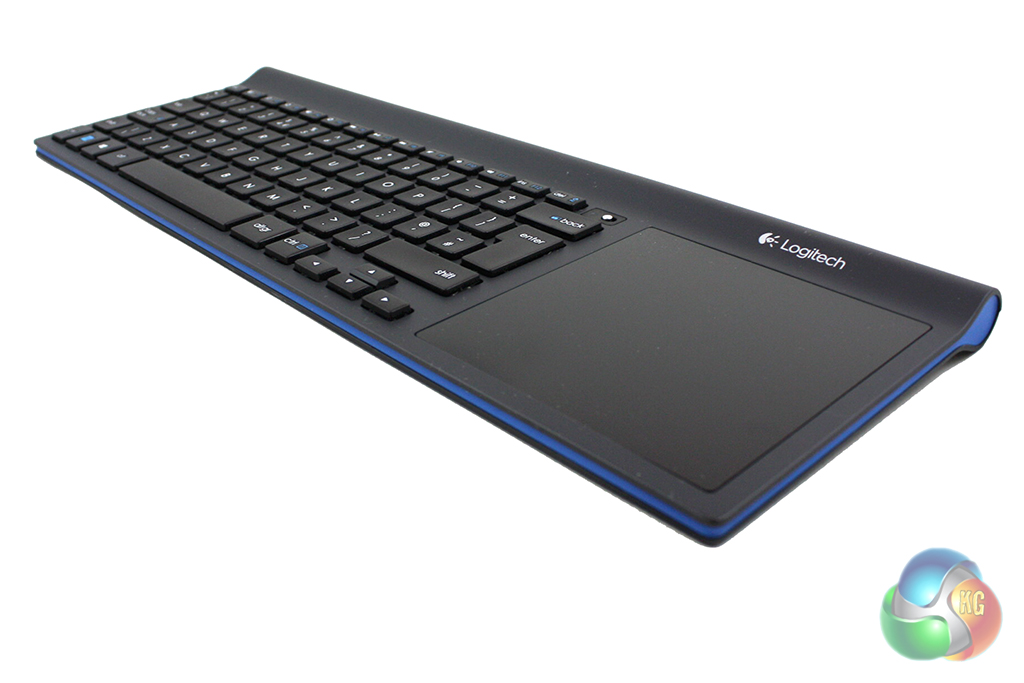
Logitech has clearly tried to make the TK820 as thin as possible, although there is a thicker cylindrical section along the rear edge which is required to house the batteries.
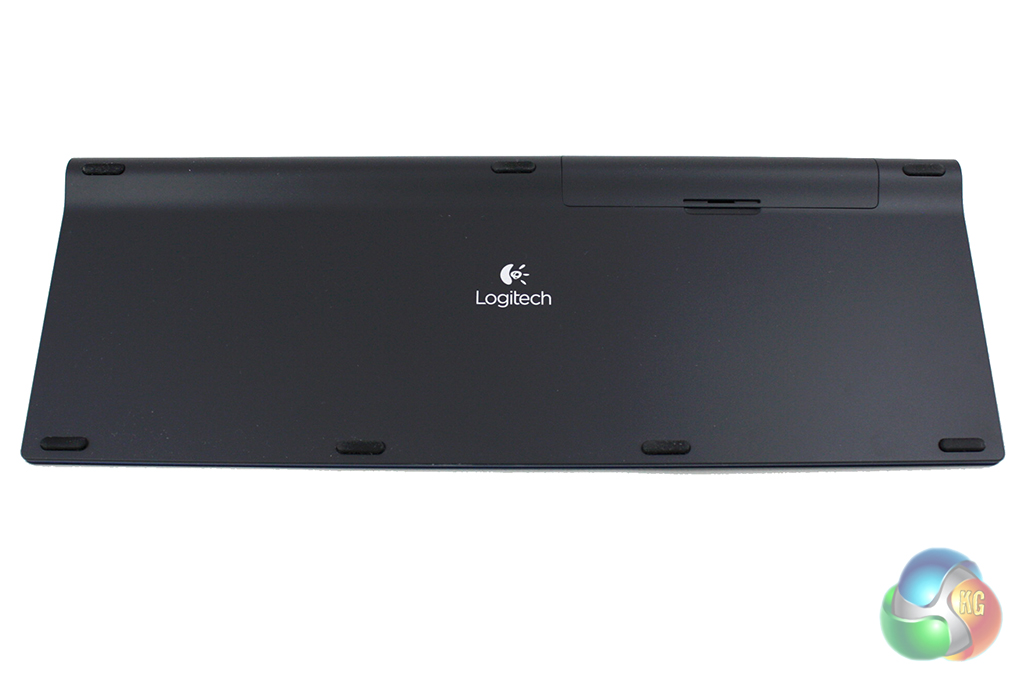
Turning the keyboard over reveals an array of seven rubber feet which keep the unit firmly planted when it’s used on a desk. We also find the battery cover along the back edge, which can be removed to reveal the four AA batteries required to power the keyboard.
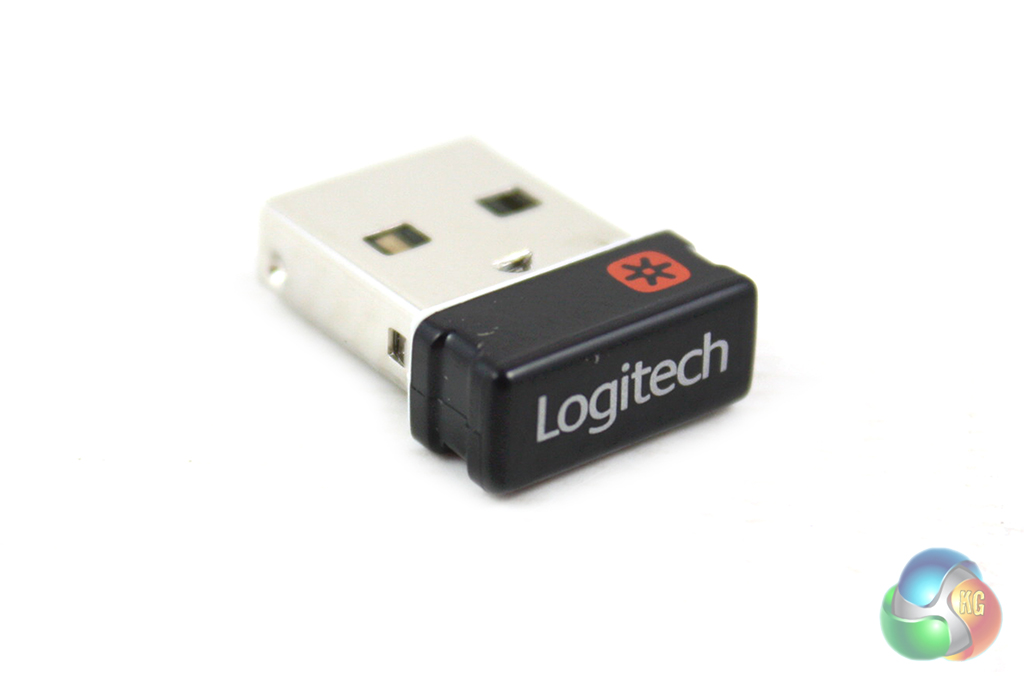
The TK820 uses a Logitech’s Unifying nano-receiver which is absolutely tiny. This barely protrudes from a USB port so retains a low profile image. It also allows up to six Logitech peripherals to connect to your computer using the same receiver.
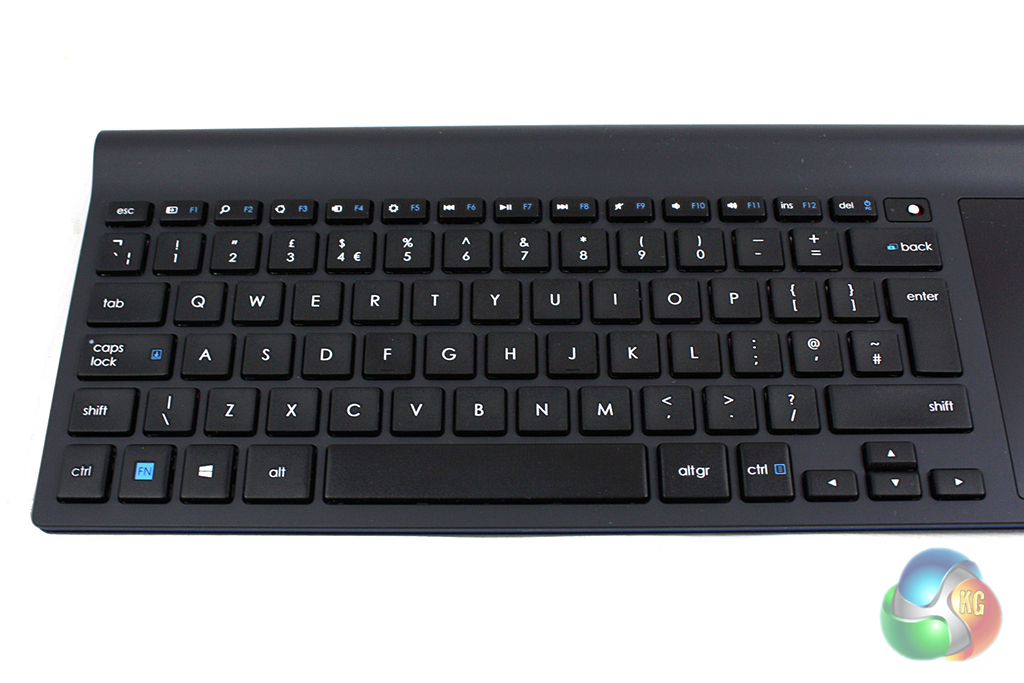
Logitech have chosen to use a low-profile design for the keyboard itself which makes it feel much more like a laptop keyboard than a desktop design. This is no bad thing, though, as it makes the unit very thin indeed and ideal for use with a home theatre PC.
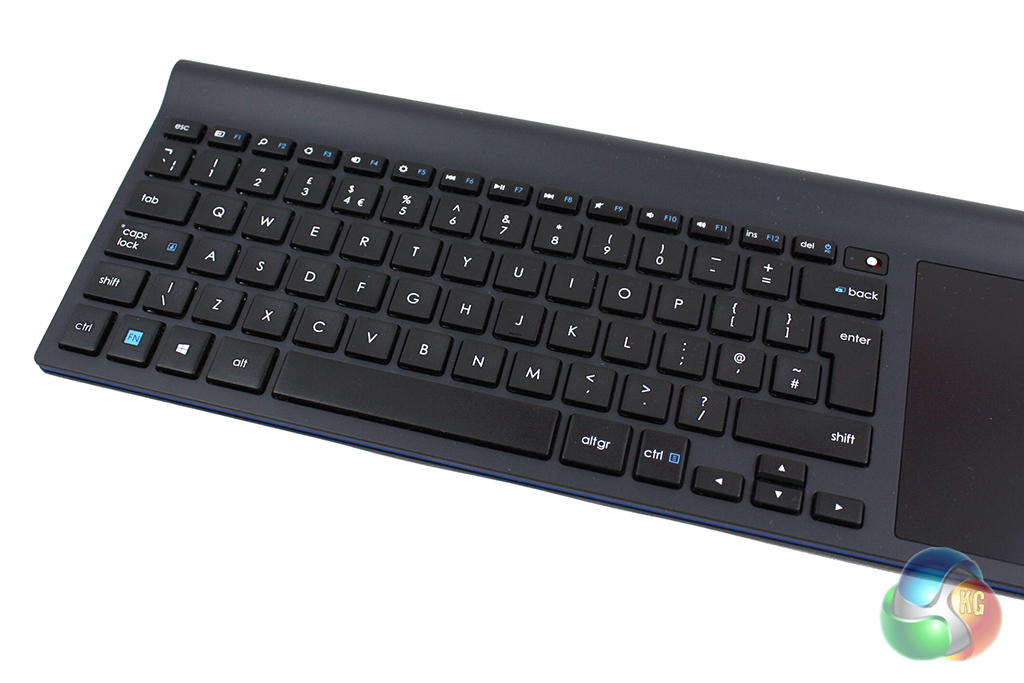
This low-profile design means that the keys have a very short travel. As long as you are happy using a laptop keyboard you won’t be disappointed with the TK820. We are genuinely impressed with the quality of the keyboard as there is no flex at all and the keys have a responsive action.
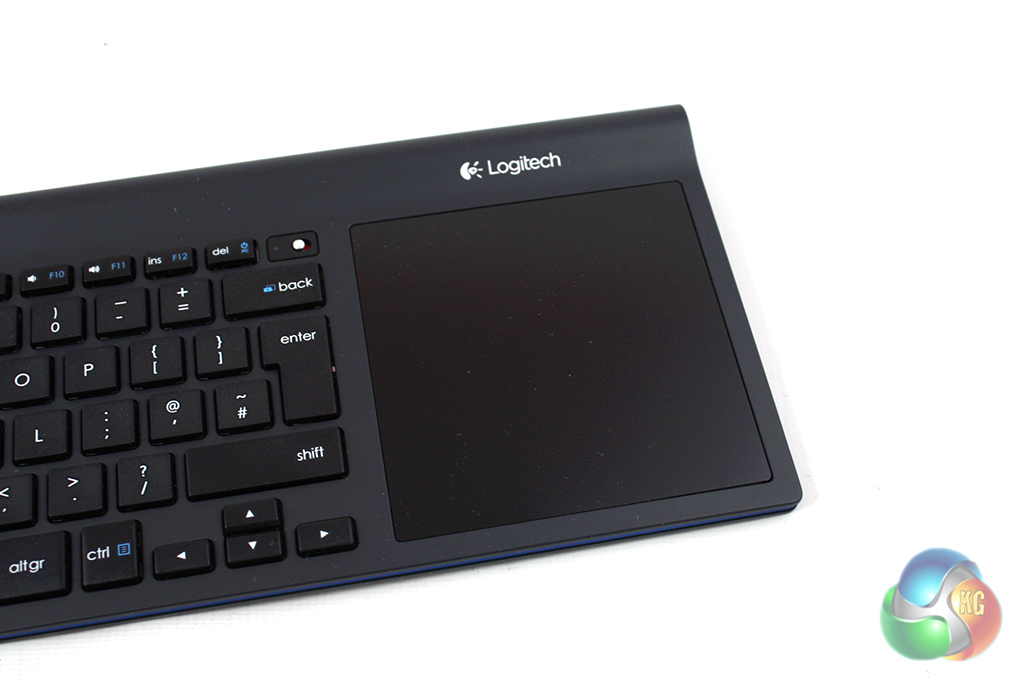
Like the Logitech M560 mouse we reviewed recently, the TK820 has been designed to complement Windows 8.
The touch pad is gigantic and is located to the right of the keyboard. It has been designed to support various multi-touch gestures which control various functions. We will describe these in more detail later on in the review.
The touchpad itself feels very good quality and has a similar finish to those found on Apple products. This is incredibly smooth to the touch and lets us effortlessly perform any gesture we could want.
Logitech instruct us to download the software for the keyboard from their website, which lets us set up the multi-touch gestures for the touchpad.
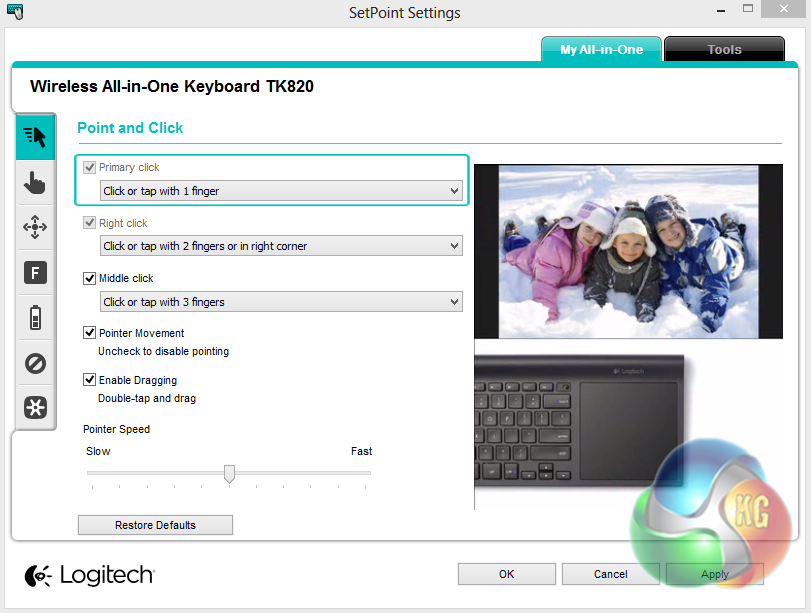
The first page of the software handles the standard mouse functions of the touchpad including clicking, drag and drop and pointer speed.
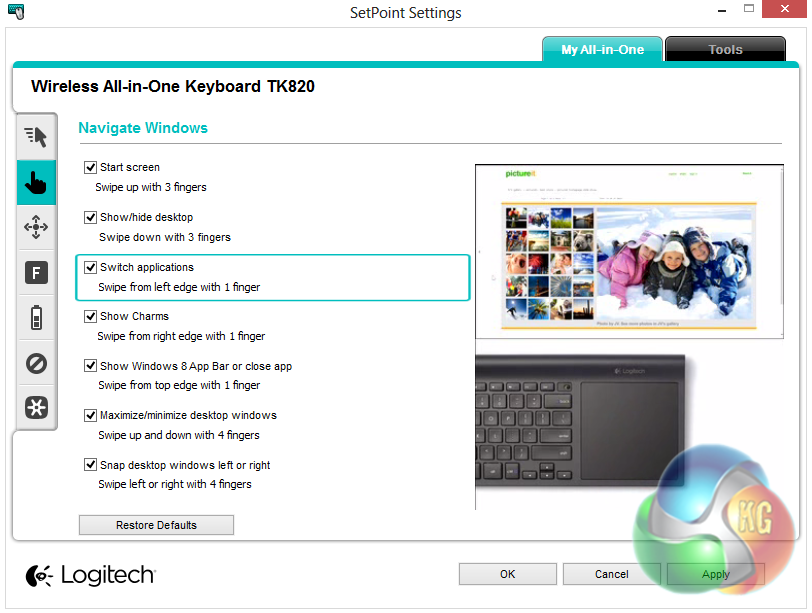
Moving down to the next tab, we find the Windows 8 function controls. These are a set of gestures which let you perform various functions as you might on a touchscreen Windows 8 computer. These include gestures for showing the start screen, the desktop, charms bar, closing applications and switching applications.
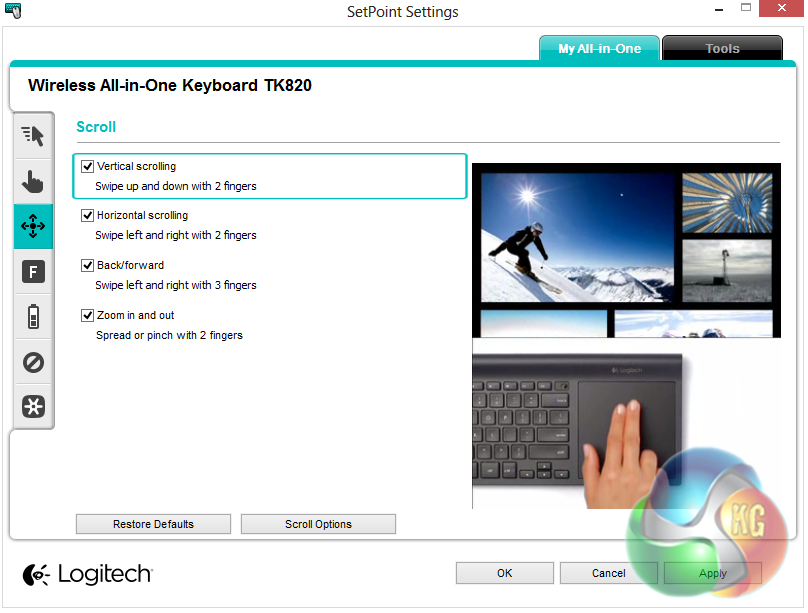
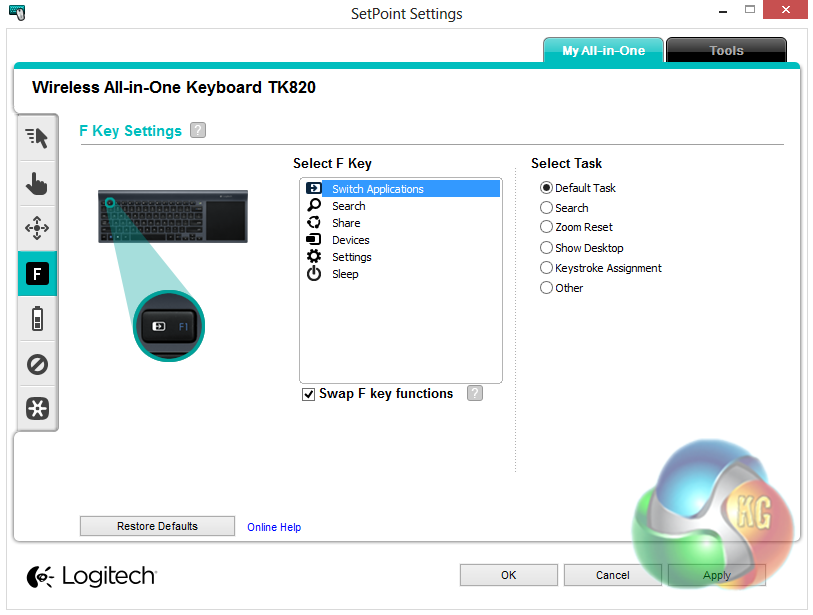
The next two tabs let us configure the scrolling and zooming functions, and the function key functions respectively.

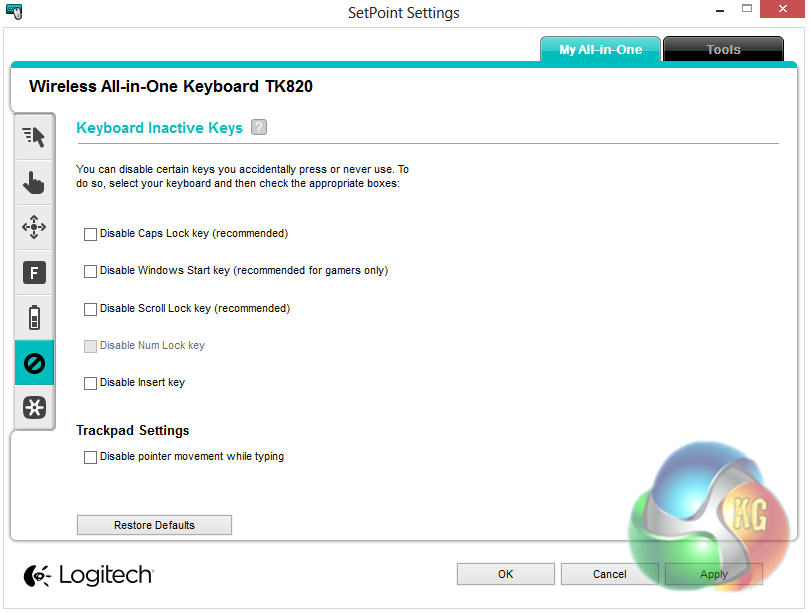
The final two tabs let us check the battery level of the keyboard and disable keys that we don’t want to activate accidentally, such as the Windows key and scroll lot.
The Logitech TK820 is a well designed, high quality keyboard. We have never found the Windows 8 interface particularly well-suited to a desktop PC without a touch-screen, however this particular keyboard does well to improve the experience through the dedicated multi-touch gesture support.
The design of the TK820 keyboard makes it well suited to a number of uses. Firstly, it is an ideal companion for a home theatre PC thanks to the wireless connectivity and inbuilt touchpad. It would also be well-suited to use with a multimedia PC. The touchpad is lovely to use and is far superior to most similar models we’ve looked at in the past.
Considering the price of the TK820, we would have liked to see Logitech integrating a rechargeable internal battery, however we haven’t had the keyboard long enough to judge how long the four AA batteries will last. The build quality is certainly without question however, and it is attractively designed.
At a price of £90 from PC World, this keyboard is quite expensive. We highly doubt that those who can afford the price tag will be disappointed, though, as it really helps to improve the Windows 8 experience.
Discuss on our Facebook page, over HERE.
Pros:
- Multi-touch gestures.
- Attractive design.
- Well-built.
Cons:
- Expensive.
- No rechargeable battery.
KitGuru says: A well designed keyboard that is sure to impress. It is expensive, but nonetheless a worthy investment.

Lovely looking bit of kit, ordered one for my media center