 KitGuru KitGuru.net – Tech News | Hardware News | Hardware Reviews | IOS | Mobile | Gaming | Graphics Cards


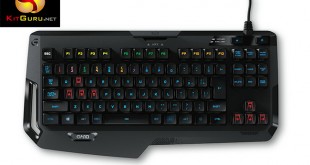
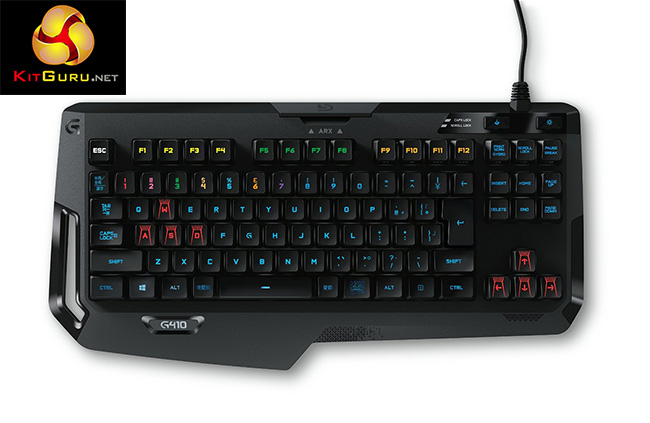
Towards the end of 2014, Logitech jumped on the RGB craze with a brand new flagship keyboard, the G910 Orion Spark – not only did the keyboard offer fantastic lighting but it also had a row of additional macro keys and featured Logitech's own mechanical Romer-G switches. Unfortunately, given its size, it wasn't quite right for those who prefer a smaller keyboard. However, Logitech doesn't want to leave those people out, which is why it has launched G410 Atlas Spectrum, cramming the excellent lighting and Romer-G switches into a 10-keyless design.
Cherry has dominated the mechanical key switch market for years. However, Logitech's own Romer-G switch comes very highly rated and is quite durable.
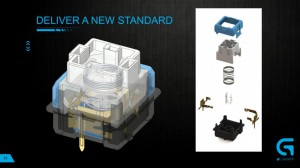
Logitech's Romer-G switch is designed to actuate faster and has a longer lifespan compared to Cherry counterparts. We actually had the opportunity to visit Logitech's lab in Switzerland to learn more about this, which you can read about over here.
Logitech G410 Features:
- Romer-G mechanical switches.
- RGB lighting.
- Arx dock.
- 10 keyless design.
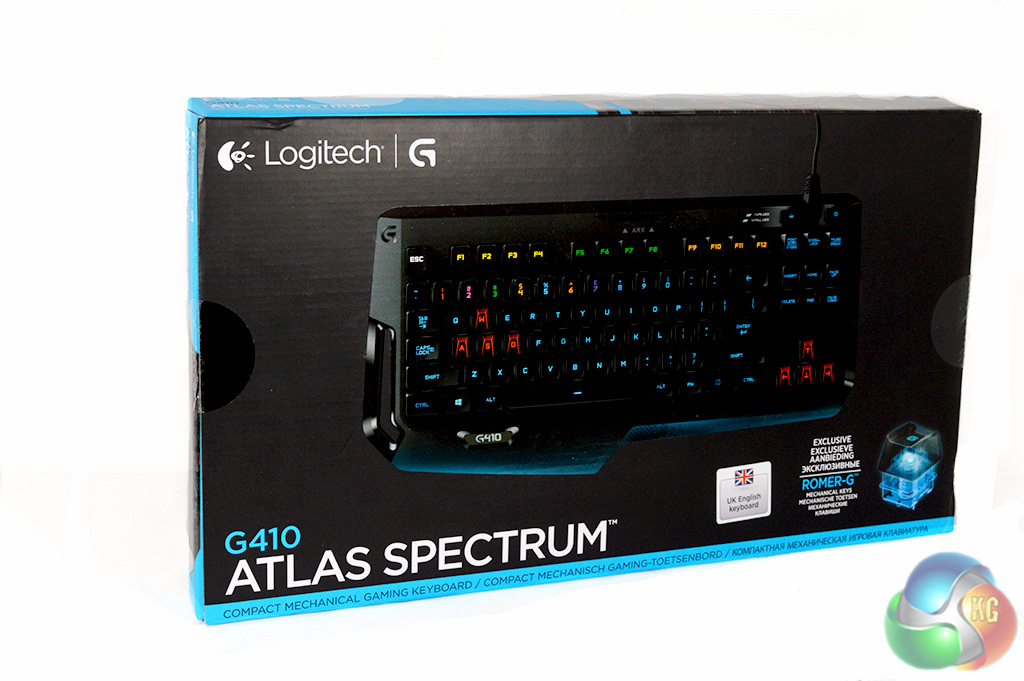
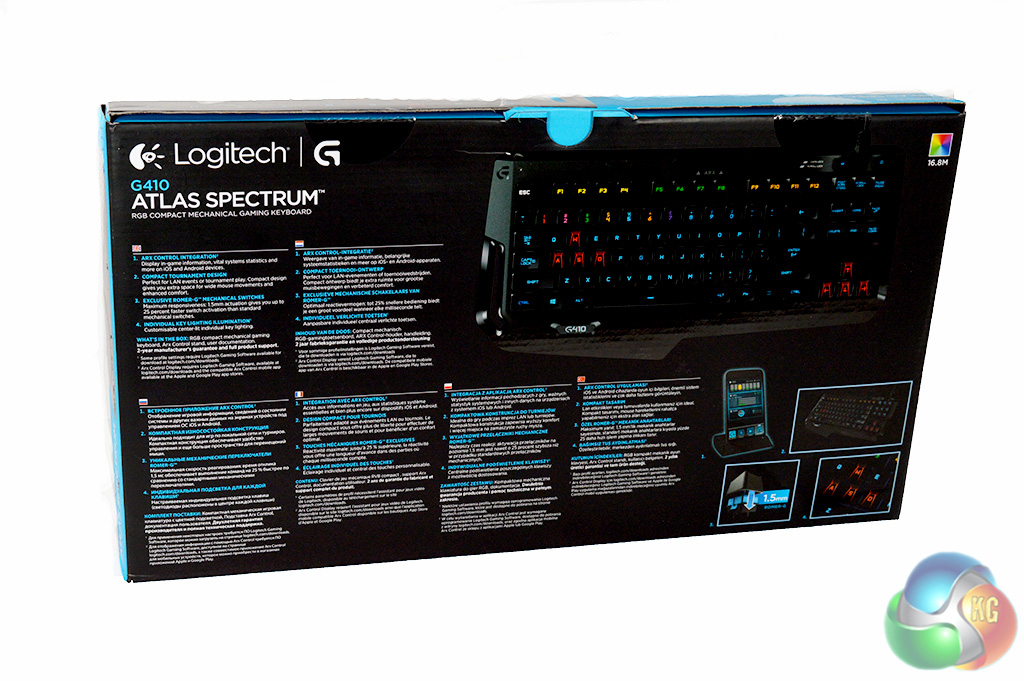
The Logitech G410 Atlas Spectrum comes in a suitably sized box. There is a good look at the keyboard itself on the front while the back of the box runs through a list of features including the Arx control dock, lighting and Romer-G switch.
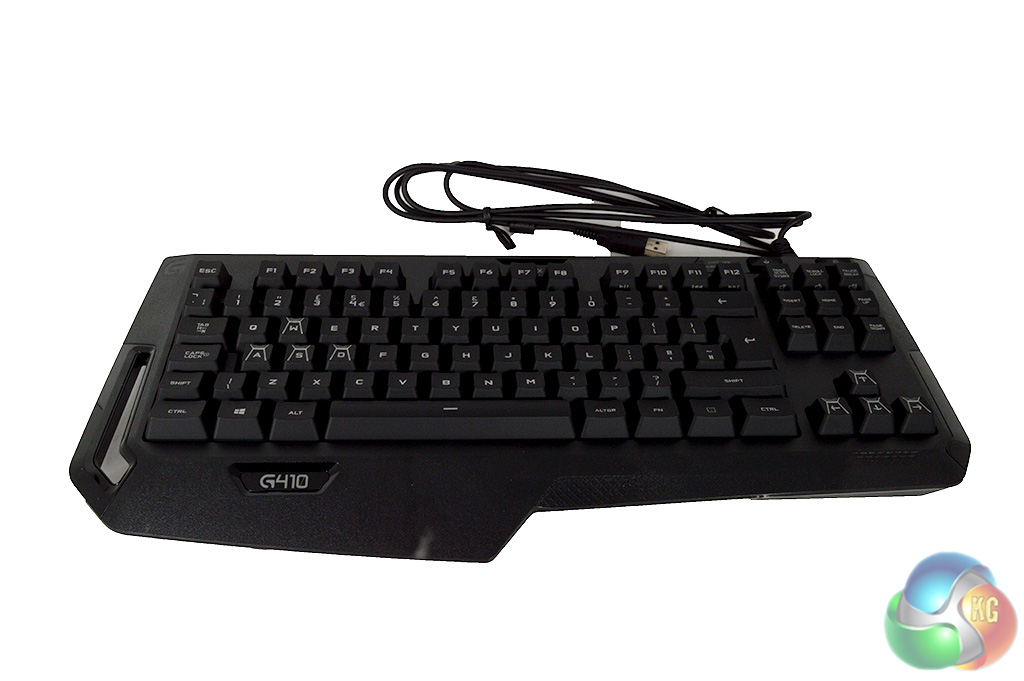
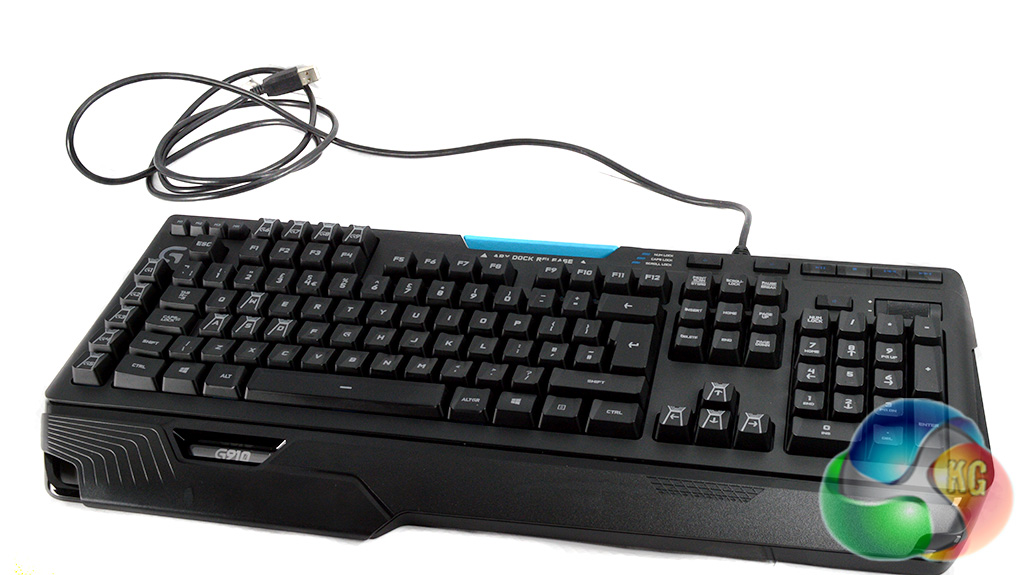
Here you can get a look at the differences between the G410 on the left and the original G910 on the right. One of the biggest improvements you can notice right off the bat is that Logitech has changed the keycaps this time for a better typing experience.
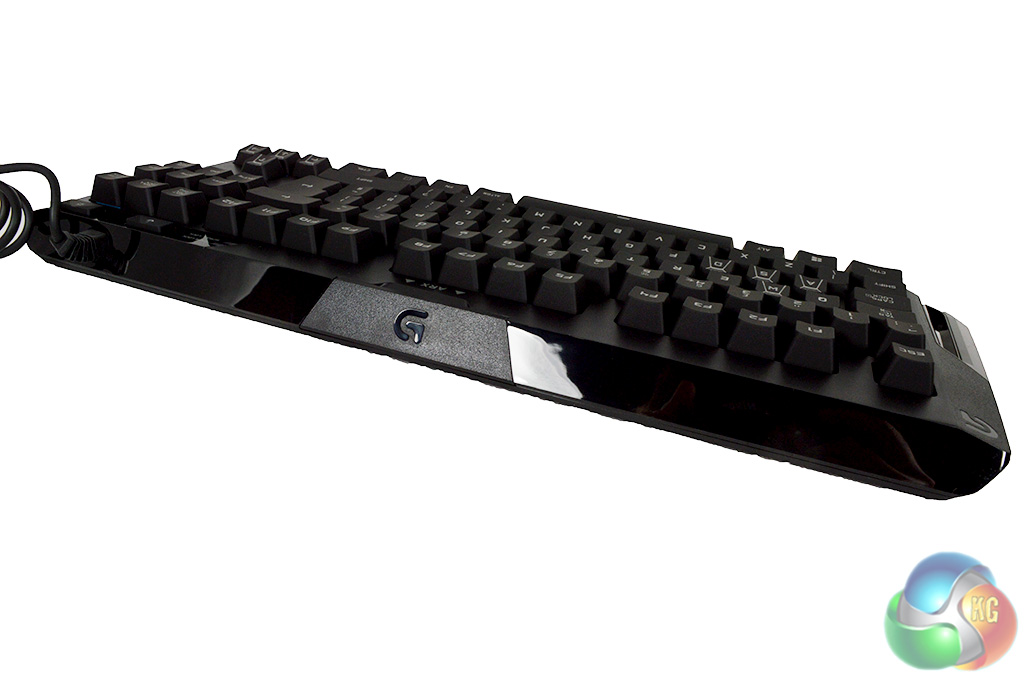
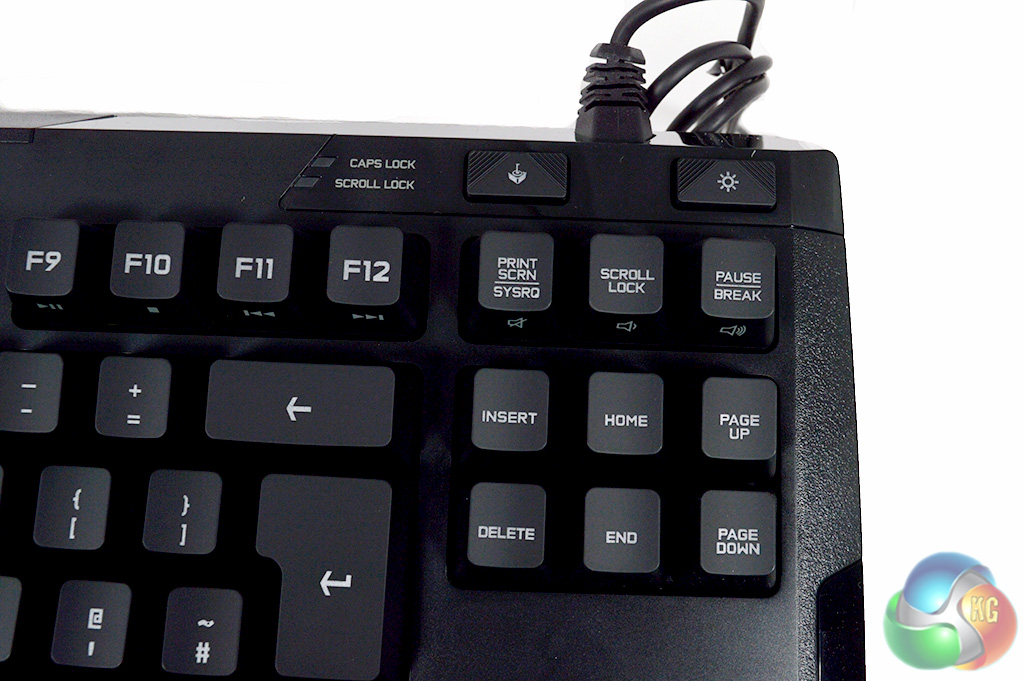
There is not much to see on the backside of this keyboard. As always, a USB passthrough would have been a nice inclusion but this is becoming increasingly rare on gaming keyboards. We can also see that in order to save space there are no dedicated media control keys, which is understandable for a 10-keyless keyboard.
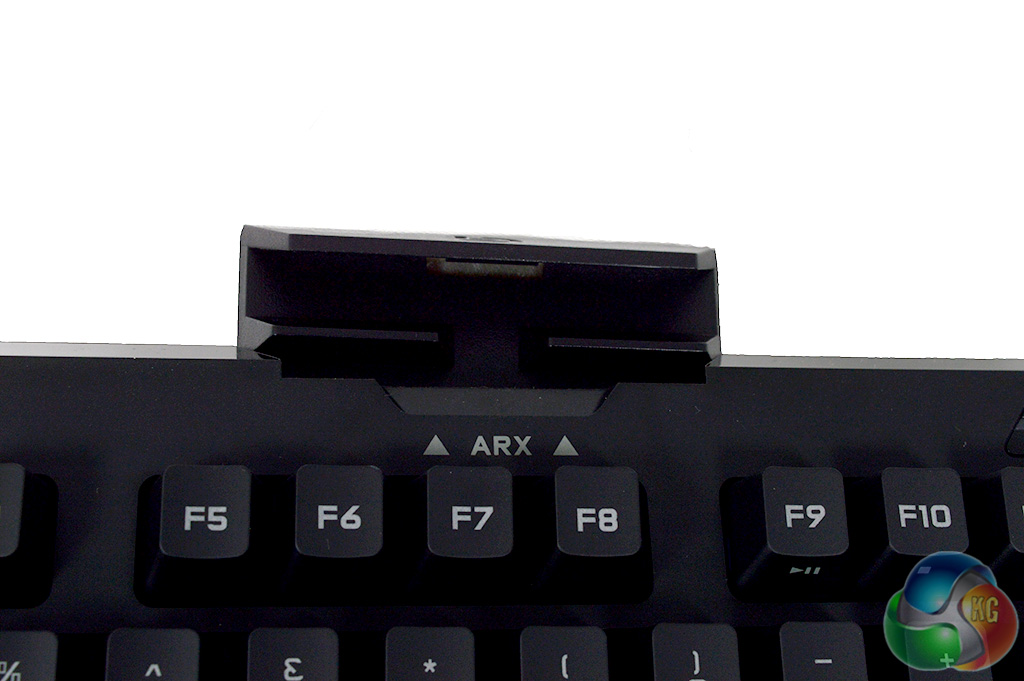
The Arx dock makes a return on the G410 but it still isn't really anything special. Disappointingly enough, I couldn't get my iPhone 5S to stand upright in the dock so do keep in mind that your phone may not even fit here.
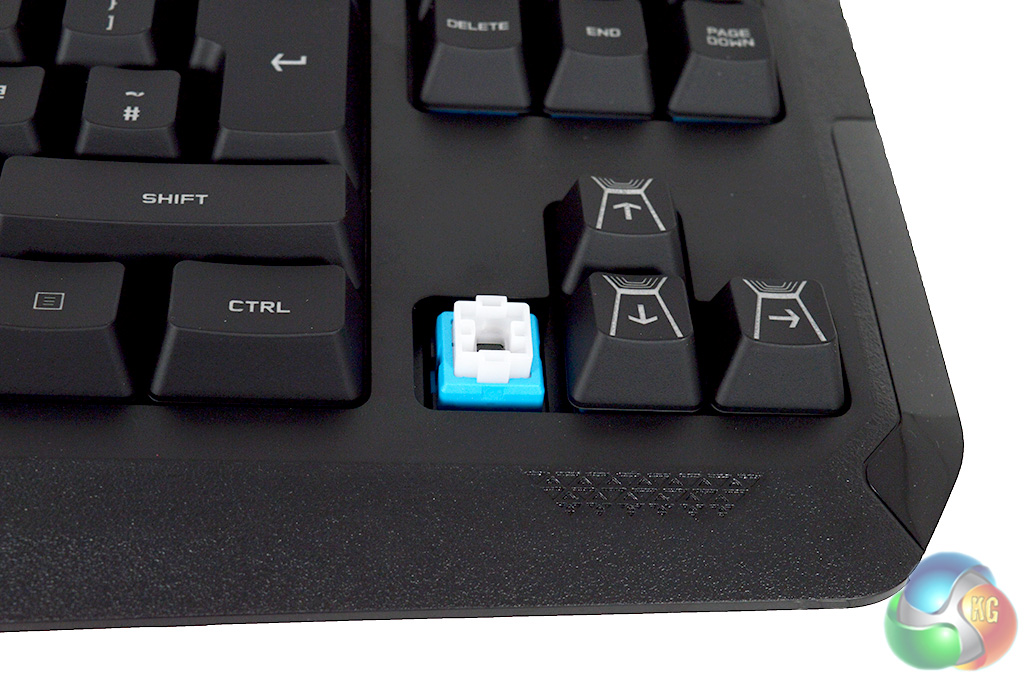
The Romer-G switch takes a different design approach compared to Cherry or even Kailh switches, which are based on a cross design. We will talk more about actuation and the feel of the switch over on the next page.
The Logitech G410 has succeeded in impressing in the looks department but how does it perform? For this review, I have been using the G410 as my main keyboard for typing up the daily news here at KitGuru, as well as playing plenty of games. To kick things off, let's take a look at the software…
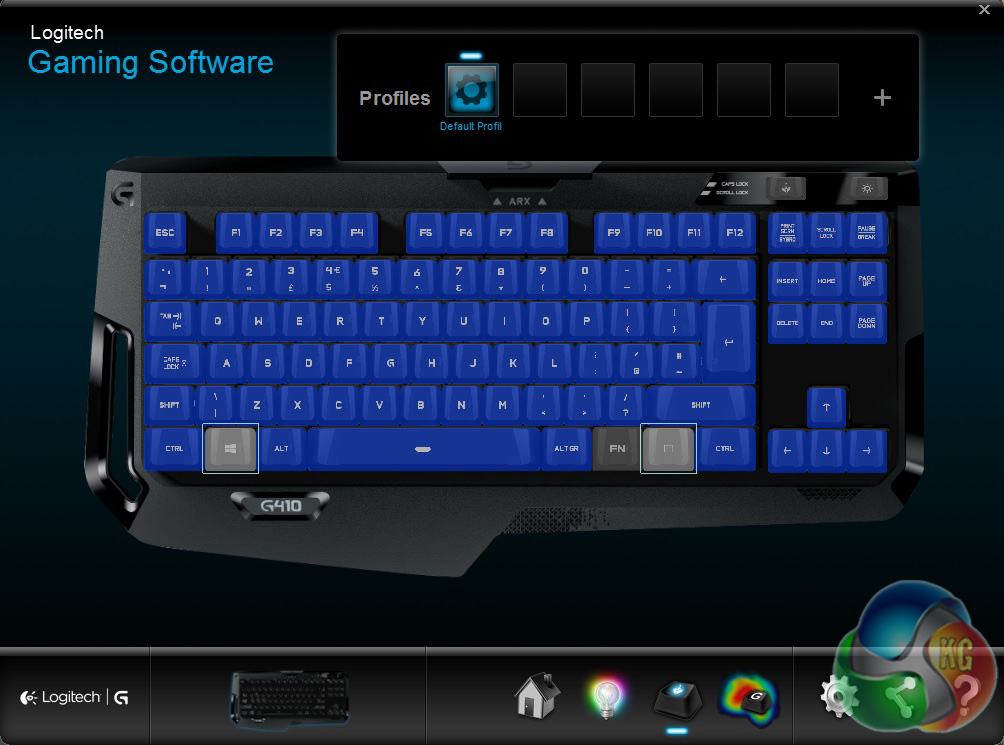
The first screen you will see upon opening the Logitech Gaming software is the Profiles tab, which allows you to disable certain keys while running a game. You can save multiple profiles and switch between them too.
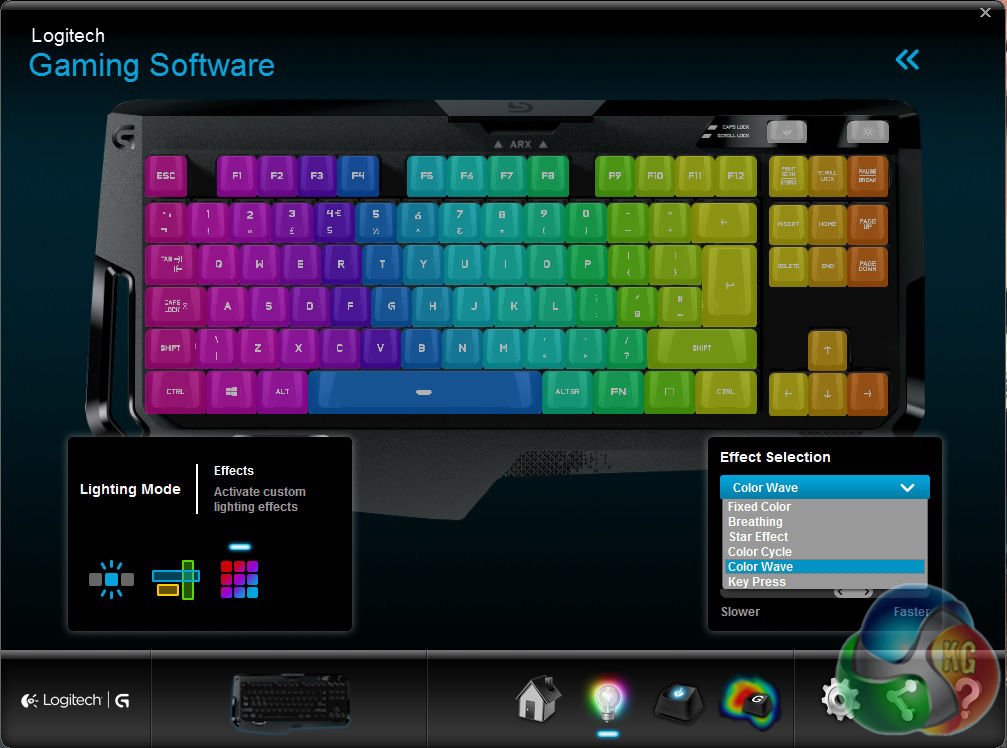
The next tab gives you access to the RGB lighting. Here you can select a colour for each individual key, or you can choose from a range of lighting effects including rainbow wave, colour cycle, fixed colour and breathing. You can also create lighting zones for gaming, which will allow you to choose different colours for different sets of keys. For example, WASD could be red while the number keys can be yellow.
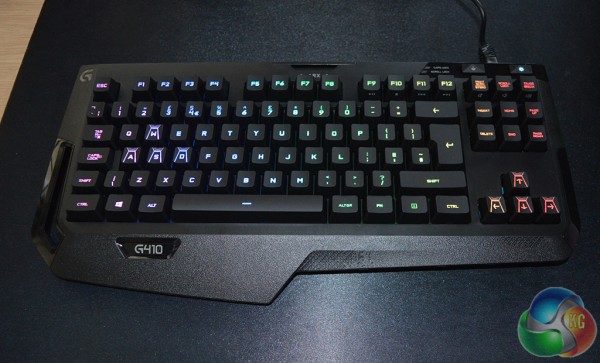
The lighting on the G410 is impressive enough. The LEDs shine through perfectly fine, even in a well-lit room. However, you can't adjust the brightness levels, you can only turn the LEDs on or off.
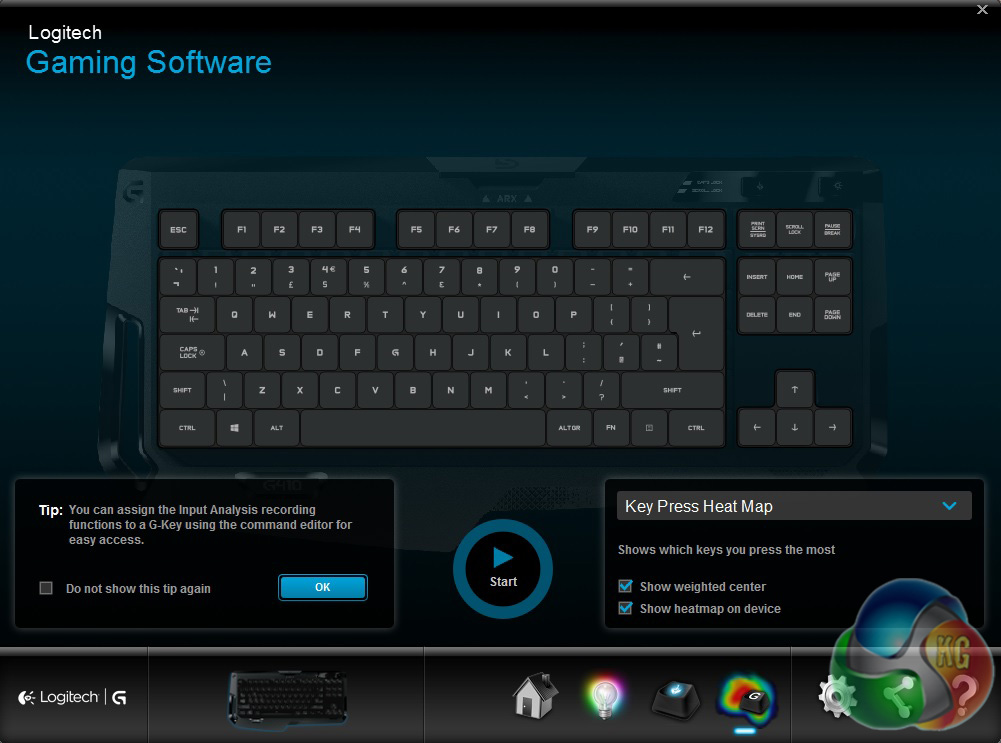
The final tab in the Logitech gaming software allows you to record what you are typing in order to see which keys you use the most. It will also measure your keypresses per minute and present you with a heat map of pressed keys. This could be particularly useful for aspiring pro-gamers or those looking to improve their typing technique as they will be able to pick up on any common mistakes made.
Overall we are satisfied with Logitech’s software solution. Everything is laid out nicely and easy to find, it is also very responsive. Some advanced features like Macro recording aren't present, but this makes sense due to the lack of additional macro keys.
Now that we have established that the software is good, we can talk about the actual typing experience. The G410 makes use of the Romer-G switches which are supposed to actuate 25 percent faster- this is partially achieved by shortening travel distance required to fully press the key.
The switches are actually quite nice to use though they feel a little tougher to press compared to Cherry MX Brown or Blue switches- which isn't necessarily a bad thing. For games, the Logitech G410 Atlas Spectrum performs as well as you would expect from a gaming keyboard of this class. The switches are quick to actuate, which helps with swift reactions in fast paced games.
Back when I reviewed the Logitech G910, I had some complaints about the typing experience due to the oddly shaped concave keycaps used. I also had some issues with key spacing due to the additional macro keys on the side of the board. Fortunately, these issues have all been rectified, making the G410 an excellent keyboard for those who spend a lot of time typing. They have obviously been listening to feedback.
Thanks to the 10-keyless design, there are no additional macro keys along the side. Logitech has also opted to use normal keycaps this time, which really helped with the transition from my Corsair K70 to the G410. My touch typing didn't take a hit and I found myself making far fewer mistakes compared to the G910, where the keycaps really hindered the typing experience.
Overall, the Logitech G410 Atlas Spectrum is an excellent keyboard both for gaming and typing. It brought what was great about the G910 to a new, smaller design and made improvements to the key areas where it faltered.
The Logitech G410 Atlas Spectrum is an excellent keyboard both for typing and gaming. The software is responsive and easy to use, the lighting effects can rival other high-end RGB keyboards and the Romer-G switches are still a joy to use on a day to day basis.
Logitech's Romer-G switches are a proven contender at this point, having impressed me for the second time in a row even compared to popular Cherry switch variants.
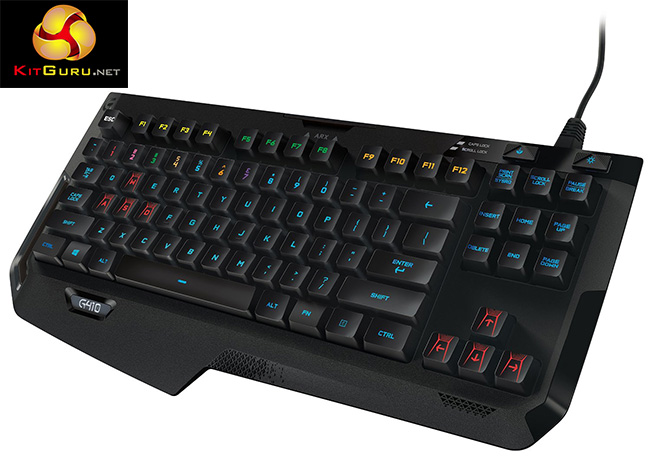
The biggest thing that sold me on the Logitech G410 was the inclusion of normal keycaps. The concave caps found on the G910 were pretty good for ensuring accuracy in gaming but they really hindered the typing experience. This time around, I have found absolutely no issues with key spacing and I don't feel like the keycaps are hindering my touch typing at all.
The Logitech G410 Atlas Spectrum isn't cheap. You can currently buy it for £119.99 on Amazon UK, which is pricey, particularly when you factor in competing boards from the likes of Corsair or Razer. Still we rate it highly.
Discuss on our Facebook page, HERE.
Pros:
- Romer-G switches are excellent.
- High quality RGB lighting.
- 10-keyless design.
Cons:
- Expensive.
KitGuru Says: The Logitech G410 is a fantastic keyboard and the Romer-G switches are a joy to use. That said, there is a lot of competition at the £120 price point.


great switches, bad key caps period.
If they went away from unusual keycap design, it will be selling like pan cakes.
These are normal keycaps
I stand corrected.
I’ll be damn, if they change the G910 to these keycaps, I’m buying it.
You… my good Sir are completely right… I would have bought this also… but then I found the G410 and it is newer and better?… I got the G410 it’s very good ….but makes a lot of noise…
Me too… 🙂