KitGuru KitGuru.net – Tech News | Hardware News | Hardware Reviews | IOS | Mobile | Gaming | Graphics Cards


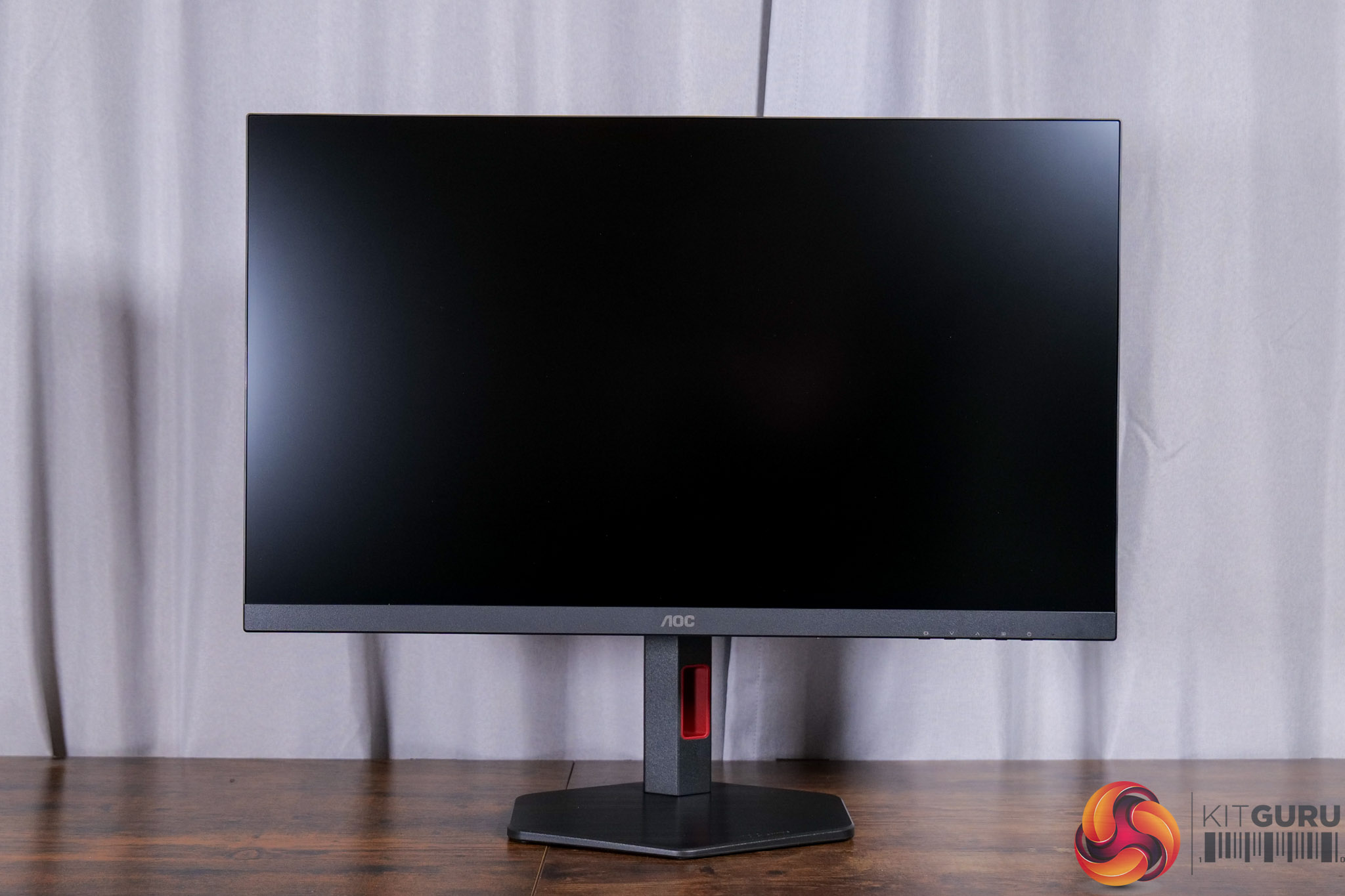
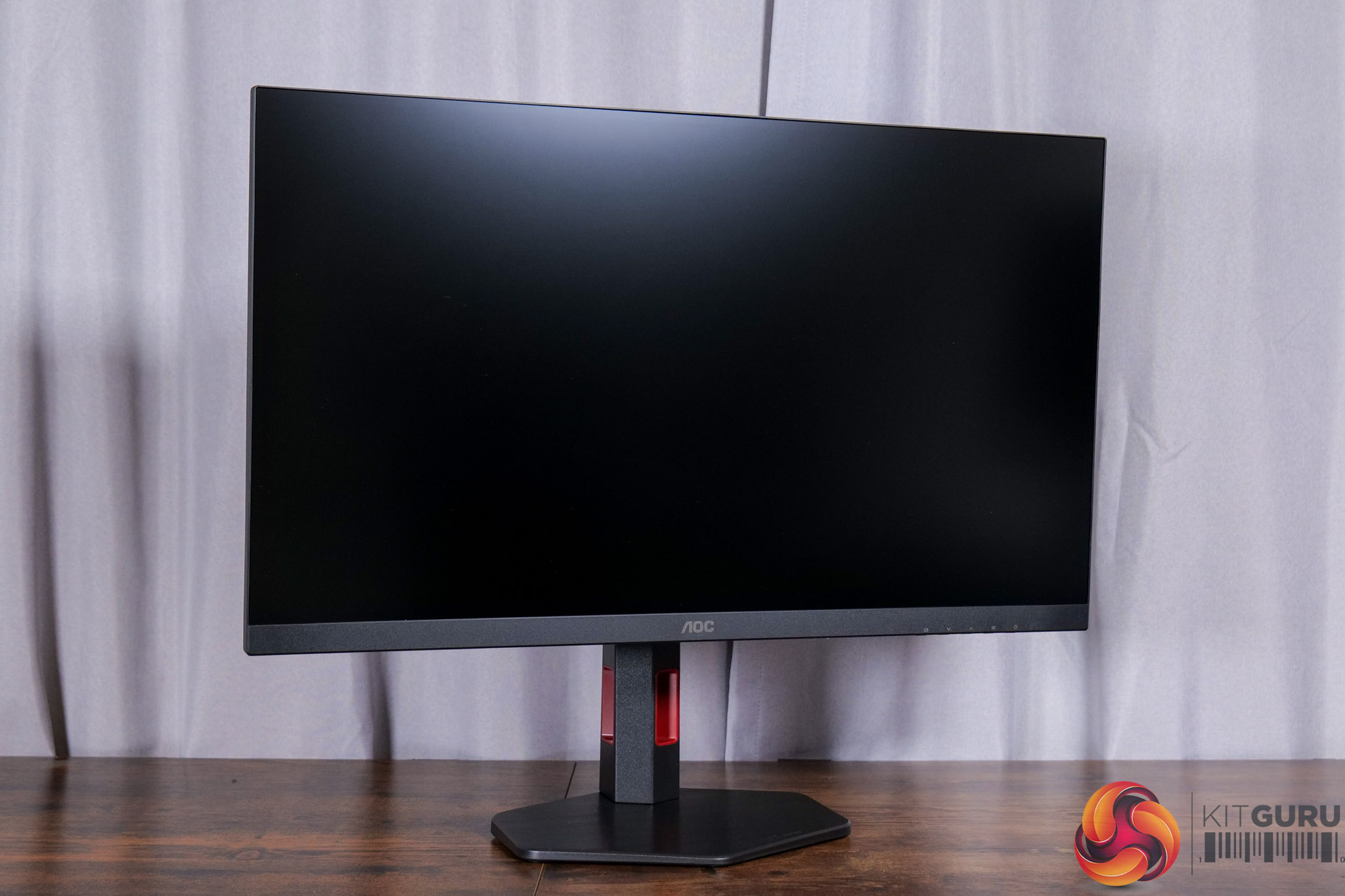
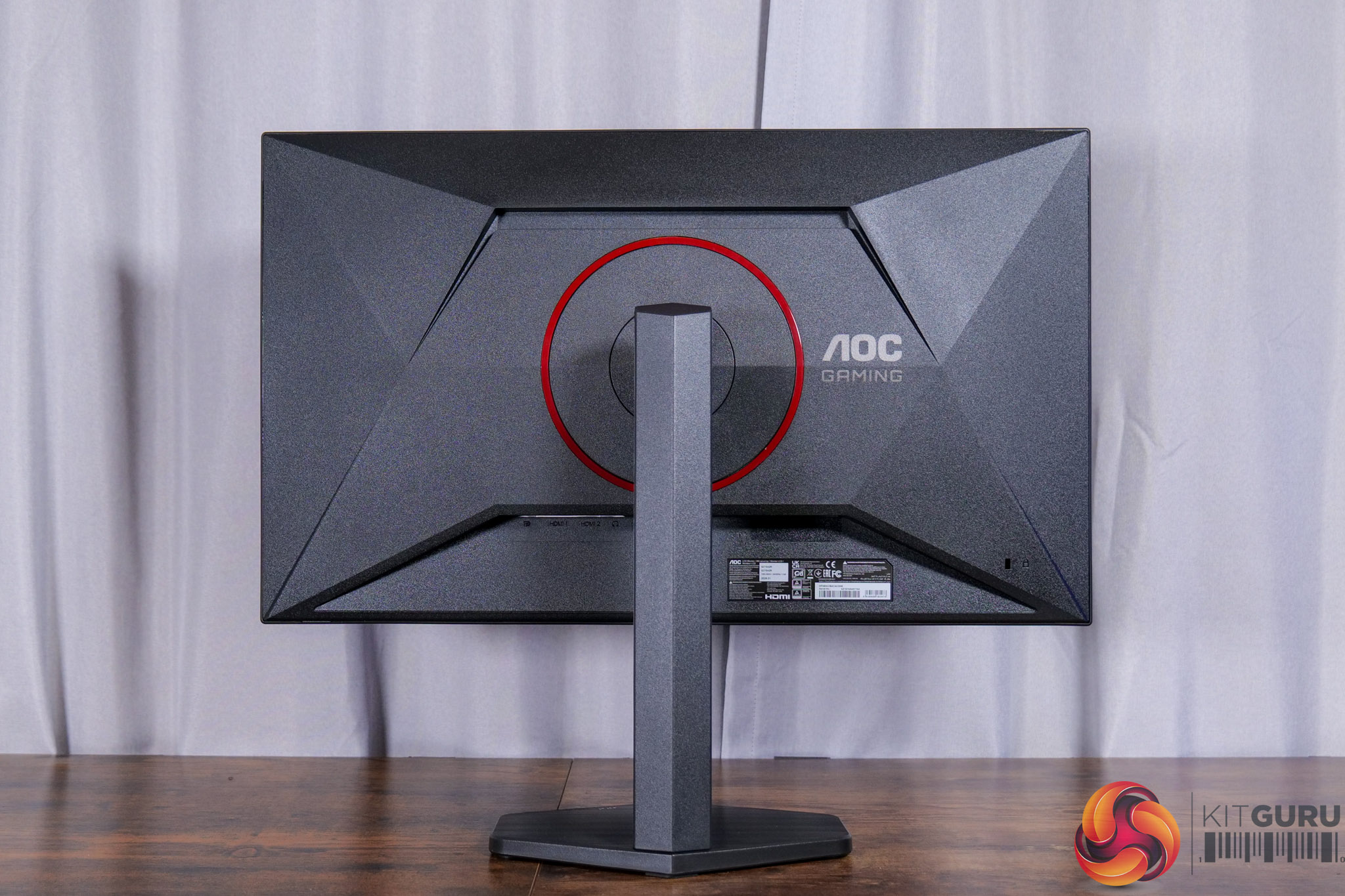
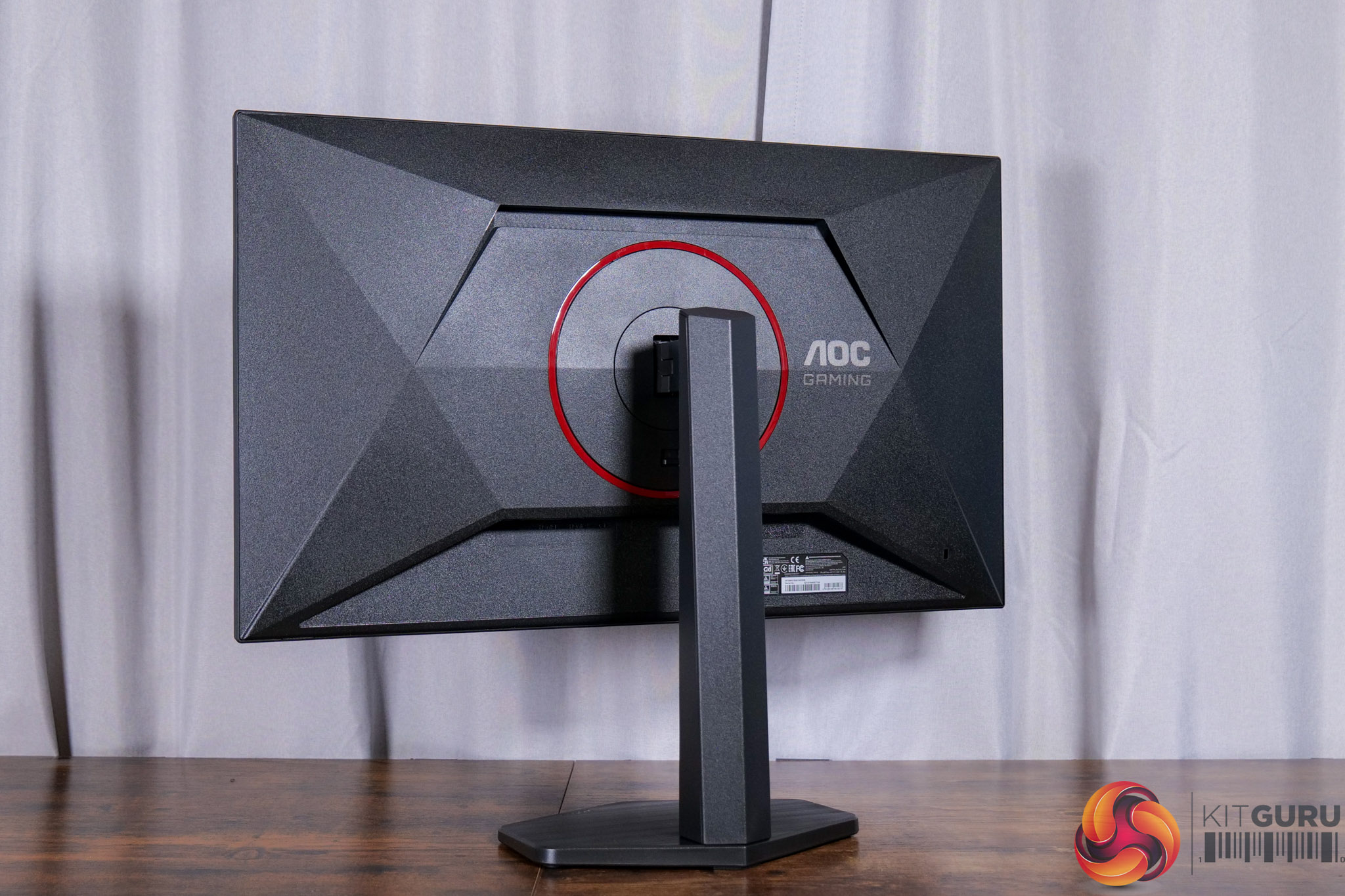
In terms of its design, the Q27G4ZR is very much typical of AOC displays. That means it's almost entirely black, with just a couple of red accents here and there, while the front features a 3-sided frameless design.
It certainly won't win any awards for its overall aesthetic, but it is very inoffensive so we can have no complaints. I also like to see that AOC has opted against using a v-shaped foot, instead going for a compact hexagonal shape that takes up barely any room on your desk.
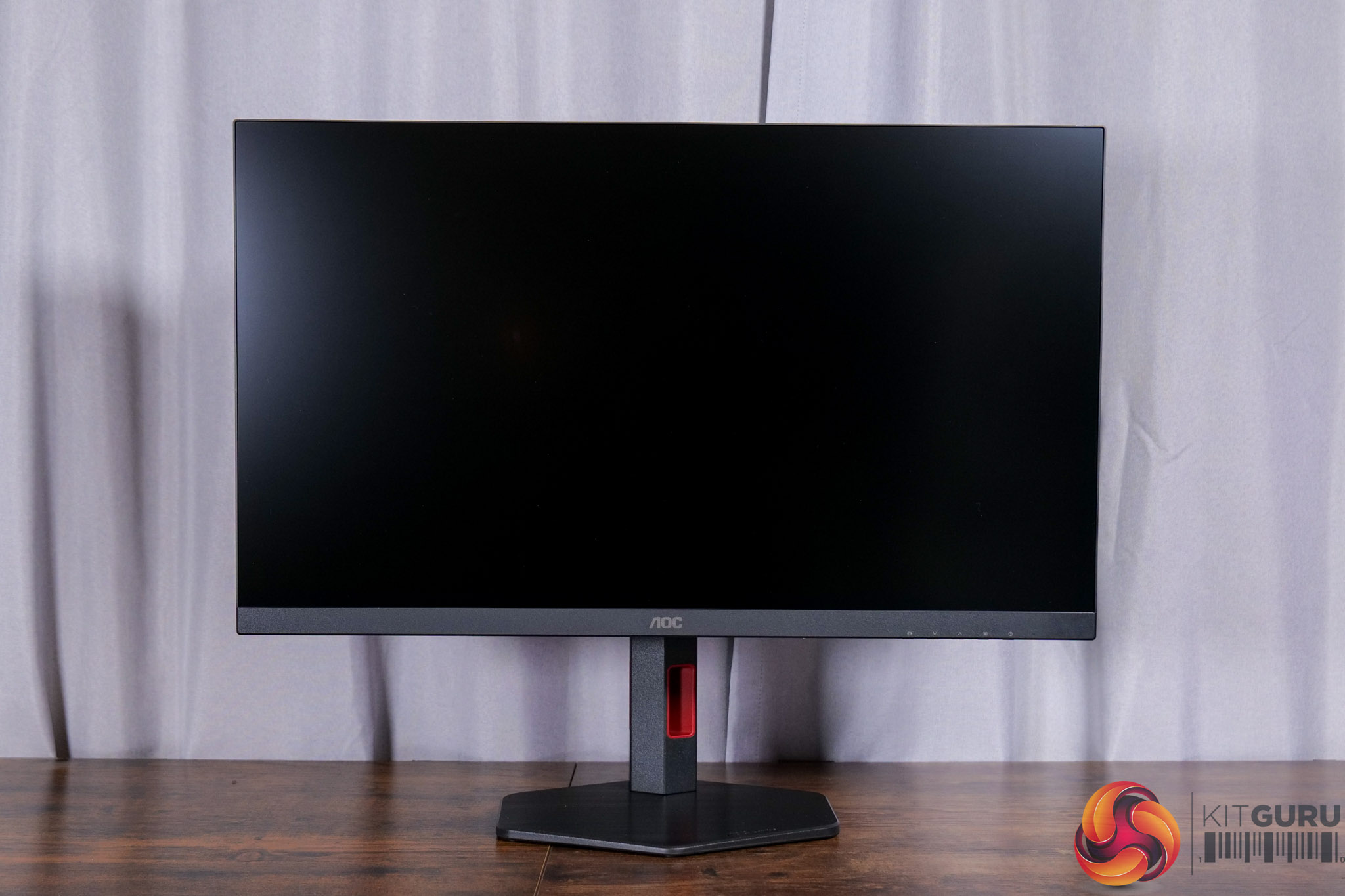
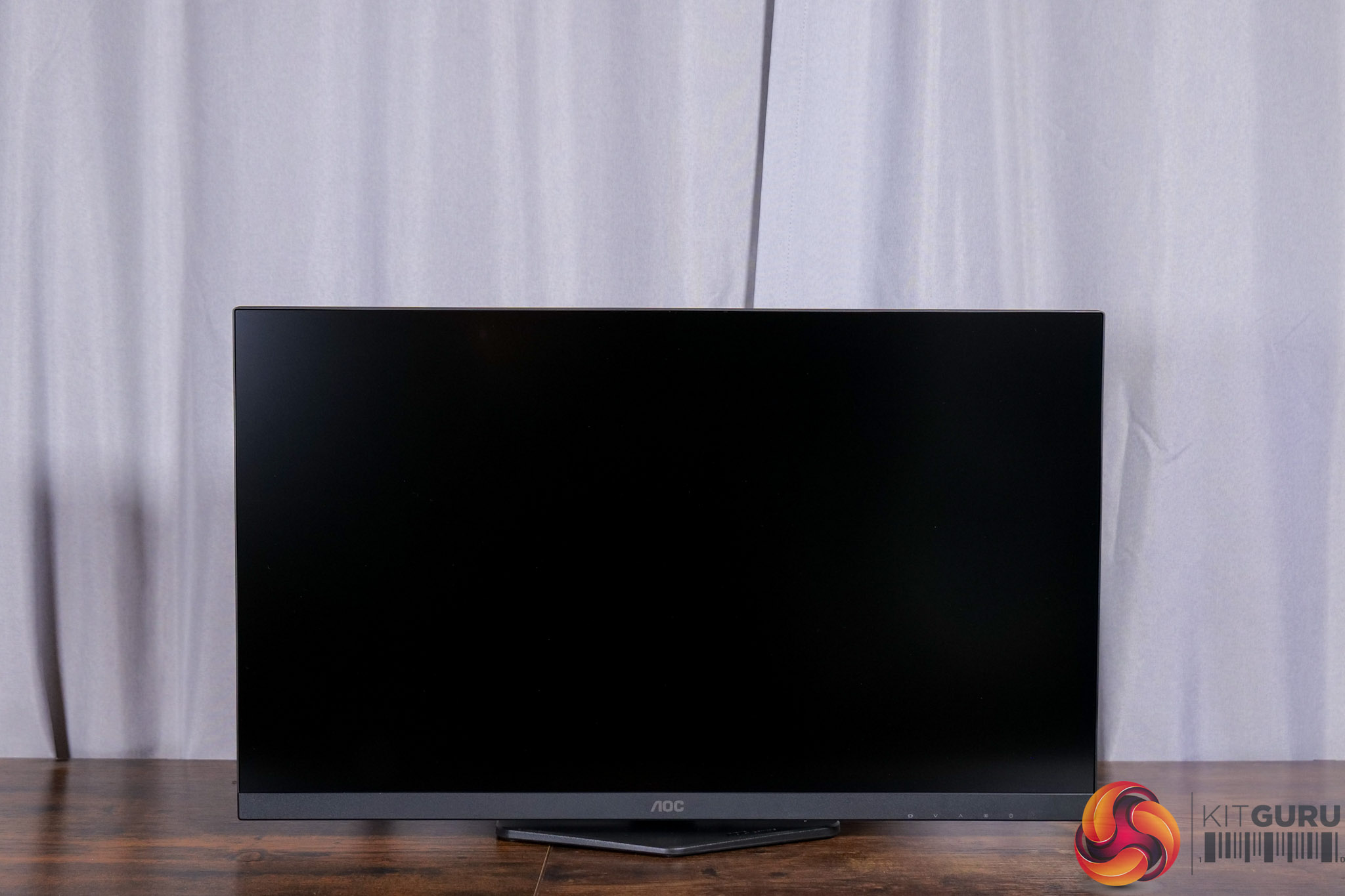
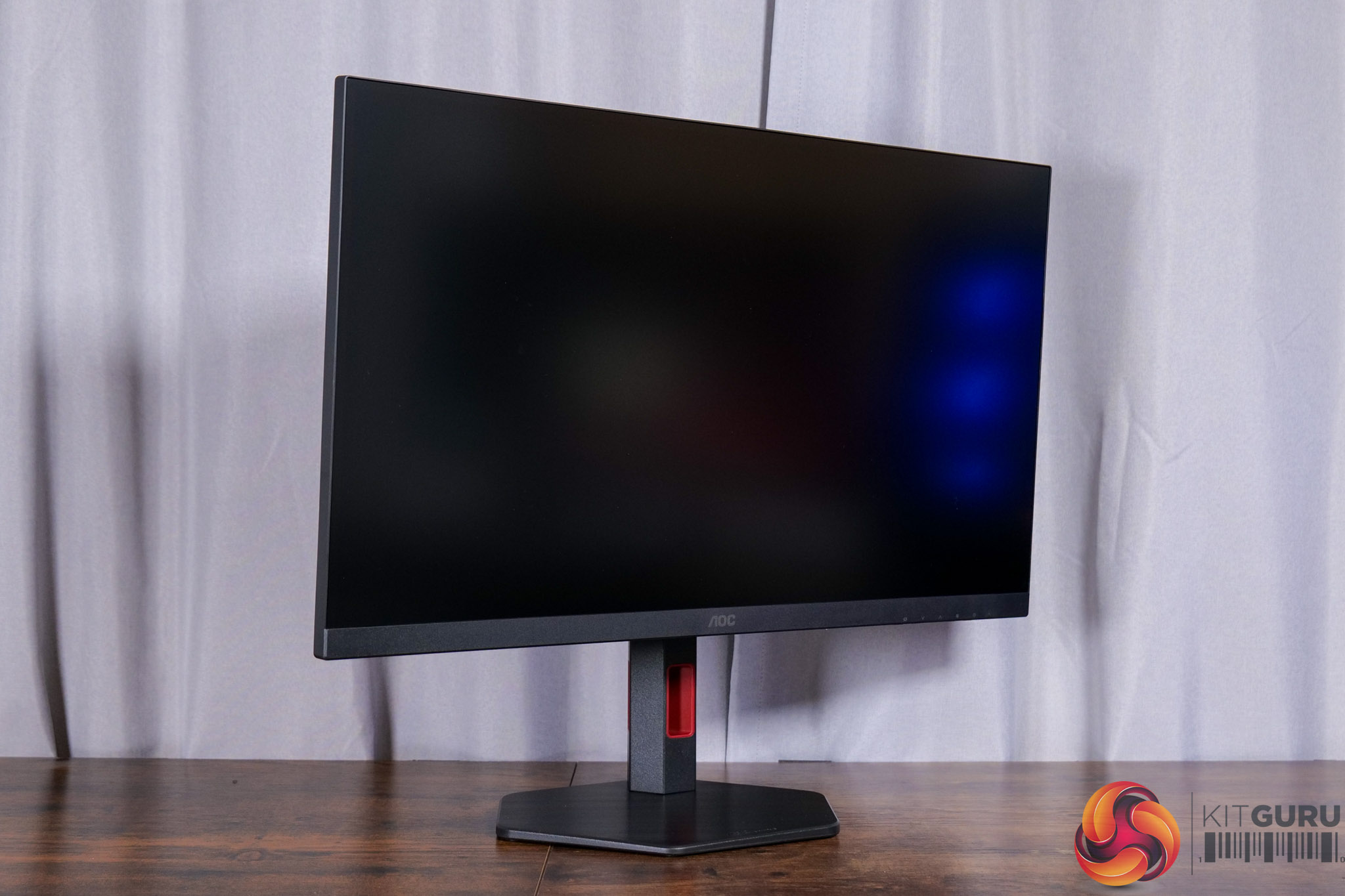
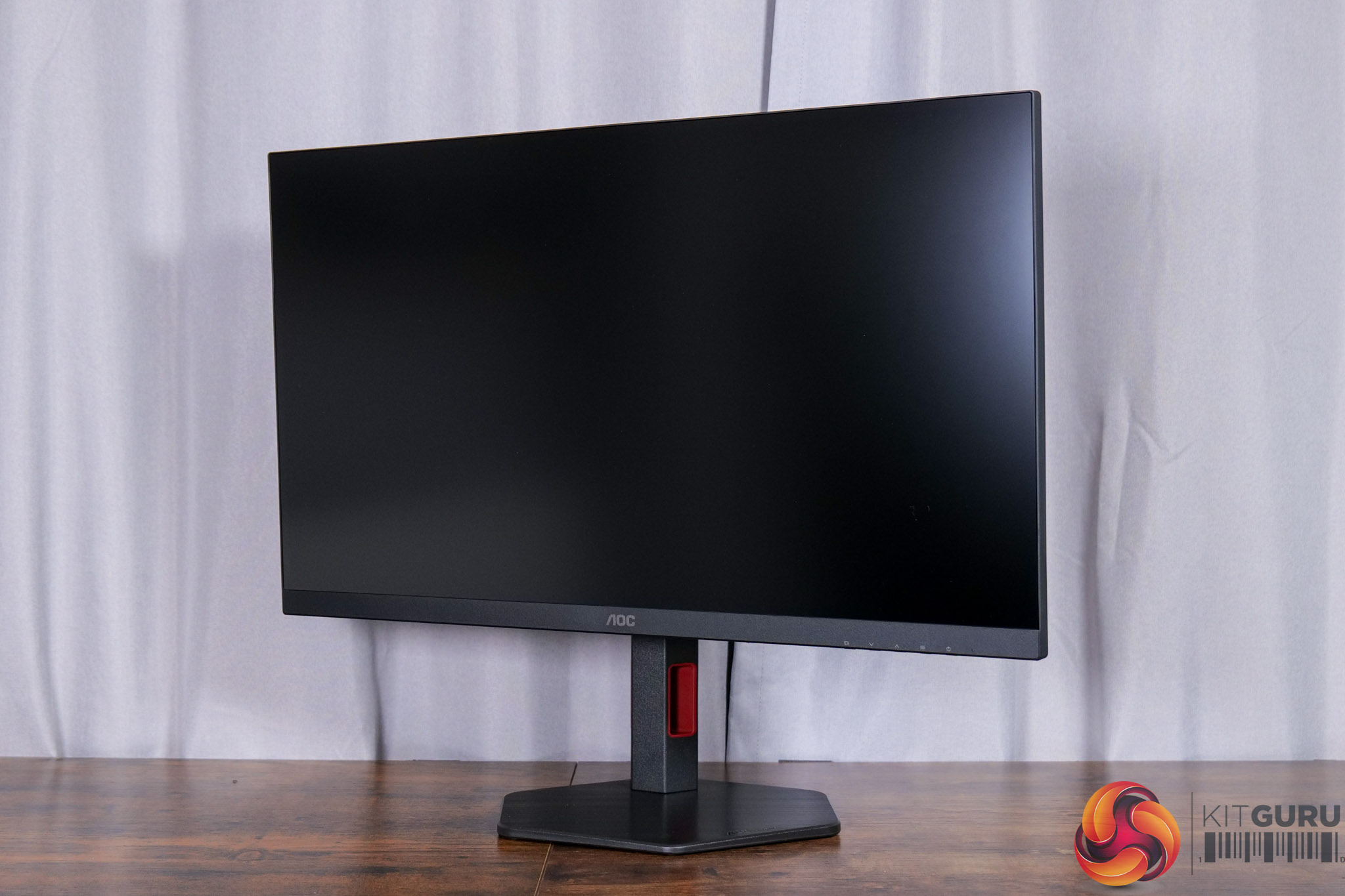
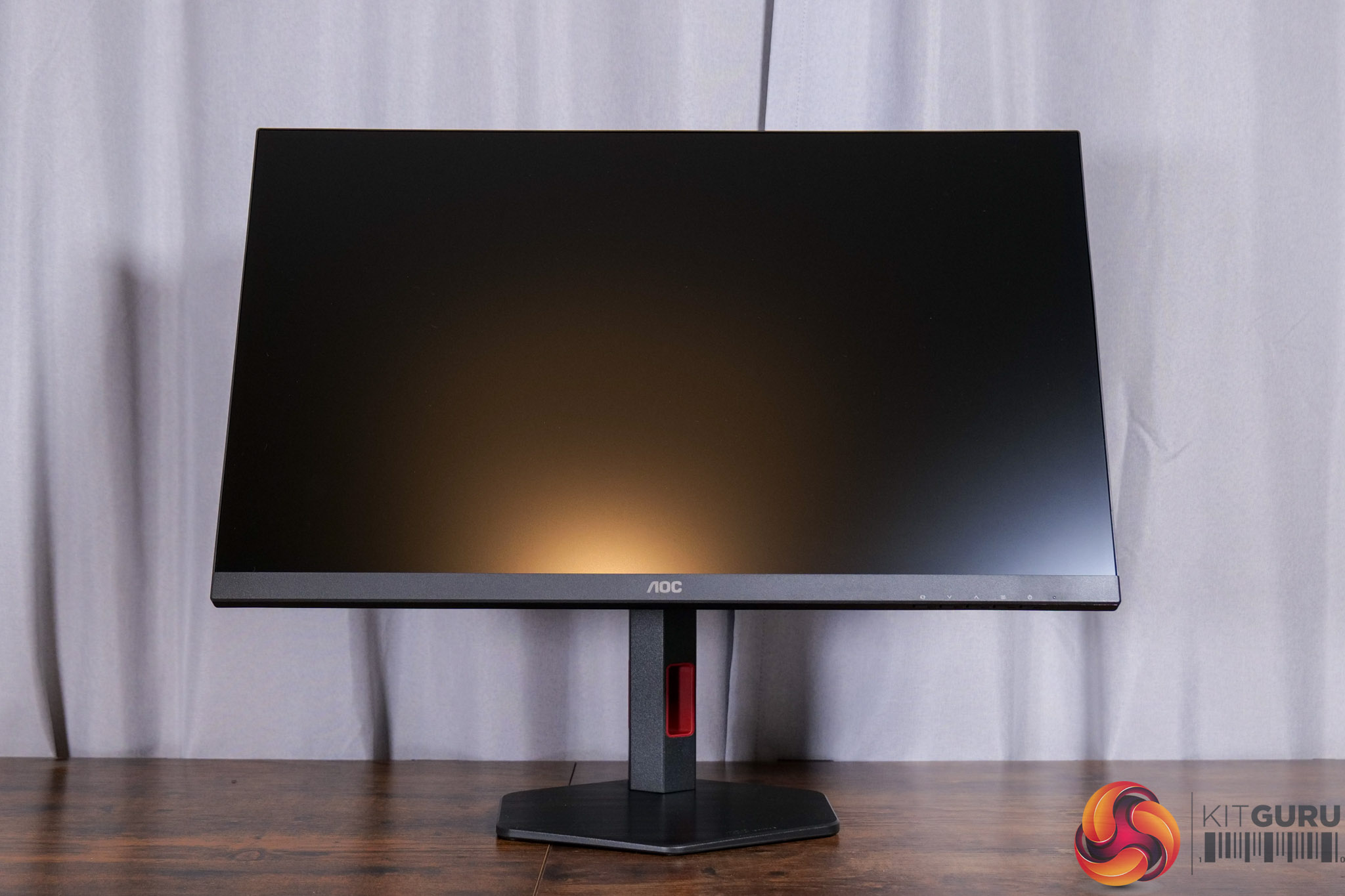
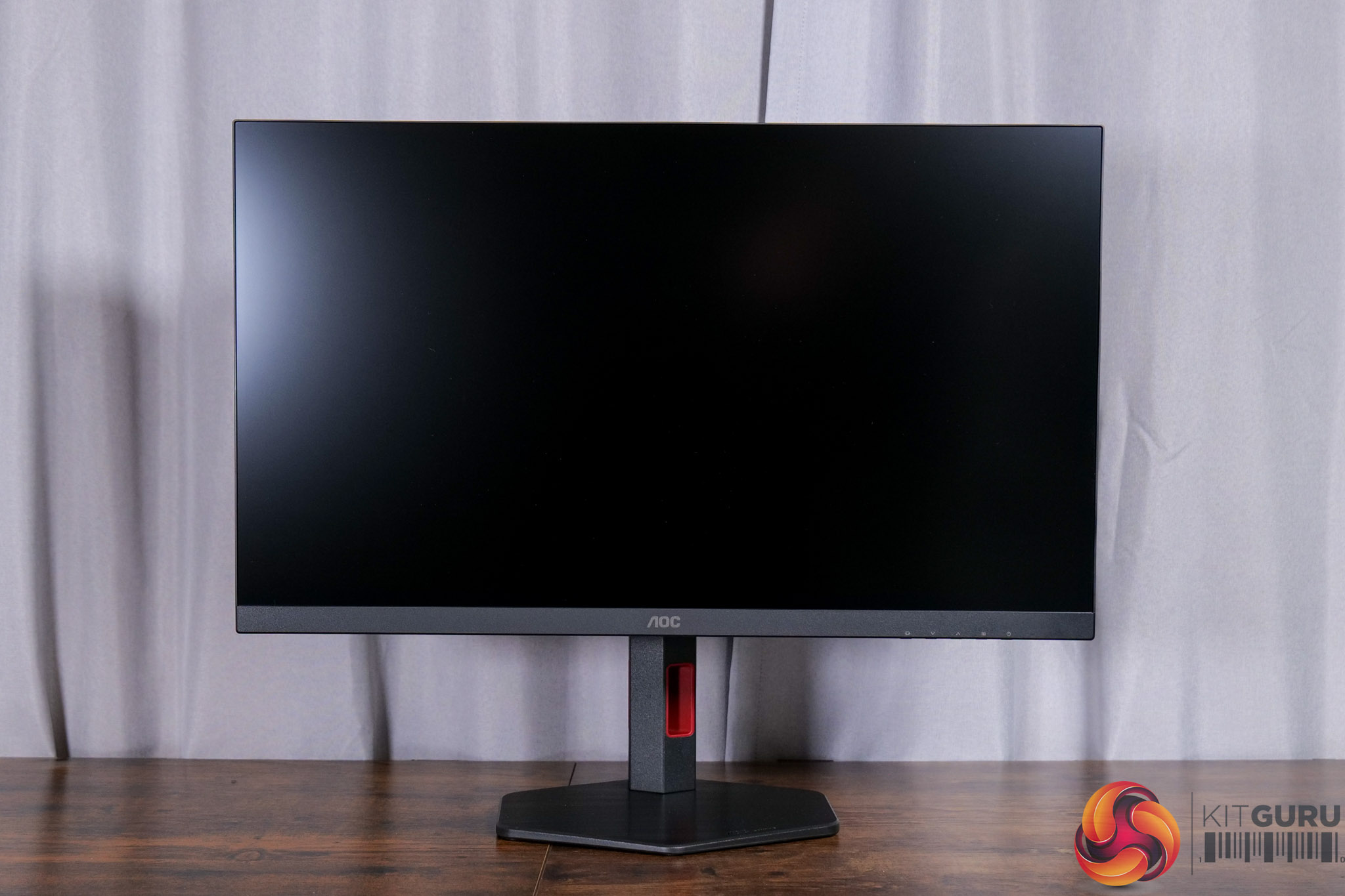
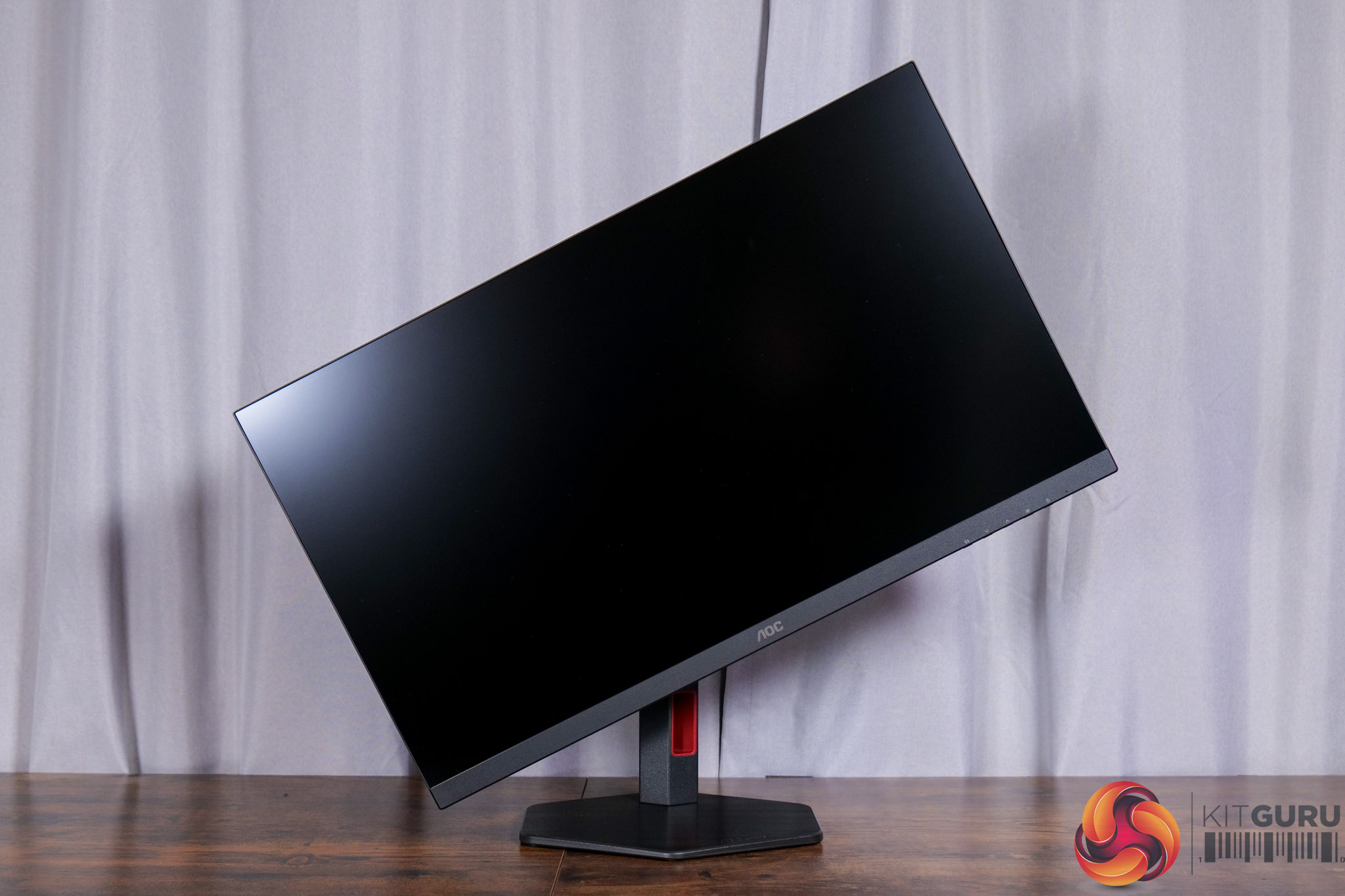
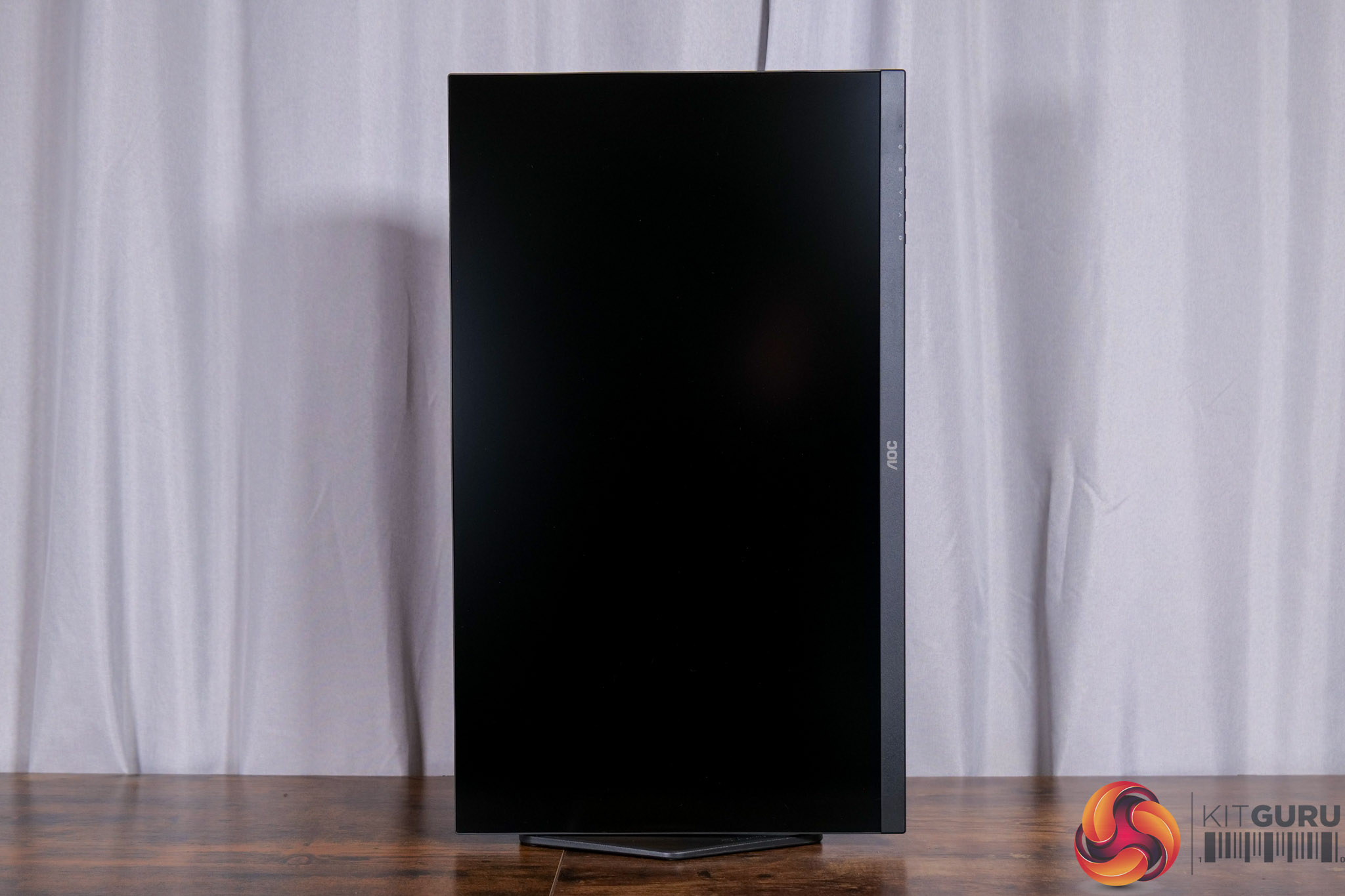
Despite the price, it also features a full array of ergonomic adjustments. That includes up to 130mm height adjust, 28 degrees of swivel both left and right, tilt from -3 to +21 degrees, and then there is also 90 degree pivot functionality as well. VESA 100×100 mounts are also supported.
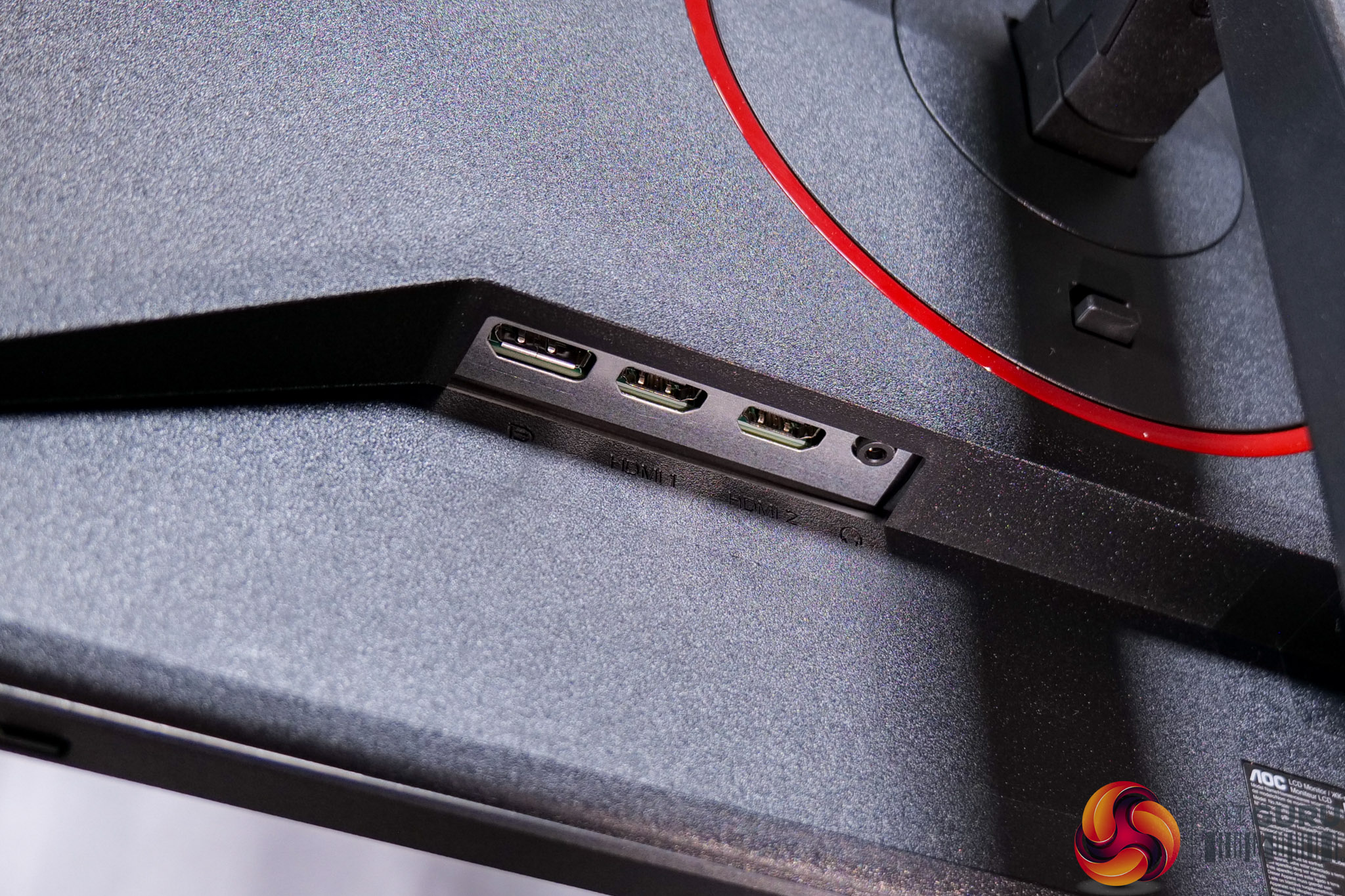
Things are looking fine so far, but we are instantly reminded that this is indeed a budget monitor when looking at the connectivity options. There's just a single DisplayPort 1.4 connector, two HDMI 2.0 ports and an audio jack – and that is it.
That means no USB upstream, no Type-C charging or KVM functionality, while it's important to note the two HDMI ports are only of the 2.0 variety, meaning they max out at 144Hz at 1440p resolution. You can get the full 260Hz via DisplayPort, but it's the only output capable of hitting the maximum refresh rate, so another thing to keep in mind.
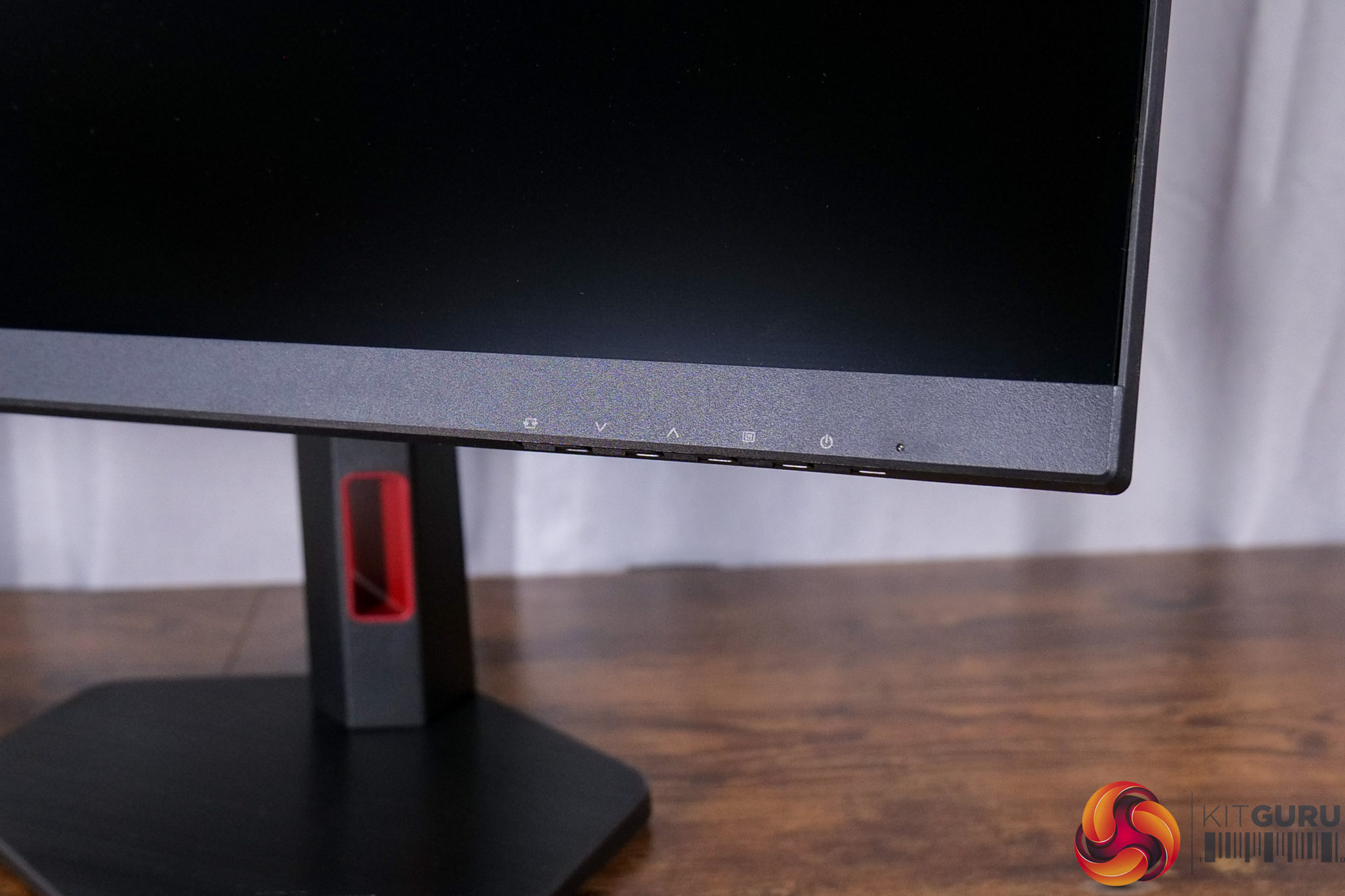
I'm also slightly disappointed to see AOC is using 5-way button control for the OSD instead of a small joystick. It's not the end of the world but I do find these buttons very fiddly and cumbersome to use, whereas a joystick is much more effective overall.