KitGuru KitGuru.net – Tech News | Hardware News | Hardware Reviews | IOS | Mobile | Gaming | Graphics Cards



The KitGuru audience is savvy, and based on our research late last year only a tiny percentage upgraded their system to accommodate a 4k monitor. We all want more deskspace and higher resolutions, but pushing 8,294,000 pixels around can demand expensive graphics hardware. There is no doubt that prices are dropping and the quality is getting better – and with this in mind today we spend some time with the Asus PB279Q, featuring a AHVA IPS panel with a WLED backlight.
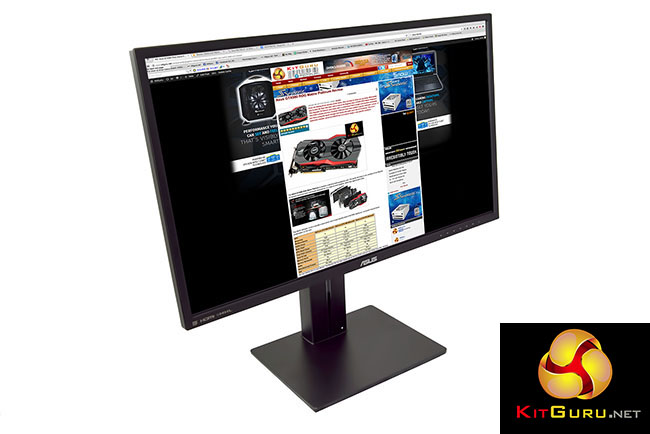
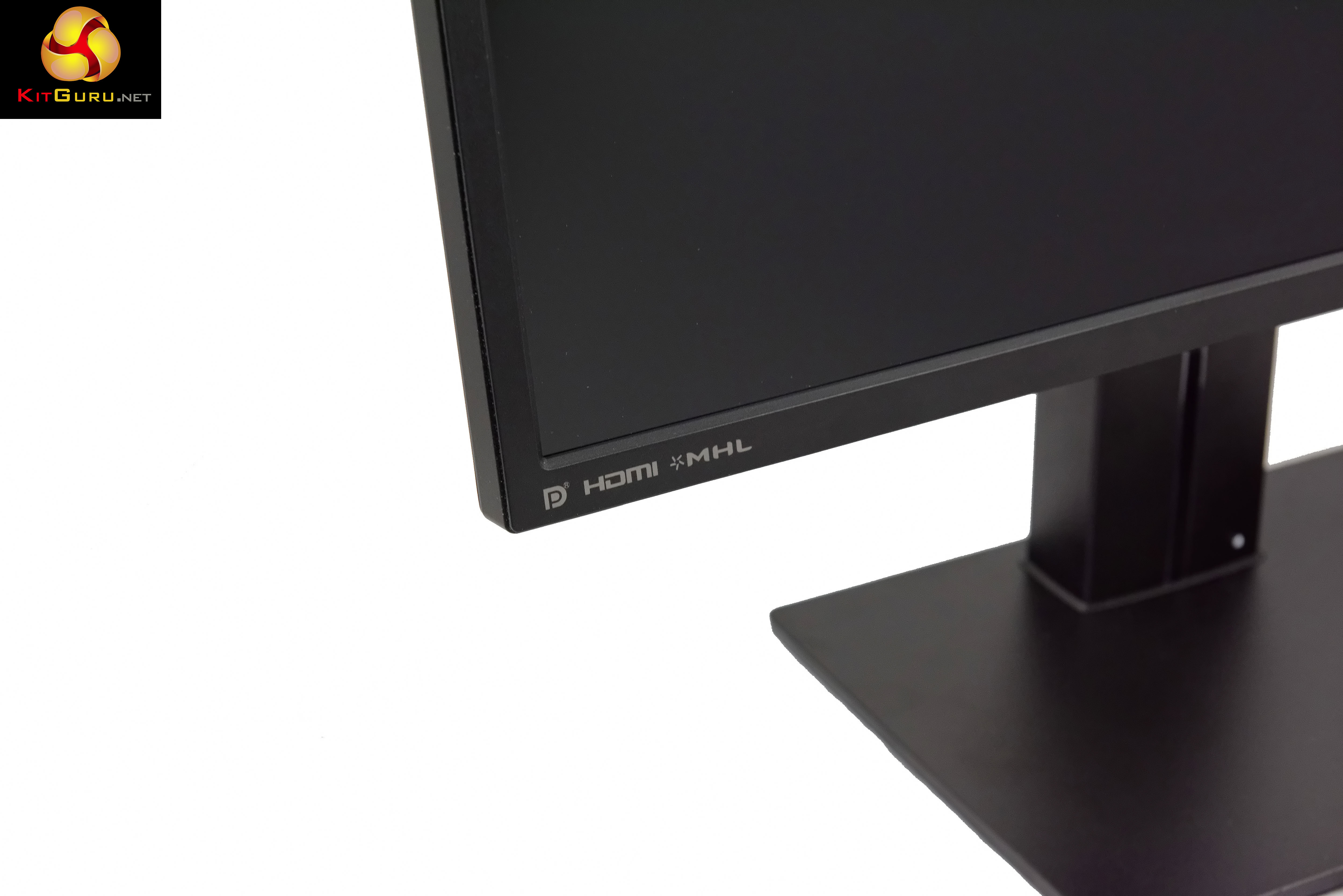
The ASUS PB279Q offers a resolution of 3,840 x 2,160, a 178 degree viewing angle, 100% sRGB and 10 bit colour. It ships with DisplayPort 1.2, Mini Displayport and four HDMI 1.4/MHL ports to cover almost any system configuration. Four input sources can be viewed on a single display, simultaneously.
ASUS PB279Q Overview:
- See every detail in 27-inch 4K display with 3840 x 2160 UHD resolution, 163 pixels per inch, 100% sRGB, 10-bit color and 178-degree wide-viewing angle.
- Extensive connectivity for complete 4K support with DisplayPort 1.2, Mini-DisplayPort and four HDMI 1.4 /MHL ports.
- PiP, as well as PbP with support for up to four 4K UHD sources.
- Adjust for maximum comfort with ergonomic tilt, swivel, pivot and height adjustments plus wall-mount capability.
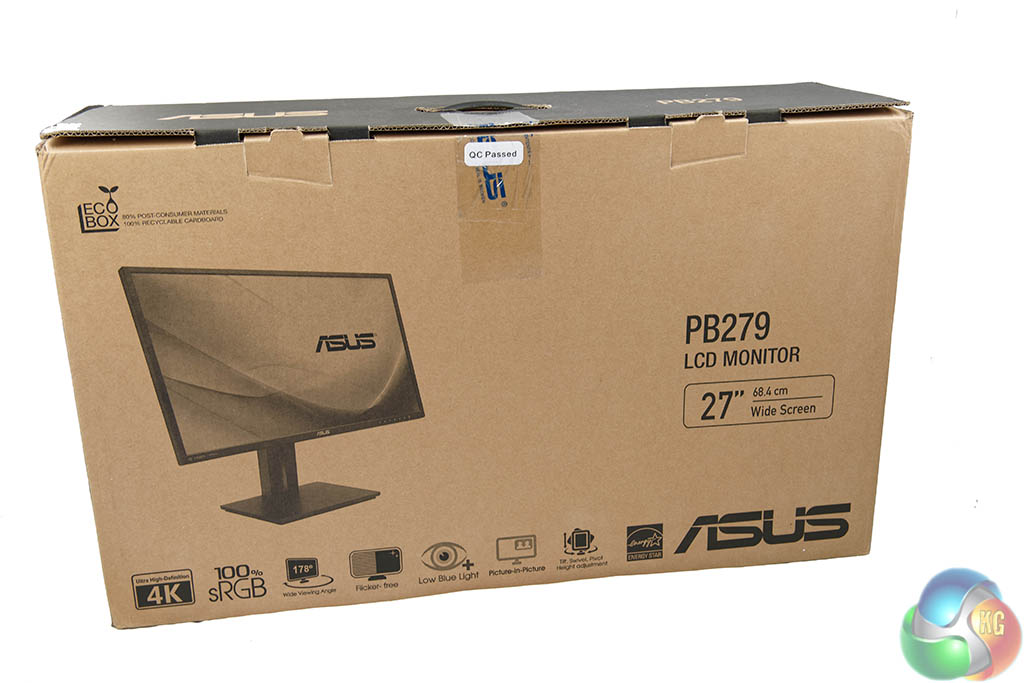
The Asus PB279Q ships in a large plain looking brown box with an image of the monitor, alongside some specifications. The box dimension is (WxHxD): 753x452x224 mm – and it weighs around 10kg all in.
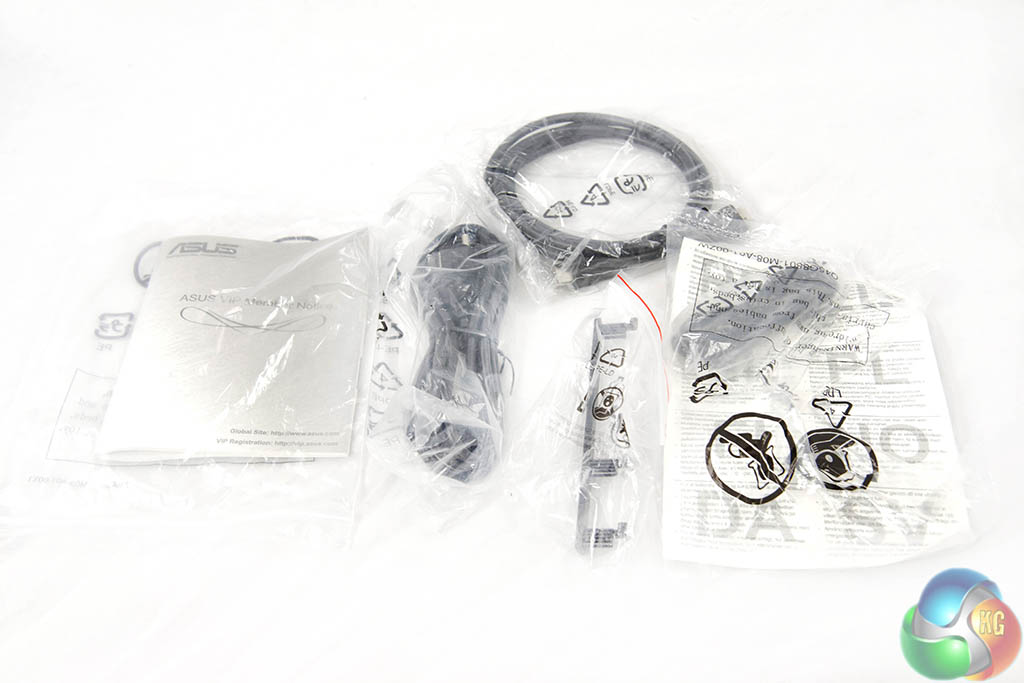
We didn't receive a fresh, sealed review sample from ASUS and it would appear a few cables were missing from our box – if we base it against the accessories list on the ASUS website anyway.
- Audio cable
- Power cord
- DisplayPort cable (Optional)
- Quick start guide
- HDMI cable (Optional)
- Warranty Card
- MHL cable (Optional)
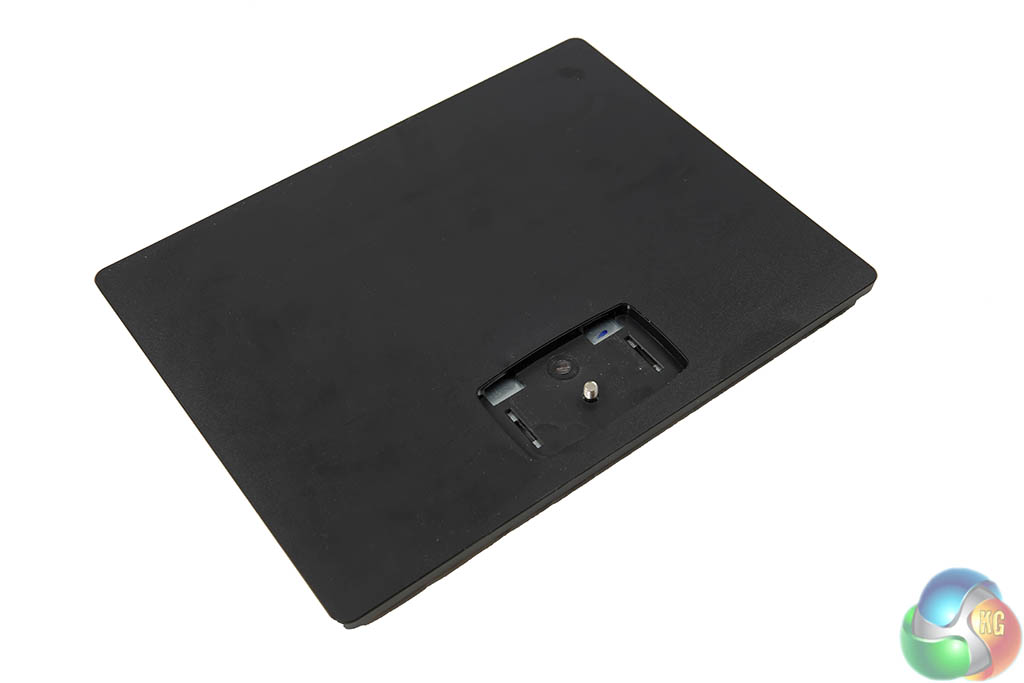
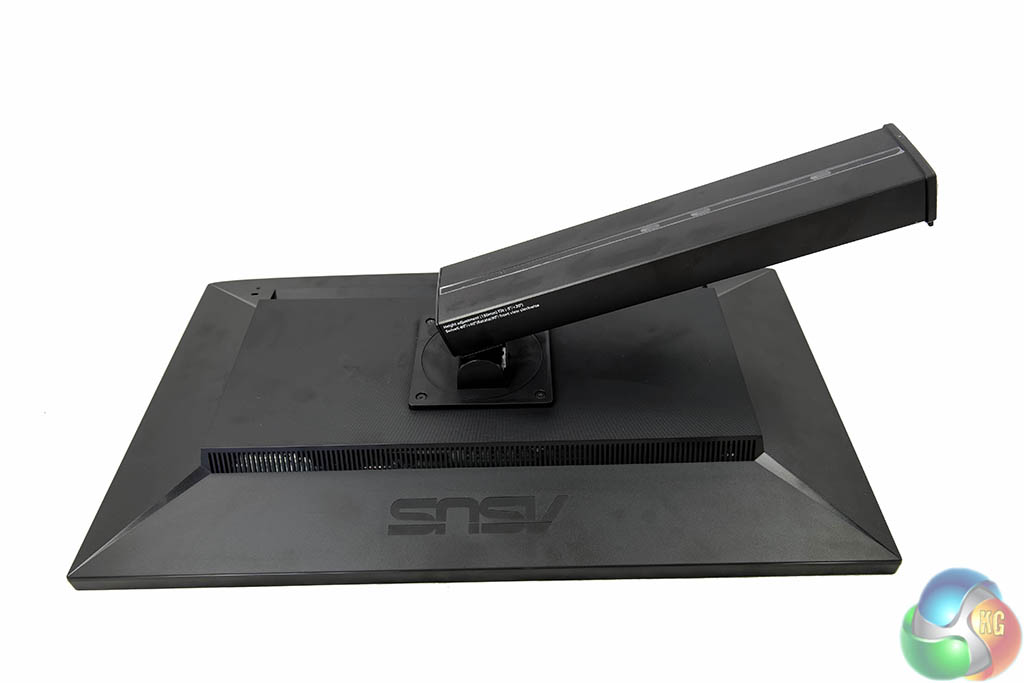
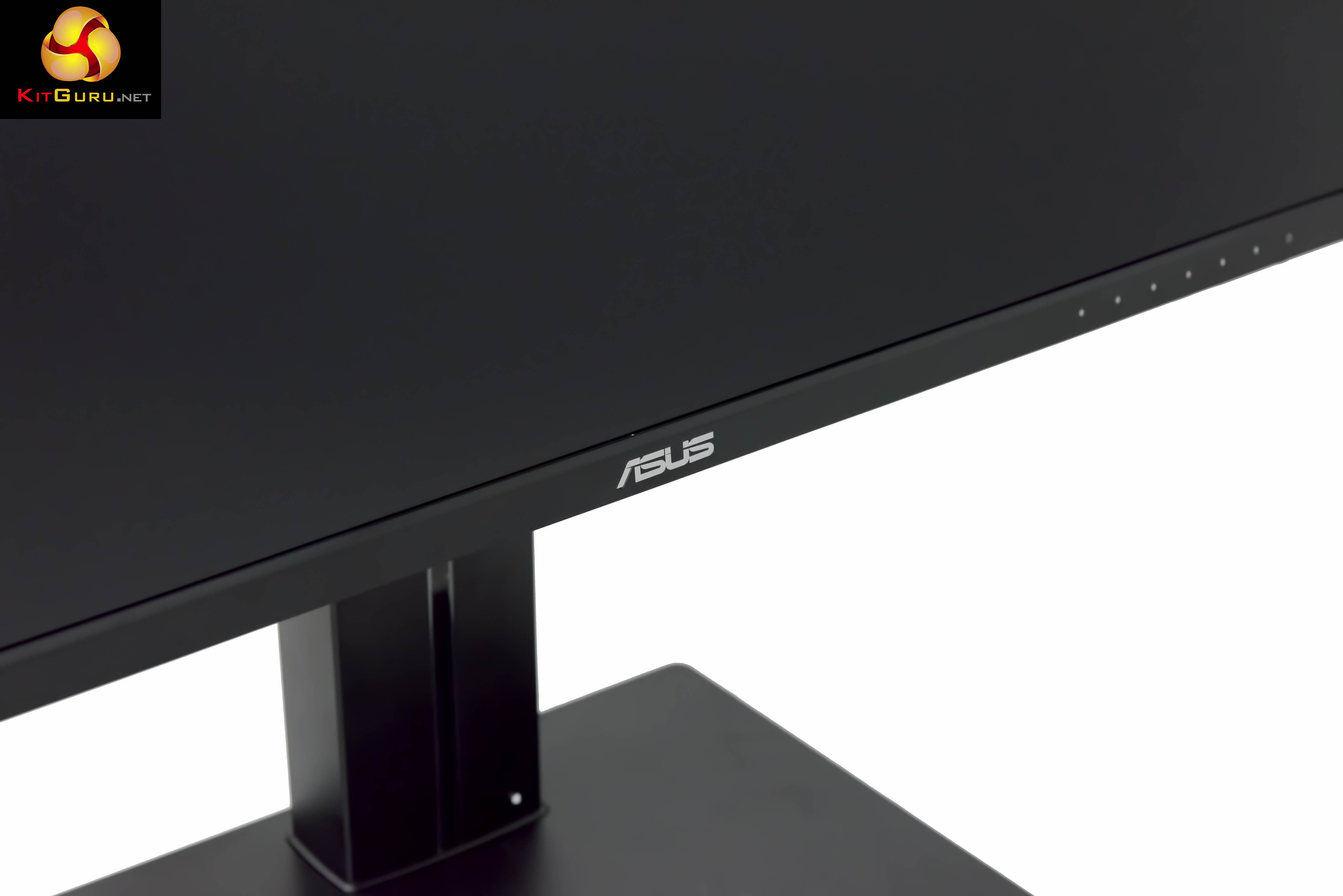
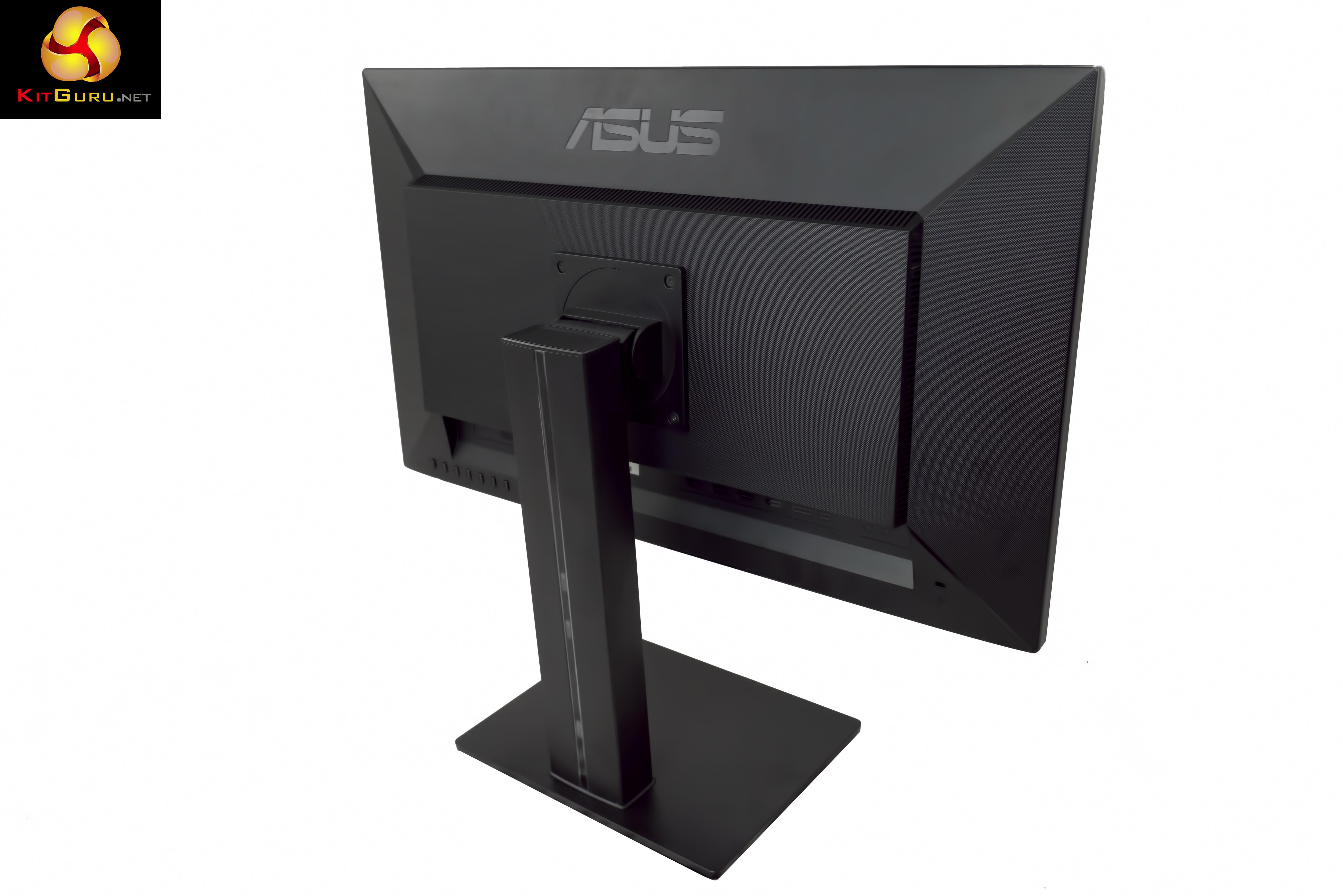
The monitor stand is already fitted to the panel, out of the box. It ships in portrait mode. The base is tool less, and attachment is straightforward.
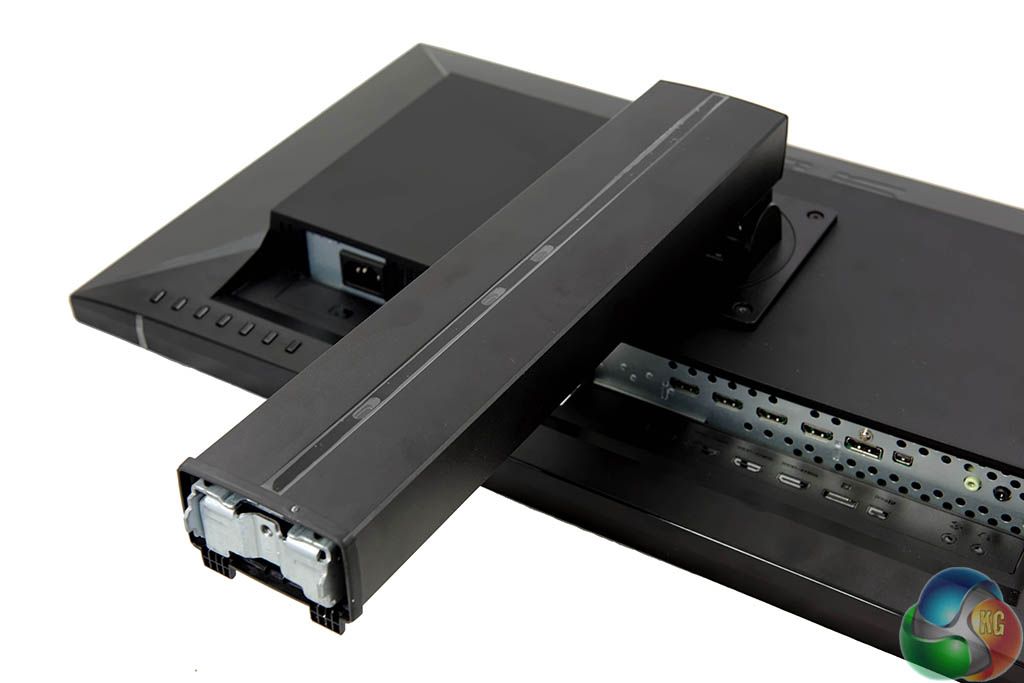
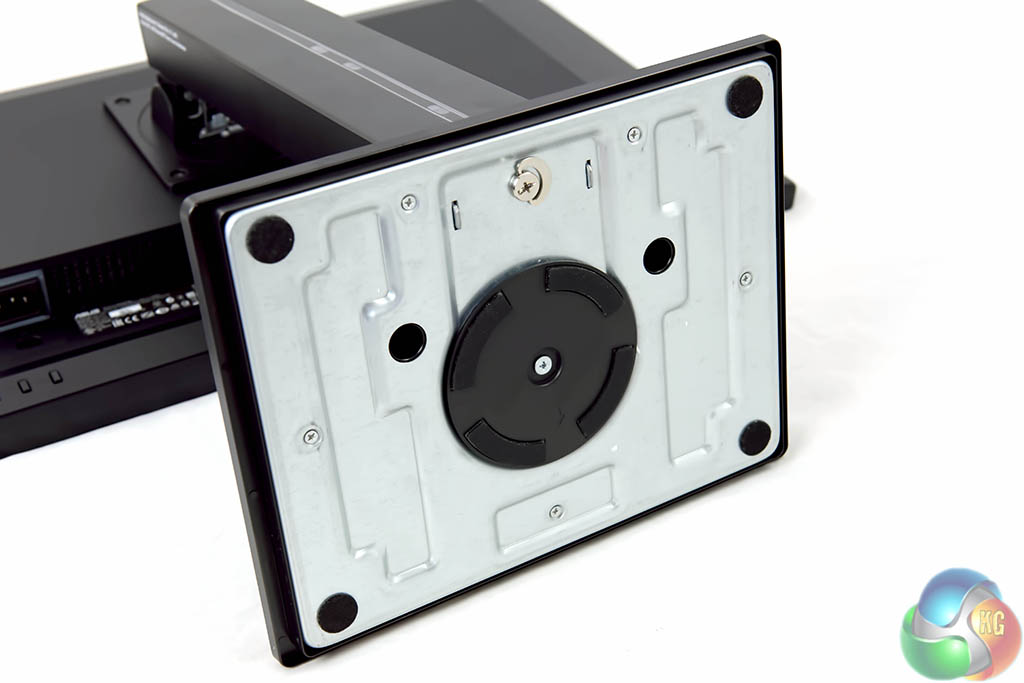
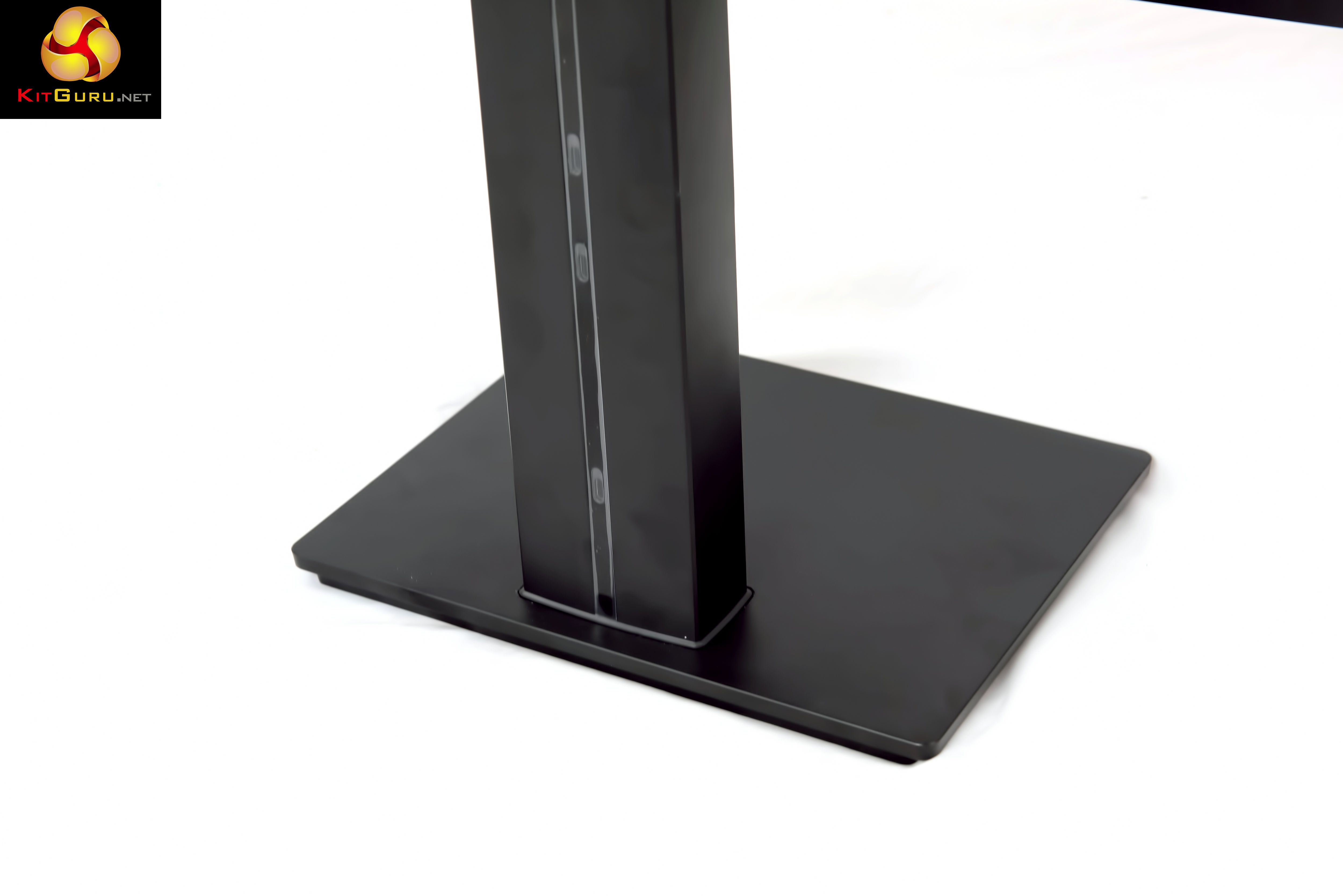
The base is heavy, as it is constructed from metal – shown above.
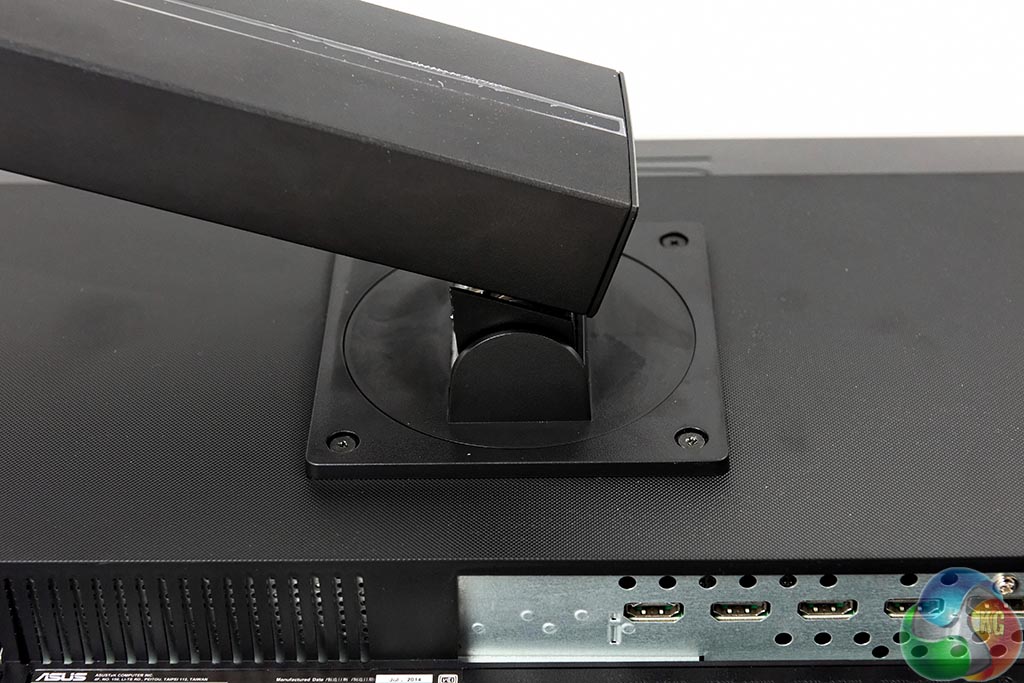
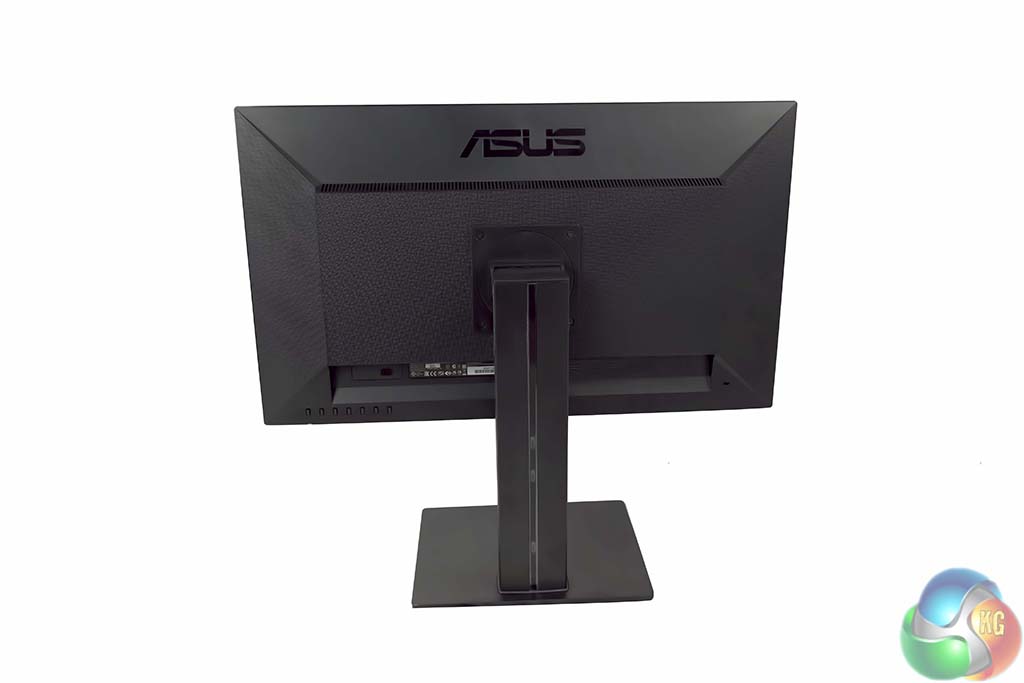
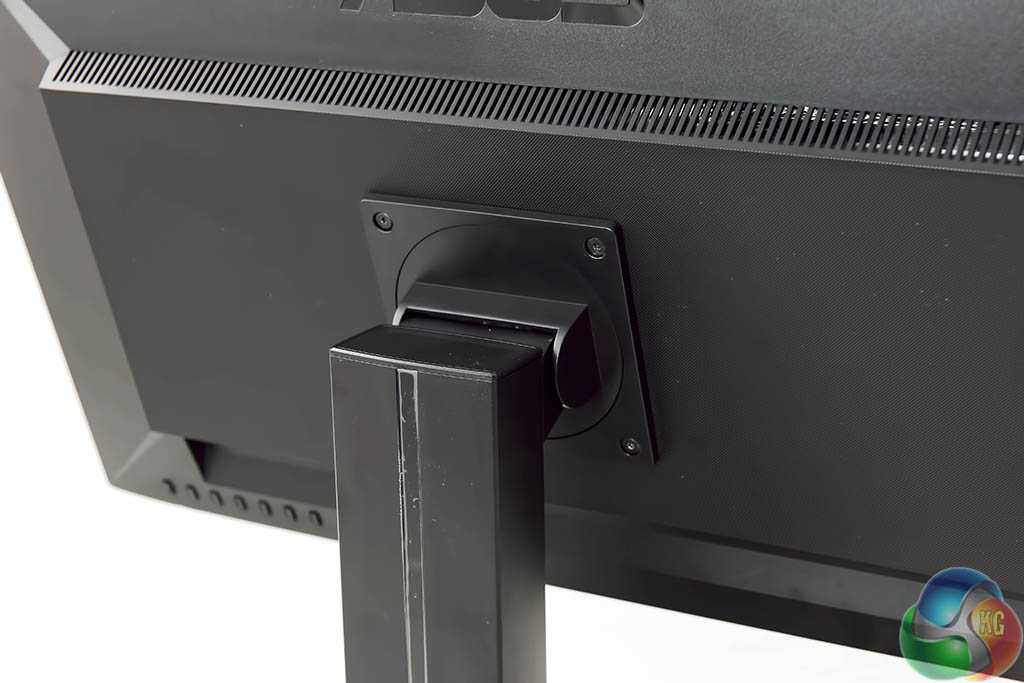
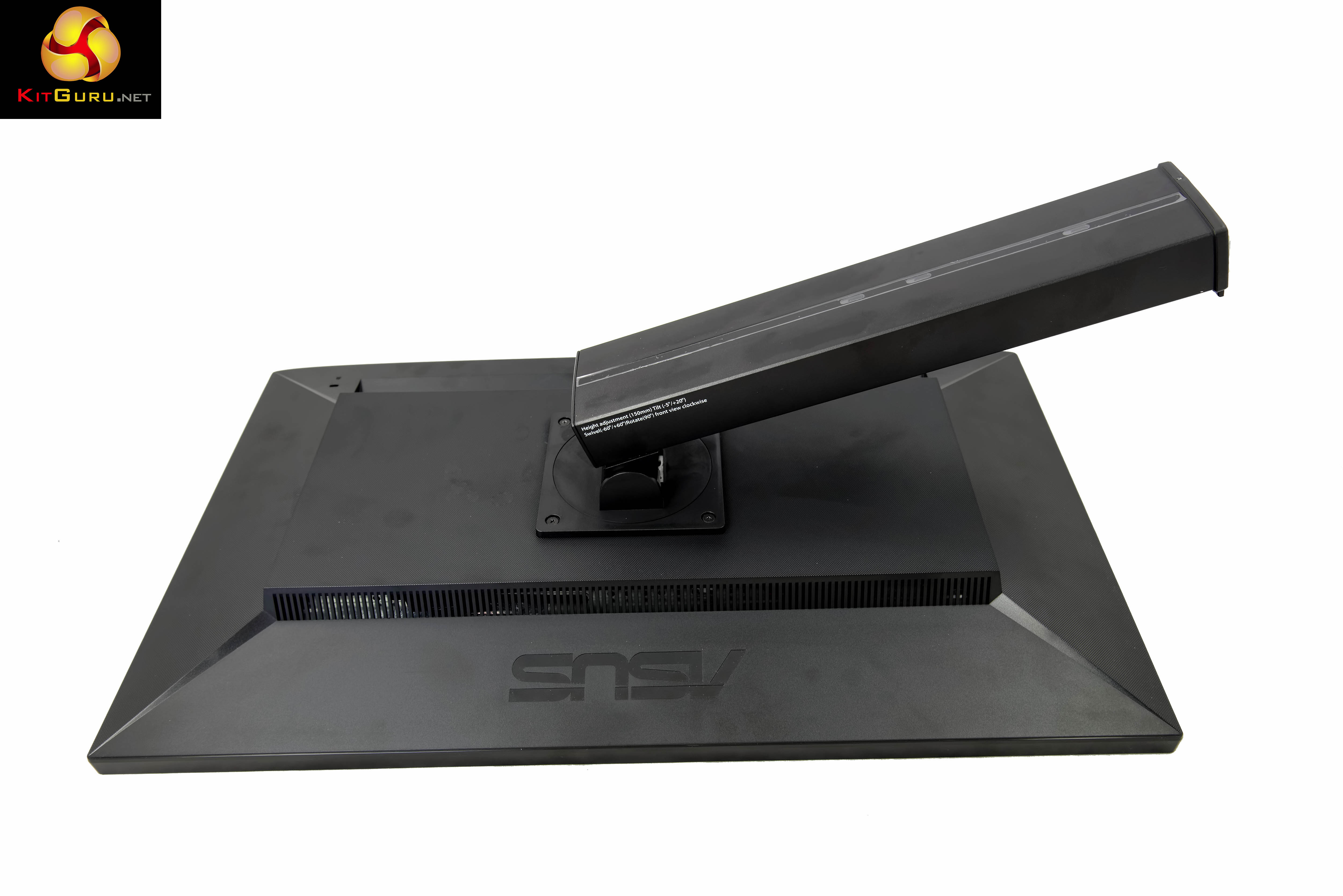
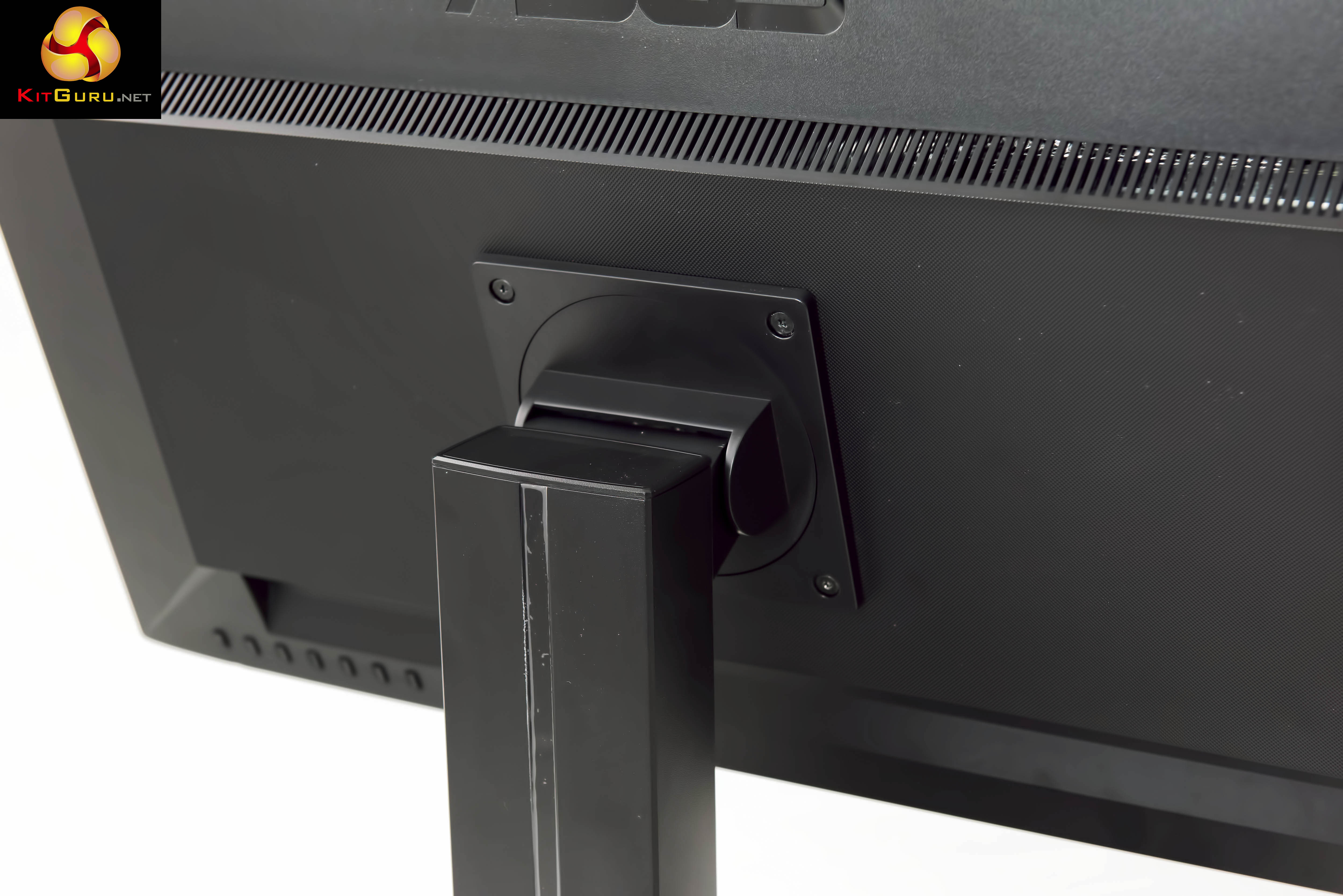
The monitor stand can be completely removed from the panel – for wall mounting.
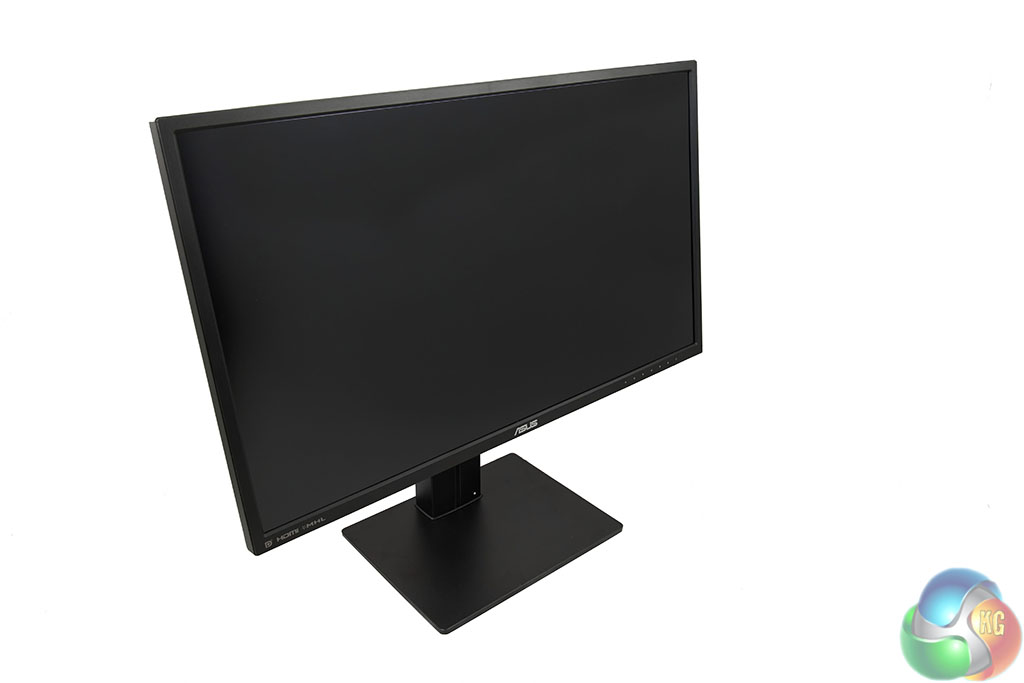
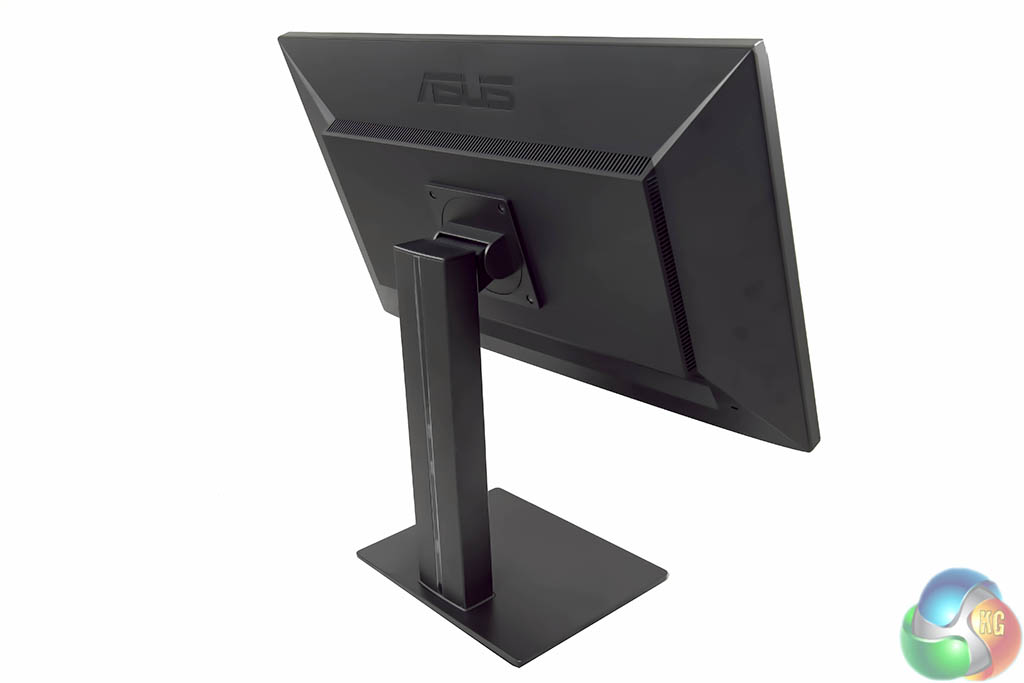
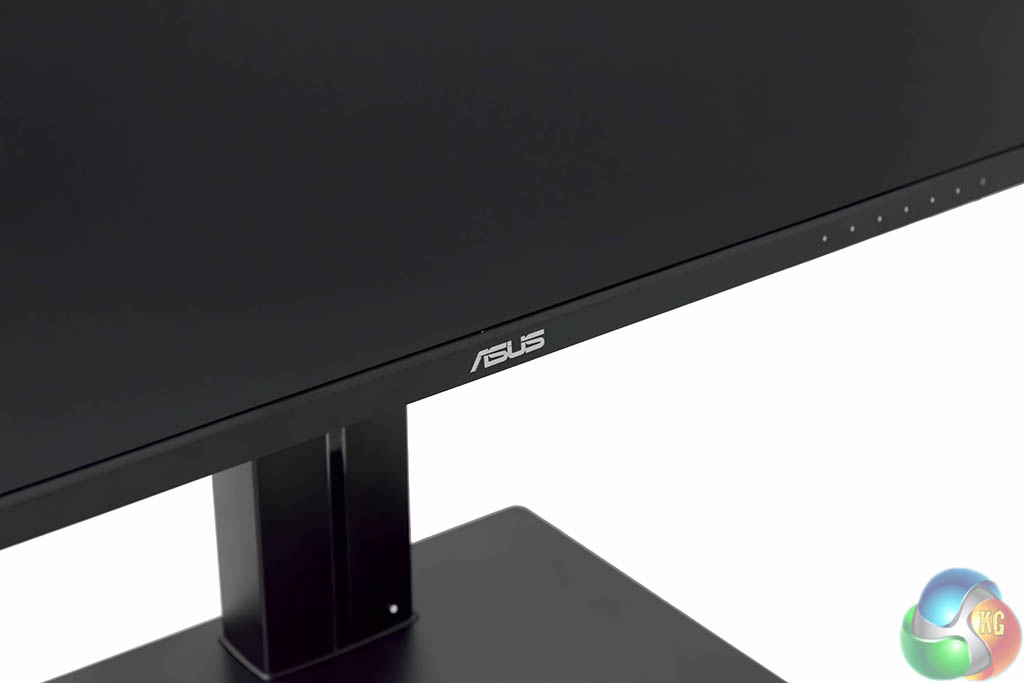
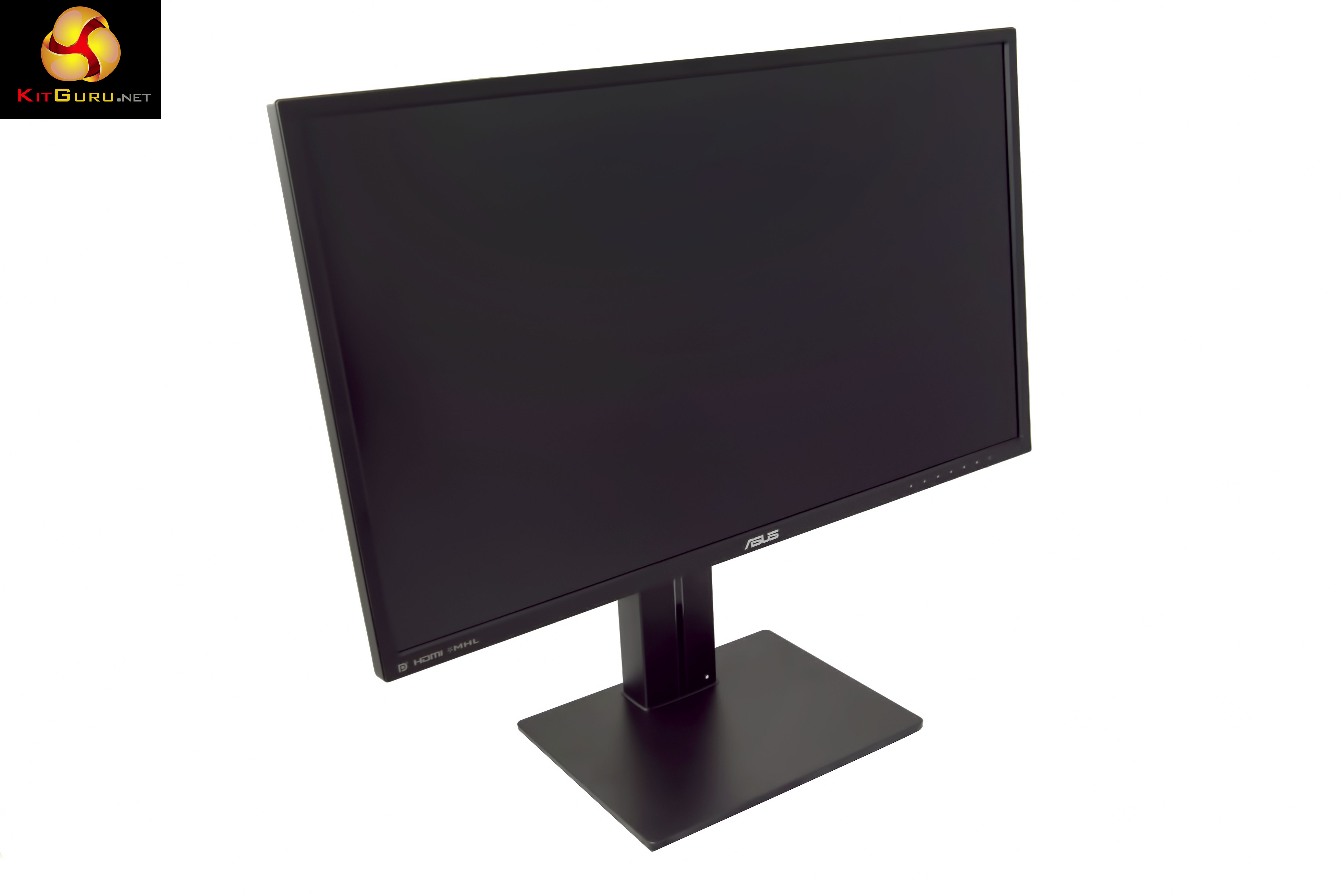
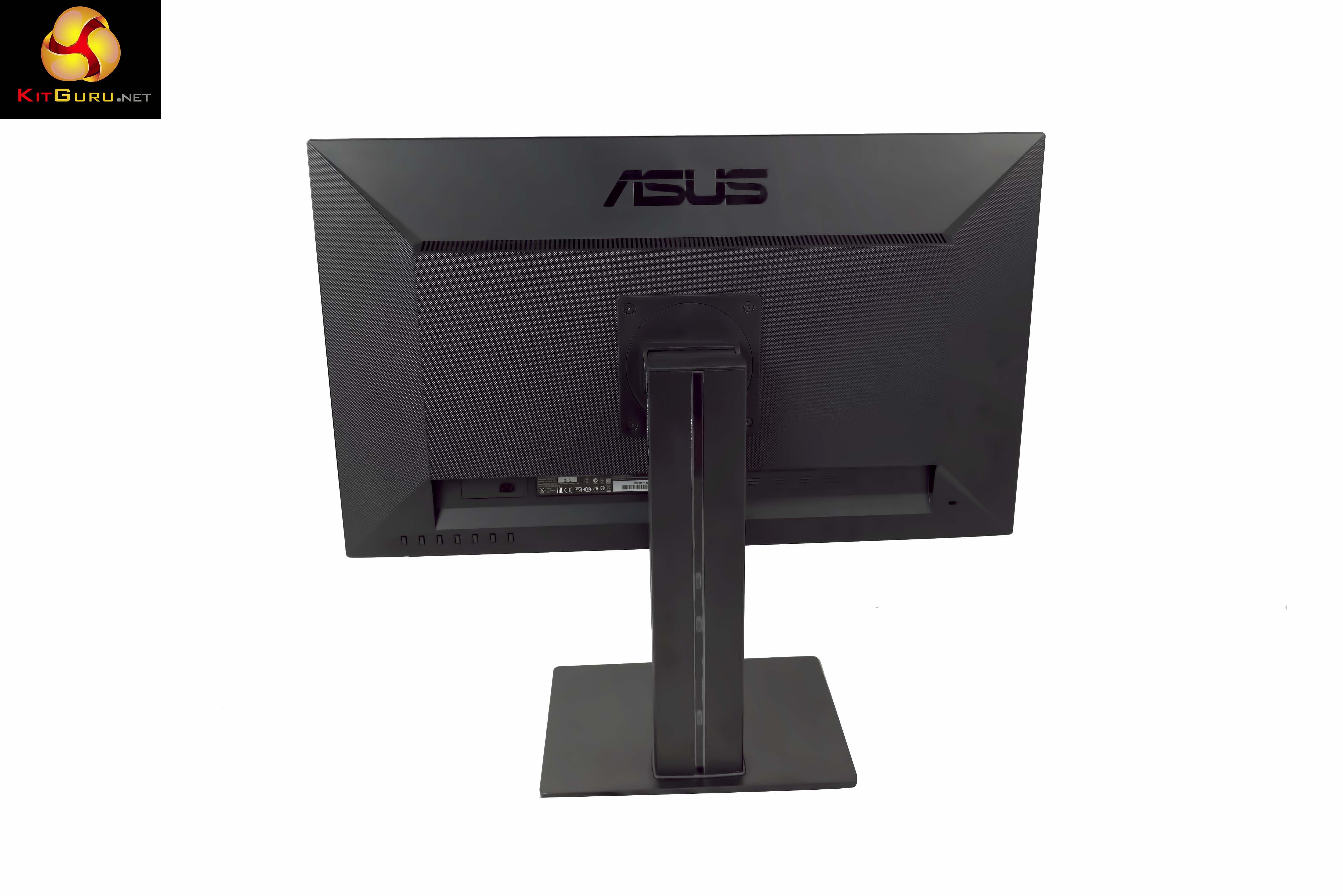
The Asus PB279Q is an attractive panel, although it isn't in the same league as their ROG Swift PG278Q G-Sync monitor which we reviewed way back in July last year. With the stand fitted we measured 624.96 x 407.76 x 220.06 mm with a weight just under 8kg.
The Asus PB279Q ships with two 2W speakers built in. As expected they are quite feeble and enthusiast gamers will want to add a good pair of speakers or headphones to enhance the experience.
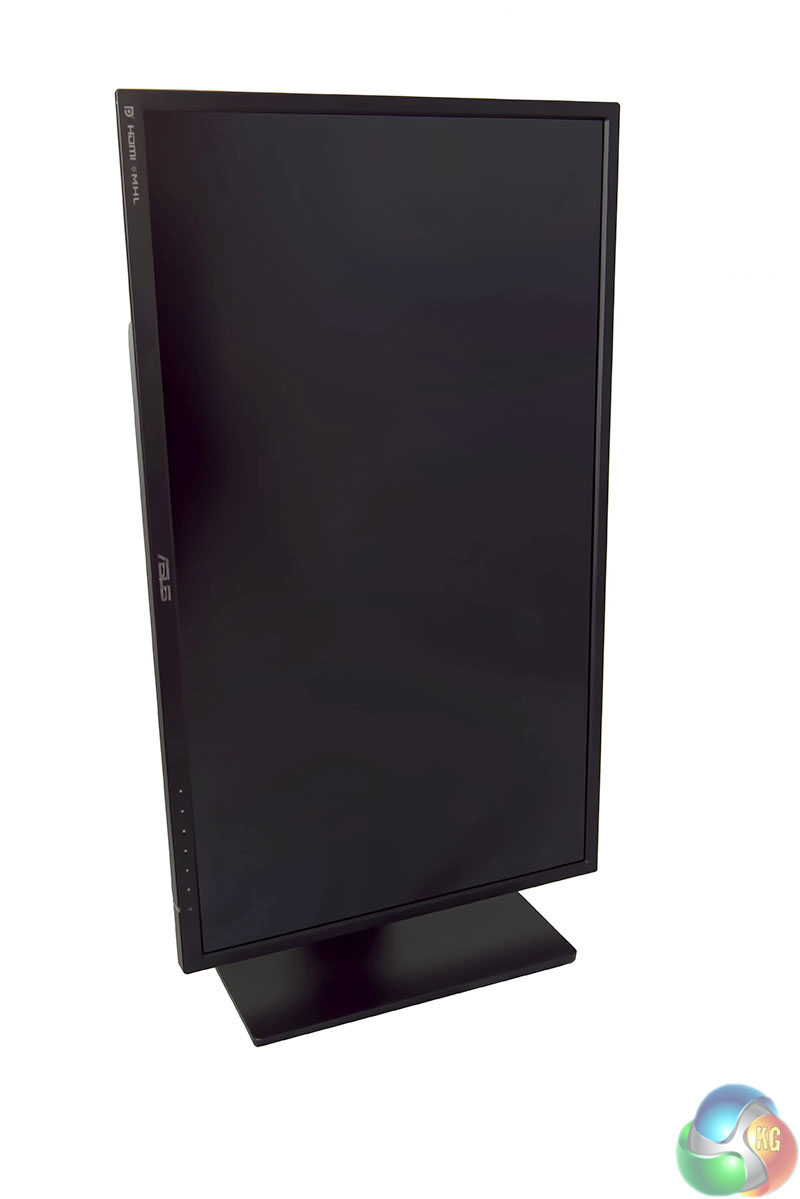
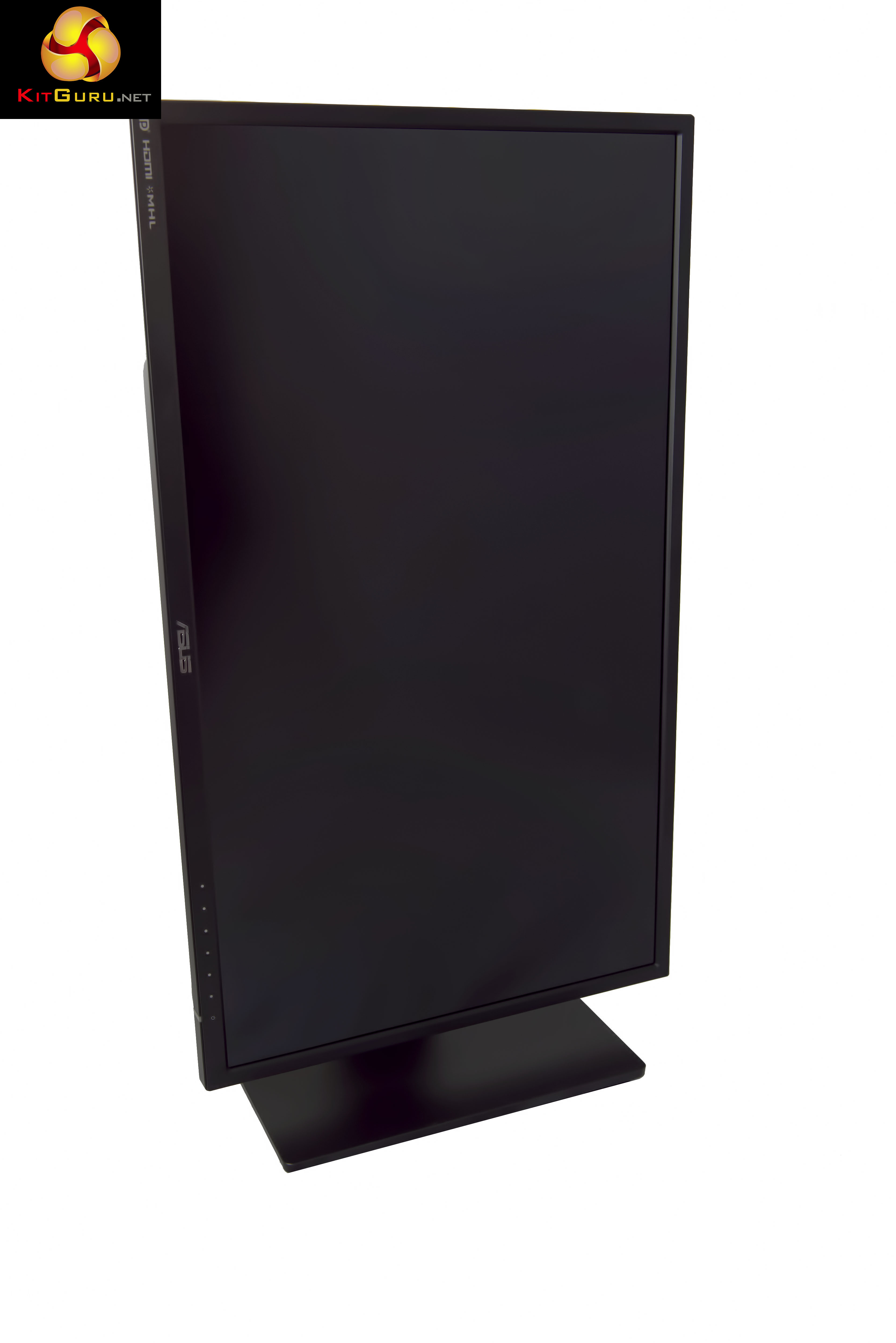
The panel can be rotated into portrait mode without any tools. Simply extend it to full height and push down on one side – it will snap into place.
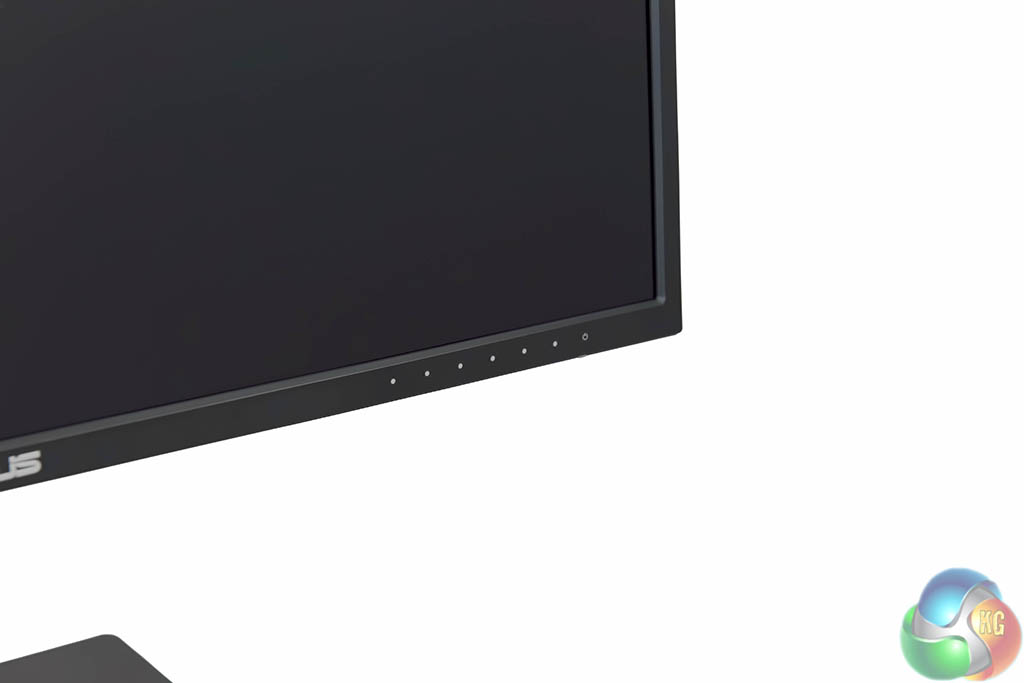
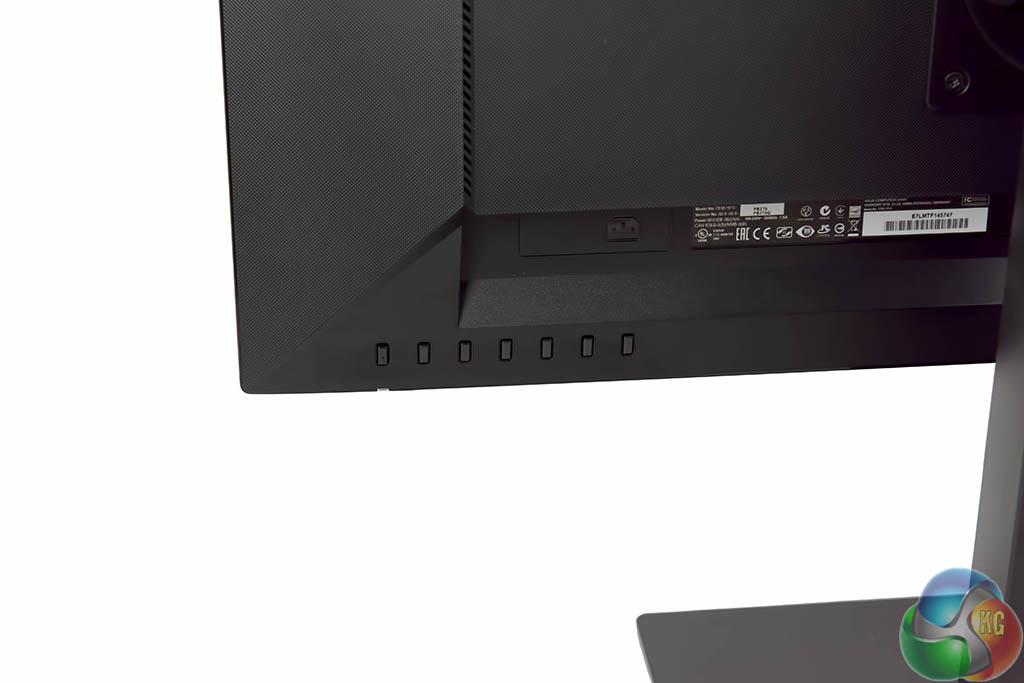
The interface panel is on the right of the screen. There are physical buttons on the rear, although we would have preferred if ASUS had moved the power button a little further away from the main menu buttons. We find many manufacturers overlook this for some reason – when you are fumbling around the back of the panel it is easy to accidentally press the power button.
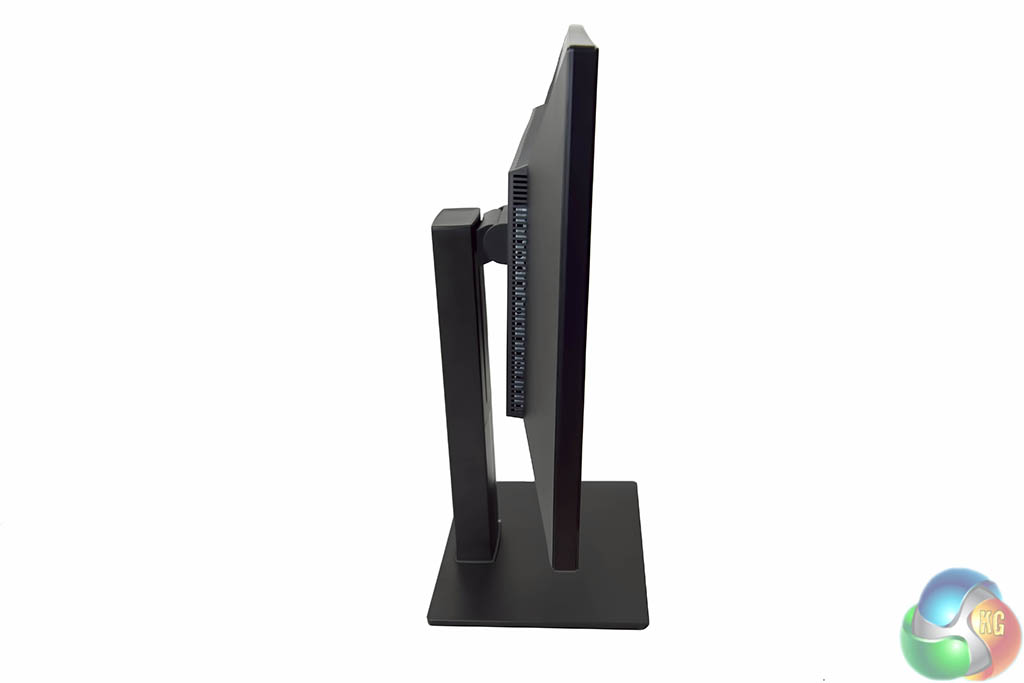
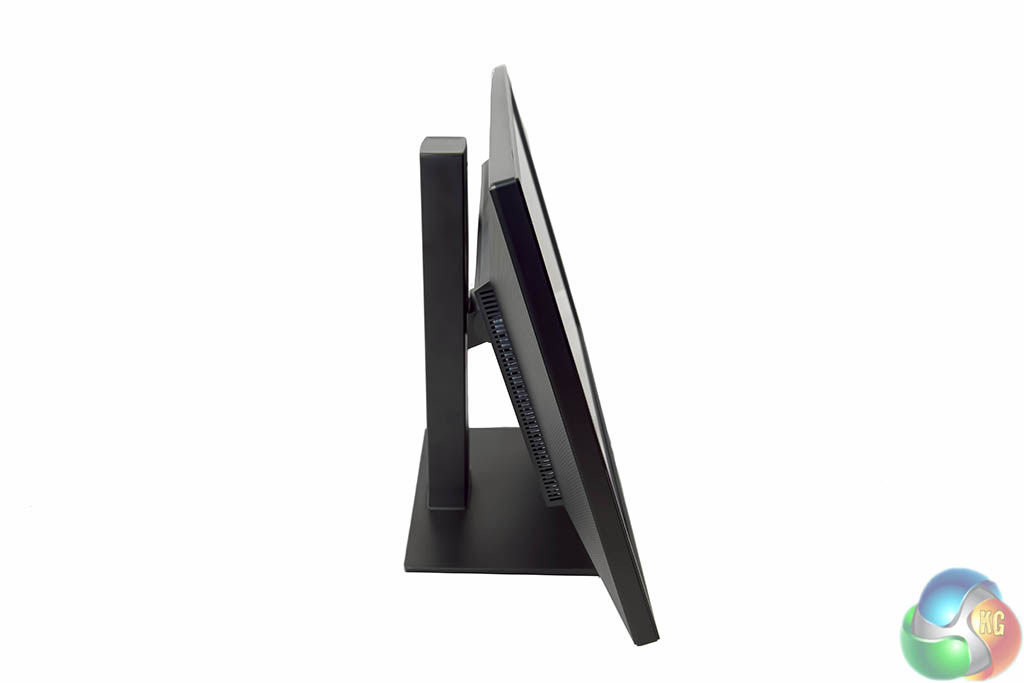
The main screen can be tilted between a range of +20°~-5°. There is full swivel and pivot support. Height adjustment is also supported to suit a variety of desk placements.
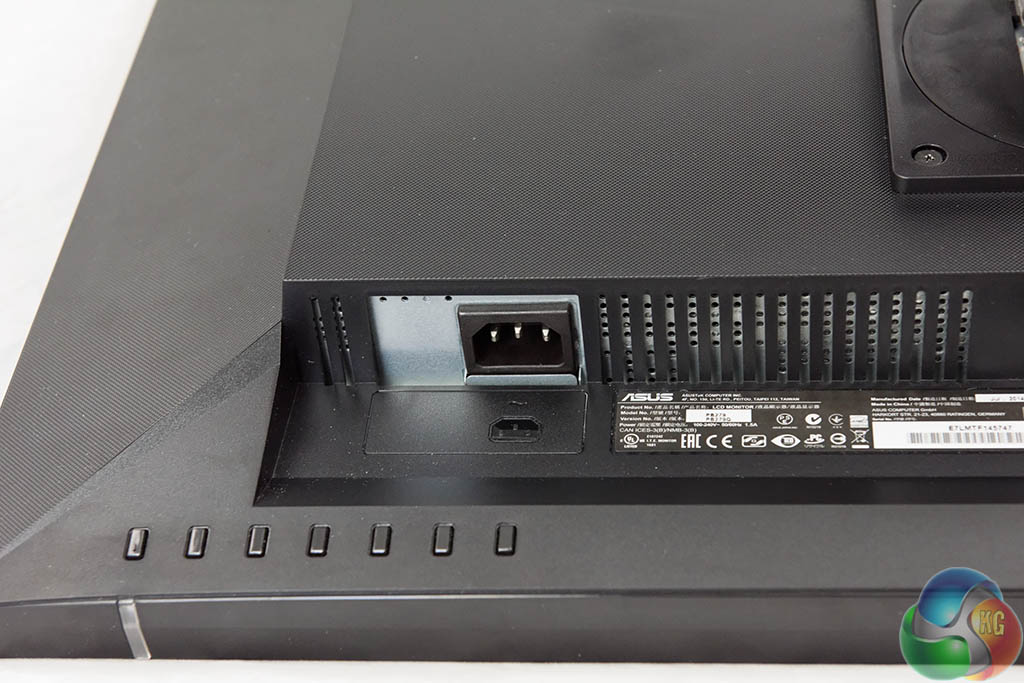
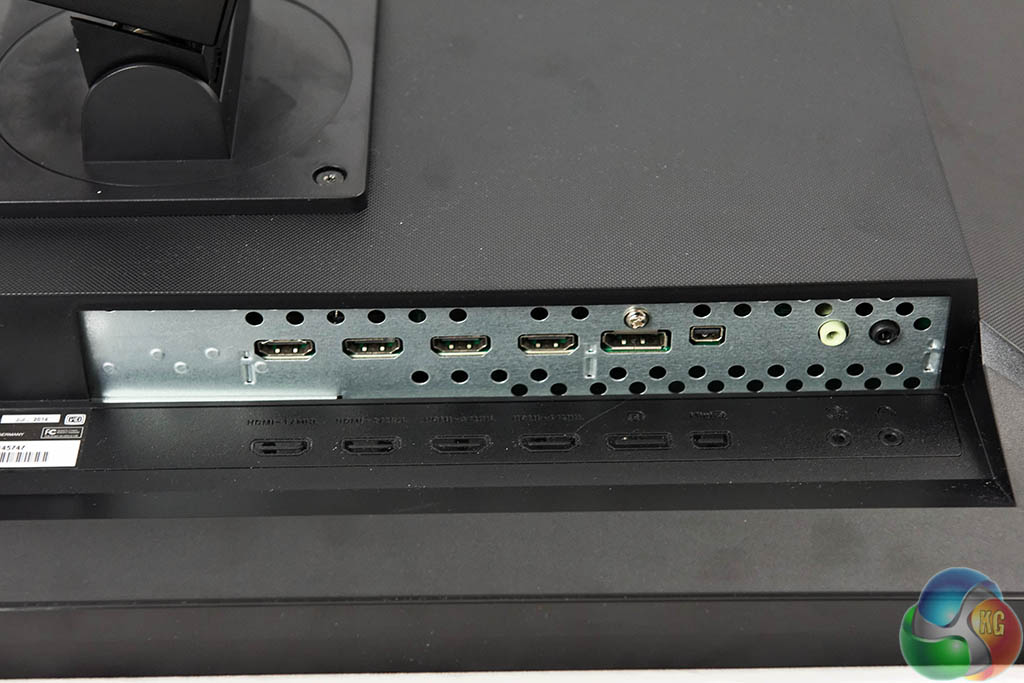
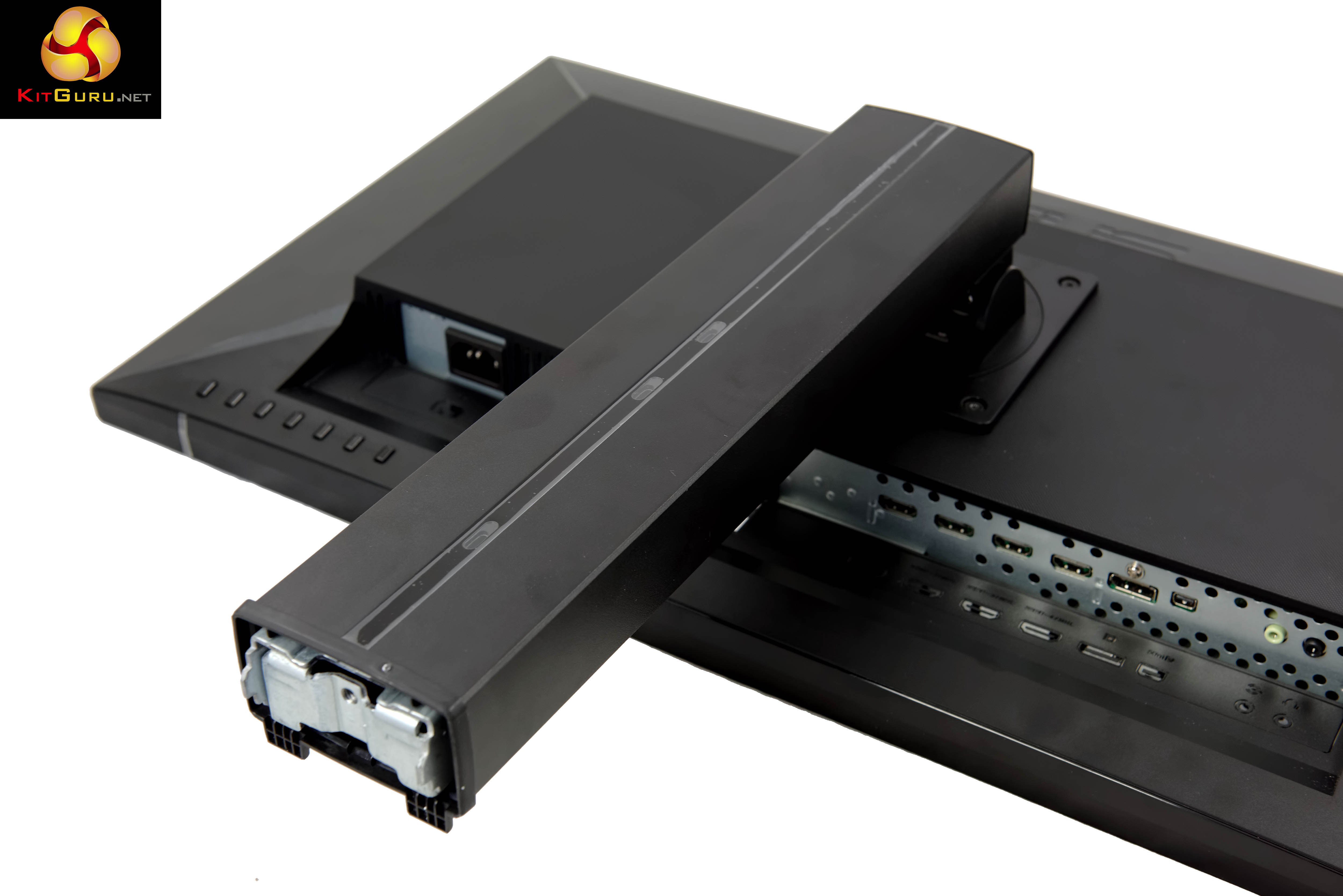
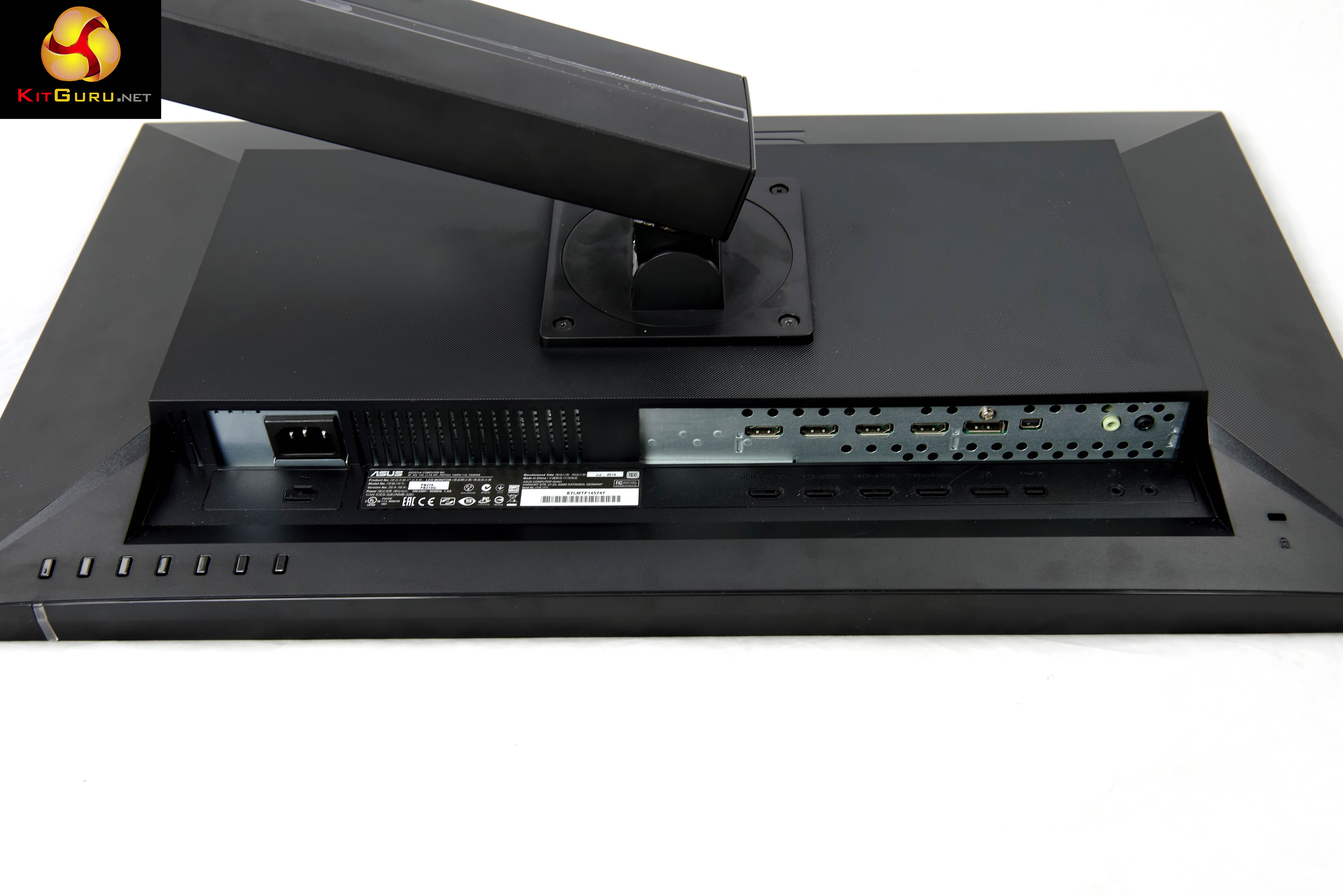
Interesting to see that the power adapter is inside the panel – you can simply attach any standard power cable directly to the screen. On the right side of the screen is the I/O panel.
Signal Input : 4x HDMI/MHL, 1x DisplayPort, 1x Mini DisplayPort
PC Audio Input : 1x 3.5mm Mini-Jack
Earphone jack : 1x 3.5mm Mini-Jack (for HDMI & DisplayPort Only)All our photographs are taken in the KitGuru studio – we don't use ‘stock' images from the companies themselves – we want you to see what you get rather than what the manufacturer want you to see. The high resolution images on this page will take much longer to open due to the dimensions, especially on slower connections. If you use these pictures on another site or publication, please credit Kitguru.net as the owner/source.
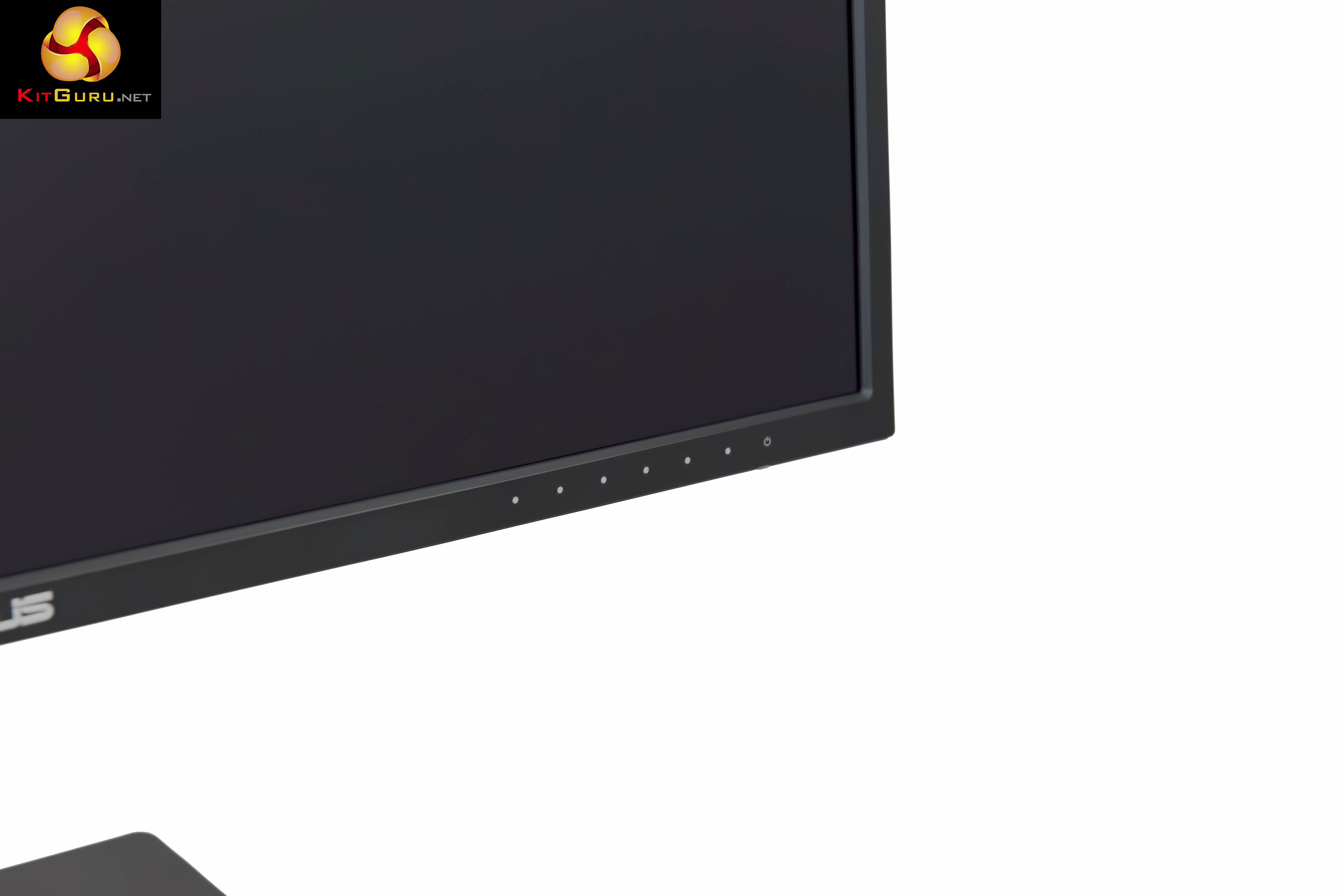
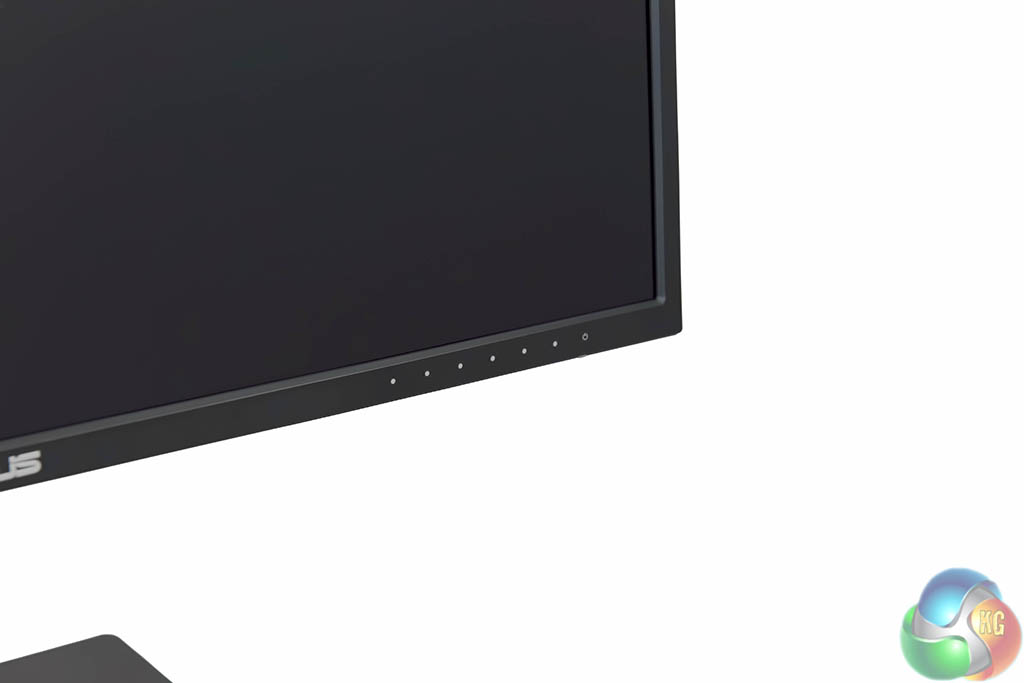
The menu interface is positioned bottom right of the panel. The physical buttons are simple to use and the layout it intuitive. The only issue is that the power button is at the end of the row and isn't spaced away from the other buttons. It can be therefore easy to accidentally press.
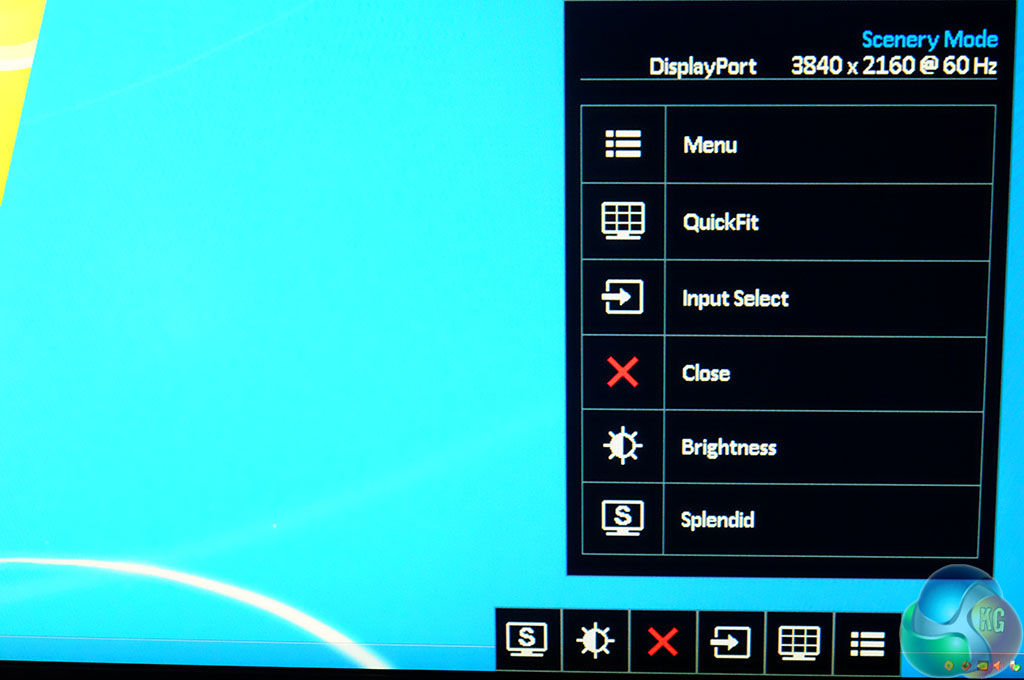
A quick menu option allows for easy access to all the submenus.
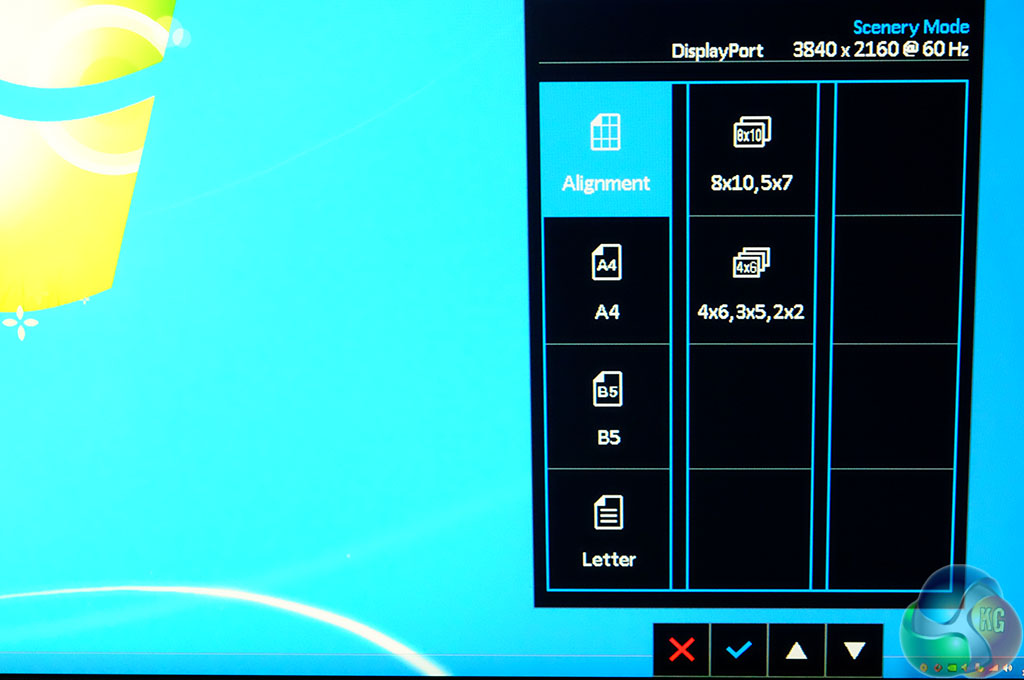
The Asus QuickFit Virtual Scale onscreen alignment grid overlay helps the user to preview actual size photos and documents on screen, before printing.
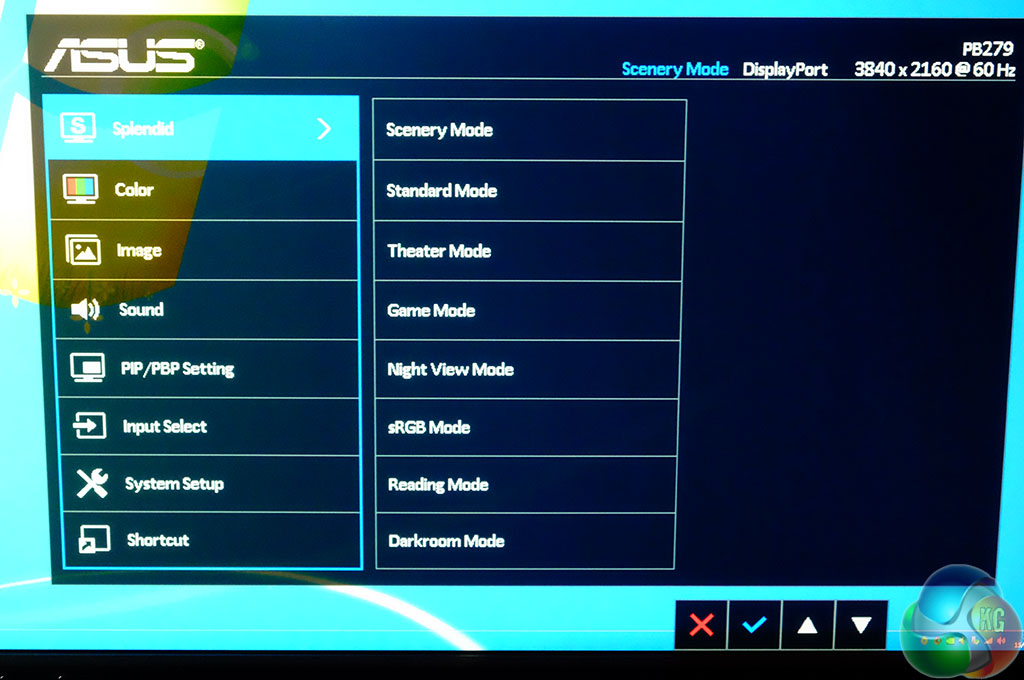
The main menu is accessed via the button right beside the power button.
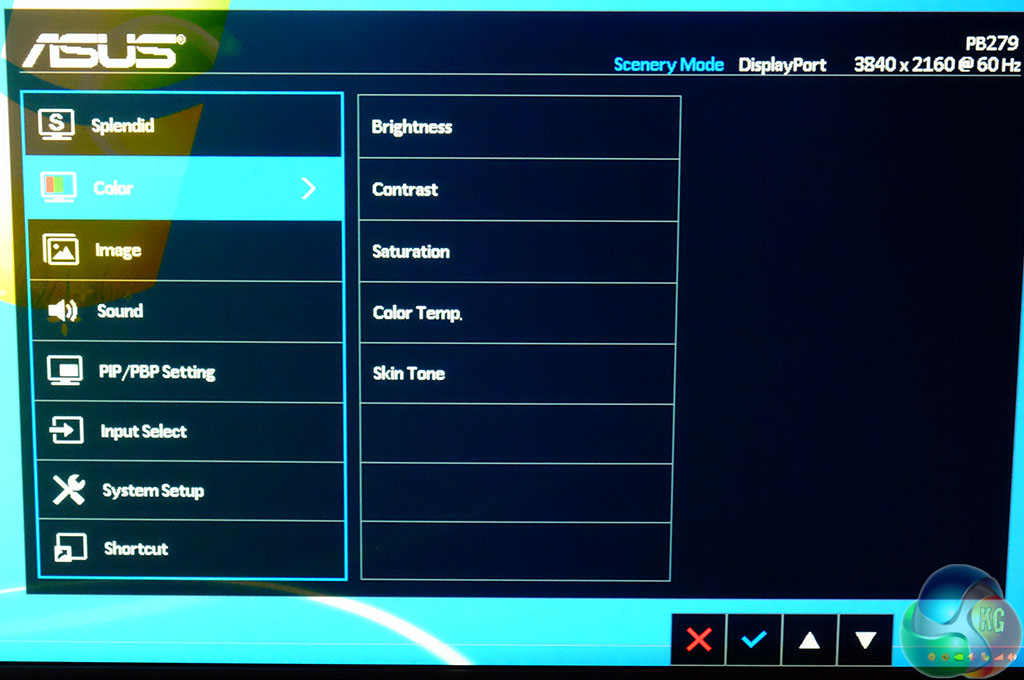
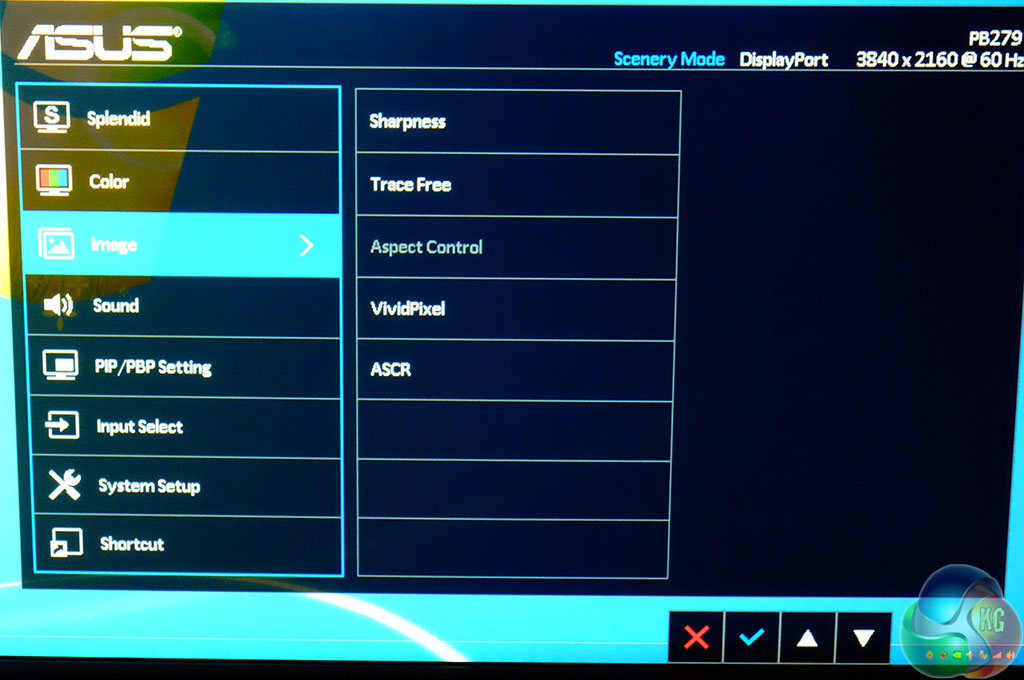
The ‘Color' and ‘Image' menu offer settings for brightness, contrast, saturation and temperature, alongside Skin Tone. A tracefree setting is also available, with sharpness options and ASCR.
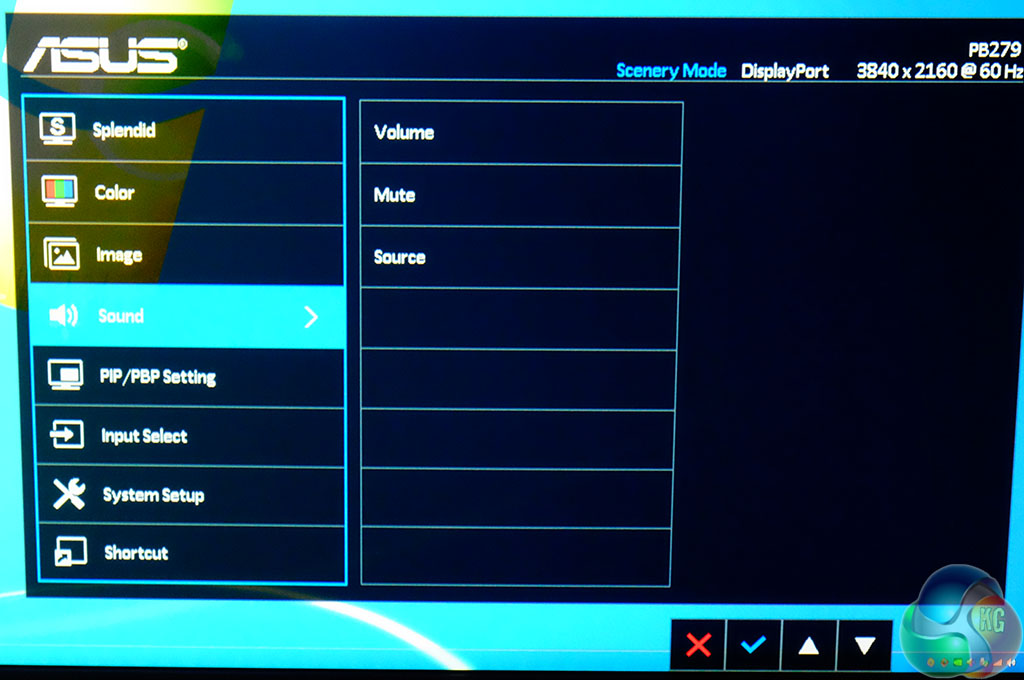
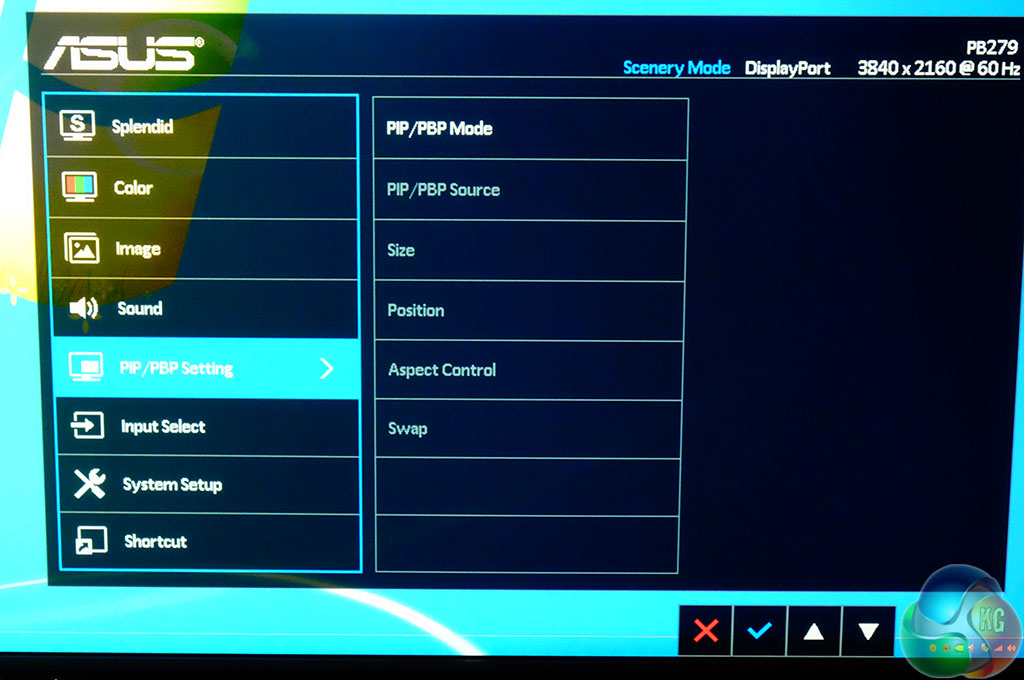
There are two 2 watt speakers built into the panel and as such ASUS include volume controls. Four input sources can be viewed on one display simultaneously.
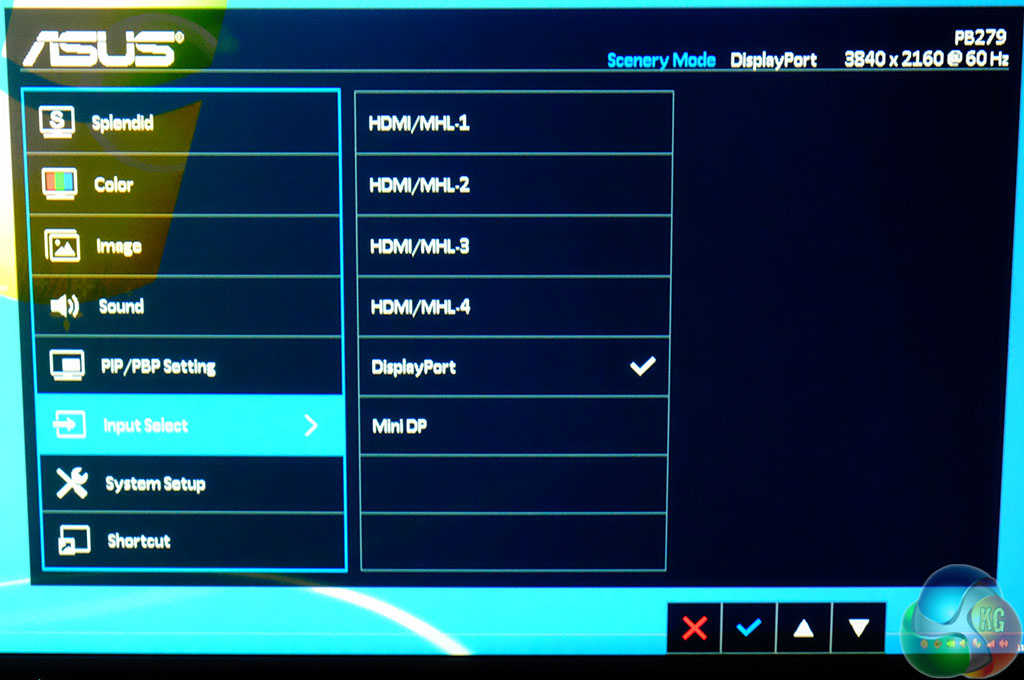
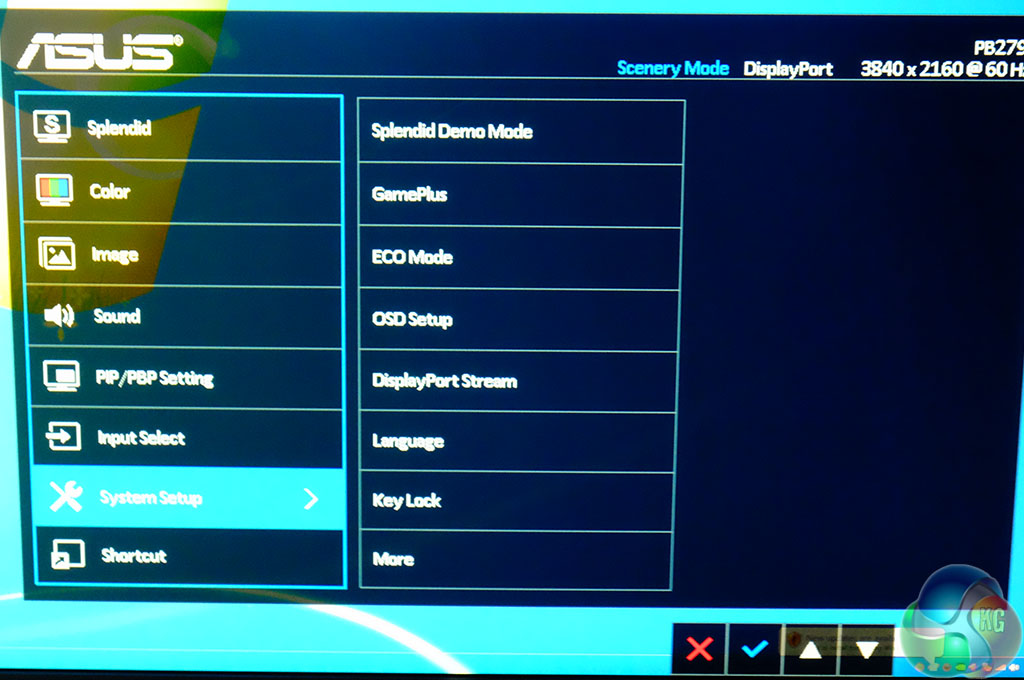
The System Setup menu offers control over various functionality, such as ECO mode, a demo mode, language selection and Displayport.
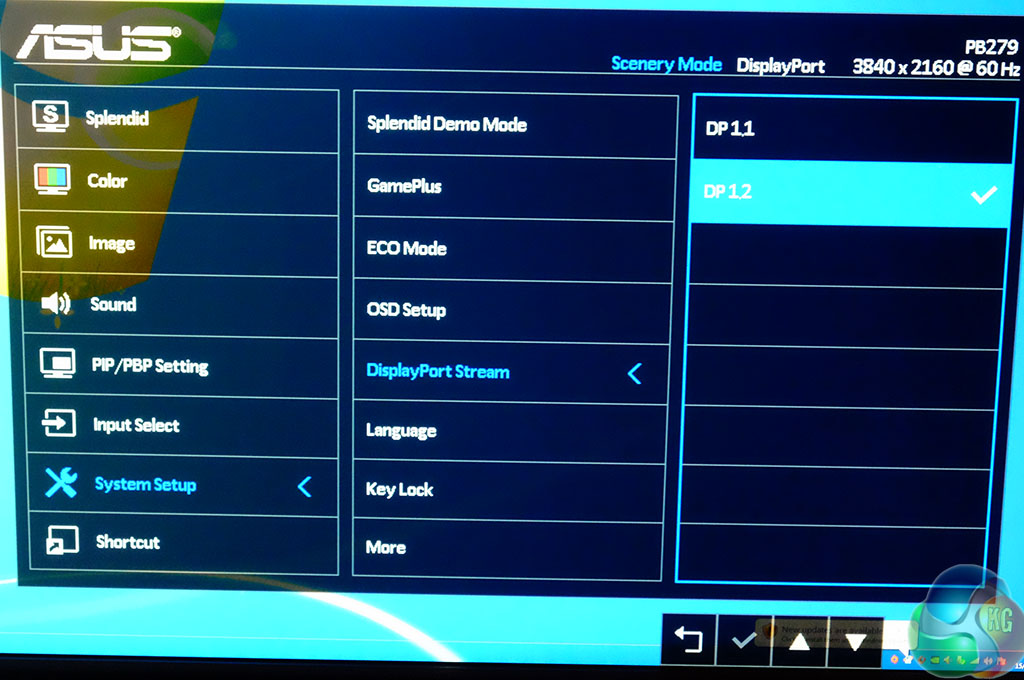
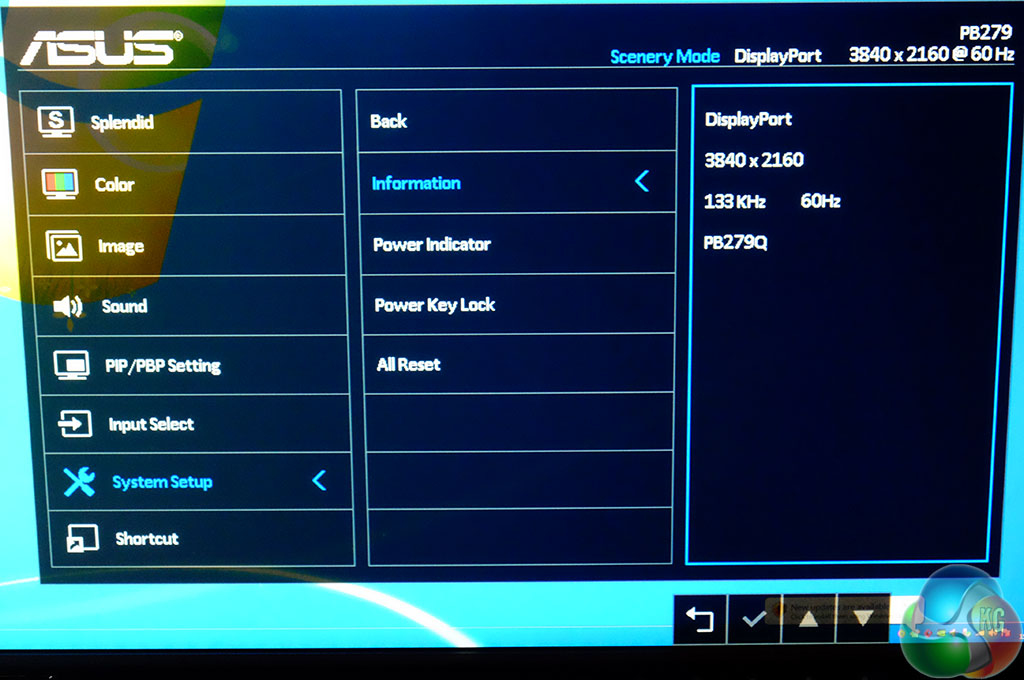
DP 1.1 and DP 1.2 modes are available to cover compatibility between certain configurations.
To test today we are using a LaCie Calibration gun, along with specific software to accurately measure the readings. We used the ‘reset all' option before testings to ensure all the settings were ‘out of the box'. As suspected, our sample was previously tested and tweaked by another publication.
We measured Gamut out of the box and the PB279Q returned a reading of 2.19 which is excellent. We manually adjusted Gamma to 1.8 and the panel returned a 1.83 result, which is close to perfect.
The Asus PB279Q is a 10 bit panel, using AHVA IPS technology, and is WLED backlit. We measured viewing angles of 178 degrees on both horizontal and vertical planes. The panel is coated with a light, smooth anti glare finish which does give real world clarity and excellent colour vibrancy. The PB279Q produces fantastic colours, right across the gamut.
The Displaymate 64 step Grayscale test returned an excellent result, with only one missing step.
The Asus PB279Q ships in a reasonable state, although it certainly did benefit from some calibration. We tweaked both contrast and brightness to achieve the best result. The default brightness setting of 90 percent was immediately noticeable. We dropped it to around 38 percent for the best image quality. Even the untrained eye is likely to notice the excessive default brightness setting as black areas on the screen appeared dark grey.
We also adjusted the colour balance a little, overall images appeared slightly ‘warm'. This is easily resolved and may not even be noticeable by many of the potential user base.
4K image quality is exceptionally good. Colours are well saturated, and reds are bright and clean. Obviously you can adjust these settings to suit personal taste, but the default ‘out of the box' settings are actually reasonably good.
Panel Linearity rates as good, with some minor deviation close to the edges. This is expected in this price bracket and won't be an issue for the target audience. Gradients are reproduced smoothly, with only minor banding noticeable.
The panel is rated at 5ms Gray to Gray refresh, but it is an IPS panel so there are always certain limitations inherent with the technology. The hardcore gaming audience may find the refresh to be a little slow for them, but I didn't notice any issues when testing a couple of titles such as Farcry 4 and Grid Autosport.
To get a second (and third) opinion I asked members of a local gaming clan (Battlefield) to spend a day with the PB279Q. Two of the guys said the screen performed well, without noticeable ghosting or smearing, although the last member said he could notice the slower refresh. He said he had to use a 1ms screen for gaming as anything else distracted him. It would be fair to say that most gamers would find the ASUS PB279Q acceptable, however if you are particularly susceptible to slower refresh rates, then caution would be advised.
This is going to be very much down to the individual and it is still an area where a TN panel has the edge.
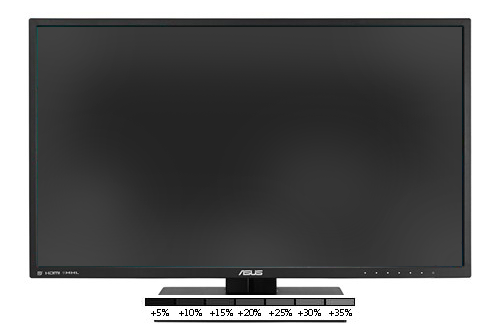
Black Definition rates as above average. We recorded light leakage across the full width of the screen, at best +5% in central positions, and at worst +20% at extreme edges. In real world situations this was not too noticeable, however if you watch a lot of high definition movies featuring space scenes then areas can appear dark grey rather than ‘pitch black'. The default brightness setting exacerbates this problem as ASUS are using a default brightness setting of 90 percent. Dropping brightness to 40 or below negates the issue somewhat.
We measured contrast to be around 710:1 (non dynamic), not quite at the 1000:1 rated specifications ASUS claim however we felt the image quality was excellent, even if the results aren't quite as claimed.
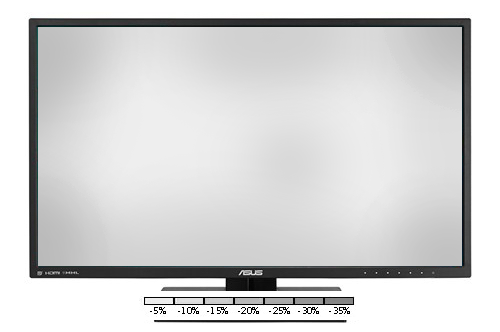
White purity is good with the screen showing a central rating around -8%. At the edges this increases to around 15%. Quoting figures is only half the story, as in real world terms, the image quality is very clean, bright and without noticeable colour bias. As I said earlier, at ‘out of the box' settings, the overall colour balance is 1% in favour of the red channel, but this is easily removed.
For a photographer or webdesigner, you could do worse than use the PB279Q. That said, the Asus ProArt range do tend to exhibit slightly cleaner and more pure colours, especially in the red spectrum. They are more expensive however.
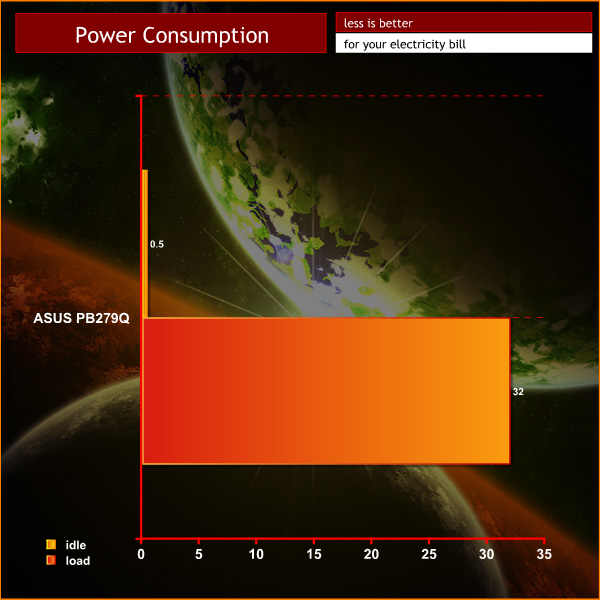
The monitor consumes close to 50 watts when active, with the brightness at 90%. After our calibration, this dropped to around 30 watts when active.
The Asus PB279Q delivers a clean, crisp image and will certainly help the company cement their footing within the Ultra HD 4K market.
If you are thinking of ditching that old TN panel to move into the world of IPS screens, then the benefits are easy to quantify. IPS panels are able to deliver superior viewing angles, as well as more vibrant, richly saturated colours. The Asus PB279Q excels with colour reproduction and rates quite closely to some of their Pro Art screens that I have analysed.
The onboard speakers are rather feeble, as we would expect, but in an office environment they will be welcomed. General alerts and basic speech is acceptable, although external speakers will be a prerequisite for beefy, full rounded audio output.
As detailed in this review, we thoroughly enjoyed the gaming experience from the Asus PB279Q. It obviously isn't as fast as the Asus ROG Swift PG278Q 144hz G-Sync monitor that claimed our Monitor of the Year award for 2014, but we didn't notice any smearing or ghosting. Two out of three clan gamers agreed with me, but if you simply must have a 1ms gray-to-gray refresh rate then TN is probably your only option.
Gaming at 3,840 x 2,160 has to be seen to be thoroughly enjoyed, especially if you play a modern game designed with higher resolution textures in mind. The only downside, and sadly it is quite a major one, is the graphics horsepower needed to get smooth frame rates. We would recommend two GTX980's or a R9 295X2 to get the best gaming experience. Unless you are happy running at lower resolutions or image quality settings then this extra expense is a deal breaker for most.
Right now there are no 4K monitors with greater than 60hz refresh rate, so you will need to be patient if you want the option for 100hz+. We also know from our own testing that achieving solid, steady 100+ frame rates in most titles at this resolution is close to impossible – even with three GTX980's (at max IQ). Waiting for the next generation of graphics hardware may be the wisest option.

You can buy the Asus PB279Q 4K monitor direct from Overclockers UK for £679.99 inc vat.
Discuss on our Facebook page, over HERE.
Pros:
- excellent overall image quality.
- decent onscreen menu system.
- good viewing angles.
- onboard speakers.
- plenty of connection options.
Cons:
- You need serious graphics horsepower to get a steady 60fps at 4K.
- out of the box brightness settings are too high.
Kitguru says: A well rounded, high performance monitor which will futureproof you for years.