 KitGuru KitGuru.net – Tech News | Hardware News | Hardware Reviews | IOS | Mobile | Gaming | Graphics Cards


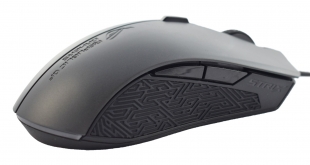
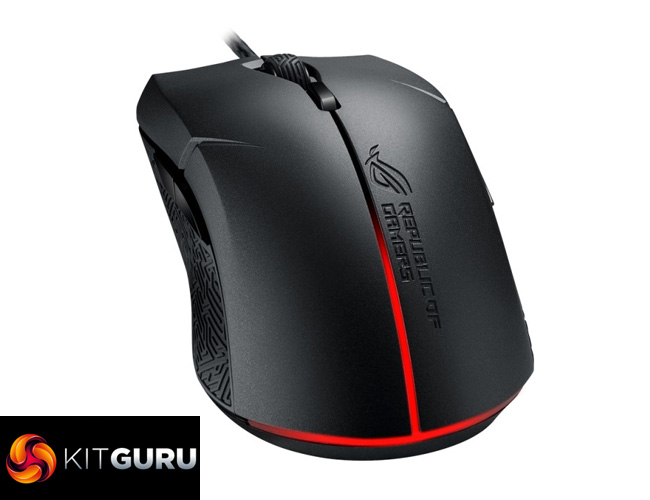
The standout feature of the ASUS ROG Strix Evolve is undoubtedly its ability to change shape thanks to removable top panels. In practice, this means the Strix Evolve can be tailored to your specific needs – whether you want a ergonomic right-handed, ergonomic left-handed or ambidextrous mouse, the Strix Evolve has you covered. Intrigued?
It is certainly not an idea I have come across before. Here at KitGuru, we've seen a few modular mice that have replaceable panels – such as the EpicGear Morpha X – but that was purely for aesthetics. The ASUS ROG Strix Evolve takes that to another level as its replaceable panels actually change the shape of the mouse, making it perfect for those who like to tinker and play about with their tech.
Specification
- Connectivity: Wired USB 2.0
- Tracking Resolution: 7200 DPI optical
- Tracking Speed: 150 IPS
- Tracking Acceleration: 30 g
- Responsiveness: 1000 Hz polling rate
- Switch: Omron D2FC-F-K (50M)
- Buttons: 8 programmable buttons
- Cable: 2-meter braided USB cable
- Dimensions: L 125 x W 65 x H 41 mm
- Weight: 128g with cable/ 100g without cable
- Package Contents: 1 x mouse, 2 x ROG logo stickers, 2 x top cover sets, user documentation


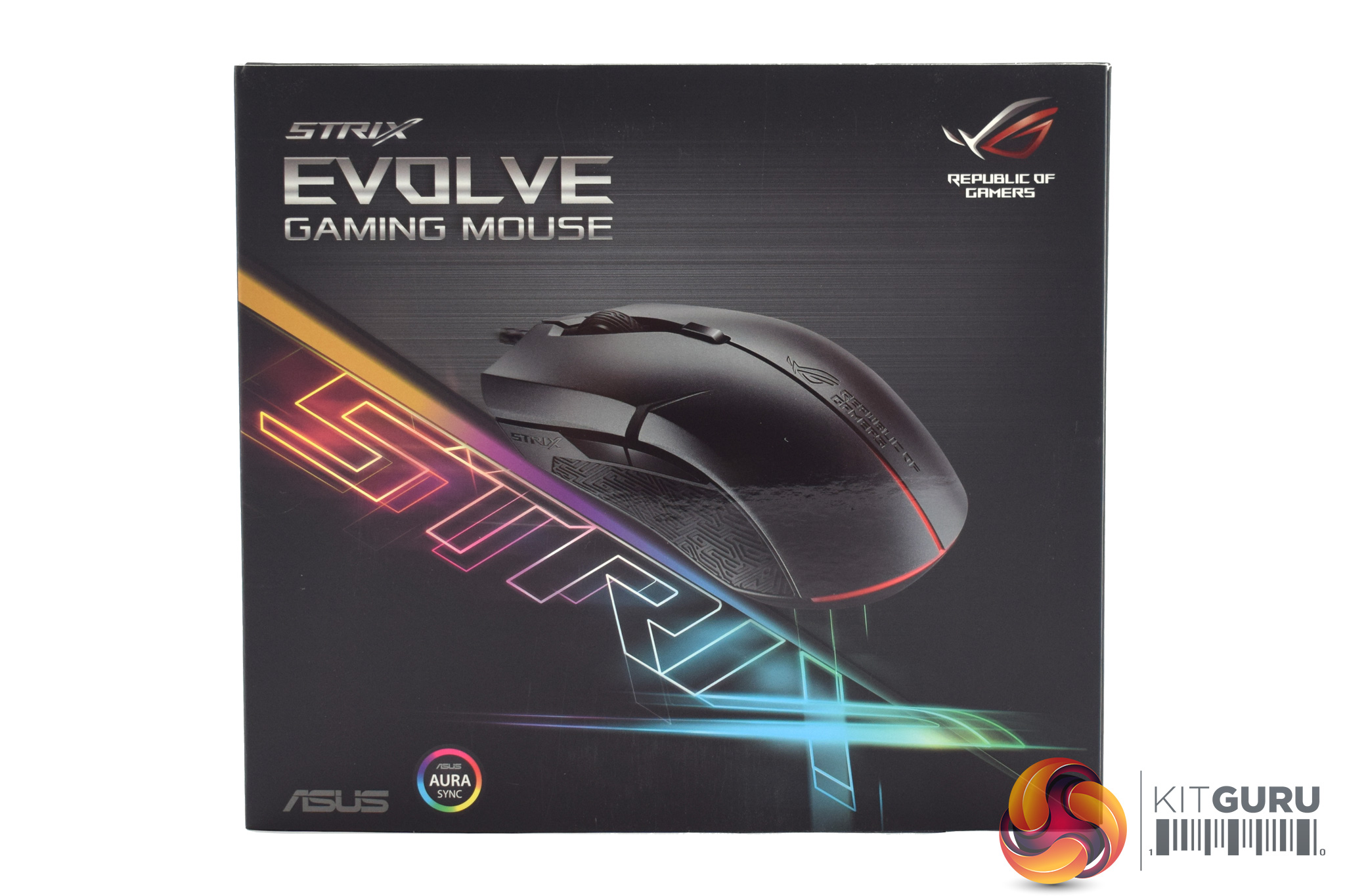
The ASUS ROG Strix Evolve ships in a bright and snazzy box, featuring the multi-coloured Strix logo and a photo of the mouse itself.
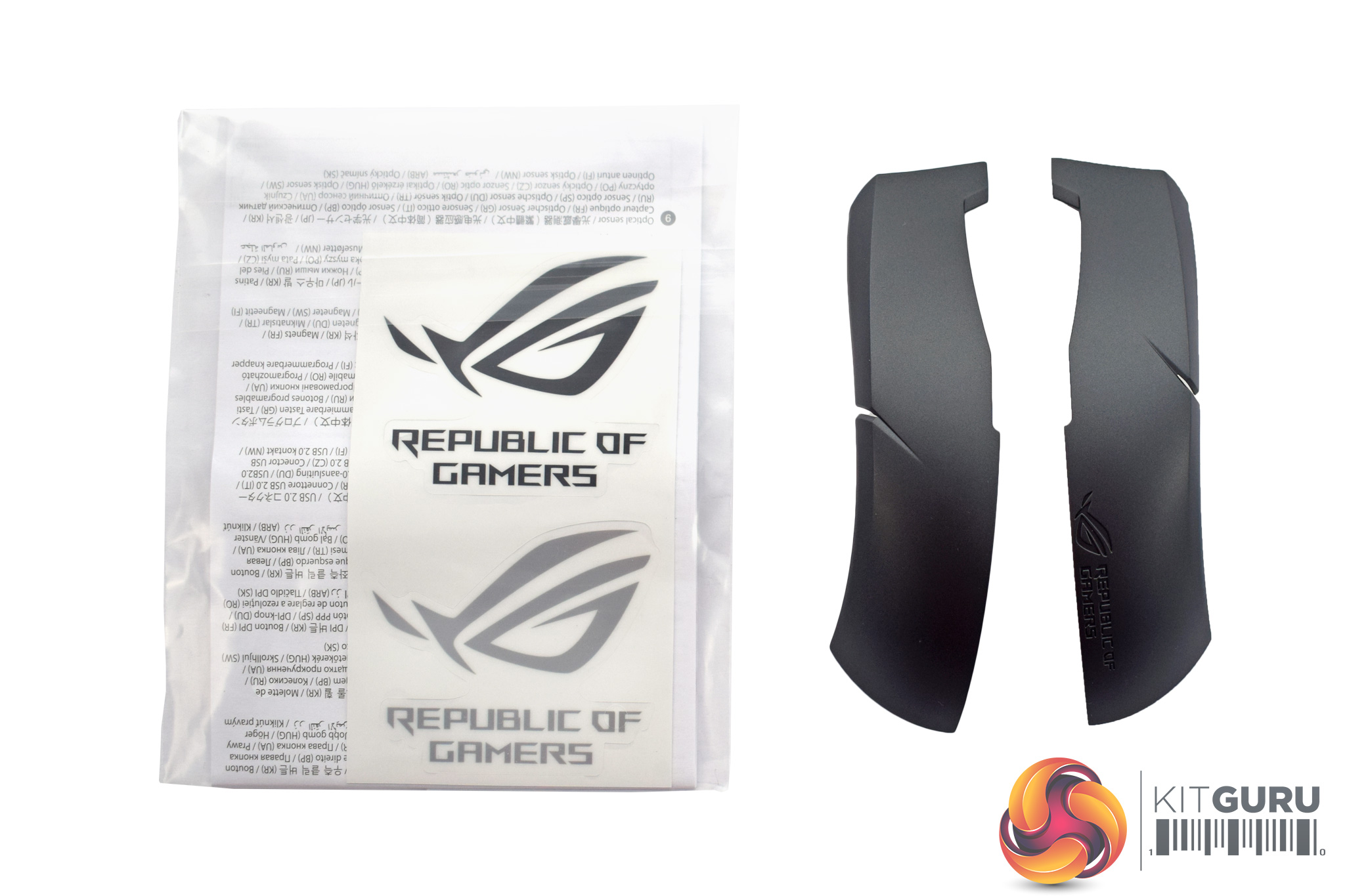
Inside, ASUS has included two ROG stickers, user documentation and two of the replaceable panels. More on that later.
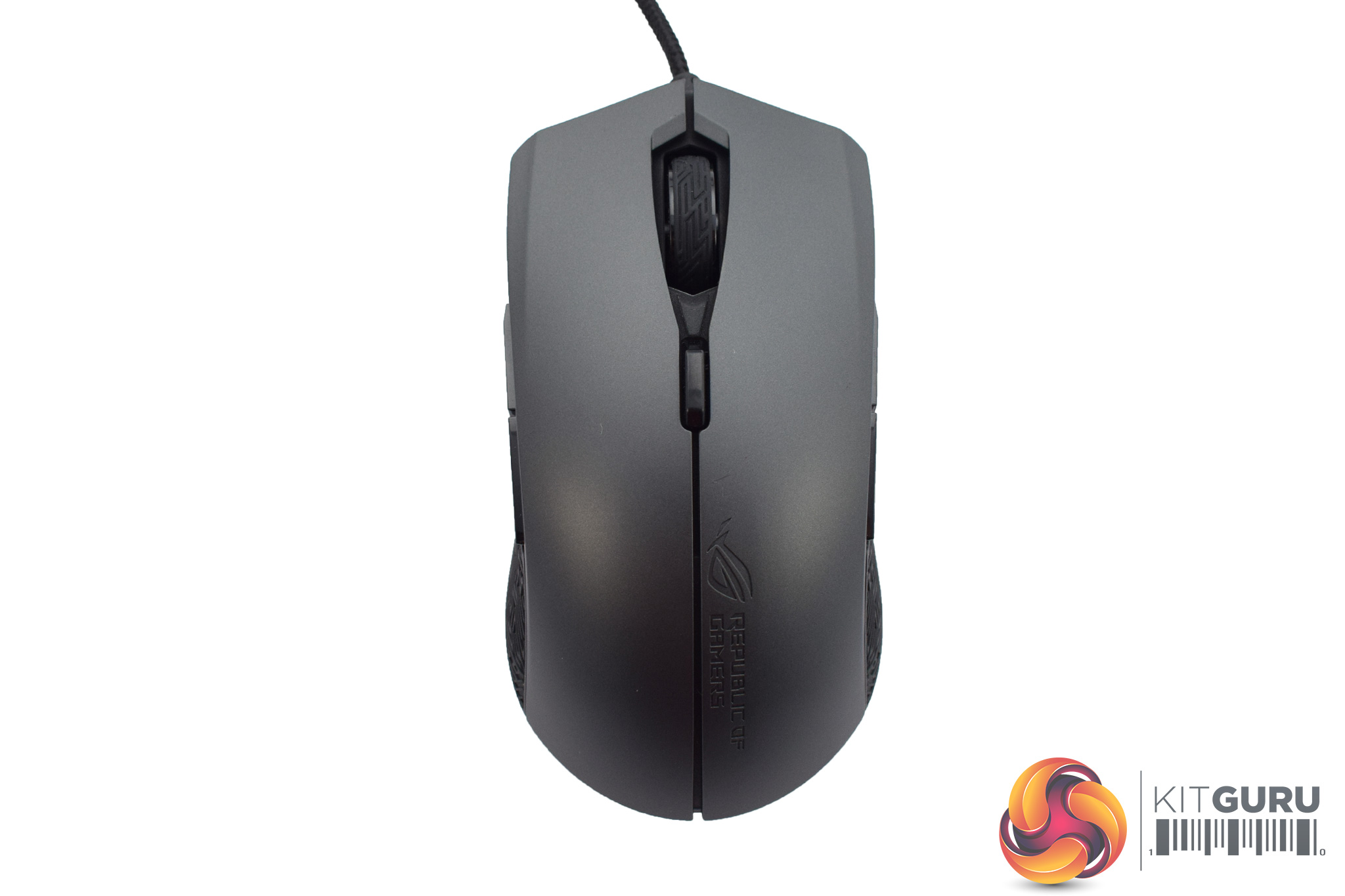
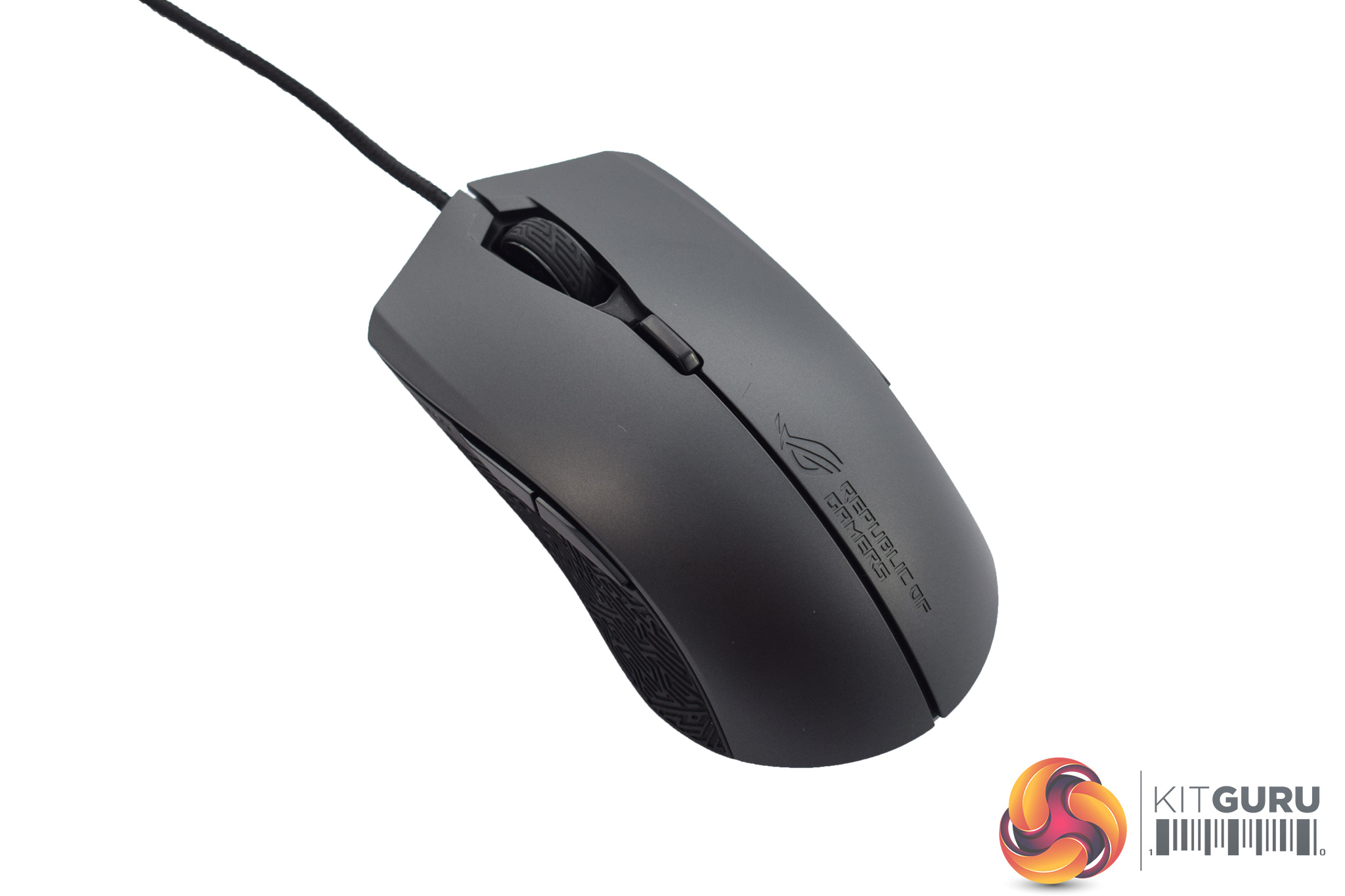
Out of the box the Strix Evolve is ambidextrous in shape and dark grey in colour. In terms of its size, I would say it is pretty standard for a gaming mouse as it measures L 125 x W 65 x H 41 mm.
The weight is also worth noting, and that is 128g including the cable or 100g without the cable.
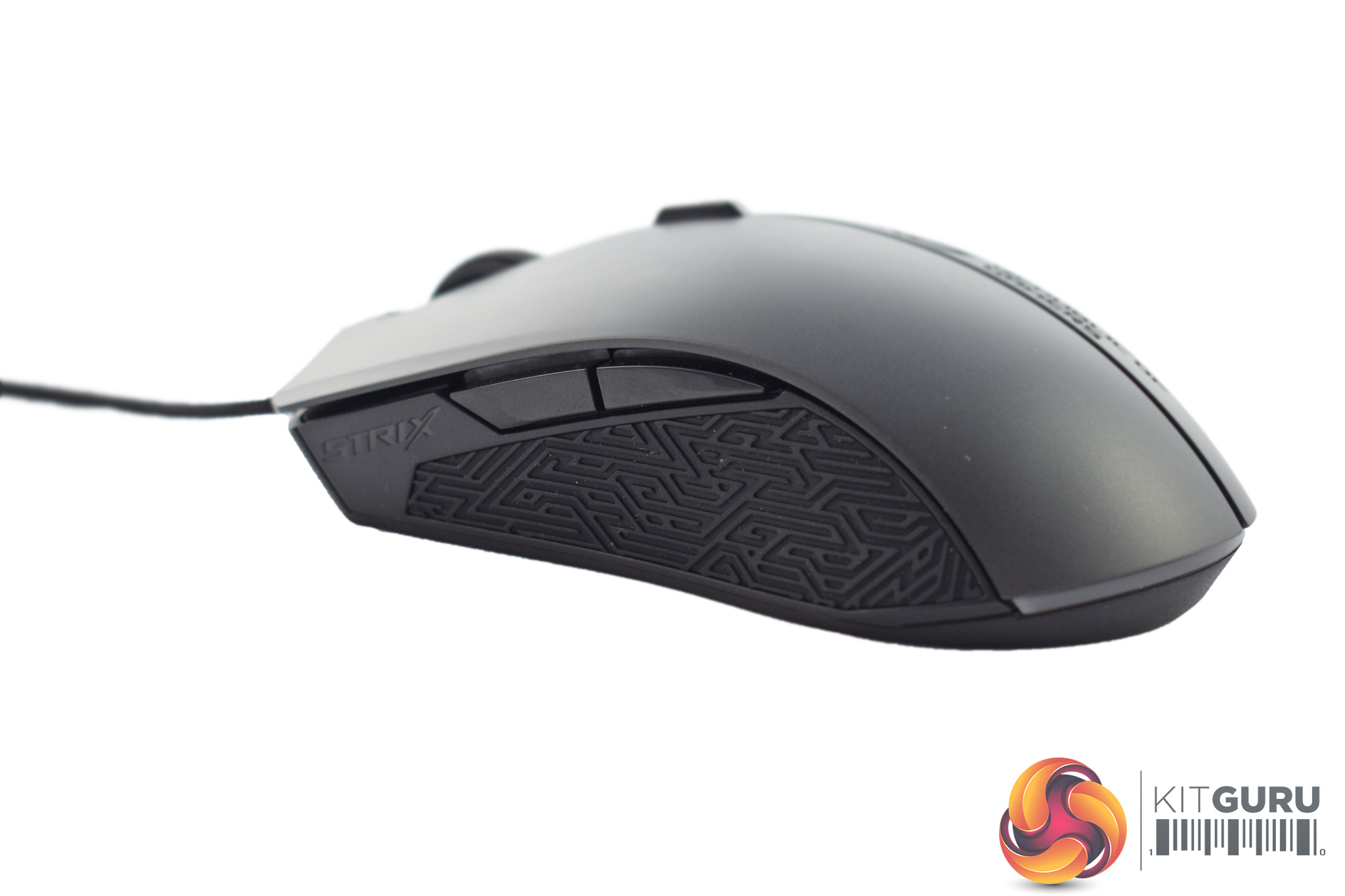
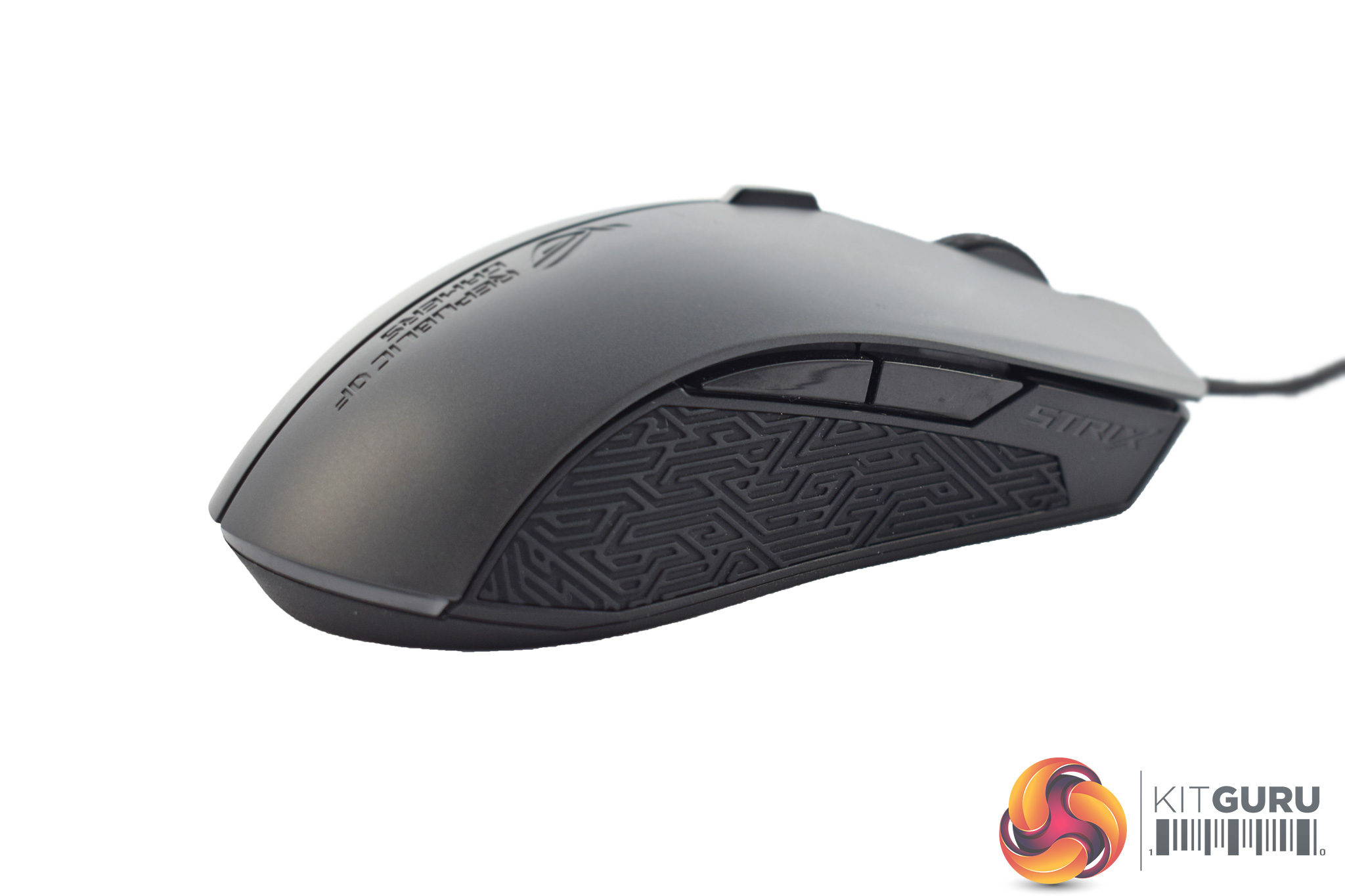
Looking at the sides of the mouse, both are essentially the same as they sport some textured rubber (to help your grip) as well as two side buttons.
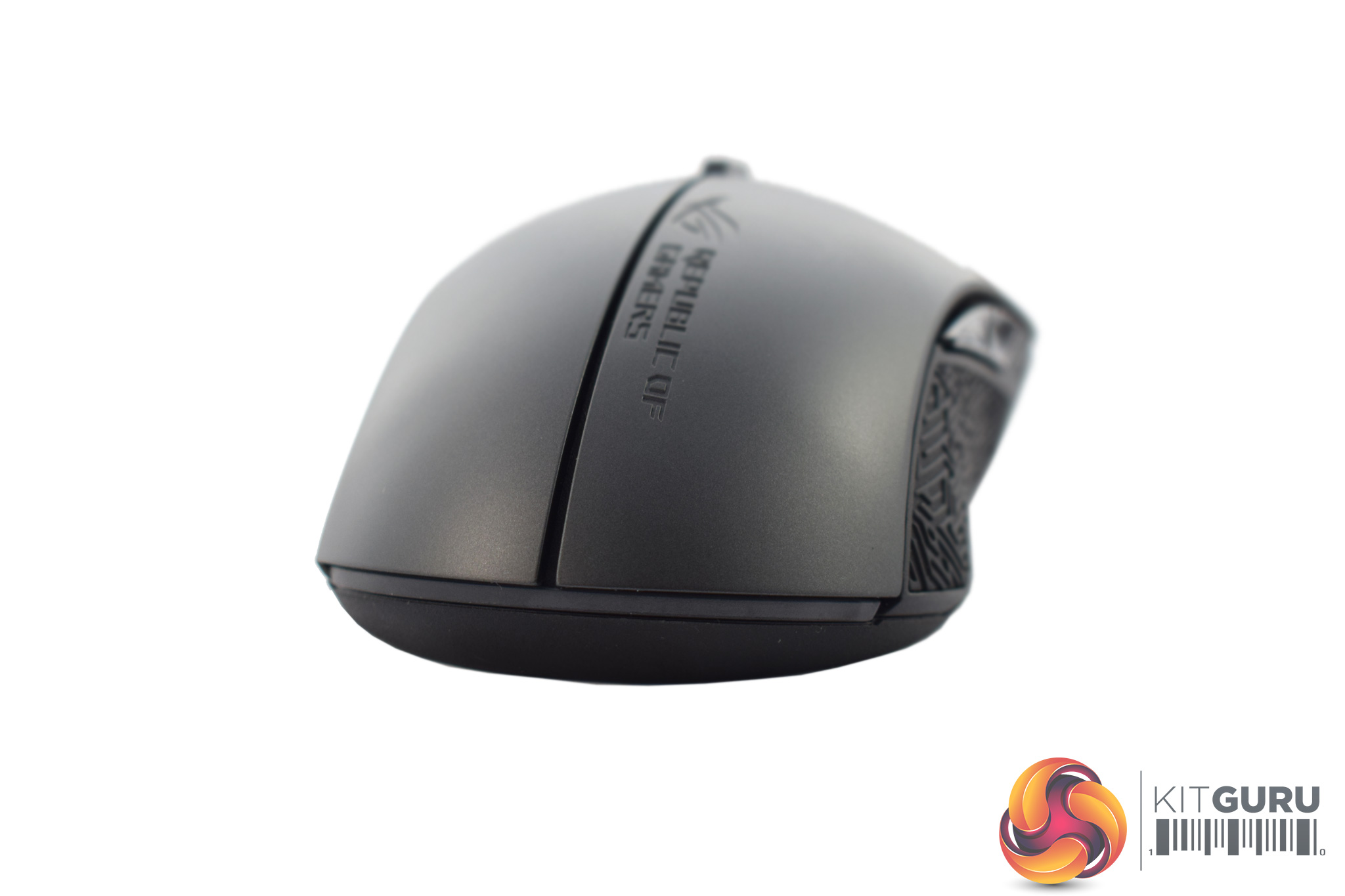
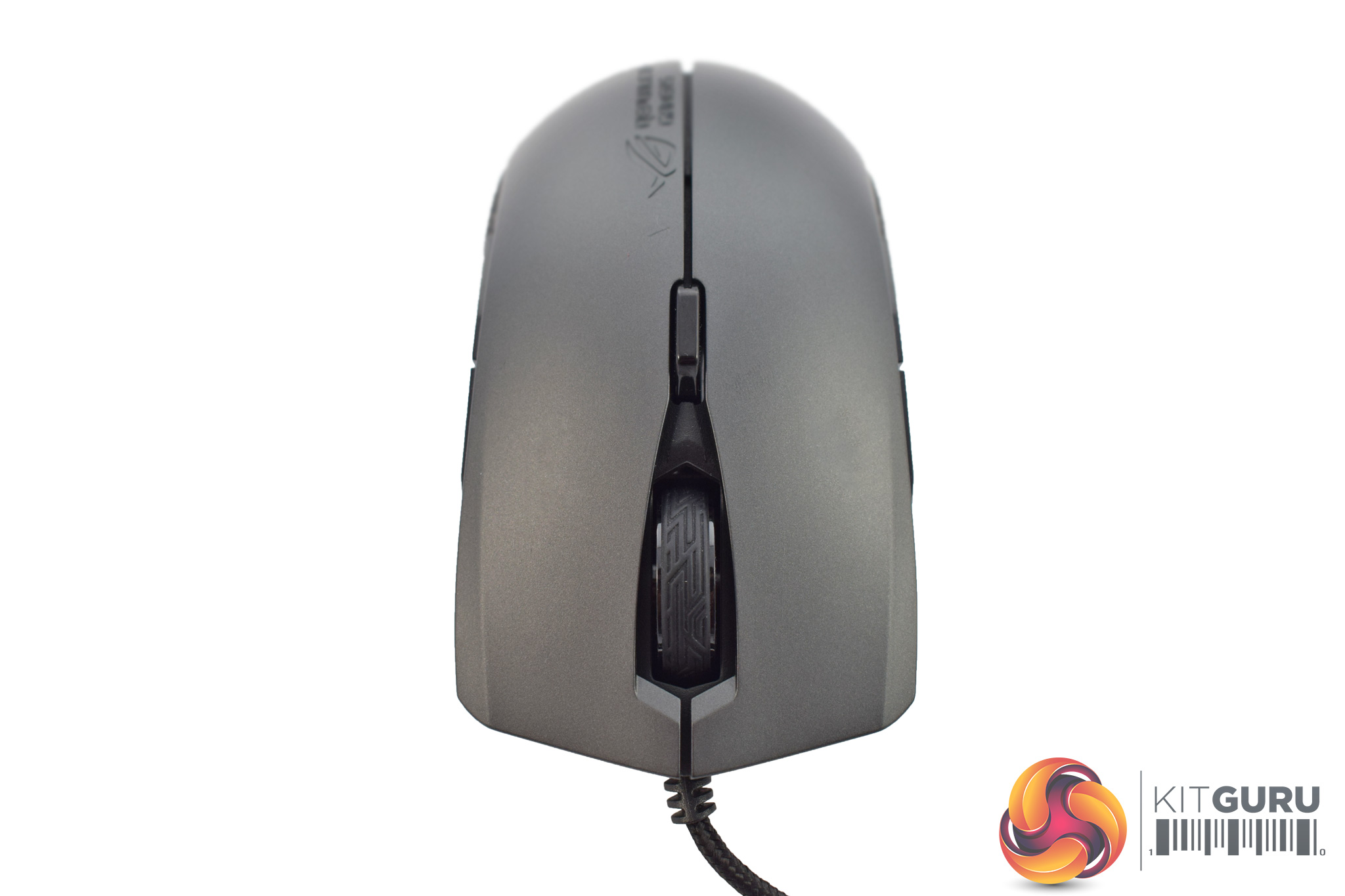
At the bottom of the mouse we find a small LED strip which also extends upwards between the two plastic panels. We look at the lighting in more detail on the next page.
Changing ends to the top of the mouse, we of course have the left and right buttons, plus the textured scroll wheel and a DPI switch button.
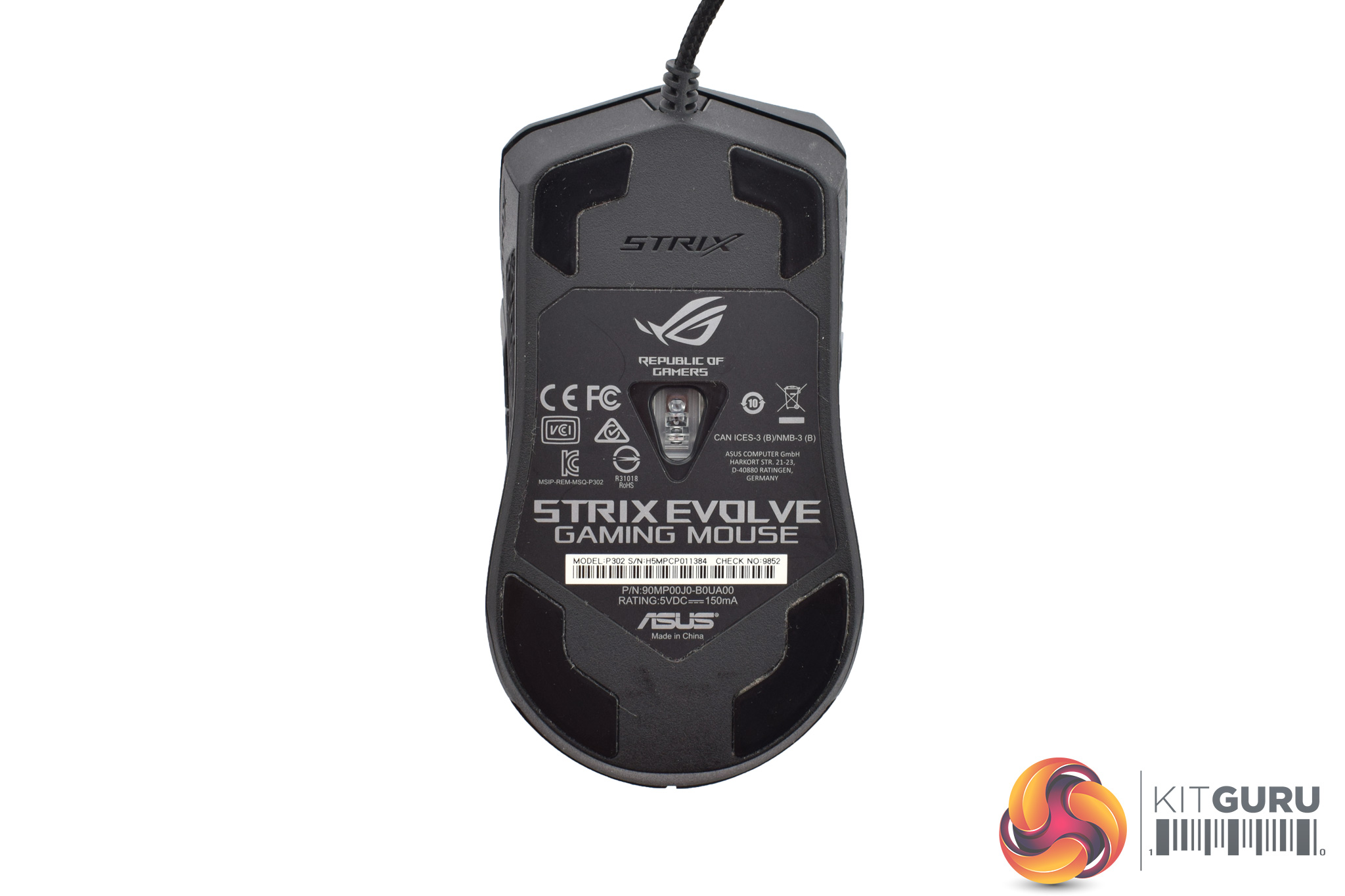
Flipping the mouse over, the Strix Evolve's four PTFE glide pads are visible, while the optical sensor – the PMW 3330 – is also positioned here.
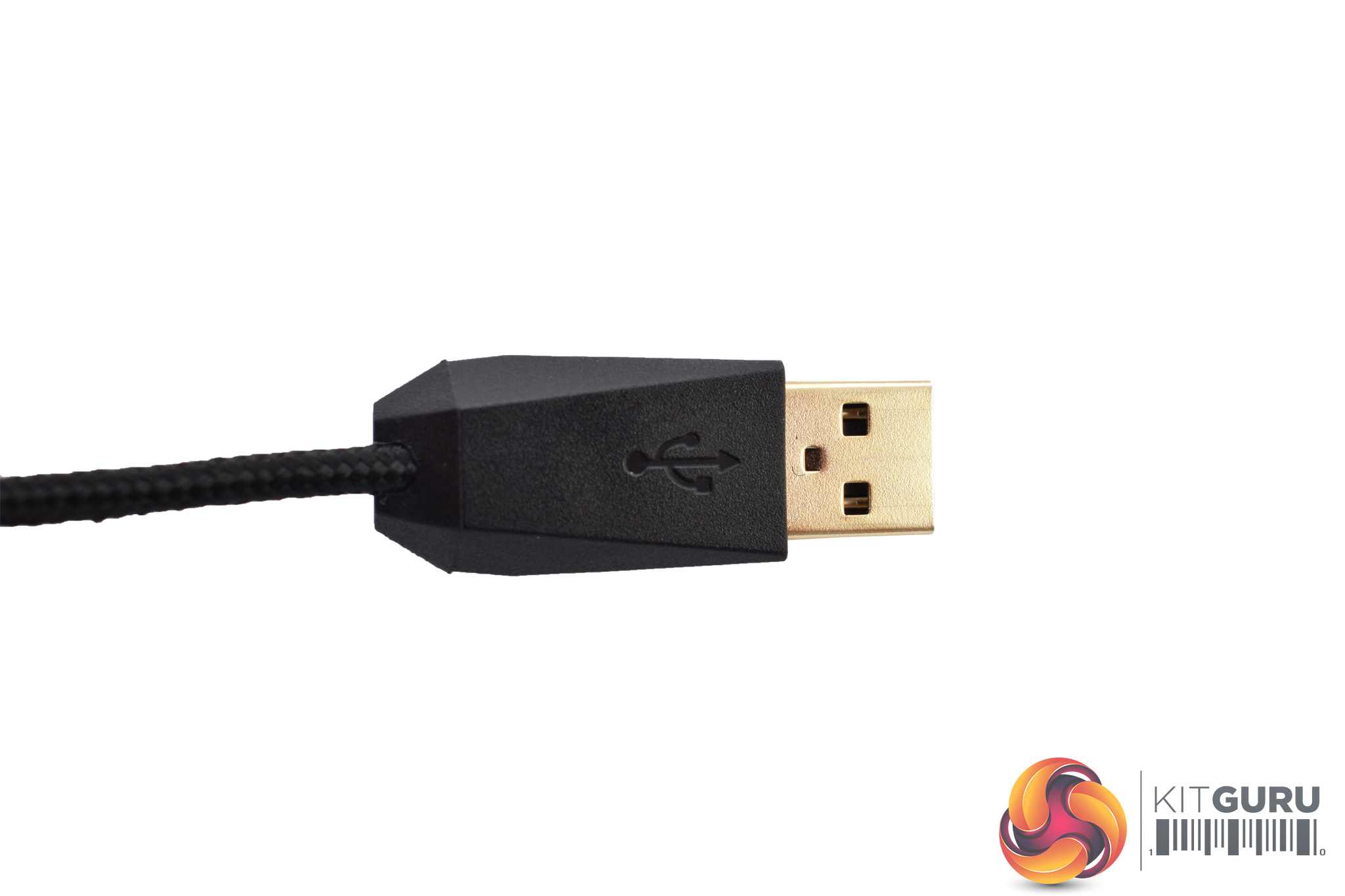
In terms of any other things worth pointing out, we would just say the 2m braided USB cable is also gold-plated.
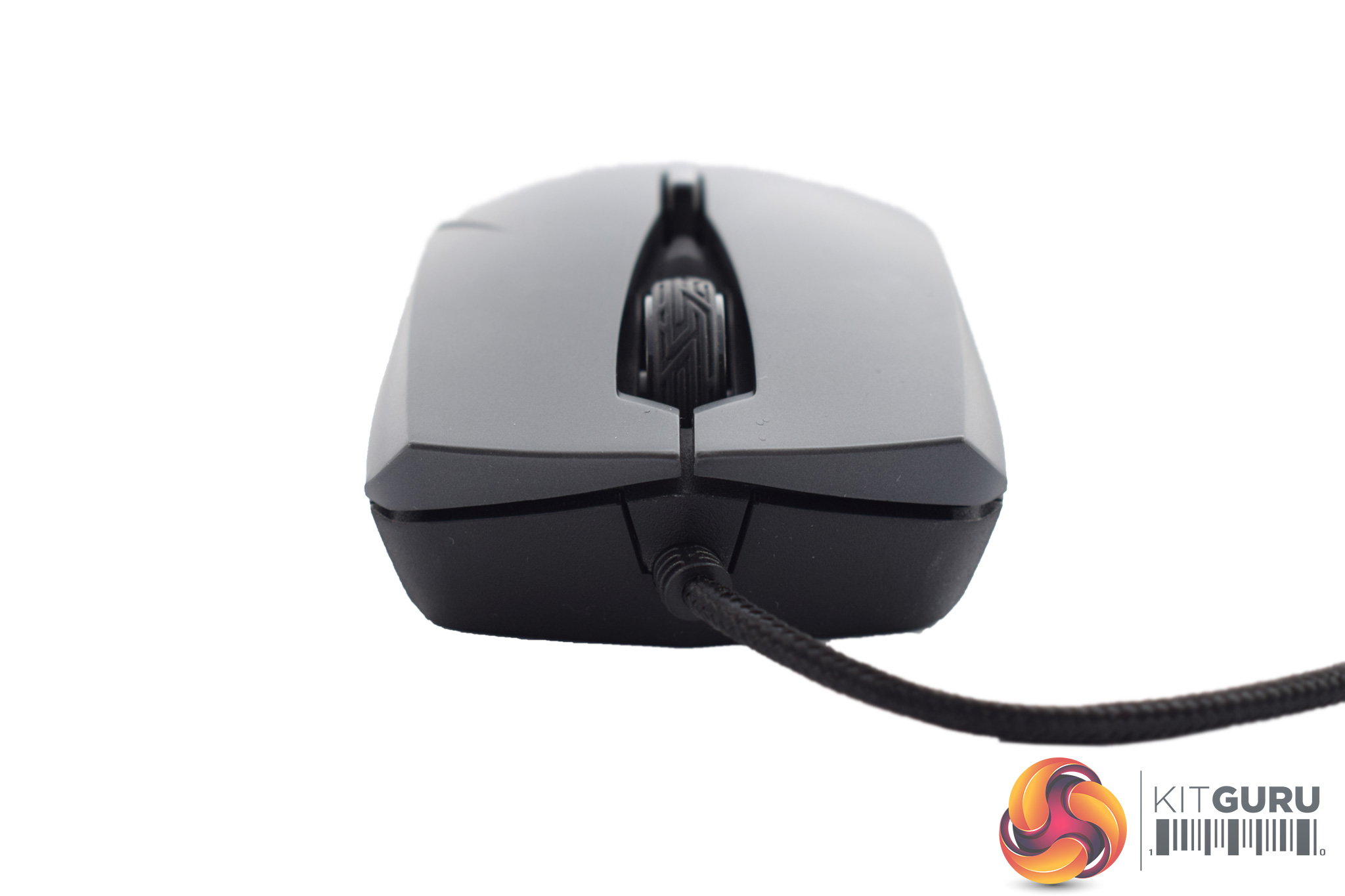
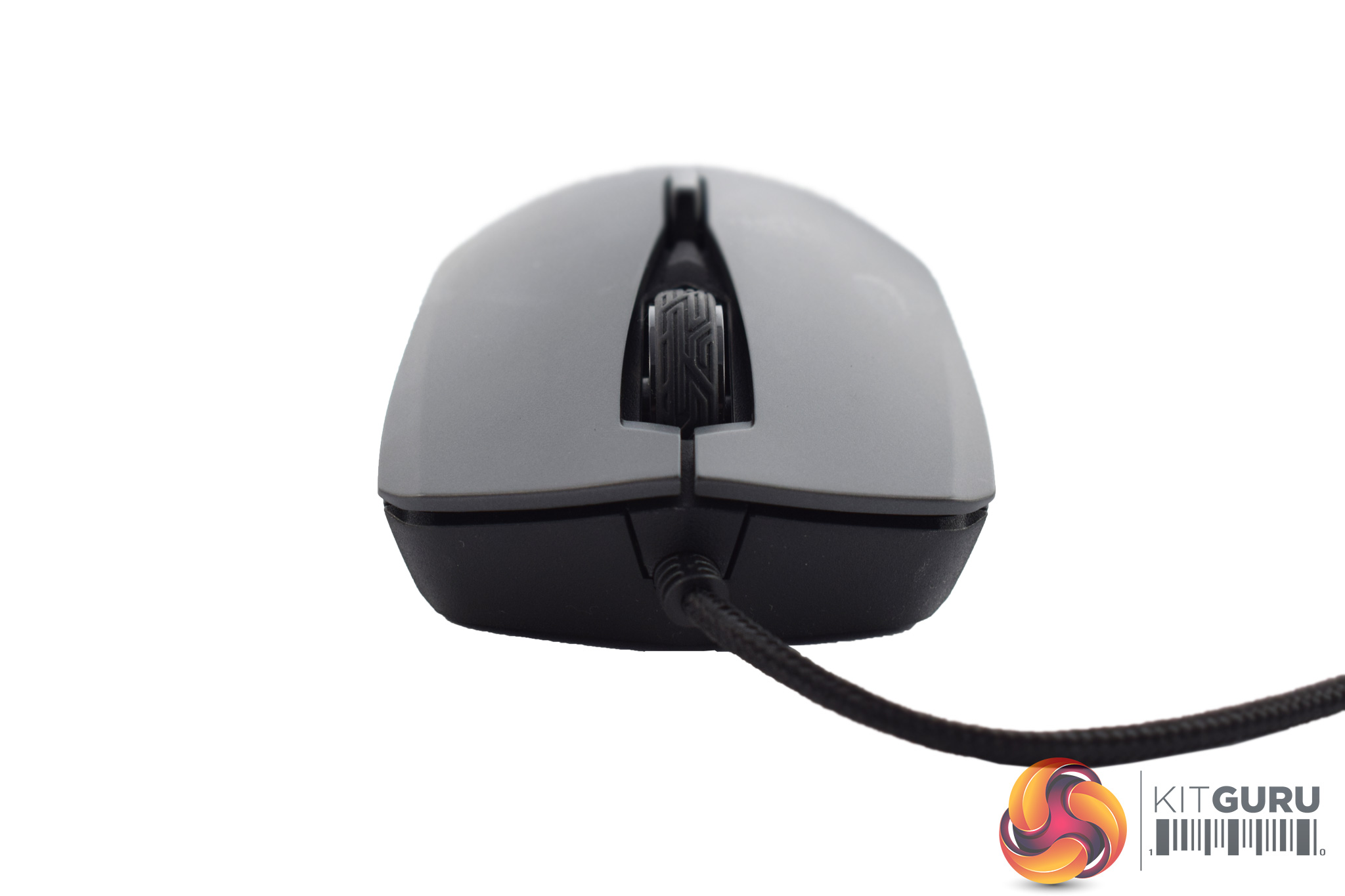
Now, the only thing left is to look at the mouse's replaceable panels and how they change the shape of the Strix Evolve itself.
Above we can see both ambidextrous shapes (high-profile on the left, low-profile on the right) and the differences are certainly noticeable.
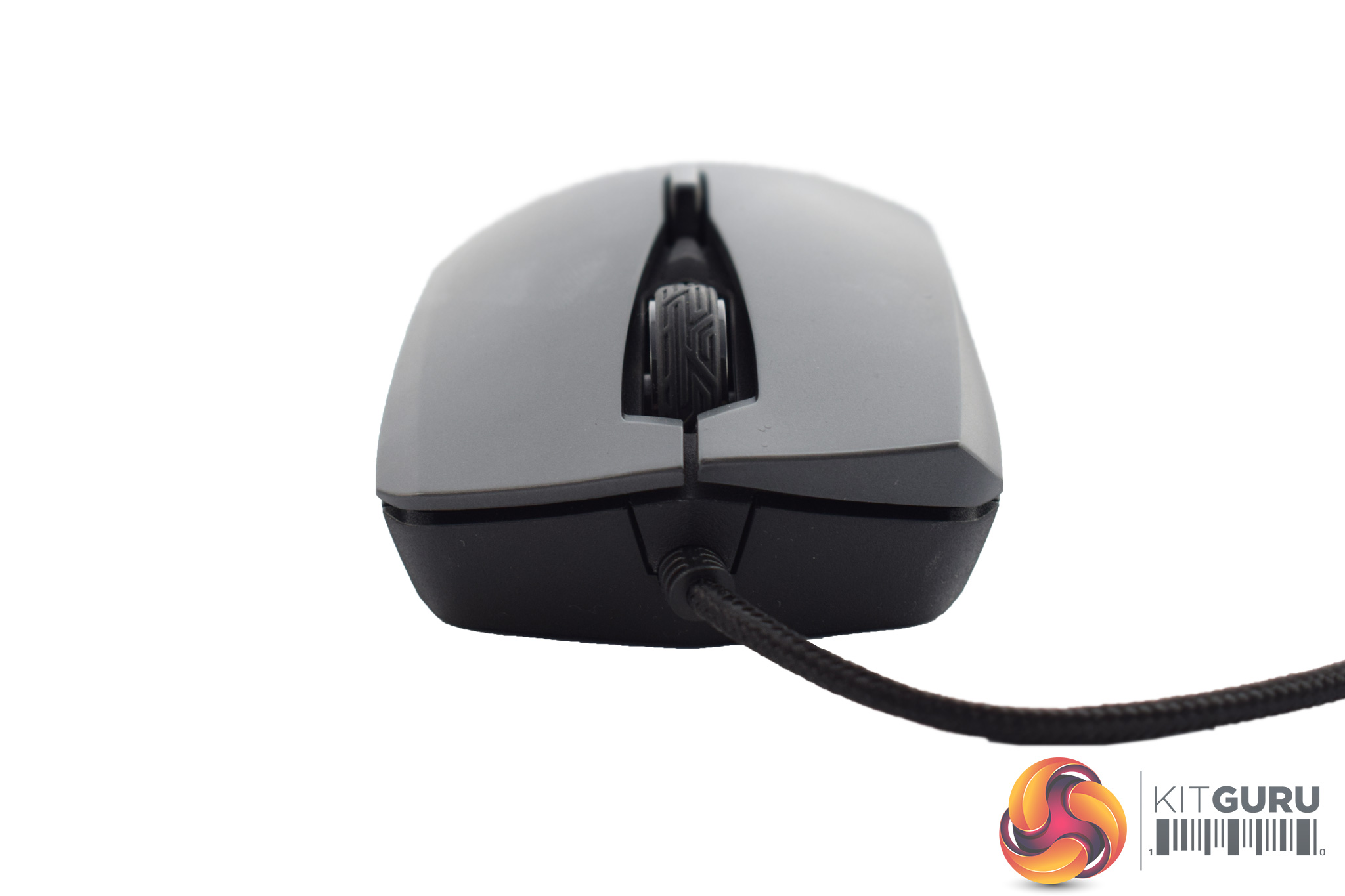
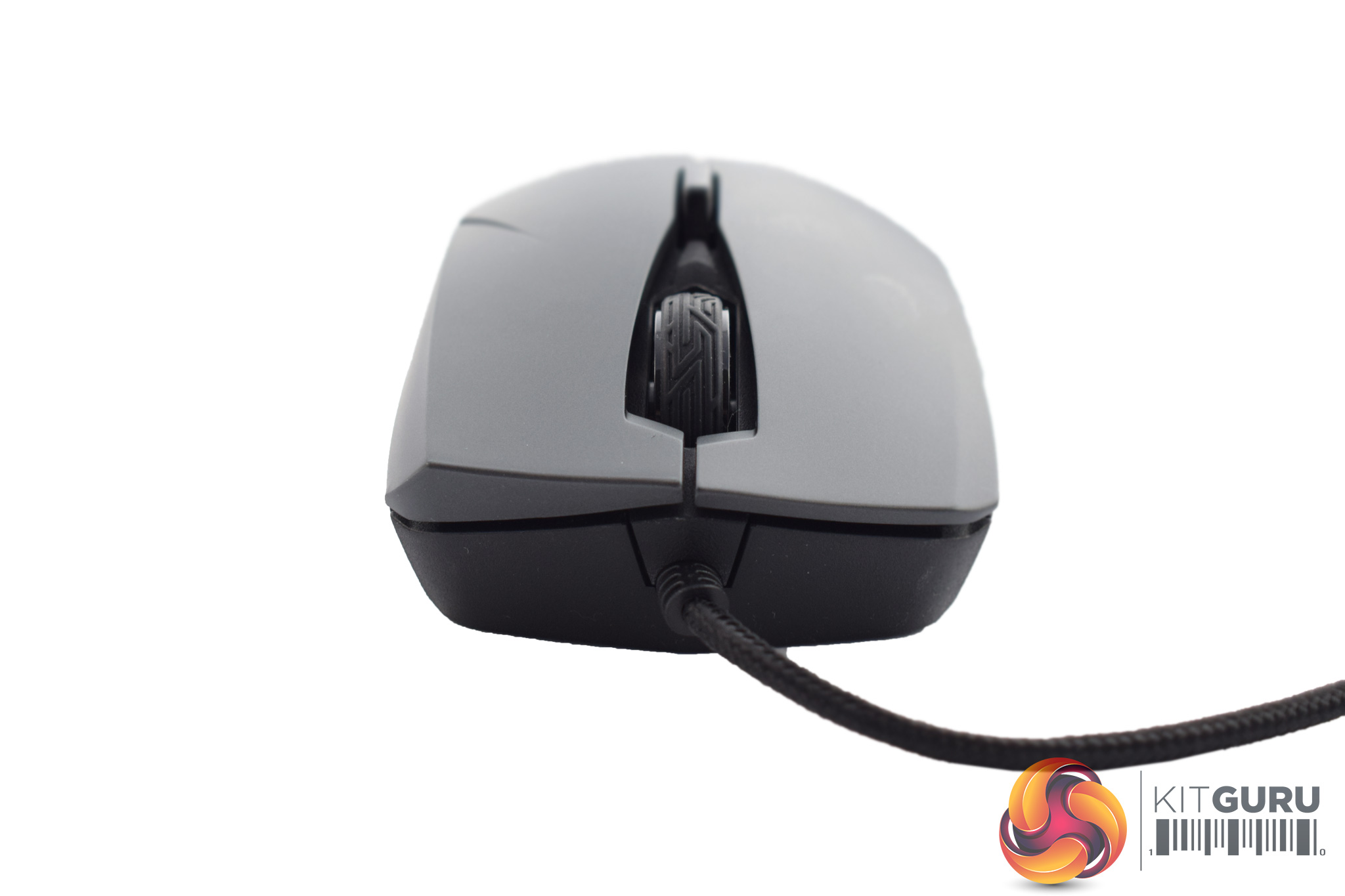
The Strix Evolve can also adjusted to take on an ergonomic right-handed shape (above, left) and an ergonomic left-handed shape (above, right.)
Changing the panels over is also very easy as they just pop off with a gentle tug at the bottom, and then you can clip your choice of panel into place.To test the Strix Evolve, I used it as my daily driver for over a week. During this time, I played a few games, edited my photos for various reviews and of course browsed the web and did other office-related tasks.
Let's start by looking at the included software, ROG Armoury:
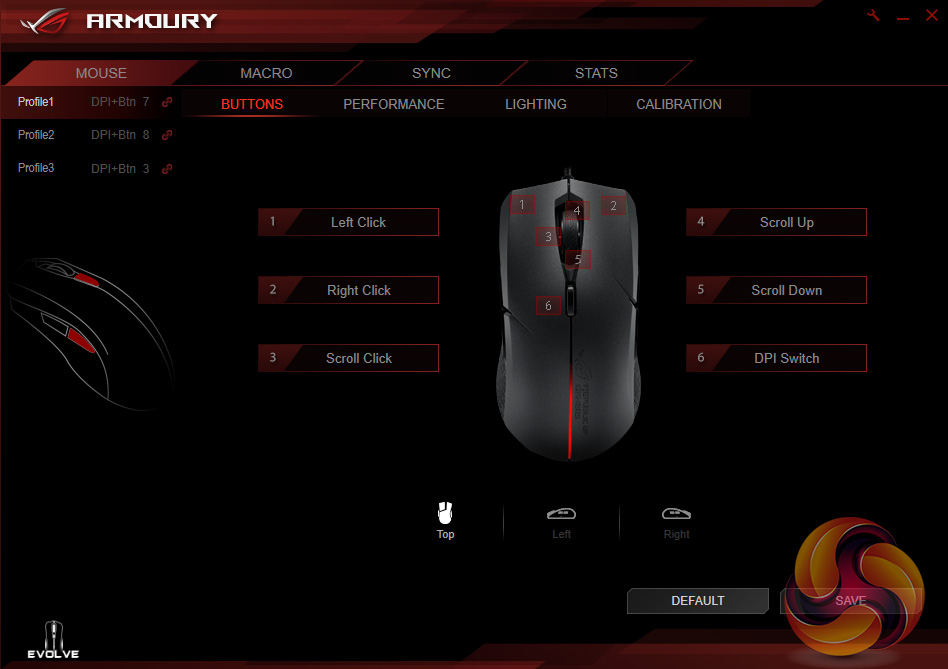
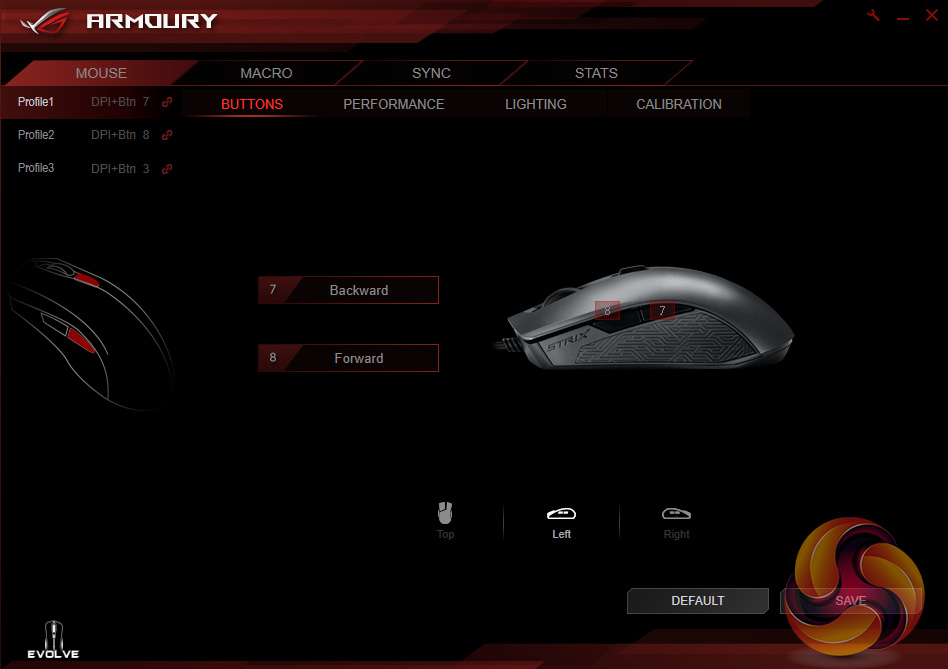
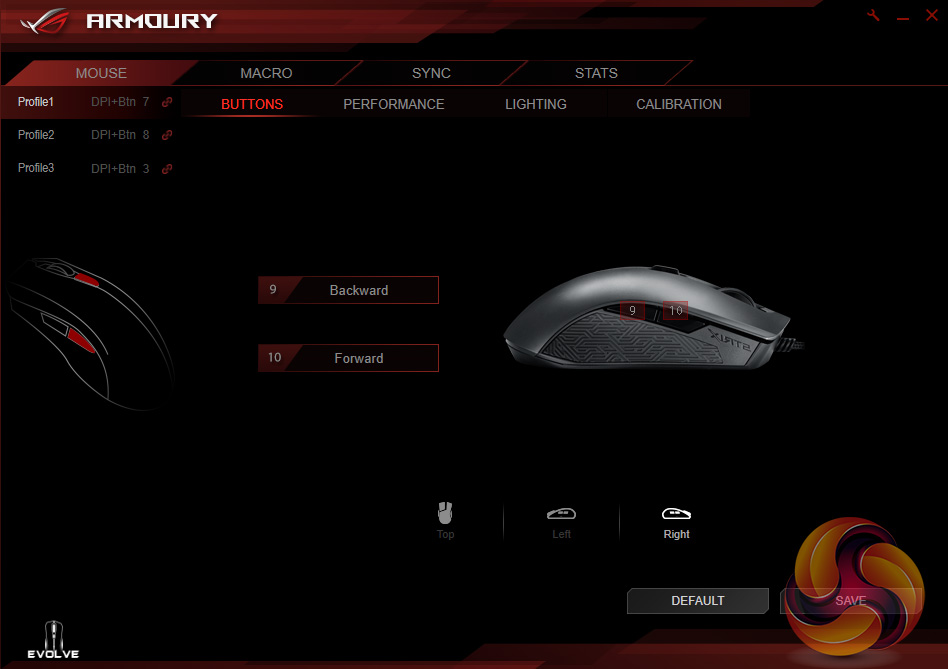
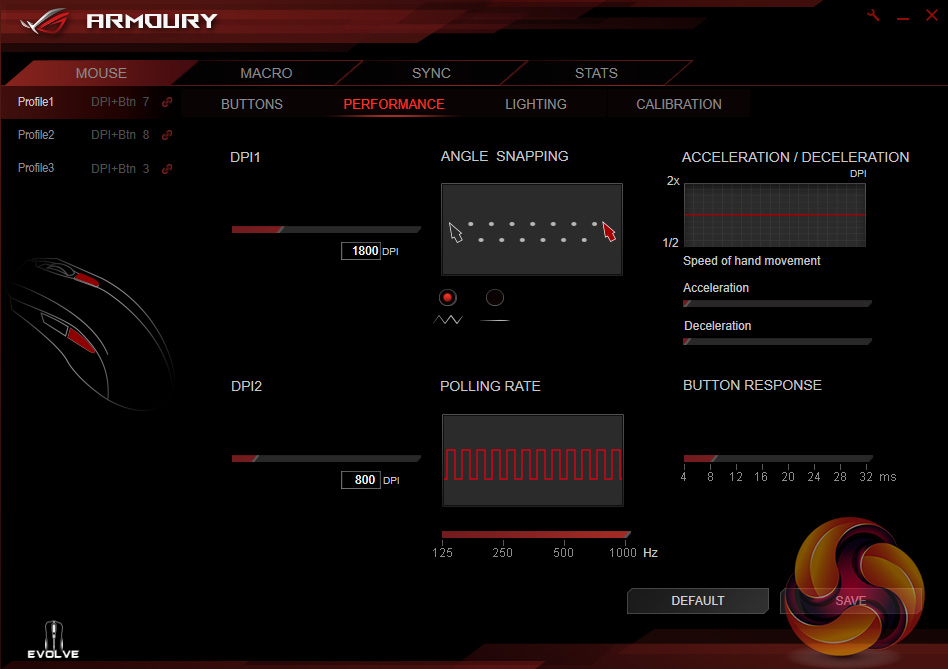
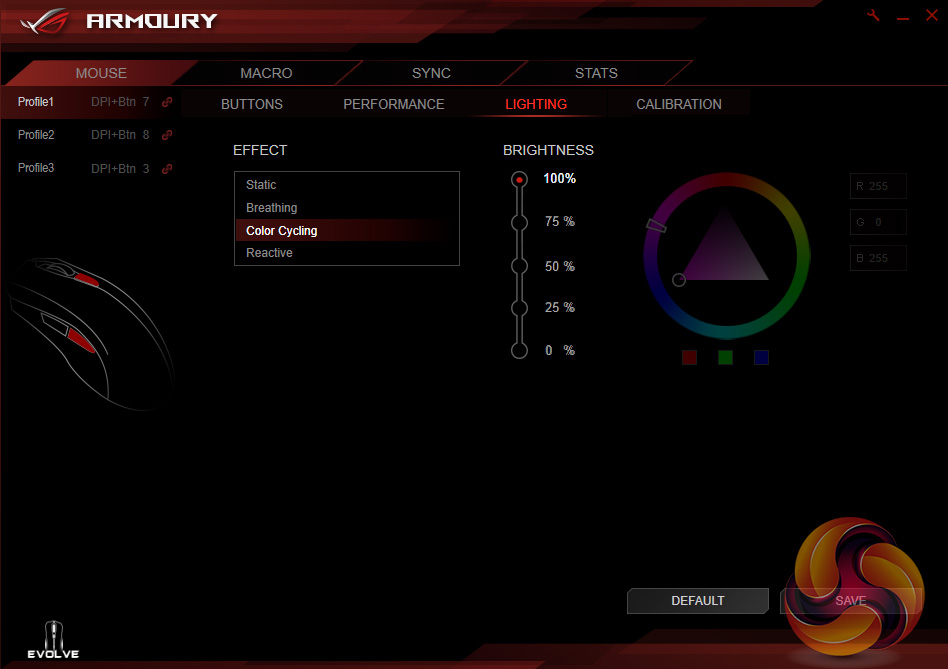
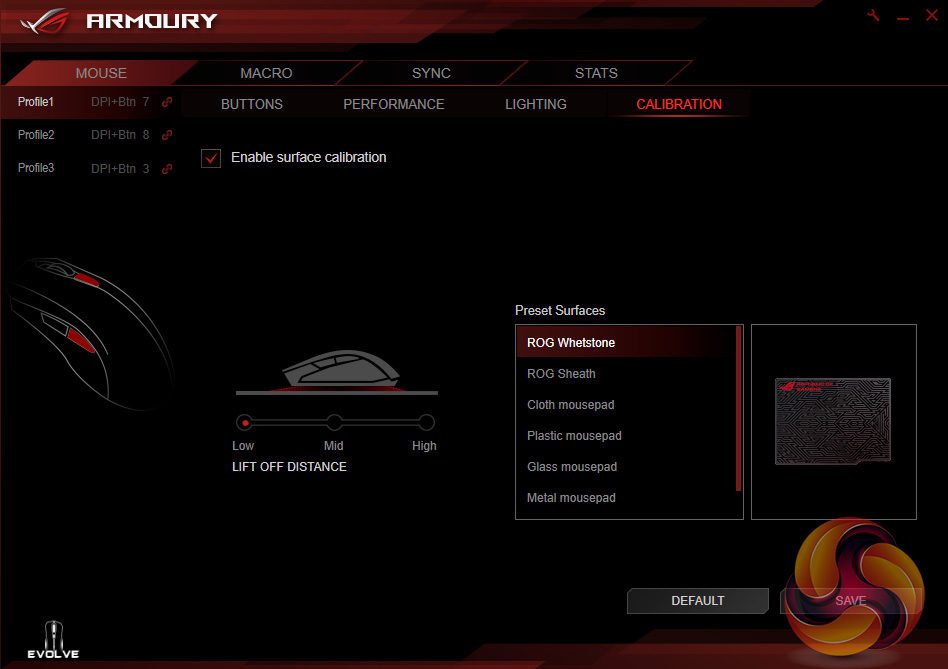
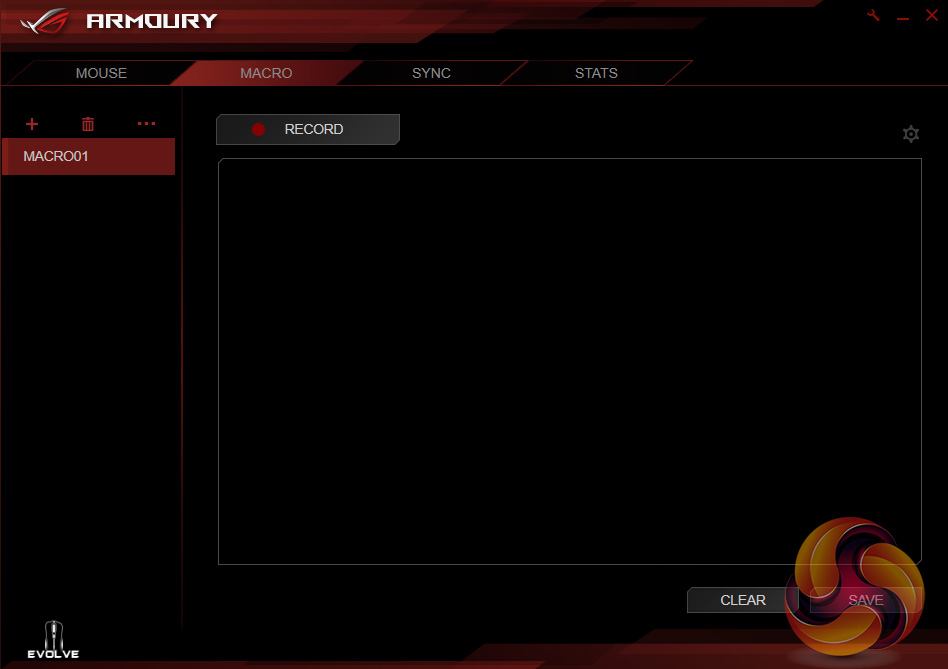
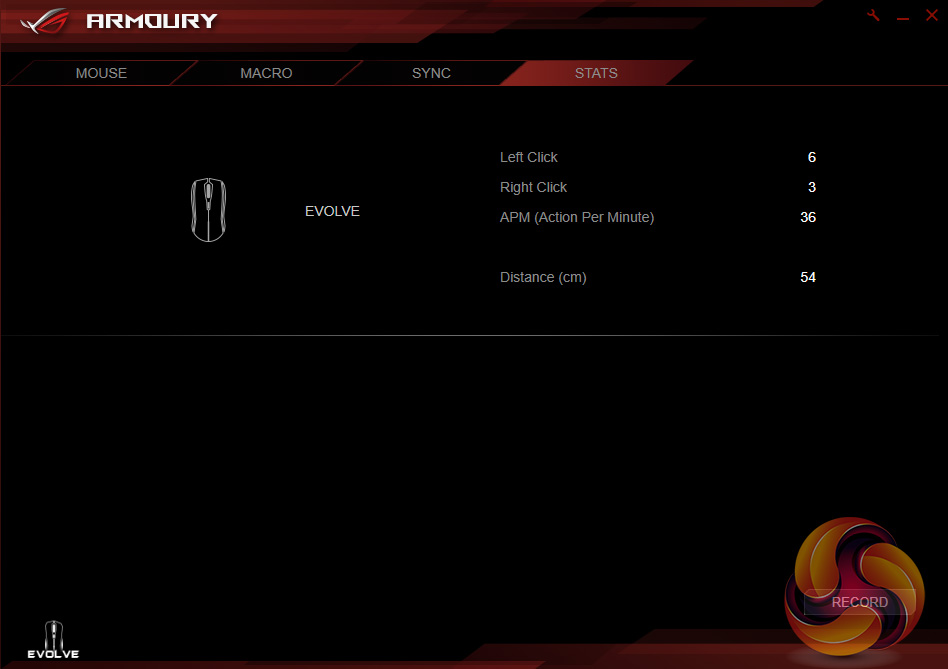
Above you can view a gallery of the different pages and tabs available to the end-user. I've used ROG Armoury a few times now and the experience is definitely positive – it is well laid-out and has all the important bits (DPI stages, lighting, macros etc) covered. My only real complaint has been made before: users can only set two DPI stages. It is a minor point but I would like to see the option for more. After all, it can't hurt to at least give the option to end-users.
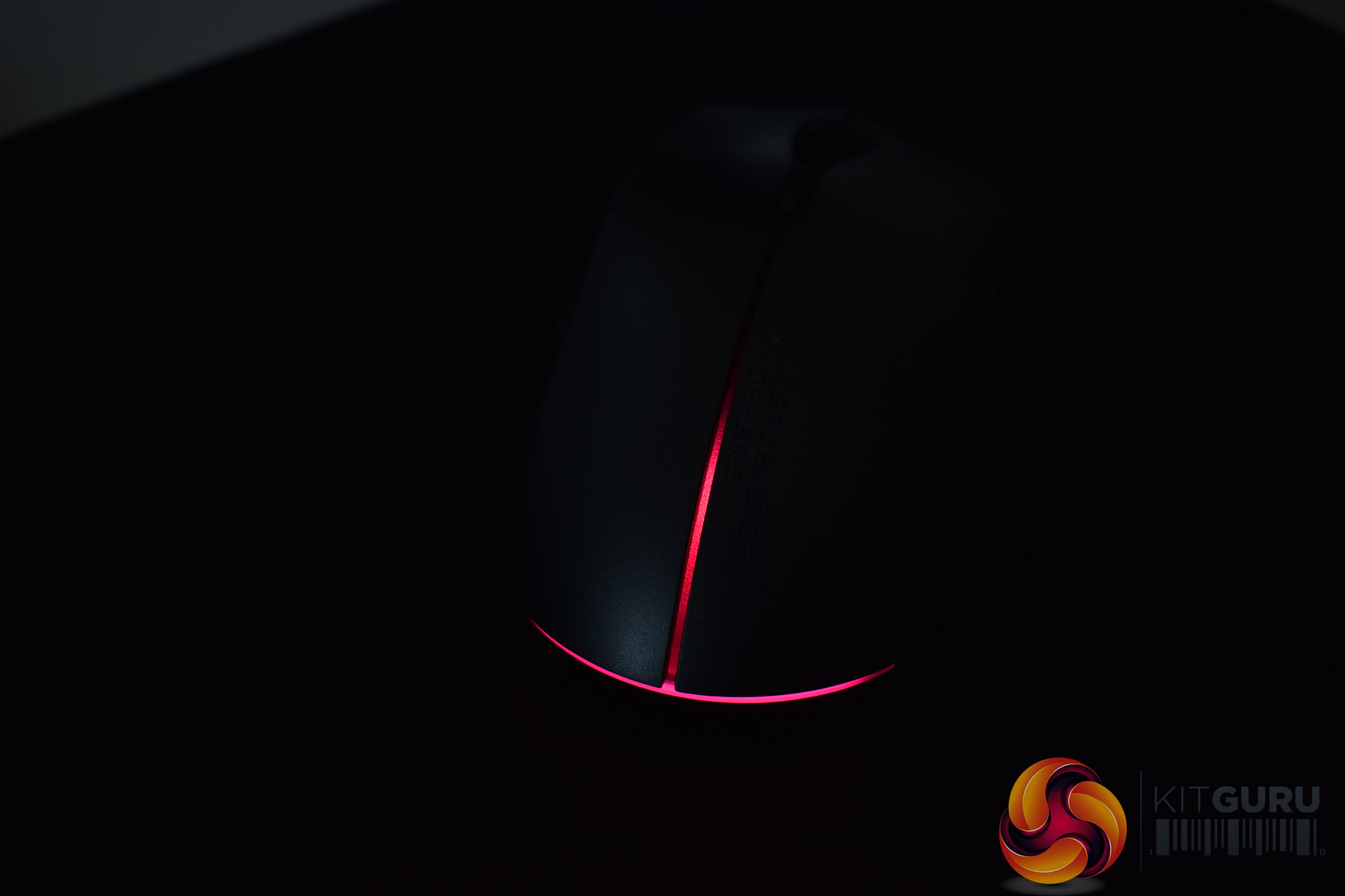
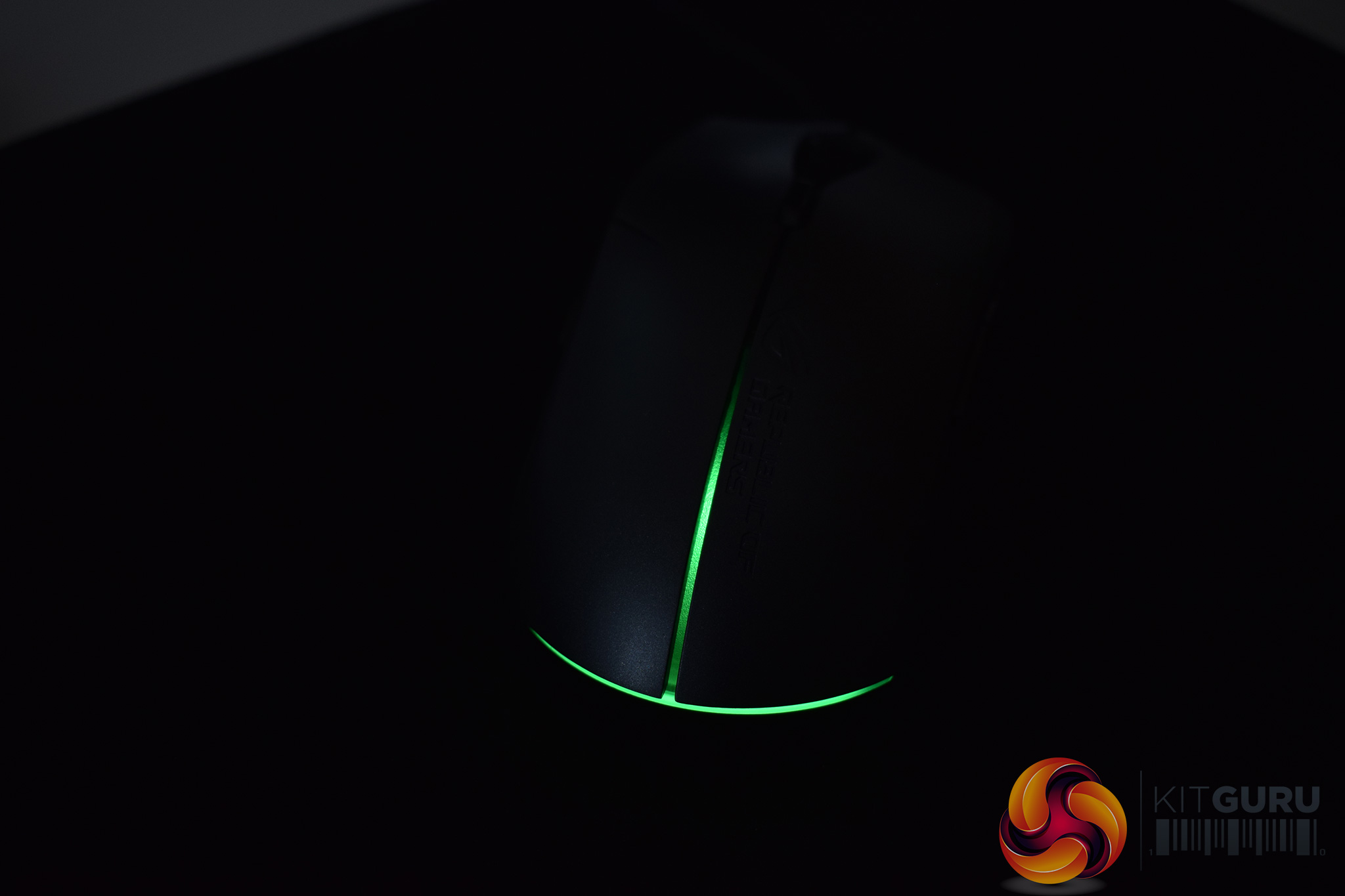
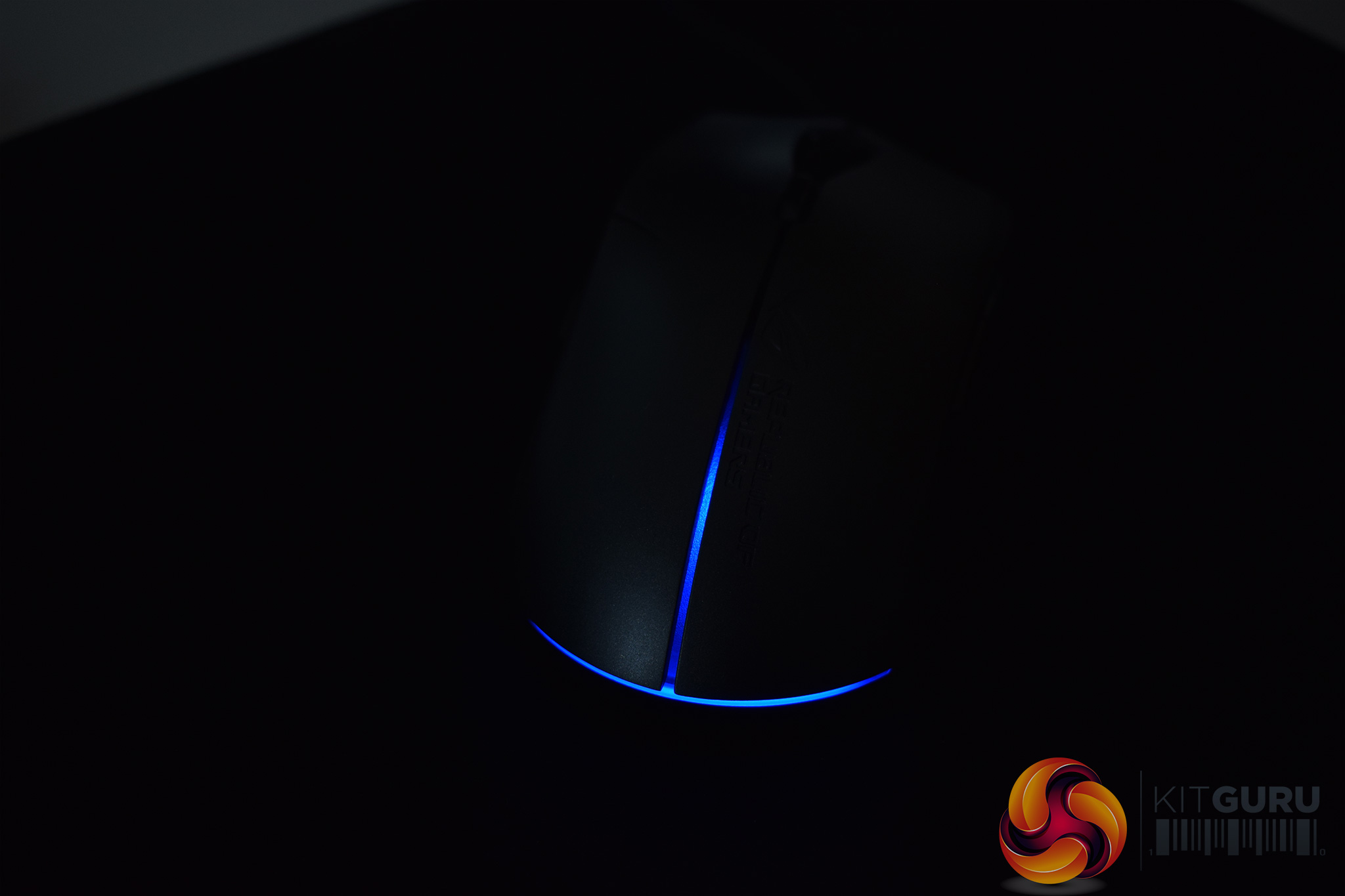
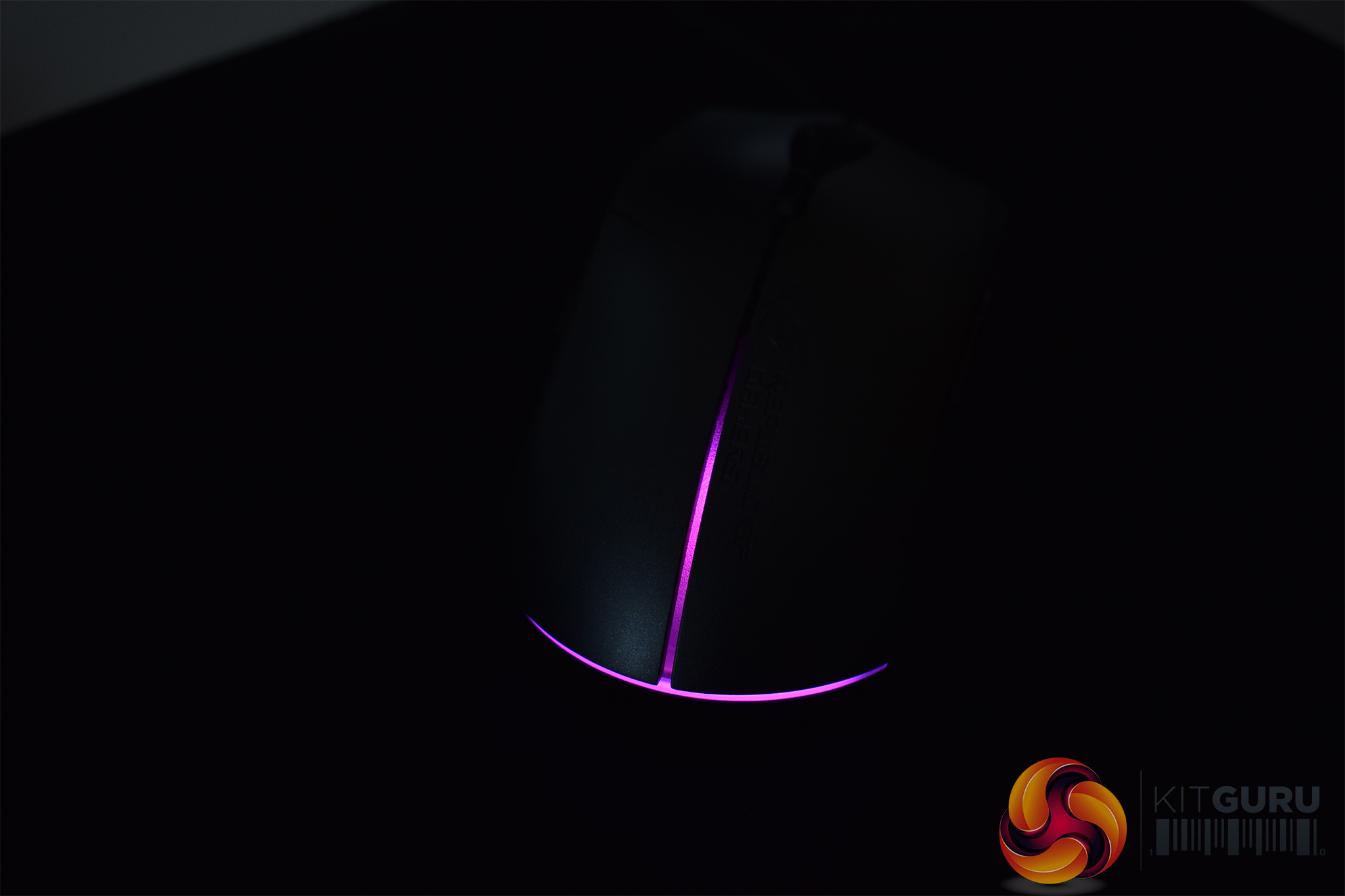
The RGB lighting is also quite decent. It is controlled via the ROG Armoury software (unless you have other Aura-compatible products and control it that way) and users can choose between static, breathing, colour cycling or reactive effects.
It is certainly quite subtle RGB lighting, unlike the gloriously over-the-top Gladius II, but the colours look good and it will likely appeal to those looking for something a bit more understated.
Now, let's talk about using the mouse day-to-day. I'll start with the replaceable panels and, spoiler alert, I think this is a brilliant feature that really elevates the Strix Evolve above its competition.
Simply put, the panels just give you extra control over how you want your mouse to feel. I tested all the different configurations, and as a right-hander I did prefer the ergonomic right-handed shape, but both the ambidextrous shapes were very comfortable as well. I am sure this feature will also appeal to lefties as they often have to make do with ambidextrous designs since mice specifically tailored to left-handers are few and far between.
Overall, it is quite a simple feature really, but it is one of those things where you stop and wonder, ‘why did no one think of this before?' In any case, I love how it works and the choice between 4 different shapes is great for consumers.
Also related to the design of the mouse is the use of two buttons on both sides – this is obviously tailored towards lefties as most mice just have side buttons on the left-hand side, where a right-hand thumb would rest. I did think I would run into issues here, maybe by accidentally pressing the extra buttons with my fourth-finger. However, in reality, it was a total non-issue – with my preferred claw grip, I couldn't even feel the extra buttons, let alone come close to pressing them, so ASUS ROG has done well to get them on without making it an issue for others.
Elsewhere, the sensor is worth touching on. ASUS has gone with the PMW 3330 here, and its max DPI of 7200 is surely more than enough for anyone half-sensible. The PMW 3330 may not be considered as high-end as the class-leading PMW 3360 but I had no issues with it at all – tracking was very smooth and as precise as I am used to, while there is zero unwanted acceleration unless you enable it in the software.
Hardcore gamers may find the 128g weight (including cable) problematic, though. Personally, I reckon the Strix Evolve cuts the perfect balance between heft and speed, but a weights system would have been a great inclusion. That would just give it an extra dimension with its customisable approach.ASUS Republic of Gamers has created a very good mouse in the Strix Evolve.
Having removable removable panels is the standout feature as this simple method allows users to choose between one of four different shapes: ergonomic right-handed, ergonomic left-handed and two ambidextrous options. I've not seen a mouse do this before and it is a simply brilliant idea – the Strix Evolve really is a mouse that everybody can use and be happy with.
It is also very successful in other areas, including the RGB lighting. The lighting is certainly quite subtle (quite surprising for ASUS ROG really!) but it looks good and adds a bit of flair.
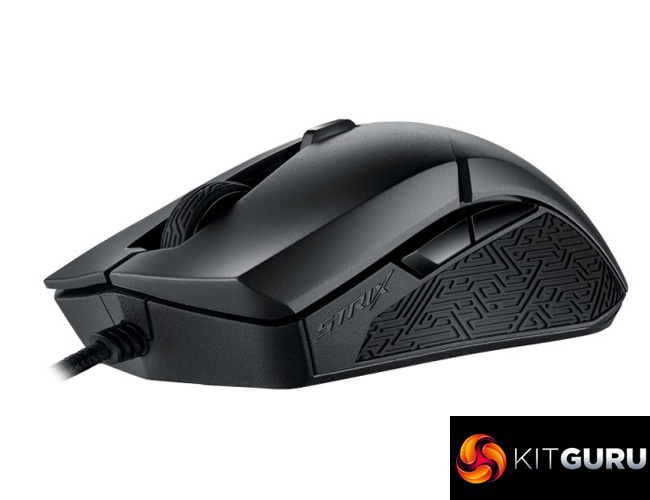
The choice of a PMW 3330 sensor may raise some eyebrows but in practice I had a great time using it – it may not be the PMW 3360, but I reckon you're unlikely to notice.
And then we come to price: the ASUS Strix Evolve retails for £54.95, making it a very compelling option. People often talk about the ‘ROG tax' but honestly, I think this mouse's feature-set thoroughly justifies that price tag. In short, this is one of the best, if not the best, gaming mice in the sub-£60 bracket on the market right now.

You can buy one from Overclockers UK for £54.95 HERE.
Discuss on our Facebook page over HERE.
Pros
- Removable panels allows for four different shapes to be utilised.
- Subtle yet sleek RGB lighting.
- ROG Armoury is useful and easy to use.
- Side buttons on both sides of the mouse.
- Quality sensor, even if it is not the PMW 3360.
- Very well priced.
Cons
- A weight system would've been the icing on the cake.
Discuss on our Facebook page, over HERE.
KitGuru says: For a mouse under £60, the Strix Evolve is simply brilliant – I would go as far to say its removable panel feature is a game changer.

This name is lousy and not unique, Phanteks should sue.
aaaaaaaaaaaaaaaaaaaaaaaa
Collect 150 bucks /per day in time of your choice by performing work with this program I run into via the internet… Look it over, and start out on receiving profit from this moment!>>> http://smarturl.co/EAZNQgR