KitGuru KitGuru.net – Tech News | Hardware News | Hardware Reviews | IOS | Mobile | Gaming | Graphics Cards


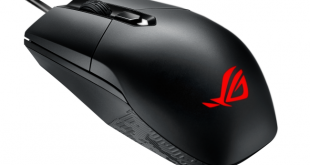
Ambidextrous mice definitely split opinion – some love their slim bodies, or the fact that they can be used in either hand, while others decry the lack of ergonomic design. Whatever your opinion, there is definitely a market for ambidextrous mice, so today we are looking at the new ASUS ROG Strix Impact. It boasts Aura lighting, a PMW 3310 sensor and an ultra-light body. Could this be the perfect ambidextrous mouse?
ASUS ROG is definitely expanding their presence in the peripheral market, and we have already reviewed the excellent Gladius II mouse. The Strix Impact is a different beast entirely, though, so read on for the full review where we go over everything you need to know before buying.
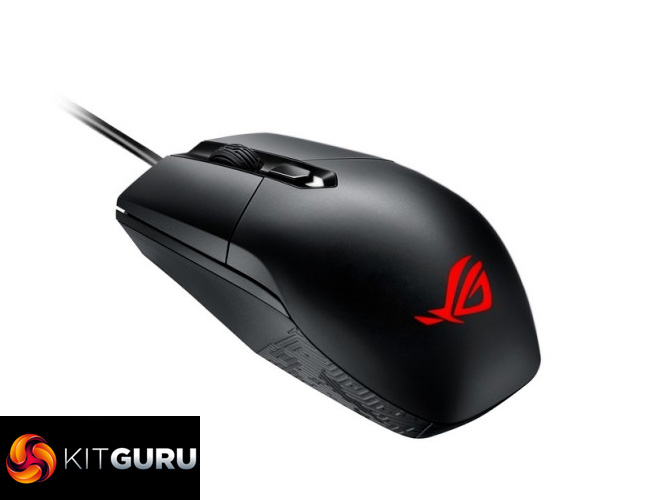
Specification
- Connectivity: Wired USB 2.0
- Switches: Omron D2FC-F-K (50M)
- Cable: Gold plated 2-meter rubber USB cable
- Opertaing System: Windows 10, Windows 8.1, Windows 7
- Dimensions: L115 x W62 x H39 mm
- Weight: 112g with cable)/ 91g without cable
- Package Contents: 1 x mouse, 2 x ROG logo stickers, User documentation
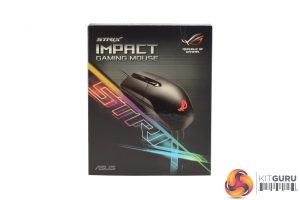
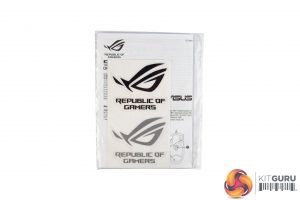
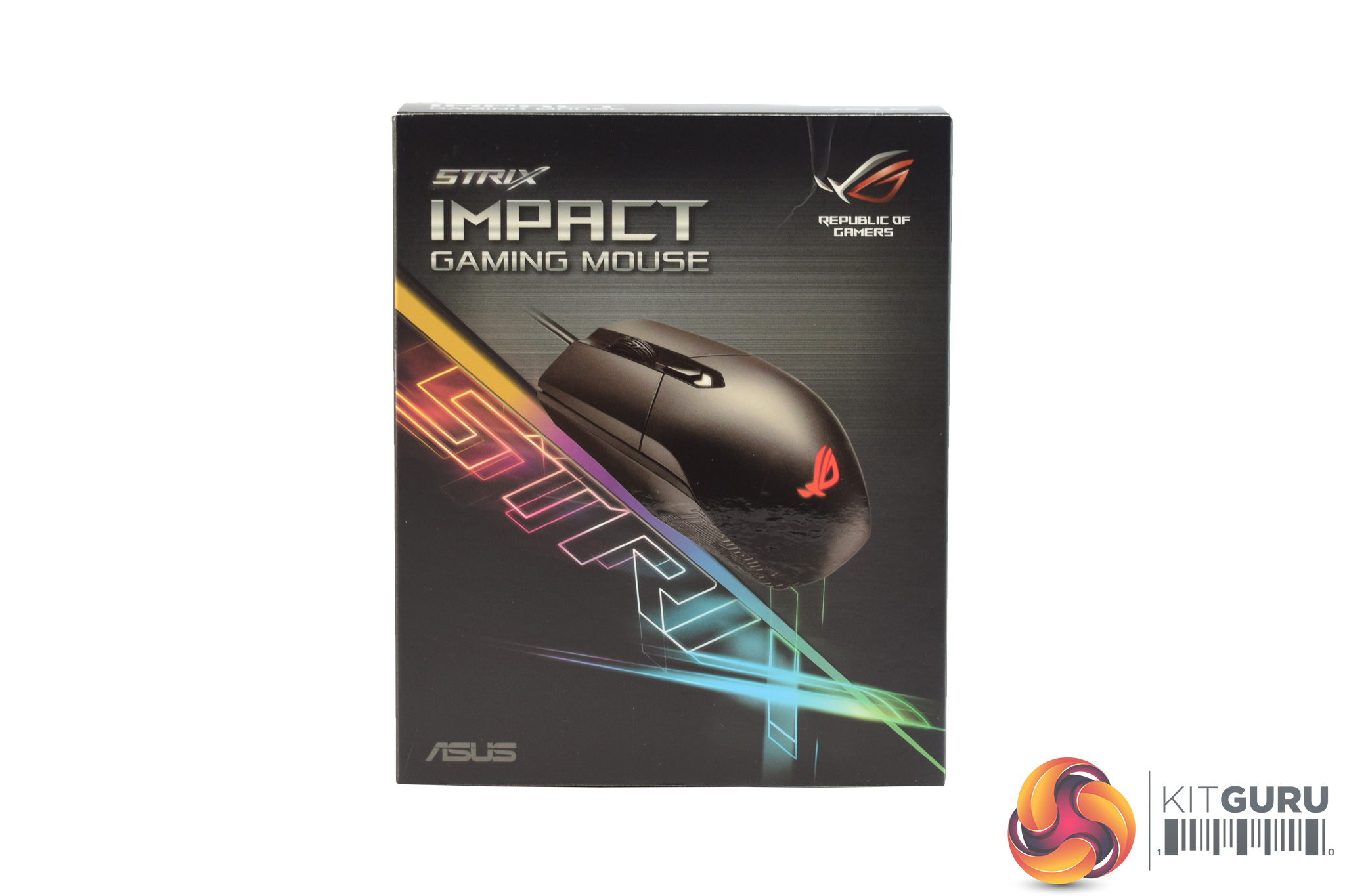
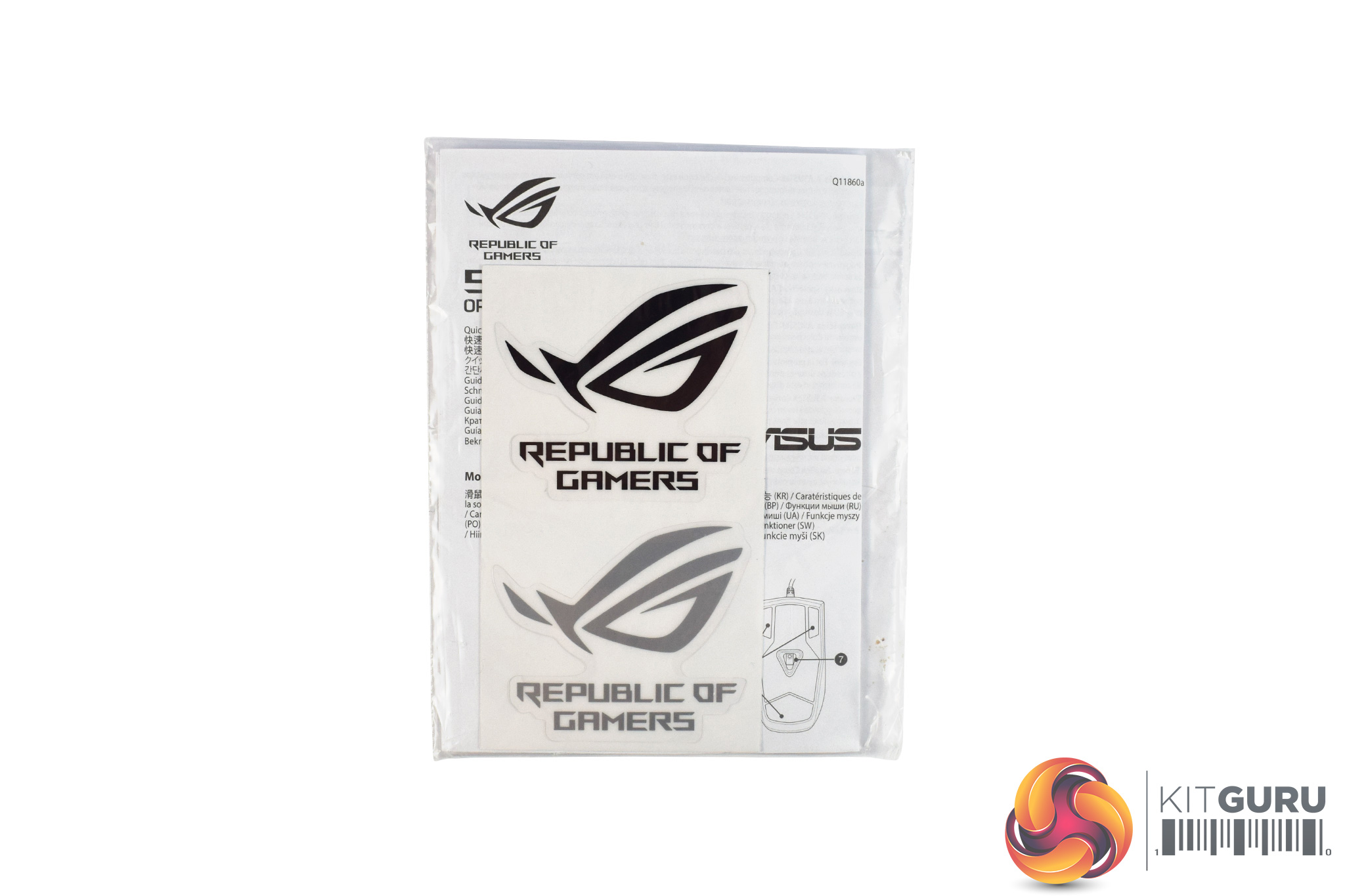
The ASUS ROG Strix Impact ships in a colourful box, with the Strix logo being very prominent on the front. Inside, there is not much in the way of accessories, as all you get is a small manual and two stickers.
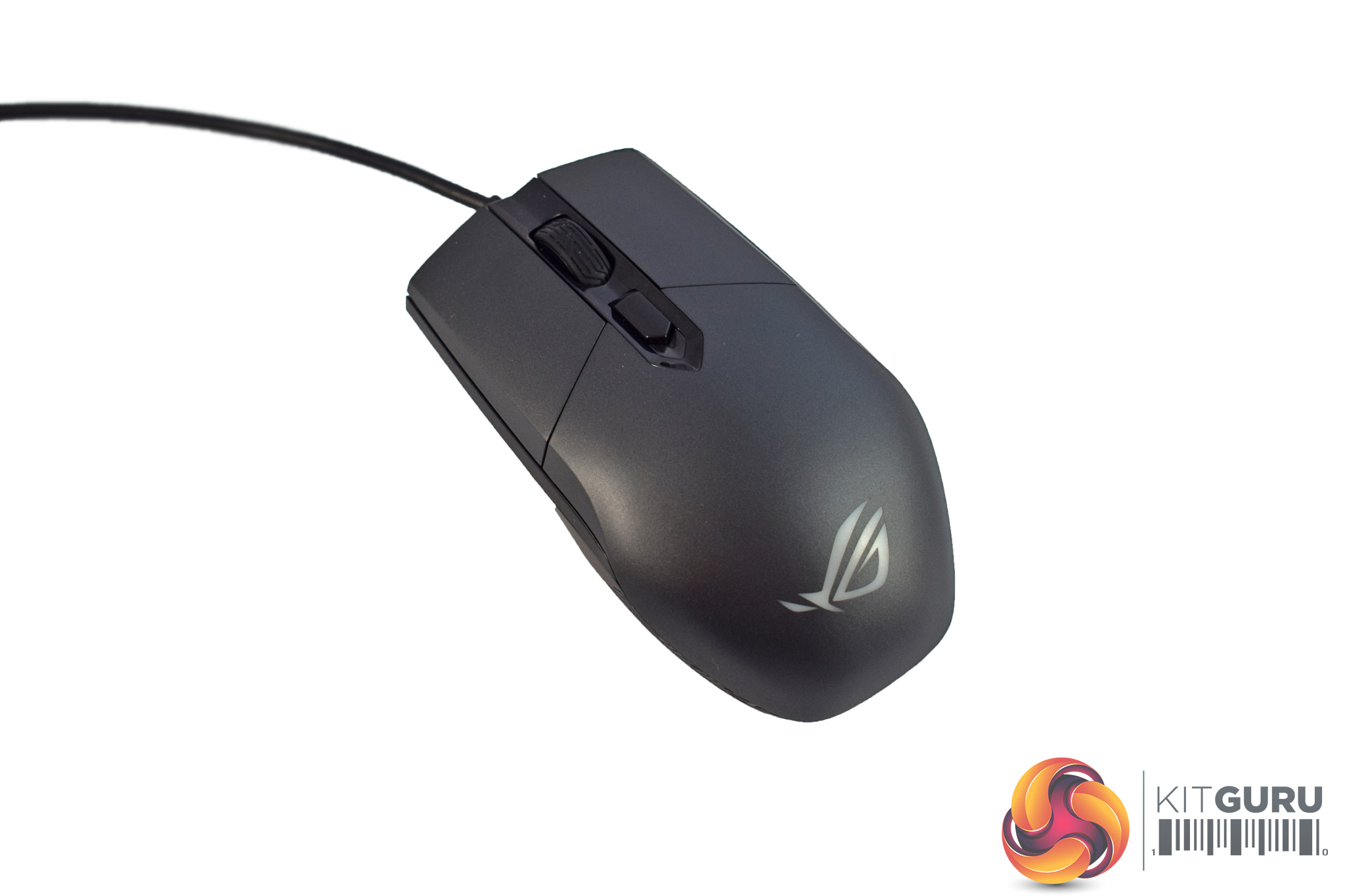
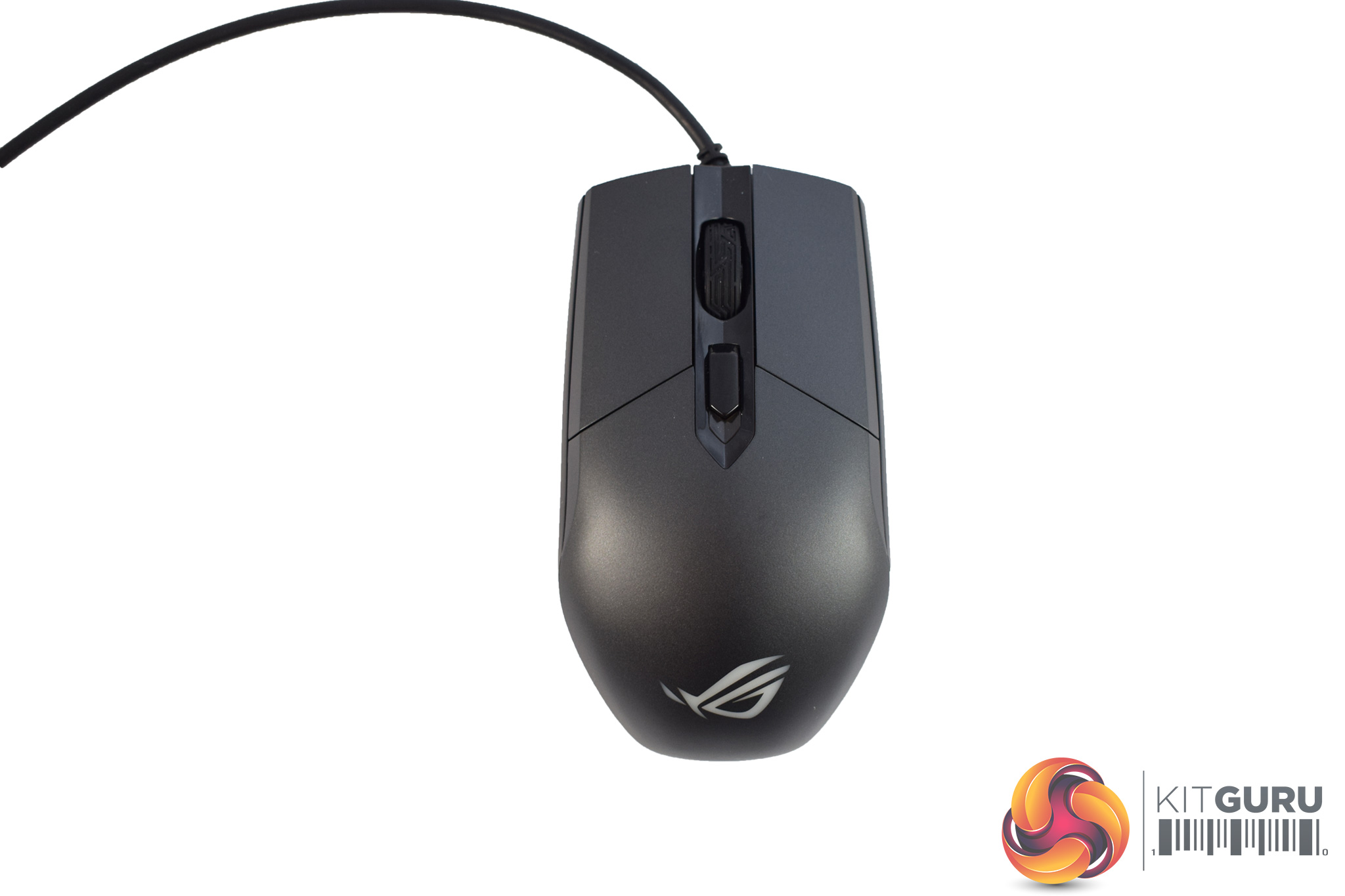
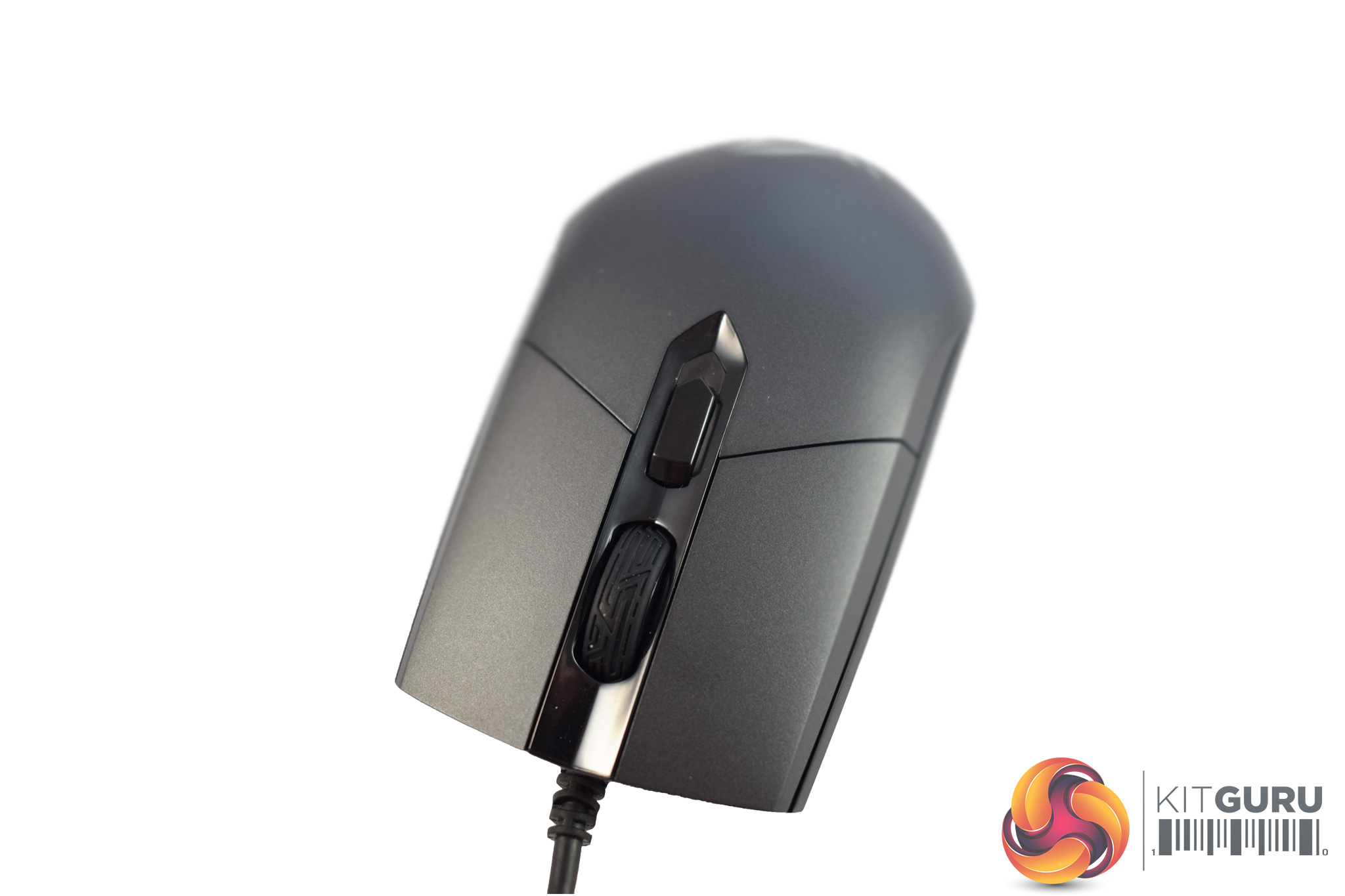
The Impact itself has quite a plain design, with not much going on to attract interest. As I mentioned previously, it an ambidextrous mouse, and it is thus perfectly symmetrical.
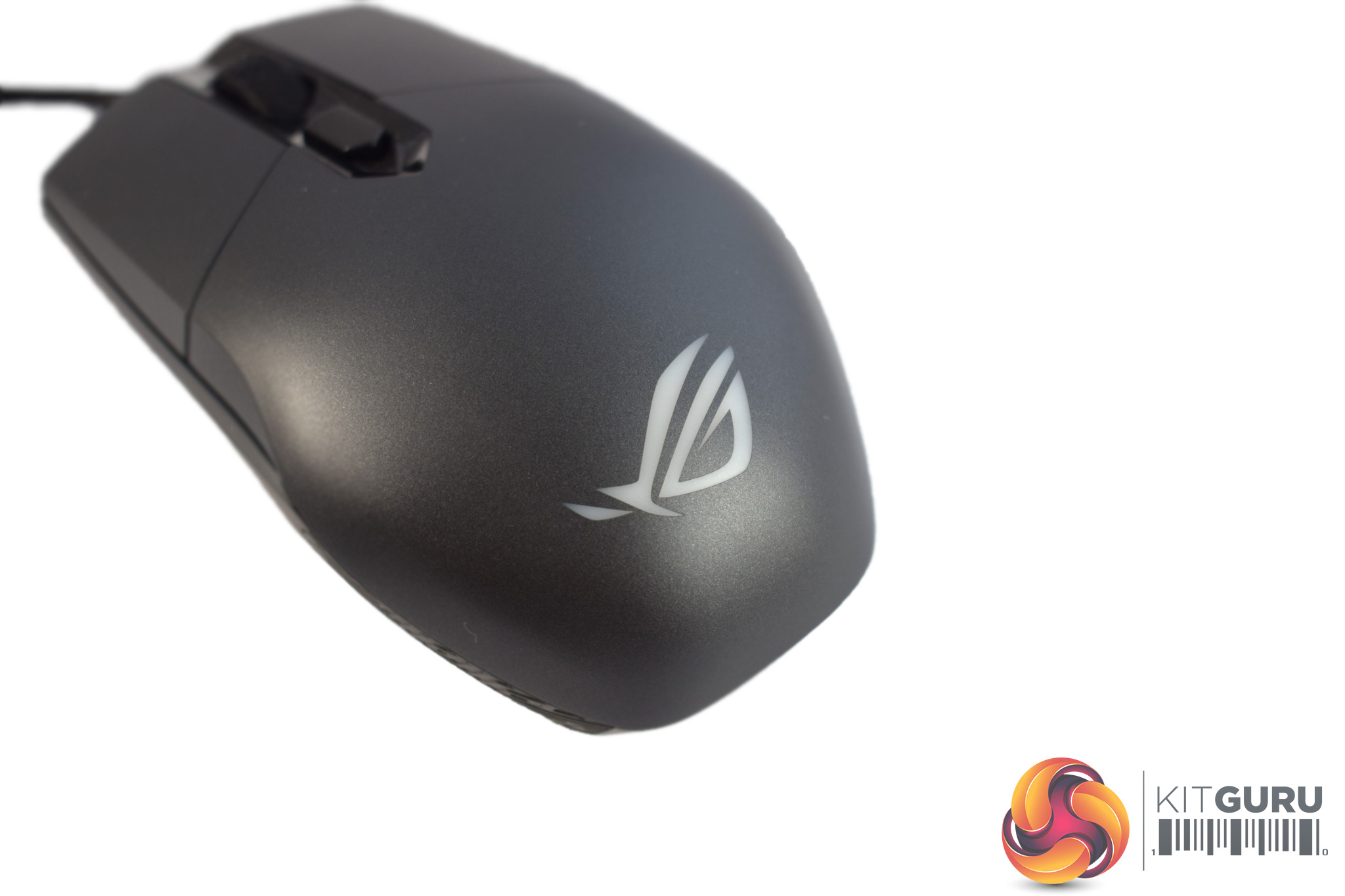
The bottom of the mouse sports the ROG logo, and it is this logo which functions as the only RGB lighting zone on the mouse.
At the front of the Impact, we find the scroll wheel as well as a single DPI cycle button.
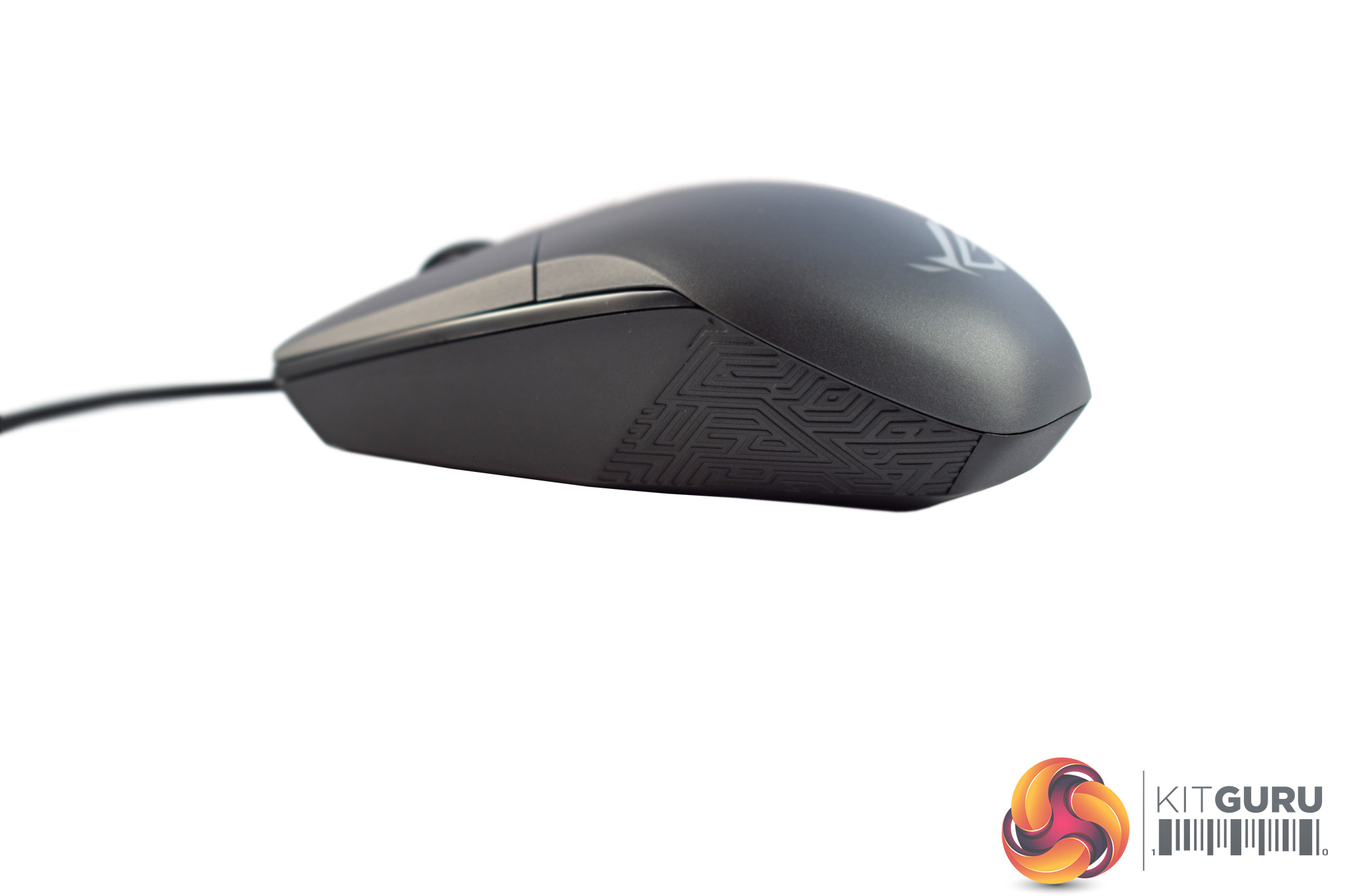
The sides of the mouse are bare, with no side buttons at all. This is likely to prove divisive, but it is hard to have an truly ambidextrous mouse with side buttons, as your fourth finger would lie on-top of those buttons if they were there.
Also, there is just a bit of ROG's trademark Mayan-inspired detailing on the sides of the Impact, which serves no function other than looking pretty cool.
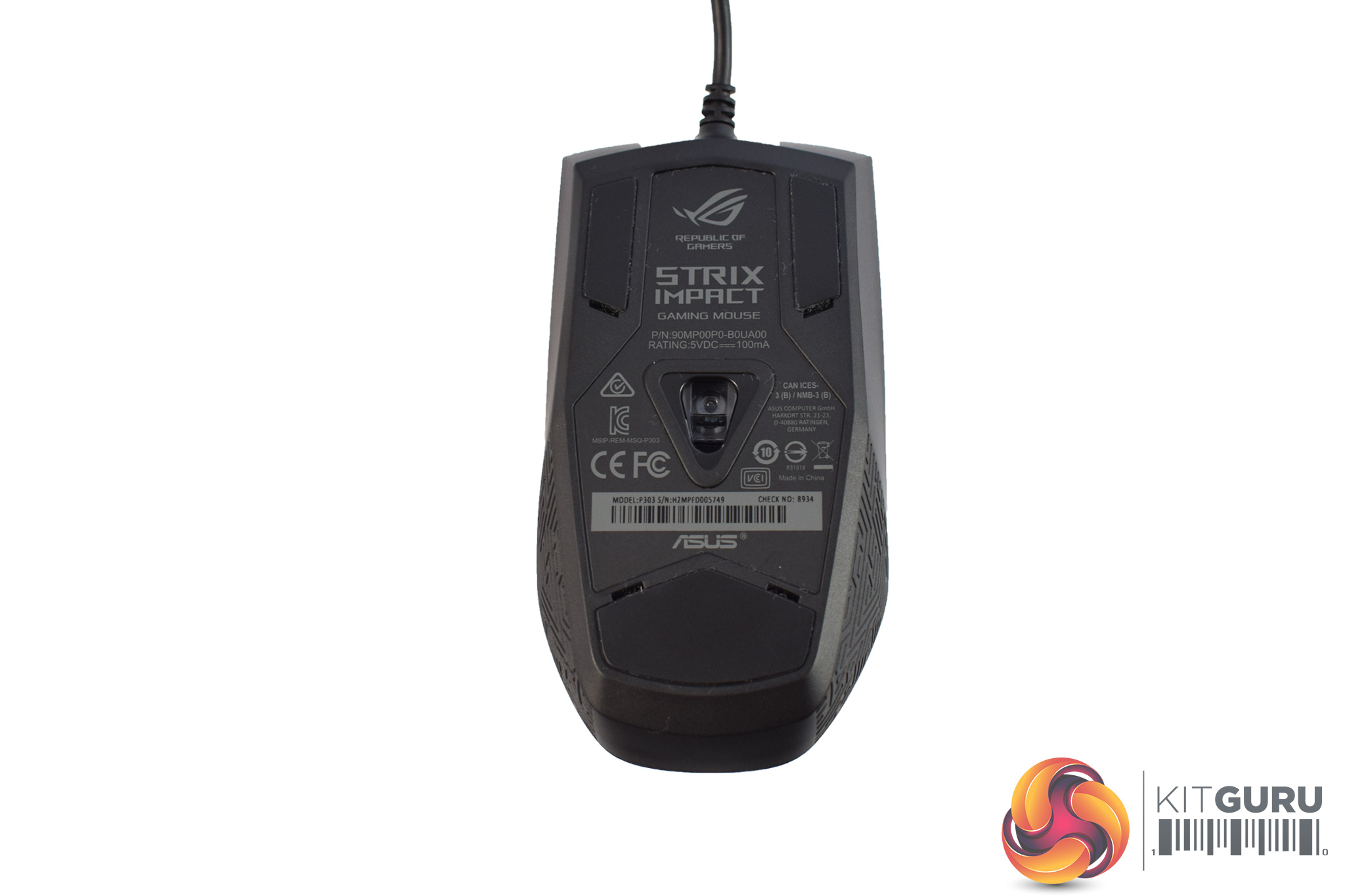
Taking a look at the Impact's underside, we can see there are 3 Teflon feet, while we also get a look at the Pixart PMW 3310 sensor. While the PMW 3310 has now been replaced by the popular 3360 as the gaming enthusiast's preferred sensor, it is still very capable. It is likely included here to keep costs down, as it must be cheaper than the newer 3360.
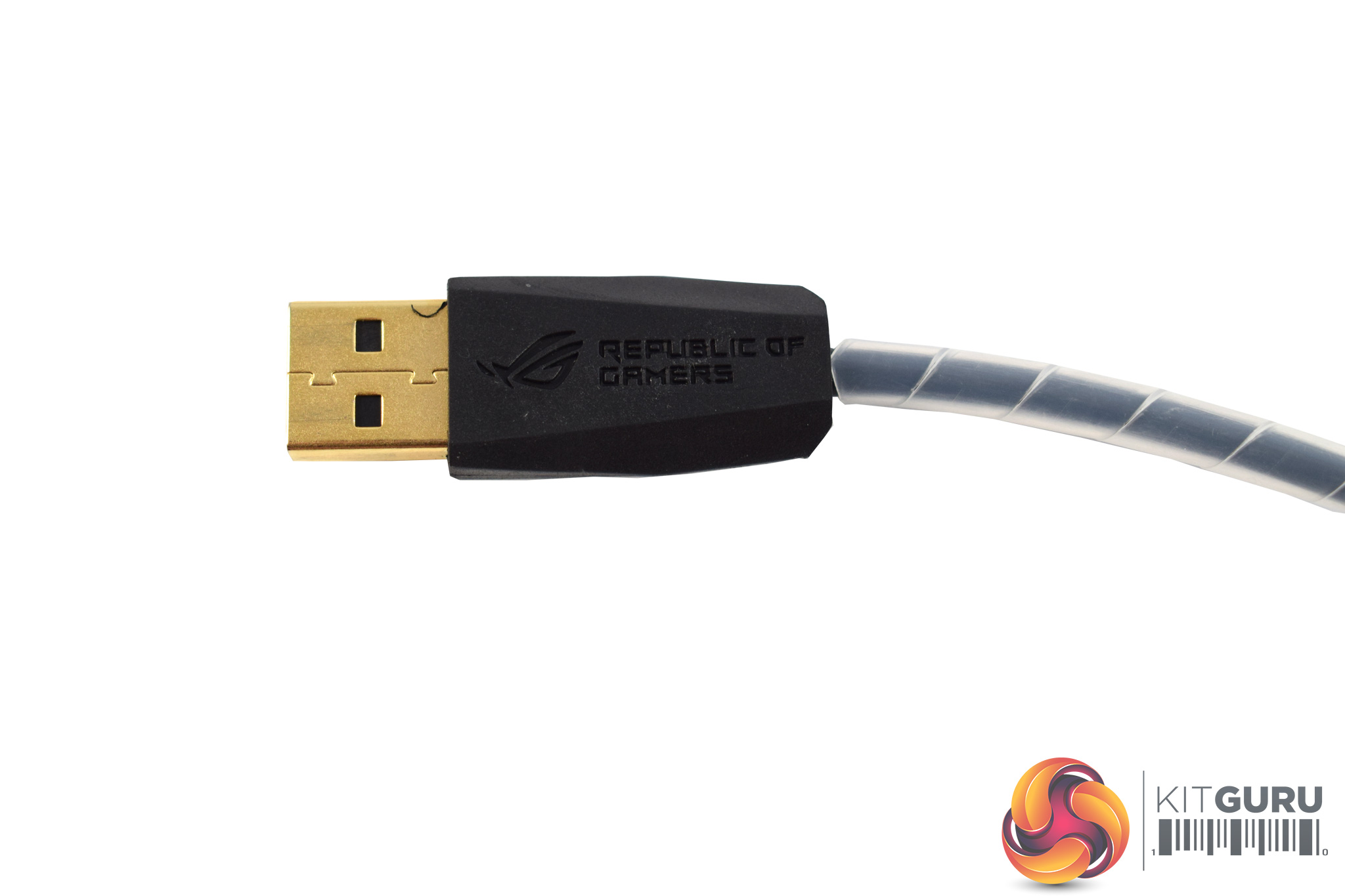
Lastly, the cable is non-detachable and is made of rubber – it is not braided. The USB connector is gold-plated, though, while the cable itself measures 2m long.To test the Strix Impact, I used it as my daily driver for one week. During this time, I used it while playing games, editing photos and just doing regular browsing and other office tasks.
First, let's take a look at the ROG Armoury software.
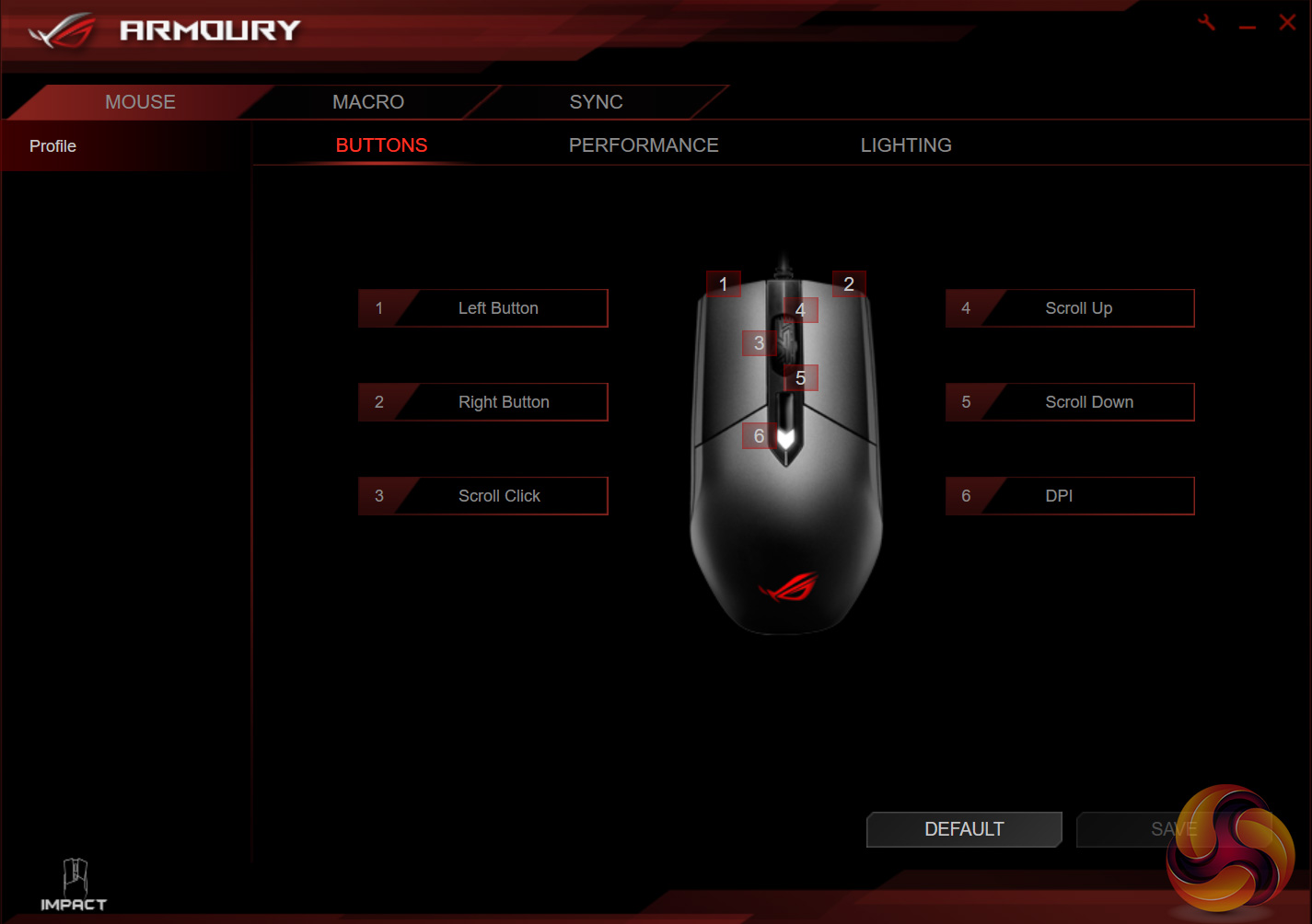
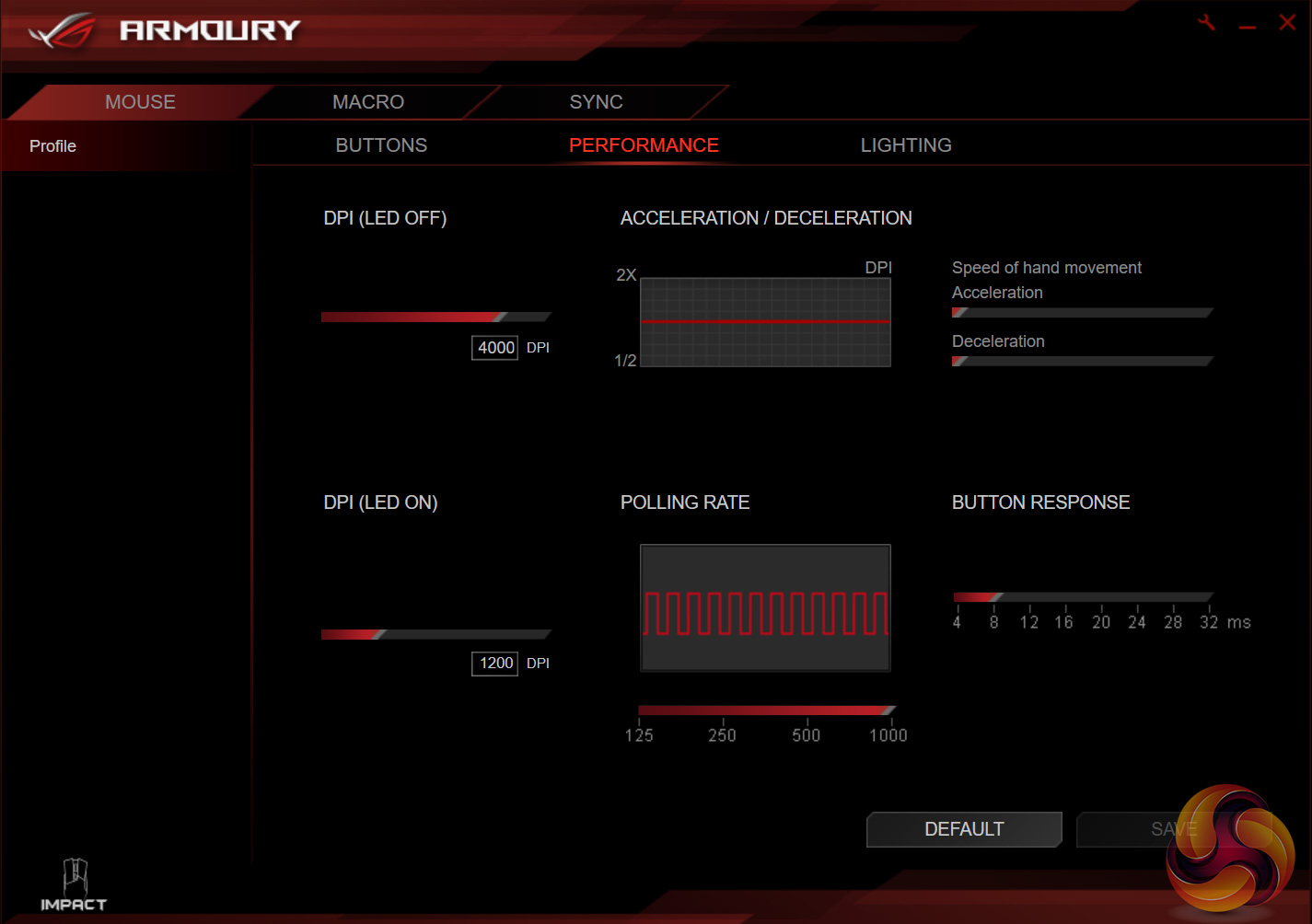
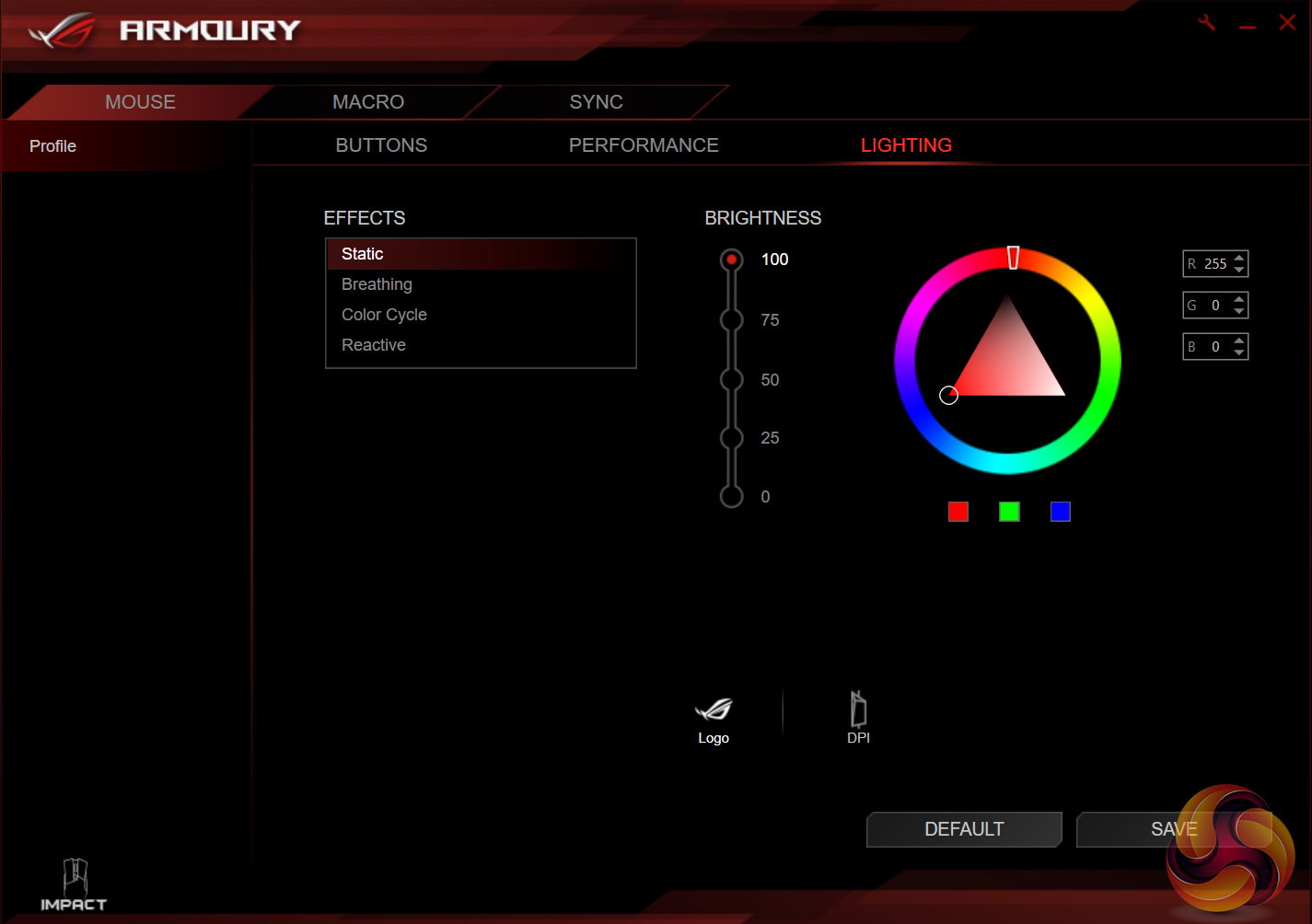
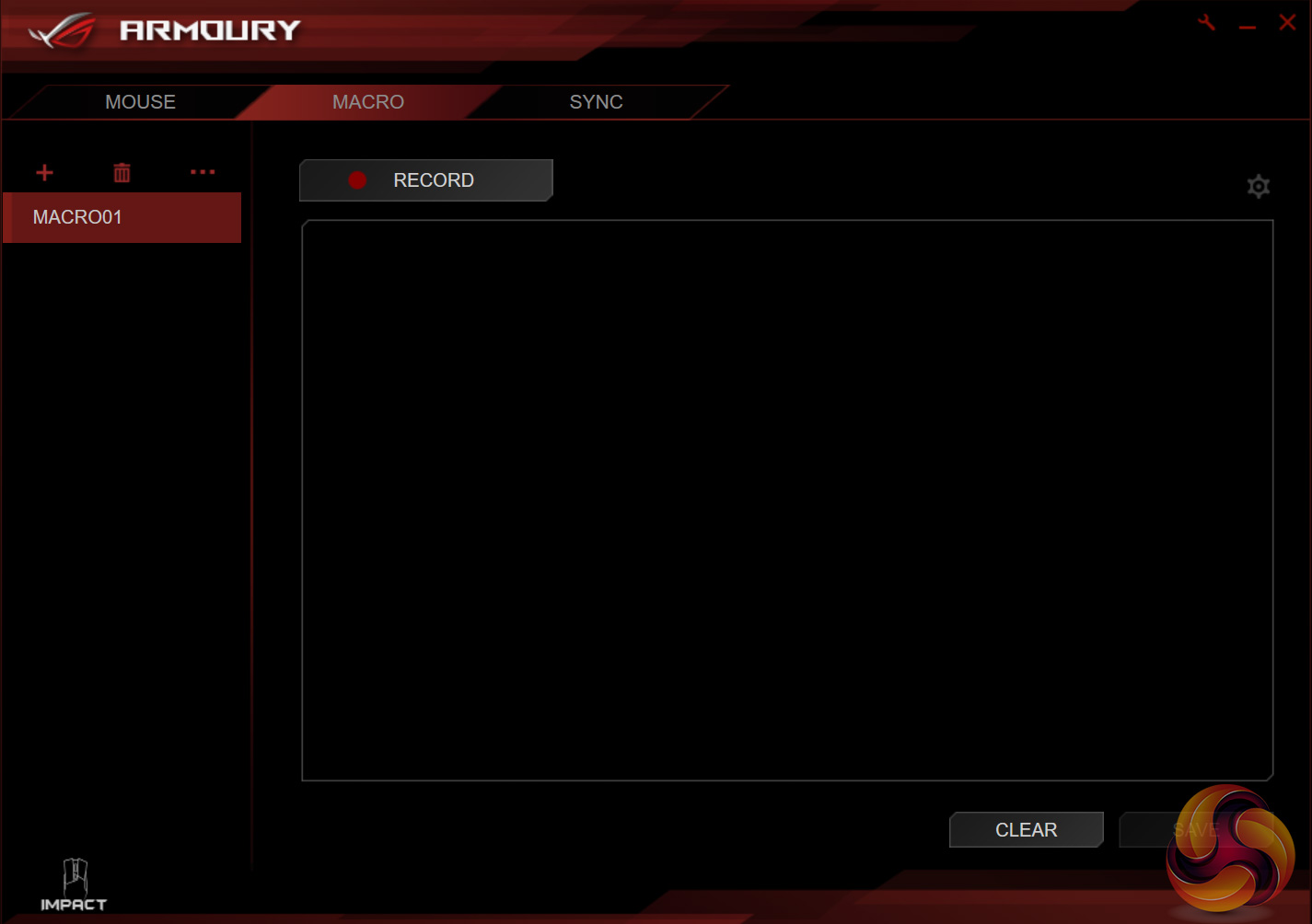
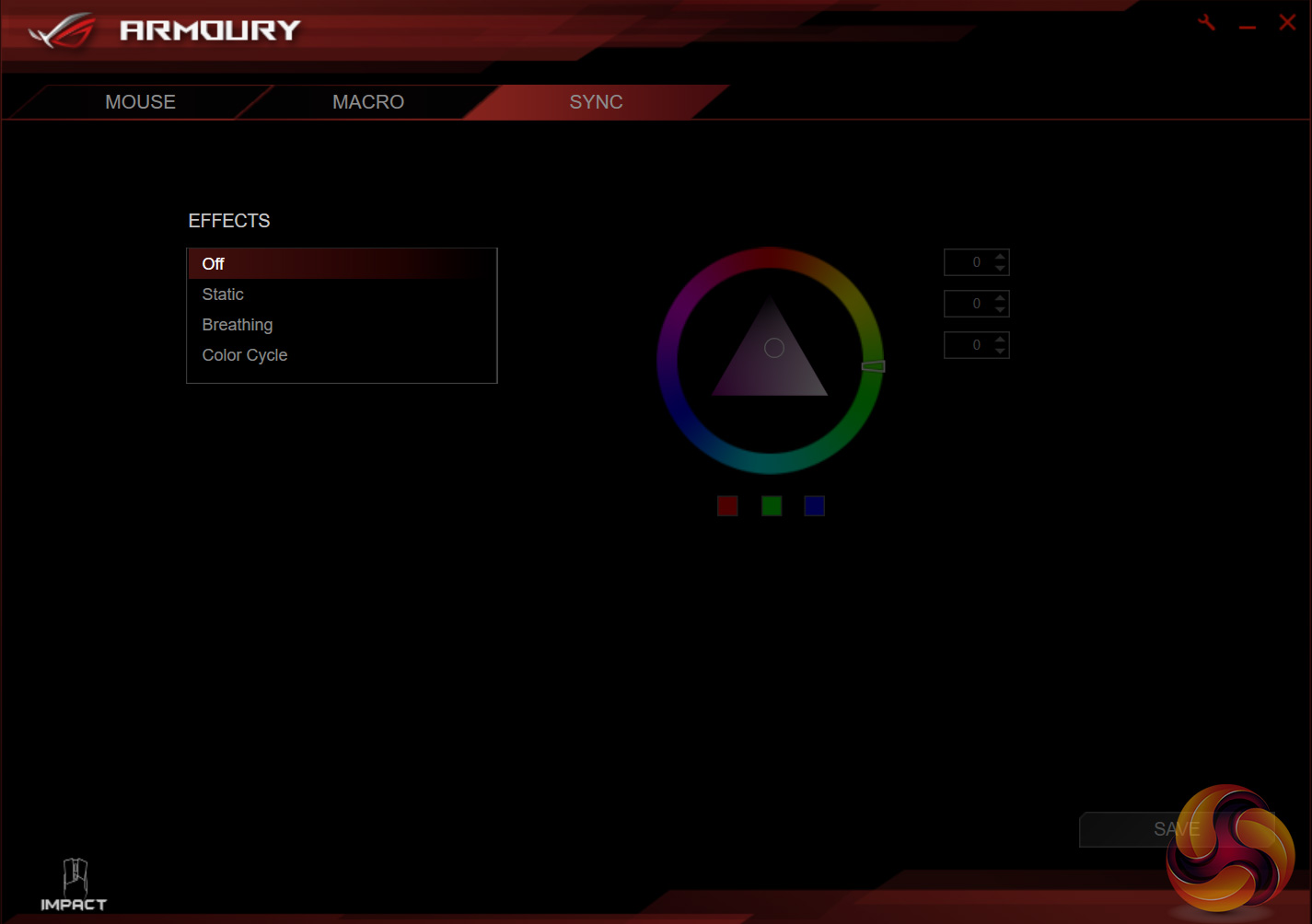
There are 5 tabs available to the Impact while using the Armoury software: buttons, performance, lighting, macros and sync.
For a mouse with relatively few features, the software does the job just fine. You can adjust the lighting and choose from 4 different pre-set effects, set macros (although there aren't actually any extra buttons to map them to) and adjust some key performance options like DPI stages.
As with the Gladius II, though, Armoury only lets you set 2 DPI stages, which is quite frustrating for me. This is a slightly cheaper mouse, though, with a different target audience, so it is less of a problem for the Impact than it was for the Gladius II, but it is still annoying.
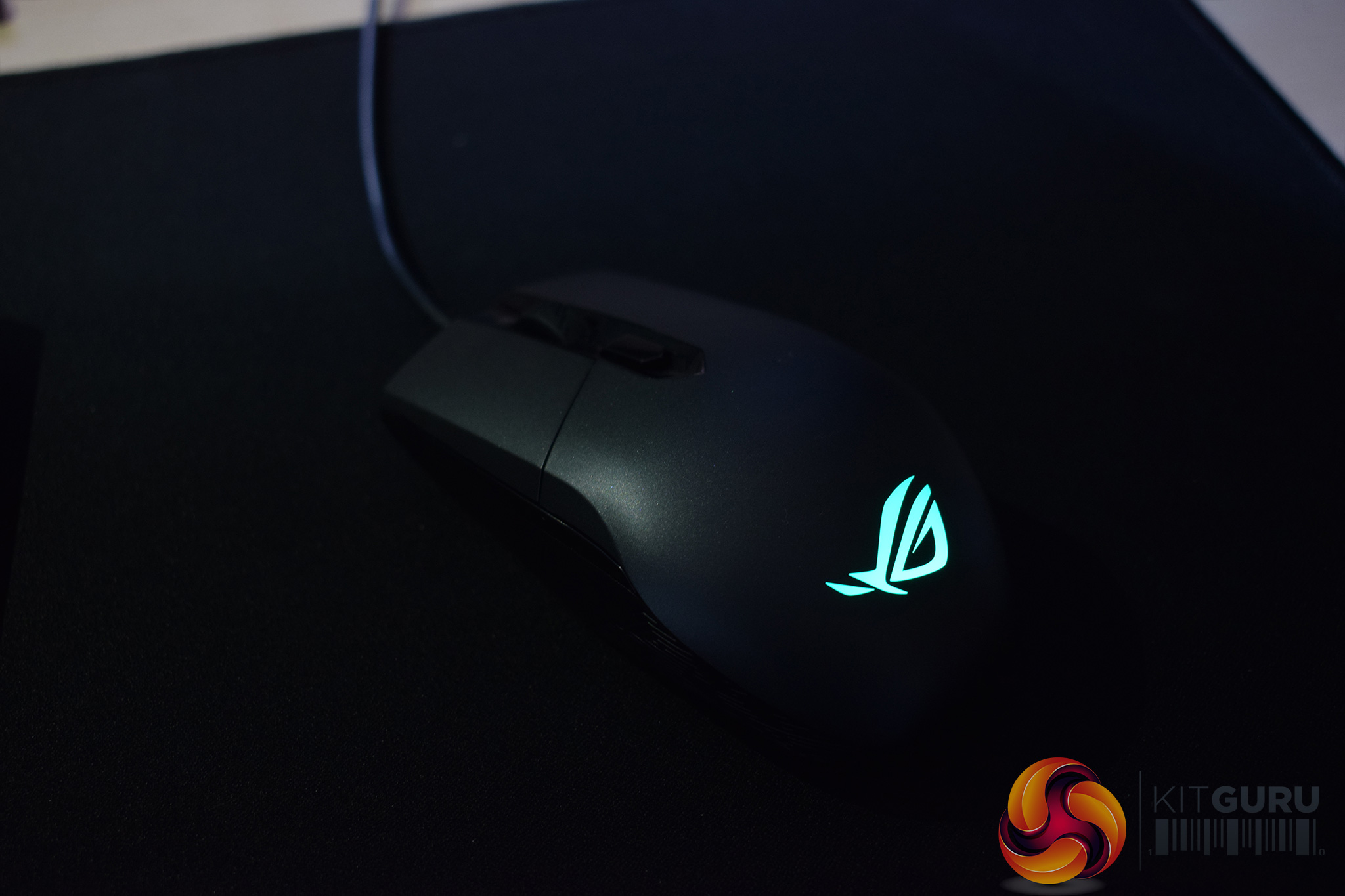
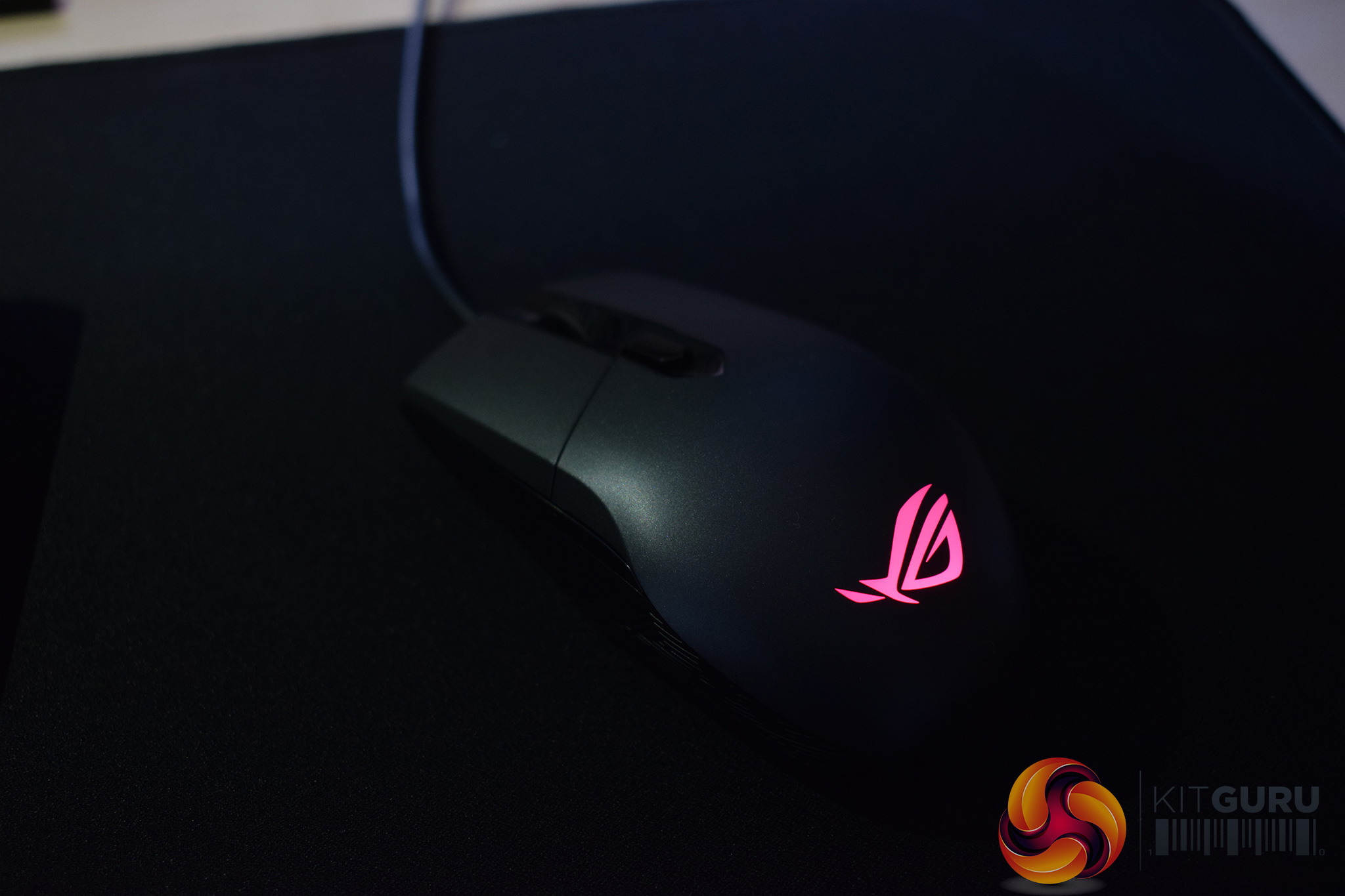
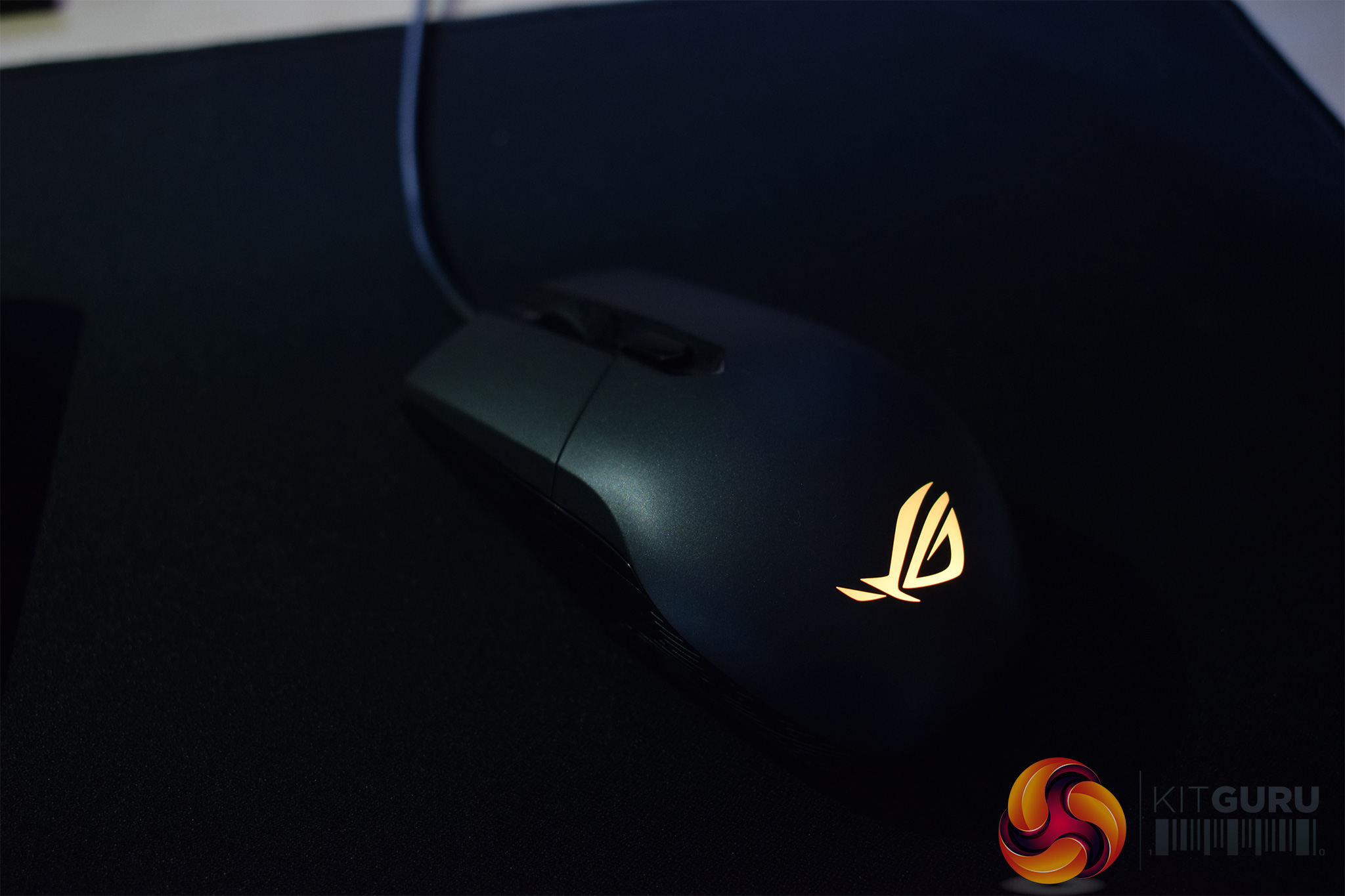
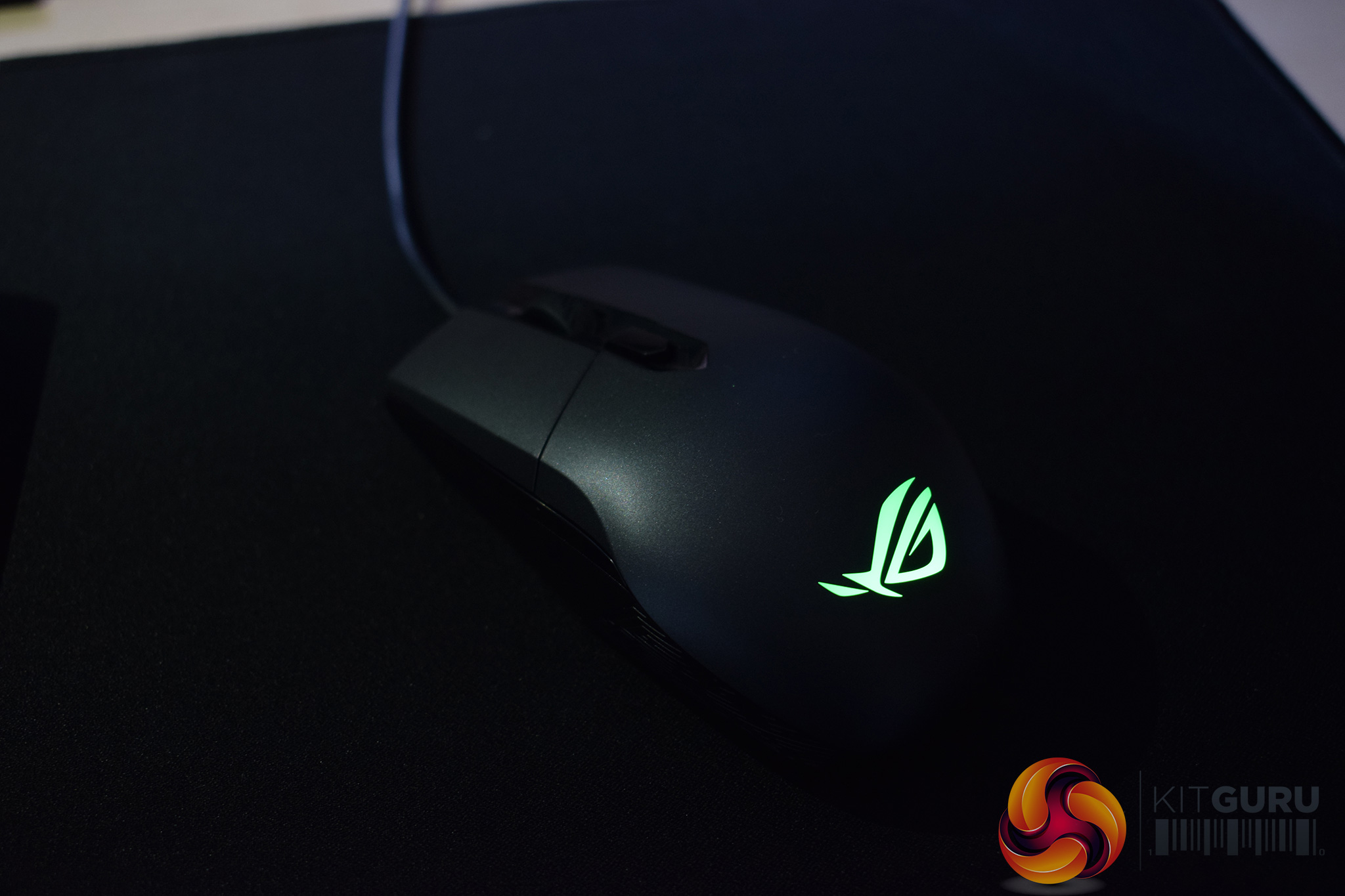
The RGB lighting itself is very good, with vibrant and accurate colours. However, the only lighting zone is the ROG logo at the bottom of the mouse, and this is obviously covered up when you are using the mouse. Because of that, I can't help but feel one of the Impact's biggest features is a bit redundant.
The Impact does support Aura-sync technology, though, so the RGB lighting can synchronise across different ASUS and ROG products.
Moving on to the physical testing, the first thing I noticed about the Impact is that it is rather small – it measures just 115mm long, and accordingly, it is too small to grip with my whole hand. This, along with the relatively low-profile nature of the mouse, means that using a palm grip is essentially out of the question, as you simply can't get your whole palm on the mouse (unless you have very small hands).
Claw grip is fine, though, as I could anchor the base of palm at the bottom of the mouse, leaving my fingers comfortably able to reach the mouse's buttons.
I did miss having side buttons, quite a lot actually. It is understandable that an ambidextrous mouse won't have side buttons, but it does limit the appeal of the Impact quite significantly. Many FPS gamers would be put off as the side buttons are great for changing weapons or choosing grenades etc, while MOBA gamers will no-doubt be frustrated that there is nowhere to map a macro.
Other than that, the mouse itself is fine to use. The Pixart PMW 3310 sensor isn't the current flagship, but I have used it in plenty of mice and it is still very capable. I had no issues tracking, and the DPI can go up to 5000, which should be enough for the vast majority of gamers.
One last point to mention, though, is the Impact's cable. It is not braided, meaning it is a standard rubber cable. In my experience, these rubber cables can drag a bit more than their braided counterparts, creating friction and slowing your movements down. I did find these problems existed for the first couple of days while using the Impact, but after that, the little kinks worked themselves out and I had no issues with it. I still would have liked to see a braided cable for the improved aesthetics, if nothing else.The Strix Impact is a new ambidextrous mouse from ASUS Republic of Gamers. It has a very simple design, with no side buttons and just a single RGB lighting zone. I also found it to be a bit small which made using a palm grip quite uncomfortable. It will definitely suit people with smaller hands.
The lighting is worth talking about, as the Impact does support ASUS' Aura technology, so you can sync the lighting between different ASUS and ROG devices.
However, the only lighting zone is the ROG logo at the bottom of the mouse's body. This means it is covered by your palm when the mouse is in use, which does make me feel that the lighting is slightly redundant, as you obviously can't see it. A little RGB light trim down the sides of the mouse would have helped appearances.
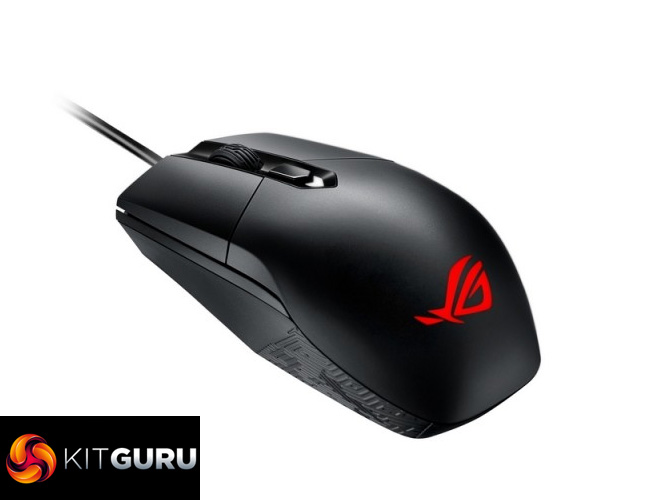
The Impact is quite light in terms of other features. For an ambidextrous mouse, it is fine, but many gamers will miss the lack of side buttons and the ability to set multiple DPI stages.
The pricing is also perhaps slightly steep for what you get, as the Impact does cost £46.99. Compared to other mice with a similar feature-set, such as the SteelSeries Rival 100, it does look a touch on the pricey side.
On the flip-side, the excellent TT eSports Level 10M Advanced can now be found for just £3 more than the Impact, and that mouse has a lot of gaming features which the Impact lacks. For example, the Level 10M Advanced lets you adjust the mouse's height, has a side 5-axis button, 3 RGB lighting zones, supports multiple DPI stages, and uses a braided cable.
As such, we think that the ASUS ROG Strix Impact could appeal to those seeking a no-frills ambidextrous mouse. It is certainly a good ambidextrous mouse if you don't mind giving up extra buttons and multiple DPI stages, but it definitely lacks some features gamers would want in a mouse, while many would simply ignore ambidextrous options and get a right-handed ergonomic mouse instead.

You can buy one from Overclockers UK for £46.99 inc. VAT HERE.
Pros
- Ambidextrous.
- Aura-compatible.
- PMW 3310 is a capable sensor.
Cons
- Quite small.
- Lighting is a big feature of the mouse, but you can't see any RGB lighting when using the mouse.
- No side buttons.
- Only supports 2 DPI stages.
KitGuru says: The Strix Impact is a good ambidextrous mouse, however it does lack a number of features we would expect from any other mouse in this price bracket.