 KitGuru KitGuru.net – Tech News | Hardware News | Hardware Reviews | IOS | Mobile | Gaming | Graphics Cards


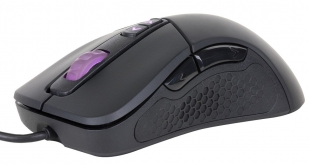
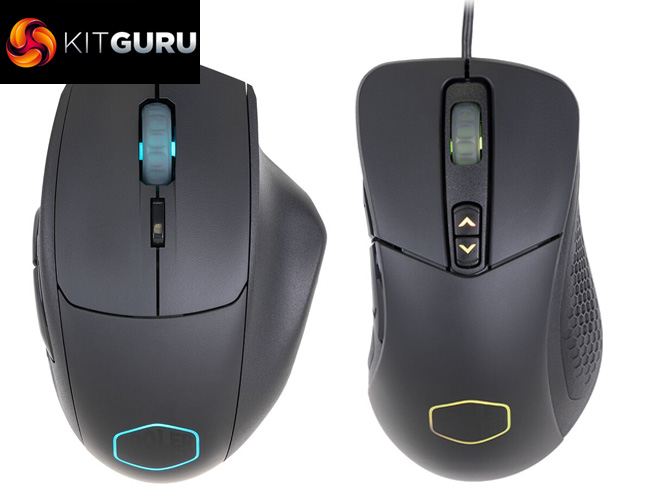
Following on from our look at Cooler Master's budget headset, the MH320, today our attention turns to two equally cheap mice – the MM520 and the MM530. Both have the same core features, including PMW 3360 sensors, RGB lighting and robust PBT panels, but they differ in terms of their shape. Could these be new budget kings?
Typically, the mice we review cost anywhere from £50 to upwards of £100. It is quite interesting, then, that Cooler Master's MasterMouse MM520 and MM530 both cost just £34.99 here in the UK, placing them right at the very budget end of the market. Can they impress, and are they good value for money? Let's find out.
MM520 Specification:
- Product Name: MasterMouse MM520
- Grip Type: Claw / Palm
- Material: Plastic / Rubber
- Colour: M14 Black
- LED Colour: 16.7 Million RGB
- Sensor: PMW 3360 Optical
- CPI / DPI: 4 Levels (100~12,000dpi)
- Tracking Speed: 250 ips/50g
- Lift Off Distance: < ~2mm / Adjustable
- Polling Rate: 1000 Hz / 1 ms
- Angle Snapping: On/Off
- Mouse acceleration: No
- Programmable Profiles: 5
- Processor: 32 bit ARM Cortex M0
- On-board Memory: 512 KB
- Switches, Lifespan: Omron, 20 million
- Programmable buttons: 7
- Body coating: Matte UV Coating
- Connector: Gold-plated
- Cable Length: Rubber Cable , 1.8 Meters
- Dimensions (mm/inch): (W x H x D) 78.5 x 118 x 29.5 mm
- Weight: 135g
- Weight (without USB Cable): 101g
MM530 Specification:
- Product Name: MasterMouse MM520
- Grip Type: Claw / Palm
- Material: Plastic / Rubber
- Colour: M14 Black
- LED Colour: 16.7 Million RGB
- Sensor: PMW 3360 Optical
- CPI / DPI: 4 Levels (100~12,000dpi)
- Tracking Speed: 250 ips/50g
- Lift Off Distance: < ~2mm / Adjustable
- Polling Rate: 1000 Hz / 1 ms
- Angle Snapping: On/Off
- Mouse acceleration: No
- Programmable Profiles: 5
- Processor: 32 bit ARM Cortex M0
- On-board Memory: 512 KB
- Switches, Lifespan: Omron, 20 million
- Programmable buttons: 7
- Body coating: Matte UV Coating
- Connector: Gold-plated
- Cable Length: Rubber Cable , 1.8 Meters
- Dimensions (mm/inch): (W x H x D) 60.4 x 40.2 x 124.8 mm
- Weight: 135.2g
- Weight (without USB Cable): 99g


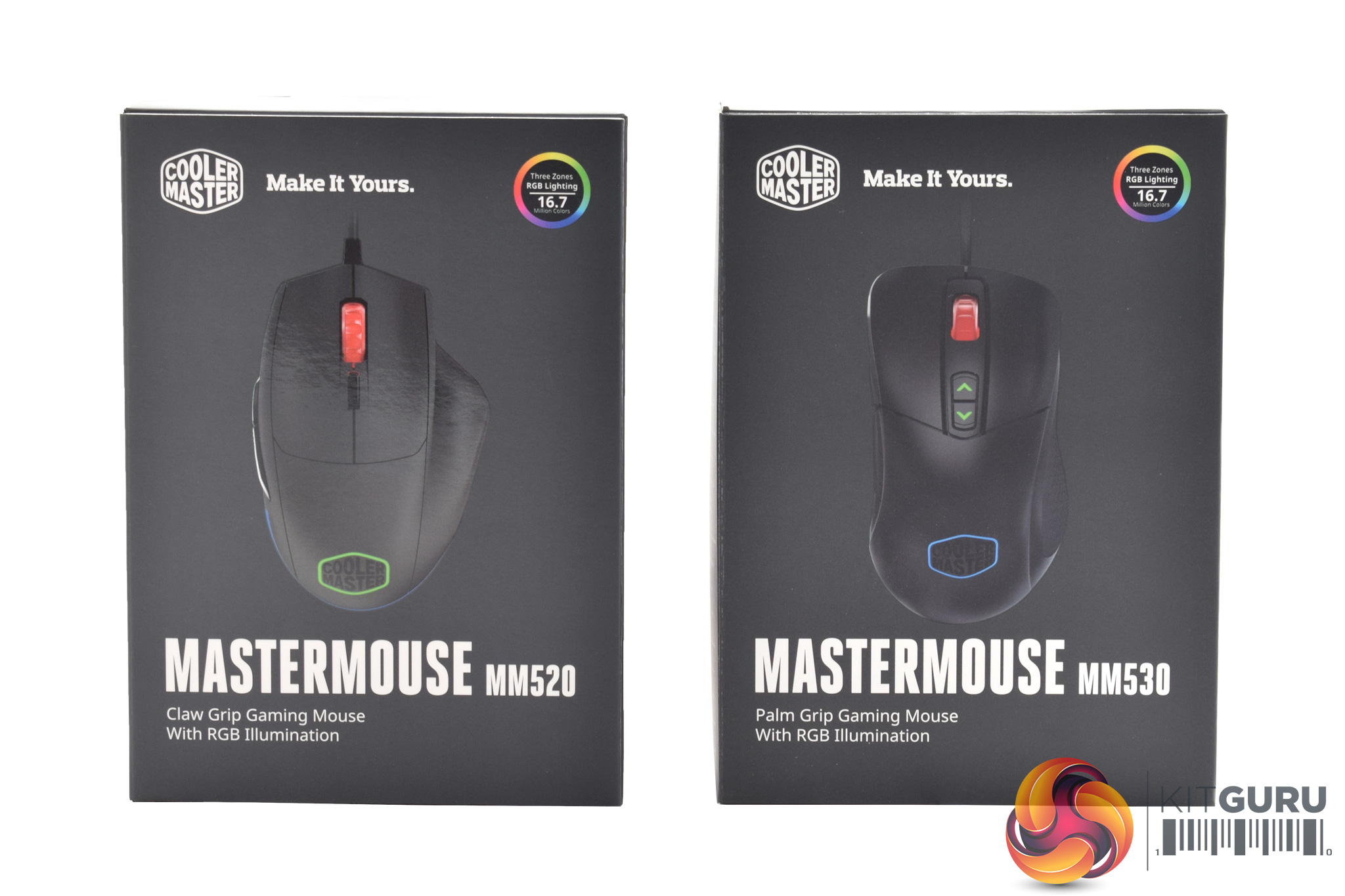
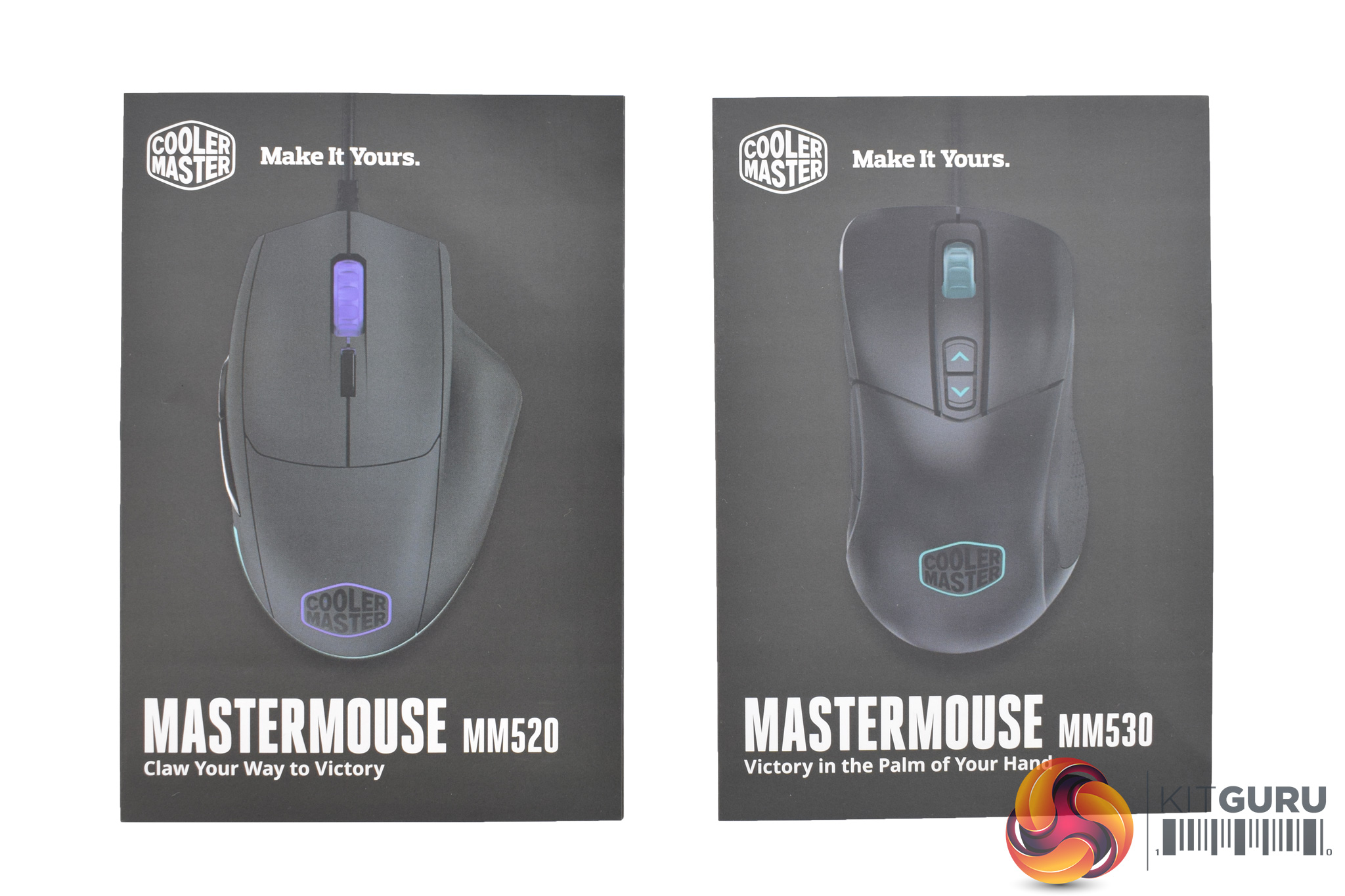
Both the Cooler Master MasterMouse MM520 and the MM530 ship in essentially identical dark boxes.
Inside, a small user guide is the only extra accessory provided with each mouse.
MM520
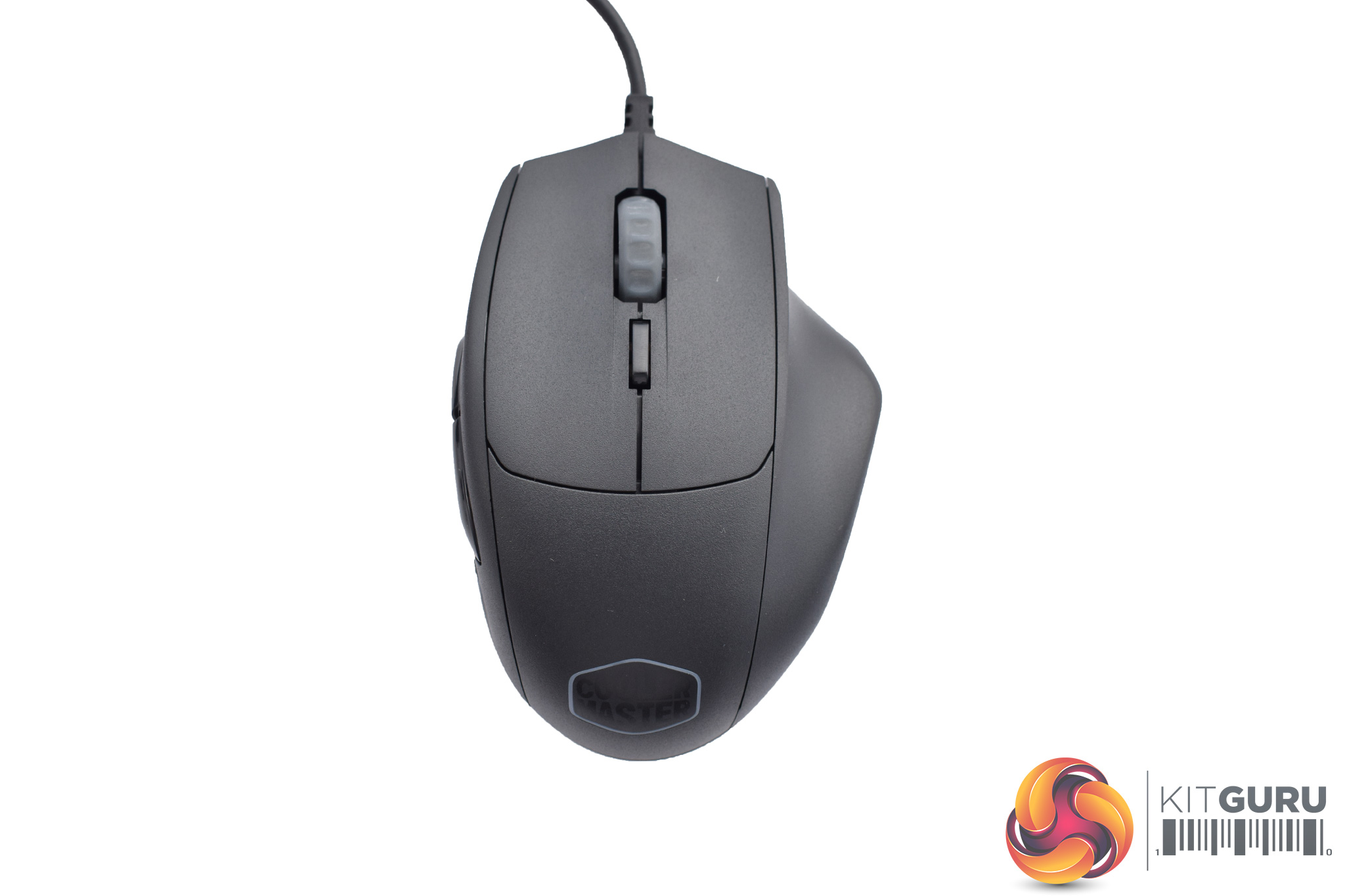
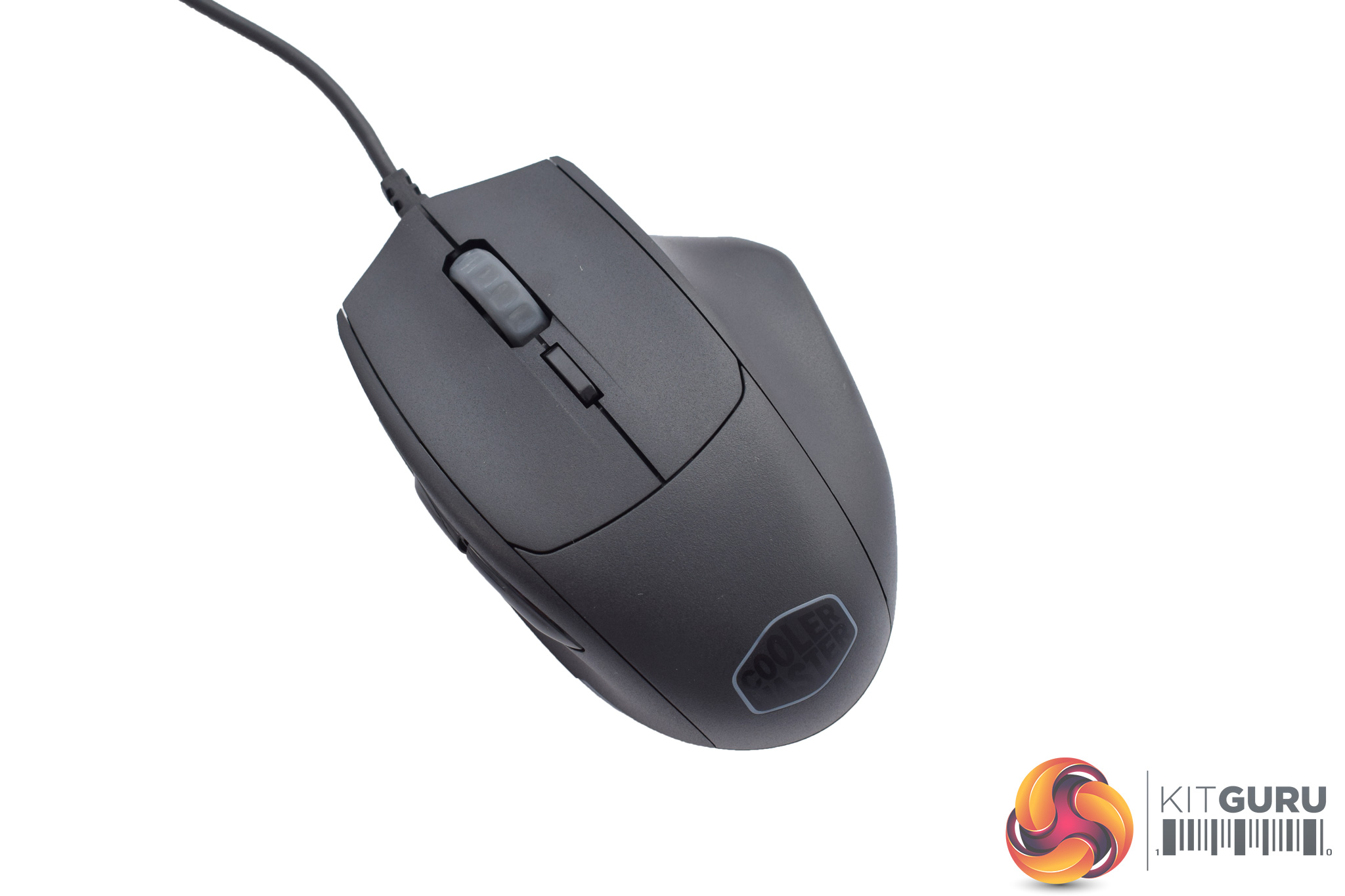
Starting with the MM520, this is a larger mouse designed with claw grip users in mind. It is obviously an ergonomic design that excludes left-handers, though, while it weighs 132g inc. cable and 101g excl. cable.


On the left-hand side of the mouse we find two side buttons, but that is it.
On the right-hand side we find a large groove where your fourth-finger will rest, and there is a small piece of textured rubber here as well.
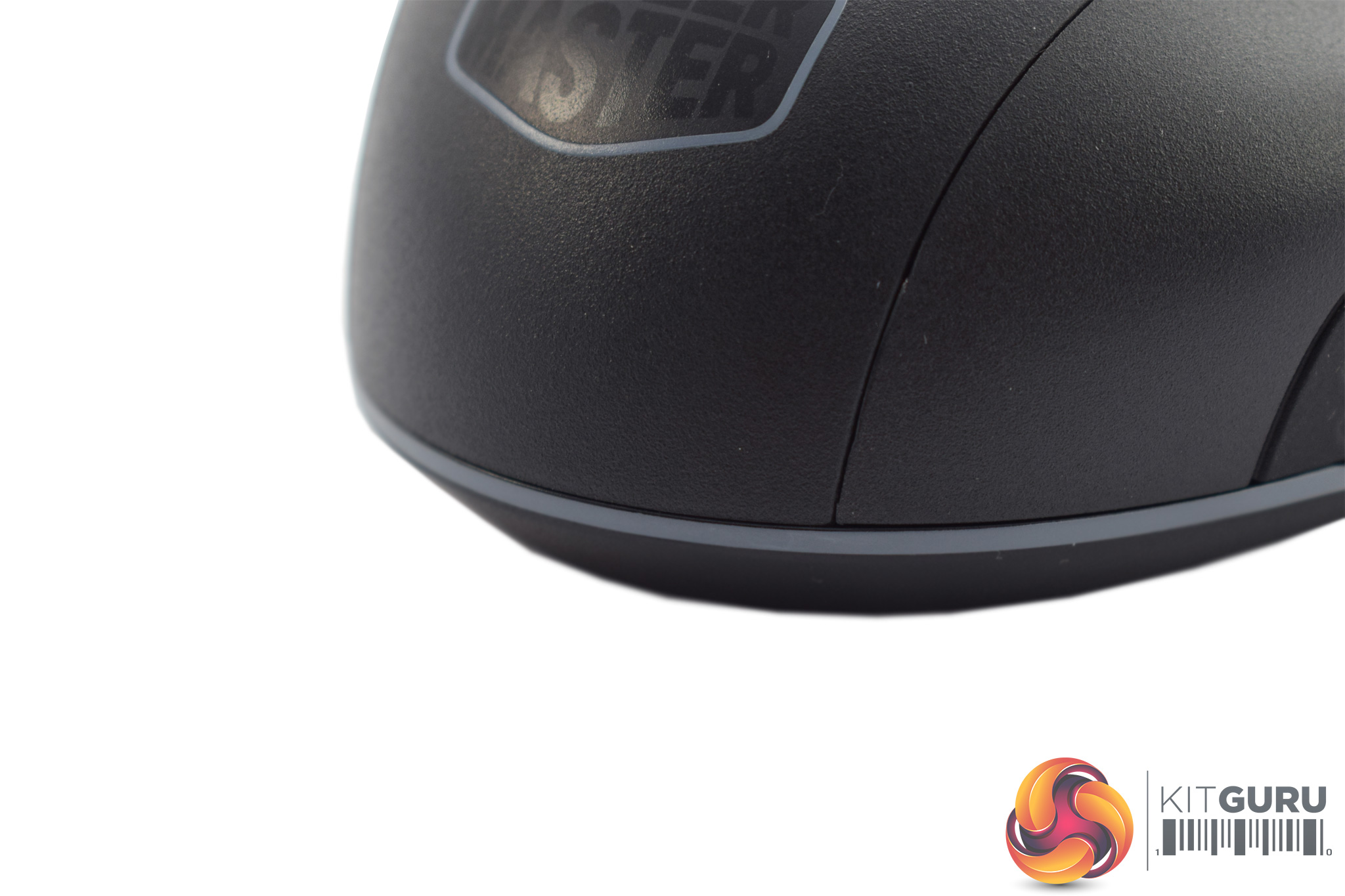
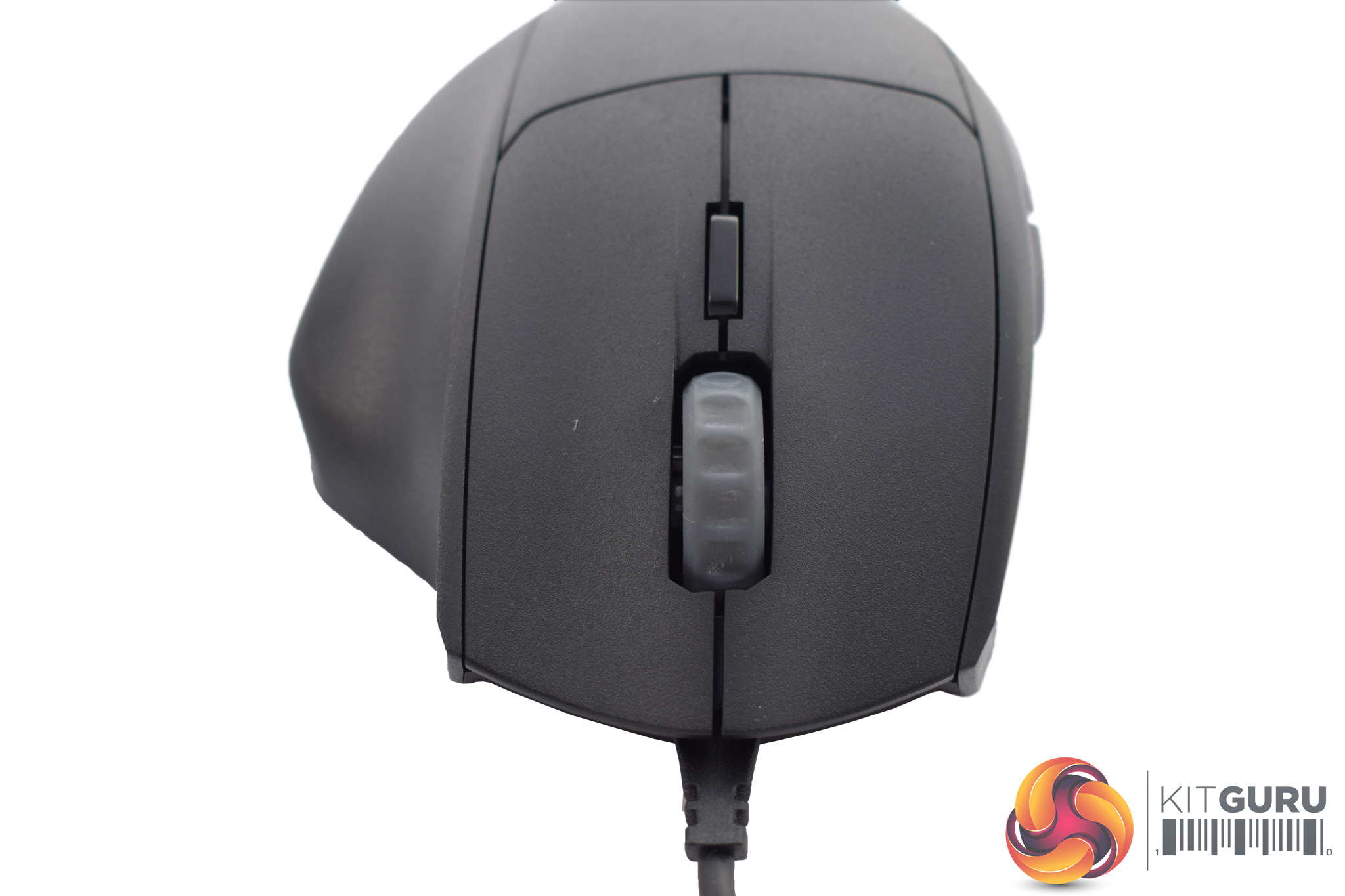
At the bottom of the mouse, a small LED strip is visible – this is one of the RGB lighting zones.
Back to the top of the mouse, the scroll wheel is another RGB lighting zone, and there is also a single DPI cycle button just below it.
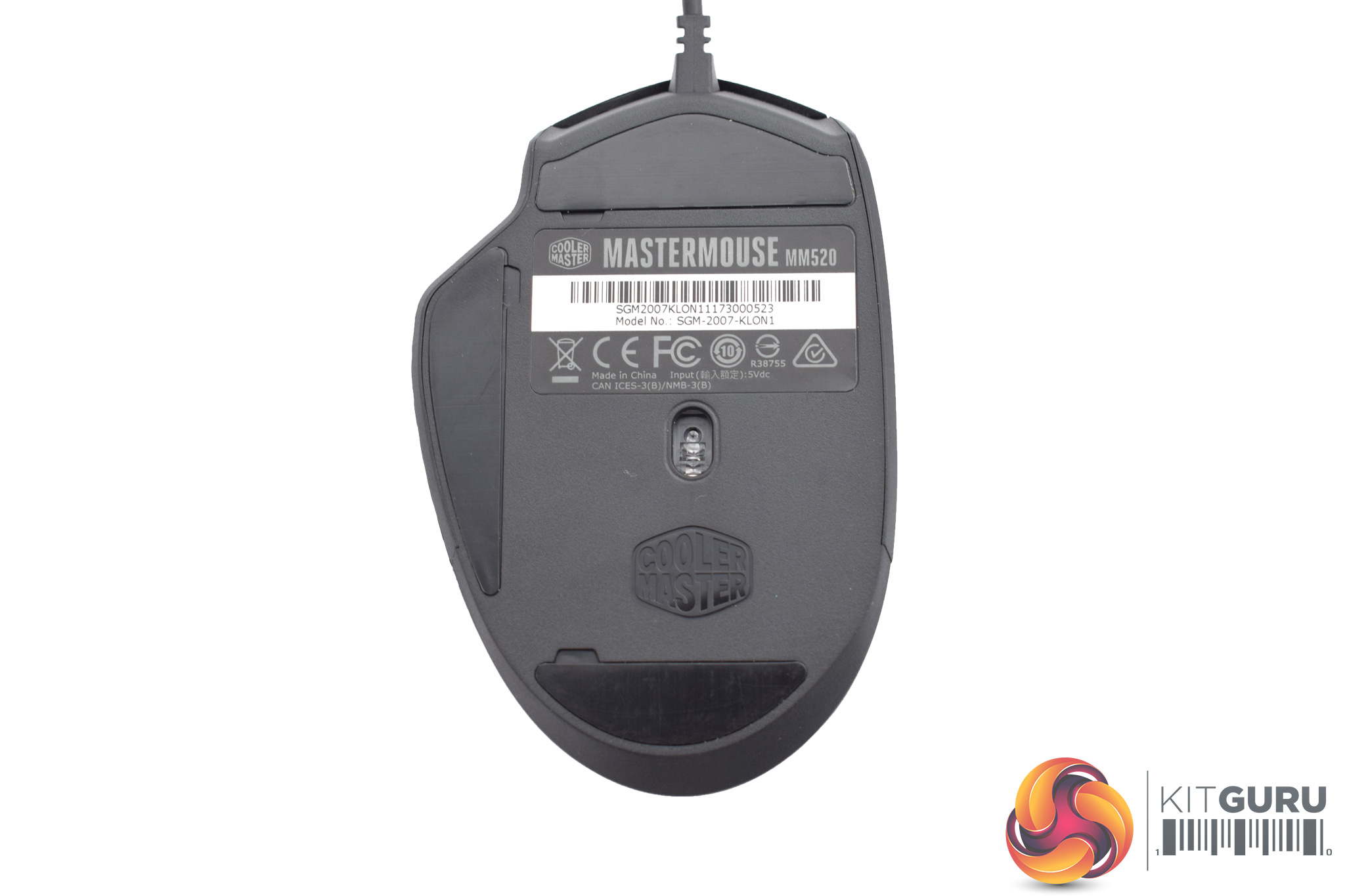

On the underside of the MM520 we get a look at three large glide pads, as well as the optical sensor – a PMW 3360.
Lastly, the USB cable measures 1.8m and is not braided. The USB connector itself is gold-plated.
MM530
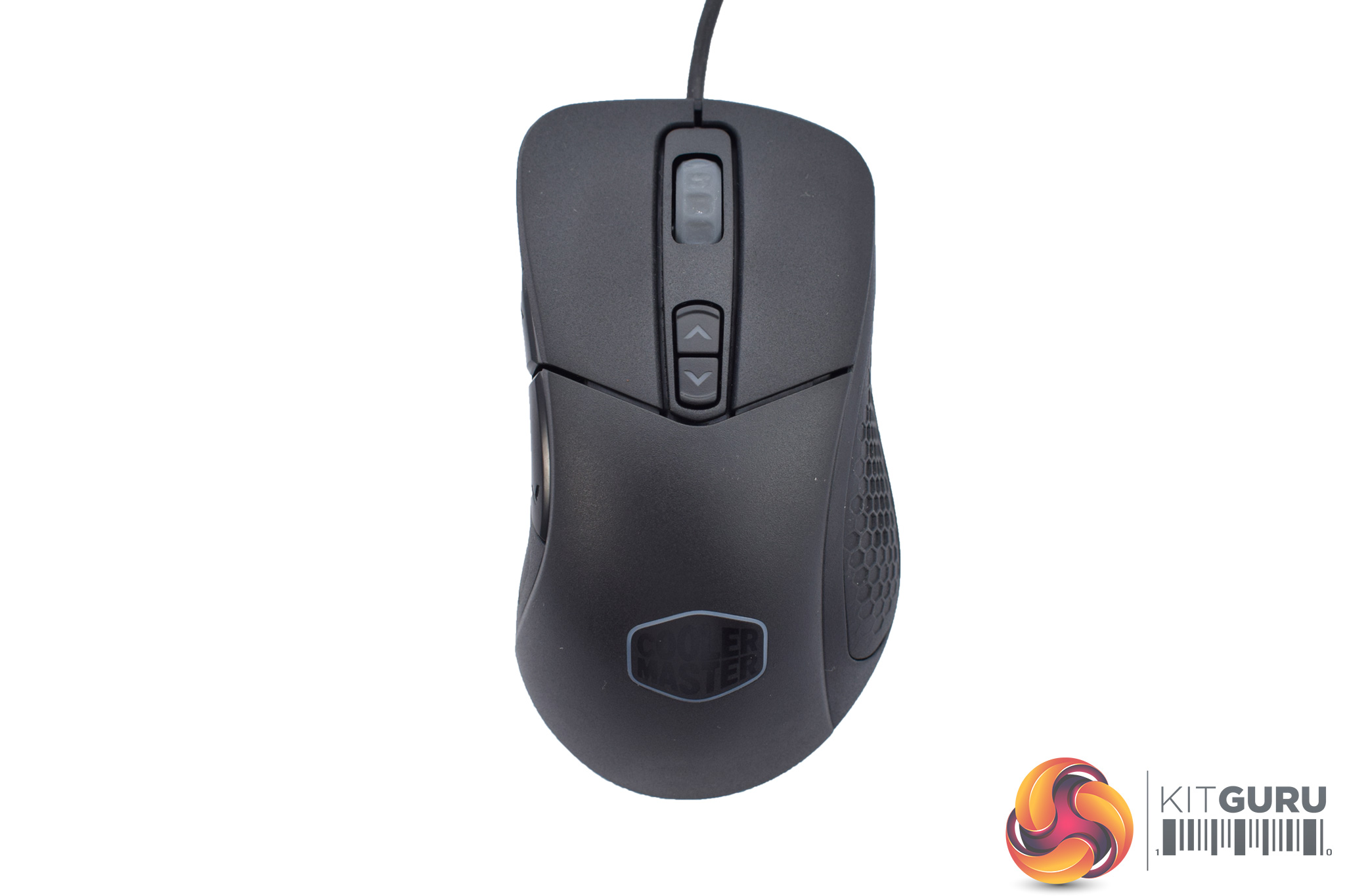
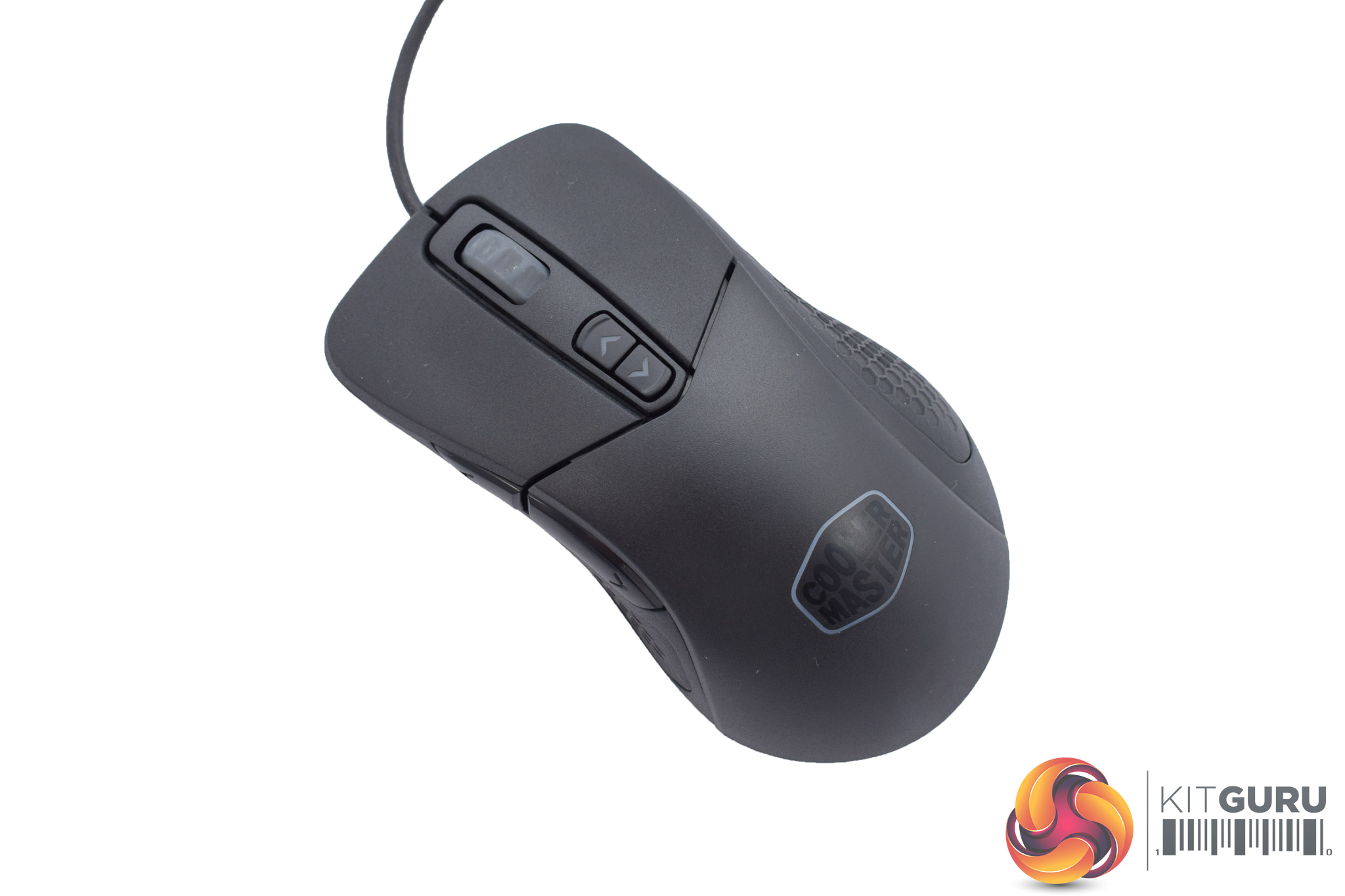
The MM530 is a completely different shape, and actually reminds me of the SteelSeries Rival 700 a fair bit. Just like the MM520, it is for right-handers only and weighs 132.5g inc. cable, and 99g excl. cable.

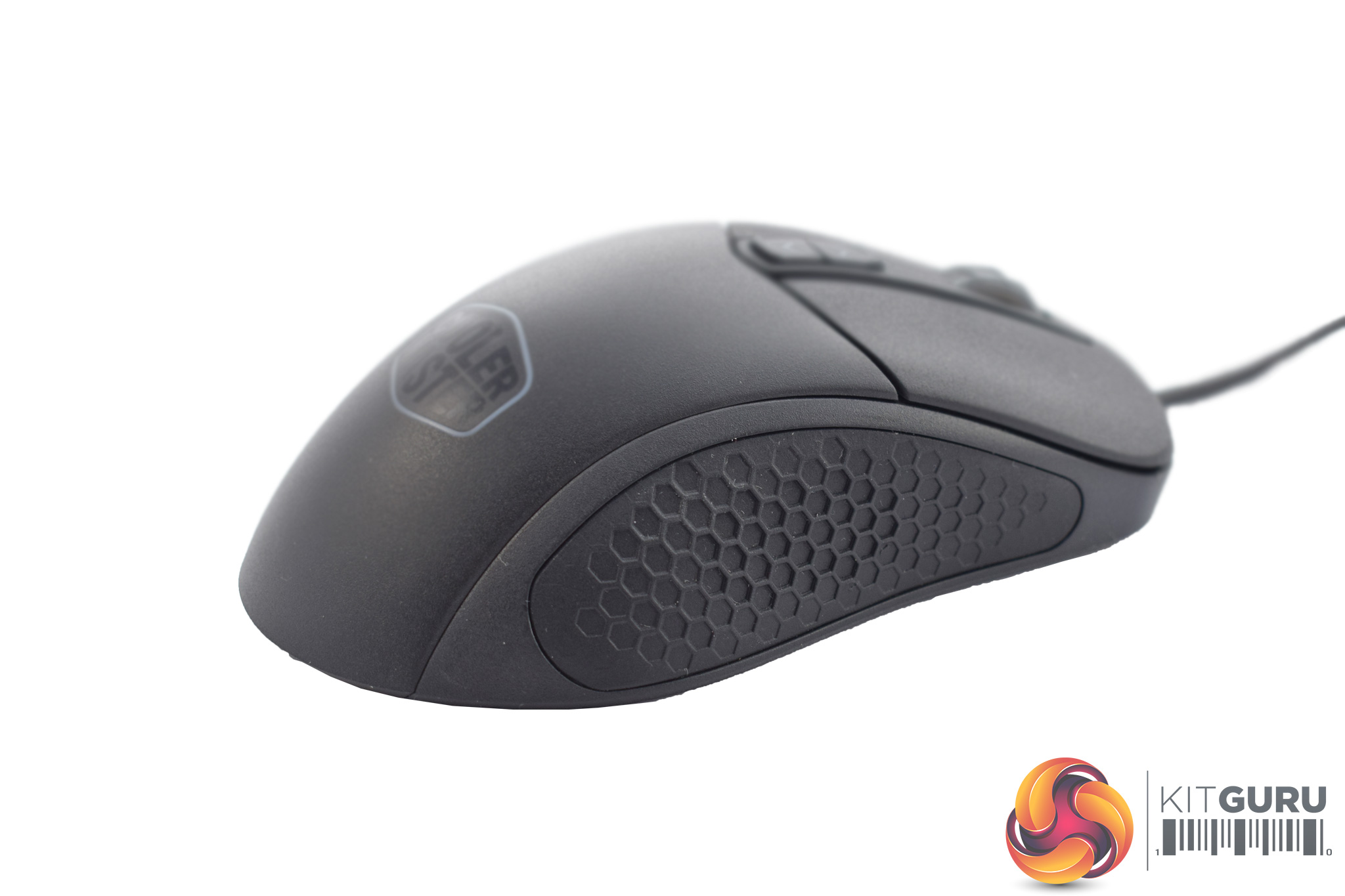
On the left-hand side of the MM530 we find two side buttons as well as a large piece of textured rubber – something that was missing from the MM520.
On the right-hand side of the mouse, there are no buttons but there is some more textured rubber.
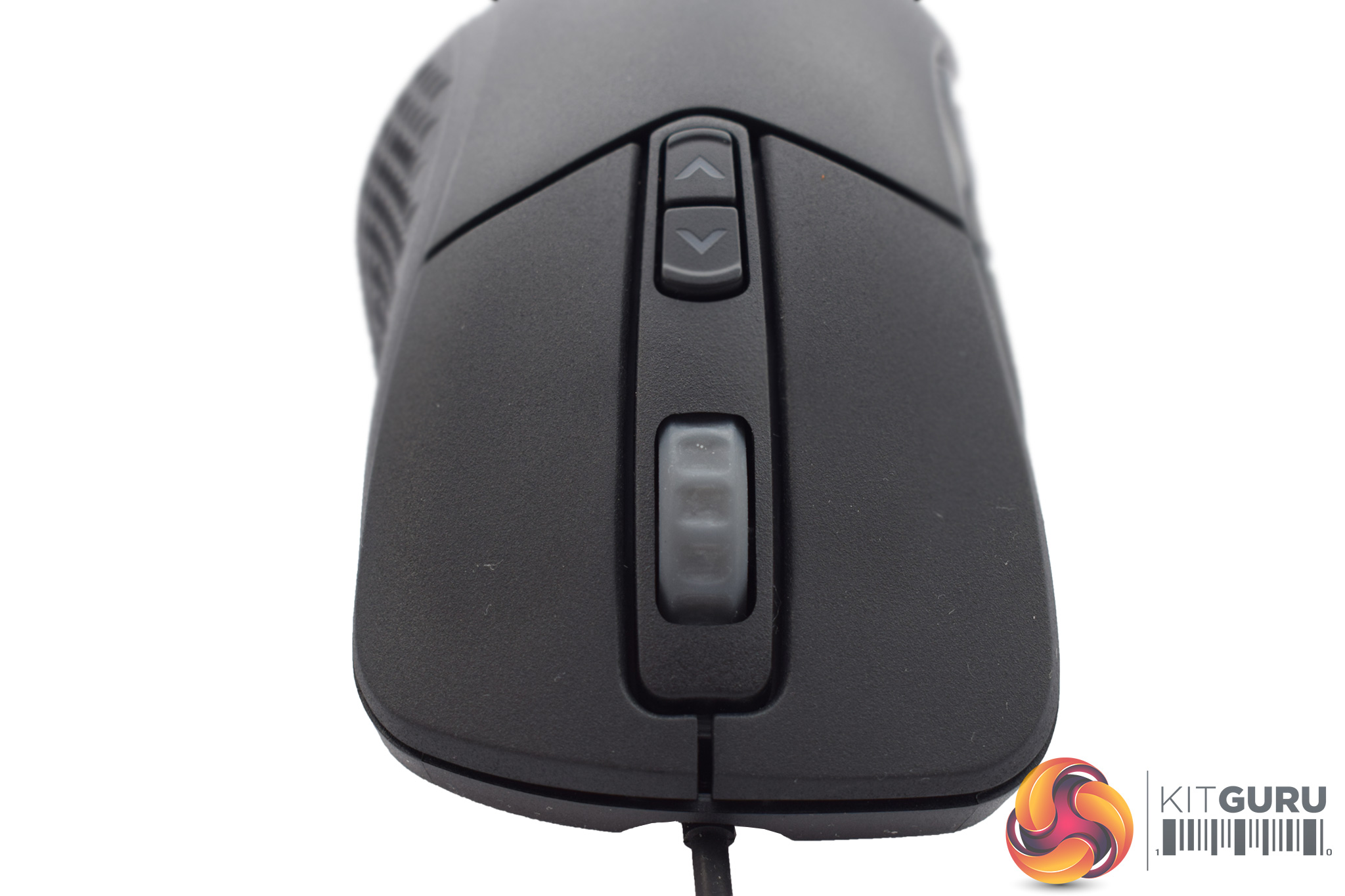
The front of the mouse houses the scroll wheel, which looks the same as the MM520's wheel, though the MM530 does have two DPI buttons instead of one.
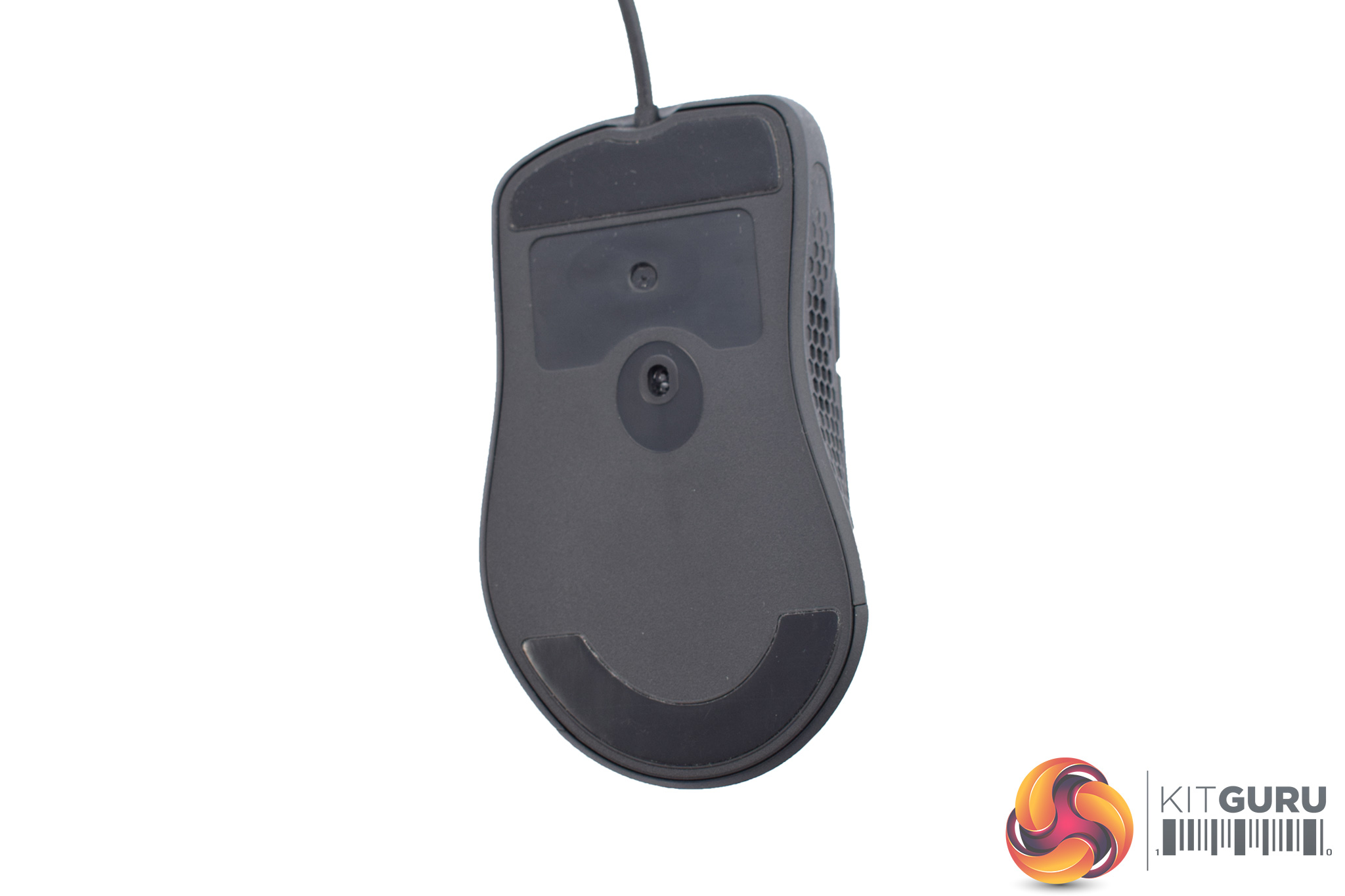
Looking to the underside of the mouse, we find two PTFE glide pads and another PMW 3360 sensor.
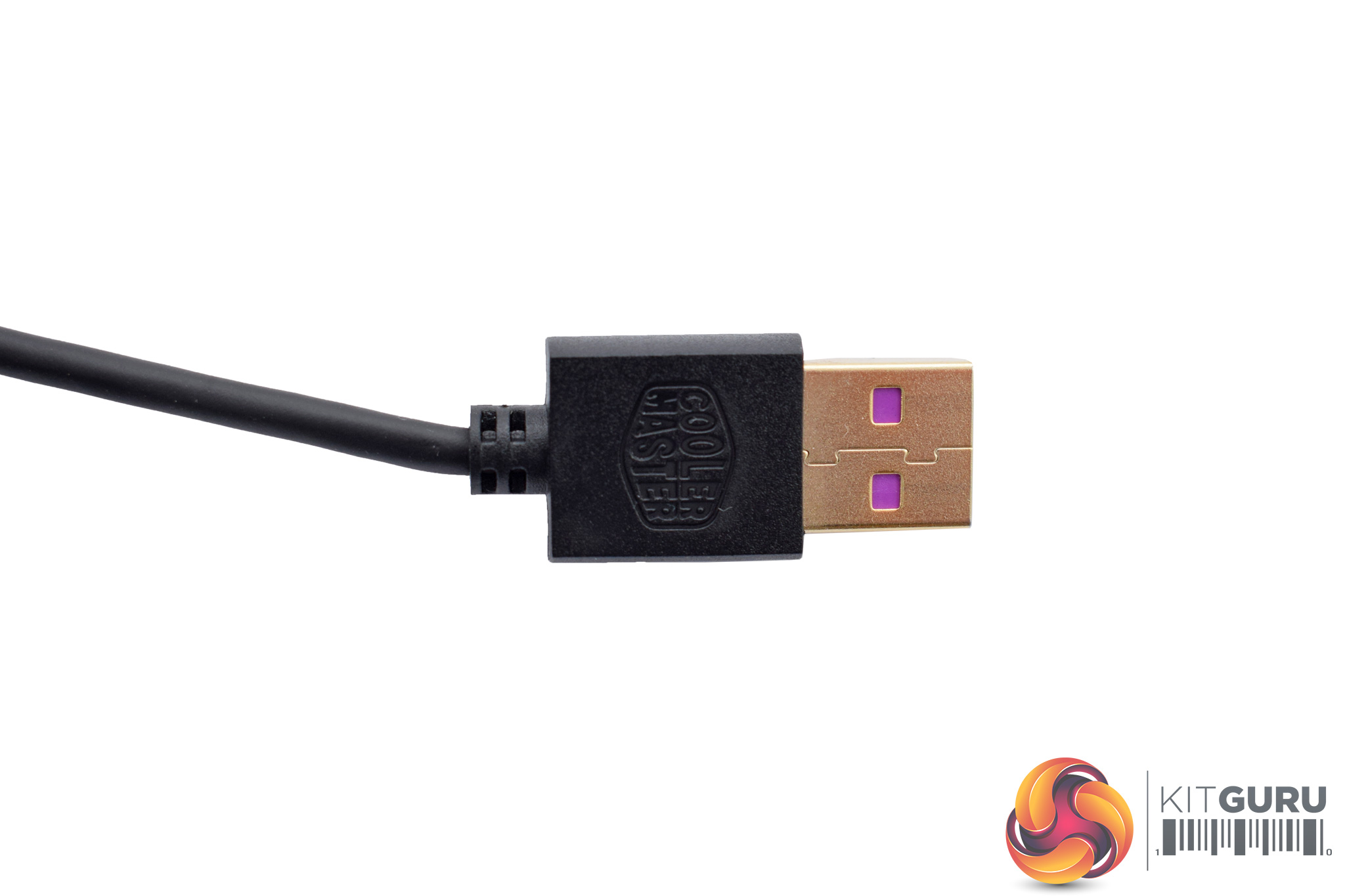
As with the MM520, the USB cable measures 1.8m and is not braided. The USB connector itself is gold-plated.To test both the MM520 and the MM530, I used each mouse as my daily driver – using them while playing games, editing photos and just for general desktop use.
I'll start with a look at the software that is included with both mice.
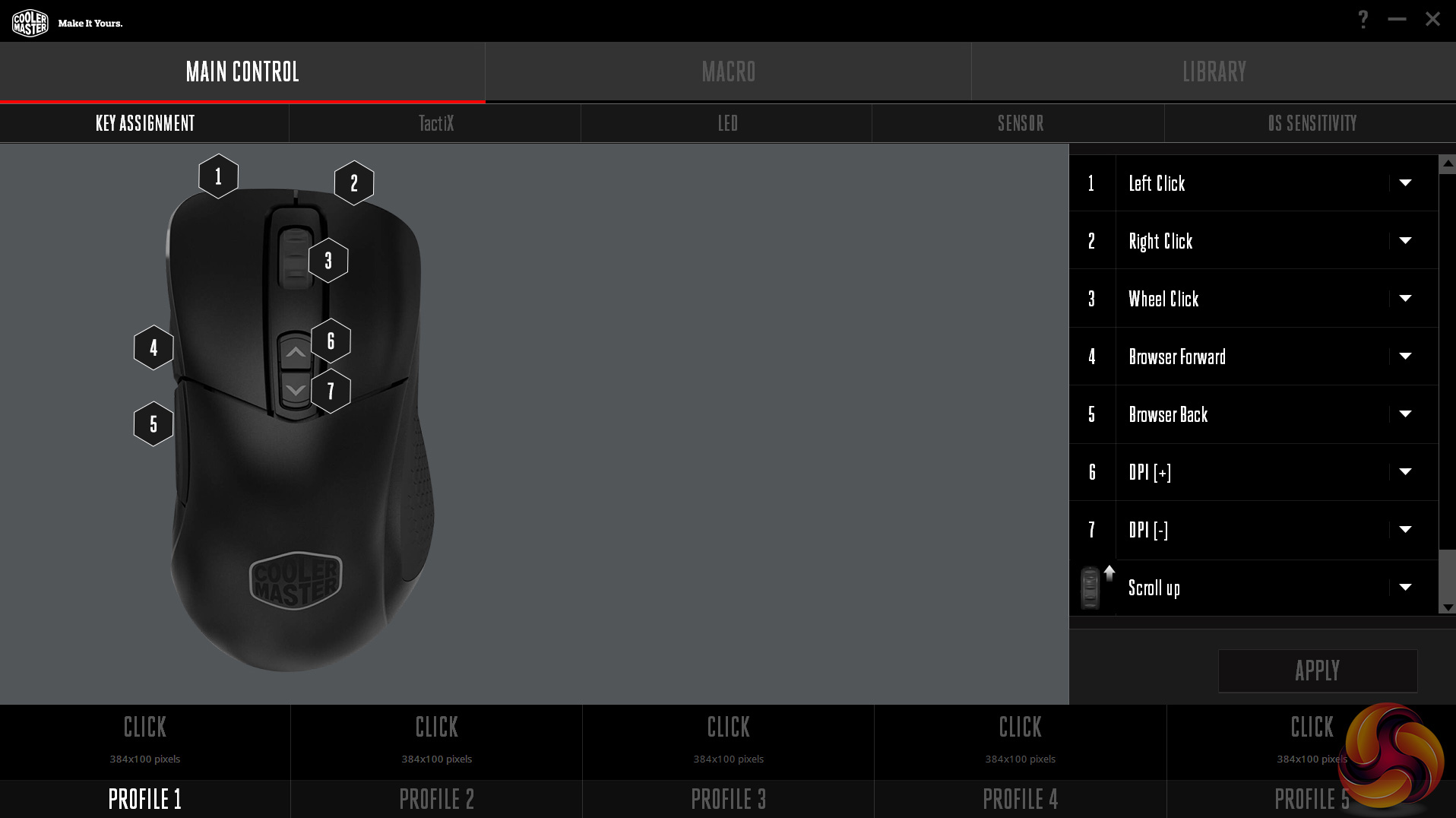
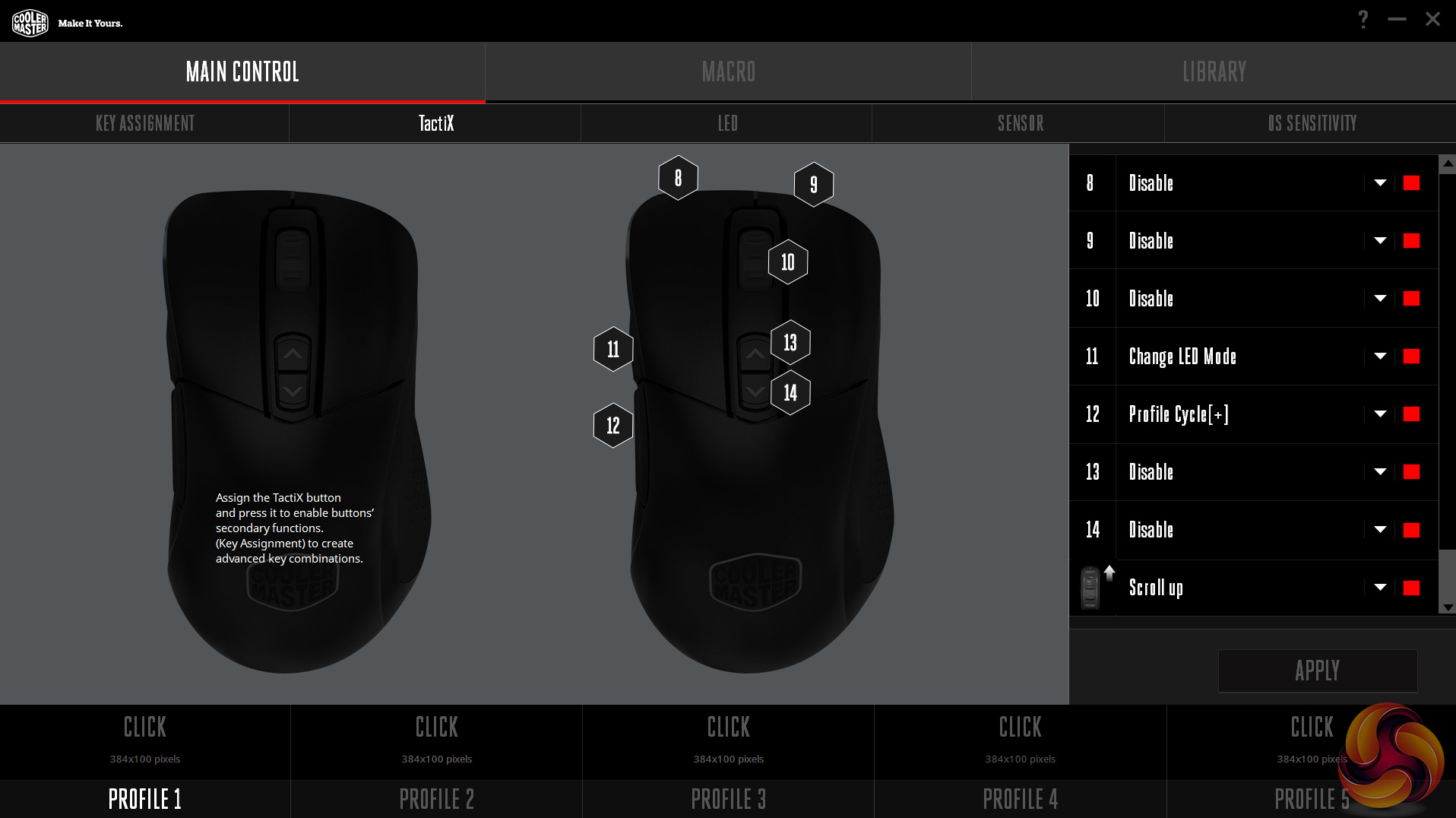
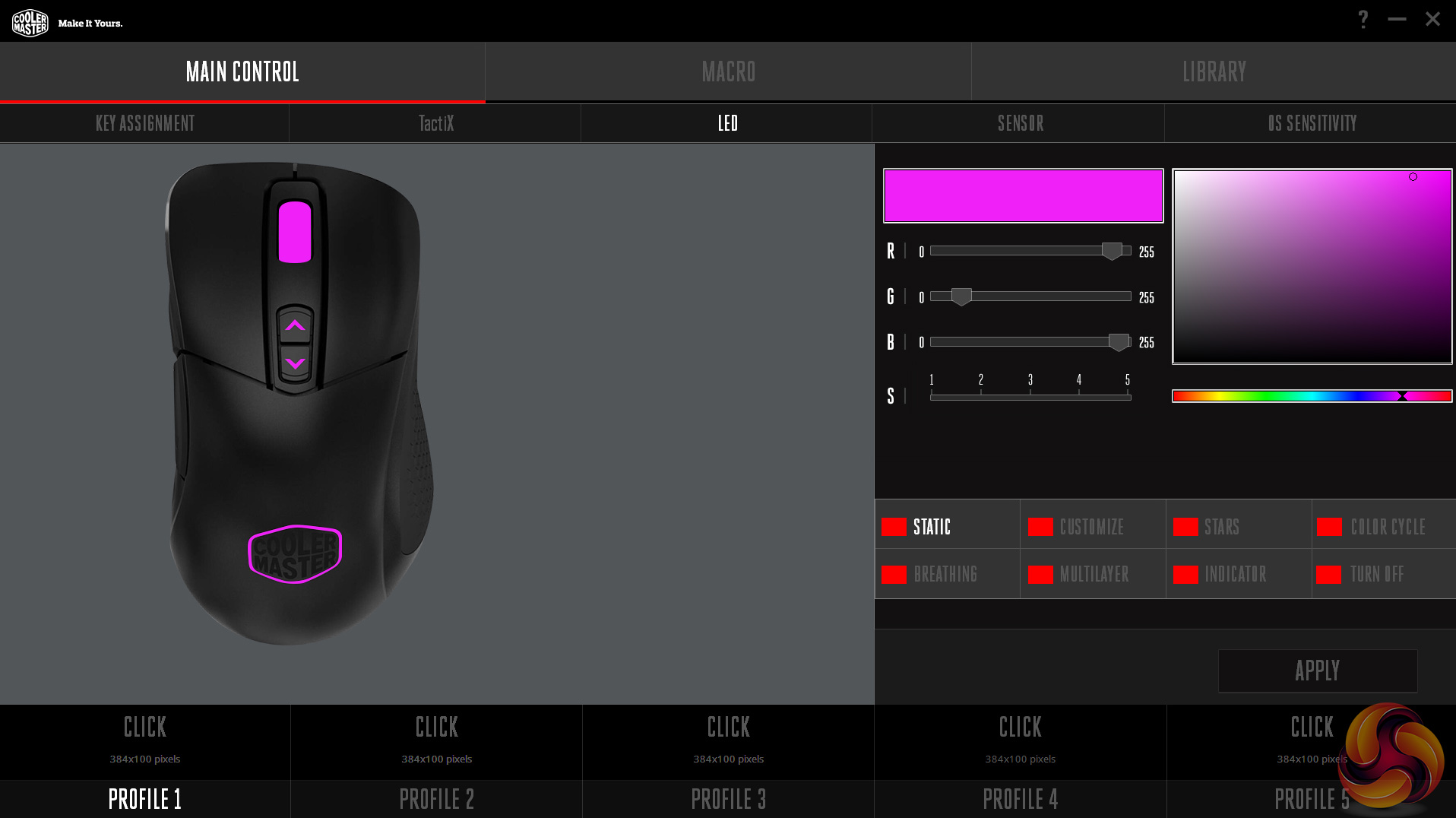
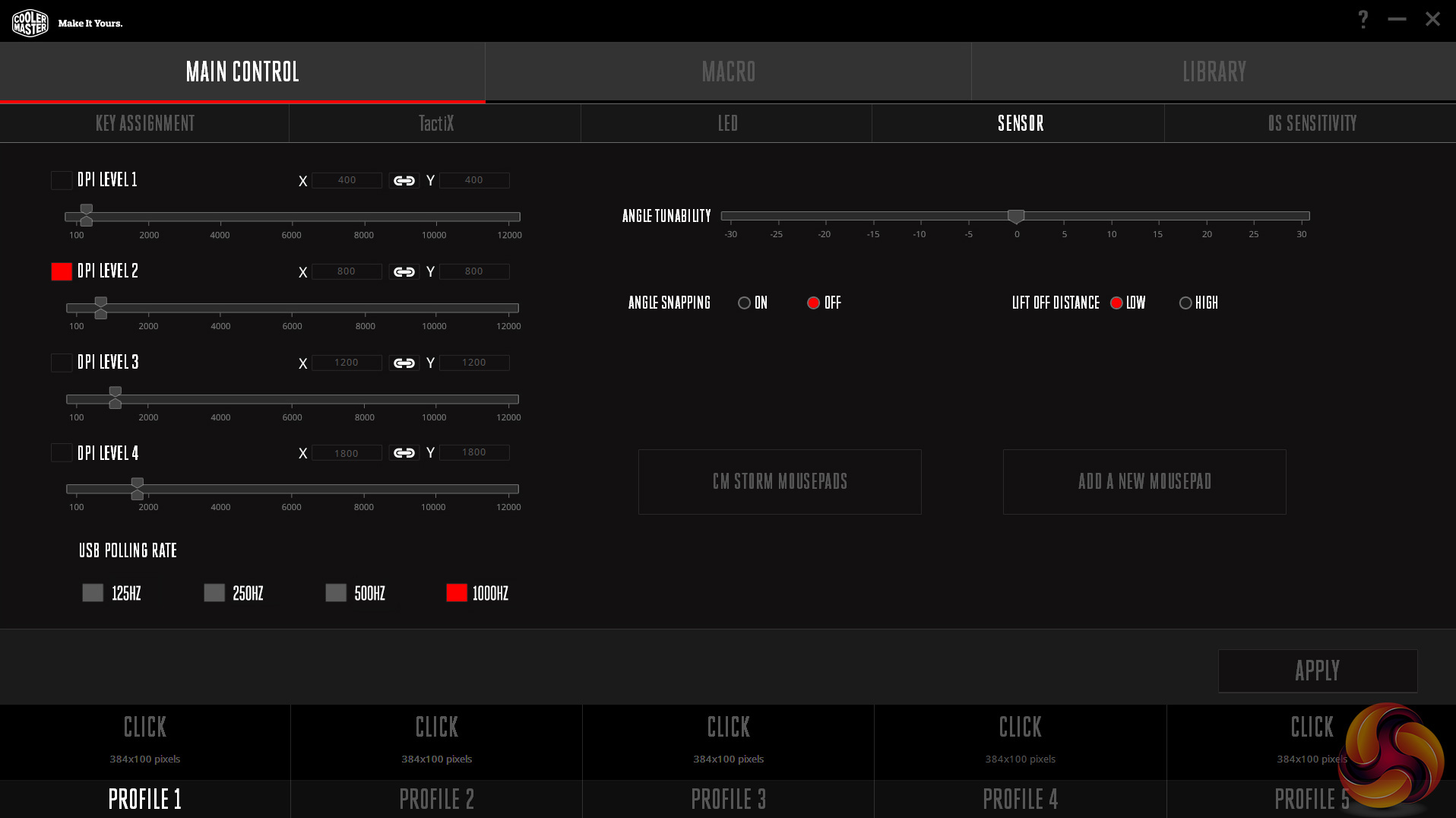
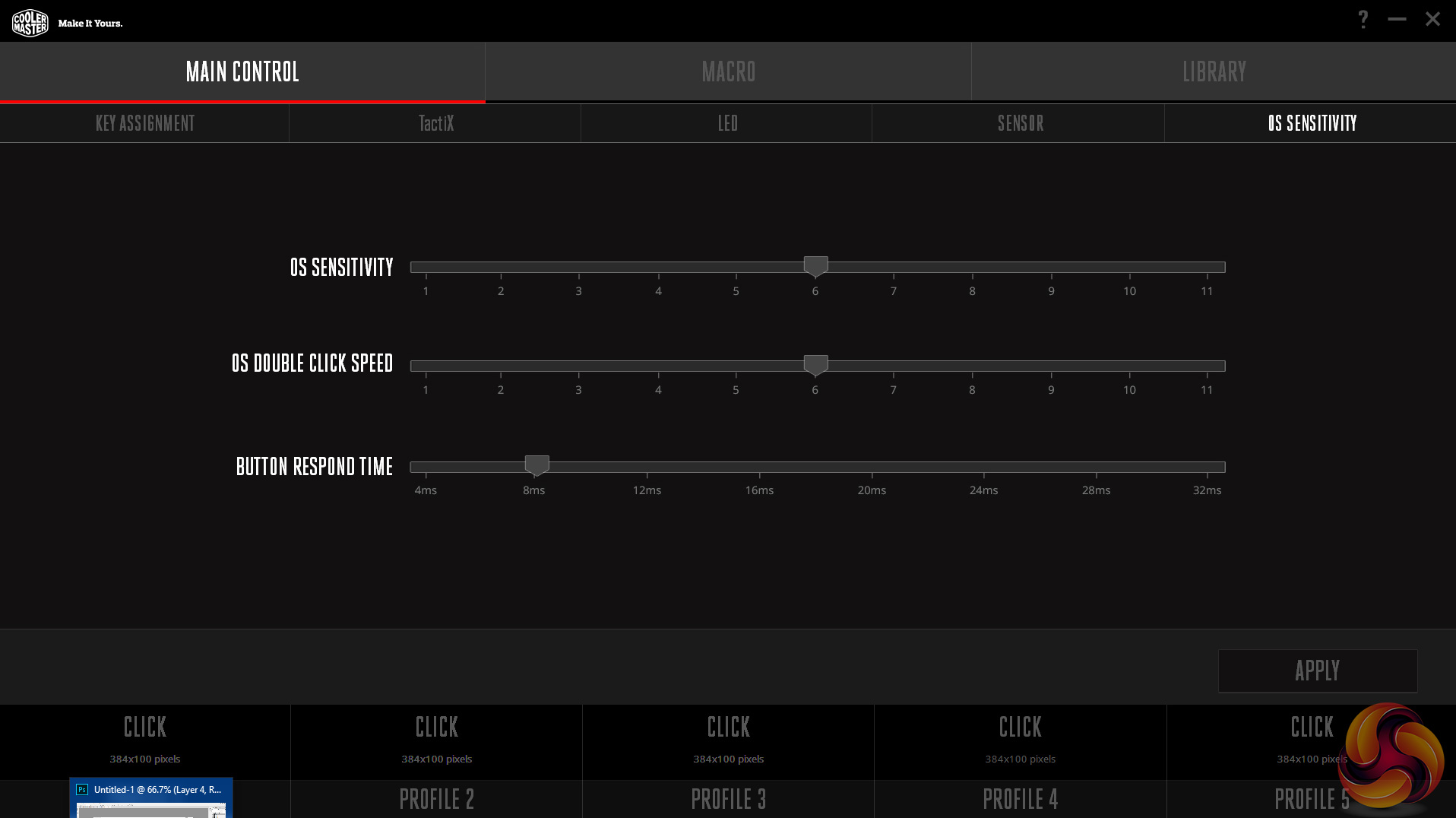
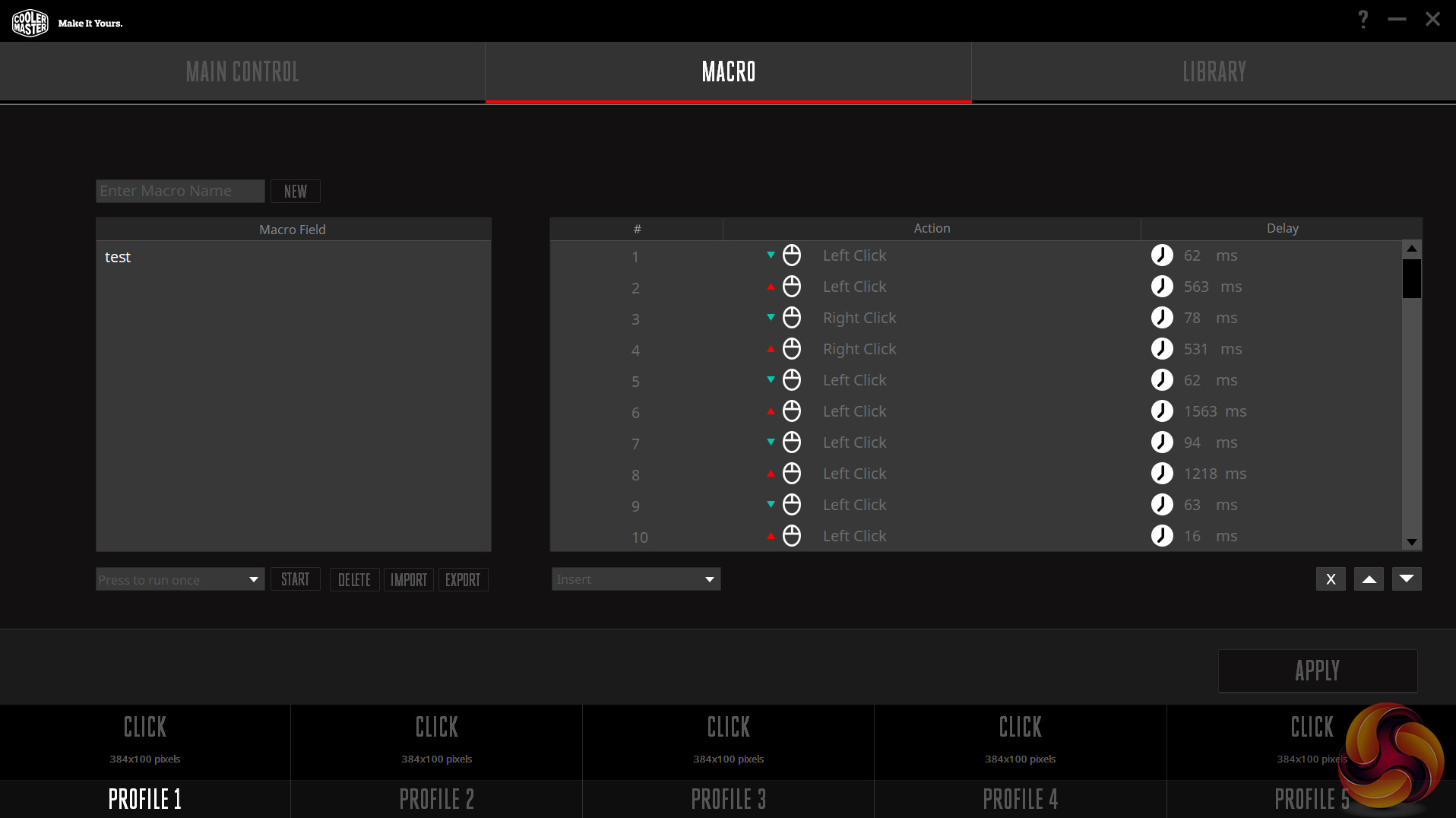
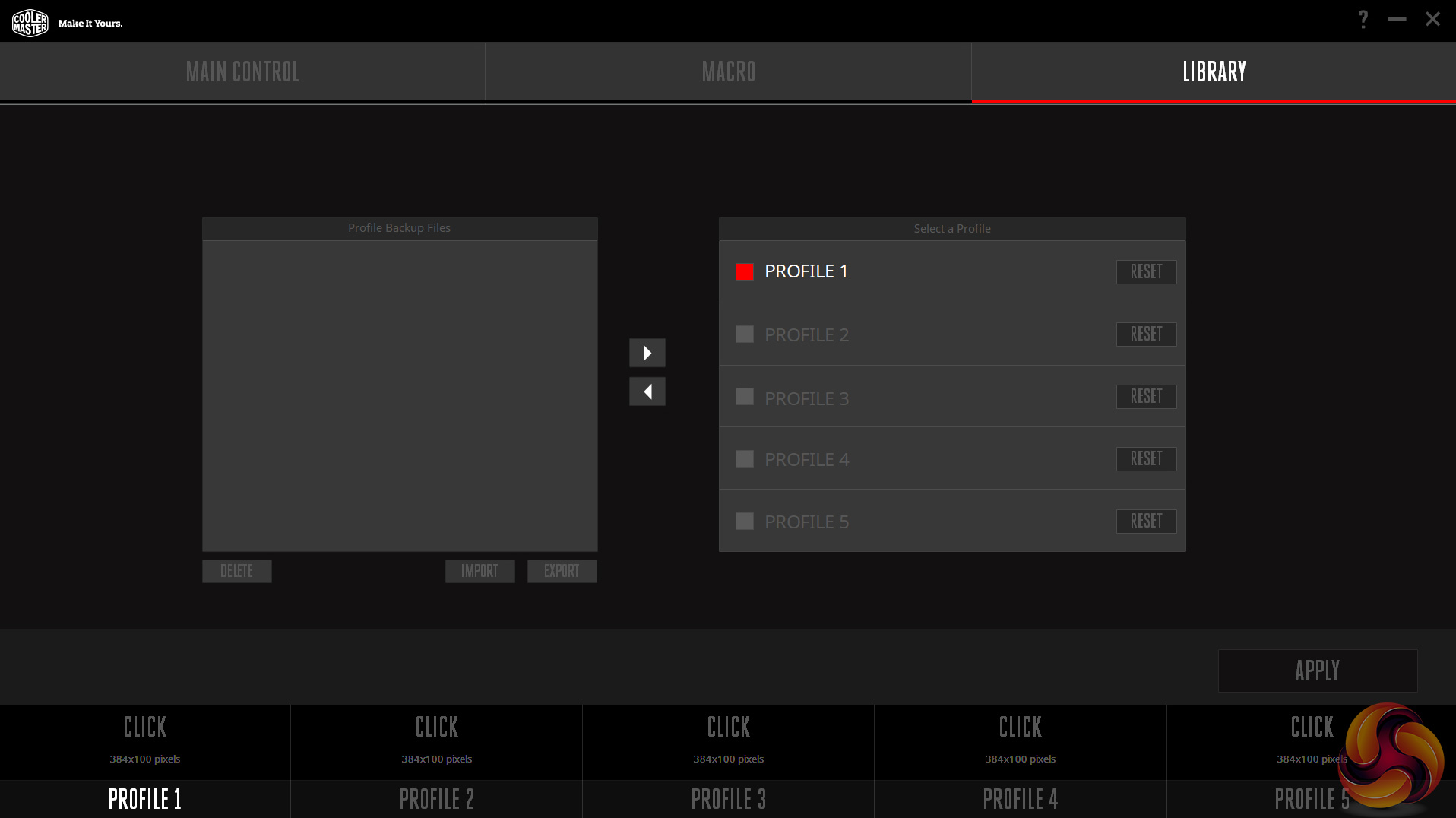
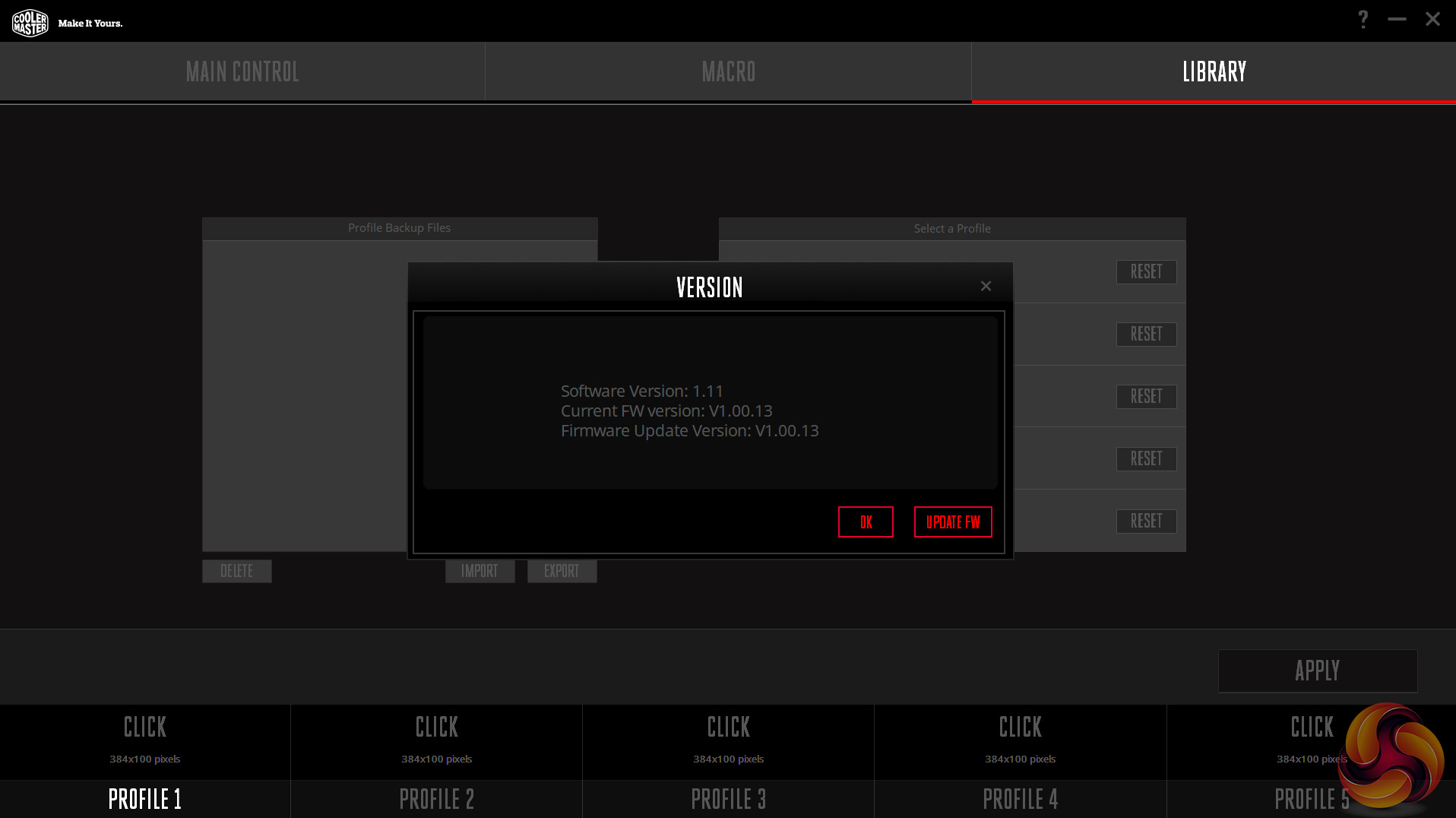
Overall, the software here is quite good – previously I have not been too impressed with Cooler Master's use of software for its RGB keyboards, but this is pretty decent. There are all the usual options, including button assignment, macro support and extensive lighting controls, but I want to focus on a pretty nifty feature called ‘Tactix'.
If you are familiar with Roccat's EasyShift feature, Tactix will be easy to understand as they are quite similar. Essentially, Tactix lets you programme another set of functions to each mouse button, effectively doubling the amount of commands at your disposal. To activate the secondary functions, simply press the Tactix modifier button (which can actually be mapped to any of the mouse's buttons) with any of the other buttons you have assigned a secondary function to. It is quite simple but it can be very effective if you use a lot of macros, for instance.
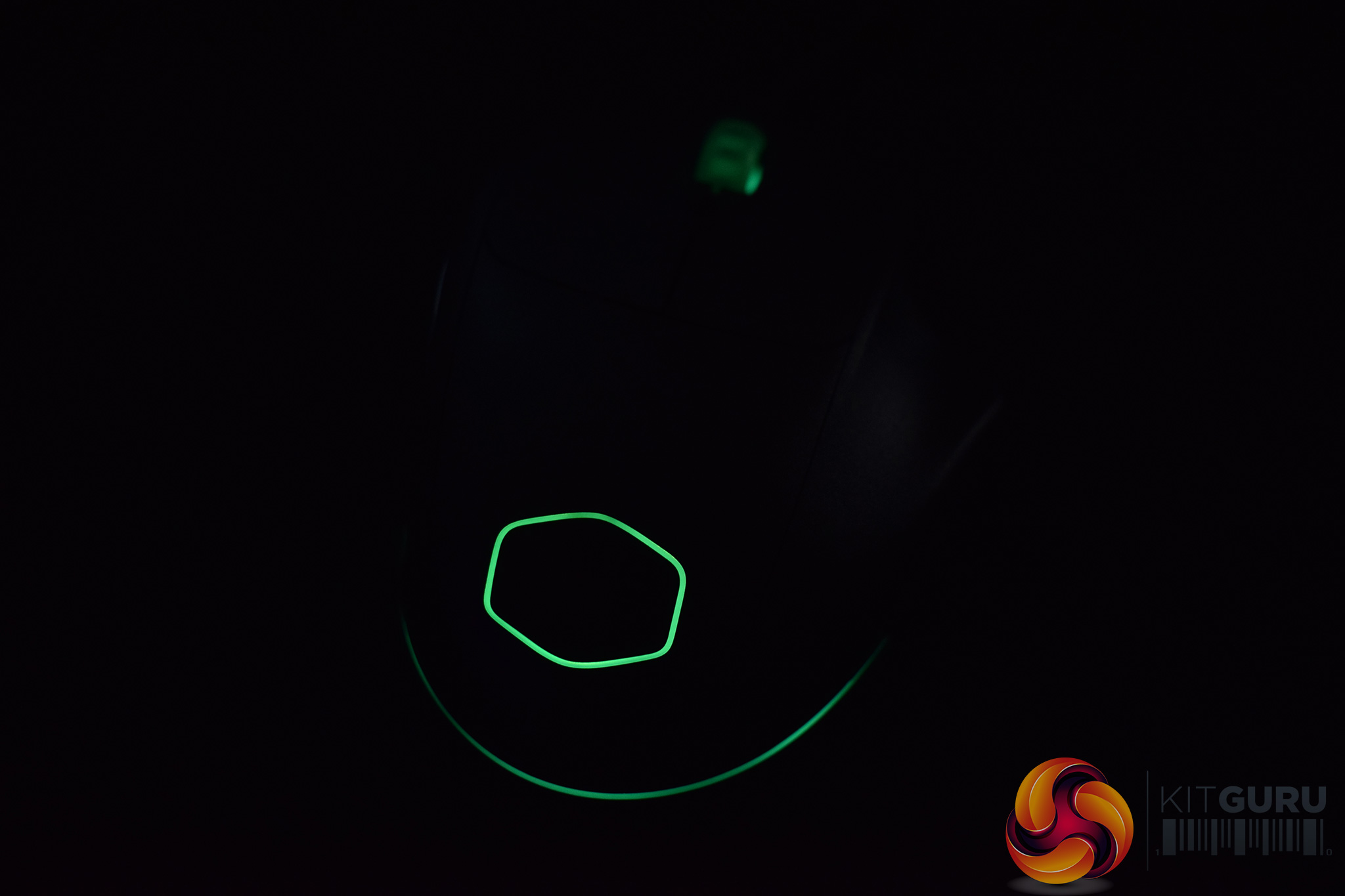
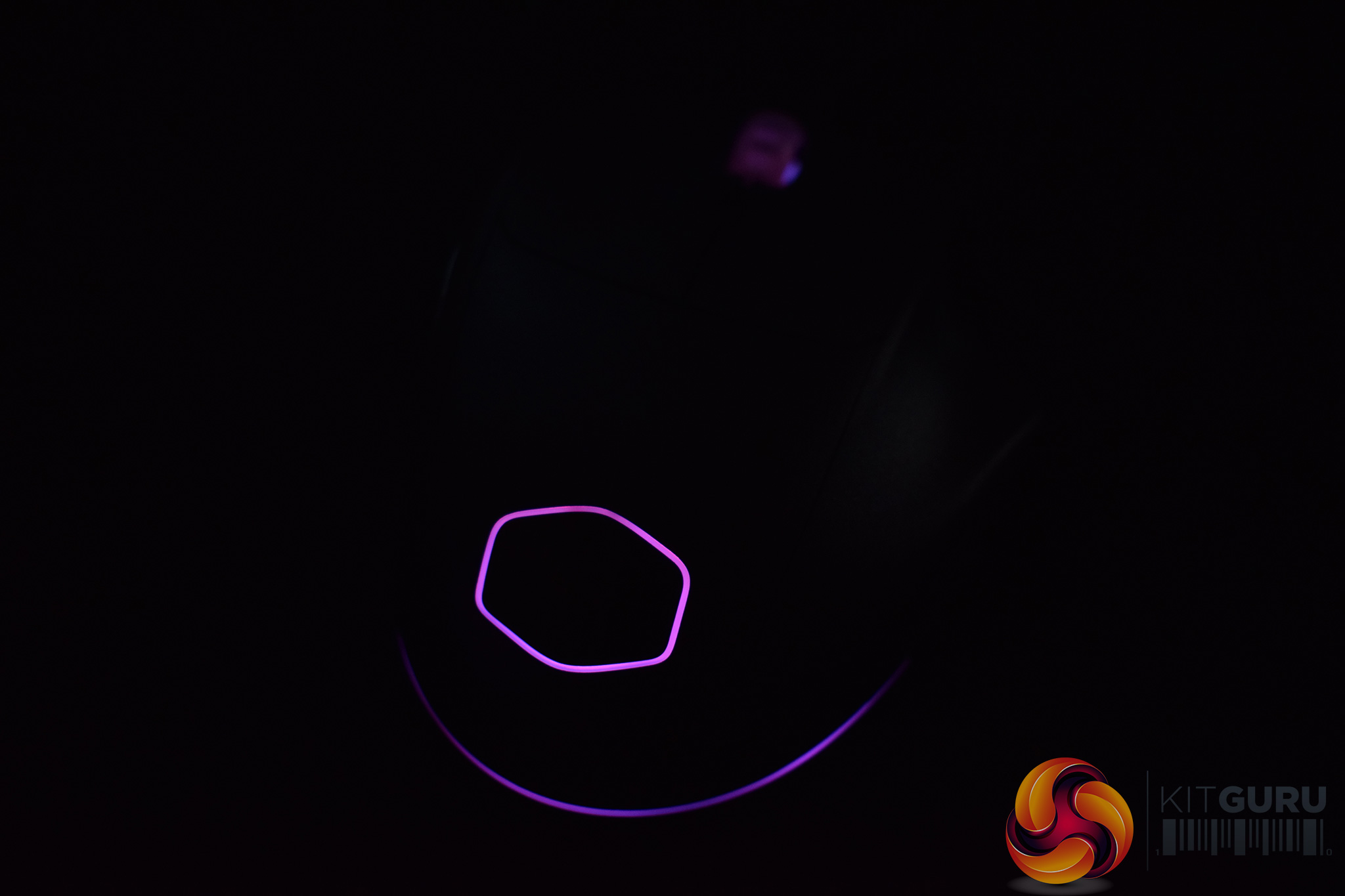
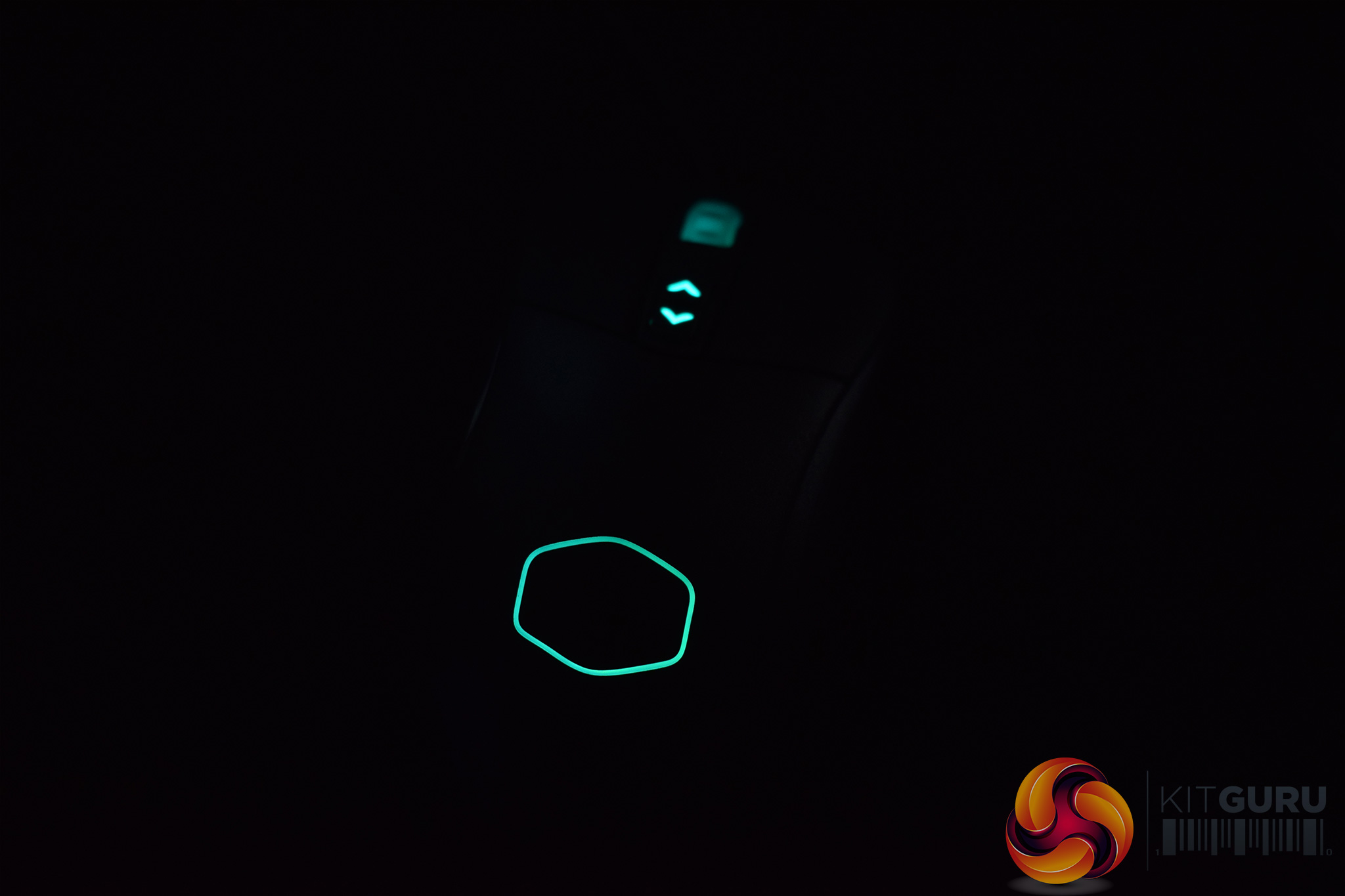
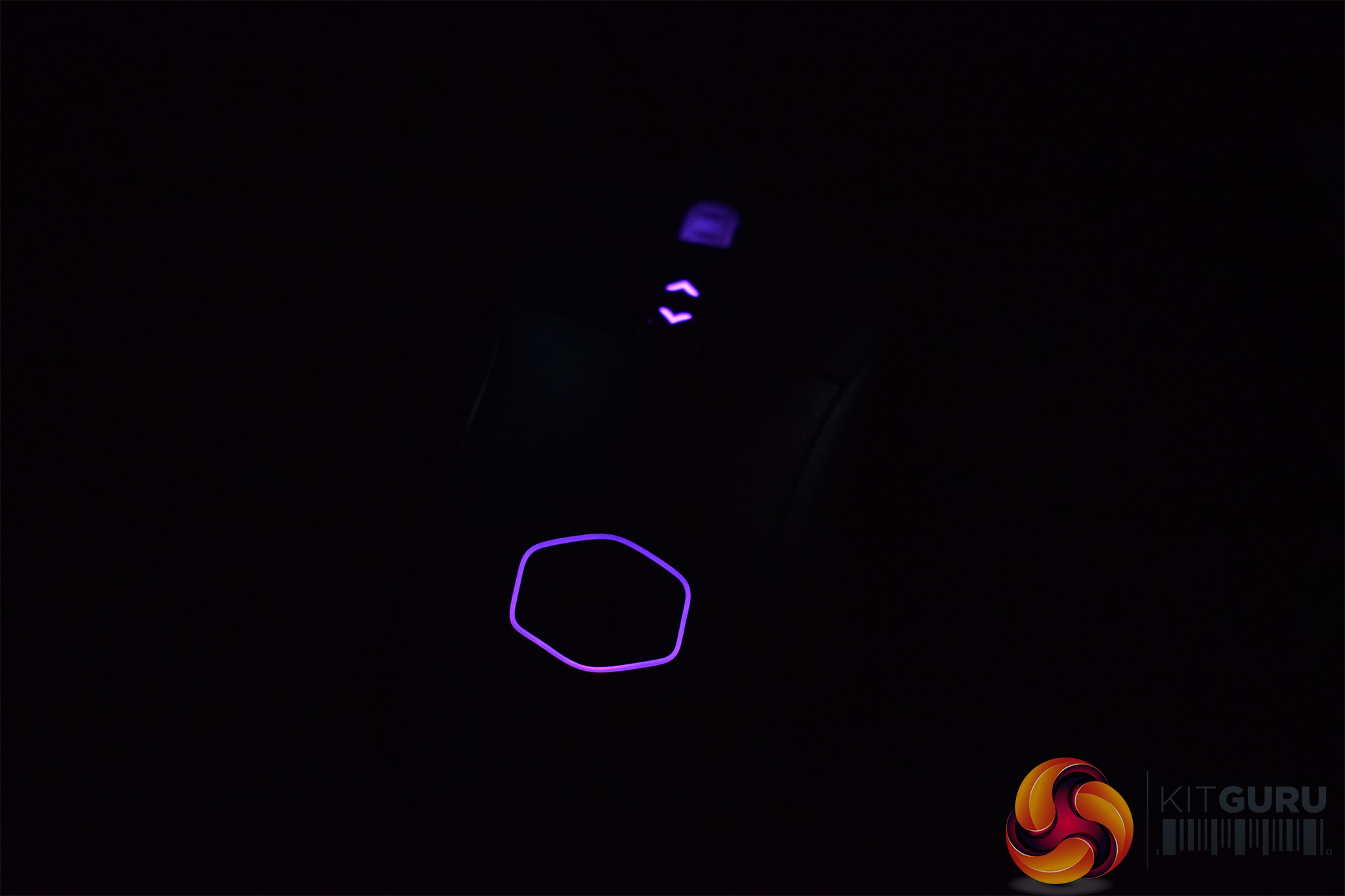
Above: MM520 lighting on the top row, MM530 lighting at the bottom.
Moving onto the RGB lighting and I'd say it is OK but not the best I've seen. There are comprehensive software controls for adjusting the colour and choosing from a number of different lighting effects, and that is good to see. However, the LEDs are just a bit dim and the overall effect is quite forgettable. If these mice were more expensive, it would be a bigger issue, but considering the low price-tags attached to these mice, I don't think the lacklustre lighting will off-putting for too many people.
Now, let's talk about real world performance and day-to-day usage.
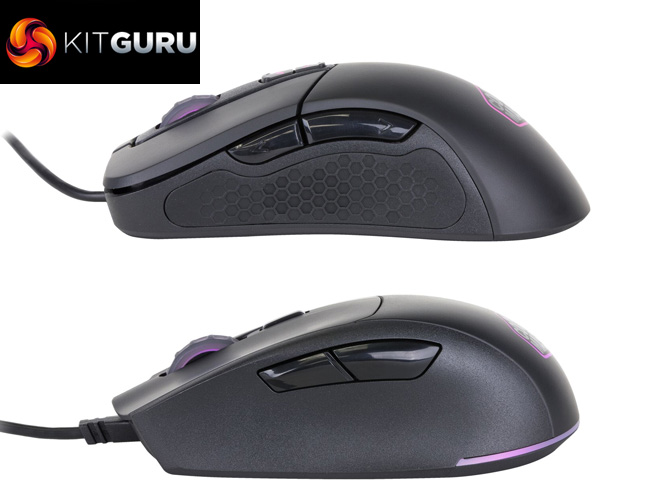
MM520, left, and MM530, right.
I'll start with the comfort and shape of each mouse, as clearly both are very different. Cooler Master says the MM520 is designed for claw grip users, while the MM530 would be best for those who use a palm grip. On the whole, I would agree – the longer and more bulbous bottom end of the MM530 does make it more conducive to a palm grip, while the MM520 benefits from its dedicated groove for your forth-finger.
That being said, I was actually equally happy using a claw grip with the MM530 as I was using a palm grip, while I had no issues using a palm grip with the MM520 either. It may just be that I am less fussy, but I was happy using either grip with either mouse. In any case, you probably know which general shape you prefer, so it is still a good thing that Cooler Master has released two distinct models instead of selling a ‘one-size-fits-all' mouse.
Build quality is also surprisingly good considering the low price point. Cooler Master has actually used PBT top panels and button triggers, instead of the usual ABS plastic, and both mice feel durable and solid. The plastic is also textured to help users keep their grip at all times.
Speaking of grip, I do have one complaint about the MM520 in this regard. Simply put, I would have liked to see a textured rubber section on the right-hand side of the mouse (just underneath the side buttons). Most mice do this and I just find it more comfortable than having your thumb rest against the hard plastic. The MM530 does not have this issue as it sports rubber on both sides.
So, that's it for comfort and build quality, what about sensor performance? Well, considering both mice use the class-leading PMW 3360 sensor, I was expecting flawless performance and that is certainly what I got. Whether I was playing games, editing photos or browsing the web, I did not notice any issues from the sensor – tracking was pixel-perfect at all times.
On the topic of the sensor, both mice are capable of up to 12000 DPI, and you can configure four separate DPI stages using the software. The only thing worth mentioning is that the DPI levels are ‘only' adjustable in 100 DPI steps, but that is not much of a concern for me.
Lastly, I just want to mention one more thing – the cables. Both mice ship with 1.8m long cables, but they are plain rubber instead of being braided. I know many people prefer this as plain rubber cables tend to be lighter, so it is definitely personal preference, but I would've liked to see a braided cable myself – I find rubber cables drag on my desk far more than with a braided cable.The MasterMouse MM520 and MM530 are two new, budget-oriented mice from Cooler Master.
They are essentially identical products, the main (and obvious) difference between the two being the shape – the MM520 is designed to be used by claw grip users, while the MM530 is designed for palm grippers.
In practice, I was equally comfortable with both grips on either mouse, but it is likely users will prefer one shape over the other so it is good Cooler Master has provided choice to the consumer.
For me, the most disappointing thing with both mice is the RGB lighting. For both devices, the lighting is just quite dim and underwhelming. There is a good level of control to be had using the software, but the overall effect is just a bit lacklustre.
However, considering the £35 price, any lighting – let alone RGB – is quite frankly an added bonus, so I do not think it is fair to be too critical here. If it were a £70 mouse, absolutely – but not for these £35 gaming rodents.
Elsewhere, I am very impressed to see both mice feature the PixArt PMW 3360 sensor. This is generally seen as the best optical sensor out there, so it is great to see it included with both mice. In the real world, I had no issues at all with tracking or anything like that, so the 3360 clearly justifies its inclusion with perfect precision tracking.
So, overall, I think both the Cooler Master MasterMouse MM520 and MM530 mice are very, very good options. They may not be overly feature-rich, but for £35 you are getting a PMW 3360, very solid build quality and comprehensive software. In my eyes, that is a very good deal so I am happy to award our ‘Must Have' award to these mice. If you are an aspiring gamer on a tight budget, look no further than these mice.
Both mice have launched today with a UK MSRP of £34.99. We will update the review with a buy link when we have one.
Discuss on our Facebook page HERE.
Pros
- Choice of shape.
- PMW 3360 sensor is class-leading, and an excellent inclusion at this price.
- Only £35.
- Software is pretty good.
- Rugged built quality thanks to PBT panels.
Cons
- RGB lighting is underwhelming.
KitGuru says: If you are looking for top performance on a tight budget, look no further than the new budget kings – the MM520 and MM530. Just pick your preferred shape!


Mm530 looking like steelseries rival 300.
Up195s
Face101s