 KitGuru KitGuru.net – Tech News | Hardware News | Hardware Reviews | IOS | Mobile | Gaming | Graphics Cards


Software
Cougar instruct us to visit their website to download the software configuration utility for the 600M, named ‘Cougar UIX System'. This is around 10 MB and only takes a minute or two to install.
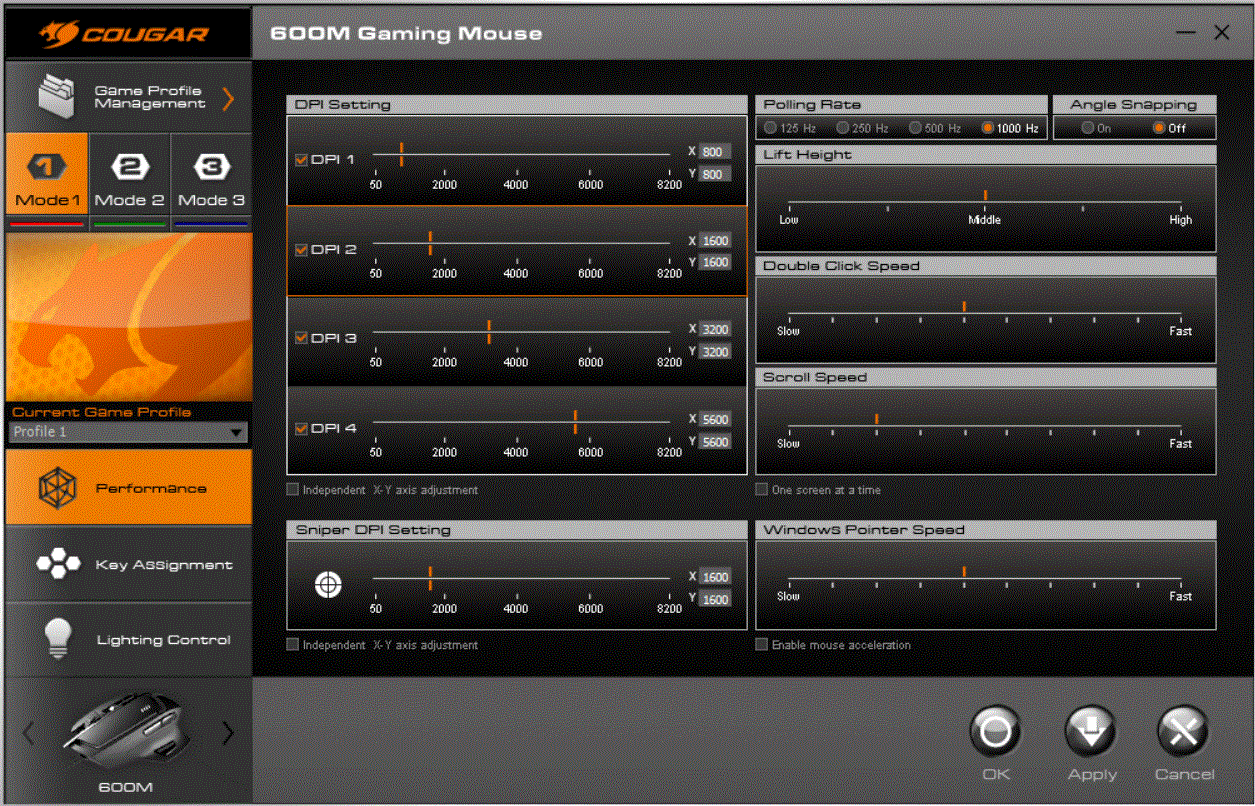
The main page of the configuration utility contains all of the performance options, including DPI sliders for the four discrete levels for each profile, the sniper mode DPI setting and polling rate to name a few.
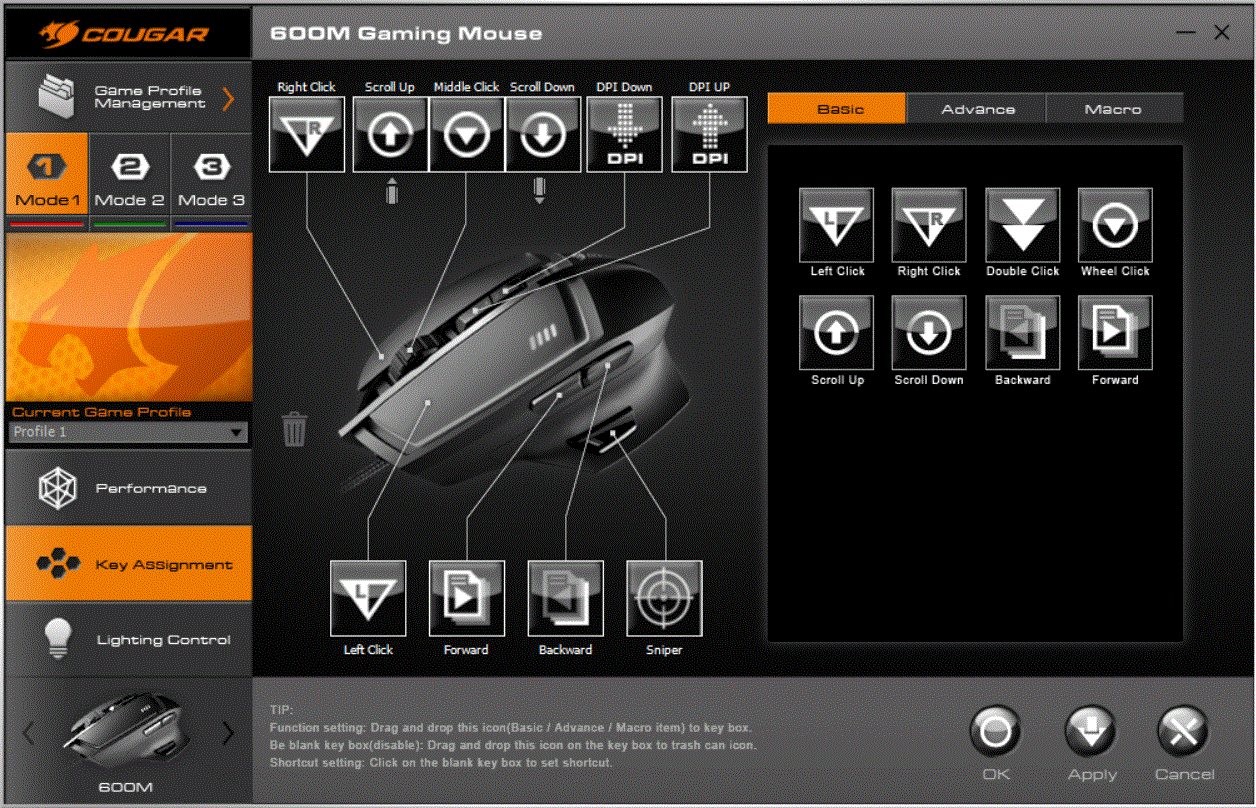
Moving on to the next tab, we find the macro configuration options. We are able to choose from a variety of basic functions as well as custom macros for all of the buttons on the mouse.
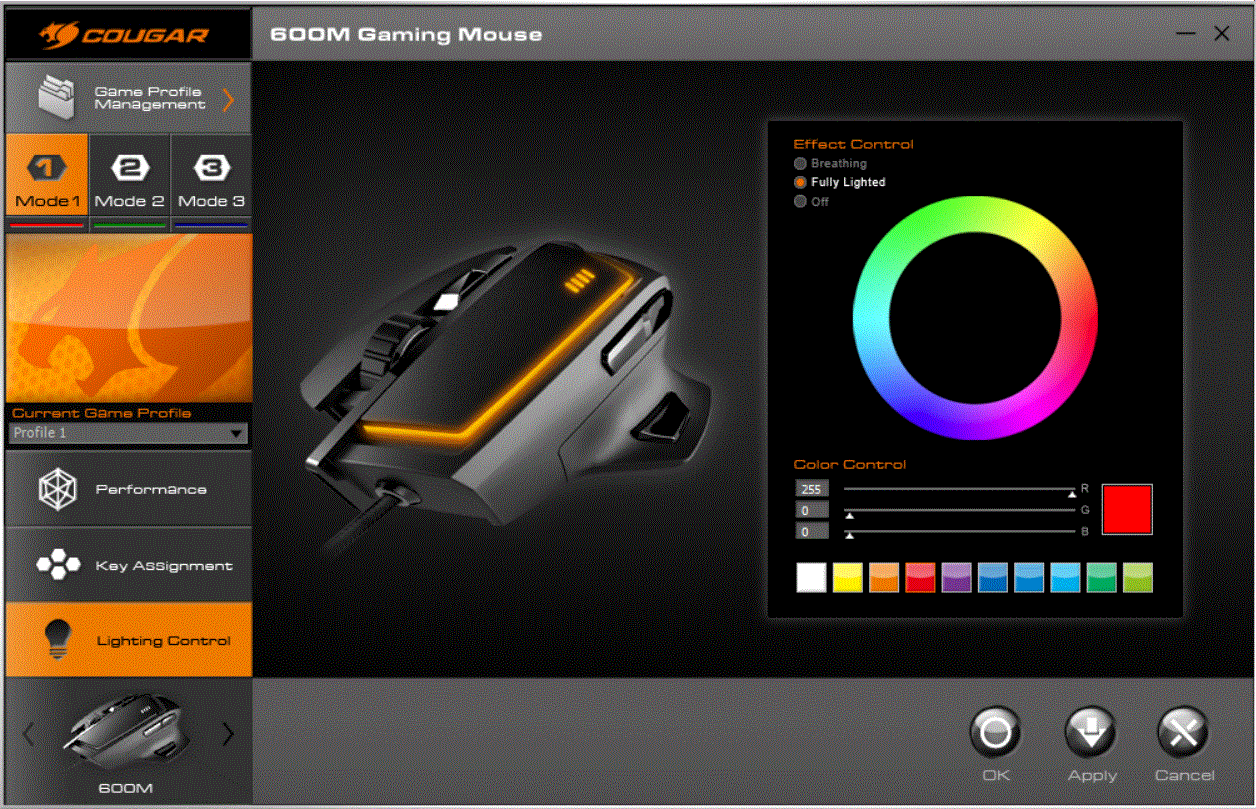
The final tab of the software features the LED lighting control. This lets us choose from a whole palette of colours as well as a breathing effect.
Performance
Turning the mouse over reveals the 8200 DPI laser sensor – this should be more than enough for all gamers, irrespective of their sensitivity preferences. In our tests this sensor performed flawlessly and accurately tracked every move flawlessly.
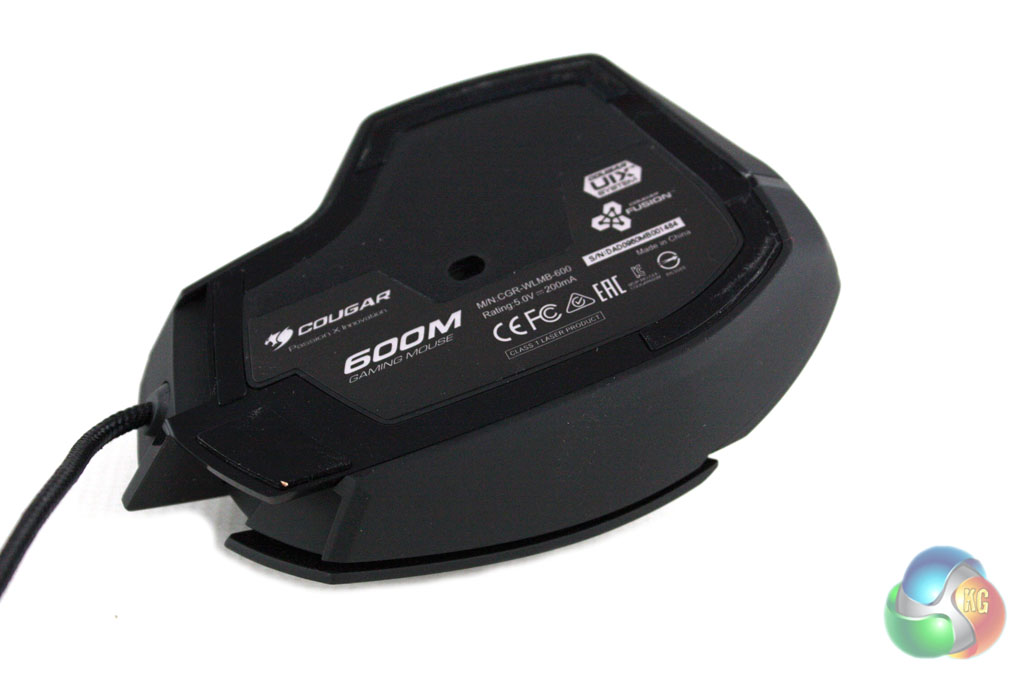
The construction of the 600M is very lightweight which facilitated its agility around our Roccat SOTA gaming surface. On the underside of the 600M there is a fairly generous area of Teflon feet which let the mouse glide effortlessly around.
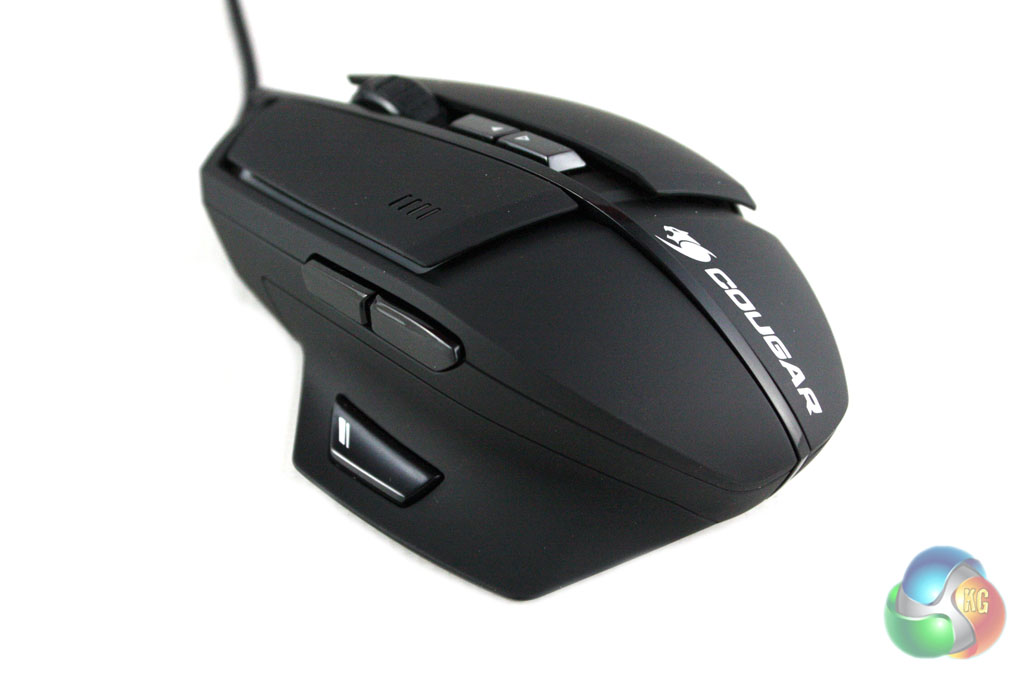
We found the right-handed ergonomic form factor of the mouse very comfortable during our tests – we would recommend that left-handed users consider ambidextrous alternatives. The rubberised paint finish and the ergonomically crafted flanks of the mouse help to facilitate a secure grip of the mouse during use.

Do the DPI indicator lights change colour as well? They don’t on my current mouse (but thankfully they’re blue which matches my preferred colour anyway) and it basically means one colour or clashes which is, I know, a little retentive but oh well.