 KitGuru KitGuru.net – Tech News | Hardware News | Hardware Reviews | IOS | Mobile | Gaming | Graphics Cards


Although the peripheral game is a competitive one, finding a design that works and tweaking it every couple of years can be a winning formula. Razer has achieved that with several of its most beloved gaming mice and there are other firms that have done it with keyboards and headsets. Cooler Master is looking to do something similar with its newly released Xornet II, a gaming mouse that on the surface looks very similar to the original Xornet, but it comes packing a few important additions.
First and foremost, it has a brand new, vertically mounted optical sensor – the Avago 3320. On top of that it has some redesigned buttons, RGB lighting for the scroll wheel and a much sturdier, but more flexible cable.
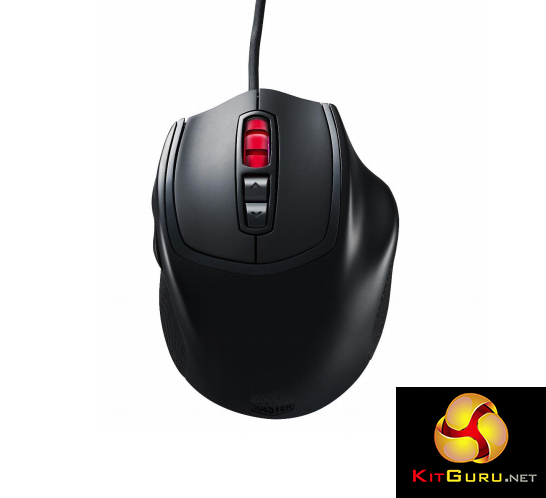
This goes hand in hand with the same high quality Omron switches for left/right-click buttons and a shell that's aimed directly at claw-grip gamers. Better yet, all this comes at a £20 price point, meaning just about anyone can afford it.
Features
- Unique, ergonomic claw grip design – highly regarded as one of the best claw grip designs for FPS and RTS gaming.
- High precision sensor – Avago 3320 optical sensor that offers pinpoint accuracy in-game.
- On-the-fly DPI Control – 3 Preset DPI modes from 500-3500, allowing the ability to shift gears amidst the heat of battle.
- Rugged rubberised side grips – offers unmatched stability and control.
- Highest grade Omron switches – unsurpassed tactile feedback and speed with a five million click lifespan.
- RGB lighting mouse wheel – 16.8 million colours LED illuminated for distinguishing current DPI level.
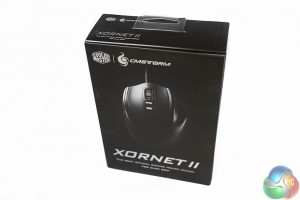
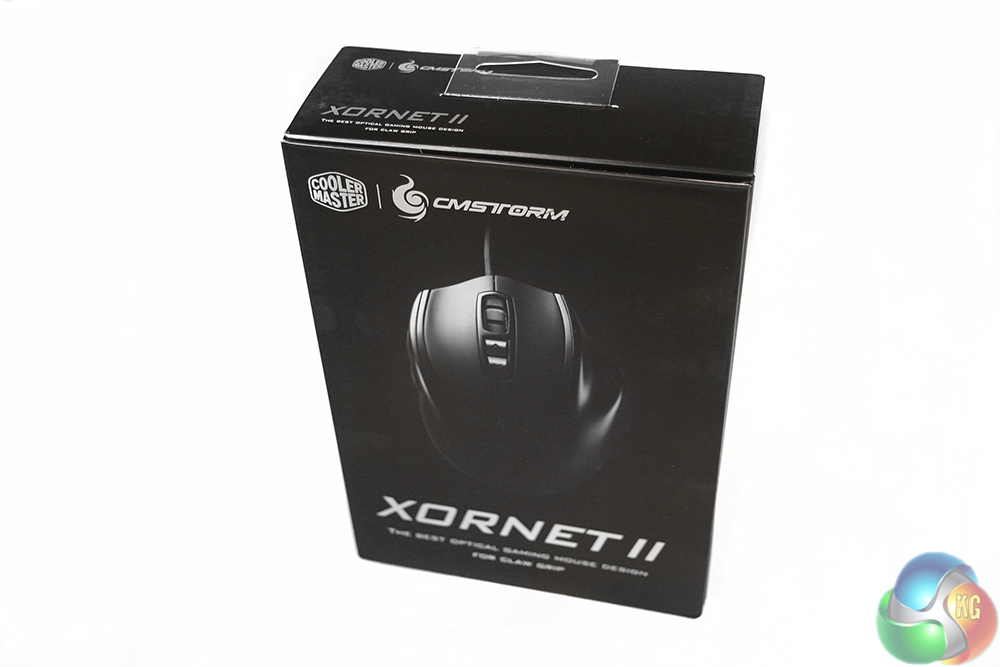
Although the packaging for the Cooler Master Xornet II is not the most extravagant, it is of a high quality. There is matt card for the main body, and some glossy sections for the image of the mouse itself, helping it pop off of the cardboard.
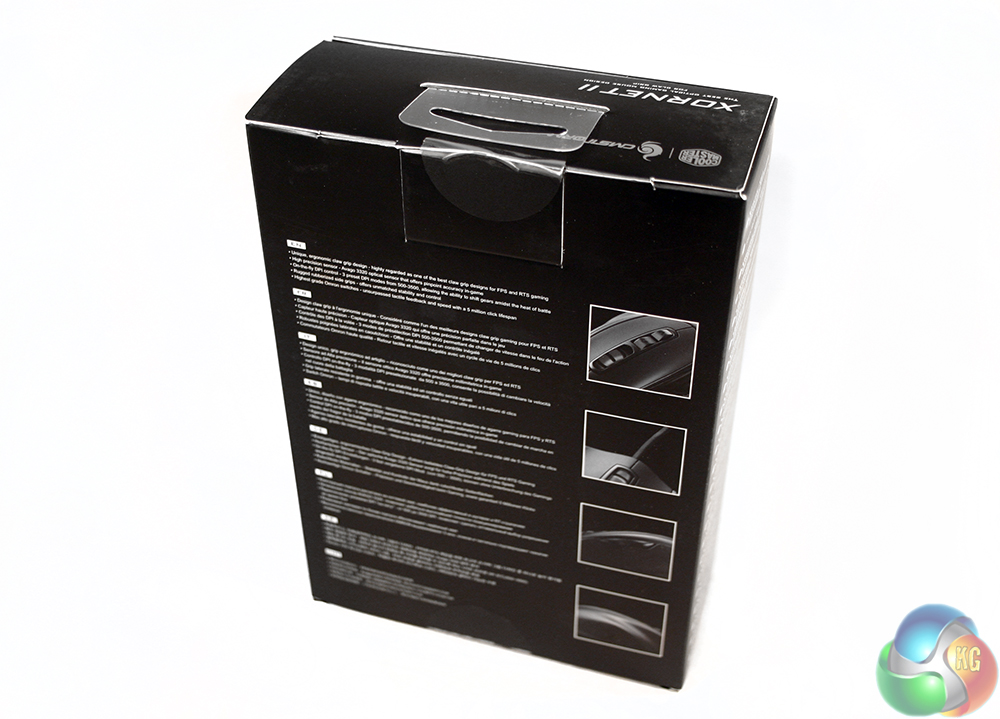
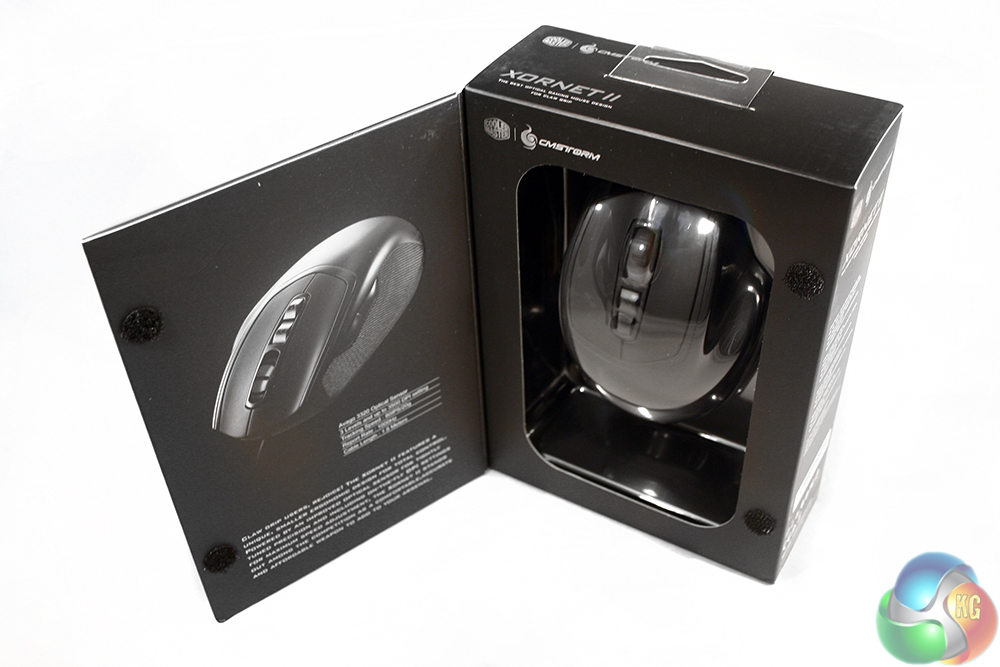
The back and interior flip-out detail some of the more important features, including its RGB scroll wheel and high-quality optical sensor. It is also nice to see that Cooler Master gives you a look at the mouse itself without removing it from the packaging – a pleasant addition for anyone buying this off of the shelf, rather than online.
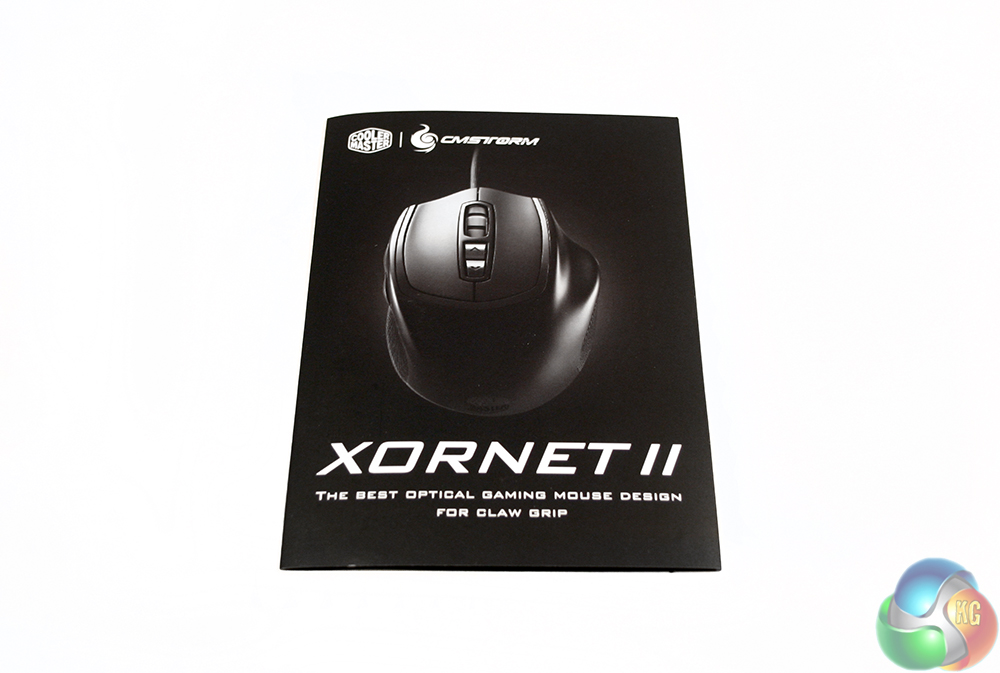
There is also a warranty leaflet which is largely useless, containing only basic information, a repetition of the Cooler Master Xornet II's features and a break down of the package's contents. Since there are no accessories with this mouse, that is rather a moot point.
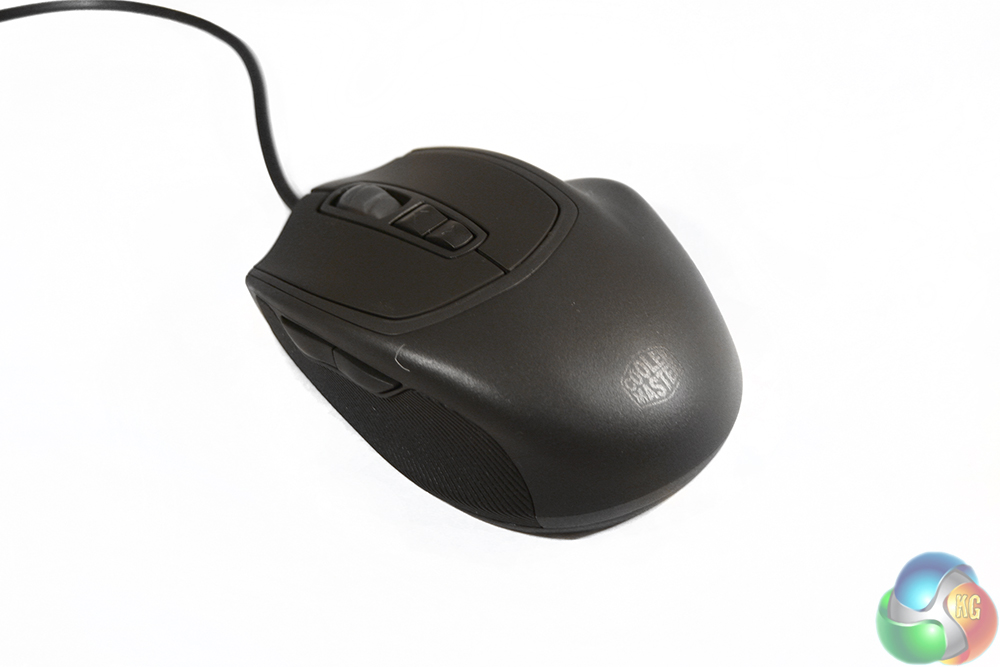
The Cooler Master Xornet II looks very similar to the original Xornet, though the eagle-eyed among you may have spotted that the main body of the mouse now has a matt look, as opposed to the glossy coating the last generation had. It's still smooth plastic though, so is not expecting much palm contact perspiration.
The build feels solid, with no creaks or flexes in the frame when you squeeze it and though a little visually dull, some may prefer the understated, clean look it has. The short design means that it caters mainly to claw and finger grip gamers.
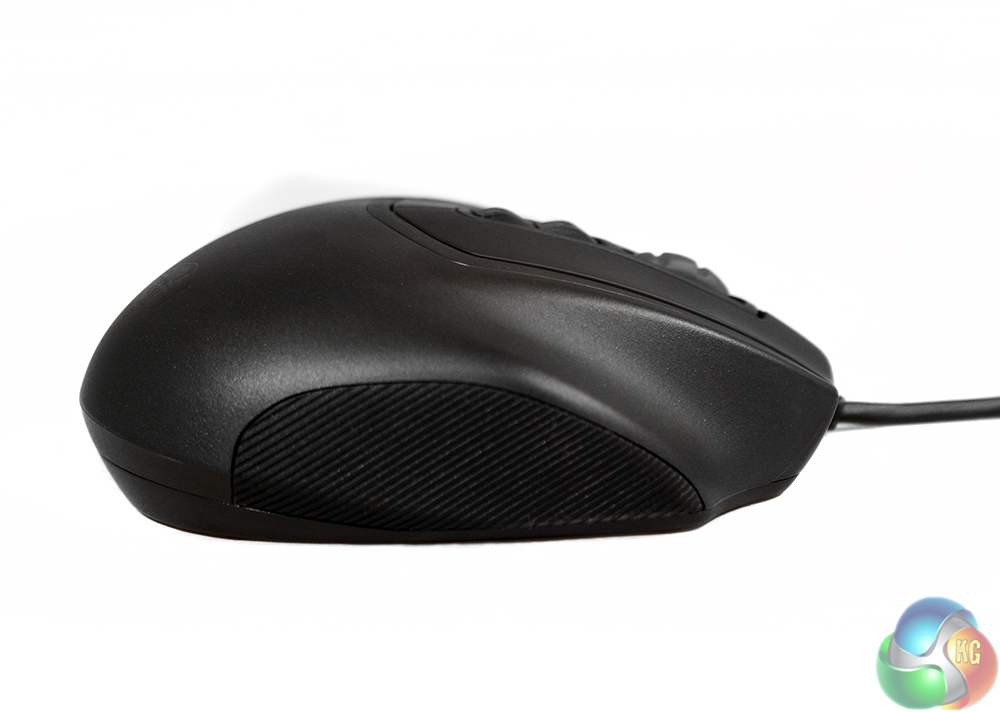
The side panels on this mouse are a little different from one another. While both feature the same, redesigned rubber grip – with micro-texturing – the right hand side has an extended finger rest, making this a right handed mouse only. The left on the other hand features a pair of side buttons, which have been tweaked to have a flat surface for ease of pressing.
They are not really possible to activate with a jogging motion of the thumb. While the travel distance it short, there is a minor moment of no contact when moving your thumb to press them.
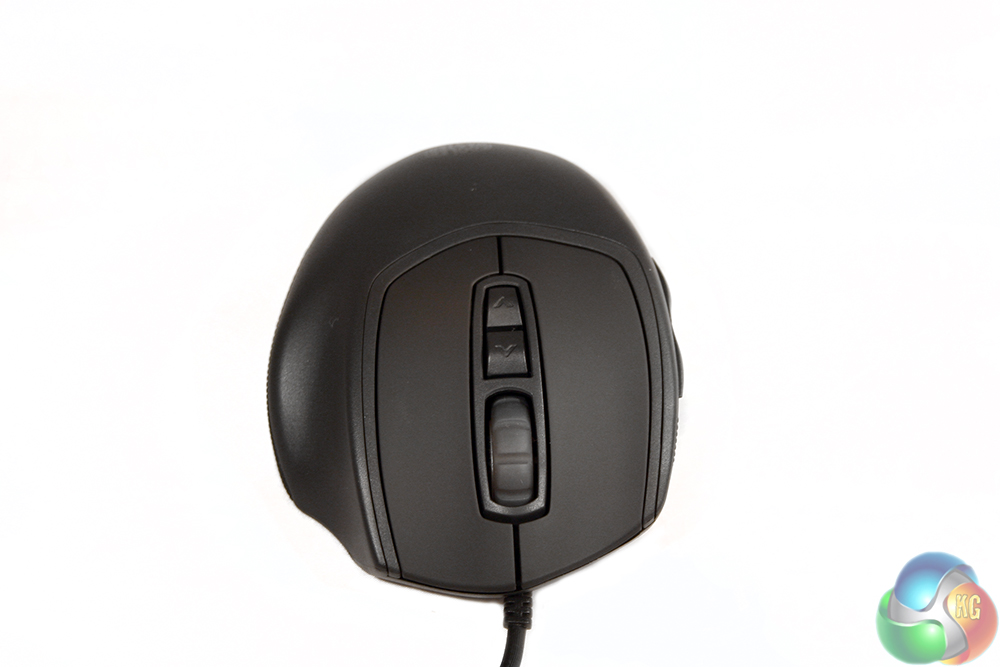
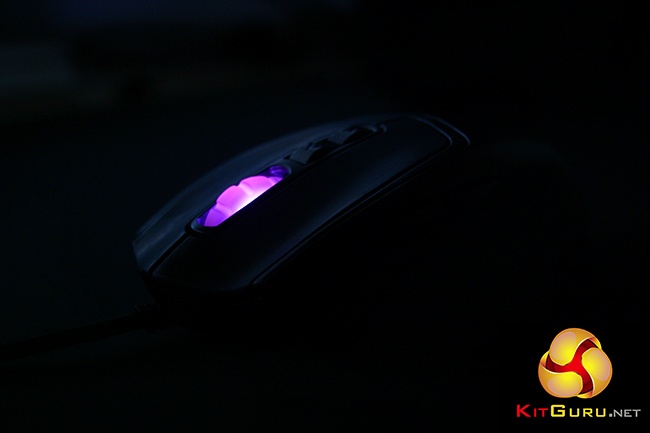
The front end has the usual left/right-click mouse buttons, which have been separated from the main frame and given a soft rubber coating which is nice to the touch. There is also as a translucent scroll wheel which lights up when powered on – the different colours denoting which DPI is currently selected. The cable also has a new anti-stress surround, which helps prevent the cable being pulled free from the main body over time.
Behind the scroll wheel are the DPI selections – up and down – which have been moved further back on this version of the mouse and given their own surround for good measure.
The underside of the mouse has seen some changes too, with larger unbranded Teflon mouse feet and of course the new sensor, which is now vertically as opposed to horizontally mounted.
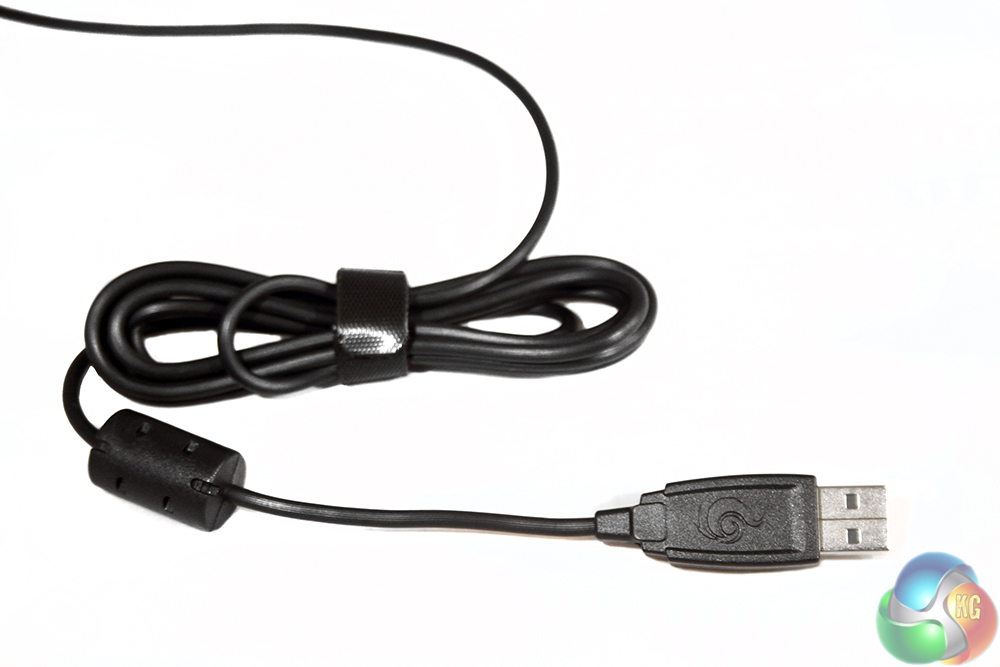
Although the cable is not braided it does have some anti-drag texturing and has a slightly customised USB header.
Testing a mouse like the Cooler Master Xornet II involves using it for just over a week as our main day-to-day mouse, including office tasks such as photo editing and web browsing. However as a gaming focused peripheral, it is also put through its paces in a number of titles from different genres. All the while we take into consideration its accuracy, speed and comfort over long periods.
Since gaming is what this mouse is designed with in mind, we spent a lot of time trying out the Xornet II in first person shooters, fast paced strategy titles and slower puzzlers and card games. As it is a claw grip mouse, it was no surprise that it performed very well in shooters and RTS titles the most, though was a pretty solid performer throughout all of the different titles we tried. It is fast and accurate thanks to the smooth Teflon feet and high quality optical sensor that feels most at home on a cloth pad.
The sensitivity of this mouse is not huge, maxing out at 3,500 DPI, but in our experience that is often more than enough for most people. Our boss Allan ‘Zardon' Campbell has twin 4K displays and even then he barely makes it past 8,000 without feeling like he has lost control of his rodent.
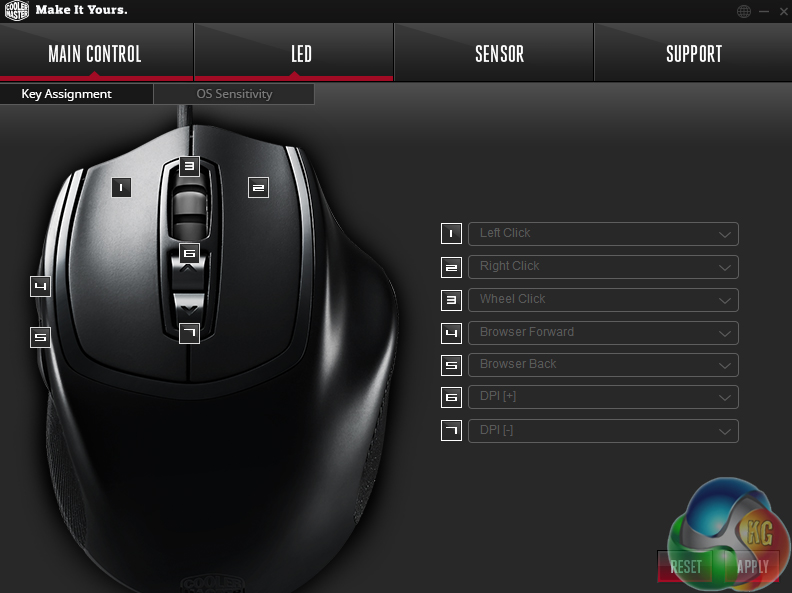
Remapping keys and changing the sensitivity of operating system mousing parameters is all possible
The click threshold for the Xornet 2's left/right mouse buttons with their Omron switches is surprisingly light. This should mean faster clicks as you need to press less hard to actuate. It is something that is difficult to notice while using the Xornet 2, but when you switch back to something with more resistance on the switches, you certainly notice it. Perhaps Razer was on to something with the Mamba's customisable click strength switches.
However it must be said that this is a mouse that is only really of use to claw and finger grip gamers. Due to the short length of the mouse and its lack of palm support, it does not work with that grip style – unless you like pressing the left/right-click buttons with the underside of your second knuckle.
For those using claw and finger grips however, this is a mouse that is very comfortable to use. It has a good support for ring and little fingers on the right hand side and the thumb and finger grips are soft to the touch but provide enough of a textured surface to keep a hold without problems. They even continue to work during stressful gaming situations where perspiration is more common.
The same cannot necessarily be said for the palm rest portion of the mouse, which with its matt plastic can see some sweat build up at times. However due to contact with this portion of the peripheral being irregular at best, this is not too much of an issue.
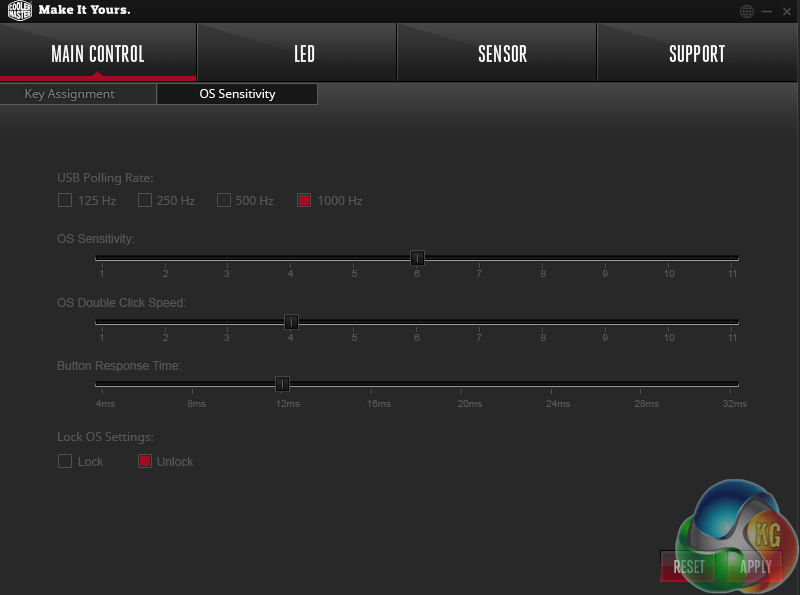
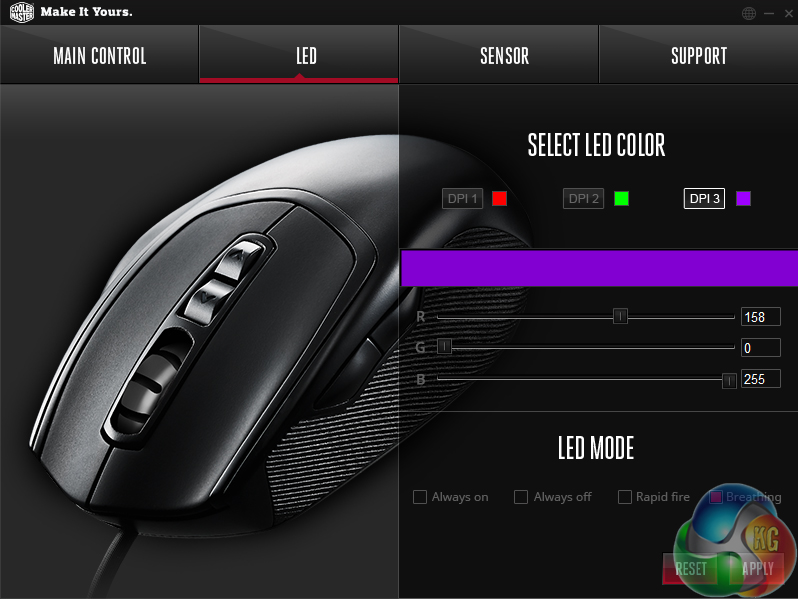
Lighting options are limited, but the spectrum of colour options is near infinite
As much as this is a mouse that is great during gaming though, I found it not quite so wonderful during general usage. There are no problems with control, accuracy or any of the really important stuff, but a couple of niggling problems spoiled the experience somewhat.
For starters, the very light nature of the switches meant that miss-clicks were not impossible and though it was far from a common occurrence, I did close the odd window accidentally while using this mouse. This seems like something that gets better as you get more used to the click strength required, but just bear in mind that there is a learning curve if you have come from something that is more heavy-duty.
I also found that both left and right mouse buttons squeak quite commonly when pressed. This seems most pronounced when pressing them at the front edge of the switch, though was present regardless of where you pressed after a few clicks.
This was something I was able to fix with a liberal spray of WD40, so I wonder if Cooler Master could do with using some form of lubricant on their mice before shipping?
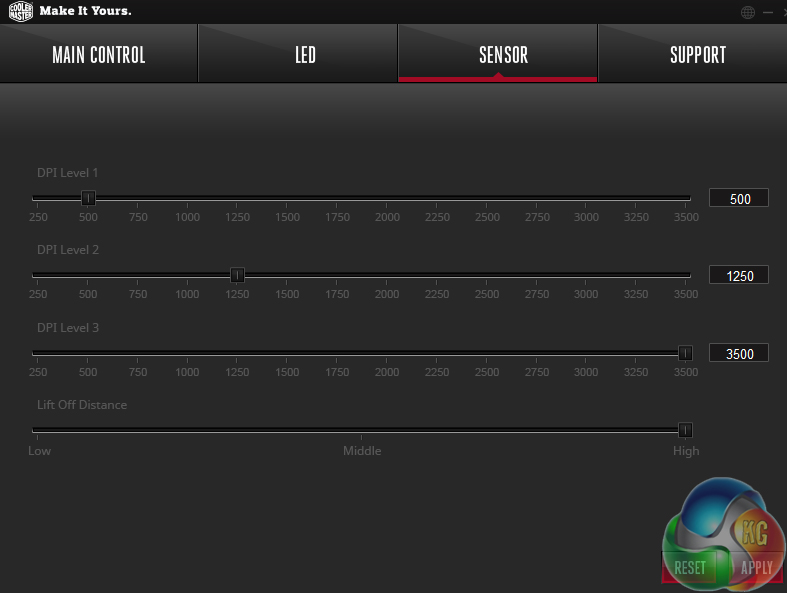
Lift off distance can also be adjusted, but sensitivity can only be tweaked in 250 DPI steps
Of a similar annoyance, the middle mouse button occasionally did not seem to register a click, which meant sometimes clicking several times to close or open a new tab in a web browser. It is not something that would happen often, but when it did, would require 2-3 extra clicks to get it to register, which was frustrating.
The back-end software for the Cooler Master Xornet 2 is nicely thought out and easy to understand. It has options for key remapping, lighting changes (based on DPI selected) and a few extra features like polling rate and lift off distance. For some reason Cooler Master chose light-grey text to go on the grey background though. It makes it almost unreadable in some cases.
The Cooler Master Xornet 2 is a good mouse for the money. It games well, has a high quality sensor and is comfortable even if you are working or gaming for hours at a time. Unfortunately it does suffer from a few irritating little issues which stop it from being a world beater.
Thanks to the use of a high-quality Avago 3320 optical sensor, there are no issues with accuracy or acceleration and there is enough sensitivity head room. If you demand very high resolution sensor capabilities then 3,500 DPI is probably not going to be enough.
The overall build quality of the mouse is solid and I really like the side grips with their fine texturing. They feel simultaneously smooth and provide grip, which is a rare feat within gaming mice. The cable was also well made. While it does not have the quality feel of braiding, it does not drag as much as the fabric covered cables and yet does not have the cheap feel of plain rubber.
On a more negative note, the squeaky left and right mouse buttons are of particular annoyance until we gave them a liberal dose of WD40. While that did fix the issue, it seems a shame that the mouse shipped with this problem in the first place.
Similarly so, the fact that the mouse-wheel occasionally did not register when clicked was also irritating and made the experience of using the Xornet 2 less enjoyable than it would otherwise have been.
However other than that and the odd-choice for grey on grey with text in the back-end software, the Xornet 2 is an impressive piece of kit considering the £20 price tag. It does not ship with any features that are likely to make this mouse stand out compared to some of the more expensive competition, but for those looking for a solid gaming mouse without all the bells and whistles the Xornet 2 would be a fine choice. It might also make a good Christmas gift for a young gamer looking to move beyond the basic bundled mice of a stock system.
Discuss on our Facebook page, over HERE.
Pros
- Avago sensor is great.
- Fast, smooth movements.
- Comfortable over long periods.
- Designed with claw gamers in mind.
- Very affordable.
Cons
- Left / right-click needs lubrication to stop squeaking.
- Middle mouse button sometimes does not register.
- No good for palm grippers.
- Software text hard to read.
KitGuru Says: It is not going to blow your socks off, but for the price, the Xornet 2 is a solid contender. Just factor in a can of WD40 when putting cash down.


Hi kitguru,
Where do you spray in the mouse to stop the squeaking? I just got mine and it squeaks too.
you sprayed wd40 in a plastic mouse, and wonder why the wheel click sucks?….hmm