KitGuru KitGuru.net – Tech News | Hardware News | Hardware Reviews | IOS | Mobile | Gaming | Graphics Cards


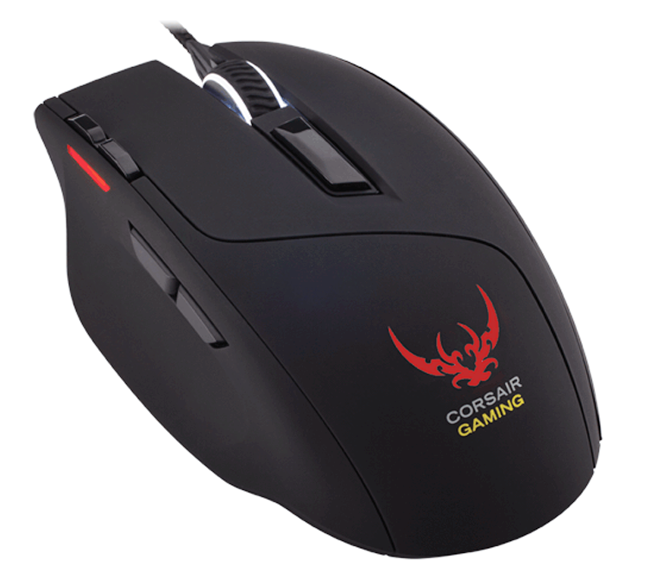
Corsair's latest gaming mouse – the Sabre, ships with a high-end, 6,000 DPI Avago ADNS S3988 optical sensor, strong back-end software and an RGB LED colour system which lets you pick just about any colour for the backlighting.
Of course a lot of its contemporaries ship with similar features, so Corsair has to work hard to stand out. Is it worth your hard earned money?
Features and Specifications
Optical sensor: Avago ADNS S3988
Sensitivitiy: 50 DPI – 6400 DPI
Mouse Backlighting: 4 Zone RGB
Programmable Buttons: 8
Polling Rate: 1000Hz/500Hz/250Hz/125Hz
On-board Memory: Yes
Weight: 100g
Mouse Feet: Extra Large PTFE (unbranded Teflon)
CUE Software: Yes
Cable: 1.8m Braided Fiber
Dimensions: 124mm x 80mm x 38mm
Warranty: Two years
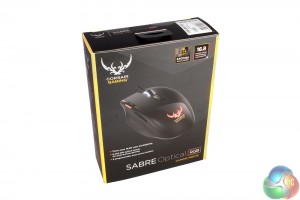
The packaging for the Corsair Sabre Optical RGB is typical of a mid-range gaming mouse. It features a flip lid to give you a look at the product (good for the five of you that still buy off the shelf) and there are listings of all the most important features.
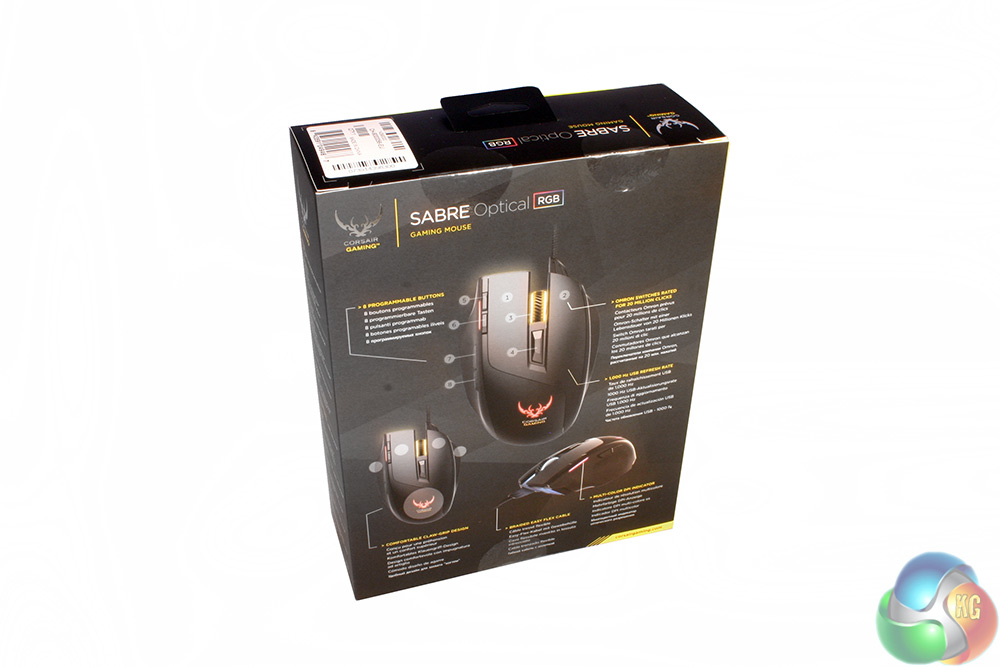
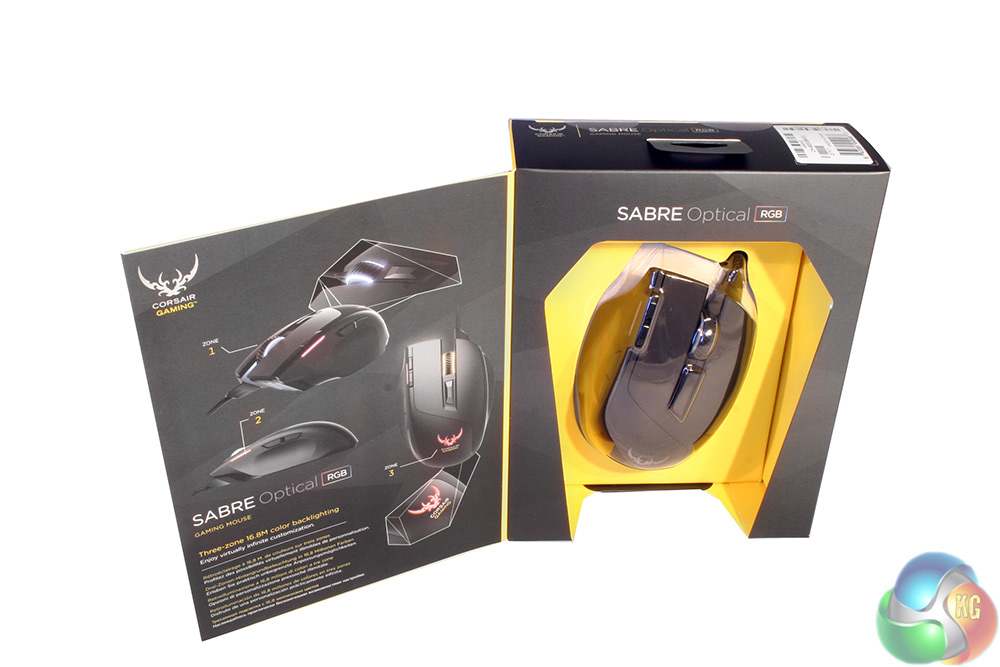
The back and interior of the box show some of the available lighting options, though thanks to Corsair's back-end software for its RGB peripherals, you will be able to make much fancier effects if you choose to.
The manual and warranty sheet are pretty typical, offering some quick set up information and instructions on what you should do if in the unfortunate event that your new mouse should break down.
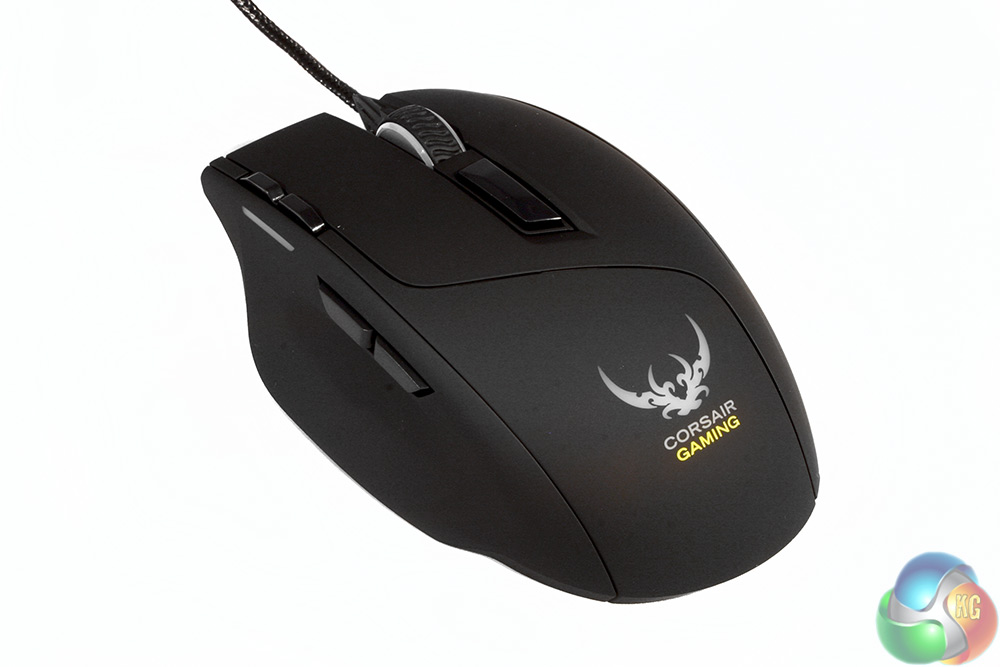
The mouse itself is almost entirely black, featuring just a few clear sections for the LED lighting to shine through. The rear is dominated by the large Corsair Gaming logo, which has replaced the iconic sails – much to the annoyance of the Corsair faithful.
The main body has a solid feel to it and does not creak when gripped tightly, suggesting that it has been put together well. It is an ergonomic design, so will not be suited to left-handed gamers. There is an interesting paneling split between the rear and the mouse buttons themselves.
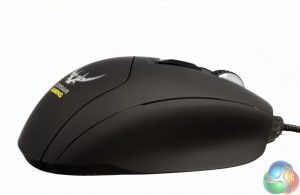
The left hand side features the usual twin thumb buttons, though they are not angled, so you will need to move your thumb to press them, rather than just jogging it a little. There is a scoop for your thumb to sit in however, which should make it more comfortable over longer gaming periods.
The right hand side is rather spartan, having just a shallow rest for two fingers.
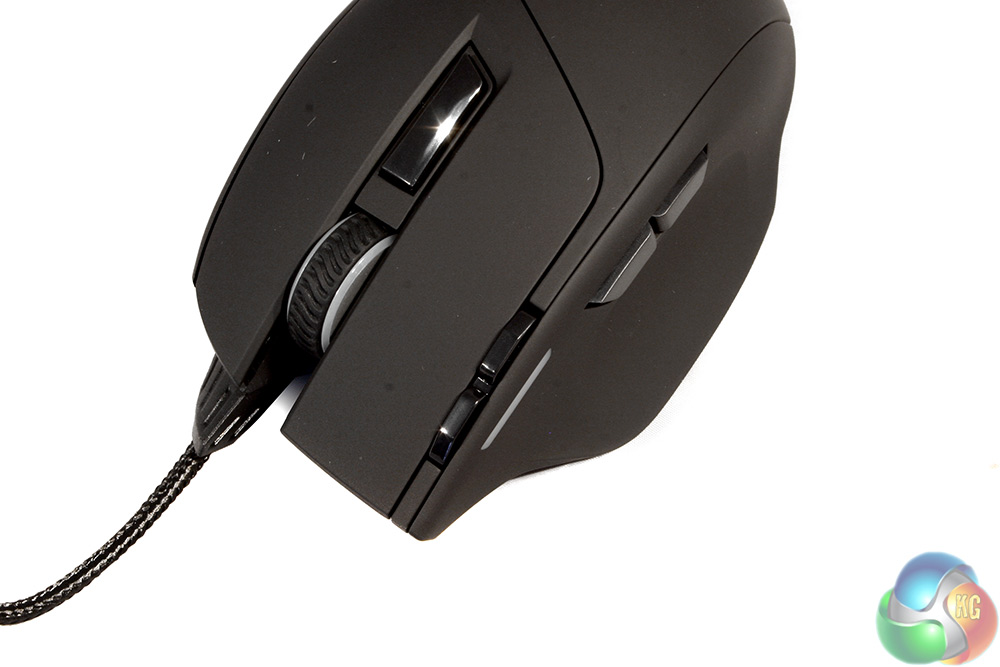
So far not much about this mouse has been that extraordinary. However when you view it from above the front, you can see that it is a little different.
There are the usual left/right click buttons, the clickable scroll wheel and the up/down switches behind that. However, that is not where the DPI switch is mapped to at default. Instead, that honor is reserved for the two buttons located in the top left of the mouse (reverse orientation for this image, of course).
Those buttons are a little bit of a stretch, so may pose some comfort issues for smaller handed gamers.
From the front end, you can see that Corsair opted for the tactic several mouse makers are going for at the moment. They have placed the cable off-centre and gave it a strong connector so that it does not ever rip out of the base or become damaged from bending over time.
The grill section is another lighting area which lets you project a little onto the mousing surface.
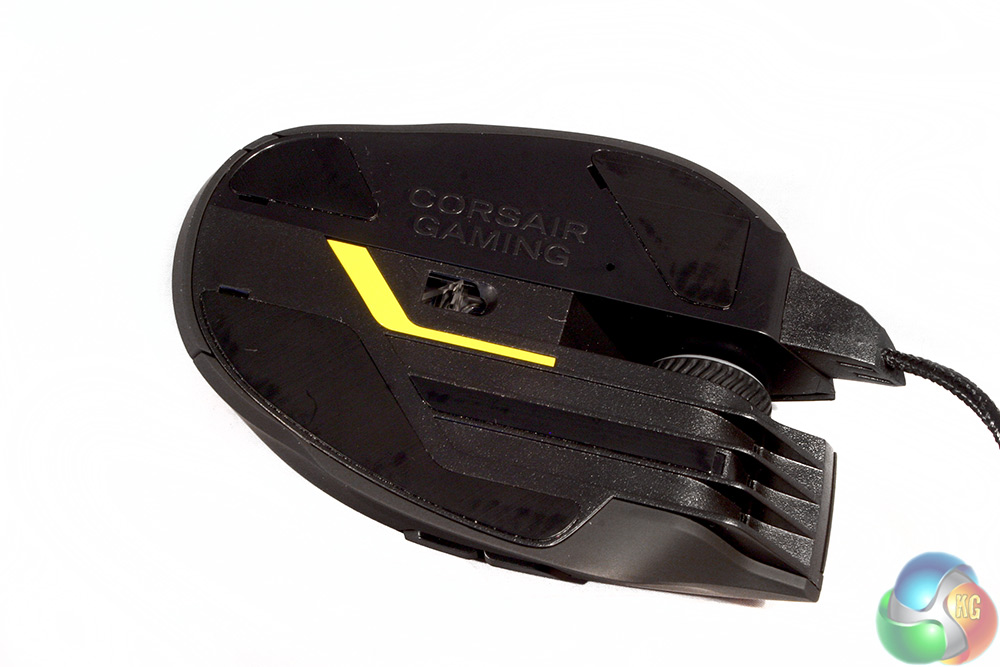
The underside of this mouse is quite unique too, featuring a small yellow strip for style purposes, as well as a long, thin strip of PTFE (unbranded Teflon). Interestingly, the scroll wheel is open frame.
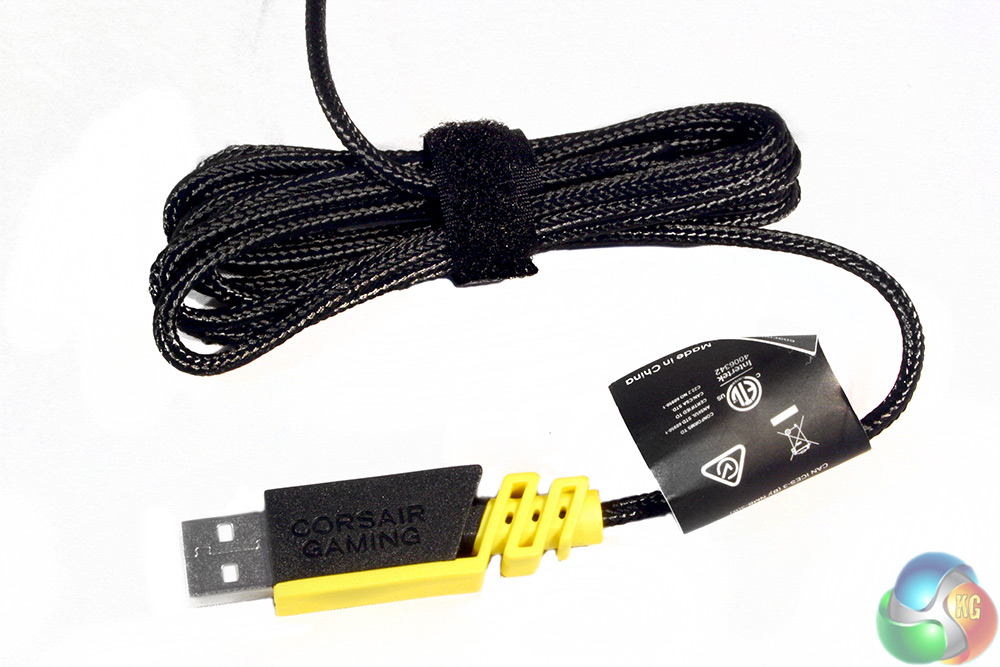
The cable is braided to a high quality and the USB header is very eye-catching, which should make it easier to find at the back of your PC. However, it is long, so be careful if considering this mouse for a PC without a lot of clearance at the rear.
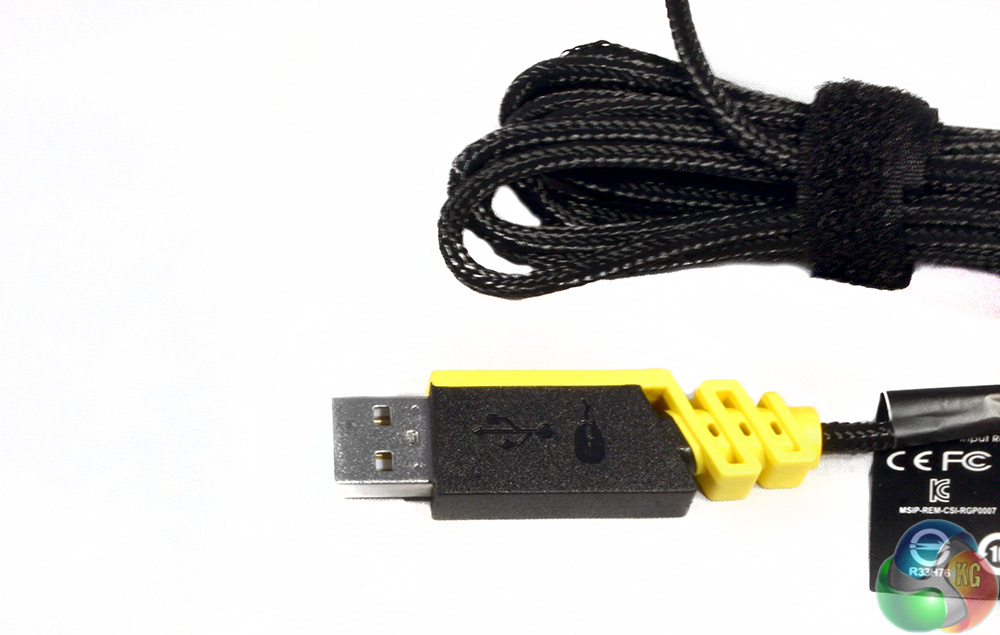
The header actually has an obvious orientation indicator too, so putting the USB in the right way around first time is a little easier. Nice touch Corsair.
The real question of course, is how does this mouse perform when put under pressure in our battery of tests? To make sure the Corsair Gaming Sabre RGB is up to scratch, it was used for a week for extended periods of gaming in various genres that put different requirements on the player (and the peripheral). It was also used for general office tasks, as well as photo editing.
So how does it stack up? Thanks to the high-end and popular optical sensor (the same one found in such classic mice as the Razer DeathAdder), you will find gaming with the Sabre to be accurate and fast – whether you like high DPI or not. It is perfectly viable as a gaming rodent in competitive shooters, as it is in a slow-paced puzzler or RPG.
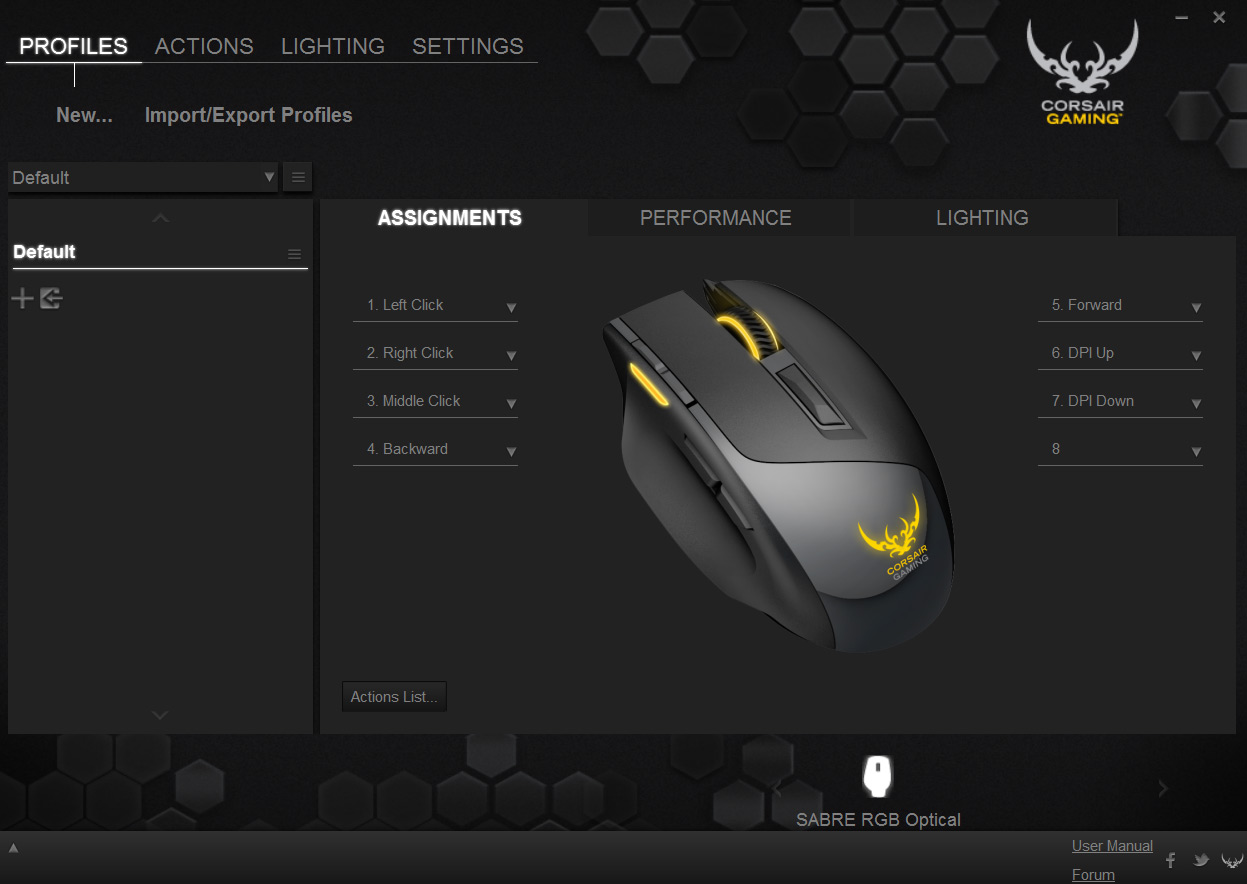
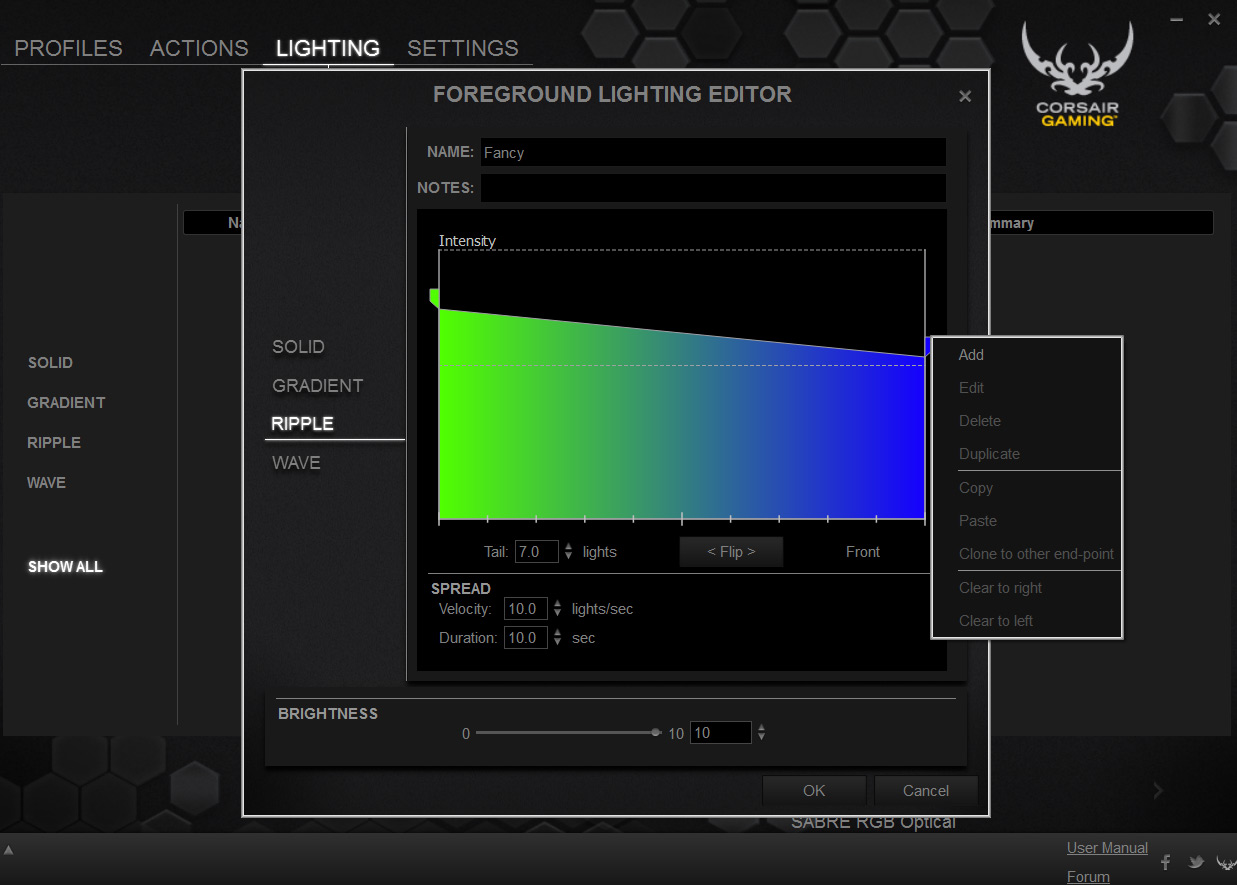
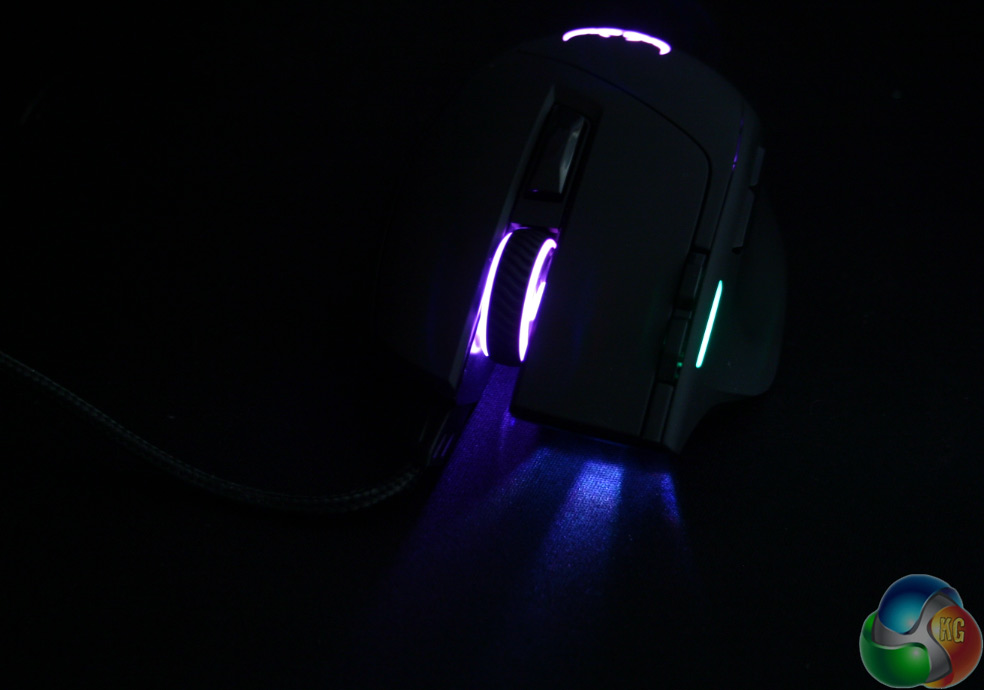
Lighting options are massive and varied, though not as well represented by few LEDs
However, unlike keyboards where branded switches can give a pretty comparable experience regardless of manufacturer, mice are a little different since they are moved around and offer a measure of support for the hand. This is where Corsair Gaming has a chance to differentiate itself from the competition and it does so, for the most part, very well.
The Sabre is not only accurate and speedy, but very comfortable too and can be used for hours at a time without problems. I did have one issue with the shape however and that was that the ergonomics do not really account for your little finger. There is a small ledge for supporting your ring finger, but the little one tends to trail on the mouse mat. That is not particularly uncomfortable, but even after a week of use, I found myself wishing for just a little nub to rest it on near the front of the mouse.
On the opposite side, the thumb grip is excellent, requiring no specialised rubber pad as the stock surface material is more than grippy enough to do the job.
Personally, I did not like the placement of the DPI switches, as I found when pressing them that the required-sideways motion of my index finger was somewhat uncomfortable to perform. Of course those functions can be remapped to the side buttons if you prefer, but since the central switch behind the scroll wheel, is just a single button, you cannot give it that function instead.
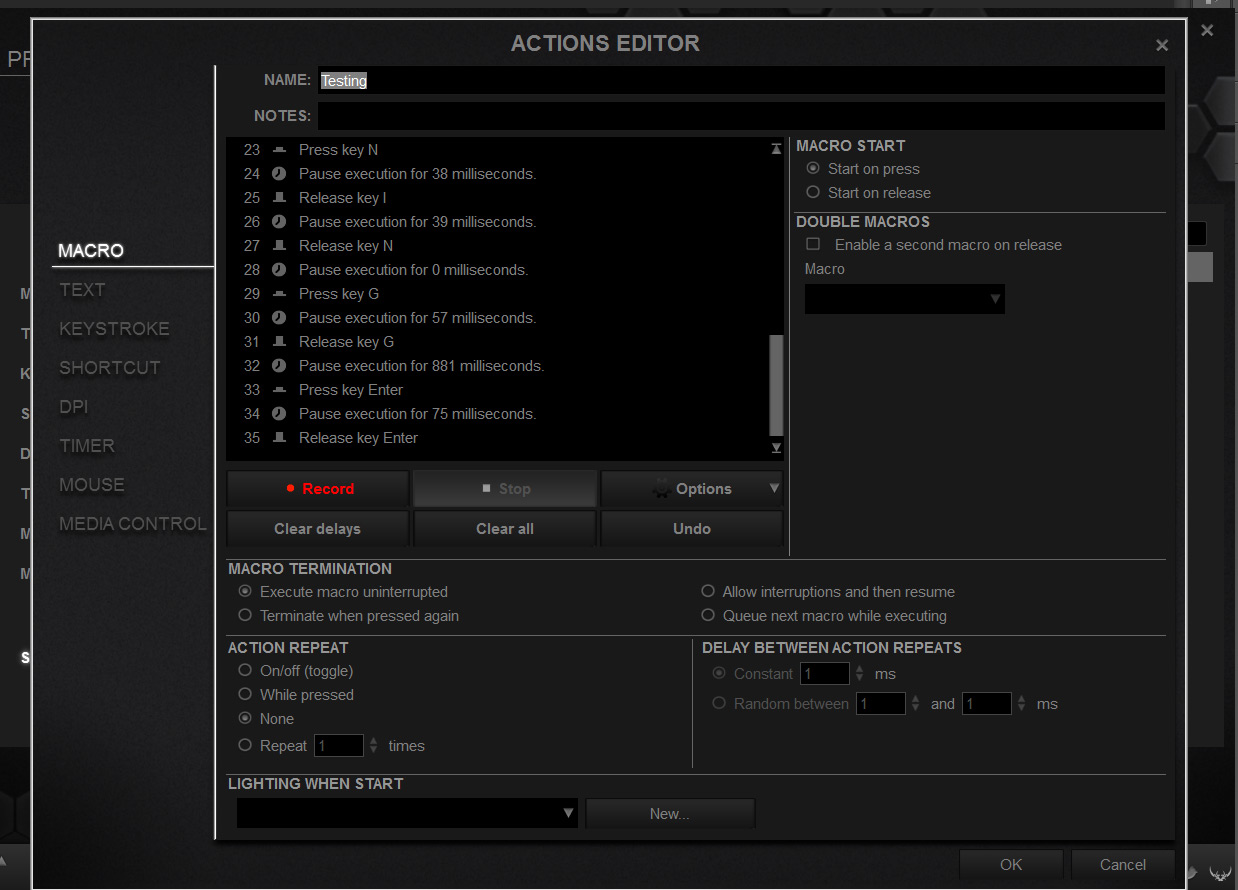
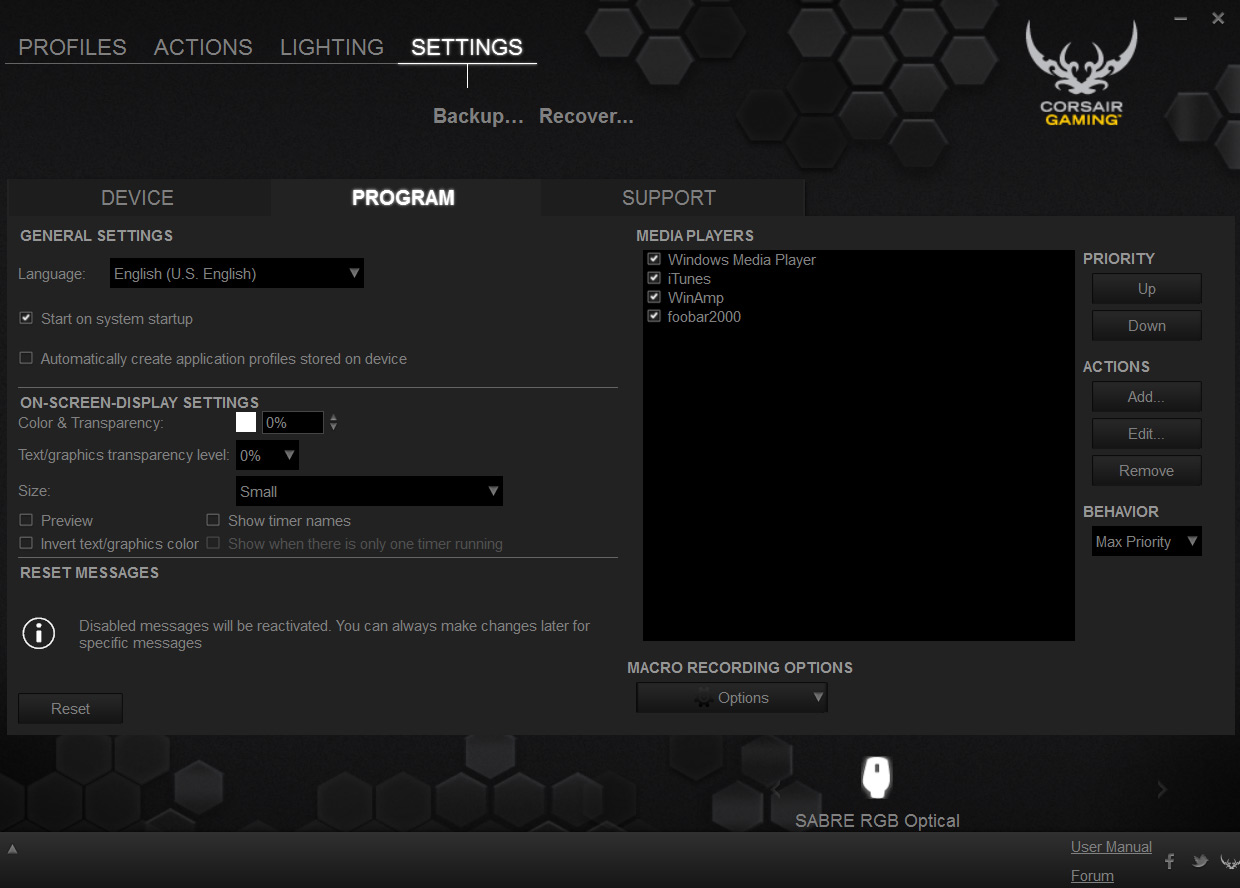
Macro recording is detailed and settings tweaks can provide added mouse functionality
One of the big selling points of this mouse, like its keyboard counterpart, the K70 RGB, is the back-end software, which offers a lot of lighting and macro options. While those are not as pronounced or as useful as they are for a keyboard it is still nice to see them made available for use with the Sabre.
While I covered it quite extensively in my K70 review, the lighting features offered by Corsair's products are really quite exemplary. There are near unlimited options for colours (though some are far more well presented than others) and you can achieve all sorts of fancy effects, from ripples, to waves to gradient fades. It is all customisable which will appeal to the audience who like to colour coordinate.
It is a shame then, that the lighting back-end does not seem to work properly all of the time. Setting it within the lighting tab sometimes tells you it is not possible and yet it works fine when input via the actions tab, for example.
Macro functions and recording however, are still incredibly detailed, meaning those that like a heavily customised rodent will have a field day with all the options.
It is all still pretty convoluted though, with some menus seeming a little redundant when the same task can be completed elsewhere. As fully featured as the back-end system, is, I would like to see Corsair make it a little more intuitive and stream lined in future versions.
At £50 the Corsair Gaming Sabre Optical RGB is in one of the most hotly contested sectors for gaming mice. It is fast and accurate, thanks to the capable Avago ADNS S3988 sensor, and those high grade Omron switches should ensure many years of life before failure. Overall build quality is very high and the Sabre should be able to take a beating.
The Sabre is also light and comfortable and I used it for up to 8 hours at a time without suffering from fatigue.
Of course, no peripheral is perfect and this one does have some cons. I miss a more protruding rest for my little finger and I am not a fan of the DPI switch button placement.
While the DPI switch can be remapped, Corsair need to spend more time developing and fine tuning their software package – it is not very intuitive and suffers when compared directly to some competitor options.
The front lights could do with a little brightness bump too, as unless you are playing in a pretty dark room, you will quite often forget that they are there.
In closing, the Corsair Sabre Optical RGB offers a lot for £50. This is certainly a mouse I would recommend for gamers who like to tweak and personalise their peripherals. There might not be any way to adjust the hardware function of this mouse with weights or replacement switches but there is almost nothing that beats it when it comes to customisation.

The Corsair Gaming Sabre Optical RGB is available from Overclockers for £50.
Discuss on our Facebook page, over HERE.
Pros
- Uses a great gaming sensor that is accurate and fast.
- Comfortable over long periods.
- Solid build with high-end materials.
- Very advanced lighting and macro functions.
- Very smooth over different surfaces.
Cons
- Back-end software is hard to get your head around.
- Finger rest feels too small.
- DPI switch buttons are a little uncomfortable to use.
Kitguru Says: One for the tweakers out there, Corsair Gaming's Sabre Optical RGB offers near unlimited back-end customisation, but it could do with a more intuitive interface and a bulkier finger rest.