KitGuru KitGuru.net – Tech News | Hardware News | Hardware Reviews | IOS | Mobile | Gaming | Graphics Cards


The Personal Cloud from Seagate is essentially a NAS system, but it is not marketed as such. Aimed at families, it allows users to store all their files in a central location and access them anywhere. With plug-and-play functionality, you simply attach the Personal Cloud to your router via an Ethernet cable and, after a painless setup, the Personal Cloud is now accessible on your network.
Why then should a consumer consider the Seagate Personal Cloud 2-Bay? With 2x 4TB HDDs hidden away within the device there is certainly ample storage (with the choice for RAID 0 or RAID 1 configurations, too) but perhaps the most interesting features are the remote access options and mobile backup functionality. I shall explore the Personal Cloud and see if it is worth a buy.
Features
- 2x 4TB hard drives configurable in RAID 0 or RAID 1
- 1x USB 2.0 port, 1x USB 3.0 port
- Seagate Dashboard and mobile support
- Sync to Google Drive and Dropbox
- Stream media to your TV via Chromecast, Roku etc
- Product dimensions of 234mm x 235.15mm x 48mm (LxWxH)
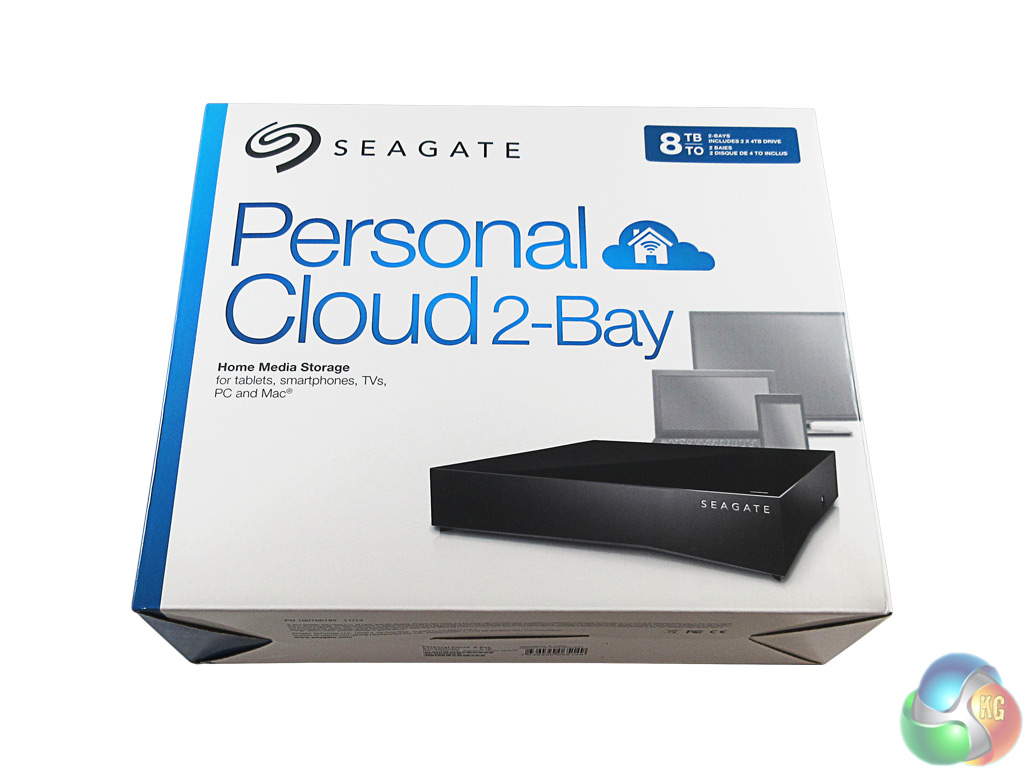
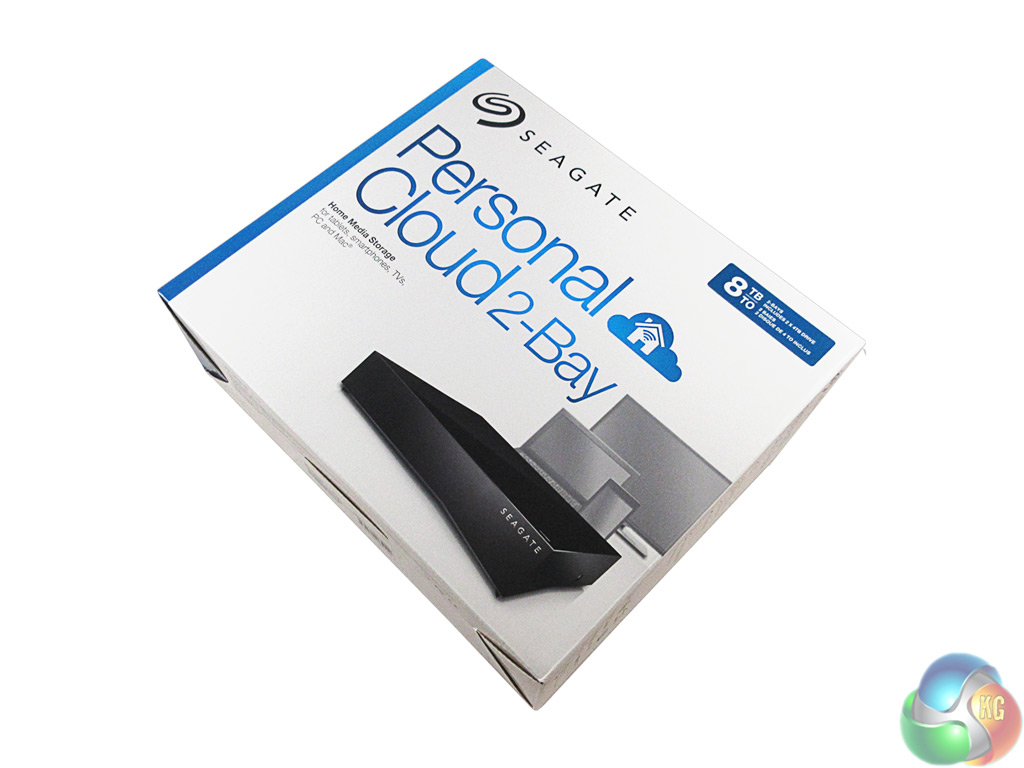
The Personal Cloud comes in a fairly standard box. It has the ‘Personal Cloud' and Seagate branding on the front, along with an image of the Personal Cloud and 3 of the devices it can connect to.
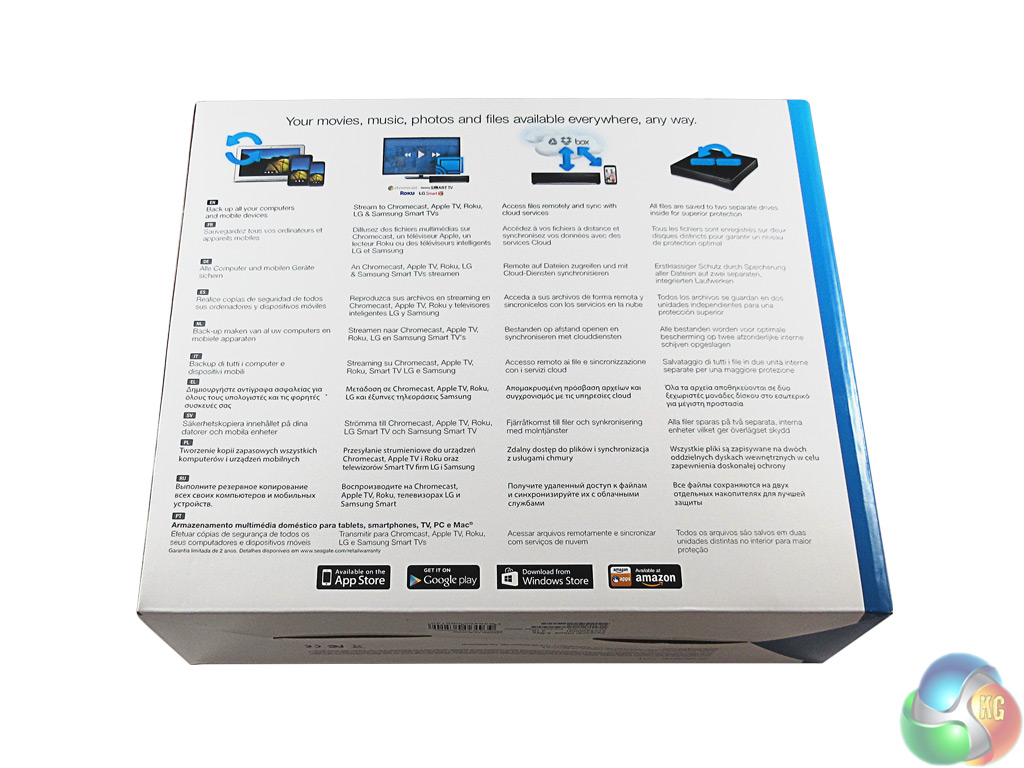
On the back of the box is some key information about how you can use the Personal Cloud, in multiple languages.
Inside, we find the Personal Cloud itself, along with an Ethernet cable, a power connector and a quick start guide which basically says ‘plug it in.'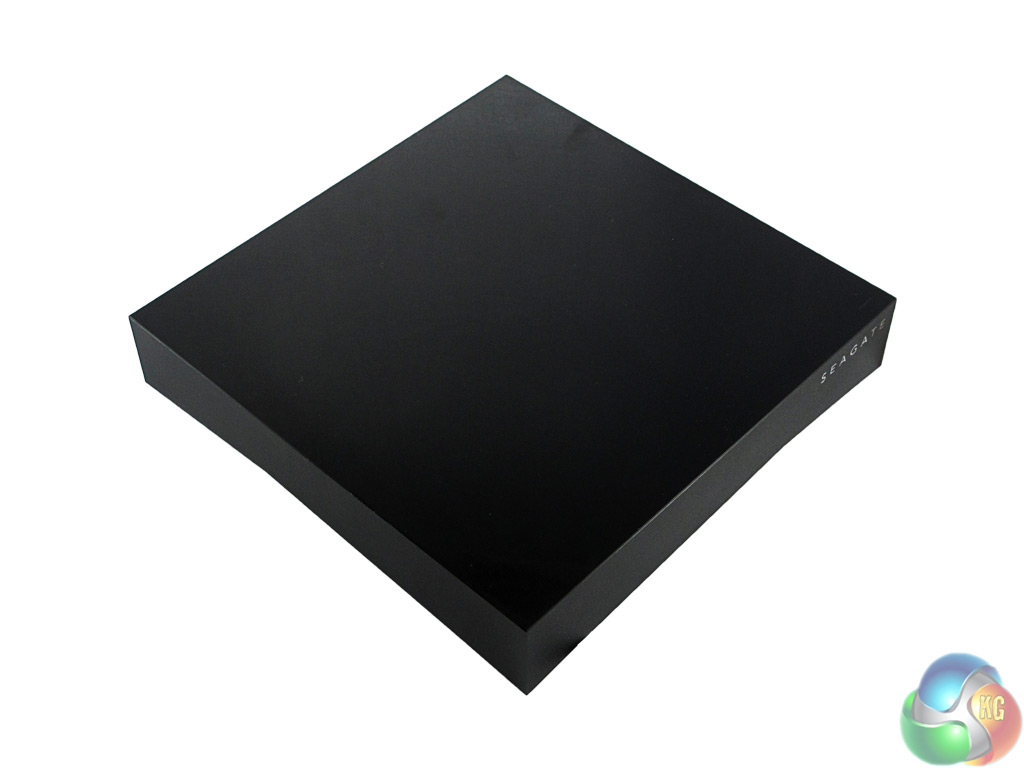
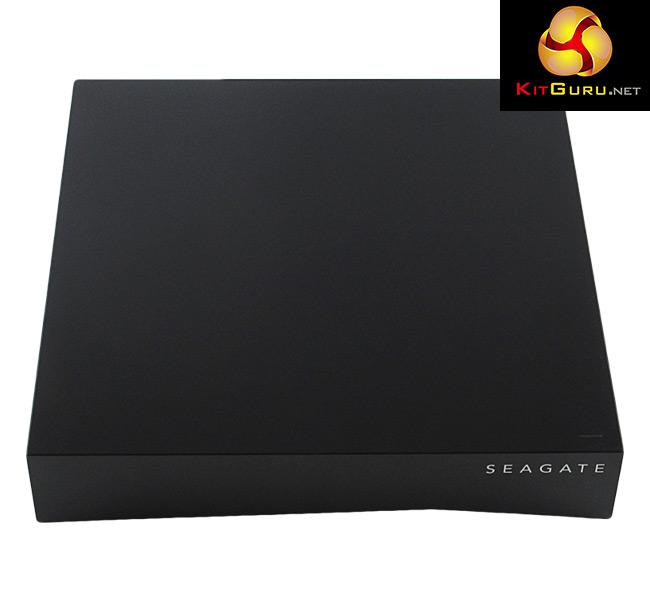
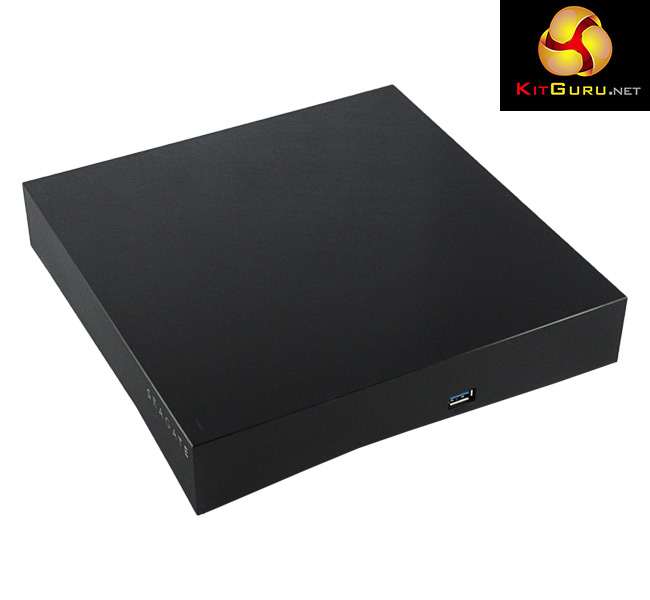
The Seagate Personal Cloud has a very simple and discrete design, which makes it perfect to stick in a corner out of the way.
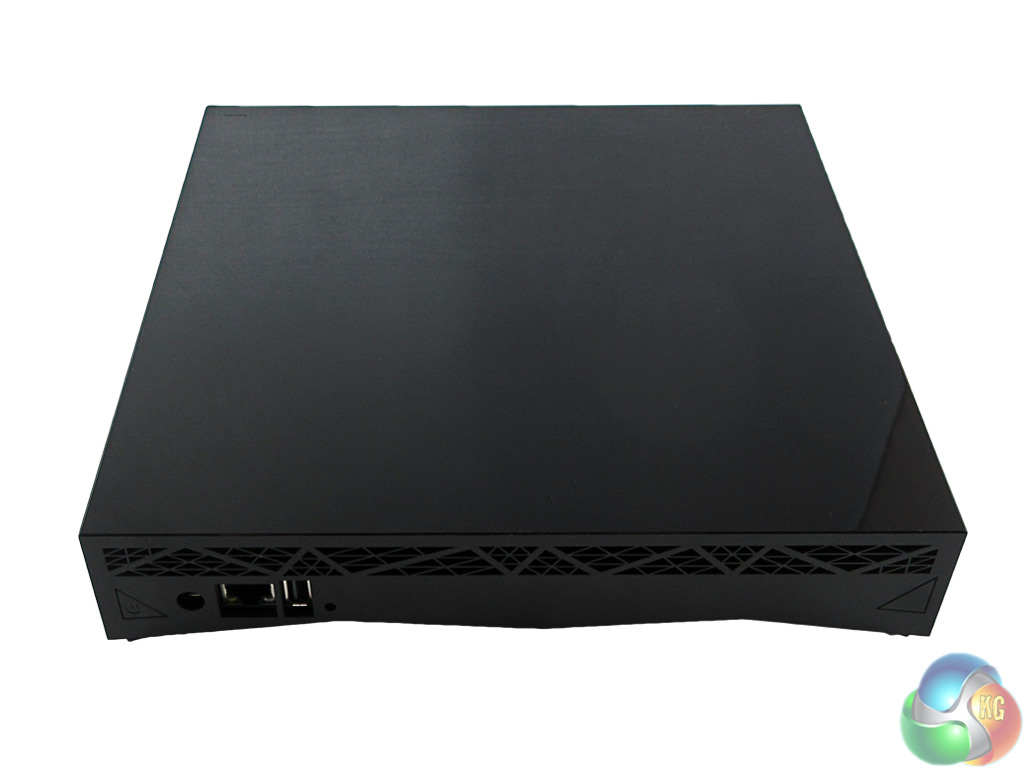
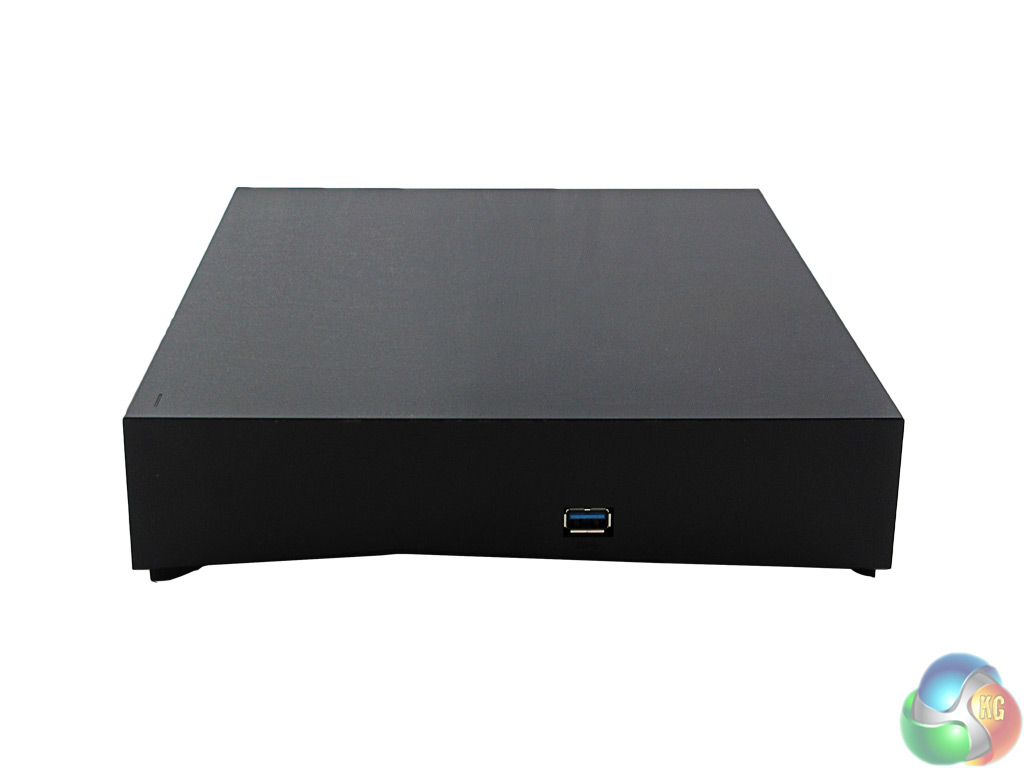
The unit is essentially just a black rectangular slab of plastic, but with a few points of interest. The front edge has simple ‘Seagate' branding, and there is a white LED on the top of the Personal Cloud which indicates system activity.
There is also a USB 3.0 port on one side of the device, while a USB 2.0 port can be found at the rear. At the back of the Personal Cloud is an Ethernet port and the ‘power in' port.
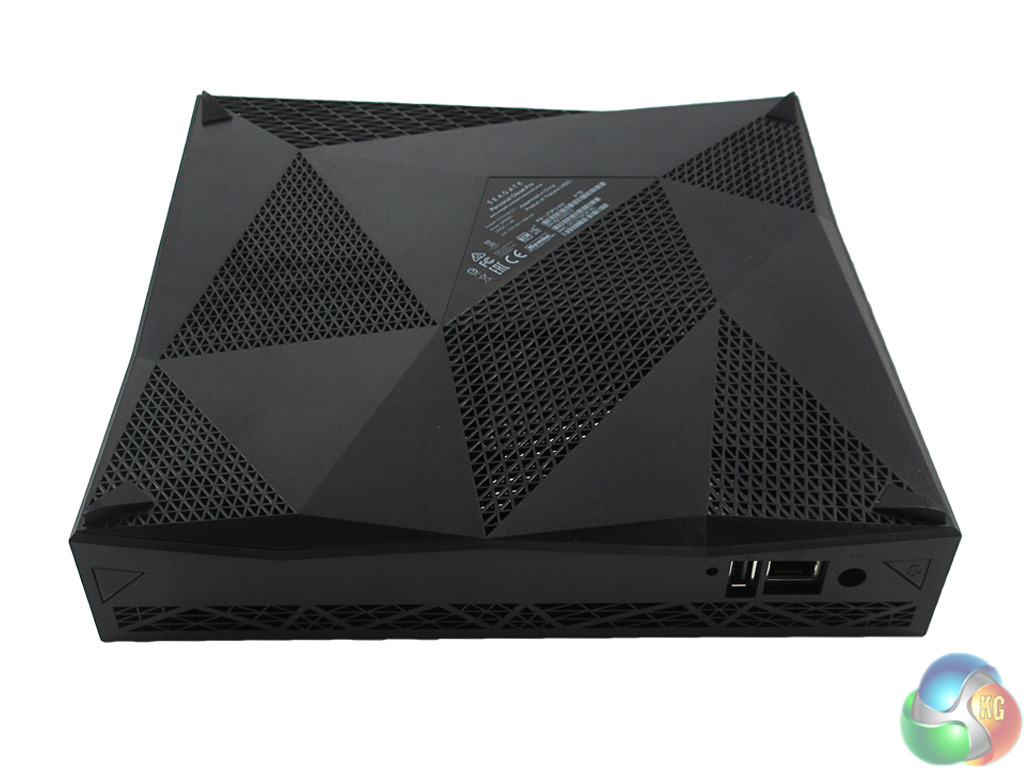
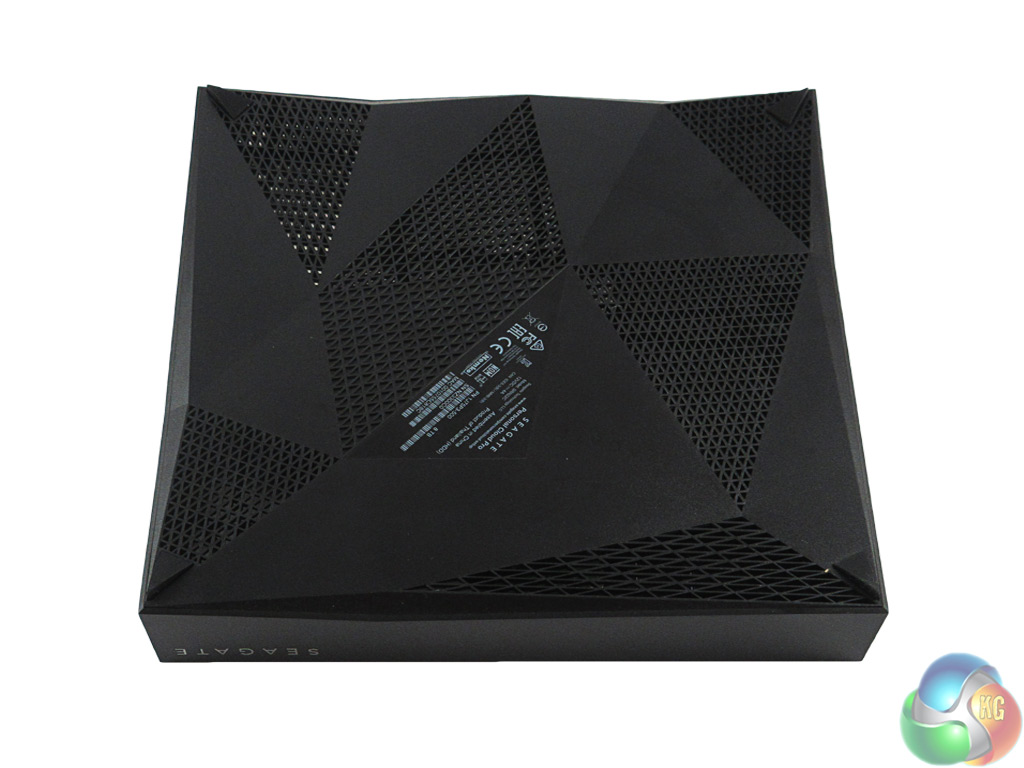
While I say the Personal Cloud is just a rectangular prism, there is actually slight embellishment to the edges of the box – meaning the bottom and sides of the device have an ‘angular' look about them. There are four feet in each corner of the device, upon which the Personal Cloud stands.The Personal Cloud is an easy device to use and configure, which is clearly beneficial as it appears to be aimed at families who want to share their files and media in an easy way.
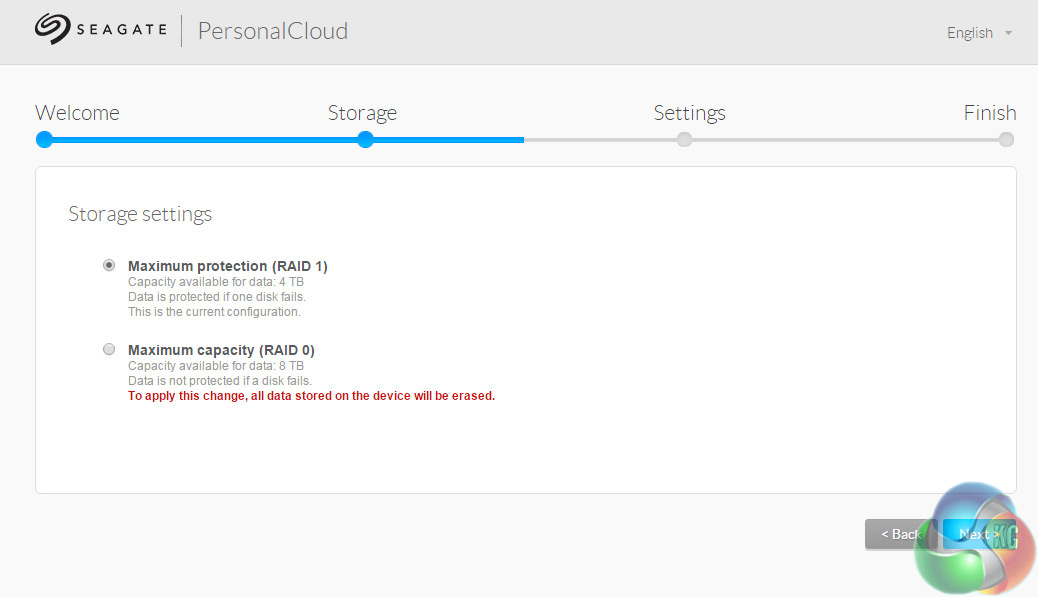
After plugging in and configuring the Personal Cloud (which is essentially just giving it a username and password for remote access), the first interesting thing to happen is the choice between RAID 1 and RAID 0. As this particular Personal Cloud has 2x 4TB disks, RAID 1 is probably the sensible option unless you have masses of data you want to back up without care for the risks of RAID 0.
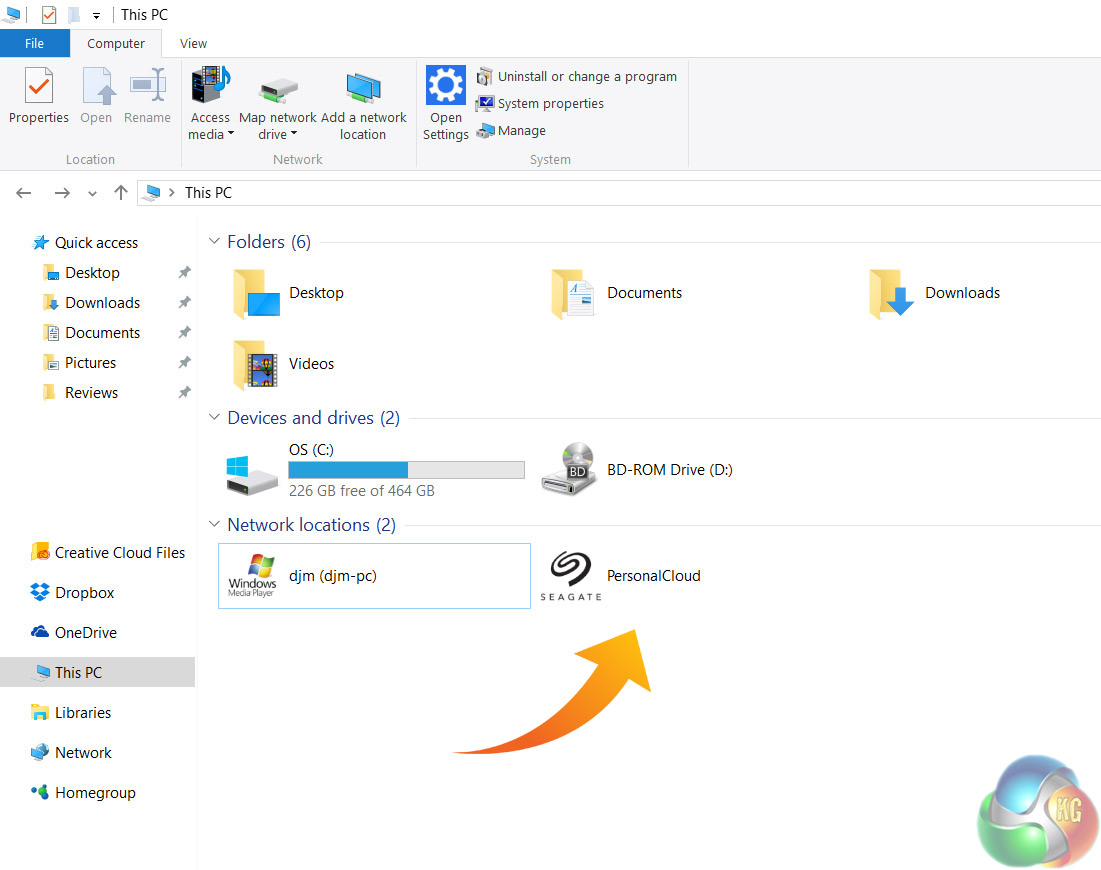
Once everything there is set up, the drive itself will pop up on your network as you can see above. From here, users who simply want to back up files from multiple PCs can drag and drop said files across and ignore the rest of what I am about to say.
But, this is where the Personal Cloud gets quite interesting as there a few very nifty features which make the Personal Cloud a useful device – be it for an individual or for a family.
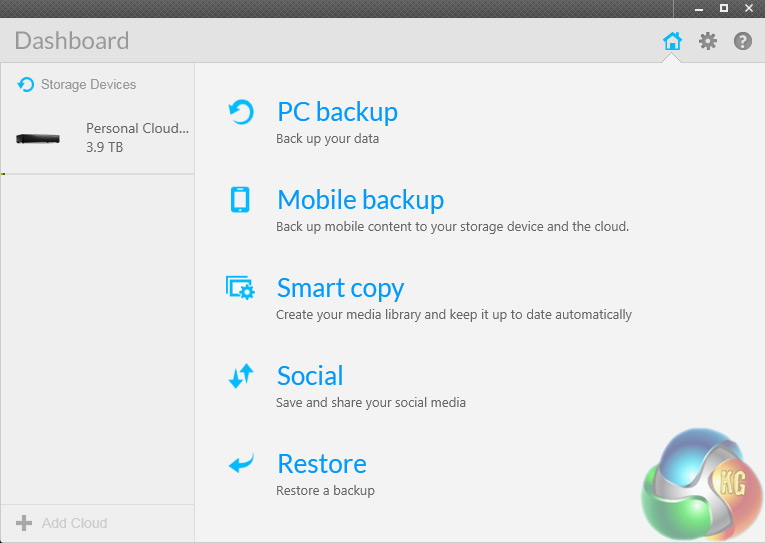
For one, we have the Seagate Dashboard desktop app. I have used this software before, so for a more in-depth look at what you can do with it (spoiler alert, the answer is ‘a lot') see my review of the Seagate Backup Plus Slim here. What the Dashboard lets you do is configure what files you want to back up and when, all via a very intuitive interface.
For instance, you can set up a one-click option to back up everything constantly, or at scheduled times. Alternatively, you can select different types of data – music, videos, documents etc – you want to back up and schedule times for those, too. Essentially, the Dashboard gives you a sophisticated way of using the Personal Cloud for backup purposes.
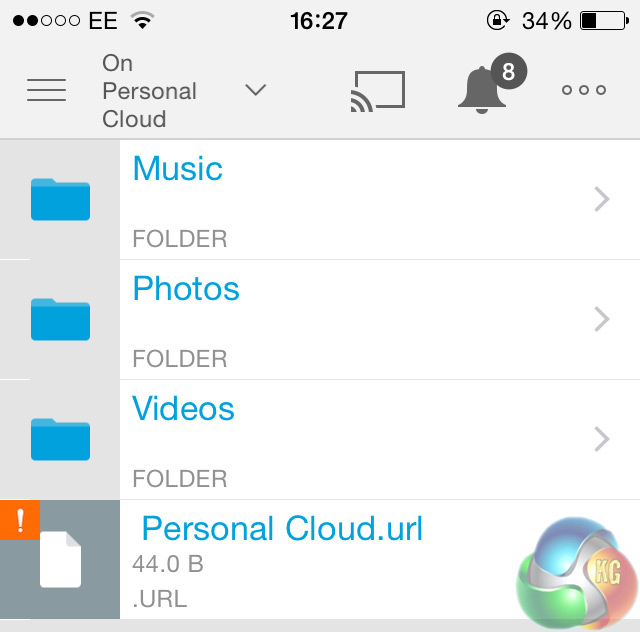
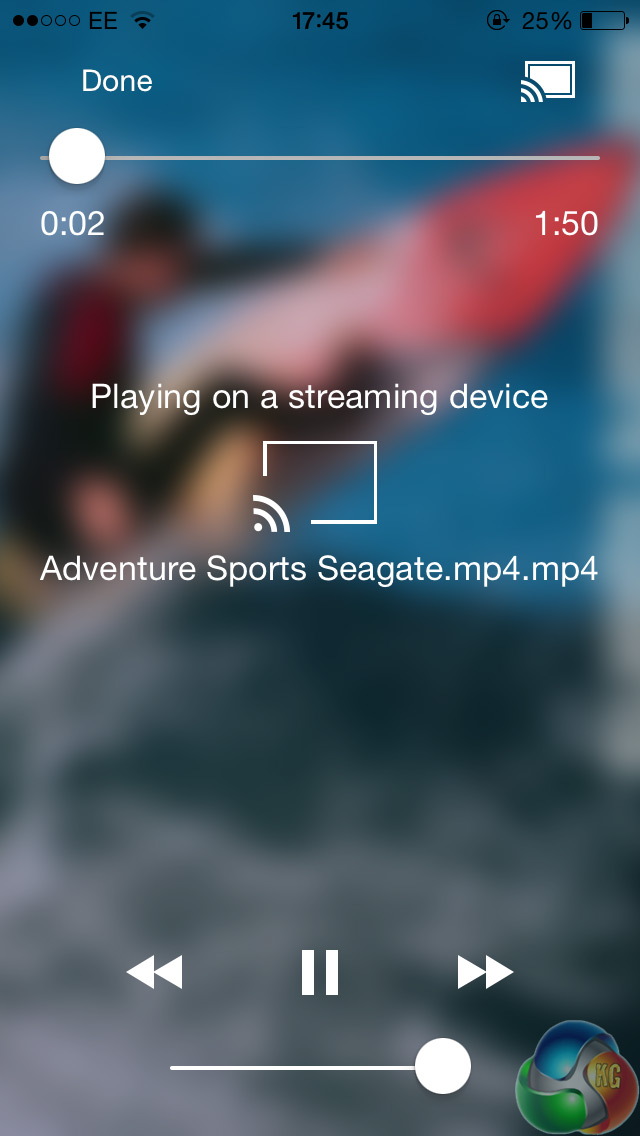
But clearly, that is not all the Personal Cloud is capable of – hence the name. Through the Seagate Media smartphone app, you can access the contents of your Personal Cloud via a mobile device. From here, you can playback videos or music to your phone and tablet – or even go one better.
By this, I mean the Seagate Media app lets you stream content from your Personal Cloud to a TV via Chromecast, for instance. This is what I did – simply find your desired media to stream, hit the ‘cast' button and it was sent from the Personal Cloud up to the big screen.
The mobile app also gives the nifty option to back up your mobile device's contents, too. This makes the Personal Cloud seem very versatile, as it can essentially become all things to all men, as the saying goes. What I mean is you have a vast array of options open to you when using the Personal Cloud.
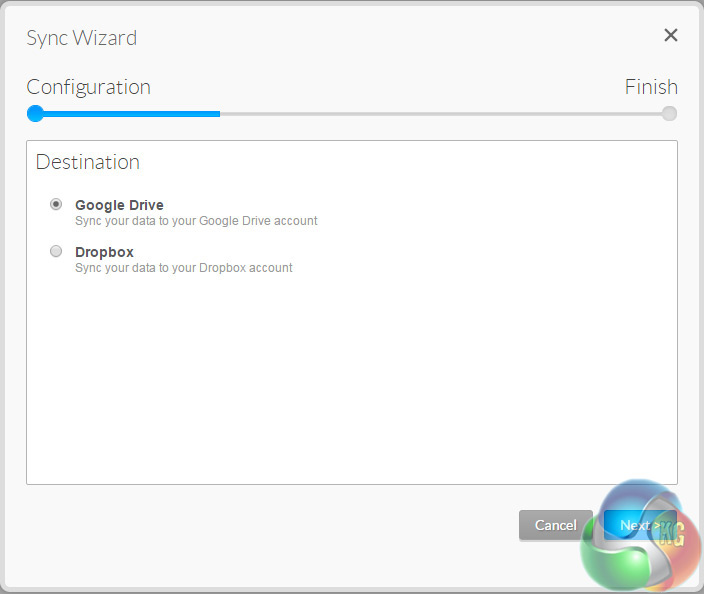
If you want to simply backup your PCs files without constantly plugging in an external drive, that's fine. If you want to store files for work and access them anywhere, that's fine. If you want to stream external media as well as backing up your mobile device, that is also fine. There is even the option to sync data from the Personal Cloud to ‘proper' cloud services like Google Drive and Dropbox, for added peace of mind and accessibility.
So what the Personal Cloud gives you is essentially a way to store data from a PC, Mac, phone or tablet and access it anywhere – via almost any means. All from a little box sitting in a corner. It is as simple or as complex as you want it to be, but it is undeniably brilliant.It is fair to say the Seagate Personal Cloud 2 Bay impressed me greatly.
The device has a simple and discrete design, providing a pair of USB ports if you want them (1x USB 3.0 and 1x USB 2.0) but other than that, there is no fancy embellishment. It is not an unattractive design, it is just unremarkable, which makes it perfect for hiding away once it has been connected to your router.
When using the Personal Cloud, it soon became apparent to me that this is a very versatile piece of kit. While appearing to be aimed at families, almost anyone would find it useful for different reasons. The Personal Cloud allows you to wirelessly backup your data – be it from a phone, desktop or tablet – which is one job. It then lets you find that data anywhere – from either a phone, desktop or tablet – which is another job. You can then stream media to your TV via Chromecast or Roku – which is a third job. The list goes on.
Practically speaking, families will find it useful as a central ‘hub' – something that stores everyone's data in one location – saving you searching across multiple devices for that elusive photo or video. Individuals will find it useful as a means to backup and access data anywhere, on the go or simply in the living room away from a PC. The Personal Cloud can be almost anything you want it to be, which is mightily impressive.
This particular model has one significant drawback, though, and that is price. It currently costs around the £350 mark at the time of writing, with a MSRP of £379.99. That is no small amount of money for a storage solution, no matter how many bells and whistles it has.
However, it is worth remembering this is for 8TB of storage across two drive bays. Not everyone (in fact, probably most consumers) will need this much data capacity, which is where the cheaper models come in. There is a 3TB, single bay Personal Cloud solution retailing for £125, for instance.
Still, this 8TB model costs around £350, which does count against it. But the product itself is fantastic, and could revolutionise the way you easily store and access data. For most consumers who do not need the full 8TB storage, I would advise you to look at cheaper, single bay Personal Cloud models.
If you do want the full 8TB, though, it is currently available for £353.14 inc VAT from Ebuyer.
Discuss on our Facebook page HERE.
Pros
- Simple design
- Very versatile
- Masses of storage
- Allows data to be accessed anywhere on almost anything
- Software is intuitive and attractive
Cons
- A lot of money
KitGuru says: If you have the cash and want the storage, the 2 Bay Personal Cloud is a great product. However, it is pricey and most users will want to look at cheaper, single bay options from Seagate.