 KitGuru KitGuru.net – Tech News | Hardware News | Hardware Reviews | IOS | Mobile | Gaming | Graphics Cards


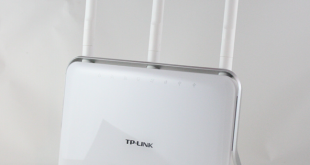
Today we are going to take a look at one of the latest wireless routers from TP-Link, the AC1900. This particular model is TP-Link's top-of-the-range Wireless AC router and is priced very competitively.
We were impressed by the TP-Link AV500 powerline networking kit which we reviewed recently, and TP-Link have supplied us with a slightly different variant of this to test which acts as a wireless range extender. It will be interesting to see how well this improves range and enhances transfer rates at long distances when paired with the Archer C9.
Features (Archer C9):
- Supports 802.11ac – The next generation of Wi-Fi
- Dual band – for combined wireless speeds of up to 1.9Gbps at 2.4GHz and 5GHz band concurrently
- 3 dual ban detachable antennas provide maximum Omni-directional wireless coverage and reliability
- Full gigabit ports ensure ultrafast data transfer speeds
- USB 3.0 + USB 2.0 Ports – easily share a printer locally and files & media with networked devices or remotely via FTP server
- Guest Network Access provides secure Wi-Fi access
- IP-based Bandwidth Control makes it easier for you to manage the bandwidth of devices connected to the router
- WPA-PSK/WPA2-PSK encryptions provide user networks with active defense against security threats
- Easy Setup Assistant supporting for multiple languages provides a quick & hassle free installation
- Easy one-touch WPA wireless security encryption with the WPS button
- Wi-Fi On/Off Button allows users to turn their wireless radio on or off
- IPv6 supported, meeting the demands for the next generation of Internet
Features (AV500 WiFI Kit):
- Wi-Fi Clone Button simplifies your Wi-Fi configuration and helps build a seamless unified home network
- HomePlug AV standard provides up to 500Mbps high speed data transmission over a home's existing electrical wiring, ideal for lag-free HD or 3D video streaming and online gaming
- Extend 300Mbps wireless connections to previously hard-to-reach areas of your home and office
- Integrated power socket allows additional devices access to power
- Two Ethernet ports allow your TVs, game consoles, or PCs connect to the Internet
- Up to 300-meter range over the household power circuit
- Easy to install, just plug in and play
- 128-bit AES encryption easily at a push of “Pair” Button
- Supports IGMP managed multicast IP transmission, optimizing IPTV streaming
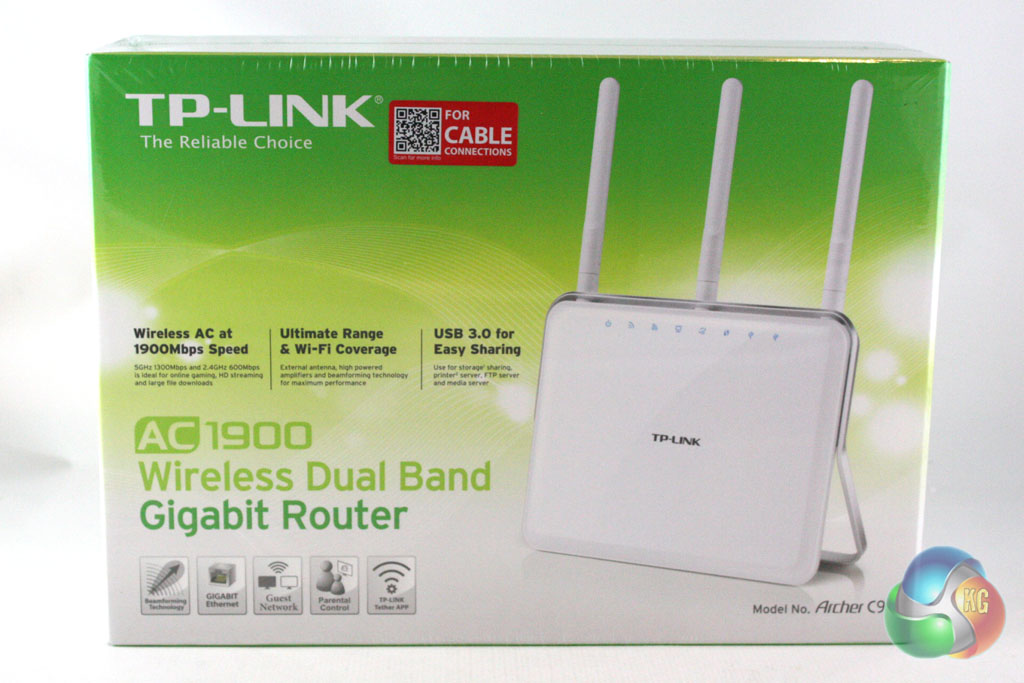
The Archer C9 is supplied in a large box which is decorated in a green and white livery. On the front of the box we can see a large image of the router alongside details of the headline features of the router.
Turning the box over reveals an image of the back of the router which is used to illustrate the connectivity options. There is also a more comprehensive list of the features of the router here alongside a table which compares this model with a number of others from the TP-Link range.
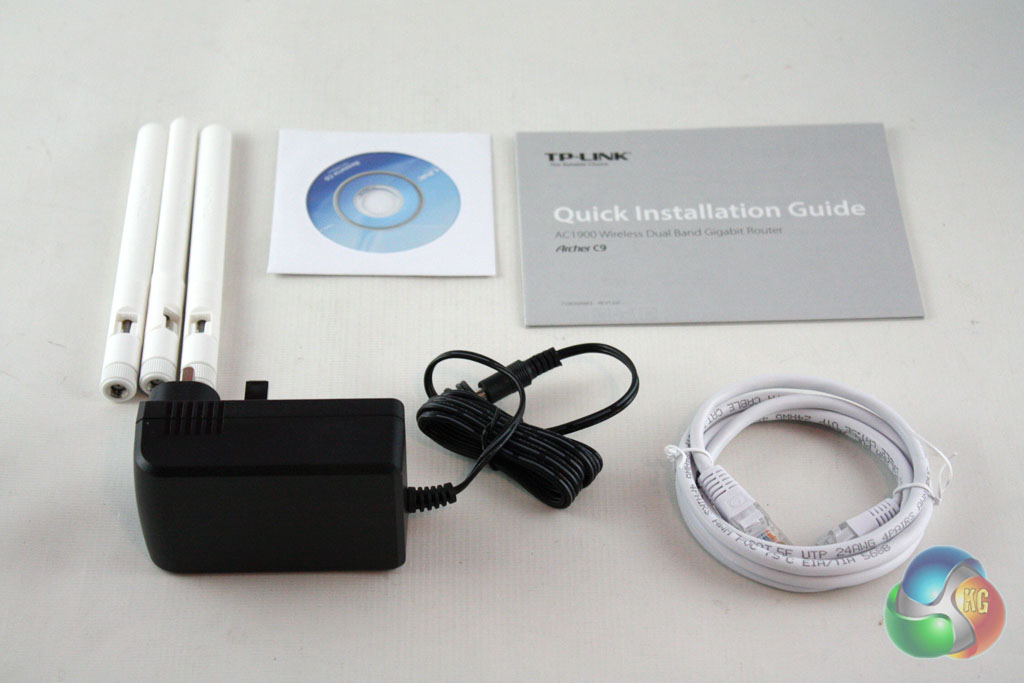
Inside the box, we find a standard accessory bundle for a router. It includes the power adapter, a gigabit Ethernet cable, a driver CD, the three antennas for the router and a series of manuals and other paperwork.
The AV500 Powerline WiFi kit is supplied in a smaller version of this box with comparable pictures and information. This kit is supplied with two further Ethernet cables, a driver CD and some documentation.
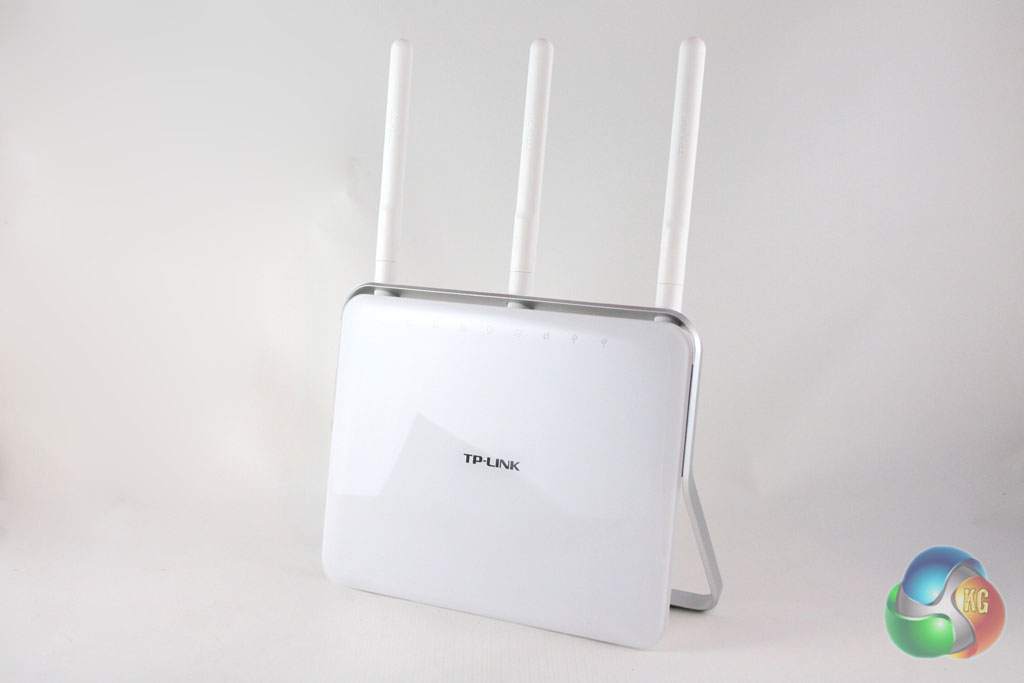
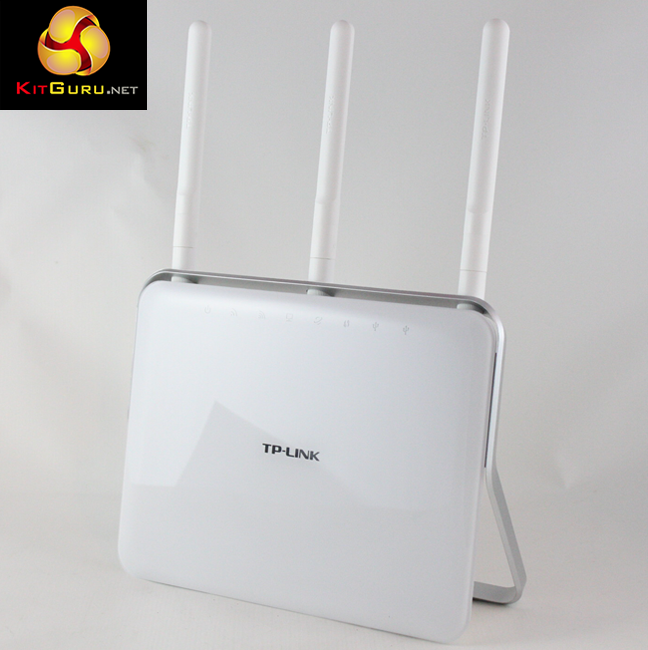
The TP-LINK Archer C9 is not the most stylish router that we have seen, but it is hardly an ugly duckling either. The router itself stands upright (it is not possible to position it in any other orientation) and is finished in gloss white plastic.
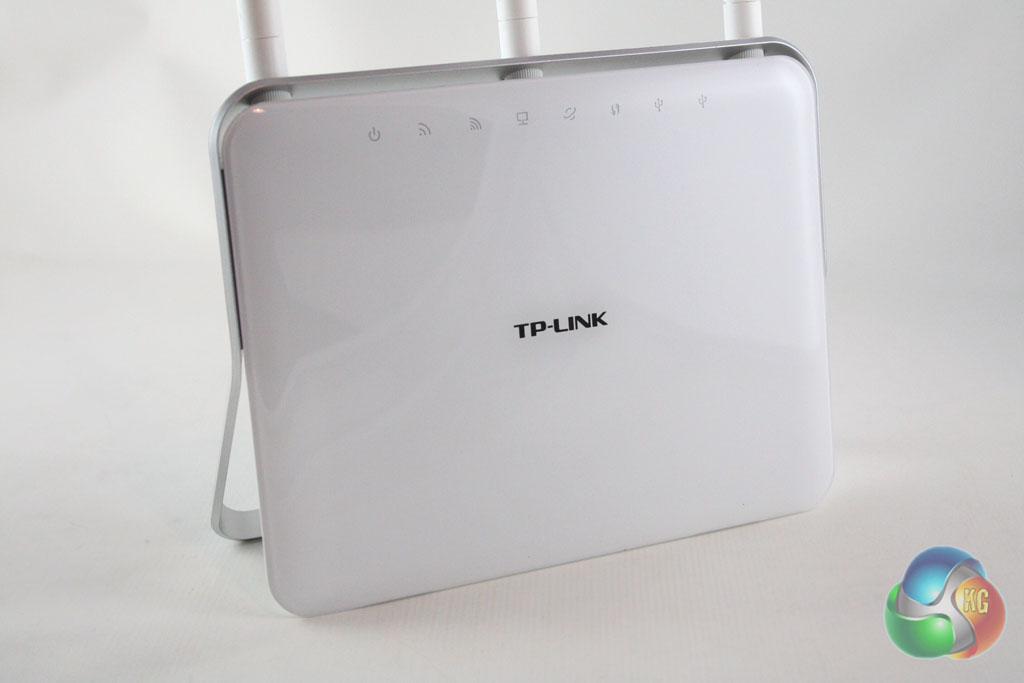
TP-Link have kept the branding on the subtle side, with a small local located in the middle of the gloss plastic sheet which finishes the front of the unit.
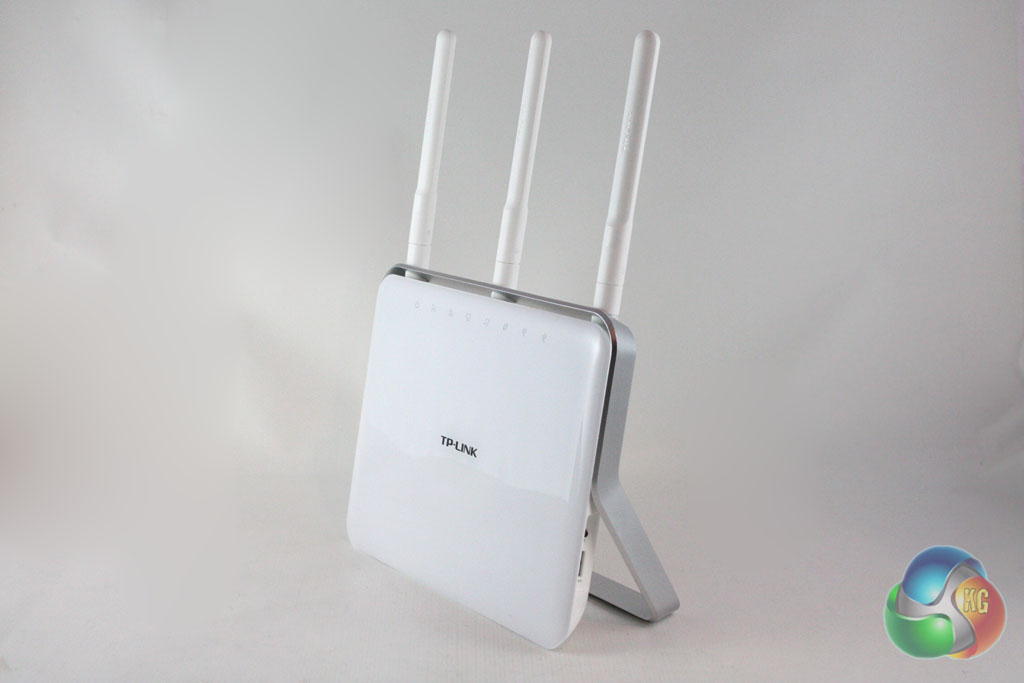
We find a series of eight LED indicators which span the top of the router, and are located directly below the three antenna. These are removable and can be positioned in multiple orientations.
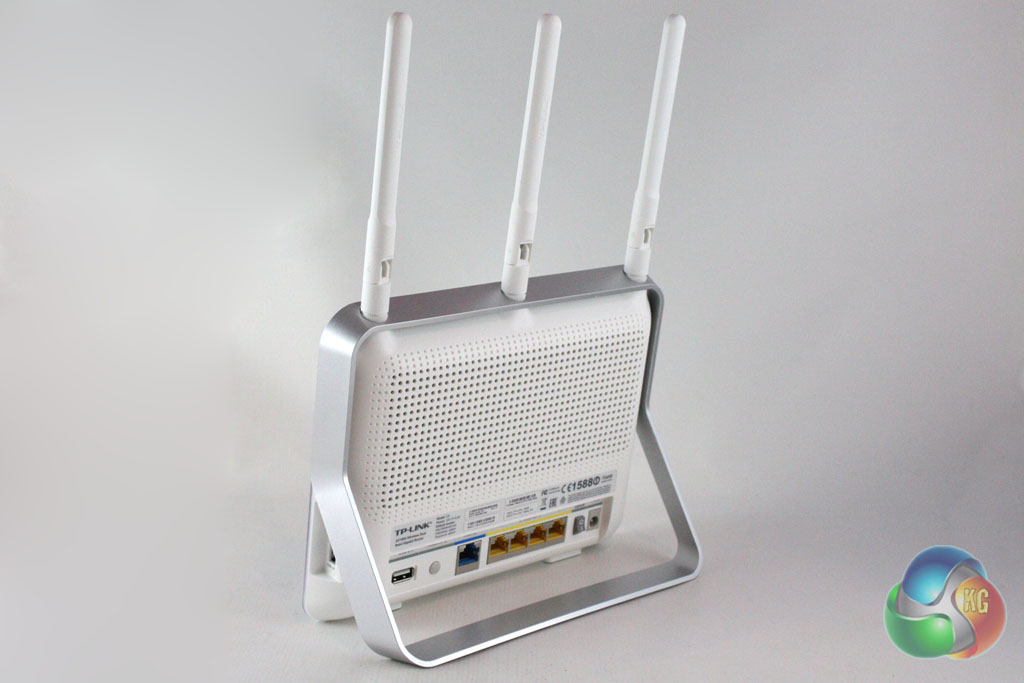

Turning the router around reveals the extensive hub of connections on the reverse side. From left to right we find a USB2.0 port, the WPS/Reset button, an RJ-45 Ethernet jack to connect the router to the internet, four further RJ-45 Ethernet jacks which act as a switch, the power button and the DC-in jack.
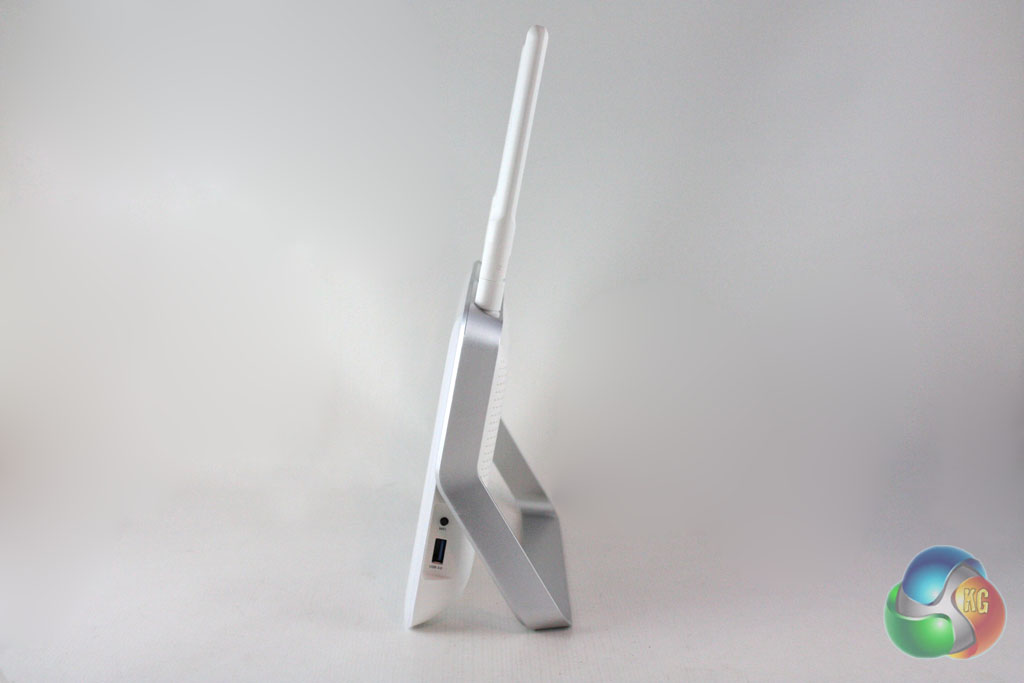
In addition to the connections on the rear of the router we find a USB3.0 port and a WiFi button on the right hand edge of the router.
We have already reviewed the powerline adapter portion of the AV500 WiFi kit which can be viewed here. In this section we will focus on the AV500 WiFi adapter which is supplied as part of the kit.
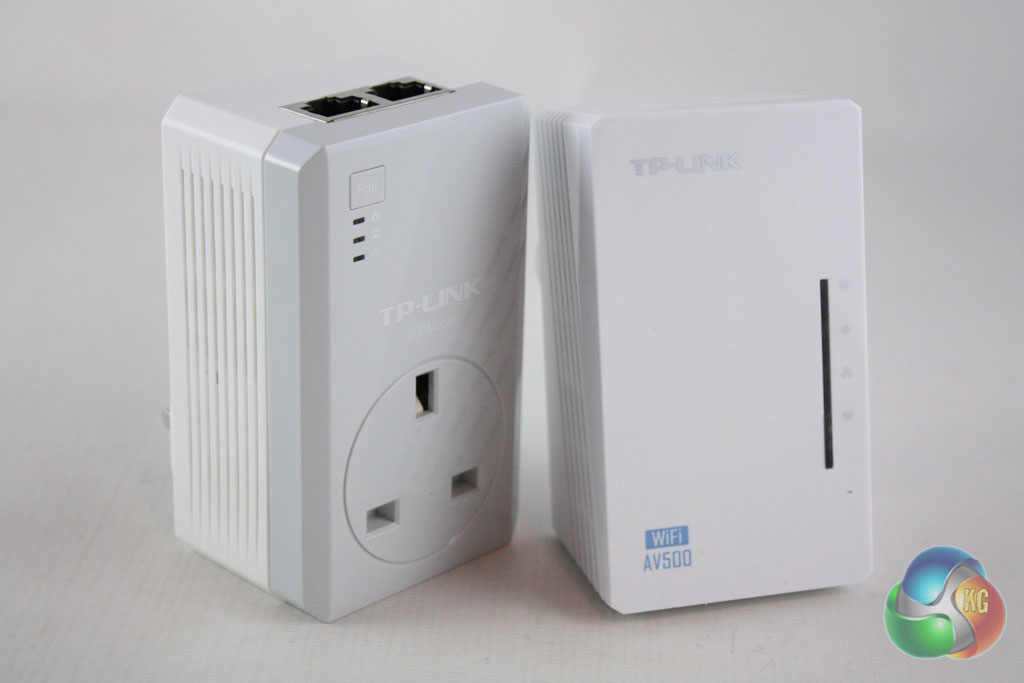
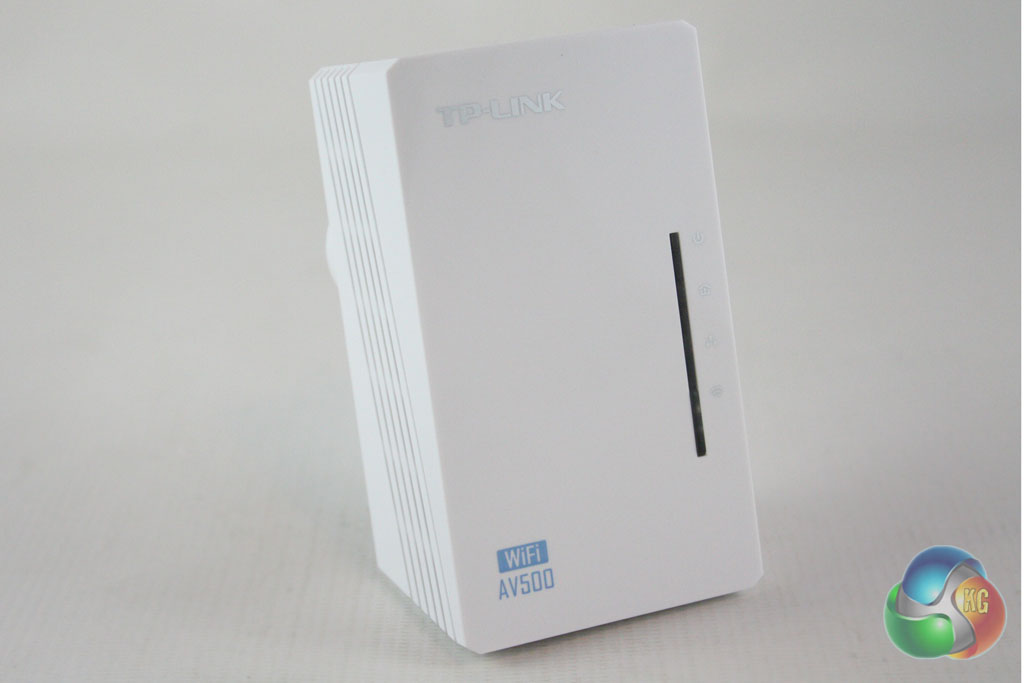
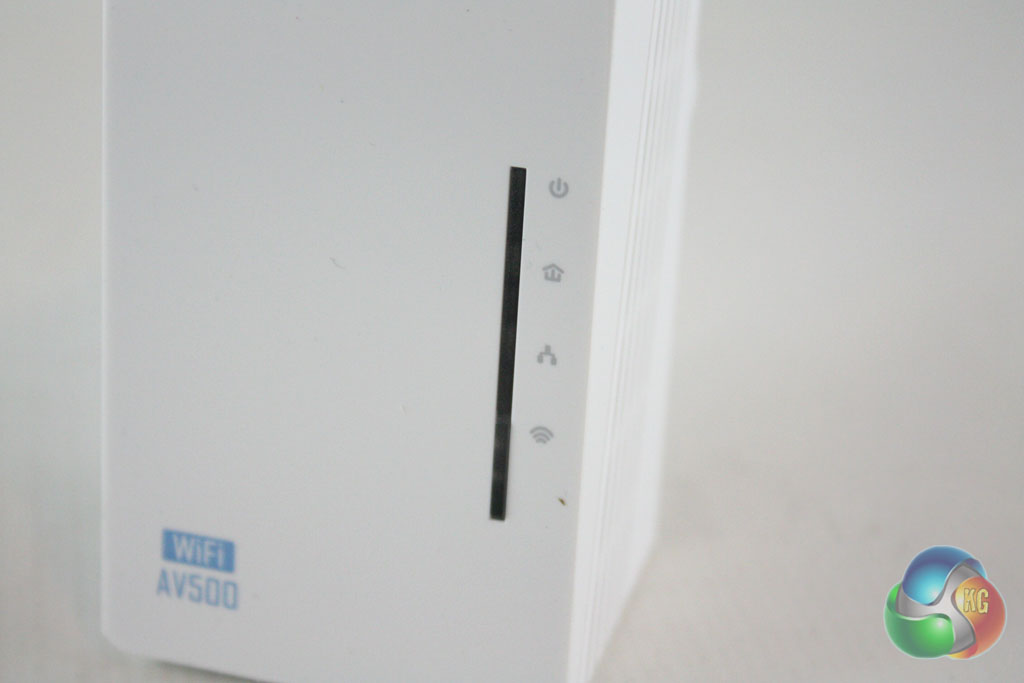
The WiFi adapter is finished in gloss-white plastic and features a series of LED indicators on the front.
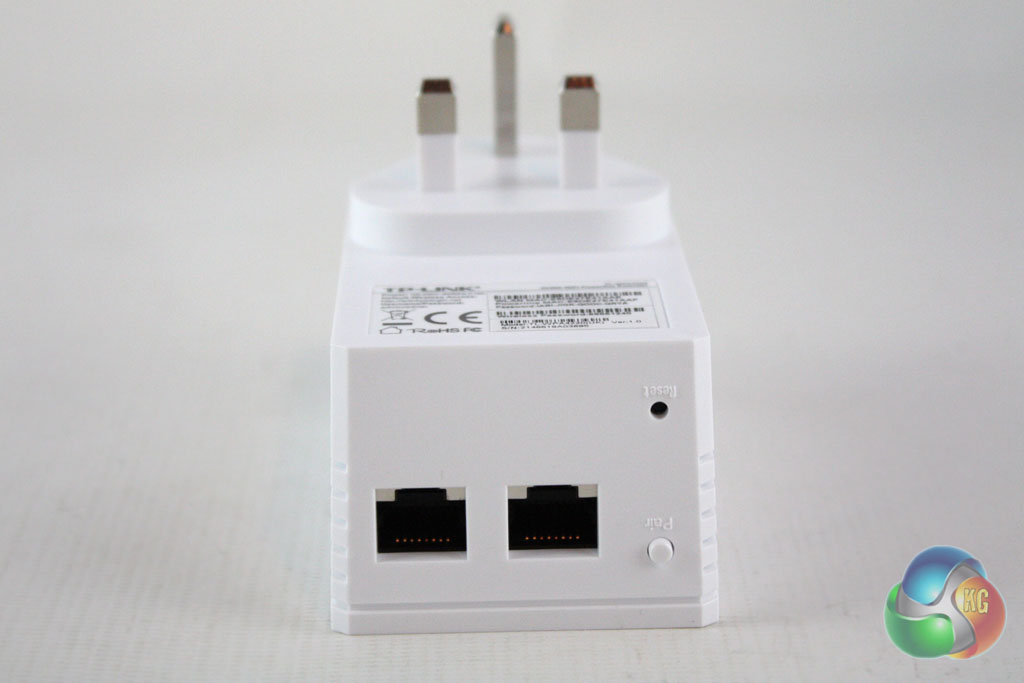
Like the powerline adapter, the WiFI adapter features twin Ethernet jacks in the bottom which let you use it for a physical connection too.
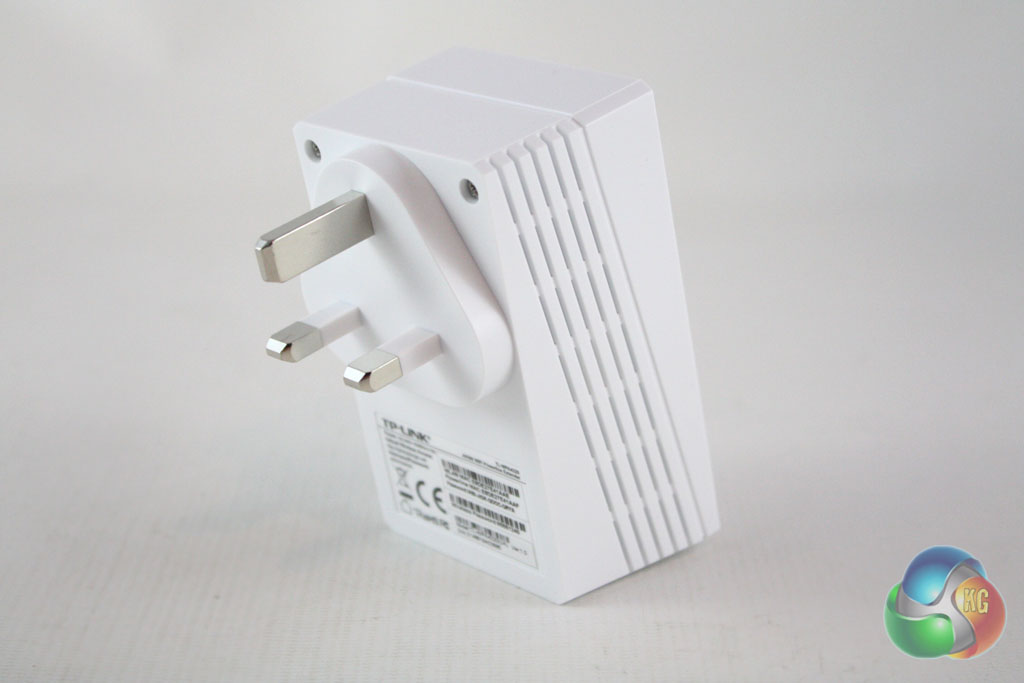
Perhaps the most interesting feature of this range extender kit is that it connects to the router through a building's electrical wiring rather than simply repeating a wireless signal. This means you can position it further away from your main router, giving you wider wireless coverage.
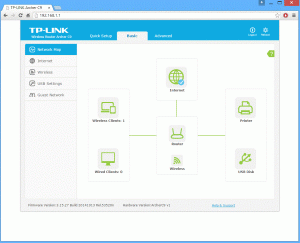
Tenda have created a simple but effective browser interface for the Archer C9 which is well suited to both basic and advanced users.
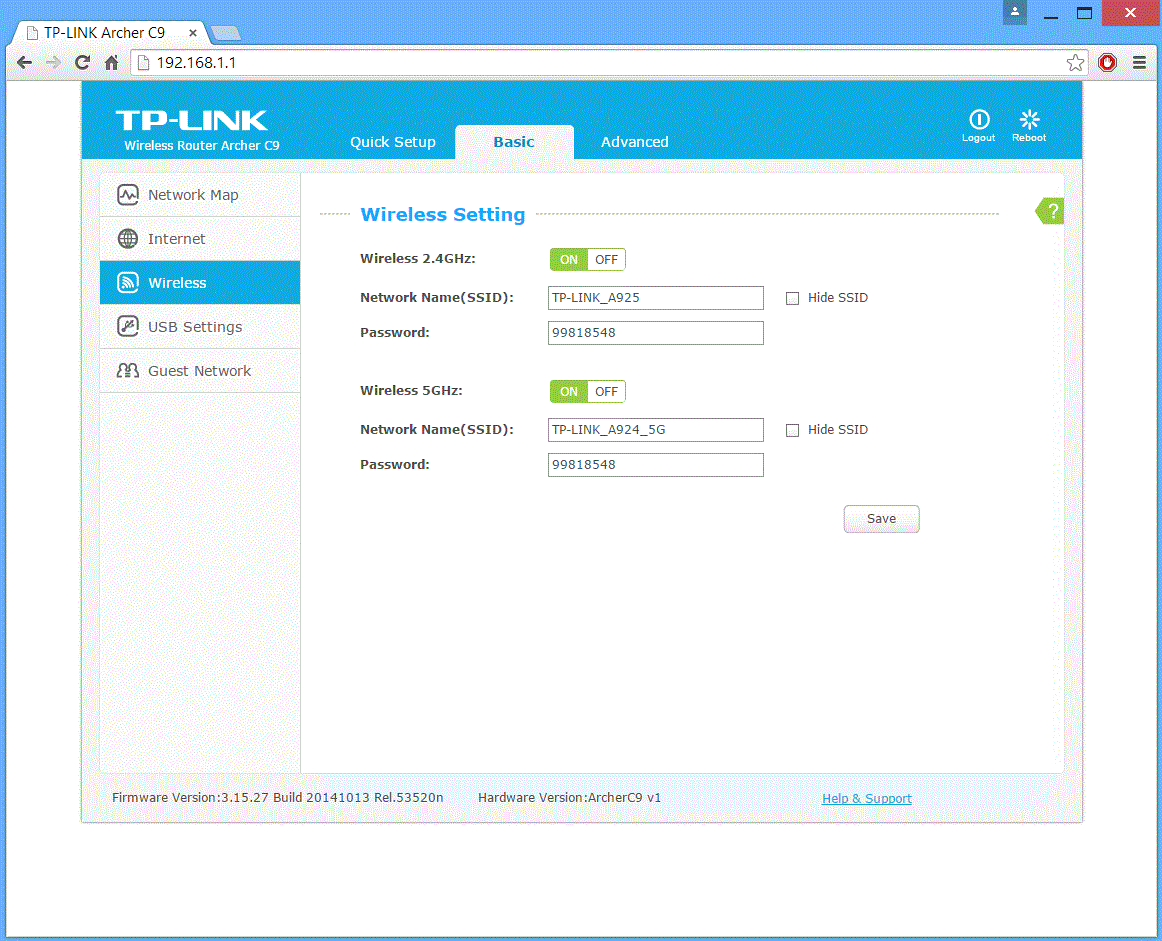
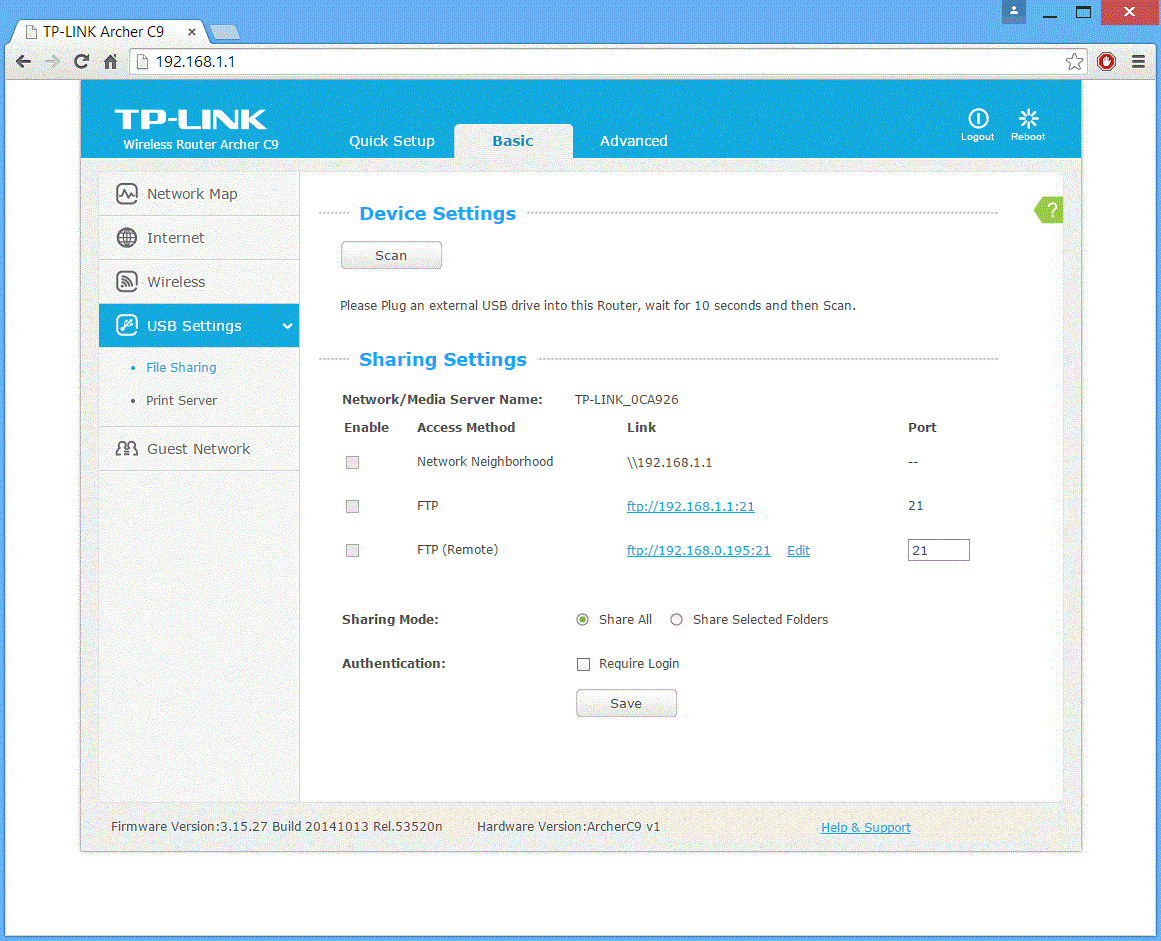
When we access the main browser, we are greeted by a simplified interface which features everything that most users would want to access.
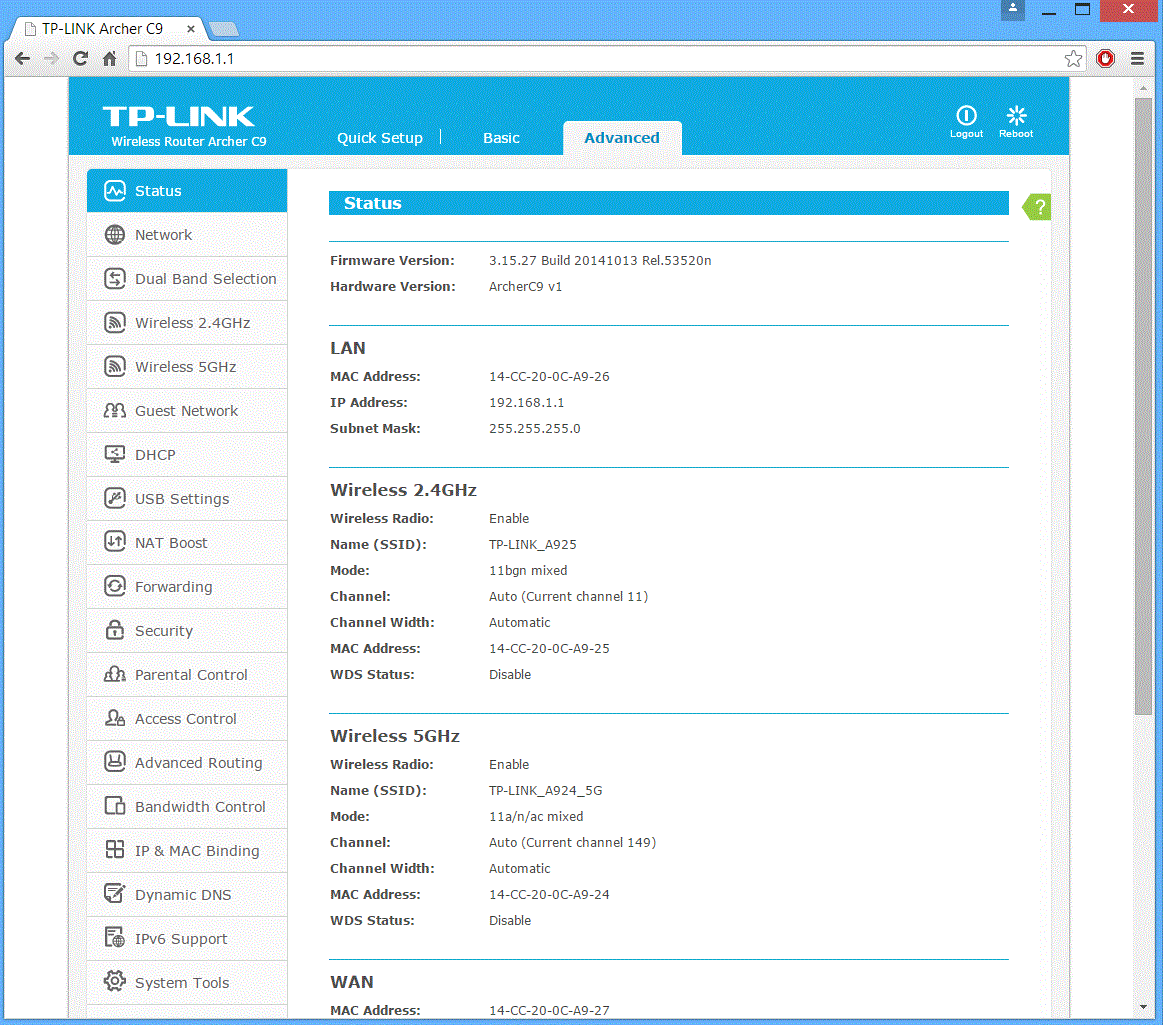
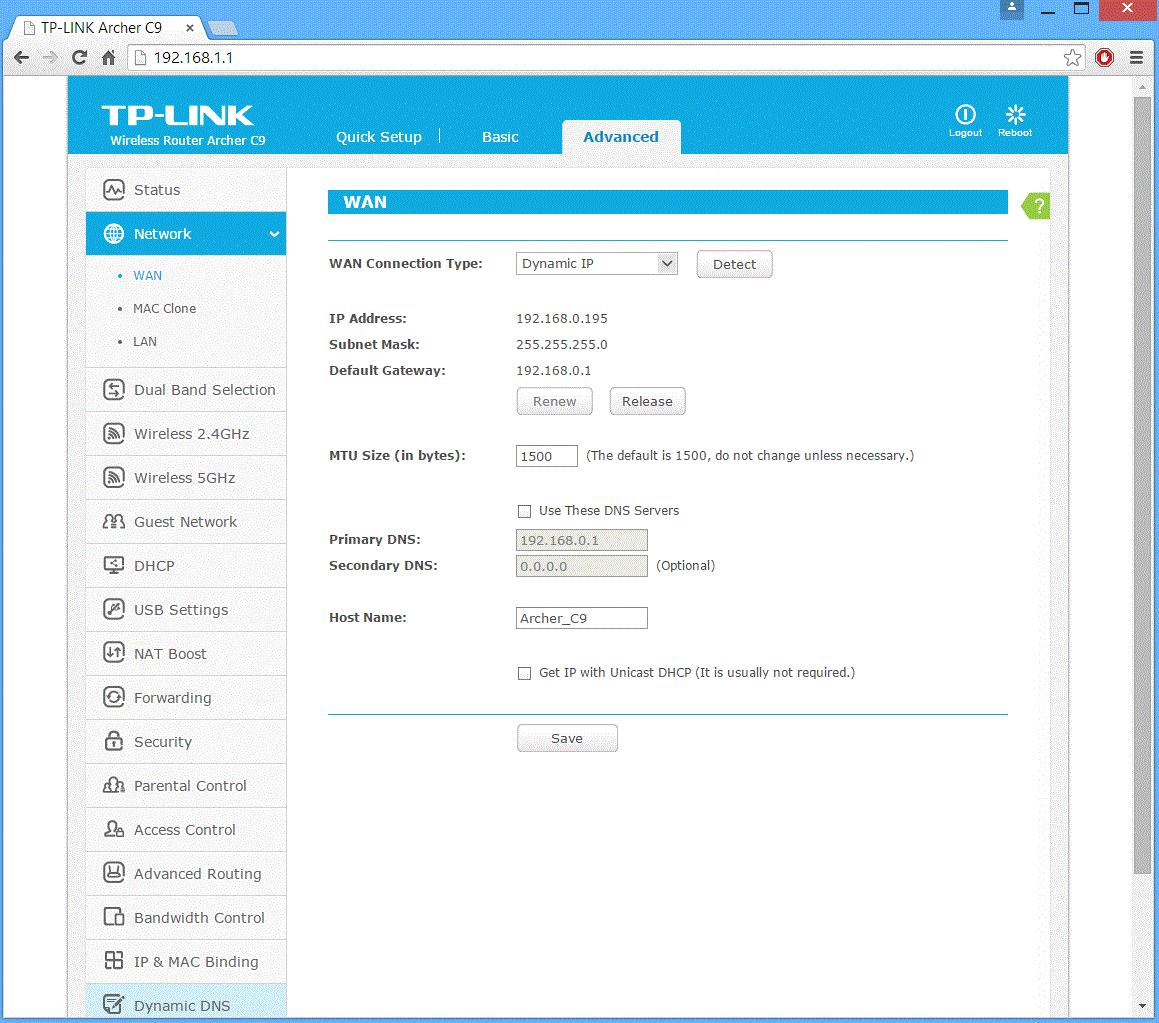
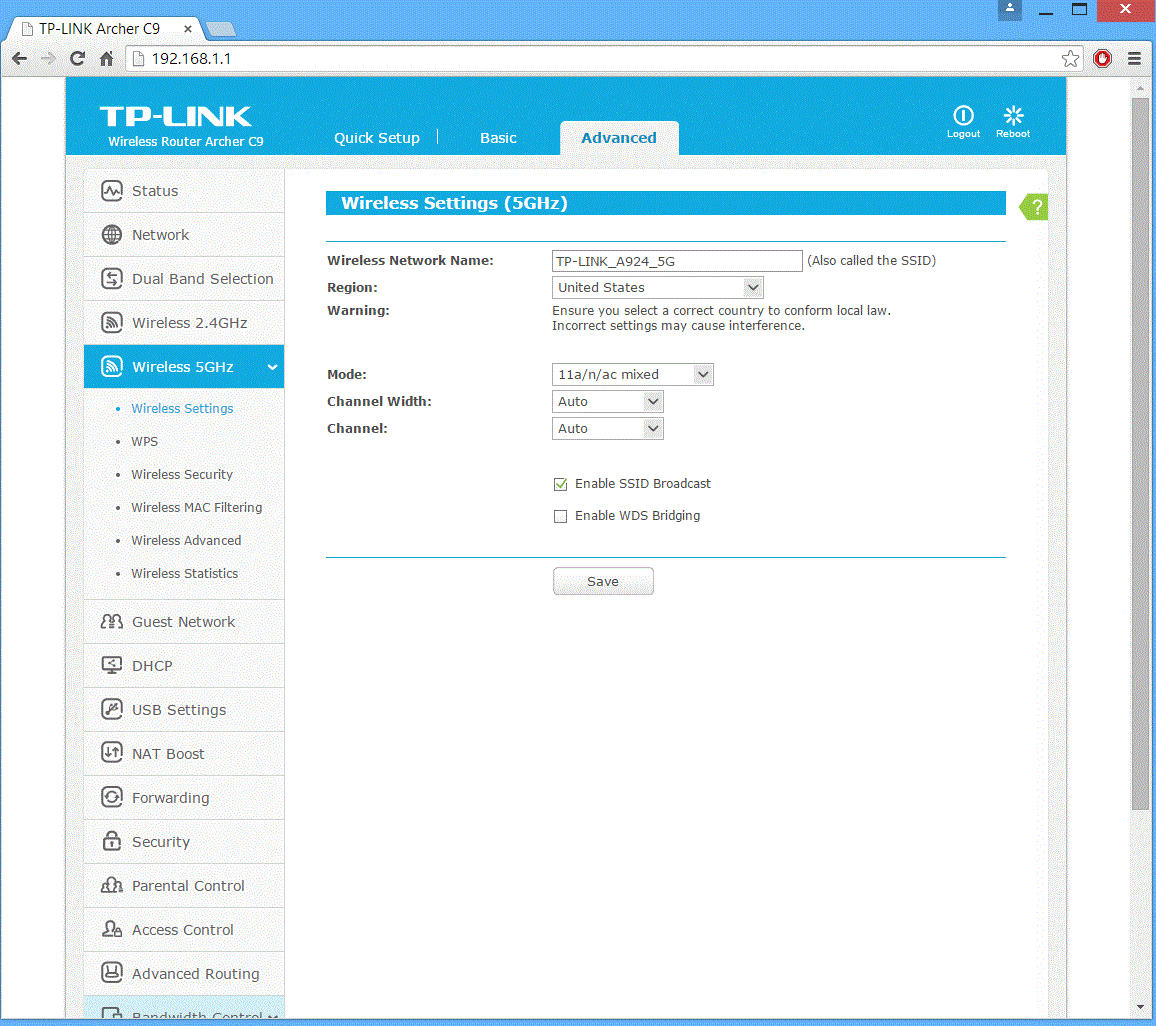
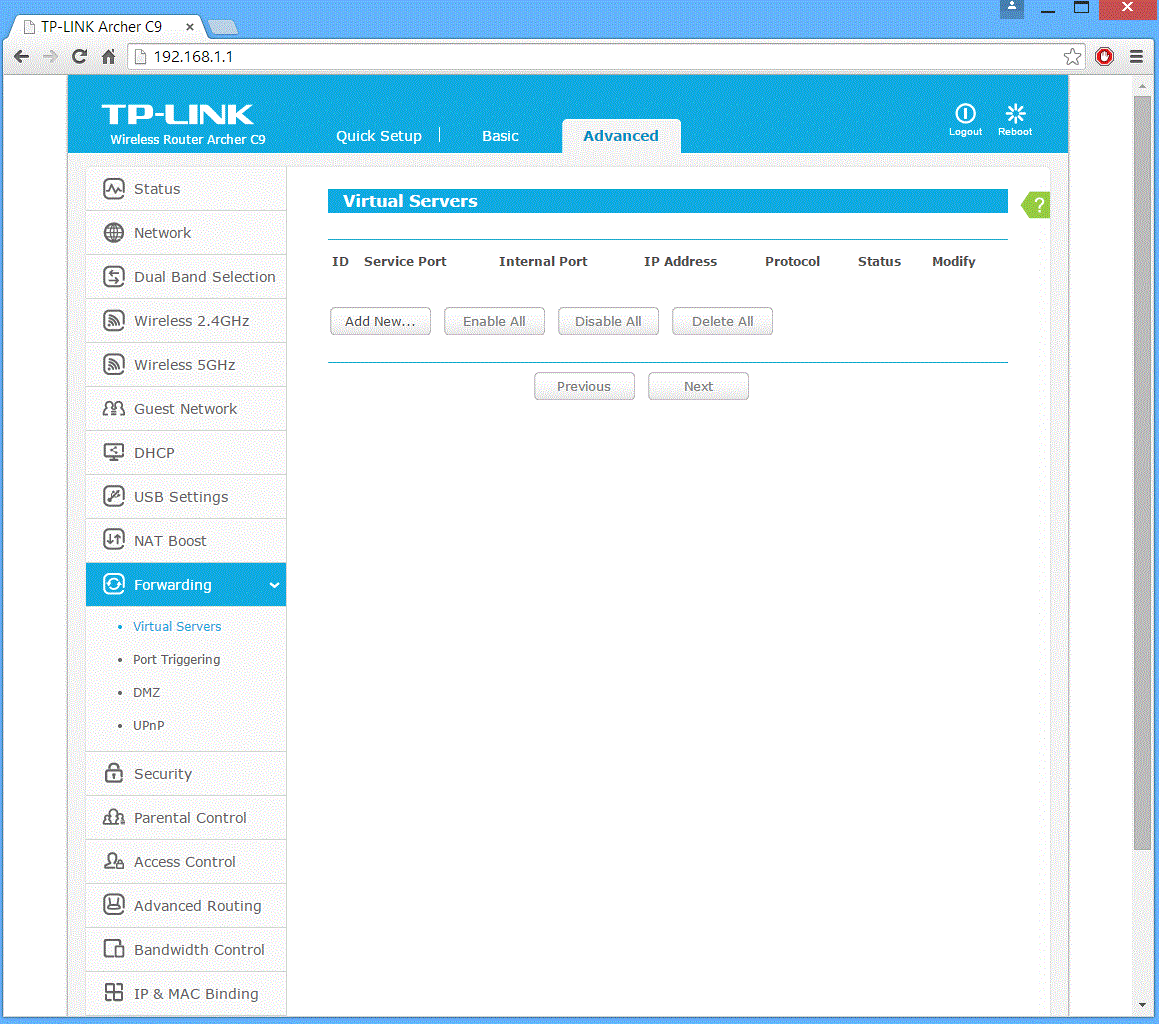
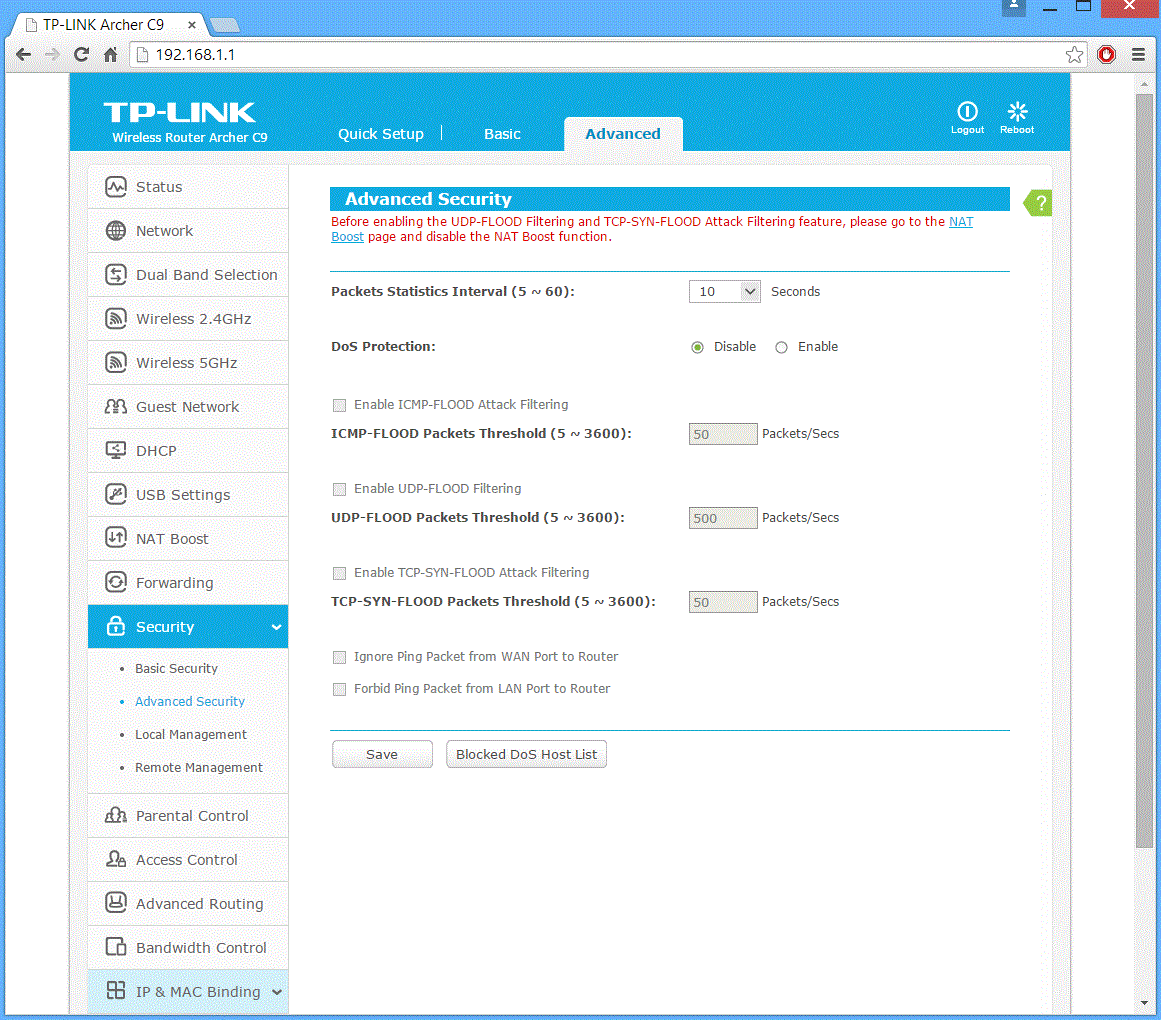
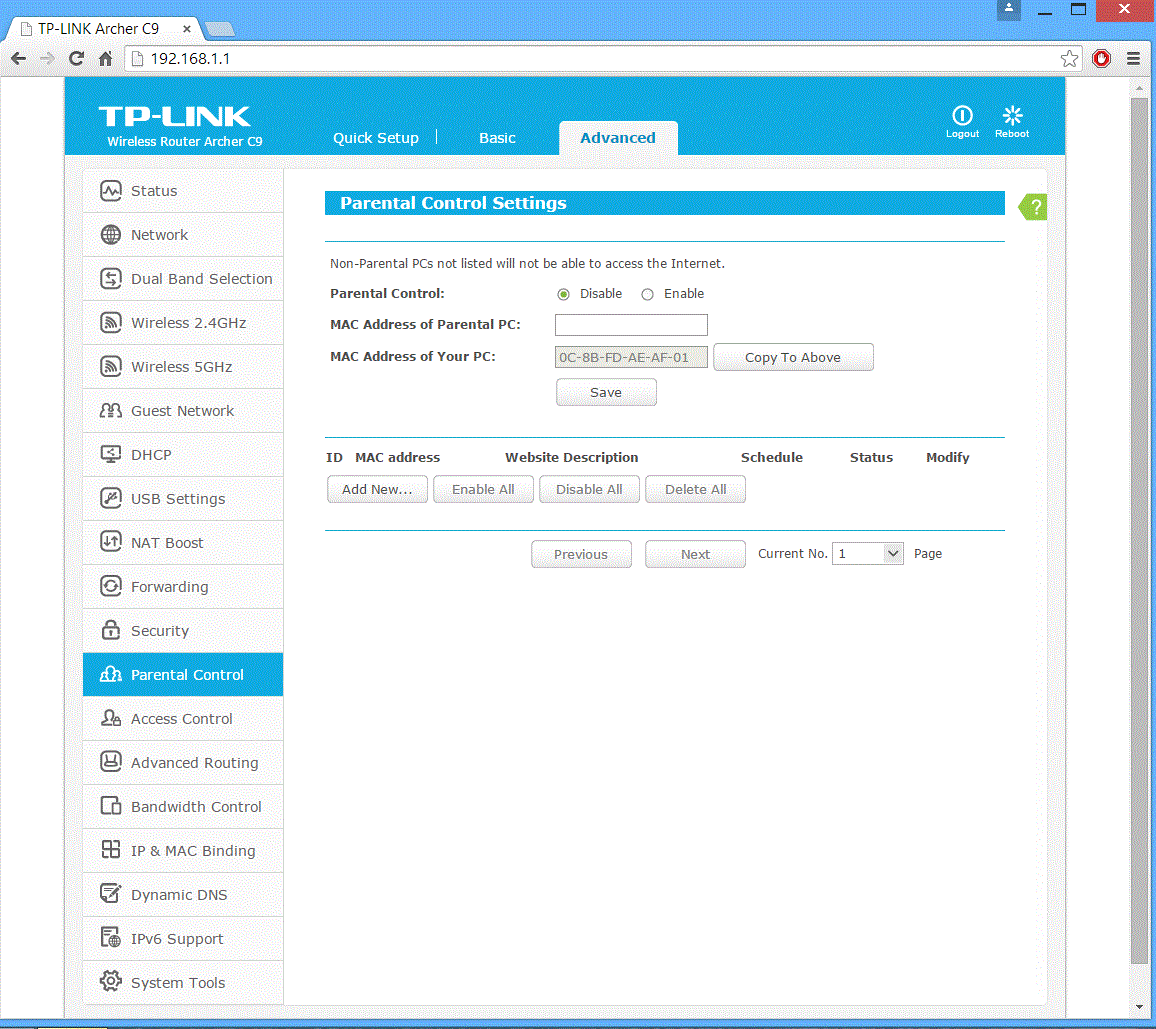
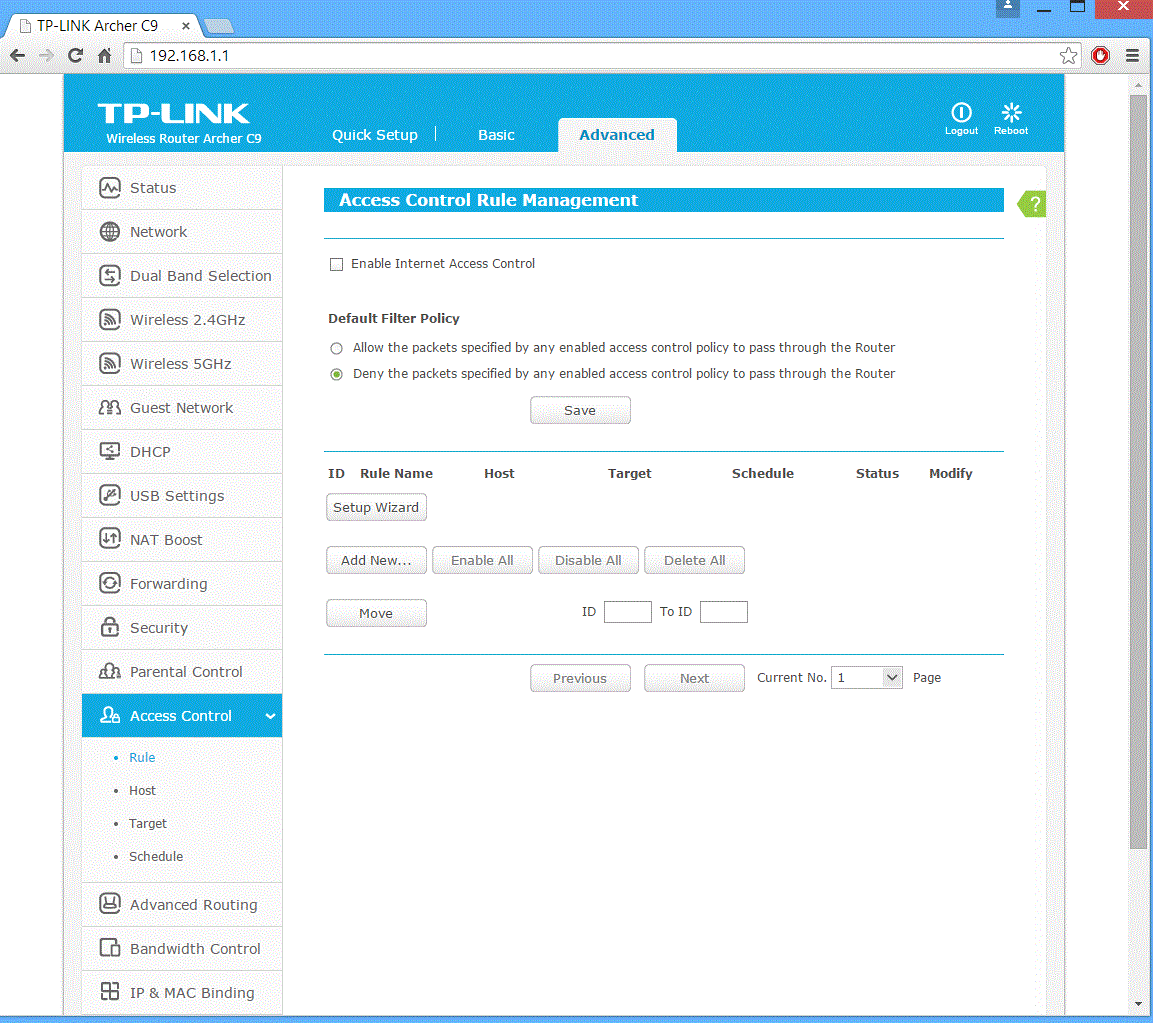

Clicking the advanced interface brings up a vast array of different options which cover everything we could possibly expect from a high end router. Please see the screenshots above for more detail.
To test the TP-Link Archer C9 and AV500 WiFI Range Extender Kit, we used Totusoft’s LAN Speed Test software to measure the real-world network throughput when transferring a 100MB file between a wired ‘server’ laptop and a wireless ‘client’ laptop. LAN Speed Test provides real-world performance results as it creates the file, measures the time taken to transfer it, and calculates the effective network throughput.
To eliminate potential bottlenecks, the ‘server’ computer was connected via Gigabit Ethernet to the TP-Link Archer C9. As we wanted to test wireless performance, the ‘client’ laptop was connected via the maximum supported speed on the 2.4GHz and 5GHz frequency bands.
It is important to point out that the walls in my home are very thick which does have a negative impact on a wireless signal.
We tested the performance of the router and range extender in three different positions:
- Short Range: Router positioned with the ‘client’ laptop three feet away, to show the best performance scenario.
- Mid Range: Range extender and laptop located 20 feet from the main Router on the floor below, with the signal passing through one solid wall.
- Long Range: Range extender located in the same place as the mid-range test, with the ‘client’ laptop located 15 feet further away through another solid wall.
In all three of the scenarios we recorded the performance connecting both to the router directly and through the range extender. We also tested these on both 2.4 GHz and 5 GHz bands.
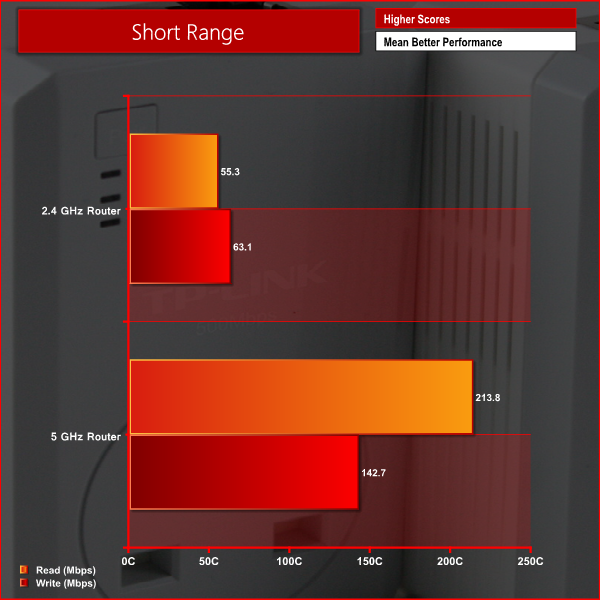
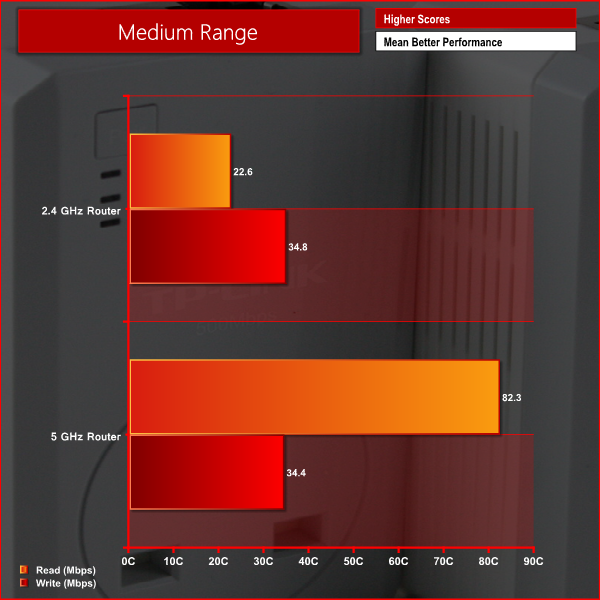
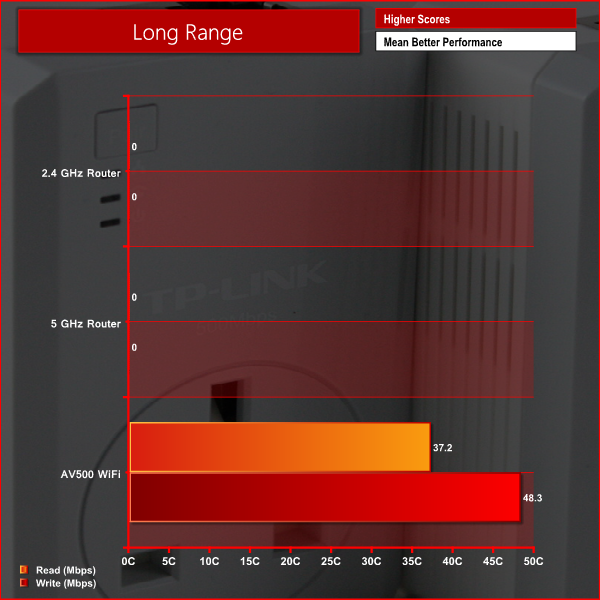
As we can see from the graphs above, we experienced far superior performance at short range on the 5 GHz band in both the read and write tests. At medium range, read performance remained superior on the 5 GHz band but write performance was similar to 2.4GHz. At long range, we weren't able to connect to the router on the 5 GHz band and received a very weak signal on the 2.4 GHz band – although this wasn't enough to complete our tests. We did however experience strong performance from the range extender at long range.
Everything considered, we are quite impressed by the TP-Link Archer C9 AC1900 Dual Band Wireless Router. It offers an impressive feature set considering the price positioning of the unit, competing with a significantly more expensive units. We were also very impressed with the level of build quality offered by the router.
In terms of performance the Archer C9 can deliver the goods. We were particularly impressed with the expanded range when using the AV500 WiFi kit which has the unique benefit of connecting to the main router through the power network, meaning that it can be placed wherever in your house you desire.
The router is very easy indeed to set up – we simply plugged in all the cables and it was ready to go. The Av500 kit is very simple to configure too, only requiring you to press two buttons to get it up and running. The browser interface offered by the Archer C9 is one of the best we have experienced. It boasts an intuitive layout and all of the configuration options we could possibly ask for.
At a price of £120 from Amazon, we think that the TP-Link Archer C9 AC1900 Dual Band Wireless Router offers reasonable value for money. The TP-Link AV500 WiFi kit is available for an additional £60 from Amazon. Although this may sound quite expensive, it will certainly be worthwhile for those users who suffer from poor wireless coverage across their home. We would probably opt for the version without a power socket pass through, though, as this saves £10.
Discuss on our Facebook page, over HERE.
Pros
- Good performance.
- Easy set up.
- Simple browser interface.
- Decent value for money.
Cons
- Can only position vertically.
Kitguru says: A decent pair of products which are ideal for those looking for decent wireless performance and might struggle with range issues.

There is a comment where the author types “Tenda” instead of “TP-Link”. I believe they are completely separate companies, absolutely no connection and from all the radio-chipset tests, use completely different components. TP-Link is earning a great reputation while Tenda has earned an opposite one.
I don’t criticise the Mounting Orientation limitation. Just about every router is meant to be mounted one way OR another way. This can be laid on its side, after all. AND the stand (or frame) can be clamped sturdily to any other object for any multitude of mounting orientations.
What you SHOULD criticise is the antennas are NOT moveable. They are screwed into the frame then into the case (like most swivel antennas) but the frame locks them into one and only one orientation. It’s not the router that is the problem – it’s the lack of swivelable-moveable antennas, and more and more studies show it’s the antenna orientation that is THE problem or THE solution for better signals.
Not this “vertical only” mounting complaint.
Also, your comments about powerline adapters make them sound like Be-All / End-All solutions. They’re NOT. With most dwellings’ wiring configurations, they work in some rooms, but not others because of circuit breakers, wiring construction faults or whatever. Fortunately, the setup is indeed very easy – “two buttons and they work.” Or rather, they may not work. But this too is rather a luxury – Powerline Adapters have that rather wonderful feature – they work out of the box, or they don’t! There’s no settings to adjust, only locations inside a dwelling to test. They’ll either work after a few minutes of sync’ing attempts, or they never will; and then move them to a different power-outlet and try again with the “two button” setup. Very quick, compared to most other networking products! Buy locally, and it’s much easier to return them IF they don’t work.
◔◔◔◔Make over 13k/M0NTH@af30:
Going
Here you Can
Find Out
►►► http://WorkOnlineMedias.com/profitable/2015…