KitGuru KitGuru.net – Tech News | Hardware News | Hardware Reviews | IOS | Mobile | Gaming | Graphics Cards


NETGEAR often leads the way with new WiFi standards, and its premium WiFi 7 mesh system, the Orbi 970 Series, was launched in Europe a year ago. But a three-unit setup of that costs over £2,000. Now, at last, we have the more affordable Orbi 770 Series, with a reduced specification and smaller devices. This one comes in at £800 for a router and two satellites. But can it still deliver WiF7 performance that extends across an entire house? We put the NETGEAR Orbi 770 Series (RBE773, which means the package with three units) through our exhaustive suite of tests.
This is a BE11000 system, meaning it combines 5,760Mbits/sec at 6GHz, with 4,320Mbits/sec at 5GHz, and 688Mbits/sec at 2.4GHz. Where the 970 Series is quad-band (four radios) with BE27000, the 770 Series is tri-band, so it doesn't have a dedicated backhaul, which theoretically reduces performance. However, with WiFi 7's ability to use 5GHz and 6GHz together in parallel, this might not be such an issue. The aerials have a 2×2 configuration, too, rather than 4×4.
With the three-unit bundle we were testing, you get a router and two satellites, which in theory is enough to cover a 6,750 square foot area. That should be adequate for a three story house, such as the one we use for testing.
Aside from the reduced wireless specification compared to the flagship, the 770 Series has reduced performance on its wired ports, but they're still fast. All ports are 2.5Gbit Ethernet capable. You get four of them including the WAN port on the router, and two on each satellite. The 970 Series also offers a few 10Gbit Ethernet ports. There's no USB on the 770 Series, either, so there will be no option for storage or printer sharing.
So while the features are cut back considerably from the 970 Series, they're still very impressive. With a price currently down at £800 for the three-pack, you're getting a solid specification for your money. Read on to find out if the performance and capabilities still deliver.
Price: £799.99 (reduced from £879.99).
Specification:
- Wireless protocols: MU-MIMO with 802.11b/g/n/ax/be 2.4GHz, 802.11a/n/ac/ax/be 5GHz/6GHz
- Performance: AX11000 (5,760 + 4,320 + 688 Mbits/sec)
- Antenna Configuration: 2×2 internal antennas for 2.4GHz; 2×2 for 5GHz; 2×2 for 6GHz
- Ports: Router: 1 x 2.5 Gigabit Ethernet WAN, 3 x 2.5 Gigabit Ethernet; Satellite: 2 x 2.5 Gigabit Ethernet
- Modem Support: VDSL/ADSL 2+ or cable
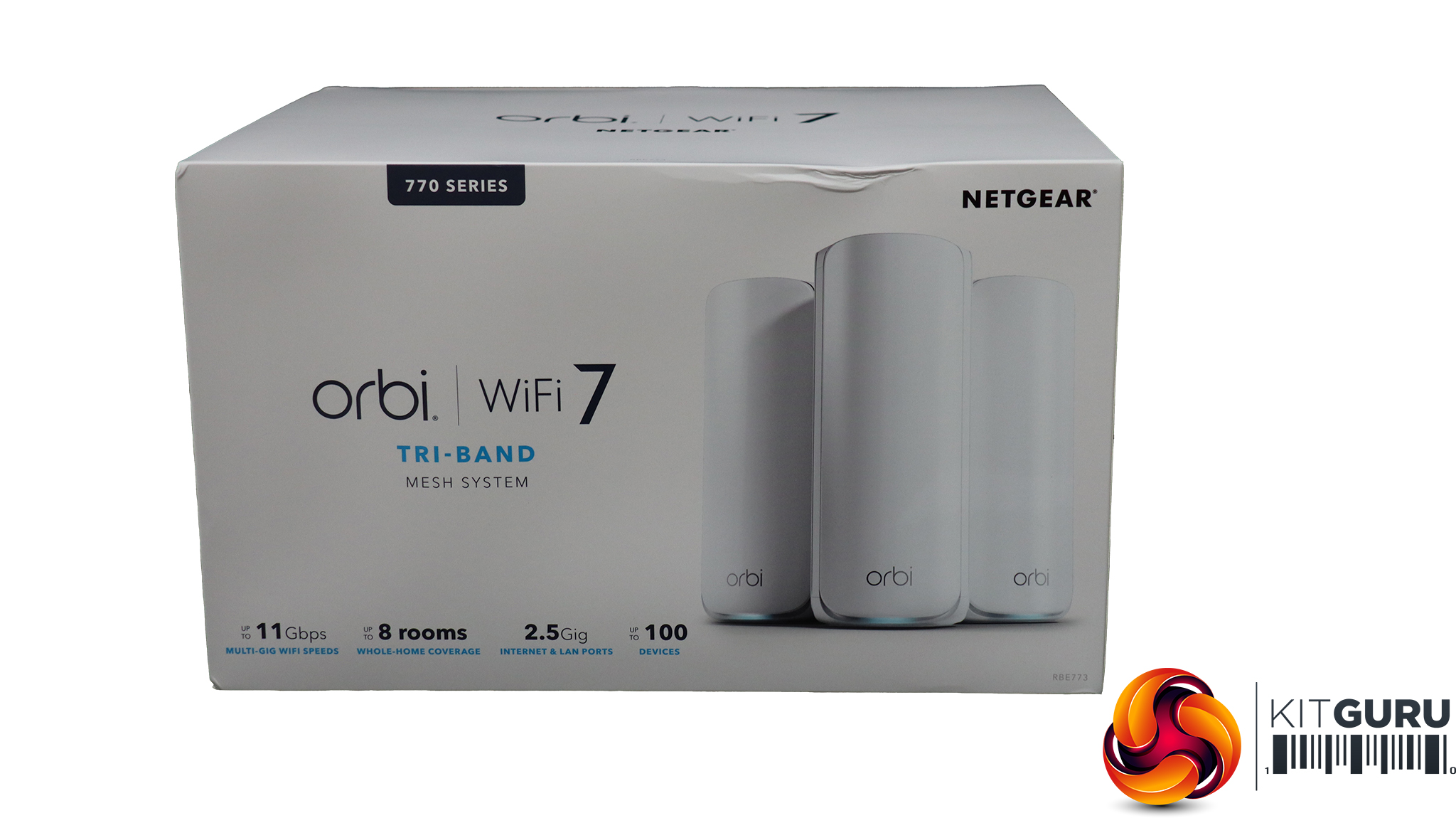
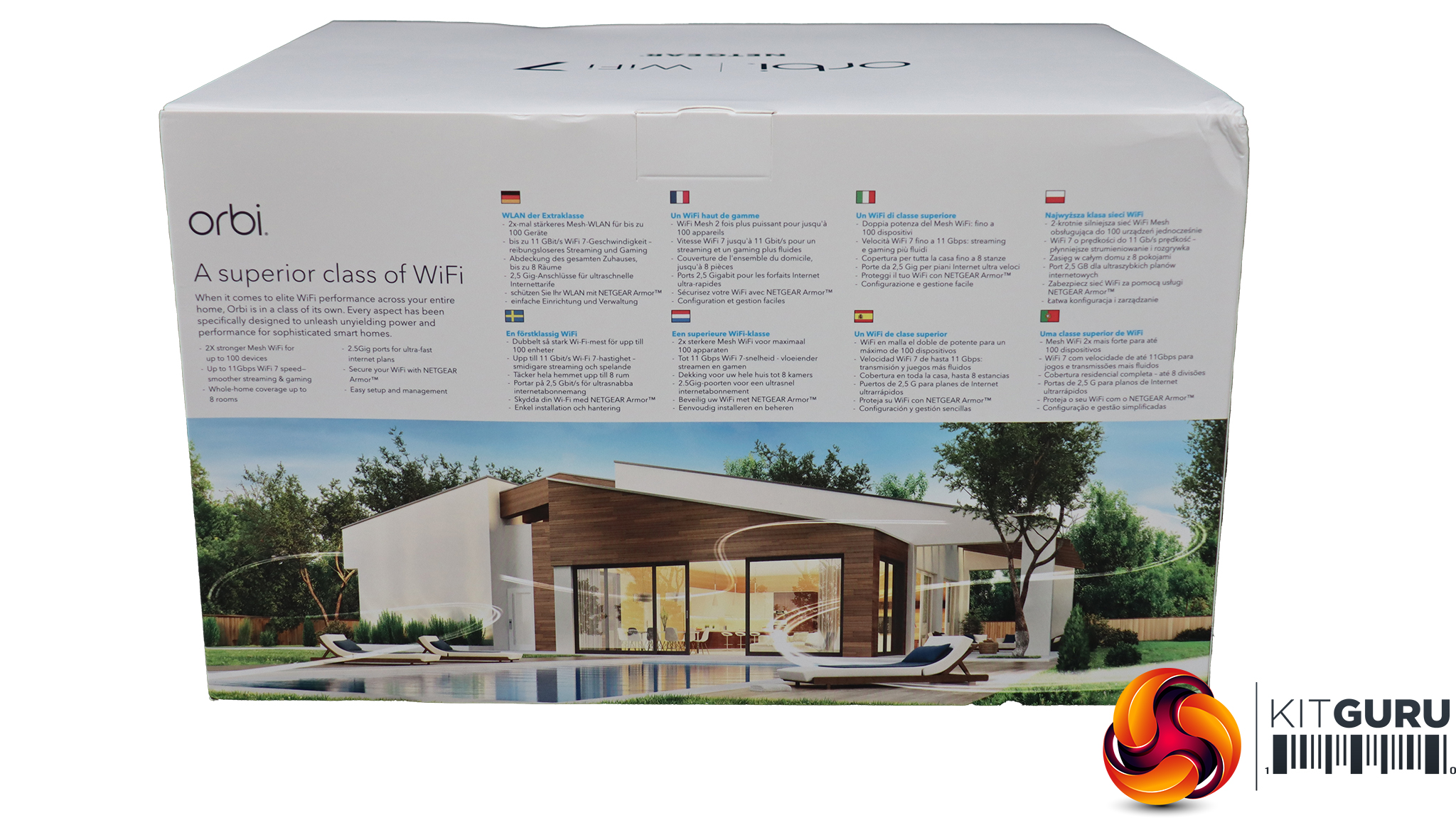
NETGEAR's Orbi packaging is always very detailed about what can be found inside and what its capabilities are.
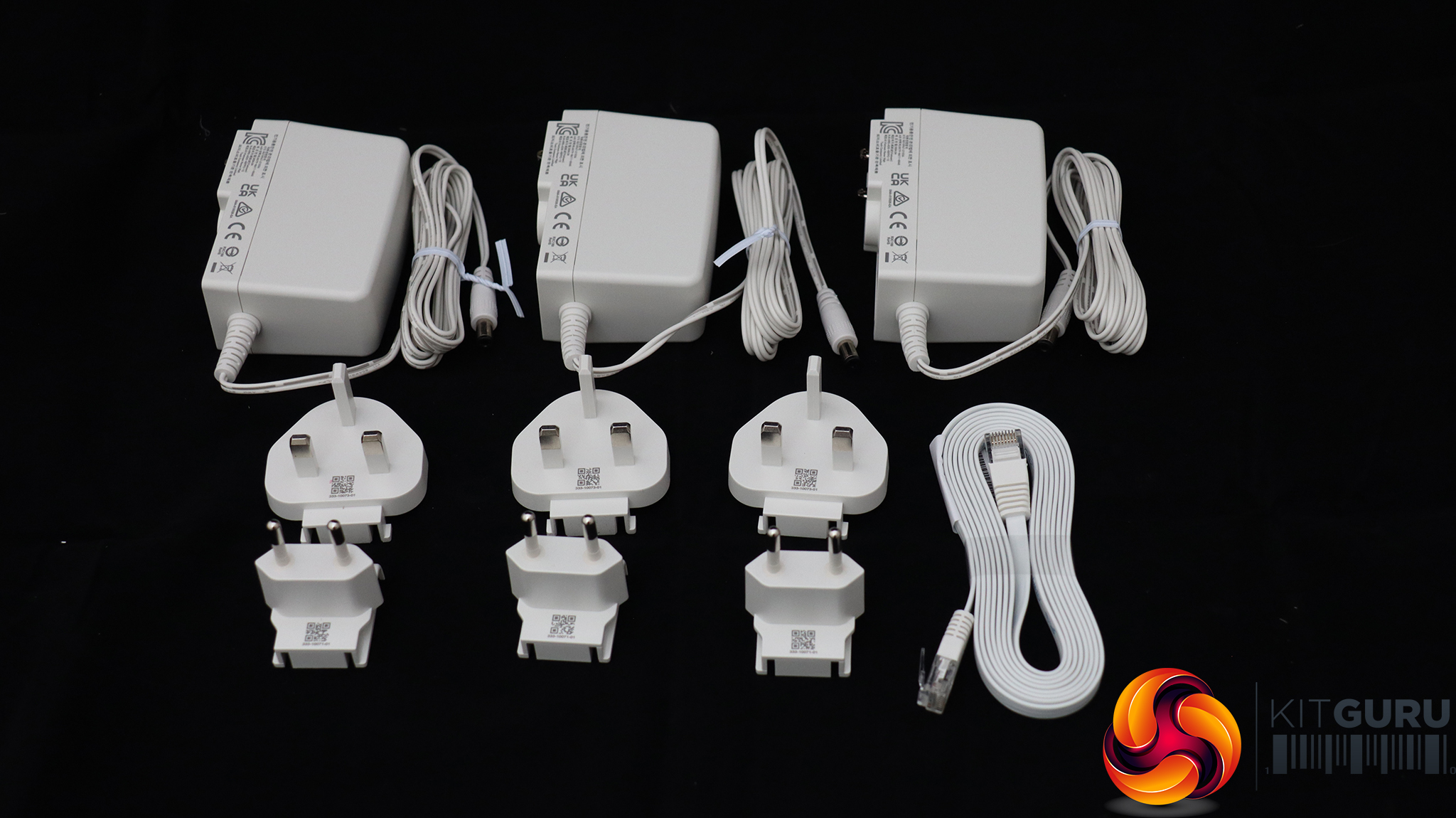
Aside from the three units, there are three power cables with a choice of UK or European power connectors, plus a ribbon Ethernet cable.
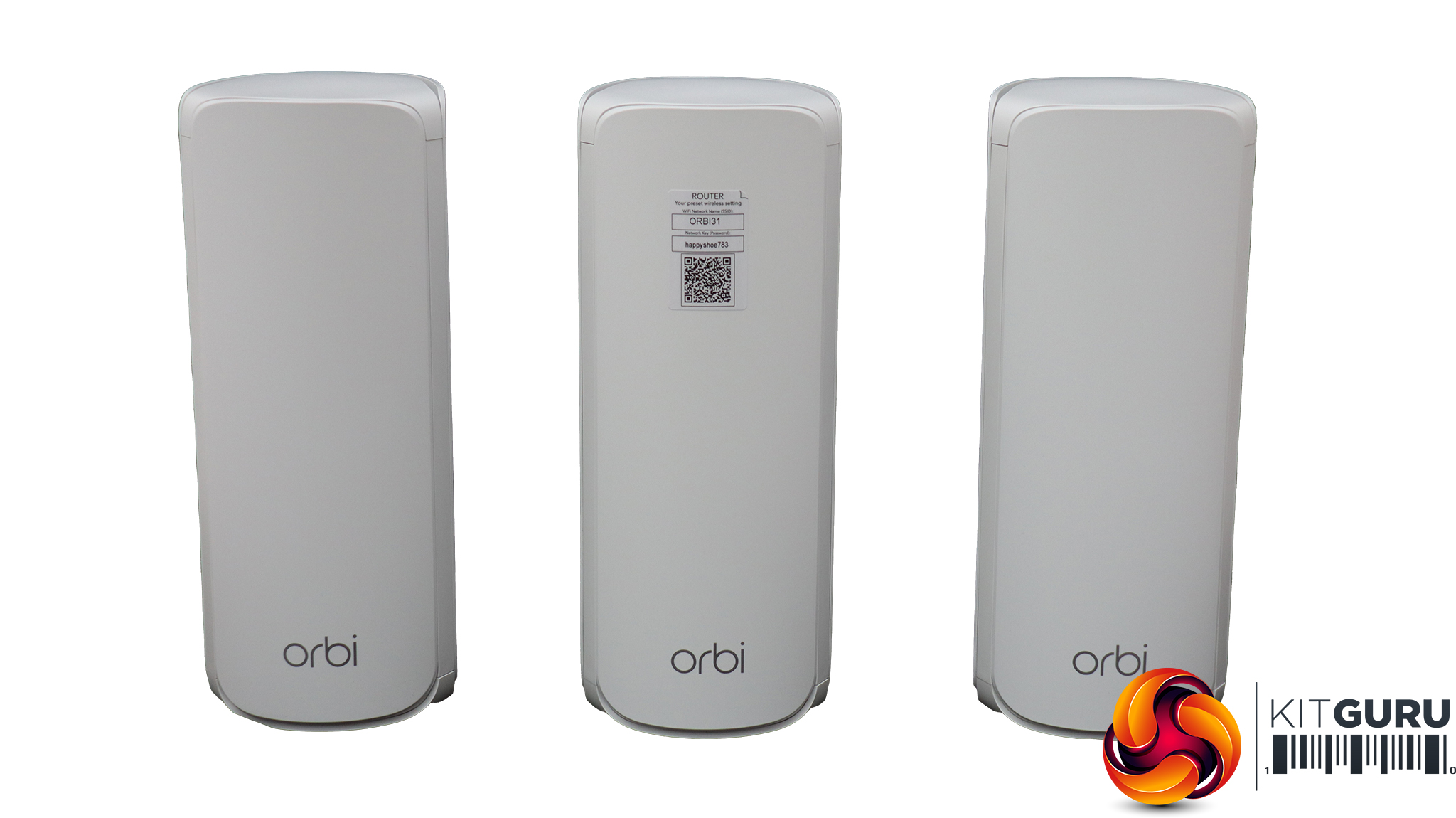
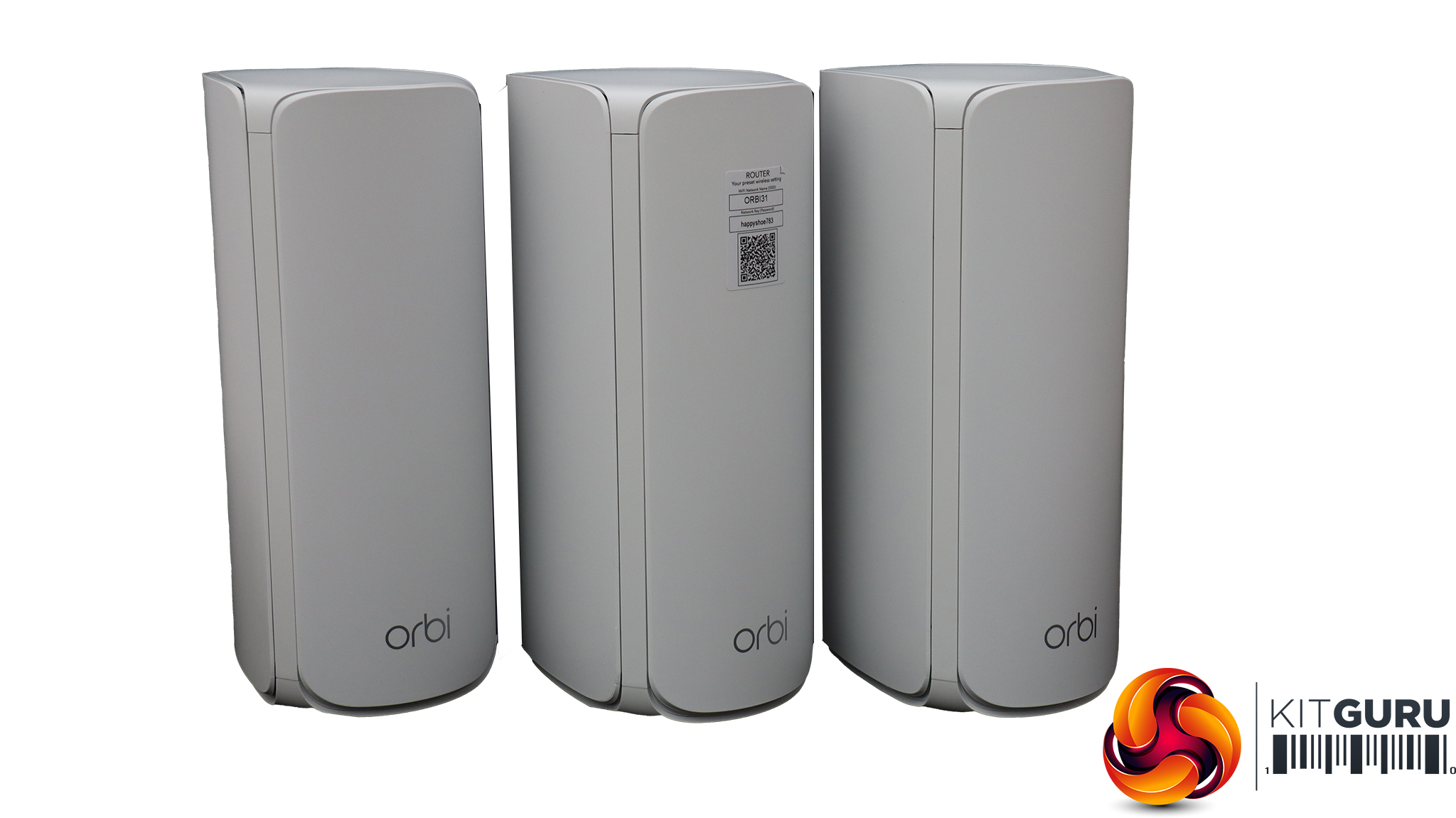
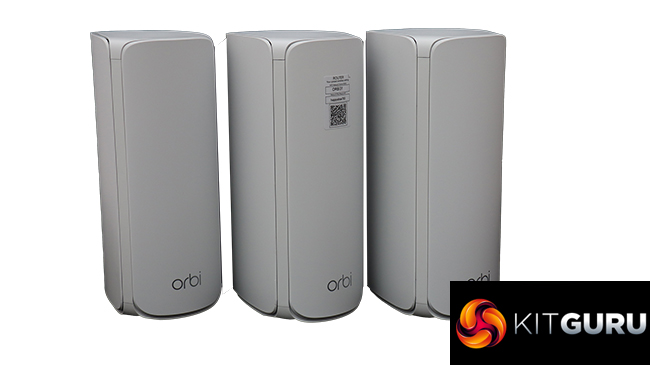
Externally, all three units look exactly the same from the front. These are smaller units than the Orbi 970 Series, and rather sleek. They will be unobtrusive dotted around your house.
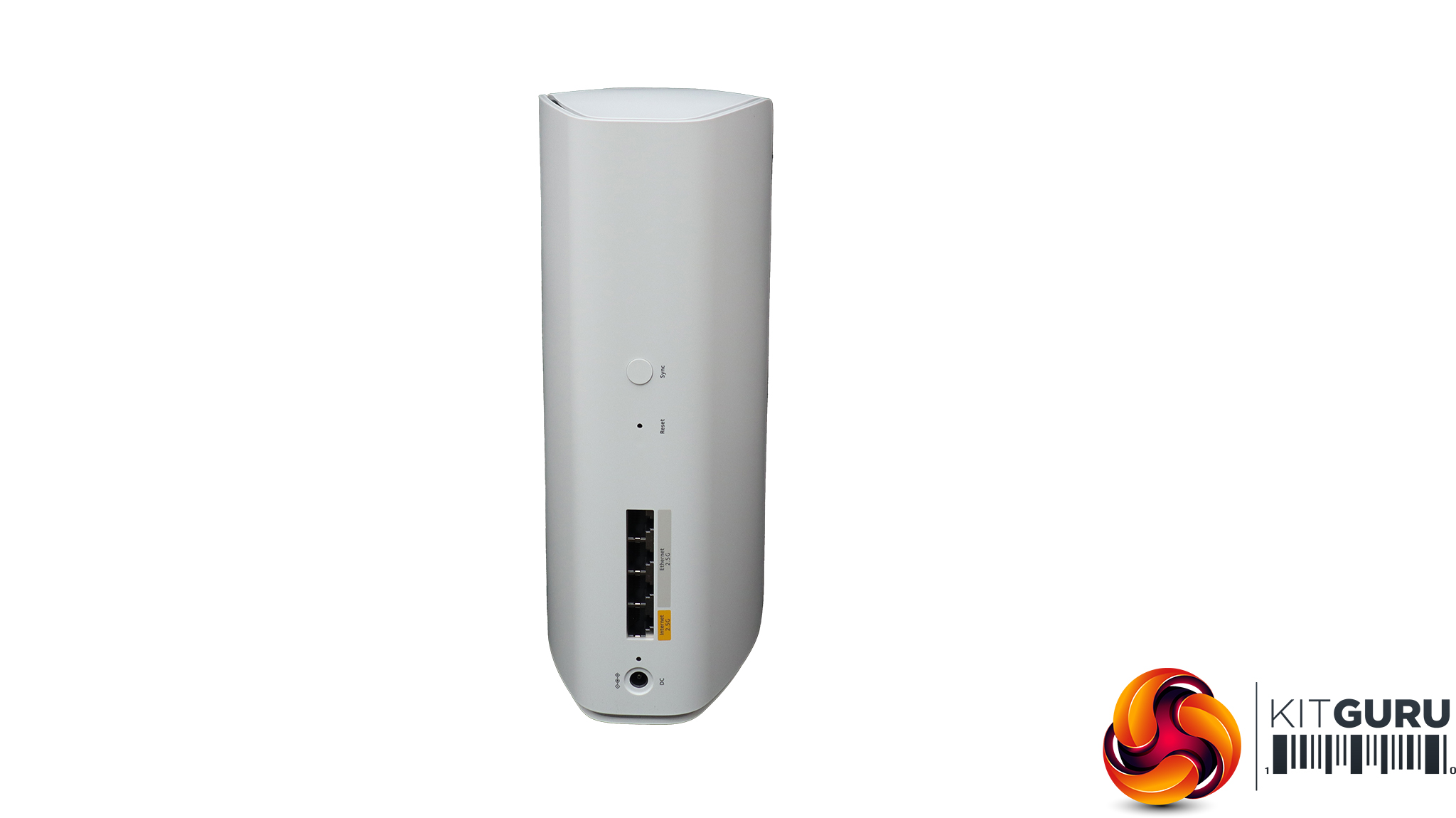
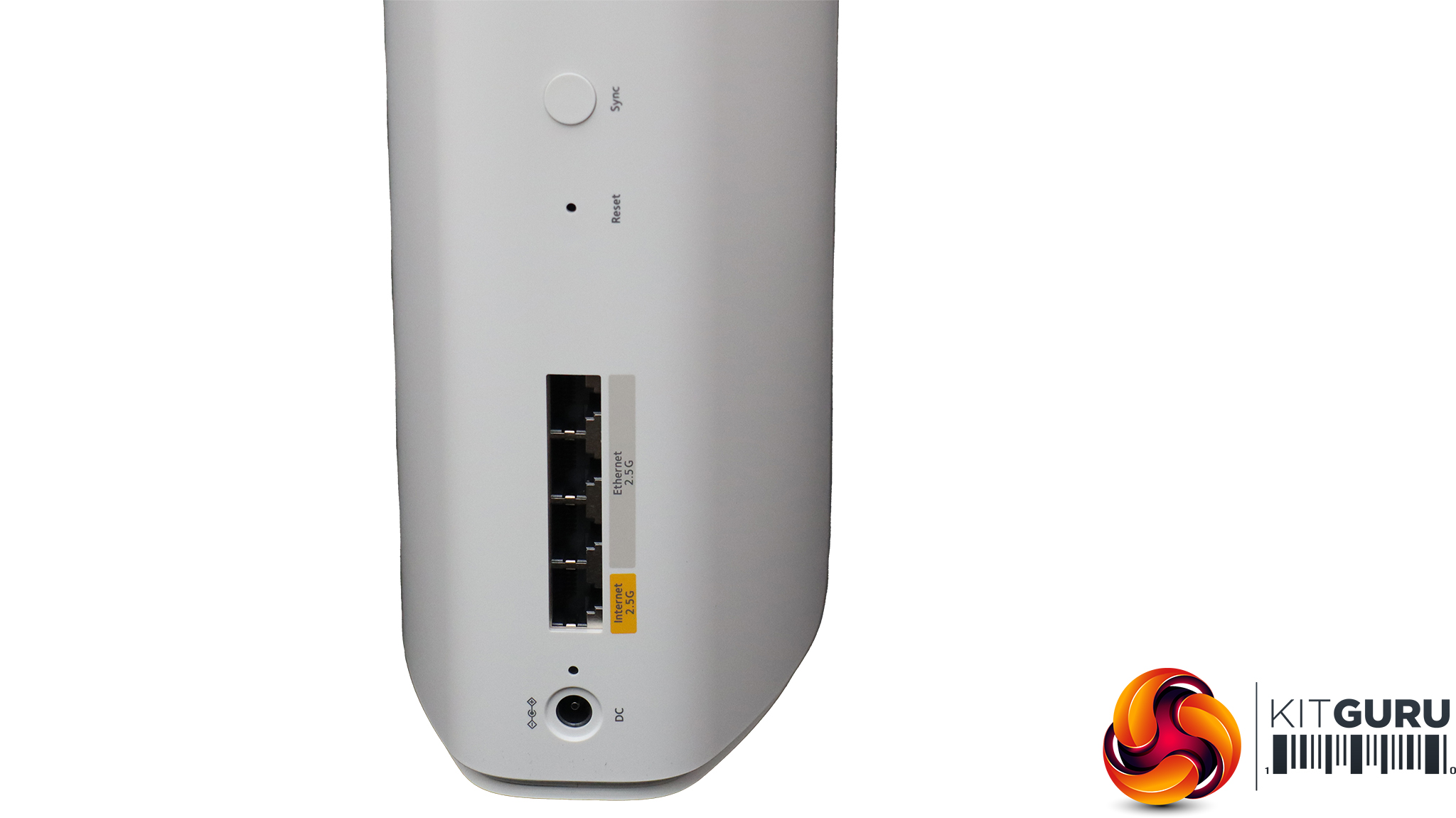
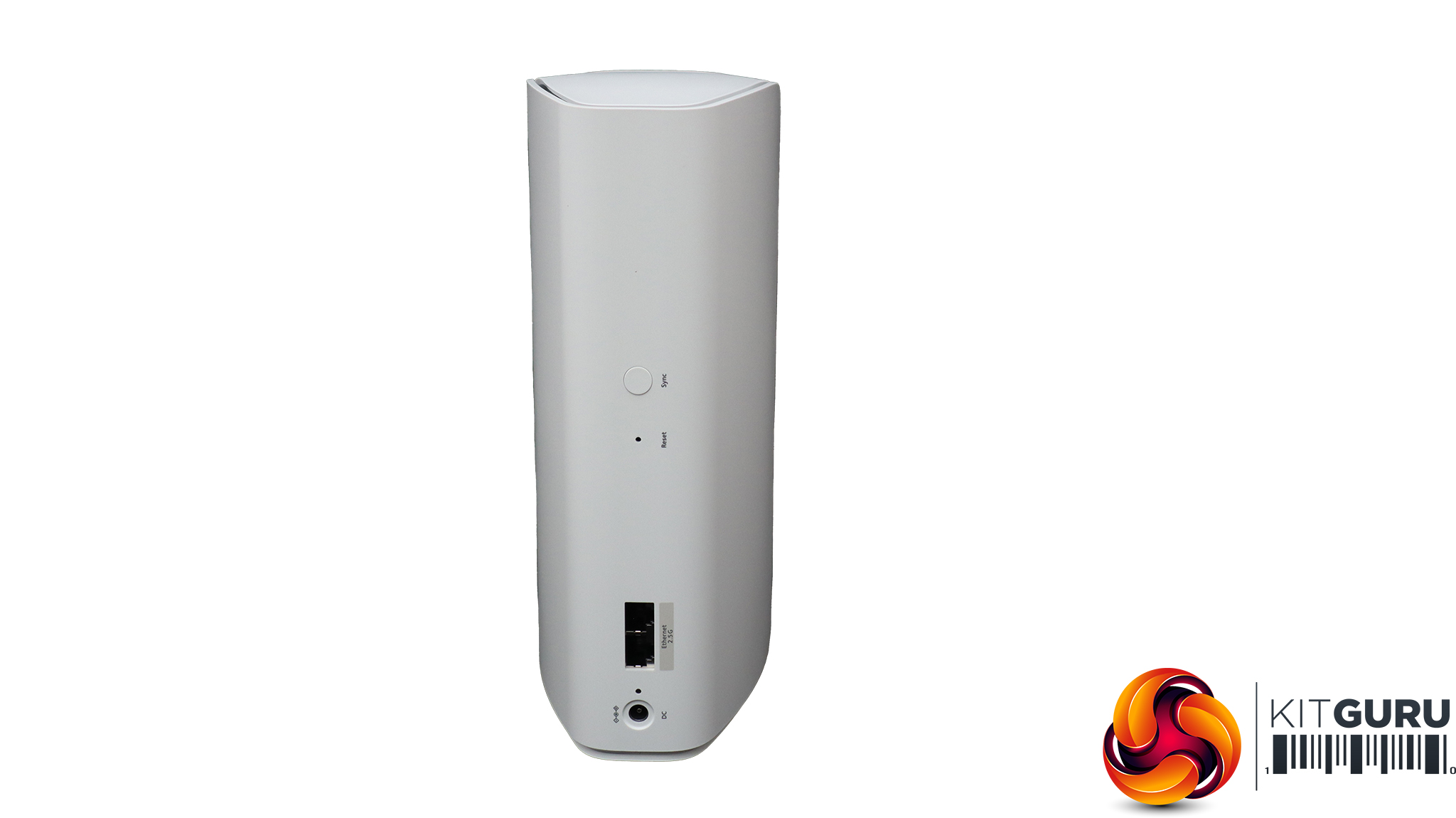
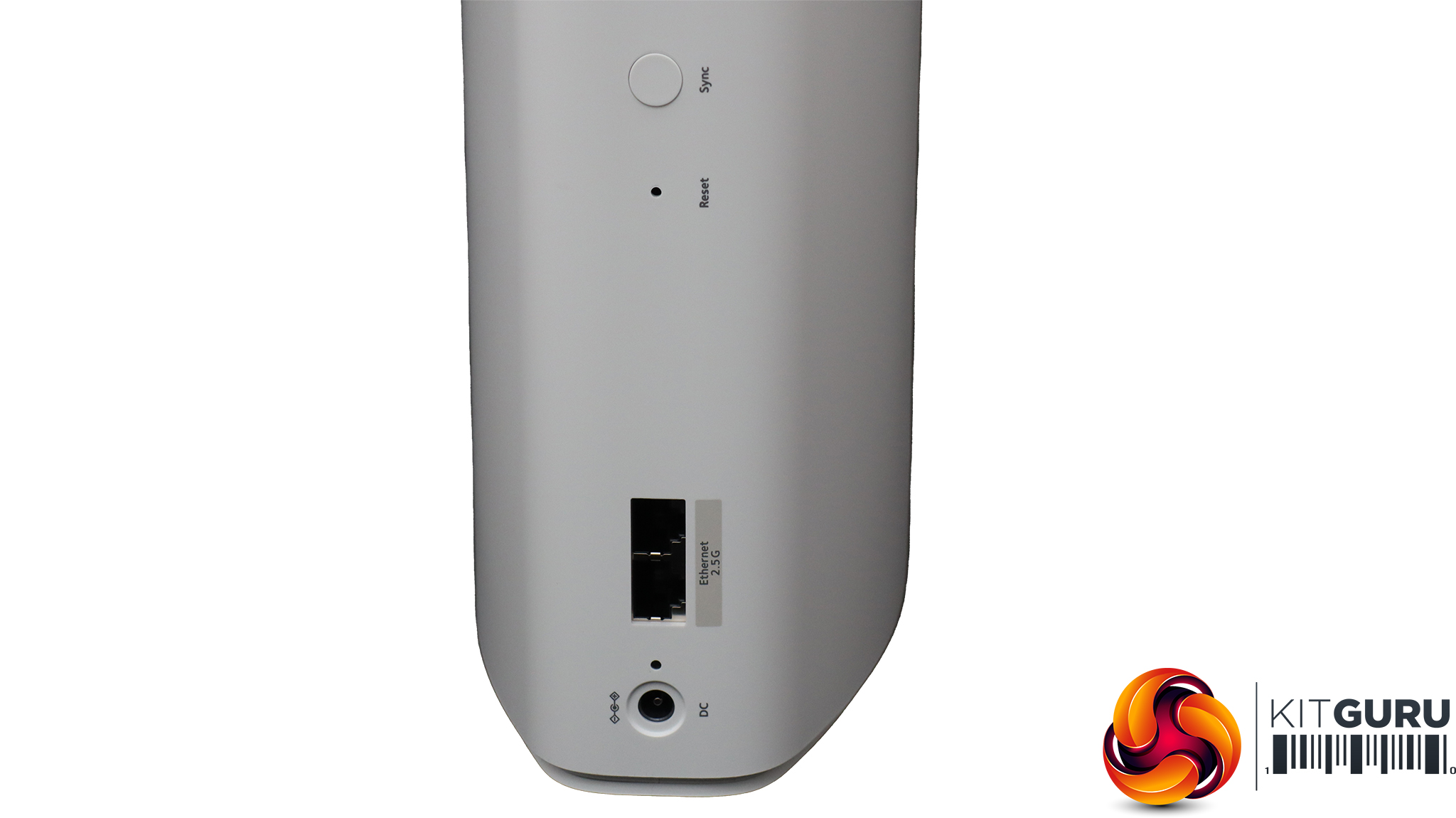
There is a slight difference when you look around the back of the units. The Router has a WAN port (in yellow) plus three LAN ports, all of which operate at up to 2.5Gbit Ethernet speed. There's a recessed reset button and a sync button for setting up the mesh. The Satellites have these too, plus just a pair of 2.5Gbit Ethernet LAN ports.
Some previous Orbis have had a few more ports on the back, including USB, but overall these are attractive and compact units that won't spoil the look of your home decor.
Acer Swift 14 AI WiFi 7 Laptop
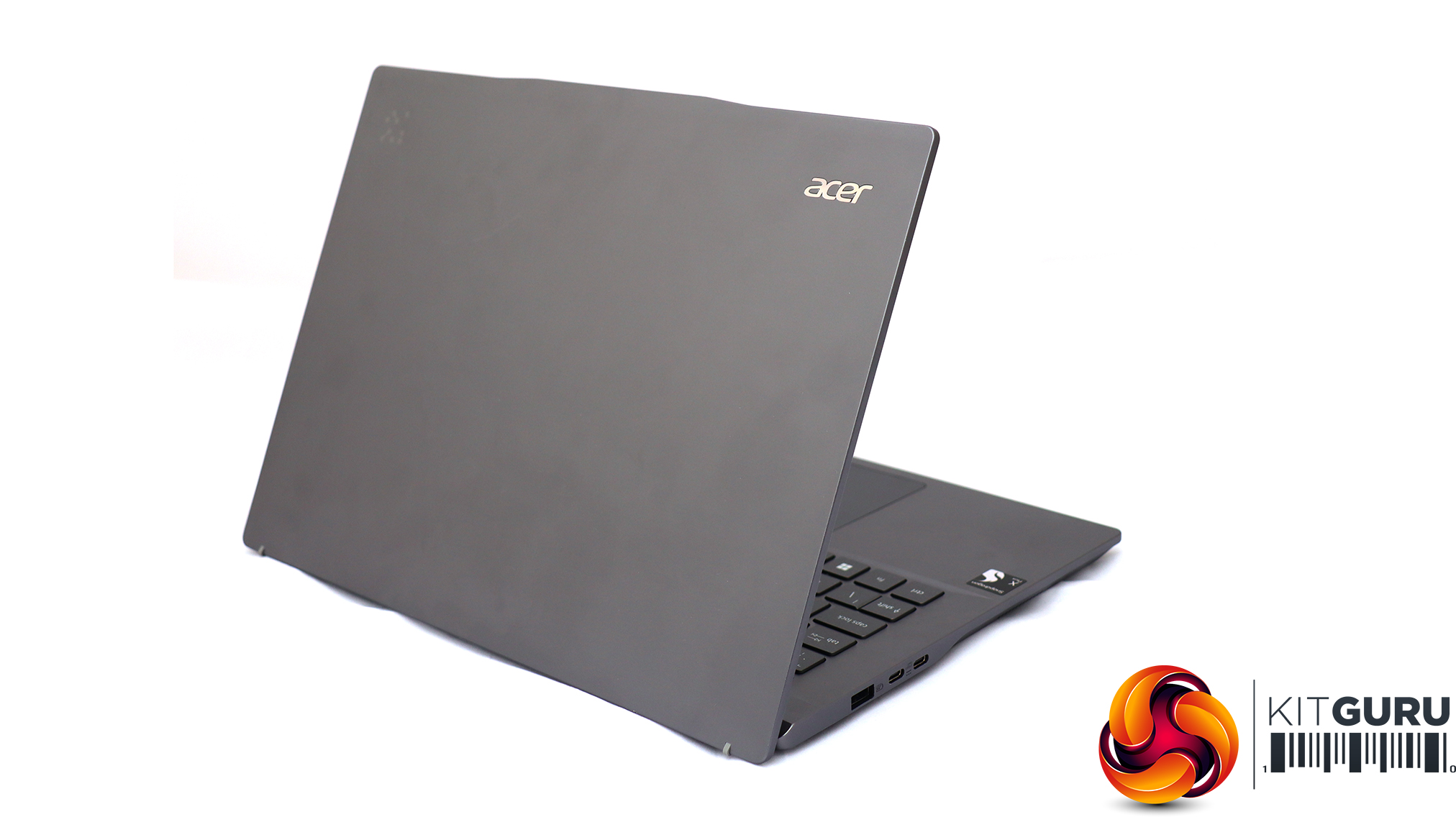
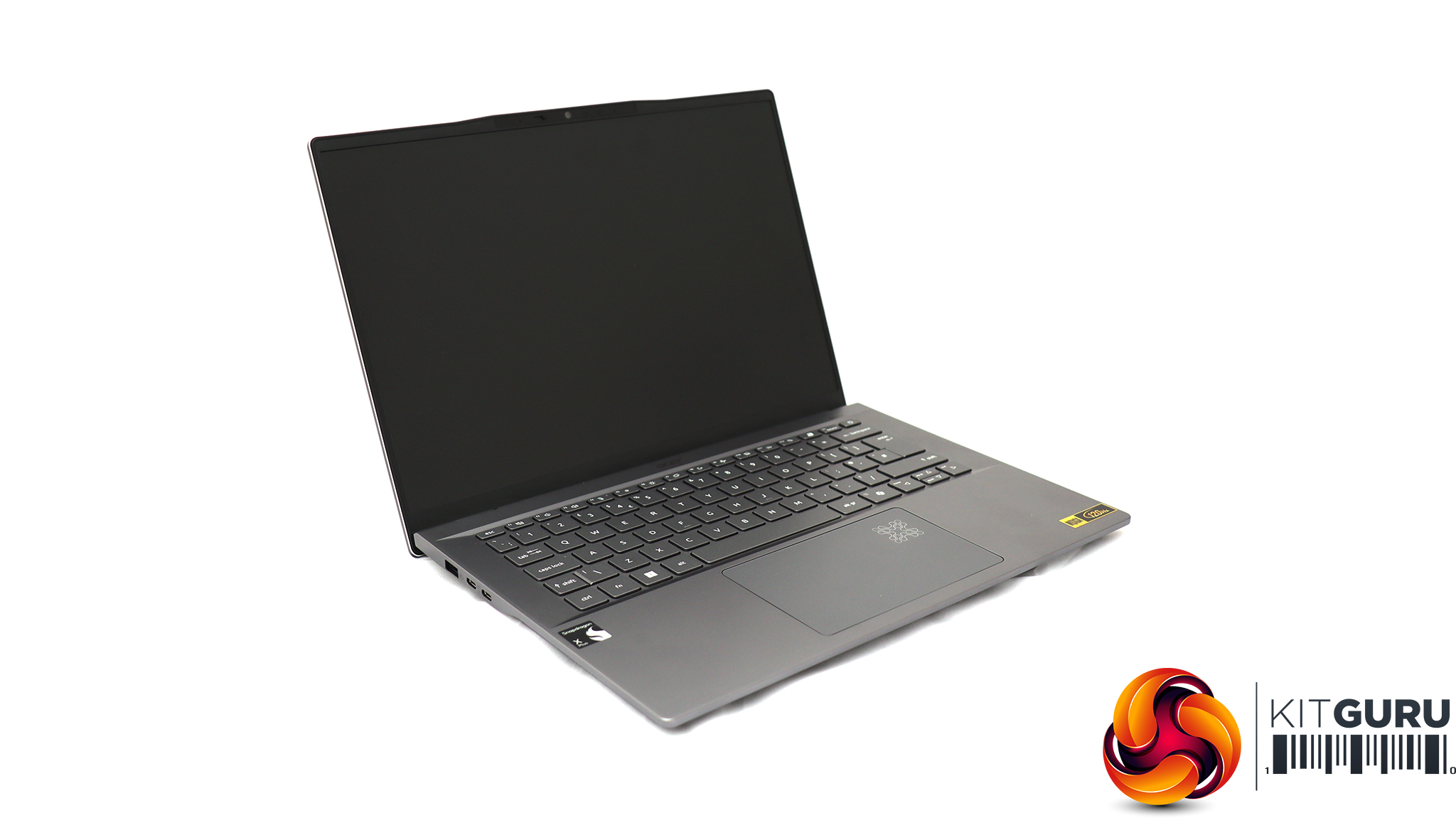
For testing the latest WiFi 7 wireless networking, Acer sent us its Swift 14 AI notebook, based around a Qualcomm Snapdragon X Plus Oryon X1P-64-100 CPU. This is a ten-core processor running at up to 3.4GHz across all cores, although without a single-core boost frequency (you need the X1P-66-100 for that). Our sample was supplied with 16GB of LPDDR5x memory and a 1TB SSD. Although this is an ARM-based laptop, it can still run Windows 11 and our standard WiFi testing software, iPerf3. It's a solid choice for road warriors who need to spend days away from a reliable power source, thanks to a 26-hour battery life.
NETGEAR follows the norm and focuses on its Orbi smartphone app for basic setup. A card inserted into the box prompts you to install this, and then guides you through the process to configure your router and satellites.

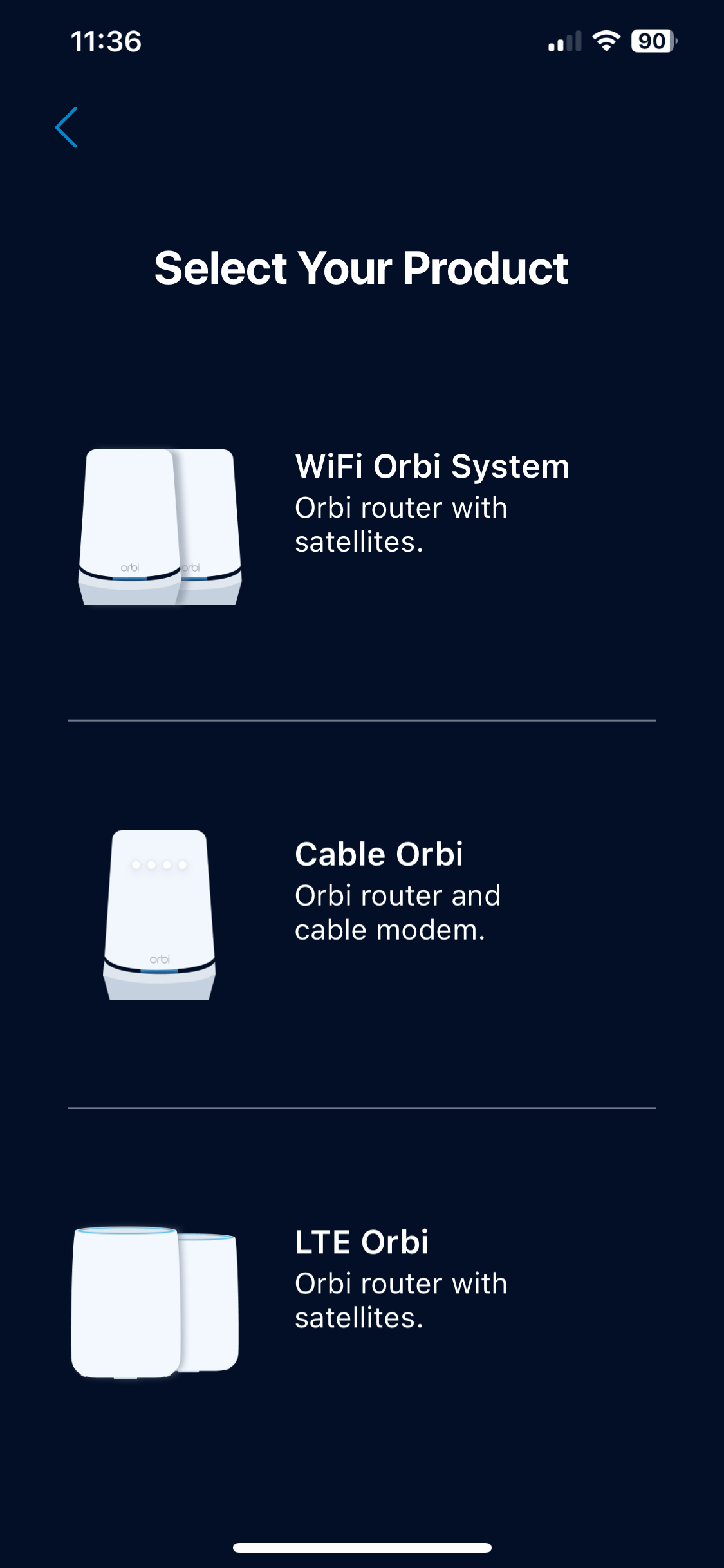
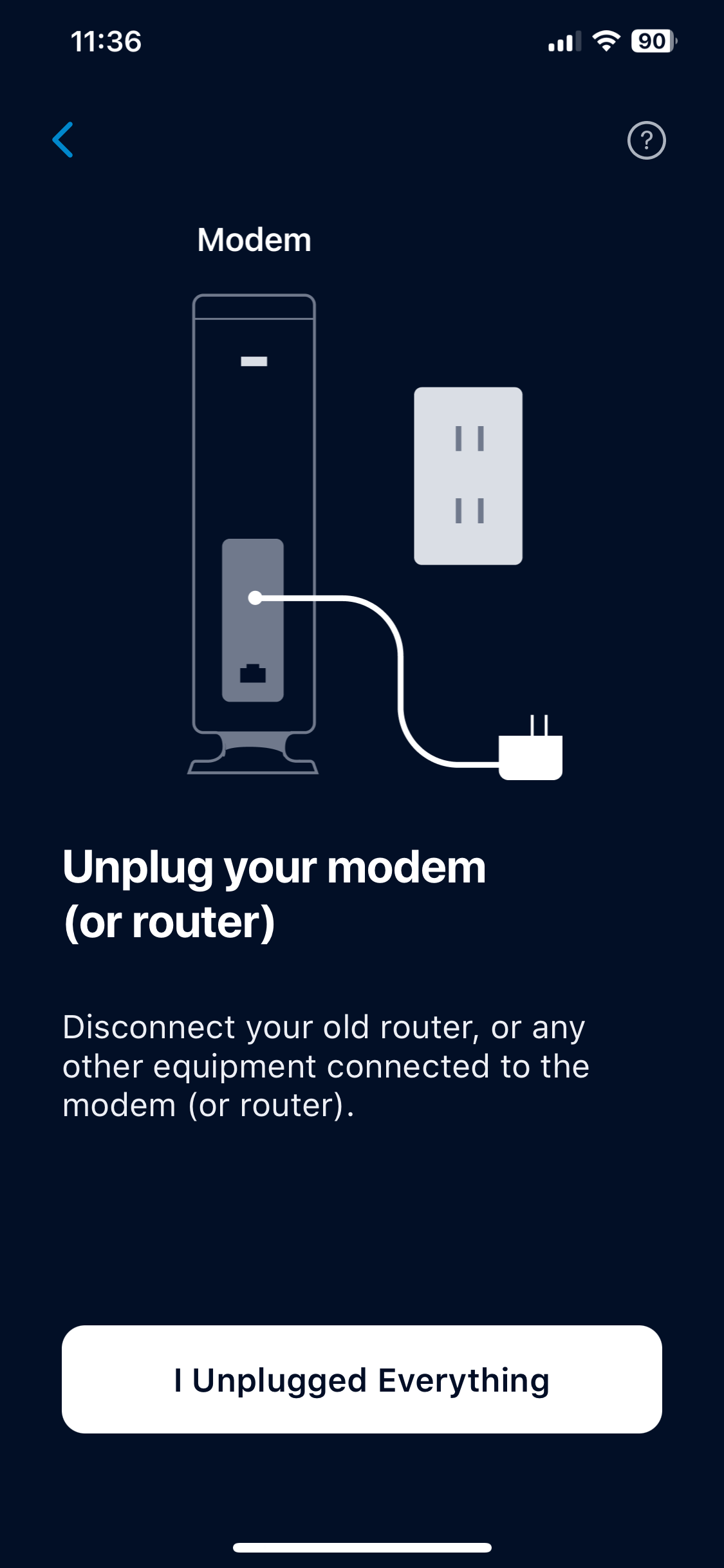
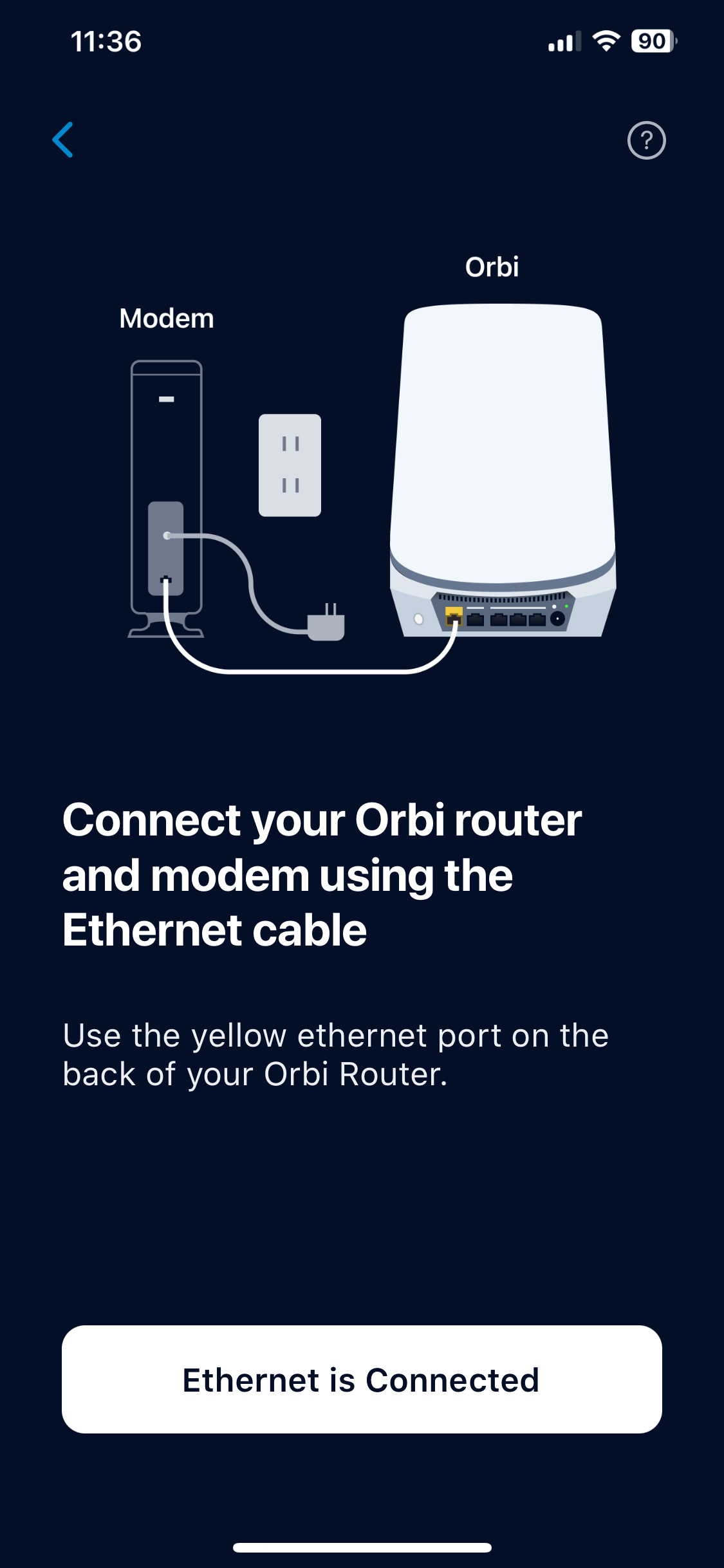
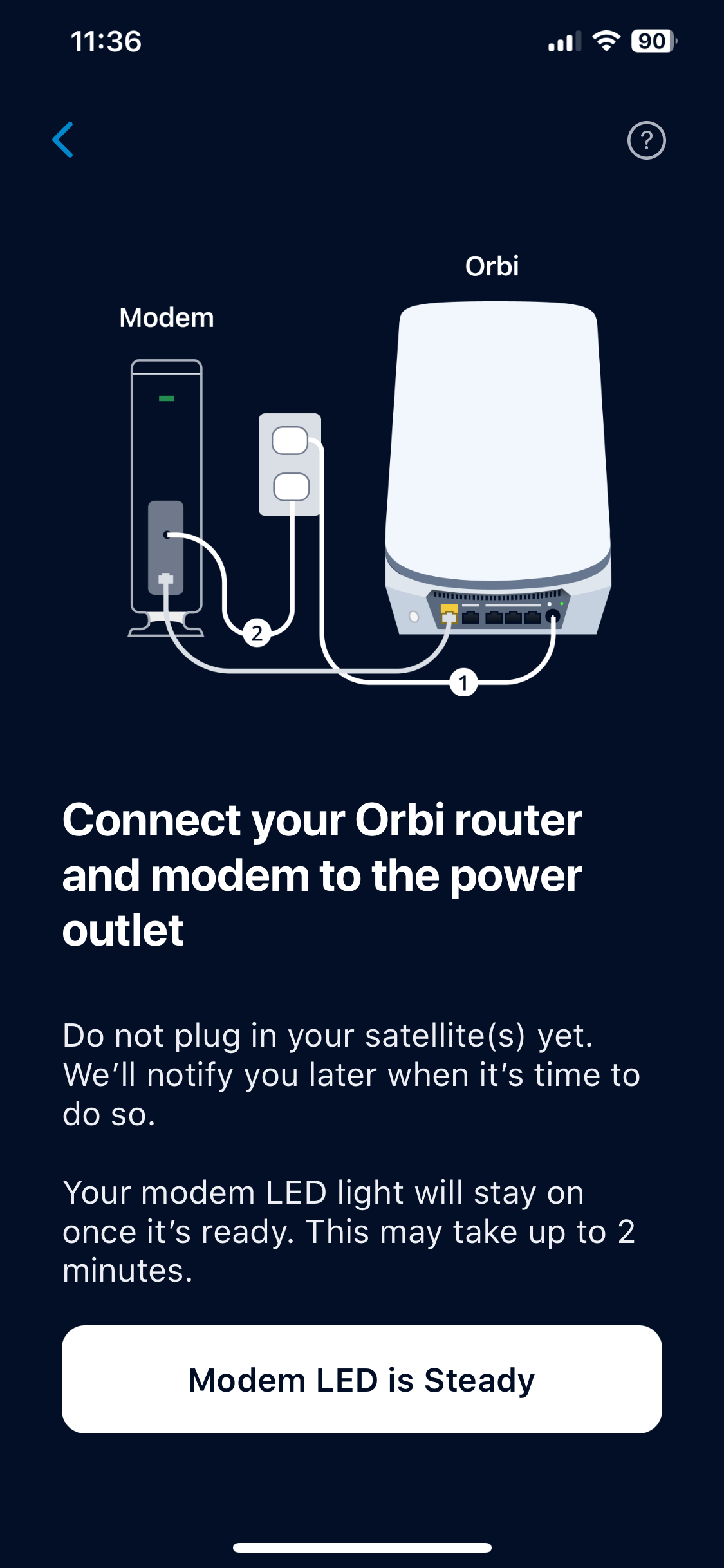
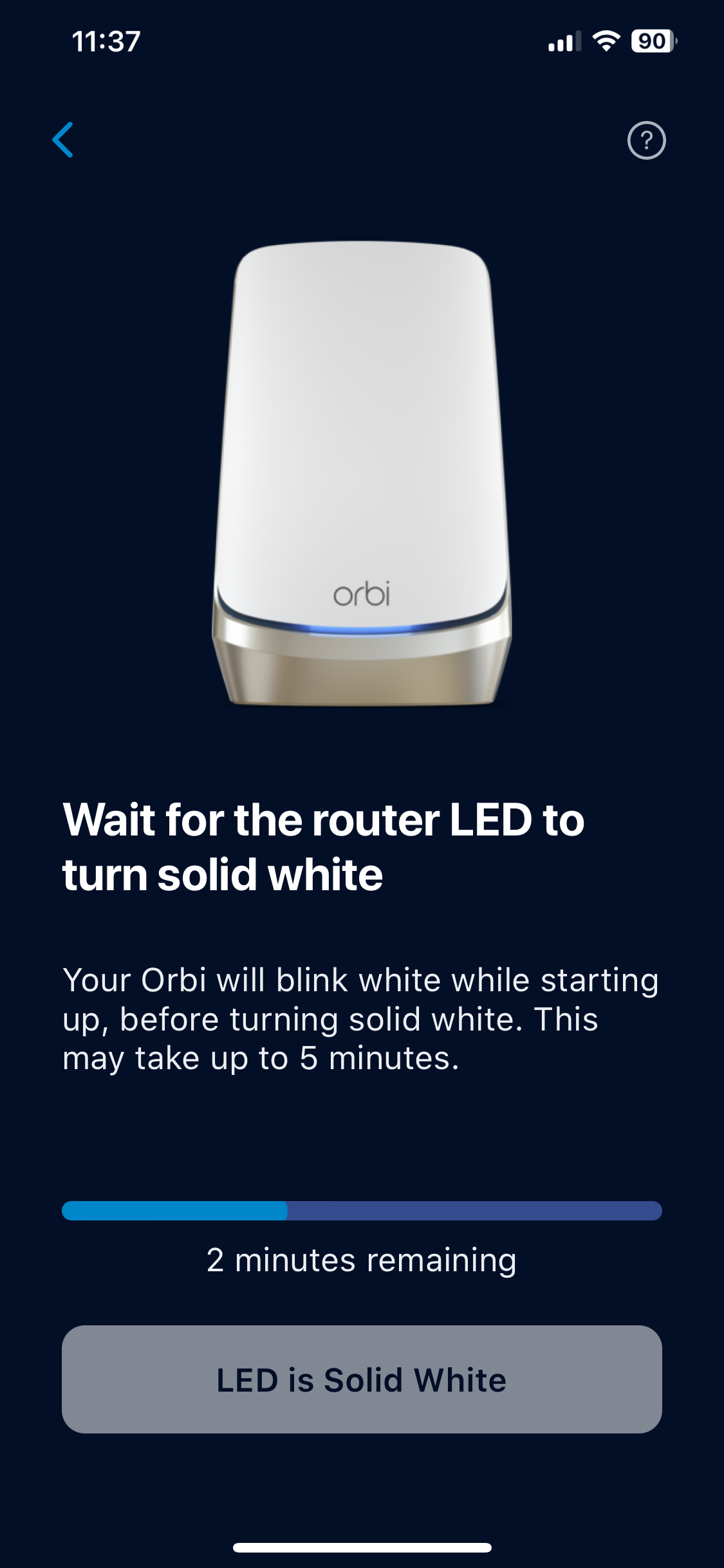
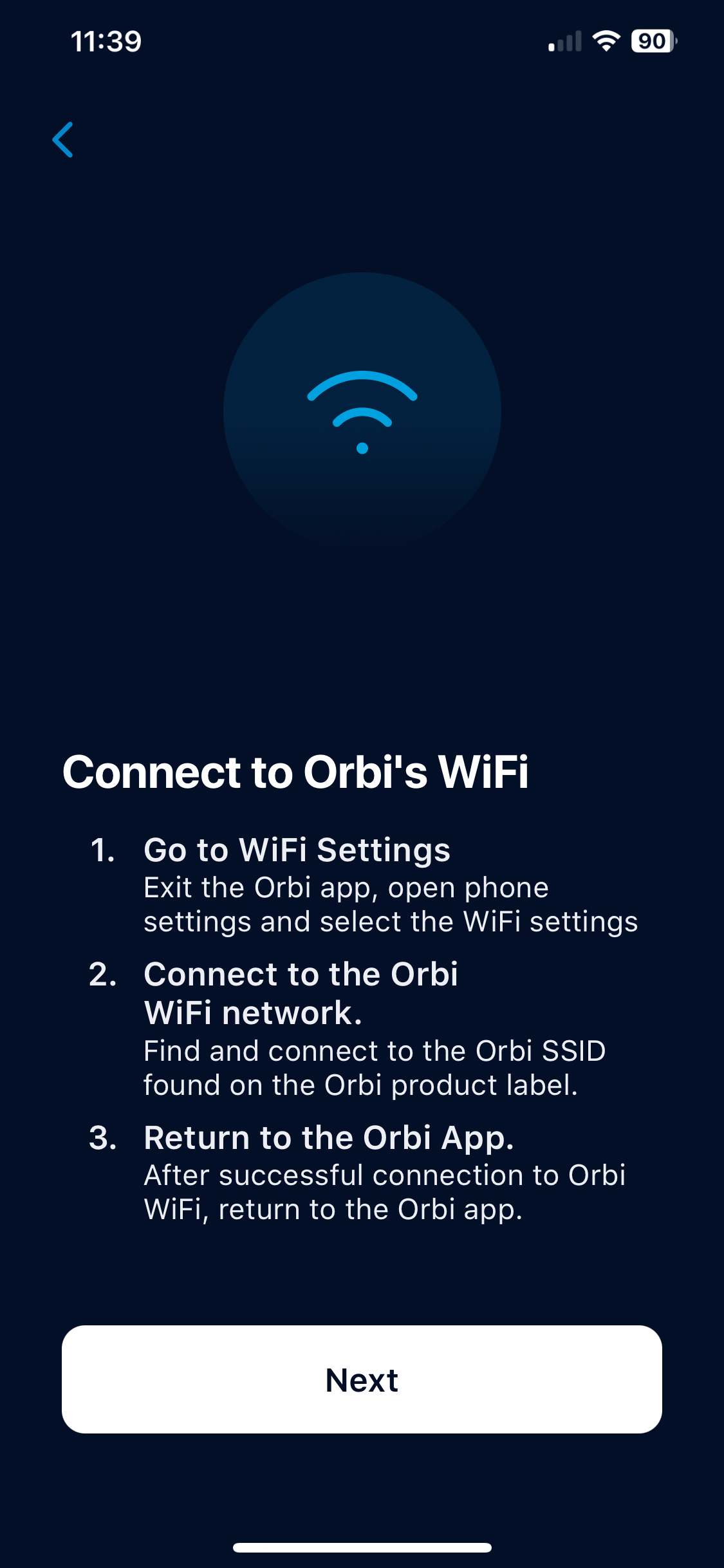
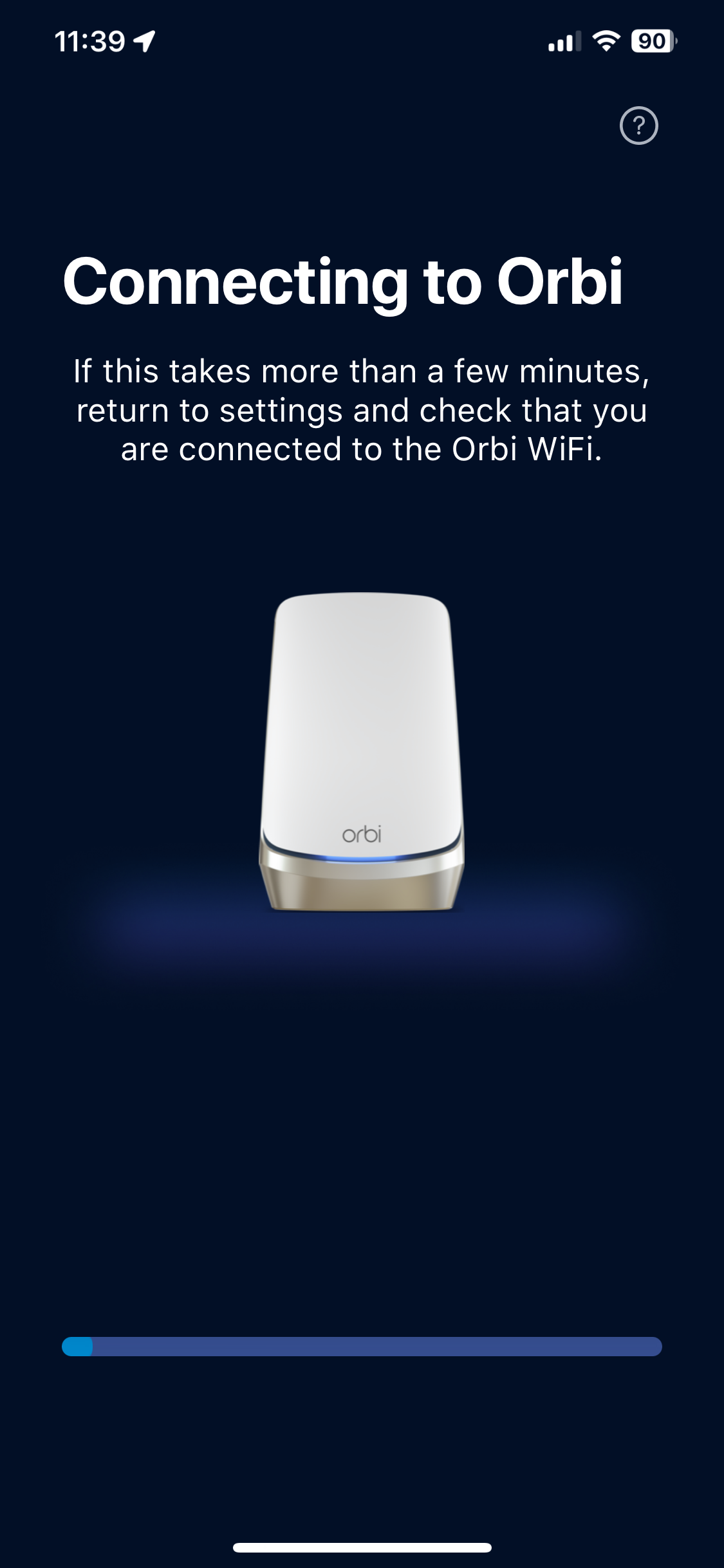


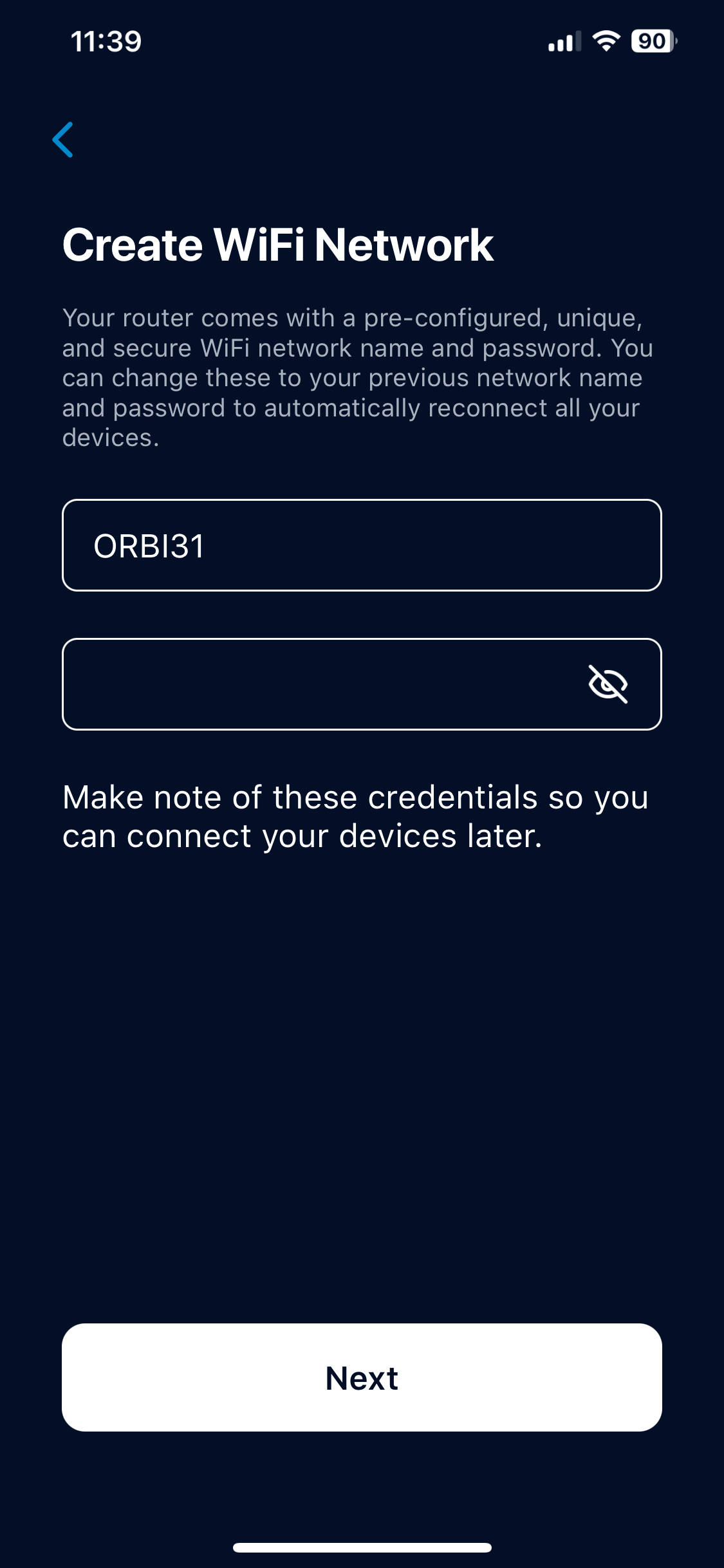
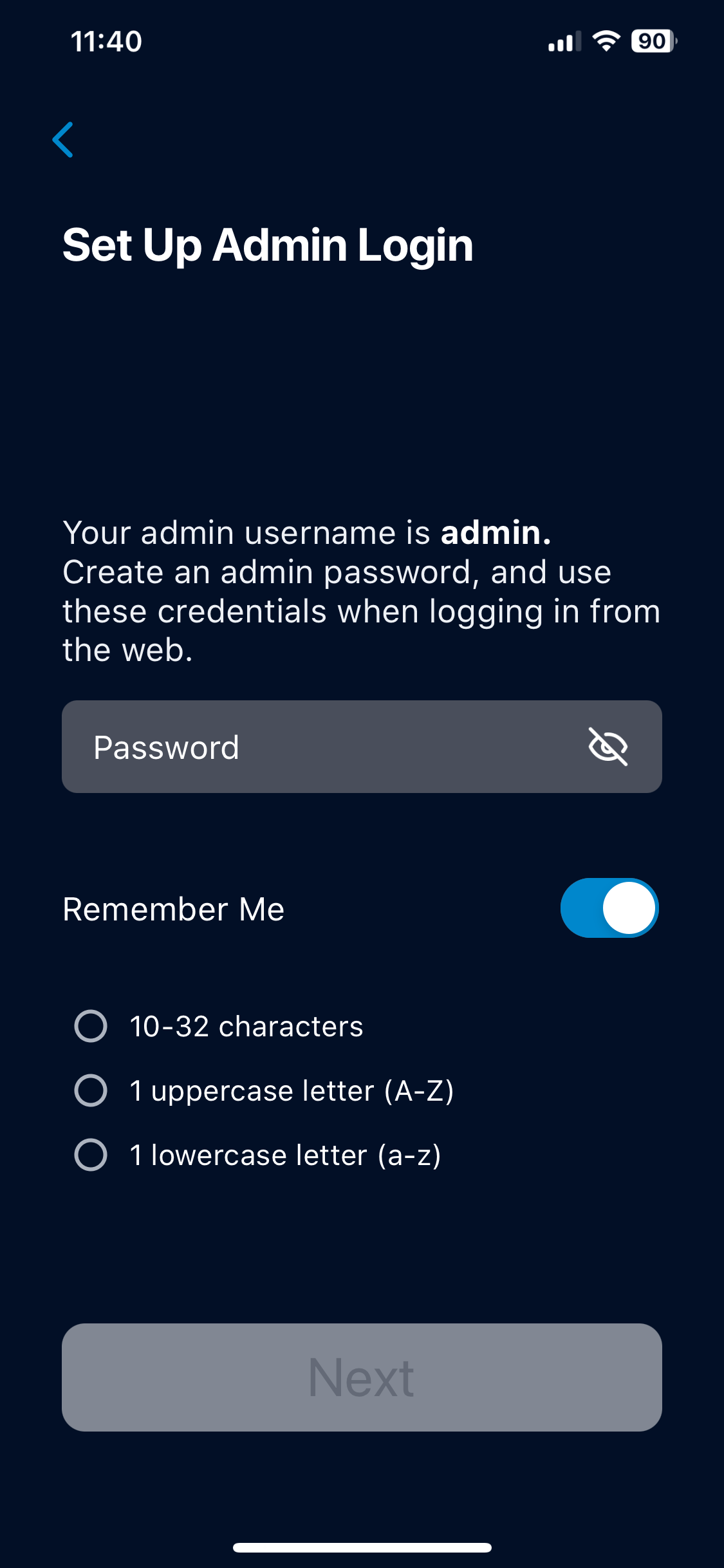
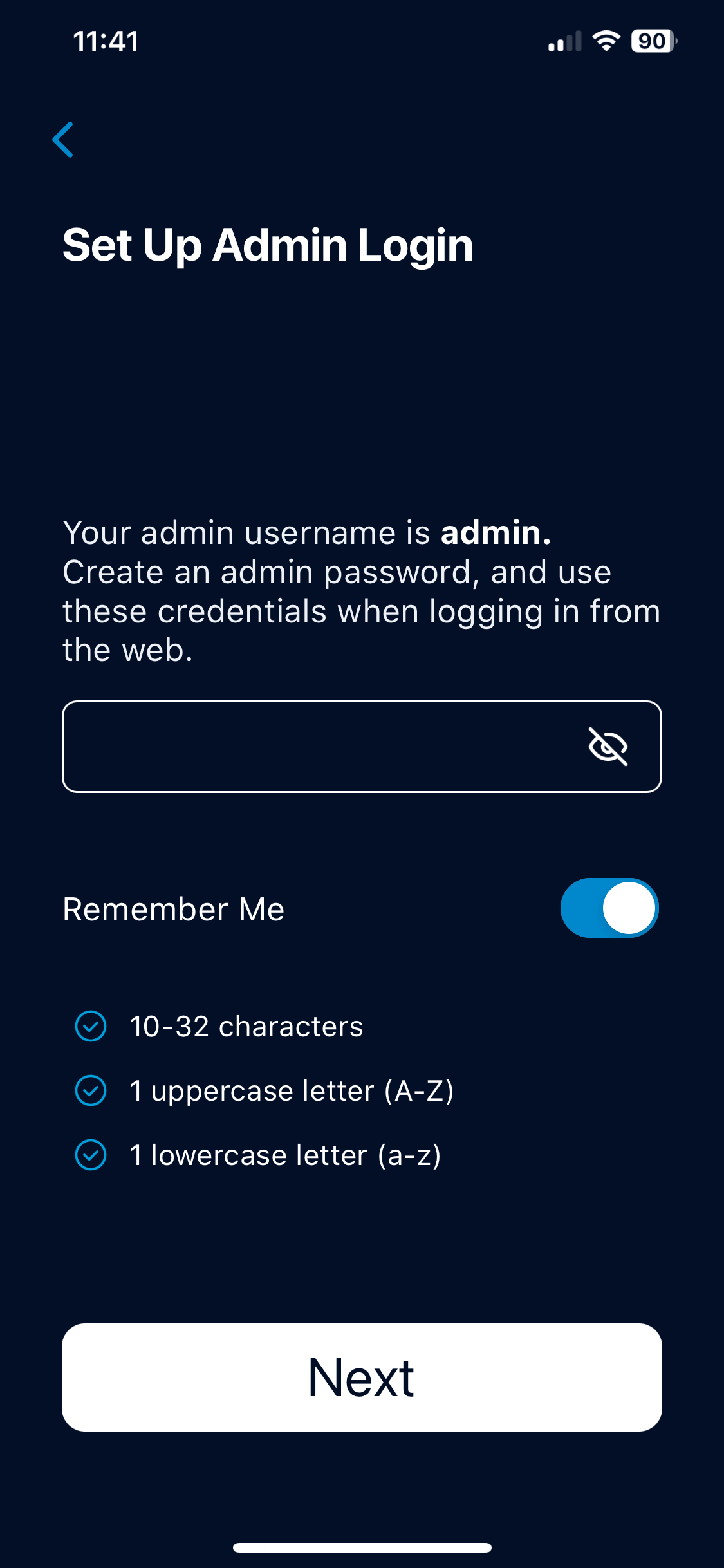
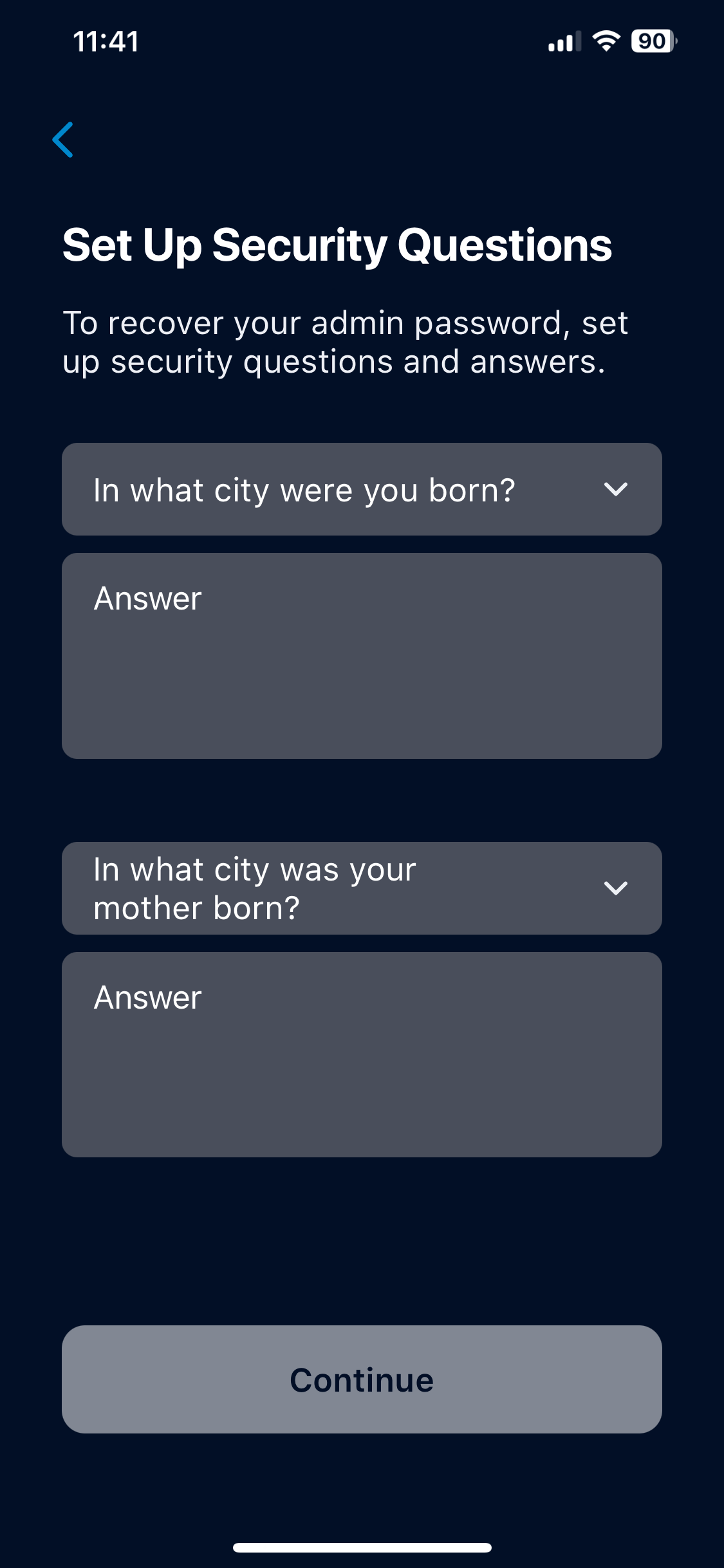
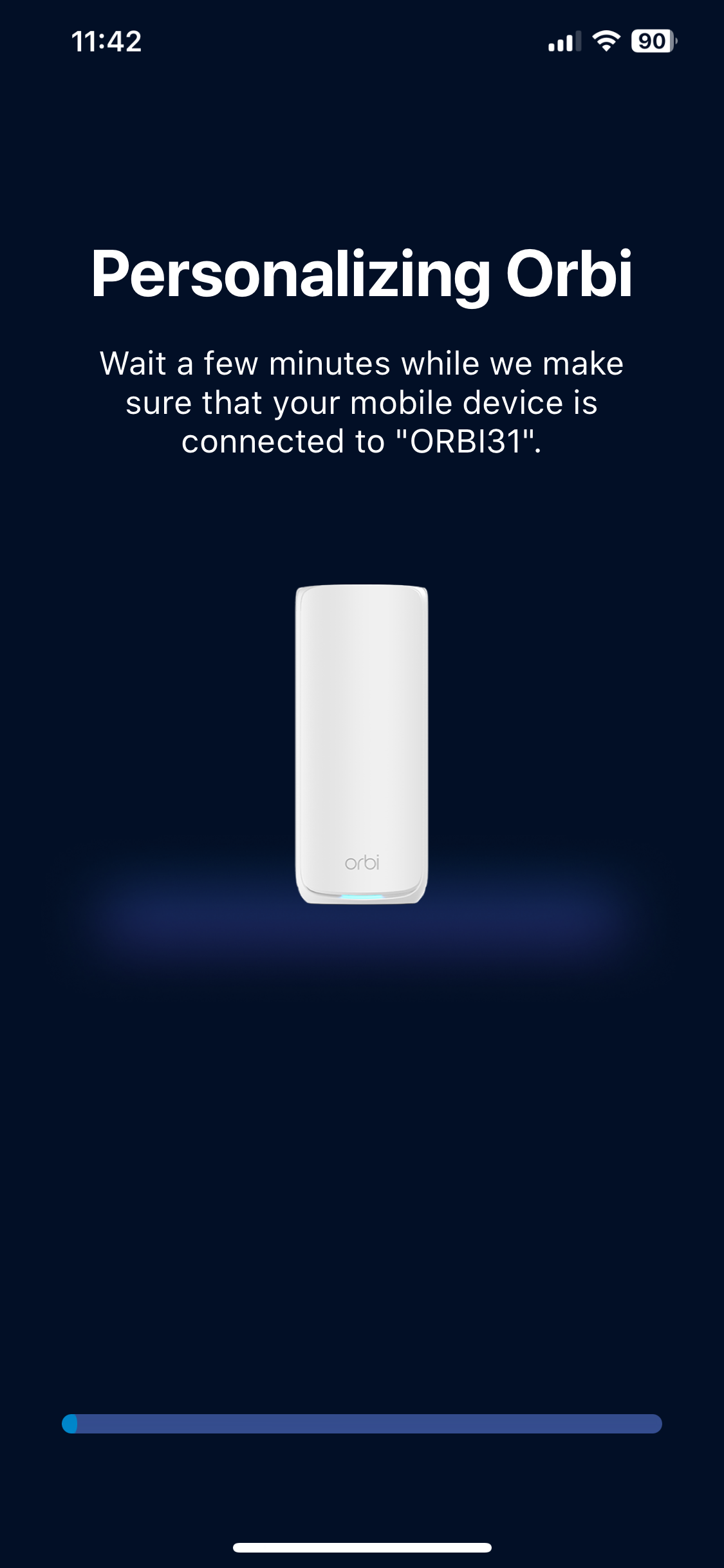
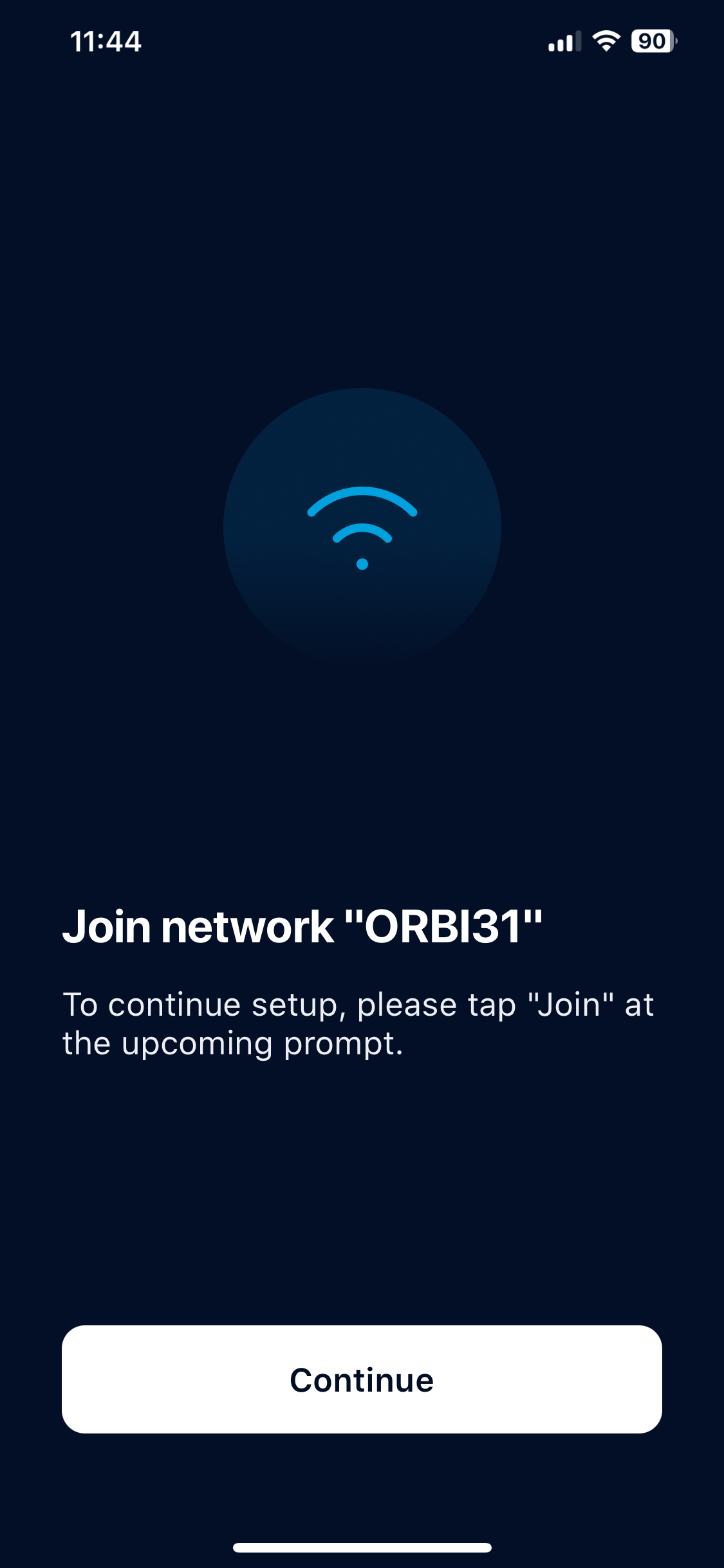
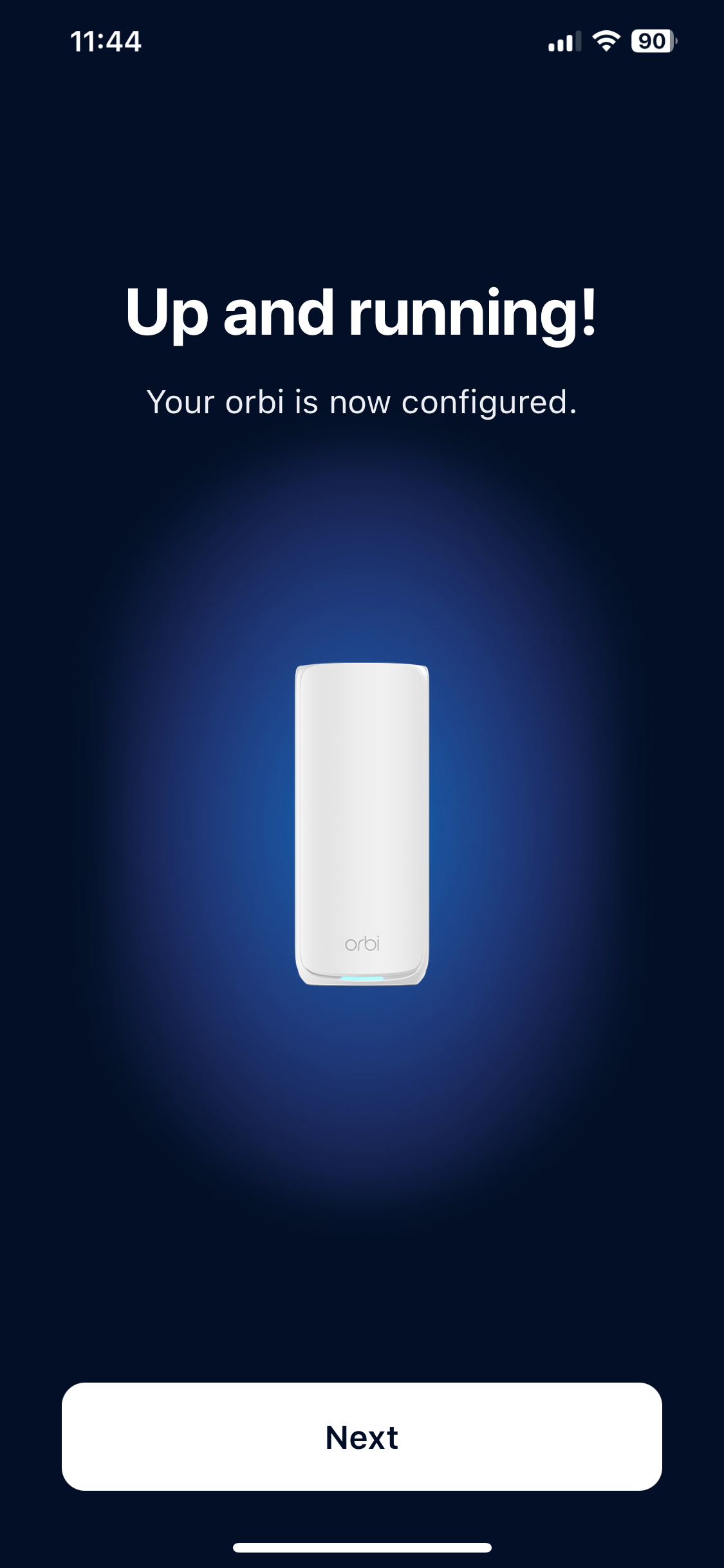
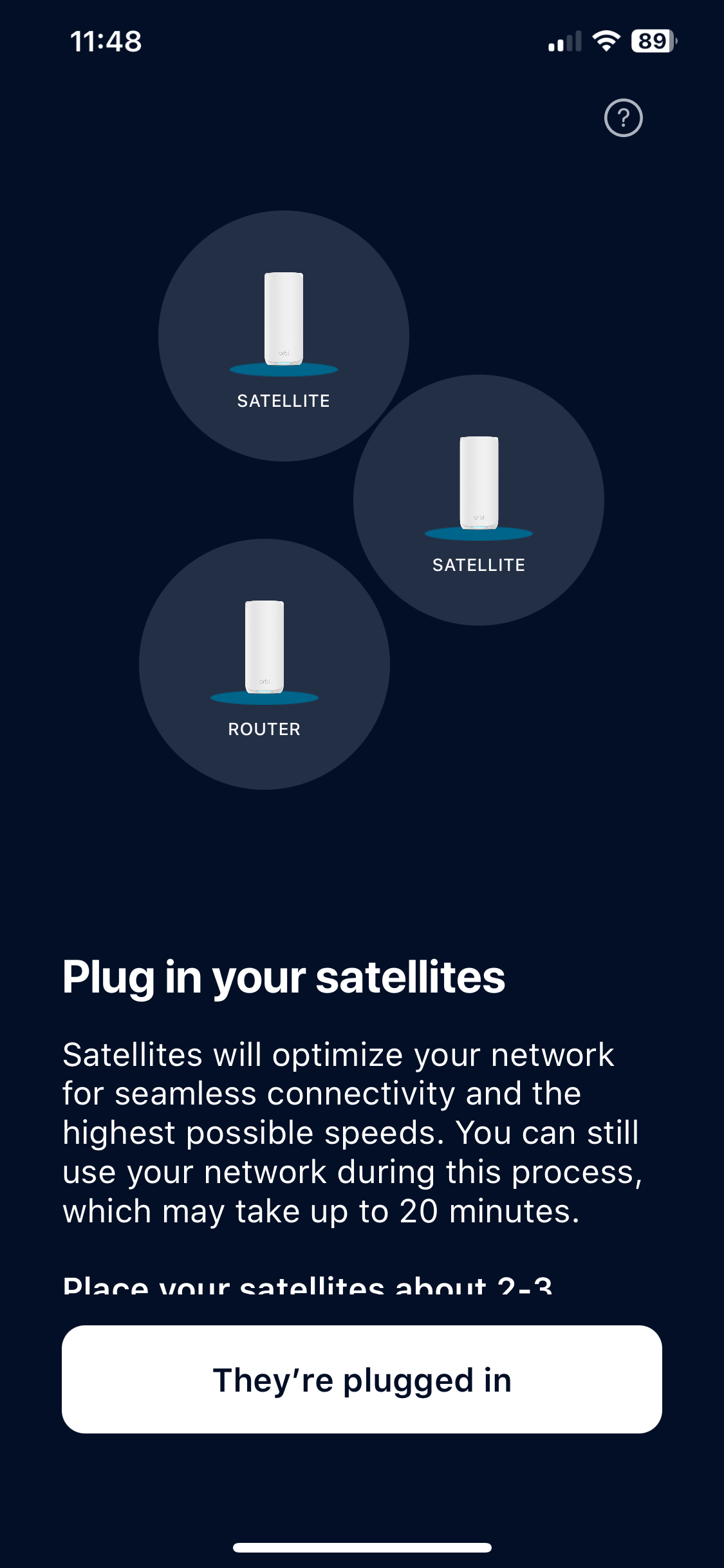
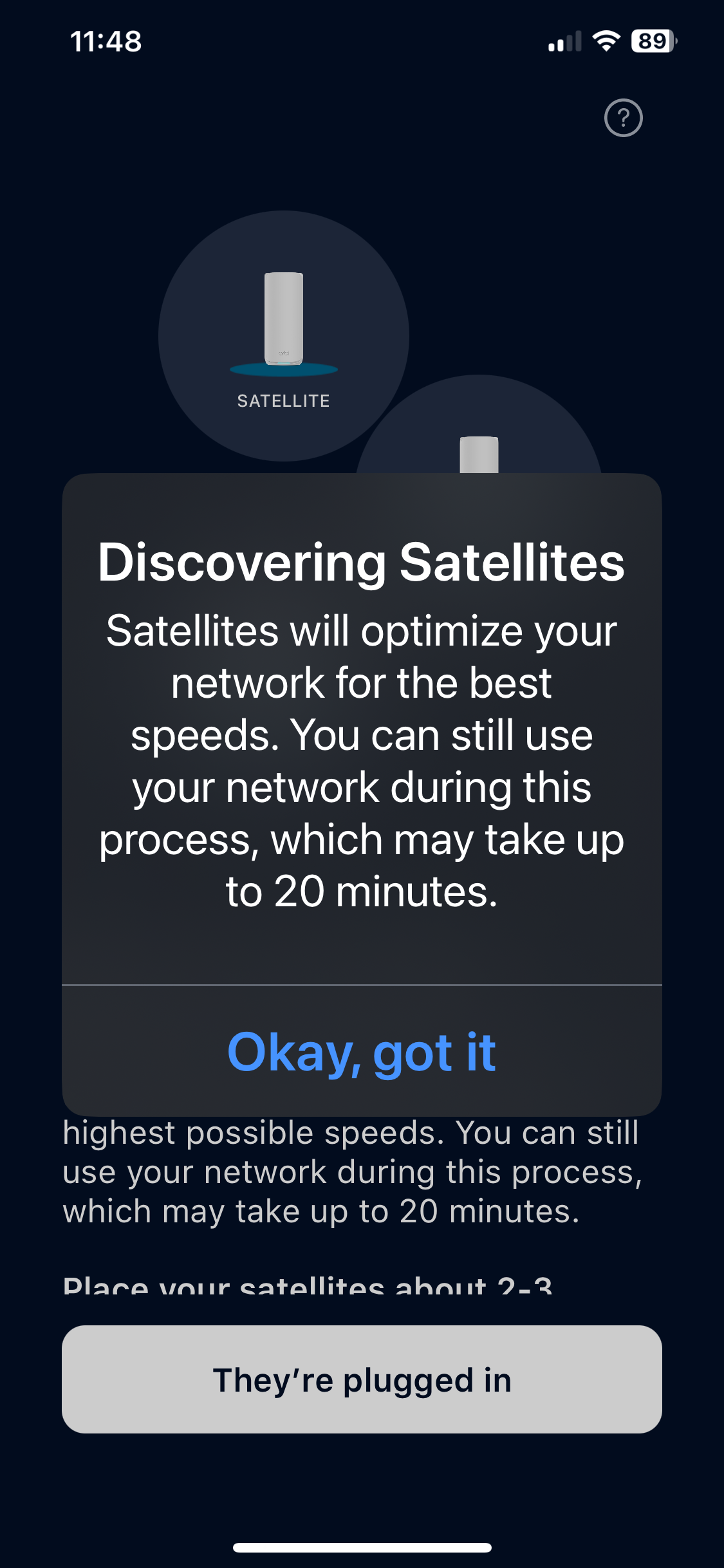
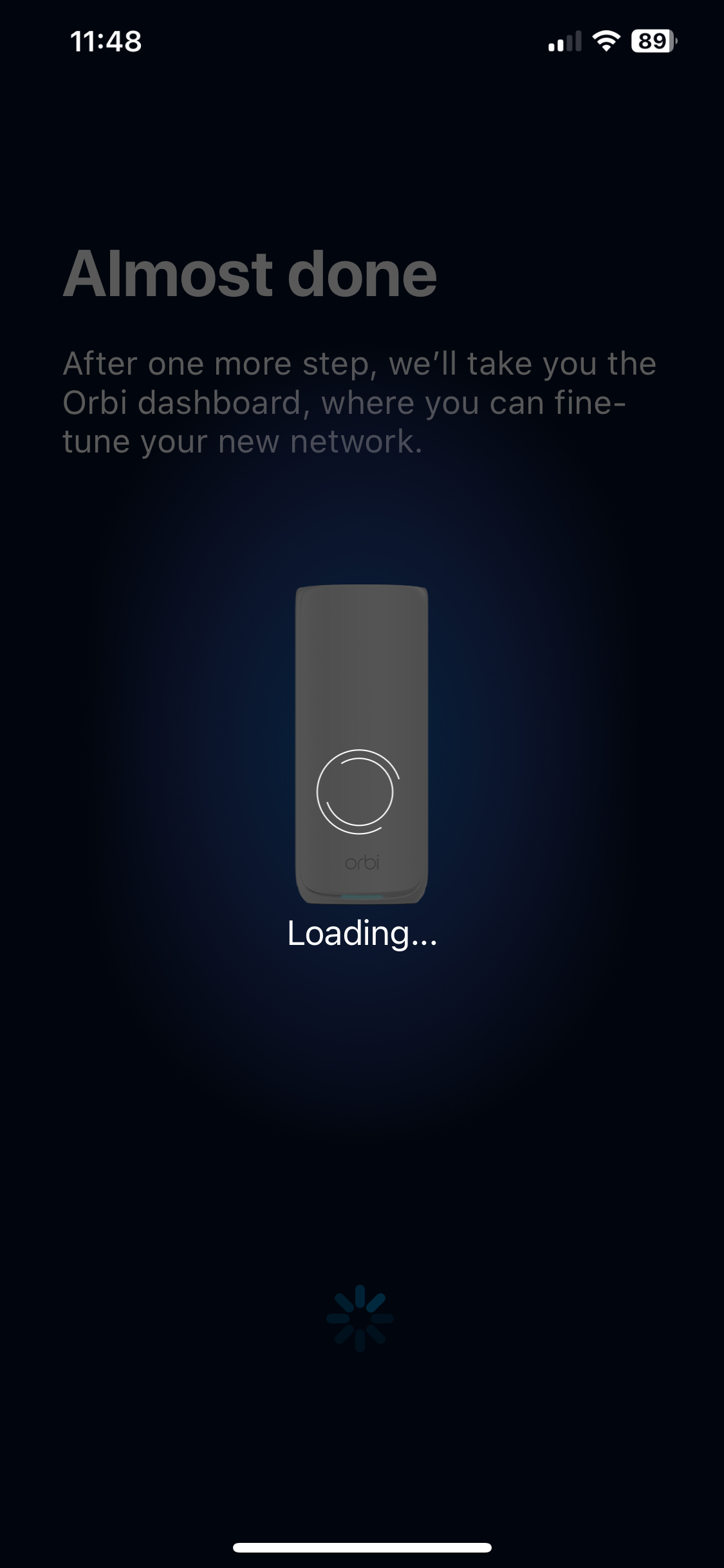
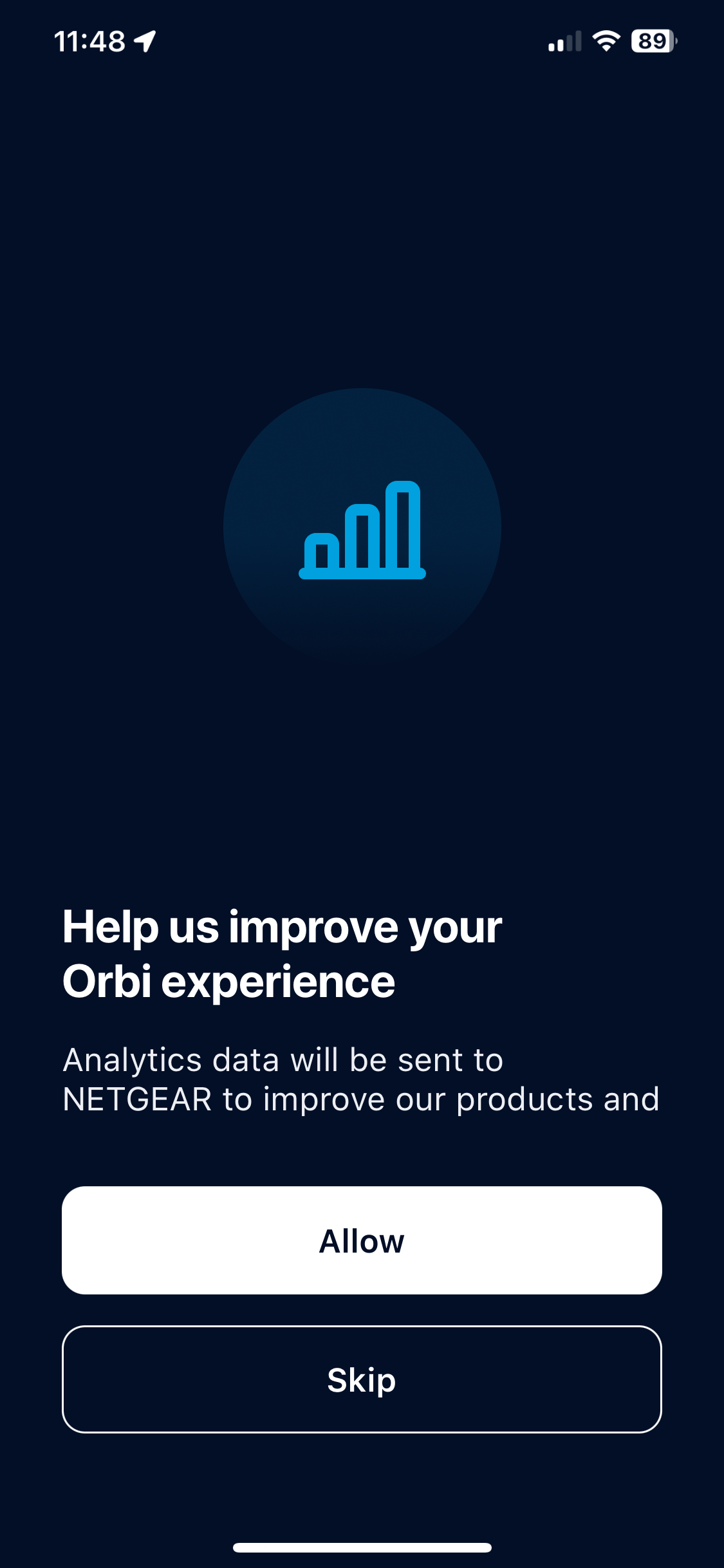
The smartphone app wizard first sets you up with a NETGEAR account, or you can log into an existing one. It will then prompt you that your Orbi isn't configured, and will guide you through the process, starting with plugging everything in. You then connect to the Orbi's WiFi using the details on the front of the router or on the bottom of any of the devices. You're then led through creating your WiFi network, setting up an admin login plus security questions, and adding the satellites to the mesh.

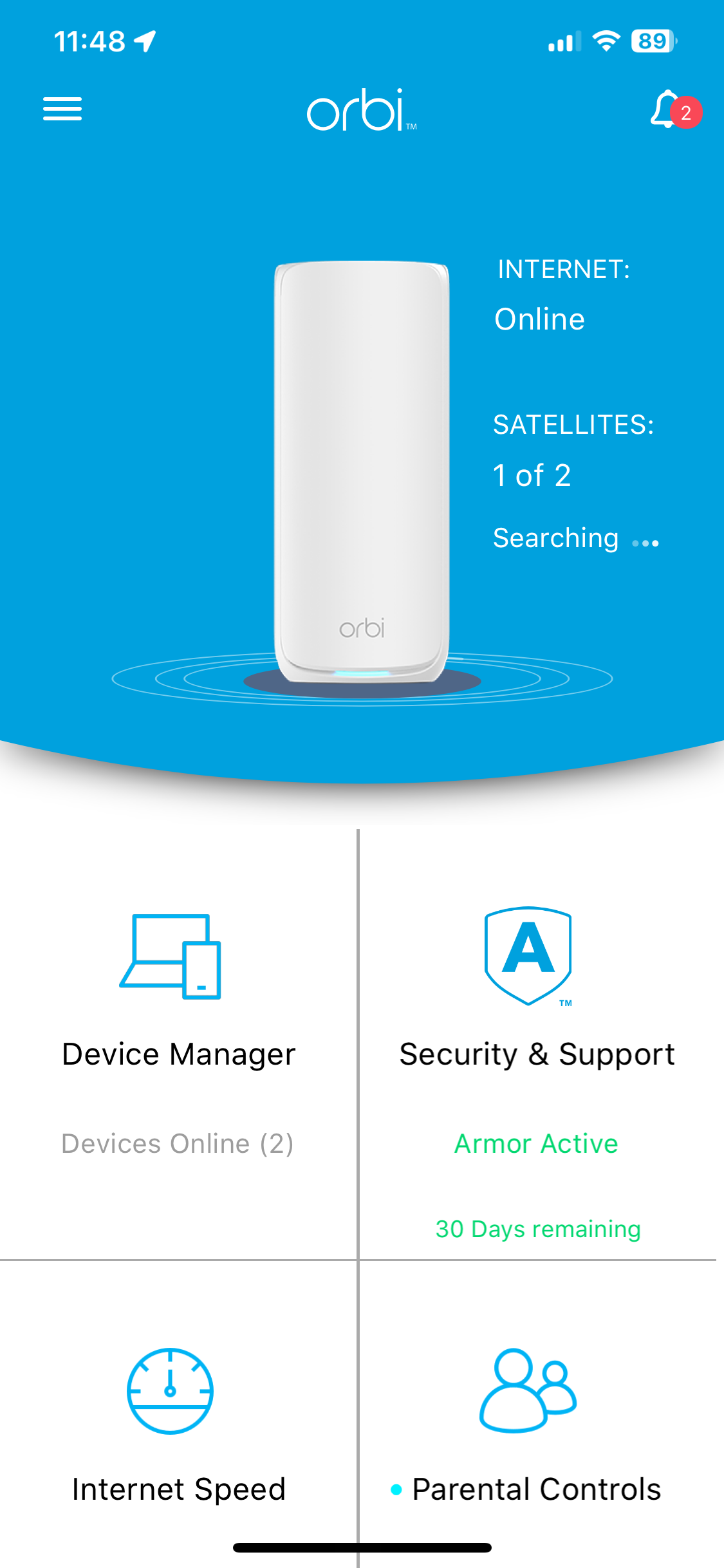
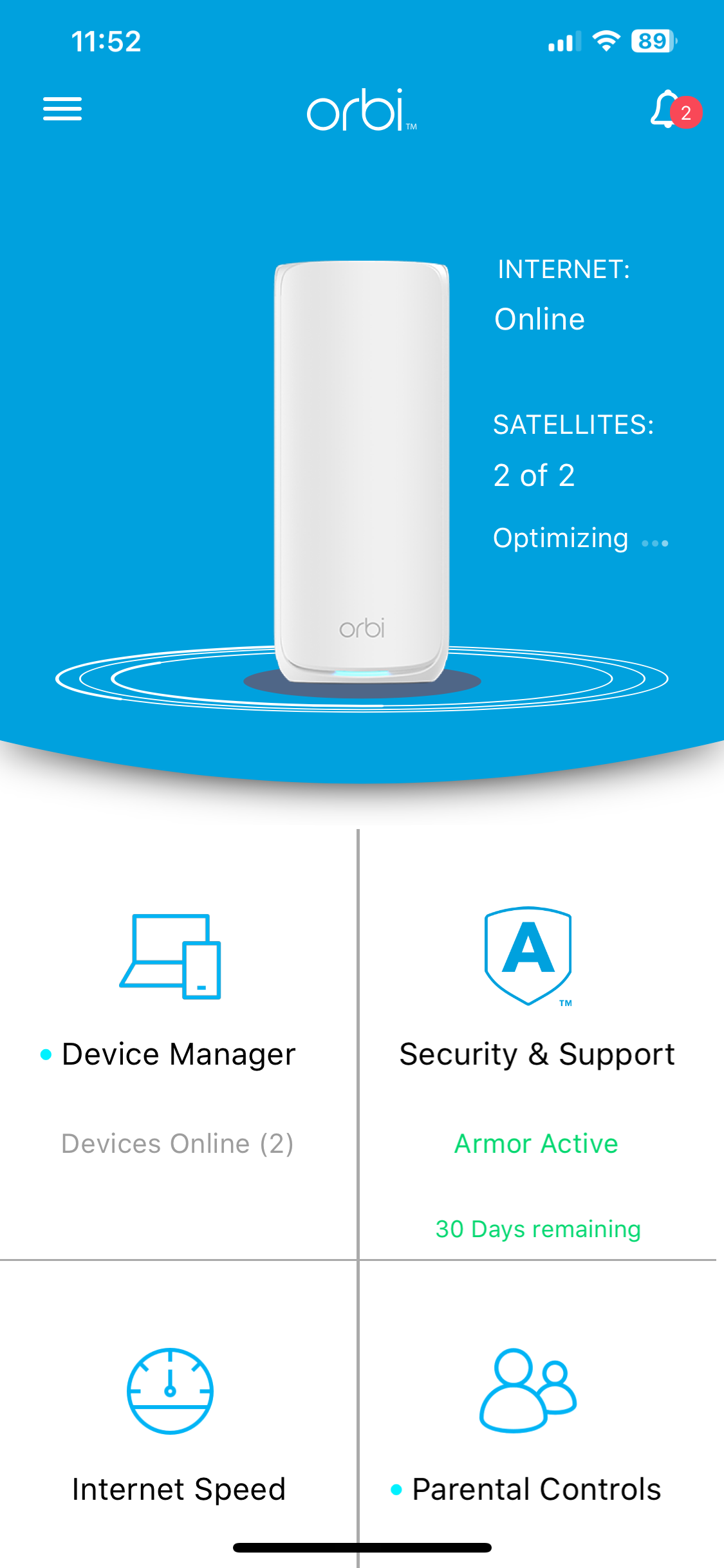

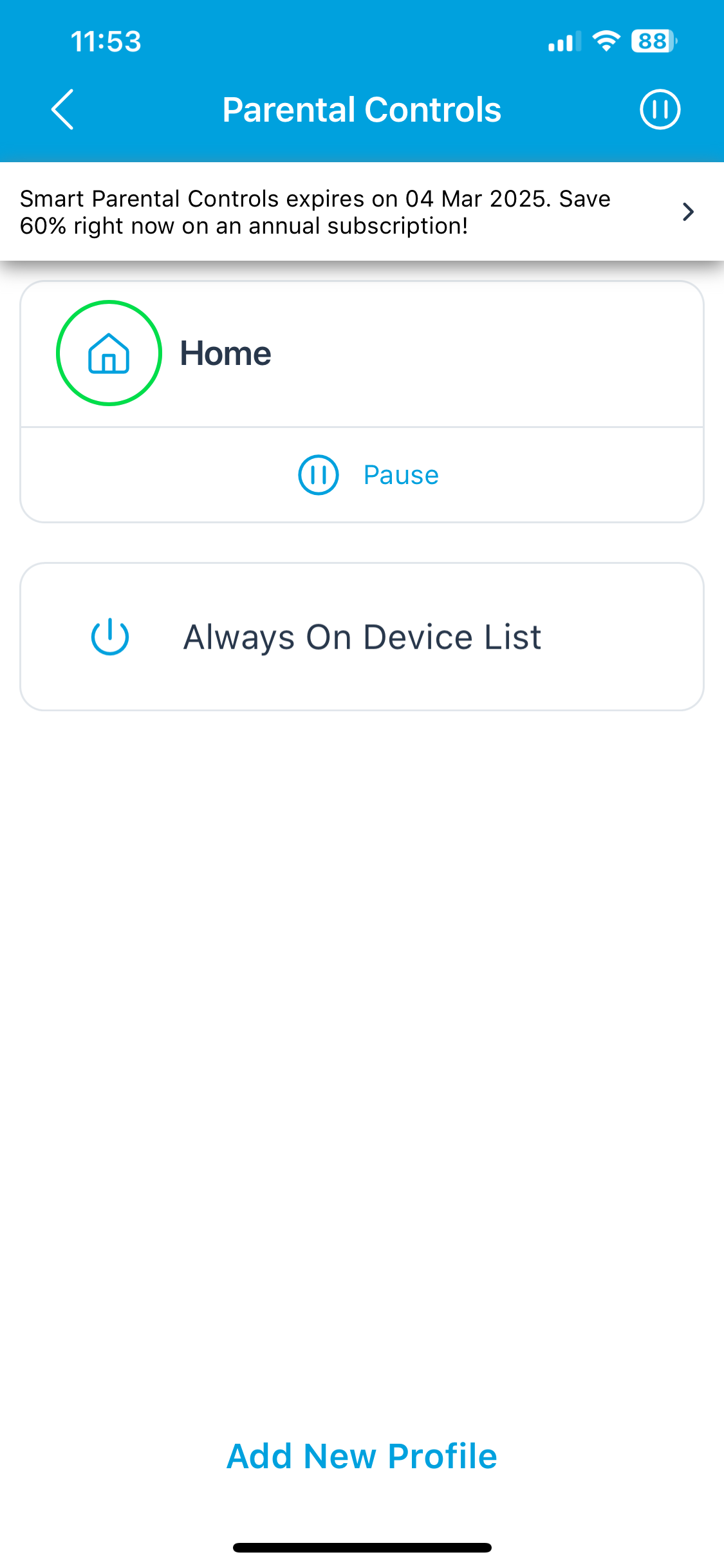
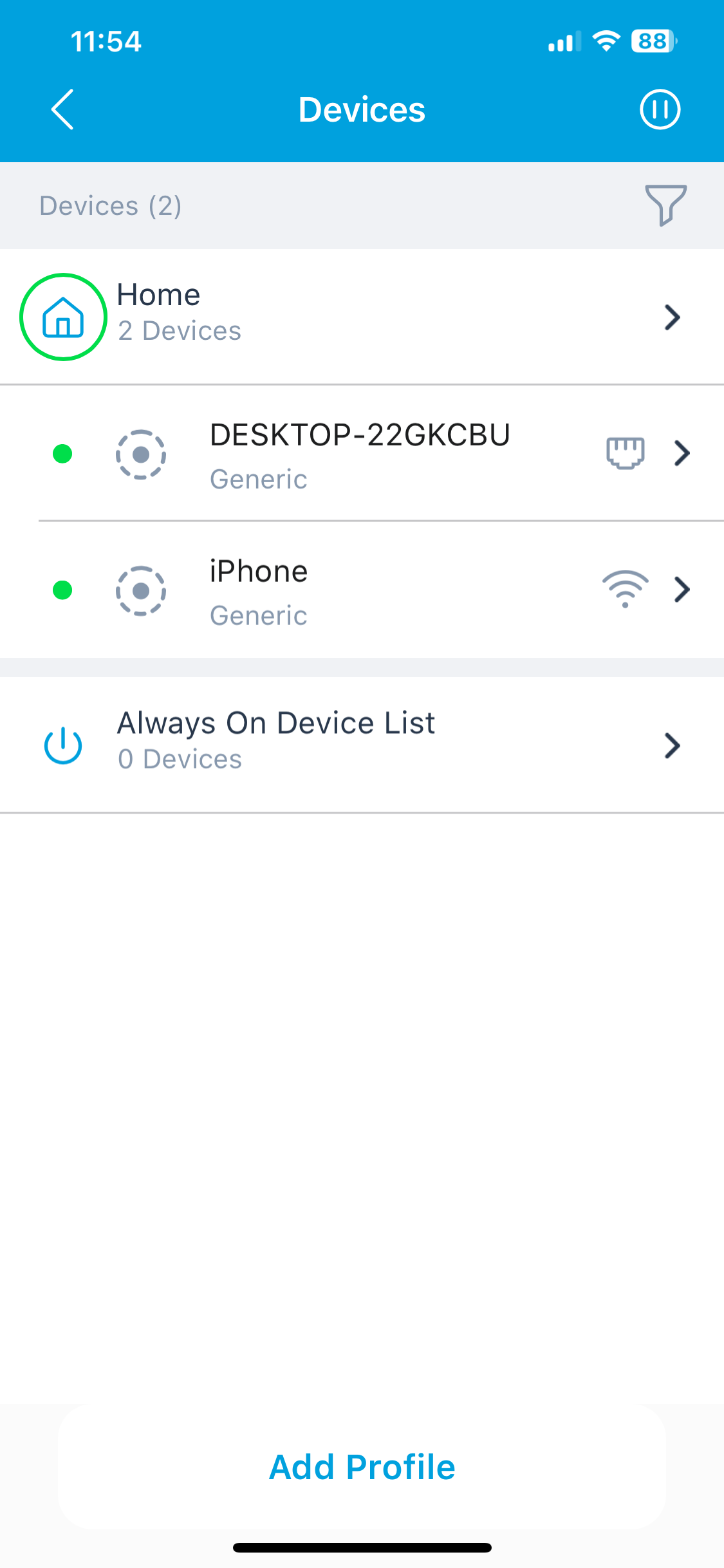
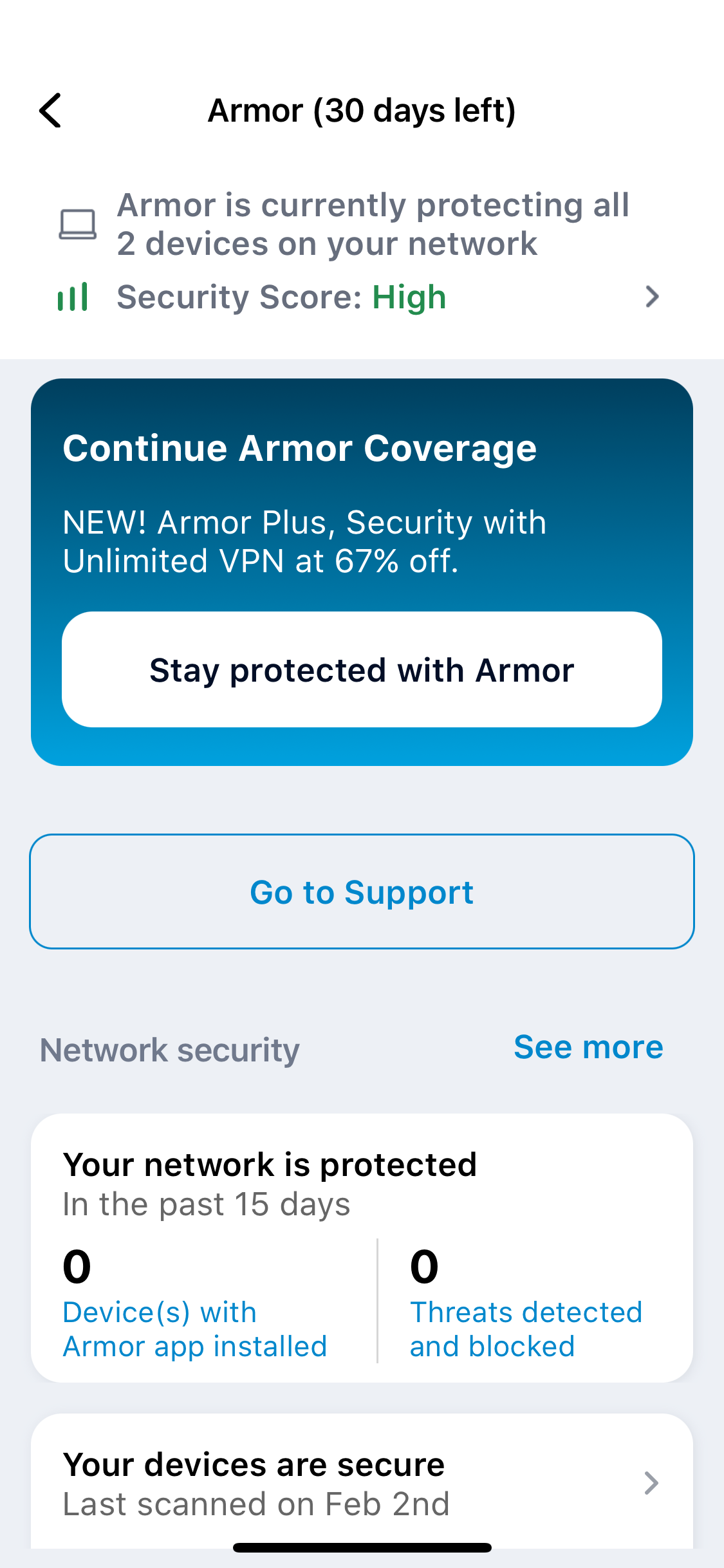
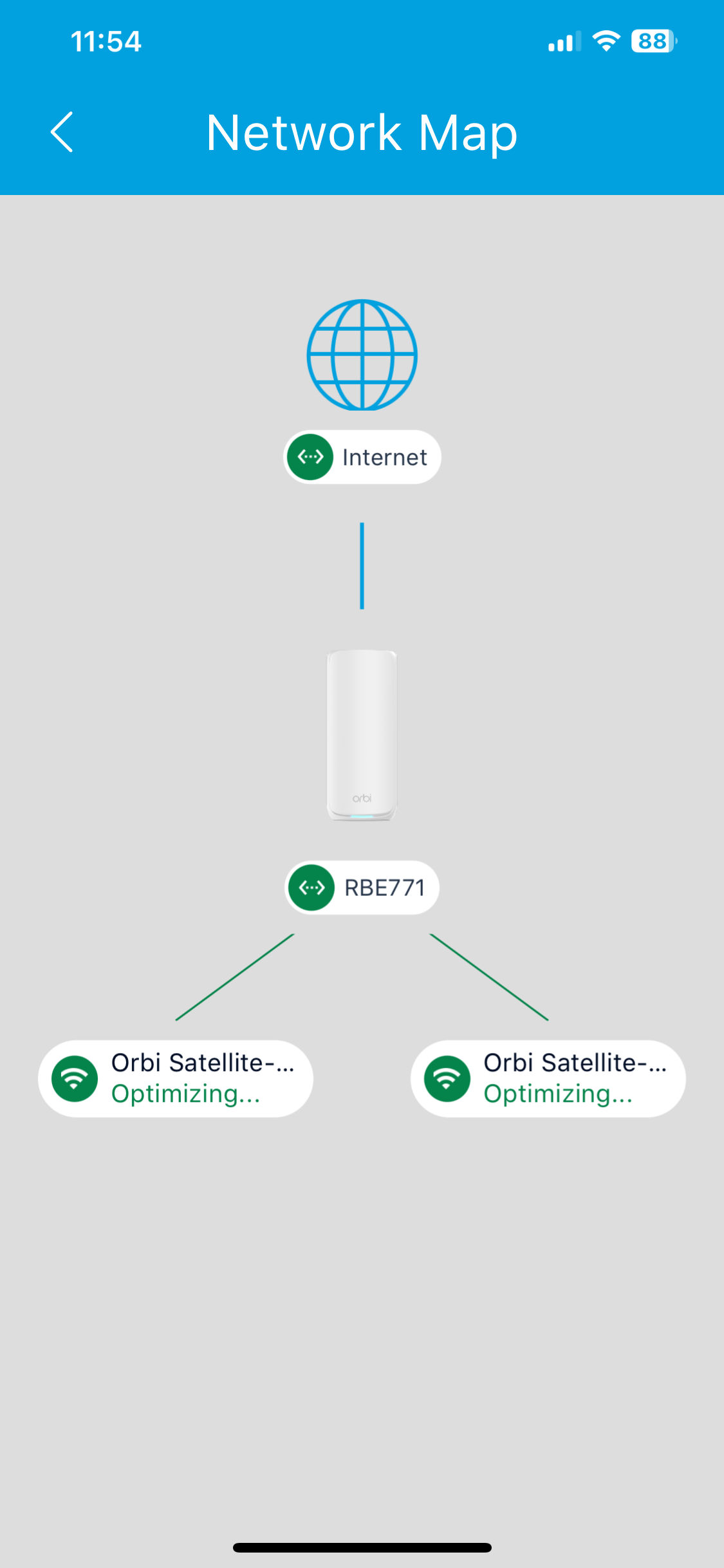
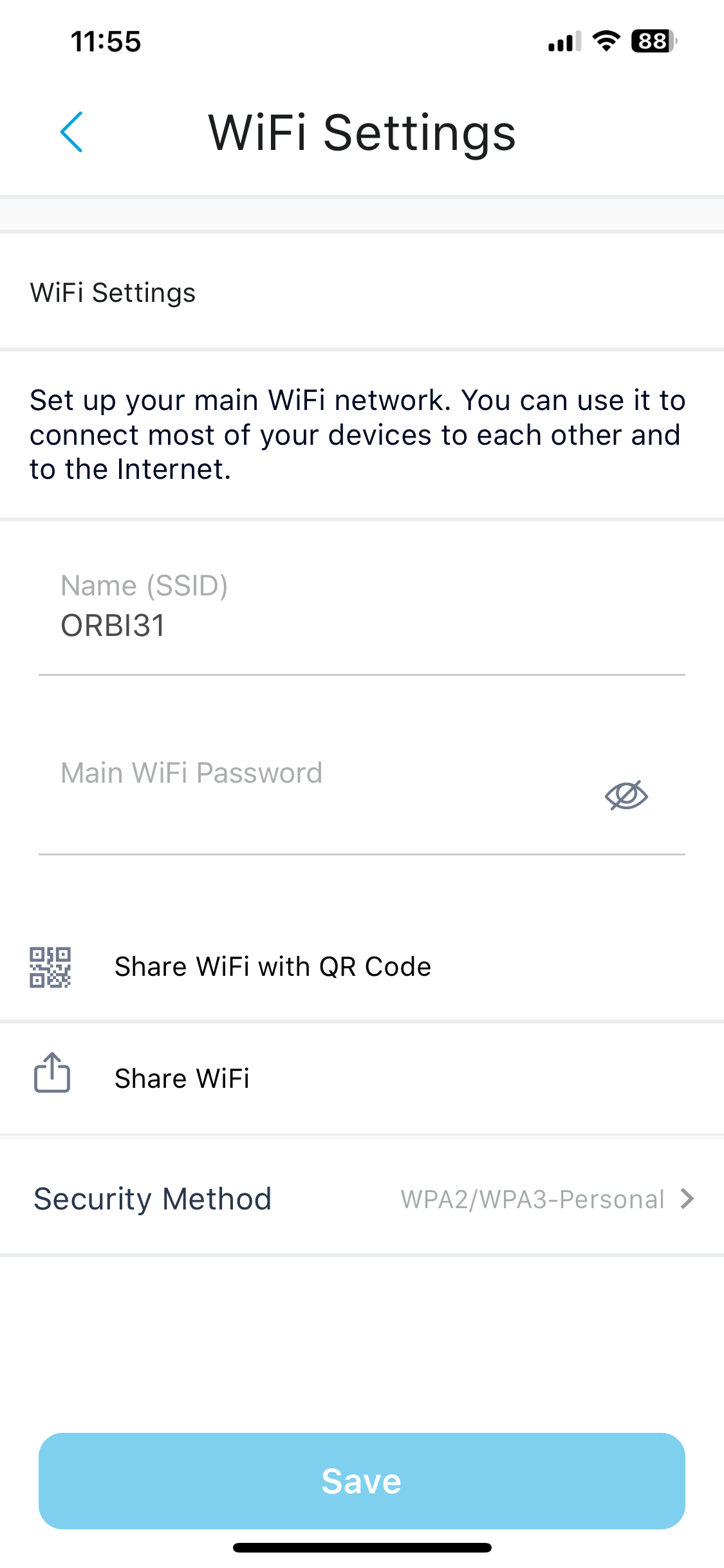
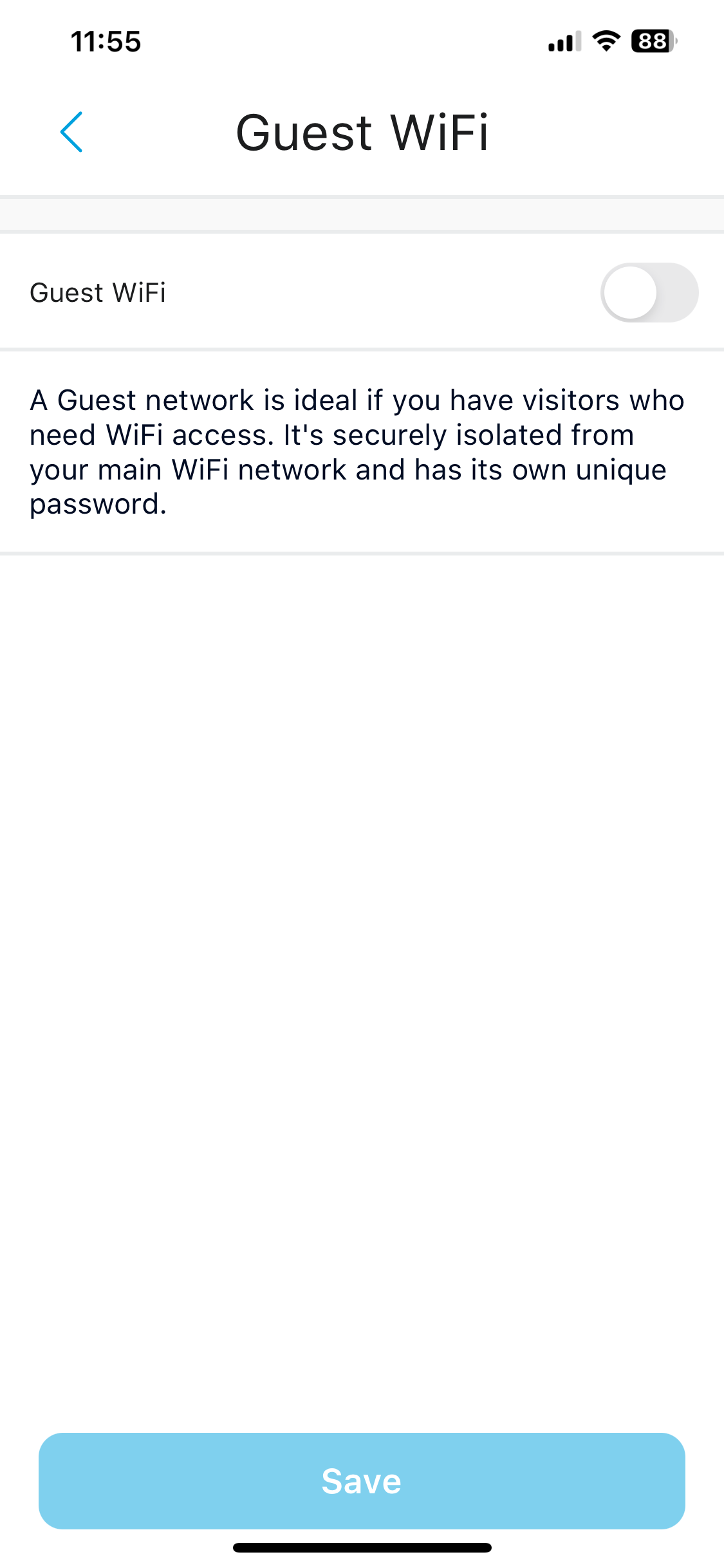
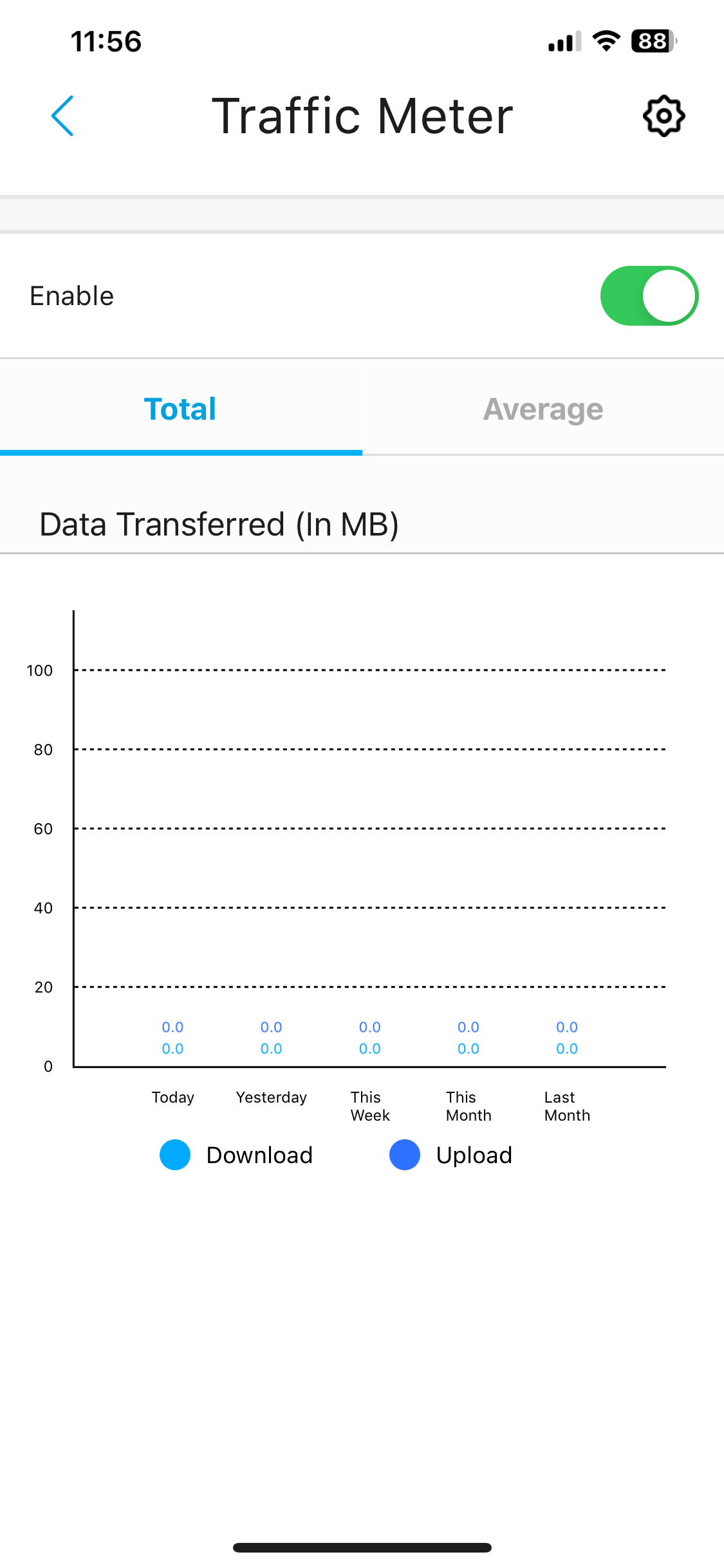
Once your system is operational, you can get into the smartphone management interface, starting with a prompt to enable the rather meagre 30-day trial of NETGEAR's Armour system. Initially, your system could still be finding and optimising the satellites. You'll also be prompted to configure Parental Controls, another subscription-based service, which costs £59.99 a year although you get 60% off for the first year, so it's £24.
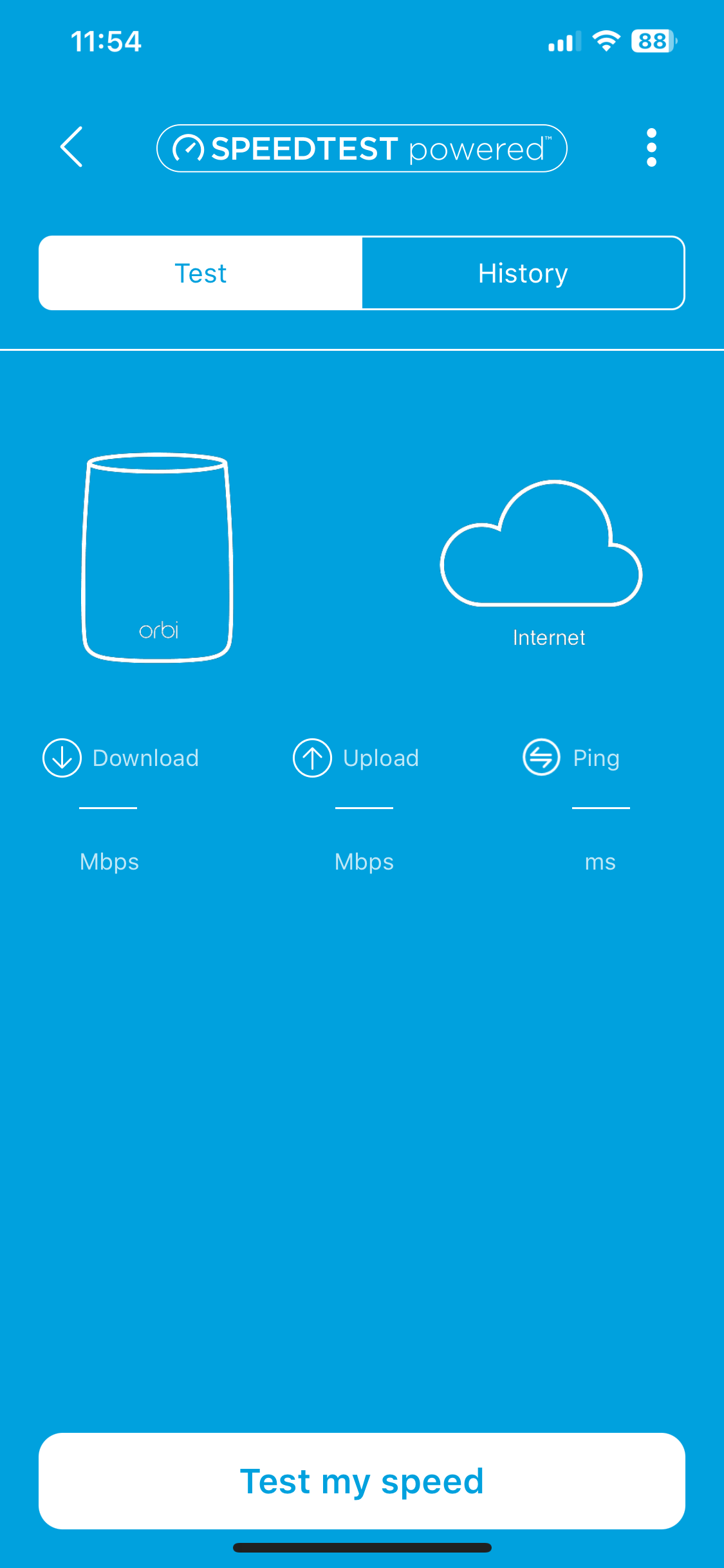
The smartphone admin interface isn't that packed with features. You can see what devices are on the network (both wired and wireless), you can check your mesh topology, and you can perform a broadband speed test. You can also change your WiFi settings, create a guest WiFi network, and turn on the Traffic Meter to assess bandwidth usage. And that's pretty much it. If you want more fine control over the router's behaviour, you will need to head to the Web interface.
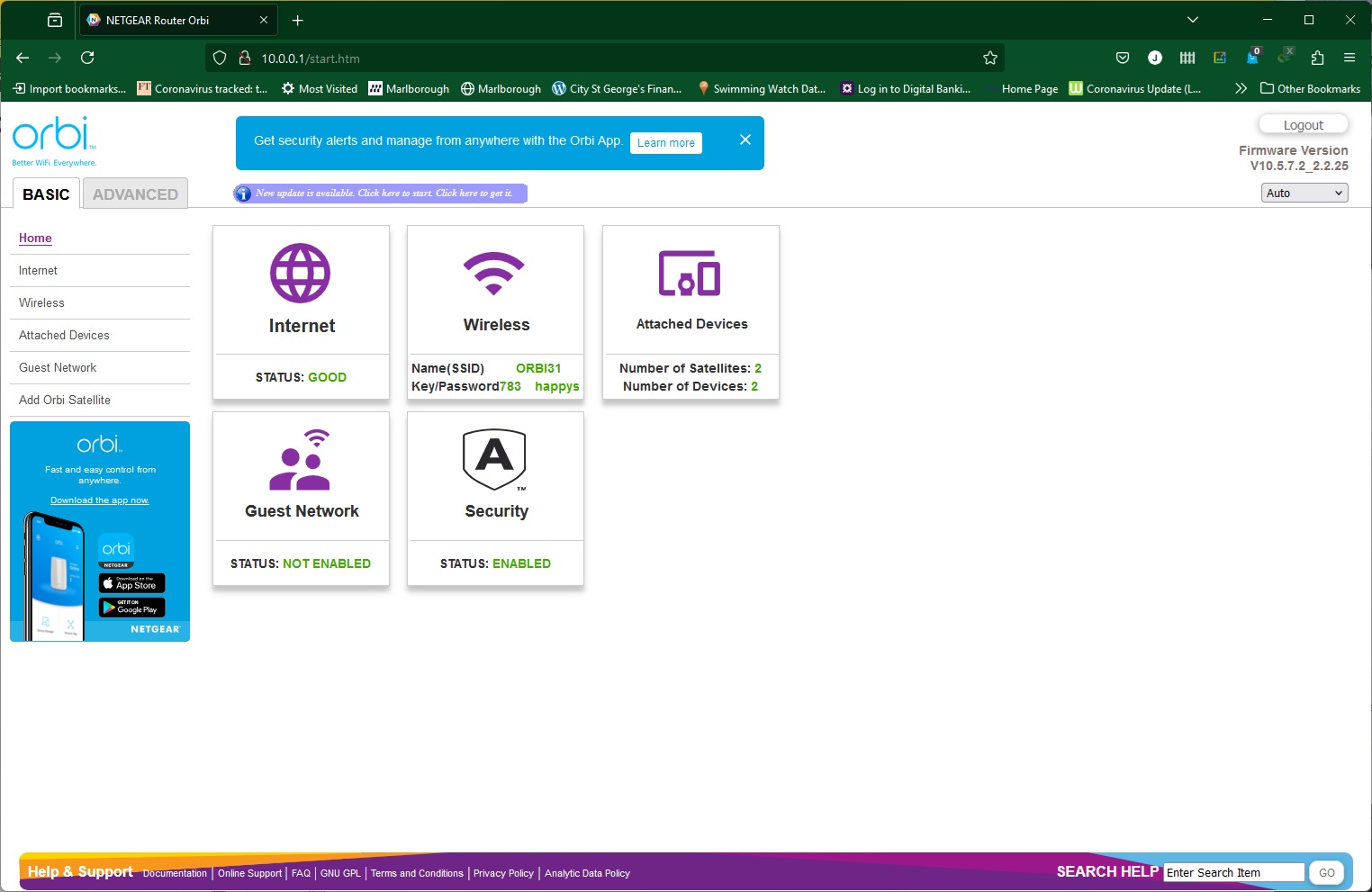
The Home tab in the Basic section gives you an overview of the Orbi system's current settings.
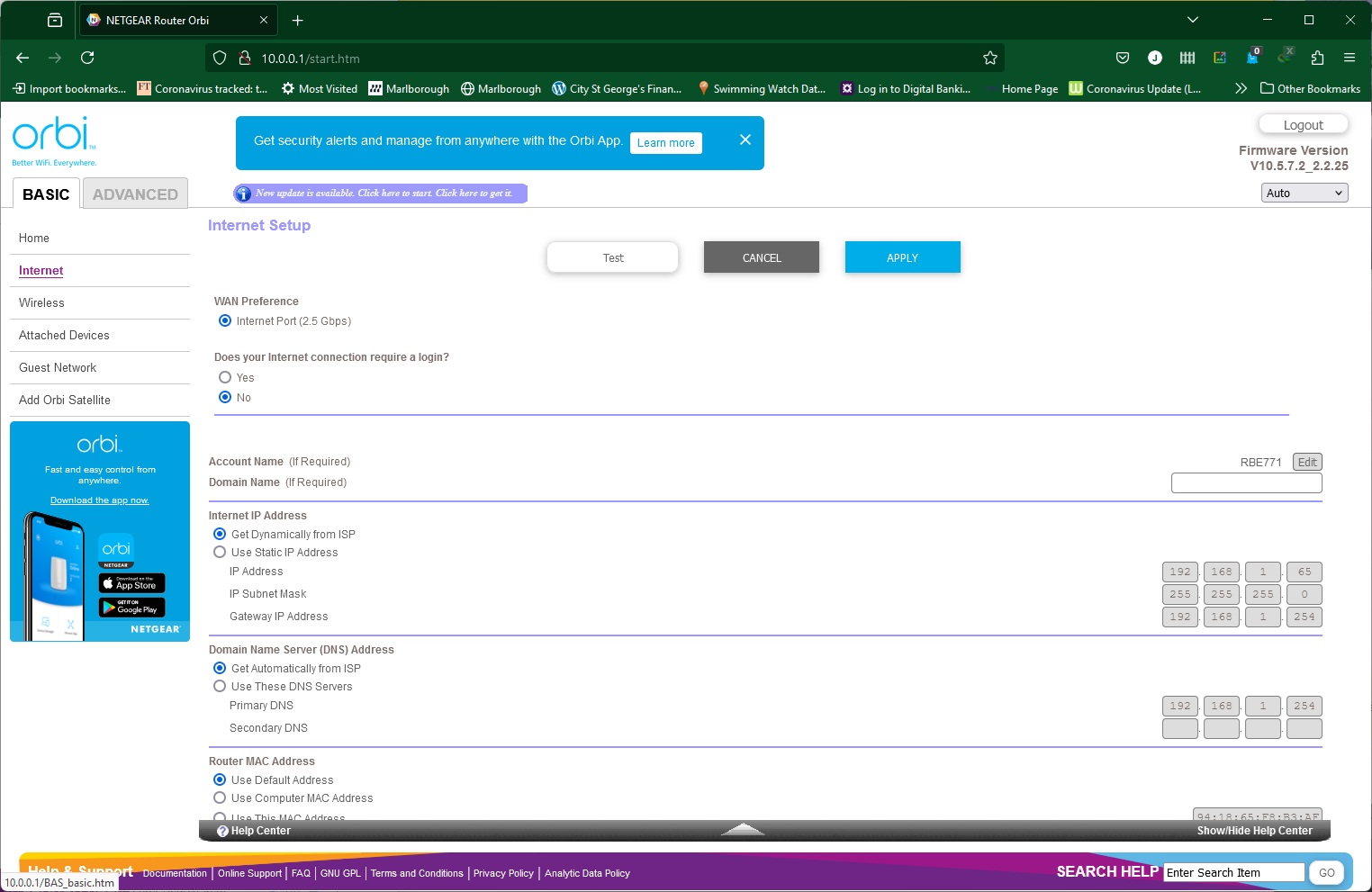
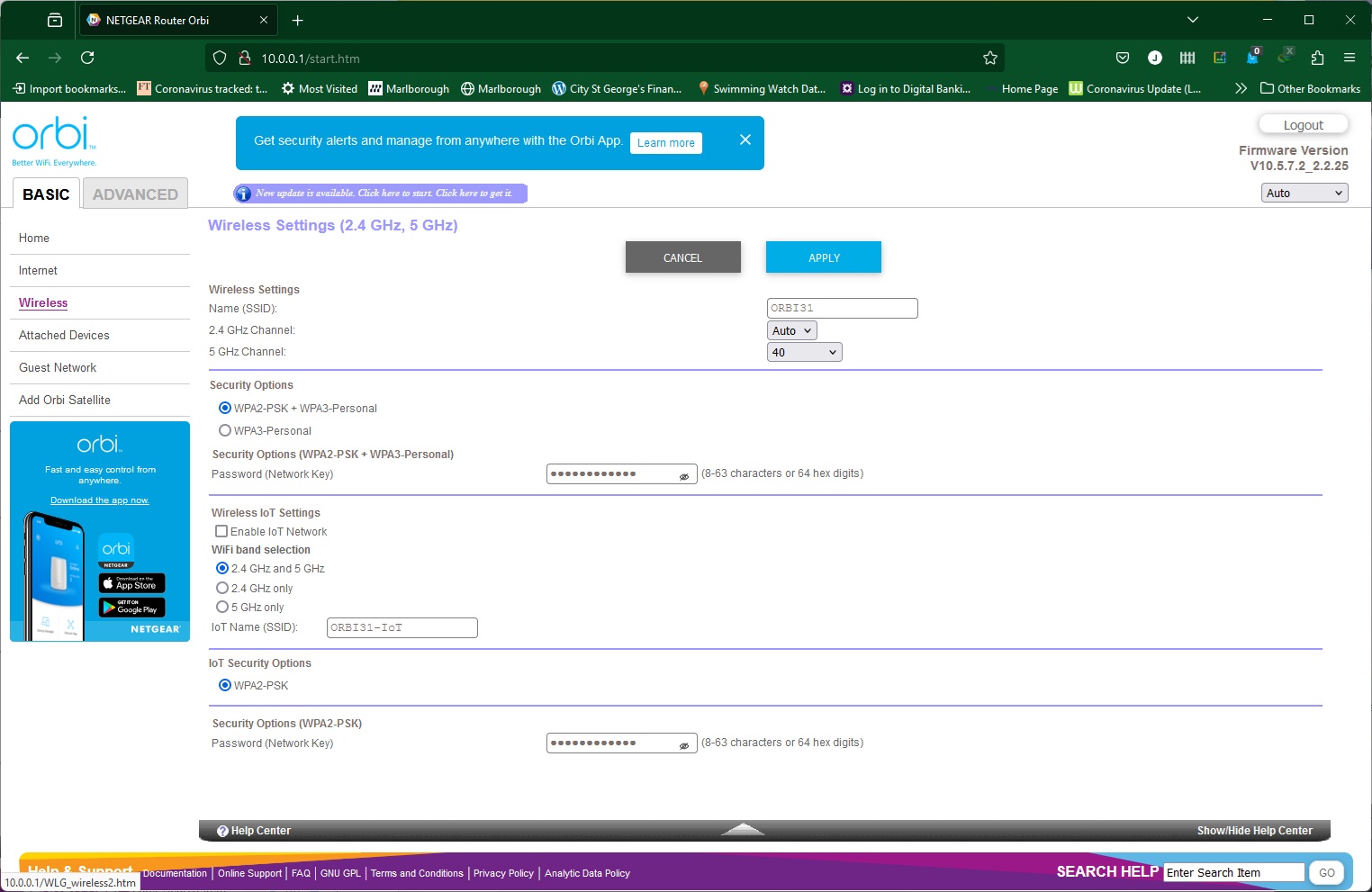
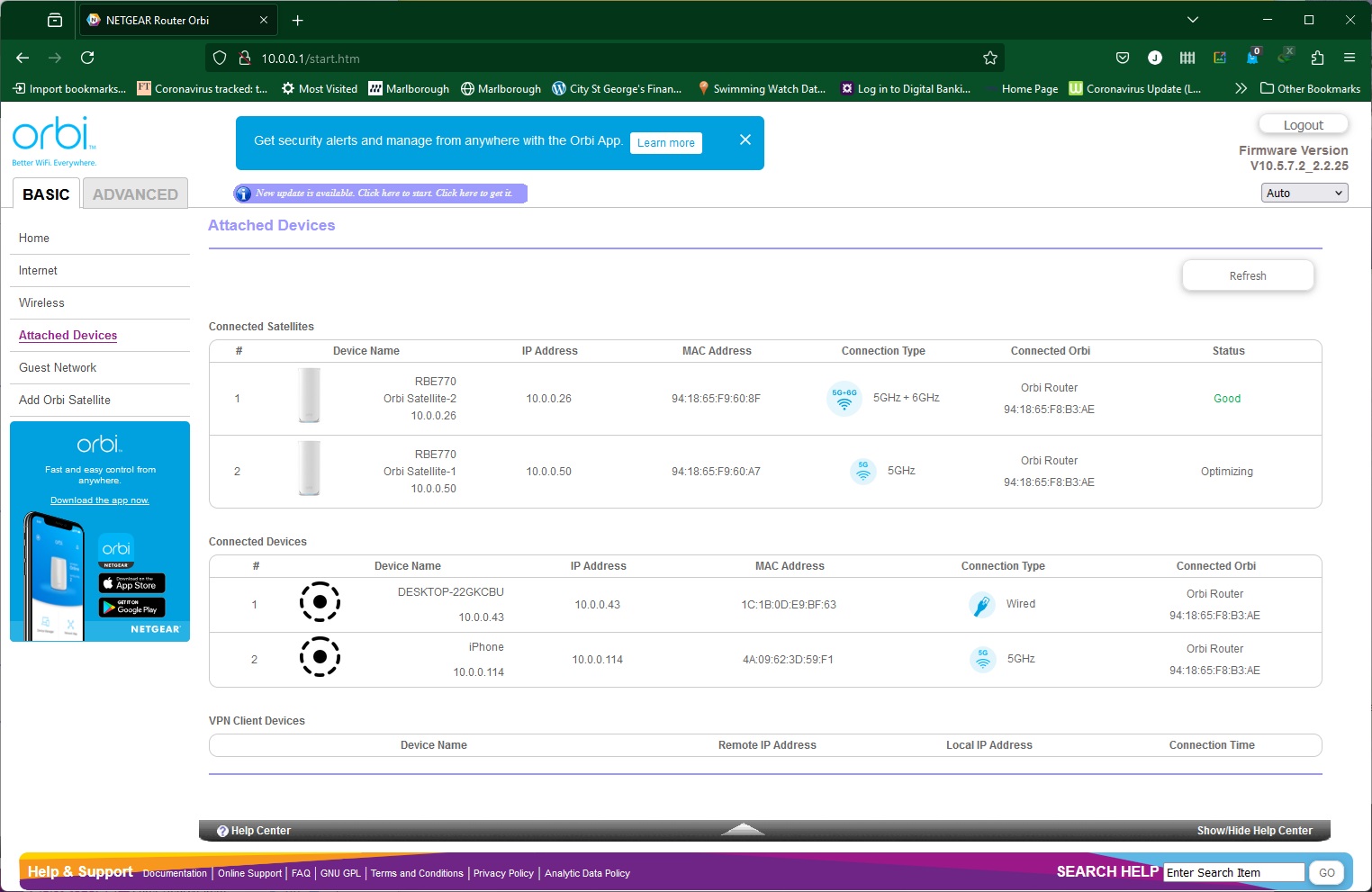
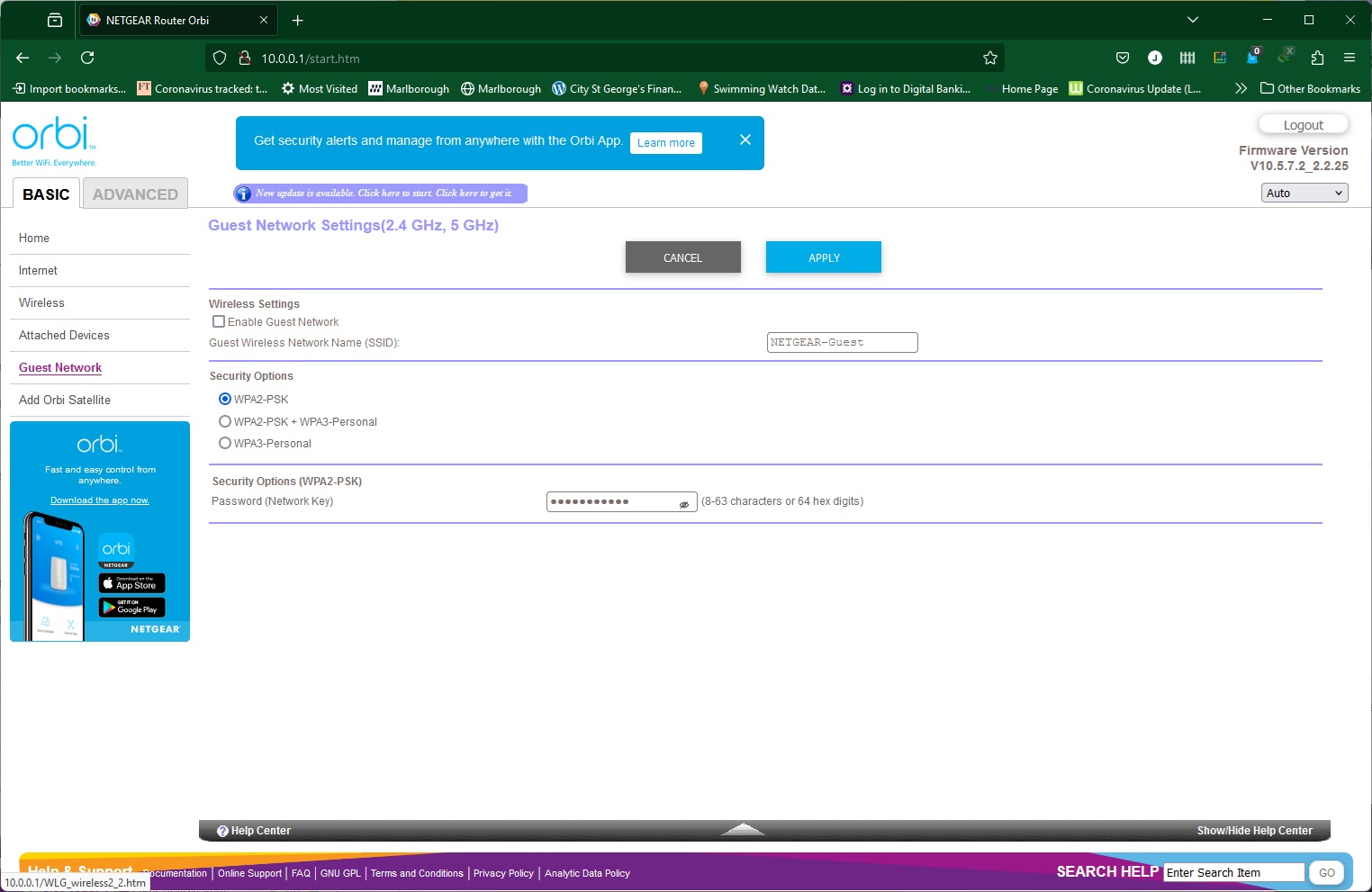
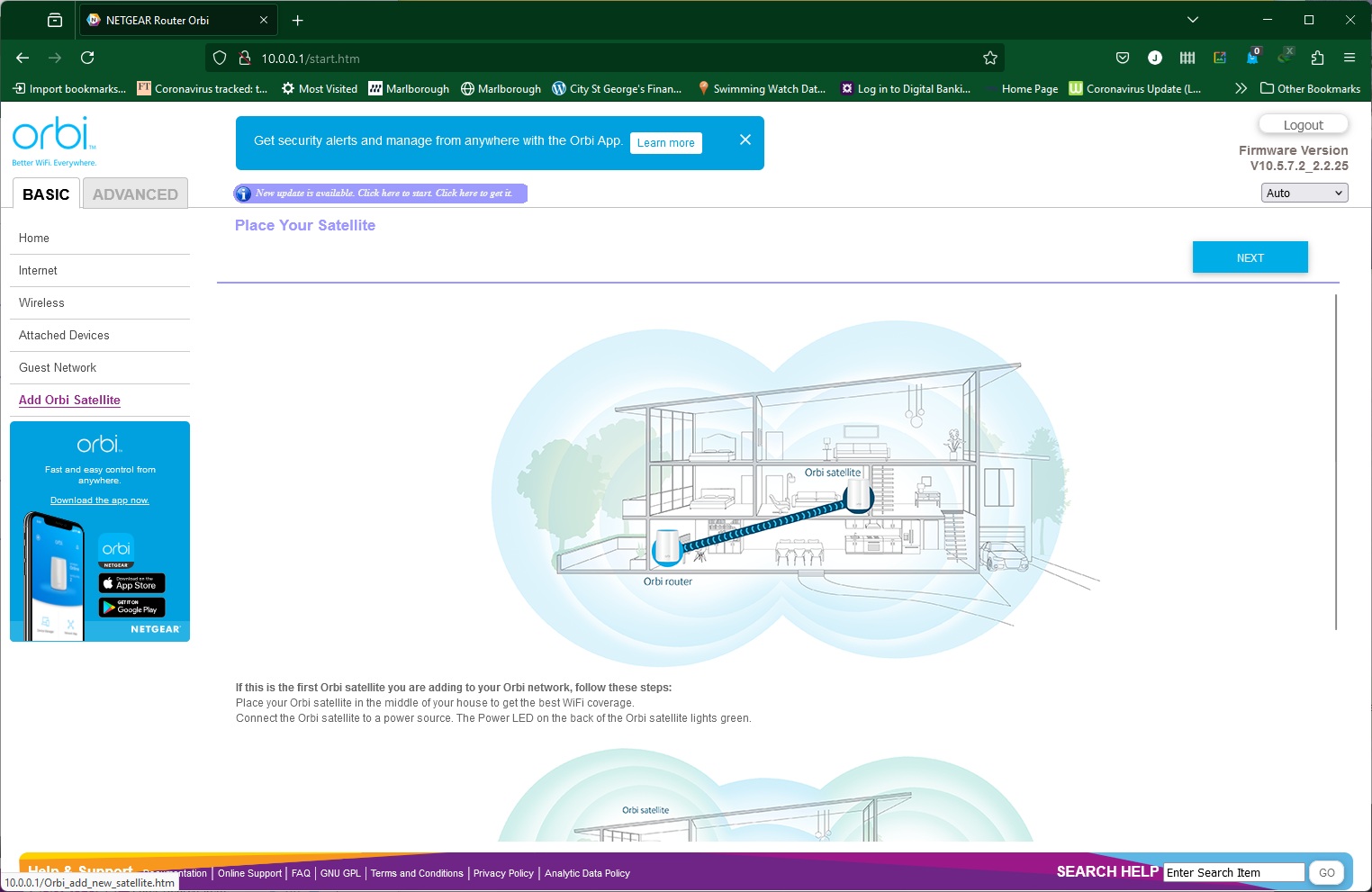
Further tabs in the Basic section let you change the way your broadband connection behaves, change your wireless settings (which includes setting up a dedicated WLAN for Internet of Things devices), browsing wired and wireless devices currently attached to the router (including the satellites), setting up a guest WiFi network, and adding more Orbi satellites to your mesh.
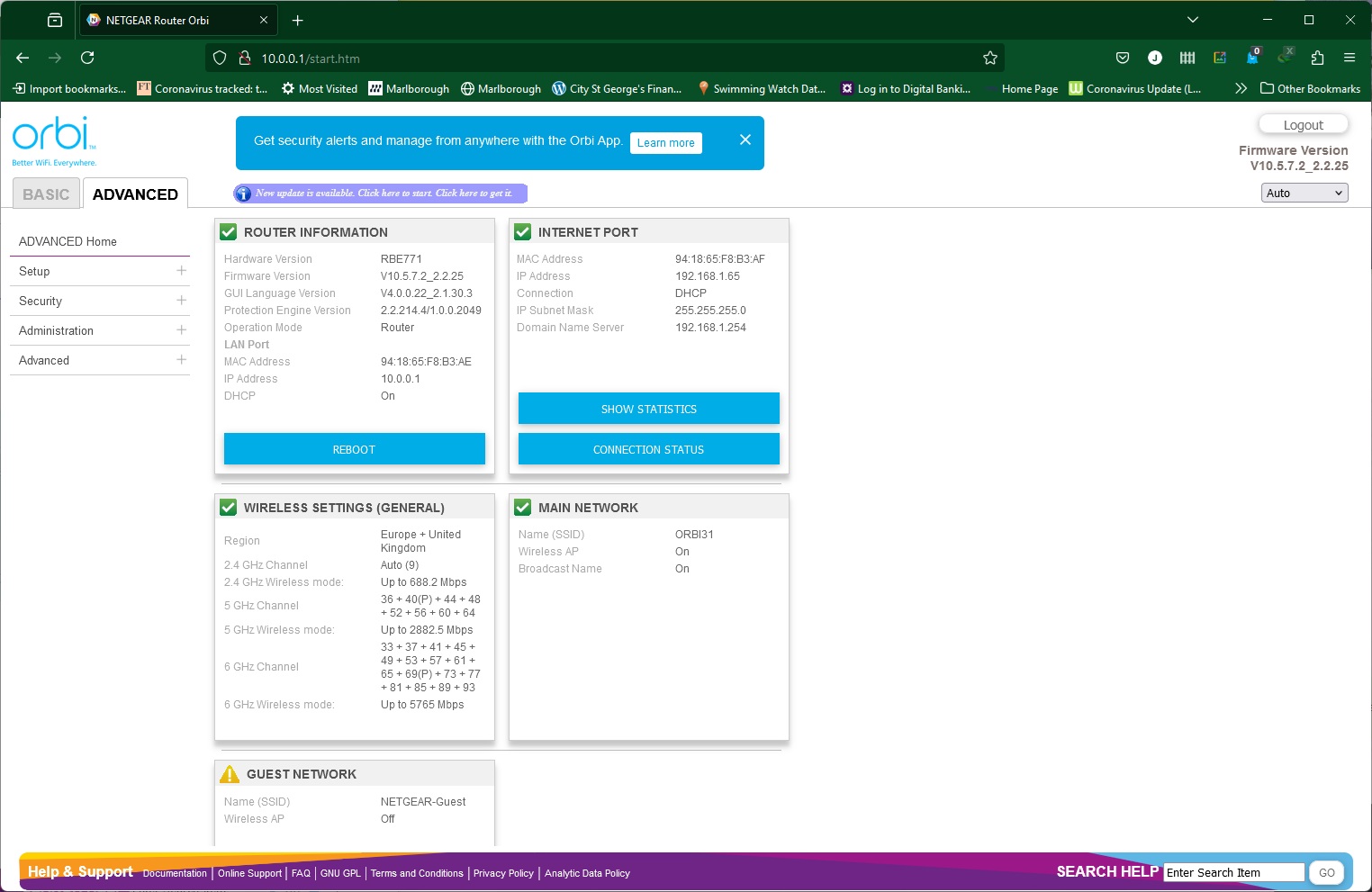
The Advanced section Home tab provides a similar overview to the Basic section, only with more detail.
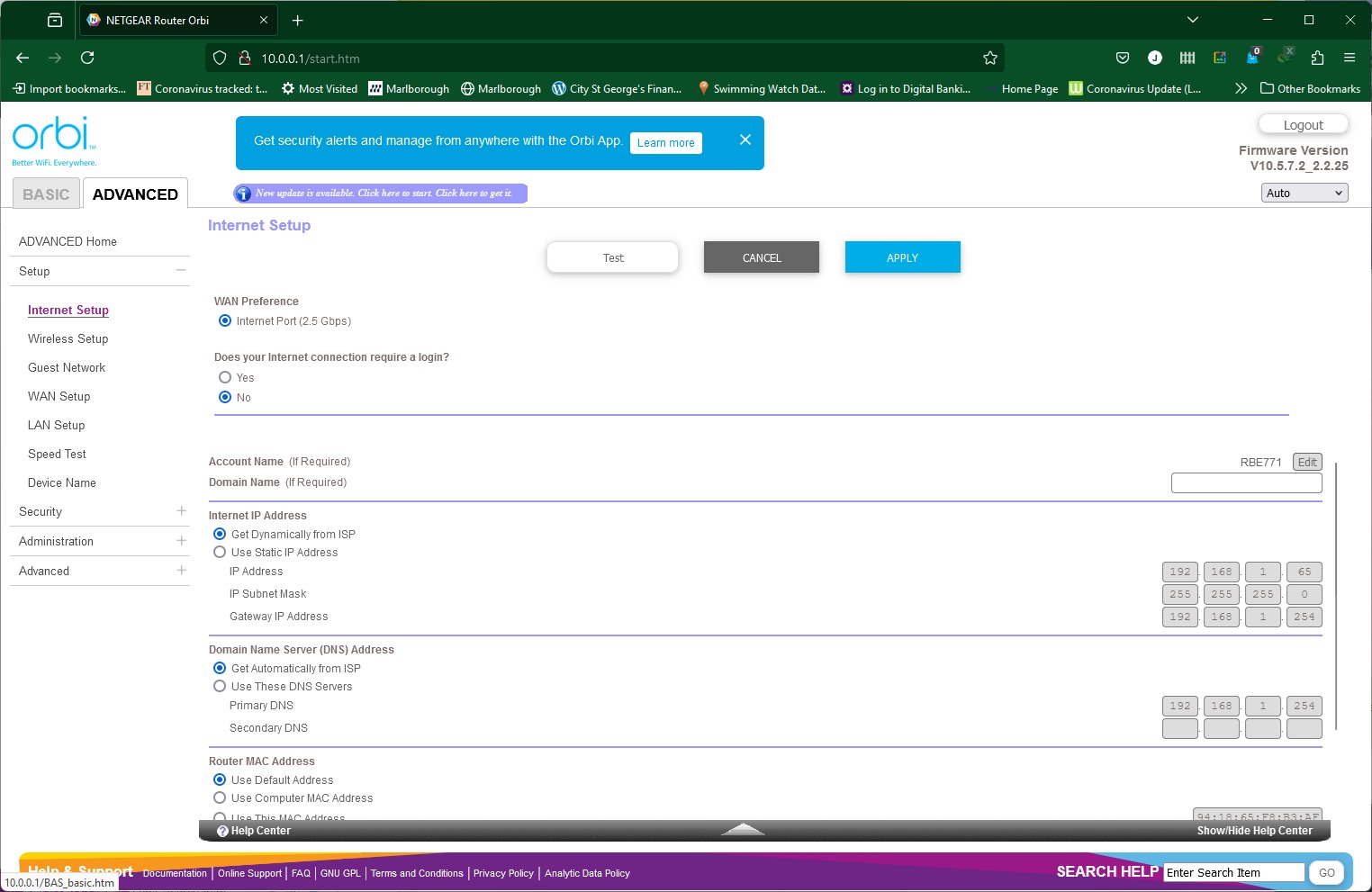
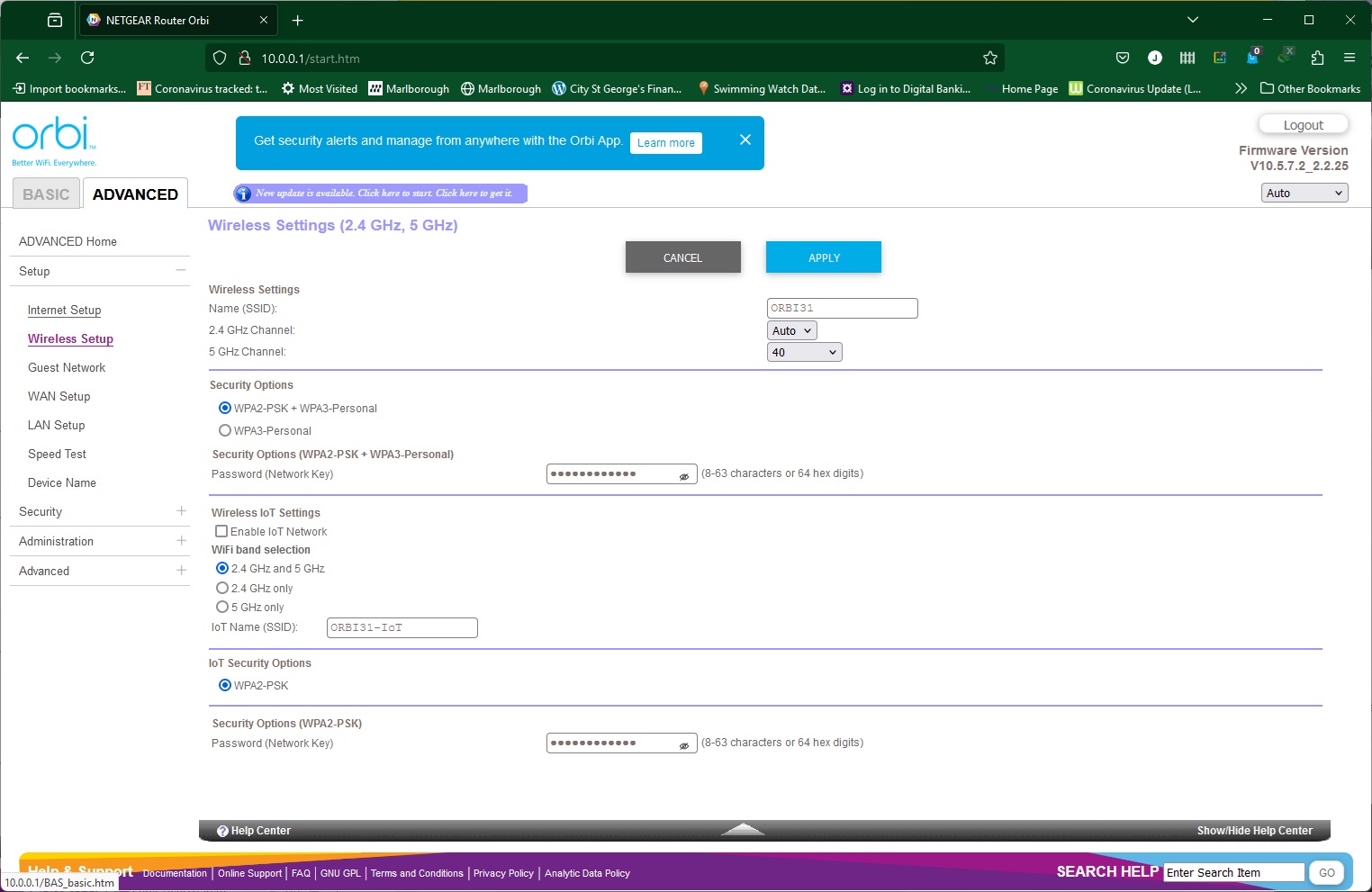
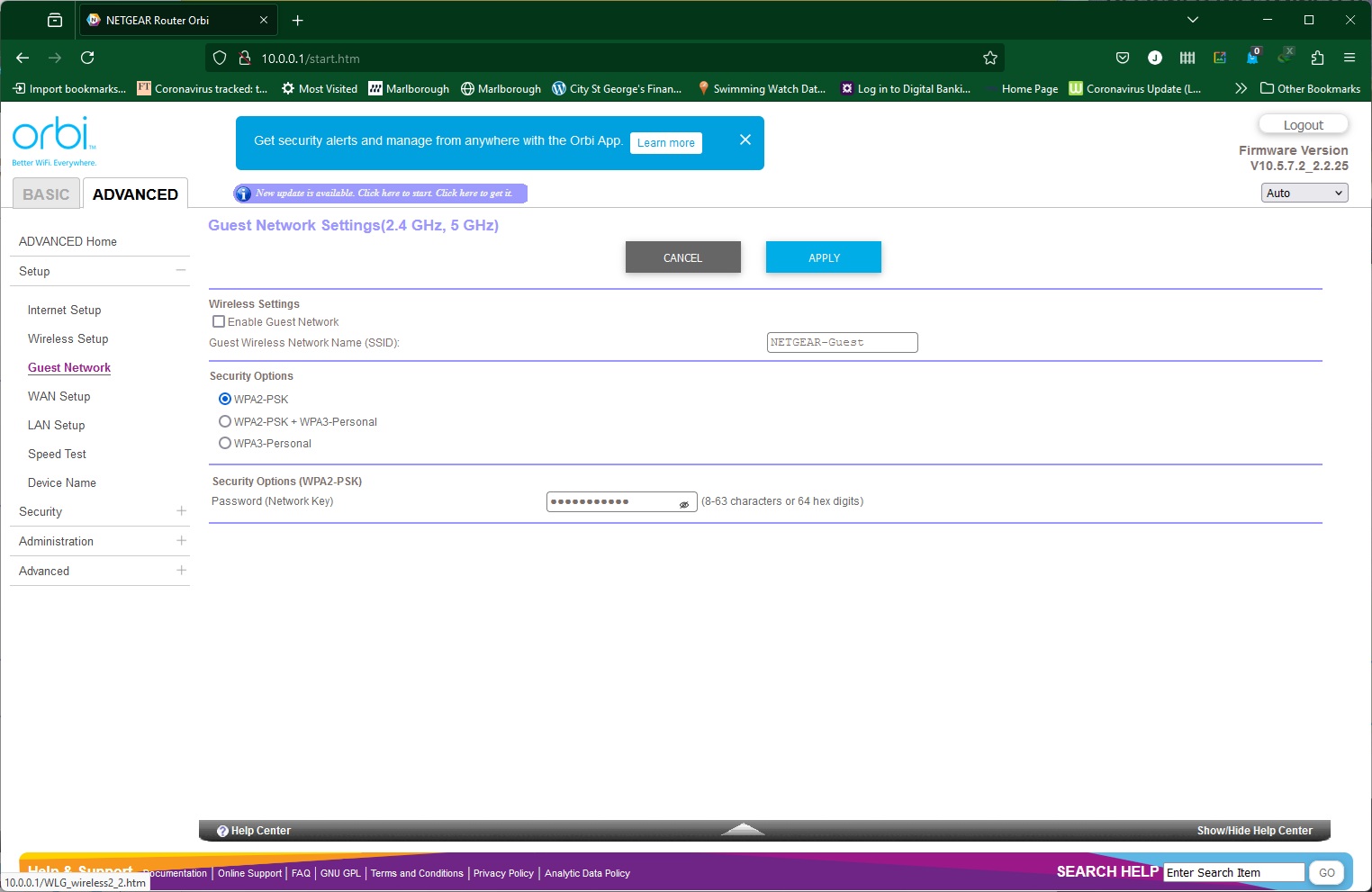
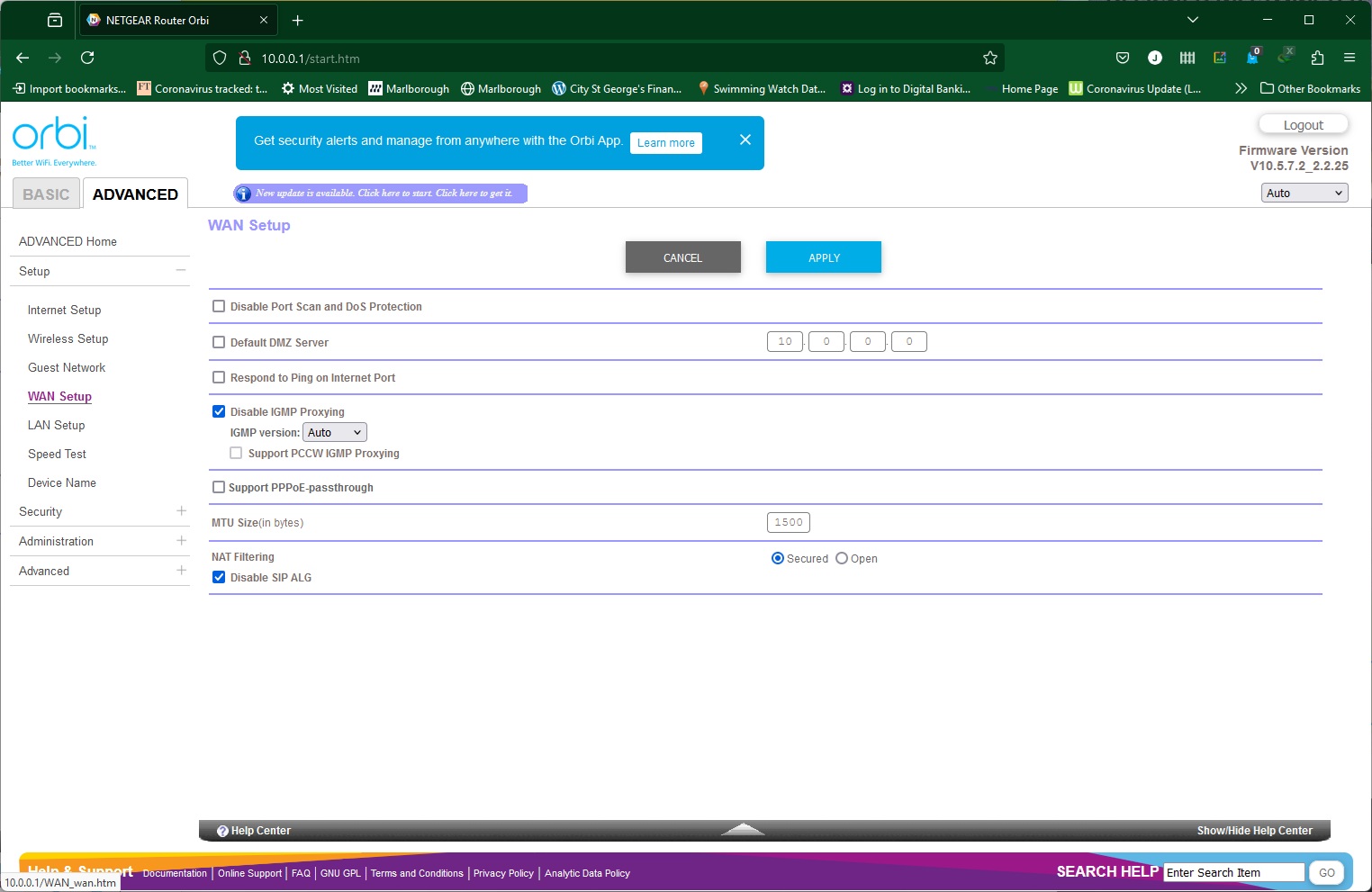
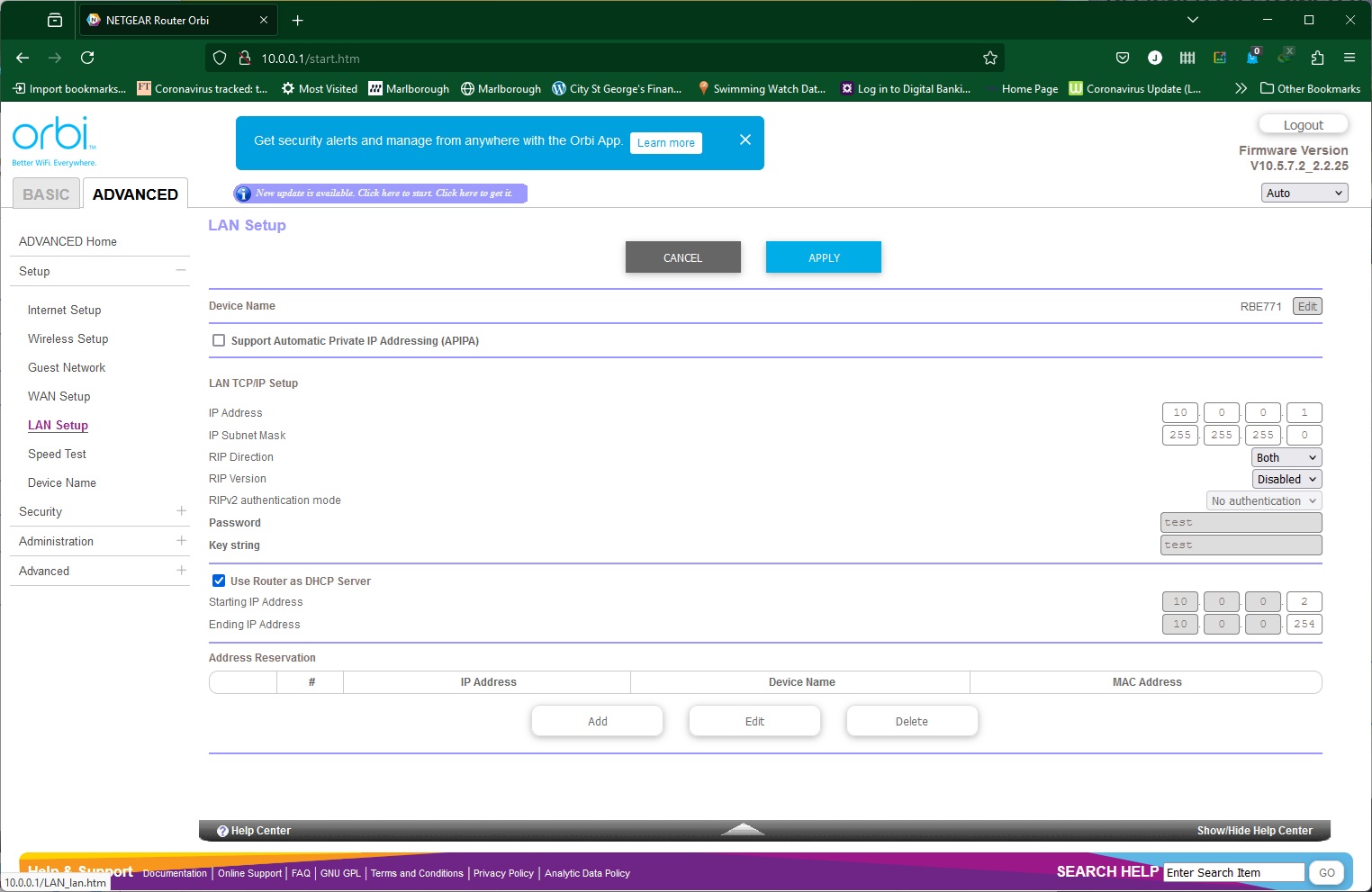
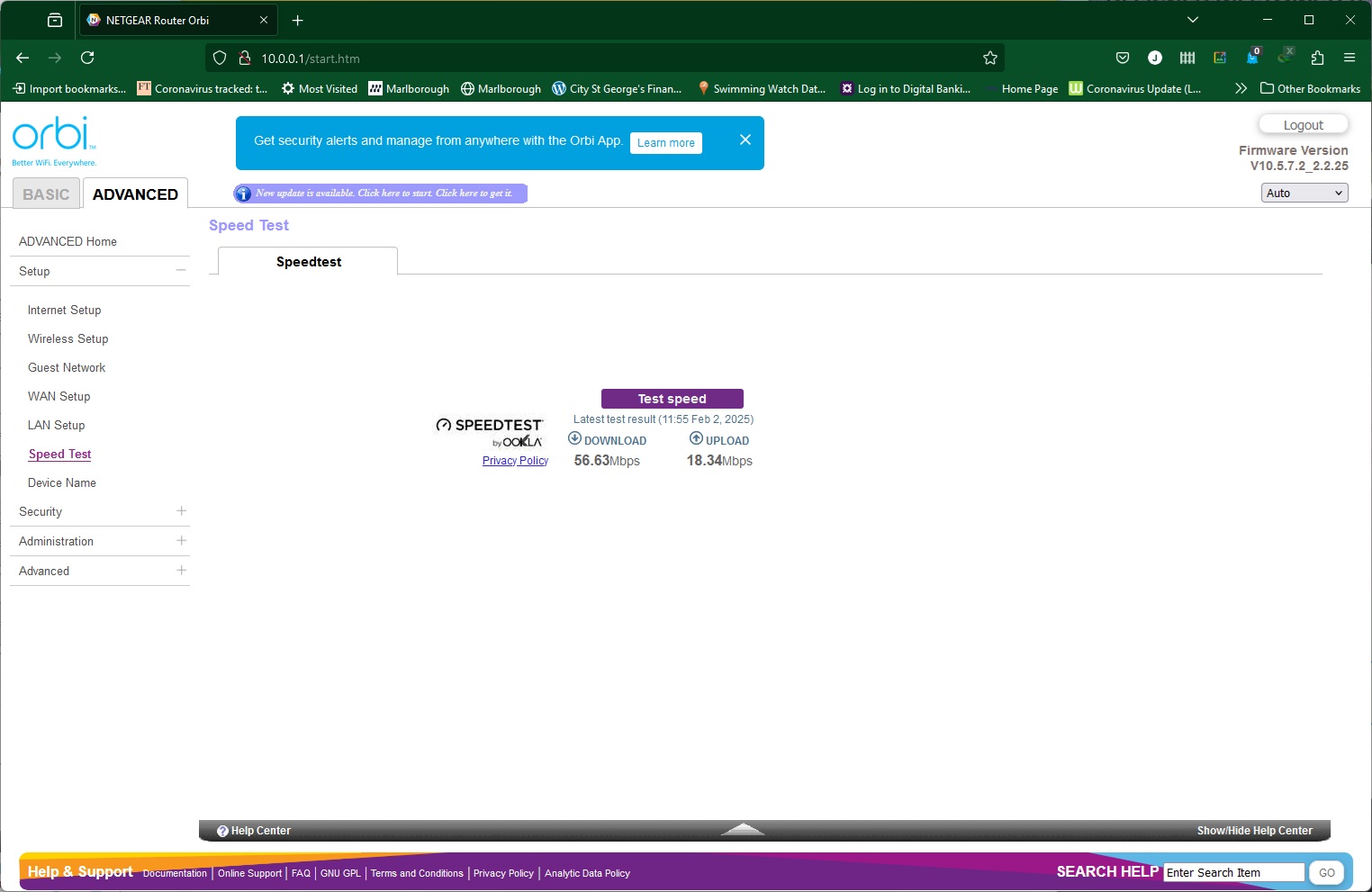
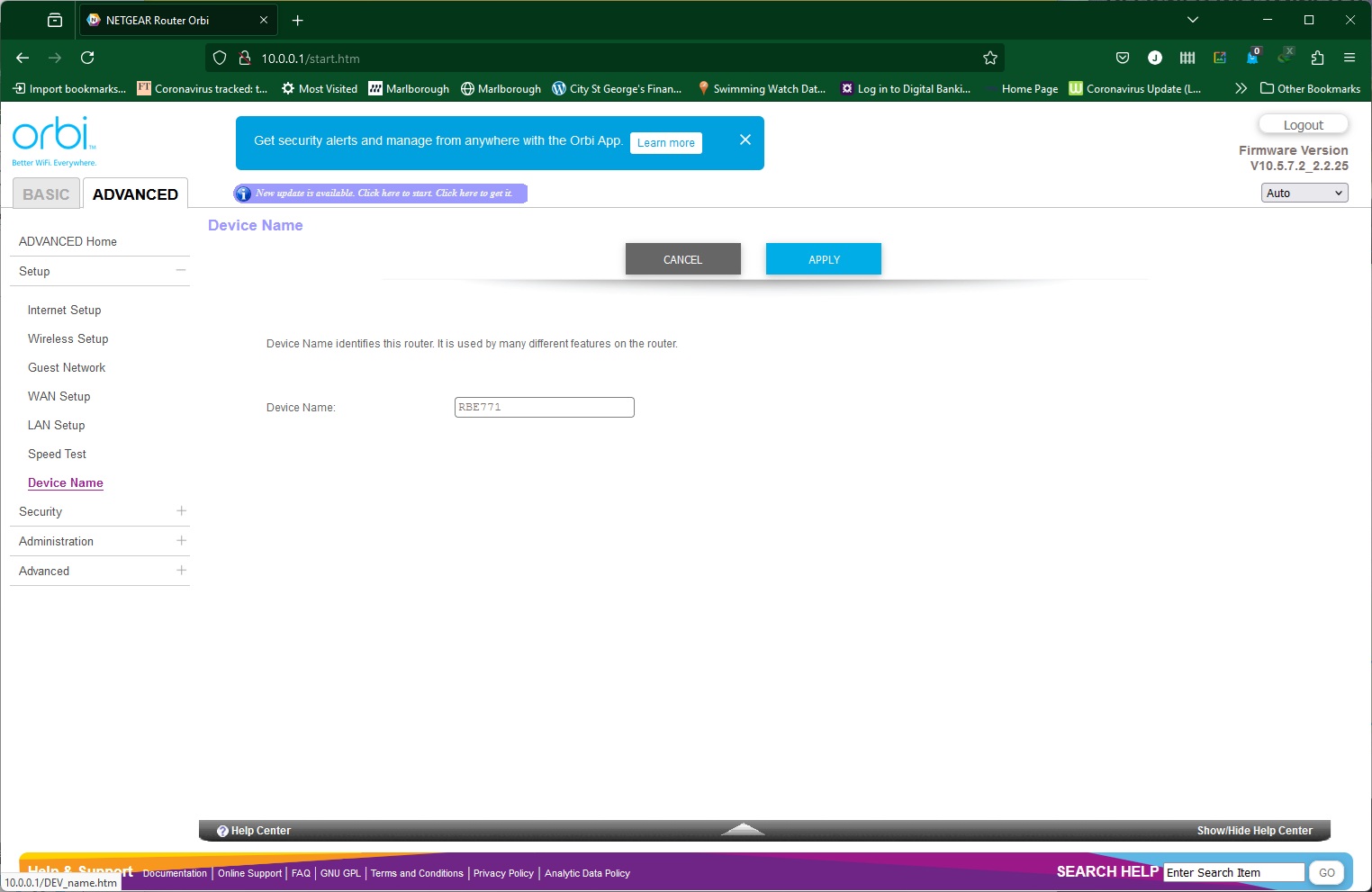
The Setup tab includes some of the same features as found in the Basic section. You can configure your broadband connection, alter your wireless settings and create a guest network. There are a few security options in the WAN section, including nominating an IP for a DMZ. The LAN setup enables you to configure the IP for the router and the range it offers for its DHCP server, as well as reserving specific IP addresses for certain devices.
You can perform a broadband speed test here and change the router's network name as well.
Access control is only available via the smartphone app, which makes you wonder why there is a tab for it in the Web interface.
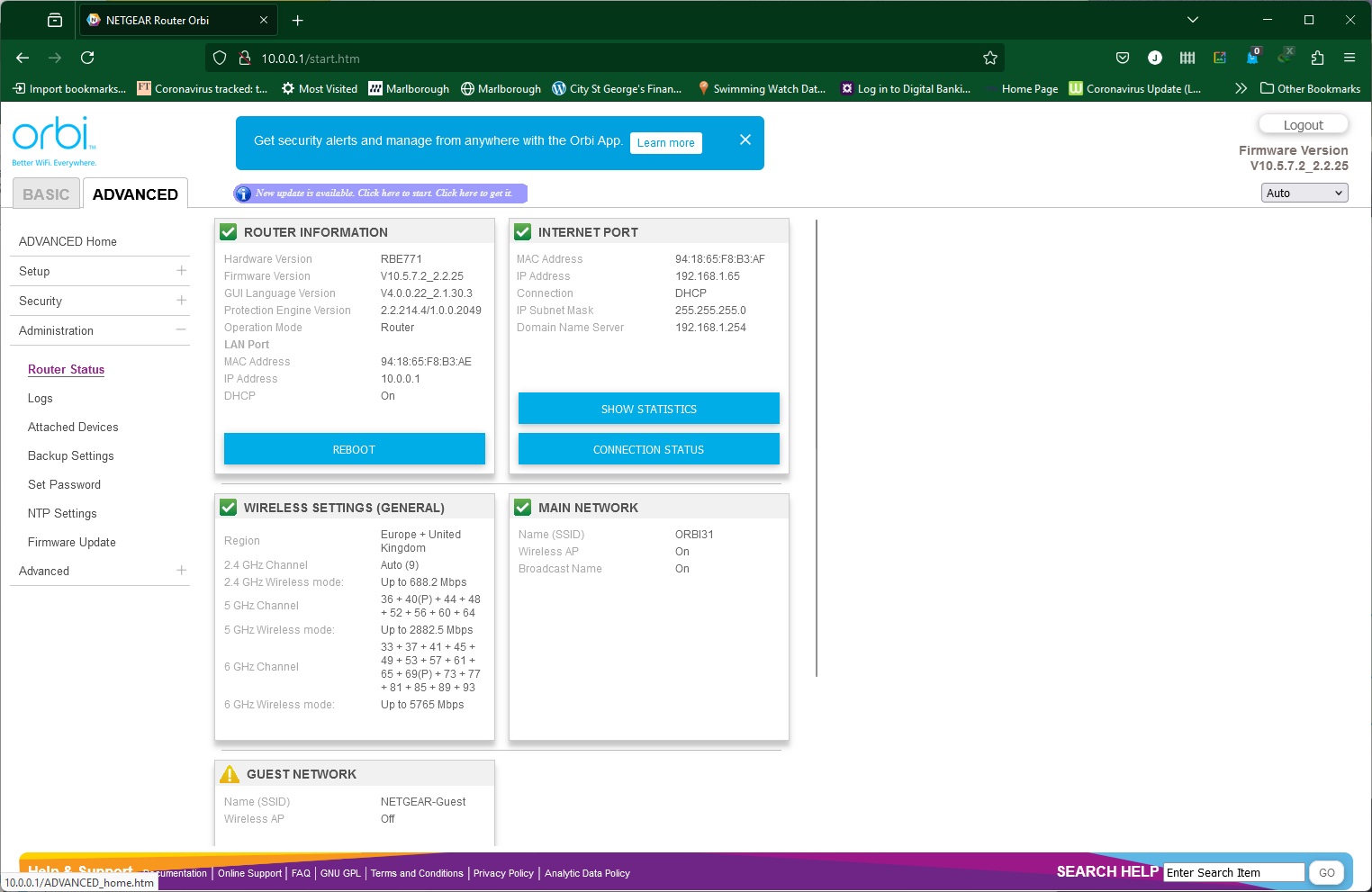
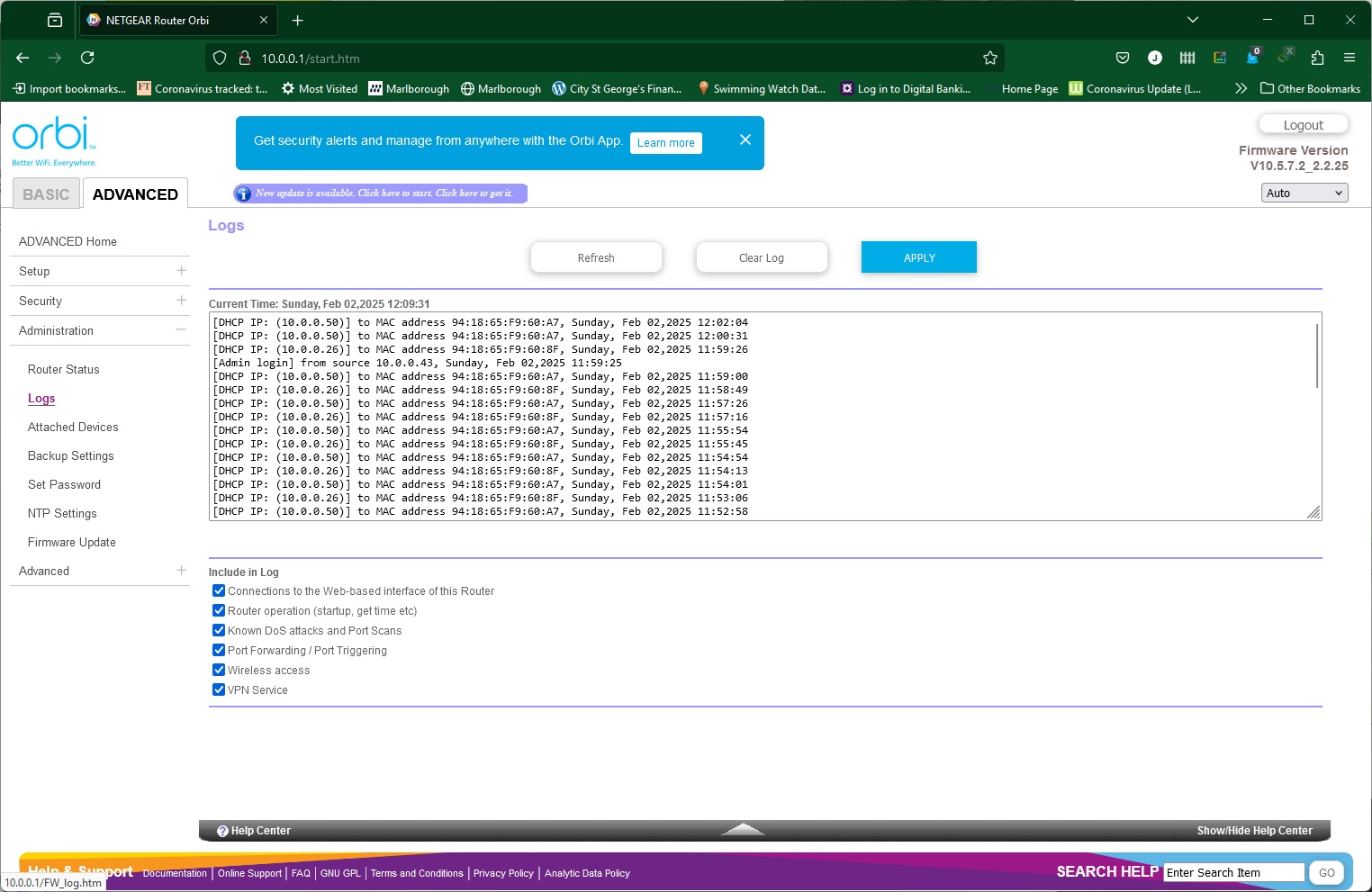
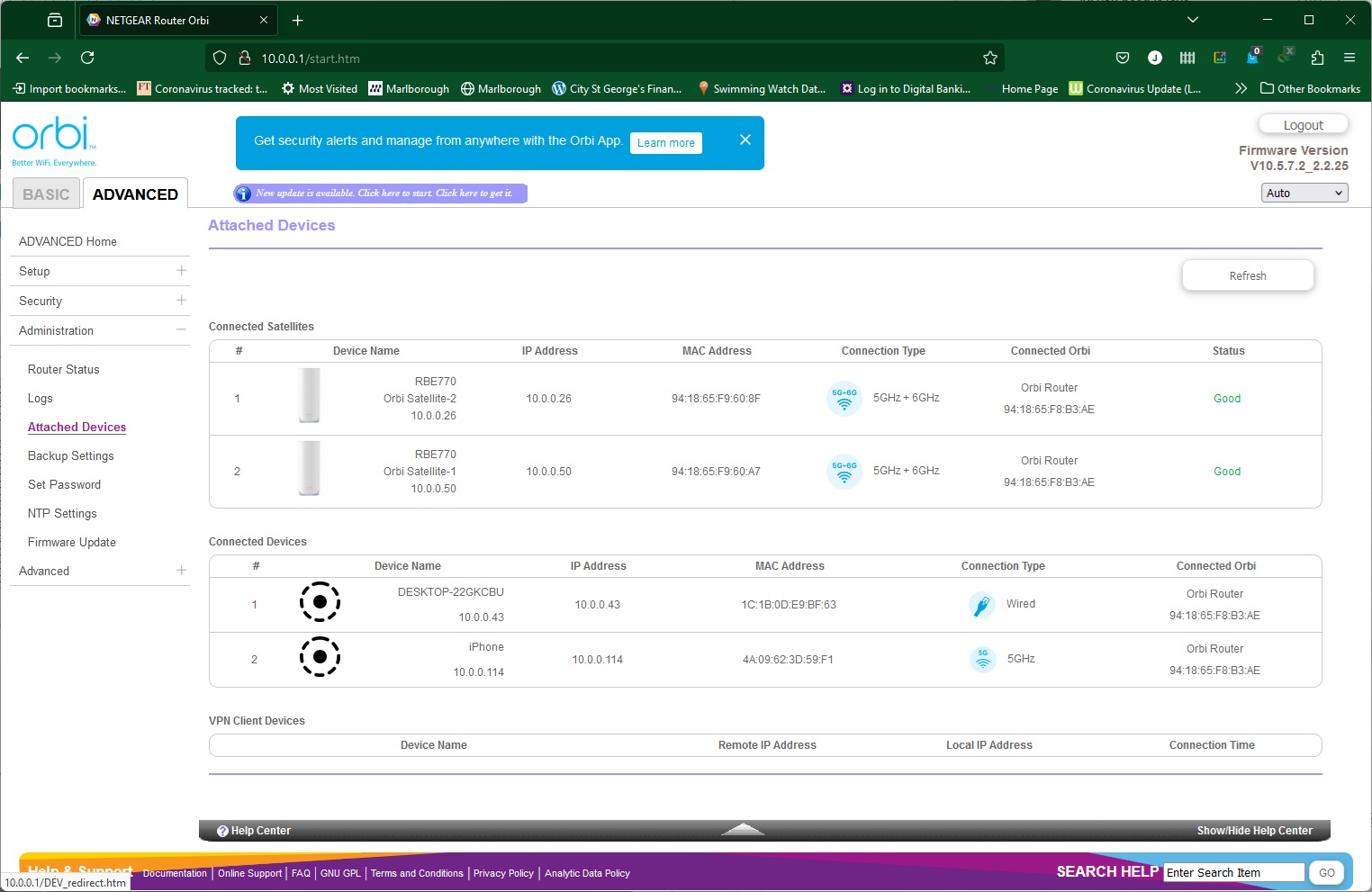
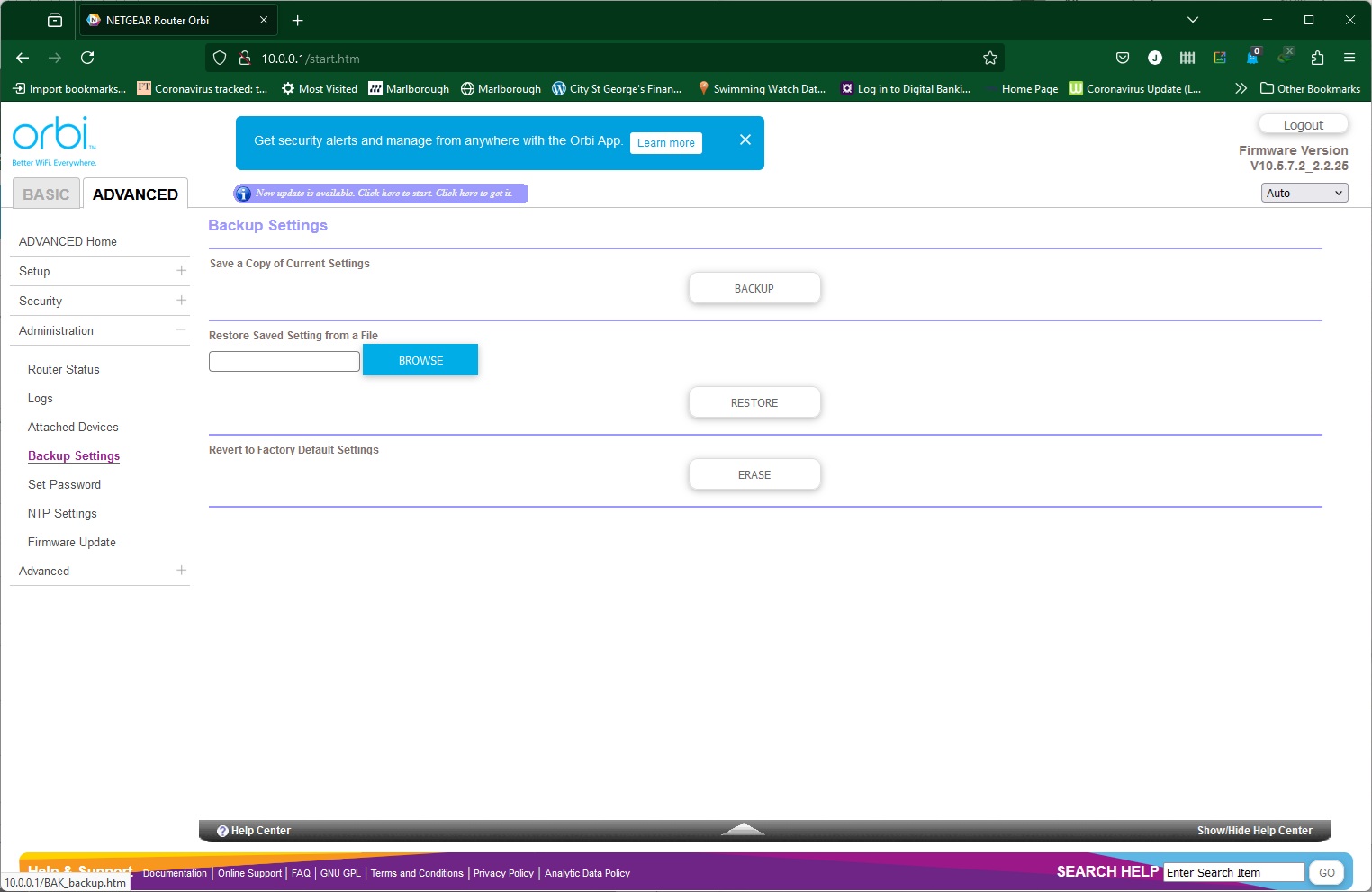
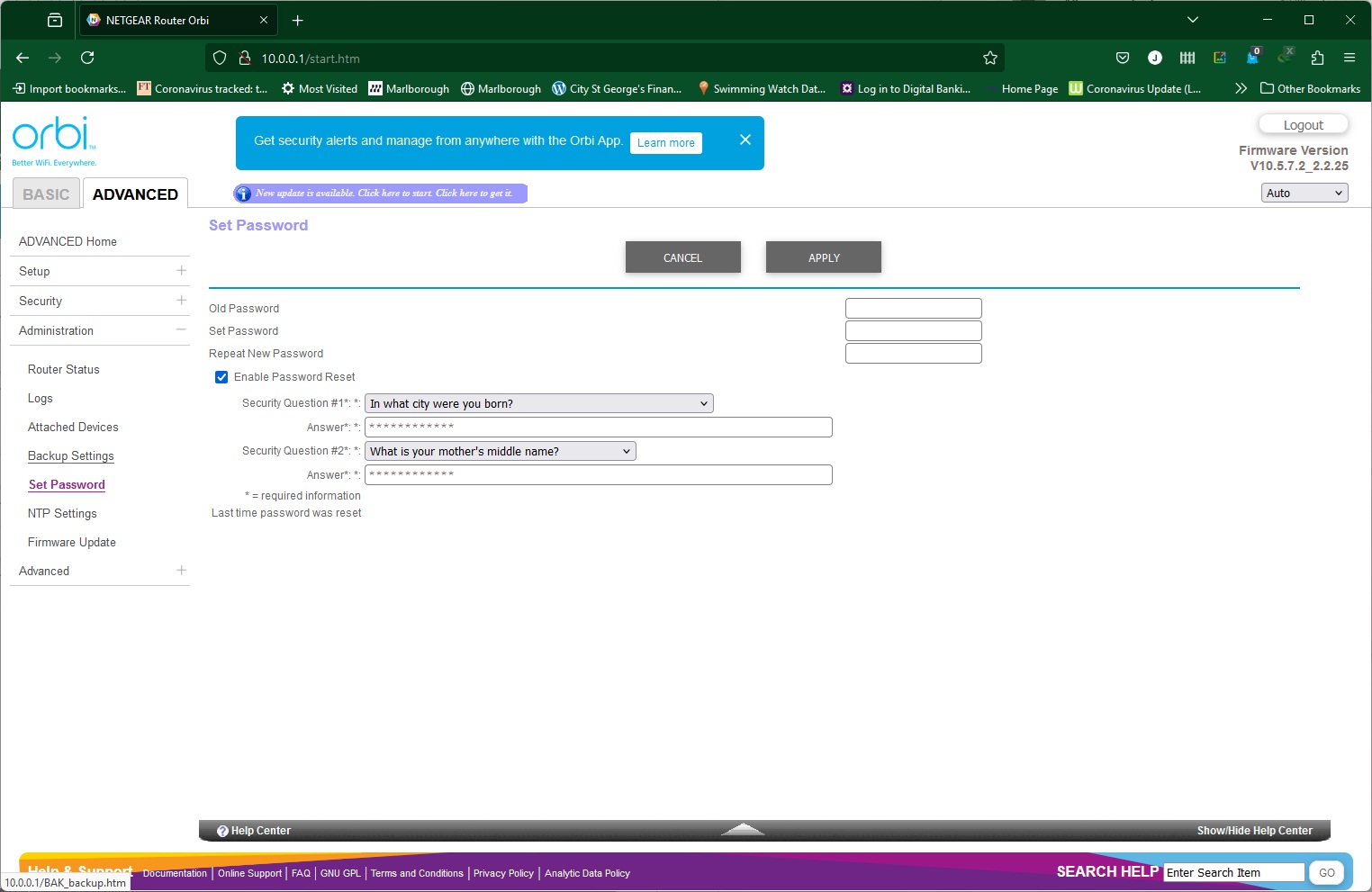
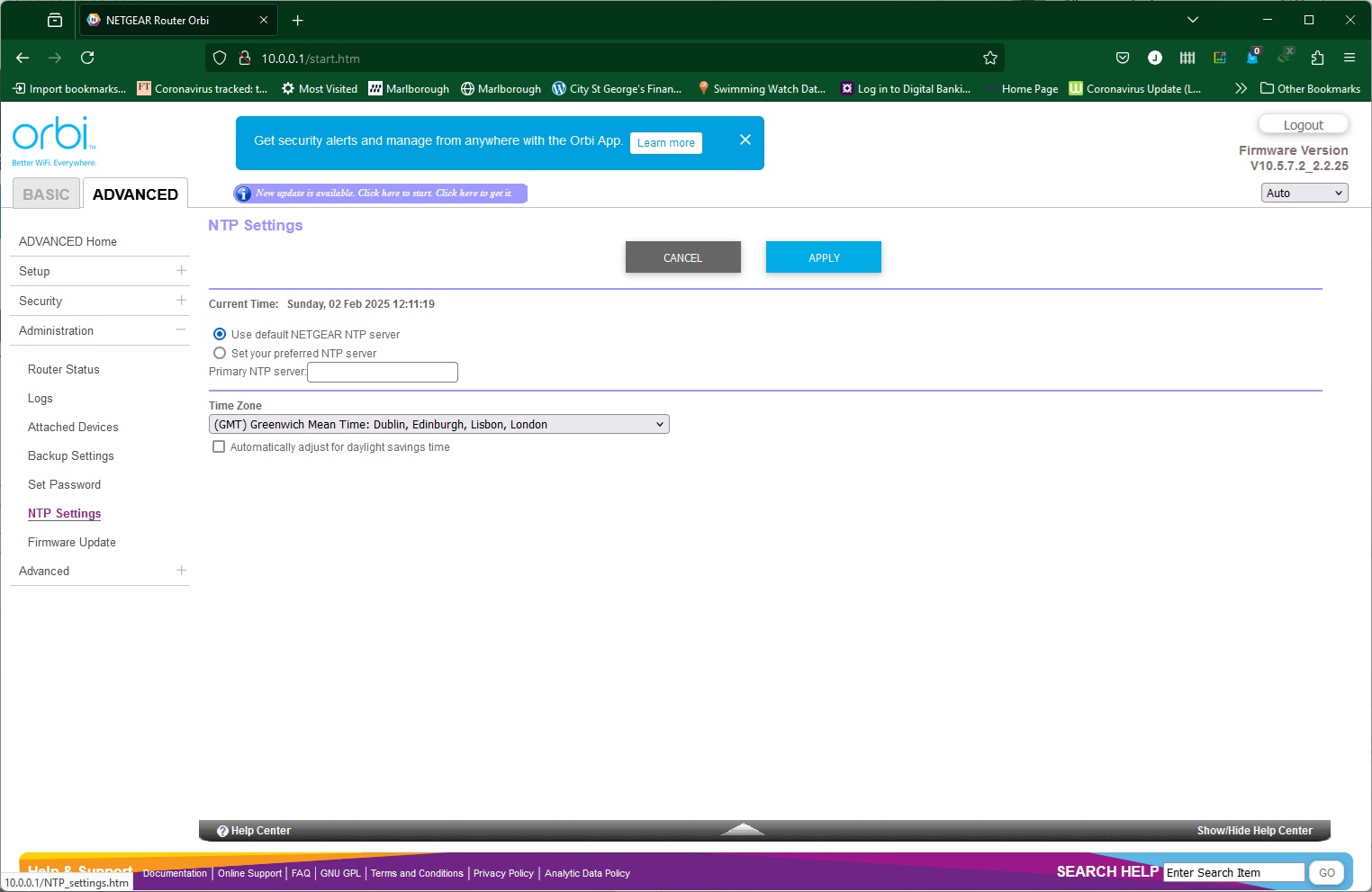
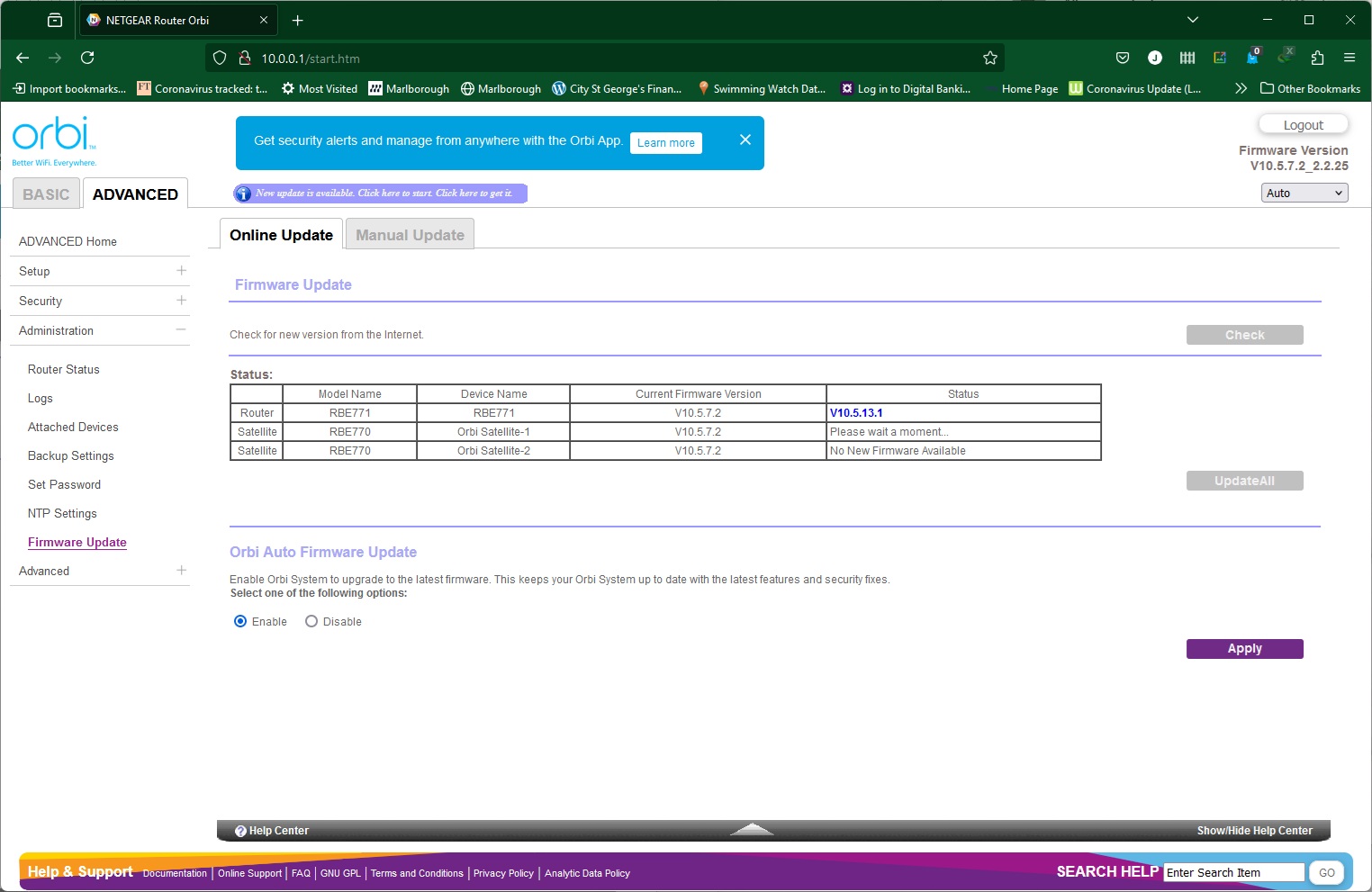
In the Router Status section you get yet another overview of the current main settings. You can browse the activity logs and choose which ones to track. There's another view of attached devices, and you can backup your router settings, as well as changing the admin password plus security questions. Although NETGEAR has its own NTP time server to set the router's clock, you can choose to use a different one if you want. Finally, the Firmware Update section will scan the router and satellites to see if there is new software to install.
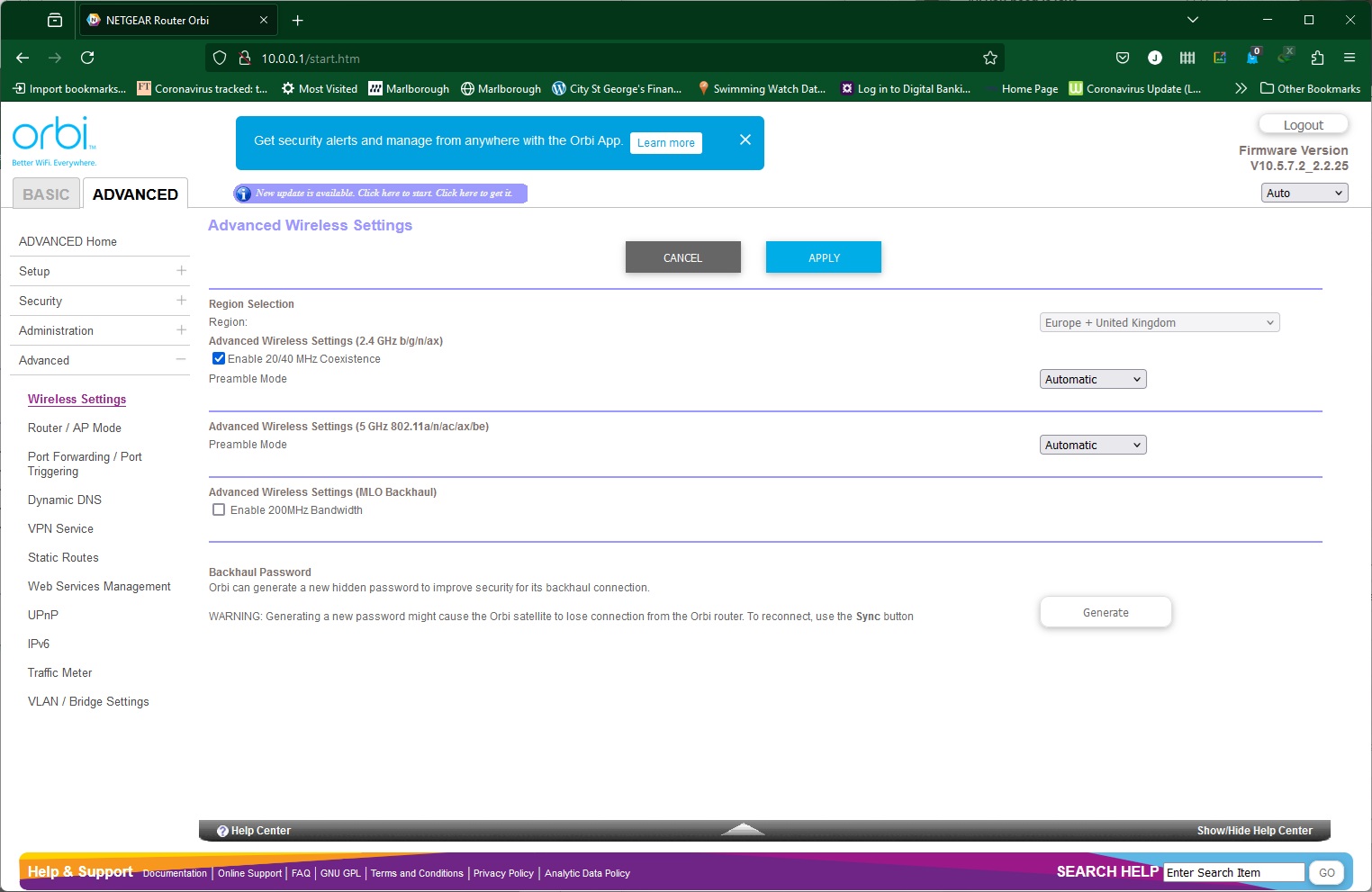
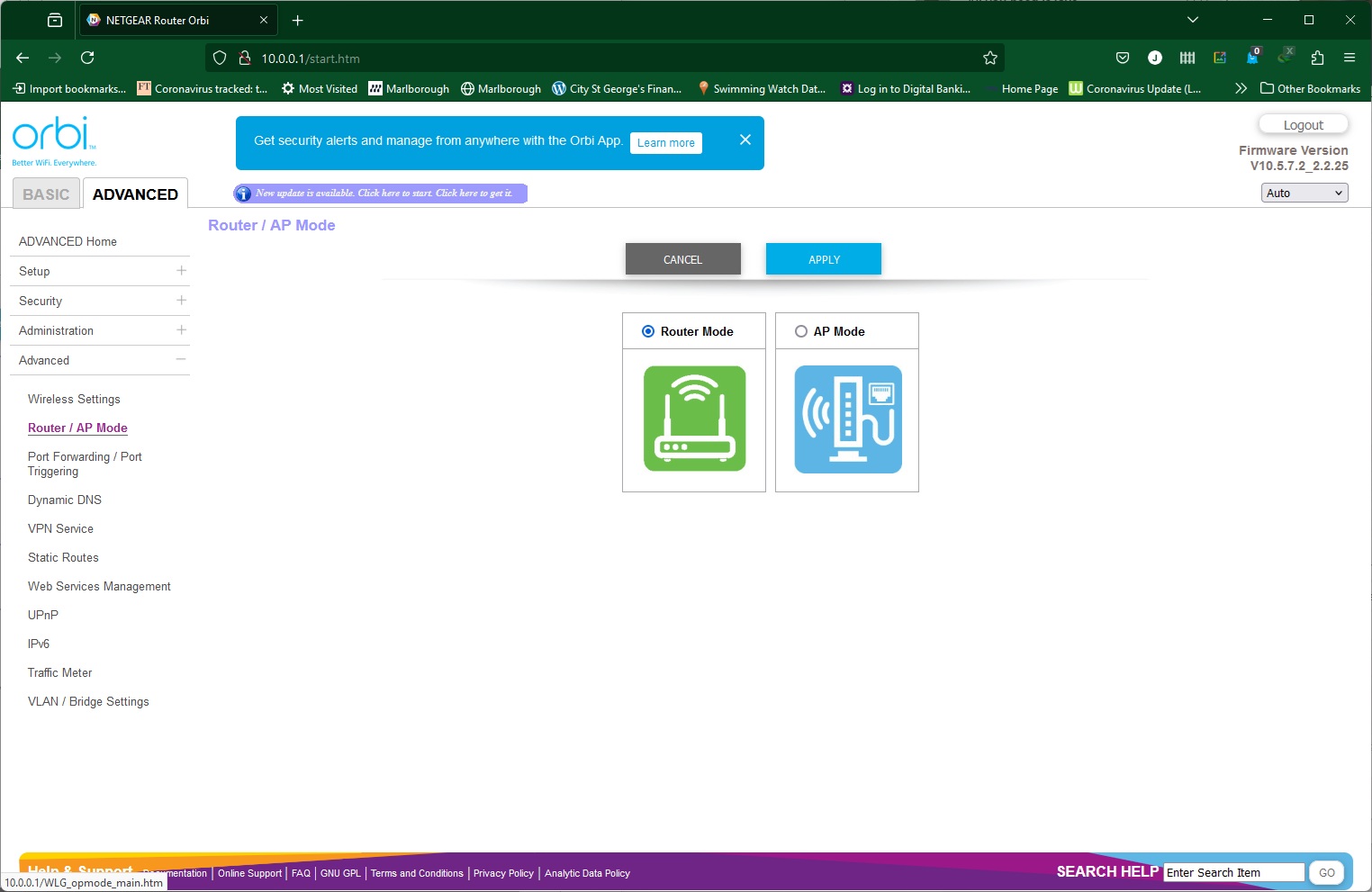
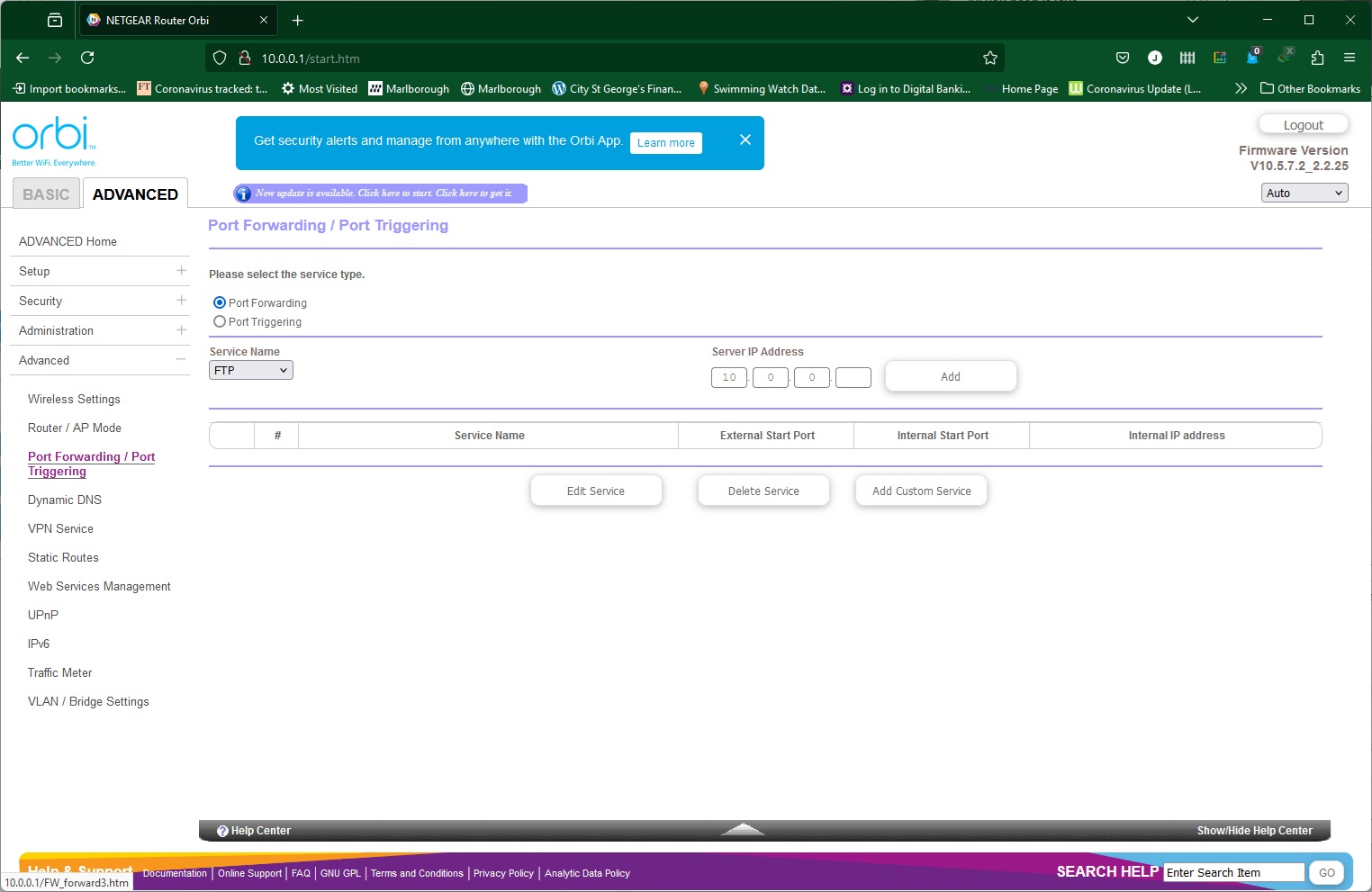
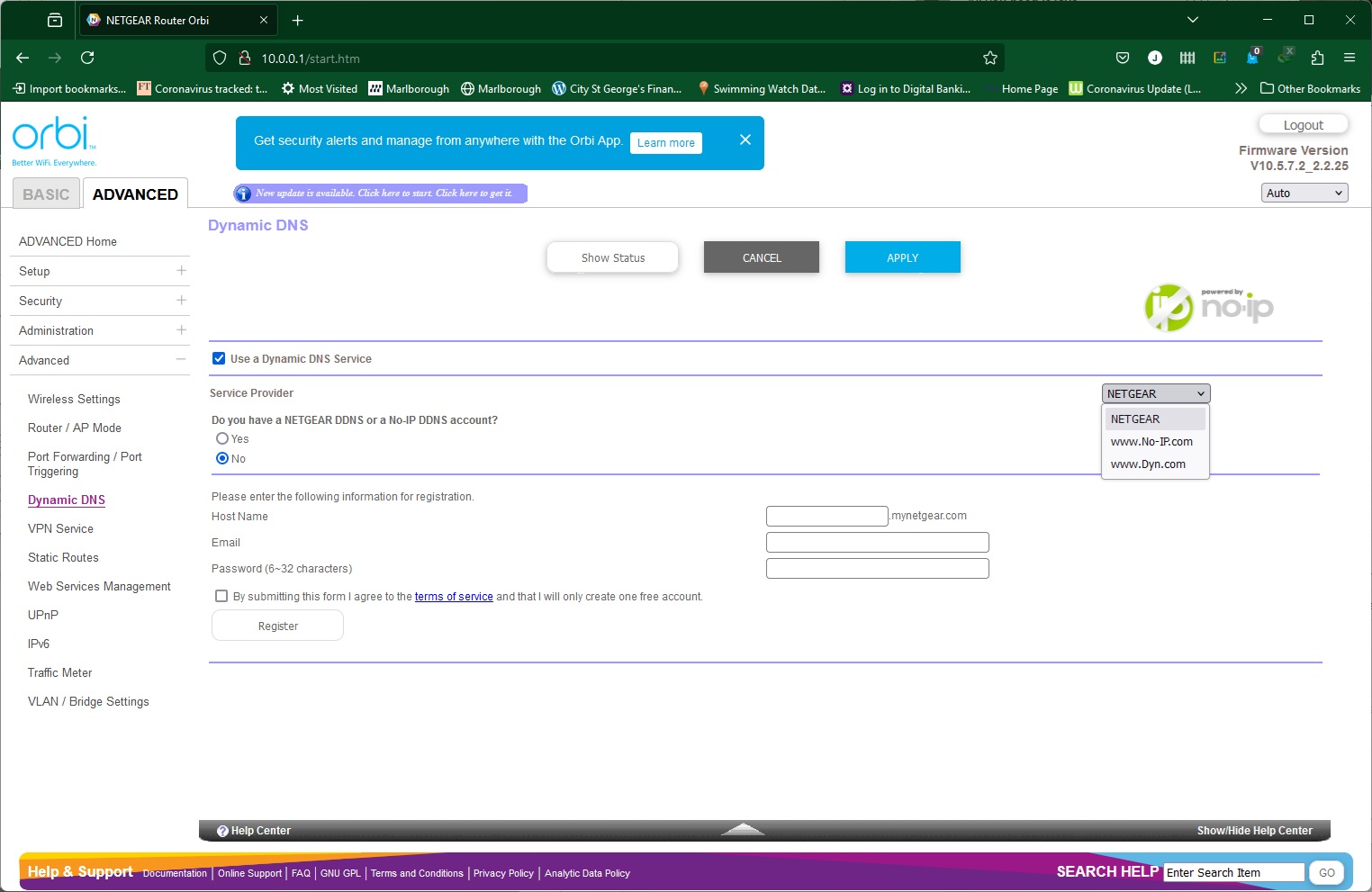
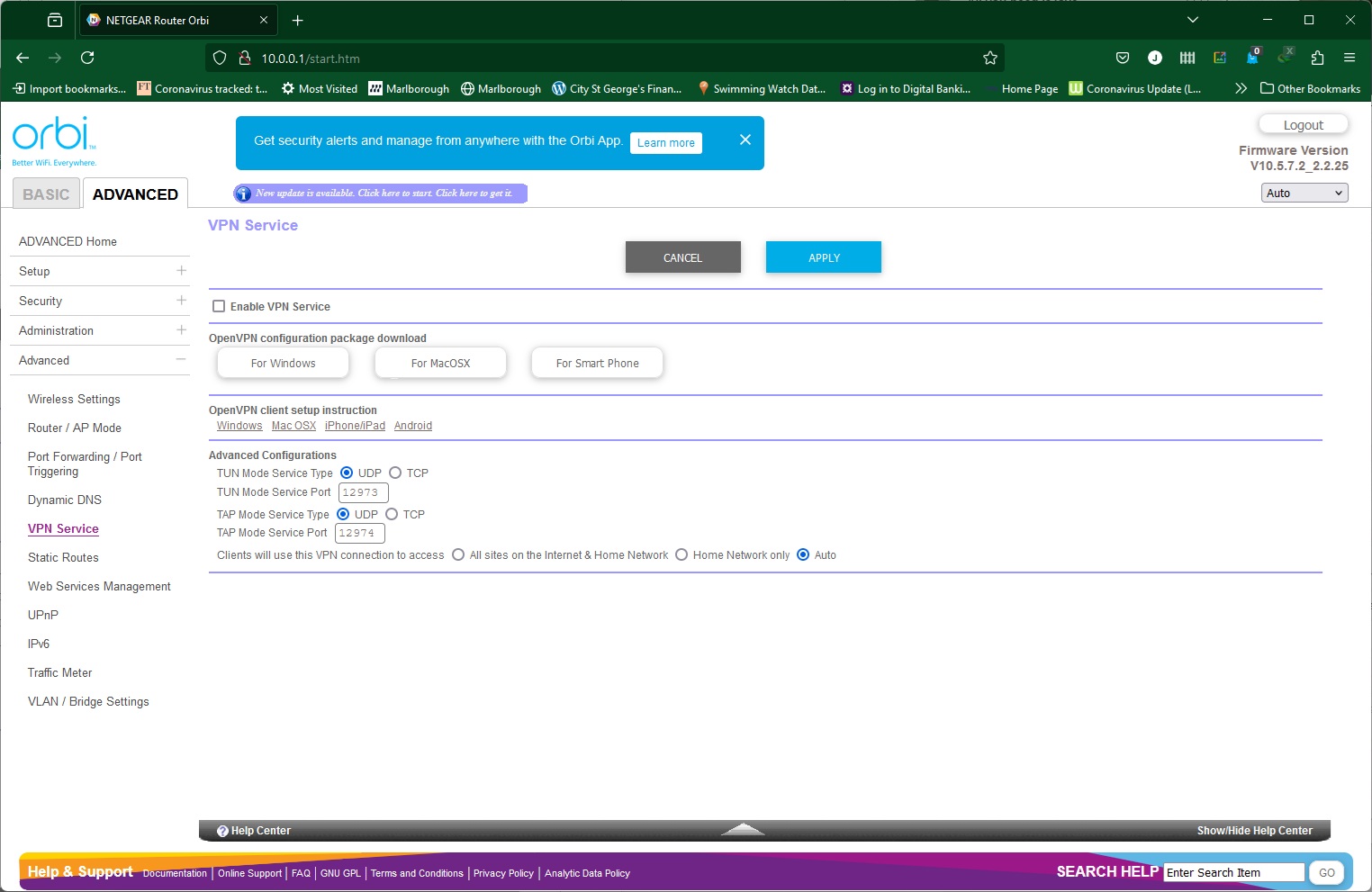
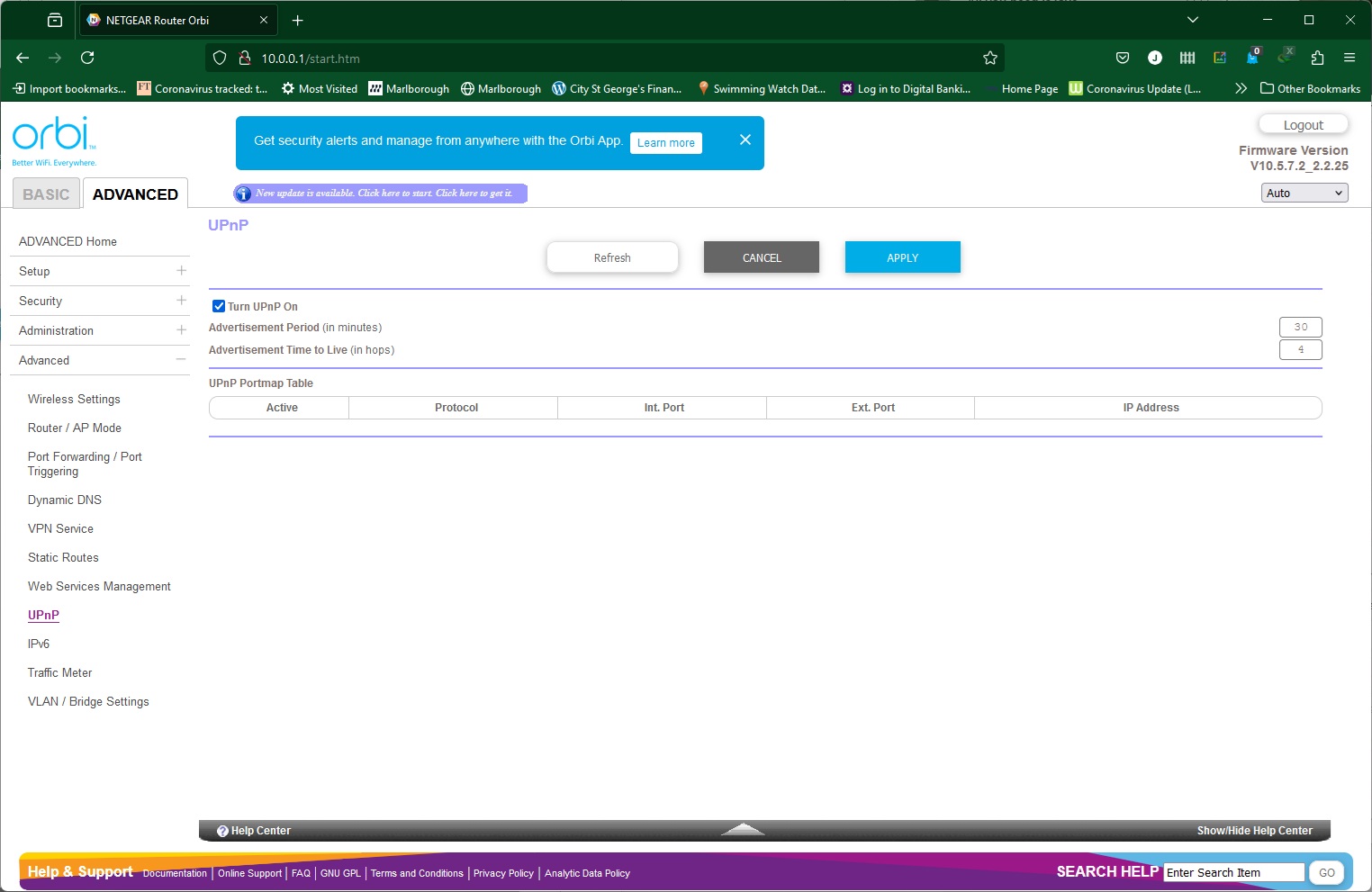
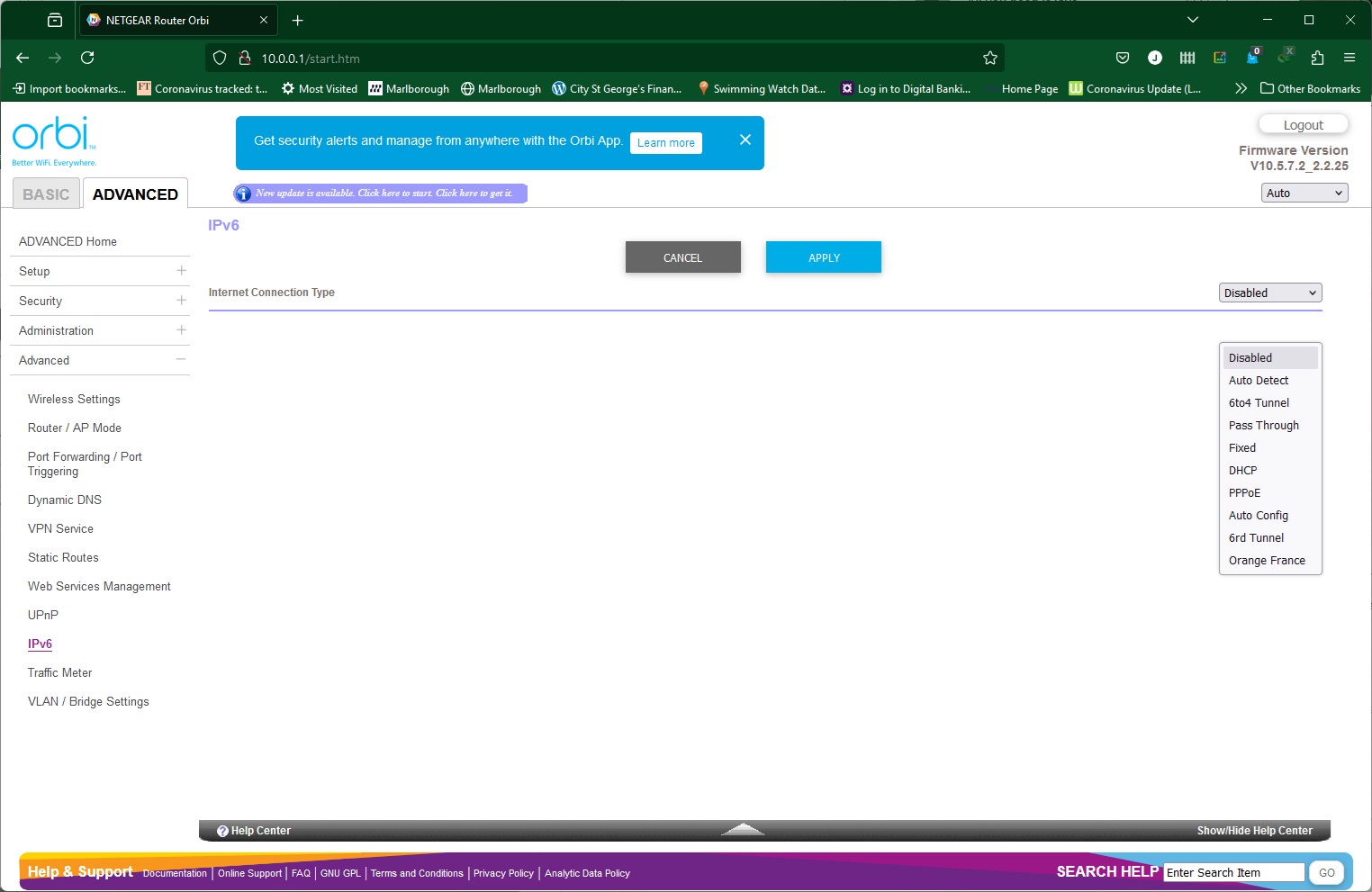
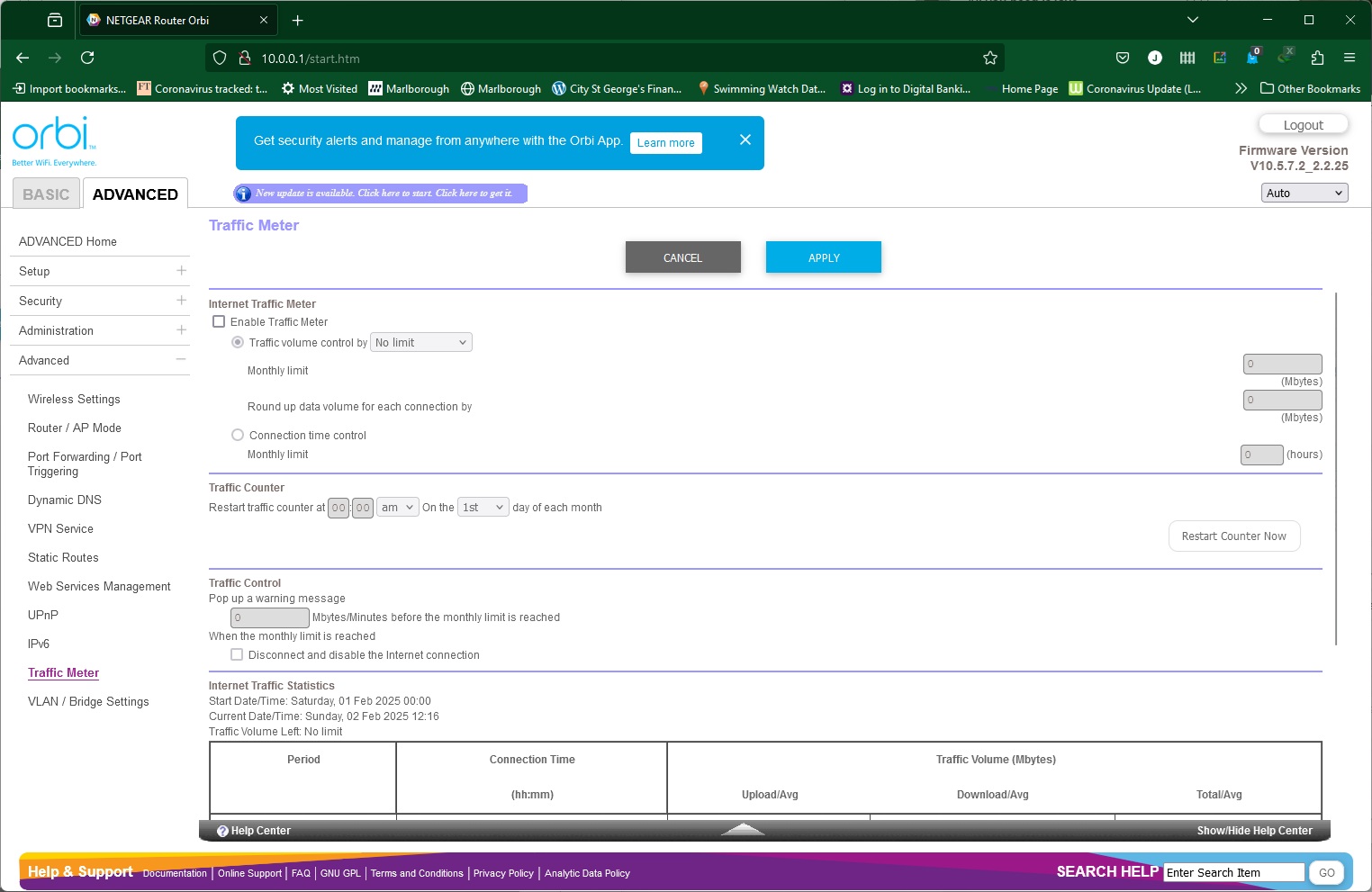
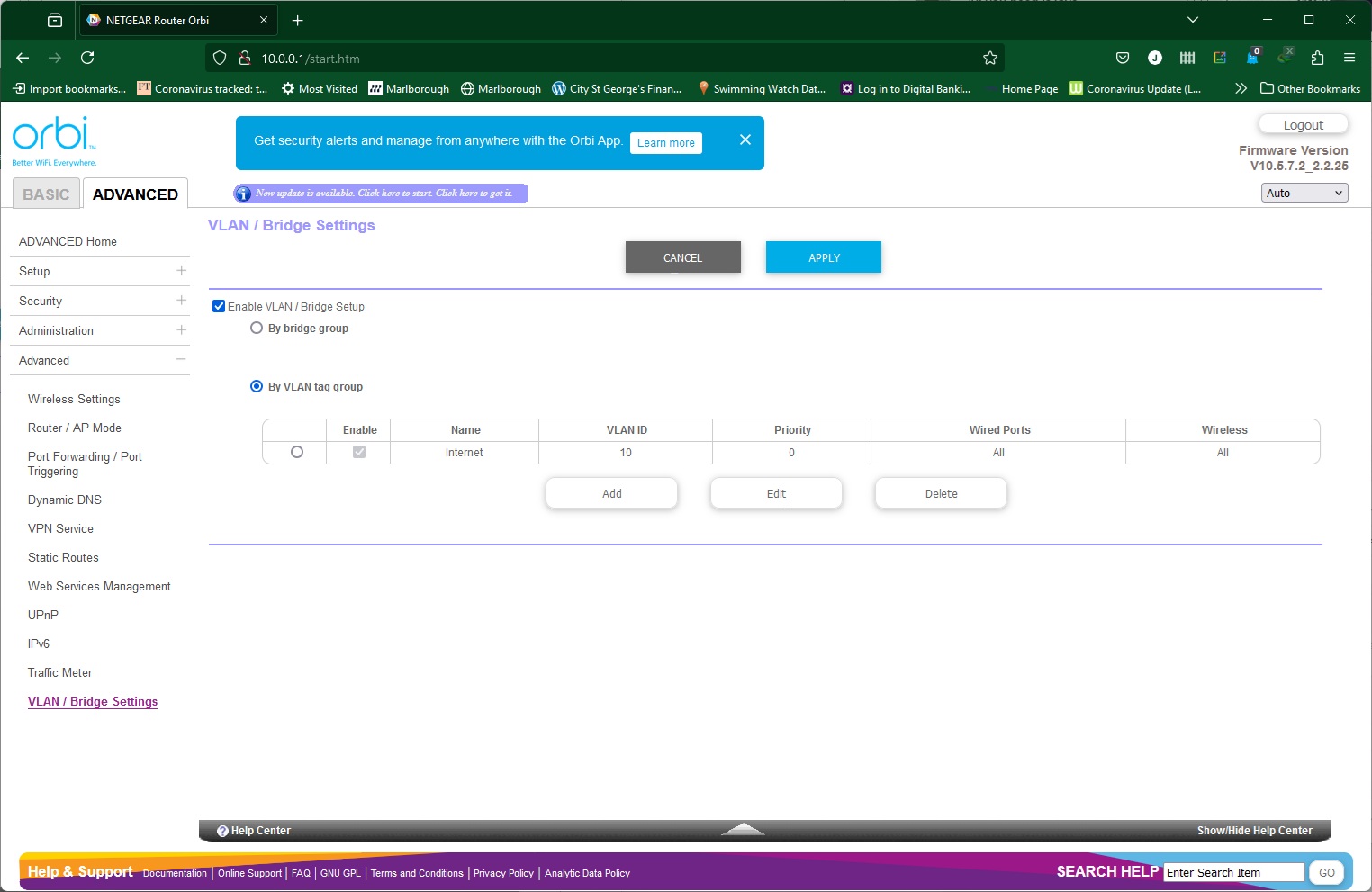
In the final Advanced tab (so that's Advanced Advanced…) you can more finely tune how your wireless network operates. You can switch the router to AP mode, and configure port forwarding so devices on the local network can serve certain ports to the public Internet. Some of the presets here are laughably old, like ICU, Real-Audio, and Quake 2. But you can set up your own custom options as well. To go with this, there is support for Dynamic DNS services from NETGEAR itself, No-IP and Dyn. The Orbi router can also act as a VPN server using the OpenVPN system, with instructions how to setup clients for Windows, MacOSX, iPhones and Android.
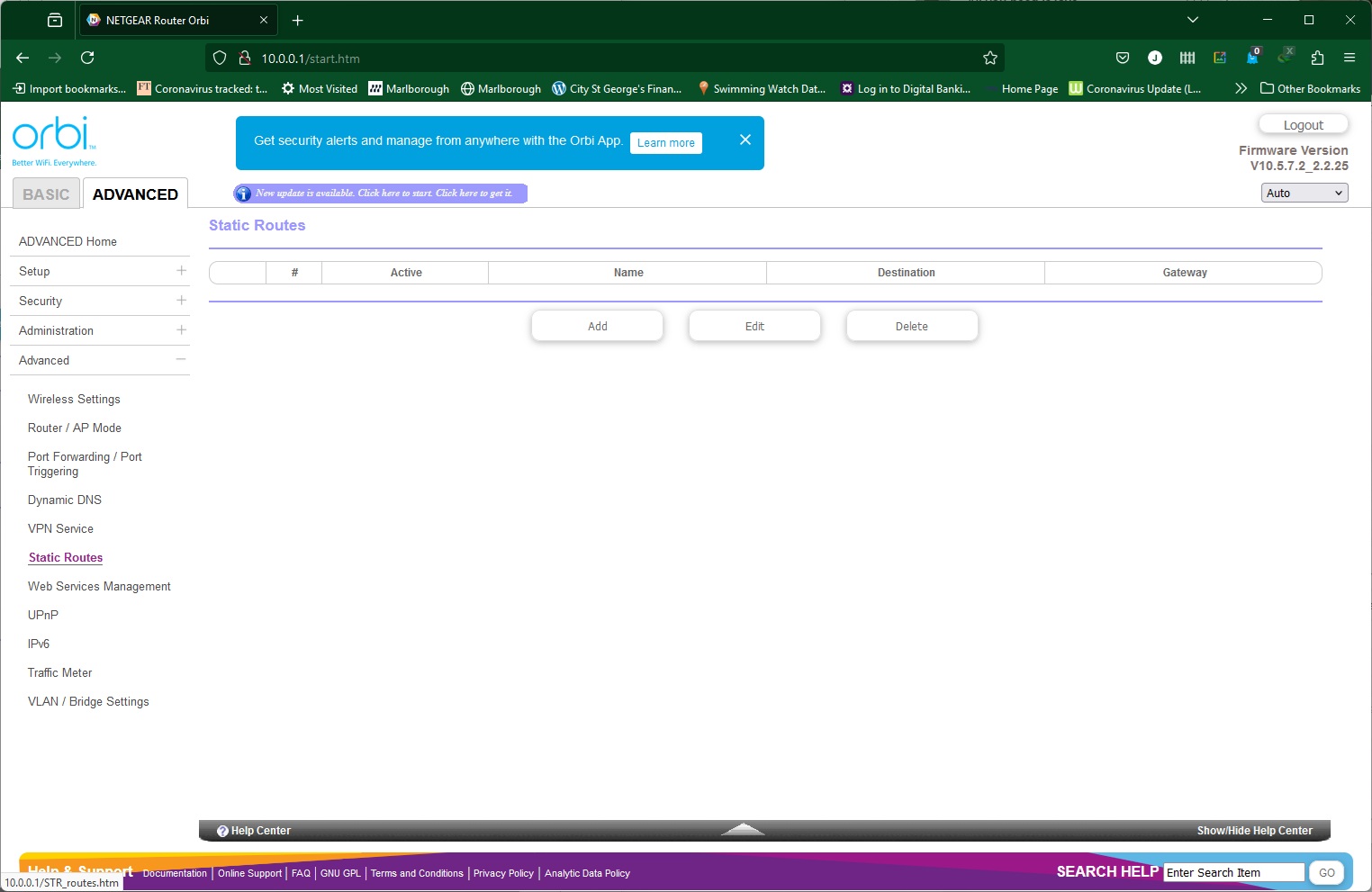
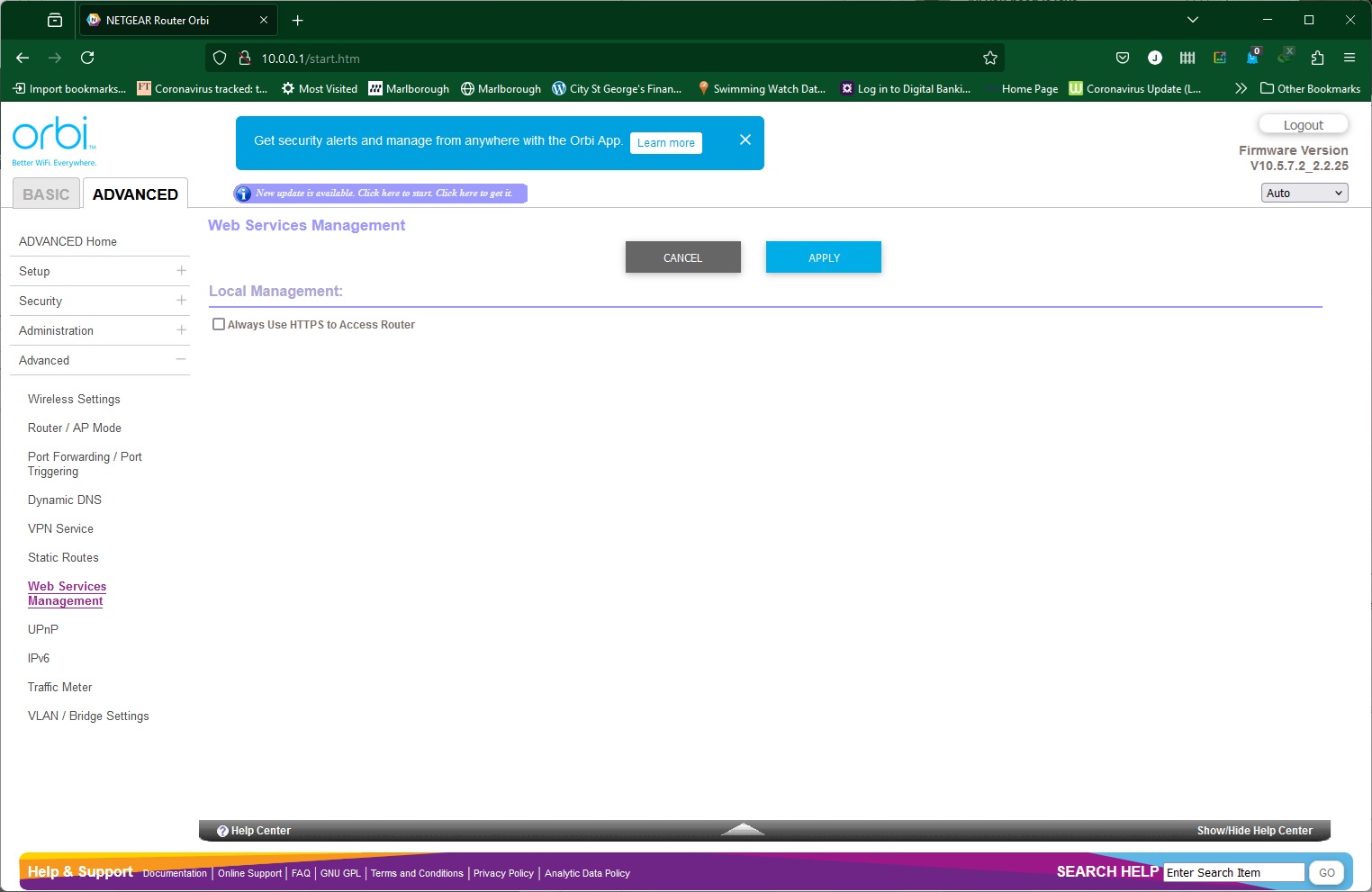
You can create static routes, configure the router's Web management interface to use encrypted HTTPS only, toggle UPnP support, and turn on IPv6 through a variety of different systems. Finally, the Traffic Meter is available here (with more options than the smartphone app) and VLANs can be configured.
Overall, the smartphone app is rather limited, but there's still plenty in the Web interface. We would have liked to have seen service-specific QoS abilities, but this is a general-purpose mesh system rather than being gaming focused, so the lack of features for the latter is understandable. Although NETGEAR's standalone routers generally offer even more granular configuration detail, there's not much missing that a general user would miss, other than storage sharing (which would require a USB port). It is unfortunate that the more powerful security and parental control capabilities require subscriptions, however.
We replicated the testing from our Ultimate Mesh WiFi Router Shootout and our more recent WiFi 6 Mesh Router Group Test as closely as possible with the NETGEAR Orbi 770 Series Mesh WiFi 7 System (RBE773). However, we no longer had the Apple MacBook Pro in our possession, so had to leave this set of tests out.
We repeated the positions from the Ultimate Mesh WiFi Router Shootout, with eight different locations for our test notebooks. The clients used were an Acer Swift 14 AI notebook (for WiFi 7), then a Dell XPS 17 notebook (for WiFi 6), an MSI WS63 7RK notebook with 2×2 802.11ac WiFi, and an older HP Folio 13, which maxes out at 3×3 802.11n WiFi. Throughput was assessed between these and an Armari 32-core Ryzen Threadripper workstation. The Acer and Dell notebooks and Armari workstation were running Windows 11 but the other two notebooks were Windows 10-powered.
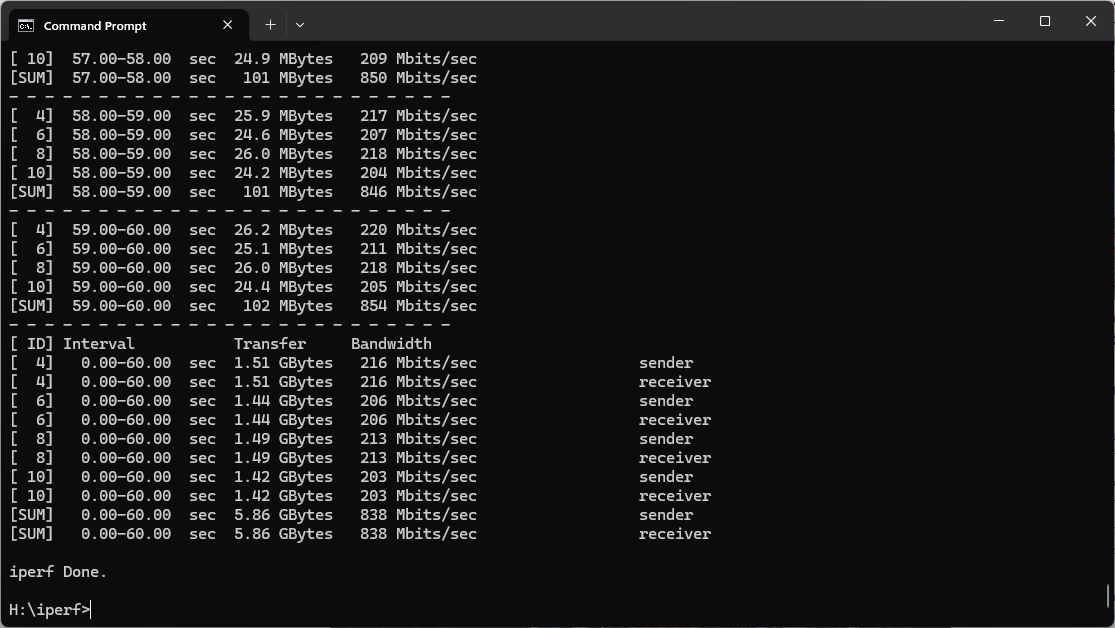
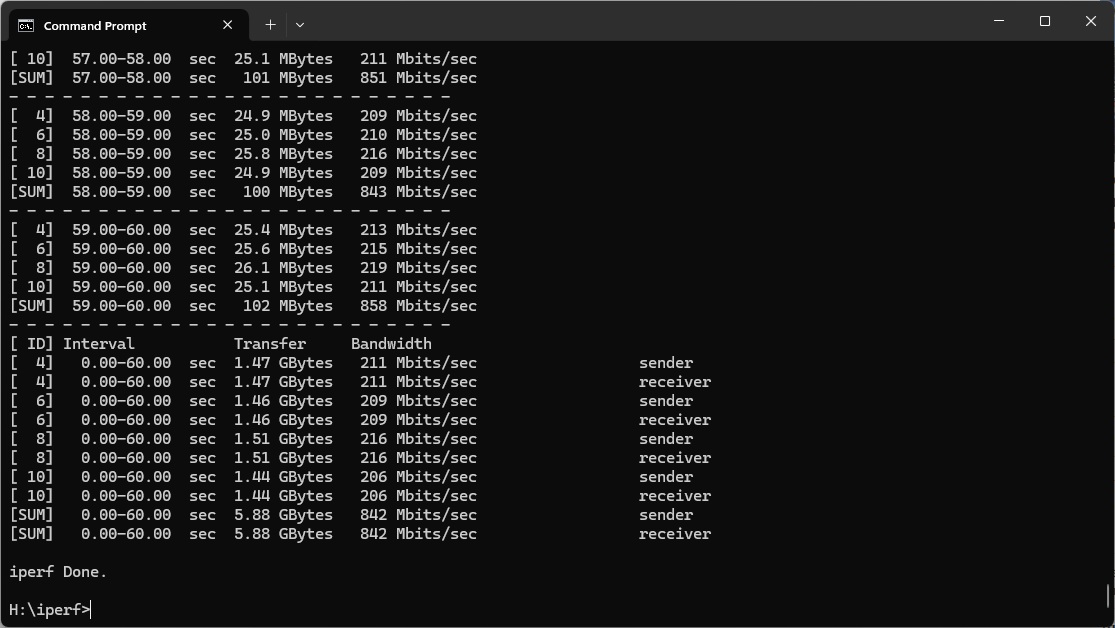
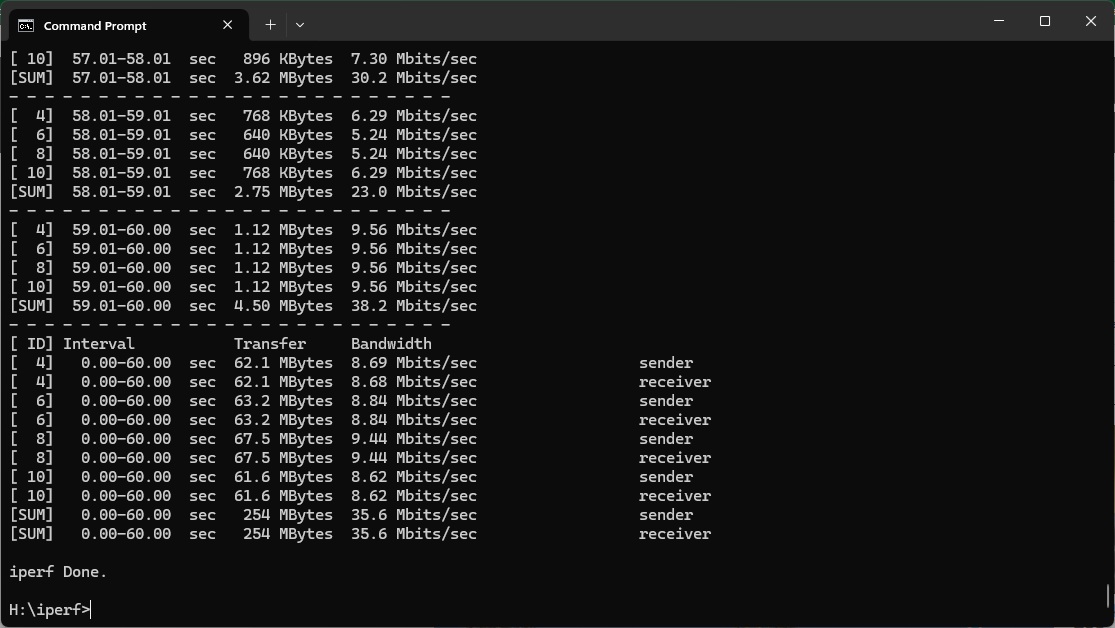
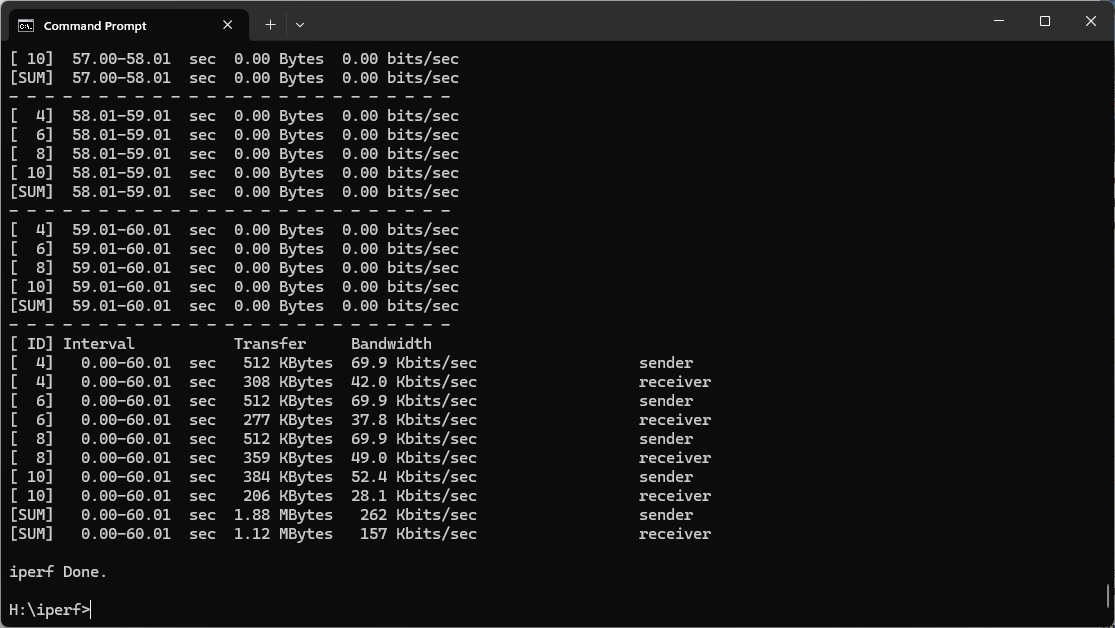
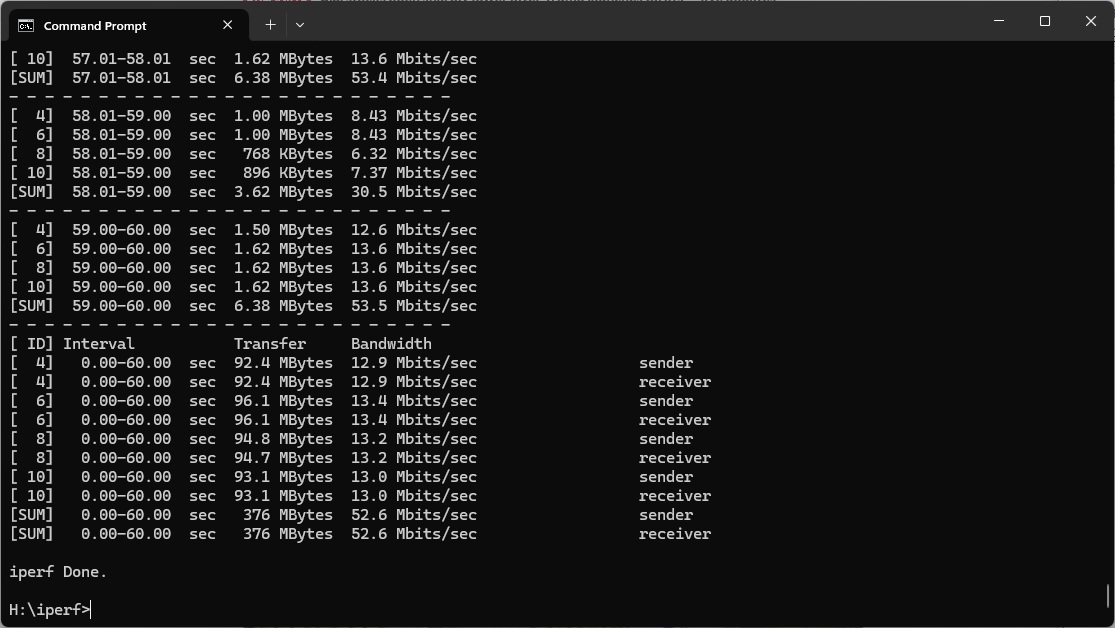
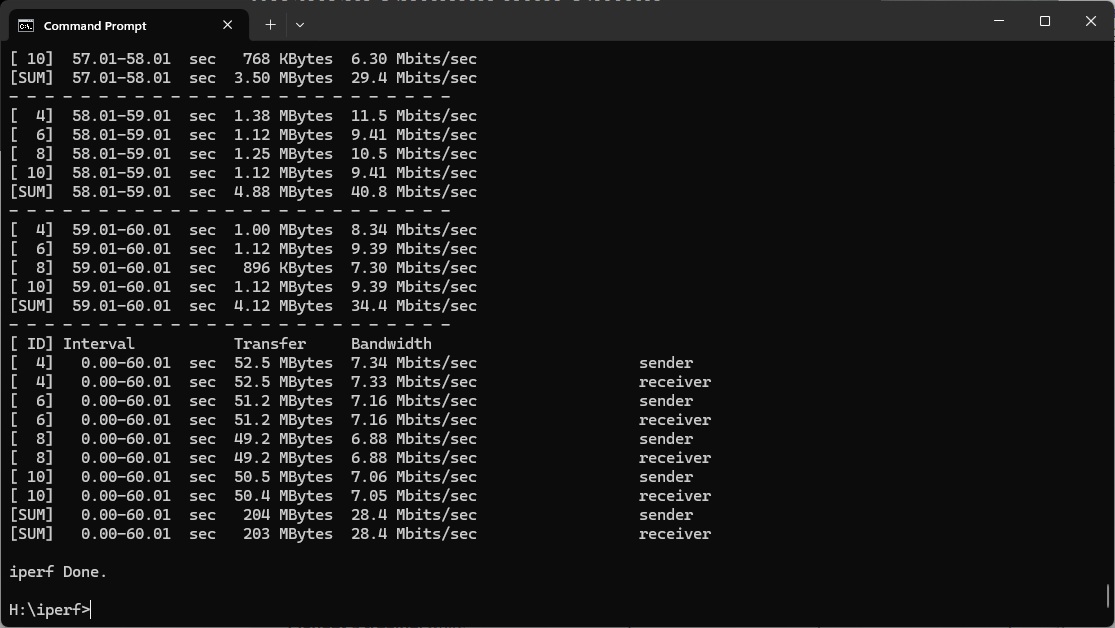
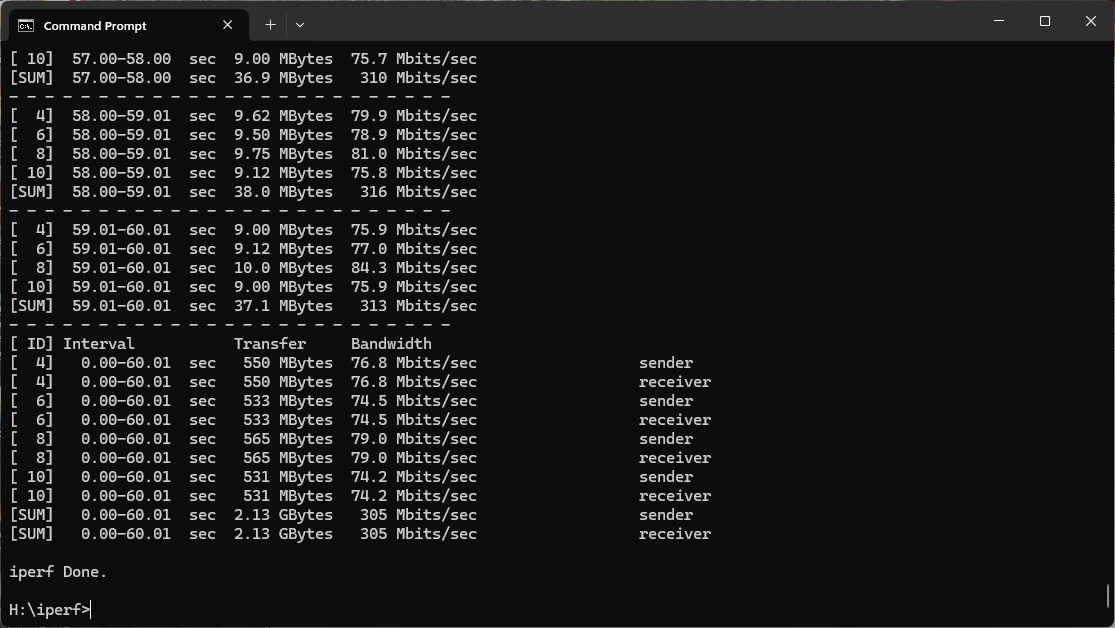
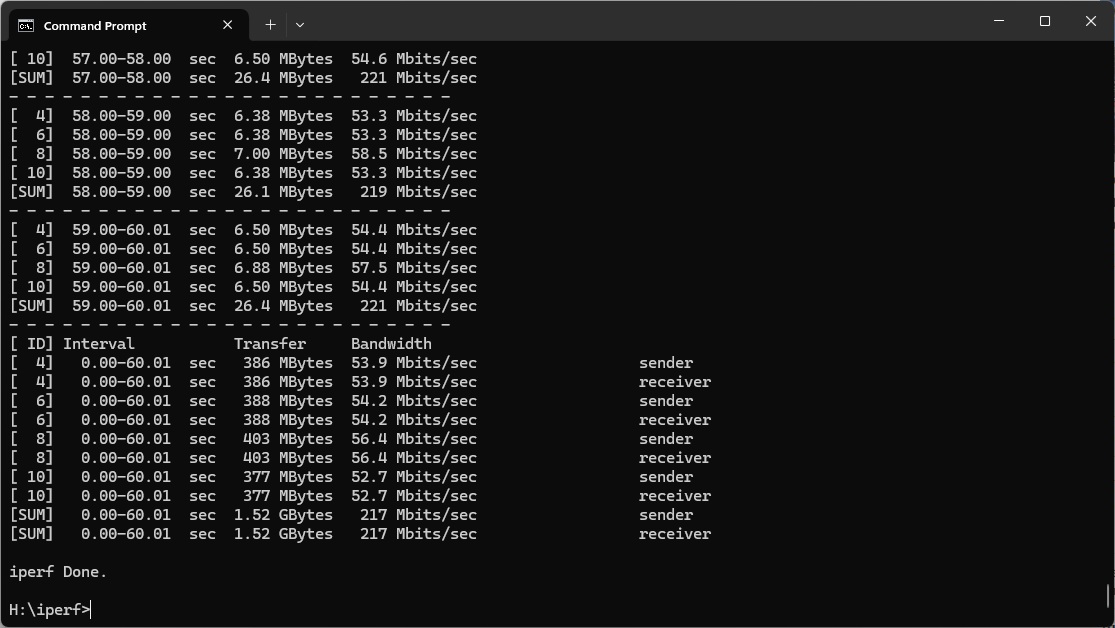
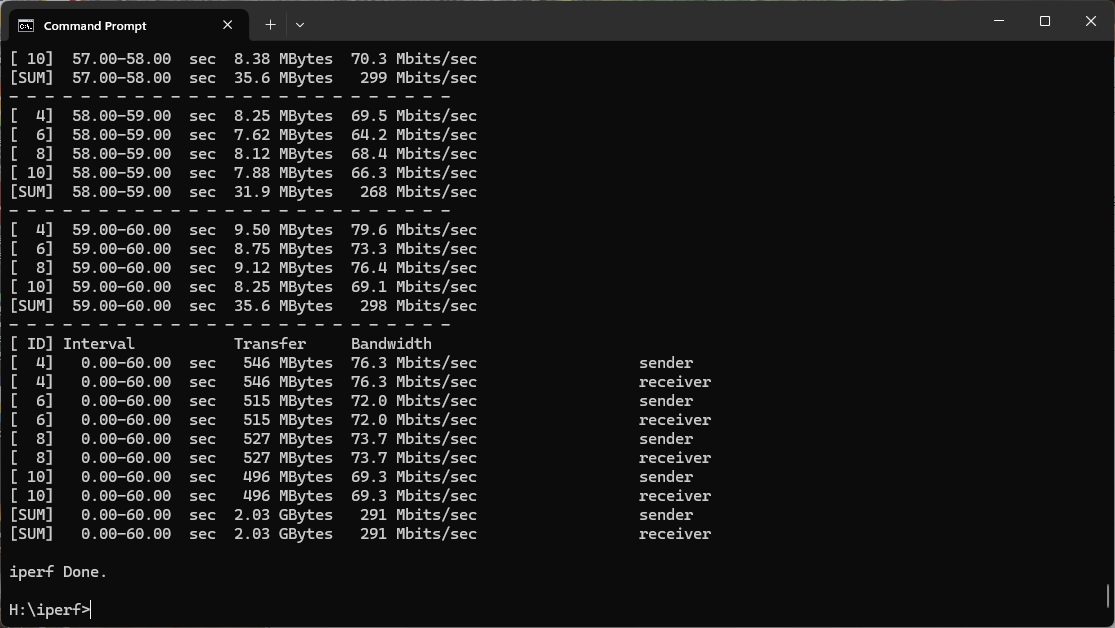
In each case, we used the freely available iPerf 3.1.3 software, which stresses a network by sending packets of random data and measures the throughput. One system acts as a server, and the other as a client, as data is sent between them. In all cases, we used the Armari workstation connected to the primary Orbi unit via 2.5 Gigabit Ethernet as the server, so that the WiFi was always the slowest connection.
These are the iPerf commands we used:
For the server: iperf3 –s –i 1
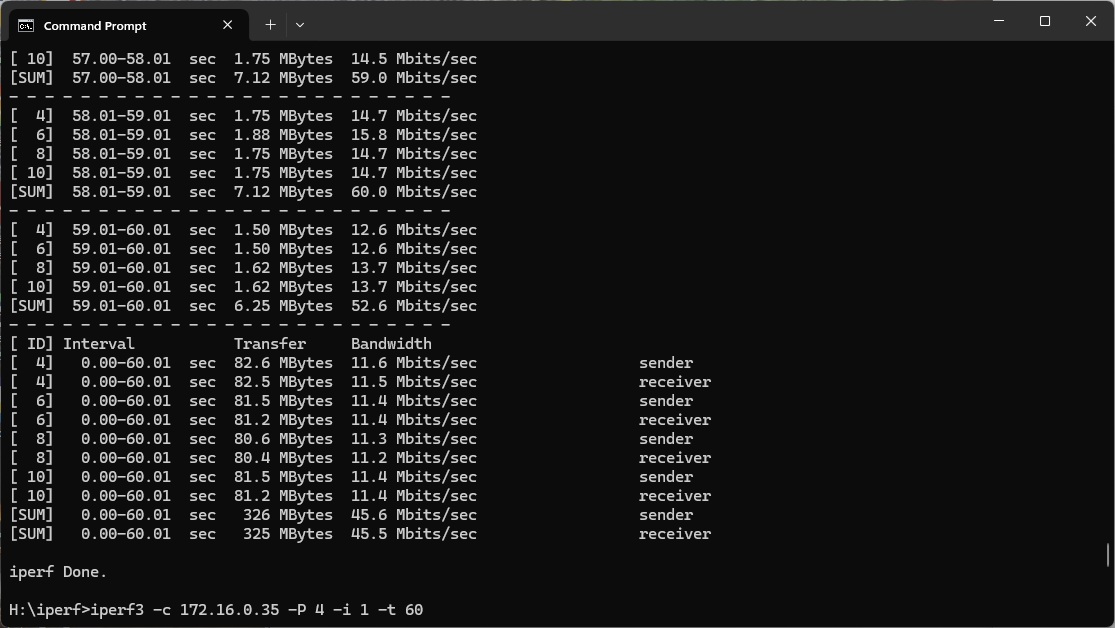
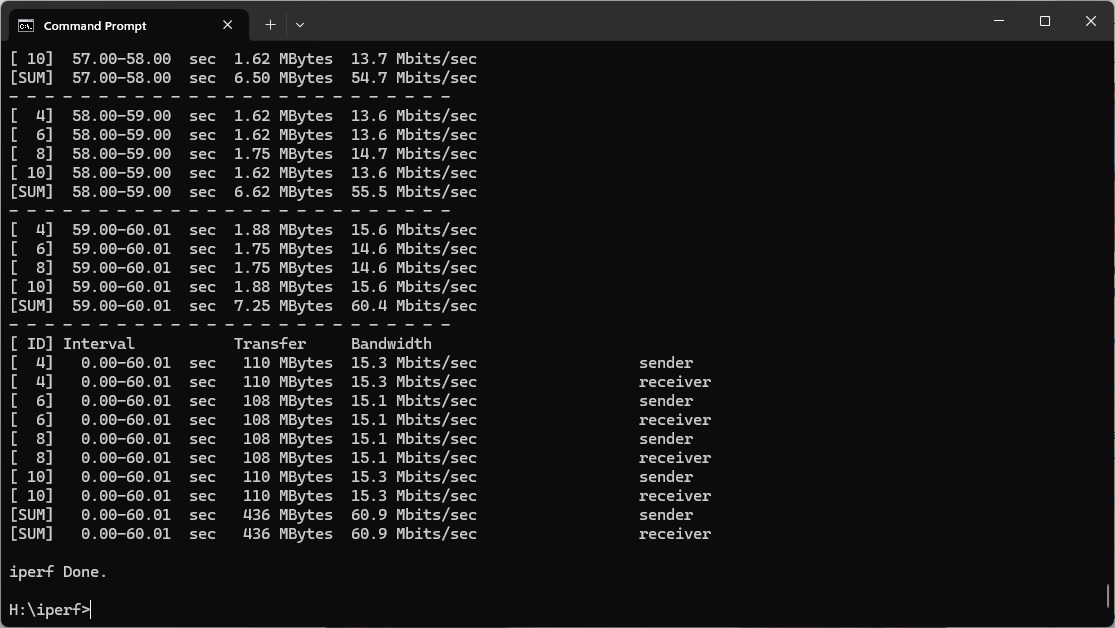
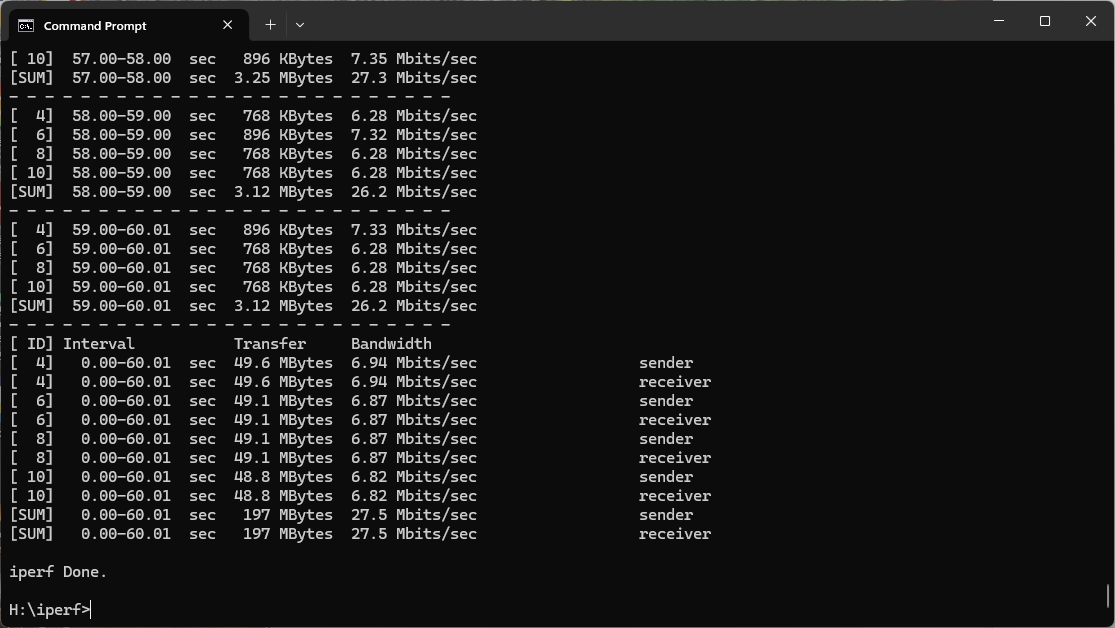
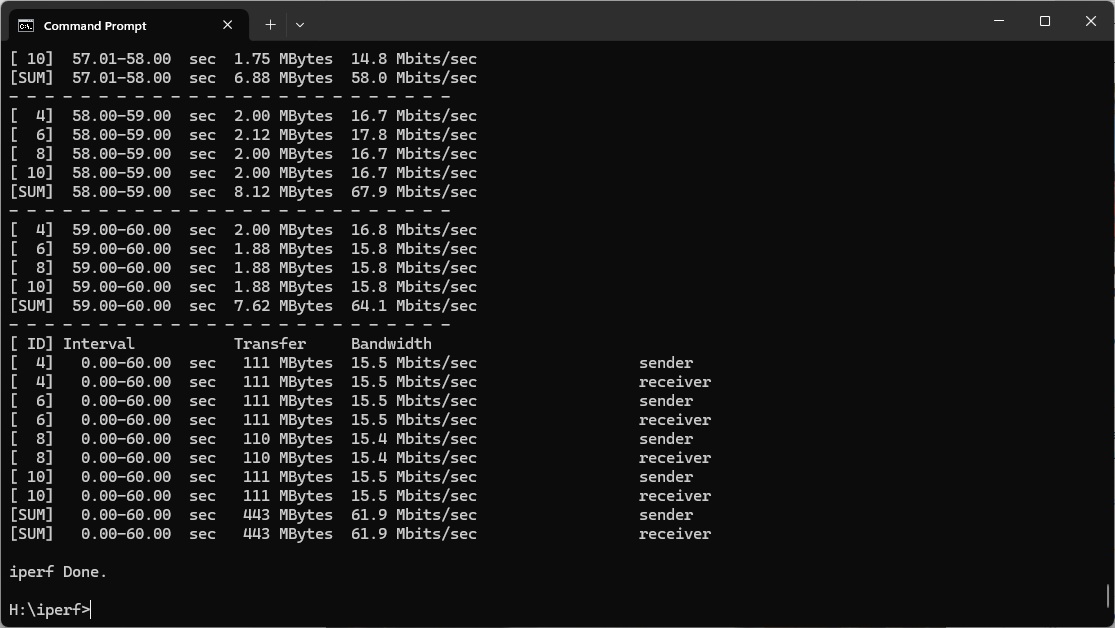
For the client: iperf3 –c <IP Address> –P 4 –i 1 –t 60
Note that the client command sends four streams of data simultaneously, simulating a multi-client connection as closely as possible with just one client. It takes 60 throughput readings at one second intervals and then averages the result.
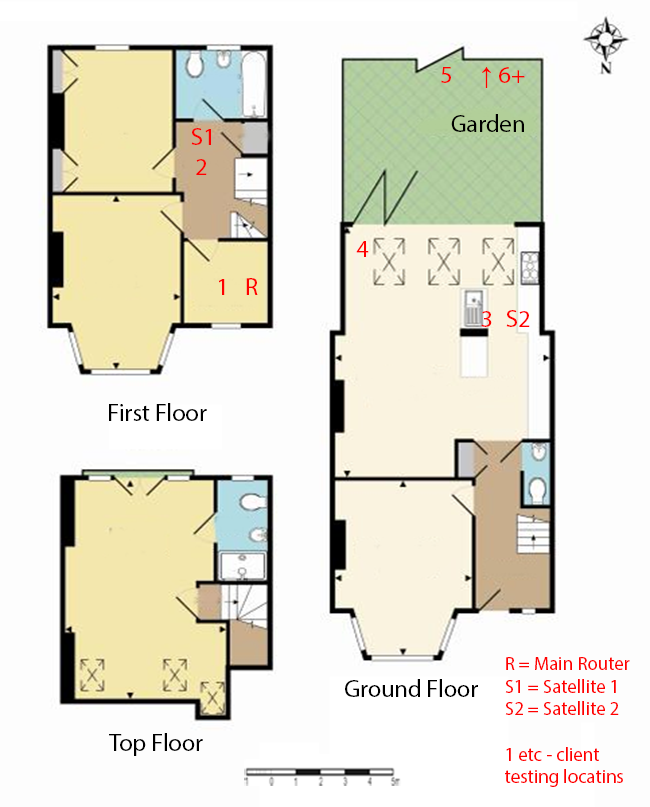
The above diagram shows the layout of the house we used for testing. Note that we didn't test on the top floor of the house because this was directly above the first floor and wouldn't have provided much of a range test. Instead, we used two locations on the same floor as the router (the first floor), then more distant locations on the ground floor extending out the back of the house into the garden.
Each test location, numbered in the diagram above, was approximately 5m away from the last one.
With the mesh networking and standalone router products used for comparison, location 1 was very near to the router, around 1m away. The next location – 2 – was around 5m away, with a wall in the way, but on the same floor. Location 3 was on the floor below, so had walls and a floor in between, but was a further 5m away. Location 4 was the last one actually inside the house. Locations 5 to 7 were then 5m further down the garden. Location 8 was only 2m further down, as this was the end of the garden, but also behind a shed, so posed a significant challenge that only a few mesh WiFi systems can cope with.
We should also say a few words about the location of the satellites. The routers or primary unit were always placed in the same location, in the first floor study next to the broadband. In the case of three-unit mesh systems such as the NETGEAR Orbi 770 Series Mesh WiFi 7 System (RBE773), the second and third satellites were placed at S1 and S2. We also tested the latter with only one satellite, as it is also available as a twin-pack.
We have also include the non-mesh WiFi 7 systems we have reviewed recently for comparison, so you can see the benefits of a Mesh. These include the NETGEAR Nighthawk RS300, Acer Predator Connect X7 5G CPE, and AVM FRITZ!Box 7690.
802.11be (WiFi 7)
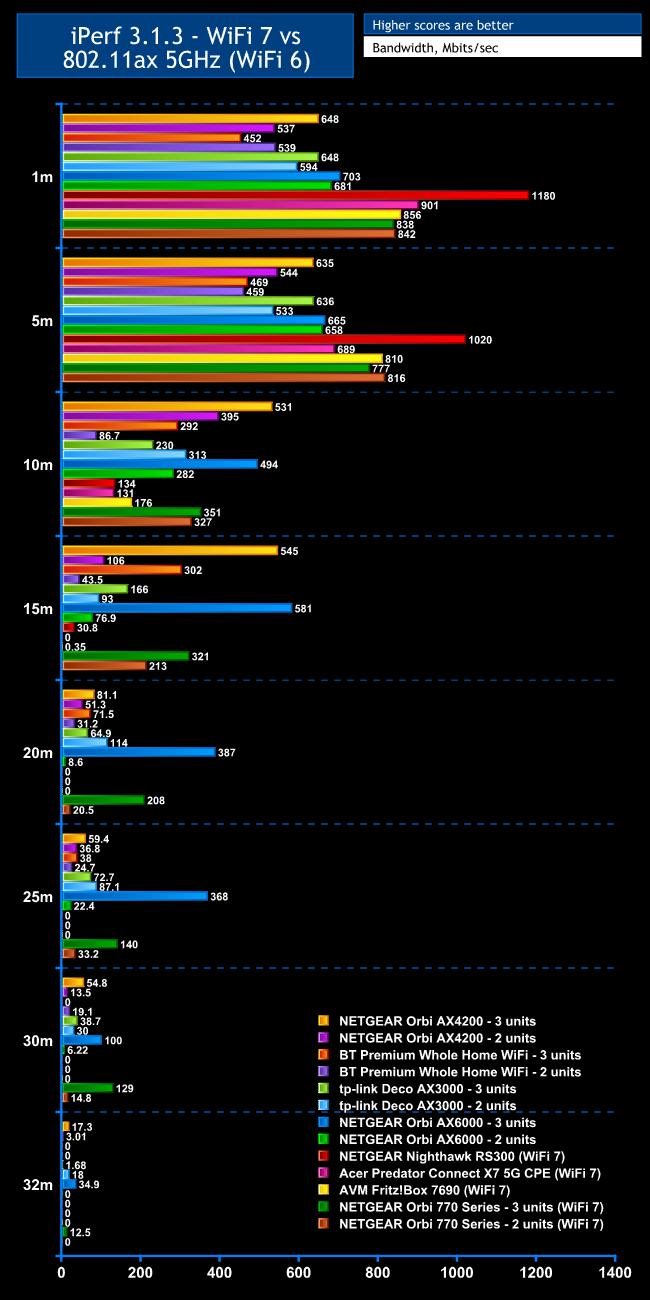
WiFi 7 is your primary reason for buying this mesh system, so we tested that first.
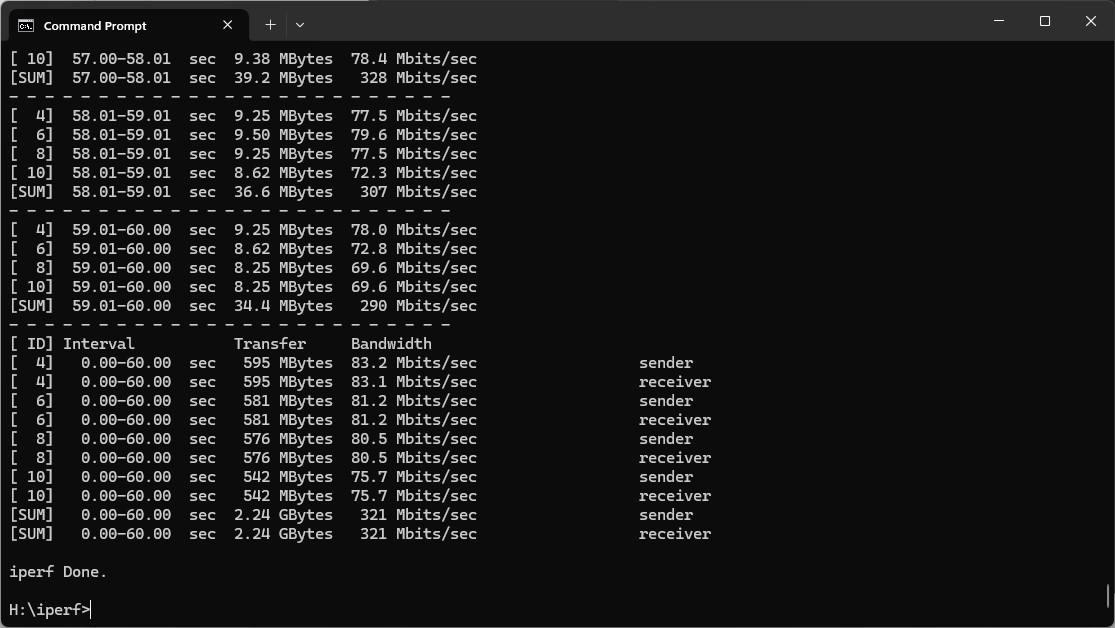
Within 1m, the NETGEAR Nighthawk RS300 is still king. The Orbi 770 Series sits just behind other WiFi 7 routers we've tested, delivering 838Mbits/sec with three units and 842Mbits/sec with two. This is still 19 per cent faster than any WiFi 6 mesh system we've tested, however.
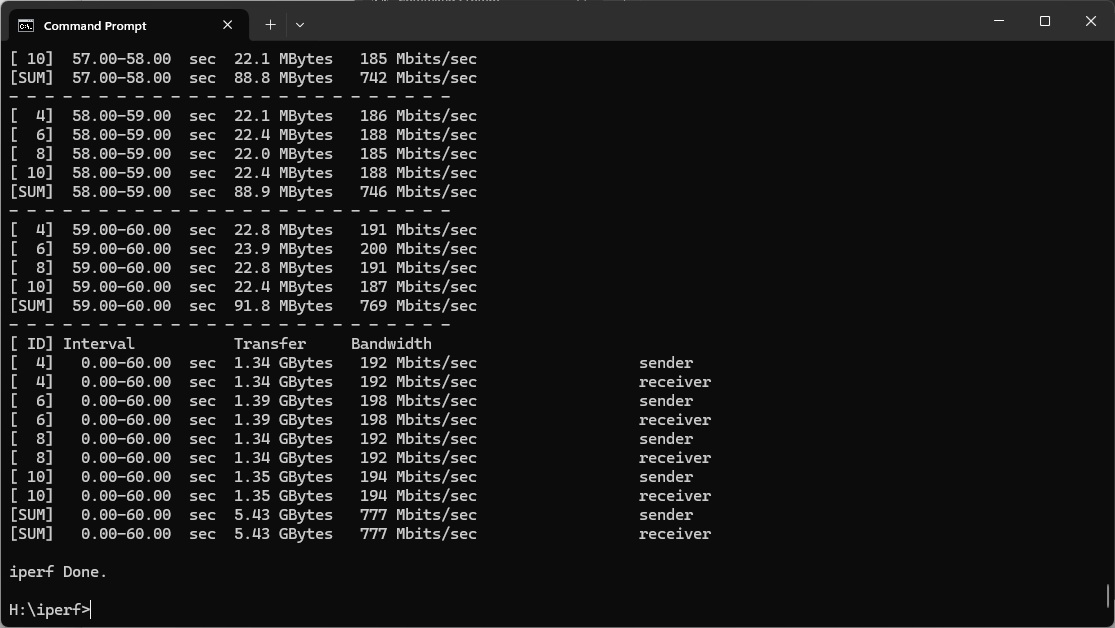
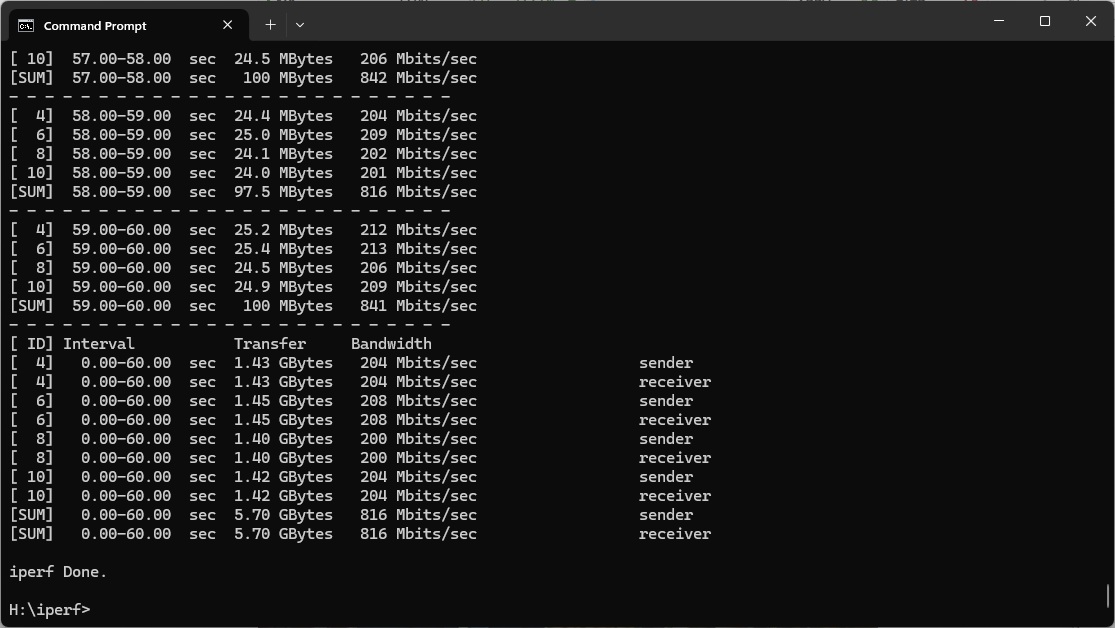
The story is similar at 5m. The Orbi 770 Series is hitting 777Mbits/sec with three units and 816Mbits/sec with two. The Nighthawk RS300 is still ahead, but the Acer Predator Connect X7 5G CPE has fallen behind. This is still beating WiFi 6 mesh systems.
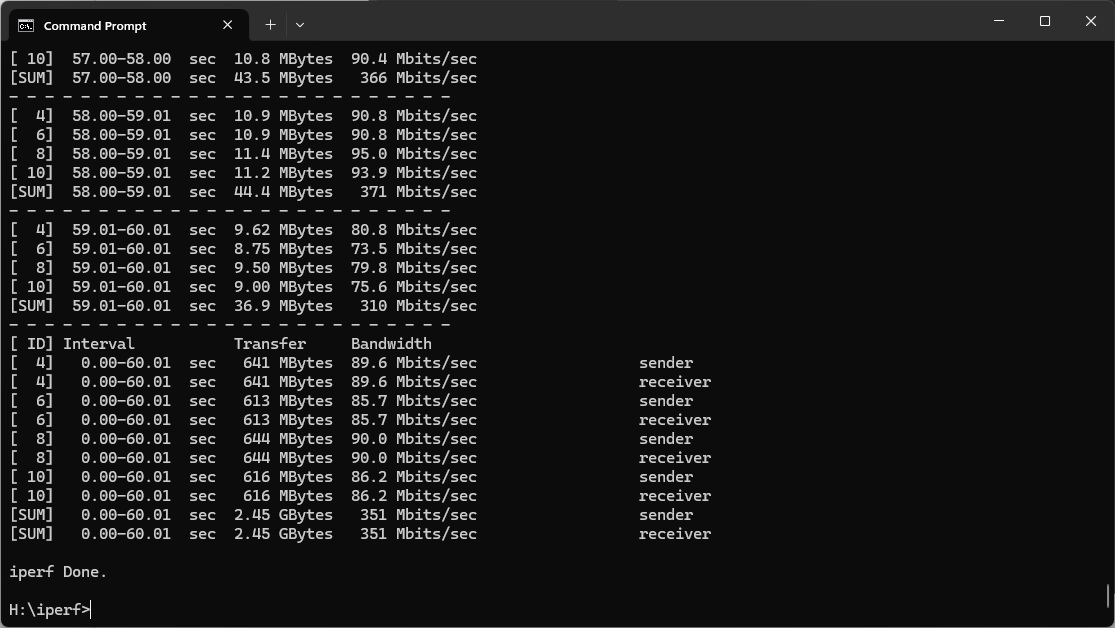
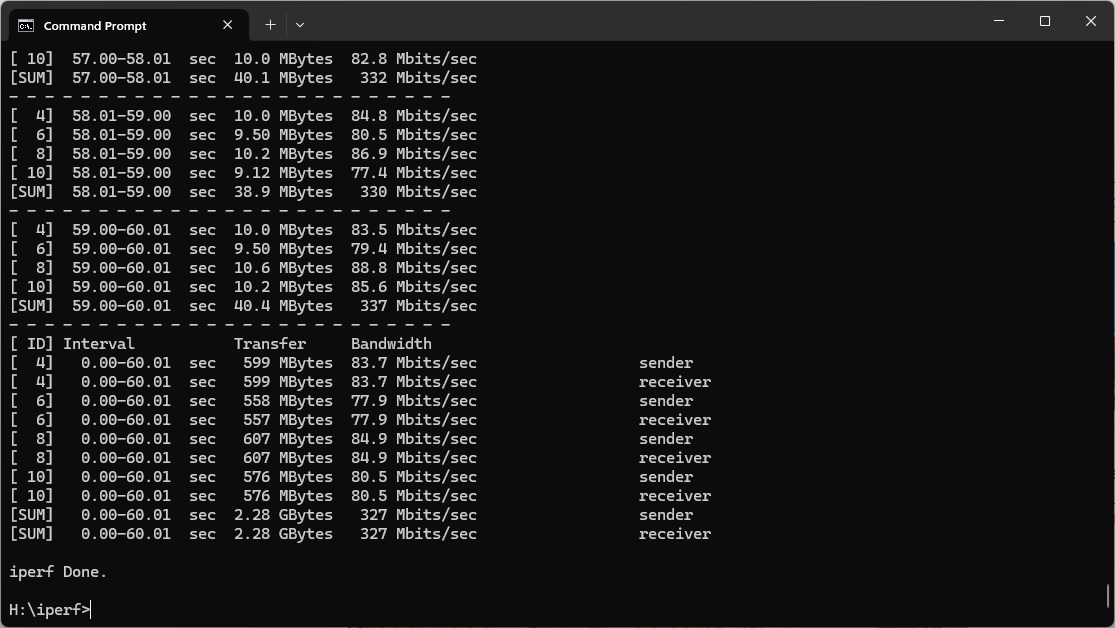
However, the Orbi 770 Series's performance drops noticeably at 10m, hitting 351Mbits/sec with three units and 327Mbits/sec with two. The NETGEAR Orbi AX4200 with three units and Orbi AX6000 with three units both beat it, thanks to having a dedicated backhaul, which means they have an extra radio specifically focused on linking the units in the mesh. The Orbi 770 Series uses the same radios as client devices, which is the main difference between it and the much more expensive 870 and 970 Series.
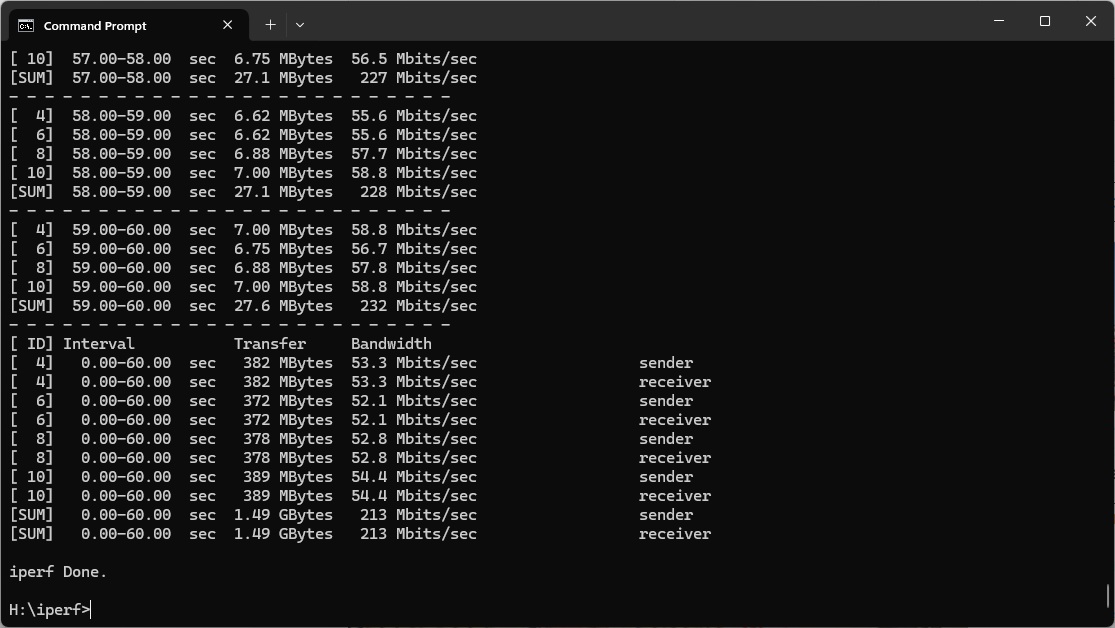
The difference between two and three units starts to show at 15m. Results are still respectable, with 321Mbits/sec for three units and 213Mbits/sec for two. Again, the Orbi AX4200 and AX6000 three-unit setups are ahead (using WiFi 6), thanks to their backhauls.
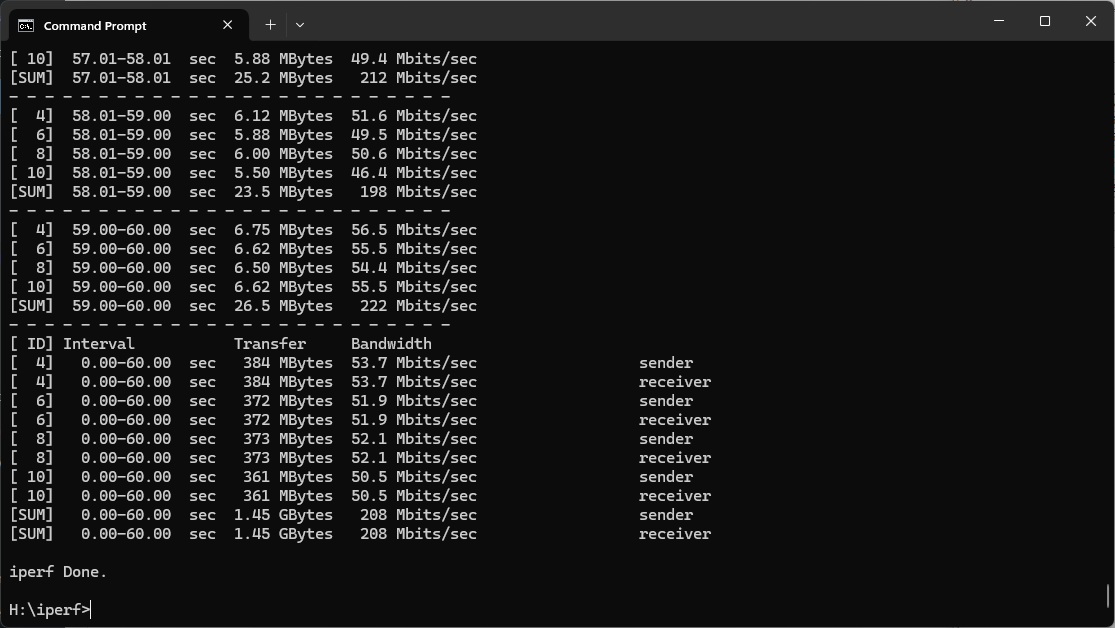
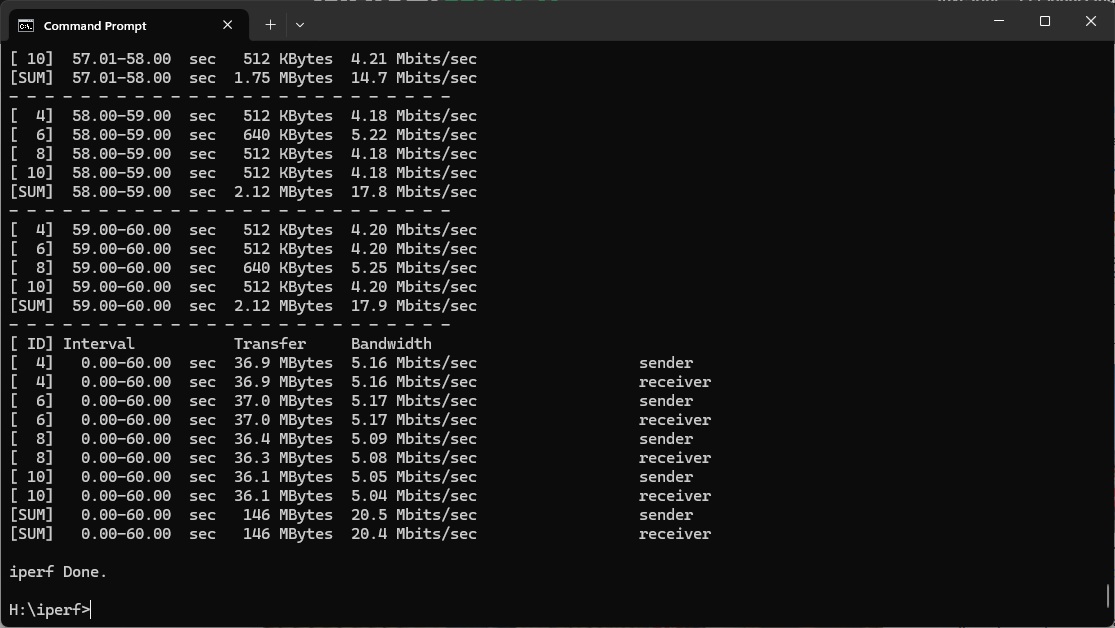
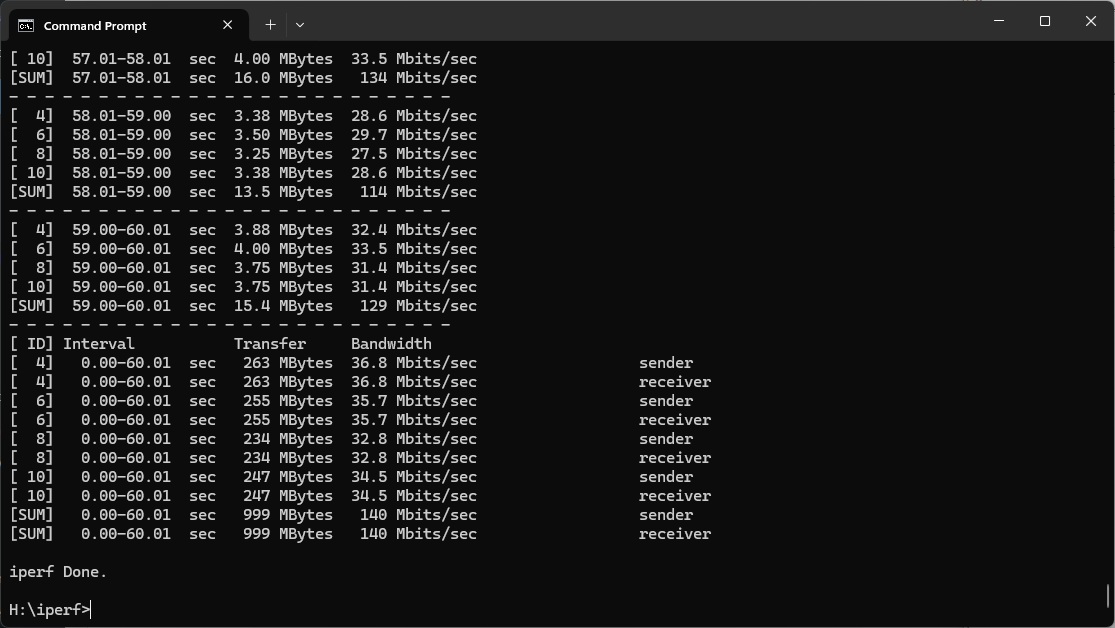
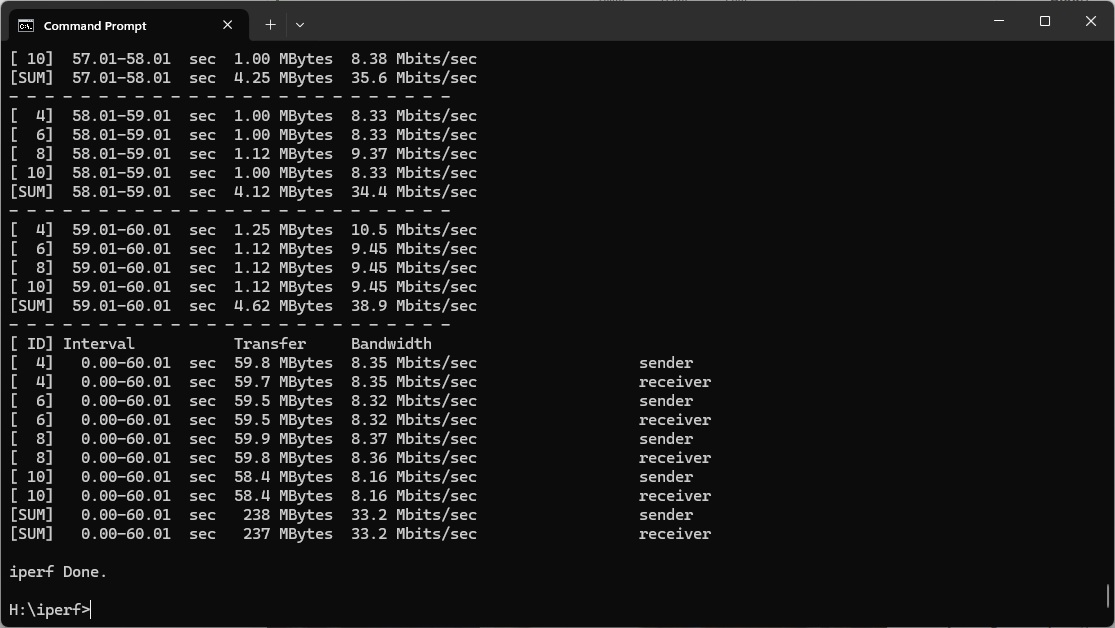
Moving out to 20m, the three-unit Orbi 770 Series is way ahead of the two-unit configuration, offering 208Mbits/sec compared to the latter's 20.5Mbits/sec. This is now beyond the Orbi AX4200 but the AX6000 remains in front. This continues at 25m, with the three-unit Orbi 770 Series delivering 140Mbits/sec, although the 2-unit setup has rallied to provide 33.2Mbits/sec.
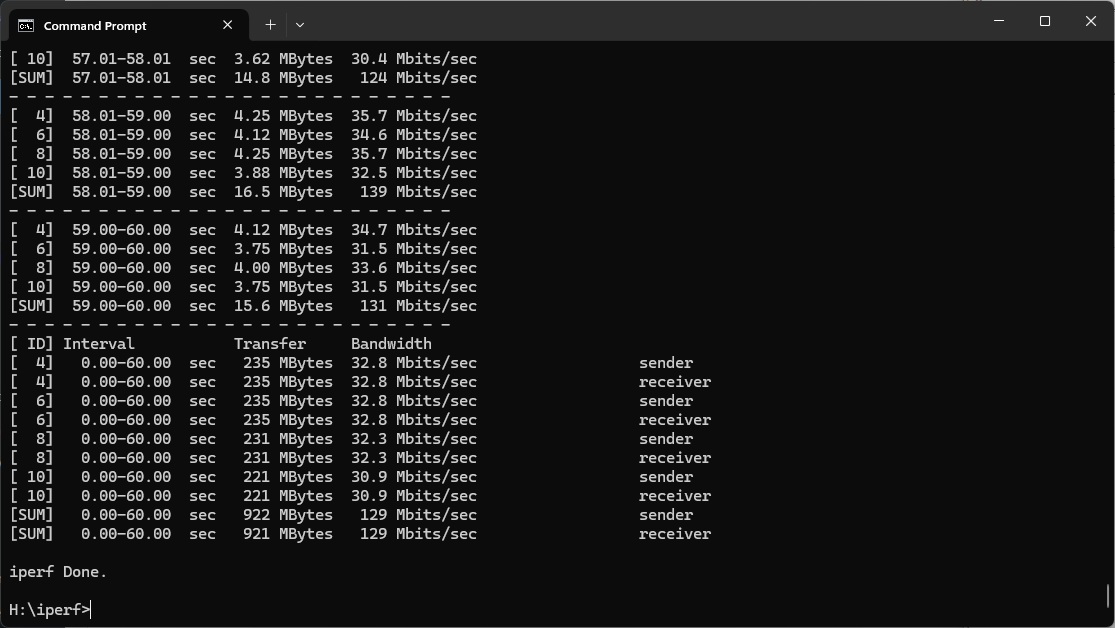
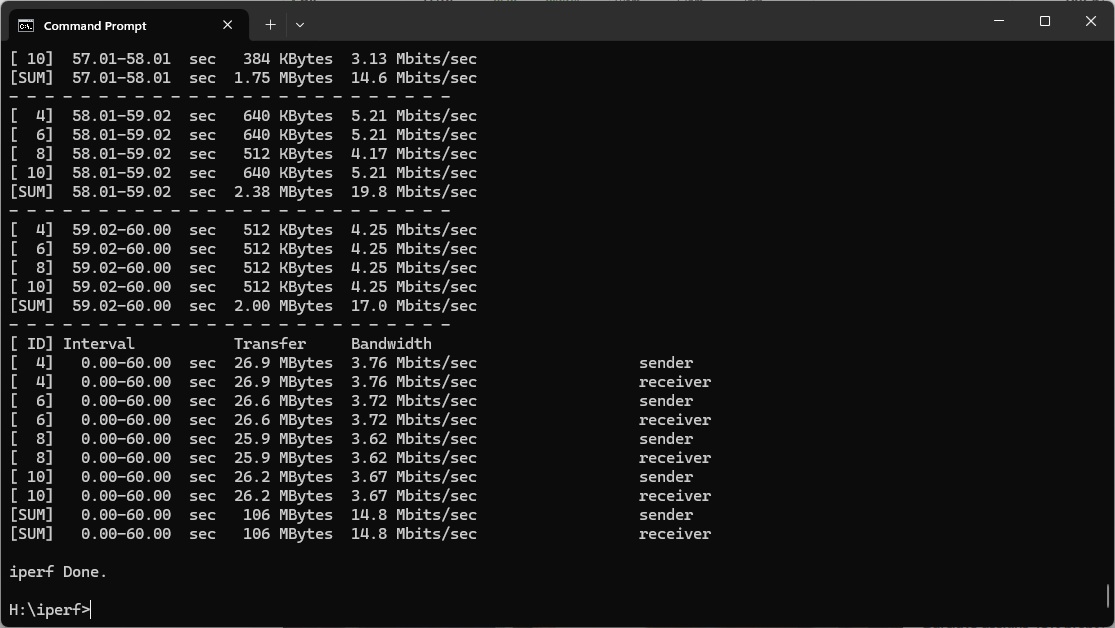
The three-unit Orbi 770 Series finally gets past the previous-generation AX6000 version at 30m, delivering 129Mbits/sec, while the two-unit Orbi 770 Series is on a just-about-usable 14.8Mbits/sec. The latter loses signal behind the shed, but the three-unit Orbi 770 Series still achieves 12.5Mbits/sec. Amazingly, the three-unit Orbi AX6000 is faster again at this distance, showing just how strong its backhaul is.
Overall, you get obvious benefit from WiFi 7 close up with the Orbi 770 Series (albeit even more with the NETGEAR Nighthawk RS300) and the three-unit range is commendable. But the three-unit previous-generation Orbi AX6000 will provide better performance (with WiFi 6) from 10m thanks to its dedicated backhaul (and is currently still available, for less than the Orbi 770 Series).
802.11ax 5GHz (WiFi 6)
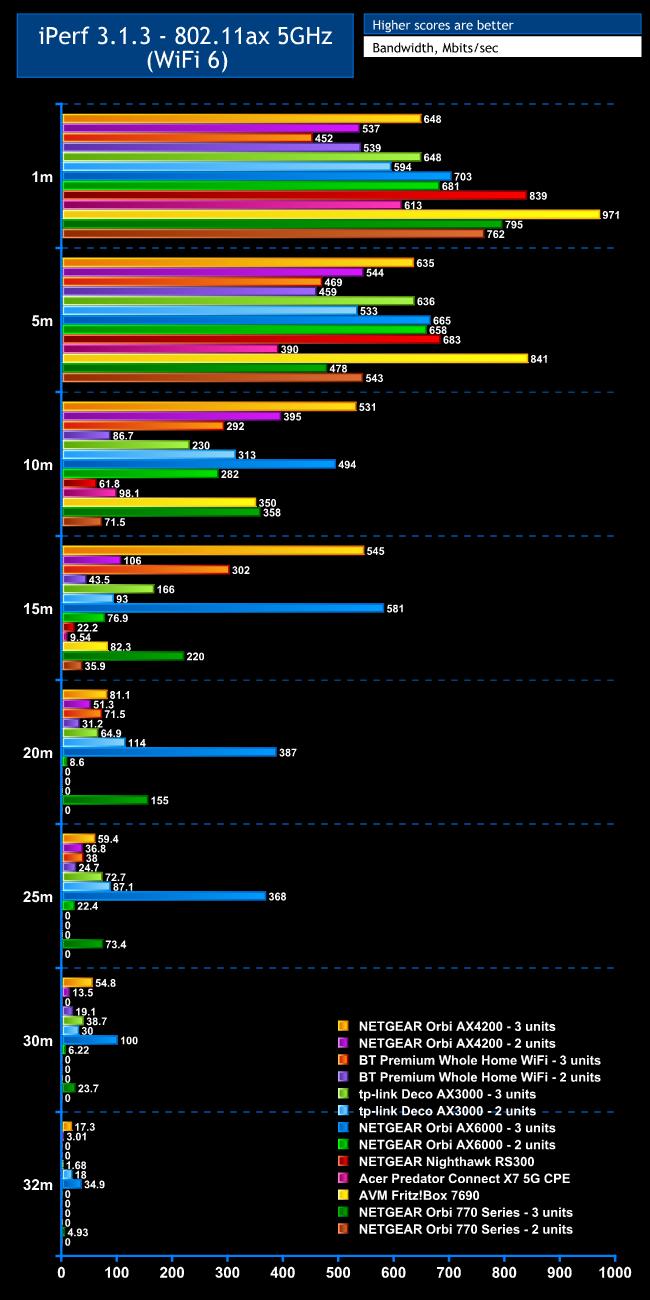
WiFi 7 may be the bleeding edge, but the scarcity of devices that support the standard will probably mean that most of your wireless clients will use WiFi 6 (or even WiFi 5 – see below).
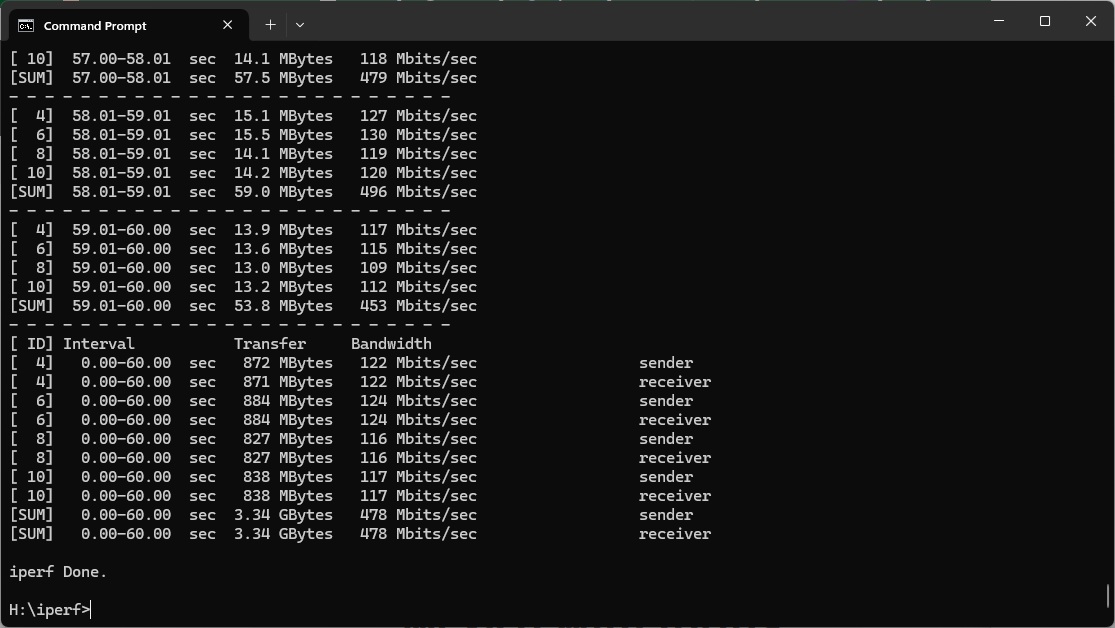
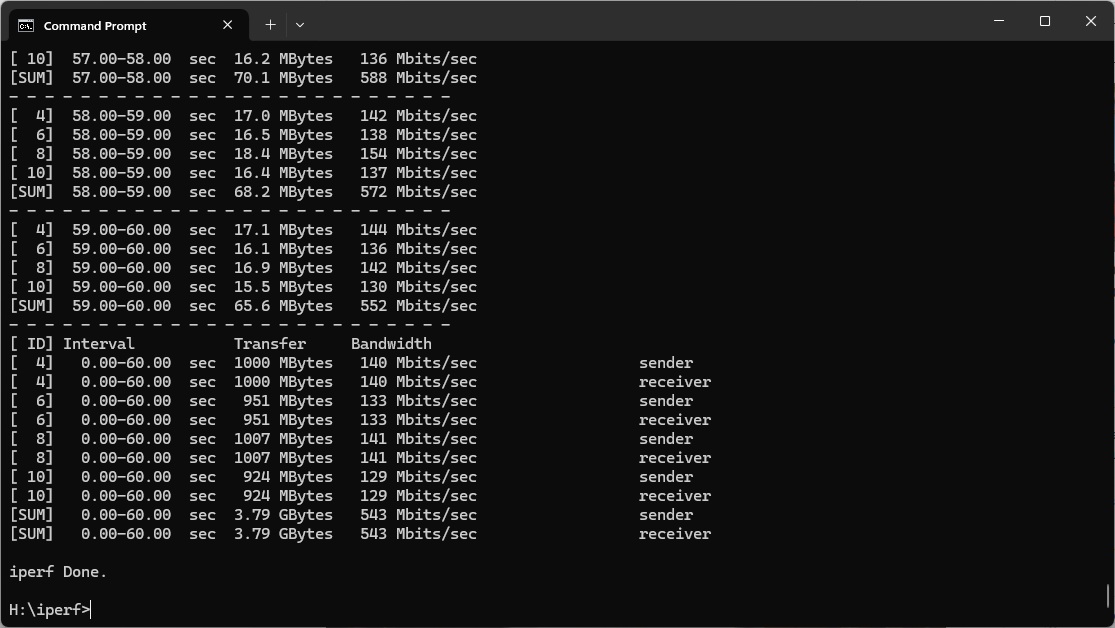
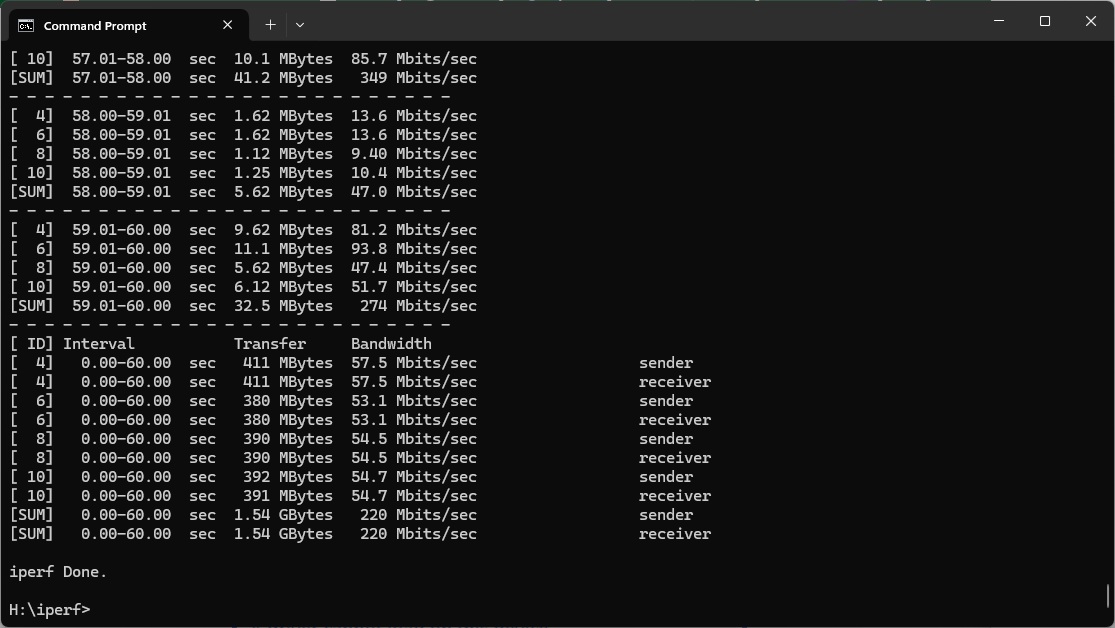
At 1m, the AVM Fritz!Box 7690 reigns supreme using this standard, and is actually faster than it is with WiFi 7. However, the Orbi 770 Series is still doing very well, delivering 795Mbits/sec with three units and 762Mbits/sec with two. That beats any WiFi 6 mesh we've tested, including the excellent NETGEAR Orbi AX6000.
Performance does drop considerably at 5m, however. The througput of 478Mbits/sec for three units and 543Mbits/sec for two is behind quite a few WiFi 6 mesh systems.
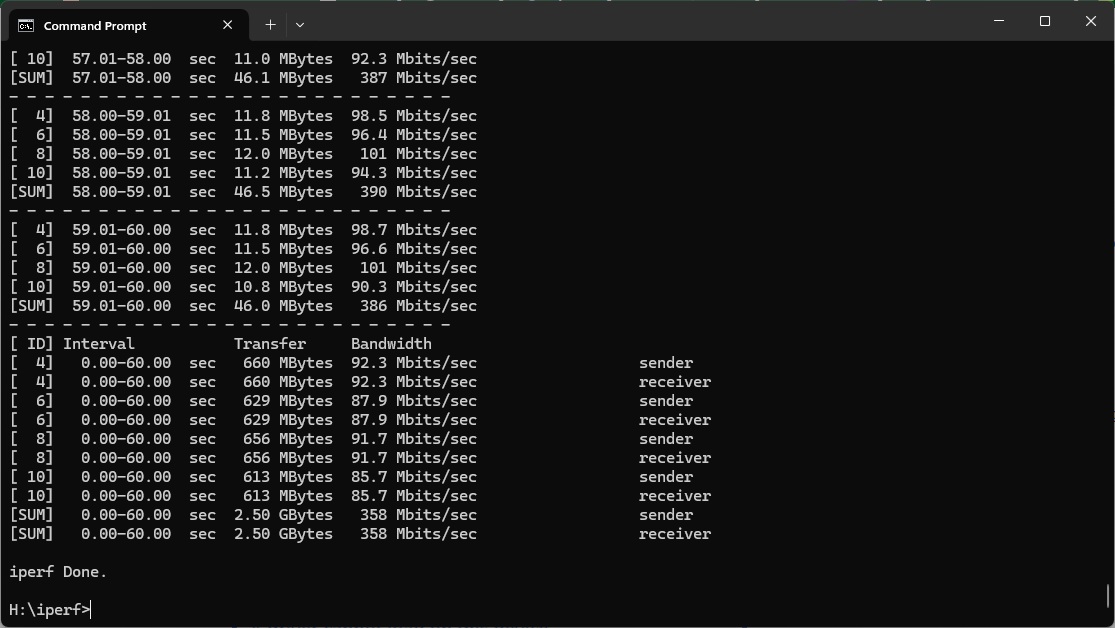
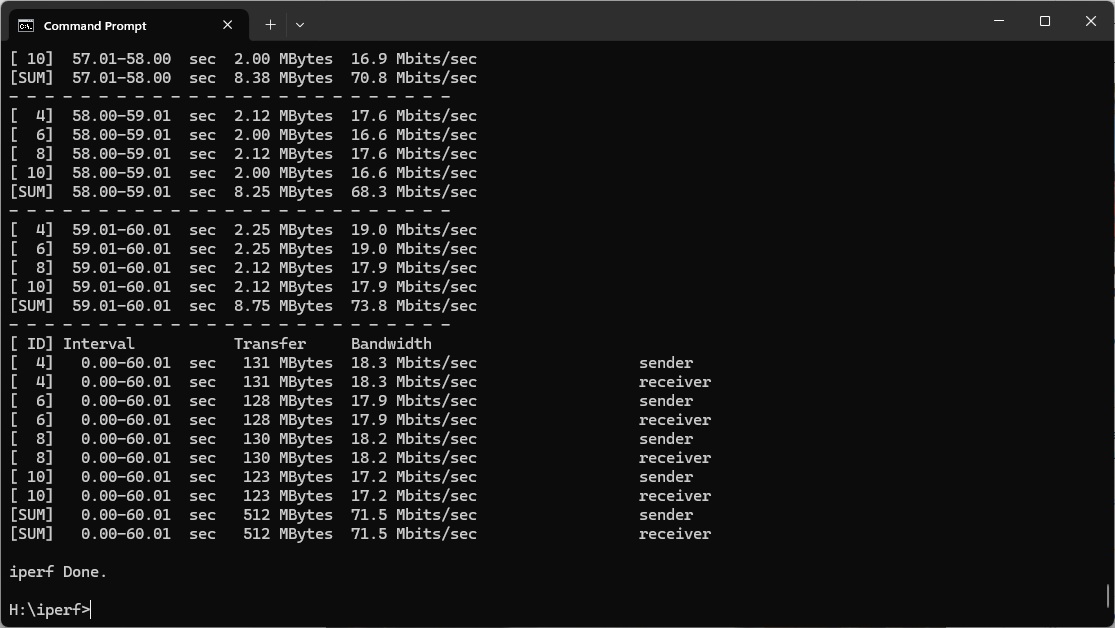
Relative results start to improve at 10m to 358Mbits/sec for the three-unit Orbi 770 Series system, although two units are only delivering 71.5Mbits/sec. The Orbi AX4200 and AX6000, with their dedicated backhauls, are notably ahead, however.
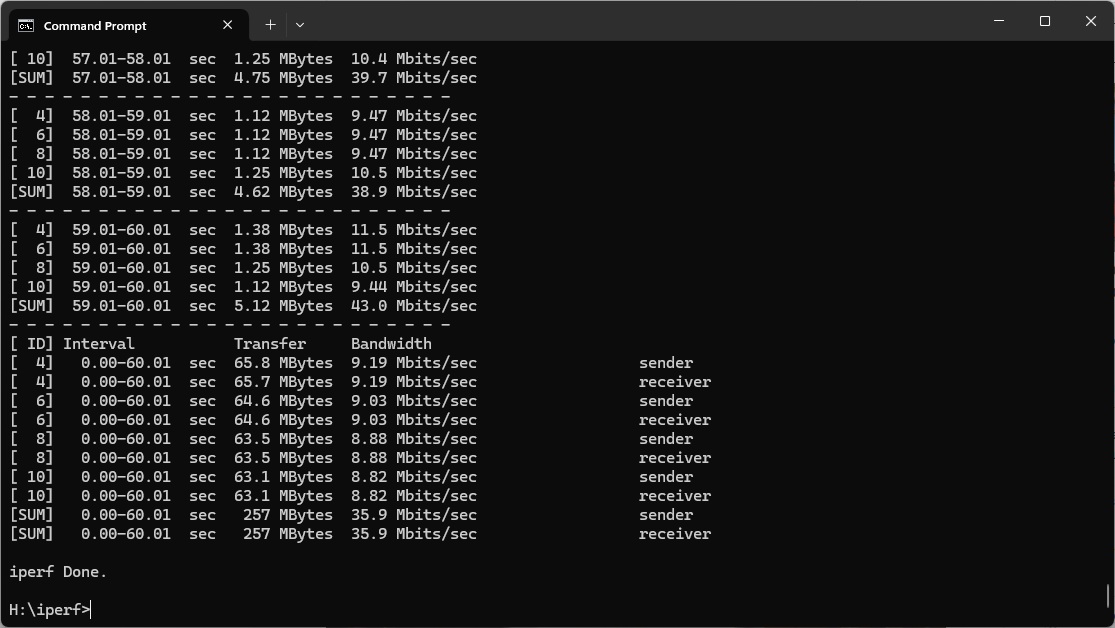
The performance of the three-unit Orbi 770 Series remains steady at 15m, hitting 220Mbit/sec, although the AX-native Orbi systems are faster. The two-unit Orbi 770 Series has fallen to just 35.9Mbit/sec.
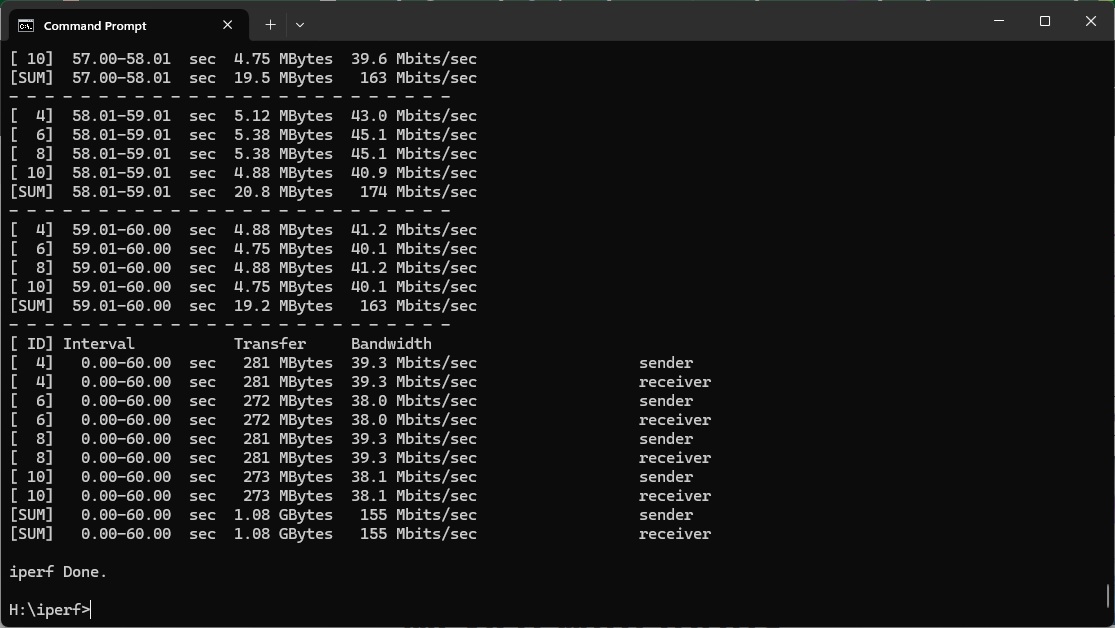
However, when the range gets to 20m, only the the Orbi AX6000 is ahead of the Orbi 770 Series with three units. The latter is delivering a commendable 155Mbits/sec.
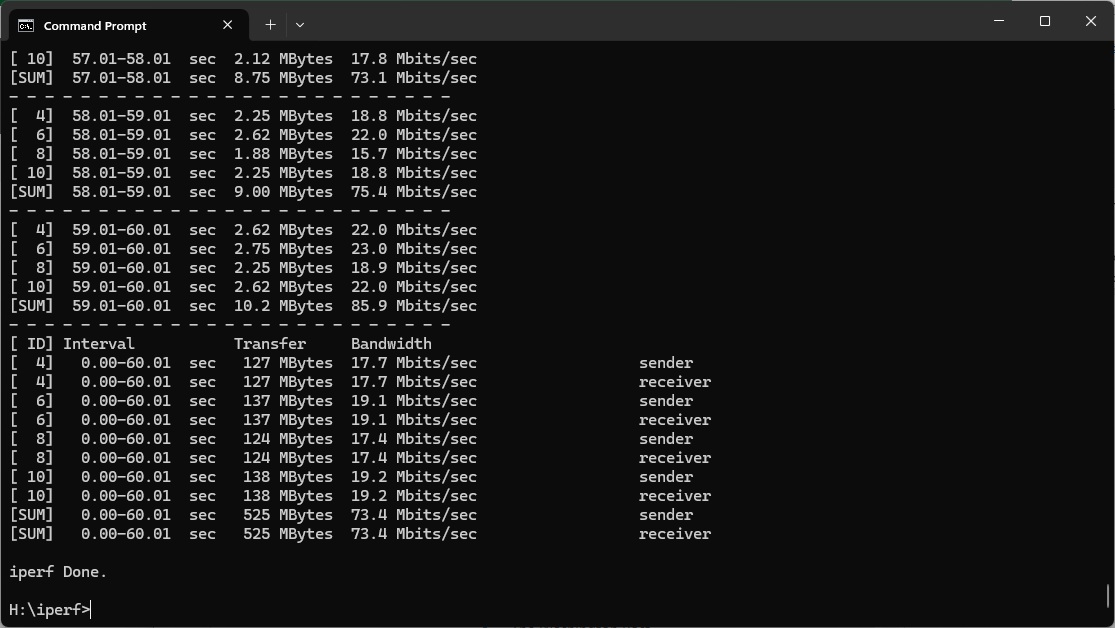
The AX6000 keeps a phenomenal signal at 25m, where the three-unit Orbi 770 Series has dropped to 73.4Mbit/sec and the two-unit setup no longer has a signal.
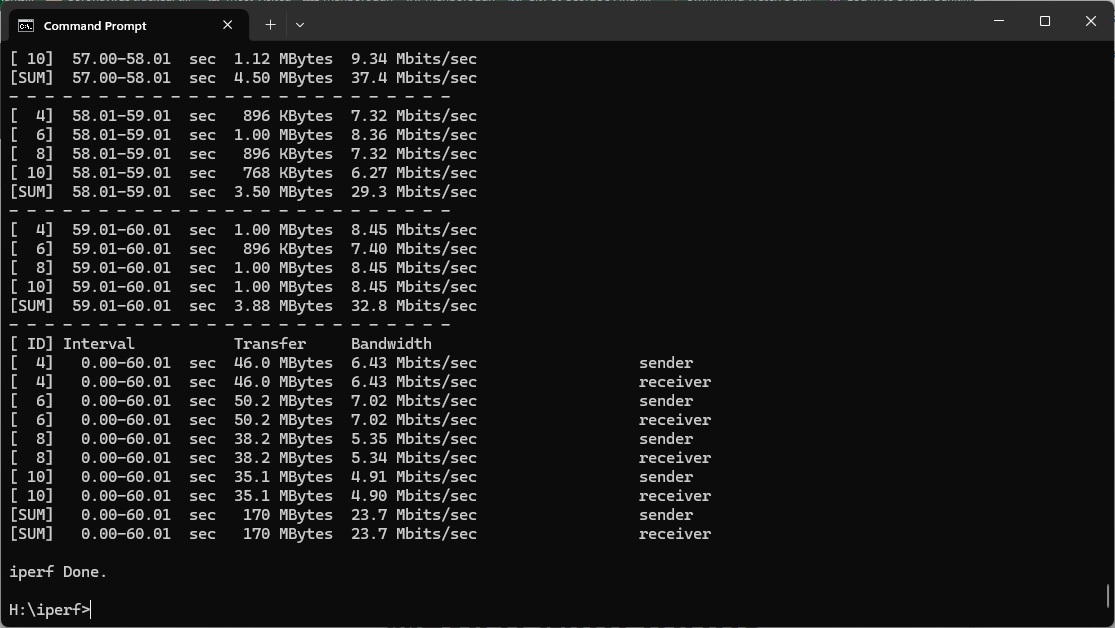
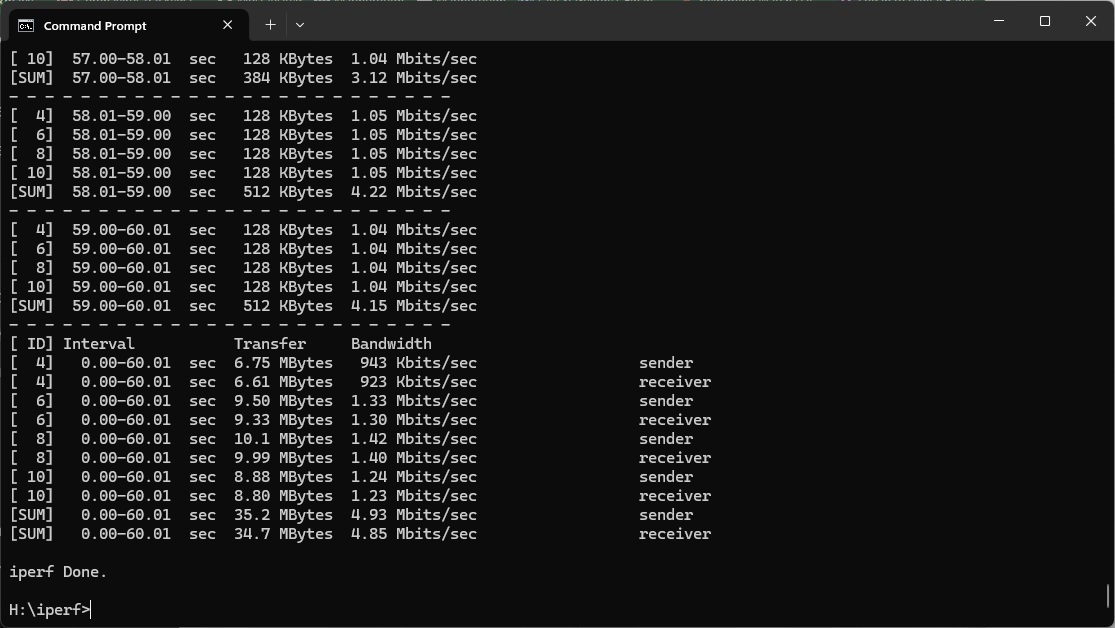
Out at 30m the Orbi 770 Series three-unit configuration's 23.7Mbits/sec is behind a number of non-WiFi 7 alternatives, and while it's still getting a signal at our 32m “behind the shed” distance, the throughput of 4.93Mbits/sec is notably lower than the three-unit Orbi AX4200 and AX6000.
Overall, WiFi 6 peformance for the Orbi 770 Series is somewhat parallel to its WiFi 7 performance. In close proximity it is fast, but the lack of a backhaul holds it back in comparison with NETGEAR's previous generation. It's still quick and capable of solid coverage up to 30m, but the three-unit NETGEAR Orbi AX6000 provides much better throughput from 5m and outwards.
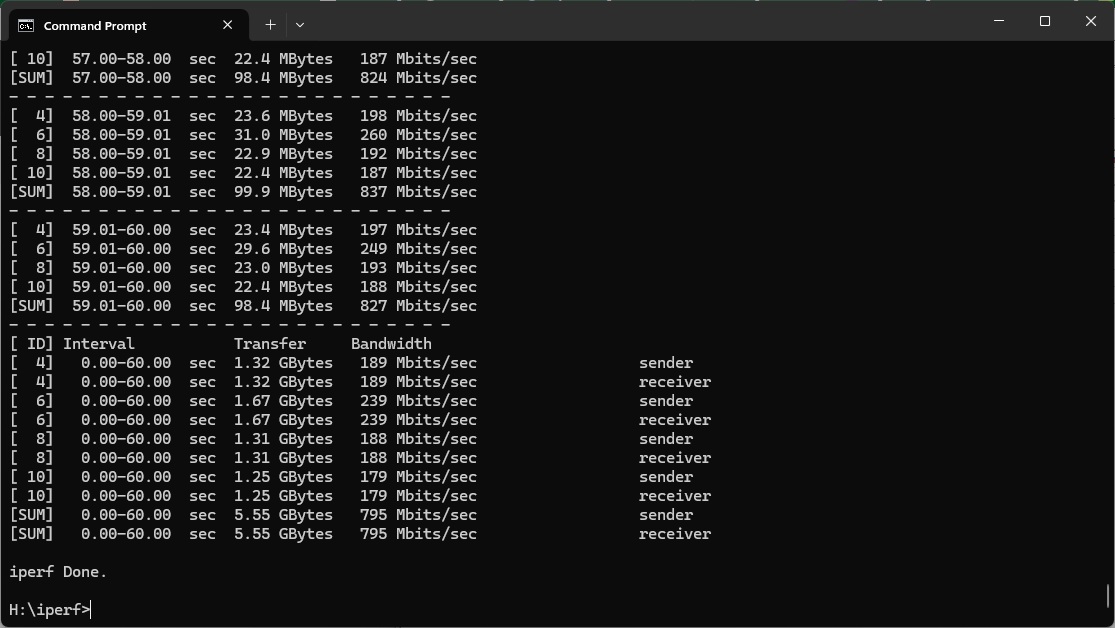
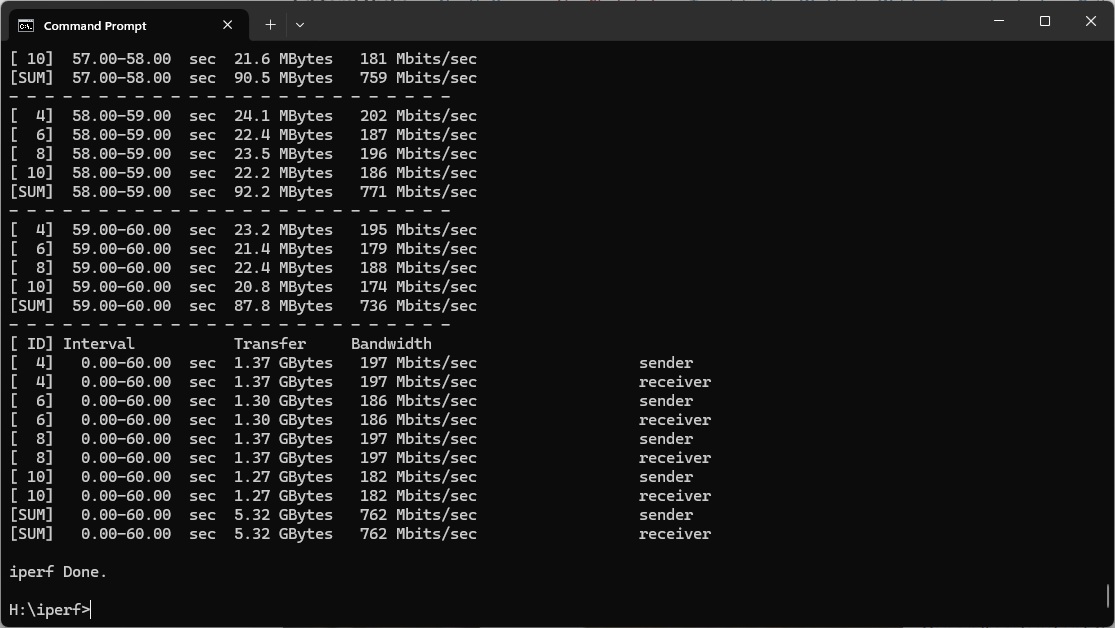
802.11ac 5GHz (WiFi 5)
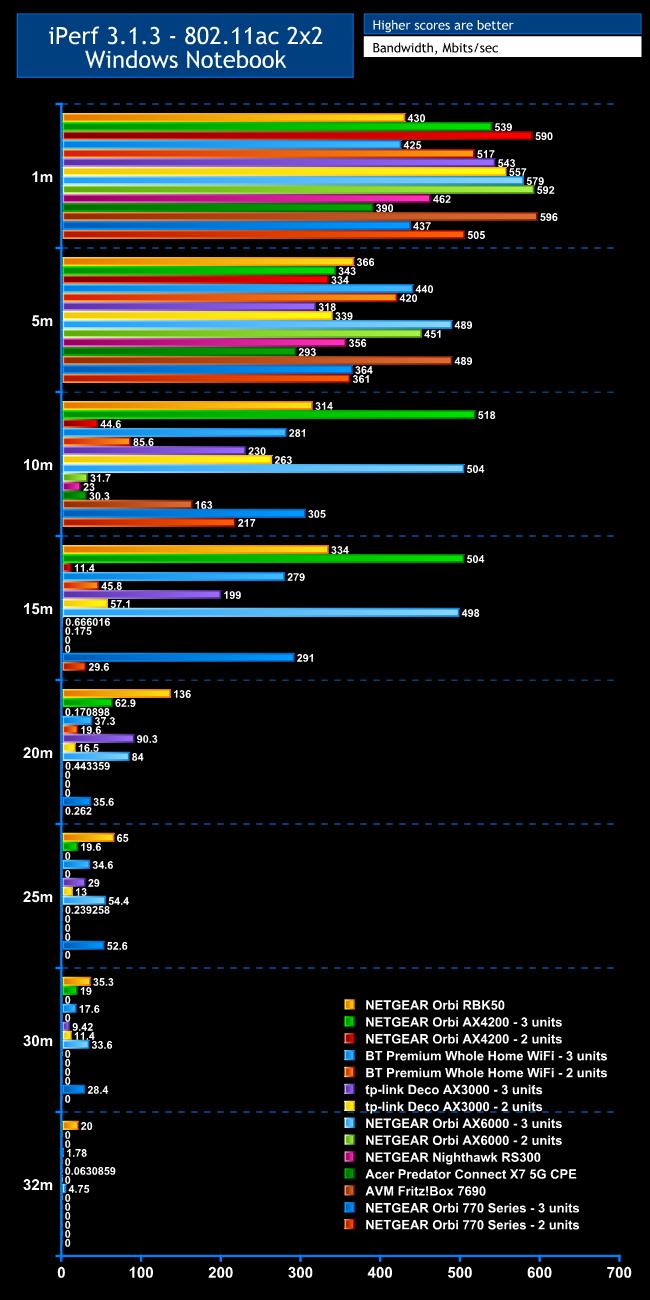
There are still plenty of WiFi 5 devices around, so decent performance with this standard remains important.
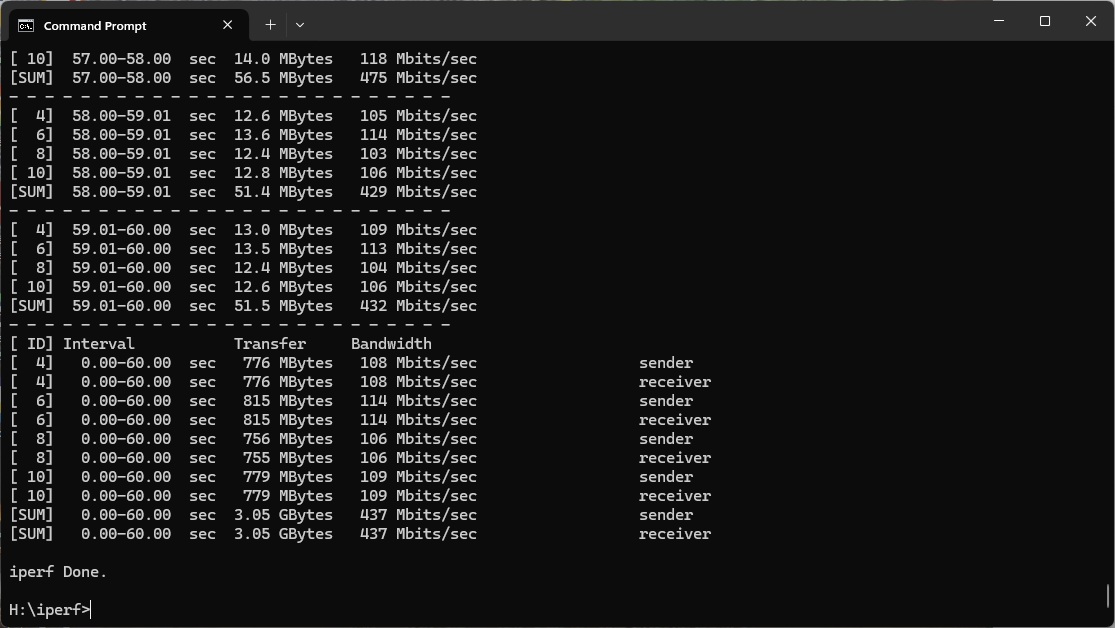
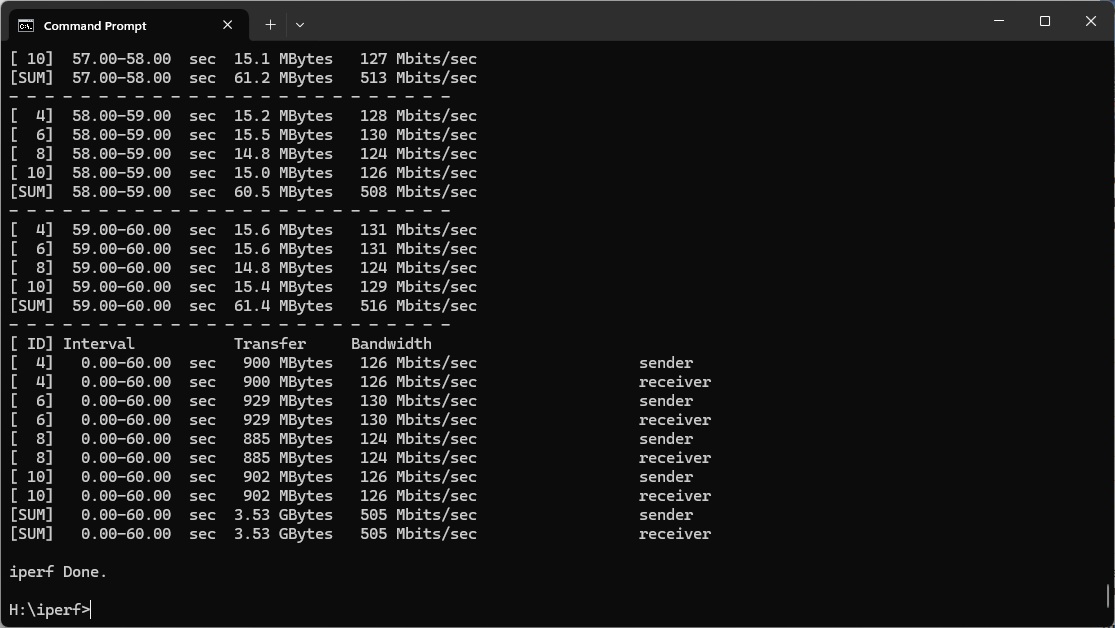
Within 1m, the Orbi 770 Series is somewhat mediocre, however, delivering 437Mbits/sec with three units and 505Mbits/sec with two. There are plenty of non-WiFi 7 systems that are much quicker.
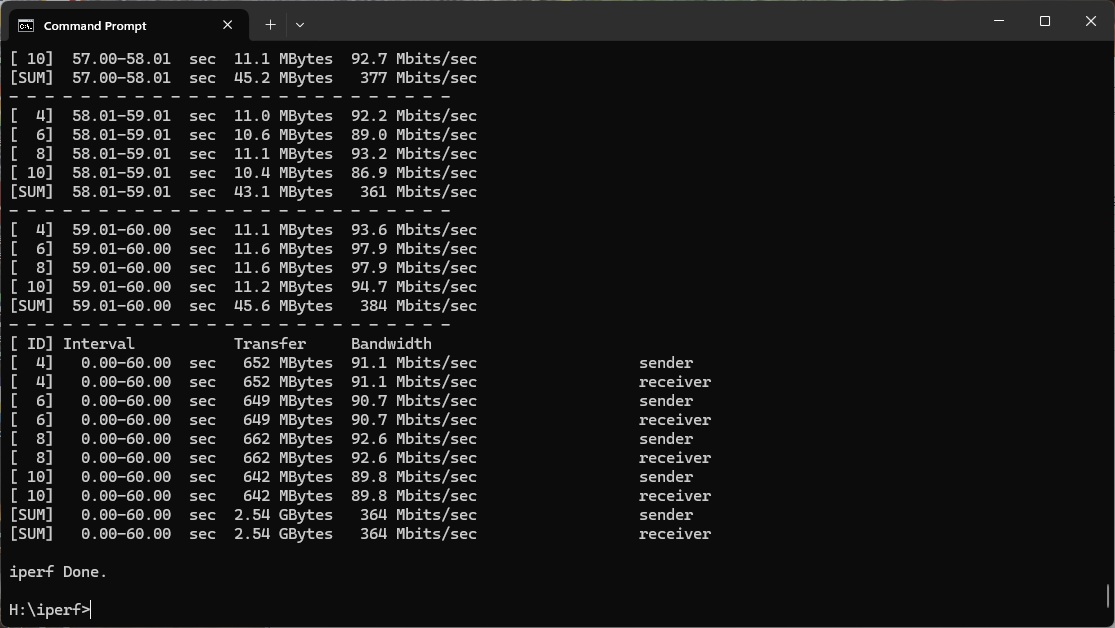
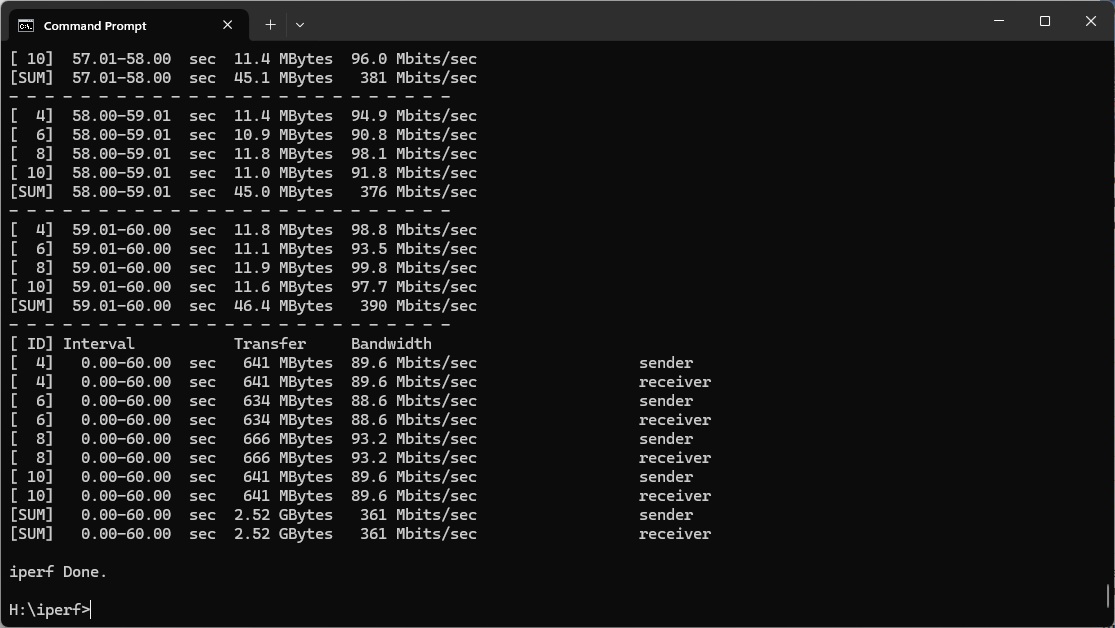
At 5m, the WiFi 5 throughput of 364Mbits/sec for three units and 361Mbits/sec for two again places the Orbi 770 Series in the middle of the pack.
Moving out to 10m, the three-unit Orbi 770 Series performance is starting to look more competitive, reaching 305Mbits/sec, and the two-unit configuration is holding steady with 217Mbits/sec.
All the standalone routers have fallen away at 15m, but the three-unit Orbi 770 Series is still delivering 291Mbits/sec, although the three-unit AX4200 and AX6000 remain way ahead. The two-unit setup is hanging in with 29.6Mbits/sec.
Most mesh systems are starting to drop down at 20m, apart from those with three units. The Orbi 770 Series is still delivering 35.6Mbits/sec, but other three-unit systems are faster, while the two-unit Orbi has a signal but not a usable one.
Strangely, the three-unit Orbi 770 Series rallies at 25m, delivering 52.6Mbits/sec. This is only slightly behind NETGEAR's WiFi 6-based Orbis.
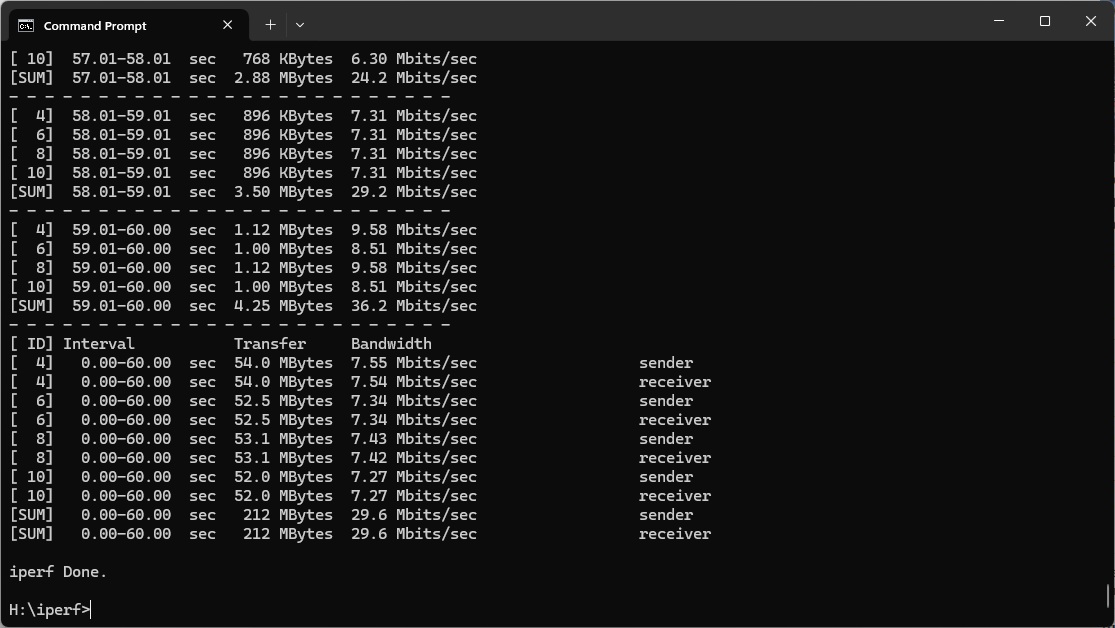
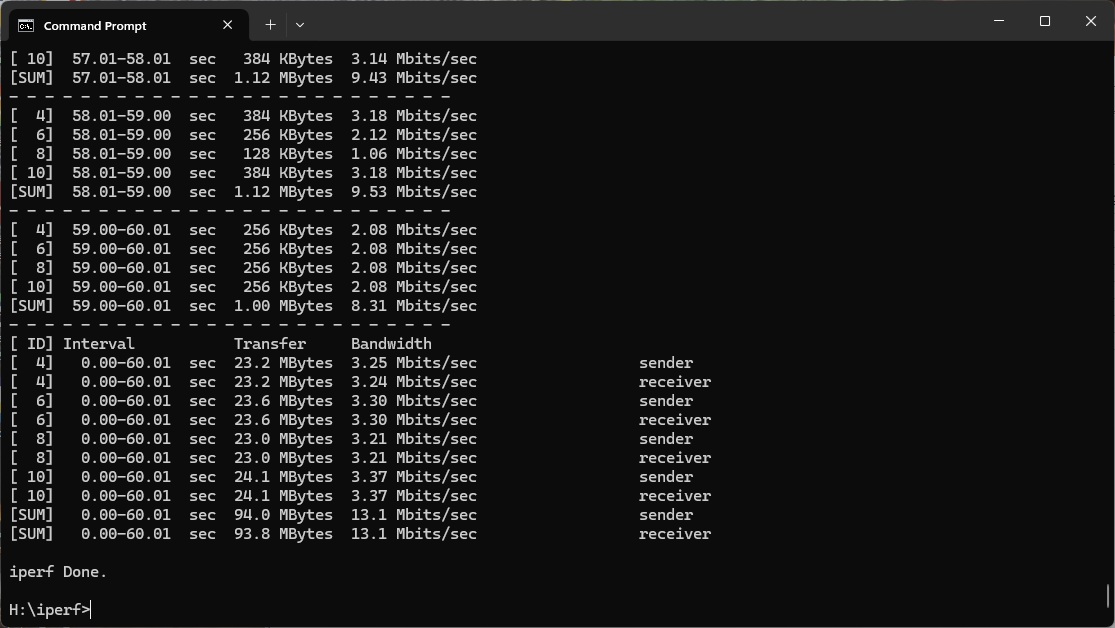
The story is the same at 30m, with the Orbi 770 Series managing 28.4Mbits/sec. But it couldn't provide a signal for our 32m “behind the shed” test.
Overall, with three units the Orbi 770 Series provides useful coverage, but won't give you a notable boost over the previous Orbi generation.
802.11n 2.4GHz – Legacy
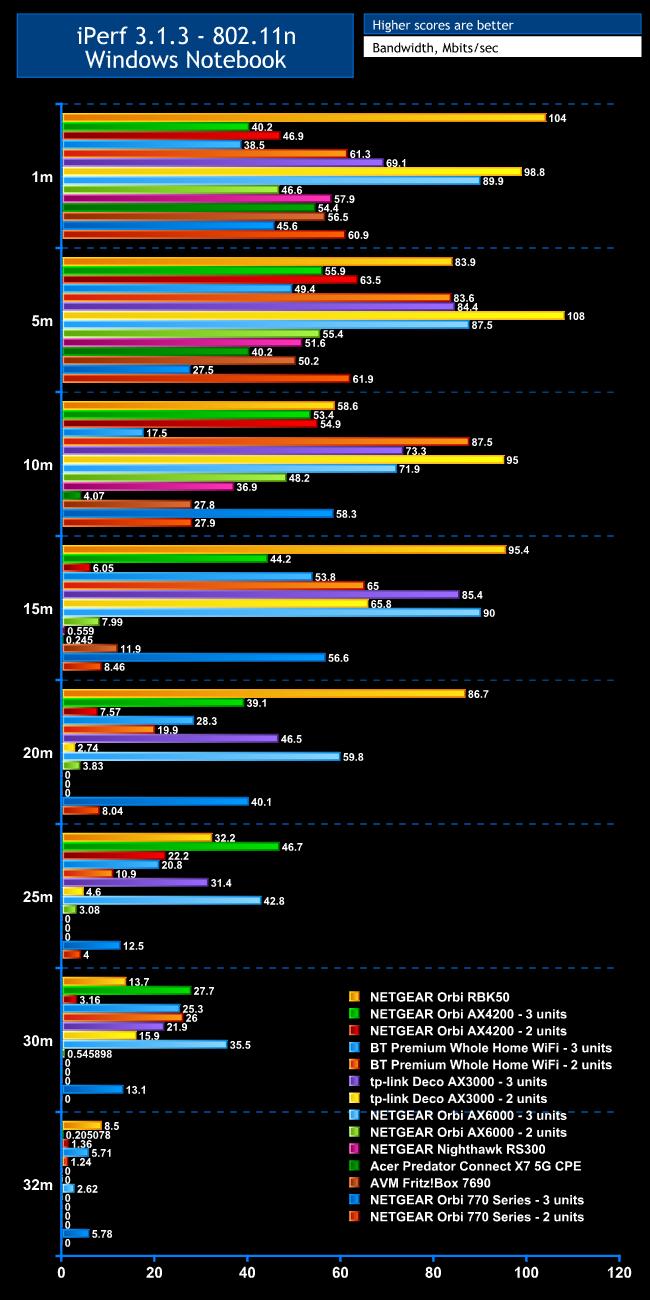
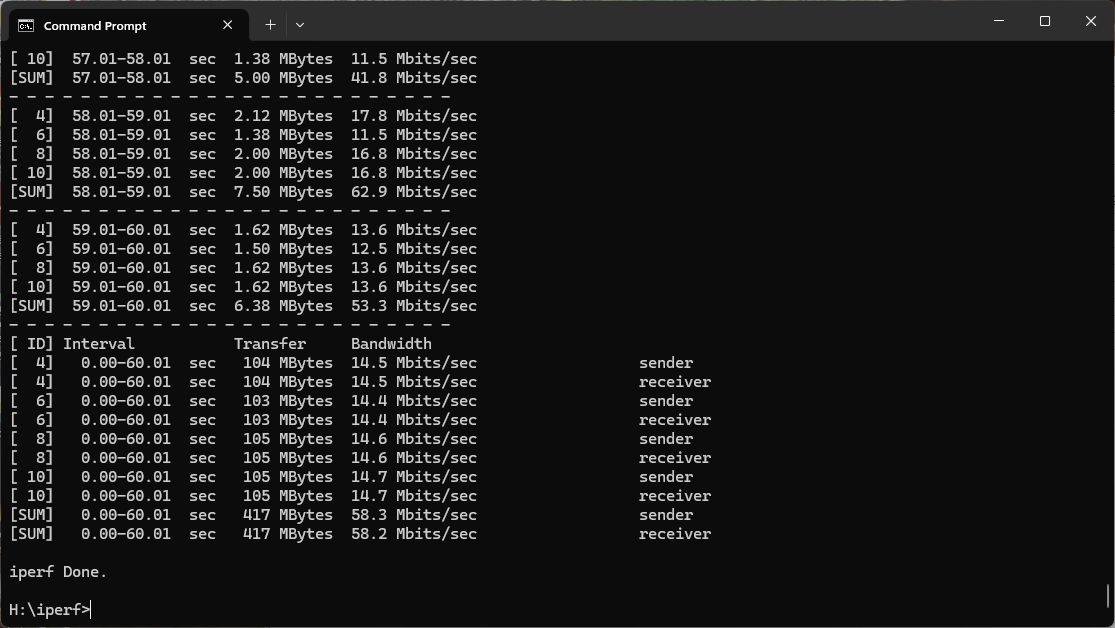
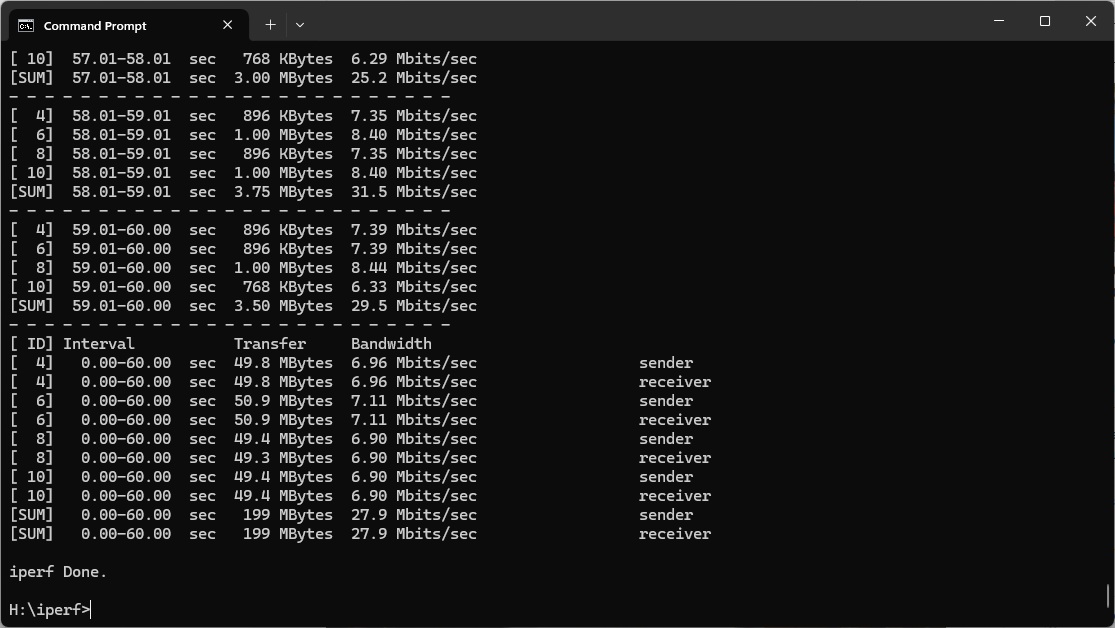
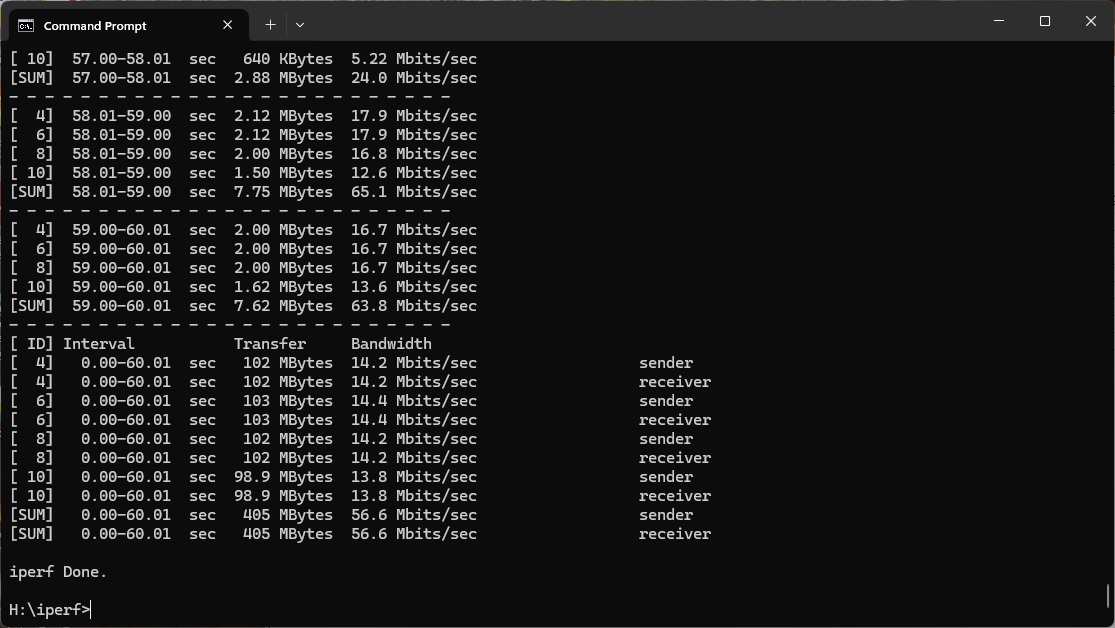
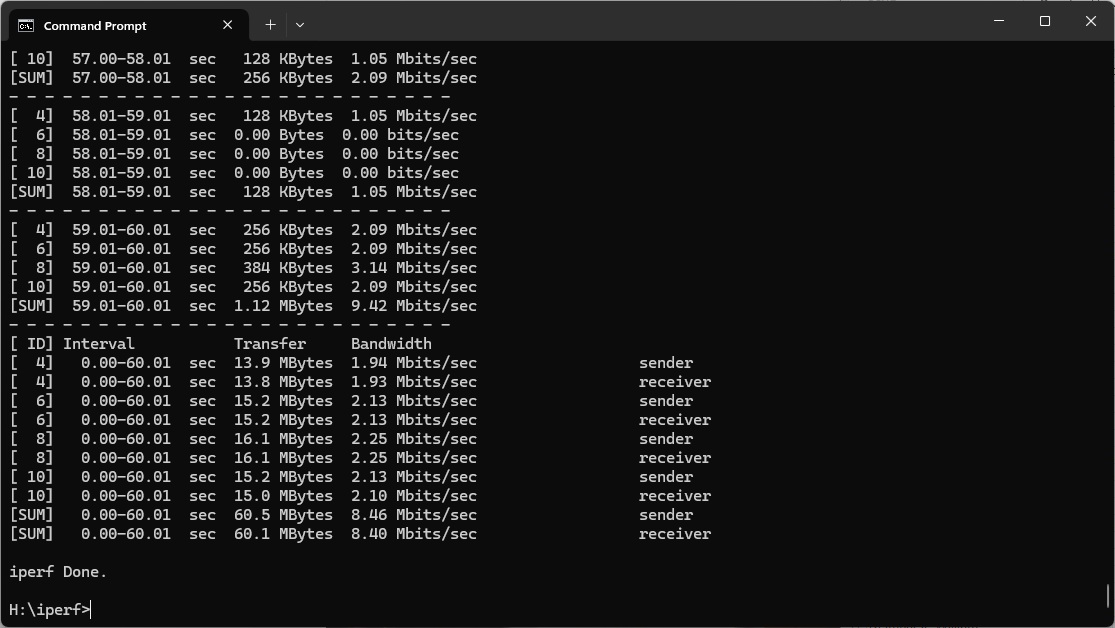
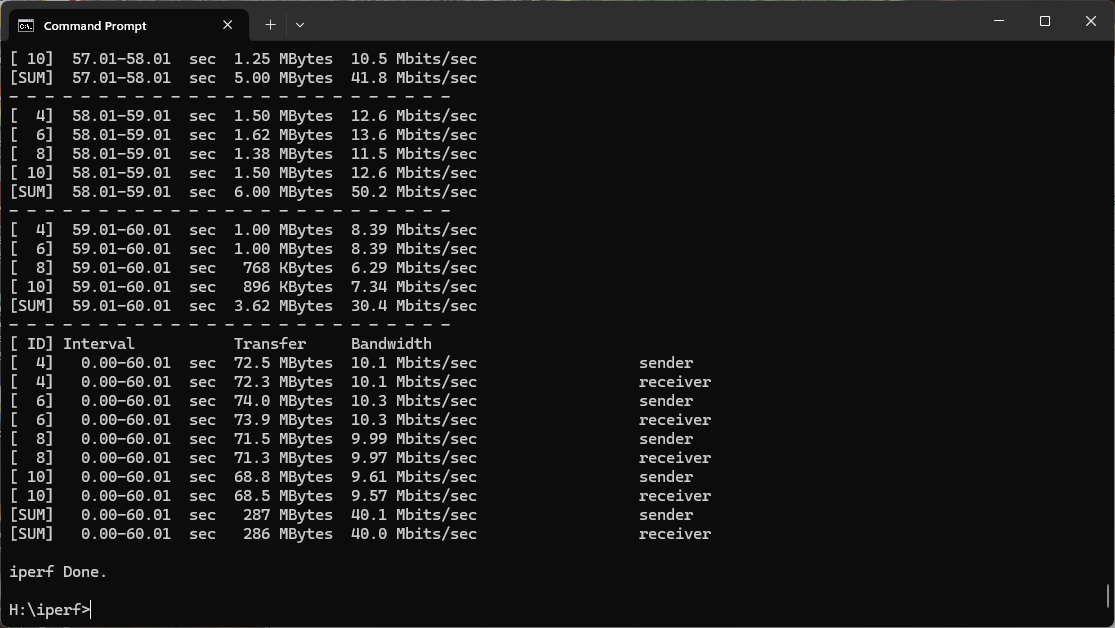
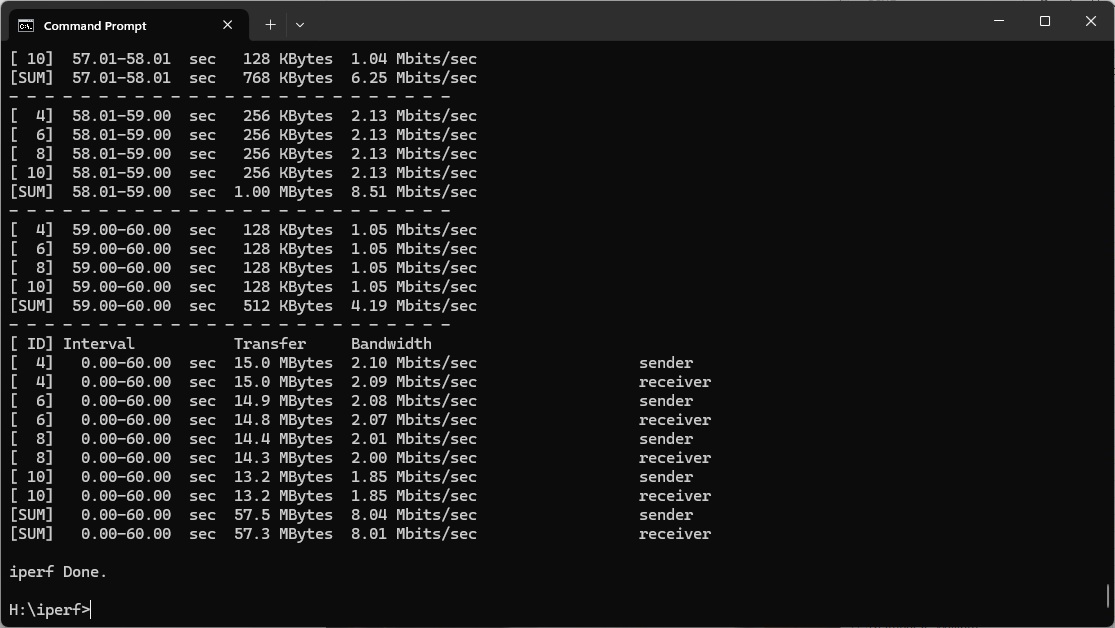
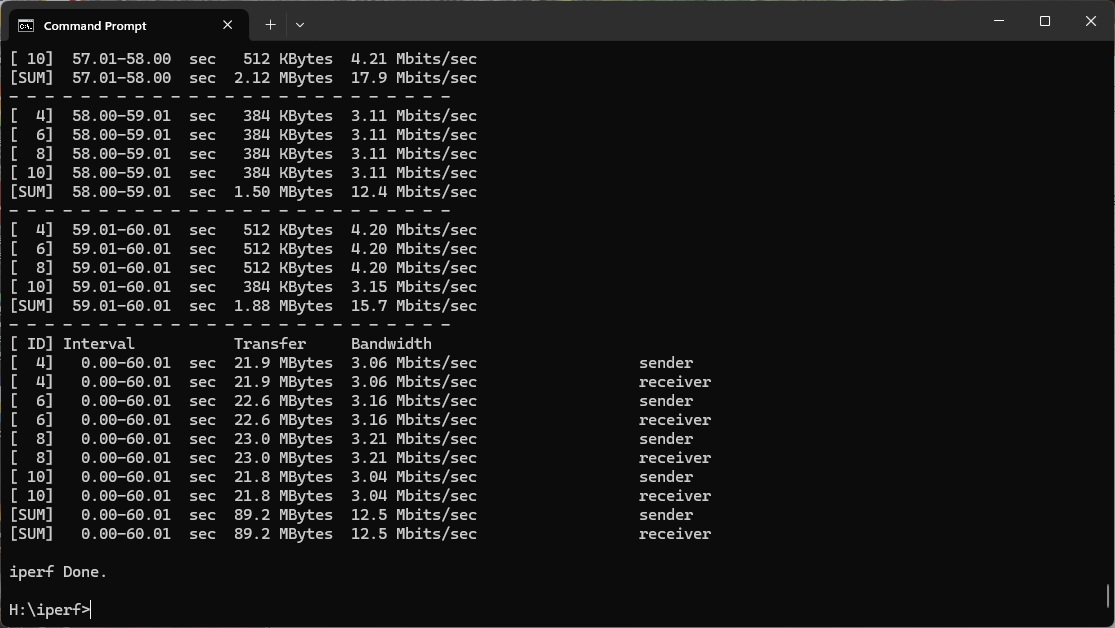
The 2.4GHz 802.11n standard is now rather long in the tooth, but we still include results just in case you have a really old laptop or an IoT device that uses it. The Orbi 770 Series is rather mediocre with 802.11n. Up close at 1m, you get 45.6Mbits/sec with three units and 60.9Mbits/sec with two. Performance with three units drops surprisingly to 27.5Mbits/sec at 5m, although two units are still delivering 61.9Mbits/sc. However, the roles are reversed at 10m, with three units managing 58.3Mbits/sec and two 27.9Mbit/sec. The difference is even starker at 15m, with three units still managing 56.6Mbits/sec while two have dropped to 8.46Mbits/sec. This only drops to 8.04Mbit/sec at 20m, although the three-unit configuration still manages 40.1Mbits/sec.
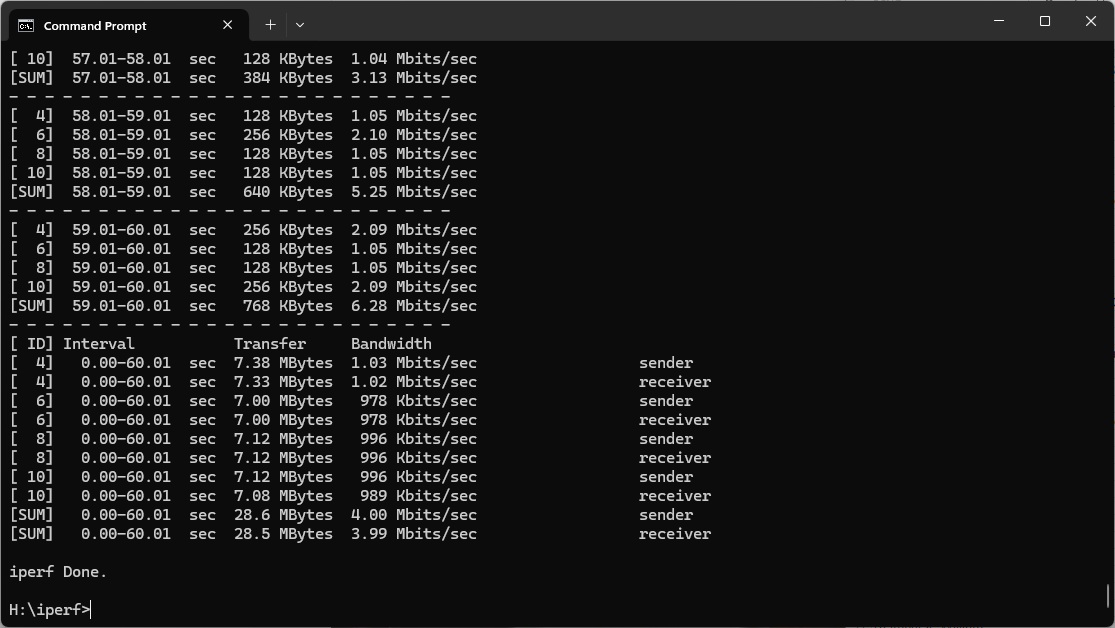
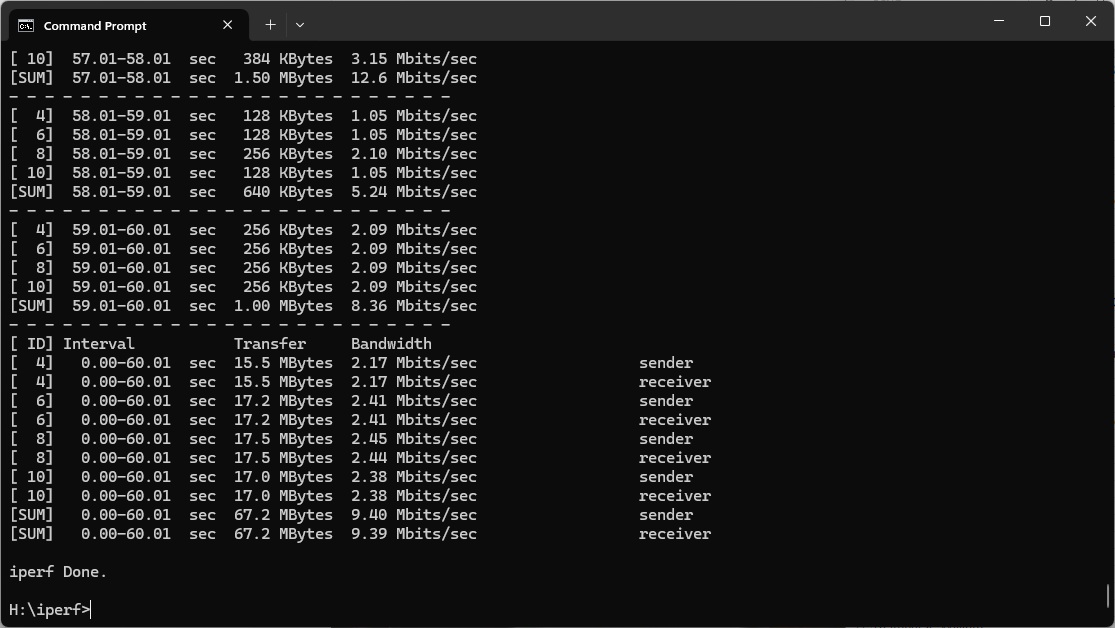
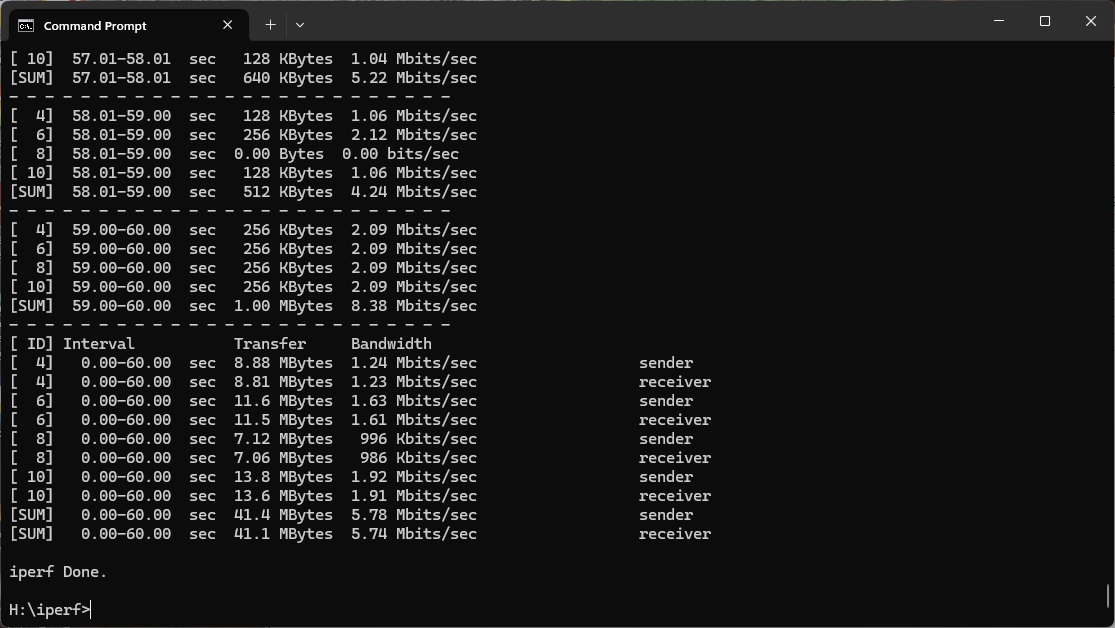
At 25m, the three-unit Orbi 770 Series has fallen behind many non-WiFi 7 alternatives, delivering 12.5Mbits/sec, while two units are on 4Mbit/sec. The latter lose all signal at 30m, while three units still manage 13.1Mbits/sec, although there are lots of quicker options. You are still getting some bandwidth in our 32m “behind the shed” location, and 5.78Mbits/sec is in fact the second fastest result. The only quicker system was the three-unit Orbi RBK50, which is a WiFi 5 mesh from many years ago.
Overall, again range is decent with the three-unit Orbi 770 Series, but throughput isn't so competitive.
The NETGEAR Orbi 770 Series Mesh WiFi 7 System (RBE773) makes an important technical point – mesh WiFi systems work much better with a dedicated wireless backhaul. The raw WiFi 7 and WiFi 6 performance up close are impressive, but beyond that even previous-generation mesh systems provide faster throughput, if they have a wireless radio devoted to the mesh alone. That's not to say the 770 Series can't deliver great wireless networking performance over a wide area – it can, although we would definitely choose the three-unit option because two units don't really provide enough of a boost over a great standalone WiFi 7 router like NETGEAR's own Nighthawk RS300.
While you might miss having a USB port for printer or storage sharing, the Orbi 770 Series otherwise provides a healthy array of ports, all of which are 2.5Gbit Ethernet. Having four including the WAN on the router and two on each satellite should be sufficient to provide the ability to create wireless bridges between wired devices in different rooms and serve enough desktop systems locally near the router.
The smartphone app has limited features but the Web management interface offers plenty of configuration for fine tuning your configuration, although NETGEAR's penchant for offering lots of subscription services now (including Armour security and parental controls) is a little frustrating. We'd also have liked some QoS settings, even if this isn't a gaming-oriented wireless mesh system.
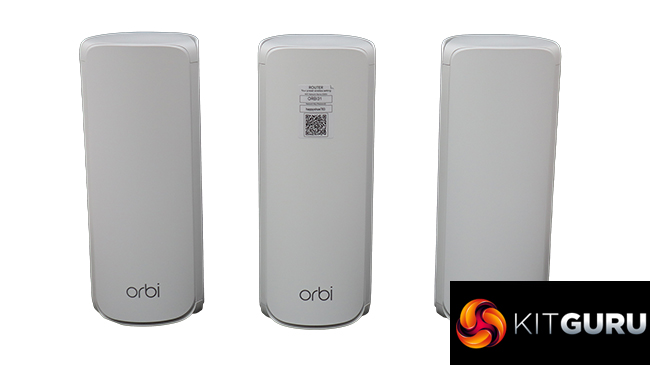
Compared to the incredibly expensive £2,200 flagship Orbi 970 Series, the 770 Series is much more reasonable at under £900. However, the 870 Series is £1,200 for three units and that does have a dedicated backhaul, which will provide much better performance. So while the Orbi 770 Series delivers solid performance at close proximity and good general spatial coverage, it's still not exactly a bargain.
The NETGEAR Orbi 770 Series Mesh WiFi 7 System (RBE773) is available from Amazon UK for £799.99 (reduced from £879.99).
Pros:
- Good WiFi 7 and 6 performance with clients close to router.
- Wide three-unit WLAN range.
- 2.5Gbit Ethernet ports.
- Smartphone app makes setup easy.
- Plenty of configuration options in Web interface.
Cons:
- Performance beyond 5m merely mediocre compared to previous-generation NETGEAR mesh WiFi systems with backhaul.
- Armour and parental controls require subscription after short trial period.
- No USB for printer or storage sharing.
KitGuru Says: The NETGEAR Orbi 770 Series Mesh WiFi System (RBE773) covers a wide area with three units, and the WiFi 6 and 7 performance are great when your client is close to the router. However, the lack of a dedicated wireless backhaul limits throughput beyond 5m, making this a decent choice only if you can't afford NETGEAR's more premium WiFi 7 mesh offerings.