 KitGuru KitGuru.net – Tech News | Hardware News | Hardware Reviews | IOS | Mobile | Gaming | Graphics Cards


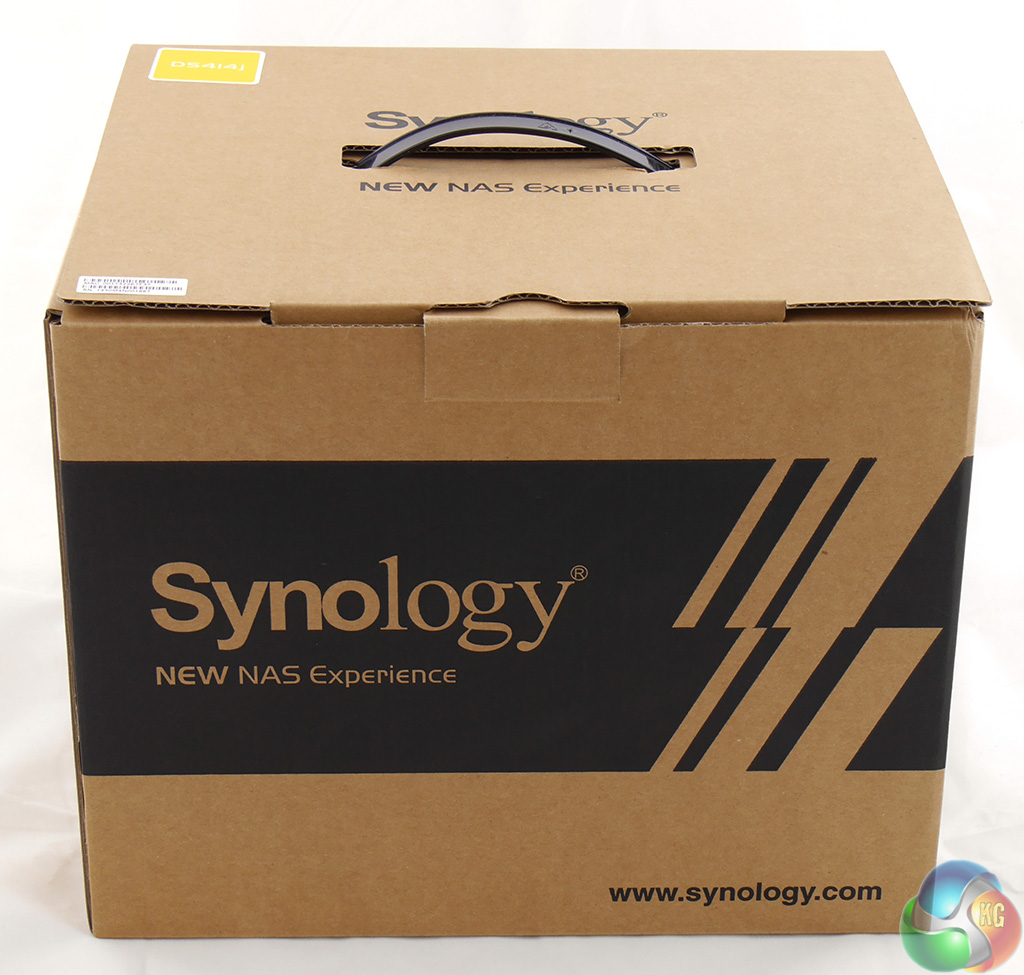
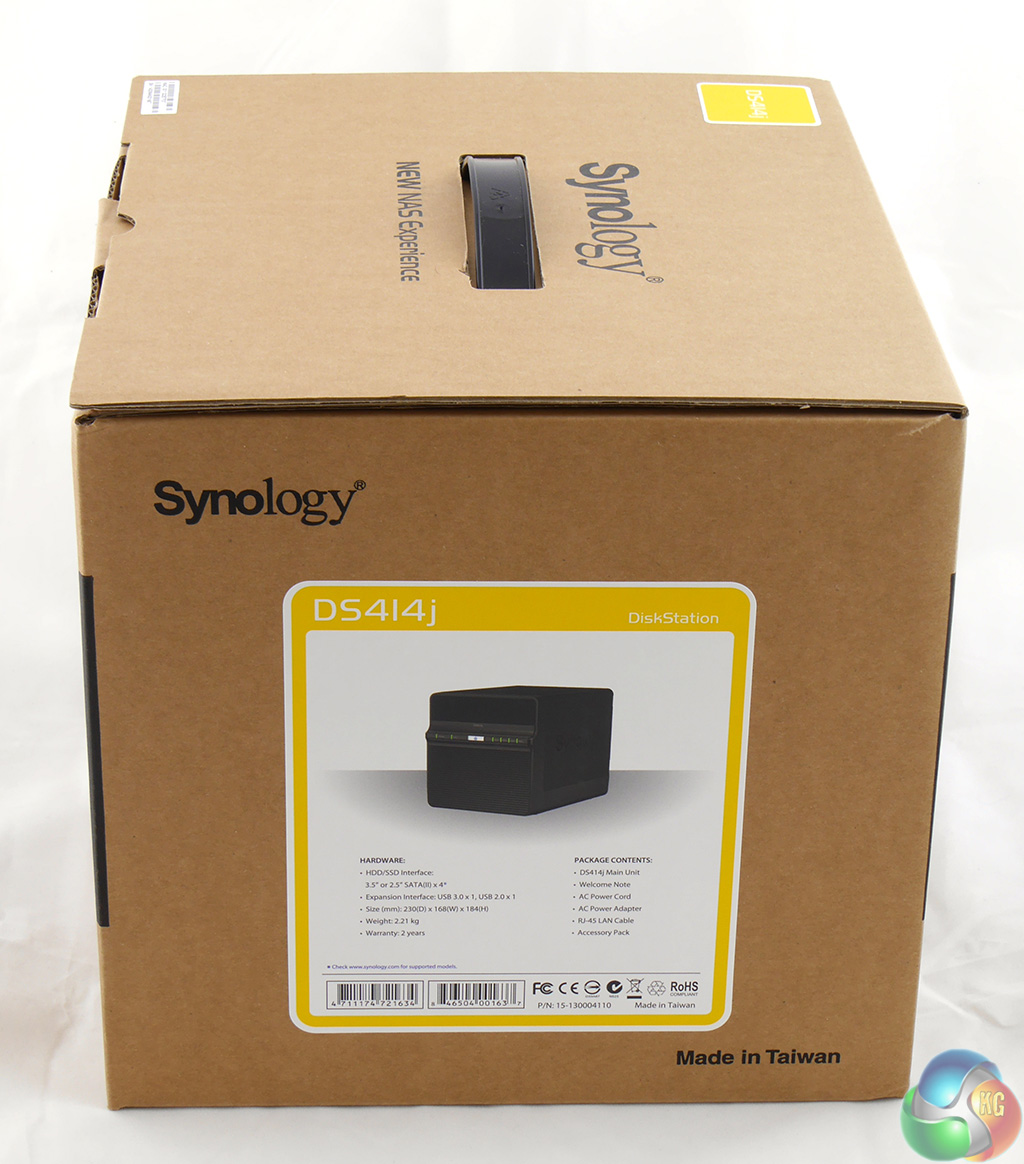
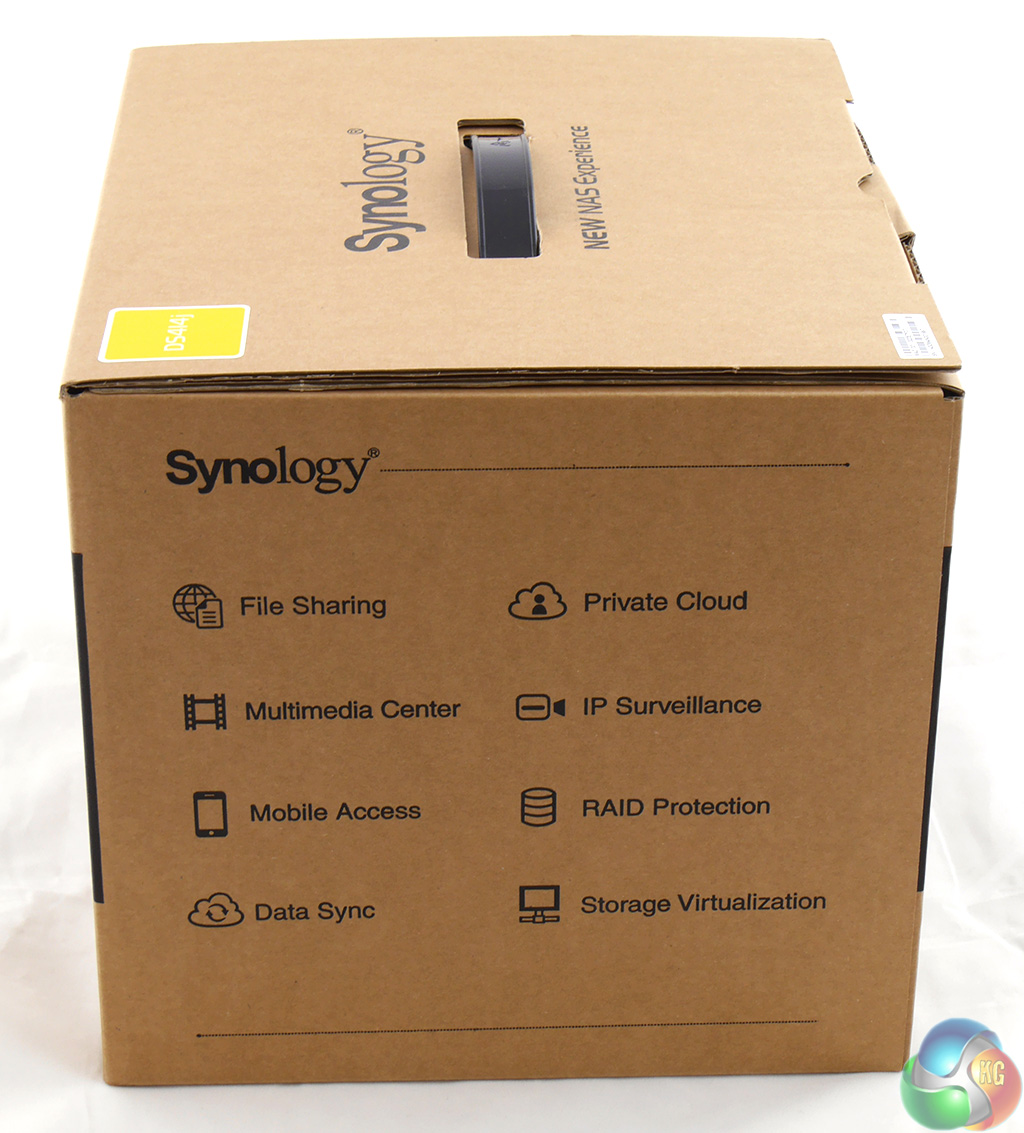
Let's start at the beginning. The package is Synology's usual sturdy cardboard box and in this particular case it is a brown box that reflects the ‘work' nature of the DS414j, rather than the more colourful ‘home' package you get with some other models.
Inside the box the NAS is supported by foam blocks that ensure it is delivered in mint condition.
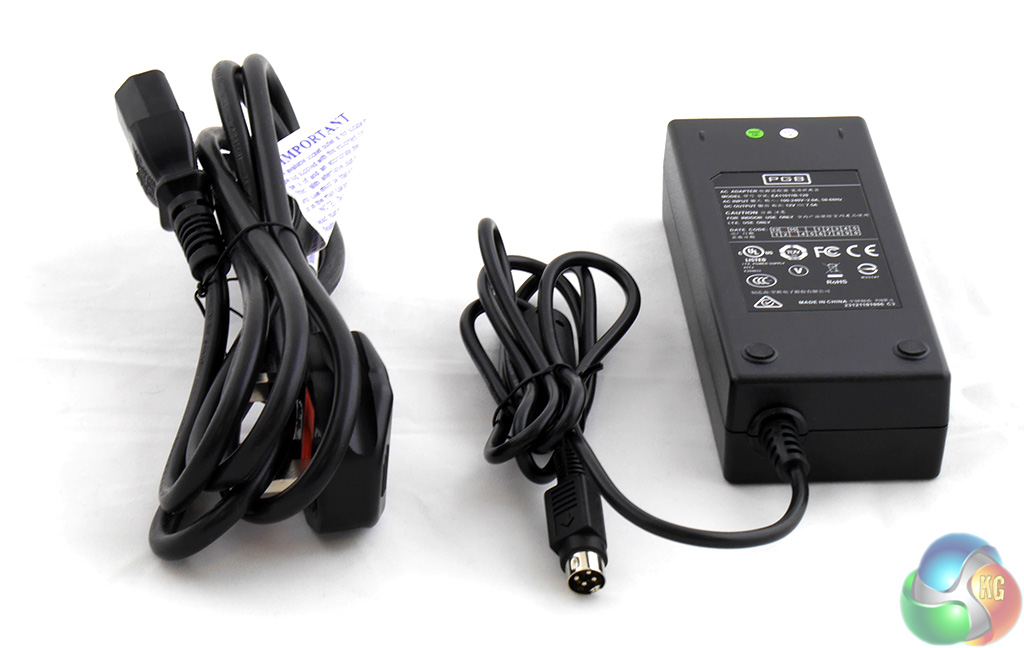
The most important accessory in the package is the power supply which has a UK power cord. In addition you get a handful of screws to fasten the 2.5-inch or 3.5-inch drives in their caddies.
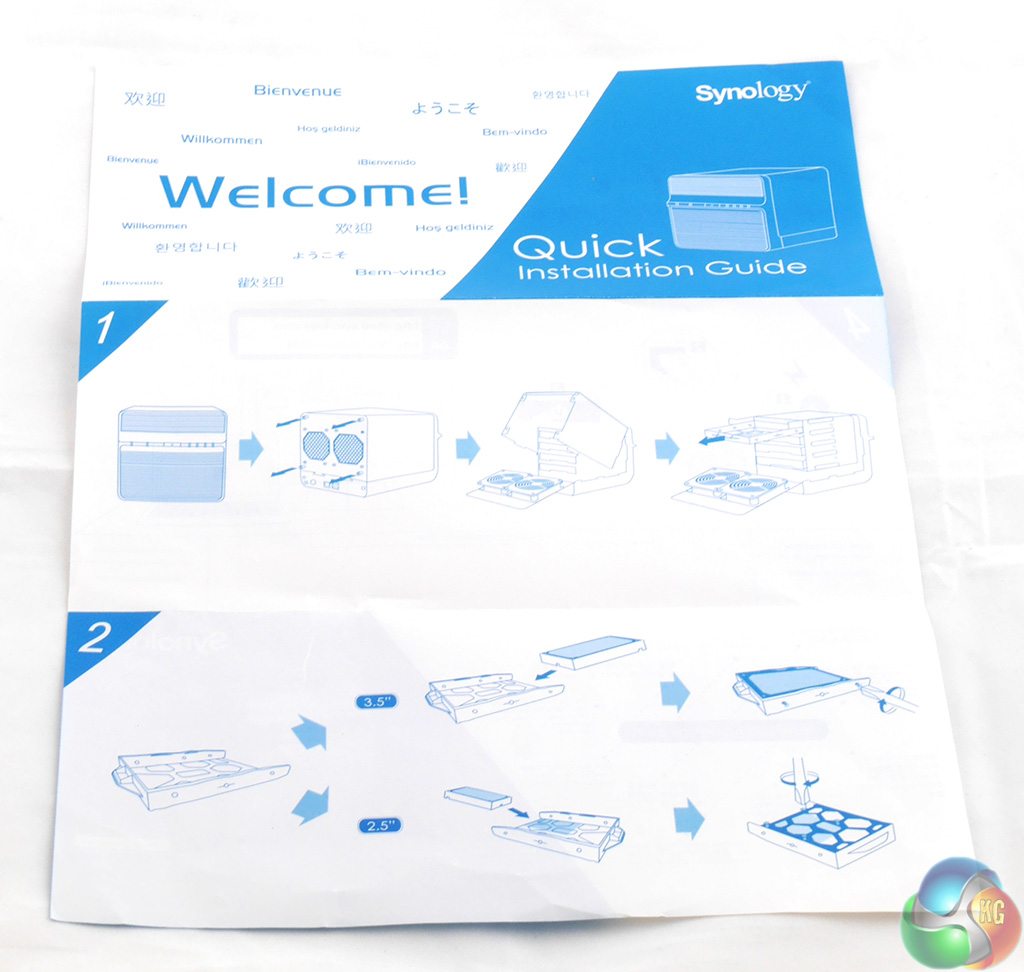
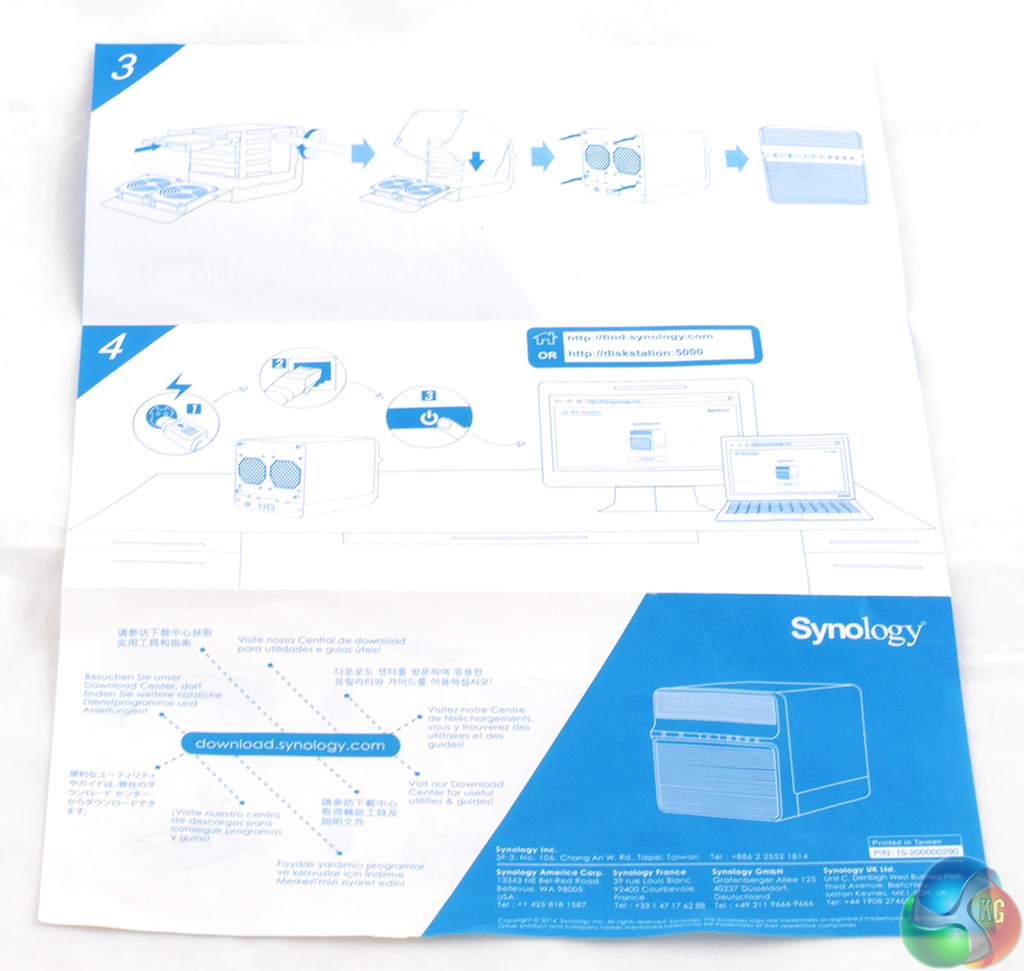
You also get a set-up sheet that shows you how to open the DS414j to fit the drives and then install the Synology DSM software.
Thanks for the review!
However, according to their product page (http://www.synology.com/en-global/products/spec/DS414j) it actually is SATA 3 (6Gbit/s).
You test nas from dsm web? Why not samba? Web transfer speeds are obviously lower…