 KitGuru KitGuru.net – Tech News | Hardware News | Hardware Reviews | IOS | Mobile | Gaming | Graphics Cards


Today we are going to look at one of the latest products in Thecus' range of NAS servers – the N2310. This comes in at the bottom of their range, designed for home and small business users on a budget. We are interested to see where they have compromised on features to keep the price down.
Thecus may not be the first name that springs to mind when considering NAS servers – with the likes of Synology, Buffalo and QNAP stealing many of the headlines. Thecus have a sizable range of NAS products, though, including high-end rackmount and tower models for large businesses.
Features
- RAID support (0, 1, and JBOD).
- Web-based file access.
- Built-in FTP server.
- BitTorrent client.
- Plex Media support.
- Mobile control and media streaming via T-OnTheGo™ (for Android and iOS).
- Easy Connection Through DDNS** (How-to).
- 5 minute complete installation.
- Self-RAID creation.
- Energy Efficient: 5W without HDD(about 14W with 2 HDD loaded).
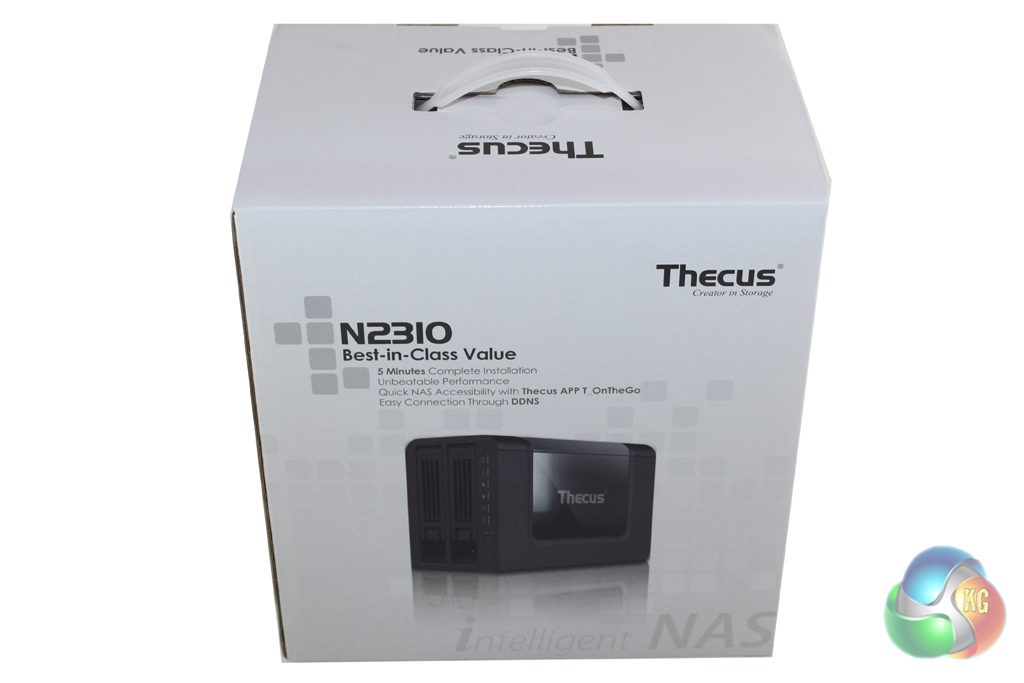
The Thecus N2310 is supplied in a large cardboard box which is decorated in a simple white and grey livery. The front of the box features a large image of the drive alongside details of a few of the headline features.
Turning the box around we find more information about the features and specifications of the unit on the sides alongside further images. The box itself feels fairly durable and should do a good job of protecting the N2310 during transit.
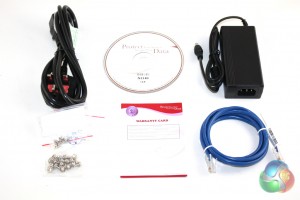
Inside the box we find a fairly standard accessory bundle which comprises an AC adapter, an Ethernet cable, a selection of screws for both 3.5″ and 2.5″ drive installation, a quick installation guide and a software CD.
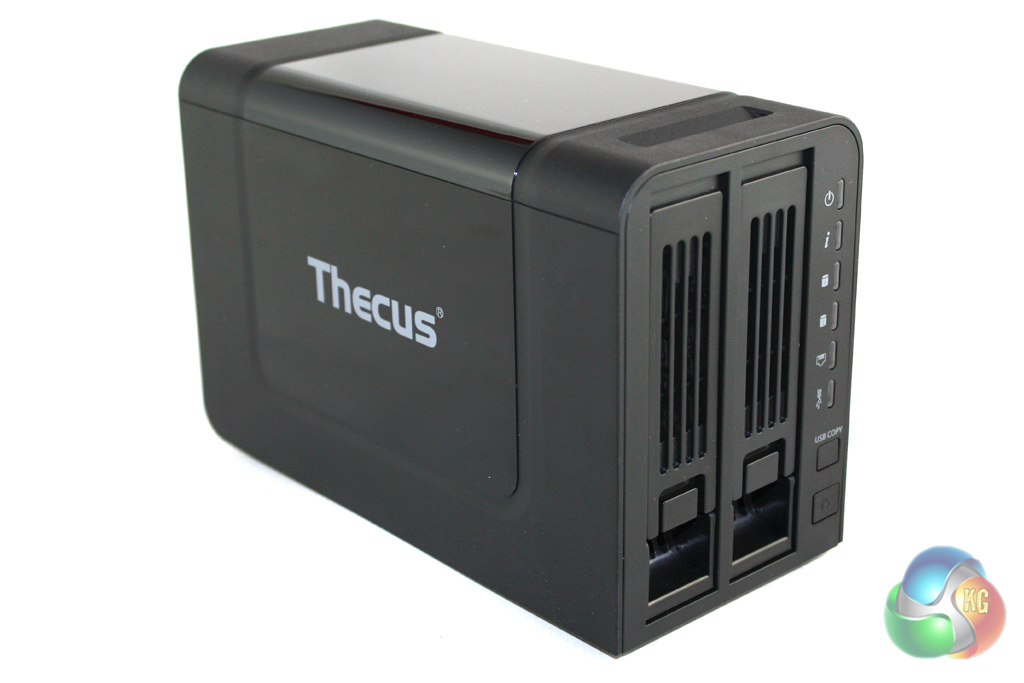
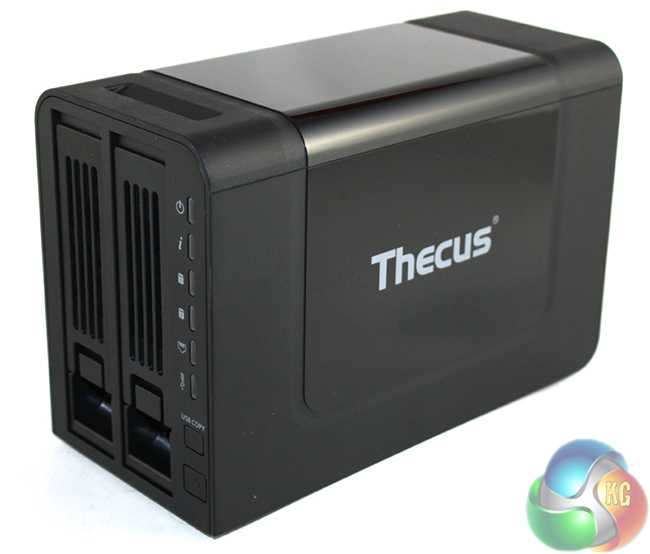
There isn't anything particularly inspiring about the aesthetics of the Thecus N2310 – which seems to have been designed from a functional rather than stylish point of view. It is finished predominantly in matte-black plastic, although there is a gloss black saddle which sits around the top and sides of the unit to infuse some excitement into the design.
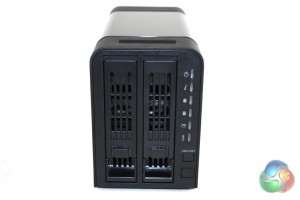
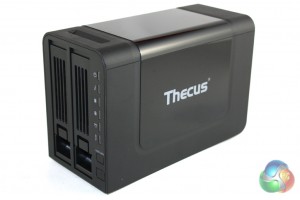
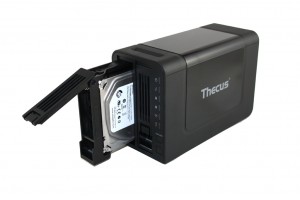
Looking at the front of the unit we can see the two 3.5″ drive bays which can easily be removed by pulling the tabs at the bottom of each one. To the right of the bays there is a line of LED indicators for key features including power, drive activity, network activity and USB activity.
Below these we find the power button and a ‘USB copy' button.
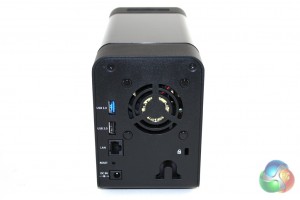
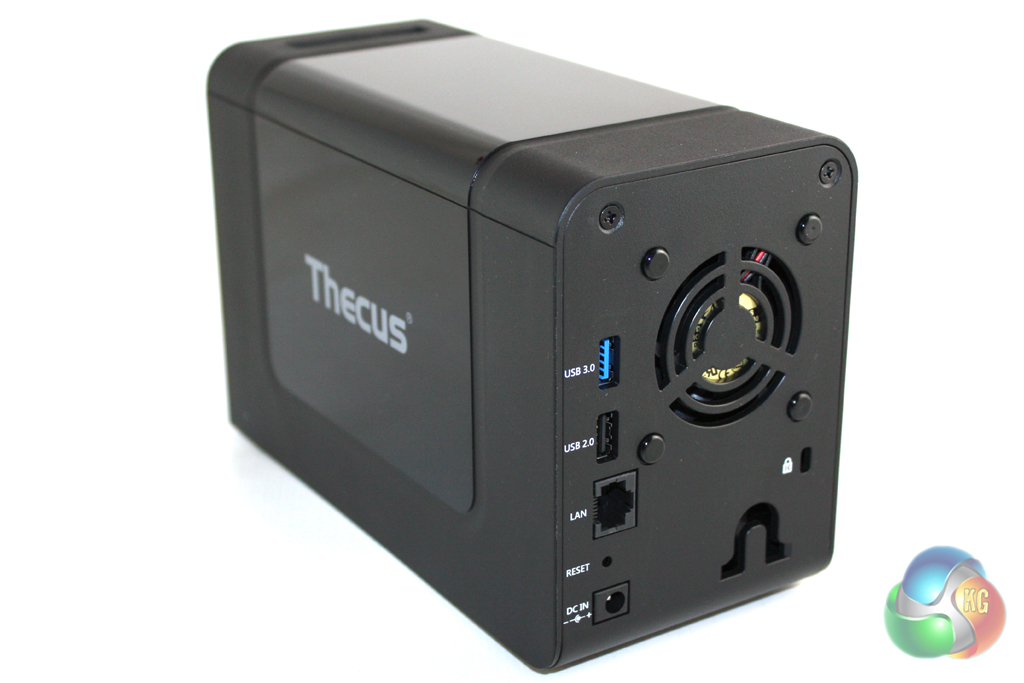
Moving round to the rear of the unit we find the I/O connections. From top to bottom we find a USB3.0 jack, a USB2.0 jack, the RJ-45 Ethernet jack and a DC-in jack. There is also a vent which lets air flow through the chassis through the exhaust fan. We would have liked to see Thecus including a USB port of some description on the front of the unit, though.
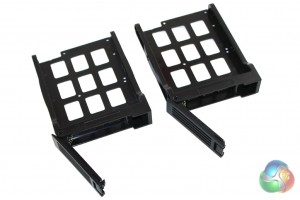
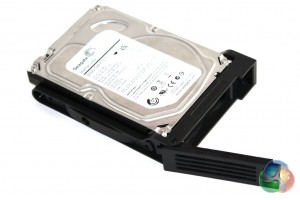
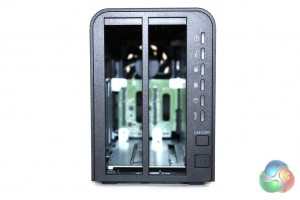
Removing the drive bays, we can see that there are mounting points for both 3.5″ and 2.5″ drives. Unfortunately there isn't a tool-less mechanism of any description so both sizes of drives need to be screwed into place.
The Thecus N2310 is powered by 512 MB of RAM and a AMCC APM 86491 processor which is clocked at 800Mhz. This isn't a particularly powerful processor, but we cannot expect too much at this price point.
On opening the box we are greeted by a ‘Quick Installation Guide' which takes the form of a single piece of paper with three individual steps. This is quite vague and doesn't detail how to actually install a hard drive in the unit which could be a problem for less experienced users. The third step of this guide directs us to the Thecus website to download the latest version of the software. This is also included on a CD supplied in the box.
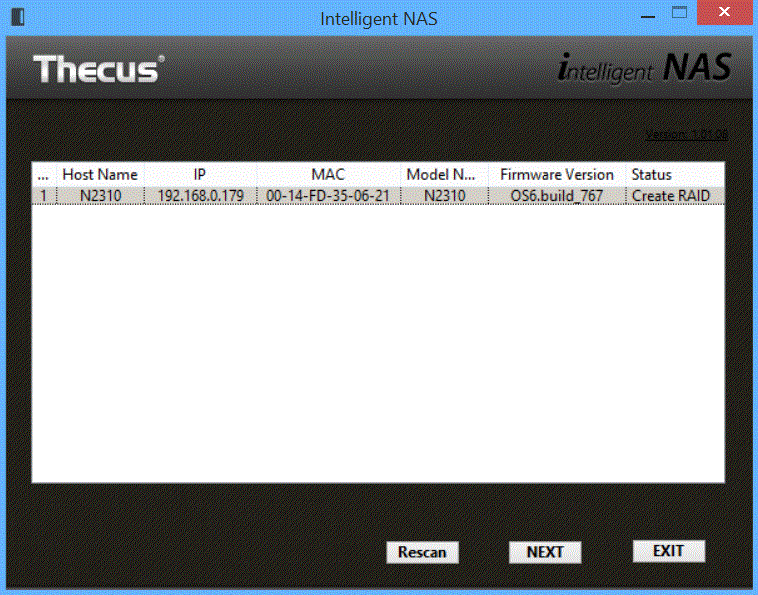
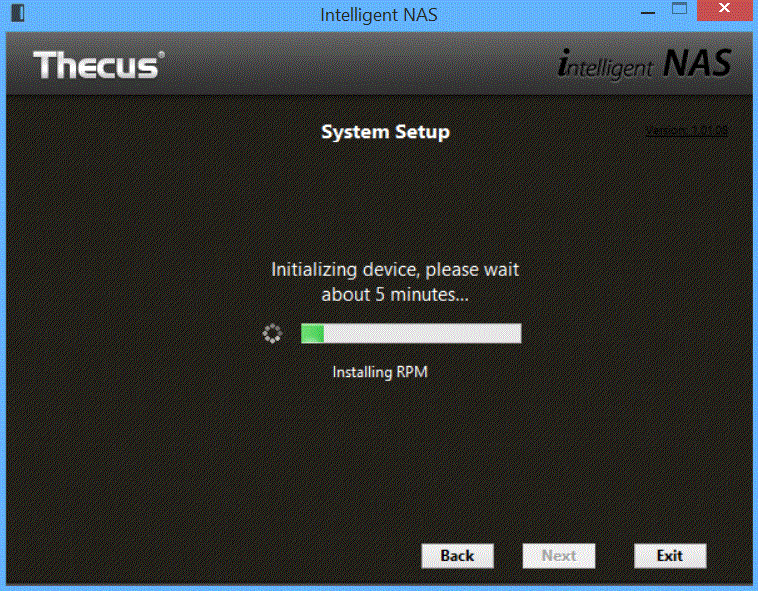
The installation process is fairly simple but took a lot longer than the five minutes Thecus state, closer to 15 minutes. The installation utility was able to detect the N2310 without issue. After initializing the NAS, we were instructed to create a Thecus account, before being directed to our browser to access the OS interface.
The default username and password are ‘admin' and ‘admin' which we would advise changing straight away.
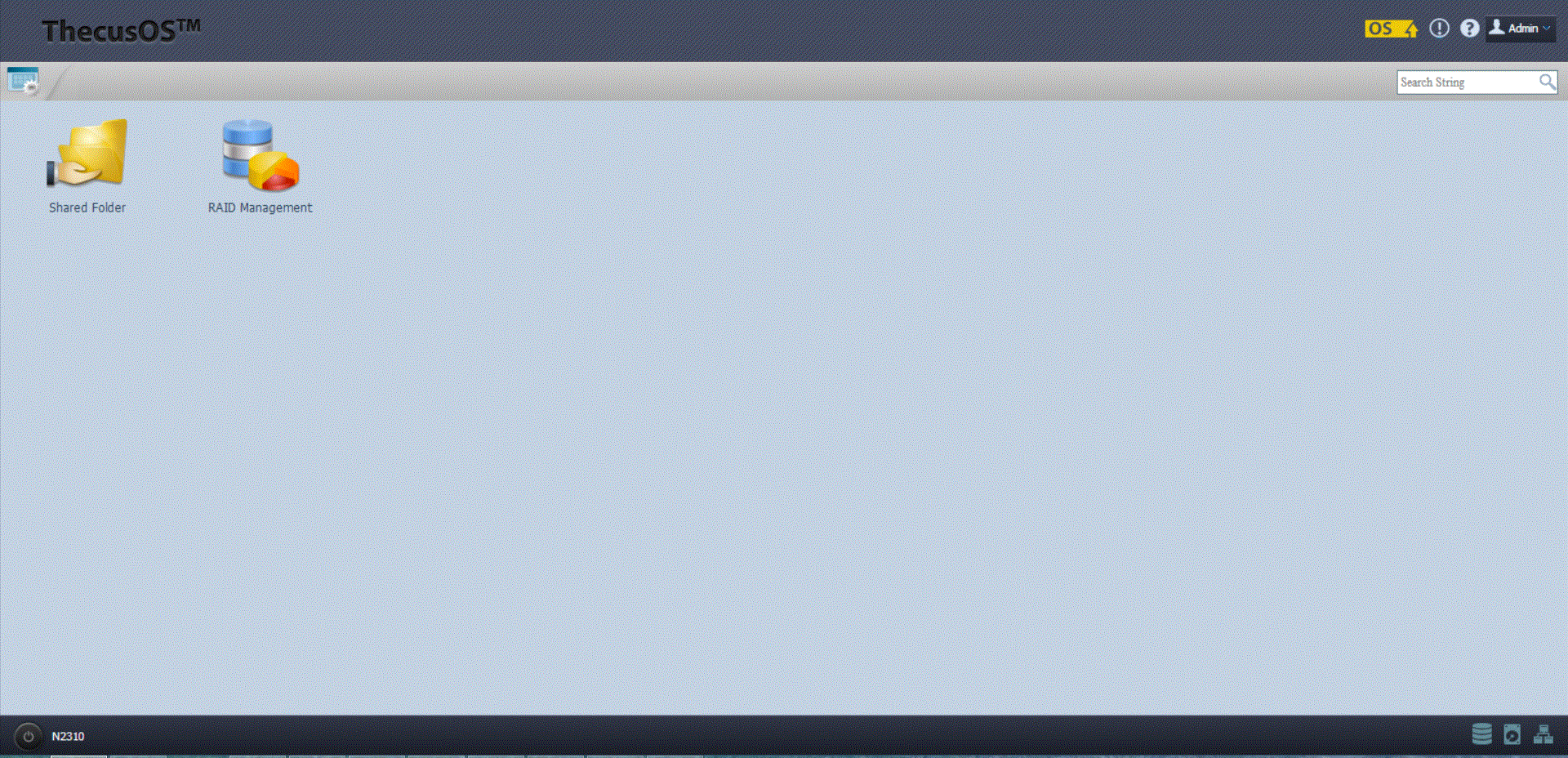
After accessing the OS, we are greeted by a simple screen with icons to access the RAID configuration and to access the Shared folder through the web interface. To access the main control panel we click on the icon in the top left hand corner.
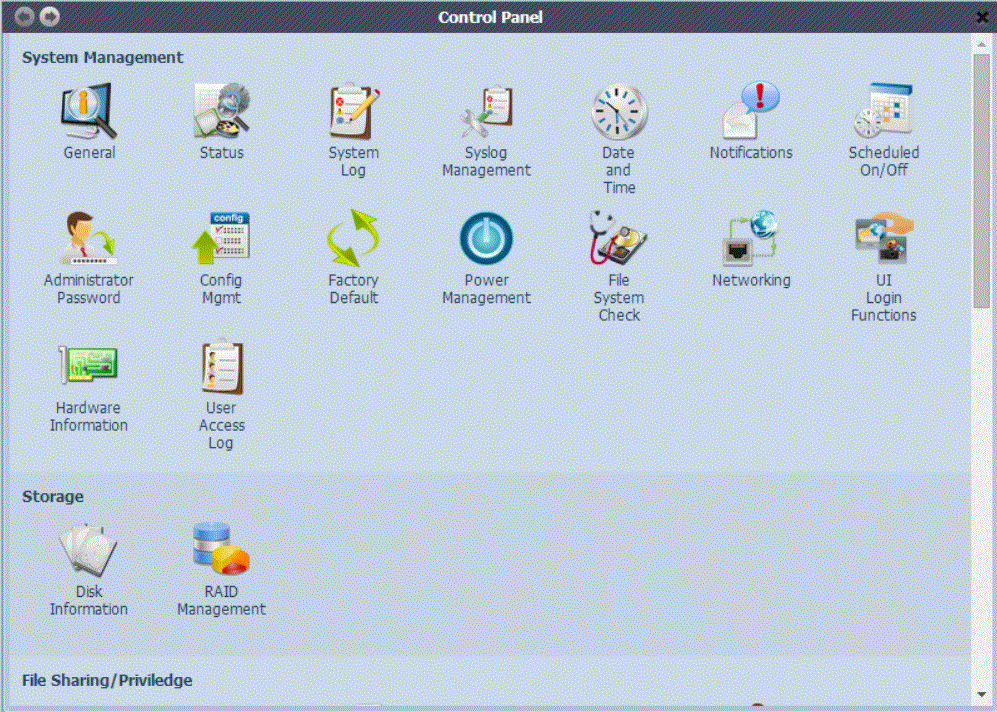
This brings up a large control panel which lets you access all the features of the OS. The first section deals with managing the settings and functions of the server itself. There is also a storage section which lets you access RAID management and Disk Information.
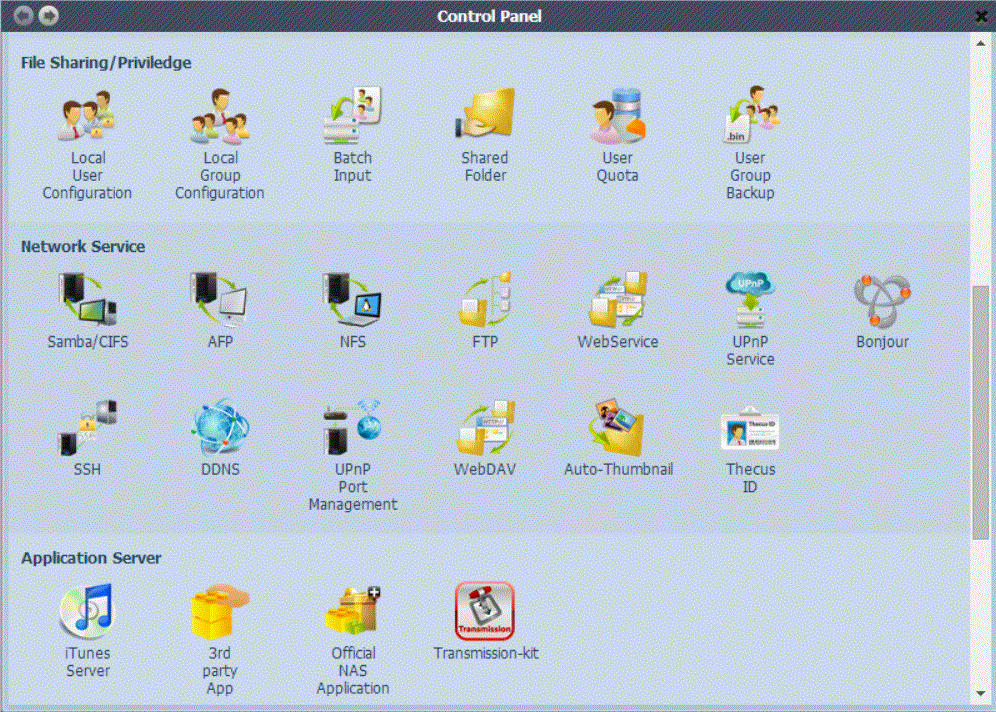
The next three sections handle File Sharing options, Network Services and the Application Server. Some of the key features include FTP support and 3rd party application support, as well as an inbuilt Bittorrent client ‘Transmission'.
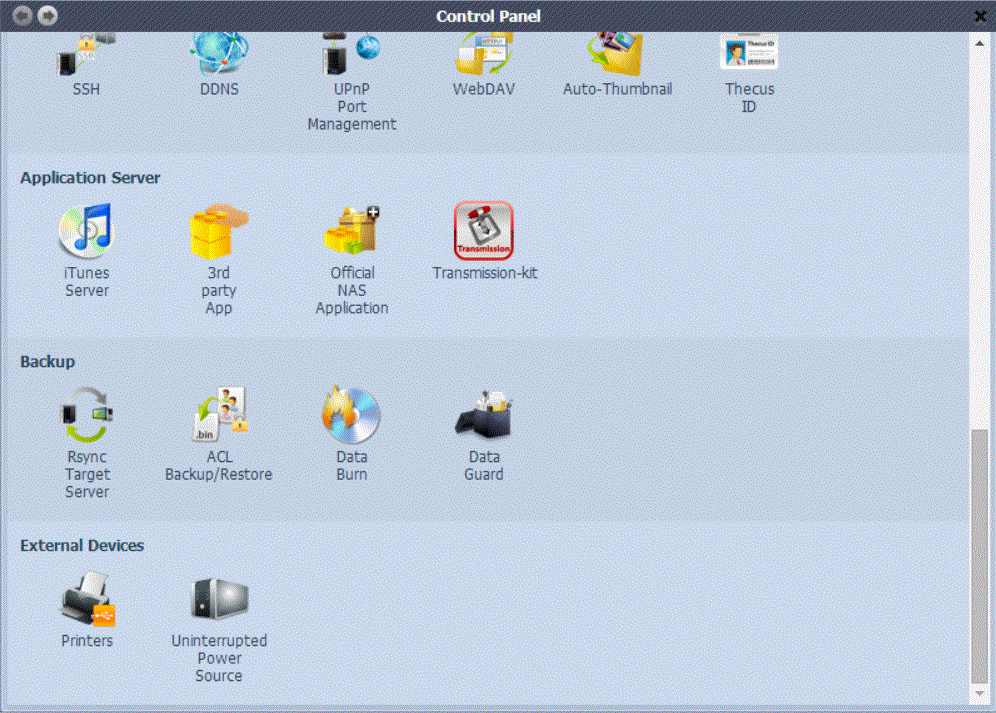
The penultimate section features Backup options, which can be used in conjunction with an included software utility. The final section handles external devices, which includes UPS management and Printer configuration.
Overall the software interface is fairly competent considering the price point of this product, however it isn't as slick or smooth as Synology's interface. It is also missing a number of features such as a resource utilization page and support for IP cameras.
In our testing of the Thecus N2310 we decided to focus predominantly on real world testing as we feel it will give users a good idea of the performance they can expect. We connected the N2320 to our Tenda N60 Gigabit Router to alleviate any bandwidth concerns. This was connected directly to our client laptop, a Dell Inspiron 15, which features a Realtek PCIe Gigabit Network Card. We tested the unit with a single Seagate Barracuda 3TB 7200RPM Hard Drive (ST3000DM001).
We tested the real world transfer rates by uploading and then downloading two test folders. The first contained nine large MKV files which fill 10.1 GB in total, with the second containing 500 MB of smaller mixed files, with 180 files in total. We measured the amount of time taken to upload and download these folders and then calculated the transfer rate by that.
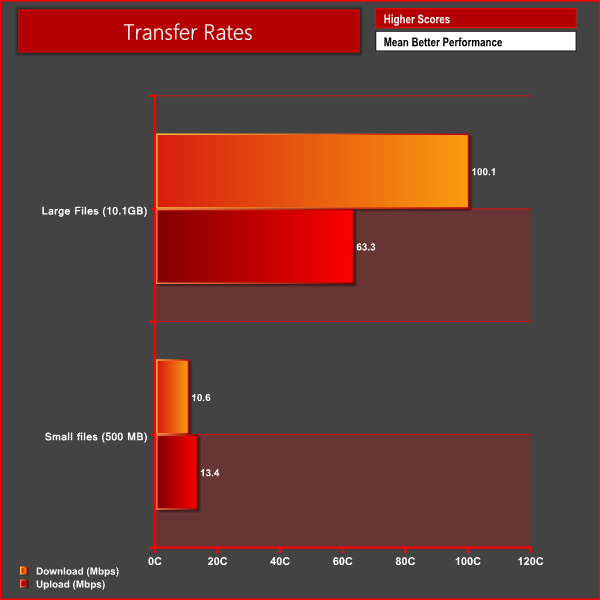
As we can see the real world transfer rates are quite reasonable with the larger files, although things slow down quite a bit with the smaller ones. More expensive NAS systems will deal with mixed files faster, but at this price point we see no major issues with overall performance.
Overall we are fairly impressed with what the Thecus N2310 has to offer. Although the unit itself isn't particularly attractive looking it feels solidly put together and won't look far out of place in a home or small office environment.
The installation process is fairly simple, although we were a little disappointed that the drive bays aren't tool-less for 3.5″ drives. The software installation process takes a little longer than advertised, but is trouble free.
The NAS operating system itself is fairly comprehensive – offering a good range of features at the price point. That said it looks and feels dated when directly compared to Synology's latest DSM 5.0 offering. There are a few features missing too, including IP camera support.
The Thecus N2310 performs well with larger files and will satisfy all but the most demanding home users. That said, if you need to frequently copy folders of smaller files then you may want to spend extra on a unit with a more powerful processor and integrated hardware.
At a price of £114 from Misco, the Thecus N2310 is good value for money and is similar in price to the Synology DS214SE. The Thecus N2310 offers some features which the Synology model doesn't, such as USB3.0 support, but we would say the Synology makes up for it with a more user friendly, powerful operating system.
Discuss on our Facebook page, over HERE.
Pros
- Good value.
- Simple installation process.
- Decent performance.
Cons
- Operating system looks very dated, especially when compared to Synology's DSM 5.0.
KitGuru says: An excellent option for those looking for a quality NAS server on a small budget.


I Juśť goť Paid<-$7500 BY WORKING PART TIME OFF OF a LAP-TOPBY GOOGLE.I AM MAKING A GOOD SALARYfrom h.ome $550 0-$7000/week..Last Thursday I got a BRAND NEW BMW SINCE G ETTING a chEck for $6474 this – 4 wEEks paSt.I began this 8-monthS ago and immediately waS bringing home at leaSt $97 peSdr hour. I work through this link, go to tech tab for work detail179
HTTP:GOOOGLEJOBS/EARN179……..