KitGuru KitGuru.net – Tech News | Hardware News | Hardware Reviews | IOS | Mobile | Gaming | Graphics Cards


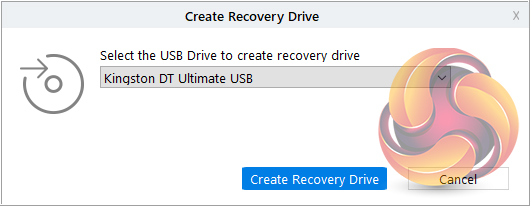
Data Recovery Technician also supports the creation of recovery drives. To create a drive you will need an empty USB thumb drive (of at least 1GB size). You can access the ‘Create Recovery Drive' page either by using the second icon in from the left on the top toolbar or by using the link in the ‘Grid Menu'.
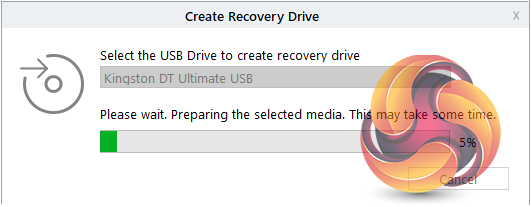
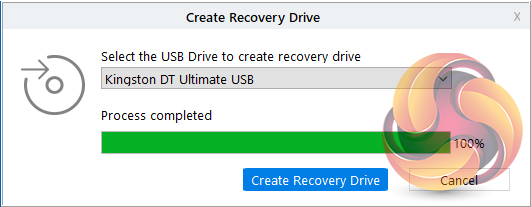
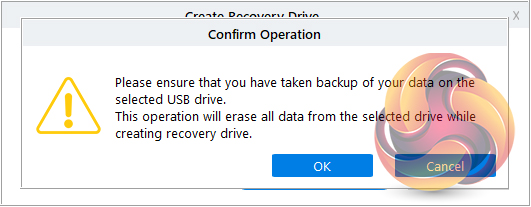
You then select the USB drive from a drop-down list and click ‘Create Recovery Drive’ and click ‘OK’ to begin the process. Once the process is completed, a new ‘Activation’ window appears to allow you to activate the software.