 KitGuru KitGuru.net – Tech News | Hardware News | Hardware Reviews | IOS | Mobile | Gaming | Graphics Cards


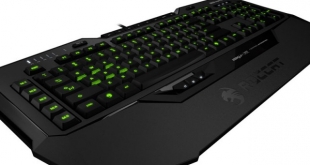
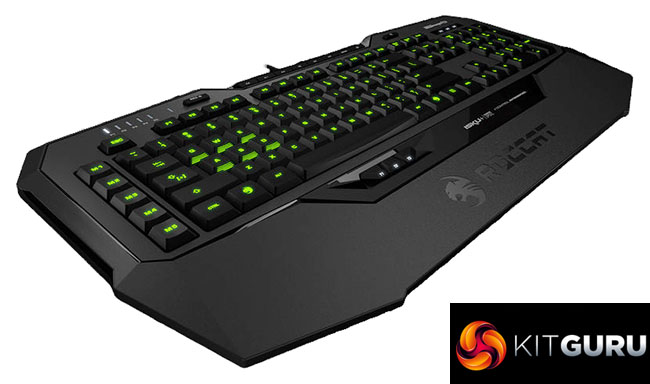
On the face of it, you would be forgiven for thinking that the Roccat Isku+ Force FX is no different to its predecessor. It is true that it keeps the tried-and-tested Isku design and layout, but this keyboard is most notable for its 6 analog keys. Will this really give you ‘total gaming domination' as Roccat claim?
It looks like Roccat is actually the first keyboard manufacturer to come to market with an analog keyboard, fending off crowd-funded solutions like Wooting one. That alone makes the Isku+ Force FX an interesting keyboard, but when you add in tons of macro options, RGB lighting and Roccat's accomplished Swarm software, could Roccat be on to a real winner here?
Specification
- RGB Illuminated Keyboard with 123 Keys
- Pressure-sensitive Key Zone, Recognizable as Controller, with Pressure-sensitive QWEASD Keys
- 36 Easy-to-reach Macro Keys, Including 3 ROCCAT Programmable Thumbster Keys
- Medium-height Keys, with an Optimum Keystroke Response
- Talk FX + AlienFX Support, Lighting Effects for Your favourite Games
- Improved RGB Key Illumination, Enhanced Lighting, 6 Adjustable Brightness Levels
- Macro Live! Recording, with Dedicated M-Rec Button; for Up To 180+ Macros Stored in 5 Game Profiles
- ROCCAT Swarm, Software Suite Optimised
- 3 Unique Easy-Shift[+] Zones, for Easy Key Duplication
- 8 Configurable Media & Hotkeys, for Quick Access to More Than 25 Functions
- Extra-large Granular Wrist Rest, with Newly-improved Sweat-and-smudge-resistant Surface
- Enhanced Anti-ghosting Capability
- 5 Programmable Macro Keys
- 3 Status LEDs (Caps Lock, Easy Shift[+], Num Lock)
- 1000Hz Polling Rate
- 1ms Response Time
- 1.8m USB Cable
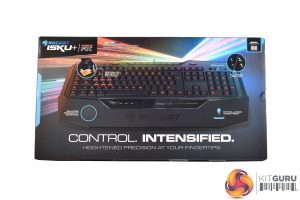
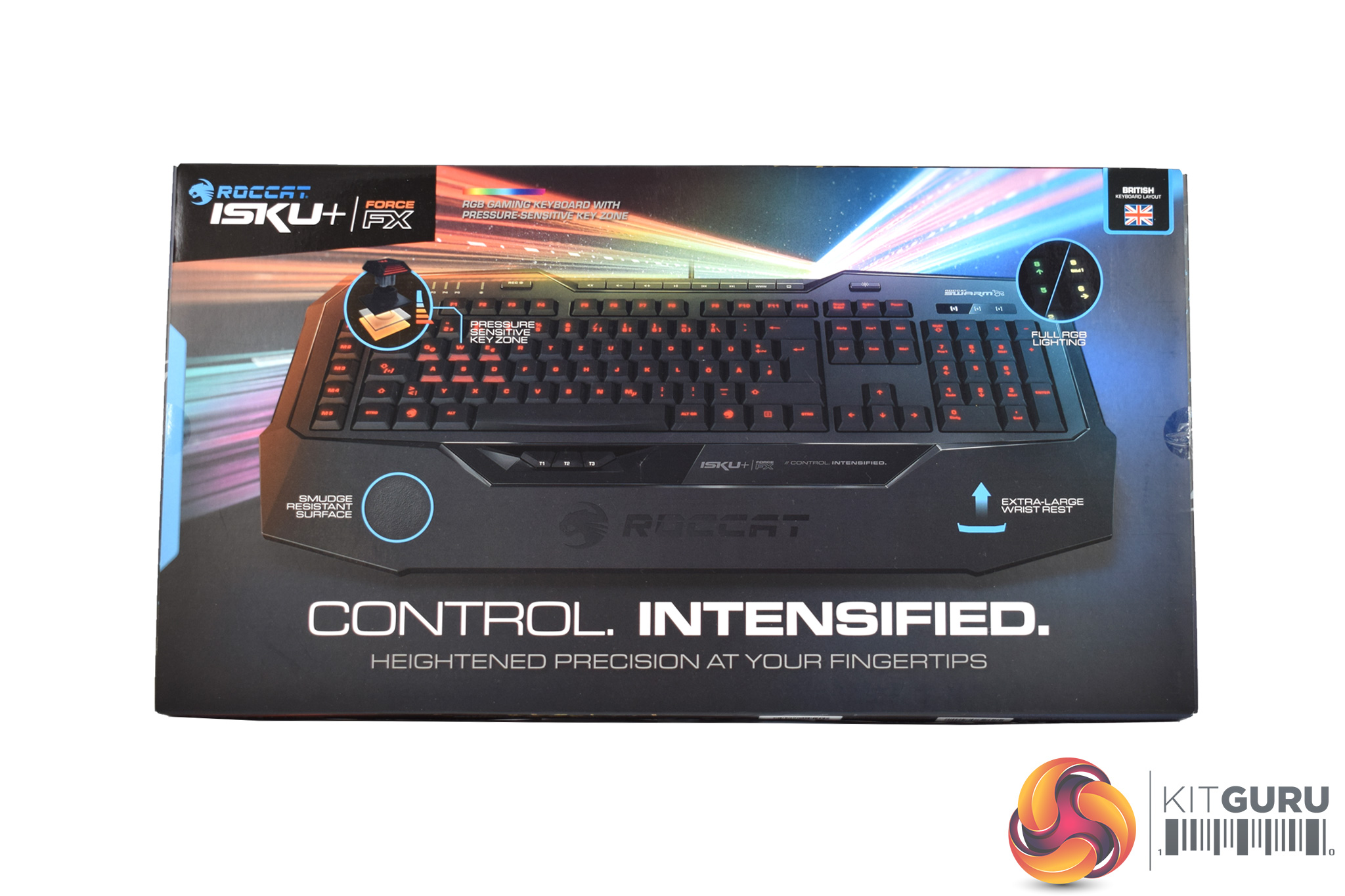
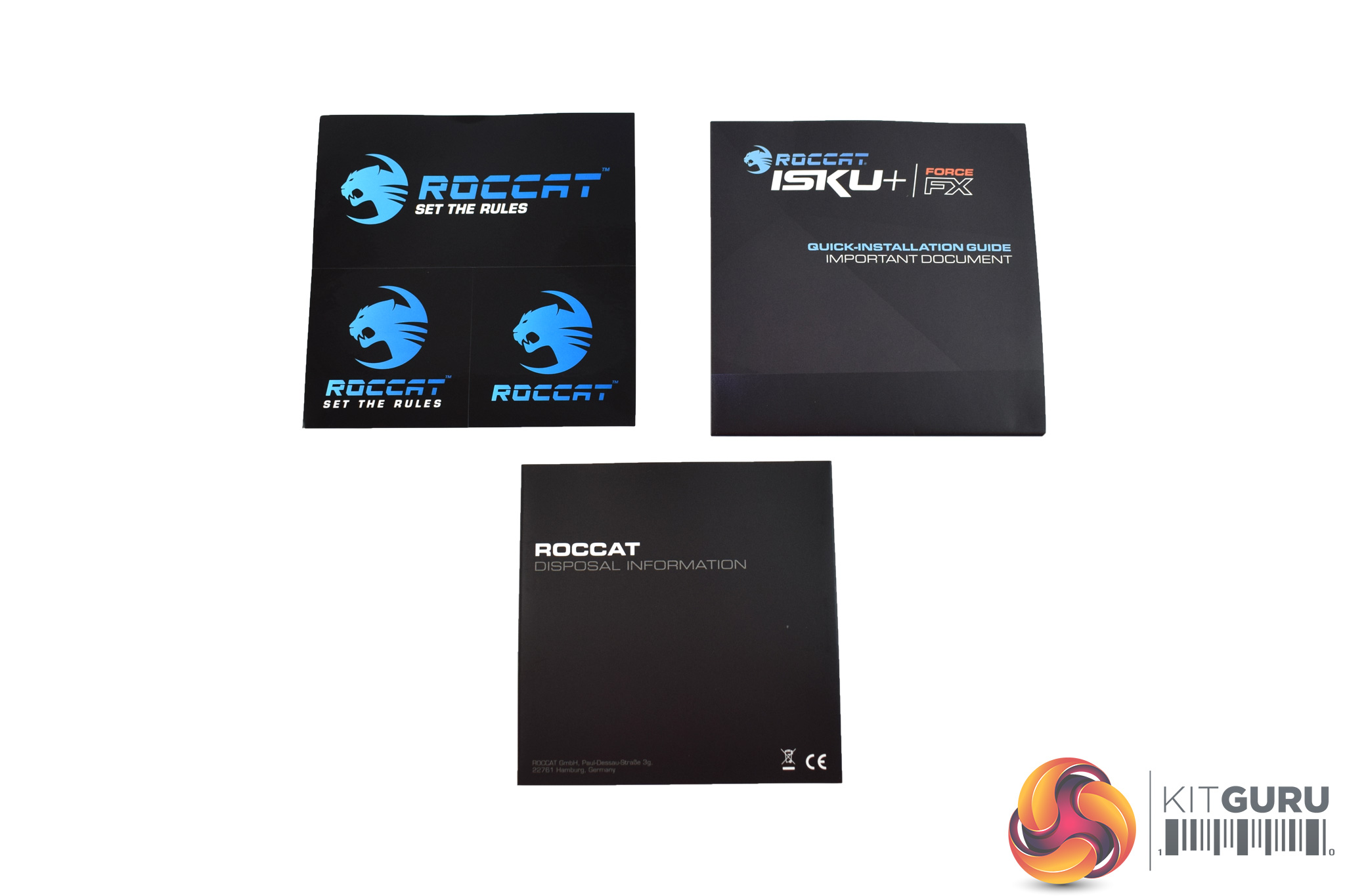
The Roccat Isku+ Force FX (which I'll just call the Isku Force from here on) ships in a very bright, eye-catching box. The analog feature of the keyboard is also highlighted straight away on the front of the box.
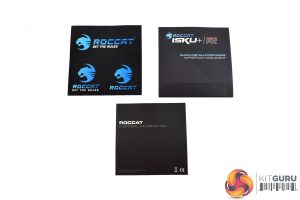
Inside, you just get two user guides and three different stickers accompanying the keyboard.
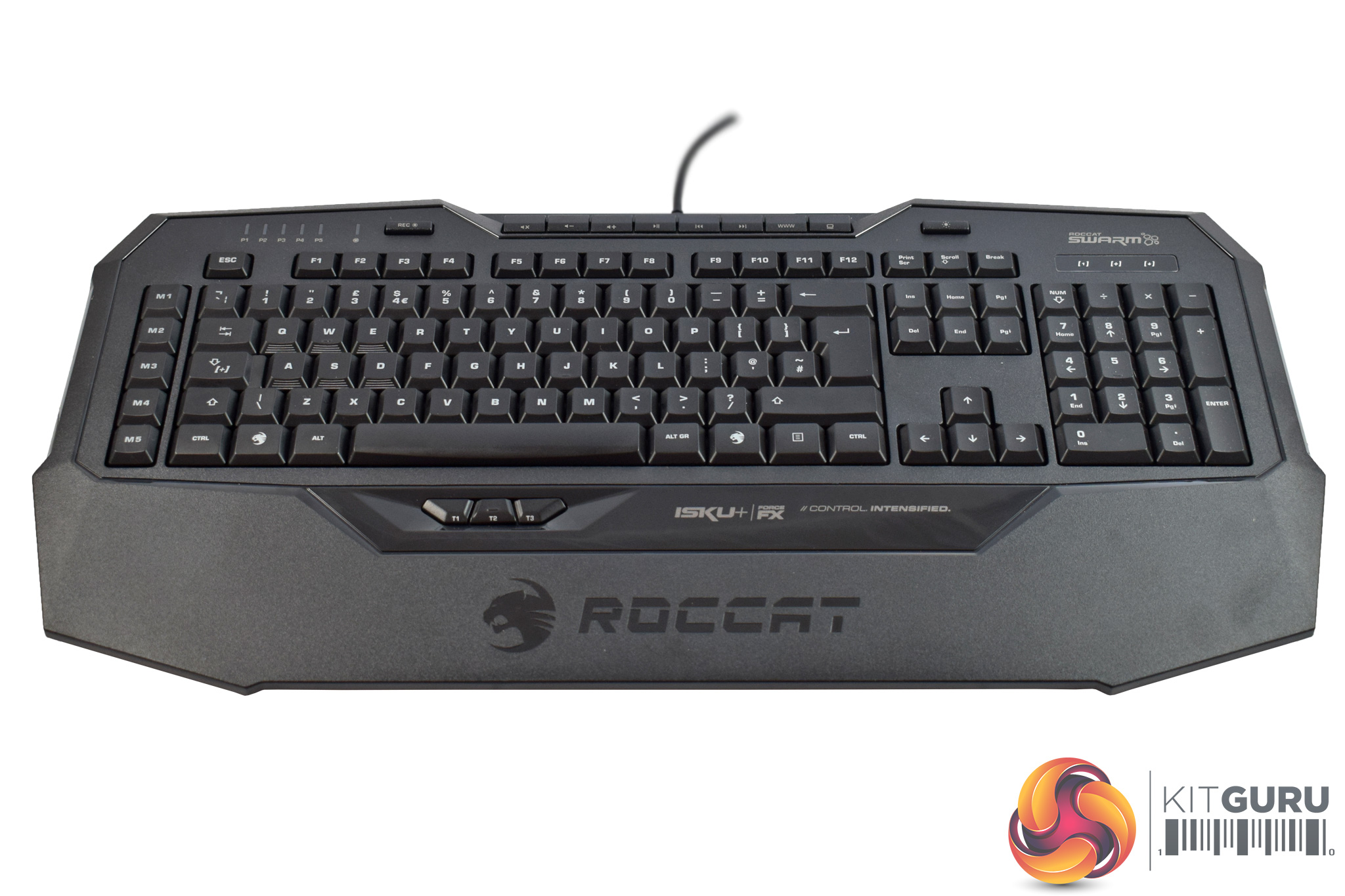
The keyboard itself does not look very different from the Isku FX we reviewed a few years ago. This means it keeps the large, integrated wrist-rest area, while it is also sports quite an angular design.
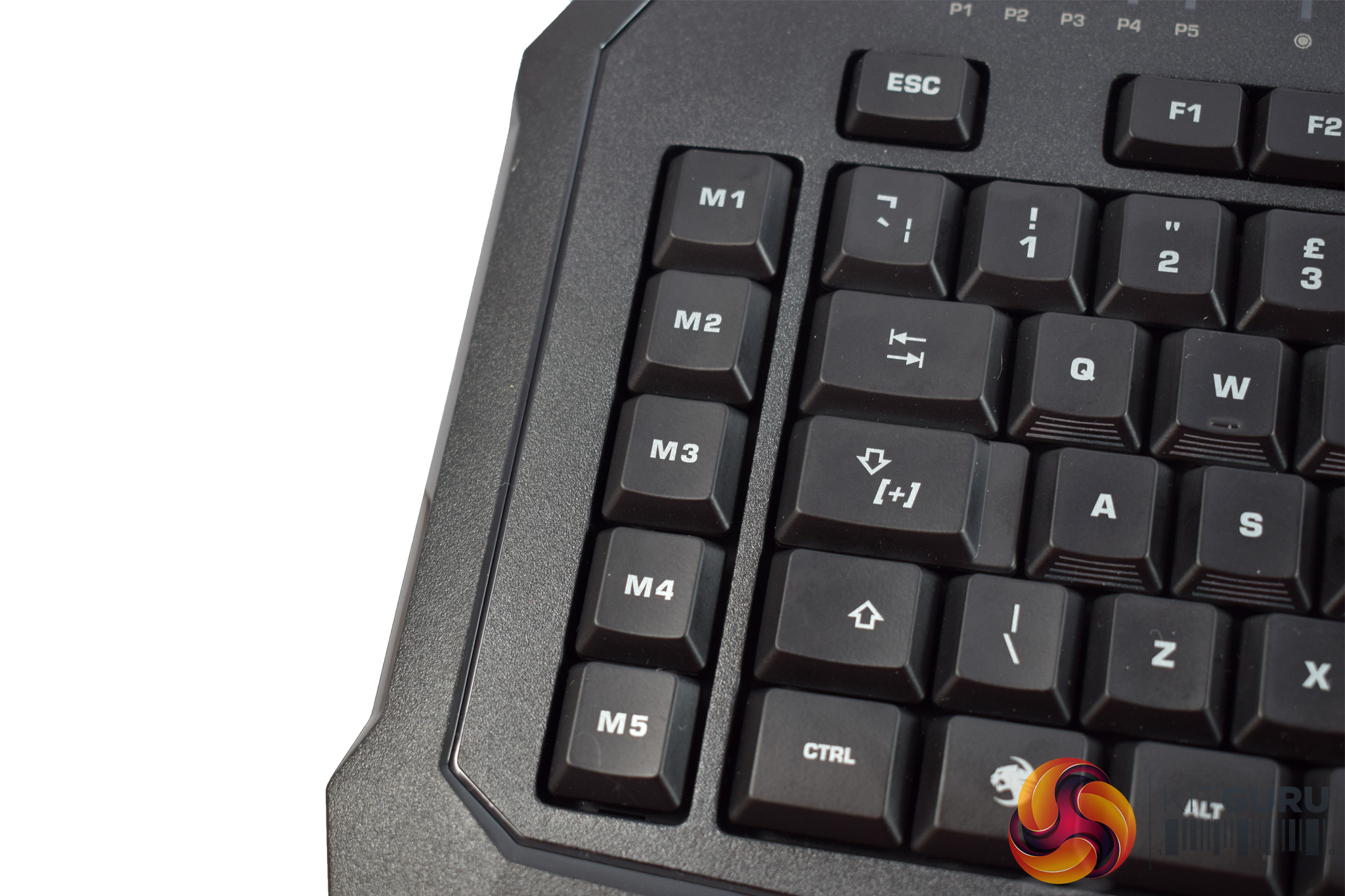
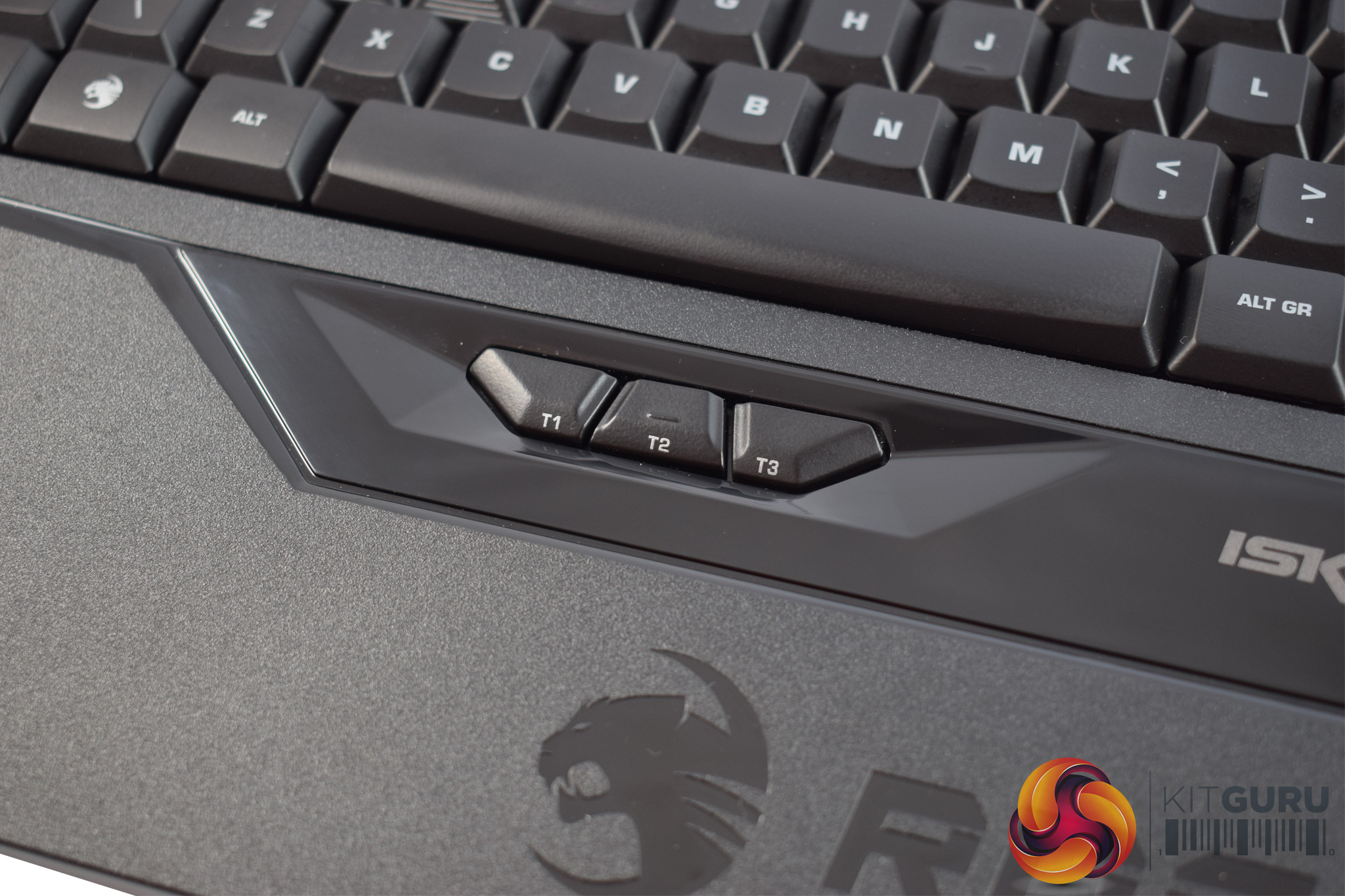
There are plenty of extra button options with the Isku Force, as the left-hand side of the board features 5 dedicated macros. There are even three ‘thumbster' buttons located just above the wrist-rest area of the board, ideal for use with your thumbs.
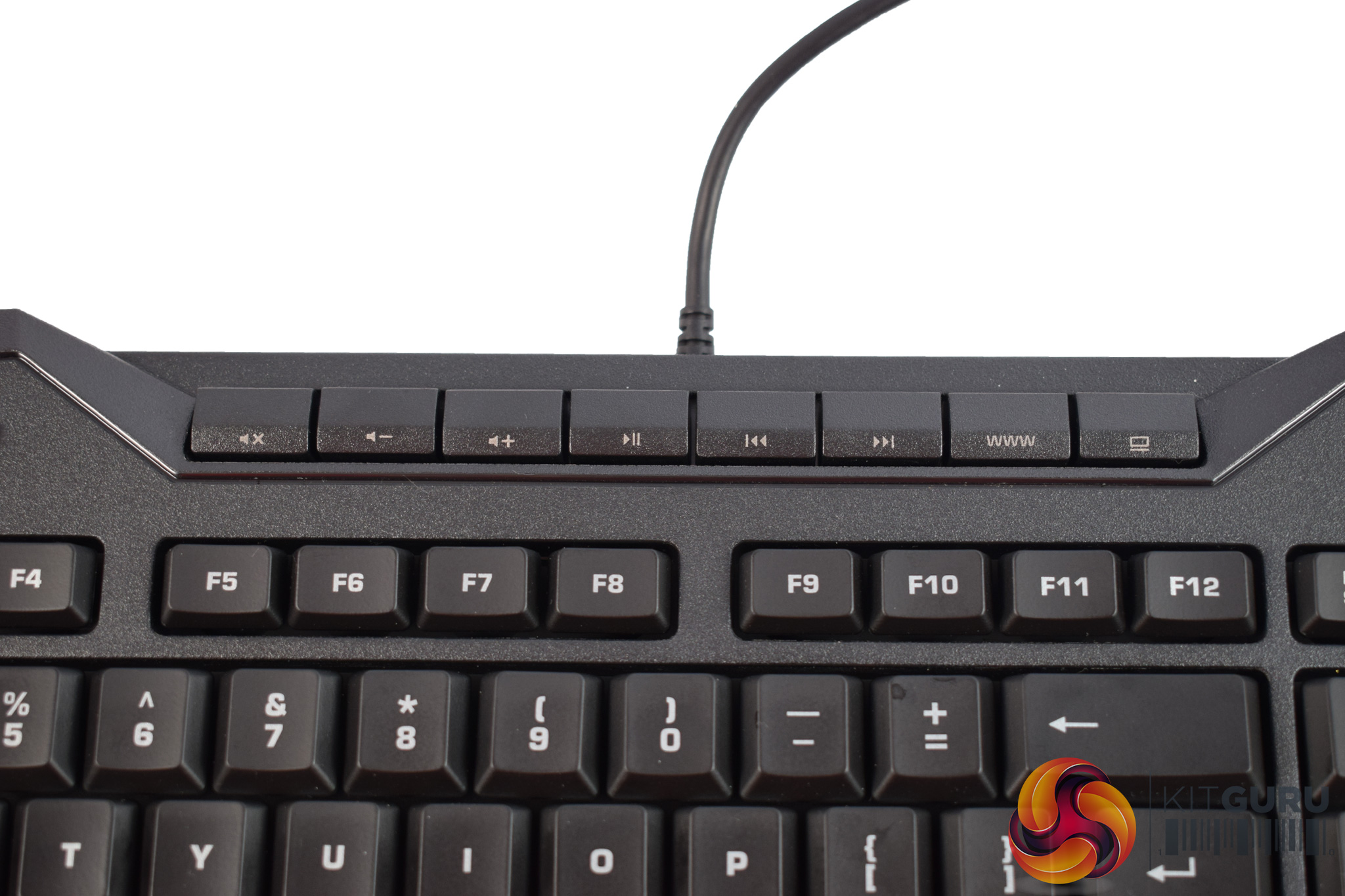
At the top of the board we also find a long line of dedicated multi-media keys, including volume, play/pause and skip buttons.


The QWEASD buttons are pictured as these are the 6 keys which feature analog control. You can see the front of the keycaps has some white lines running across them to designate these 6 keys as the analog buttons.
Removing the keycaps gives us a look at the rubber domes – after all, the Isku-series keyboards are all membrane, so no mechanical switches here.
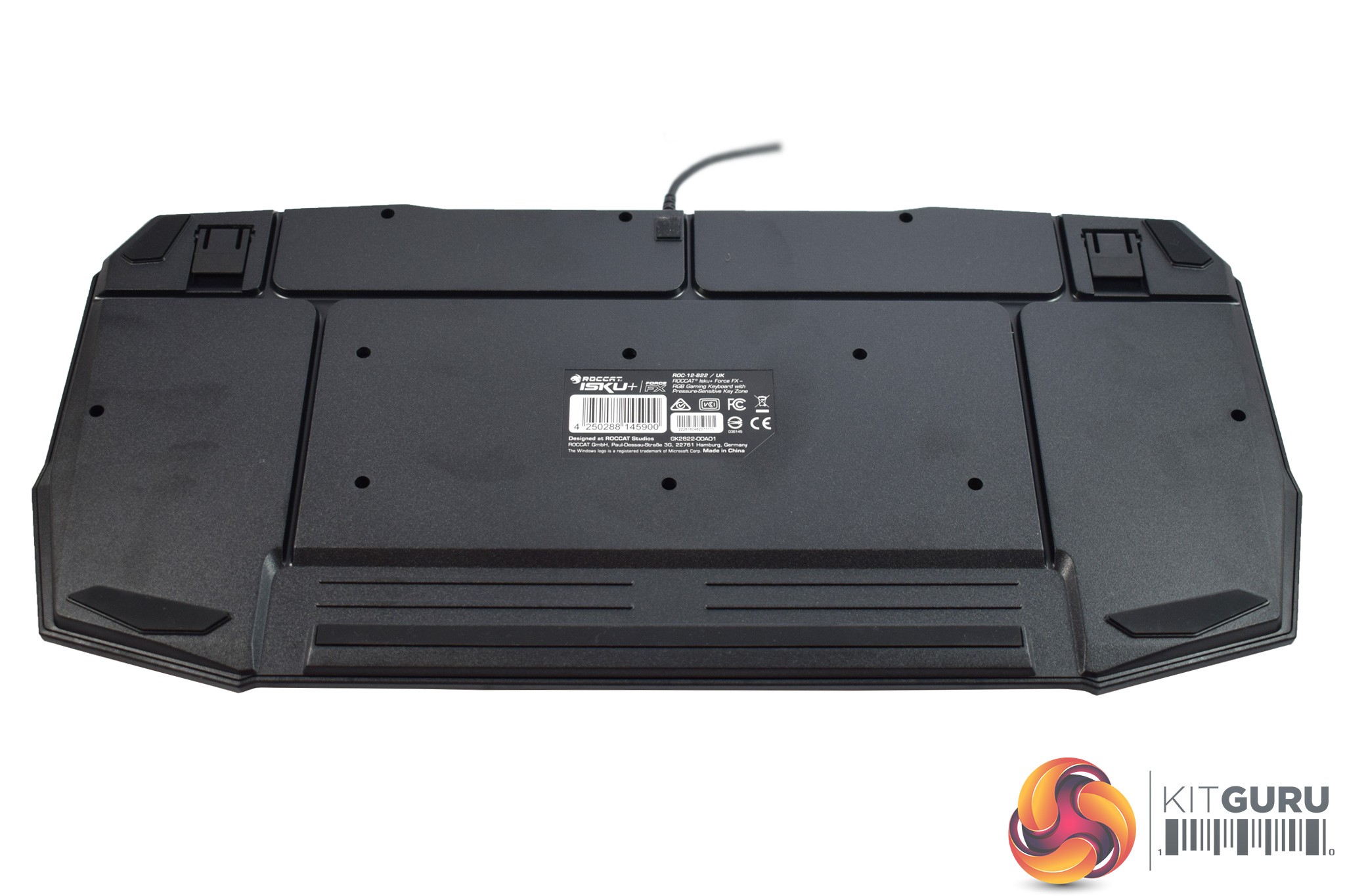
Flipping the keyboard over, we find there are four rubber anti-slip feet along with the usual height-adjustment stands. Roccat has also implemented a cable-channelling solution whereby grooves cut into the keyboard allow you to route the cable either to the left or the right of the board.
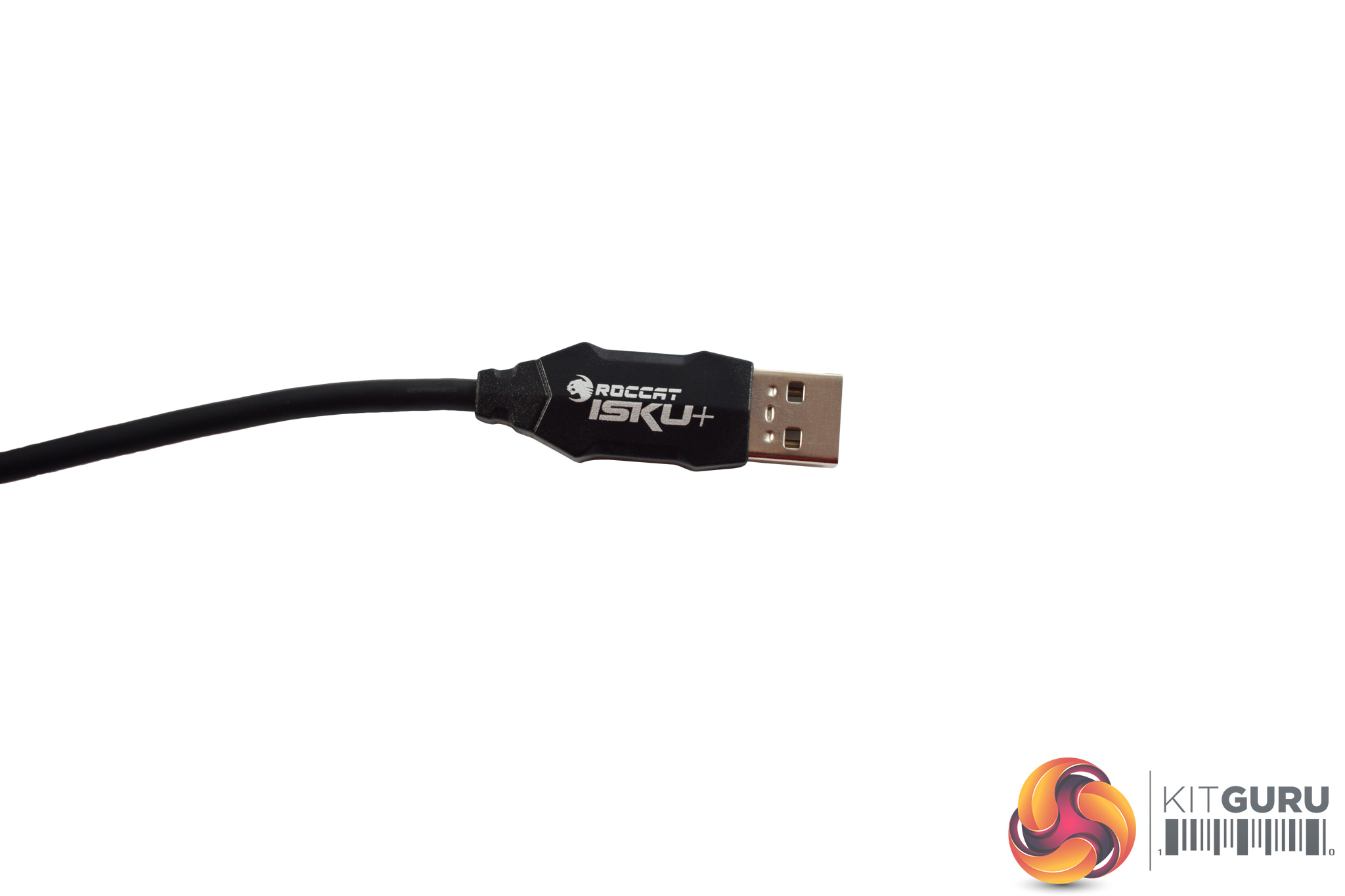
Lastly, the USB cable measures 1.8m, but is sadly not braided. Considering the £99.95 asking price, I would have expected a braided cable, for the improved aesthetics if nothing else.To test the Isku Force, I used it as my daily driver for over a week. During this time, I used it while playing games, typing reviews and performing other general tasks.
First, let's take a look at the options you get from using Roccat's Swarm software.
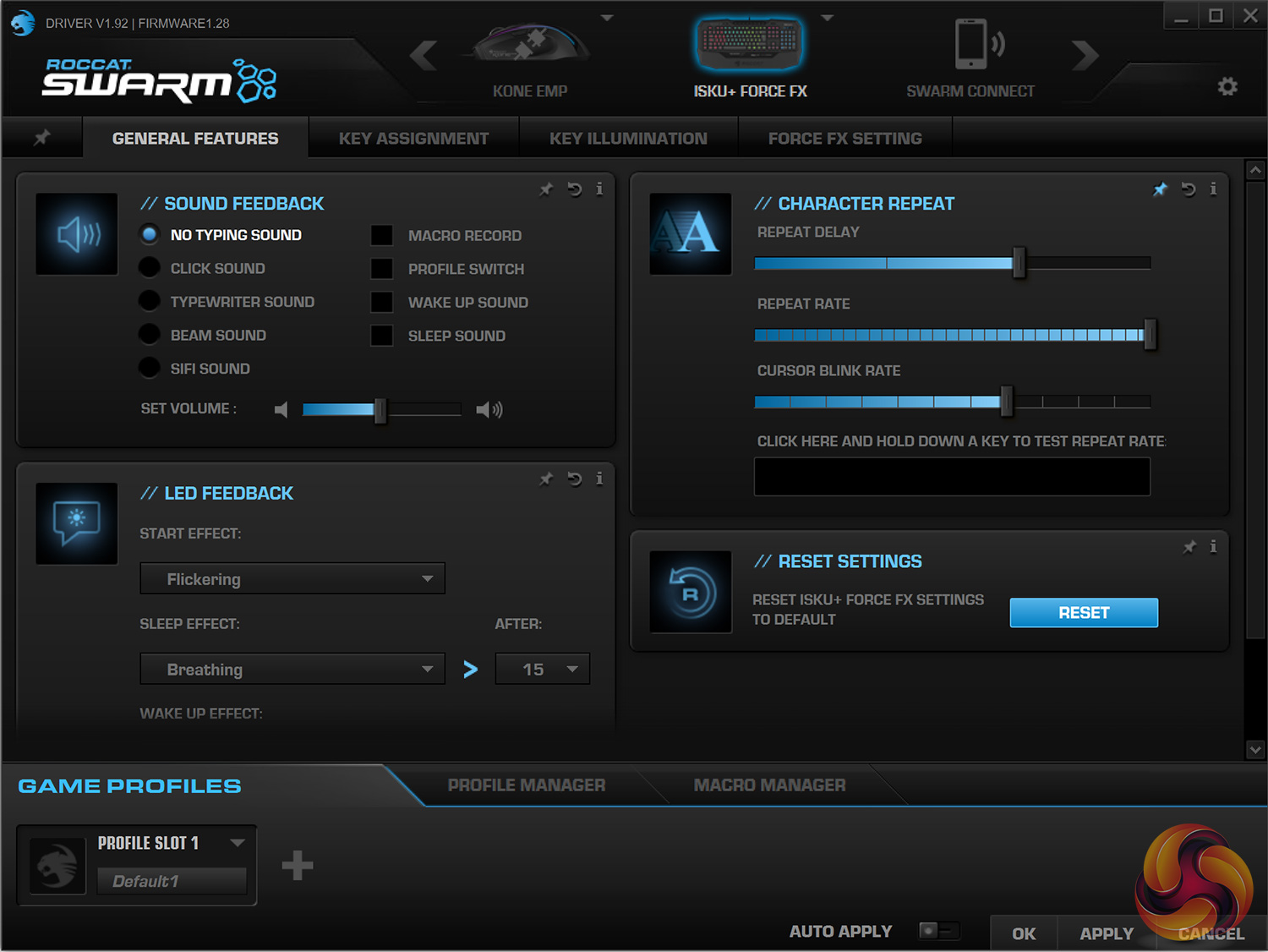
Swarm is broken-up into four main tabs. The first gives you control over some basic settings, like repeat rate, while you can also decide if you want ‘sound feedback', which actually plays sounds through your speakers. For example, you can make the Isku Force sound like a typewriter.
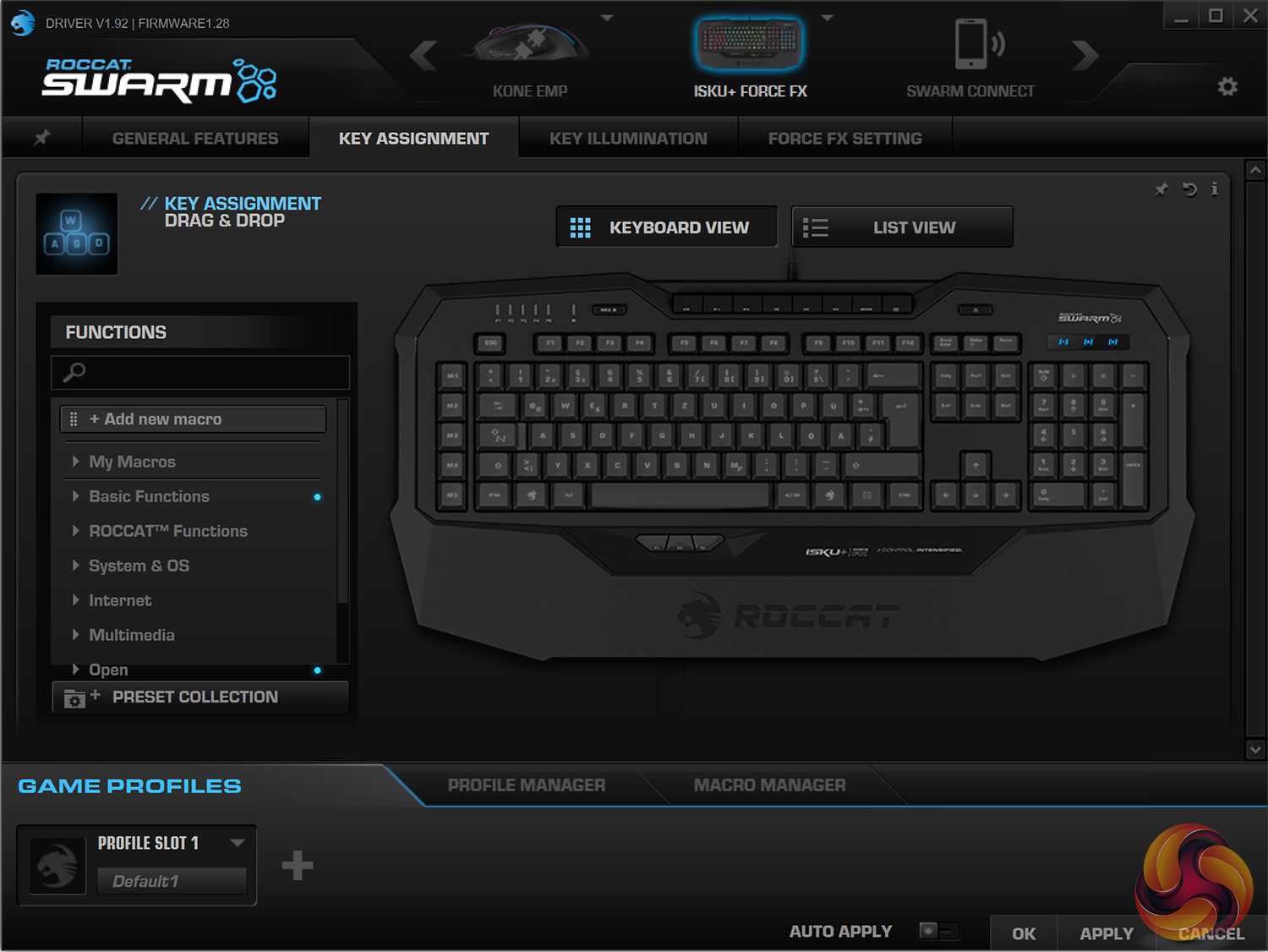
The next page is for key assignment, and there are a lot of options here as there are so many configurable buttons. Every key can be re-assigned, while all the dedicated macro buttons are obviously just waiting to be given a function.
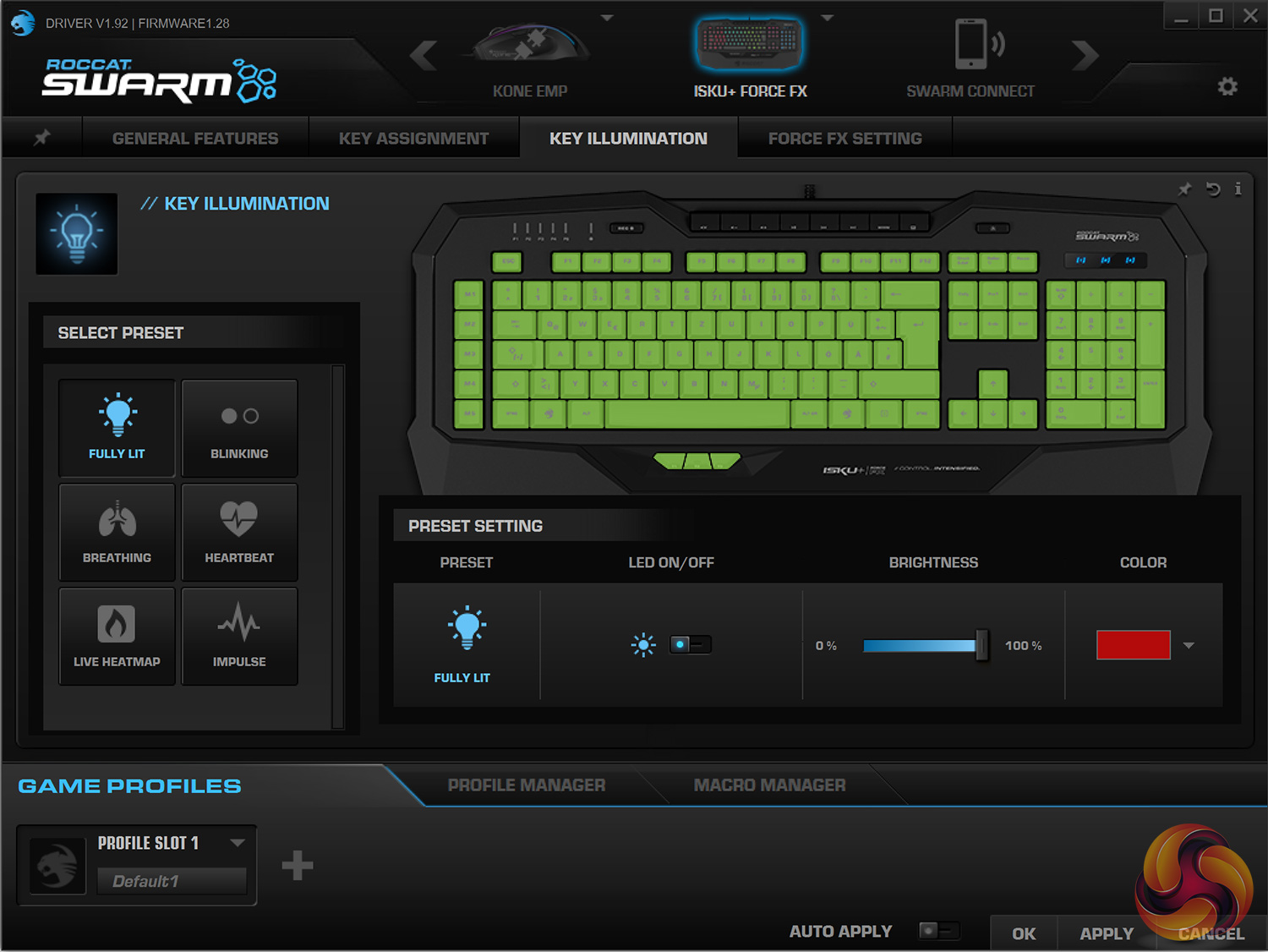
Next, we have the lighting tab. Here you can configure the RGB lighting, choosing from a number of different effects. It's not quite as advanced as Corsair CUE in-terms of customisation options but the main bases are covered.
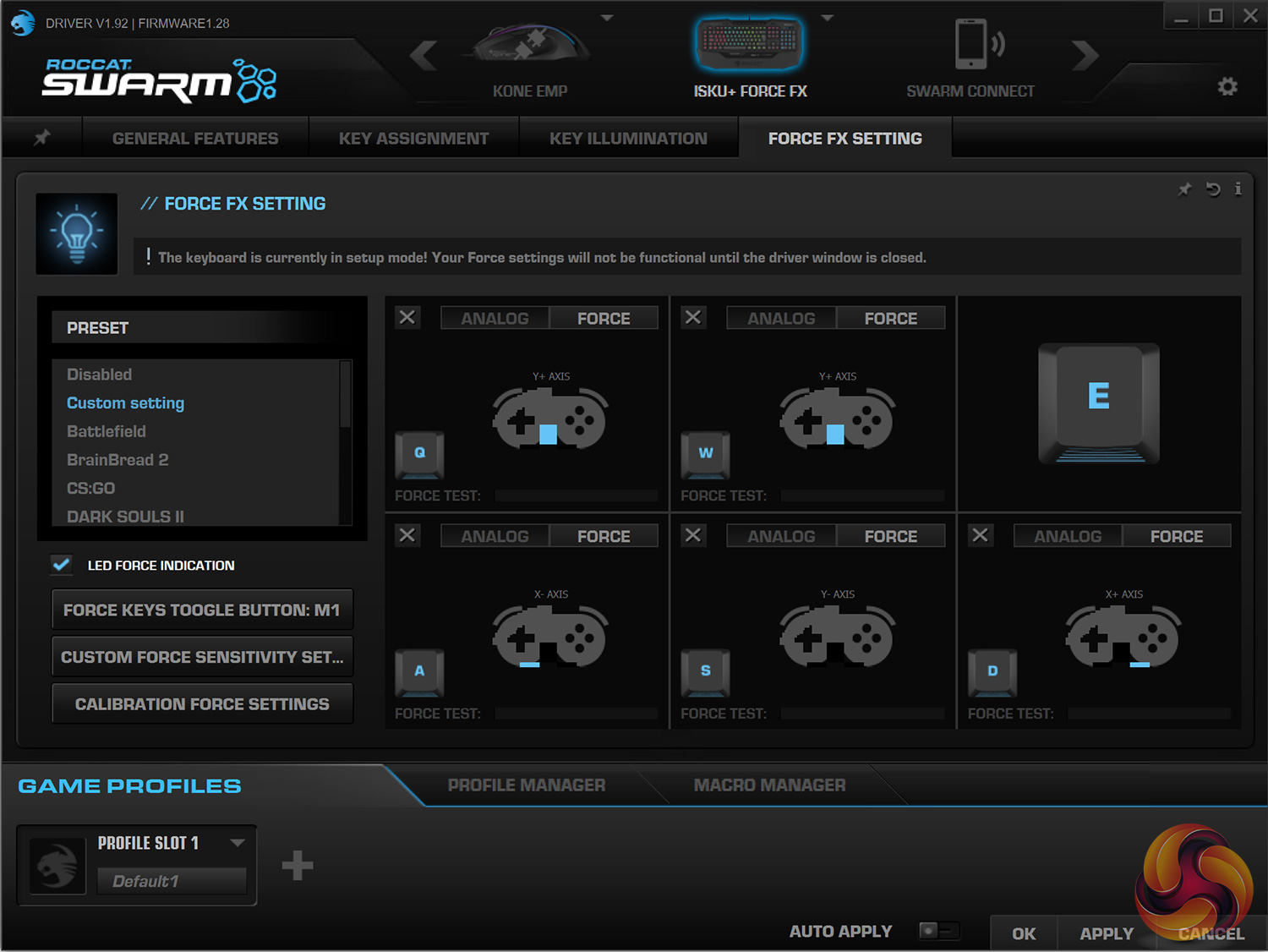
The last page is most interesting as it is here that users can configure the analog nature of the keyboard – what Roccat calls the Force FX technology. There are a number of different presets to choose from here, depending on the games you play or your type of style, while you can even create your own analog profile. I will talk about using the analog keys below, but in-terms of software, everything is covered.
Before moving on to the physical testing of the keyboard, let's look at the RGB lighting.
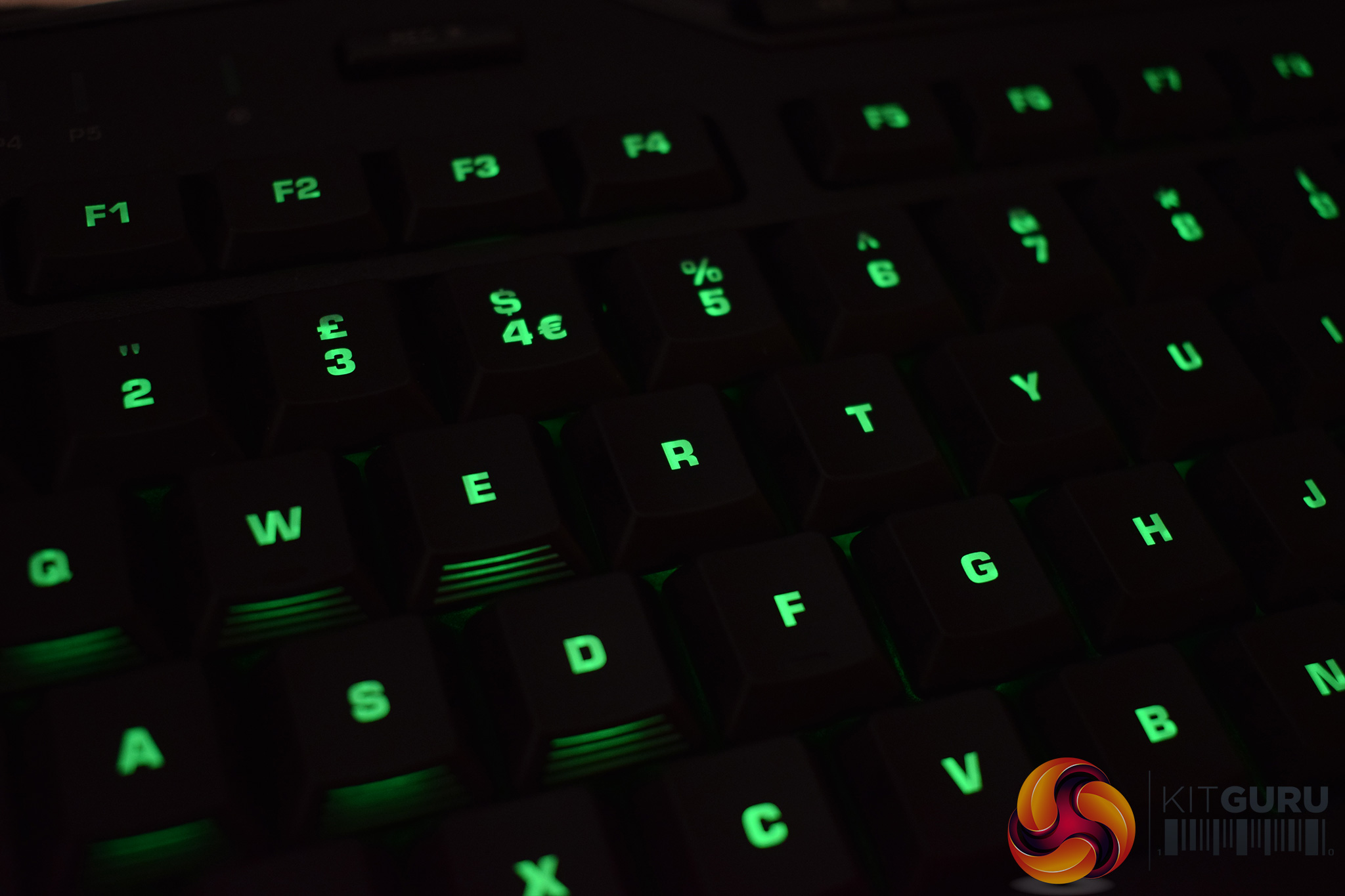
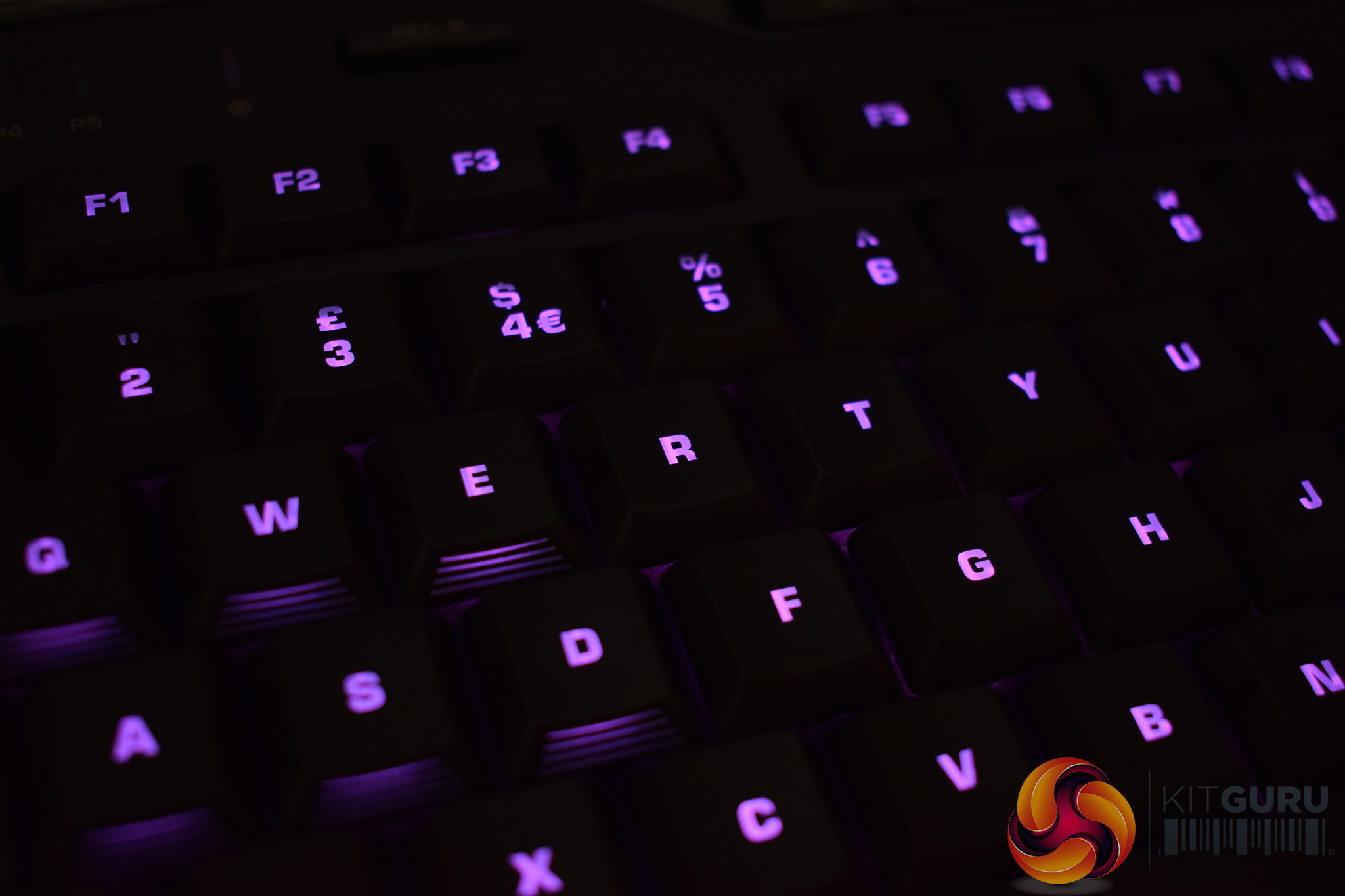
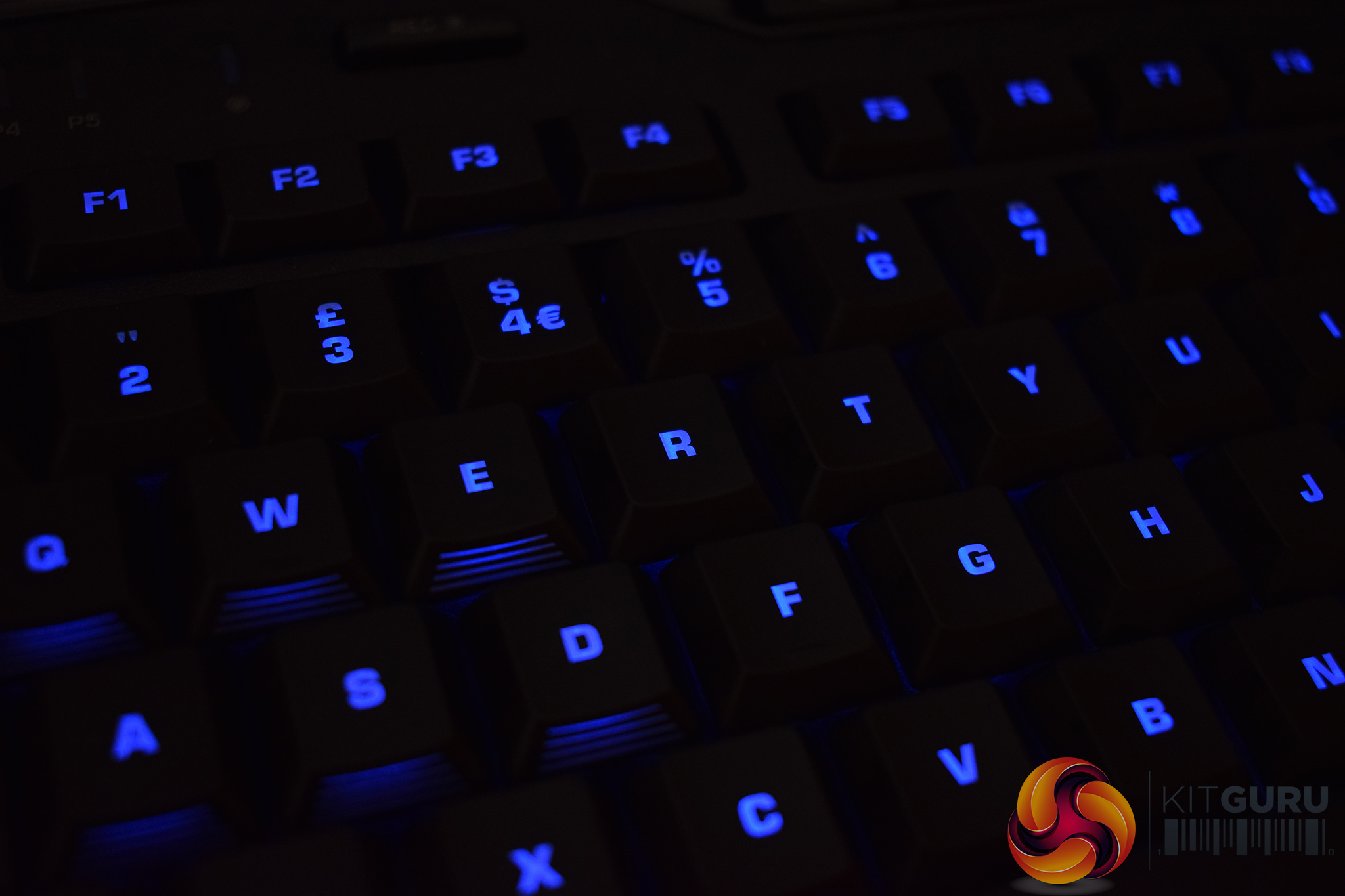
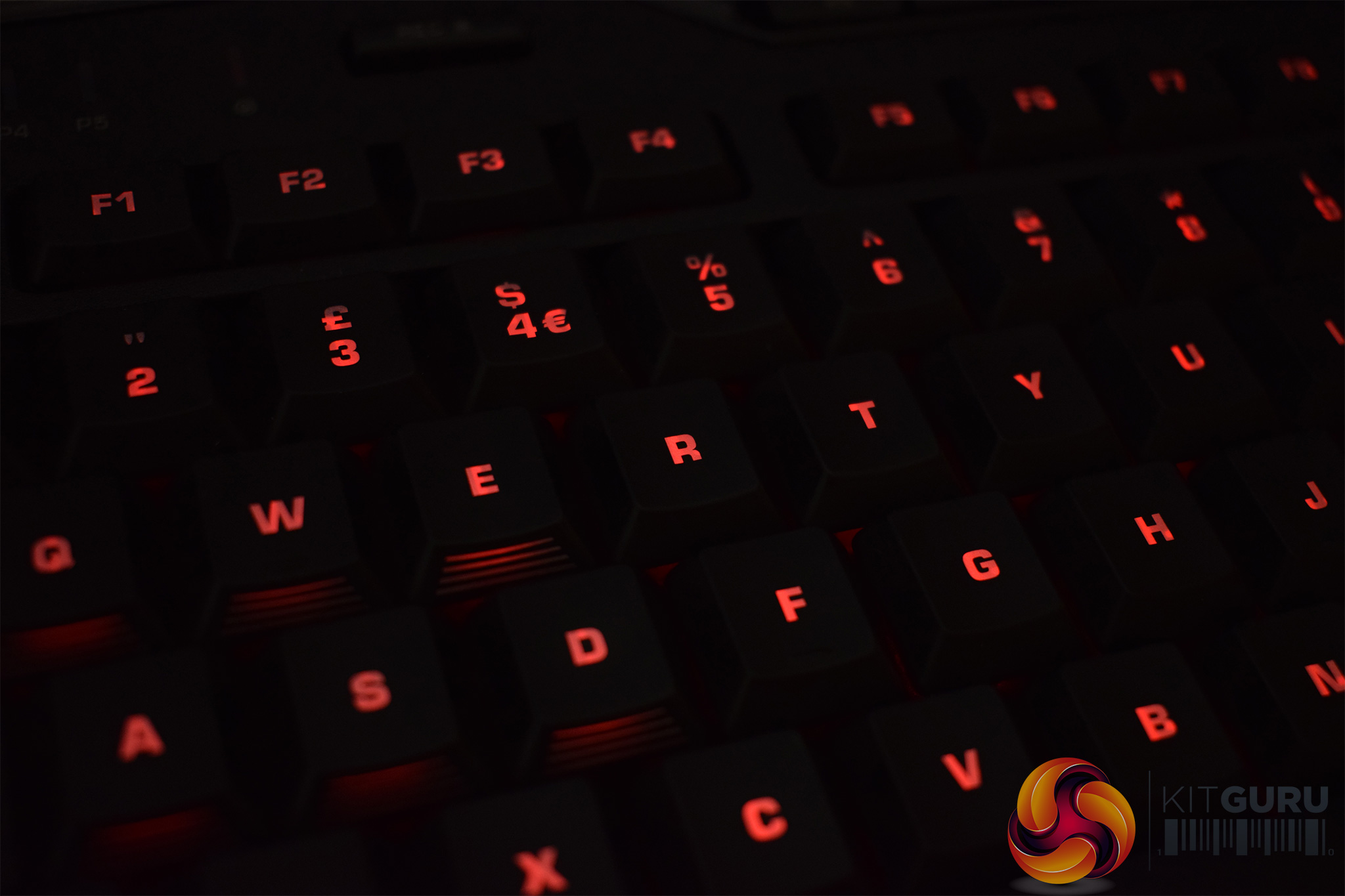
In my experience, the RGB lighting is pretty good. Most of the colours are vibrant and punchy, but there are just a few lighter colours, like light blues and pinks, that get ‘lost'. However, the overall effect is still positive and it is always good to have RGB functionality.
Now, let's talk about the keyboard itself. Because the Isku Force's main feature is the inclusion of analog keys, I'll start with that.
First, for those wondering, analog keys on a keyboard are designed to eliminate the ‘binary' nature of key presses. What I mean is, when you press a key down, either the key is actuating, or it isn't – there is no in-between. A key press is registered and acted upon, or the key isn't pressed at all. With analog keys, however, the keys respond to the force or pressure that you are exerting.
The Isku Force uses 6 analog keys – QWEASD, as these are the keys gamers use most often. Roccat has also implemented two different modes which make use of these analog keys in different ways.
The first they call ‘smooth steps', and this perhaps the more ‘raw' mode, as keys simply respond to how much pressure you put on them. For example, I was playing some Ghost Recon: Wildlands, and configured the A and D keys to use the smooth steps mode. As such, when driving, I could make the slightest of adjustments to my steering by using very light pressure on the keys. For break-neck swerves, I simply pressed down hard.
The other mode lets users assign up to 3 functions to each of the QWEASD keys – depending on the pressure you exert, different actions will execute. For example, I programmed my W key to use 3 different functions for FPS gaming. When I pressed the W key very lightly, I programmed the keyboard to execute Ctrl+W – meaning I was crouched and walking forward slowly in-game. Putting middling pressure on the key I left to function as normal (so my character just walked forward). Bottoming-out the W key with a lot of force executed Shift+W, so I was sprinting forward.
Essentially, I could use a single key to control all of my player movements – be it creeping forward slowly, walking or sprinting full-pelt. This Force FX functionality is really cool and I would go as far to say that it is the future of keyboard gaming.
However, the Isku Force does have one major drawback that prevents me from recommending it out-right to all gamers – it is still a membrane keyboard. This means you still get that slightly ‘mushy' feeling while typing, while those used to MX Red switches will likely miss the non-tactile, linear action those switches provide.
In short, we all know that membrane keyboards just don't cut it when you've been using Cherry mechanical switches for the past few years. This does make the Isku Force a tougher sell, however the analog functionality will likely appeal to many gamers anyway.
Before moving on, it is also worth mentioning that the Isku Force has plenty of options for macro-mapping. There are obviously the 5 dedicated macro keys on the left of the board, as well as three thumbster buttons just above the wrist-rest area. However, the Isku Force also features Roccat's Easy-Shift[+] technology which essentially doubles the amount of functions you can map to the keyboard.
It works by using the Easy-Shift[+] button as a modifier, so pressing the modifier in tandem with other keys allows for extra functions to be executed. It is a simple idea but it works really well, and it really opens up a lot of extra space for macros – something MOBA gamers will definitely appreciate.At a glance, Roccat Isku+ Force FX may look like a fairly typical gaming keyboard. However, it is quite the opposite, as it is actually the first commercially-available keyboard that uses analog keys.
This means the keys react to the amount of pressure you are exerting, as opposed to the binary nature of regular keyboards.
We must credit Roccat for implementing this technology in a keyboard, as it works really well. I was able to play racing games and have my car make the slightest of movements if I was just barely touching the keyboard, or I could mash my fingers against the keys and see my car swerve aggressively all over the track.
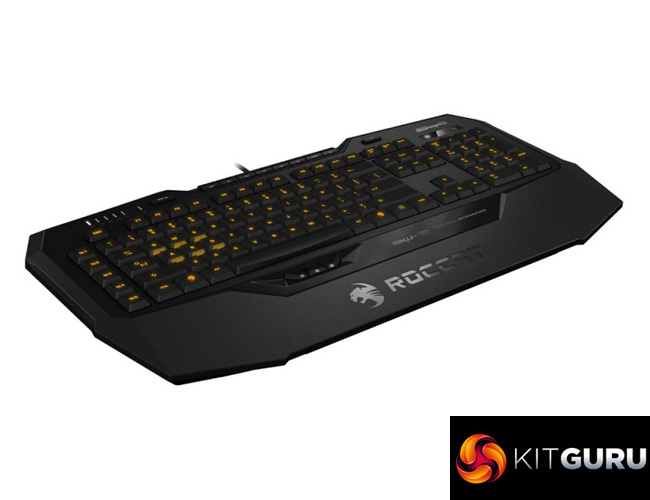
Simply by creating the Isku+ Force FX, Roccat have created a keyboard that will appeal to PC gamers looking for a competitive edge, as the analog functionality really offers something different to other keyboards on the market.
However, there is still one major downside to this keyboard, and that is the fact it is still a membrane board. The analog functionality is admittedly very cool, but mechanical switches are simply a cut above rubber dome boards. Considering the Isku Force costs £99.95, it is especially hard to take. I would imagine some people would prefer the all-round better experience of using a mechanical keyboard, even if it means missing out on the analog functionality.
That being said, I do think the Roccat Isku+ Force FX is still worth buying. The analog technology has the potential to revolutionise PC gaming, and I am excited to see how it progresses. The Isku+ Force FX may not win our highest award, as the overall experience suffers due to its membrane nature, but gamers looking for an extra dimension should definitely add it to their shortlists.

You can buy one from Overclockers UK for £99.95 inc. VAT HERE.
Pros
- Analog functionality is very cool.
- Lots of potential for a mechanical Force FX board.
- RGB lighting is decent.
- Swarm is as good as ever.
Cons
- Still a membrane keyboard.
- £99.95 is also a lot of money for a membrane keyboard.
KitGuru says: While we can't justify giving our highest award to a £99.95 membrane keyboard, the Roccat Isku[+] Force FX is very enticing thanks to its analog functionality.


I’ll probably get a lot of stick for this, but i personally prefer membrane keyboards to mechanical keyboards.
I find the keys are far more comfortable on membrane boards for typing and general use, I also find that mechanical keyboards, especially ones with Blue Cherry MX switches are overly sensitive. So for someone with large, heavy hands like myself, it doesn’t take very much to accidentally press a button. Not great if you’re stealthily trying to approach someone or something.
The analogue keys certainly sound cool, and it’ll be interesting if they actually do give me an edge. Only time will tell.
Agreed. I can feel my knuckles getting arthritis every time I use a mechanical keyboard 🙁