 KitGuru KitGuru.net – Tech News | Hardware News | Hardware Reviews | IOS | Mobile | Gaming | Graphics Cards


Mechanical switches are not the only option available for the enthusiast user. Along with the traditional membrane keyboard that everyone graduates from at some point, there is the middle ground. The scissor key, (which is used in almost all laptops due to how low profile it can be), offers an improved experience over a membrane board by shortening the travel distance of the key with a scissor like design. This is what Cougar has opted for with its 200K keyboard. It is built with gamers in mind, but is it any good?
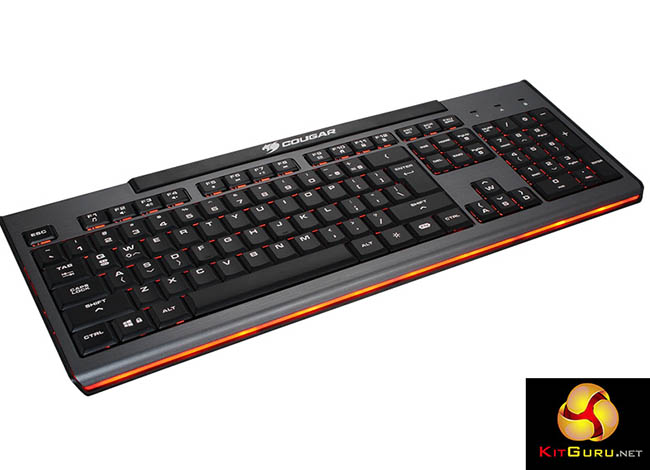
- Scissor switch: special scissor mechanism links the keycap that offers a quiet and faster key response.
- Seven colour backlighting: Convenient one-touch to change the backlight colour.
- Breathing effect: FN key combo to turn on the backlight breathing.
- Anti-ghosting keys: 19 Anti-ghosting keys allows you press simultaneously without fear of missing in specific key area.
- Repeat rate acceleration: Commands can be issued faster.
- WASD and arrow key switch: FN key combo to switch WASD and arrow key function for the left-hander.
- Key shortcuts: FN key combos to quickly access multimedia options and to lock the WIN key.
- Non-slip rubber stand: Base remains stable in the intense gaming sessions.
- Rugged body: Embedded steel plate for durability and stability.
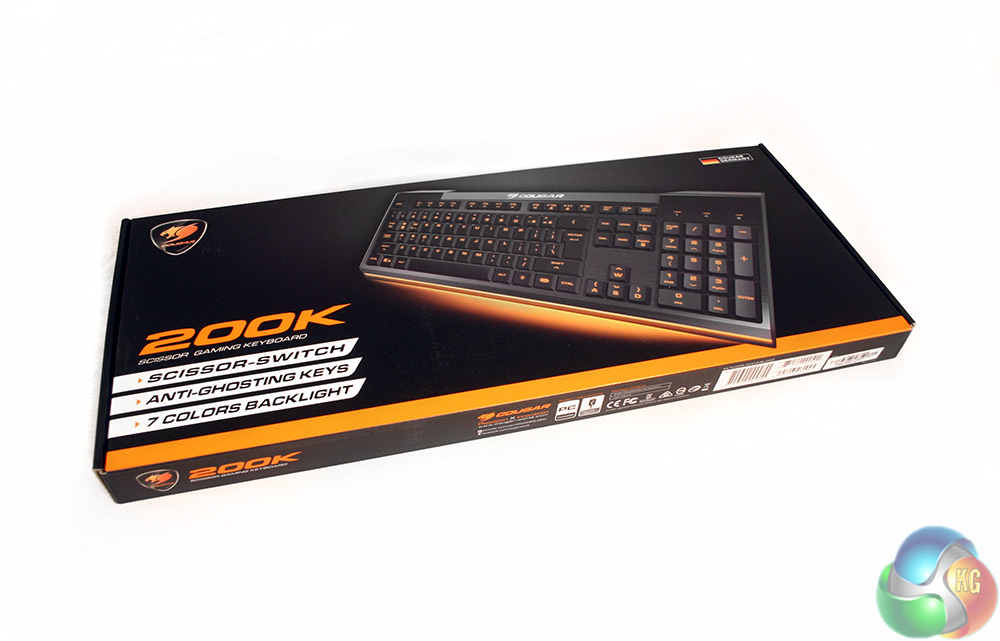
The packaging for the Cougar 200K is more premium than you would expect for a keyboard that costs less than £30 in most outlets. It has glossy and matt card coatings, along with a large image of the board all lit up and a number of features listed in bold white to make them easier to read.
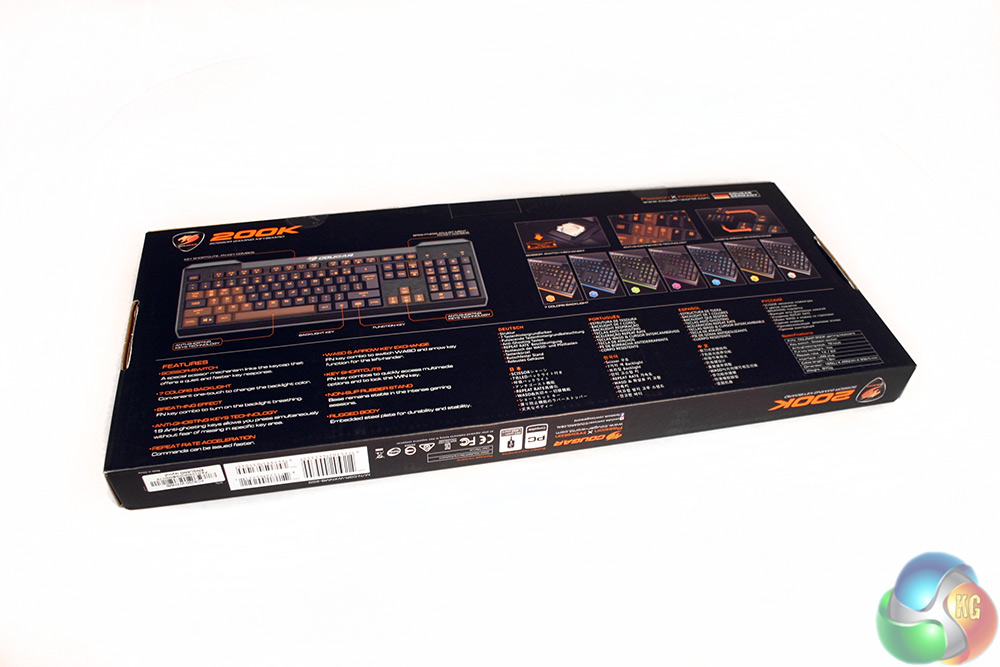
The rear gives you a little more detail on the layout of the keyboard, including all of its added function keys like the backlight colour changer, the brightness adjusters and the media keys. It also highlights two anti-ghosting zones on the board, which let you press any number of keys within two specific areas without the keyboard failing to register key presses.
For reference, it is the WASD and surrounding area, including space bar, and the up, down, left and right keys which also have WASD printed on them, as their functions can be changed for the left handed gamer – or the Trackmania racer.
The only accessory that comes with this board, is a small leaflet that details some basic features as well as warranty information, which for reference lasts for one year with the manufacturer.
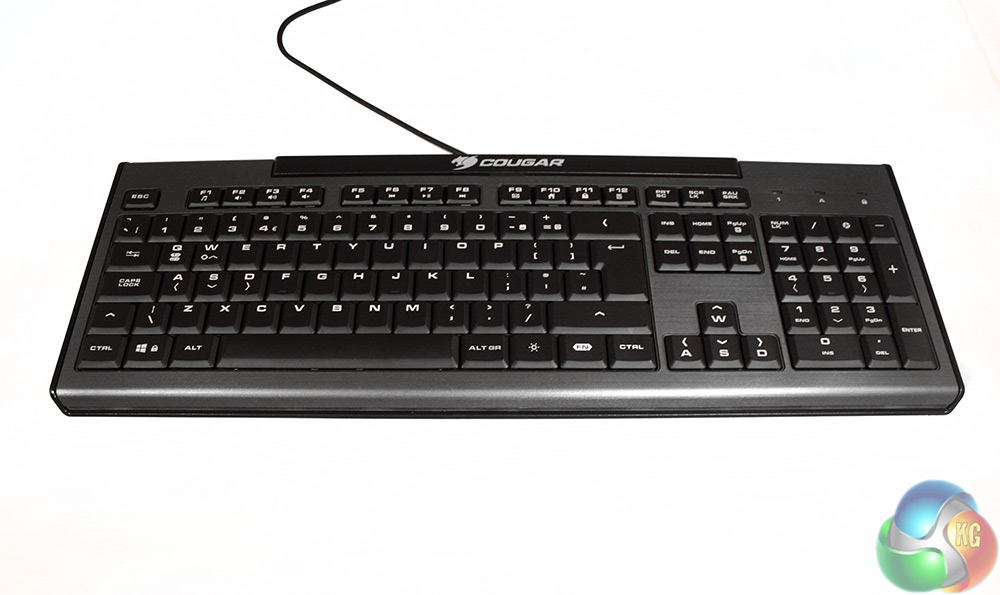
The Cougar 200K is a pretty basic looking keyboard. It has a slightly textured, (it looks a little like a faux-brushed aluminium) bullet grey body, with black trim along the top and around the edge. There is also a clear plastic band that runs along the base of the board to allow the backlighting to shine through.
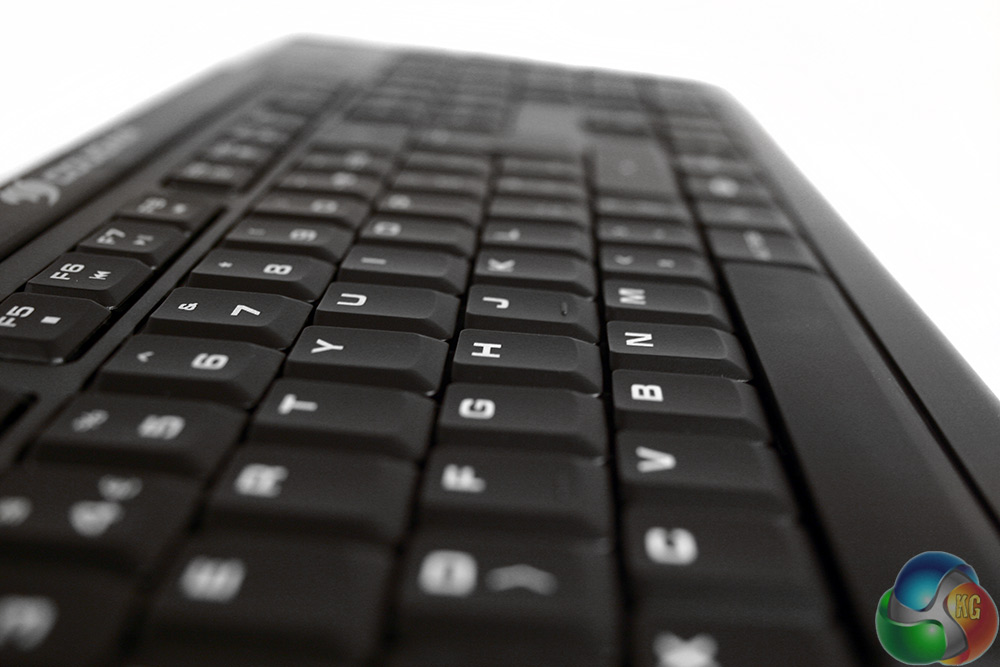
The keys are a little different than your usual keyboard. Being the scissor type, they are very low profile and the keys are much closer together since they do not need the added wiggle room of standard switches. This should make it a little easier to avoid dust and debris build up between keys, but cleaning them could prove difficult once that does happen.
The keys themselves are matt black, with translucent plastic lettering to allow some of the backlighting to shine through.

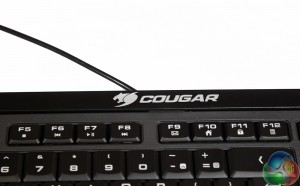
At the top left of the board, the F1 buttons have added media functions if you press the “FN” key as well. They include the ability to pull up your chosen music player, change the volume, mute, stop, pause/play and skip forward and back through your playlist.
Moving further up the F keys, there is also some extra functions to lock the Windows key, bring up the calculator or your email account and one to send your browser back to its home screen.
Unfortunately, the function key that allows these added extras, is located next to the right CTRL key. That means that unless you have especially monstrous hands, changing volume on the fly means the use of two hands. Even if you can do it too, it is not a quick transition from WASD to the board spanning ‘shortcut,' meaning doing it while gaming is almost out of the question.
Located next to the FN key is a lighting tweak key which lets you choose from one of seven pre-selected colour options for the backlighting. Orange is the default, but there are options for blue, green, purple, blue/white and a few other variants.

Page up and page down have been co-opted into handling brightness when using the FN key too. There are three levels: off, low and high.
This board has no macro keys though and no ability to remap any of the standard ones either, so customisation is pretty weak.
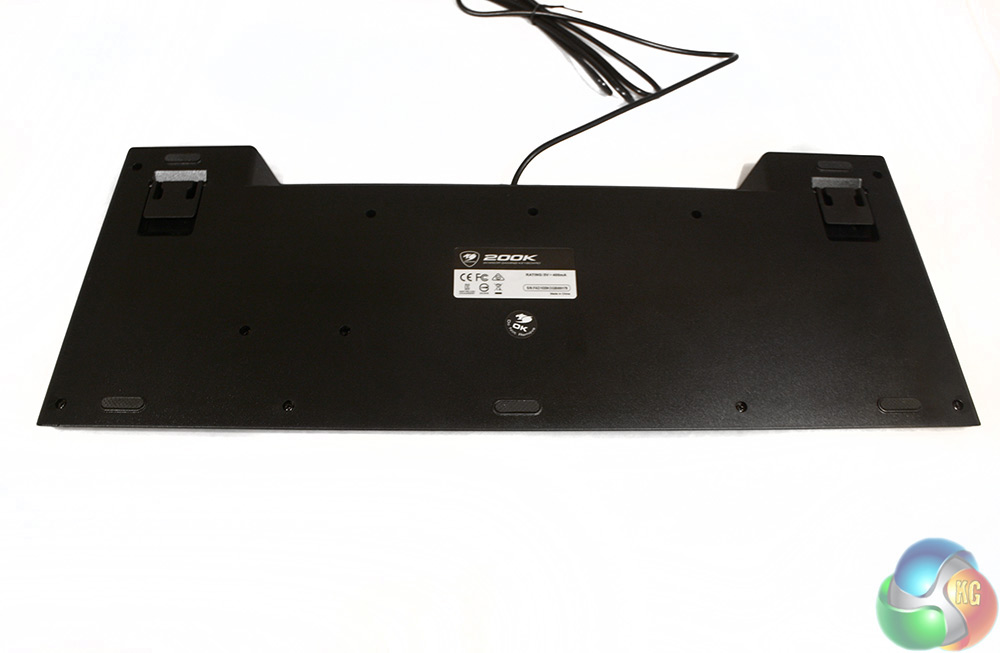
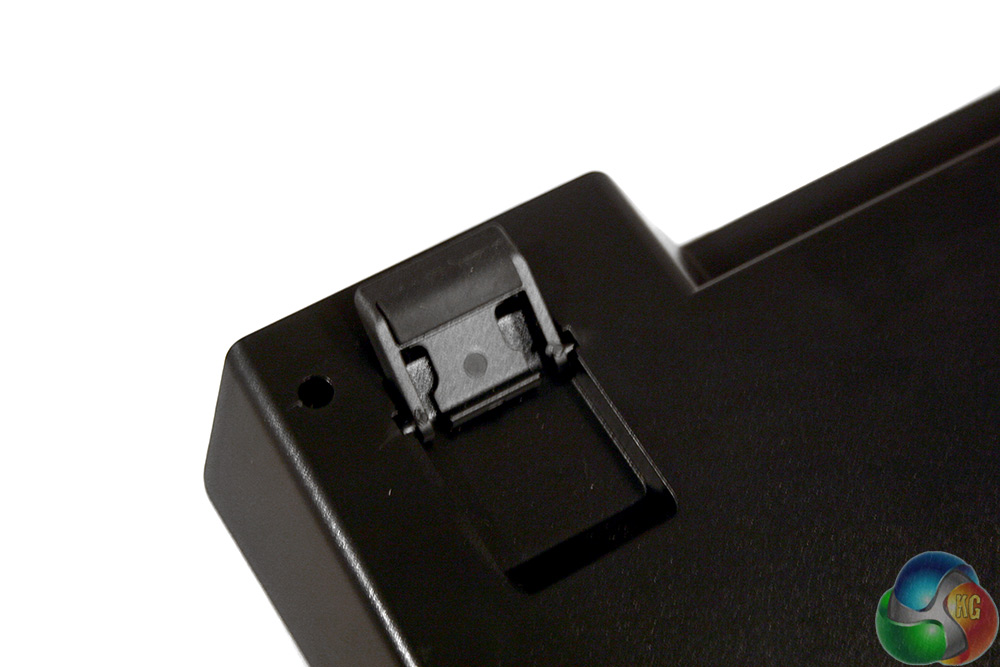
The under side of the board features the usual plastic spacers to give it a steeper angle if you prefer and there are some rubber feet along the front to give some added grip. While they don't provide a lot, it's more than enough to prevent the board sliding around during use.
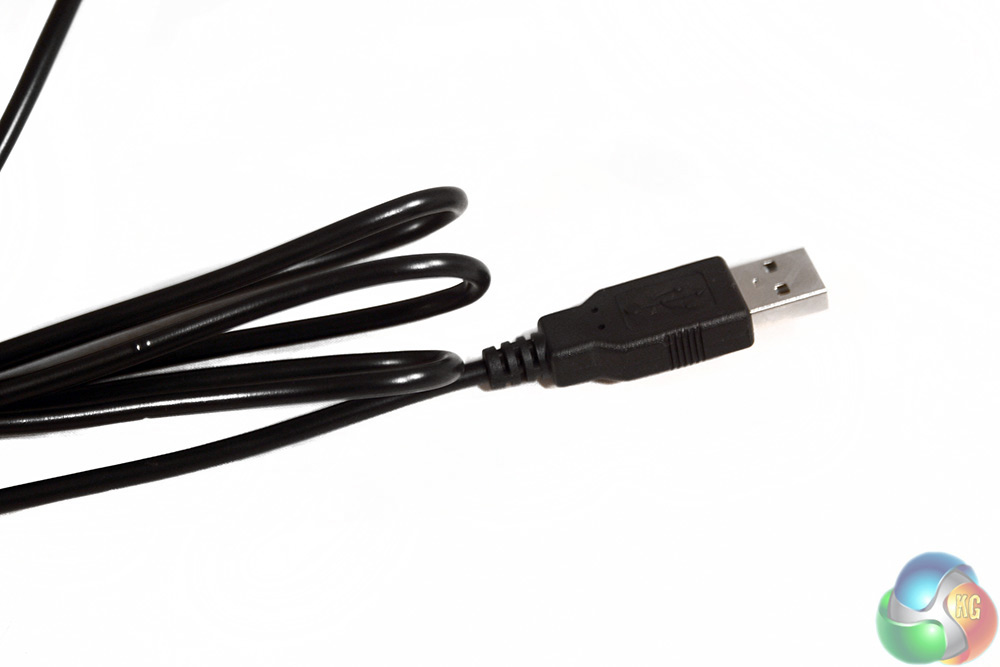
The cable is not anything fancy and comes without braiding. It also uses a standard nickel plated USB header.
When it comes to testing gaming keyboards, we use them for a period of no less than a week, putting them through their paces in different genres of games as well as spending hours a day typing on them to see how they perform in a number of different scenarios. As well as factoring gaming ability however, we also look at other aspects, like comfort and how pretty the lighting effects are – though of course, substance usually trumps style.
With gaming being the main focus I spent a lot of time trying out the Cougar 200K in a number of different games of varying genres. Thanks to Evolve's recent release I was able to use its third person and first person game modes for thorough testing, as well as a number of slower paced puzzling titles and some less keyboard intensive games like real-time strategies.
In all scenarios I found this keyboard capable. It is low profile means that key presses are fast, though unlike a mechanical you do not get that feel of the actuation in the same way. They feel a little spongy in comparison due to the membrane underbelly of the whole thing.
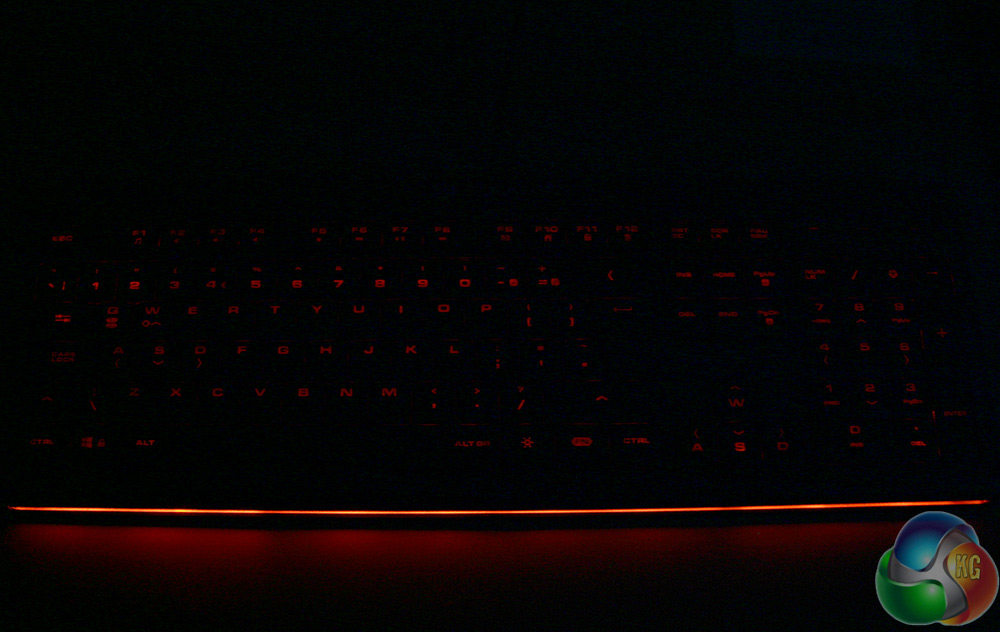
The key lighting is much duller than the light band along the base of the keyboard
The only real problem I had with the Cougar 200K when it came to gaming, is that it takes a bit of getting used to. Whether you have been using a membrane board or a mechanical, switching to the low profile keys feels pretty odd to start with. It is more pronounced with typing, but I miss-pressed in games a few times before I had gotten used to it.
I liked the touch of the anti-ghosting keys, as that is something you would usually only expect on double USB boards or ones with a mechanical key base. That said it seems a shame that it does not extend over a little more of the board, as the only times I encounter issues with keys not registering on lower end boards is when I am remapping for single keyboard multiplayer use – at which point, you often need all the keys you can get.
The lighting on the board is nice too, though it is not exactly perfect. The orange is probably the best colour of the lot, as it is the least eye-catching – and therefore distracting. The other colours feel a little bright, even when you turn the brightness right down. The letters themselves only really show up with all other lights off, though when you sit back you can see an underglow on each of the keys which can look quite nice at times.


When typing I found this keyboard a bit hit and miss. It is fast, thanks to the low travel distance of the keys, but because they have that spongy membrane feel, it was difficult to tell when you have pressed a key correctly and I find myself making slightly more mistakes than I usually would.
Perhaps more telling though, is that I was unable to tell I had made a mistake by the feel of it – it was all visual. The worst culprit when it came to mistake making was the space bar, which seemed to not register keys if you pressed it too lightly, but with the membrane underbelly, it was difficult to tell when that was – until you made a mistake.
To see how this would affect my typing speed I used a couple of online typing speed tests, comparing the results on this keyboard to my other, mechanical switch equipped boards. My average typing speed is usually around 110 words per minute, though when tired that can slip into the high 90s. During testing, I hit a consistently high 80s and peaked at 102 words per minute with the Cougar 200K. Switching over to a mechanical board, I was able to achieve slightly higher word counts around the low 100s.
While perhaps slightly more indicative of people being better typists on keyboards they are used to, I definitely prefer the typing experience on a full size mechanical keyboard and would choose it every time over the scissor/membrane combination.
The Cougar 200K is not going to blow your socks off by any means, but it is a solid gaming keyboard that offers a very different feel from the mechanical boards that dominate the line up of gaming peripherals these days. It also represents a decent gaming board at a low price – but it is far from perfect.
While it is a decent gaming board that does not betray itself as a non-mechanical very often, it has a few quirks which run the gamut from strange to irritating. For starters, the placement of the function (FN) key forces you to use two hands for media controls, which means you cannot control them on the fly mid-game without disruption. The lighting also, while nice to have, is a little stark and uncomfortable on the eyes of this writer.
The place where I would really struggle to recommend the Cougar 200K though is with typing. It is not that it is bad, but it is noticeably worse than a clean mechanical board. I say ‘clean', because ‘muddy' is how this board feels because of its membrane connected switches. It might use a scissor design, giving the keys an impressively tiny 2mm travel distance, but the lack of feel you get when you press them really makes you wish for a solid mechanical switch. The feedback just is not there with membrane and serious gamers and typers will really miss that.
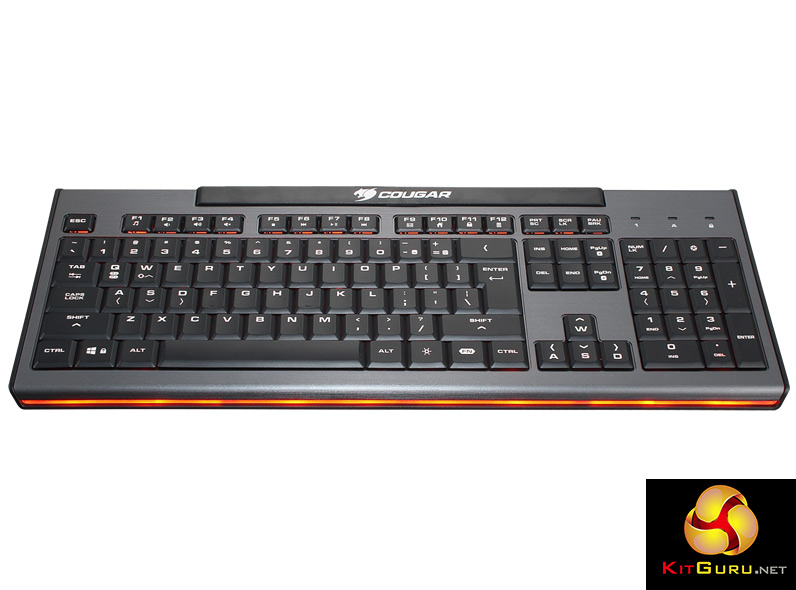
That said, if you are a serious typist or gamer, you are unlikely to be spending just £30 on your keyboard, so at that price point, the 200K has almost all of the big boys beat – it just falls down where they are strong.
Other features like the anti-ghosting are nice to see, and the fact that you can adjust the repeat rate is cool, though I do not think it is a feature many people will make use of. That said, some people may miss the lack of macro keys or the ability to remap any of the standard ones for added function.
The Cougar 200K is not a bad product by any means, in-fact for the money it is reasonably good. I just think you should save up a little more cash and purchase an entry level mechanical keyboard.
The Cougar 200K is currently available from CCL Computers for just shy of £30.
Discuss on our Facebook page, over HERE.
Pros
- Scissor switches have a tiny travel distance, making them fast.
- Comes with media functions and basic, but customisable lighting effects.
- Good to game with.
- Very affordable.
- Quiet.
Cons
- Membrane system is inferior to mechanical in almost every way.
- Typing feels muddy and inconsistent.
- Media keys require two hands to operate.
- Lacks macro keys or key remapping.
KitGuru Says: While the 200K is decent at the price point, we feel a little more cash will get a significantly better product.

£30 for a glorified membrane keyboard? There’s so many better things I could do with that.
This is the only “gaming” keyboard I have ever seen with a double height return key. Is there a reason the rest don’t have one?
It’s the only gaming scissor switch keyboard with anti ghosting features. If noise and lower key profile is what you’re after you’d be hard pressed to find anything better.
Yes, its not standard in the american keyboard layout. Are you from the UK? You need to look up the various ISO standard layouts. There are some gaming keyboads that come in the UK ISO format.
That it may be, but to me it’s still a glorified membrane keyboard.
I use a mechanical keyboard on a daily basis but I do genuinely enjoy scissor switches, Thinkpad and Avertech keyboards are my golden standard for scissor switches, never mind that nobody will read this as this article is almost 2 years old
I read it 🙂
me too!
Here’s my honest late review of the Cougar 200K @ http://www.thelategamer.com/professional-reviews/hardware/late-keyboard-review-cougar-200k/
I’ve been looking for a good desktop scissor switch keyboard – give me more details on this Avertech.
Avertech used to build laptops, now they are in cloud solutions and stuff like that