 KitGuru KitGuru.net – Tech News | Hardware News | Hardware Reviews | IOS | Mobile | Gaming | Graphics Cards


While there has been no shortage of RGB keyboards over the last year, there has been a distinct lack of RGB keyboards with Cherry MX switches. Fortunately, it looks like that is starting to change as Cooler Master is launching two new keyboards today- the Master Keys Pro S and Master Keys Pro L, both of which make use of Cherry's RGB switches. Today, we are taking a look at the S model, which makes use of a ten keyless compact design.
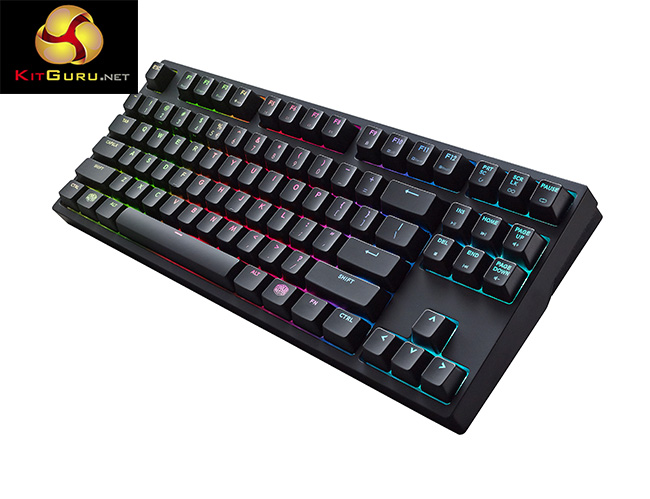
While most RGB keyboards have made users choose between highly customizable lighting or high-quality Cherry switches, the Master Keys Pro S delivers the best of both worlds, all in a compact design that saves space on your desk.
Features and Specifications:
- Cherry MX Brown Switches.
- RGB 16.8 million color lighting.
- On the fly profile and macro support.
- Anti-ghosting.
- N-key rollover.
- Detachable cable.
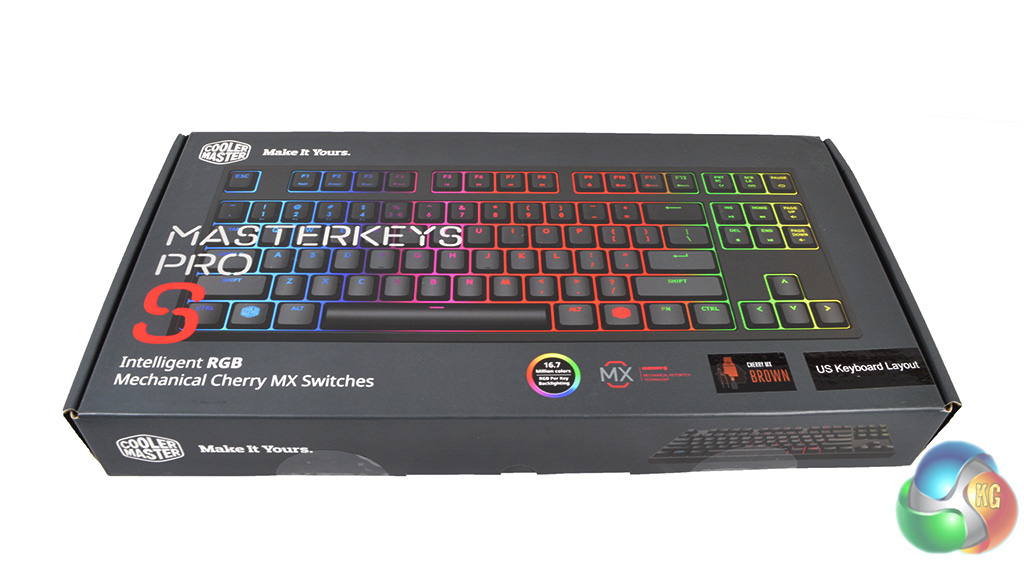
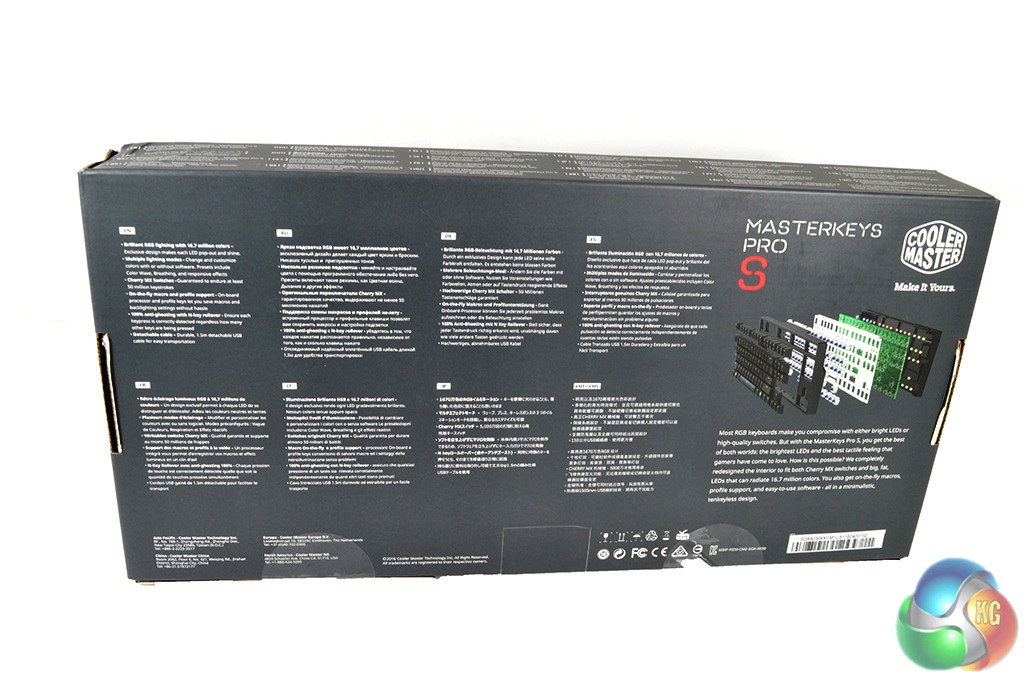
The Cooler Master Master Keys Pro S keyboard ships in standard packaging, with a big image of the keyboard on the front and a breakdown of key specifications on the back.
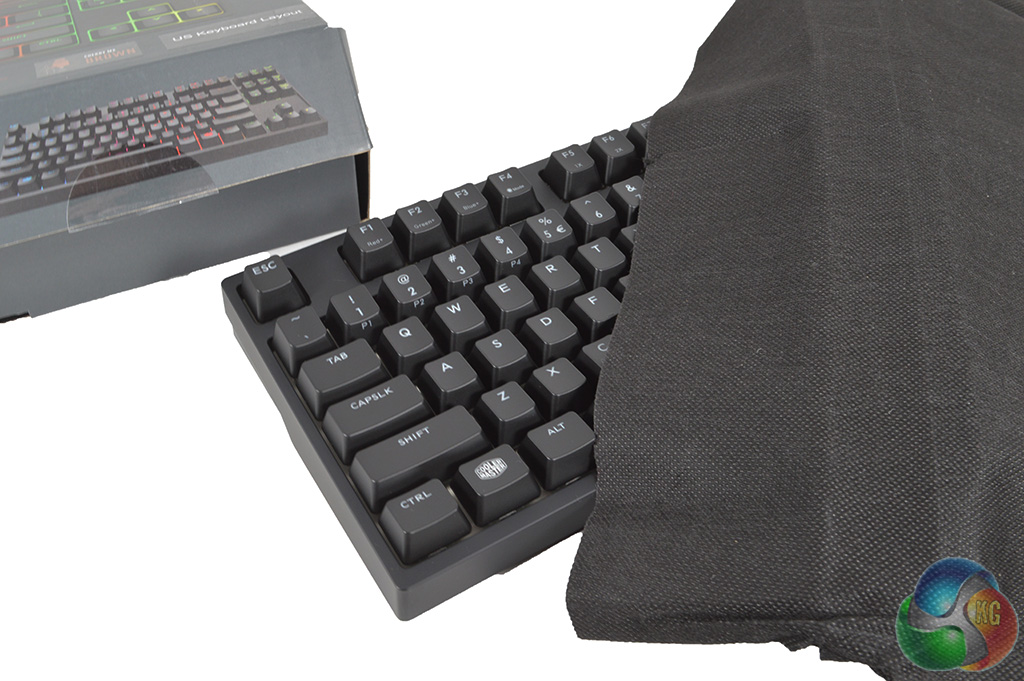
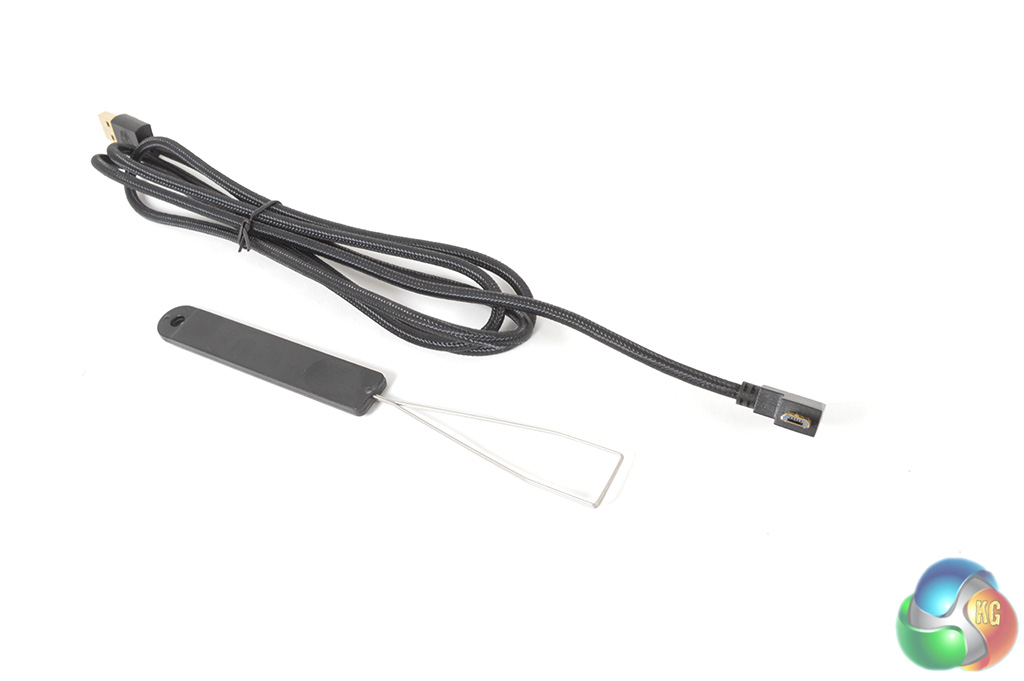
Inside the box, you will find the keyboard itself protected by a soft cover, along with a braided micro-USB cable and key cap removal tool. One thing that I did find a little disappointing is the length of the cable- it just barely managed to reach my PC on the floor by my desk so it could do with being a bit longer for those with large desks. A longer cable would also help out those that put a lot of attention into routing and management.
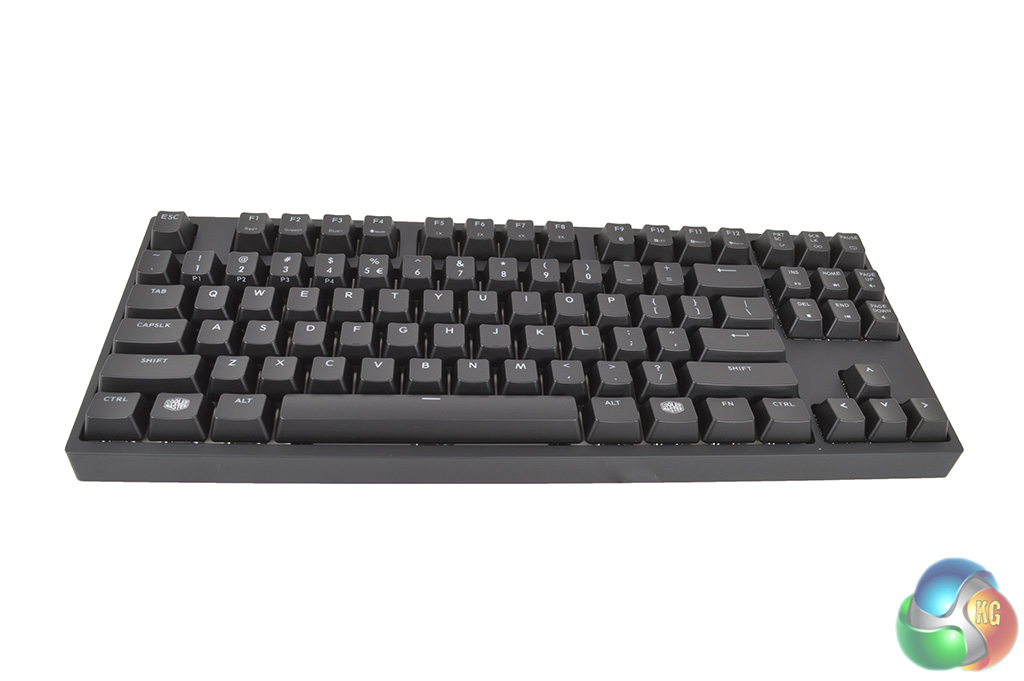
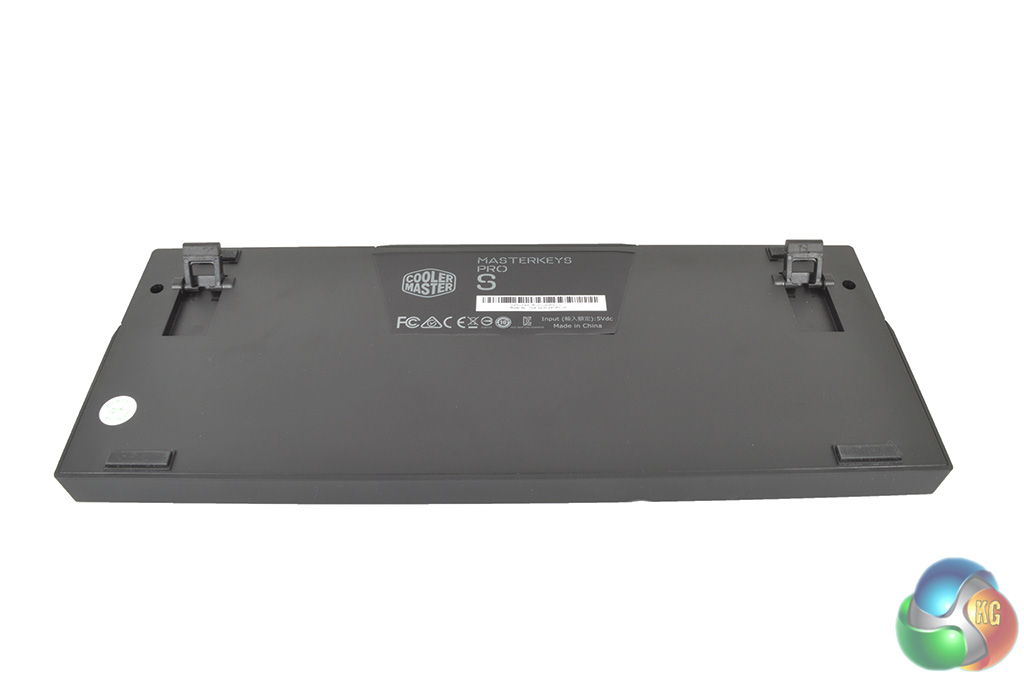
As you can see, this keyboard would fit right at home in an office environment thanks to its ‘traditional' look and layout. The back of the keyboard also comes with a pair of standard rubber feet for those that prefer their keyboard to not be entirely flat.
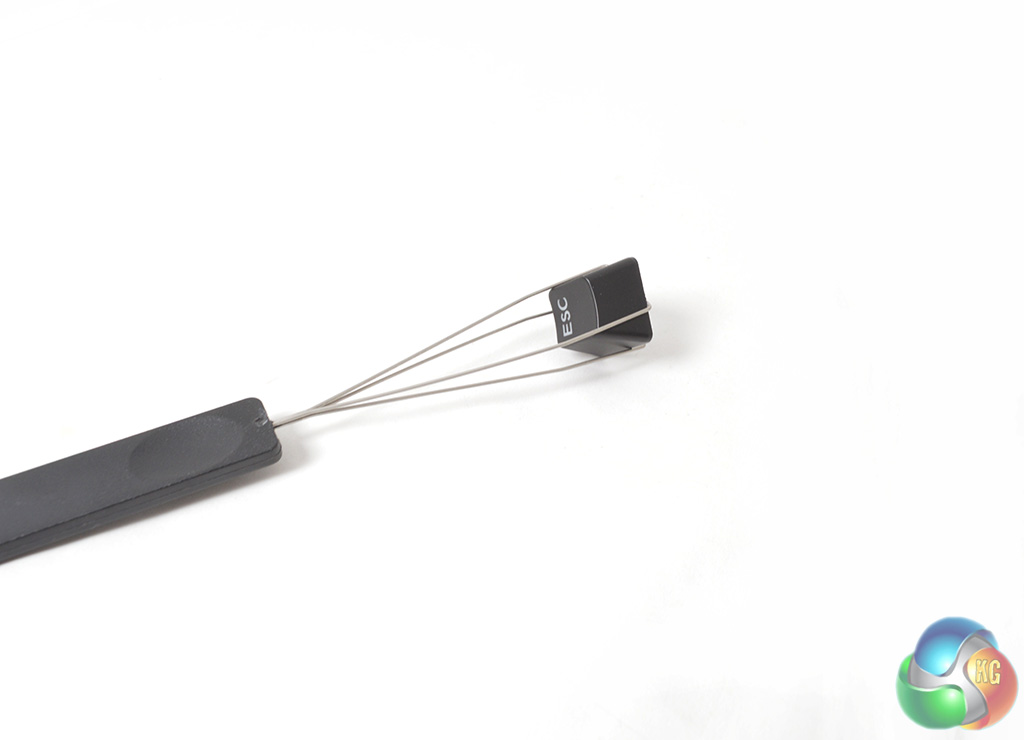
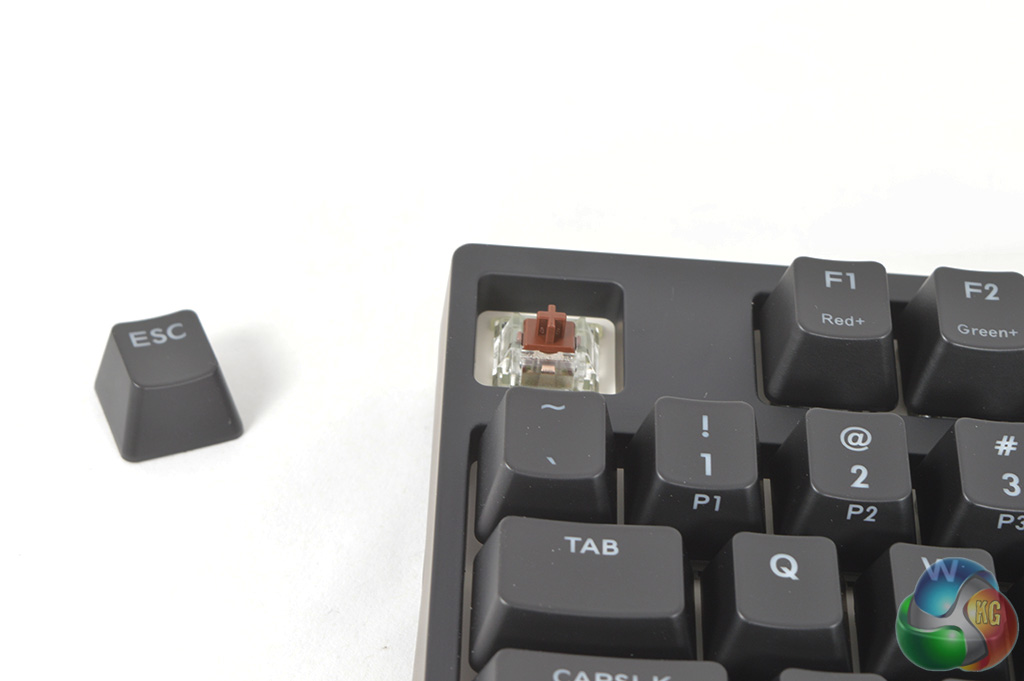
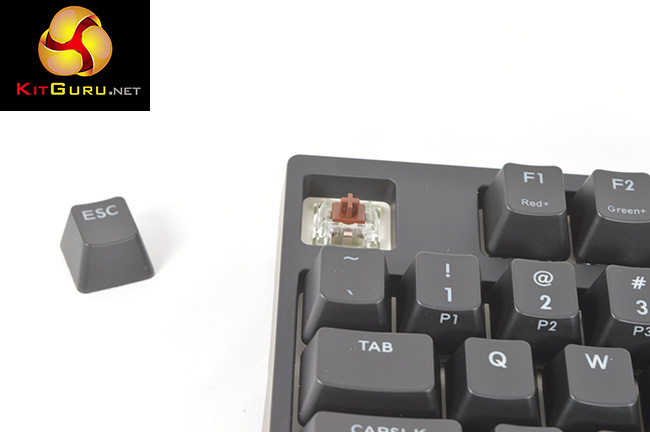
Removing key caps is easy enough thanks to the tool provided. As you can see, the Master Keys Pro S uses the Cherry MX RGB switches, which have a clear housing that allows light to shine through the switch. These switches first debuted on the Corsair K70 RGB and have proven to be quite popular since then.

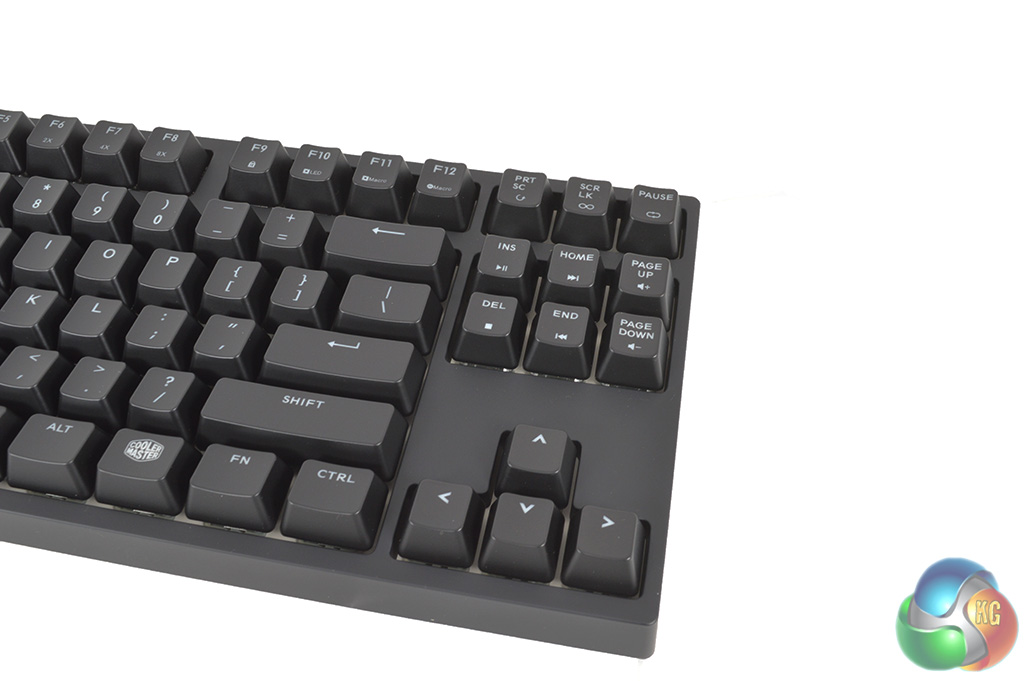
This keyboard comes in a ten-keyless design, which essentially means that the Numpad has been chopped off and additional functions have been programmed to some of the Function keys, such as lighting and media controls.
The Cooler Master ‘Master Keys Pro S' keyboard seemingly has a lot to offer but how does it perform? In order to test this keyboard I used it on a daily basis to type up reviews and news here at KitGuru, as well as my evening gaming sessions. First up, let’s take a look at Cooler Master's software.
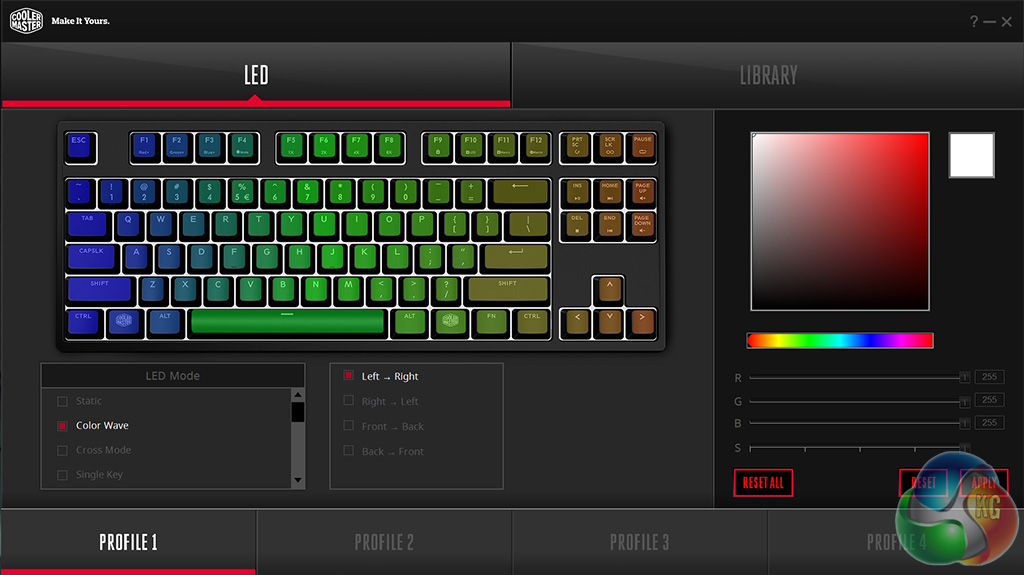
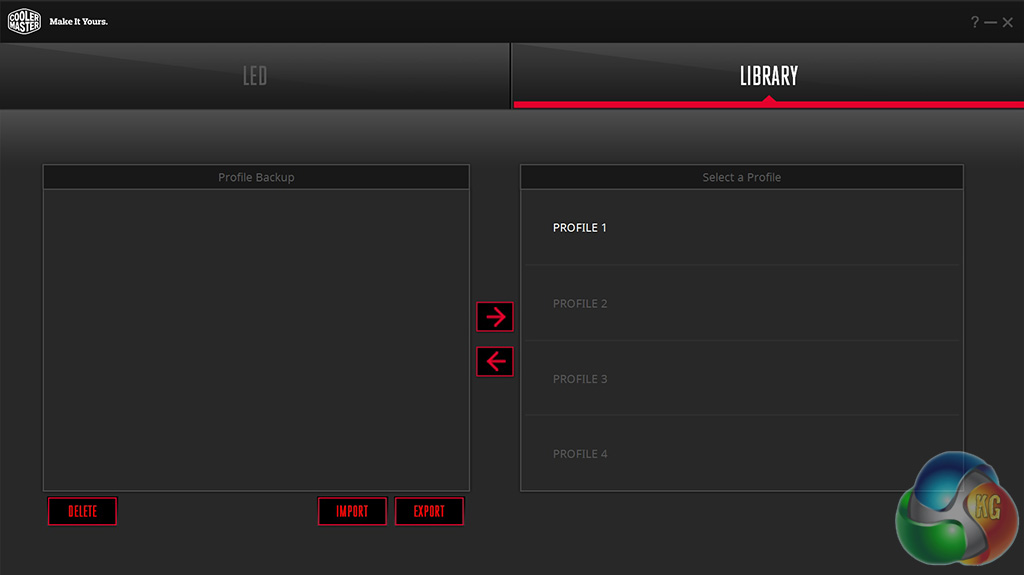
Cooler Master's software consists of two tabs, one for customising the RGB lighting and another for saving, importing and exporting profiles. Normally we would expect to find a macro tab or some advanced settings like adjusting the keyboard's polling rate but these have been left out for now.
On the lighting side, the software is easy to use, with effects like color wave, ripple, star effect, rain drop, breathing and ripple. There is even a playable version of the game ‘Snake' available on the keyboard, which is quite the throwback!
Cherry's RGB switches offer excellent colours and thanks to Cooler Master's white board underneath the keycaps, the LEDs illuminate more of the board which is a nice touch. Cooler Master's software is basic but effective. However, I would have liked to have seen a software tab for macro recording or even support for changing what each function key does.
The Master Keys Pro S is a ten-keyless board, which essentially means that the Numpad has been chopped off, making for a smaller, more compact design that will leave less of a footprint on your desk. Despite being smaller, I found switching to this keyboard to be a painless experience with no adjustment period needed- the classic ‘office style' design helps with that quite a bit.
I found the key spacing to be perfect and while Kailh switches have come a long way over the years, it was nice to see Cooler Master cutting no corners and going with Cherry MX switches. This keyboard makes use of RGB Cherry MX Browns, which have a tactile feel to them but without the clicky noise of Blue switches, this makes them an excellent choice for those who do a lot of typing but also play a lot of games.
Cherry MX Blue switches are great for typing and many find the click to be satisfying but for gaming, the noise can become a bit of an issue. With Browns, you get the best of both worlds with the same tactile feel but with less noise. Cherry's RGB switches are slightly modified, but in use, you would be hard pressed to notice any difference between an RGB brown switch and its less colourful counterpart.
Cooler Master has cut no corners with the Master Pro S, the RGB lighting is excellent and the use of Cherry switches will be appreciated by many who spend a long time at their desks typing.
I don't just sit here and type all day though, I do like to play a lot of games in my downtime. Recently, I have been playing a lot of The Division and Counter-Strike: Global Offensive. Cherry MX Brown switches retain tactile feedback but eliminate the clicky noise of Blue switches, this made for a less intrusive experience while gaming. This keyboard does support macros, which I found useful for World of Warcraft but do keep in mind that you don't get any dedicated keys for these commands.
There is a lot to like about Cooler Master's Master Keys Pro S keyboard. While the name could do with a bit of a trim, it is clear that no corners have been cut on the keyboard itself, which delivers an excellent typing experience thanks to the Cherry MX brown switches and customizable RGB lighting effects that will make it fit at home in any setup.
The ten-keyless design means that this keyboard leaves a small footprint on the desk and would work well for travel. However, the detachable cable Cooler Master has placed in the box is a bit short and only just managed to reach my PC on the floor by my desk.
Cooler Master's software features an easy to navigate design and a surprising amount of effects for the RGB lighting. It isn't quite as advanced or comprehensive as other solutions from the likes of Razer or Corsair but it is responsive and works well.
The keyboard itself has plenty of function buttons, allowing you to adjust colours on the fly, speed up or slow down lighting effects, record macros or open up the Windows Store. In all, it is a fantastic package and may well be my favourite compact keyboard to date.
The Cooler Master ‘Master Keys Pro S' keyboard is available from today with a price tag of £89.99- A very competitive price point, especially when you consider that competing 10-keyless boards from Razer or Logitech will cost you over the £100 mark.
Update (14:59): There appears to have been a miscommunication in the pricing for the Master Keys Pro S. This keyboard will actually hit retail with an RRP of £109.99, rather than £89.99. While this is more expensive, I do still believe that this is a quality keyboard that holds up well against the competition even at this price point. As a result, the final score will remain unchanged.
Discuss on our Facebook page, over HERE.
Pros:
- Cherry MX switches.
- RGB lighting.
- Lots of function key commands.
- Compact design.
Cons:
- The supplied cable is a bit short.
- No macro recording via software.
KitGuru Says: The Master Keys S is an excellent keyboard that pulls no punches with Cherry MX switches, RGB lighting and plenty of additional function commands. If you need a keyboard with a small footprint, then this should be on your shortlist.


I hope they don’t release this with greens or clears.. I can’t justify a 4th mech
While most RGB keyboards have made users choose between highly customizable lighting or high-quality Cherry switches, the Master Keys Pro S delivers the best of both worlds, all in a compact design that saves space on your desk.