KitGuru KitGuru.net – Tech News | Hardware News | Hardware Reviews | IOS | Mobile | Gaming | Graphics Cards


Roccat have released some great mice, mouse mats, headsets and keyboards over the years. Today we will be taking a look at the company's latest mouse – the Roccat Tyon. Can this mouse dethrone the already established XTD Kone series? Lets find out…
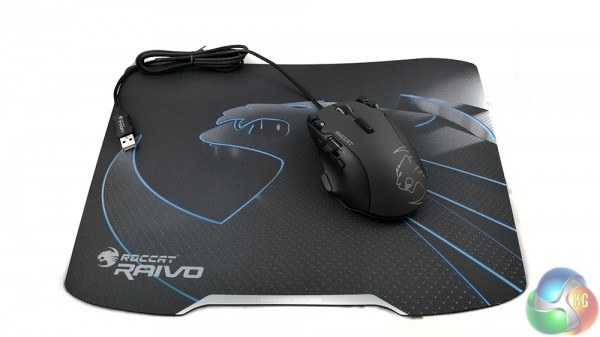
Roccat claims that the Tyon mouse is both MMO approved and FPS approved. The mouse is certainly feature packed, with no shortage of buttons and customization options – which are accessible via Roccat's driver software.
Features:
- Multi-color Illumination.
- Ergonomic Design.
- Pro-Aim Laser Sensor.
- Fin Switch.
- Easy Shift.
- Up to 31 mouse funtions.
- Sound feedback.
- X-celerator Paddle.
Specifications:
- Nine macro buttons.
- 8200 DPI.
- 150 Inches per second (IPS).
- 1000Hz polling rate.
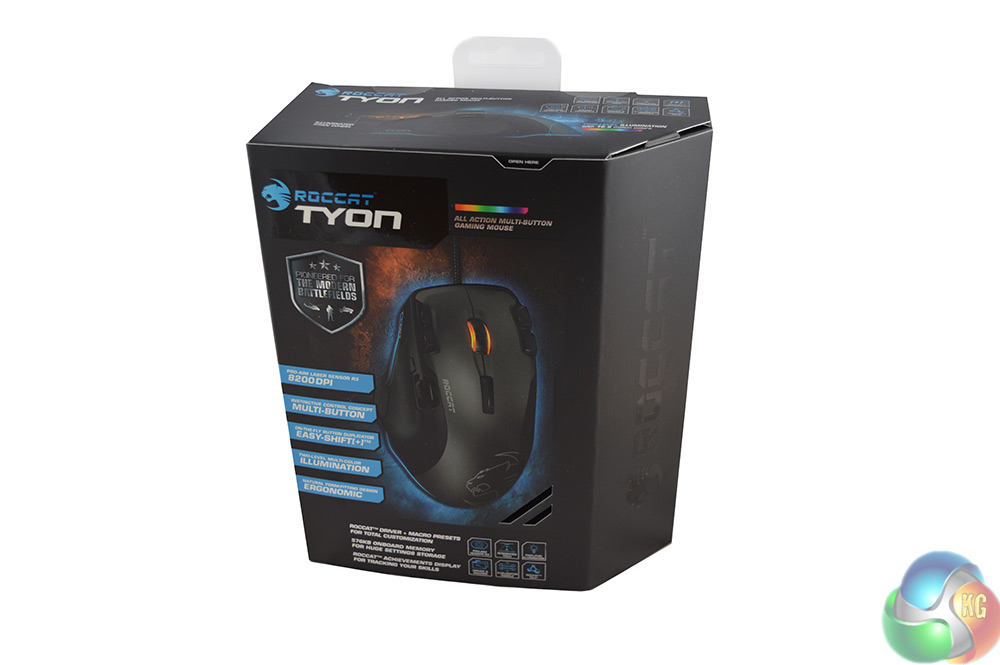
The box for the Roccat Tyon is actually really big, especially when compared to the SteelSeries Sensei Wireless, which we reviewed earlier this year.
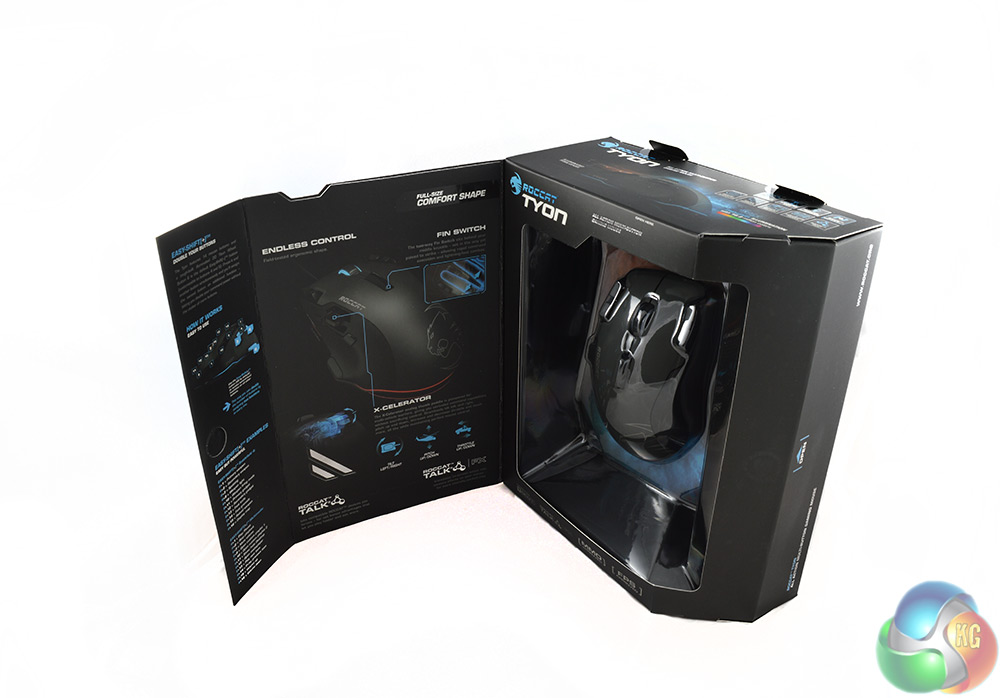
The front of the box uses a magnetic flap to reveal the mouse. It also lists several features in-depth, such as the X-celerator, which can be used for flying and driving vehicles in games.
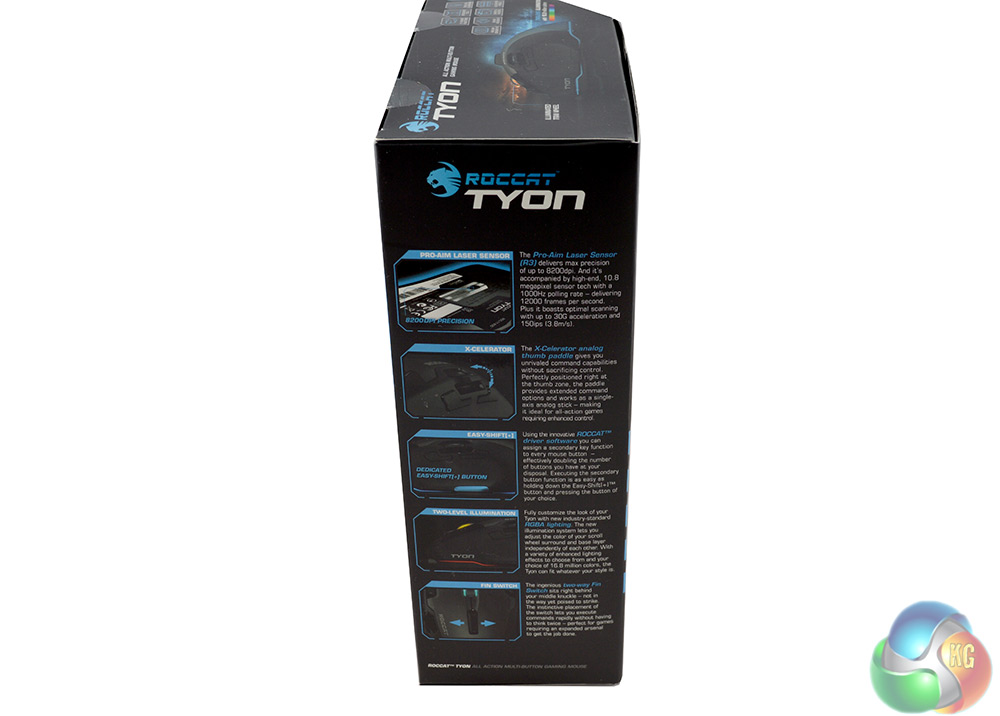
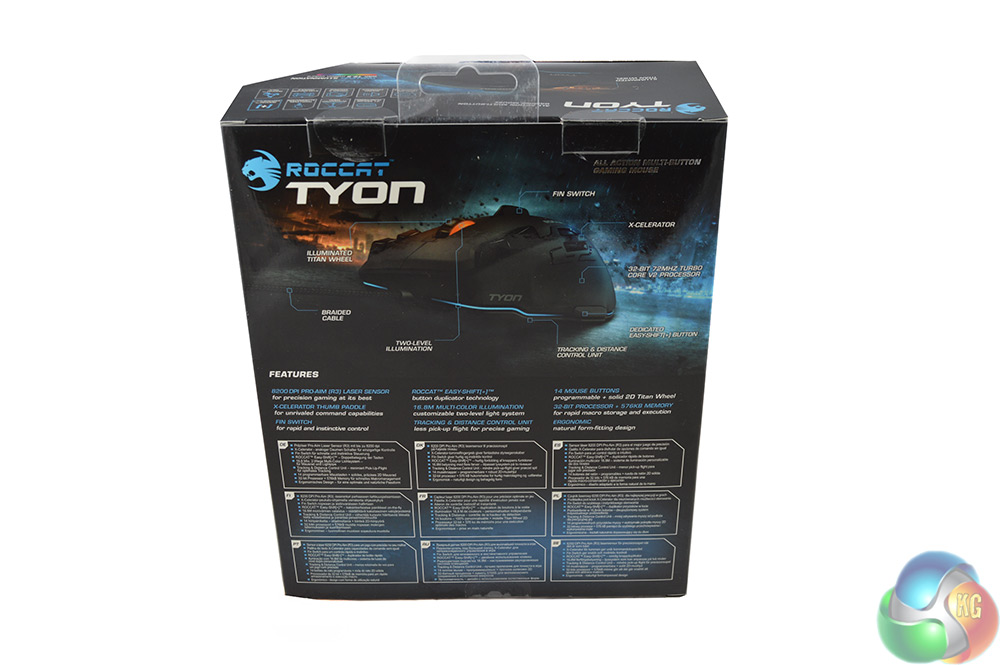
The side of the box reiterates most of the information found on the front and back of the box with repeated mentions of the Pro-Aim R3 laser sensor, the X-celerator paddle and mouse buttons.
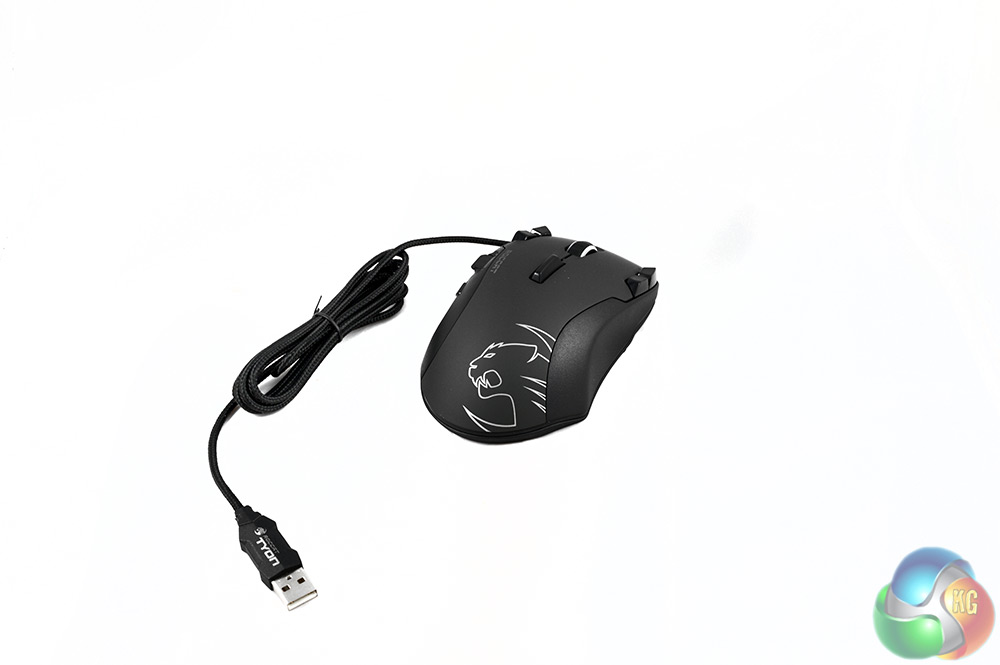
The Tyon is one of the most comfortable gaming mice I've ever used and its easy to see why, the contours of the mouse provide a natural fit for the hand. On the top side of the mouse you can see the first four re-programmable buttons as well as the ‘fin switch', which is mentioned several times on the box.
The Tyon is a wired mouse, which will be a plus for many gamers who live in fear of input lag. The braided cable adds to the overall quality feel.
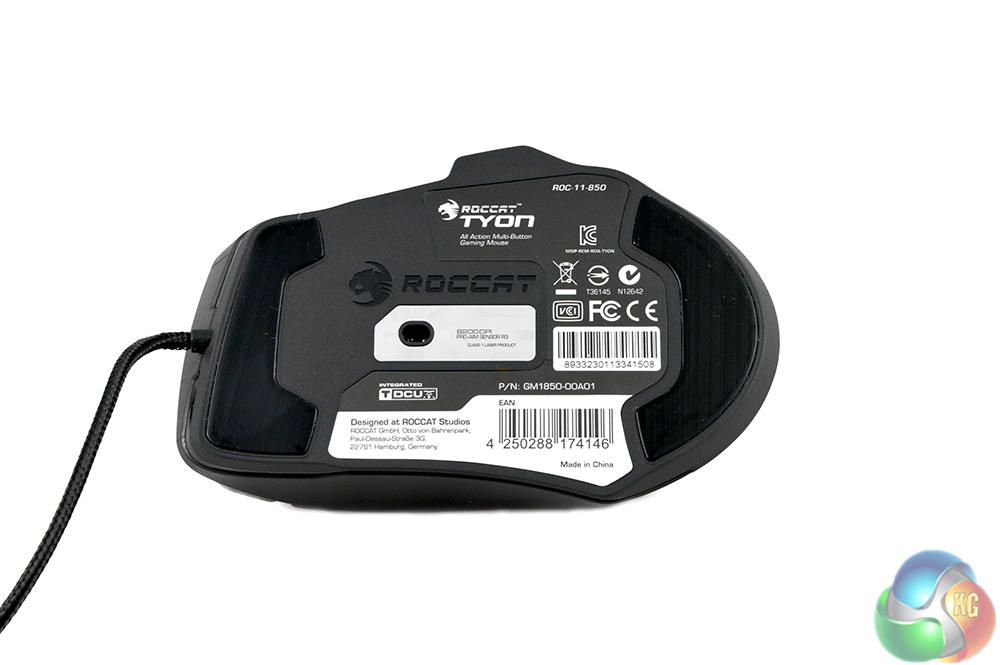
On the bottom side you'll find the Pro-Aim R3 sensor, which Roccat has been using in its mice for some time now. You'll also find some soft pads, which help the mouse glide across the Raivo mouse mat with ease. However, I've found that dust will built up around the edge of these pads fairly quickly.
The Raivo mouse mat simply comes inside a plastic case with a card sleeve wrapped around it, boasting features like ‘combat precision', ‘ultimate gliding' and ‘maximum stability'.
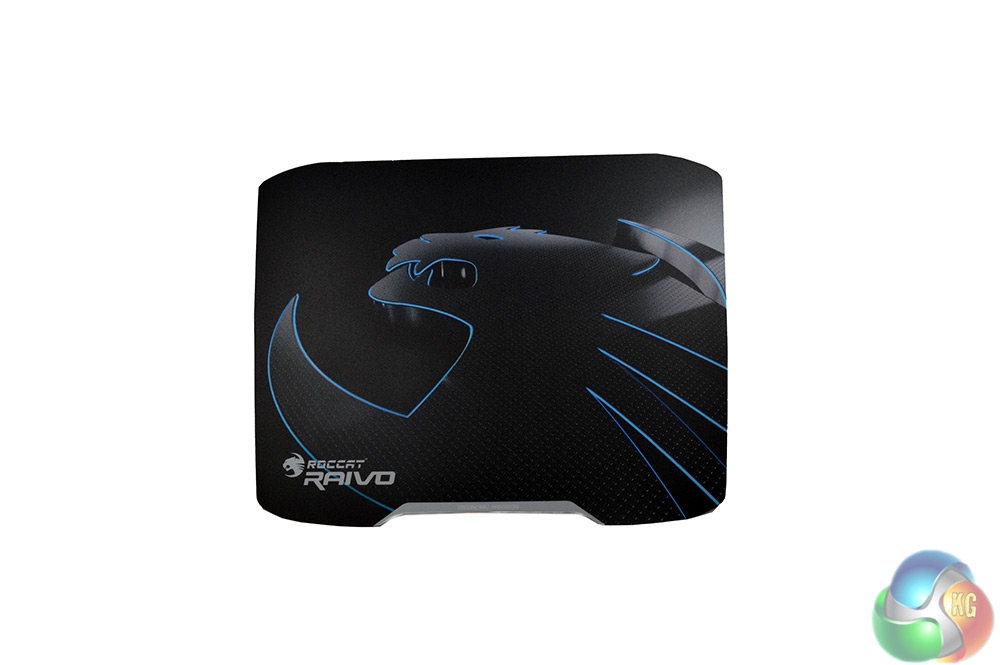
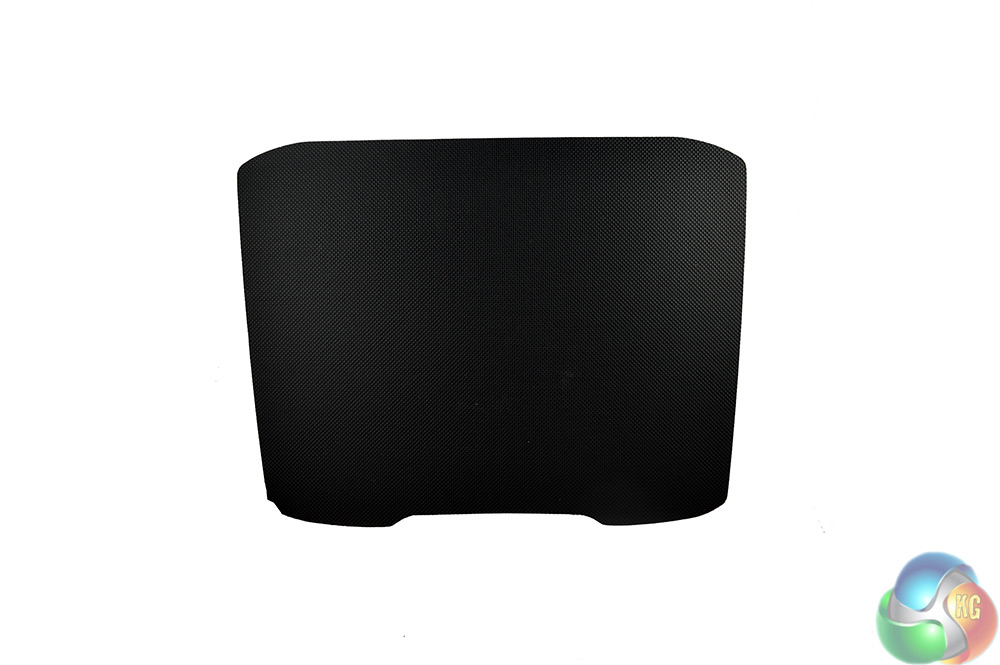
The Roccat Raivo mouse mat uses a granular surface for “optimal tracking”. The backside on the other hand uses a rubber grip surface which works surprisingly well and keeps the mouse mat firmly in place on the desk.
First up in our testing is Roccat's Tyon Driver software, which is home to all of the customization options available for this mouse- including re-programmable buttons and lighting.
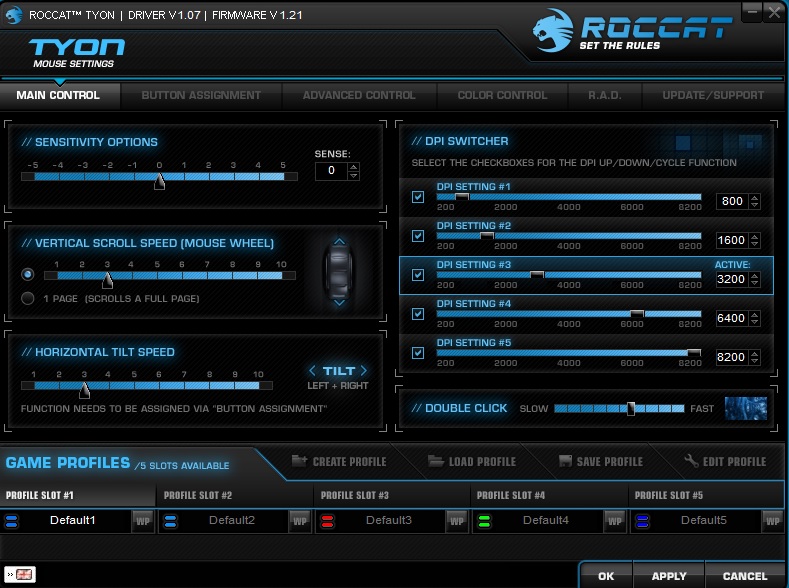
The main control window lets you change sensitivity, scroll speed and tilt speed. The tilt function is specific to the fin switch located on top of the mouse. Additionally, you'll be able to save and load mouse profiles and change DPI settings from this window.
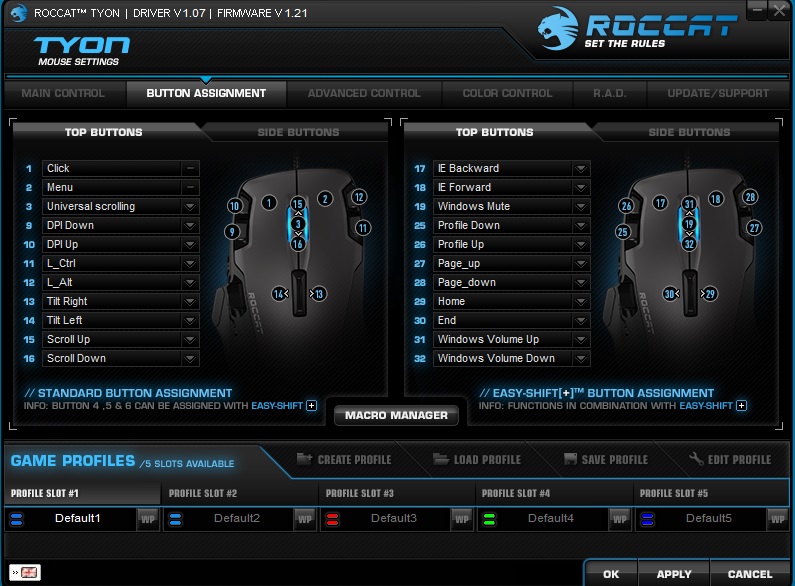
The second tab in the software is dedicated to button assignment, allowing you to reprogram buttons and save specific game profiles for them. In total, you can set up 32 functions with this mouse, which could work out very useful for MMO or MOBA players.
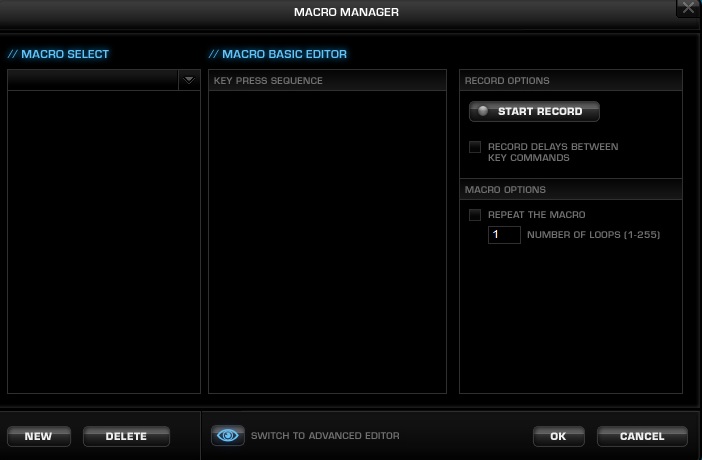
The macro manager allows you to edit and record macros while also being able to set up loops, delays and repeats.
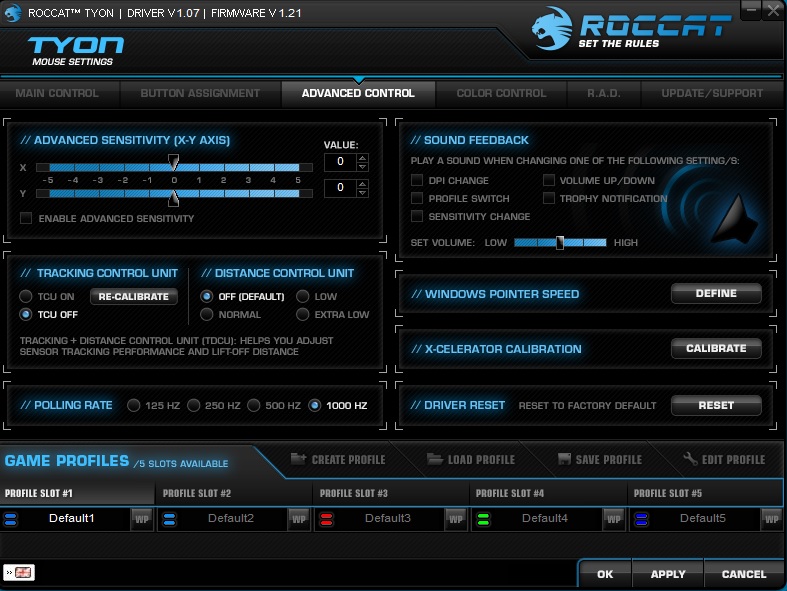
The advanced control section gets a little more in-depth, allowing you to calibrate the X-Celerator switch, edit Windows pointer speed and set advanced sensitivity options. The tracking control unit comes turned off by default but it can help advanced users to adjust the sensor's performance and lift-off distance.
One neat little feature included with the Tyon is sound feedback. If you turn this on, then the mouse will tell you whenever you have switched profile, changed DPI, earned a ‘hidden trophy' or changed sensitivity. Having this on will allow you to avoid switching settings by accident, or at least warn you in time to correct it if you are in the middle of a game.
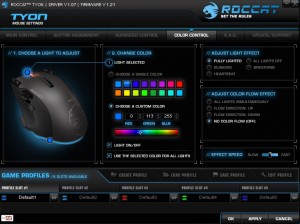
While other parts of the software generally perform very well, color control can be a little sluggish, particularly when saving a new color for the Tyon's lighting. That said, I did find the quality of the lighting on the Tyon to be very impressive, more so than the more expensive SteelSeries Sensei Wireless. Colors shine bright and don't leak in to each other- for instance, I didn't find patches of red in the yellow preset.
We also have some lighting effects, including heartbeat, blinking and breathing. You can also have the Tyon cycle through colors at a pre-determined speed. Overall, this is one of the best lighting suites I have encountered for a mouse in terms of options and quality.
That said, Roccat could do with improving performance when switching between colors, after hitting apply, I found myself sitting there for almost two minutes at a time waiting for the lights to switch on the mouse, which is really disappointing.
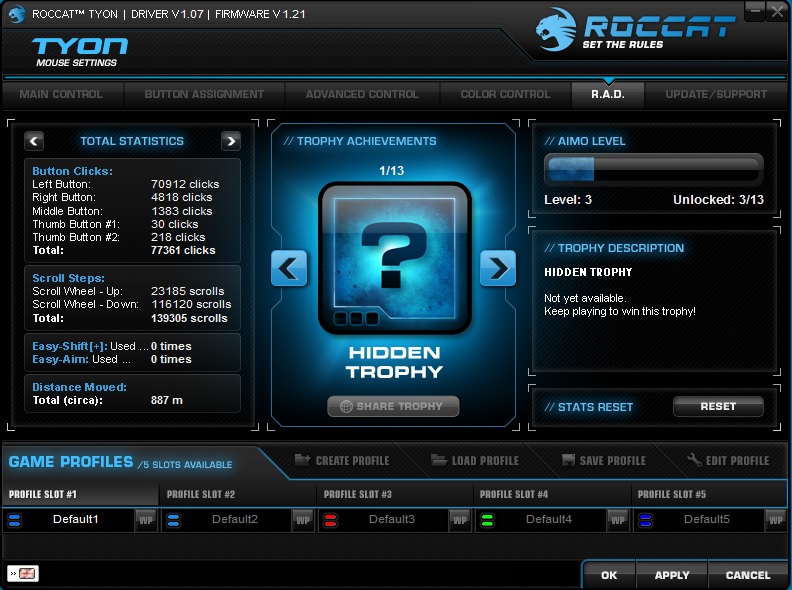
The R.A.D tab gives you statistics on the mouse, such as how many times you've clicked each button, total distance moved and how many trophies you have earned, which are unlocked by using the device's features.
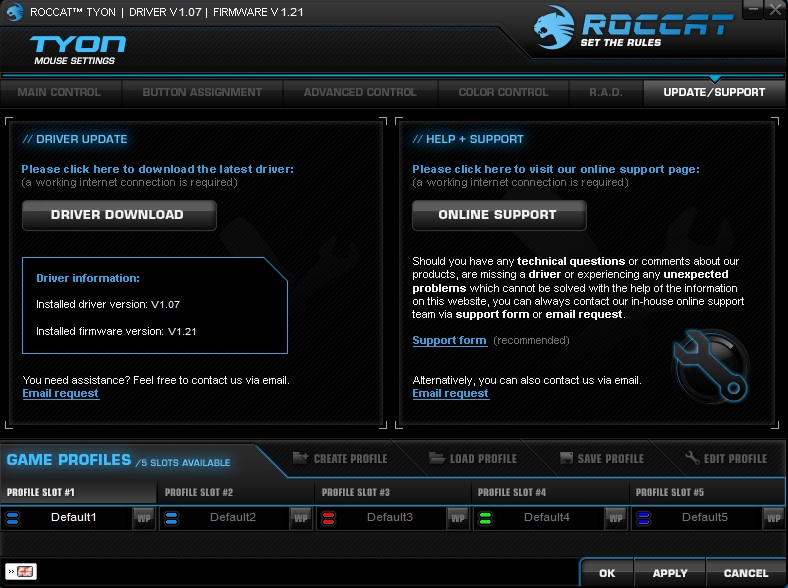
The final tab provides a software update tool and links to support should you need it.
The Roccat Tyon driver software is simple to use and contains a nice layout. It's not going to blow you away or anything but it definitely gets the job done.
Now that we are done with software, lets talk about actual performance. As I noted earlier in this review, the Tyon is the most comfortable mouse I have ever used, the contours fit my hand perfectly and all of the buttons were easily accessible.
At first glance, I wondered why Roccat made such a big deal out of its X-Celerator switch on the Tyon's packaging but after playing some Battlefield and flying a few jets around, it became apparent. This little switch is great for piloting aircrafts in games, it won't be useful to everyone, especially if you don't play games with airborne vehicles but I quite liked it.
It should be noted that the X-Celerator can be used for driving normal cars in games too but I personally found it less useful in that scenario.
Lets talk about how well the Tyon performs when paired up with the Raivo mouse mat. For those of you that like mouse surfaces with very little resistance for swift motions, then the Raivo might be the mouse mat for you. I can't say that the granular surface offered me much of a performance benefit when compared to cloth mouse surfaces but I can say that I experienced very little resistance while moving the mouse around, allowing for marginally swifter motions.
People can debate over mouse surfaces all day but essentially its going to come down to what you like. Personally, I usually stick to a cloth mouse mat but I have enjoyed my time using the Raivo and will probably continue to use it after the review process.
Overall, the Rocatt Tyon is a great choice for gaming and the Raivo mouse mat makes a good companion for it. I found the ergonomic shape more comfortable to use compared to ambidextrous mice and I encountered no re-adjustment period, it was as if this mouse was molded to fit my hand.
The Tyon is primarily made of plastic but it doesn't feel cheap by any means. I didn't experience any creaking when gripping the mouse even after a few weeks of daily use.
As far as the software goes, its pretty standard. Saving and editing macros as well as re-programming buttons was an easy task. While I found the lighting suite to be impressive, applying new colors was a chore as it would lock up the software for almost two minutes. Some performance tweaks for this wouldn't go amiss.
For competitive gamers, the Tyon offers plenty of buttons and options, although this mouse is very light and doesn't come with any weight adjustments- so if you like a heavier mouse then there will be better options available elsewhere.
The Tyon is a premium gaming mouse but that comes at a price – you can purchase the Roccat Tyon from Overclockers UK for £89.99. Additionally, eBuyer also has some in stock for £84.99. It's certainly priced at the higher end of the spectrum for a wired mouse and will face stiff competition from the likes of SteelSeries and Razer, which both offer similarly priced solutions.
You can also pick up the Raivo mouse mat from Amazon for £18.95.
Discuss on our Facebook page, HERE.
Pros:
- Lightweight.
- Fantastic lighting.
- Easy to reach buttons.
- High resolution sensor.
Cons:
- Fairly expensive.
- Software performance could be improved.
KitGuru Says: If you are looking for a high performance ergonomic gaming mouse then you can't go wrong with the Roccat Tyon. Additionally, if you are looking for a granular mouse mat, then the Raivo is certainly worth a look. Both are expensive but to many, will be worth the cost.