 KitGuru KitGuru.net – Tech News | Hardware News | Hardware Reviews | IOS | Mobile | Gaming | Graphics Cards


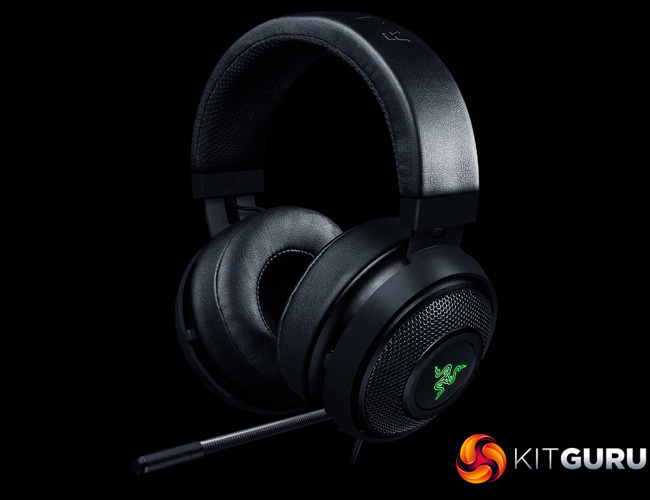
Today we are looking at the Razer Kraken 7.1 V2 headset. The ‘7.1' part of the name is obviously a reference to the surround-sound capabilities of the Kraken, though it should be noted that this is a virtual solution – the Kraken still features just two drivers and relies on software to provide its surround-sound. Nonetheless, priced at £99.95, does the Kraken offer good value for money?
Its specs and feature-set puts the Razer Kraken 7.1 V2 in direct competition with the HyperX Cloud II and the Corsair Void – however, both of these headsets can be found for £20-25 cheaper than the Kraken. As such, it will be interesting to put the Kraken through its paces and see how it fares. In this review, we assess build quality, features and performance before giving our final verdict.
Specification
Headphones:
- Frequency response: 12 Hz – 28 kHz
- Impedance: 32 Ω @ 1 kHz
- Sensitivity (@1 kHz): 123 dB
- Input power: 30 mW (Max)
- Drivers: 50 mm, with Neodymium magnets
- Inner ear cup diameter: 56 mm / 2.2 in
- Connection type: USB Digital
- Cable length: 2 m / 6.6 ft
- Approx weight: 346 g / 0.76 lbs
Microphone:
- Frequency response: 100 Hz – 10 kHz
- Signal-to-noise ratio: > 55 dB
- Sensitivity (@1 kHz): -38 ± 3 dB
- Pick-up pattern: Active noise-cancelling*, unidirectional MEMS boom

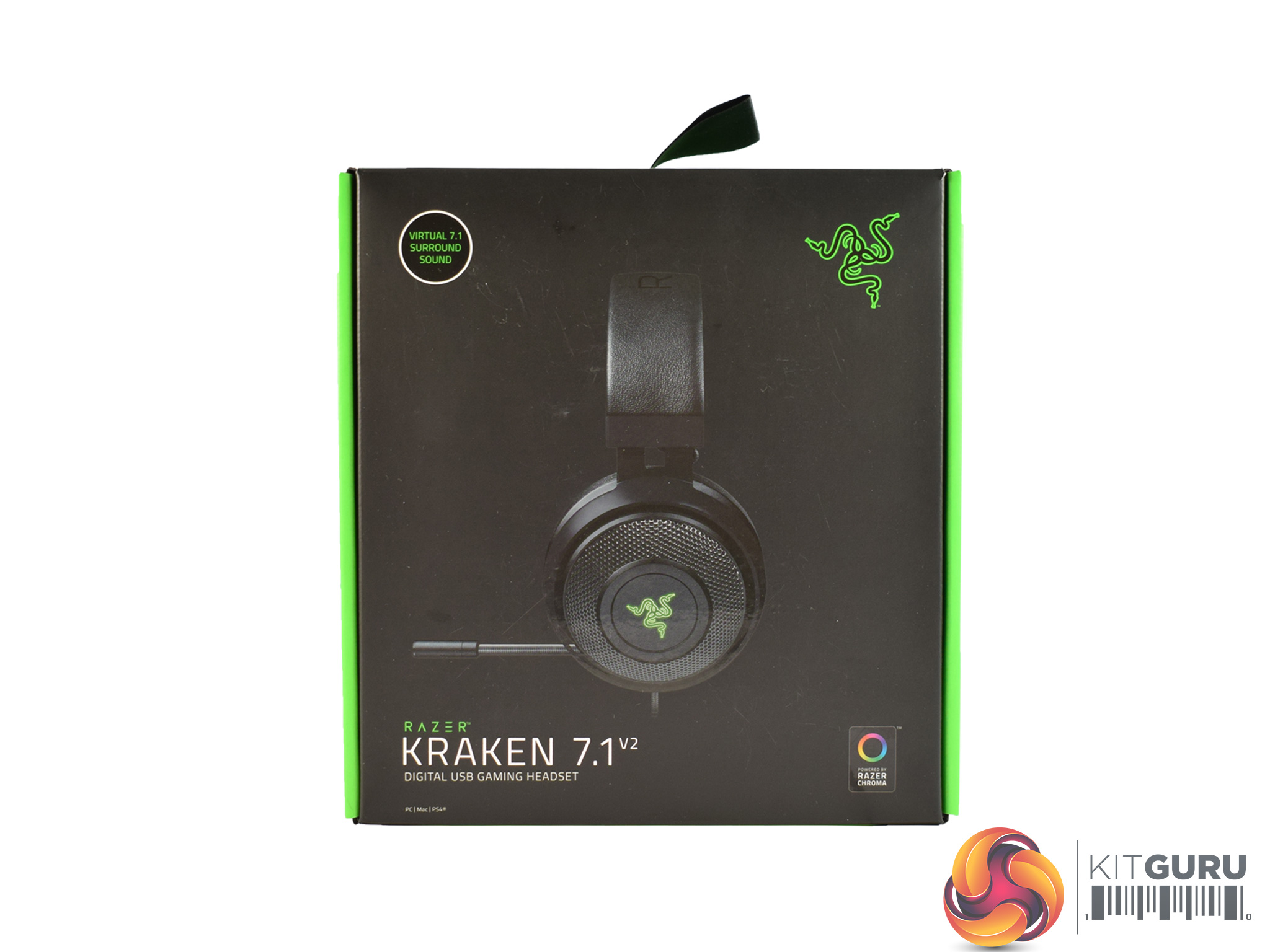
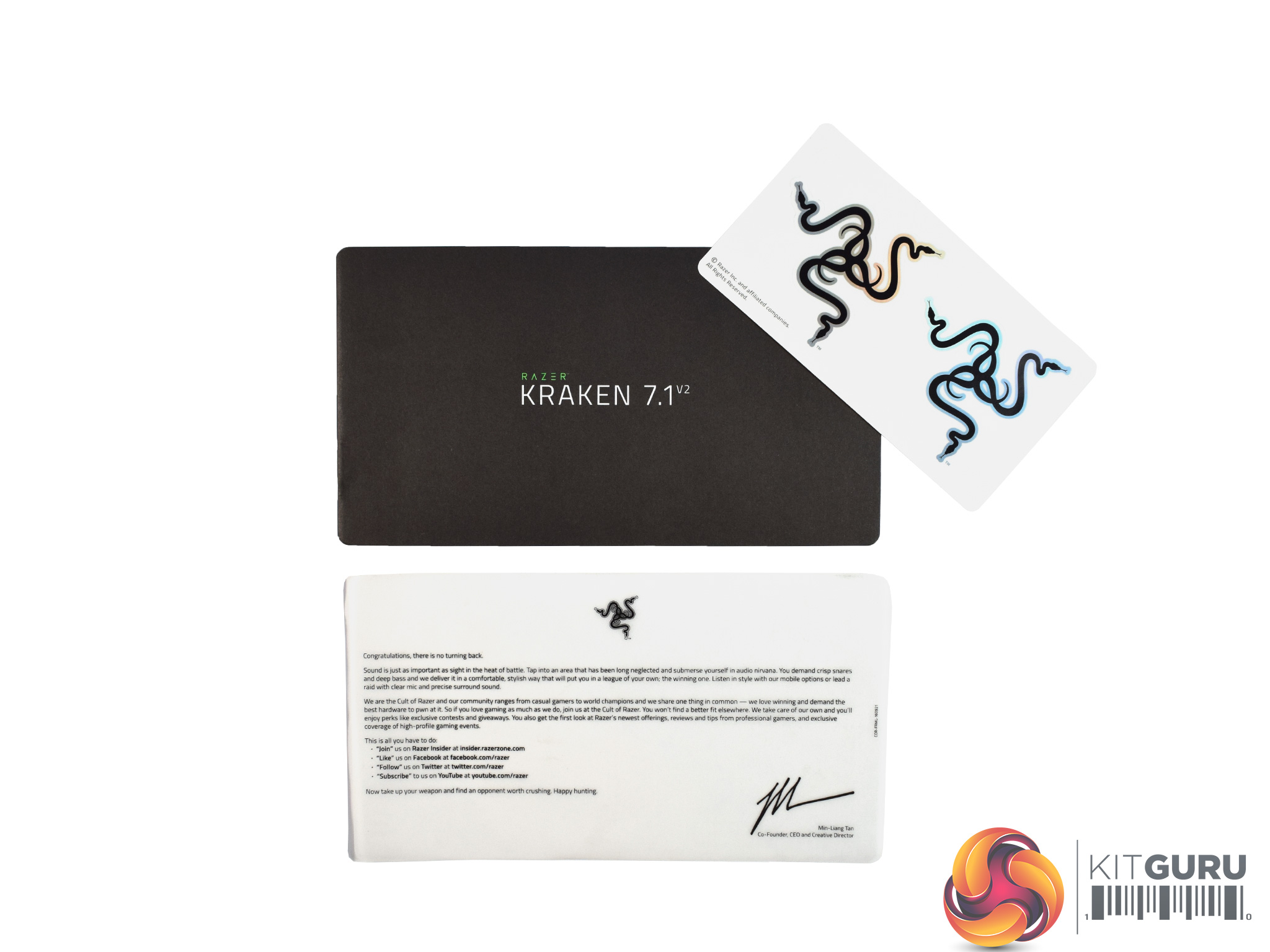
The Razer Kraken 7.1 V2 ships in a standard Razer-styled box – meaning it is black with green accents.
Inside, there is little in the way of extra accessories: a manual, ‘welcome to the Cult of Razer' greeting card and two stickers are all you get with this headset.
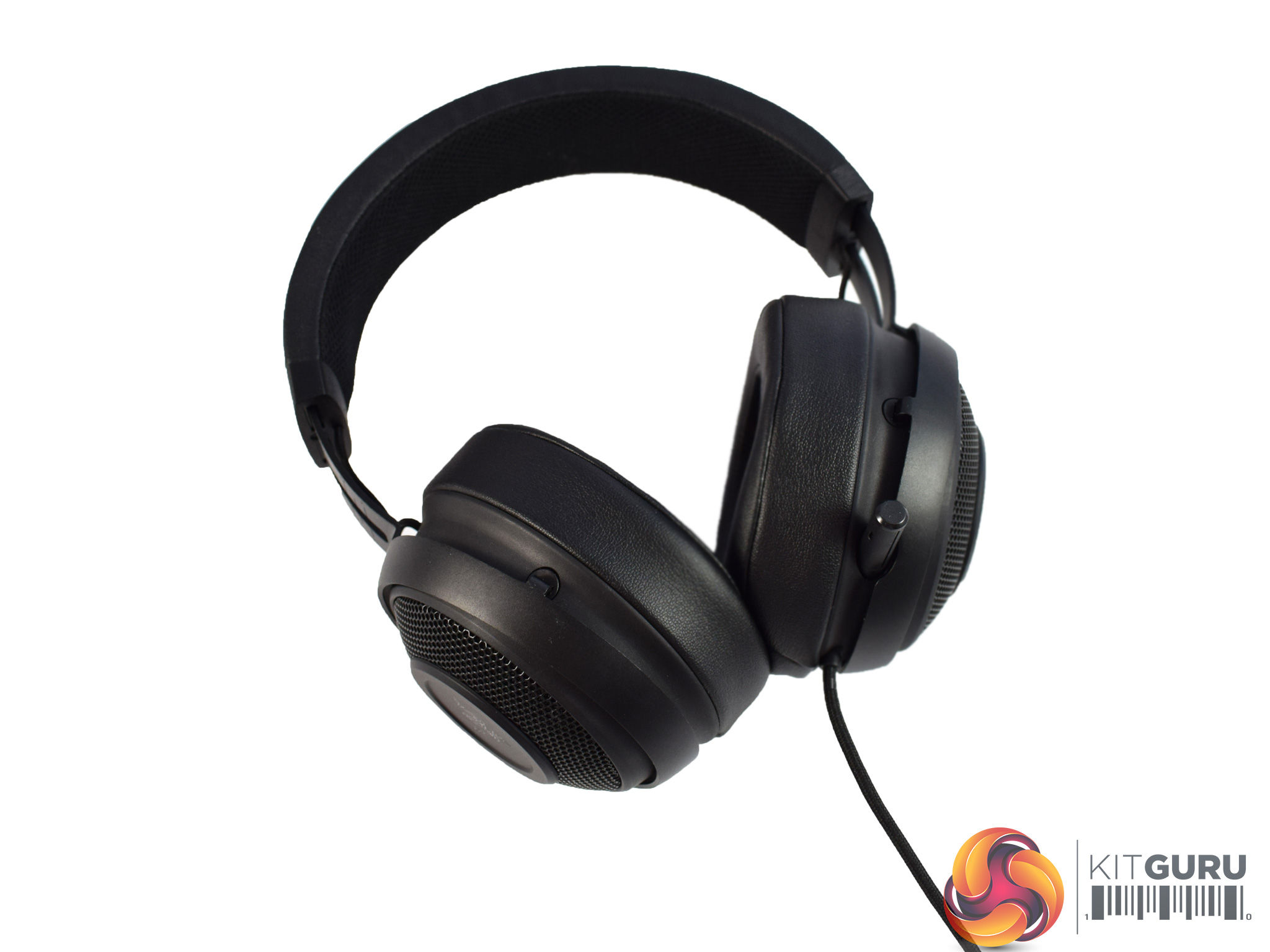
The headset is what we are interested in, though, and I think it looks great. While there is an ‘overview' photo of the headset above, we will take a closer look at some of the headset's features below.
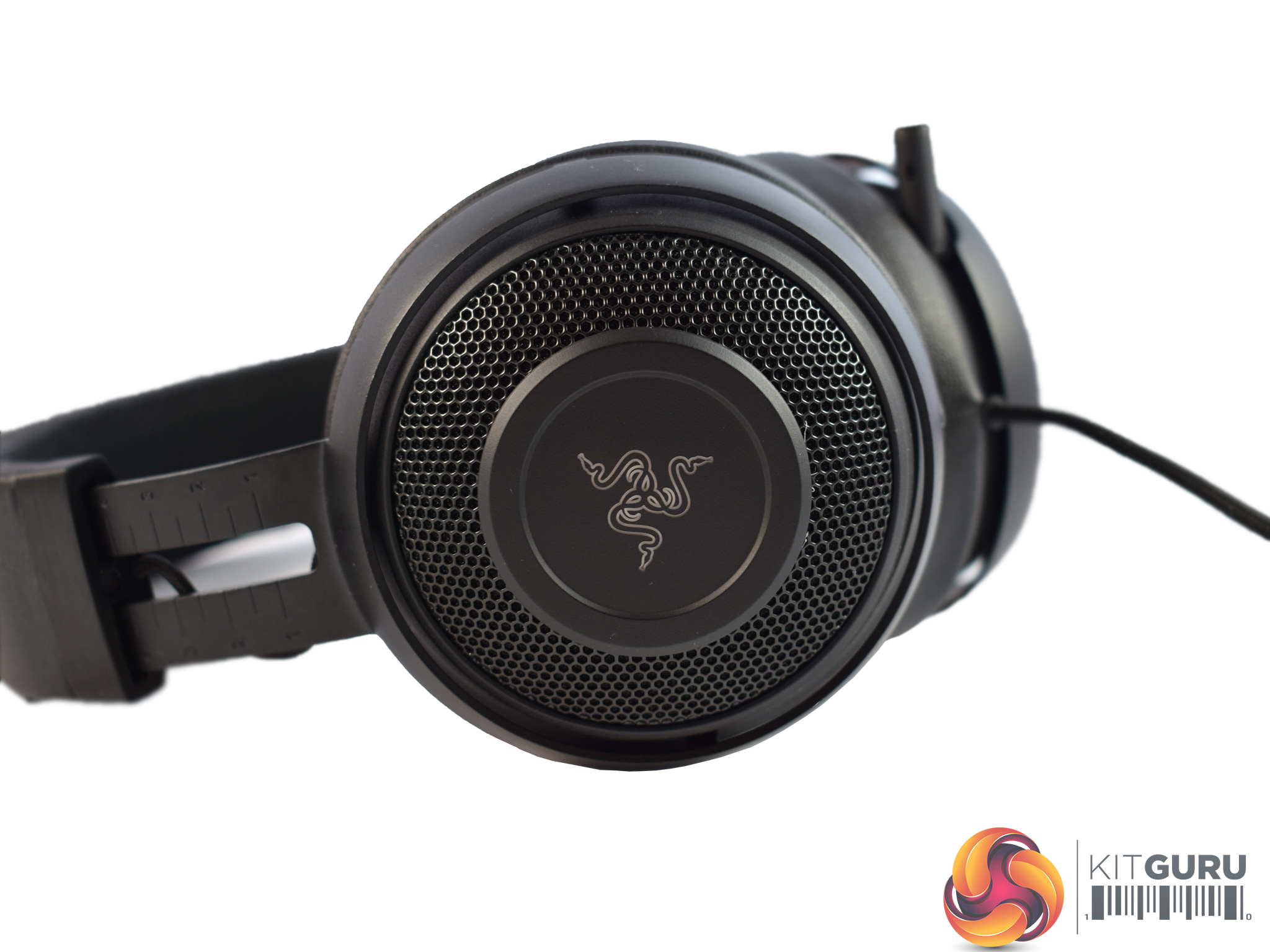
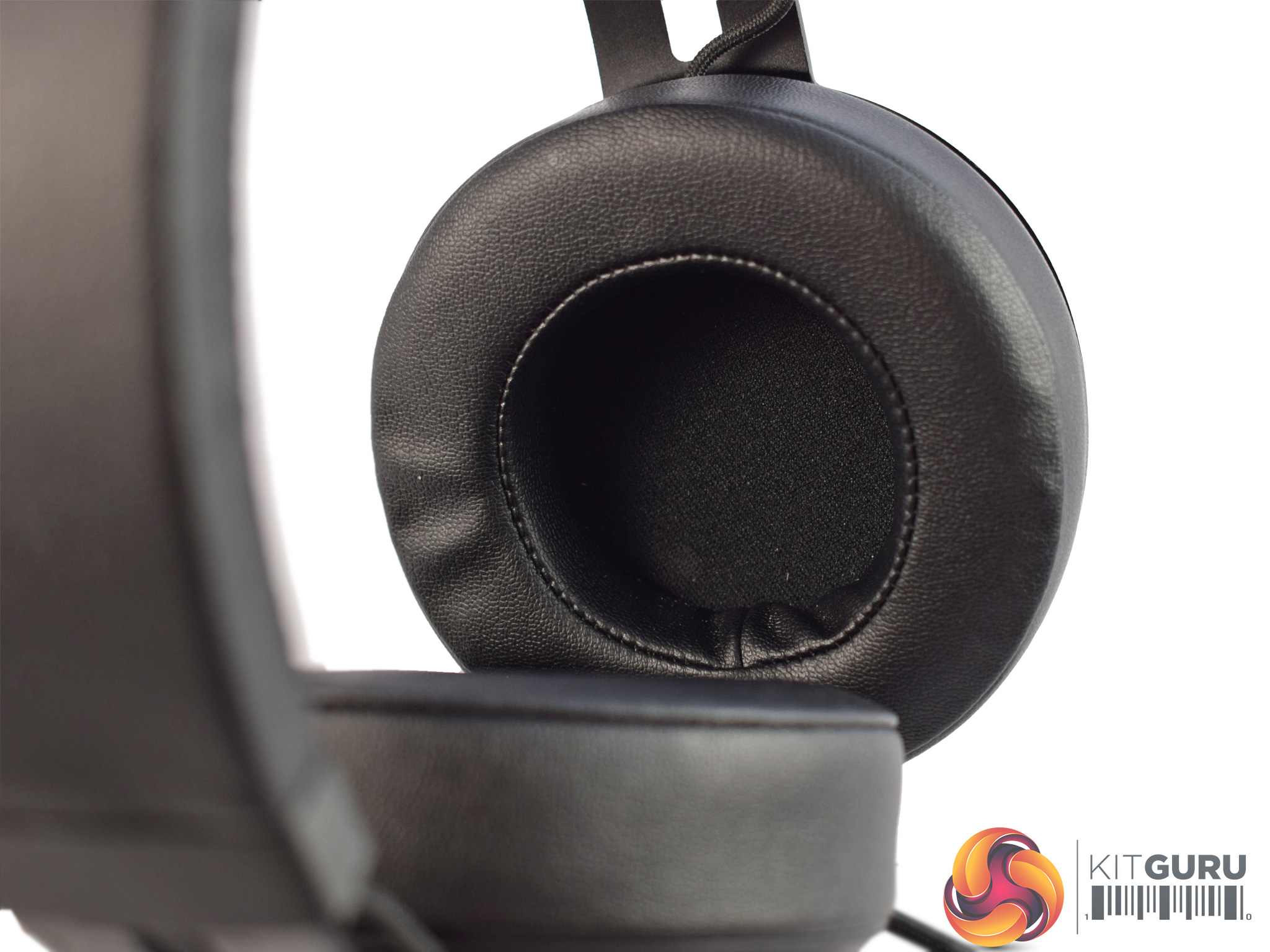
Starting with the earcups, it may look like the Kraken uses an open-back design thanks to the mesh ring that surrounds the Razer logo. However, this is just for show as the cups are actually closed-back. Incidentally, the Razer logo is also illuminated by RGB LEDs which can be controlled using the Synapse software. This is something we look at on the next page.
Taking a look at the ear cushions, we can see they are circumaural – meaning they cover the entirety of your ears. The cushions are made of faux-leather, which should hopefully mean the headset is nice and comfortable. Users can also swap out the circular ear cushions for oval ones, but you do have to buy the oval cushions separately.
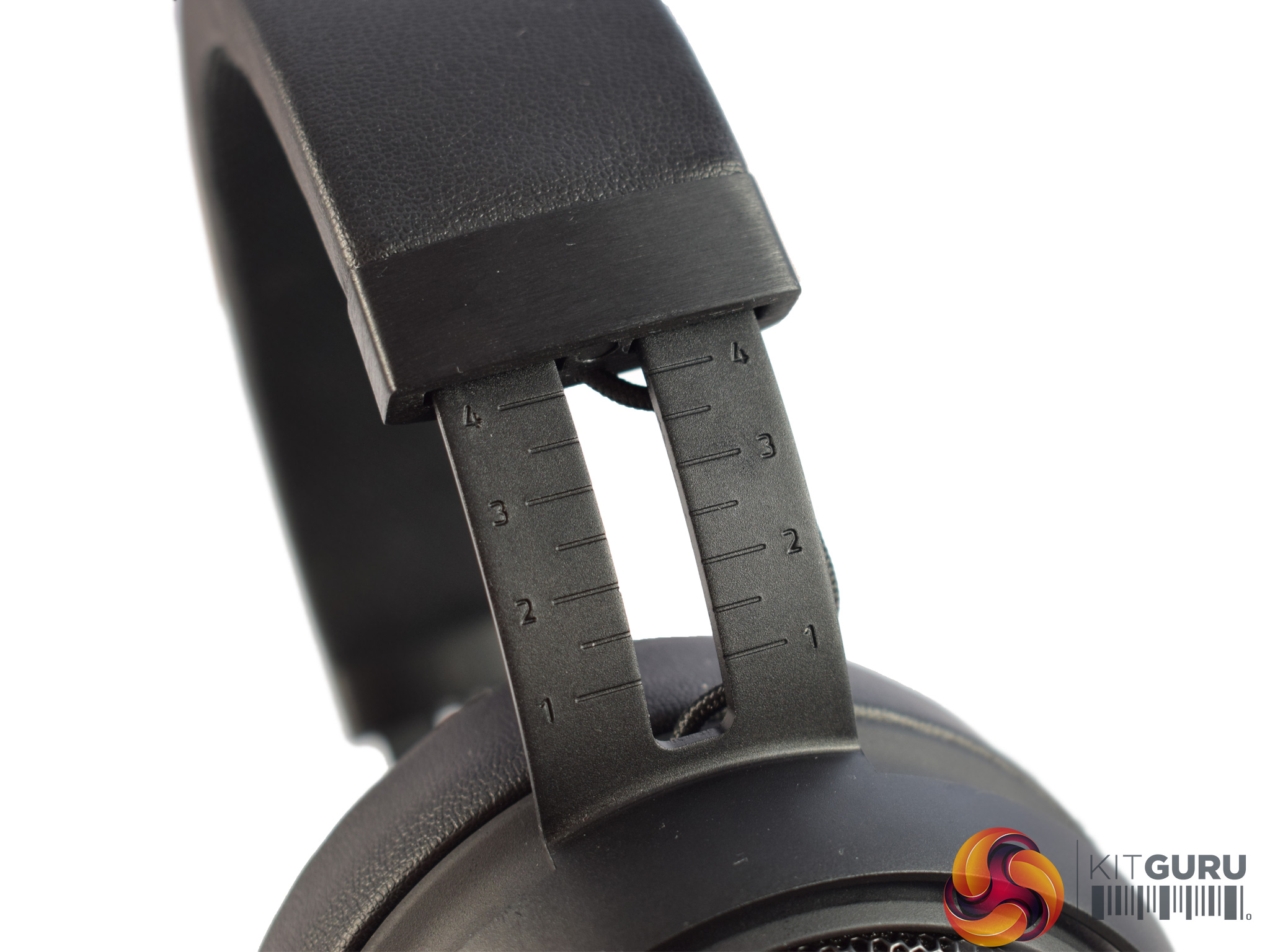
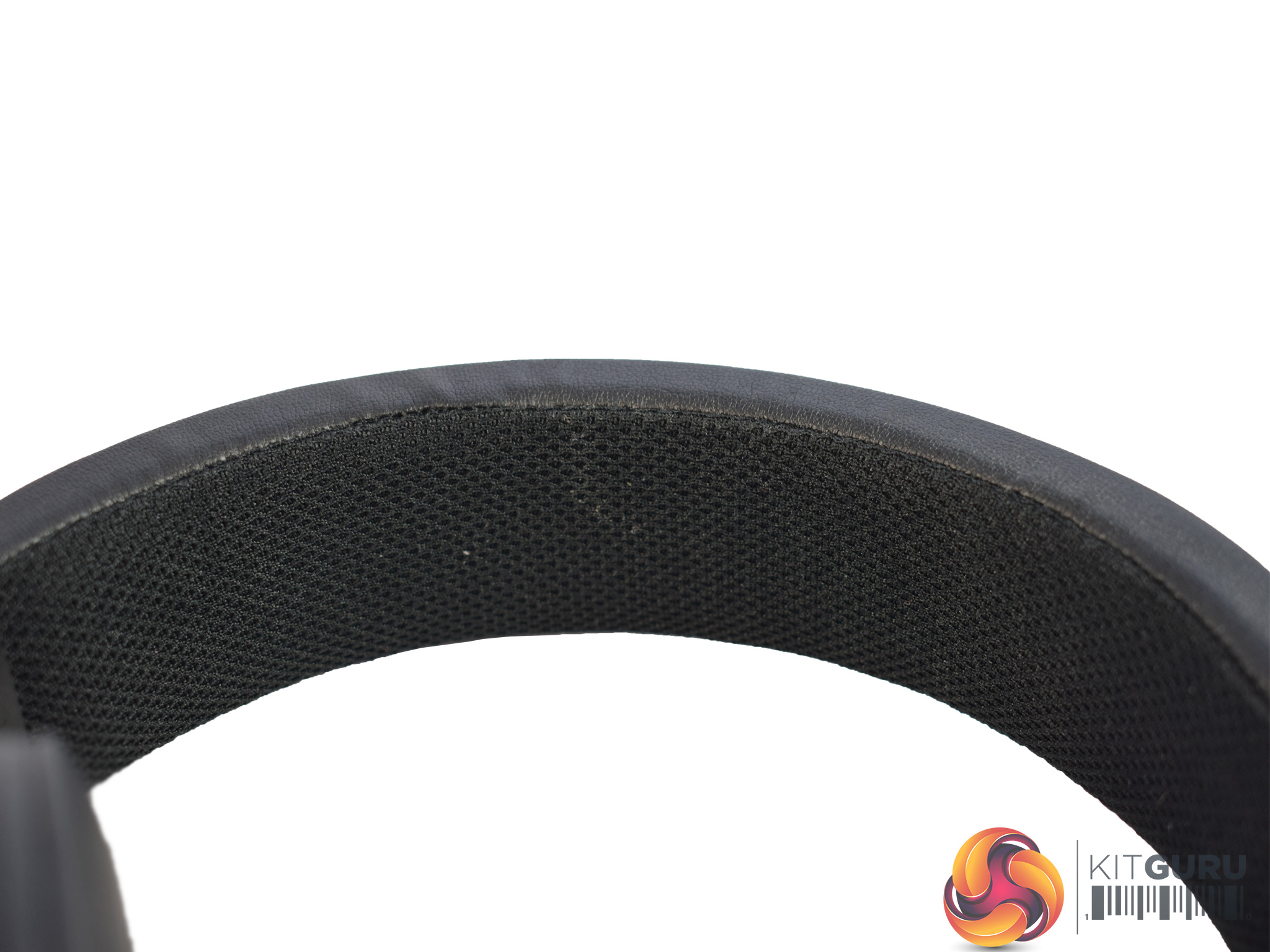
Moving on, here we get a look at the headband. Razer is keen to stress that the unibody headband is actually made from Bauxite aluminium, which means it looks and feels exceptional. It should also help durability in the long run, though this is something we cannot test due to having limited time with our samples.
Razer has also etched different size markings into the headband frame – this allows you to to make sure that both sides of the headset are the same length, something I know I appreciate.
Lastly, the underside of the headband is covered by a meshed fabric padding which should help keep the headset comfy.
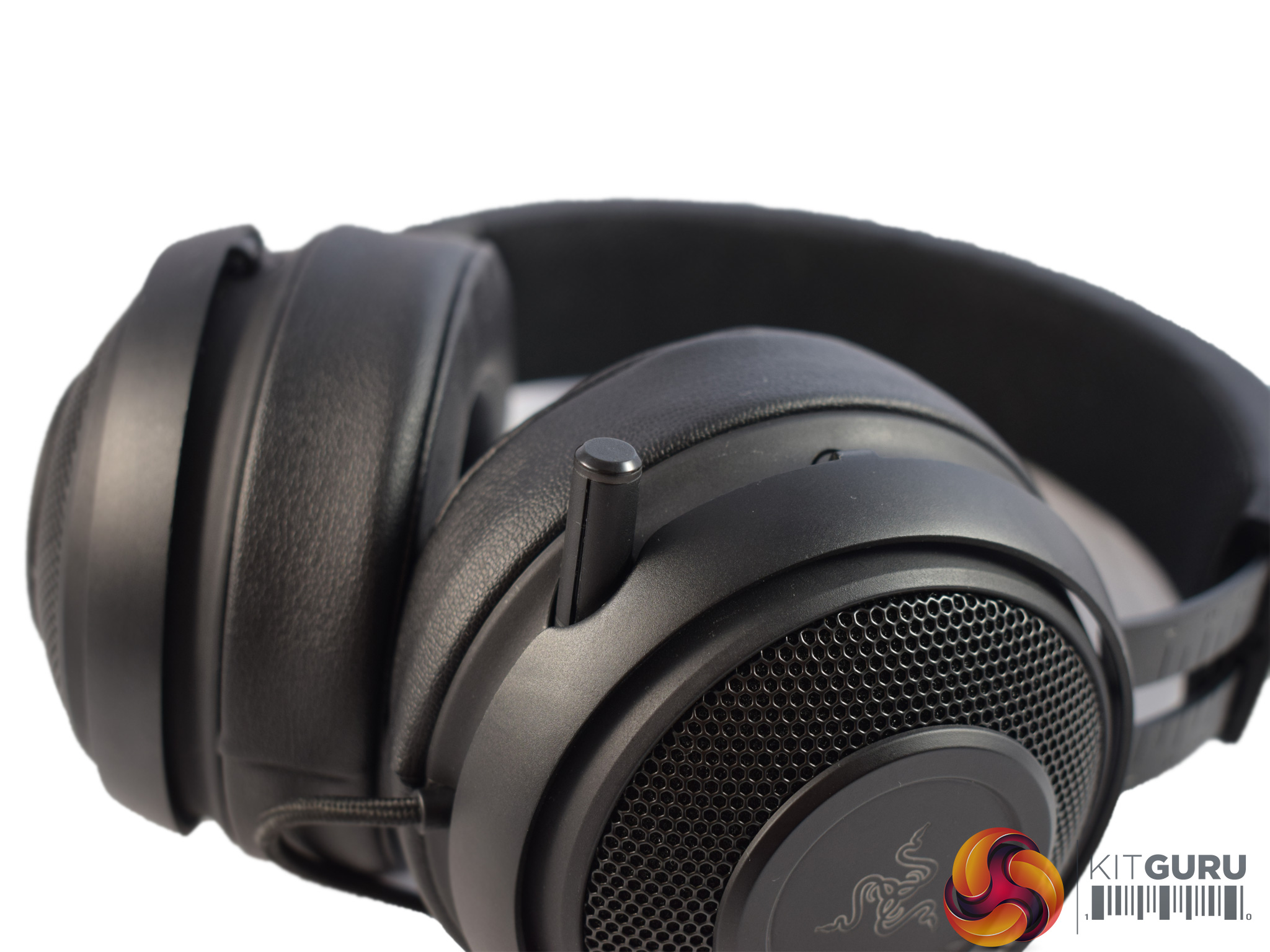
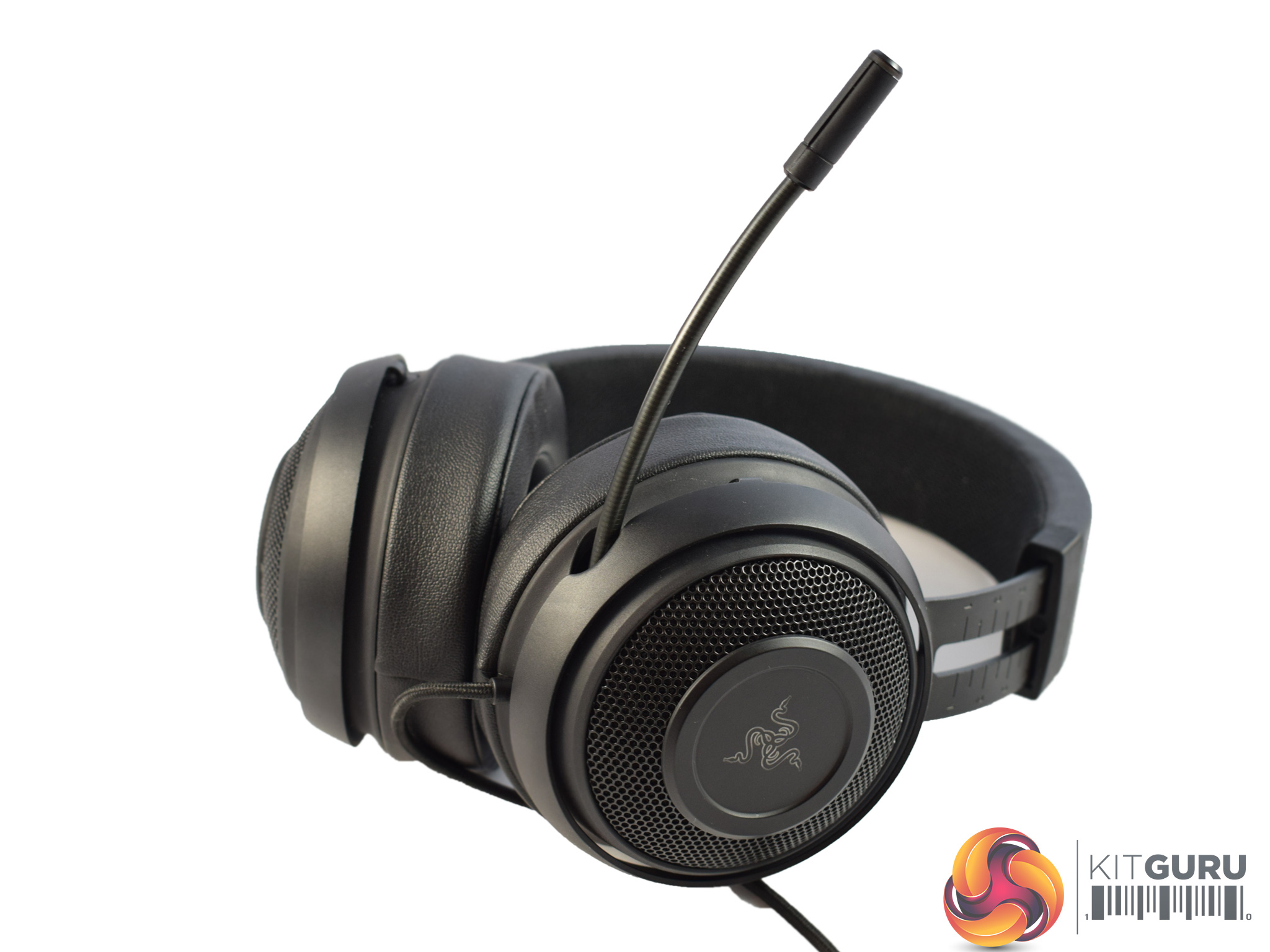
Elsewhere, Razer has done something pretty cool with the Kraken's mic. Essentially, it is fully retractable. In the image above, left, you can see the mic tucked away and barely sticking out from the headset's frame. In the image above, right, the mic is fully extended. This is a neat solution as it means you cannot lose the mic (as is possible with a fully-removable mic) while it also prevents the mic from getting in the way when you are not using it.
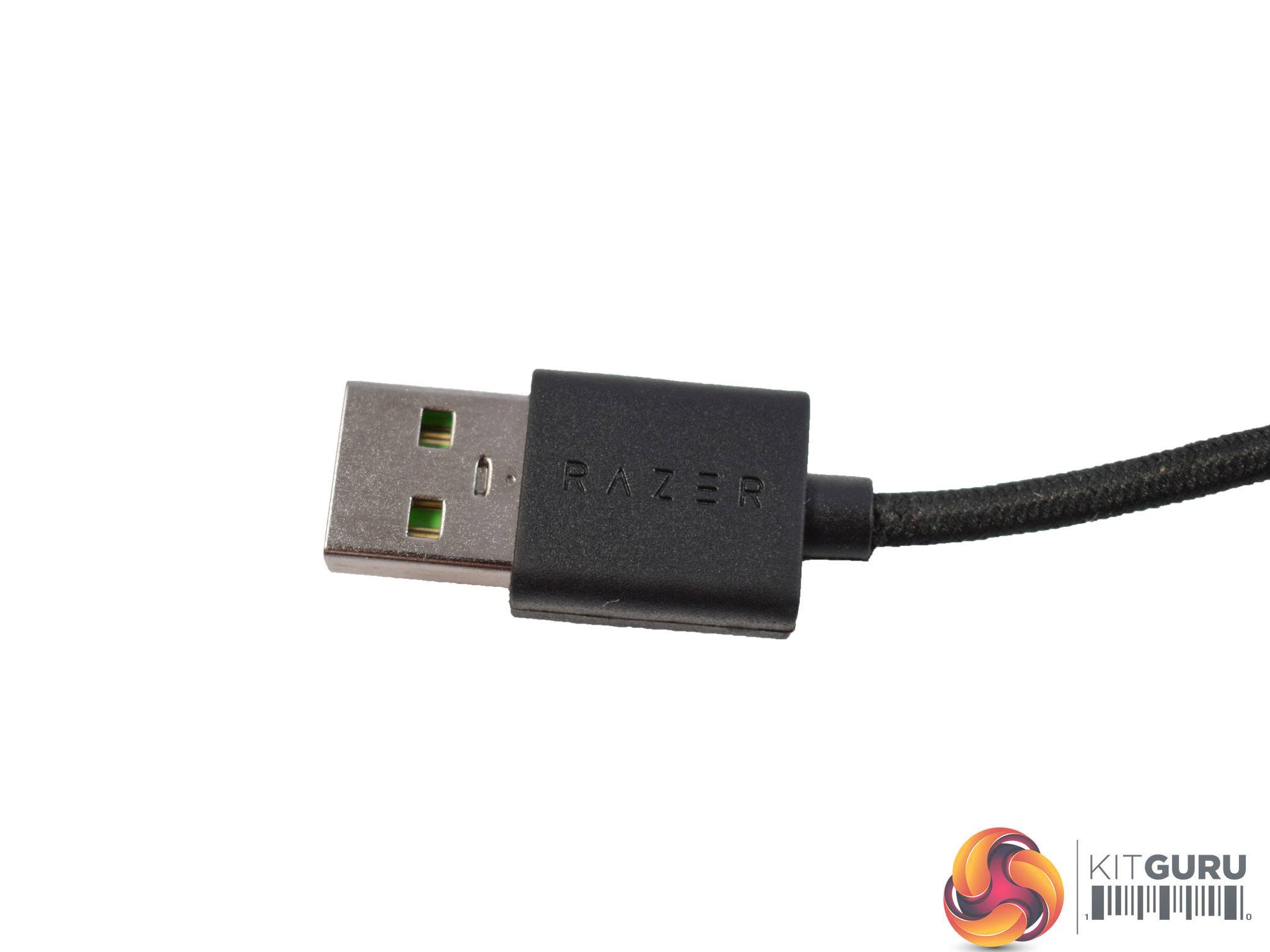
Lastly, the Kraken connects via USB. The USB cable is braided, 2m-long and non-detachable.To test the Razer Kraken 7.1 V2, I used it as my daily driver while playing games, listening to music and watching a variety of videos. During this time, I noted the comfort, practicality and sound-quality of the Kraken – details I will present to you here.
First, let's take a look at the included software. This being a Razer headset, Razer Synapse is the go-to software utility.
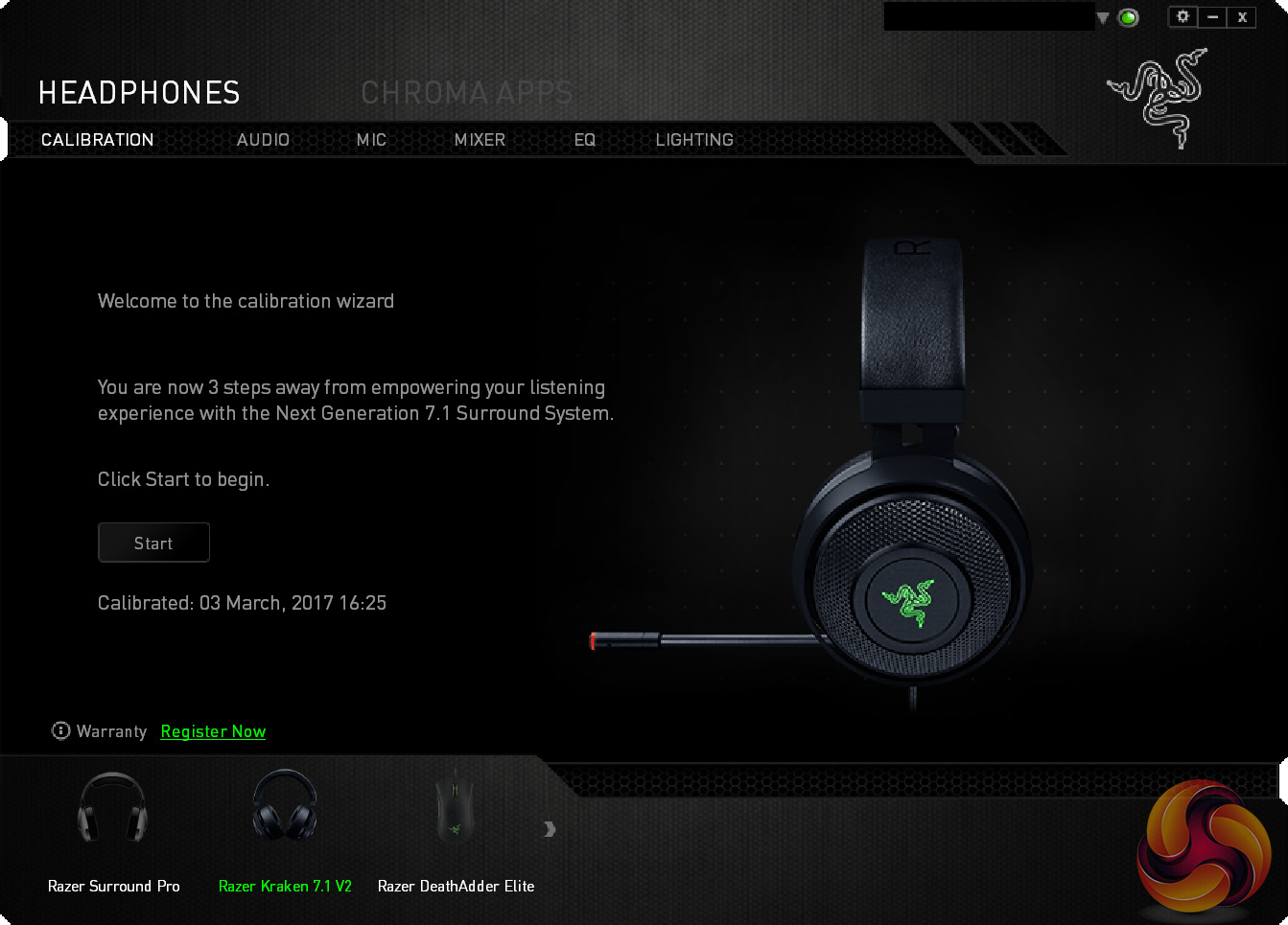
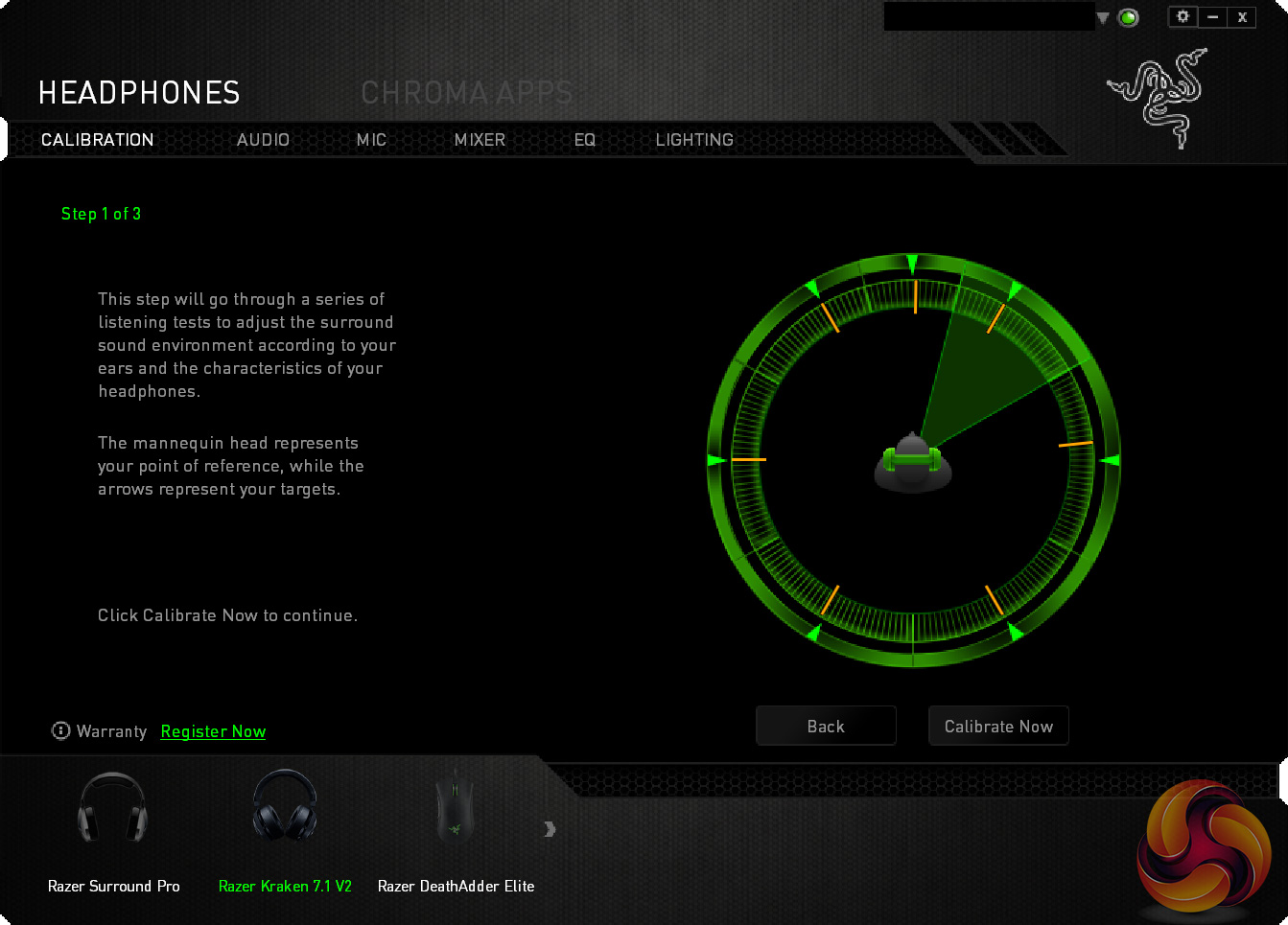
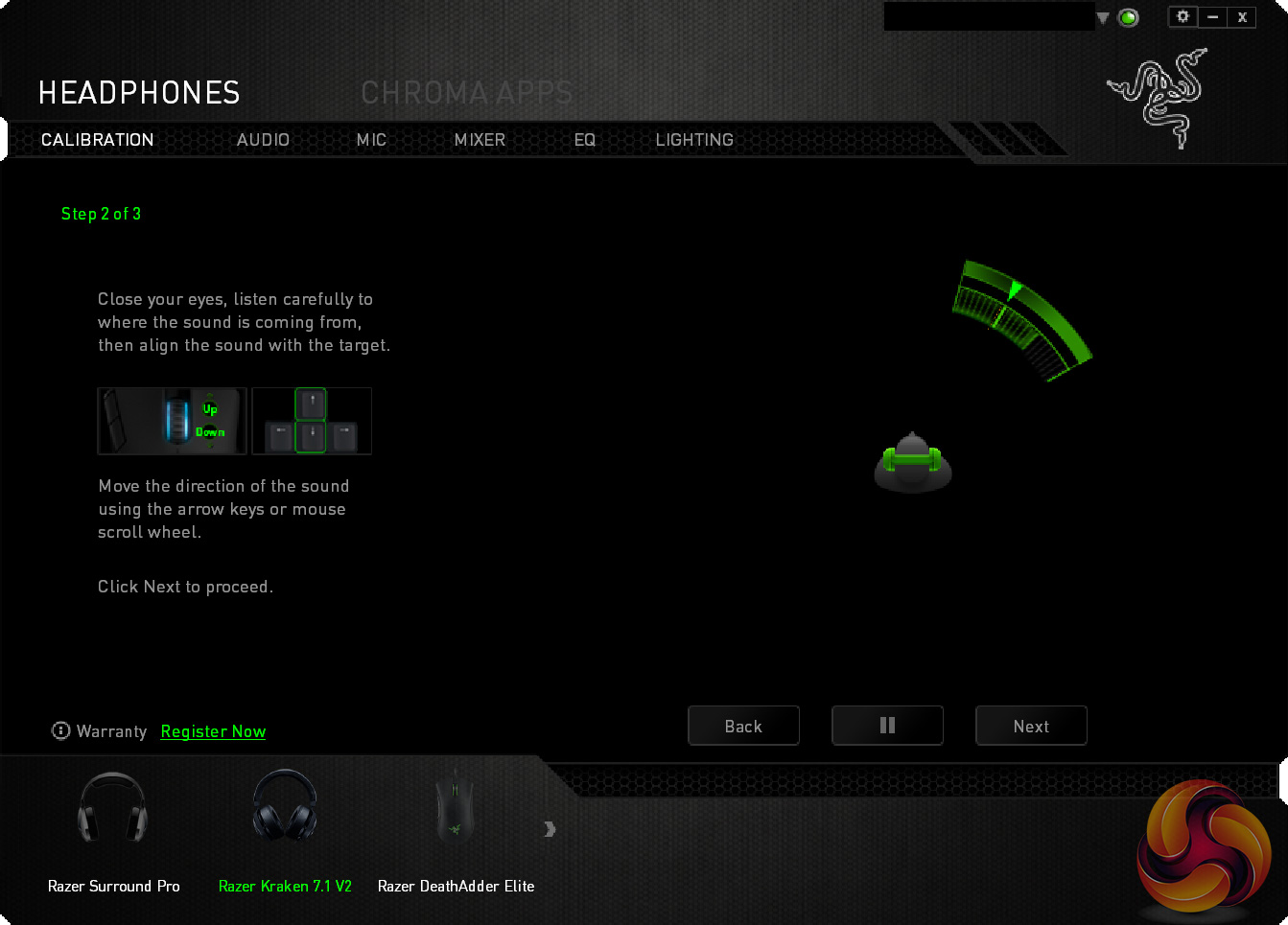
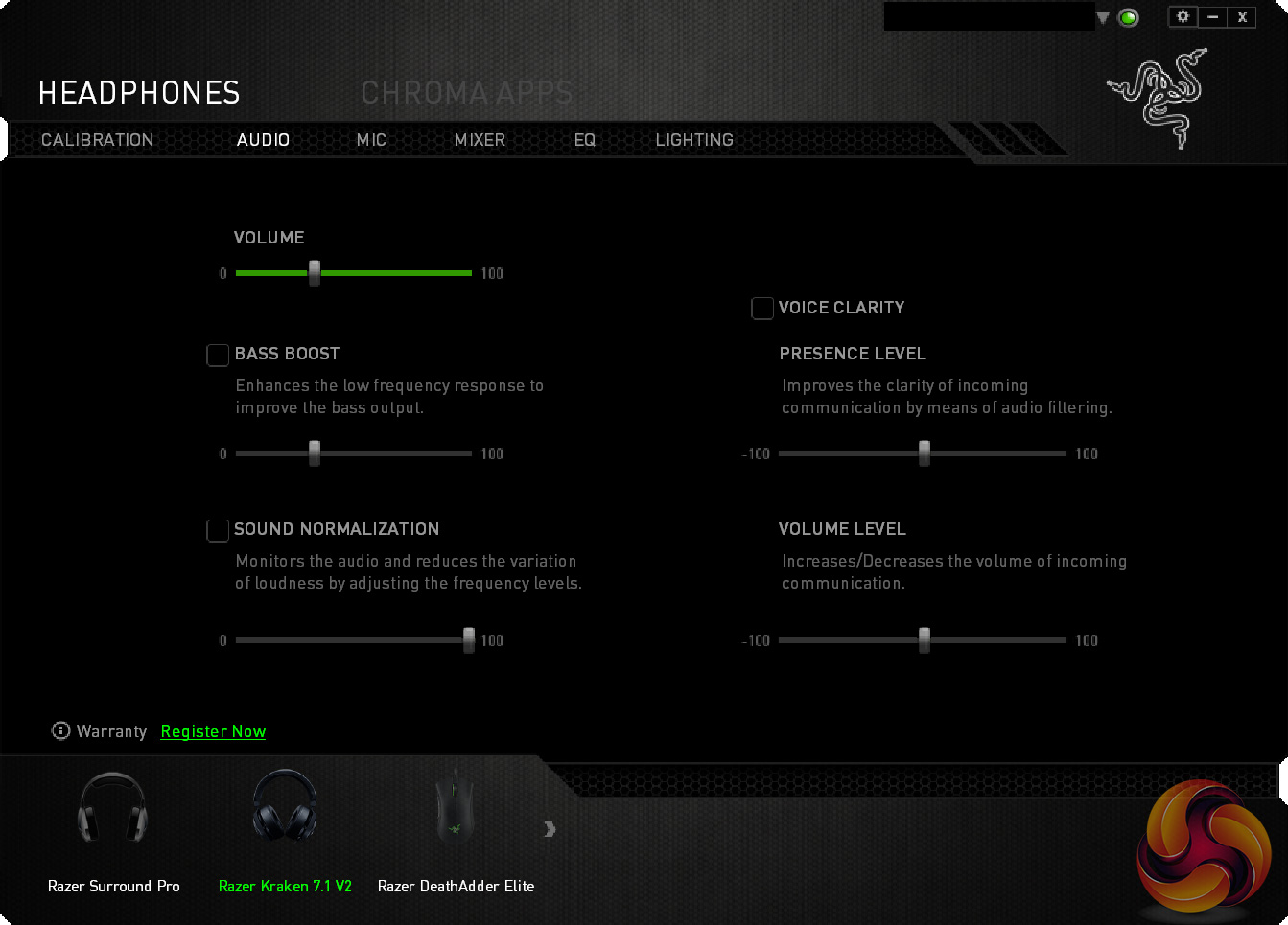
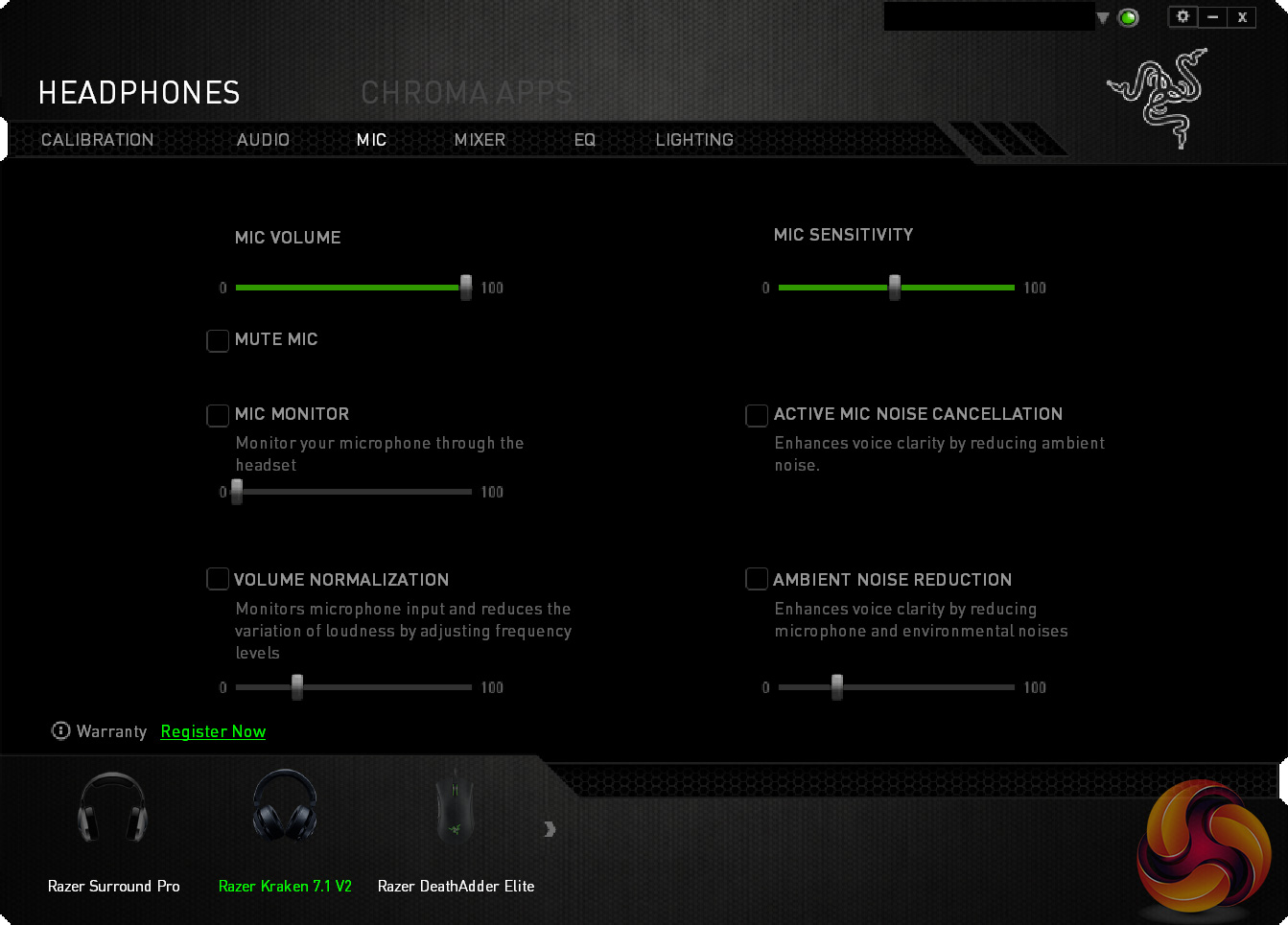
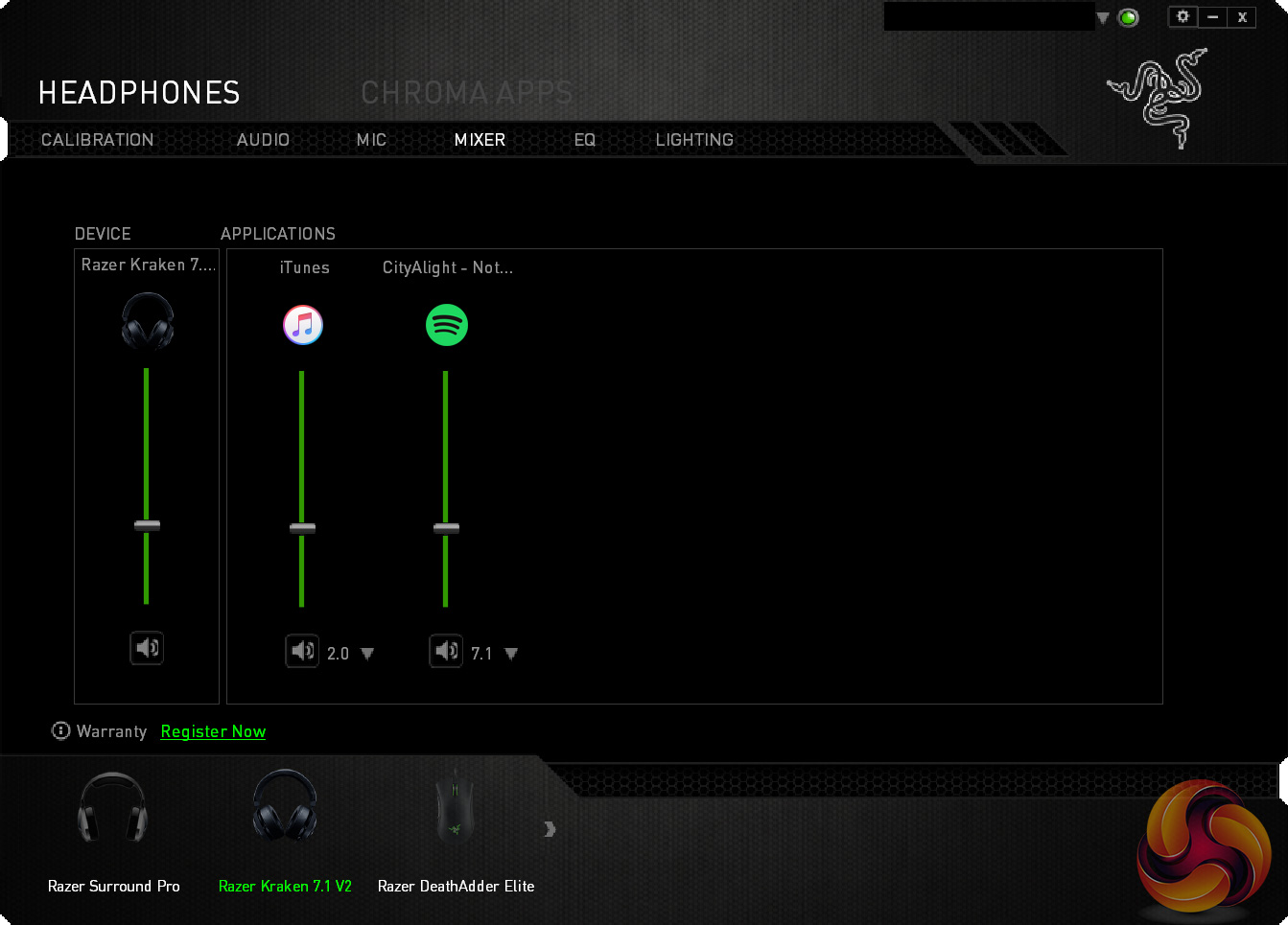
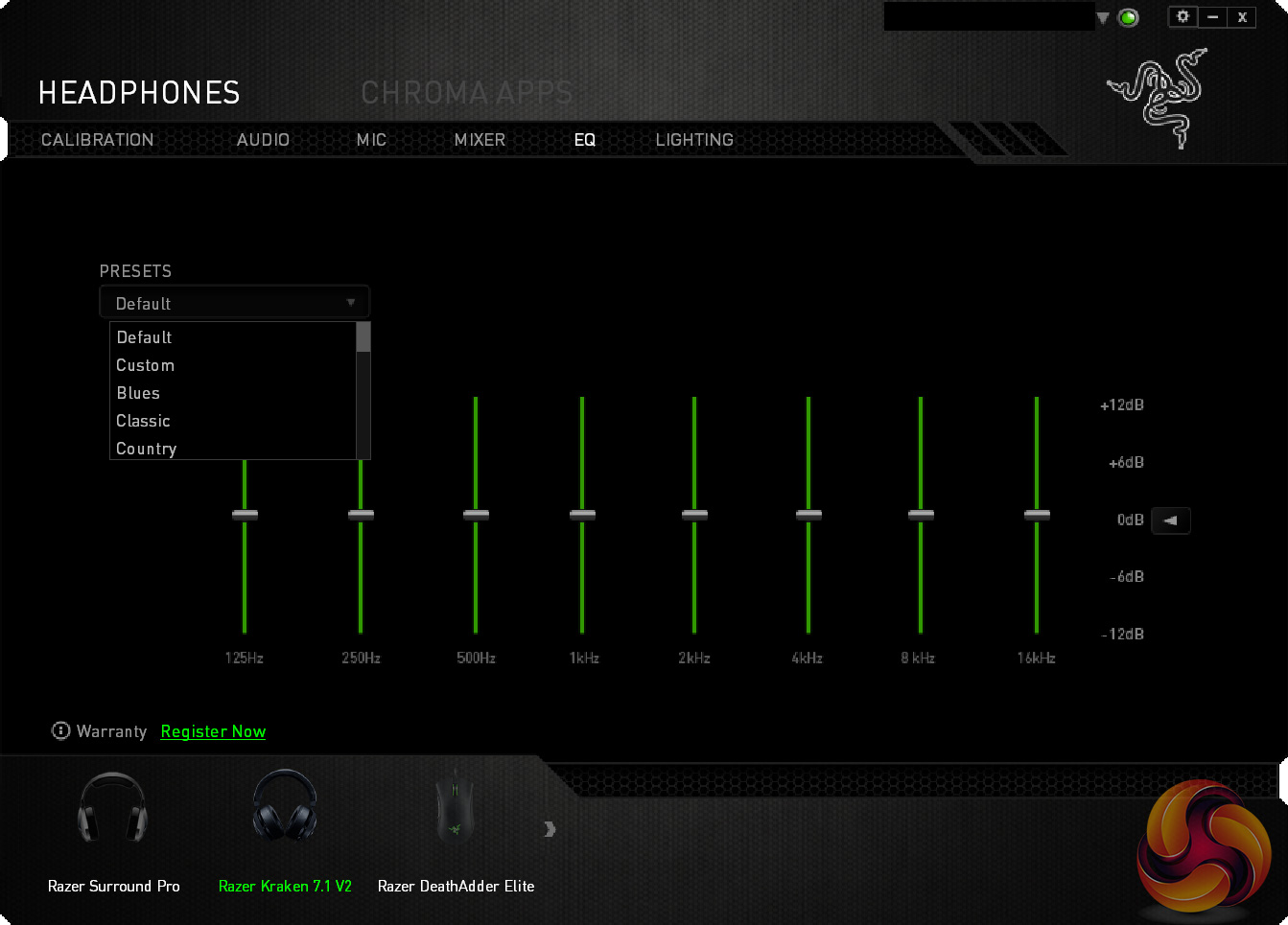
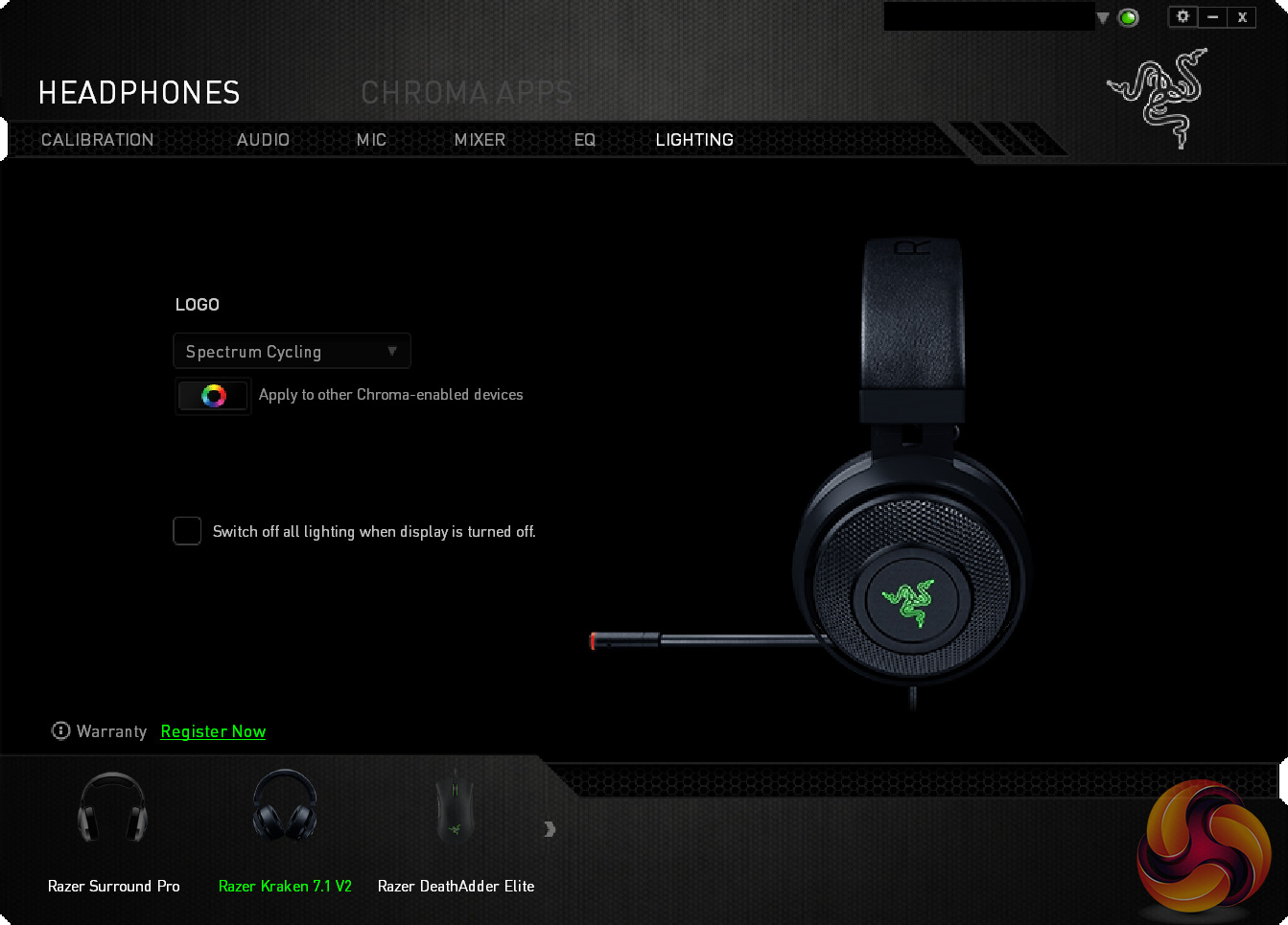
Above you can view a gallery of 8 screenshots taken from the Synapse software. While it is mostly what we have come to expect from Razer's software – meaning it is very clean, good-looking and easy-to-use – there are a couple of things I want to mention.
First, the headset's ‘calibration' setting is brilliant. Here, a continuous sound plays through the headset, and the idea is that users ‘move' the direction of the sound to align it with the different surround-sound channels. It is quick and easy to do, while it also showcases the effectiveness of the Kraken's surround-sound capabilities, even if it is software-based surround instead of true surround-sound.
However, one thing I would have liked to see in the software is a simple surround-sound/stereo toggle option. By default, everything plays back in the 7.1 surround mode and the only way to change this is on an app-by-app basis in the ‘mixer' section of the software. While this is useful as you can individually programme different apps to play in stereo or surround-sound modes, you can only change the settings for an app which is currently open, so you have to manually open every different app/game to enable/disable surround-sound for that app. I think a simple surround-sound/stereo master setting would make life easier for quick changes.
All-in-all, though, Synapse is very successful. The lack of a master surround/stereo option is my only complaint.
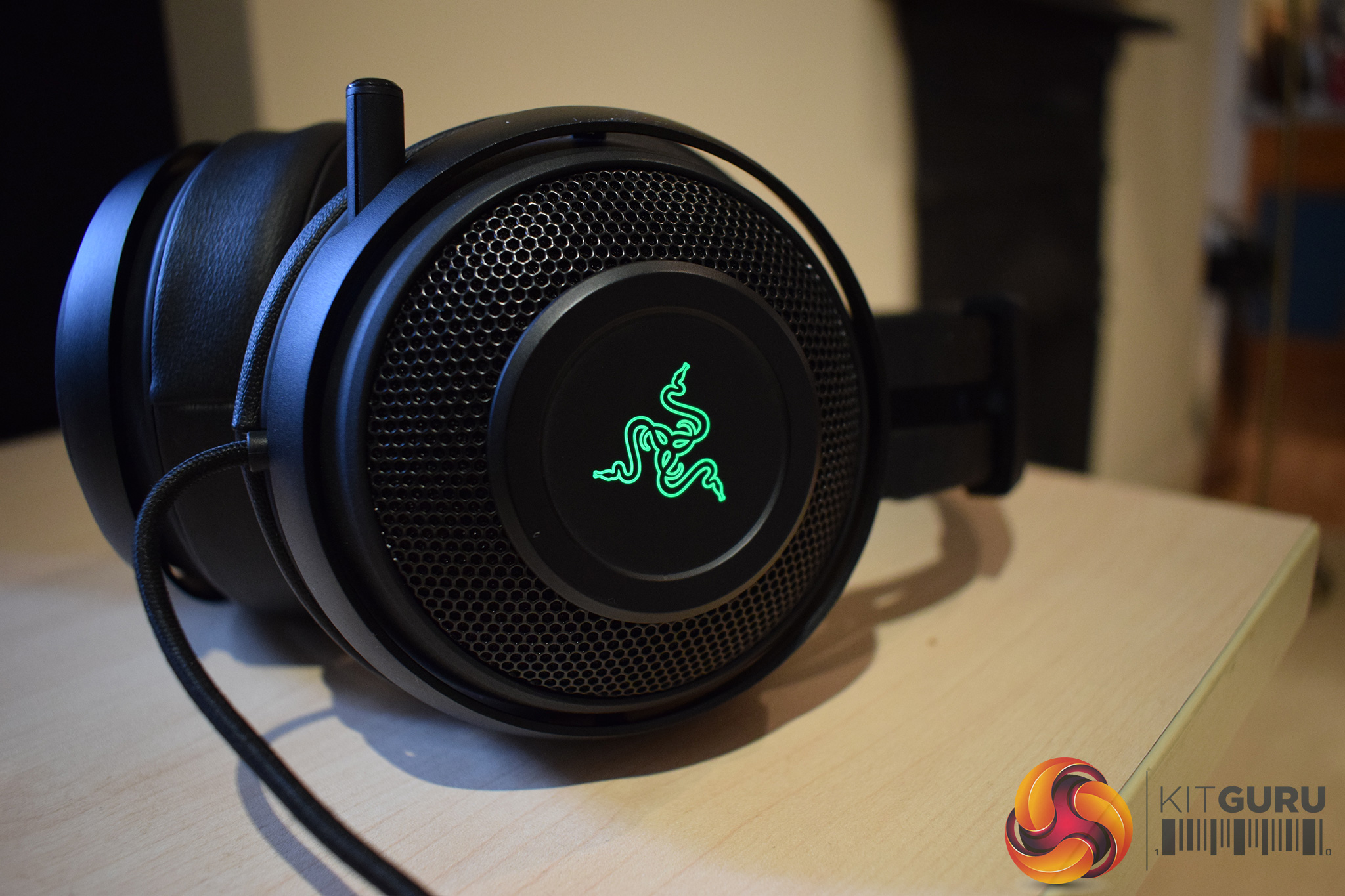
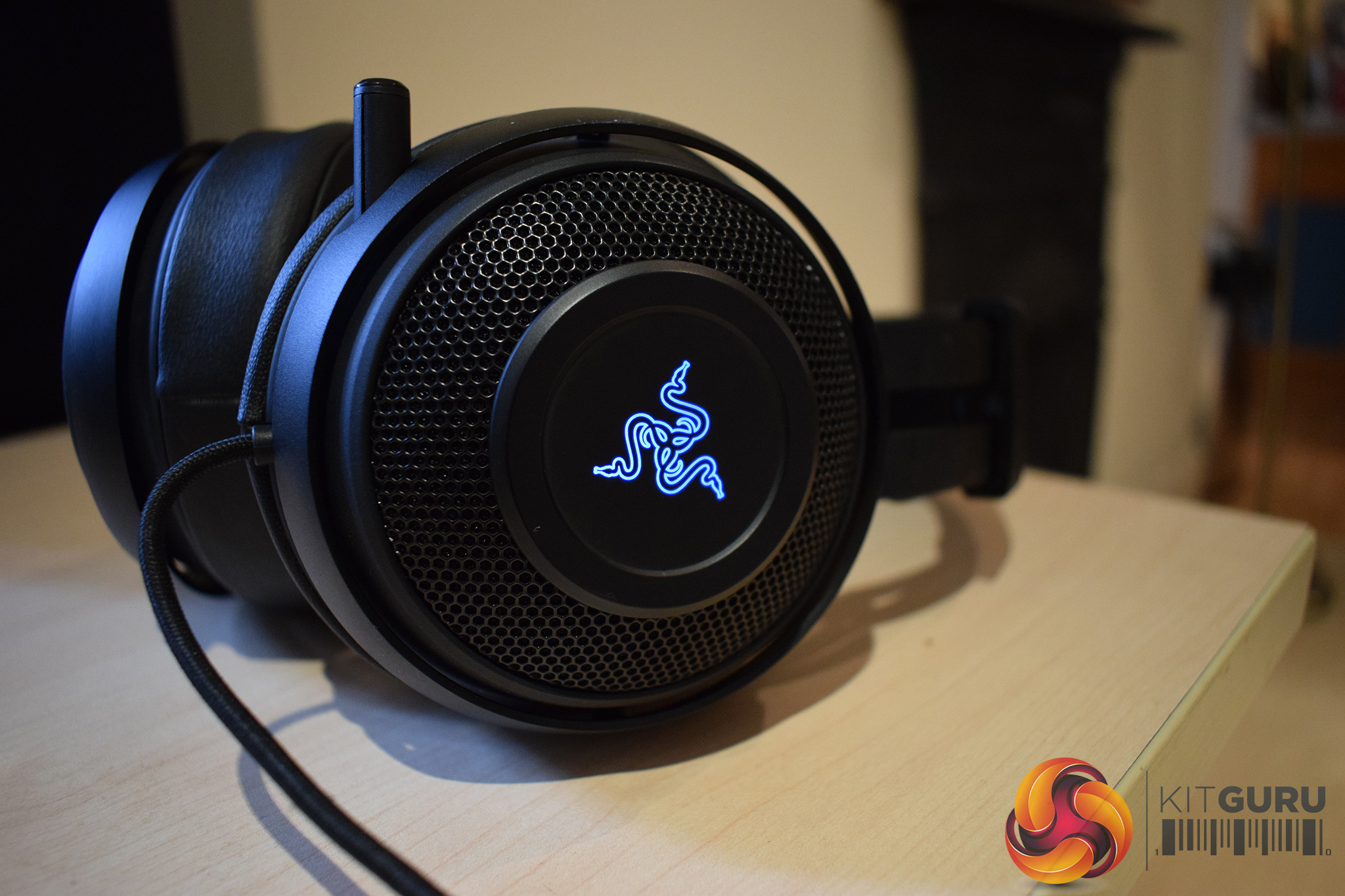
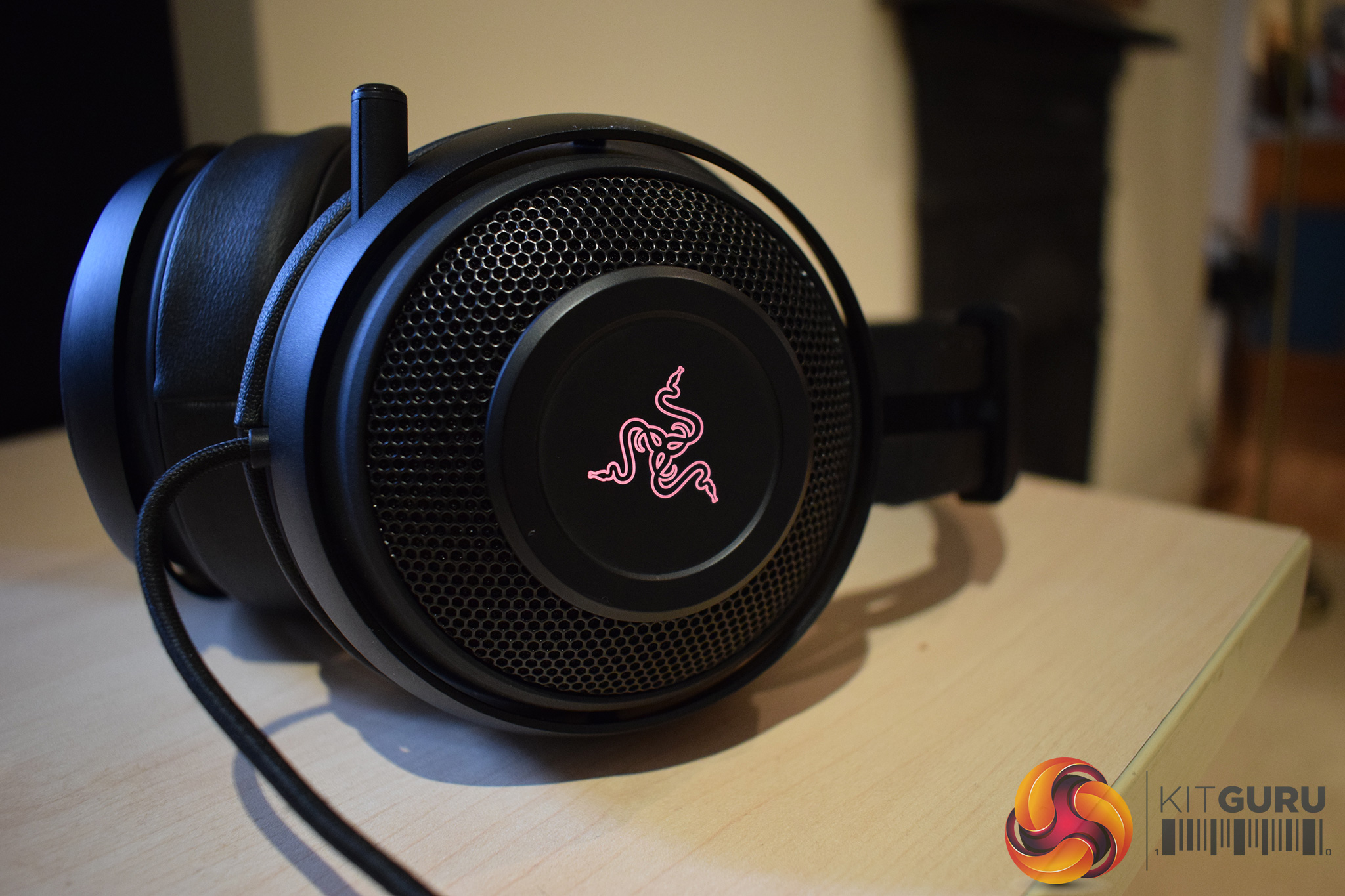
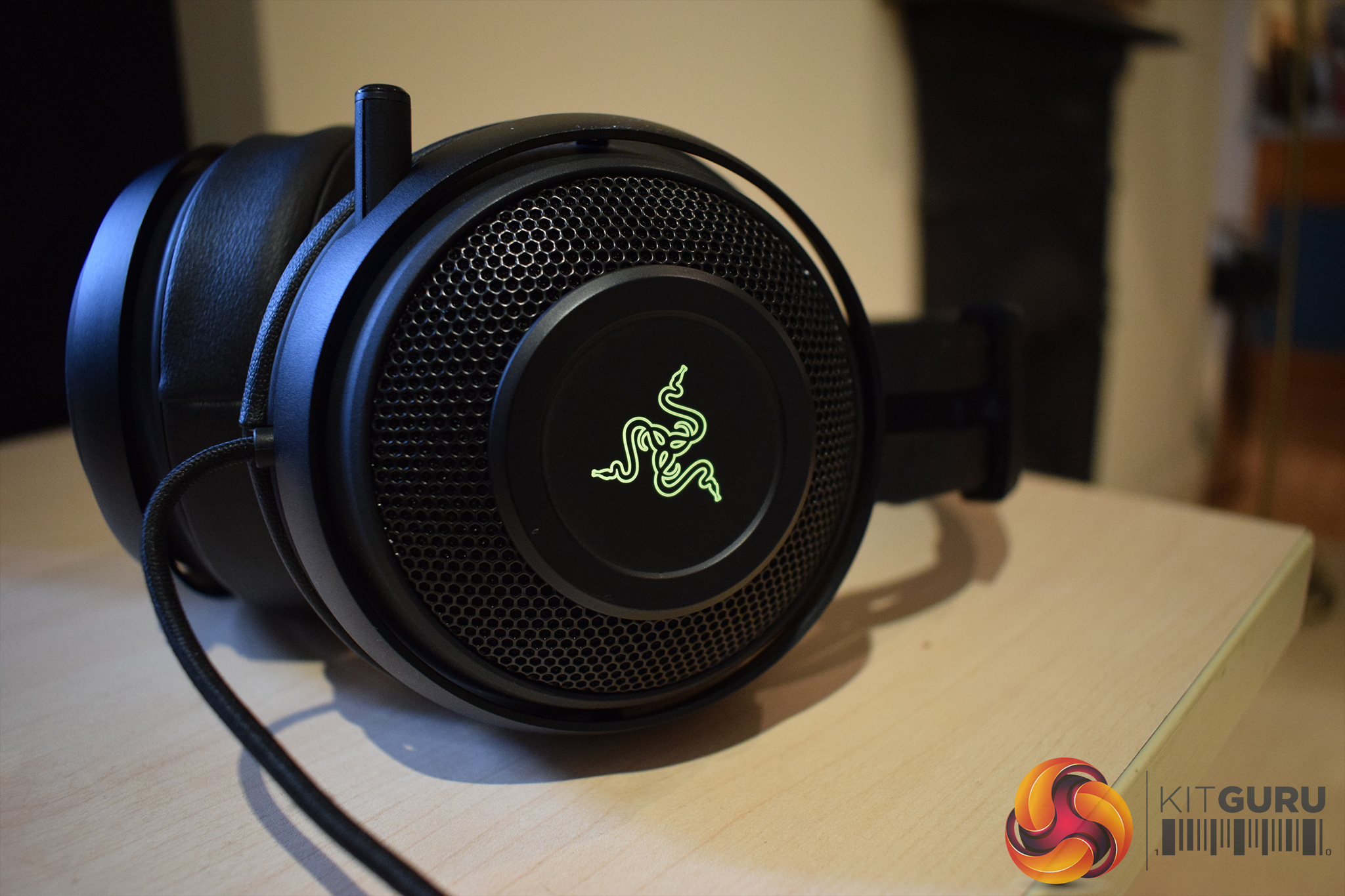
Moving on, the Kraken actually sports some subtle RGB lighting. The Razer logos on each earcup can be configured to display one of 16.7m colours using Synapse, and you can see 4 examples above.
Personally, I think the lighting looks great. It is not over-bearing or gaudy (unlike the ThunderX3 TH40), instead it contrasts very nicely against the matte-black headset frame.
However, let's get down to what you are here for – the audio quality. In short, the audio quality is very good for a gaming headset, though it is not quite perfect.
On the whole, the Kraken is quite bass-heavy – which can be good or bad. Listening to some heavy metal and house tracks sounds great thanks to the bass as there is a real thud and drive to the music. The bass can adversely affect speech, however, which makes video-watching or spoken-word tracks slightly disappointing as the mid-range does get overshadowed by the strong bass.
It is not the end of the world, though, as you can actually tweak the EQ using Synapse, so tuning down the bass frequencies is an option if the bass is too much for your liking.
That being said, the bass does give some urgency and intensity to gaming sessions. Using the Kraken for playing some of my favourite FPS games (Star Wars Battlefront, Crysis and Doom) is very rewarding as explosions sound very close and real, while gunfire is full and rich.
While speaking about gaming, we must also mention the 7.1 virtual surround-sound capabilities of the Kraken. I usually find that virtual surround solutions definitely offer a wider soundscape than standard stereo headsets – for example, while playing Battlefront, I could pick out the sound of footsteps and identify the general direction they were coming from. What virtual surround cannot do, though, is give you 100% directional accuracy. This is where a headset like the ASUS ROG Centurion comes into its own (as it features 5 drivers per earcup for proper 7.1 surround).
Before talking about the comfort of the Kraken, let's mention the mic. Personally, I think this is probably one of the best gaming headset mics I have ever used. Recordings of my voice, made using Audacity, sound extremely clear and crisp, without a hint of distortion. I cannot not hear any background noise in the recordings, either, which is definitely a testament to the active noise-cancelling feature of the mic. The ability to fully stow the mic away when it is not in use is also very handy if you are just listening to music.
Lastly, the comfort and practicality of the Kraken. The headset is very comfortable – the earcups fit over my ears very well, while the cups also sit on your ears quite tightly which aids audio isolation. The padded headband distributes the headset's weight well and, even during prolonged gaming sessions, I felt no discomfort.
There are just two negative points I need to mention, though. Firstly, if the cable drags or moves across your body, the noise is amplified through the left earcup. This is frustrating when watching videos or listening to quiet music, though it did not distract me while I was gaming.
Secondly, there is no in-line controller, or on-ear controls, to allow you to adjust the volume on-the-fly. This means the only way to change the headset's volume is using the software, though you can of course change the Windows volume setting independently. Personally, I would have liked a small volume wheel/switch on the left earcup, while a button to change between stereo/surround-sound modes would also be welcome.All-in-all, I am very impressed with the Razer Kraken 7.1 V2 headset.
To start things off, it is a very good-looking headset. The matte-black aesthetic contrasts nicely with the RGB logo on each earcup, while the aluminium frame also adds some durability to the headset.
Razer synapse continues to be an effective piece of software, too. It lets you adjust the important things – such as EQ, volumes, lighting etc – while there is also a very smart ‘calibration' tool which lets you configure the virtual surround-sound to your liking.
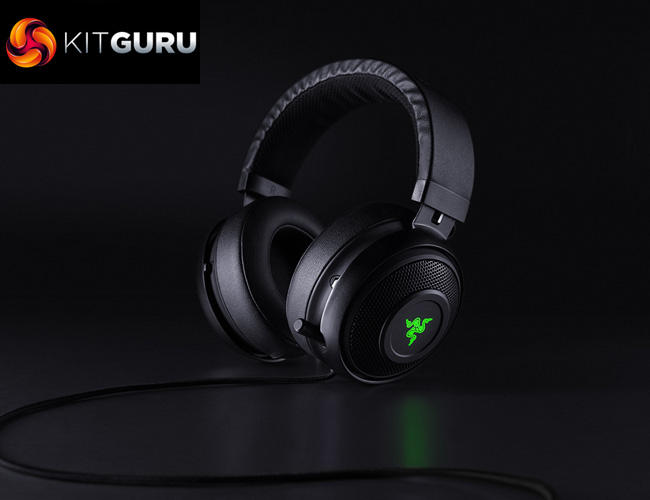
The headset itself also sounds great, even if it is slightly bass-heavy. You can tweak the EQ to your liking, though, so it is not an issue for me. The strong bass helps FPS games, too, and I know I had a great time gaming with the Kraken.
The Kraken is also supremely comfortable thanks to its padded headband and well-sized earcups, while the mic is exceptionally clear and crisp.
Its only issues are also relatively minor – Razer could just do with implementing some sort of in-line controller/on-ear volume control, while any cable movement is also amplified through the left earcup.
That being said, I do feel Razer are being a bit ambitious with the pricing. The Kraken 7.1 V2 costs £99.95 in the UK, making it £20-25 more expensive than the HyperX Cloud II and the Corsair Void headsets – two devices which can go toe-to-toe with the Kraken. Personally I believe the Kraken has the edge thanks to its superior aesthetics and surround-sound calibration tool, but users who prioritise sound-quality may wish to consider saving the extra cash by going for one of those other headsets.

You can buy the Kraken 7.1 V2 from Overclockers UK for £99.95 inc. VAT HERE.
Discuss on our Facebook page, over HERE.
Pros
- Looks great.
- Aluminium frame should help longevity.
- Very comfortable.
- Synapse remains excellent to use.
- Sound quality is strong.
- Mic is clear, crisp and can even be fully stowed away.
Cons
- Pricey when compared with the competition.
- Cable noise is an issue.
- Could do with an in-line controller of sorts.
KitGuru says: With just a few minor modifications, the Razer Kraken 7.1 V2 would be the perfect headset. It still comes well-recommended thanks to its strong sound quality, excellent comfort and attractive visuals, but there are cheaper options available.


“Cable noise is an issue.”
How did they manage to let that still be a problem in the second version….